Vue normale

Microsoft says Windows 11 KB5101684 makes your PC more reliable, especially on devices with low amounts of system memory: PCs with 8GB RAM or less should feel more responsive

Yesterday, Microsoft rolled out the latest Windows 11 updates for all users across version 24H2, 25H2, and 26H1. For users running version 24H2 and 25H2, this latest patch includes a number of nice to see quality of life improvements in the way of performance and reliability upgrades in a number of key areas.

According to the changelog, which includes improvements that began rolling out as part of last month's optional feature update, the KB5101684 update includes reliability upgrades for explorer.exe, which will make opening things like Jump Lists and recent files faster. Additionally, Microsoft says this update will also make sharing files and switching between desktops with Task View faster too.

The reliability improvements don't end there, either. This update also includes reliability upgrades for the Windows lock screen and sign-in screen, which will be most noticeable on PCs with low amounts of RAM available. There are also startup reliability upgrades for the Start menu and Taskbar, which should make those interfaces appear quicker when powering up.

Furthermore, Microsoft says that this update also makes the post-update process less resource intensive, meaning your PC will feel faster to use immediately after an update is installed. Previously, Windows Updates required a clean-up phase after install which could be quite resource intensive on certain PCs.

The good news is all of these performance and reliability upgrades apply regardless of the amount of RAM your system has. You should notice a more responsive system if you have 8GB or 128GB of RAM.

Here's a rundown of the reliability-focused improvements in the latest update:

  • This update improves explorer.exe reliability, including when opening Jump Lists and recent files, when sharing files and folders, and when using Task View and multiple desktops.
  • This update improves the reliability of the Windows sign-in and lock screens, especially when system memory is low. It also improves the reliability of the Start menu and taskbar during startup.
  • This update improves reliability of loading the system tray area of the taskbar when using the taskbar on touch devices in a tablet posture.
  • The update improves the reliability of Start menu view preferences, ensuring your selected view is retained.
  • This update includes changes to update clean-up logic to improve system performance immediately following an update.
  • This update improves app search to better handle typos and partial app names when finding installed apps.

These reliability and performance upgrades are in addition to the many other quality of life improvements shipping as part of the KB5101684 update, including improvements to File Explorer, Windows Hello, Windows Search, system sounds, and more.

Microsoft recently announced a renewed commitment to making Windows 11 better on PCs with 8GB RAM, and it appears we're already seeing the fruits of that labor. While there's plenty of more optimizations to come, it's good to see Microsoft already moving to address this weak point on Windows.

Microsoft has been delivering genuinely nice improvements to Windows 11 over the last few months, all of which have been addressing issues with the OS around performance and reliability. This latest update continues that crusade, meaning your PC will feel better to use as of the latest updates.

Click to join us on r/WindowsCentral

Join us on Reddit at r/WindowsCentral to share your insights and discuss our latest news, reviews, and more.

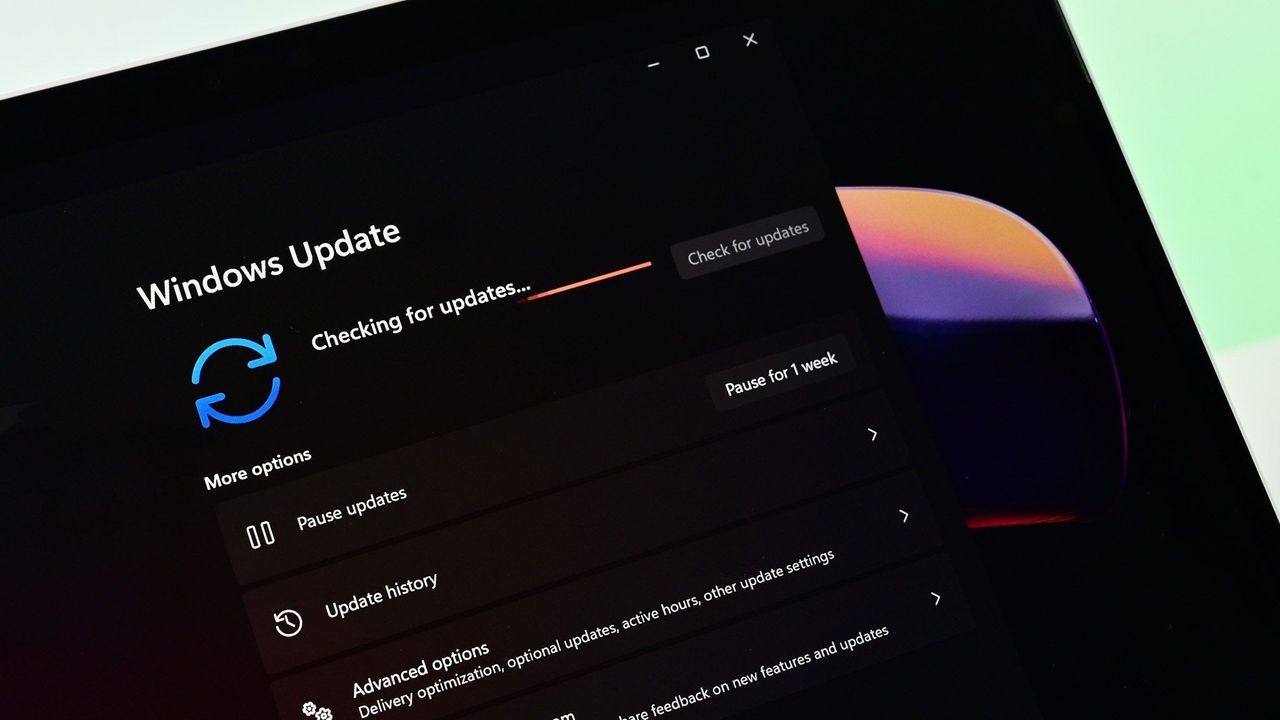
Windows 11 update in Settings app

Windows 11 update in Settings app
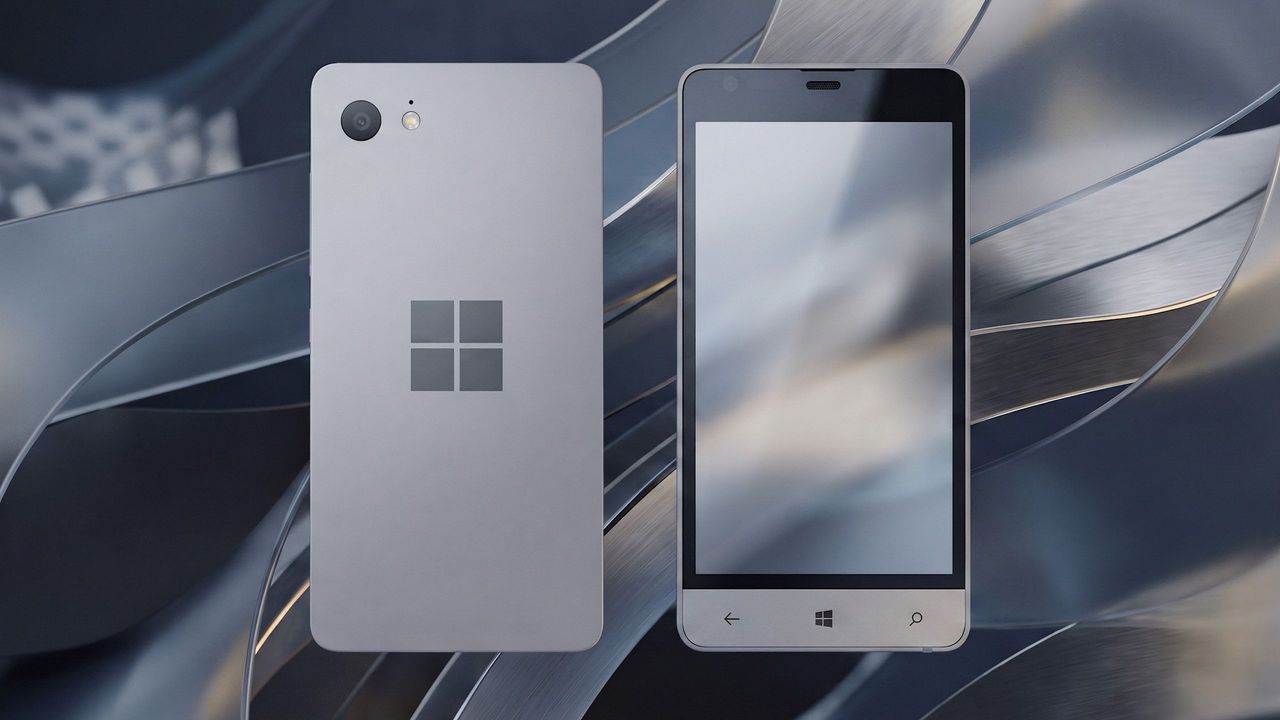
Is this Microsoft’s canceled Surface Phone from 2014? Mysterious Windows Phone prototype appears in new photos

Before Microsoft acquired Nokia, the company was heavily rumoured to be working on its own in-house Windows Phone device that was expected to ship in 2014 under the Surface moniker alongside its Surface Pro device. Unfortunately for Windows Phone fans, such a device never saw the light of day, but newly published images of a mysterious prototype might have just given us our first and only look at what Microsoft was exploring internally.

Possibly codenamed Raven, there isn't much information available about this prototype, other than the fact that it’s from the 2013-2014 time frame and is running an early pre-release build of Windows Phone 8.1. It’s powered by an unknown Qualcomm chip, has a 720p screen, features a Microsoft logo on the back, and a silver metal frame that matches the colour of the Surface 2 that released that same year.

We can see in the photos that it has dedicated hardware keys for navigation, which are also coated in the same silver color as the chassis. The build of Windows Phone that it’s running appears to be from September 2013, and is from an internal development branch building towards what eventually became Windows Phone 8.1.

Windows Phone Prototype

Real images of this mysterious Windows Phone prototype. (Image credit: Telegram/Discord)

While not viewable in the images, I understand the device features individual up and down volume buttons and a camera button on the right-hand side of the device, and a power button on the top of the device. It also features a micro-USB port and headphone jack on the bottom side, and a SIM card slot on the left side.

This is likely one of dozens of prototype designs that Microsoft’s hardware teams cooked up during this era, but it’s certainly a fascinating look at what could have been, and it does look so clean. Development on this device was likely paused once Microsoft moved to acquire Nokia in 2014.

Back in 2013, I remember hearing from sources that Microsoft was experimenting with the concept of a "Skype Phone," a Windows Phone device with mobile data that utilized Skype for calls and messaging instead of traditional carrier networks. Perhaps this device was going to be that? Who knows.

The Surface Phone we eventually got arrived as the Surface Duo, which started development in 2016 and launched to the public in 2020. In that time, Microsoft shipped Nokia designs in the form of the Lumia 640, 650, 950, and 550 running Windows Phone, before abandoning the platform in 2017.

Click to join us on r/WindowsCentral

Join us on Reddit at r/WindowsCentral to share your insights and discuss our latest news, reviews, and more.

Surface Phone Render

Render based on real images of the prototype (seen below.)

Amid RAM price hikes, Microsoft reportedly raises Windows license cost, forcing OEMs to hike prices even further on hardware

According to a new report from Taiwanese publication United Daily News (UDC,) Microsoft is raising the cost of Windows license fees for hardware makers by a much higher amount than normal. According to the report, certain OEMs are seeing licensing price hikes of between 7% and 10%.

Usually, Microsoft raises Windows license fees for OEMs by a low digit percentage, making this 7% to 10% increase much more significant than normal. "A PC brand executive stated that Microsoft increases licensing fees for Windows OEMs (device manufacturers) every year. In the past, licensing fees mostly increased by single digits each year, but starting in July this year, the average increase has reached 7% to 10%, which is a significant increase compared to previous years," UDC says.

Of course, the cost of the Windows license fee is usually (at least partially) passed onto the consumer buying a computer, and UDC claims that their source says laptop pricing is already being impacted by these recent license fee increases. Microsoft charges different OEMs their own fees for Windows, so the exact increase in cost will differ for each hardware maker.

Regardless, with the ongoing memory component shortage, PCs have already seen astronomical price increases over the last year, with experts claiming that we haven't yet seen the worst of it. With Microsoft raising prices higher than usual on Windows licenses, it feels like the Redmond giant is adding extra fuel to the fire.

Windows Central reached out to Microsoft for comment regarding this story, but the company declined to provide one.

To be clear, the Windows license fee price hikes only apply to OEMs building hardware that ships with Windows. The cost of buying a license for Windows 11 as a consumer remains unchanged, being $99 for Windows 11 Home and $199 for Windows 11 Pro.

The ongoing component crisis has made computing unaffordable for many people. PCs that used to target the $600-$800 price bracket now cost close to $1,000. And flagship Windows laptops that used to cost $1,200-1,500 are now closer to $2,000. Even Apple has been hit by the shortage, being forced to raise prices by hundreds of dollars across its Mac lineup. Microsoft's own Surface line was hit especially hard, with the flagship Surface Pro and Surface Laptop being $400-$500 more expensive than the last-gen models.

(Sources: 1, 2)

Click to join us on r/WindowsCentral

Join us on Reddit at r/WindowsCentral to share your insights and discuss our latest news, reviews, and more.

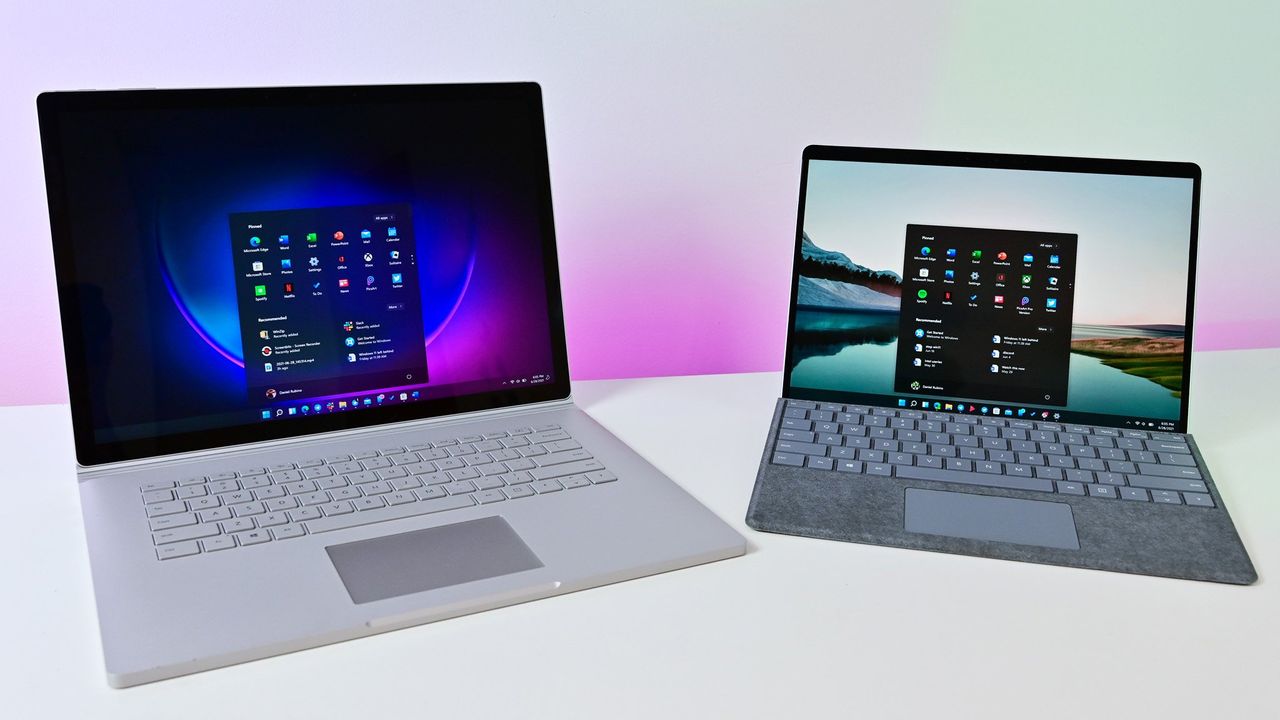
Windows 11 Hero Surfaces on a white table

Windows 11 Hero Surfaces on a white table

“‘We’re fixing that," Microsoft admits error that caused new OneDrive Photos app to appear on millions of Windows 11 PCs

Last week, users began noticing a new app appearing in their Start menu on Windows 11, titled "OneDrive Photos" which was being forcibly installed by the OS. Naturally, this caused outrage among users who aren't interested in using OneDrive for photo storage, resulting in pushback online.

Now, Microsoft's EVP of Apps and Agents, Jeff Teper, has taken to X to explain what happened. He confirms that the OneDrive Photos app is an incubation project, which wasn't supposed to rollout as widely as it did. "We are incubating a new photos experience in OneDrive that went more broadly than it should have in Windows. We’re fixing that. Windows Photos will always give you the option of local and cloud photos and the choice to use OneDrive or not."

It looks like a switch was flipped on Microsoft's end which made the already pre-installed OneDrive app begin showing the OneDrive Photos experience, which is usually hidden from the user currently. Microsoft has been building this new OneDrive Photos experience for a number of months, as it first leaked back in 2025.

It's unclear why Microsoft thinks it needs to build a dedicated OneDrive Photos app, especially when Windows comes preinstalled with an already competent photo viewer that does a good job of handling photos stored in OneDrive. The new OneDrive Photos app is a web app, which is heavy on RAM usage and not very responsive.

Although Microsoft has confirmed that the rollout of OneDrive Photos was an error, the company does say that it's still looking forward to delivering this new experience soon. "We're very excited for you to try out OneDrive's photos features on desktop, web, and mobile and hear your feedback."

It's unclear if Microsoft intends to re-hide the OneDrive Photos app from appear on PCs where it shouldn't. On my PC, I can still see the new Photos (Preview) appearing in Windows Search, which opens the OneDrive Photos experience. This isn't the first time Microsoft has been caught automatically installing new apps on Windows 11. The OS has frequently been accused of automatically installing apps like Microsoft 365 Copilot, much to the dismay of users who don't want it.

The good news is it appears Microsoft is listening to the feedback, and publicly acknowledging that it made an error with the rollout of the OneDrive Photos app is confirmation that it saw the backlash and understands that a lot of users don't want this new experience. Hopefully that means the company won't forcibly install it next time.

Click to join us on r/WindowsCentral

Join us on Reddit at r/WindowsCentral to share your insights and discuss our latest news, reviews, and more.

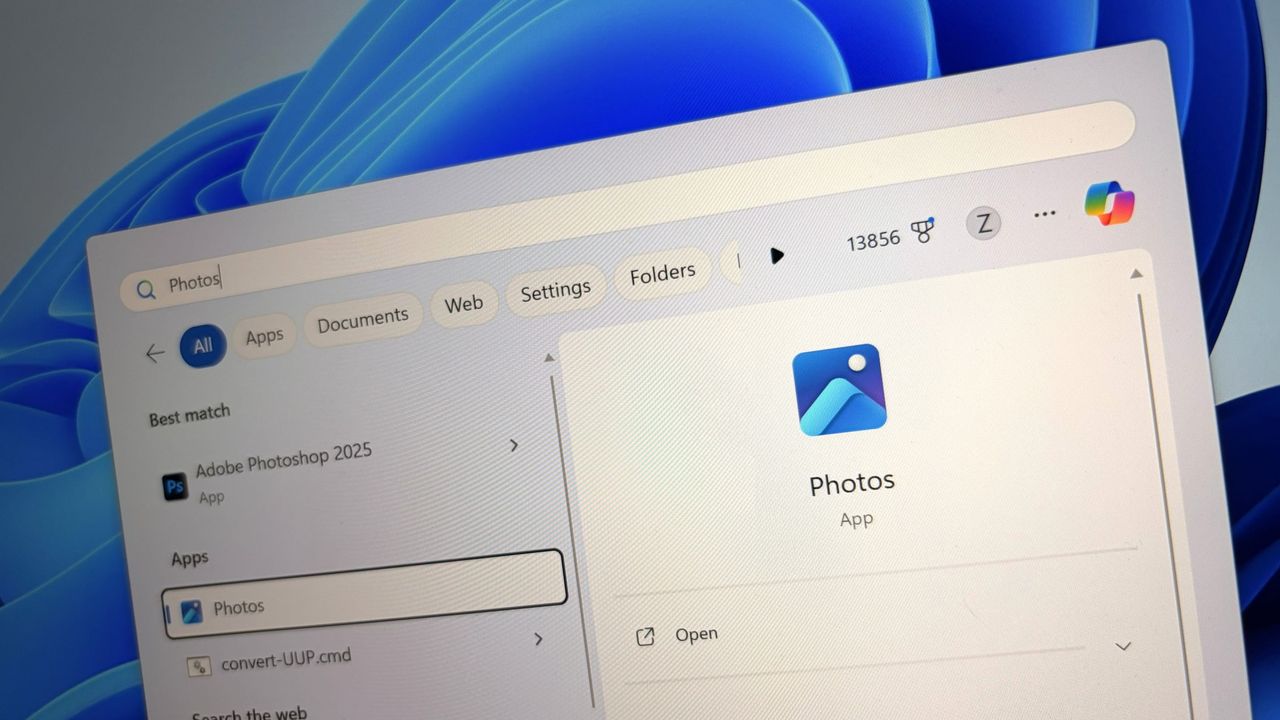
Windows 11 Photos logo

Windows 11 Photos logo

Microsoft confirms that it won't be bringing a transparency slider to Windows 11 anytime soon: Says developers have the freedom to build their own tools to allow this

In a new tweet, Partner Director of Design at Microsoft, March Rogers, has confirmed that there are no plans to introduce a customizable UI transparency slider on Windows 11, after users asked for a feature similar to the Liquid Glass slider that was recently added to the next version of iOS.

For a long time, Windows has featured transparency and blur effects. However, Windows has never natively supported adjusting how strong those effects are. Users have the option to turn transparency on and off, but there's no fine-tuning options for those effects to be found in the OS.

Third-party apps such as Windhawk do allow for customizing these effects, but this customization is not natively supported by the OS on its own. As such, it's natural to find that there are users out there who wish they could adjust these settings without being forced to download a third-party app first.

Rogers confirms that there are no plans to introduce a transparency slider on Windows 11 at current. "We think hard about who will benefit from the investment, usability and accessibility considerations. We also look at our community of developers (like the amazing Windhawk project) who may already be providing what users need. We won't be making immediate changes to the transparency options already in Windows, but we love getting your feedback."

It sounds like Microsoft has looked at this option, and has found that it's not a priority at the moment, which is understandable. Windows 11 has much bigger issues that needs fixing right now, and the company is focused entirely on delivering those improvements first.

The beauty of Windows is that it's an open-platform, meaning third-party developers can easily builds tools and apps that modify the Windows experience. Windhawk is a powerful suite of customization enhancements for Windows that lets users customize everything from the Start menu design to blur effects across the OS.

It's very refreshing to see Microsoft be so open about the design process for Windows 11 these days. I'm frequently checking the X accounts of many Microsoft employees these days, as they are always responding to Windows Insiders with explanations about new features and feedback from users.

While a transparency slider isn't on the cards for Windows 11 right now, Microsoft is working on a number of new customization options for the OS. There's a new customizable Start menu coming very soon, along with a redesigned context menu that will also be user customizable.

(Sources: 1, 2, 3, 4)

Click to join us on r/WindowsCentral

Join us on Reddit at r/WindowsCentral to share your insights and discuss our latest news, reviews, and more.

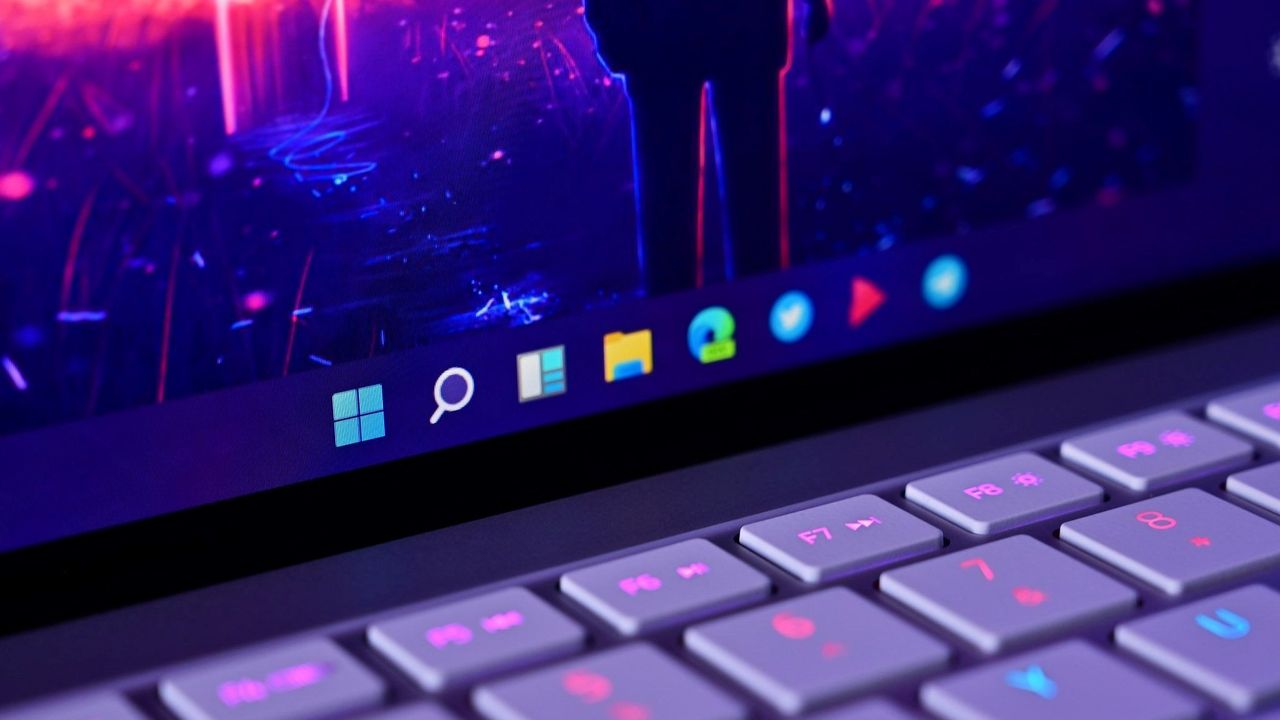
Windows 11 Taskbar closeup

Windows 11 Taskbar closeup

❌