
❌

Vue normale

Microsoft addresses Excel’s copy/paste regression but the fix barely reaches most users

Earlier this week, Microsoft confirmed a bug in Excel that breaks copy and paste. The issue was caused by the Patch Tuesday September update. That update included almost 1,000 security fixes, but it also brought some pesky bugs to the operating system.

Microsoft had to issue an out-of-band update to address broken Hyper-V Linux folder shares, Remote Desktop freezes, and USB audio failures. The company has also had to ship an update to address the copy and paste bug in Excel.

Unfortunately, the update is rather limited at this time. The fix is only for Excel 2016 and it has some known issues. Microsoft notes that if a workbook contains conditional formatting paste operations may continue to fail. The workaround to this is to use the "Paste Special" feature. Microsoft outlines the steps in a support document:

  • On the Home tab, select the Paste dropdown list, and then select Paste Special.
  • In the Paste Special window, select one of the following options:
    • Formulas
    • Formulas & Number Formatting
    • Values
    • Values & Number Formatting
    • Link

Microsoft is still looking into the issue and will hopefully have broader fixes soon.

Windows 11 is in the middle of a refresh that will reduce pain points in the operating system. One of the many ways Microsoft will improve Windows 11 is by smoothing the update process. People are supposed to get fewer updates each month and have updates with fewer bugs.

At least in September, that has not been the case and there is clearly still a lot of work to do. I've had to install three updates on my PC in just over one week. In my case, the second and third updates were only needed to fix problems caused by the first update.

Blank Pixel

While issues like the Excel copy and paste bug are frustrating, they usually affect a small subset of users. I happened to be in that group this month, but I don't believe this was a widespread problem.

Hopefully we will reach a point at which a monthly Patch Tuesday update plugs security holes and improves the OS without introducing any bugs that break workflows.

Click to join us on r/WindowsCentral

Join us on Reddit at r/WindowsCentral to share your insights and discuss our latest news, reviews, and more.
Microsoft Teams will soon support two users sharing screens simultaneously

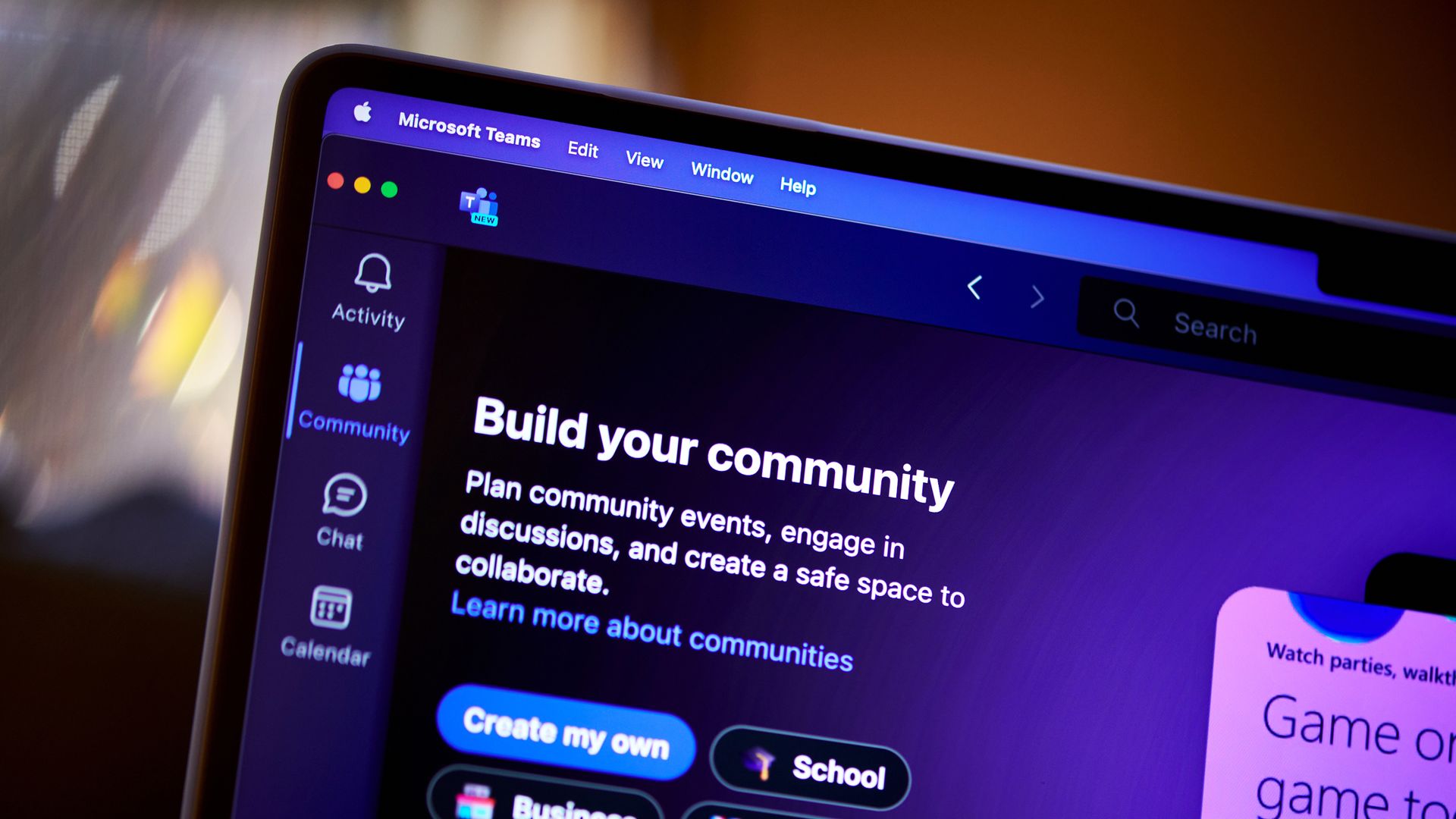
Microsoft Teams currently limits sharing a screen to a single presenter. This can result in some awkward handoffs between presenters or restrict how much content can be shared at once. But those challenges should be a thing of the past because soon, Microsoft Teams will allow two users to share screens at once within a meeting.

A recent post by Reddit user KarthiV discusses the upcoming change to Teams:

"Microsoft is working on a solution: two presenters will be able to share their screens or windows simultaneously in a Teams meeting. Participants will be able to view both shared screens at the same time, making it easier to compare and discuss content without constantly handing the screen back and forth."

The feature is expected to ship in November 2026. When it does roll out, it will be available for Teams desktop and Teams on the web.

The Reddit post focuses largely on handing off between presenters, but I think the ability to leave two shared screens up at once is more interesting. You can already take over sharing in a Teams meeting, which forces one shared screen to go away and be replaced by a new one.

Having two shared screens appear makes it easier to compare content, guide people through tasks, or present side-by-side.

Some questions remain about the new feature, such as how the two shared screens will appear within a meeting. Microsoft will have to optimize that experience for different form factors, since viewing two shared screens at once would be much easier on a large monitor than a smaller laptop screen.

The post only mentions the desktop and web versions of Teams, so it's unclear how the new feature would appear for mobile users.

It's nice to see the addition to Teams because it helps the platform catch up to one of its biggest competitors. Zoom has long allowed multiple users to share screens simultaneously within a meeting.

Blank Pixel

Click to join us on r/WindowsCentral

Join us on Reddit at r/WindowsCentral to share your insights and discuss our latest news, reviews, and more.
Microsoft Edge's latest update is freezing web apps

If web apps are freezing on your PC, you're not alone. A recently discovered issue in Microsoft Edge can cause a window to freeze and stop responding to mouse or keyboard input.

The bug rolled out in Microsoft Edge version 153, which recently shipped to general users. Microsoft confirmed the issue and recommended rolling back to Microsoft Edge version 152 as a workaround.

As much as I love a good native app, I use quite a few web apps to get work done. For several popular services, web apps are either the only option on Windows or the official apps for those services are just wrapped web apps.

Unless a wrapped web app provides additional functionality, I prefer to just use the corresponding web app within my browser of choice. For example, I can organize Slack and Airtable in browser tabs by using their web apps rather than download dedicated apps through the Microsoft Store.

An added bonus of a browser-based setup is that I can toggle between browser instances by pressing Alt+` since I use Window Hopper in PowerToys.

If your web apps are freezing, you could also bypass the issue by using a different browser. Microsoft wouldn't recommend that, of course, but Chrome, Firefox, Brave, and other popular browsers all support web apps.

If you choose to revert Edge to its previous version, you'll have to jump through a few hoops. Unfortunately, you can't just click a toggle to go back. Even downloading a file containing a previous version still takes some extra work to install. Microsoft outlines the process on its website:

  1. Disable Microsoft Edge Updates.
    1. Open the local Group Policy Editor and go to Computer Configuration>Administrative Templates>Microsoft Edge Update>Applications>Microsoft Edge>.
    2. Select Update policy override and then select Enabled.
    3. Under Options, pick Update disabled from the Policy dropdown list.
  2. Get the MSI.
    1. Download the MSI for the version you want to roll back to from here.
    2. Save the MSI to your desktop.
  3. Run the rollback command.
    1. Open the Windows command prompt with Run as administrator.
    2. Type the following command, where: C:\Users\username\Desktop\test is the path to the MSI you downloaded, and FileName is the name of the .msi file:
       C:\Users\username\Desktop\test>msiexec /I FileName.msi /qn ALLOWDOWNGRADE=1
    3. Close and reopen Microsoft Edge to verify that the rollback worked. Under Settings and more (ALT + F), go to Settings and select About Microsoft Edge.

Blank Pixel

Click to join us on r/WindowsCentral

Join us on Reddit at r/WindowsCentral to share your insights and discuss our latest news, reviews, and more.
Microsoft announces another event in October, and it's not about Surface or Windows 11

Microsoft recently announced a Windows 11 and Surface event for October, but that’s not the only time the tech giant will take the stage next month. Microsoft will host its annual OneDrive + Copilot digital event on October 20, 2026.

The event is free to attend digitally and will be followed by a live Q&A. It will start at 9 AM PT / 12 PM ET. You can register to attend the event on Microsoft's website.

Microsoft highlighted several of the key speakers in its post announcing the event:

  • Jeff Teper, Executive Vice President of Microsoft Apps and Agents
  • Adam Harmetz, Corporate Vice President of Product, OneDrive and SharePoint
  • Arwa Tyebkhan, Head of Product, OneDrive

Blank Pixel

Microsoft also promised that "product leaders, engineers, and experts from across the OneDrive team" will share during the event.

The group of experts will show product demos and discuss real-world use cases for OneDrive and Microsoft 365.

OneDrive is at the center of many AI workflows, linking documents and images to tools like Copilot. Microsoft's teaser for the event focuses on "turning files into outcomes."

This event may appear in fewer headlines than the Windows 11 and Surface event, but I suspect a higher percentage of attendees will enjoy the event than those who watch the Windows 11 and Surface event.

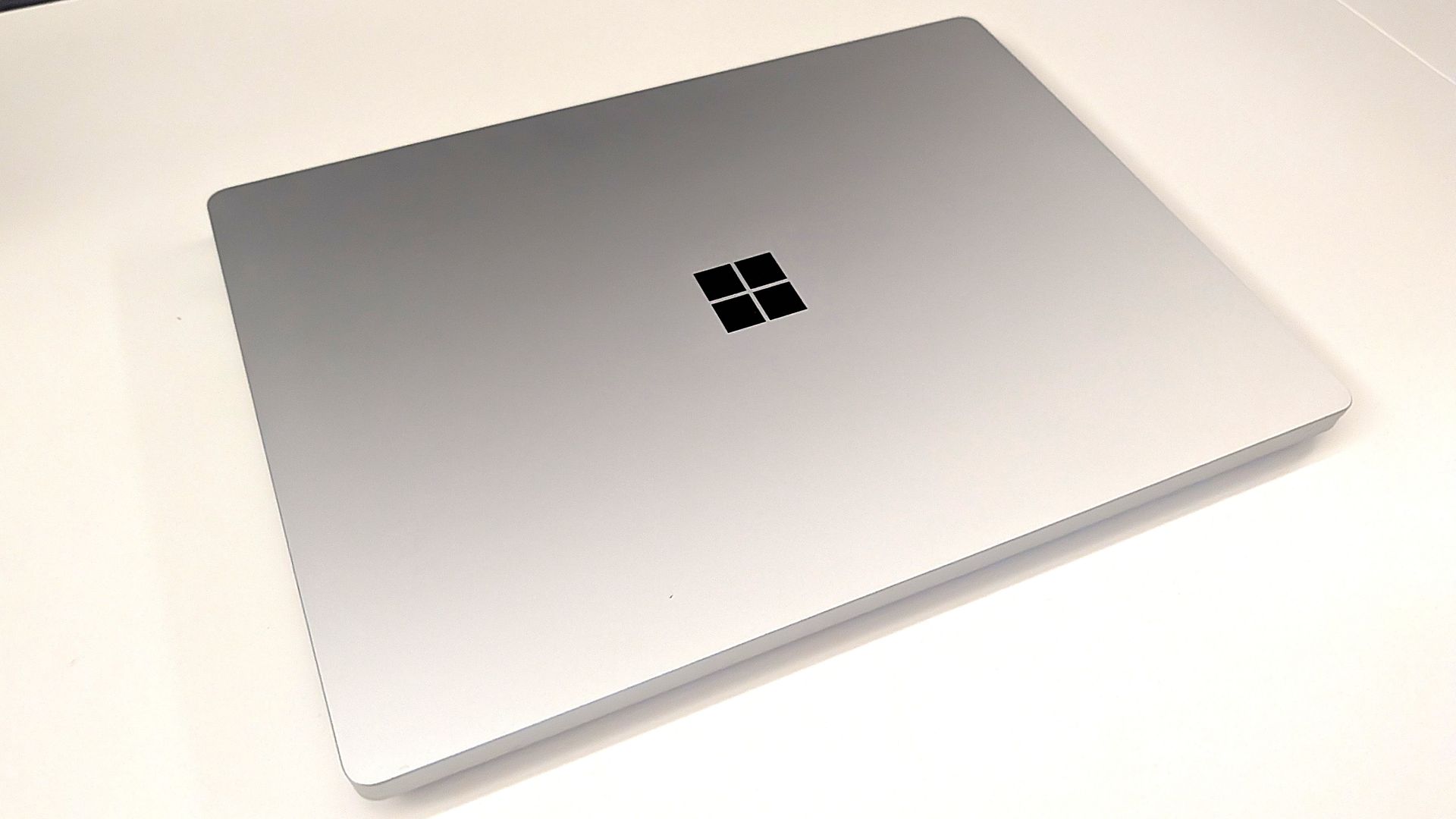
Microsoft set a high bar for its Surface events for years, often introducing revolutionary hardware or major updates to fan-favorite devices. This year's Windows 11 and Surface event will likely focus more on using AI locally on devices like the Surface Laptop Ultra. We've already seen that device and even gone hands-on with it, so there isn't much mystery surrounding it.

Microsoft could always surprise us, of course, but the last few Surface or Windows 11 events have been rather tame. I don't expect the OneDrive and Copilot event to break any major news, but people will likely go into it with grounded expectations.

Click to join us on r/WindowsCentral

Join us on Reddit at r/WindowsCentral to share your insights and discuss our latest news, reviews, and more.
ASUS launches the Ascent QN10, an 80‑TOPS AI mini PC powered by Snapdragon X2 Elite

ASUS just started shipping the Ascent QN10, the first mini PC built around Qualcomm’s Snapdragon X2 Elite platform and its 80 TOPS NPU.

The 80 TOPS NPU is designed for local AI tasks such as language models, image processing, and automation workflows.

Up to this point, mini PCs running Windows on Arm have been largely dev kits, such as the Windows Dev Kit 2023. Those types of devices allowed developers to optimize apps for Arm, but they were not aimed at general customers. There have been some consumer mini PCs with Arm processors, but the Ascent QN10 is the first with the Snapdragon X2 Elite.

The ASUS Ascent QN10 is a very different device. It’s a consumer‑ready PC with an anodized aluminum chassis rather than the plastic developer boxes we’ve seen in the past. Our friends at Tom’s Guide said the Ascent QN10 “could be the Mac mini M4 alternative for Windows users.”

The Ascent QN10 has a 0.7-liter body, making it smaller than many of the best mini PCs. Despite the small body, it packs plenty of ports.

ASUS Ascent QN10 Specs

Processor

Qualcomm Snapdragon X2 Elite (18-Core Oryon CPU)

Graphics

Qualcomm Adreno X2-90

NPU

Qualcomm Hexagon (Up to 80 TOPS)

Memory

Up to 32GB LPDDR5x

Storage

512GB, 1TB or 2TB

Ports

2 x USB4, 2 x USB-A, 1 x 3.5mm audio jack (front), 1 x USB4, 1 x HDMI 2.1, 2 x USB-A, 1 x 2.5 Gigabit Ethernet (rear)

Connectivity

Wi-Fi 7, Bluetooth 6.0

Dimensions

5.1 x 5.1 x 1.5 inches

Weight

1.6 pounds

The specs of the Ascent QN10 received a small bump since our colleagues at Tom's Guide went hands-on with the mini PC. The Ascent QN10 features Bluetooth 6.0 rather than the older Bluetooth 5.4.

The Ascent QN10 has a clever cooling solution that keeps the heat from its CPU and SSD separate. Fresh air is brought in on one side of the device but then split and sent out separately on the other side of the device.

Overall, the Ascent QN10 looks like a strong first showing for Snapdragon X2 Elite in a mini PC. The big question is if there's a demand for an AI-focused mini PC running Windows on Arm.

The Ascent QN10 can access Qualcomm’s AI Hub, which provides over 175 pre‑optimized models and tools for testing and deploying AI workloads.

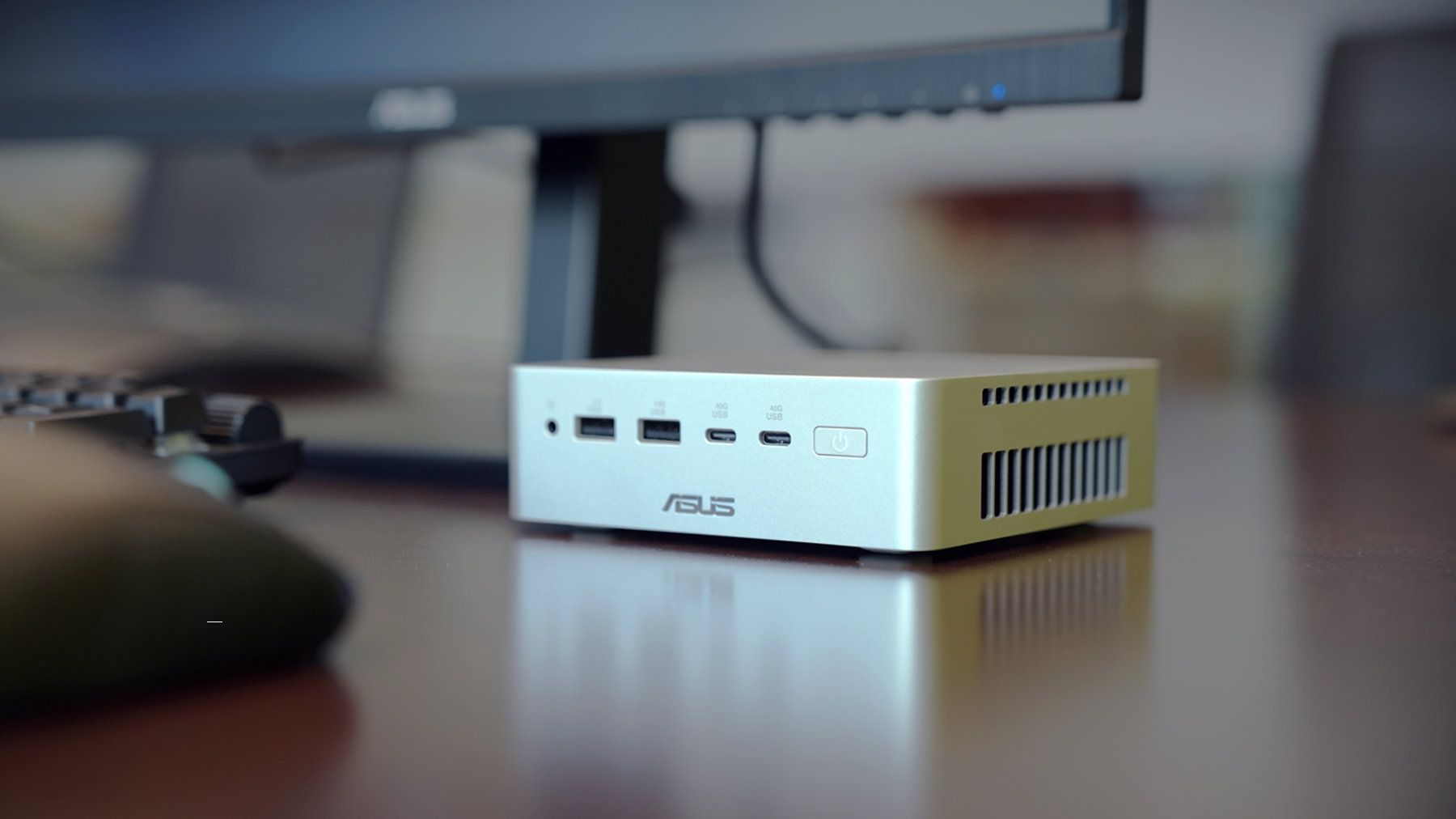
Closeup of an ASUS Ascent QN10 mini PC showing two USB ports, two USB-C ports, a power button, and a headphone jack.

ASUS
Ascent QN10 Mini PC

This mini PC runs on a Snapdragon X2 Elite and has an NPU with 80 TOPS of performance. Those specs allow it to handle AI workloads effeciently despite the compact body of the mini PC.

"Data centres have become integral to our lives" — Microsoft plans to push ahead with data center despite protests

Microsoft appears keen to go ahead with plans to build a data center in Slough, England. Plans could be submitted as soon as this autumn, according to The Slough Express.

Recently, a consultation was held to receive feedback from local residents about the data center. In that process, Microsoft said: "Data centres have become integral to our lives, with social media, contactless payments and remote working all reliant on the functionality they provide."

The tech giant added, "The UK needs more new data centres to power the economy of the future."

The consultation covered several topics related to the proposed data center, including on-site parking and if the building of the data center would affect local traffic.

Councillor Chandra Muvvala discussed the impacts of data centeres with the Local Democracy Reporting Service (LDRS). "Not having a data centre is not a problem, but having a data centre is certainly a problem," said Muvvala.

The councillor also noted things Microsoft could do to help the community, such as planting trees or improving local parks.

A petition to pause the data center project has over 600 signatures at the moment. Petitioners want an independent assessment to be completed to determine the impacts of the project.

Blank Pixel

Controversial data centers

The proposed data center in Slough is not alone in drawing criticism. Microsoft has also faced pushback about its planned data center in Leeds, England.

That project has been controversial since its inception. Over 43,000 people signed a petition to prevent the construction of the data center. Hundreds of protesters appeared at the site earlier this week, according to The Yorkshire Evening Post.

The complaints about the project in Leeds are similar to those from people in Slough. Residents in both areas have expressed concerns about the environmental impact of the data centers and raised flags about potentially high noise levels and other ways the data centers could harm their respective surrounding areas.

Microsoft has already received the go-ahead to build the data center from the Leeds City Council, which voted unanimously to approve the project. But the final decision on the project will come from Chief Planning Officer Martin Elliot.

Click to join us on r/WindowsCentral

Join us on Reddit at r/WindowsCentral to share your insights and discuss our latest news, reviews, and more.
Microsoft Surface event announced for October 7 — here's everything we know so far

Microsoft just announced a Windows and Surface event for October 7, 2026. The event will be held in San Francisco and will focus on "how local AI will shape the next chapter of the PC." It will start at 10 AM PT / 1 PM ET.

Microsoft CEO Satya Nadella will be at the event, as will Surface chief Pavan Davuluri. NVIDIA CEO Jensen Huang will also be there, so we can expect to see RTX Spark discussed on stage.

RTX Spark is NVIDIA's new superchip. It powers the Surface Laptop Ultra and Surface RTX Spark Dev Box. Microsoft already announced those devices but has not shared key details yet, including pricing and availability. The event in October could be a chance to share more about the devices and the RTX Spark in general.

Blank Pixel

Microsoft is also expected to highlight improvements to Windows 11. The tech giant is deep into its Windows K2 initiative that aims to reduce pain points in the operating system and smooth the overall experience. We've seen some early wins from that initiative, such as the option to resize and move the Taskbar on Windows 11.

But Microsoft still has a long way to go before Windows 11 is redeemed in the eyes of many. Windows updates often ship with bugs and the operating system still has mismatching UI elements. Fixing Windows 11 is a large project that will take time, and Microsoft would be wise to show what it's already done to improve the OS and point to what's on the way.

While Microsoft could always surprise us with more hardware announcements, its quote about "how local AI will shape the next chapter of the PC" aligns well with devices we already know are on the way. The Surface Laptop Ultra and Surface RTX Spark Dev Box are designed to run AI locally.

Based solely on that quote, we could see Microsoft discuss Project Zenith at the event. That's the codename of a new class of devices aimed at developers that want to build apps and local AI experiences.

Click to join us on r/WindowsCentral

Join us on Reddit at r/WindowsCentral to share your insights and discuss our latest news, reviews, and more.
Windows 11 update breaks copy and paste in Microsoft Excel

Microsoft is having a bit of a rough September when it comes to bugs. Another issue has been discovered in Windows 11. This time, it's Excel's copy and paste feature that's been broken by an OS update.

That bug was discovered shortly after Microsoft confirmed issues with Hyper-V Linux folder shares, Remote Desktop, and USB audio. Those have since been fixed through an out-of-band update, but the Excel bug has not been fixed yet.

Here's what's wrong, according to Microsoft:

"In Microsoft Excel 2024, 2021, 2019, and 2016, the paste operation might fail silently. Although users try to paste content, the source remains selected and the destination is unmodified. When this issue occurs, users receive no indication of the failure, such as a beep or error message. Microsoft is researching the issue and will post more information in this article when the information becomes available."

The September Patch Tuesday update has almost 1,000 security fixes, so it is important to install it on PCs. But it may be worth holding off a bit if your workflow would be hindered by lingering bugs.

Blank Pixel

I don't want to come across as a doomsayer. The sky is not falling because copy and paste in Excel is broken. But it's frustrating to see bugs creep into Windows 11 updates.

Microsoft is aware of negative feelings many users have toward Windows 11. The company has a Windows K2 initiative that aims to reduce pain points and improve the overall Windows 11 experience. Part of that initiative centers around improving Windows updates.

On paper, Microsoft is trying to reduce how many updates people need to install each month. But I've had to install several Windows 11 updates just in September, including the out-of-band update that fixed the audio issue.

Click to join us on r/WindowsCentral

Join us on Reddit at r/WindowsCentral to share your insights and discuss our latest news, reviews, and more.
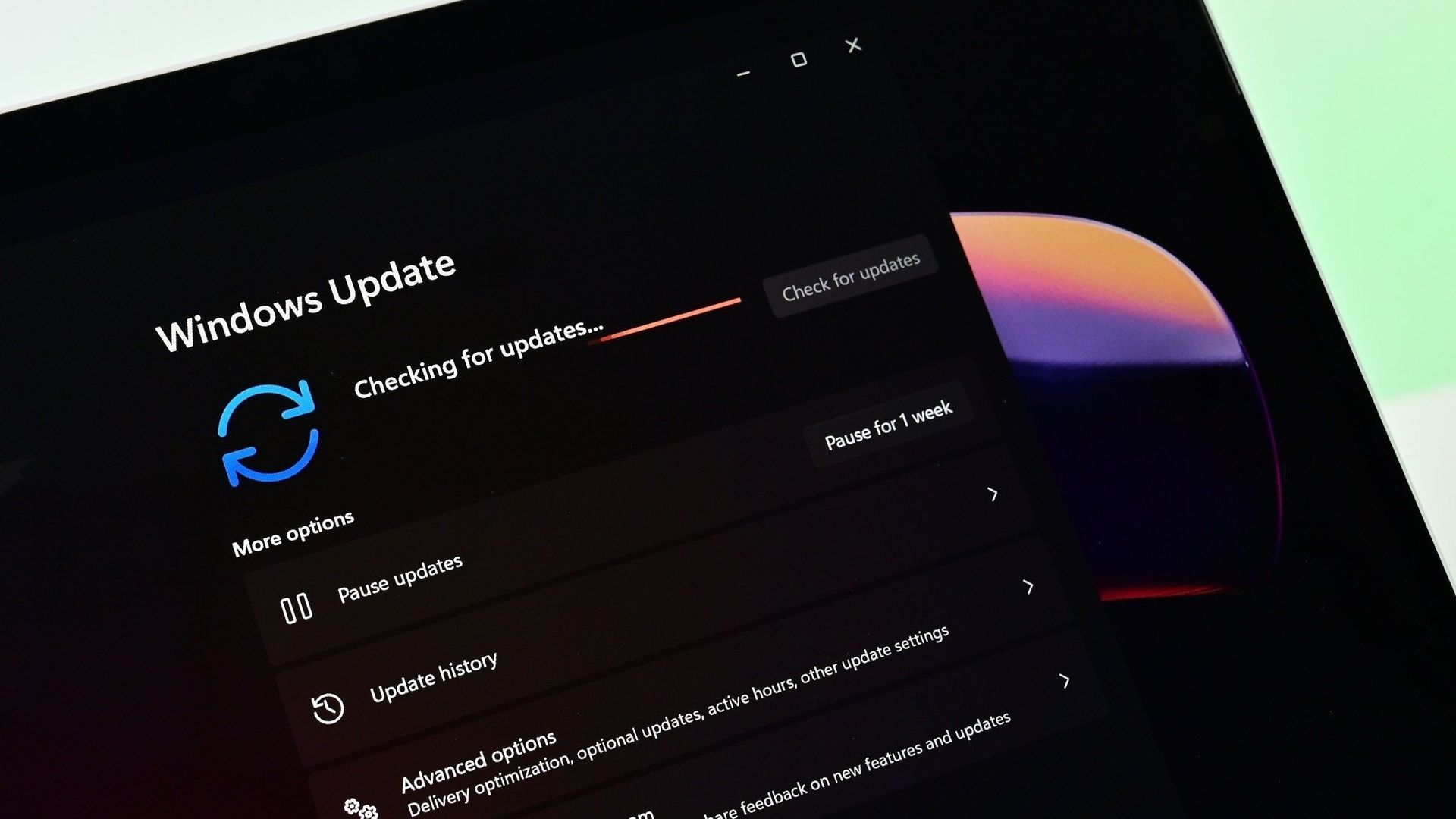
Windows 11 just received another emergency update — is this the new normal?

Windows 11 just received an out-of-band update that addresses several issues with the operating system. The September Patch Tuesday update includes almost 1,000 security fixes and other improvements, but it also had bugs that broke folder shares in Hyper-V-based Linux virtual machines, Remote Desktop Services, and certain audio devices.

Microsoft released the out-of-band update shortly after the issues were confirmed. It should download automatically in the background if you're running Windows 11 versions 26H1, 25H2, or 24H2. You can also grab the update through the Microsoft Update Catalog.

For the sake of clarity, Microsoft refers to these types of updates as out-of-band updates, but many people refer to them as emergency updates because installing them is urgent enough to ship the fixes immediately.

Here's a quick summary of the fixes, as outlined by Microsoft:

"Microsoft has identified issues that affect some devices after installing the September 2026 Windows security update, released September 8, 2026. On affected devices, host folder shares might be unavailable in Hyper-V-based Linux virtual machines, Remote Desktop Services might stop responding, which can prevent new sessions from being created and can prevent local and remote sign-in, and some USB Audio Class 1.0 devices might fail in multichannel audio modes."

Blank Pixel

Out-of-band updates have been released more in 2026 than in previous years. Some bugs in Windows 11 have required multiple patches.

When we publish a piece on Windows Central about a Windows 11 update, it's normal to see comments asking what the update will break. When there are inevitably issues with Windows 11, people ask "what do you expect" or something along those lines.

Obviously, if Microsoft finds issues, it needs to patch them. Emergency updates should be used when needed. My question is: why are they needed more frequently this year?

The situation is so bad that people celebrated the option to pause Windows 11 updates forever.

Microsoft is in the middle of an initiative to improve Windows 11 and reduce pain points in the operating system. But no one will care if they can move the Taskbar to the top of the screen or customize the Start menu if their speakers don't work.

Click to join us on r/WindowsCentral

Join us on Reddit at r/WindowsCentral to share your insights and discuss our latest news, reviews, and more.
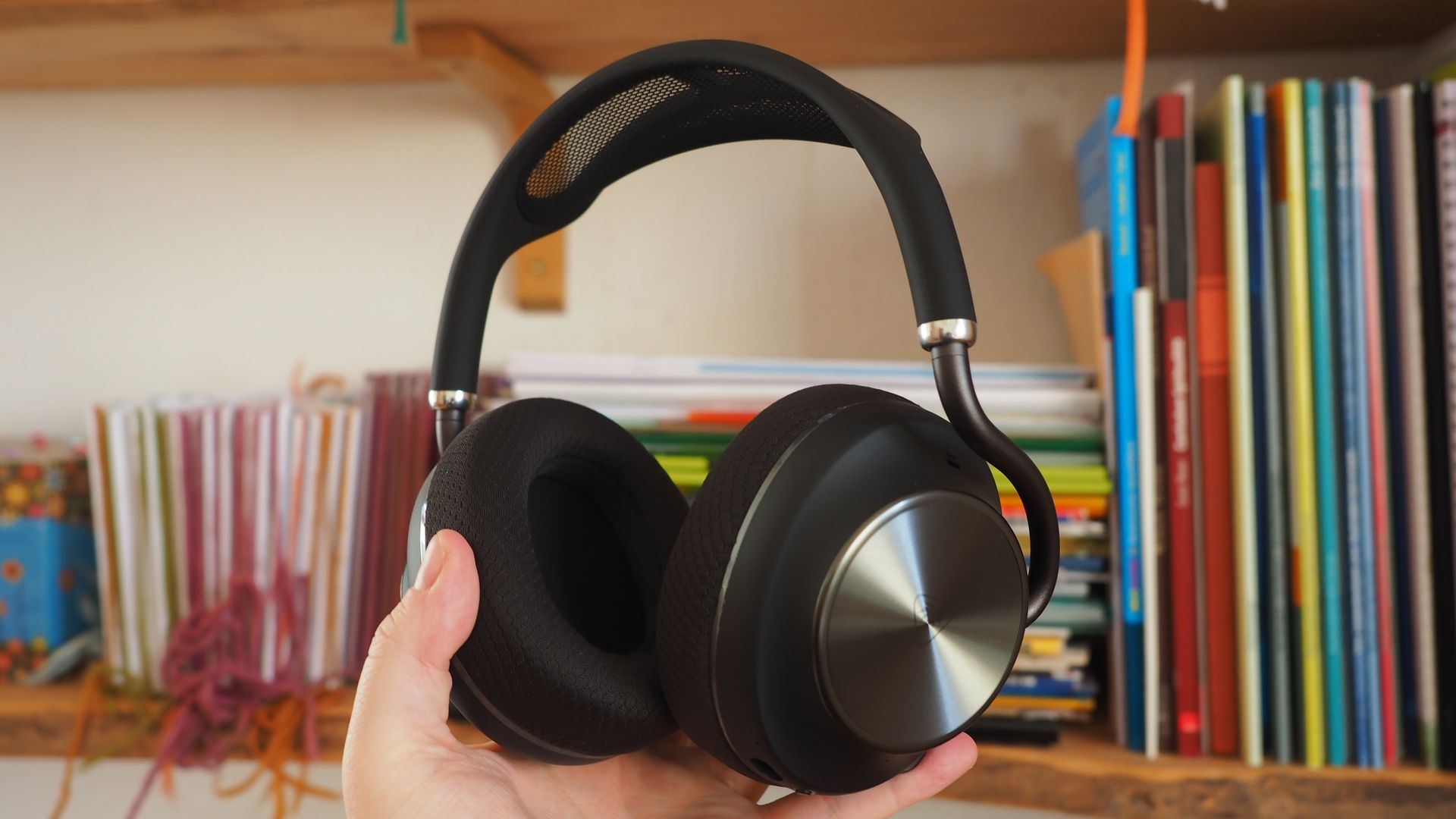
Windows 11's latest update broke my speakers, and I'm not alone

The latest Windows 11 update gives you plenty of reasons to upgrade, including hundreds of security fixes. But it also includes some bugs that range from frustrating to workflow-breaking.

Microsoft recently confirmed that a bug in Windows security update KB5124008 can cause some audio devices to fail. Affected systems will see one or more of the following issues:

  • The device displays an error in Device Manager: "This device cannot start (Code 10).” 
  • No audio output.
  • Volume controls are unresponsive or remain at zero. 
  • Sound settings are unresponsive or unavailable. 
  • Some devices might function in standard stereo configurations but fail when using multichannel audio features, including 8-channel or 3D audio modes. Some customers have reported that they're able to restore audio in these cases by switching to 2-channel mode. 

I believe my PC was affected by this bug. After installing the most recent Patch Tuesday updates, my external USB speakers stopped working, and Windows automatically defaulted my audio output back to my docked laptop's built-in speakers.

The problems only affect USB Audio Class 1.0 devices. Just about any operating system or platform that supports USB audio works with USB Audio Class 1.0. That class was the first standard for audio devices and shipped in 1998. There are USB microphones, headsets, speakers, and many other devices that fall into the category.

Because some modern platforms (most notably gaming consoles like the PS5 and Nintendo Switch) do not support newer standards, headsets and other peripherals are often made to be USB Audio Class 1.0 devices so they work everywhere.

The bug affects Windows 11 versions 26H1, 25H2, and 24H2. Microsoft has confirmed the issue but has not released a fix at this time.

You may be able to workaround the bug by switching to 2-channel mode, but that is not a permanent fix. You can also uninstall the KB5124008 update, though it may be better to just wait for an official fix or to find a workaround.

Blank Pixel

Click to join us on r/WindowsCentral

Join us on Reddit at r/WindowsCentral to share your insights and discuss our latest news, reviews, and more.
Grok is now in Microsoft Copilot, but don't expect snark in your spreadsheets

Microsoft Copilot will soon support Grok models from xAI. Word, Excel, and PowerPoint users in the Microsoft Frontier Program can test Grok models now, with general support expected to roll out in the future.

Grok models are being added to Microsoft's Online Services Subprocessor list. By offering different models as subprocessors, Microsoft can give customers access to those models without people having to switch away from the overall Copilot experience.

For example, Researcher Agent in Microsoft Copilot works with Claude AI models from Anthropic. Other Copilot experiences may use multiple AI models to complete tasks.

"Our multi-model strategy gives customers access to leading AI models while maintaining the trusted Copilot experience," said Microsoft in a Tech Community post.

For different models to appear as options, admins need to enable them through the settings of their respective organization.

During the testing period, Grok models will not be available in the European Union, European Free Trade Association, or the United Kingdom.

Blank Pixel

What is a subprocessor?

Subprocessors are third-party providers that help Microsoft deliver online services. Microsoft has an expansive list of subprocessors used for everything from powering data centers to completing tasks in Copilot.

Using Grok as a subprocessor helps Copilot tackle different tasks and provides redundancy that protects against outages or issues with other subprocessors. But users should not expect the witty or irreverent tone and style that Grok has become known for on X.

Subprocessors sit under Microsoft's system prompts and enterprise guardrails, so the generated responses will still be professional. Essentially, you get the benefit of Grok's multi-step logic and mathematical prowess but within Copilot.

Once an admin enables the integration, you can set Copilot in apps like Word, Excel, and PowerPoint to automatically pick the best model for a task, or manually pick between GPT, Claude, or Grok directly from a drop-down menu in the interface.

Click to join us on r/WindowsCentral

Join us on Reddit at r/WindowsCentral to share your insights and discuss our latest news, reviews, and more.

❌