4 Start menu changes are coming to Windows 11, and they will shape how you use your PC
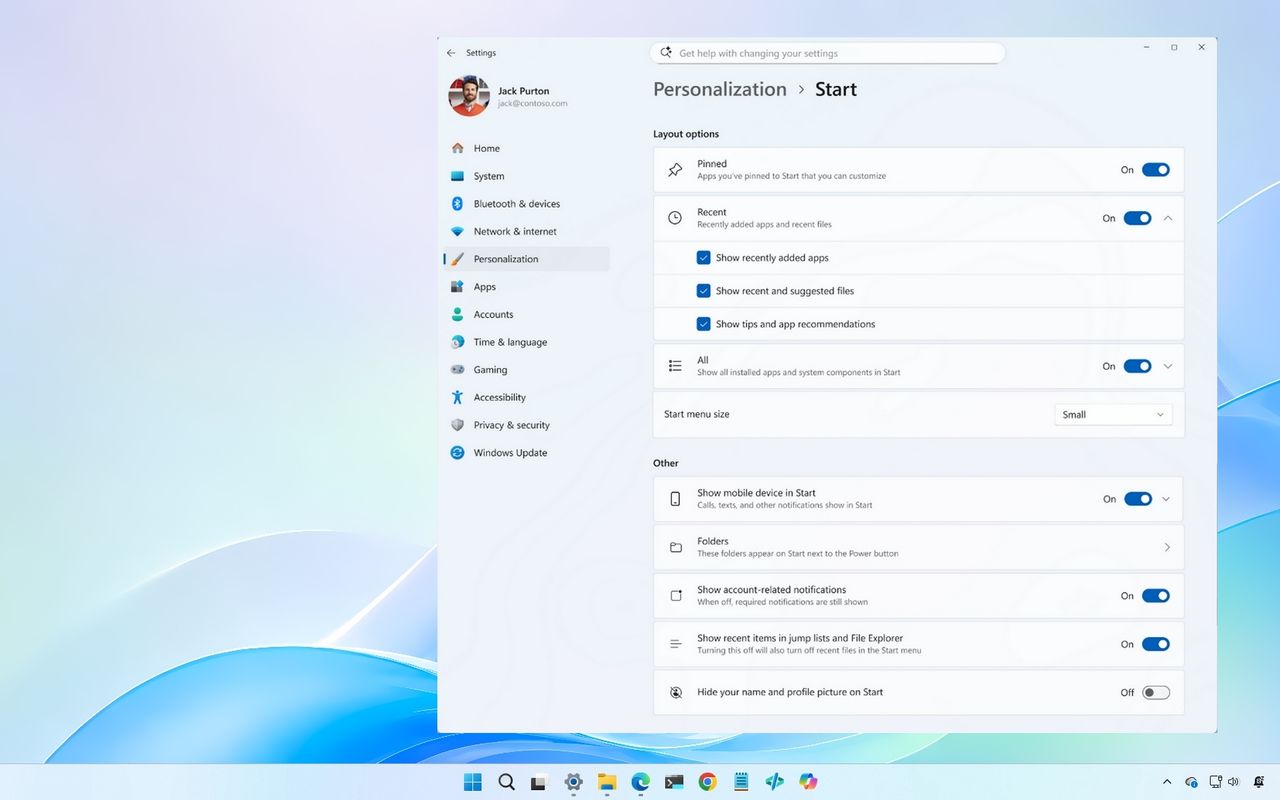
Windows 11 Start menu new settings
![]()
Windows 11 Start menu new settings

Windows 11 Start menu new settings
![]()
Windows 11 Start menu new settings

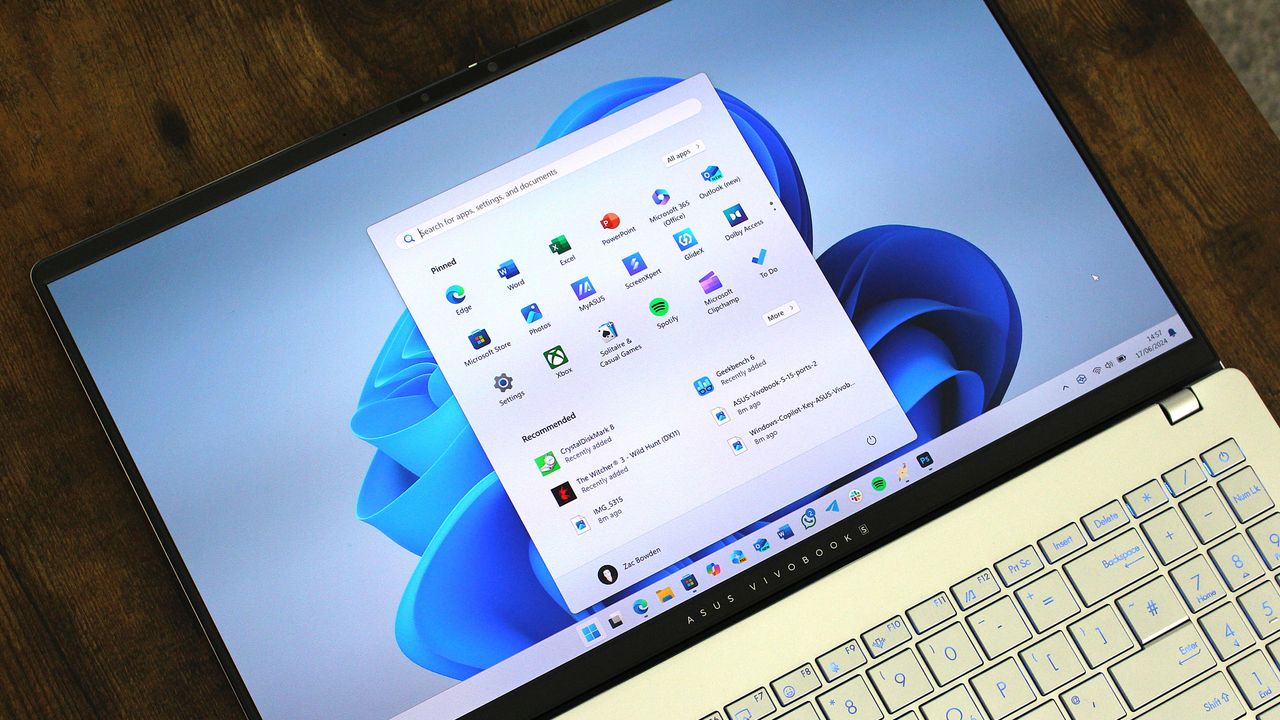
Windows 11
![]()
Windows 11

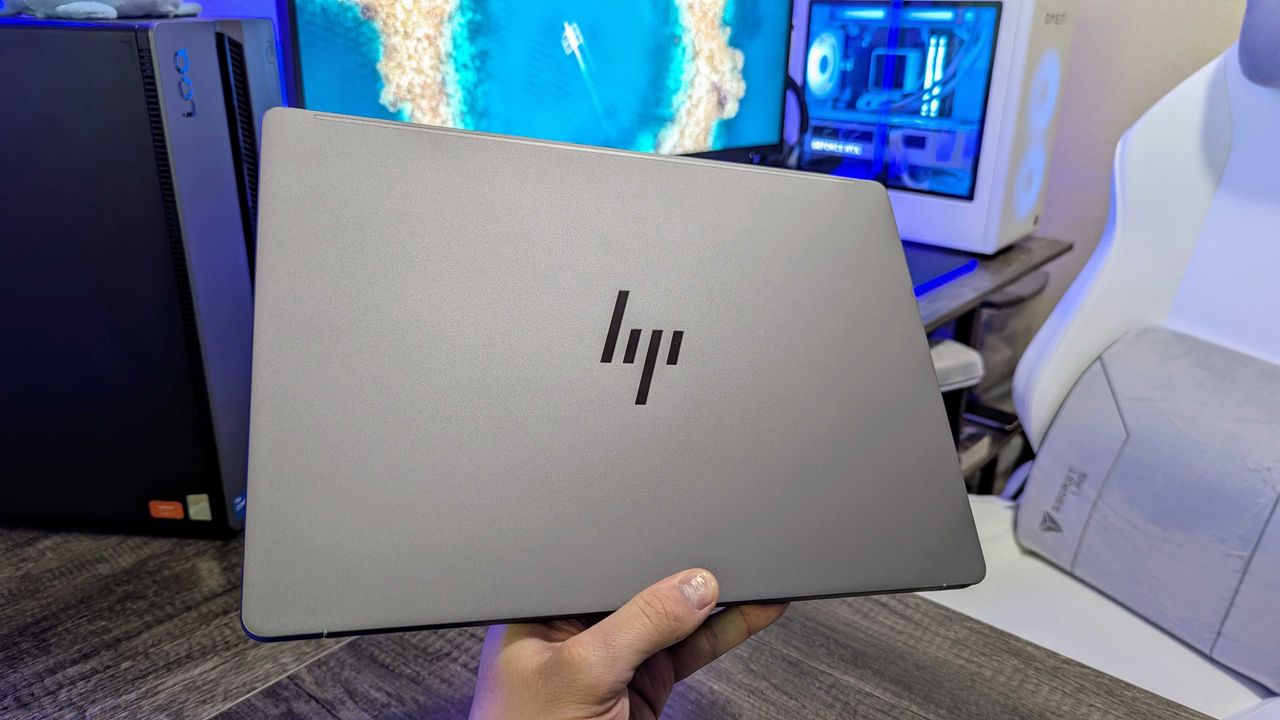
Image of the HP ZBook Ultra 14 (G1a) laptop.
![]()
Image of the HP ZBook Ultra 14 (G1a) laptop.

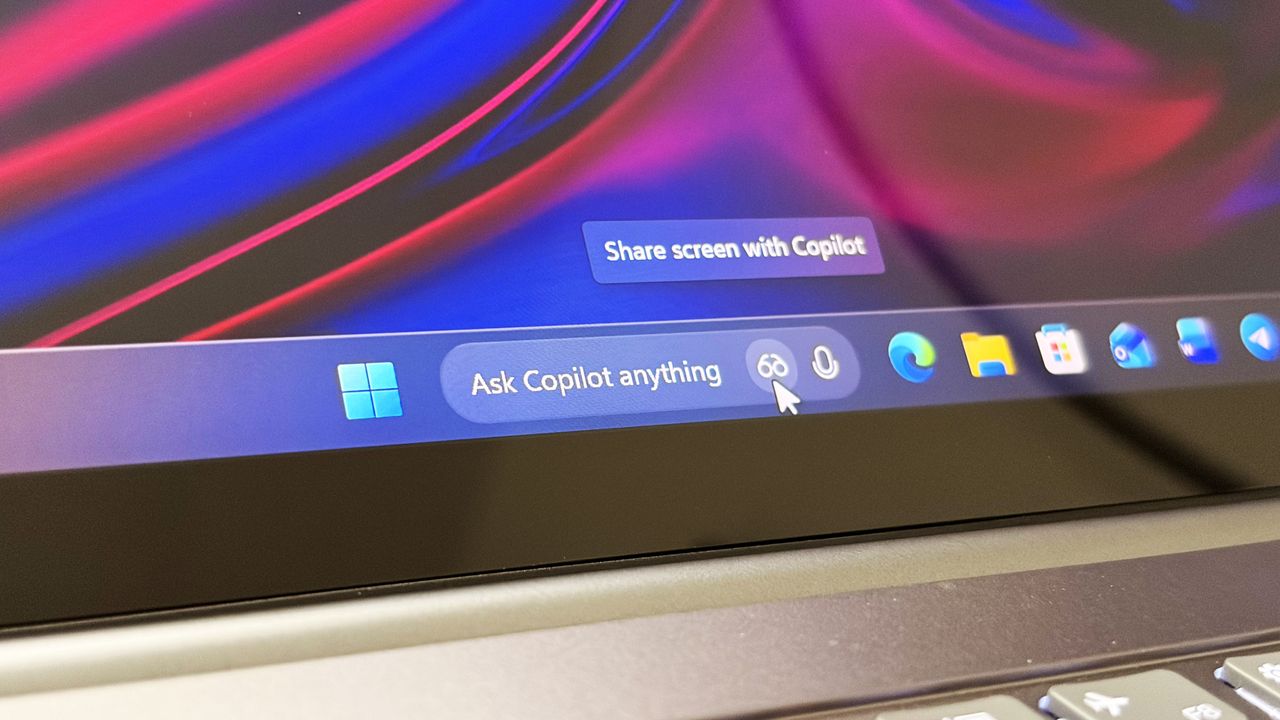
Ask Copilot search box on the Taskbar
![]()
Ask Copilot search box on the Taskbar

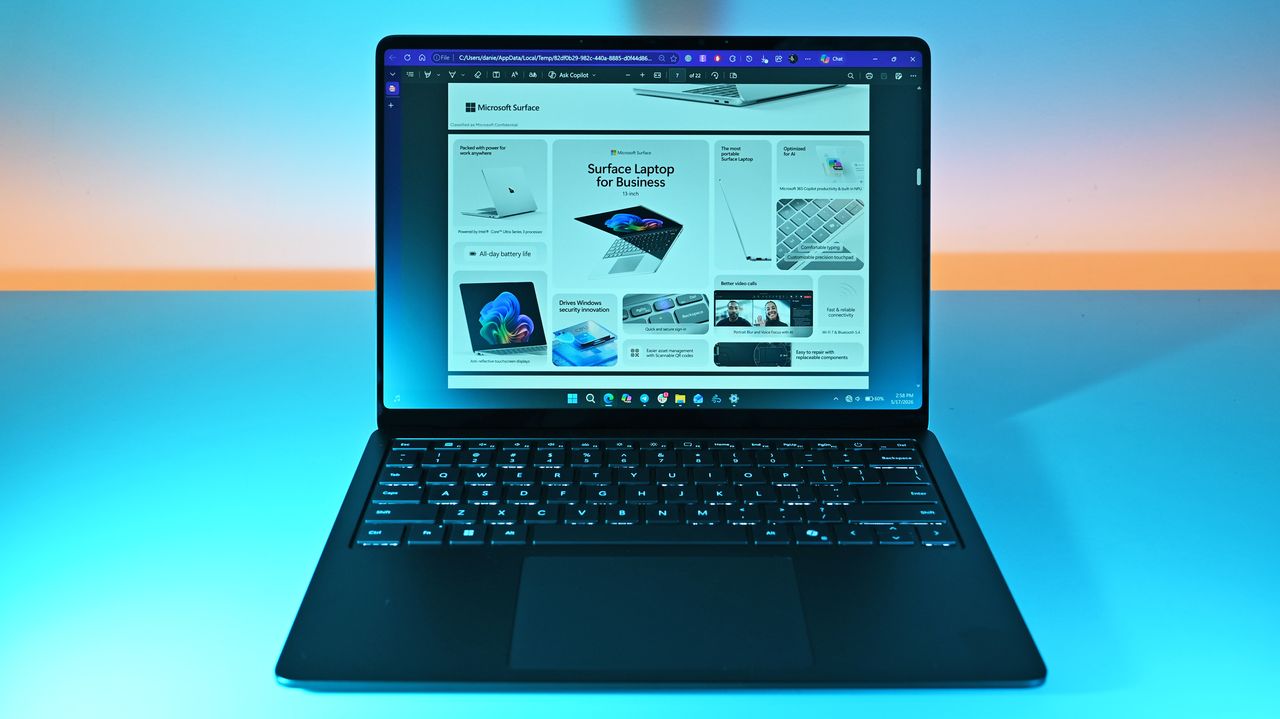
Laptop on a desk displaying a webpage about Surface Laptop for Business. The screen shows colorful product images and text. Soft pink and blue lighting in the background.
![]()
Laptop on a desk displaying a webpage about Surface Laptop for Business. The screen shows colorful product images and text. Soft pink and blue lighting in the background.

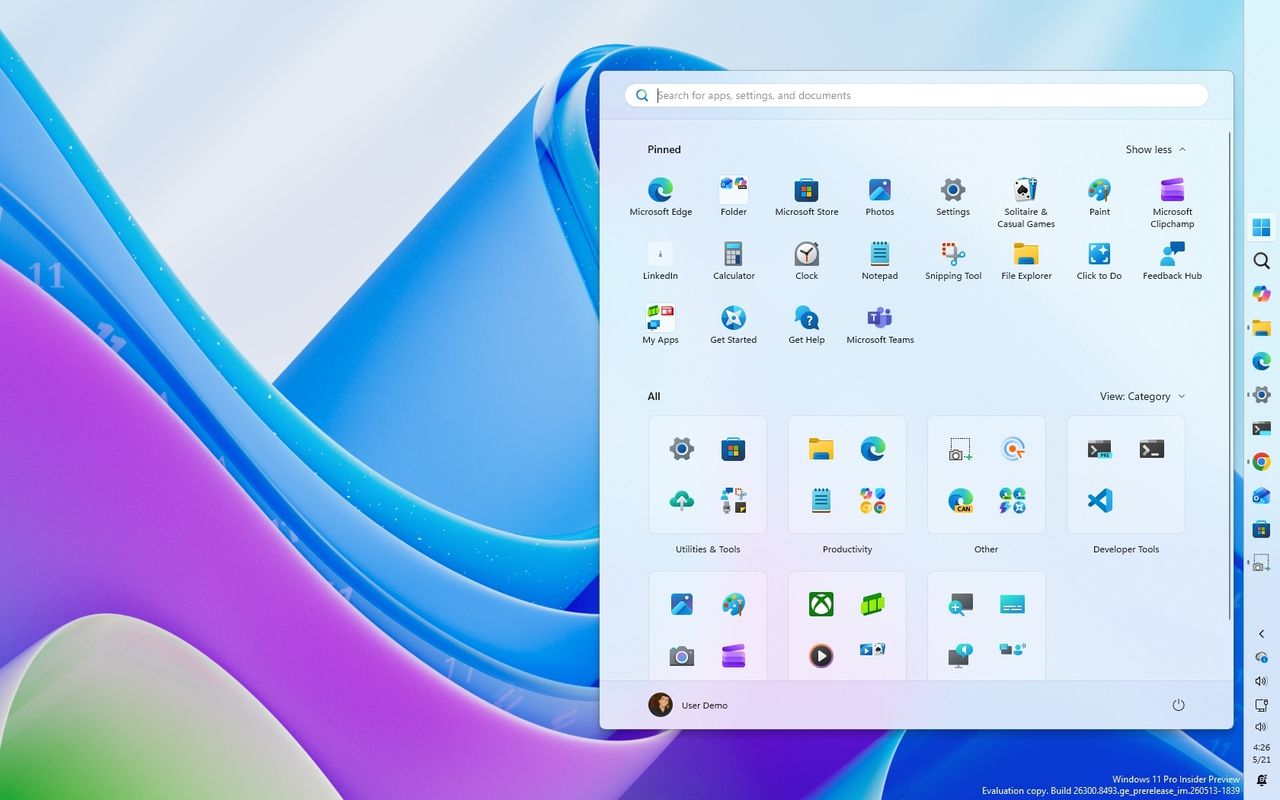
Windows 11 desktop with colorful wave background. A Start menu overlay shows pinned apps like Microsoft Edge and Teams, organized by category in a grid layout.
![]()
Windows 11 desktop with colorful wave background. A Start menu overlay shows pinned apps like Microsoft Edge and Teams, organized by category in a grid layout.

Windows 11 Start Logo
![]()
The Taskbar is no longer limited to the bottom of screens on Windows 11.

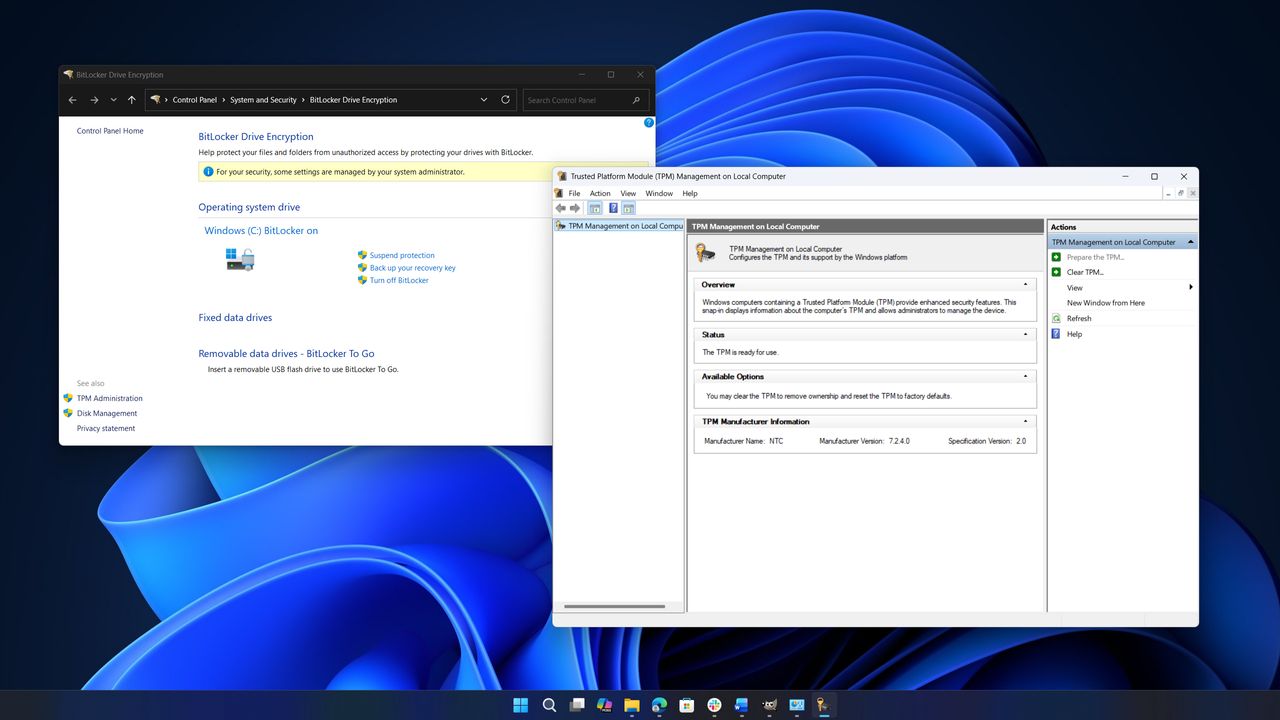
Two computer windows are open on a desktop. The left window shows "BitLocker Drive Encryption" settings, and the right one shows "Trusted Platform Module Management." The background features a blue abstract swirl.
![]()
Two computer windows are open on a desktop. The left window shows "BitLocker Drive Encryption" settings, and the right one shows "Trusted Platform Module Management." The background features a blue abstract swirl.

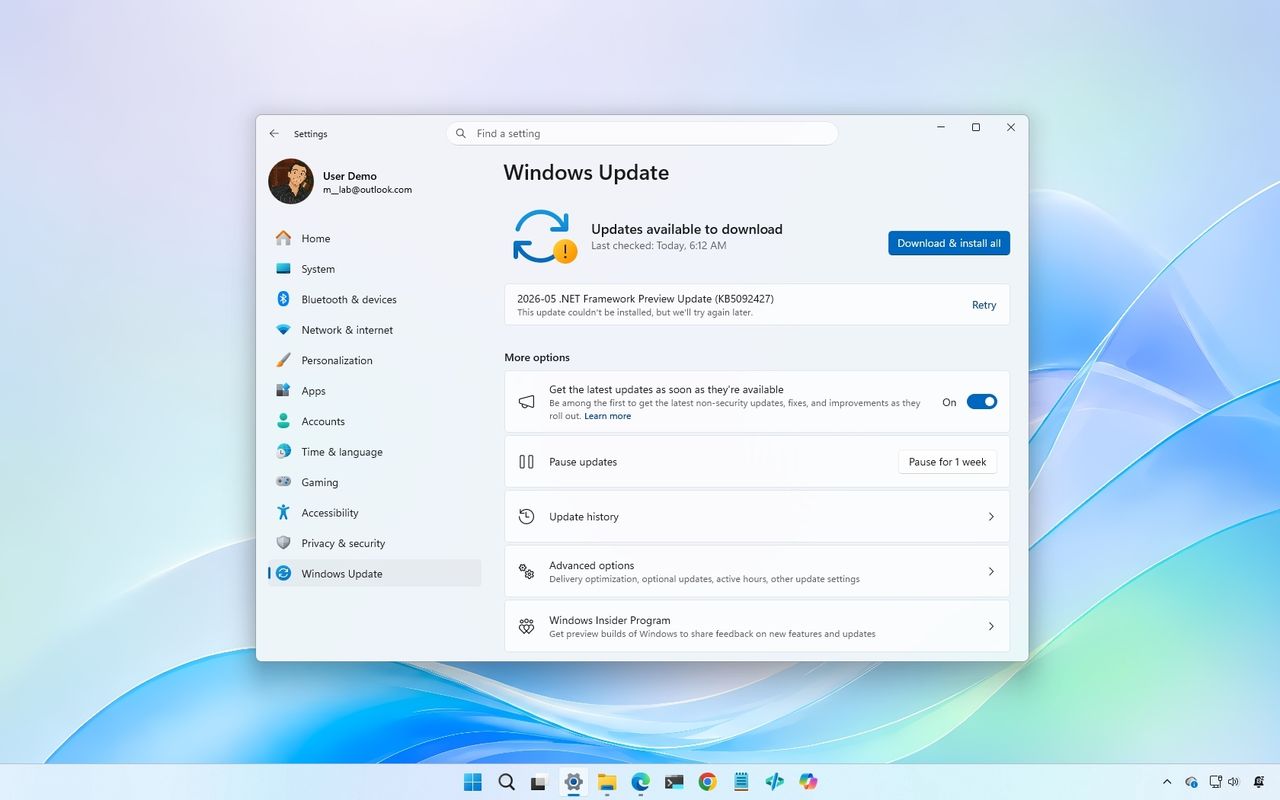
Windows Update settings showing available updates, with a download button highlighted. Light blue desktop background and taskbar visible.
![]()
Windows Update settings showing available updates, with a download button highlighted. Light blue desktop background and taskbar visible.

![]()

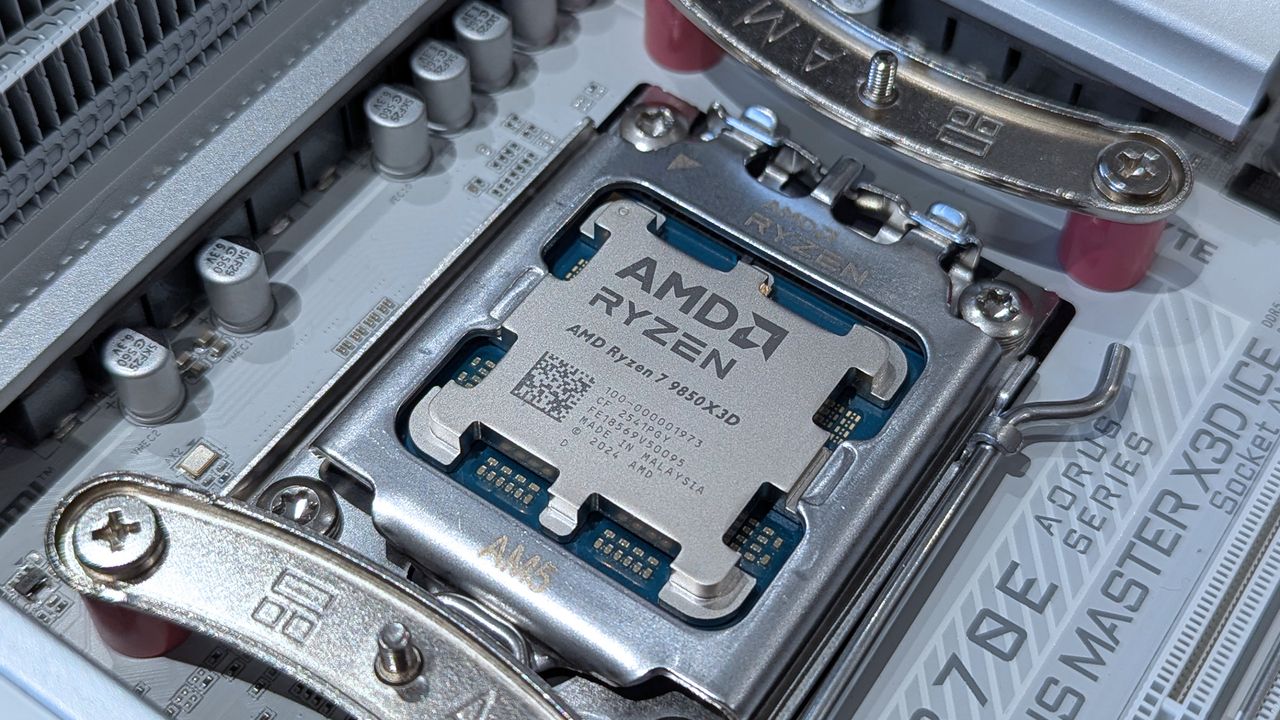
AMD Ryzen 7 9850X3D desktop processor up close
![]()
AMD is one of several partners collaborating with Microsoft to increase driver reliability.

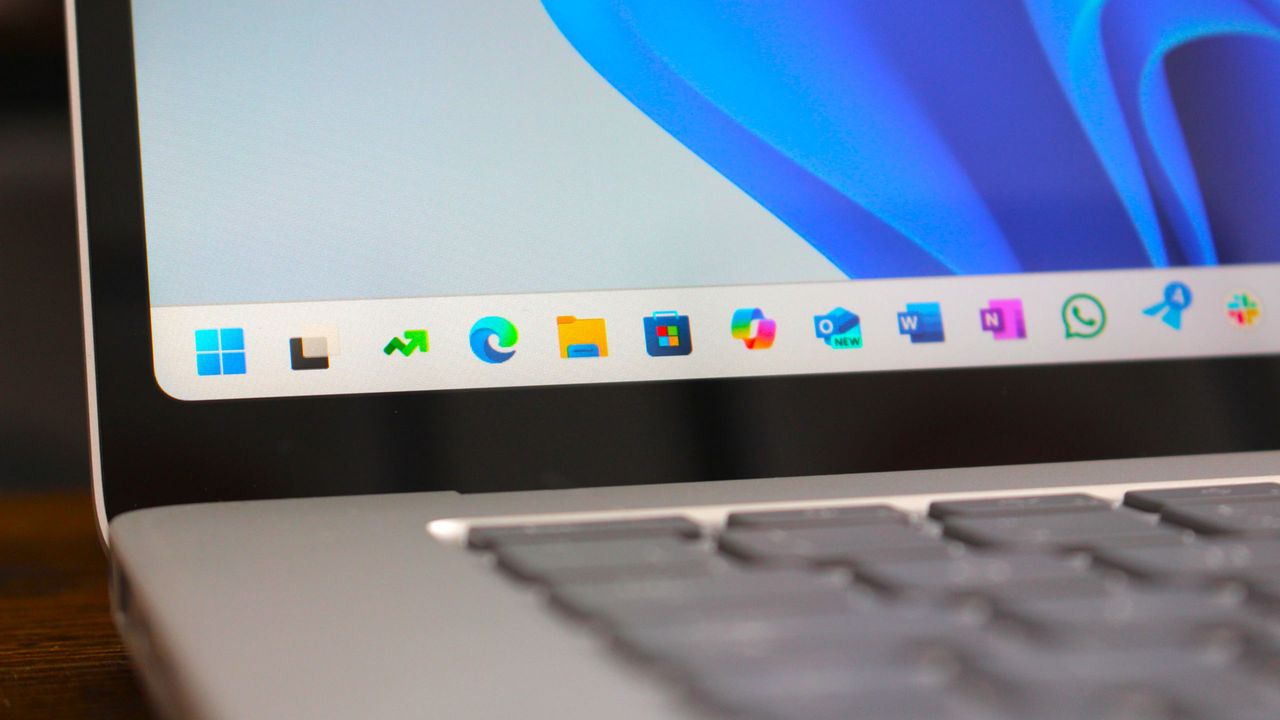
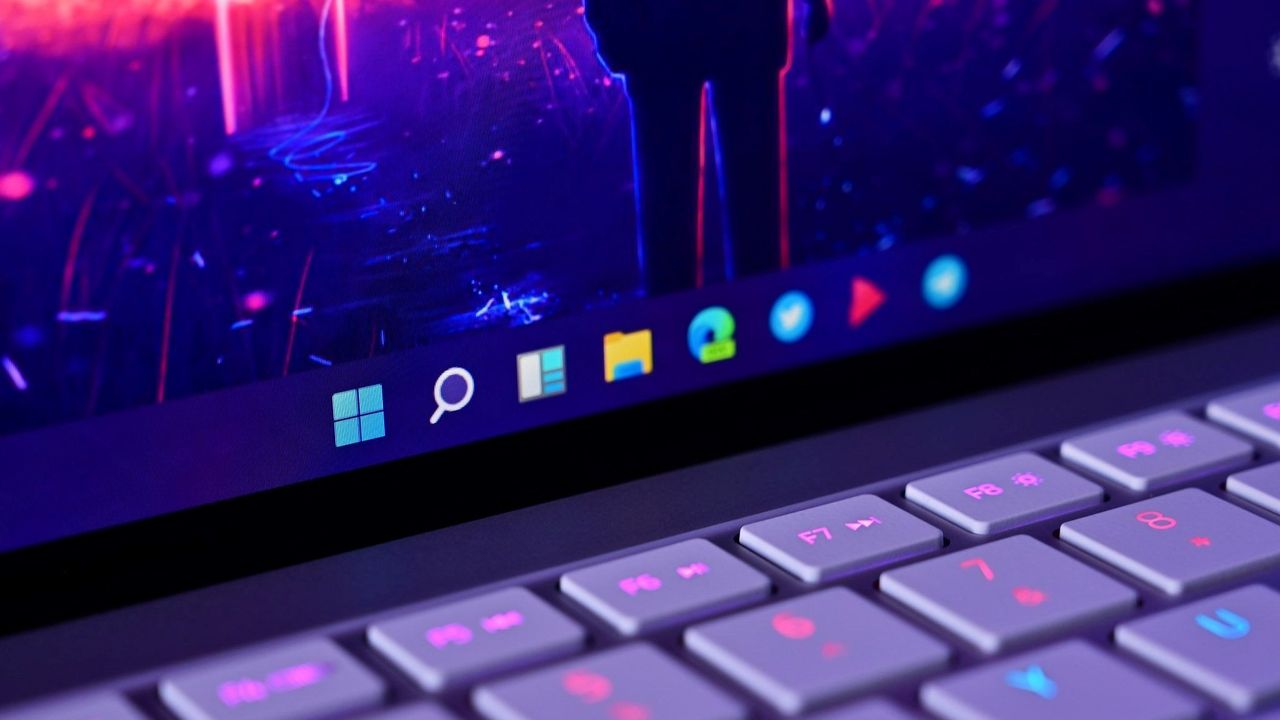
Windows 11 Taskbar closeup
![]()
Windows 11 is getting a nice performance upgrade in the next few weeks.

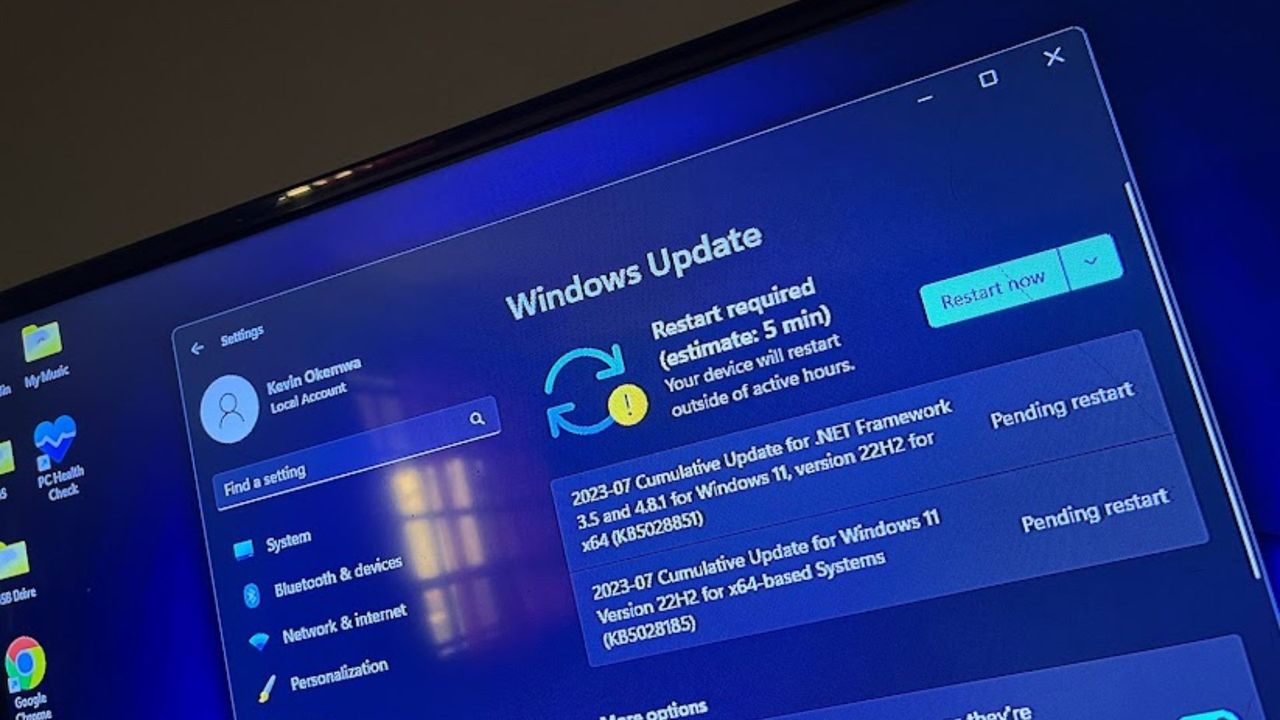
Windows Update page in Settings app Windows 11
![]()
Windows Update page in Settings app Windows 11

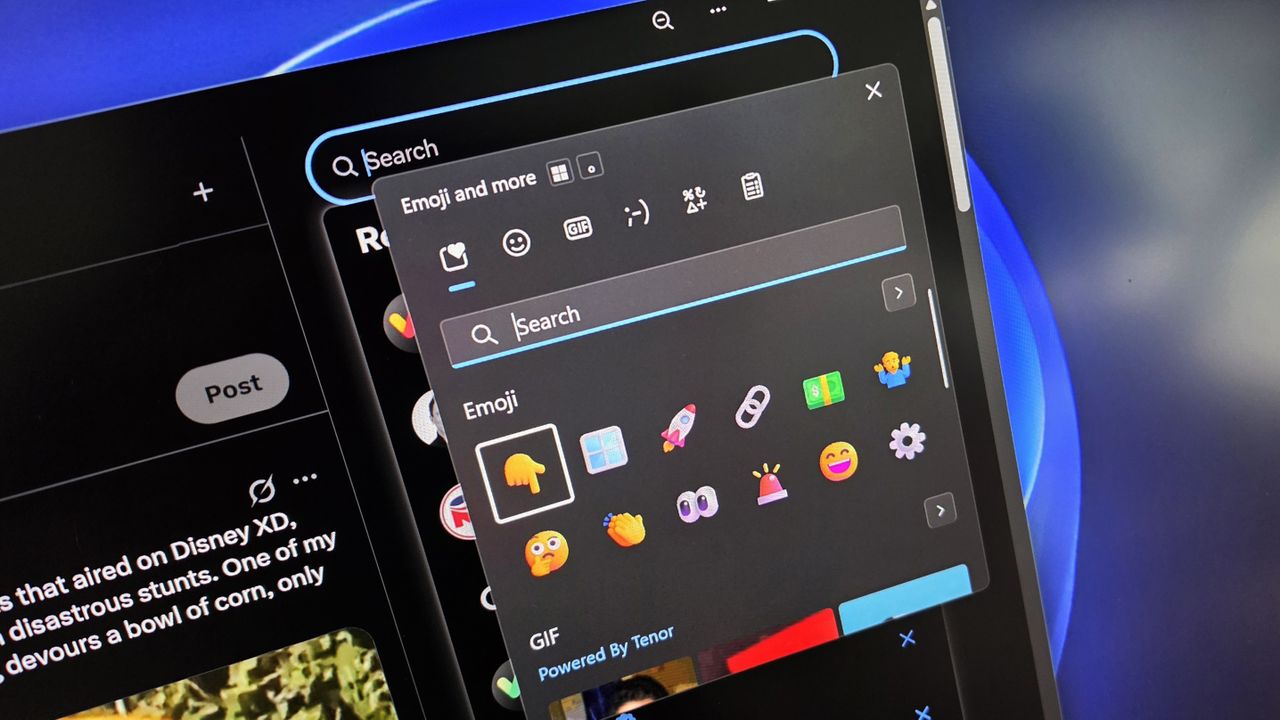
A computer interface shows an open emoji and GIF selection sidebar, overlaying a dark-themed app. Colorful emojis are featured on a sleek digital screen.
![]()
A computer interface shows an open emoji and GIF selection sidebar, overlaying a dark-themed app. Colorful emojis are featured on a sleek digital screen.

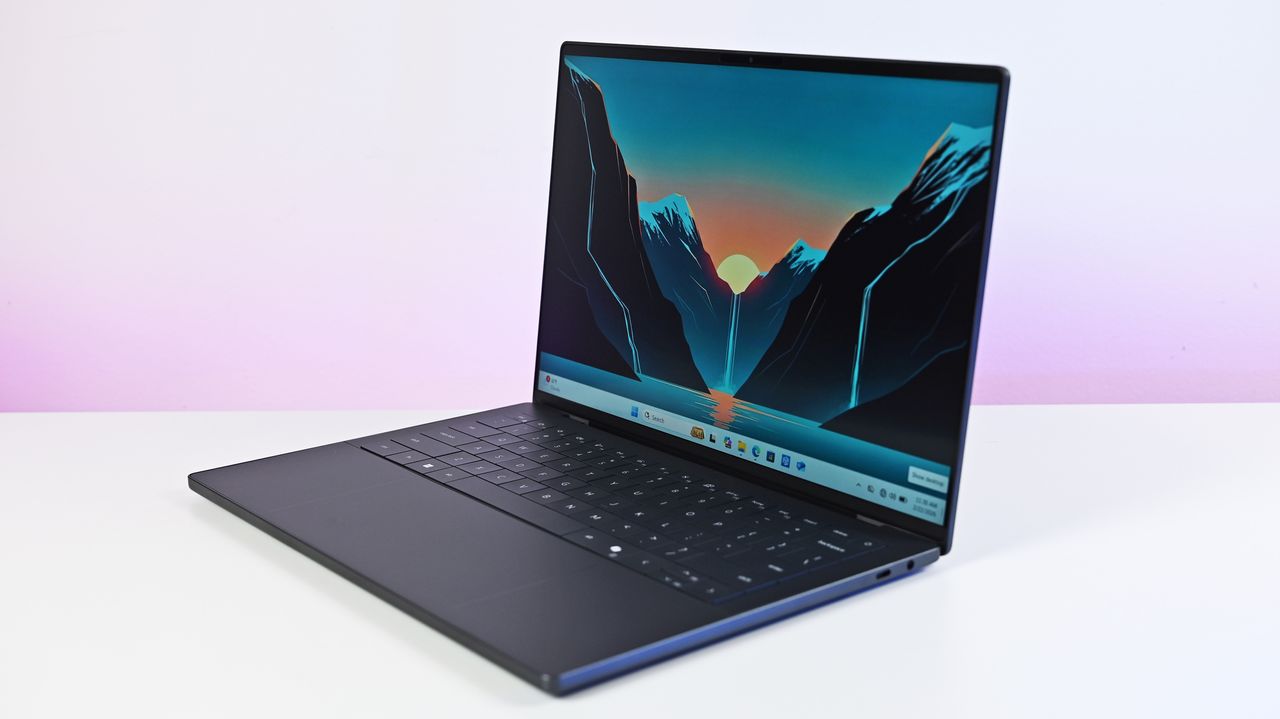
Side profile of the new Dell XPS 14 (2026) with LCD and latest Intel Core Ultra 3 processor.
![]()
Dell's XPS 14 (2026) is one of the latest PCs that may be affected by this Dell SupportAssist app issue.

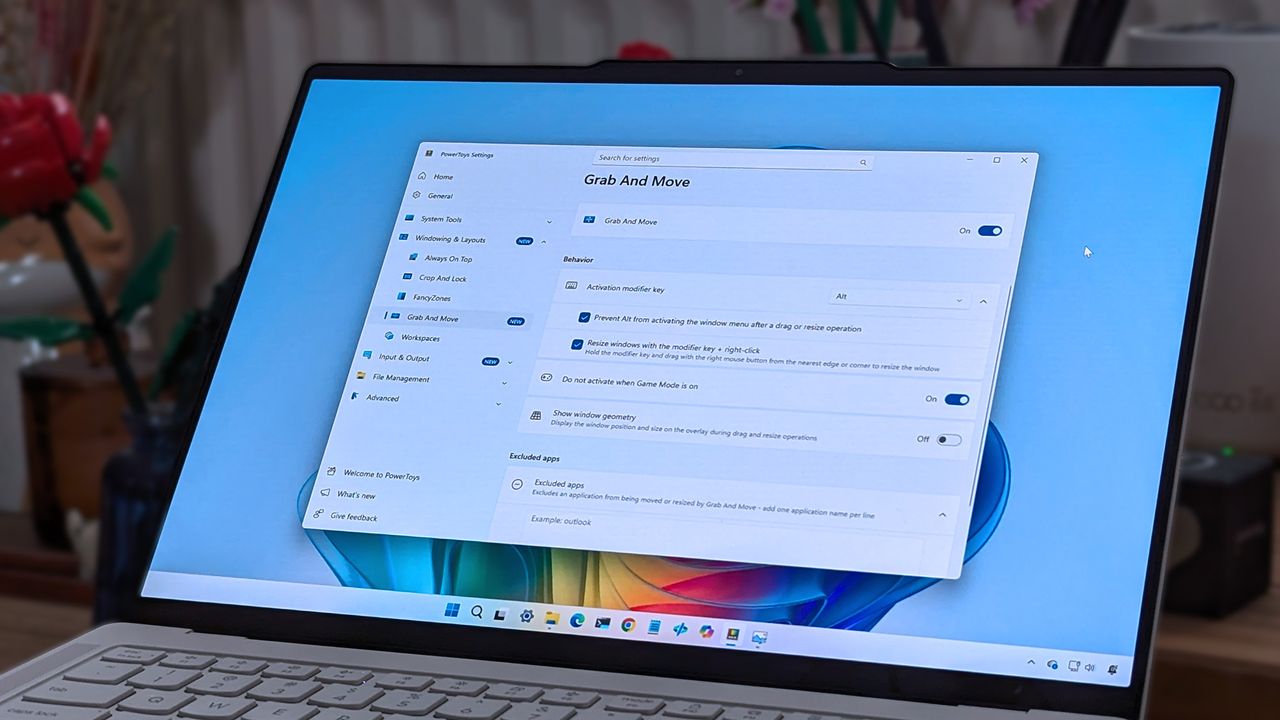
A laptop screen displaying Windows 11, featuring the "Grab And Move" settings window of PowerToys. The desktop background is colorful and vibrant.
![]()
A laptop screen displaying Windows 11, featuring the "Grab And Move" settings window of PowerToys. The desktop background is colorful and vibrant.

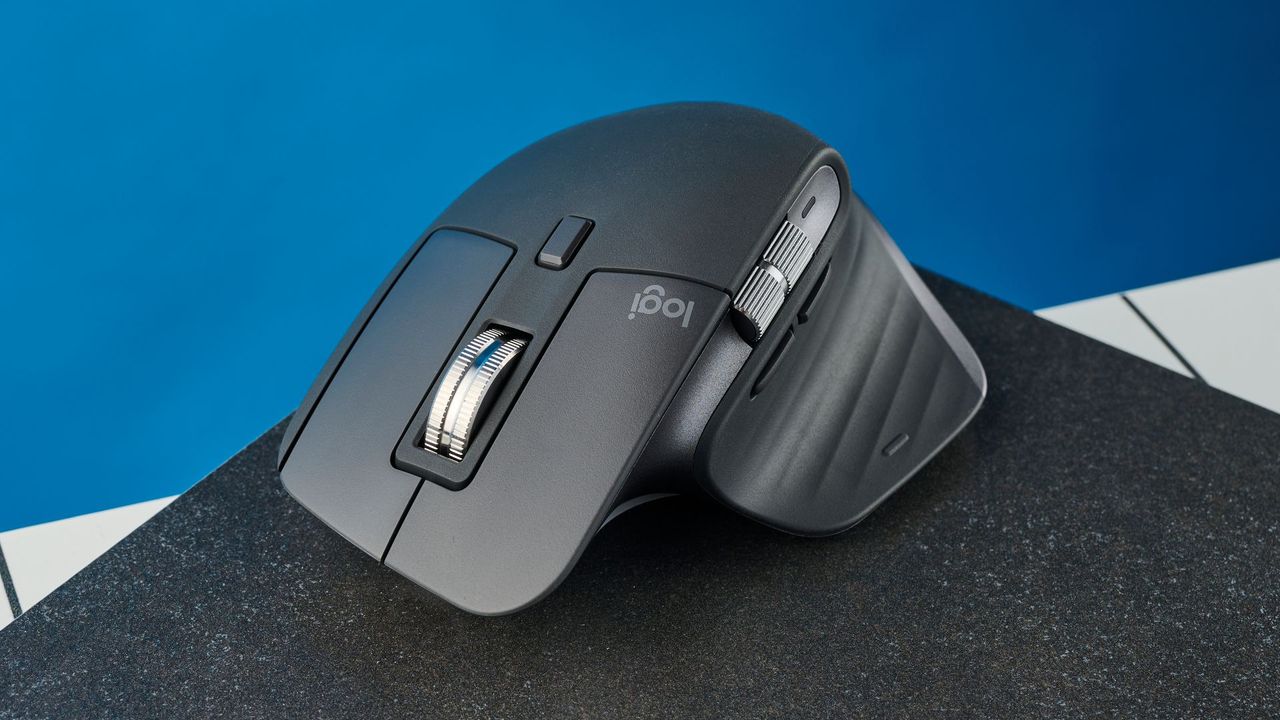
A sleek black ergonomic computer mouse with a vertical design, featuring a silver scroll wheel, rests on a textured surface in front of a blue background.
![]()
A sleek black ergonomic computer mouse with a vertical design, featuring a silver scroll wheel, rests on a textured surface in front of a blue background.

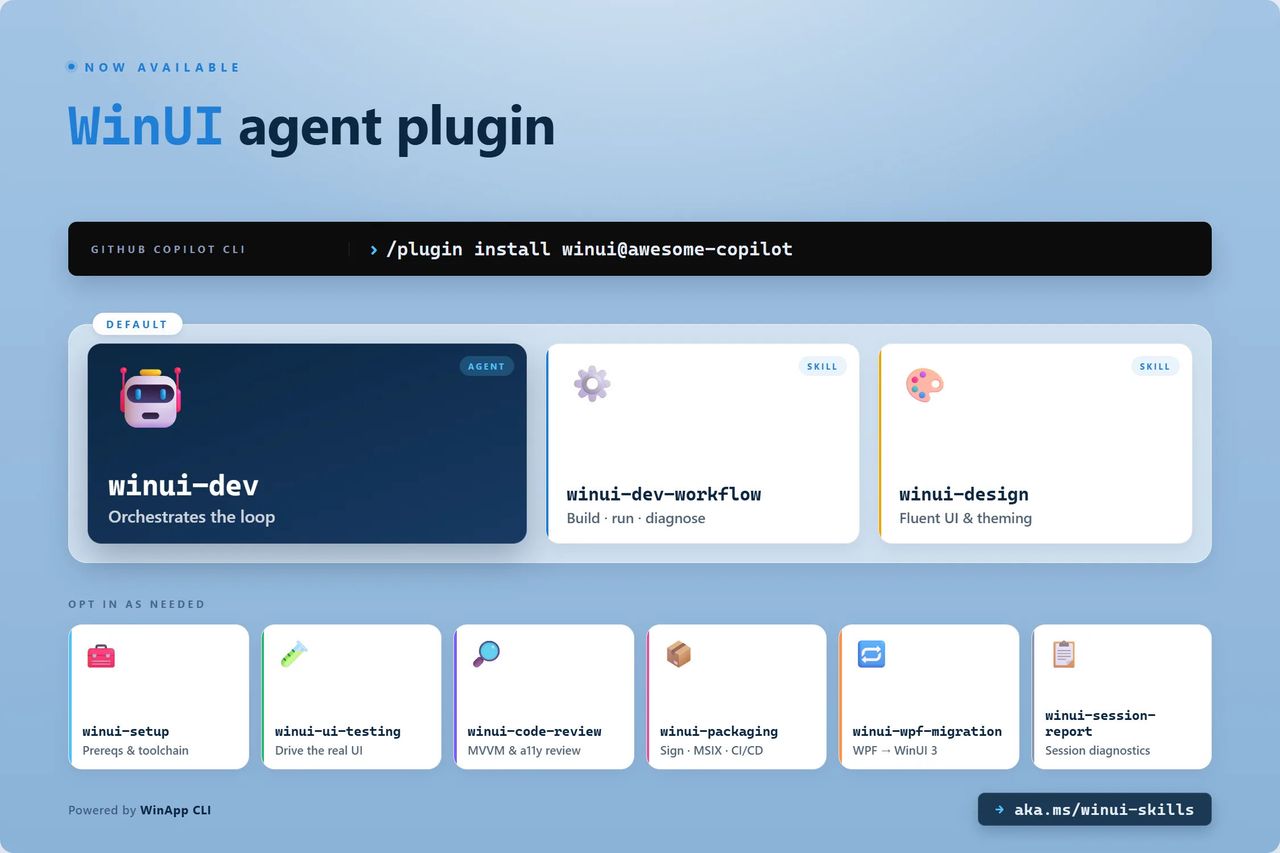
WinUI agent for GitHub Copilot
![]()
The WinUI agent plugin includes eight specialized skills to help create, package, and debug native Windows applications.

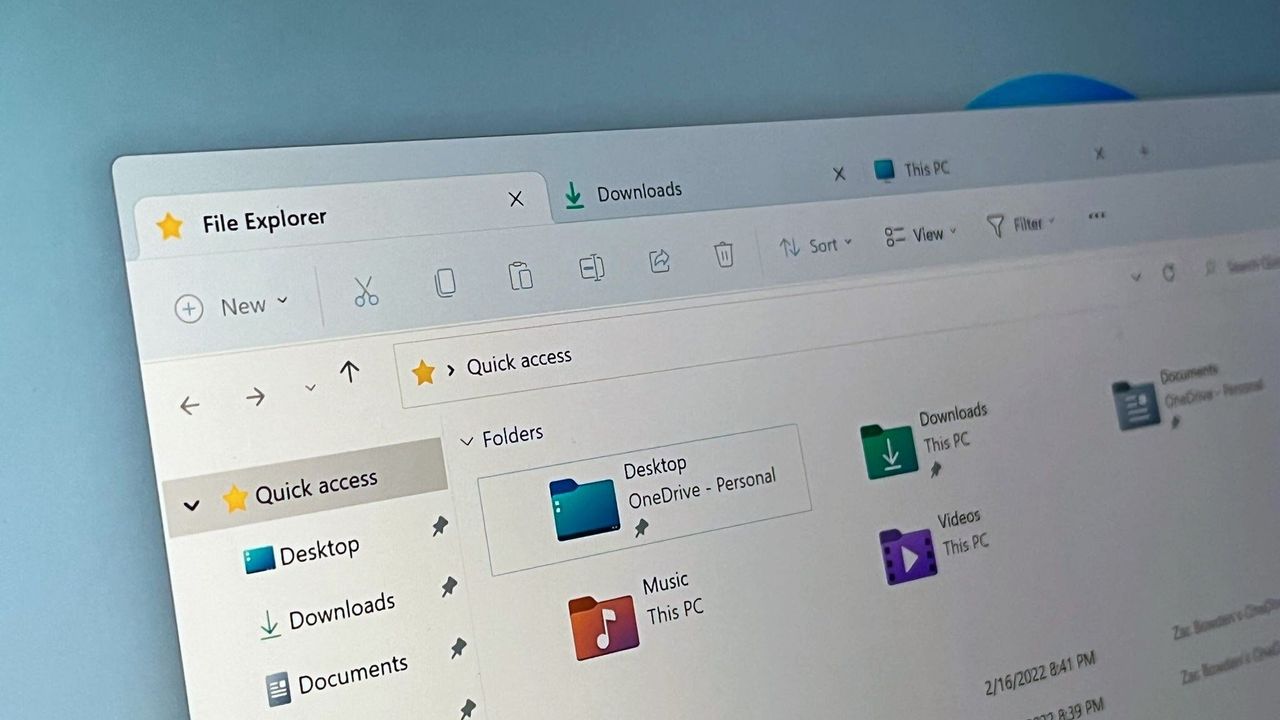
Windows 11 file Explorer
![]()
File Explorer launch time is used as a benchmark for WinUI 3 performance improvements.