
❌

Vue normale

Reçu — 28 octobre 2026 ⏭ Windows Central - News, Forums, Reviews, Help for Windows 10 and all things Microsoft.

Microsoft is killing Copilot for smart TVs this year

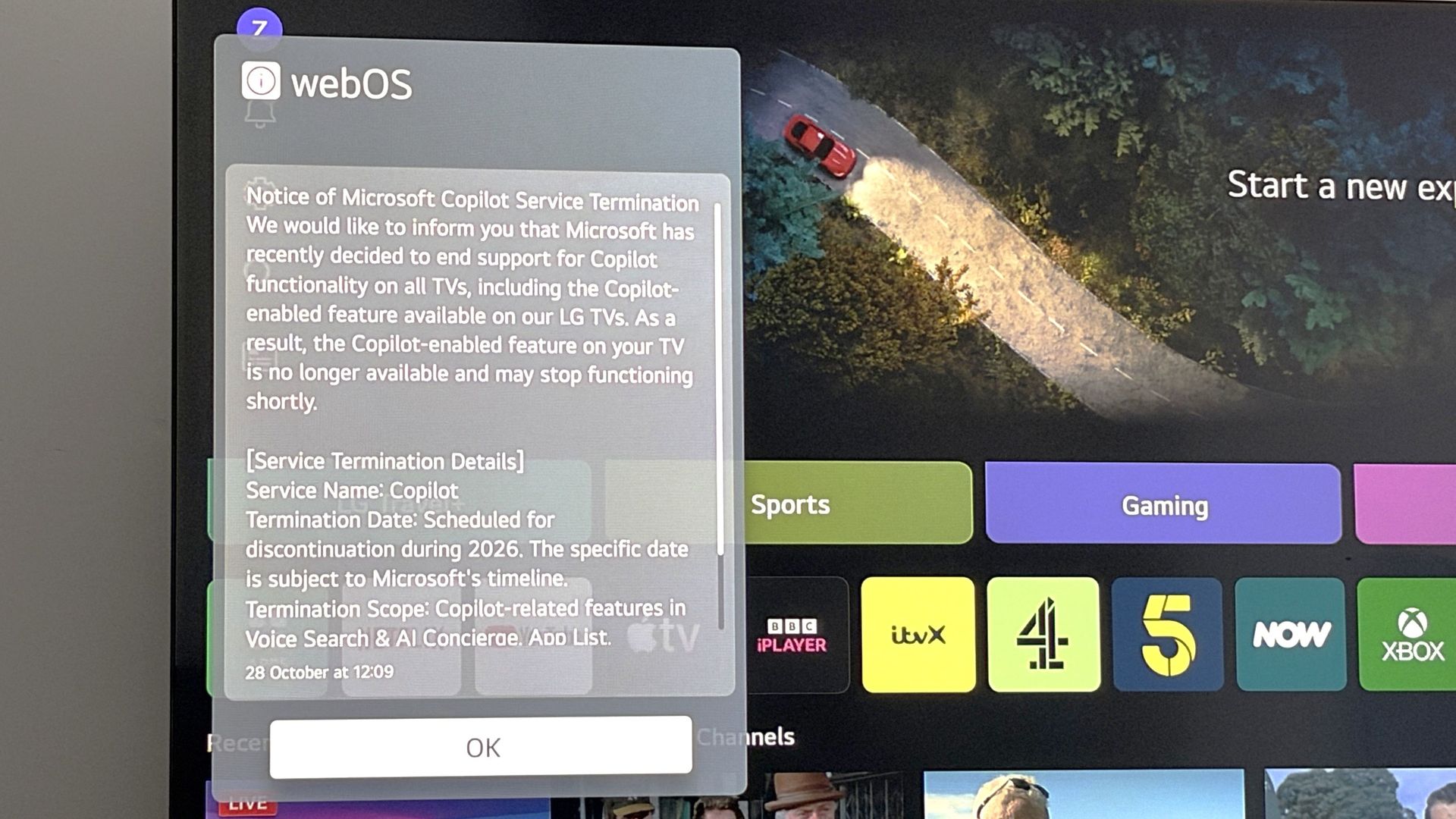
LG has announced that Microsoft is ending support for Copilot on smart TVs at some point between now and the end of this year. In a popup that appeared on my webOS-powered LG TV this morning, LG confirmed that Microsoft is ending support for Copilot on all smart TVs.

The notice reads:

"We would like to inform you that Microsoft has recently decided to end support for Copilot functionality on all TVs, including the Copilot-enabled feature available on our LG TVs. As a result, the Copilot-enabled feature on your TV is no longer available and may stop functioning shortly."

LG says Microsoft is yet to confirm which date Copilot support will end on smart TVs, but that it's expected to happen before the end of 2026. This move doesn't come as much of a surprise as I don't think I know anyone who has ever actively used Copilot on their TV.

LG TV Copilot End of Support Warning

The popup that confirmed Copilot is saying bye-bye to TVs. (Image credit: Zac Bowden / Windows Central)

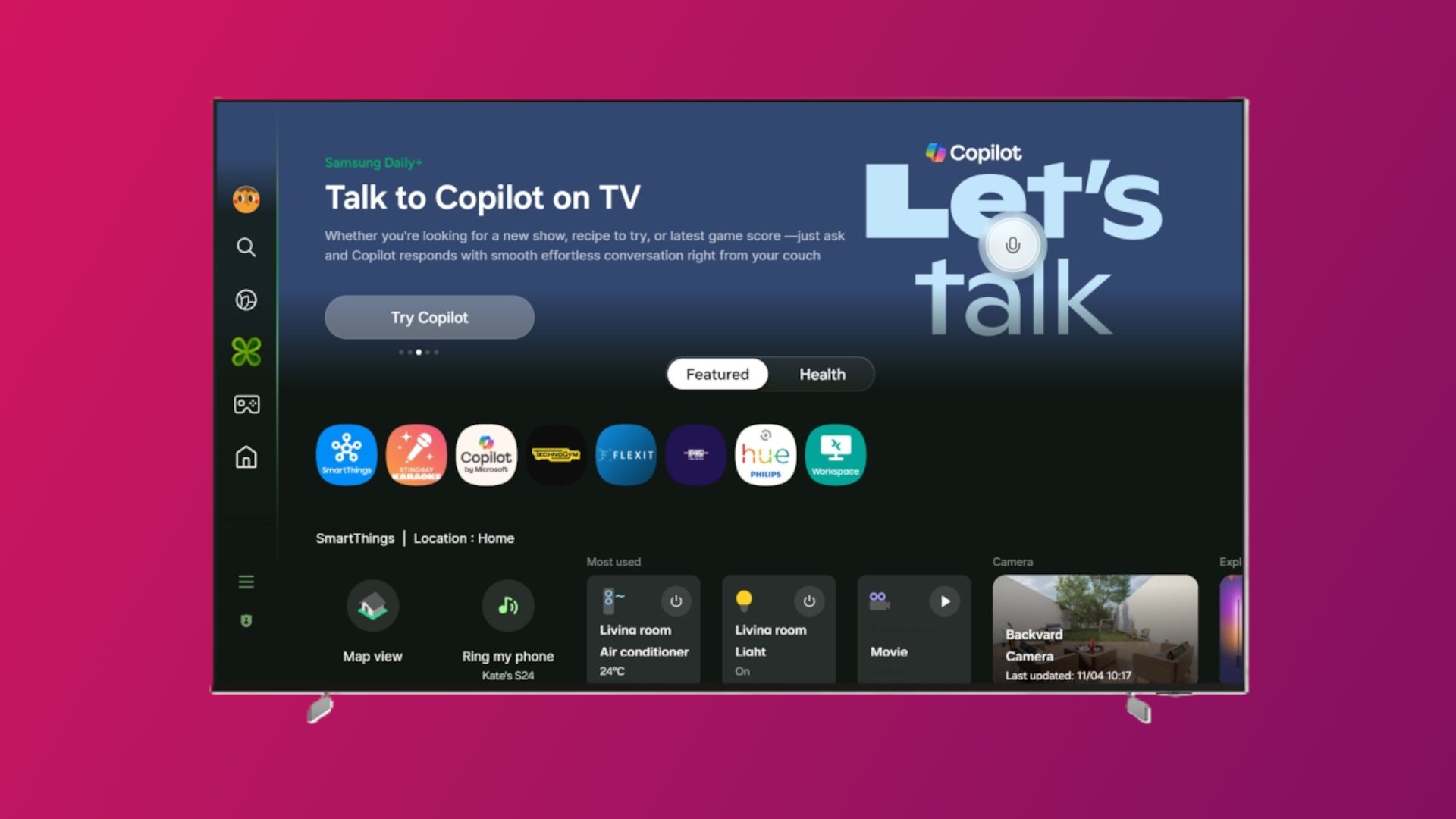
Copilot acted as an AI powered companion that could answer questions based on content on your screen. You could also use it to recommend TV shows and movies, and chat to it generally like you can on other devices. The app was forcibly installed on LG and Samsung TVs in the last year, which caused big pushback from customers online.

Microsoft has also changed course with Copilot since. It's no longer interested in positioning Copilot as a digital friend for personal use. Instead, it's actively targeting productivity and business use cases for Copilot, which means Copilot on TV no longer makes sense for Microsoft.

The company recently merged its Microsoft 365 Copilot and consumer Copilot under the same app, meaning there's no longer a dedicated personal Copilot app for users who wanted to make a digital friend. Copilot on TV is the latest consumer facing version of Copilot to kick the bucket.

We'll be sure to update this article once Microsoft confirms an exact end of support date for Copilot on TVs. For now, what do you think about the current state of Copilot? Let us kow in the comments.

Click to join us on r/WindowsCentral

Join us on Reddit at r/WindowsCentral to share your insights and discuss our latest news, reviews, and more.
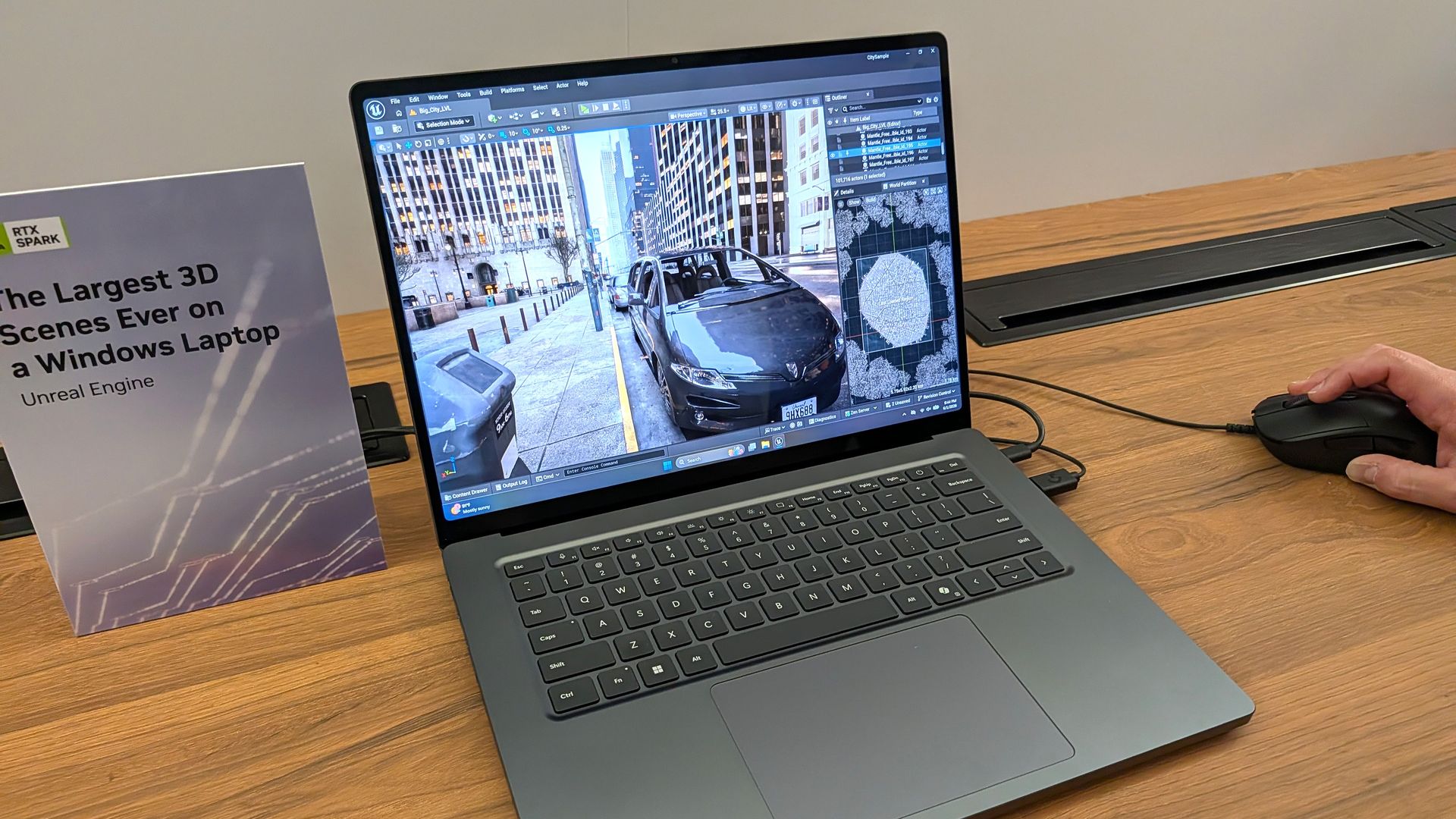
Microsoft clarifies Surface Laptop Ultra display specs following local dimming concerns

Does the Mini LED display on Surface Laptop Ultra support local dimming? Many reviewers have noted the Mini LED display on Laptop Ultra is somewhat underwhelming, with ghosting issues and poor color contrast (albeit with great color accuracy) compared to other Mini LED screens on the market, and especially OLEDs.

I said in my Surface Laptop Ultra review that its display features 1,344 local dimming zones, which is significantly lower than the dimming zones you'll find on a MacBook Pro with the same display tech. That results in a lot more ghosting and blooming, which can make the display feel stuttery and not smooth at times.

Notebookcheck's review claimed the Surface Laptop Ultra's display doesn't feature any local dimming at all, which naturally caused a bit of an uproar online. So, what's the truth? Does the display support local dimming or not?

I reached out to Microsoft again to see if it could clarify how the display works. The company told me that Surface Laptop Ultra does feature local dimming by default, with 5,400 LEDs across 1,344 dimming zones.

Much like any other Mini LED display, these zones adjust backlight brightness based on the content in that area. If a bright window is being displayed on a black background, the dark areas of the screen will be dimmed.

This behavior is what causes the ghosting and blooming effect on Surface Laptop Ultra, and is a side effect of Mini LEDs, especially ones with a low local dimming zone count. On my Surface Laptop Ultra in SDR, I can see the local dimming zones brightening and darkening as I move around a white window on a black background.

Surface Laptop Ultra

The Mini LED display on Surface Laptop Ultra does support local dimming. It's just not very good local dimming.

So, the display definitely does have local dimming capabilities. But it must be said that its performance isn't amazing compared to other Mini LEDs on the market. Whether local dimming is even working also depends entirely on your PCs settings.

The local dimming behavior is controlled by a setting in Windows Settings under System > Display > Brightness. With "Change brightness based on content" enabled, and the "Enhanced" display profile set, the local dimming support should function.

I've also found that you should turn off HDR for local dimming to be most effective. When HDR is on, the backlight is much more noticeable on dark backgrounds, likely because HDR requires much more brightness. A positive side effect of this is that this pretty much fixes the ghosting issue at the expense of local dimming performance.

So, the TL:DR is Surface Laptop Ultra does feature local dimming capabilities. You should have HDR disabled, with "Change brightness based on content" enabled and the "Enhanced" display profile set in Windows Settings for it to be most effective. On the flipside, enabling HDR reduces the ghosting and blooming issues, but decreases local dimming performance.

It must be said that the Mini LED display on Surface Laptop Ultra is somewhat disappointing. It certainly isn't as good as the Mini LED panel in a MacBook Pro, and I'm just left wondering why Microsoft didn't opt for OLED given that's what all the next-gen laptops are going with, including the upcoming MacBook Pro with touch.

Maybe, hopefully, a future firmware update can adjust and improve the performance of the local dimming behavior on Surface Laptop UItra. The most recent firmware update did fix flickering issues that people were having with the display, so anything is possible.

Click to join us on r/WindowsCentral

Join us on Reddit at r/WindowsCentral to share your insights and discuss our latest news, reviews, and more.
❌