Vue normale

Windows 11 Firewall with Advanced Security flags up errors in "under development" code — but it's nothing to worry about

An issue in Windows Firewall with Advanced Security for Windows 11 24H2 was prompted by a feature in development, but not fully implemented.

A binary code and Microsoft logo are seen in this multpiple exposure illustration photo.

Windows 11 will soon be able to describe images on your screen using AI — and it'll all be done locally

A new "Describe Image" feature is coming soon to Click To Do, which will allow Windows 11 to use AI to describe an image that's currently on your screen.

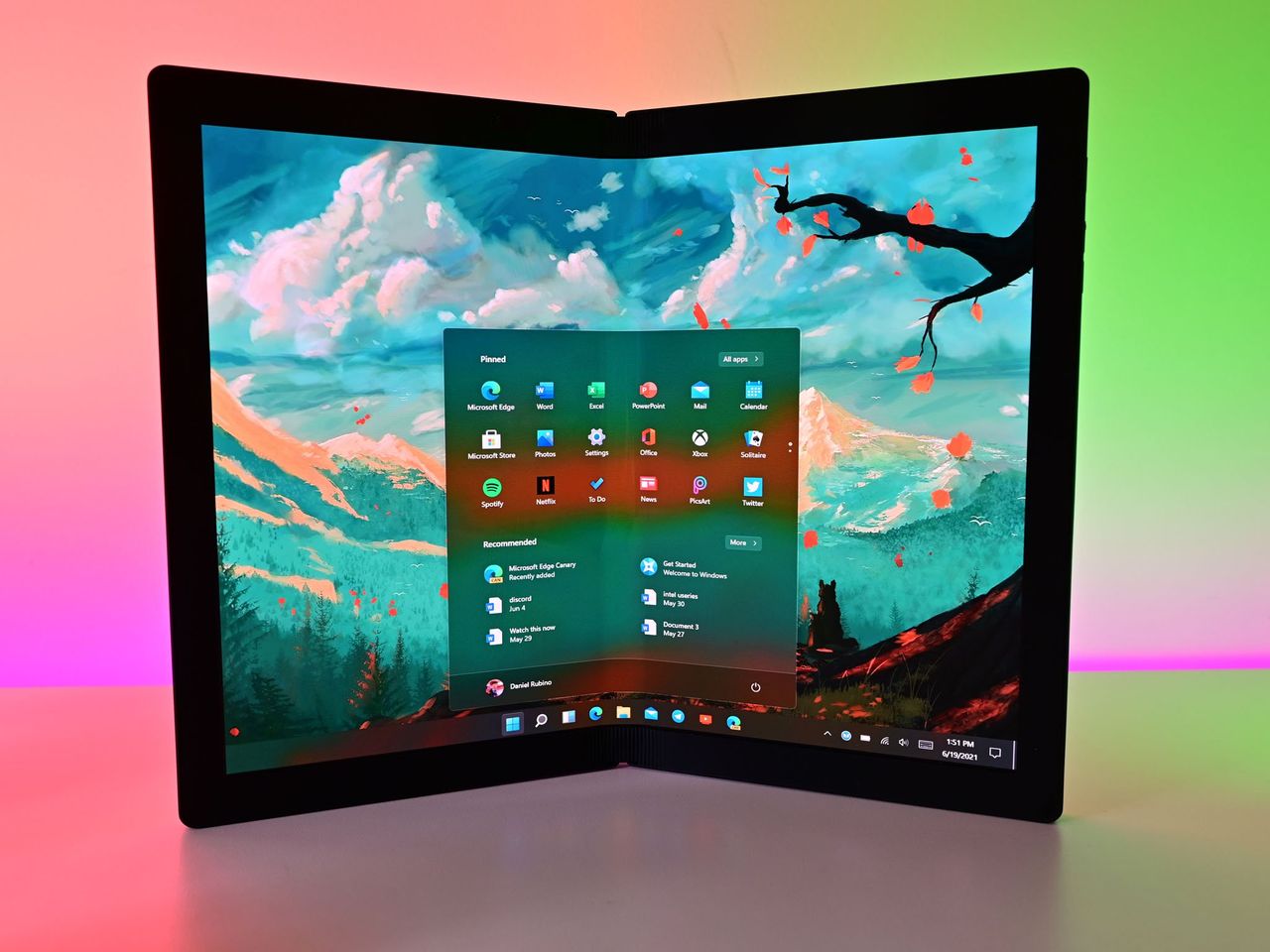
Windows 11 Start X1fold

Windows 11 will periodically enable energy saver mode while you work to increase battery life — even when your battery isn't low

A new feature now in preview testing in the Windows 11 Canary Channel is designed to increase battery life by periodically enabling energy saver mode based on your current workflow, not battery level.

The new battery icon on Windows 11.

Microsoft will stop releasing new Office features on Windows 10 — you'll need to upgrade to Windows 11 for the latest features soon

While Microsoft will continue to support Office with security updates on Windows 10 through October 2028, the company won't be releasing new features for the suite of apps starting next year.

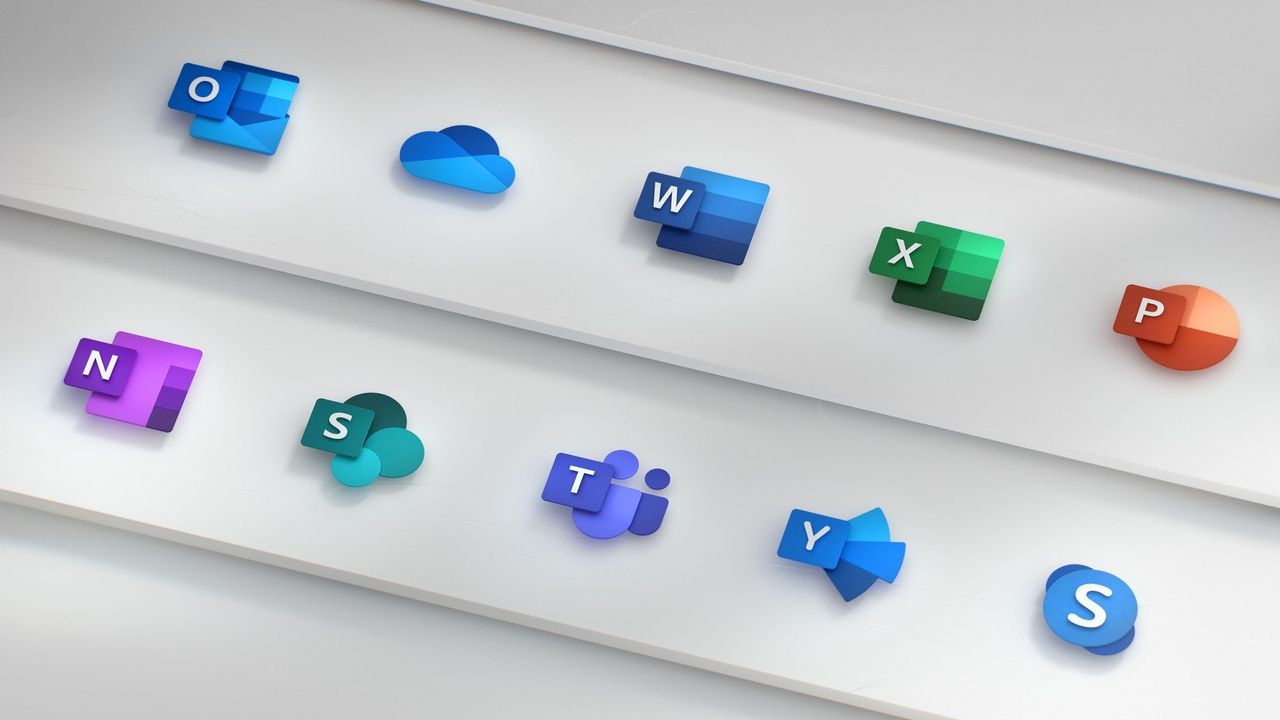
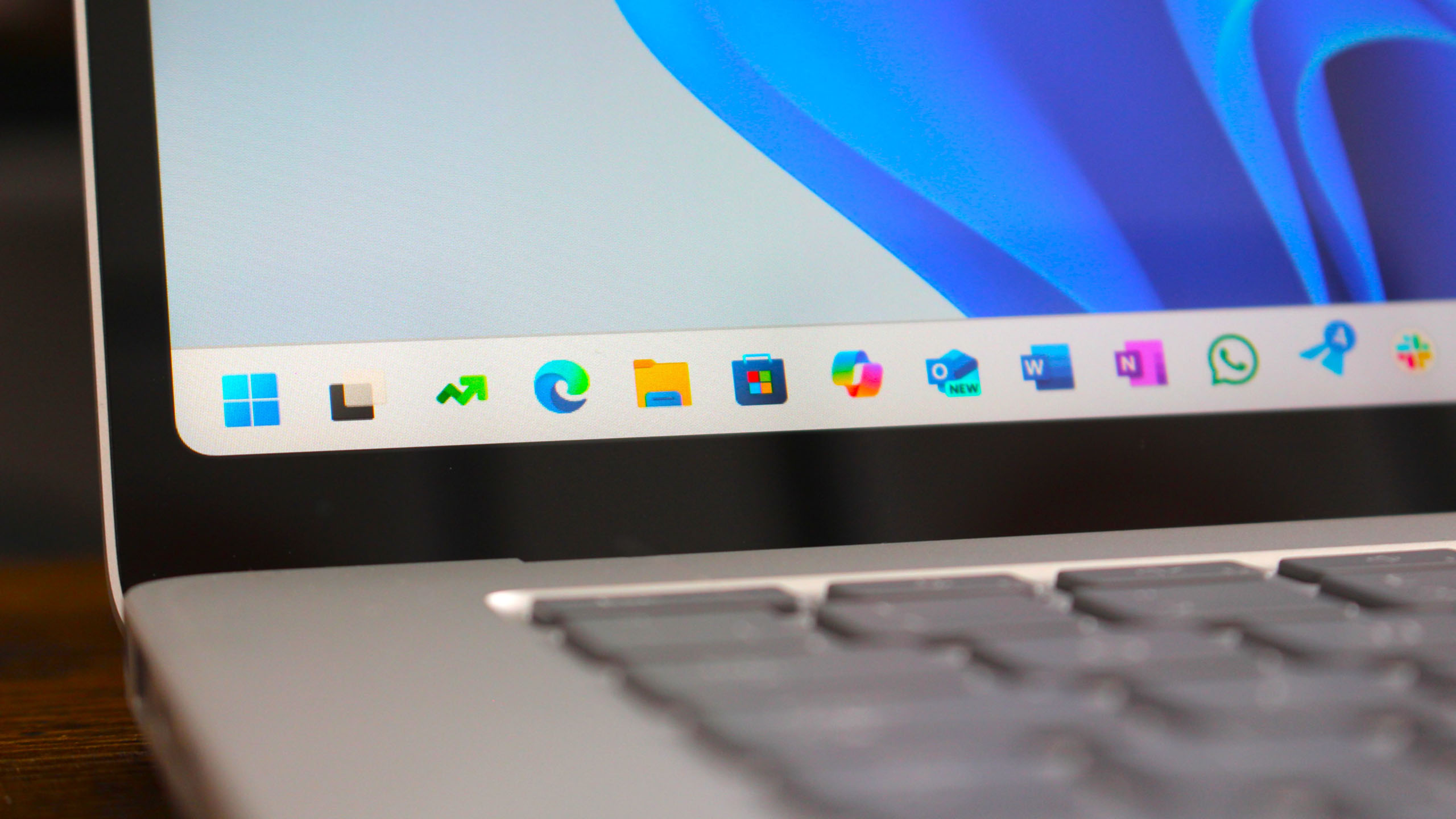
Office icons

Microsoft’s extra year of free Windows 10 security updates feels like a last-minute snooze button — while groups like "The Restart Project" still want to help users

The Restart Project says Microsoft's conditional year of Windows 10 security updates will only postpone the impending issue.

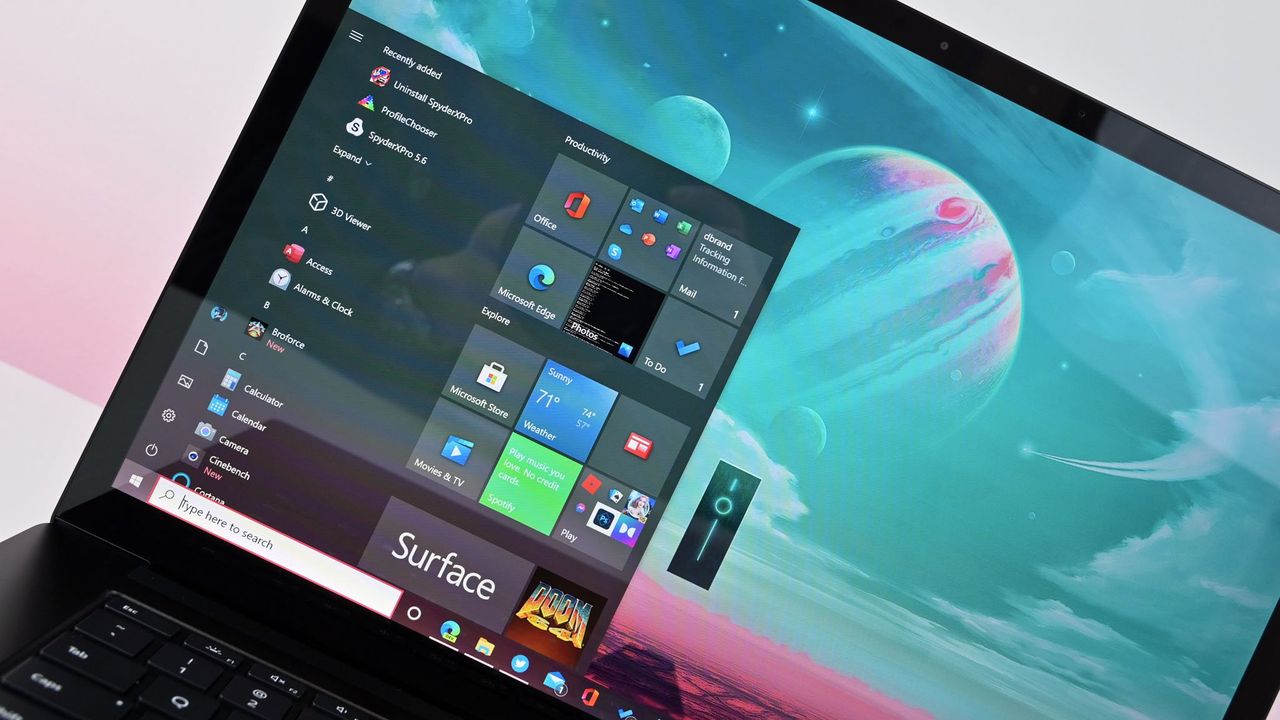
Windows 10 Start menu on Microsoft's Surface Laptop 4.

Windows 11 adds an AI agent to help you manage settings — Here's what it is and how it works

The Windows 11 Settings app is gaining a new AI agent that uses the Mu model to assist you in finding and applying system settings using natural language, and here's what you need to know.

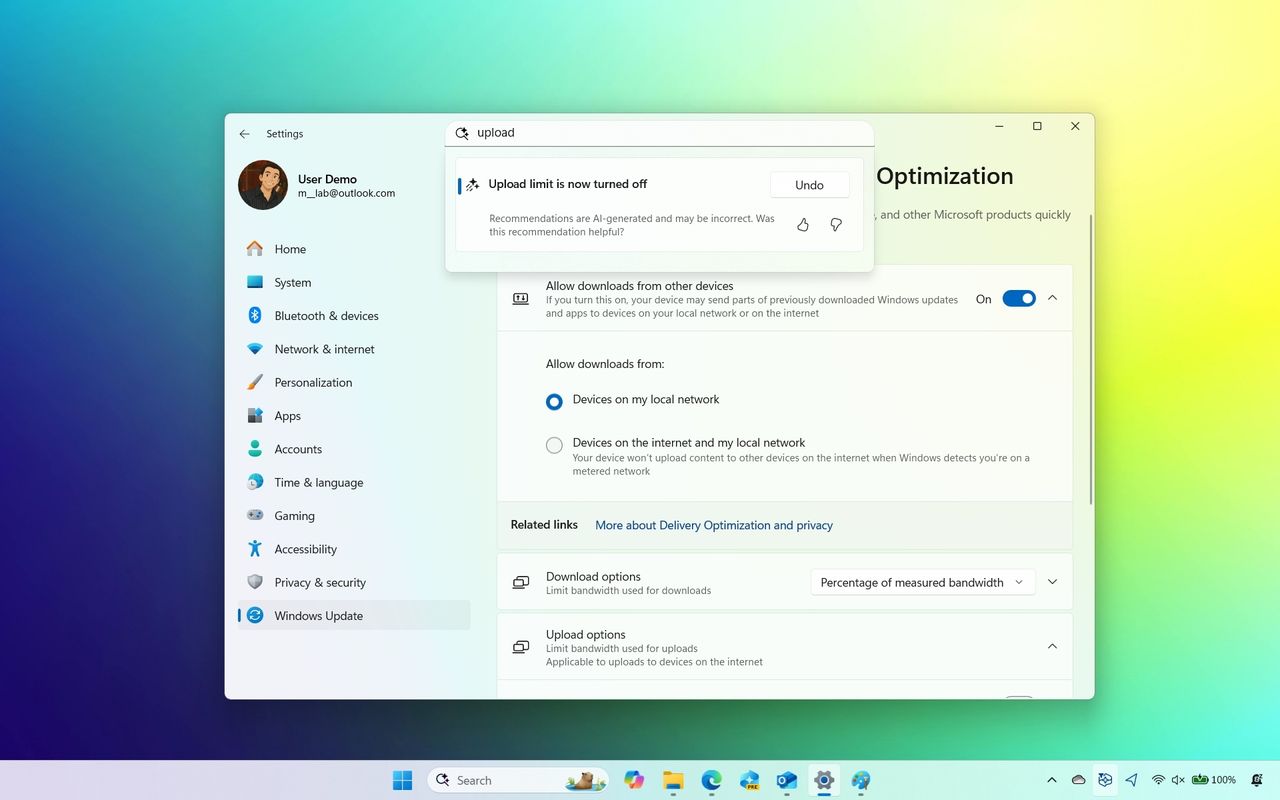
Windows 11 Settings AI agent

Windows 11 is now the most popular desktop OS in the world — finally surpasses Windows 10 after 4 years

After four years on the market, Windows 11 has finally surpassed Windows 10 to become the most dominant desktop OS platform in the world, according to Stat Counter.

Windows 11 Start Logo

Microsoft's extra year of Windows 10 security updates isn't a "viable solution" for the 400 million PCs that can't upgrade to Windows 11 — "It's obvious users are frustrated and feel yanked around."

While Microsoft's new extended lifeline for Windows 10 will grant users access to free security updates for an entire year, PIRG says this isn't enough.

A view of the new Microsoft Surface Laptop following a Microsoft launch event, May 2, 2017 in New York City.

Latest Microsoft Edge update breaks design visuals on Windows 11 — once you see it, you'll hate it

Microsoft Edge version 138 started rolling out last week, and users quickly noticed it's missing an important visual design that was originally introduced specifically for Windows 11.

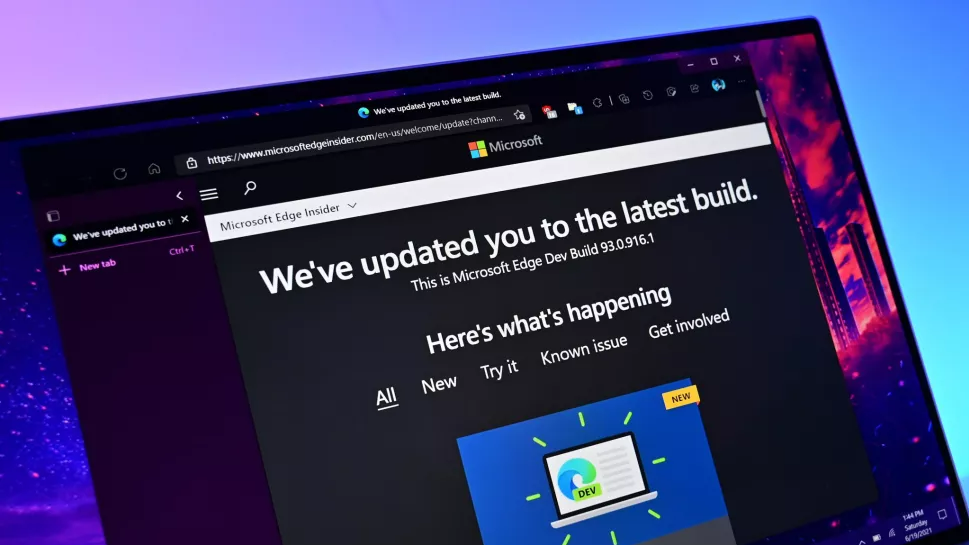
Microsoft Edge Update page

Apple is making a cheap MacBook — that's bad news for Windows

A sub-$800 MacBook is reportedly in the works, targeting the midrange PC market, notorious for its lackluster hardware. If true, Windows OEMs are in trouble.

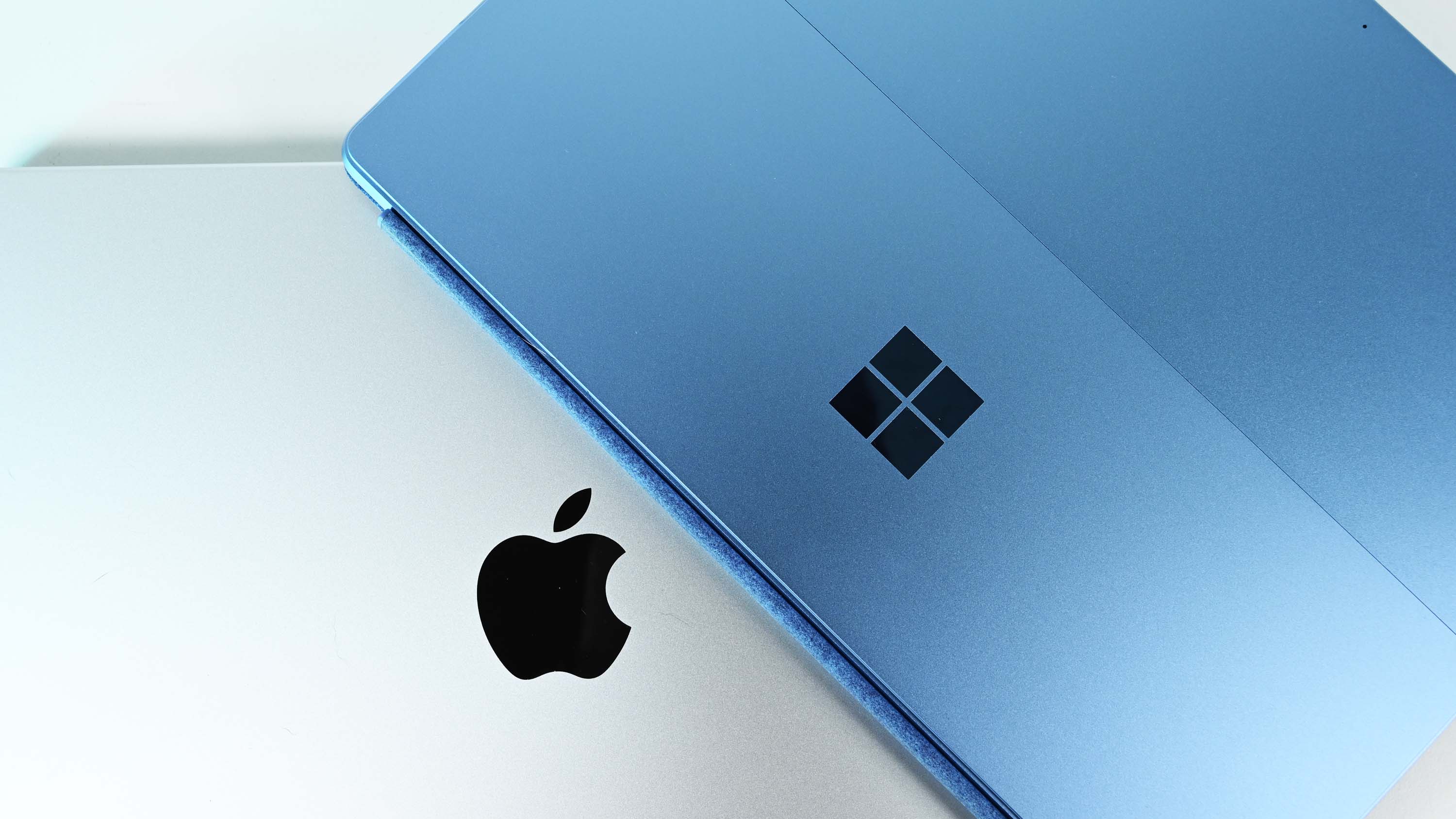
Surface Pro 11 vs. MacBook Pro 14" with M3

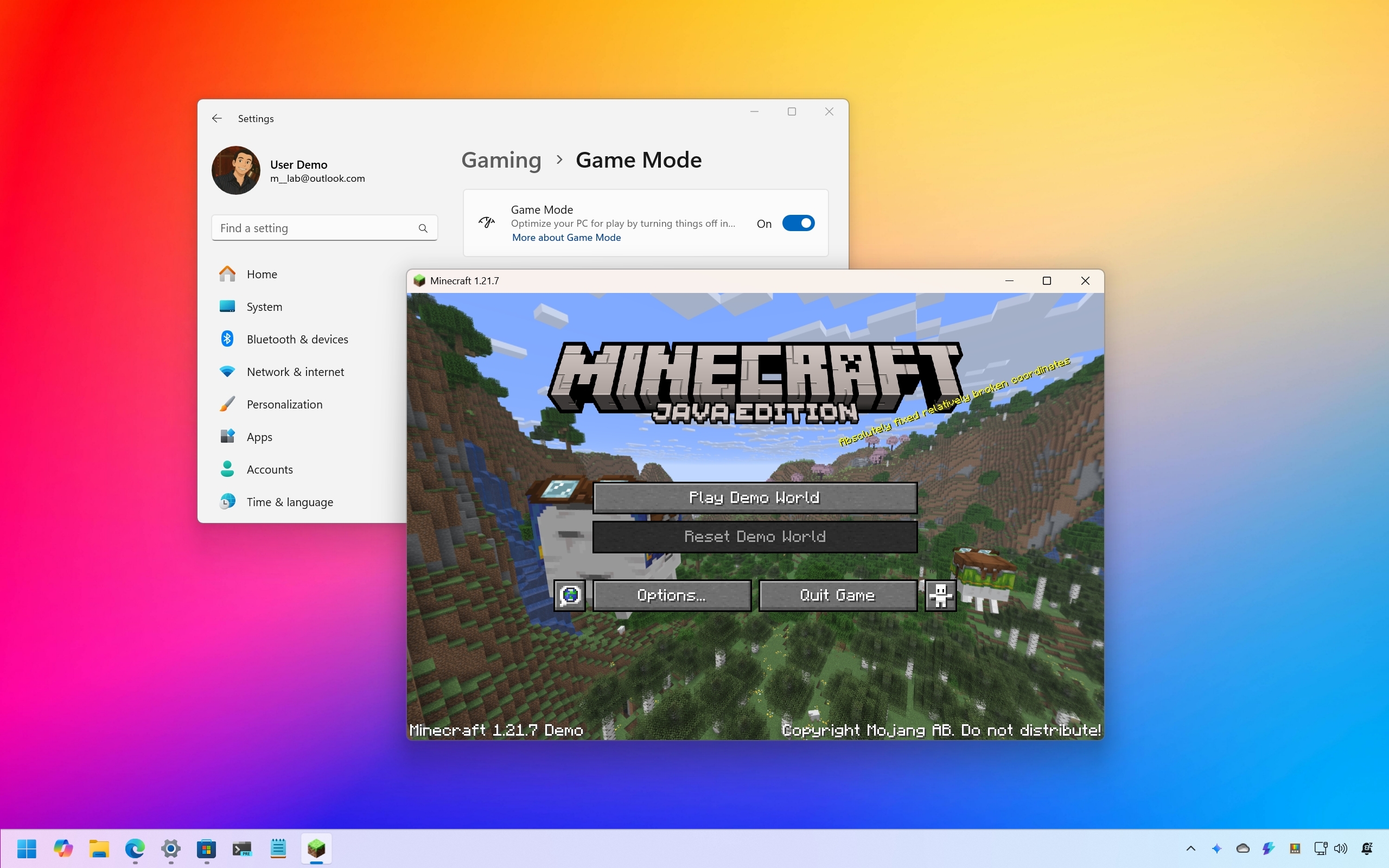
I made 21 tweaks in Windows 11 to increase gaming performance — and they worked

On Windows 11, you can configure a slew of settings and features to improve gaming performance. In this guide, I'll show you 21 ways to optimize your PC.

Windows 11 games

  • ✇TheWindowsClub News
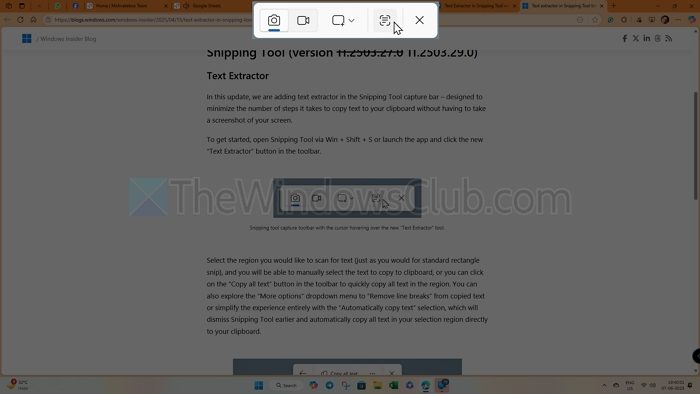
  • Text Extractor in Snipping Tool will let you extract text from images
    Microsoft has introduced a new Text Extractor feature in the Snipping Tool. For a long time, we used the Snipping Tool primarily for quickly taking screenshots, but now Microsoft aims to make it your go-to OCR tool. This new feature was initially made available to Windows Insiders and has now rolled out to users in […] The post Text Extractor in Snipping Tool will let you extract text from images appeared first on TheWindowsClub News.
     

Text Extractor in Snipping Tool will let you extract text from images

8 juin 2025 à 01:03

Text Extractor Snipping ToolMicrosoft has introduced a new Text Extractor feature in the Snipping Tool. For a long time, we used the Snipping Tool primarily for quickly taking screenshots, but now Microsoft aims to make it your go-to OCR tool. This new feature was initially made available to Windows Insiders and has now rolled out to users in […]

The post Text Extractor in Snipping Tool will let you extract text from images appeared first on TheWindowsClub News.

  • ✇TheWindowsClub News
  • Command Not Found utility detects command-line errors in PowerShell
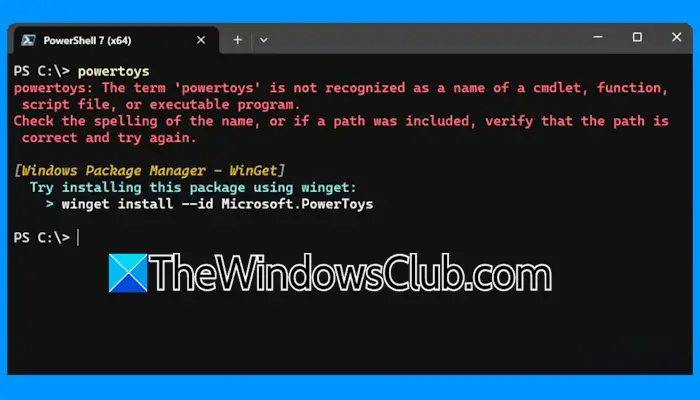
    Command Not Found is a PowerShell 7 module that detects an error thrown by a command and suggests a relevant WinGet package to install, if available. It is a helpful tool, as it makes it easier to find and install the packages you need. Command Not Found utility detects command-line errors in PowerShell The Command […] The post Command Not Found utility detects command-line errors in PowerShell appeared first on TheWindowsClub News.
     

Command Not Found utility detects command-line errors in PowerShell

27 février 2025 à 19:20

Command Not Found utilityCommand Not Found is a PowerShell 7 module that detects an error thrown by a command and suggests a relevant WinGet package to install, if available. It is a helpful tool, as it makes it easier to find and install the packages you need. Command Not Found utility detects command-line errors in PowerShell The Command […]

The post Command Not Found utility detects command-line errors in PowerShell appeared first on TheWindowsClub News.

  • ✇TheWindowsClub News
  • DeepSeek for Copilot+ PCs now available on Azure and GitHub
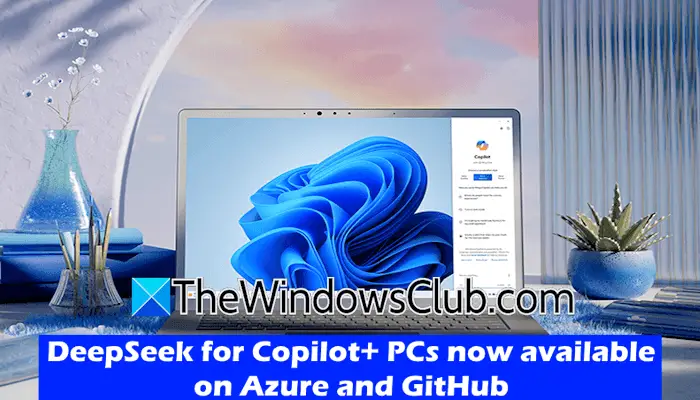
    DeepSeek, a Chinese AI company, has recently released its DeepSeek-R1 AI model. After its release, DeepSeek-R1 became the most downloaded app on the App Store. Now, Microsoft has planned to bring the Chinese DeepSeek-R1 model to its Azure AI Foundry platform and GitHub. DeepSeek for Copilot+ PCs is now available on Azure and GitHub. DeepSeek […] The post DeepSeek for Copilot+ PCs now available on Azure and GitHub appeared first on TheWindowsClub News.
     

DeepSeek for Copilot+ PCs now available on Azure and GitHub

25 février 2025 à 11:28

DeepSeek for Copilot+ PCs now availableDeepSeek, a Chinese AI company, has recently released its DeepSeek-R1 AI model. After its release, DeepSeek-R1 became the most downloaded app on the App Store. Now, Microsoft has planned to bring the Chinese DeepSeek-R1 model to its Azure AI Foundry platform and GitHub. DeepSeek for Copilot+ PCs is now available on Azure and GitHub. DeepSeek […]

The post DeepSeek for Copilot+ PCs now available on Azure and GitHub appeared first on TheWindowsClub News.

  • ✇TheWindowsClub News
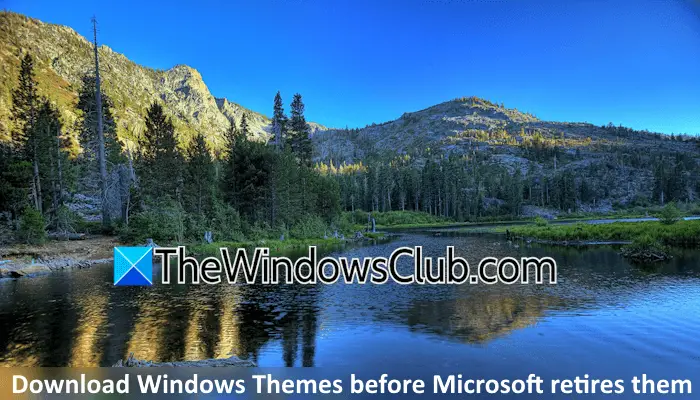
  • Download Windows Themes before they are retired by Microsoft
    Windows Themes are collections of background pictures and other elements that allow you to personalize your Windows experience. Themes also provide a visually appealing interface and enhance the users’ experience. Microsoft offers a variety of themes that allow you to customize your desktop background and make it look more attractive. Download Windows Themes before they […] The post Download Windows Themes before they are retired by Microsoft appeared first on TheWindowsClub News.
     

Download Windows Themes before they are retired by Microsoft

30 janvier 2025 à 04:07

Download Windows ThemesWindows Themes are collections of background pictures and other elements that allow you to personalize your Windows experience. Themes also provide a visually appealing interface and enhance the users’ experience. Microsoft offers a variety of themes that allow you to customize your desktop background and make it look more attractive. Download Windows Themes before they […]

The post Download Windows Themes before they are retired by Microsoft appeared first on TheWindowsClub News.

  • ✇TheWindowsClub News
  • Free Upgrade to Windows 11 is for a Limited Time only, says Microsoft
    Microsoft will officially retire Windows 10 on October 14, 2025. After that, no upgrade will be rolled out, leaving your PC insecure. However, Microsoft offers a Free Upgrade to Windows 11 for a limited time. In the official post, Microsoft has shared what happens if you don’t upgrade or need to extend support, but there […] The post Free Upgrade to Windows 11 is for a Limited Time only, says Microsoft appeared first on TheWindowsClub News.
     

Free Upgrade to Windows 11 is for a Limited Time only, says Microsoft

15 janvier 2025 à 01:19

Free Upgrade to Windows 11Microsoft will officially retire Windows 10 on October 14, 2025. After that, no upgrade will be rolled out, leaving your PC insecure. However, Microsoft offers a Free Upgrade to Windows 11 for a limited time. In the official post, Microsoft has shared what happens if you don’t upgrade or need to extend support, but there […]

The post Free Upgrade to Windows 11 is for a Limited Time only, says Microsoft appeared first on TheWindowsClub News.

Windows : la connexion à son compte Microsoft va changer en Europe

15 décembre 2023 à 05:44
Pour se conformer à la nouvelle législation européenne, le Digital Markets Act, Microsoft doit changer la manière dont vous vous connecter à votre compte Microsoft depuis un programme. Nous parlons régulièrement des nouvelles législations européennes touchant le numérique et les...

Windows 11 : Microsoft modernise et renforce la sécurité de l’impression

14 décembre 2023 à 13:39
Microsoft vient de publier la dernière build de Windows 11 de l'année 2023 accessible aux membres Insider sur le Canary Channel. Cette version 26016 de l'OS inclut notamment des nouveautés du côté de l'impression, avec l'intégration du mode “Impression protégé...

Microsoft 365 va devenir beaucoup plus facile à utiliser grâce à ces petits changements

14 décembre 2023 à 02:57
Microsoft a annoncé de nouvelles fonctionnalités pour son application bureautique Microsoft 365, qui permet d’utiliser la suite Office. Elles donneront la possibilité d’interagir plus facilement avec vos documents, pour par exemple les partager et les supprimer sans sortir du logiciel....
❌