ASUS, Apple, Samsung, and Lenovo offer five credible Surface Pro alternatives with different strengths in performance, portability, software, and price.
The post 5 Best Surface Pro Alternatives for 2026: ASUS, iPad, Galaxy and More appeared first on TechRepublic.
ASUS, Apple, Samsung, and Lenovo offer five credible Surface Pro alternatives with different strengths in performance, portability, software, and price.
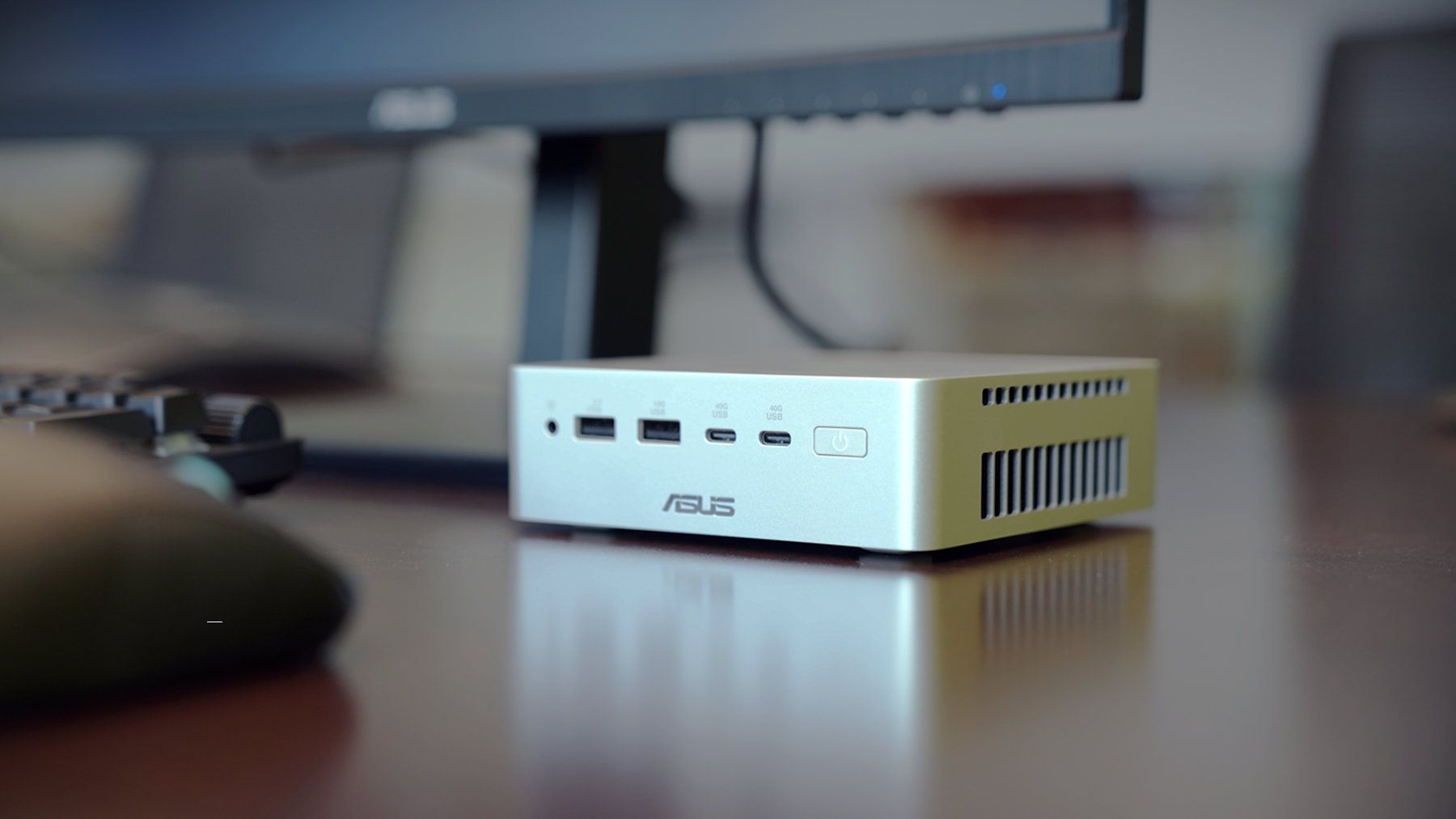
ASUS just started shipping the Ascent QN10, the first mini PC built around Qualcomm’s Snapdragon X2 Elite platform and its 80 TOPS NPU.The 80 TOPS NPU is designed for local AI tasks such as language models, image processing, and automation workflows.Up to this point, mini PCs running Windows on Arm have been largely dev kits, such as the Windows Dev Kit 2023. Those types of devices allowed developers to optimize apps for Arm, but they were not aimed at general cu
ASUS just started shipping the Ascent QN10, the first mini PC built around Qualcomm’s Snapdragon X2 Elite platform and its 80 TOPS NPU.
The 80 TOPS NPU is designed for local AI tasks such as language models, image processing, and automation workflows.
Up to this point, mini PCs running Windows on Arm have been largely dev kits, such as the Windows Dev Kit 2023. Those types of devices allowed developers to optimize apps for Arm, but they were not aimed at general customers. There have been some consumer mini PCs with Arm processors, but the Ascent QN10 is the first with the Snapdragon X2 Elite.
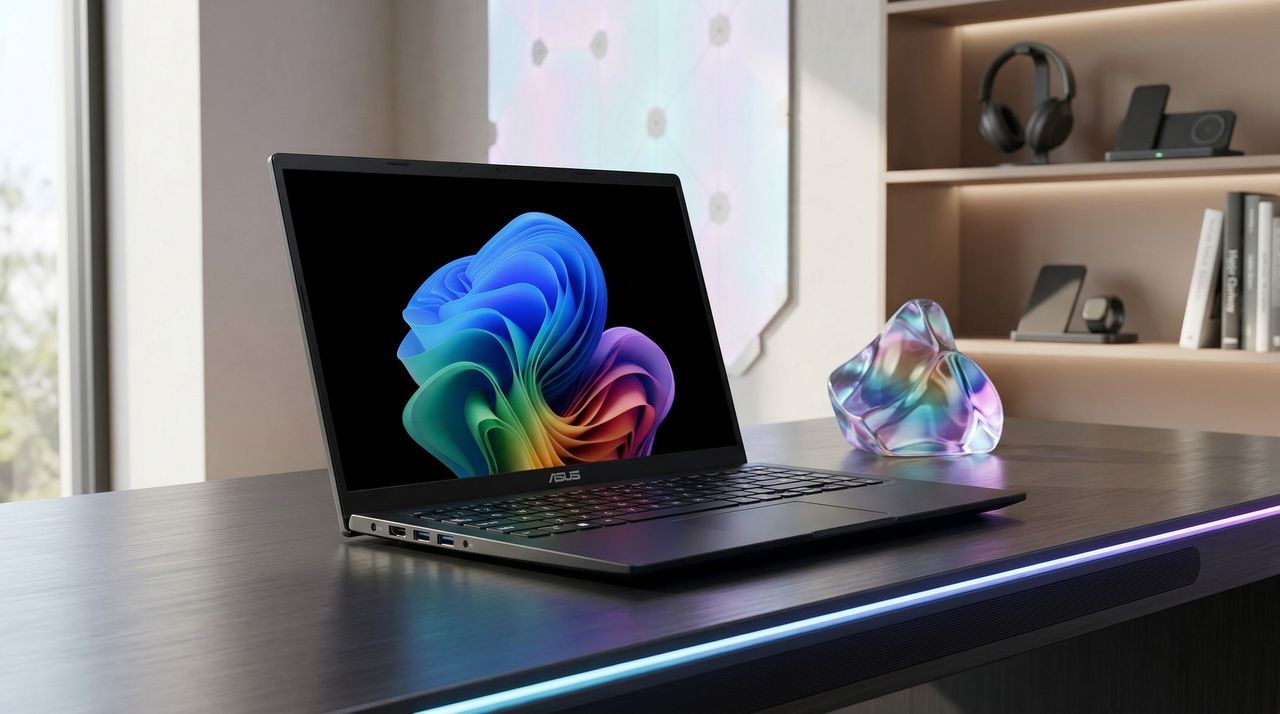
The ASUS Ascent QN10 is a very different device. It’s a consumer‑ready PC with an anodized aluminum chassis rather than the plastic developer boxes we’ve seen in the past. Our friends at Tom’s Guide said the Ascent QN10 “could be the Mac mini M4 alternative for Windows users.”
The Ascent QN10 has a 0.7-liter body, making it smaller than many of the best mini PCs. Despite the small body, it packs plenty of ports.
ASUS Ascent QN10 Specs
Processor
Qualcomm Snapdragon X2 Elite (18-Core Oryon CPU)
Graphics
Qualcomm Adreno X2-90
NPU
Qualcomm Hexagon (Up to 80 TOPS)
Memory
Up to 32GB LPDDR5x
Storage
512GB, 1TB or 2TB
Ports
2 x USB4, 2 x USB-A, 1 x 3.5mm audio jack (front), 1 x USB4, 1 x HDMI 2.1, 2 x USB-A, 1 x 2.5 Gigabit Ethernet (rear)
Connectivity
Wi-Fi 7, Bluetooth 6.0
Dimensions
5.1 x 5.1 x 1.5 inches
Weight
1.6 pounds
The specs of the Ascent QN10 received a small bump since our colleagues at Tom's Guide went hands-on with the mini PC. The Ascent QN10 features Bluetooth 6.0 rather than the older Bluetooth 5.4.
The Ascent QN10 has a clever cooling solution that keeps the heat from its CPU and SSD separate. Fresh air is brought in on one side of the device but then split and sent out separately on the other side of the device.
Overall, the Ascent QN10 looks like a strong first showing for Snapdragon X2 Elite in a mini PC. The big question is if there's a demand for an AI-focused mini PC running Windows on Arm.
The Ascent QN10 can access Qualcomm’s AI Hub, which provides over 175 pre‑optimized models and tools for testing and deploying AI workloads.
ASUS
Ascent QN10 Mini PC
This mini PC runs on a Snapdragon X2 Elite and has an NPU with 80 TOPS of performance. Those specs allow it to handle AI workloads effeciently despite the compact body of the mini PC.
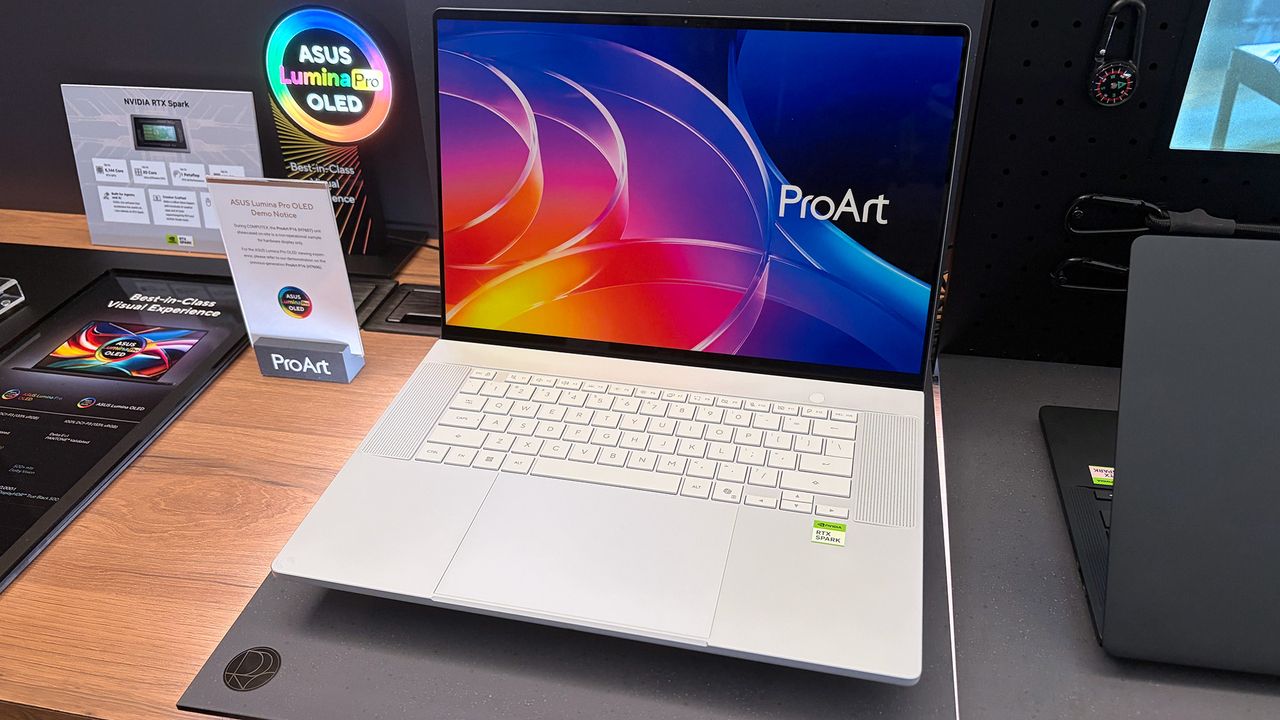
I was at Computex this year when NVIDIA's RTX Spark System-on-Chip (SoC) was revealed to the world, and from the start, I had a hunch that it would be a big deal.A powerful chip for Windows on ARM that can run every Windows app ever made? That was one of NVIDIA CEO Jensen Huang's first promises.With Microsoft as its launch partner, the Surface Laptop Ultra was one of the first RTX Spark laptops announced, but ASUS was right up there with its ProArt P16 and ProArt
I was at Computex this year when NVIDIA's RTX SparkSystem-on-Chip (SoC) was revealed to the world, and from the start, I had a hunch that it would be a big deal.
Incredibly sleek and streamlined, these laptops were a smash hit on the show floor. Apparently, they're also far more popular than ASUS was expecting.
In a recent ASUS Q2 earnings call, it was revealed that the company is completely out of ProArt P14 and P16 units to ship to its partners (aka third-party retailers and distributors) as part of pre-order efforts.
As one of the first manufacturers to launch RTX Spark-based systems, the market response to pre-orders for our ProArt notebook P16 and P14 has been intense. They are currently completely sold out. [...] Regarding current demand, the market response has far exceeded our expectations. Essentially, the initial quantities we planned have already been fully pre-ordered by our channel partners. We’re continuing to place additional orders with our partners.
S.Y. Hsu, Co-CEO ASUS (ASUS Q2 earnings call)
More RTX Spark laptops are on the way, of course, and ASUS has some time to shore up supplies before the planned Q4 2026 release of the new Spark-powered ProArt PCs.
It's too bad that the earnings call doesn't mention anything about exact volumes, because it's hard to say exactly how popular these laptops really are. However, ASUS says that it's "very optimistic about next year's sales" thanks to the "high AI computing power relative to its compact size" in the RTX Spark laptops.
What is NVIDIA's RTX Spark?
A look at the NVIDIA RTX Spark chip that's (normally) inside the ProArt P16. (Image credit: Cale Hunt | Windows Central)
NVIDIA's RTX Spark is an ARM-powered SoC that's expected to compete directly with the likes of Intel, AMD, and Qualcomm for space in Windows 11 PCs.
I covered rumors of the "N1X" chip for months in the lead-up to Computex 2026, and indeed it seems just as powerful and efficient as pre-announcement estimates.
Spark takes efficient ARM-based CPU cores similar to those found in Qualcomm Snapdragon chips and pairs them with an NVIDIA Blackwell RTX GPU, all while drawing from a unified memory setup that can hit 128GB.
A broken-down example of the ASUS ProArt P16 with RTX Spark. (Image credit: Cale Hunt | Windows Central)
This combination allows for massive performance that can shred standard and AI-related tasks without requiring a bulky discrete GPU.
Throw these chips into ASUS ProArt laptops with "all-day-long" battery life, wide port variety, super slim bodies, and 4K OLED displays, and it's easy to see why there's so much interest from retail partners.
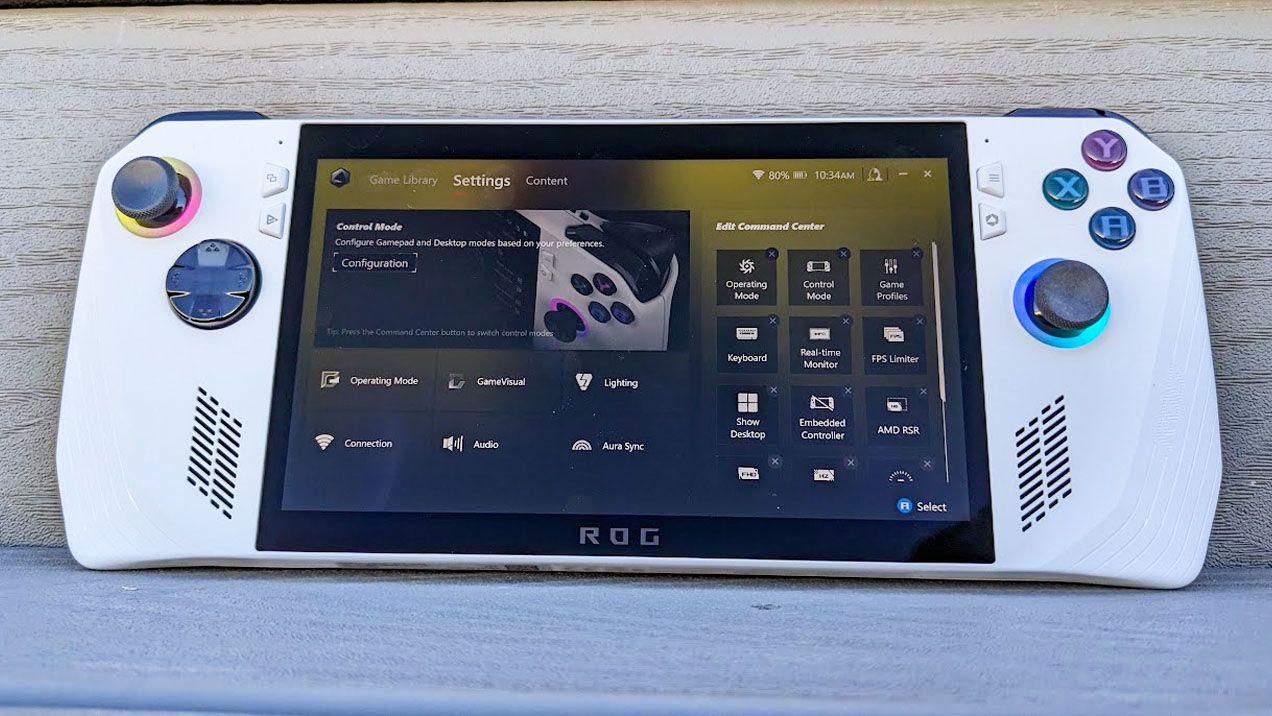
ASUS Armoury Crate is but one piece of specialized management software that many of us have installed on our PC, perhaps without even knowing it. It comes preinstalled on ASUS gaming handhelds, including the Xbox Ally X, as well as ASUS gaming laptops.If that sounds like hardware you use, it's time to check up on Armoury Crate. According to an August 10 update on the official ASUS advisory board, "a component used by Armoury Crate" is vulnerable and could be leav
ASUS Armoury Crate is but one piece of specialized management software that many of us have installed on our PC, perhaps without even knowing it. It comes preinstalled on ASUS gaming handhelds, including the Xbox Ally X, as well as ASUS gaming laptops.
If that sounds like hardware you use, it's time to check up on Armoury Crate. According to an August 10 update on the official ASUS advisory board, "a component used by Armoury Crate" is vulnerable and could be leaving you open to attacks.
Alongside that unmentioned component of Armoury Crate, ASUS has also released security updates for its GPU Tweak III, GPU Tweak II, and AI Suite 3 software.
This vulnerability, listed as CVE-2026-8917, comes with an 8.4 rating. That's out of a maximum of 10, meaning this isn't an issue you should ignore for long.
What does this ASUS vulnerability entail?
According to the CVE record, an "IOCTL vulnerability allows a local attacker to write a specific value to an arbitrary memory address, potentially leading to privilege escalation."
Although the CVE record doesn't mention Armoury Crate by name, it's clear that ASUS is concerned with that "certain component" alongside its other standalone software.
How do I update the vulnerable ASUS software?
A look at the GPU Tweak III download page at the ASUS support website. (Image credit: ASUS)
Updated versions of GPU Tweak III, GPU Tweak II, and AI Suite 3 software can be directly downloaded from the ASUS support website.
You want to be sure that you're grabbing the most recent version. For GPU Tweak III, I'm seeing version 2.1.7.2. This appears to be a newer version than what's listed as affected on the CVE website.
The GPU Tweak II version on the ASUS support page appears to still be the one affected. (Image credit: ASUS)
For GPU Tweak II, I'm seeing version 2.4.0.0 on the ASUS support page; unfortunately, this version is listed on the CVE page as vulnerable, so I can only guess that ASUS hasn't yet made the necessary updates to its download packages.
It's unclear why ASUS hasn't yet made the secure version of GPU Tweak II available for download. If you're concerned, my best advice is to simply remove the software entirely until it's updated.
And for the actual Armoury Crate software, you can choose to update from within the app itself.
Is there any alternative to ASUS Armoury Crate?
A look at the G-Helper app interface for ASUS laptops and gaming handhelds. (Image credit: Seerge (g-helper.com))
I often use Armoury Crate on my desktop gaming PC to control certain ROG and TUF components, but most of the time it sits idly in the background. It's not the best software, vulnerabilities aside, but it seems to get the job done.
I've read tales of some specific ASUS desktop hardware absolutely requiring Armoury Crate to function properly, but for other ASUS gaming devices, it can be replaced entirely.
Let me introduce you to G-Helper. It's designed to work with ASUS laptops and gaming handhelds, doing what Armoury Crate does in a streamlined, unbloated app that only eats up about 5MB of space.
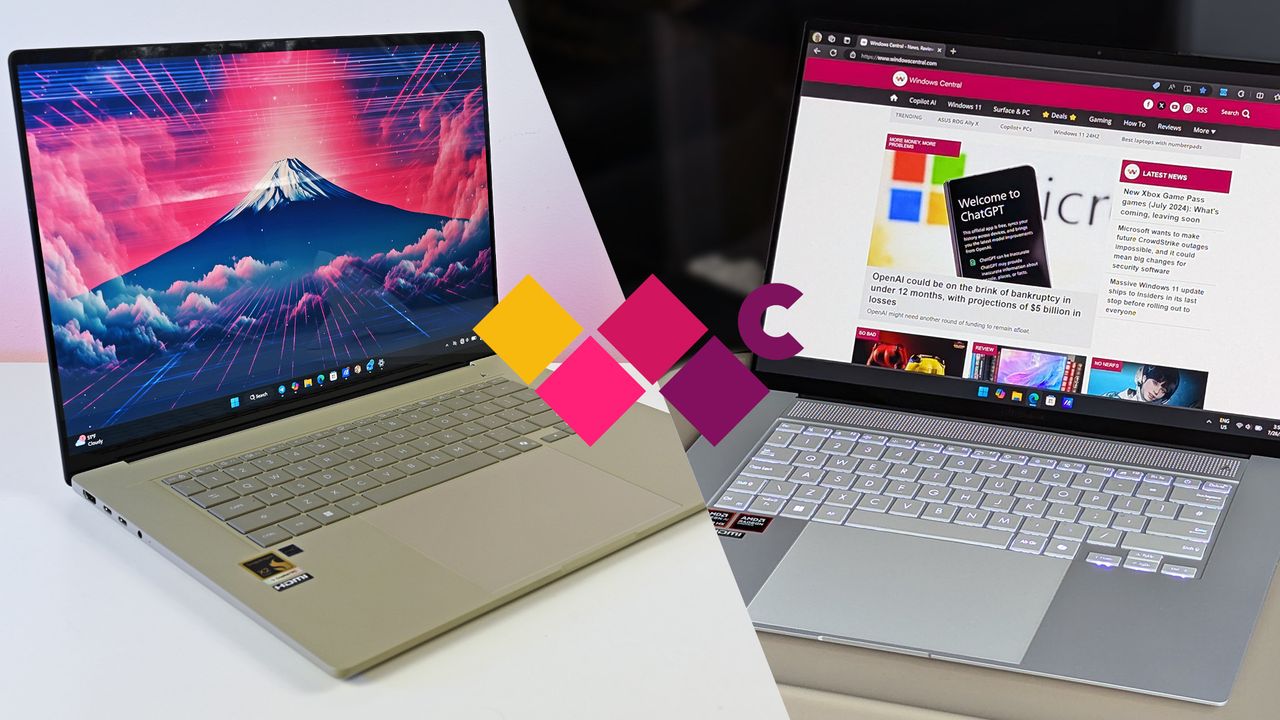
ASUS now has Zenbook A16 and Zenbook S 16 models on the market, and at first glance, they seem quite similar. But once you get inside, differences begin to appear. I've put together this comparison based on our reviews of both laptops to help you make the right decision.ASUS Zenbook A16 vs Zenbook S 16I'm comparing the Zenbook A16 to the Zenbook S 16.
ASUS now has Zenbook A16 and Zenbook S 16 models on the market, and at first glance, they seem quite similar. But once you get inside, differences begin to appear. I've put together this comparison based on our reviews of both laptops to help you make the right decision.
ASUS Zenbook A16 vs Zenbook S 16
I'm comparing the Zenbook A16 to the Zenbook S 16.
Just hours after our 5-star review dropped, ASUS and Best Buy hiked the price of the Zenbook A16.Studio photos of the 2026 ASUS Zenbook A16 laptop featuring the new Qualcomm Snapdragon X2 Elite Extreme processor.The ASUS Zenbook A16 earned a perfect score in our review, but it confusingly went up in price hours after launch.
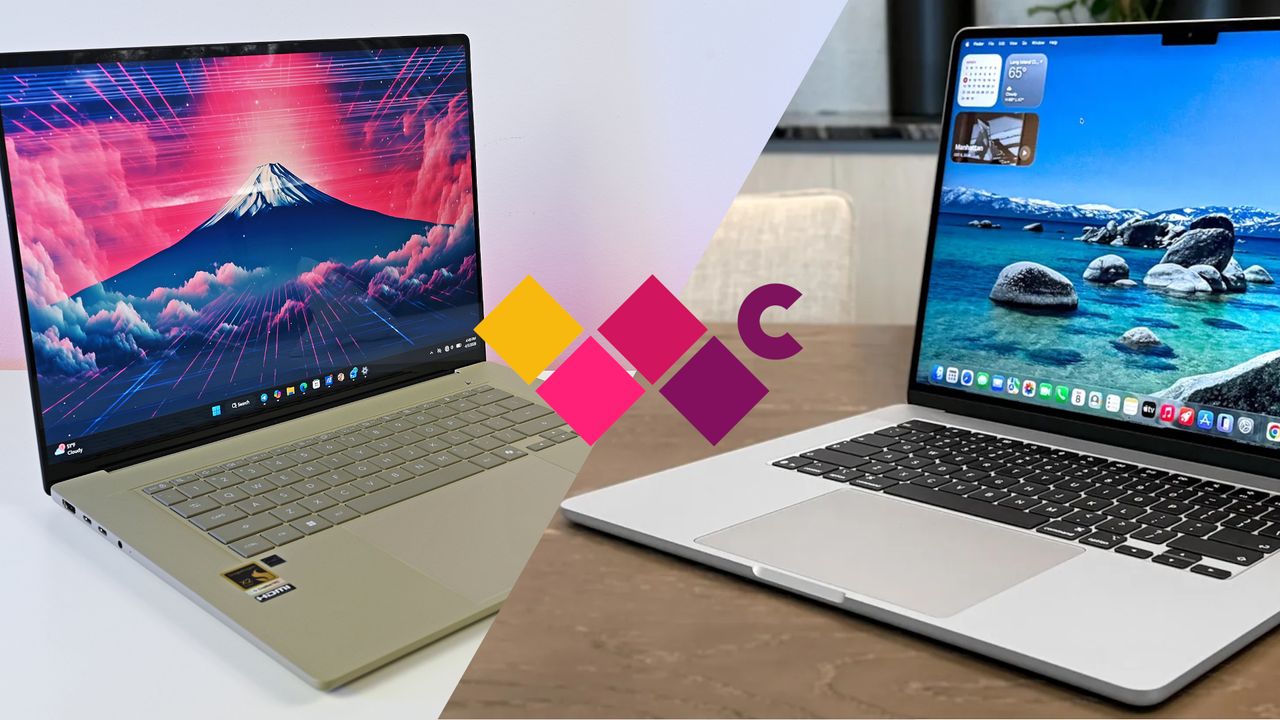
We got our hands on the new ASUS Zenbook A16 for in-depth testing, and it's clear that the new Windows laptop is gunning for Apple's lightweight MacBook Air 15. Here's how the two devices compare in terms of design, features, displays, performance, efficiency, and pricing.ASUS Zenbook A16 vs. MacBook Air 15 (M5)I'm putting the new ASUS Zenbook A16 up against the MacBook Air 15 with M5.
We got our hands on the new ASUS Zenbook A16 for in-depth testing, and it's clear that the new Windows laptop is gunning for Apple's lightweight MacBook Air 15. Here's how the two devices compare in terms of design, features, displays, performance, efficiency, and pricing.
ASUS Zenbook A16 vs. MacBook Air 15 (M5)
I'm putting the new ASUS Zenbook A16 up against the MacBook Air 15 with M5.
A combination of Qualcomm's phenomenal generational performance gains and refinements to ASUS' already stellar Zenbook design has crafted a practically perfect Windows laptop.Studio photos of the 2026 ASUS Zenbook A16 laptop featuring the new Qualcomm Snapdragon X2 Elite Extreme processor.Studio photos of the 2026 ASUS Zenbook A16 laptop featuring the new Qualcomm Snapdragon X2 Elite Extreme processor.
A combination of Qualcomm's phenomenal generational performance gains and refinements to ASUS' already stellar Zenbook design has crafted a practically perfect Windows laptop.
Studio photos of the 2026 ASUS Zenbook A16 laptop featuring the new Qualcomm Snapdragon X2 Elite Extreme processor.
Studio photos of the 2026 ASUS Zenbook A16 laptop featuring the new Qualcomm Snapdragon X2 Elite Extreme processor.
There is a 23% discount active for the ASUS Vivobook 14, a workhorse laptop equipped with a Snapdragon X CPU, long battery life, 16GB of RAM, 512GB of storage, and more features that help you survive the daily office grind.AI generated image of the ASUS Vivobook 14, visualizedThe ASUS Vivobook 14 is not flashy, but will get the job done with no fuss.
There is a 23% discount active for the ASUS Vivobook 14, a workhorse laptop equipped with a Snapdragon X CPU, long battery life, 16GB of RAM, 512GB of storage, and more features that help you survive the daily office grind.
AI generated image of the ASUS Vivobook 14, visualized
The ASUS Vivobook 14 is not flashy, but will get the job done with no fuss.
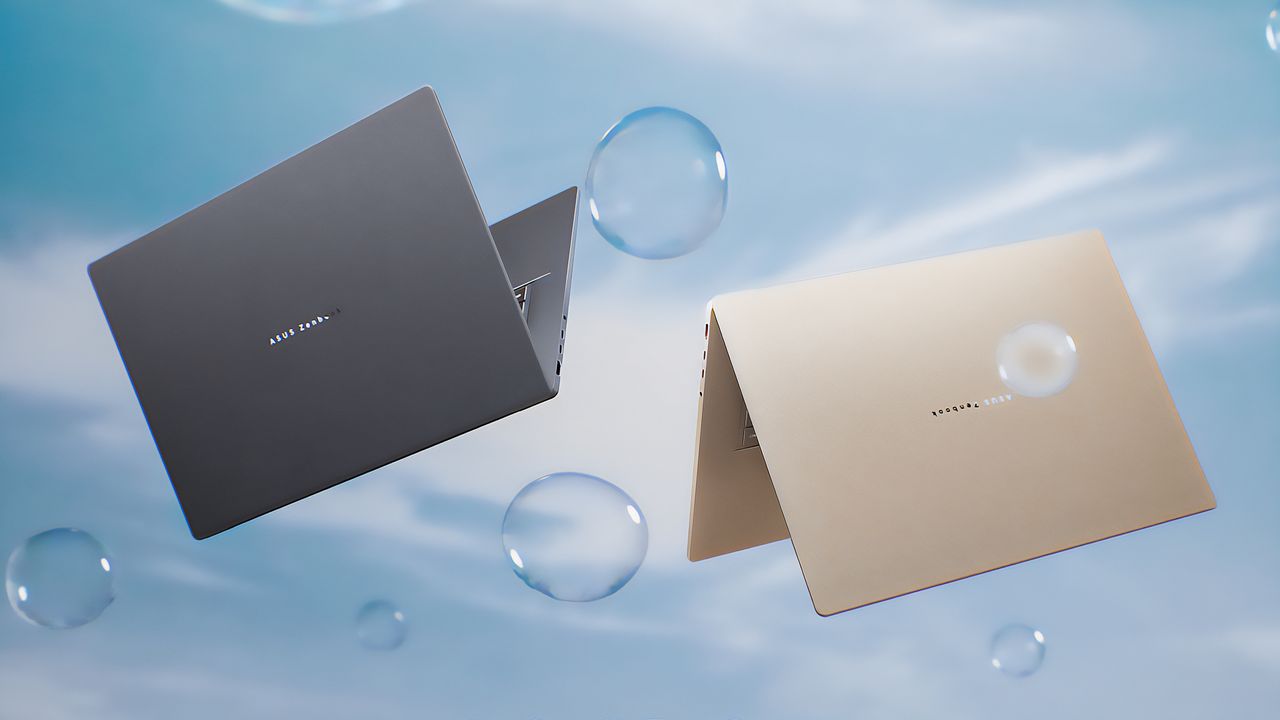
At CES 2026, ASUS refreshed the awesome Zenbook A14 — and announced a new, ultra-light 16-inch version powered by Qualcomm's most powerful laptop chips yet.The Iceland Gray and the Zabriskie Beige ASUS Zenbook A16 laptops floating in the air near bubbles.
At CES 2026, ASUS refreshed the awesome Zenbook A14 — and announced a new, ultra-light 16-inch version powered by Qualcomm's most powerful laptop chips yet.
The Iceland Gray and the Zabriskie Beige ASUS Zenbook A16 laptops floating in the air near bubbles.
The ASUS Zenbook A14 is one of the lightest, slimmest AI PCs we've ever reviewed, and it's a perfect replacement for your aging Windows 10 device. The fact that it just dropped to $579 makes it an immediate and easy recommendation.ASUS Zenbook A14 deal
The ASUS Zenbook A14 is one of the lightest, slimmest AI PCs we've ever reviewed, and it's a perfect replacement for your aging Windows 10 device. The fact that it just dropped to $579 makes it an immediate and easy recommendation.
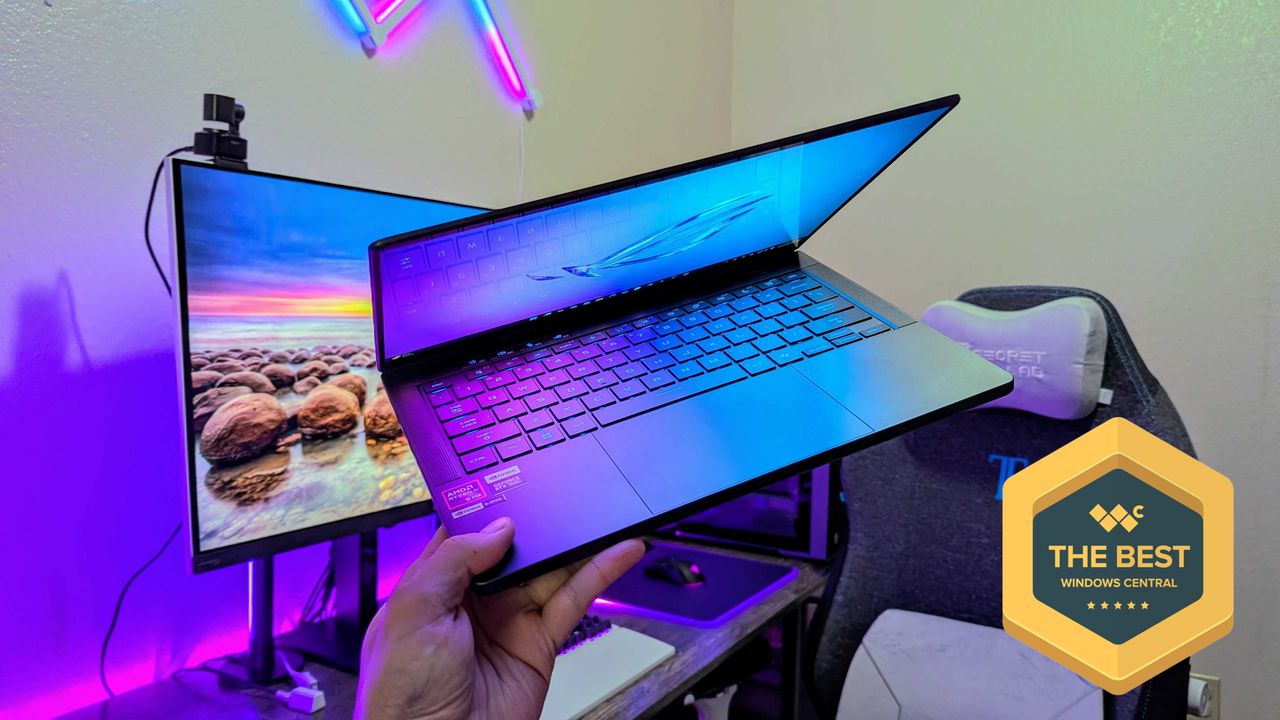
The ASUS ROG Zephyrus G14 (2025) is once again a fantastic laptop for gaming and everything else, but ASUS pursued more power at a cost, and I'm conflicted.Image of the ASUS ROG Zephyrus G14 (2025) gaming laptop.
The ASUS ROG Zephyrus G14 (2025) is once again a fantastic laptop for gaming and everything else, but ASUS pursued more power at a cost, and I'm conflicted.
Image of the ASUS ROG Zephyrus G14 (2025) gaming laptop.
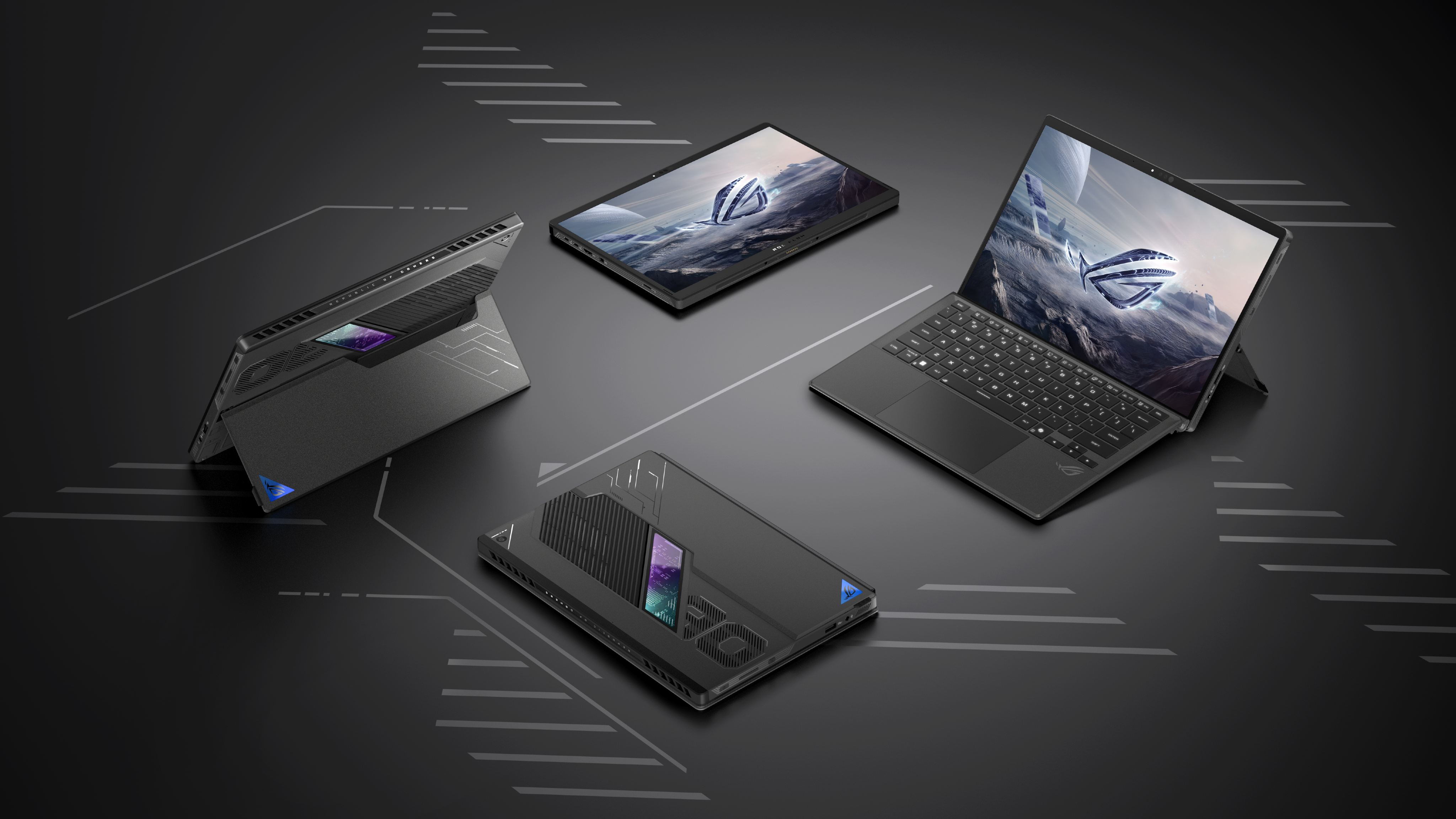
You can now preorder the ASUS ROG Flow Z13, which pairs a versatile 2-in-1 design with AMD's most powerful mobile hardware ever. It could be the best gaming tablet.The ASUS ROG Flow Z13 (2025) in four positions, including upright with its keyboard attached, upright with its keyboard detached, laying down with its screen up, and laying down with its back up.
You can now preorder the ASUS ROG Flow Z13, which pairs a versatile 2-in-1 design with AMD's most powerful mobile hardware ever. It could be the best gaming tablet.
The ASUS ROG Flow Z13 (2025) in four positions, including upright with its keyboard attached, upright with its keyboard detached, laying down with its screen up, and laying down with its back up.
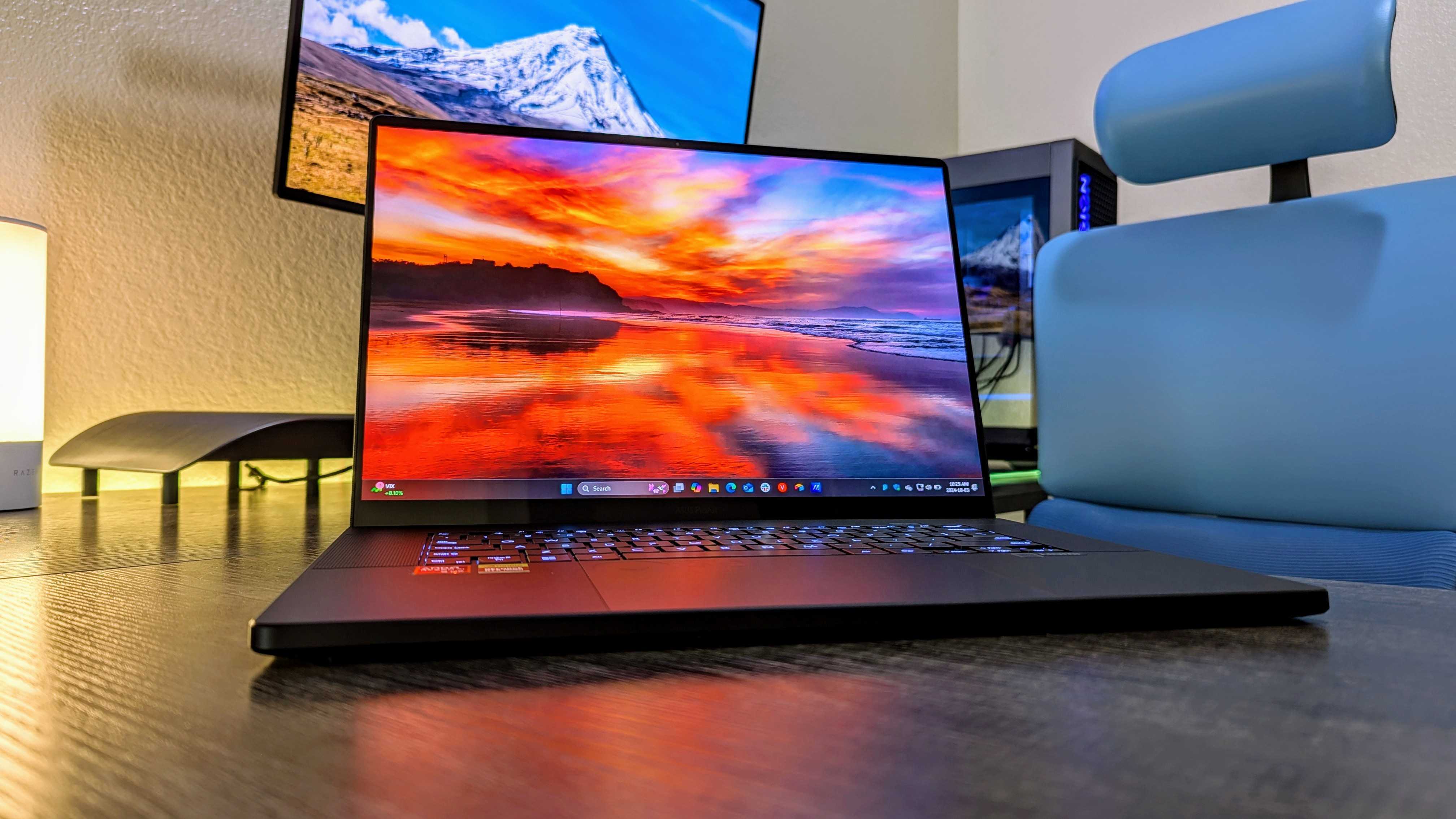
The ASUS ProArt P16 takes everything great about its Zephyrus G16 and refines it for creators. It has a beautiful design, a ton of power, and a lovely 4K display.Image of the ASUS ProArt P16 (2024) on a desk.
The ASUS ProArt P16 takes everything great about its Zephyrus G16 and refines it for creators. It has a beautiful design, a ton of power, and a lovely 4K display.
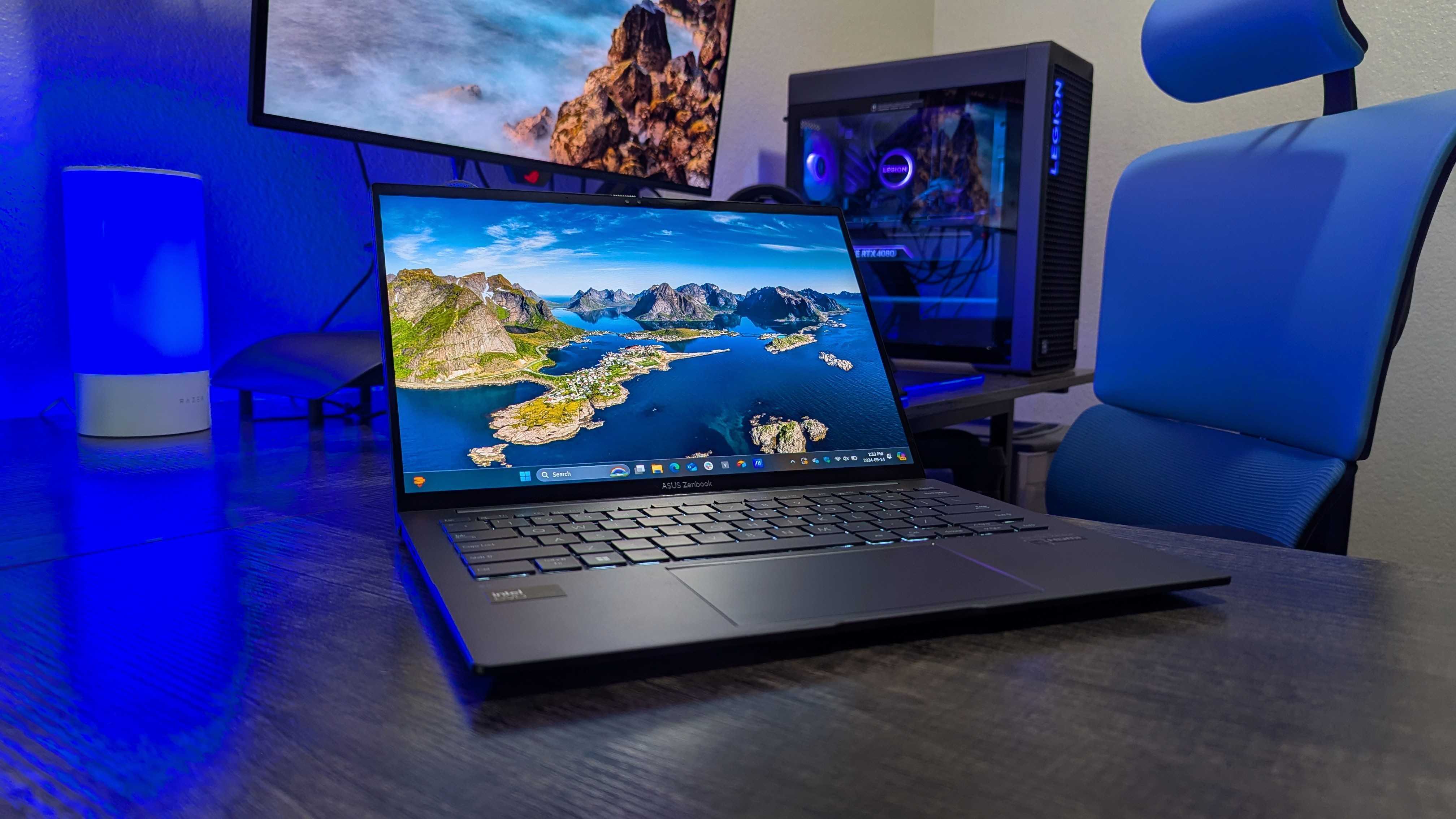
The ASUS Zenbook 14 (Q415M) is a brilliant Windows laptop for just $800, especially with the beautiful OLED display, but 8GB of non-upgradeable RAM is a sore spot.Image of the ASUS Zenbook 14 (Q415M) Windows laptop.
The ASUS Zenbook 14 (Q415M) is a brilliant Windows laptop for just $800, especially with the beautiful OLED display, but 8GB of non-upgradeable RAM is a sore spot.
Image of the ASUS Zenbook 14 (Q415M) Windows laptop.

 Connexion