Microsoft is bringing another round of Copilot, Microsoft 365 and Power Platform updates to its weekly community call on August 18, 2026, with a strong focus on AI agents, identity management and secure document workflows. The weekly call is designed to showcase new features, practical use cases and demos across Microsoft 365 and the Power […]
Microsoft is bringing another round of Copilot, Microsoft 365 and Power Platform updates to its weekly community call on August 18, 2026, with a strong focus on AI agents, identity management and secure document workflows. The weekly call is designed to showcase new features, practical use cases and demos across Microsoft 365 and the Power […]
Microsoft is taking a major step toward turning Copilot into a more unified AI platform. The company has started rolling out a redesigned Copilot experience that brings its standalone chat and image-generation features together with Microsoft 365 tools in a single app. The move is more than a visual refresh. Microsoft is effectively bringing personal […]
Microsoft is taking a major step toward turning Copilot into a more unified AI platform. The company has started rolling out a redesigned Copilot experience that brings its standalone chat and image-generation features together with Microsoft 365 tools in a single app. The move is more than a visual refresh. Microsoft is effectively bringing personal […]
Less than one year after being launched in preview and before leaving testing, the COPILOT function in Excel is going away. The function never shipped to general availability, but it could be used by Frontier and Insider users since August 2025.The COPILOT function allowed users to use natural language to place prompts into spreadsheets. For example, you could use it to summarize text or categorize feedback. The function could also look up information from the we
Less than one year after being launched in preview and before leaving testing, the COPILOT function in Excel is going away. The function never shipped to general availability, but it could be used by Frontier and Insider users since August 2025.
The COPILOT function allowed users to use natural language to place prompts into spreadsheets. For example, you could use it to summarize text or categorize feedback. The function could also look up information from the web.
While useful, the function had serious limits. Microsoft stated that people should not use the COPILOT function for numerical calculations, responses that require context from other parts of a workbook, or any tasks with "legal, regulatory or compliance implications."
Considering how many people use Excel for important work and calculations, those limits are quite restrictive.
Microsoft's explanation of why the feature is going away lacks details. Instead, it primarily focuses on the fact that Copilot in Excel is still available in the side pane:
"Beginning September 14, 2026, the =COPILOT function in Microsoft Excel will no longer be available. This function is currently offered as a preview feature through the Insider and Frontier programs.
Customers can continue using Copilot in Excel through the Copilot side pane, which provides many of the same AI-powered capabilities, including summarizing text, classifying data, generating content, and retrieving information from the web. This change helps streamline the Copilot experience within Excel while continuing to provide AI assistance through a supported interface."
Users will not be able to create new formulas using the COPILOT function after September 14, 2026.
Windows Central take
(Image credit: Windows Central | Jez Corden)
It appears Microsoft may be reining in Copilot a bit. The AI tool is still part of the company's plans, but in a more controlled manner.
Microsoft has a unified Copilot experience that merges Copilot and Microsoft 365 Copilot. We've also seen some Copilot features go away or be limited over the last few months.
Earlier this summer I argued that the free version of Copilot is starting to feel like a tech demo designed to push paid tiers. I still think that's the case, but if Microsoft is going to push Copilot, it's best to do so with a plan.
Since the launch of Copilot, it's felt like Microsoft threw everything at the wall to see what sticks. The Copilot brand was diluted and there were dozens of different apps with Copilot in the name. Anything even remotely related to AI was attached to Copilot in some way, making the term almost meaningless.
Whether it's because Microsoft decided that strategy was a mistake or it's just had enough time to assess what properly stuck, the next wave of Copilot feels more targeted.
Join us on Reddit at r/WindowsCentral to share your insights and discuss our latest news, reviews, and more.
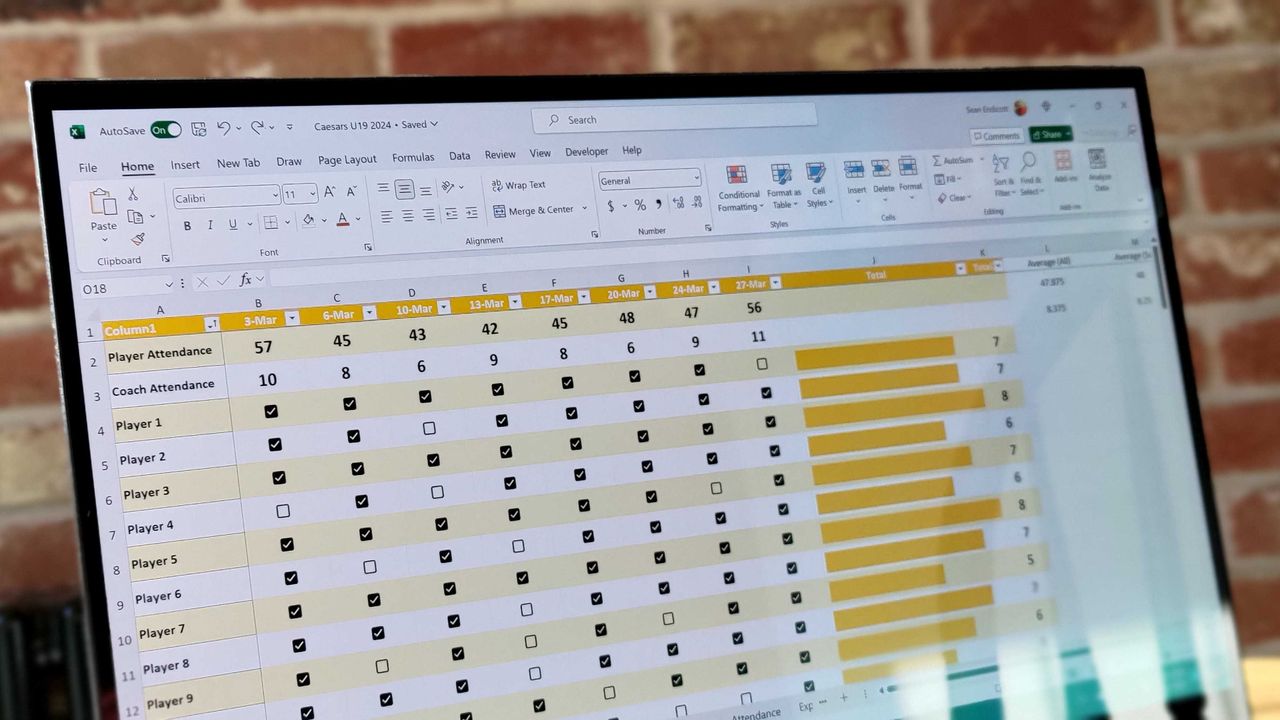
Excel spreadsheet with checkboxes
The upcoming checkboxes feature in Microsoft Excel makes it easy to visualize certain data.
When does a bug become a feature? Microsoft needs to answer that question now that classic Outlook may hide the Copilot button and stop other Copilot features from working.A bug that appears with build 20026.20182 of classic Outlook prevents access to Copilot Chat and removes Copilot entry points within the app."After classic Outlook for Windows updates to build 20026.20182 and higher, you no longer have Copilot Chat or Copilot entry points in Outlook," reads a M
When does a bug become a feature? Microsoft needs to answer that question now that classic Outlook may hide the Copilot button and stop other Copilot features from working.
A bug that appears with build 20026.20182 of classic Outlook prevents access to Copilot Chat and removes Copilot entry points within the app.
"After classic Outlook for Windows updates to build 20026.20182 and higher, you no longer have Copilot Chat or Copilot entry points in Outlook," reads a Microsoft support document. "This issue happens if you have a Copilot Chat (Basic) license or a paid M365 Copilot (Premium) account."
While it's easy to joke about Copilot going missing being "addition by subtraction," the bug is likely frustrating for those that rely on Copilot within classic Outlook.
If your system is affected by the bug, the Copilot button could be missing from the top-right area above the ribbon. The Copilot icon can also go missing in the left app bar or the More Apps area.
Even if you see the Copilot icon in the Add Apps section, selecting "Open" may not do anything at all. Even if you've added Copilot through ribbon customization, the option may appear grayed out or unavailable.
Only classic Outlook is affected, meaning Copilot still appears and works as usual within the web version of Outlook and other versions. The Microsoft 365 Copilot app and web experience are also working normally, though it's worth noting Microsoft has a new unified Copilot experience rolling out.
If you need to use Copilot immediately, Microsoft suggests switching to Outlook on the web or the new Outlook app. While standard fixes like creating a new Outlook profile, clearing local cache data, re-signing into Office, or restarting Windows have been tried, Microsoft notes they don't consistently restore the missing buttons.
Join us on Reddit at r/WindowsCentral to share your insights and discuss our latest news, reviews, and more.
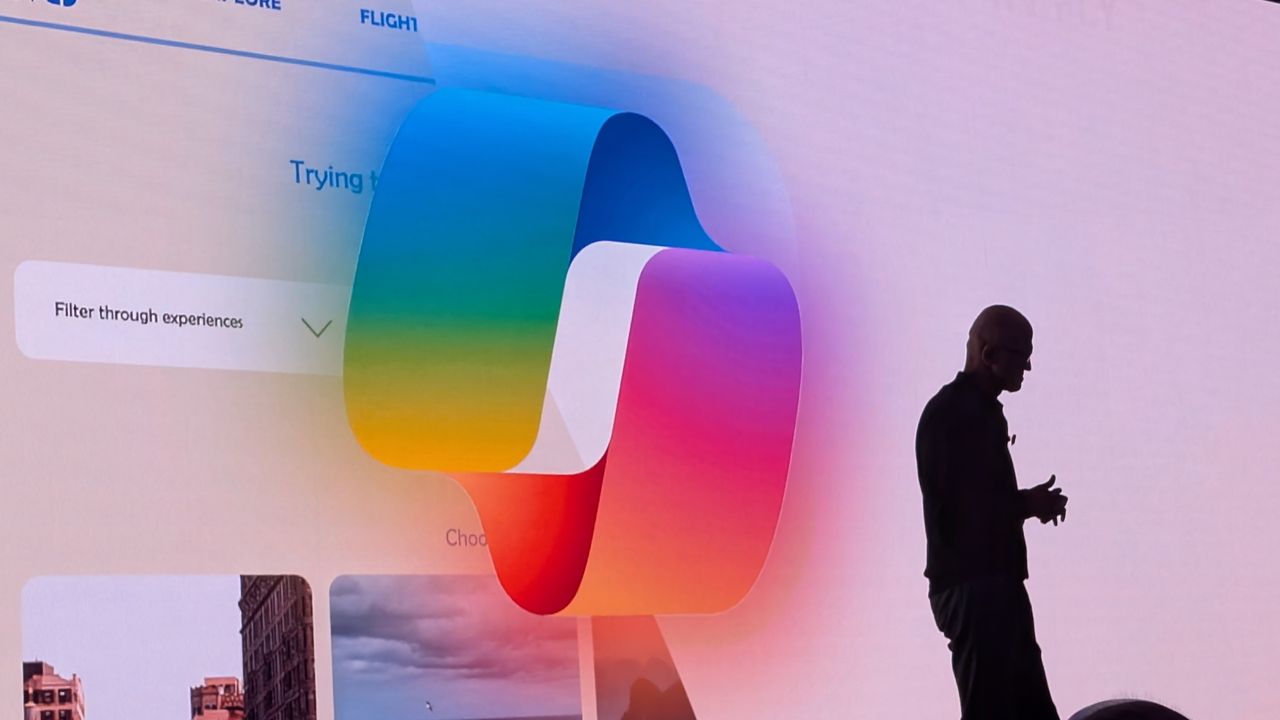
Microsoft CEO Satya Nadella in front of the Microsoft Copilot AI logo.
Microsoft CEO Satya Nadella in front of the Microsoft Copilot AI logo.
Back in May, Microsoft confirmed that it was working on a Copilot super app that would merge the different consumer Copilot and productivity Copilot experiences under one app. Until now, Copilot and Microsoft 365 Copilot have been targeted at different users, but starting today those apps are being merged into one."We're updating Copilot to create a simpler, more cohesive experience for everyone," a new Microsoft Support document says. "Depending on the account a
Back in May, Microsoft confirmed that it was working on a Copilot super app that would merge the different consumer Copilot and productivity Copilot experiences under one app. Until now, Copilot and Microsoft 365 Copilot have been targeted at different users, but starting today those apps are being merged into one.
"We're updating Copilot to create a simpler, more cohesive experience for everyone," a new Microsoft Support document says. "Depending on the account and device you use, you will see changes to the Copilot app including changes to appearance and functionality, such as navigation, feature availability, or sign-in experience."
The unified Copilot experience begins its rollout today, but not everyone will see it right away. Microsoft says the experience will land on mobile first, with the unified Copilot on Windows and macOS being an opt-in experience at first, made available over the coming weeks.
The rollout should make it easier to move between using Copilot as an AI assistant for personal matters and using Copilot for productivity based tasks. For most people, not much will change with the unified app, which will simply appear as "Copilot" now. With that said, Microsoft does say that some features are going away with the unification. Those features include:
Group Chat
All group chat threads, messages, and images will not carry forward after August 18, 2026.
Users must manually copy or download anything they want to keep.
Podcasts
The Podcasts feature is being fully retired on August 18, 2026.
Users will no longer be able to create or access podcasts in Copilot after this date.
Individual podcast files can still be downloaded before retirement.
Deep Research
Deep Research is being retired for consumer users starting August 18, 2026.
Existing Deep Research content will remain accessible, but the feature itself will no longer be available.
For those using Copilot with a work or school account, Microsoft says the unified Copilot app is also coming to those accounts too. The personal and commercial accounts will be separated within the app, meaning data from your work or school account won't be shared with your personal account, and vice versa. "Work and personal accounts remain separate. Your organization's security, privacy, compliance, and administrative controls continue to apply when you use Copilot with your work or school account."
For those using the personal consumer Copilot app, you will notice an updated UI that more similarly matches the Microsoft 365 Copilot app. Those who use the Microsoft 365 Copilot app likely won't notice much of a difference, outside of the rebranded app to just "Copilot," along with a slightly updated logo.
For those curious, this is the new Microsoft Copilot icon and branding. Can you tell the difference? No, us neither.
The new Copilot logo is very similar to the old one. (Image credit: Microsoft)
Lastly, Microsoft has confirmed that all your Copilot data (except for the features that are being taken away) will migrate automatically to the new experience, meaning users won't need to do anything to ensure their chats and data are carried forward. All of that will happen automatically when the unified app lands on your device.
The unified Copilot experience begins its rollout today, though it's happening in waves so most users won't see the changes right away. Worldwide rollout for the mobile starts today, with rollout for Windows and macOS expected to start in mid September. Here's the full rollout schedule:
Mid‑August 2026 — Worldwide rollout begins for mobile and web apps; early‑access opt‑in opens for Windows and Mac apps; copilot.cloud.microsoft URL available in Frontier for testing.
Late August 2026 — Standard rollout of the URL redirect begins.
Mid‑September 2026 — Worldwide rollout begins for Windows and Mac apps.
Late September 2026 — Deferred rollout of the URL redirect begins for the web app.
Microsoft's unification of Copilot is a long time coming, and one that is setting the company up to deliver a Copilot super app experience that can do everything across Microsoft's platforms and services. It never made sense for Microsoft to split Copilot up between consumer- and productivity-based use cases, especially since users commonly want to do both.
Join us on Reddit at r/WindowsCentral to share your insights and discuss our latest news, reviews, and more.
Microsoft CEO Satya Nadella in front of the Microsoft Copilot AI logo.

 Connexion