

Vue normale

GitHub’s latest outage took Copilot down with it, creating one of the most disruptive developer breakdowns we’ve seen in months — GitHub says it is now "operating normally"

GitHub is down for thousands of users, potentially costing millions of dollars in lost productivity. Outages started around 9:40 AM ET and affect API requests, pull requests, and webhooks.

The issues also affect Copilot. A massive number of developers and companies rely on GitHub and Copilot to get work done, so even a few hours of serious issues can be costly.

The official GitHub status page states:

"We are experiencing high error rates around 20% for web experiences and api traffic. Archive downloads and raw repository content downloads are experiencing an approximate 50% error rate. SAML and OIDC authentication, SCIM, and Team Sync are also impacted. We are still working to identify the root cause and will continue to post updates as we learn more and perform mitigation."

The cause of the outage is unknown at this time.

"We identified the problematic component and have taken corrective actions. There are strong signs of recovery but we are still working to completely restore service, with error rates still remaining slightly elevated. We will post further updates as recovery continues."

This is a developing story. We will update this piece as more information becomes available.

CANADA - 2025/07/20: In this photo illustration, the GitHub (Git Hub) logo is seen displayed on a smartphone screen. (Photo Illustration by Thomas Fuller/SOPA Images/LightRocket via Getty Images)

CANADA - 2025/07/20: In this photo illustration, the GitHub (Git Hub) logo is seen displayed on a smartphone screen. (Photo Illustration by Thomas Fuller/SOPA Images/LightRocket via Getty Images)
This Microsoft Outlook replacement comes with a shot of Windows Phone nostalgia

A former Microsoft engineer is working on a way to make Live Tiles relevant in 2026. Jeff Fritz, who worked at Microsoft until last month, has been showcasing an app called DayFrame on several of his recent live streams.

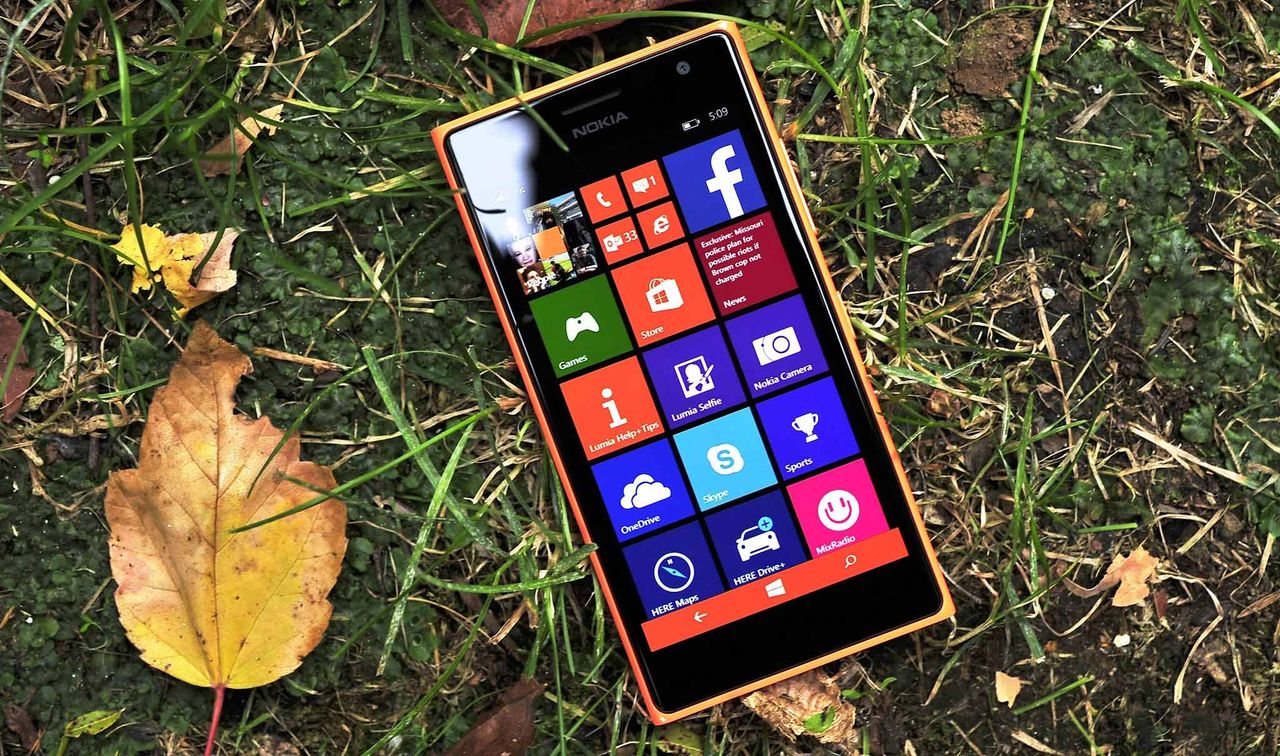
DayFrame is what happens when Windows Phone and Outlook have a baby. The app features a persistent hub with shortcuts to your email, calendar, contacts, and other tools. The layout is inspired by Windows Phone and would look natural on a Lumia smartphone.

Fans of retro Windows design will appreciate the Live -Tile-inspired interface, icons, and text. Though the app is built with classic Windows UI elements in mind, the experience won't be exclusive to PC. DayFrame will be available on both Windows and Mac when it ships.

"Instead of juggling separate apps, DayFrame gives every part of your personal world a home behind a single shell," reads the DayFrame website. "A persistent tile rail on the left keeps your modules one tap away — bold, square, unmistakably blue — while the main pane shows whatever you're focused on right now."

Screenshot of the DayFrame user interface showing a blue Metro-style navigation sidebar on the left with options for Contacts, Calendar, GitHub, RSS, and Email, alongside a daily calendar schedule view on the right.

DayFrame has several modules aimed to make it easier to juggle tasks. (Image credit: Jeff Fritz)

Sadly, the app is not available yet and is simply listed as "Coming soon." But Fritz mentioned on X that a private preview for the app should be available in the next week or so.

Fritz notes that the screenshots shown on the DayFrame website are of "real, running code," so they're more than just design mockups.

DayFrame is designed to be expanded over time. Each module is built independently and tested separately, which allows Fritz to add new modules without affecting preexisting ones.

The concept behind DayFrame is intriguing. A lot of apps feel like cookie-cutter tools made with templates. While DayFrame is inspired by Windows Phone, it takes the familiar layout and builds on it.

I'd love to see DayFrame be embraced by a community of developers after it comes out. Maybe we'll see some unique modules added to the app.

Blank Pixel

Click to join us on r/WindowsCentral

Join us on Reddit at r/WindowsCentral to share your insights and discuss our latest news, reviews, and more.

A smartphone with a colorful app tile interface lies on grass surrounded by autumn leaves. The bright screen contrasts with the earthy background.

A smartphone with a colorful app tile interface lies on grass surrounded by autumn leaves. The bright screen contrasts with the earthy background.

Microsoft Defender vs. VLC: Which is causing MP3s to take 30 seconds to load?

A dramatic saga is unfolding on X, and VLC and Microsoft Defender are at the center of it. Things kicked off when video game designer Jonathan Blow criticized the open source community due to an issue he had with VLC.

A curious issue causes MP3 files to take a while to open in VLC. In some cases, opening a file can take over 30 seconds.

"Finally switched *away* from VLC *to* Microsoft Media Player, because VLC now takes 33 seconds to start playing an mp3 after clicking on it," said Blow. He added, "A large sector of open source software is in a truly embarrassing place now..."

Blow's post now shows a community note because the bug is due to Microsoft Defender, not VLC. Or at least, that's the claim of several people on X.

VideoLAN, the makers of VLC, responded to Blow:

"This is because of a « bug » from Microsoft Defender in one update of Windows 11, who magically made VLC plugins cache quarantined by Windows. Reinstalling VLC or regeneration of the plugin cache will fix this. Calling open source software embarrassing when it is a Windows update that broke it is quite disrespectful."

In response, Blow claimed that he had to fix an issue that was caused by a faulty graphics driver sent out by AMD. His post suggests that VLC should fix the issue even if the problem is caused by Microsoft Defender.

What's actually happening?

My wife would say that this is all a "storm in a teacup." I don't see the need to be as aggressive about this topic as people have been on X.

Over on Reddit, cooler heads prevailed. A discussion on the topic happened in the r/pcmasterrace subreddit. There, people focused on what's causing the issue and how to fix it.

At least some of the issue is related to Microsoft Defender. That's clear because adding VLC's folder as an exception to Defender fixes the problem, as highlighted by user "nicktheone."

If it were exclusively an issue with VLC, creating the exception within Microsoft Defender would not solve it.

You completely do not understand my tweet and thus would fail at professional software development.BTW I already pay Microsoft for Media Player and it works to an okay degree. I would happily pay someone for something better. VLC was that something better many years ago, but it…August 12, 2026

Of course, you could still debate whose responsibility it is to fix the issue. Even a bug related to Microsoft Defender could potentially be fixed by the VideoLAN team. That's certainly what Blow did while spending much of his Wednesday afternoon arguing with people on X.

How to create an exception for VLC in Microsoft Defender

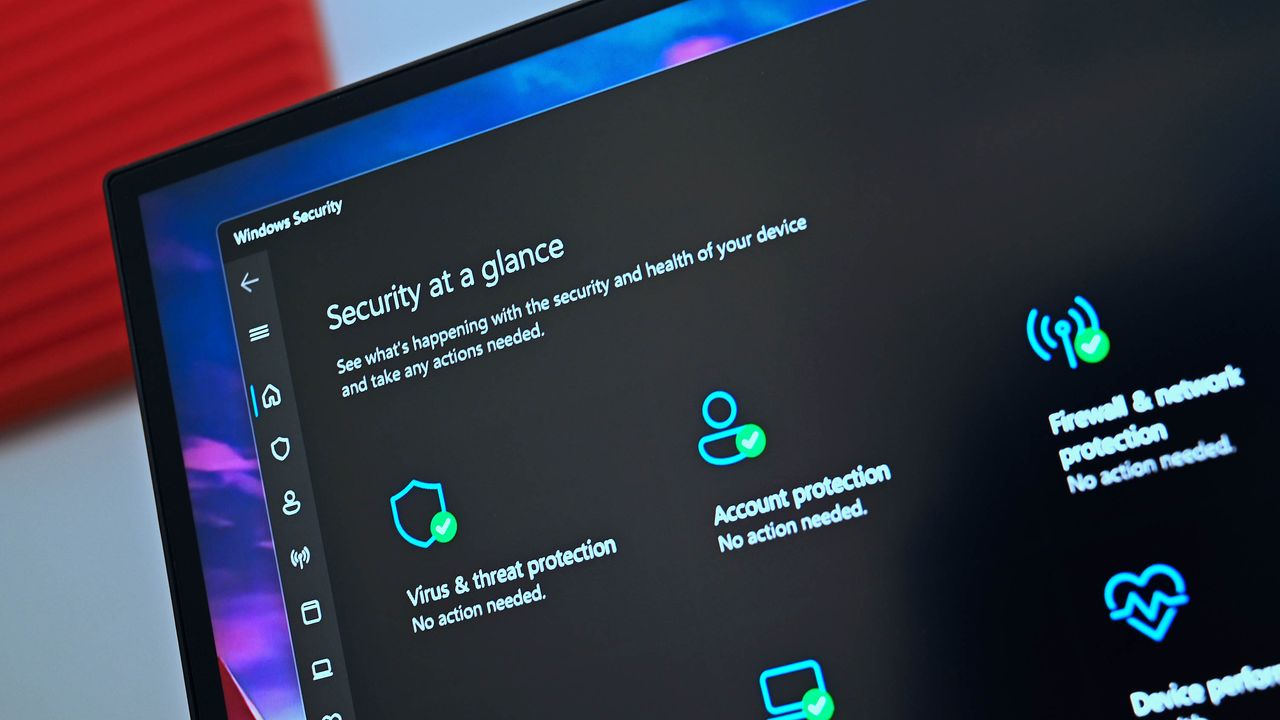
You shouldn't have to create an exception for VLC in Microsoft Defender to open an MP3 in less than 30 seconds, but... here we are. Luckily, the steps to do so are simple:

  • Open Windows Security
  • Select Virus & threat protection
  • Select Manage settings
  • Select Add or remove exclusions (it's at the bottom of the page)
  • Click Add an exclusion
  • Select Folder
  • Navigate to C:\Program Files\VideoLAN
  • Click Select Folder

Before making an exclusion, VLC took about five seconds to open an MP3 on my computer. After creating an exclusion, opening the same file took under one second.

Click to join us on r/WindowsCentral

Join us on Reddit at r/WindowsCentral to share your insights and discuss our latest news, reviews, and more.

Microsoft Defender

Microsoft Defender

❌