
Vue normale

Windows 11 will soon let you control unified memory, just in time for NVIDIA RTX Spark

Windows 11 will soon let you pick how much unified memory is reserved for graphics and AI. The feature is hidden in a recent Windows Insider build (29648) and was discovered by X user @XenoPanther.

Unified memory is high-bandwidth memory that can be shared between a CPU, GPU, and other processors. Traditionally, PCs with discrete graphics cards have dedicated VRAM (video memory) that lives separately from other memory.

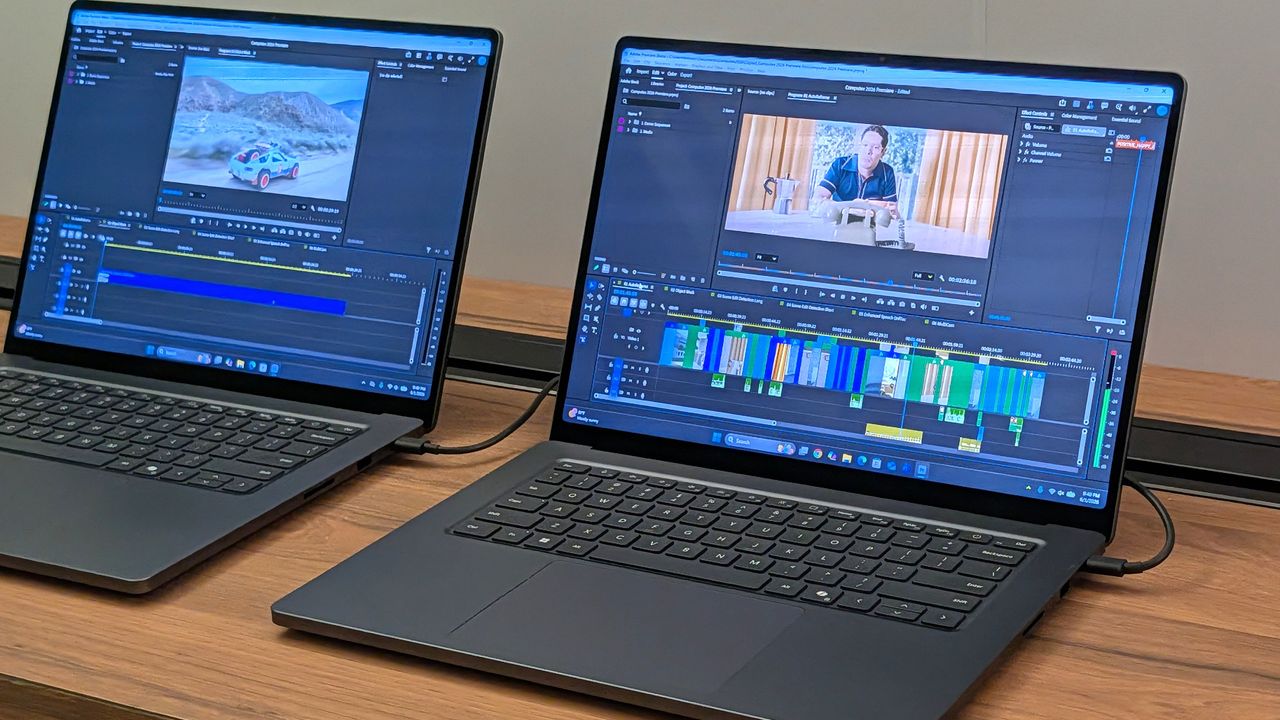
Unified memory is still relatively new to PCs. The upcoming NVIDIA RTX Spark lets you use up to 128GB of unified RAM. AMD's Ryzen AI Max already features unified RAM.

Apple popularized the concept of unified memory with its M-Series chips, though the technology is not exclusive to Apple.

If the unified memory feature in testing rolls out, Windows 11 will have a key differentiator from macOS.

Here is how the Unified Memory settings will appear (Under System > Advanced) https://t.co/eN8Gs0BYKs pic.twitter.com/2OpiBrWspZAugust 21, 2026

Microsoft's new feature lets Windows 11 users "reserve additional unified memory for graphics and AI intensive games and applications." The setting would help ensure smooth performance for certain types of workloads that require a lot of memory.

Normally, Windows manages shared memory dynamically, shifting resources back and forth as apps demand them. That approach works fine for general multitasking, but it runs into problems with heavy workloads like local AI inference or 3D gaming.

When memory is shared like that, background OS tasks and apps can contend for the same pool of RAM. That competition can cause latency spikes, frame drops, or total out-of-memory crashes when you're trying to run something demanding.

By letting users reserve memory, workloads with high demands for graphics and AI have uninterrupted access to high-speed memory.

The feature is not finished and has not been announced by Microsoft, so it requires some extra work to see. You can force it to appear using ViveTool.

I'd recommend waiting until the feature enters testing or even ships to general users before using it. In most cases, it's worth letting Microsoft work out any issues and polish the experience rather than use a hidden feature.

Blank Pixel

Click to join us on r/WindowsCentral

Join us on Reddit at r/WindowsCentral to share your insights and discuss our latest news, reviews, and more.

Surface Laptop Ultra running Premiere Pro

The Surface Laptop Ultra is powered by an RTX Spark chip that features unified memory.
Microsoft accidentally admits new Outlook looks bad

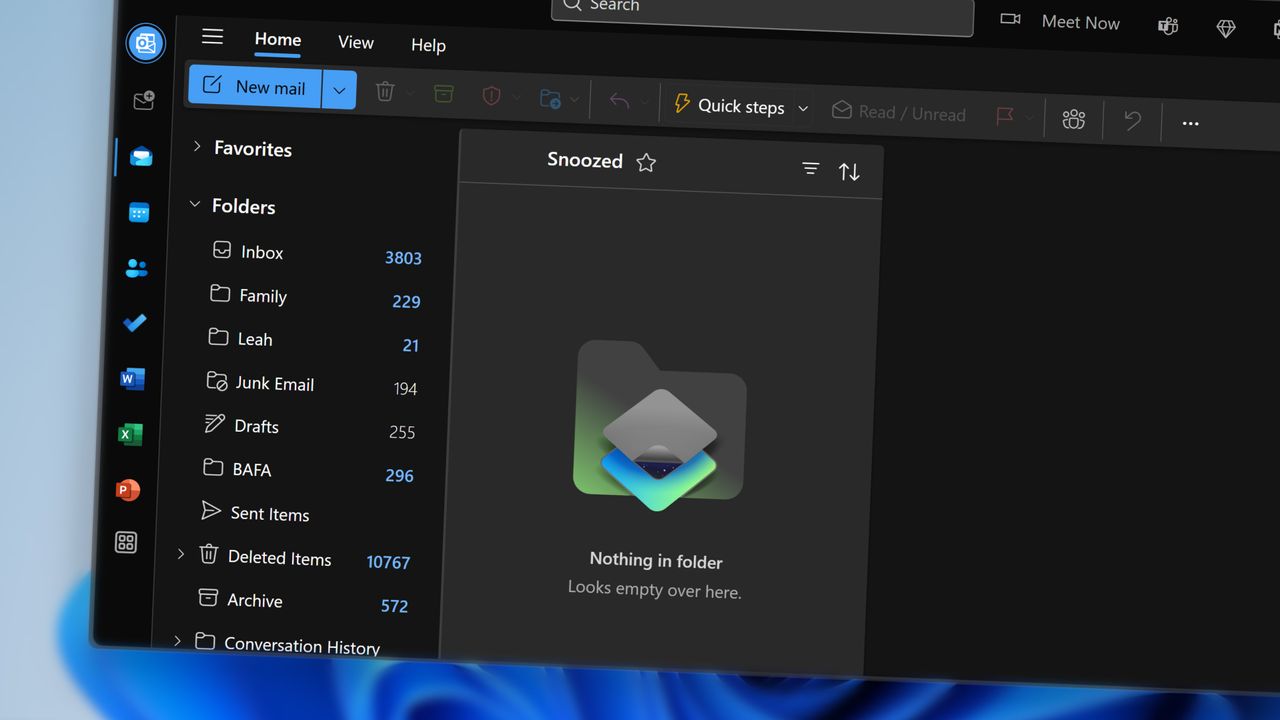
The new Outlook is ugly and needs to be covered up. That's the message being sent out by Microsoft if you read between the lines. A new option setting in Outlook on the web and the new Outlook for Windows makes those experiences look like classic Outlook.

Microsoft claims that the option is being added to help those transitioning from classic Outlook to the new Outlook. But if the difference is so jarring that it requires a skin to make the new Outlook palatable, Microsoft has larger issues to deal with.

Microsoft details the option in a message sent out through the Microsoft 365 Message Center:

"We're introducing a new optional setting in Outlook on the web and the new Outlook for Windows that adjusts the experience to more closely resemble classic Outlook for Windows. When enabled, the setting applies coordinated changes across the Outlook experience, including visual styling, layout, typography, icons, and selected interactions.

This update is designed to help users who are transitioning from classic Outlook by providing a more familiar experience while maintaining the capabilities of the new Outlook."

The theme will be disabled by default for most users. As part of a phased rollout, Microsoft will enable the classic Outlook theme for "some users moving from classic Outlook to the new Outlook."

I've admittedly mixed snark into this piece, but that's because the new Outlook is terrible. Our Senior Editor Zac Bowden explained how the new Outlook was not ready for prime time back in 2024. The situation has barely improved.

A question posed on a Microsoft Learn page asks, "Why Does New Outlook Suck???" That post is from this year, not the early days of the new Outlook. Others on the web have asked similar questions or expressed frustration with the new Outlook.

The new Outlook is a web wrapper. There's debate over whether the new Outlook is a native app, but the key takeaway is that it performs worse than classic Outlook in several ways.

The fact that Microsoft had to make Mail & Calendar inoperable to try to get people to switch to the new Outlook is telling. The new theme option is another sign that people still want classic Outlook on their PCs.

Blank Pixel

Click to join us on r/WindowsCentral

Join us on Reddit at r/WindowsCentral to share your insights and discuss our latest news, reviews, and more.

Deleted emails in Microsoft Outlook

Deleted emails in Microsoft Outlook

A faster OS and UI fixes won't save Windows 11 if Microsoft's apps remain laggy web wrappers

Windows Central

Microsoft continues to improve Windows 11. Just this past week, the company began testing new context menus with Windows Insiders and revamped the ancient AutoPlay dialog box.

The Windows K2 initiative to improve the operating system is going so well that I've asked if the next big update should be Windows 12. But fixing the Windows experience is about more than context menus and a unified user interface. Even if Windows is fixed, Microsoft needs to make better apps.

If a person logs onto a PC running a beautiful and zippy version of Windows 11, they won't care about the OS if Microsoft Teams takes too long to load. Microsoft needs to lead by example by making the best Windows apps.

Biggest News of the Week

Windows 11 context menu
Windows 11
Windows 11 Dan Lowres Iphone
Images of Qualcomm's new Snapdragon X2 Elite Extreme processor, benchmarks from reference design laptops, and pictures from the announcement at the Snapdragon Summit (2025).

To give Microsoft credit, work is being done to improve some apps. Rudy Huyn, a well-known Windows developer who worked on the Microsoft Store, is putting a team together to improve Windows apps. That team is still in its infancy, so we will have to wait to see the results.

But Microsoft's app issue isn't just about having a team dedicated to in-box apps or hiring good developers. It's about the direction Microsoft pushes those developers. Microsoft Teams and other Microsoft apps have been "rebuilt from the ground up" or "refreshed with performance in mind" several times over the years. But the underlying problem still exists. Microsoft made the wrong choice by going all-in on web apps, and it needs to course correct.

Huyn's team is all about native apps, but it's not clear right now how many apps will fall under its umbrella. Will we see a new native version of Outlook? What about Microsoft Teams? If Huyn's team is just focused on in-box apps, some of the most-used apps on Windows 11 will remain laggy web apps.

Plus, several of Microsoft's biggest apps aren't even in the same part of the company as Huyn's team. If Microsoft fixes the Photos app, OneDrive, and other in-box apps, but Teams is still laggy, Microsoft is still delivering a poor user experience.

Shopping with Sean

Speaking of apps, this week's top deal is on the ever-popular Microsoft 365. That software suite is massively discounted right now if you bundle it with NordVPN. You'll get the best value if you use both Microsoft 365 and NordVPN, but the bundle is more affordable than Microsoft 365 on its own.

365 Personal (12 months) + NordVPN: was $149.98 now $61.99

This bundle is the most affordable way to get a year of Microsoft 365. As an added bonus, it comes with a year of NordVPN Basic, which is a $49.99 value on its own.View Deal

365 Family (12 months) + NordVPN: was $179.98 now $84.99

Microsoft 365 Family provides access to the software suite for up to six people. Each of those users will have their own copy of apps like Word, PowerPoint, and Excel plus 1TB of OneDrive storage. This bundle also includes a free year of NordVPN Basic.View Deal

Click to join us on r/WindowsCentral

Join us on Reddit at r/WindowsCentral to share your insights and discuss our latest news, reviews, and more.

Outlook Client Hero

Outlook Client Hero

❌