Connexion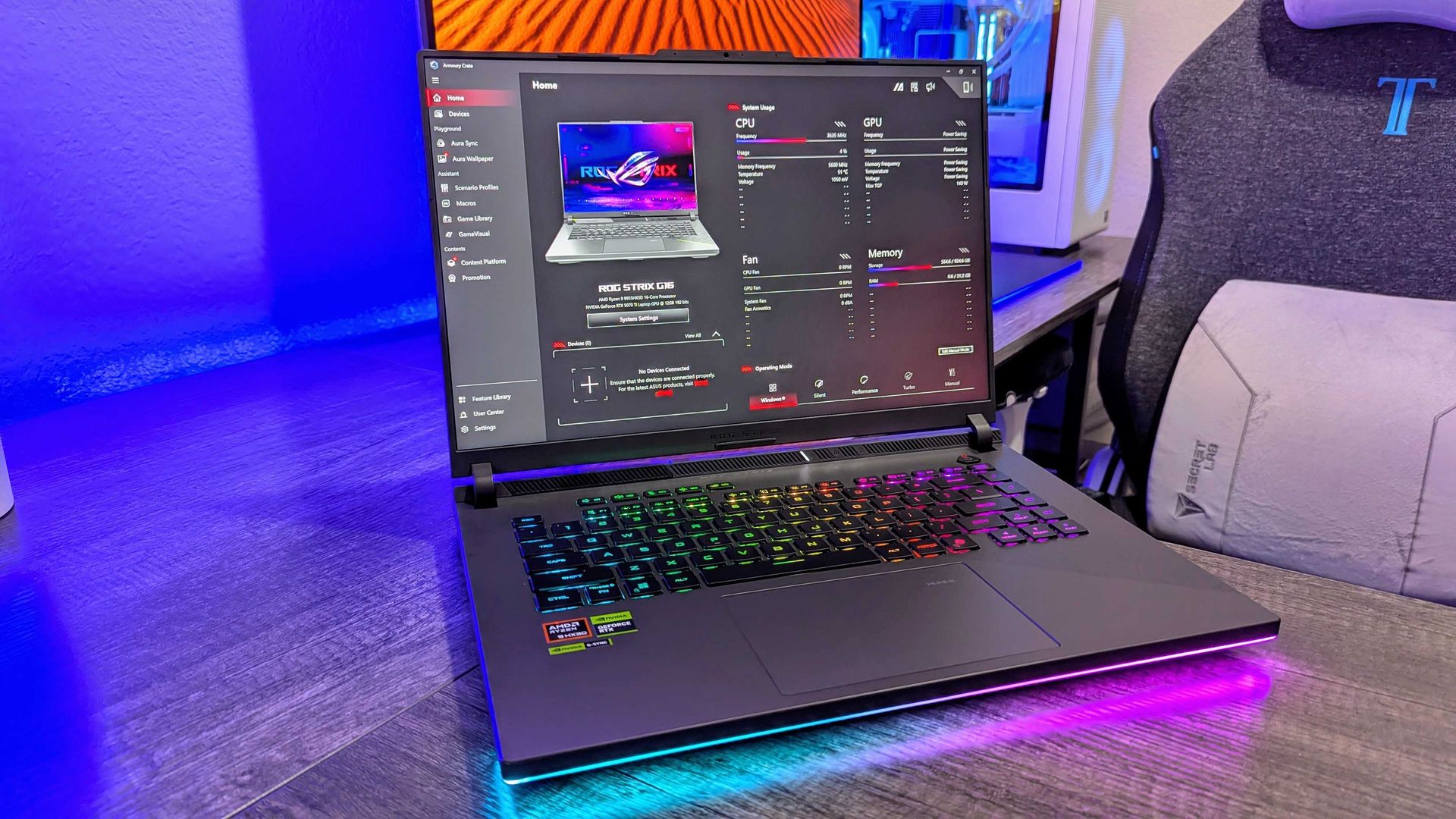

Play games at 120FPS with this RTX 5070 gaming laptop that's now 18% off
Prices for NVIDIA's RTX graphics cards continue to rise. The price hikes have gotten so bad that they now cost as much as regular mid-range laptops, and sometimes even more online.
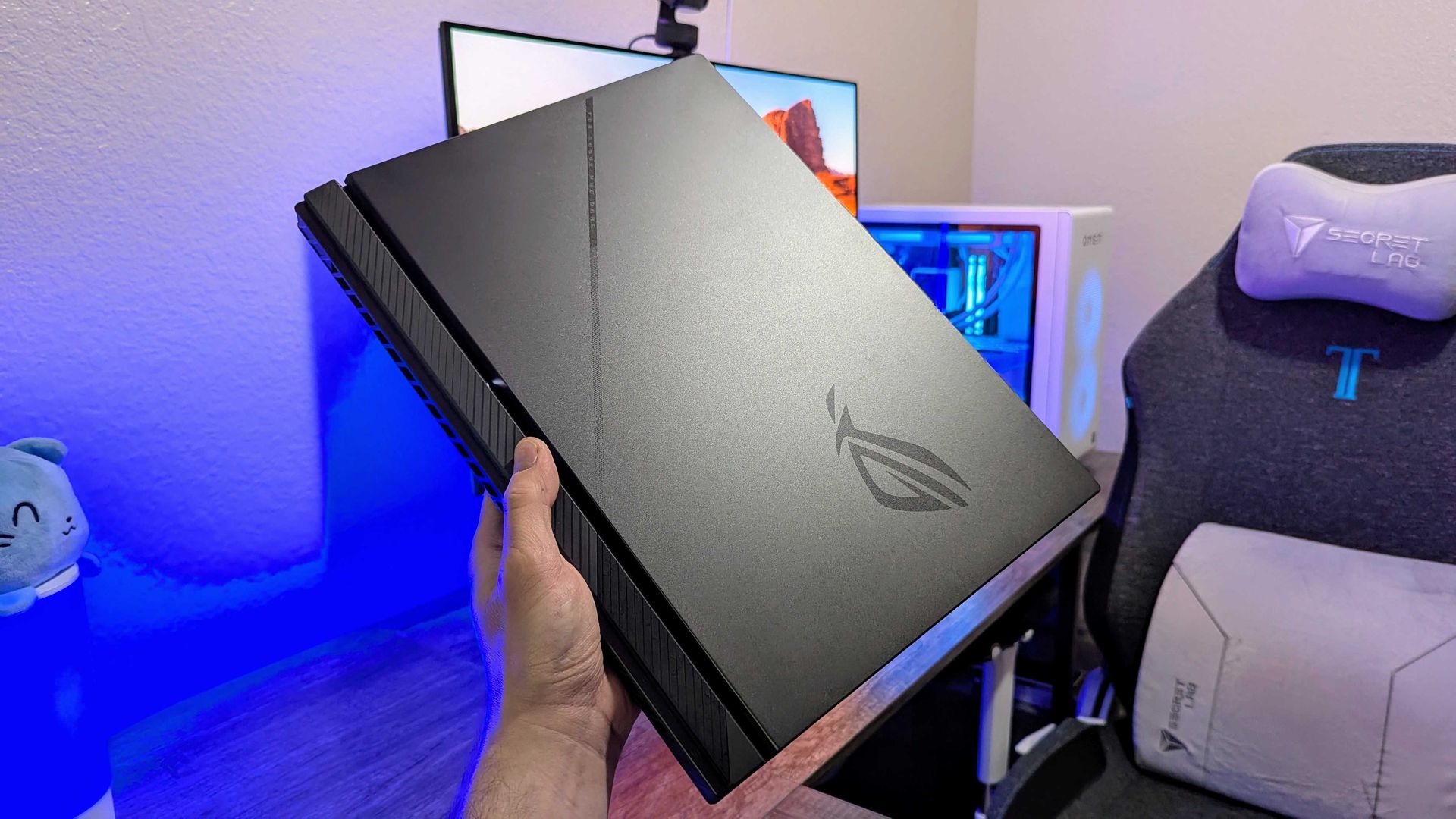
Fortunately, the ASUS ROG Strix G16, one of our favorite AMD gaming laptops equipped with an RTX 5070 graphics card, is currently 18% off at Walmart for $1,549.99 (was $1999.99) to help you get a more affordable means of enriching your PC gaming experience.

ROG Strix G16 (2025) Gaming Laptop: was $1999.99 now $1549.99
"The latest ASUS ROG Strix G16 takes full advantage of AMD's most powerful mobile processors to offer excellent performance and a consistent gaming experience, and may end up being an underrated value-play in the premium gaming laptop segment this year." ~ Zachary Boddy, former Staff Writer
Windows Central Review (RTX 5070Ti version):⭐⭐⭐⭐½View Deal
Why buy the ASUS ROG Strix G16?
RTX 5000 series graphics cards are getting more and more expensive, and sometimes disappearing from online retailers altogether, like the RTX 5090. For example, results at PCPartPicker show that RTX 5070 graphics run at around $850-$1000 and that RTX 5070 Ti graphics cost somewhere between $1170-$1838.
While finding RTX graphics in pre-built gaming laptops isn't the cheapest method, it's better than trying to find them alone at official retailers that will charge nearly $1000 for an RTX graphics card alone, or worse, at 3rd-party retailers that will charge you thousands of dollars for them.
That being said, you will totally get your money's worth when taking advantage of this 18% discount for the ASUS ROG G16 pre-built with an NVIDIA GeForce RTX 5070 GPU, as it's one of the best gaming laptops we've come across.
Thanks to its RTX 5070 GPU coupled with an AMD Ryzen 9 8940HX processor, 16GB of RAM, and a 1TB SSD, the ASUS ROG G16 can easily run titles like Forza Horizon 5 at 120fps/1600p or Cyberpunk 2077 at 60fps/1600p (with ray tracing enabled) with no framerate issues for smoother gameplay experiences.
Plus, the ASUS ROG Strix G16 sports a FHD+ display with a 165Hz/3ms refresh rate to enhance gameplay resolution and framerate stability, and an ACR film to enhance contrast while reducing glare.
On top of that, this gaming laptop features a state-of-the-art cooling system to stop it from throttling when running intensive games, and a three-month subscription code to Xbox Game Pass so players can enjoy the full benefits of Xbox on PC with the ASUS ROG Strix G16.
FAQ
Can I upgrade the ASUS ROG Strix G16's RAM and SSD?
The ASUS ROG Strix G16's DDR5 RAM can be upgraded up to 64GB via two SO-DIMM slots, and its storage can be upgraded up to 8TB via two M.2 NVMe PCIe 4.0 SSD slots.
Is it normal for the ASUS ROG Strix G16 to get hot?
Yes, it can get hot, around 90–94°C when running graphically demanding games or heavy workloads, but its cooling systems will keep it from overheating or throttling. That being said, it's recommended (though not required) to get a cooling pad to help it reduce temperatures slightly better.
What power modes are best for this laptop?
If you're planning on playing video games, turn the ASUS ROG Strix G16's Turbo and Performance Modes on to increase its frame rate performance. If you're just using it for everyday tasks, turn on Silent Mode to reduce fan noise so as to not disturb nearby colleagues.
Join us on Reddit at r/WindowsCentral to share your insights and discuss our latest news, reviews, and more.