
❌

Vue normale

uBlock Origin broke on Edge, so I finally quit the browser

It finally happened. Earlier this week I opened Microsoft Edge and was inundated with ads. After months of warnings, uBlock Origin stopped working for me in the browser, leaving me with a choice to make: either find an alternative way to block ads in Edge or switch to a different browser.

To be transparent, I only block ads on certain websites. In fact, Windows Central is the primary reason I use an ad blocker at all. I've used uBlock Origin for years to ensure my articles appear clean and clear to our readers.

Ads help pay my bills, so I'm keenly aware that they're an important part of the web (and my life). I whitelist sites I browse regularly and often leave ad blocking disabled as I look around online. But sometimes I want to see what an article looks like with just the text and images I've placed directly. In other instances, I want to take a clean screenshot of the site for an article.

I relied on uBlock Origin for a long time and appreciated its granular controls. I was able to block certain items while approving others. For example, ad blockers sometimes falsely flag product blocks in an article. I appreciate that readers may not want to see a block about a laptop in a random piece, but if an article is literally about a specific Surface becoming available, it makes sense to show a way to purchase the PC.

I've known about the impending end of uBlock Origin for ages. Google transitioned away from Manifest Version 2 (MV2) extensions years ago and we knew Edge would follow suit. MV2 is required for a core functionality of uBlock Origin: intercepting requests.

Plenty of ad blockers still work on Microsoft Edge and even Google Chrome, but they function differently than uBlock Origin. Rather than intercepting requests and blocking them, many ad blockers simply mask ads. There are also limitations of what a Manifest Version 3 (MV3) extension can do, so even uBlock Origin Lite falls short of its "full fat" sibling.

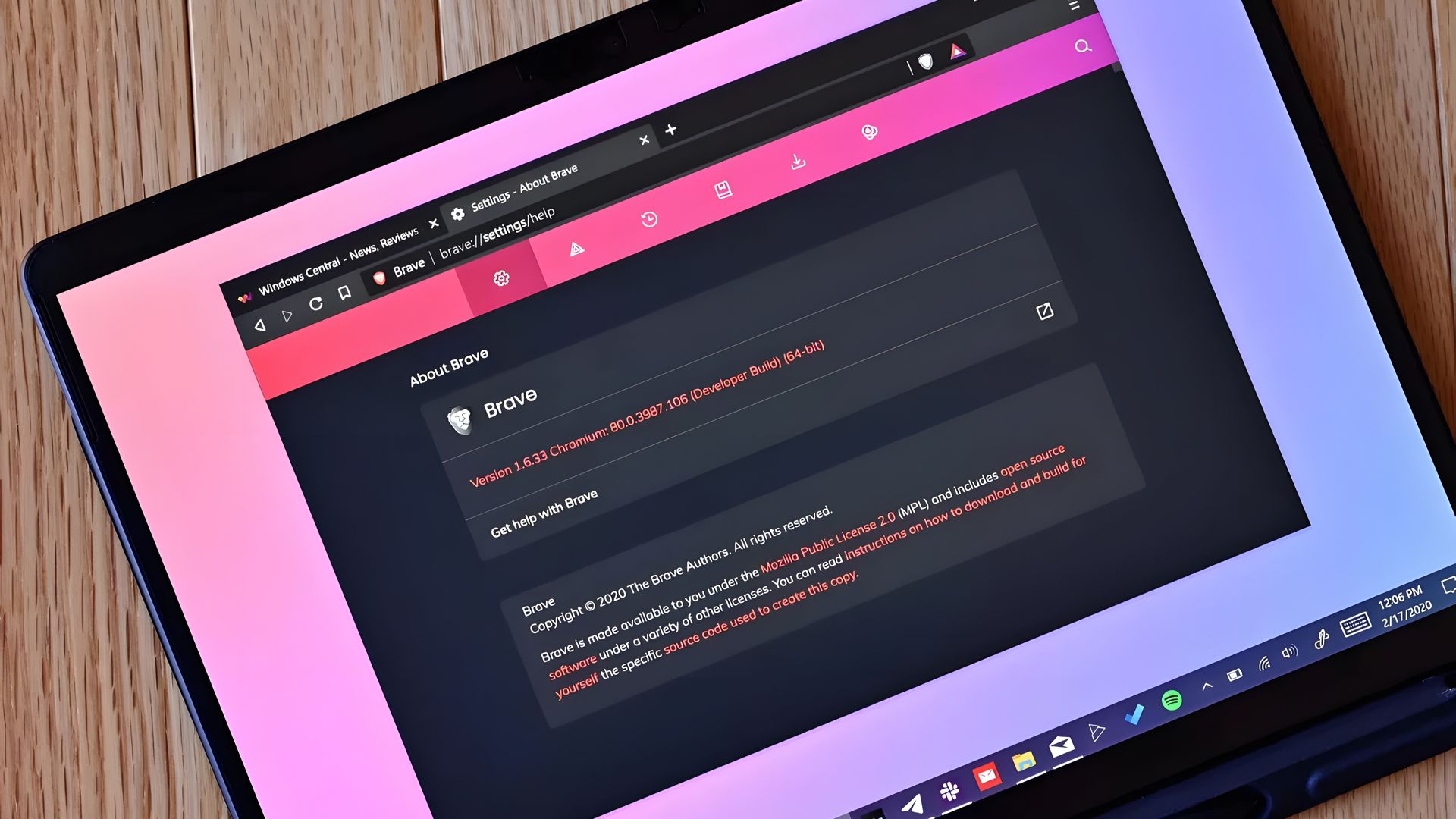
I had toyed around with switching browsers anyway. The end of uBlock Origin on Edge gave me a clean break. I initially looked at Brave because the makers of the browser have committed to keeping MV2 extensions alive. But after installing the browser, I tried using Brave Shields for a bit and found them to be quite effective.

Brave Shields also intercept network requests for ads, so blocking ads also speeds up site performance. That means I can quickly check an article, proof it or confirm it's laid out correctly, then get back to work.

Similarly to uBlock Origin, Brave lets me block specific elements with a couple of clicks. It lacks the satisfying zapper of uBlock Origin, but Brave's tools are still effective.

I'm going to just use Brave Shields for now, but knowing I could fall back to uBlock Origin if needed is comforting.

Click to join us on r/WindowsCentral

Join us on Reddit at r/WindowsCentral to share your insights and discuss our latest news, reviews, and more.
Stardock's new Snipboard app aims to fix clipboard management on Windows 11

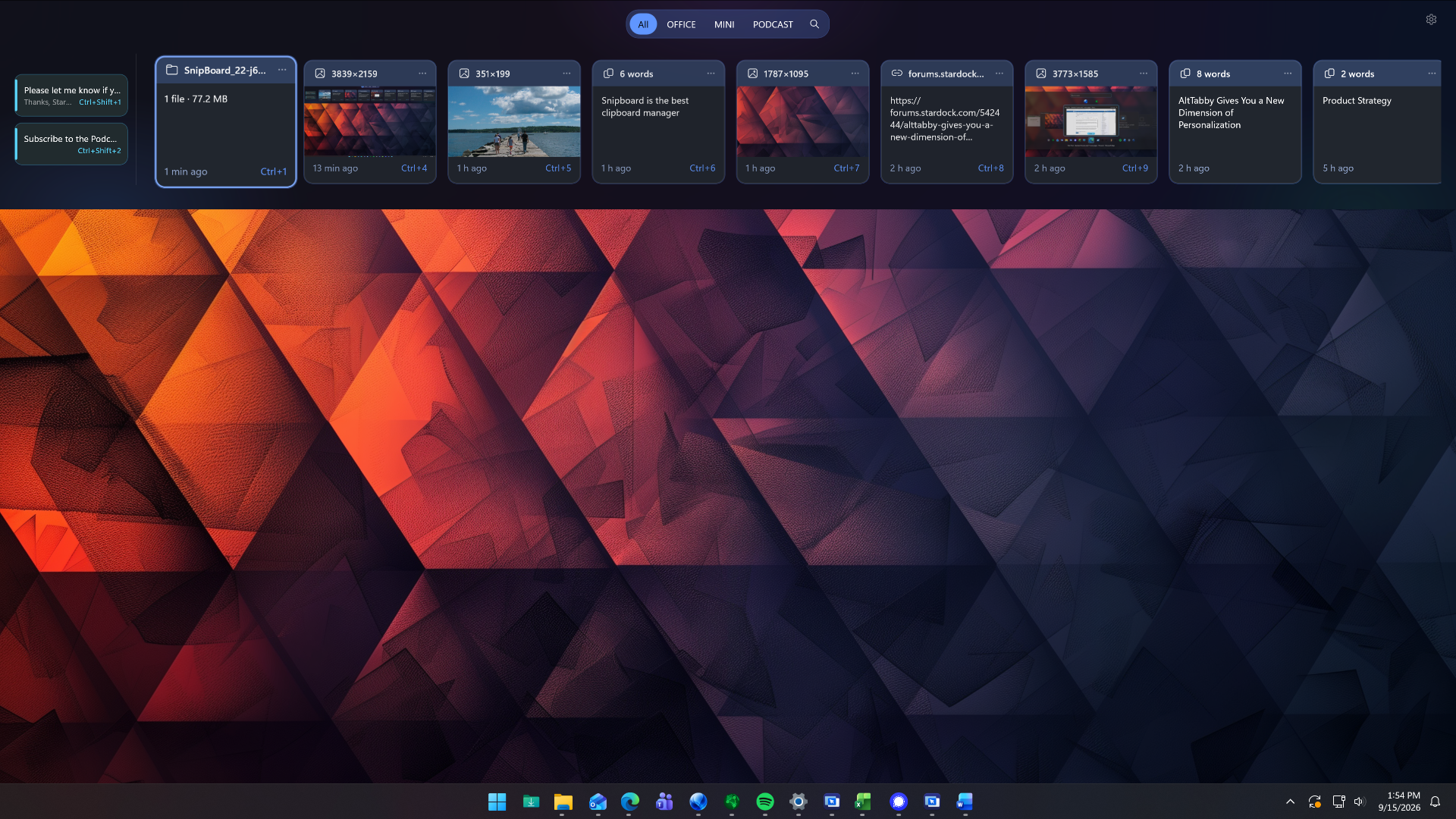
Stardock just unveiled a new app that could potentially replace the clipboard on Windows 11. Snipboard is a clipboard dock that can be pinned to any side of your screen. It supports searching your clipboard history, pinning frequently used content, and copying and pasting content across multiple PCs.

Snipboard is available as part of Object Desktop, which starts at $49.99 for an annual subscription. After Snipboard leaves beta, you will also be able to purchase it separately.

I received early access to Snipboard, but I've only had the app for about one day. So far, it's very promising and I look forward to exploring it more. Core functionality is consistent and I appreciate some of the smaller features within the app.

Icon for Stardock's Object Desktop software suite.

Stardock
Object Desktop

This productivity suite includes several apps to customize your PC and improve your workflow. It includes apps like Groupy for tab management and Start11 for customizing your Start menu. Now, it also includes the beta version of Snipboard.

When you view an item within Snipboard, you can click the ellipsis icon to see more pasting options. Among those are UPPERCASE and Keep formatting. Some apps have shortcuts for similar features, but having those shortcuts available within all apps is nice.

Other options include the ability to exclude specific applications and a Temporary mode that stops any content from being sent to other devices.

The general concept of Snipboard is not new. I covered an app called Edge Drop a few months ago that has a similar look and feature set. Snipboard feels more robust at this point, but it is made by Stardock as opposed to Edge Drop being made by a single developer.

One way that Edge Drop beats Snipboard is with drag and drop support. You can drag items into or out of Edge Drop's dock, including text or files. I'd love to see the same thing added to Snipboard.

Blank Pixel

Click to join us on r/WindowsCentral

Join us on Reddit at r/WindowsCentral to share your insights and discuss our latest news, reviews, and more.

How to upscale videos to 4K with Clipchamp

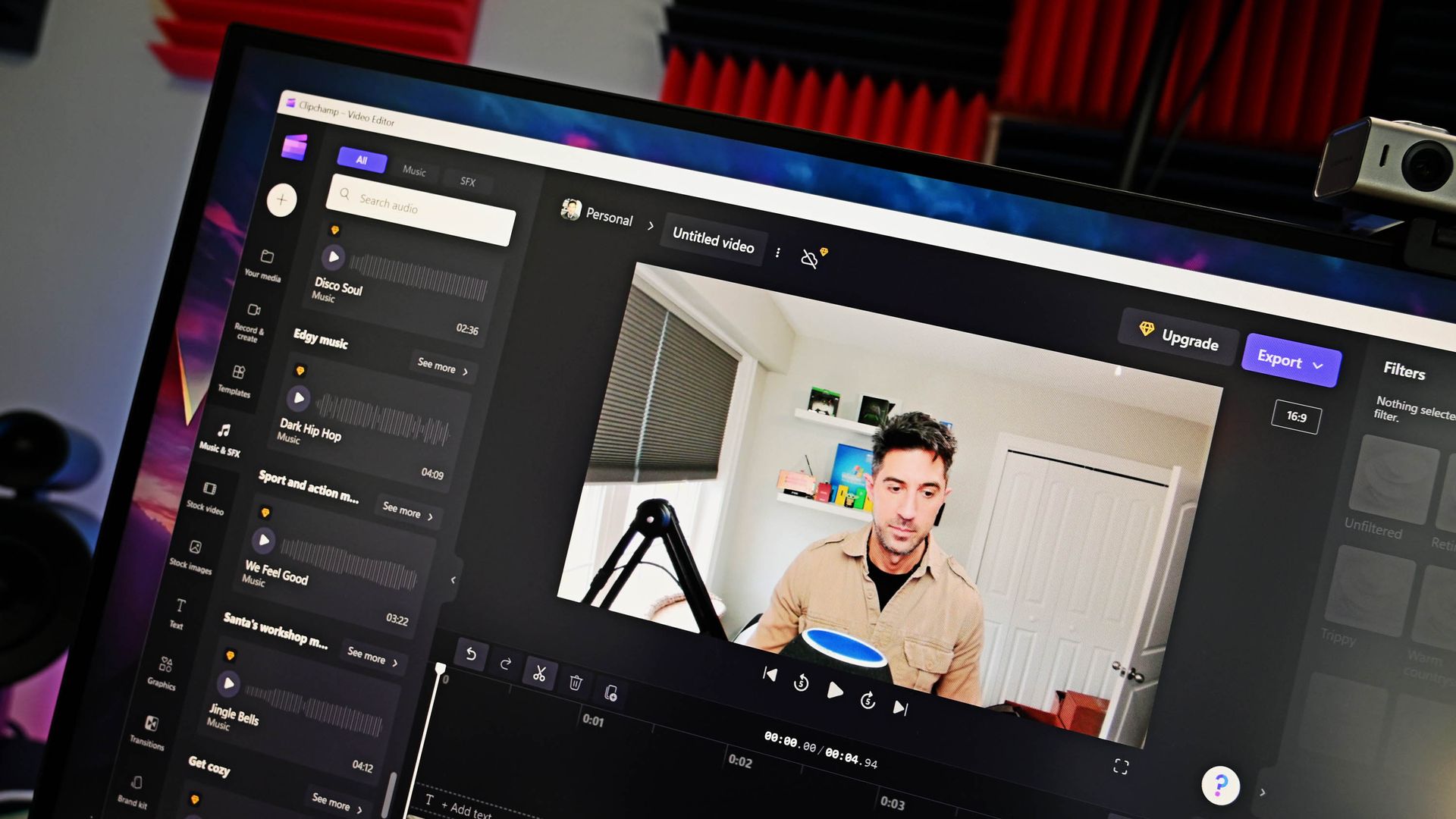
Clipchamp is the built-in video editor on Windows 11, and it has a surprisingly impressive feature list. A recent blog post by Microsoft outlines how to upscale videos to up to 4K by using Clipchamp. I've tested the feature and came away impressed.

You won't be able to take terrible footage and fix it by clicking a button in Clipchamp, but that would be an unreasonable ask of the app. What you can do is adequately scale up footage to make it viewable on larger displays or screens with a higher resolution. I tried a few different types of clips, including some with high contrast and others with objects in motion. Overall, Clipchamp handled them well.

Clipchamp upcales video by using AI-powered Video Super Resolution. The feature increases the resolution of a selected clip and adds details to make content look clearer. Upscaling is done locally on eligible Windows devices.

If you have a Copilot+ PC or a PC with a compatible NPU, Video Super Resolution will rely on that processor. But the feature can also work on compatible CPUs even if your device does not have an NPU. For example, my laptop has an 11th Gen Intel Core i9 (11950H) and an NVIDIA GeForce RTX 3070, and it was able to upscale clips in Clipchamp.

Here's how to upscale footage using Clipchamp:

  1. Import a piece of video into your timeline. This can be done by selecting Import media.
  2. Drag the clip into the timeline of your project.
  3. Select the clip you would like to upscale.
  4. On the right side of your screen, select the Upscale icon.
  5. Select the resolution you would like to upscale your clip to.
  6. Select Upscale.

If you don't like the result, you can restore the original clip with a single click. Note that there is no method to upscale an entire project at this time. Instead, you need to upscale specific clips.

Clipchamp is a surprisingly controversial video editor. Microsoft drew criticism by adding a requirement to use a Microsoft account to edit projects within the app. I don't like that requirement and think Microsoft could do more with Clipchamp, but if you're willing to jump through the company's hoops, Clipchamp is a capable video editor. That's even more true now that it can easily upscale videos.

Blank Pixel

Click to join us on r/WindowsCentral

Join us on Reddit at r/WindowsCentral to share your insights and discuss our latest news, reviews, and more.

❌