❌

Vue normale

Razer Soma Pro review: This $999 gaming chair literally shook my butt, and I’m shocked by how much I love it

Well, they finally did it. Gaming chairs have been more or less the same idea for years: make them comfortable, make them adjustable, slap some suitably aggressive styling on them, and call it a day. Razer has been teasing something considerably more ambitious for years, culminating in Project Madison at CES 2026 in January. The concept was basically a chair that became part of the game itself, combining haptics, surround sound, and RGB lighting into one ridiculous-looking package.

Now that concept is something you can actually buy. The $999 Razer Soma Pro takes everything I liked about the recent Soma Chroma and crams six Sensa HD haptic motors, integrated THX Spatial Audio, Chroma RGB, and some genuinely useful hardware upgrades into it.

After using it for games, movies, music, and even my daily Google Meet calls, I'm kind of amazed Razer actually pulled this thing off. Even more surprising? I thought it would cost a lot more.

Razer had no input, nor did it see the contents of this review, prior to publication.

Razer Soma Pro: Pricing and setup

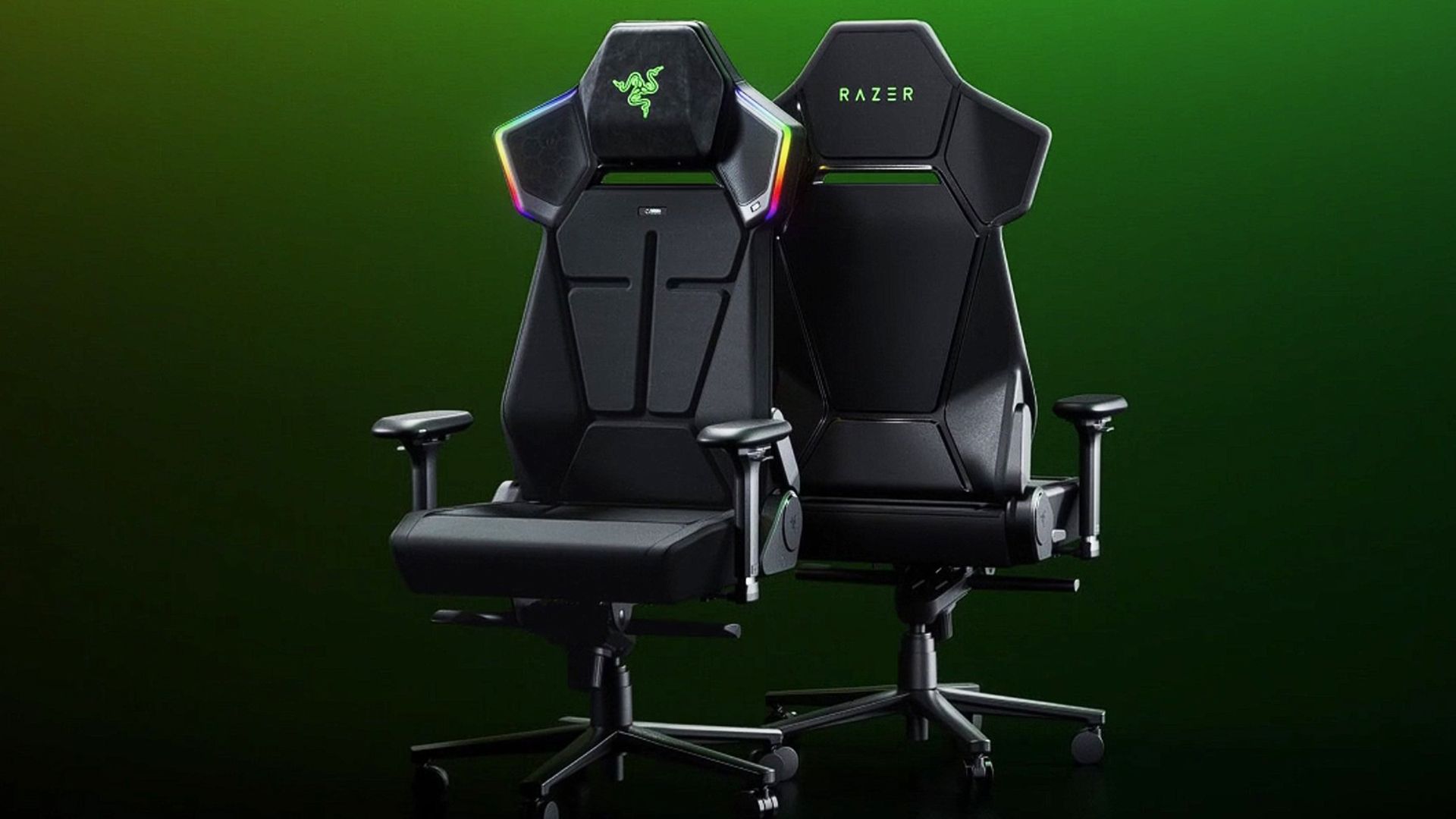
Two Razer Soma Pro gaming chairs with a green background.

(Image credit: Razer)

Let’s get the obvious thing out of the way: Yes, the Razer Soma Pro costs $999.

That is a lot of money for a gaming chair. But before my briefing, we were guessing internally that this thing would land somewhere around $1,400. When Razer revealed that it was squeezing under $1,000, my reaction was basically, “Oh, that’s actually not bad.”

Hear me out.

Razer’s Freyja haptic cushion (see our review) costs $299 by itself. The Soma Chroma is $499. Now add integrated THX Spatial Audio speakers, Chroma RGB, six haptic motors, 4D armrests, a powder-coated aluminum alloy wheelbase, and a few other upgrades. Understanding that, $999 starts to make a lot more sense.

Assembly was also shockingly painless. It took me about 25 minutes, with screws conveniently pre-installed halfway and everything packaged and presented extremely well. Razer even includes its little cloth installation gloves, which are unnecessary but always a nice touch.

You can watch the video above, which I didn't have access to during my review, so you're lucky you.

My sole complaint was connecting the haptics in the seat to the upper chair. The instructions basically show two wires connecting (drawing). Unfortunately, one cable is hidden inside the rear pouch, and the tiny four-pin connector needs to line up just right. That part took far more swearing than building the rest of the chair.

Still, a chair this complex and it's easy to set up? A win for Razer's engineers.

Razer Soma Pro: This is what Soma was building toward

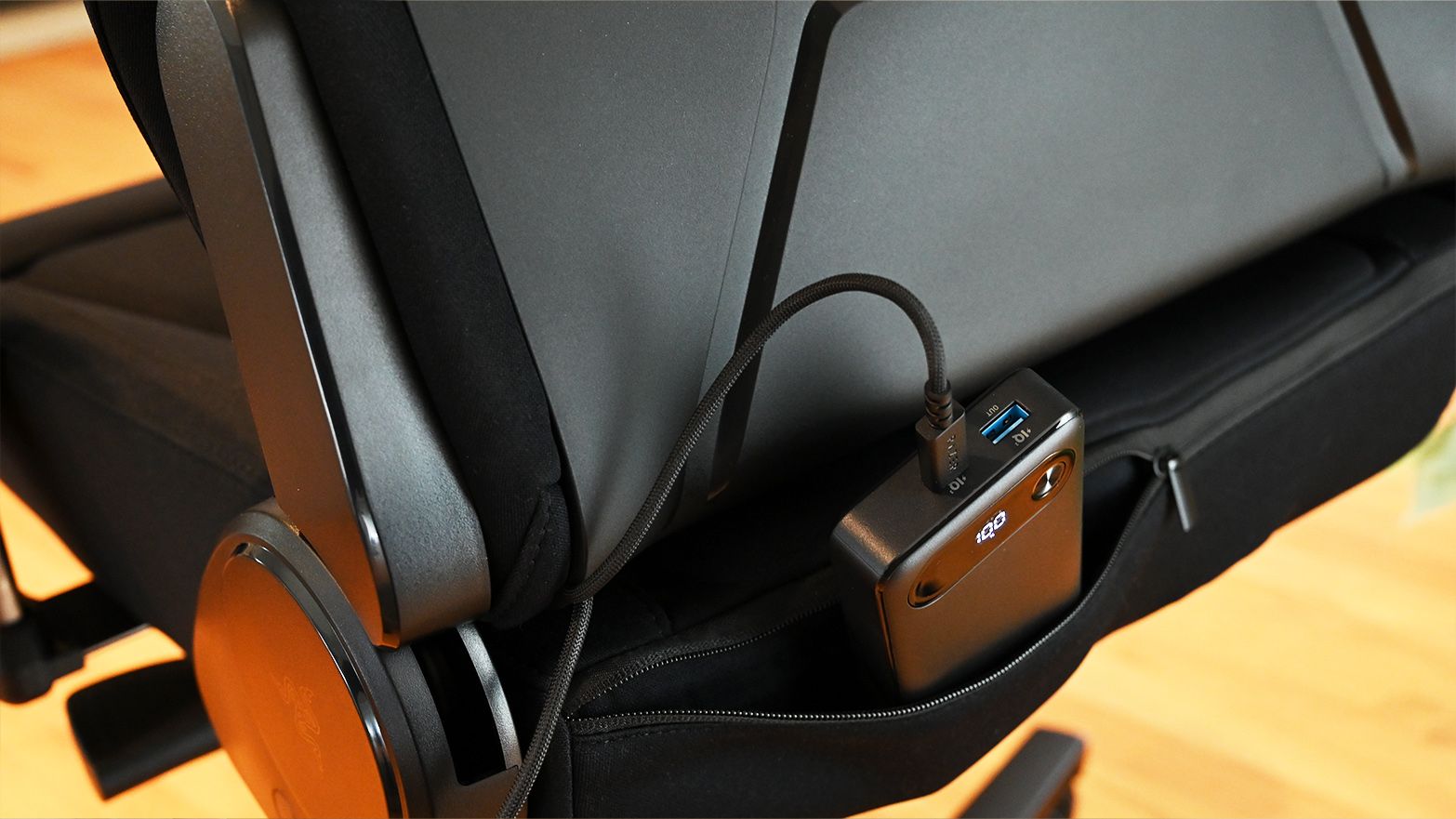
Rear view of the Razer Soma Pro lower back pouch holding a black portable power bank plugged in with a braided USB-C cable

A hidden rear pouch lets you power the Soma Pro from a USB-C battery pack for a completely untethered setup. (Image credit: Daniel Rubino)

Physically, the Soma Pro should look familiar if you read my Soma Chroma review. And that’s a good thing.

The fabric-covered chair uses the same dual-density, cold-cured foam concept it is extremely comfortable for long gaming and working sessions.

I still prefer the Razer Iskur V2’s excellent adjustable lumbar system, though. The Soma Pro uses a fixed built-in lumbar arch, likely because stuffing haptic hardware throughout the backrest complicates matters. It works, but I miss the Iskur’s flexibility.

Everything else feels like Soma turned up another level. You get 4D armrests instead of 2D, a nicer aluminum alloy base (vs. steel), a frog tilt mechanism (vs. butterfly), and my favorite small improvement: a magnetic head cushion.

It’s genius. There’s no ugly strap. You just stick it to the chair and slide it up or down. Done. Why has no one done this before?

The Soma Pro is hefty at 63.3 pounds, although I managed to take mine from the garage up the stairs in my split-level house without destroying a wall or pulling my back, so make what you will of that.

Razer Soma Pro: The haptics are the star

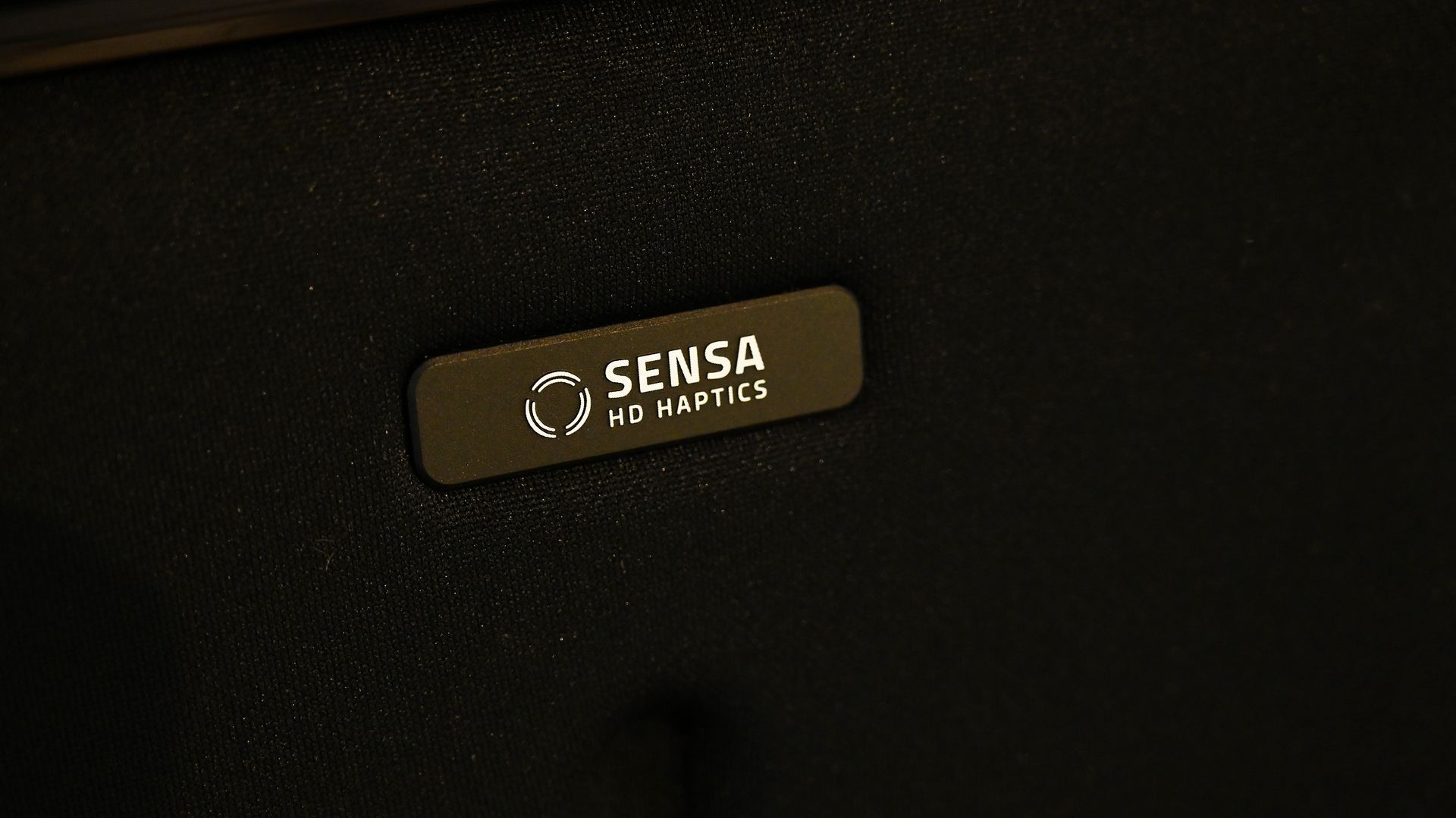
Close-up of a dark metallic badge on the black fabric backrest of the Razer Soma Pro gaming chair reading Sensa HD Haptics with a wave icon.

Six Sensa HD haptic motors turn the Soma Pro from a comfortable chair into something you can actually feel games through. (Image credit: Daniel Rubino)

The easiest way to describe the Soma Pro is that Razer basically built Freyja into Soma.

Six Sensa HD haptic motors are spread across four zones, with four actuators behind your back and another two underneath your thighs. You can adjust each zone independently in Synapse or change everything together.

I mostly ignored the fine-tuning and set the overall intensity to five out of six.

Let me tell you: this thing is a real butt rumbler.

The difference with native Sensa HD games is that effects can be deliberately mapped to what's happening. During my testing, Marvel Rivals demonstrated how these directional effects can move around the chair rather than feeling like somebody simply bolted a giant rumble motor underneath you.

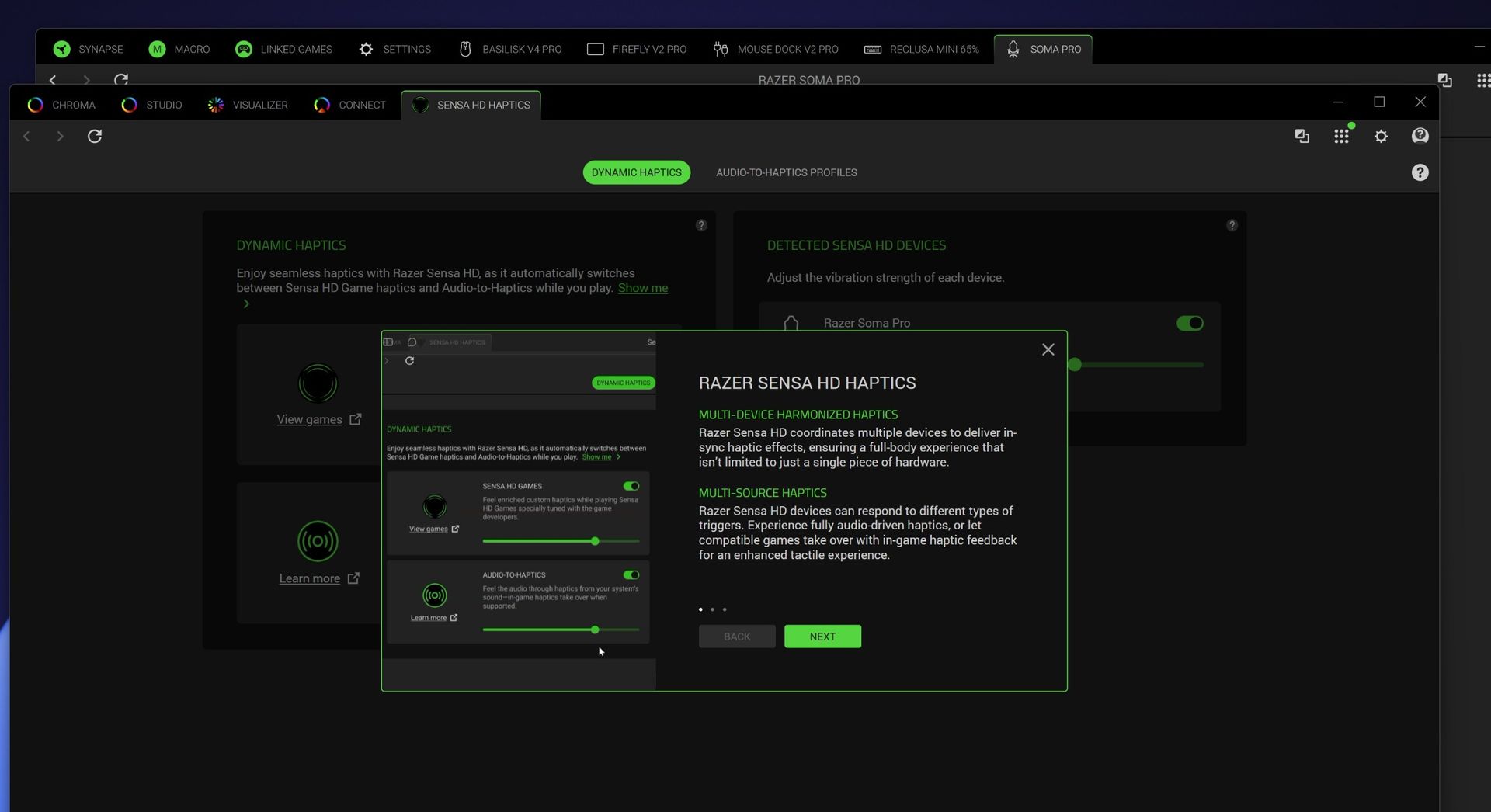
Razer Synapse software screenshot displaying Sensa HD Haptics settings for the Razer Soma Pro with an informational pop-up on multi-device haptics

Razer Synapse software screenshot displaying Sensa HD Haptics settings for the Razer Soma Pro with an informational pop-up on multi-device haptics (Image credit: Daniel Rubino)

But Audio-to-Haptics might be my favorite feature because it dramatically expands what you can use the hardware with. The system analyzes regular audio and translates appropriate moments into physical feedback. Movies, trailers, music, and games without native Sensa support can all make the chair react.

Screenshot of Razer Synapse software showing the Soma Pro haptic controls and settings.

Screenshot of Razer Synapse software showing the Soma Pro haptic controls and settings. (Image credit: Daniel Rubino)

I spent time playing Deep Rock Galactic: Survivor, which certainly wasn't the carefully prepared demo environment Razer used to sell me on the technology. It didn't matter. Between the audio, haptics, and the rest of my Chroma gear flashing along around me, I was just sitting there thinking: This freaking rules.

Razer Soma Pro: Wait, the speakers are actually great

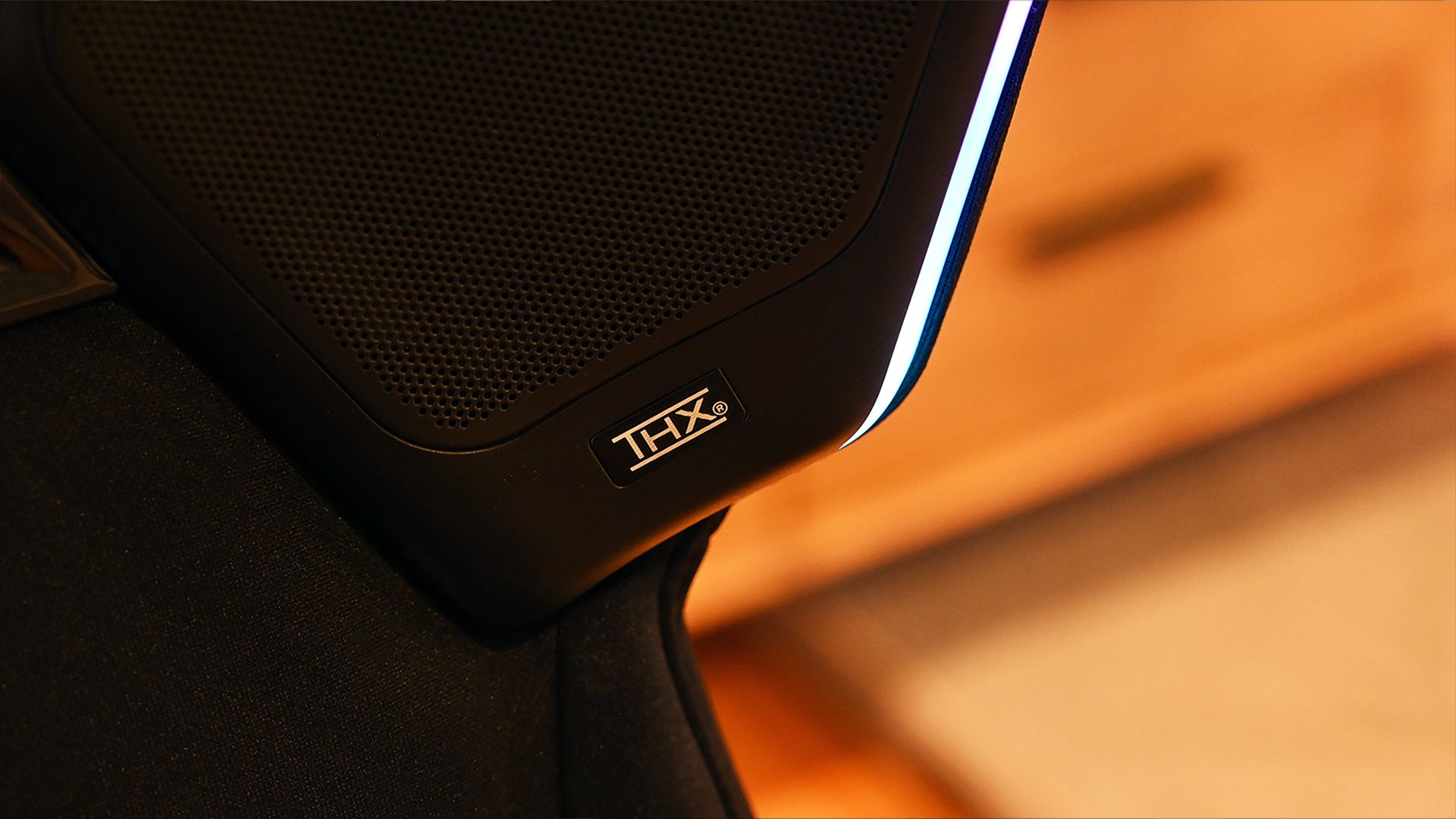
Close-up of an integrated shoulder speaker grille on the Razer Soma Pro gaming chair with a THX logo badge beside a glowing white light strip.

Built-in THX Spatial Audio speakers were one of my biggest surprises, sounding great even without separate desktop speakers. (Image credit: Daniel Rubino)

The biggest surprise might be the speakers.

The RGB “wings” from Soma Chroma make considerably more sense on the Pro because they now house the THX Spatial Audio system. Used by themselves, the speakers are almost like wearing really good open-ear headphones. Audio sits around you without isolating you from the room.

They’re good enough that I’ve even been using them for my daily Google Meet calls, which is a bit hilarious.

Things get seriously interesting when you already have desktop speakers. Synapse lets the Soma Pro work as the rear portion of a larger surround setup, with your existing speakers handling the front channels.

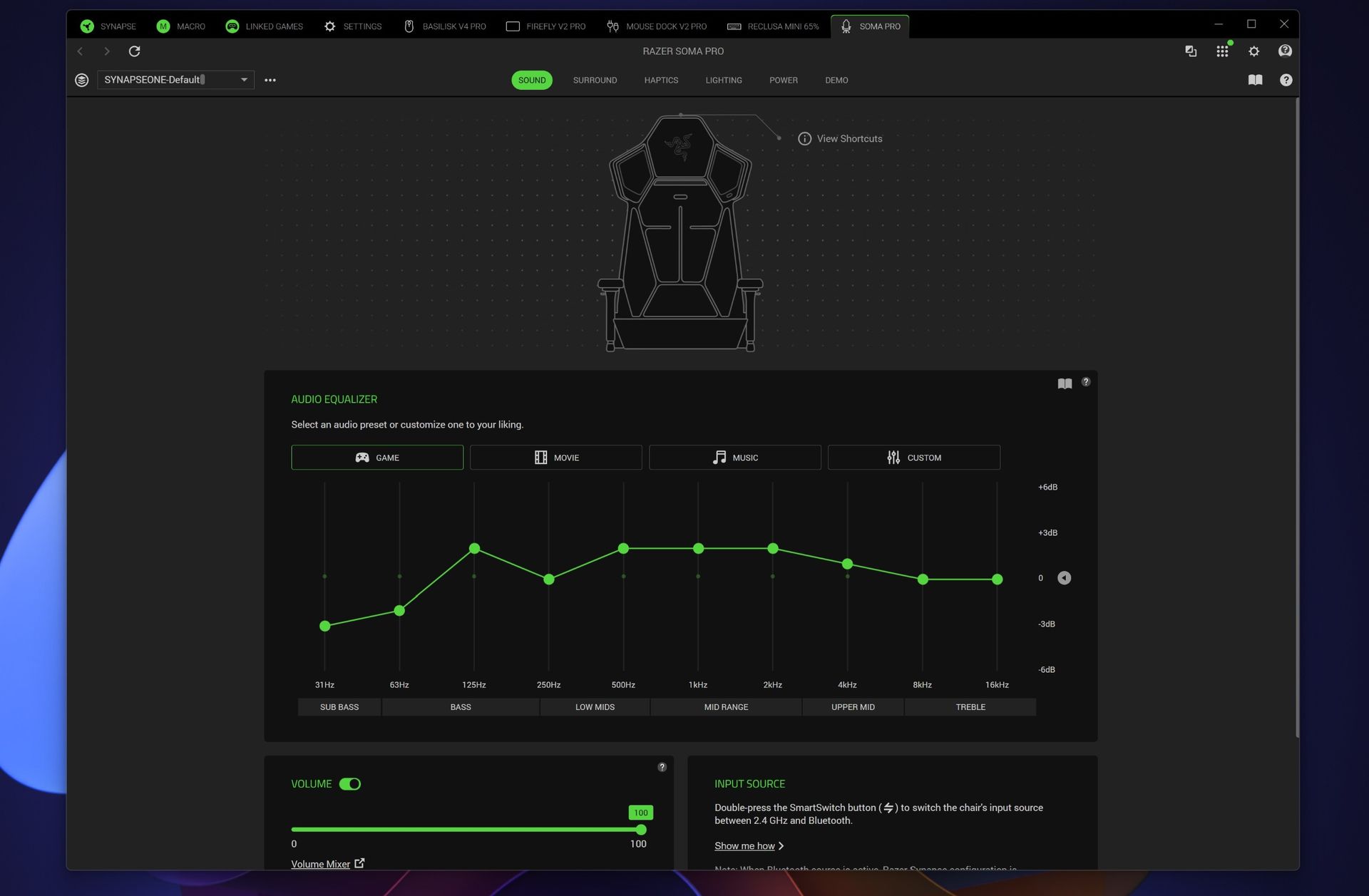
Razer Synapse screenshot showing the Razer Soma Pro sound tab with a chair wireframe, a 10-band audio equalizer on the Game preset, and volume sliders.

Razer Synapse screenshot showing the Razer Soma Pro sound tab with a chair wireframe, a 10-band audio equalizer on the Game preset, and volume sliders. (Image credit: Daniel Rubino)

You can independently adjust front and rear volume, EQ, balance, and delay to synchronize everything. Pair the chair with something like Razer’s Nommo V2 Pro or Leviathan V2 Pro, and the combination of front sound, rear THX audio, and physical haptic feedback creates an absolutely fantastic gaming environment.

Synapse deserves a shoutout here, too. Considering how many things this chair does, the software is remarkably easy to understand. The controls are logically broken out across sound, surround, haptics, lighting, and power, and I rarely felt like I needed instructions to figure something out.

Razer Soma Pro: Power, RGB, and everything else

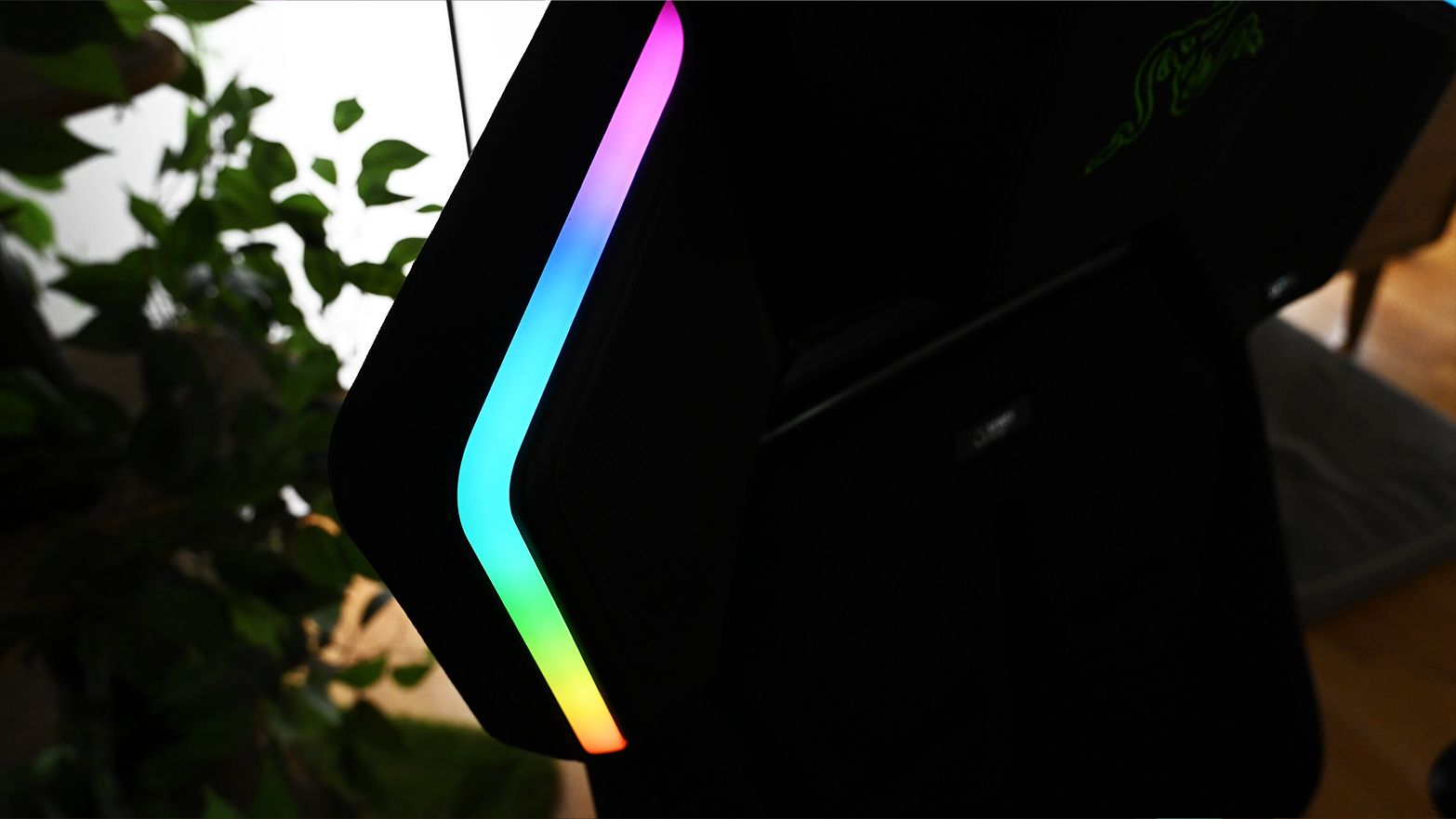
Angled view of the Razer Soma Pro gaming chair backrest wing showing a vertical Chroma RGB light strip glowing in pink, blue, green, and orange

Chroma RGB outlines the Soma Pro’s speaker wings and can synchronize with the rest of your Razer setup. (Image credit: Daniel Rubino)

Like the Soma Chroma, the Pro can run from any generic external USB-C power bank (not included) or remain plugged in using its included braided extension cable. You'll need at least a 45W PD 2.0-capable power source.

For Soma Chroma, wireless power makes the chair feel magically cordless. With the Soma Pro, I'm more inclined to leave it plugged in. Speakers plus six haptic motors and RGB make uninterrupted power considerably more useful.

The Chroma side remains exactly as gloriously excessive as you'd expect. My Reclusa Mini 65%, Basilisk V4 Pro, Firefly V2 Pro, and Soma Pro can all react together, turning my desk into a magnificent symphony of light.

None of this is necessary in life, but damn if it ain't awesome.

Should you buy the Razer Soma Pro?

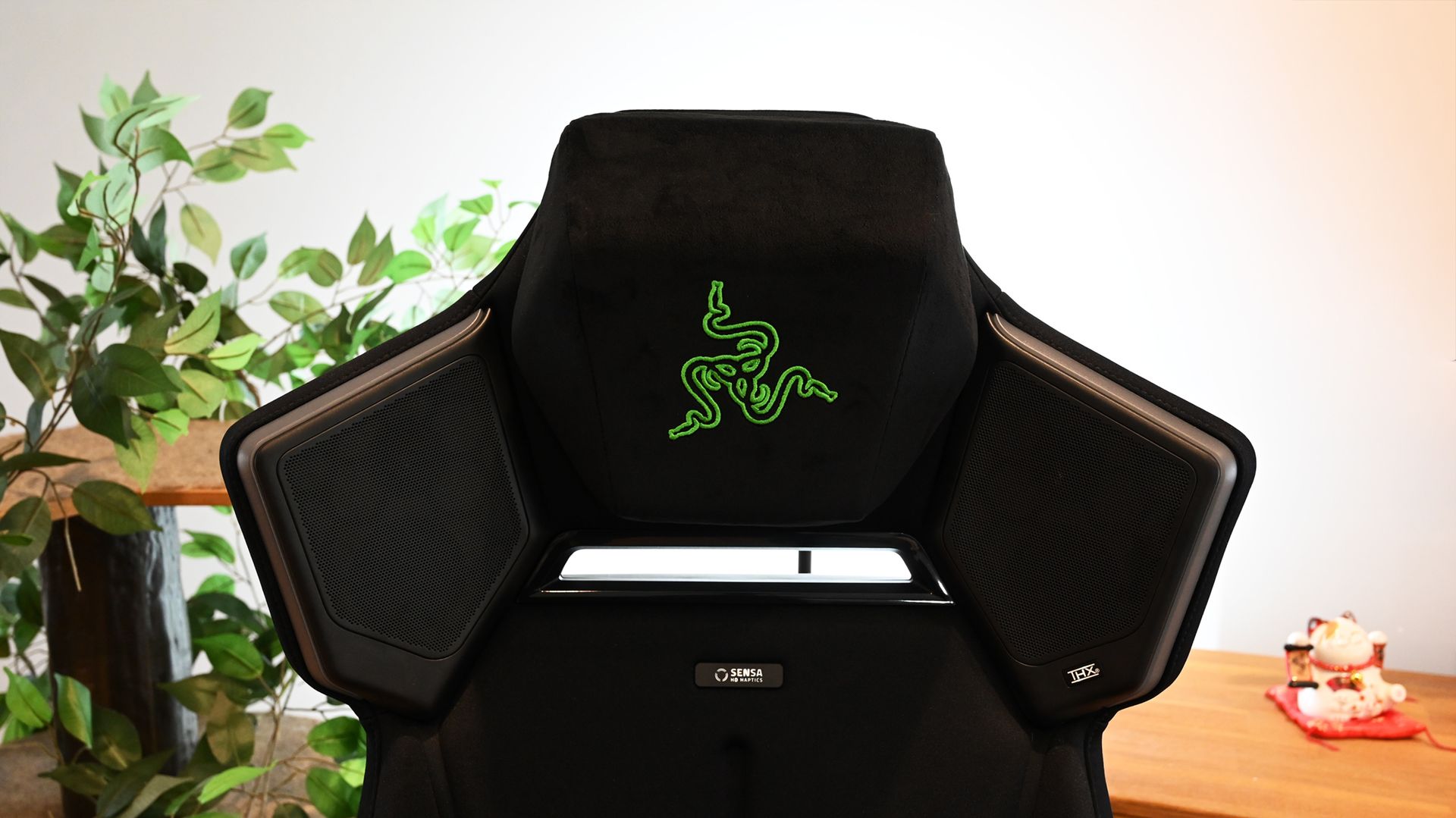
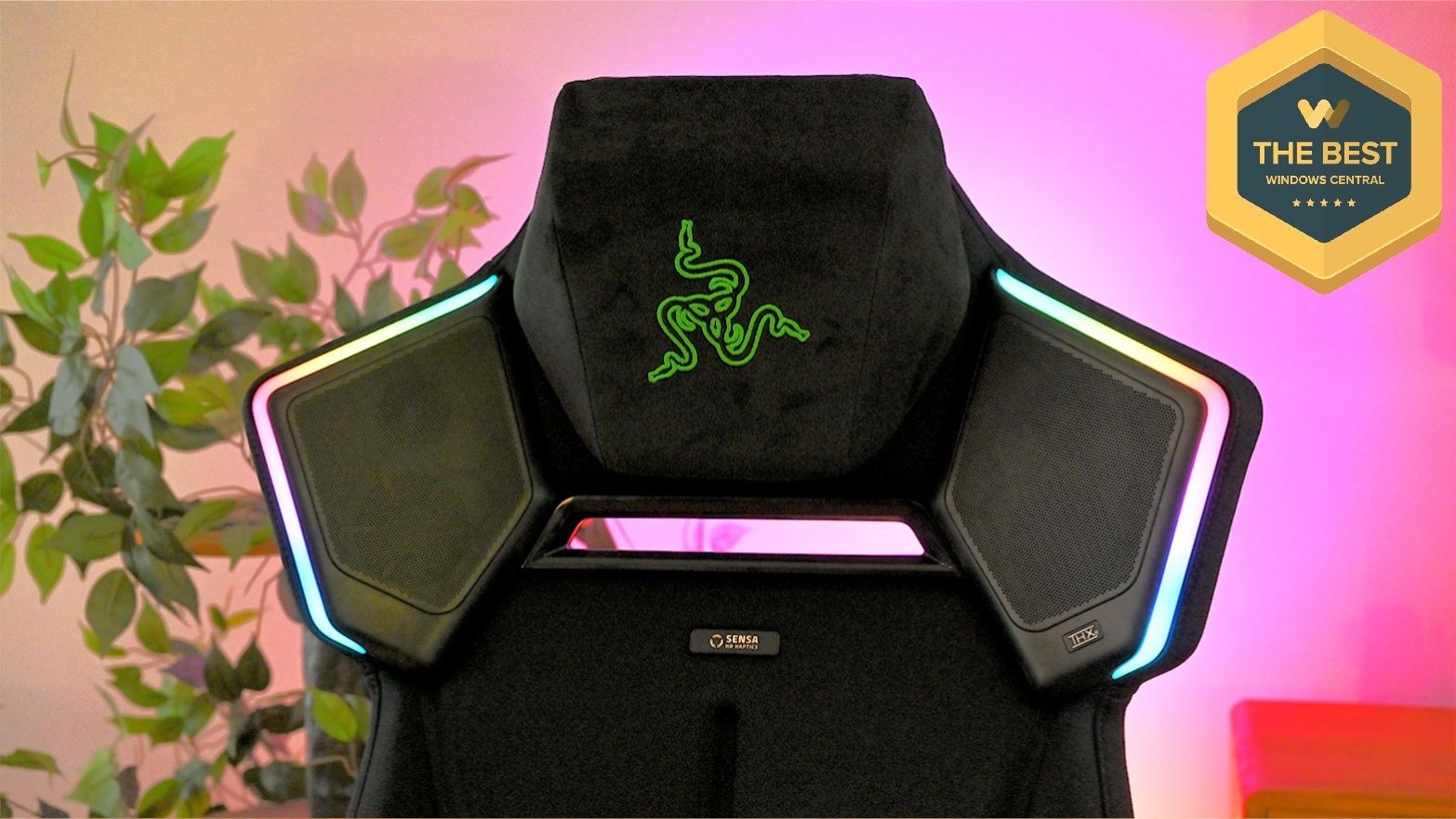
Front view of the Razer Soma Pro headrest with unlit shoulder speakers, black head pillow with green snake embroidery, and Sensa badge.

Here’s where everything comes together: magnetic head cushion, THX speakers, Sensa HD Haptics, and Chroma RGB. (Image credit: Daniel Rubino)

You should buy this if...

✅You want one of the most immersive PC gaming setups currently possible

✅You already own Razer Chroma or Razer audio hardware

✅You want haptics without adding a separate Freyja cushion

✅You want a genuinely comfortable premium gaming chair

You should not buy this if...

❌$999 for a gaming chair is beyond your budget

❌Adjustable lumbar support matters more to you than haptics

❌You have no interest in RGB, spatial audio, or tactile gaming

I wasn't expecting the Soma Pro to win me over this completely.

This is an incredible gaming chair in every sense. The haptics aren’t just a novelty you forget about after a few uses. The speakers deliver real, immersive sound. And beneath all the tech, it remains a genuinely comfortable chair.

Razer also deserves credit for making the Soma lineup modular around different budgets. If you only want RGB, there's the $499 Soma Chroma. The $569 Soma Sensa HD Haptics focuses on tactile feedback. The $999 Soma Pro throws basically everything Razer knows about gaming immersion into one chair.

After living with it, I wouldn't take any of the electronics out.

The Soma Pro is one of the coolest gaming gadgets I've tested in a long time. It's fun, extraordinarily well thought-out, comfortable, and unlike anything else sitting in my gaming setup.

And yes, apparently I now have very strong opinions about whether my gaming chair should shake my butt.

Vertical photo of the Razer Soma Pro gaming chair with a purple backlight behind it.Windows Central

Immersion
Razer
Soma Pro

The Razer Soma Pro combines the company’s excellent Soma gaming chair with Sensa HD Haptics, THX Spatial Audio, and Chroma RGB for one of the most immersive gaming experiences I’ve tried. At $999, it’s undeniably expensive, but considering everything Razer packed into it, I’m actually surprised it doesn’t cost more.

Click to join us on r/WindowsCentral

Join us on Reddit at r/WindowsCentral to share your insights and discuss our latest news, reviews, and more.
Microsoft apologizes for major network outage that knocked Outlook, Teams offline

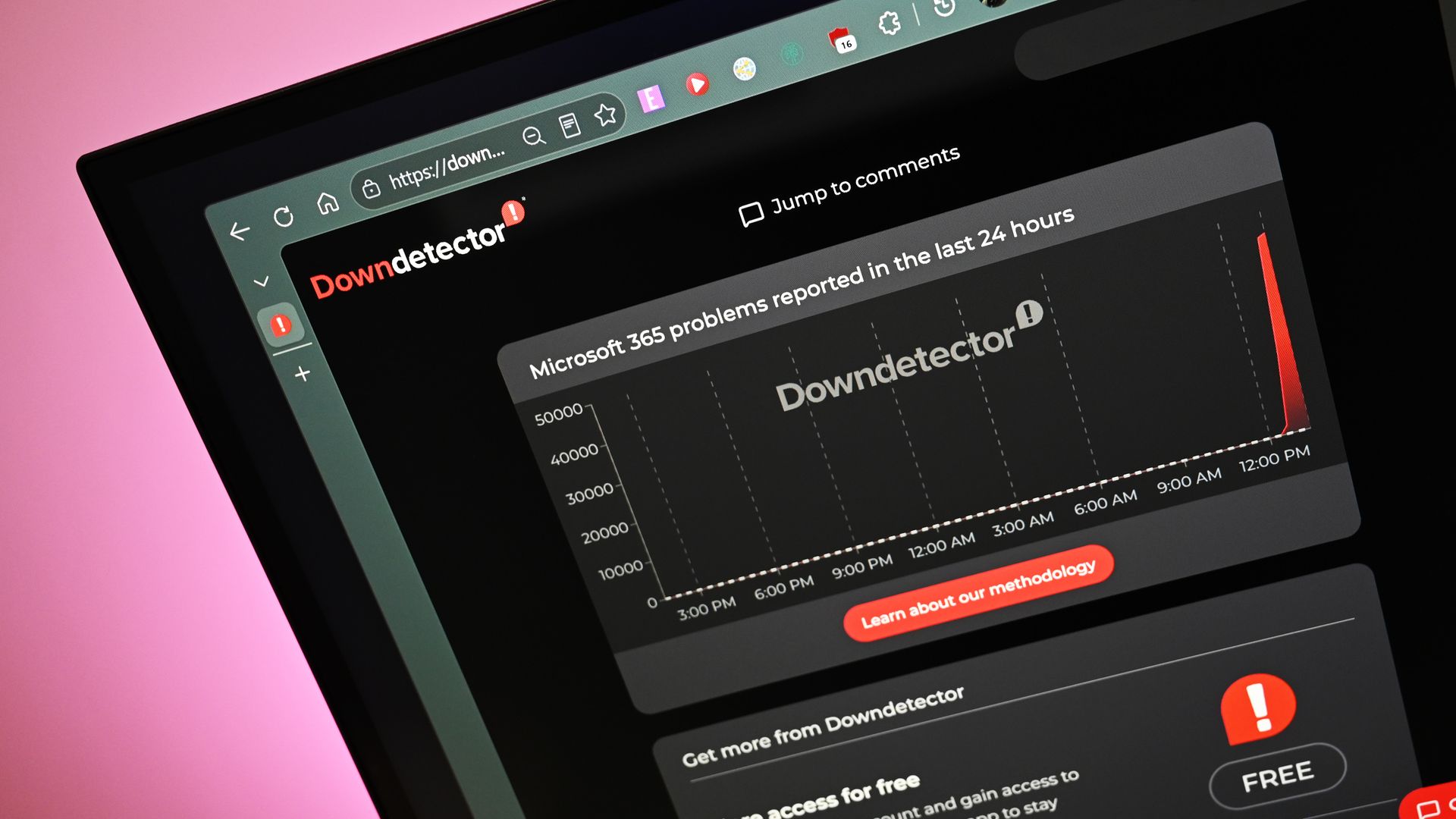
Microsoft has publicly apologized for its major outage that has taken out a number of core online services, including Microsoft 365, Teams, Outlook, and more. In a post on X, the company has now explained what caused the outage, and says service is now being restored.

"We are deeply sorry for the disruption this incident has caused our customers and partners. We know the trust they place in our services and take that responsibility extremely seriously. We are seeing broad recovery and stability across our services."

Microsoft insists that the issue was not caused by AI, but rather a network upgrade that went wrong. "This was a technical issue not related to cyber or AI / agents. The incident was introduced by an issue during an earlier network capacity upgrade that surfaced following a recent network change. We have addressed the underlying issue and continue to restore service to remaining customers and regions."

We are deeply sorry for the disruption this incident has caused our customers and partners. We know the trust they place in our services and take that responsibility extremely seriously. We are seeing broad recovery and stability across our services.This was a technical issue not related to cyber or AI / agents. The incident was introduced by an issue during an earlier network capacity upgrade that surfaced following a recent network change. We have addressed the underlying issue and continue to restore service to remaining customers and regions.Given the scale of demand, we restored services gradually, validating stability at each stage. While this took longer, it helped ensure a stable restoration.We will provide a full post-incident report once our review is complete.November 13, 2026

The company has also explained why restoration of the service has taken so long. It has been almost 24 hours since the network first went down, and Microsoft says it was because the company has "restored services gradually, validating stability at each stage. While this took longer, it helped ensure a stable restoration."

With the network down for almost a day, many businesses across the globe have been without critical infrastructure needed to conduct their business. Establishments like the National Health Service in the United Kingdom have been unable to access email and Teams all day, delaying health services for some.

Microsoft says it will conduct a review of the incident and publish a report in the coming days and weeks. "We will provide a full post-incident report once our review is complete."

Join us on Reddit at r/WindowsCentral to share your insights and discuss our latest news, reviews, and more.

Click to join us on r/WindowsCentral

Lenovo's IdeaPad Slim 3x price drop makes it a budget friendly pick for Black Friday

There was a time when we'd recommend the Lenovo IdeaPad Slim 3x any day of the week for its snappy performance with Qualcomm's efficient Snapdragon X processor, 16+ hour battery life, and an impressive build quality that helped it punch well above its original $759.99 retail price.

Lately, however, the Slim 3x has been tough to find in stock in first-party retailer listings, and ongoing component shortages have pushed prices anywhere from at least $849.99 to $1,249.99.

Thankfully, Lenovo has brought this Copilot+ PC back down to earth with an early Black Friday deal. Using the eCoupon code FLASHSALE7 at checkout drops the IdeaPad Slim 3x price to $664.99 at Lenovo when paired with 'cart threshold savings'. That's a massive 45% ($535) off!

IdeaPad Slim 3x (Snapdragon X, 16GB RAM, 512GB SSD): was $1199.99 now $664.99 at Lenovo (with automatic cart threshold savings)

As it exceeds Lenovo's cart threshold, its price has been further slashed to $664.99.

"The Lenovo IdeaPad Slim 3x is a remarkably cheap laptop, yet it delivers good performance and amazing battery life in a slim, elegant chassis with a comfy keyboard." — Stevie Bonifield, Writer at Tom's Guide

Tom's Guide: ⭐⭐⭐⭐View Deal

Why buy the Lenovo IdeaPad Slim 3x?

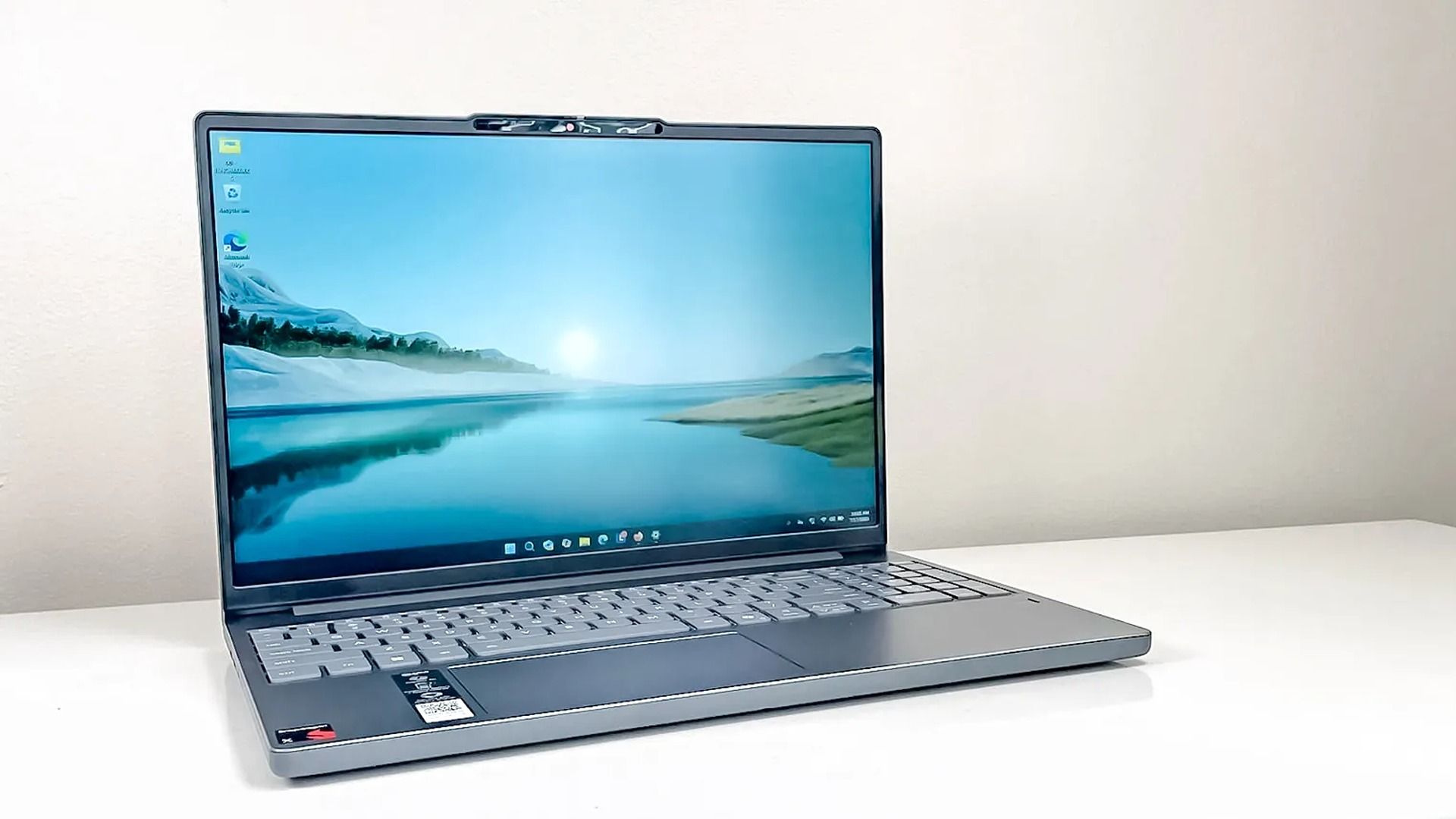
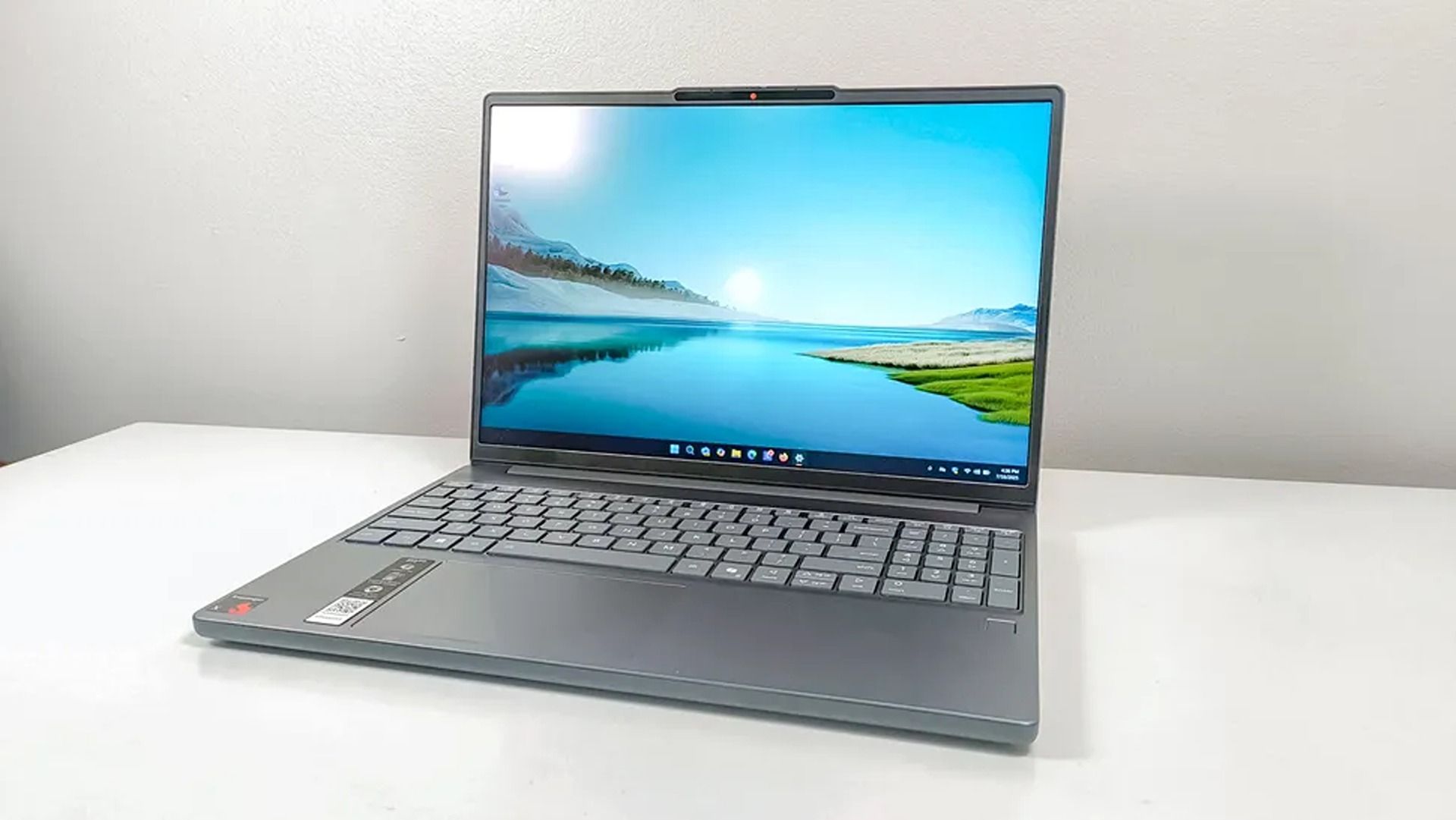
An open silver laptop sits on a white surface, its screen showing a calm blue lake and distant mountains in a bright, minimalist setting.

A closer view of the Lenovo IdeaPad 3x laptop. (Image credit: Tom's Guide (Stevie Bonifield) | Lenovo)

The Lenovo IdeaPad Slim 3x pairs a Snapdragon X processor with 16GB of RAM and Qualcomm's capable integrated Adreno graphics, delivering plenty of performance for everyday multitasking, productivity work in office apps, and heavy browser tab sessions.

For its display, you get a 15.3-inch WUXGA (1920 x 1200) IPS touchscreen with a 16:10 aspect ratio that gives you some extra vertical space for reading and editing than a traditional 16:9 desktop monitor would, while an anti-glare coating cuts down on reflections in brighter rooms.

Otherwise, a 512GB SSD offers enough space for typical use, with ports for expandable storage if you need it. Plus, it offers roughly 16.5 hours of battery life on a single charge and an NPU rated for 45 TOPS to handle local AI tasks, qualifying it as a Copilot+ PC. It's a respectable spec sheet for the price, and definitely worth considering.

Should I wait for Black Friday for a better deal?

Considering it's rarely sold these days by other official retailers, I'd recommend taking advantage of Lenovo's deal while it lasts, as there's no guarantee it will remain in stock at Lenovo by the time Black Friday "officially" starts on November 27, 2026.

Who is this laptop for?

This laptop is recommended for traveling or remote workers looking to tackle productivity on the go and for casual use (watching streams and movies, reading ebooks, researching online). It was once recommended for users looking to save, but the RAM Crisis significantly hiked its launch MSRP, making it easier to recommend while it's on sale.

Can its RAM and SSD be replaced?

The Lenovo IdeaPad Slim 3x RAM is soldered, so it can't be replaced. Its 512GB SSD can be swapped with a larger option later.

Click to join us on r/WindowsCentral

Join us on Reddit at r/WindowsCentral to share your insights and discuss our latest news, reviews, and more.

Xbox has been affected by Microsoft's current outage

On November 12, 2026, Microsoft was hit with a severe worldwide outage preventing people from accessing all its services, including Outlook, Teams, Copilot, OneDrive, and Azure.

This morning, Xbox has become the latest victim of this outage. Despite Xbox's status reading green across the board on Microsoft's website, people on social media and Downdetector are reporting issues with the console's services, including being unable to sign in, digital games not launching, cloud saves not working, and, in general, not being able to access Xbox Cloud Gaming.

We’re seeing positive results for service stability and increased capacity as a result of our latest traffic optimization actions. We're implementing these actions more broadly across affected regions as we seek to attain persistent recovery. A more comprehensive update can be found at MO1550821 in the Microsoft 365 admin center, as well as https://t.co/pYdahqxDv3 if the admin center is not available to you.November 13, 2026

Now, granted, my colleagues and I at Windows Central have been able to connect to Xbox services just fine. So, at the moment, this outage isn't as severe as the rest of the issues going on at Microsoft, nor is it as dire as the September 2026 outage and the July 2026 outage.

Microsoft is currently working to get all of its services back up and running, so stay tuned for more information regarding Xbox's latest major outage.

Click to join us on r/WindowsCentral

Join us on Reddit at r/WindowsCentral to share your insights and discuss our latest news, reviews, and more.

Xbox Adds Home Background Shuffles, Guide Repositioning, and Disc-to-Digital Library Tools for Insiders

Par : Nayan
13 novembre 2026 à 01:24
Microsoft is giving Xbox players a welcome dose of dashboard freedom. In a newly announced preview update rolling out first to Xbox Insiders in the Alpha Skip-Ahead ring, the console maker is introducing dynamic Home background shuffles, flexible Guide menu placement, and smarter organization tools for players managing hybrid physical-and-digital game collections. Timed alongside Xbox’s […]

Windows 11 Update KB5132061 Breaks Classic Context Menu Registry Tweak—Here Is What Works Now

Par : Nayan
13 novembre 2026 à 01:16
For the past several years, Windows 11 power users have relied on a trusty workaround to bypass Microsoft’s streamlined, compact right-click menu. By adding a specific CLSID key to the Windows Registry, you could permanently restore the dense, familiar Windows 10-style context menu without having to click “Show more options” every single time. If you […]

❌