Connexion
Microsoft adds Bigfoot and Copilot key remapping in latest Windows 11 preview build
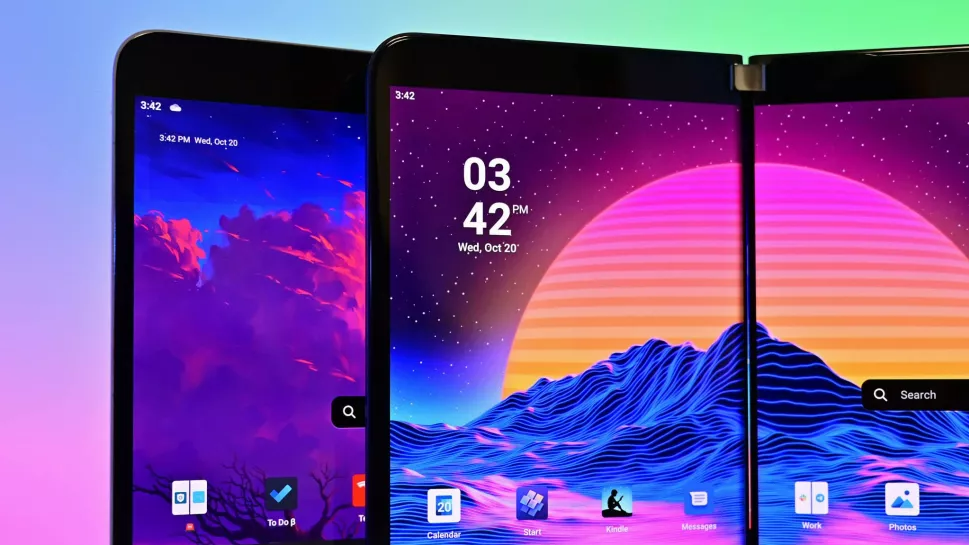
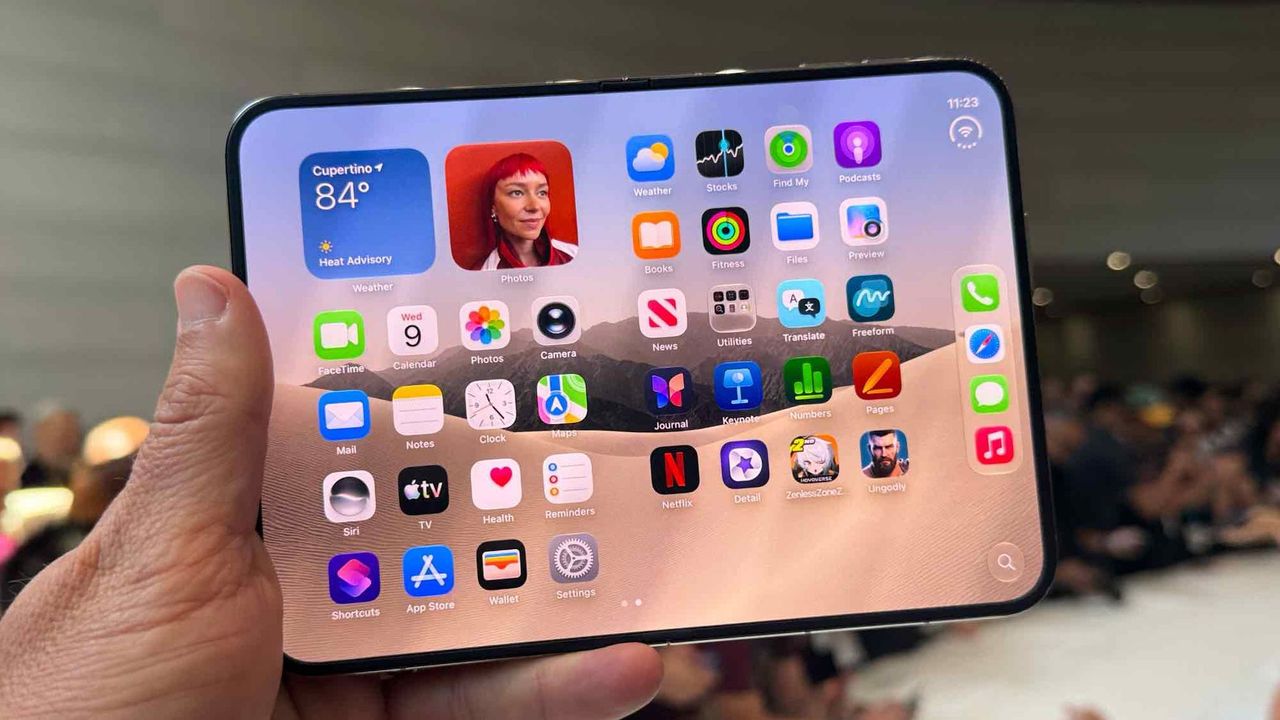
Move over iPhone Duo announcement, the real news is here. Windows 11 will soon feature a few more emojis. Microsoft recently shipped Windows 11 Builds 26100.9539 and 26200.9539 to Insiders in the Release Preview Channel. Among other changes, the update adds support for Emoji 17.0.
Since these are Release Preview builds, many of the included changes have already been seen during earlier Insider testing.
Several changes have been made to File Explorer that should make for a smoother experience. Home within File Explorer now preserves the state of sections, so the next time you open the app things will be expanded or collapsed as before. Thumbnail previews for cloud files should appear more consistently as well following this update.
Emoji lovers will be happy to hear that Emoji 17.0 support comes with this build of Windows 11. Emoji 17.0 adds the distorted face, fight cloud, and hairy creature (Bigfoot) emojis.

Microsoft continues on its recent push to create more widgets. These Insider builds add a Tips widget that provides guidance about Windows features. Microsoft recently announced a battery widget that's in the works as well.
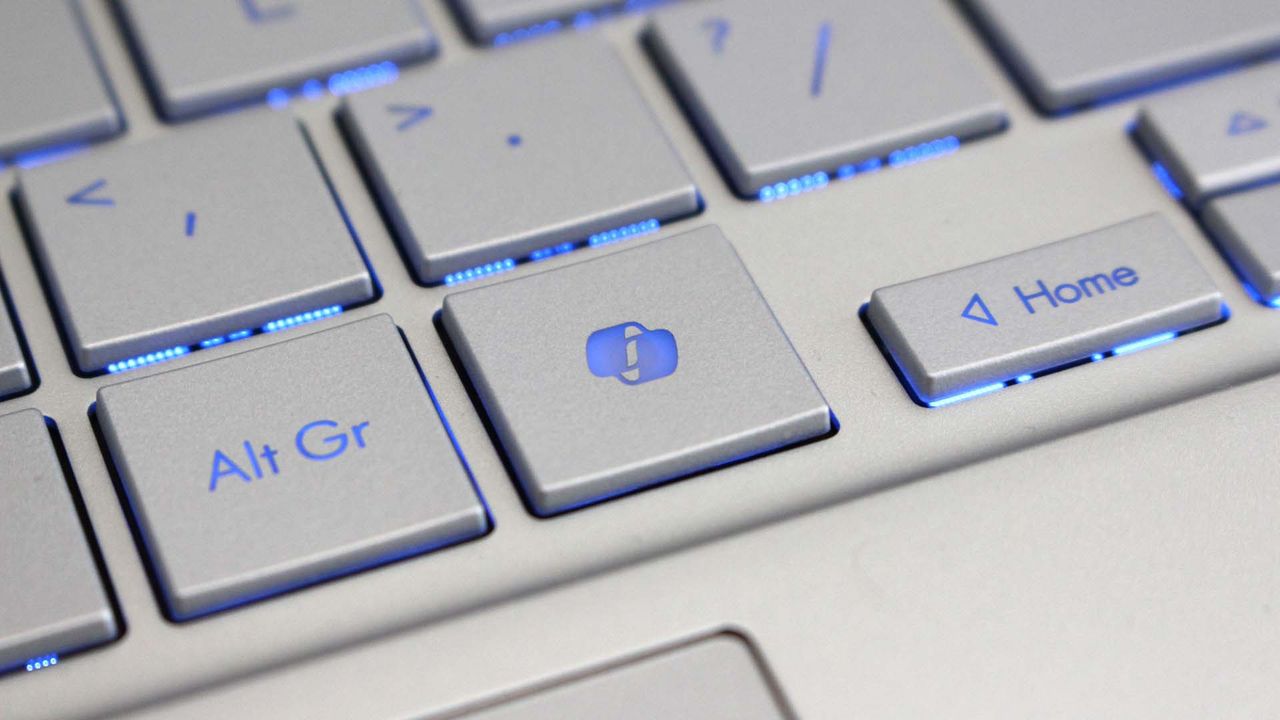
Another welcome change is the update to remap the Copilot key to function as the Right Control key or Context Menu key. Copilot already has a keyboard shortcut (Alt + Space) for those who want to use it, so having a dedicated key for a niche tool felt a bit like overkill.
Microsoft detailed the changes that are gradually rolling out.
Build 26100.9539/26200.9539
File Explorer
- New! This update adjusts how the preview pane handles files downloaded from the web. For HTML files, a new Preview anyway button lets you acknowledge the warning and preview the file. Non-HTML files, such as PDFs, are now previewed automatically.
- New! File Explorer Home now preserves the state of sections (expanded or collapsed), so you can pick up where you left off.
- New! This update improves the reliability of thumbnail previews for cloud files in the Details pane. The pane has also been reorganized so file properties are easier to find and review at a glance.
- New! This update addresses an issue that could clear the address bar contents when entering edit mode by clicking near the right side of the address bar.
Emoji
- New! This update adds support for Emoji 17.0, including new emoji such as distorted face, fight cloud, and hairy creature. To insert them, press Windows key + Period (.) to open the emoji panel.
- New! This update also refines the design of several existing emoji for better consistency across platforms, including saluting face, face with peeking eye, goose, lotus, and kissing cat.
Widgets
- New! This update introduces the Tips widget, which provides short, helpful guidance about Windows features. To add it to your Widgets board, open the board, select Add widgets, and then choose Tips. To add it to your lock screen, go to Settings > Personalization > Lock screen and add Tips to your lock screen widgets.
Personalization
- This update includes a variety of improvements to desktop background experiences:
- This update improves the reliability of the Personalization > Background page in Settings.
- This update adds support for using DIB image files as desktop backgrounds.
- This update improves the reliability of desktop slideshow transitions on newly created accounts.
- This update improves the resolution of previews when selecting a desktop background in Personalization > Background.
- This update improves the desktop background preview display in Settings for users with portrait mode monitors.
- This update improves the reliability of processing desktop wallpaper changes when they happen in quick succession.
- This update adds support for using slideshow wallpapers with multiple desktops, so that it won't automatically switch you back to Picture.
Bluetooth
- This update contains several enhancements to improve reliability and the experience when connecting to and using Bluetooth devices:
- During voice calls, the Windows shell volume flyout now appears when adjusting the volume of a Bluetooth Classic Audio accessory using the volume controls on the accessory, providing visual feedback of the new volume level.
- This update improves the accuracy of the connection state displayed by Windows for accessories that have disconnected from the PC.
- This update improves the stability of the Bluetooth & devices page in Settings when managing Bluetooth and audio devices.
- This update resolves an issue where the Bluetooth radio could be turned off, but the radio control toggle on the Bluetooth & devices page in Settings appeared on.
- This update improves Bluetooth audio stability and compatibility.
- This update improves microphone compatibility with certain Bluetooth Classic Audio accessories.
- This update resolves an issue that could result in a crash (error code 0x139) while streaming Bluetooth audio.
- This update improves reliability and performance with LE Audio accessories.
- This update improves the reliability of shared audio.
Accessibility
- New! This update introduces Open apps maximized, an accessibility setting that automatically maximizes app windows as they open. It removes a bit of everyday friction whether you use a screen reader or magnification, work in tablet mode, or simply prefer a consistent, full-screen workspace. To turn it on, go to Settings > Accessibility > Visual effects and turn on Open apps maximized.
- This update improves navigation of the Bluetooth quick settings page when using keyboard input, gamepad input, or Narrator.
Magnifier
- New! This update brings a modernized visual refresh to Magnifier on the taskbar:
- Updated icons: Magnifier's toolbar icons align with the Windows 11 visual design, giving the tool a cleaner, more modern feel.
- Refined spacing and padding: The padding is adjusted with consistent spacing across the toolbar for a more polished layout.
- Views, zoom controls, keyboard shortcuts, and Read Aloud all behave exactly as they did in earlier versions.
Settings
- This update improves the reliability of Settings when interacting with the contents of the Settings > Bluetooth & devices > Printers & scanners page.
- This update updates Settings > Apps > Installed apps to show the version number at the top level for packaged apps, as it already does for other apps.
- This update improves the time picker control in Settings so that it reflects your preferred time format when you switch between 12-hour and 24-hour formats. This applies in places such as setting active hours and scheduling night light.
- This update improves the persistence of the Allow multiple apps to use camera at the same time option in Settings > Bluetooth & devices > Camera.
Touchpad
- New! Additional gesture controls for precision touchpads are available in Settings > Bluetooth & devices > Touchpad:
- Single-finger scrolling: Scroll vertically with one finger starting from the left or right side of the touchpad.
- Automatic scrolling: Keep scrolling without lifting your fingers by moving them near the edge of your touchpad while scrolling.
- Previously, gesture controls for scroll and zoom speed and accelerated scrolling were released in the July 2026 update (KB5101684).
Copilot key
- New! This update introduces a new Windows 11 setting that lets you remap the Copilot key to function as the Right Ctrl or Context Menu key, helping preserve familiar keyboard shortcuts and accessibility workflows. For more information, see Understand updates to the Copilot key on Windows devices.
Camera Roll
- New! This update introduces Camera Roll Backup in Settings, helping eligible users protect their photos with OneDrive. You can turn on the feature from the Settings Home or Accounts page and complete setup on your mobile phone using a QR code.1
Fonts
- New! This update adds support for the Garay and Beria Erfe scripts to the Ebrima font, the first Microsoft font to support both. Garay was encoded in Unicode 16.0 and Beria Erfe in Unicode 17.0.
- New! This update also refines the Adlam glyph designs in Ebrima to align with the current Unicode standard and improve consistency.
Windows Recovery Environment (WinRE)
- New! This update enables WinRE to automatically reuse eligible Wi-Fi profiles already saved in Windows, including supported certificate-based networks. Devices can now get online automatically during recovery scenarios such as quick machine recovery or cloud rebuild, without preconfiguring Wi-Fi credentials in WinRE. This capability is on by default, and IT admins can disable it. For more information, see Windows Recovery Environment (Windows RE).
- New! This update adds a recovery remote management plug-in for extending WinRE management capabilities for mobile device management (MDM) providers. For more information, see Recovery Remote Management Overview.
Kiosk mode
- The Windows key + Tab keyboard shortcut is now disabled when using a restricted user experience kiosk.
- The Windows key + A and Windows key + C keyboard shortcuts are now disabled when using single-app kiosk mode.
Windows Backup
- PC-to-PC Migration is no longer available. This feature, introduced through a phased rollout, previously allowed you to transfer files and settings directly from your previous PC when setting up a new Windows PC. To back up and restore your files, settings, and other supported items when moving to a new PC, use Windows Backup. For more information, see Back up and restore with Windows Backup.

Join us on Reddit at r/WindowsCentral to share your insights and discuss our latest news, reviews, and more.