Microsoft has officially ended support for Windows 11 version 23H2, with KB5131087 being the last security update released for this specific version of the OS. Version 23H2 first shipped in October 2023, and received three years of security updates.
Microsoft already ended support for Windows 11 version 23H2 last year for users running Windows 11 Home and Pro. Today, the company has ended support for commercial editions of the OS spanning Enterprise and Education SKUs, which received an extended support lifecycle of 36 months.
"Windows 11, version 23H2 Enterprise and Education have reached end of updates," Microsoft confirms. "The November 2026 Windows security update is the last update available for these editions. Devices running these editions will no longer receive monthly security updates containing protections from the latest security threats."
Devices still running Windows 11 version 23H2 are encouraged to update to a supported version of the OS. Currently, Windows 11 version 24H2, 25H2, 26H1, and 26H1 are actively supported with feature and security updates. Home and Pro users would have already been offered an upgrade path to a more recent version of the OS.
Enterprise and Education editions will require IT intervention if they haven't already been offered an upgrade path to a newer version of the OS. Most enterprises and schools running these editions should have initiated an upgrade path to a newer version of Windows 11 at this point.
Microsoft always supports a new version of Windows 11 with two years of security updates for consumers, and three years for commercial editions. That means version 24H2 has one more year of support left for Enterprise and Education editions.
The only exception to this rule is with special LTSC and IoT editions of Windows 11. For everyone else, you need to be on the latest versions of Windows 11 to remain supported with feature and security updates. Version 26H2 is expected to remain supported until 2029 for commercial customers.
Join us on Reddit at r/WindowsCentral to share your insights and discuss our latest news, reviews, and more.
It's been 10 whole years since Microsoft shipped its first-generation Surface Mouse, so when the company unveiled a second-generation Surface Mouse at Qualcomm's Snapdragon Summit back in September, I was immediately intrigued.
What would cause Microsoft to want to revive an otherwise dead peripheral? That was my first question, and Microsoft was quick to answer: HAPTICS! The new Surface Mouse has haptics, and that's why the company decided to bring it back.
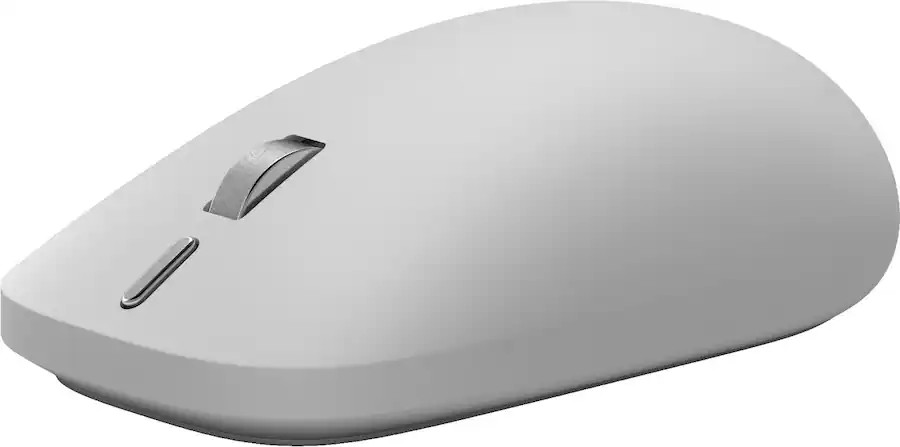
Maintaining a similar shape and size as the original, the new Surface Mouse employs a new soft-touch coating, a redesigned left and right click mechanism, a new action button, and a built-in haptics motor that integrates with Windows 11's new haptic signals feature.
I've been using the Surface Mouse 2 for the last few weeks, and here's my full review.
Price and Availability
(Image credit: Zac Bowden / Windows Central)
Specs
Connectivity: Bluetooth 6.0 (up to 3 devices via Swift Pair)
Sensor: BlueTrack, dynamically up to 4,000 fps, 30 ips tracking
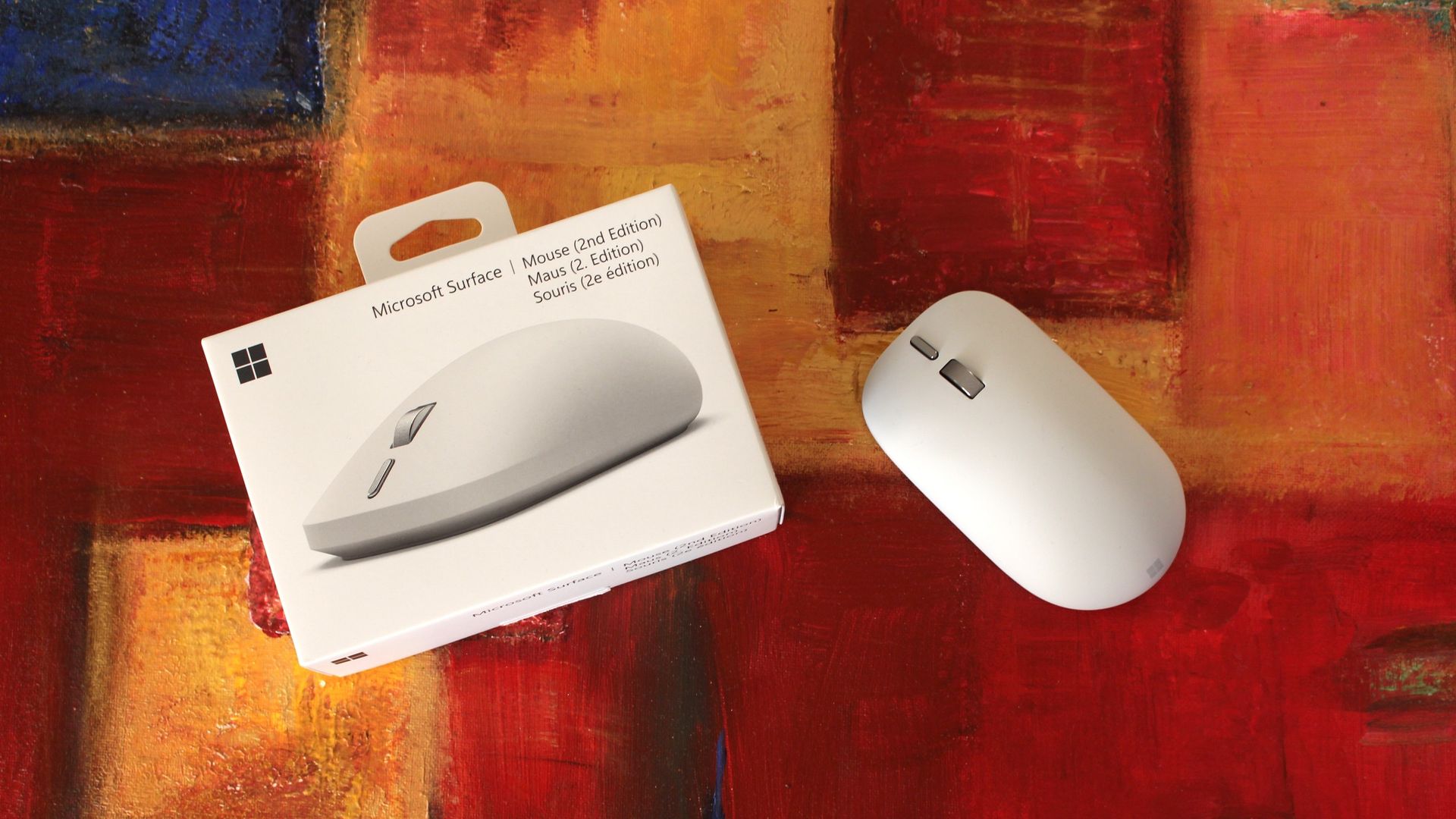
Similarly to the MX Master 4, the Surface Mouse 2 is available in two colorways: Platinum (silver/grey) and Black. I've got the Platinum one in for review, but the Black one is equally pretty.
You can find Surface Mouse 2 directly at the Microsoft Store, or third-party retailers such as Best Buy where it's likely to go on sale more often.
Haptics
Microsoft
Surface Mouse (2nd Edition)
The Surface Mouse 2 is a follow up to the 2016 Surface Mouse, now featuring a new soft-touch design with zero seams, and an all new haptic motor that supports Windows 11's new Haptic Signals feature. It's an overall great mouse for $80.
What's good
(Image credit: Zac Bowden / Windows Central)
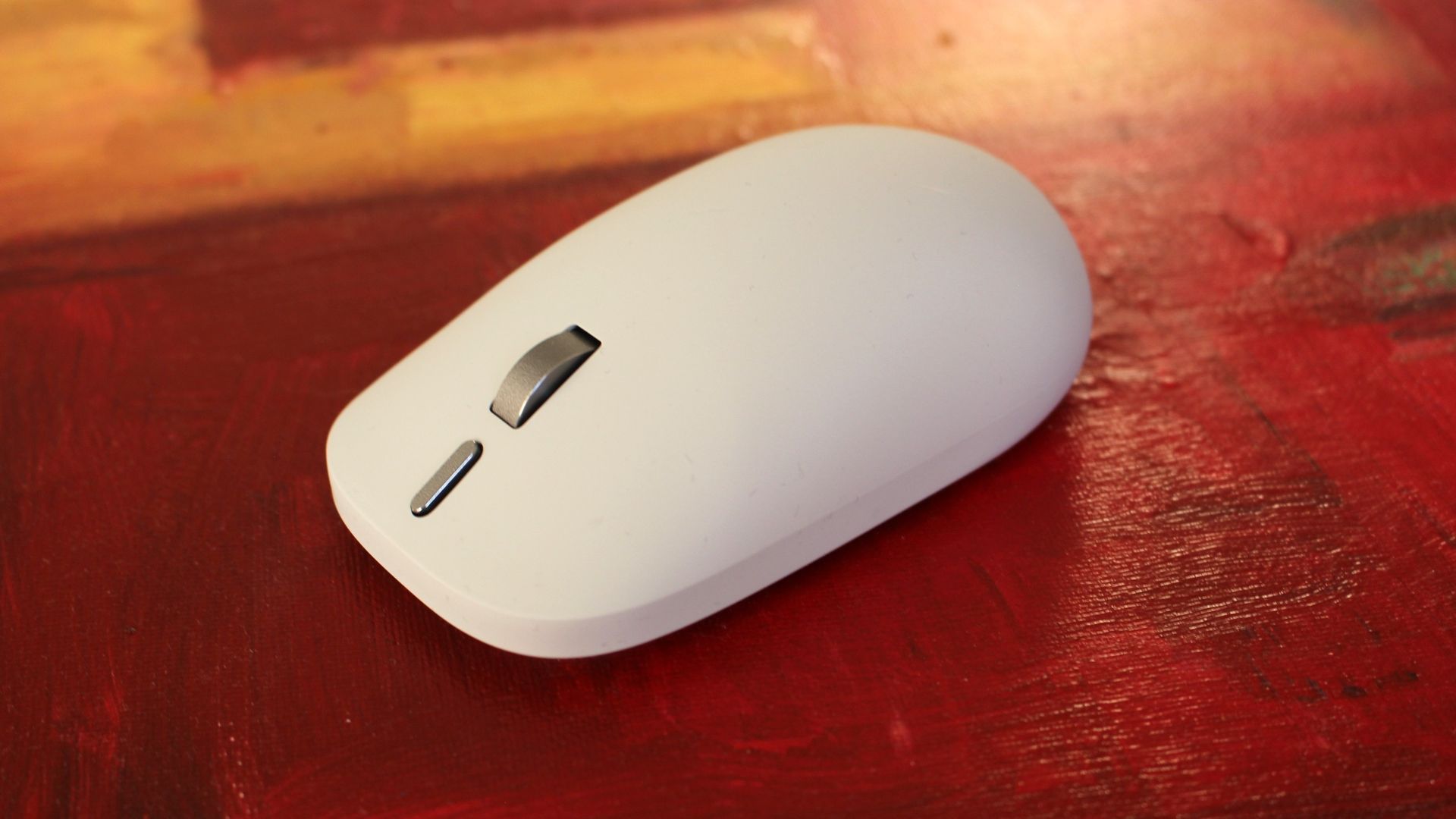
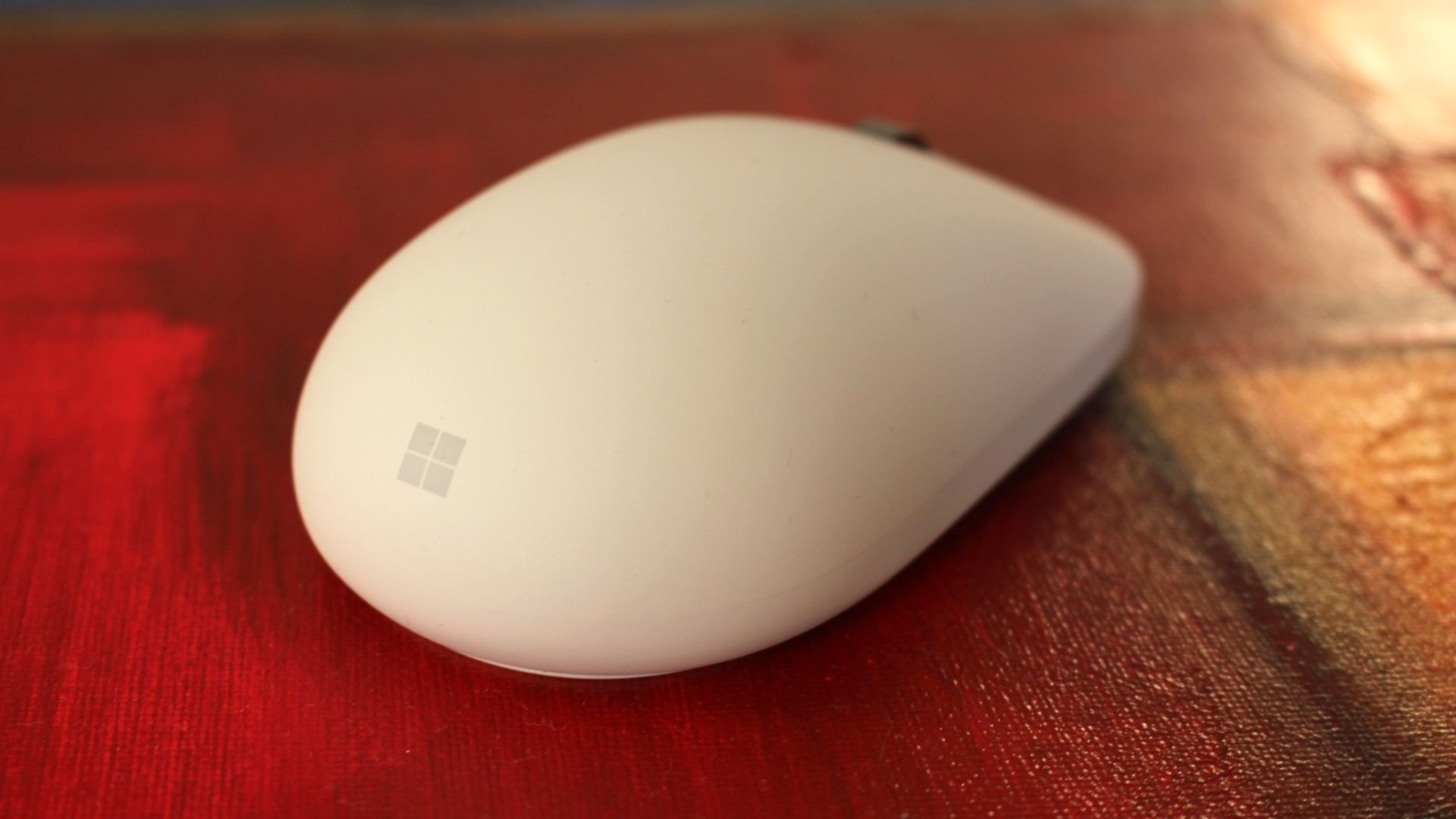
Unlike the first-gen, the Surface Mouse 2 is made out of a new soft-touch material that covers the entire top portion of the device, and it feels absolutely amazing. It's a very high quality texture that's a little grippy, and feels so very premium.
The design is also much cleaner than the first-gen, omitting any seams and lines in favor of an entirely smooth surface that even hides the left and right click buttons. The material flexes slightly so that you can actuate the left/right click buttons underneath.
On that subject, the left/right click buttons are super satisfying. They feature a much more tactile "click" sensation compared to the first-gen, which was quite mushy by comparison. The best way to describe the new buttons is "quiet yet tactile," with easy actuation.
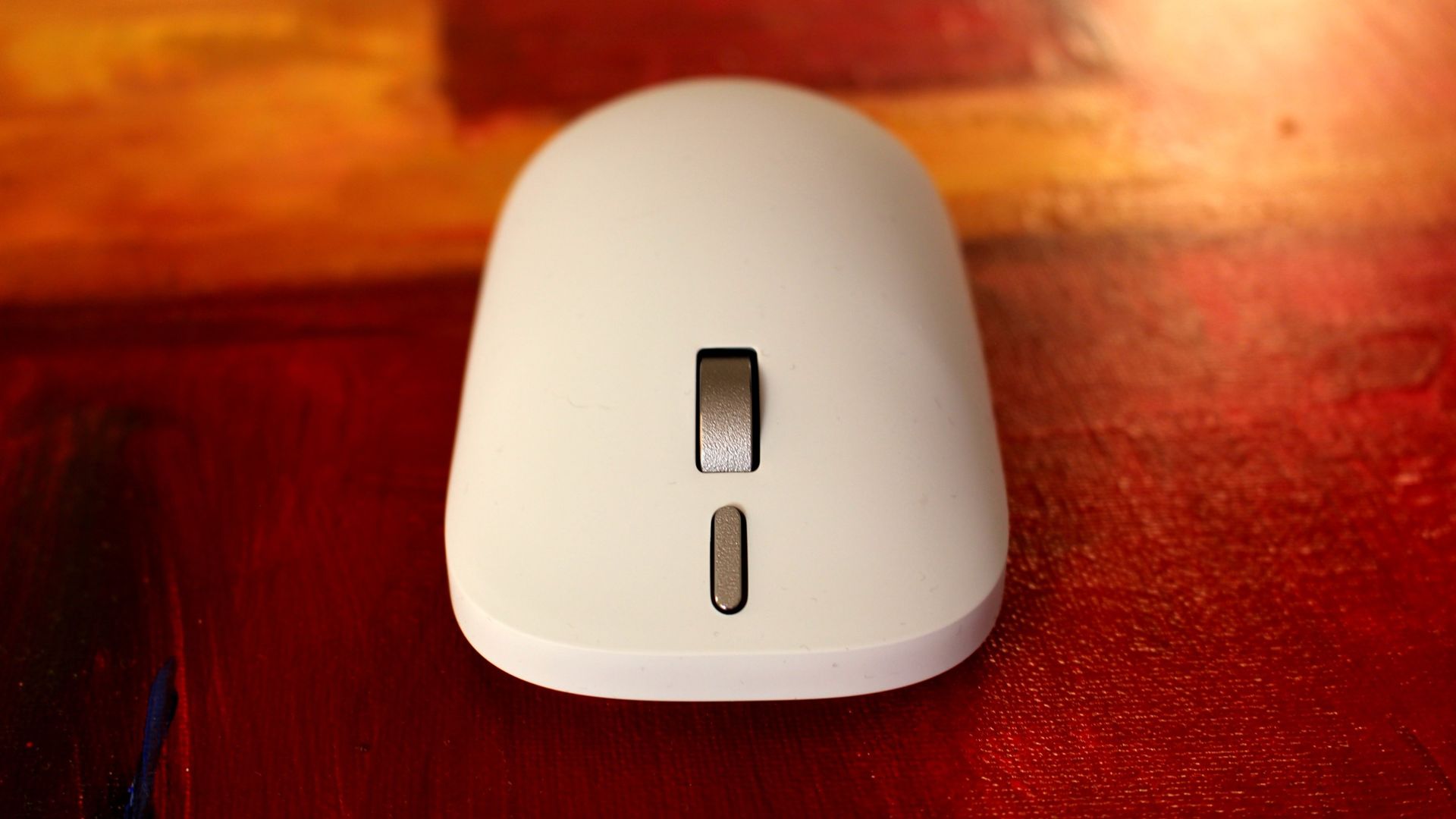
There's also a new action button that's located just below the scroll wheel, which can be customized with a single, double, or long press options. You can set the button to open apps, take a screenshot, or show system interfaces like Start and Search.
(Image credit: Zac Bowden / Windows Central)
These options are customizable through the Surface app, which will automatically download through the Microsoft Store when you first connect the mouse to your PC via Bluetooth. This app also lets you control DPI sensitivity and update the firmware on the mouse.
Of course, the big highlight with Surface Mouse 2 are the haptics, which are super satisfying. On the inside of the mouse is a small vibration motor that responds to certain actions and activities on a Windows 11 PC. When you snap apps side by side, drag files in File Explorer, and align objects in apps like Photoshop or PowerPoint, you'll feel a subtle haptic response to confirm your action.
These haptic responses are what I call a delightful addition. They serve no real functional benefit, but once you have them, you feel like something is missing when you don't have them. It makes using Windows just a touch more satisfying, and I absolutely love it. You can also adjust how strong the haptics are in Windows settings.
Until now, the only other mouse on the market that supported these haptic signals is the $120 Logitech MX Master 4, which makes the Surface Mouse 2 the cheapest mouse to support this new system yet.
What's not good
(Image credit: Zac Bowden / Windows Central)
There's a lot to like about the Surface Mouse 2, but there's also a few things to watch out for if you're looking to buy this device. First up, the positioning of the action button is a little awkward. It's below the scroll wheel, which means you need to extend your finger a touch further than you would normally to reach it. Not the end of the world, but a bit annoying.
The soft touch material, while amazing feeling, can get a bit greasy and grimy over time. This is a side effect of all grippy, soft-touch materials, and is easily solved by wiping down the mouse with a damp cloth every now and then. The Platinum colorway hides grease better than the Black variant does.
I also found that the overall shape of the mouse isn't very ergonomic. While I appreciate the humped design, there's no thumb-rest or sculped shape that follows the natural resting position of your hand. This is because Microsoft wanted the mouse to be ambidextrous, so it can be used by both left and right handed people. This is good, but comes at the cost of an extra comfortable design.
(Image credit: Zac Bowden / Windows Central)
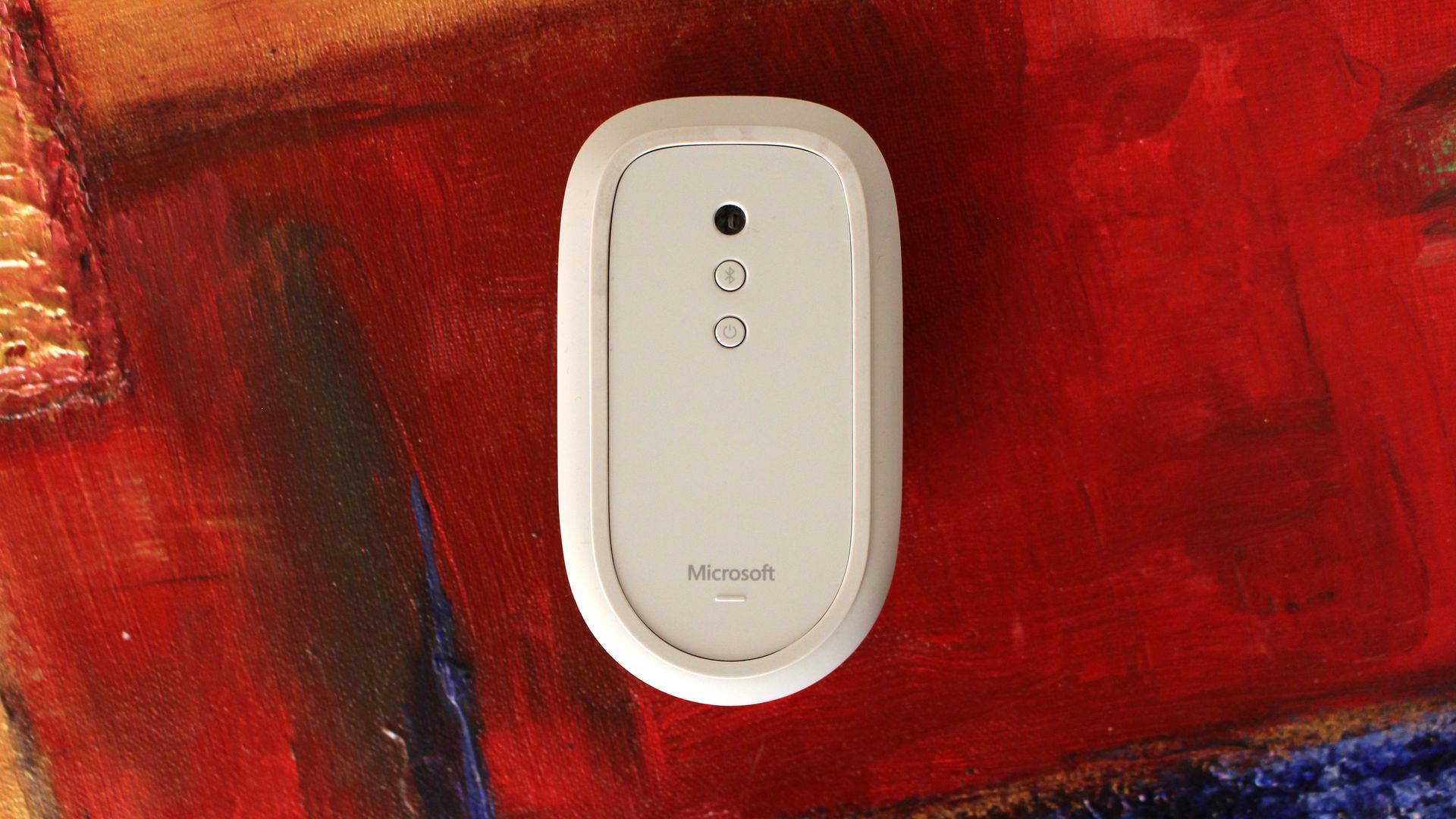
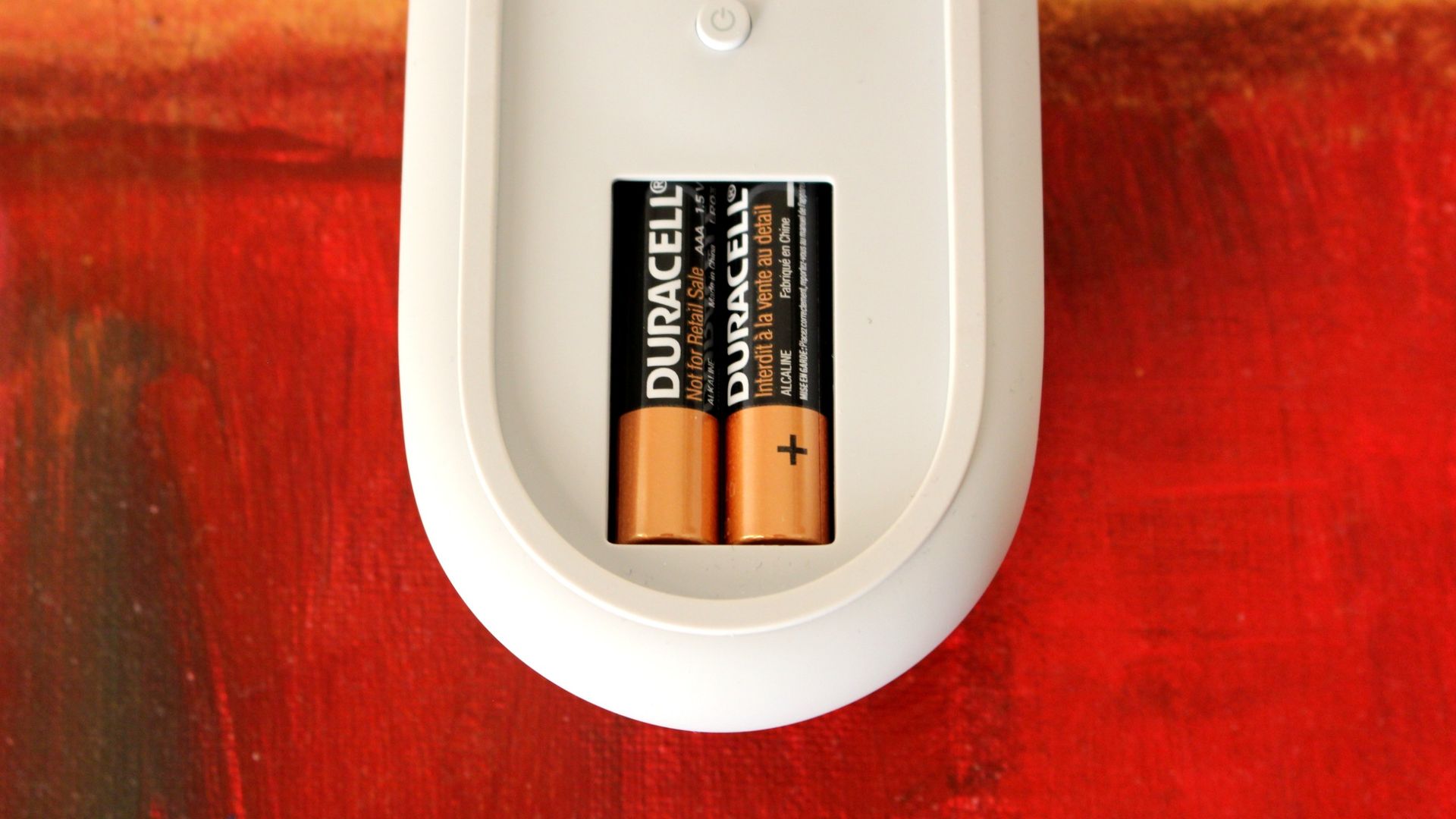
There's also no USB-C charging or wired mode to be found. The mouse is 100% wireless, connected to your PC via Bluetooth. The only way to recharge it is to replace the batteries, which can be easily accessed via a magnetic door on the underside of the mouse. I would have preferred USB-C recharging, as that would also let you use the mouse wired when necessary.
The very last complaint I have? The left and right click buttons aren't also haptic. The haptic motor is only used for Windows 11's Haptic Signals feature, and not to mimic the sensation of the left/right click buttons, which are physical switches. I'd have loved to see haptic left/right click buttons too.
Conclusion
(Image credit: Zac Bowden / Windows Central)
The Surface Mouse 2 is an overall excellent high quality mouse for $80. It's the only mouse under $100 that supports Windows 11's new Haptic Signals feature, and its design is super clean and minimalist with zero seams to be seen.
The left and right click buttons feel great, and the haptic motor on the inside is very satisfying to use. I do with the mouse had a USB-C port for charging and wired mode, and I'd love to see a version with a more ergonomic design too.
There aren't any fundamental issues with this mouse, which means I give it a full recommendation. If you're in the market for a new PC mouse, and you want to try out Windows 11's new haptics feature, this is the mouse to get if you don't want to break the bank.
Microsoft
Surface Mouse (2nd Edition)
The Surface Mouse 2 is a follow up to the 2016 Surface Mouse, now featuring a new soft-touch design with zero seams, and an all new haptic motor that supports Windows 11's new Haptic Signals feature. It's an overall great mouse for $80.
Join us on Reddit at r/WindowsCentral to share your insights and discuss our latest news, reviews, and more.

 Connexion