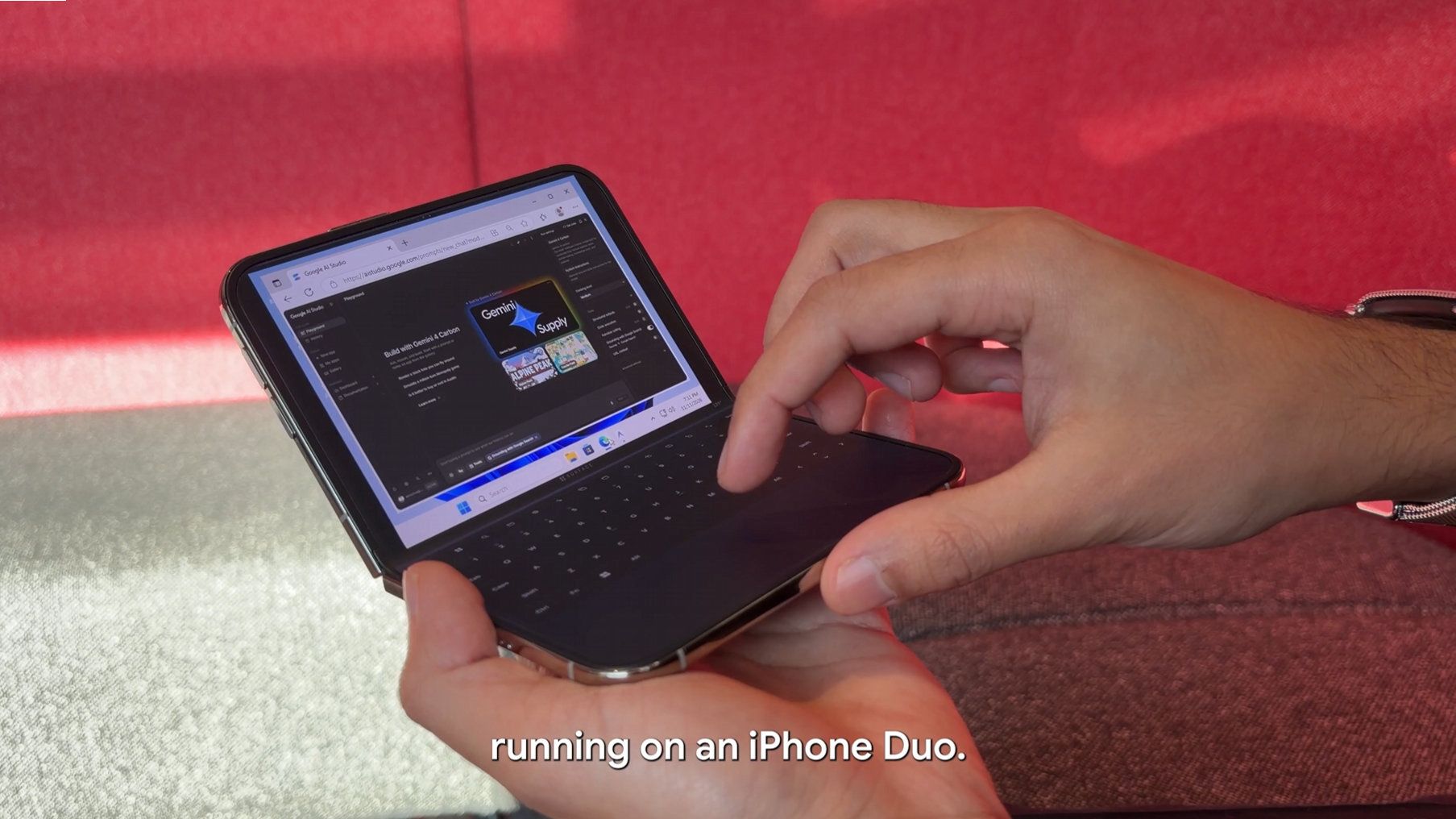
Apple launched the iPhone Duo just over two months ago. Initially, several big-name apps were poorly optimized for the large folding display of the phone. That situation has improved since September, though things are far from perfect. But a new project focuses on running an entirely different operating system on the iPhone Duo rather than optimizing apps.
Ammaar Reshi, lead of product and design at Google AI Studios, shared the results of his efforts to get Windows 11 to run on an iPhone Duo. The "WindowsiOS" project has full Windows 11 running at "near-native" speed on an iPhone Duo.
Reshi's efforts appear to focus more on creating a mini laptop rather than a multitasking mobile phone. His demo video shows the Windows 11 desktop on one half of the iPhone Duo's screen and a digital keyboard on the bottom.
All of the photos on the WindowsiOS GitHub page are from a device in the same orientation.
The iPhone Duo's screen is too small for the setup to be optimal, but Windows 11 scales to the form factor. That's likely because the OS was made to fit on foldable PCs like the Lenovo ThinkPad X1 Fold. The digital keyboard on the iPhone Duo running Windows 11 is too small to type on like a laptop keyboard, but you could potentially type on it with two thumbs.
I used Gemini 4 Carbon to get Windows 11 running on my iPhone Duo! 💻Unfold the screen and it's a pocket PC, including Antigravity running coding agents on my phone.This is the actual desktop ARM OS running locally with touch controls. Demo + repo below! https://t.co/LVdeqvvOU1November 11, 2026
The initial release of WindowsiOS and an update to a separate project give us a unique opportunity to compare how Windows 11 runs on two different types of foldables.
Recently, Gustave Monce released an update to his project that runs Windows 11 on the Surface Duo. Monce has worked on this for years, and we have a video from the early days of the "DuoWOA." But last week he rolled out support for audio, USB-C, video out, and display calibration.
Monce's project takes a different approach to Reshi's, at least based on videos shared on X. Rather than create a mini laptop, Monce has forced Windows 11 to adapt to the various postures of the Surface Duo.
"You have no idea how many hours and code iterations (and how insane the code is) to support all postures on surface duo properly so screens are the right orientation all the time," said Monce.
Are two screens better than one?
While I see the value in having separate displays, the Surface Duo's form factor creates extra work for developers.
It takes effort to optimize operating systems and apps for the iPhone Duo, of course, but Apple's foldable does not have a large hinge to work around.
Whether you're optimizing an operating system or apps for a foldable screen, having a split-screen design adds a roadblock.
Join us on Reddit at r/WindowsCentral to share your insights and discuss our latest news, reviews, and more.
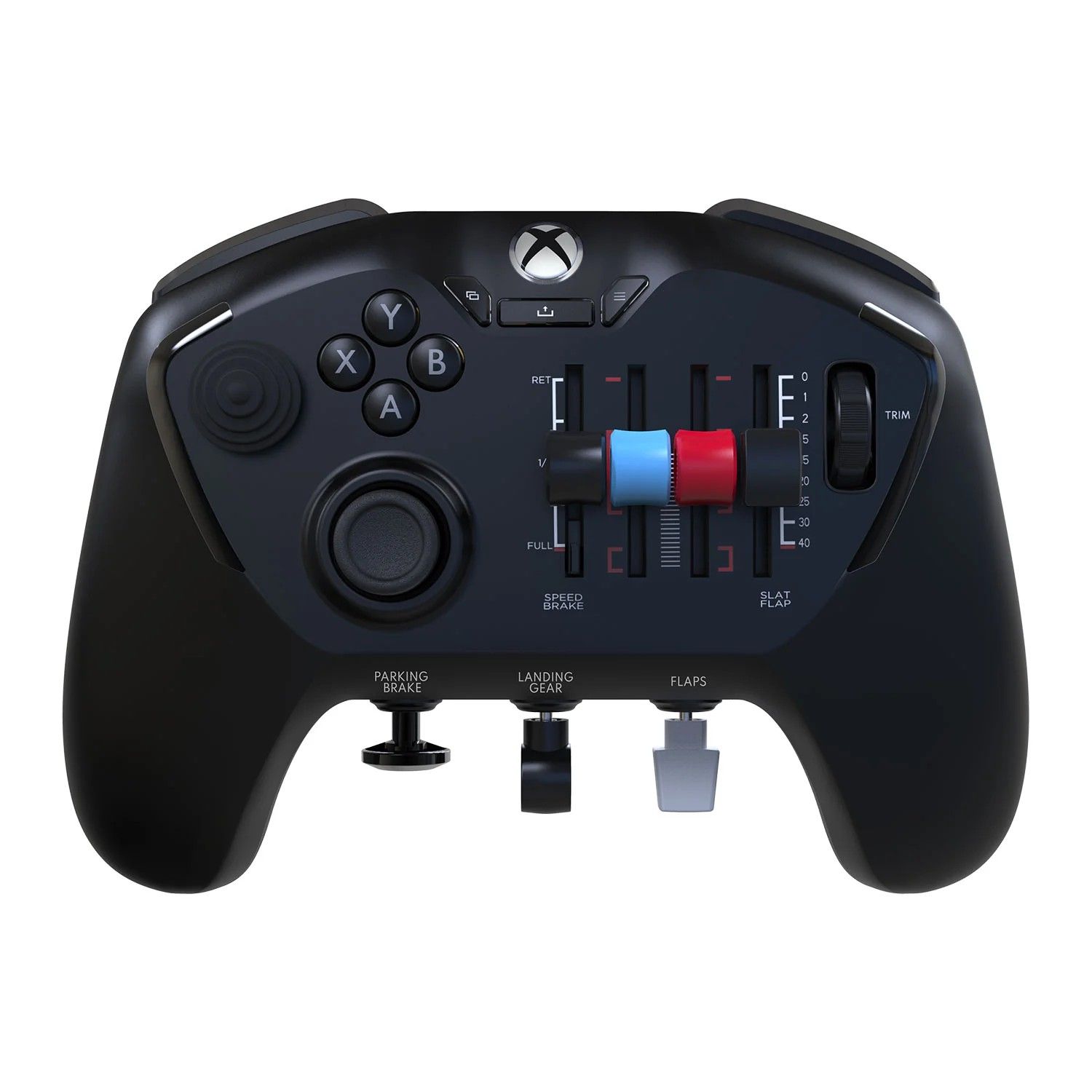
My colleague, Ben Wilson, reviewed the Honeycomb Echo controller in the early part of 2026, and the main criticism we had was that it didn't also work on the Xbox.
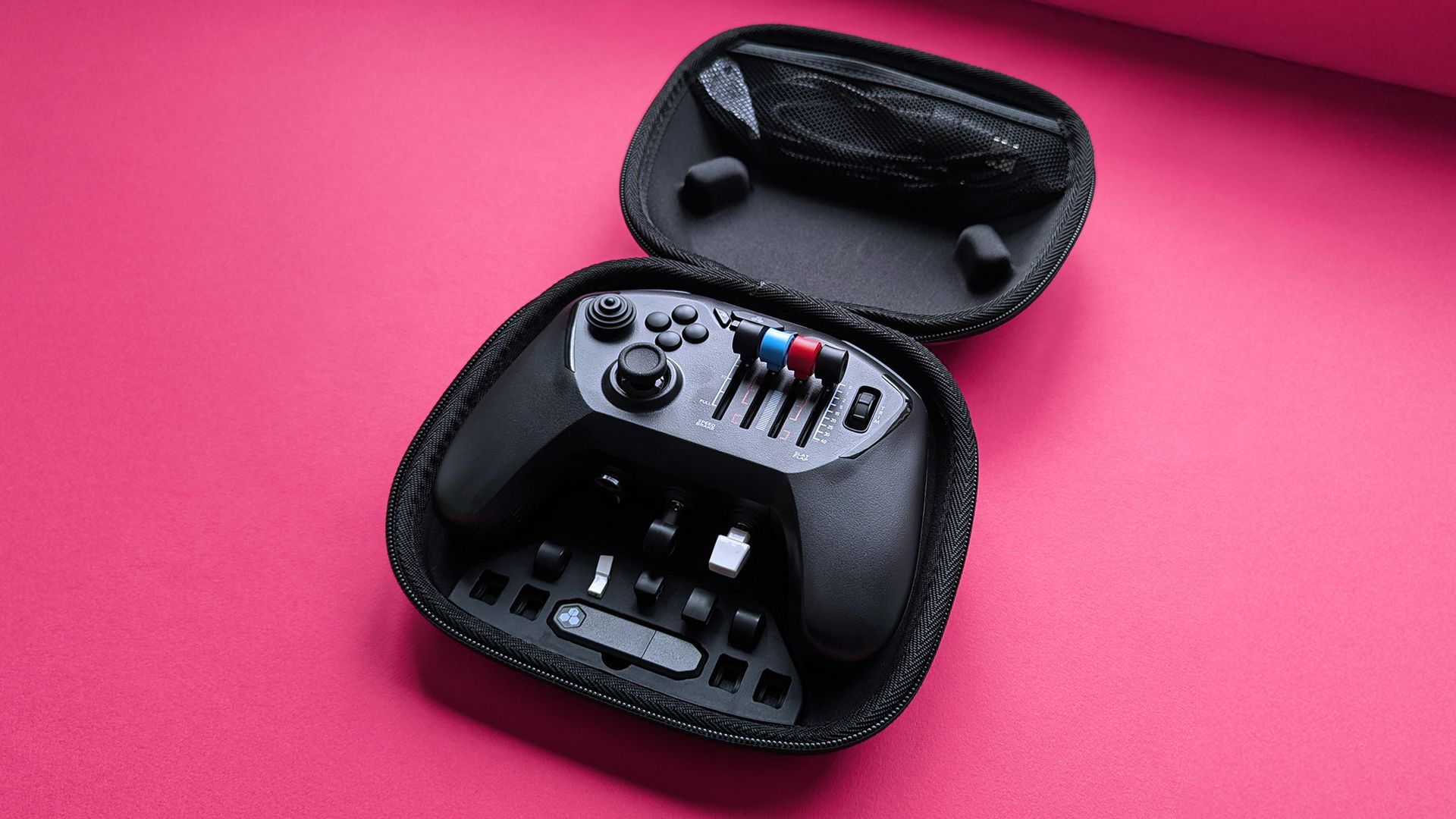
Fast forward to, well, now, and there is a dual Xbox and PC version of the Honeycomb Echo, and for those of us in the UK, our time to get one has arrived.
"The Honeycomb Echo Aviation Controller XPC is a compact, all-in-one flight simulation controller designed for use with Xbox and PC, offering an accessible and space-saving alternative to a traditional flight simulator setup."
As someone who's got into Microsoft Flight Simulator 2024 a bit this year, I've previously written about how I totally understand why people go for a flight stick. The experience is not only a little more realistic, but it's also far easier to have fine control over your virtual plane than with a regular controller or a keyboard and mouse combination.
But for a lot of folks, especially those who have been console-first for most of their lives and feel most comfortable with a controller, the Honeycomb Echo is probably a better choice.
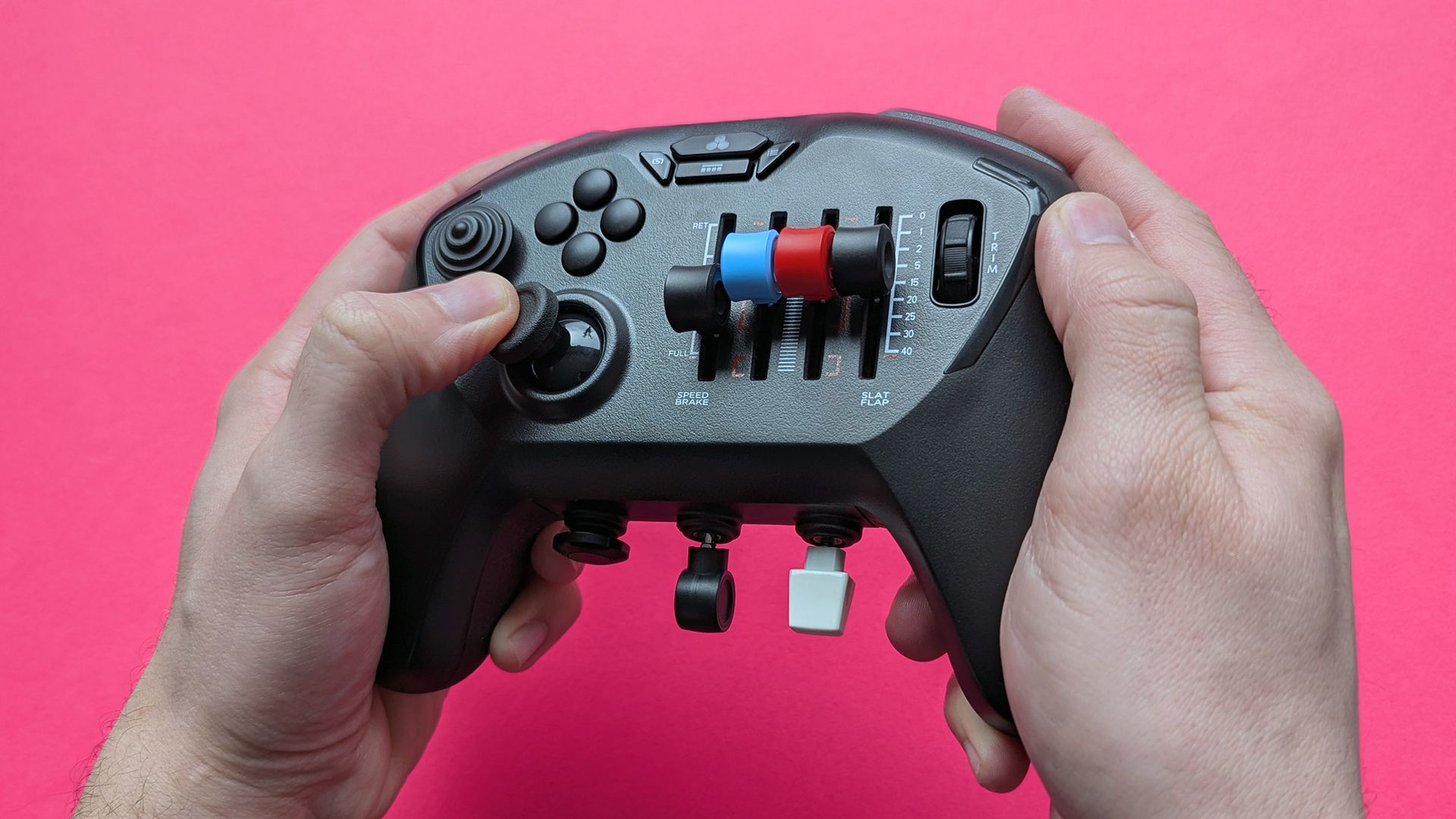
It combines the fine control and extra features you find on a flight stick with a more comfortable and familiar form factor. And let's face it, if you play on the couch in front of your TV, a controller like this will always be more convenient than a flight stick.
The more familiar form factor is definitely less jarring than getting used to a full flight stick. (Image credit: Ben Wilson | Windows Central)
Ben Wilson summed it up perfectly in his review:
"I love seeing brands take risks on quirky hardware like this, and it's even better when they make it out of the prototype stage and prove to be much more than a gimmick. Rather than setting up full-size peripherals in the evenings, I'm finding myself reaching for the Echo far more often."
It is quirky, but it's far from a gimmick. It's taken a little while to get an Xbox version out of the door, but it's here now, and of course, it'll also work with PC. If you've been looking for that next step in Microsoft Flight Simulator 2024, this might well be what you've been waiting on.
Join us on Reddit at r/WindowsCentral to share your insights and discuss our latest news, reviews, and more.
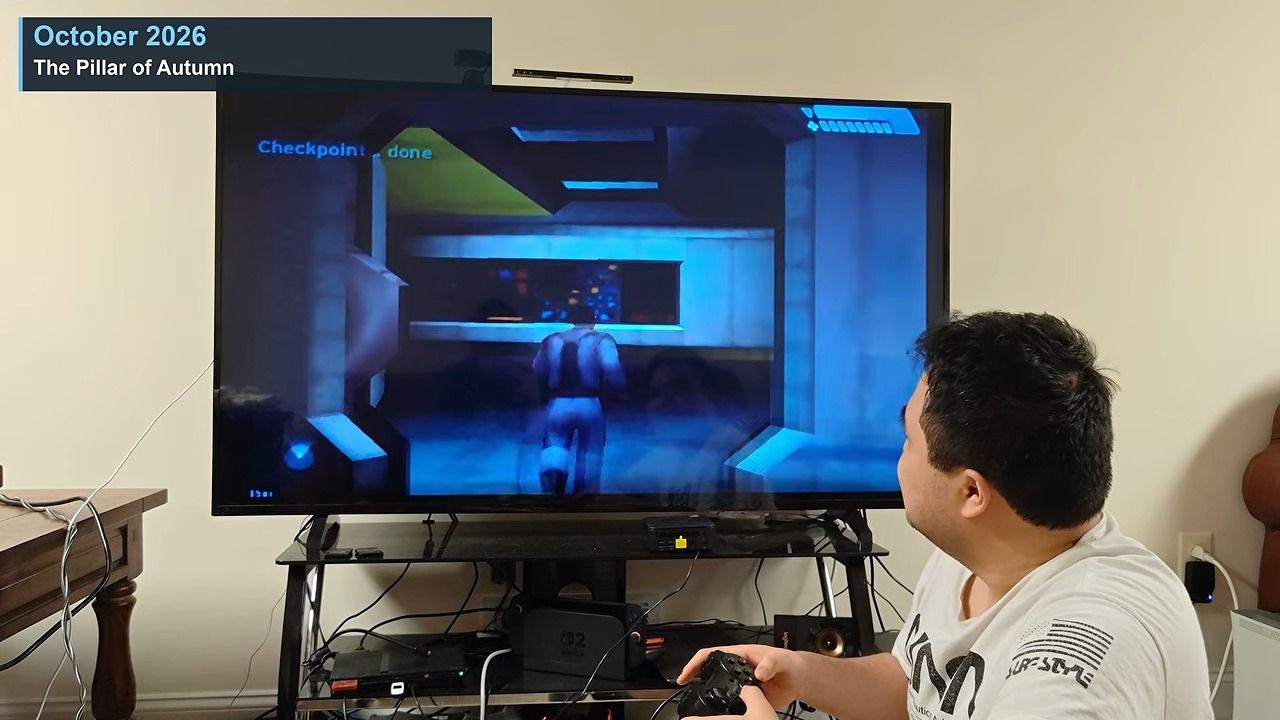
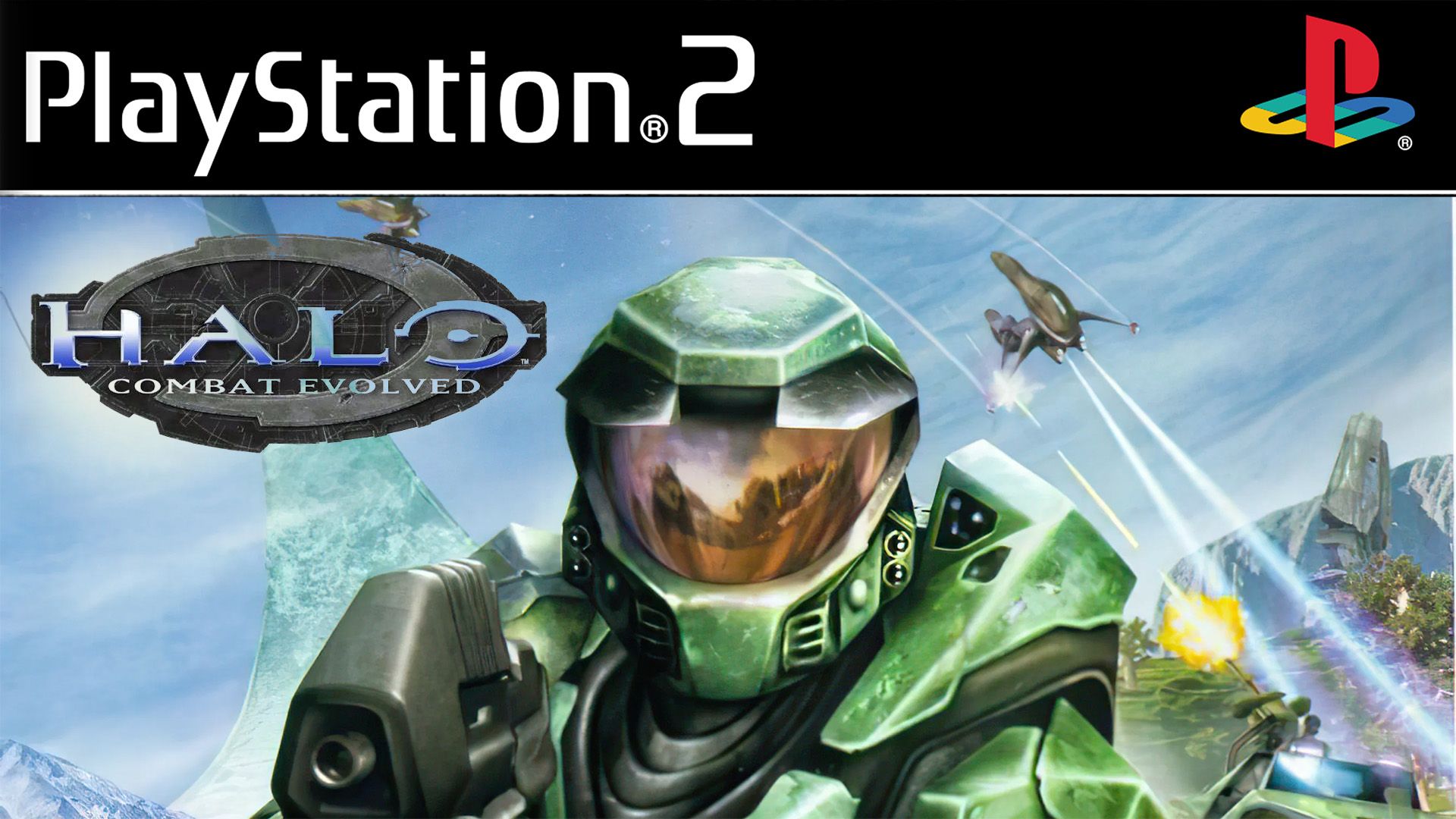
Halo, once the cornerstone of Xbox and practically synonymous with the brand, was, according to IGN, planned for release on the PlayStation 2. Bungie did admit back then that its developers never actually got it running on PlayStation hardware, but after Microsoft’s buyout, those plans were washed away anyway.
After 25 years of Xbox, it's hard to imagine it without Halo. The game kickstarted the console’s life, and while the franchise has mostly stalled, fans still hope it can be revived one day. Until then, however, the community is spearheading a lot of projects, whether it’s something like Halo Wars in first-person, the inevitable Combat Evolved in Roblox, or now, Combat Evolved running on a PS2.
Halo: Combat Evolved on PS2? Yes, really
Halo CE on PS2 (Image credit: Generalkidd | YouTube)
It does seem like you can get the full game working, though, with both campaign and multiplayer present. I’m sure if more work were done, some of the issues could be ironed out.
That said, the original Xbox is a lot more powerful than the PlayStation 2, with CPU speeds alone being 2.5x faster and system memory being double that of the PS2. Still, if someone can get Halo: CE working on a Dreamcast of all things, I’m sure they can get a port working on the PlayStation 2.
It’s weird, really. Halo: CE has somewhat become the new litmus test for hardware, almost replacing DOOM in some respects, which, of course, is famed for being able to run on practically anything.
I’m always a big fan of projects like this, and I love sharing them. If you enjoy this kind of stuff too, do let me know in the comments down below, and be sure to take part in our poll!
Join us on Reddit at r/WindowsCentral to share your insights and discuss our latest news, reviews, and more.
If you have spent any serious time coding inside OpenAI’s Codex environment over the past few months, you probably know the exact feeling of watching a promising coding session grind to a halt behind a wall of “model capacity” errors. For weeks, developers vented across social media about dropped sessions, stalled agent runs, and unpredictable […]
Microsoft has spent the better part of the past year dropping breadcrumbs about its next-generation hardware, leaving both console loyalists and PC enthusiasts guessing what the future of Xbox actually looks like. For months, industry chatter suggested Redmond might simply slap an Xbox sticker on a pre-built Windows tower and call it a day. Now, […]
Back in 2023, I took on the impossible task of ranking the Top 10 Xbox Special Edition controllers of all time. Three years later, as we celebrate Xbox's massive 25th Anniversary, it's officially time to revisit that countdown. In the past 3 years, Xbox have released some absolute bangers that deserve a mention, and maybe even dethrone some of my original picks.
Microsoft might still refuse point-blank to update its first-party controller tech with some Hall Effect thumbsticks to save us from stick drift, but at least they are holding it down in the aesthetics department. Nobody does limited-edition hardware quite like Xbox.
I'm not relying totally on my own personal tastes here, I went to our readers on social media to see which controllers deserved a spot and there were a few that were mentioned passionately multiple times, so some classics have been swiftly kicked out for fresh blood. Without further ado, here's Windows Central's definitive top 10 Xbox Special Edition Controllers of all time.
10. Cyberpunk 2077 Limited Edition
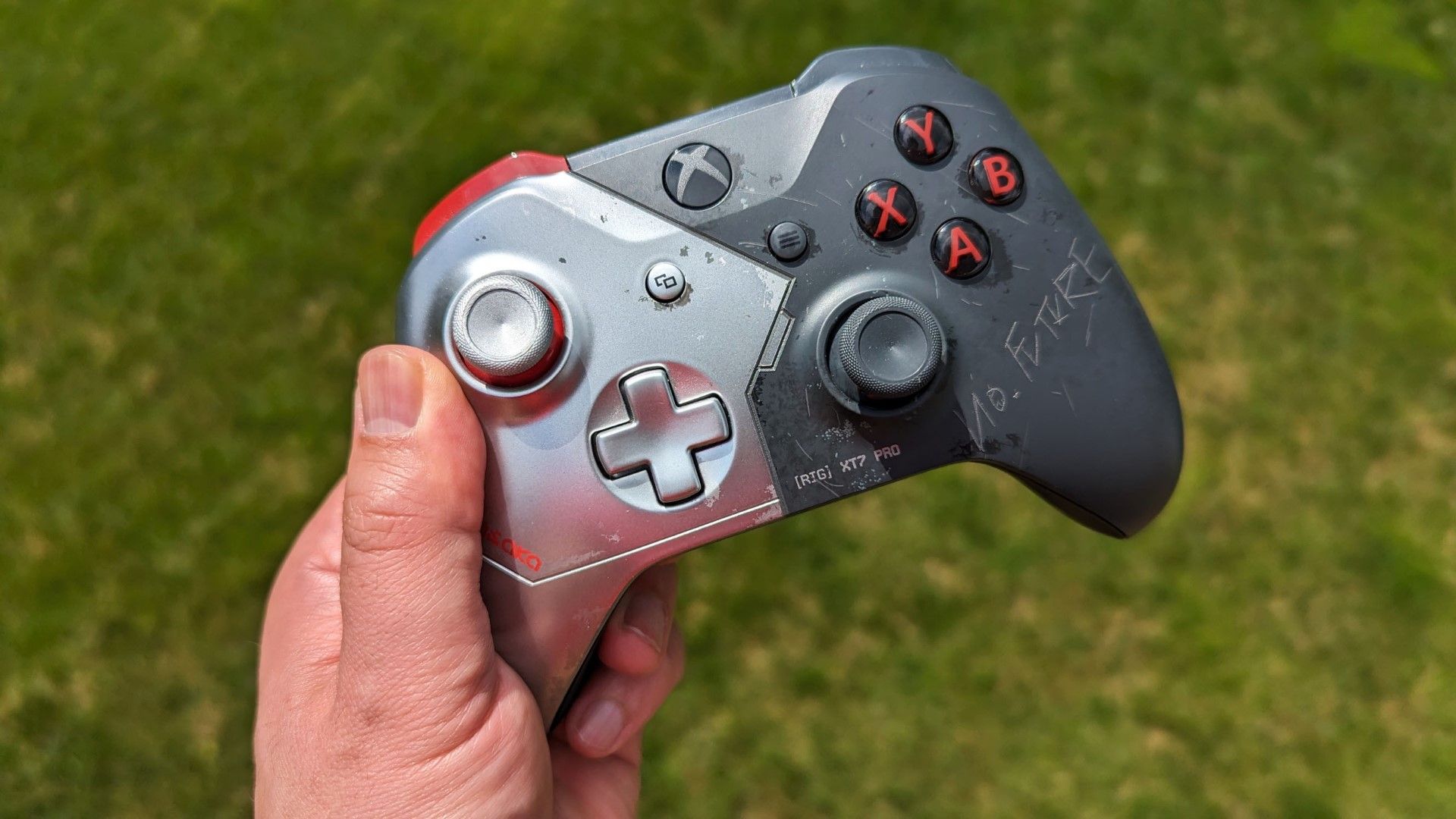
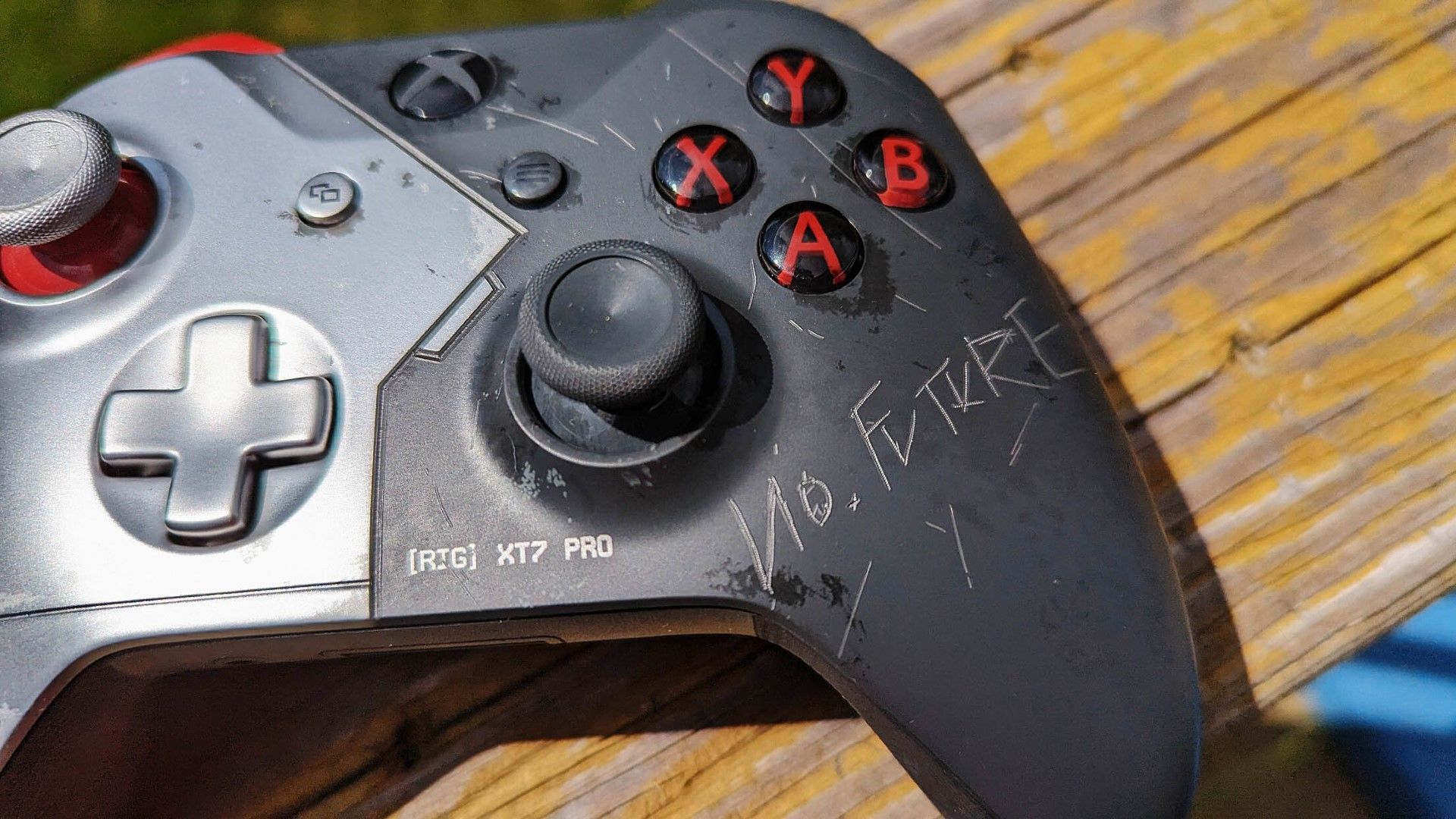
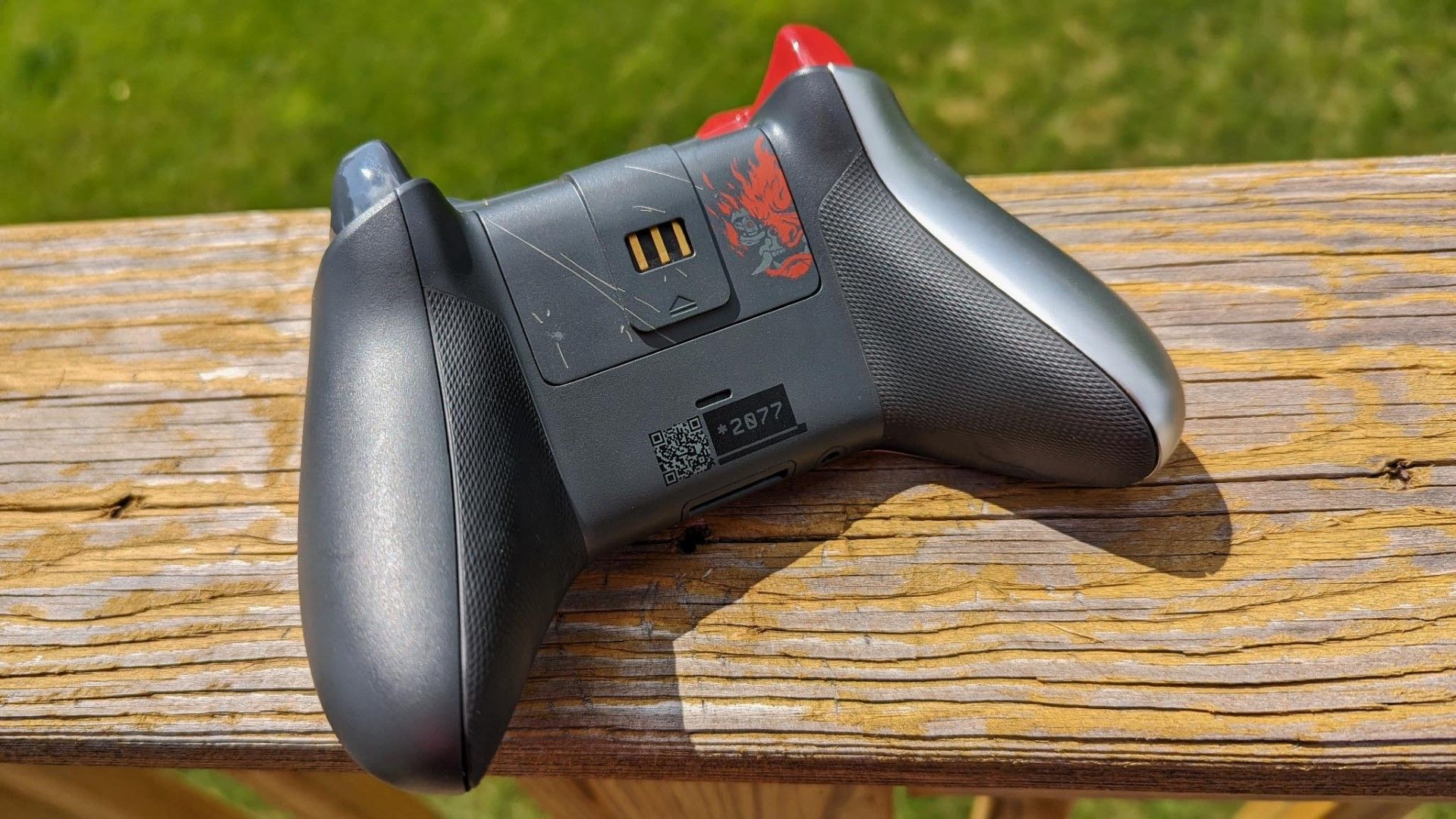
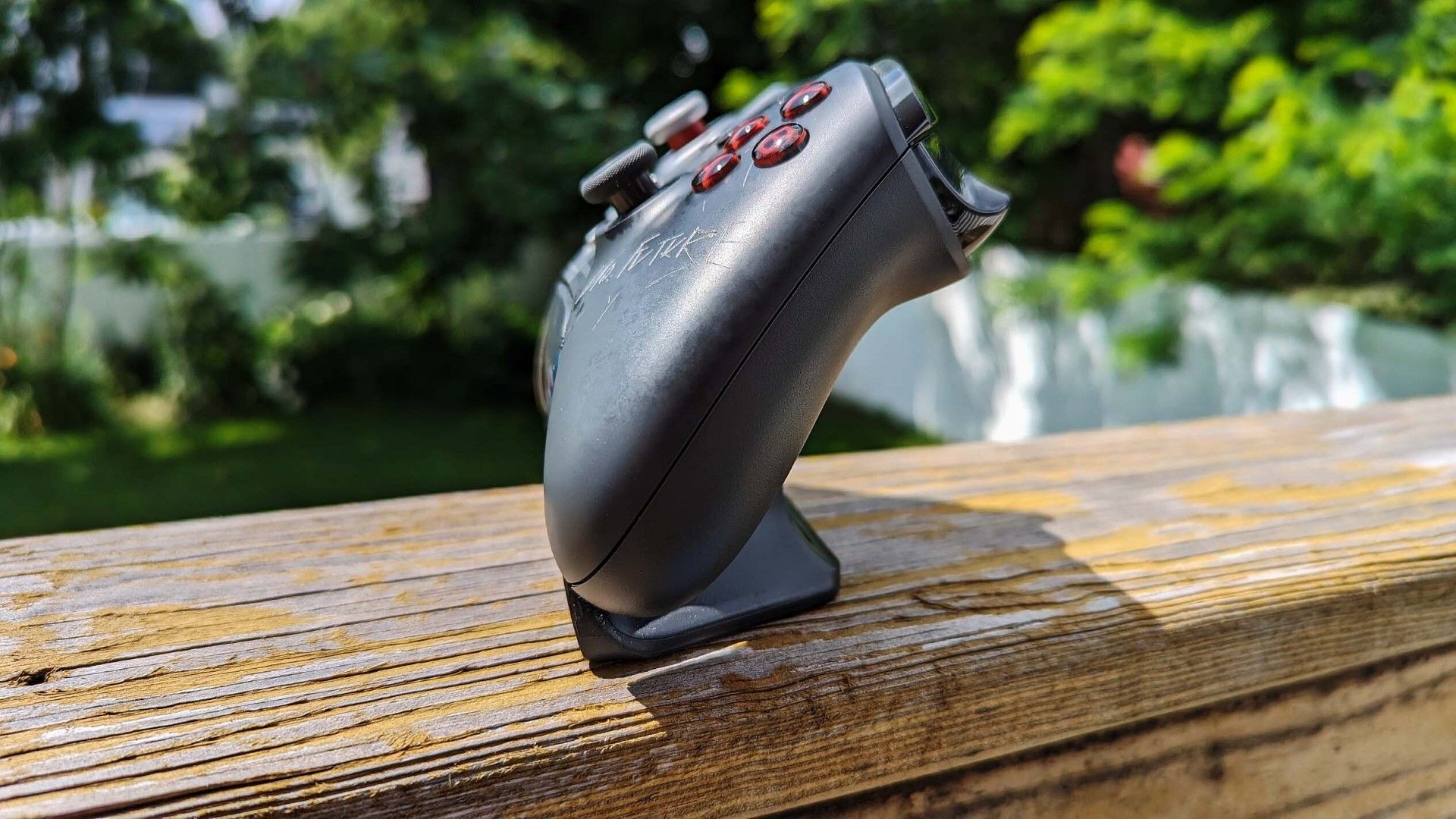
Cyberpunk 2077 Limited Edition Xbox ControllerDaniel Rubino - Windows CentralYou'd be fooled into thinking this controller had been in a gunfightDaniel Rubino - Windows CentralThe controller is based on the Johnny Silverhand character with a tech-enhanced insigniaDaniel Rubino - Windows CentralThere is even a matching charging standDaniel Rubino - Windows Central
The Cyberpunk 2077 controller holds steady at #10, because... well, just look at it. It's still one of the best examples of an industrial, battle-scarred design with the real dents and scratches all over the body of the controller. Cyberpunk 2077 has come such a long way since launch too, with its Phantom Liberty update and now being available on Battle.net as part of a new ongoing partnership between CD Projekt Red and Blizzard.
The controller was part of a Limited Edition Xbox One console bundle, but it was also sold separately.
9. Minecraft Limited Edition (Pig & Creeper)
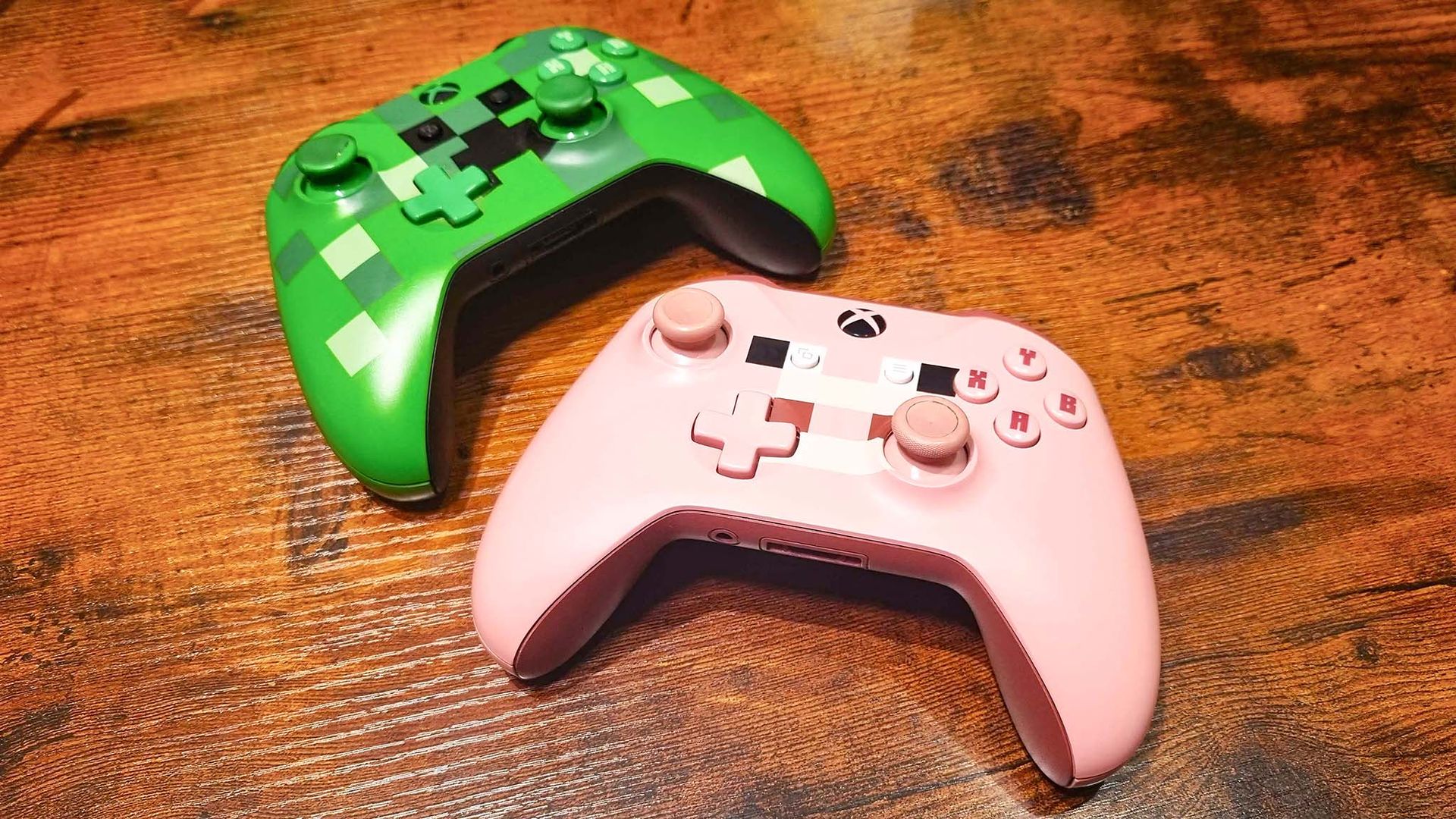
Jennifer Young / Windows CentralJennifer Young - Windows CentralJennifer Young / Windows Central
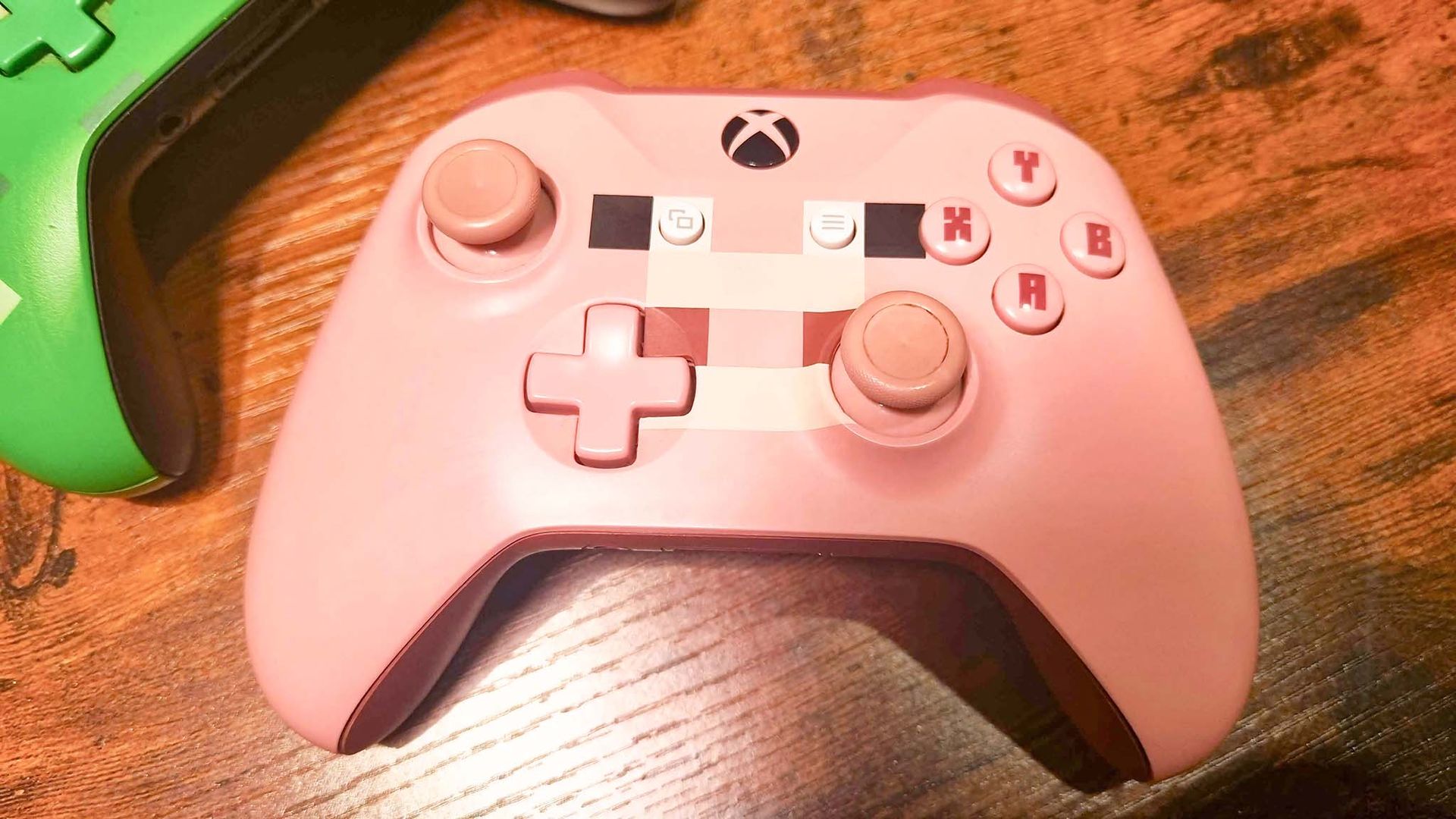
In 2023, the Minecraft controllers didn't quite crack my top 10 and I had to settle for a special mention. Three years later, given the sheer cultural force and scale of the Minecraft franchise, I'm promoting them to the 9th spot.
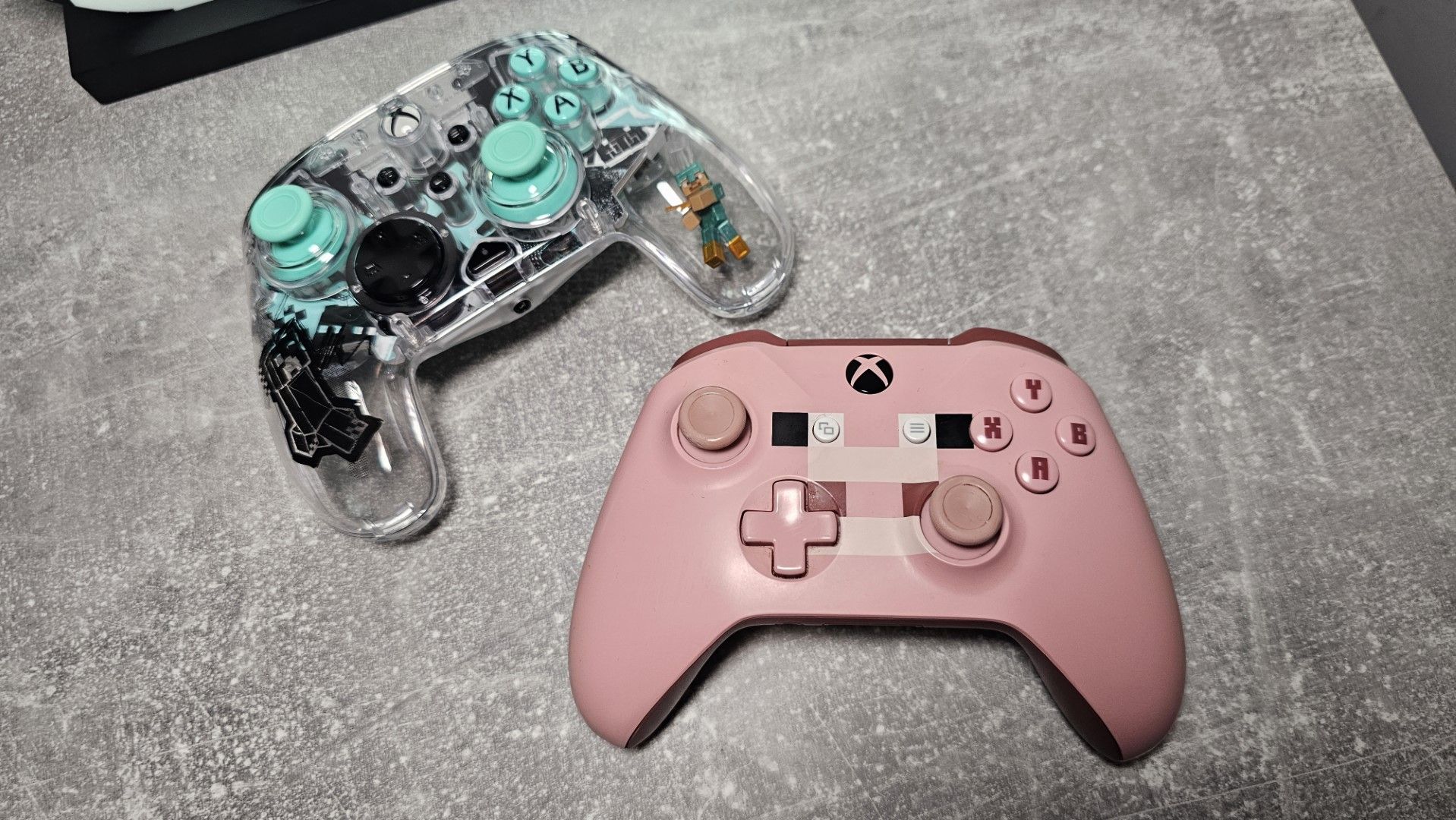
Released in 2017, I'm absolutely mystified as to why Xbox haven't launched new versions of these. The Minecraft movie was incredibly successful, and even Razer have been pumping out Minecraft-themed gaming keyboards. The pink Minecraft pig controller in particular is so sought after it is going for a small fortune on Ebay.
The closest we've got to a new Minecraft pad was this PDP Realmz translucent number with a suspended minifig in the grip, but I'm begging, pleading with Xbox to bring back the OG Creeper and Pig in Series X|S or even Elite versions. With the success of the movie, they will absolutely print money.
8. Forza Horizon 6 Limited Edition
JustMeeVicky Digital Content Creator and Windows Central reader!JustMeeVicky Digital Content Creator and Windows Central reader!JustMeeVicky Digital Content Creator and Windows Central reader!
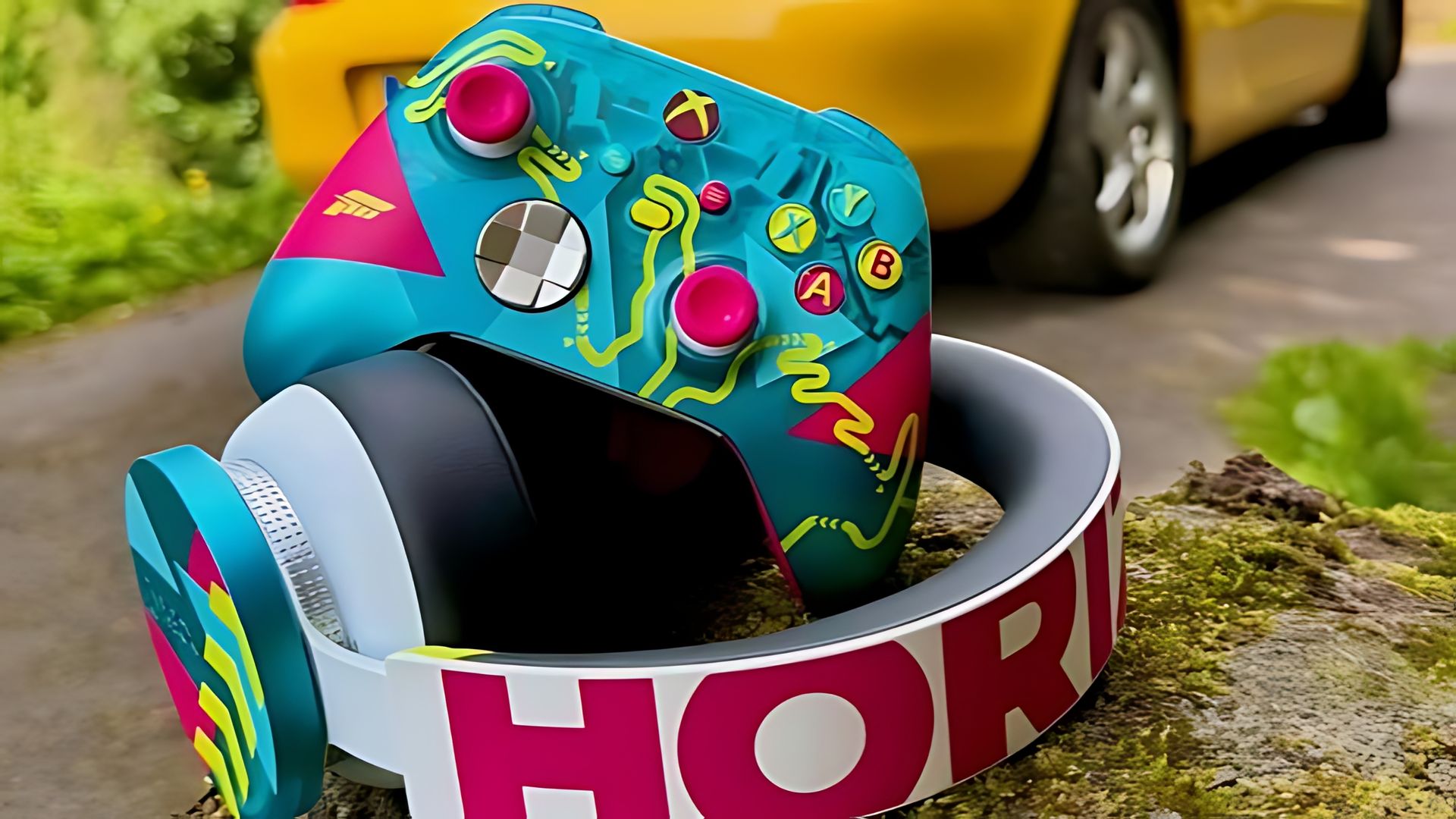
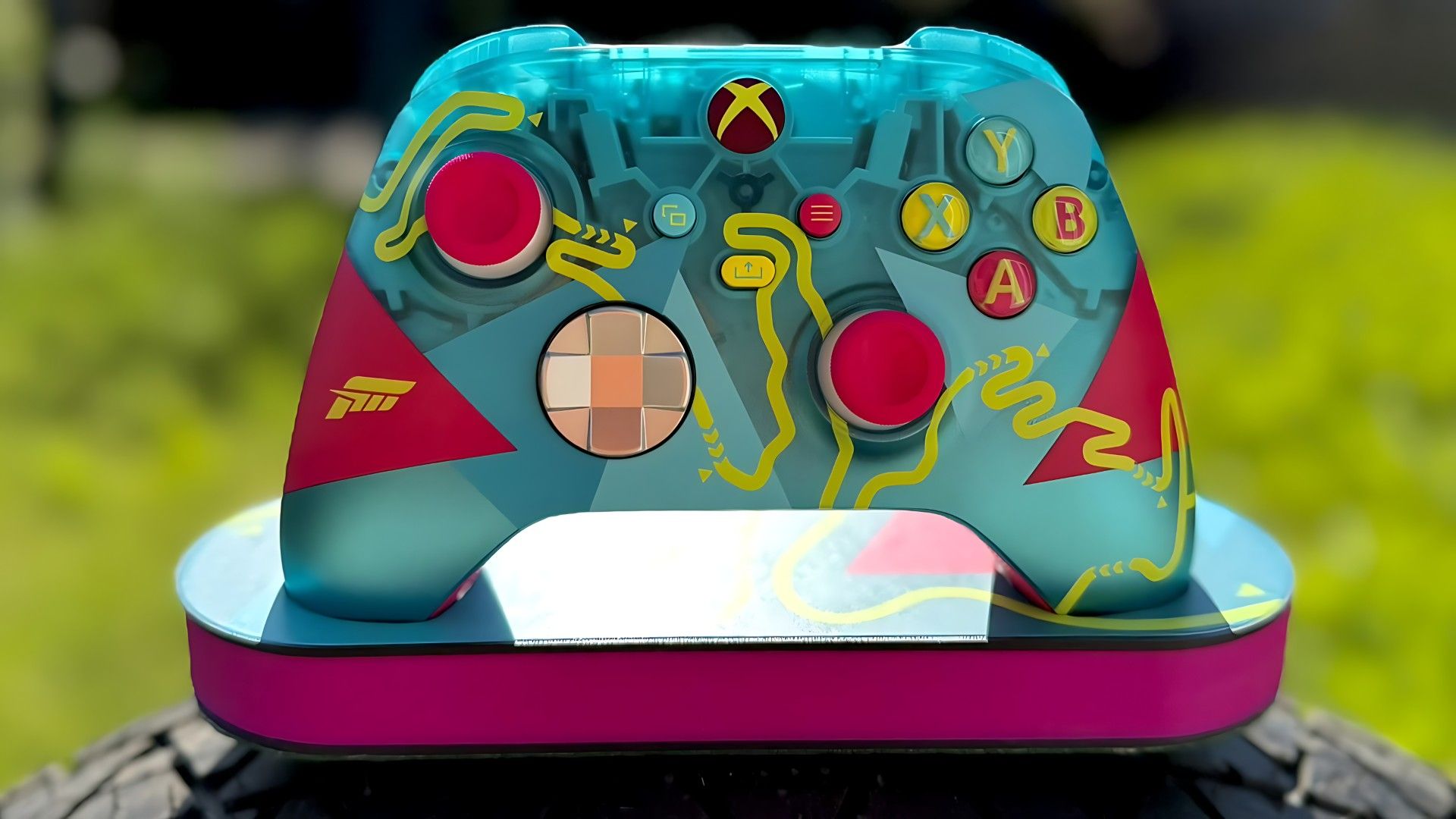
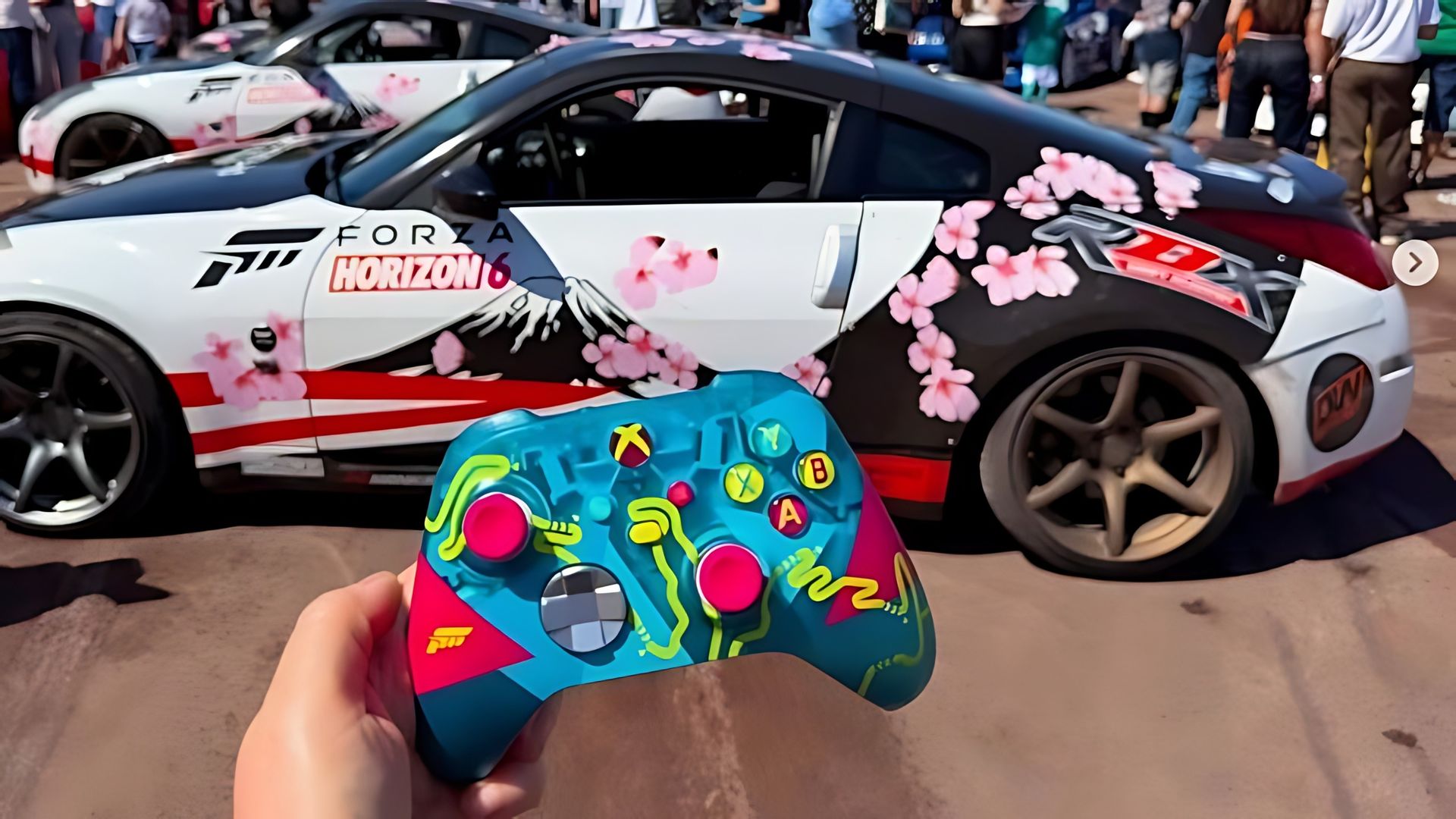
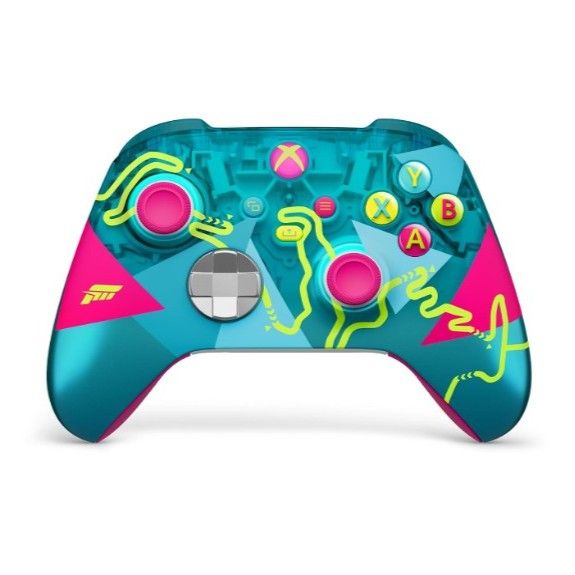
Our previous list featured the bright yellow-and-pink paint-splashed Forza Horizon 5 controller, but it's officially been overtaken on the track by the Forza Horizon 6 limited edition. Digital content creator JustMeeVicky on Instagram and Twitter, who puts together some incredible images of various gaming accessories, took some awesome photos of this controller at one of the Forza launch events this year.
The cyan shell, bright pink thumbsticks and the addition of the winding Touge mountain roads of Japan make this controller a real standout in Xbox's repertoire, and I'm surprised you can actually still buy this, on sale for Black Friday right now, no less!
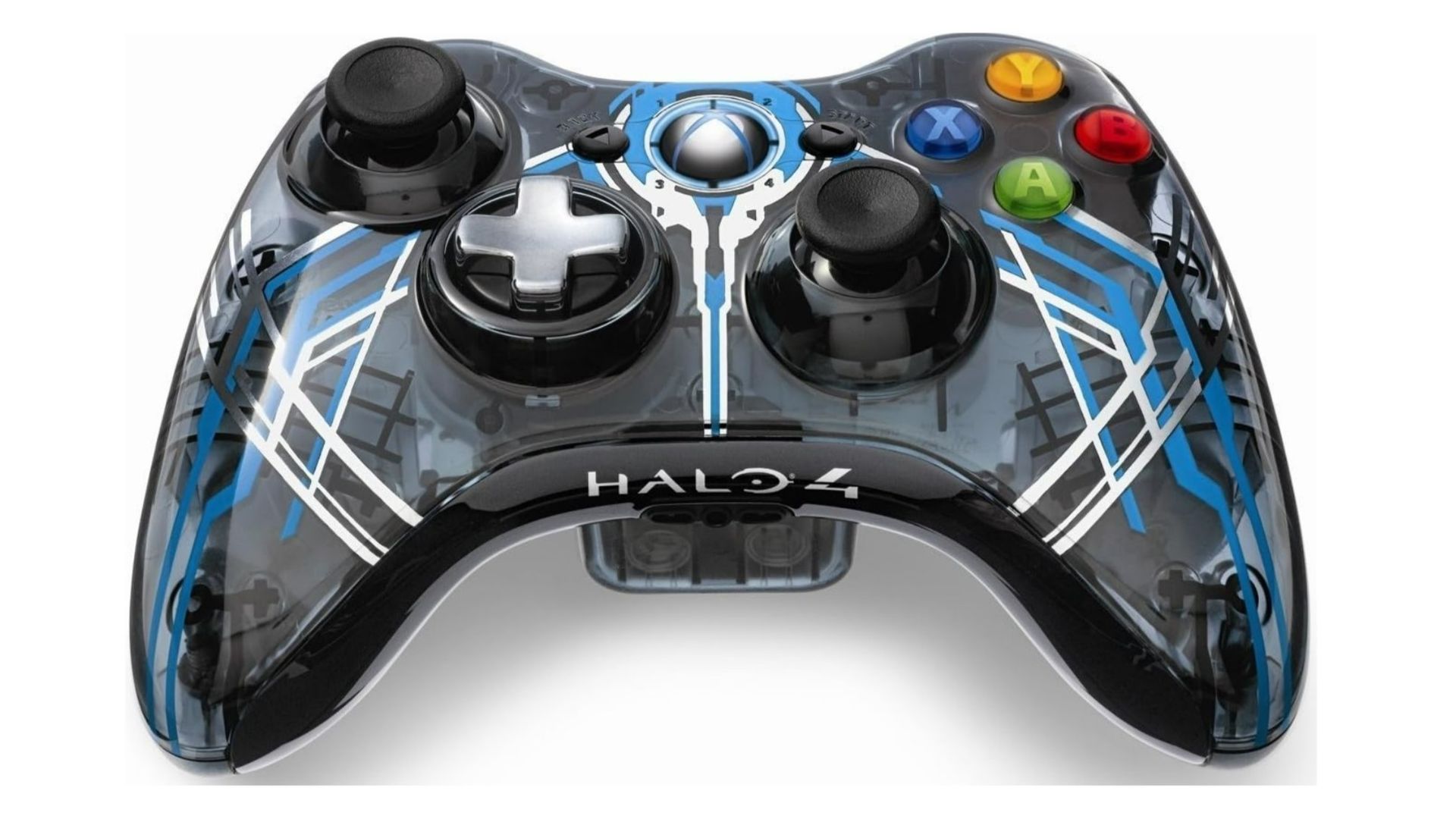
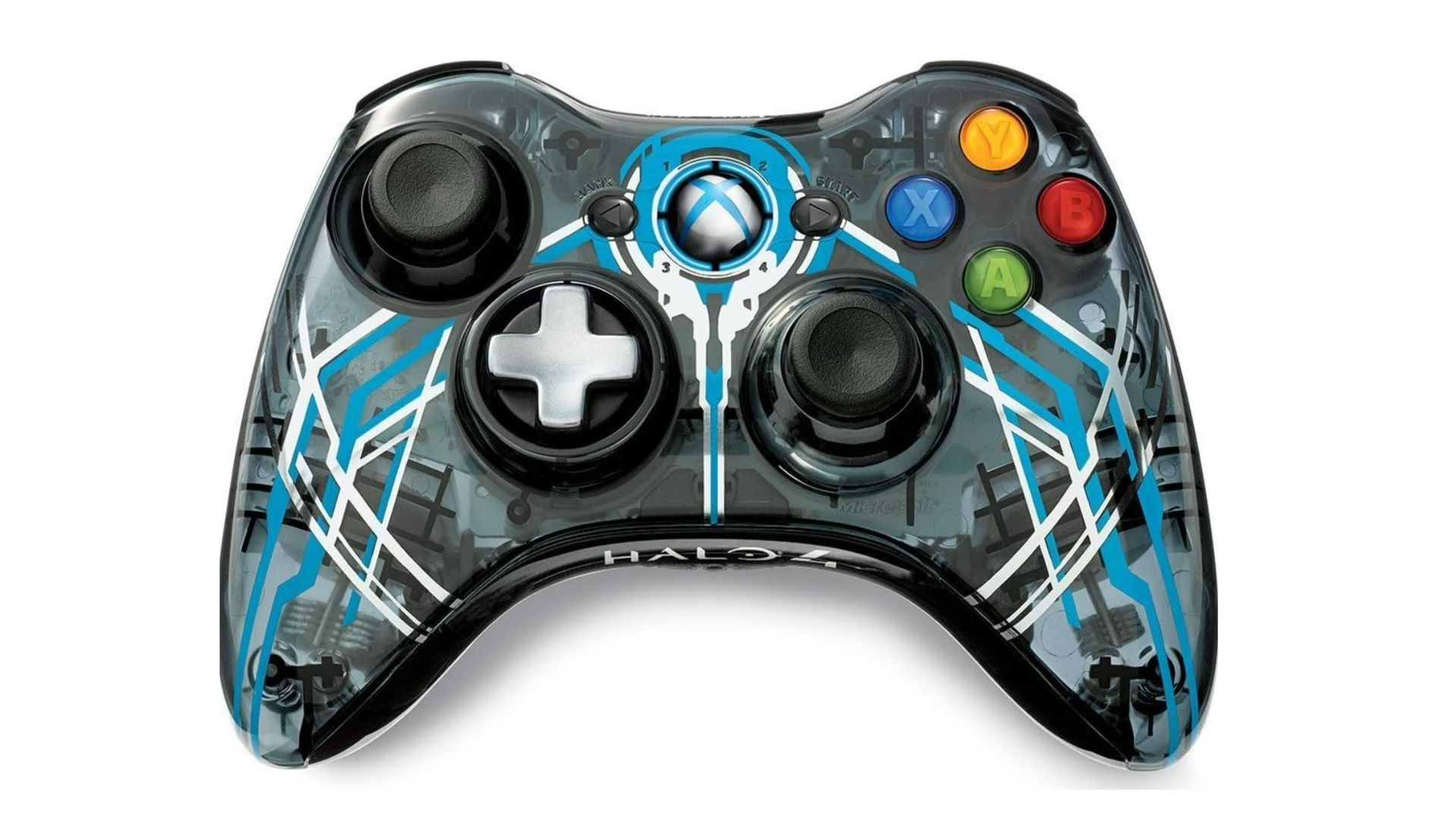
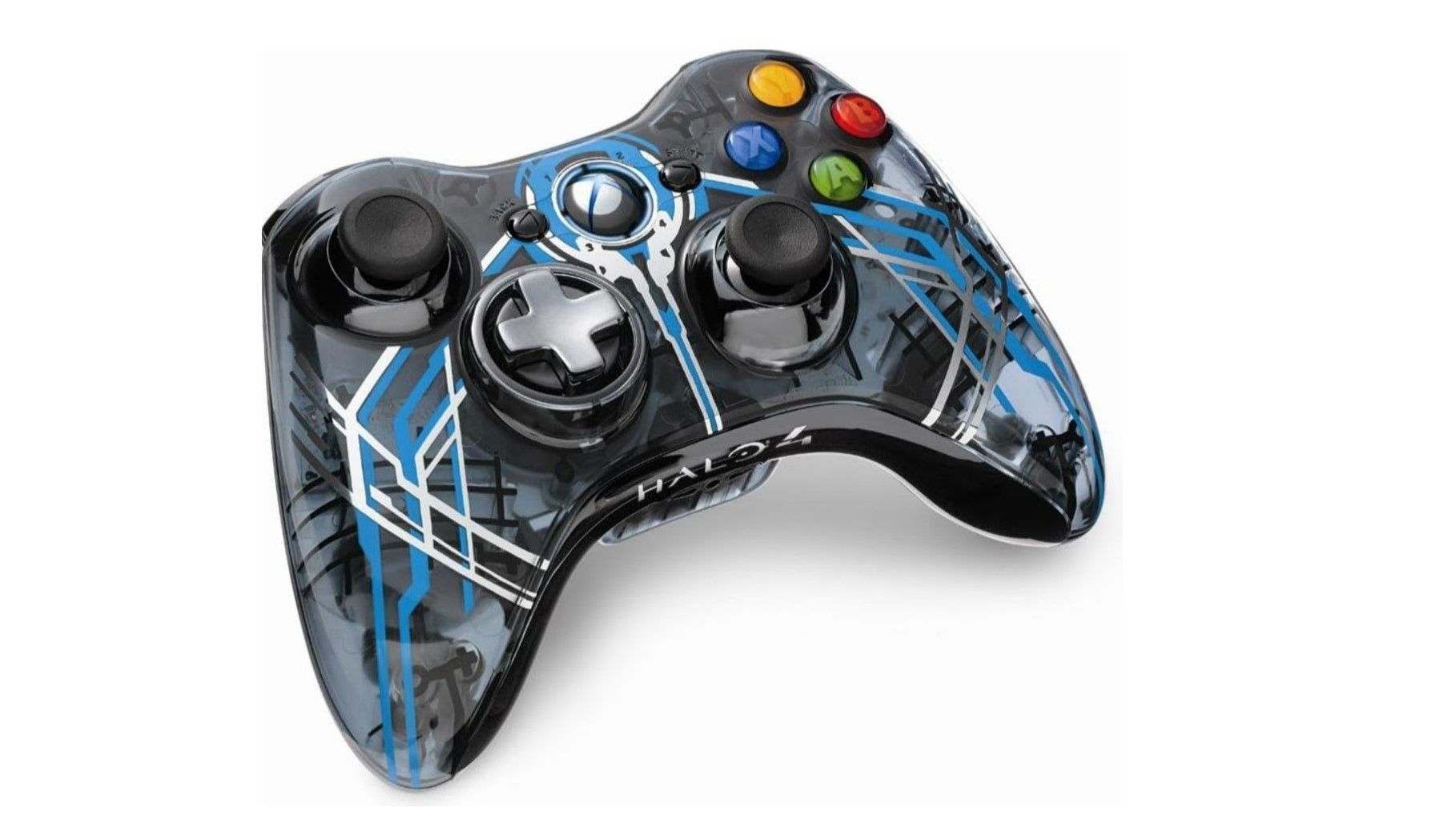
Halo 4 Special Edition Xbox 360 ControllerMicrosoftHalo 4 Special Edition Xbox 360 ControllerMicrosoftHalo 4 Special Edition Xbox 360 ControllerMicrosoft
I simply had to keep at least one Xbox 360 controller on the list, and it's a great one. The Halo 4 Edition controller is legendary with its blue-black hues and transparent faceplate, and unfortunately we didn't get an updated Halo Special Edition for Halo: Campaign Evolved. Xbox, what gives? Our Richard Devine did go full nostalgia bomb by playing the game with a Hyperkin Duke though, so there's always that option.
The Xbox 360 had many wild and wonderful special edition controllers, but some of them look tacky by today's standards. The Halo 4 Edition, however, has a timeless appeal and still looks cool as hell today.
6. DOOM: The Dark Ages
JustMeeVicky Digital Content Creator and Windows Central reader!JustMeeVicky Digital Content Creator and Windows Central reader!
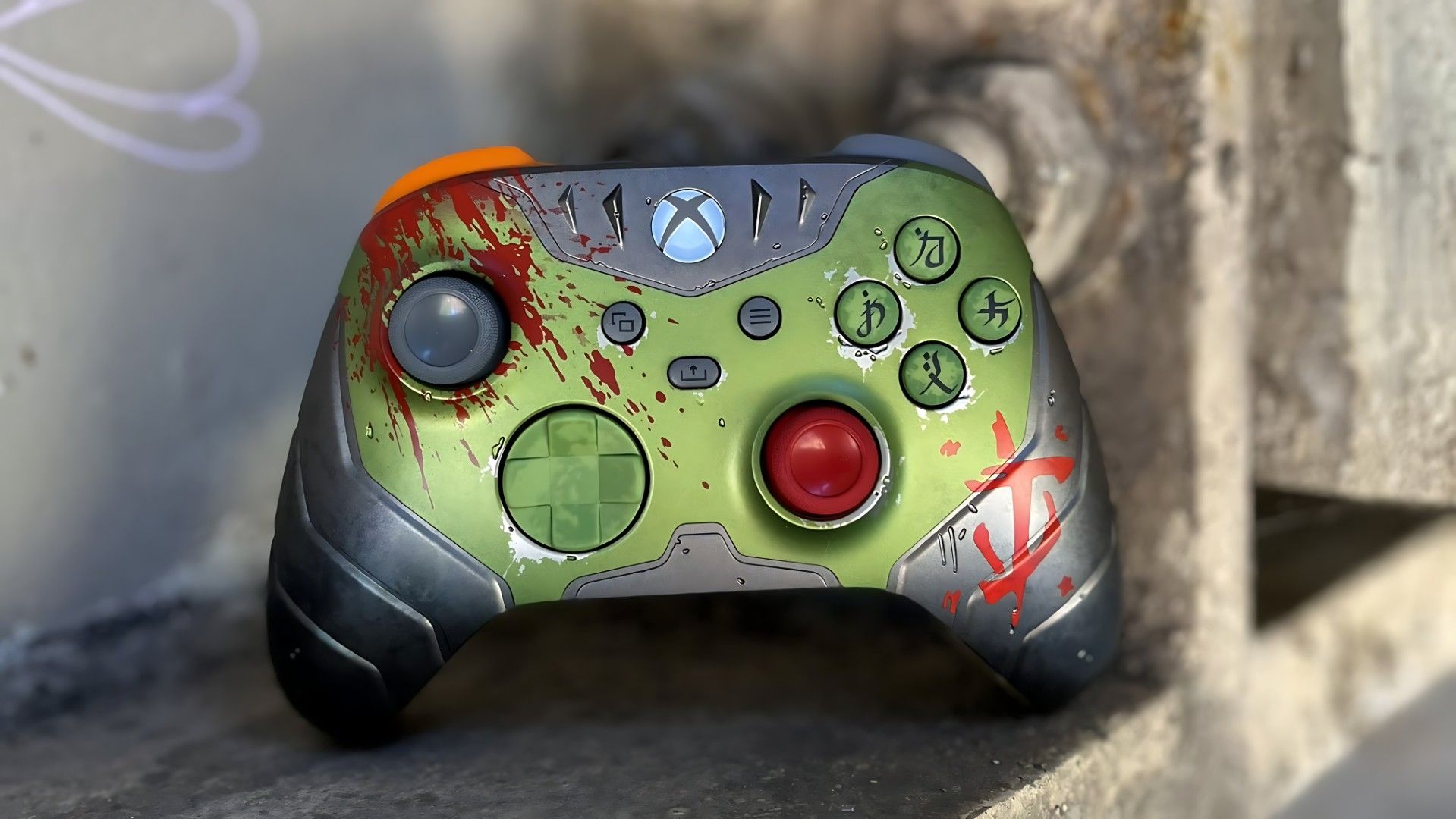
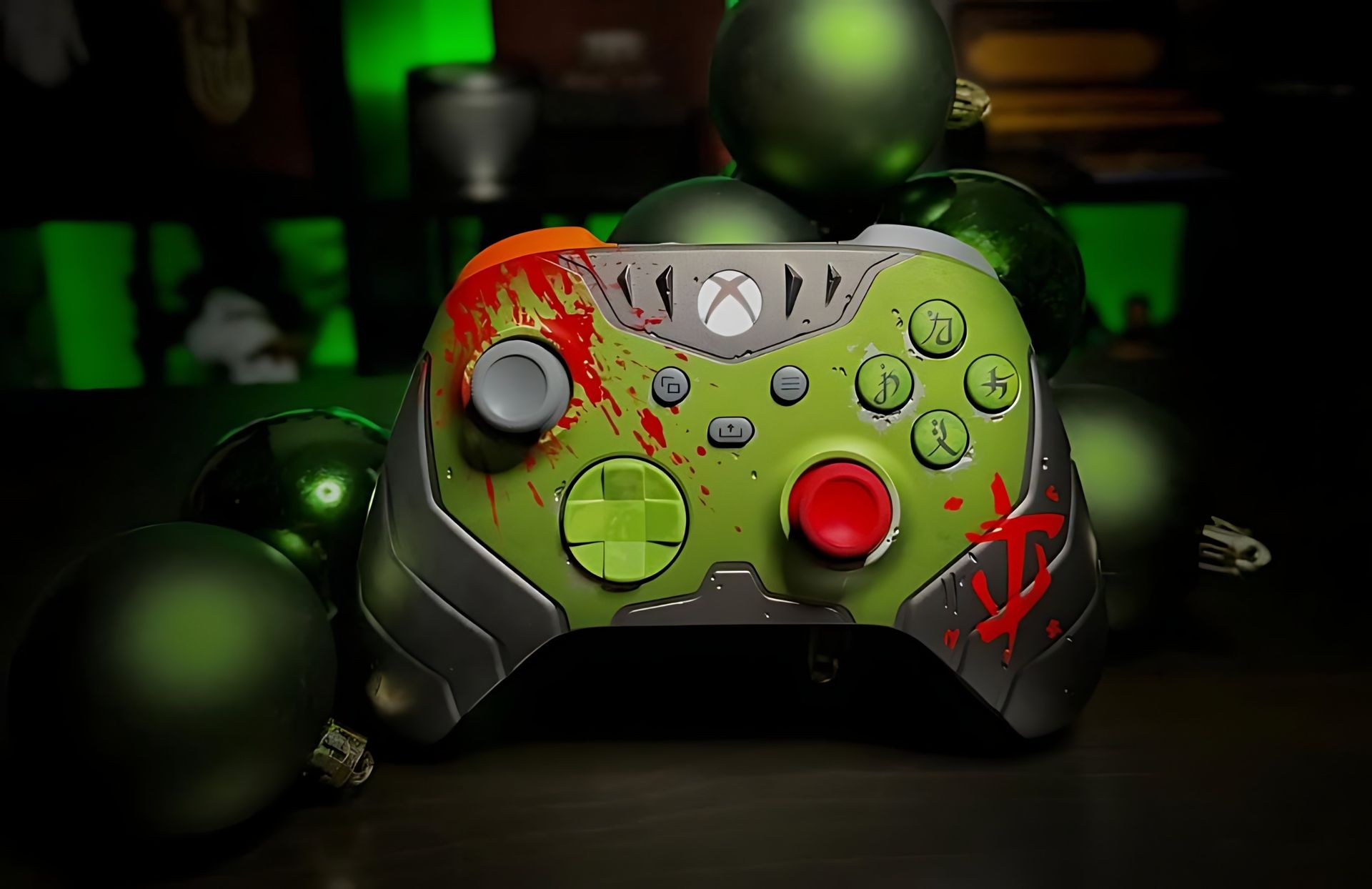
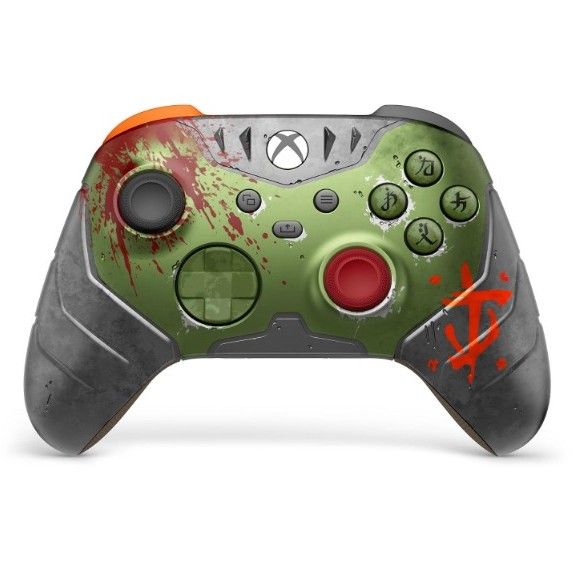
With photos again provided by the talented JustMeeVicky, here is one of the most demanded controllers to enter our top 10 from Xbox's newest range. The DOOM: The Dark Ages controller is Xbox at its finest, balls-to-the-wall design going all in on the game theme with its Slayer-armor green, actual 3D silver helmet spikes along the top, blood splatter across the left grip, Sentinel rune ABXY buttons, and brown leather-like grip.
We even got an Elite 2 version in red, but I actually think the standard controller clears here, PLUS you can still buy it, albeit at an inflated price.
Doom The Dark Ages Series X|S Controller: $99.95 At launch, this was $79.99, and there are limited amounts coming in and out of stock at Amazon at a slightly inflated price given its collector status. If you're a DOOM fan, this is one to grab while you still can. View Deal
Our Executive Editor Jez Corden has this controller, yet didn't have the forethought to take any actual photographs of it for the site. I'd ask him for one, but I may get a response in 3-4 business days, so for now, enjoy the above video.
Back in 2023, the Gears of War 4 JD Fenix and Crimson Omen pads held down a spot on this list, and reader @correcthololive made sure to remind me that "nothing has touched the Gears 5 controller". However, the Gears of War: E-Day Limited Edition has arrived to claim the franchise crown.
As @DineroPrimero put it, this one "definitely needs to be on the list". Shout out to him for sharing his insane collection too.
@Jenbox360 The Gears of War Eday controller definitely needs to be on the list. SoT is always GOAT’ed…and a special shoutout to the 360 Tomb Raider controller. Here’s my collection. https://t.co/U8qlIyEVo7November 14, 2026
The new E-Day controller features 3D-molded, laser-etched Emergence Day cracks glowing crimson red around the Crimson Omen, transparent red triggers, a COG tag printed on the battery door, and black leather-like grips. It is a god damn masterpiece; if you were fortunate to grab one 8BitDo does a matching dock for it too.
4. Xbox 25th Anniversary Edition (and the Cipher series as a whole)
Jez Corden | Windows CentralJennifer Young - Windows Central
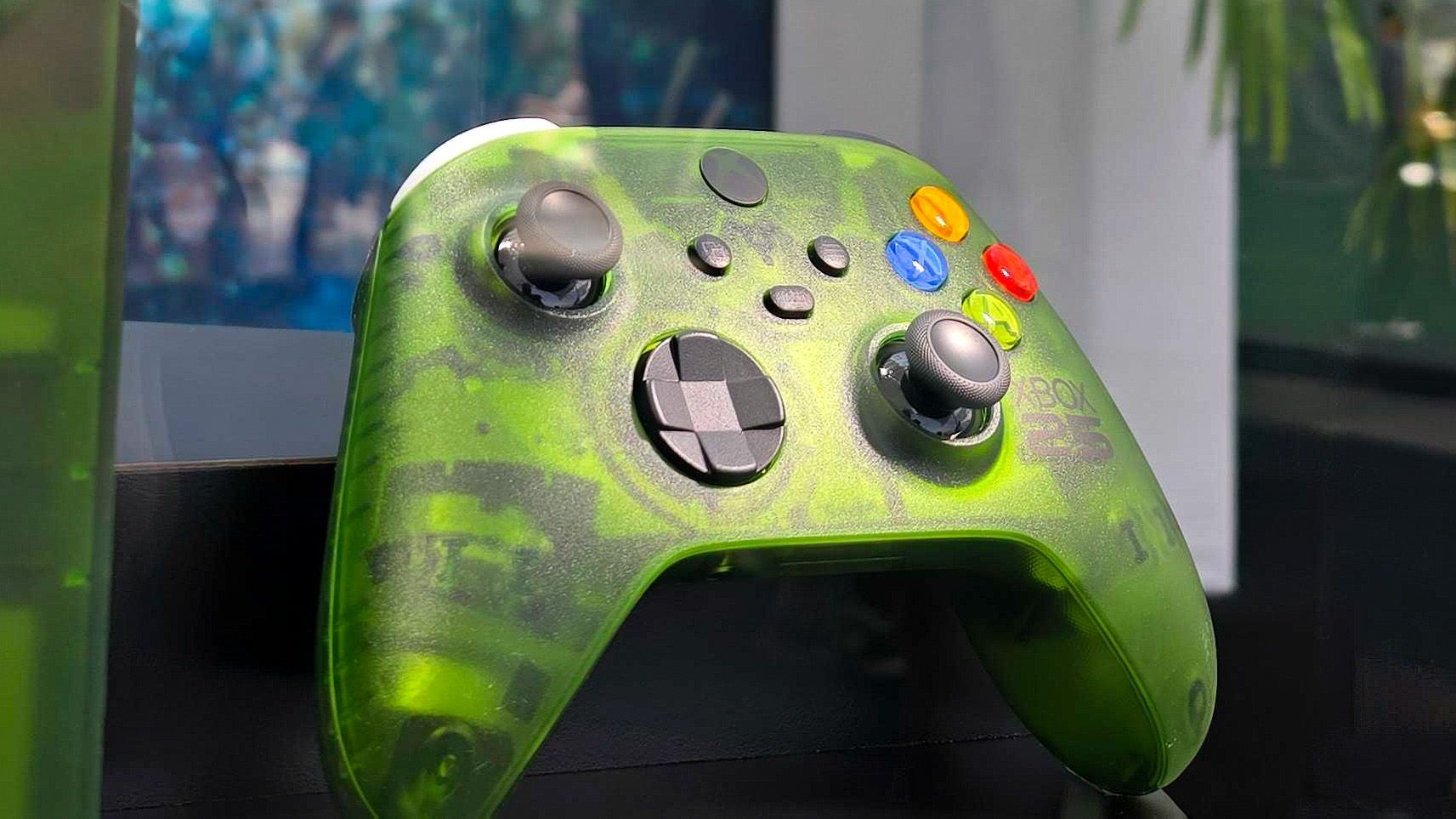
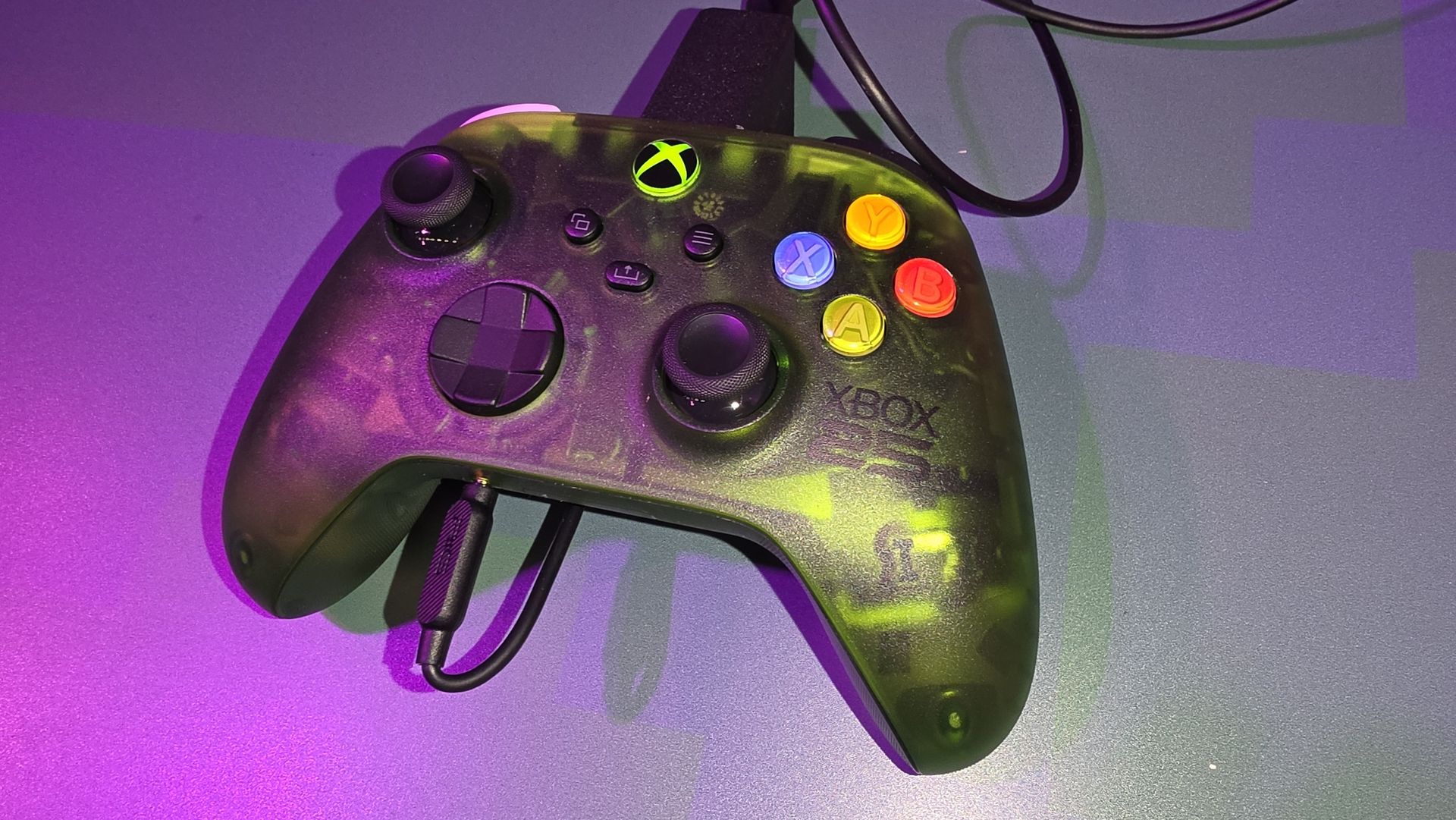
The main star of the show this year has been the Xbox 25th Anniversary controller, made to match the Xbox Series X25, but thankfully, available as its own purchase. The 25th Anniversary edition has that gorgeous translucent green shell that's an ode to the OG Halo Xbox, and retro ABXY buttons.
In fact, Xbox knocked it out of the park these last few years with the translucent Cipher series, which gave us Blue, Red and a Ghost variant, all of which would be worth a spot here, but we were all clamouring for the green, which Xbox savvily waited until the 25th Anniversary to give us. And it was worth the wait.
Alas, it's no longer in stock anywhere, but if you were lucky enough to grab one this 8BitDo charging dock may pique your interest.
3. Starfield Controller
Starfield Special Edition Xbox ControllerJennifer Young - Windows CentralStarfield Special Edition Xbox ControllerJennifer Young - Windows CentralStarfield Controller Transparent TriggersInside XboxStarfield Special Edition Xbox ControllerJennifer Young - Windows Central
Three years after its launch, the Starfield Controller was my inspiration for compiling a Special Edition list in the first place, and still holds a spot on my countdown. It hasn't aged a day. Mine still looks as good as the day I grabbed it and it's been used pretty much daily.
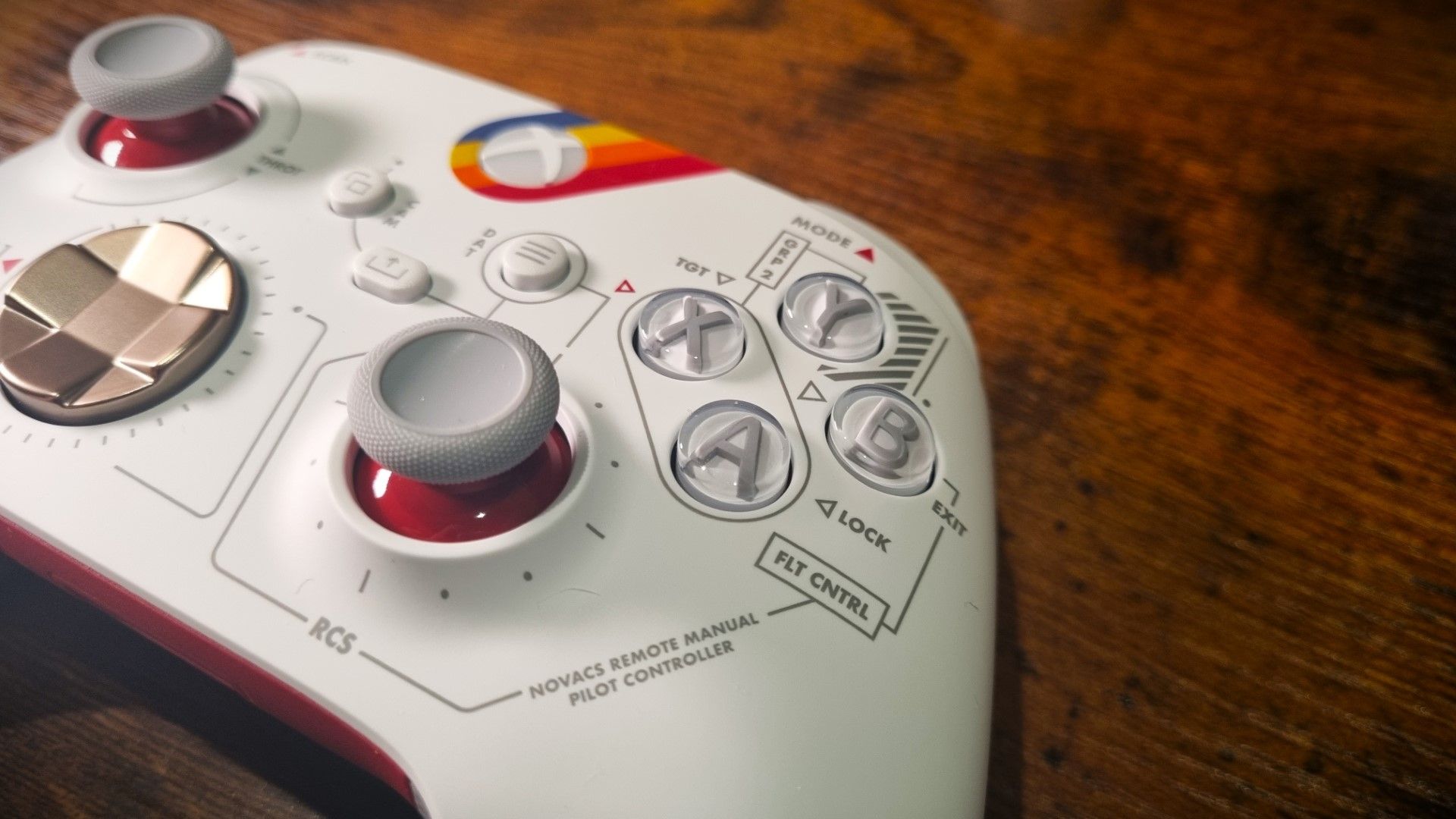
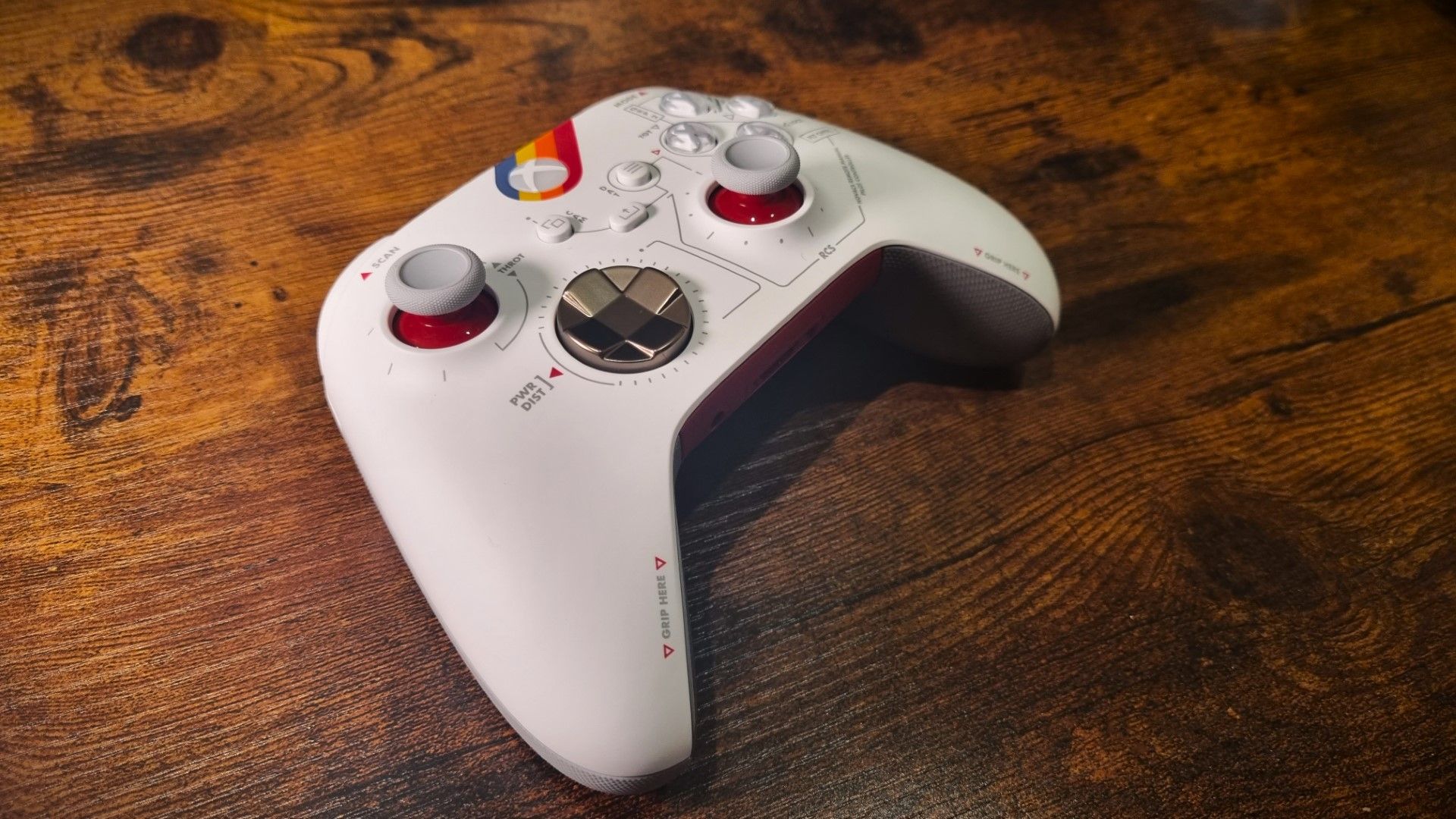
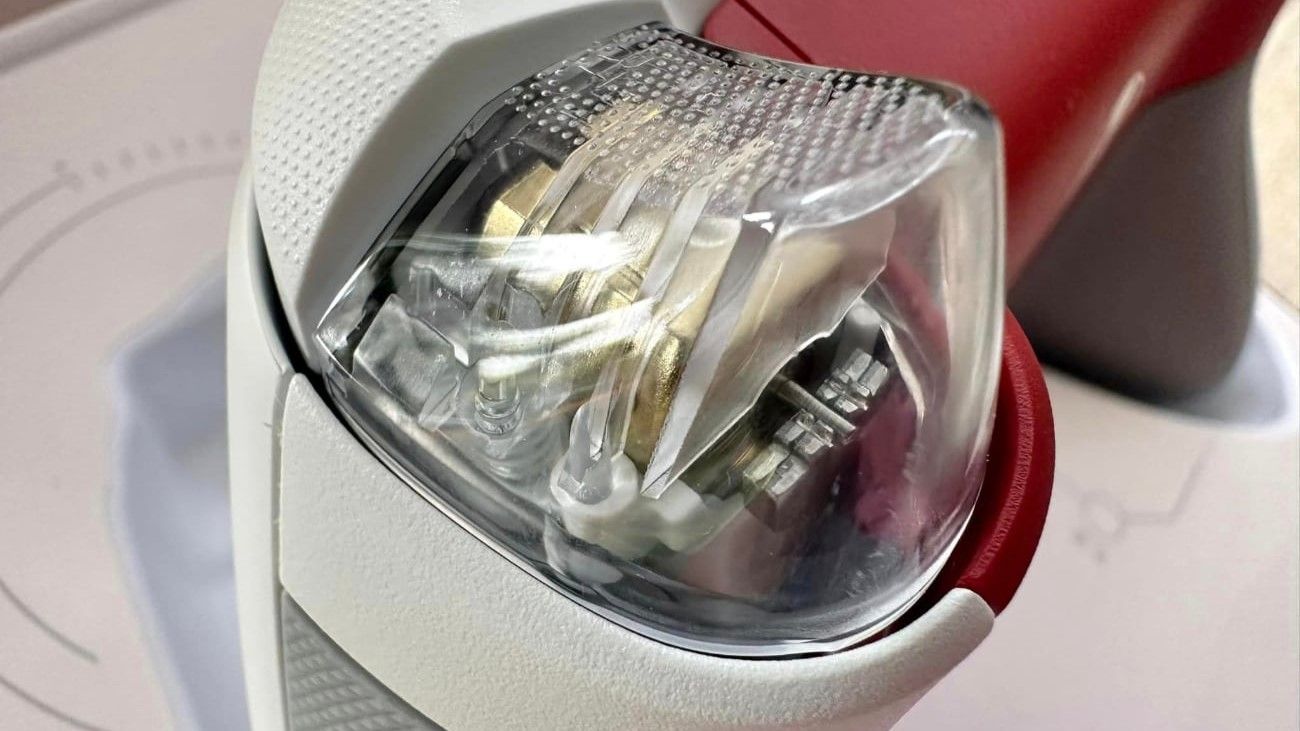
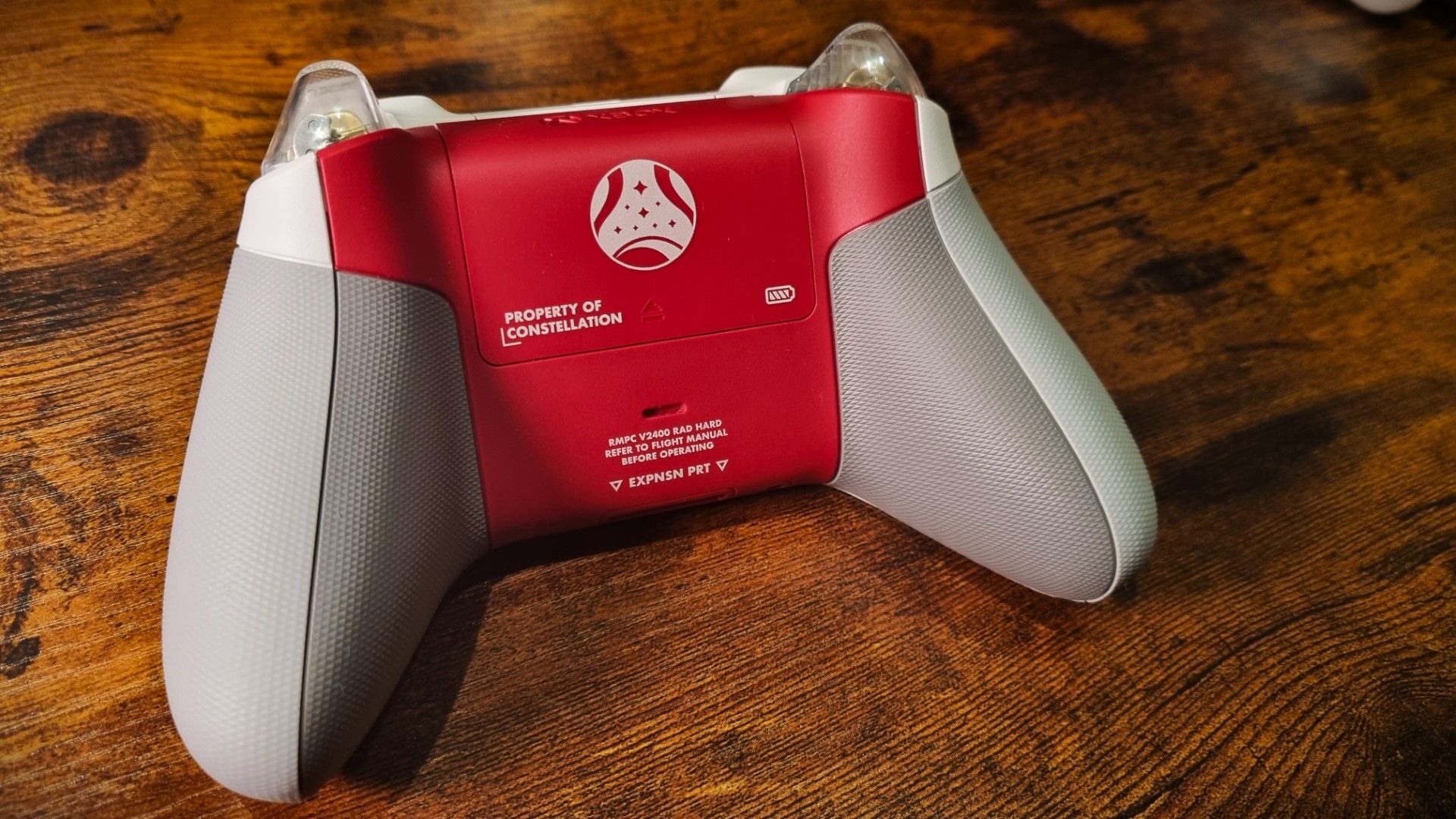
Even if Starfield itself divided opinion, nobody can deny that this controller aesthetic (and the matching headset) is utter perfection. From the clean white faceplate with Constellation color stripes and flight-deck control markings to the metallic bronze D-pad and clear triggers that let you watch the rumble motors spin, it remains one of the most cohesive tie-in controllers ever crafted.
2. Sea of Thieves
Sea of Thieves Xbox ControllerDaniel Rubino - Windows CentralSea of Thieves Xbox ControllerDaniel Rubino - Windows CentralSea of Thieves Xbox ControllerDaniel Rubino - Windows CentralSea of Thieves Xbox ControllerDaniel Rubino - Windows Central
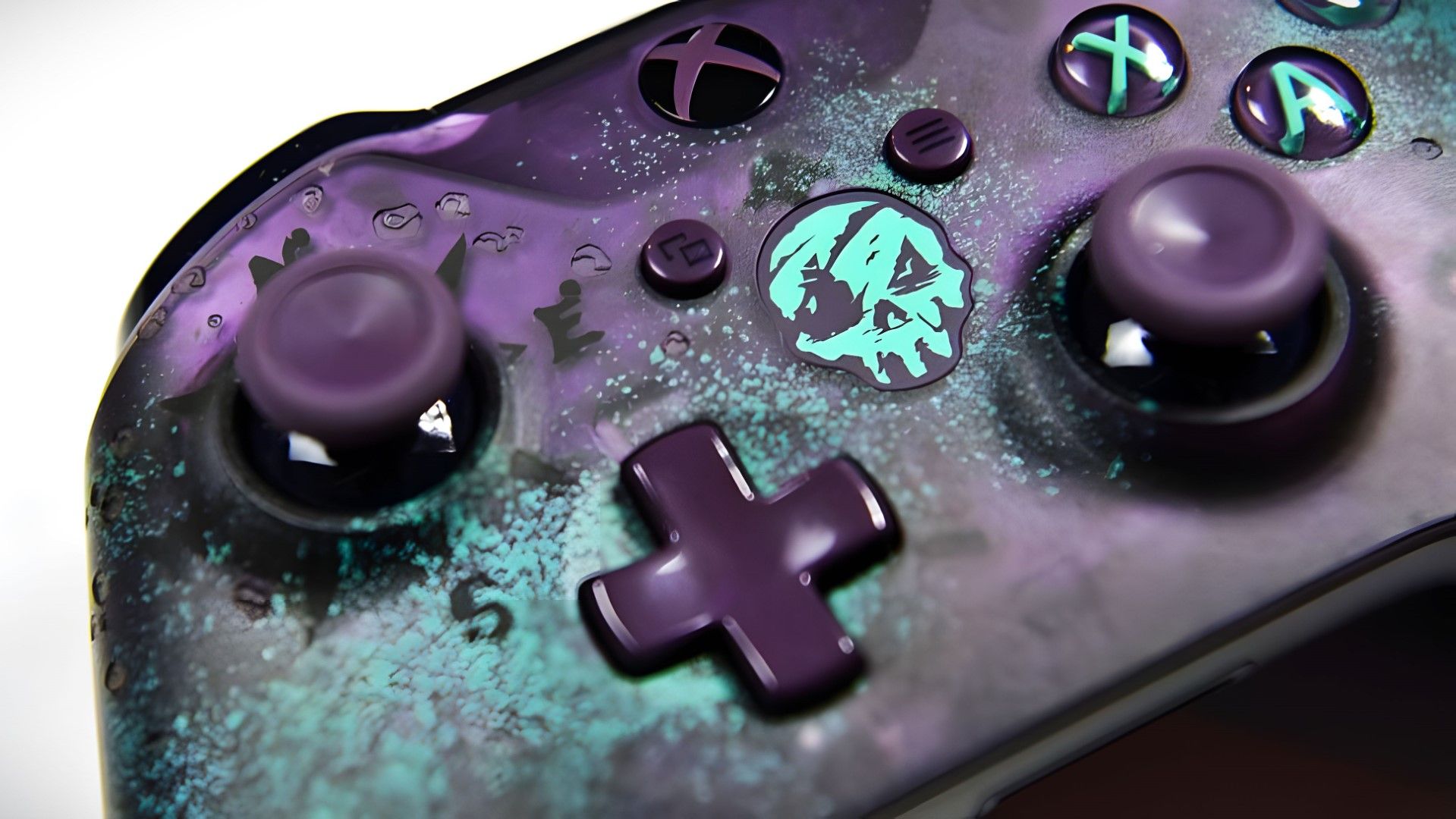
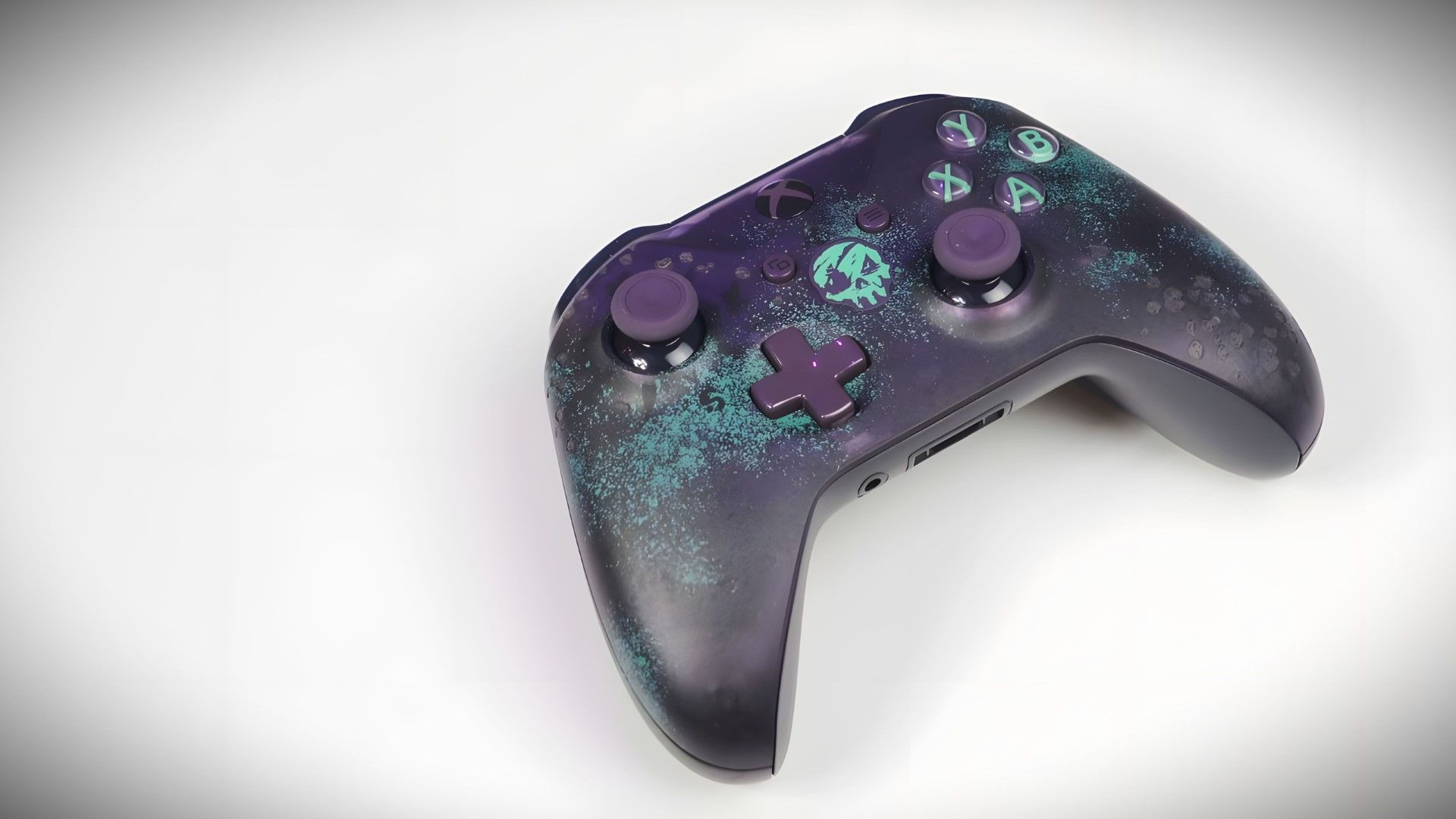
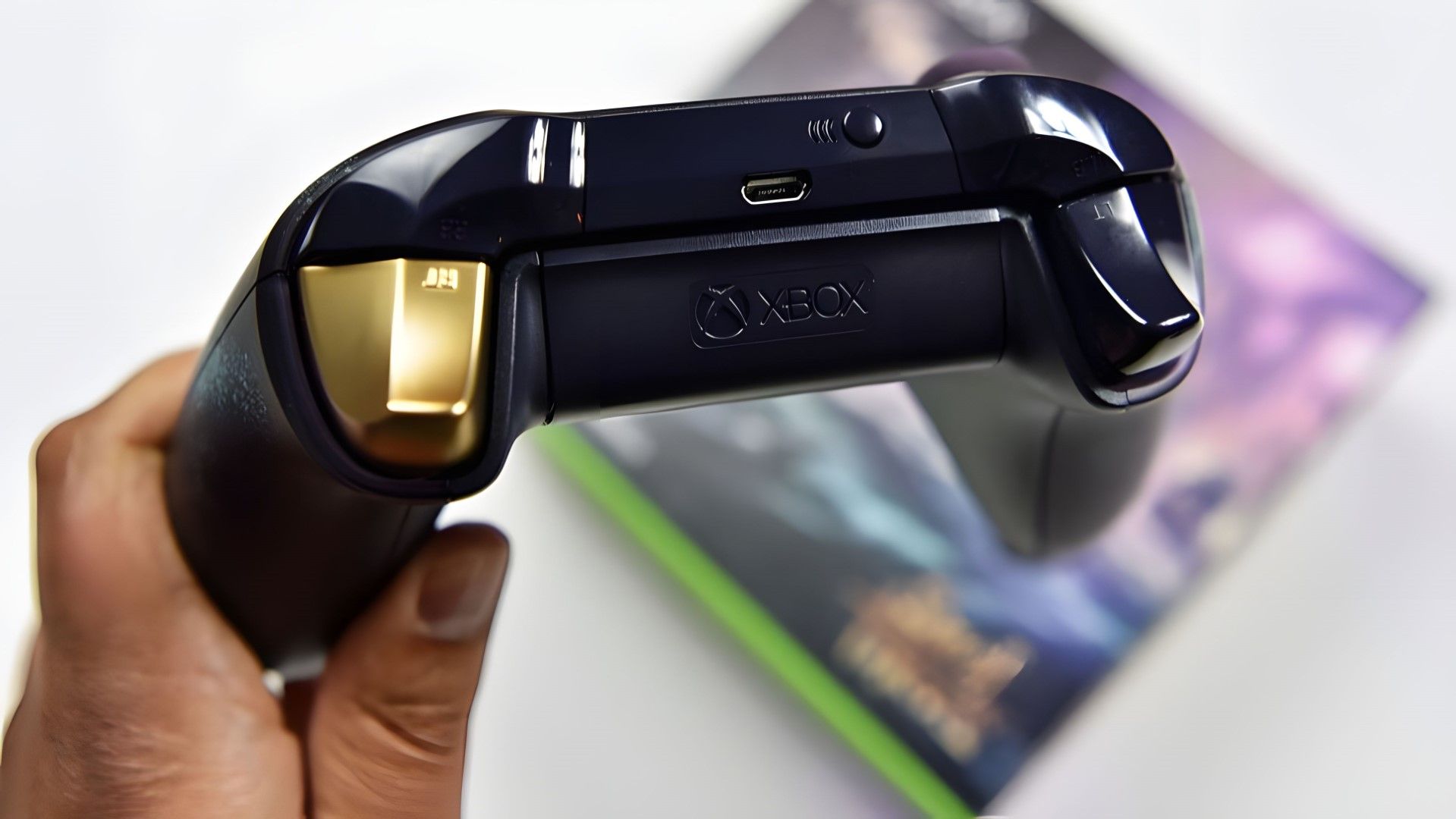
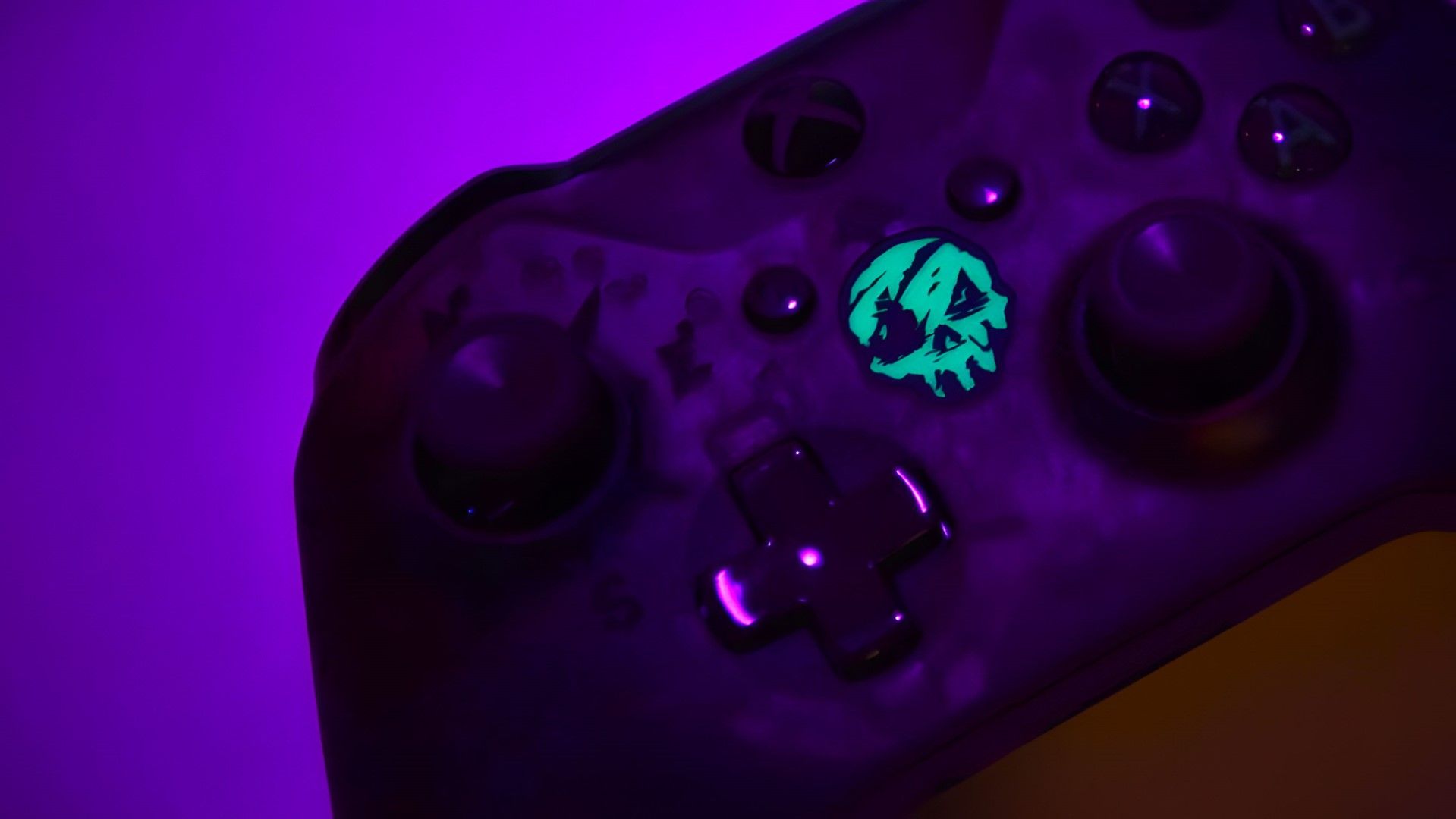
I simply cannot dethrone a legend; the controller I'm still bitter I never got my hands on. The Sea of Thieves controller is forever GOAT'd. It's deep purple finish, laser-etched barnacles and a shiny gold trigger, bellissimo.
@SoulBlazerz @Jenbox360 I have 2 of the SoT controllers. 1 is mint in box. Its my #1November 14, 2026
This is another controller of yore that fetches utterly ridiculous prices on the second-hand market, and for good reason: it's one of the greatest Xbox controllers ever made.
1. Titanfall Controller
Titanfall Xbox Special Edition ControllerJennifer Young - Windows CentralTitanfall Xbox Special Edition ControllerJennifer Young - Windows CentralTitanfall Xbox Special Edition ControllerJennifer Young - Windows Central
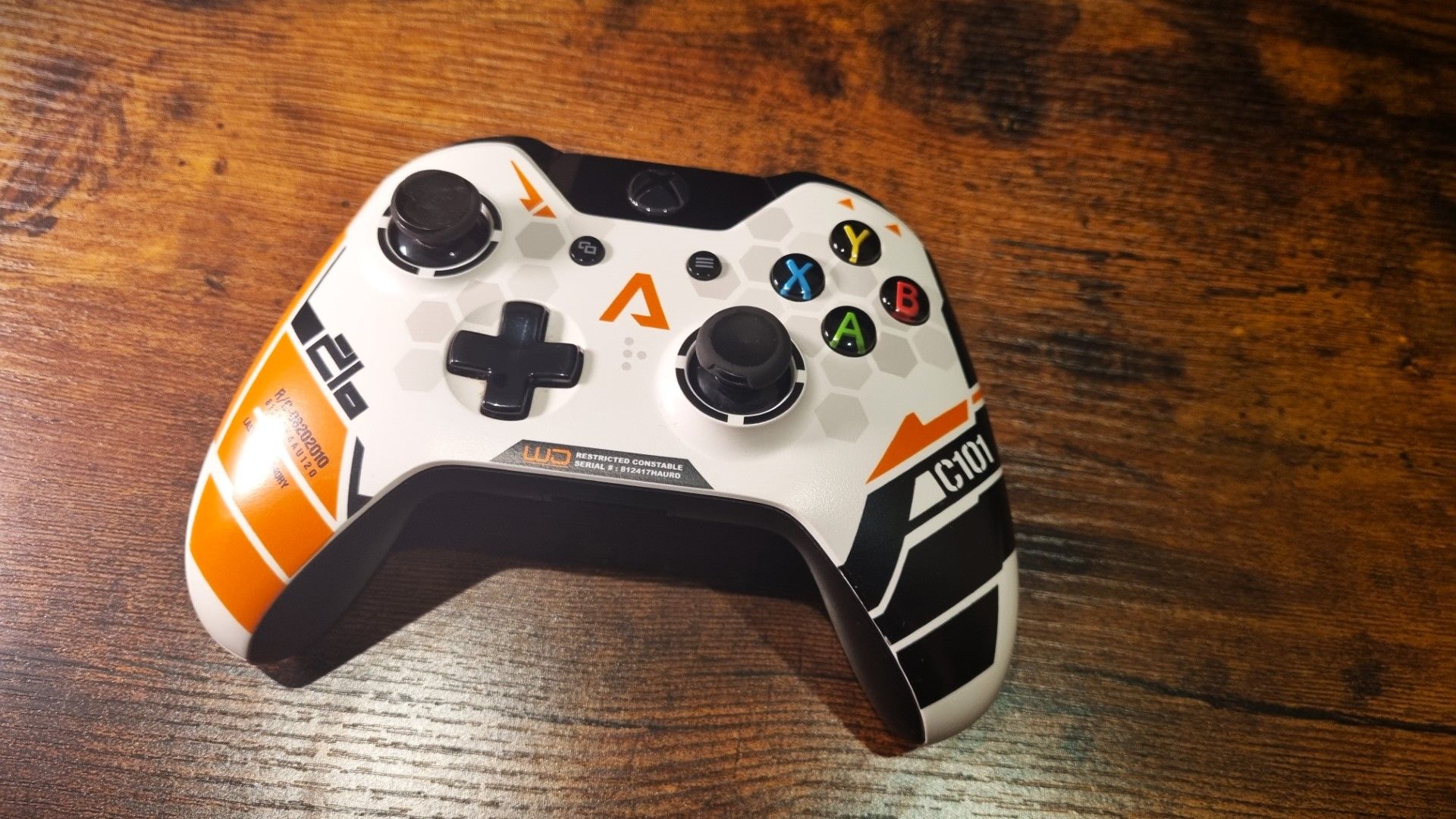
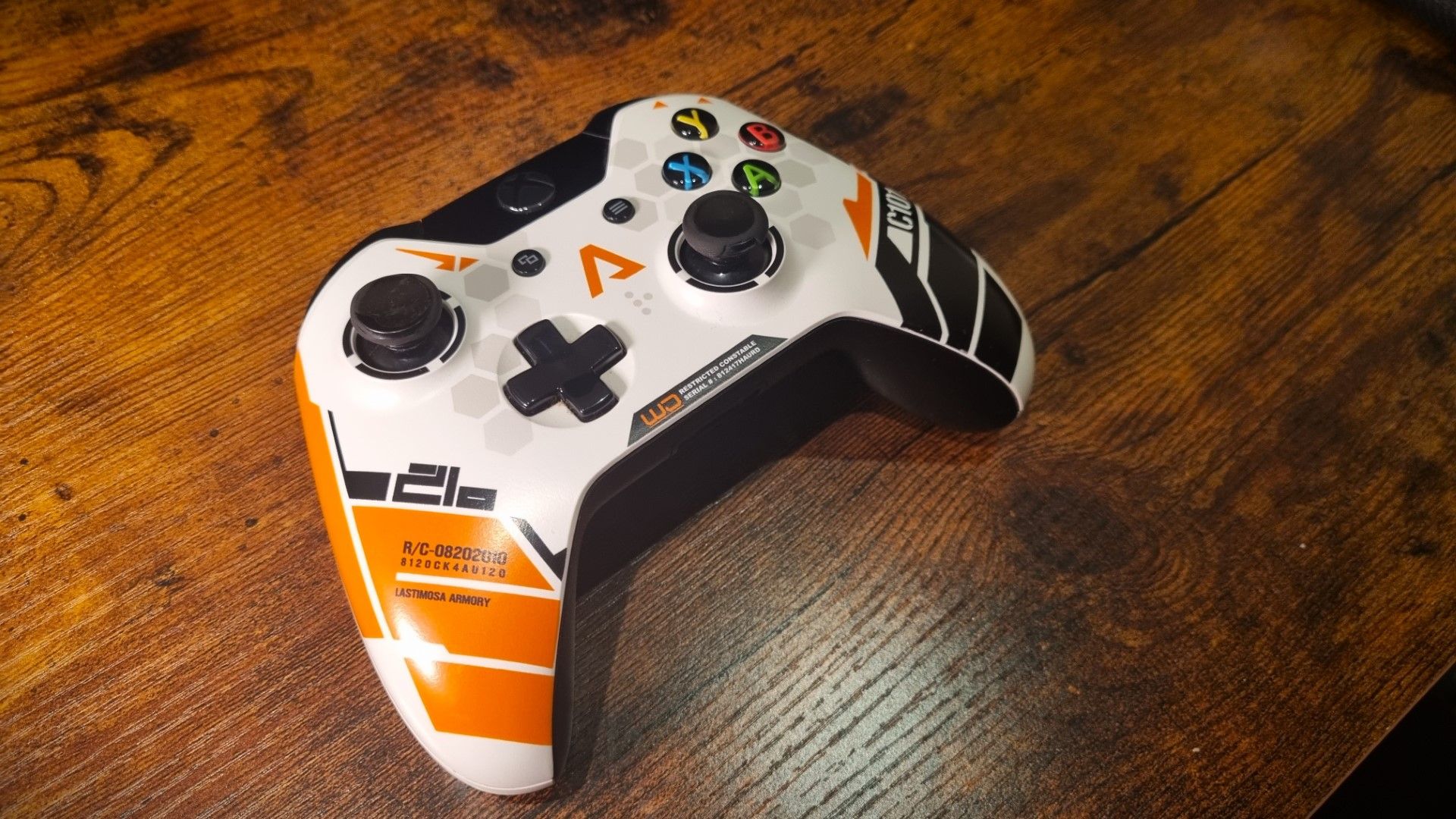
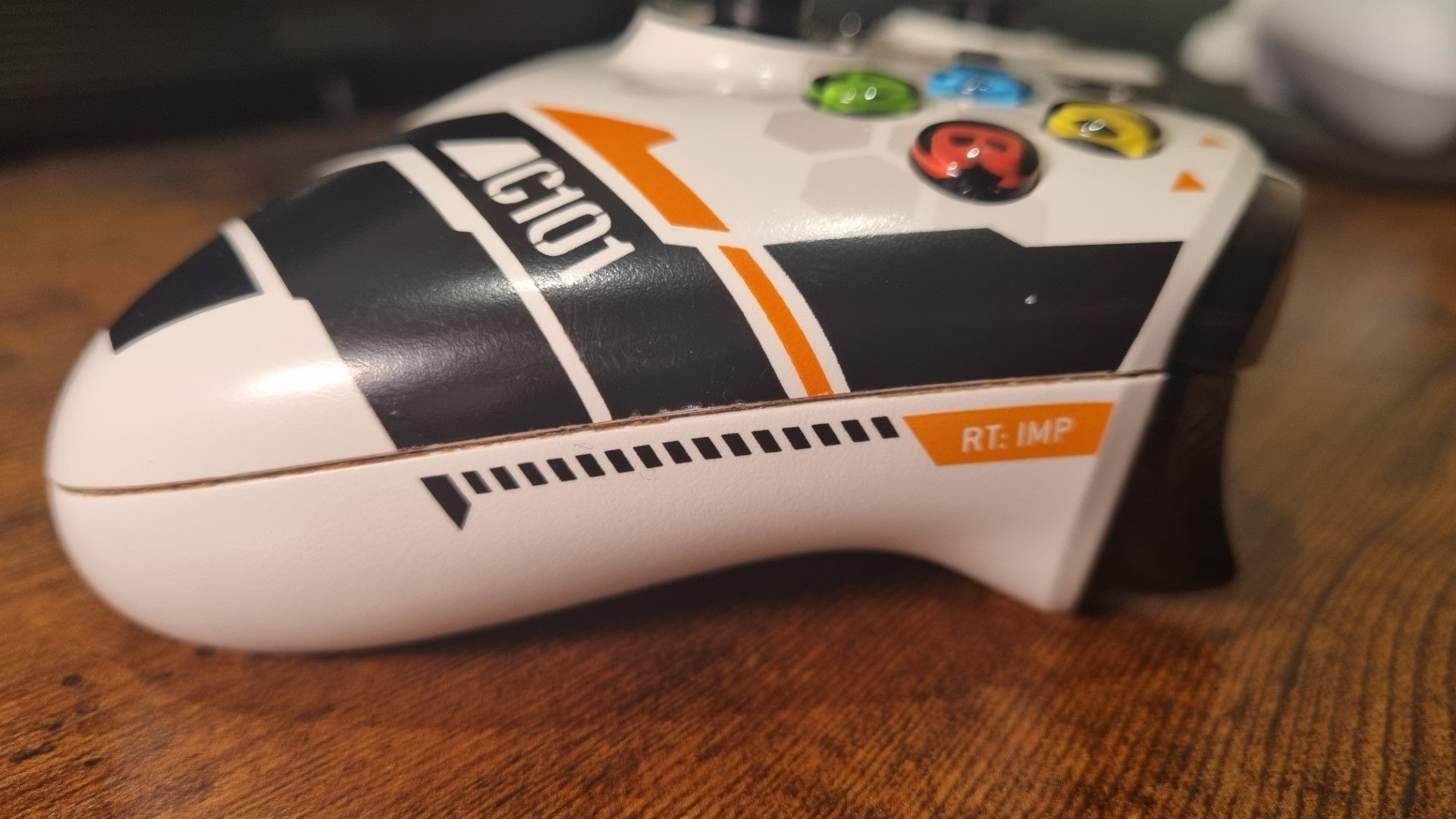
If you thought my number 1 was ever going to change, well, you were wrong. I know Xbox has dropped dozens of controllers since 2014, but the Titanfall Limited Edition still stands at the top of the rankings for me. It's S Tier, and really encapsulates how slick Xbox can be with their game-themed special editions.
Inspired by the C-101 carbine used by IMC pilots, that crisp white, matte black, and vibrant orange color blocking with the hexagonal detailing is timeless. Until Microsoft somehow tops this, Titanfall stays firmly on the throne. If they ever actually pull their finger out and make me the Diablo controller I've been begging for, I may reconsider.
What is your top 10?
Do you agree with the Xbox 25th Anniversary shake up of the rankings? What controller tops your own picks? Were any criminally missed? Feel free to roast me in the comments!
Join us on Reddit at r/WindowsCentral to share your insights and discuss our latest news, reviews, and more.
Microsoft has shared more details about how it's building its next generation Xbox console in a special Xbox 25th Anniversary Magazine, confirming key details and reiterating core ideologies behind the next Xbox from platform to capabilities.
Xbox VP of Next Generation, Jason Ronald, has outlined the goal of Helix, stating "it's really designed to be the ultimate gaming machine - one that removes all the barriers of play that have historically existed. My entire library is accessible to me. I'm able to bring four generations of my XBOX library and progression with me and have it available instantly. And we remove the arbitrary constraints between console and PC games."
Microsoft has already confirmed that Project Helix will be able to play PC games, but this has left us with more questions than answers. Many assumed this meant the next Xbox would be a PC that can also play Xbox console games, but Microsoft now says otherwise.
"We're very clear on the design goal: Helix is designed to be a console that is also capable of playing games from your PC. It is not a PC that can also play console games," Ronald says. "The goal is making it easy, intuitive, and instant to access my games. But if you're a hardcore gamer or a power user who wants to have that deeper level of customizability across settings and performance options, you can absolutely go do it."
So Xbox Helix is not a PC, but it will be able to play games "from your PC." This wording is interesting, but doesn't confirm anything about how exactly this is going to work on the console. It's good to know however that games who want PC-level game customization will be able to have that on Helix.
The interview also touches on the Xbox Helix OS experience, with Ronald confirming that the work ongoing with Xbox PC and devices like the ASUS ROG Ally X have influenced the future platform.
"Want to get a feel for where we're going? The creation of ROG XBOX Ally and XBOX mode - the integration of multiple game libraries and inputs - was a way of putting our vision for the future of play in the hands of players and listening to the community's feedback. Helix's interface will be its own, but will take lessons from what's been tested already:"
This confirms that Helix will run its own OS interface, and not one borrowed from the existing Xbox Mode that is shipping on PCs today.
Ronald also states that the feedback is has received from players about how Xbox Mode on the ROG Ally "has fundamentally informed and altered our plans of how it actually shows up in a future console ... So absolutely, we view the Ally as a precursor to what we're doing with Helix - but it's informed by a lot of the design concepts we have for Helix."
The full interview with Jason Ronald is available online via the Xbox 25th Anniversary magazine, which can be found here. It's a great read if you're interested in the design philosophy of the next generation of gaming hardware and platforms at Microsoft.
Join us on Reddit at r/WindowsCentral to share your insights and discuss our latest news, reviews, and more.
There's more choice and competition than ever these days when it comes to choosing a wheel for your racing or other virtual driving scenarios. But Thrustmaster has been around longer than most and has established itself as a popular choice on PC and console.
Its latest product isn't for sim racing, though. I mean you could use it for racing, but it's pretty big. Thrustmaster has joined the ranks of truck sim, as both Euro Truck Simulator 2 and American Truck Simulator, in particular, continue to grow in popularity.
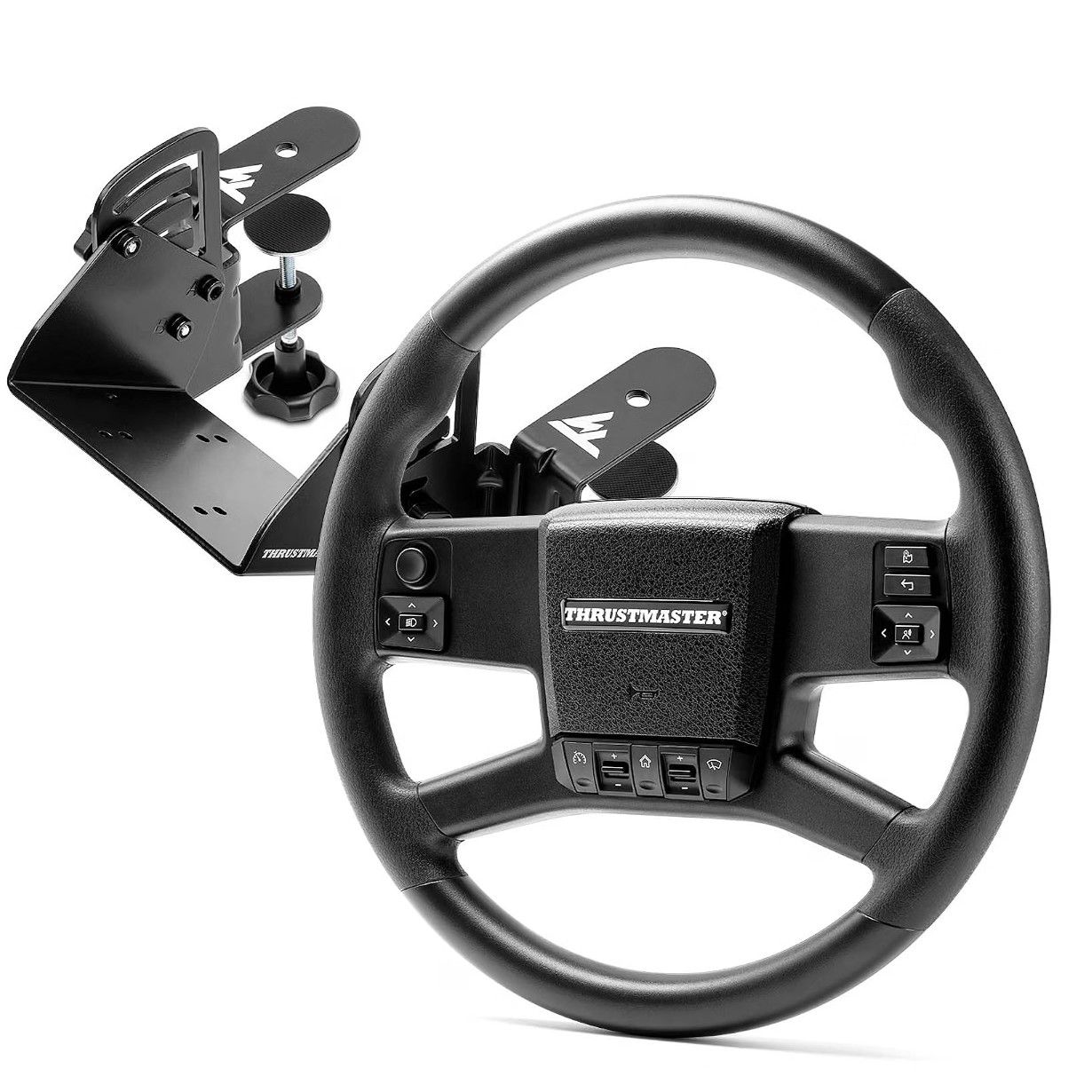
The SimTask Truck-40 has a dedicated wheel and a kit to mount it at a more horizontal angle (which would also be good for bus driving games and even Farm Simulator), and it's designed to be entirely plug and play going forward with the SCS truck simulators.
I've spent a little time getting to know it, and the TL;DR is that it's a really solid truck sim wheel. It isn't perfect, and I'm not sure it would convince you to leave your existing setup for a Thrustmaster one, but I also don't think that's the intention.
I'll start at the very top. The SimTask Truck-40 is compatible with virtually every Thrustmaster wheelbase from the past decade or so. Assuming, of course, you have a wheelbase that has the ability to change the wheel.
I no longer have my old trusty Thrustmaster TS-XW, but I was surprised upon opening the box that the truck wheel would be compatible with it. I reviewed that wheelbase back in 2020, so credit to Thrustmaster for keeping the older hardware relevant.
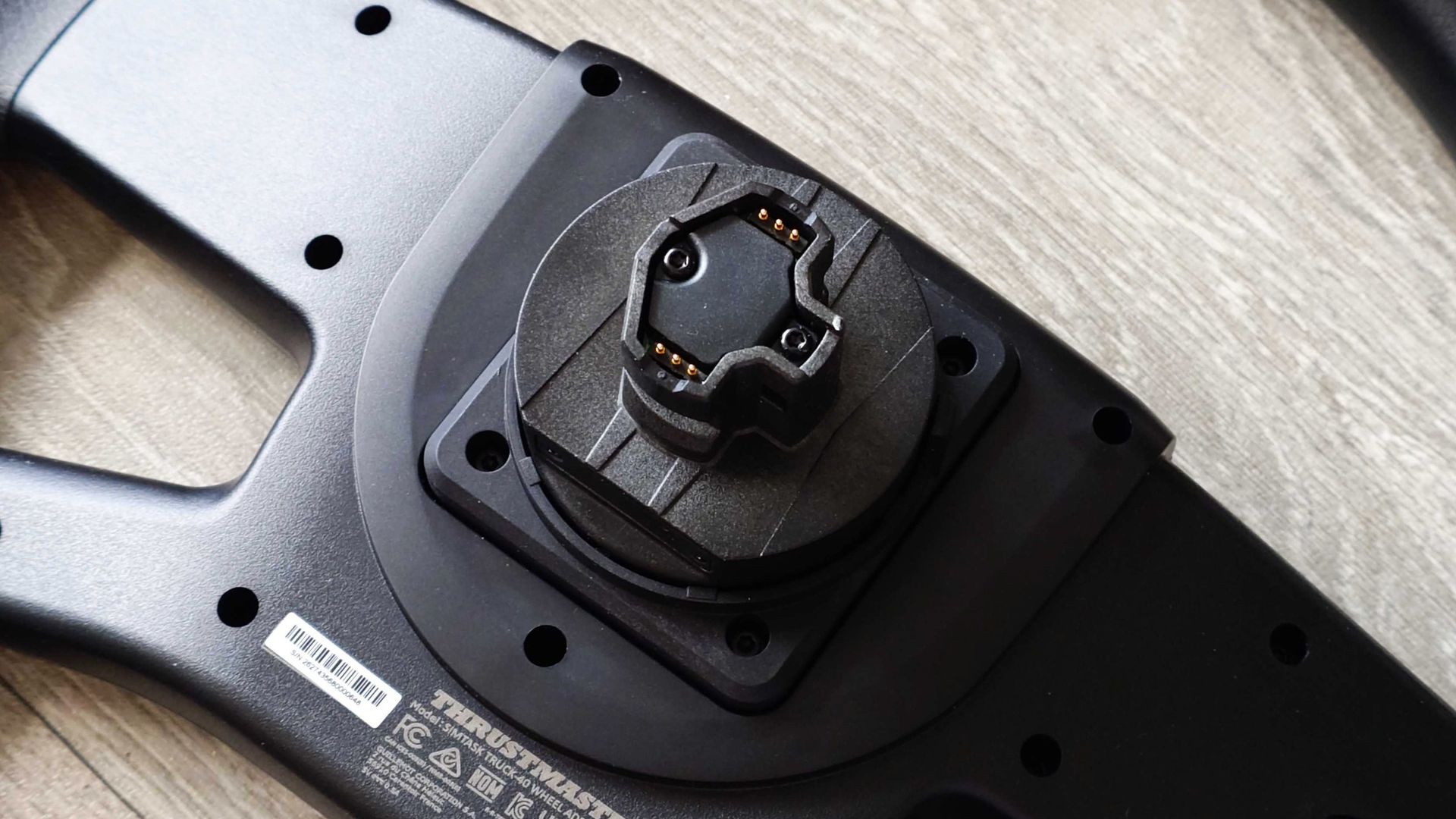
That's despite having changed its quick-release system on more recent wheelbases. In the box you get two adapters, and you attach the one that fits your wheelbase to the back of the truck wheel. In this case, I'm using a T598 direct-drive wheelbase for PS5 and PC, so I went with that one.
While I appreciate the compatibility with the older hardware, I appreciate the actual process of attaching the adapter far less.
It supports newer and legacy wheelbases, but the adapter is a bit of a process to actually fit. (Image credit: Windows Central)
Because you need a way for the electronics on the wheel to communicate with the wheelbase and then the PC or console, Thrustmaster's solution is a ribbon cable on the adapters. You attach this to the circuit board inside the wheel to make it happen.
The trouble is it's really hard to do. My sausage fingers had a pretty bad time attaching it, and it took me about 15 minutes in all and a lot of swearing. I hate ribbon cables enough on laptops, but at least you have more space to work in there. I hope that for future iterations, Thrustmaster can figure out a better solution if they're going to continue supporting legacy wheelbases.
Once it's on, though, all is well. The newest quick-release connector is simple to use. Simply lift the catch on the wheelbase, slot the wheel in, and put the catch back down. The added size and weight of the truck wheel doesn't make things any less stable. It's solid and secure.
The other part of the SimTask Truck-40 full kit is a bracket that you can attach to your desk or to whatever other setup you have to hold the wheelbase more horizontally so you can get a more realistic large vehicle experience.
You don't have to use it this way, though. For my tastes, it's a little too horizontal to be comfortable, at least in front of a desk. The truck wheel is pretty big, and while cruising it's actually really good because I can rest my arm on my armrest and keep the truck going straight.
But I'm not so much of a fan personally when it comes to maneuvering. Still, it's not a requirement; the choice to use it or not is yours, I just personally prefer it without.
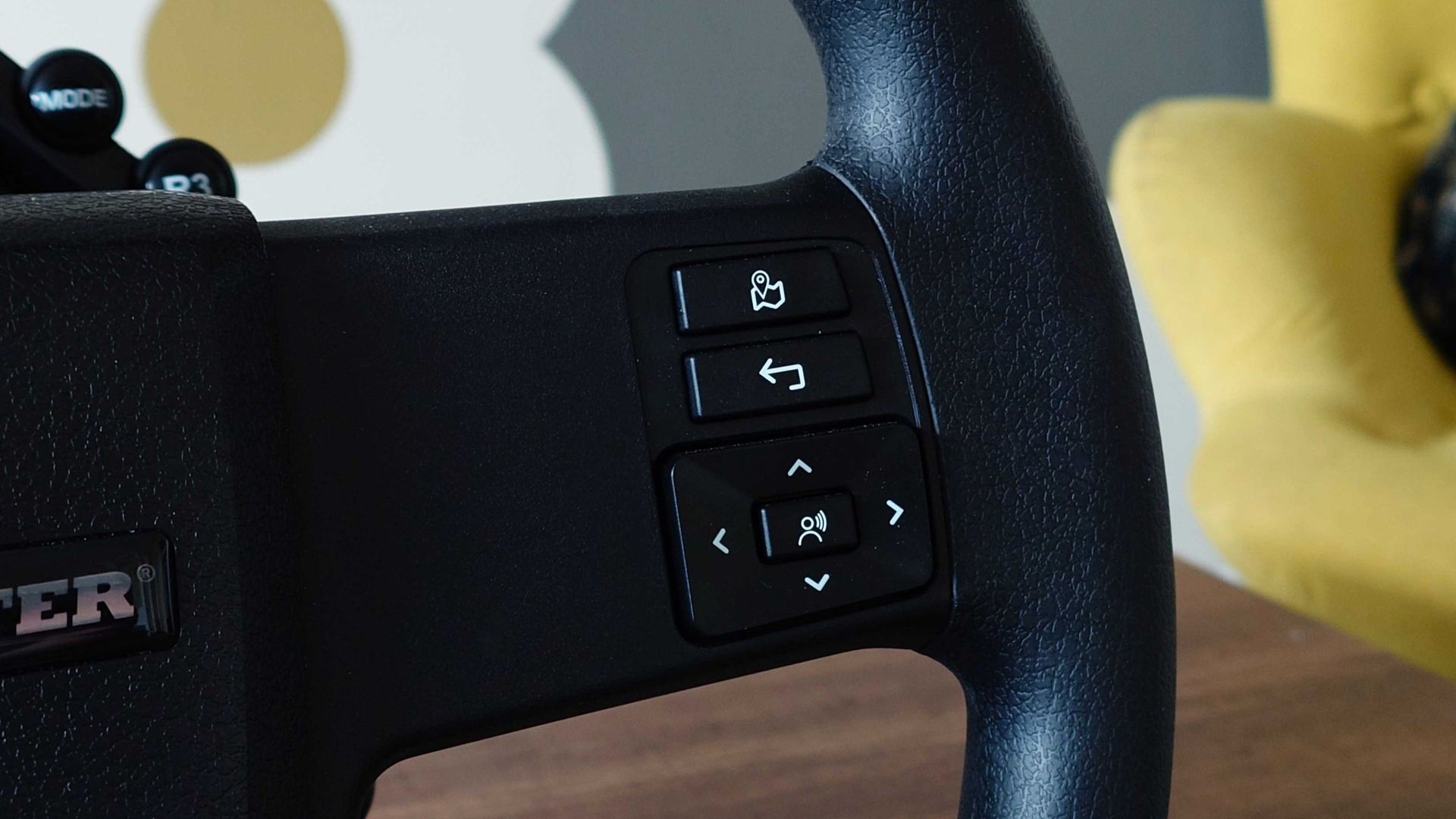
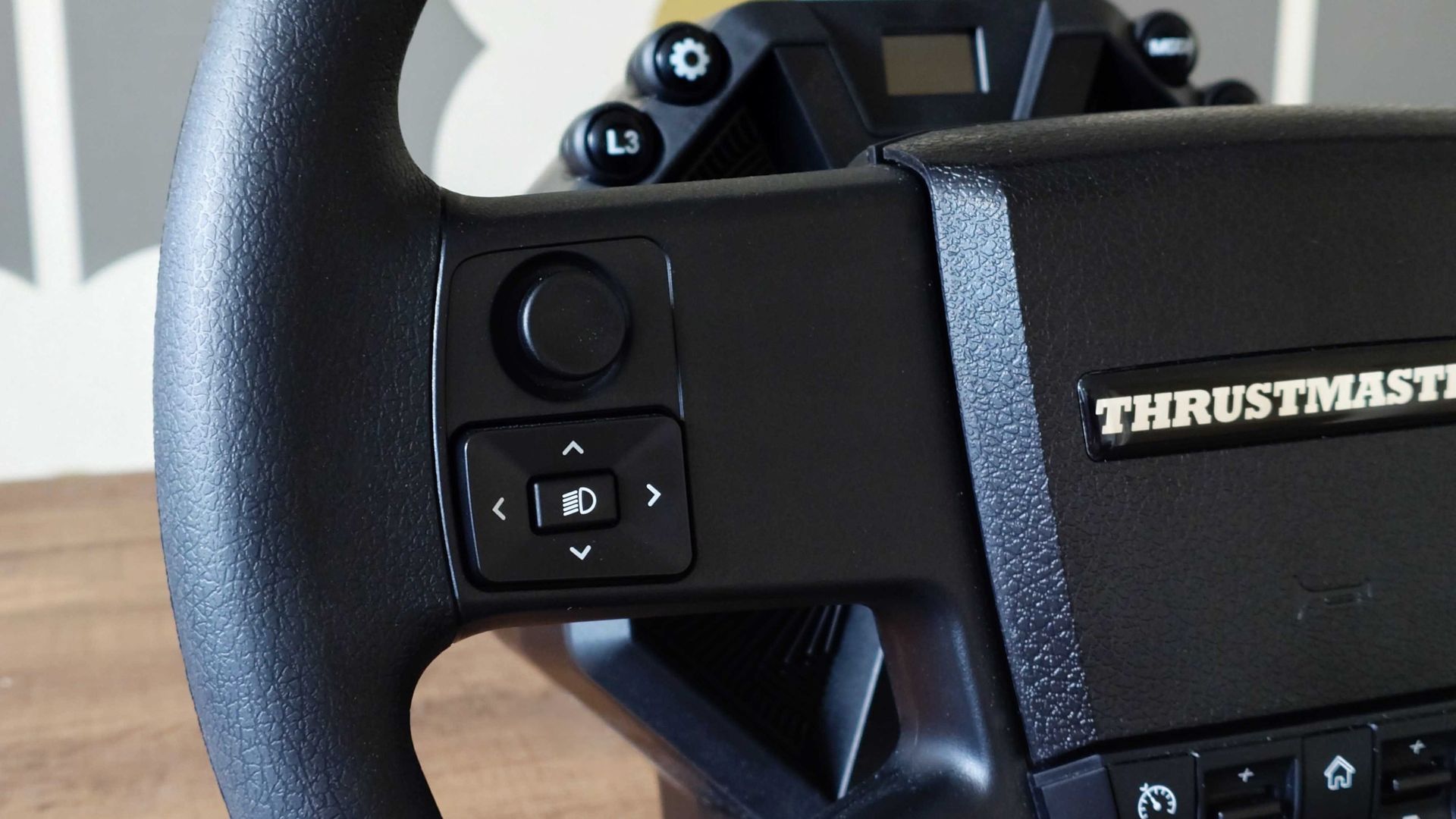
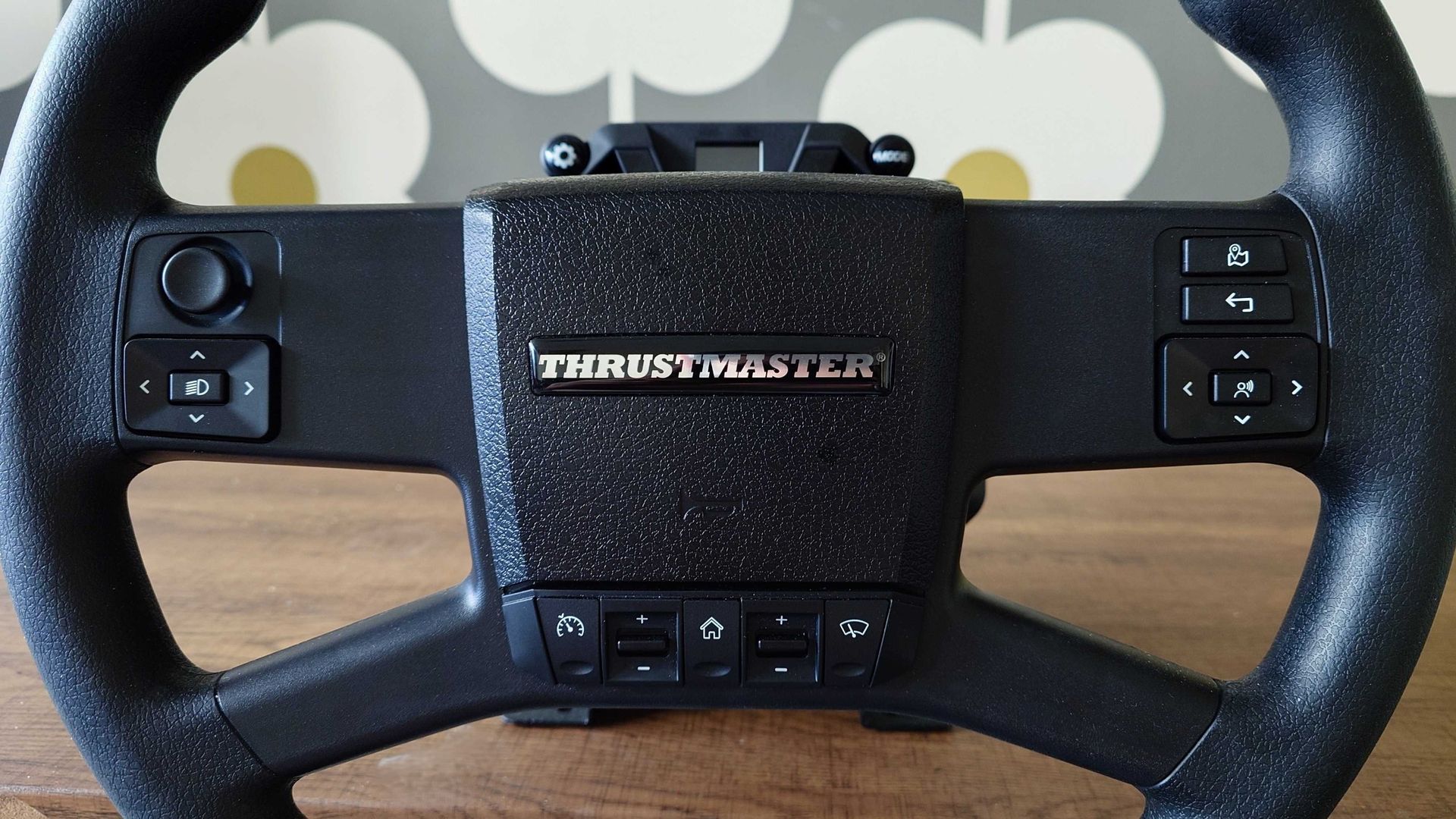
The buttons are both useful and easy to reach without shifting your hands too much. Windows CentralThe buttons are both useful and easy to reach without shifting your hands too much. Windows Central
Being plug-and-play with Euro Truck Simulator 2 and American Truck Simulator is what really matters, though. While some will take delight in setting up custom layouts, I am not one of them. I'm too lazy; I just want to get in and drive. I should note, though, right now Thrustmaster's website does warn folks that it's not yet live. If you use older versions of the game for whatever reason, you'll have to update or just set it up yourself when it is.
The Thrustmaster truck wheel has dedicated controls for the essential truck features. You have a button for cruise control, a button for your high-beam lights, GPS, and for navigating through the menus without taking your hands off the wheel.
It doesn't have as many buttons as, say, PXN's upcoming truck wheel, but there are enough to cover the main functions you actually want while driving. For me, the cruise control is the big one, and adjusting it on the wheel like in real life is a far better experience than using keyboard or gamepad button presses.
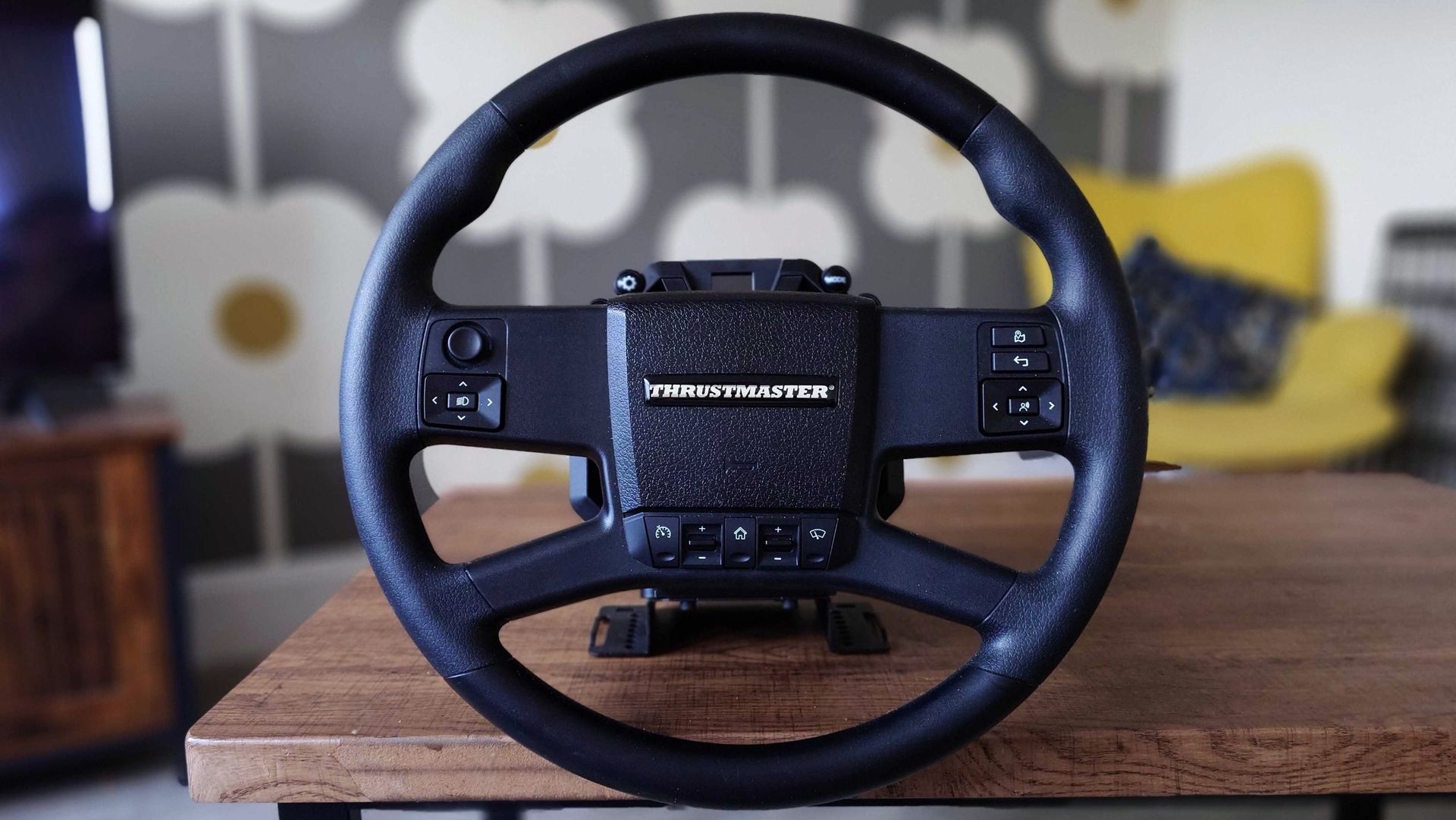
If you're driving virtual trucks a lot, this is a strong addition to the experience. (Image credit: Windows Central)
Is there anything I don't like? If I had to pick, I'd have to point out it's quite plasticky, and being black, it shows it off probably worse than something that was grey.
It's not bad, and it is well made, but outside of the rubbery grips (which are very comfortable), the rest of the wheel rim is a smooth plastic finish. Which is not as nice when maneuvering your truck and using all of the wheel.
It is also fairly pricey, but that's more of a PSA than anything. If you have a Thrustmaster wheelbase and you want a proper truck wheel, then it's your best shot, but it's also a niche product. It's not going to appeal if you're not into truck simming. $300 is still a significant investment, and I would like to see it available without the SimTask bracket as well for folks like myself that won't use it and would like to pay a little less.
But I'm really glad to see this come out as someone who's got into American Truck Simulator, especially this year. I've used Thrustmaster wheels the most over the years, and I was a little surprised the company wasn't first to this growing space. But it's here now, and it's a whole lot of fun to use.
It may not be enough to convince you to leave your existing truck wheel, but again, I don't think it was ever meant to. It's there for Thrustmaster owners, of which there are many. What's also key is that this is out before Euro Truck Simulator 2 and American Truck Simulator come to Xbox and PS5. Thrustmaster is pretty popular on consoles, and by the time they finally launch, you've got a wheel ready and waiting.
"Climb into the cab with SimTaskTruck-40 Add-On Kit, the ultimate truck simulation pack. Enjoy a large wheel rim (15.7 inches / 40 cm in diameter) and an adjustable metal mount for an ideal driving position and instant immersion on your long hauls."
Join us on Reddit at r/WindowsCentral to share your insights and discuss our latest news, reviews, and more.
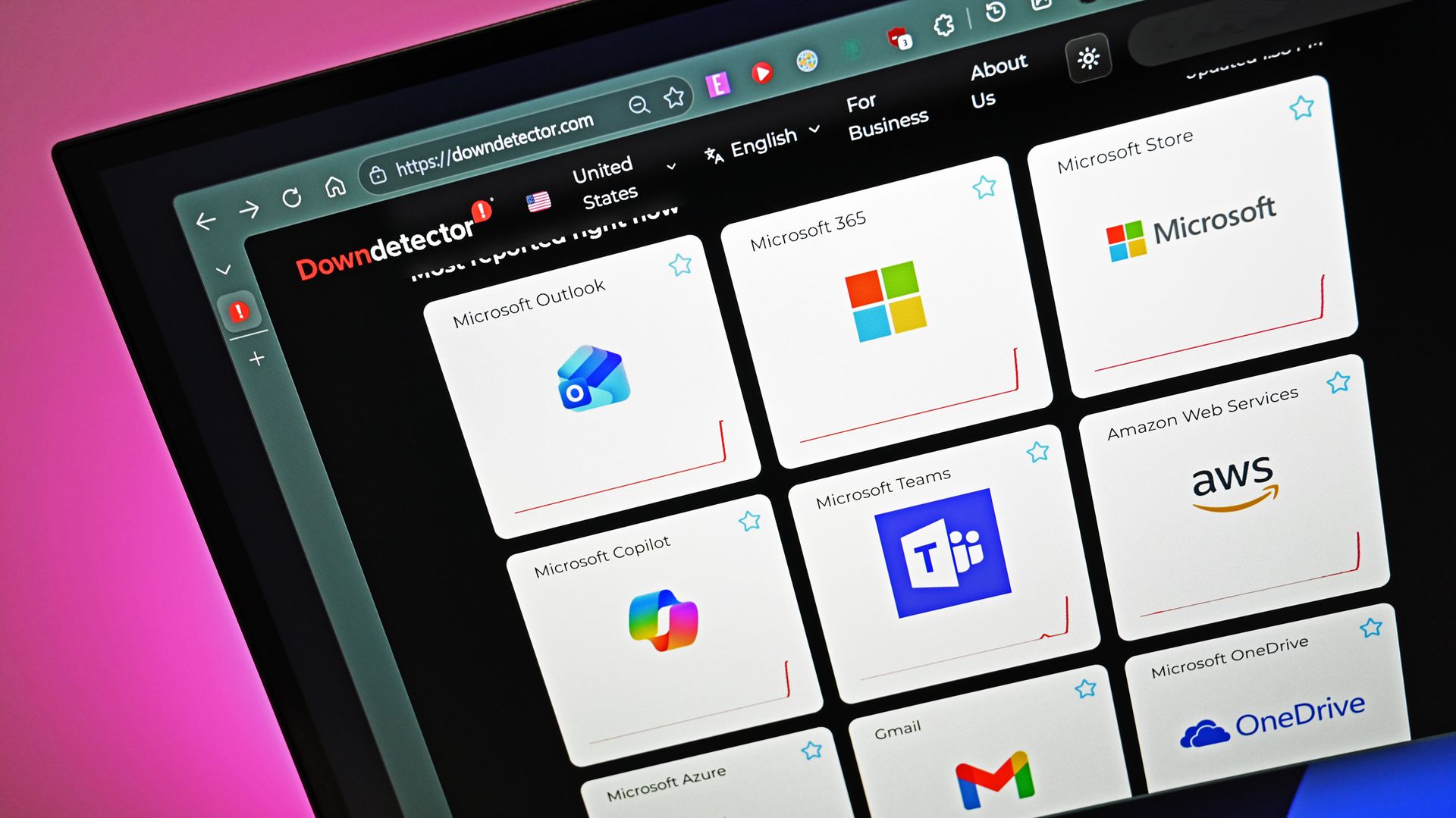
"Have you heard about Microsoft?" is not a question I get asked often in my everyday life. It's rare for anyone to ask me about Outlook, Teams, or OneDrive. But this week was an exception because of the major outage that affected Microsoft services.
With Outlook, Teams, Azure, OneDrive, and Microsoft 365 experiencing outages, I fielded quite a few questions about what's going on. I can't imagine what IT admins are going through right now.
By the time you read this, Microsoft will have likely fixed the issues that temporarily broke its services, but as I write this piece, the outage has been going on for nearly 24 hours. With an entire day of outages, many have joked online that the service should be renamed "Microsoft 364."
Beneath all the jokes about "Microsoft 364" was a reminder of just how much of the modern workplace runs on Microsoft's services. Most people don't spend much time thinking about Outlook, Teams, OneDrive, or Microsoft 365 when everything is working. They're just tools people expect to be there. But when those services go down, work doesn't just become inconvenient. In some cases, it grinds to a halt.
Biggest News of the Week
Hopefully Microsoft uses this outage as an opportunity to strengthen its systems. The company is spending billions on AI, datacenters, and cloud infrastructure. That's hard to appreciate when people can't access their email, files, or meetings.
It's a shame that the Microsoft outage happened this week rather than next week. If Microsoft is going to have all of its major services fail and hurt the productivity of millions of people, the least the company could do is time the outage with the release of GTA VI. Logitech gave its employees a day off to enjoy GTA VI, but the rest of us have to use a vacation day or get sick at the right time.
Microsoft wants people talking about AI. This week, people were talking about Outlook and outages. That's probably not how the company hoped to end the week.
Shopping with Sean
Luckily for anyone shopping ahead of Black Friday, Windows Central and Future rely on Gmail, not Outlook. That means that all the emails about deals that were sent to our team this week arrived on time.
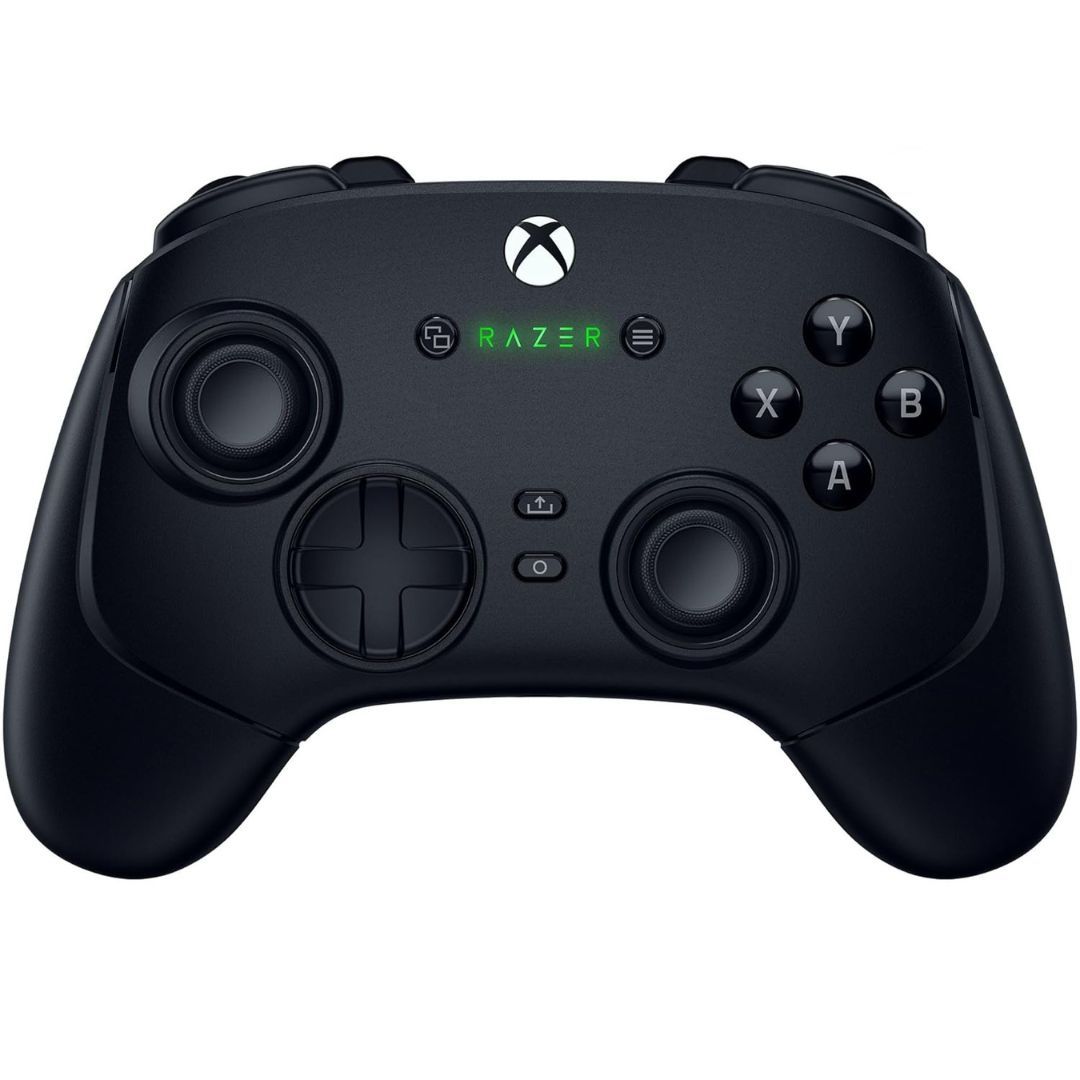
Razer finally made a wireless controller for the Xbox, and overall it's absolutely brilliant with its Hall Effect sticks, 1000Hz Polling on PC, and additional shoulder bumper, paddle, and trigger buttons.
"The Dell 14S is a compelling choice for a variety of users thanks to its long-lasting battery life, OLED touchscreen, solid performance, and relatively affordable price." — Sean Riley, Freelancer Writer, Tom's Guide
Rainbow Six Siege X has undergone massive, sweeping changes over the last couple of years, completely shifting the meta. Dare I say it, for the better as well, which almost feels rare in today's competitive gaming space.
To set this piece up just a tad bit more, I wanted to let people know who I was in terms of Rainbow Six and my personal history with it. That way, maybe, you could better understand who at least tested these changes.
First, I've been playing ranked off and on again for the last two years after a rather long hiatus, hitting Emerald in my first ranked season back. Before that, I was, as the kids say, goated on Rainbow Six Vegas 2 as the number one survival player on Xbox 360.
Since then, between whatever other game I cover, I always find myself falling back toward the call of Rainbow. For me, nothing quite compares. So getting the chance to see changes early and play with them in person was, for lack of a better phrase, a dream come true.
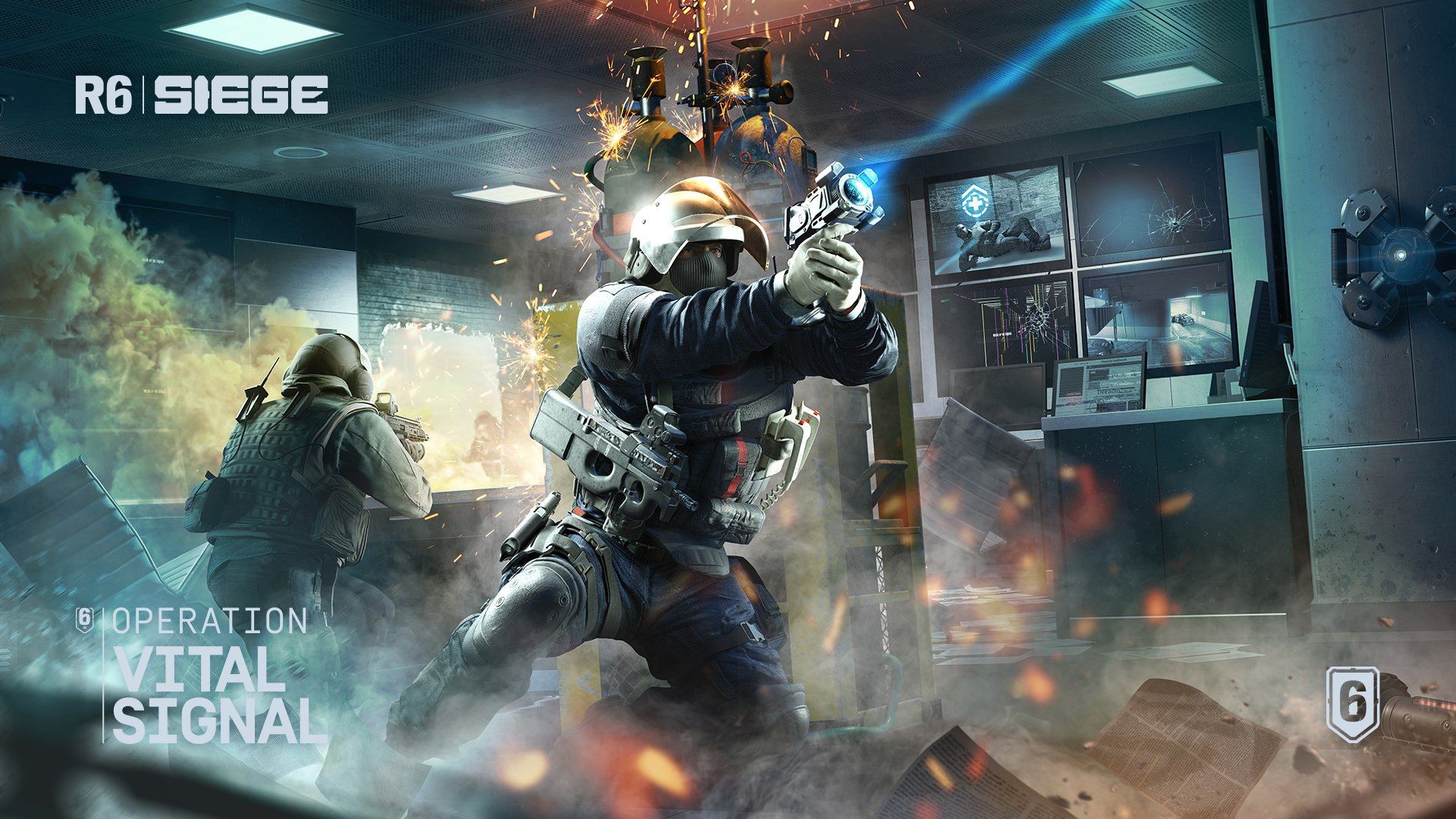
That said, today at the Osaka Major event, Ubisoft announced a full list of changes and additions coming to the game in Year 11, Season 4.
Doc Operator Remaster
Simple point and click activation. (Image credit: Ubisoft)
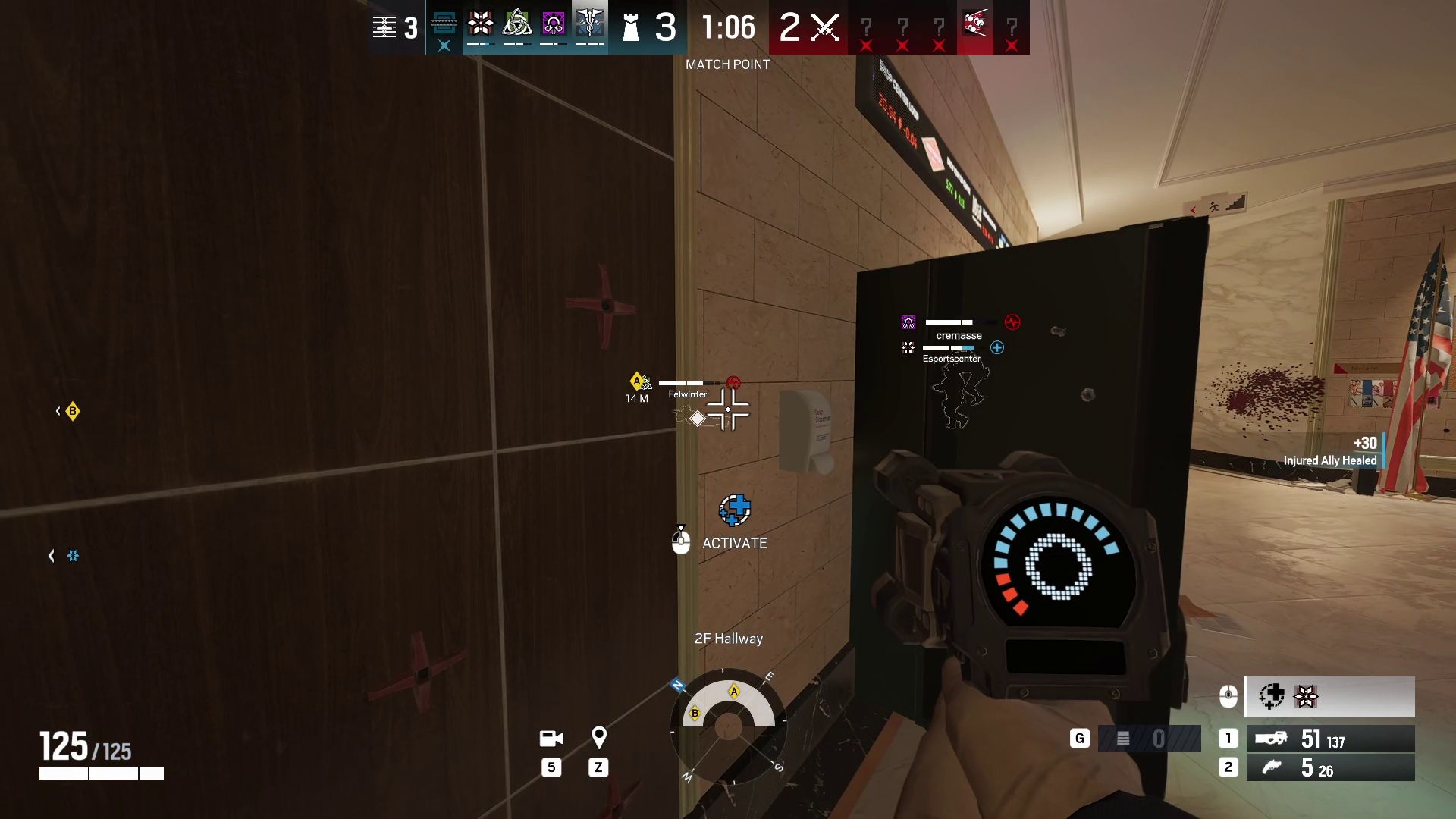
Doc is getting an all-new healing system through the new "E-HEAL" monitor. Acting as a remote device, Doc can now target allies through walls without any distance limit.
To make it a more grounded, realistic look, other operators have a "patch" installed, which acts as a sort of adrenaline shot when triggered remotely by Doc. However, you still can't heal Skopos!
This patch is delayed; once triggered, players have to wait a few seconds for their health to regenerate fully. The same goes for revives when Doc hits teammates. Their health will return to full at a slow, gradual rate.
He also gets a deployable shield to help create a better, more stable anchor position that Doc players can now expect, since he won't need to move around the world to heal fellow teammates. I made a lot of use of this on Bank, where I held the sewer entrance while being able to provide any needed heals to teammates out in Garage, Vault, or even entirely different floors.
New weapon — the MBZ-19
A spray-pattern beast. (Image credit: Ubisoft)
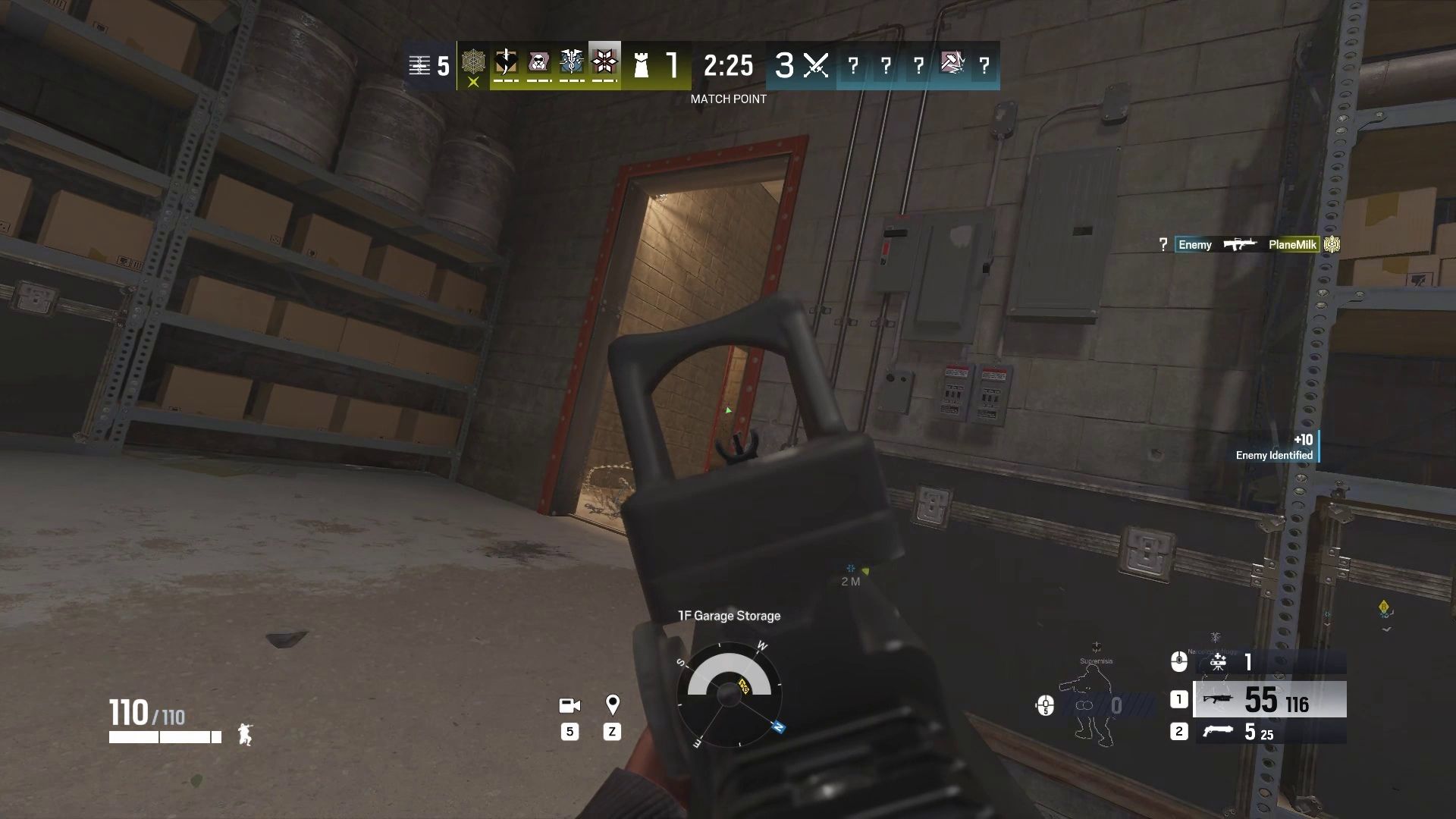
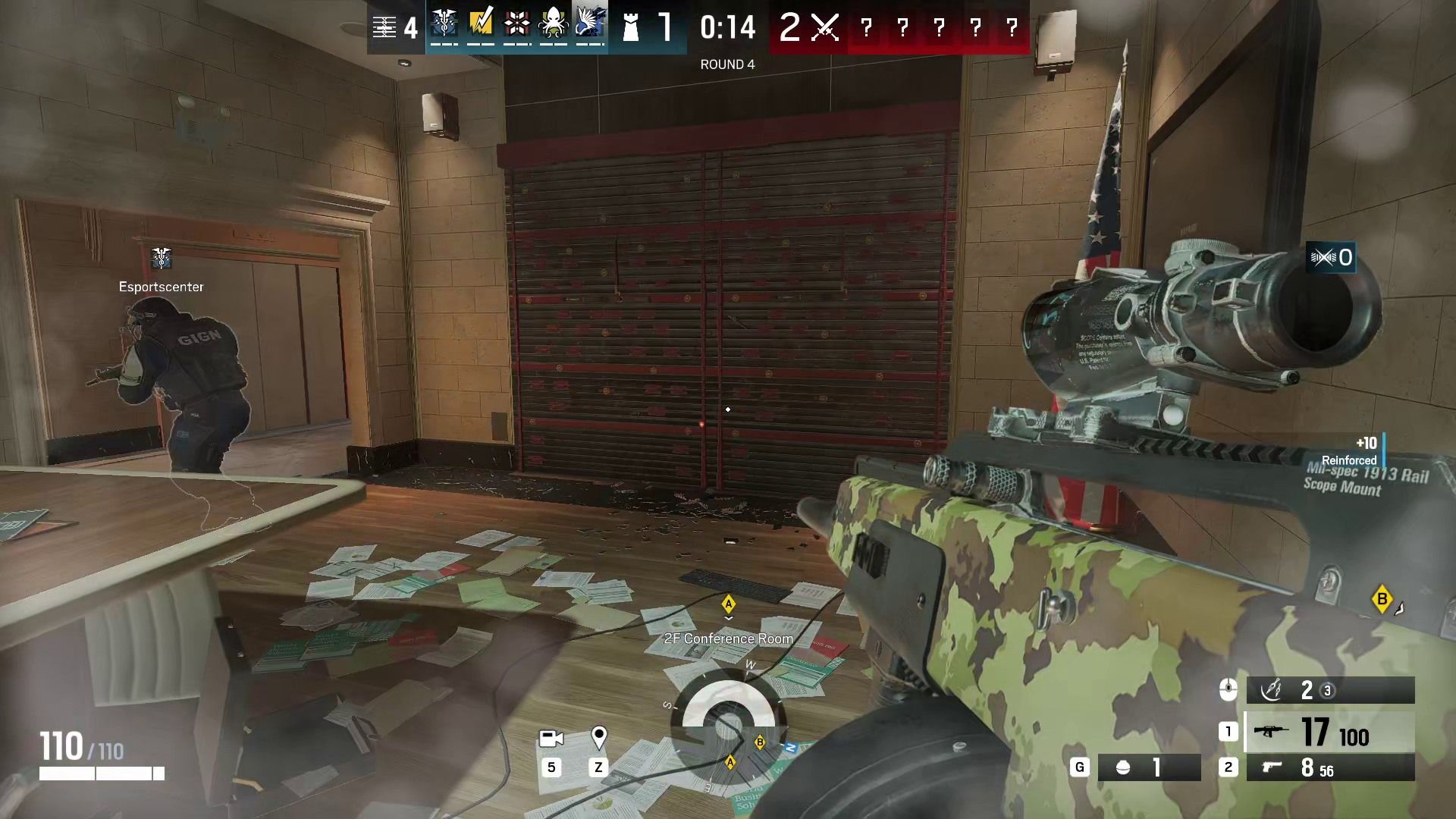
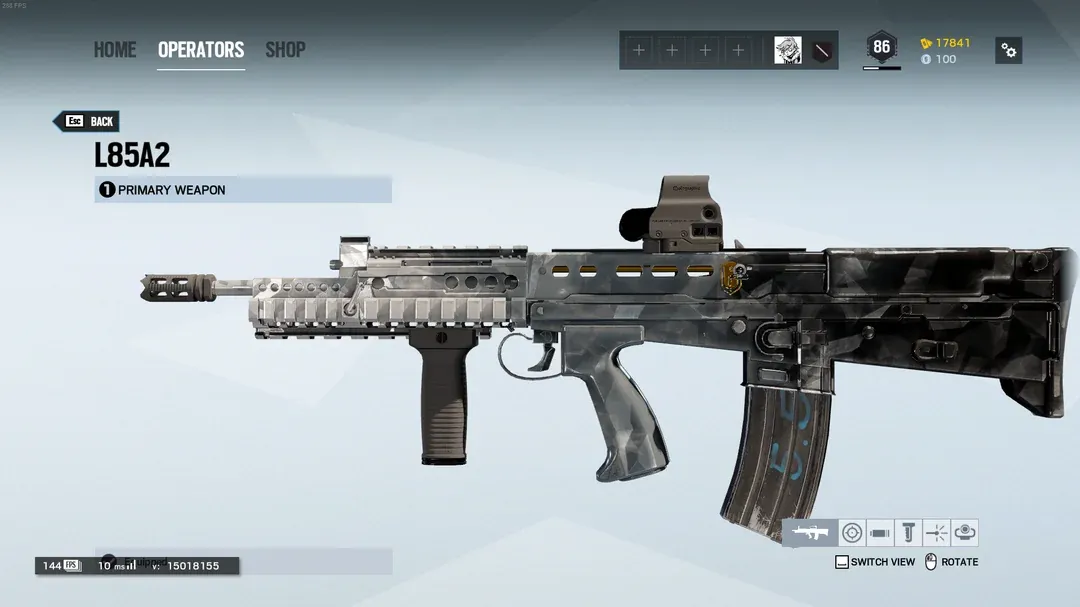
Built on one of my favorite weapon platforms, the Bizon, the MBZ-19 comes in with a wicked 64-round magazine and 33 damage per shot at 750 RPM. At 412.5 DPS, it sits on the lower end of the damage scale, but it makes up for it with a fairly easy-to-control recoil pattern.
For headshot players, the MBZ-19 could be a go-to headshot sweep machine. My personal hands-on feel for it led to some easier SMG kills, but you could definitely feel the time to kill if only body shots were landed. Honestly, if I had to guess, I don't see the MBZ-19 launching in its current condition.
While the DPS is low, the low recoil and massive magazine size remind me largely of a point, click, and hold version of the ACS12 gun they're also nerfing in this exact update. I could be wrong, but some other media and creators thought the gun itself needed to be downscaled somehow. Possibly it's otherworldly magazine size.
The weapon will be coming along with a pretty significant Thunderbird revamp, which you can check below. It will also be available on Jäger and fan-favorite Warden.
Thunderbird gets stun and concussive cleansing abilities
UbisoftUbisoft
While it's not to be labeled as a character rework, Thunderbird is getting enough added to her utility that you could almost call it one.
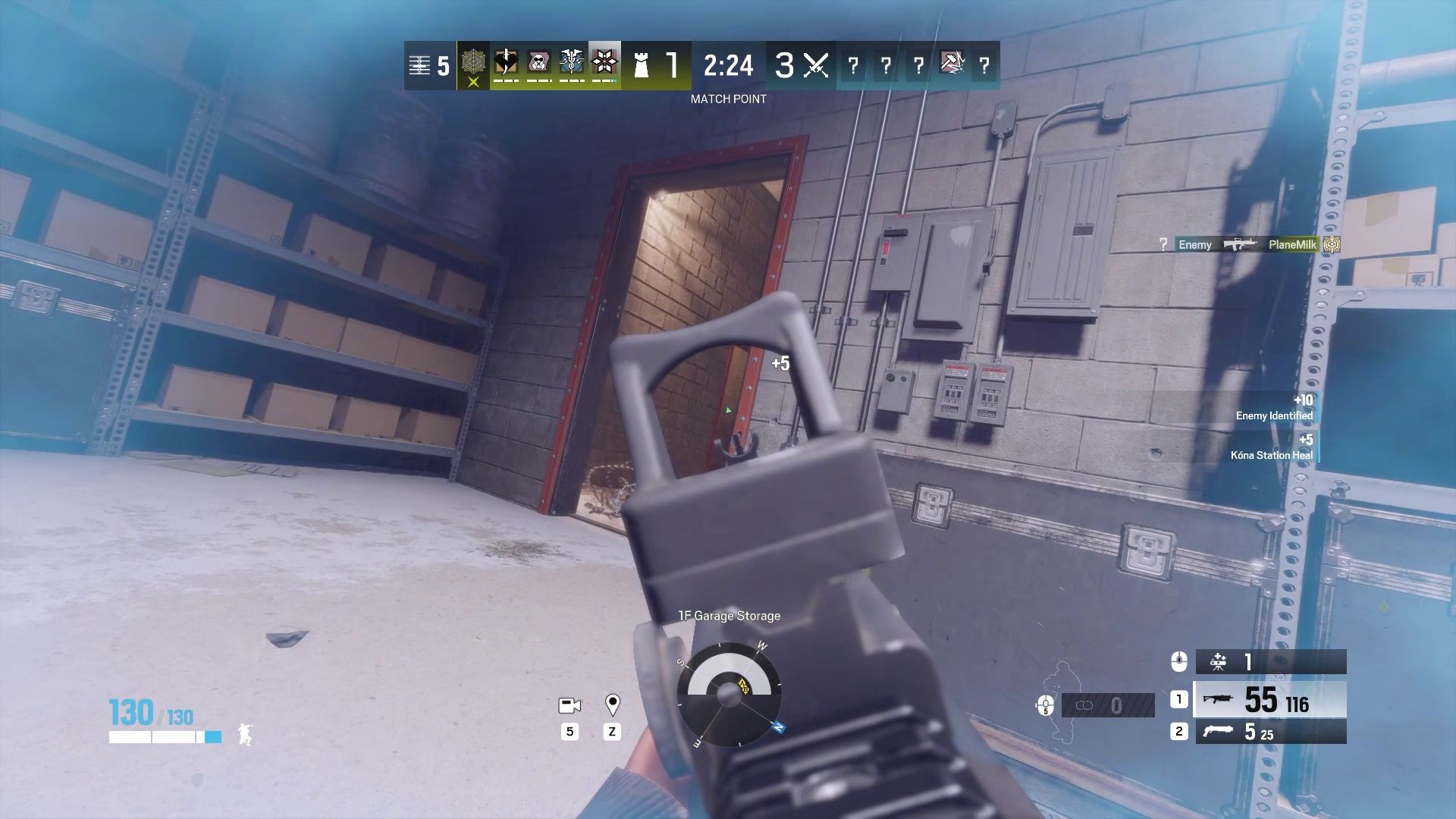
Going into Season 4, her Kona Stations will provide stun and concussion cleansing effects that trigger and remove said effects in less than a quarter of a second.
Additionally, the number of stations will go from 3 to 4, giving multiple anchor positions even more positional value. The station cooldown has also been reduced from 15 to 10 seconds.
Standing on a Kona Station made flashbangs feel pointless, as shown in this set of screenshots from content creator Poxlox at the Ubisoft event above. Entry flash, or stun, was negated before operators even had a chance to use it.
The station will prioritize flash and stun effects before healing. The two stacked on one another will prioritize in a similar fashion, with the closest station triggering first and the second triggering afterward if an additional charge is needed.
Slug shotguns get significant nerfs
No more 2 shots with Azami and the ACS12. (Image credit: Michael Hoglund)
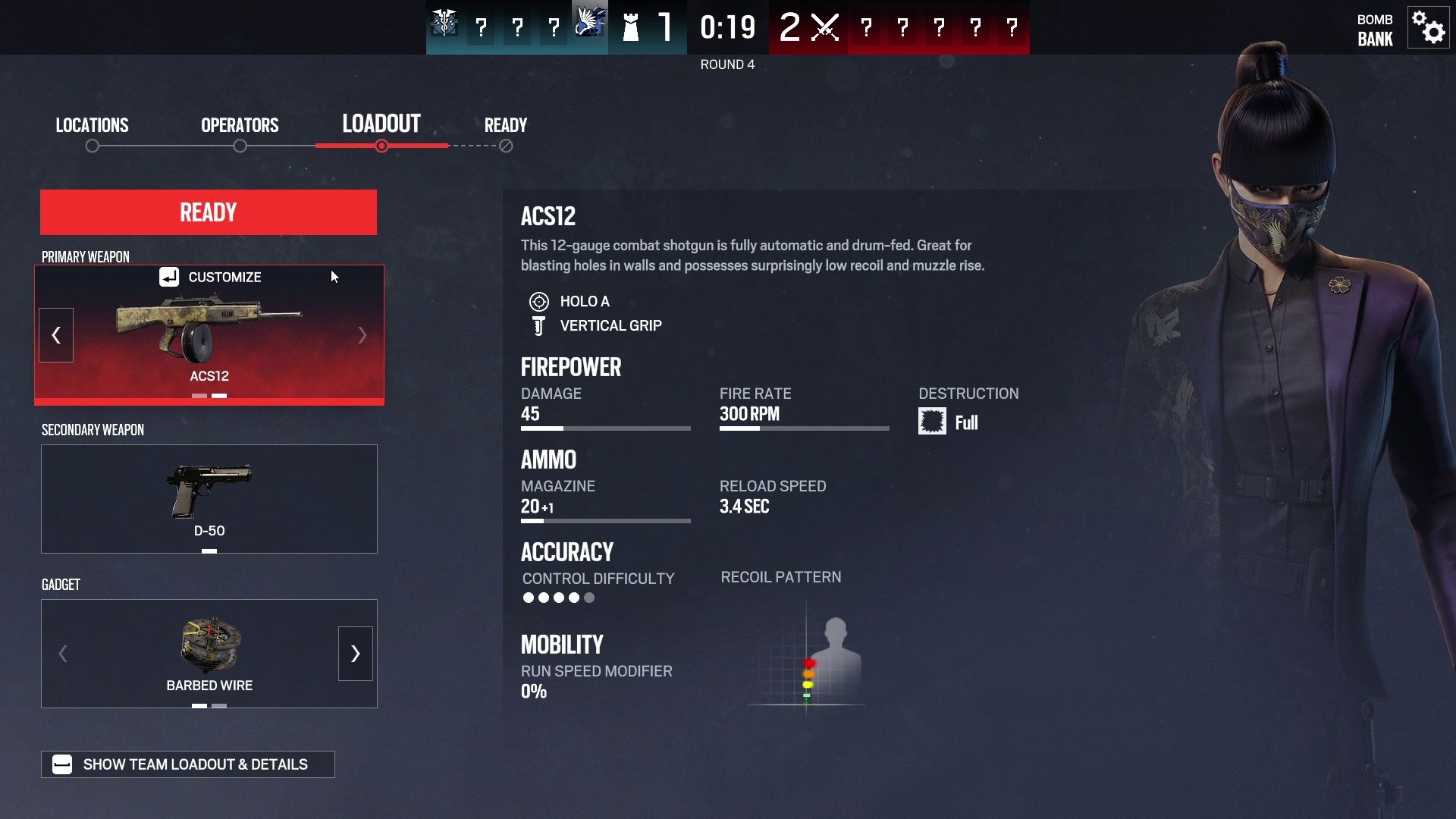
Both slug shotguns, the ACS12 and TCSG12, will have their damage-per-shot values reduced from 69 to 45 and 75 to 50, respectively. This means nearly all interactions for the ACS12 will now need 3 shots to kill, while every 2- and 3-armor operator will need 3 shots from the TCSG12. Headshots, obviously, remain unaffected.
That's not the only nerf coming to the ACS12, as its magazine size will also decrease from 30 to a more respectable 20. The magazine total will go from 4 to 6, meaning the total ammo count will remain the same, at 120.
As an Azami main, I can't help but agree. To start the season, I dropped a four-piece holding the garage on Clubhouse without ever reloading. Even after missed pre-fire shots, I still had over a dozen slugs left. The ACS12 nerf was absolutely needed.
This comes just one season after the defender DMR nerfs, which aim to create a more dynamic weapon setup across defensive setups.
Bank gets additional attack route
UbisoftUbisoft
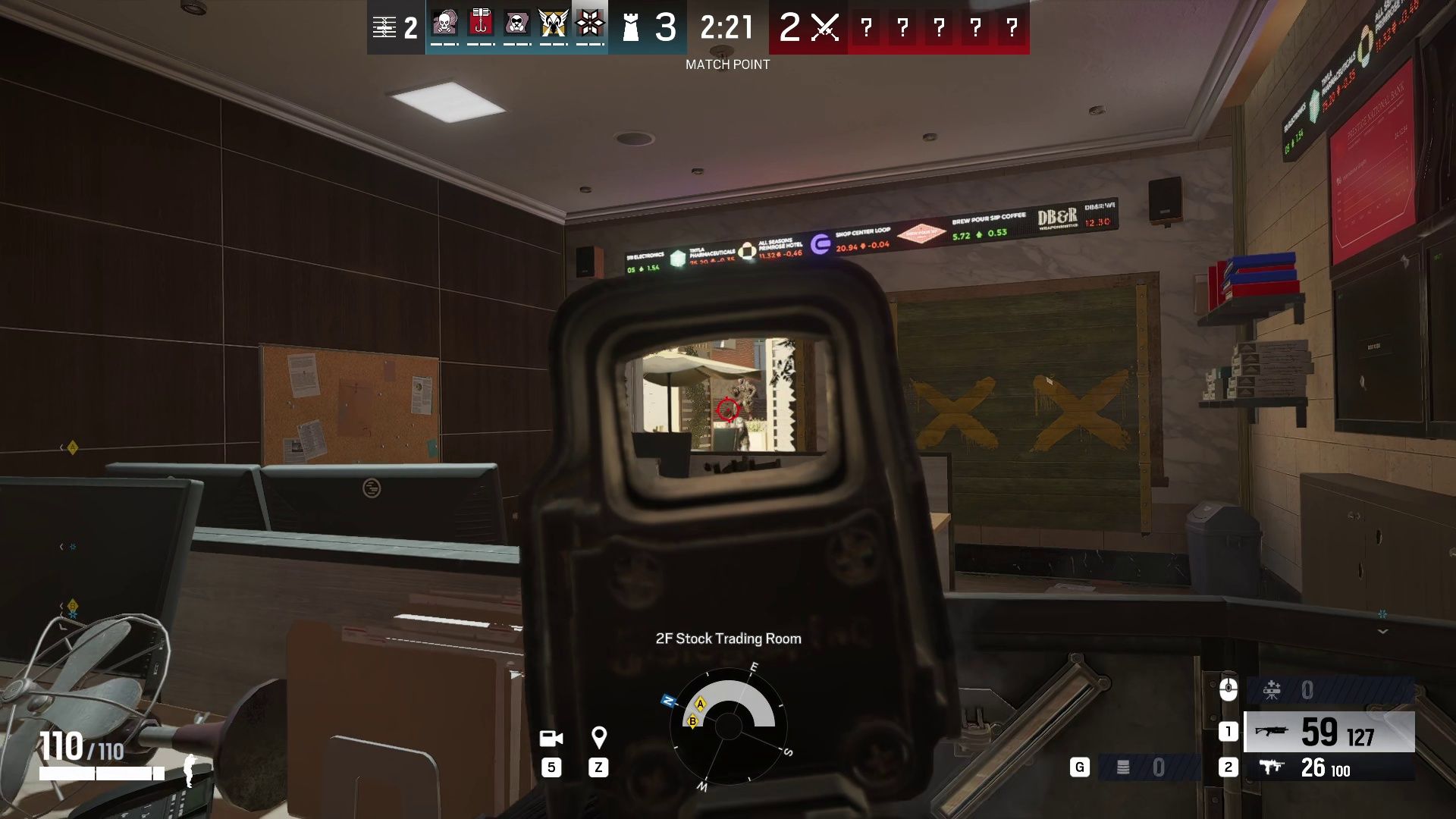
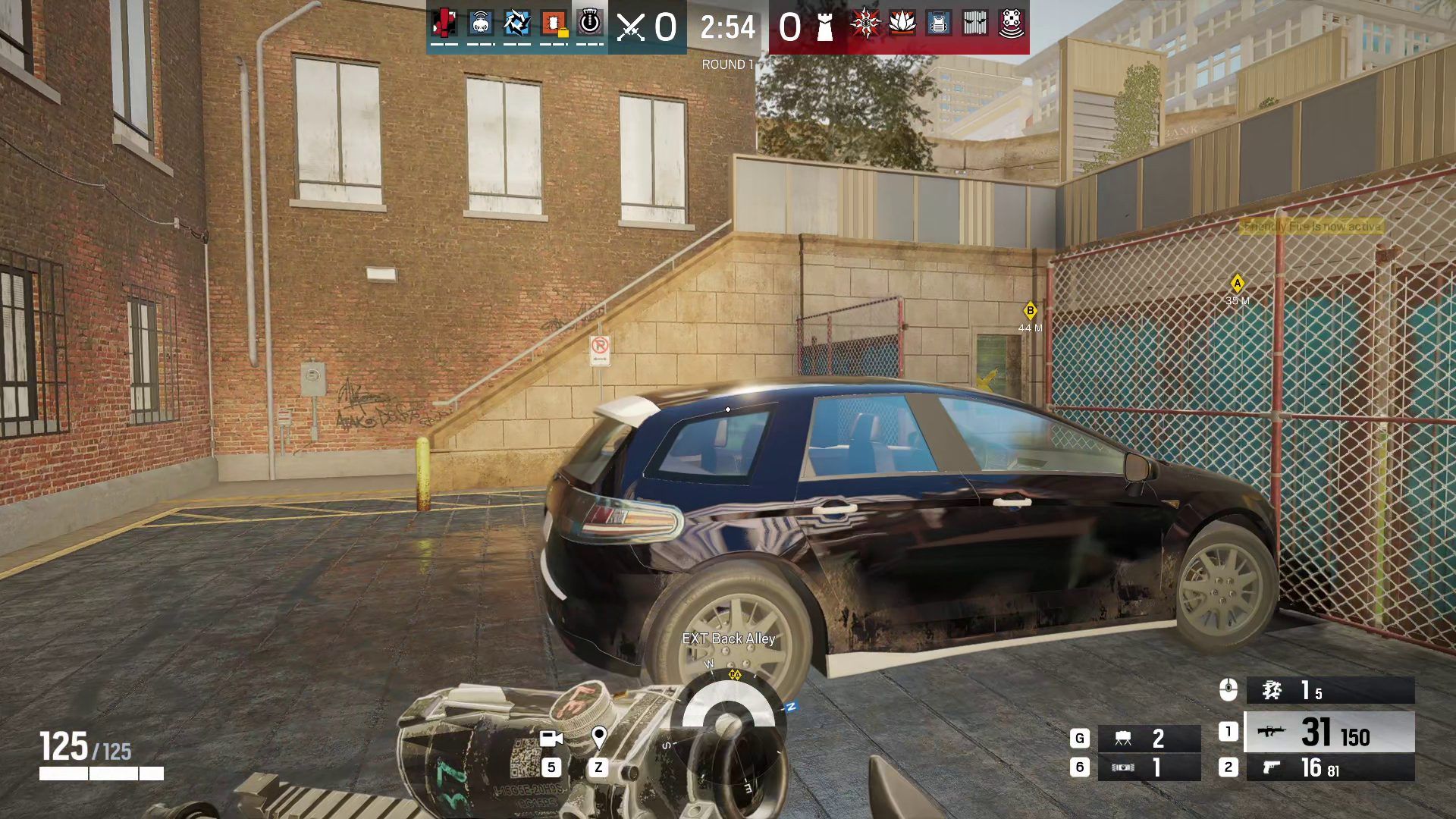
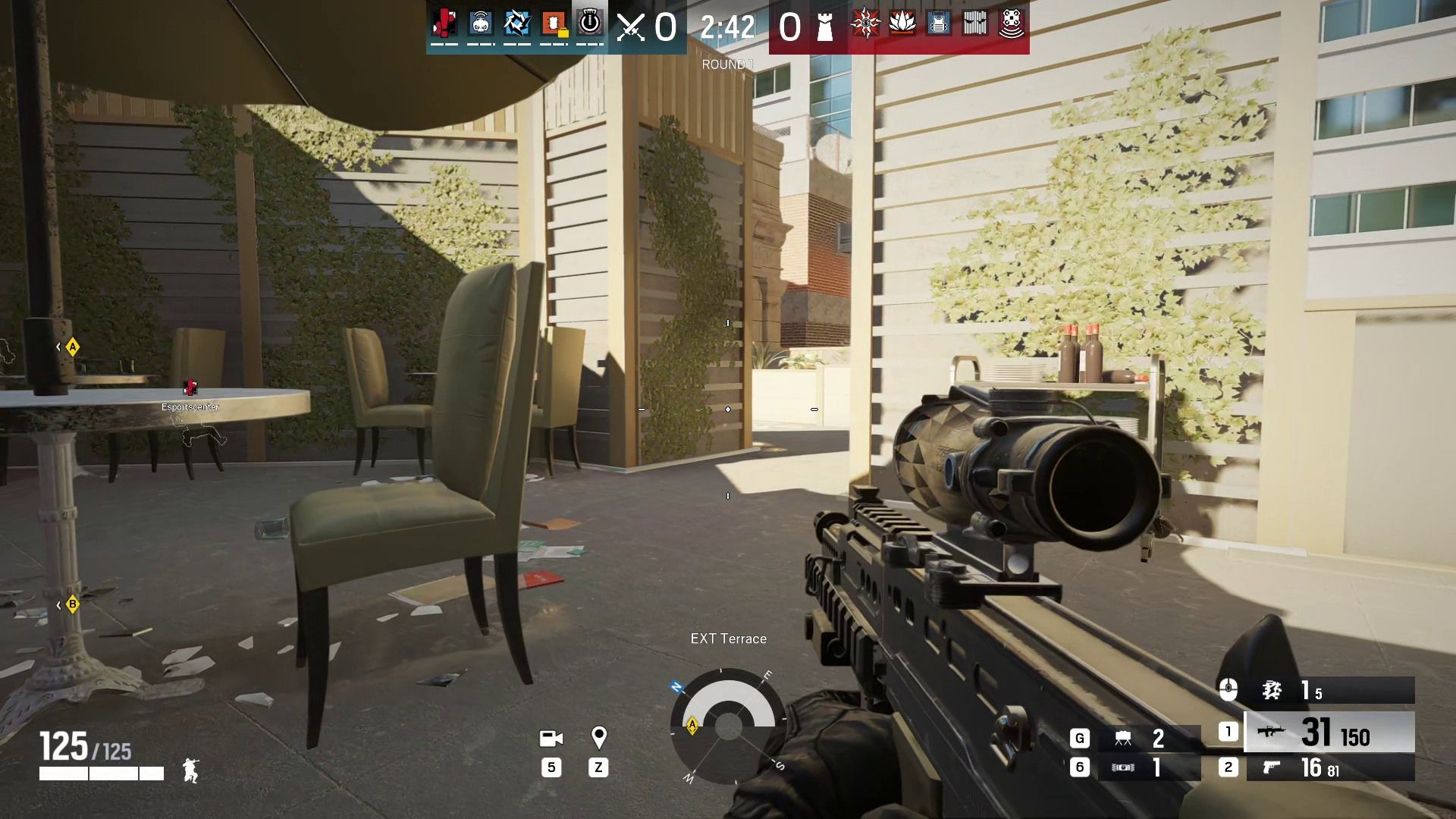
Bank is now receiving an update to its outer terrace with an added stairwell for faster access to the double window and doorway entrance points on the southeastern corner. On top of that, additional cover will be added between the two points so defenders won't need to watch both angles while breaching either one.
During my time with it, every 2F bank site was met with a coordinated assault on the updated entrance. Stocks/Office became an extremely important position to hold, similar to, if not more necessary than, holding Library on Chalete.
Additional visual and gameplay enhancements will also be coming to Yacht, Favela, and Tower. None of which I had a chance to see or test.
Ranked 3.0 Update - Solo/Duo/Flex Queues
I cannot wait to duo and flex queue for the next season. (Image credit: Ubisoft)
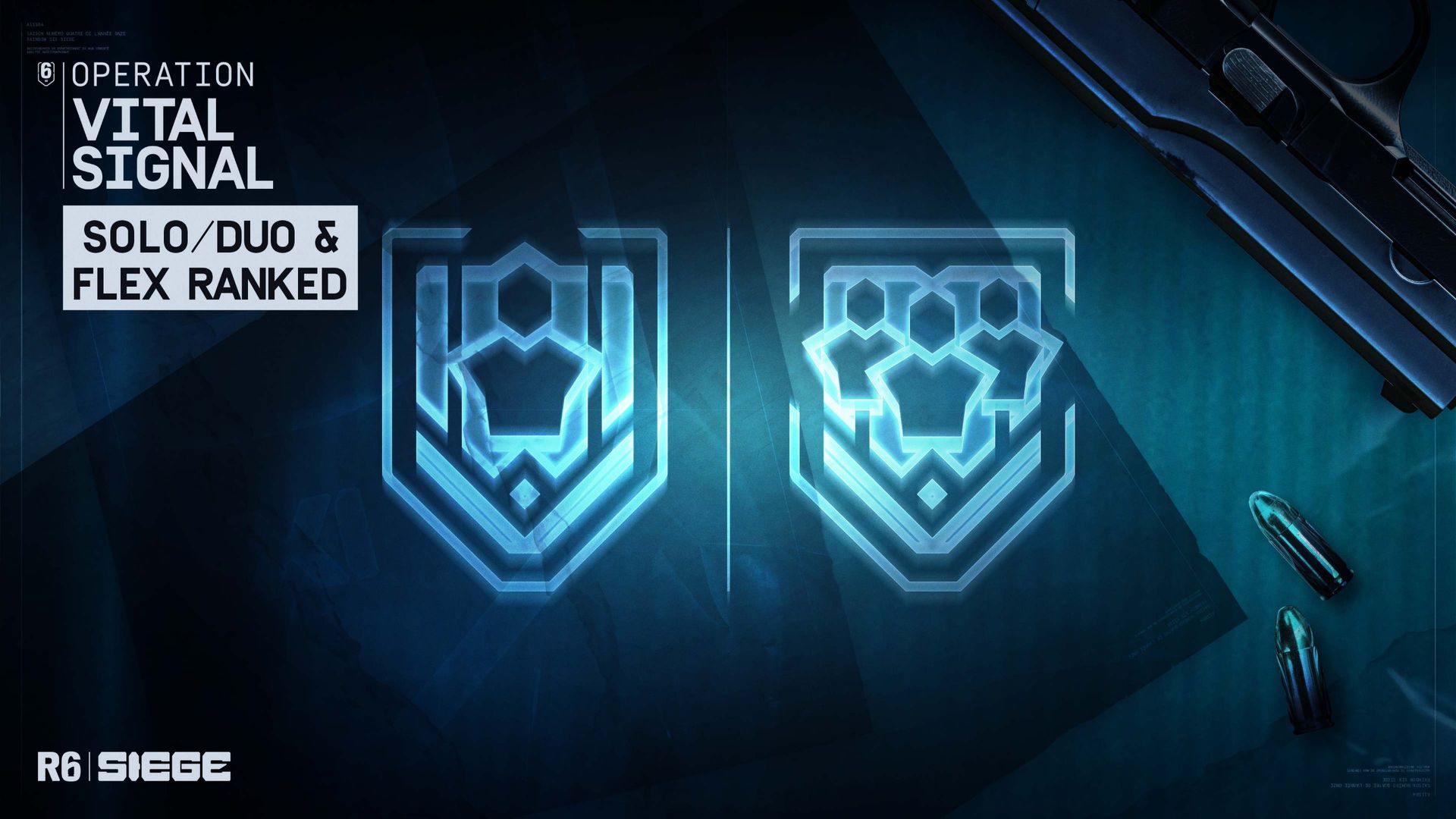
Ranked play is getting separated into its own ranked solo/duo and flex playlists. Solo and duo queues will better reflect individual players and duo setups, while flex queue will give larger squads more rounded, coordinated experiences.
Individual or small-team players will no longer be matched against a full stack; instead, at worst, duo players could be placed in flex queue to help manage matchmaking times, with an added +10 RP bonus if that happens.
Five-man squads will be an additional setup on top of this, which also means 4-man squads will no longer function in ranked, similar to systems found in Valorant and League of Legends.
Social Hub and Testing Grounds
Test things with friends without needing to get on an entirely different server. (Image credit: Michael Hoglund)
Those looking to squad up without having to add people just got their lives made easier with the addition of a new Social Hub overlay. You'll also be able to test out tactical prototypes, like the upcoming half-wall reinforcement, which won't be available in Season 4 but is testable nonetheless in a new temporary Testing Grounds playlist.
The playlist will run from January 19 to February 2. The addition of this playlist is to allow players to test potential new features without having to download or switch to the Test Server.
Seasonal Event and Rewards
While close in nature to Black Ice, the Glacier skin is one of a kind and never seen since. (Image credit: sleepy-427 via Reddit)
Last, but not least, are the goodies coming with Season 4!
For the first time in years since it was first introduced, Grand Larceny is coming back. This mode allowed for complete and utter destruction the likes of the world had never seen in Siege.
Fully destructible rooms, floors, and more, all leading to absolute chaos that definitely feels largely removed from the standard Siege experience but was once one of the highest-rated events in Siege history.
Players will also get their hands on 20 days of Christmas with Winter Daily Rewards. Logging in from December 1 until January 15 can net you one of 20 rewards, which could include Gold Dust or Glacier camo, as well as a new animated weapon skin for the T-5 SMG.
Join us on Reddit at r/WindowsCentral to share your insights and discuss our latest news, reviews, and more.
Rainbow Six Siege has been absolutely hammering skins in the last few years, not only with their own unique creations but also with collaborative additions like Master Chief, Dead by Daylight, Payday, The Boys, and other iconic franchises. Skins that do so well that another big-time name is coming to R6.
Now, one of, if not the original, looks-maxing-defining franchises has entered the arena: DOOM Slayer comes to Rainbow Six Siege this December to start Year 11, Season 4 content for the world's favorite tactical shooter.
Sitting down with the creative director of Rainbow Six Siege X, Joshua Mills, he couldn't believe the news: "We get him? Like, he's going to be in the game? This is fantastic. And I was like, can we get the music? Can we do something with the music? We've got to do something with the music."
Even during the initial presentation the day before my interview with him, he couldn't help but glow about getting the chance to put the DOOM Slayer in Siege: "It's super cool to be able to do this stuff. We've had the opportunity to be able to work with Microsoft in the past, too, when you think of Halo. Chief, I was beyond excited about that as well. I'm not going to lie, it was almost very emotional to be able to actually touch that franchise because of being such a big fan of it for all these years."
While we don't have a massive number of specifics, we do know the operator who will be graced by the Slayer is none other than Tachanka. The flame-wielding demon slayer will get the terrifying skin added to his collection.
The DOOM Slayer collection will be available on December 22, 2026. Available on all platforms: Xbox Series X|S, Xbox One, PlayStation 5, PlayStation 4, and Windows PC.
Join us on Reddit at r/WindowsCentral to share your insights and discuss our latest news, reviews, and more.
Windows 11 includes many different background services, recommendations, apps, and settings that not everyone wants or needs. TBOK Windows Performance Optimizer tries to debloat that experience by applying dozens of system-wide and per-user changes intended to improve responsiveness, privacy, and gaming performance.
TBOK Windows Performance Optimizer is a free project for Windows 10 and Windows 11 that offers a standalone batch script for home users and separate deployment files for administrators using Microsoft Intune. The script's hardware-aware configuration engine detects the computer's hardware and uses that information to select settings for memory management, storage, services, and gaming.
I like the work behind projects like this, but I wouldn't recommend running a debloating script on your primary computer without testing it first.
What is TBOK Windows Performance Optimizer?
TBOK Windows Performance Optimizer is a Windows configuration and cleanup project developed by The Beard of Knowledge. It combines Registry tweaks, service configurations, scheduled task changes, and app debloating to optimize operating system performance.
The project offers two versions:
Standalone batch script: The TBOKwinOptimizer.bat file is for personal computers, technicians, and anyone who wants to keep the utility on a USB flash drive.
Intune deployment files: A separate collection of files is available for IT administrators managing multiple computers.
The script can apply selected preferences across compatible existing user profiles, including currently loaded profiles, offline profiles, and the "Default" profile.
It also provides summaries showing which changes succeeded, were skipped, or failed. This makes the feature particularly useful for shared computers, custom builders, and administrators managing different workstations.
How TBOK Windows Performance Optimizer works
TBOK uses a hardware-aware configuration engine to determine which settings to apply to Windows 11 or Windows 10. The script detects installed memory, storage type, and chassis type. It then uses this information to select configuration targets for services, memory management, Prefetch, virtual memory, hibernation, and gaming power settings.
For example, the Windows Prefetch configuration depends on the specific hardware. The script uses boot-only Prefetch on SSD or low-memory configurations, while higher-memory systems with HDD storage receive boot and app Prefetch settings.
The optimizer also configures SysMain and Memory Manager Agent (MMAgent), adjusts selected service startup behaviors, and determines appropriate page-file settings based on the hardware profile.
The gaming configuration covers Hardware-Accelerated GPU Scheduling (HAGS) when supported, Multimedia Class Scheduler settings, processor boost modes, and selected desktop power-throttling settings. It can also manage the Ultimate Performance power plan on desktop computers.
Administrators can also run the script remotely or without user interaction using options such as /REMOTE and /REMOTELIST. Other capabilities include combining multiple operations into one run, retrieving logs remotely, managing restart behavior, and removing temporary deployment files.
The script's diagnostics include startup audits, memory snapshots, resolved hardware policies, and consolidated service and scheduled-task summaries.
What else does the optimizer change?
In addition to hardware-aware configuration, the script includes tweaks intended to remove unwanted system features, reduce recommendations, and customize the user interface.
As part of the services and system settings, the script adjusts selected service startup behaviors, virtual memory settings, network configuration, Fast Startup, and Registry preferences. It also turns off selected telemetry settings, changes Microsoft Edge background startup behavior, and enables long file paths.
In the debloating department, it targets the standard Copilot app (not the Microsoft 365 Copilot experience), Bing Search, Widgets in the Taskbar, and WebExperienceHost. It also turns off selected scheduled tasks and tries to prevent certain components from being automatically reinstalled or re-enabled.
The script also covers user preferences and privacy. It can restore the classic right-click context menu, set This PC as the default File Explorer view, enable the End Task option for the Taskbar, turn off selected Start menu recommendations, and reduce ads and suggestions. It also preserves existing File Explorer folder views by default.
Finally, for Office and maintenance, the script disables selected Microsoft Office logging, telemetry, and feedback tasks. It also includes the Windows Package Manager (winget) for automatic software updating and the developer's BeardSweeper disk-cleanup script.
The BeardSweeper script is an interactive cleanup tool that can close apps before clearing caches. Unattended runs, on the other hand, preserve running apps and system rollback files.
It's important to note that not every tweak is a performance improvement. For example, disabling advertisements, restoring the classic context menu, and changing File Explorer preferences are primarily customization options.
You can find more details on what the tool does on its GitHub page.
What I noticed when testing the optimizer
(Image credit: Future)
If you plan to use the script, a few things are worth knowing before you run it.
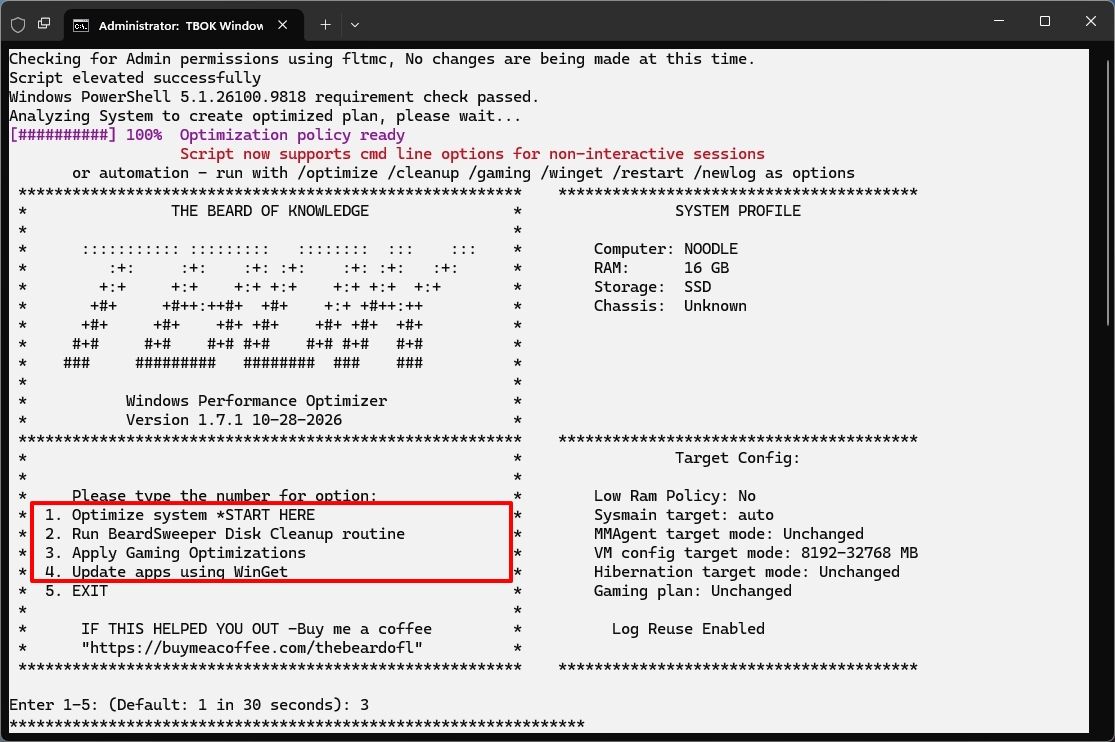
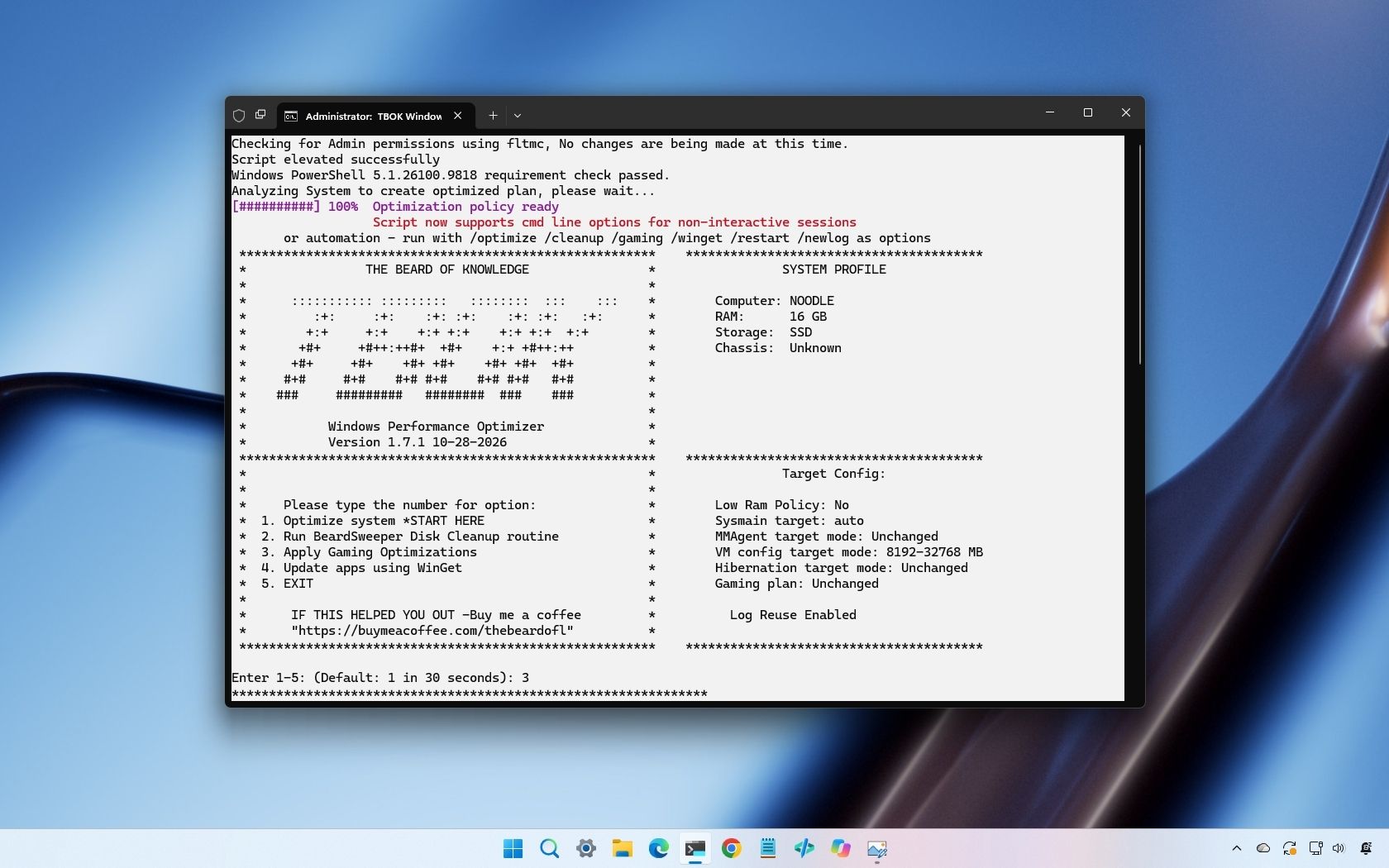
First, during my testing, I noticed that the utility starts its default optimization automatically after a 30-second countdown if you don't make another selection. As a result, make sure you actually want to apply the default configuration before proceeding.
Second, pay attention to the execution log. The log is saved in the same folder as the batch script.
The log contains information about successful changes, skipped modifications, and failures. For example, during my testing, the page-file optimization failed and was skipped.
In addition, if you run the script after the November 2026 Security Update, the tweak to restore the classic context menu won't work. However, this isn't something wrong with the script. It's a change in the operating system, as this update marks the rollout of the new context menu experience.
This is a good example of why you shouldn't assume every optimization was applied successfully just because the script finished running.
Why I'd be careful with Windows 11 debloating scripts
I have seen and tested many different debloating tools, and I appreciate the work developers put into creating optimization utilities. They can simplify configuration tasks and make it easier to remove unwanted features. However, turning off more features doesn't automatically speed up your computer.
Windows 11 relies on services, scheduled tasks, and background processes to keep features working as intended. Some support features might not be immediately obvious, while others are required by apps, hardware, or management tools.
Changing these settings increases the chance of unexpected behavior and problems. Removing a package could affect a Windows 11 feature you want to use later, while turning off a service could interfere with an app or connected device.
The same applies to gaming optimizations. A setting that helps one computer might have little effect or even introduce problems on another. A case in point is the new Xbox mode, which is a feature that cuts back on non-essential background processes and services to free up system resources and extend battery life. However, the system recommends turning off the feature to restore the background processes and services for regular computing tasks.
The script includes recovery safeguards. It attempts to use System Restore where available and falls back to machine-wide and per-user Registry backups if restore-point creation fails.
However, Registry backups aren't complete system backups, and a restore point doesn't guarantee it'll always work as intended.
My recommendation is to test the tool on a spare computer or virtual machine before running on your main setup. Also, review the script, understand how it works, and confirm your apps, hardware, and regular workflows continue to work as expected.
Finally, but perhaps more importantly, create a full backup before making system-level changes.
How to download and use TBOK Windows Performance Optimizer
If you want to experiment with the utility, you can download it from the official TBOK Windows Performance Optimizer GitHub page.
For this guide, I'll focus on the standalone version intended for personal use:
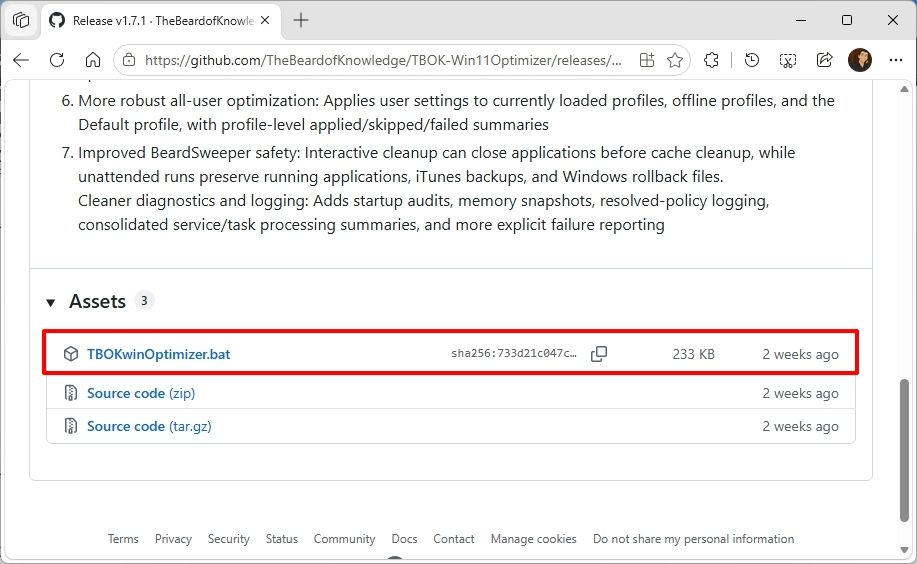
Click the TBOKwinOptimizer.bat link under the "Assets" section.
Save the file to your computer.
(Image credit: Mauro Huculak)
Save the file to your computer.
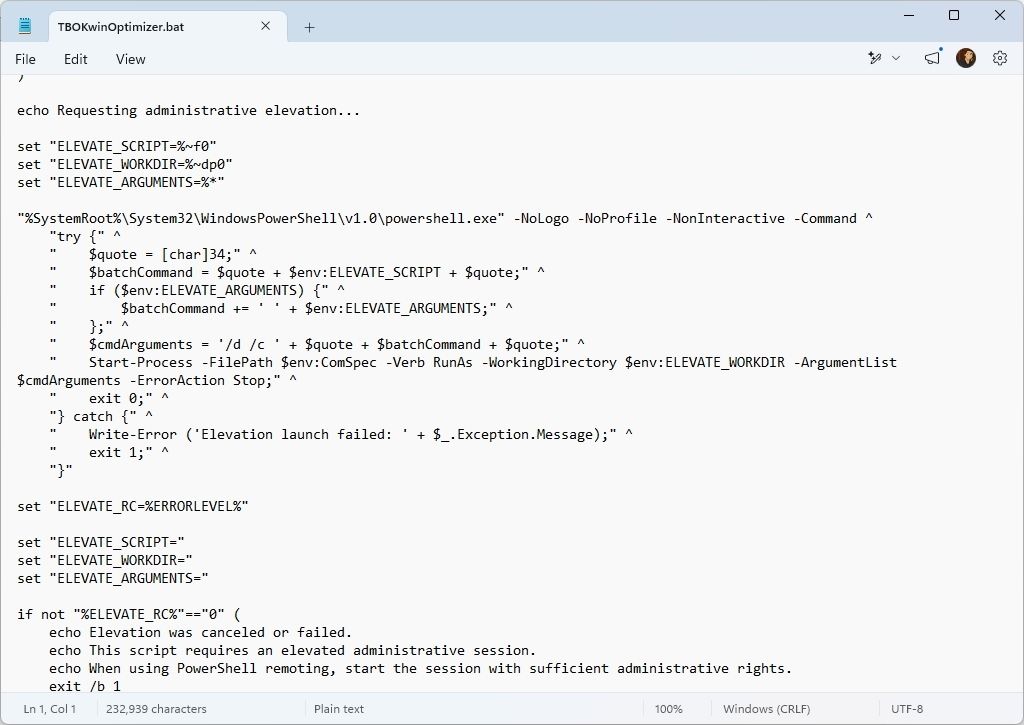
Open and review the batch file before running it using a text editor (such as Notepad), paying close attention to Registry changes, service changes, and apps to be removed.
(Image credit: Mauro Huculak)
Right-click the batch file and select the Run as administrator option.
Confirm the option you want to run to optimize your computer, and watch the startup countdown.
(Image credit: Mauro Huculak)
Review the execution log after the script finishes and investigate any skipped or failed operations.
Restart the computer (if applicable).
Usually, I recommend trying the first option, then moving on to the second option to free up storage space. Use the third option (after running the first and second options) only if you want to optimize your device for gaming.
You can also use the fourth option to allow the script to update your apps using the Windows Package Manager (winget). However, this Windows tool can't update every app installed on your computer.
Should you use TBOK Windows Performance Optimizer?
TBOK Windows Performance Optimizer is an interesting project, particularly because it applies selected settings across multiple user profiles and adjusts configurations based on hardware.
I also like its diagnostic capabilities, safeguards, and remote deployment options. However, the number of changes is also a bit of a concern. The optimizer changes services, Registry settings, scheduled tasks, installed apps, privacy preferences, and gaming configurations. Some changes are useful, but others are personal preferences or adjustments that might not suit everyone.
My recommendation is to treat this tool as a way to customize the operating system rather than expecting it to make your computer faster. Before using it on your main device, try it on a spare computer, review the changes, check the logs, and create a full backup so you can recover if something goes wrong.
Personally, I prefer making individual changes that I understand rather than applying dozens of tweaks at once. However, many users may appreciate the convenience and level of customization this script offers.
What are your thoughts on this script for Windows 11 devices? Let me know in the comments.
More resources
Explore more in-depth how-to guides, troubleshooting advice, and essential tips to get the most out of Windows 11 and 10. Start browsing here:
Managing hardware security in a corporate or shared environment has always presented a frustrating administrative hurdle when dealing with standard, non-administrator user accounts. Previously, if an employee lacked local admin privileges, configuring a TPM+PIN BitLocker preboot protector required IT intervention, often leaving corporate laptops vulnerable or compliance scripts failing. Microsoft is finally bridging that gap. […]
Setting up a Windows 11 PIN has long felt like an exercise in guesswork, especially when you are just trying to unlock your own personal laptop at home. At the same time, IT administrators have often been forced into an all-or-nothing choice when a company laptop goes missing: leave it vulnerable or wipe the entire […]
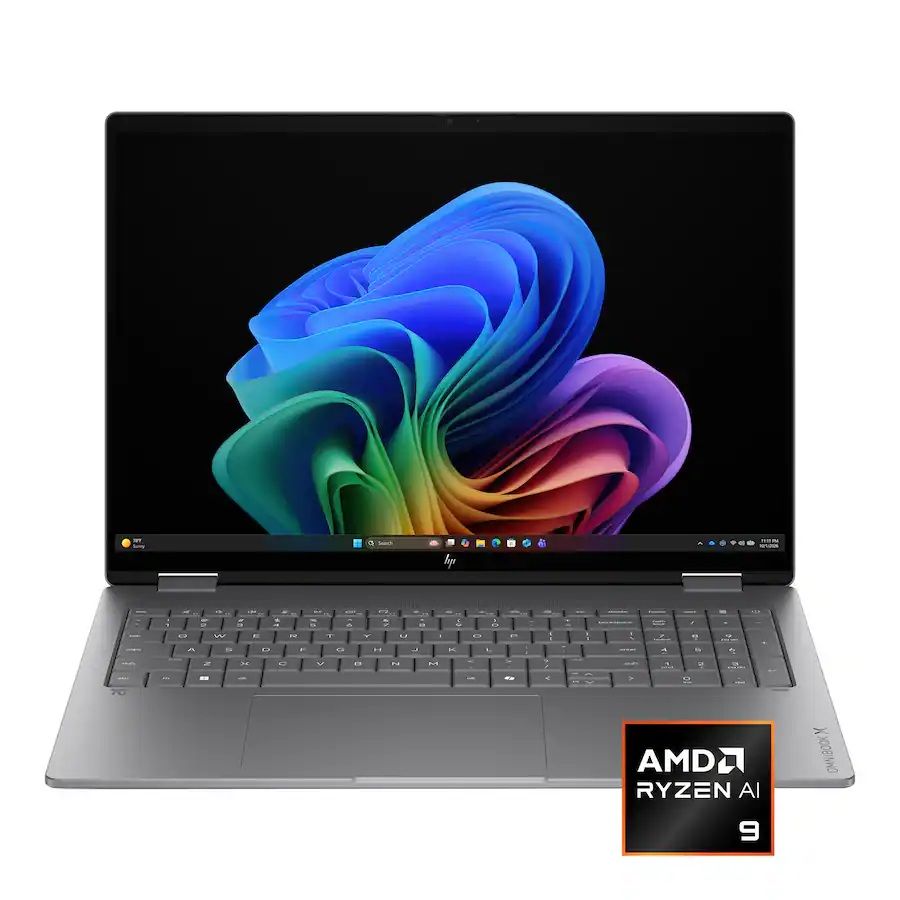
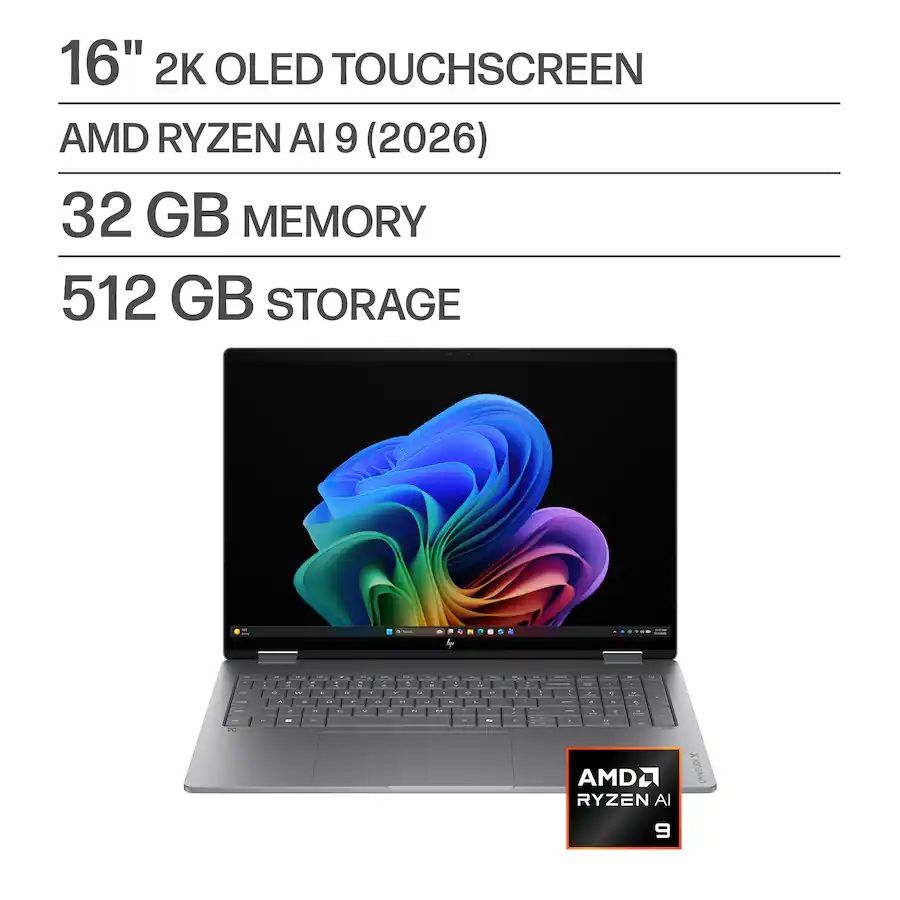
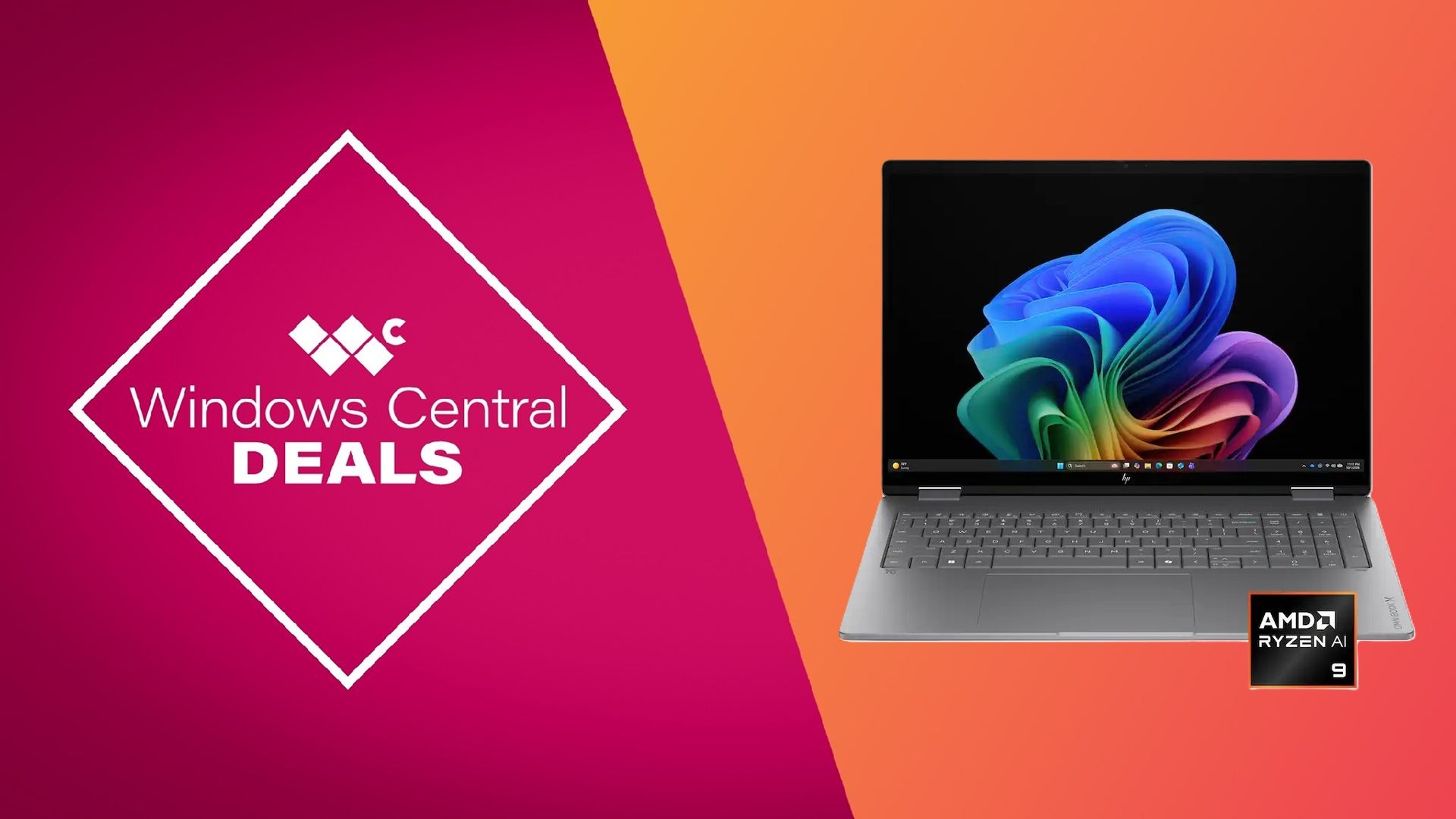
Best Buy's "Deal of the Day" every once in a while has a discount so insane that it's worth taking advantage of ahead of Black Friday, and one such deal has arrived for the HP OmniBook X Flip 2-in-1 laptop configured with an AMD Ryzen AI 9 465 (2026), 32GB RAM, and a 2K OLED display.
Over 60 customers at Best Buy have given this laptop perfect review scores despite its steep $1,849.99 MSRP, thanks to its insanely smooth multitasking performance, crisp display, and fast memory, and it can now be yours with a 46% discount for $999.99 at Best Buy.
This laptop is equipped with a cutting-edge AMD Ryzen AI 9 465 (2026) coupled with 32GB RAM for extremely fast performance, a gorgeous 2K OLED display, and a durable 2-in-1 design.View Deal
Why buy this laptop?
Hp OmniBook X Flip specs (Image credit: HP)
For starters, this configuration of the HP OmniBook X Flip 2-in-1 laptop is armed with the latest AMD Ryzen AI 9 465 processor and 32GB of LPDDR5X RAM. This allows it to make short work of heavy computing workloads like editing 4K videos, opening multiple browser tabs, streaming media, and more without much slowdown.
The HP OmniBook X Flip 2-in-1 laptop also qualifies as a Copilot+ PC as it comes with an NPU rated for 50 TOPS. This allows it to breeze through local AI assignments and manage internal resources more efficiently.
Other notable features include a 2K, 60Hz OLED touchscreen that displays images and videos with vivid contrast and deep blacks, a strong battery life up to 15 hours, and a sturdy 2-in-1 hinge that seamlessly transforms the laptop from a note-taking pad to a tent-shaped PowerPoint presenter.
If you can overlook its limited 512GB SSD storage and noisy fans while working under extreme pressure, then we highly recommend the HP OmniBook X Flip 2-in-1 laptop, configured with AMD Ryzen AI 9 465, for any serious typist looking to get work done asap, especially now that its obscene MSRP is at a more reasonable price.
Should I wait for Black Friday for a better deal?
Even if you're hesitant to buy before Black Friday, Best Buy's 'Price Match Guarantee' may allow eligible customers to request a refund of the difference if Best Buy lowers its own price during the applicable return window: "If our price goes lower during the holiday season, we’ll match it."
Additionally, there's no telling if this "Deal of the Day" discount will stay up after today (they do sometimes, but only very rarely). So if you're desperate for a premium-grade workhorse laptop and can't wait until Black Friday, then I'd recommend taking this 42% deal on the HP OmniBook X Flip 2-in-1 laptop.
Can it's RAM and SSD be swapped out?
The 32GB RAM is permanently soldered onto the motherboard, so it can't be removed from the laptop. The laptop's 512GB SSD can be removed and swapped for a greater 1TB/2TB SSD later if you need more storage.
Is it compatible with stylus pens?
Yes, it is, specifically MPP 2.0 stylus pens. However, you will need to buy them separately, as this laptop being spotlighted doesn't come with one.
Join us on Reddit at r/WindowsCentral to share your insights and discuss our latest news, reviews, and more.

 Connexion