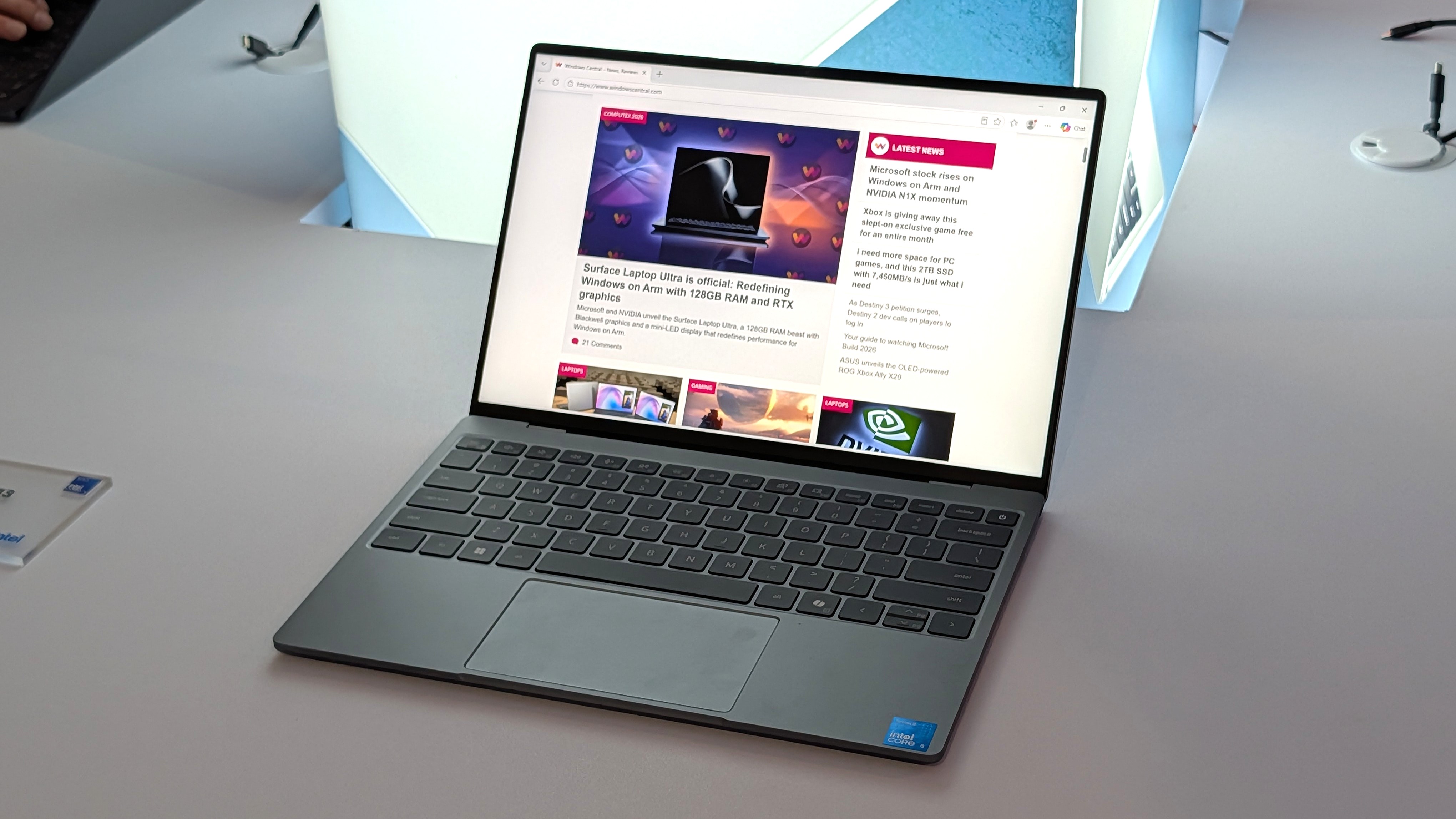
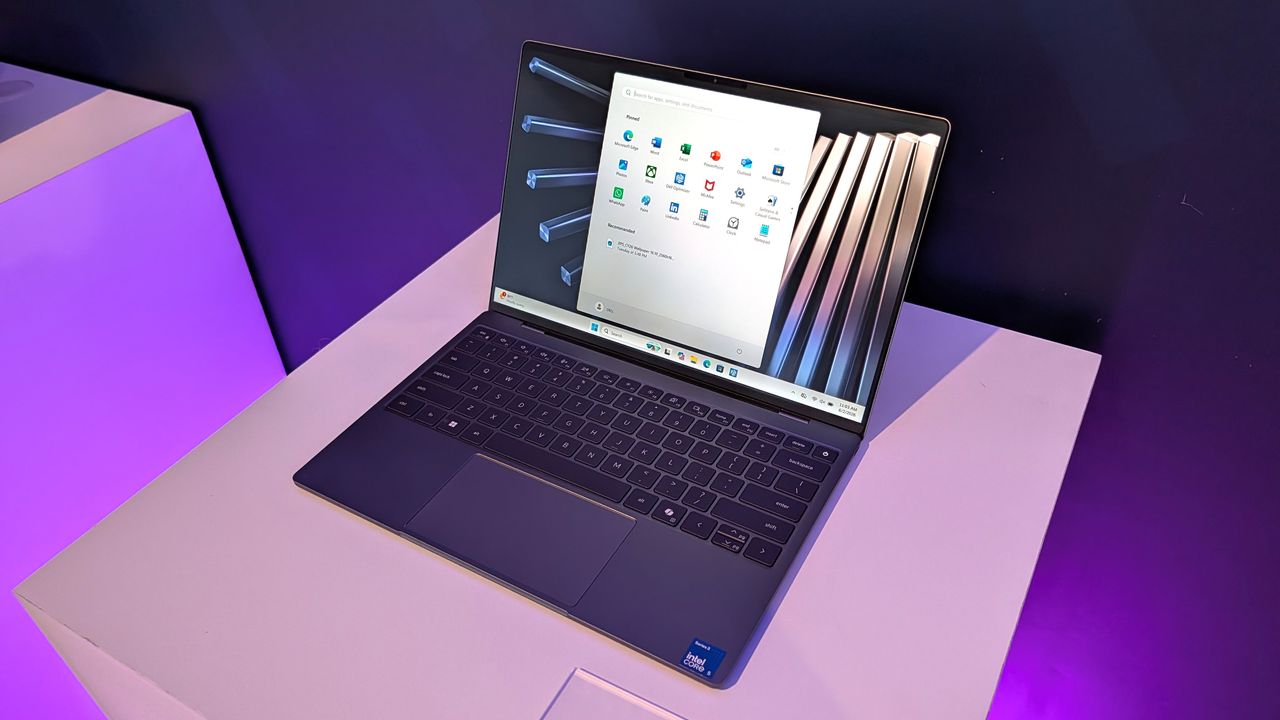
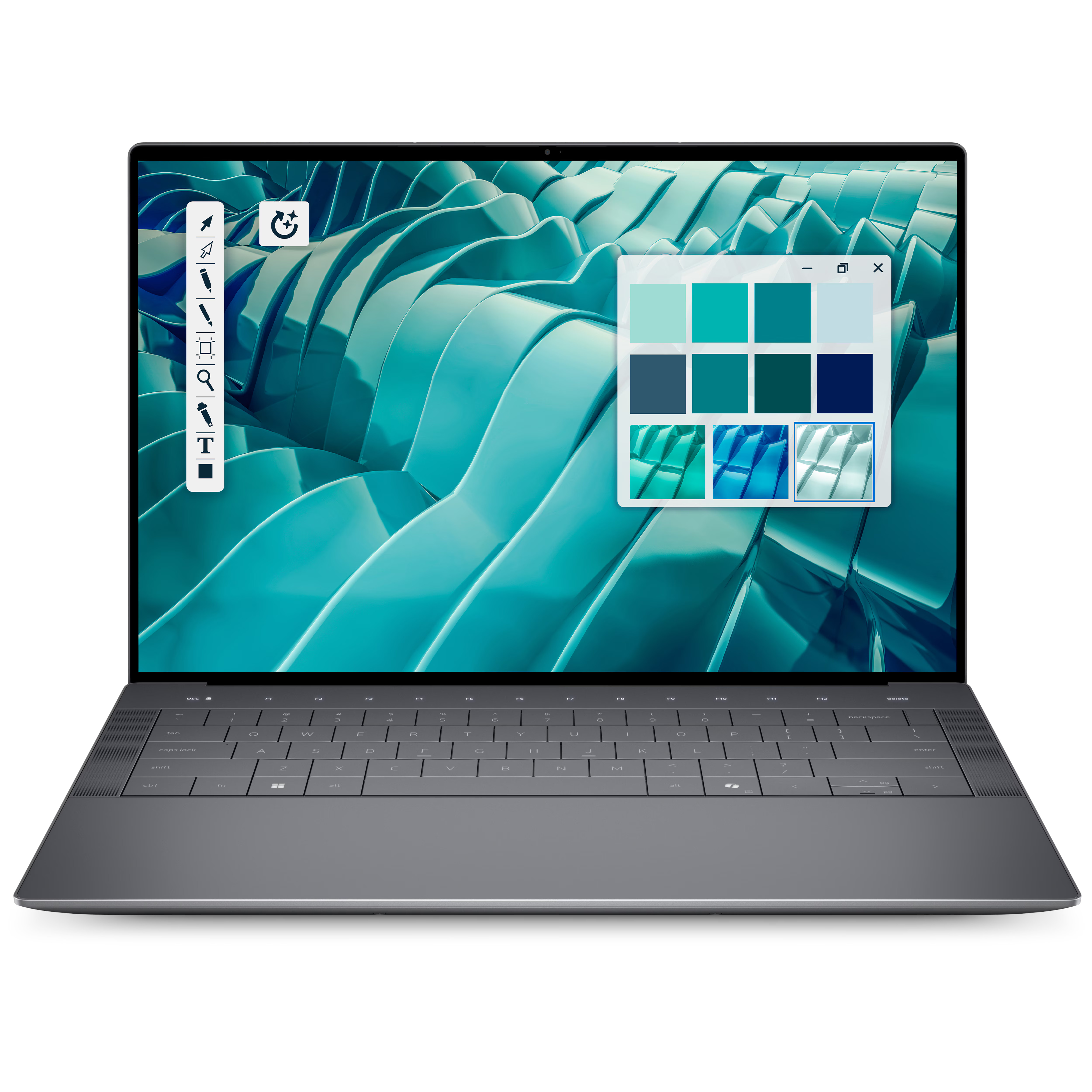
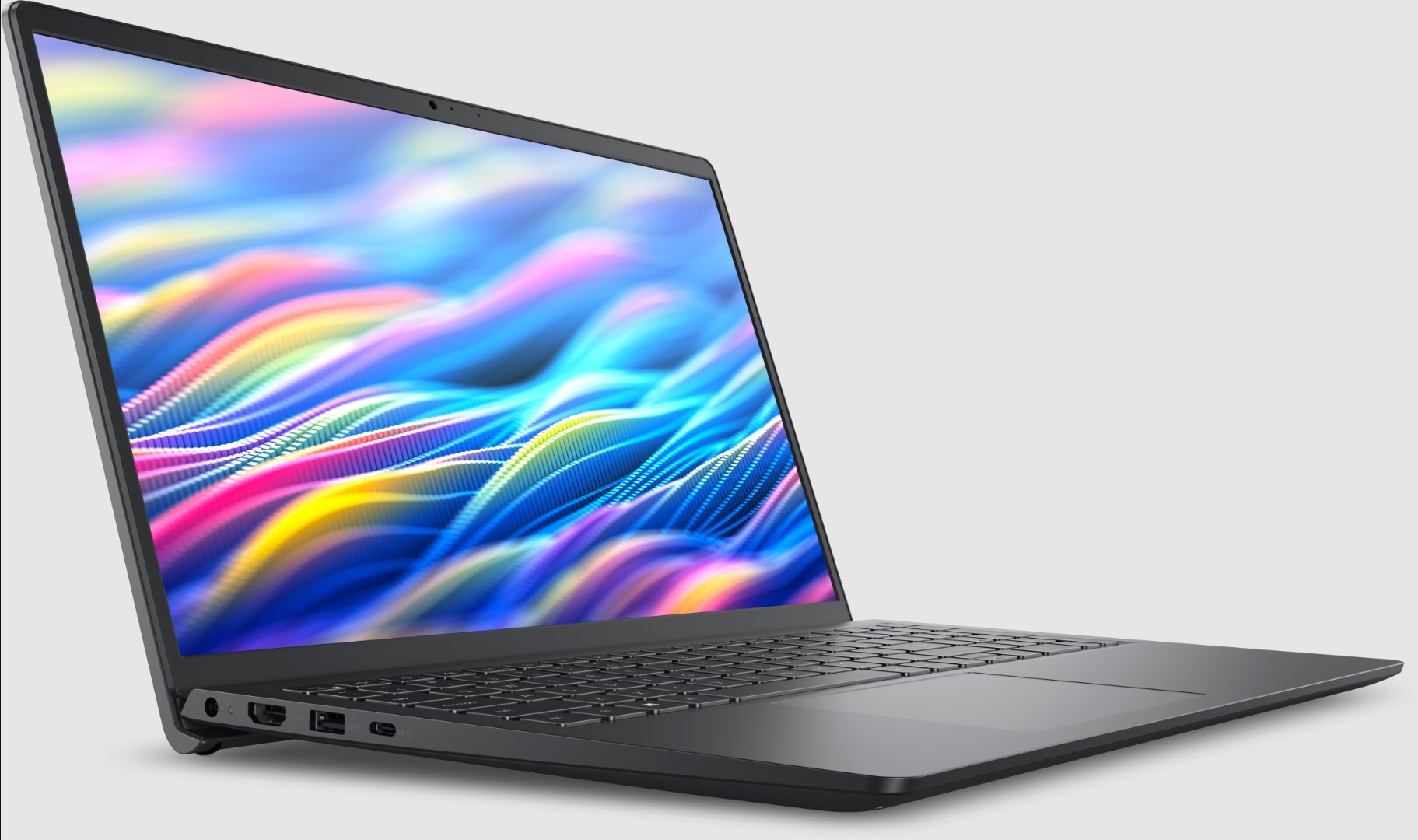
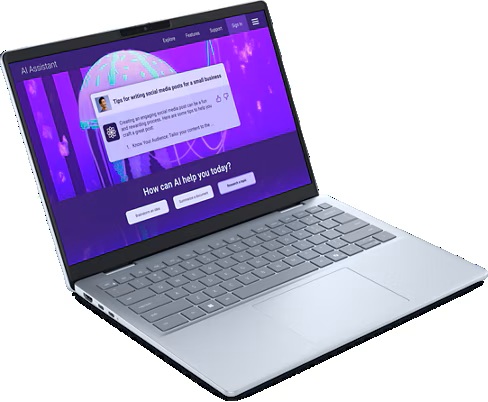
Dell just announced a new laptop to take on Apple's MacBook Neo. The Dell 14S is a colorful laptop designed for college students and young adults, which helps the PC compete with the MacBook Neo's colorful range.
The Dell 14S should be a budget-friendly PC, though Dell has not released pricing for the laptop yet. The laptop has an aluminum body and a nice selection of ports, including two USB 3.2 Type-C ports, an HDMI port, and a 3.5mm headphone jack.
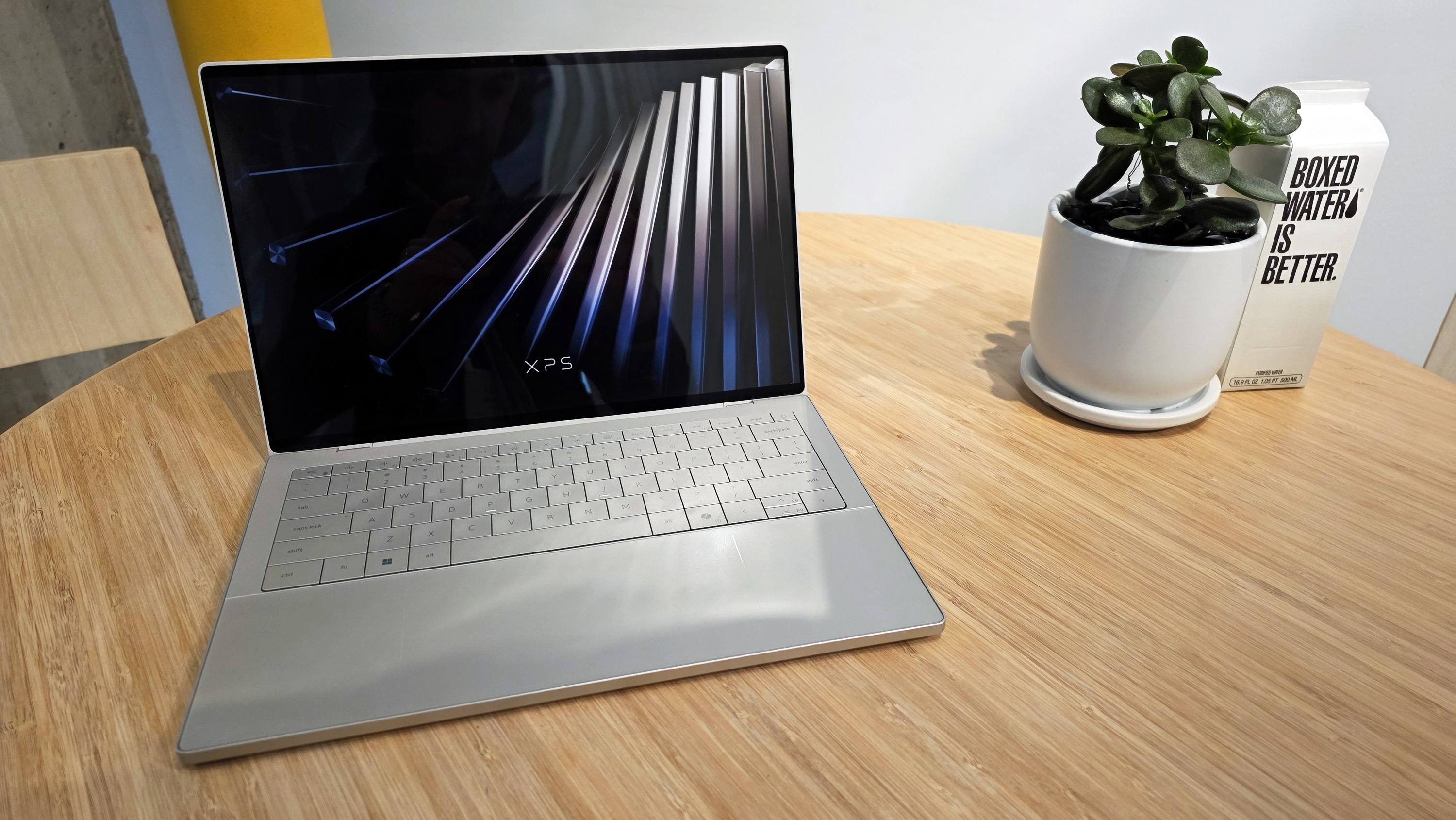
The Dell 14S and the Dell XPS 13 released earlier this year both compete with the MacBook Neo, but they do so in different ways. The XPS 13 has a better display, Wi-Fi 7, a backlit keyboard, and is a more premium device.
The Dell 14S promises all-day battery life, is available in several colors, and has a 16:10 display.
People who were intrigued by the low price of the MacBook Neo but want the look of a premium laptop running Windows 11 will likely prefer the newest XPS 13. Those who like the colorful tone of the MacBook Neo but want a lightweight and affordable device running Windows 11 will probably lean toward the Dell 14S.
Dell's confusing naming scheme
Dell is still struggling with naming its products. The company abandoned the XPS lineup and got rid of its entire consumer-focused strategy but has since backtracked and brought back XPS. But the company seems confused on what XPS means to customers.
If you head over to Dell's webpage about the New Dell 14S, you'll see a comparison chart that includes the New Dell 14, New Dell 14S, and Dell 14S. Incredibly, they are quite different from each other.
Listing two laptops side-by-side and having one labeled as "new" is fine. It's somewhat similar to how car companies handle naming, though the automotive industry often just attaches a year within parentheses.
Sticking with that analogy, if you look at a 2025 Honda Civic and a 2026 Honda Civic, they should be somewhat similar vehicles. Barring a complete overhaul, a new version of a model should resemble its predecessor.
If there is an overhaul, it's usually a linear progression, such as when Dell shifted from the old-old XPS to the once-new-but-now-old XPS.
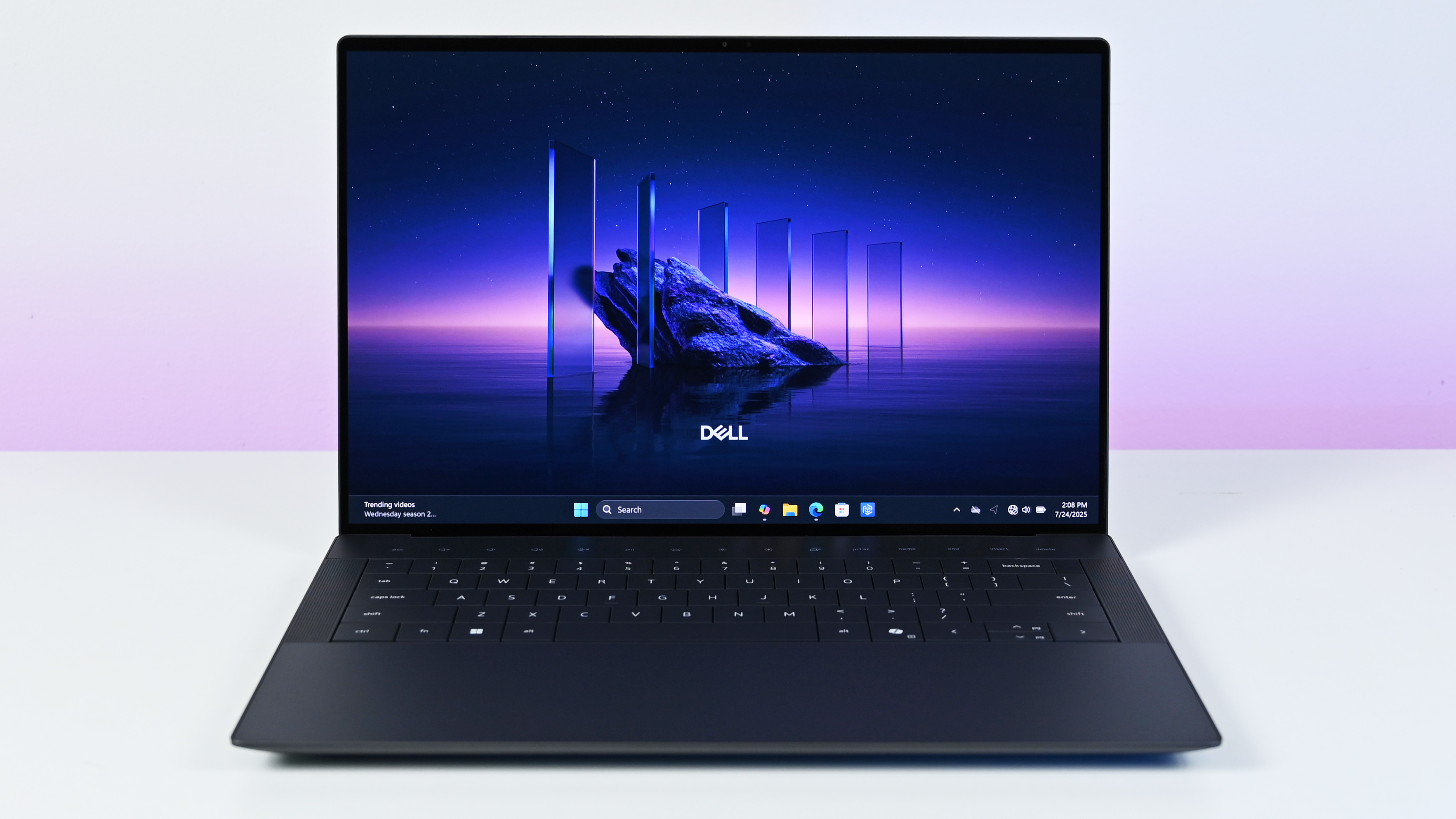
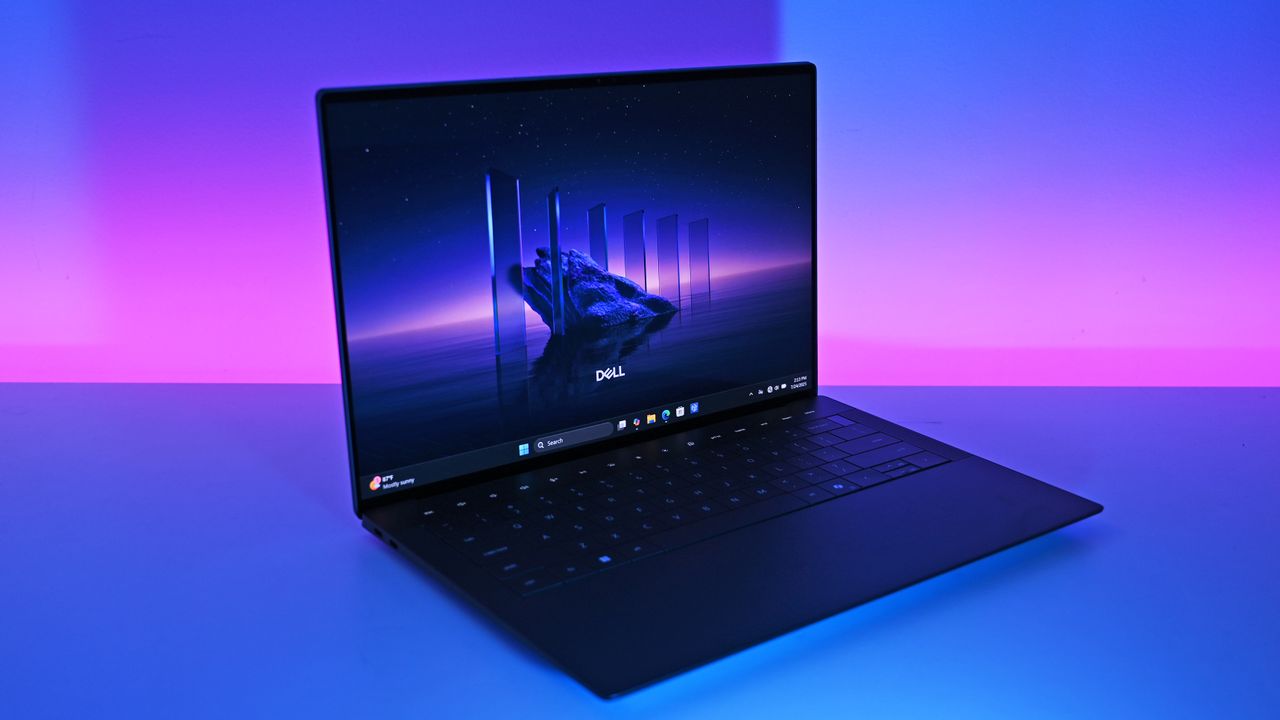
If you did not already know which of the below PCs were XPS laptops, could you easily guess which are in that family of devices?
Zac Bowden / Windows CentralFuture | Daniel RubinoDell
What is an XPS device in 2026? The new XPS 14 is a premium device featuring an Intel Core Ultra 7 processor or more powerful processor. The not-so-new but still great XPS 14 shares a similar design and also has an Intel Core Ultra 7 chip, albeit an older one.
So, XPS laptops are premium machines with high-end processors and a design resembling the XPS laptops from recent years, correct? Nope. The XPS 13 from this year is a budget-focused PC with options powered by an Intel Core Ultra 3 chip.
Other differences stand out, such as the latest XPS 13 having options with 8GB of RAM compared to the 16GB minimum of the new XPS 14.
Please understand, I think the latest XPS 13 and XPS 14 are excellent laptops. I predict the Dell 14S will also be a solid PC. But I don't understand what Dell is doing with its XPS brand. The company seems to have remembered that consumers value the XPS brand and has chosen to etch the XPS logo onto things willy-nilly.
Join us on Reddit at r/WindowsCentral to share your insights and discuss our latest news, reviews, and more.
A woman lying on a rug in a modern room using a teal Dell 14S laptop running Windows 11.
A woman lying on a rug in a modern room using a teal Dell 14S laptop running Windows 11.
It's about time for a new semester, and upgrading your PC can make the process much easier. You don't need anything excessive to access most of the Windows software and cloud apps you'll need in school or college, and Dell's official store has already reduced prices on some of its best hardware.
Some of Dell's deals go into the weeds (who knew they sold robot vacuums?), so I've handpicked a collection for practically anyone who needs portable tech for studies or even works from home. We've tested hundreds of processors found in its laptops, and traveled the world with devices just like this.
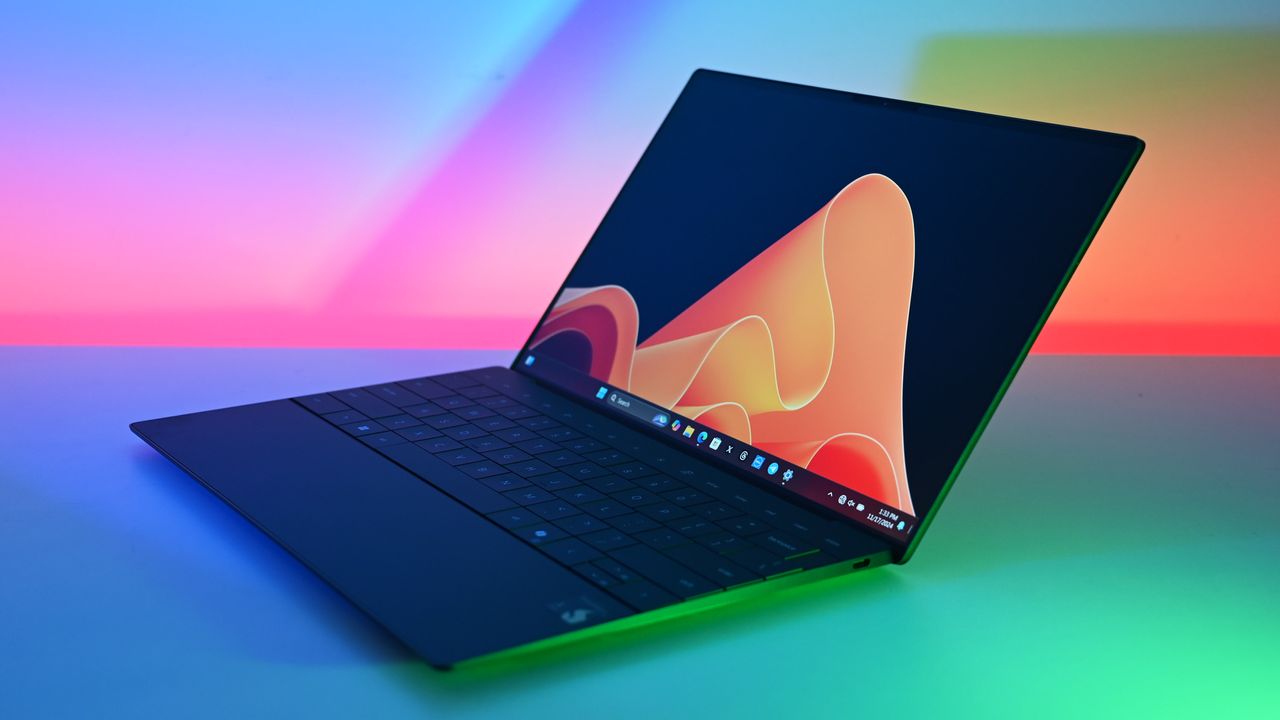
Dell returns to its iconic branding with the "thinnest & lightest XPS laptop ever," and its choice of Intel processor delivers up to 17 hours of battery life.
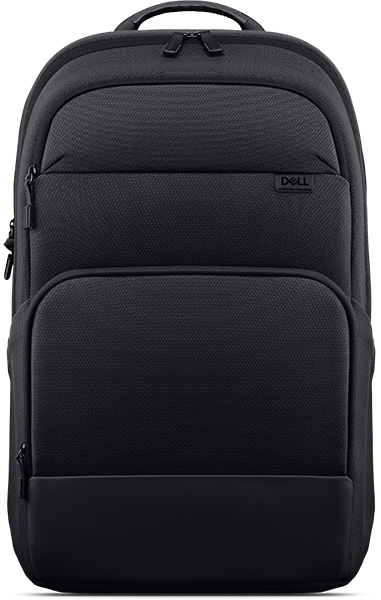
Technically designed for 14-inch laptops and above, this affordable backpack just offers extra space for your laptop's AC adapter and more study materials.View Deal
Is the new Dell XPS 13 a good laptop?
Dell's new XPS 13 impressed us. (Image credit: Zac Bowden / Windows Central)
We saw the revival of Dell's XPS 13 laptop appear at Computex earlier this year, and went hands-on while we attended Taiwan's popular technology convention. There's no denying it's the Windows-centric alternative to Apple's MacBook Neo, but as Dell explained to us in person, it was in development before the Neo ever launched. In that, it stands as more of an affordable flagship than a compromise.
After spending some time with the XPS 13, Senior Editor Zac Bowden said it "still feels every bit as premium and nice to use as the $1,000 XPS 13 before it", which tracks, because this used to be placed as a much more expensive laptop. If you pick one up, you'll get a 120Hz display for a smooth refresh rate on a bright, 2.5K touchscreen, in the thinnest and lightest XPS yet.
I don't think there's another laptop on the market right now that is as good a deal as this new Dell XPS 13 is at $699. It's so much better than the MacBook Neo that it's not even really a contest.
Zac Bowden, Senior Editor
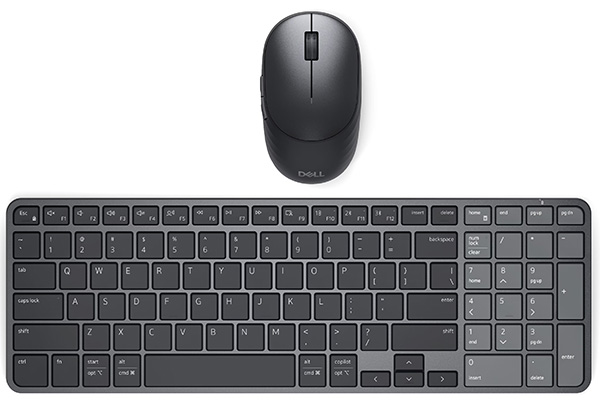
As the name suggests, the XPS 13 offers a 13.4-inch screen in a 2.2-lb chassis, powered by a relatively standard 65W USB-C AC adapter rather than a proprietary cable-and-brick setup. Yes, it's smaller than the EcoLoop backpack was designed for, but the extra inch leaves space for extras like the Pro 7 mouse and keyboard combo.
However, Zac did make it clear that the XPS 13 has "an amazing keyboard and excellent trackpad", so you'll still be able to rely on it in any situations where an external set of peripherals isn't as viable, and they stay in your backpack instead. Plus, the built-in webcam supports Windows Hello face unlock for faster logins, and its powered USB-C 3.2 Gen 2 ports support external displays.
You'll need to verify your education status with Dell to be eligible for the XPS 13's $599.99 student pricing, but $699.99 is still a great price if you're looking for a work companion instead. Otherwise, for students heading back to school for a new semester, this portable PC combo for under $740 is a steal.
Join us on Reddit at r/WindowsCentral to share your insights and discuss our latest news, reviews, and more.
Dell XPS 13
Back‑to‑school Dell deals are offering the bargain new XPS 13 laptop, along with essential accessories, and standout value for students.
I highlighted Dell's discount on the XPS 14 recently, and the deal has since gotten even better. I didn't think I'd see a laptop with these specs at this price in 2026. 32GB of RAM, 1TB of storage, and 3.2K OLED touch display for $1,549.99 is, quite frankly, ludicrous.
My only concern is that the laptop dropping in price quickly suggests Dell is almost out of stock and wants to clear out 2025 models to push the newer XPS 14 laptops from this year.
This premium laptop has a 3.2K OLED touch display, 32GB of RAM, and a gorgeous design that takes advantage of every millimeter available. It's one year old, but it's still an excellent laptop in 2026.
Note that the review of this laptop was from before the Dell 14 Premium was rebranded to the Dell XPS 14.
The XPS 14 is a pretty laptop built for productivity. At one time, there were a bunch of variations for this PC, but the options have been trimmed down as stock dips. The 3.2K OLED touch display in this model stands out, especially at this price.
The XPS 14 has a zero-lattice keyboard that packs large keys into a relatively small laptop body. The haptic touchpad of the XPS 14 is invisible, creating a clean look when the laptop is open.
That touchpad can take some time to get used to, but it was praised by Tom's Guide in their review:
"The keys have good travel distance and just the right amount of resistance when pressed. Once you get used to how tightly packed they are, typing is a breeze. And now that I’m used to it, the invisible touchpad doesn’t bother me. As before, I like the haptic feedback the touchpad produces, which also helps me know its location."
While I love the design of the XPS 14, it has battery life that's just OK. Our colleagues at Tom's Guide got 8 hours and 16 minutes in their testing. For context, 10 hours of battery life is considered "pretty good" in that same test.
The discounted XPS 14 model I highlighted retails for $2,899.99, but it is from last year. Many laptops from this year with 32GB of RAM and 1TB of storage cost well over $2,000. The new XPS 14 with those specs is $2,119.99 right now, and that's after a $630 discount. That version also has a 2K non-touch screen rather than the 3.2K OLED touch screen seen in the XPS 14 (2025) highlighted here.
FAQ
Is the Dell XPS 14 (2025) still worth buying in 2026?
Yes. While it is a year old, the XPS 14 featuring 32GB of RAM, a 1TB SSD, and a 3.2K OLED display is more than capable of handling heavy multitasking, content creation, and everyday workloads. At $1,549.99, it outperforms similarly priced 2026 mid-range laptops in both build quality and display specs.
What is the difference between the XPS 14 and the Dell 14 Premium?
They are the exact same laptop! Dell briefly adopted the "Dell 14 Premium" naming convention for its 2025 lineup before reverting to the "XPS" branding and retroactively updating model names.
Can I upgrade the RAM or storage later on?
The 32GB of RAM is soldered to the motherboard and cannot be upgraded after purchase, which makes the current deal a great way to future proof your laptop.
Join us on Reddit at r/WindowsCentral to share your insights and discuss our latest news, reviews, and more.
The all-new 2025 Dell 14 Premium replaces last year's Dell XPS 14. Though it looks the same, it has updated internal hardware.
The all-new 2025 Dell 14 Premium replaces last year's Dell XPS 14. Though it looks the same, it has updated internal hardware.
An entry-level Alienware PC almost sounds like a contradiction; it's long been the all-out brand you could choose when money isn't a concern, and you'd rather have a guarantee your games will run. So, does the Alienware 15 need to exist, or is it just competing with the tantalizingly new category of high-end gaming handhelds?
Including NVIDIA's RTX 5050 graphics certainly piqued my interest, because until now, I've never seen what this low-end laptop GPU can actually do. Is it worth picking the 50 Series chip for the benefit of cutting-edge DLSS upscaling, or is it too weak to be worth your time? I had so many questions, and these are the conclusions I reached from my testing for this review.
How much does the Alienware 15 cost?
Alienware's modern design language still peeks through in parts of this entry-level laptop. (Image credit: Ben Wilson | Windows Central)
The Alienware 15 starts at $1,399.99 on Dell.com, featuring the same AMD Ryzen 7 260 processor as my sample but with a previous-generation NVIDIA GeForce RTX 4050 discrete graphics card. Memory and storage remain at 16GB of RAM and a 512GB SSD, but upgrading to an RTX 5050 GPU increases the price to $1,459.99.
A third and final variant of the AMD model increases storage to 1TB with an RTX 5060 GPU for $1,849.99, but the CPU remains the Ryzen 7 260. Alternatively, an Intel-based Alienware 15 starts at $1,499.99 on Dell.com with a Core 7-240H CPU, RTX 5050 GPU, and 16GB/512GB of memory and storage, though you can upgrade to RTX 5060 graphics and a 32GB/1TB RAM and SSD combo.
In the United Kingdom, the AMD-based Alienware 15 starts at £829.00 with a less powerful Ryzen 5 220 processor, RTX 3050 graphics, and 8GB of RAM and 512GB of storage. At the time of writing, an Intel-based Alienware 15 starts at £849.01 with a Core 5-210H CPU, RTX 3050 GPU, and the same 8GB/512GB RAM/SSD.
This gets you exactly what I tested, or an upgrade to a more powerful RTX 5060 GPU and 1TB SSD will cost you $1,849.99. If you aren't confident in self-installed upgrades, you should strongly consider it.View Deal
Is the Alienware 15 well made?
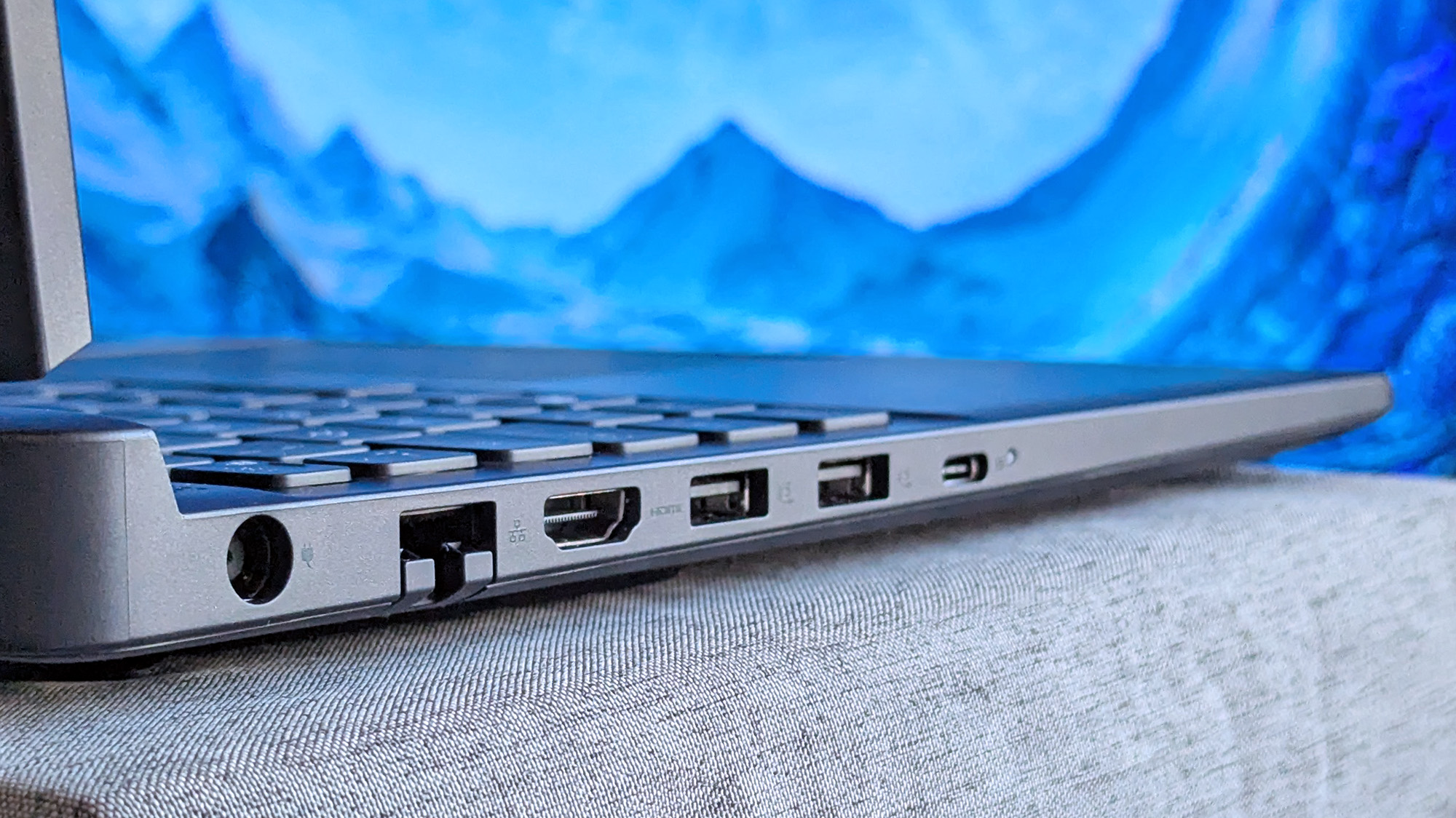
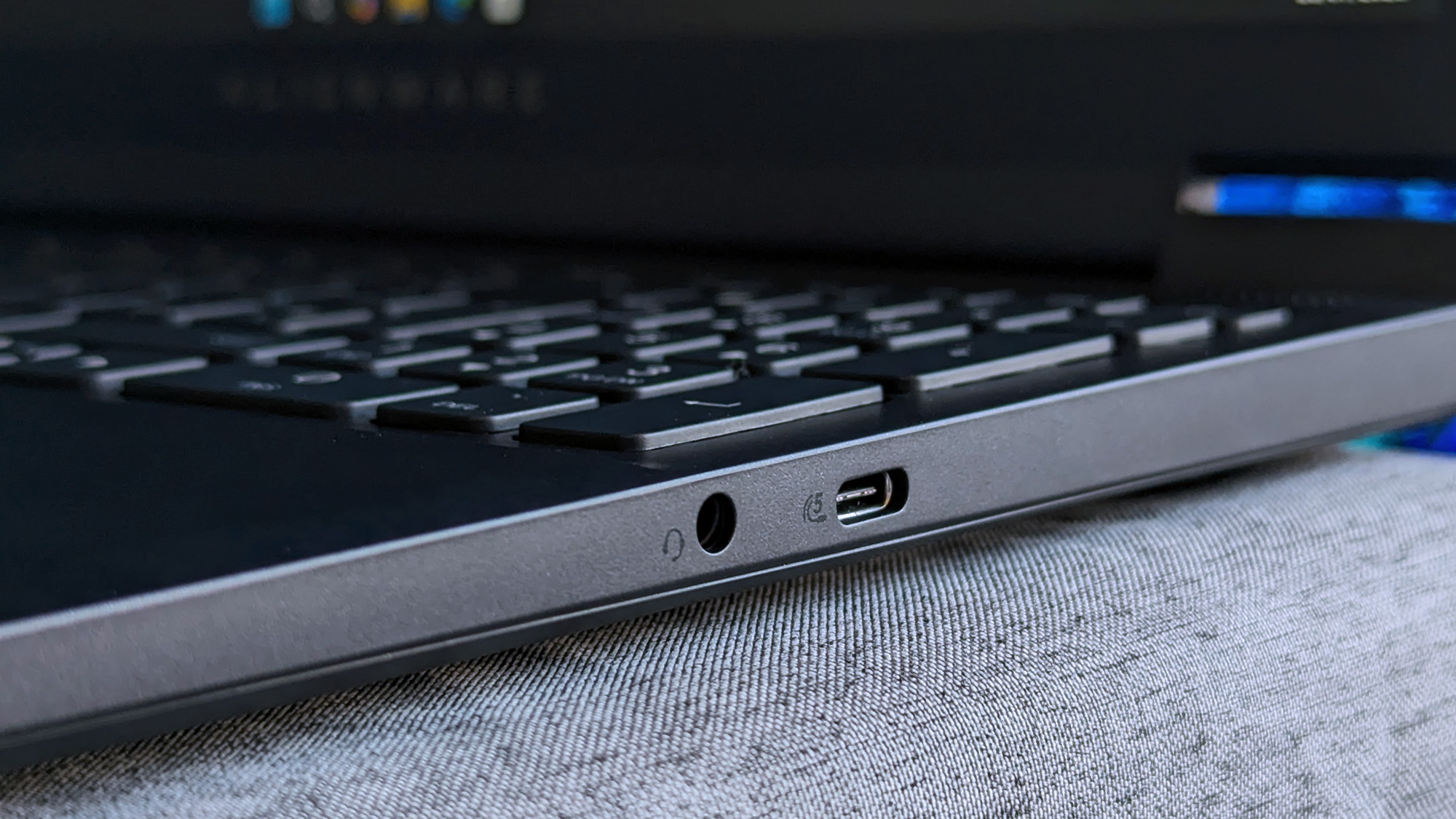
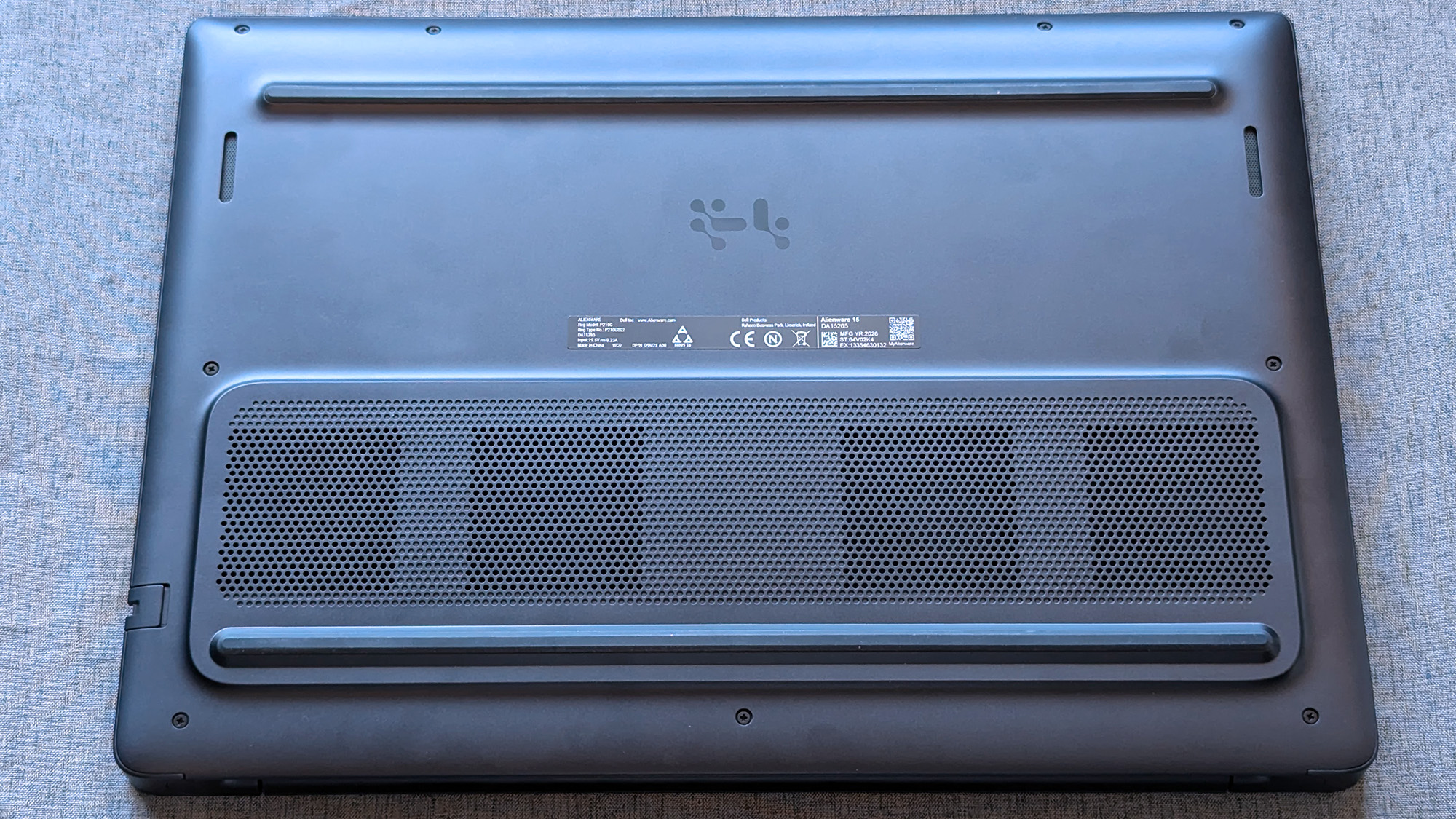
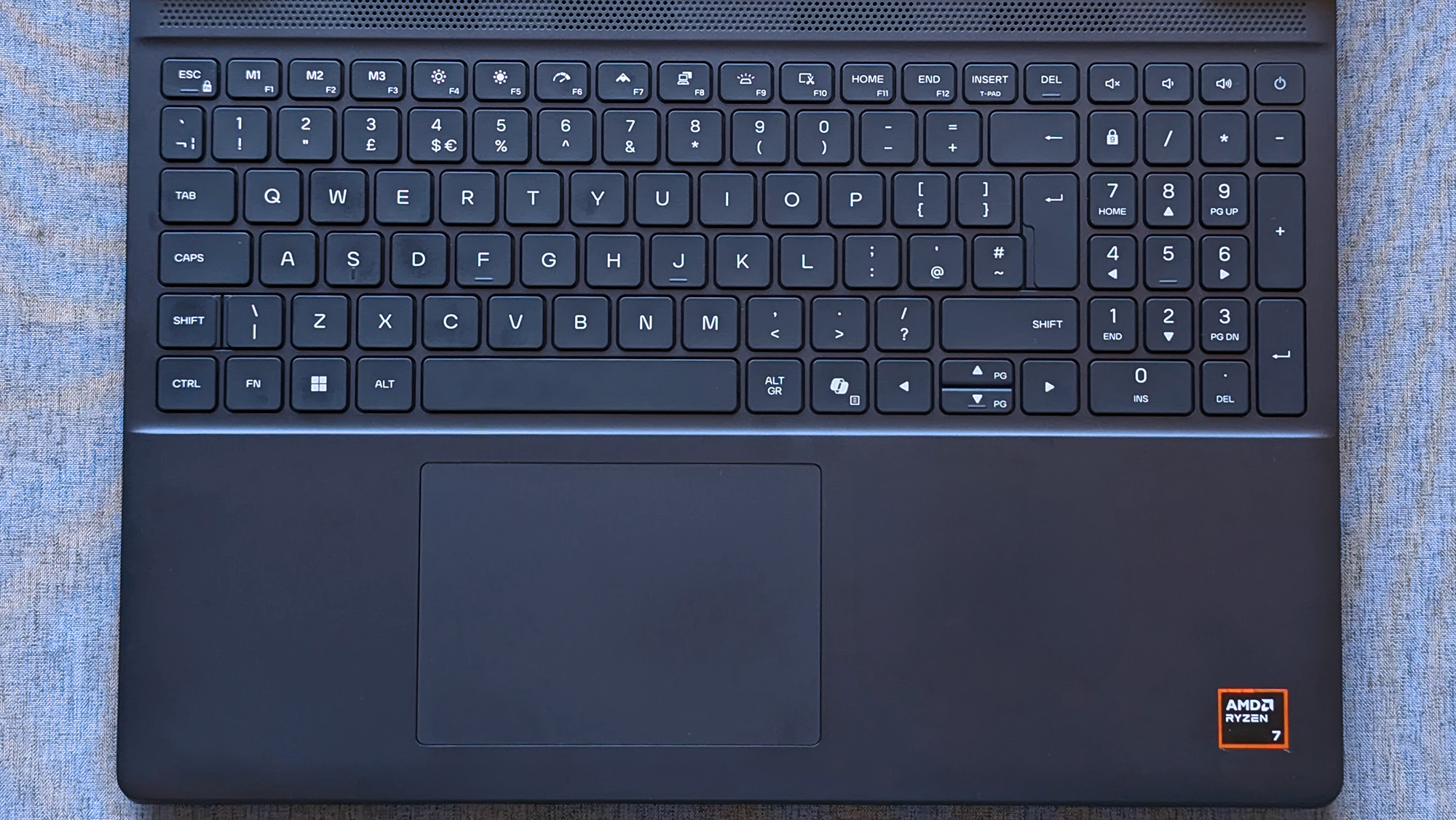
180W AC power requires an outdated barrel jack, but Ethernet, HDMI, and USB-A/C are all welcome.Ben Wilson | Windows CentralWired headphones and another USB-C port on the right side will likely be well used.Ben Wilson | Windows CentralAn elevated portion of the underside holds the cooling fans, and they work hard.Ben Wilson | Windows CentralThe touchpad feels small, but it's good enough to navigate Windows 11.Ben Wilson | Windows Central
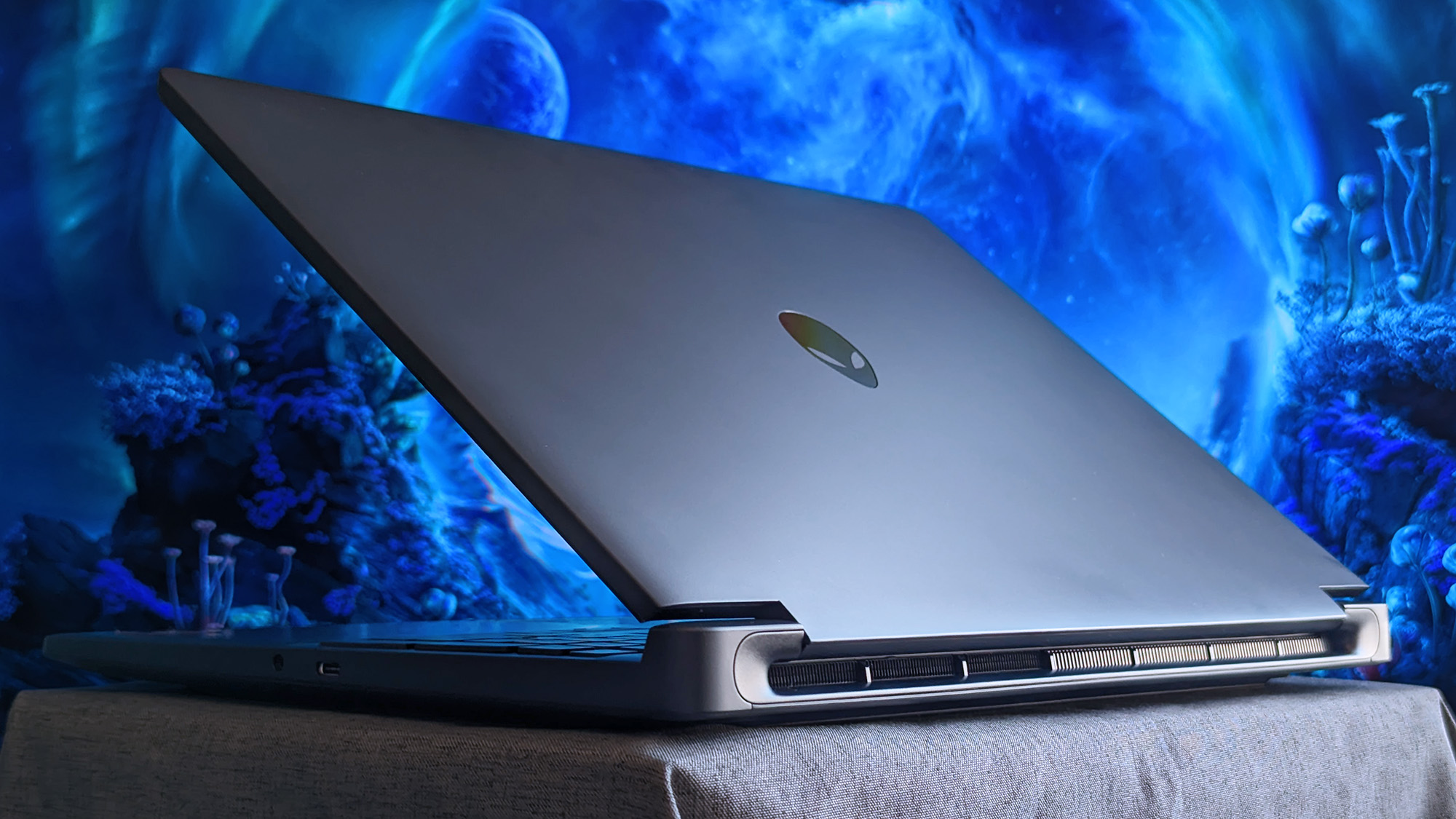
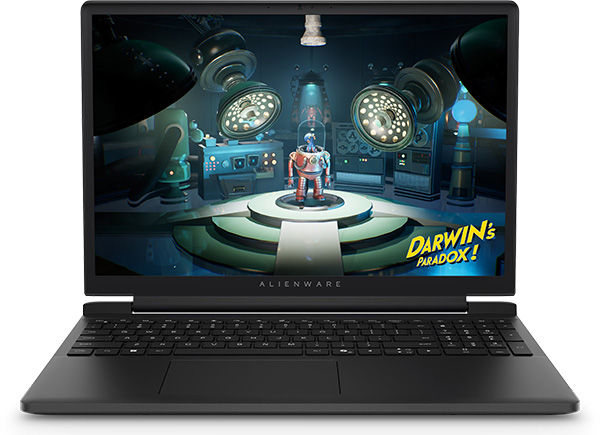
The Alienware 15 is a bit of a mixed bag, starting with a relatively plain exterior design featuring an iridescent alien head logo and thick air vent panels underneath, synonymous with the capable cooling you'll see in this category. And while its most striking first impression is how heavy it is — at 4.89 lbs (2.22 kg) — it still isn't much different from its rivals. Gaming laptops are just heavy.
Its 15.3-inch screen sits on a gapped hinge, which looks strange at first glance, but I can feel airflow around the gap while it's in use, so it makes sense. The backlit keyboard is unremarkable, sticking to a single color and including a number pad that I'm sure most gamers will never use, and, as usual, I wish the space had been saved for larger speakers.
The 180W AC adapter needs an old-school barrel jack, but you can charge up to 100W with USB-C.
Admittedly, despite my gripes with the lack of any significant bass response, the sheer volume of the fans during games likely nullifies the appeal of its speakers anyway. As with all gaming laptops, I'm recommending you use headphones here. A small 5.5-inch mechanical touchpad only clicks properly in the bottom half, but you'll probably use a dedicated mouse for most games.
A 3.5mm audio jack pairs with a USB-C 3.2 Gen 1 port on the right side, while a single USB-C 3.2 Gen 2 is available on the left side, along with two traditional USB-A 3.2 Gen 1 ports for dongles, HDMI-out 2.1 for external monitors, and gigabit Ethernet for wired networking. The 180W AC adapter needs an old-school barrel jack, but you can charge up to 100W with USB-C.
How fast is the Alienware 15?
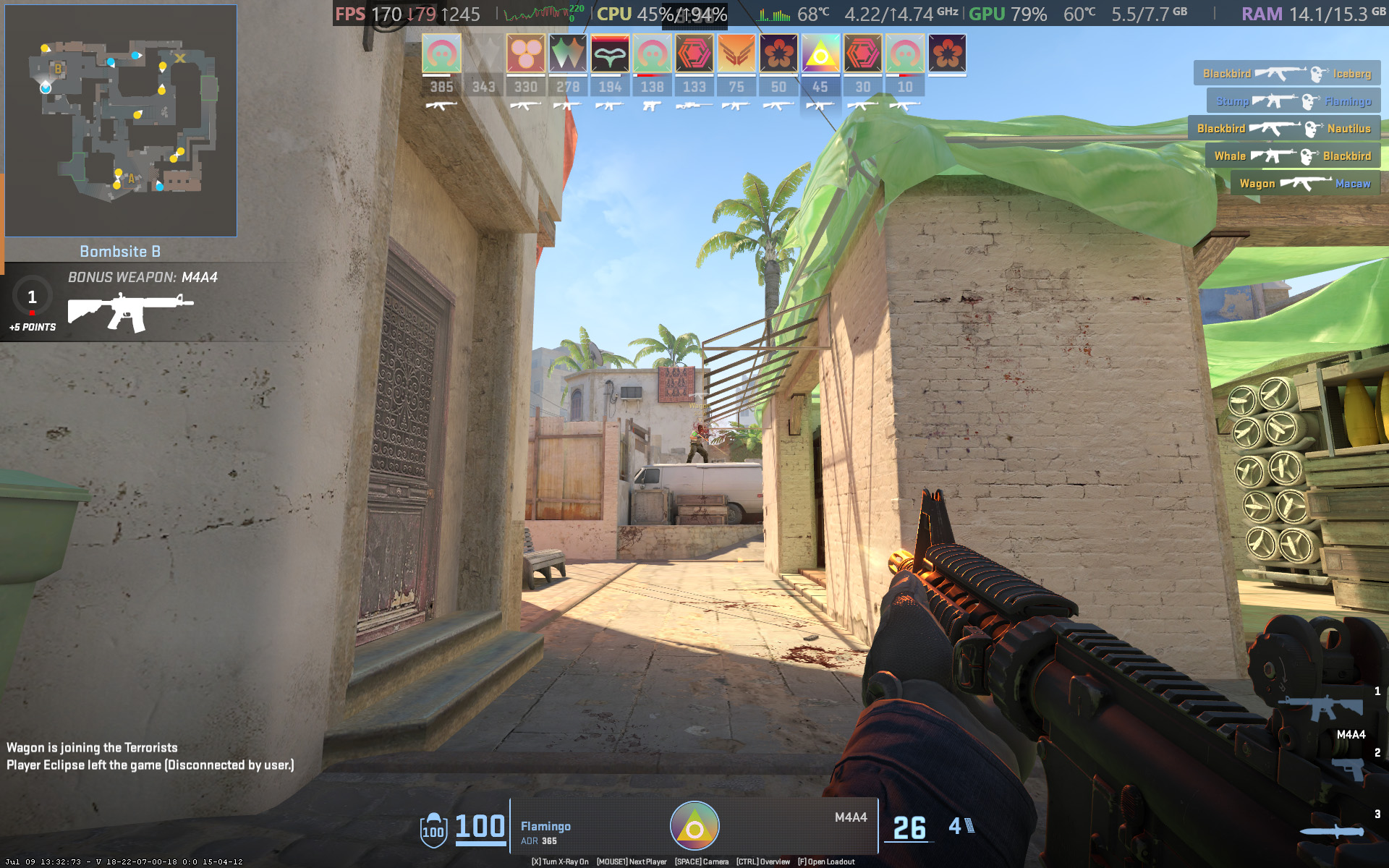
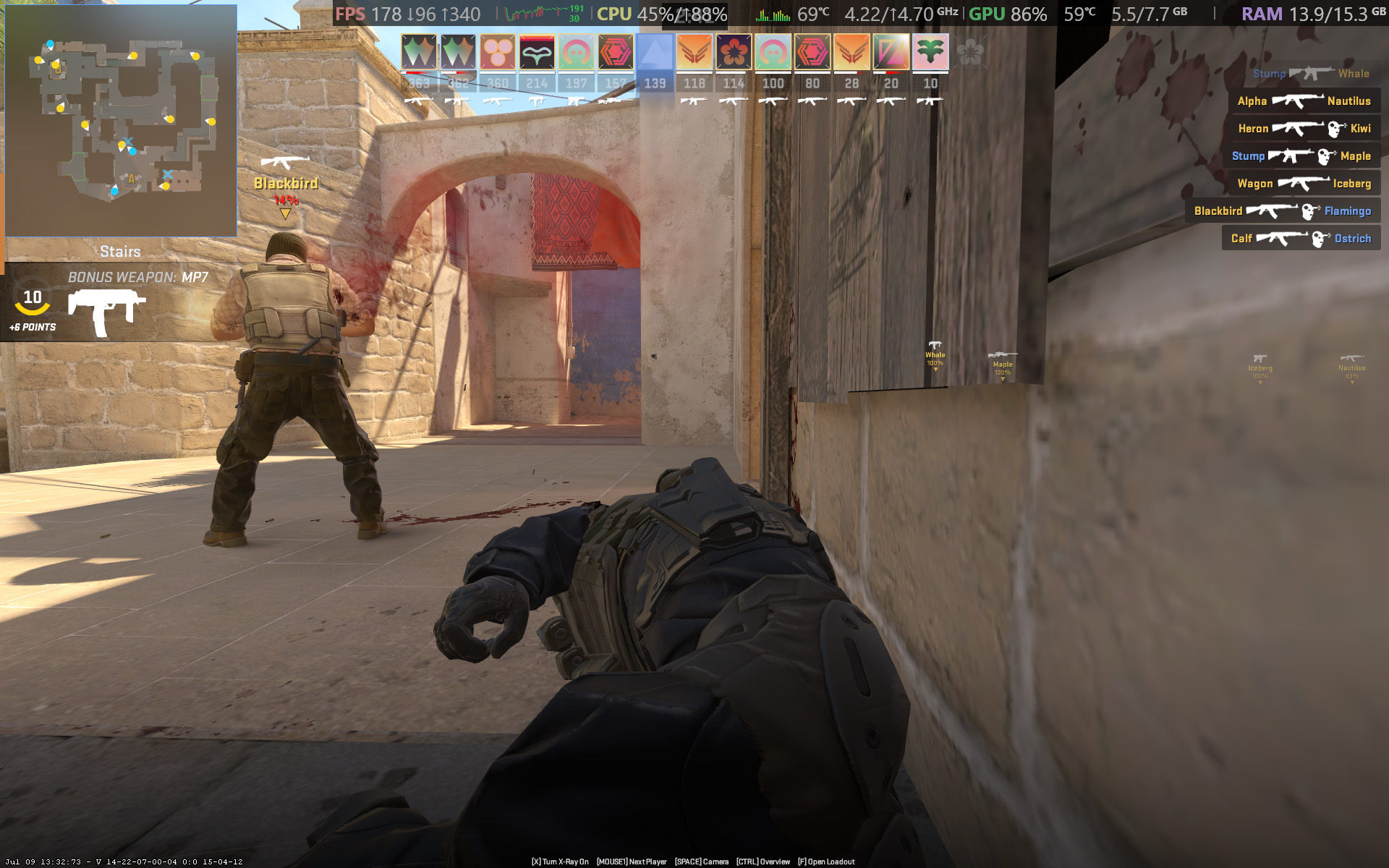
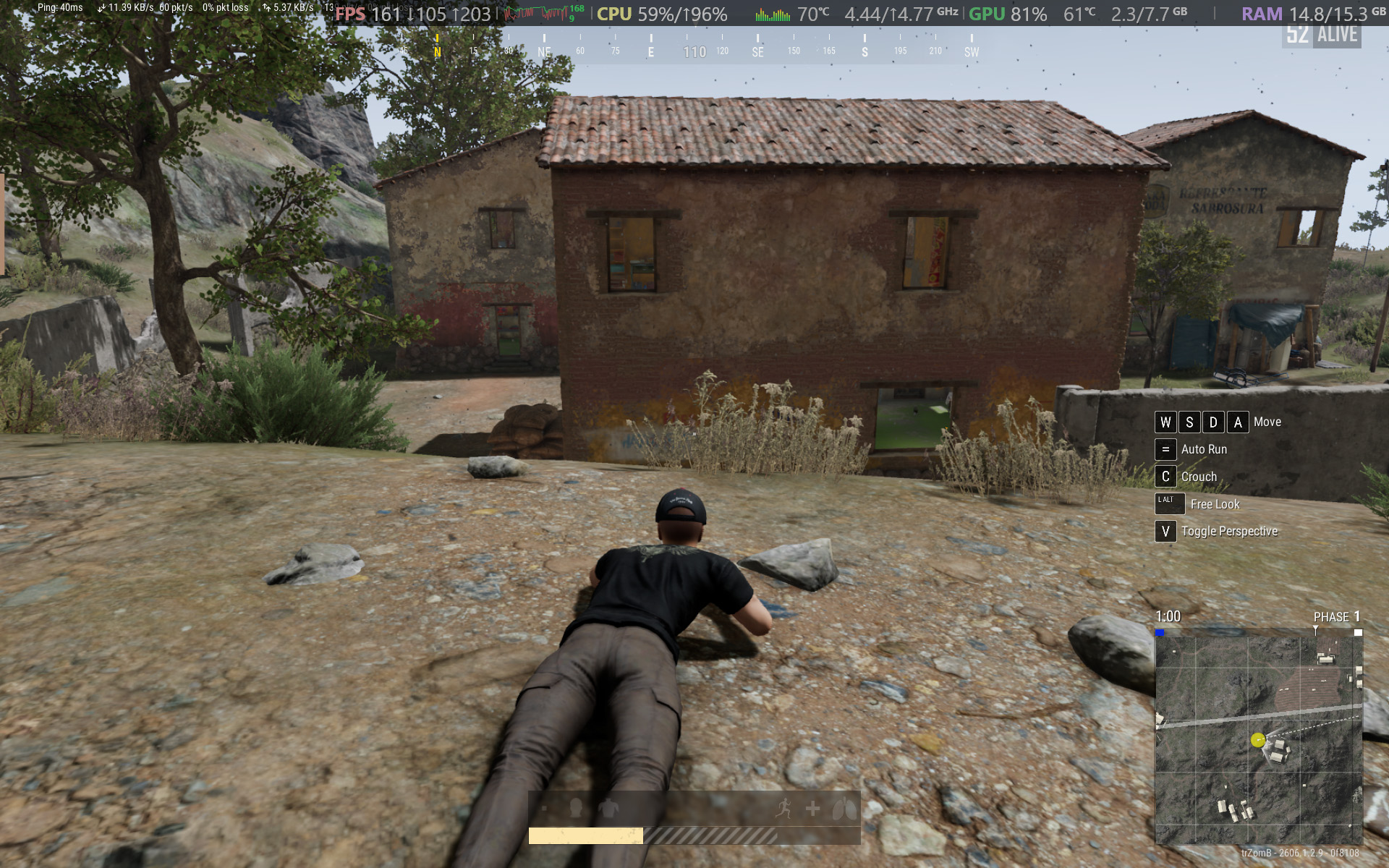
Counter-Strike 2 demands a smooth frame rate, and 165 FPS is attainable with the RTX 5050.Ben Wilson | Windows CentralYou barely have to tweak the settings in CS2 to keep the FPS high enough.Ben Wilson | Windows Central
Starting with Counter-Strike 2, the game recommends 'High' settings with AMD FidelityFX Super Resolution and vsync disabled for native, uncapped rendering at 1920 x 1200. While spectating a few rounds on Dust II, I saw the frame rate remain around the 165 FPS target when I was connected to AC power and Alienware's 'Performance' mode was active.
However, the laptop's fans were extremely loud throughout, keeping the CPU and GPU temperatures at around 68 °C and 60 °C, respectively. Switching to 'Stealth' mode reduced the fan speed, but no amount of graphical tweaks brought them down to a comfortable, more inconspicuous level. This is a loud laptop, and you'll have to get used to wearing headphones when you're gaming.
Cyberpunk 2077 is quickly becoming the poster child for DLSS because it works so well.Ben Wilson | Windows CentralCertain visuals will look better than others, but upscaling certainly helps the game run smoothly.Ben Wilson | Windows Central
In Cyberpunk 2077, I found that the 'High' preset with ray tracing and upscaling disabled most consistently achieved a native 60 FPS baseline in the game's built-in benchmark. Of course, the game supports DLSS 4.5, so setting Super Resolution to 'Balanced' and Multi Frame Generation (MFG) to 4X in the 'Ray Tracing: Low' preset has the Alienware 15 scaling to 171 FPS, up from ~42 FPS.
I have to assume you're considering a gaming laptop with NVIDIA's RTX 50 Series graphics to take advantage of realistic, ray-traced lighting. Luckily, that is quite possible with the RTX 5050 in the Alienware 15, depending on your feelings around MFG and "fake frames". If, on the other hand, you don't care so much about those visual luxuries, then it runs quite smoothly without ray tracing.
PUBG: BATTLEGROUNDS dips in busy areas, but I was able to stay above 100 FPS.Ben Wilson | Windows CentralApex Legends fared better with frame pacing, though it needed more fine-tuning in the settings.Ben Wilson | Windows Central
For other popular multiplayer titles, PUBG: BATTLEGROUNDS generally runs above 60 FPS with the 'High' preset at render scale 100, but you can push it to 165 FPS or higher by switching to the 'Medium' preset and further lowering some settings. Similarly, Apex Legends can reach 165 FPS and beyond with a little time spent in the settings, but the laptop's fans will be loud.
Performance benchmarks
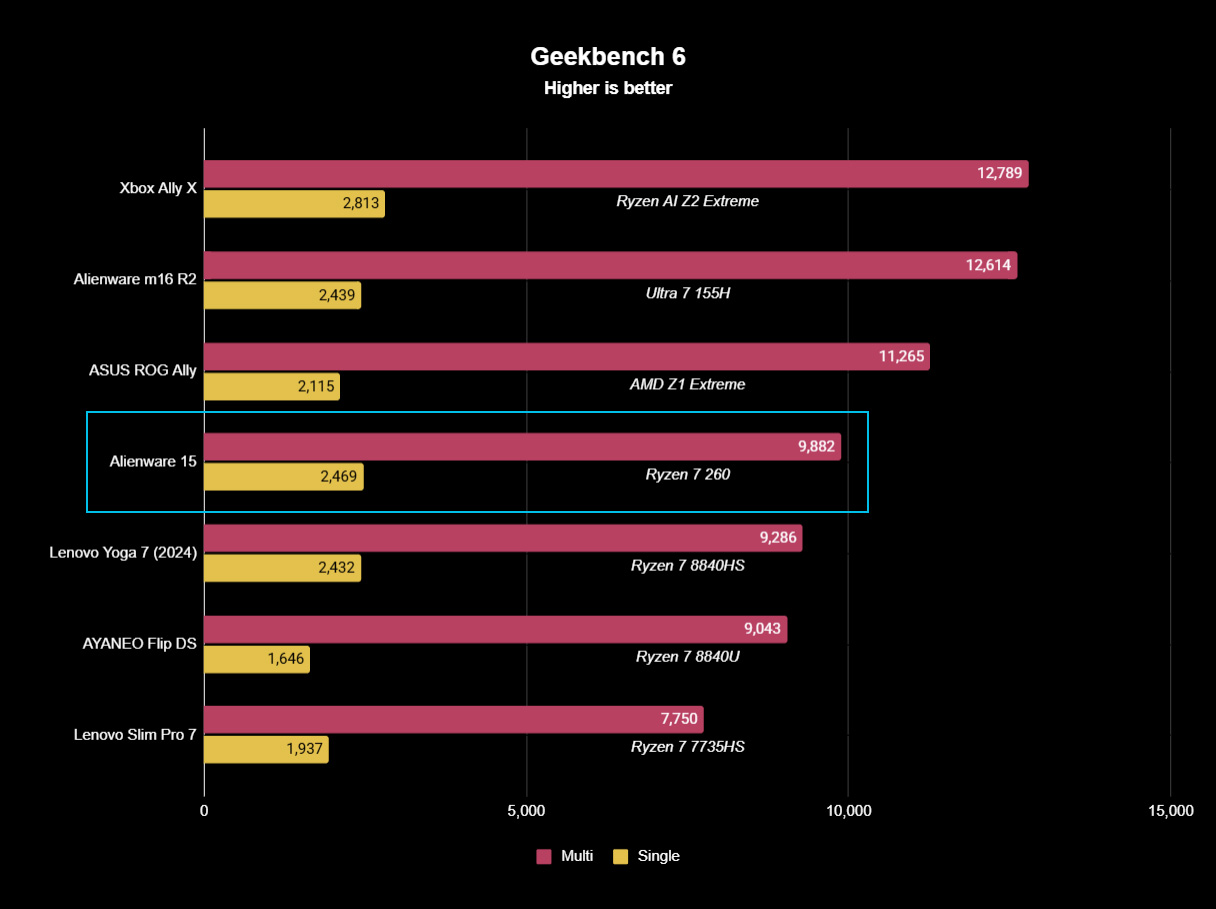
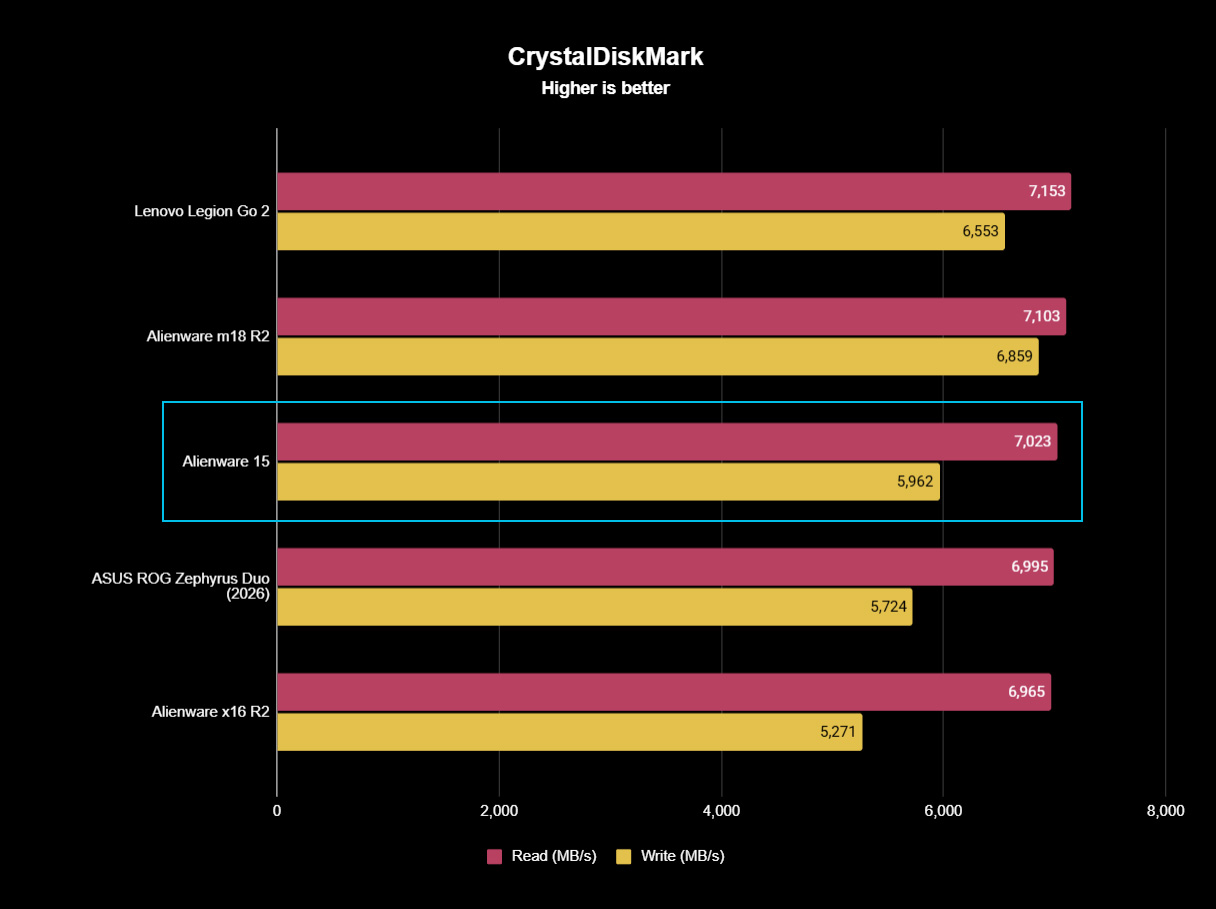
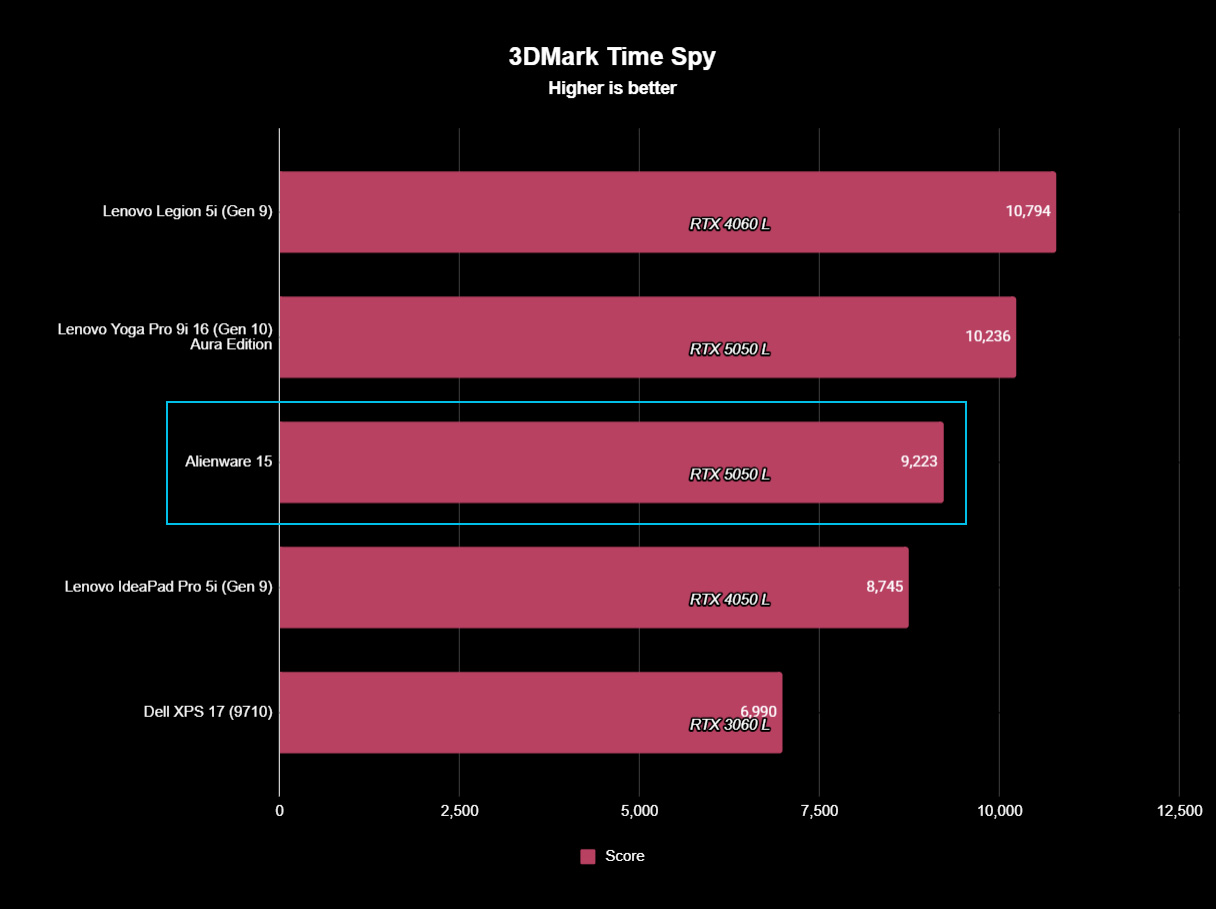
Geekbench 6 CPU benchmarking shows the Ryzen 7 260 being beaten by years-old handheld chips.Ben Wilson | Windows CentralWhile the 512GB SSD is limited in capacity, it reads just as fast as the SSDs in Alienware's high-end laptops.Ben Wilson | Windows CentralYou'll see the RTX 5050 suitably appearing in plenty of entry-level gaming laptops like this.Ben Wilson | Windows Central
To put the specs of Alienware's cheapest laptop into perspective, the Ryzen 7 260 is a "Hawk Point" processor built on AMD's previous-generation Zen 4 architecture and ranks as the second-fastest CPU in the Ryzen 200 Series mobile range. That 8-core, 16-thread chip pairs with NVIDIA's entry-level RTX 50 Series mobile GPU, the GeForce RTX 5050.
However, benchmarking the Alienware 15's CPU in Geekbench 6 burst performance tests placed the Ryzen 7 260 even lower than I perhaps expected, even falling below the original ASUS ROG Ally gaming handheld from 2024. Cinebench 2024 failed to run any extended CPU stress tests after complaints of insufficient memory, so there's sadly no reprieve for this processor.
(The RTX 5050 is) faster than the last-gen RTX 4050, but of course, it still falls behind the 4060.
Testing the RTX 5050 across 3DMark's full gamut of GPU-centric tests yields a reasonably consistent and unsurprising conclusion: it's faster than the last-gen RTX 4050, but of course, it still falls behind the 4060. If you were choosing between a gaming laptop with an older GPU, such as an RTX 3060, and the 5050 in this Alienware 15, you'd choose the Alienware.
Finally, the PCIe Gen 4 SSD hits around 7,023 MB/s read speeds in CrystalDiskMark, while write speeds drop closer to 5,962 MB/s. It's a fast drive, and one that sees the Alienware 15 running neck-and-neck with the high-end Alienware m18 R2 from 2024. The 512 GB SSD has limited storage capacity, but it performs as expected.
Does the Alienware 15 have any issues?
After installing only four PC games, I started seeing warnings about low storage space. (Image credit: Ben Wilson | Windows Central)
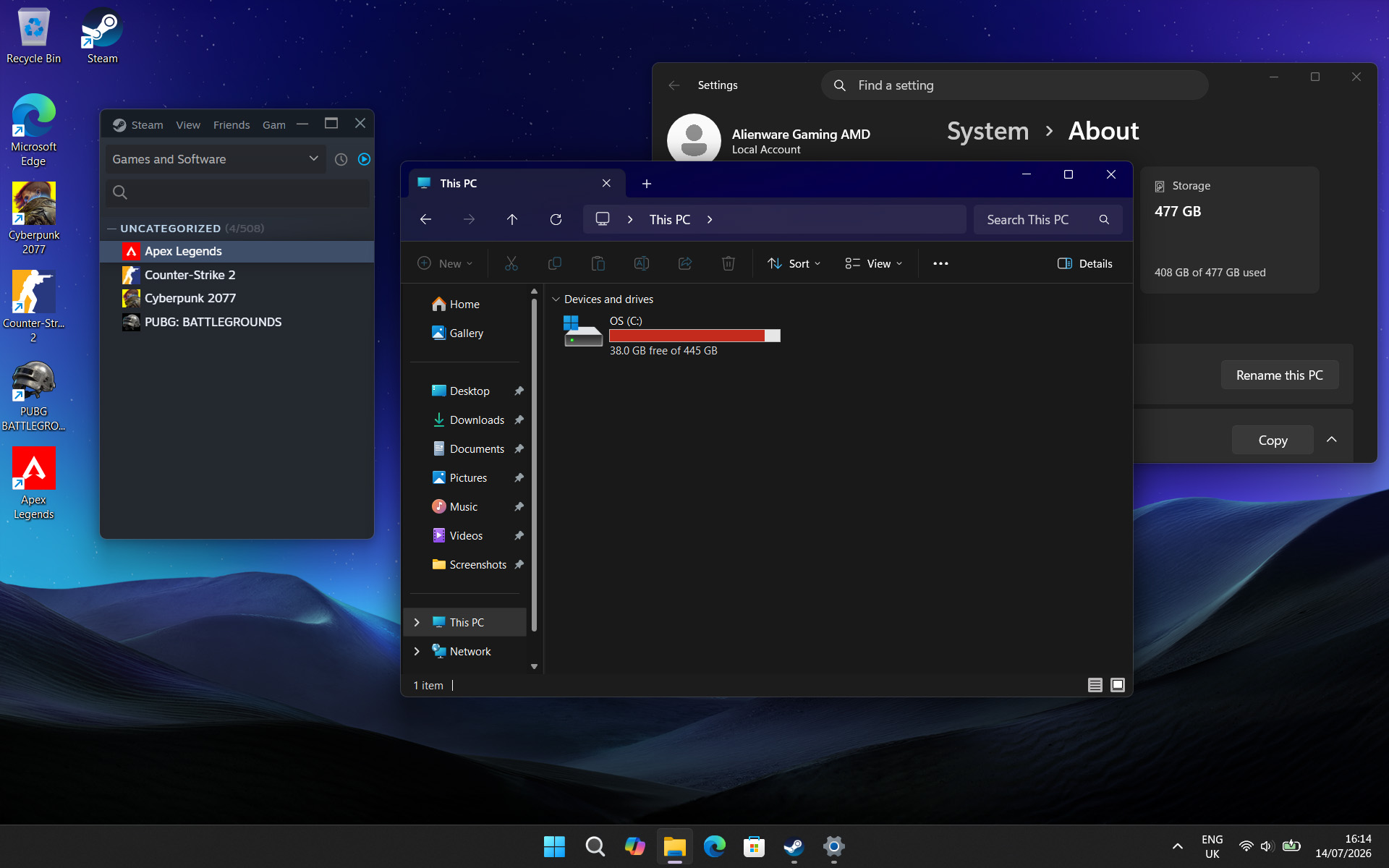
Above all, the most significant issue I had during my time with the Alienware 15 was its limited 512 GB SSD, reporting a usable 477 GB with only 332 GB of free space on its first boot into Windows 11. It simply isn't enough, and no amount of optimizations offered by the pre-installed 'SupportAssist' app can help that. After installing only four games, I was out of space.
Alienware advertises"user-upgradeable options" for "up to 1TB PCIe SSD (Gen4) storage", promoting "the flexibility to adapt for whatever comes next", but the ongoing memory crisis stunts that notion. It isn't Alienware's (or Dell's) fault, but I quickly learned that 512 GB isn't good enough in a gaming laptop, and upgrades are extremely expensive in 2026.
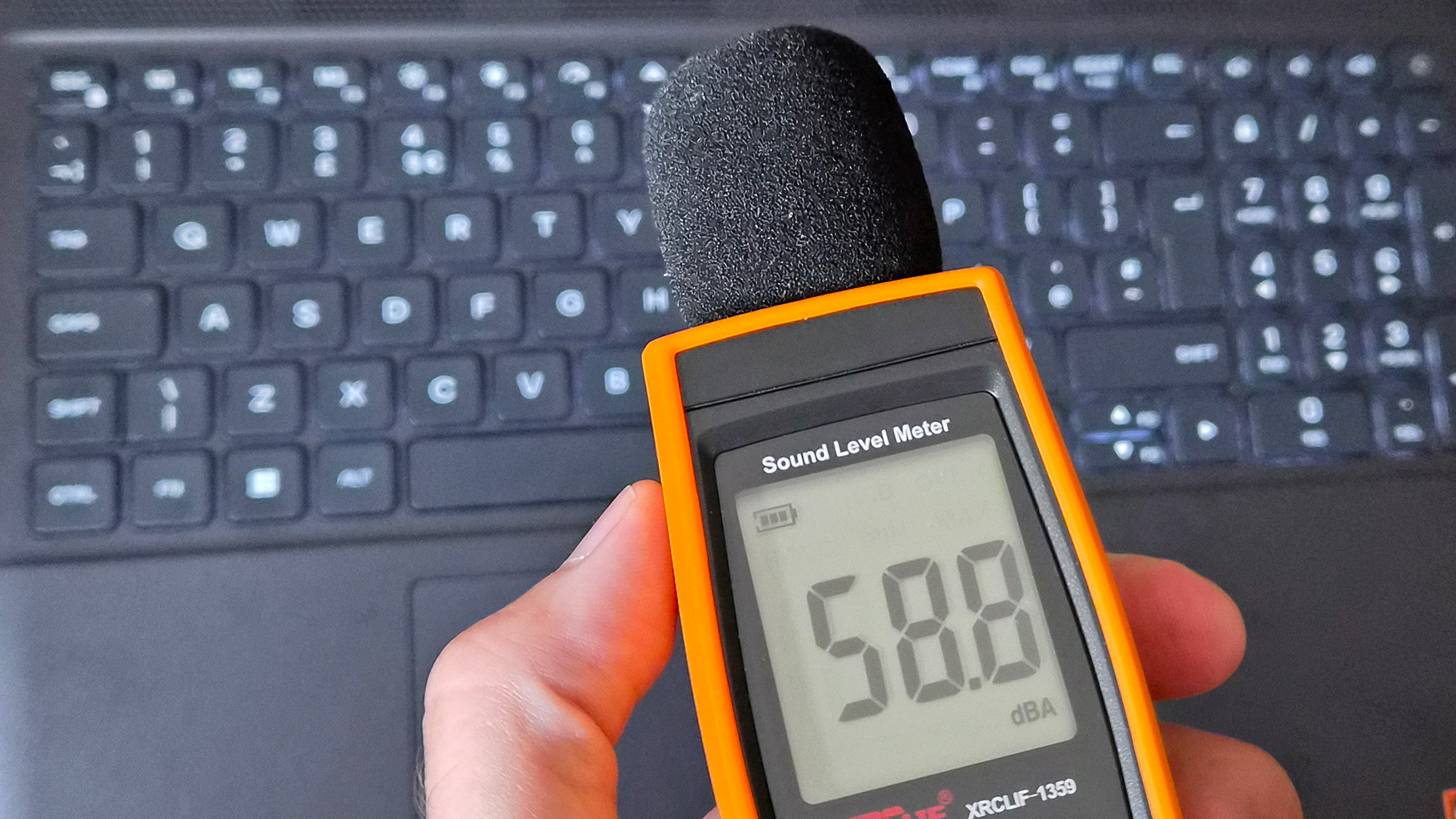
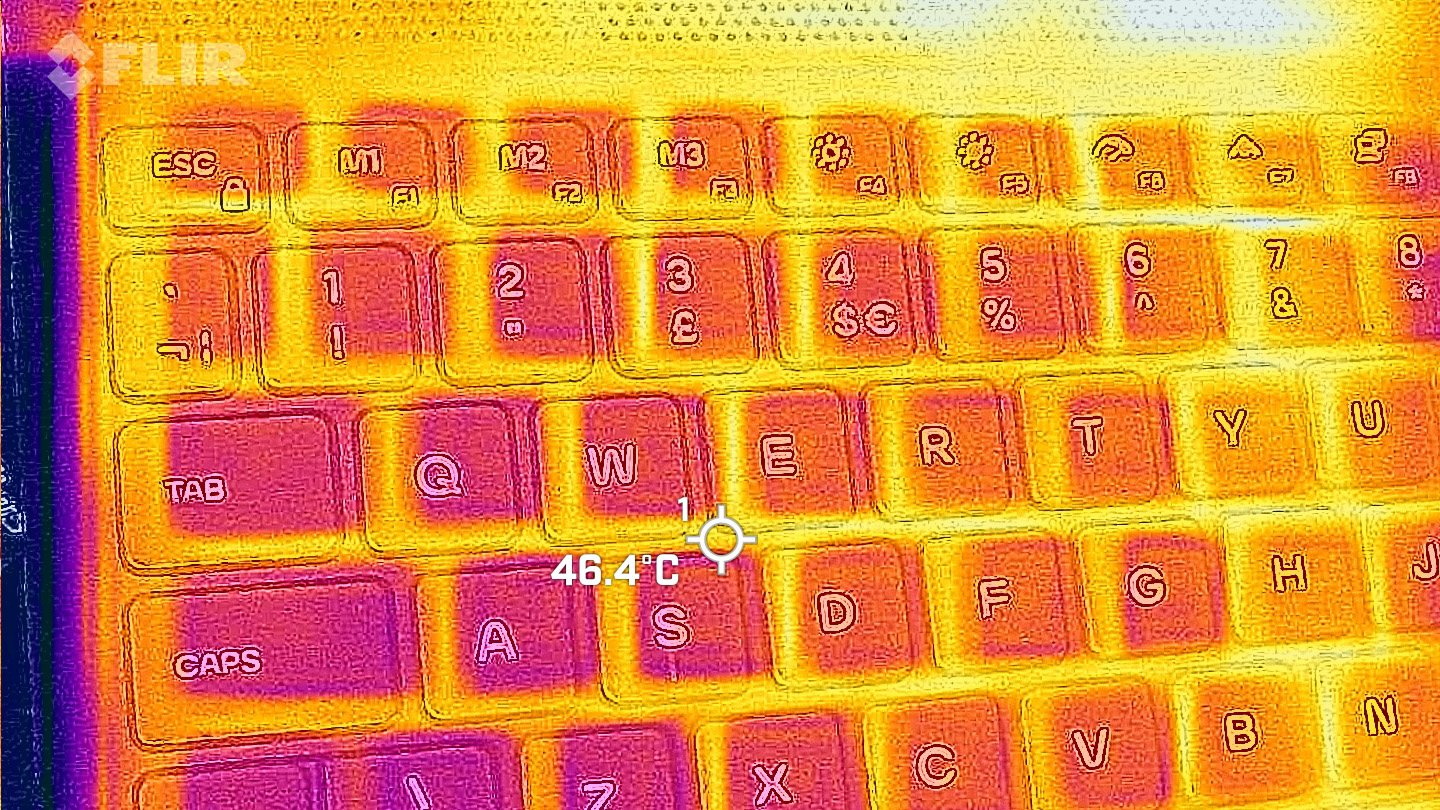
Holding up a decibel meter during gameplay demonstrates how loud the fans really are.Ben Wilson | Windows CentralThe keyboard gets warm during gameplay, which eventually made my fingers uncomfortable.Ben Wilson | Windows Central
Otherwise, the loud fans (~58 dBA) are difficult to ignore and will likely annoy anyone around you. Booting into a game switches the Alienware 15 into 'Performance' mode via the Alienware Command Center companion app, which quickly ramps up the fan speed. Profiles like 'Stealth' mode advertise the laptop as "ideal for any environment", but it's only true if you aren't gaming.
Despite the fans working as hard as they can, the keyboard still gets quite warm during gaming, and it felt a little uncomfortable after a while. I could solve it by plugging in my Steam Controller or by using an external keyboard and mouse, but at that point it feels like I'm hardly using the laptop. Using a thermal camera, I detected a temperature of 46°C around the WASD keys — not abnormal for a gaming laptop, but not exactly ideal either.
Should you buy the Alienware 15?
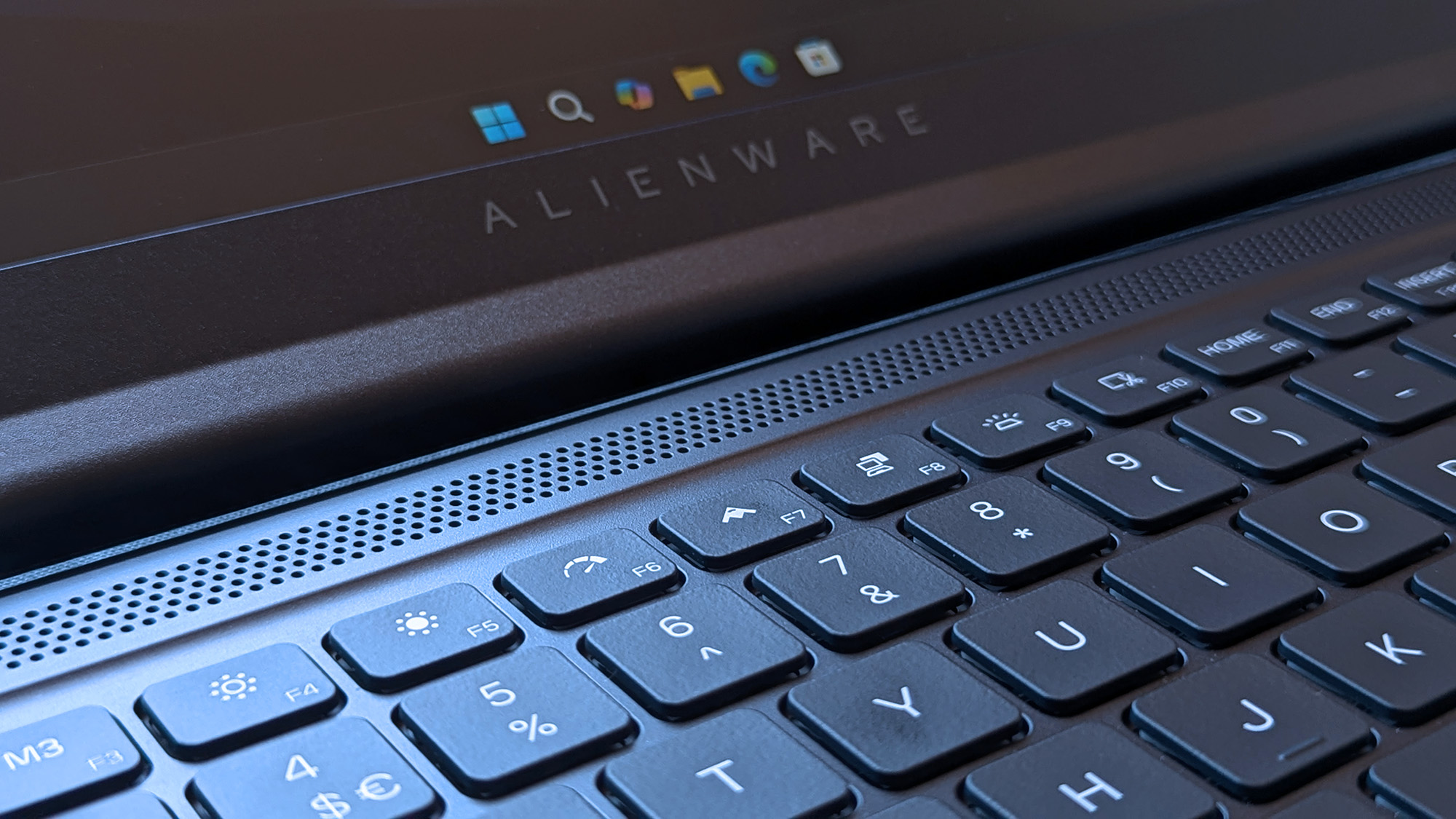
Switching power modes with F6 and F7 wrangles the fans a little, but it doesn't stop the overall roar. (Image credit: Ben Wilson | Windows Central)
You should buy this if ...
✅ You want a modern, entry-level NVIDIA gaming laptop
✅ You don't have space for a full-sized desktop PC
You should not buy this if ...
❌ You're looking for quiet, portable AAA gaming
The biggest problem with entry-level gaming laptops is that they immediately compete with high-end gaming handhelds, like the Xbox Ally X, which will be more tempting for its versatility alone. However, if you're looking for a stay-at-home gaming machine that occasionally travels with you — with an 180W AC adapter included — the Alienware 15 keeps up with modern gaming by leaning heavily on NVIDIA's RTX 5050 GPU.
Its 512 GB of storage will fill up fast, so you'll either have to be happy with regularly switching between installed games from your library, or rely on an external hard drive to transfer backups. This laptop is loud, restrained, and heavy, but it will play your games, particularly so if they support NVIDIA's latest DLSS upscaling technology. If you're pondering the Alienware 15 on a budget because it's on sale, then I say go for it.
Alienware
15 (Ryzen 7 260, RTX 5050)
NVIDIA's GPU does all the heavy lifting, with DLSS upscaling helping this entry-level gaming laptop to keep up.
Join us on Reddit at r/WindowsCentral to share your insights and discuss our latest news, reviews, and more.
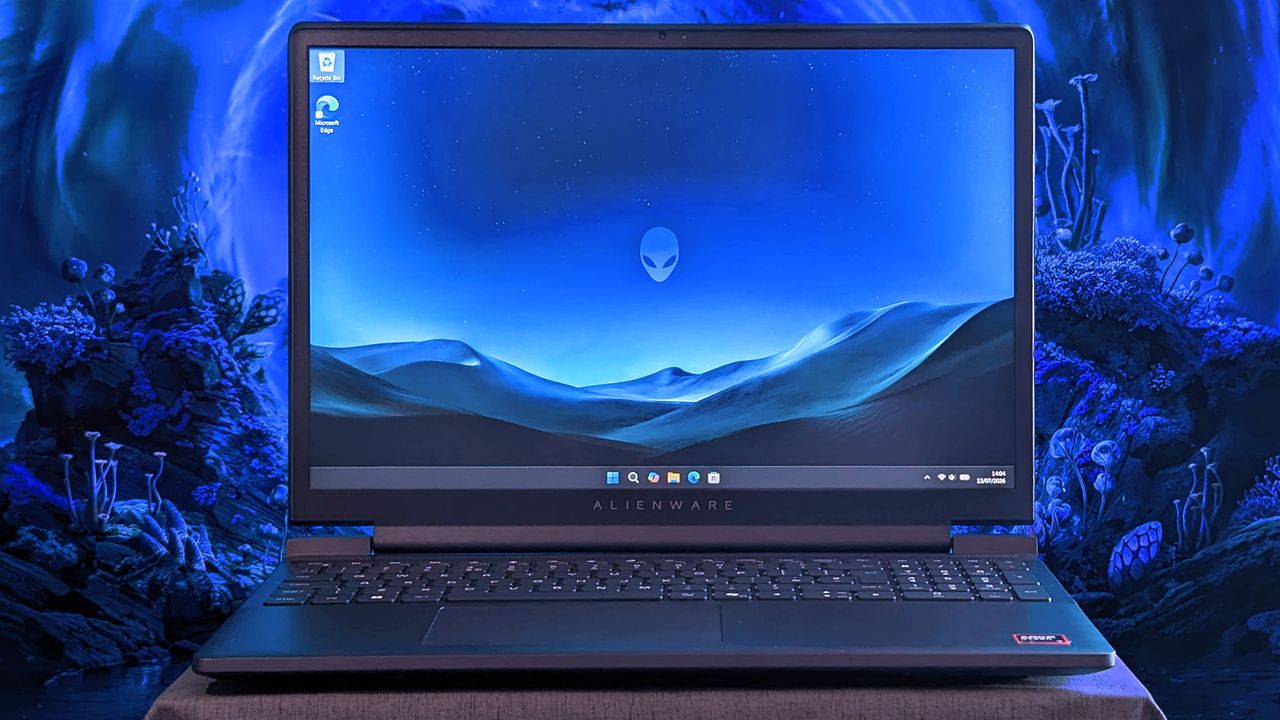
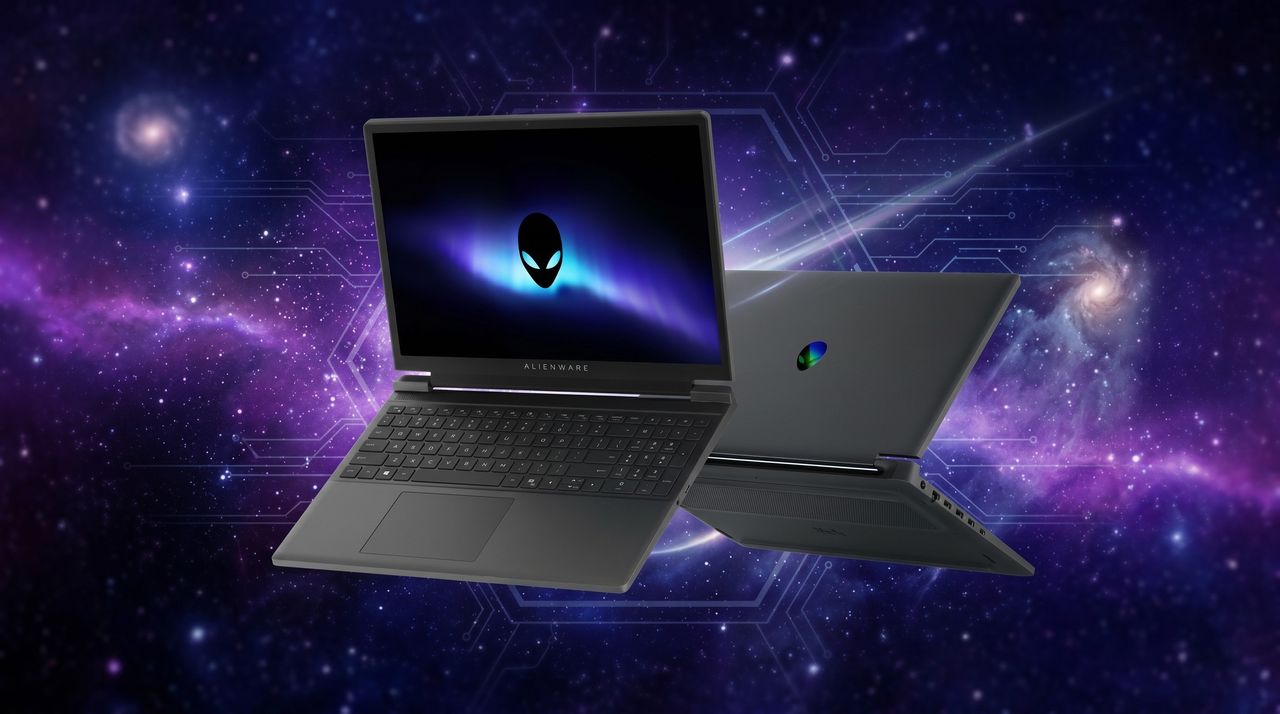
An Alienware 15 laptop sits on a cloth surface with its display showing a blue landscape wallpaper and the Alienware head logo. The background behind the laptop features glowing blue sci‑fi scenery.
Does Alienware need to offer "low-end" hardware in the first place?
Summer is taking a heavy toll on us all. Not just because of the heat, but also because of rising tech prices across the board, driven by RAM-hungry AI and other economic factors.
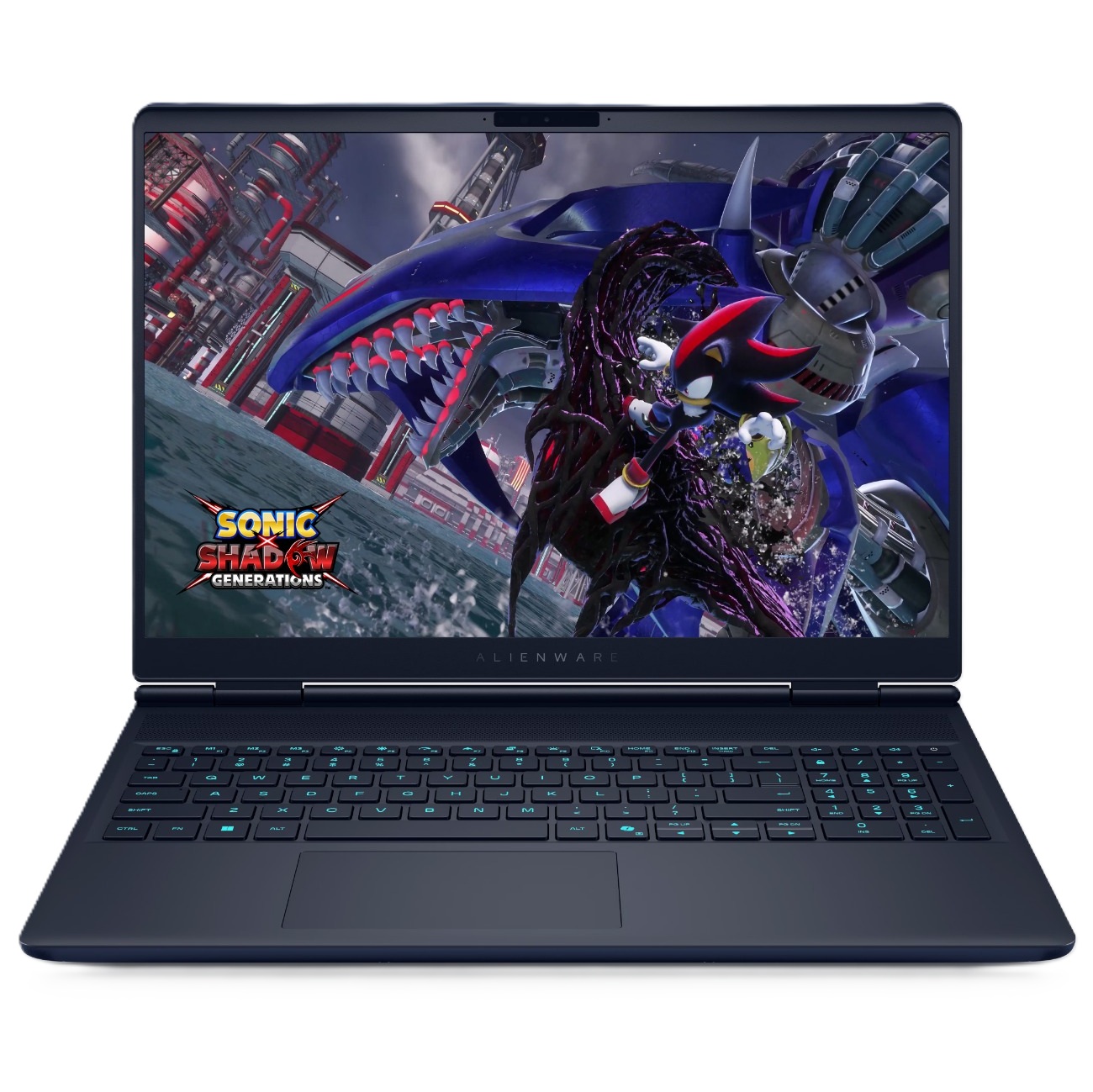
Fortunately, Dell has come to cool off the frustrations of PC gamers and desk workers alike with a collection of advanced laptops, desktops, and monitors now on sale for a limited time, such as a 46% discount on the Alienware 16X Aurora Gaming laptop for $1,729.99 at Dell and a 38% discount on the Dell 14 Plus Laptop for $859.99 at Dell, to name just a couple.
The Dell 15 Laptop is simple yet effective for tackling light workloads, whether it's searching for info online or writing up documents, thanks to its Intel Core i5-1334U CPU, 16GB DDR5 RAM, and 512GB SSD.View Deal
"It’s not perfect... but for the price and the performance on offer the [Dell] 14 Plus is easily one of the best Windows laptops going, and should be at the top of the list for students, remote workers, and just about anyone else who needs a solid notebook PC without breaking the bank." ~ John Loeffler, Components Editor at TechRadar
The Dell Tower Desktop is a mighty PC that will plow through intensive workloads thanks to its Intel Core Ultra 7 265 processor, 32GB DDR5 RAM, and 1TB SSD, making it an ideal companion for office workers or those at home.View Deal
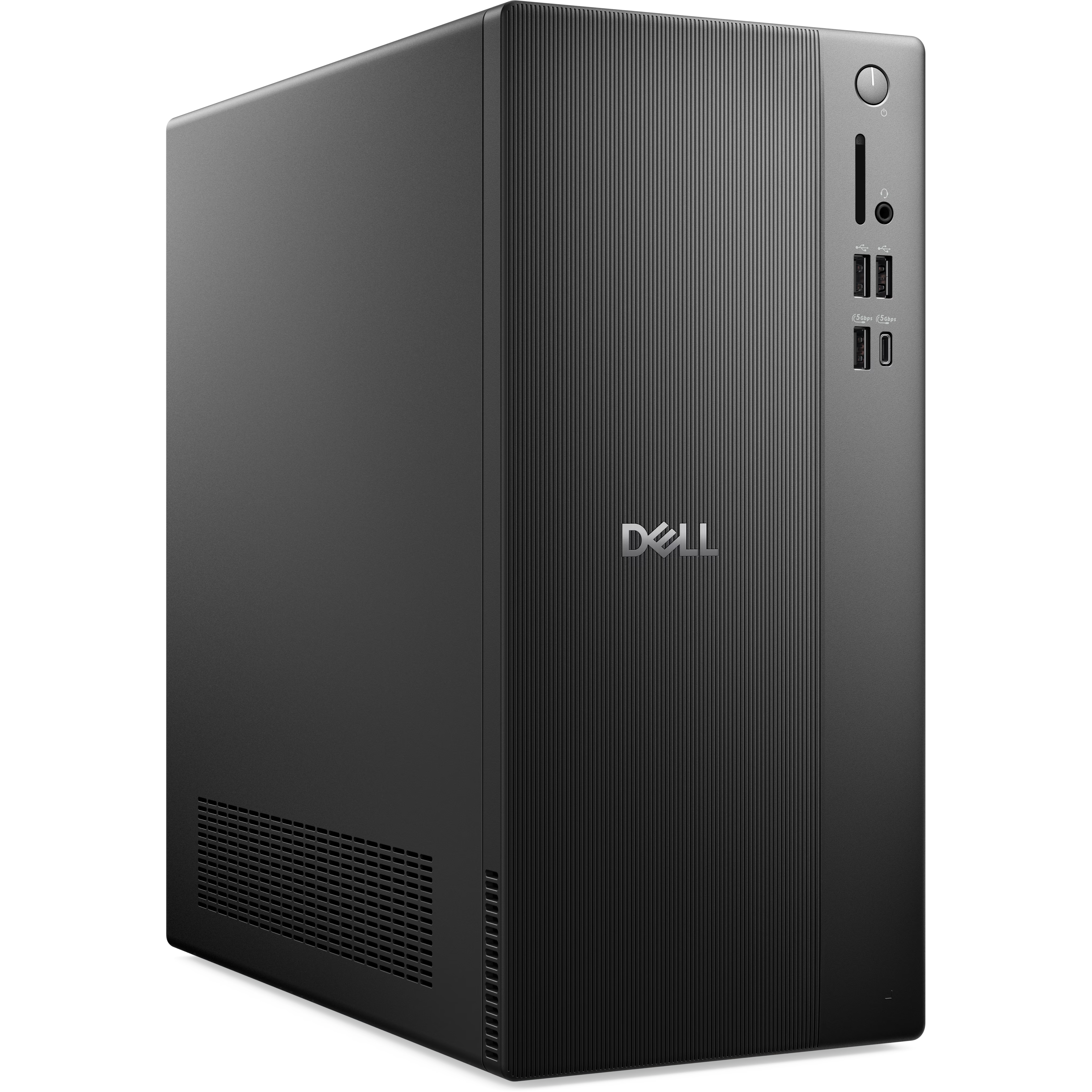
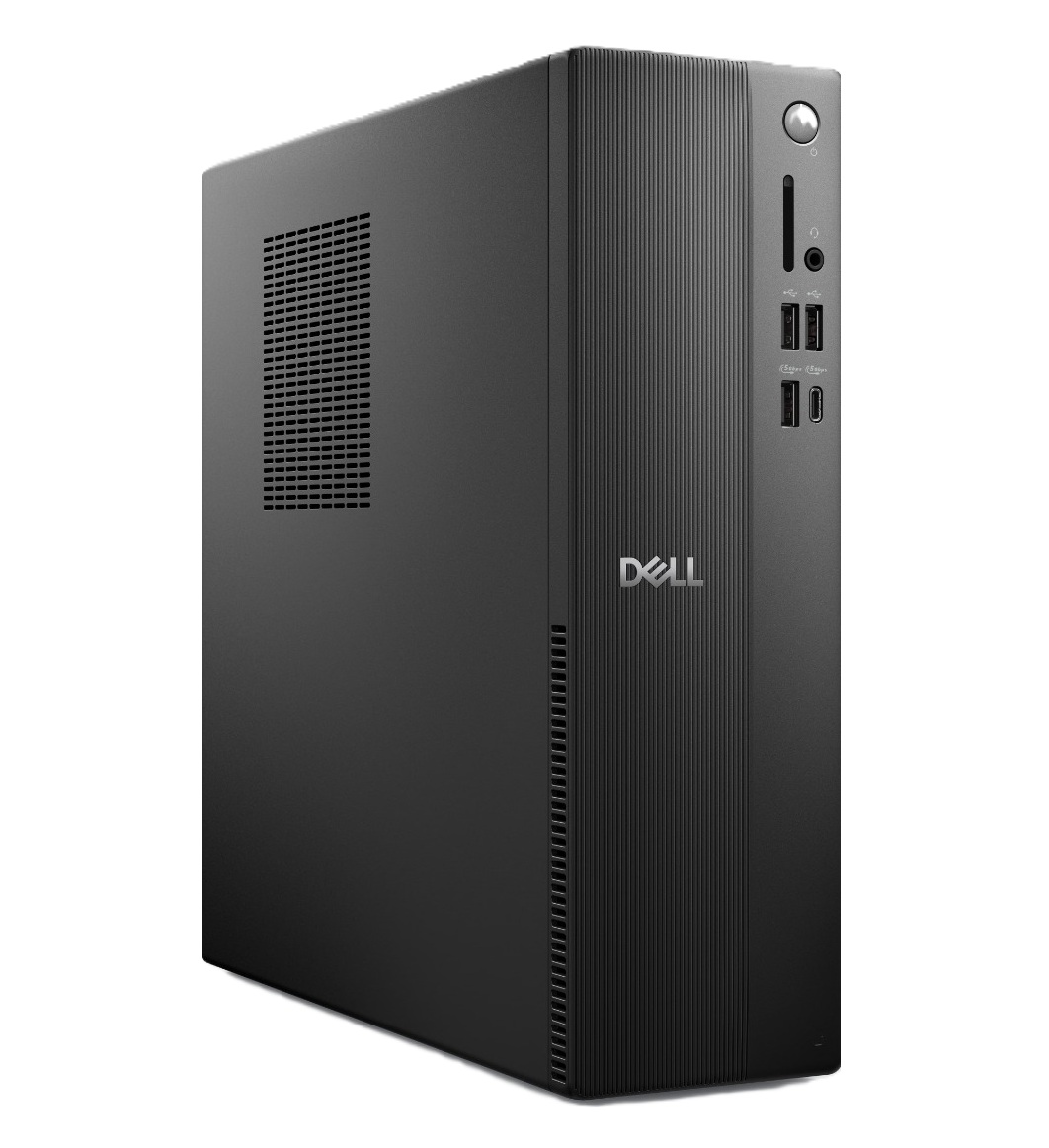
The Dell Slim Desktop offers similar high performance and install space as the Dell Tower Desktop, but with a more compact design, so it doesn't take too much space on your desk.View Deal
"The Alienware Aurora laptops target the mid-range with great all-around performance and a practical design, and the more powerful 16X makes some smart upgrades to justify its added cost." ~ Zachary Boddy, former Staff Writer,
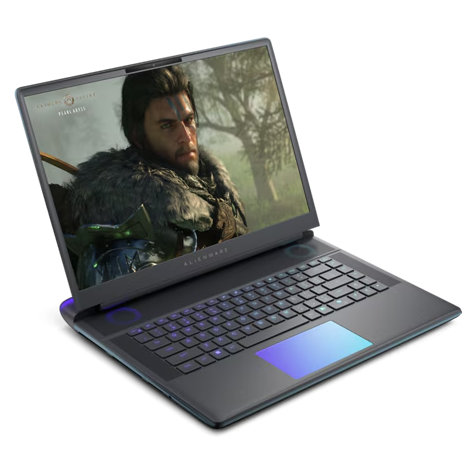
"The Alienware 16 Area-51 stands out with an eye-catching design that sets a tough standard for competitors. Underneath, it delivers impressive gaming performance, an excellent keyboard, and capable speakers." ~ Ural Garrett, Staff Writer at TechRadar
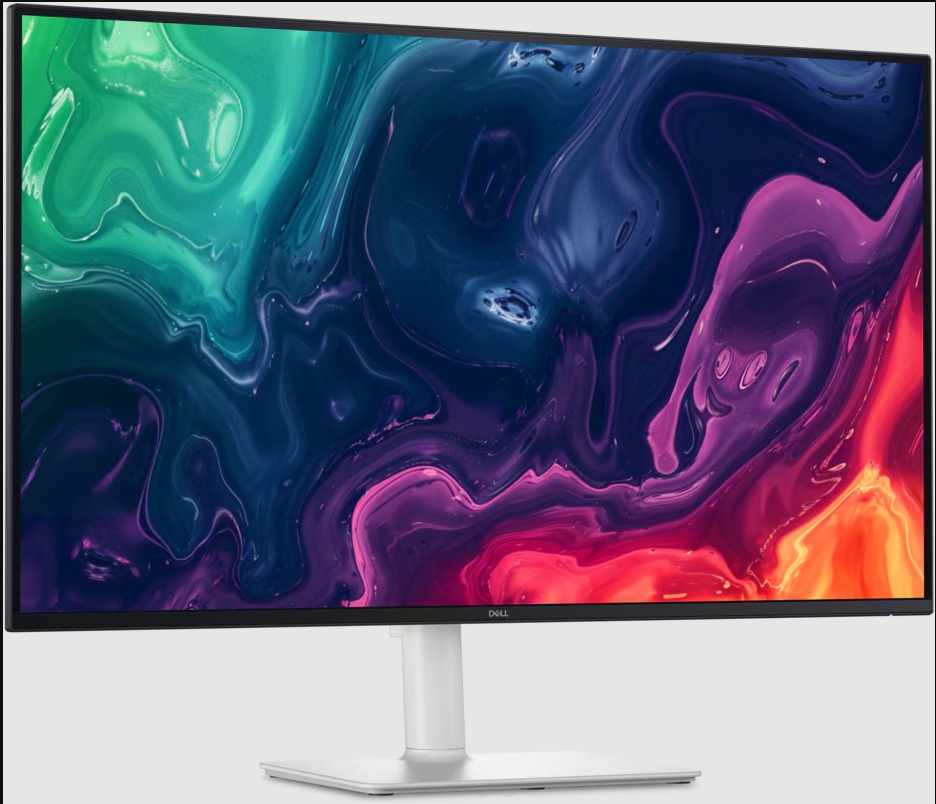
"Designed to keep up with any task you throw at it, the S3225QC has brilliant contrasting and picture quality, and is perfectly suitable for design tasks, casual use and even as a multi-purpose display with its integrated speakers and AI spatial audio calibration." ~ Zachariah Kelly, Staff Writer at Tech Radar
"The Alienware AW2725D is everything an OLED gaming monitor should be for less money than the competition. With tons of color and premium performance, it will satisfy all players from casual to professional." ~ Christian Eberle, Contributing Editor at Tom's Hardware.
The Dell 14 Plus Laptop, Dell 15 Laptop, Dell Tower Desktop, Dell Slim Desktop, and Dell 32 Plus 4K Monitor are best suited for productivity tasks as they were built specifically for rendering images with crisp detail, typing words and spreadsheets fast, and opening multiple browsers while researching info online without suffering performance hiccups.
Which are good for gaming?
The Alienware 16X Aurora and Alienware 16 Area-51 laptops, along with the Alienware 27 Gaming Monitor, are the best devices for PC games, as they are designed to help them run at high graphical settings while boosting frame rates for smoother gameplay.
Join us on Reddit at r/WindowsCentral to share your insights and discuss our latest news, reviews, and more.
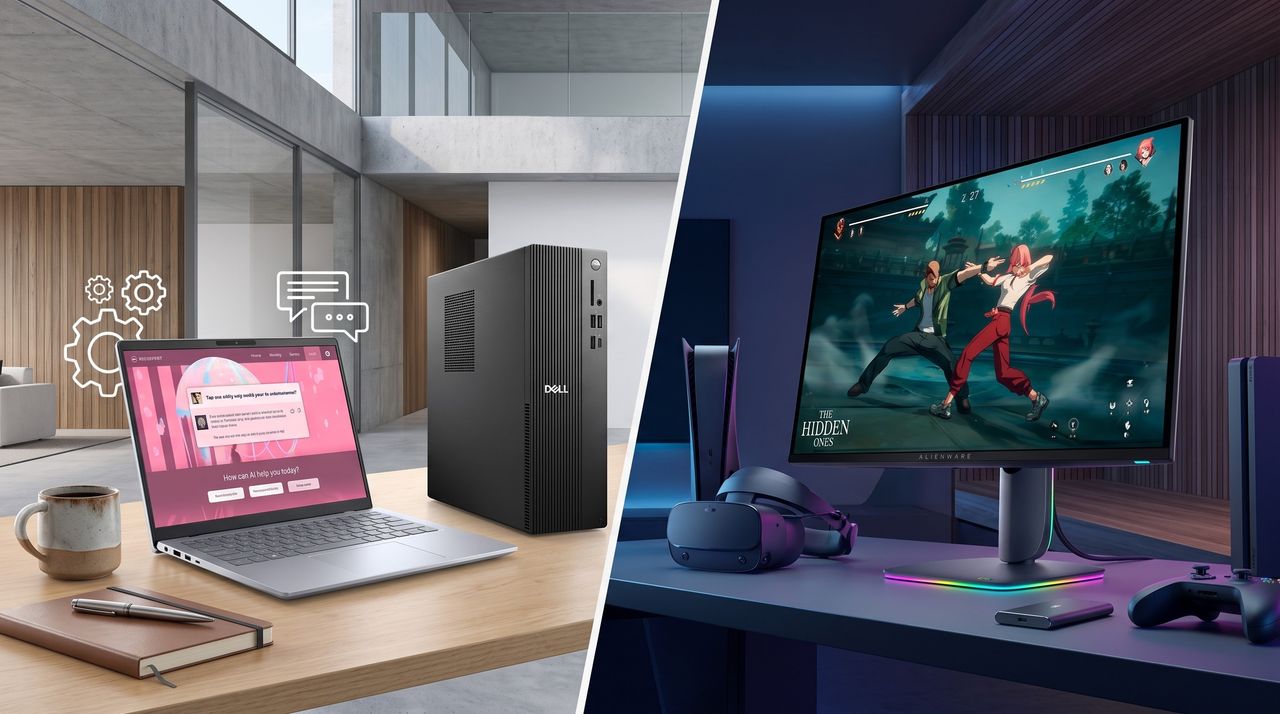
A split image shows two setups: a work area with a laptop displaying a webinar, pen, and mug on a table, and a gaming setup with a monitor, VR headset, and controller.
Dell is offering a selection of highly advanced PC devices, from gaming laptops to workhorse desktop towers, with a wide variety of discount deals for a limited time.
Alienware makes gaming laptops and desktops, sure, but the line I enjoy looking at most is its QD-OLED gaming monitors. They're immensely popular after being the first to market in 2022; they're generally well-rated, and they're usually competitively priced.
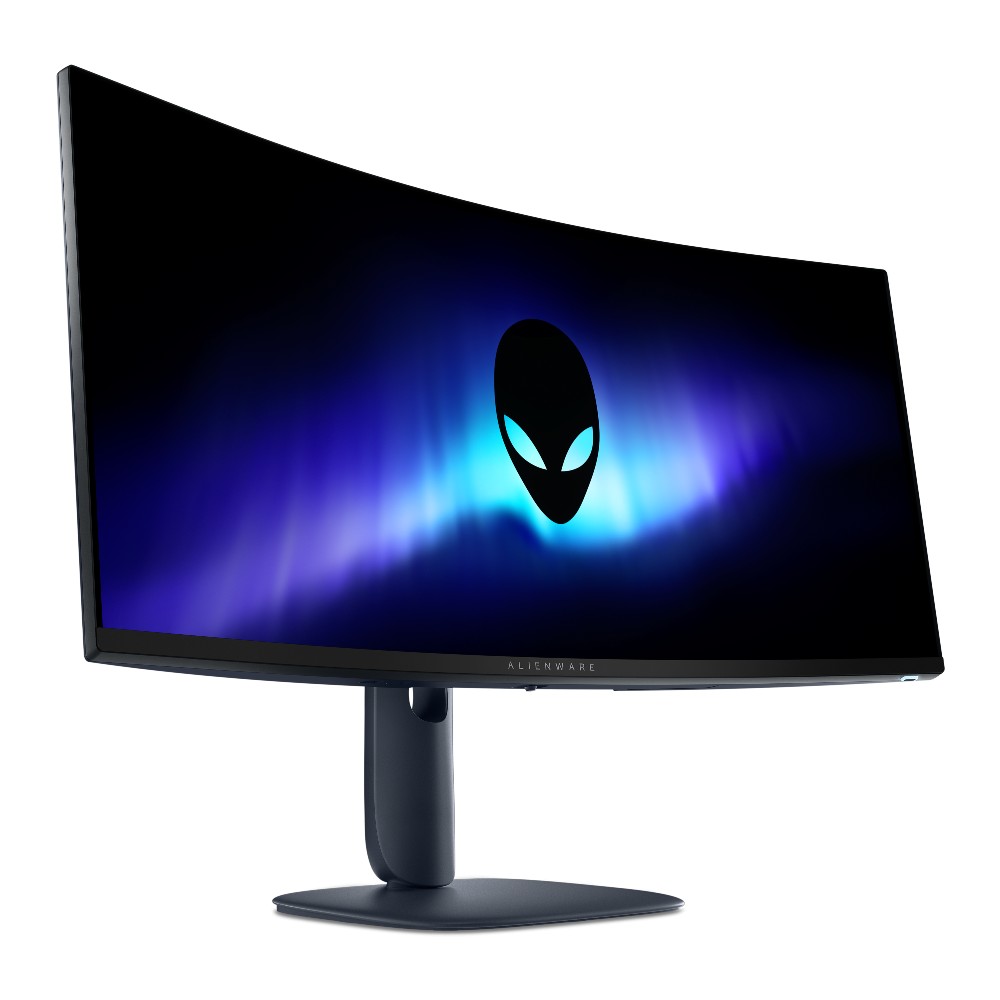
One of the most popular Alienware gaming monitors is the AW3425DW, and it has now received a significant update for 2026. Dell let me get my hands on the new AW3426DW ultrawide monitor early so I could get a true feel of what it's like, and I'm here to share my thoughts on whether or not it's worth a buy.
Dell had no input, nor saw the contents of this review, prior to publication.
It's worth noting that the older model is currently sitting at $649.99 after a $150 discount, and I wouldn't be surprised to see that price drop stick around now that the new model is here.
Here's a closer look at the specs that make up the Alienware AW3426DW.
Alienware AW3426DW
Size
34.18 inches
Panel
Samsung QD-OLED Penta Tandem (RGB stripe, 5-stack)
Resolution
3440x1440
Refresh rate
280Hz
Response time
0.03ms
Peak brightness
1,300 nits
Typical brightness
300 nits
HDR
HDR10, VESA DisplayHDR True Black 500, Dolby Vision
The main change arrives for the Quantum Dot-Organic Light Emitting Diode (QD-OLED) panel. It's using Samsung's new fifth-genPenta Tandem tech that was revealed earlier this year, which the company says has twice as long a lifespan as well as 1.3 times better brightness. Text should be easier to read, and there are improvements to dark colors in bright ambient light. More on that below.
Alongside the higher brightness, the monitor now has an anti-reflective coating to better combat glare. And, finally, the refresh rate has been raised from 240Hzto 280Hz.
What I like about the Alienware AW3426DW
The small Alien head and the power button are the only RGB elements you'll find. (Image credit: Future)
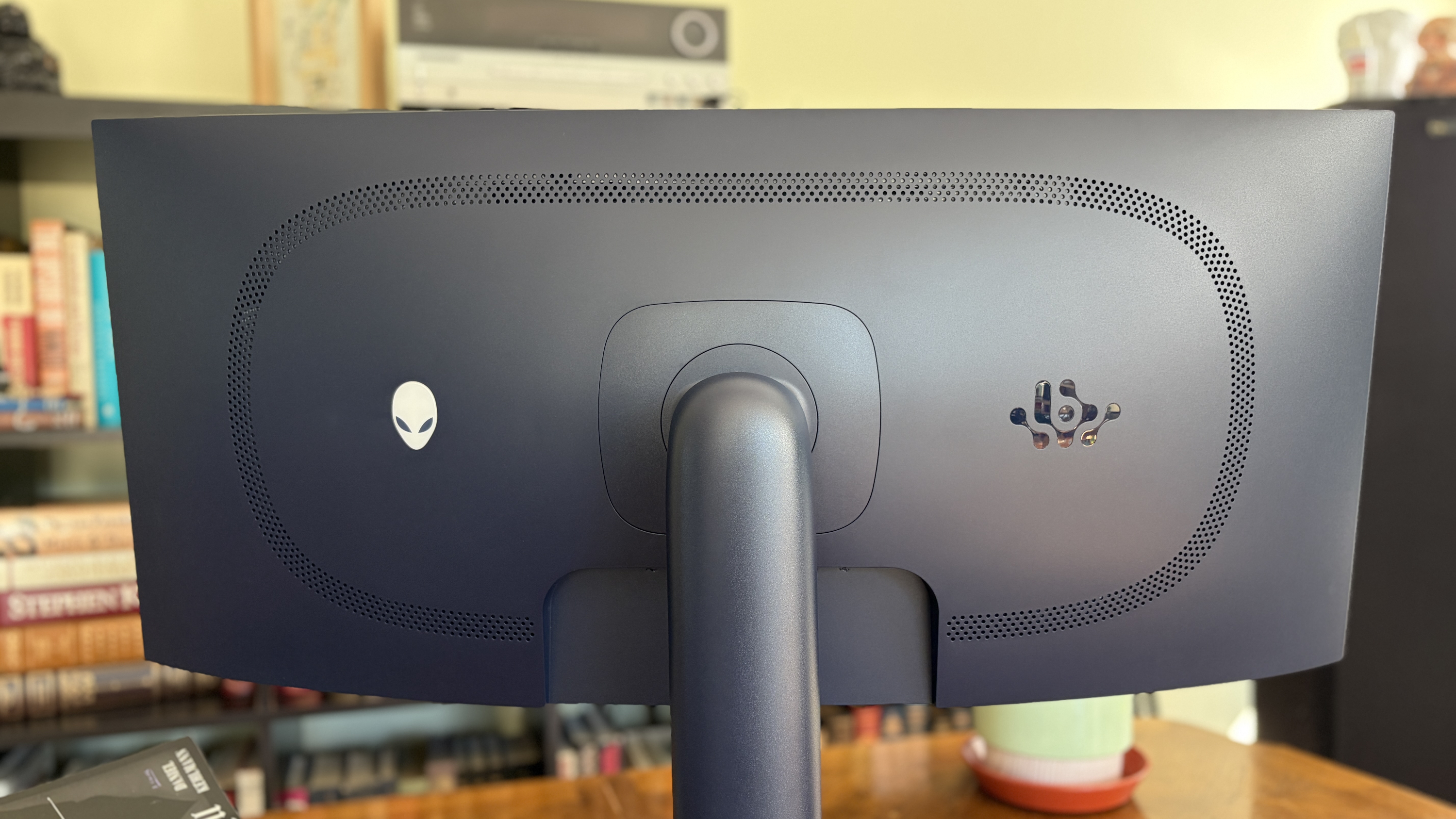
From a purely design standpoint, the Alienware AW3426DW hasn't changed much compared to the AW3425DW. Its case has a pleasant Interstellar Indigo color scheme, with minimal interruptions on the back panel.
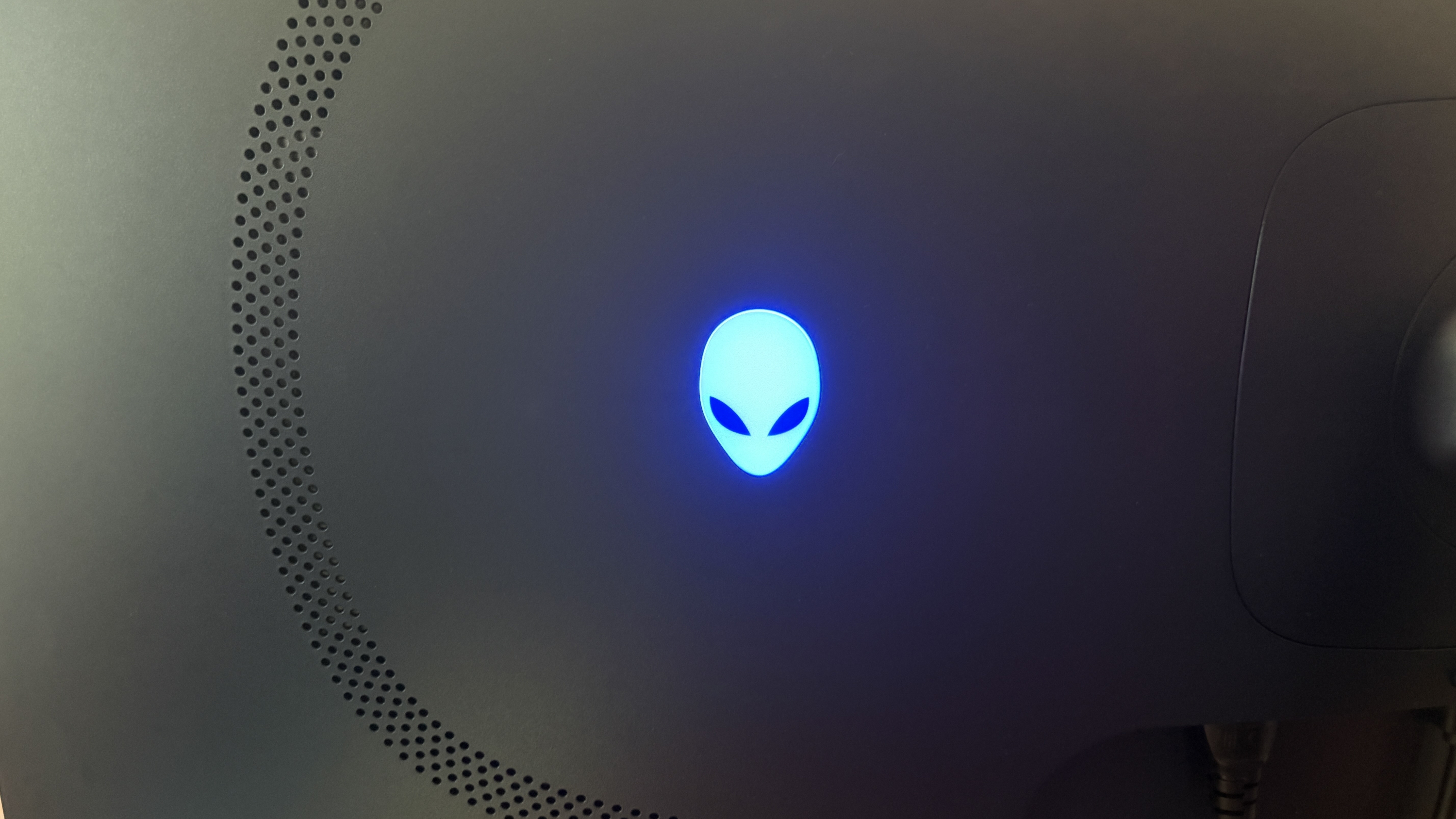
An Alienware head logo is off to the left of the stand, and there's the secondary AI logo on the other side. These logos are surrounded by venting, altogether offering a clean look.
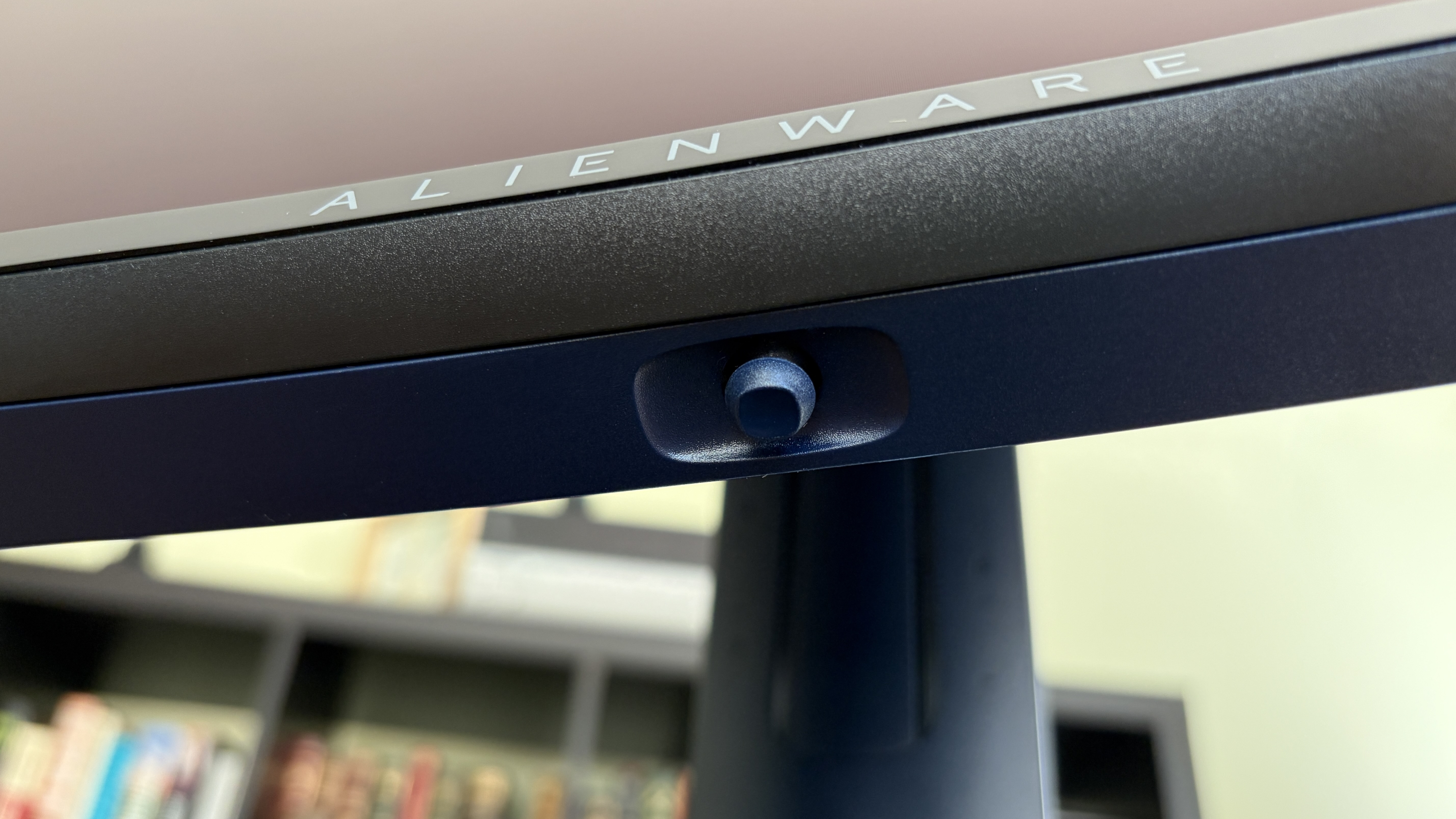
For a bit of extra jazz, the Alienware head has customizable lighting. The same applies to the monitor's power button on the bottom edge of the casing.
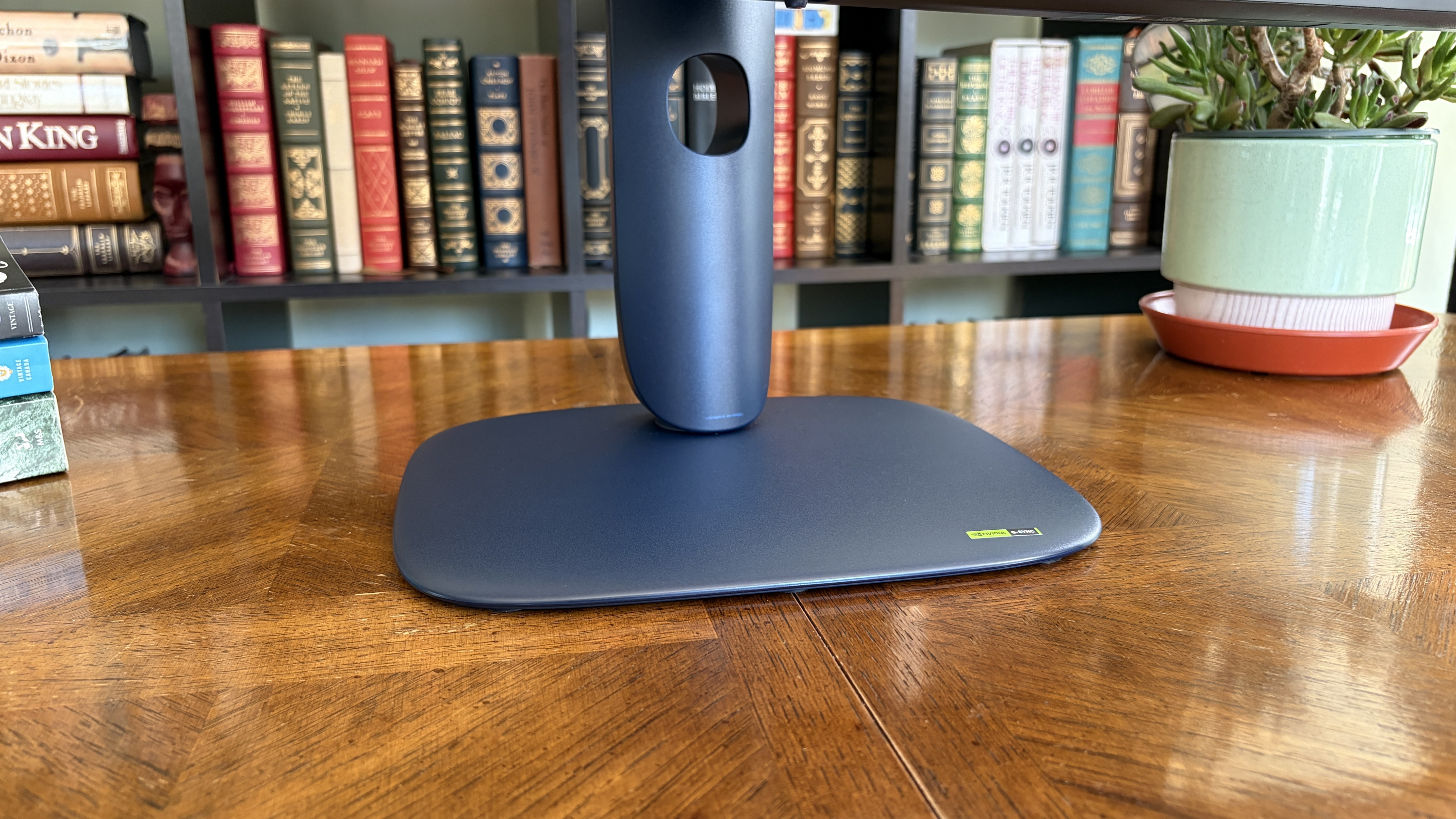
The front of the monitor features Alienware branding, and that's basically it. Bezels are nice and slim, and the rounded stand seems like a perfect pairing.
I like the bubbly, rounded look of the AW3426DW's stand. (Image credit: Future)
On that note, the stand is plenty sturdy. It doesn't offer much rotation (this is an ultrawide, after all), but there's enough tilt and swivel to keep me happy. If I were keeping the screen, it'd go onto my MSI dual-arm VESA mount thanks to 100x100mm compatibility.
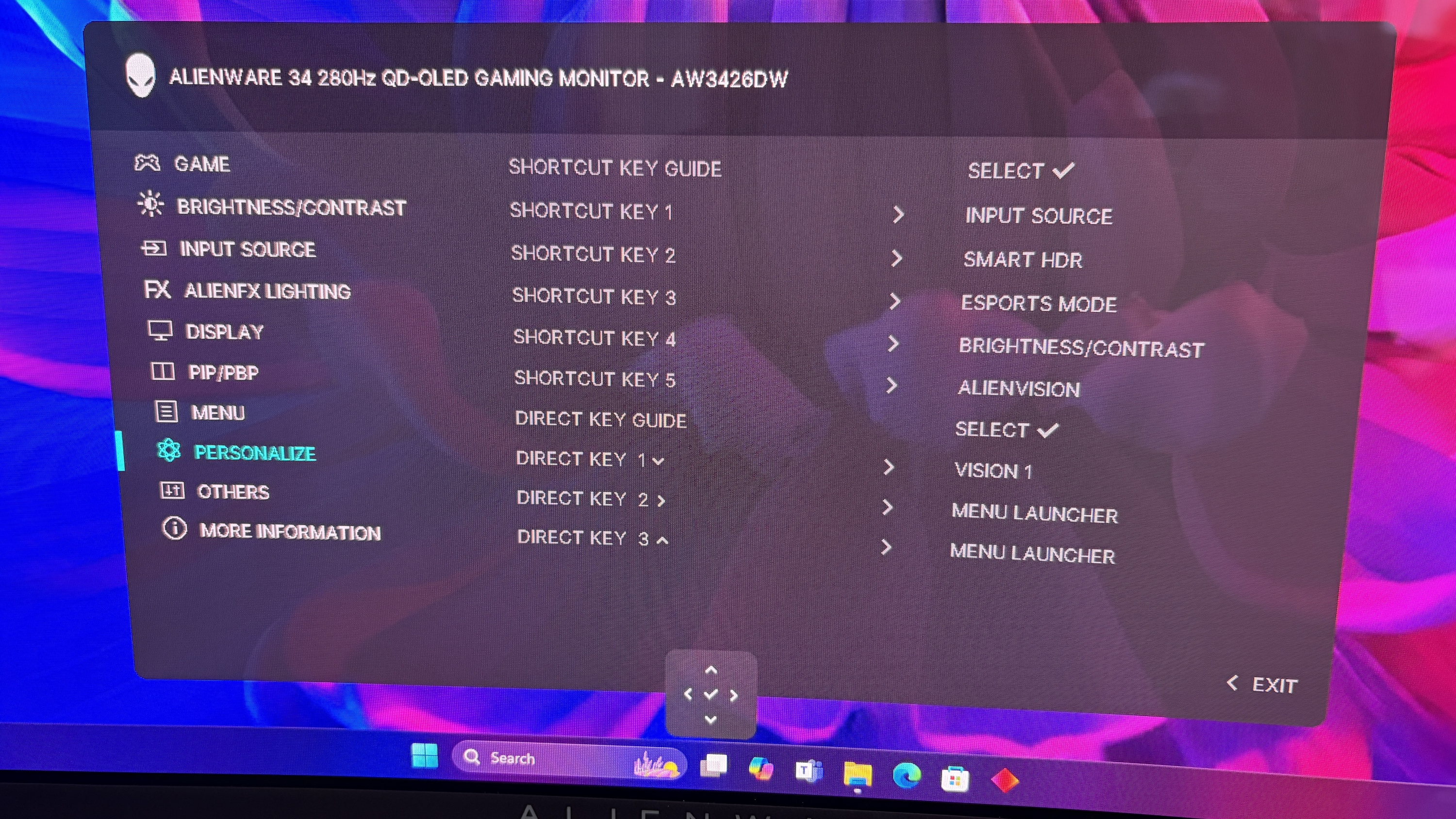
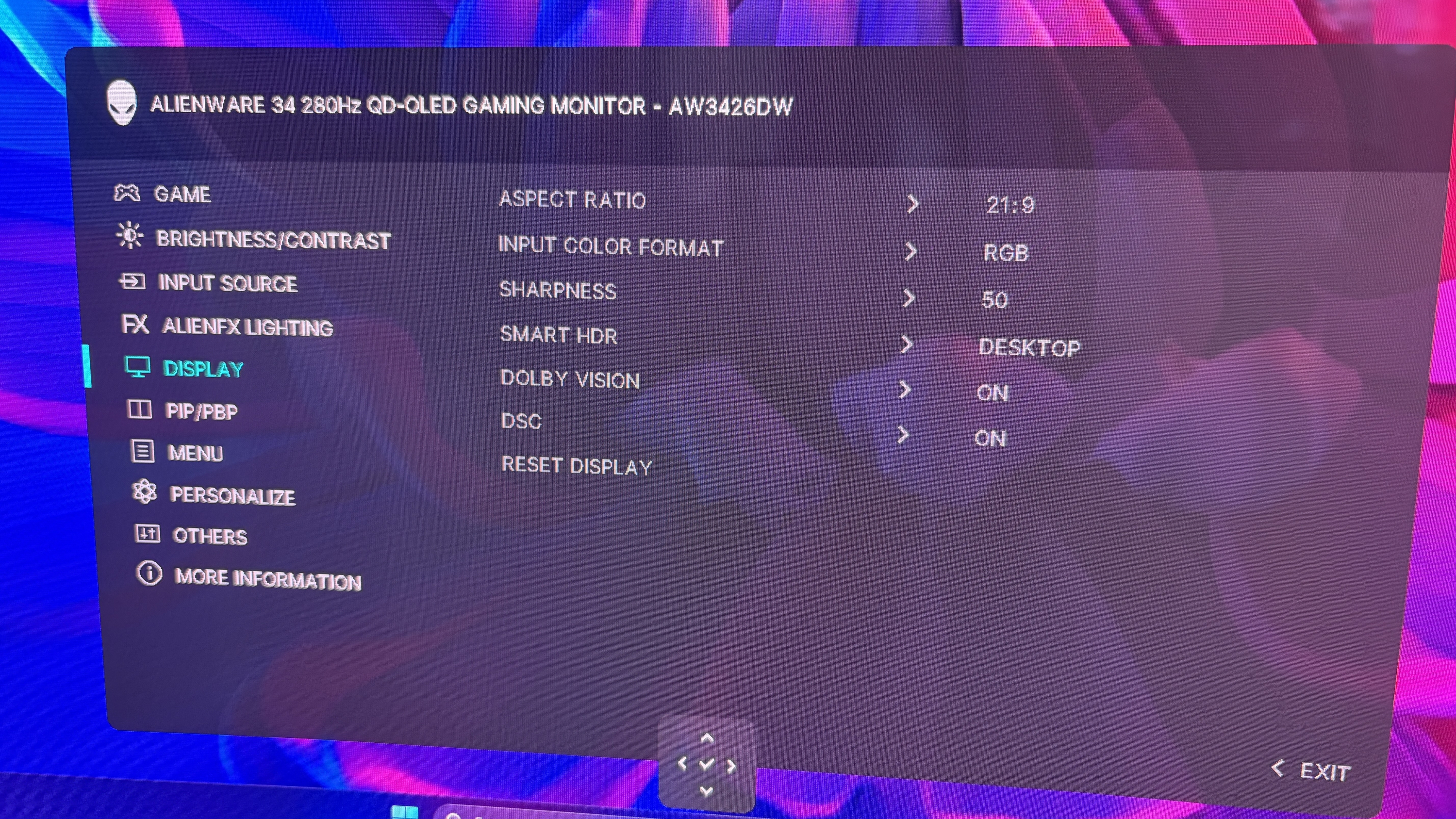
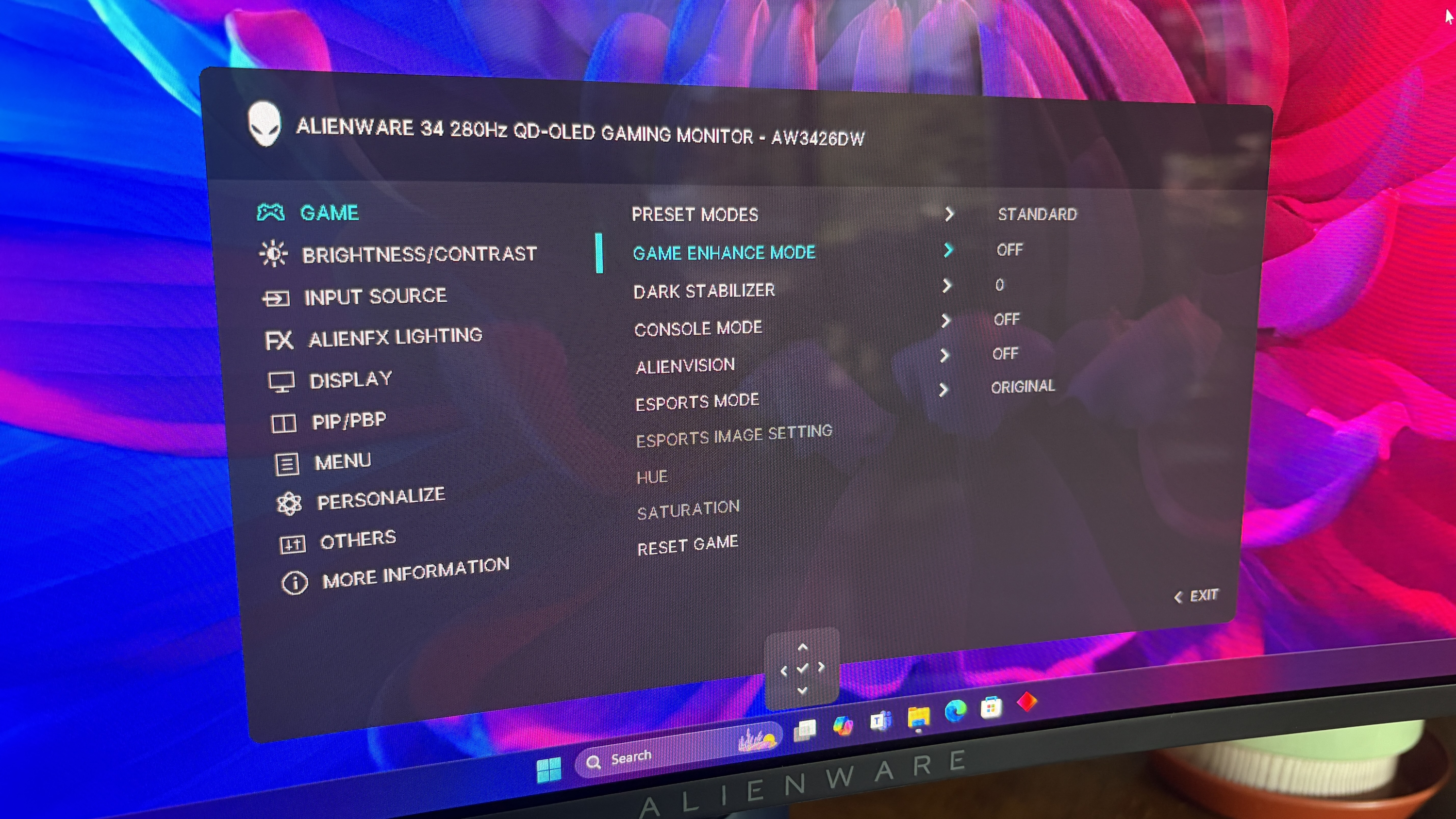
All OSD settings are controlled with a single joystick. There are a ton of menu options to play around with should you want to tweak the picture, and the monitor includes quite a few presets for different tasks and gaming styles. You can also change shortcuts for easier control.
The OSD menu is controlled with a single joystick.FutureOSD menu controls in the Alienware AW3426DW are quite extensive.FutureOSD menu controls in the Alienware AW3426DW are quite extensive.FutureOSD menu controls in the Alienware AW3426DW are quite extensive.Future
Smart HDR, Dolby Vision, refresh rates, and much more are all customizable. You can choose how the monitor handles multiple inputs. And, for those who game and work on the same screen, I'm happy to report that the Picture-in-Picture (PiP) and Picture-by-Picture (PbP) features work flawlessly.
The older AW3425DW's OSD menu, or "Command Center," had issues with freezing and closing randomly, but I've not seen those issues in the newer AW3426DW model.
How is the Alienware AW3426DW's color and brightness?
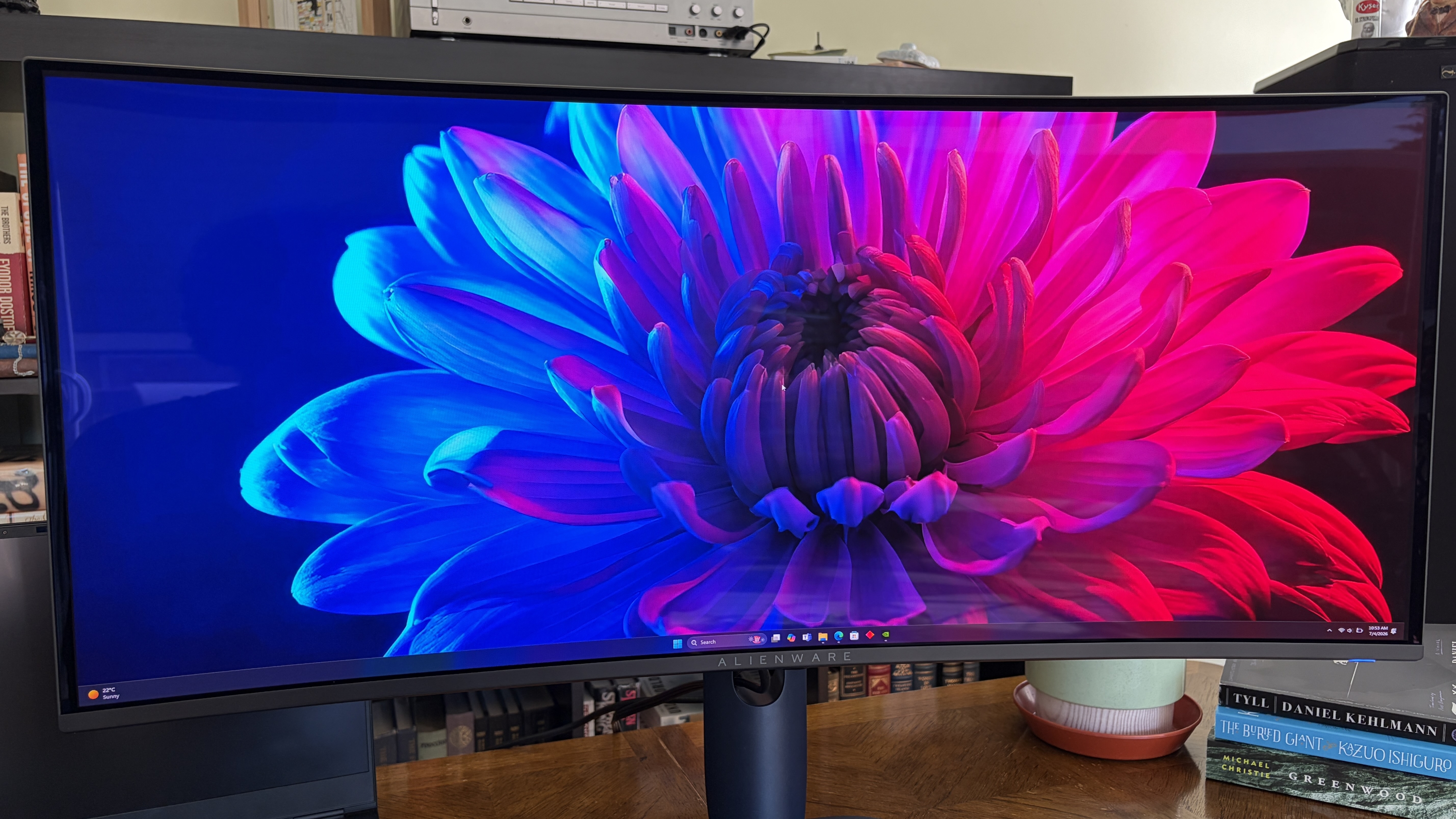
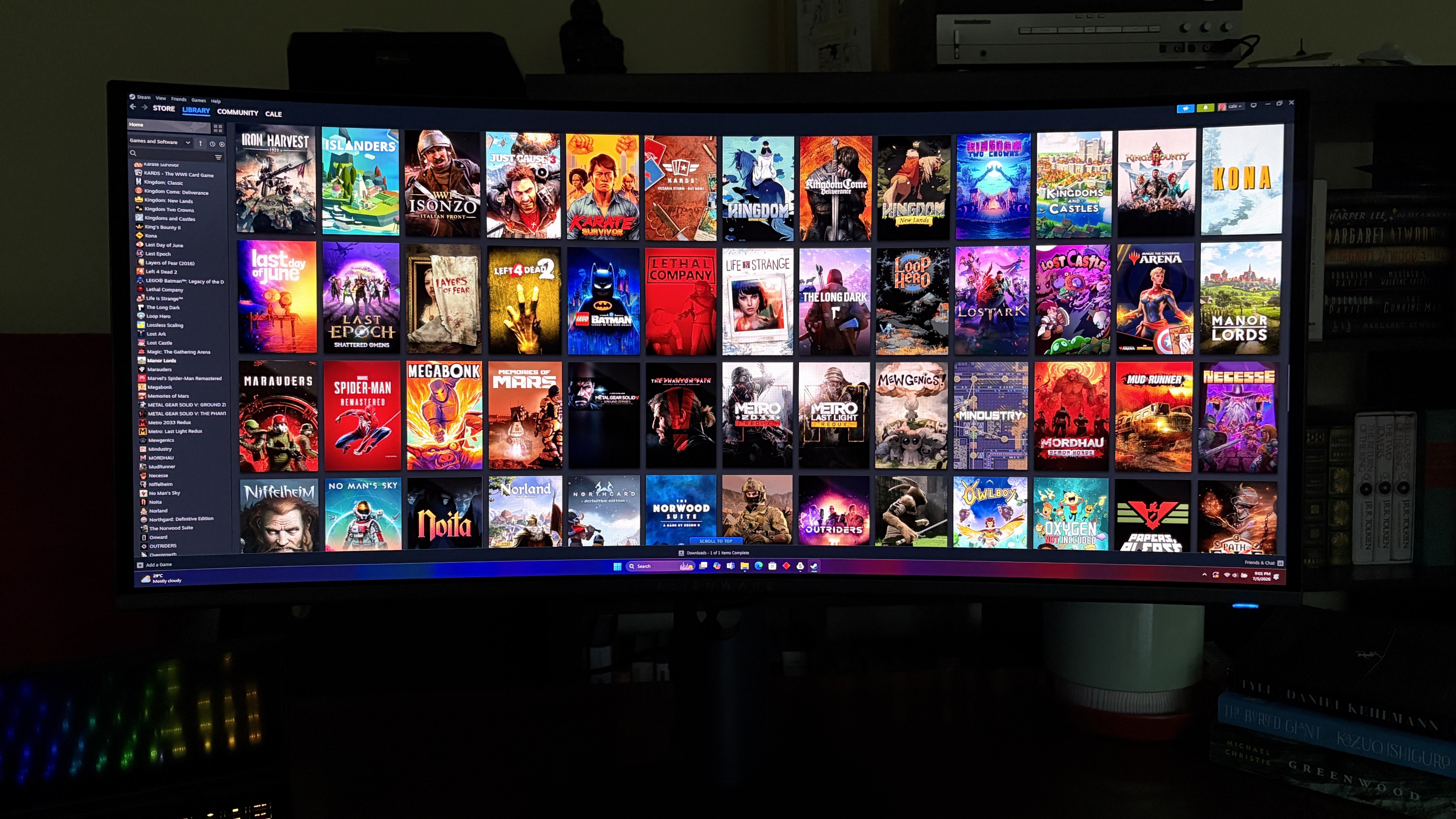
It's hard to convey through photos how great the Alienware AW3426DW looks. (Image credit: Future)
Thanks to the new fifth-gen QD-OLED panel, Alienware's flagship line of ultrawide gaming monitors has never looked better.
One of the biggest complaints about the older model was that black colors often appeared purple when in a bright room. That's been significantly improved here, and it seems that no matter how much light is falling on the screen, dark colors remain dark.
This latest model includes a new anti-reflective finish that Dell says reduces glare by up to 30%. I can't test for that precisely, but I can say that the only time I had issues with glare was in a sun-drenched room with direct light hitting the screen. If you're in an office or a gaming room, you should have no issues.
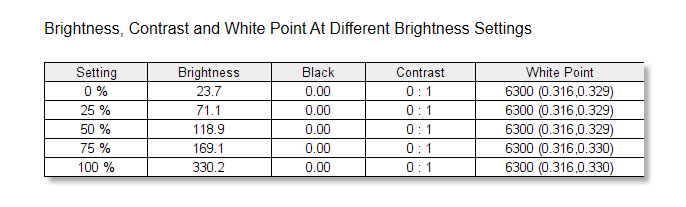
The Alienware AW3426DW's brightness and contrast readout. (Image credit: Future)
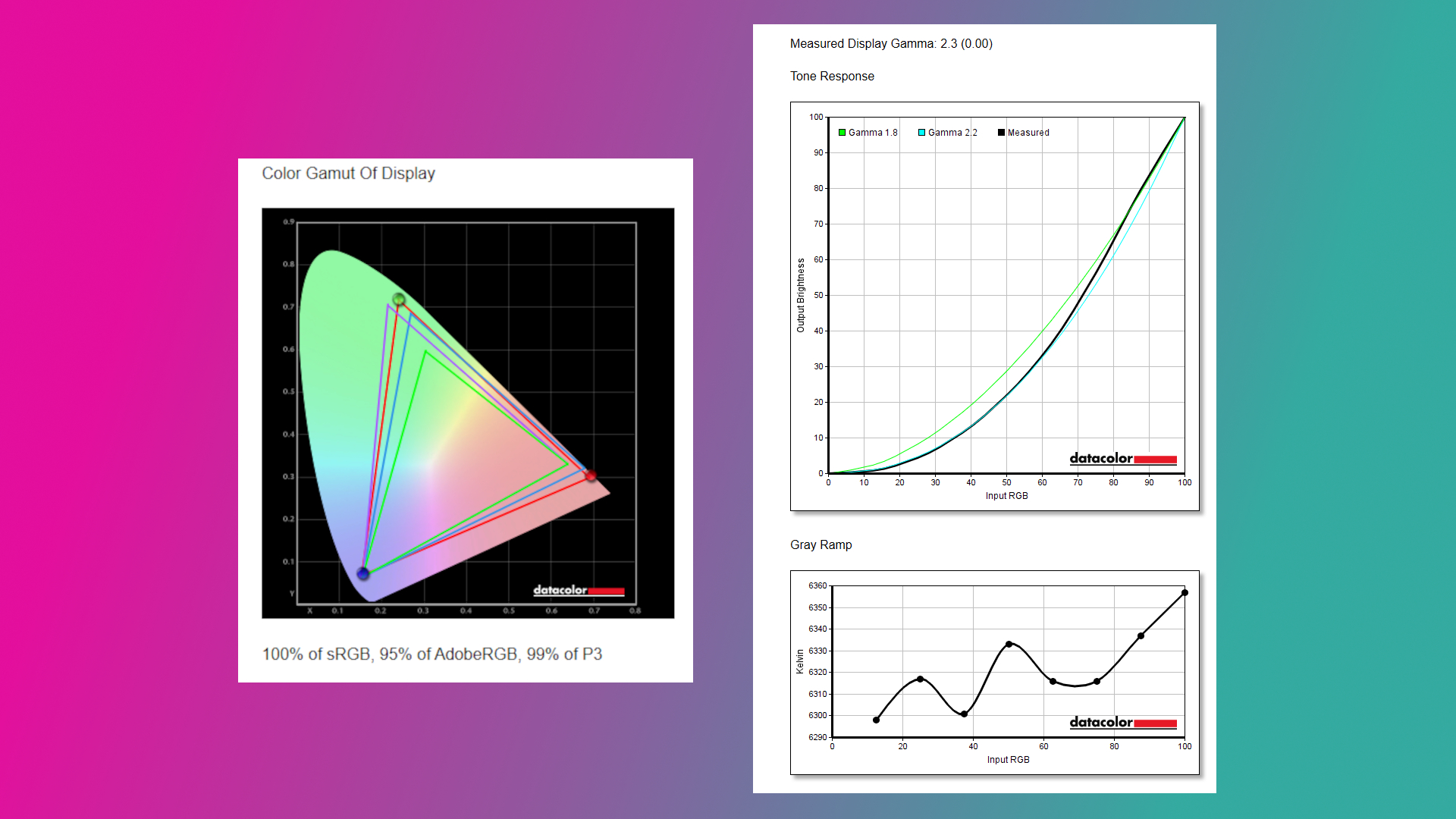
It also helps that brightness has gone up from a 250-nit cap to 300 nits. Whereas the AW3425DW tested for roughly 252 nits of brightness, I saw the AW3426DW hit 330 nits in SDR, and it goes up to about 1,300 nits with HDR enabled. This additional brightness pushes its HDR certification up to VESA DisplayHDR 500.
You can see for yourself the brightness, color, contrast, and white point ratings in the above chart that I pulled from my SpyderX Pro colorimeter.
(Image credit: Future)
Color reproduction has actually improved slightly compared to the previous generation. Whereas we previously tested for 97% P3 and 94% AdobeRGB coverage, the new model hits 99% and 95%, respectively. It otherwise remains at 100% sRGB.
Is Alienware's AW3426DW good for gaming?
You're going to love gaming on Alienware's AW3426DW. (Image credit: Future)
Thanks to a curved panel, an ultrawide 21:9 aspect ratio, a 3440x1440 resolution, a 280Hz refresh rate, and a 0.02ms response time, the Alienware AW3426DW is an outstanding gaming monitor.
The resolution hits the sweet spot for most gamers, and once you go ultrawide, you'll find it's very hard to go back to a 16:9 aspect ratio. The 280Hz refresh rate has plenty of ceiling for high-end performance hardware, and it's fast enough that you shouldn't mind using it for competitive titles.
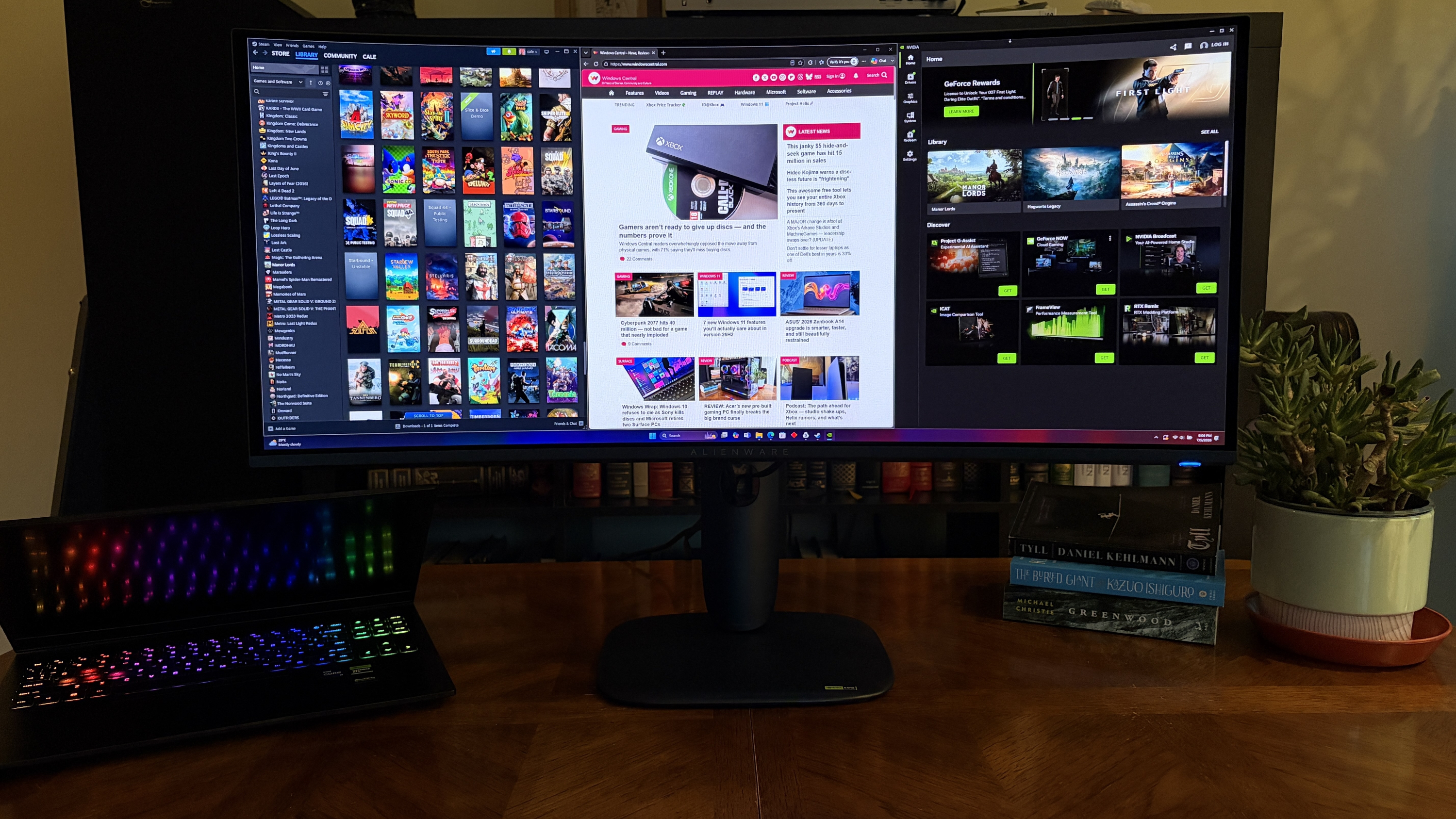
Because it's an ultrawide with room for (at least) three separate windows, it's also great for productivity. Text is easier to read with this generation of QD-OLED panel, and you might be surprised at how crisp everything looks if you're coming from an older model.
What I dislike about the Alienware AW3426DW
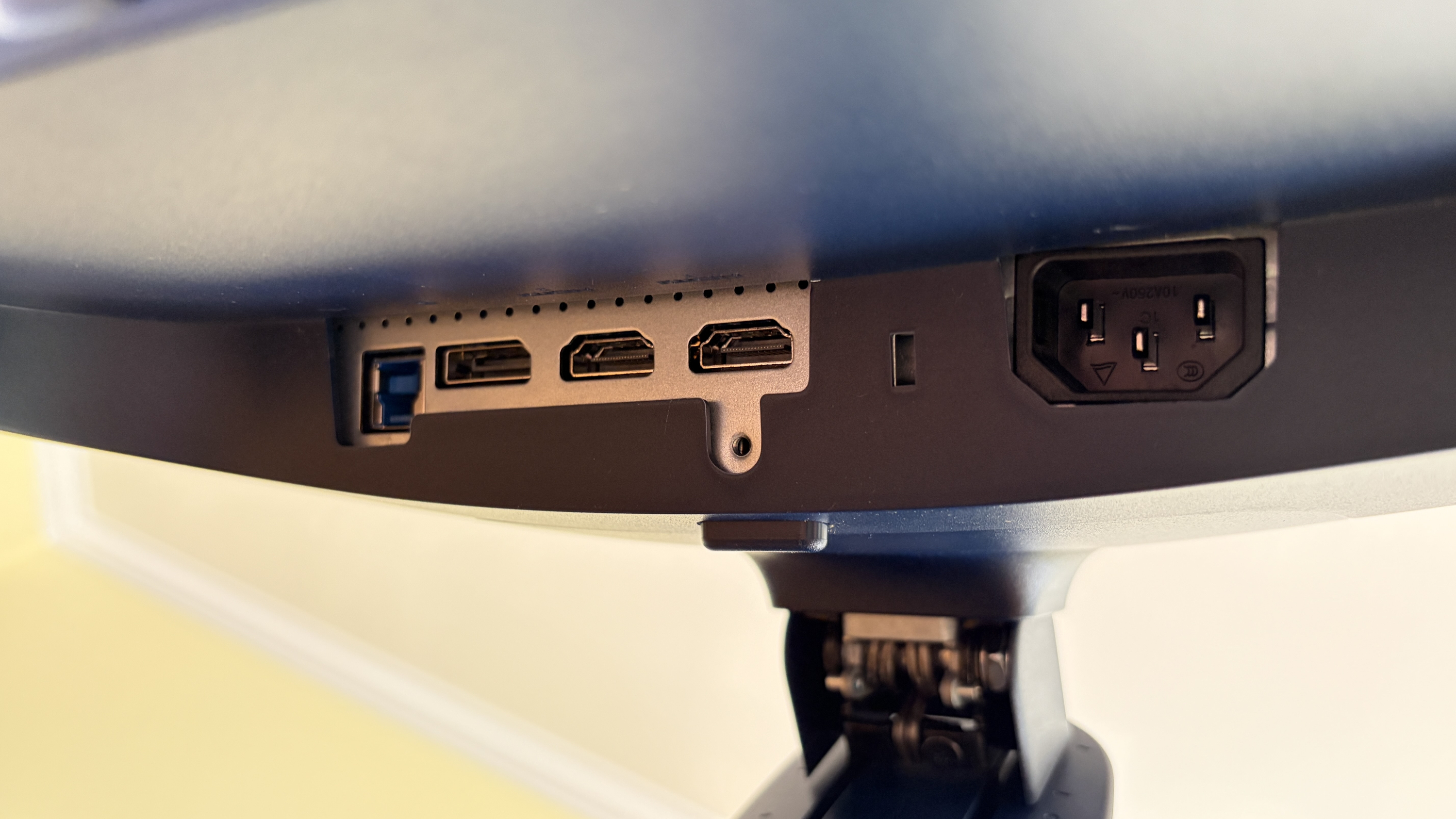
Ports on the Alienware AW3426DW are a bit more limited than I'd like. (Image credit: Future)
There's not much to dislike about this monitor from a display quality standpoint. But there are some drawbacks you should know about before buying.
The port selection is notably a bit lacking. There's no 3.5mm audio jack (and no built-in speakers), and for data, there's just USB-C (15W) and USB-A, feeding off an upstream USB-B port.
Alienware's AW3426DW is easy to love, whether you're gaming or working.
Video inputs include dual HDMI 2.1 with Fixed Rate Link (FRL) for uncompressed 4K@120Hz gaming, but the single DisplayPort is 1.4 standard with Display Stream Compression (DSC). Some newer monitors are shipping with DP 2.1 with less compression, and I'd say it only really matters for enthusiasts.
Should you buy the Alienware AW3426DW?
Alienware's AW3426DW is an outstanding gaming monitor, but it's also handy for productivity. (Image credit: Future)
You should buy this if ...
✅ You're looking for a competitively priced ultrawide gaming monitor featuring fifth-gen QD-OLED tech.
✅ You have a gaming PC that can handle a 3440x1440 resolution and that can make use of a 280Hz refresh rate.
You should not buy this if ...
❌ You're a competitive gamer who mostly plays at a 16:9 aspect ratio.
❌ You just want a QD-OLED ultrawide and don't care about the generation (go with the AW3425DW from last year that's now usually cheaper).
I loved my time with the Alienware AW3426DW, and it's something I'll recommend to anyone who's searching out a new QD-OLED ultrawide for gaming.
The 280Hz refresh rate is perfect for most people, the fifth-gen panel is better than ever, and the overall design is sleek and balanced.
Although some might complain that the port selection isn't generous enough or that the RGB lighting is lacking, others might not mind those drawbacks nearly as much.
And considering how many perks the monitor has, it's easy to see why this line of monitors from Alienware is so popular. I have to return the review sample, but the AW3426DW is at the top of my list for when it comes time to upgrade.
Penta Tandem
Alienware
AW3426DW
Alienware's AW3426DW makes several important upgrades over its predecessor, including a new Penta Tandem QD-OLED panel that ups brightness, improves color, and makes text easier to read. It's an outstanding option for work and for play, just as long as you can live with the (minor) downsides.
Join us on Reddit at r/WindowsCentral to share your insights and discuss our latest news, reviews, and more.
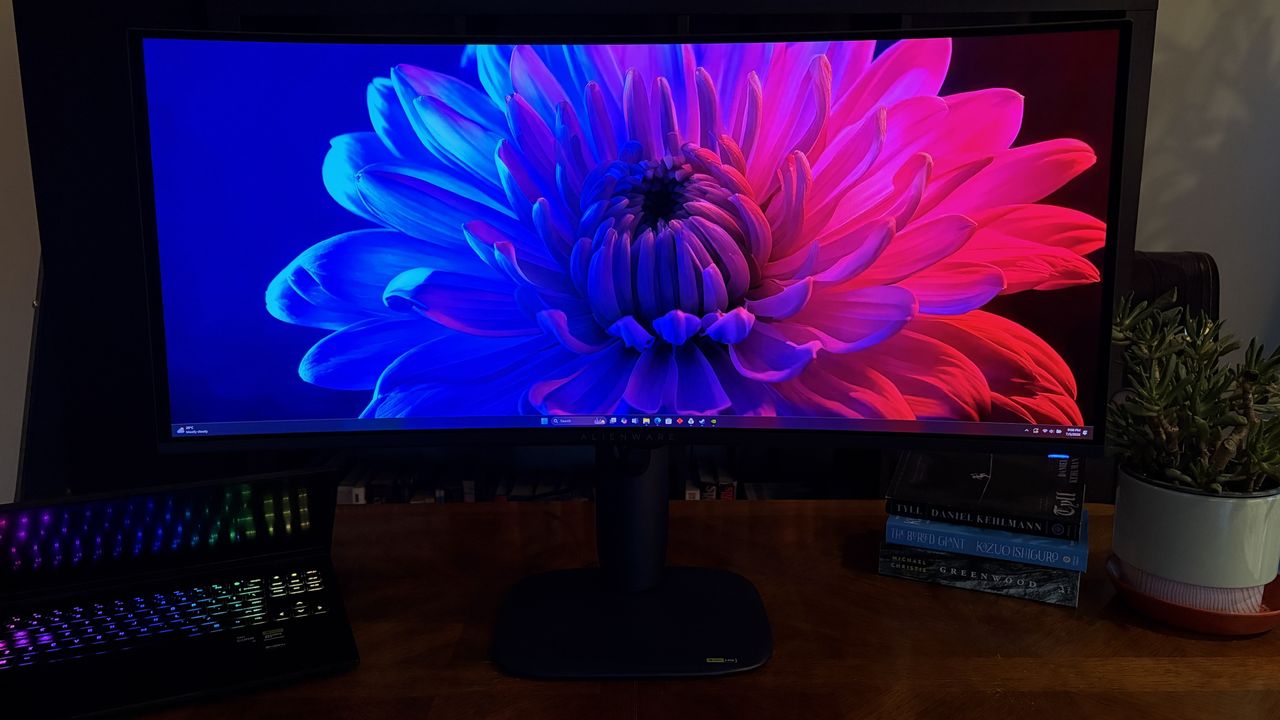
A curved Alienware AW3426DW widescreen monitor displays a vibrant flower image on a wooden desk, next to an open laptop with a lit keyboard, books, and a potted plant.
Alienware's new AW3426DW has landed with a host of improvements.
Amazon Prime Day week is happening right now, which is helping make good Windows 11 PCs more affordable in this current component pricing crisis climate across the entire retail space. With new laptops skyrocketing in price, deals on last-gen products like this Dell XPS 13 with a Snapdragon X Elite for $999 shouldn't be ignored, especially as it comes with 32GB RAM.
With RAM costing so much these days, devices with more than 16GB RAM usually come at a high premium. That makes this deal even more lucrative, as 32GB RAM laptops now often cost north of $1,000, and even more so on flagship devices with premium components and build qualities like the XPS 13.
As portable as it gets, this iconic 13-inch XPS laptop features Qualcomm's high-end, first-generation Snapdragon X processor for all-day battery life and a gorgeous (non-touch) OLED screen.
Powered by the Snapdragon X Elite, with 32GB RAM and 1TB storage, the Dell XPS 13 is an excellent flagship Windows 11 laptop. It has a 13.4-inch OLED display which looks absolutely amazing, and it's paired with Dell's best-in-class haptic trackpad and zero lattice keyboard design which makes the device look very futuristic.
It's a device made out of premium materials that feel great in the hand, including a CNC-machined aluminum chassis. It's one of Dell's thinnest and lightest laptops, coming in at just 2.2lbs and 0.60 inches. It features all day battery life too thanks to efficient Arm SoC that powers things under the hood.
The chip itself is Qualcomm's flagship SoC from 2024, meaning it's perfectly capable for most tasks you'll want to throw at it. It can do light gaming, video and photo editing, and breeze through productivity workflows, heavy multitasking, and more thanks to that added 32GB RAM headroom,
It has two USB4 Type‑C ports supporting DisplayPort and power delivery. Wireless performance is handled by Qualcomm FastConnect 7800, bringing Wi‑Fi 7 and Bluetooth 5.4 for future‑proof networking.
Overall, it's an incredible laptop with lots of power and performance under the hood. And 32GB RAM on a flagship laptop in 2026 for under $1,000 is tough to come by, so I'd snap this deal up while it's still available.
Join us on Reddit at r/WindowsCentral to share your insights and discuss our latest news, reviews, and more.
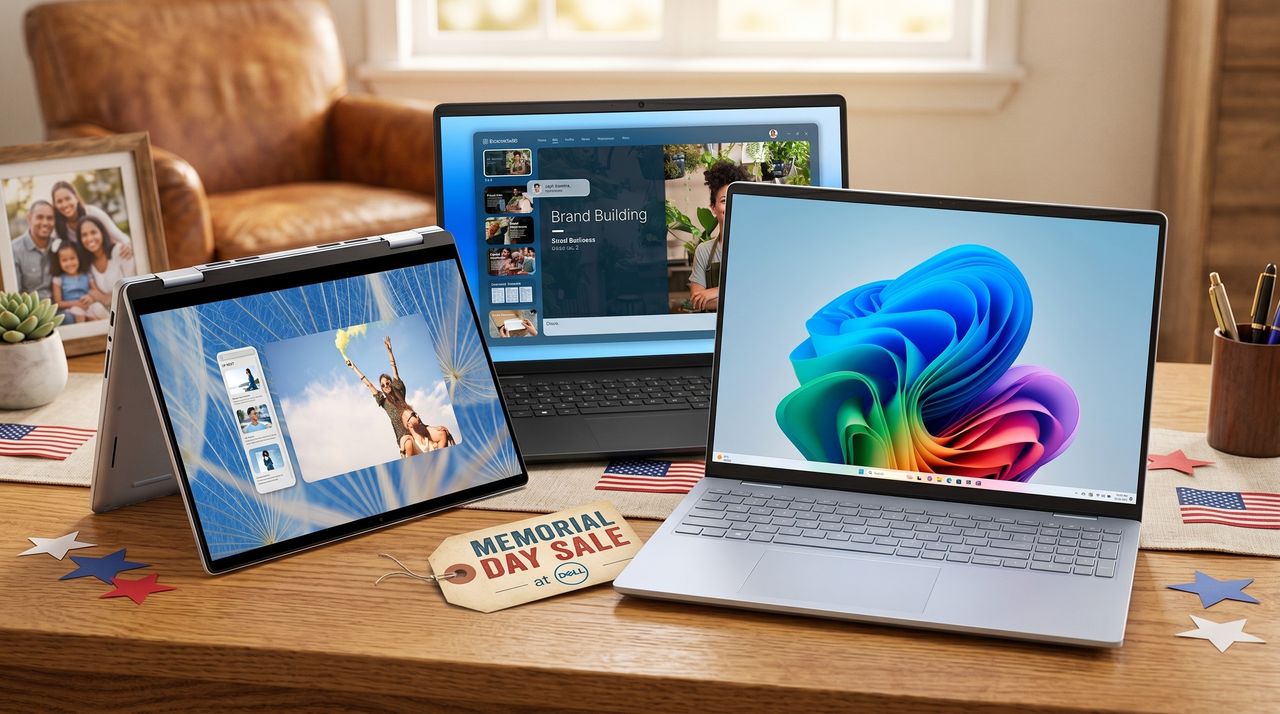
Dell is currently blowing out a bunch of its laptops during Memorial Day weekend, and I found the 5 best sales that start at just $529 for a limited time.
Three Dell laptops are on a wooden table with American flag decorations. One displays a colorful abstract graphic, another a website, and a third shows a skydiver photo. A "Memorial Day Sale" tag is in the foreground, creating a festive and tech-focused atmosphere.
Three Dell laptops are on a wooden table with American flag decorations. One displays a colorful abstract graphic, another a website, and a third shows a skydiver photo. A "Memorial Day Sale" tag is in the foreground, creating a festive and tech-focused atmosphere.
Memorial Day weekend is home to plenty of tech deals, and Best Buy actually has some better prices than Dell when it comes to Dell's own laptops.
Memorial Day Savings Spectacular banner for Best Buy featuring three Dell laptops with vibrant screens. Background includes fireworks, stars, and red, white, and blue colors. Text highlights unbeatable laptop deals and limited time offer.
Memorial Day Savings Spectacular banner for Best Buy featuring three Dell laptops with vibrant screens. Background includes fireworks, stars, and red, white, and blue colors. Text highlights unbeatable laptop deals and limited time offer.
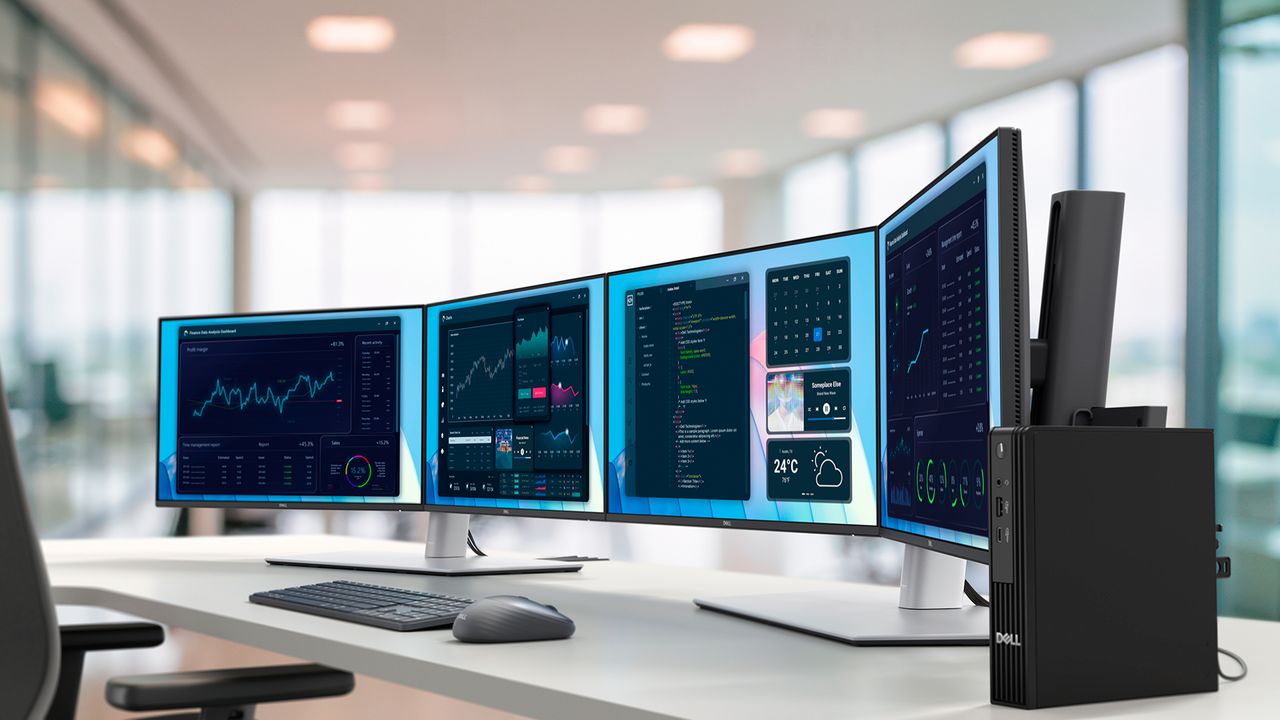
Dell just announced its first Copilot+ mini PC running on Intel's Core Ultra Series 3 chips, and I'm in love with its customizable port selection that unlocks up to five external displays with a mix of 4K and 5K resolutions.
Dell Pro 5 Micro
A look at Dell's new Pro 5 Micro mini PC powering four external displays.
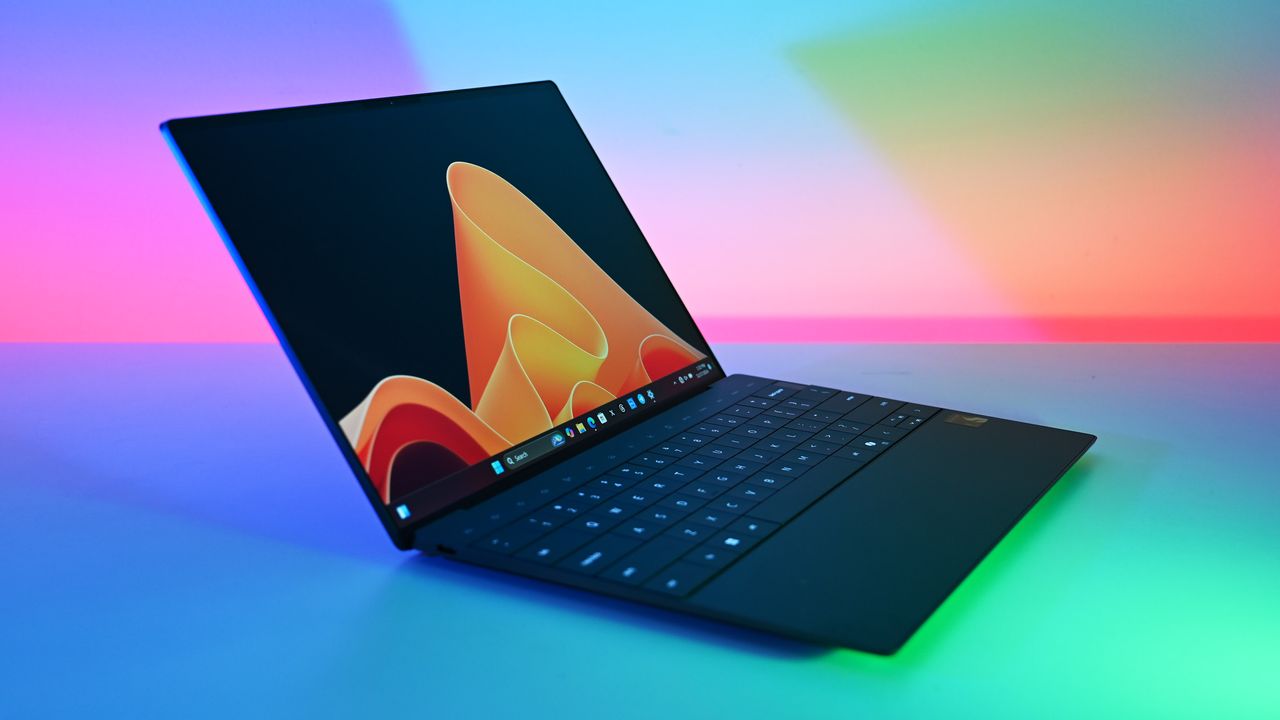
Stop waiting for 2026's laptop prices to stabilize. This Dell XPS 13 deal is the perfect hedge against rising costs, offering OLED luxury for a mid-range price.
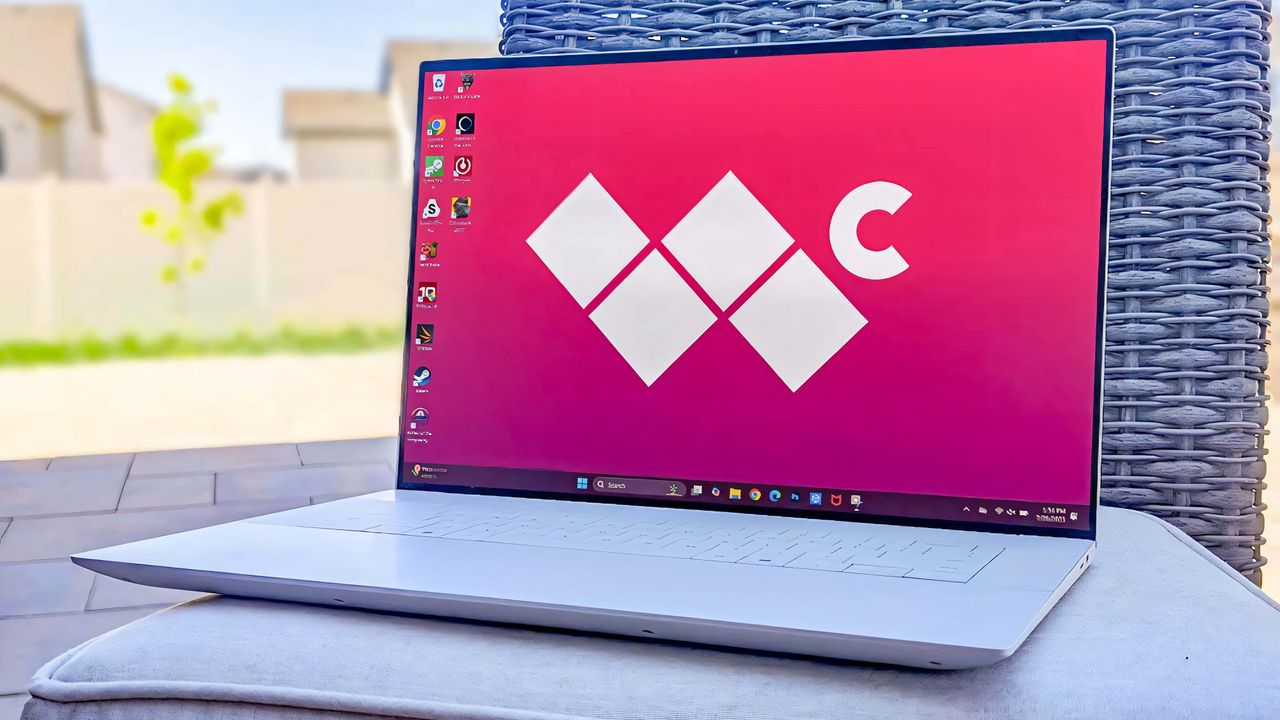
The Dell portfolio of laptops and other devices can be overwhelming, even after a simplifying rebrand. Here's what you need to know to pick the best Dell for you.
The Dell 16 Premium outside on a cushion with a patio backdrop. The Windows Central logo is on the laptop's background screen.
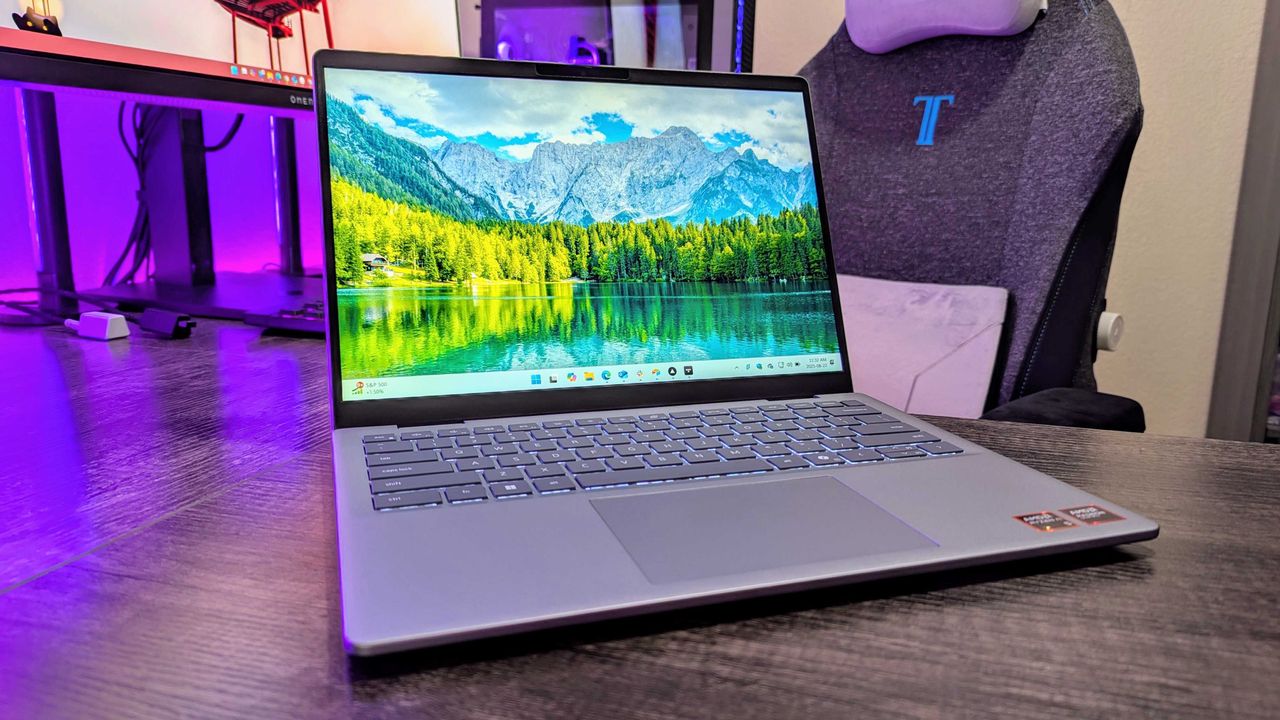
Dell's 14 Plus is perhaps a bit too expensive at the regular $1,000 price, but the decision to cut the cost in half for a limited time just seems like overkill. Here's why I think this is the laptop deal to beat.
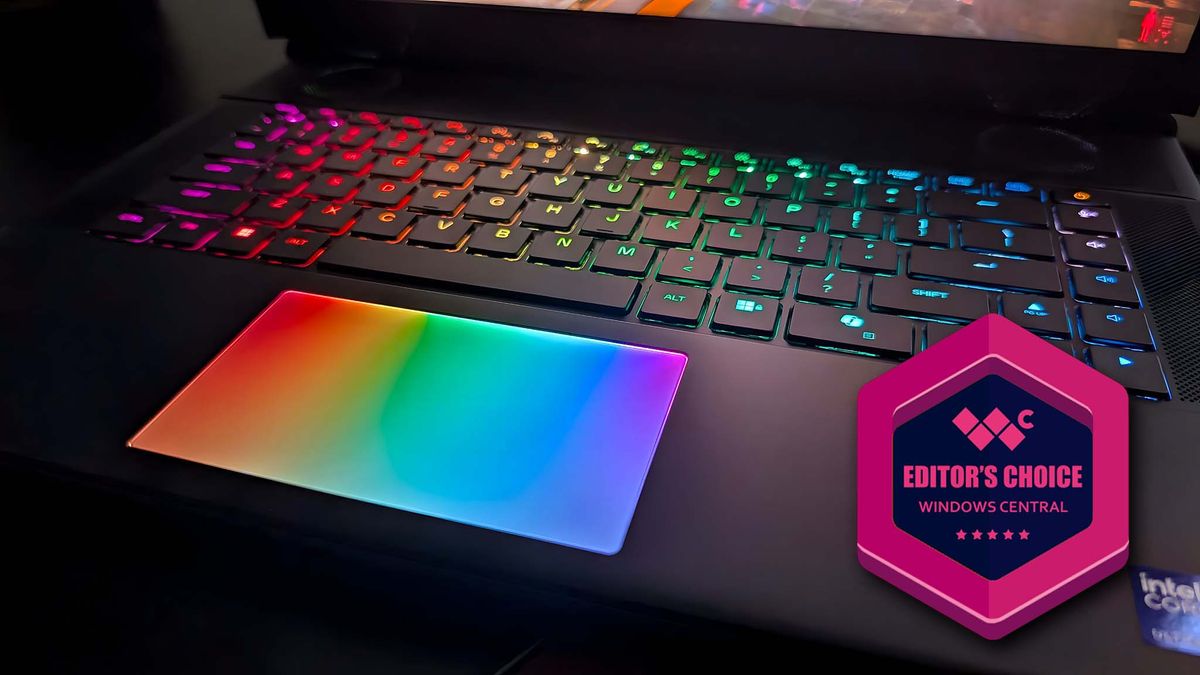
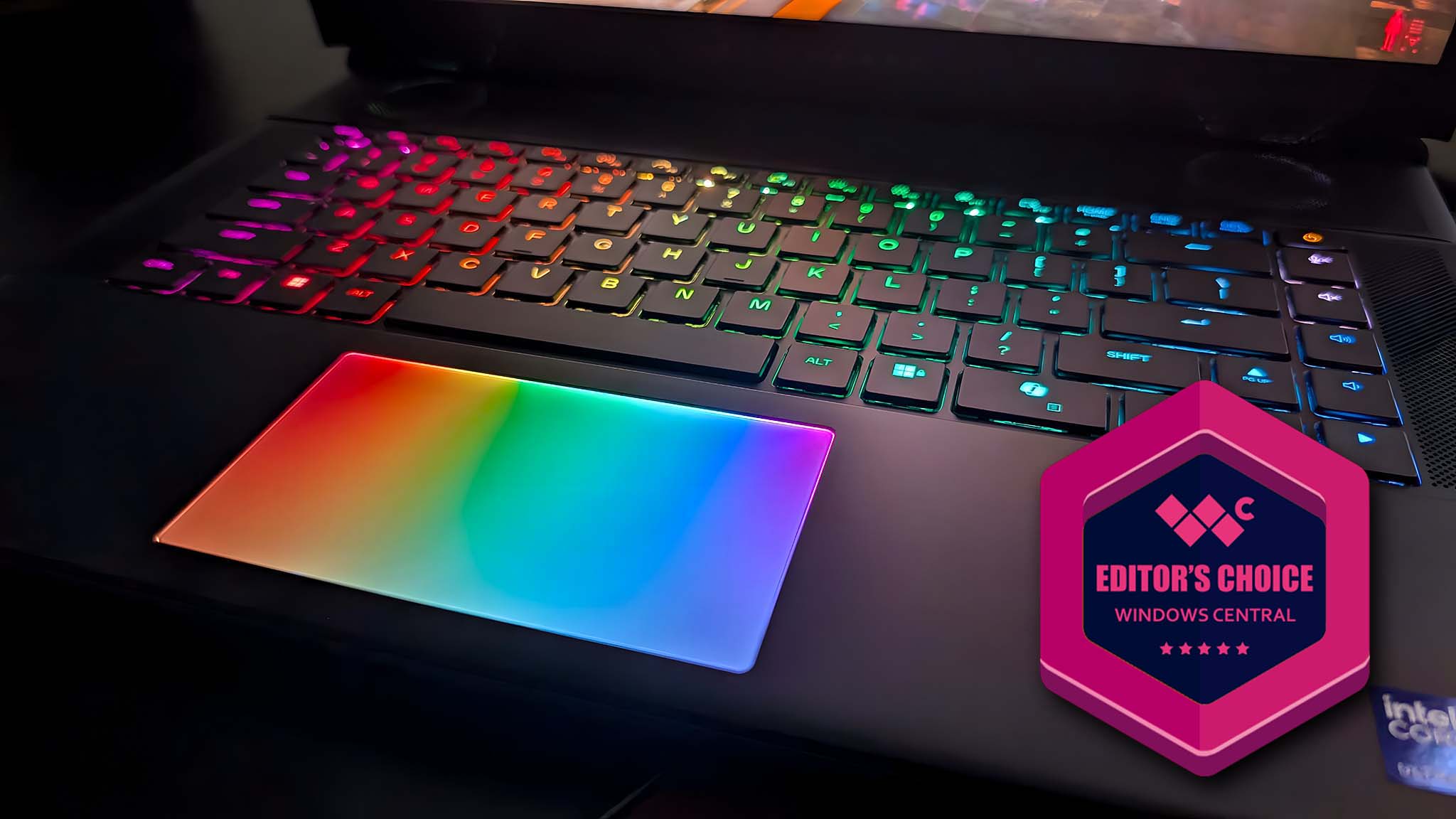
I reviewed the Alienware 16 Area-51 AW30 gaming laptop. It's absolutely blown me away with its smooth performance, colorful RGB, and mechanical keyboard.
Closeup of the Alienware Area-51 gaming laptop's RGB keyboard and RGB touchpad. There is a badge on the image that reads, "Editor's Choice Windows Central."

 Connexion