Working on the go rarely looks as tidy as productivity-tool adverts suggest. Most people who travel with serious work needs end up carrying at least two or three things that don’t quite fit together: a tablet or laptop, a compact keyboard if the touchscreen isn’t enough, maybe a portable monitor, and a cable situation that somehow multiplies every time you pack.
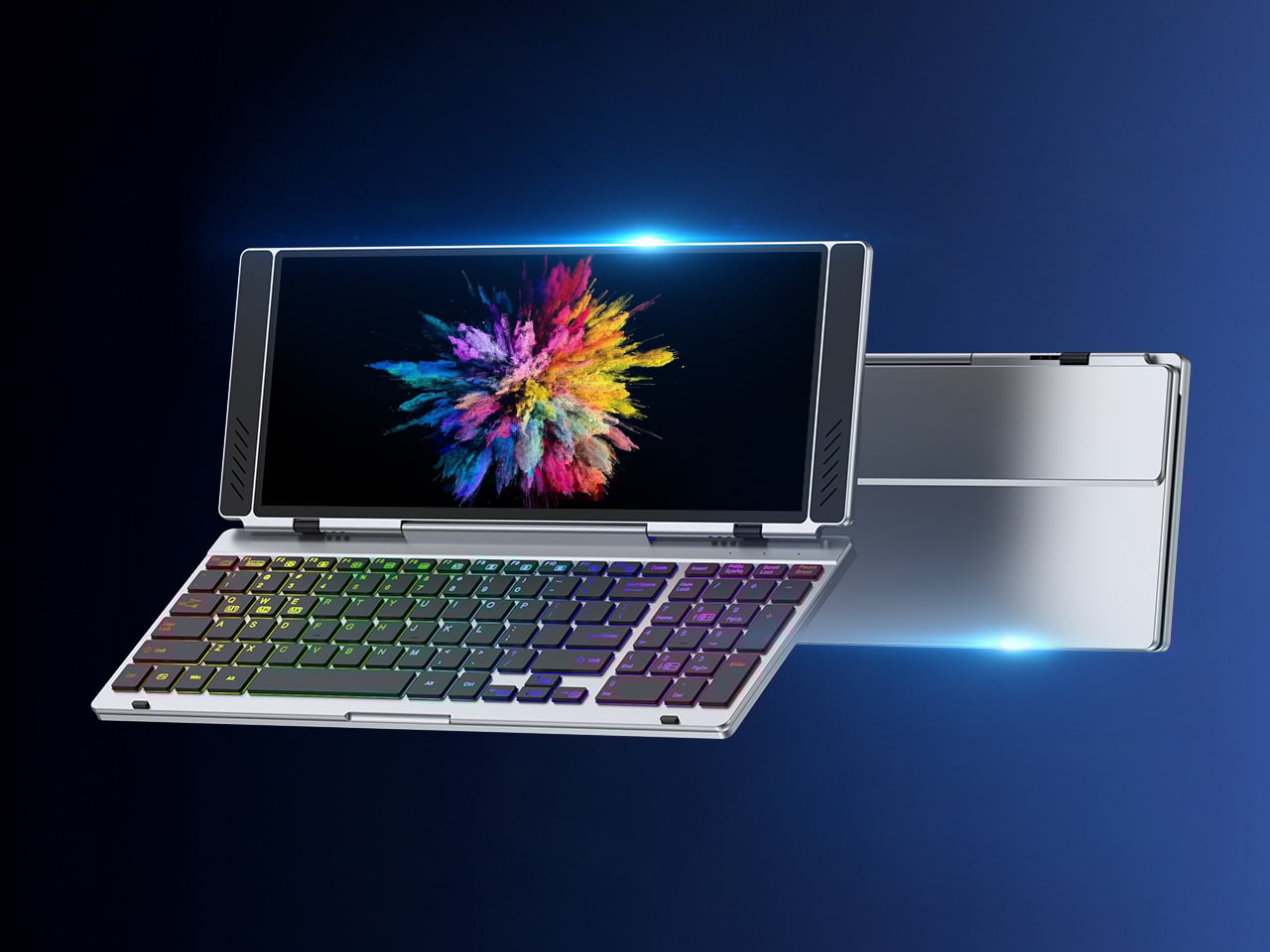
VitaLink is trying to simplify that. The concept combines a full-size keyboard and a large touch display into one foldable object in a CNC aluminum shell. Connect it to any USB-C device and your workspace expands immediately, without a separate stand, a monitor arm, or a bag pocket devoted to adapters. It folds down to 20mm and opens into something that feels genuinely designed.
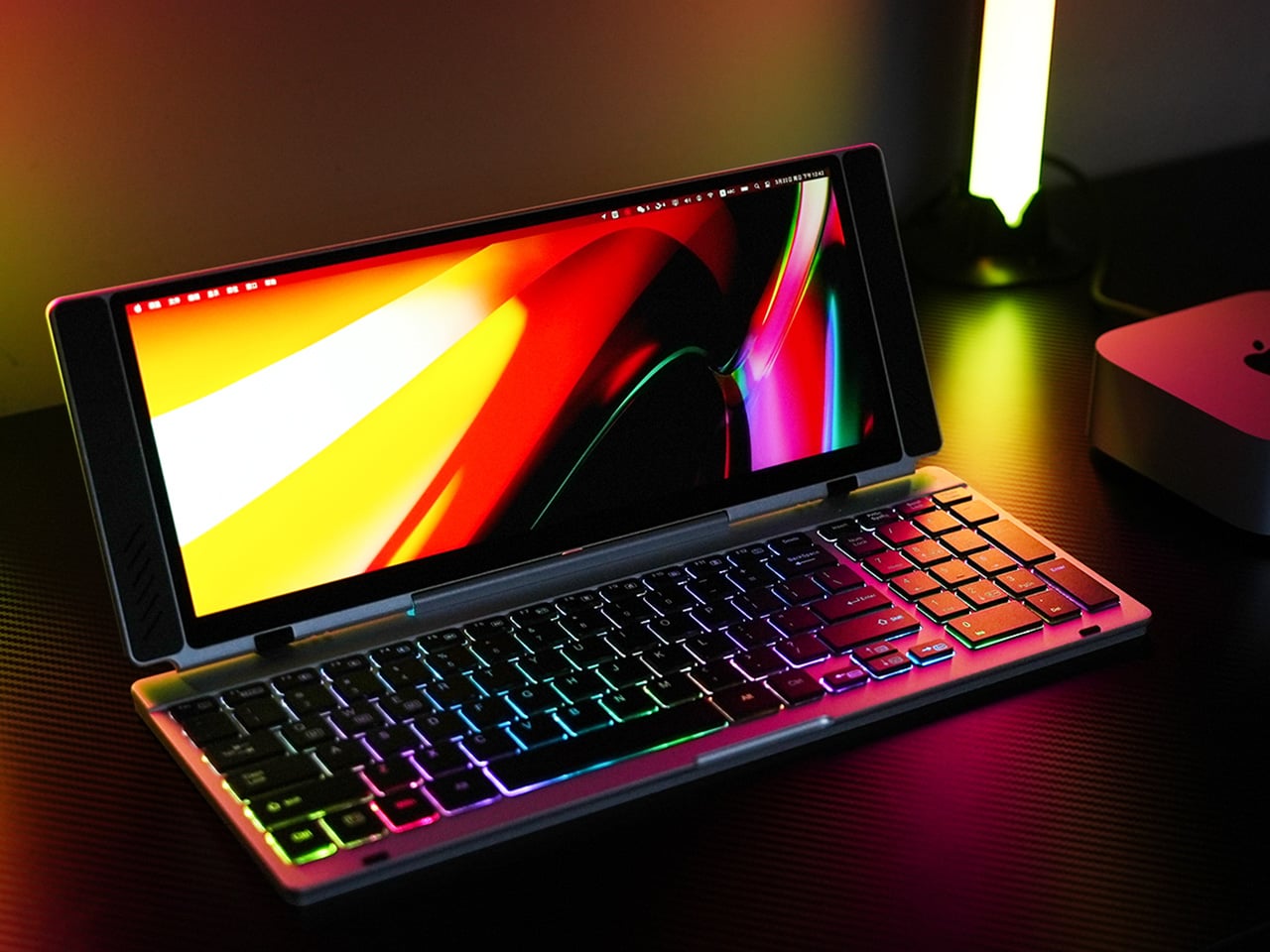
The integrated 13-inch display sits directly above the keyboard in what amounts to a compact laptop form factor. The screen runs at a 3840×1600 pixel resolution, a 2.4:1 ultra-wide format rather than a standard 16:9 panel, giving it an unusual amount of horizontal room. There’s enough space to keep two apps open side by side without either feeling squeezed into a corner.
The 180-degree hinge is what makes the compact form actually practical. When you’re done, everything closes into a flat 20mm slab that slips into a laptop sleeve without awkward bulk. The open footprint sits at around 34 × 15 cm, compact enough for a plane tray table, a crowded café counter, or a hotel desk that never seems to fit anything comfortably.
The panel supports 10-point touch, runs at 60 Hz, and delivers 298 PPI pixel density with 100% sRGB color coverage. Touching a screen this size changes how you interact with content. You can swipe, drag, and tap directly on the display while still using the keyboard below, which means managing layers in an editor, scrubbing a timeline, or pulling up references doesn’t require switching between input modes.
The keyboard uses scissor-switch mechanisms with 0.8mm of key travel and wider-than-typical spacing. That added spacing sounds like a minor detail until you’ve spent an hour trying to type accurately on a portable board that prioritizes size above everything else. Three RGB backlight modes let you set the visual tone, and the keys are designed to stay quiet enough for cafés and shared offices.
Two USB-C ports handle video, data, and power delivery through a single cable, and the plug-and-play setup works across Windows, macOS, Linux, iOS, and Android without requiring additional drivers. That compatibility extends to mini PCs, tablets, and handheld gaming consoles, so VitaLink isn’t tied to one kind of device. You’re not locked into a single workflow or a single ecosystem, which is most of the appeal.
Think about what that actually means. You’re in a hotel room with just your iPad and need a proper keyboard and enough screen space to write, edit, and reference something at once. Or you’re at a café with a mini PC and want a setup that doesn’t take over the whole table. Those are the moments where having the keyboard and the display in one object makes a real difference.
The aluminum body does more than keep things thin. CNC-machined aluminum with a frosted anodized finish gives it a rigidity that plastic travel accessories rarely have, protecting the display in transit and keeping the keyboard deck from flexing during typing sessions. It carries more like a slim hardcover notebook than a peripheral, which is a meaningful difference for anyone who’s dealt with a flimsy portable monitor in a crowded bag.
There’s something worth noting in the fact that portable work setups have gotten faster without necessarily getting more cohesive. The bag is still a loose collection of things that don’t quite belong together. VitaLink is at least making a case that the keyboard and the display belong in a single intentional object, built from the start for people whose work doesn’t stay in one place.
Wireless charging was supposed to simplify things. Instead, most Apple users end up with a tangle of pads and cables on the nightstand, one for the iPhone, another for the Apple Watch, and a separate spot for the AirPods. The technology meant to reduce friction has become its own kind of mess, especially for anyone who’s ever scrambled for a Watch charger before a morning flight.
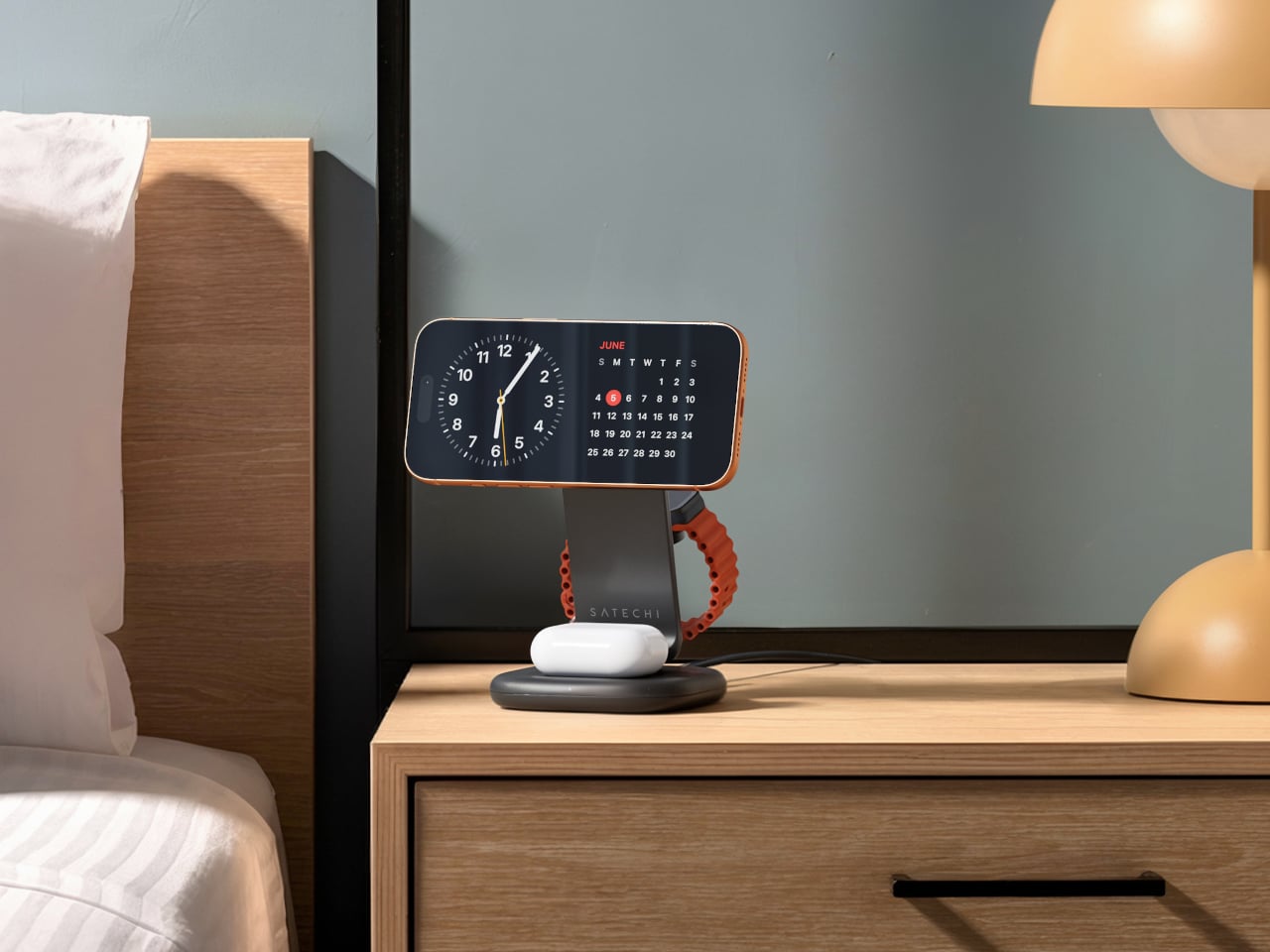
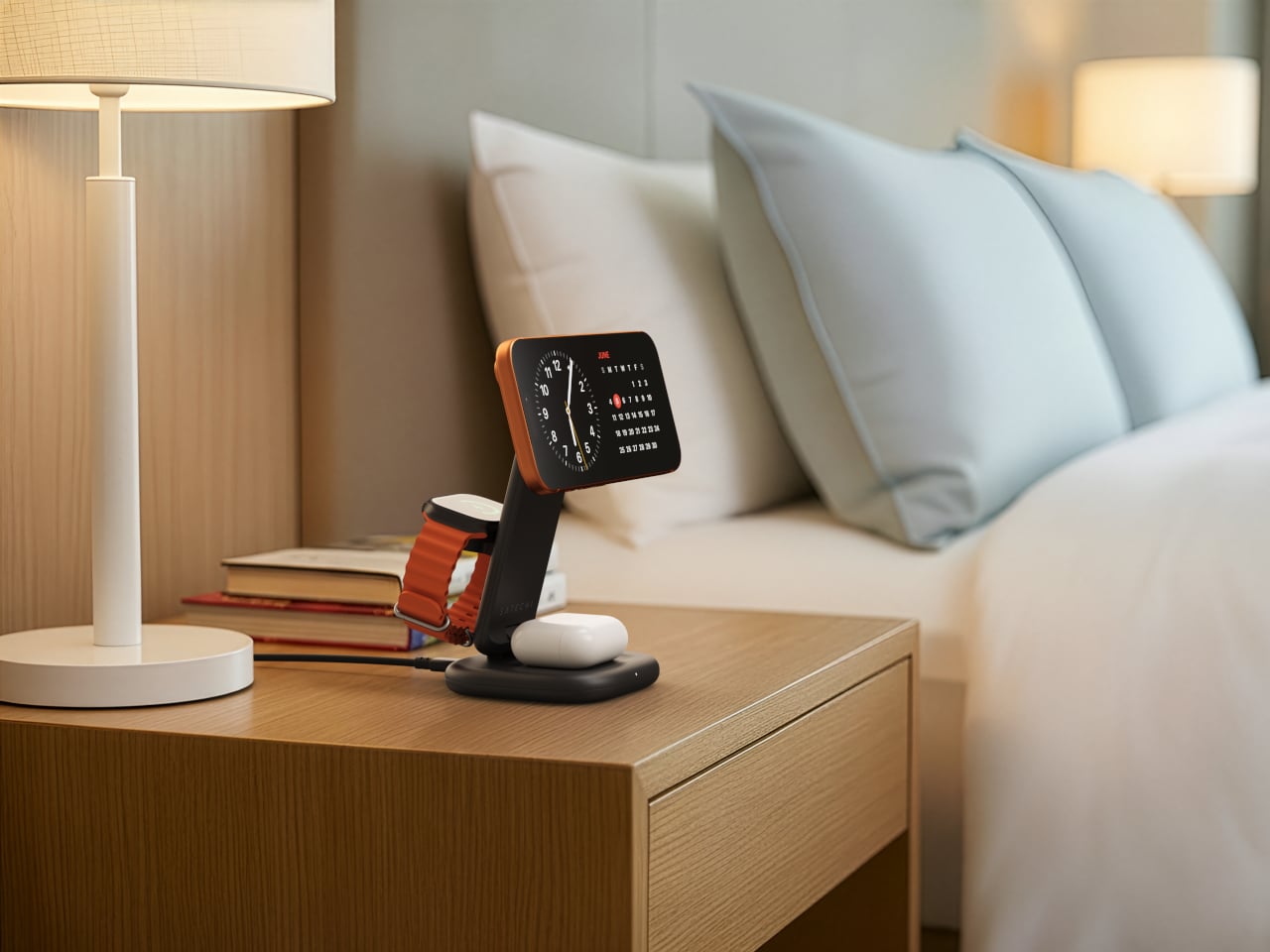
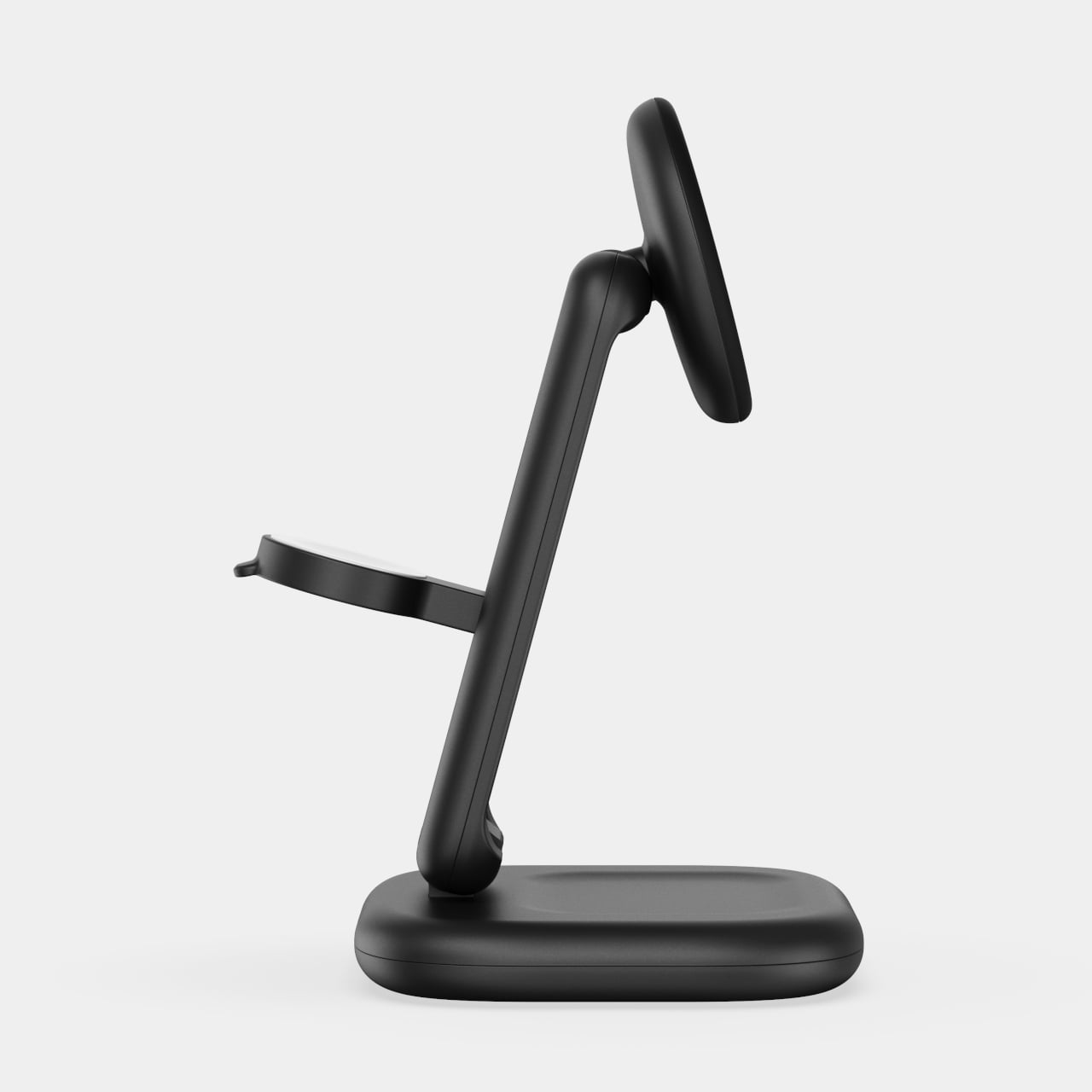
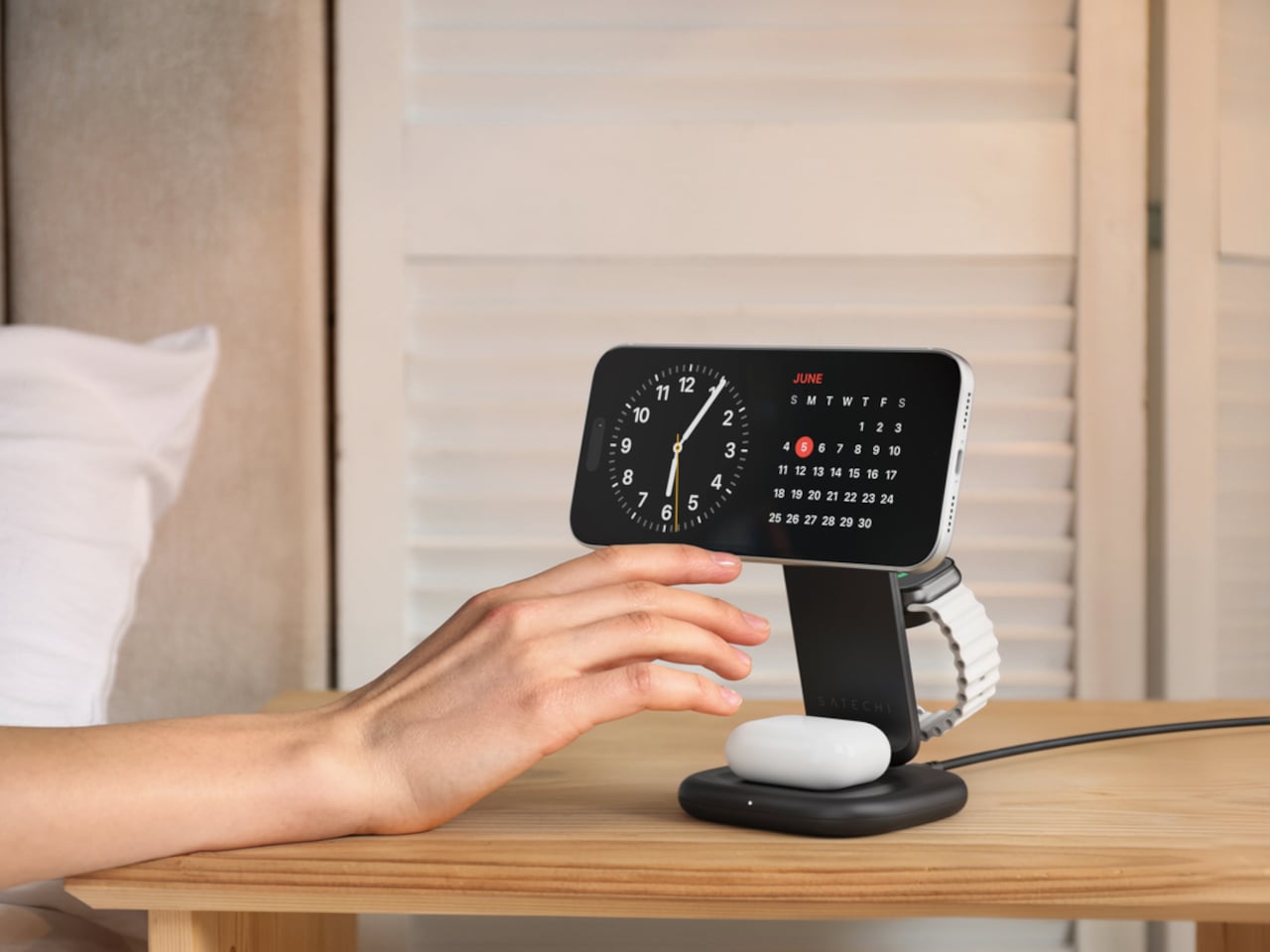
Satechi’s 3-in-1 Foldable Wireless Charging Stand with Qi2 25W takes aim at that problem. The San Diego brand has updated its best-selling foldable charger with a meaningful upgrade, bumping wireless power delivery for compatible iPhones to 25W, a notable jump from the 15W ceiling most MagSafe-compatible pads have been stuck at. It’s built as a proper desktop stand, not just something you tolerate next to the lamp.
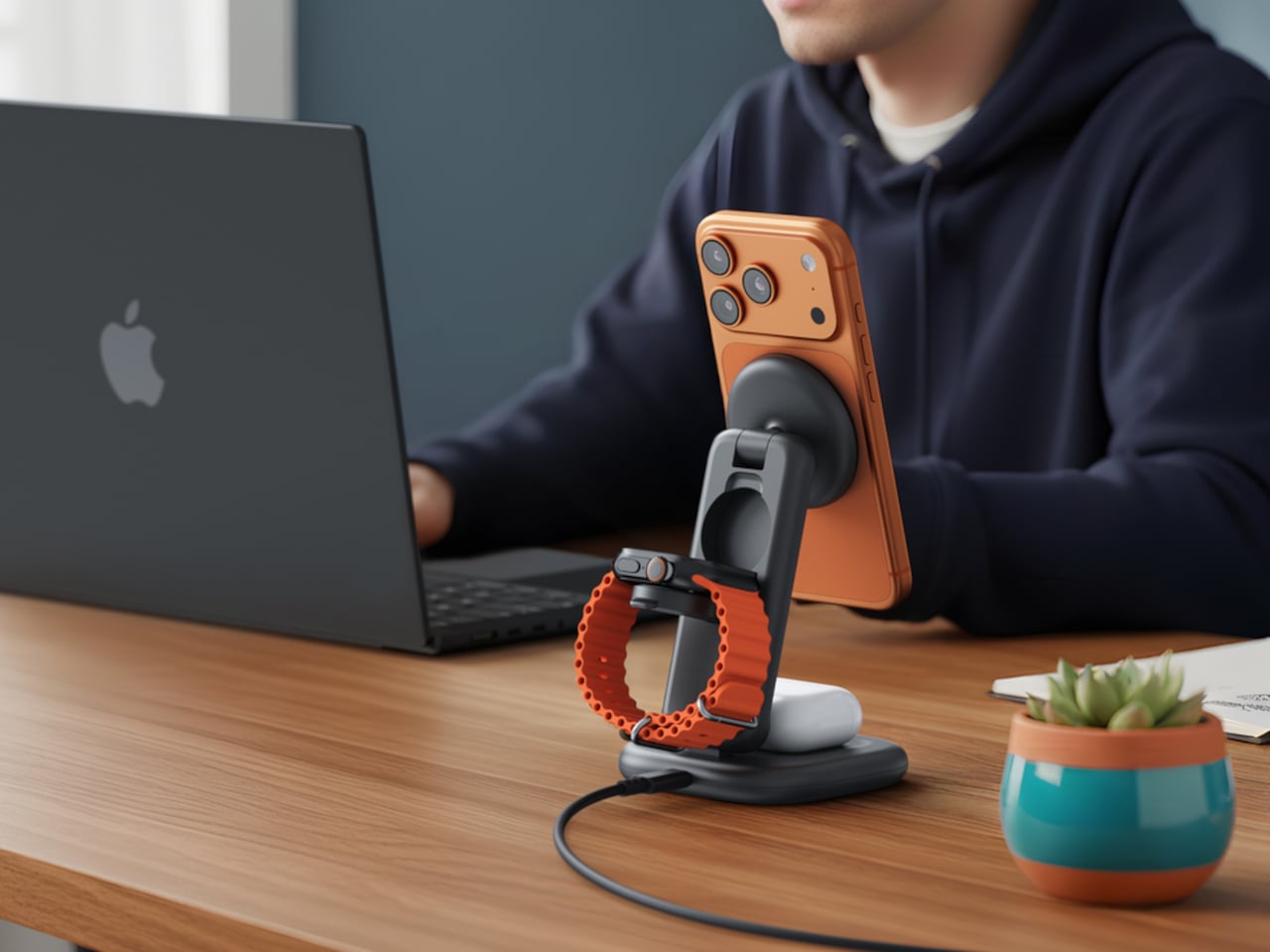
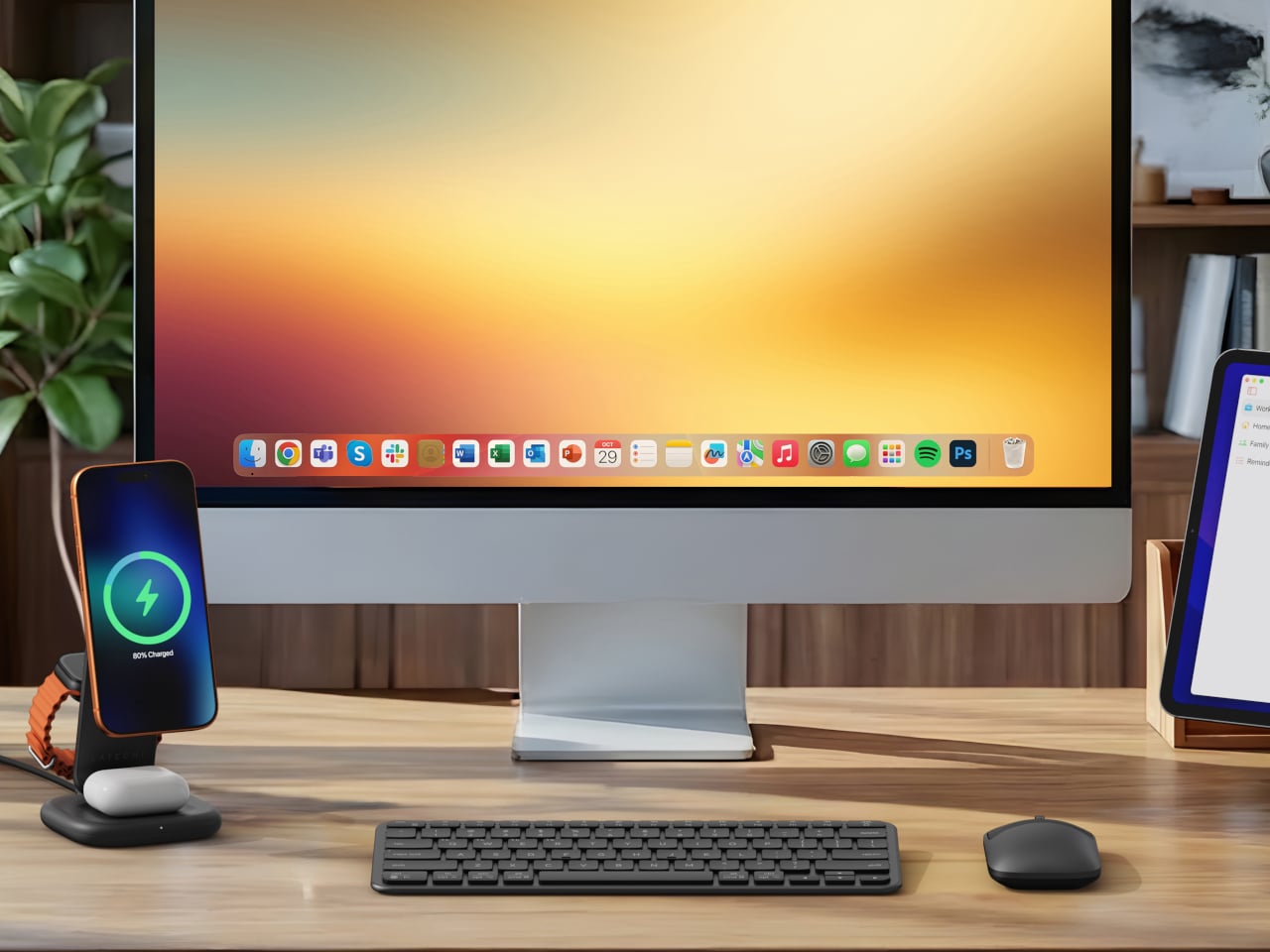
Set the phone down on the magnetic charging surface, and Qi2’s built-in alignment snaps it into position so you don’t lose power from an off-center placement. The Apple Watch sits at a comfortable angle on its dedicated fast-charge module, while the AirPods rest on their own pad below. All three charge simultaneously from a single cable going to the wall, with nothing to juggle.
Apple Watch fast charging requires MFi certification, and Satechi has that covered. The stand supports Series 7 and newer, including Ultra and SE models. Advanced safety protections manage heat and prevent power loss when all three pads are active at once. The magnetic surface on the phone pad also ensures it stays correctly positioned even if you accidentally nudge it during the night.
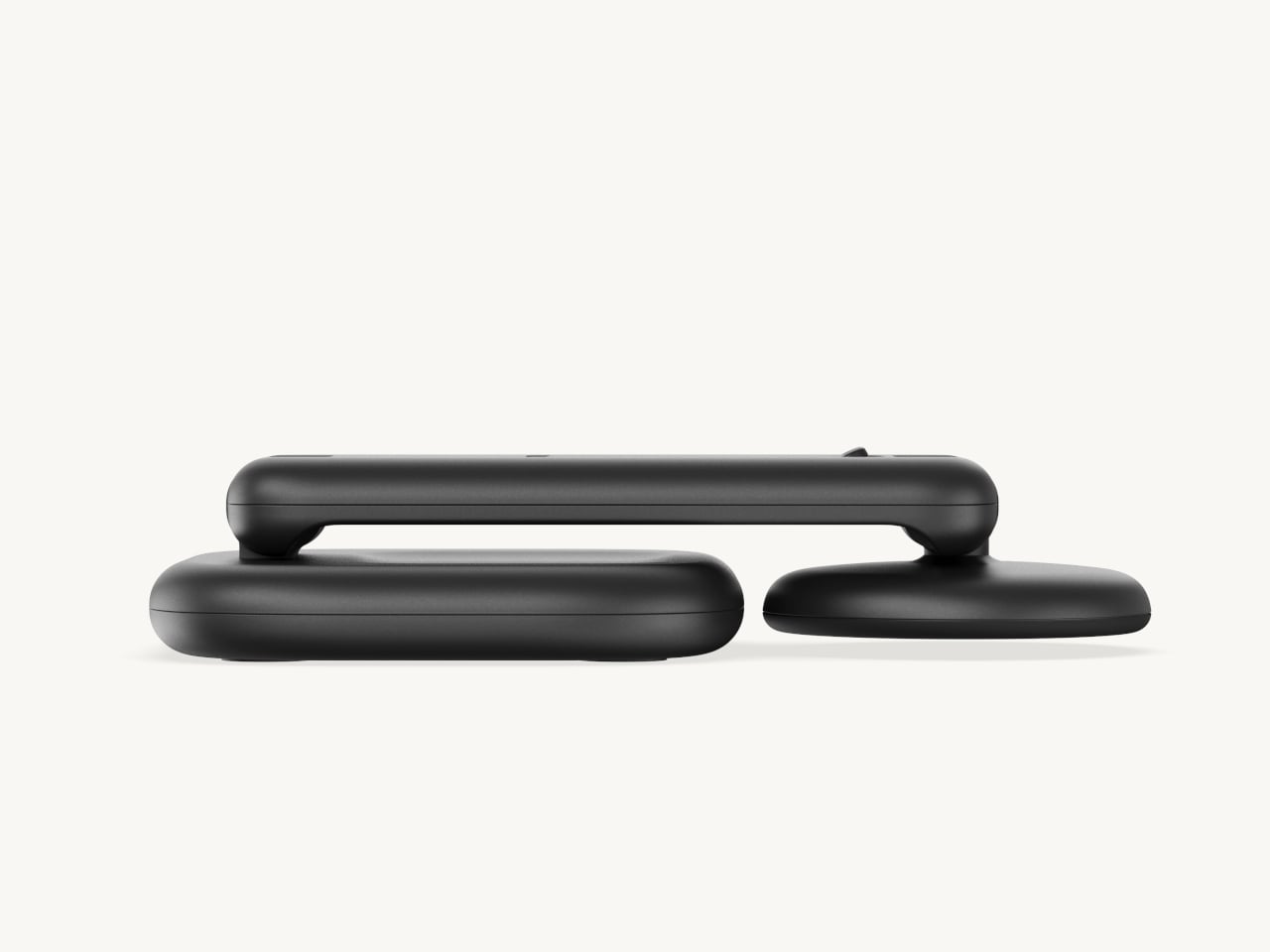
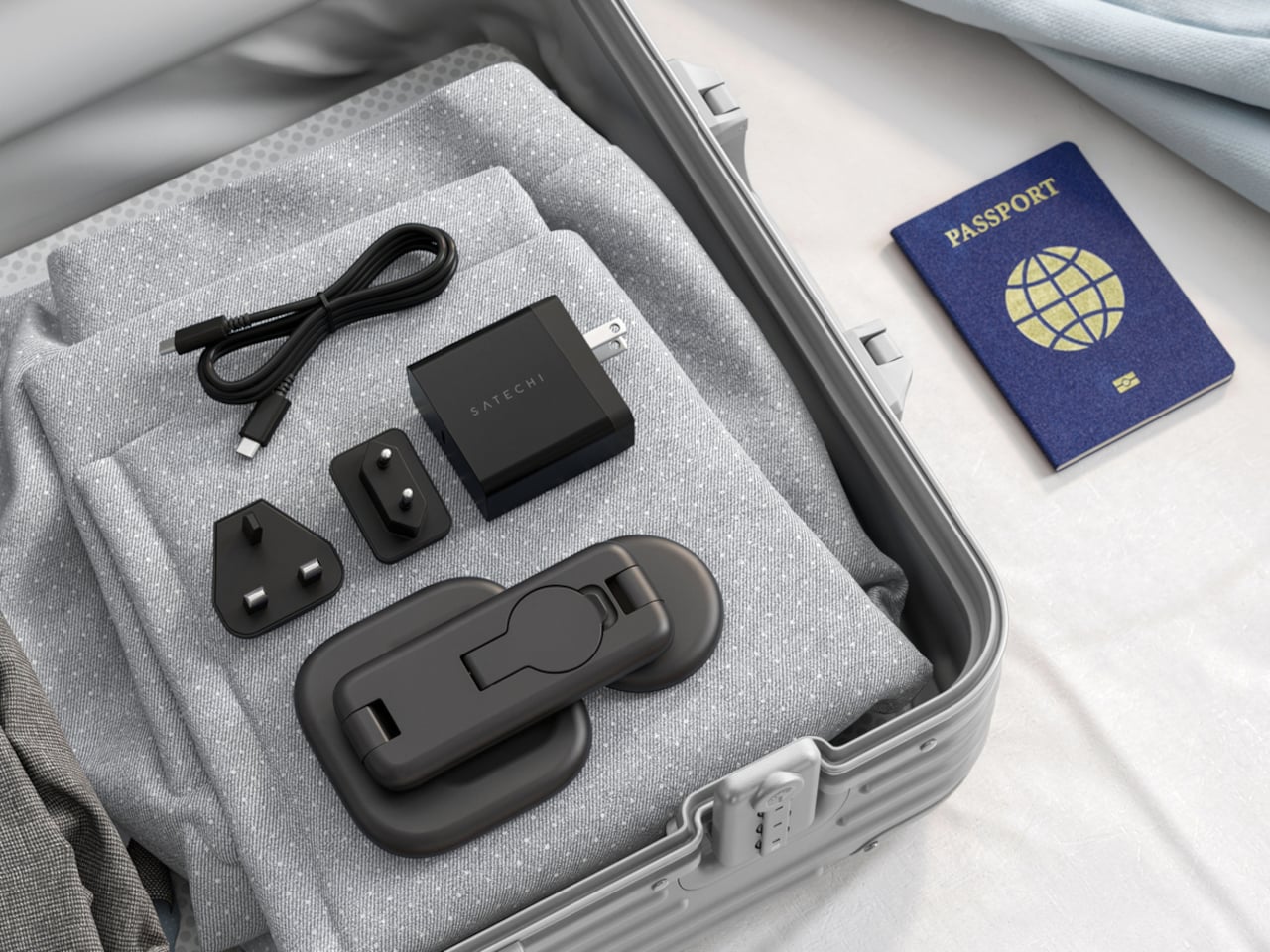
Then there’s the folding design, which is where the stand earns its keep as a travel companion. It collapses into a flat form that fits easily in a carry-on without much bulk, then unfolds into the same stable stand you’re used to at home. There’s no need to rethink your charging setup just because you’ve checked into a different room across town or across the world.
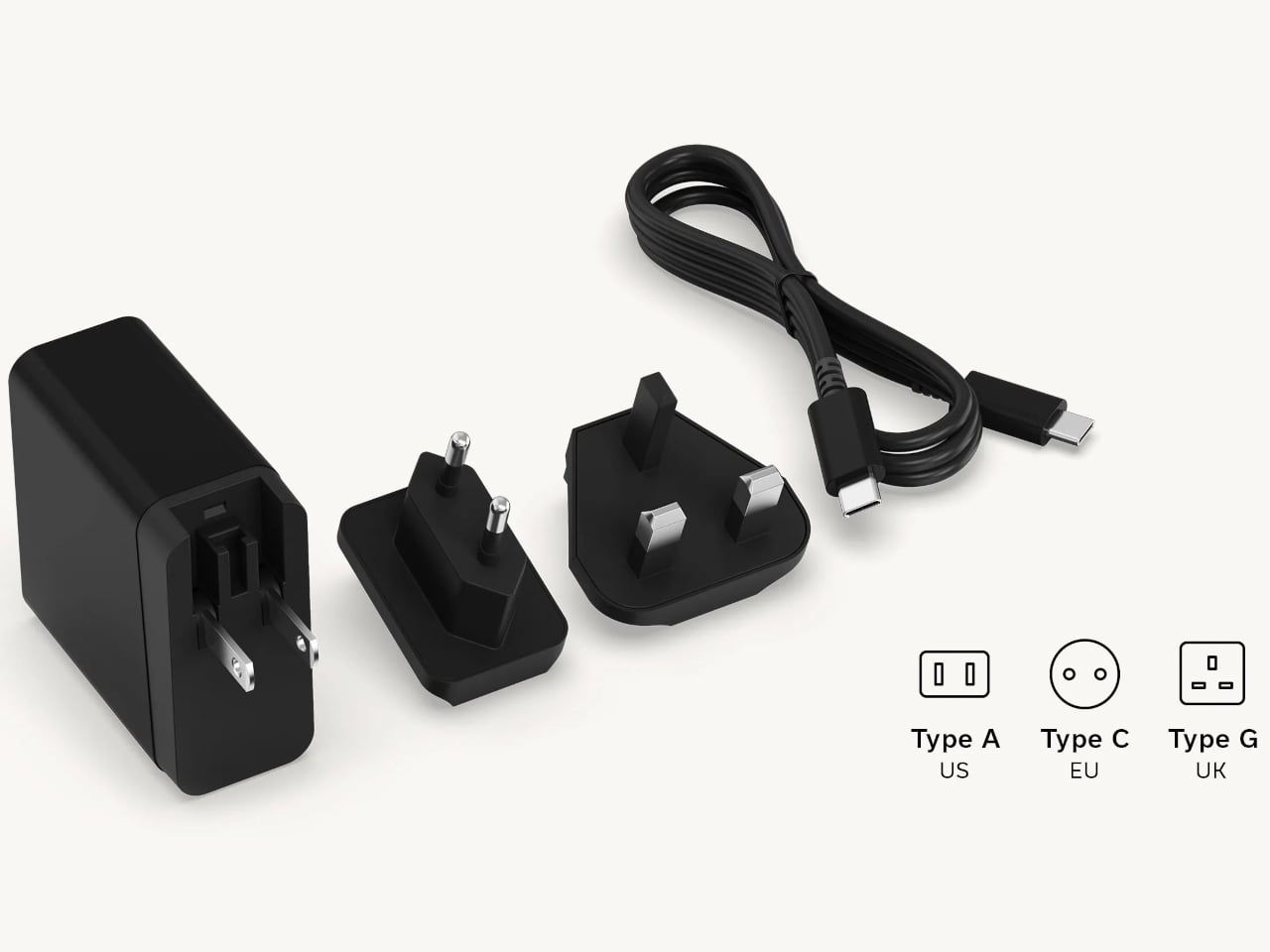
Satechi also includes a 45W USB-C power adapter in the box, which sounds like a minor detail until you’re unpacking in a foreign hotel room. The adapter ships with US, EU, and UK plug attachments, meaning it works across different countries without needing a separate travel adapter. That’s a small but thoughtful decision for anyone whose travels take them to multiple regions throughout the year.
Available now on Satechi.com and Amazon, the stand retails for $129.99 in Space Black. It’s a higher investment than a single-device pad, but consolidating three separate chargers into one that travels as well as it sits on a desk makes that gap easier to justify. For Apple ecosystem users tired of the cable pile next to the bed, this stand offers a much cleaner end to every day.
Spending hours in front of a glowing screen is unavoidable for most people, and the toll it takes on the eyes is a problem the monitor industry hasn’t truly solved. E Ink displays offer a gentler, paper-like alternative that’s far easier to stare at for long stretches, but most of them are painfully slow, limited in resolution, and not really up to the demands of daily computing.
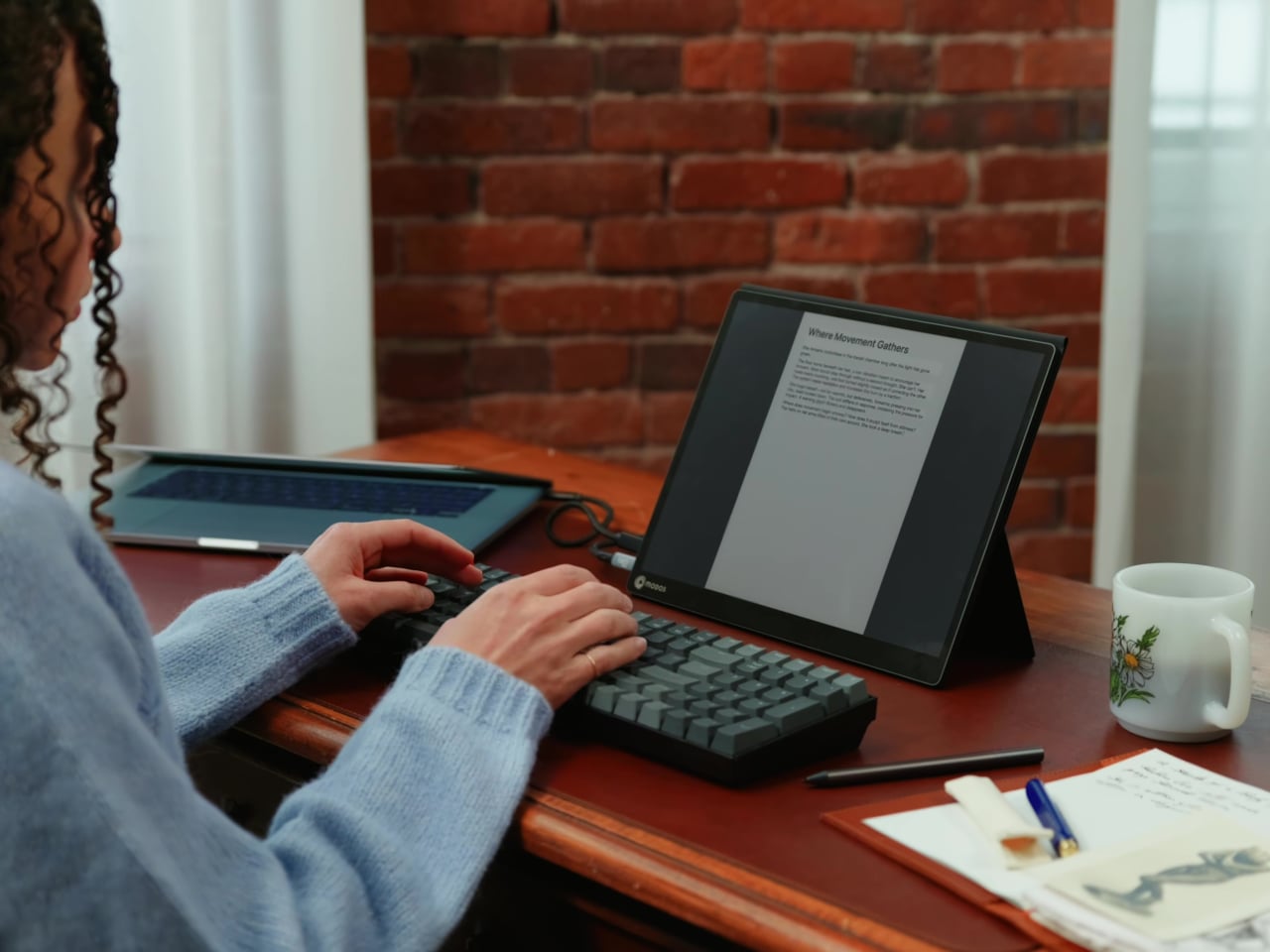
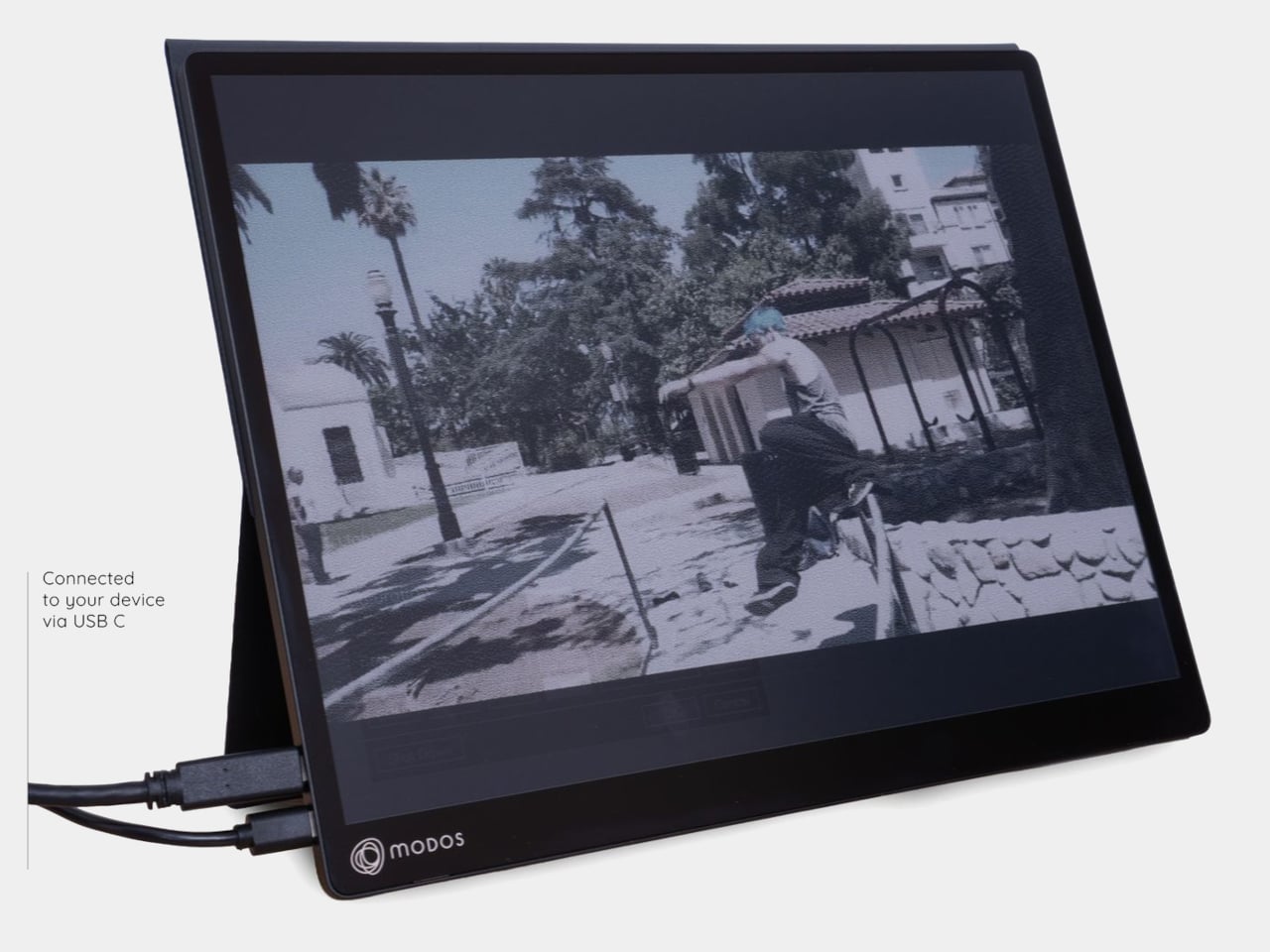
The Modos Flow is Modos Tech’s answer to that problem. Built by a Boston-based hardware startup, it’s a 13.3-inch E Ink portable monitor designed not just for casual reading but for all-day, focused work. It targets the kind of person who needs a real secondary screen but wants to spend less time squinting and more time actually getting things done.
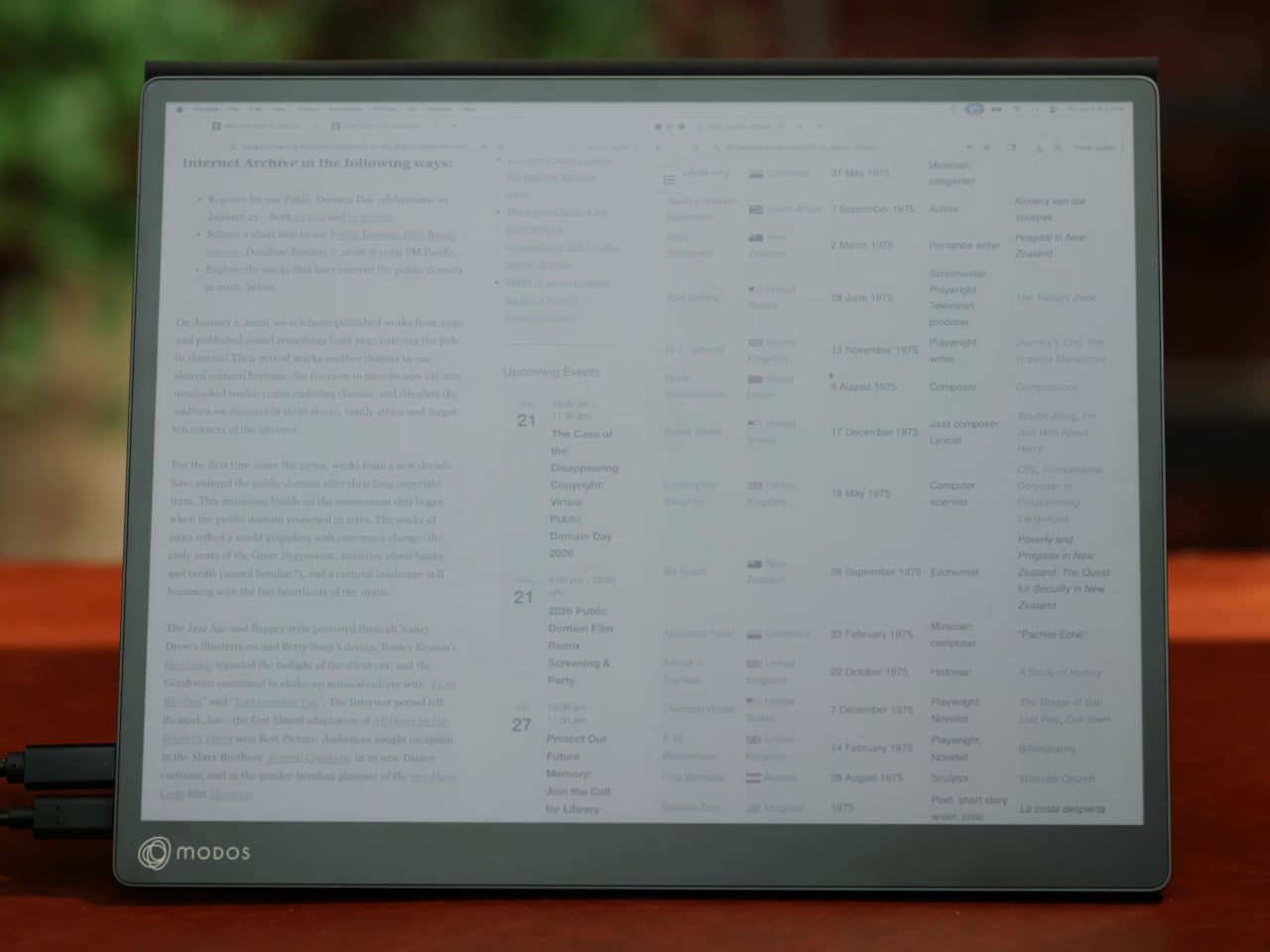
Most E Ink monitors struggle as daily drivers because of their refresh rate. Traditional panels tend to crawl, making anything beyond static document reading a frustrating experience. The Modos Flow uses a custom board with open-source firmware to push its display to 60 Hz, enough to scroll through pages, type without noticeable lag, and use the screen as a functional everyday monitor rather than a glorified e-reader.
Resolution is also where the Modos Flow separates itself. In black-and-white mode, it renders at 3,200 x 2,400 pixels with a pixel density of 300 PPI, making text crisp enough to satisfy anyone used to retina-grade displays. Color mode brings the resolution down to 1,600 x 1,200 pixels at 150 PPI, which is a fair trade given how rarely E Ink panels offer color at all.
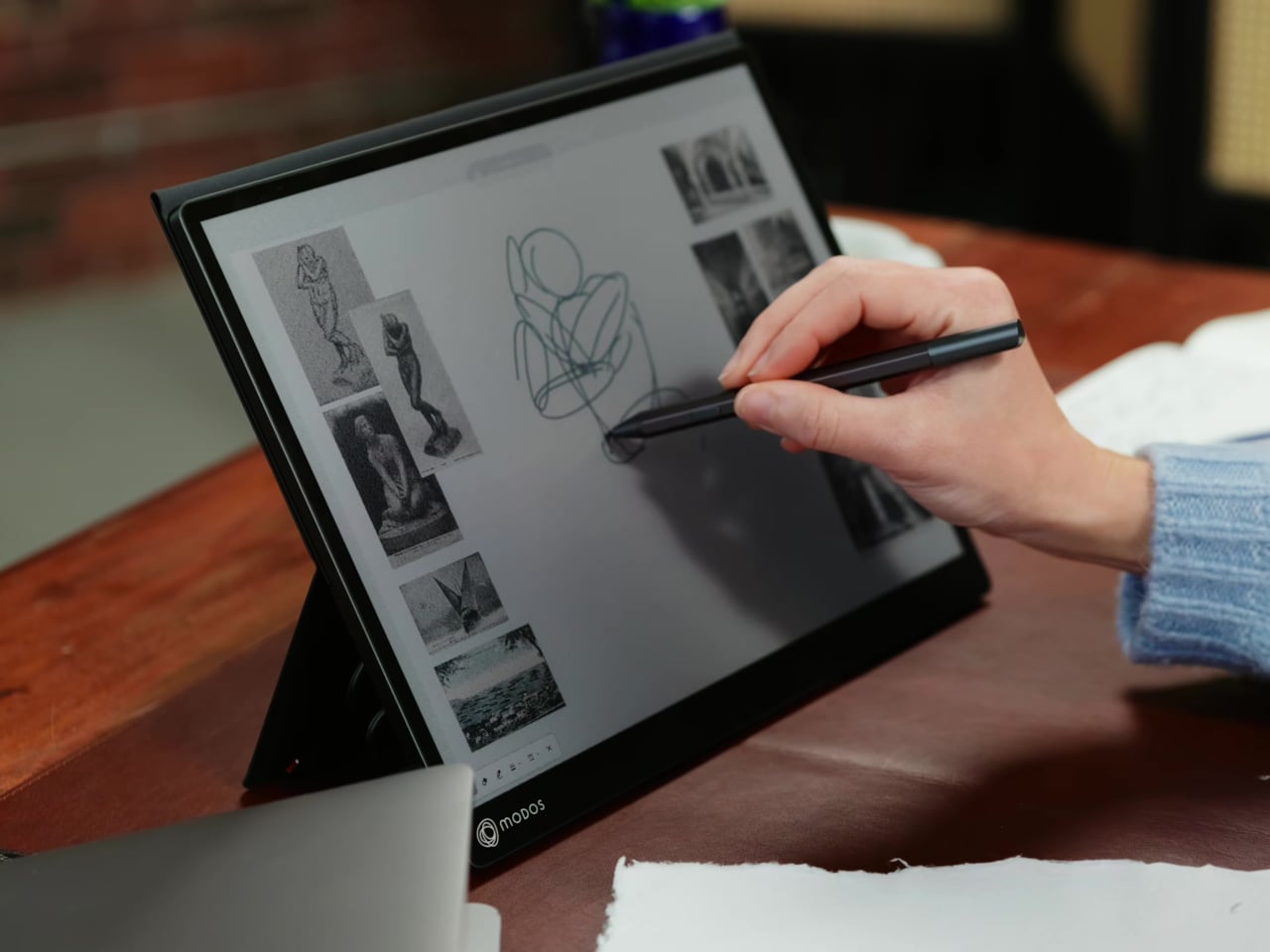
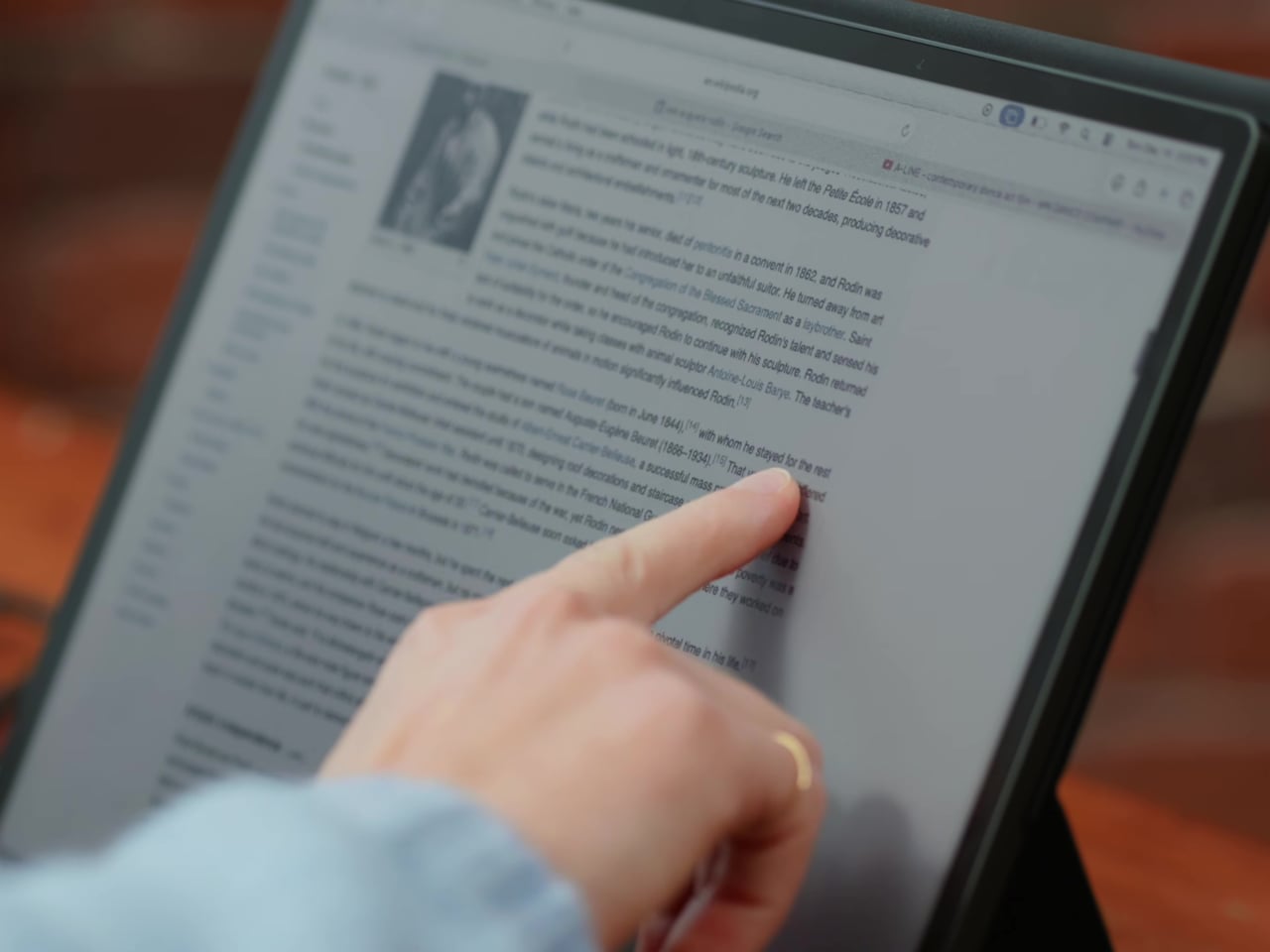
Touch and stylus support round out what’s becoming a surprisingly versatile display. Modos brought the latency down to under 100ms, so annotating a document, sketching ideas, or jotting notes with a stylus actually responds the way you’d want it to. It won’t replace a dedicated drawing tablet, but for someone who routinely works between a laptop and a secondary screen, having that input option without swapping devices is genuinely useful.
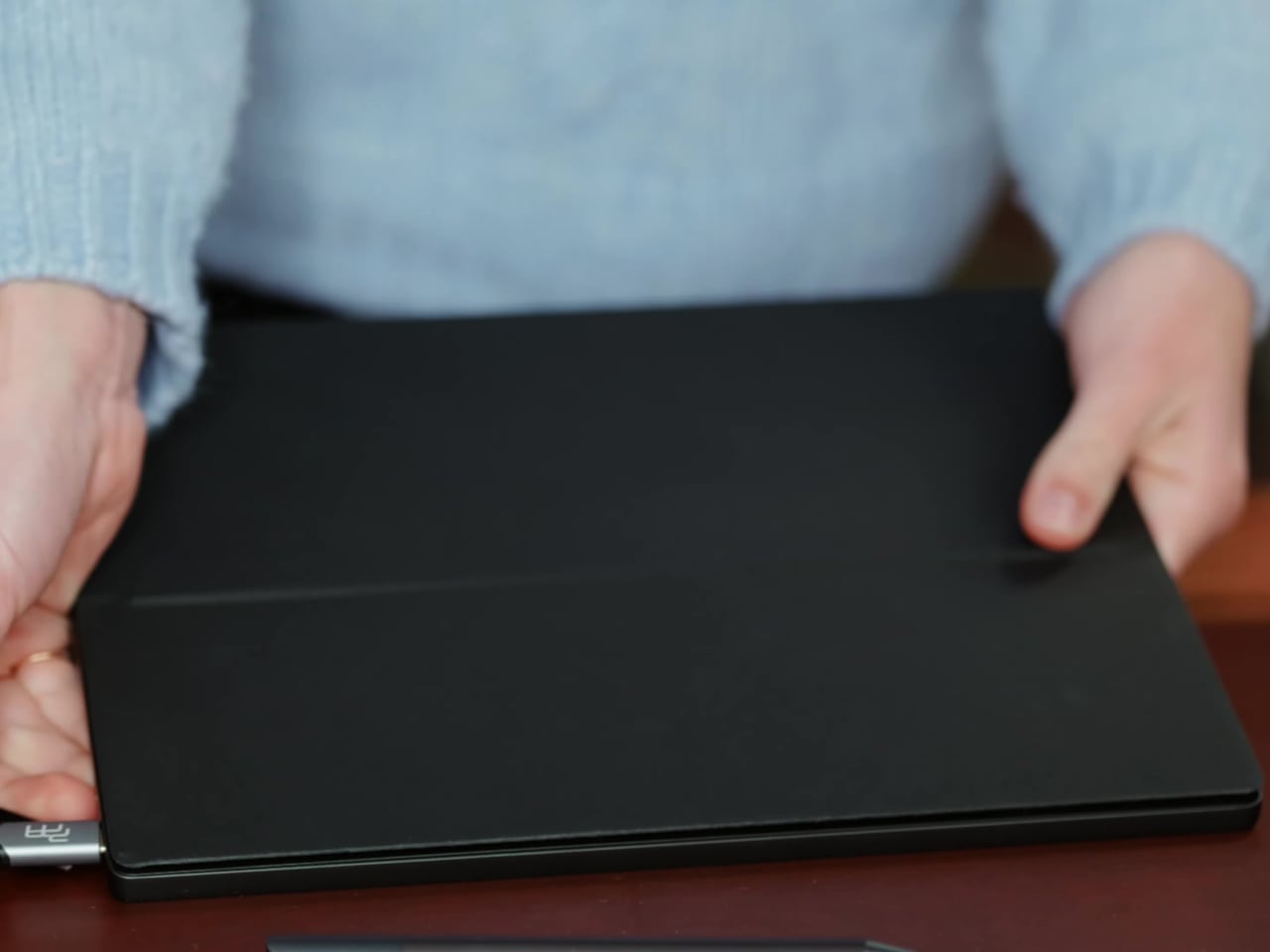
Its physical design is straightforward and practical. A built-in cover doubles as a stand and folds flat for travel, while VESA mounting holes on the back make it easy to attach to a monitor arm or desk mount. Three side buttons let you adjust brightness, contrast, and display mode without touching your computer. Connectivity runs through USB-C with DisplayPort Alt-Mode support, which keeps the setup clean with a single cable.
One of the quieter advantages of E Ink over LCD or OLED is power consumption, and that matters here. When connected to a laptop via USB-C, the Modos Flow draws significantly less power than a conventional secondary monitor, meaning your battery isn’t taking nearly the hit it normally would. It works with Windows, macOS, and Linux out of the box, so there’s no particular setup hurdle to clear. Pricing hasn’t been confirmed yet, but Modos has indicated it should be comparable to other portable monitors.
The line between work and home has blurred into an architectural dialogue. Today’s hybrid living isn’t about working from the kitchen counter but about rethinking how domestic spaces support productivity and calm. Designers now aim to create environments that balance efficiency with ease, where furniture performs multiple roles without sacrificing elegance or comfort.
For high-net-worth homeowners, this shift is about investing in experiences that enhance their lifestyle and property value. Portable chairs and adaptive workstations have evolved into design essentials, dynamic and ergonomic, fluid enough to move with the rhythms of daily life, redefining how we live and work within our spaces.
1. Ergonomic Intelligence and Wellness Value
The strength of any portable workspace lies in its ergonomic foundation. Temporary, low-quality setups often lead to long-term strain and reduced focus. True wellness ROI comes from minimizing physical fatigue through design that supports the body’s rhythm, integrating temperature-responsive materials, balanced support, and kinetic flexibility rather than relying on surface aesthetics alone.
When selecting furniture, prioritize chairs with dynamic lumbar support and workstations with seamless height adjustment. The ideal setup becomes a biophilic cocoon, comforting, adaptive, and attuned to your natural movement, ensuring that even during long digital sessions, productivity and physical harmony remain perfectly aligned.
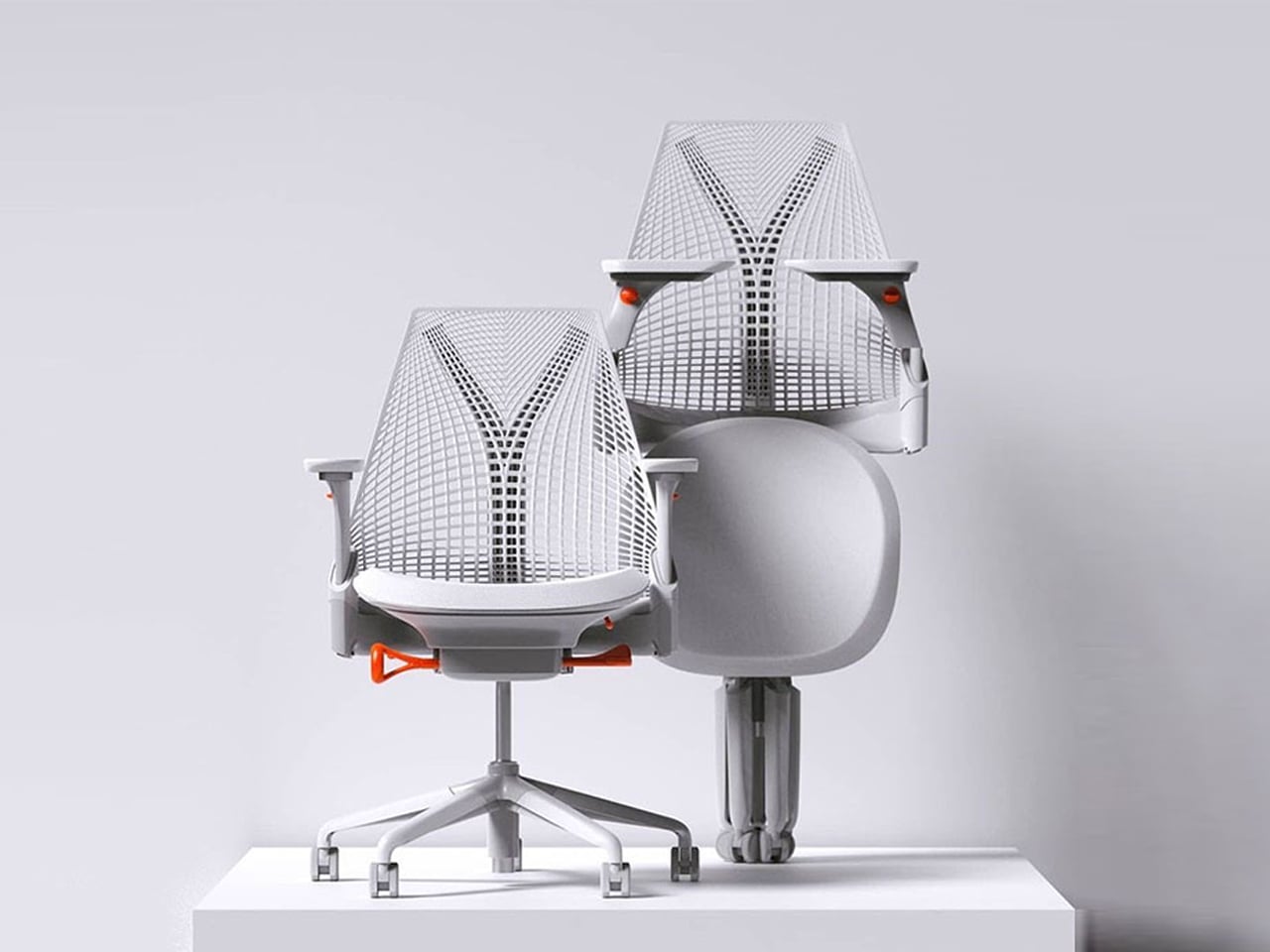
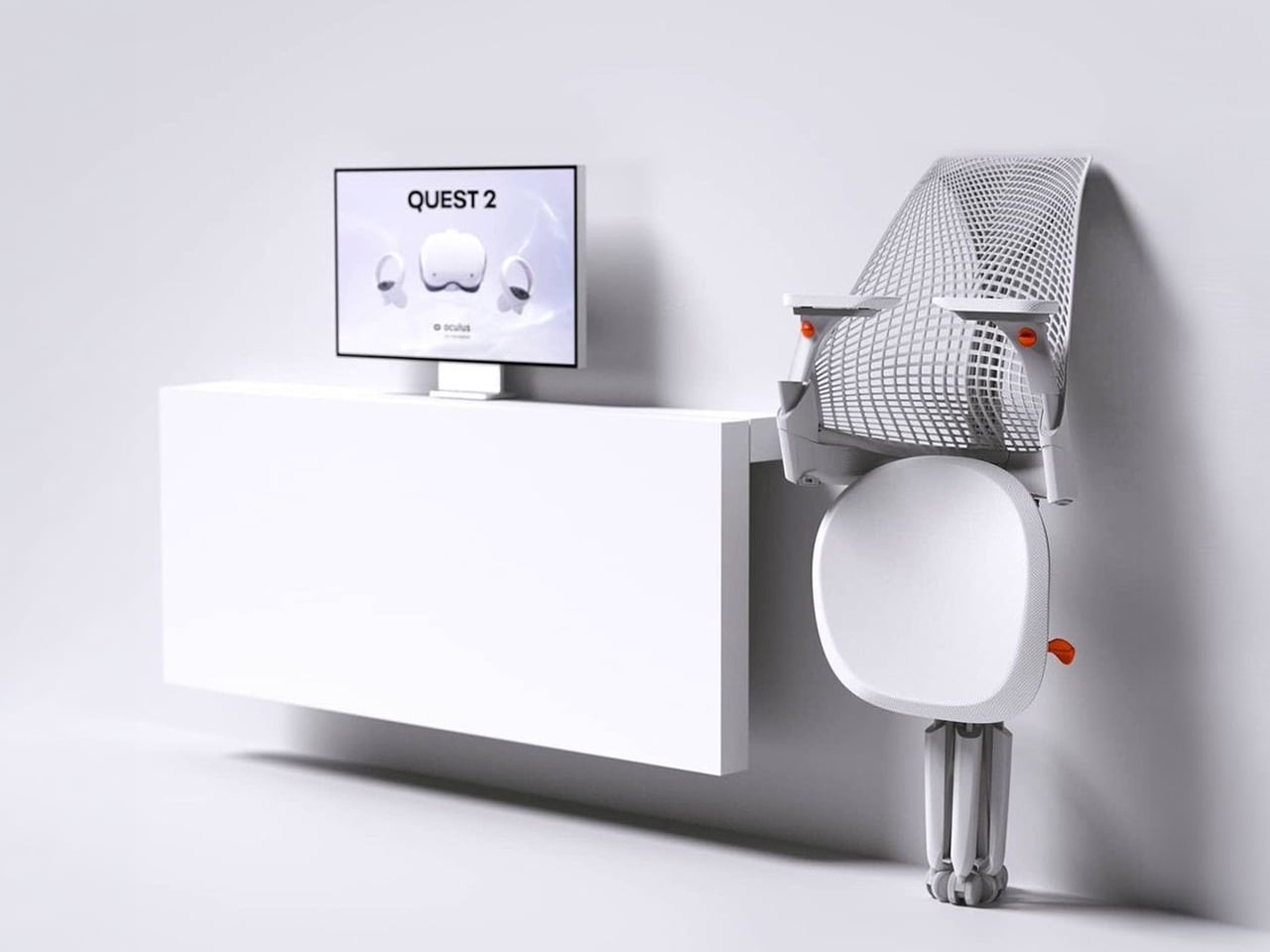
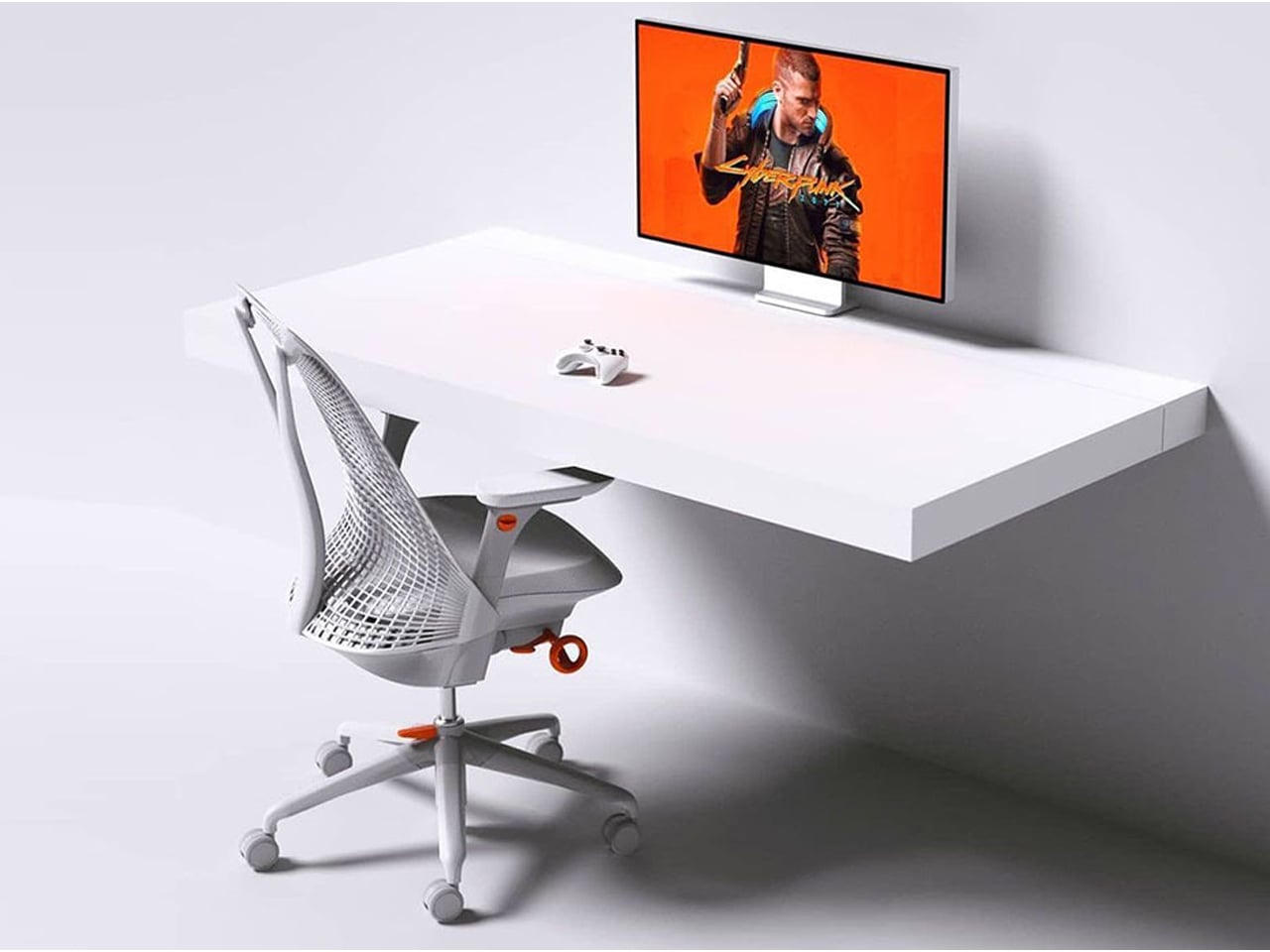
The Sayl concept chair by Charley reflects the changing ways we live, work, and play. As homes have evolved into hybrid offices, gyms, social spaces, and relaxation zones, our furniture needs have changed too. Charley even considers the hours we spend gaming or binge-watching, recognizing that chairs today must support multiple activities while remaining comfortable and functional. Designed by Herman Miller, the Sayl chair combines high-end design with practical usability, allowing users to maximize their space without sacrificing luxury or ergonomics.
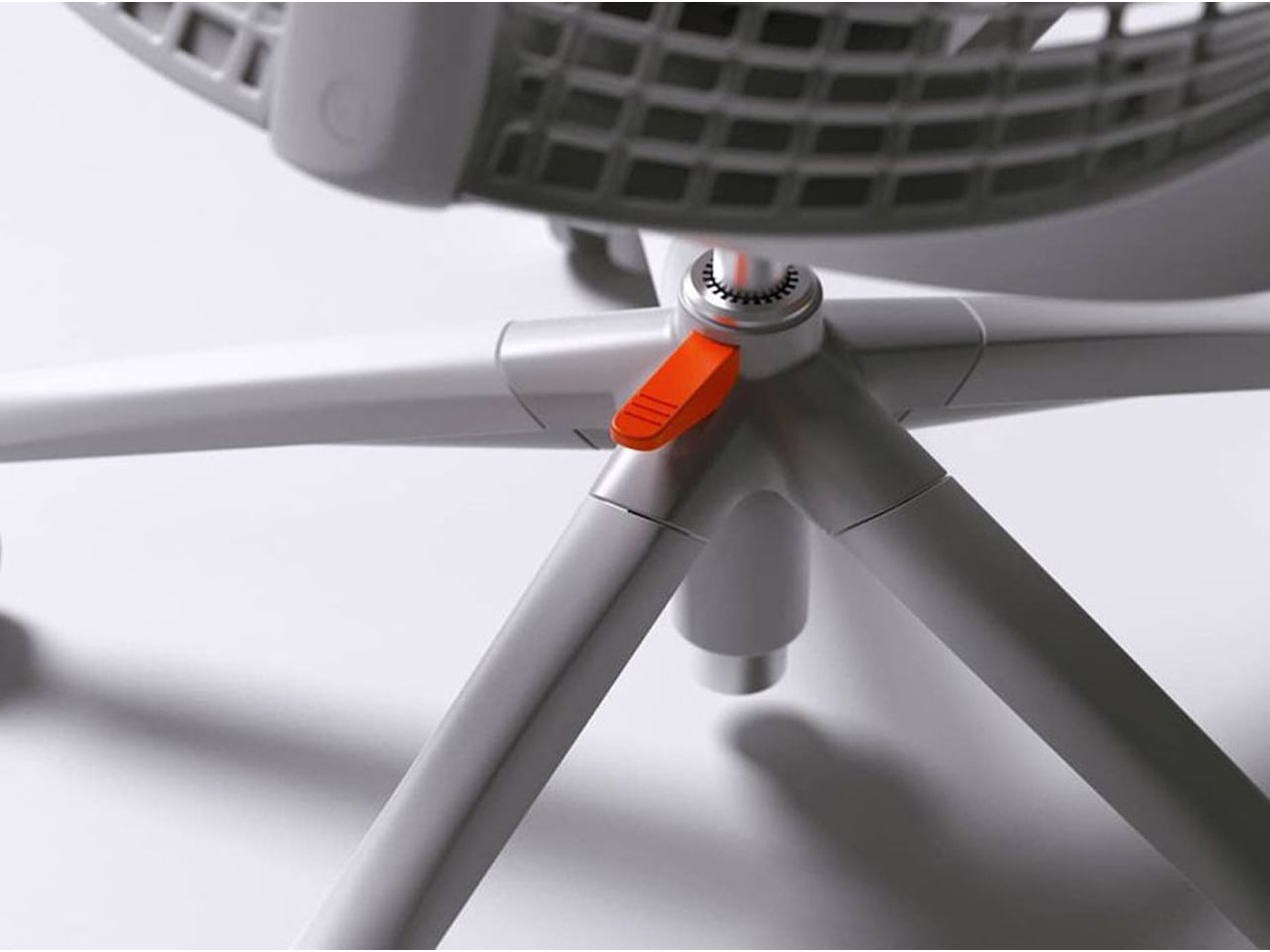
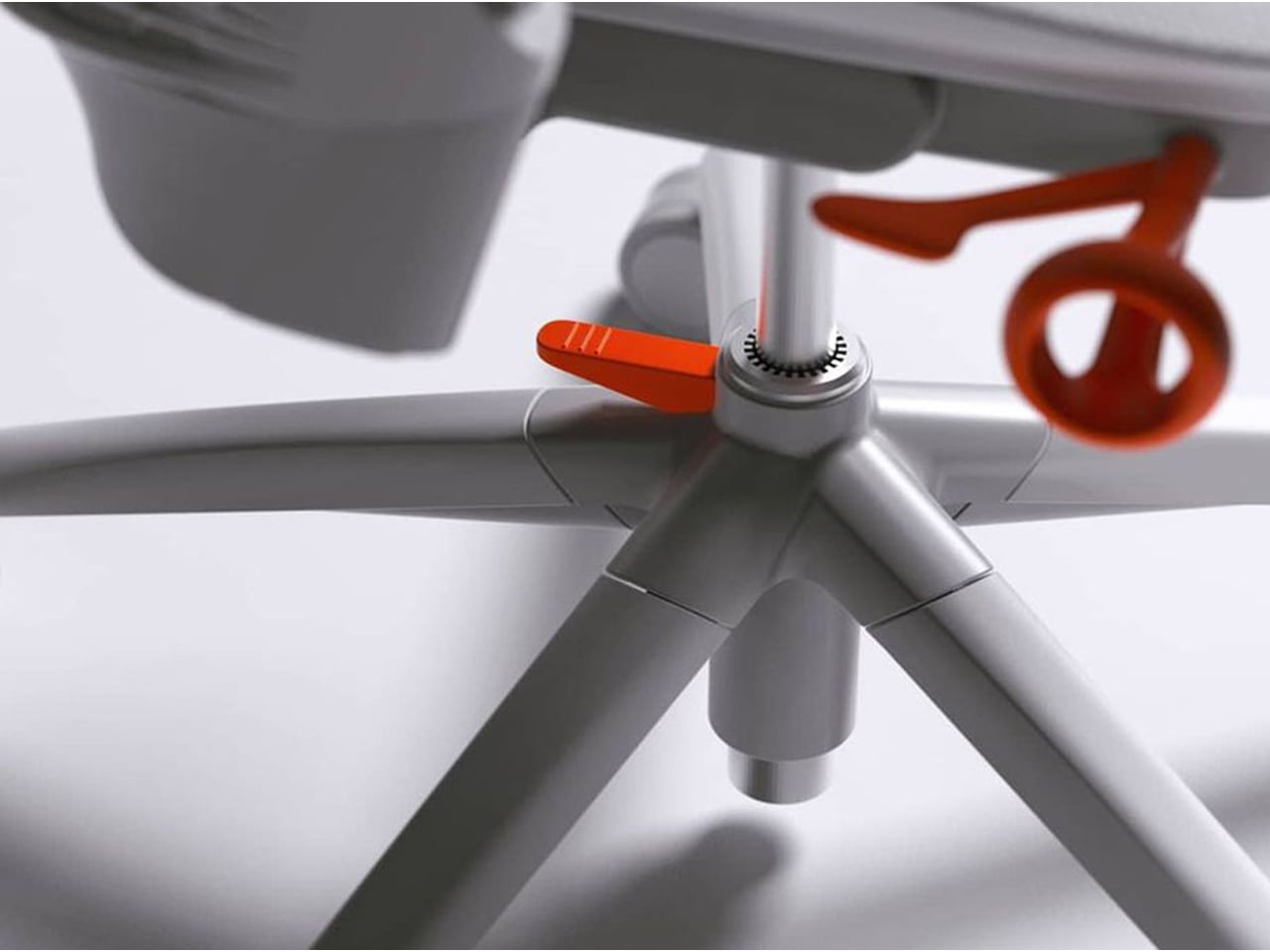
The chair’s muted grey tones ensure it blends effortlessly into any interior, while bright orange accents draw attention to pivotal touchpoints, making it intuitive to use. A foot pedal mechanism allows the chair to collapse easily, providing a convenient, space-saving solution for modern homes. In the post-pandemic era, furniture design has shifted towards modular, flexible, multifunctional, and compact solutions. The Sayl chair embodies all these qualities, offering a versatile, stylish, and practical seating option for today’s hybrid lifestyle.
2. Aesthetic Integrity and Material Authenticity
Every portable unit should carry a strong aesthetic value that complements its architectural surroundings. Materials must feel genuine and timeless, like solid wood, brushed metal, and high-performance textiles that reveal craftsmanship rather than conceal it. This honesty of composition creates visual depth and emotional connection, reinforcing the idea that beauty lies in authenticity, not imitation.
The design should remain sculptural yet understated, integrating seamlessly into curated interiors. Its finish must align with the home’s palette, allowing it to coexist gracefully within the space. When not in use, it should rest as a quiet architectural accent rather than a workplace intrusion.
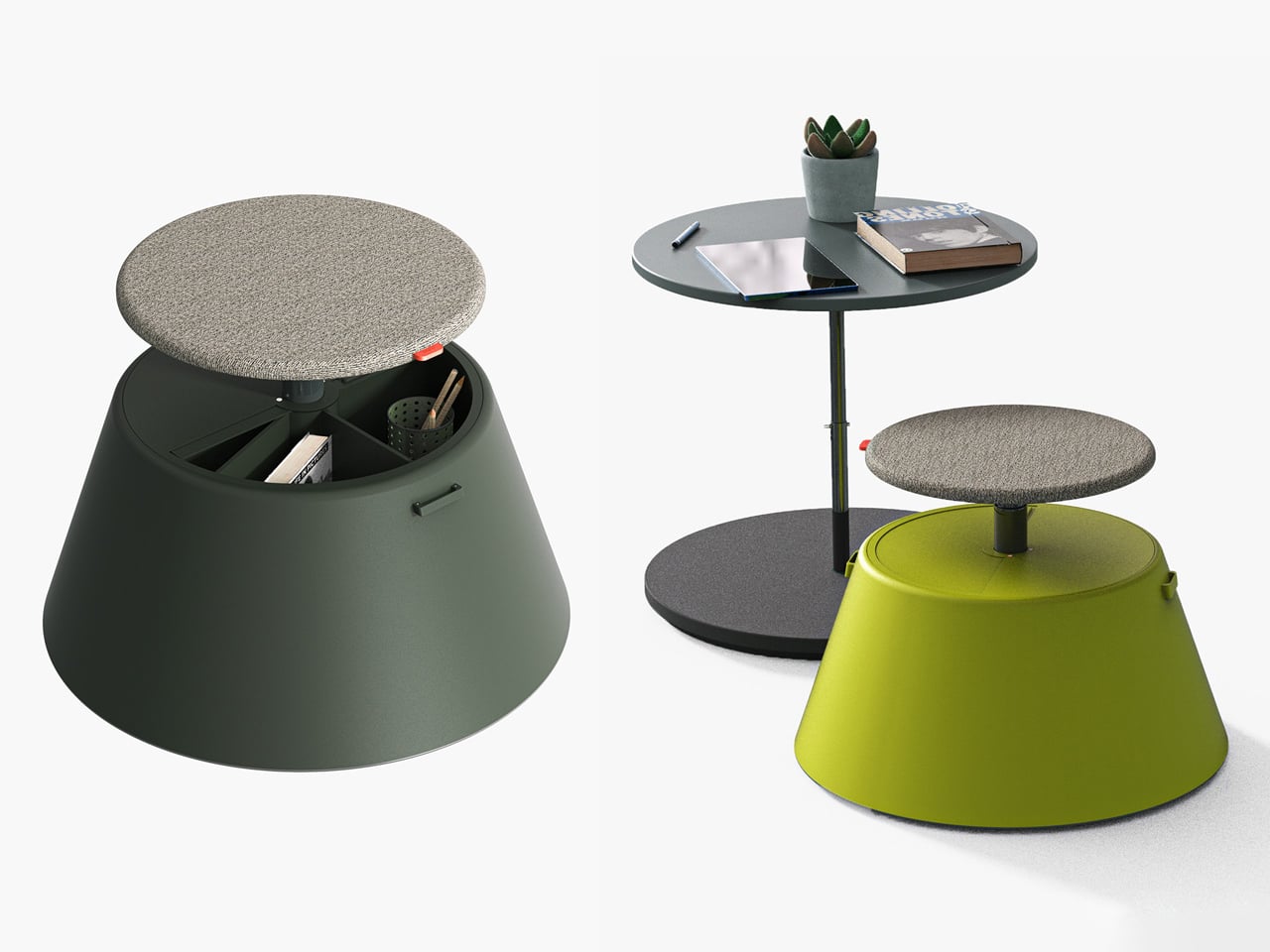
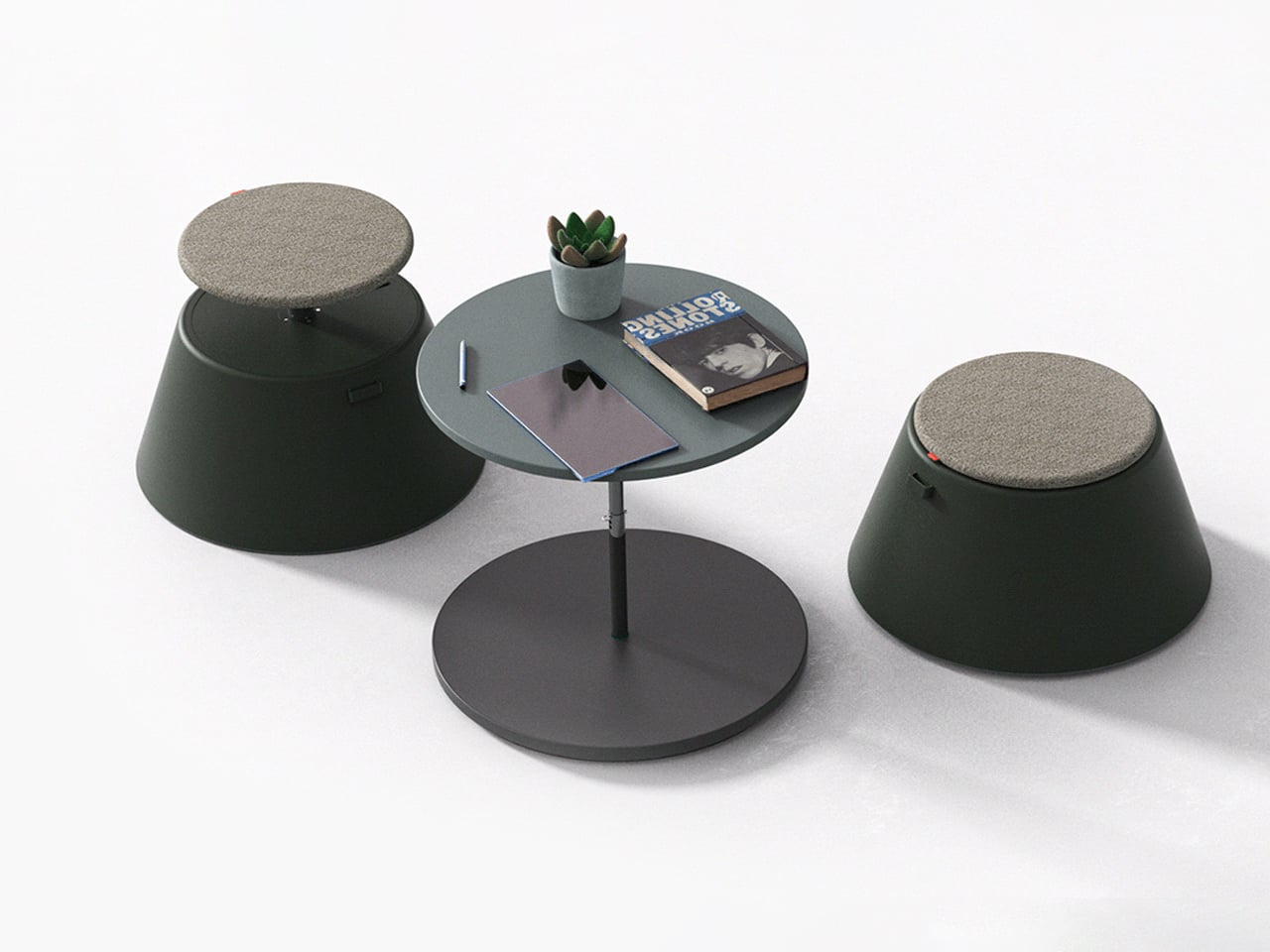
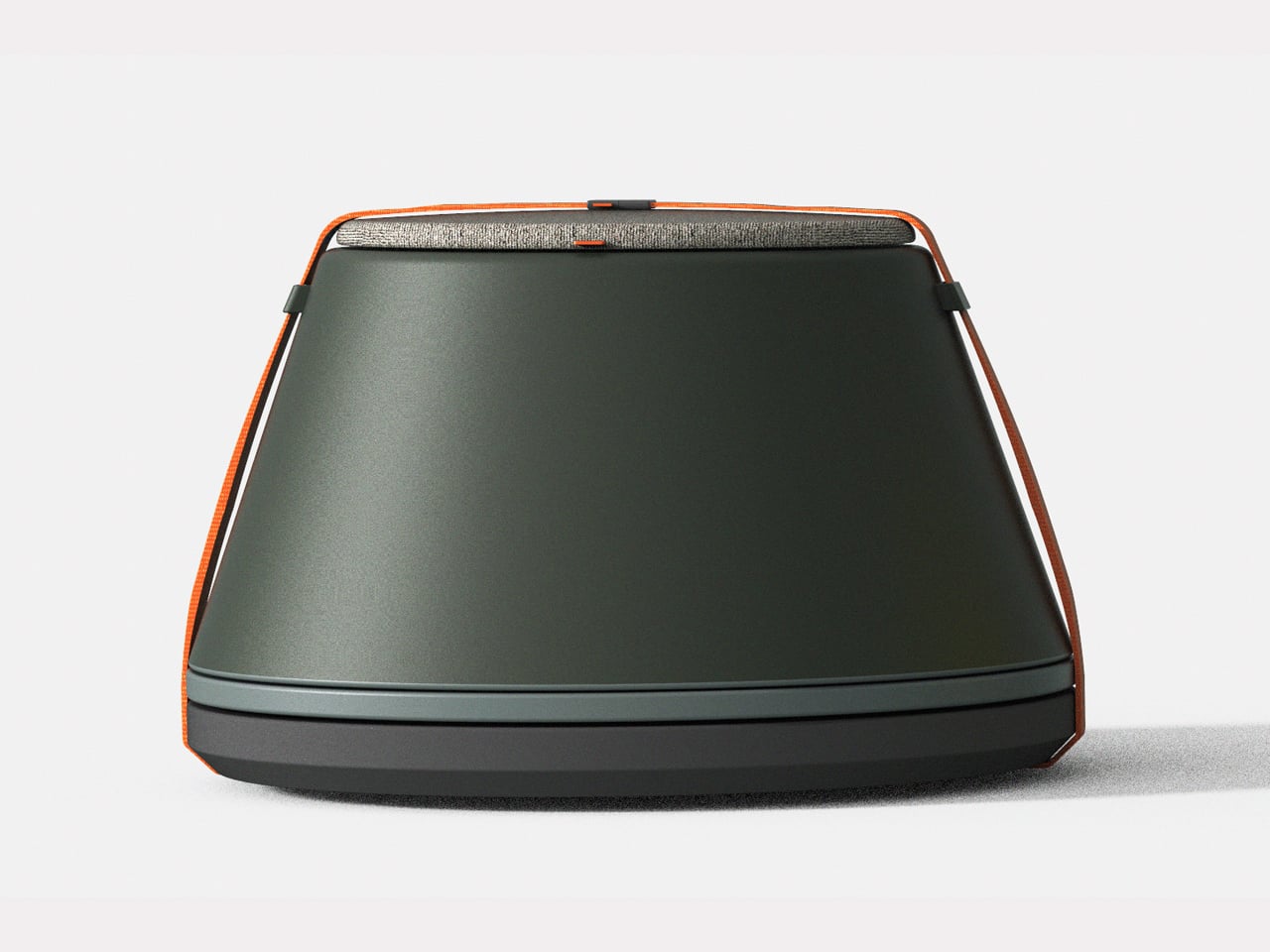
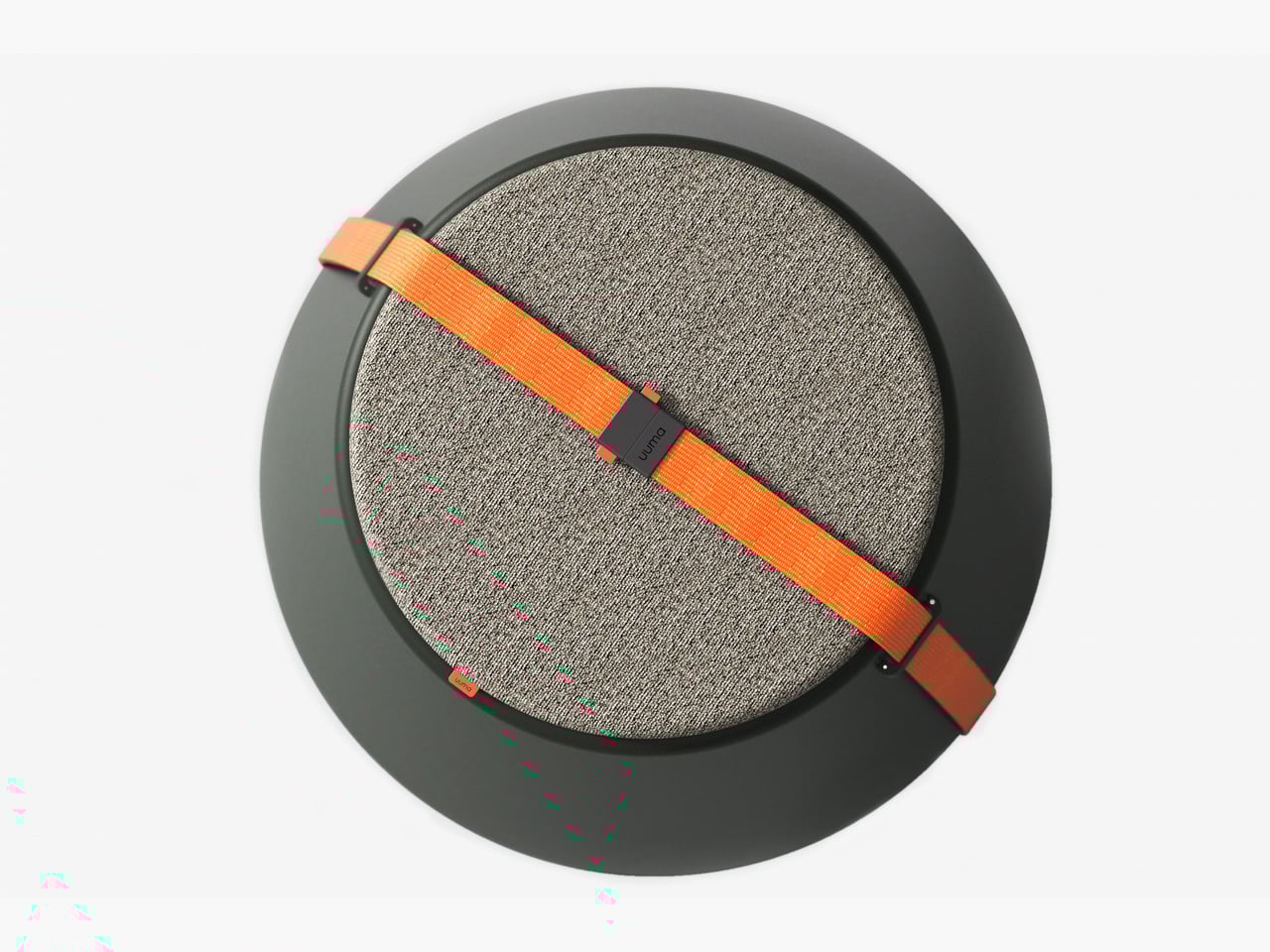
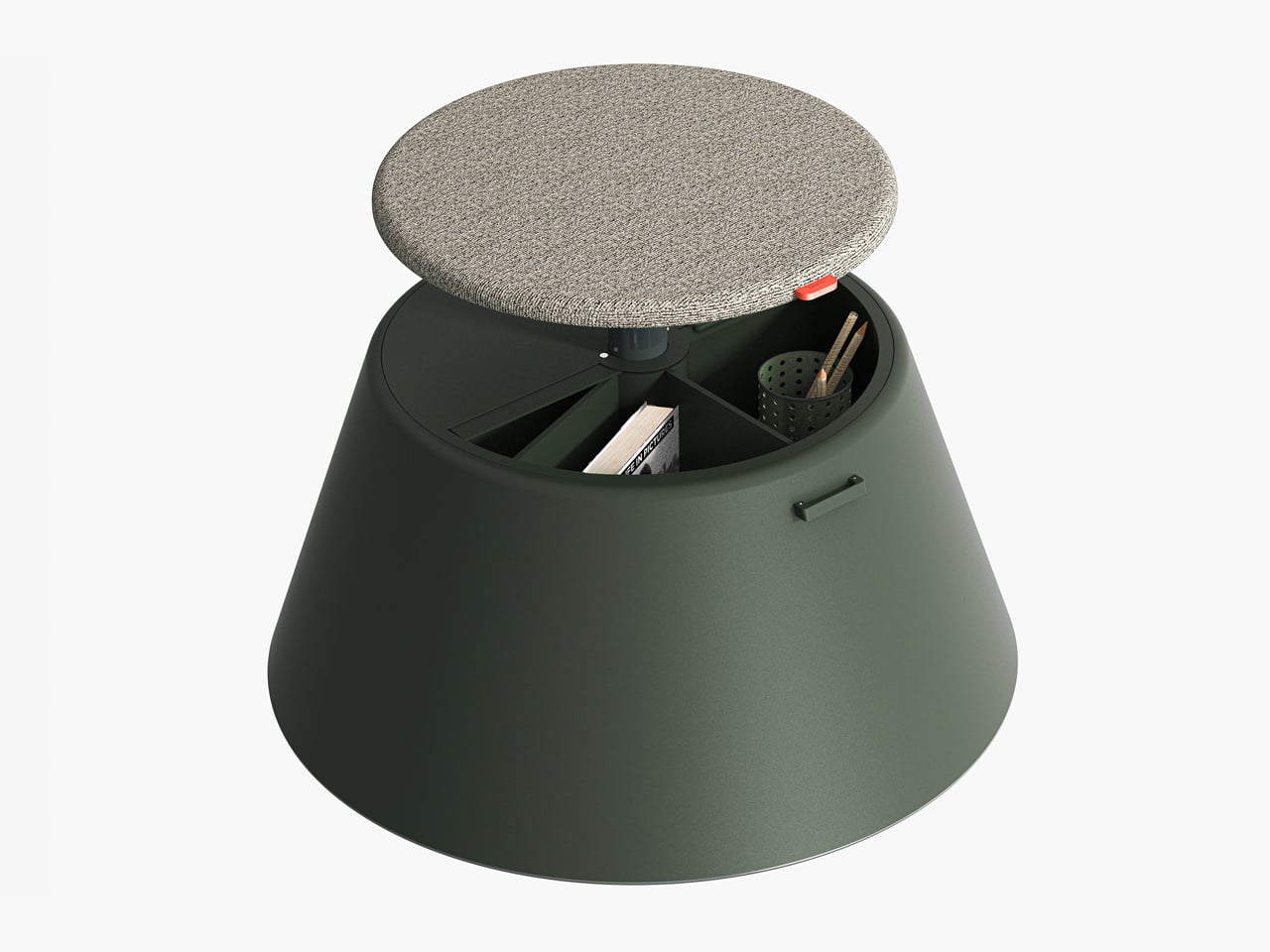
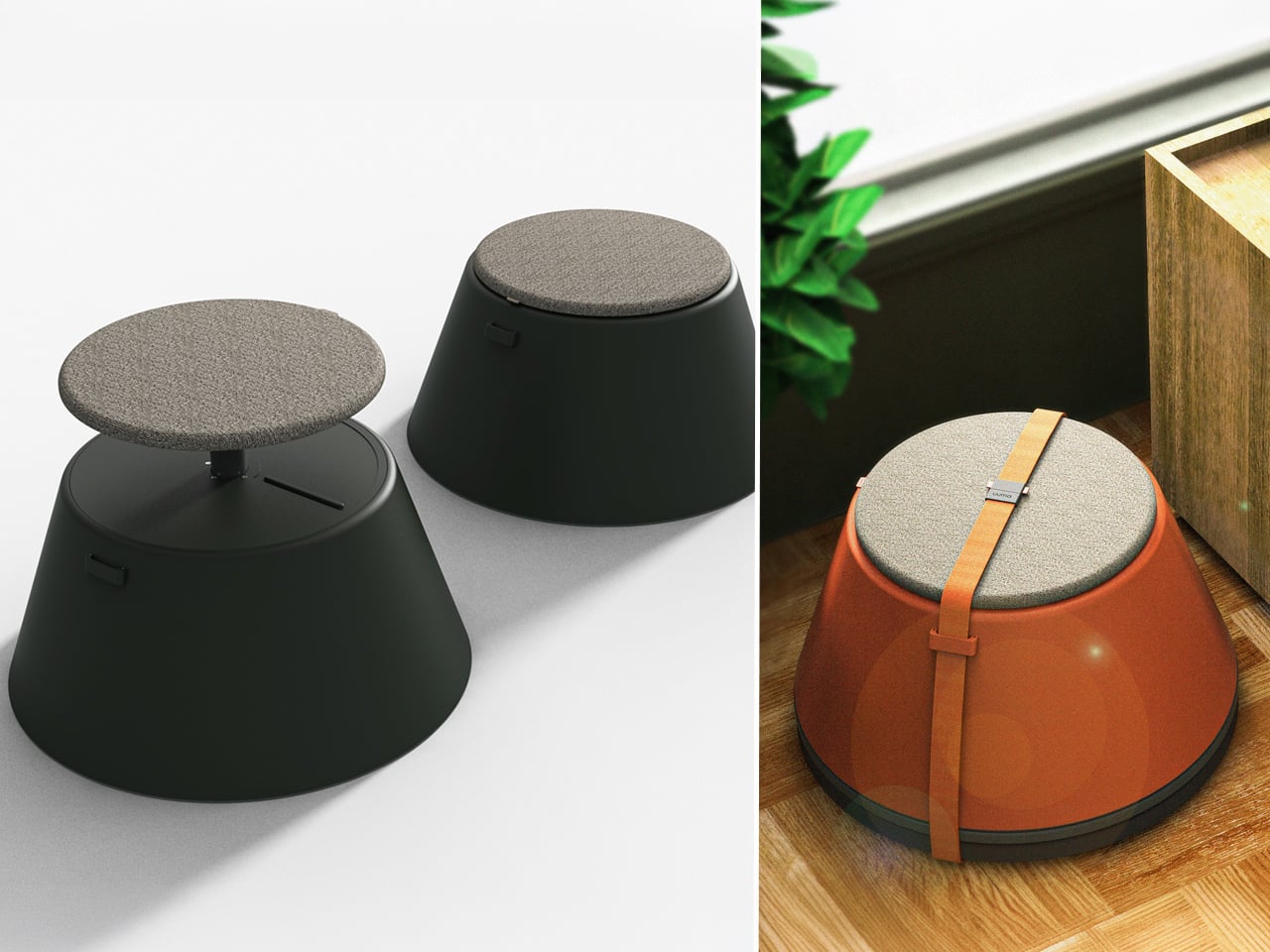
Working from home has spared many from long commutes and office distractions, yet it has also made work feel more solitary. Sitting by the same wall each day, even in a well-designed home office, can feel disconnected from the world beyond virtual meetings. While folding furniture remains popular for its space-saving benefits, stackable, all-weather alternatives are emerging as a smarter choice. Industrial designer Gökçe Nafak introduces the uuma, a portable table-and-chair combo designed as a single stackable unit that transitions effortlessly between indoor and outdoor settings.
Perfect for those who enjoy working in the garden, on the balcony, or in flexible spaces, the uuma blends convenience with creativity. Made from fibreglass, it is lightweight, durable, and sustainable. Its modular design features a height-adjustable metal frame and detachable parts that assemble easily. The chair transforms into a table within moments, offering comfort, portability, and style in three vibrant, modern colors.
3. Spatial Flow and Footprint Efficiency
The effectiveness of any modern workstation depends on how well it manages spatial flow. In compact urban homes, every inch counts, making footprint reduction a key design priority. A thoughtfully designed system should retract or fold away seamlessly, minimizing its physical presence while supporting the need for adaptable, multi-functional living spaces that evolve throughout the day.
Mobility and refinement define its usability. Tables and desks should transition effortlessly from work to leisure, enabling a quick shift from boardroom mode to family dining. Silent, non-marking wheels and intuitive movement reflect superior engineering and respect for interior balance.
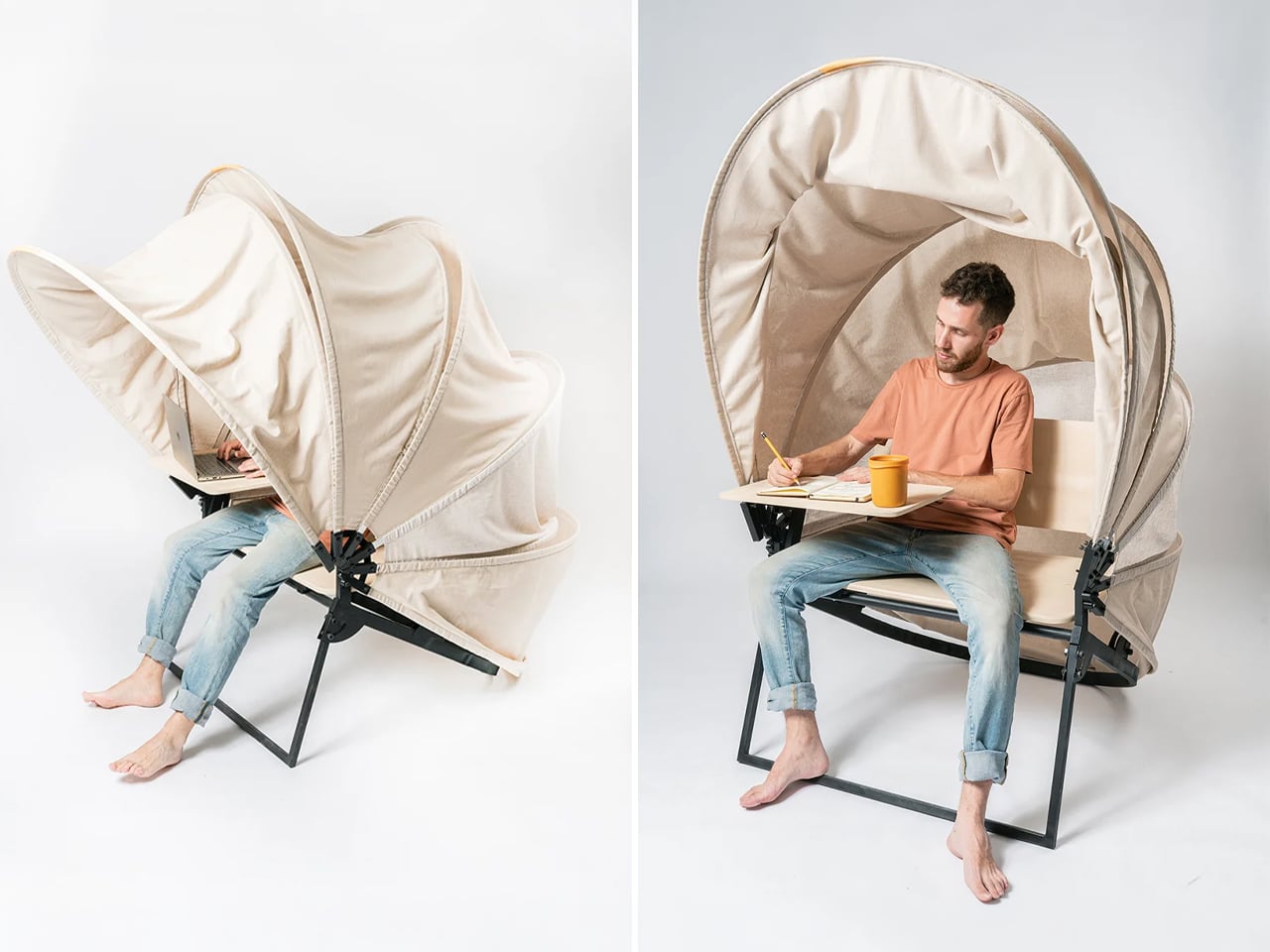
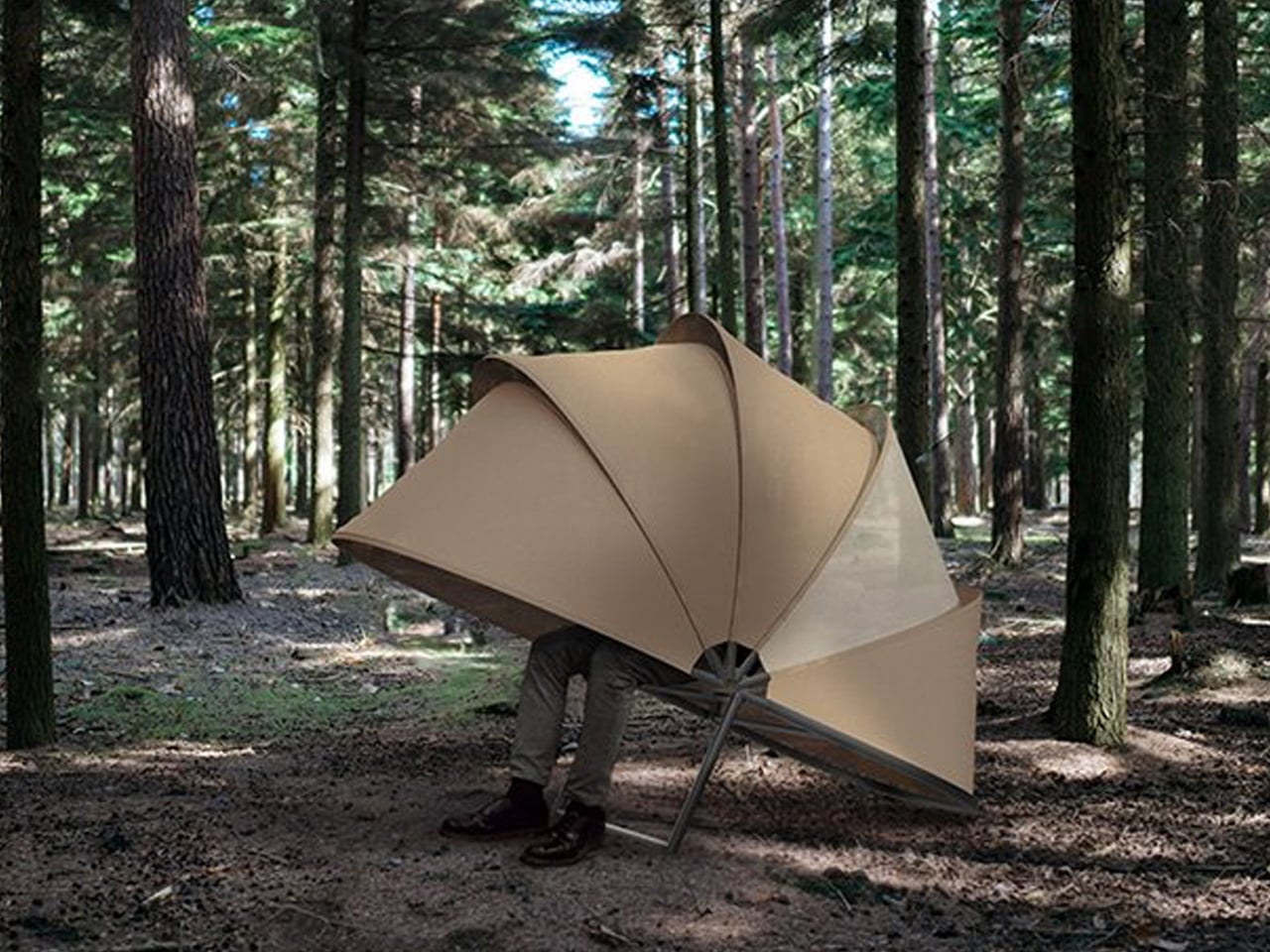
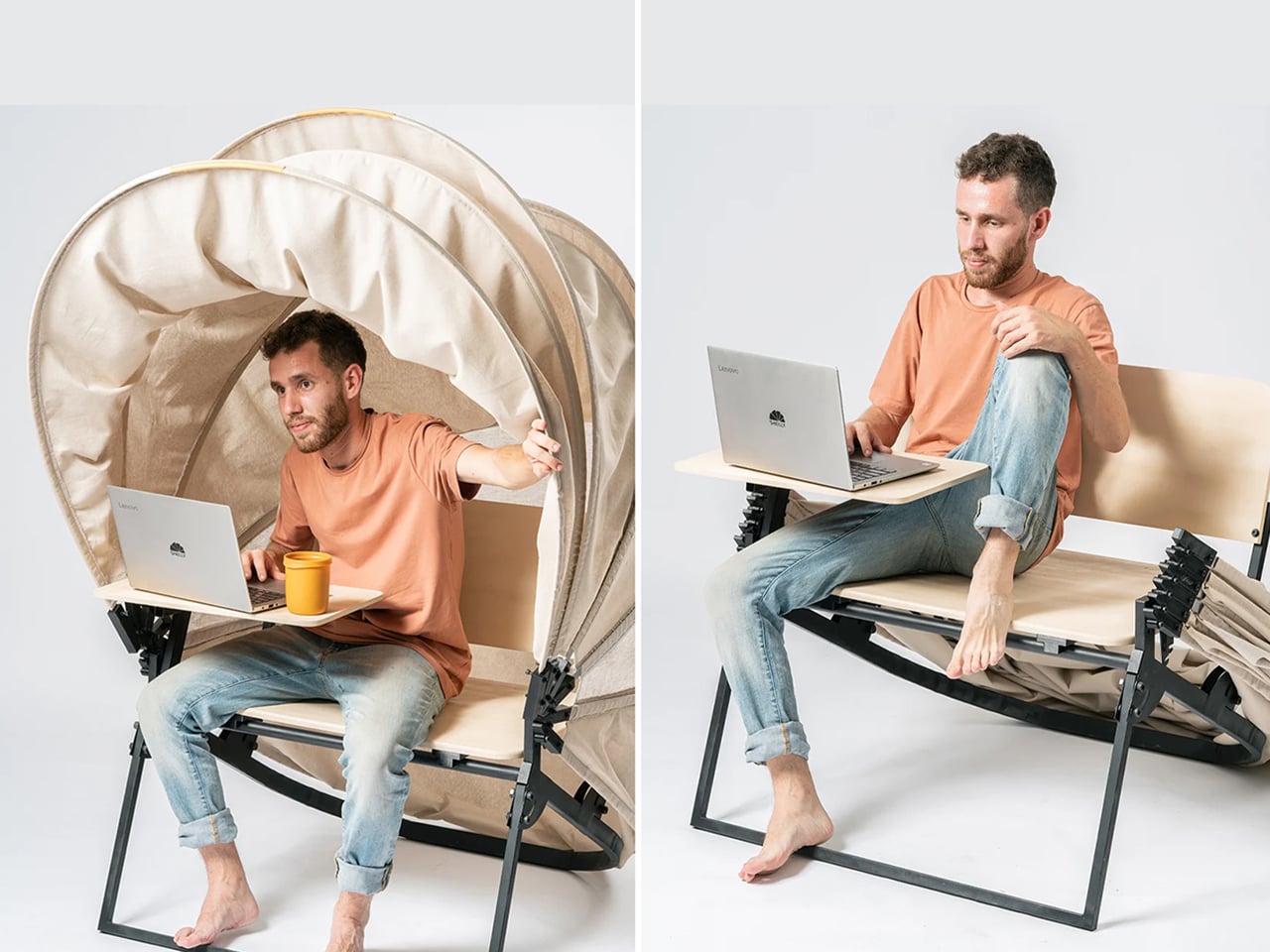
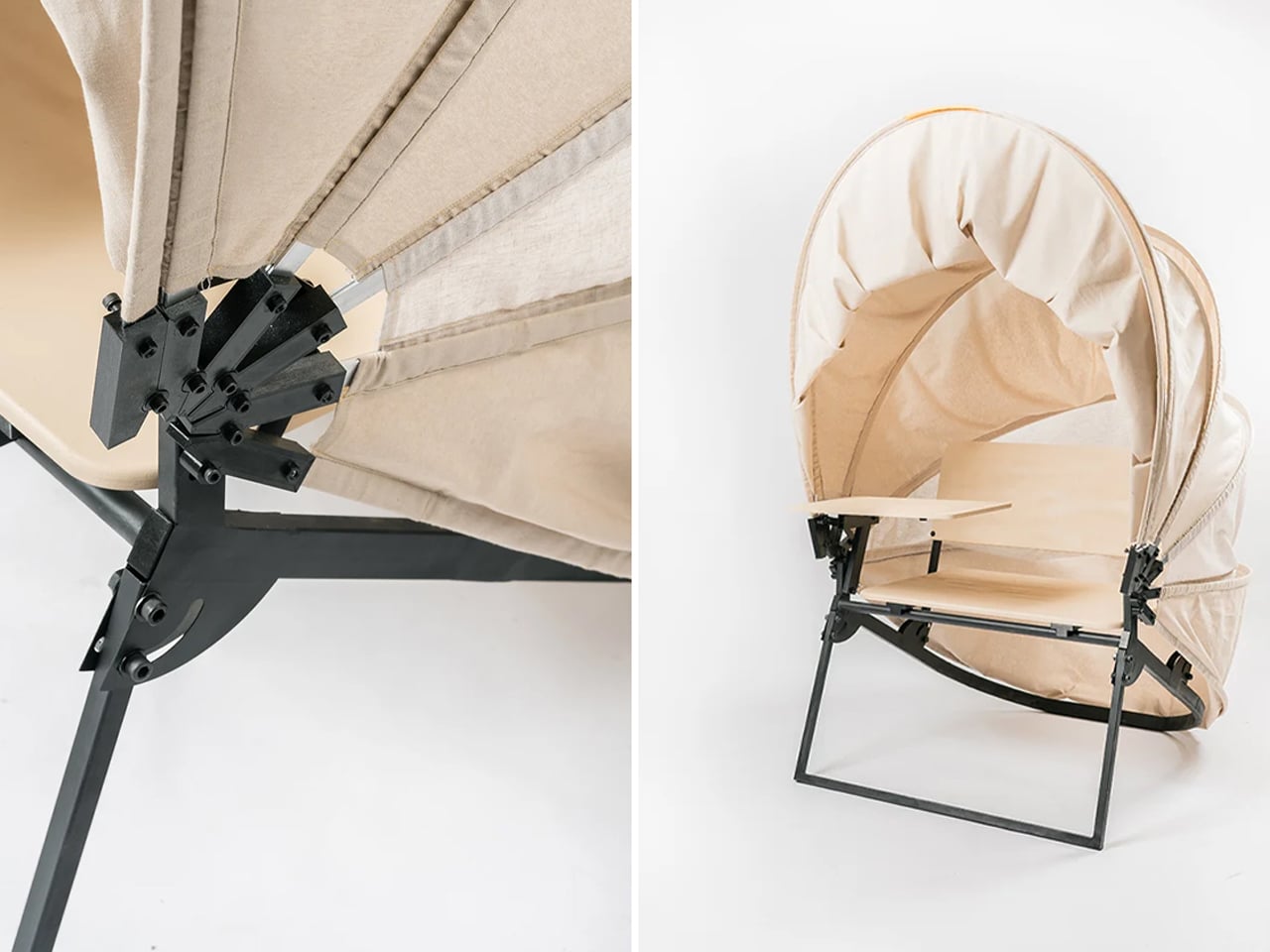
In a shared workspace like WeWork, or a peaceful spot under a tree, flexibility defines modern work culture. Industrial designer Matan Rechter responded to this shift with Shelly, a personal outdoor workspace that combines privacy, shade, and portability for those who prefer working outside. Inspired by the remote work movement, Shelly was designed to bring focus and comfort to outdoor environments like public parks.
Its name comes from its shell-like canopy that folds in and out with ease. Built from lightweight aluminium profiles and durable Cordura fabric, Shelly shields users and electronics from harsh UV rays. The canopy’s retractable design, reminiscent of an armadillo’s shell, provides instant shade and convenience. Compact and portable, Shelly transforms outdoor work into a comfortable, productive, and stylish experience anywhere, anytime.
4. Technological Integration and Power Autonomy
A modern hybrid workstation should function as a self-sufficient ecosystem, anticipating digital needs without visual clutter. True design intelligence lies in seamless connectivity, like built-in charging, concealed wiring, and intuitive access that keeps the workspace both elegant and efficient. Power autonomy ensures independence from fixed outlets, supporting the growing demand for mobility and flexibility in home environments.
Features such as integrated induction charging pads, hidden cable channels, and optional battery packs transform furniture into an adaptive tool. These enhancements merge aesthetics with performance, allowing users to remain connected, productive, and untethered within any architectural setting.
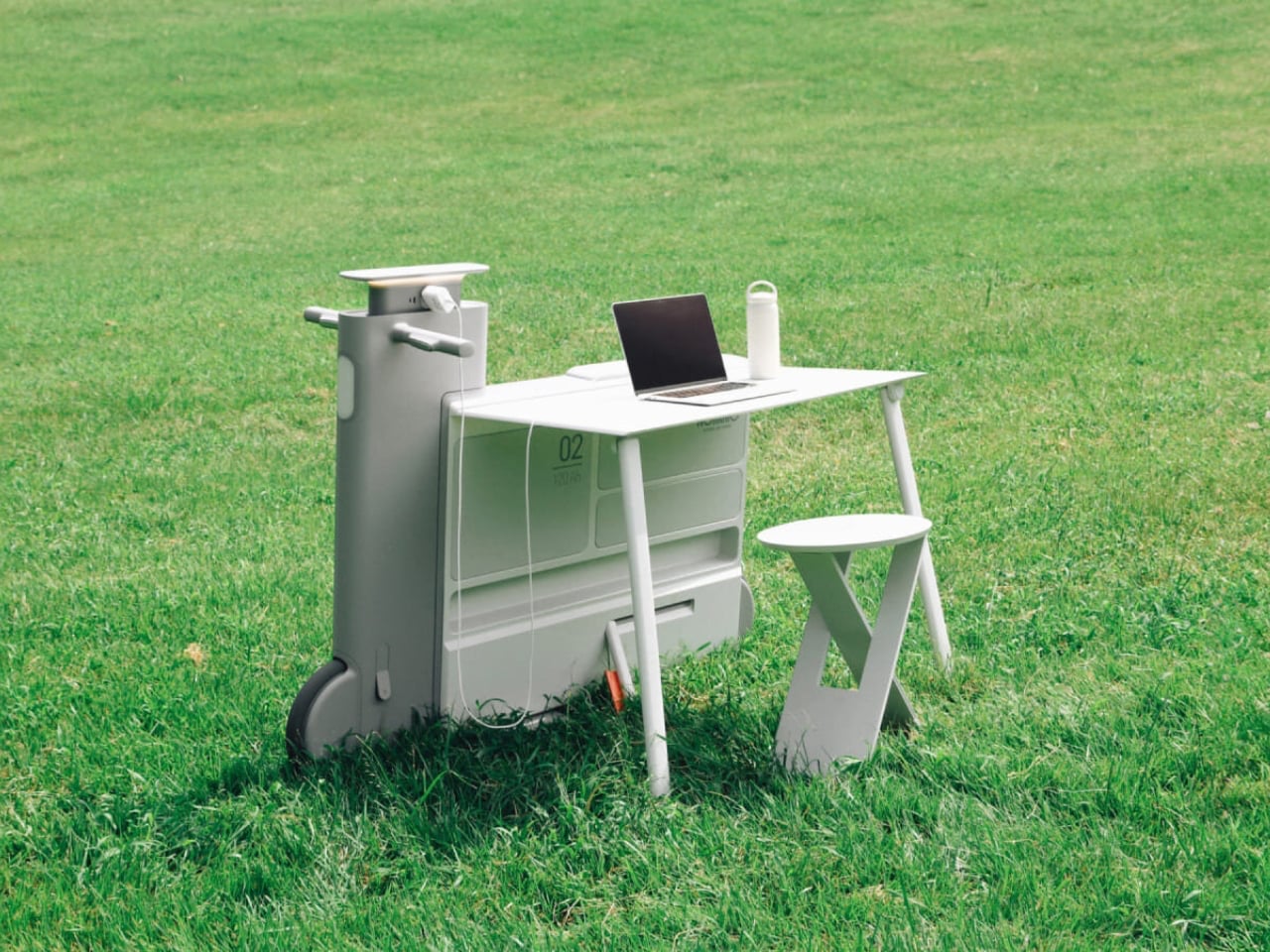
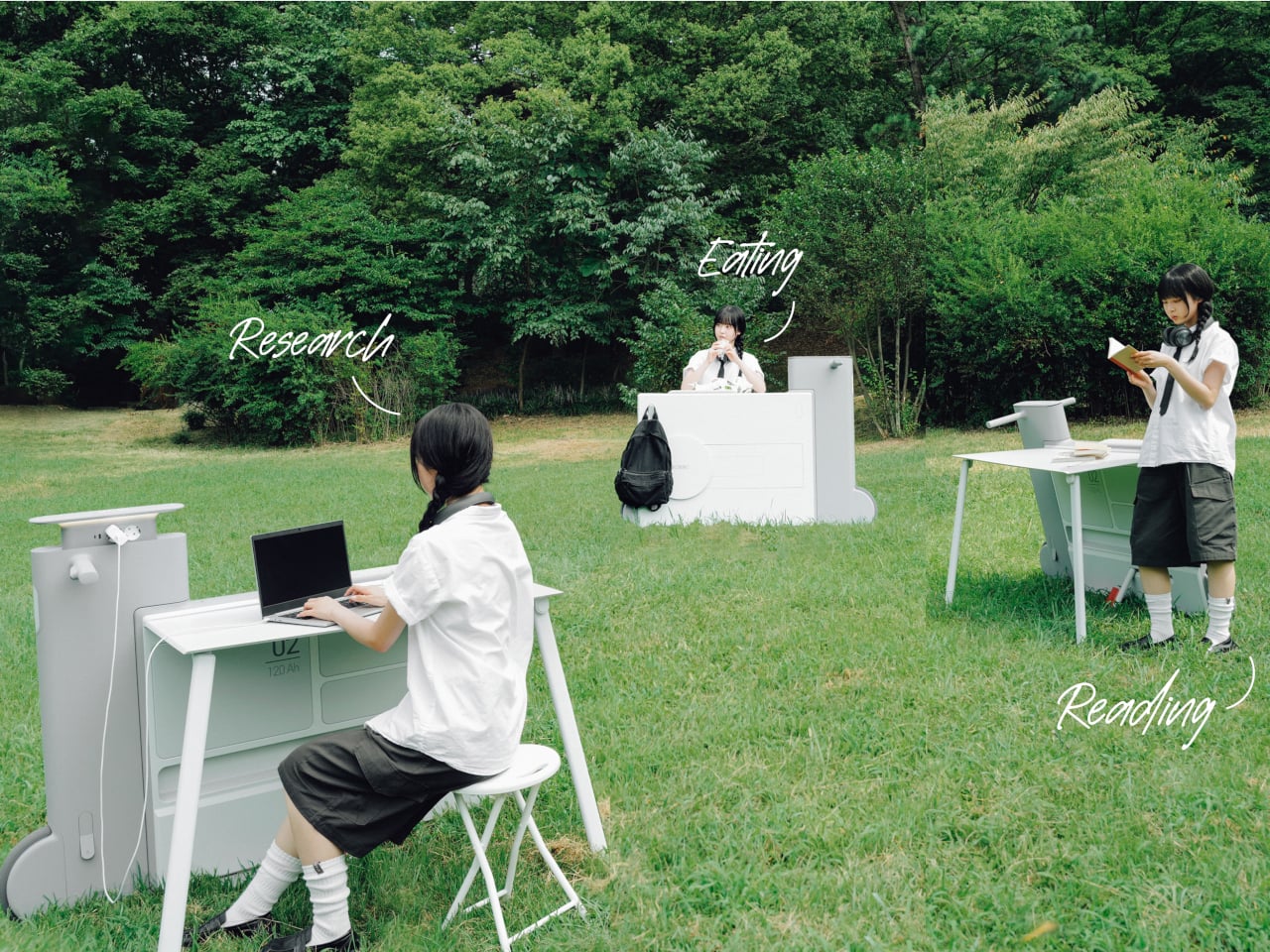
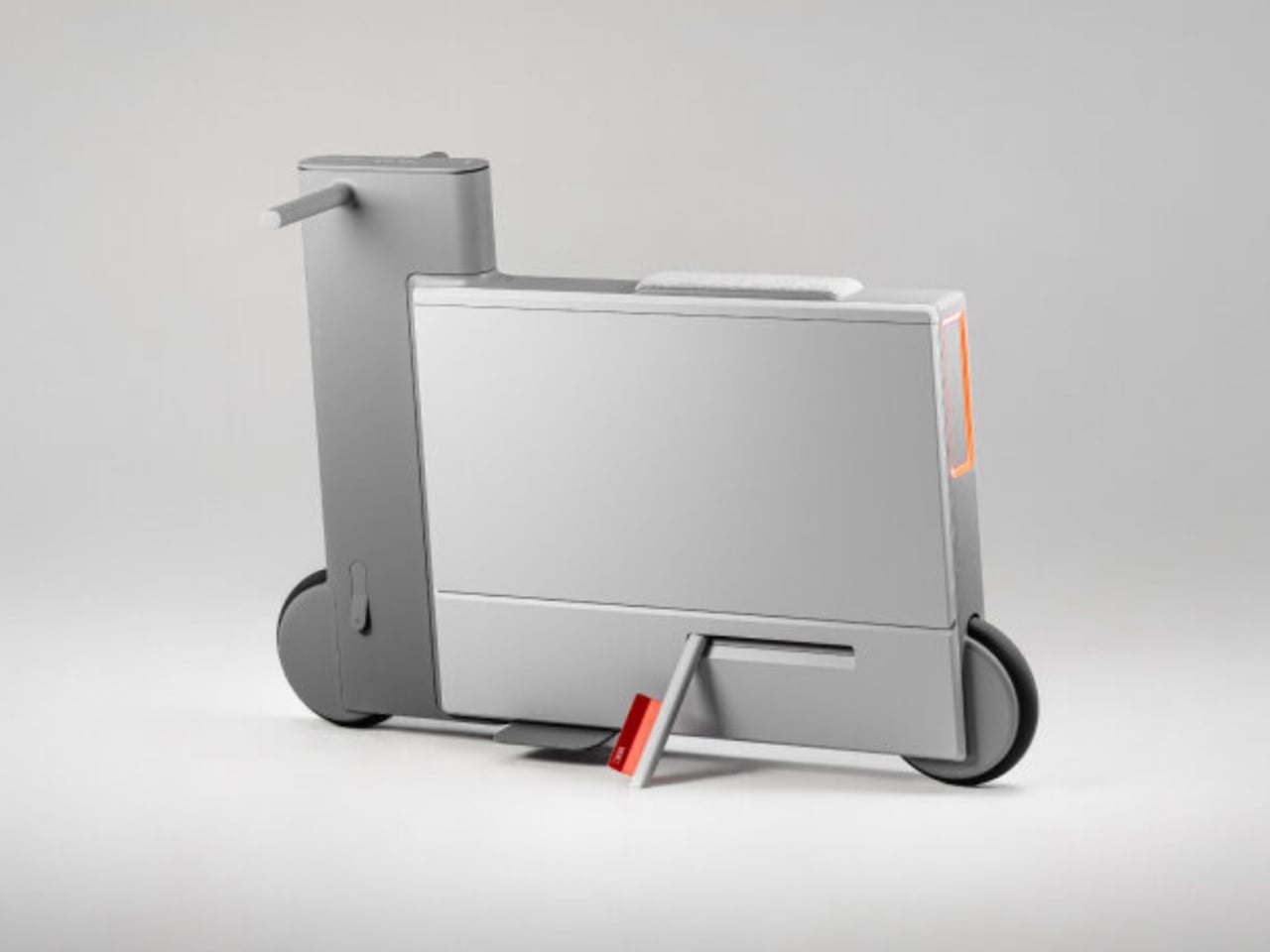
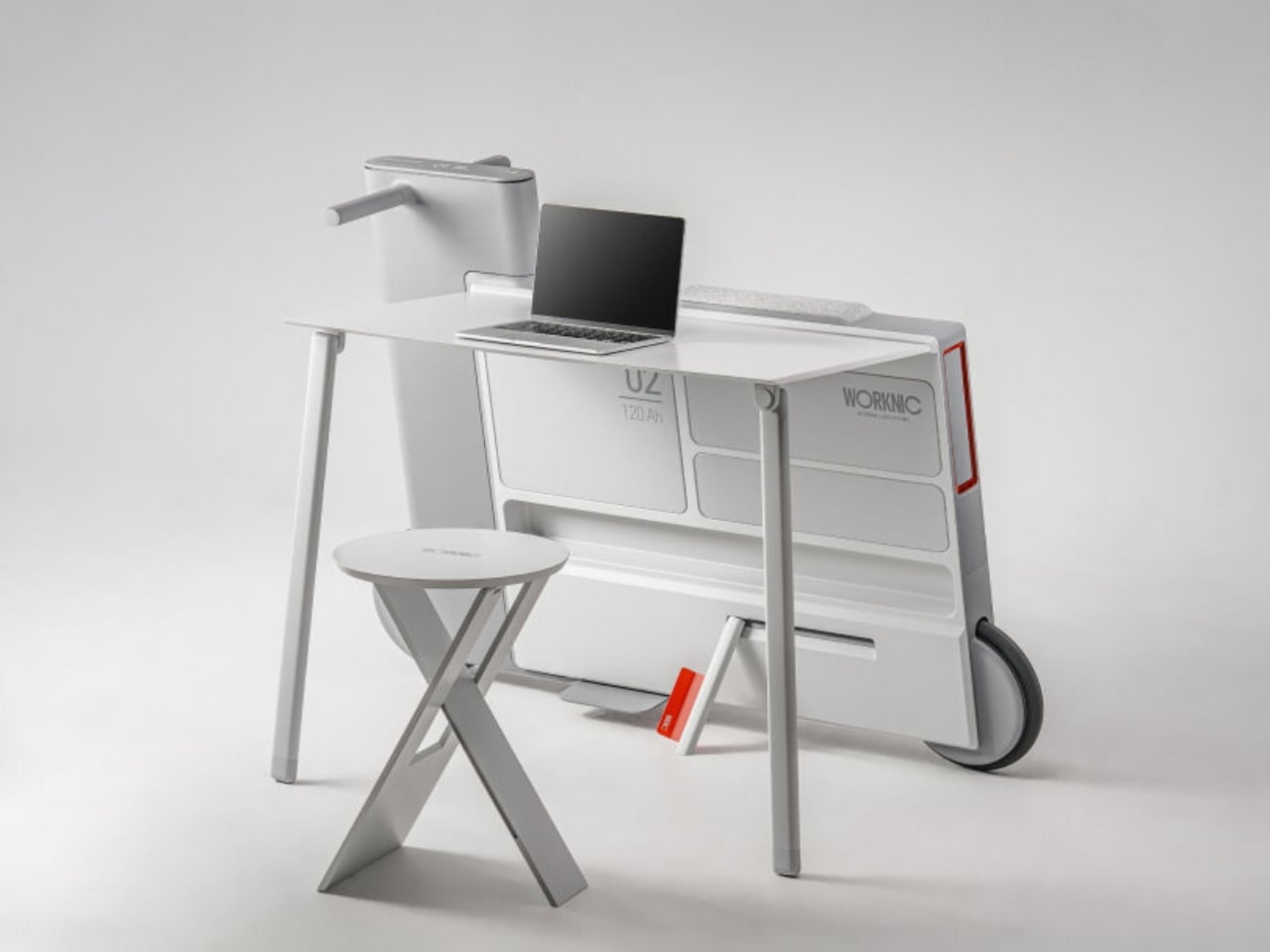
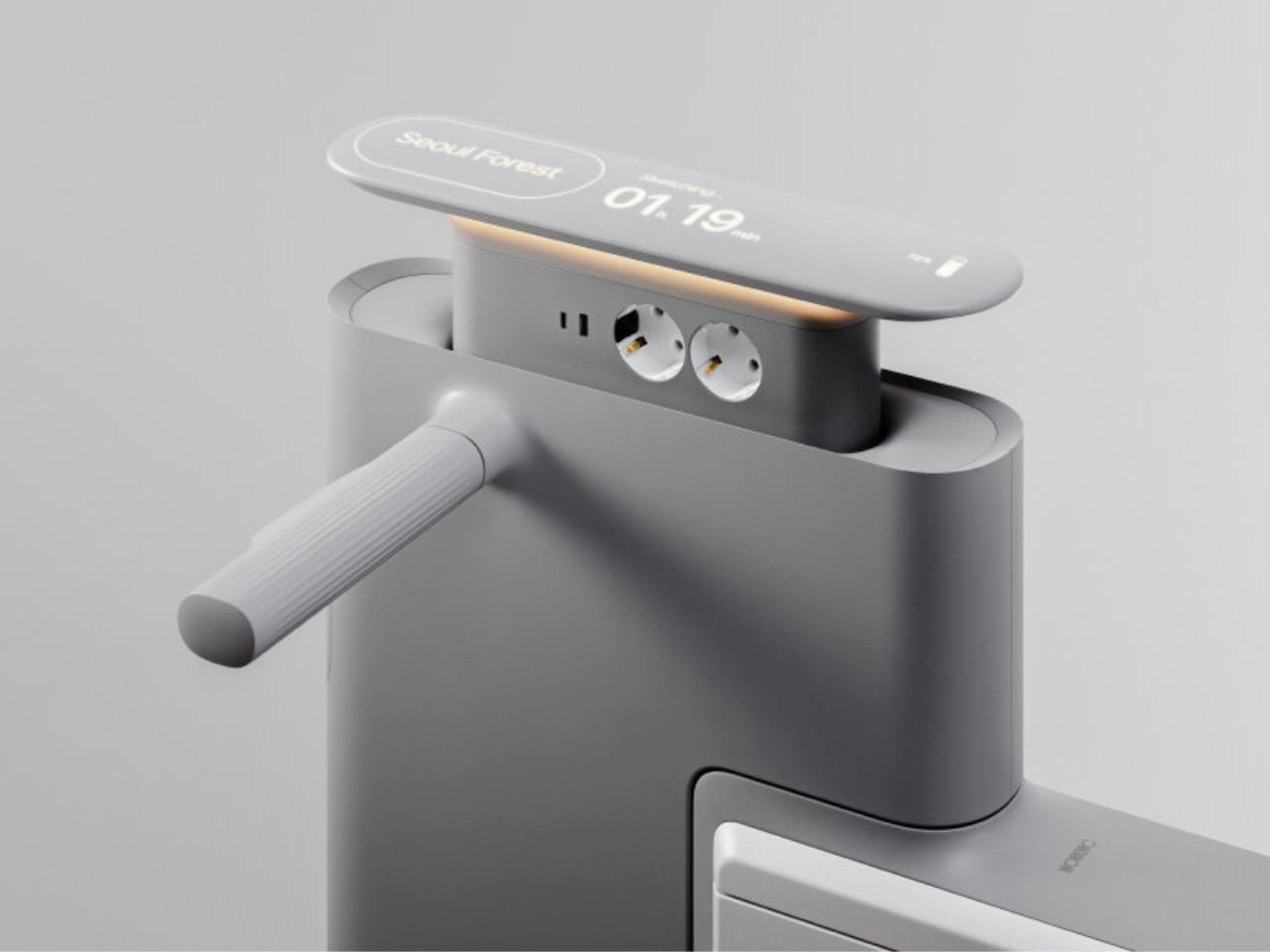
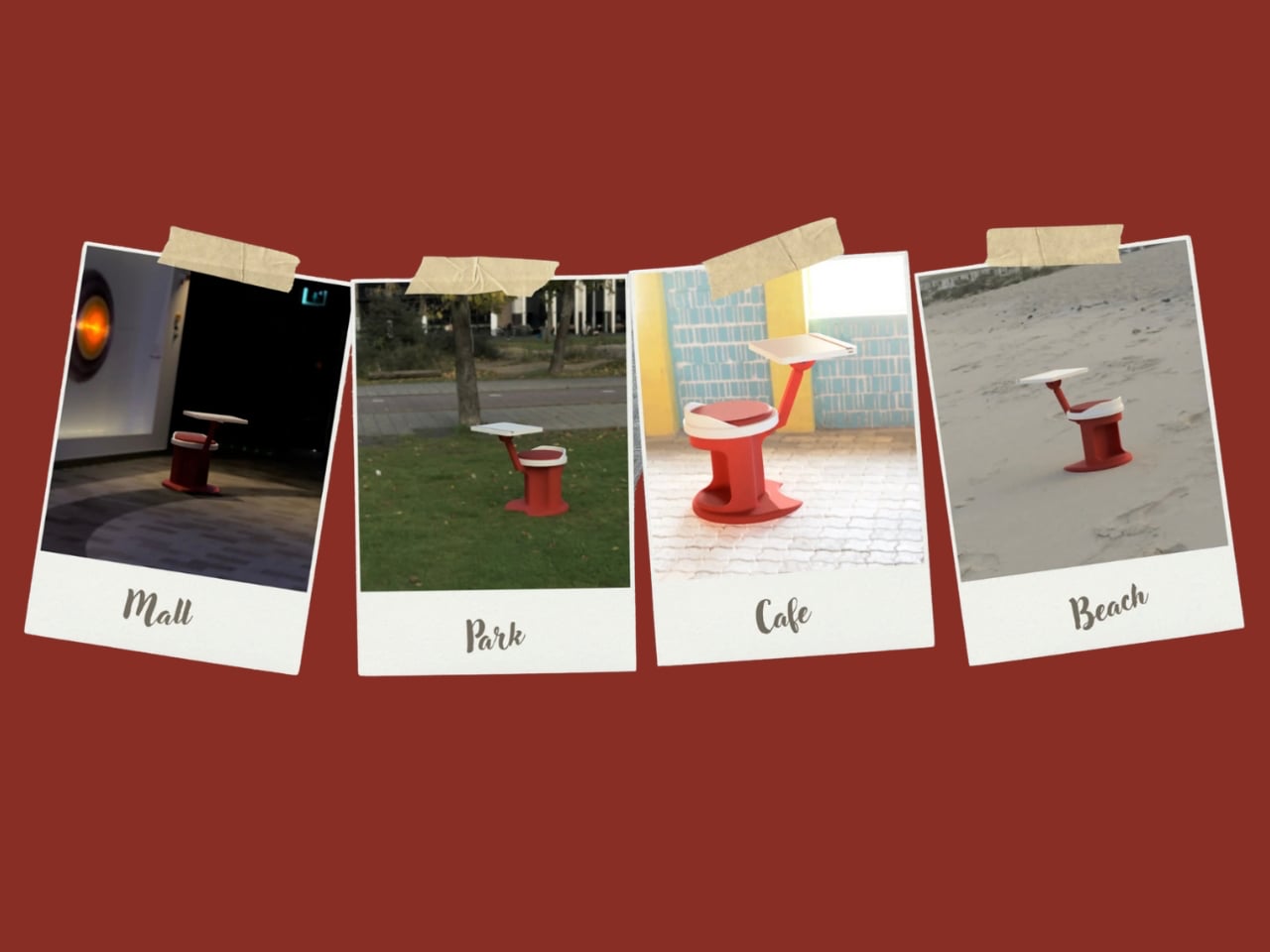
Another standout example is Worknic, a portable desk developed through the Samsung Design Membership program, sponsored by Samsung Electronics. Designed for flexibility, Worknic allows users to set up a functional workspace anywhere, whether in a home, park, or even on the beach, giving them the freedom to change their environment whenever needed.
The desk is built on wheels, making it easy to move and position in the ideal spot. Once in place, it unfolds to reveal a worktable, stands, and a built-in power source, while a pull-out stool completes the setup. Although details about battery life, weight, and additional features are limited, the concept prioritizes mobility, convenience, and adaptability. Worknic offers a creative solution for those who want a portable, fully equipped office that keeps productivity and inspiration in balance.
5. Design Resilience and Longevity Investment
For discerning homeowners, longevity defines true value. A well-crafted workstation should possess design resilience, built to endure daily use while retaining its original elegance and performance. This durability ensures a higher return on investment, setting it apart from fast furniture options that quickly lose both form and function.
Choosing established design houses and proven construction techniques guarantees structural integrity and timeless appeal. A five-to-ten-year warranty offers assurance that the piece is not just a purchase but a long-term architectural companion, blending endurance with refined craftsmanship for years of dependable, sophisticated use.
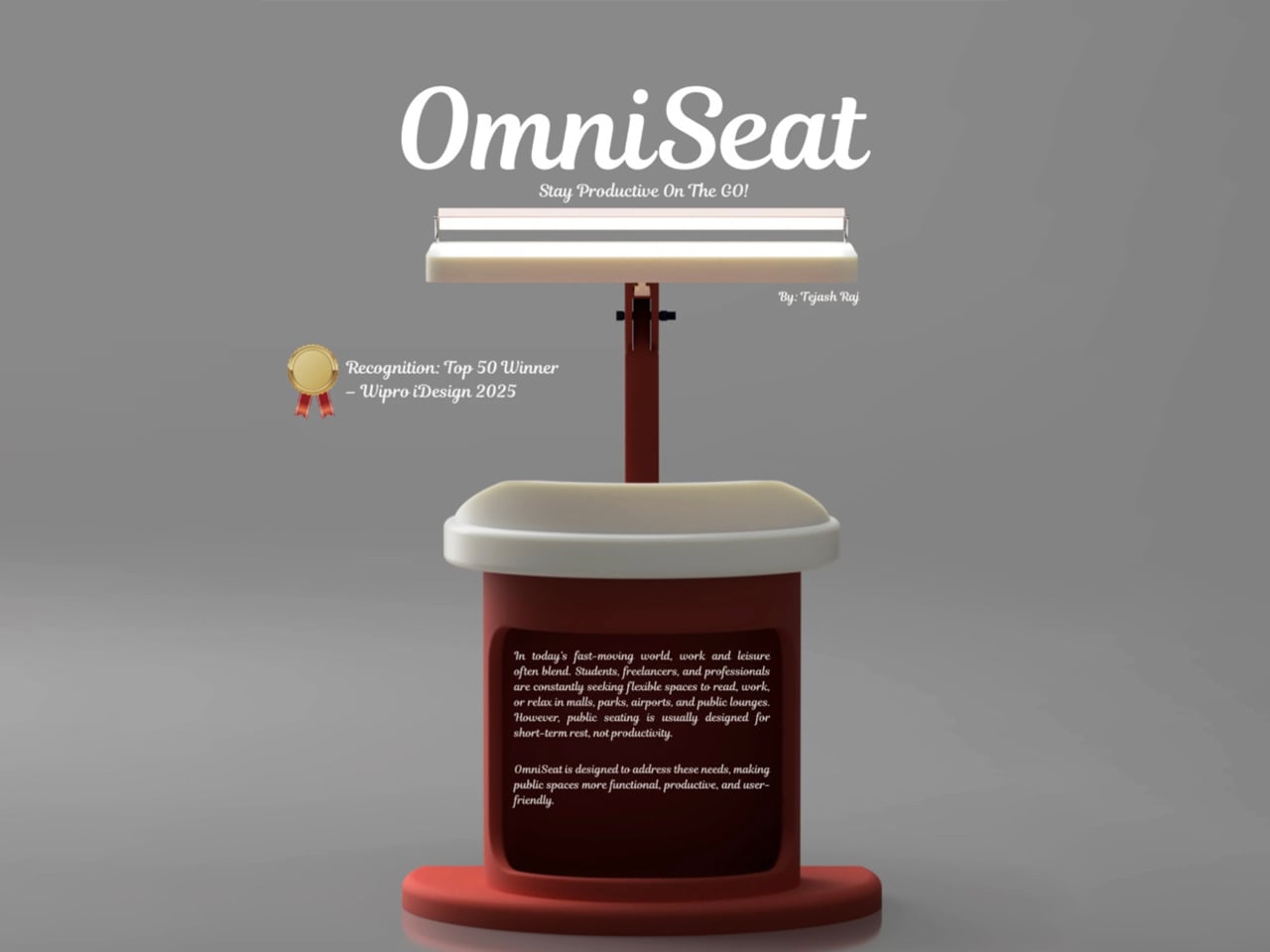
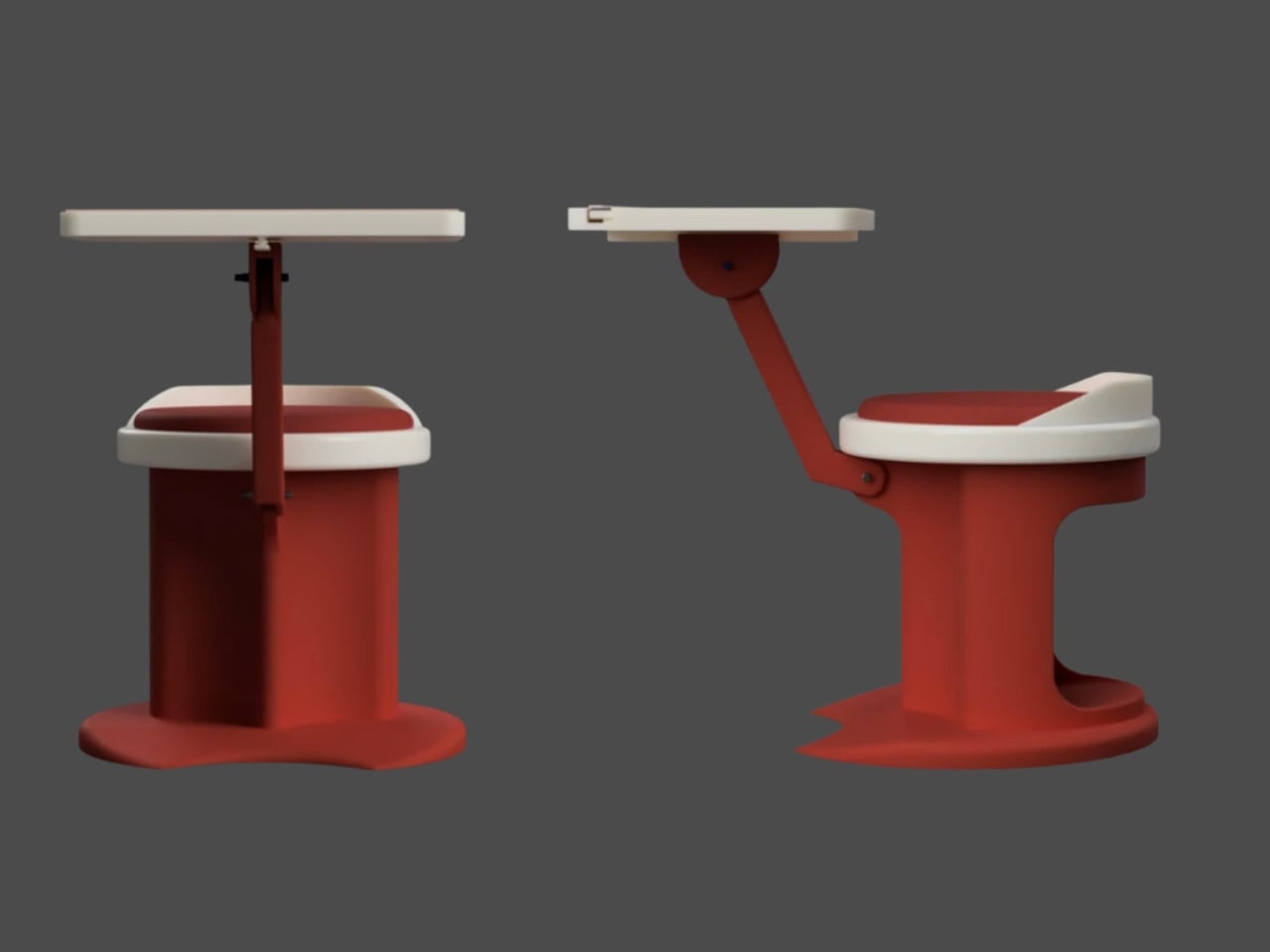
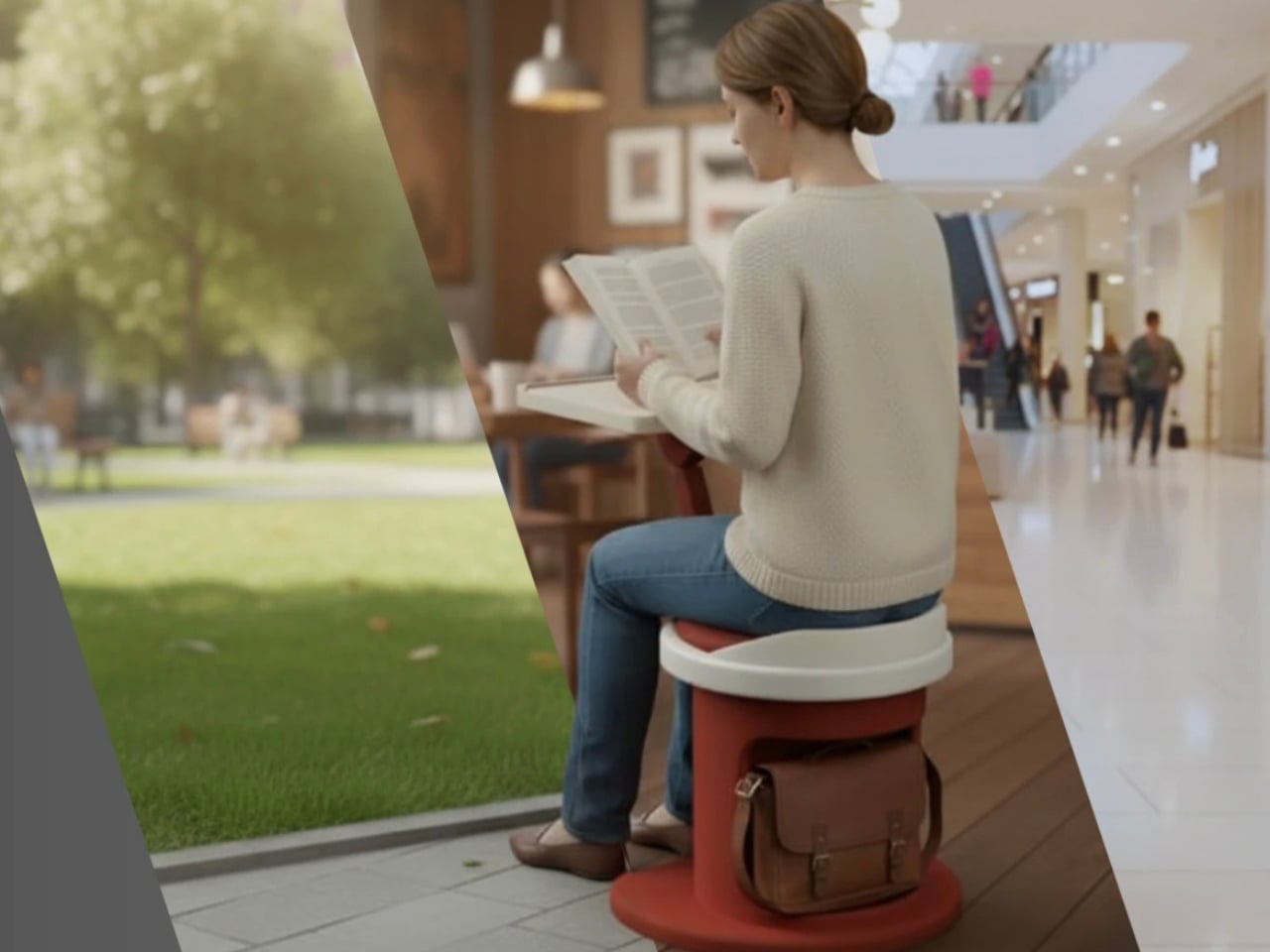
For those constantly on the move, finding a comfortable place to rest or work can be challenging. Cities often lack public resting areas beyond cafés and restaurants, making it tempting to carry a portable chair, though the idea quickly loses appeal due to its bulk and inconvenience. Recognising this need, designer Tejash Raj created the OmniSeat, a compact and ergonomic seating concept designed for people who stay productive while travelling, commuting, or working outdoors.
The OmniSeat features a lightweight frame, built-in storage, and device holders, all folding neatly into a slim form that fits in a backpack or attaches to a bike rack. A detachable tray accommodates laptops or tablets, with cable clips to keep cords tidy. Combining portability, comfort, and function, the OmniSeat offers a glimpse into the future of mobile workspaces.
The high-design portable workstation redefines the boundaries of work and home, merging productivity with tranquillity. It transforms interiors into fluid, balanced spaces where focus meets ease. Its true value lies in the freedom to work anywhere, capturing sunlight, inspiration, and connection without sacrificing comfort or creativity.
– Article invité, rédigé par
Vincent Lautier
, contient des liens affiliés Amazon –
Teufel a lancé la
ROCKSTER Cross 2
, une enceinte Bluetooth portable qui mise sur un son stéréo puissant, une autonomie de 38 heures et une certification IPX5 contre les éclaboussures. Vendue 240 euros sur Amazon, elle embarque un système 2 voies avec subwoofer, la technologie Dynamore et une fonction powerbank, je la teste depuis plusieurs semaines, et je la valide complètement ! Voilà pourquoi :
Un son qui a de la patate
La ROCKSTER Cross 2 est équipée d'un système 2 voies avec deux tweeters de 20 mm, un subwoofer de 120 mm et deux membranes passives à l'arrière. Le tout est propulsé par un amplificateur classe D de 39 watts qui peut grimper jusqu'à 98 dB. Et ça s'entend : les basses sont profondes et bien tenues, le son reste maîtrisé même quand on pousse le volume, et l'ensemble dégage une assurance qui fait plaisir.
Pas de distorsion désagréable, pas de saturation aux aigus. La technologie Dynamore, propre à Teufel, élargit la scène sonore et donne une vraie sensation de stéréo, ce qui change des enceintes portables qui sonnent souvent mono dans les faits. Pour les sorties en extérieur, un mode Outdoor ajuste le rendu pour compenser l'absence de murs, et l'inclinaison intégrée permet de poser l'enceinte au sol avec un angle de diffusion optimal. Malin.
38 heures sans charge
Côté autonomie, Teufel annonce 38 heures à 70 dB selon la norme IEC, et jusqu'à 46 heures en mode Éco. C'est quand même confortable : on peut partir en week-end sans emporter le chargeur. La recharge se fait en USB-C, et bonne nouvelle, l'enceinte fait aussi office de powerbank pour dépanner un smartphone à plat. Le boîtier est certifié IPX5, ce qui le protège contre les projections d'eau dans tous les sens.
Le design anti-chocs, les boutons en caoutchouc et les finitions antidérapantes sont clairement rassurantes pour un usage en extérieur, y compris avec les mains mouillées. Teufel fournit une sangle de transport réglable et des poignées latérales, et l'ensemble se transporte sans problème. Elle est disponible en trois coloris (noir et vert, noir et rouge, gris clair), le design a le mérite de ne pas ressembler à ce qu'on trouve chez la concurrence.
Bluetooth 5.3 et Party Link
Côté connectivité, on est sur du Bluetooth 5.3 avec codec AAC, compatible Google Fast Pair. La portée annoncée est de 15 mètres, et la fonction Multipoint permet de connecter deux smartphones en même temps pour enchaîner les playlists sans coupure.
Mais le vrai plus de l'enceinte, c'est le Party Link : vous pouvez connecter sans fil jusqu'à 100 enceintes compatibles (ROCKSTER Cross 2, Neo, Go 2 ou Mynd) pour diffuser le même son partout. Et en mode Party Link Stereo, deux ROCKSTER Cross 2 forment une paire stéréo avec canal gauche et droit séparés. Pour 240 euros l'unité, ça devient intéressant pour ceux qui veulent un vrai système audio d'extérieur sans trop se ruiner.
Bref, à 240 balles sur Amazon, la
ROCKSTER Cross 2
est un bon choix. Le son est riche et bien calibré, l'autonomie laisse tranquille pour un bon moment, et la construction inspire confiance pour un usage baroudeur.
Disponible ici sur Amazon
!
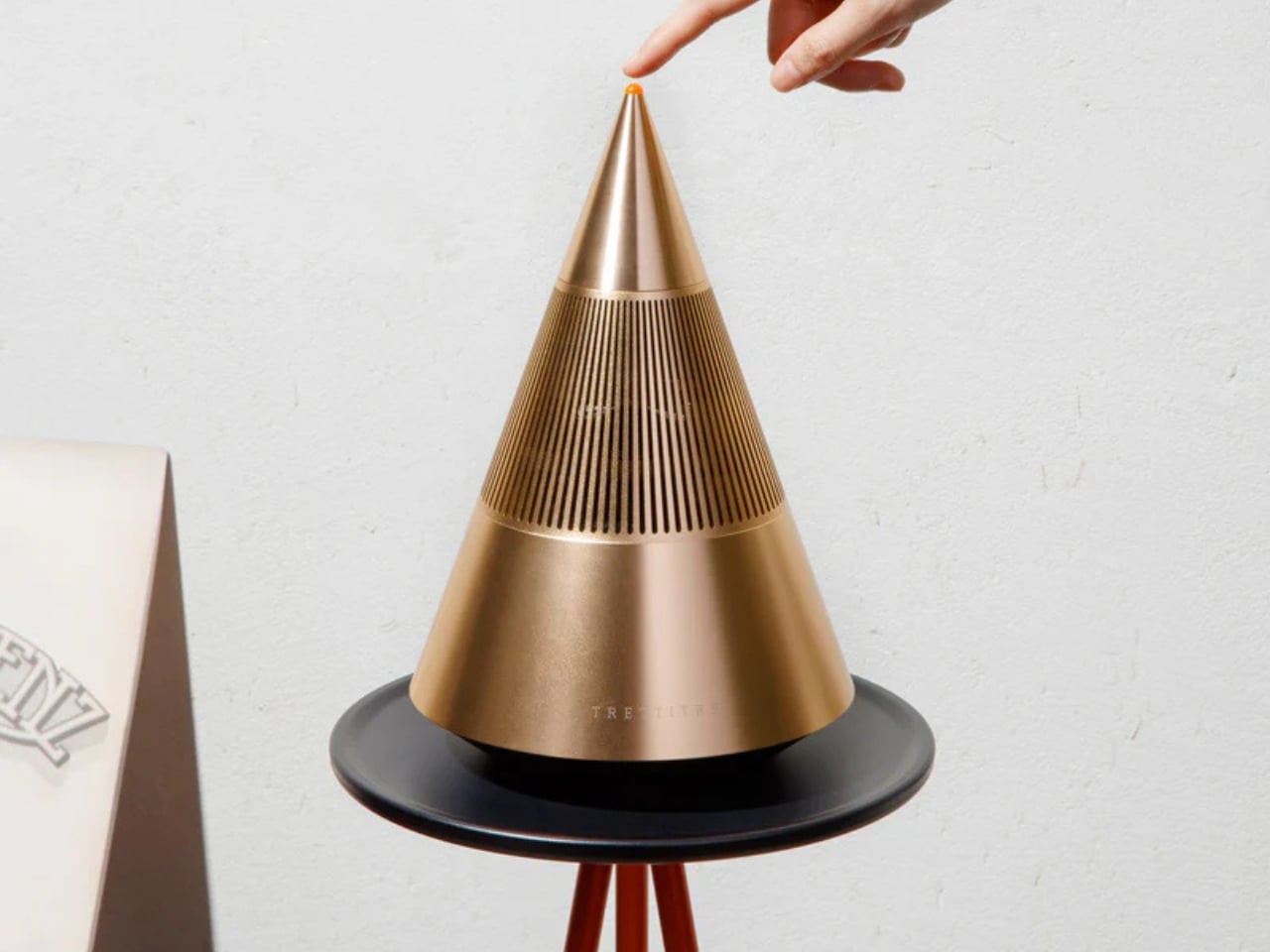
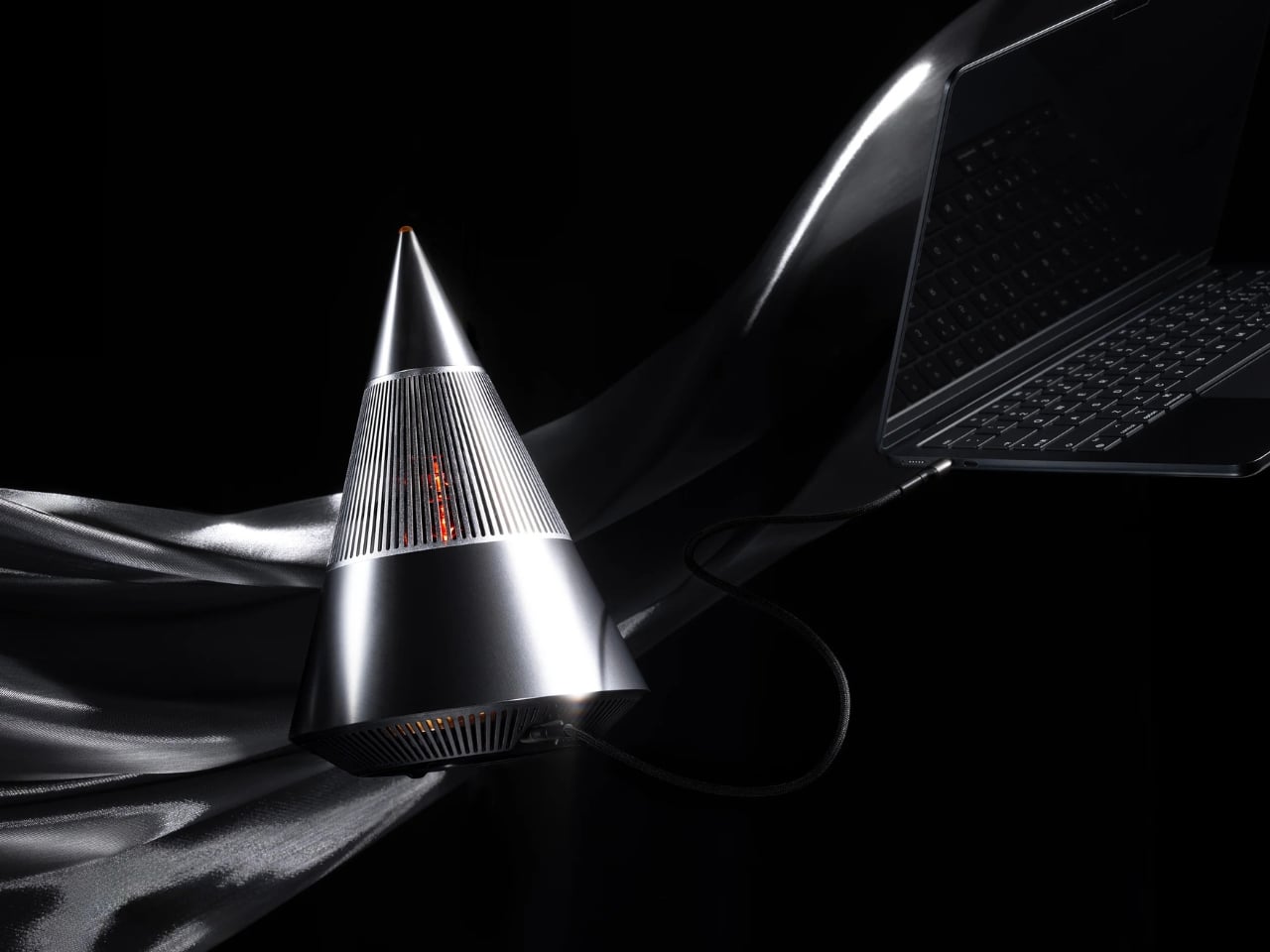
Sometimes the best tech isn’t the loudest. It’s the one that makes you pause and actually look at it before you press play. That’s what designers Yong Cao and Jianfeng Lv have managed to pull off with the Tresound Mini, a desktop Bluetooth speaker that refuses to be just another black box on your desk.
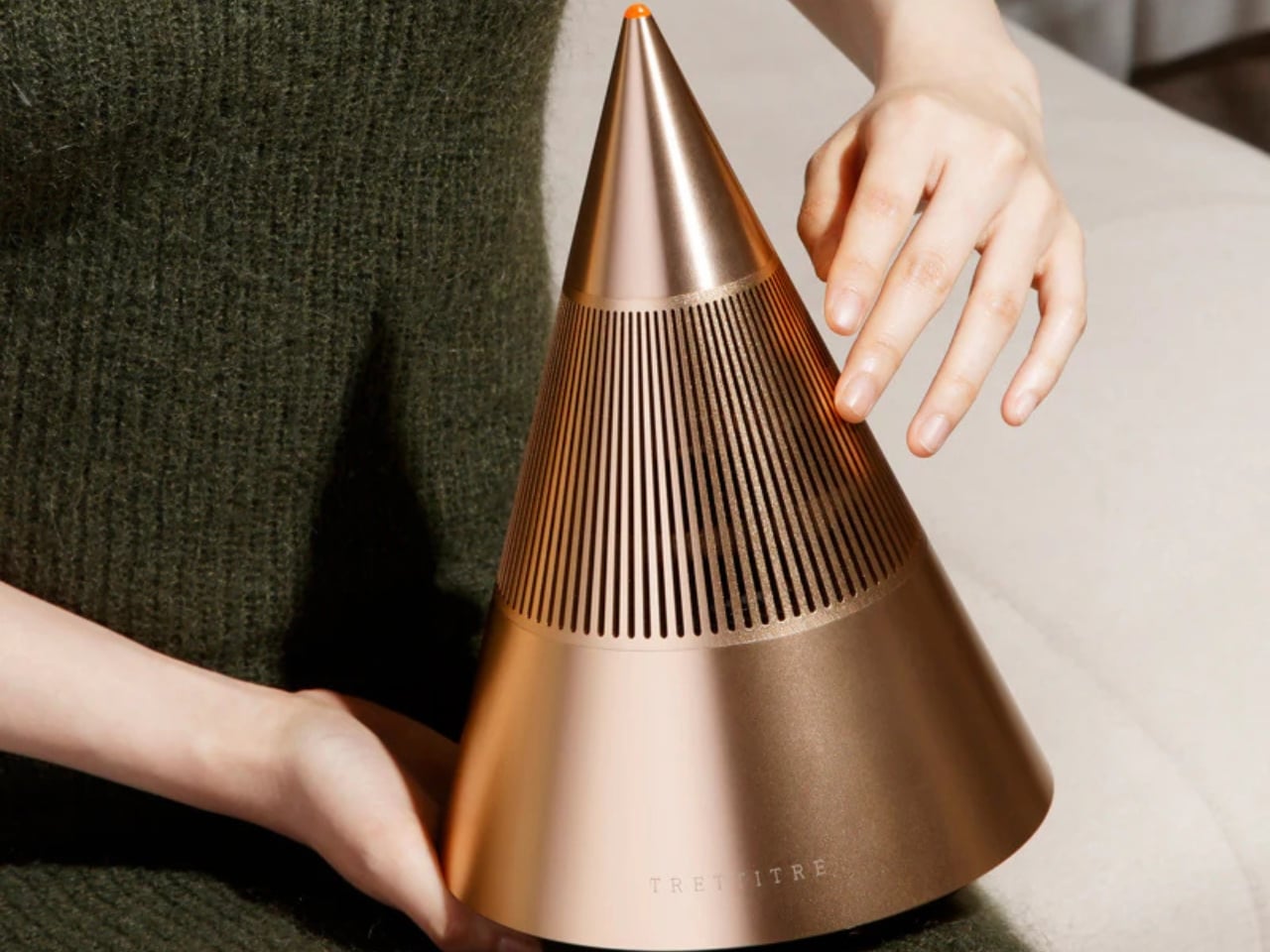
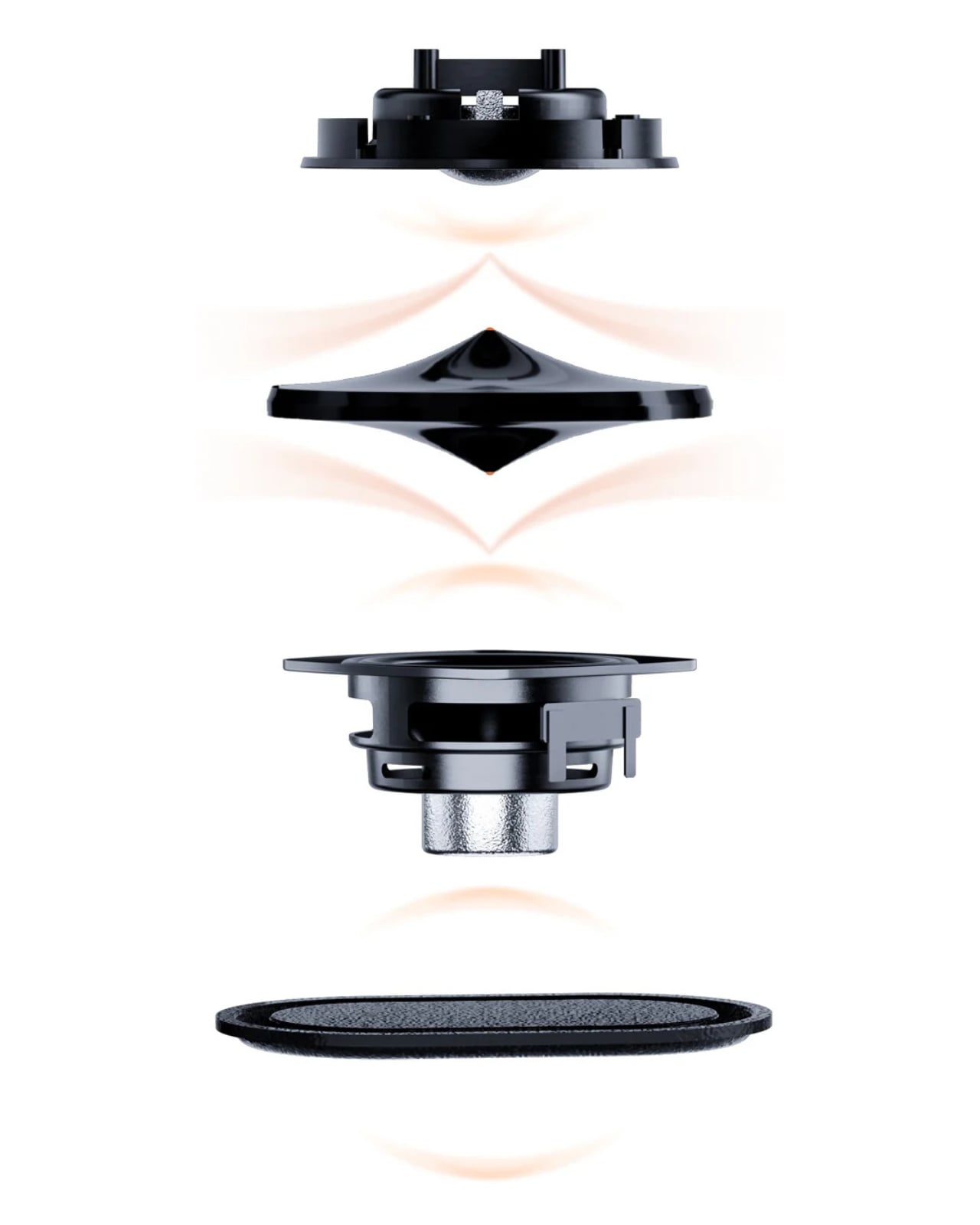
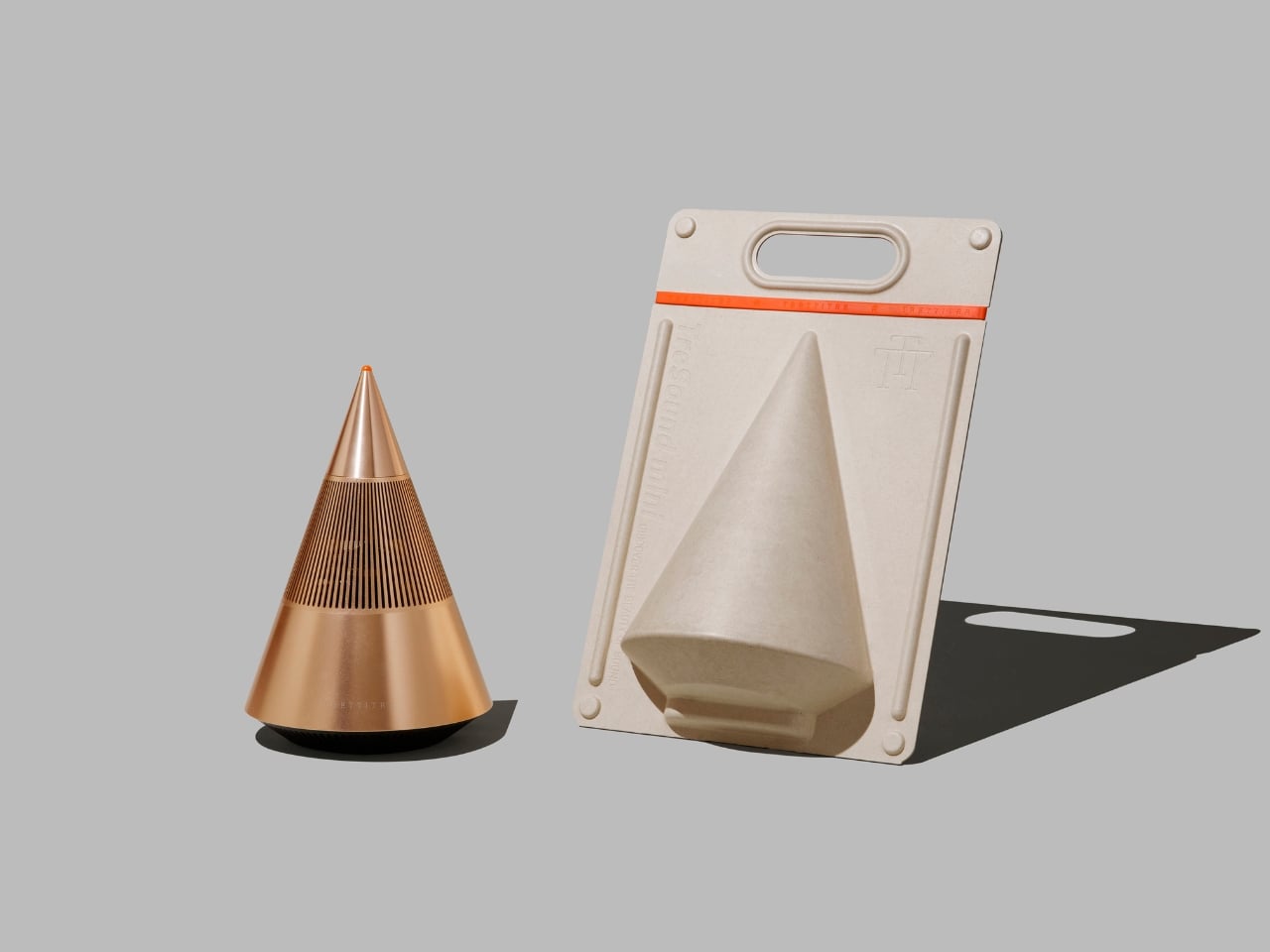
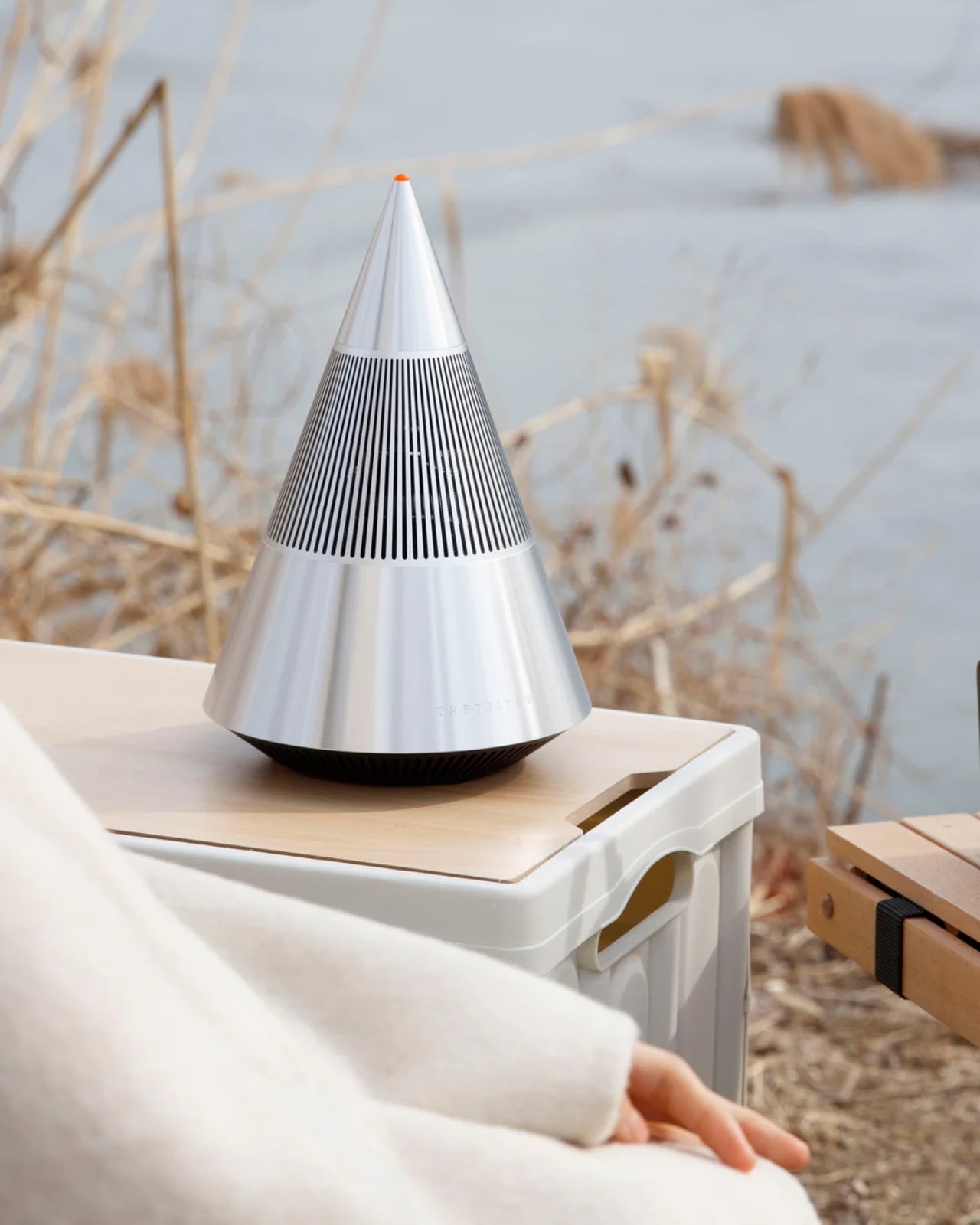
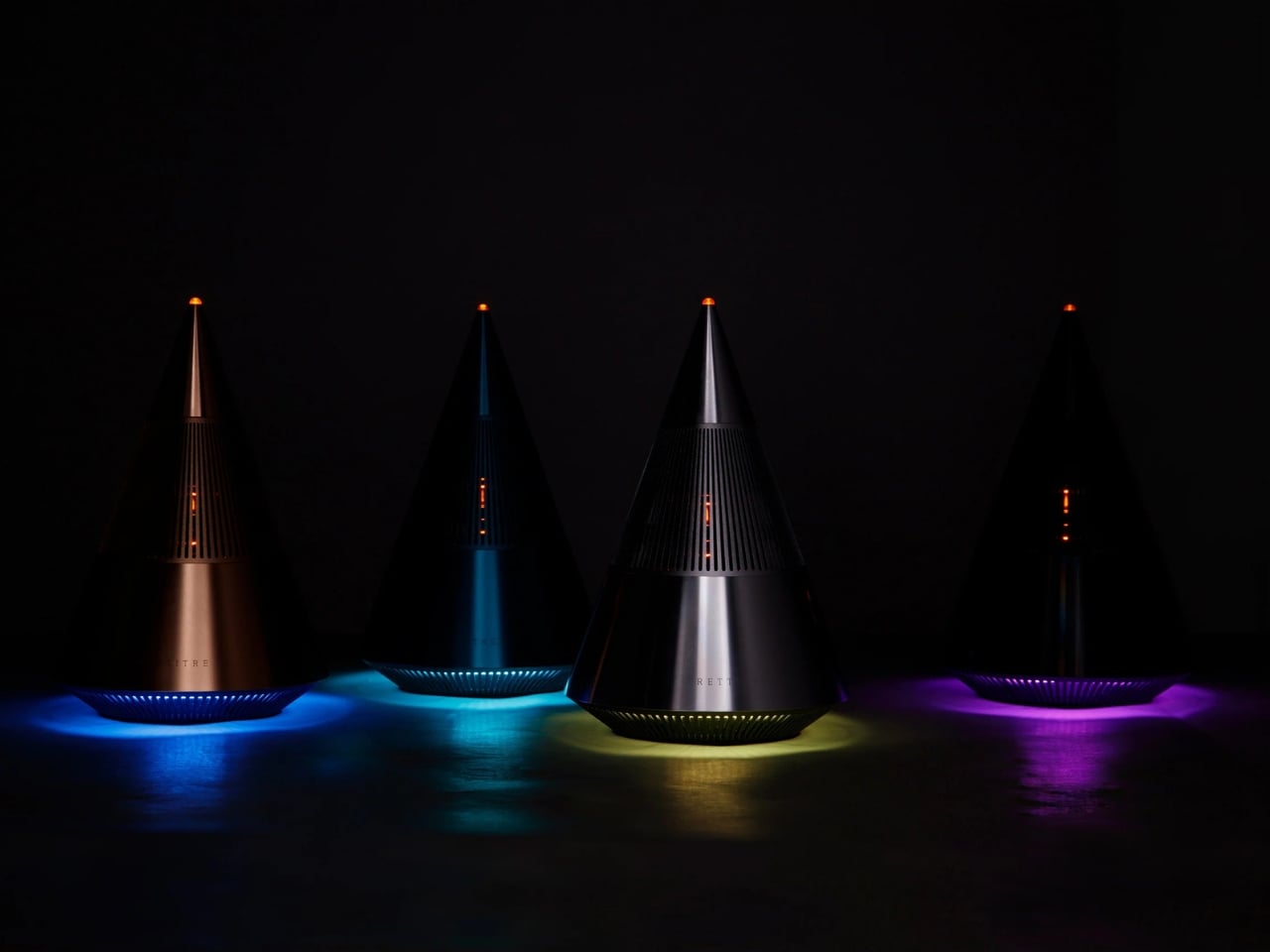
At first glance, this compact speaker looks like it wandered in from a modern art gallery. Its cone-shaped design is clean, almost architectural, with a minimalist aesthetic that feels intentional without being precious about it. The form isn’t just for show, either. TRETTITRE, the emerging HiFi brand behind the speaker, describes itself as bridging traditional audio quality with something more forward-thinking, and you can see that philosophy at work here.
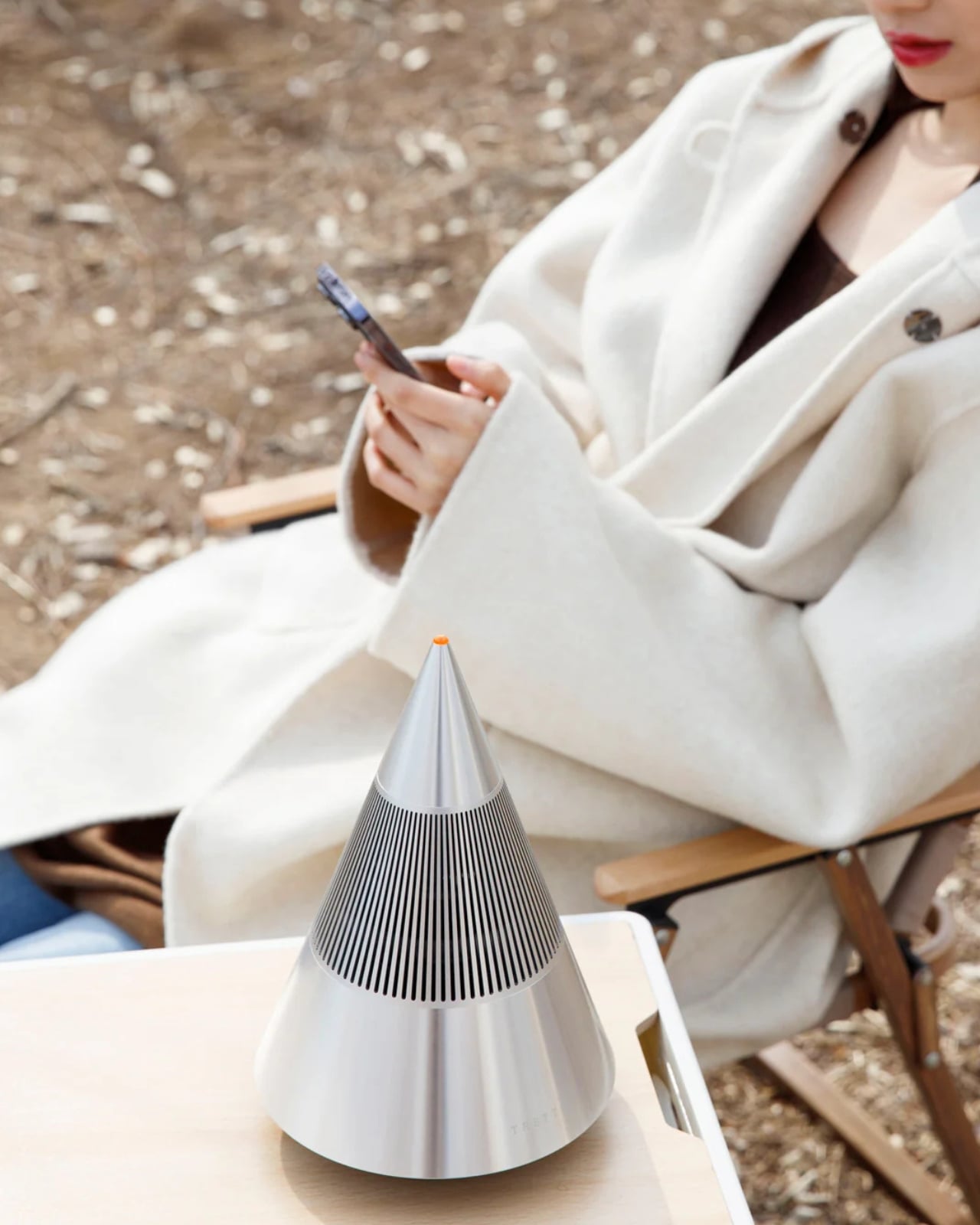
The Tresound Mini recently won the Golden A’ Design Award in the Audio and Sound Equipment Design category, which is one of those achievements that signals serious design cred. But awards aside, what makes this speaker interesting is how it thinks about the desktop experience differently. Instead of trying to dominate your workspace with aggressive angles or flashy lights, it takes a more refined approach. The design integrates seamlessly into your environment, whether that’s a home office setup, a creative studio, or just a corner of your apartment where you actually get things done.
Art Director Yong Cao and Designer Jianfeng Lv, both from China, approached this project with a focus on what they call the “deep integration of brand design and product design”. That sounds like design speak, but what it really means is that every element serves a purpose. The cone shape isn’t arbitrary. It contributes to the audio performance while also giving the speaker a distinctive profile that stands out without screaming for attention. It’s the kind of design that works equally well in a carefully curated Instagram photo or just sitting there doing its job.
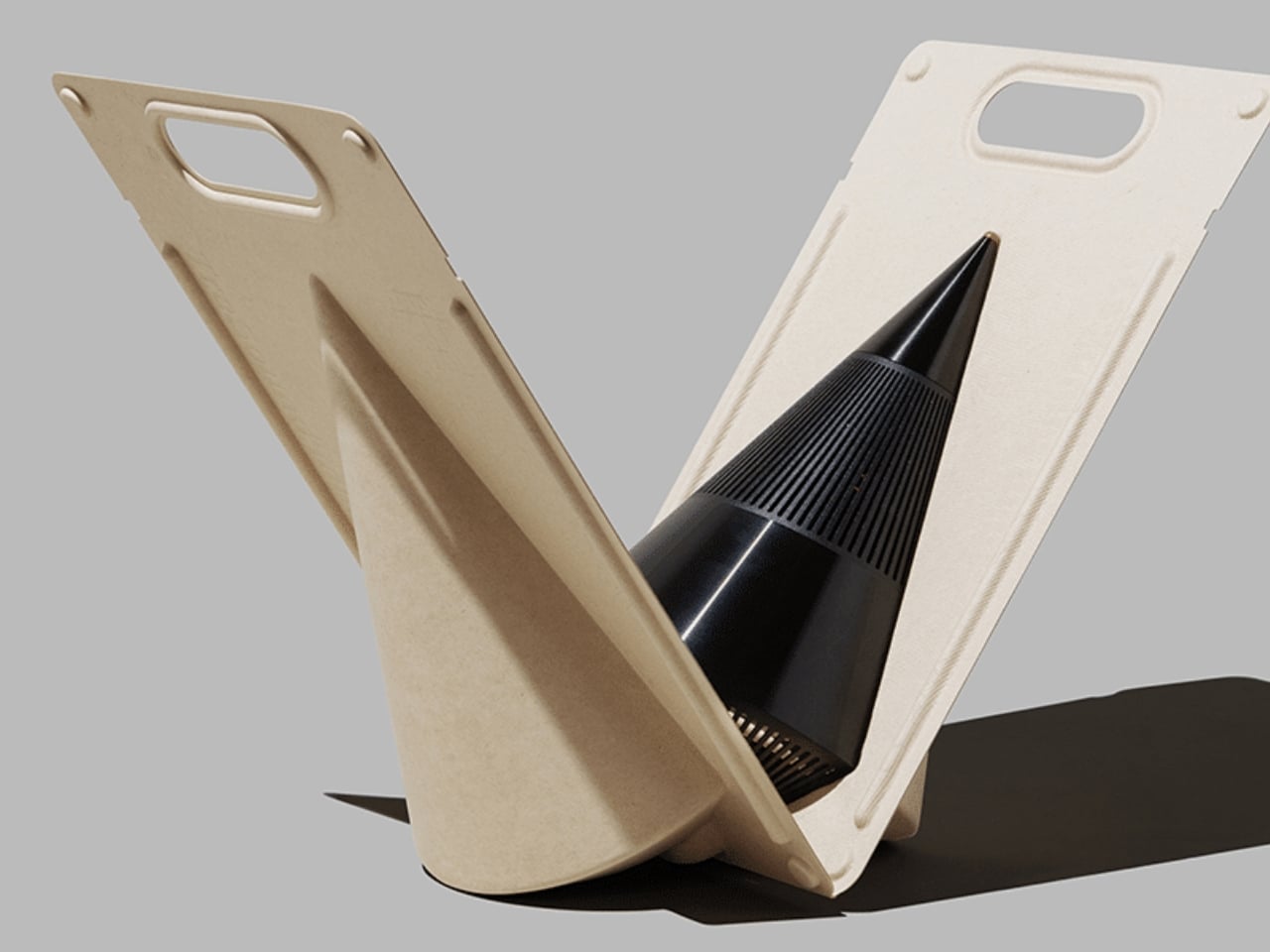
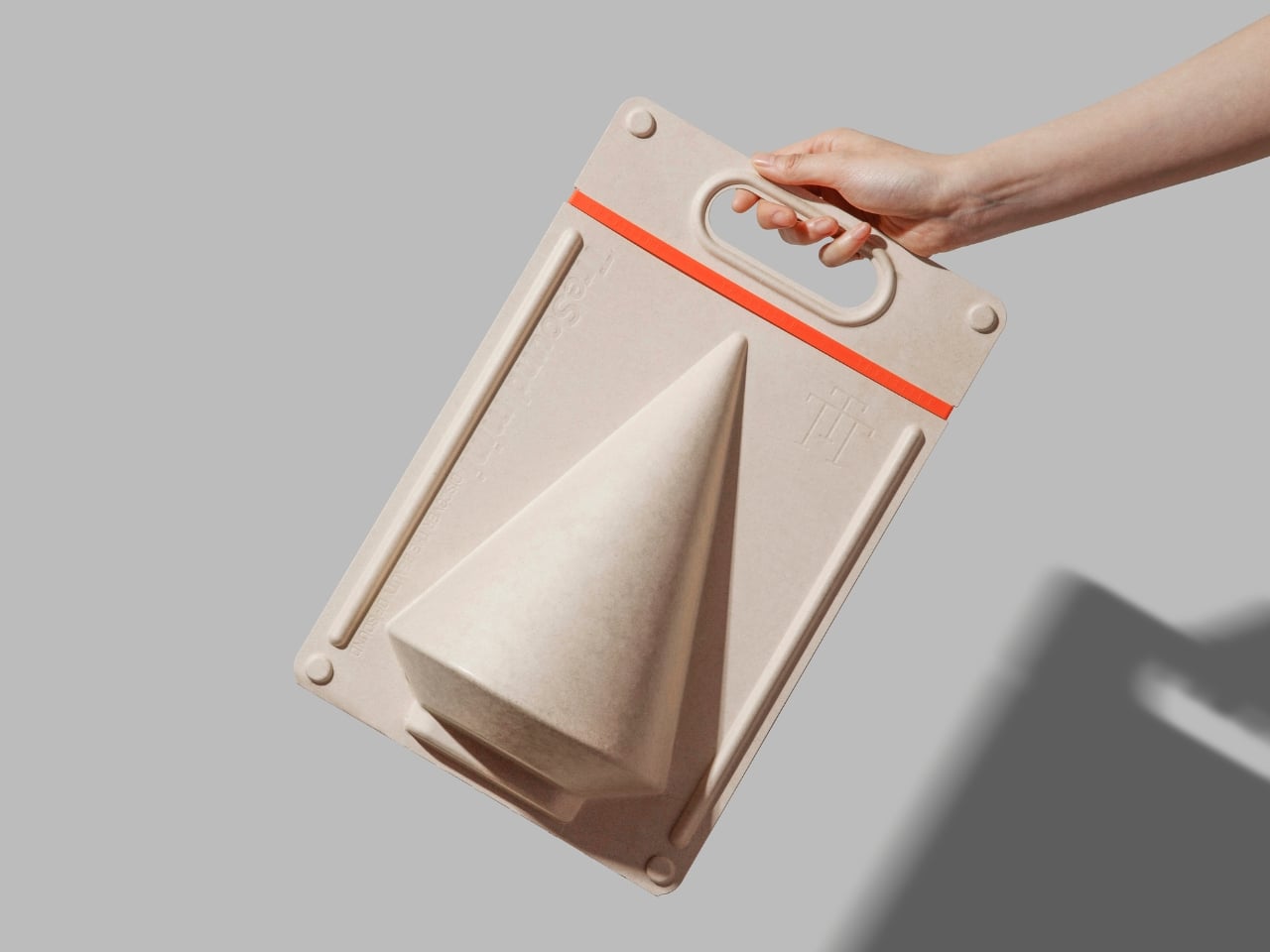
Let’s talk about the packaging, because this is where things get genuinely clever. Instead of going with the typical cardboard box and foam inserts, the Tresound Mini comes with a carrying bag that’s wet-pressed from bamboo fiber pulp. This isn’t just packaging in the traditional sense. It’s designed to double as a carrying case, making the speaker genuinely portable. The bamboo fiber approach is both environmentally friendly and cost-effective, reducing packaging waste while providing actual protection for the product. It’s the kind of thoughtful detail that shows someone was actually thinking about the full lifecycle of the product, not just the unboxing moment.
The portability factor is key here. Desktop speakers traditionally live in one spot, tethered to your workspace. But the Tresound Mini was designed with the understanding that people move around now. You might want it on your desk in the morning, out on a balcony in the afternoon, or in your kitchen while you’re cooking dinner. The compact size and that bamboo fiber carrying bag make that kind of flexibility possible.
TRETTITRE positions itself as catering to “the new generation of HiFi enthusiasts”, which is a smart read of where audio culture is heading. There’s a growing audience that cares about sound quality but doesn’t want to sacrifice design or deal with the bulk and complexity of traditional HiFi setups. They want something that sounds good, looks intentional, and fits into spaces that might not have room for a full speaker system. The Tresound Mini seems built specifically for that demographic.
What’s interesting about this design is how it challenges the assumption that good audio equipment needs to look technical or industrial. There’s no display screen, no visible screws, no aggressive branding. Just a clean geometric form that happens to deliver quality sound. It’s the audio equivalent of those minimal tech accessories that proved you don’t need to sacrifice aesthetics for function.
The success of the Tresound Mini might signal a broader shift in how we think about desktop audio. As more people work from home or create hybrid living and working spaces, there’s an appetite for products that perform well without dominating the visual landscape. We want our tech to be good at what it does, but we also want it to feel like it belongs in our actual lives, not in a showroom.
Yong Cao and Jianfeng Lv have created something that manages to be both functional and thoughtful. The Tresound Mini proves that when you approach product design with real consideration for how people actually use things, you can create something that transcends its basic function and becomes worth talking about.
Streaming services turned album covers into tiny squares you scroll past on your way to something else. Phones made music convenient, but also turned it into background noise competing with notifications, emails, and every app demanding attention at once. You used to hold a record sleeve and feel like you owned something specific. Now your entire library is just files in a folder somewhere, and nothing about that experience feels remotely special or worth paying attention to.
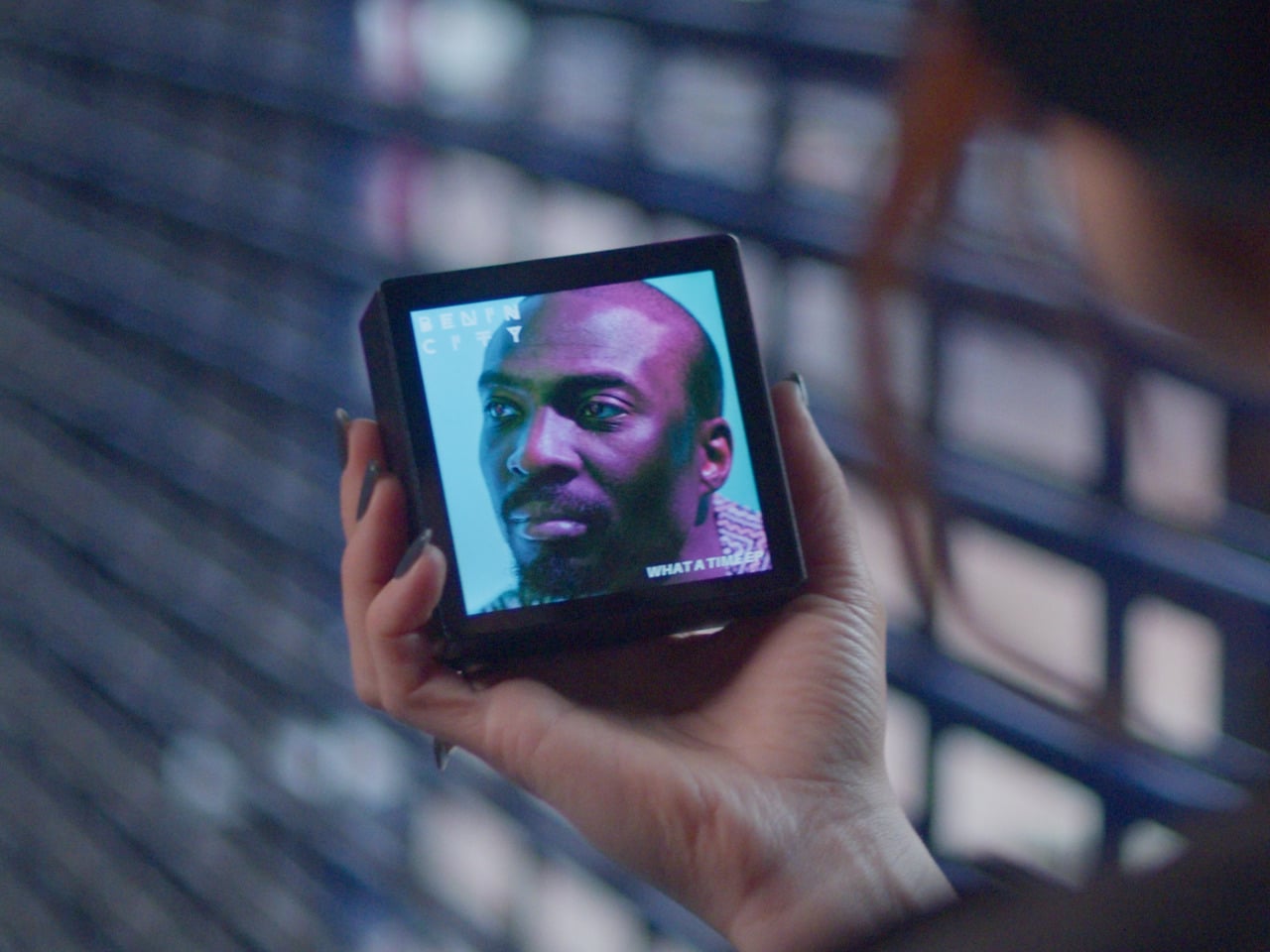
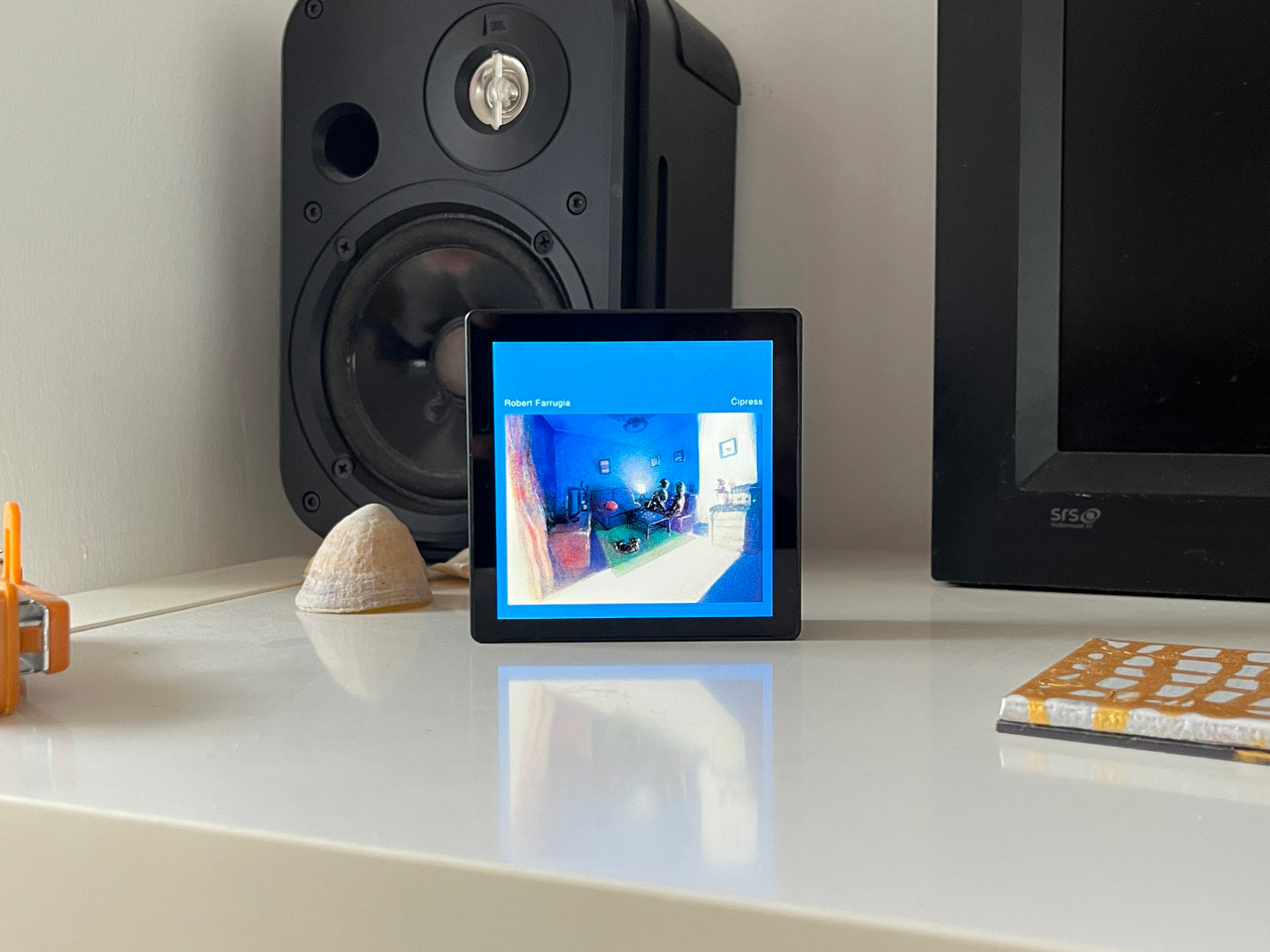
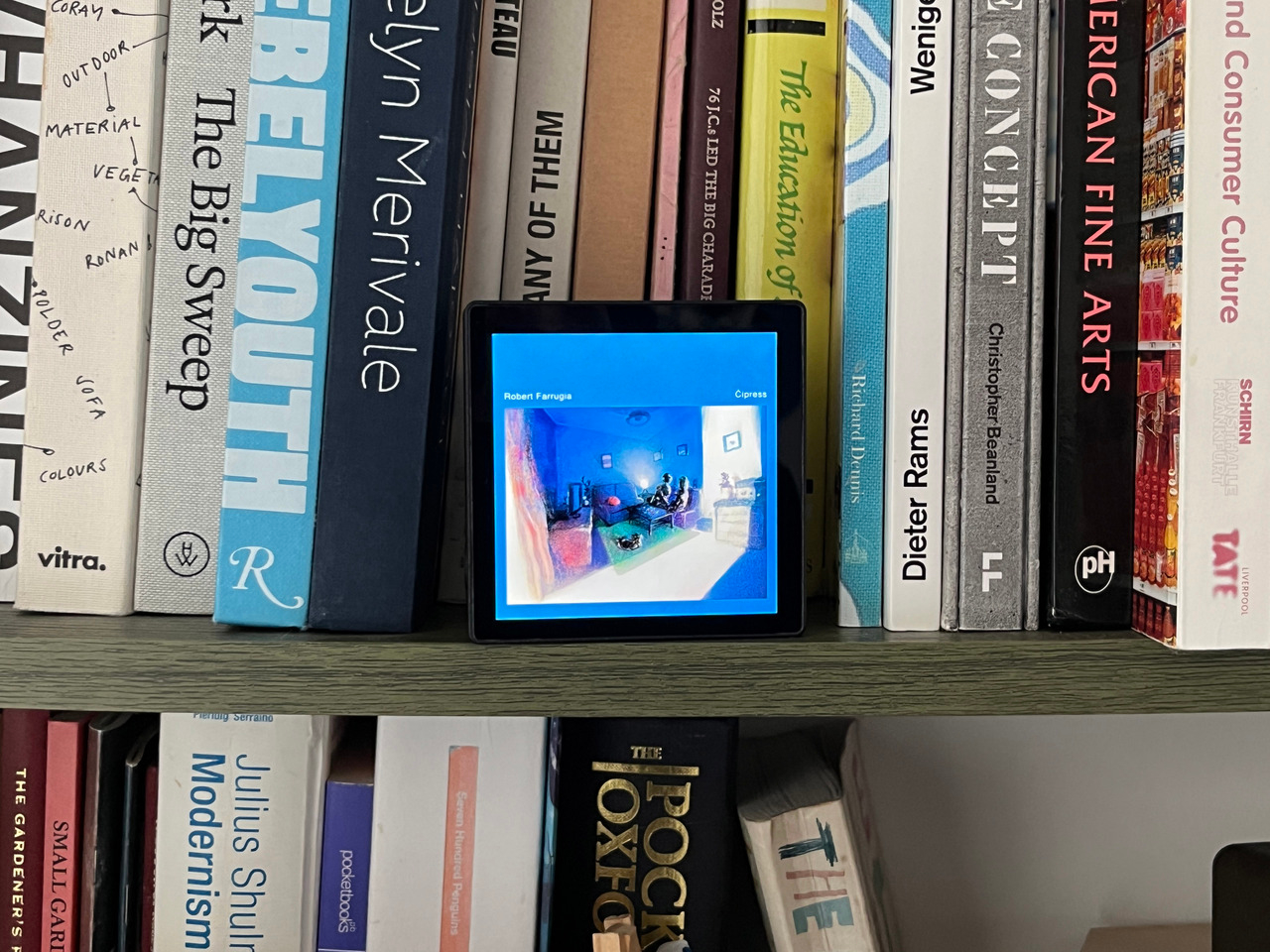
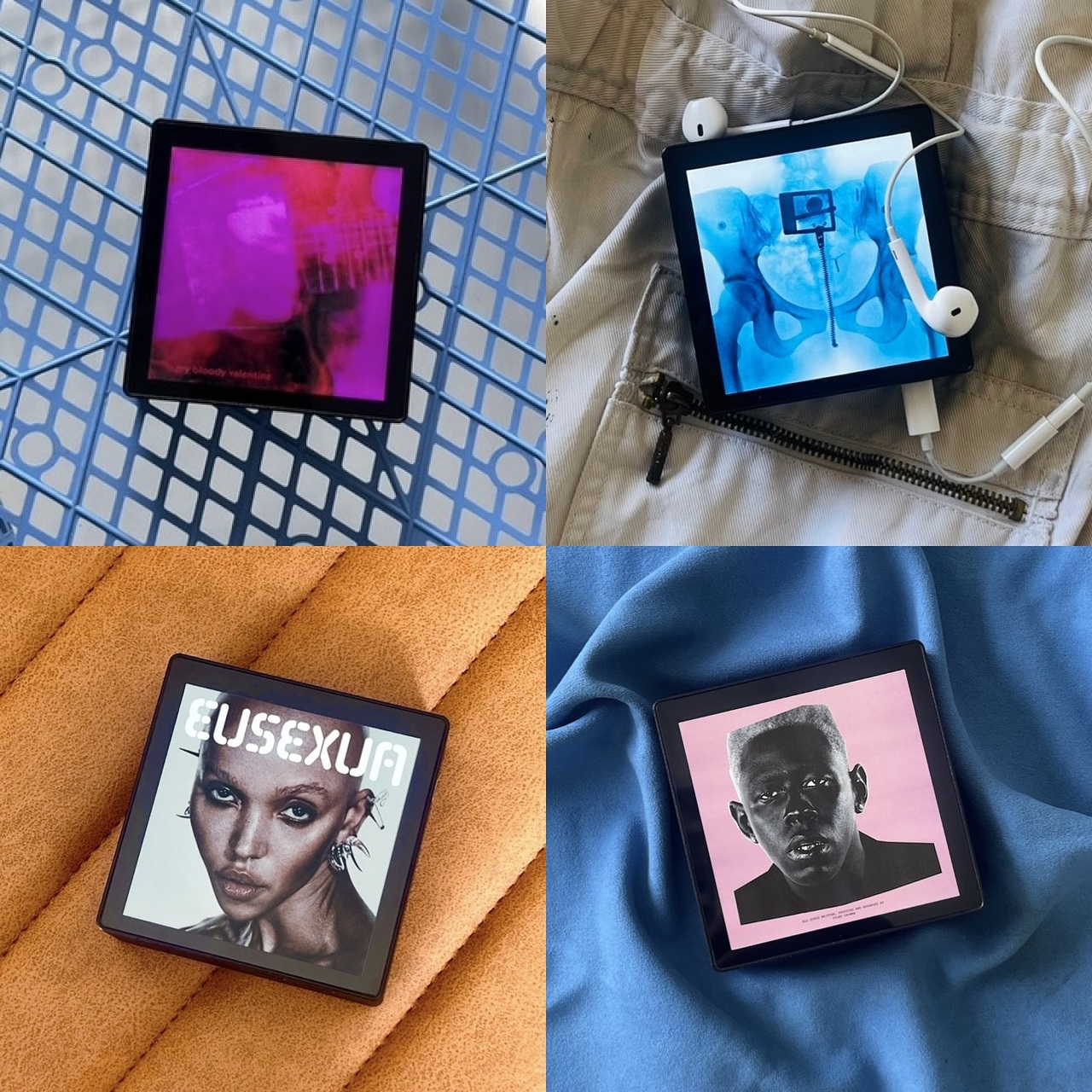
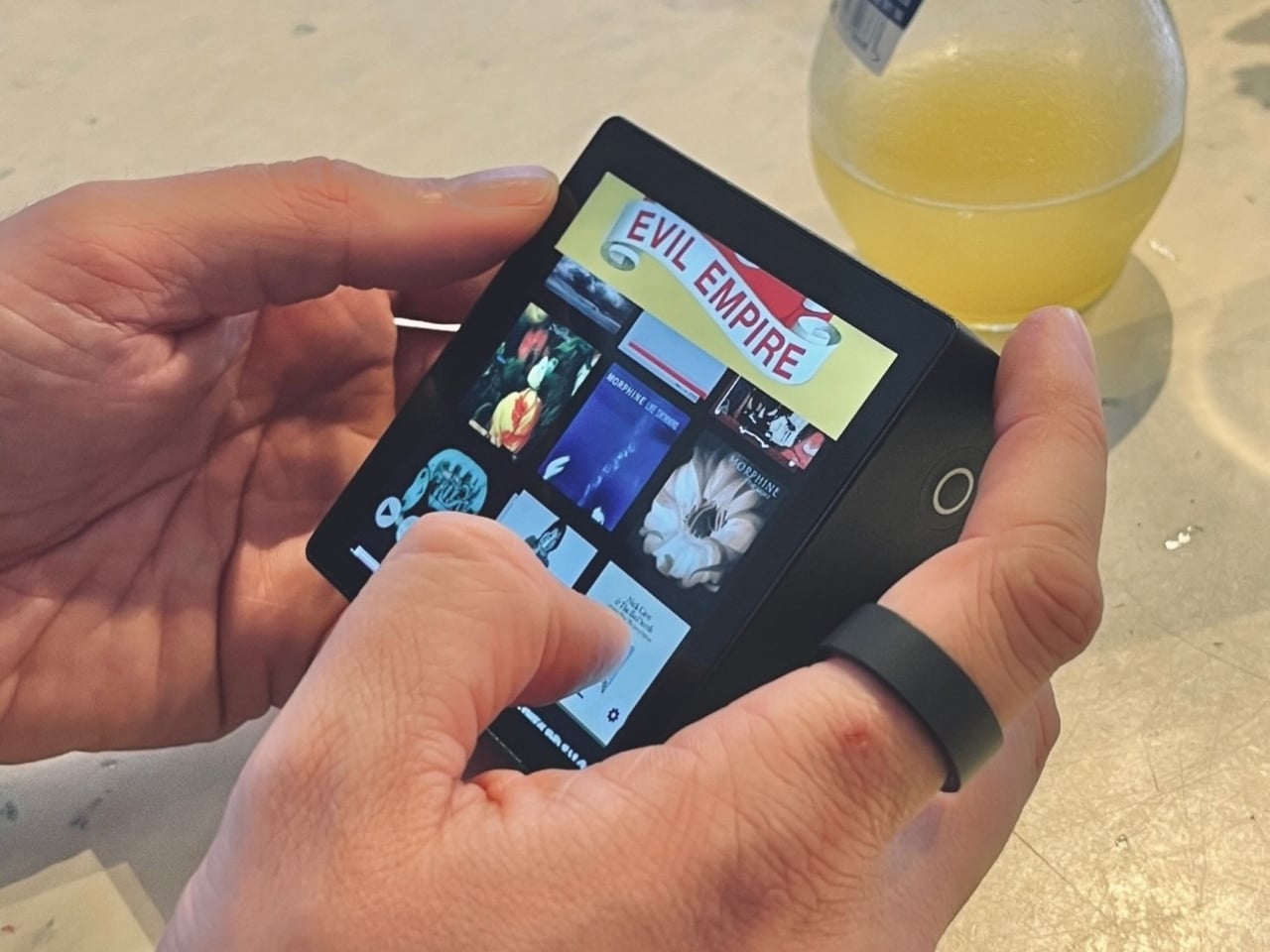
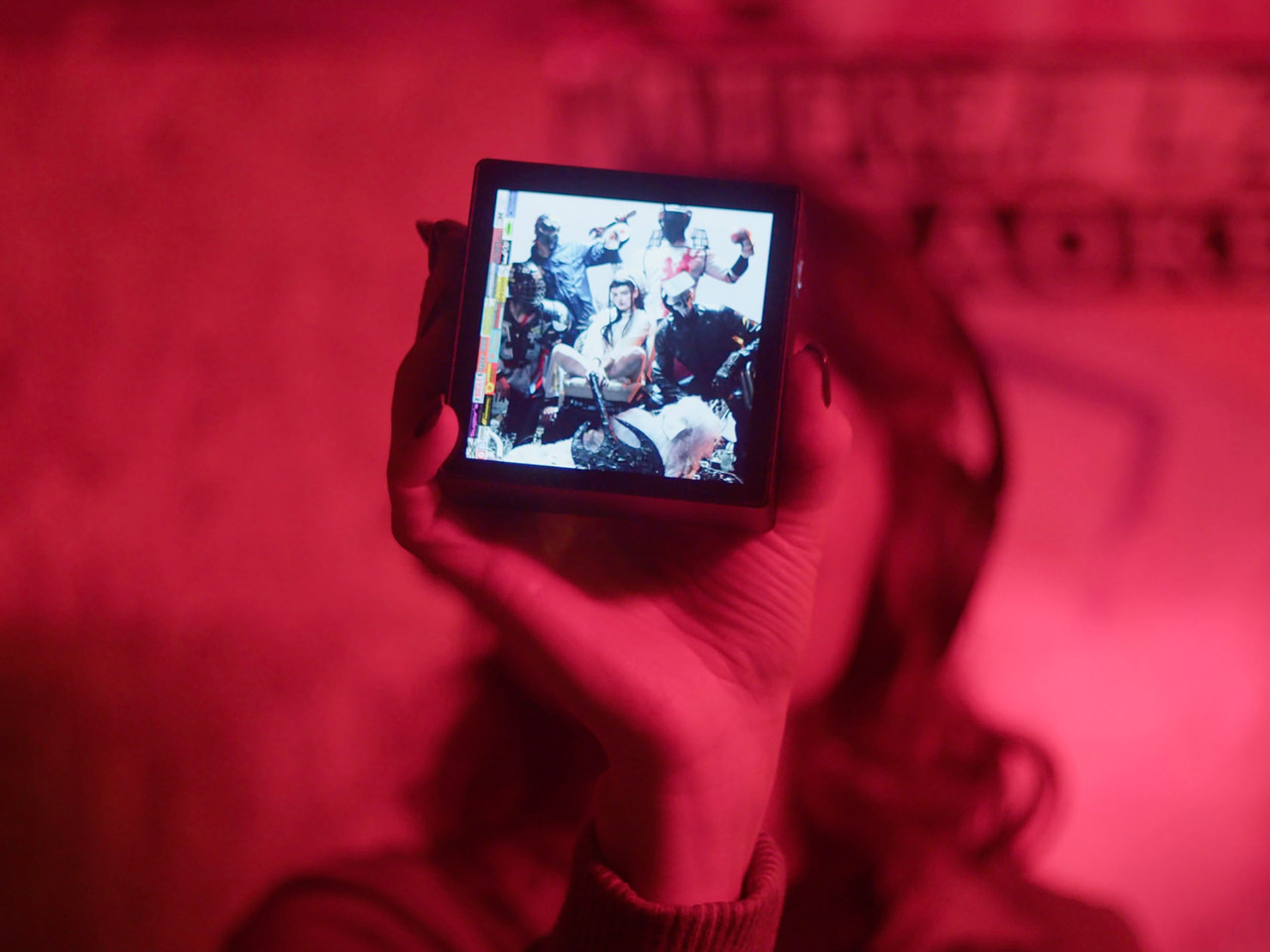
Sleevenote is musician Tom Vek’s attempt to give digital albums their own object again. It’s a square music player with a 4-inch screen that matches the shape of album artwork, designed to show covers, back sleeves, and booklet pages without any other interface getting in the way. The device only plays music you actually buy and download from places like Bandcamp, deliberately skipping Spotify and Apple Music to keep ownership separate from the endless scroll.
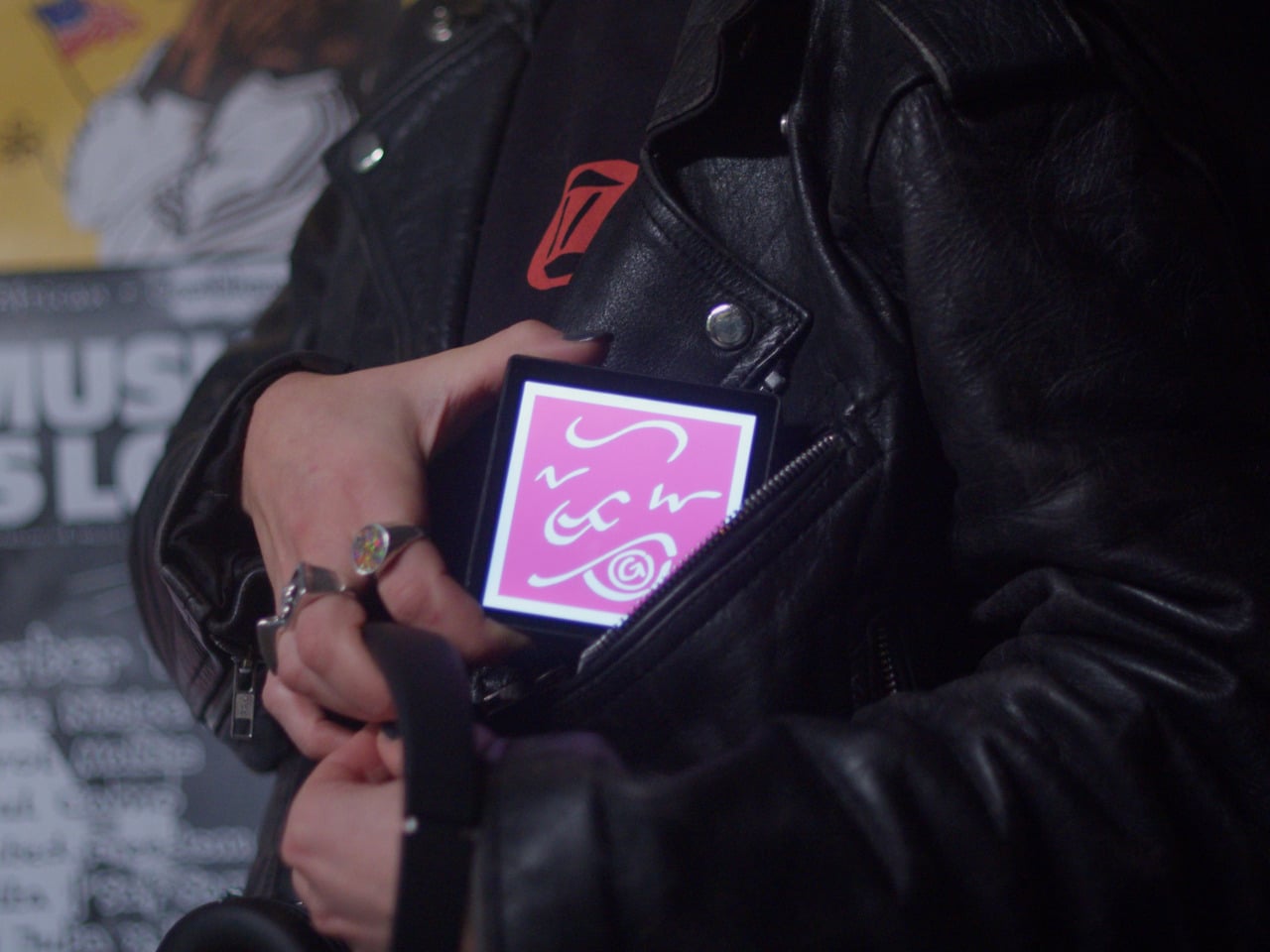
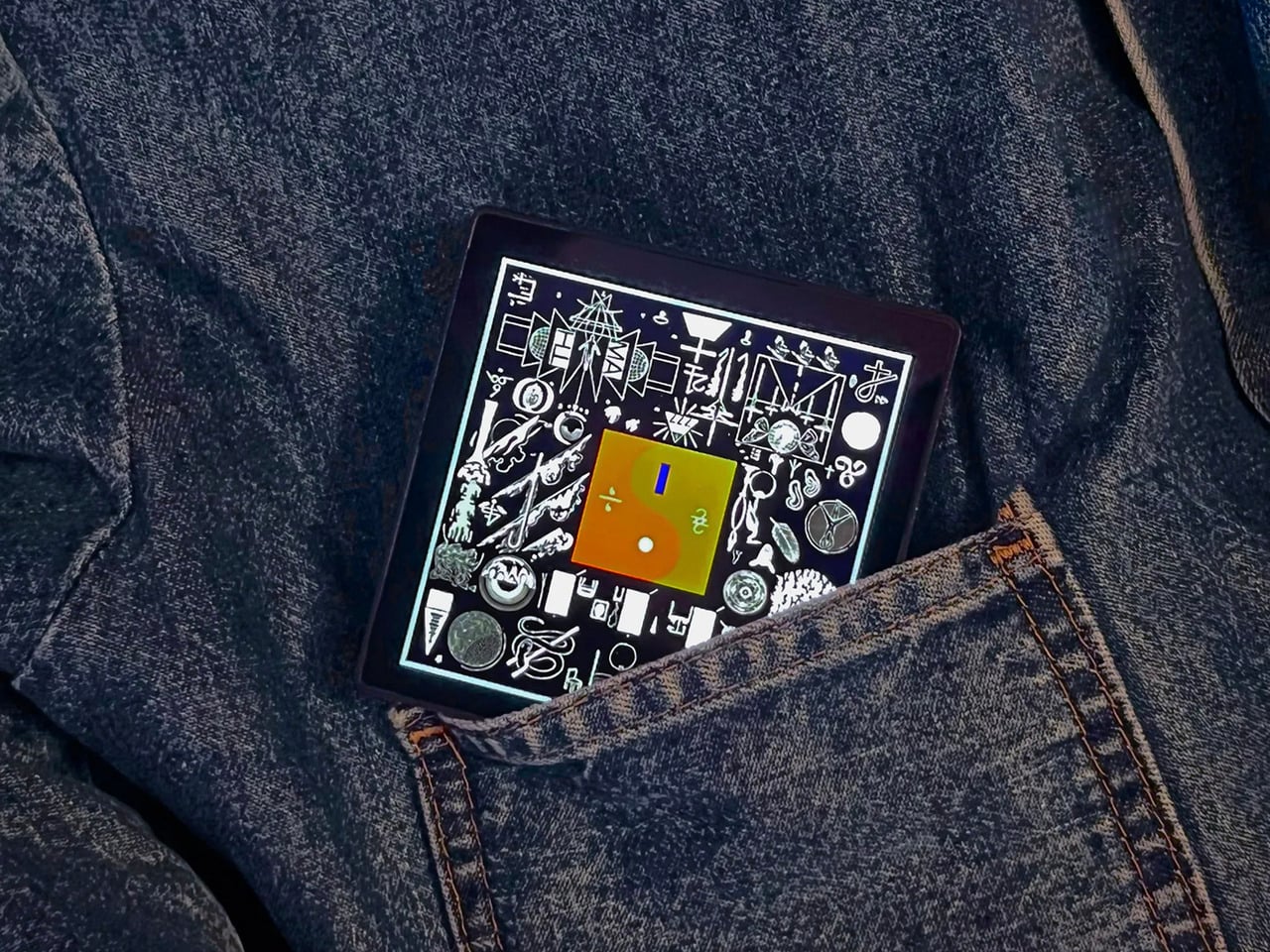
The hardware is a black square that’s mostly screen from the front, with a thick body and rounded edges that make it feel more like a handheld picture frame than a phone. Physical playback buttons sit along one side so you can skip tracks without touching the screen. When you hold it, the weight and thickness are noticeable. This isn’t trying to slip into a pocket; it’s trying to sit on your desk or rest in your hand like a miniature album sleeve.
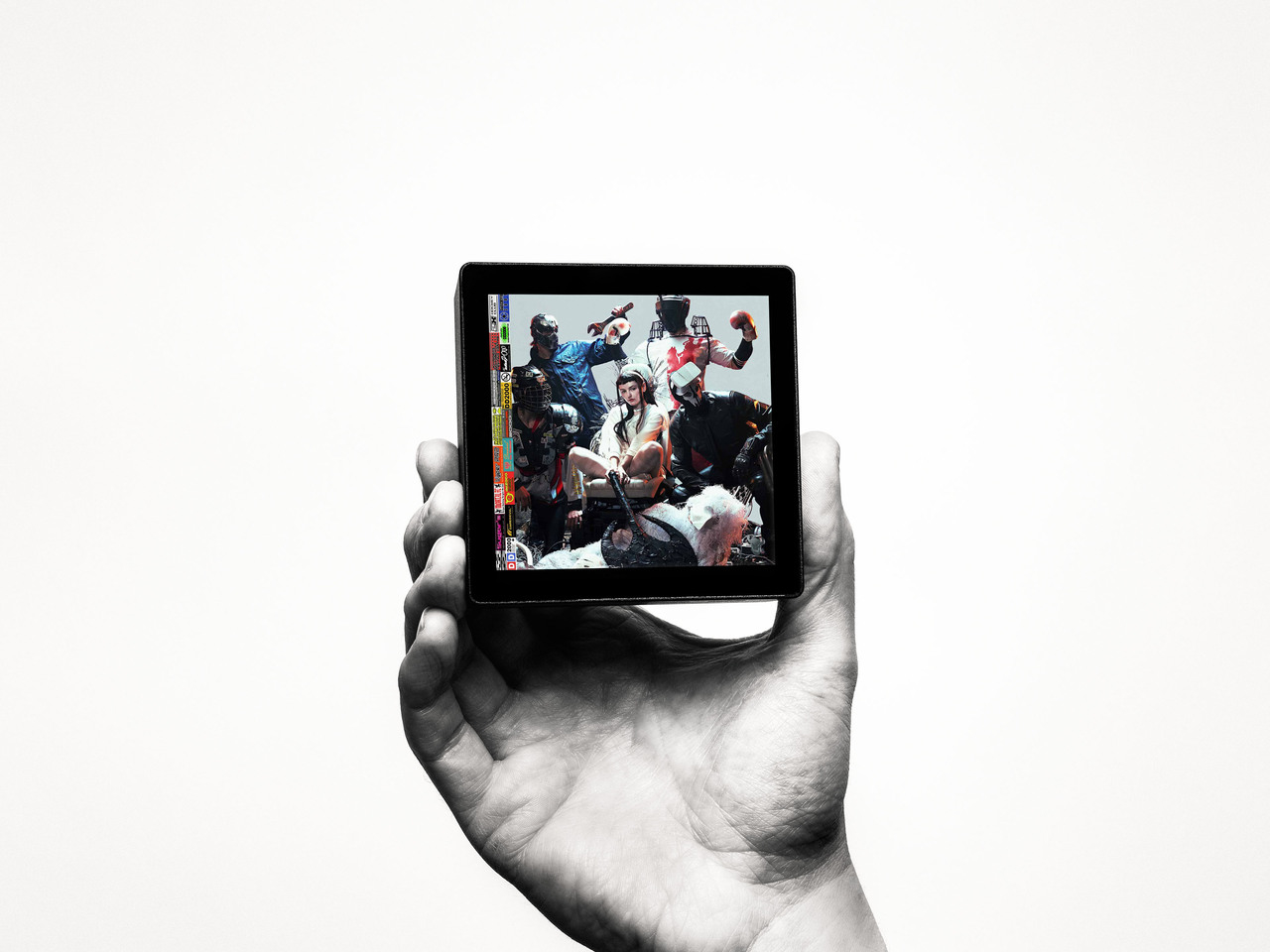
The screen shows high-resolution artwork, back covers, lyrics, and credits supplied through the Sleevenote platform. You swipe through booklet pages while listening, and the interface stays out of the way so the album art fills the entire square without overlays or buttons. The whole point is that the device becomes the album cover while music plays, which works better in practice than it sounds on paper when you describe it.
Sleevenote won’t let you stream anything. It encourages you to “audition” music on your phone and only put albums you truly love on the player, treating it more like a curated shelf than a jukebox with everything. This sounds good in theory, but means carrying a second device that can’t do anything except play the files you’ve already bought, which feels like a lot of friction for album art, no matter how nice the screen looks.
Sleevenote works as a small act of resistance against music as disposable content. For people who miss having a physical relationship with albums, a square player that only does one thing might feel like a shrine worth keeping. Whether that’s worth the price for a device with a screen barely bigger than your phone is a different question, but the idea that digital music deserves its own object makes more sense than cramming everything into the same distracted rectangle.
Gaming handhelds are supposed to fit in your hands, but AMD’s new Strix Halo processors generate serious heat and drain batteries faster than you can finish a boss fight. The GPD Win 5 and OneXFly Apex responded by strapping external battery packs to their backs, which works, but looks like your handheld is wearing a fanny pack in the wrong spot. It’s practical but awkward, and it raises an obvious question: if you’re adding external batteries anyway, why not just make the whole device bigger?
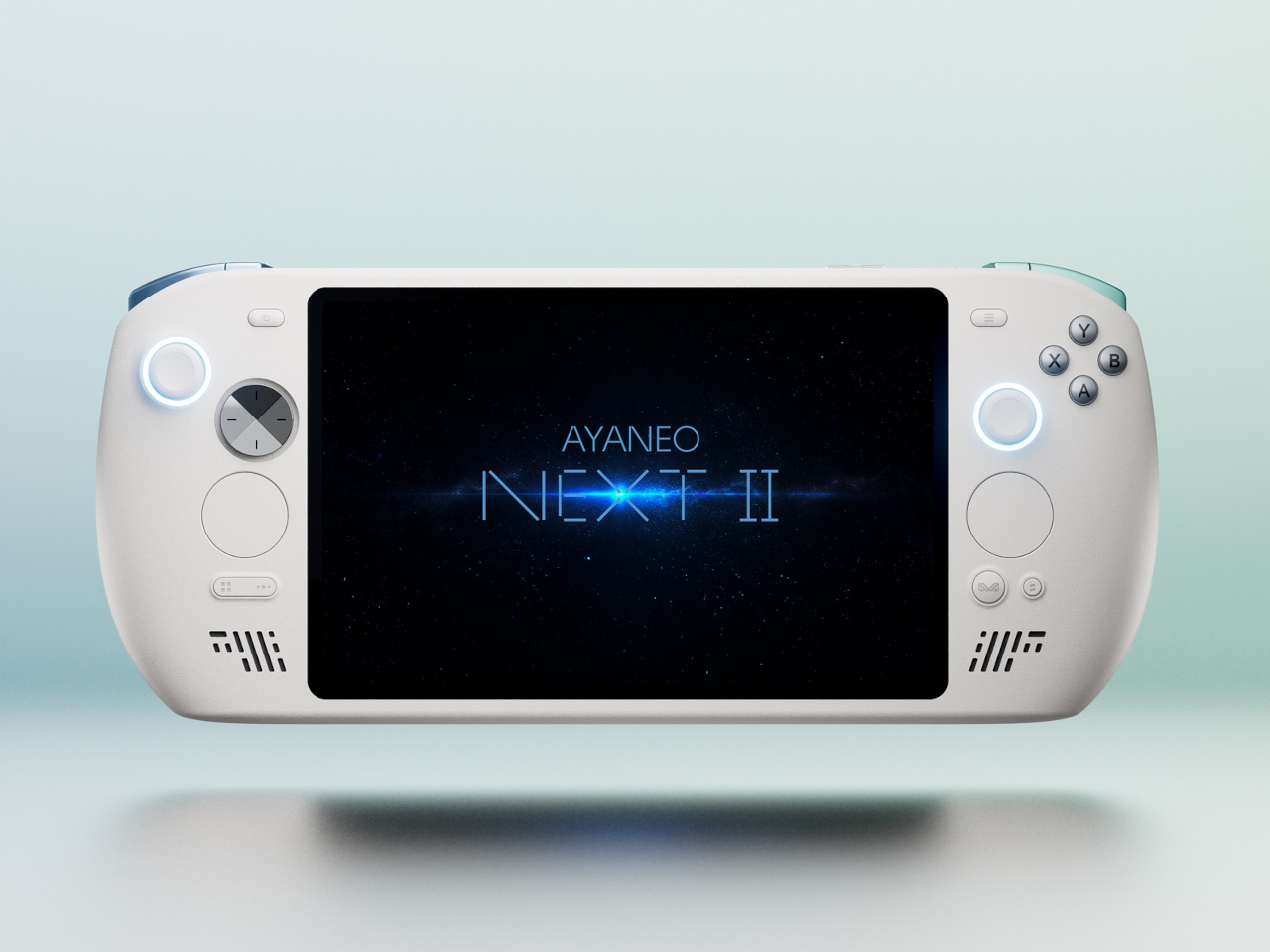
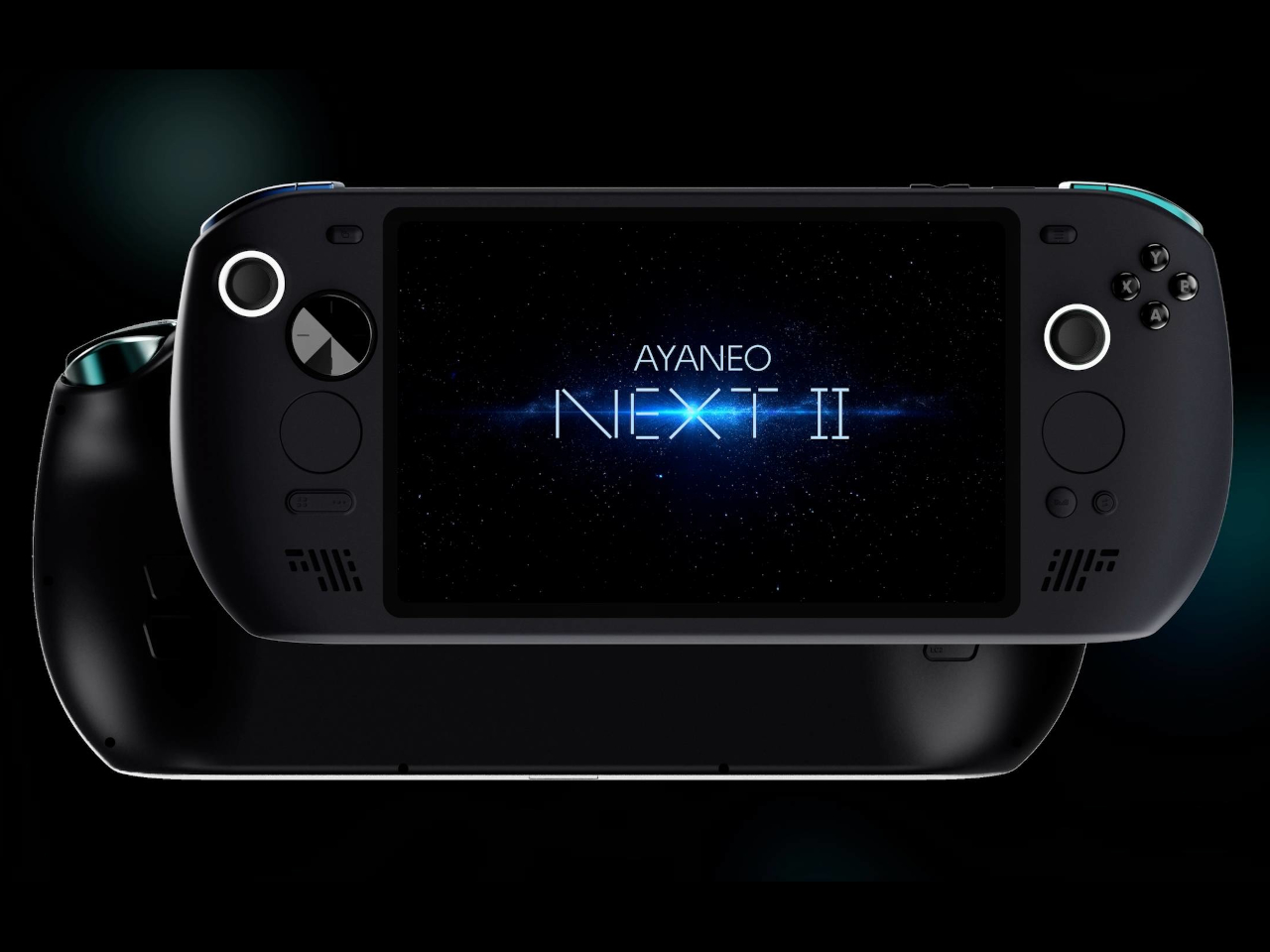
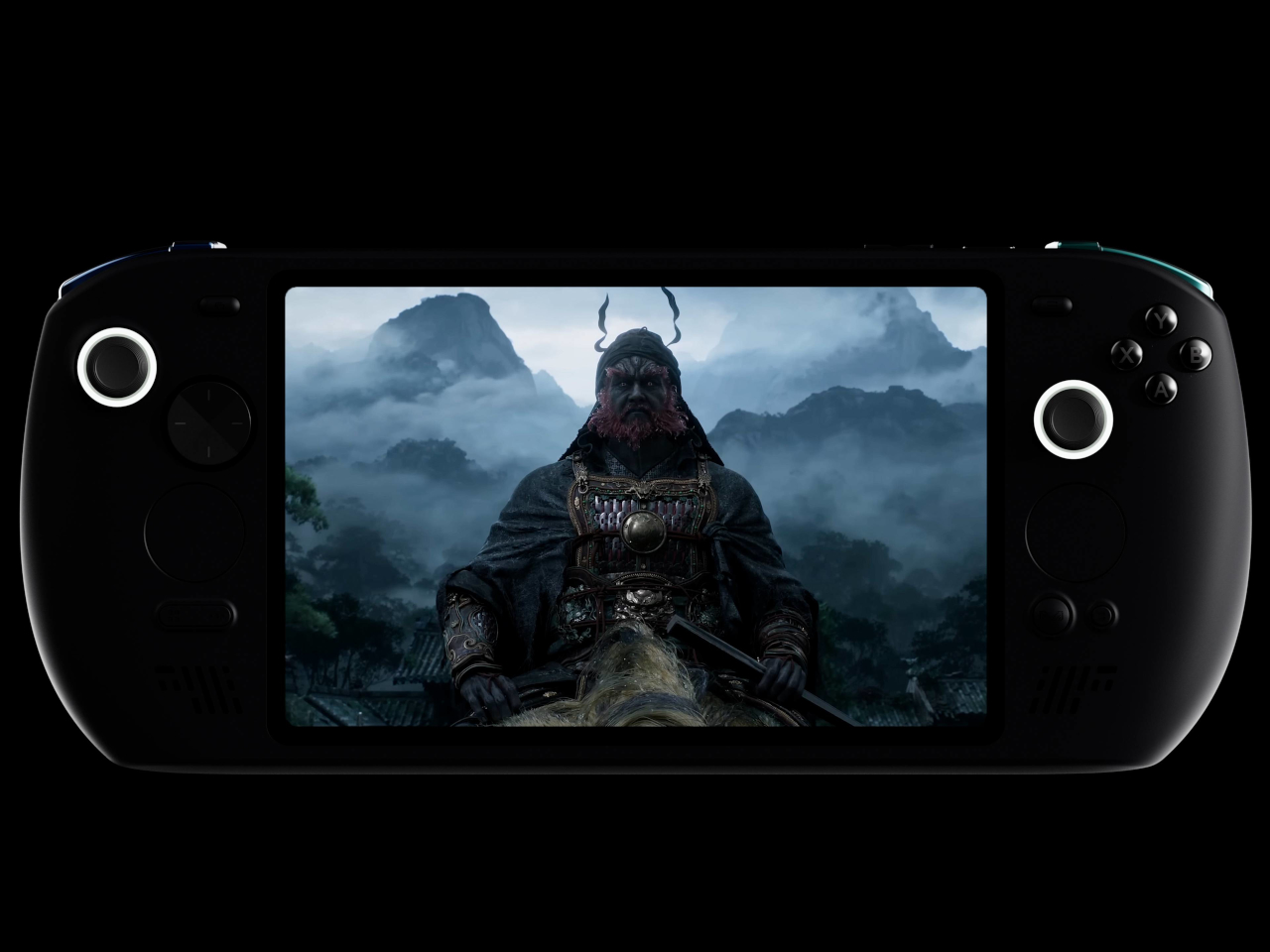
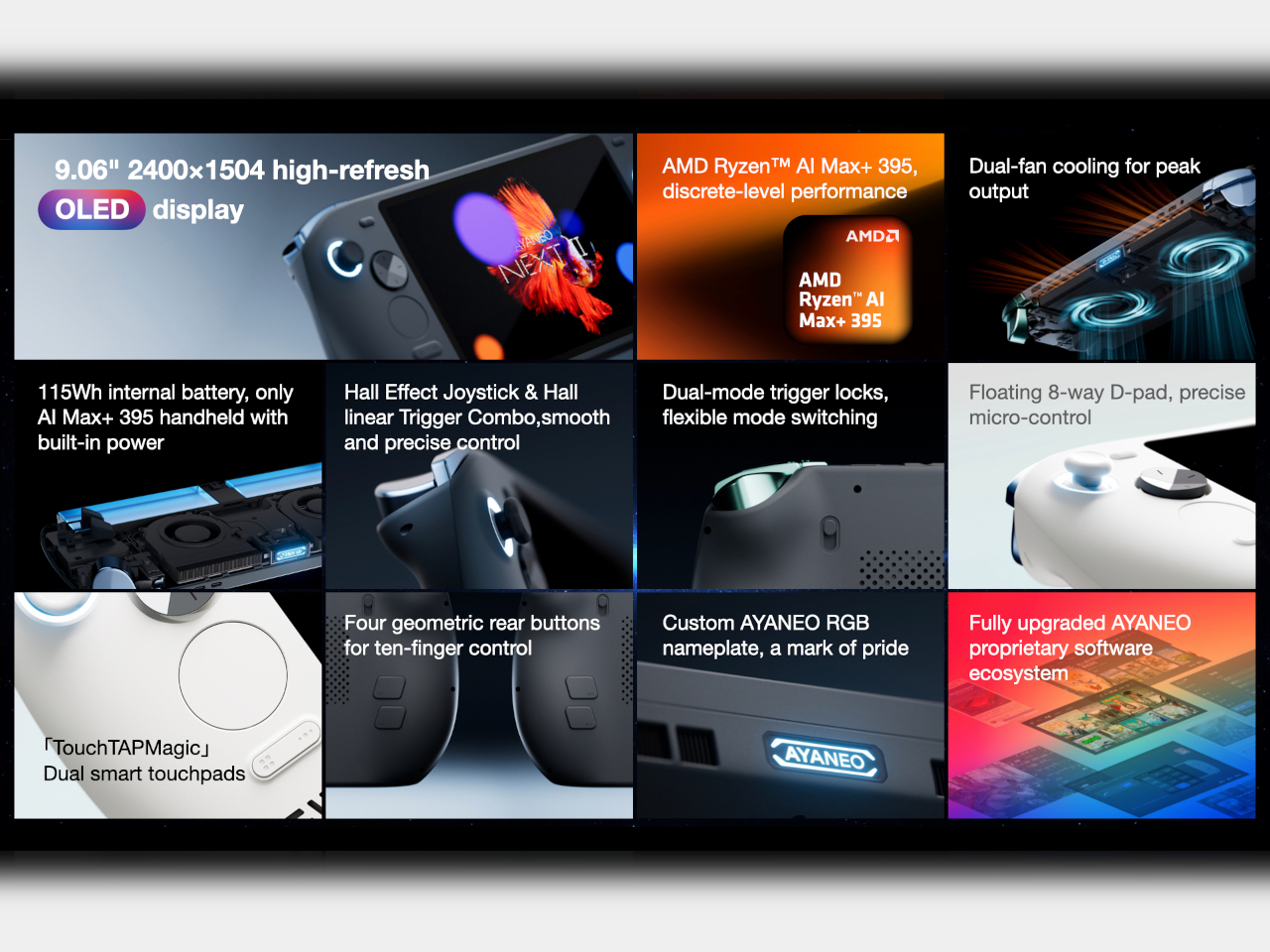
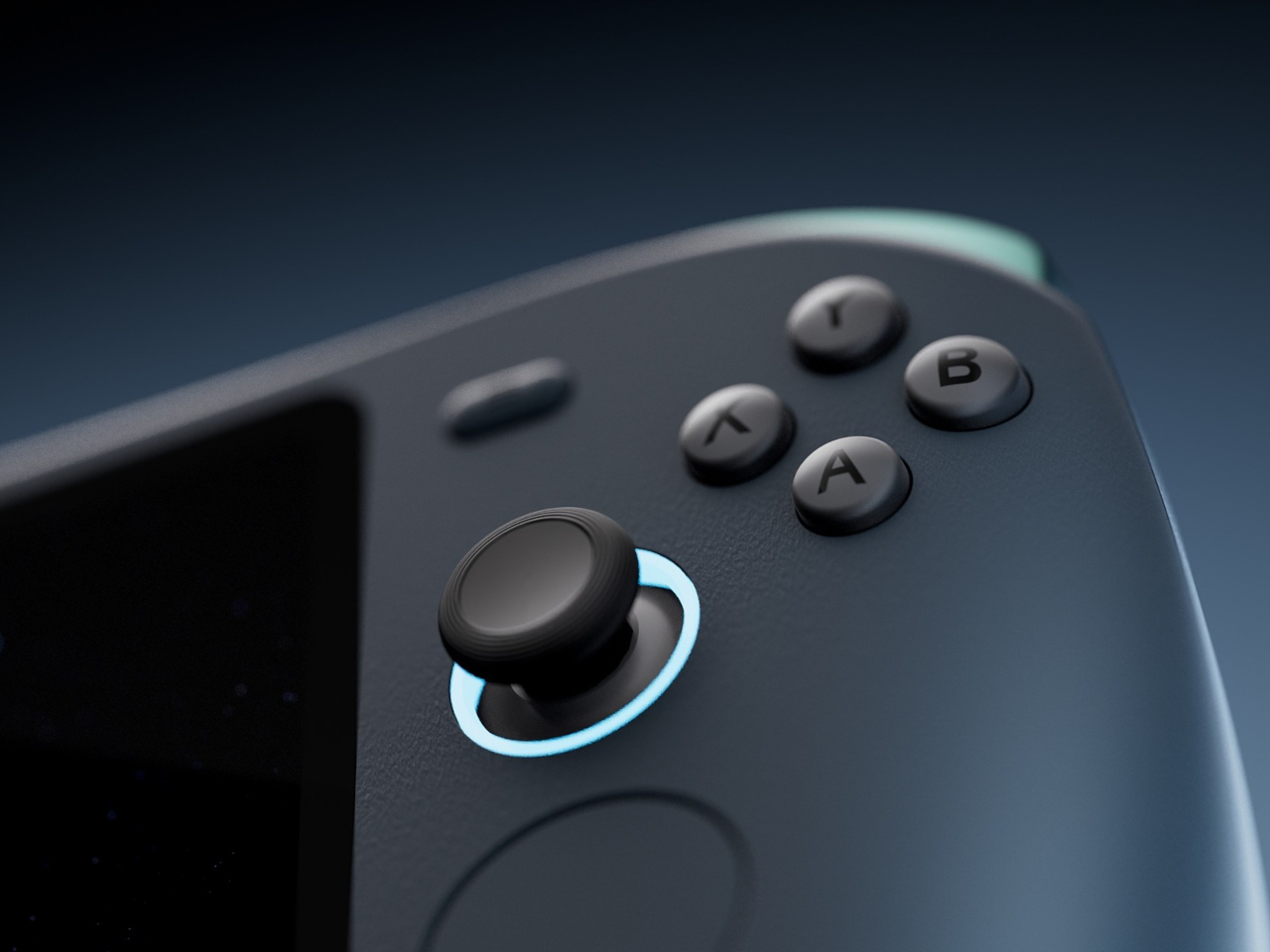
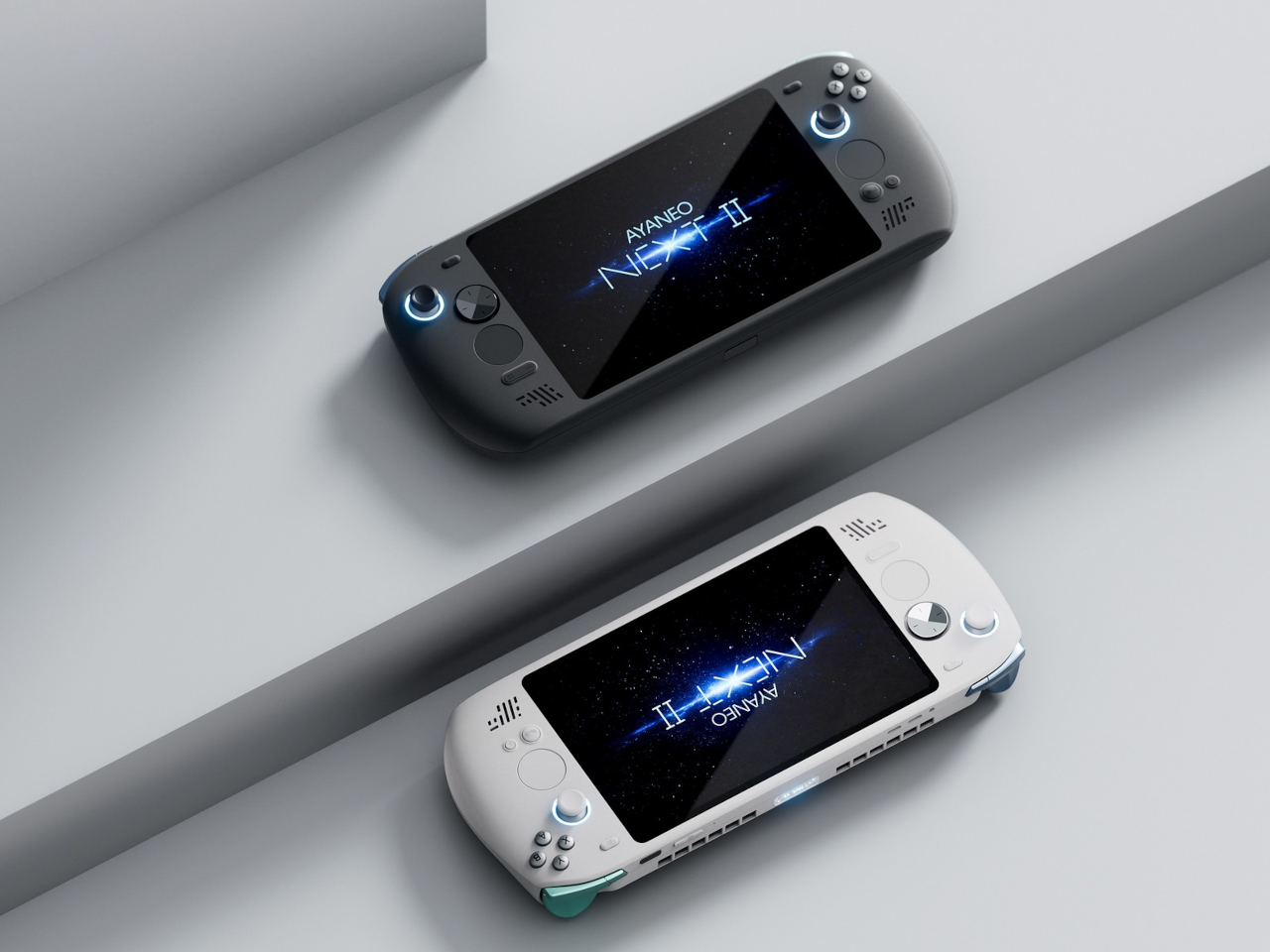
AYANEO apparently asked that same question and decided to run with it. The AYANEO NEXT II skips external packs entirely, hiding a massive 115Wh battery and a 9.06-inch OLED inside a thick, sculpted body that feels more like a portable gaming monitor with grips than something you’d slip into a backpack. It’s AYANEO’s answer to Strix Halo’s power demands, and the solution involves simply accepting that this thing was never going to be pocketable in the first place.
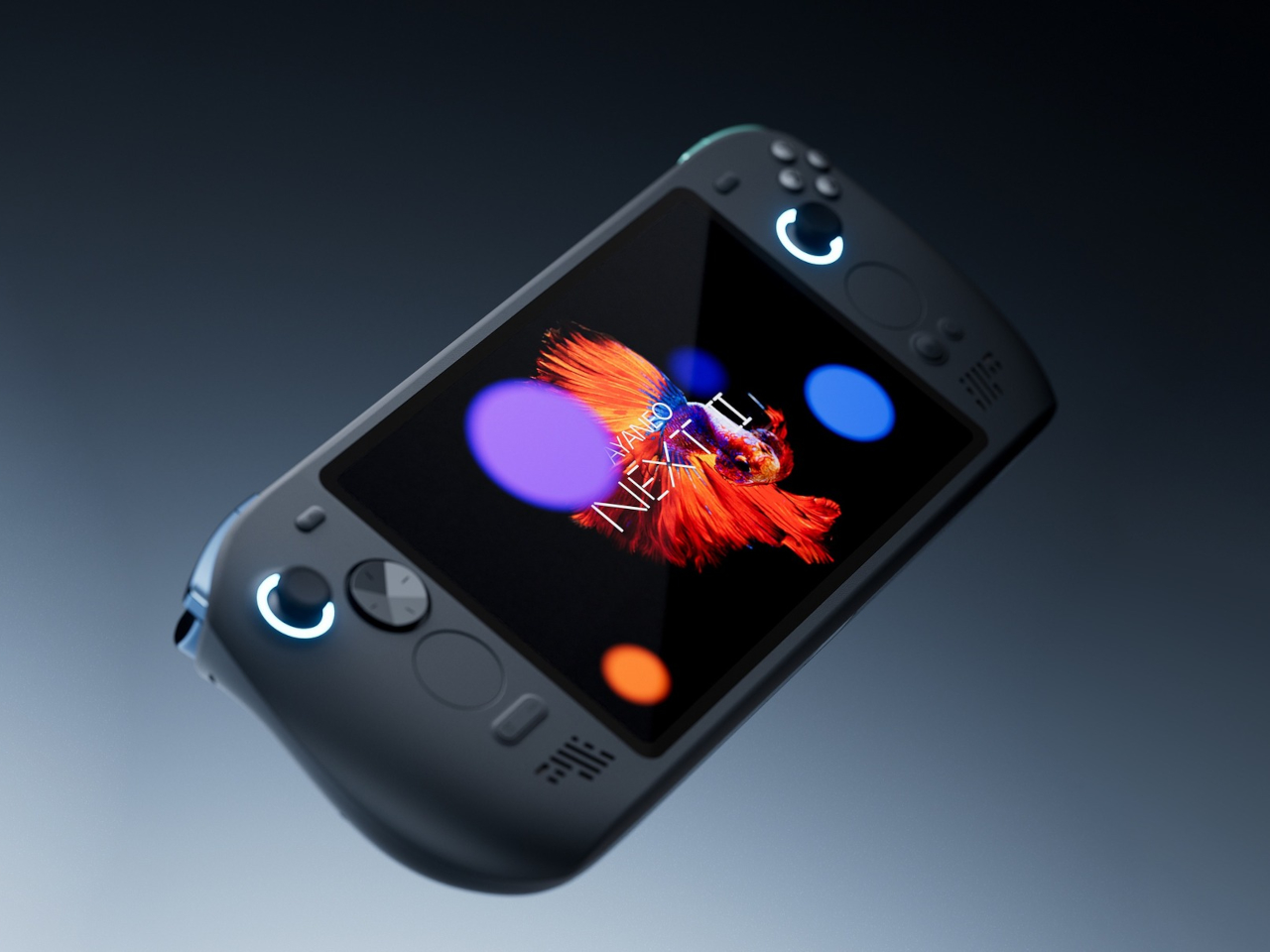
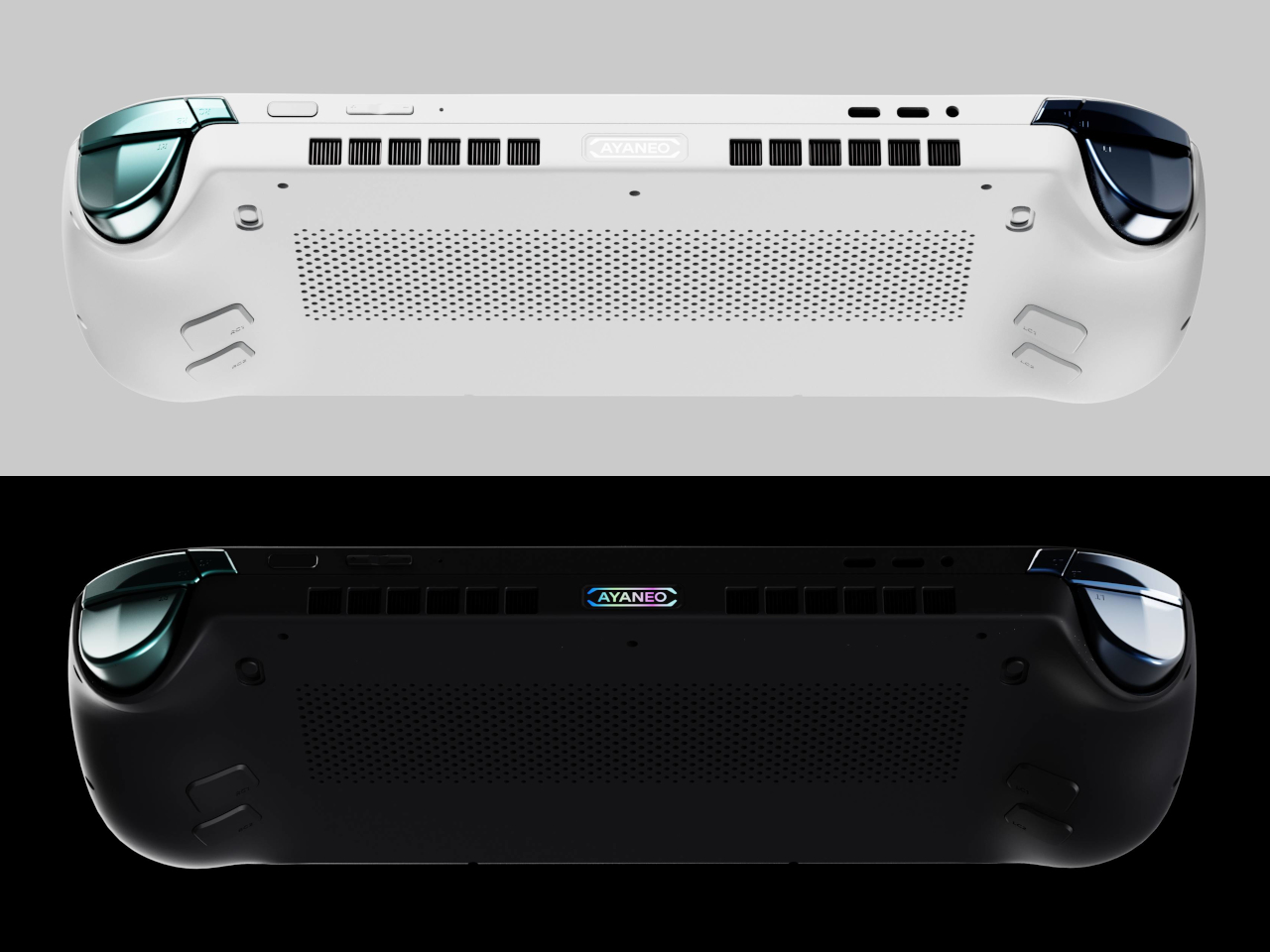
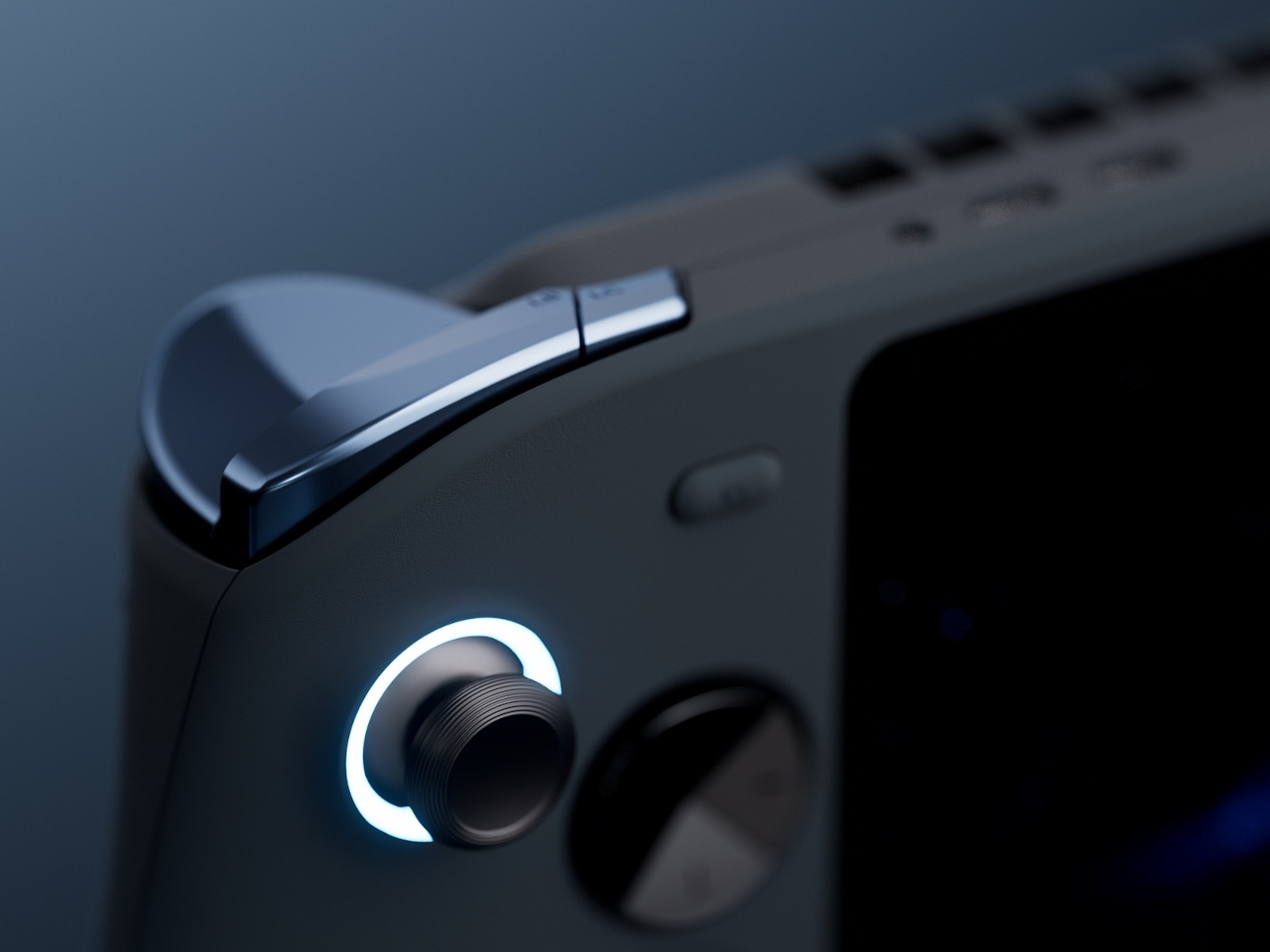
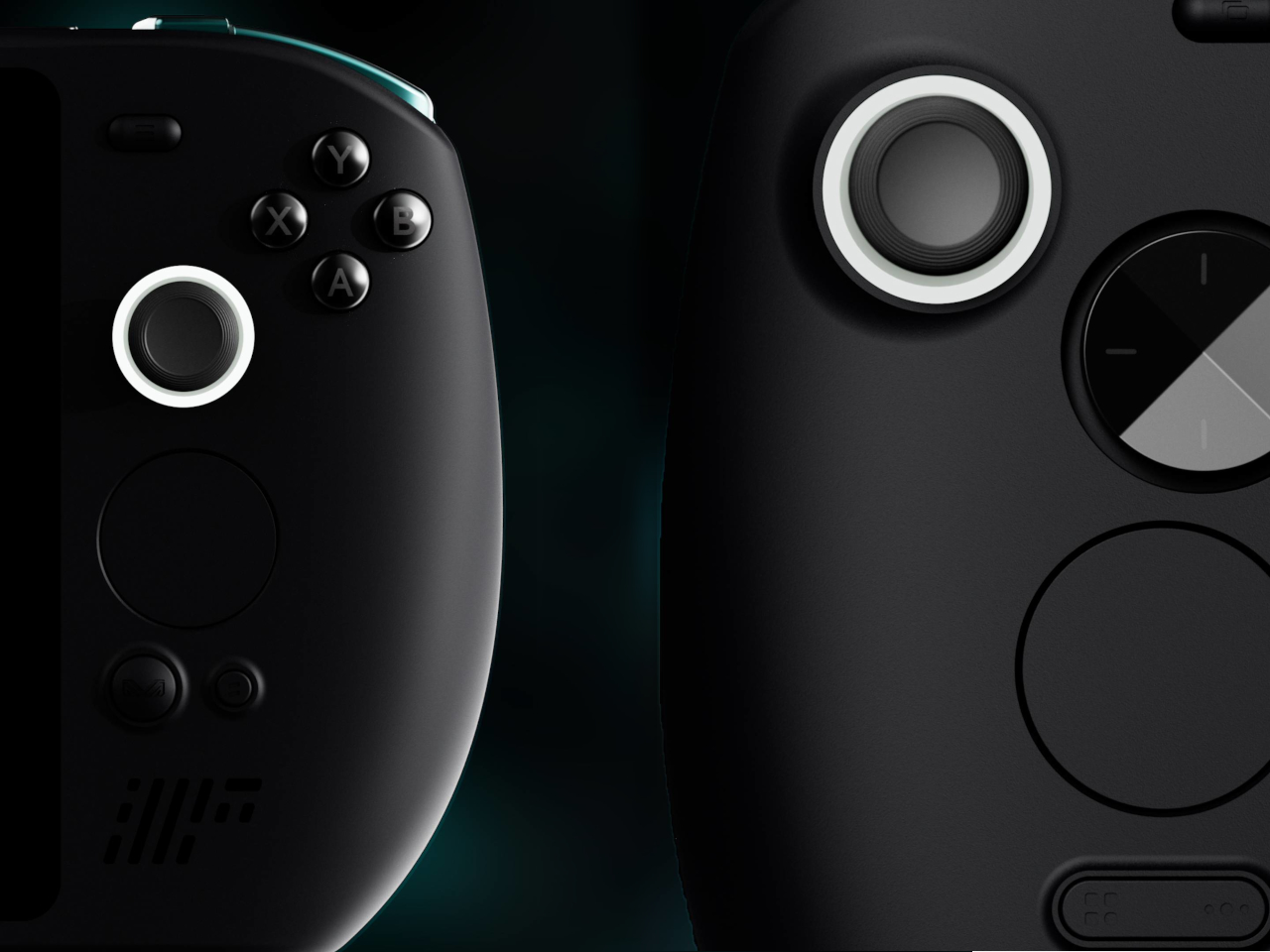
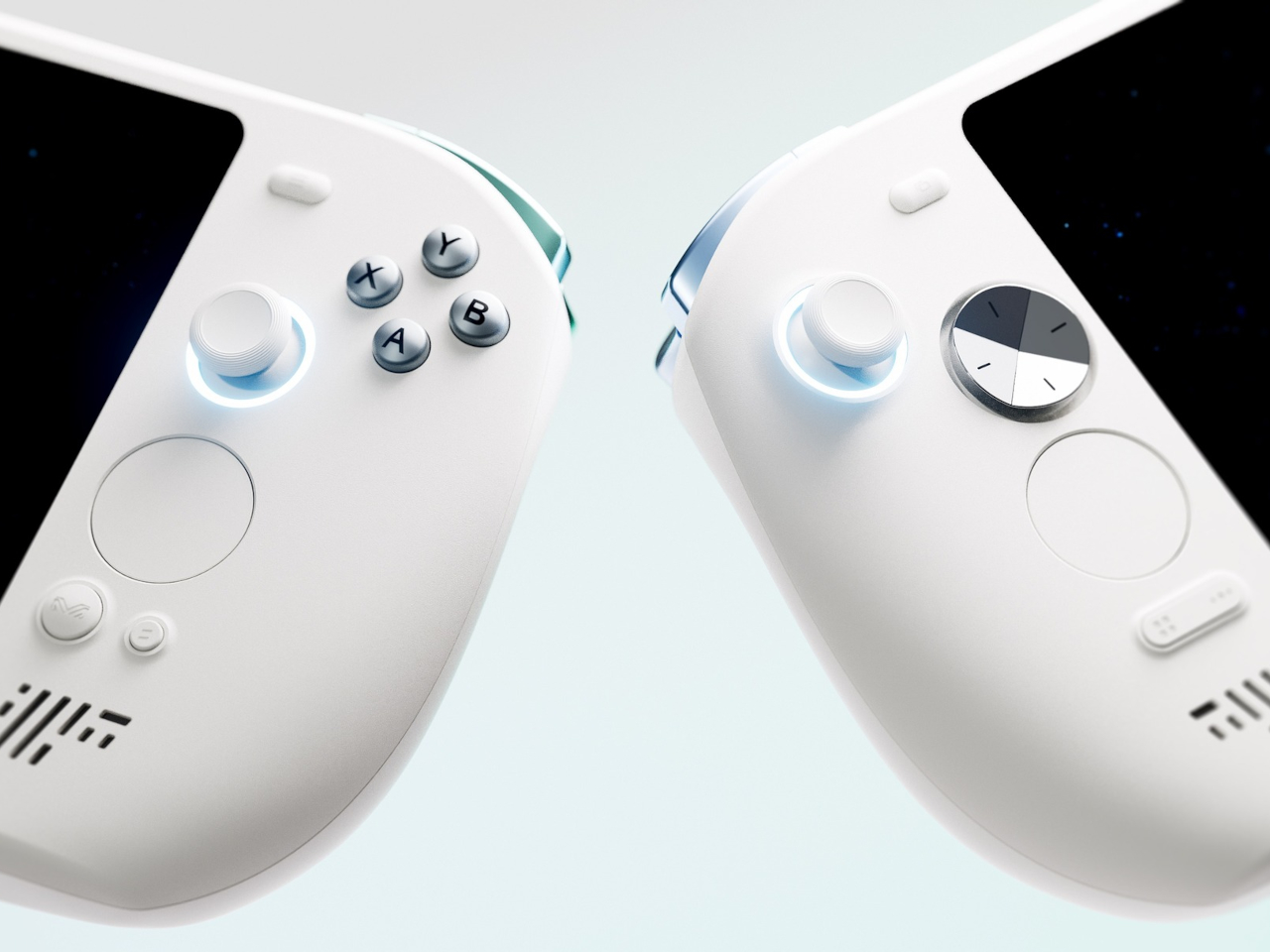
The design doesn’t apologize for its size. Deep grips flare outward like a proper gamepad, and the body is thick enough to house dual cooling fans without turning into a space heater. Hall effect sticks sit where your thumbs expect them, surrounded by a floating D-pad, dual touchpads, and speakers that actually face you instead of firing sound into your lap. It looks less like a Switch rival and more like someone decided gaming monitors needed handles attached.
That 9.06-inch screen uses an unusual 3:2 aspect ratio instead of the typical widescreen shape most games expect. You get a gorgeous OLED panel with refresh rates up to 165Hz and brightness that peaks at 1100 nits, which sounds fantastic until you realize most games will either add black bars or run nowhere near 165 frames per second at this resolution anyway. Still, it’s lovely for desktop windows and emulators that appreciate the extra vertical space.
The 115Wh battery is where things get complicated. Everything stays hidden inside for a cleaner look and more console-like feel, but that capacity might cause questions at airport security since many airlines cap carry-on batteries at 100Wh. You also can’t swap batteries when one dies, and constantly feeding an 85-watt processor means faster charge cycles and potential long-term wear. You’re looking at two to three hours of heavy gaming before hunting for an outlet.
The dual cooling fans work hard to keep Strix Halo from overheating, and you’ll definitely hear them during intense sessions. AYANEO claims it can sustain up to 85 watts, which should let the integrated Radeon graphics handle modern games at respectable settings, though you’ll also feel warmth radiating from the vents. This is less a grab-and-go portable and more something you carry from the couch to the desk when you need a scenery change.
AYANEO loaded the NEXT II with premium controls that enthusiasts will genuinely appreciate. Hall effect sticks and triggers promise zero drift, dual-stage trigger locks switch between smooth analog and clicky digital modes, and rear buttons plus dual touchpads give you more inputs than a standard controller. A magnetic haptic motor adds feedback that tries to mimic console vibration, and the AYASpace software hides Windows behind a console-style launcher with performance tuning options built in.
The AYANEO NEXT II essentially stops pretending to be portable. It won’t fit in a jacket pocket, might get flagged at airport security, and is almost certainly too heavy for comfortable one-handed play in bed. But if you want something that feels more like a small gaming monitor with built-in controls rather than a device you’d actually carry around town, this oversized approach makes a strange kind of sense. You just have to accept that portability took a back seat to screen size and battery capacity.
I remember a time when smartphones had expandable storage. In fact, I remember feeling this internal rage when I saw the iPhone Air and that Apple even decided that a physical SIM slot wasn’t necessary anymore, because apparently a SIM tray blocks so much space that you need to shave down on a phone’s battery capacity. It’s wild that we’ve gotten to this point in our lives, and what’s more wild is that we now have to ‘rent’ storage out by paying for iCloud or Google Drive subscriptions to store our photos and videos. I remember when you could pop in a MicroSD card and those low-storage problems would go away… and ADAM Elements is trying to bring back that convenience with its ultra-tiny SSDs.
The iKlips S isn’t as small as a MicroSD, but it’s sufficiently more advanced than one. Barely the size of a 4-stud LEGO brick, this SSD plugs right into your smartphone, giving it an instant 256GB memory boost. It docks in your phone’s USB-C port, transferring data at incredible speeds, and here’s the best part – the tiny device packs biometric scanning too, which means you can pretty much secure your backups with a fingerprint the way you secure your phone with FaceID. The best part? No pesky subscription fees. You pay once and own the storage forever, and everything’s local and offline… so you never need to worry about remembering passwords, or about having companies and LLMs spy on your personal data to train themselves.
Think a thumb drive, but insanely tinier. That’s the beauty of SSDs, and ADAM Elements touts that the iKlips S currently holds the record for the world’s smallest SSD. Plug it into your phone, tablet, laptop, or any device and it instantly gets a 258GB bump. Data transfers at speeds of up to 400Mb/s with read speeds of 450Mb/s, that’s fast enough to move RAW files in milliseconds and entire 4K videos in seconds, or even directly preview/edit ProRes content on your phone, tablet, or laptop without having to transfer data to local storage. After all, that’s the dream, right?
The tiny device comes with a machined aluminum body and a lanyard hole so that you can string something through to prevent it from getting lost. Plug it into your phone to back up media, then into your laptop or iPad to edit said media. You can transfer data between multiple devices fairly quickly, across platforms too, thanks to cross-compatibility with iOS, Android, MacOS, Windows, ChromeOS, and even Linux. The tiny design sits practically flush against your phone, tablet, or laptop, occupying about the same amount of space as a USB receiver for a wireless keyboard or wireless mouse. Its most important design detail, however, hides in plain sight.
On the underside of the iKlips S is a fingerprint scanner, allowing you to add authentication to your SSD the way you add a password to your iCloud. The device can hold as many as 20 fingerprints, making it perfect for redundancies (just in case you cut a finger while chopping veggies) or even for a team of multiple people sharing data. Place your finger on the iKlips S and it unlocks the SSD, allowing you to read/write data in no time. You’re never faced with forgetting your iCloud password as your password literally lives on your fingertips.
The price of it all? A mere $62.3, which costs about as much as an annual subscription to these cloud storage services. For that, you get something you truly own, and can use without needing an app or an internet connection. Just plug it in and you’ve suddenly got extra storage. Secure the storage with a fingerprint, and move data around at speeds your internet service provider could only dream of. Neat, huh?
Working on the go always feels like a compromise. You’re stuck with tiny laptop keyboards that cramp your hands, or you’re juggling a separate keyboard, mouse, and maybe a portable monitor that never quite fits together properly. The whole setup becomes this awkward dance of cables and stands.
The KeyGo Ultra-Slim Folding Keyboard throws out that rulebook entirely. This isn’t just another portable keyboard with a gimmicky feature tacked on but a genuine rethinking of what mobile productivity can look like when you stop accepting limitations as inevitable.
The first thing you notice about KeyGo is how substantial it feels. The CNC-anodized aluminum construction gives it that MacBook-level heft and finish that makes most plastic peripherals feel cheap by comparison. This isn’t trying to be the lightest option but the most satisfying one to use.
The 180-degree foldable design is where the engineering really shows. The hinge mechanism transitions smoothly from closed to fully open without any wobble or flex. At 800 grams and folding down to just 324mm wide, it slips into most laptop bags without dominating your carry weight.
Lighting That Actually Matters
Those RGB backlighting modes aren’t just for show (though they do look fantastic). The three lighting options serve real purposes: breathing mode for low-light work, solid color for distraction-free typing, and rainbow wave for when you want your workspace to feel more alive. The FN + Q/W/E shortcuts make switching between them effortless.
The lighting system goes beyond basic functionality to create an emotional connection with your workspace. There’s something satisfying about watching the rainbow wave ripple across the keys as you type, or having the breathing effect gently pulse during those late-night work sessions. It’s the kind of detail that transforms a tool into something you genuinely enjoy using.
Two Input Methods, Infinite Possibilities
Here’s where KeyGo gets interesting. That 12.8-inch touchscreen sitting above the keyboard isn’t just a novelty but a genuine second display with 1920×720 resolution and full ten-finger touch support. The fully laminated glass eliminates that annoying air gap you get with cheaper displays.
The screen works as a traditional second monitor for multitasking, but the touch capability transforms how you interact with your devices. Swipe between apps, drag files directly with your fingers, or use it as a massive touchpad when you need precision. The 72% NTSC color gamut makes it suitable for creative work too.
Universal Compatibility Done Right
KeyGo works with everything: Windows, macOS, Linux, Android, and even iOS devices. The dual USB-C ports (one for power only, the other for full functionality) plus a USB-A port mean you’re never hunting for the right adapter. Turn your tablet into a productivity powerhouse or add touch input to that old desktop that’s never had it.
The scissor-switch keys are quiet enough for coffee shop work but responsive enough for serious typing sessions. Whether you’re coding, writing, or managing spreadsheets, the keyboard feels like a natural extension of your workflow rather than a compromise you have to work around.
Scenarios That Actually Make Sense
Picture this: you’re working remotely and need to reference documents while writing. Instead of constantly alt-tabbing, your references live on the KeyGo screen while you type on the main display. Or you’re editing video and want timeline controls at your fingertips without cluttering your main workspace.
The modular design adapts to different environments, too. Desktop setup when you’re at home, mobile workstation when you’re traveling, or even mounted in a car for those times when your vehicle becomes your office. The easy-to-clean surface makes it practical for medical or shared environments.
The Future of Portable Productivity
KeyGo represents something bigger than just another keyboard upgrade. It’s proof that portable productivity doesn’t have to mean settling for less. By combining tactile typing with versatile touch input, it creates new possibilities for how we work, create, and interact with our devices.
Sometimes the best innovations come from refusing to accept that things have to work a certain way. KeyGo makes mobile productivity feel less like a compromise and more like a genuine choice. It’s the kind of product that makes you wonder why everyone else is still doing things the hard way.
Attention les nostalgiques ! Si vous avez grandi dans les années 90 avec un PC sous Windows 95 et que vous étiez fan de LEGO, y’a de fortes chances que vous ayez passé des heures sur LEGO Island. Ce jeu culte de 1997 où on incarnait Pepper Roni, le livreur de pizzas le plus cool de l’île, vient de recevoir une seconde jeunesse grâce au projet isle-portable.
Pour ceux qui ne connaissent pas, LEGO Island c’était LE jeu en monde ouvert avant l’heure. On pouvait se balader librement sur une île peuplée de personnages loufoques qui se démontaient dans tous les sens pour nous faire marrer. Entre les courses de jet-ski, les missions de dépannage et la fameuse poursuite en hélicoptère où on balançait des pizzas sur le méchant Brickster (oui, des pizzas, le truc qui l’avait aidé à s’échapper), c’était du grand n’importe quoi mais qu’est-ce qu’on adorait ça !

 Connexion