Vue lecture

Il y a de nouveaux articles disponibles, cliquez pour rafraîchir la page.

Why You Must Move to Windows 11 to Get New Microsoft Office Features

If you’re still using Windows 10, you may already be missing out — even if your Microsoft Office apps look up to date. Microsoft is quietly shifting new Office and Microsoft 365 features to work best — and sometimes only — on Windows 11. The change isn’t loud, but it’s very real. Here’s why upgrading […]

Windows 11 Feels Slower Than Windows 10 — Here’s the Real Reason

If your PC felt faster on Windows 10, you’re not imagining things. Since upgrading to Windows 11, many users have noticed slower animations, delayed clicks, and a system that just doesn’t feel as responsive—even on supported hardware. So what changed? The answer isn’t one big problem. It’s death by a thousand small changes. Windows 11 […]

Windows 11 Feels Bloated? Here’s How to Safely Clean It Without Breaking Anything

Windows 11 looks modern—but under the surface, it’s packed with things many users never asked for. Preinstalled apps, ads in the Start Menu, background services, widgets, Copilot, OneDrive pop-ups—it all adds up. The result? Slower performance, more distractions, and less control. The good news:👉 You can safely debloat Windows 11 without risky scripts, registry hacks, […]

Forced Windows 11 Upgrades: What Really Happens If You Say No?

Microsoft says Windows 11 is optional—but many Windows 10 users feel like they’re being slowly cornered. From repeated upgrade pop-ups to warning banners inside Windows Update, the pressure to move to Windows 11 is growing. If you’ve been clicking “Stay on Windows 10” and hoping nothing bad happens, you’re not alone. So what actually happens […]

AI Is Changing Windows 11 Forever – Features, Benefits, Debate & Controversies

Artificial Intelligence is no longer just an add-on in Windows — it’s becoming the foundation. With Windows 11, Microsoft has deeply embedded AI into everyday computing through Copilot, smart search, security automation, and productivity tools. While these AI-powered features promise faster workflows and smarter assistance, they’ve also triggered intense debates around privacy, cloud dependence, and […]

Windows 11 gets a December Insider update packed with new features and AI upgrades — reveals Microsoft’s next big push. Here's everything that is new.

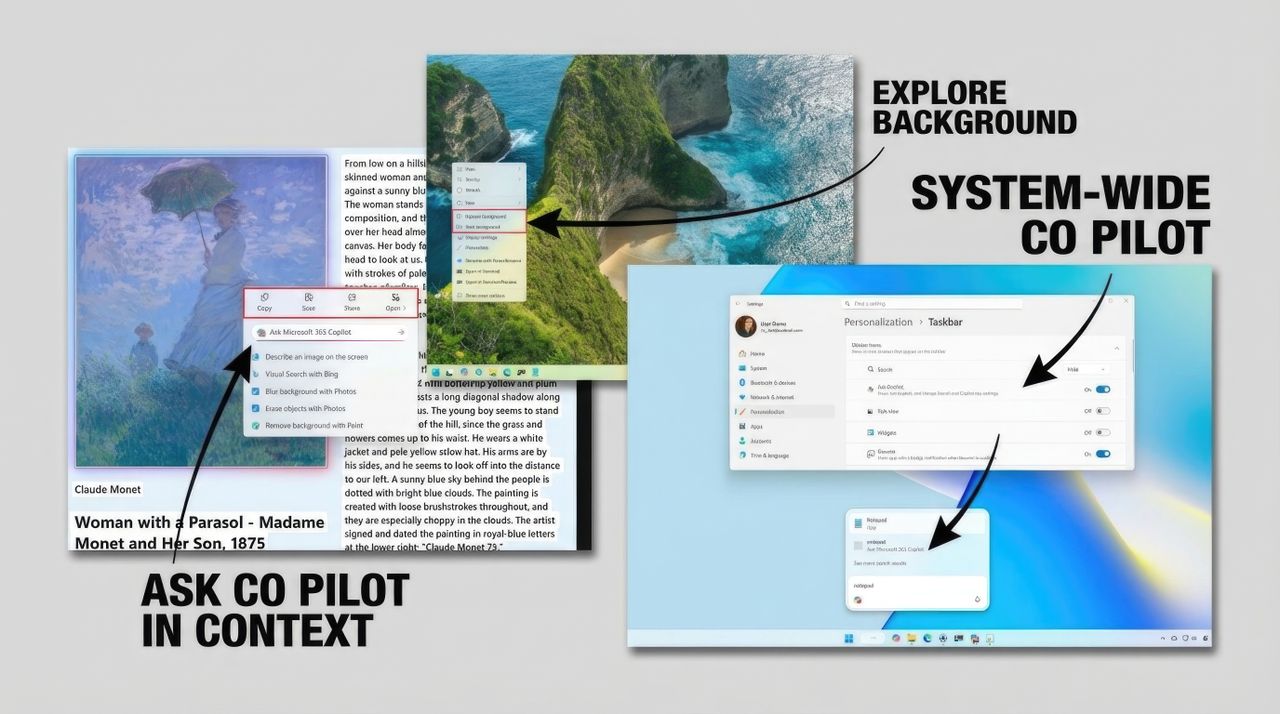
In December 2025, Microsoft rolled out at least four preview builds for Windows 11, rolling out a bunch of new features and changes, including Model Context Protocol (MCP), Update Orchestration Platform (UOP), Xbox Full Screen Experience for PCs, Ask Copilot, AI agents for Taskbar, Agent Launchers, and a lot more, and here's all you need to know.

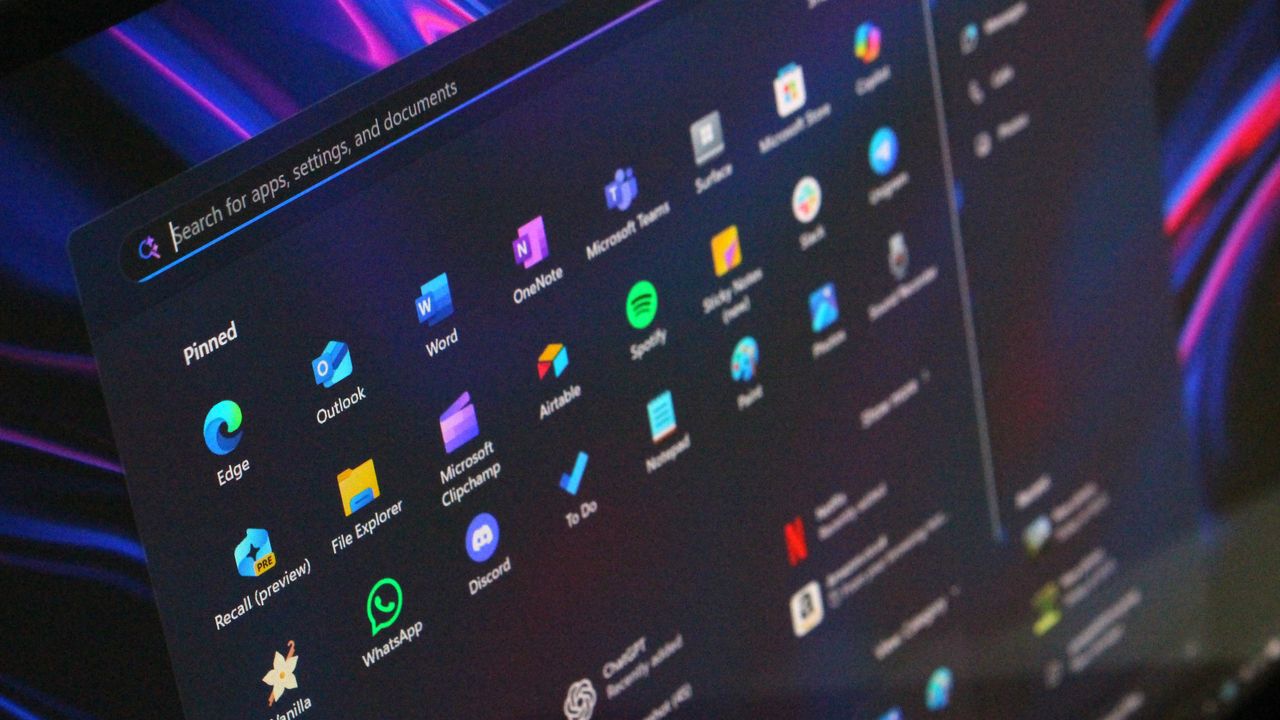
Screenshots of the latest Windows 11 Insider builds for December 2025.

Windows 11 Insider Preview Build 28020.1362 (Canary Channel) brings full screen experience & more.

Microsoft has released Windows 11 Insider Preview Build 28020.1362 to the Canary Channel (KB 5073095). The latest update brings full screen experience & more.The full screen experience (FSE) is now available on more Windows 11 handheld devices after its initial launch on ASUS ROG Ally and ROG Ally X. What’s new in Build 28020.1362 Changes and Improvements […]

Latest Windows 11 Canary build feels less like innovation and more like catch‑up, as features already in testing in the Dev and Beta Channels finally arrive

Microsoft's latest Canary Channel build for Windows 11 Insiders brings forward a number of features that were already in testing in the Dev and Beta Channels.

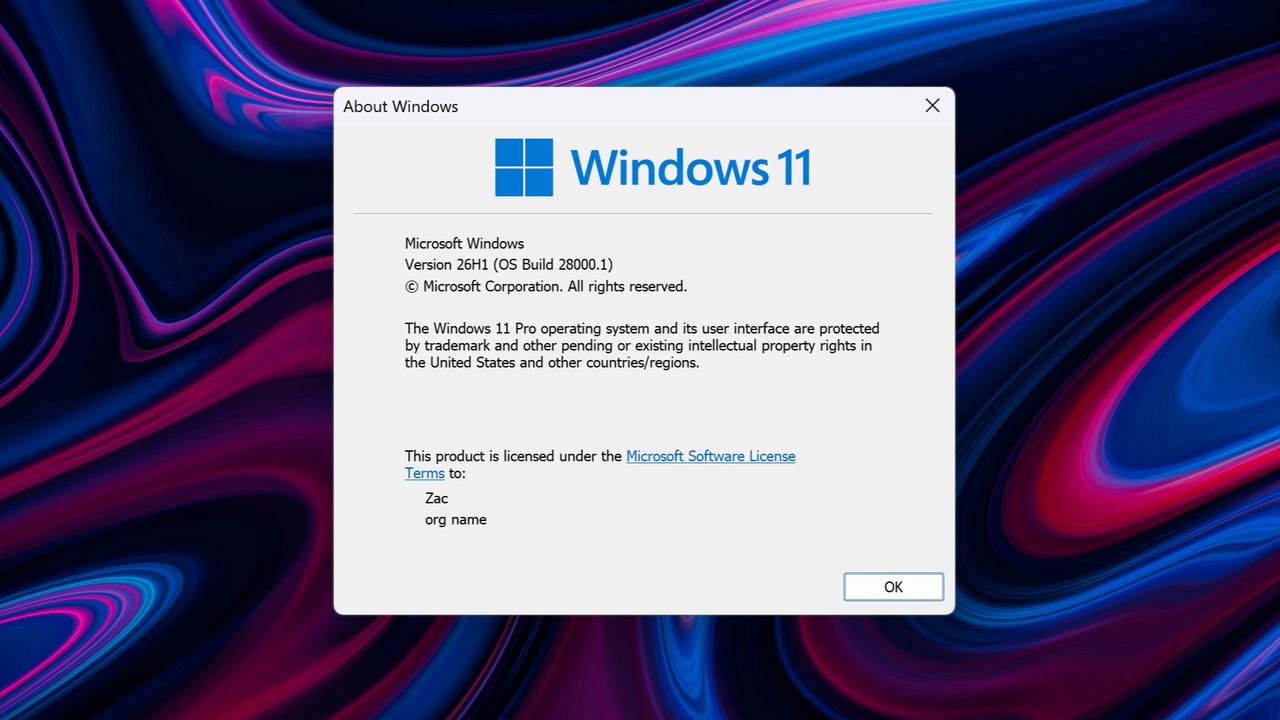
Windows 11 26H1 as denoted in winver

RemoveWindowsAI - Le script qui débranche l'IA de Windows 11

Bon, déjà si vous êtes sous Windows, je sais c'est dur la vie ^^. Mais si en plus vous êtes anti-IA, votre quotidien doit être encore plus difficile depuis que Microsoft a décidé de coller de l'intelligence artificielle partout dans son OS. Copilot par-ci, Recall par-là, des features IA dans Paint, dans le Bloc-notes, dans les paramètres... Bref, c'est l'invasion et y'a malheureusment pas vraiment de bouton "OFF" officiel pour tout virer d'un coup.

Hé bien figurez-vous qu'un développeur du nom de zoicware a créé un script PowerShell qui fait exactement ça. Ça s'appelle RemoveWindowsAI et ça permet de dégager TOUTES les fonctionnalités IA de Windows 11 en quelques secondes. Aux chiottes Copilot, Recall, les suggestions de frappe, l'IA dans Paint, dans Edge, les effets vocaux... Tout y passe et c'est cool !

Et ce script ne se contente pas de désactiver des options dans les paramètres comme un vulgaire amateur puisqu'il modifie les clés de registre, supprime les packages Appx (même ceux marqués "non supprimables" par Microsoft), nettoie les fichiers cachés dans le Component-Based Servicing, et surtout il installe un bloqueur pour empêcher Windows Update de vous remettre tout ce bazar à la prochaine mise à jour. Parce que oui, Microsoft adore réinstaller ses trucs en douce...

Pour l'utiliser, c'est assez simple. Vous lancez PowerShell en admin (attention, pas PowerShell 7 mais bien le bon vieux Windows PowerShell 5.1) et vous tapez une seule commande qui télécharge et exécute le script. Y'a même une interface graphique interactive pour ceux qui préfèrent cocher des cases plutôt que de taper des lignes de commande (Allez quand même lire le code avant sur le Github pour vous assurer que c'est OK, c'est une bonne habitude à prendre).

& ([scriptblock]::Create((irm "https://raw.githubusercontent.com/zoicware/RemoveWindowsAI/main/RemoveWindowsAi.ps1")))

Maintenant, quelques précautions à savoir quand même. Certains antivirus merdiques vont hurler au loup en voyant ce script. Rassurez-vous, c'est un faux positif classique avec ce genre d'outils qui touchent au système en profondeur. Faudra soit désactiver temporairement votre antivirus, soit ajouter une exception et surtout, le développeur recommande fortement de tester ça dans une machine virtuelle avant de l'appliquer sur votre PC principal. Avec VirtualBox ou Hyper-V, vous pouvez créer un Windows 11 de test en quelques clics et voir si tout se passe bien.

Et si jamais vous changez d'avis et que vous voulez récupérer vos features IA adorées, pas de panique ! Y'a un mode "Revert" qui permet de tout restaurer. Vous n'êtes donc pas coincé pour toujours si vous décidez finalement de revenir vers le côté obscur de la Force.

Bref, si vous faites partie de ceux qui pensent que l'IA dans Windows c'est plus une nuisance qu'autre chose (et que ça pompe des ressources pour des fonctionnalités dont vous n'avez pas besoin), ce petit script vous sera utile.

C'est par ici : RemoveWindowsAI sur GitHub

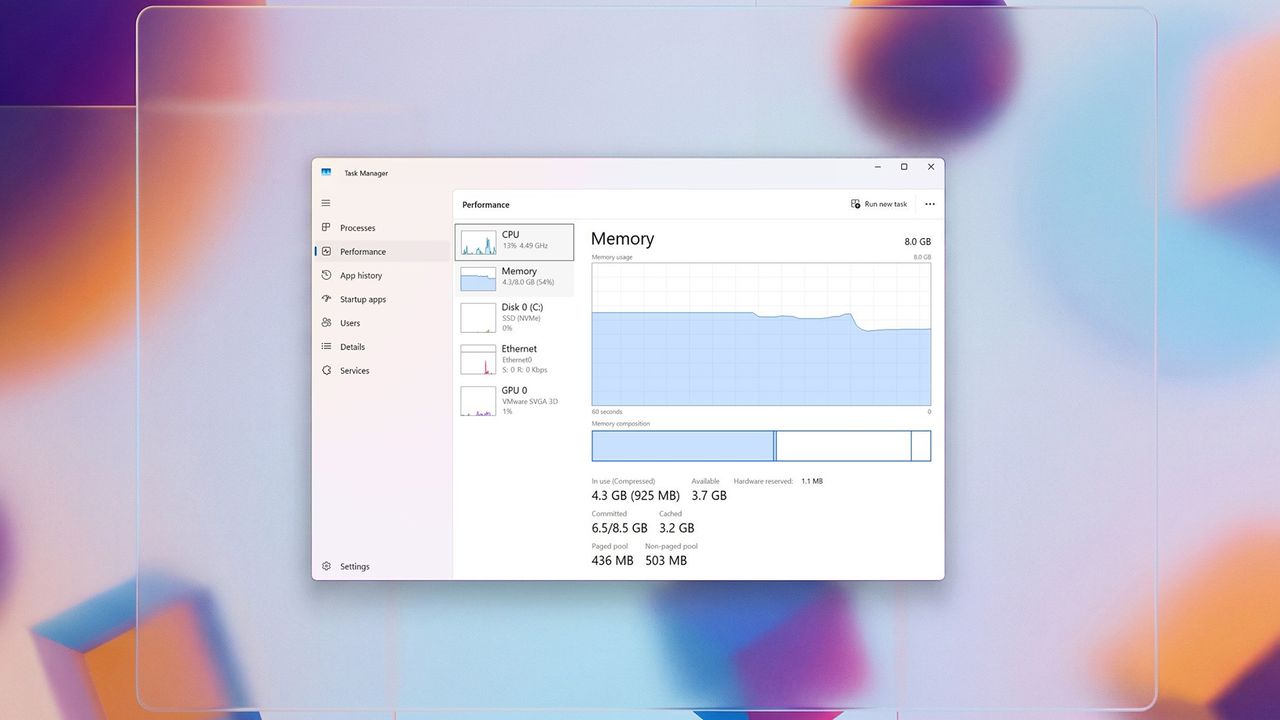
Microsoft: A long-existing Task Manager issue in Windows 11 24H2 resolved with latest update.

Microsoft has claimed that one long-running camera issue in Windows 11 24H2 have been resolved in the latest Windows 11 monthly update. After update (KB5067036), you might encounter an issue where closing Task Manager using the Close (X) button does not fully terminate the process. Now this issue is resolved with the latest update. After installing Windows […]

Windows 11 Insider Preview Build 28000.1340 (Canary Channel) brings fixes & improvements.

Microsoft has released Windows 11 Insider Preview Build 28000.1340 to the Canary Channel What’s new in Build 28000.1340 [General]  This update includes a small set of general improvements and fixes that improve the overall experience for Insiders running this build on their PCs. This update is beginning to enable some more of the new features and improvements […]

Windows 11 23H2 update KB5071417 (OS Build 22631.6345) brings new features & more. Download Link.

Microsoft has now released the preview update KB5071417 (OS Builds 22631.6354) for PCs running Windows 11 23H2. The update KB5071417 brings improvements and more. Checkout the full changelogs below: Highlights This update addresses security issues for your Windows operating system. ​​​​​​​ ​​​​​​​Improvements​​​​​​​ Normal rollout Important: Use EKB KB5027397 to update to Windows 11, version 23H2. This security update contains fixes and […]

Windows 11 25H2, 24H2 update KB5072033 brings security issues for your Windows operating system. Download Link.

Microsoft has now released the October 2025 update KB507033 (OS Builds 26200.7462 and 26100.7462) for PCs running Windows 11 24H2 and 25H2. The update KB5072033 brings security issues for your Windows operating system and more. Checkout the full changelogs below: Highlights This update addresses security issues for your Windows operating system. Improvements This security update contains […]

❌