Battery life has been one of the laptop industry’s most persistent design headaches, especially among Windows notebooks. Despite significant gains in chip efficiency, the display consistently ranks among the biggest power consumers in any portable computer. Most laptop screens refresh at a fixed rate regardless of what’s actually on them, which means the panel keeps drawing full power even when you’re sitting completely still, reading a document with nothing on screen changing at all.
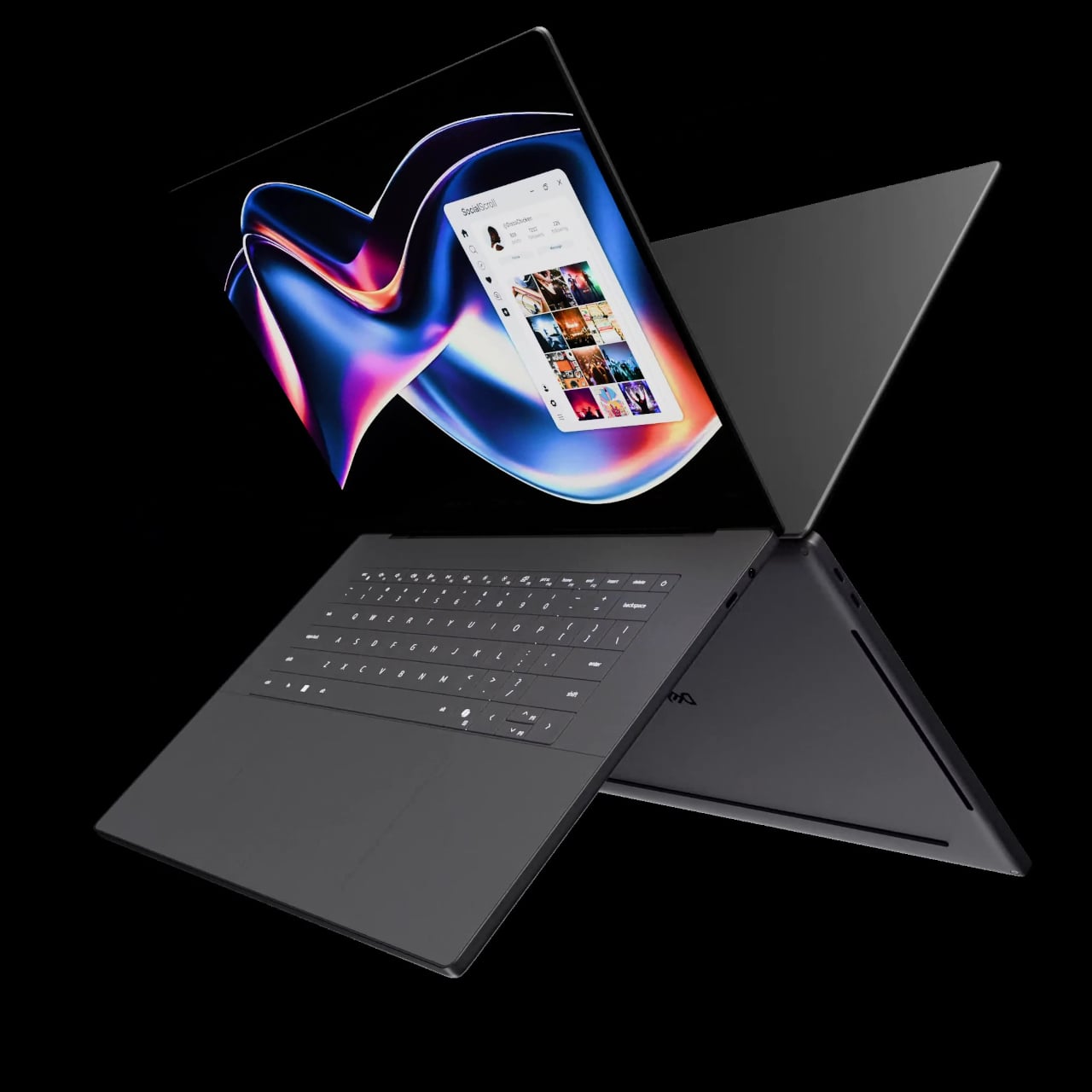
LG Display’s new Oxide 1Hz panel is the first mass-produced LCD laptop screen that doesn’t work that way. Rather than holding a fixed rate, it reads what’s on screen and drops to 1 Hz when the content is static, then scales back up to 120 Hz for video or gaming. LG began mass production on March 22, 2026, claiming the first-ever achievement of this at scale.
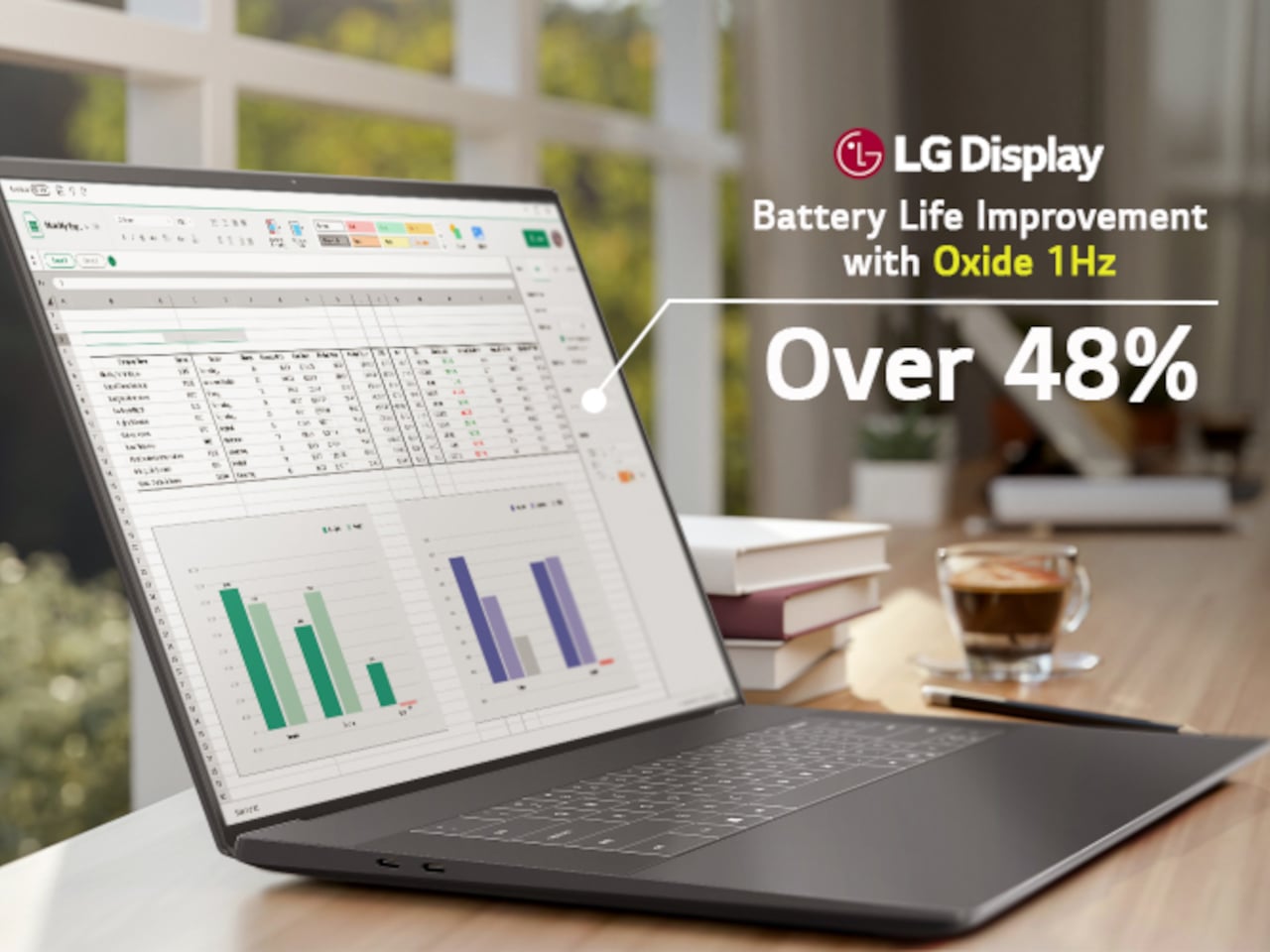
The technology relies on custom circuit algorithms and a new oxide material applied to the panel’s thin-film transistor. That oxide holds an electric charge longer than conventional LCD materials, letting the screen maintain a still image without continuously refreshing it. LG claims the result is up to 48% more use on a single charge versus existing solutions, which is a significant number if it holds up in everyday use.
In practice, this matters most during the parts of a workday you spend the bulk of your time in. Checking emails, reading through documents, and sitting on a static slide during a meeting are all moments where a 60 Hz or 120 Hz screen burns power for no real benefit. The Oxide 1Hz panel handles those scenarios at a fraction of the usual draw without any visible difference.
When you do pull up a video or launch something that demands smooth motion, the panel doesn’t hesitate. It detects the change and jumps back up to 120 Hz automatically. There’s no mode to switch into, no setting to toggle, and no trade-off to manage. It just adjusts based on what’s happening on screen, which is how this kind of feature should work in the first place.
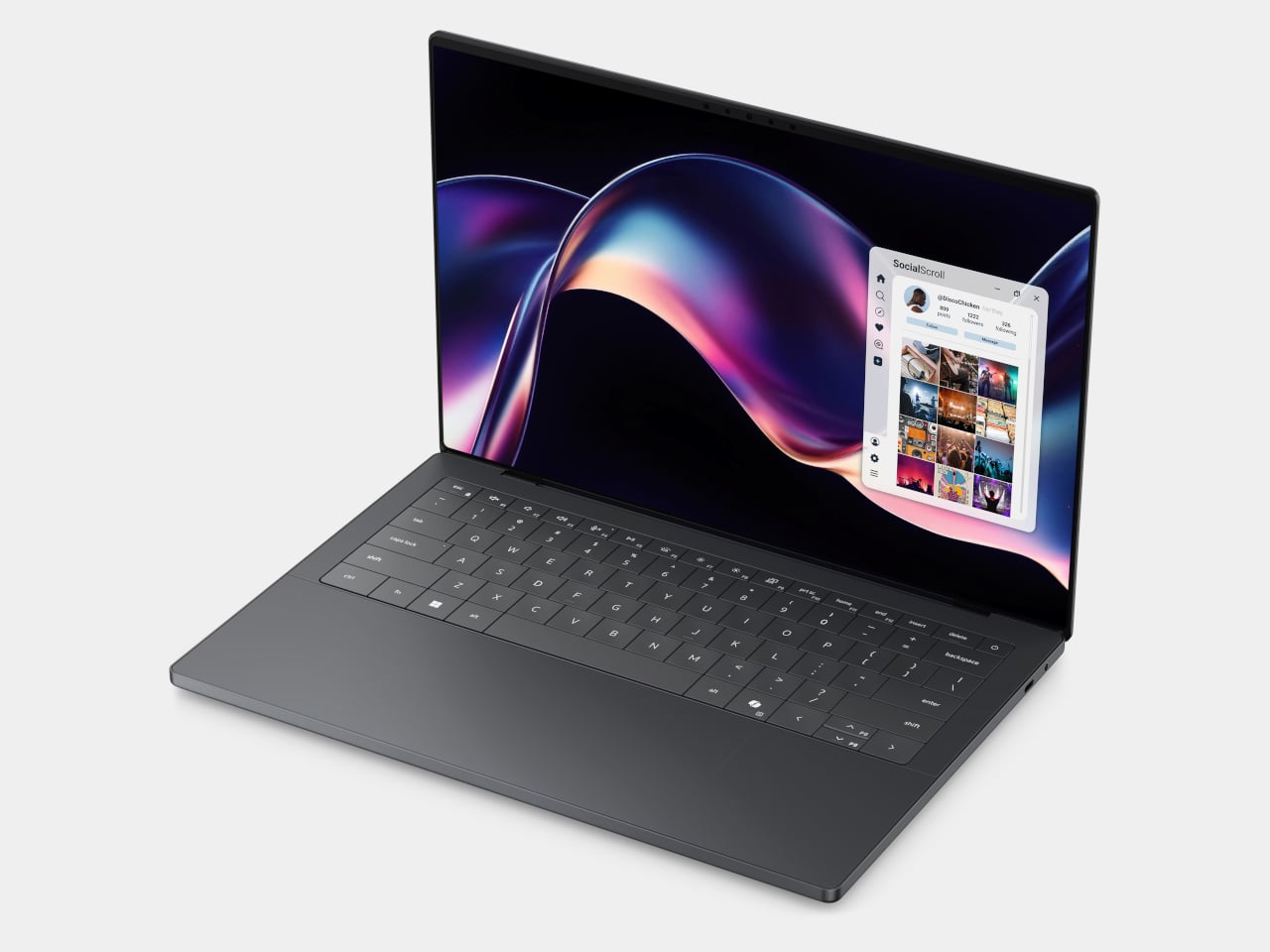
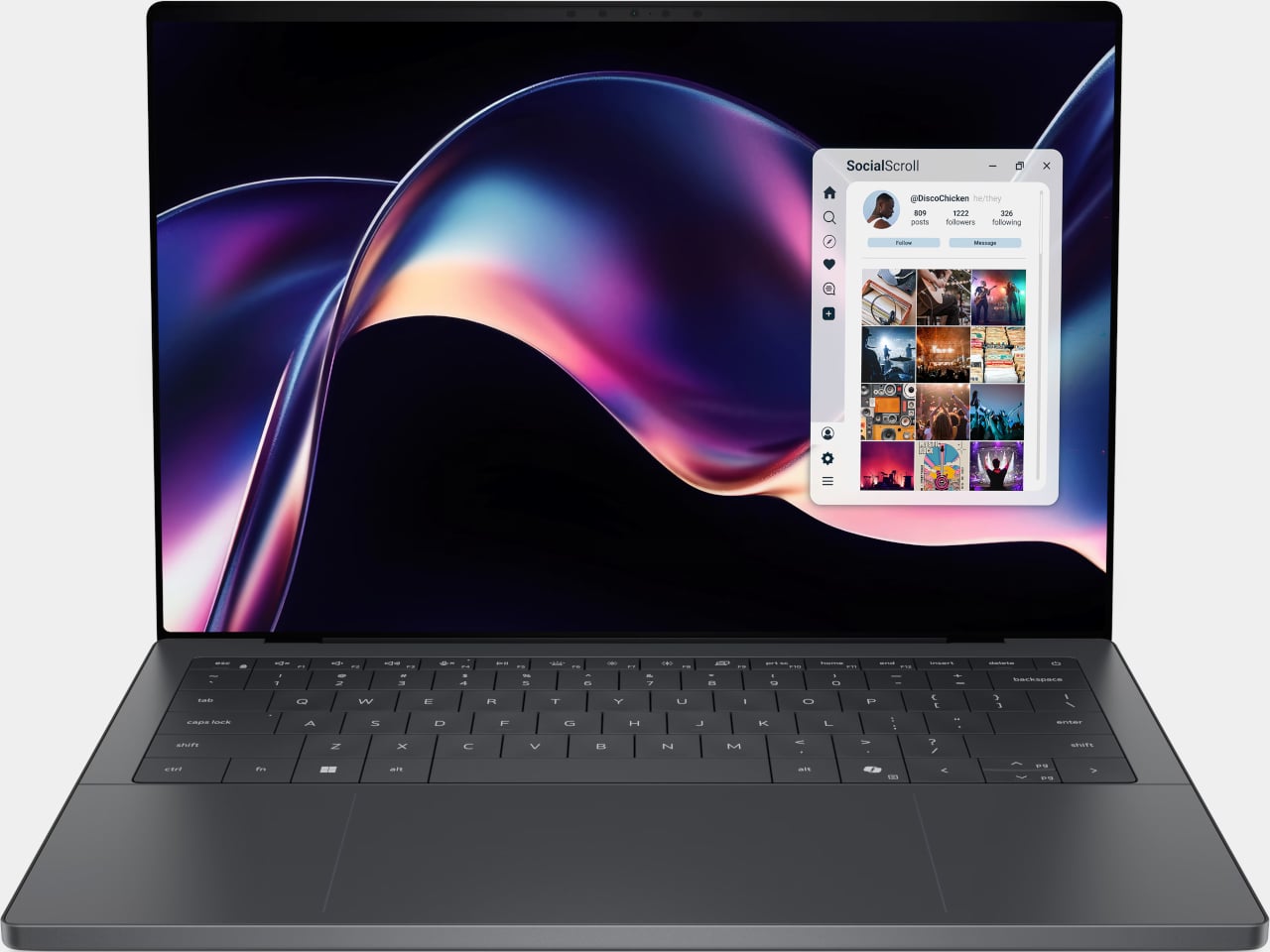
The first laptops to ship with this panel are the Dell XPS 14 and Dell XPS 16 for 2026, both unveiled at CES 2026 in January. The LCD option on both models runs at 1920 x 1200 pixels and 500 nits of brightness. Dell’s OLED option only drops as low as 20 Hz, which means the more affordable LCD configuration actually wins on low-power behavior.
Here’s where it gets interesting from a design standpoint. The display is one of the biggest power consumers in any laptop, so a screen drawing significantly less power during typical use creates real headroom for designers. They can use that headroom to maintain battery size and gain extra runtime, or to trim the battery slightly for a lighter, thinner chassis without giving up the battery life buyers already expect.
Of course, LG is already planning a 1 Hz OLED version of this technology for 2027, which is when things could get more interesting. OLED handles contrast and color in ways LCD can’t match, and pairing that quality with proper low-refresh-rate behavior could push portable laptop design further than it’s been able to go. For now, the Oxide 1Hz LCD is in something you can actually go out and buy.
Most smartphones are designed to be impossible to put down. The screen faces up on every table, the display lights up for every notification, and the cost of checking it one more time is exactly zero. That’s not an accident. The hardware removes friction from compulsive use because removing friction is what makes these devices feel indispensable. The tinyBook Flip concept asks a different question entirely: what if the phone were designed to get out of the way?
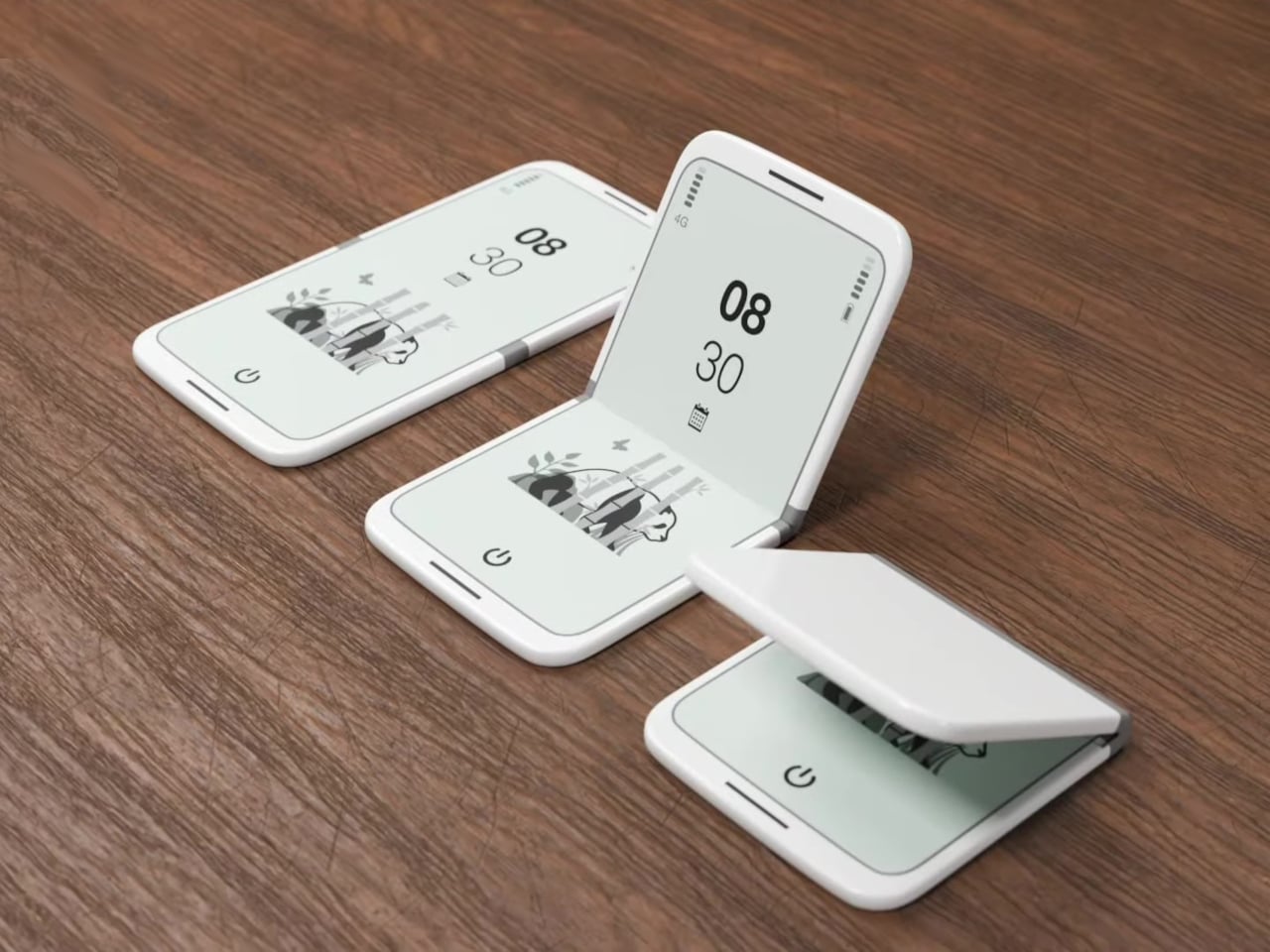
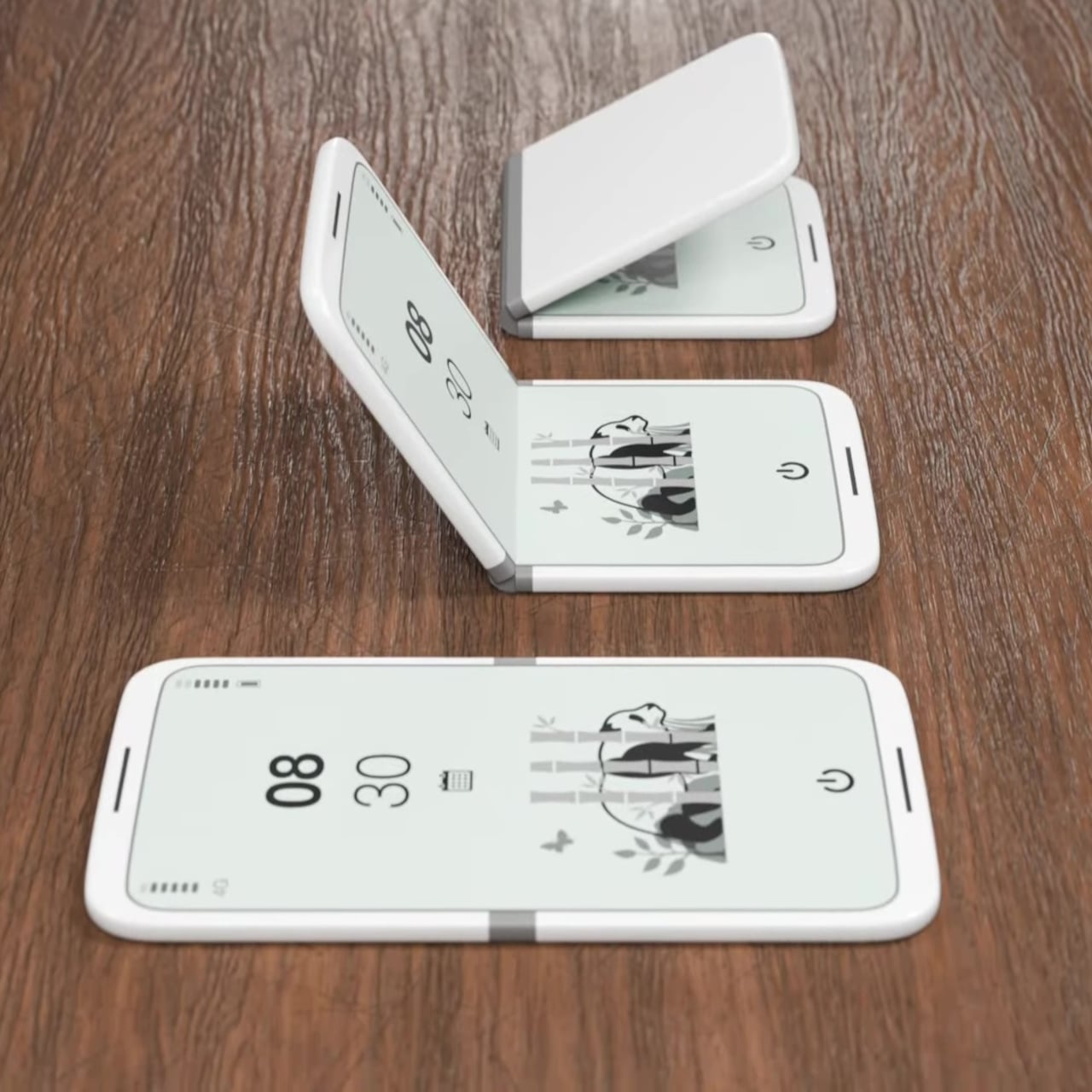
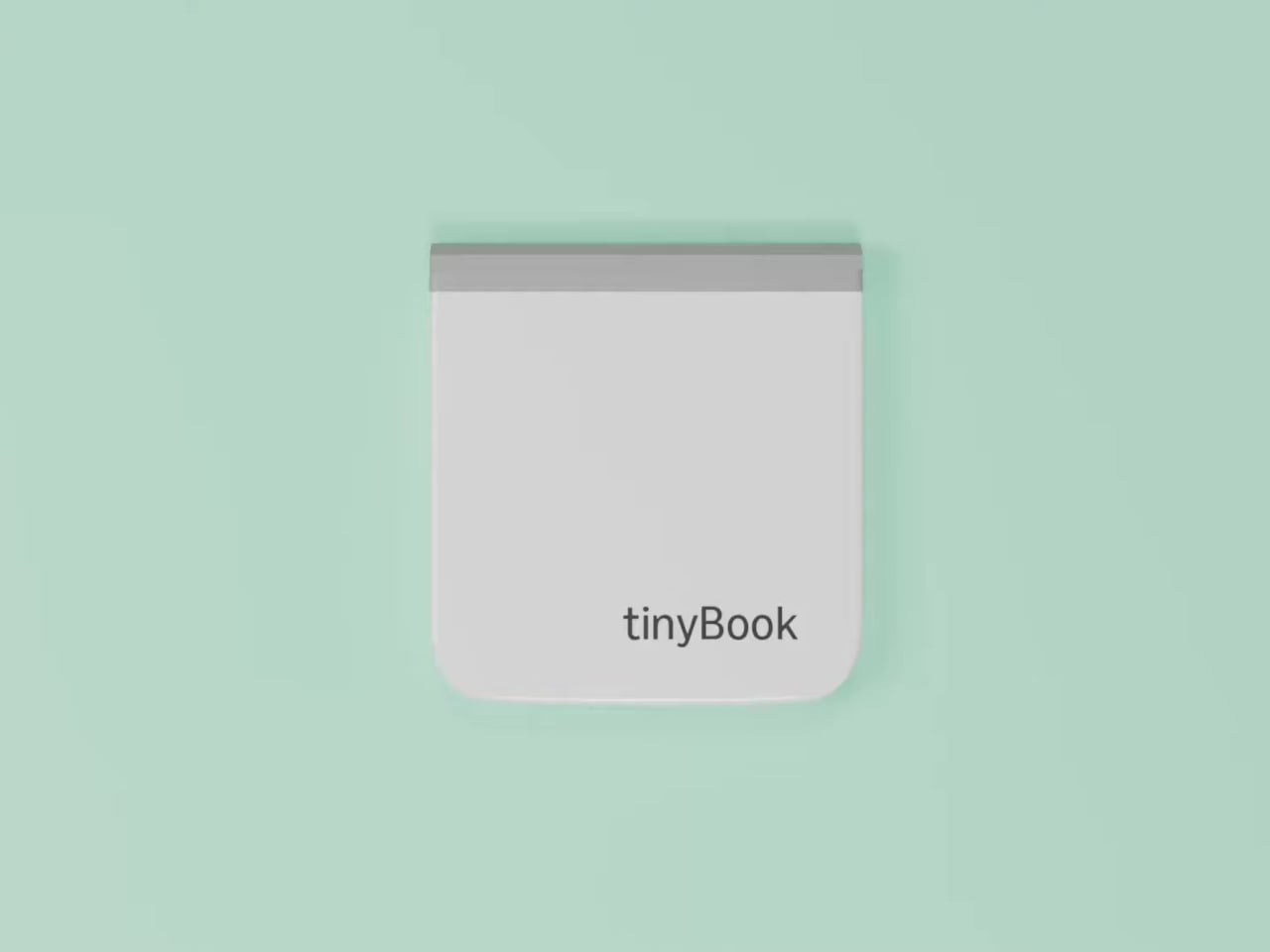
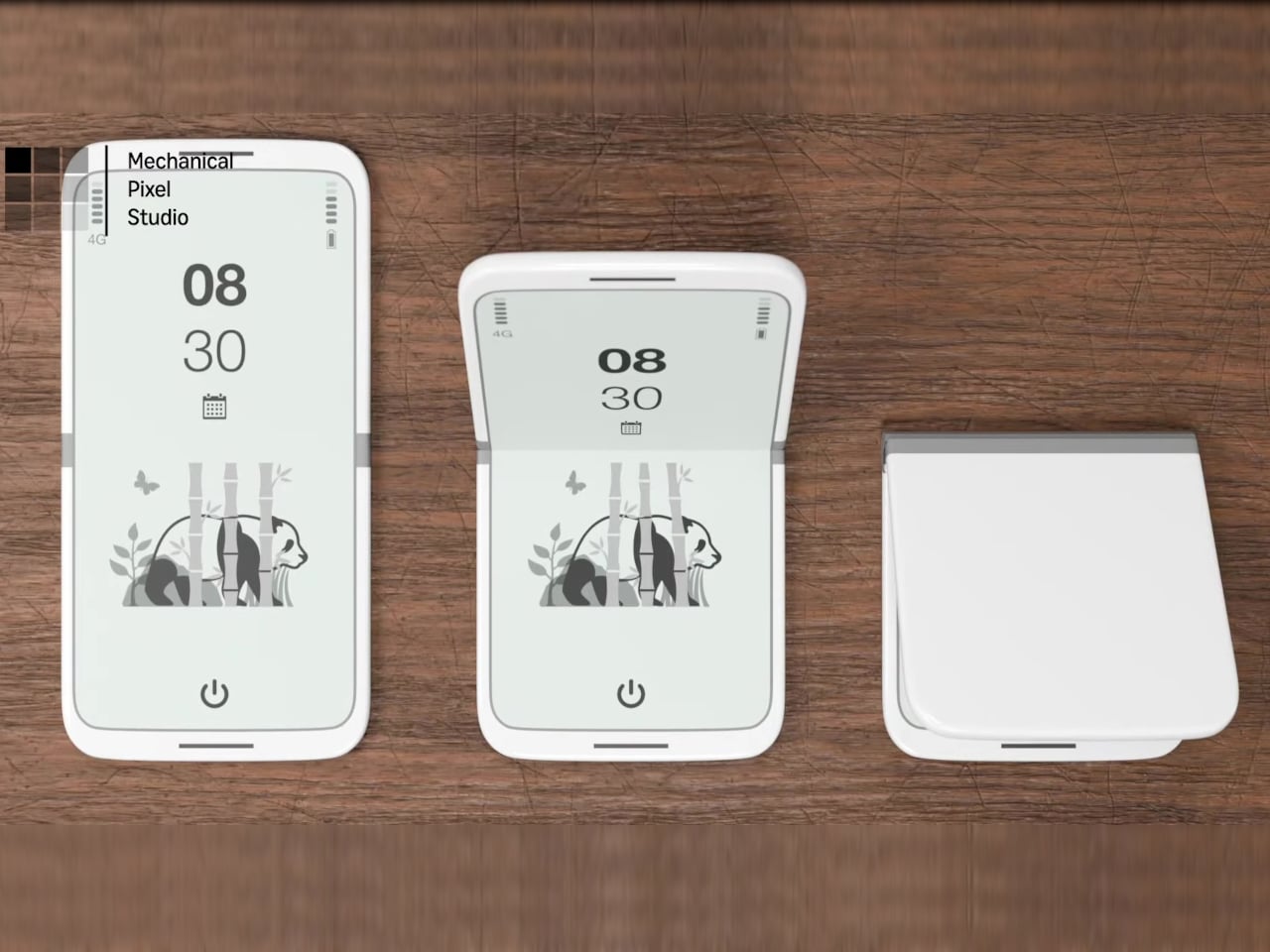
The tinyBook Flip is a vertical foldable phone concept built around a 6.1-inch E Ink display. Closed, it collapses into a compact, near-square form with rounded corners and a matte white finish, something closer in proportion to a folded notecard than a smartphone. The screen disappears entirely when the device is closed shut. No glowing rectangle sitting face-up on the desk, no ambient reminder that there are things to check. Just a small, quiet object.
Designer: Pixel Dynamics
That folded form is doing more work than it might seem. Opening the phone requires a deliberate physical action, and that small added step changes the behavioral math. A reflexive grab becomes a conscious decision. The friction is minimal in absolute terms, maybe two seconds, but two seconds of resistance is often enough to interrupt the loop. The concept treats that interruption as a design feature, which puts it in genuinely different territory from most phones.
The E Ink display adds a second layer of resistance, and this one is less subtle. E ink refreshes slowly, renders in grayscale or muted colors, and handles fast-moving content poorly. Social media feeds become tedious. Short-form video becomes unwatchable. Anything built around color, motion, and rapid visual feedback stops working the way it was designed to. This is precisely the point. The screen’s limitations aren’t engineering compromises left over from an earlier era of display technology; they’re structural properties that make certain behaviors genuinely unpleasant to sustain.
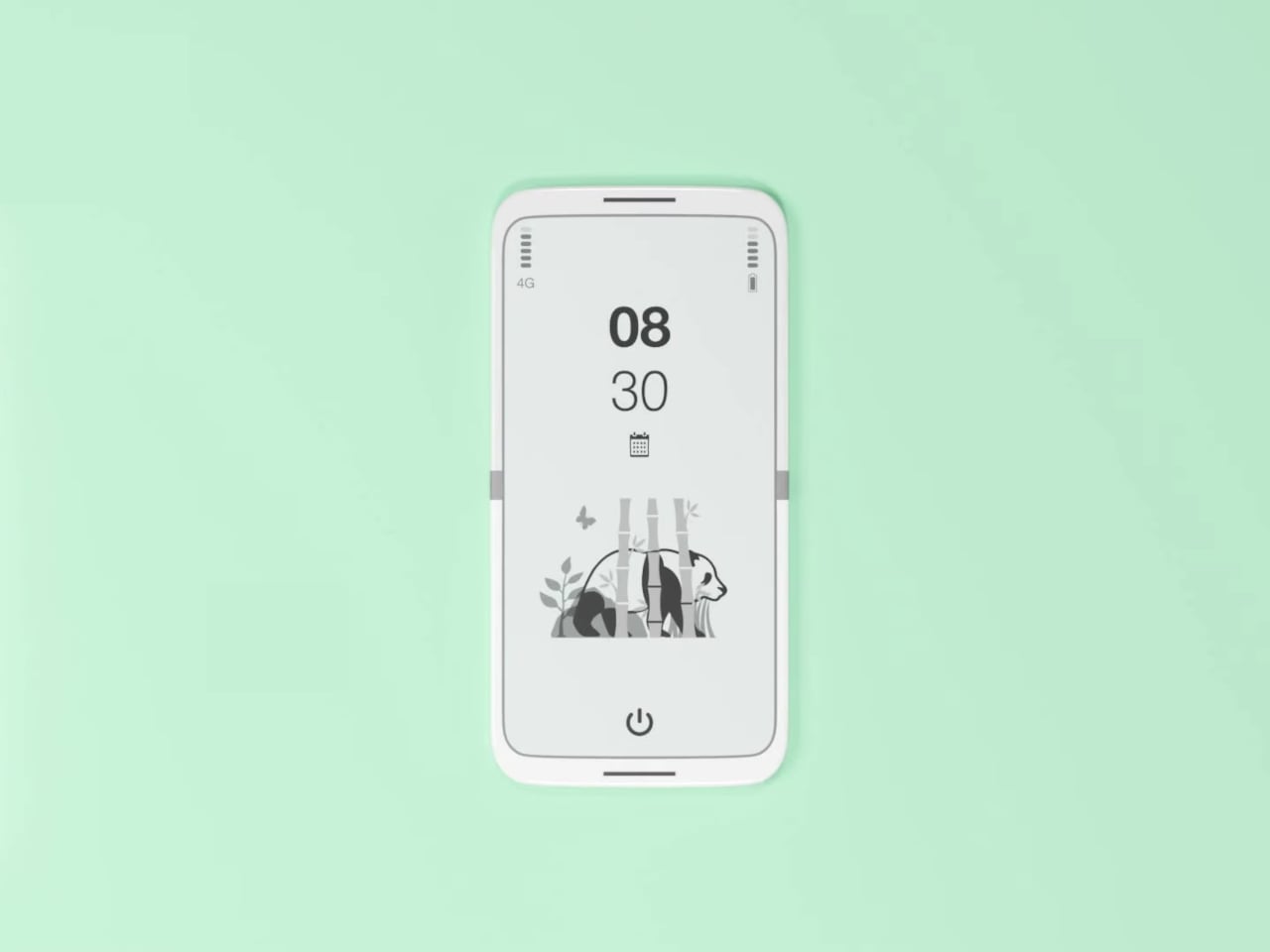
What E Ink handles well is a shorter list, but a coherent one. Text reading, messaging, calendars, and static interfaces are all comfortable at E Ink’s native pace. The renders of the tinyBook Flip show a UI built around exactly these strengths: a large clock face, a calendar widget, and a grayscale illustrated wallpaper. The interface doesn’t reach for capabilities the display can’t support. The phone isn’t trying to do everything; it’s trying to do a narrower set of things without apology.
Foldable E Ink panels aren’t a speculative technology. The hardware exists at the component level and has already appeared in experimental e-readers, though no consumer phone has shipped with one in any meaningful volume. The tinyBook Flip isn’t imagining impossible components; it’s proposing a form factor that manufacturers haven’t yet committed to producing. The distance between those two things is largely commercial, not technical.
There’s also something worth noticing about how the device reads as a physical object in social space. Closed, the tinyBook Flip looks like almost nothing. No visible screen, no status indicators, no glow. A phone that carries no visual weight when it’s not in use sends a different signal than one that’s always broadcasting its presence. Putting it down means it actually disappears from the environment, not just from your hand.
That said, the concept leaves some real friction points unaddressed, and not the intentional kind. E Ink handles camera use, live navigation, video calls, and authentication apps poorly. A foldable hinge adds mechanical complexity and thickness that clean renders tend to obscure. The tinyBook Flip looks resolved in this form, but a production version would have to make tradeoffs that these images don’t show and the concept doesn’t acknowledge.
Still, the more interesting question isn’t whether this specific device could ship. It’s whether a phone that makes itself harder to misuse is a reasonable design goal at all, or whether that’s just a way of describing a phone that most people wouldn’t actually want. The tinyBook Flip lands firmly on one side of that question. Whether the market agrees is a different problem entirely.
Most smartphones are designed for speed, color, and endless scrolling, but that comes at the cost of tired eyes and constant battery anxiety throughout the day. For readers, students, and professionals who want a calmer, more focused mobile experience without the glare and endless distractions of conventional screens, the usual smartphone just isn’t built for the job or designed with their specific needs in mind at all.
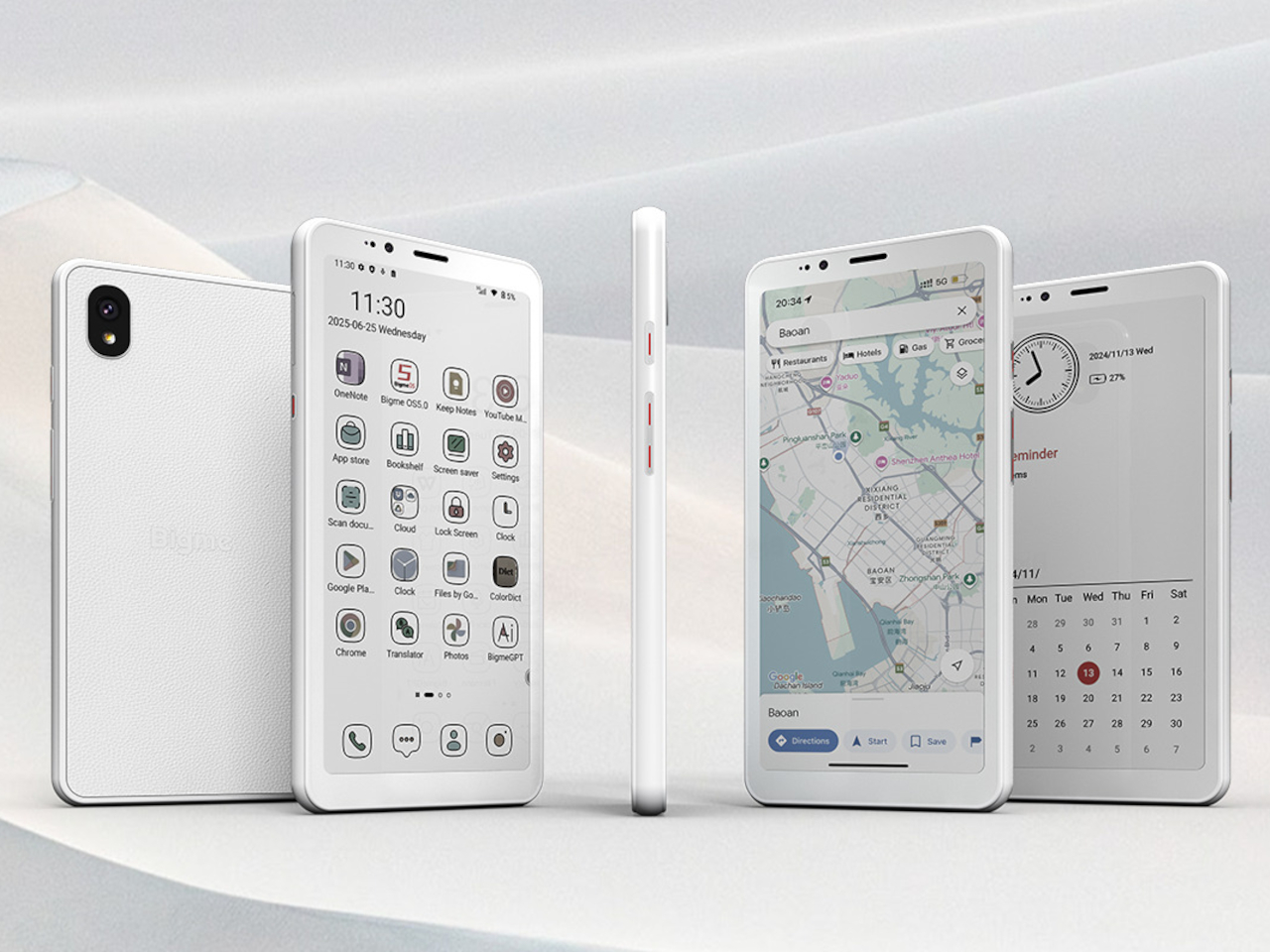
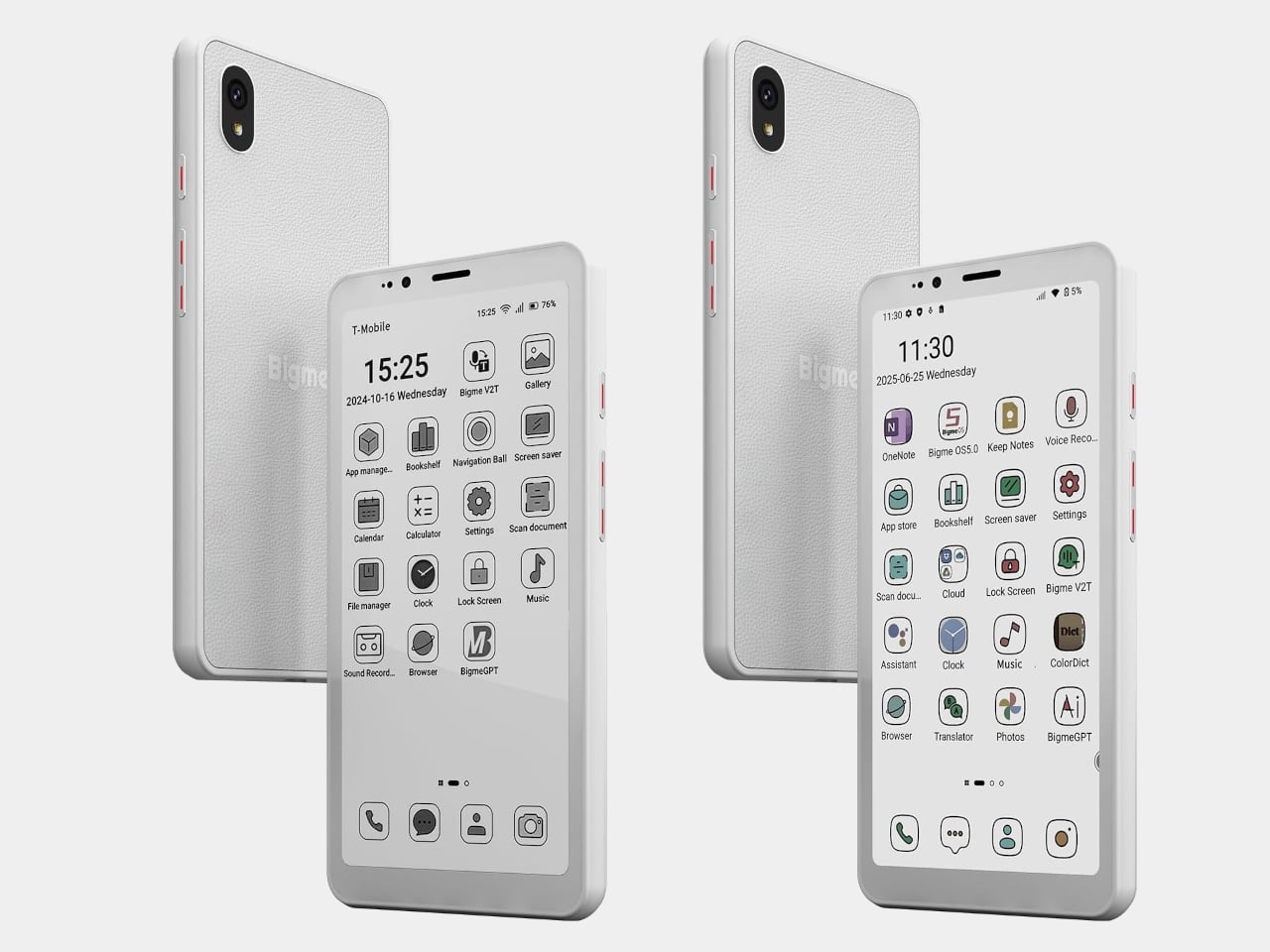
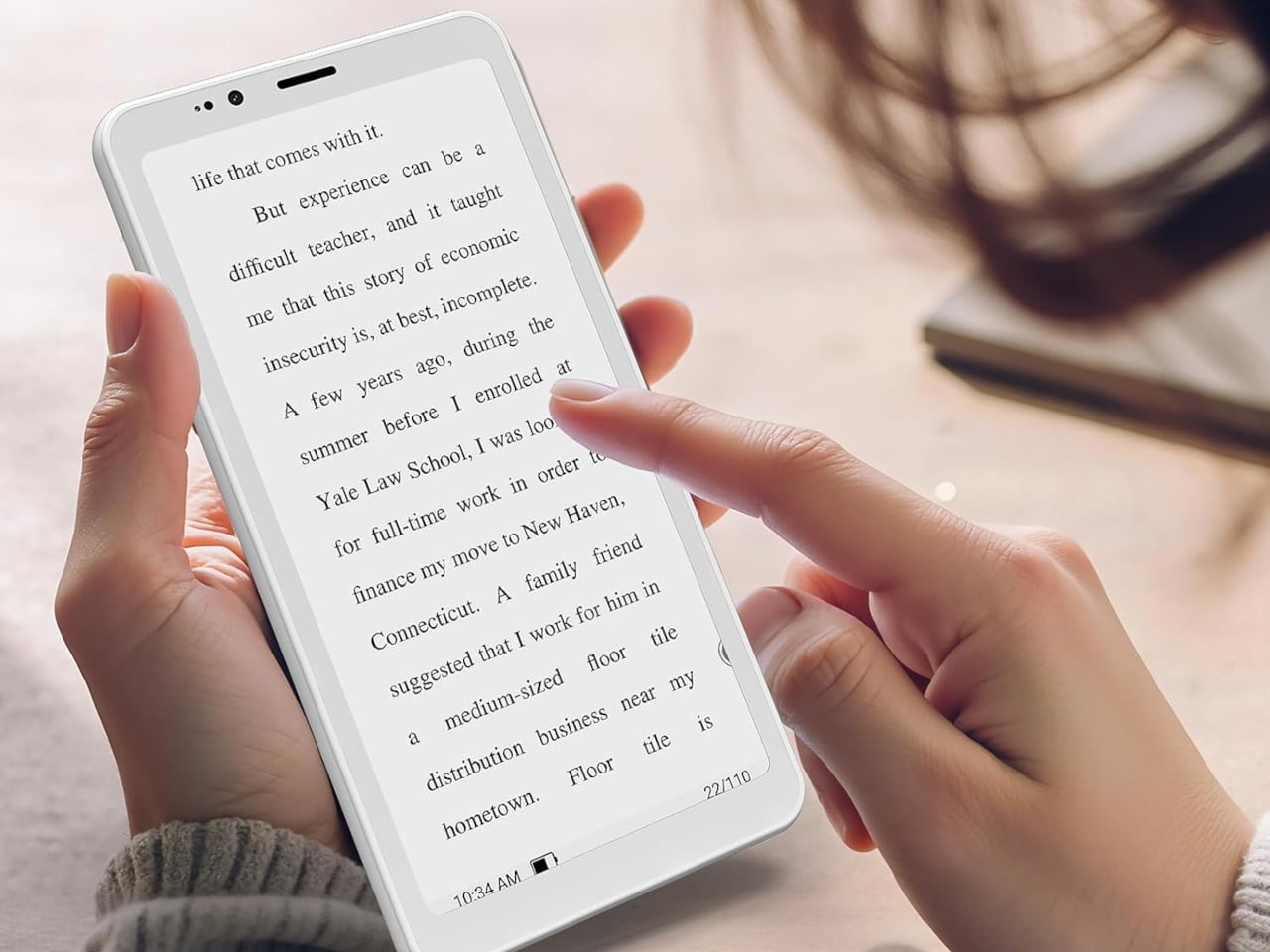
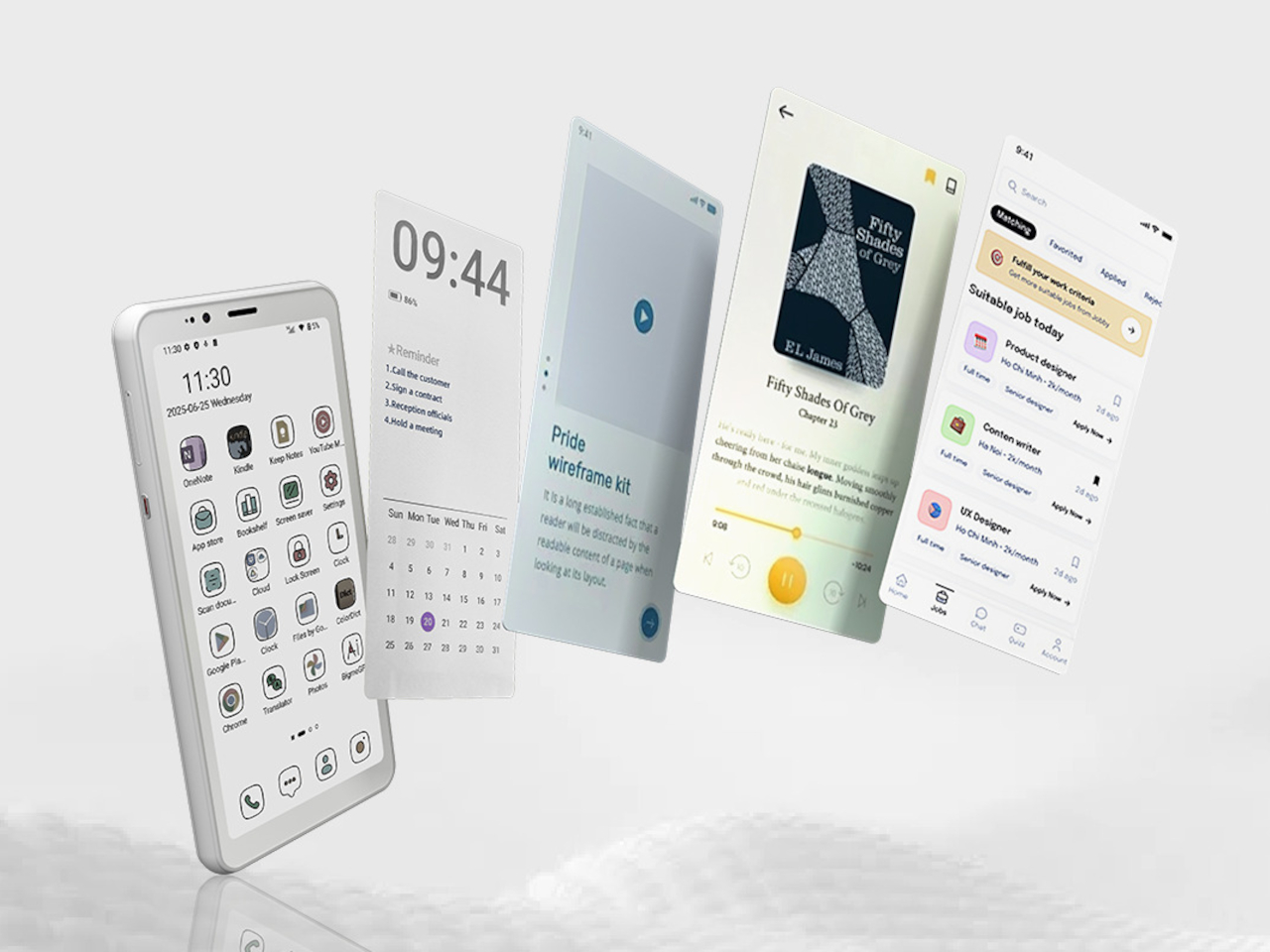
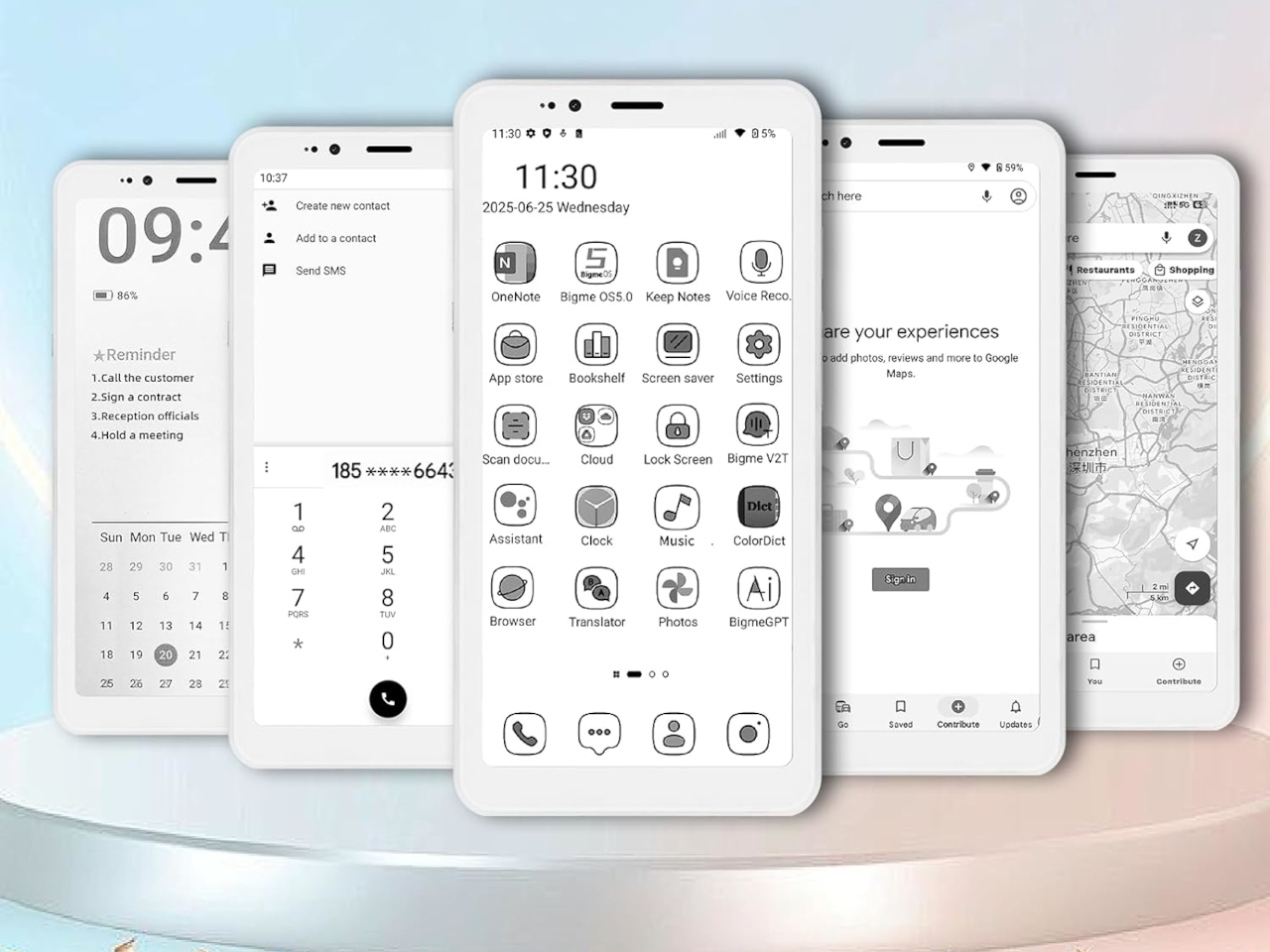
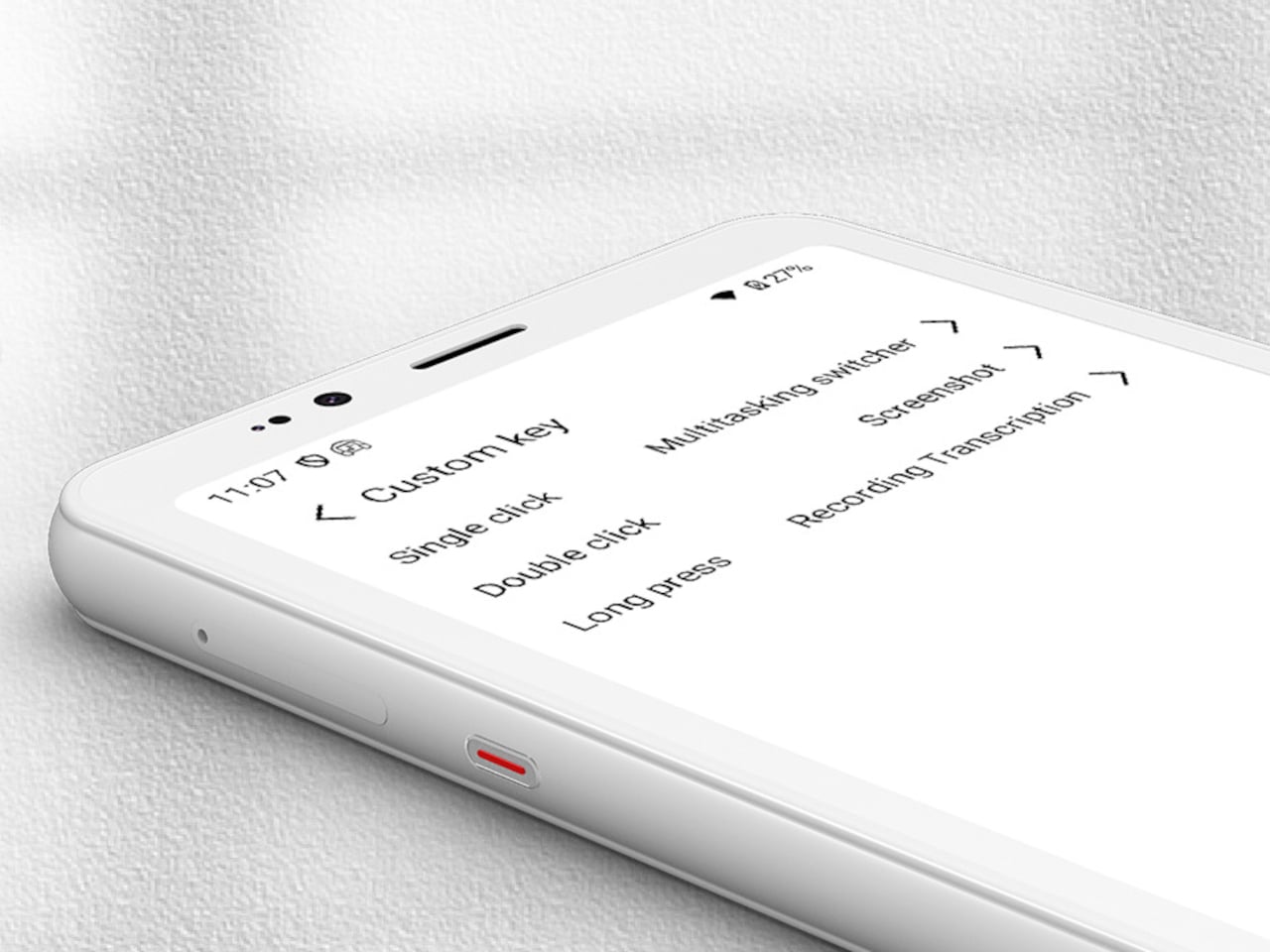
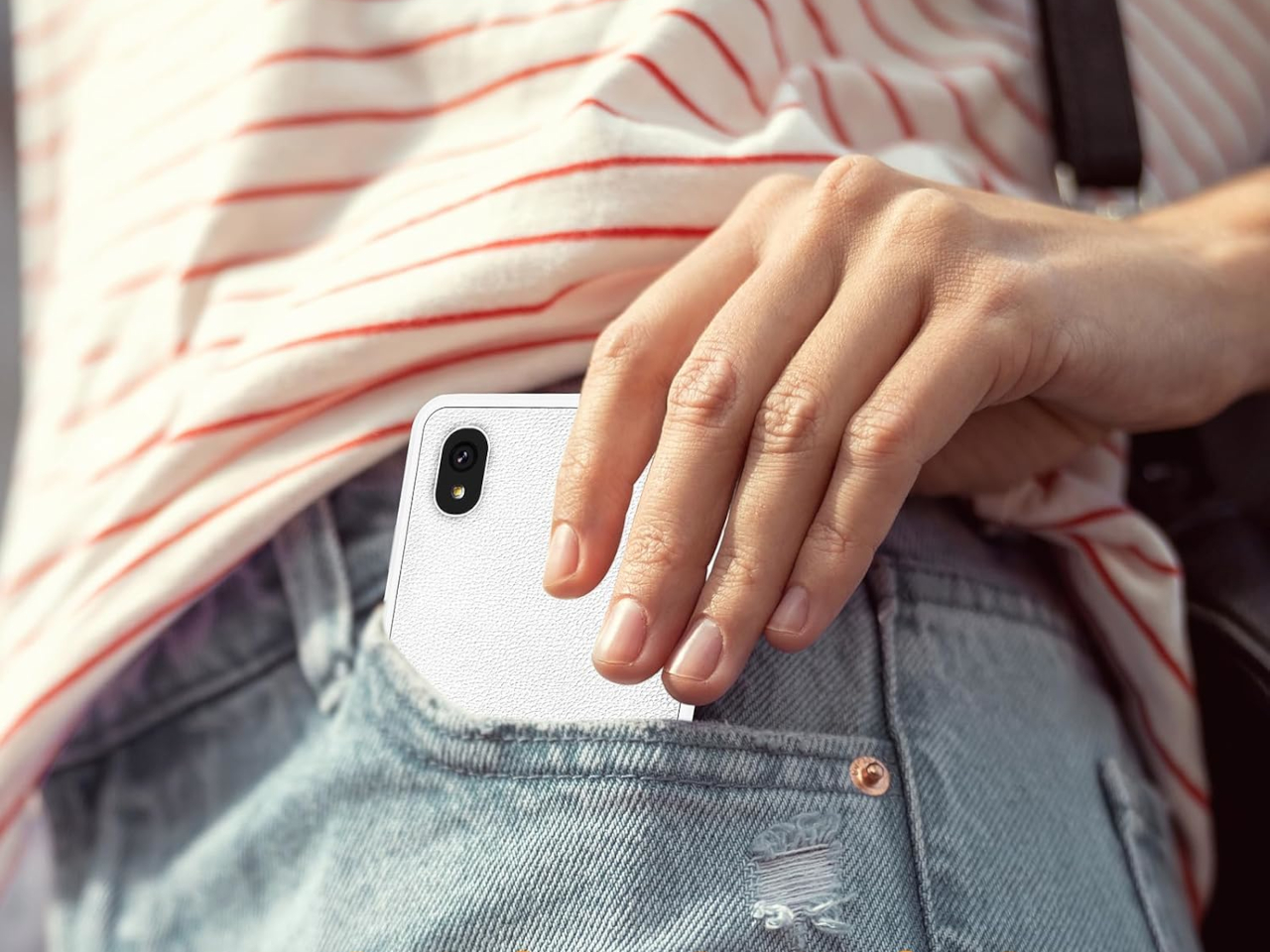
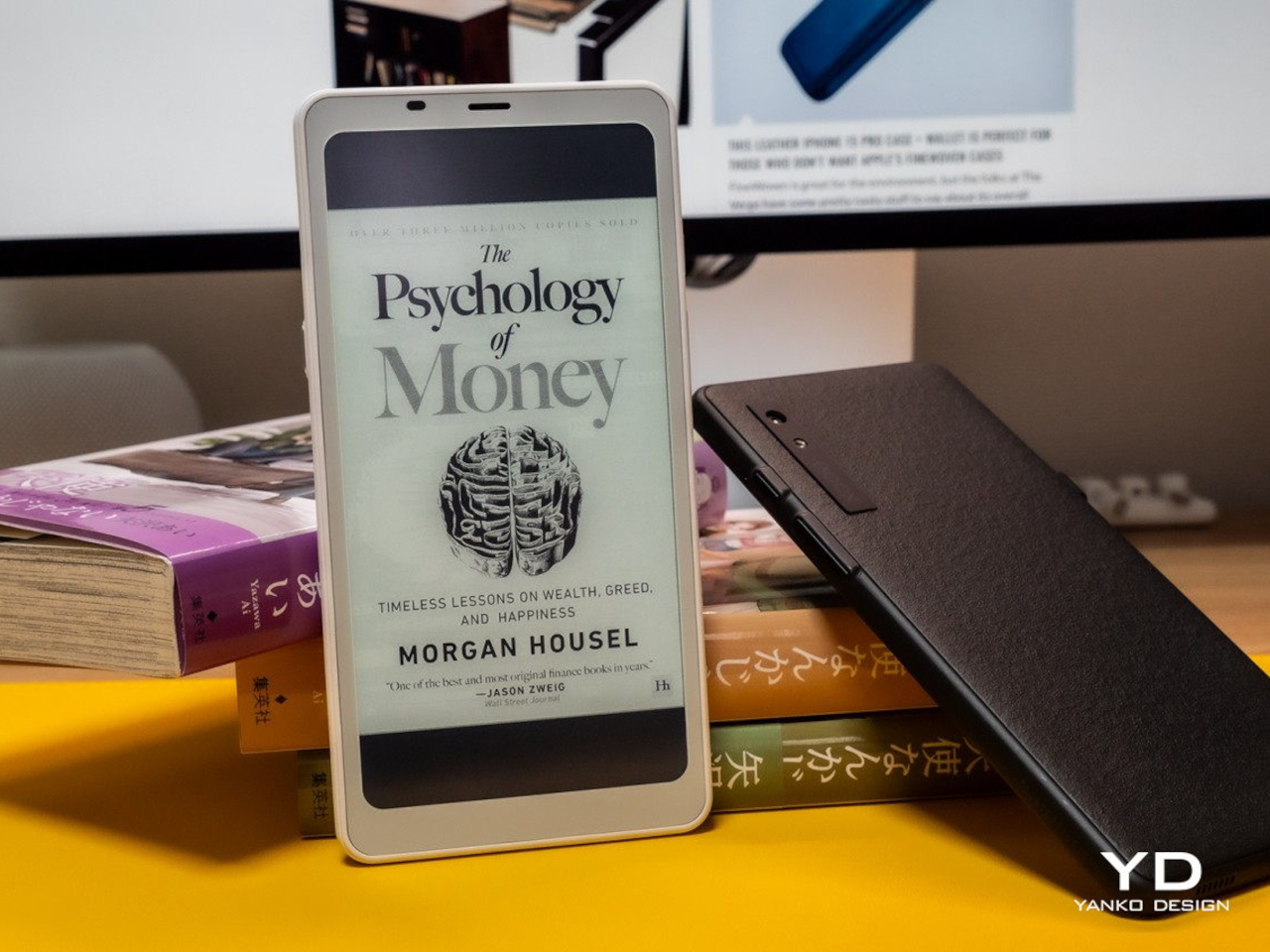
The Bigme HiBreak S offers a different approach, swapping out the harsh glare of LCD screens for a 5.84-inch E Ink display and pairing it with a premium leather-textured back cover for a comfortable grip during extended use. It’s a phone that prioritizes eye comfort and clarity over flashy features and multimedia capabilities, built specifically for long reading sessions, document work, and extended days without needing a charger nearby.
The HiBreak S stands out with its understated, leather-textured back cover and slim 8.6-millimeter profile that slips easily into pockets and bags. The E Ink screen, available in both black-and-white at 276 PPI and color at 92 PPI, delivers a paper-like reading experience with 36-level adjustable front lighting for comfortable use in any environment, from bright sunlight to dark rooms.
Whether you’re reading ebooks during commutes, reviewing documents for work, or checking messages throughout the day, the display reduces eye strain significantly compared to traditional screens. The E Ink technology sips power rather than gulping it, making the HiBreak S ideal for marathon study sessions, workdays, or travel where charging opportunities are limited and every percentage point of battery matters.
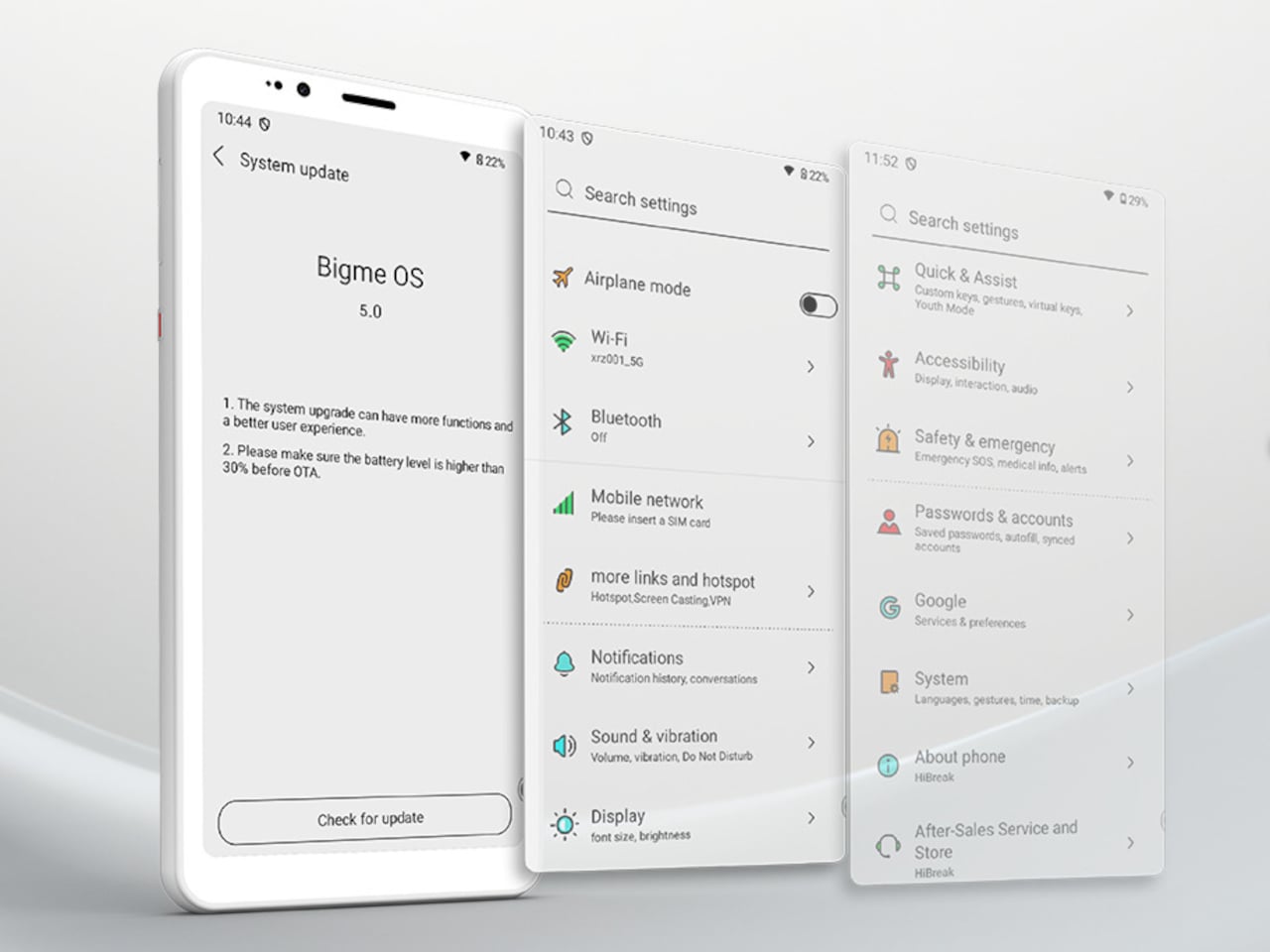
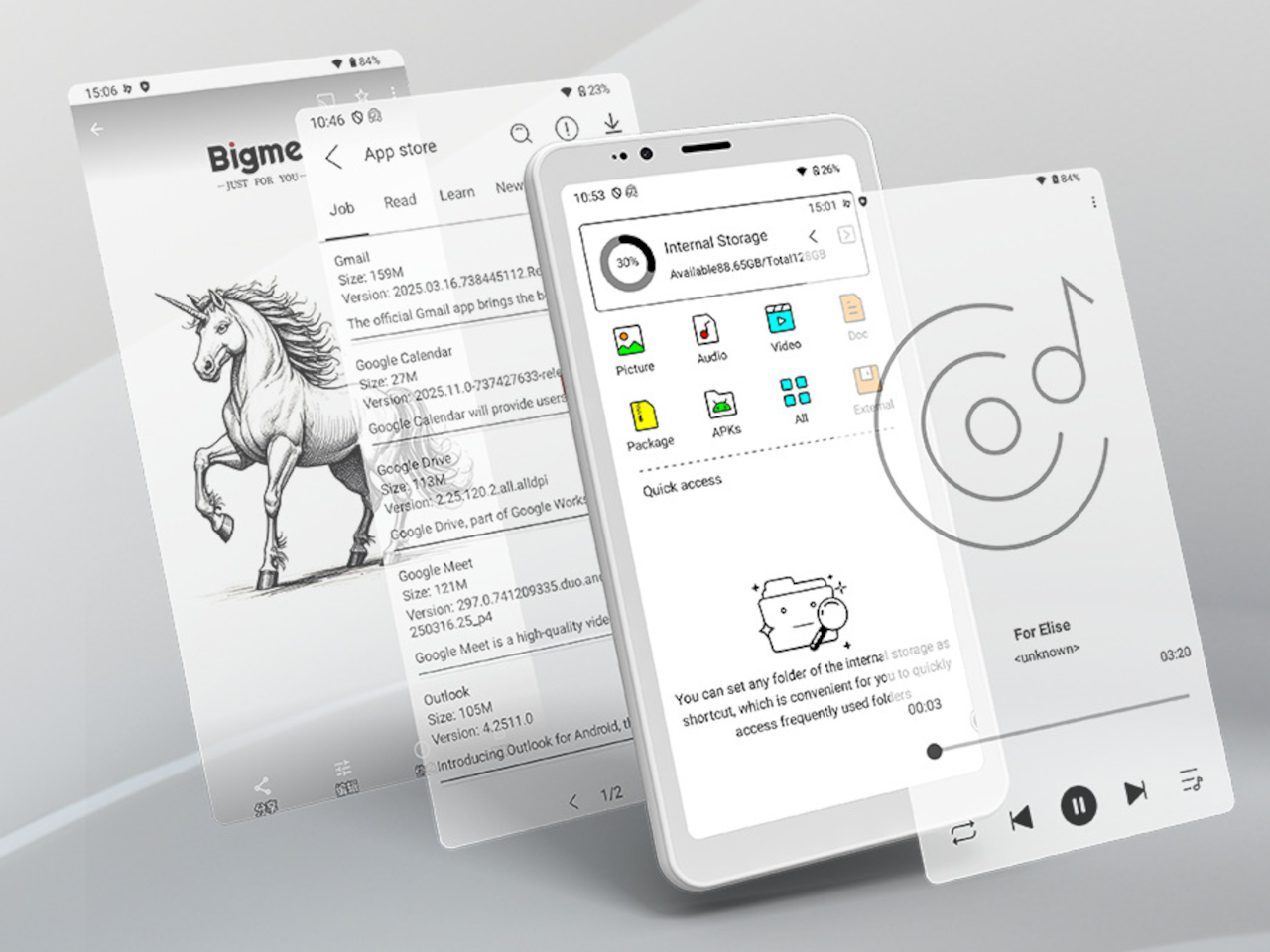
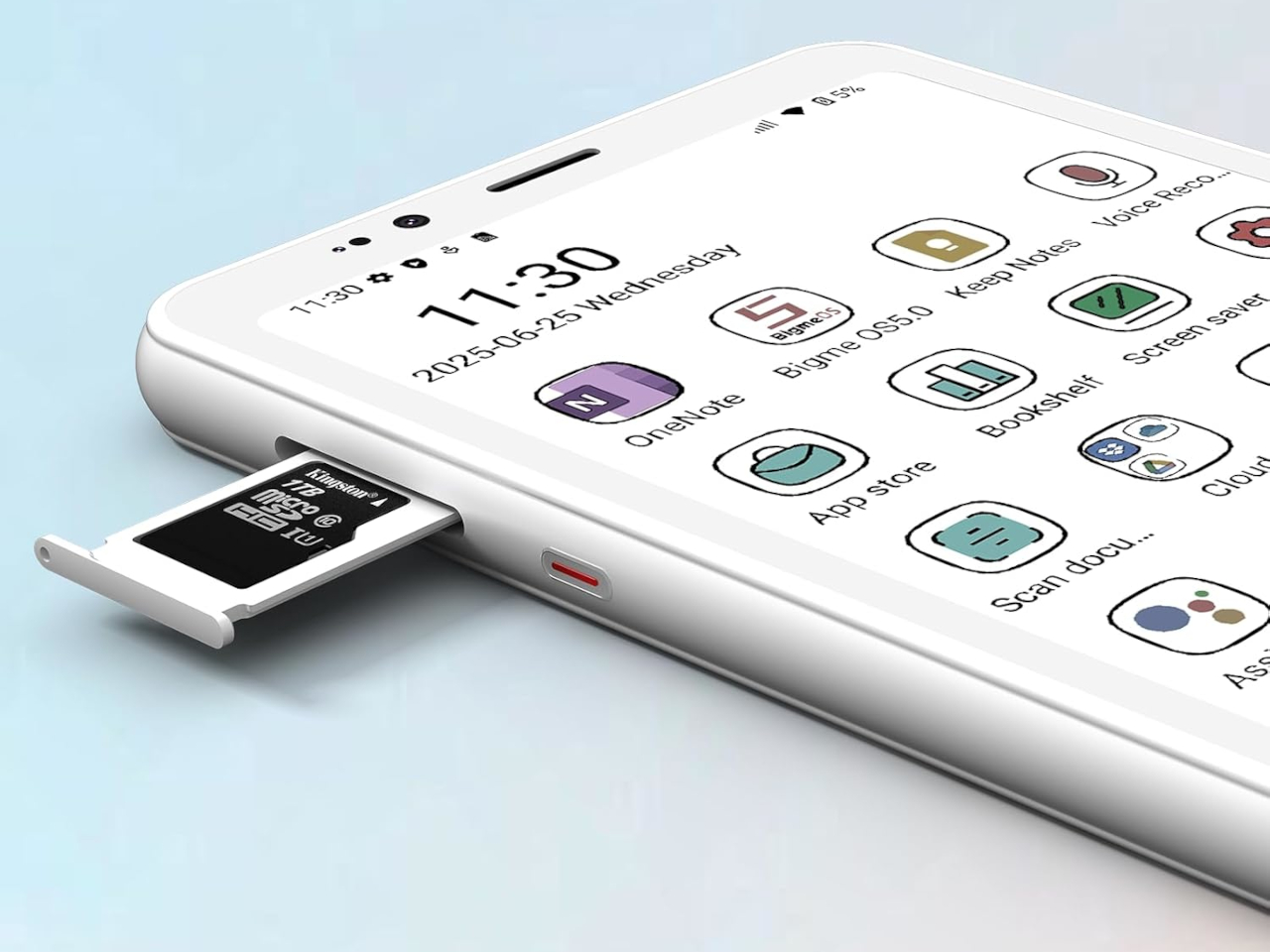
Under the hood, the HiBreak S runs Android 14 on an octa-core processor, with 6GB RAM and 128GB storage expandable up to 1TB via microSD card for extensive libraries. The 3300mAh battery and ultra-low-power E Ink screen mean you can go days between charges, even with heavy reading, scanning, or moderate calling throughout your normal routine.
Full 4G LTE support ensures reliable calls and data connectivity worldwide across a wide range of frequency bands, while dual-band Wi-Fi and Bluetooth 5.0 keep you connected to headphones, speakers, and other devices. The phone handles essential communication and productivity tasks smoothly, though it’s not designed for intensive gaming or video streaming like conventional smartphones with backlit displays.
The HiBreak S goes beyond reading with its dual cameras optimized for real-world productivity and everyday document management. The 13MP rear and 5MP front cameras excel at document scanning, with built-in OCR technology converting paper notes, contracts, and handouts into searchable digital files in seconds. For students, researchers, and anyone juggling paperwork daily, this feature streamlines organization dramatically and reduces tedious manual typing.
Bigme’s xRapid refresh technology and xClear ghosting elimination make the E Ink display surprisingly responsive for an e-paper screen, supporting up to 24 frames per second for scrolling and page turning without significant lag. Multiple preset modes let you tune the experience for reading, browsing, or watching clips, making the HiBreak S more versatile than traditional E Ink devices that feel sluggish and unresponsive.
The Bigme HiBreak S delivers eye comfort, exceptional battery life, and practical simplicity for anyone tired of eye strain and battery drain from conventional smartphones with backlit displays. For those who value reading, document scanning, and distraction-free communication over gaming and multimedia consumption, it offers a refreshing alternative that prioritizes visual comfort and productivity without sacrificing the essential features you need from a modern smartphone.
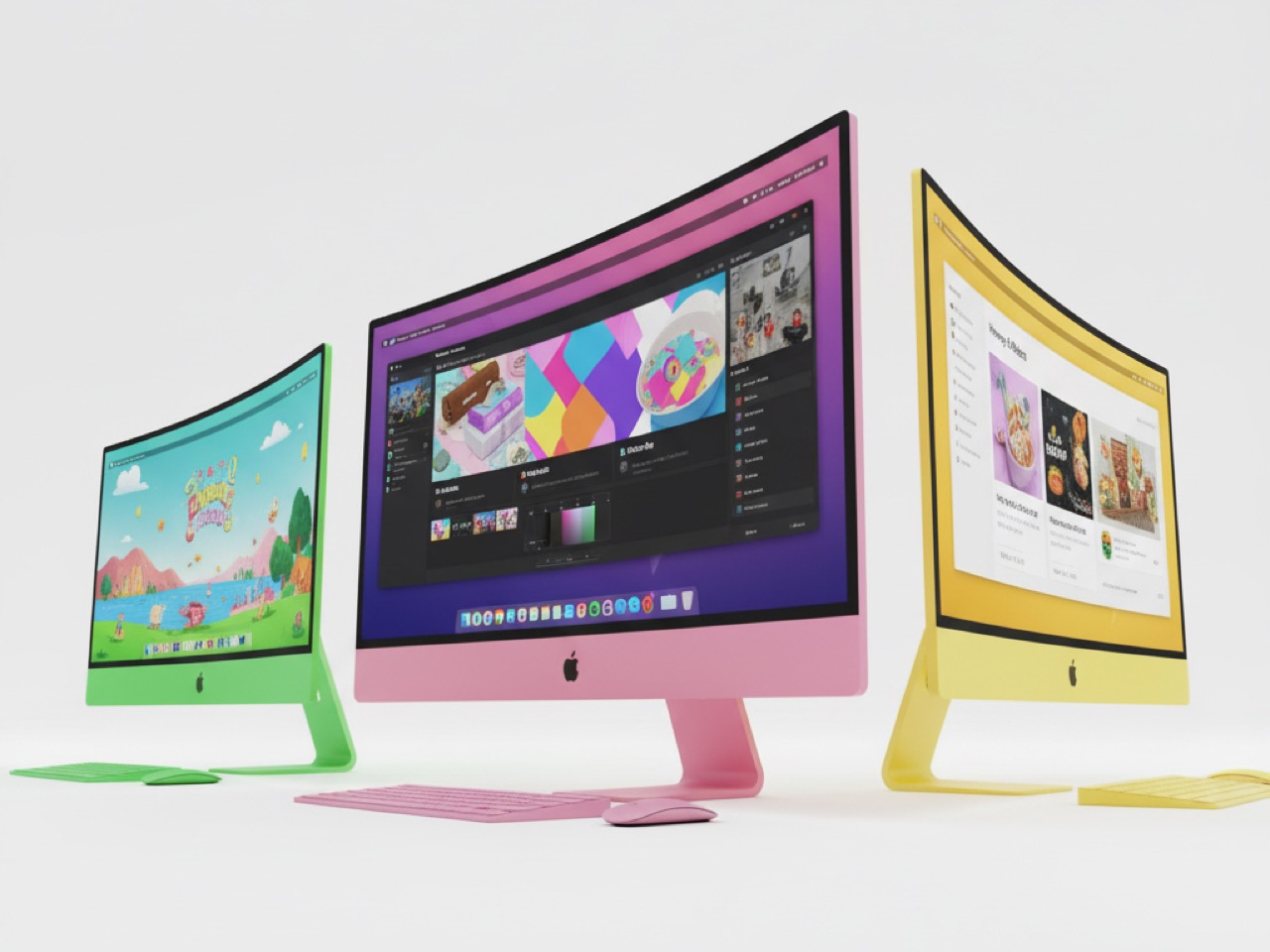
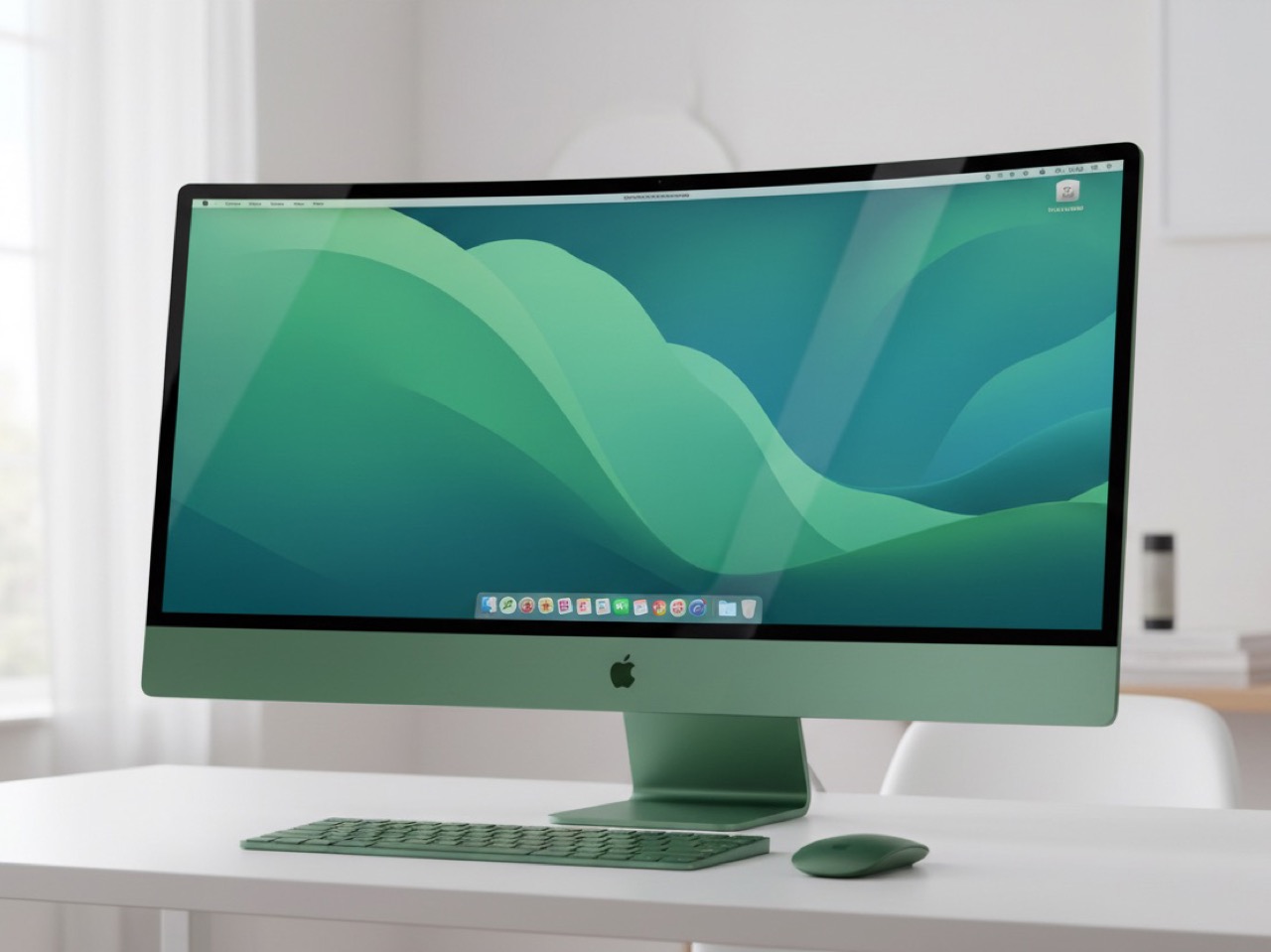
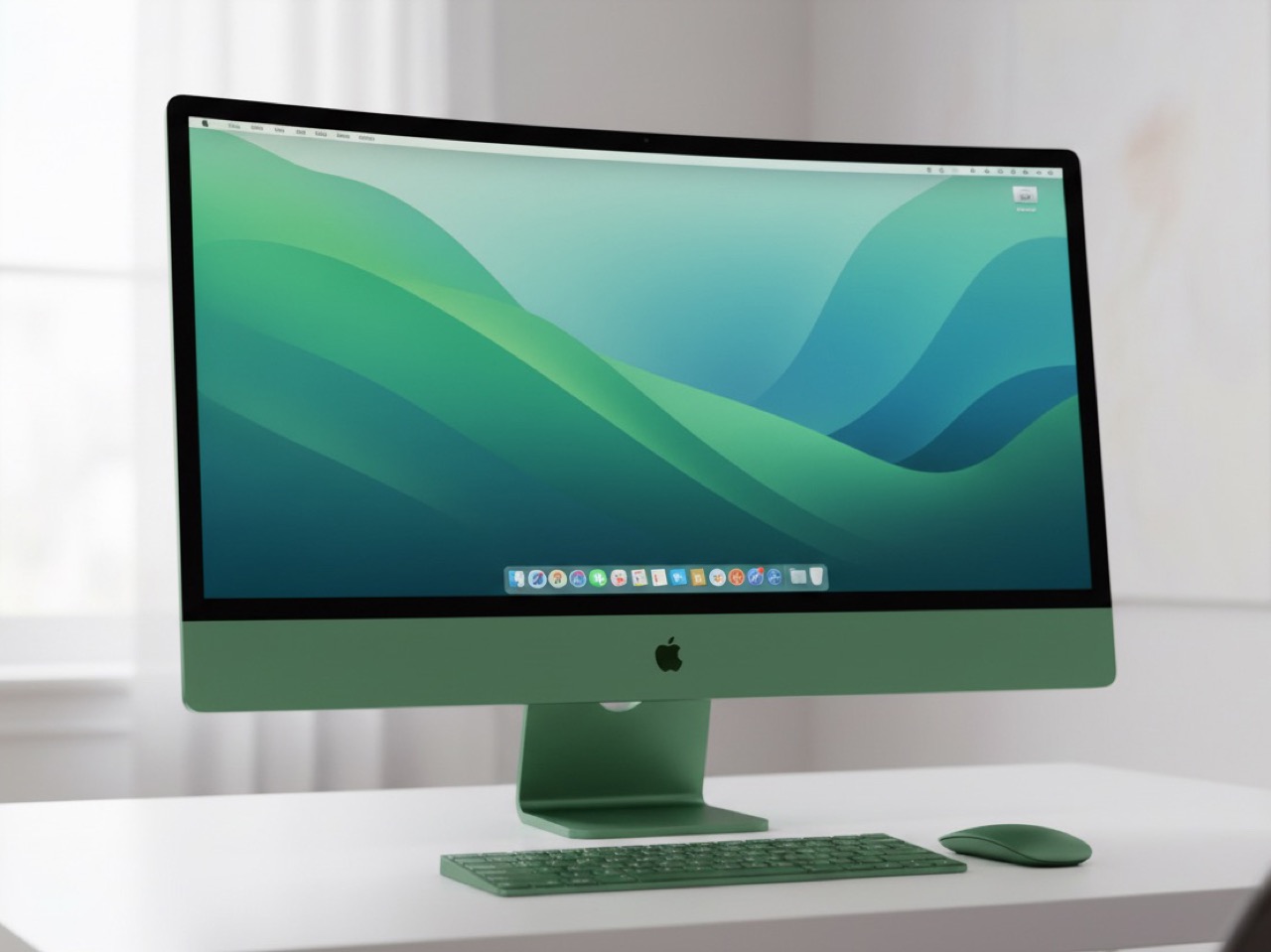
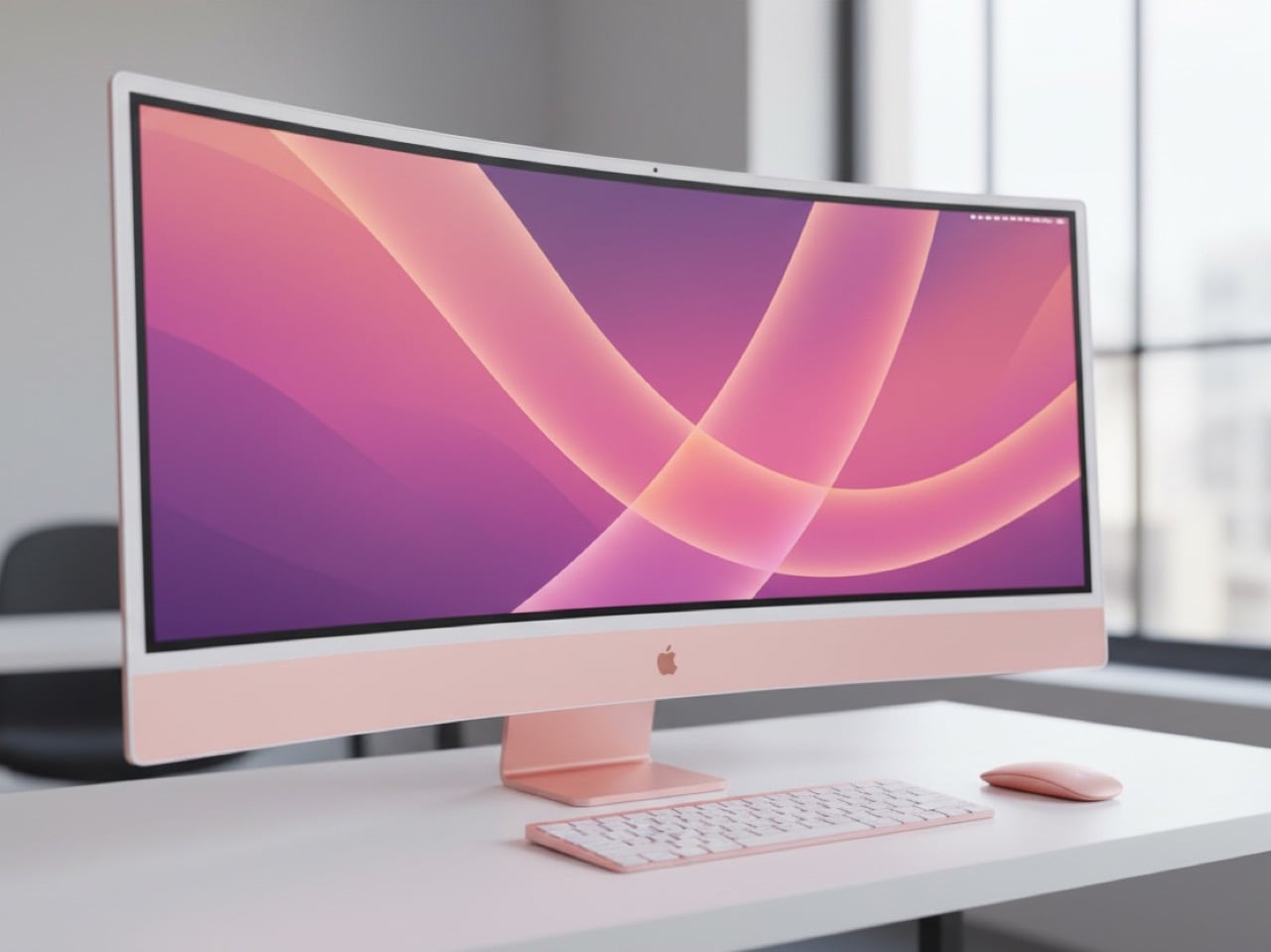
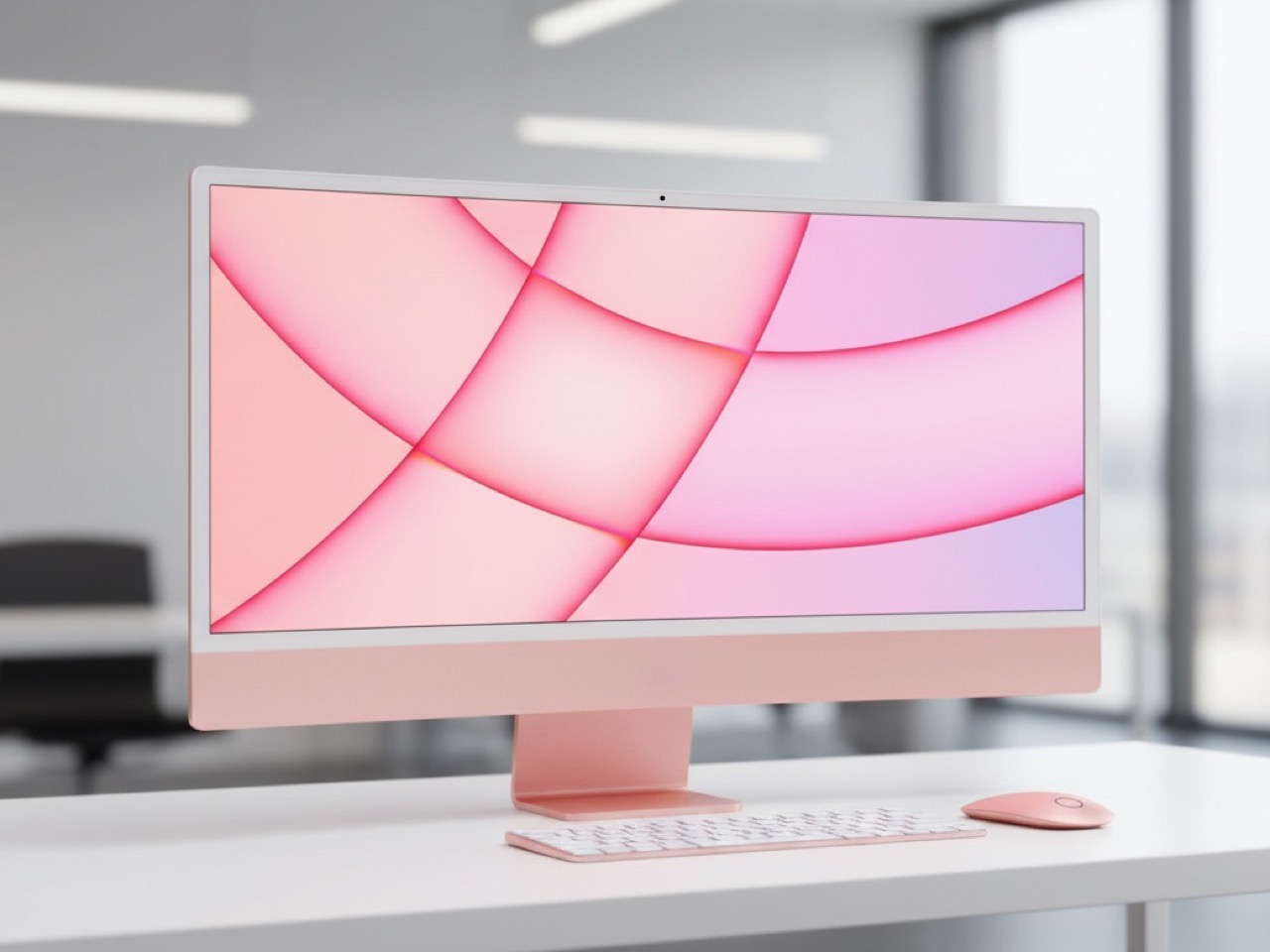
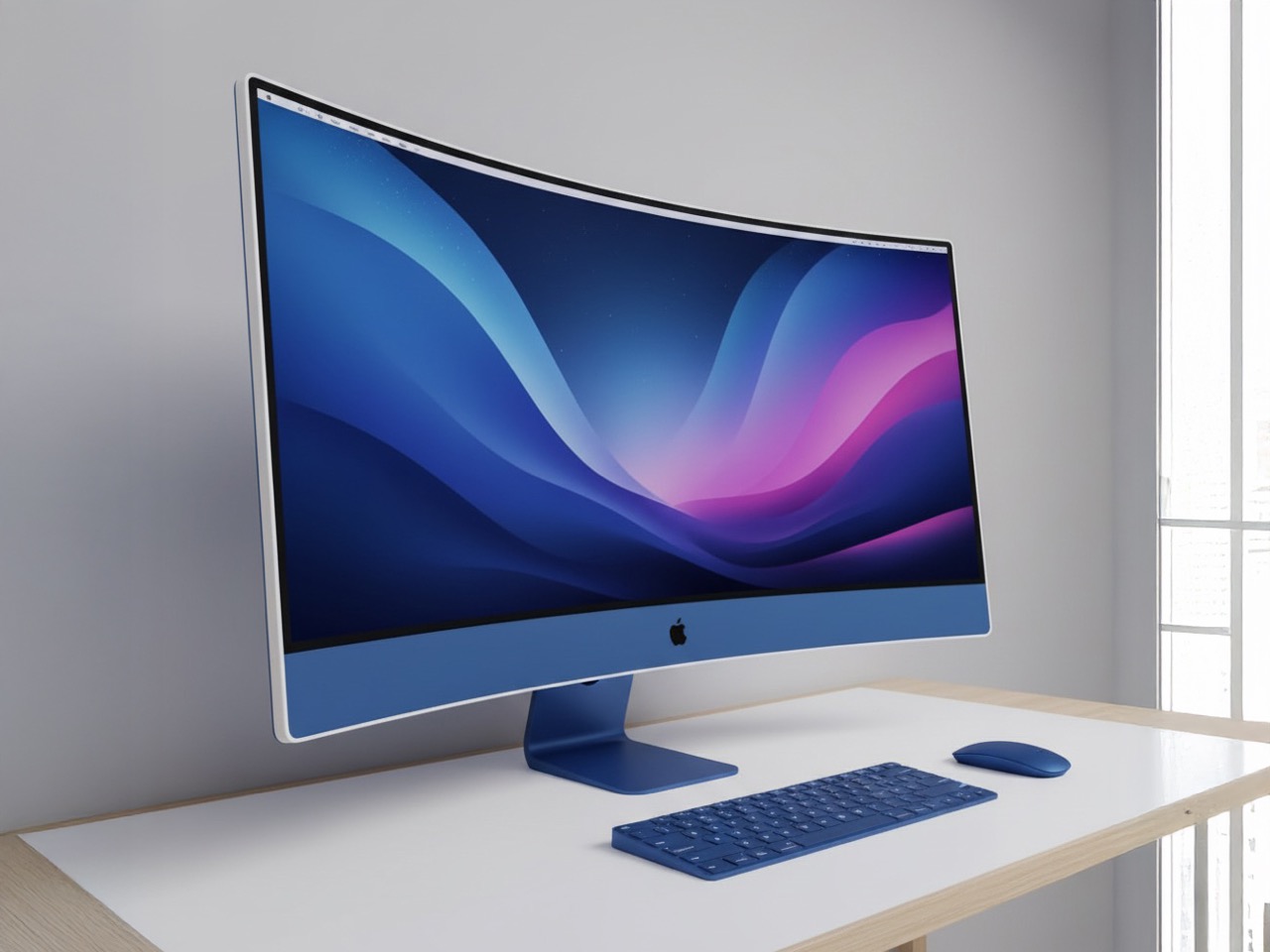
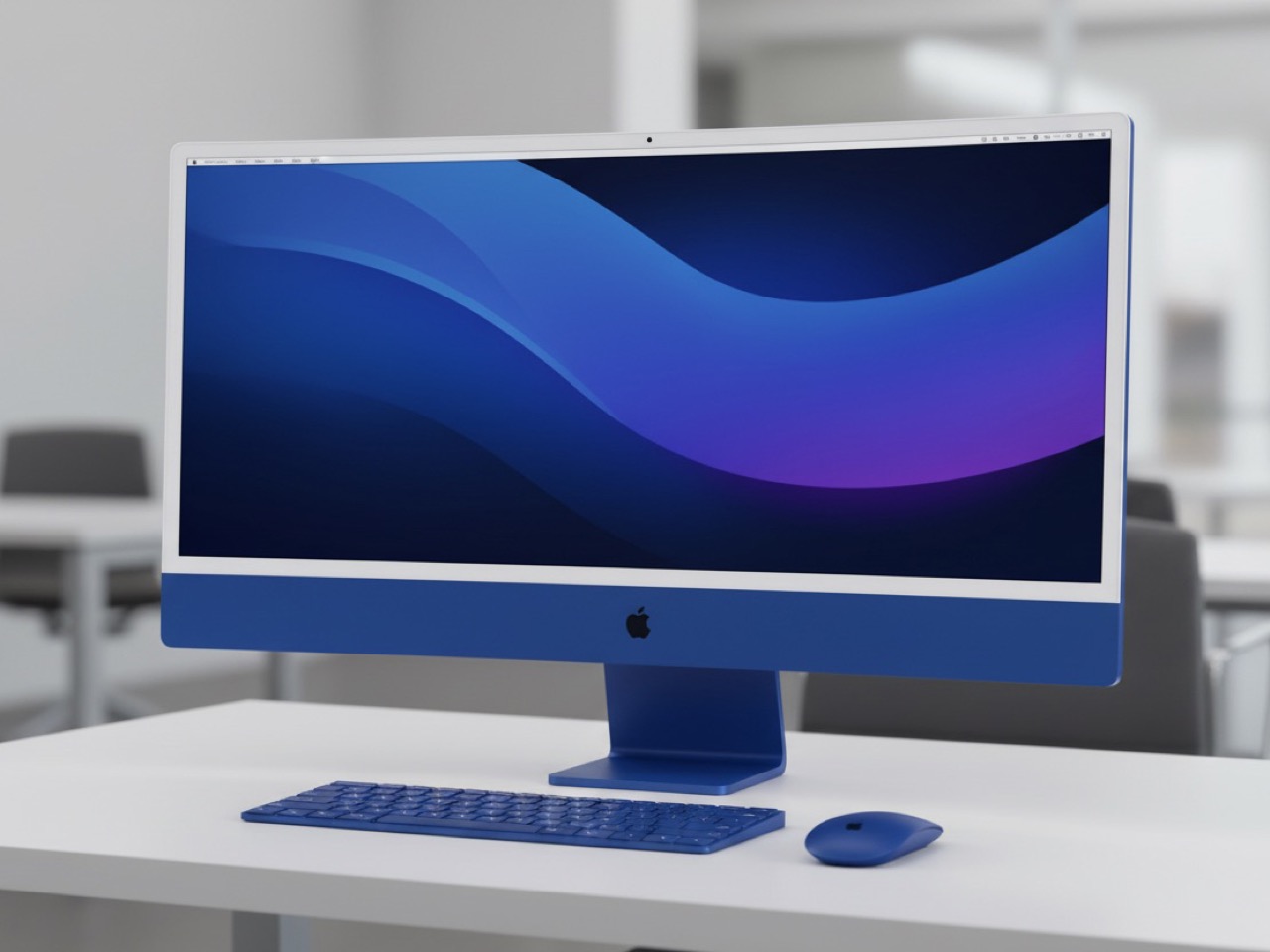
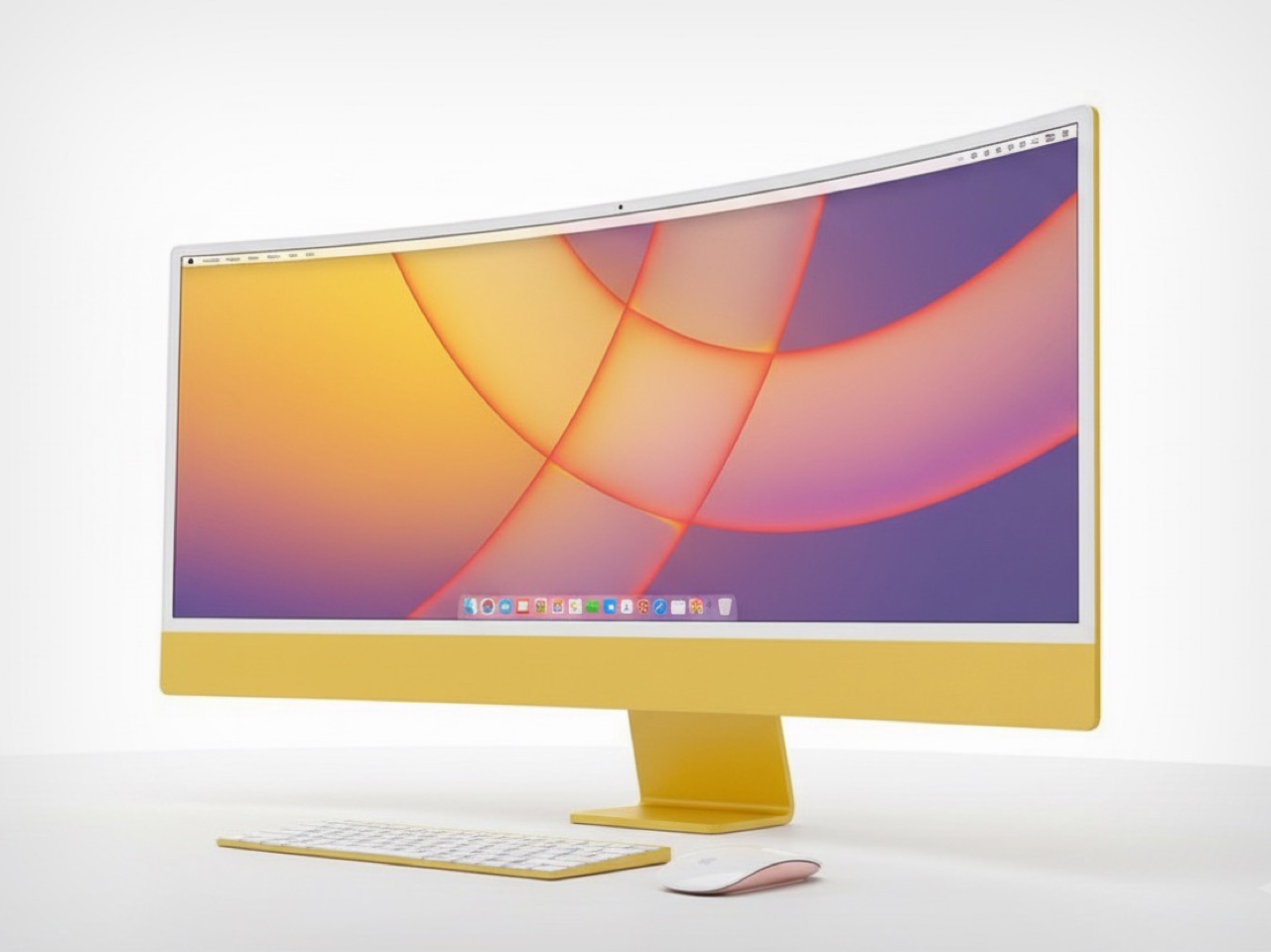
Apple will gladly sell you a $3,500 headset that wraps curved virtual displays around your entire field of view, but the company has never once shipped a physical curved display. Not on the iMac. Not on the Studio Display. Not even a subtle waterfall edge on the iPhone. This isn’t an oversight or technical limitation, it’s ideology made manifest in aluminum and glass.
While competitors like Samsung have built entire marketing campaigns around dramatic curved edges and Dell has carved out profitable niches with wraparound gaming monitors, Apple has spent decades systematically avoiding curves with the dedication of a geometry teacher. The result reveals something fascinating about how the world’s most valuable technology company thinks about design, professional workflows, and the fundamental nature of what a display should be.
Image Credits: Sarang Sheth
The Philosophy Behind the Flat
Jony Ive’s design philosophy wasn’t just about minimalism, it was about what he called “truth to materials.” Every curve had to justify its existence through function rather than form. In his worldview, inherited from design mentor Dieter Rams, displays served a singular purpose: presenting information with maximum clarity and minimum distraction. Curves introduced visual complexity that violated this core principle.
This wasn’t mere aesthetic preference but philosophical conviction. When Ive described transforming the iPad Pro from curved to flat edges, he emphasized how engineering advances allowed them to achieve “a very simple straightforward edge detail.” The language reveals everything: simplicity and straightforwardness were virtues, while curves represented unnecessary complexity. For Ive, flat displays weren’t just better designed, they were more honest about their purpose.
When Curves Meant Compromise
Physical curved displays present real-world problems that Apple’s engineering obsessives couldn’t stomach. Curved monitors suffer from geometric distortion near the edges, making straight lines appear bent, a nightmare for professionals working on architectural drawings or precise graphic design. Color accuracy varies across the curved surface as viewing angles change, violating Apple’s commitment to professional-grade color reproduction.
Manufacturing curved panels also means lower yields and higher costs, factors that conflict with Apple’s desire for predictable production economics. More importantly, curved displays complicate internal component layout, thermal management, and the kind of seamless integration that Apple prizes above flashy visual effects. Every curved panel represents engineering compromises that Apple’s teams historically refused to accept.
The Professional Workflow Justification
Apple positioned their displays squarely in professional creative markets where accuracy trumped immersion. Video editors, photographers, and graphic designers need displays that present images exactly as they’ll appear in final output. Even subtle curvature can introduce distortion that makes precision work difficult, particularly when multiple team members need to view the same screen from different angles.
This professional focus also explained Apple’s resistance to gaming-oriented features like high refresh rates until recently. Curved displays were marketed primarily for gaming and entertainment, markets where immersion mattered more than geometric precision. Apple’s customer base of creative professionals had different priorities, and the company built its display strategy around serving those specific needs rather than chasing broader consumer trends.
Virtual Reality Changes Everything
The Vision Pro’s enthusiastic embrace of curved virtual displays exposes the fundamental contradiction in Apple’s anti-curve stance. The latest visionOS update explicitly promotes wraparound displays that “curve around your periphery,” creating immersive experiences that physical displays simply cannot match. Apple actively markets these curved virtual screens as superior to traditional flat displays.
Virtual curvature solves every problem Apple cited with physical curved displays. Software can eliminate geometric distortion through pixel-perfect rendering. Color accuracy remains consistent because the underlying pixels are physically flat. Manufacturing yields become irrelevant because curves exist only in code. Most importantly, users can switch between curved and flat presentations depending on their task, providing the flexibility that rigid physical displays cannot offer.
Ive’s Geometric Obsession
Understanding Apple’s curved display aversion requires understanding Ive’s broader design philosophy, which extended far beyond hardware into software. His push for flat design in iOS 7 represented the same geometric principles applied to digital interfaces. He described the aesthetic as “profound and enduring beauty in simplicity,” explicitly rejecting decorative elements that didn’t serve essential functions.
This geometric obsession influenced every Apple product during Ive’s tenure. The iPhone’s evolution toward increasingly flat surfaces, the MacBook’s elimination of curves wherever possible, and even architectural elements in Apple Stores all reflected this commitment to geometric purity. Curves were acceptable only when they served clear functional purposes, never as decorative flourishes or visual drama.
The Industry’s Curved Rebellion
While Apple maintained its flat display orthodoxy, competitors found success with curved screens across multiple product categories. Samsung’s Galaxy Edge phones created differentiation through dramatic curved edges. Gaming monitor manufacturers like ASUS and MSI built enthusiastic followings with ultrawide curved displays. Even premium TV makers embraced subtle curves to enhance viewing experiences.
The curved display market grew substantially without Apple’s participation, suggesting that consumer demand existed for these products. Professional users began adopting curved ultrawide monitors for tasks like video editing and financial trading, undermining Apple’s argument that curves were incompatible with serious work. The company watched potential revenue streams flow to competitors while maintaining its geometric principles.
What Apple’s Missing (and Why They Don’t Care)
Apple’s curved display absence has cost the company market opportunities in gaming, entertainment, and even some professional segments where immersive displays provide clear benefits. Curved ultrawide monitors have become popular among content creators for timeline-based work, offering advantages that Apple’s flat Studio Display simply cannot match. The company has effectively ceded these markets to maintain design consistency.
Yet Apple seems remarkably unconcerned about these missed opportunities, and their Vision Pro strategy suggests why. The company appears to view curved physical displays as a transitional technology, something to skip entirely in favor of the ultimate curved display: virtual reality. Why compromise with curved glass when you can eventually sell customers infinitely configurable virtual curves instead? It’s a typically Apple approach, waiting to leapfrog an entire product category rather than participate in its incremental evolution.
The contradiction between Apple’s curved virtual displays and flat physical ones isn’t really a contradiction at all. It’s the logical endpoint of a design philosophy that values function over form, professional utility over consumer spectacle, and long-term vision over short-term market participation. Apple didn’t avoid curved displays because they couldn’t make them work. They avoided them because curved glass was never the destination, just a waypoint on the road to curved light.
Traditional screens have become the digital equivalent of energy vampires, constantly draining batteries while bombarding our eyes with harsh blue light that leaves us squinting and tired. LCD and OLED displays demand constant power to maintain their bright, flashy visuals, creating a world where we’re always hunting for charging cables and dealing with screens that become unreadable the moment we step into sunlight.
E Ink displays offer a refreshingly different approach to this screen fatigue problem. By mimicking the look and feel of actual ink on paper, this technology flips the script on what we expect from digital displays. E Ink dominates the ePaper market, though other electronic paper technologies exist alongside it. The result feels like reading a book instead of staring at a glowing rectangle.
What Makes E Ink Different
Unlike traditional displays that blast light at your face, E Ink reflects ambient light just like a printed page would. The technology uses tiny microcapsules filled with charged particles that rearrange themselves to form text and images. Once an image appears, it stays there without using any power at all, which explains why e-readers can last for weeks on a single charge.
The benefits extend far beyond just battery life. E Ink displays remain perfectly readable in bright sunlight, where your smartphone screen would become a useless mirror. The flexible nature of the technology means displays can bend, curve, and even fold without breaking. For designers tired of working around the rigid constraints of glass screens, E Ink opens up entirely new possibilities.
E Ink comes with certain trade-offs that designers need to understand. Colors remain somewhat muted compared to the vibrant displays we’re used to, though recent advances have brought more life to ePaper screens. Refresh rates are slower, so you won’t be watching Netflix on an E Ink display anytime soon. Large panels can still be pricey, though costs keep dropping as production scales up.
These constraints haven’t stopped designers from finding creative ways to harness E Ink’s strengths. Smart product teams have learned to work within these limitations, focusing on applications where the technology’s benefits far outweigh its drawbacks. The results often surprise people with their elegance and practicality, proving that constraints can spark innovation.
Designer: BOOX
Five Industries Embracing E Ink Innovation
The real magic happens when you see E Ink displays in action across different industries. Each sector has found unique ways to leverage the technology’s strengths, creating products that simply wouldn’t be possible with traditional screens. Here are five concrete examples that show how E Ink is changing the design game.
Laptops: Your Lid Becomes a Canvas
Designer: ASUS
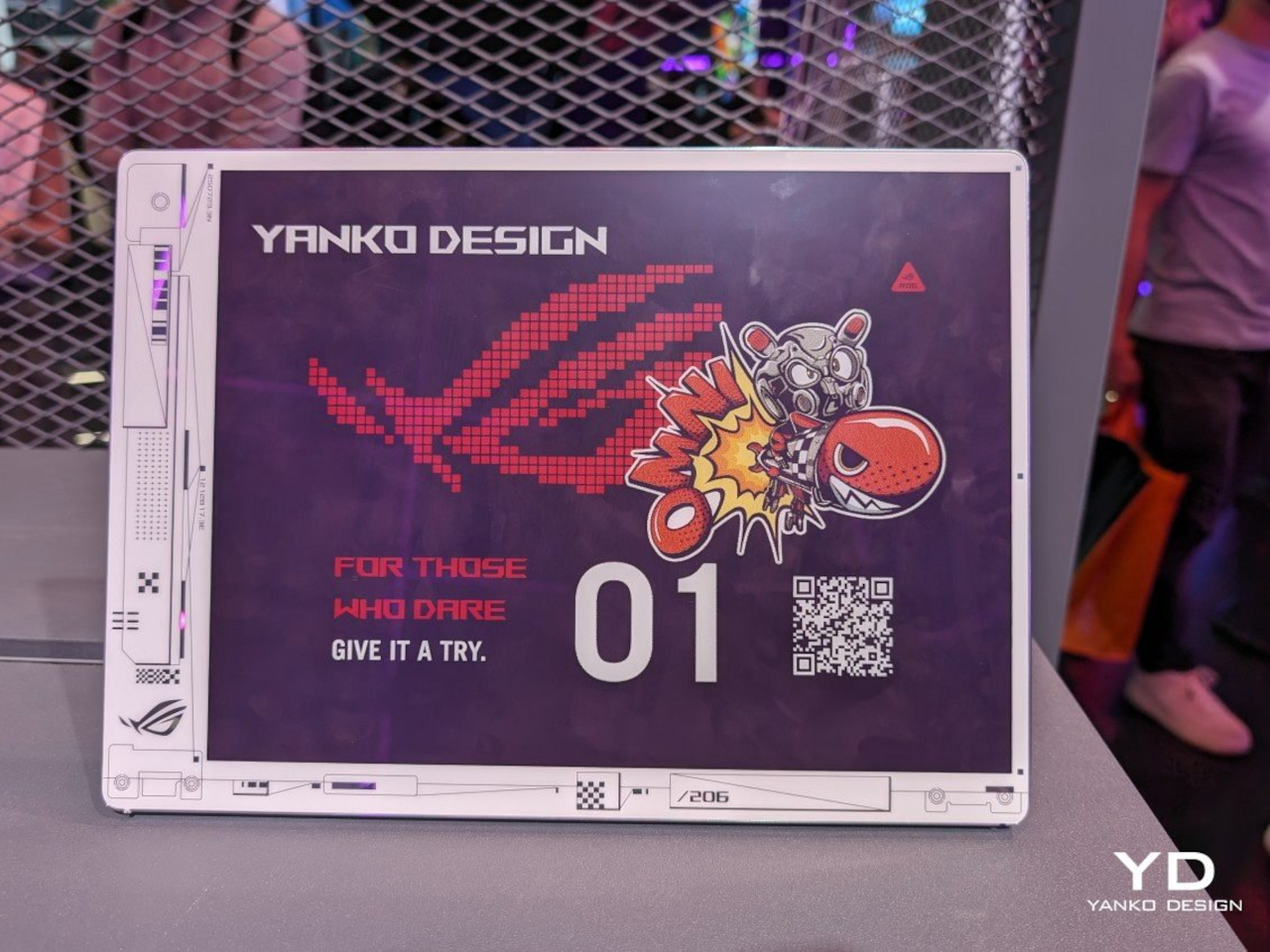
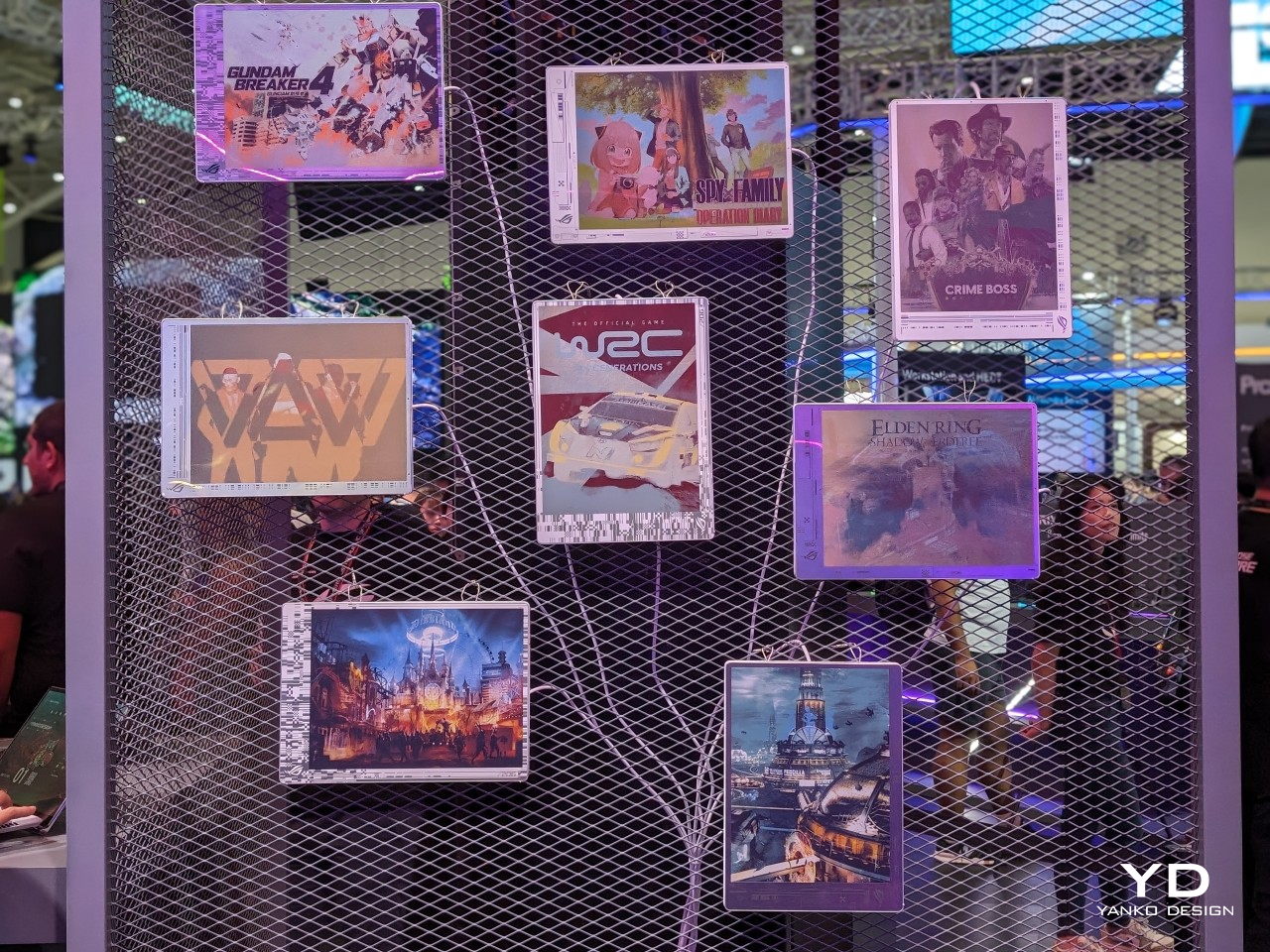
Laptop lids have been boring black rectangles for decades, but E Ink is changing that in fascinating ways. ASUS’s Project Dali concept turns the back of your laptop into a customizable display where you can showcase artwork, display your calendar, or show off your company logo during meetings. It’s like having a digital tattoo for your computer that changes whenever you want it to.
Designer: Lenovo
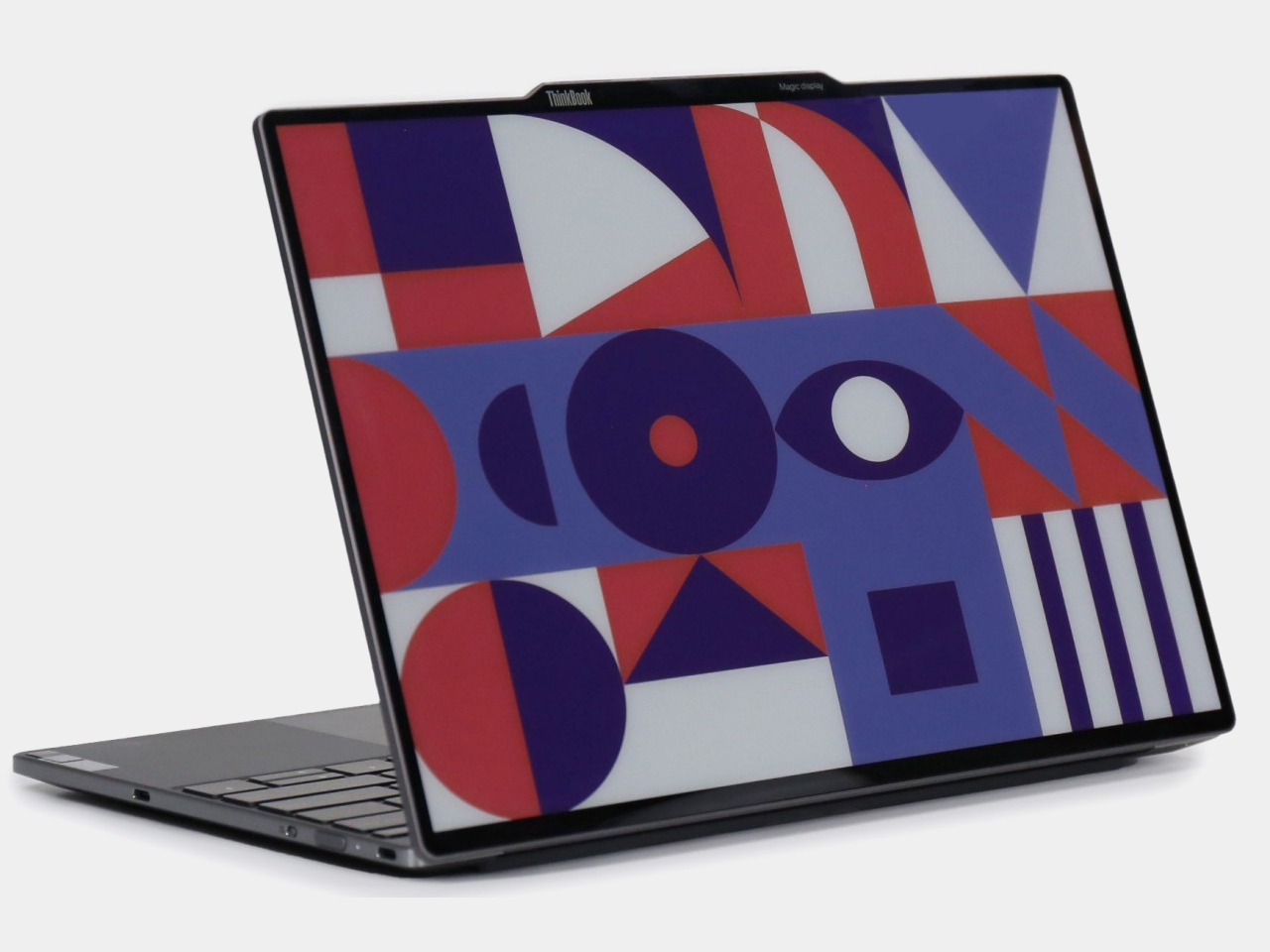
Lenovo took this concept to market with their ThinkBook 13x Gen 4 SPE, which features an actual E Ink display built into the lid. You can switch between personal artwork during coffee breaks and professional branding during client presentations. The display sips so little power that it barely affects battery life, yet it transforms your laptop from anonymous tech into a personal statement piece.
Transportation: Solar-Powered Information That Actually Works
Public transit signs have always been a nightmare to power and maintain, especially at remote bus stops without electrical connections. Boston’s MBTA solved this problem elegantly by deploying solar-powered E Ink signs throughout the city’s bus stops and Green Line stations. These displays show real-time arrival information, service alerts, and schedules without requiring a single wire to be run.
The beauty of these installations becomes obvious during New England winters, when the signs keep working despite snow, ice, and sub-zero temperatures. Solar panels provide enough juice to keep the displays running continuously, while the E Ink technology ensures perfect readability whether you’re squinting through morning glare or trying to read in dim evening light.
Makers: DIY Dreams Made Accessible
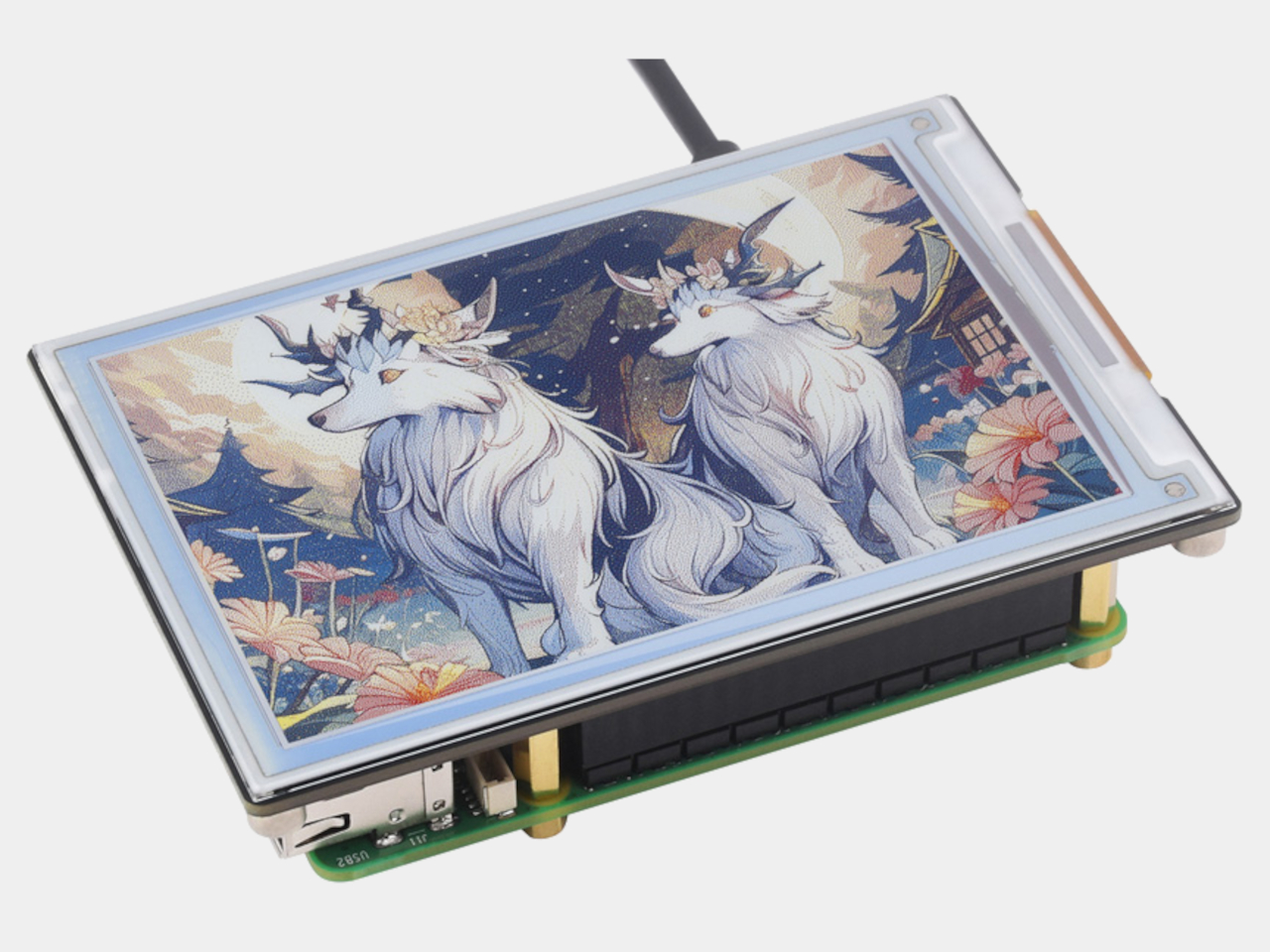
The maker community has embraced E Ink displays with the enthusiasm typically reserved for new Arduino boards or 3D printing breakthroughs. Waveshare offers dozens of different E Ink modules that work seamlessly with Raspberry Pi, Arduino, and other popular platforms. Suddenly, creating a custom weather station or smart home dashboard doesn’t require a computer science degree or a massive budget.
Hobbyists use these displays to build everything from digital art installations to battery-powered information kiosks that can run for months without maintenance. The paper-like appearance means these creations blend naturally into homes and offices, avoiding the harsh, obviously digital look of traditional screens. It’s democratized display technology in ways that would have seemed impossible just a few years ago.
Fashion: Accessories That Change With Your Mood
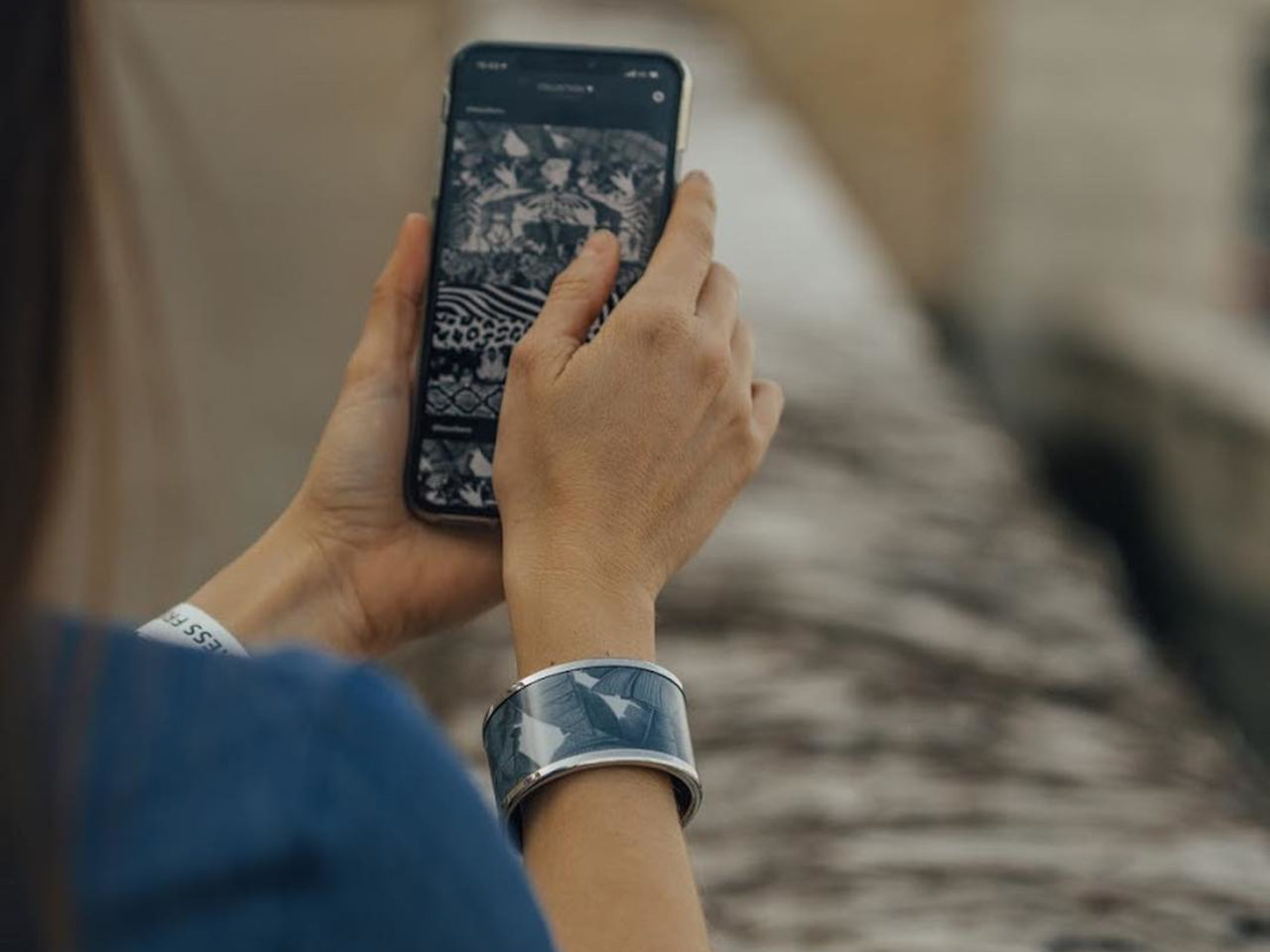
Fashion has always been about self-expression, but E Ink takes personalization to an entirely new level. The Tago Arc bracelet demonstrates this beautifully, featuring a flexible E Ink display that lets you cycle through hundreds of different patterns using your smartphone. One moment you’re wearing geometric shapes, the next you’re sporting flowing organic patterns that match your outfit perfectly.
Designer: LIBR8TECH
The bracelet never needs charging because it draws power through NFC only when changing patterns. This means you get infinite customization without the hassle of yet another device to plug in every night. It’s the kind of accessory that makes people do double-takes, wondering how your jewelry just changed designs right before their eyes.
Consumer Electronics: Devices That Respect Your Attention
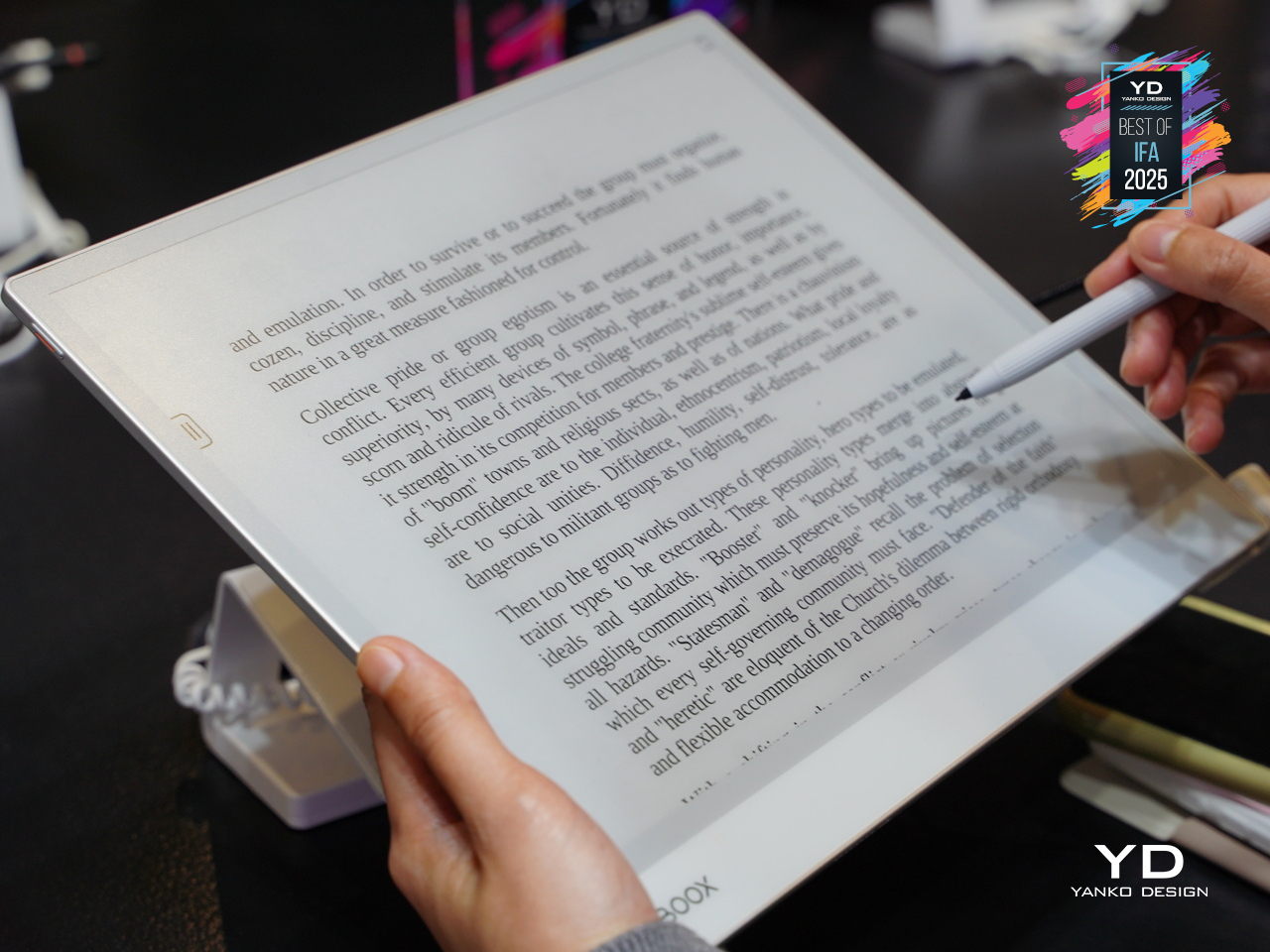
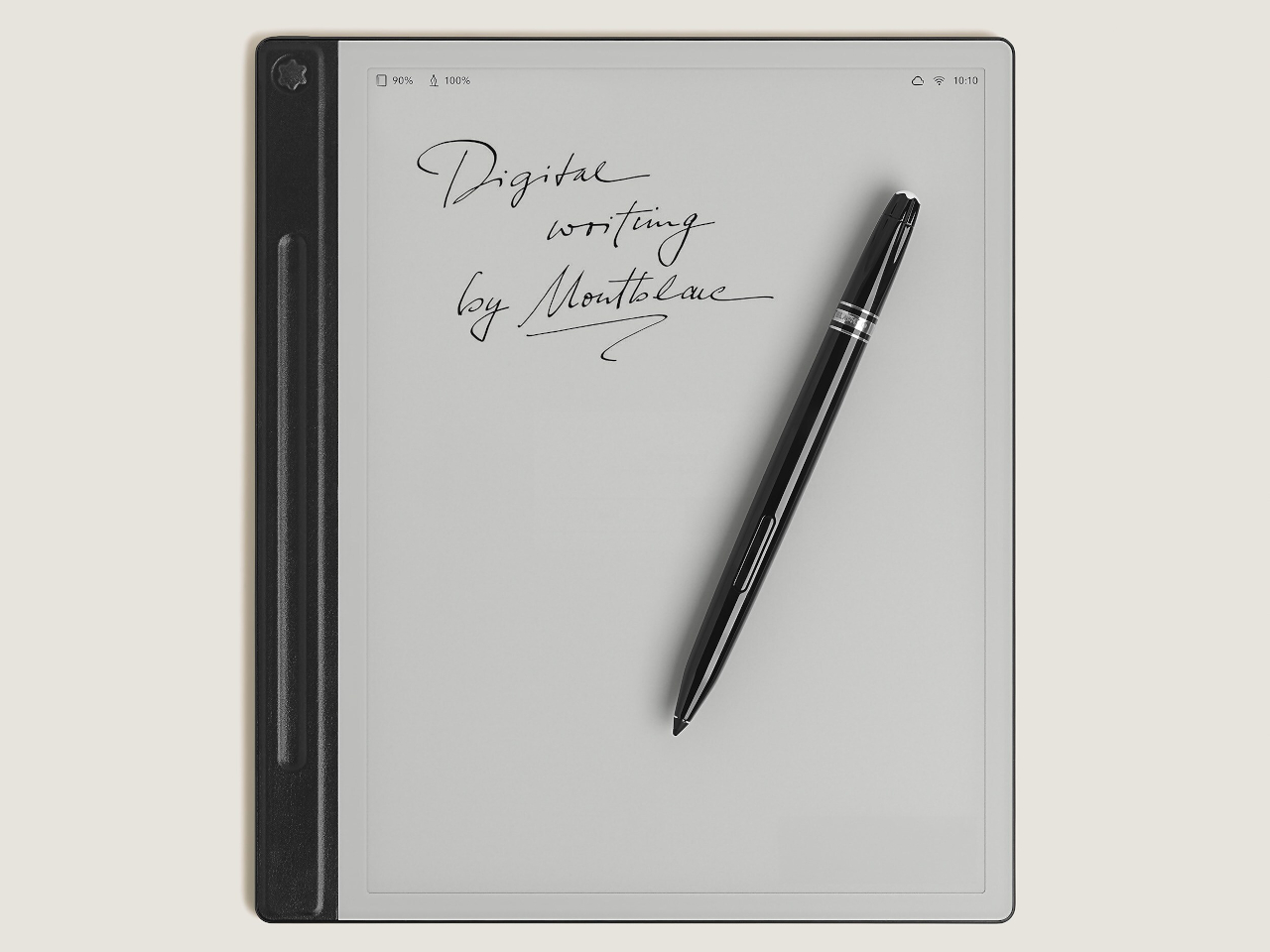
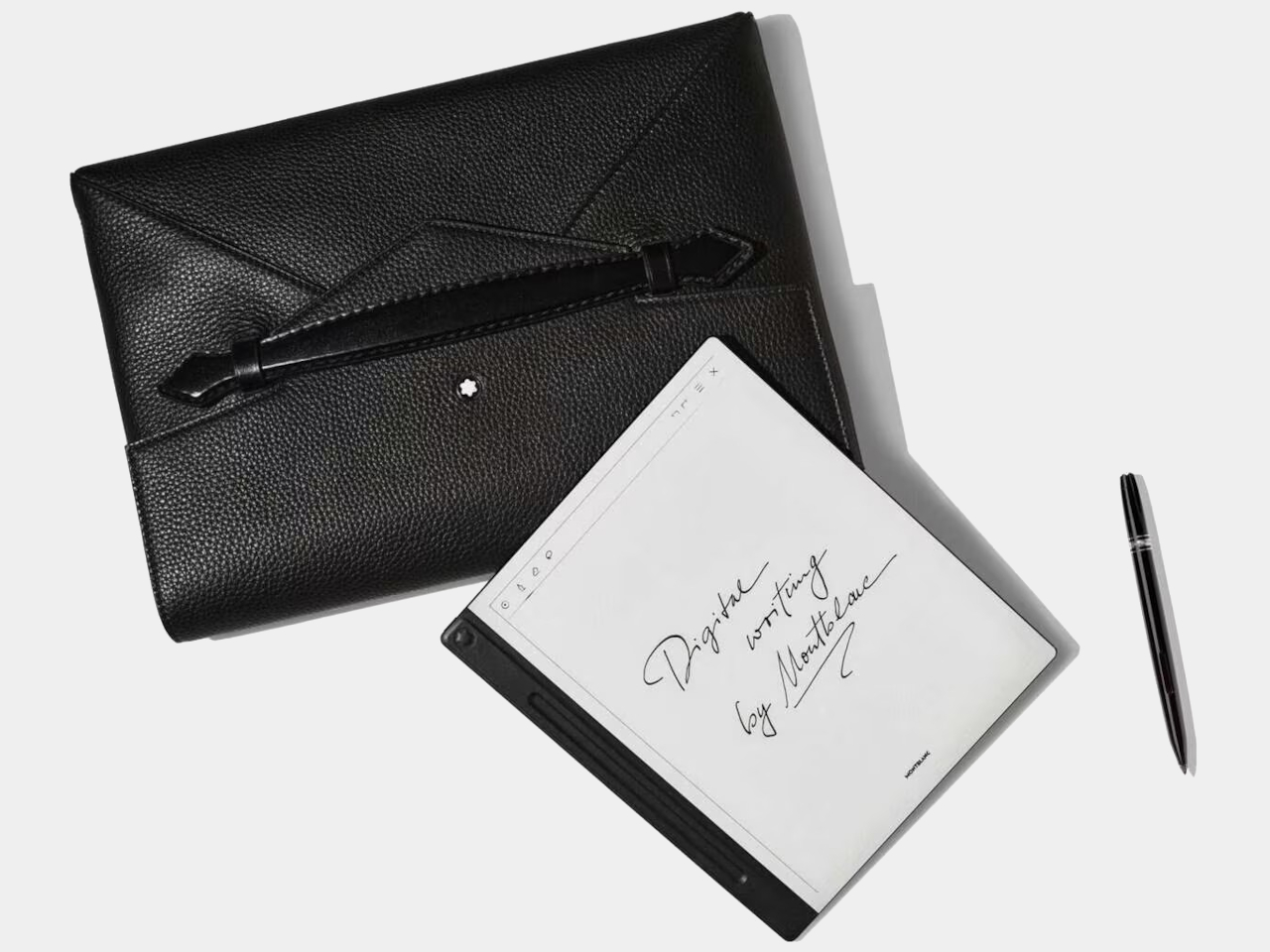
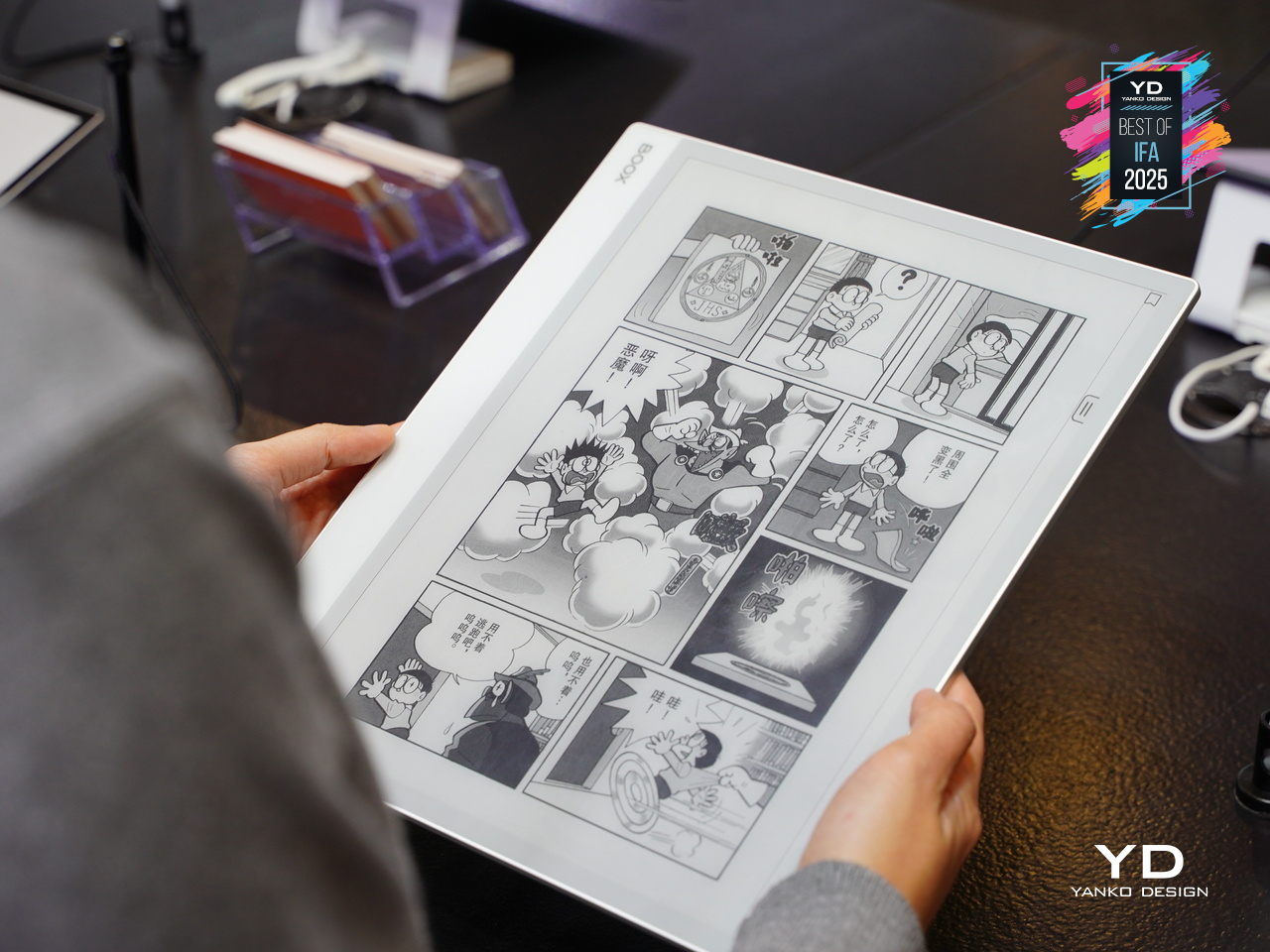
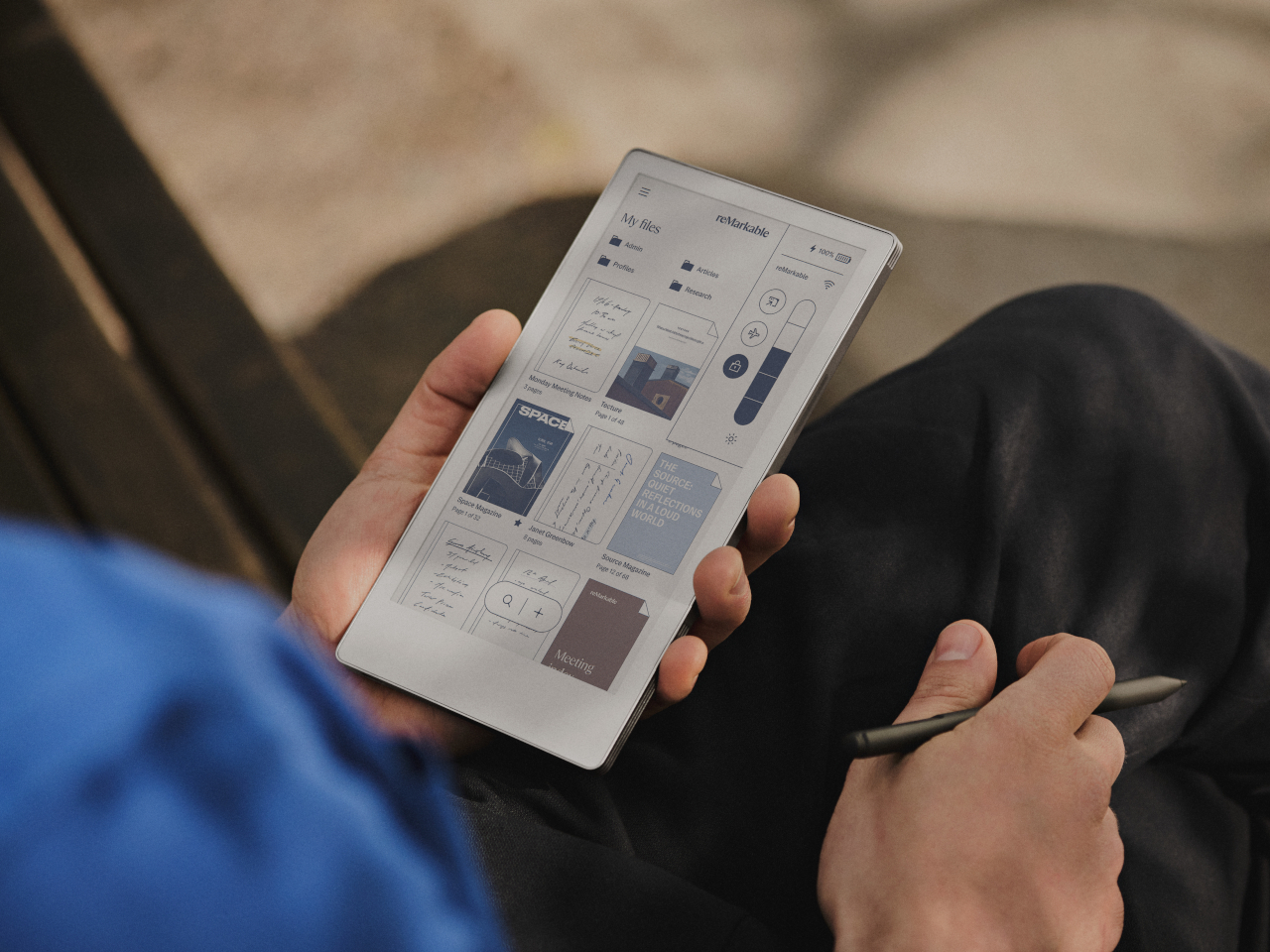
E Ink device like the BOOX Note Max and reMarkable Paper Pro Move have created an entirely new category of devices focused on thoughtful interaction. These tablets feel remarkably similar to writing on paper, making them favorites among designers, writers, and anyone who takes handwritten notes seriously. The screens don’t strain your eyes during long reading sessions, unlike their LCD counterparts.
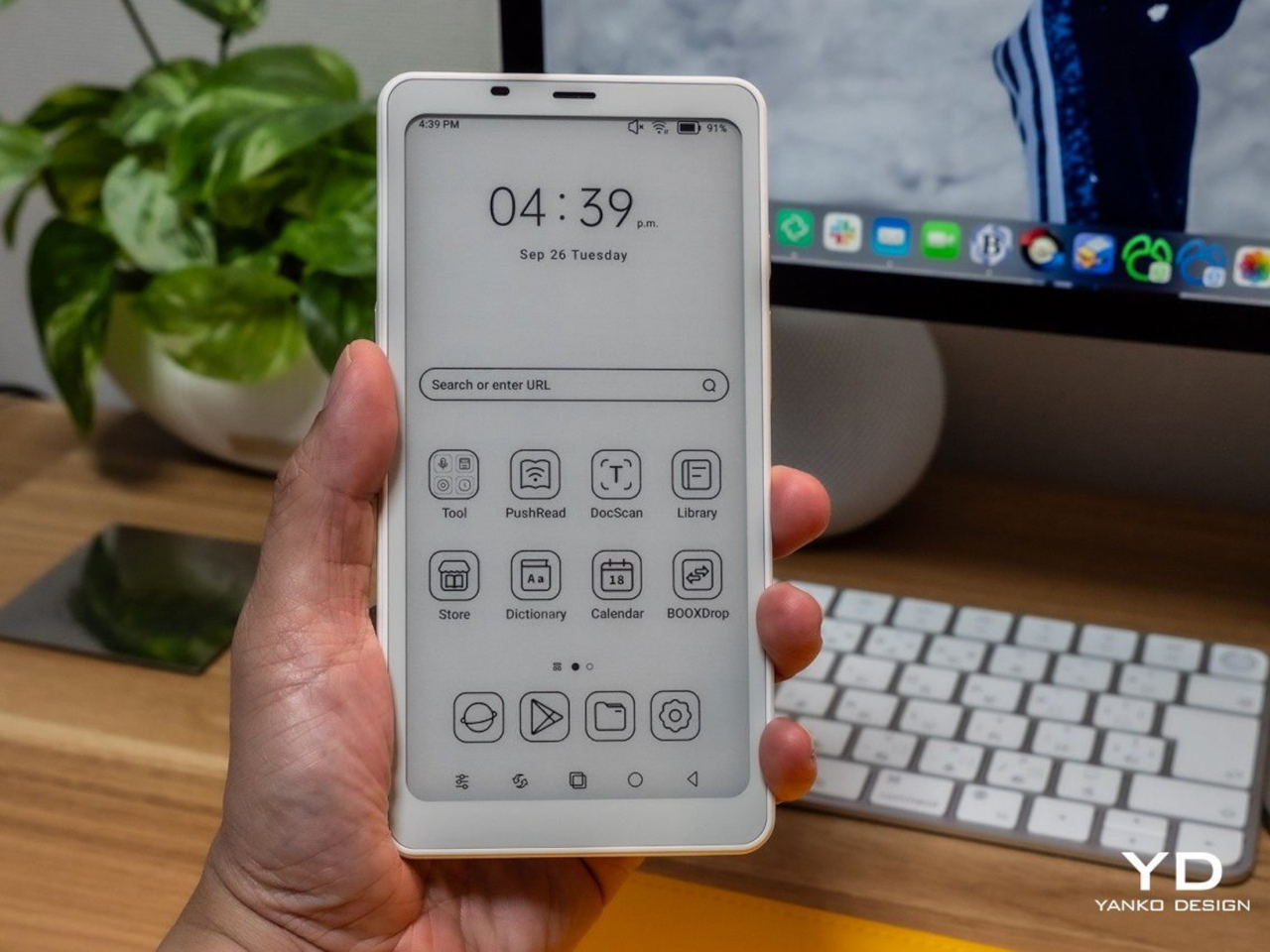
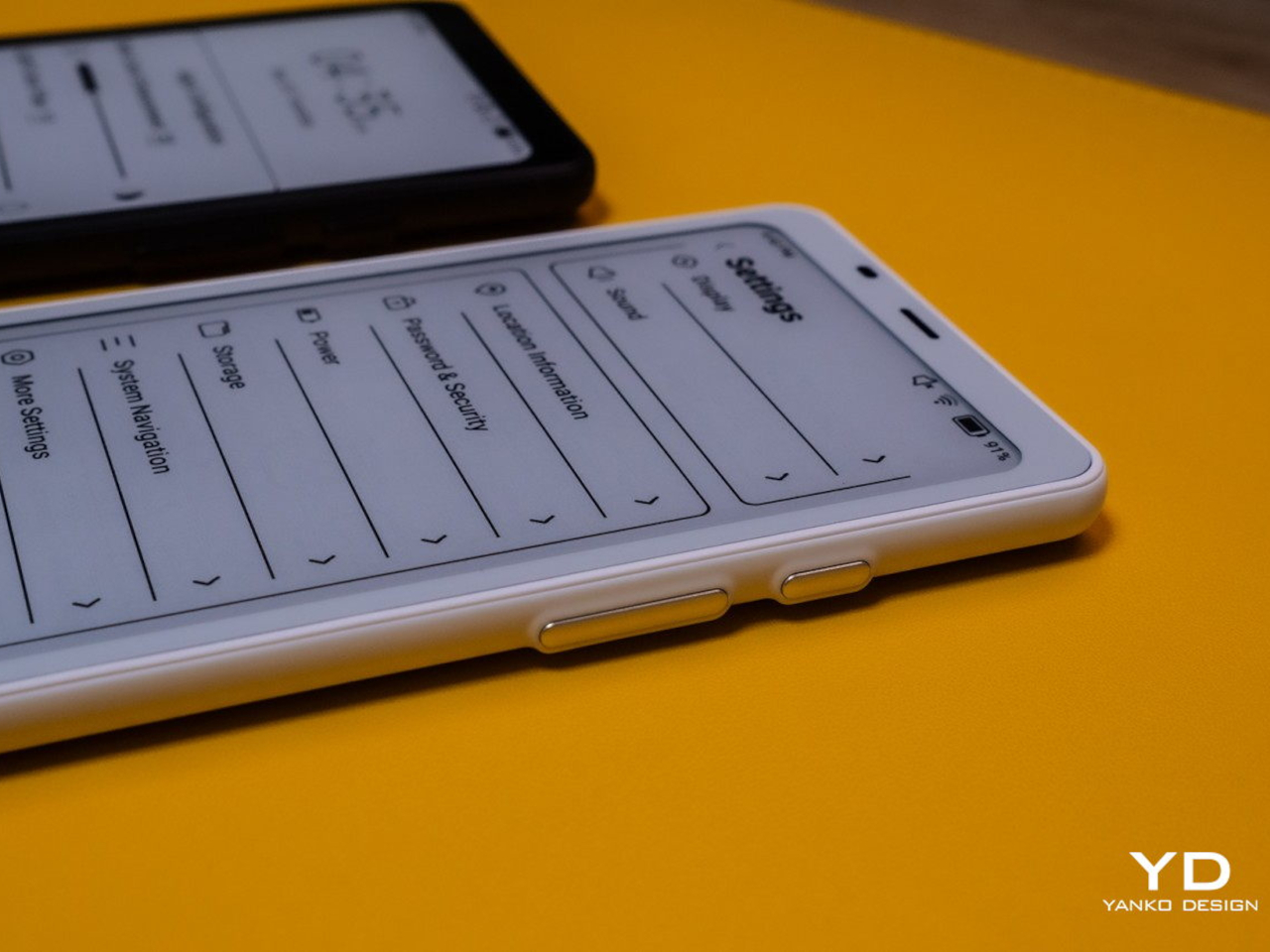
The BOOX Palma takes this concept in a different direction by creating a phone-sized E Ink device that looks and feels like a smartphone but focuses entirely on reading and productivity. This pocket-sized e-reader runs Android, giving you access to reading apps, note-taking tools, and basic communication functions without the distracting elements that make regular smartphones so addictive. It’s like carrying a digital book that happens to connect to the internet, perfect for people who want to stay connected without getting sucked into endless social media scrolling.
Accessibility Revolution
E Ink technology has become surprisingly accessible to individual designers and small companies over the past few years. Development kits and reference designs are readily available from multiple suppliers, while costs have dropped to levels that make experimentation feasible for creative projects and startup ventures. You no longer need deep pockets or specialized engineering knowledge to explore ePaper possibilities.
This democratization has accelerated innovation across multiple industries. Designers can prototype E Ink applications quickly and affordably, leading to creative solutions that might never have emerged from traditional corporate research and development cycles. The growing ecosystem of compatible components and software libraries continues to lower barriers while expanding creative possibilities for everyone.
Recent advances have addressed many of E Ink’s early limitations while opening up new application areas. Color reproduction has improved dramatically, though it still requires thoughtful design consideration. Refresh rates have increased enough to support interactive applications, while manufacturing improvements have reduced costs and increased reliability across the board.
Research into advanced ePaper technologies continues at a rapid pace. Flexible displays that can fold, roll, or stretch are becoming practical for commercial applications. Integration with touch sensors and other interactive elements keeps improving, making E Ink displays suitable for sophisticated user interface design that goes beyond simple text and images.
E Ink represents a fundamentally different approach to digital interaction, one that prioritizes sustainability, comfort, and thoughtful engagement over flashy visuals and constant stimulation. This philosophy resonates with designers who want to create products that enhance human experience without competing aggressively for attention. The technology encourages restraint and purposefulness in ways that feel refreshing in our cluttered digital landscape.
Products built around E Ink often exhibit a deliberate, focused quality that stands out from the noise. The constraints imposed by the technology force designers to think carefully about essential functions and user needs, often resulting in elegant solutions. The influence of E Ink thinking extends beyond products that actually use the technology, shaping broader conversations about conscious design practices.
As E Ink continues to mature, these ideas will likely influence how we think about digital interaction across many different product categories and industries. The technology has already proven that displays don’t need to be bright, fast, and power-hungry to be effective. Sometimes the best solution involves stepping back from the latest and greatest to focus on what actually serves people well.

 Connexion