Vue lecture

Il y a de nouveaux articles disponibles, cliquez pour rafraîchir la page.

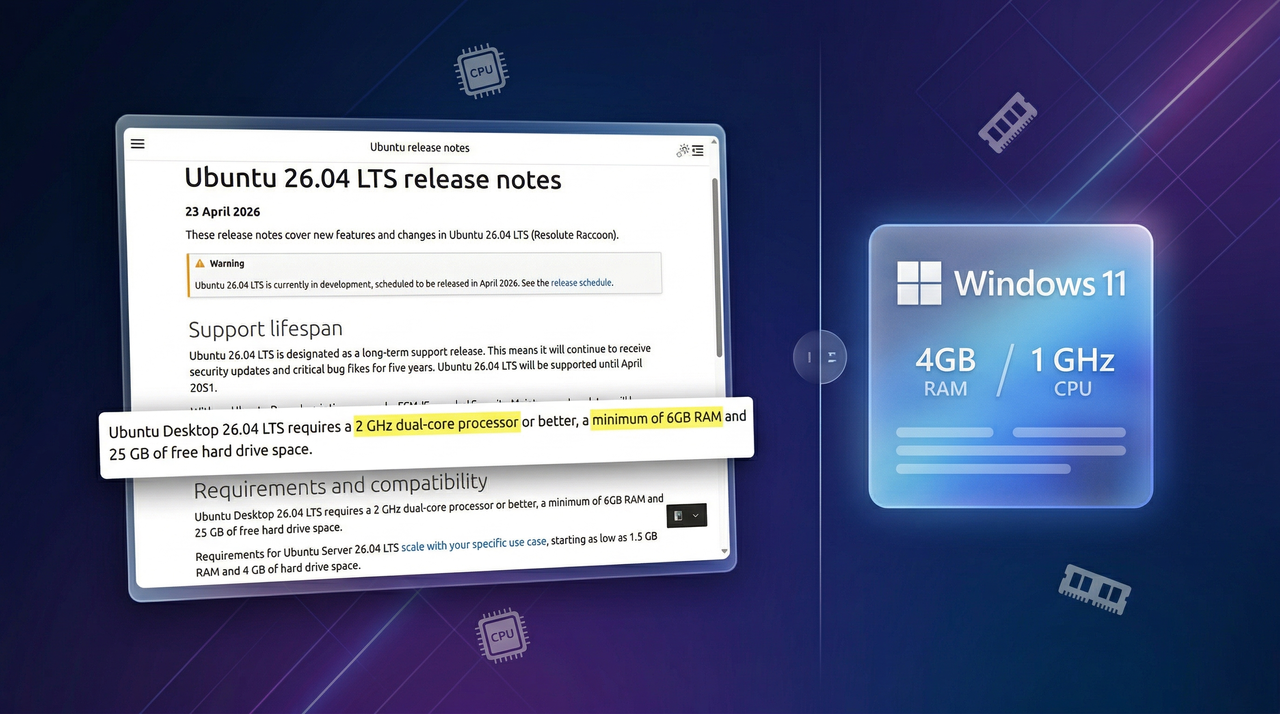
“Wait, Windows uses less?”: I break down the surprising requirement that flips the Linux vs. Windows script

Ubuntu 26.04 LTS raises hardware requirements beyond those of Windows 11, and here's why this is happening.

Screenshot and mockup of Ubuntu's new RAM requirements comparing it to Windows 11

Screenshot and mockup of Ubuntu's new RAM requirements comparing it to Windows 11

“I finally found something that just works”: I explain the open‑source screenshot tool that beat Snipping Tool and ShareX for me — and why it might become your new default

Replace Snipping Tool with Yoink. Using this tool, you can capture, edit, record, translate, and share your content seamlessly on Windows 11.

Abstract image featuring a screenshot tool for Windows 11

Abstract image featuring a screenshot tool for Windows 11

Microsoft Is Finally Making Hidden Windows 11 Features Easy to Enable

If you’ve ever wanted to try secret features in Windows 11, there’s big news: Microsoft is working on a much simpler way to unlock experimental tools—no hacks, no complicated commands. This could completely change how users experience new Windows features. 🔥 What’s Changing (Quick Overview) Windows 11 is testing built-in controls for hidden features No […]

Windows 11 Beta Build 26220.8138 Just Dropped — New Features, Fixes & What’s Changing

Microsoft Releases Windows 11 Build 26220.8138 (Beta Channel) Microsoft has officially announced Windows 11 Insider Preview Build 26220.8138 for Beta Channel users — and this update focuses on refinement, stability, and subtle feature upgrades rather than big flashy changes. This build is part of the 23H2/24H2 development cycle, meaning it’s much closer to what regular […]

Windows 11 Canary Build 29558.1000 Is Here — Massive Console Upgrade & Hidden Features Revealed

Windows 11 Canary Build 29558.1000 Officially Announced Microsoft has just dropped Windows 11 Insider Preview Build 29558.1000 for the Canary Channel — and this one quietly introduces some power-user level upgrades, especially for developers and advanced users. This build is part of the new experimental 29500 platform series, designed to test the future of Windows […]

Windows Wrap: One team is fixing Windows 11 while others break it

Windows 11 is moving in the right direction, but its progress will continue to be hindered unless the rest of Microsoft gets on board.

Meme: Astronauts in space with the Artemis II Earth. Text: "Wait... Microsoft is its own worst enemy?" "Always has been."

Microsoft's biggest obstacle to a better Windows 11 might just be its own internal teams.

“These mods completely changed how I use Windows 11”: As I walk through the 7 Windhawk tweaks that transformed my desktop, I’m surprised by which ones made the biggest difference

Discover the 7 best Windhawk mods to customize Windows 11, from Taskbar tweaks to Start menu styling and classic features restoration.

7 best Windhawk mods for Windows 11 collage

7 best Windhawk mods for Windows 11 collage

Windows 11’s April update packs 8 (mostly) meaningful improvements you won’t want to skip. Here's what you'll be getting.

Microsoft is expected to roll out the Windows 11 April 2026 update with new features, better performance, and usability improvements across the system.

Collage of new Windows 11 April 2026 Patch Tuesday features coming April 14.

Collage of new Windows 11 April 2026 Patch Tuesday features coming April 14.

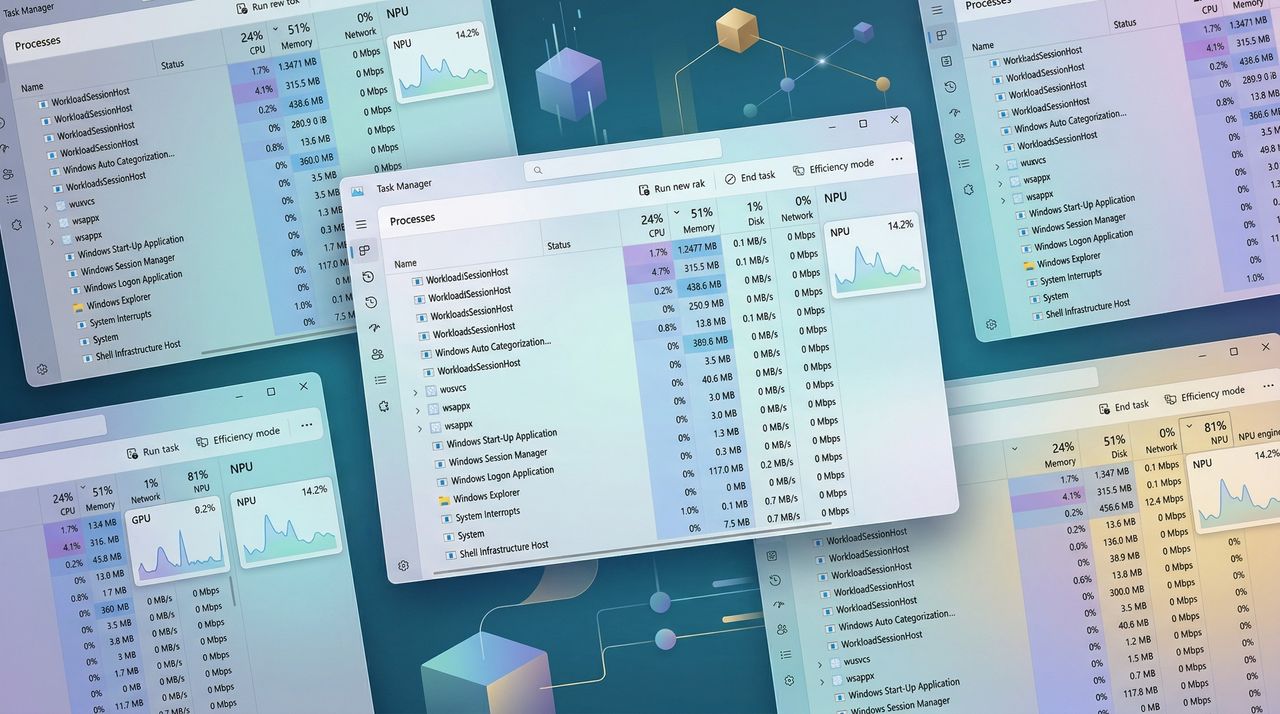
Windows 11 Task Manager is finally getting deeper insights into NPU usage in AI PCs — No more trying to guess which apps are using the specialized hardware

Arriving now for Windows 11 Insiders is a buff to Task Manager that provides far more information about your PC's NPU usage and performance. Here's how it works and why it makes sense in 2026.

Collage of Task Manager in Windows 11 with new NPU support for AI PCs.

Collage of Task Manager in Windows 11 with new NPU support for AI PCs.

Ce smartphone Android fait tourner Red Dead Redemption 2 et Cyberpunk 2077 en local

Le Red Magic 11 Golden Saga Edition est un téléphone Android capable de faire tourner des jeux PC Windows en local, sans connexion internet et sans cloud gaming. Red Dead Redemption 2 tourne à plus de 40 images par seconde, GTA V dépasse les 60, et Cyberpunk 2077 est jouable. Le tout dans la poche.

Comment ça marche

Red Magic utilise un outil appelé GameHub, qui fait tourner des jeux Windows directement sur Android grâce à une couche d'émulation basée sur Wine et Proton (les mêmes technologies que Valve utilise sur le Steam Deck pour faire tourner des jeux Windows sous Linux).

Pas besoin de streaming, pas besoin de serveur distant. Le jeu s'exécute en local sur le téléphone, avec les fichiers installés sur le stockage interne.

Le Red Magic 11 Golden Saga Edition embarque un Snapdragon 8 Elite Gen 5 avec 24 Go de RAM LPDDR5T et 1 To de stockage UFS 4.1 Pro.

Il y a aussi un système de refroidissement actif avec ventilateur, des chambres à vapeur dorées et de l'argent dans le circuit de dissipation thermique. L'écran fait 6,85 pouces, 144 Hz, en AMOLED, et la batterie est de 7 500 mAh.

Les performances en jeu

Red Dead Redemption 2 tourne autour de 40 à 50 images par seconde en moyenne, avec des pointes à 60 dans les intérieurs. GTA V monte jusqu'à 100 images par seconde en intérieur et reste autour de 65 en ville.

Cyberpunk 2077, le plus gourmand, tient au-dessus de 30 images par seconde en 720p avec les paramètres au minimum et le FSR activé. C'est jouable, mais on est loin du confort d'un PC.

Par contre, le téléphone chauffe beaucoup. Des tests ont montré que le processeur pouvait atteindre 100 degrés en charge prolongée sur Cyberpunk 2077. Le ventilateur tourne à fond, et l'autonomie en prend un coup.

Le prix du jouet

Le Red Magic 11 Golden Saga Edition est affiché à 1 500 euros. A ce tarif, on peut acheter un PC gaming portable correct ou un Steam Deck OLED avec encore pas mal de marge. Le public visé est très spécifique : les passionnés de gaming mobile qui veulent jouer à des jeux PC sans avoir de PC.

Bon maintenant on ne va pas de mentir, pour bien moins cher, un Steam Deck OLED fait largement mieux, avec un écran plus grand et une bien meilleure ergonomie pour jouer.

Source : Techspot

❌