Vue lecture

Il y a de nouveaux articles disponibles, cliquez pour rafraîchir la page.

File Explorer feels outdated again after this Files update

Files 4.0.39 adds a customizable toolbar that makes Windows 11’s File Explorer feel outdated. Here’s why Microsoft should copy the feature and what the update includes.

Files 4.0 app promotional images on an ASUS Zenbook laptop screen.
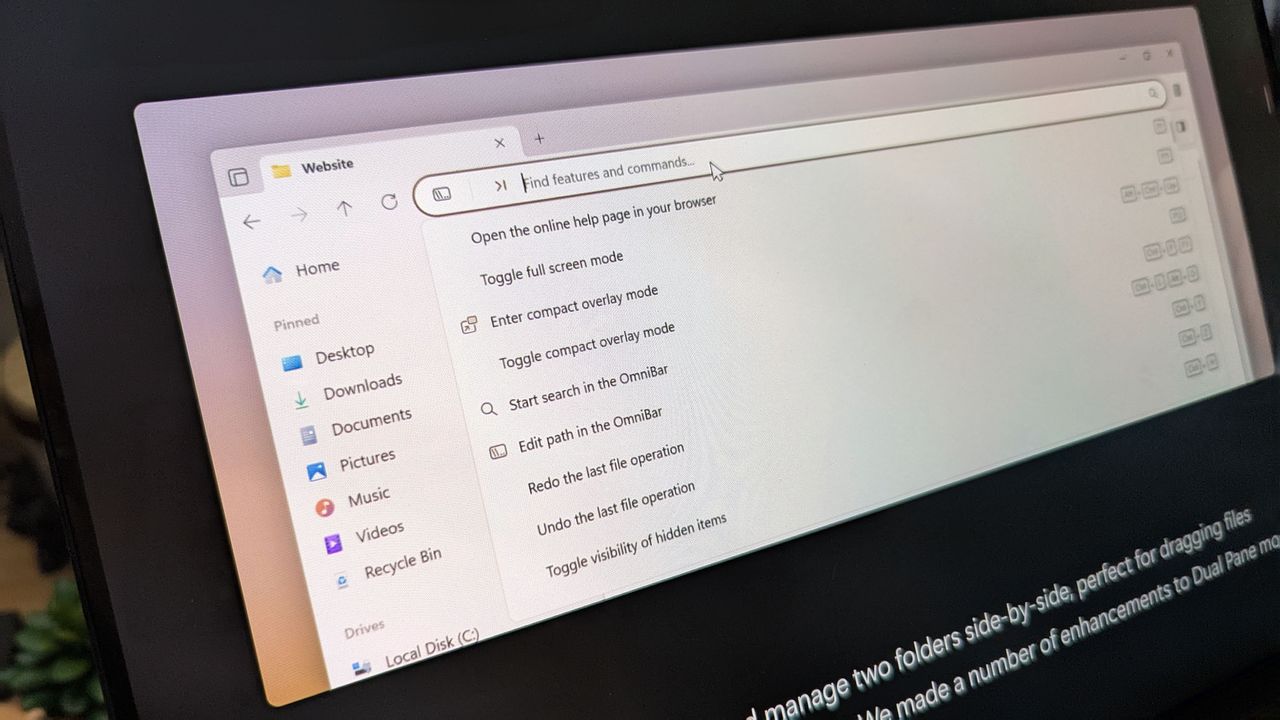
A new Files update highlights another gap in File Explorer. Microsoft should copy it.

How to move the Windows 11 Taskbar and restore the classic look

One of the big frustrations in Windows 11 is the Taskbar, be it how it looks or the fact you can't move it. But this free, lightweight app is a simple way to do that while also giving it a nostalgic look.

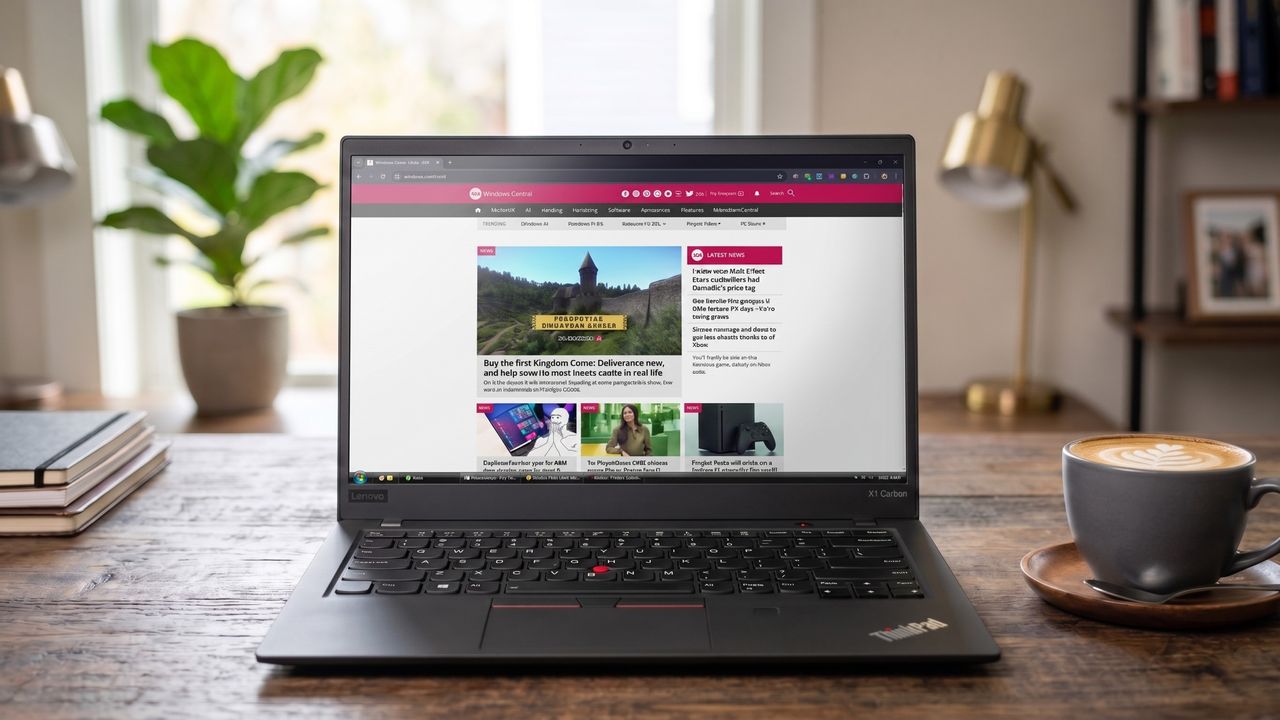
An image of a Lenovo ThinkPad showing the Windows Central homepage open in Google Chrome with a Windows Vista style Taskbar thanks to the RetroBar app.

A modern laptop, but with a little Windows Vista flair.

Microsoft Edge for mobile could make me ditch Chrome for good: Free YouTube background play without interruptions

Google hid YouTube background play behind a paywall, but Microsoft Edge Canary just brought it back for free.

In this photo illustration a Microsoft Edge logo of a web browser developed by Microsoft is seen on a smartphone and a pc screen.

In this photo illustration a Microsoft Edge logo of a web browser developed by Microsoft is seen on a smartphone and a pc screen.

Sniffnet is my new go-to app for network monitoring — Free, open-source, and taking on GlassWire and Wireshark

I came across Sniffnet the other day, and after installing it on my PC, I can safely say it's sticking around. It's a free and open-source network monitor that's easy to use, efficient, and quite deep. Here's what you need to know.

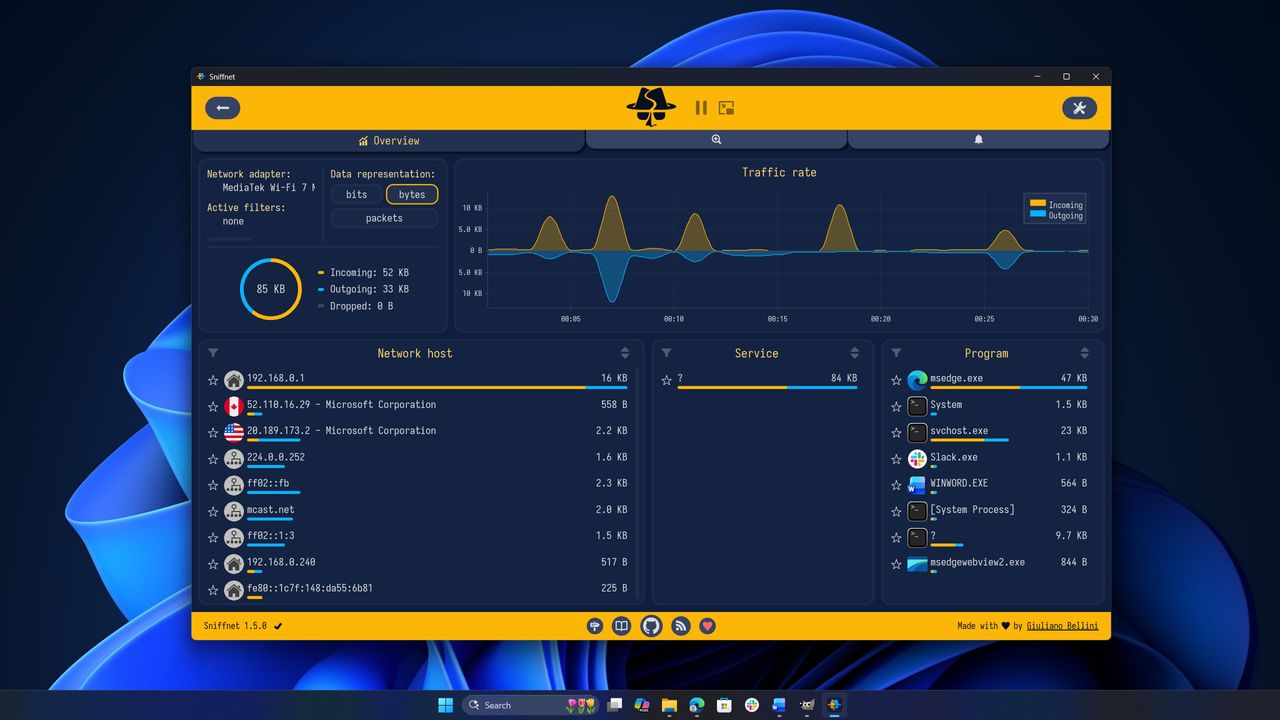
Sniffnet dashboard with a dark blue and yellow theme displays network traffic. Graphs, numerical data, and lists of hosts, services, and programs are shown. The background is a blue abstract design.

Sniffnet's overview page displayed on a Windows 11 desktop.

"Users can now simply ask what happened": AppControl's optional AI integration gives you in-depth PC diagnostic history in plain English — It works with popular LLMs, but I'll use offline models for added security

AppControl has replaced Task Manager on my PCs, and it seems like it's just getting started. The latest update adds optional AI integration that answers questions regarding system history, which is basically like having your own private IT tech inside your system.

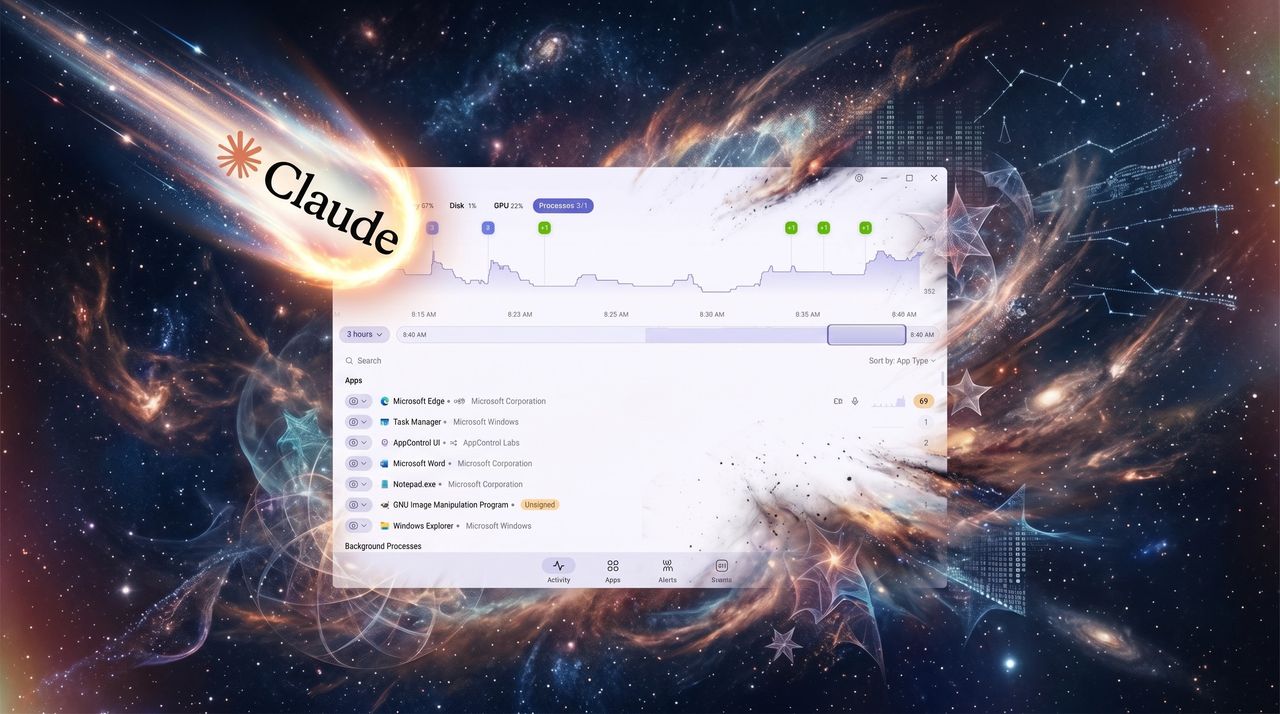
AppControl AI integration

AppControl AI integration

Our friends at Tom's Guide are upgrading: Here's what it means, and how our sister site's overhaul affects Windows Central

Our sister site, Tom's Guide, just launched its overhaul, featuring all-new shopping tools and exciting prospects for the future. Here's what it all means.

Tom's Guide homepage with new layout for 2026

Tom's Guide has a brand new look for its home page.

I've finally found a loophole to block a specific type of YouTube ads, and it won’t cost you a dime: Just a little teamwork

YouTube viewers can now work together to prevent ads from playing during livestreams without paying for Premium.

EDMONTON, CANADA - APRIL 28: An image of a woman holding a cell phone in front of the YouTube logo displayed on a computer screen, on April 29, 2024, in Edmonton, Canada. (Photo by Artur Widak/NurPhoto via Getty Images)

EDMONTON, CANADA - APRIL 28: An image of a woman holding a cell phone in front of the YouTube logo displayed on a computer screen, on April 29, 2024, in Edmonton, Canada. (Photo by Artur Widak/NurPhoto via Getty Images)

Windows 11 April 2026 Update Is Here – Everything New in KB5083769

Microsoft has officially released the April 2026 Patch Tuesday update for Windows 11, bringing the OS to build 26200.8246 (25H2) and 26100.8246 (24H2). This update, labeled KB5083769, is a mandatory security release, meaning it will automatically install on most devices—and yes, a restart is required this time. But beyond security patches, this update quietly introduces […]

"I can't stop laughing": I might have a reason to press my Copilot key as this absurd Windows 11 app adds some comic relief

TypeFart is a small Windows app that plays a fart sound on every keypress and weird sounds on the touchpad, but you'll need a subscription plan for the action.

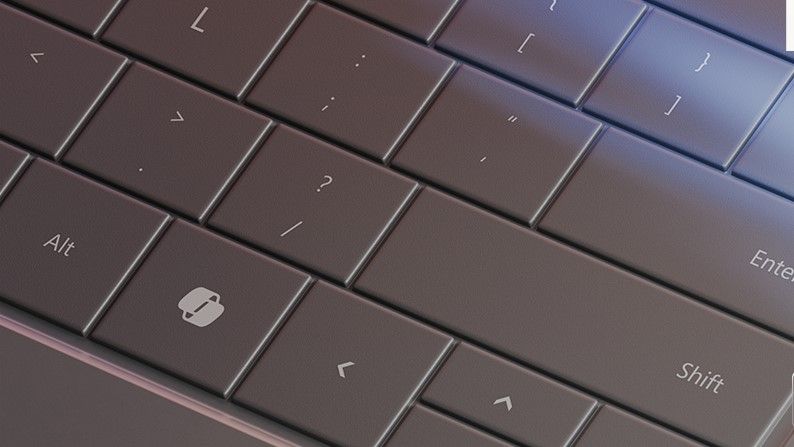
Copilot button on a Windows laptop

TypeFart is a small Windows app that plays a fart sound on every keypress, and that includes the Copilot key.

❌