Microsoft has officially released the optional cumulative preview update KB5124010 for Windows 11 (OS Builds 26200.9550 for version 25H2 and 26100.9550 for version 24H2). As reported in WinCentral’s Windows 11 update coverage, Microsoft is utilizing a dual-phase deployment model. Features within this build are distributed through a gradual rollout—reaching devices over time—alongside a normal rollout […]
Microsoft vient de prévenir le monde entier que File History,
sa sauvegarde intégrée à Windows depuis Windows 8
, peut ne plus créer ni mettre à jour la moindre sauvegarde sur certaines machines et cela depuis l'installation des mises à jour de sécurité de septembre 2026 !!
Mise à jour du 25 septembre 2026 : bonne nouvelle, Microsoft a corrigé le bug ! Sur Windows 11, le correctif est dans les mises à jour optionnelles du 22 septembre,
KB5124010
pour les versions 24H2 et 25H2 et KB5124006 pour la 26H1. Et si vous ne voulez pas des mises à jour optionnelles, il arrivera avec le Patch Tuesday du 13 octobre. Par contre, pour Windows 10 et les éditions LTSC, Microsoft n'a encore rien annoncé...
Et par défaut, c'est le profil utilisateur au complet qui y passe avec le Bureau, les Documents, les Images, la Musique et les Vidéos, recopiés sur un disque branché en USB ou sur un partage réseau. Autant dire l'essentiel !
Microsoft l'a pourtant remplacée depuis par Windows Backup (qui sauvegarde vos données sur OneDrive, quelle surprise...), mais File History était quand même toujours là, accessible via le Panneau de configuration.
Le symptôme ressemble à une panne de matériel puisque Windows vous réclame de reconnecter votre disque alors qu'il est branché et qu'il fonctionne parfaitement. De son côté, la date de dernière sauvegarde reste figée, et les fichiers déjà archivés répondent qu'aucune version précédente n'est disponible quand vous en cherchez une...
Et quand on y regarde de plus près dans l'Observateur d'événements, ce sont des plantages de FileHistory.exe et de KERNELBASE.dll. Surtout que
le périmètre est large
avec en versions impactées, Windows 11 depuis la 23H2, Windows 10 depuis la 21H2 + les éditions Enterprise LTSC 2016 et 2019.
Maintenant comment est-ce qu'on remédie à ça ? Hé bien ce n'est pas marrant parce que la seule solution que j'ai pu voir sur
le fil de support Microsoft consacré au problème
, c'est un utilisateur qui raconte que la seule chose qui a marché chez lui, c'est de désinstaller la mise à jour et de couper Windows Update en attendant. Sauf que KB5124008 corrige quand même un grand nombre de vulnérabilités, dont des zero-days activement exploités, et la retirer réduira sérieusement votre niveau de sécurité.... Je ne vous conseille donc pas de faire ça.
Gardez vos correctifs Windows et sauvegardez avec autre chose. Par exemple
FreeFileSync
qui est très bien. En tout cas, le temps que Microsoft trouve une solution.
Côté libre, y'a aussi
Kopia
qui fait le boulot proprement. Ça crée des snapshots chiffrés de vos fichiers et dossiers vers un disque local, un stockage réseau ou du cloud, avec compression et déduplication au passage. Et surtout c'est dispo en ligne de commande comme en GUI (interface graphique).
Et si la console ne vous fait pas peur,
restic
fera la même chose sans souci. Par contre avec ces solutions alternatives, je ne vais pas vous vendre du rêve hein... Le clic droit et l'onglet des versions précédentes dans l'explorateur, c'était le gros confort de File History, et aucun de ces outils ne vous le permet. Vous devrez restaurer depuis un snapshot, c'est un peu plus lourd quoi...
On October 14, 2025, Microsoft officially ended support for Windows 10, despite widespread pleas from millions of users still relying on the operating system. The move risked leaving nearly 400 million PCs without updates, effectively rendering them obsolete. However, Microsoft ultimately extended Windows 10’s lifespan through its Extended Security Updates (ESU) program, giving users continued access to critical patches beyond the end-of-support date.
The Restart Project group, which helped co-develop the "End of 10" toolkit to support Windows 10 users who can't upgrade to Windows 11,claimed that Microsoft's move to continue pushing security updates to Windows 10 beyond its end-of-support feels like a last-minute snooze button, which only acts as a band-aid on a bleeding system.
It's no secret that Microsoft has been pushing users to upgrade to Windows 11, but soaring RAM prices have driven hardware costs sky-high, making the transition even more difficult. This is on top of the operating system's strict hardware requirements and arguments of flawed design elements.
Microsoft quietly extended Windows 10's ESU program by another year. As a result, users enrolled in the program will continue receiving support until October 14, 2027. The extension is free for those who sign in to Windows 10 with a Microsoft account, ensuring critical updates remain available beyond the original cutoff.
What does the community think about Windows 10's extended lifeline?
(Image credit: Windows Central)
"People might start switching to Linux and using open source software for replacements if this RAM/storage issue doesn't get resolved in the next year,"a Windows Central reader indicated.
Groups like End of 10 have been pushing users to transition to Linux following Windows 10's end-of-life. The campaign encourages steadfast Windows 10 users to ditch the Windows ecosystem entirely and switch to a version of Linux on any outdated devices, using a lack of ads and telemetry tracking as the key selling points to get users to switch camps.
"I said a year ago that this was going to happen, and I'll say it again, it's going to happen next year too,"another reader added. "Windows 10 will be supported till October 2028. This has nothing to do with prices. This was planned since the beginning. But like last year, Microsoft did not say until late this was happening for free, so that people did not plan accordingly and as many as possible move to 11. Same this time. Same next year."
"Windows 10 to Windows 11 is like when you need new running shoes, but Nike discontinued the kind you’ve been buying new versions of for years, and the other kinds are fine but don’t measure up," another user commented in the r/technology subreddit on Reddit. "So you’re like “f*** it, I’ll just wear these until they fall apart.”
Some even claimed that Microsoft's decision to extend Windows 10's support beyond 2026 is an outright admission that it's better than Windows 11. "So are they finally admitting that Windows 11 isn't good enough almost 5 years later?"
In the interim, you can take advantage of Microsoft's extended support for Windows 11 by enrolling in the ESU program for free by signing in with a Microsoft account, or pay for access via 1,000 Microsoft reward points or $30.
Join us on Reddit at r/WindowsCentral to share your insights and discuss our latest news, reviews, and more.
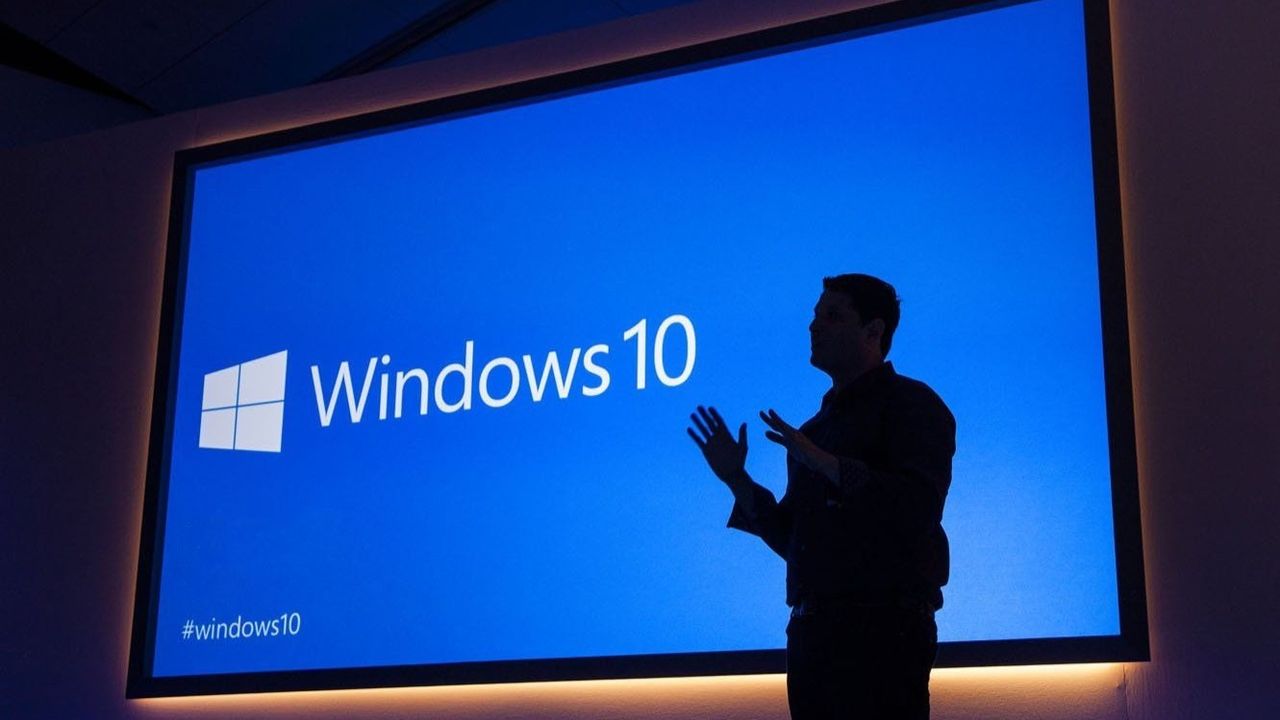
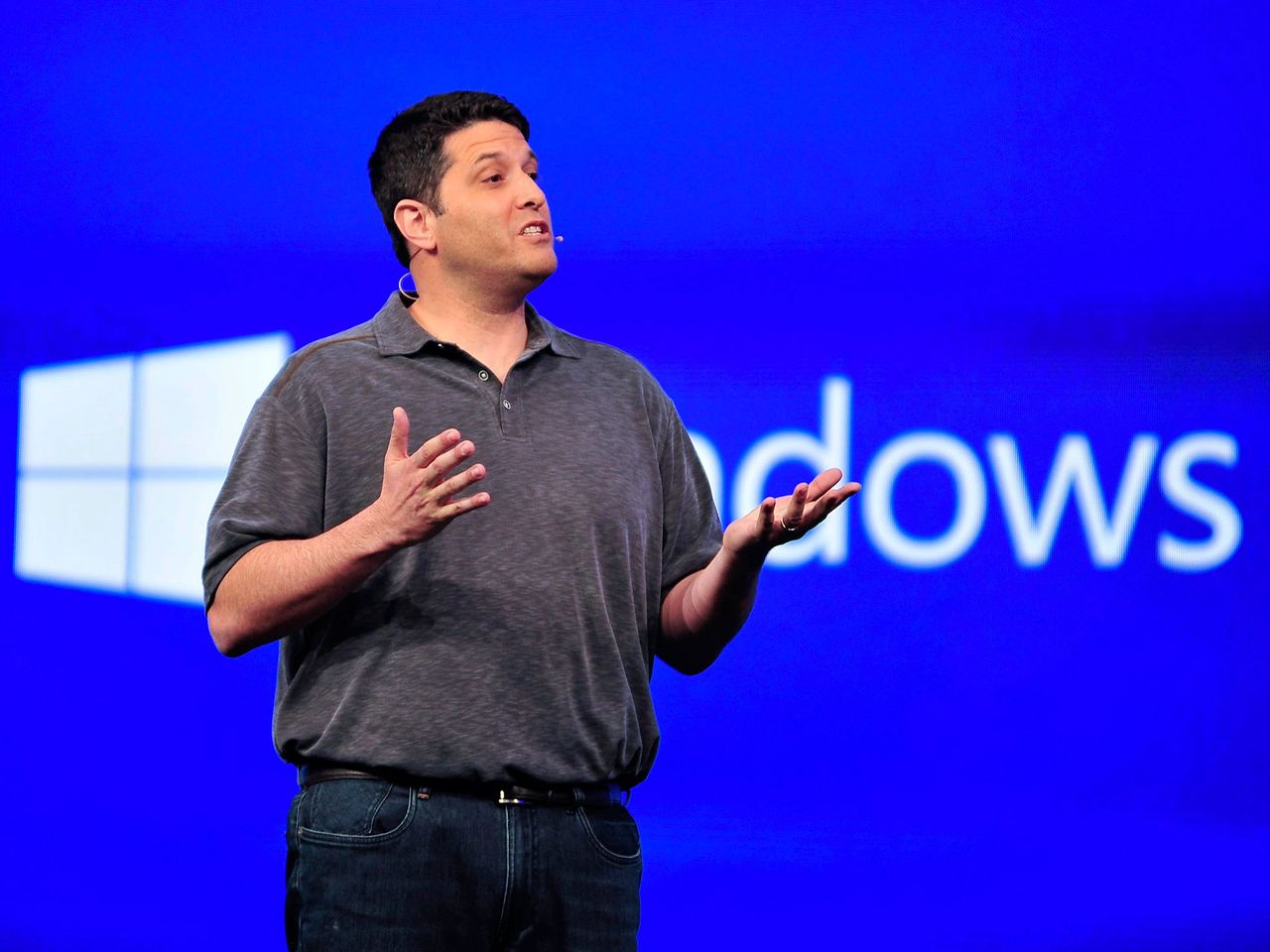
Former Microsoft Executive Vice President Terry Myerson stands in front of a presentation about Windows 10
Former Microsoft Executive Vice President Terry Myerson stands in front of a presentation about Windows 10
Microsoft has quietly announced that Windows 10's extended support updates program will continue for an extra year, now until October 2027 for free if you sign-in to Windows 10 with a Microsoft account.
Originally, Windows 10's extended support program was only supposed to last one year, until October 2026 for consumers. However, a new support page published by Microsoft today has confirmed that the Windows 10 ESU program will now last until October 2027 instead.
"Windows 10 support has ended. You can enroll in ESU any time until the programme ends on 12 October, 2027. If you’re already enrolled, your coverage will automatically continue through that date—no action needed," says the support page.
All Windows 10 users that are already enrolled in the ESU program will get this extended year of updates automatically. You can enroll in the program for free by signing in with a Microsoft account, or pay for access via 1,000 Microsoft reward points or $30 USD.
Microsoft has likely extended support for Windows 10 by an extra year due to the ongoing RAM crisis, which has pushed new PC prices through the roof making them difficult to justify financially, especially if you already have a working Windows 10 PC.
There are still hundreds of millions of PCs running Windows 10, and with extended support originally ending this October, many people would have been without the latest security patches keeping their devices secure.
The Windows 10 ESU program is vital to ensuring a PC that is connected to the internet is secure. Microsoft is still updating Windows 10 with security patches through the ESU program, and not being enrolled leaves your device open to attackers that might be trying to exploit vulnerabilities in the Windows 10 OS.
The good news is if you're already enrolled in the program, there's nothing you need to do to remain supported until October 2027. Your PC will keep getting security updates automatically until that date.
Join us on Reddit at r/WindowsCentral to share your insights and discuss our latest news, reviews, and more.
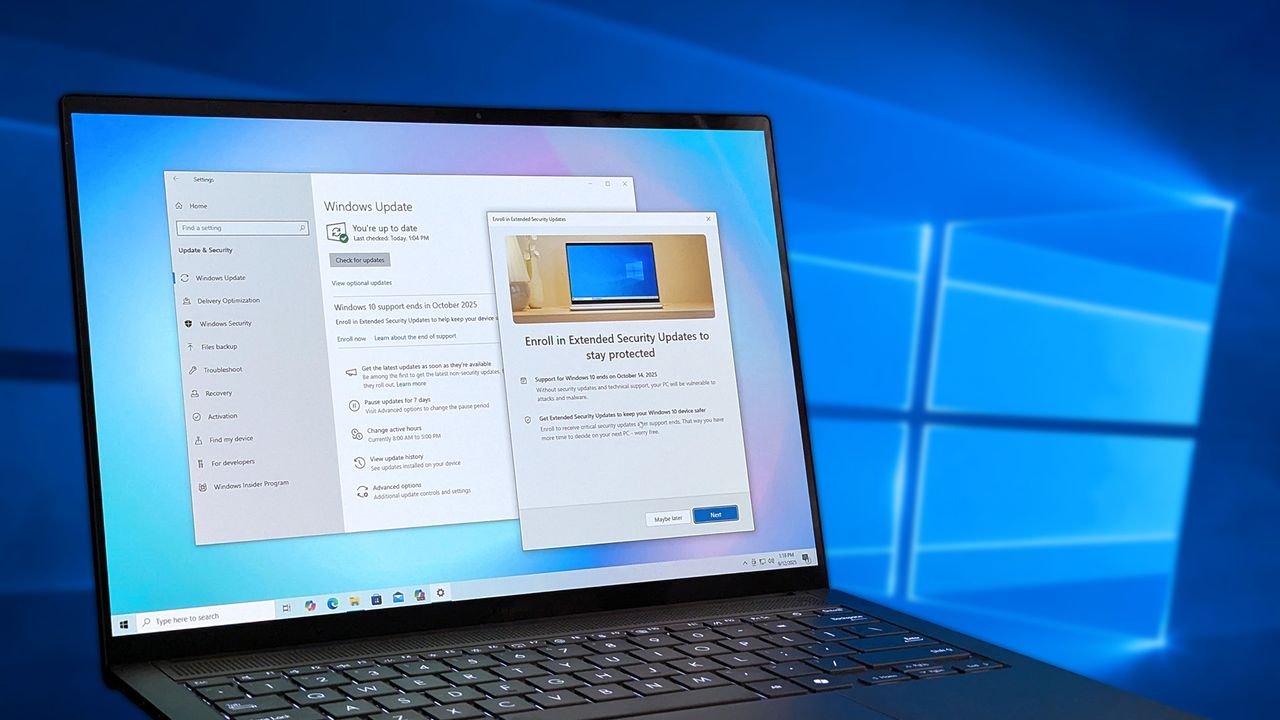
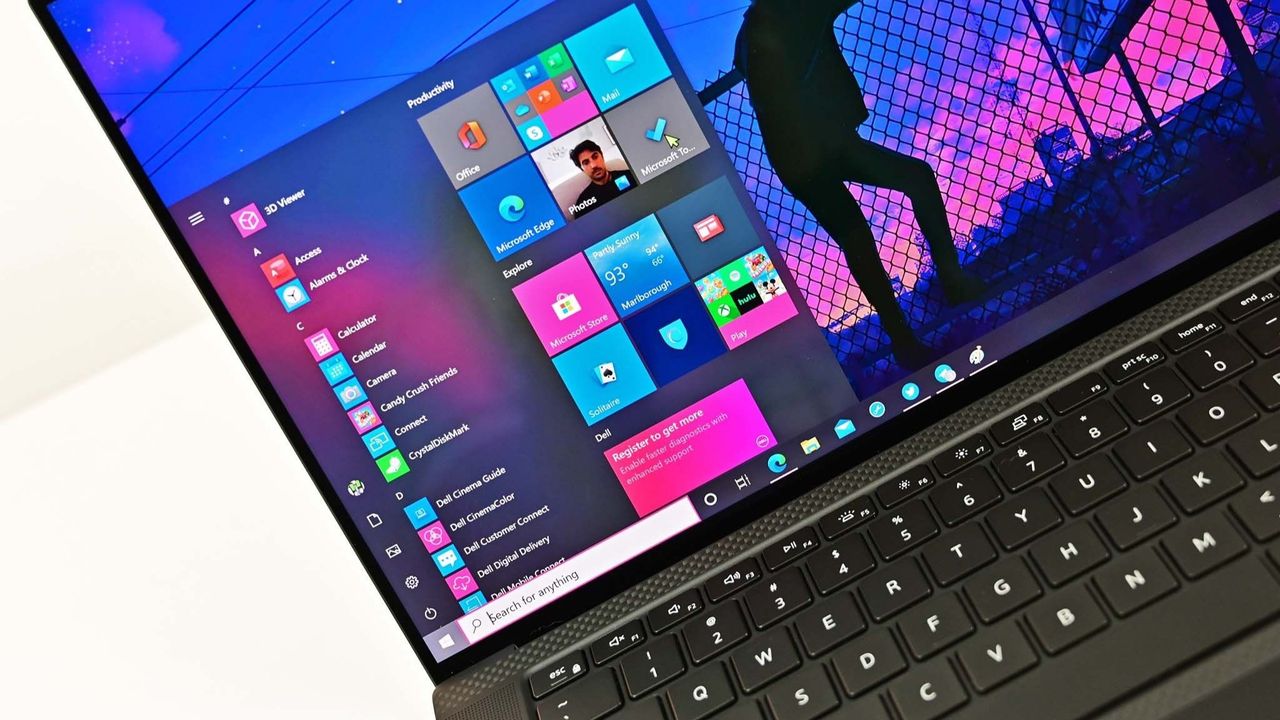
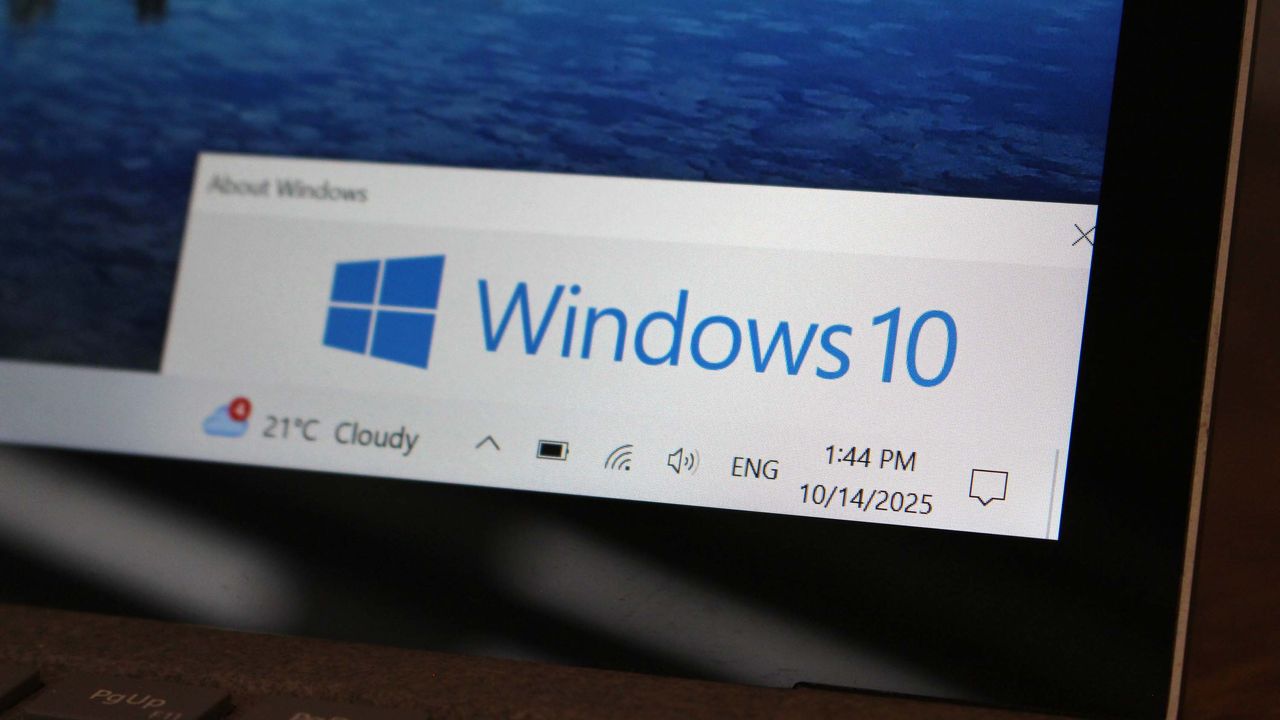
Windows 10 ESU program displayed on an ASUS Zenbook laptop screen
Windows 10 ESU program displayed on an ASUS Zenbook laptop screen
Microsoft has clarified that it is working with some of its PC OEM partners to give its PC customers with a "Non-Genuine" version of Windows installed a "very attractive" offer to upgrade to a fully licensed version of Windows 10 when it launches later this year.
Windows 10 support has ended. These four products and alternatives can help older PCs stay useful with ChromeOS Flex, SSDs, RAM upgrades, or Linux Mint.
Microsoft has a problem with its Universal Windows Platform (UWP) and what it means for developers and consumers. Here is how they plan to fix that and why it means ignore phones.
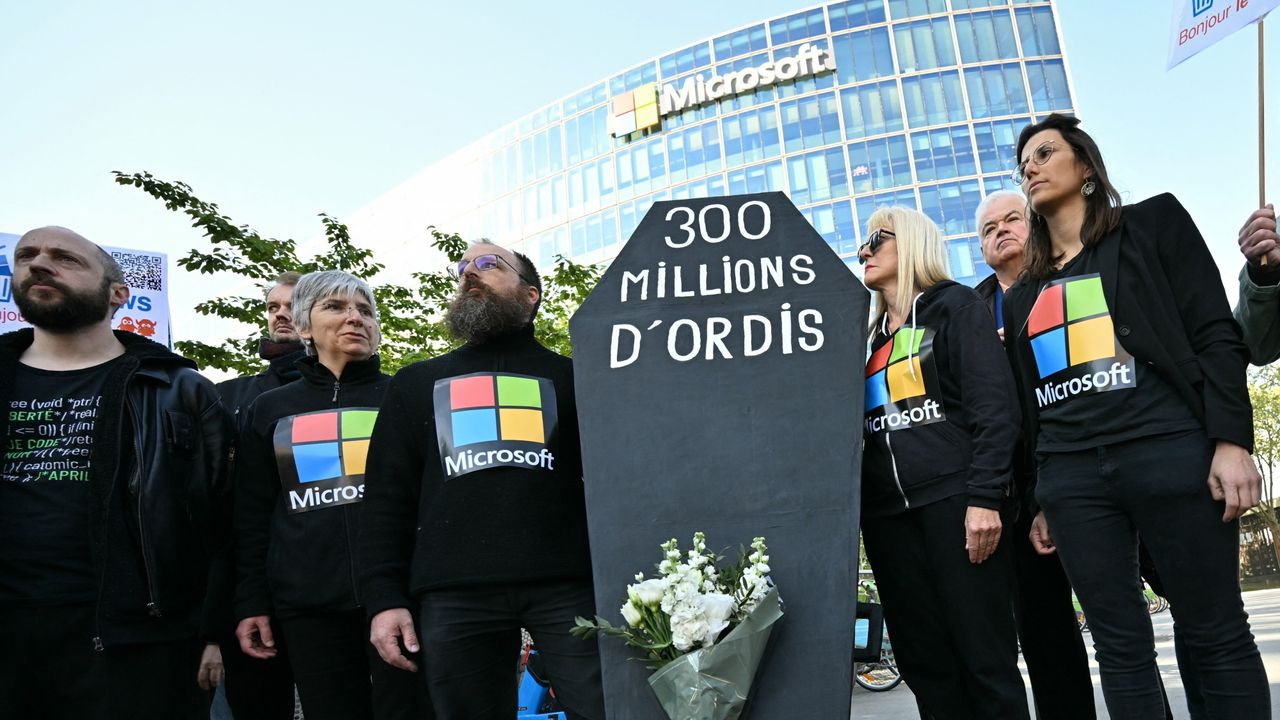
French activists staged a symbolic funeral for Windows 10, slamming Microsoft’s forced Windows 11 upgrades and planned obsolescence.
Demonstrators stage a protest to denounce the early retirement of 300 million computers, made obsolete by the forced upgrade from Windows 10 to Windows 11, in front of Microsoft France headquarters
French activists staged a symbolic funeral for Windows 10.
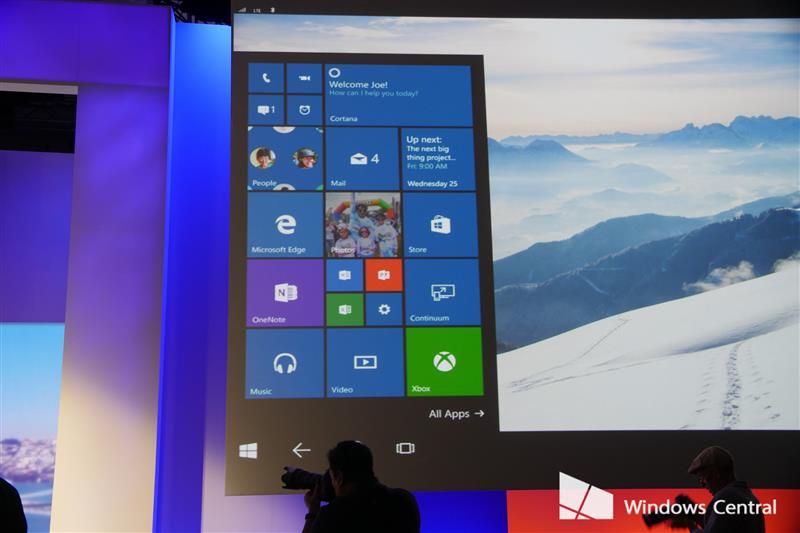
11 years ago, Microsoft unveiled Continuum for Windows 10 Mobile—a feature that promised to blur the line between smartphone and desktop PC. By connecting a phone to a monitor, keyboard, and mouse, users could run a desktop-like environment powered entirely by their pocket device. We’re reaching into the Windows Central vaults to revisit the moment Microsoft tried to change how we define a "computer.
Microsoft pulling the plug on Windows 10 is poised to widen the digital divide gap with a huge spike in electronic waste and increased cybersecurity threats. This is despite being fully functional.
PIRG delivered a letter signed by hundreds of organizations asking Microsoft to reconsider cutting support for Windows 10 and extend support for the world's most popular OS.
Windows 10 logo on a clock close to striking midnight.
Windows 10 support ends October 14. That means you have just one week remaining before your PC becomes unsupported. Here's what that means and how you can ensure your PC remains secure.
Windows 10 running on a laptop with desktop elements displayed on its screen
Microsoft will end mainstream support for Windows 10 on October 14, in just under a month's time. There are steps you must take to remain secure, or run the risk of being vulnerable to security exploits.
Windows 10 Extended Security Updates (ESU) lets PCs get security patches until October 13, 2026, since main support ends October 14, 2025, and here's how to enroll.
Windows 10 ESU program displayed on an ASUS Zenbook laptop screen

 Connexion