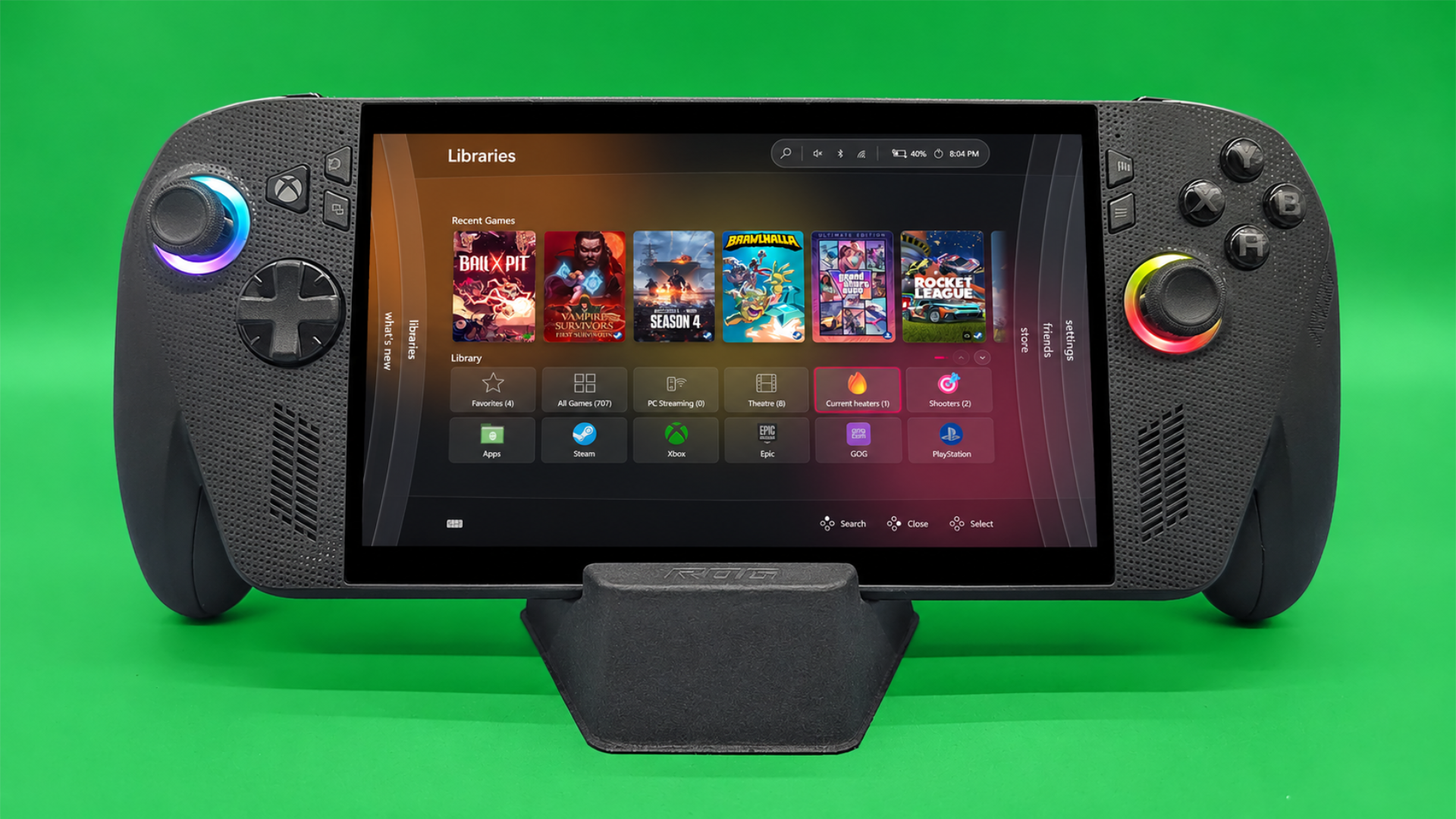
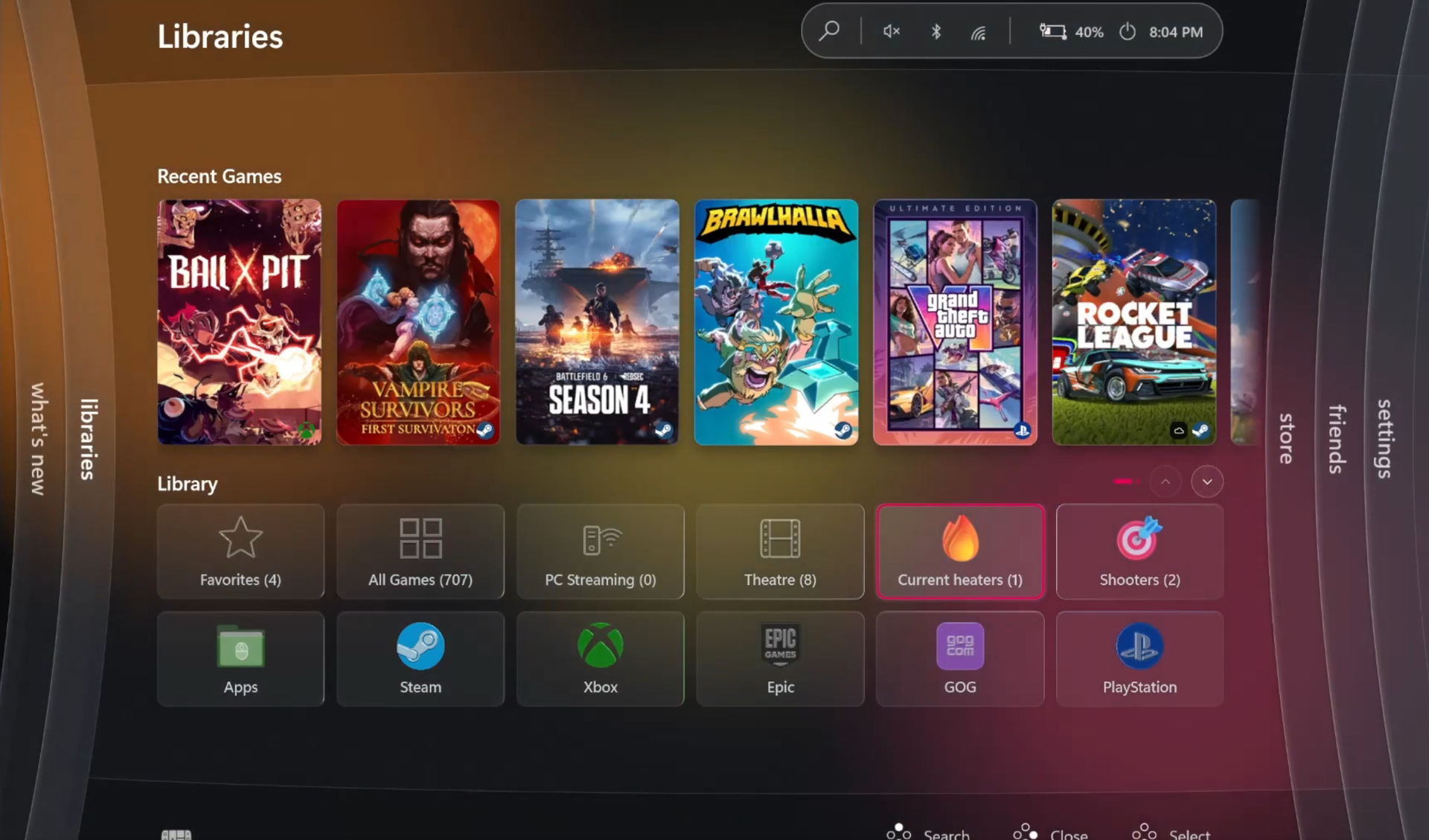
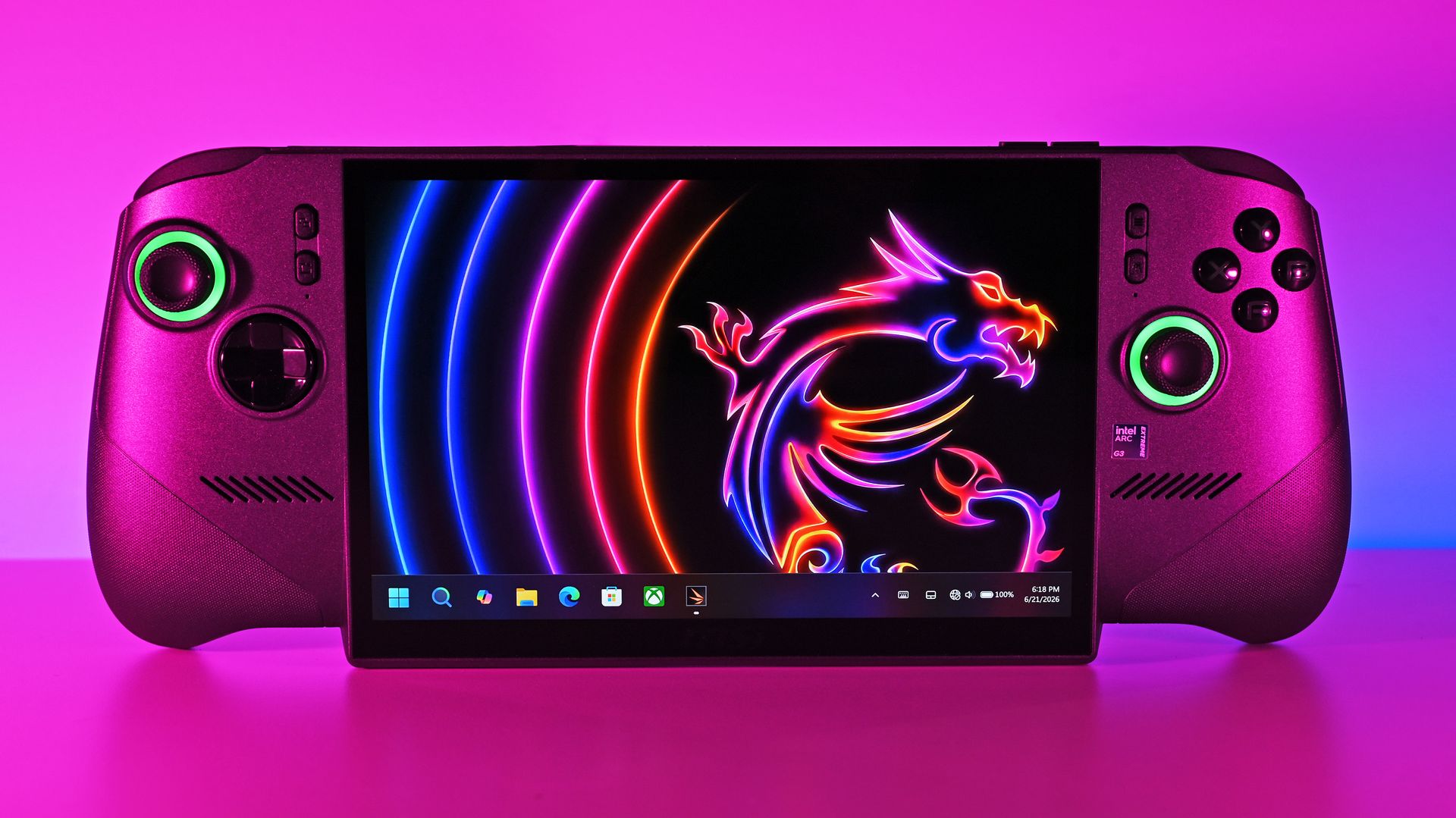
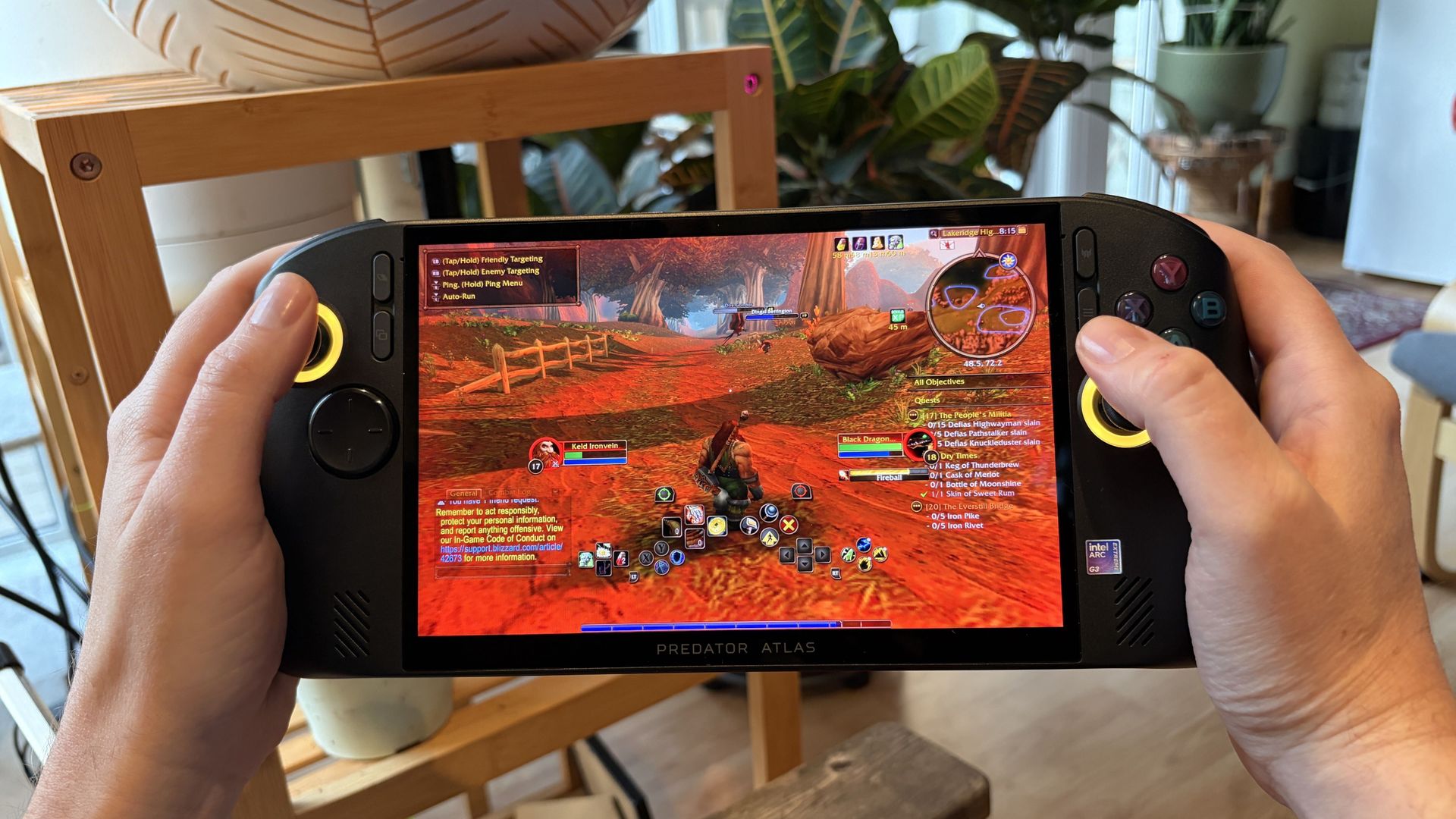
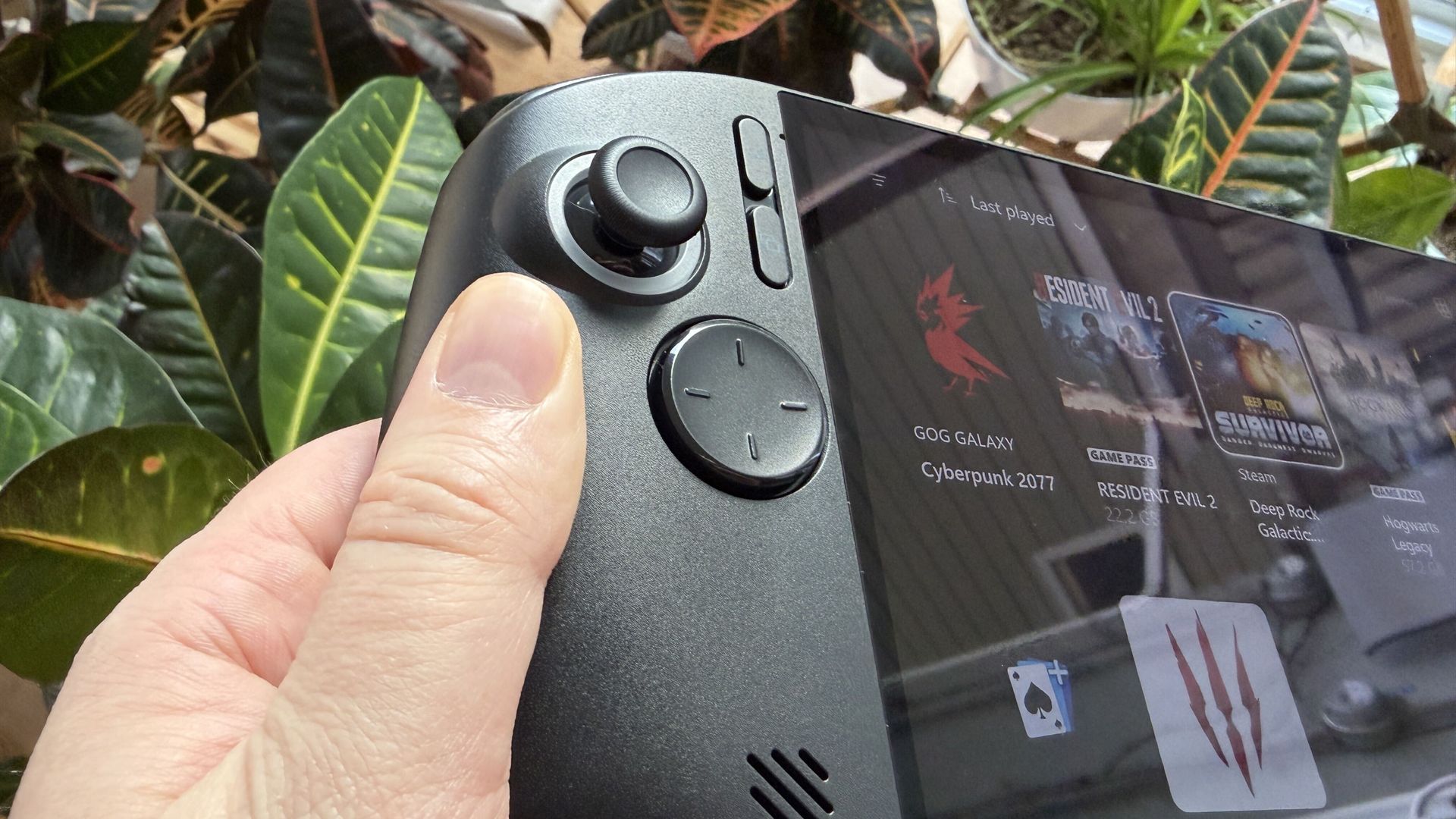
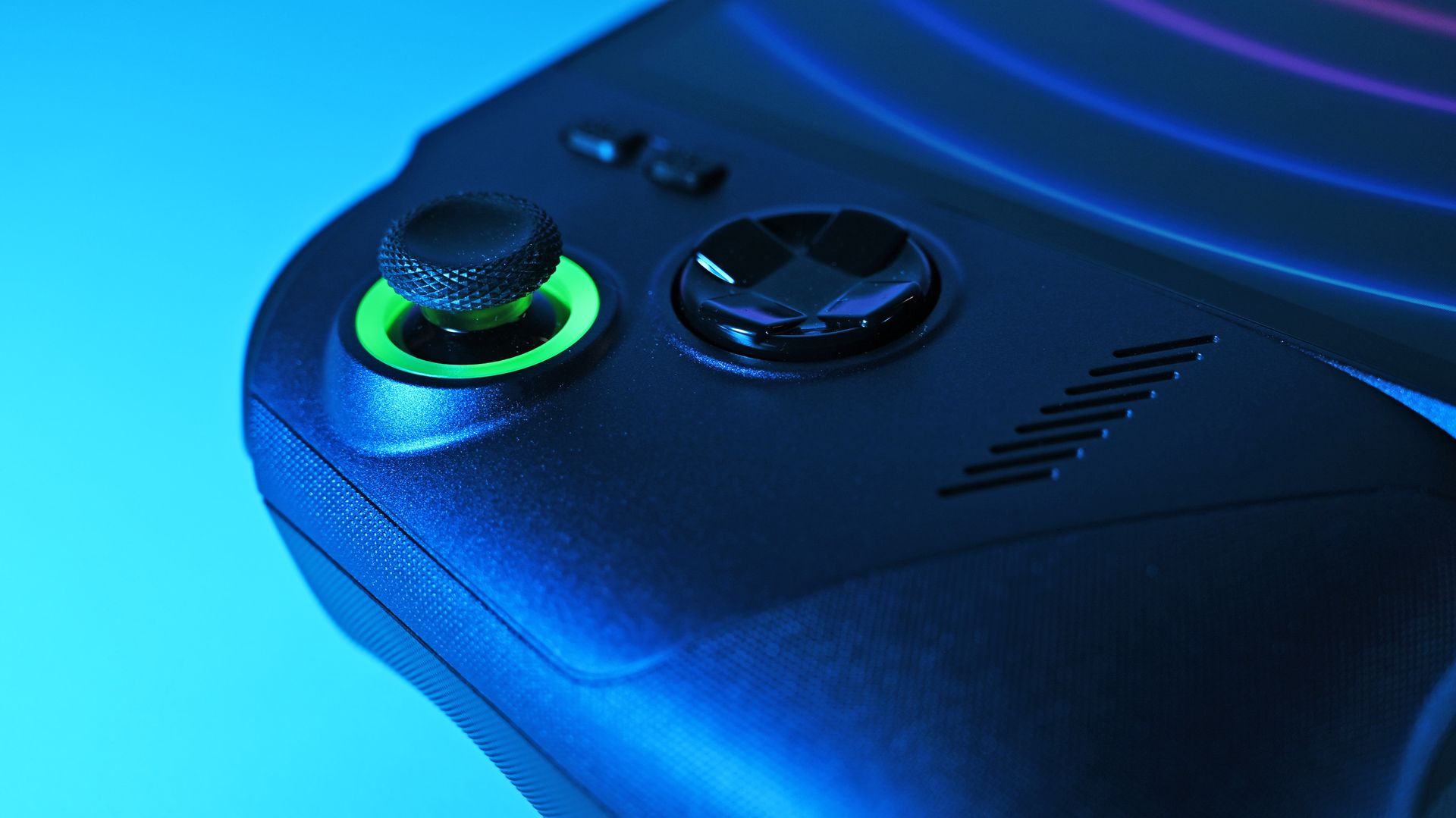
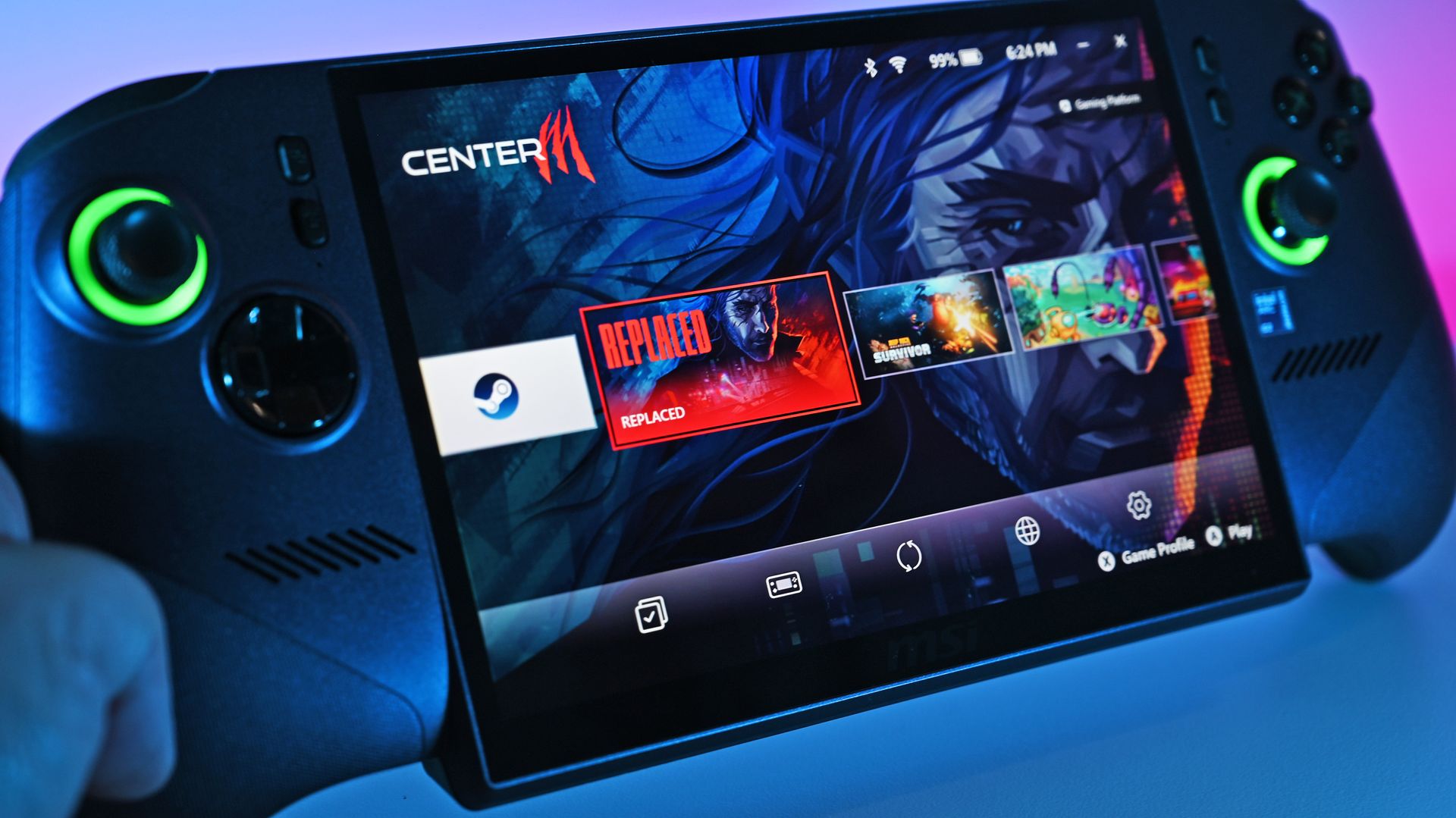
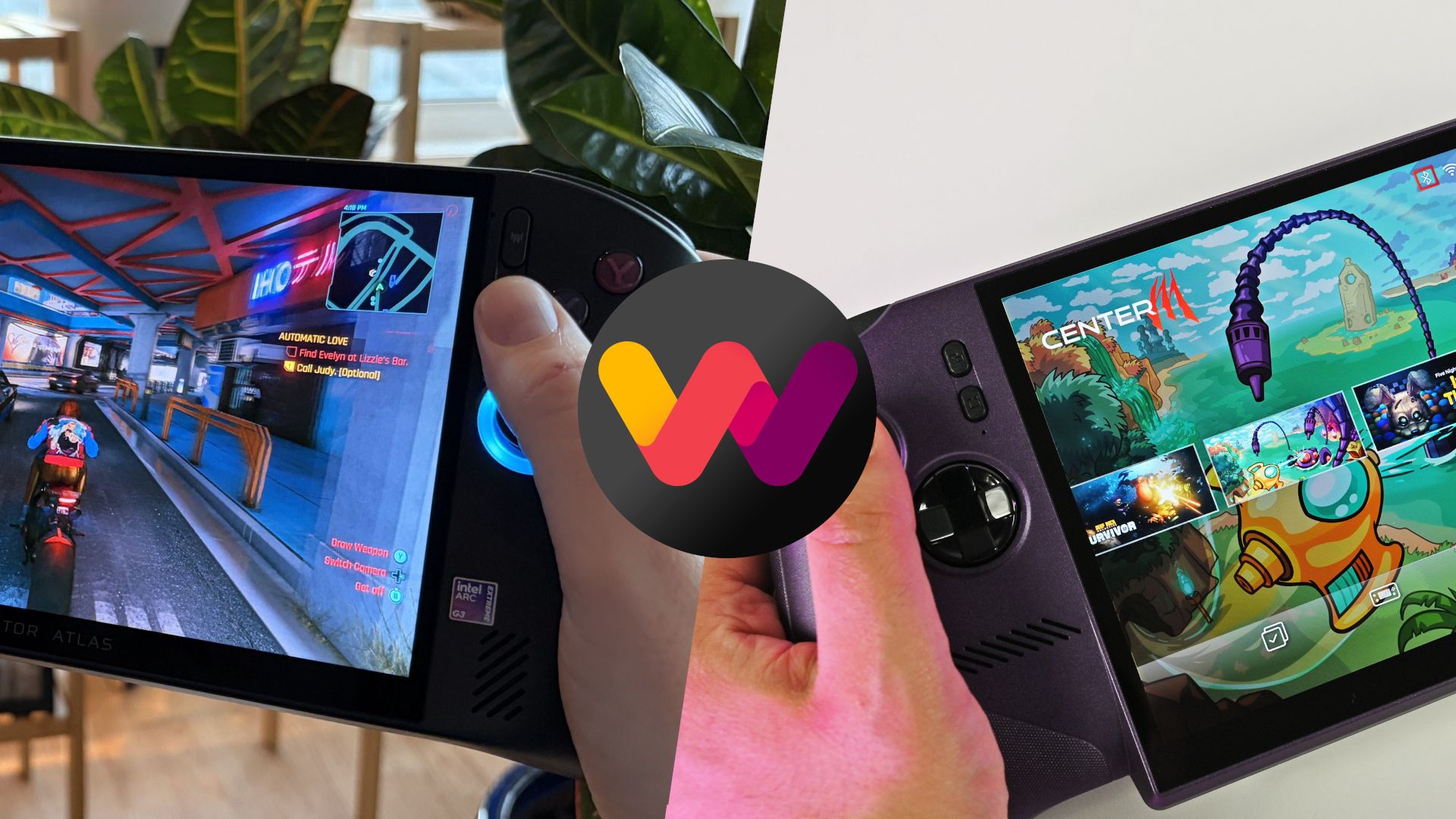
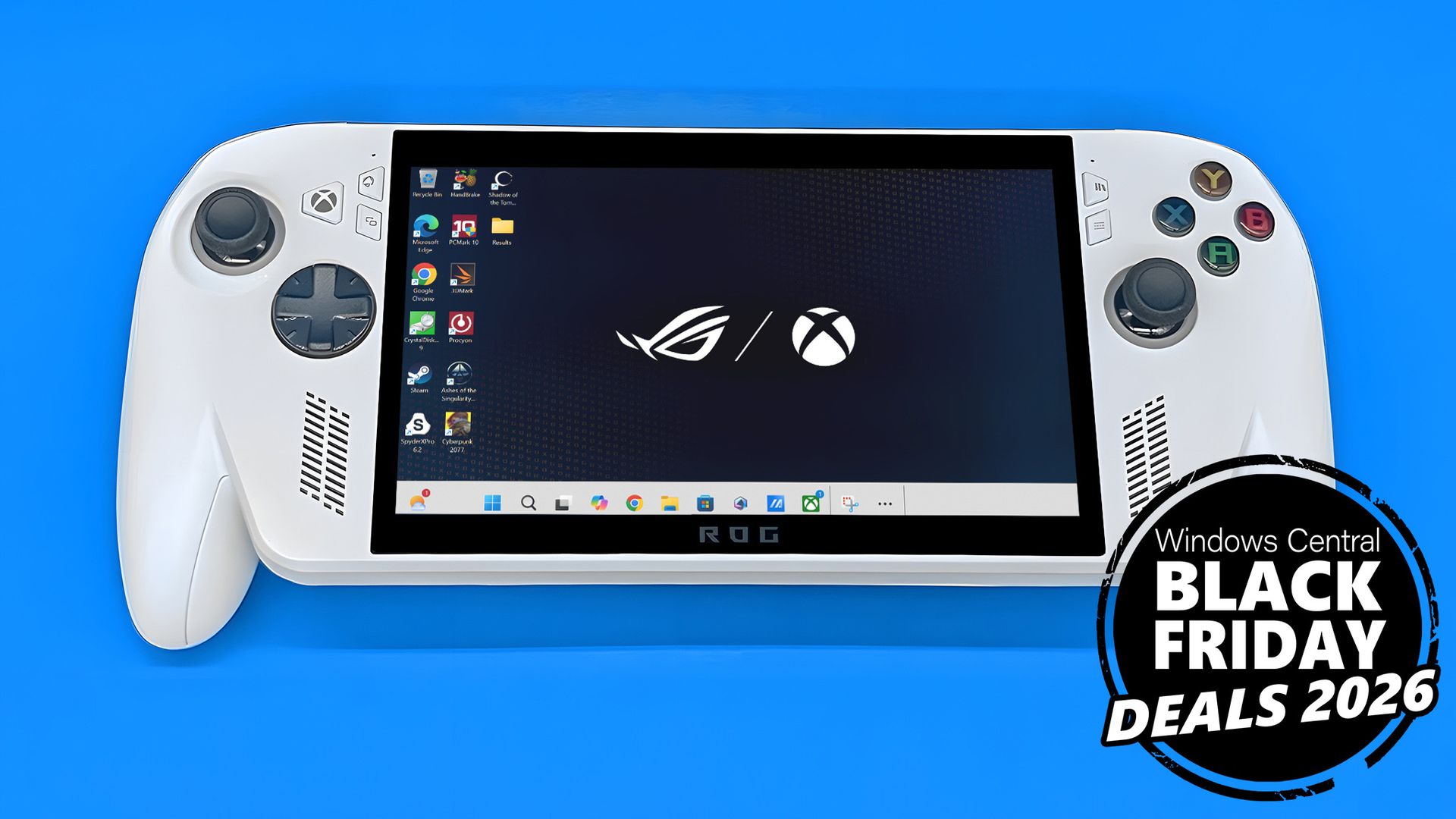
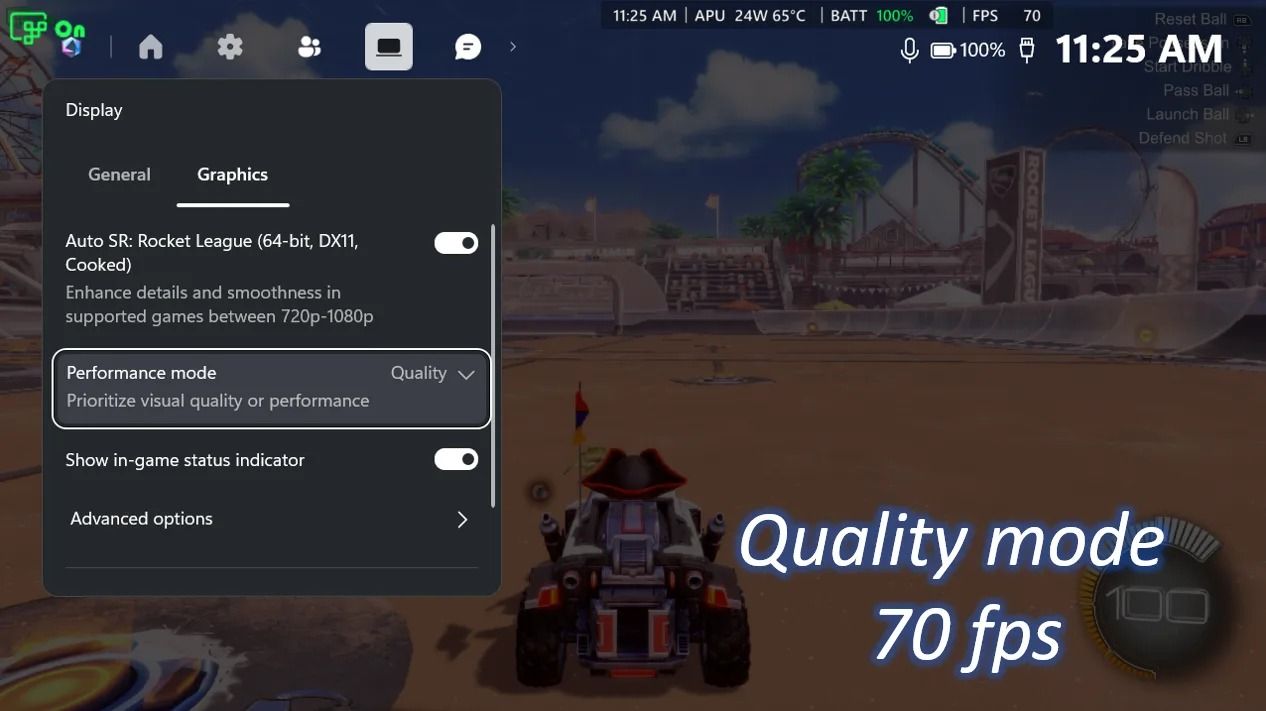
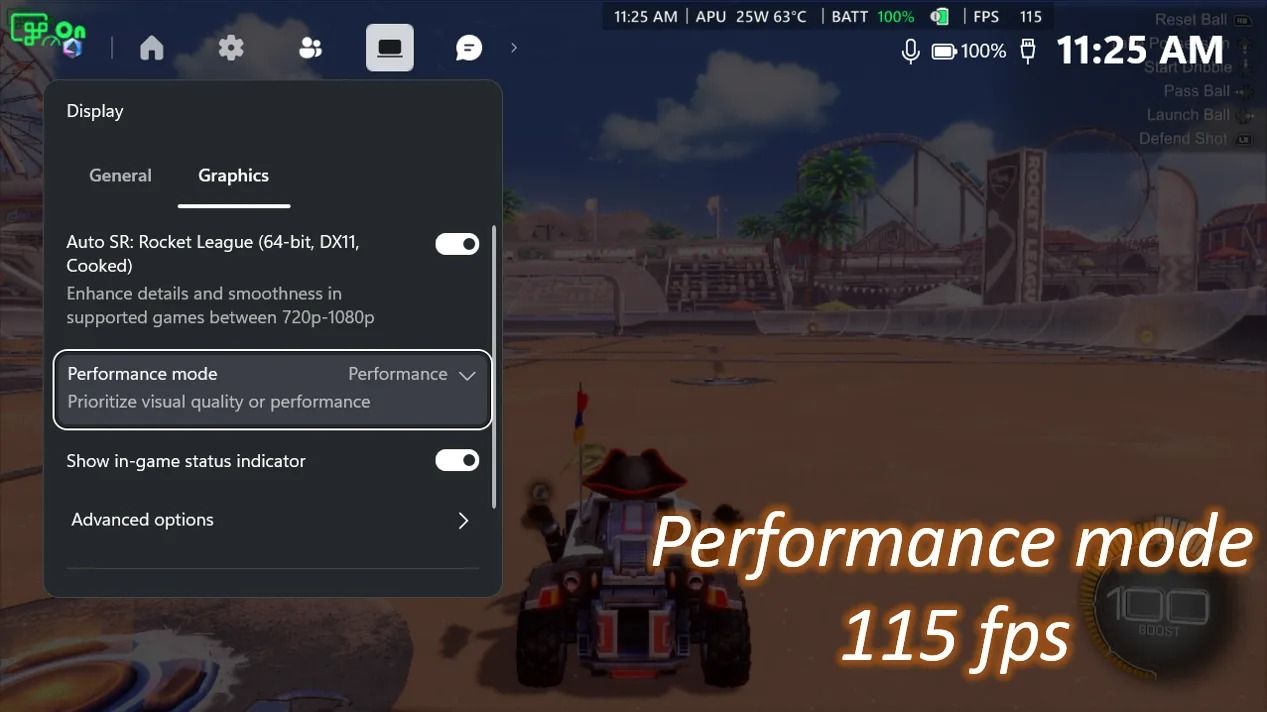
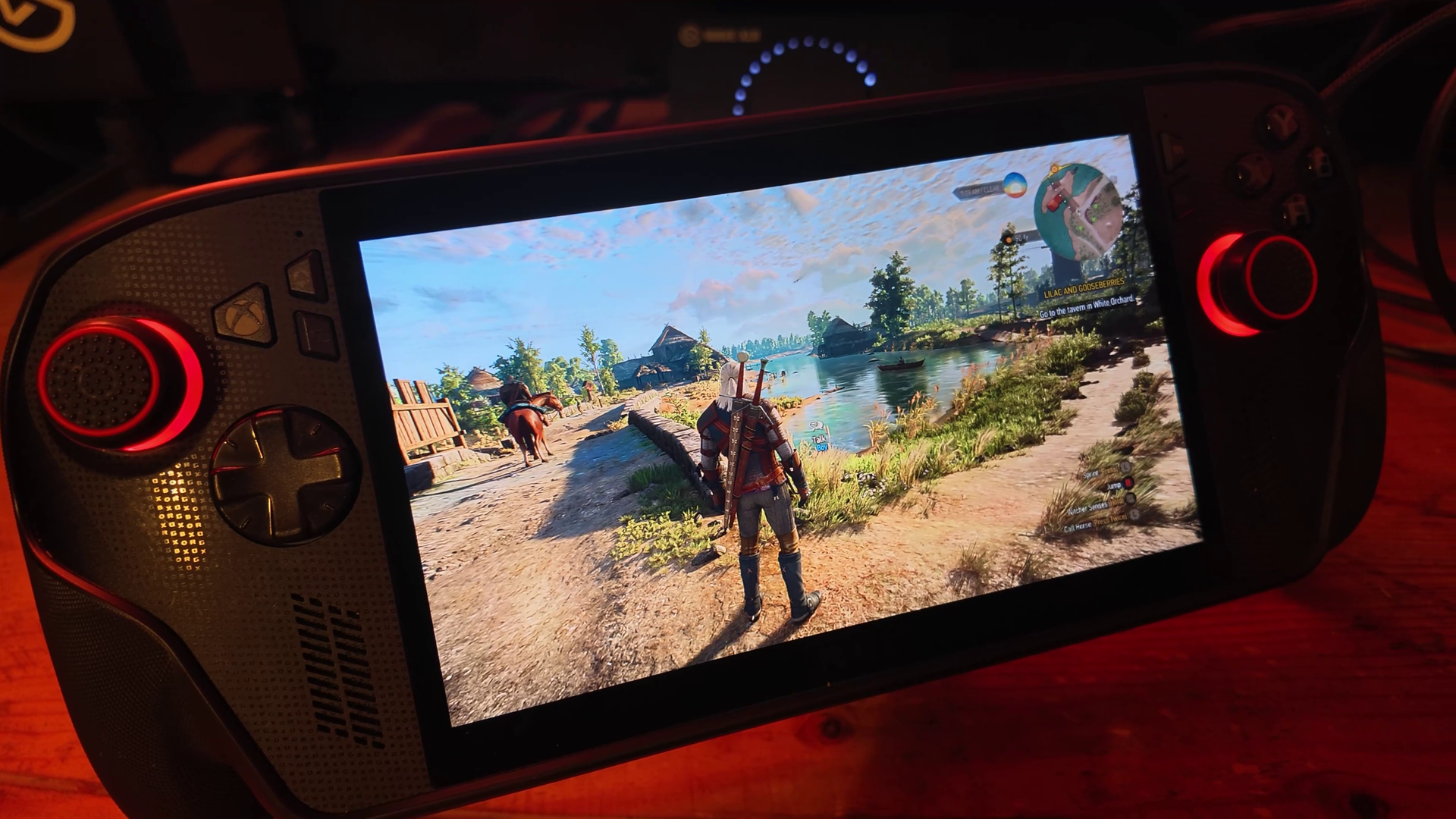
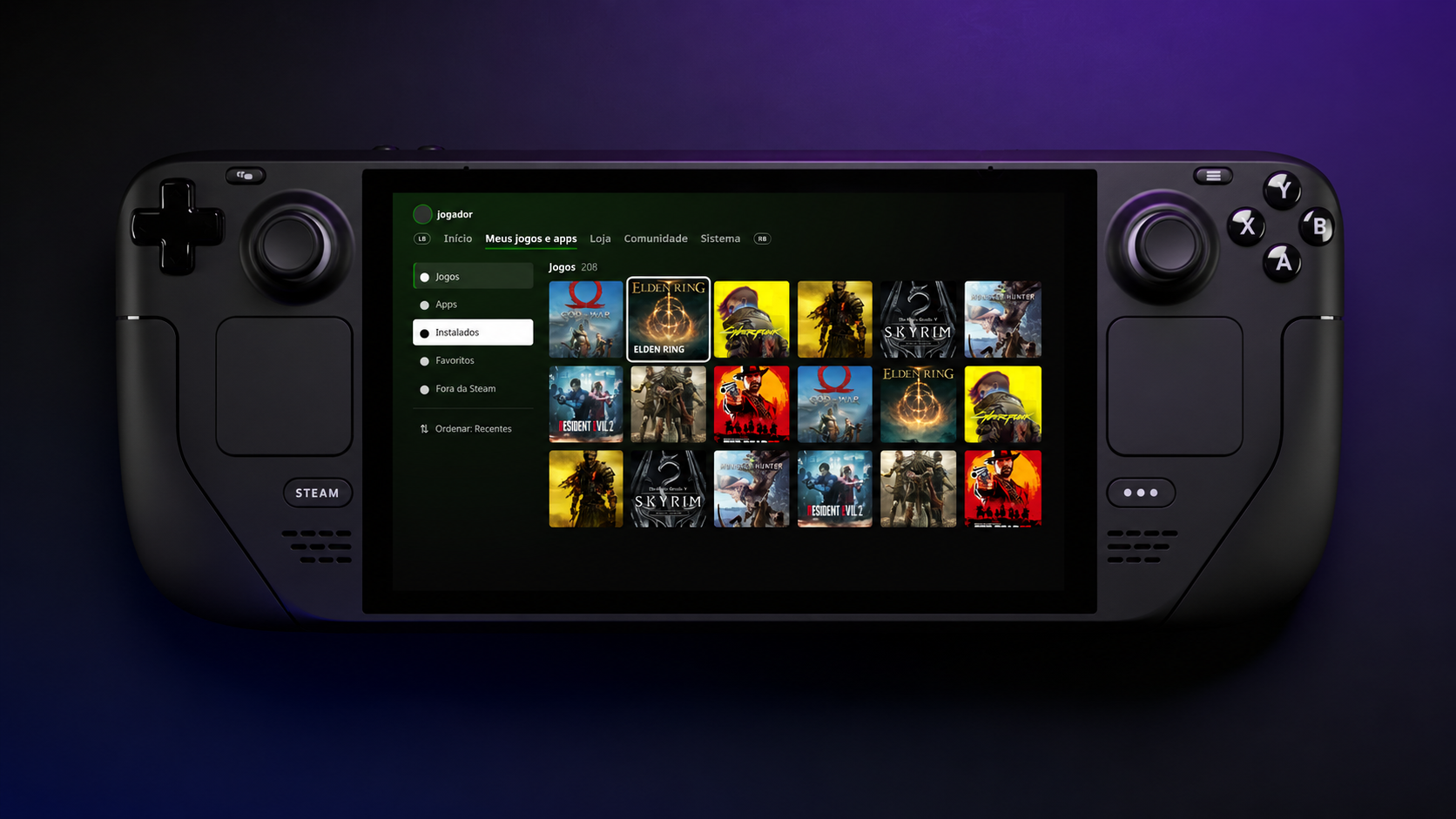
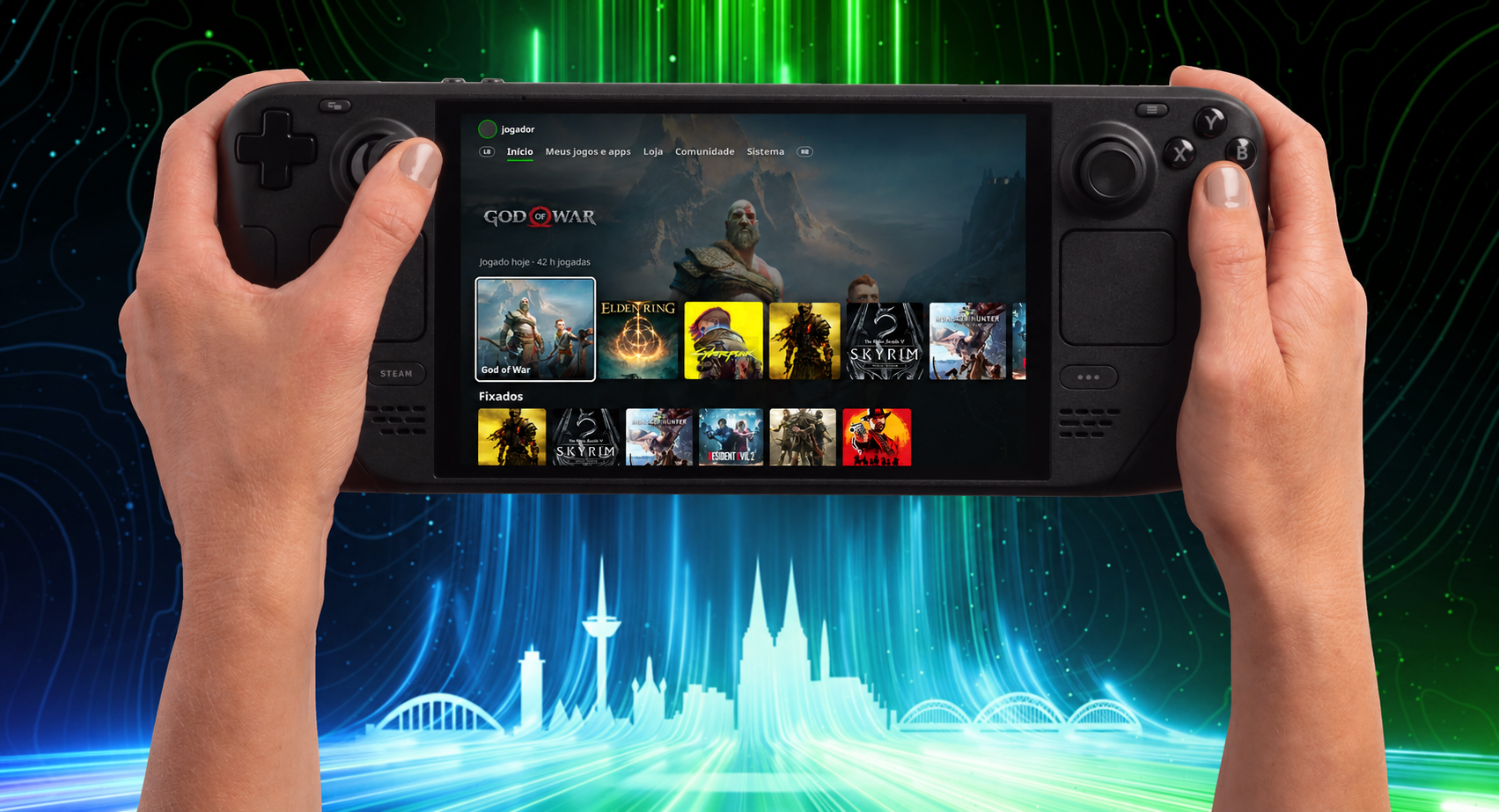
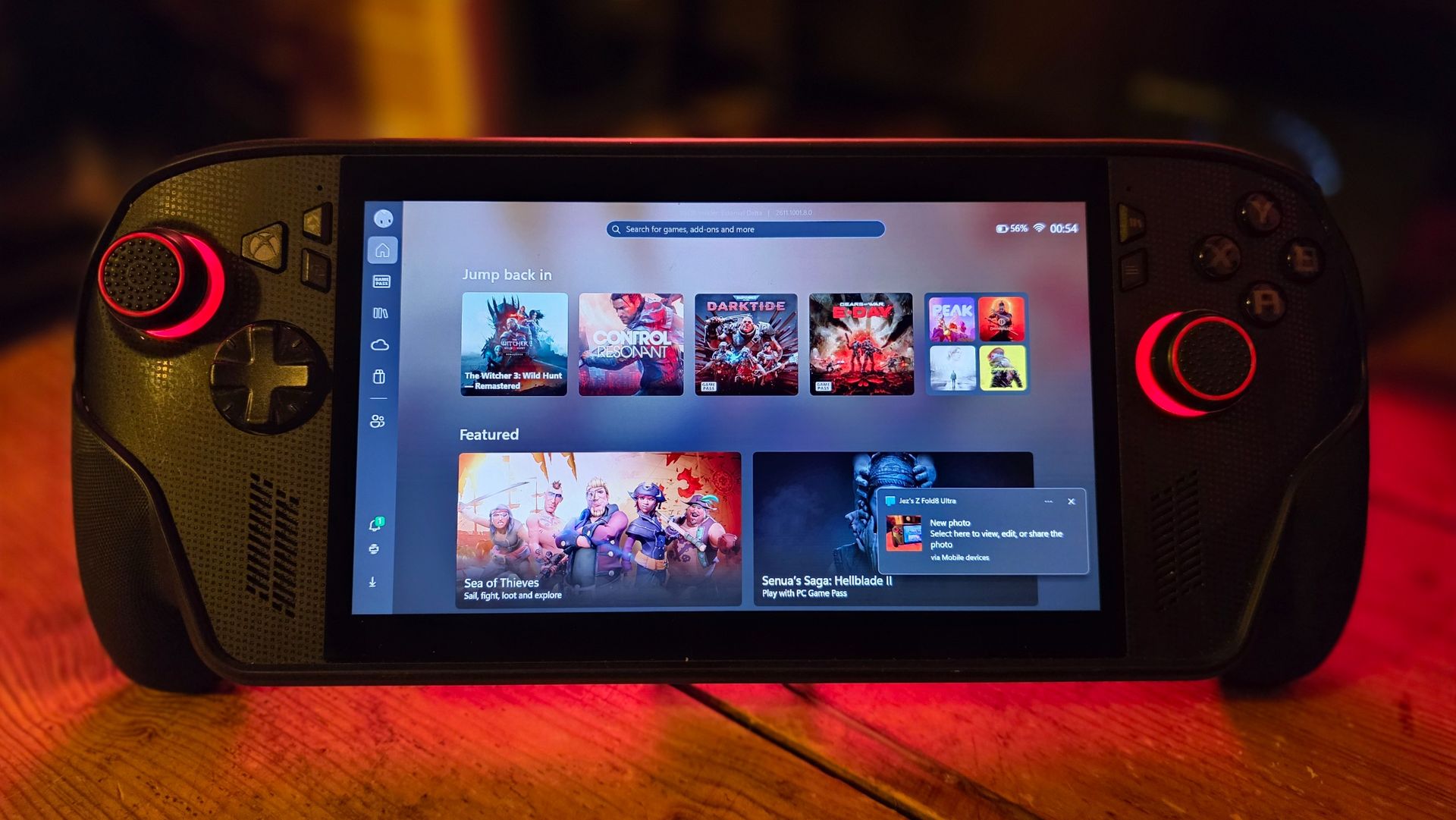
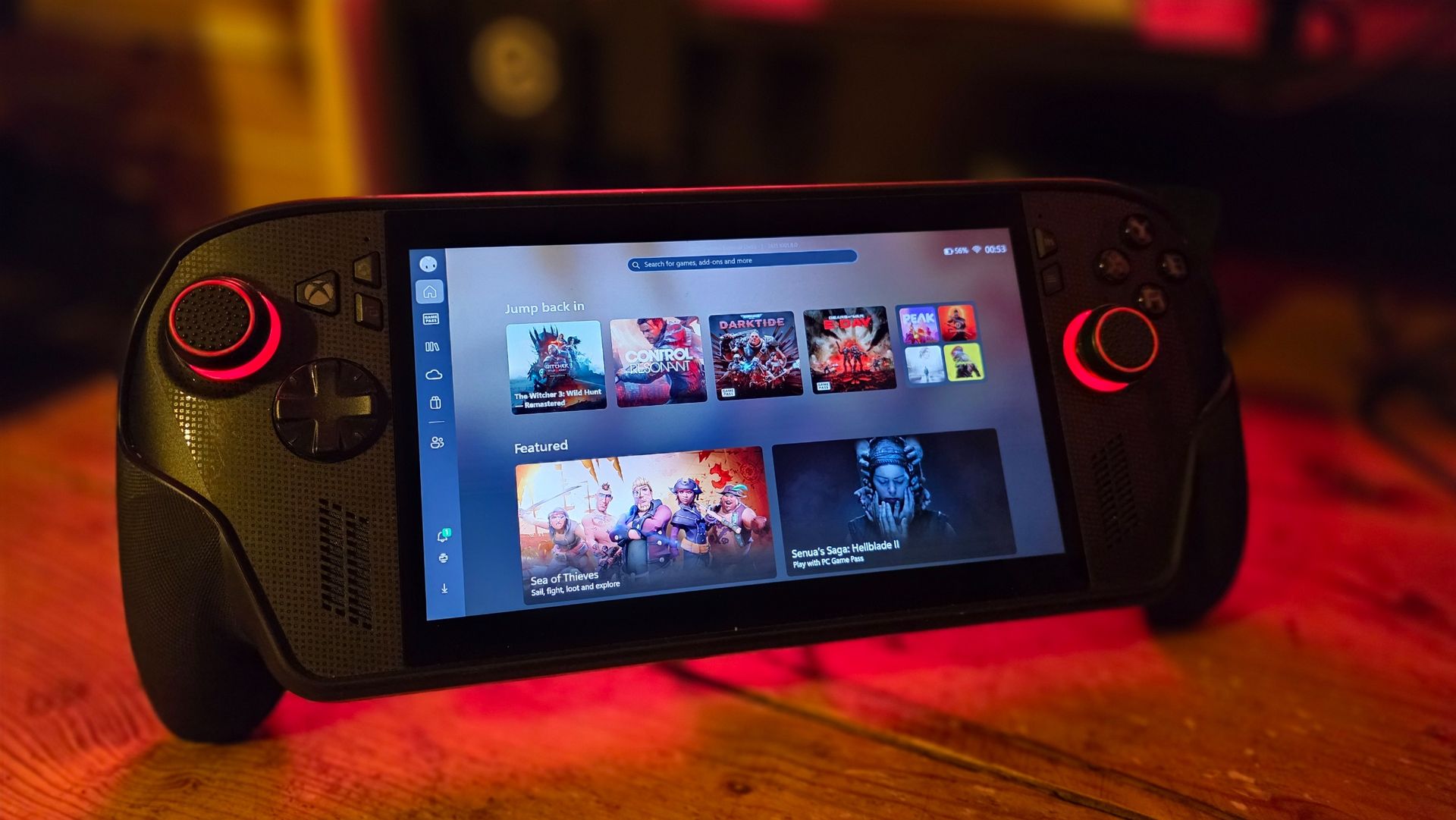
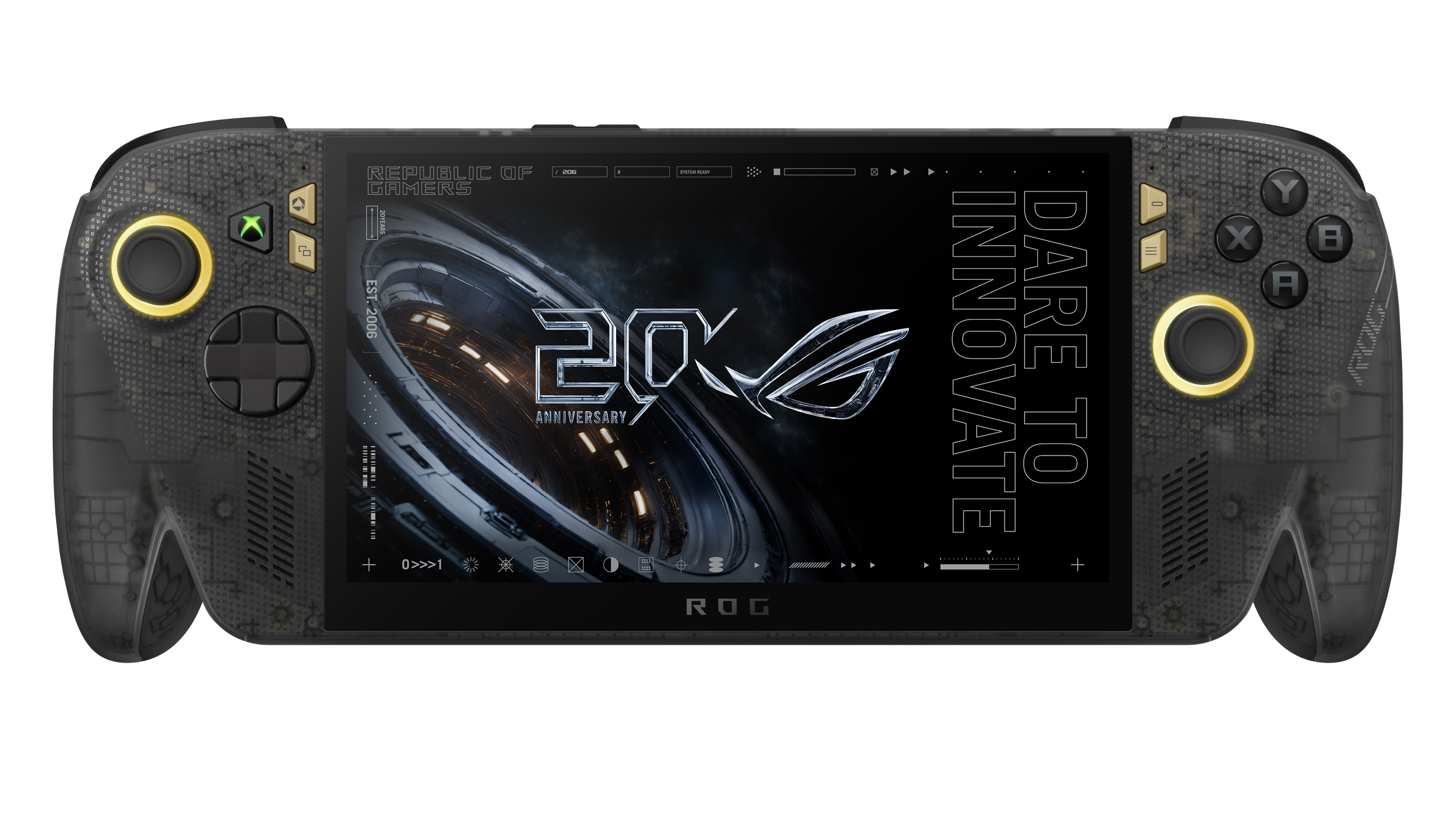
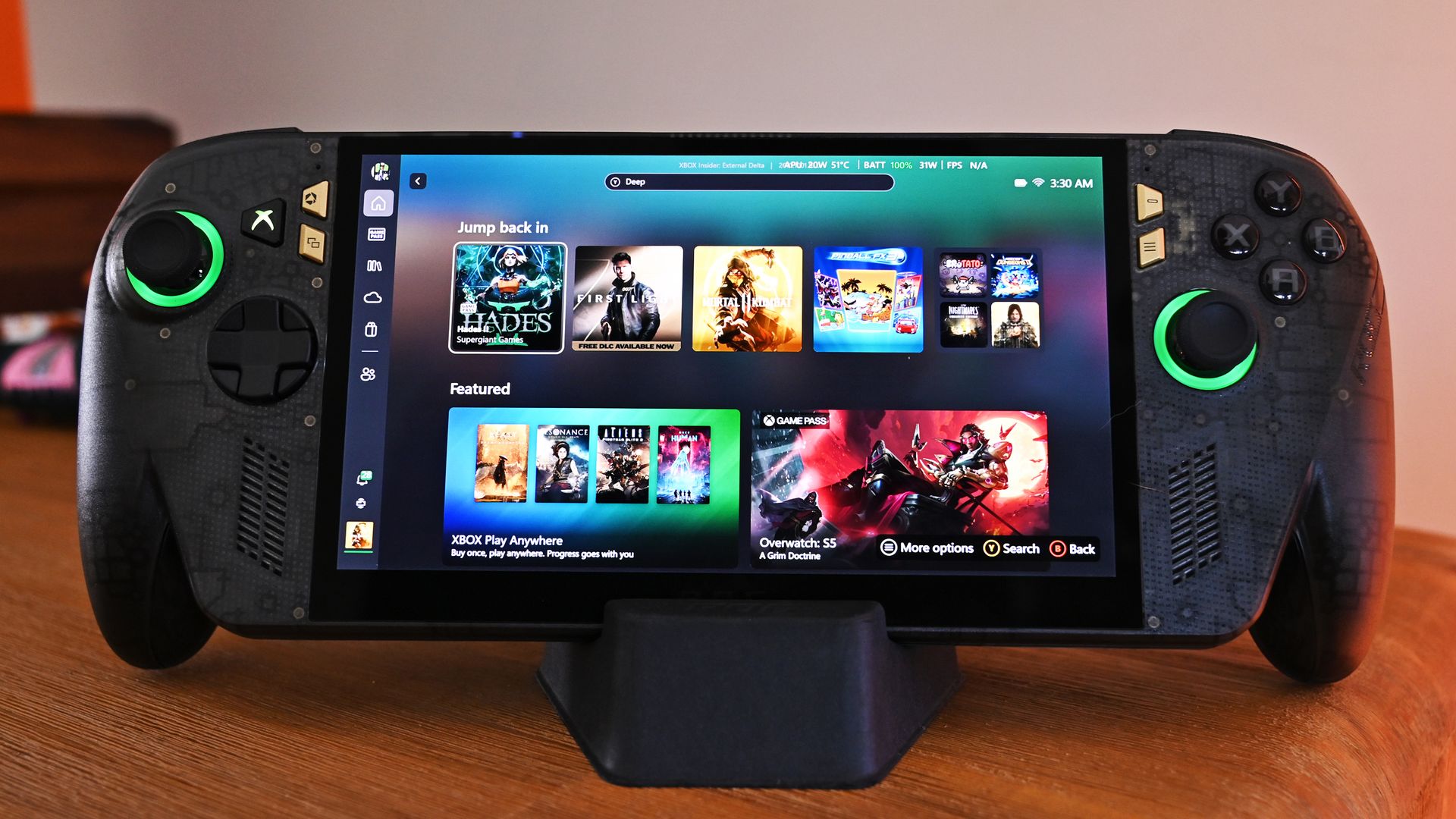
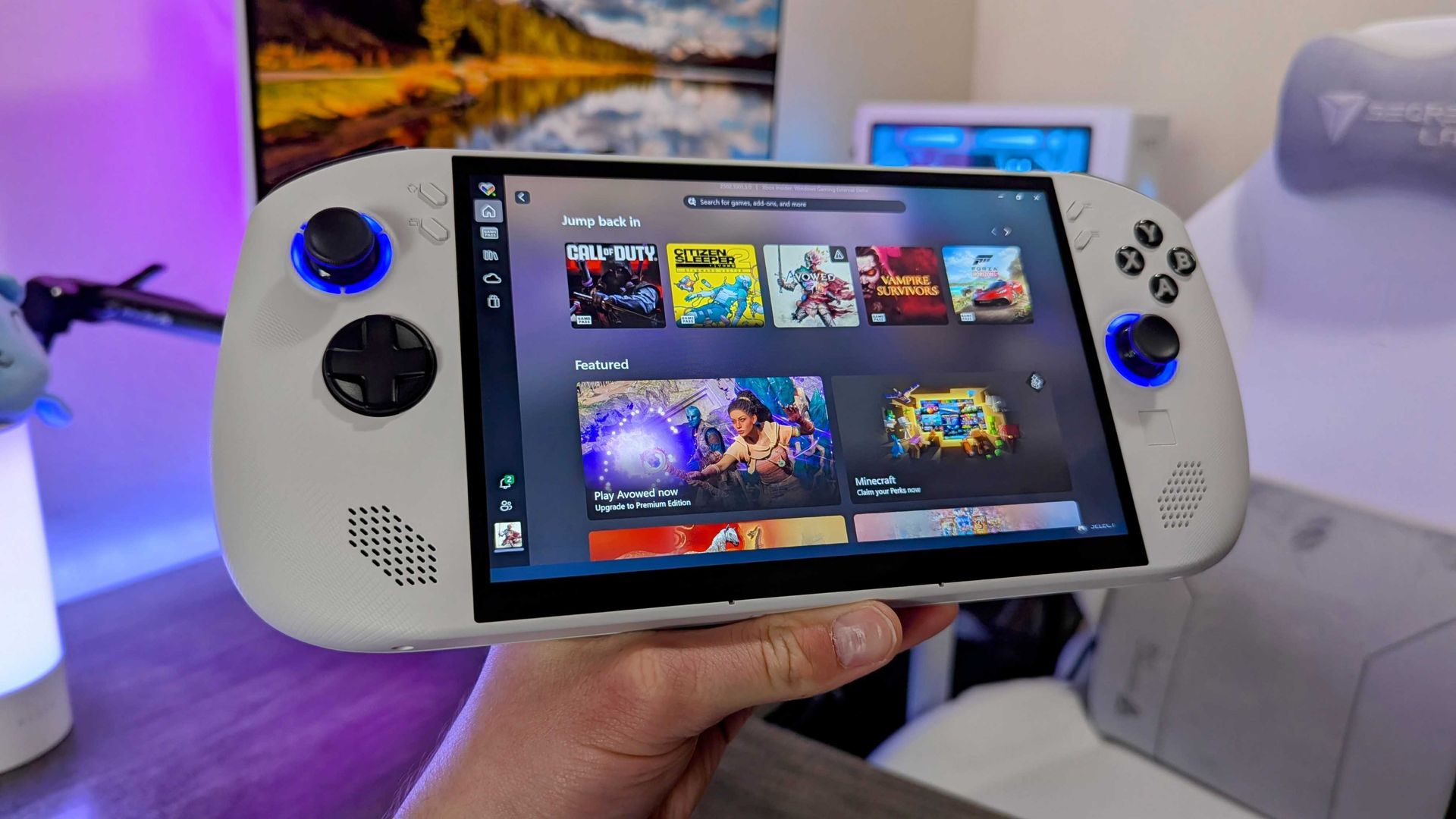
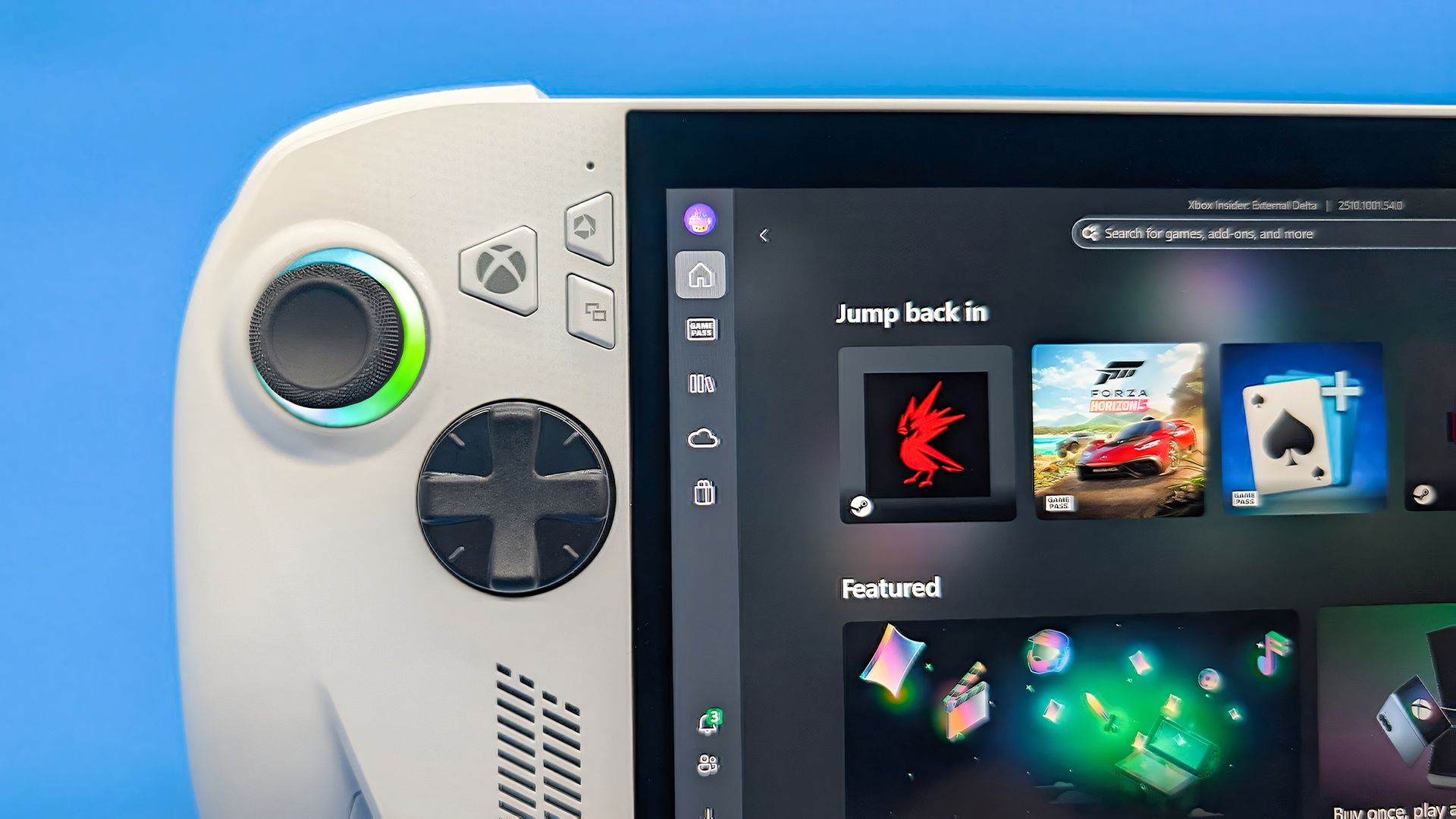
While I haven’t yet covered the major 1.0 update, I wanted to highlight a wild new addition to the launcher, a new interface inspired by the original Xbox 360 dashboard, the one fans famously dubbed "Blades." This update arrives to celebrate Xbox turning 25 years old this past week, a milestone that makes me feel extremely old.
As explained by the developer, the new Blades dashboard works like this: “In Blades, each part of the app (Home, your libraries, Store, Friends, What's New, Settings) is its own blade, and LB/RB flips between them.”
There's much more to Winhanced than nostalgia
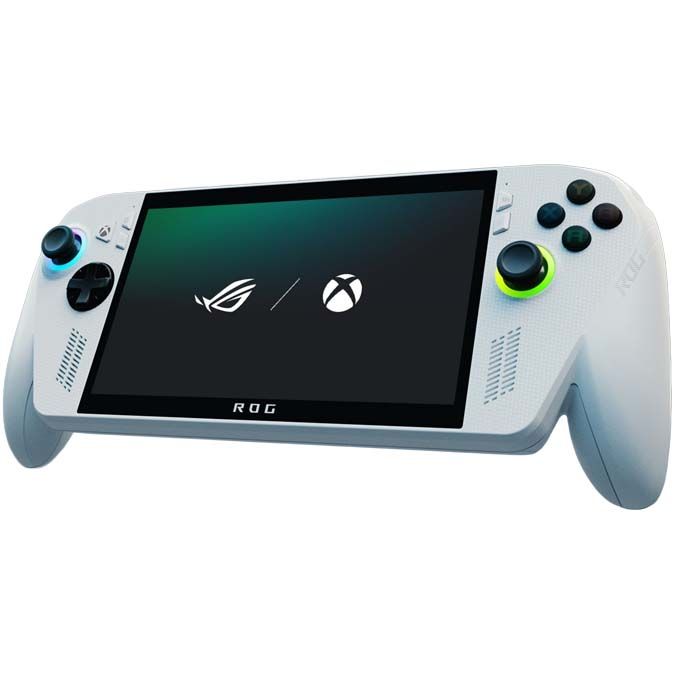
Winhanced brings the iconic Xbox 360 Blades dashboard to modern Windows gaming handhelds, including the ROG Xbox Ally X. (Image credit: Winhanced | Windows Central)
I’m honestly impressed by how far Winhanced has come. I couldn’t recommend it enough. I don’t want to touch on 1.0 too much, as it’s worth an entire article in itself, but to give you an idea of just how all-encompassing Winhanced is, it can connect your friends list across almost every platform, offers full Discord integration, includes a store browser that covers Steam, Xbox, and more, supports emulators, tracks achievements, and provides built-in guides for games, among so much more.
If you are interested in trying it, I highly recommend you check it out here. And if you have any questions, the developers are extremely welcoming over in their Discord, which you can join here.
Let me know in the comments if you have tried Winhanced and what you think of the launcher. And be sure to take part in our poll below!
Join us on Reddit at r/WindowsCentral to share your insights and discuss our latest news, reviews, and more.
Farcall, c'est un émulateur du tout premier IBM PC (celui de 1981 avec son processeur 8088) que son auteur a codé en Rust pour comprendre comment cette machine fonctionnait vraiment. Et plutôt que de vous le faire compiler en mode barbu des enfers, il l'a tout simplement installé sur un serveur public. Comme ça, vous vous connectez en SSH, et vous atterrissez dans un DOS avec Zork, NetHack, GW-BASIC, Sopwith ou Digger Remastered accessibles dessus.
La commande pour s'y connecter si vous voulez tester, c'est :
Vous arrivez alors sur un lanceur où vous choisissez une disquette à insérer, vous validez avec Entrée, puis vous tapez PLAY à l'invite DOS, et Ctrl-] vous ramène au lanceur. Un client SSH standard suffit, mais les graphismes complets demanderont un terminal qui gère le protocole Kitty graphics, comme Ghostty, Kitty, iTerm2 ou Konsole.
Digger Remastered en couleurs CGA, affiché par Farcall (capture : billet de l'auteur sur dialup.net)
Attention quand même, le DOS du serveur n'est pas celui de Microsoft puisque c'est GLaBIOS et le noyau c'est FreeDOS avec le shell SvarCOM. Et côté jeux, vous avez NetHack dans sa vieille version 2.3e, Zork I, II et III via l'interpréteur Frotz, Sopwith dans son Author's Edition, ou encore GW-BASIC adapté par TK Chia.
Mais le plus sympa, je trouve c'est comment il a construit couche par couche cet ordinateur virtuel. Il est parti d'un simple "Hello World" et a implémenté par itération les instructions du 8088, résolvant les problèmes un par un, pour finir par réussir à lire sa propre disquette PC-DOS 2.0. Mais le vrai challenge, ça a été GLaBIOS, car pour faire tourner un vrai BIOS, il a fallu émuler tout le matériel auquel celui-ci cause comme le contrôleur DMA, le timer PIT et l'interface PPI.
Côté IA, l'auteur précise qu'il a écrit le code de l'émulateur à la main, et qu'il s'est servi de Codex pour les tests unitaires, quelques programmes de test et ses recherches. Le code est sous licence MIT sur son GitHub et vous pouvez compiler ça chez vous avec cargo, puis le lancer sur vos propres images de disquettes avec une ROM de BIOS, en fenêtre ou dans le terminal.
Par contre, ne vous attendez pas à un émulateur de référence fidèle au cycle près... C'est surtout un projet d'apprentissage. Et puis ça ne gère encore ni disque dur, ni EGA, ni VGA. Par contre, le mec ne semble pas vouloir lâcher l'affaire puisque son objectif, c'est le support Windows 3.1, ce qui nécessite avant de supporter le mode protégé du 286. Donc voilà, si vous voulez un vrai PC d'époque, partez plutôt sur MartyPC, DOSBox ou 86Box voire sur un émulateur x86 dans le navigateur si c'est juste pour jouer.
M'enfin, c'est bien cool comme petite plongée dans le rétro-computing !
Acer's Predator Atlas 8 costs $350 less than the Claw 8 EX AI+ despite having an identical Arc G3 Extreme chip and 120Hz display. It's the most value-conscious decision, and although it falls behind in some areas, it still delivers industry-leading performance.
MSI's Claw 8 EX AI+ represents the very best of gaming handhelds in 2026, but at $350 more than Acer's Predator Atlas 8, you'll really need to be in love with the design and controls to make it count.
Pros
Slightly higher performance
Superior D-Pad design
Vivid, bright IPS display
Better battery life out of the box
Weighs less
Cons
Costs $350 more
Some bugs in the software
Might not love the display overhang
The new series of gaming handhelds featuring Intel's Arc G3 Extreme chip has caught the attention of many PC gamers thanks to their outstanding performance, and we've already tested and reviewed the Acer Predator Atlas 8and the MSI Claw 8 EX AI+.
Although they each received the same overall 4.5-star rating here at Windows Central, there's some serious nuance that I think potential buyers should know about.
Is it worth spending hundreds more on the MSI Claw 8 EX AI+? Or can you get a satisfying gaming experience on the more affordable Predator Atlas 8? Let's find out.
Acer Predator Atlas 8 vs. MSI Claw 8 EX AI+ — Specifications and pricing
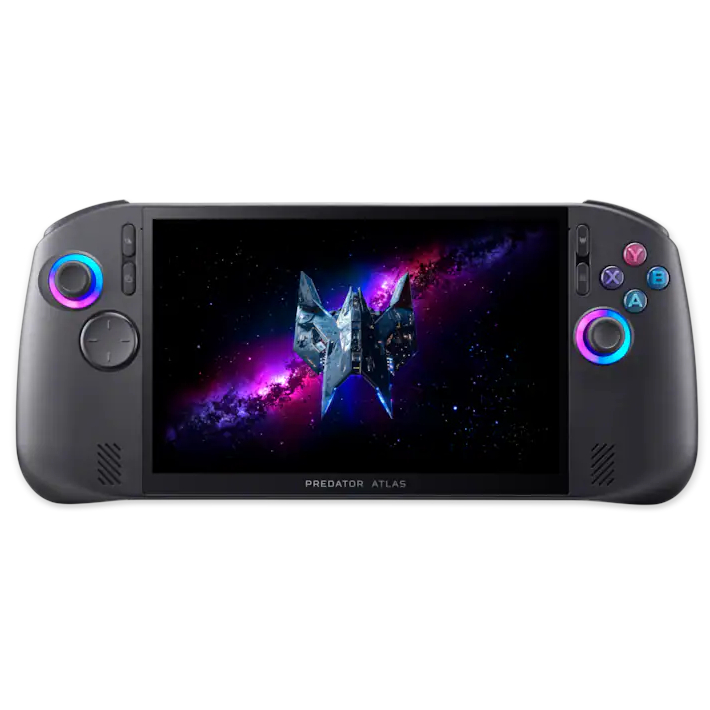
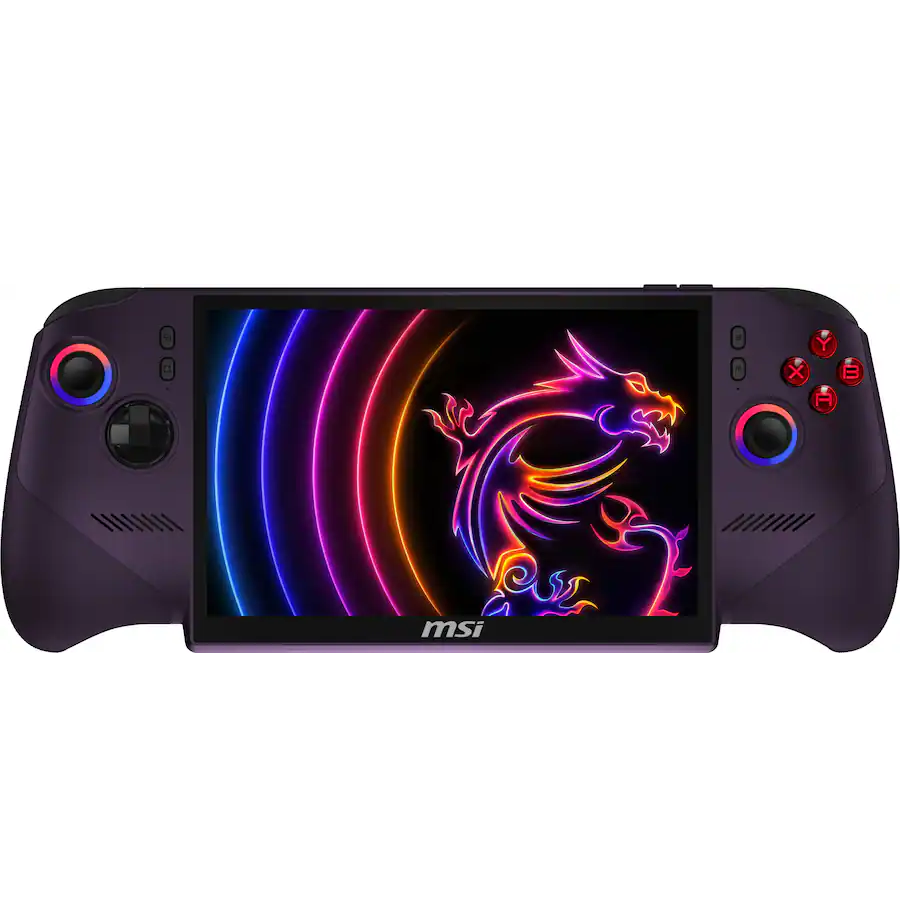
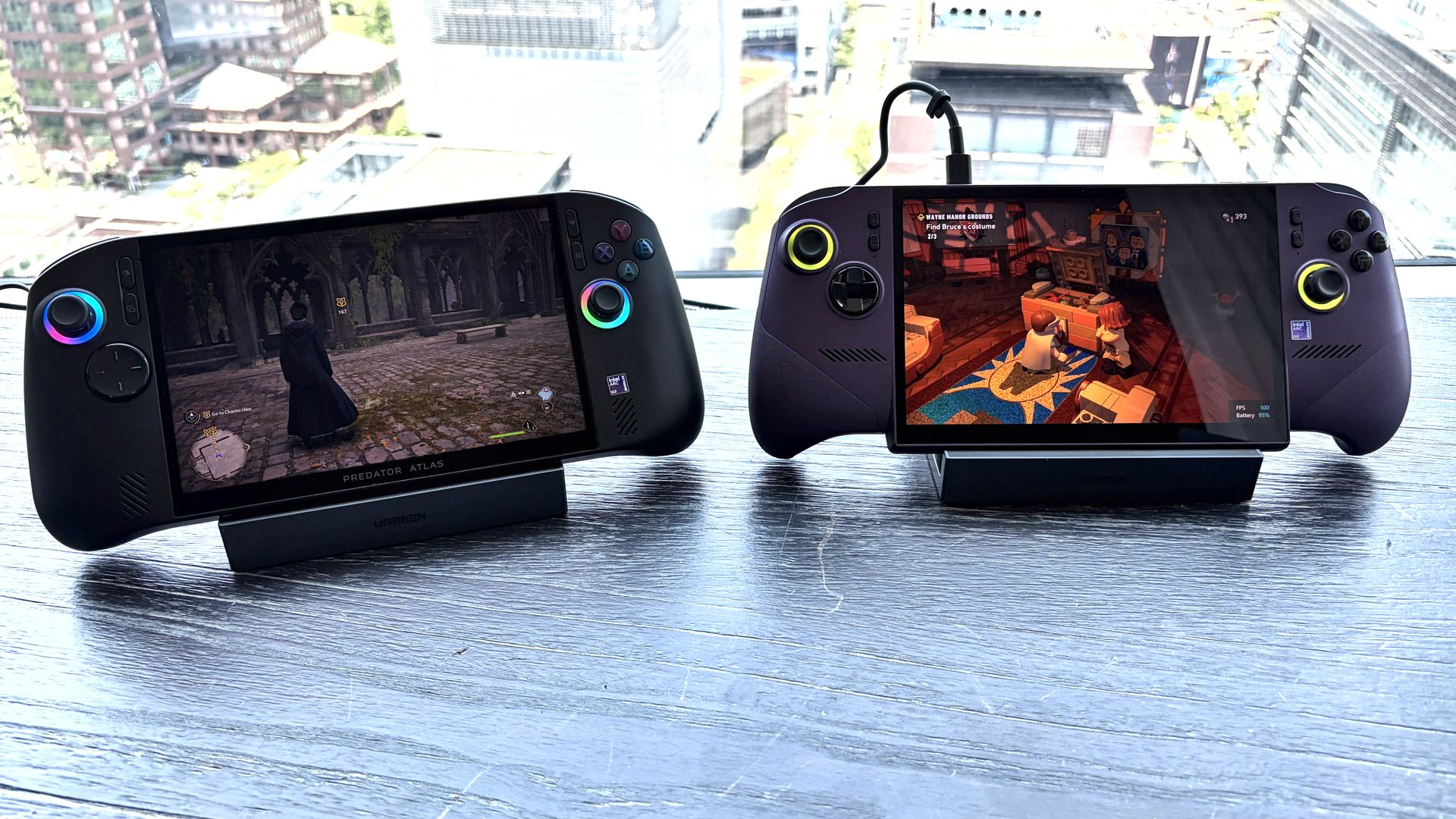
Acer's Predator Atlas 8 (left) and MSI's Claw 8 EX AI+ (right). (Image credit: Future)
MSI's Claw 8 EX AI+ launched in June 2026 at$1,799.99. It remains at that price today, several months after launch. This config has 32GB of RAM and a 1TB SSD.
Acer's Predator Atlas 8 launched at $1,299.99 on November 1, and 10 days later it made the jump to $1,449.99. It's still listed at the higher price at Best Buy. This model includes 24GB of RAM and a 512GB SSD.
As we'll see below, the memory difference doesn't make a huge difference in performance. The real downside is half as much storage, though that can be rectified with removable microSD storage or a full DIY SSD swap.
Here's a deeper breakdown of the Predator Atlas 8 and Claw 8 EX AI+ specifications.
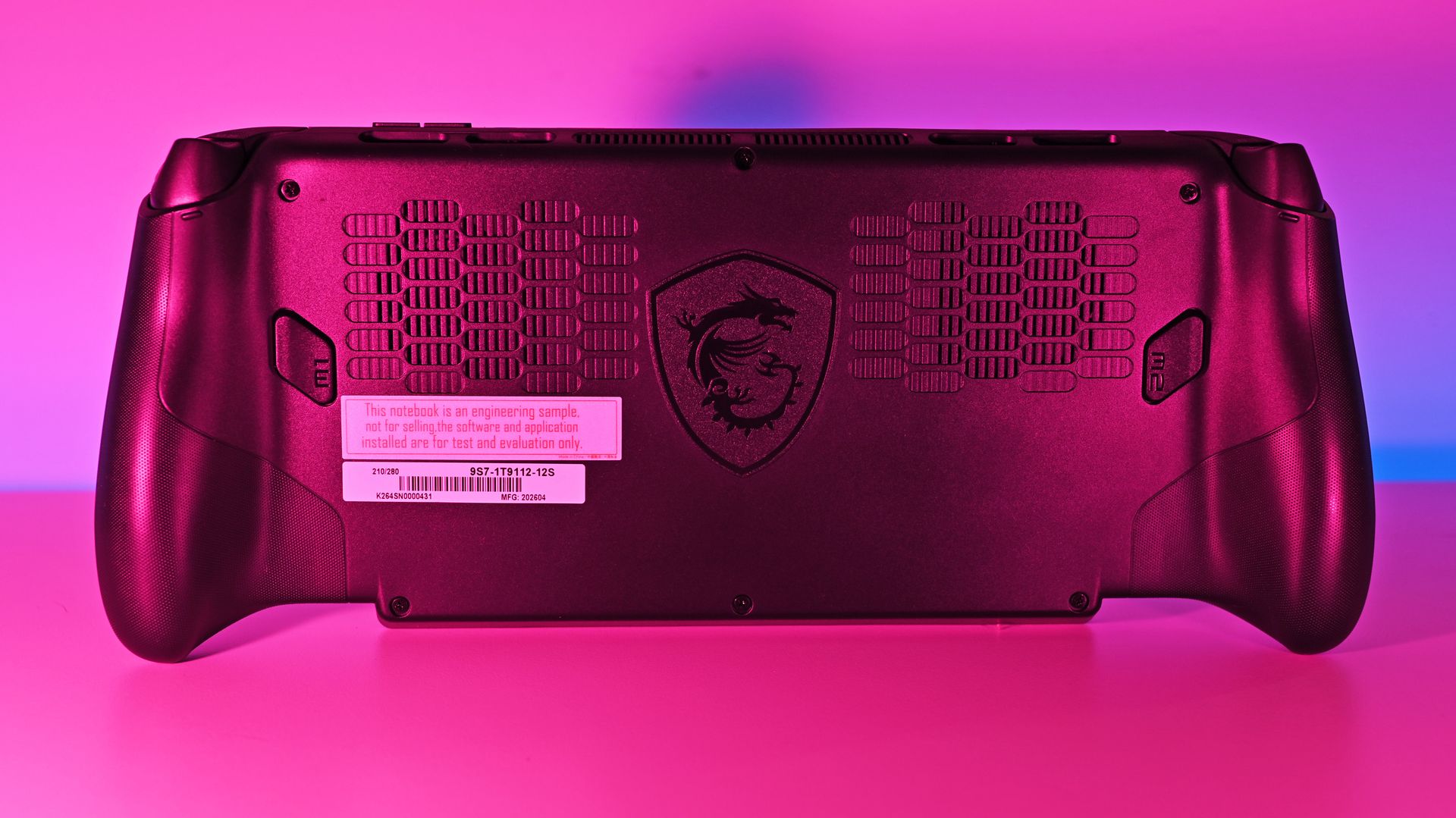
A look at the Xbox controller grip style on the MSI Claw 8 EX AI+. (Image credit: Daniel Rubino)
I'll start by saying that, in our experience, both handhelds are super comfortable. The Claw 8 EX AI+ has a flared Xbox-style grip setup that I know some love, while the Atlas 8 goes for a more fused approach à la Steam Deck.
Although the Claw 8 EX AI+ weighs a bit less than the Atlas 8, I never once found Acer's handheld to be too much. Both have smart weight distribution that makes them feel lighter than they really are.
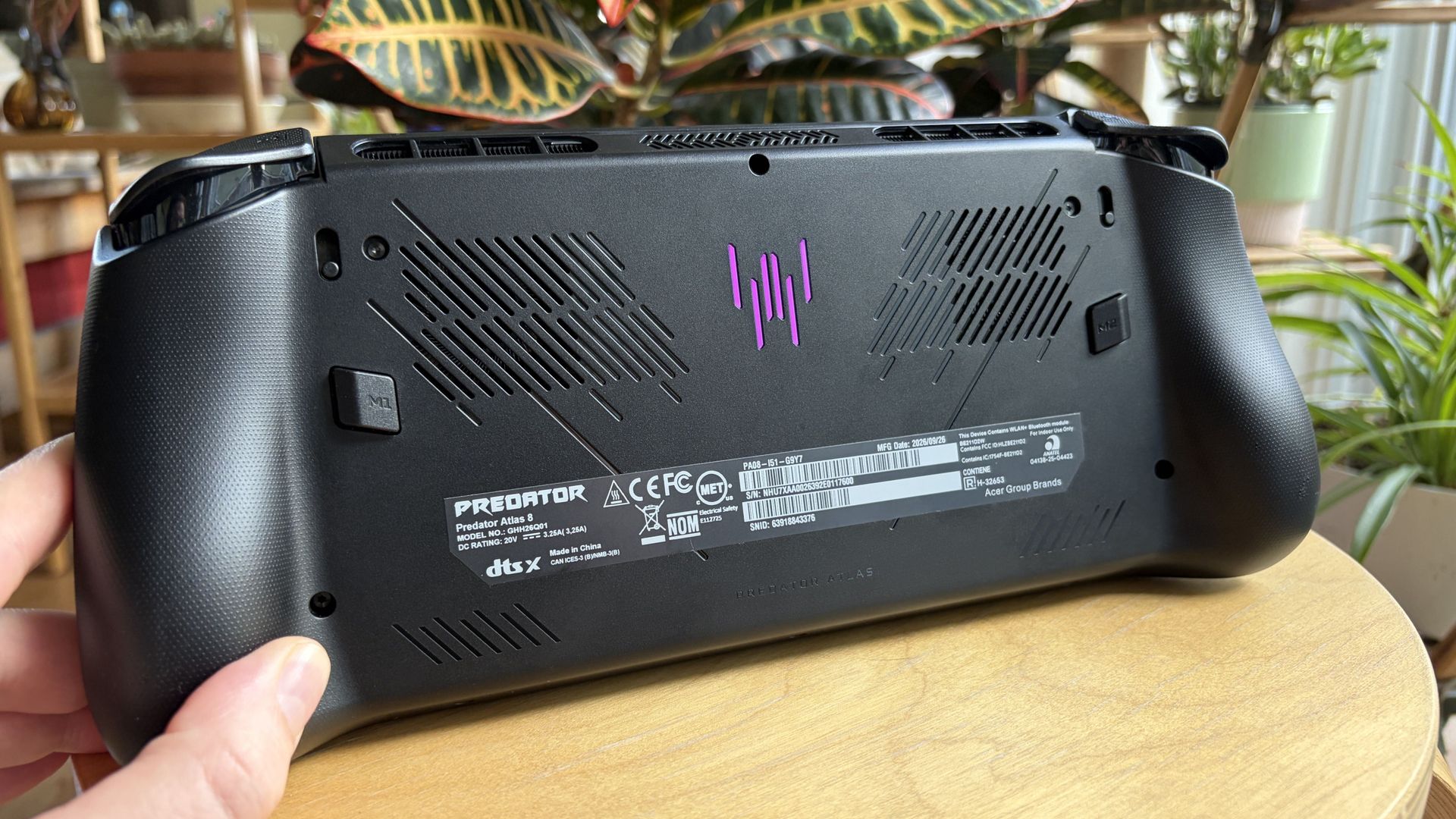
(Image credit: Future)
The Atlas 8's grips don't quite flare out as much, and it reminds me more of the Steam Deck. This should come down to personal preference.
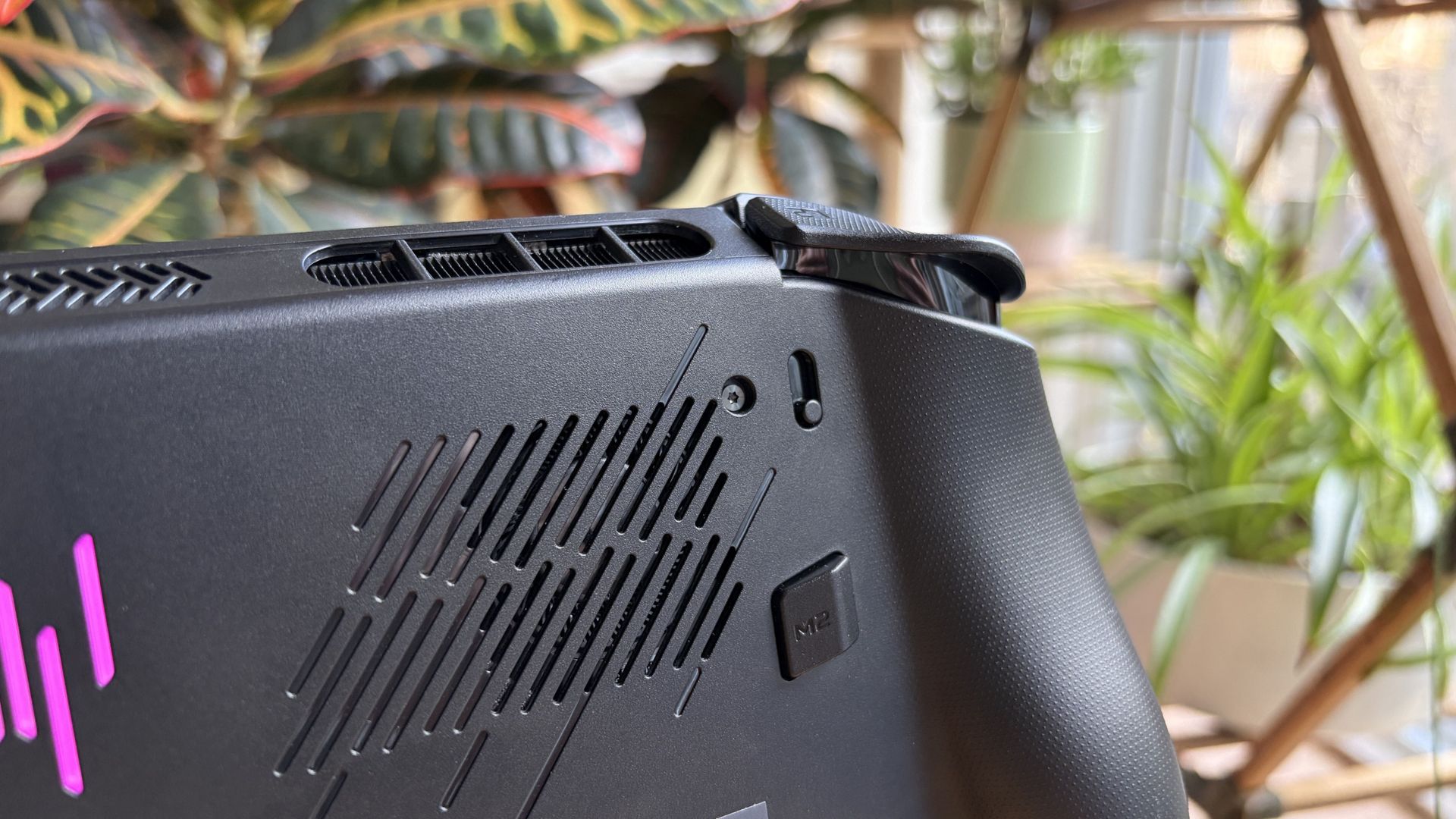
Both handhelds have dual fans inside, and hot air is routed away from your hands and face, as it should be. Inside, you'll find an accessible M.2 SSD slot for DIY upgrades.
For added security, a fingerprint reader for Windows Hello is integrated with the power button in both devices.
A look at how the Claw 8 EX AI+'s display hangs down over the bottom edge. (Image credit: Daniel Rubino)
One last thing: I've noticed that not everyone loves the overhanging display as found on MSI's Claw 8 EX AI+. It helps MSI shave off some weight, no doubt, but some will probably go for the boxier, more standard approach as found in the Atlas 8.
No OLED in either handheld, but does that matter?
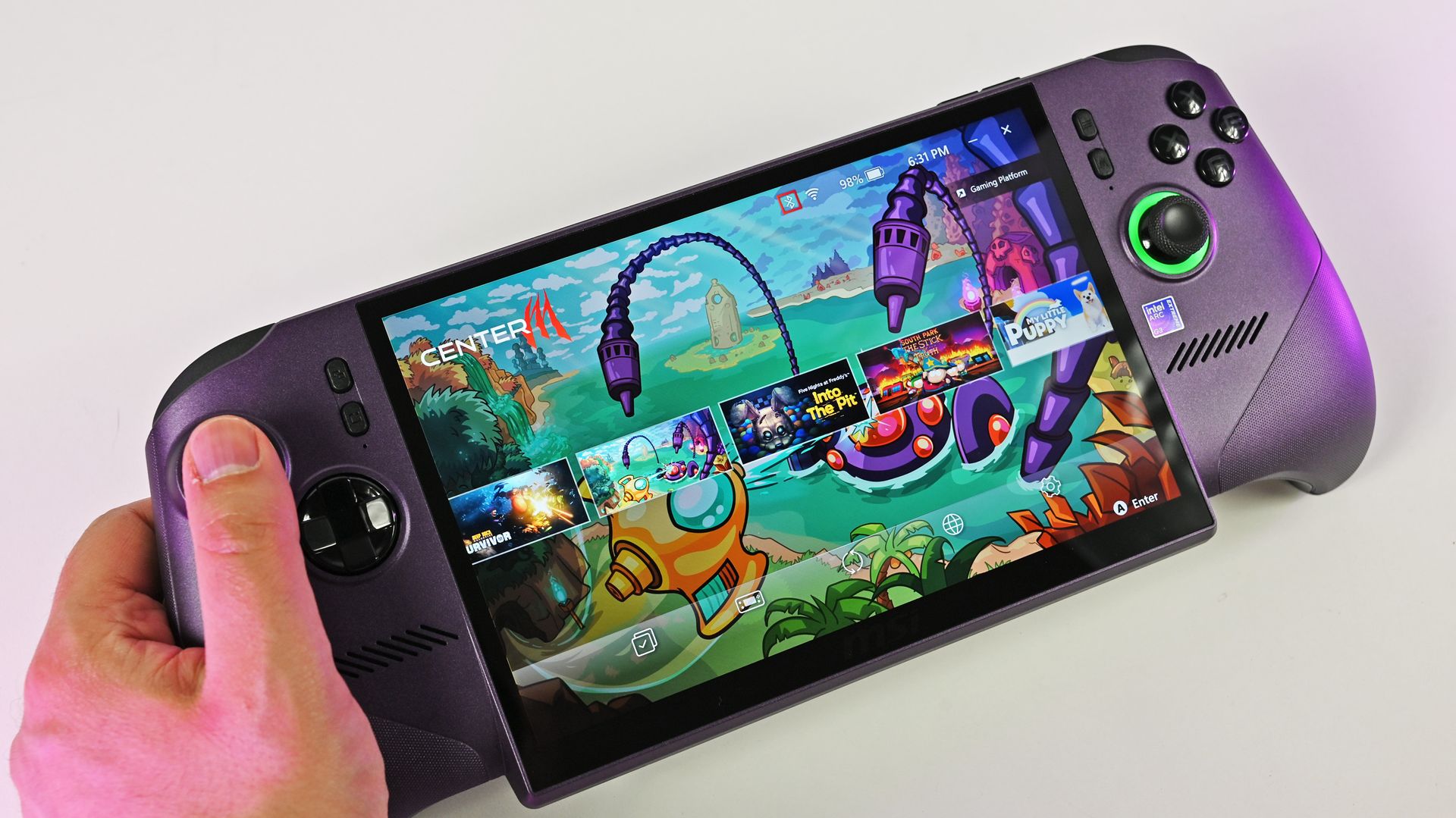
The MSI Claw 8 EX AI+ has the same IPS display as the Atlas 8.Daniel RubinoThe Atlas 8's screen is bright and vivid.Future
There's not much to say about the display, at least in terms of differences. The Atlas 8 and Claw 8 EX AI+ use the same 8-inch IPS panel at a 1920x1200 resolution, with a 120Hz variable refresh rate and up to 500 nits of brightness.
If I have to choose between an OLED display and Intel's Arc G3 Extreme performance, I'll take the latter every time.
Acer Predator Atlas 8 review
A lack of OLED is notable across both handhelds, but I don't think it's as big a deal as some assume.
The screens are vivid, bright, and sharp, and I stopped noticing a change from my desktop OLED monitor once I started gaming.
If I dig a bit deeper, I'll say the lack of OLED is a bigger deal in the pricier Claw 8 EX AI+. But I'd take the Arc G3 Extreme's performance any day as compensation.
Control quality is equal, except for the D-Pad
I don't love the Atlas 8's D-Pad design.FutureThe Claw 8 EX AI+ has a D-Pad that's easy to love.Daniel RubinoThe Atlas 8's trigger depth toggles areon the back of the device.Future
Tunnel Magnetoresistance (TMR) is a minor upgrade over Hall Effect, although both use magnets for precision control and added durability.
The Predator Atlas 8 includes TMR joysticks and Hall Effect triggers for snappy, modern control. Analog buttons are crisp, and bumpers have a nice click.
Acer lets you set trigger pull depth with two toggles on the back of the handheld, something MSI doesn't have.
The Claw 8 EX AI+ is in the same general boat as the Atlas 8, with Hall Effect joysticks and triggers. As Editor-in-Chief Daniel Rubino remarked in his review, "The action on the triggers feels smooth and progressively weighted, while the face buttons feature beautifully rounded edge boundaries to keep your thumbs from feeling sore after hammering out combos."
I gamed for countless hours on the Acer handheld, and the only thing I didn't love is the minimalist D-Pad. MSI's clicky version with raised directional headings is much more my style.
MSI's Claw 8 EX AI+ delivers a bit more power
MSI's Claw 8 EX AI+ manages to eke out a bit more performance compared to the Atlas 8. (Image credit: Daniel Rubino)
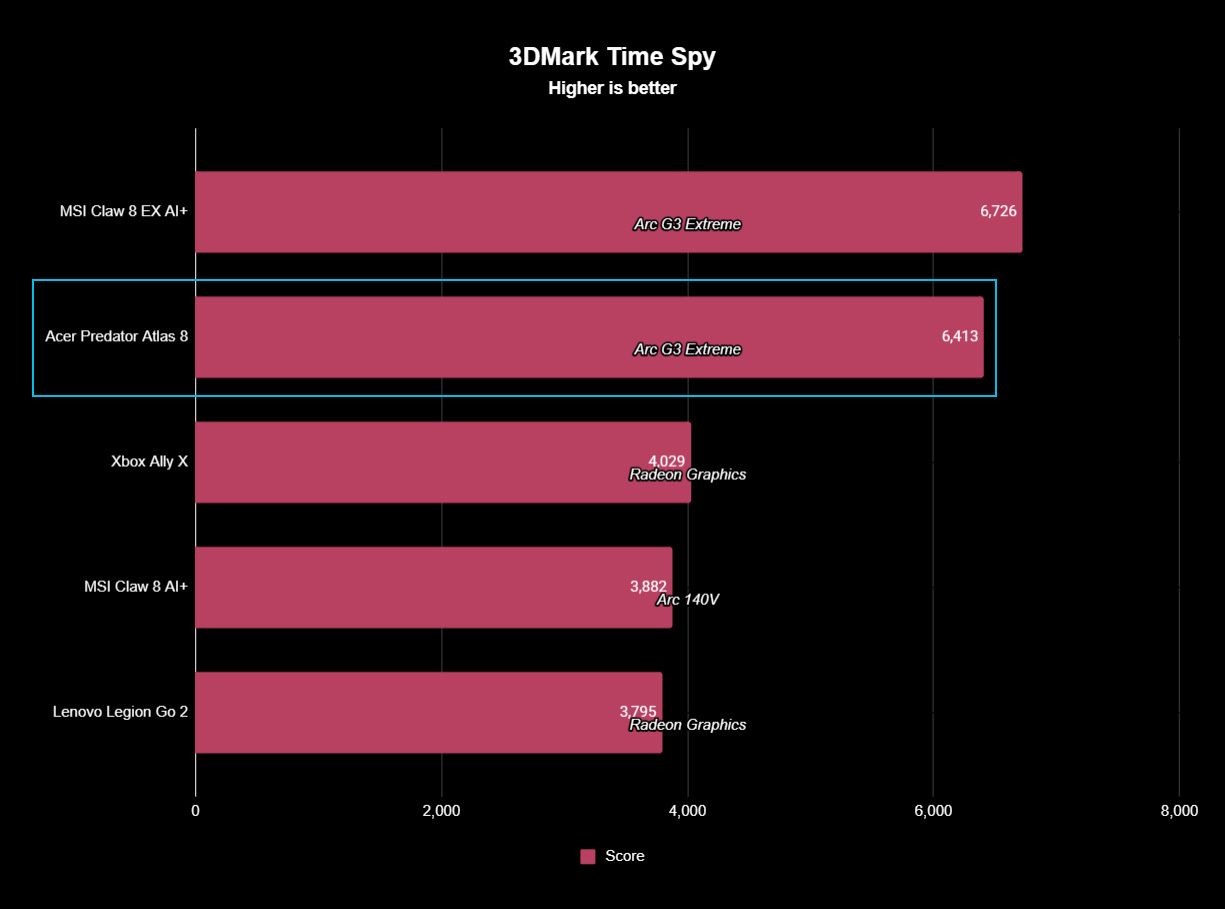
The MSI Claw 8 EX AI+ managed to squeeze a bit more performance out of the Arc G3 Extreme chip and 32GB of RAM than the Atlas 8 with 24GB of RAM in our testing.
However, it's such a small margin that I don't think it's worth putting too much thought into it when buying.
It's not even close in synthetic benchmarks, and the difference is felt every time you play.
You can see how far ahead the Arc G3 Extreme is compared to the Ryzen AI Z2 Extreme. (Image credit: Future)
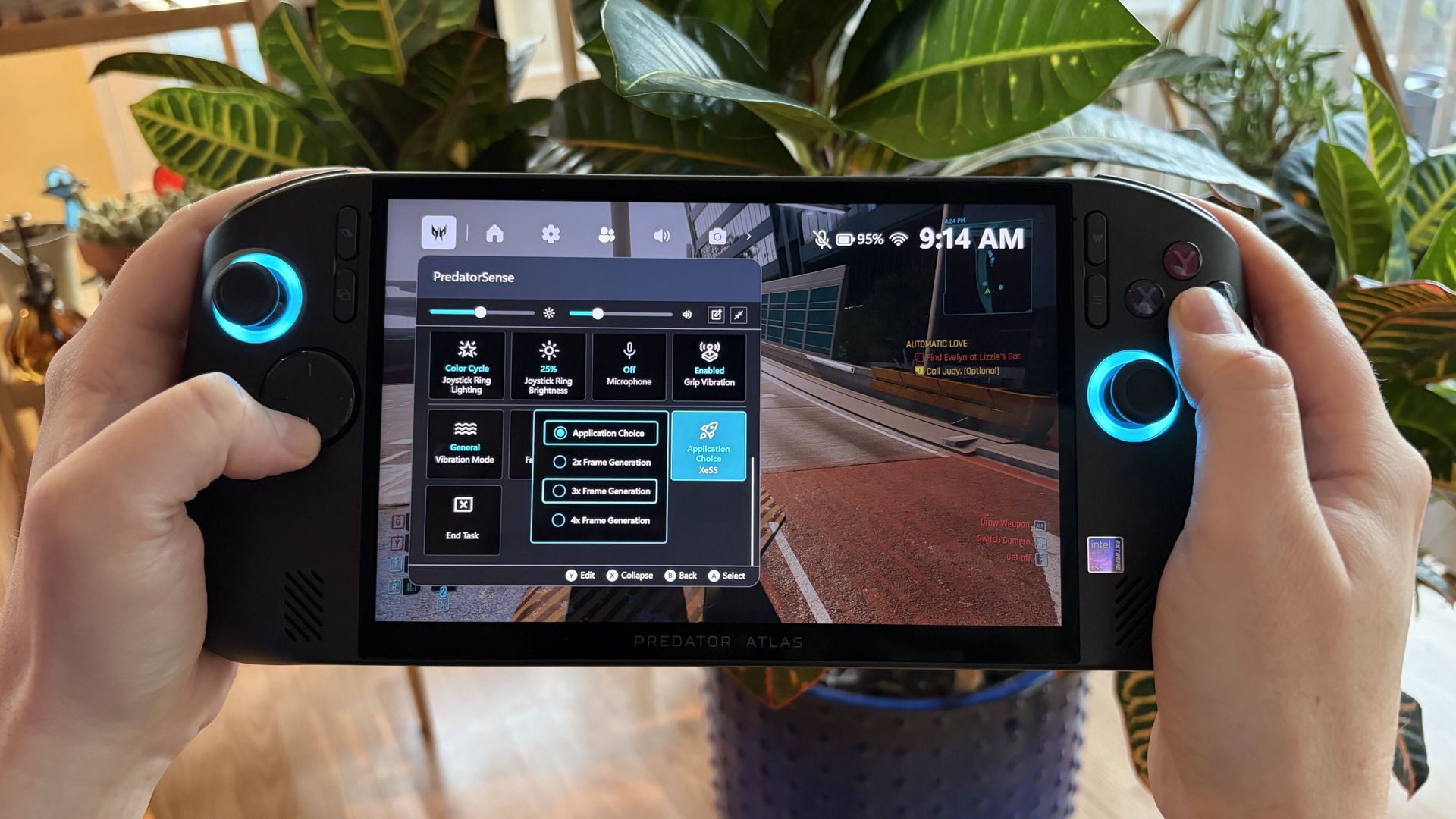
On both the MSI and Acer handhelds, you can expect high triple-digit frame rates in demanding games like Cyberpunk 2077 with forced multi-frame gen enabled.
It gets better in titles with native XeSS 3 implementation, like LEGO Batman: The Legacy of the Dark Knight. Intel's new chips are easily the best way to maximize handheld performance.
Daniel RubinoDaniel RubinoDaniel RubinoDaniel Rubino
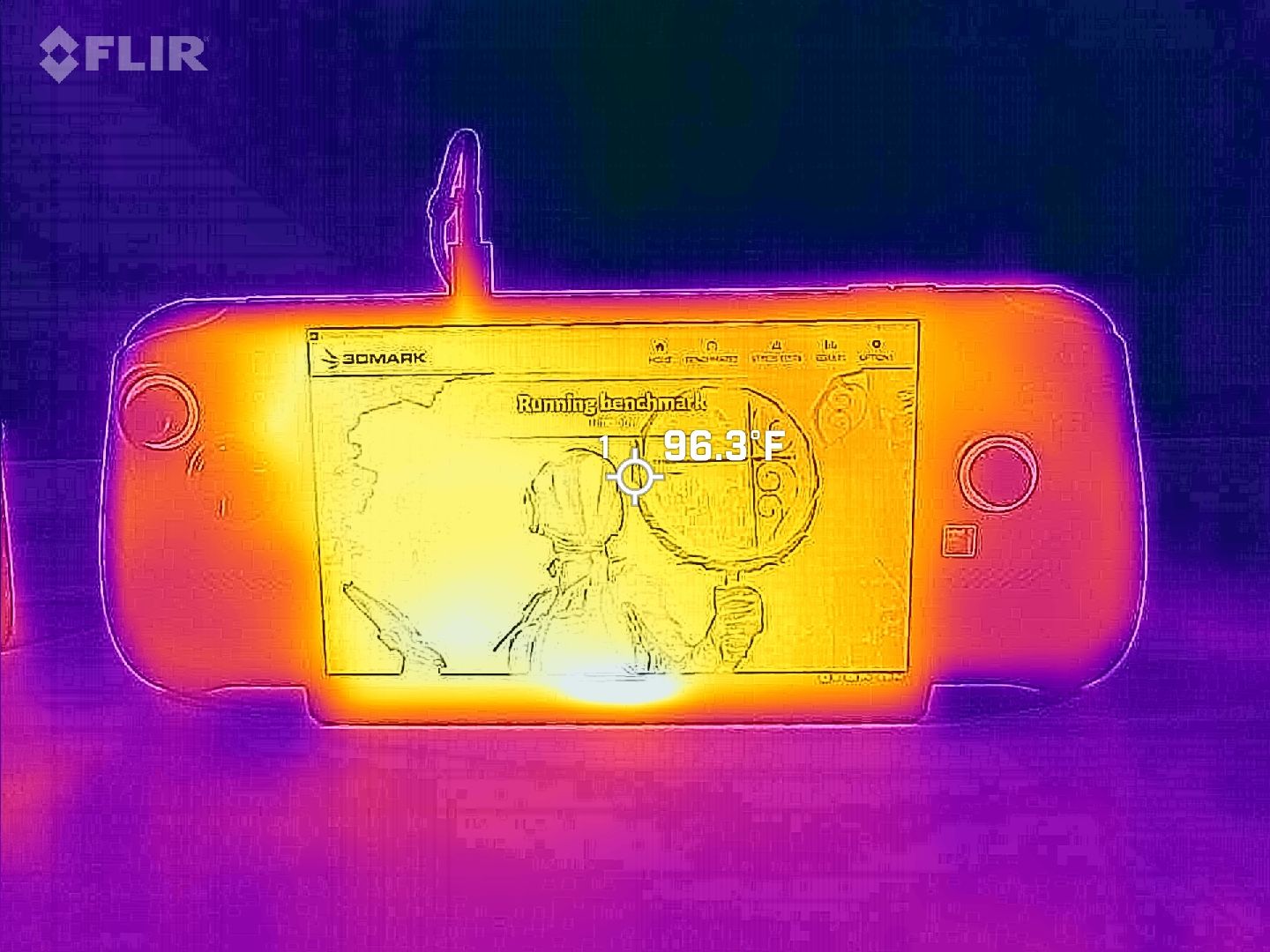
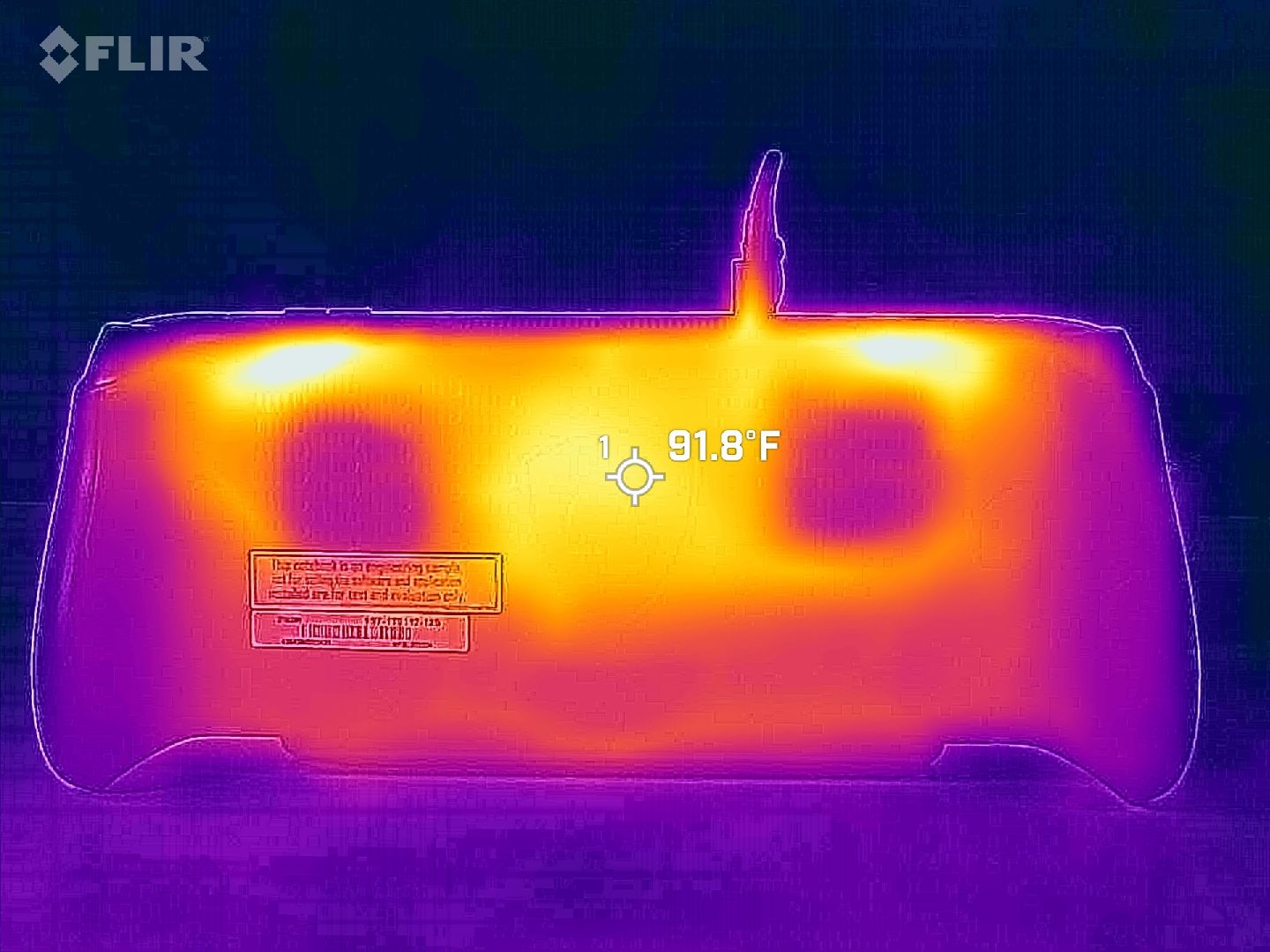
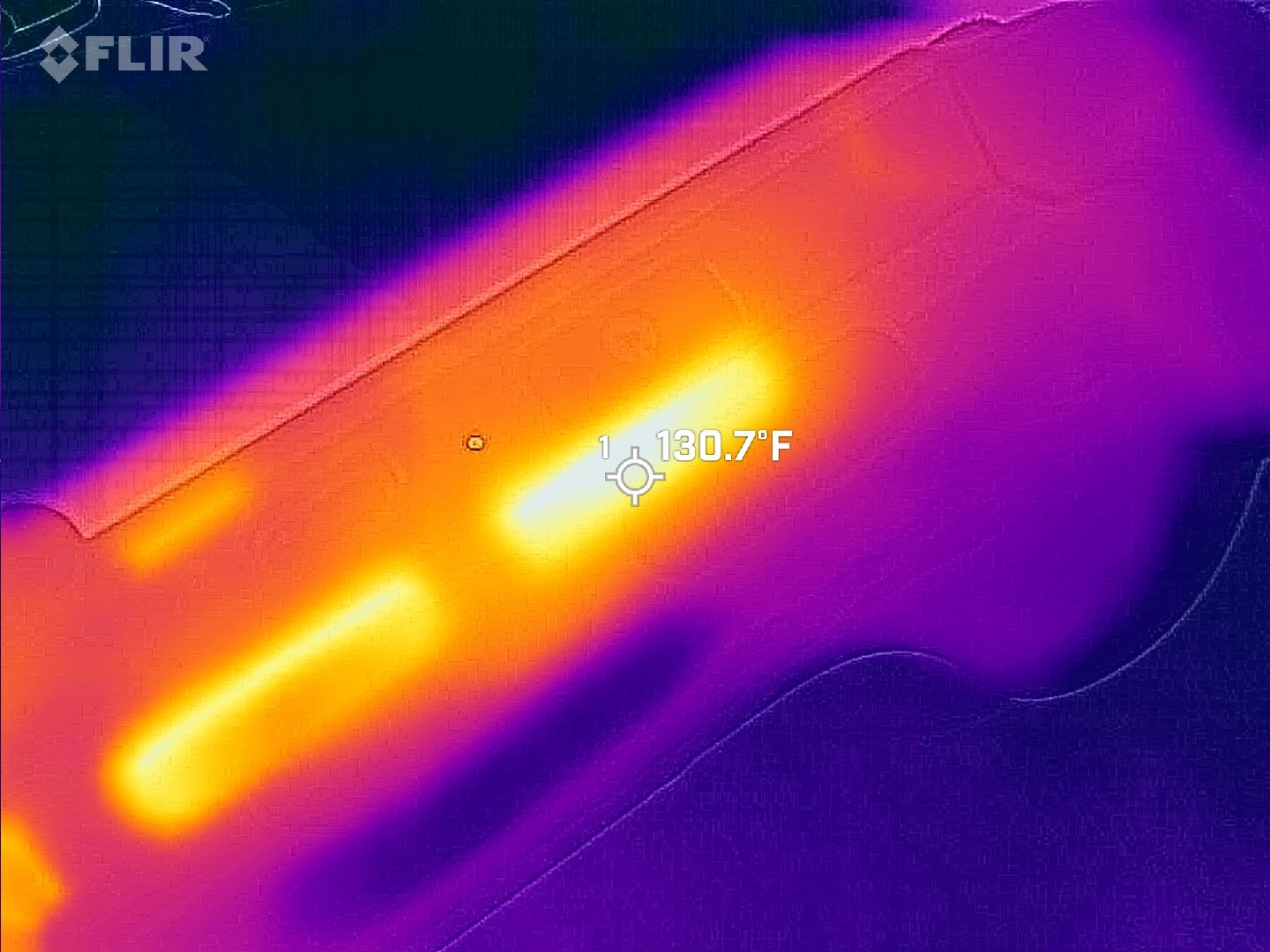
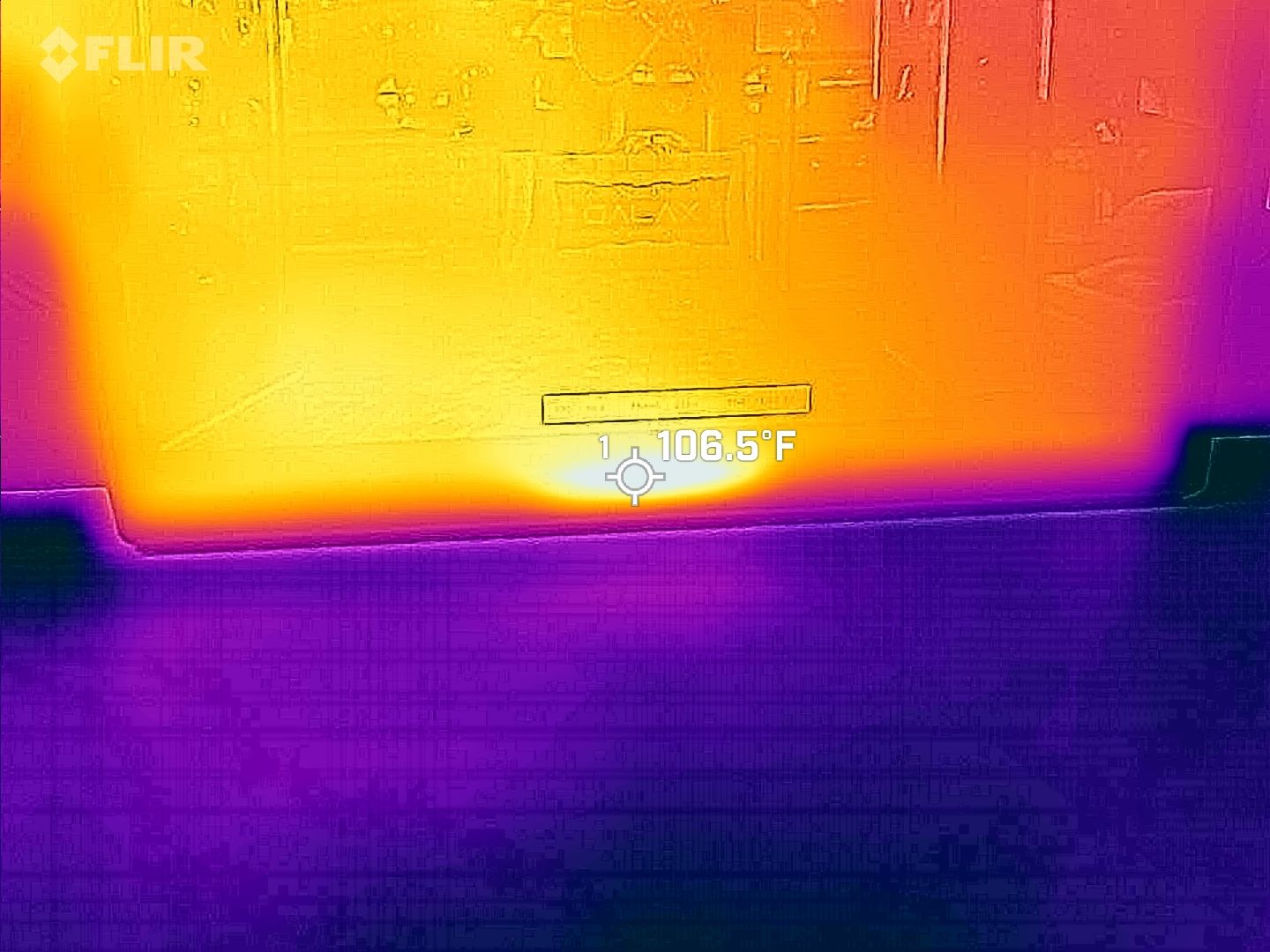
We put both handhelds through a stress test to see how they handle heat. As you can see from the Claw 8 EX AI+ FLIR images above, nothing gets too hot to handle.
I ultimately discovered the same thing with the Predator Atlas 8. No matter how hard I pushed it, it kept running cool and quiet.
Battery life comes down to power profiles
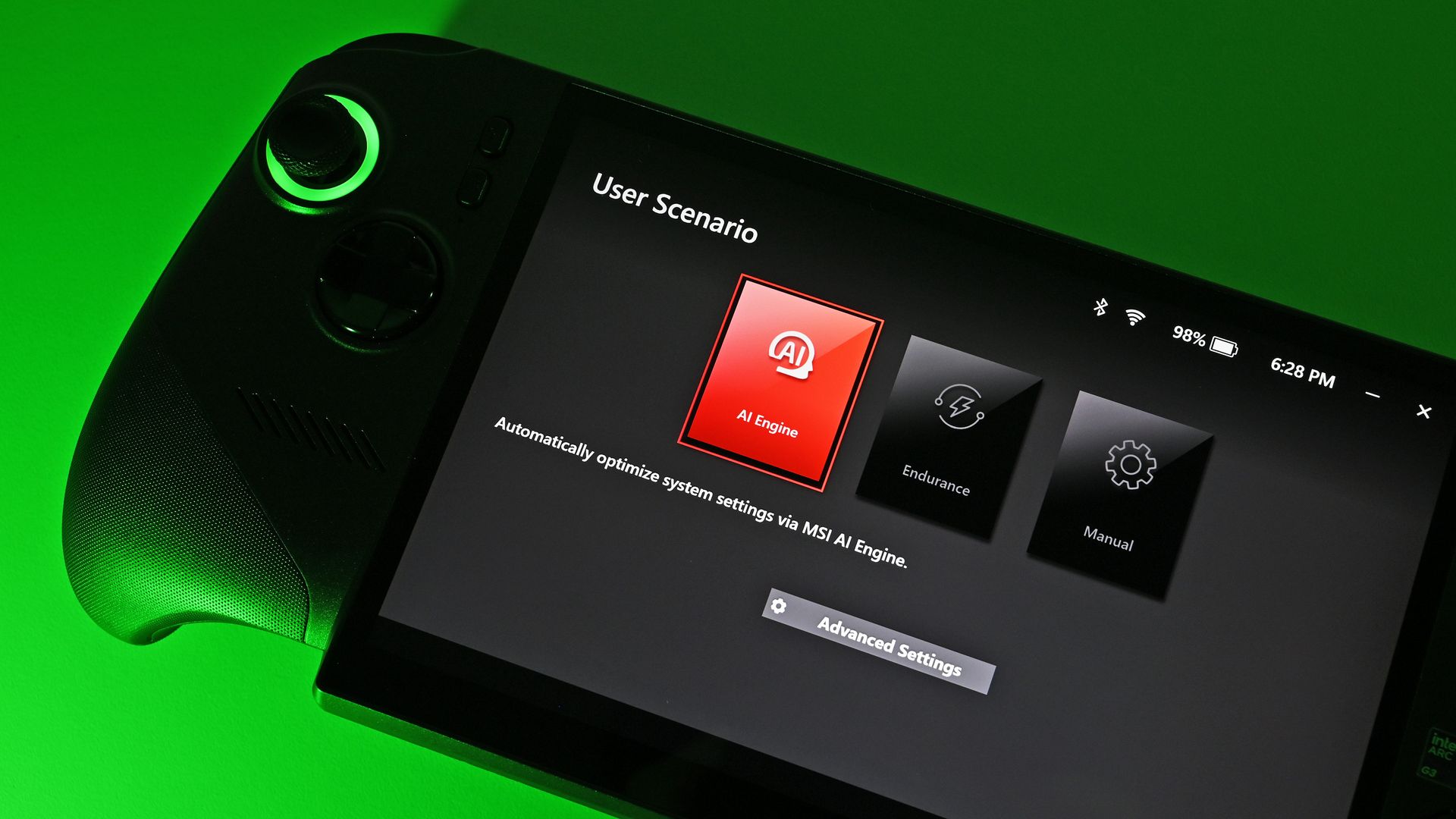
Plenty of settings are on board the handhelds to help boost battery life. (Image credit: Future)
Testing battery life came out a bit skewed, but as I explained in my Atlas 8 review, it's due to how power profiles are configured. Both handhelds have the same 80Wh battery.
The Claw 8 EX AI+'s Endurance mode drops the handheld to 15W, which comes out to about 3 hours and 23 minutes of life in PCMark 10's Gaming rundown test.
The Predator Atlas 8's Quiet mode only drops to 25W. That 10W difference shows up, with the handheld hitting 2 hours in the same rundown.
Intel's Arc G3 Extreme is rather efficient for the performance it delivers. (Image credit: Daniel Rubino)
The good news is that you can manually set the Atlas 8 as low as 10W for more extreme endurance situations. This should help bring it in line with the Claw 8 EX AI+.
Bottom line? Battery life is perfectly fine in both handhelds. Demanding games with ray tracing will sap it faster, just like any PC, while lighter indie games will go for hours more.
Both handhelds have custom software bugs
Acer's PredatorSense software has some bugs to contend with. (Image credit: Future)
Both handhelds run Windows 11 and use custom software overlays; both Acer and MSI versions have some bugs.
In the case of the Atlas 8, the PredatorSense overlay sometimes wouldn't appear when I hit the shortcut button. Other times, adjusting one setting would affect something completely unrelated, like RGB lighting turning off.
MSI's custom overlay is not free of bugs, either. (Image credit: Daniel Rubino)
In Rubino's time with MSI's software, he noticed some games weren't showing up properly in the launcher. Neither software is perfect, and in either case, the cons certainly don't outweigh the pros.
Rubino and I plan to load Winhanced onto the Atlas 8 and Claw 8 EX AI+, which would probably solve a lot of the issues that might crop up around Windows 11 and custom software.
Acer Predator Atlas 8 vs. MSI Claw 8 EX AI+ — Which should you buy?
Acer's Predator Atlas 8 can save you money and still land you outstanding performance. (Image credit: Future)
Your final decision between the Predator Atlas 8 and Claw 8 EX AI+ will weigh heavily on personal preferences. You might like the grip, controls, and overall design more on one than the other, and that's perfectly reasonable.
What I can say is that the display is identical and battery life is practically the same; not surprising with the same 80Wh capacity and the same Intel chip inside.
MSI's Claw 8 EX AI+ managed to edge out the Atlas 8 in performance, and some of that probably lies in it having more RAM. Still, the Atlas 8 runs the most demanding games admirably.
Have deeper pockets? You can't go wrong with MSI's Claw 8 EX AI+. (Image credit: Daniel Rubino)
Pricing is the final boss. At the original $1,299.99 price, the Atlas 8 was a no-brainer for anyone hoping to spend less. It's not as notable now that it's been hiked to $1,449.99, but that $350 difference should still weigh heavily.
Bottom line? Stick with MSI's Claw 8 EX AI+ for the defining gaming handheld experience of 2026, money be damned. But if you're searching for the best value right now, it has to be the Acer Predator Atlas 8.
Affordable pick
Acer
Predator Atlas 8
Acer's Predator Atlas 8 costs $350 less than the Claw 8 EX AI+ despite having an identical Arc G3 Extreme chip and 120Hz display. It's the most value-conscious decision, and although it falls behind in some areas, it still delivers industry-leading performance.
Premium pick
MSI
Claw 8 EX AI+
MSI's Claw 8 EX AI+ represents the very best of gaming handhelds in 2026, but at $350 more than Acer's Predator Atlas 8, you'll really need to be in love with the design and controls to make it count.
Join us on Reddit at r/WindowsCentral to share your insights and discuss our latest news, reviews, and more.
The white XBOX Ally is only £379.99 at Amazon UK right now, alongside a price-matching £379.99 listing at Argos for an early Black Friday treat, making Microsoft and ASUS ROG's PC gaming handheld an extremely tempting bargain in 2026. Even I'm considering it, because my Steam Deck is getting tired!
The Ally runs Windows 11, plays your PC games from the XBOX PC app, Battle.net, Steam, Epic Games Store, GOG, and just about anything else you can think of.
(Image credit: Windows Central (Rebecca Spear) | ASUS)
When we tested the white XBOX Ally for our launch review, we did a lot of comparisons against Valve's Steam Deck for a good reason. At a glance, this budget-centric variant of the heavyweight XBOX Ally X is essentially a more comfortable, Windows-based handheld gaming option that ends up being far more affordable in deal seasons like Black Friday.
(The ROG XBOX Ally) offers performance that's more on the level of the Steam Deck, making it one of the most direct competitors to Valve's device.
Rebecca Spear, Former Windows Central Editor
Crucially, the white XBOX Ally features AMD's Ryzen Z2A processor, which is far more of an entry-level chip than the higher-end Ryzen Z2 Extreme, meaning you'll need to consider which kinds of games you (or the person receiving it) will be running. For a shorthand rule, if a game runs well on a Steam Deck, you can expect the same experience on the Ally.
Most of the games I play on my handhelds are from previous generations, or are generally less demanding titles; think World of Warcraft: Forever, Euro Truck Simulator 2, and Streets of Rage 4. If you want to play cutting-edge AAA blockbusters like Gears of War: E-Day and Control: Resonant, you'd have a better time upgrading to the more powerful XBOX Ally X.
This deal isn't restricted to shoppers with an active Amazon Prime UK membership, but you may still benefit from faster shipping options if you have one!
Join us on Reddit at r/WindowsCentral to share your insights and discuss our latest news, reviews, and more.
Auto SR is Microsoft's own AI-powered upscaling technology, with similar goals to NVIDIA's DLSS and AMD's FSR that are designed to boost frame rates and improve image quality. It previously came to Ally X handhelds in docked mode, but this update enables it in handheld mode without requiring an AC adapter and expands its support to games running natively at 1080p.
Before Auto SRMicrosoftAfter Auto SRMicrosoft
The handheld 1080p feature is available now, while support for Auto HDR and a new Auto SR 'Performance Mode' designed for up to 120 FPS are"rolling out with Windows updates, so they may take a little time to reach your device". However, Microsoft warns players that "using 1080p in handheld mode (internal screen), performance may not be as optimal as other configurations, but you’ll still see visual quality improvements especially in older games".
Will you be using Microsoft's own upscaler on ROG Xbox Ally X handhelds, or will you stick to using the recently added beta drivers for AMD FSR 4.1 (which we have seen deliver significant improvements on Xbox Ally X hardware)? Let us know in the comments, on Reddit, or in the poll.
Join us on Reddit at r/WindowsCentral to share your insights and discuss our latest news, reviews, and more.
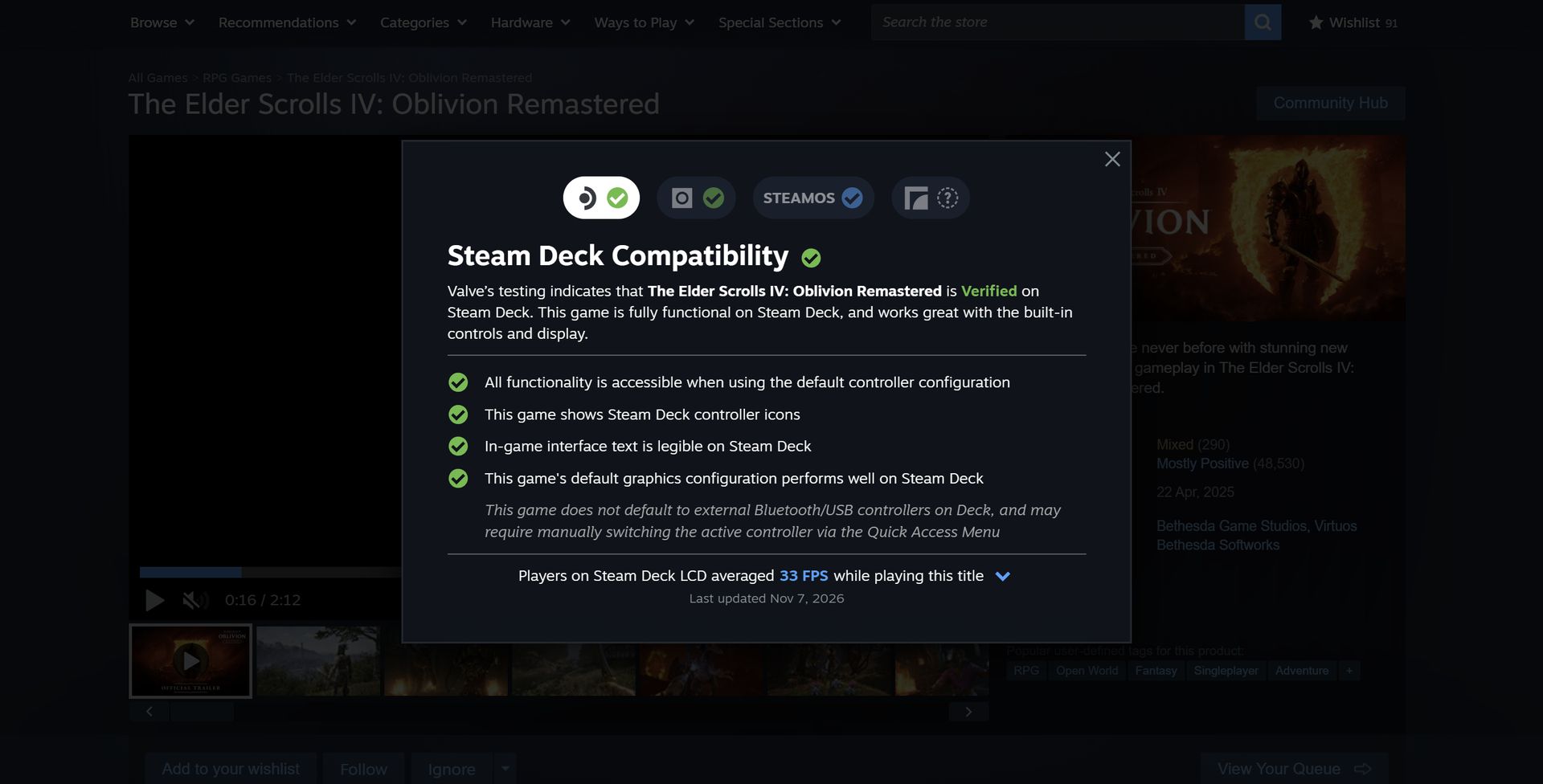
There's always been a significant gap between how Valve advertises Steam Deck compatibility and how games actually run on the hardware.
A certain title might have a Verified badge because everything works properly on the Deck, but when you start playing, you find that framerates really aren't what you imagined.
This gives potential buyers a lot more data to work with, and it arrives for all games that have gone through the verification process (whether they come out the other side as Supported, Playable, or Unsupported).
Valve is getting its data from its own massive pool of users; don't worry, it's opt-in only. Not only does the new data give you a quick tally of the average FPS on the Steam Deck, but it also opens into a detailed chart with more info about averages.
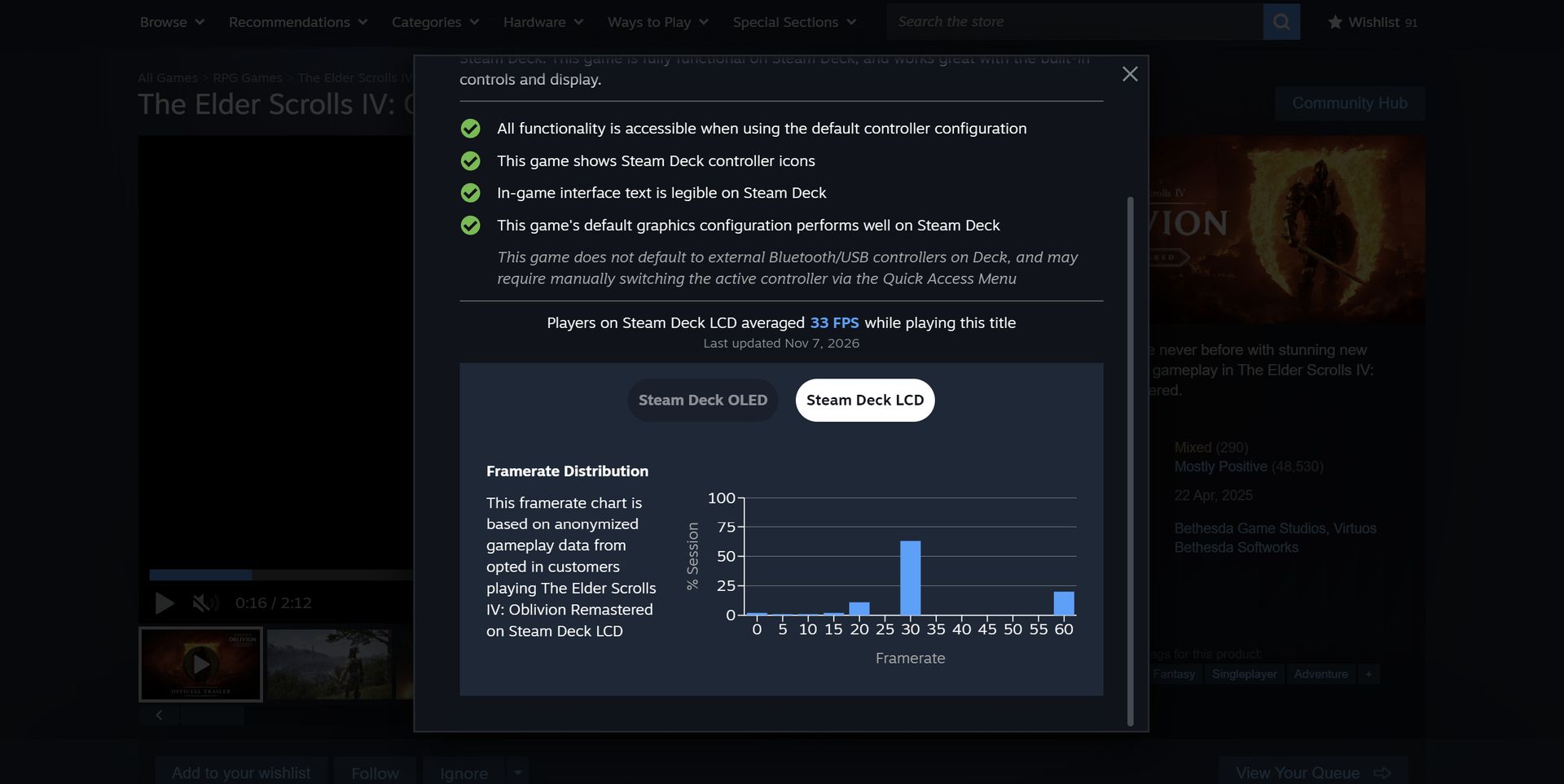
The Elder Scrolls IV: Oblivion Remastered shows a 33FPS average on the Steam Deck LCD.ValveA chart provides extra data in terms of where framerates are landing.Valve
These graphs do a good job of relaying the highs and lows while gaming. If you see framerate distribution weighted heavily at, say, 90FPS with just a few blips on the lower framerates, it's safe to assume you'll mostly be playing at 90FPS.
But there is some nuance. As Valve points out, some graphs will show large gaps between weighted framerates. In The Elder Scrolls IV: Oblivion Remastered, for example, the chart falls heavily on 30FPS with a decent spike at 60FPS.
This is evident in many other games. Here's how Valve explains it:
These gaps are a consequence of VSync. When a game is not making framerate, VSync will synchronize the game's framerate to the display's refresh rate in order to avoid image tearing. This means that on a 90Hz display, if a game has a framerate of 75fps, VSync will force the game to present as many frames as it can at 90fps, and when it can't make that target it will drop to 45fps, and then recover to 90fps for the next frame. This produces a pattern that averages 75fps, e.g. 90 90 45 90 90 45. Another example would be some games set an internal frame limit to 60, so on Steam Deck OLED set to default (90) it will bounce between 90 and 45 to hit 60 FPS.
Valve
Valve also notes that the averages shown in this new info panel are derived only from data on Steam Decks set to their standard FPS limit. That's 60FPS for the original Steam Deck and 90FPS for the Steam Deck OLED.
Valve also does not account for tweaked in-game settings, as it thinks that "the framerate data consolidates around relatively narrow ranges."
Why only Steam Deck data when there are so many other gaming handhelds?
MSI's Claw 8 EX AI+ delivers shockingly good performance compared to the Steam Deck. (Image credit: Daniel Rubino)
On the note of the growing selection of gaming handhelds on the market, there's a big gap left to fill. Valve's new performance chart only accounts for Steam Deck users, leaving plenty of other handheld devices behind.
It makes sense that Valve is piloting the changes with its own Steam Deck, "because every device has the same hardware configuration." But Valve states that it's "starting with the Steam Deck," suggesting that there will be a larger initiative to rope in other handhelds at some point.
Valve's new performance chart exposes the Steam Deck's weaknesses
The Steam Deck is getting old, and performance might not be where you think it is. (Image credit: Jennifer Young - Windows Central)
I've been a Steam Deck owner for a few years, and although it'll always have a special place in my heart, it's certainly showing its age.
Compared to the latest handhelds, like the MSI Claw 8 EX AI+ and Acer Predator Atlas 8, the Steam Deck just doesn't have the same performance. I've been testing the latter for the past week, and it's shocking how much better it performs thanks to the onboard Intel Arc G3 Extreme chip.
As this power gap grows — barring a Steam Deck 2 from Valve — it's getting tougher to determine which games will actually run smoothly on the Deck. I've purchased games in the past that passed Valve's check, only to discover dreadful framerates.
That's the big thing here. My bar for "good framerates" is probably not the same as yours, and until now, you had to search third-party reviews and tests to see how a game was actually running on the Deck. Now, it's all available right on the store page.
No matter your opinion of Valve, this change is all about benefiting the consumer. That's becoming increasingly rare these days.
Join us on Reddit at r/WindowsCentral to share your insights and discuss our latest news, reviews, and more.
The Steam Deck is quite the success story, at least for Valve, and having used one (and bought one for my sister last Christmas), I can totally see why. It genuinely is a great bit of kit; granted, the price hike is a shame, but that's just how the industry is right now. Despite its success, I have always preferred Xbox, and despite my issues with the Xbox Ally, I still prefer it over the Steam Deck.
One thing the Steam Deck definitely does better, though, is the user experience. Jez Corden recently spoke about how the Xbox Ally and Ally X were in his re-review, and pointed out how Windows 11 still needed work for handhelds.
I personally opt for other launchers over the Xbox App, like Winhanced, but what I have always truly wanted was the Xbox Series dashboard, or heck, even the old Metro dashboard, just on a handheld. Well, we got one of those things on the Steam Deck thanks to an all-new plugin by kromossomom.
The plugin, which can be found on GitHub, turns your Steam Deck into a complete Xbox Series-style dashboard, and it is really impressive and pretty feature-rich. Quick disclaimer, though: Claude AI was used to help with development, but pretty much everything is now, so let’s move on to the features.
The Xbox Series dashboard looks right at home on Steam Deck
The Xbox Series-style dashboard looks right at home on Valve's Steam Deck. (Image credit: kromossomom | Valve | Xbox)
Decky Xbox Dashboard replaces Steam’s Home interface with the Xbox Series dashboard. You can use LB/RB to move between tabs, which include My games & apps, Store, Community, and System. You can also visit a game’s page when hovering over it and pressing Y to view the game’s compatibility, achievements, and more.
To install Decky Xbox Dashboard, you can follow these steps:
On your Steam Deck, open Quick Access -> go to Decky ->then go to Settings and select General. Make sure Developer Mode is turned on.
Within Developer settings, select Install plugin from ZIP, and pick your downloaded Decky Xbox Dashboard ZIP file.
I wish I could just install this on my Xbox Ally X. As much as I like Winhanced, which I currently use, I want the simplicity of a console in the palm of my hands. That is something the Xbox App and third-party launchers have never truly offered in my experience.
Let me know your thoughts. Is this cool? Would you install it? Do you wish it was available on a Windows handheld, or is it more of a novelty?
Make sure to leave a comment down below, and be sure to take part in our poll too!
Join us on Reddit at r/WindowsCentral to share your insights and discuss our latest news, reviews, and more.
It has been a year since the Xbox Ally X launched, so I figured it was about time we did a re-review.
We have FSR 4.1 on the Xbox Ally X now, a big Xbox app revamp is around the corner, and I'm probably one of the few content creators who actually uses this device on an almost daily basis. So, I really want to answer that burning question for Xbox ecosystem users: is it actually still worth a thousand big ones, even now, one year later?
How has the battery life stacked up? Is Windows 11 actually functional for handheld PC gaming yet? Does FSR 4.1 make for a killer feature?
Let's discuss.
FSR 4.1 is, indeed, a killer feature for the Xbox Ally X
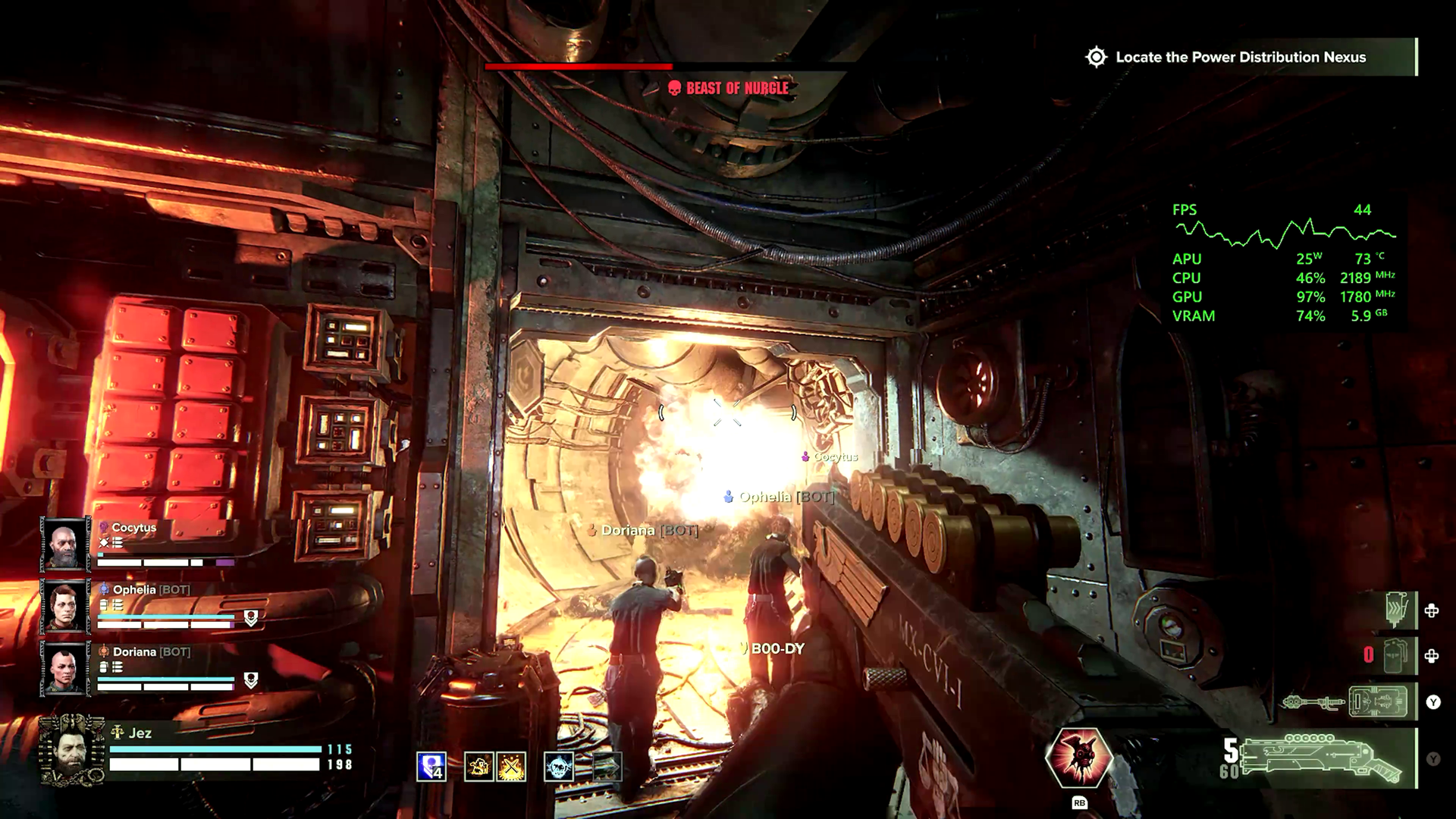
Games like Warhammer 40K Darktide and Control Resonant benefit from huge image quality boosts from FSR 4.1. (Image credit: Windows Central | Jez Corden)
The Xbox Ally X launched around this time last year (depending on your market) in partnership between Microsoft and ASUS. I'll do a write-up and a video on its less powerful Xbox Ally Z2A cousin in the future too. But we're looking at the $1,000 Xbox Ally X today. It was the first device to sport the Z2 Extreme chipset from AMD, making it the most powerful handheld at the time. AMD's new FSR 4.1 tech has given it a further boost on top of that as well.
FSR 4.1 is a heavier upscaling model than FSR 3, but it's all about boosting image quality, giving you more flexibility over how you play. You can now run quality modes that would previously look too ugly and blurry to bear, and still maintain a good level of performance. This extends to very graphically intensive games like Control Resonant, Cyberpunk 2077, Gears of War: E-Day, and games like Warhammer 40K Darktide, which have lots of enemies on-screen at any one time. FSR 4.1 will be adopted natively by more games over time, potentially extending the lifespan of the device even further. AMD has a list of games that already support it over here.
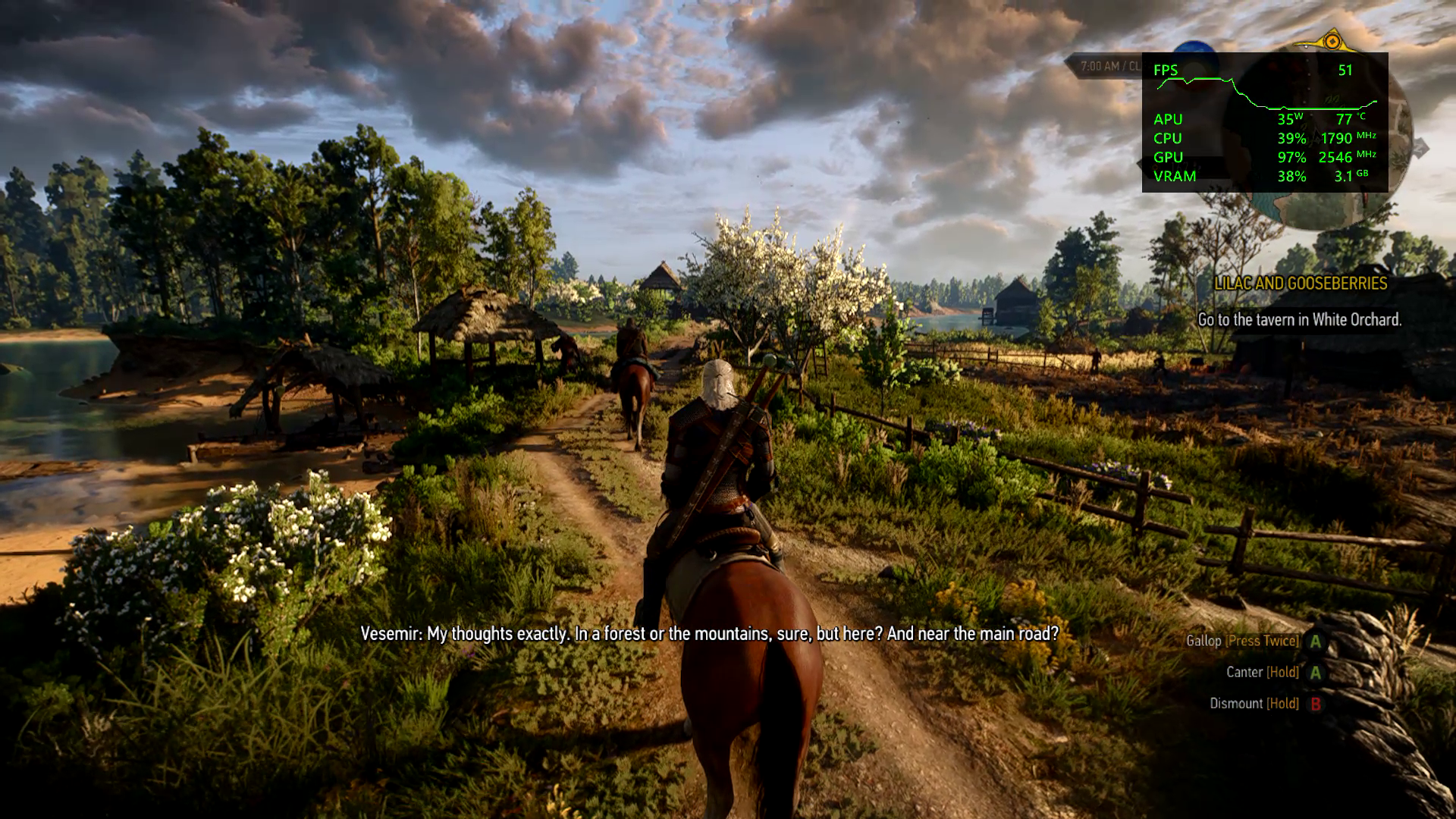
Annoyingly our website system compressed the pictures here, but in the video above you can get a good look at how crisp and smooth Witcher 3 looks on devices like this now. (Image credit: Windows Central | Jez Corden)
Using Performance and Turbo modes for maximum power, you're easily getting anywhere between 40 and 60 FPS at 1080p for most games out of the box. Heavier games will benefit more from FSR 4.1 being set to performance mode, which appears as crisp as quality mode did on FSR 3 models. I find FSR Frame Generation is also a good way to loop in more frames at the cost of some latency, although in most games I tried it was barely perceptible.
Heavily-optimized games like Death Stranding and the new Witcher 3 enhanced edition look absolutely stunning on this device, both in high and low power modes. Games with FSR 3 automatically benefit from FSR 4.1, which are presently in beta testing on the Xbox Ally X here. Witcher 3 absolutely sings on this device, although games with heavy reliance on ray tracing, like Silent Hill 2, still struggle a bit.
Either way, FSR 4.1 is going to vastly improve the lifespan of compatible devices like this, and it'll be interesting to see how it boosts the base Xbox Ally Z2A model (and Xbox Series X|S platform) in the future.
The hardware holds up, but Windows 11 still needs work
Absolutely no issues with the hardware on my end, but I have seen other pronble (Image credit: Windows Central | Jez Corden)
On the topic of lifespan, I'm someone who uses this handheld very regularly, at least every other day before bed. I've been using it mostly to grind Darktide recently, but I will also be using it for WoW: Forever in the coming weeks since it now supports a controller.
The hardware itself has held up incredibly well for me, but it would be neglectful not to mention the quality issues I've seen with the thumbsticks online and on Reddit. I think ASUS could've done a bit more to reinforce the sticks here, but if you go gently on it, I guess, like I do, perhaps you'll be okay. The most wear I have is that the paint on some of the buttons is beginning to wear off, but besides that, my Xbox Ally X seems rock solid.
I find that even a year in, the battery life is still decent on the Xbox Ally X too. I use Battery Care mode religiously to keep the charge topped off at around 80% to protect the lifespan of the cell, but when fully charged at 100% you're easily getting 4-5 hours in 13w silent mode in 2D games, and maybe 2-3 hours in 17w performance mode in a more intensive game, with trade-offs. If you go turbo mode, then yes, the battery will drain out in an hour or so. However, I find that when traveling these days on planes or trains, there's usually an outlet available to give you some extra juice.
There are a lot of games that offer a solid 3D experience even in silent 13w mode, if you're willing to compromise on visual quality and performance to maximize the Ally's longevity.
What is perhaps less solid is the operating system experience. This isn't ASUS' fault, of course, but more on Microsoft and Windows. Xbox and the Windows teams have been collaborating to improve the experience for users on devices like this, but the results have been mixed. The Xbox Ally X is particularly painful to use when hooked up to a TV in a Switch-like "docked" setting. Sometimes the controller loses the focus window, and there's no way to get it back without tapping the screen.
Basic parts of Windows still aren't navigable without a mouse, and the Xbox PC app still leaves a lot to be desired whether docked or not. Luckily, Microsoft is shipping a big update to the Xbox PC app in the coming weeks, and Windows 11 itself is picking up further refinements. It still feels overall like you're a bit of a beta tester for the OS itself, but you do get the full power of Windows as a trade-off, able to turn this device into a work laptop if you so desire (as I've done while traveling myself). You can run any launcher without hassle, like Steam or GOG, and you can connect any accessory that's compatible with Windows, including gamepads, mice, keyboards, and even printers.
The bottom line: I still adore the Xbox Ally X
My favorite piece of tech (Image credit: Windows Central)
But the bottom line is this: when you're actually in a game, this device absolutely sings. In Turbo mode at 35W, it will provide a solid 1080p 30~ish experience in the heaviest AAA games, even on a medium or even high quality setting, particularly with FSR 4.1 tweaks injected. You can get up to 60 FPS if you're willing to compromise on quality, generally speaking. There are many higher-end games that have been well-optimized for handhelds that deliver a 1080p 60 FPS experience too, such as The Witcher 3 Enhanced Edition.
I've never encountered a scenario where I couldn't get a satisfactory experience from a game, which cannot be said about the Steam Deck and other older or lower-end handhelds.
Given the state of the RAMpocalypse and component market in general, I expect it might be a while before developers push their visuals beyond what is available today. The Xbox Series X|S, PS5, Switch 2, and devices like this are probably going to be the baseline for a longer period than usual. If you were to buy the Xbox Ally X today, I expect you're going to get at least 3 to 4, maybe 5 years of solid use out of it before it might start feeling obsolete.
This is a fantastic device, a perfect companion for any Xbox player with a big Xbox Play Anywhere library. Even if you're dedicated to Steam, you can set Big Picture Mode as your default launcher and skip the Xbox ecosystem entirely if you fancy it.
For gaming evenings in bed, portable co-op with friends, or even as an emergency workhorse, the Xbox Ally X is a fantastic PC companion that I hope will be a staple of my gaming experience for a long time to come. And I would absolutely recommend it — as long as you think you'll get a good amount of use out of it.
Join us on Reddit at r/WindowsCentral to share your insights and discuss our latest news, reviews, and more.
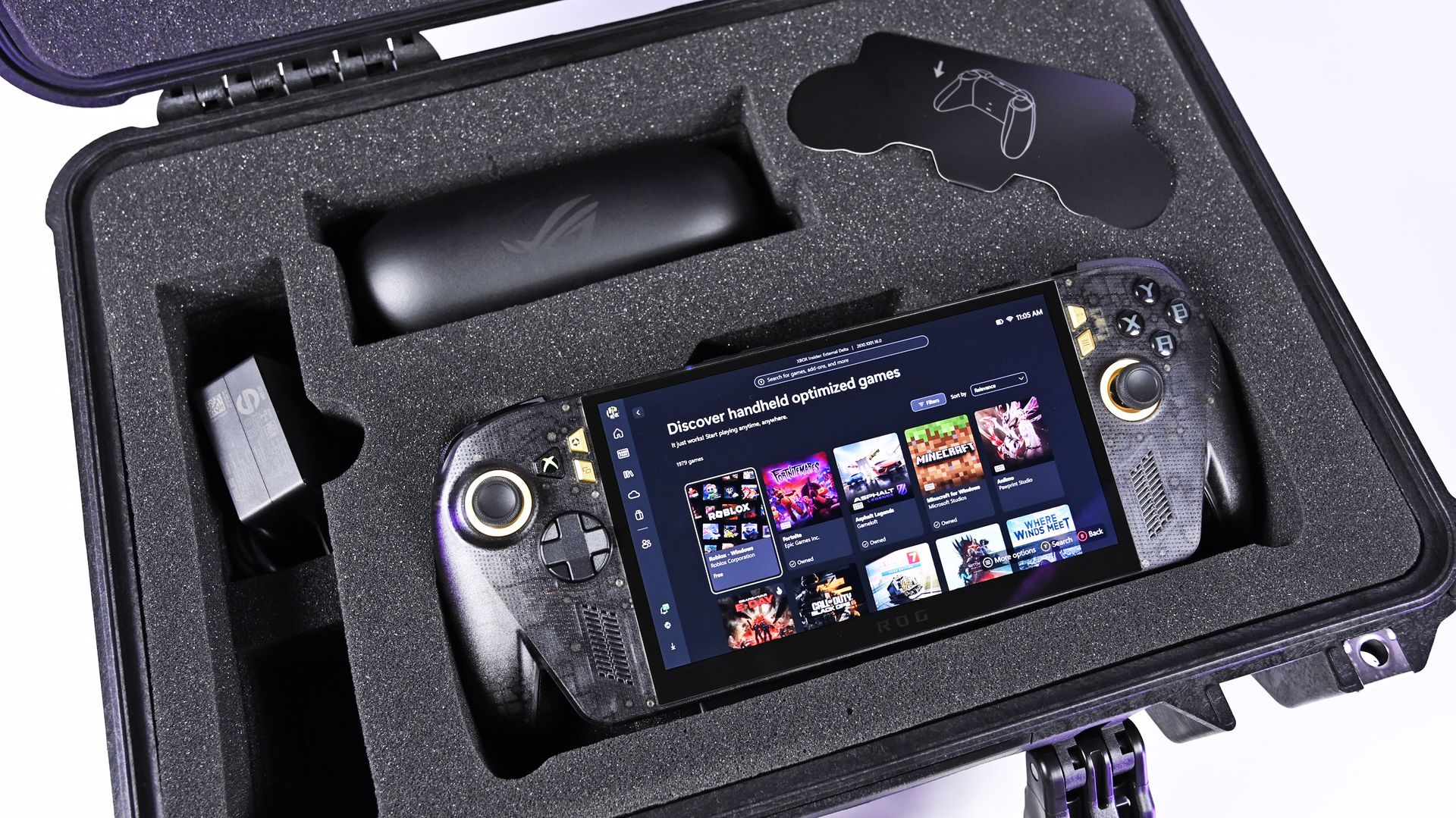
It was just a few days ago that I was unboxing the new ASUS ROG XBOX Ally X20, which went on sale just five days ago on October 15th, and now both the handheld ($1,299) and the $2,499 bundle (handheld + XREAL glasses, dBrand skin) are sold out at both Best Buy and ASUS.com.
Indeed, I'm not even saying they sold out today, but rather that today was the first day I checked to see if there was any inventory left. Going by a Reddit thread, it appears it sold out sometime yesterday or Sunday.
That's a very impressive metric, when you consider the pricing here. The current ROG XBOX Ally X is available for $999, while this refreshed model (which is better in every way) is $300 more. And the $2,500 bundle is also no joke, especially for what many would consider a secondary gaming PC.
Sure, we can attribute this to limited production and a finite inventory on hand, but it’s worth noting that preorders began almost two months ago on August 25th, giving ASUS ample time to prepare for demand.
And we know there was demand. Looking at our internal numbers for click-throughs, we saw back in August an unusually high amount of interest in the ROG XBOX Ally X20, more than you might expect from the most expensive ROG Ally to date.
A lot of this goes back to what I've been saying for years: Gaming is one of the few price-proof areas in tech, practically insulated from the harsh economic realities that many people are facing, on top of the overall higher prices attributed to AI-driven demand for RAM and NAND (storage).
ASUS
ROG Xbox Ally X20
A refined celebration of ASUS’s gaming legacy, the Ally X20 Anniversary Edition pairs its upgraded Ryzen AI Z2 Extreme chip with a vibrant 7.4‑inch OLED HDR display and a boosted 80 Wh battery. It’s a sleeker, more efficient Windows gaming handheld built to mark the milestone with sharper visuals, quieter thermals, and longer play sessions.
Whether a recession, a pandemic, a RAM shortage, or a crypto mining craze (remember that?), gamers are almost always willing to fork over big bucks to have the latest gear. It's one reason that, despite some of the doom-and-gloom over PC sales in the last decade, gaming PCs grew year-over-year consistently.
Front view of the ROG Ally X20 handheld, which is in very high demand. (Image credit: Daniel Rubino)
If you haven't followed this story closely, you'd be forgiven for thinking this is just a simple refresh of last year's XBOX Ally X, albeit with an OLED panel replacing the IPS.
That ... would be way oversimplifying it.
Yes, the same AMD Z2 Extreme and 24GB of RAM are here (albeit slightly faster memory), so overall performance is very much the same, but ASUS basically completely rebuilt this entire device with all new components. In fact, I've been documenting all the changes that I've noticed and collected from talking to ASUS and from past press events.
So, here's what's actually new:
Larger 7.4-inch OLED panel (up from 7.0 IPS)
1,400 nits peak HDR (no HDR before)
600 nits peak SDR (was 500 before)
Dolby Vision support
Corning Victus + DXC anti-reflection coating
Smaller bezels
Redesigned airflow channel specifically for cooling the OLED panel
Completely redesigned PCB USB4 ports
Upgraded fan and heatsink fins for better cooling
Hybrid metal dome switches for a more tactile D-pad
Transforming D-pad
TMR joysticks (Hall-effect style)
LEDs increased from 2 to 4 per stick
Quieter, more tactile ABXY buttons
Realigned shoulder buttons
Smoked black translucent housing
Rubberized ergonomic grips
Upgraded microSD Express slot (up to ~1 GB/s)
And this translates into a major real-world difference in terms of fit and finish, as well as overall enjoyment of the device, which is why so many people are praising the build quality.
While Intel's G3 Extreme trounces AMD in performance, the overall gaming experience on the ROG XBOX Ally X20 is very likely the best of any handheld. Plus, a faster AMD or newer Intel chip would have driven the price up even further (see MSI's $1,800 Claw).
Of course, the one pain point is still ... Windows 11. At least for the out-of-the-box experience (OOBE), but we'll talk about that another time. Once you're set up, the Ally X20 is top-tier.
ROG XBOX Ally X20 is getting great reviews
(Image credit: ASUS)
It's worth noting that reviews, both professional and from consumers, have been near-universal in their acclaim for the ROG XBOX Ally X20.
Yeah, Best Buy only has 10 reviews posted, but it's a solid 5.0 across the board, with some noting, "This is the single most refined PC handheld ... I’ve tried." and "it might be the best quality handheld device in the market," and "ASUS Definitely hit it out of the park with this one."
Going by more professional reviews, IGN says the OLED takes the machine "to a completely new level" and argues that the extra $300 is"absolutely worth it" if you have the cash. Notebookcheck is similarly effusive, calling the OLED a "game changer" and describing the image quality as "simply stunning."
And one of my favorite YouTube channels, 128KB, dedicated to handheld gaming, also gave high praise (you can see the podcast embed above).
That kind of word of mouth goes a long way, and ASUS seems to have quite a hit on its hands despite the current market circumstances.
Of course, my review is coming out shortly, but spoiler alert: I don't differ much from most of the other conclusions. Sure, "The X20 should have been the original Ally X last year" is a common theme, but OLED displays this small with variable refresh were hard to come by in 2025, so ASUS went with what it could mass-produce at the time.
The Ally X20 selling out across every configuration shows just how aggressively ASUS has captured the handheld gaming PC conversation. This launch isn’t a blip or a lucky surge; it’s a clear sign that ASUS understands what Windows handheld buyers want and is willing to push the category forward faster than anyone else.
When a premium bundle disappears instantly, it tells you the audience is hungry, confident, and ready to invest in hardware that feels genuinely next‑gen. ASUS, in my opinion (and others'), set a new bar, and the rest of the industry now has to decide whether it can keep up with the pace ASUS just established.
Anyway, let me know in the comments what you think about the state of handheld gaming in 2026, and whether the ROG XBOX Ally X20 is on your radar (if it comes back in stock).
ASUS
ROG Xbox Ally X20 Bundle
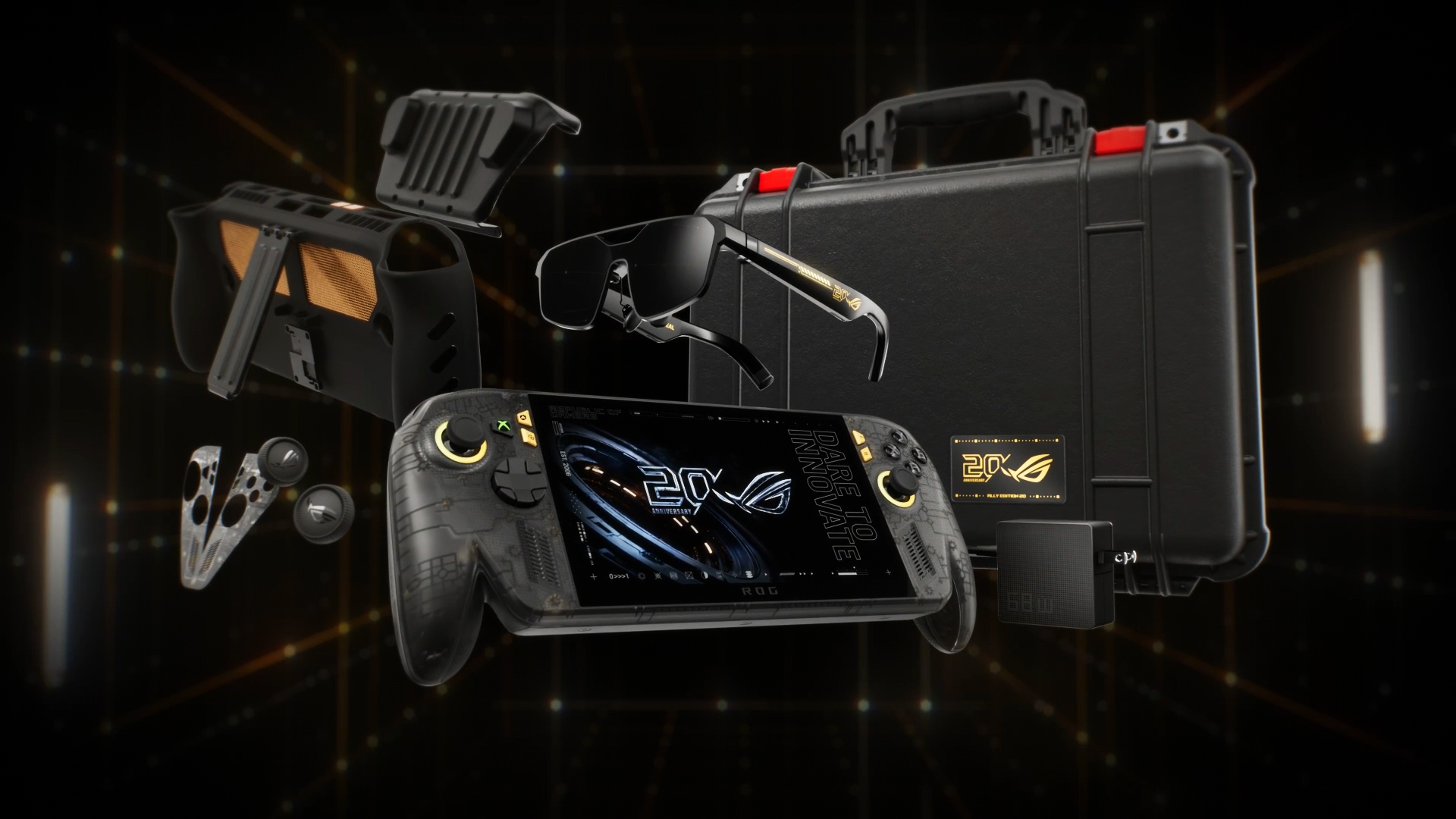
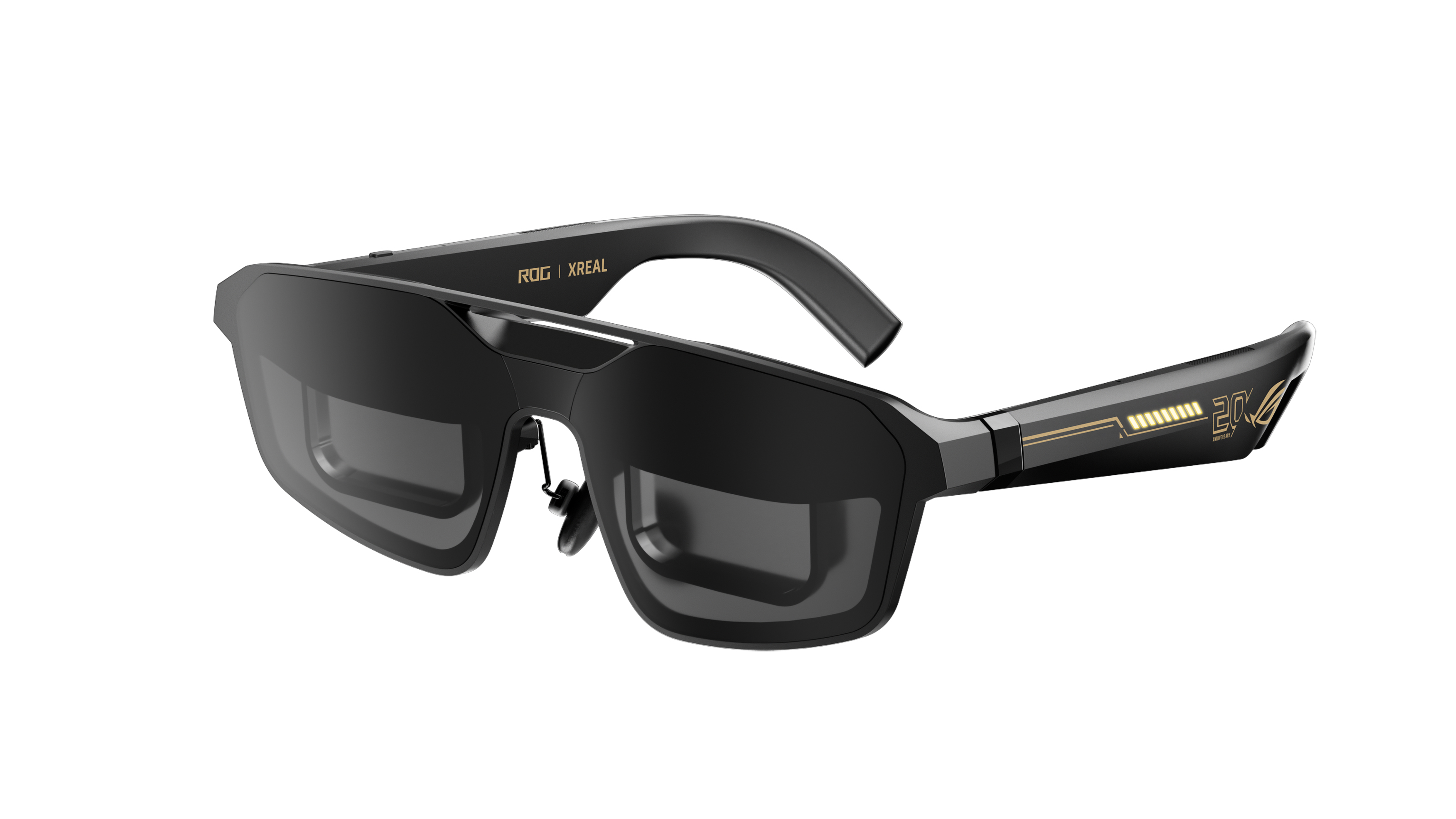
Twenty years of ROG innovation, marked by the limited ROG Edition 20 lineup in an exclusive colorway. The ROG XBOX Ally X20 Bundle carries that celebration forward, pairing the handheld with the ROG XREAL R1 Edition 20 Gaming AR glasses to create a complete gaming setup that travels with you.
Join us on Reddit at r/WindowsCentral to share your insights and discuss our latest news, reviews, and more.
For those unfamiliar with what DLSS and FSR do, they basically let hardware render games at lower resolutions to improve performance, then upscale that image without tanking visual quality. Think of it as a game rendering at 720p and upscaling to 1080p for a much sharper image.
The mod, called HelixSR, is quite clever in how it achieves this. Rather than requiring NVIDIA hardware, it effectively tricks the hardware in believing it's AMD's FSR 3.1, allowing games to use DLSS's image reconstruction instead.
In testing from various creators, we actually know whether the mod is good or not. And early testing says, yes, it is. Over on ResetEra, users have been comparing HelixSR against FSR 4. One test showed that upscaling at 1080p took around 7 milliseconds with HelixSR, compared to 11 milliseconds using FSR 4.
It's not an insignificant difference, particularly for handhelds where performance is already rather limited. Of course, there's more to upscaling than raw performance, and whether the resulting image looks better is up for debate.
YouTuber BlackHeart909 has also been experimenting with the mod, reportedly achieving between 35 and 40 FPS in CONTROL Resonant on the ROG Ally X at 1080p. Dropping the output to 720p apparently allowed the game to maintain a locked 60 FPS, which is rather impressive.
There are some catches, though. HelixSR currently only works with DirectX 12 games, and those without FSR 3.1 support need an additional tool called OptiScaler.
Still, I find this whole thing fascinating. NVIDIA has spent years making DLSS a major selling point for its graphics cards, and now we're seeing people bring the technology to AMD-powered handhelds, which is just something I never thought we'd see.
A brand-new desktop interface prototype codenamed “Garrison” represents Xbox’s fresh approach to native PC gaming software. Engineered to solve longstanding performance bottlenecks, Garrison delivers a lightning-fast ecosystem capable of handling massive game libraries without sluggish menu delays or memory bloat. Beyond under-the-hood engine overhauls, Garrison bridges input gaps with a rebuilt dual UI optimized for […]
Chez moi, c'est un Mac mini qui gère à peu près tout depuis des mois. Il héberge mes projets de vibe coding, (pour ceux qui débarquent, on parle du développement où une IA écrit le gros du code pendant que je bois des chocolats chauds devant Rick et Morty), il fait tourner mes sessions de Claude, l'IA d'Anthropic, il pilote ma domotique, il surveille même mes NAS et mon Plex. Tout ça marche bien, je n'y touche presque jamais.
Sauf que voilà, il m'a fallu une seconde session de travail avec une autre instance de Claude/Codex, pour un projet qui n'avait rien à voir. J'ai d'abord pensé racheter un Mac mini. Et puis entre les prix qui ont gonflé et macOS qu'il aurait fallu piloter à distance en permanence, j'ai un peu baissé les bras.
GEEKOM m'a alors proposé de tester son A5
, un petit PC de la taille d'un Mac mini, 11,7 centimètres de côté pour 650 grammes, qu'on trouve autour de 500 euros avec trois ans de garantie. J'ai dit oui, forcément, même si je n'ai plus acheté de PC depuis 15 ans.
Dedans, il y a un Ryzen 7 7730U d'AMD avec huit cœurs, seize threads et une fréquence qui monte à 4,5 GHz, le tout dans 15 watts, donc ça chauffe vraiment très peu. Les 16 Go de mémoire DDR4 ne sont pas soudés, on peut aller jusqu'à 64 Go en ouvrant le boîtier, et ça, Apple ne vous laissera jamais le faire sur un Mac Mini.
Le SSD de 500 Go est déjà plus généreux que les 256 Go du Mac mini de base, et si ça ne suffit pas, il y a un deuxième emplacement M.2 et une baie pour un disque 2,5 pouces. En cumulant, on peut monter à 7 To.
Pour la connectique, j'ai de quoi voir venir, avec six ports USB dont deux USB-C, deux sorties HDMI qui gèrent jusqu'à quatre écrans 4K, du WiFi 6, du Bluetooth 5.4 et surtout un port Ethernet 2,5 gigabits, le seul que j'utilise vraiment vu que la machine discute toute la journée avec mes NAS, tout le monde à cette vitesse, ce qui est quand même bien sympathique.
La machine est livrée sous Windows 11, mais je lui ai installé un Ubuntu en version serveur. J'ai branché un écran une heure à tout casser, le temps de l'installation, de configurer le Bios pour qu'il redémarre tout seul en cas de panne de courant, et depuis je n'y touche plus qu'en SSH, la prise de contrôle à distance en ligne de commande. Et encore quand je dis "Je", ce sont mes IA et mes automatisations qui administrent la machine, et ça fonctionne, sans drame (j'ai BEAUCOUP de sauvegardes derrière, je vous conseille d'en avoir aussi si vous laissez l'IA administrer vos machines).
Le plus fou, et qui m'a vraiment surpris, c'est le silence. GEEKOM annonce autour de 28 décibels au repos et à peine plus en charge, et dans les faits je ne l'entends simplement jamais, alors qu'il est posé dans mon salon et qu'il tourne 24h/24. La consommation est ridicule aussi, environ un demi kilowattheure par jour.
Ce genre de machine peut servir à plein de choses, un petit serveur maison, Home Assistant pour la domotique, une médiathèque, des agents IA qui bossent la nuit, ou tout simplement un PC de bureau classique si vous le laissez sous Windows.
Et pour tout vous dire, sur cet usage serveur, il est même meilleur que mon Mac mini. Plus de bizarreries macOS, plus de mise à jour qui réclame une session ouverte, plus de réglage système qui se met en travers du chemin. Ubuntu fait ce qu'on lui demande et c'est vraiment très reposant.
Le circuit graphique Vega 8 intégré ne vous permettra pas de lancer GTA6 en 4K (en même temps il n'est toujours pas annoncé sur PC...), et il ne faut pas compter dessus pour faire tourner un gros modèle d'IA en local, mais pour du développement, du serveur et de la vidéo, c'est vraiment la machine idéale.
Si vous avez le même genre de besoin que moi, ou que vous avez envie d'expérimenter, vous pouvez y aller. L'A5 est en vente autour de 550 euros sur Amazon,
dispo en cliquant ici
.
Avec en plus un petit code promo : Prix habituel : 549 € Prix après réduction : 494 € (10 % de réduction) Code promo : KORBA527 (valable jusqu'au 30 octobre)
Vous ne le savez surement pas mais Sebseba, un membre du forum TeamAAZ, partage depuis juin 2025 un
LivePE 100% en français
. C'est une ISO qui se met sur une clé USB et qui permet de démarrer un LivePE (un Windows Live quoi...), en EFI comme en MBR, avec de quoi sauvegarder, partitionner, récupérer des fichiers ou réparer le boot. Bref, c'est super pratique si vous faites un peu d'admin ou de support technique.
Le bureau du LivePE démarré dans une machine virtuelle, avec ses icônes en français
Il l'a fabriqué avec une base de
Win10XPE
,
SFX Constructor
et
Dism++
, et ça embarque une sacrée liste de programmes.
Par exemple, pour les sauvegardes, vous avez le droit à Acronis True Image 2026, Macrium Reflect X Server, AOMEI Backupper et les outils Hasleo. Pour tout ce qui est partitionnement, c'est MiniTool, EaseUS et AOMEI Partition Assistant. Aussi, pour récupérer des fichiers, GetDataBack Pro et Hasleo Data Recovery et il y a bien sûr AIDA64 Extreme et le Kaspersky Virus Removal Tool.
Maintenant, pour le mettre sur une clé ou un SSD externe, le tuto de Sebseba impose
UltraISO
et rien d'autre, sinon le multiboot EFI + MBR ne marchera pas. Il faut initialiser le support en MBR, puis vous le formatez en FAT32, vous ouvrez TECH.iso dans UltraISO et vous l'écrivez en mode USB-HDD+.
Et ensuite, vous pouvez réduire cette partition et en créer une seconde en NTFS pour y ranger vos ISO Windows. Par contre, attention, WinToHDD ne créera pas la partition MSR quand il installera Windows en GPT/EFI, ce qui posera des problèmes de migration plus tard... Donc préparez bien l'ESP et la MSR avant, avec DiskGenius ou DiskPart GUI Micro.
Le gestionnaire de démarrage de l'ISO, lui, s'affiche en anglais
Cette ISO de LivePE bien frenchy est une adaptation du WinPE de Sergei Strelec, dont l'
historique officiel
liste lui aussi Acronis, Macrium Reflect, AIDA64 et GetDataBack, mais uniquement dans la langue de David Bowie (ouais Shakespeare c'est has-been). Et si vous préférez une clé multiboot montée avec Ventoy,
Medicat
dont je vous ai déjà parlé à de multiples reprises, fait ça très bien depuis longtemps.
Winhanced is a launcher that essentially replaces Xbox Mode on your Windows handheld. Instead of simply fullscreening the Xbox app, Winhanced gives you a fully featured user interface that connects to your Xbox, Steam, GOG, and Epic libraries, alongside support for emulators, other apps, and much more.
I've talked quite extensively about Winhanced here on Windows Central, using the launcher for quite some time on my own handhelds, and seen it in both its current, near-complete state and its not-so-complete state a few months back.
The launcher is nearing version 1.0, which I’m sure I’ll cover when it releases, as the sneak peek I’ve seen — and will discuss closer to release — is extremely exciting. However, version 0.9.9.9 is available today and boasts new features and improvements. These are just a few that caught my attention:
Friend cards, letting you message your friends, see what they’re doing, view their profiles, and more. (Public)
Better integration with Discord, Steam, Xbox, and PlayStation. (Public)
PC streaming through the new Winhanced Streaming Companion. (Public)
Install Windows updates without leaving Winhanced. (Public)
Improved driver detection for updating your handheld’s drivers through Winhanced. (Public)
Game theme music, including the option to choose your own tracks. (Public)
Improved Epic and GOG downloads, including resumable downloads. (Public)
Create your own collections for easier access to different groups of games. (Early Access)
A Discord server browser that can be navigated with a controller. (Early Access)
Those are just a handful of the additions, and 0.9.9.9 also includes substantial behind-the-scenes work to improve how Winhanced works in general, making it a pretty seamless experience. If you're interested, I urge you to join the Winhanced Discord and check out the full release notes because there’s simply far too much for me to reasonably cram into one overextended post without getting into the weeds.
I’ve moaned since the day I got my Xbox Ally X about just how unpolished and, frankly, disappointing the user experience was. Winhanced has genuinely changed that for me, though, and made me much more willing to pick up my Xbox Ally X and actually play games on it, which isn’t something I can say for the other launchers I’ve tried.
If you’ve tried Winhanced before and found it too buggy, I’d suggest giving it another shot now. A big part of 0.9.9.9 focused on squashing hardware-related bugs and improving consistency across supported handhelds, with the developer describing this release's device consistency as finally at a "1.0 level."
If Winhanced isn’t your thing, though, that’s okay too. Xbox Mode is improving, but I'll still use this instead. Let me know your thoughts in the comments, or just drop a vote on the poll!
Join us on Reddit at r/WindowsCentral to share your insights and discuss our latest news, reviews, and more.
Un emplacement M.2 finalement, ce n'est rien d'autre qu'un bonne vieille connexion PCIe d'une à quatre lignes selon la machine (sauf quand il est câblé en SATA, mais ça, j'en reparle à la fin). Et en général, comme le montre la photo ci-dessous, ce qu'on y met, c'est un SSD pour avoir du stockage rapide et efficace
Emplacement d'un M.2 sur la carte mère d'un laptop (
source
)
Mais aujourd'hui, on va s'ouvrir un petit peu l'esprit sur cet emplacement M.2, parce que OUI, rien ne vous oblige à y mettre un SSD !
Mais avant de commander quoi que ce soit, sortez le manuel de votre carte mère ou la doc de votre mini-PC et regardez le type (PCIe ou SATA) de votre connecteur M.2, le format accepté et surtout le nombre de lignes de cet emplacement.
Le nombre de lignes, c'est le nombre de voies de circulation entre la carte M.2 et le processeur. Plus il y en a, plus ça va vite, donc en général, pour une carte réseau, une ligne (x1) ou deux (x2) suffisent. Mais si vous partez sur une carte graphique, il faudra 4 lignes minimum (x4).
Par exemple, le Beelink ME Mini
, lui, dispose de 5 emplacements PCIe 3.0 x1 et un seul en x2. Et sur
une ASRock B850 Pro-A
, le 4e emplacement M2 tourne en x4... mais retombe en x2 dès qu'un disque occupe l'un des autres ports M.2 en SATA3.
Regardez aussi ce que l'emplacement partage, car sur cette même carte mère ASRock, occuper par exemple le 3ème emplacement désactive purement et simplement le slot PCIE2. Vérifiez aussi que la puce du contrôleur M.2 dispose bien d'un pilote pour votre système, et demandez-vous par où passera le câble car mis à part l'accélérateur IA que je vous présente un peu plus bas, toutes les cartes qui suivent traînent un truc derrière elles. Donc, il faudra peut-être découper votre boîtier ou laisser dépasser des trucs...
Allez, c'est parti !
Une carte réseau 5 ou 10 GbE
Pour un NAS ou un routeur maison,
la carte 5 GbE de KALEA
à 29,90 € embarque une Realtek RTL8126 qui se branche sur un emplacement à clé M ou B+M et déporte son port RJ45 sur une équerre classique de PC. Et bonne nouvelle, comme la RTL8126 est une puce PCIe 3.0 x1, une seule ligne suffit ! Elle est reconnue par
le pilote r8169 de Linux
depuis le noyau 6.9, et sous FreeBSD (donc OPNsense ou pfSense) par
le pilote officiel de Realtek
, realtek-re-kmod, qui s'installe à part.
La carte 5 GbE de KALEA, avec son port RJ45 déporté sur une équerre
Maintenant, si vous voulez du 10 GbE,
la carte de REKONG
à 98,32 € passe par une Marvell AQC113. Et si j'en crois la fiche du vendeur, elle accepte du Gen4 x1 ou du Gen3 en x4, x2 et x1. Sauf qu'une ligne Gen3, c'est 8 Gbit/s, ce qui veut dire que sur un emplacement Gen3 x1, elle plafonnera sous ses 10 Gbit/s. Donc à ce prix-là, autant prendre la 5 GbE. Par contre, en Gen3 x2 (16 Gbit/s) ou en Gen4 x1 (32 Gbit/s), elle pourra tenir les 10 Gbit/s sans problème,
Côté logiciel, Linux la gère avec son pilote atlantic, mais sous OPNsense, c'est une autre histoire. Le pilote FreeBSD d'Aquantia, lui, ne prend pas en charge l'AQC113 et il faudra
passer par un pilote communautaire
.
Un accélérateur IA pour Frigate
Si vous faites tourner
Frigate pour vos caméras
, oubliez le Google Coral, qui
n'est plus recommandé par Frigate
. Mais attention, avant d'acheter un autre accélérateur IA à la place, regardez d'abord si votre processeur ne sait pas déjà faire le boulot, car le détecteur OpenVINO de Frigate tourne sur le GPU intégré des processeurs Intel de 6e génération ou plus récents. Un N100, par exemple, analyse une image en 15 ms environ avec MobileNetV2, sans rien acheter de plus, donc vous n'en aurez peut-être même pas besoin.
Par contre, si ça ne suffit plus,
le module Hailo-8 de LUCKFOX
à 201,59 € vous amènera 26 TOPS sur une interface PCIe Gen3 à quatre lignes. Frigate le prend en charge, avec environ 7 ms par image, mais mesurées avec YOLOv6n, donc c'est loin d'être comparable aux 15 ms du N100.
Maintenant, le truc cool, c'est que vous n'avez pas besoin d'un emplacement x4. La preuve,
l'AI HAT+ 26 TOPS
de Raspberry Pi, construit autour du même Hailo-8, tourne sur le port PCIe du Pi 5, qui n'a qu'une seule ligne. Un emplacement M.2 en x1 fera donc l'affaire, même si Frigate note que les PC x86 à deux lignes font mieux que le Pi.
Le module M.2 Hailo-8, avec sa puce sous un capot métallique
Une carte graphique externe en OCuLink
Ici, c'est la seule carte de la liste qui exige un emplacement x4.
L'adaptateur OCuLink de RIITOP
à 36,95 € transformera instantanément votre port M.2 en prise OCuLink PCIe 4.0 x4 (jusqu'à 64 Gbit/s). On doit ensuite le relier au
dock Minisforum DEG1
(prix 109,00 €), sur laquelle se plug la carte graphique (à acheter séparément avec son alim) et se branche sur une alimentation ATX ou SFX. Le câble OCuLink, lui,
est livré avec le dock
.
L'adaptateur M.2 de RIITOP et sa prise OCuLink
Notez que le DEG1 de Minisforum n'est compatible qu'avec les machines qui gèrent le PCIe 4.0 x4, donc visez un emplacement Gen4 x4. Et l'OCuLink ne se branche pas à chaud, faudra éteindre le PC avant.
Le dock DEG1 de Minisforum, avec le slot qui reçoit la carte graphique
Et si vous préférez rester à l'intérieur du boîtier,
la nappe ADT-Link
à 35,45 € ressortira l'emplacement M.2 en slot PCIe x16 prévu pour une carte graphique. Alors je dis x16, mais c'est seulement au niveau du format PCIe 3.0 parce que la carte, en réalité, ne recevra que les lignes réellement disponibles de l'emplacement M.2.
La nappe R43SR d'ADT-Link, du connecteur M.2 au slot PCIe x16
Le port USB-C de façade qui ne sert à rien
Et si le port USB-C en façade de votre boîtier reste inerte faute de connecteur sur la carte mère,
l'adaptateur Type-E de CY
à 32,99 € transformera l'emplacement M.2 en connecteur interne Type-E à 20 Gbit/s. Il repose sur une ASMedia ASM3242, conçue pour quatre lignes PCIe Gen3 (sur deux, on tombe à 16 Gbit/s), et ne fait ni vidéo, ni audio, ni recharge PD.
L'adaptateur M.2 de CY, son connecteur Type-E et son dissipateur
Maintenant, si un connecteur USB 3.0 à 19 broches est encore libre,
un simple adaptateur EZDIY-FAB
à 14,99 € réveillera ce port en USB 3.2 Gen 1, sans avoir à toucher à votre emplacement M.2.
L'adaptateur en L d'EZDIY-FAB, vu sous deux angles
Six ports SATA de plus
Côté stockage,
le contrôleur SATA de Namvo
à 29,99 € vous ajoutera 6 ports SATA 6 Gbit/s grâce à
une ASMedia ASM1166
, reliée en PCIe Gen3 x2. Ça fait 16 Gbit/s à partager entre les 6 disques, et moitié moins sur un emplacement x1.
Le contrôleur SATA de Namvo
Du Wi-Fi 6E
Enfin, pour ajouter du Wi-Fi 6E à une tour qui n'en a pas, il vous faudra
un module Intel AX210
à 28,37 € et
un adaptateur Jectse
à 9,62 € qui le fera tenir dans un emplacement à clé M. Comme Intel documente son AX210 comme étant du Wi-Fi (PCIe) et BT (USB), l'adaptateur fait passer le Wi-Fi par une ligne PCIe et le Bluetooth par un petit câble USB 2.0 fourni, à relier à un connecteur interne de la carte mère. Et les antennes ne figurent ni sur la fiche du module ni dans le colisage de l'adaptateur, donc faudra les acheter à part.
Méfiez-vous par contre de la liste de compatibilité de la fiche Jectse, qui dit supporter aussi l'AX201.
Intel classe ce module
en "M.2: CNVio2", et pas en PCIe et USB. Bref, attention à bien prendre un AX210 et pas un 201
Voilà et si votre emplacement libre s'avère être câblé en SATA, bah oubliez toutes ces cartes... Toutes ces cartes parlent uniquement le PCIe. Il ne vous restera alors plus qu'à y mettre un SSD SATA... Snif.
I've been a PC gamer for as long as I can remember, pushing my earliest family desktop computers to their limits by installing a single copy of Command and Conquer to their tiny hard drives, before eventually building my own rigs with a meager part-time job wage and a bright-eyed idea of what good value components looked like.
These days, I do most of my gaming on my still-loved Steam Deck, the Linux-based handheld from the same company behind the massive PC game storefront, Steam. It runs practically every game originally designed for Windows, and for the ones that it struggles with, I fall back on cloud gaming on services like GeForce NOW and Xbox Cloud.
Until now, I've pushed as many curious gamers as possible toward handheld gaming PCs, easing them in with budget-friendly options before watching them grow an appetite for high-end examples of excess that squeeze the capabilities of traditional gaming laptops into a compact form factor. However, one seems to have stuck closer to its MSRP, while many others become pipe dreams.
"Power of XBOX. Freedom of Windows. Craftmanship of ROG."View Deal
Somehow, the XBOX Ally is holding strong
It's a modest machine inside, but the ergonomics make the ROG Xbox Ally worth your attention. (Image credit: Jez Corden | Windows Central)
As it stands, the ROG XBOX Ally sells for $599.99 at Best Buy, which is the same price it launched at when we tested it for our XBOX Ally review. Right now, it holds an average 4.4/5 rating among at least 930 customer reviews from that listing alone, and they seem quite happy with its price-per-performance ratio.
Then again, the ROG XBOX Ally can reach a higher 120Hz refresh rate than the Steam Deck OLED's 90Hz, though you'll have to find a lightweight PC game that runs well enough to show those theoretical benefits of smoother visuals, with support for the Ally's variable refresh rate (VRR) that helps to reduce screen tearing and frame pacing inconsistencies.
"But, it runs Windows!"
Lenovo's Legion Go S arrived without too much fanfare. (Image credit: Windows Central | Zachary Boddy)
Usually snared by the inevitable cost of a Windows license for each corresponding handheld, the appeal of Valve's in-house 'SteamOS' operating system became obvious in the category's formative years. However, alternatives initially designed around that prospect, such as Lenovo's Ryzen Z2 Go-based Legion Go S, now cost around $989.99.
Of course, the repeated blame for these price hikes lands squarely on the memory crisis driven by massive-scale AI hardware infrastructure, which shows no signs of slowing down in the near future. Gamers are essentially stuck between a rock and a hard place as most components become unaffordable, which somewhat softens the OS argument on the PC side.
Because ultimately, there's nothing stopping anyone from installing SteamOS on a ROG XBOX Ally (or any other Windows-based handheld, for that matter). The experience will vary between devices, but to date, none of the major players have arbitrarily locked their products to Windows 11. If, despite all the awful odds, the Ally can maintain its price, it could become the mainstream choice.
Availability also seems fine for the white XBOX Ally, unlike ultra-high-end variants like the "mind-blowing" MSI Claw 8 EX AI+ and its $1,799 price tag, which apparently convinced flush gamers to spend, but its stock couldn't keep up. For handhelds targeting far below $1,000 — the realm of sensible spending — XBOX is surprisingly beating Valve. Will it last? I'd love to believe it.
Join us on Reddit at r/WindowsCentral to share your insights and discuss our latest news, reviews, and more.
Valve's popular Steam Deck handheld pushed handheld gaming PCs into the mainstream with its affordable, Linux-based console, and its potential successor seemingly aims to make the same impact. Speaking to IGN's Jacqueline Thomas, Valve software developer Pierre-Loup Griffais touched on the fabled 'Steam Deck 2' and whether the ongoing RAM crisis could affect its development.
We want to make sure there's a very delineated performance improvement for something like a future Steam Deck.
Pierre-Loup Griffais, Valve
When asked whether ongoing hardware shortages — which have already affected pricing for its Steam Machine PC and Steam Frame VR headset — have changed how Valve thinks about a Steam Deck successor, Griffais answered, "Not really." For now, it sounds like any potential 'Steam Deck 2' will target the same balance of performance and affordability as before, but is that realistic?
Steam Deck performance was crushed years ago
MSI Claw 8 EX AI+ stands as one of the best Windows-based handhelds today. (Image credit: Daniel Rubino)
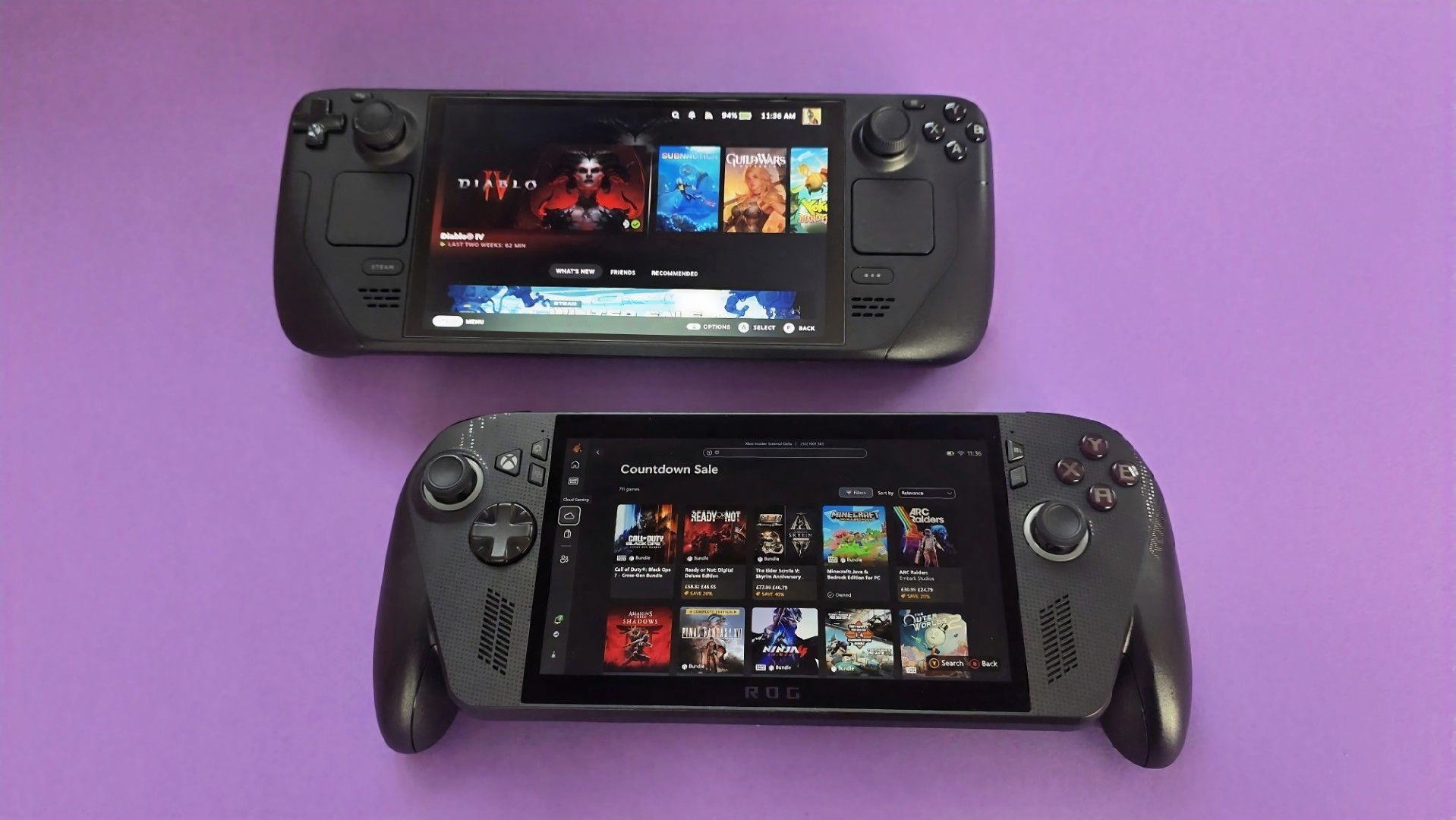
For clarity, I use my Steam Deck almost every day, and it still powers through my library of built-for-Windows PC games with relative success. However, there's no denying its age, and the custom-made Zen 2/RDNA 2 APU doesn't stand a chance in many of the AAA games released in the past few years. For those demanding titles, plenty of Windows-based handhelds are far better suited.
Unfortunately, much like the Claw [8 EX AI+], the Steam Machine is a premium engineering marvel suffering from historically terrible macroeconomic timing.
Daniel Rubino, Windows Central
In that, I'm trying to stay grounded when I hear that Valve's plans haven't changed for the Steam Deck 2 (or whatever it might be called), because that never necessarily meant it would target the same price point as its first handheld. After all, the company just launched its new Steam Frame VR headset for $1,059, which is higher than it originally planned (via PC Gamer).
So, Valve is stuck between a rock and a hard place: sourcing a follow-up (presumably also custom-made) processor and the corresponding components for a mass-produced handheld without pricing it so high that it loses mainstream appeal. It won't be easy, and I wouldn't be surprised if we don't hear anything concrete about the Steam Deck 2 for a few years.
Join us on Reddit at r/WindowsCentral to share your insights and discuss our latest news, reviews, and more.
Desks are overrated. So are the cables that come with them. The 4URPC is a 15.6-inch wireless touchscreen monitor built for people who’d rather not be chained to an outlet just to get a bigger screen. It’s slim, self-powered, and ready to mirror whatever’s on your phone, tablet, or laptop the moment you need more room to work, watch, or play.
Cutting the cord doesn’t mean cutting functionality. The monitor mirrors an iPhone or Android device through a peer-to-peer wireless connection, no home Wi-Fi or app required. For streaming platforms like YouTube, Netflix, or Hulu, connecting to Wi-Fi and tapping the built-in TV Cast icon sends video to the screen. Either way, there’s no dongle to lose or cable to untangle before the movie starts.
The more interesting trick happens after mirroring starts. The 10-point touchscreen can send input back to the connected phone, turning the monitor into a larger, shared control surface. Flip through photos with a friend, walk a colleague through a presentation, or hand someone the reins without handing over your phone. It’s a shift that makes shared screen time less awkward.
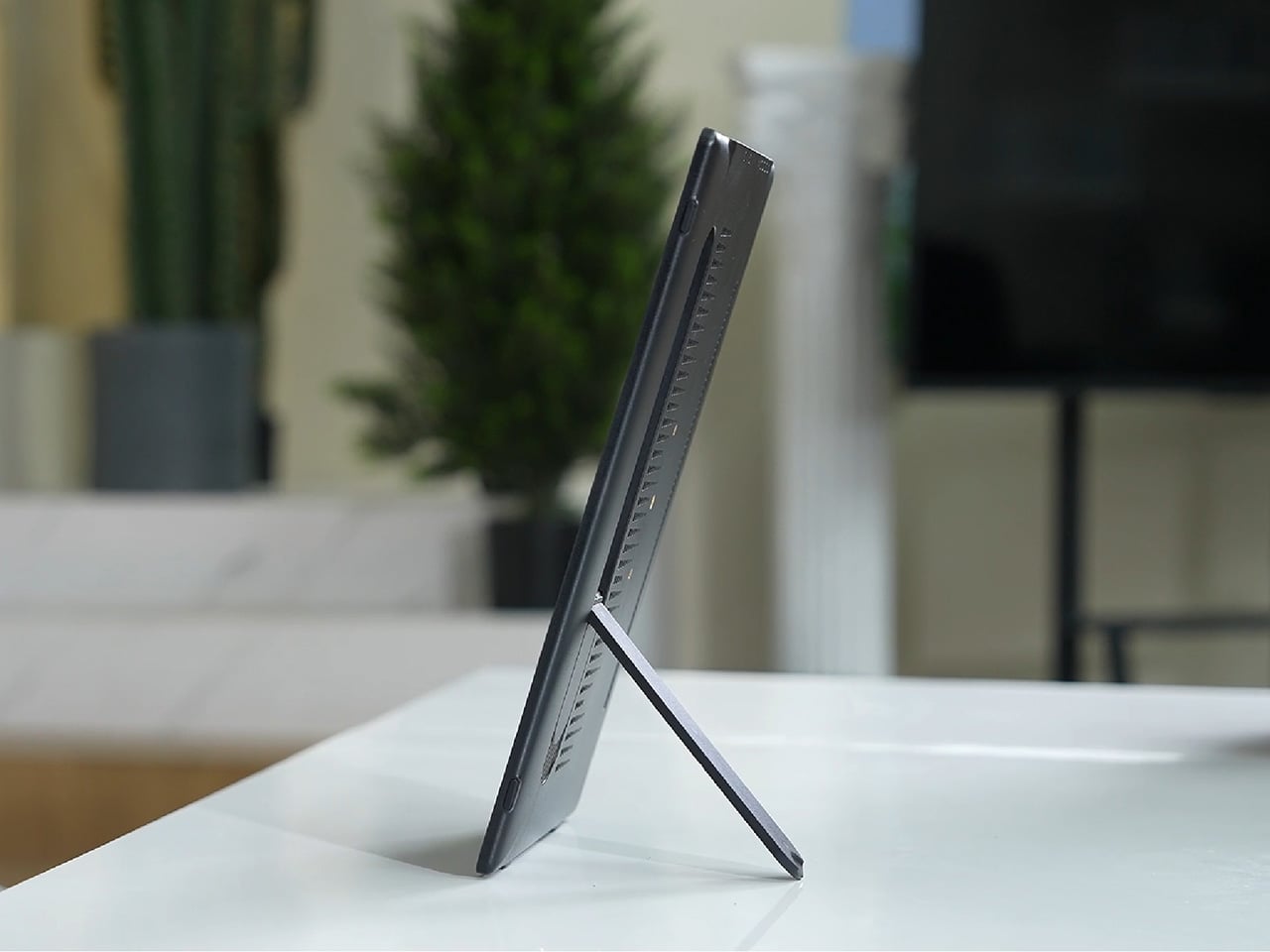
None of this would matter much if the monitor were bulky. At half an inch thick and just over 2 pounds, it’s built to disappear into a backpack rather than dominate it. The matte, textured shell keeps fingerprints and glare to a minimum, and a fold-out kickstand on the back means setup takes seconds on a desk, a kitchen counter, or the arm of a couch.
A built-in 4,000 mAh battery backs up that portability by taking the wall outlet out of the equation. Setting up on a train, in a hotel room, or on a patio doesn’t mean scouting for the nearest plug first. That same battery can lend a charge to a connected phone, turning the monitor into a backup power bank when the moment calls for it.
Plug it into a laptop with a USB-C cable, and the 4URPC switches roles, becoming an extended display rather than a wireless mirror. Dragging a browser tab, a chat window, or a reference document onto the second screen takes a second, and the touchscreen works over the wired connection. The laptop stays focused on the main task while the extra display handles everything else.
The screen also rotates between landscape and portrait without any fuss, which sounds minor until it changes how you use it day to day. Landscape suits video calls, games, and spreadsheets, while portrait mode fits scrolling through documents, reading long articles, or checking social feeds. Switching between the two takes a twist of the stand, not a trip through a settings menu.
Compatibility runs wide enough that most people won’t need to think twice before connecting. Wireless mirroring covers iPhones, Android phones running version 10 or later, MacBooks, and most Windows laptops, while the wired USB-C or HDMI input works with game consoles, streaming boxes, and the Nintendo Switch. There’s no software to install and nothing to configure; connecting the device and turning it on is the entire setup process.
Under the glass sits a 1920×1080 matte IPS panel running at 60 Hz, built more for comfortable, glare-free sessions than eye-popping color numbers. Dual USB-C ports split power delivery and video duties, small stereo speakers cover casual audio, and a VESA mount plus a standard camera screw thread add mounting options beyond the built-in stand. It’s a practical set of choices rather than a flashy one.
There’s something telling about a monitor that assumes you won’t always be sitting at the same desk tomorrow. Work has scattered across kitchen tables, coffee shops, and airport gates for a while now, and screens are only starting to catch up. The 4URPC doesn’t try to be the sharpest or brightest display around; it just tries to be wherever you happen to land next.
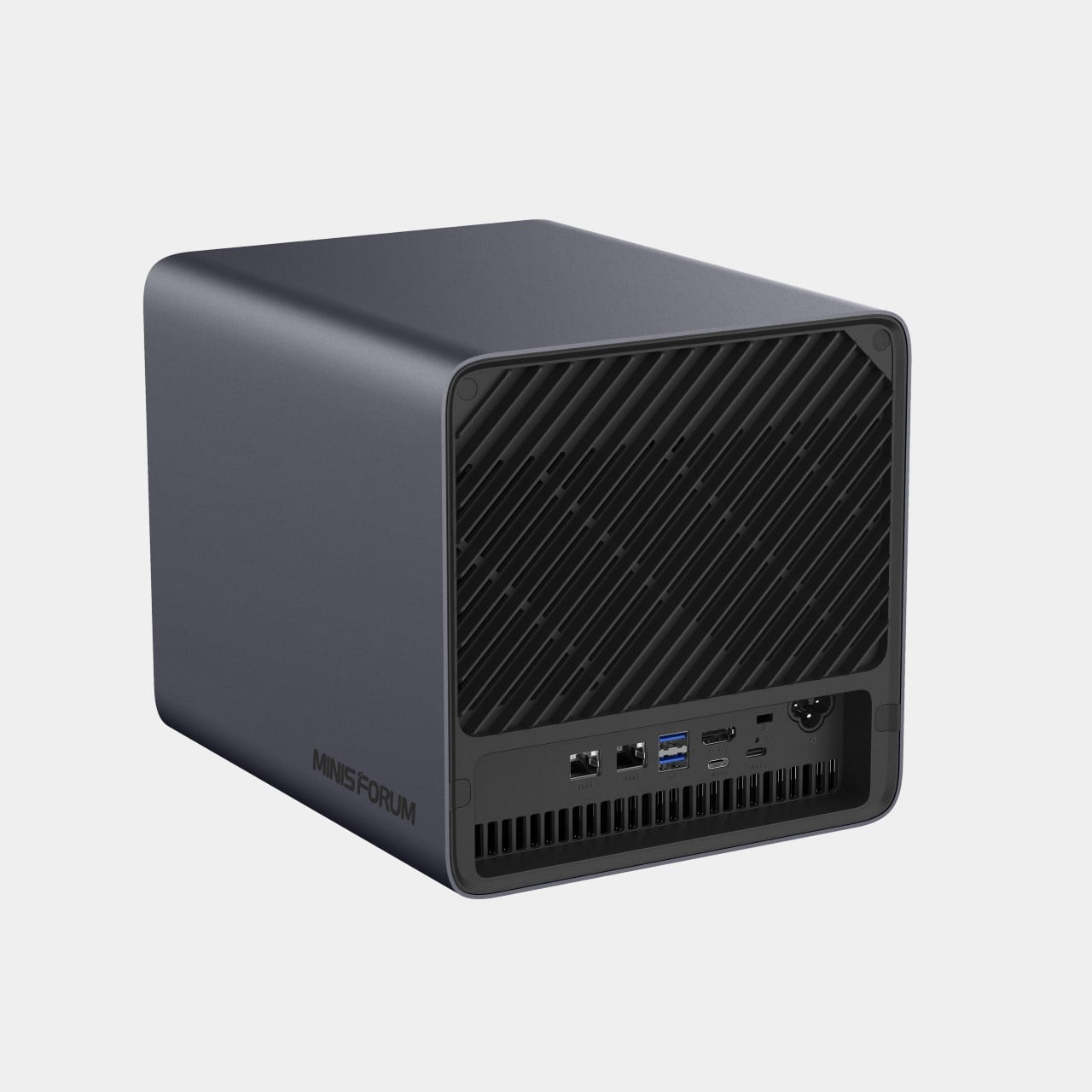
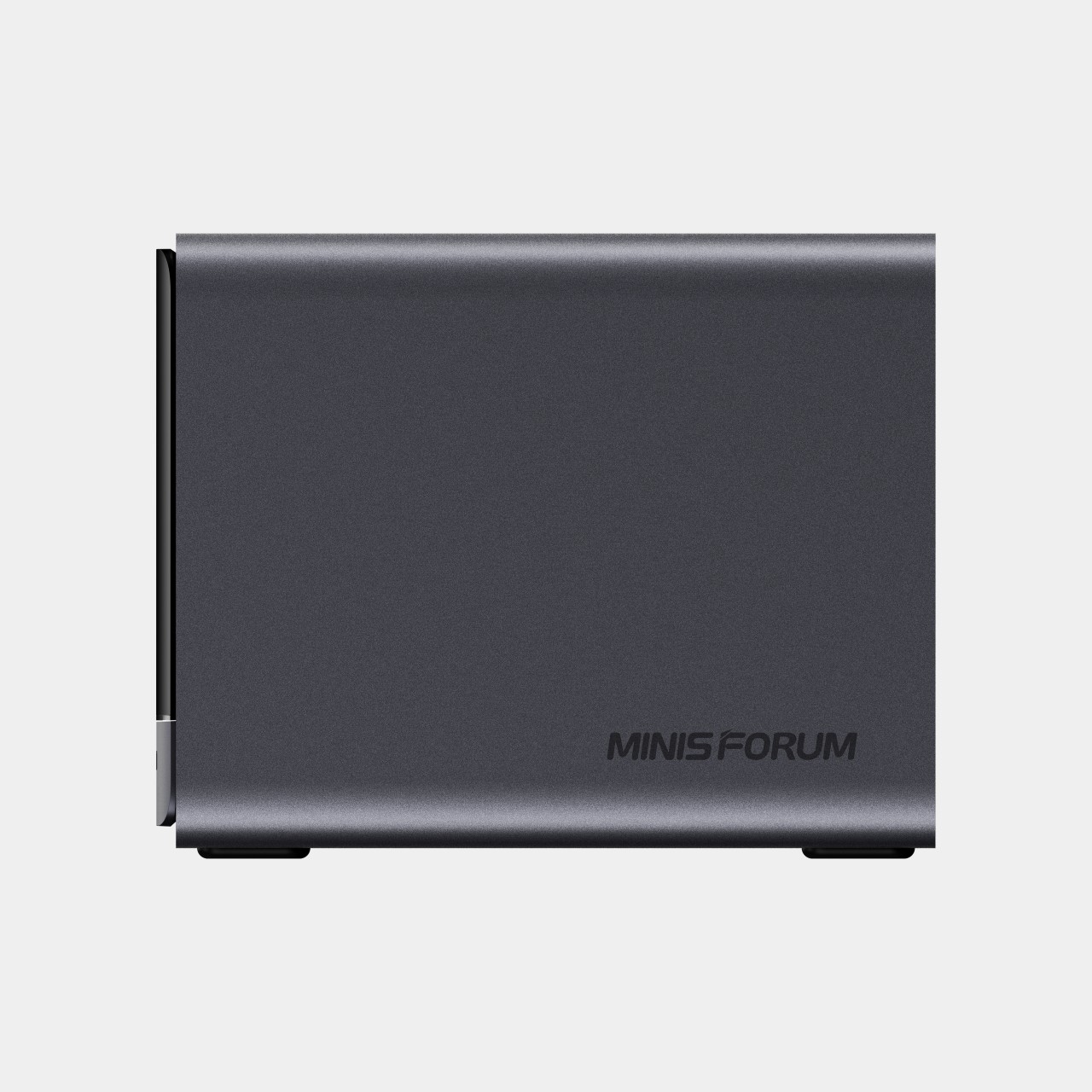
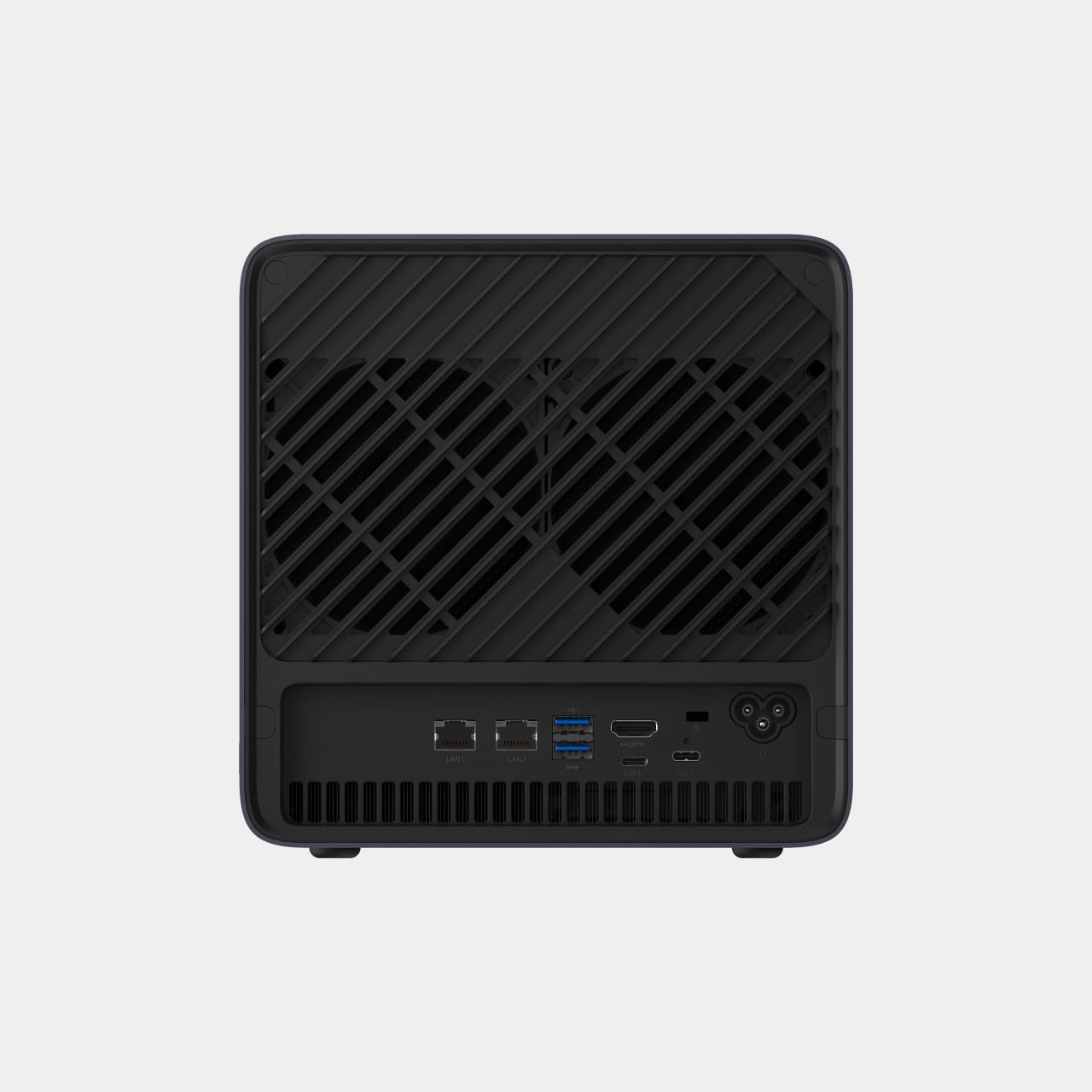
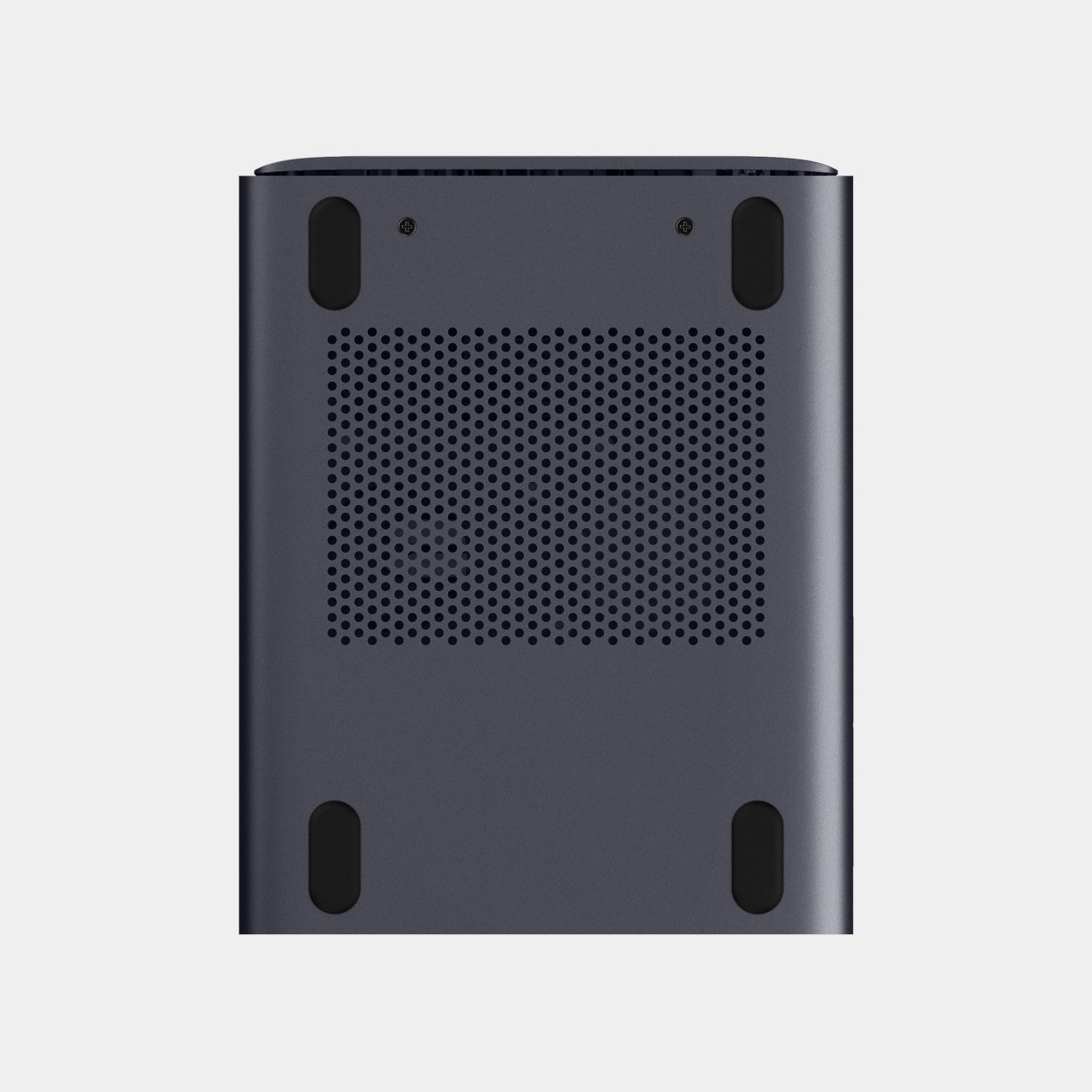
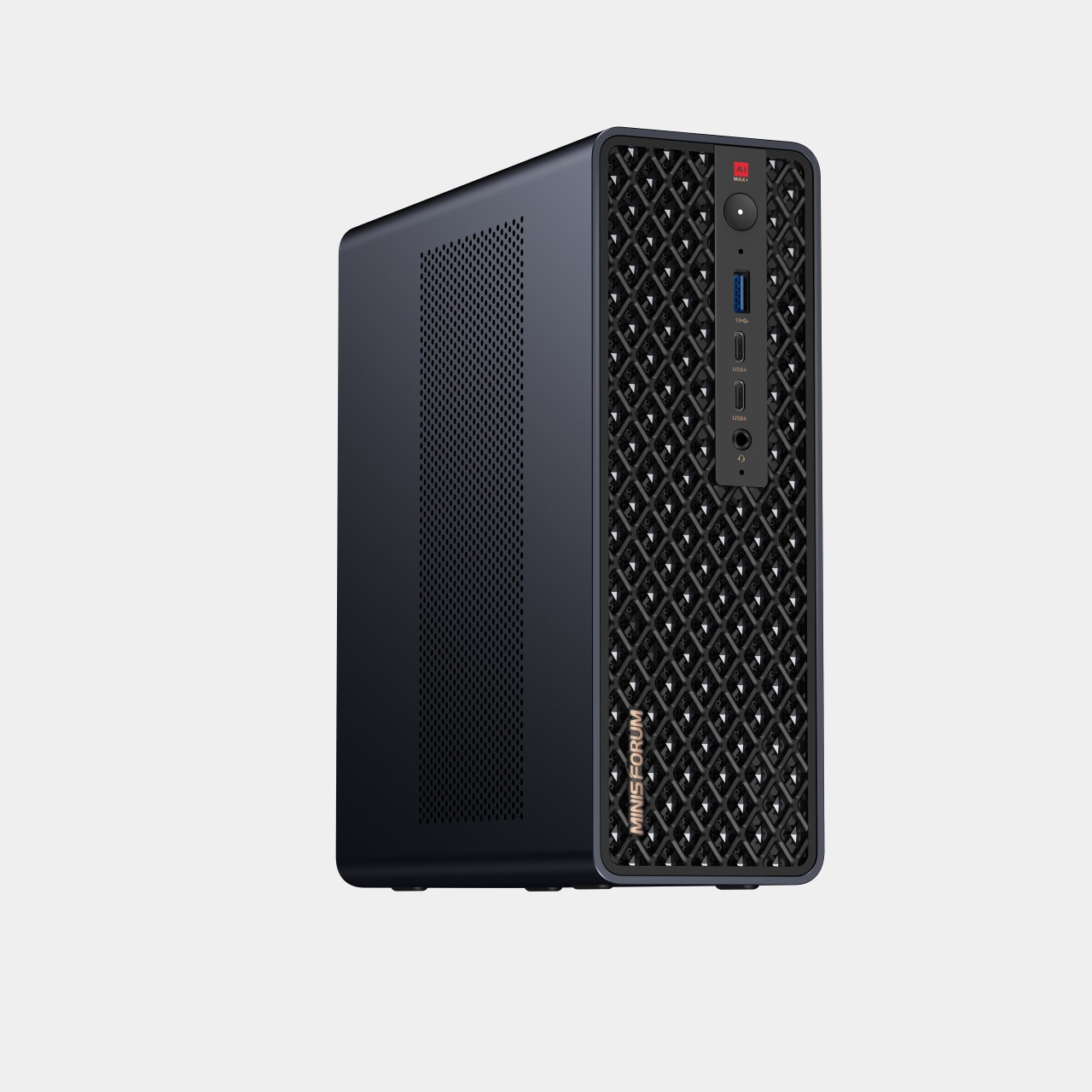
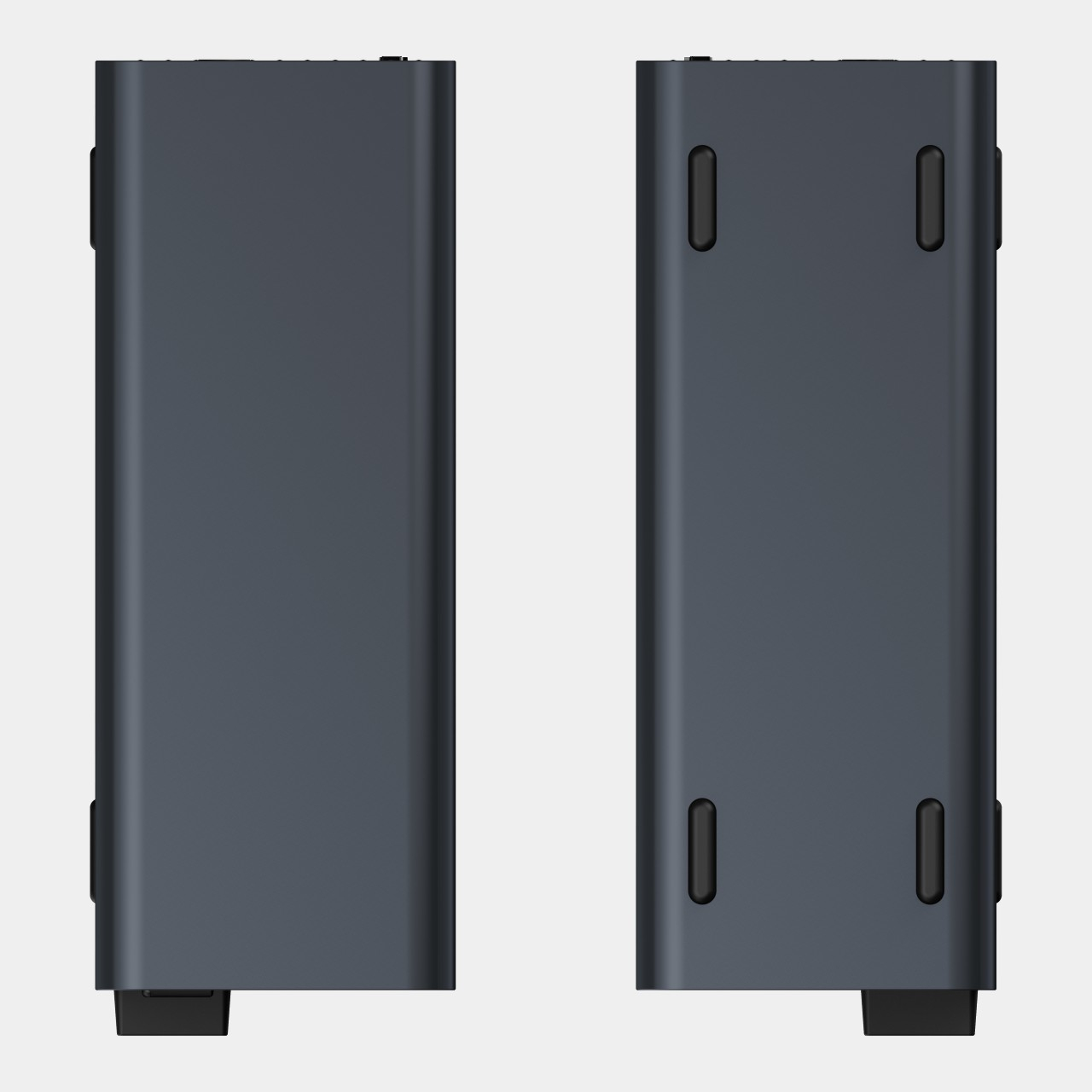
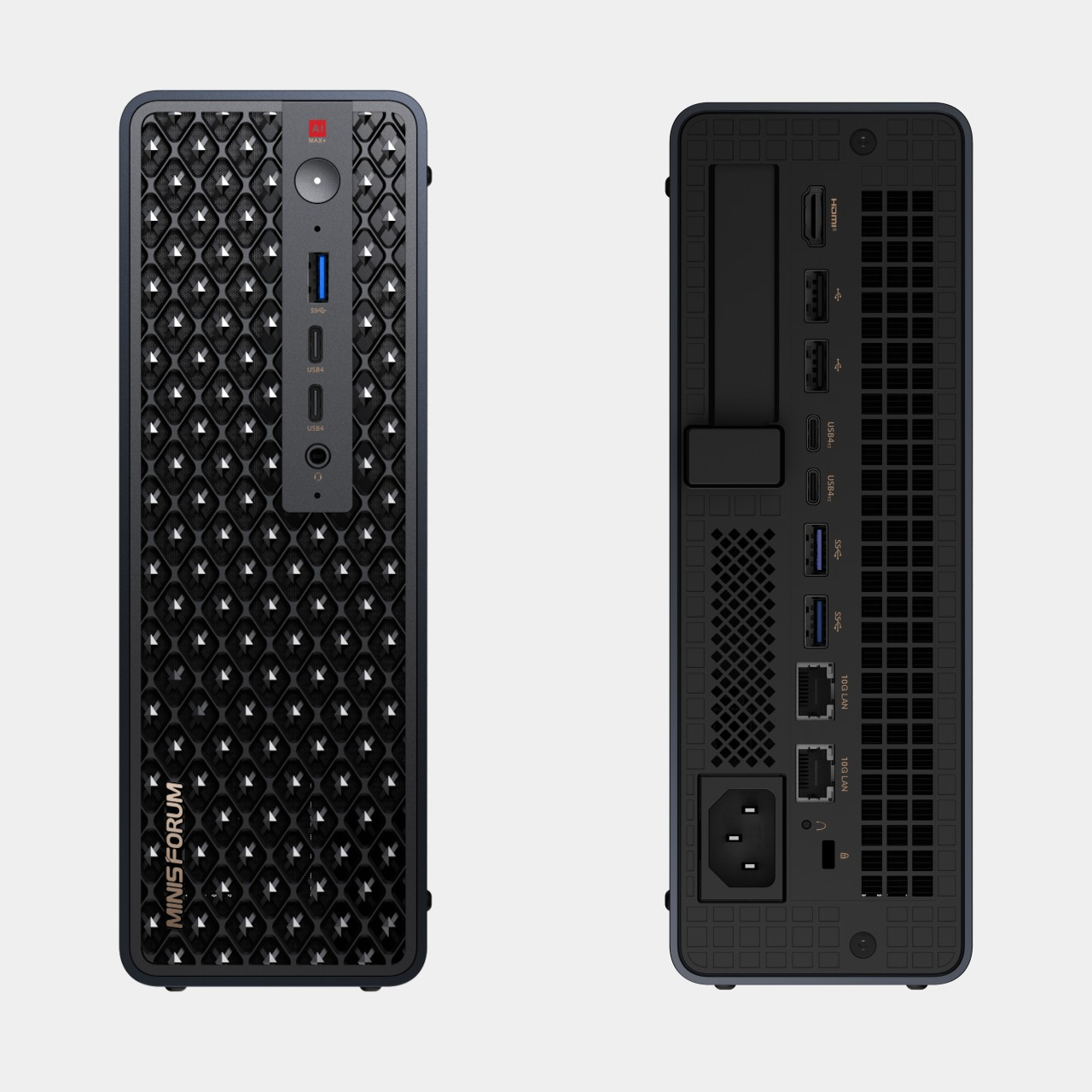
Running a serious AI model at home usually means renting someone else’s cloud server and hoping your data stays private along the way. MINISFORUM built its newest pairing to remove that trade-off entirely. The AI Agent NAS N5 MAX-P495 and AI Mini Workstation MS-S1 MAX-P495 combine for up to 131 TOPS of AI compute performance, 192GB of memory at 8533 MT/s, and up to 160GB of graphics memory, enough headroom to keep the heavy lifting on a desk instead of in a data center.
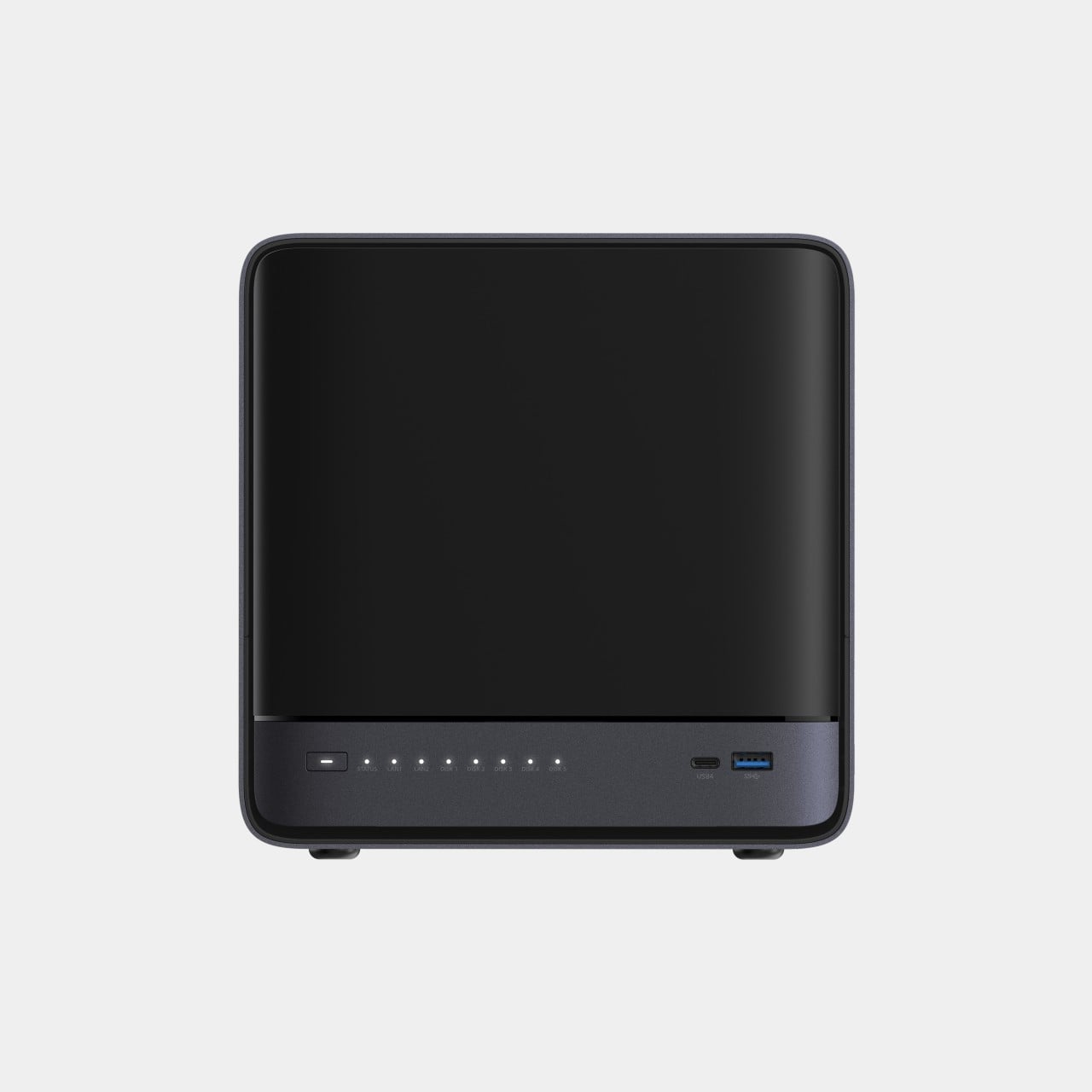
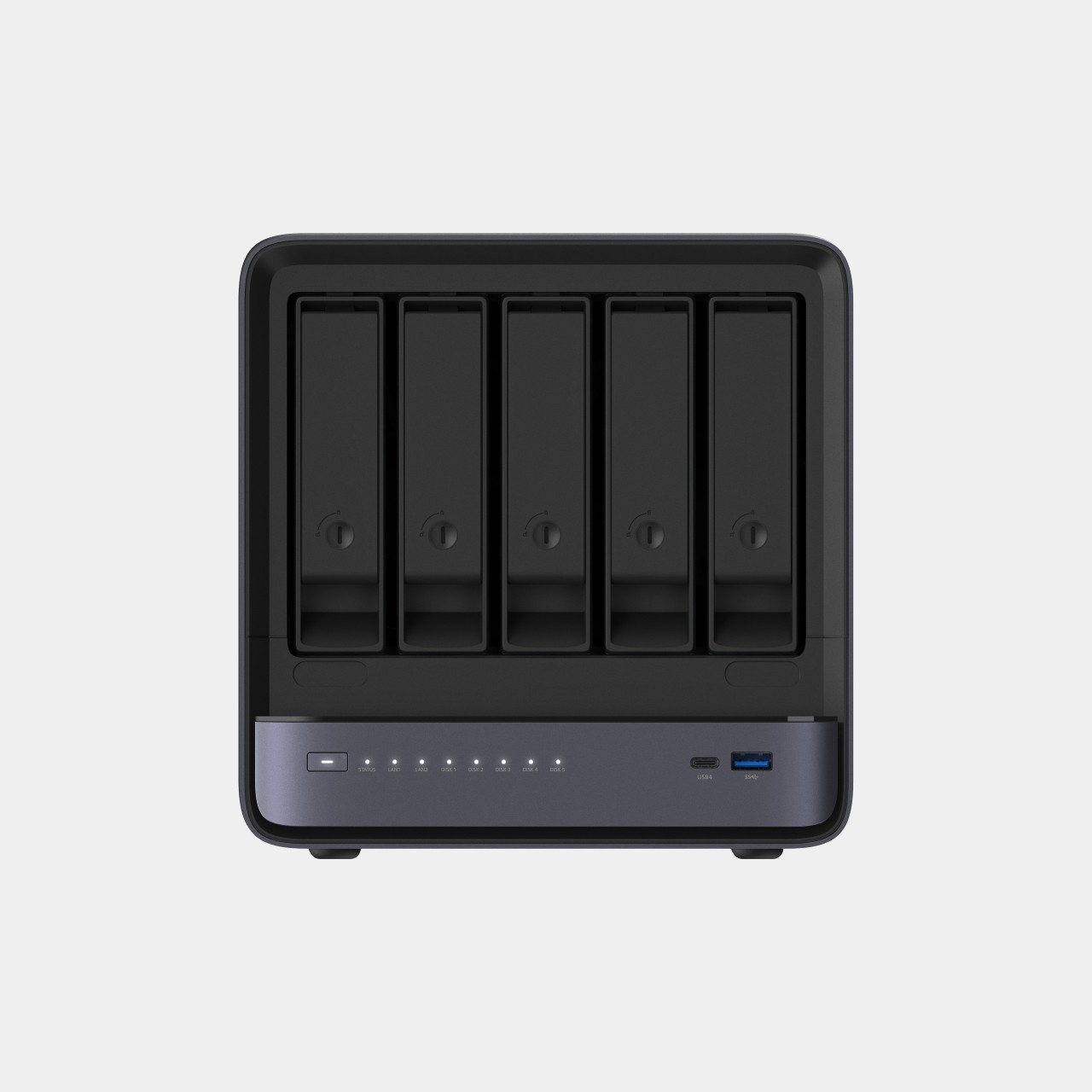
The N5 MAX-P495 takes the shape of a compact black cube, but what it holds inside matters more than how it looks sitting on a shelf. It combines powerful AI computing with up to 200TB of local storage, enabling users to store, manage, and process large volumes of data within a single AI platform. That capacity turns a spare corner of an office into a private archive large enough to hold years of project files, footage, or research without ever touching a third-party server.
Designer: MINISFORUM
Storage alone doesn’t make an AI system useful, so MINISFORUM built the N5 to run the AI itself. From RAG knowledge bases and AI models to embeddings, databases, and AI agents such as OpenClaw and Hermes, N5 MAX-P495 keeps data and AI workloads local, enabling continuous and private AI operations. A small business could lean on that setup to run its own customer-support agent without routing conversations through an outside company’s servers.
That local-first approach extends to how the N5 fits into a larger setup. Designed to work alongside AI computing devices, N5 MAX-P495 serves as a centralized backend for data, models, knowledge, and long-running AI workloads, bringing storage and computing together at the edge. It’s less a standalone gadget and more a quiet engine room, built to keep working in the background while something faster handles the parts people actually interact with.
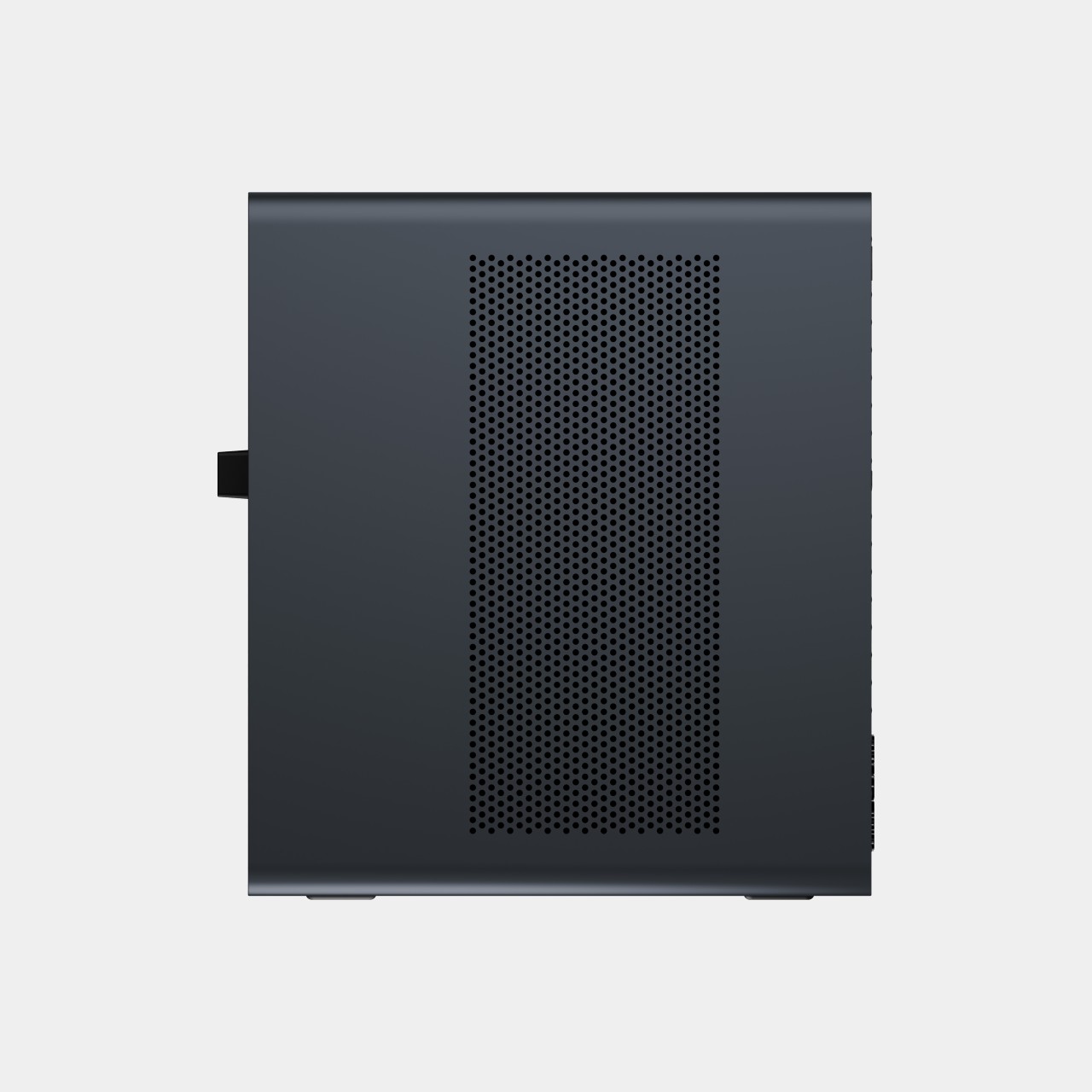
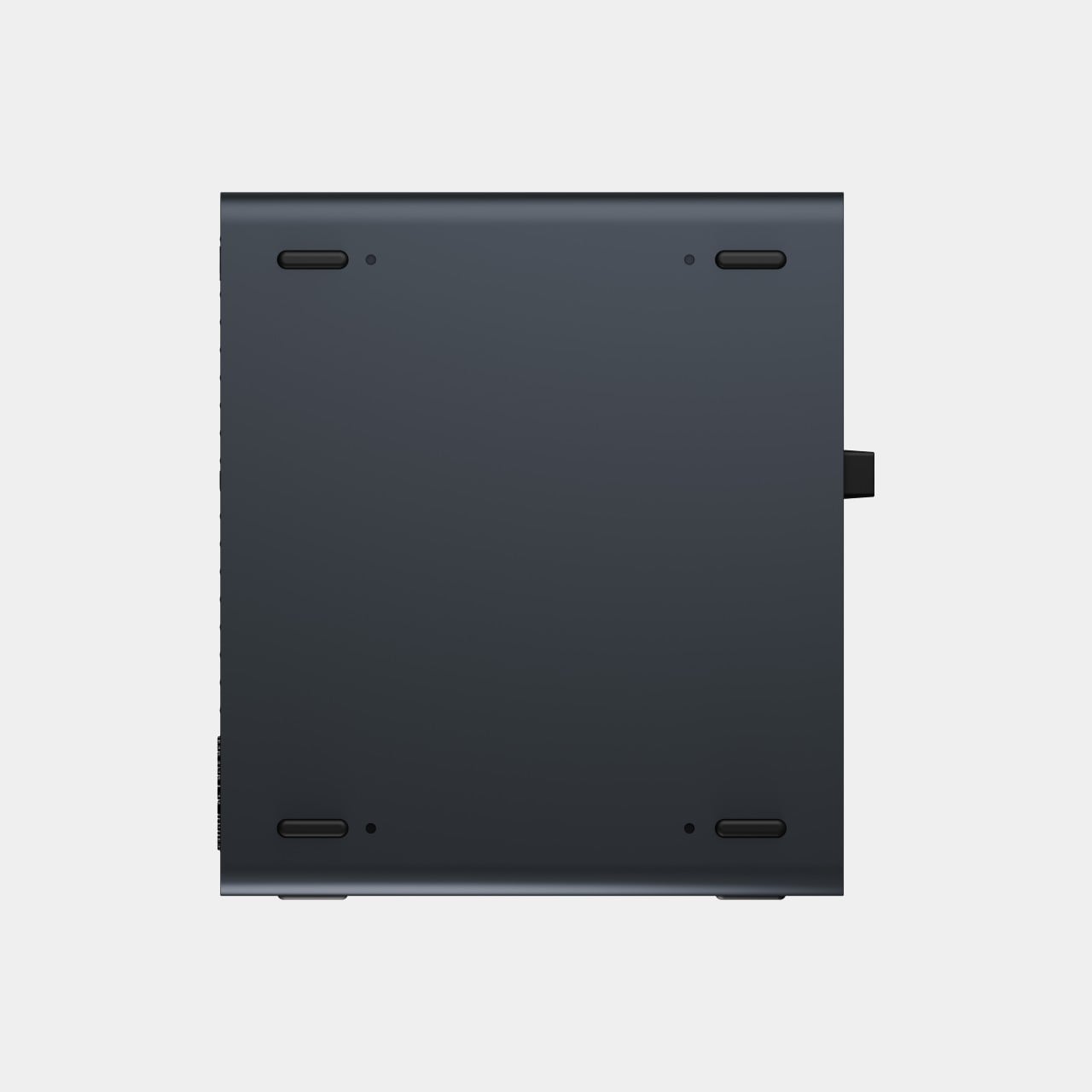
That faster half of the pairing is the MS-S1 MAX-P495, a compact tower wrapped in a ventilated, diamond-textured front panel that looks more like a piece of desk sculpture than a workstation. It delivers powerful local AI computing for demanding model inference, AI development, and computationally intensive workloads, built for intensive local AI tasks, engineering, and workflows in an ultra-compact footprint. Developers get workstation-class muscle without giving up desk space to a full tower case.
Speed matters just as much as raw power for certain jobs, and MINISFORUM designed the MS-S1 with that in mind. Designed for low-latency AI workloads, MS-S1 MAX-P495 enables responsive local inference for AI agents, computer vision, generative AI, and other real-time applications. A security camera system or a live creative tool built on generative AI benefits directly from that kind of immediate response instead of waiting on a round trip to the cloud.
Connectivity rounds out the workstation’s role in a larger setup. With extensive connectivity and expansion capabilities, MS-S1 MAX-P495 serves as a powerful AI compute frontend, supporting models, applications, and connected devices across flexible edge AI environments. That flexibility means the same box can sit at the center of a home lab or plug into a small studio’s existing hardware without forcing a rebuild.
Paired together, the two devices split the work the way a good team would. The MS-S1 MAX-P495 and N5 MAX-P495 form a complete edge AI computing system, delivering high-performance AI compute at the frontend while integrating compute, massive storage, data, and AI knowledge at the backend, providing a powerful foundation for real-time inference, persistent AI workloads, and scalable local AI applications. It’s a compact answer to a question more households and small teams are starting to ask: whether AI still needs to live somewhere else at all.
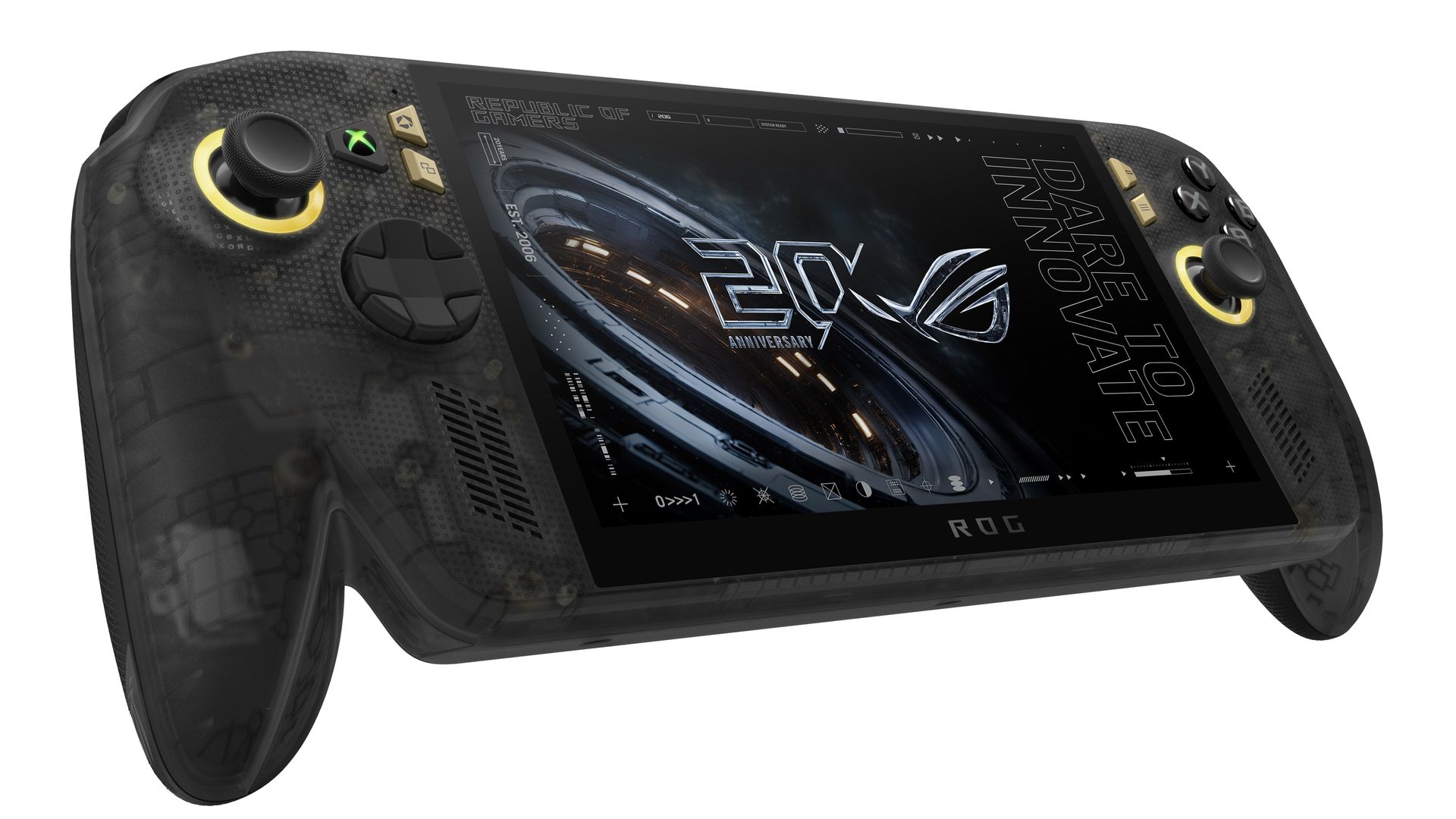
ASUS has officially opened pre-orders for the ROG Xbox Ally X20, confirming that the company's 20th anniversary handheld gaming PC will be available both as a premium standalone device and as part of a bundled package when it launches on October 15.
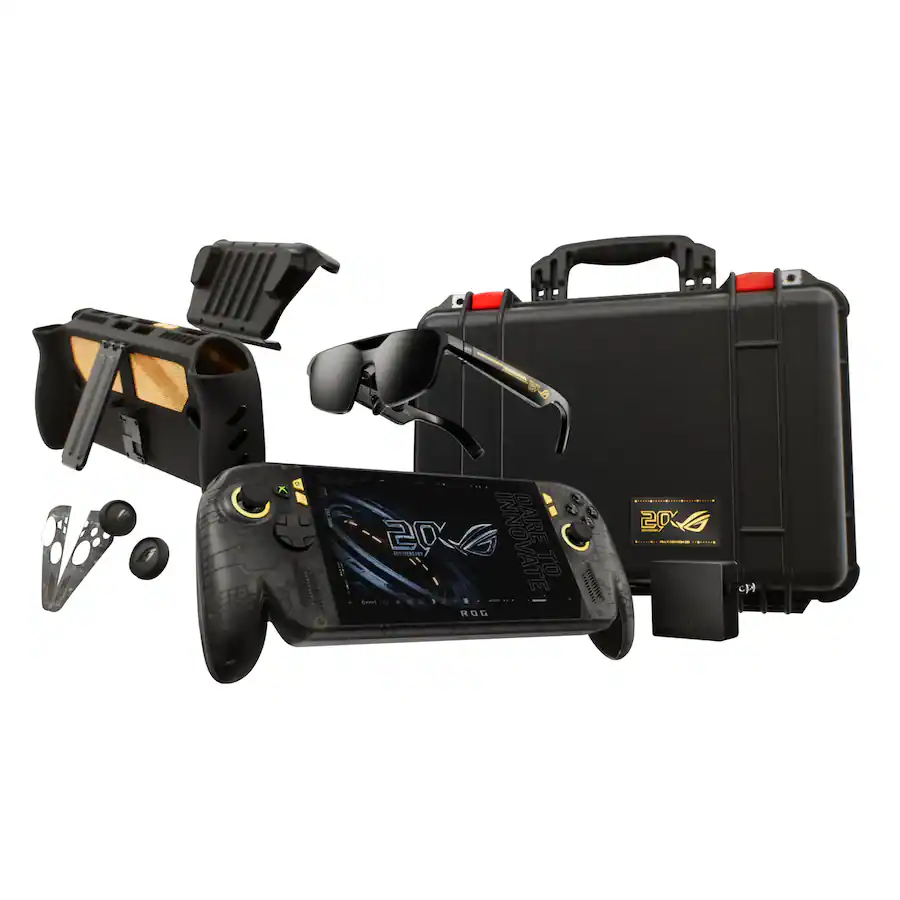
In the United States, customers can now pre-order the ROG Xbox Ally X20 standalone model for $1,299.99 MSRP, while the fully loaded ROG Xbox Ally X20 Bundle is priced at $2,499.99 MSRP.
While ASUS originally introduced the X20 as a special anniversary edition, the more time we've spent learning about the device, the clearer it becomes that this isn't simply a commemorative refresh. The ROG Xbox Ally X20 is effectively a significant mid-generation upgrade to the existing ROG Xbox Ally X, bringing meaningful hardware, display, thermal, and control improvements that go well beyond a new paint job or limited-edition branding.
Pre-order
ASUS
ROG Xbox Ally X20
A refined celebration of ASUS’s gaming legacy, the Ally X20 Anniversary Edition pairs its upgraded Ryzen AI Z2 Extreme chip with a vibrant 7.4‑inch OLED HDR display and a boosted 80 Wh battery. It’s a sleeker, more efficient Windows gaming handheld built to mark the milestone with sharper visuals, quieter thermals, and longer play sessions.
A true upgrade, not just an anniversary model?
At first glance, the X20's translucent-inspired design and special 20th anniversary touches may suggest that this is primarily a collector's edition. Under the chassis, however, ASUS has made extensive engineering changes compared to the existing ROG Xbox Ally X that directly impact the gaming experience.
The most obvious upgrade is the display.
The ROG Xbox Ally X20 moves from the current model's 7-inch screen to a larger 7.4-inch OLED panel, while also delivering substantial improvements in brightness and HDR performance. The display now supports 600 nits SDR brightness, up to 1,400 nits peak HDR brightness, and includes Dolby Vision support alongside ASUS' ROG Nebula HDR technologies.
For handheld gaming, display quality is often one of the most noticeable aspects of the user experience, and the move to OLED alone represents one of the largest upgrades ASUS has made to the platform since launch.
Major internal redesign improves cooling and airflow
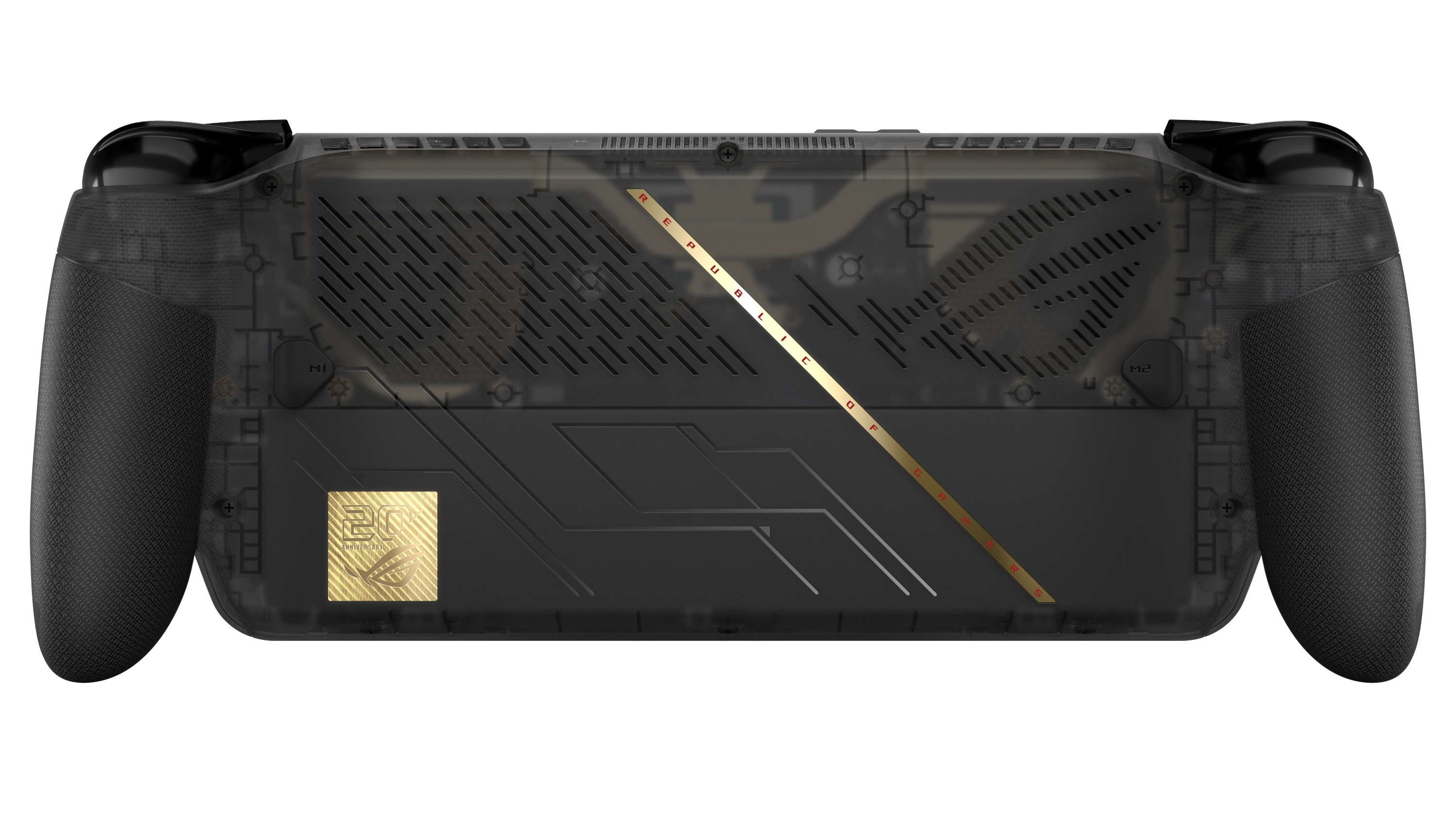
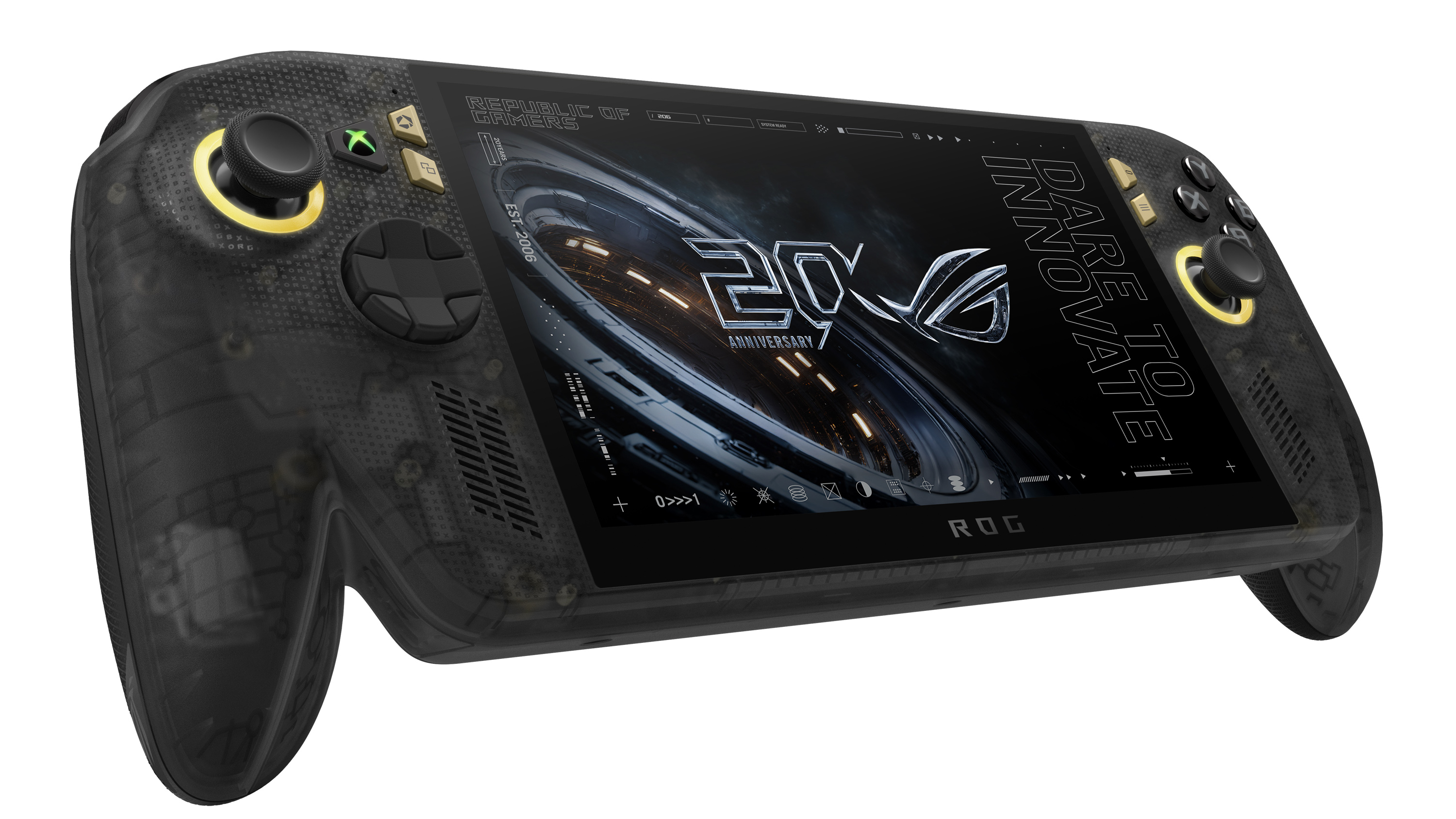
Direct front view of the translucent black ROG Xbox Ally X20 handheld gaming device displaying "20 ROG Anniversary" and "Dare to Innovate" on its screen. (Image credit: ASUS)
The display isn't the only part of the handheld receiving attention.
According to ASUS, the X20 features a completely redesigned PCB, allowing engineers to rethink the internal layout of the system. Surface-mounted USB4 ports enabled the motherboard to be repositioned, creating additional airflow opportunities within the chassis.
ASUS has also upgraded the cooling solution with revised fan and heatsink fin designs, while shifting motherboard placement by several millimeters to further improve thermal efficiency.
That may sound like a small change on paper, but thermals have become one of the defining factors of modern handheld gaming PCs. Better airflow and improved cooling can translate into lower temperatures, quieter operation, and more consistent performance during extended gaming sessions.
A better handheld for competitive gaming
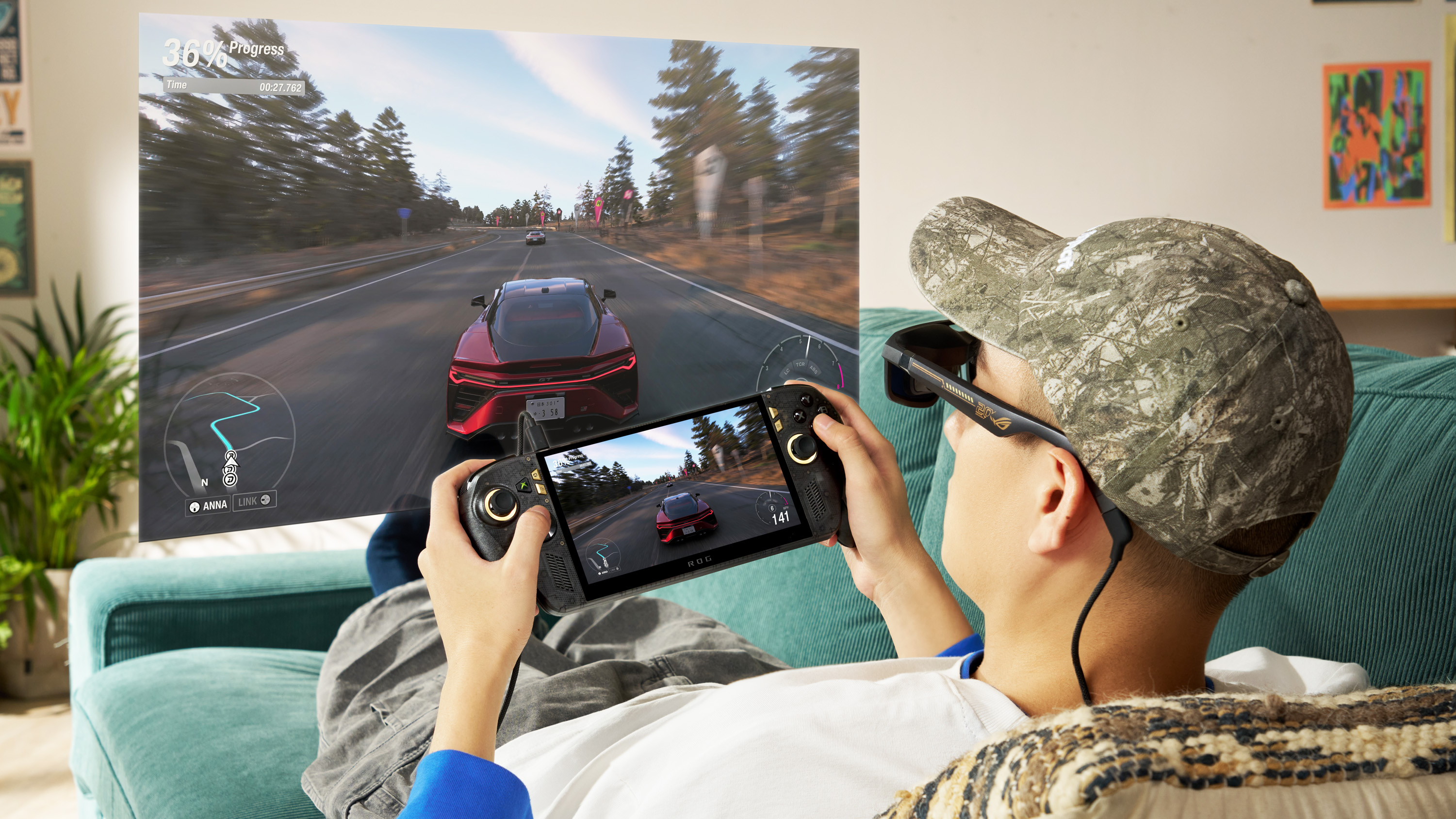
A person reclining on a couch wearing ROG XREAL R1 AR glasses while holding the Ally X20 handheld, viewing a large virtual screen projection of a racing game. (Image credit: ASUS)
ASUS is also targeting enthusiasts who play fighting games, shooters, and other genres where input precision matters.
The ROG Xbox Ally X20 introduces hybrid metal dome switches for a more tactile D-pad feel, along with what ASUS calls a Transforming D-pad. The mechanism allows players to rotate the D-pad configuration to better align diagonals, providing an experience specifically designed with fighting games in mind.
The thumbsticks have also been upgraded to TMR magnetic induction sticks, offering Hall-effect-style benefits while reducing power consumption. ASUS says the sticks deliver roughly a 3% dead zone and improved precision compared with traditional alternatives.
From a visual standpoint, ASUS has doubled the RGB lighting count around the sticks, increasing from two LEDs to four LEDs per joystick.
Taken together, these changes may end up being just as important as the display improvements, especially for players who spend hundreds of hours with a handheld in their hands.
What's unchanged?
Back view of the translucent black ROG Xbox Ally X20 featuring textured hand grips, ventilation grilles, a gold diagonal stripe, and a 20th anniversary badge. (Image credit: ASUS)
Interestingly, ASUS has resisted changing several of the core specifications that already made the ROG Xbox Ally X one of the strongest Windows gaming handhelds available.
The ROG Xbox Ally X20 retains:
AMD Ryzen AI Z2 Extreme processor
24GB LPDDR5X-8000 memory
1TB PCIe Gen4 SSD storage
80Wh battery
USB4 connectivity with Thunderbolt compatibility
Wi-Fi 6E support
That's probably the right decision. The current Ally X platform already delivers excellent battery life and class-leading handheld performance, so ASUS appears to have focused on enhancing areas that users interact with directly rather than chasing specs for the sake of a marketing bullet point.
And to be fair, there is no newer AMD handheld chip on the market, so there's that!
Goodbye microSD, hello microSD Express
One notable hardware change involves expandable storage.
The traditional microSD slot has been removed and replaced with a microSD Express card reader, supporting dramatically faster storage speeds. ASUS cites support for microSD Express cards capable of approaching 1 GB/s transfer rates, bringing removable storage much closer to SSD-class performance
As game install sizes continue growing, that could become a more meaningful upgrade than many users initially realize.
Two ways to buy
Everything included in the $2,499 ROG Xbox Ally X20 bundle set. (Image credit: ASUS)
For buyers who only want the handheld itself, the new standalone version offers a straightforward path into the X20 experience.
Meanwhile, ASUS is also offering a premium bundle aimed at enthusiasts and collectors, because of course.
The ROG XREAL R1 AR glasses, which are its top-tier offering, is one of the reasons for the big price jump for the anniversay bundle package. (Image credit: ASUS)
Custom Pelican Protector Case with 20th anniversary badge
68W charger
That's a lot of stuff in that bundle, and it's cool to see dbrand officially teaming up with ASUS here for its famed Killswitch case (see our previous review). As far as that steep price, much of that comes down to the inclusion of the ROG XREAL R1 Edition glasses, which are currently sold separately, while these are, of course, matching in the 20th anniversary gold and black motif.
I've written about the current ROG XREAL R1's before, noting their crazy 240Hz micro‑OLED panels, letting you experience a portable (virtual) 171-inch screen. Along with their included dock, they cost $849.99.
ASUS now has one of the strongest handheld lineups on the market
Angled front view of the translucent black ROG Xbox Ally X20 handheld console with gold joystick rings and screen displaying a 20th anniversary graphic. (Image credit: ASUS)
What's perhaps most impressive about the X20 launch is what it does to ASUS' overall handheld portfolio.
The company's lineup now spans three clear price tiers (assuming we don't see price increases):
That's a remarkably clean progression that gives buyers meaningful upgrade options at every budget level.
The X20 occupies a premium position without completely abandoning value-conscious enthusiasts. Even at $1,299.99, it remains roughly $500 below the eye-watering prices we've seen attached to some ultra-premium handhelds, including MSI's difficult-to-find Intel-powered Claw 8 EX AI+ configurations.
More importantly, the X20 differentiates itself with tangible quality-of-life improvements rather than simply adding more RAM or storage. The OLED display, revamped controls, enhanced cooling design, microSD Express support, and internal engineering changes all combine to create a device that feels genuinely evolved from the existing Ally X.
For a product marketed as an anniversary edition, that's arguably the biggest surprise of all.
The ROG Xbox Ally X20 may celebrate two decades of Republic of Gamers history, but its real significance is that it represents the most refined version of ASUS' handheld gaming platform yet—and now, for the first time, buyers can purchase it without needing to opt for the collector-focused bundle.
Pre-order
ASUS
ROG Xbox Ally X20
A refined celebration of ASUS’s gaming legacy, the Ally X20 Anniversary Edition pairs its upgraded Ryzen AI Z2 Extreme chip with a vibrant 7.4‑inch OLED HDR display and a boosted 80 Wh battery. It’s a sleeker, more efficient Windows gaming handheld built to mark the milestone with sharper visuals, quieter thermals, and longer play sessions.
Pre-order
ASUS
ROG Xbox Ally X20 Bundle
Twenty years of ROG innovation, marked by the limited ROG Edition 20 lineup in an exclusive colorway. The ROG XBOX Ally X20 Bundle carries that celebration forward, pairing the handheld with the ROG XREAL R1 Edition 20 Gaming AR glasses to create a complete gaming setup that travels with you.
Join us on Reddit at r/WindowsCentral to share your insights and discuss our latest news, reviews, and more.
ROG Xbox Ally X20 handheld sitting upright on a desk setup alongside a black wireless controller and an RGB-lit Republic of Gamers dock station.
ROG Xbox Ally X20 handheld sitting upright on a desk setup alongside a black wireless controller and an RGB-lit Republic of Gamers dock station.

 Connexion