❌

Vue lecture

Buy the printer, make the presents: Snapmaker’s U1 drops to $699 for Black Friday

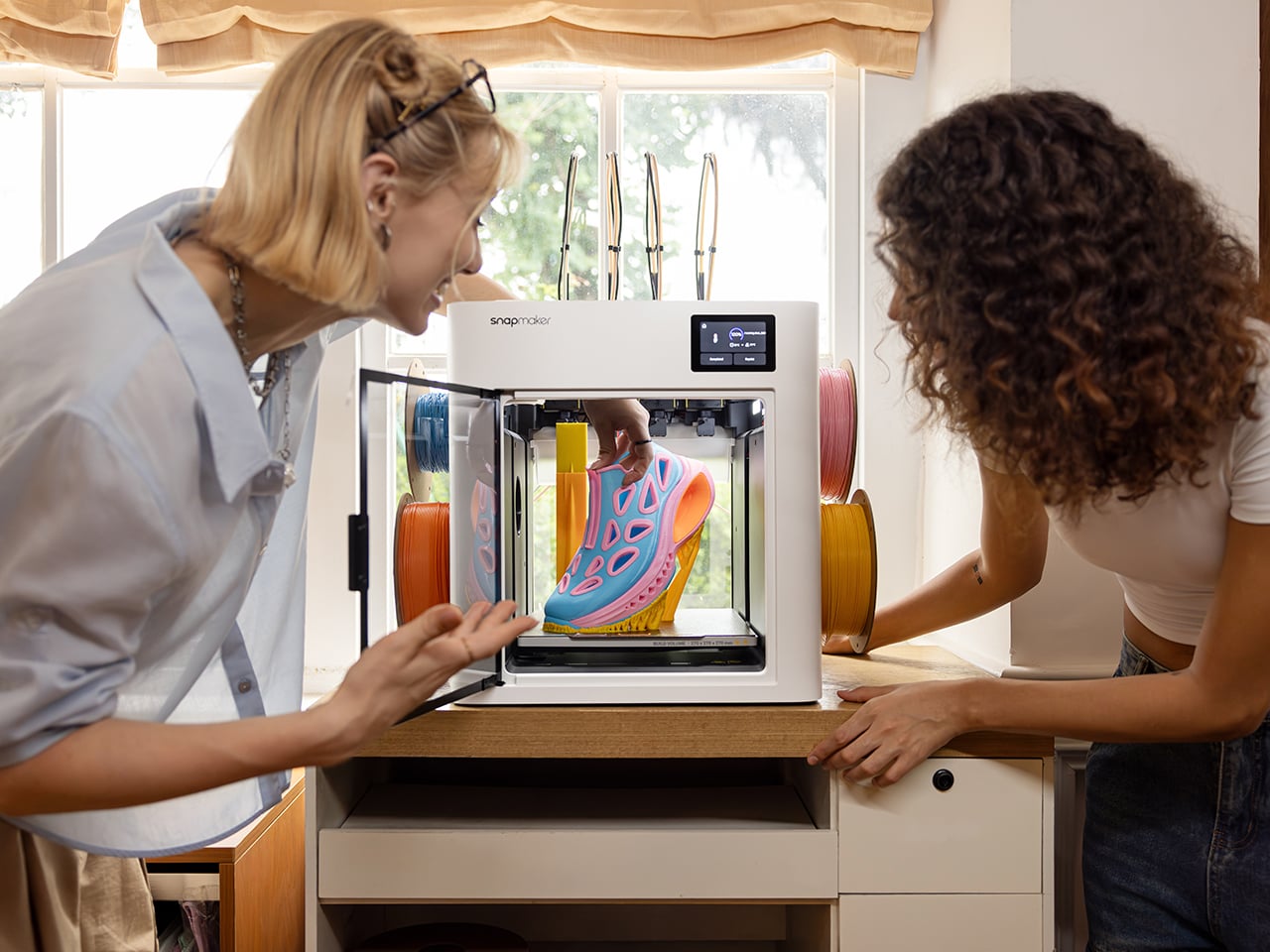
The Snapmaker U1 drops to $699 this Black Friday, down 30% from its $999 list price, and it might be the smartest buy on your holiday list, mostly because it can make plenty of the gifts on it. The U1 is a four-toolhead 3D printer that prints in up to four colors or materials in a single go. That covers personalized ornaments, figurines, and fidget toys, all printed in multicolor on your desk. It ships with four spools of PLA and 30 ready-to-print models, so after unboxing and automatic calibration, you can print your first model on day one. A good chunk of your Christmas list, sorted.

Four-head printers are rare at this price. Tool changers like the Prusa XL have historically cost well north of $2,000. Snapmaker’s SnapSwap system keeps four print heads loaded and swaps between them in about five seconds, while single-nozzle setups like Bambu’s AMS flush filament at every color change. Fewer purges mean faster prints and, by Snapmaker’s count, up to 85% less wasted plastic. More than 20,000 Kickstarter backers already bought in, making the U1 the most-funded 3D printer campaign in the platform’s history, with now more than 150,000 users worldwide.

Designer: Snapmaker

Click Here to Buy Now: Black Friday Sale. Hurry, deal ends soon!

Five-Second Swaps and a Lot Less Printer Poop
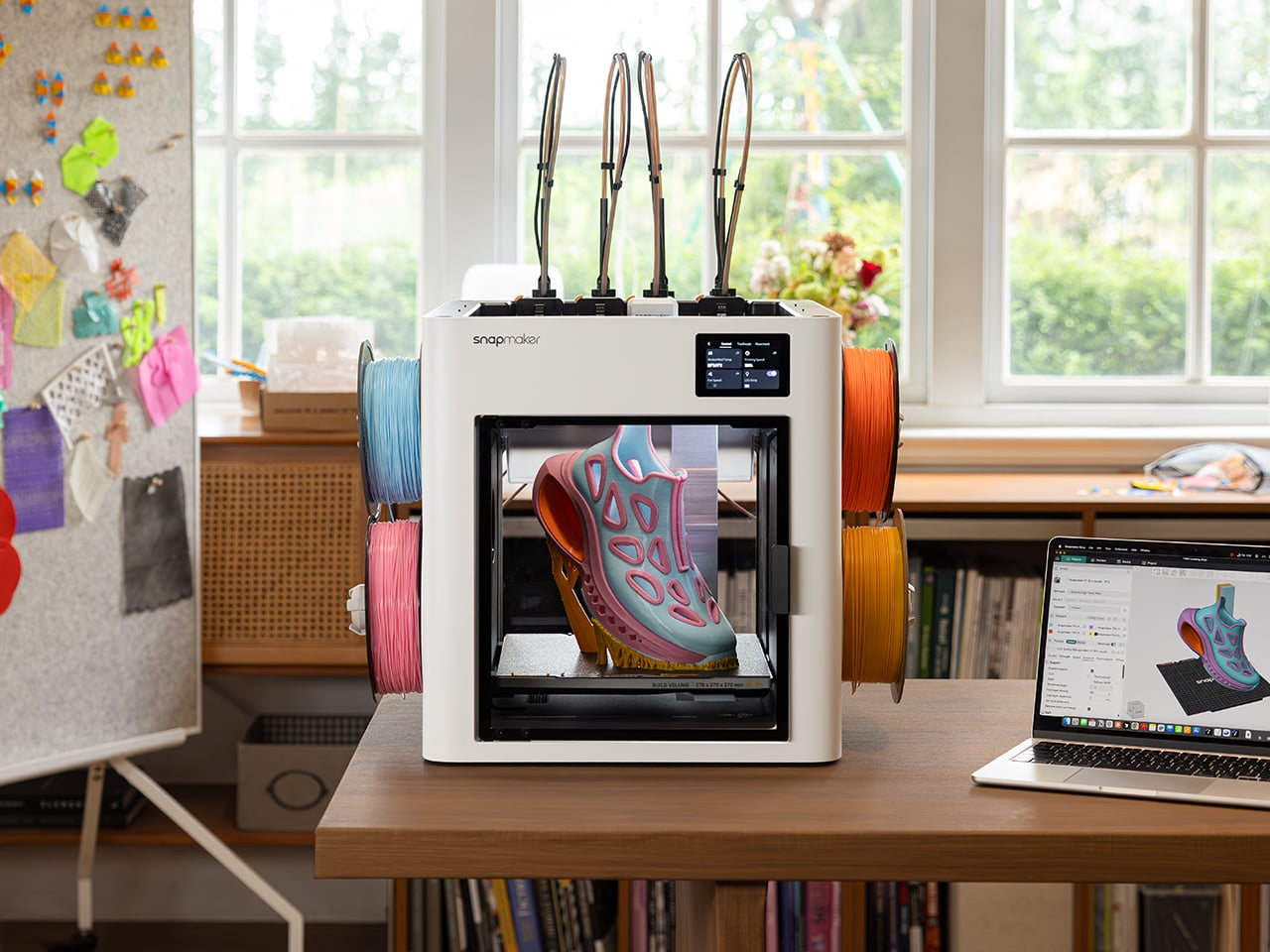
Each of the U1’s four print heads sits docked and preheated with its own filament. When a print calls for a new color, the printer parks the active head and grabs the next one. A steel-ball coupling and a mechanical lock seat each head in the exact same spot every time, and Snapmaker says the mechanism survived over a million continuous swaps with zero mechanical failures. The printer then auto-calibrates all four heads to within 0.04mm (about 0.0016 inches) of each other. That keeps the white trim on a Santa hat right where it belongs.

Single-nozzle printers handle color changes by shoving the old filament out until the new one runs clean. Snapmaker pegs that process at roughly two minutes per swap, and on a busy multicolor model the purged plastic can outweigh the model itself. The U1 only purges small amounts at the start of a job and during calibration. Print a tray of four-color ornaments and those savings stack up fast, in both hours and filament. Your filament budget ends up on the tree instead of in the trash.

A Personalized Ornament, From Download to Gift Box
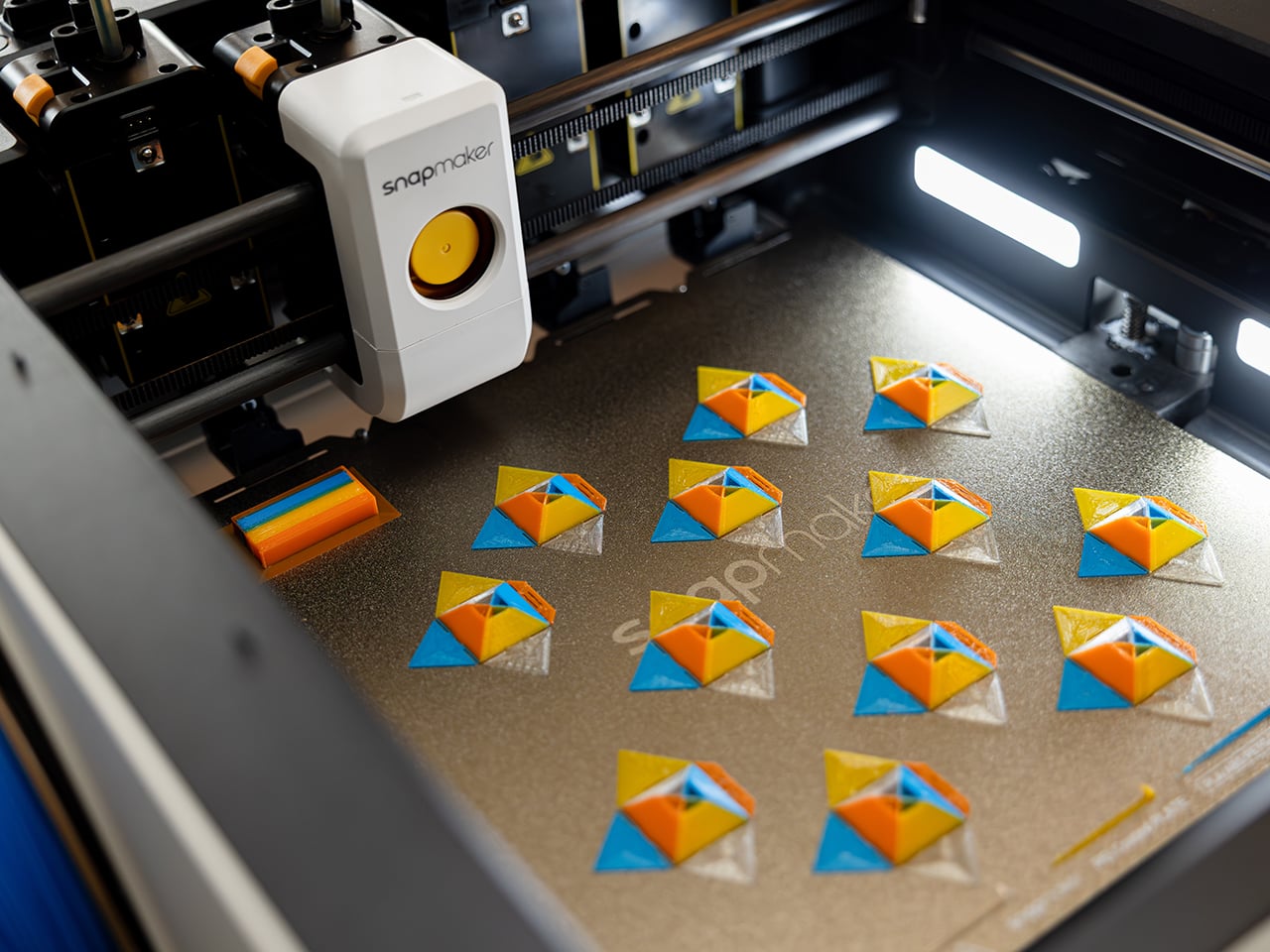
Four heads can hold four different materials as easily as four colors, so flexible TPU or dissolvable supports can share a print with rigid plastic. For most holiday gifts, though, four colors of PLA do the heavy lifting. Snapmaker’s Full Spectrum feature stretches that palette by stacking thin alternating layers of your four filaments, which your eye reads as new in-between shades. Results depend on the filament, the model’s shape, and your settings, so a quick test print helps. Load red, green, white, and gold, and you’ve basically got Christmas in a box.

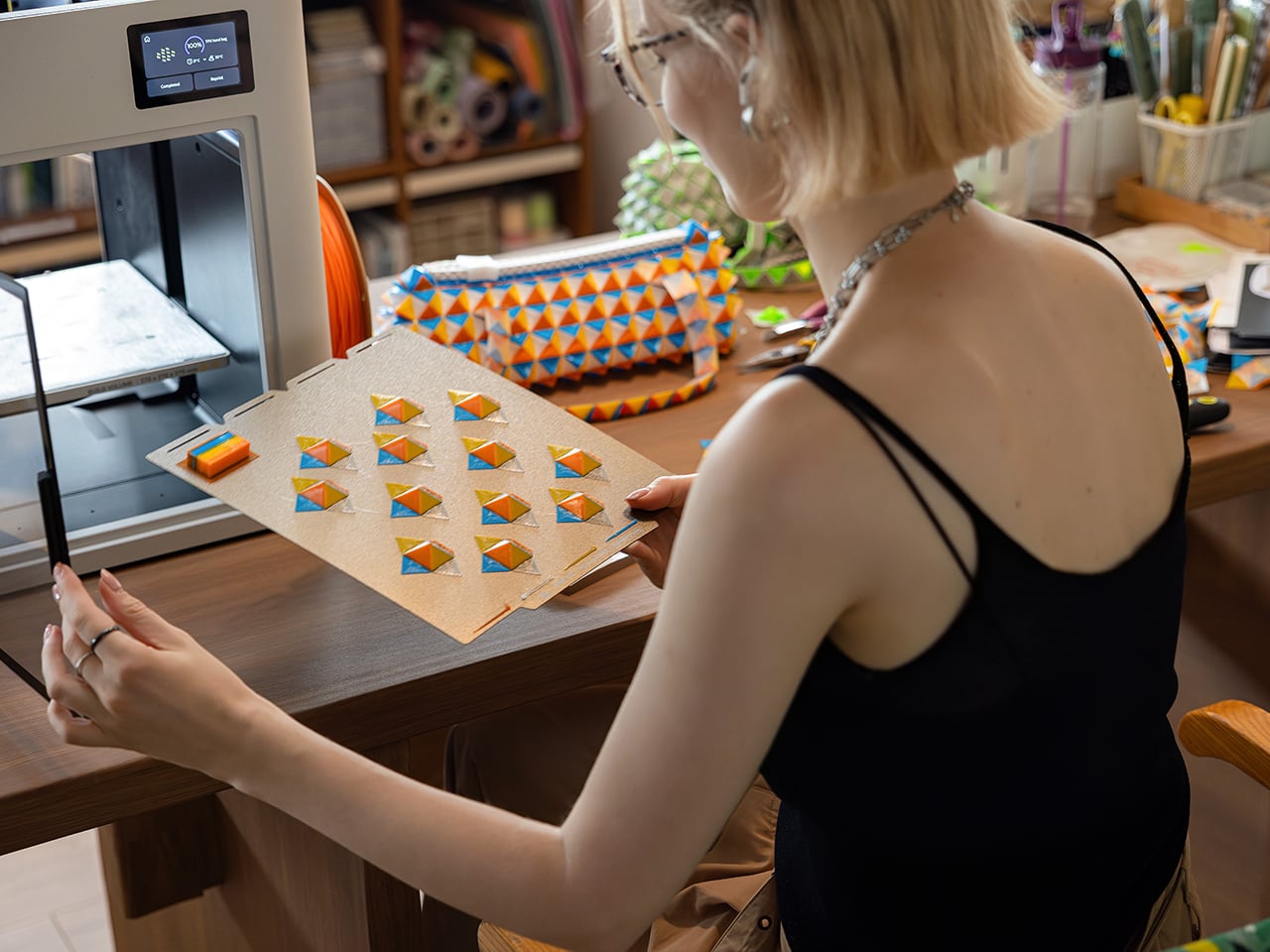
Personalizing a gift takes about as much skill as sending a text. Open an ornament model in Snapmaker Orca, add a name with the slicer’s text tool, and assign one of your four colors to each part. A palm-sized ornament uses only a few grams of filament, so each one costs pocket change in plastic. Hit print, and the U1 handles every color swap on its own while you get on with your evening. Repeat for each name on your list, and nobody else at the party will show up with those.

Smart Enough for First-Timers, Cheap Enough for Black Friday
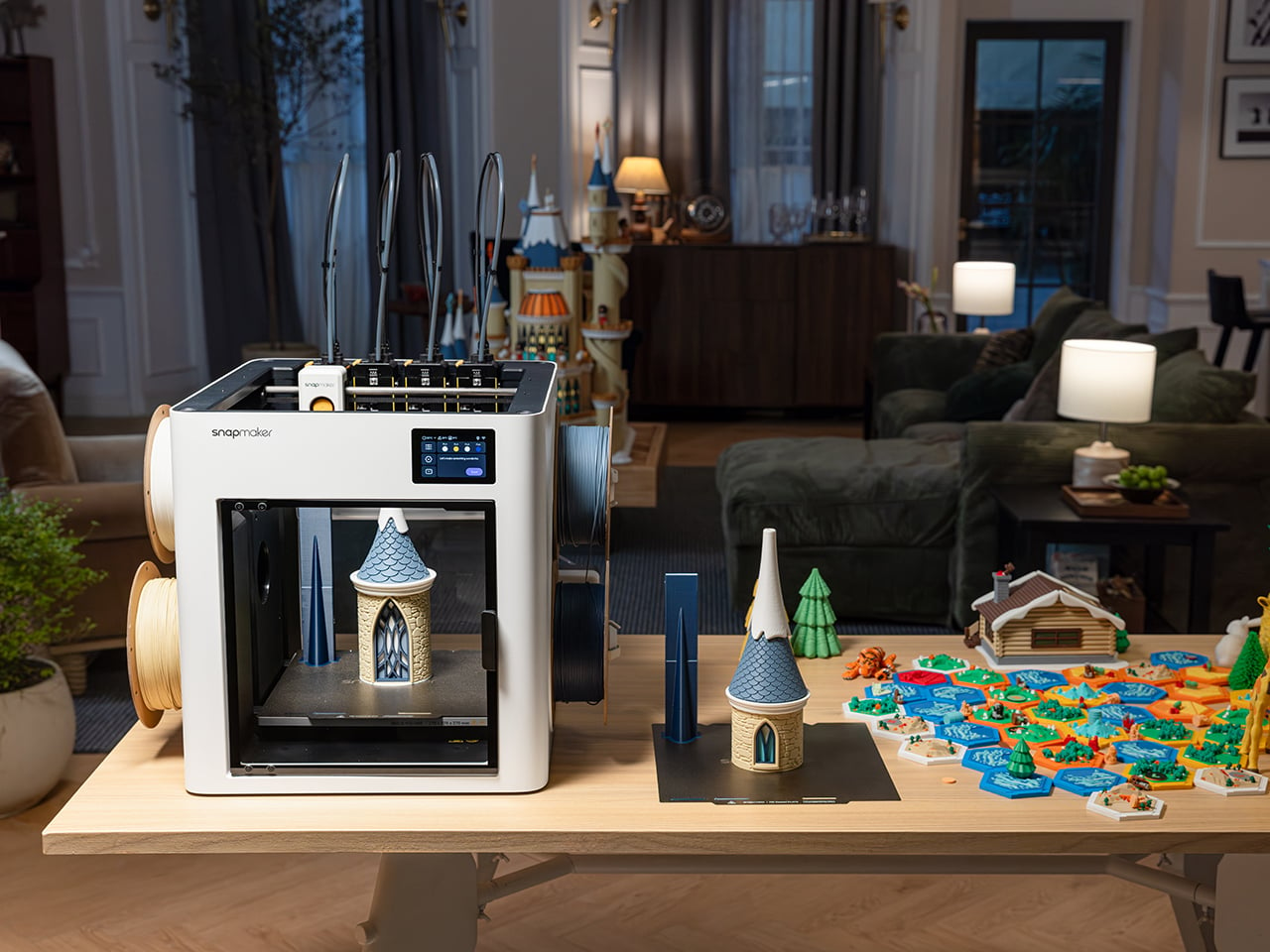
Snapmaker Space, the company’s model library (currently in open beta), offers ready-to-print multicolor models, so beginners can skip 3D modeling entirely. Auto bed leveling helps your first layer stick, and input shaping reduces vibration for smoother walls, with speeds topping out at 500mm/s (about 20 inches per second). Filament loads itself, RFID tags on Snapmaker spools fill in settings for you, and Backup Mode switches to a matching spool when one runs dry. A built-in camera with AI monitoring can flag spaghetti failures and ping your phone. Tinkerers get Klipper firmware and OrcaSlicer support.

Click Here to Buy Now: Black Friday Sale. Hurry, deal ends soon!

The post Buy the printer, make the presents: Snapmaker’s U1 drops to $699 for Black Friday first appeared on Yanko Design.
  •  

ELEGOO DAY 2026 Invites the World to Create, Share, and Grow With Nexprint

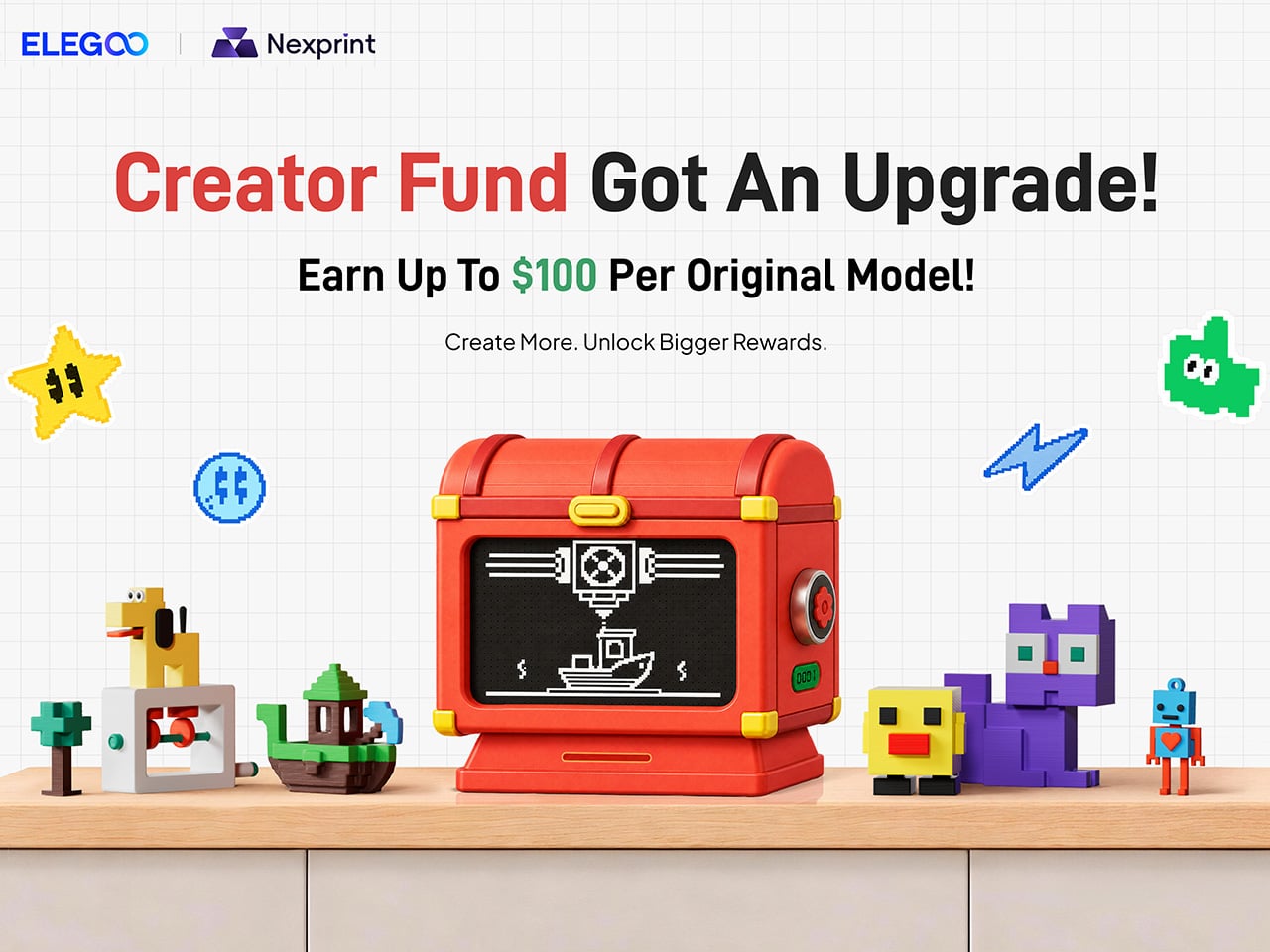
Every idea deserves somewhere to go, and for a lot of 3D printing hobbyists, that place has been missing. ELEGOO wants to change that with ELEGOO DAY 2026, launching September 10, its annual celebration built around bringing creators together on Nexprint. This year folds in a creator fund, a design contest, new model generators, and a sale, all pointing toward one goal: getting more people to create, share, and be part of a growing community.

Most of that action happens on Nexprint, ELEGOO’s open-source 3D model platform, built on the belief that creation should be open to anyone with an idea. Think of it as the hub tying everything together: models get uploaded, tools get discovered, and creators get a real reason to keep contributing. That shift is slowly turning ELEGOO from a printer maker into a community built around making.

Designer: ELEGOO

Click Here to Submit Now | Click Here To Buy Now.

The centerpiece is the new $1,000,000 Creator Fund, ELEGOO’s way of recognizing and rewarding people for sharing 3D models on Nexprint, not just paying for output but investing in the community itself. Rewards start with your very first submission, no waiting for likes or rankings to climb first. Individual models can earn up to $100, and stacking incentives push that ceiling to $300 per model.

There’s more structure built in too. Extra rewards unlock at 3, 5, 10, 20, and 50 submissions, so consistency pays off as much as any single hit model. Monthly rankings hand exclusive prizes to the top five creators, including actual ELEGOO printers, while a new bonus-card mechanism can push individual payouts even higher. It feels less like a marketing gimmick and more like a system built to grow alongside its creators.

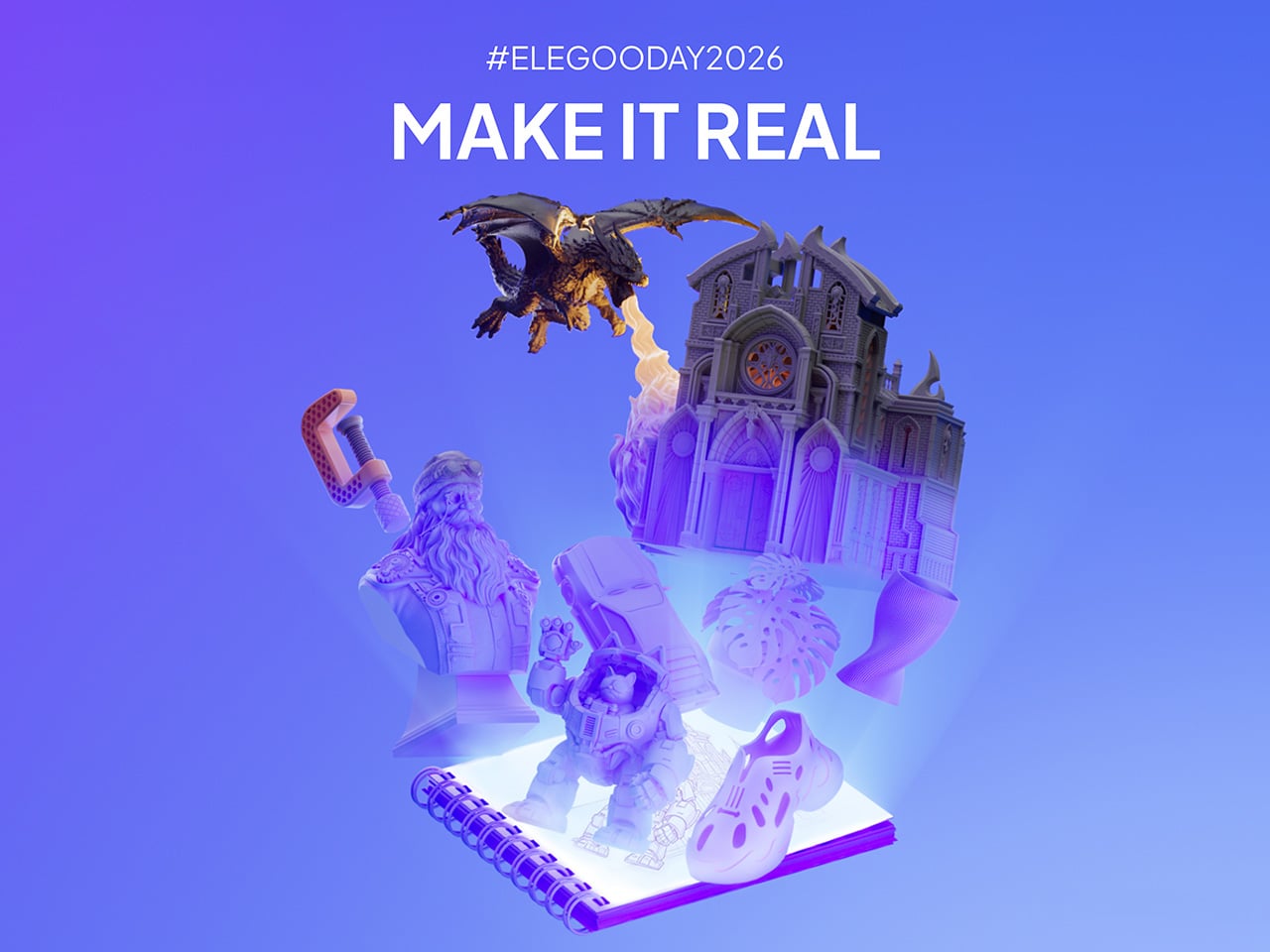
From September 10 to October 30, ELEGOO runs the MakeItReal contest on Nexprint, and the premise couldn’t be simpler: take a flat idea, in whatever form it takes, and give it dimension, no design background required. There’s no theme to chase, just that shift from flat to physical. Winning entries will be picked and announced on November 20, each earning up to $300 in ELEGOO coupons for the trouble.

The idea behind it is almost sentimental for a hardware company, echoing ELEGOO’s belief that 3D printing works best as a creative outlet, not a manufacturing shortcut. A photo on your phone or a doodle in a notebook can end up as something you actually hold, not just imagine. Creators don’t need advanced modeling skills to compete, either. Nexprint’s upcoming Text and Image to 3D Generator lets anyone shape a contest entry straight from a photo or a written description, no CAD needed.

That generator is one of three new tools ELEGOO just added to Nexprint, alongside a Vase Generator and a Nameplate Generator, each built to make creation easier for beginners and veterans alike. All three do the same basic job: they take a drawing, a photo, or a few typed words and turn it into a printable model within minutes. None of it replaces real design skill, but it removes the blank-page problem that stops many from starting.

Put it together, and the loop makes sense. Someone sketches an idea, runs it through a generator, shares the result on Nexprint, enters it into MakeItReal, and picks up Creator Fund rewards along the way. None of those steps demand deep technical skill. This is the connected ecosystem ELEGOO keeps referencing, not a slogan, but an actual sequence anyone can walk through starting today.

All this activity lines up with the ELEGOO DAY Sale, with discounts of up to 54% on selected products, running September 8 through 29 with regional pricing, ELEGOO’s way of putting that ecosystem into more hands. The Saturn 4 Ultra 16K brings high-resolution resin printing for detailed sculptures, jewelry prototypes, and miniatures. The Centauri Carbon 2 Combo handles multicolor prints for home décor and personalized gifts. The Mars 5 Ultra offers a smaller resin option with sharp detail for tight workspaces.

What stands out about ELEGOO DAY 2026 isn’t any single feature; it’s the shape of the whole thing. A hardware company built its business on printers, then quietly built systems for sharing, competing, and earning that turn a machine into a habit. For ELEGOO, that’s what building an ecosystem means: more chances for people to create, connect, and turn ideas into something real.

Click Here to Submit Now | Click Here To Buy Now.

The post ELEGOO DAY 2026 Invites the World to Create, Share, and Grow With Nexprint first appeared on Yanko Design.

  •  

Windows 10, 11 : Erreur partage imprimante 0x00000bcb

Vous avez tenté d’installer une imprimante réseau à partir d’un nom de partage “\\serveur\partageimprimante” et vous obtenez automatiquement l’erreur 0x00000bcb.

Pas de panique, il s’agit d’une mesure de sécurité Windows pour les non-administrateurs d’un poste.

Cette mise à jour est liée à une correction de vulnérabilité du service d’impression appelée “PrintNightmare”.
Cela impose d’avoir des droits d’administrateur local pour pouvoir mapper les imprimantes au client respectif.
https://support.microsoft.com/en-us/topic/kb5005652-manage-new-point-and-print-default-driver-installation-behavior-cve-2021-34481-873642bf-2634-49c5-a23b-6d8e9a302872

Du coup, soit vous l’a joué la sécurité en vous connectant en tant qu’administrateur pour l’installation (réinstaller l’imprimante sur le serveur d’impression en admin avant), soit vous modifiez la clé de registre :

HKEY_LOCAL_MACHINE\SOFTWARE\Policies\Microsoft\Windows NT\Printers\PointAndPrint

Créer les clés non existantes si nécessaire, puis ajouter une entrée DWORD RestrictDriverInstallationToAdministrators de valeur 0.

Vous n’aurez même pas besoin de redémarrer votre ordinateur client.

Attention : Régler le problème de partage d’imprimante en ajoutant cette clé de registre enlève une couche de sécurité sur votre poste client !

À voir également : Régedix : Le regedit des gaulois


L’article Windows 10, 11 : Erreur partage imprimante 0x00000bcb est apparu en premier sur Le Blog du Wis.

  •  
❌