The holiday season approaches quickly, and before you know it, you'll be exchanging gifts with friends and loved ones.
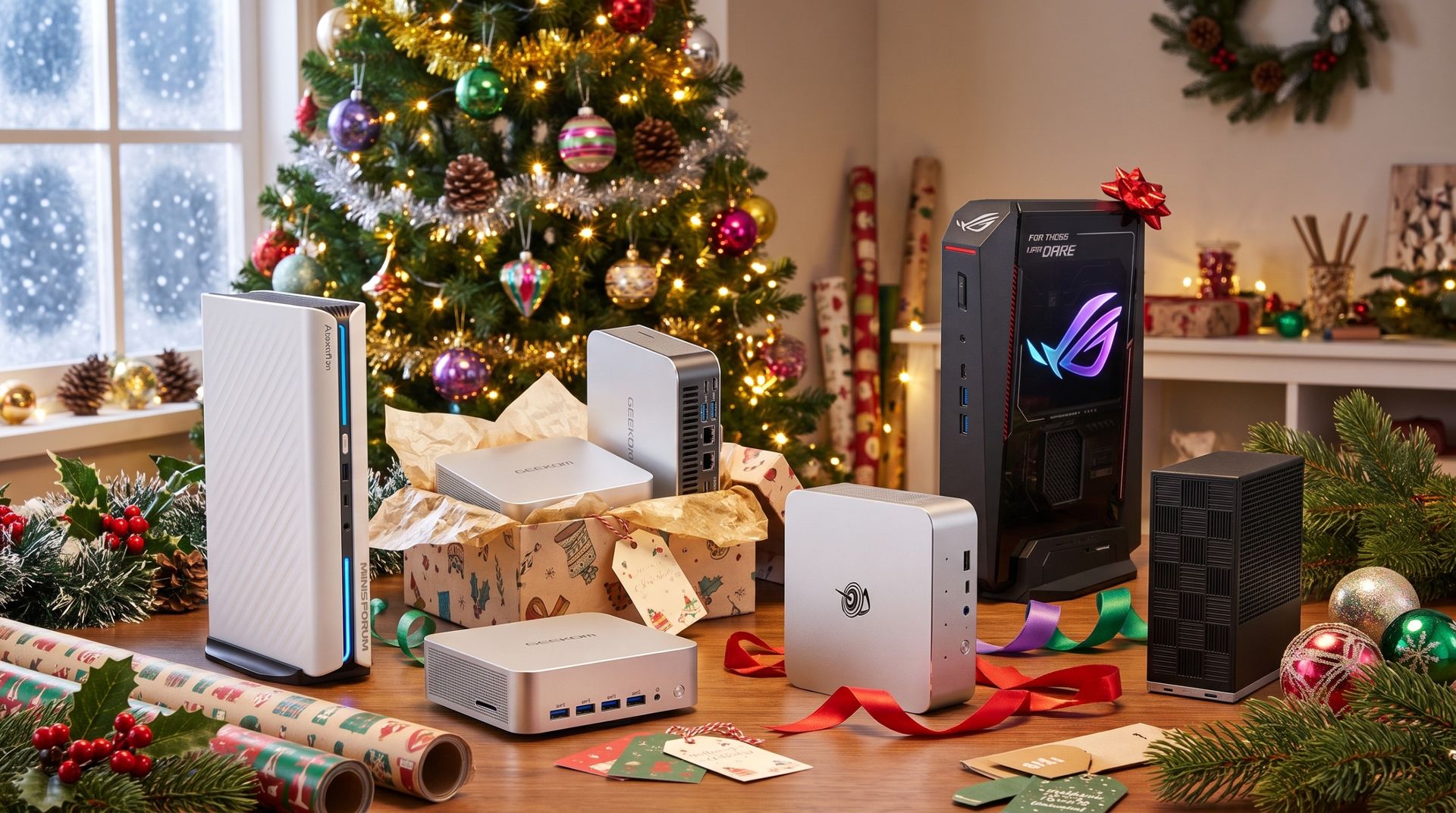
If you really want to make an impression this year, why not wrap up one of the best mini PCs on the market today? Compact and convenient, these PCs deliver desktop-class performance without all the bulk, and they're surprisingly affordable, too.
No matter if you're shopping for the family, your favorite student, a gamer, or a creator, there's a mini PC here that's up to the task.
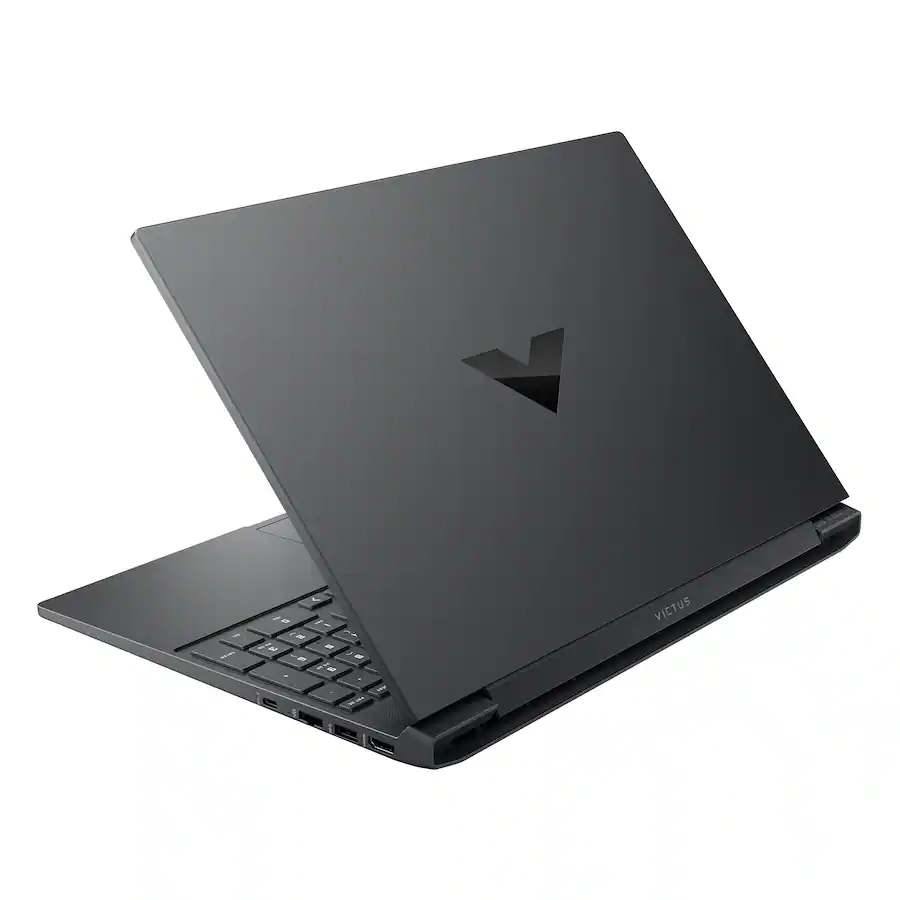
Victus 15.6" 144Hz Full HD Gaming Laptop: Choose to follow your gaming destiny with the powerful Victus Gaming Laptop leading you to immersive, fun-filled experiences. Enjoy playing with great, stable performance with an Intel Core processor and NVIDIA GeForce RTX Laptop GPU. OMEN Gaming Hub's performance toolkit elevates play with software enhancements and personalized hardware control.View Deal
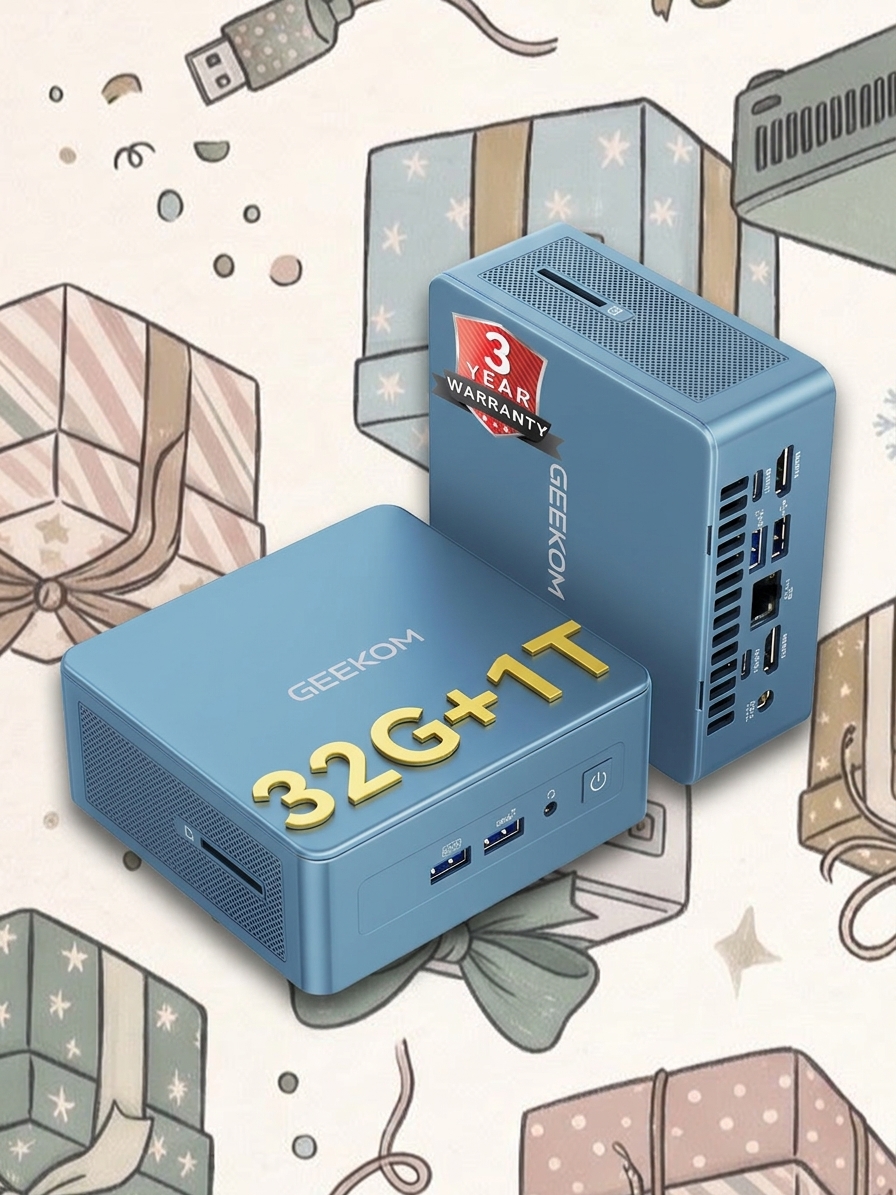
Geekom
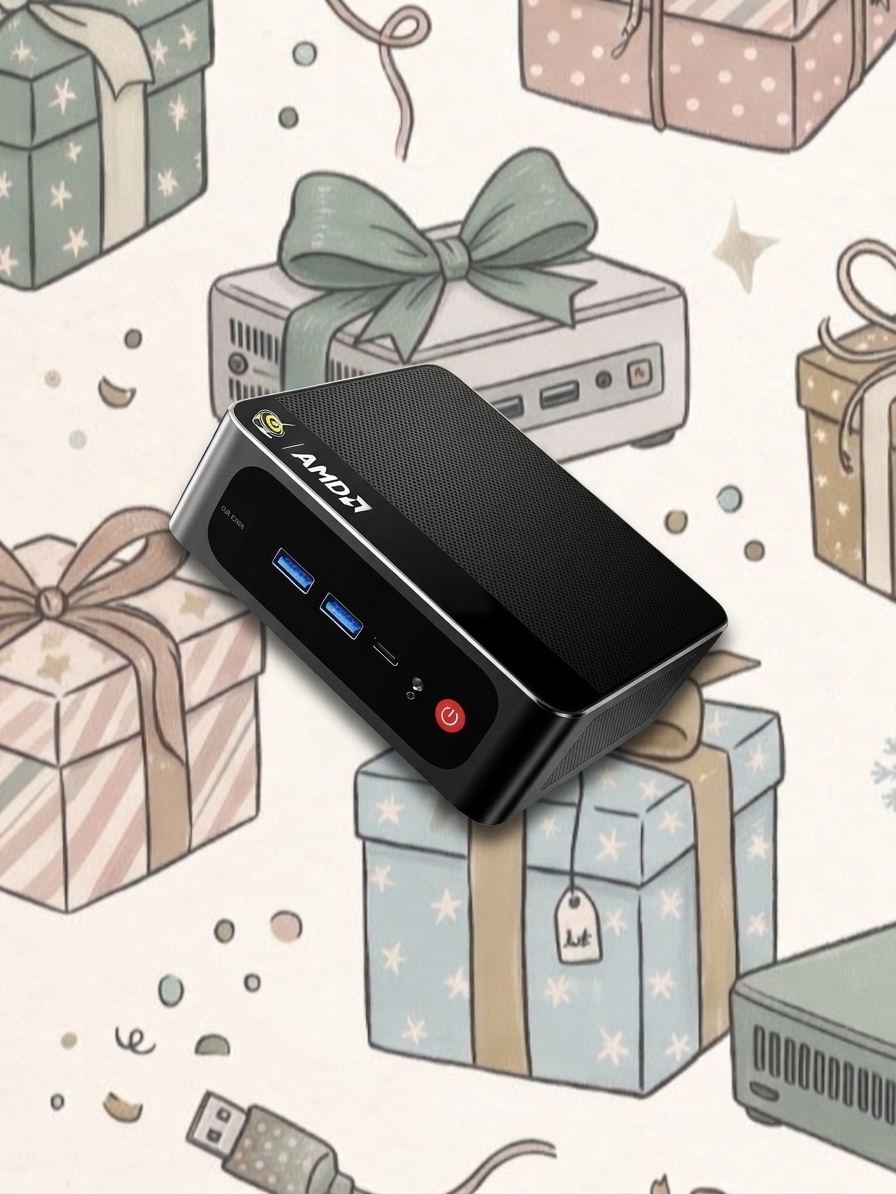
A9 Max
ASUS
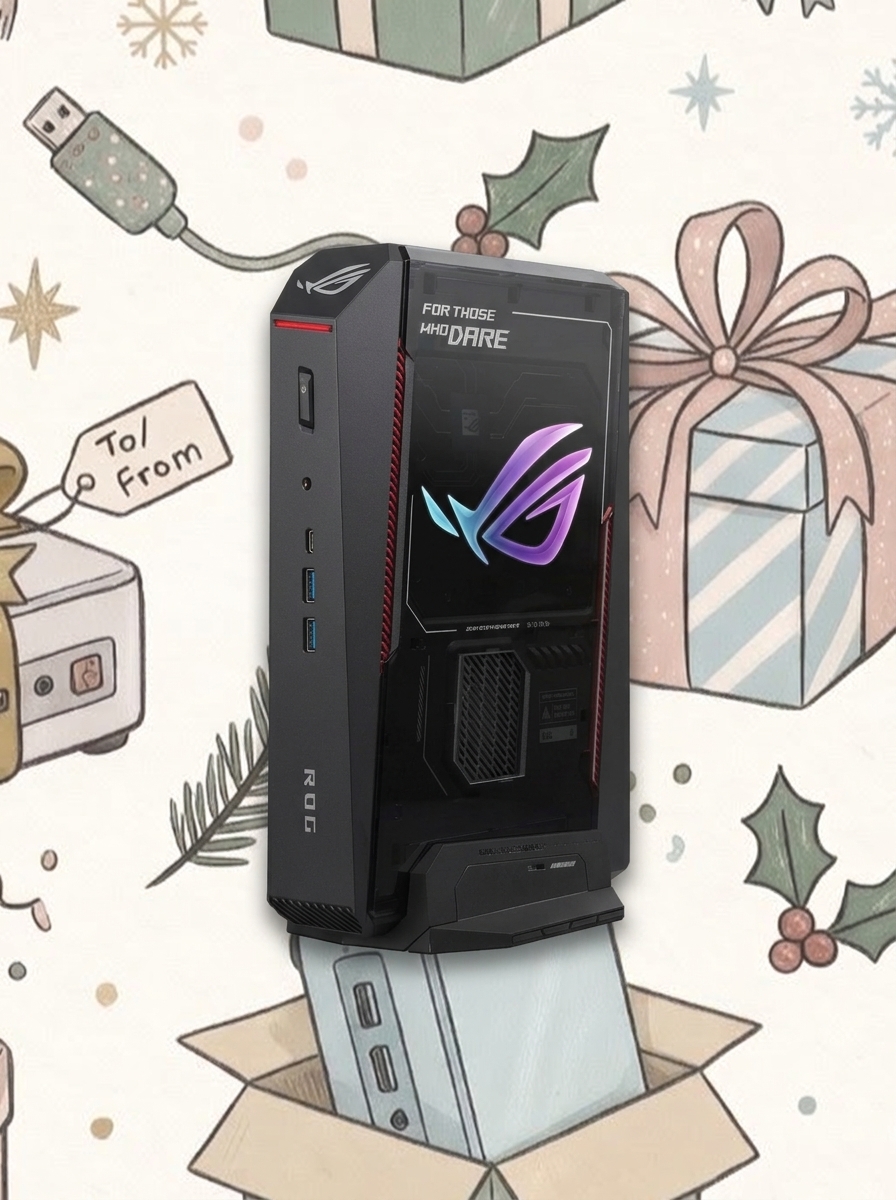
ROG NUC 16
MINISFORUM
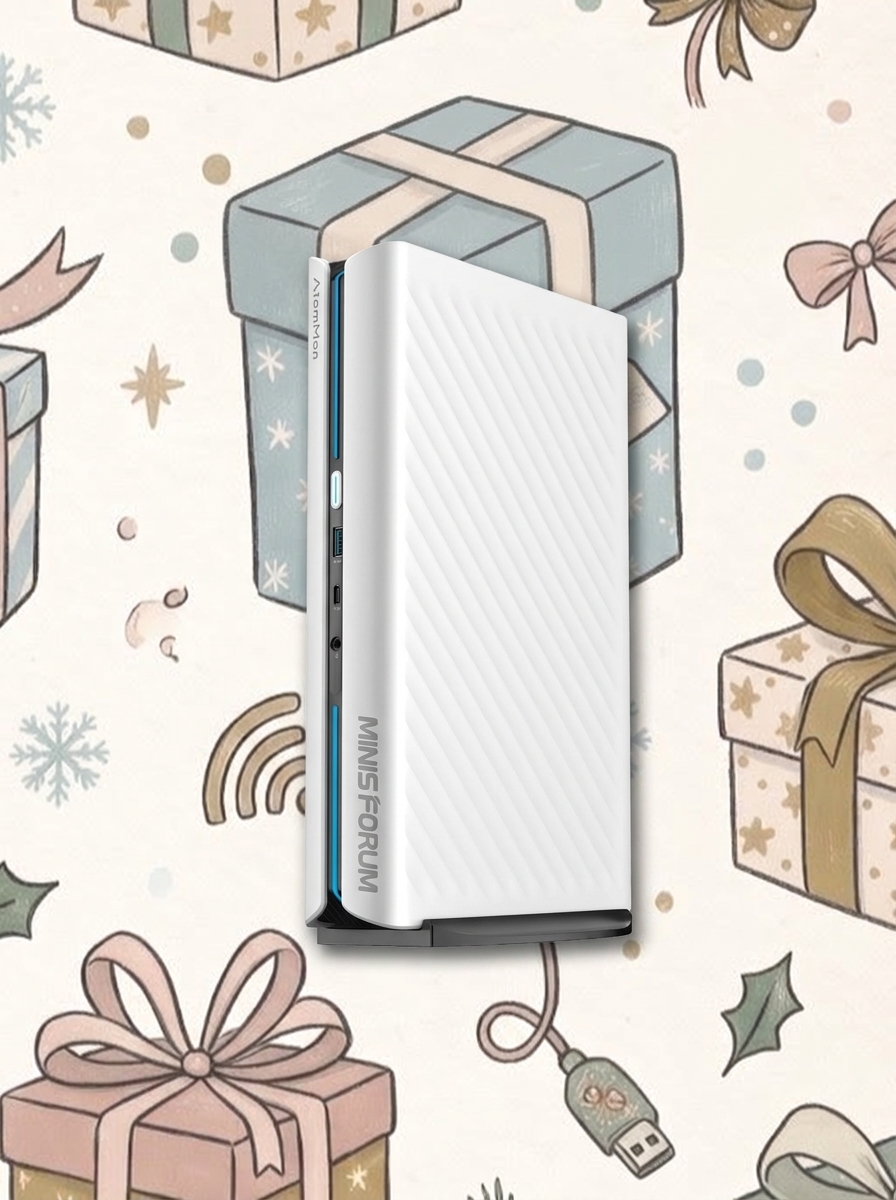
G1 Pro
Beelink
SER5
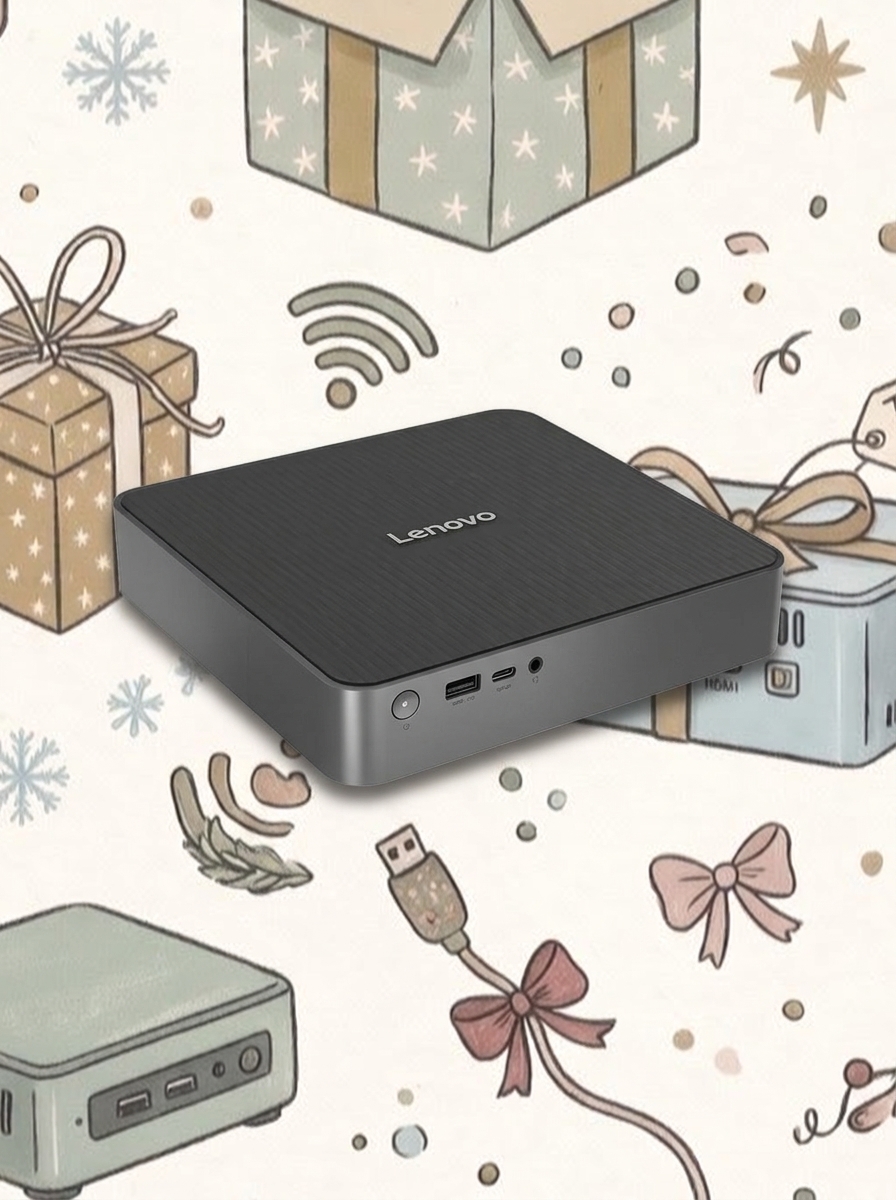
Lenovo
IdeaCentre Mini x
Beelink
SER9 PRO
Geekom
IT13
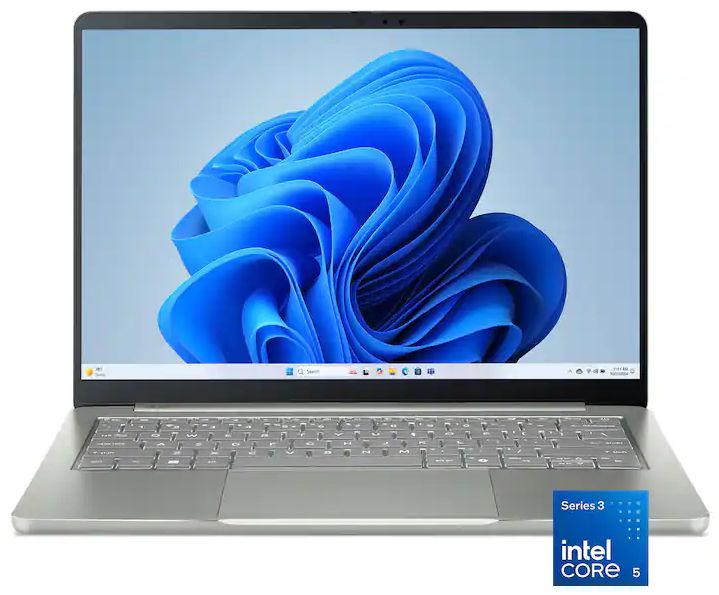
HP
Z2 Mini G1a
Framework
Desktop
Which mini PC makes the best gift?
The mini PCs listed above represent a small slice of the broader market, and that's by design. Although there are plenty of mini PCs out there, only a handful make the cut.
They've been tested by Windows Central and sibling sites to prove that they're worth the money, but there's a bit more nuance to your selection. Let me break down in more detail the best mini PCs for specific users.
Best mini PCs for gamers
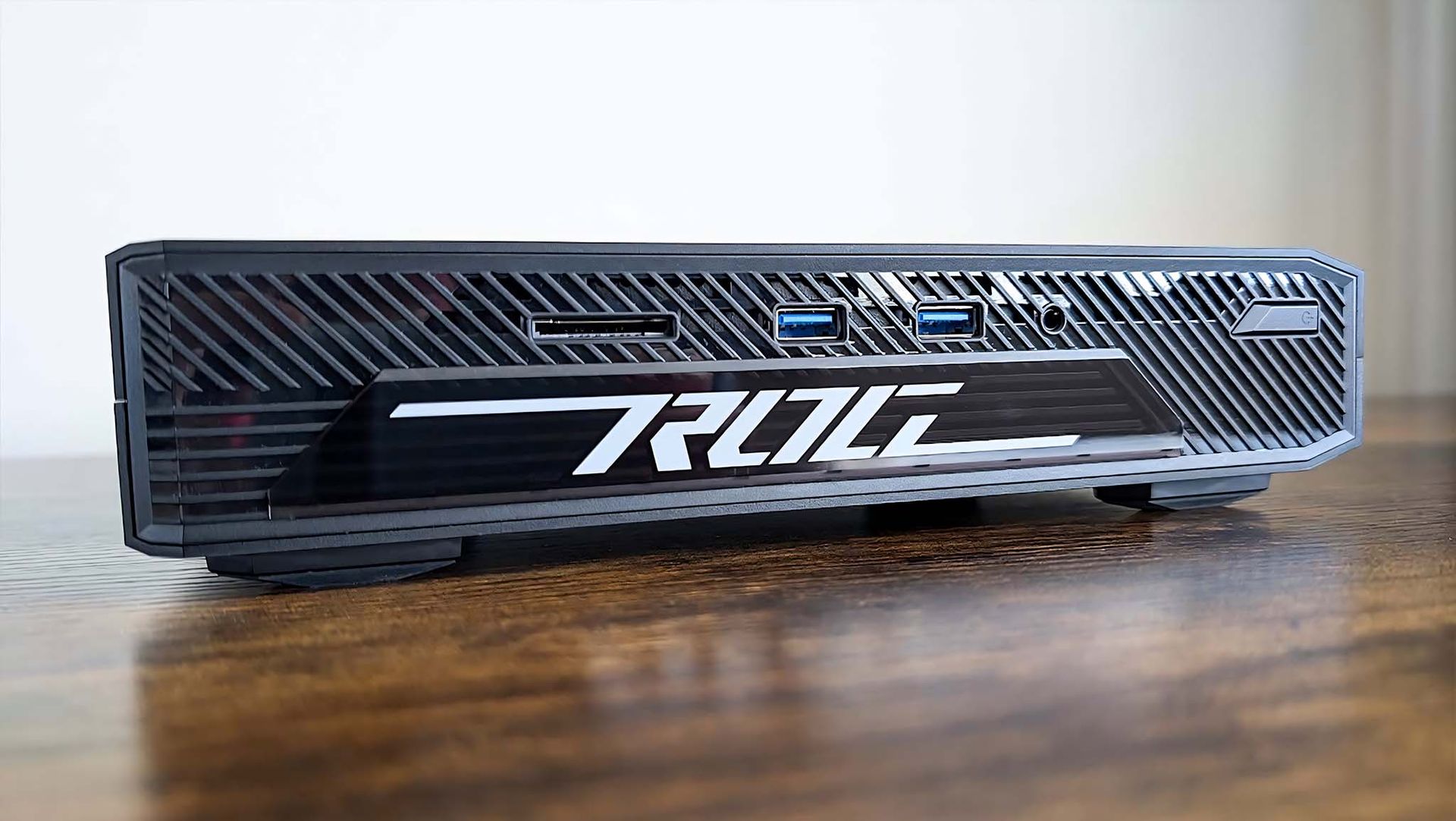
An older version of the ASUS ROG NUC mini gaming PC we tested. (Image credit: Rebecca Spear / Windows Central)
Gamers need a strong CPU, but more importantly, they need a strong GPU in order to run modern, demanding games.
That's why I'm highlighting both the ASUS ROG NUC 16 and MINISFORUM G1 Pro. The ASUS PC arrives with an NVIDIA RTX 5060 mobile GPU and an Intel Core Ultra 7 270HX CPU, making it ideal for mid-range gaming with all of the latest DLSS improvements.
The MINISFORUM PC costs less at $1,759 and also comes with an RTX 5060 mobile GPU inside. Its AMD Ryzen 9 8945HS CPU is plenty potent, and you get twice as much RAM (32GB) as the ASUS PC.
If you'd rather not shell out for dedicated graphics, Geekom's A9 Max with AMD Ryzen AI 9 HX 470 CPU and Radeon 890M integrated GPU is a superb alternative at about $1,599. You'll still be able to play all games, and you'll save hundreds.
Best mini PCs for home, general, and student use
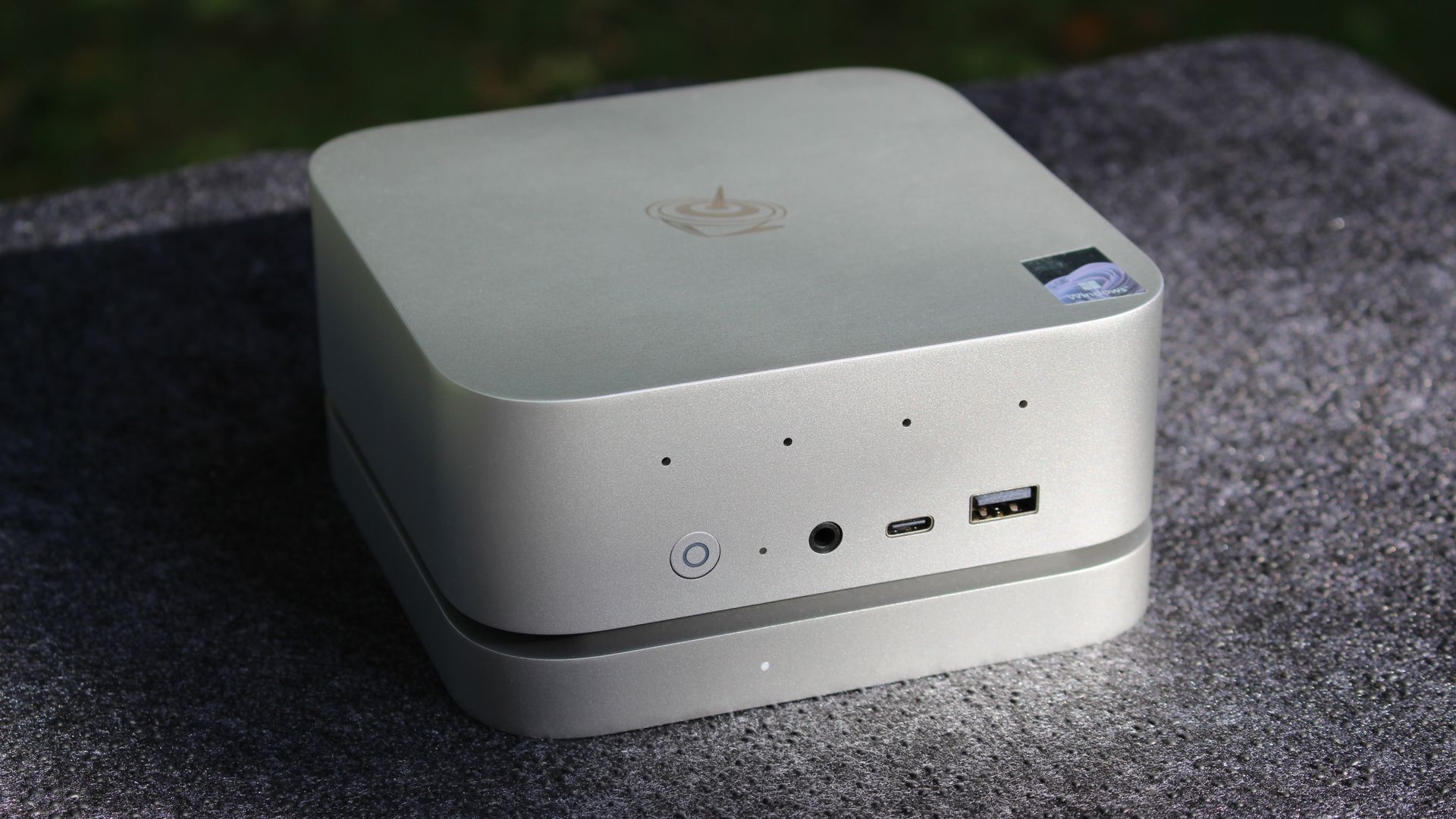
The Beelink SER9 Pro is a great PC that balances performance and price for home and student use. (Image credit: Windows Central / Zac Bowden)
If you're looking for an affordable home PC to handle email, web browsing, streaming, and other productivity tasks, Beelink's SER5 with AMD Ryzen 5 5500U CPU and 16GB of RAM is an easy recommendation at just $399.
Beelink's SER9 Pro is a natural step up for those who need more performance. Its Ryzen 7 H 255 CPU, 24GB of LPDDR5x RAM, and 1TB SSD can together cut through heavier multitasking, making it also a great pick for students at $697.
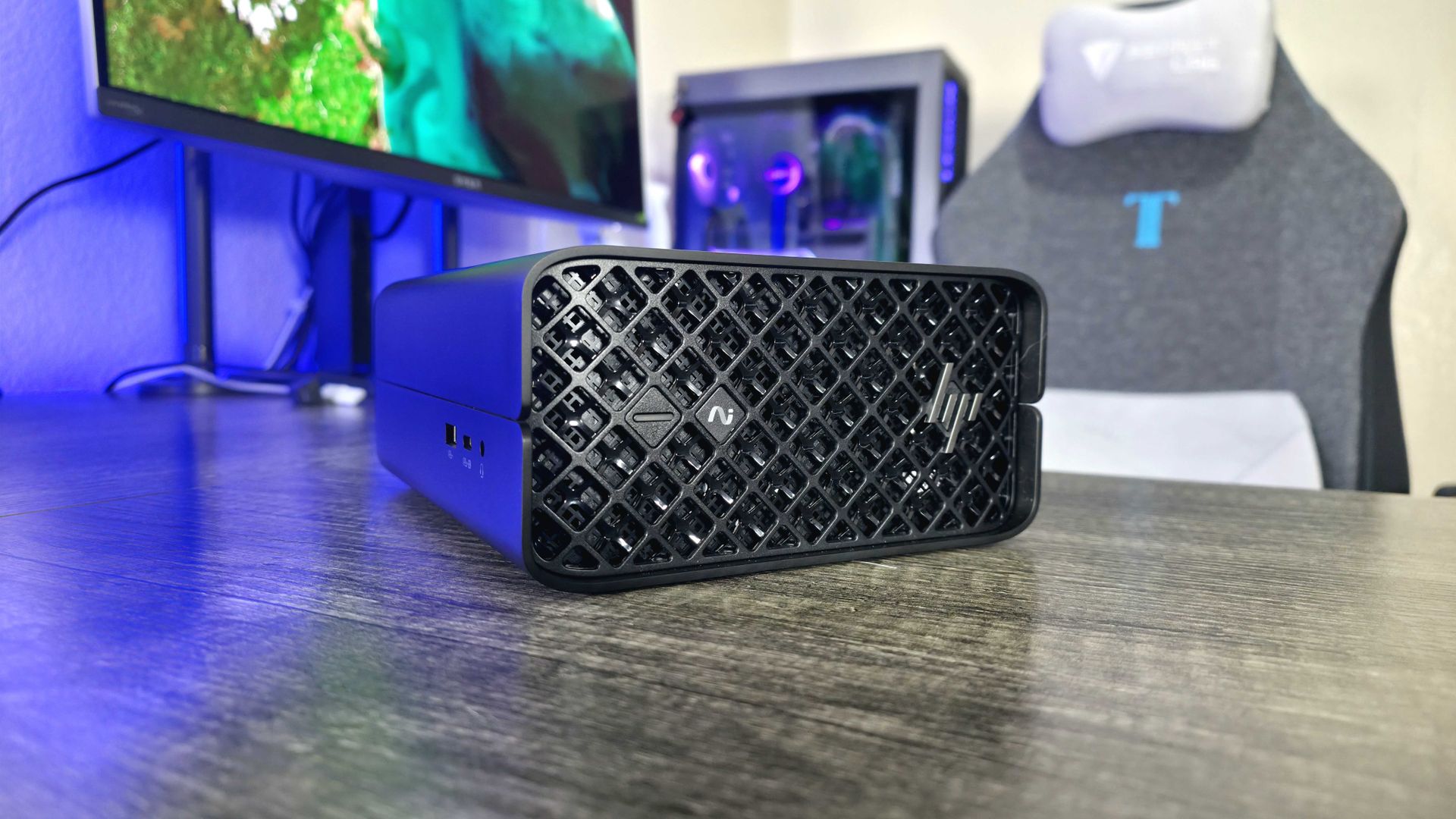
The HP Z2 Mini (G1a) is a great mini PC for creators and AI developers. (Image credit: Windows Central | Zachary Boddy)
We're now getting into the heavy hitters, including mini PCs that are designed for demanding creator workloads.
The Geekom IT13kicks things off with an Intel Core Ultra 7 365H CPU, 32GB of DDR5 RAM, and a 1TB SSD. Thanks to that powerful CPU and accompanying Iris Xe integrated graphics, amateur creators will have lots of headroom to experiment. You can find it for about $1,399.
HP's Z2 Mini G1a takes AI performance to the next level with AMD Ryzen AI Max PRO chips. It sets the bar for powerful mini workstations, and it's a perfect choice if you require a ton of VRAM. Models start at about $1,799 but climb quickly from there.
Last but not least is the Framework Desktop. It's a modular PC that you can continuously update over the years, adding as much or as little hardware as you'd like. Models with AMD Ryzen AI Max 300 chips start at about $1,269, and you can choose everything that goes into the PC.
Join us on Reddit at r/WindowsCentral to share your insights and discuss our latest news, reviews, and more.
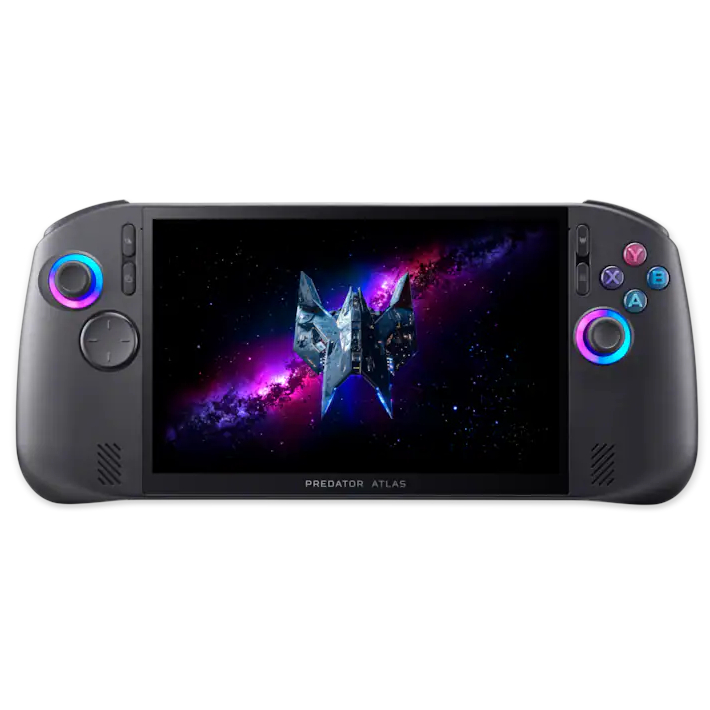
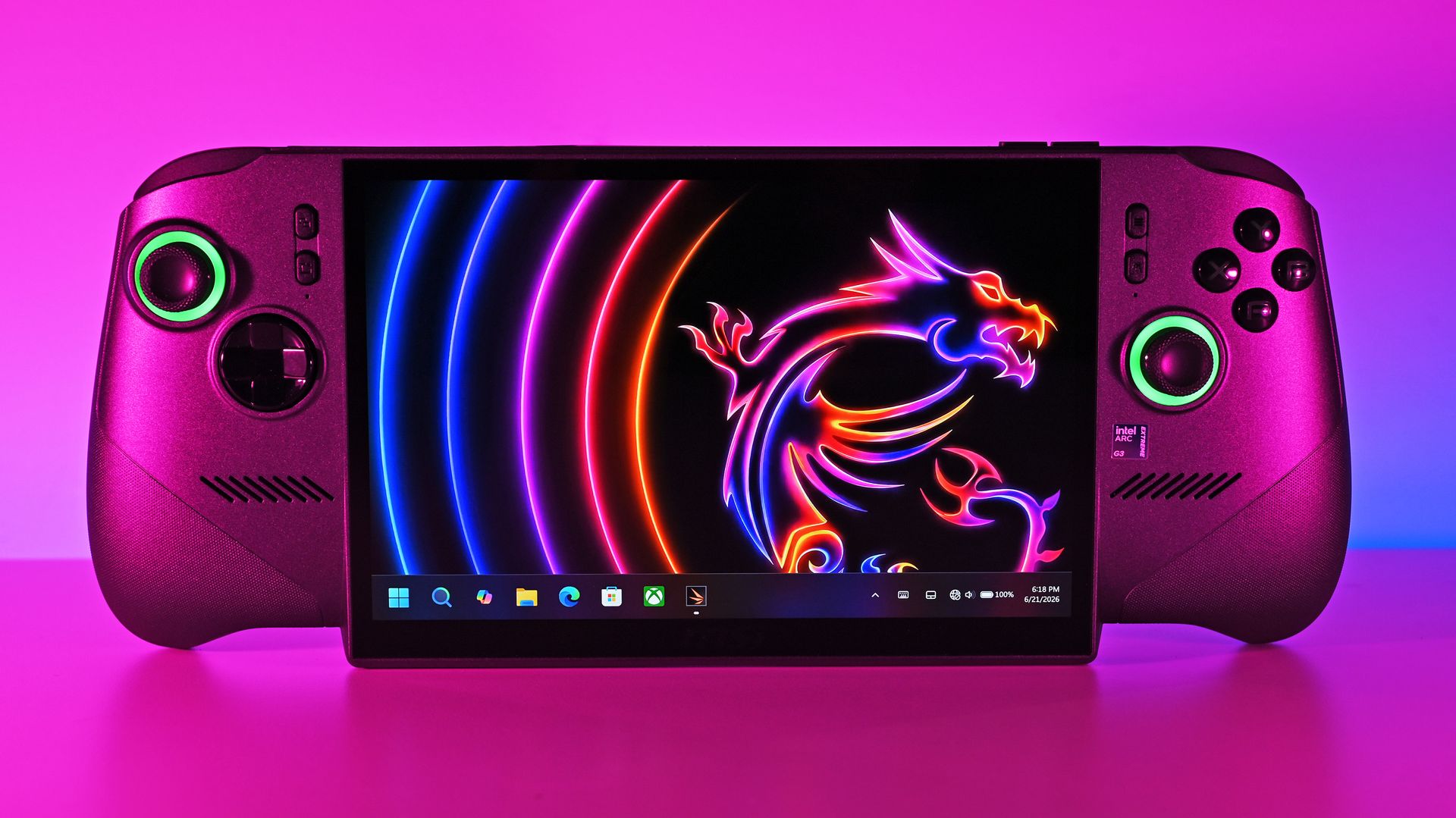
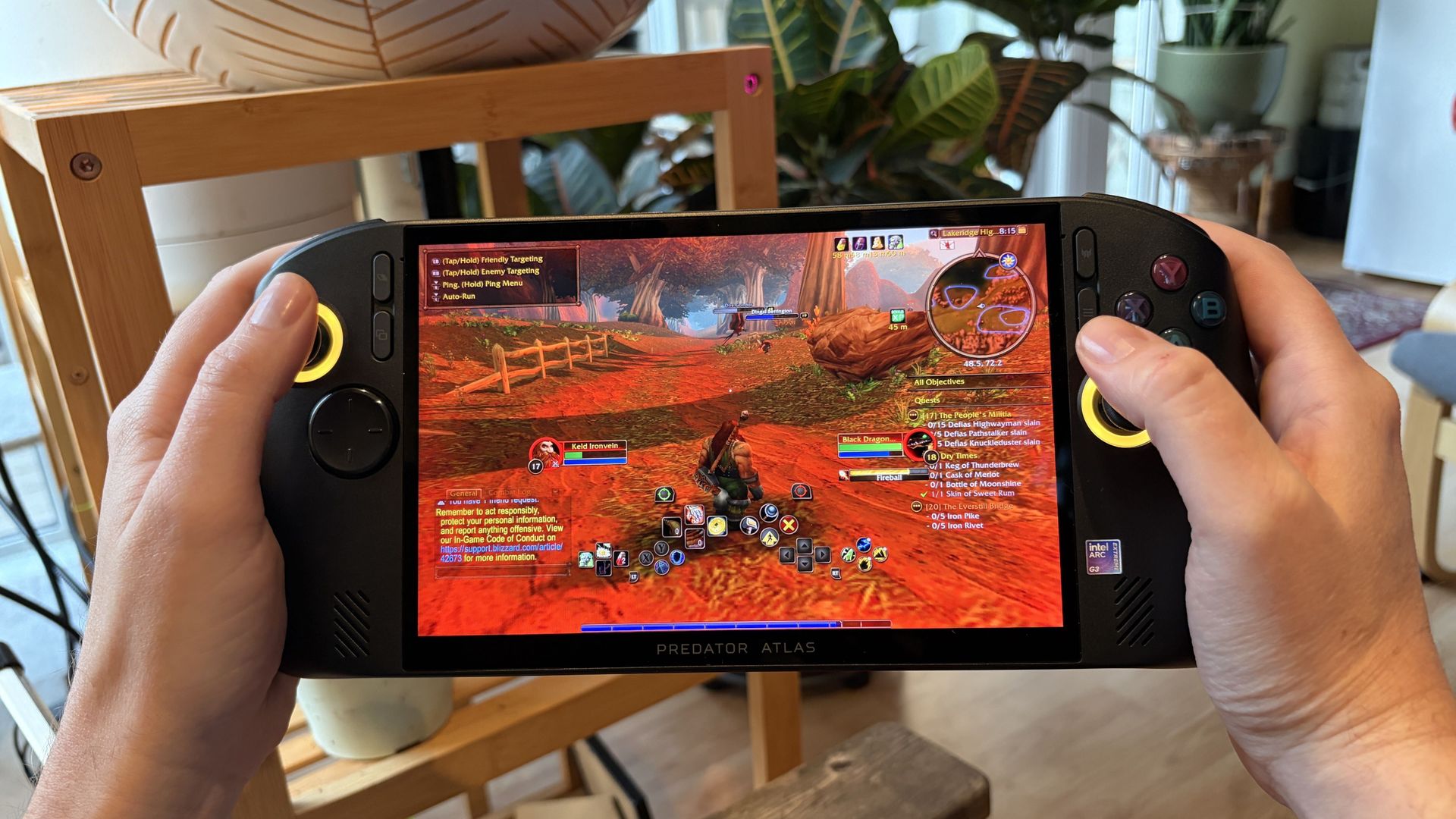
Acer's Predator Atlas 8 costs $350 less than the Claw 8 EX AI+ despite having an identical Arc G3 Extreme chip and 120Hz display. It's the most value-conscious decision, and although it falls behind in some areas, it still delivers industry-leading performance.
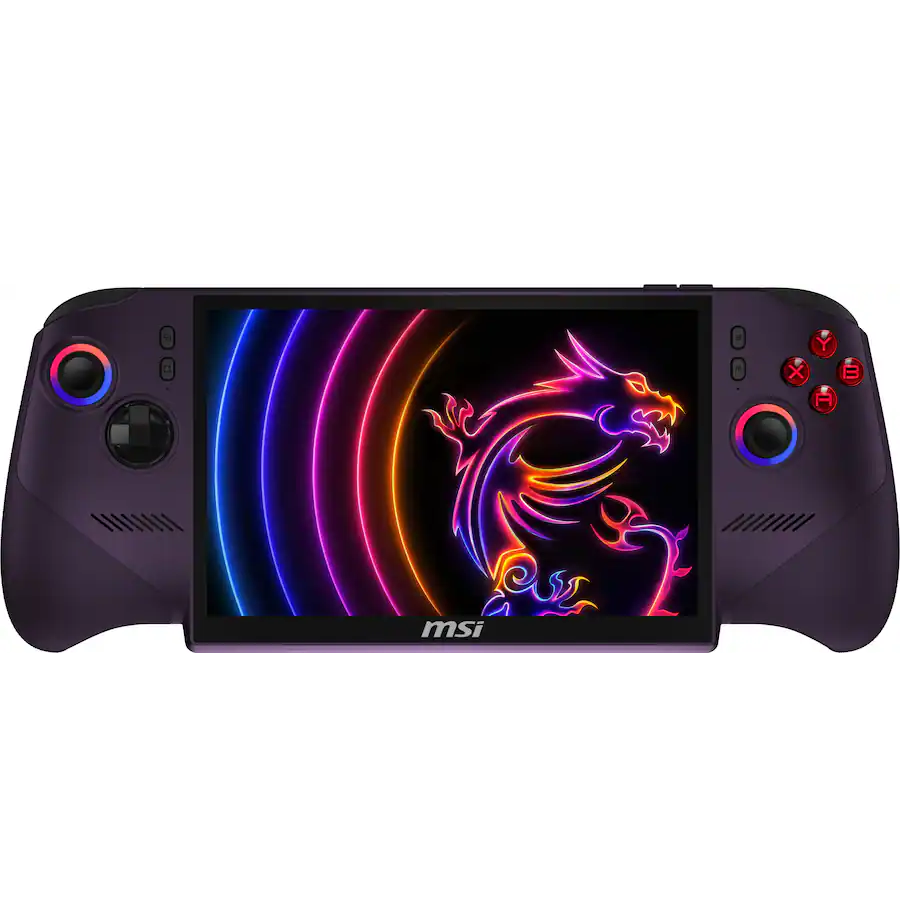
MSI's Claw 8 EX AI+ represents the very best of gaming handhelds in 2026, but at $350 more than Acer's Predator Atlas 8, you'll really need to be in love with the design and controls to make it count.
Pros
Slightly higher performance
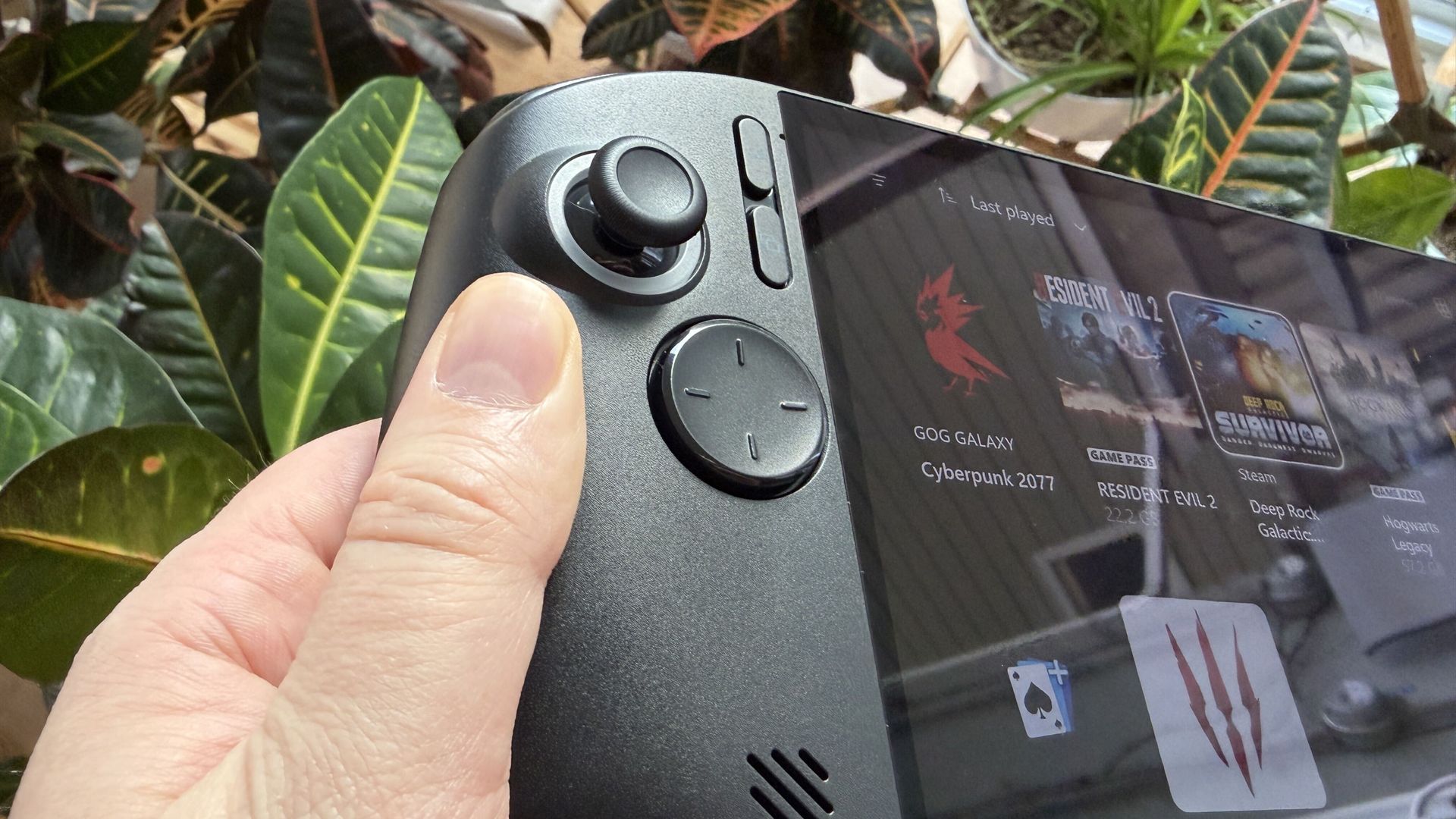
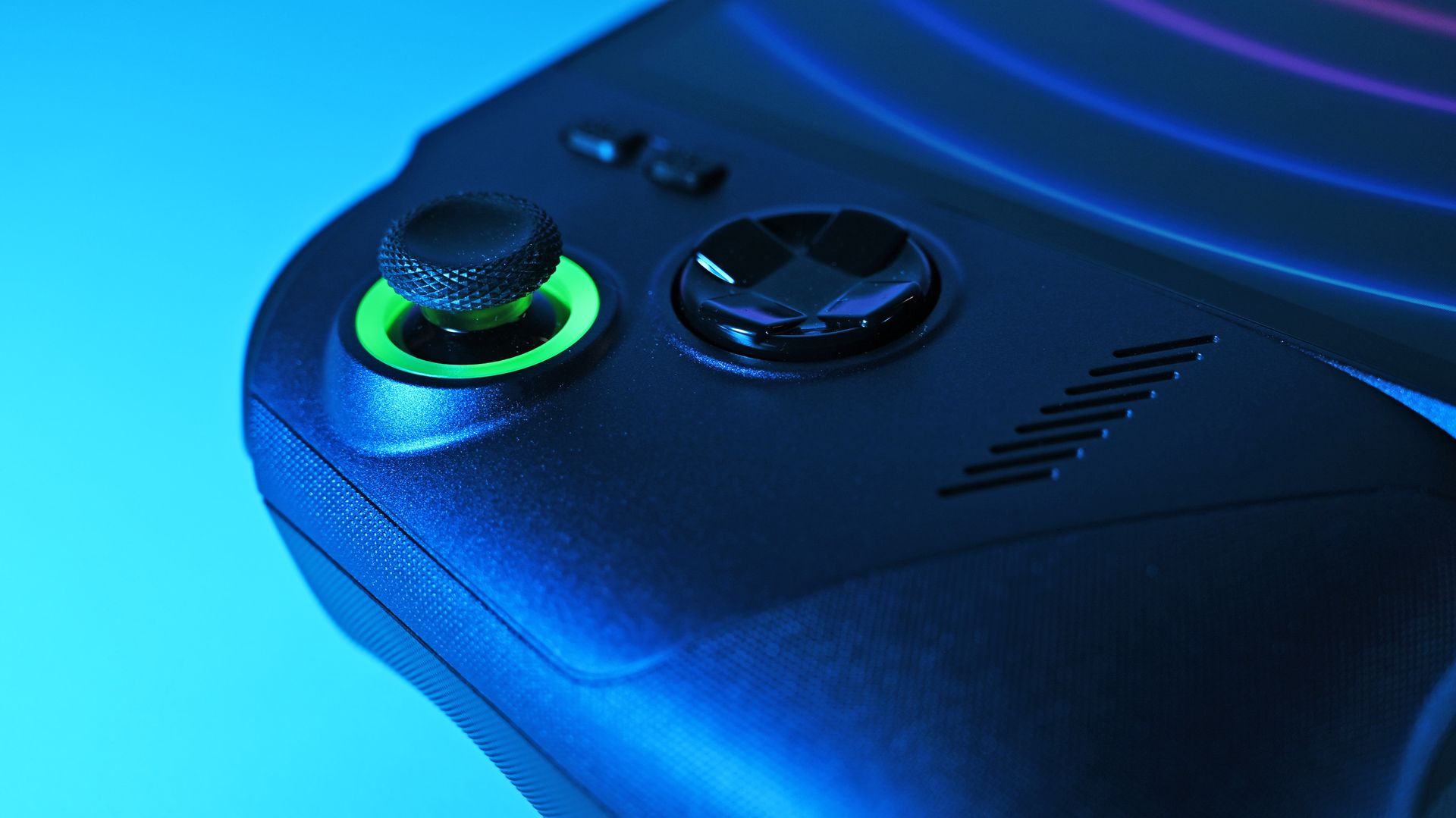
Superior D-Pad design
Vivid, bright IPS display
Better battery life out of the box
Weighs less
Cons
Costs $350 more
Some bugs in the software
Might not love the display overhang
The new series of gaming handhelds featuring Intel's Arc G3 Extreme chip has caught the attention of many PC gamers thanks to their outstanding performance, and we've already tested and reviewed the Acer Predator Atlas 8and the MSI Claw 8 EX AI+.
Although they each received the same overall 4.5-star rating here at Windows Central, there's some serious nuance that I think potential buyers should know about.
Is it worth spending hundreds more on the MSI Claw 8 EX AI+? Or can you get a satisfying gaming experience on the more affordable Predator Atlas 8? Let's find out.
Acer Predator Atlas 8 vs. MSI Claw 8 EX AI+ — Specifications and pricing
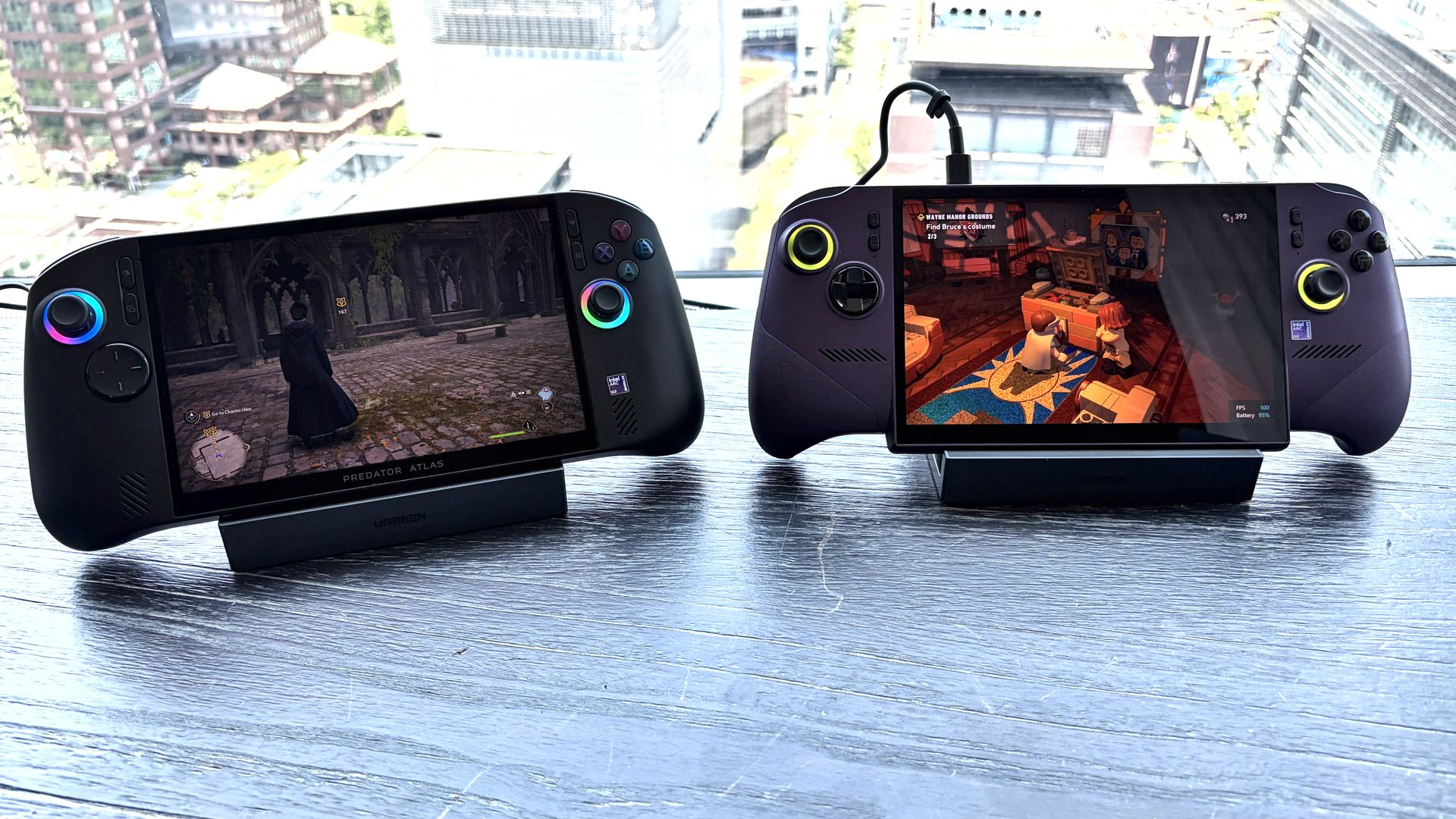
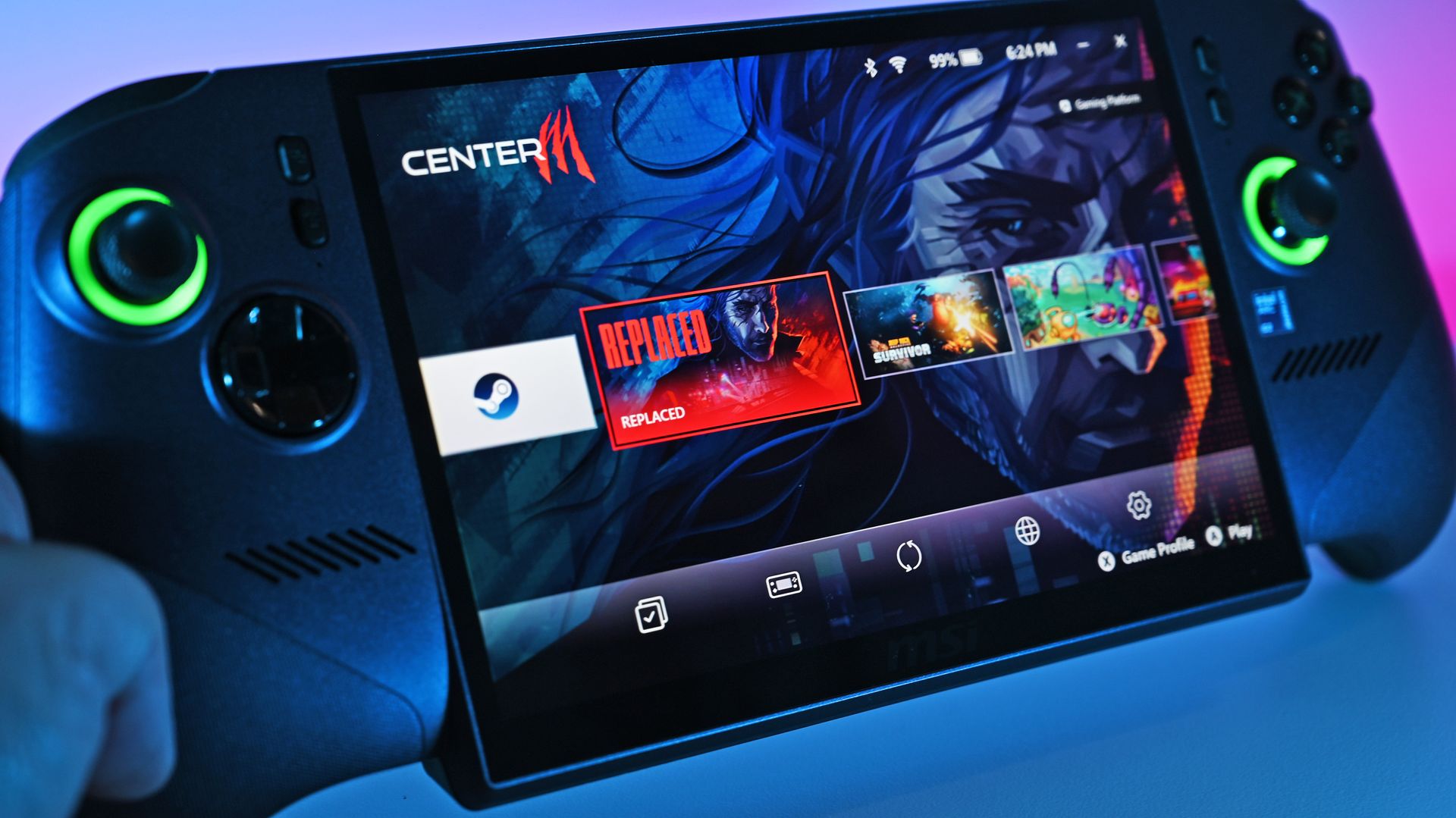
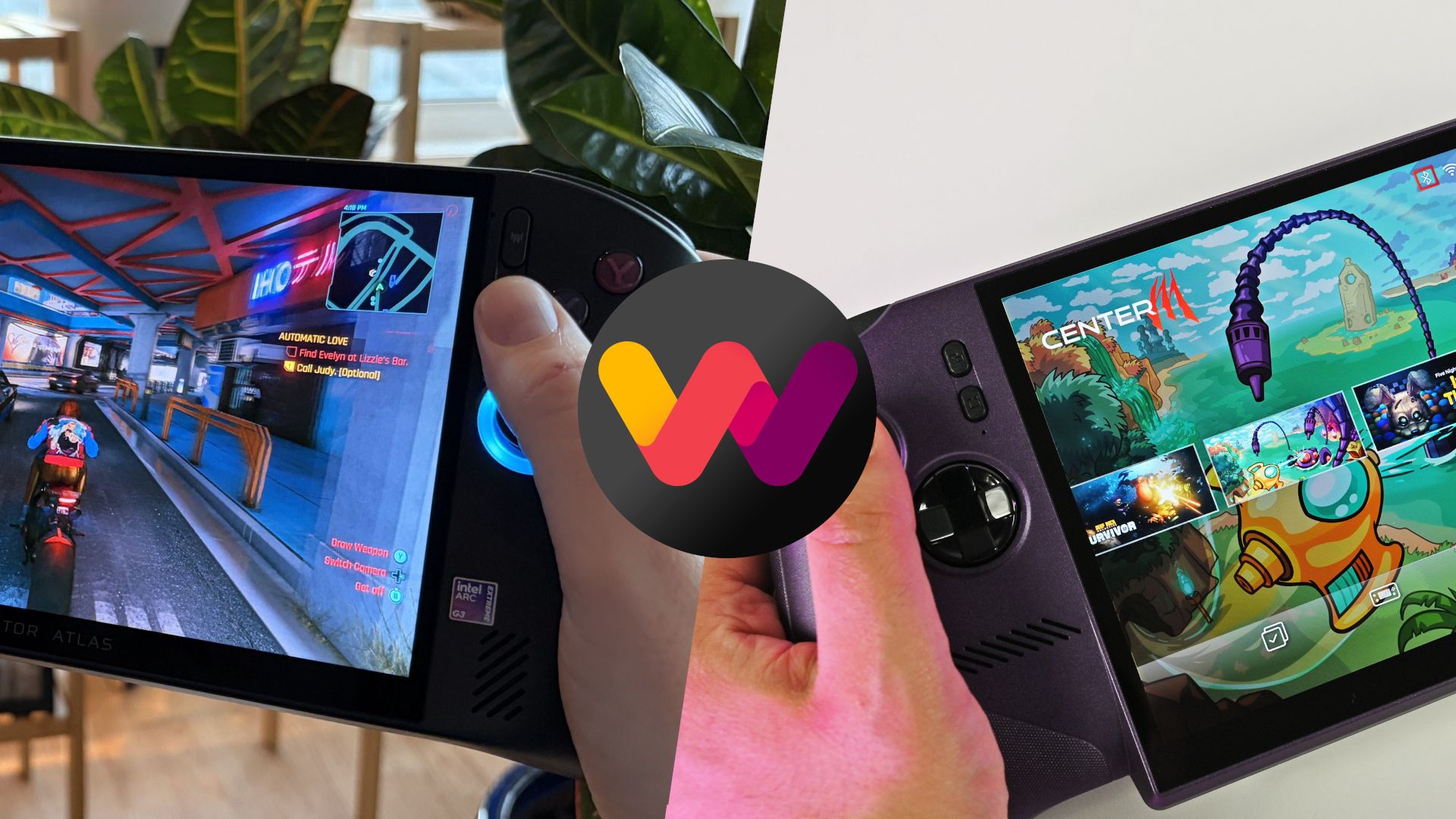
Acer's Predator Atlas 8 (left) and MSI's Claw 8 EX AI+ (right). (Image credit: Future)
MSI's Claw 8 EX AI+ launched in June 2026 at$1,799.99. It remains at that price today, several months after launch. This config has 32GB of RAM and a 1TB SSD.
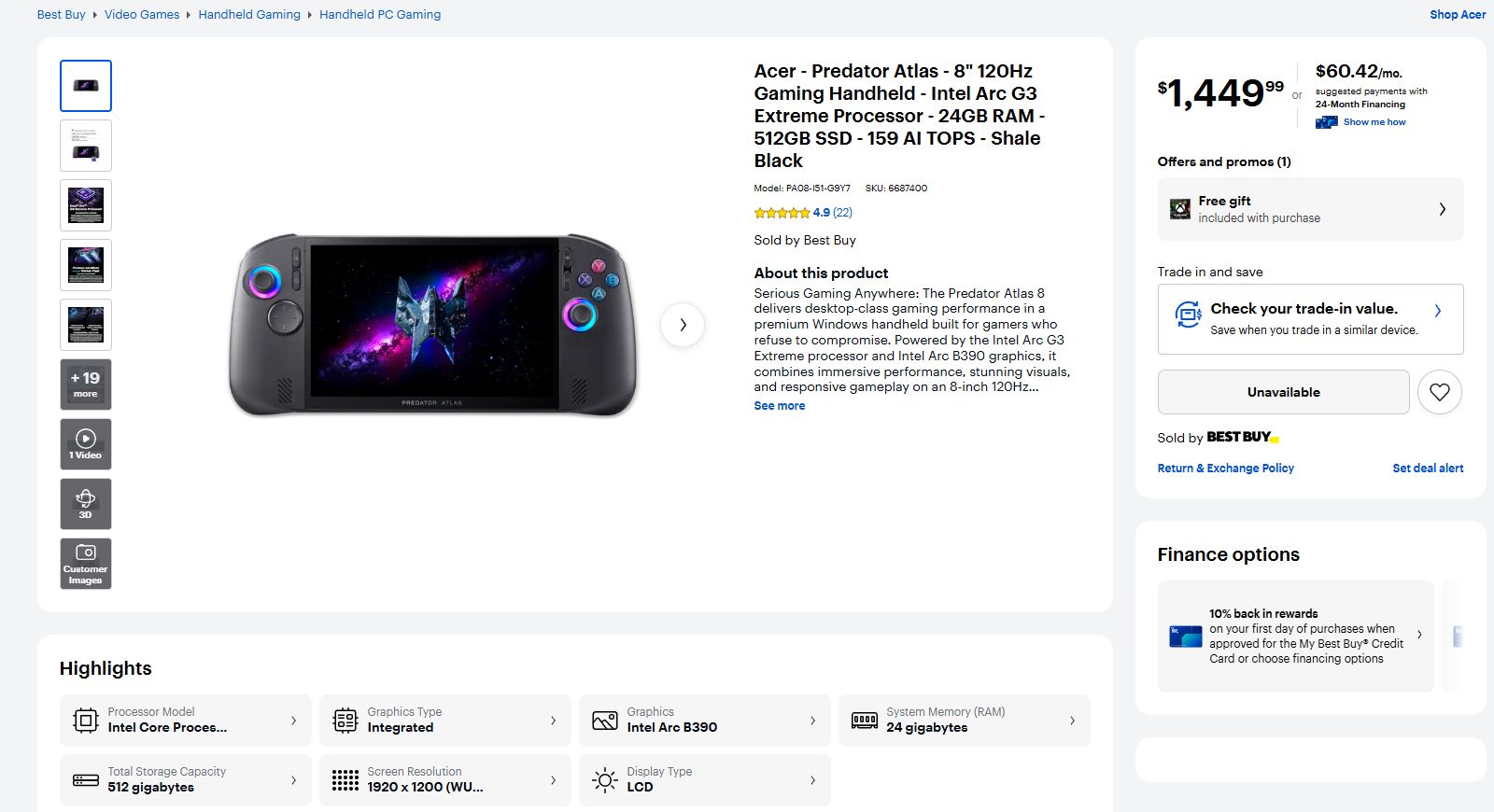
Acer's Predator Atlas 8 launched at $1,299.99 on November 1, and 10 days later it made the jump to $1,449.99. It's still listed at the higher price at Best Buy. This model includes 24GB of RAM and a 512GB SSD.
As we'll see below, the memory difference doesn't make a huge difference in performance. The real downside is half as much storage, though that can be rectified with removable microSD storage or a full DIY SSD swap.
Here's a deeper breakdown of the Predator Atlas 8 and Claw 8 EX AI+ specifications.
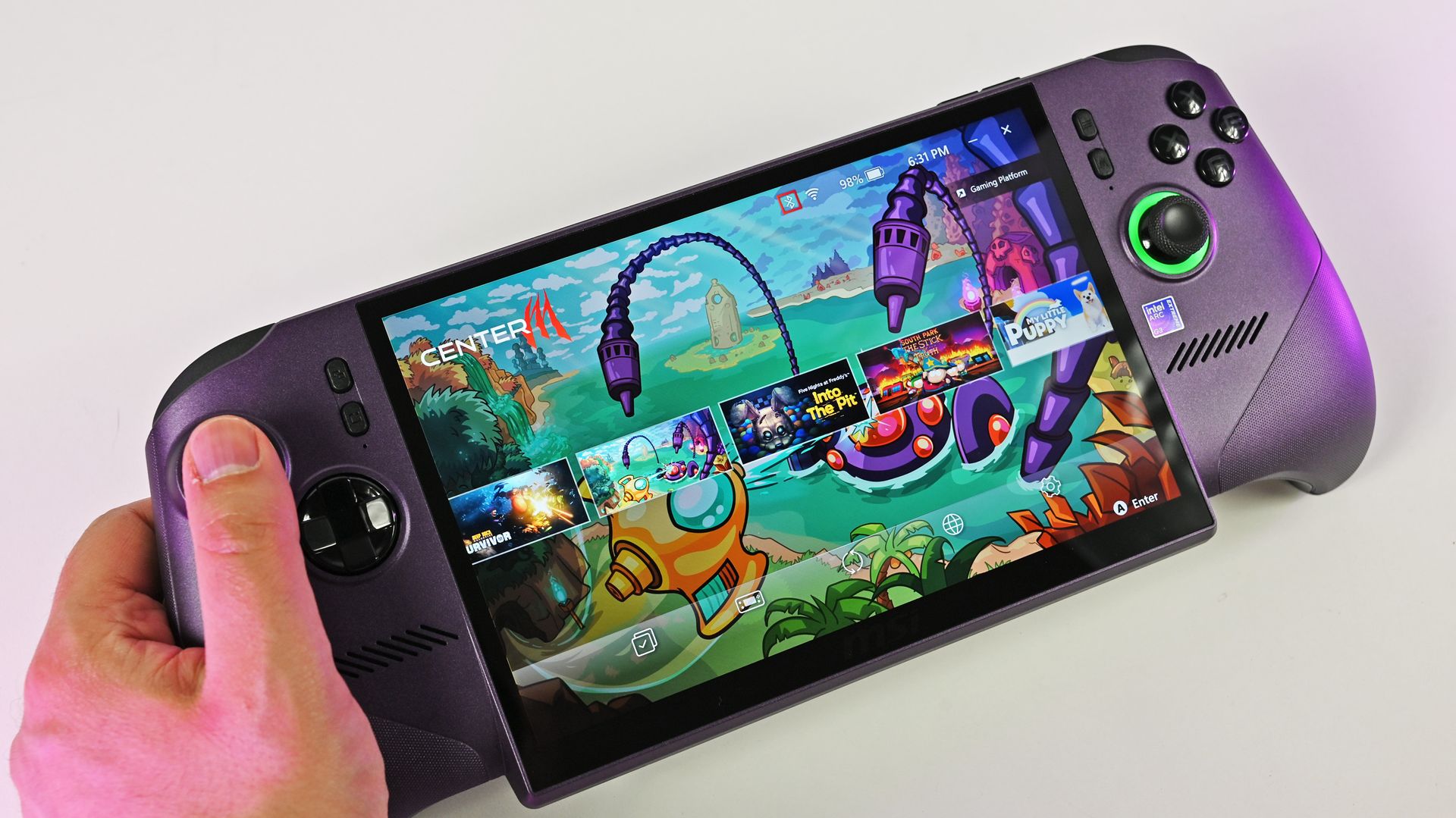
A look at the Xbox controller grip style on the MSI Claw 8 EX AI+. (Image credit: Daniel Rubino)
I'll start by saying that, in our experience, both handhelds are super comfortable. The Claw 8 EX AI+ has a flared Xbox-style grip setup that I know some love, while the Atlas 8 goes for a more fused approach à la Steam Deck.
Although the Claw 8 EX AI+ weighs a bit less than the Atlas 8, I never once found Acer's handheld to be too much. Both have smart weight distribution that makes them feel lighter than they really are.
(Image credit: Future)
The Atlas 8's grips don't quite flare out as much, and it reminds me more of the Steam Deck. This should come down to personal preference.
Both handhelds have dual fans inside, and hot air is routed away from your hands and face, as it should be. Inside, you'll find an accessible M.2 SSD slot for DIY upgrades.
For added security, a fingerprint reader for Windows Hello is integrated with the power button in both devices.
A look at how the Claw 8 EX AI+'s display hangs down over the bottom edge. (Image credit: Daniel Rubino)
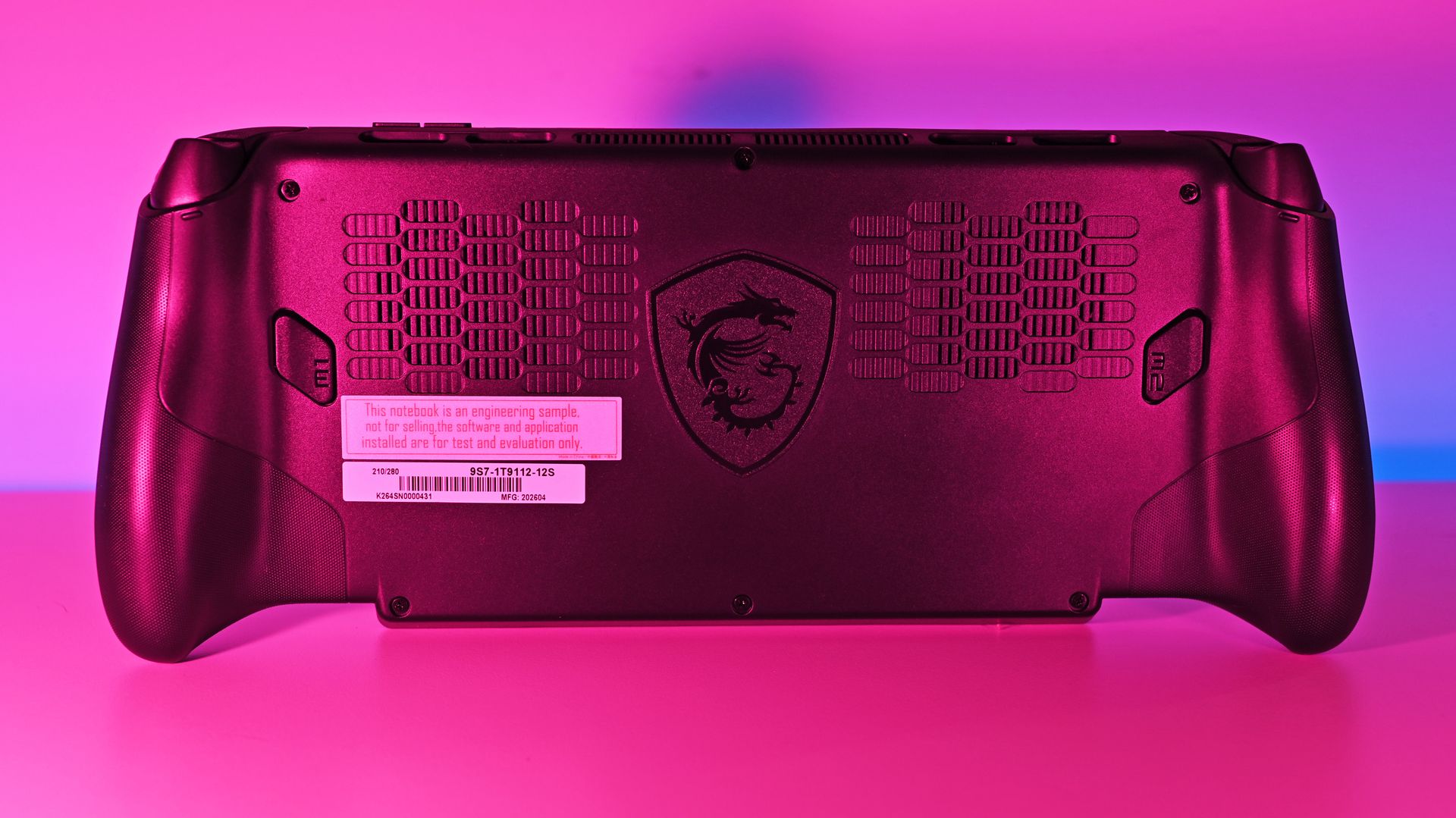
One last thing: I've noticed that not everyone loves the overhanging display as found on MSI's Claw 8 EX AI+. It helps MSI shave off some weight, no doubt, but some will probably go for the boxier, more standard approach as found in the Atlas 8.
No OLED in either handheld, but does that matter?
The MSI Claw 8 EX AI+ has the same IPS display as the Atlas 8.Daniel RubinoThe Atlas 8's screen is bright and vivid.Future
There's not much to say about the display, at least in terms of differences. The Atlas 8 and Claw 8 EX AI+ use the same 8-inch IPS panel at a 1920x1200 resolution, with a 120Hz variable refresh rate and up to 500 nits of brightness.
If I have to choose between an OLED display and Intel's Arc G3 Extreme performance, I'll take the latter every time.
Acer Predator Atlas 8 review
A lack of OLED is notable across both handhelds, but I don't think it's as big a deal as some assume.
The screens are vivid, bright, and sharp, and I stopped noticing a change from my desktop OLED monitor once I started gaming.
If I dig a bit deeper, I'll say the lack of OLED is a bigger deal in the pricier Claw 8 EX AI+. But I'd take the Arc G3 Extreme's performance any day as compensation.
Control quality is equal, except for the D-Pad
I don't love the Atlas 8's D-Pad design.FutureThe Claw 8 EX AI+ has a D-Pad that's easy to love.Daniel RubinoThe Atlas 8's trigger depth toggles areon the back of the device.Future
Tunnel Magnetoresistance (TMR) is a minor upgrade over Hall Effect, although both use magnets for precision control and added durability.
The Predator Atlas 8 includes TMR joysticks and Hall Effect triggers for snappy, modern control. Analog buttons are crisp, and bumpers have a nice click.
Acer lets you set trigger pull depth with two toggles on the back of the handheld, something MSI doesn't have.
The Claw 8 EX AI+ is in the same general boat as the Atlas 8, with Hall Effect joysticks and triggers. As Editor-in-Chief Daniel Rubino remarked in his review, "The action on the triggers feels smooth and progressively weighted, while the face buttons feature beautifully rounded edge boundaries to keep your thumbs from feeling sore after hammering out combos."
I gamed for countless hours on the Acer handheld, and the only thing I didn't love is the minimalist D-Pad. MSI's clicky version with raised directional headings is much more my style.
MSI's Claw 8 EX AI+ delivers a bit more power
MSI's Claw 8 EX AI+ manages to eke out a bit more performance compared to the Atlas 8. (Image credit: Daniel Rubino)
The MSI Claw 8 EX AI+ managed to squeeze a bit more performance out of the Arc G3 Extreme chip and 32GB of RAM than the Atlas 8 with 24GB of RAM in our testing.
However, it's such a small margin that I don't think it's worth putting too much thought into it when buying.
It's not even close in synthetic benchmarks, and the difference is felt every time you play.
You can see how far ahead the Arc G3 Extreme is compared to the Ryzen AI Z2 Extreme. (Image credit: Future)
On both the MSI and Acer handhelds, you can expect high triple-digit frame rates in demanding games like Cyberpunk 2077 with forced multi-frame gen enabled.
It gets better in titles with native XeSS 3 implementation, like LEGO Batman: The Legacy of the Dark Knight. Intel's new chips are easily the best way to maximize handheld performance.
Daniel RubinoDaniel RubinoDaniel RubinoDaniel Rubino
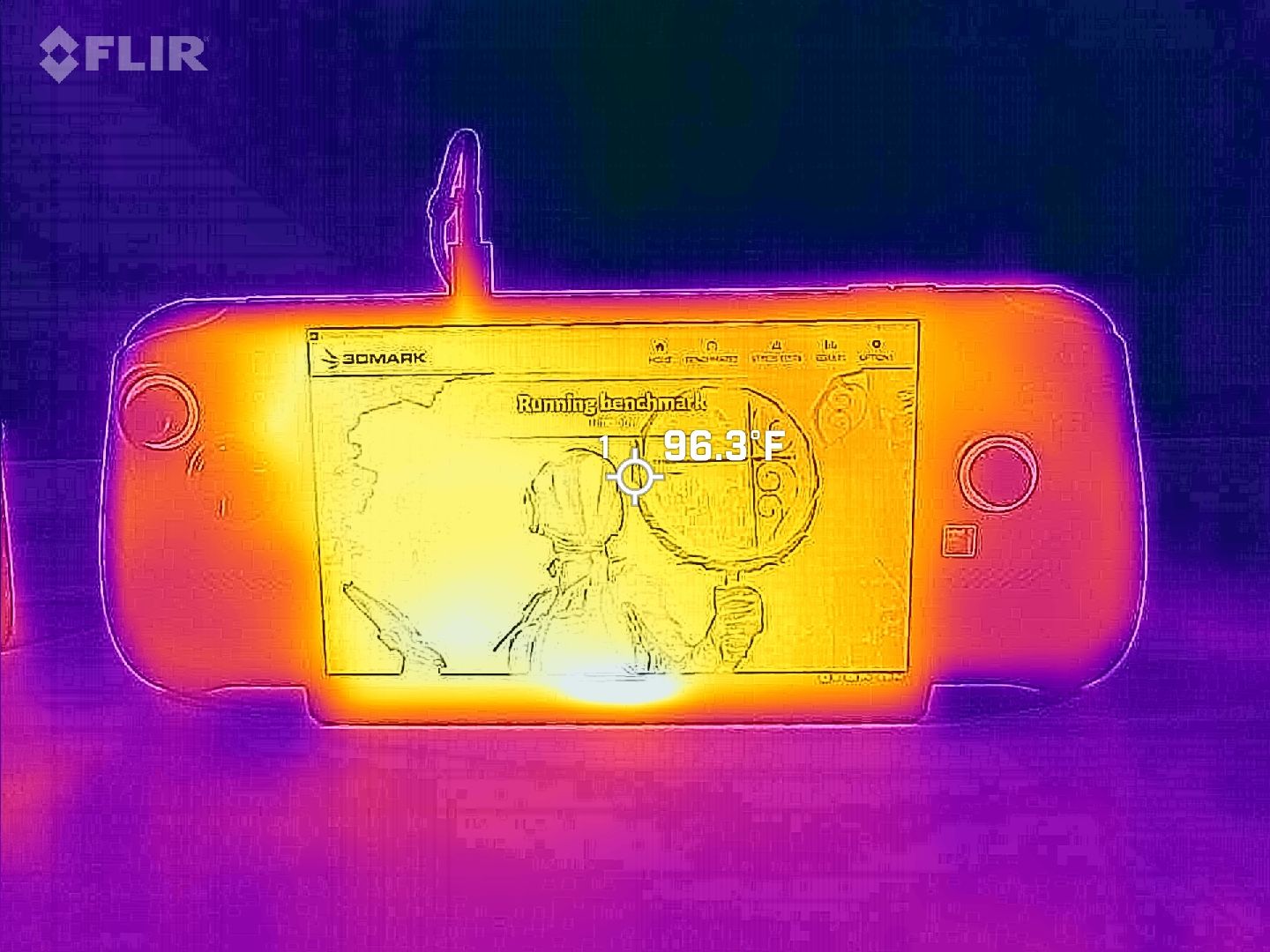
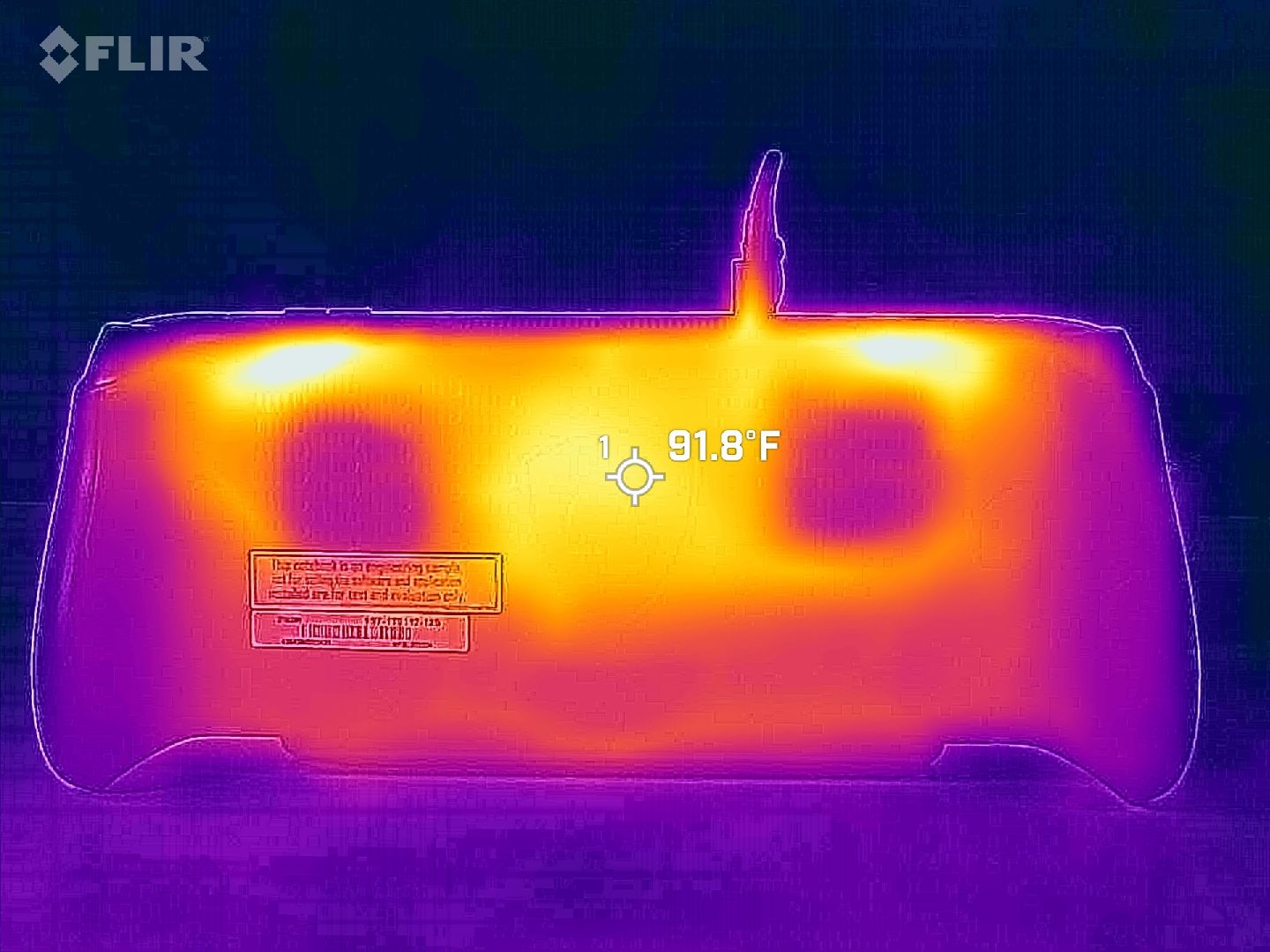
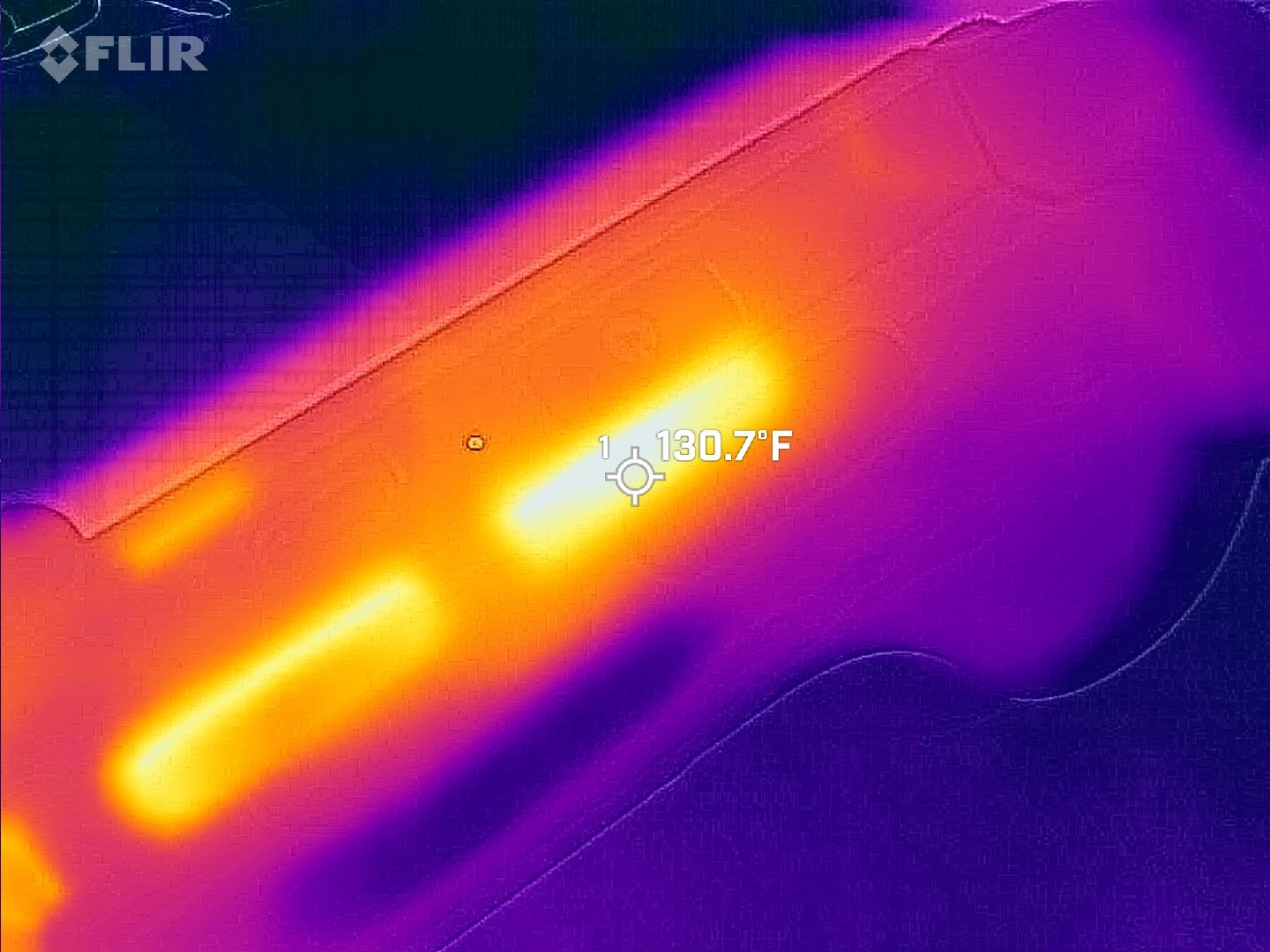
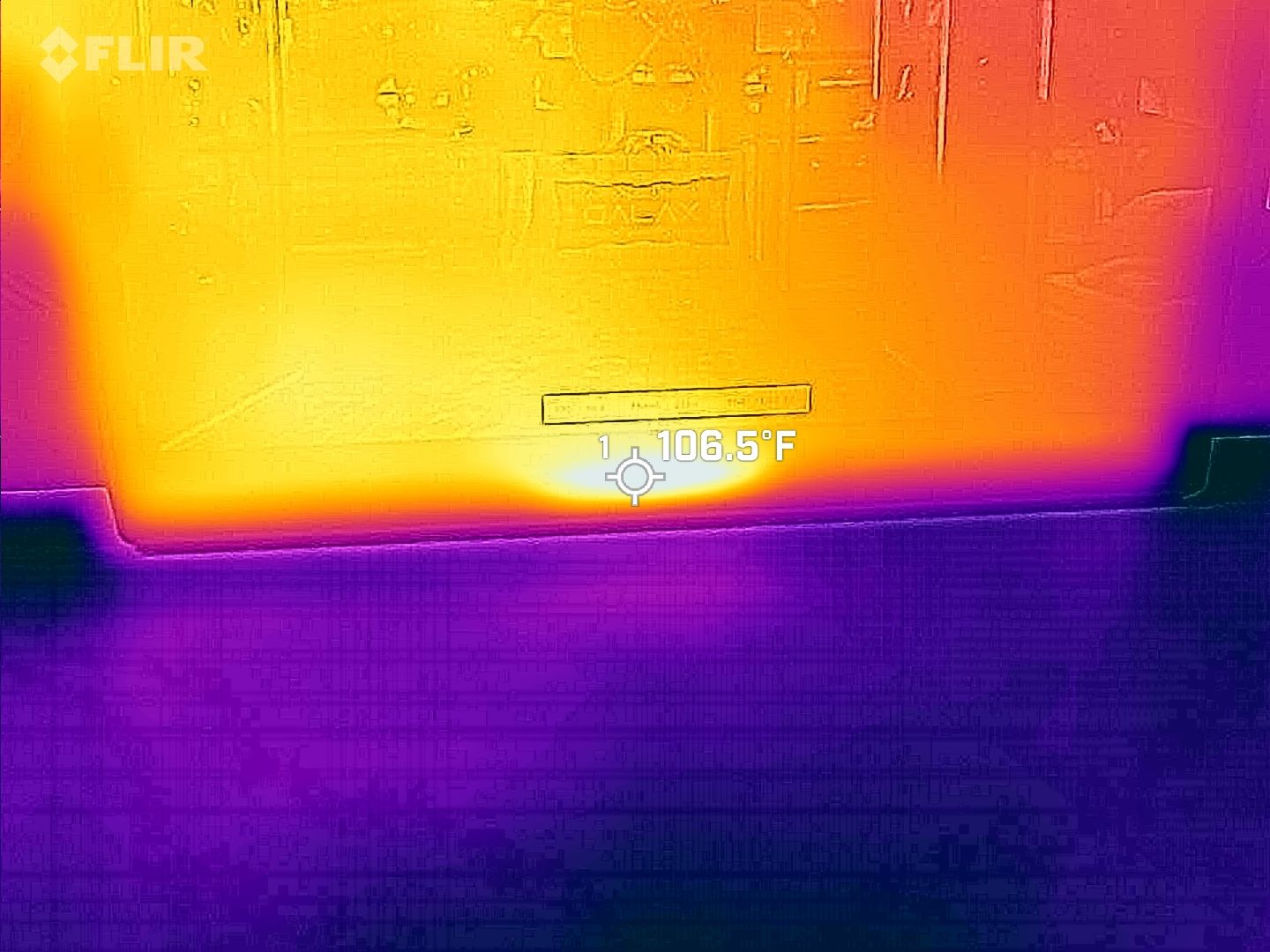
We put both handhelds through a stress test to see how they handle heat. As you can see from the Claw 8 EX AI+ FLIR images above, nothing gets too hot to handle.
I ultimately discovered the same thing with the Predator Atlas 8. No matter how hard I pushed it, it kept running cool and quiet.
Battery life comes down to power profiles
Plenty of settings are on board the handhelds to help boost battery life. (Image credit: Future)
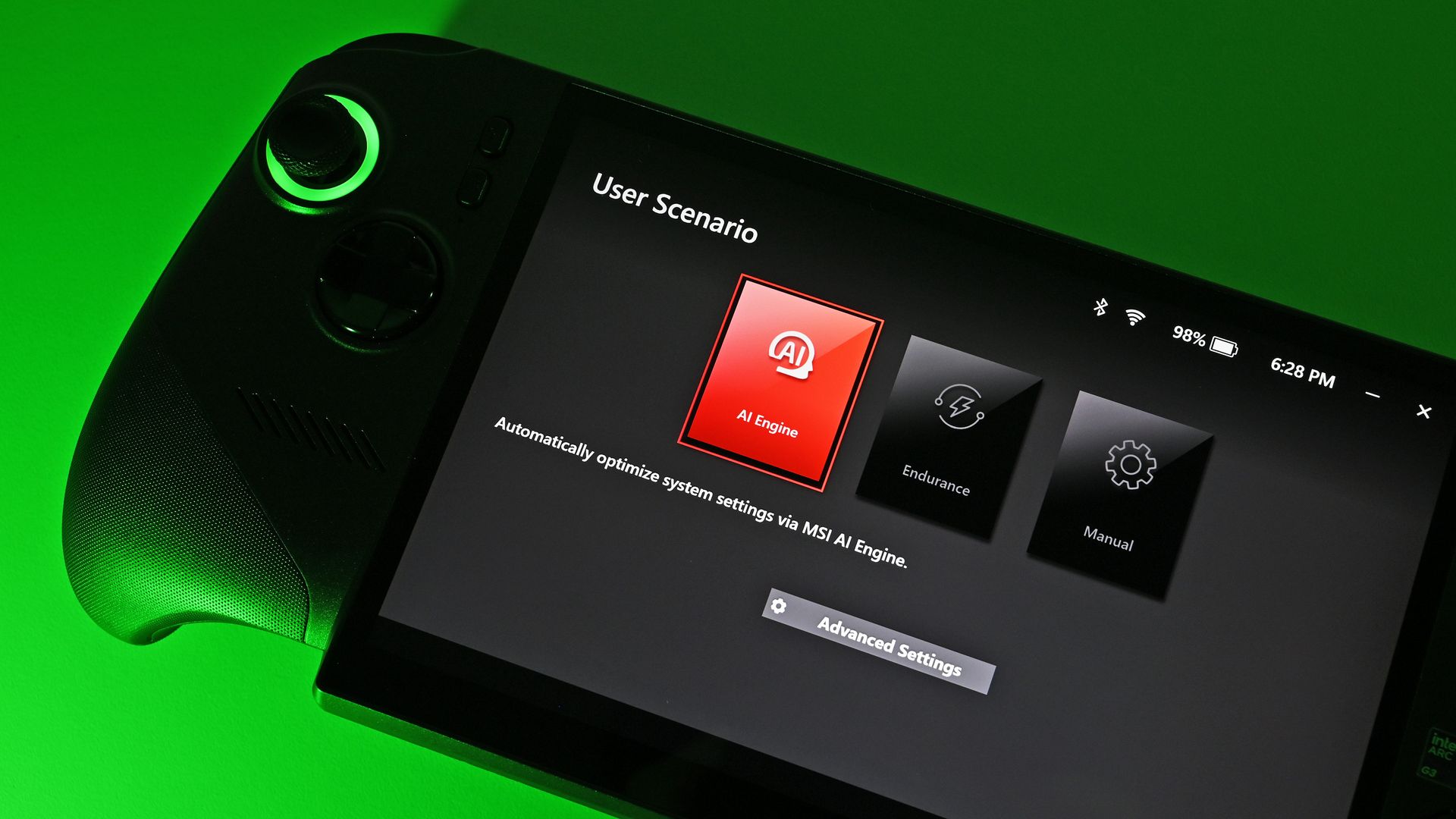
Testing battery life came out a bit skewed, but as I explained in my Atlas 8 review, it's due to how power profiles are configured. Both handhelds have the same 80Wh battery.
The Claw 8 EX AI+'s Endurance mode drops the handheld to 15W, which comes out to about 3 hours and 23 minutes of life in PCMark 10's Gaming rundown test.
The Predator Atlas 8's Quiet mode only drops to 25W. That 10W difference shows up, with the handheld hitting 2 hours in the same rundown.
Intel's Arc G3 Extreme is rather efficient for the performance it delivers. (Image credit: Daniel Rubino)
The good news is that you can manually set the Atlas 8 as low as 10W for more extreme endurance situations. This should help bring it in line with the Claw 8 EX AI+.
Bottom line? Battery life is perfectly fine in both handhelds. Demanding games with ray tracing will sap it faster, just like any PC, while lighter indie games will go for hours more.
Both handhelds have custom software bugs
Acer's PredatorSense software has some bugs to contend with. (Image credit: Future)
Both handhelds run Windows 11 and use custom software overlays; both Acer and MSI versions have some bugs.
In the case of the Atlas 8, the PredatorSense overlay sometimes wouldn't appear when I hit the shortcut button. Other times, adjusting one setting would affect something completely unrelated, like RGB lighting turning off.
MSI's custom overlay is not free of bugs, either. (Image credit: Daniel Rubino)
In Rubino's time with MSI's software, he noticed some games weren't showing up properly in the launcher. Neither software is perfect, and in either case, the cons certainly don't outweigh the pros.
Rubino and I plan to load Winhanced onto the Atlas 8 and Claw 8 EX AI+, which would probably solve a lot of the issues that might crop up around Windows 11 and custom software.
Acer Predator Atlas 8 vs. MSI Claw 8 EX AI+ — Which should you buy?
Acer's Predator Atlas 8 can save you money and still land you outstanding performance. (Image credit: Future)
Your final decision between the Predator Atlas 8 and Claw 8 EX AI+ will weigh heavily on personal preferences. You might like the grip, controls, and overall design more on one than the other, and that's perfectly reasonable.
What I can say is that the display is identical and battery life is practically the same; not surprising with the same 80Wh capacity and the same Intel chip inside.
MSI's Claw 8 EX AI+ managed to edge out the Atlas 8 in performance, and some of that probably lies in it having more RAM. Still, the Atlas 8 runs the most demanding games admirably.
Have deeper pockets? You can't go wrong with MSI's Claw 8 EX AI+. (Image credit: Daniel Rubino)
Pricing is the final boss. At the original $1,299.99 price, the Atlas 8 was a no-brainer for anyone hoping to spend less. It's not as notable now that it's been hiked to $1,449.99, but that $350 difference should still weigh heavily.
Bottom line? Stick with MSI's Claw 8 EX AI+ for the defining gaming handheld experience of 2026, money be damned. But if you're searching for the best value right now, it has to be the Acer Predator Atlas 8.
Affordable pick
Acer
Predator Atlas 8
Acer's Predator Atlas 8 costs $350 less than the Claw 8 EX AI+ despite having an identical Arc G3 Extreme chip and 120Hz display. It's the most value-conscious decision, and although it falls behind in some areas, it still delivers industry-leading performance.
Premium pick
MSI
Claw 8 EX AI+
MSI's Claw 8 EX AI+ represents the very best of gaming handhelds in 2026, but at $350 more than Acer's Predator Atlas 8, you'll really need to be in love with the design and controls to make it count.
Join us on Reddit at r/WindowsCentral to share your insights and discuss our latest news, reviews, and more.
RTX Spark testing and chip benchmarks were overall positive, with Windows Central Senior Editor Zac Bowden noting that the NVIDIA N1X SoC is "one of the better choices in the Windows space right now, especially for laptops that are thin-ish and (relatively) light."
Roughly a month later, we have the RTX Spark chip inside of mini PCs like the ASUS ProArt GR1X. We received 64GB and 128GB RAM configs of this PC a few days ago for testing, and we've been hard at it in order to compare the laptop and desktop versions of NVIDIA's hardware.
Is there a significant difference in performance? Is one device category better than the other for AI workloads? Let's find out.
ASUS and NVIDIA had no editorial input here, nor did either company see this review prior to publication.
How much does the ASUS ProArt GR1X cost?
The ASUS ProArt GR1X officially launched on November 18, 2026, at a $4,499 starting price.
The units we're reviewing have the more powerful RTX Spark N1X chip with 20 CPU cores, 6,144 GPU cores, and a TDP up to 140W (a significant jump from the laptop version's 80W maximum).
Zac Bowden received a model with 128GB of unified RAM, while I received a model with 64GB. We split up the testing and benchmarking accordingly.
Here's a closer look at the specs you can expect in these ASUS ProArt GR1X mini PCs.
I get into my impressions of the ASUS ProArt GR1X mini PC's design and features below, but what's more important is how the desktop version of the N1X chip performs.
To figure that out, Zac and I focused on AI, general use, and gaming performance, comparing the results to what Bowden already discovered in his initial N1X tests on theSurface Laptop Ultra.
NVIDIA RTX Spark N1X desktop CPU performance
The ASUS ProArt GR1X gives the NVIDIA RTX Spark chip more power than the laptop versions. (Image credit: Zac Bowden / Windows Central)
NVIDIA's Grace processor sees almost no improvement in single-core workloads, but that's not surprising; one core gets plenty of power across both form factors.
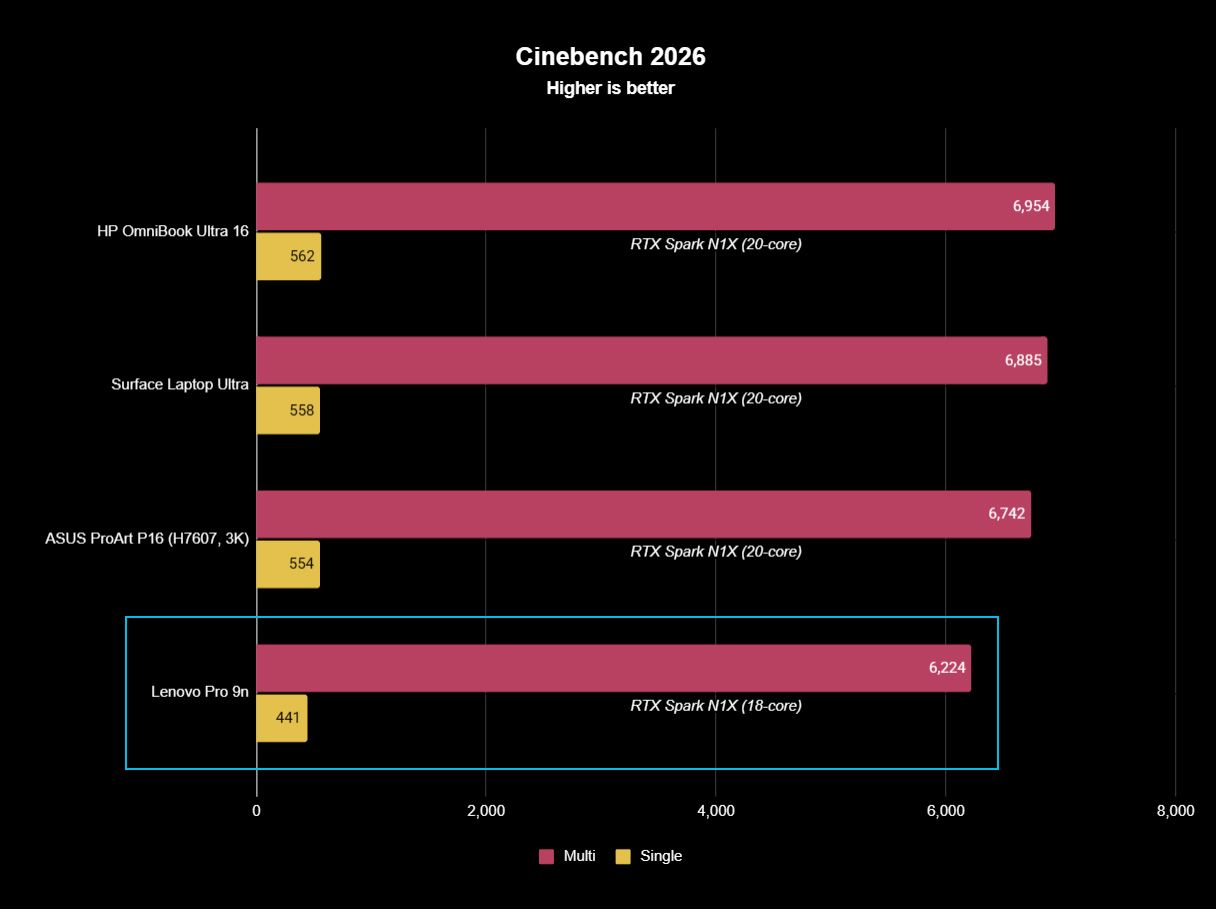
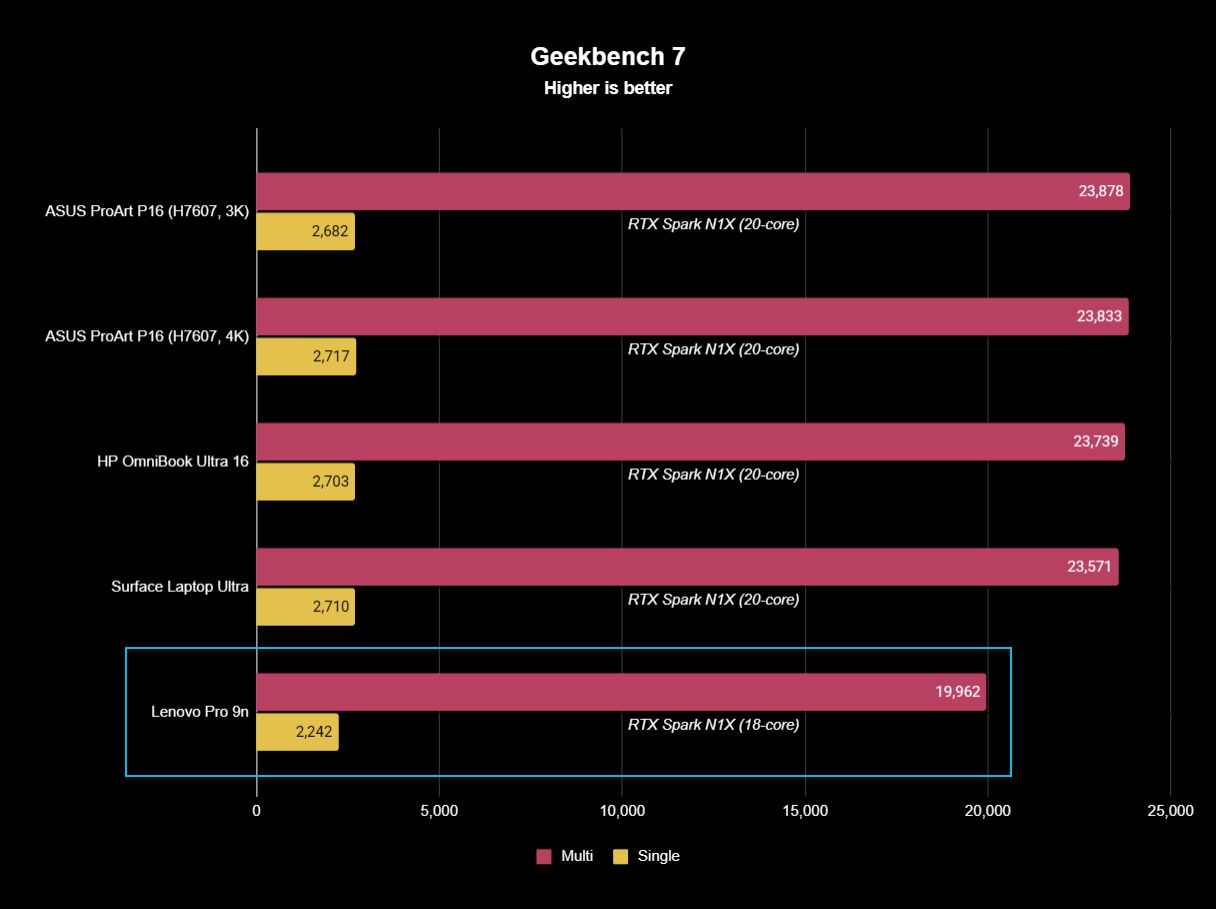
Geekbench 7 and Cinebench 2026 each show approximately a 5% increase in multi-core workloads for the mini PC.
That's a minor uplift, and most of the improvements, as we'll see, land in GPU territory.
CPU benchmarks
ASUS ProArt GR1X NVIDIA RTX Spark 64GB RAM
ASUS ProArt GR1X NVIDIA RTX Spark 128GB RAM
Surface Laptop Ultra NVIDIA RTX Spark 128GB RAM
Geekbench 7 (Single/Multi)
2,682 / 23,699
2,655 / 24,849
2,710 / 23,571
Cinebench 2026 (Single/Multi)
555 / 7,237
554 / 7,248
558 / 6,885
NVIDIA RTX Spark N1X desktop GPU performance
The RTX Spark's Blackwell GPU is the real winner, whether it's being used for gaming or for AI acceleration.
In 3DMark's suite of gaming benchmarks, the RTX Spark in the ProArt mini PC was ahead by up to 13.3%. The performance uplift drops off in more demanding tests at higher resolutions.
The RTX Spark's Blackwell GPU is the real winner.
Because the Spark gets access to NVIDIA's DLSS upscaling toolkit, the PC can game at a rather high level. Low triple-digit frame rates are possible in games like Cyberpunk 2077 at 1440p, even with ray tracing enabled. That nearly doubles with 4xmulti-frame generation.
Despite its gaming ability, I don't recommend buying the ProArt GR1X as a dedicated gaming PC. Treat it like a nice bonus in a PC purchased for specialized creative, AI, and professional workloads.
GPU benchmarks
ASUS ProArt GR1X NVIDIA RTX Spark 64GB RAM
ASUS ProArt GR1X NVIDIA RTX Spark 128GB RAM
Surface Laptop Ultra NVIDIA RTX Spark 128GB RAM
3DMark Time Spy
14,041
14,478 ^
12,771
3DMark Time Spy Extreme
6,367
6,646 ^
5,857
3DMark Steel Nomad
3,327 ^
3,288
3,064
3DMark Speed Way
3,087
3,194 ^
3,011
NVIDIA RTX Spark N1X desktop AI performance
AI performance receives a generous boost in the GR1X mini PC. (Image credit: Zac Bowden / Windows Central)
AI acceleration is the RTX Spark's main selling point. These PCs are not cheap, and those who aren't working with AI can spend a lot less to land a stellar device.
Zac and I ran a collection of benchmarks from the Procyon toolkit to measure AI tasks like text and image generation, as well as video editing and general responsiveness under load.
Unsurprisingly, the desktop RTX Spark outperforms the laptop version across the board.
On-device text generation benchmarks
Model
ASUS ProArt GR1X NVIDIA RTX Spark 64GB RAM
ASUS ProArt GR1X NVIDIA RTX Spark 128GB RAM
Surface Laptop Ultra NVIDIA RTX Spark 128GB RAM
Phi-3.5-mini
2,902 74.9 Tokens/sec
2,958 ^ 77.95 Tokens/sec
2,615 72.21 Tokens/sec
Mistral 7B
2,491 53.7 Tokens/sec
2,549 ^ 55.4 Tokens/sec
2,276 53.07 Tokens/sec
Llama 3.1 8B
2,415 50.8 Tokens/sec
2.490 ^ 52.8 Tokens/sec
2,251 49.44 Tokens/sec
Llama 2 13B
2,280 28.1 Tokens/sec
2,336 ^ 28.8 Tokens/sec
2,108 27.44 Tokens/sec
Text generation using four different models is faster by up to several tokens a second on the desktop Spark chip.
In Phi 3.5 mini, there's a 13.1%uplift on the desktop RTX Spark. For Mistral 7B, it's an 11.99% increase. Llama 3.1 8B falls to a 10.6% uplift, and Llama 3 13B hits 10.82%.
On-device image generation benchmarks
Model
ASUS ProArt GR1X NVIDIA RTX Spark 64GB RAM
ASUS ProArt GR1X NVIDIA RTX Spark 128GB RAM
Surface Laptop Ultra NVIDIA RTX Spark 128GB RAM
Stable Diffusion 1.5
1,635 3.82 s/image
1,680 ^ 3.72 sec/image
1,480 4.22 sec/image
Stable Diffusion 1.5 Light
12,713 2.46 s/image
13,127 ^ 2.38 sec/image
11,294 2.77 sec/image
Stable Diffusion XL
1,824 20.55 s/image
1,819 20.6 sec/image
1,496 25.05 sec/image
Improvements to image generation speed are more impressive. The desktop RTX Spark cuts about five seconds off Stable Diffusion XL generation time, whether using 64GB or 128GB of RAM.
Stable Diffusion 1.5 sees a 13.5% uplift, SD 1.5 Light hits a 16.23% increase, and Stable Diffusion XL improves by a whopping 21.9%.
On-device workload benchmarks
ASUS ProArt GR1X NVIDIA RTX Spark 64GB RAM
ASUS ProArt GR1X NVIDIA RTX Spark 128GB RAM
Surface Laptop Ultra NVIDIA RTX Spark 128GB RAM
Procyon Computer Vision 2
4,057
4,147 ^
3,997
Procyon Essentials
4,519
5,333 ^
4,863
Procyon Video Editing 1.5
N/A
30,168 ^
29,595
Computer Vision 2 measures how well a PC can handle general AI tasks common in offices and other workplaces. It's a minor jump for the desktop Spark with 64GB RAM, but a more pronounced jump for the model with 128GB.
ProcyonEssentials performs a bunch of tasks common in professional workloads: video calls, heavy web browsing, app startup, and more. This test likely relies more on system RAM, as my 64GB mini PC fell behind both 128GB systems. With RAM on par, the desktop RTX Spark comes out well ahead.
Video Editing uses Adobe Premiere Pro to gauge the ability to work through an editing workflow. Again, the desktop RTX Spark chip comes out ahead of the laptop version.
What I like about the ASUS ProArt GR1X
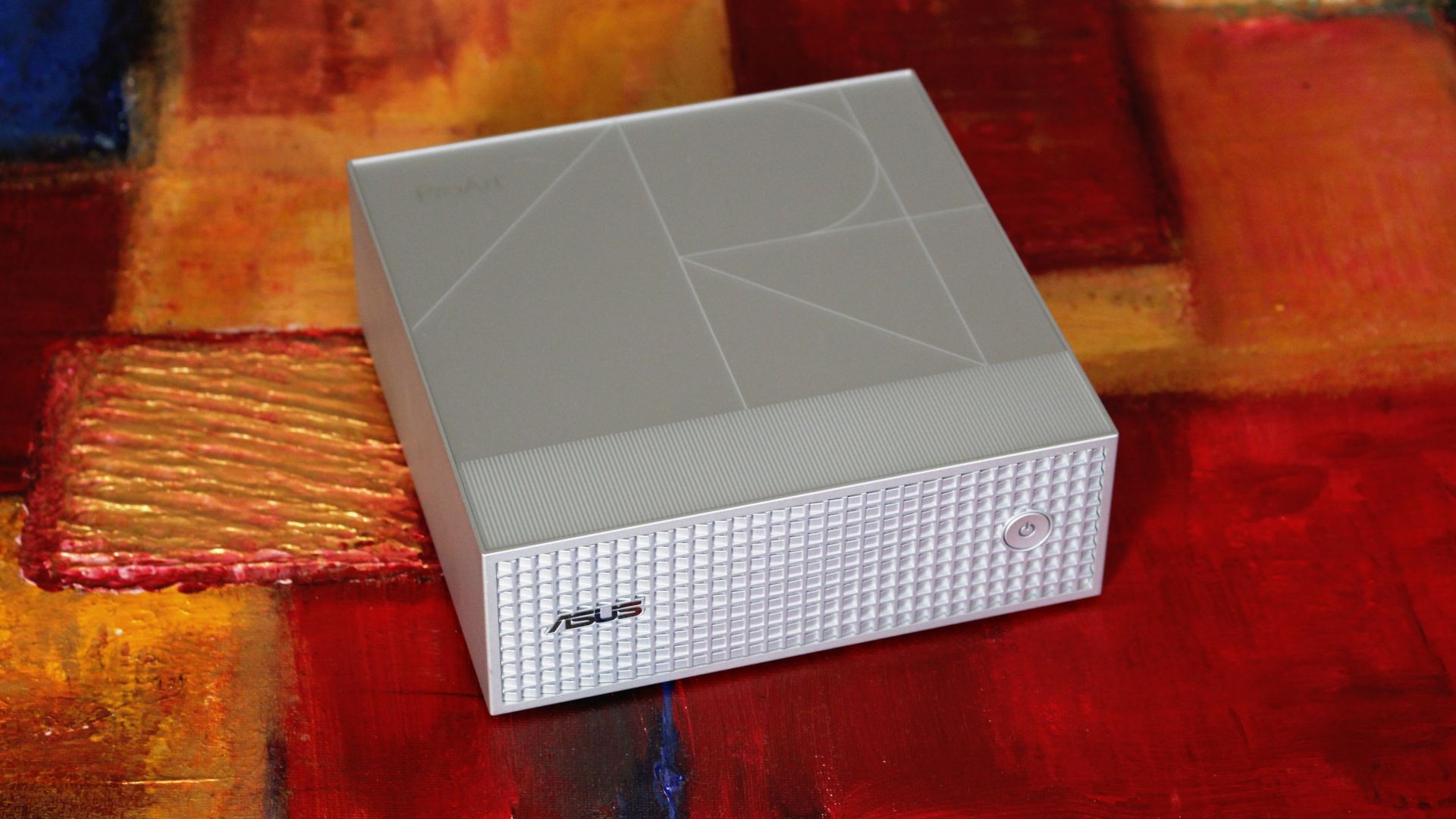
The ProArt GR1X is compact and has a beautiful exterior finish. (Image credit: Zac Bowden / Windows Central)
In my limited time testing the ASUS ProArt GR1X, I've come across a few perks and downsides that I feel are pertinent to your buying decision.
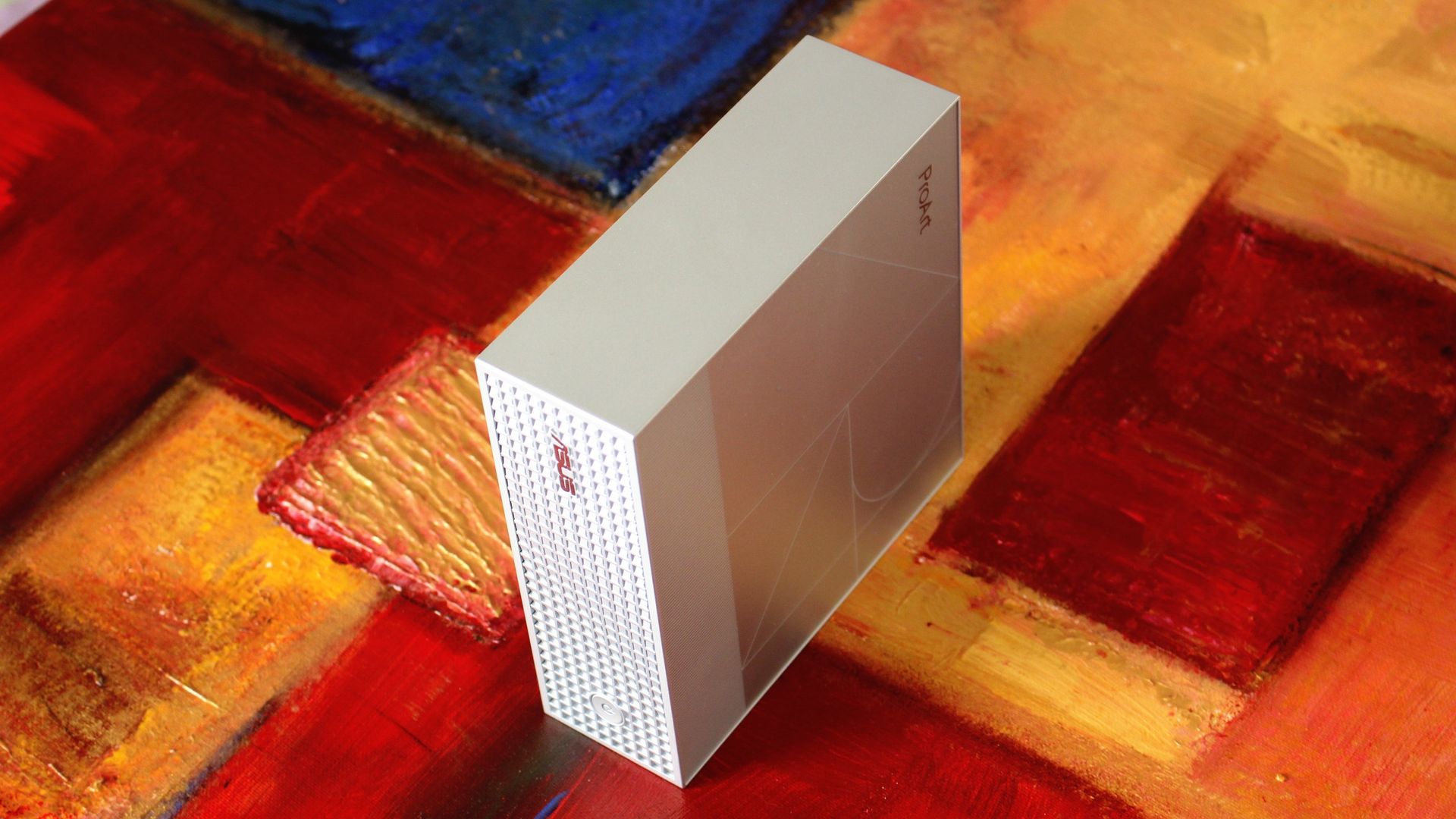
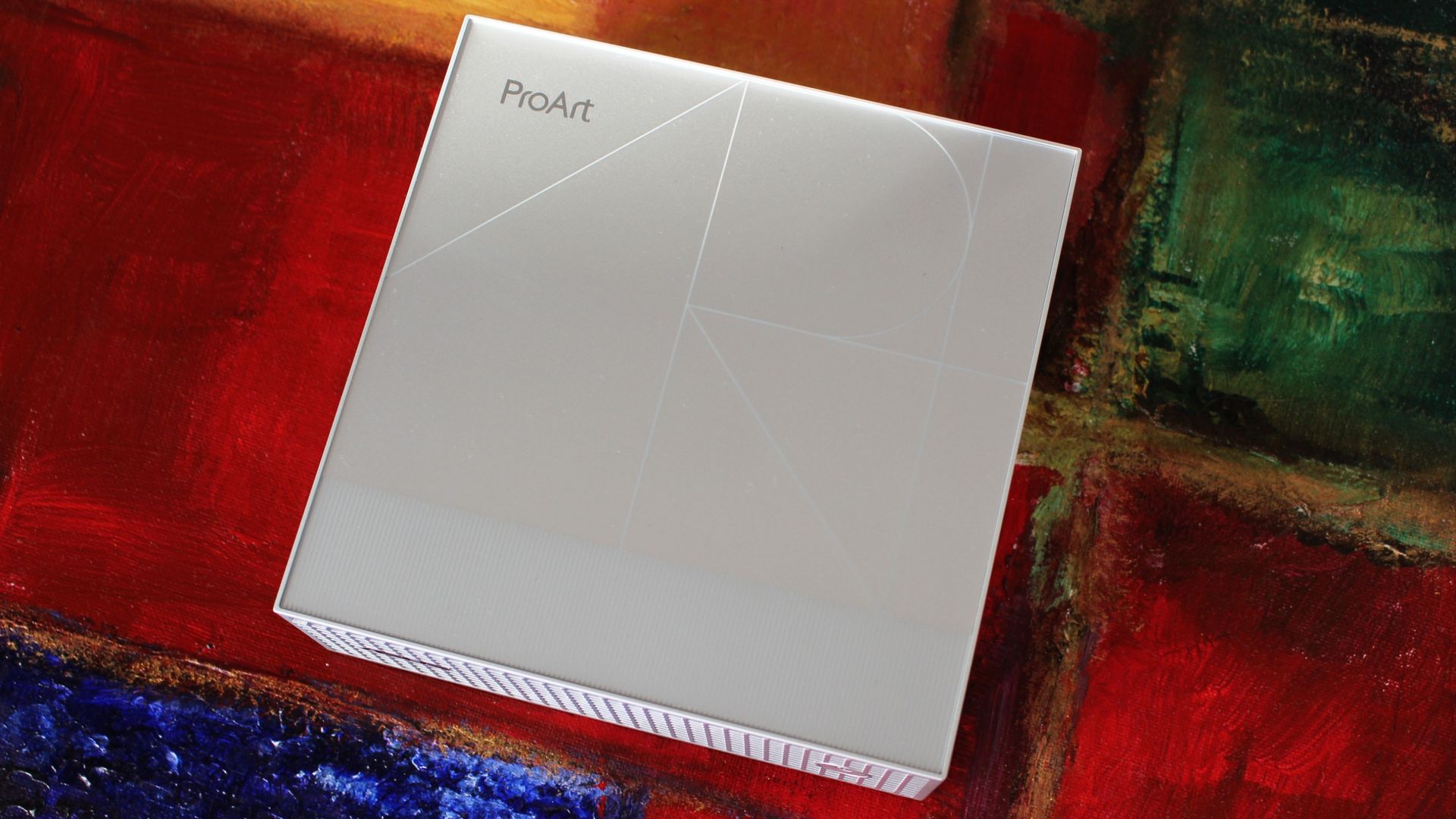
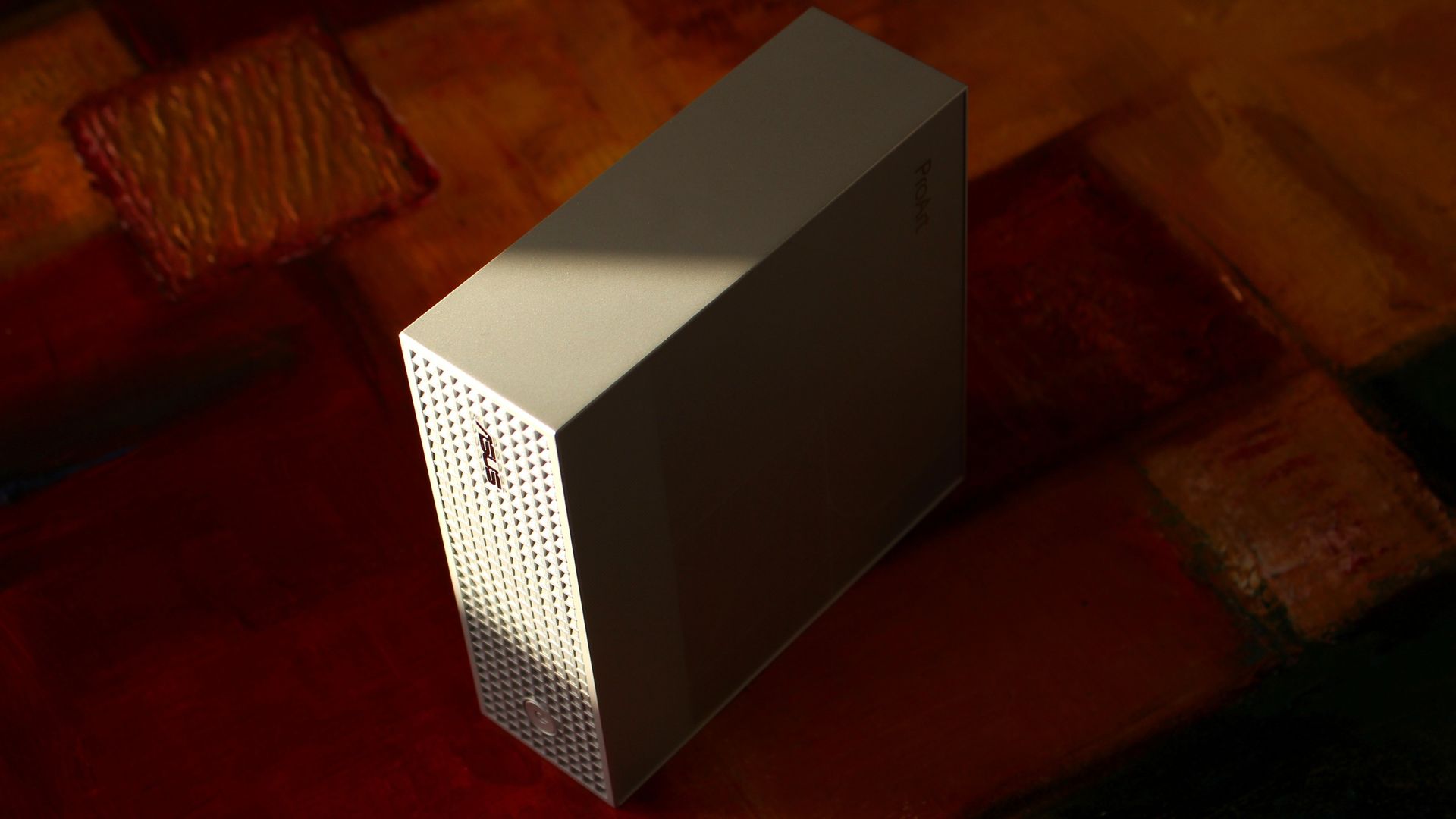
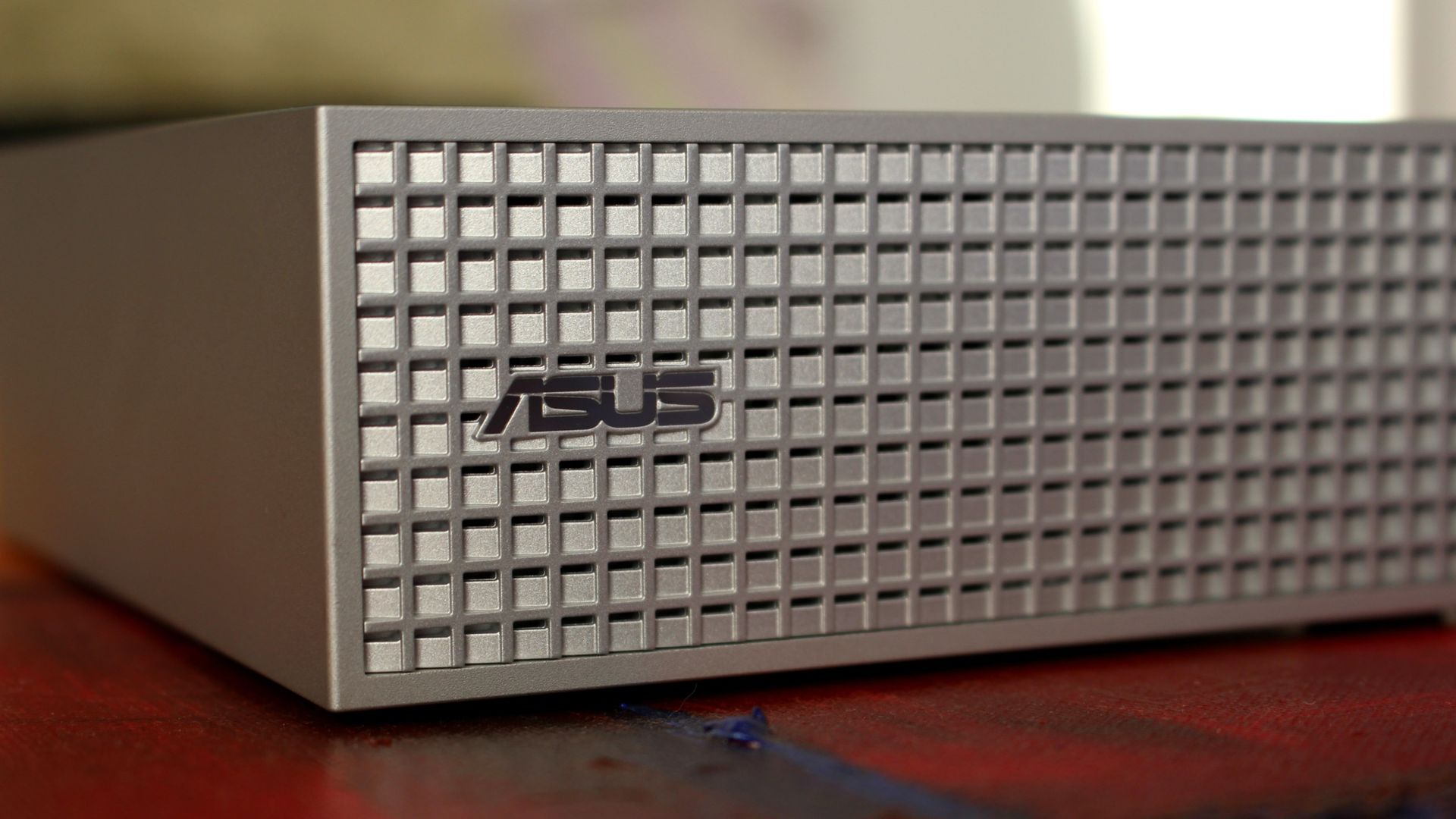
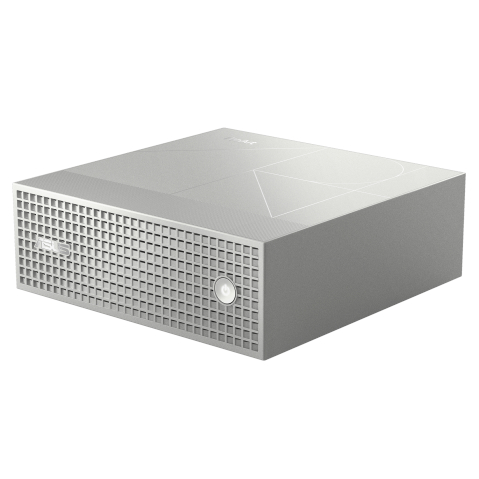
Starting with the good stuff, I love the mini PC's design. All of the ASUS ProArt PCs have a professional aesthetic, and this one nails it with a silver finish, a stylized ProArt logo engraving on the top panel, and a waffled front plate with additional air vents.
It's a super simple approach with just a power button on the front, leaving all I/O for the rear of the PC (more on that in the next section).
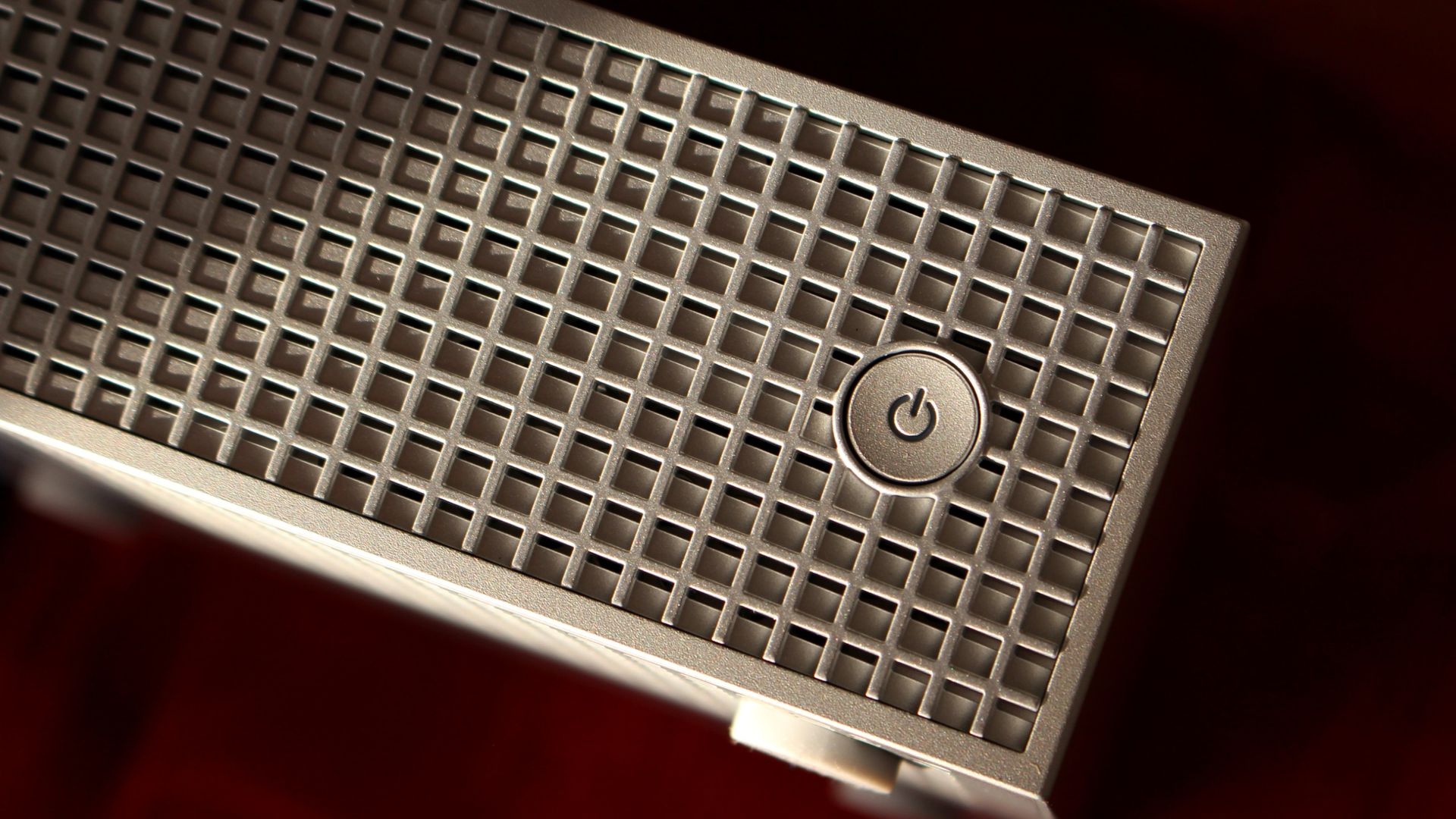
The etched ProArt design in the top of the GR1X is a nice touch. (Image credit: Zac Bowden / Windows Central)
I put my GR1X through a stress test to see how loud it gets. My meter didn't breach 55 decibels during the run, which is about as loud as a regular conversation. Nothing wrong with that. It doesn't throttle thermally, either, which is really the whole point of a desktop support system.
The rather large intake vent on the bottom of the PC is clearly feeding it with enough cool air, and everything gets vented out the back, as it should.
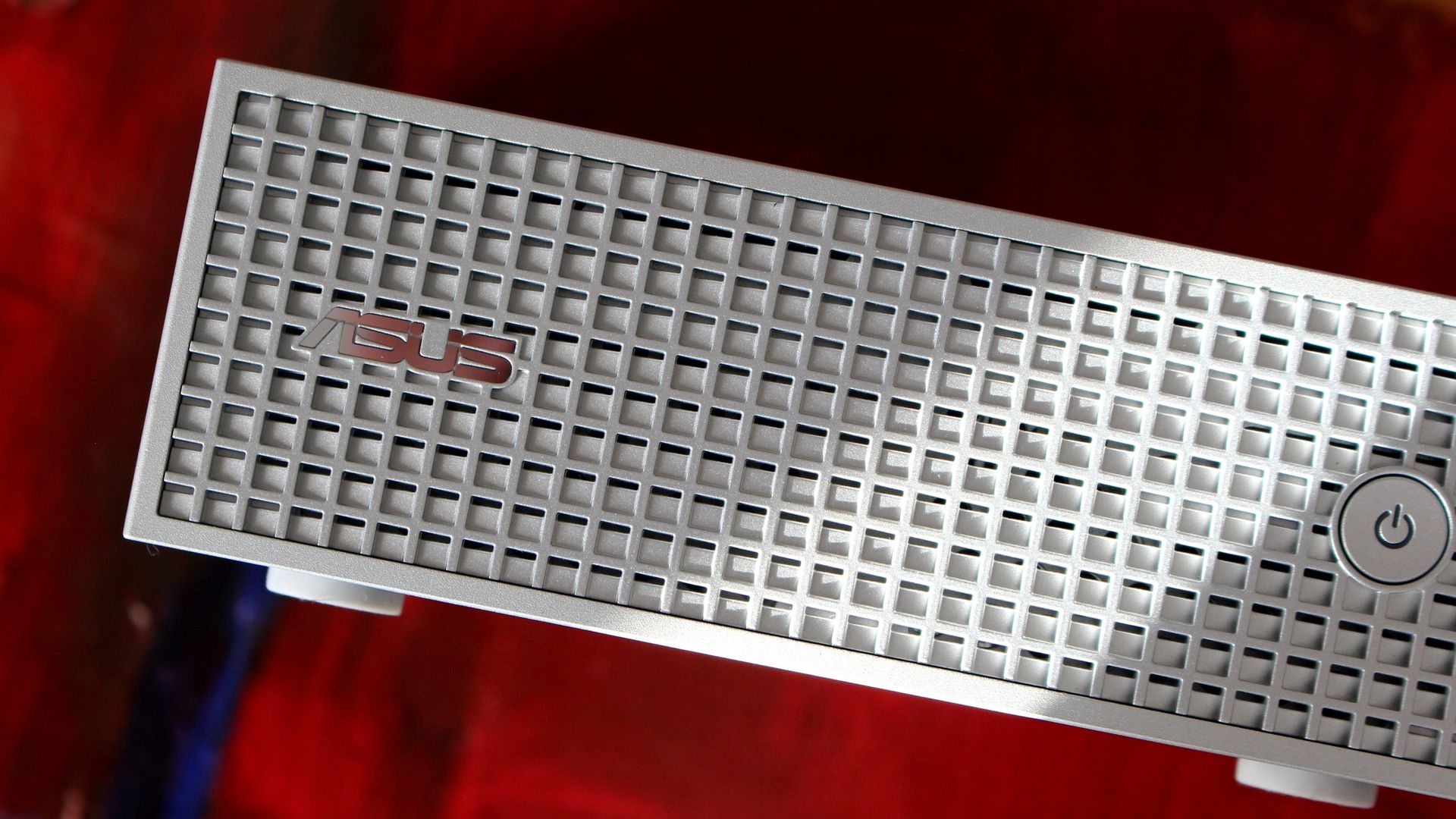
A power button and ASUS logo adorn the front waffled panel. (Image credit: Zac Bowden / Windows Central)
Wireless connectivity is about as good as you'll find these days, with modern Wi-Fi 7 and Bluetooth 5.4 on board. Most people aren't yet using Wi-Fi 7, but you'll be ready for a router upgrade in the future.
ASUS has also included a 10Gb Ethernet port for wired hookups, ideal for anyone who prefers the reliability of LAN.
As for external display support, you can run up to four screens at once via USB-C and HDMI 2.1.
What I dislike about the ASUS ProArt GR1X
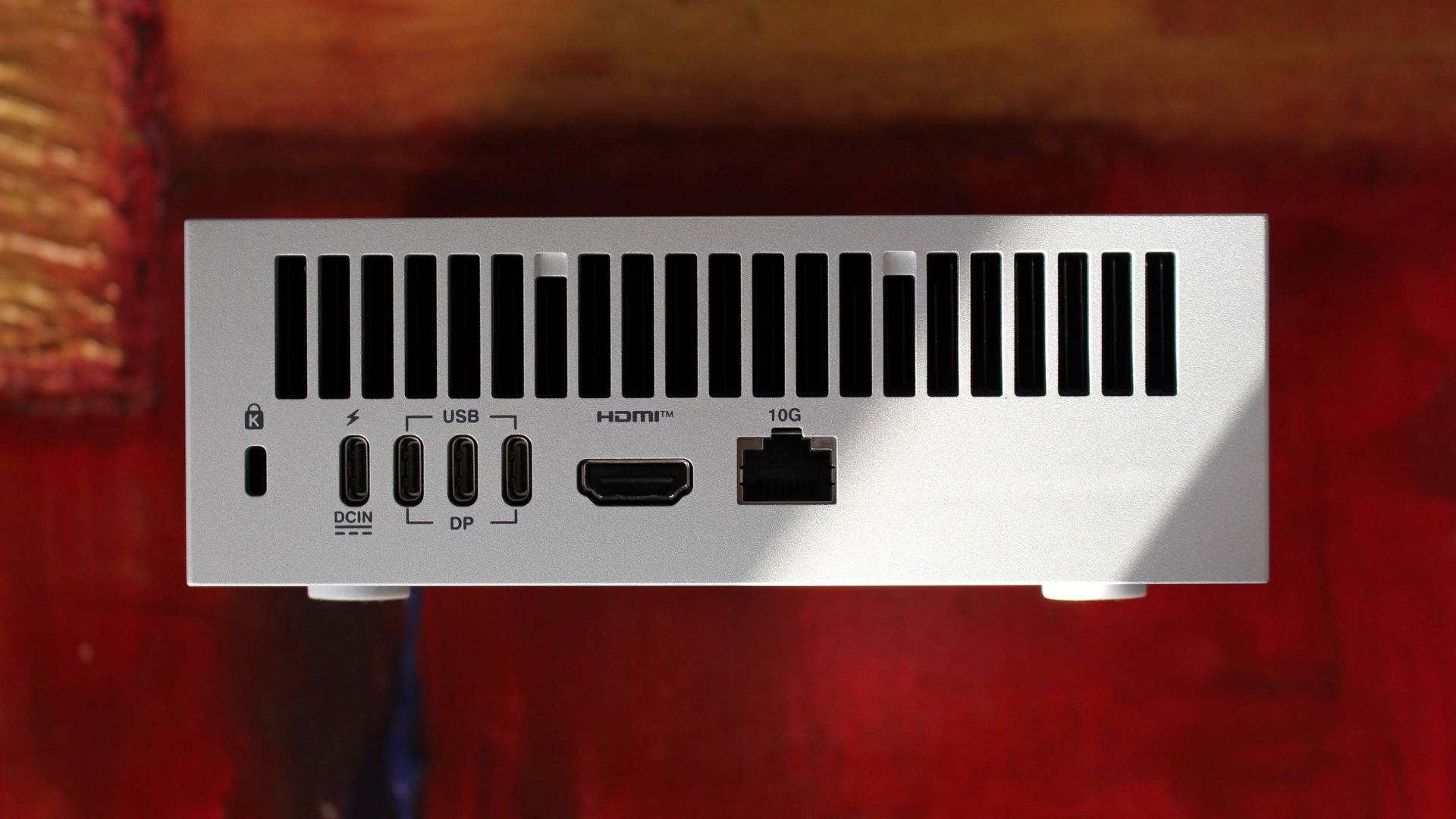
Ports are all located on the back of the PC. (Image credit: Zac Bowden / Windows Central)
My main gripe with the ProArt GR1X right now is its port placement. Everything is located on the rear of the PC, so even quick hookups will have you reaching around and feeling for a port.
The USB-C ports are all jammed together on the back, making it difficult to plug in and out on the fly. Having even one port on the front would go a long way.
There's also the port selection to contend with. The ProArt GR1X has no USB-A or SD card reader, and its USB-C ports aren't as good as they could be.
Rather than USB4 at 40Gbps, the three USB-C hookups are Gen 2x2, topping out at 20Gbps. A fourth USB-C port handles the AC hookup, so no issues there.
Should you buy the ASUS ProArt GR1X mini PC?
A look at the waffled front panel with air intakes on the ASUS ProArt GR1X. (Image credit: Zac Bowden / Windows Central)
You should buy it if ...
✅ You want superior RTX Spark power and don't mind losing a laptop's mobility.
✅ You're an AI specialist with deep pockets for specialized PC hardware.
You should not buy it if ...
❌ You prefer having an RTX Spark PC you can take anywhere.
❌ You're a gamer who needs a PC for fun and nothing else.
NVIDIA promised a performance uplift with its desktop version of the RTX Spark, and based on our testing, I'd say it made good on its word. The improved cooling and added wattage really make a difference.
The Blackwell GPU has the most to benefit, and we saw uplifts starting around 10% and running as high as 21.9% in benchmarks. CPU improvements are not as pronounced, but that matters less here for specialized AI workloads.
We saw uplifts starting around 10% and running as high as 21.9% in benchmarks
As for the ASUS ProArt GR1X itself, it's a fancy, compact mini PC that keeps its cool and quiet under load. It's not perfect, but it seems like apt housing for NVIDIA's chip.
Downsides? I can't figure out why ASUS didn't expand its port selection or place anything on the front panel. The setup is bound to frustrate anyone who's often plugging and unplugging.
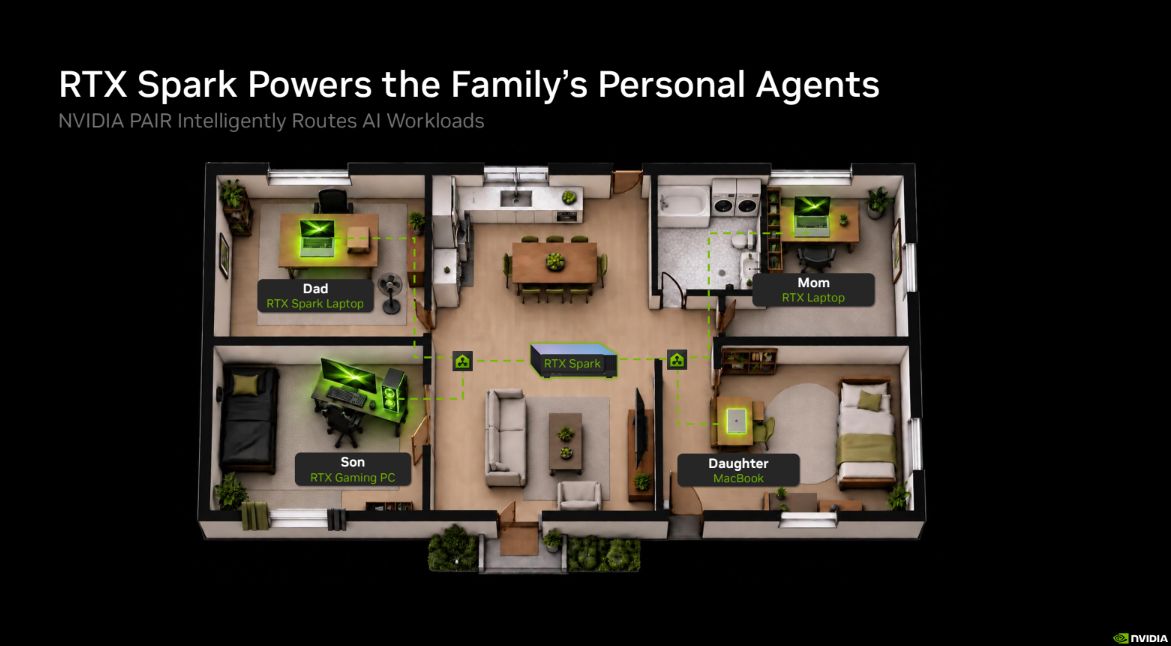
That leads me to NVIDIA PAIR, a feature for RTX Spark PCs that allows them to communicate wirelessly with each other, offloading workloads to connected RTX and macOS systems.
A quick look at how NVIDIA PAIR works across your home or office. (Image credit: NVIDIA)
With how the ProArt GR1X is designed, it seems like a perfect candidate to become a "headless" AI machine that works away on its own while you use a laptop or full-size desktop PC. Link up two or three of these mini PCs, and you have a personal network ready to do your AI bidding.
There's also the price with which to contend. Starting at $4,499, RTX Spark desktop mini PCs are a full $700 more expensive than RTX Spark laptops. Is the extra power worth it? For some professionals, sure. For others, it'll no doubt be too much of a premium over the laptop price to make sense.
We plan to put together a comparison with the Mac Studio in the coming days, but are there any other PCs to which you'd like RTX Spark compared? What would you like us to test next on the ProArt GR1X? Let us know in the comments section below!
Desktop RTX Spark
ASUS
ProArt GR1X
The desktop version of NVIDIA's RTX Spark chip delivers the promised uplifts over the lower-watt laptop version. The ASUS ProArt GR1X helps make that possible with strong cooling capabilities, but it has some of its own quirks you'll want to know about before buying.
Join us on Reddit at r/WindowsCentral to share your insights and discuss our latest news, reviews, and more.
Short story? Intel's Arc G3 Extreme chip has proven to be the hardware you want in your gaming handheld. But the chip is only a small part of Acer's package, and I'm also focusing on the Atlas 8's design, features, cooling, screen, and software.
I've had a ton of fun with the Atlas 8, but it might not be right for you. Here's what I think you should know before buying.
Acer and Intel had no input, nor did they see the contents of this review prior to publication.
Predator Atlas 8 specs at a glance
The Predator Atlas 8 launched at $1,299.99, a full $500less than MSI's competing Claw 8 EX AI+ (also with an Arc G3 Extreme chip inside).
On November 10, less than two weeks after the November 1 launch, the Atlas 8's price rose to $1,449.99. I'm keeping this price hike in mind throughout the review, but it mainly pertains to the final section.
Here's a quick look at the specs in my loaner review unit.
The Predator Atlas 8's IPS display is colorful and bright. (Image credit: Future)
I'm an OLED convert, and I'm convinced that it's the best way to game. That being said, these new Intel gaming handhelds with IPS displays are impressive.
It gets quite bright at 500 nits, and it manages to hit the full sRGB color spectrum for a more vivid picture.
If I have to choose between an OLED display and Intel's Arc G3 Extreme performance, I'll take the latter every time.
A lack of OLED should not be a dealbreaker. Everything is bright, clear, and crisp, with the 120Hz refresh rate adding a decent amount of headroom for frame generation.
I gamed all over the place with the Atlas 8, and glare was never too much to make me quit. An anti-glare screen protector is included, but I didn't feel the need to use it.
As Rubino noted, the lack of OLED in the $1,799 MSI Claw 8 EX AI+ is an obvious drawback. It doesn't feel as obvious in the $1,299 (now $1,449) Atlas 8, though it's still something you'll need to consider when buying.
Chunky, but overall comfortable to hold
The Atlas 8 remains comfortable to hold even during marathon gaming sessions. (Image credit: Future)
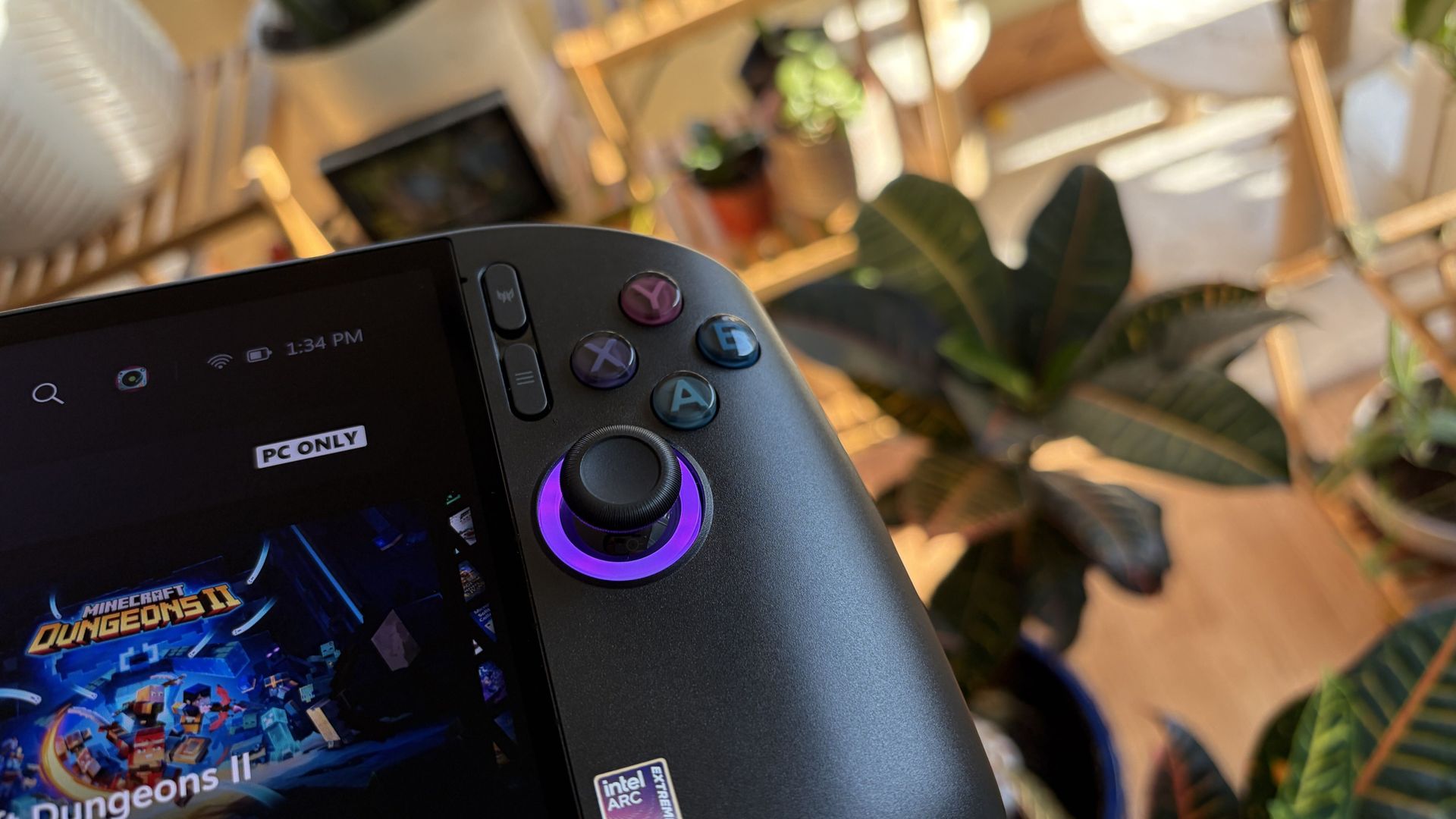
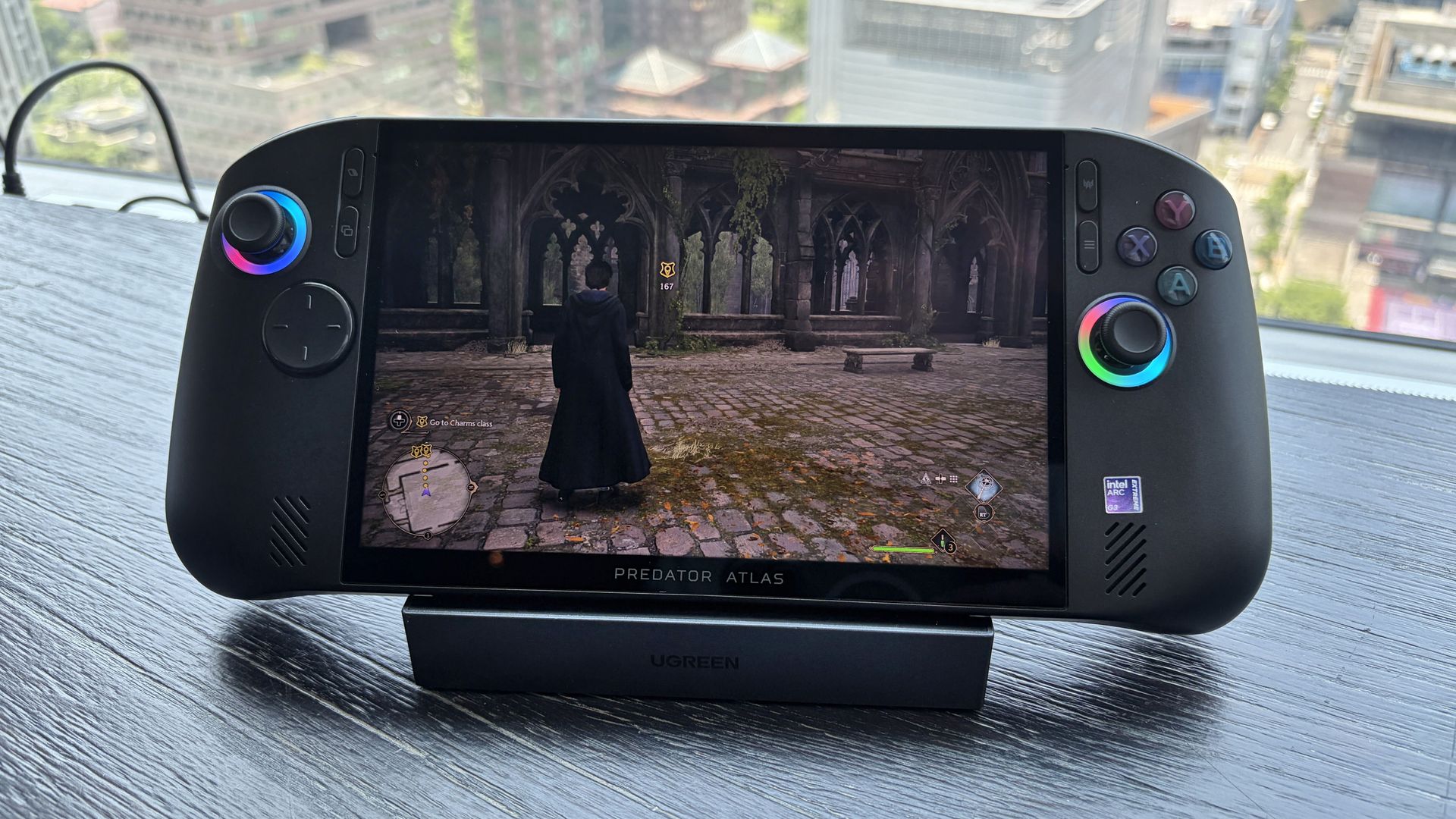
Coming from the Steam Deck as my primary handheld, the Atlas 8's fused grip style is familiar and comfortable. It fits in my palms and rests there naturally; I didn't find it too heavy or too light ... just right.
The handheld is built well. There's no flex in the body. It doesn't creak or groan when you're handling it with one paw. All the controls are easily within reach. And despite its sheen, it's not slippery.
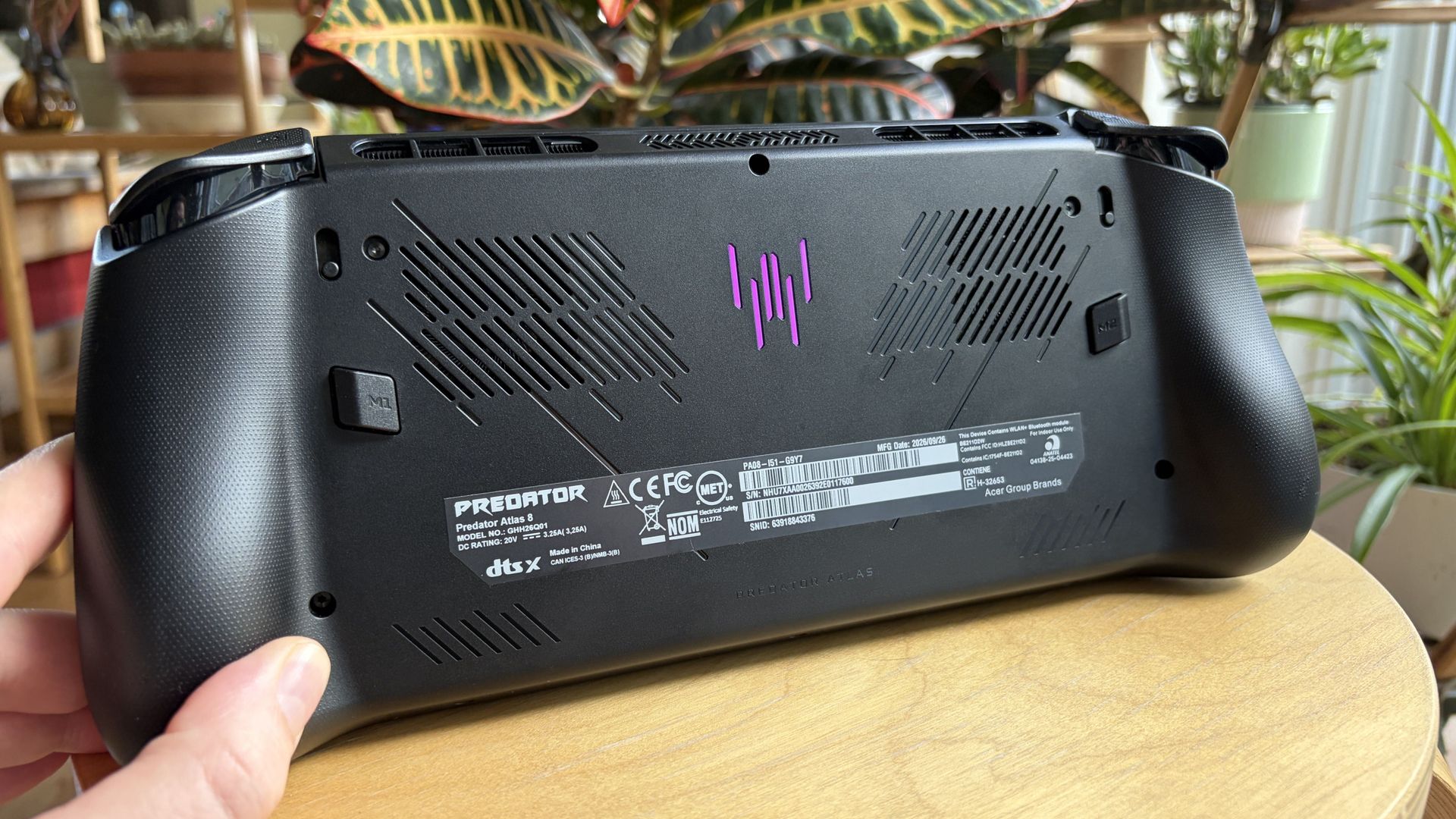
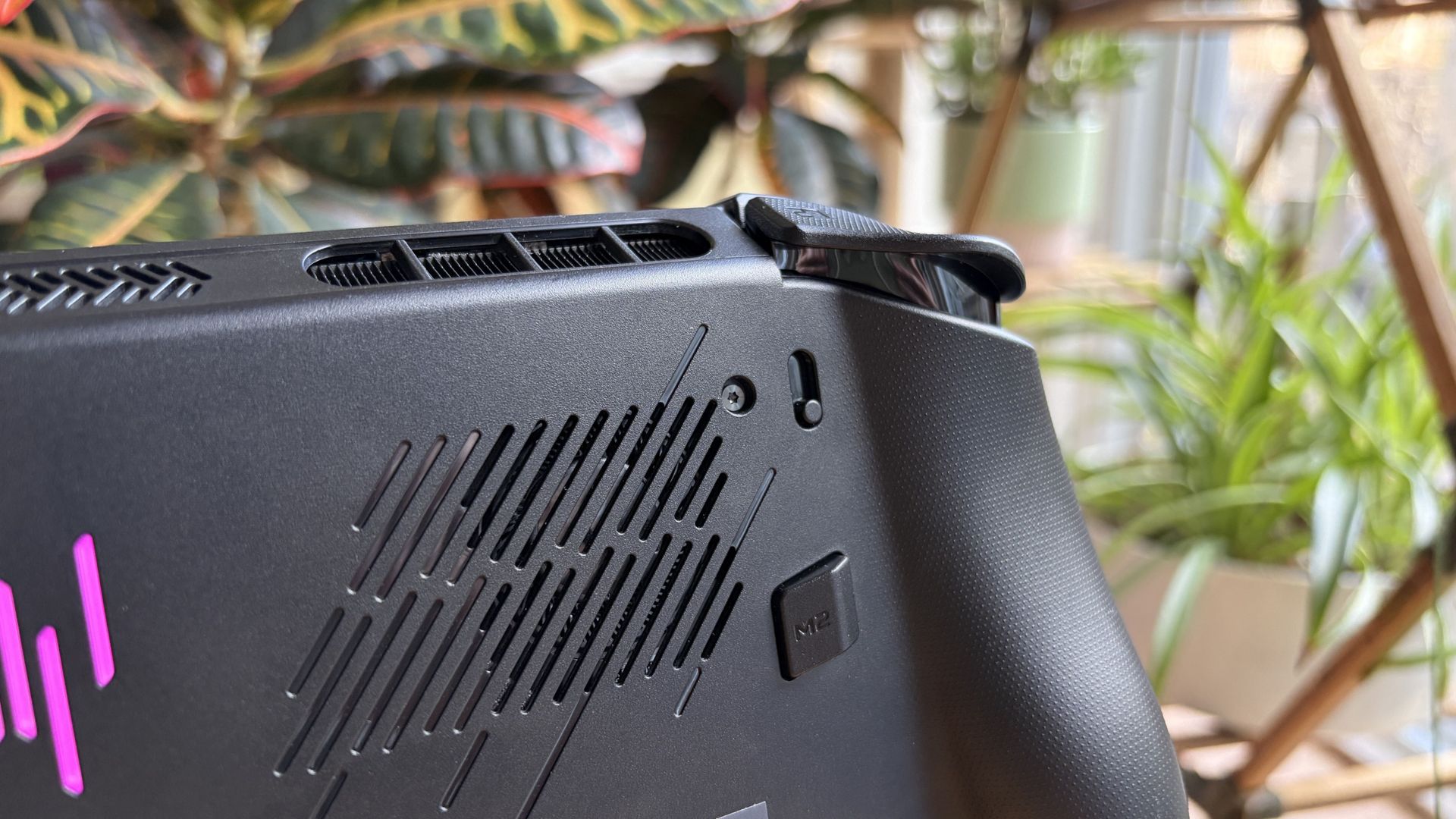
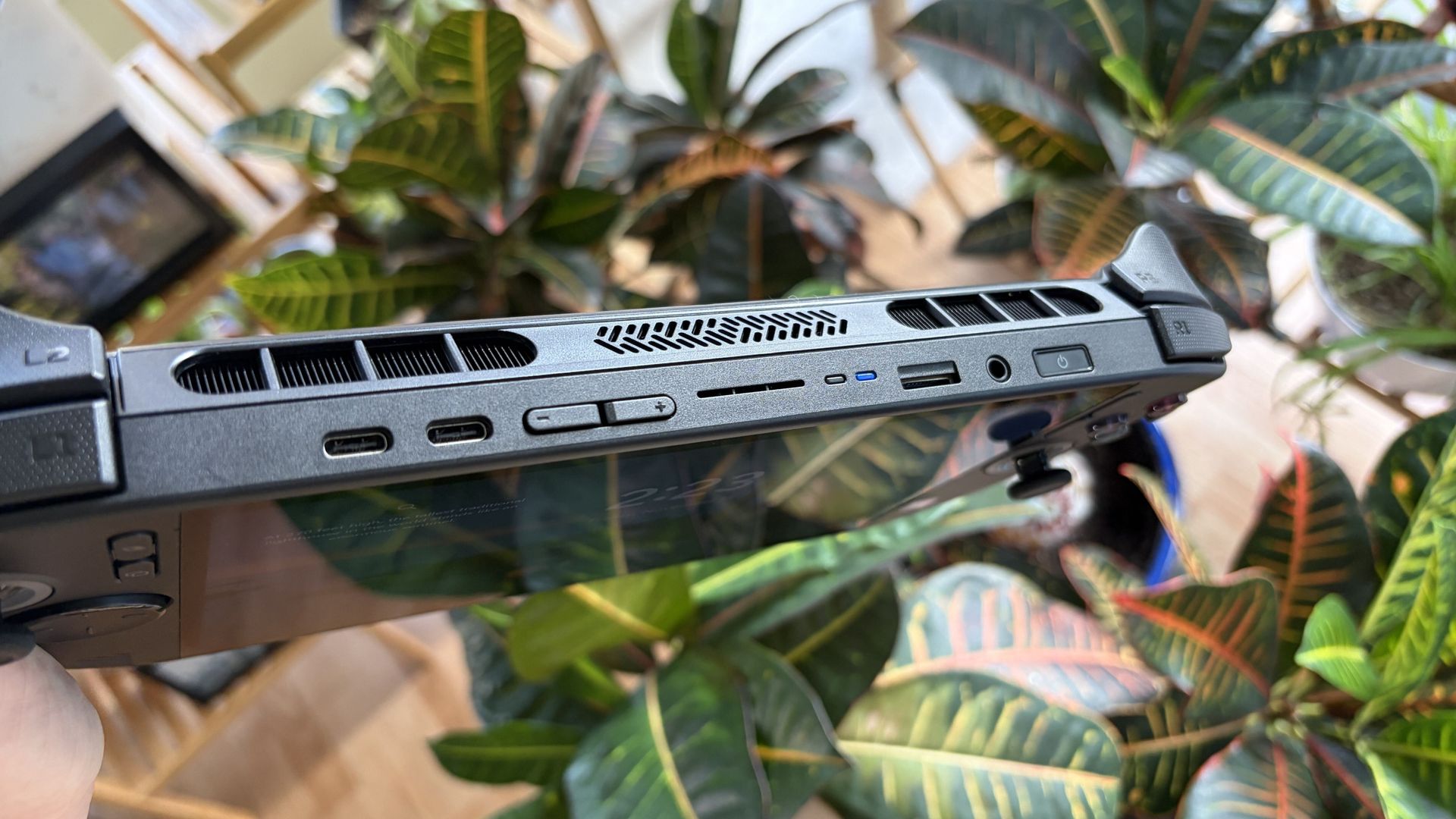
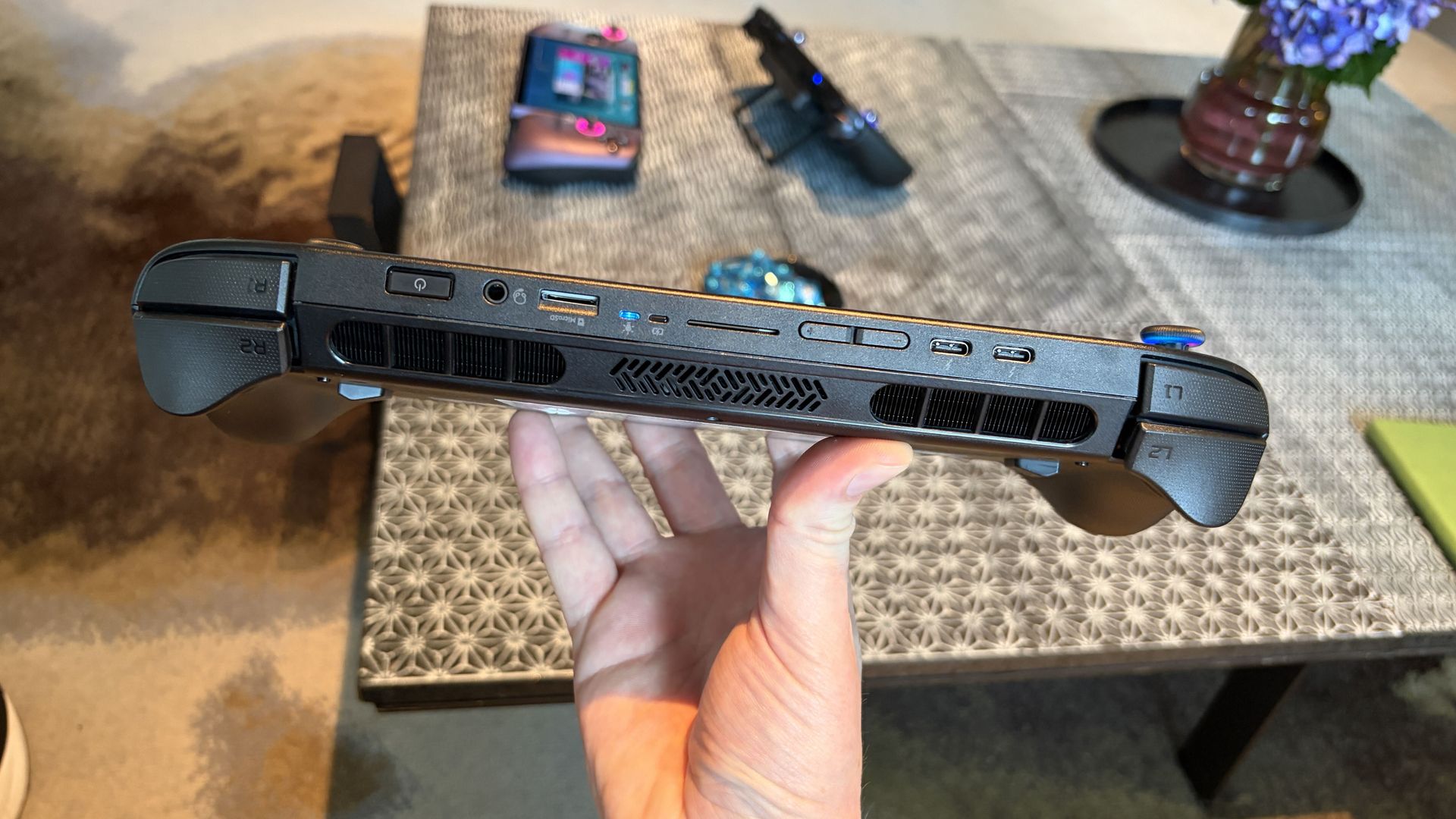
As you might expect, air intakes for the cooling system are on the back of the handheld, away from where your fingers rest. Exhaust runs along the top of the device, so you don't feel it at all when gaming.
Dual Thunderbolt 4 ports and Wi-Fi 7 set you up nicely for years of gaming
The Atlas 8's ports include dual Thunderbolt 4, microSD card reader, and 3.5mm audio combo. (Image credit: Future)
Also along the top are dual Thunderbolt 4 ports, a 3.5mmaudio combo jack for input/output, and a UHS-II microSD card reader for removable storage. I've got to say that it's great having Thunderbolt on board, as the advanced ports handle video, charging, accessories, and storage.
As for wireless, Wi-Fi 7 and Bluetooth 5.4 provided fast, seamless connectivity while testing the Atlas 8. I had no issues with either.
One important thing to note: I'm not a huge fan of handheld haptics to begin with, and the implementation here doesn't really do anything to change my mind. The rumble is plain and gets annoying. I ultimately disable haptics, but you might have a different opinion.
The speakers aren't special
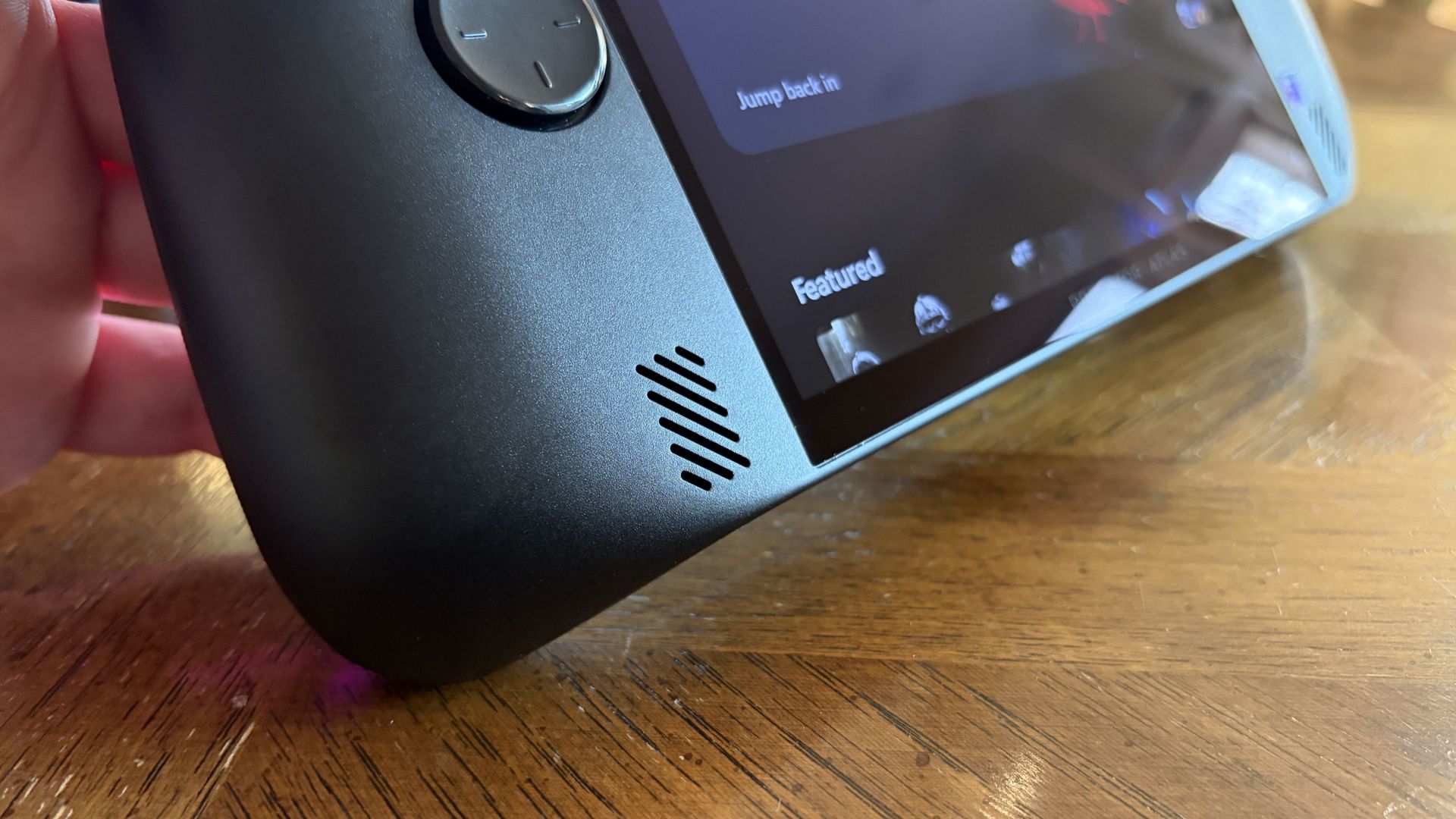
One of the Atlas 8's two front-firing speakers. (Image credit: Future)
The Atlas 8's dual 2W speakers put out a lot of volume, and they're positioned on the front of the device to hit you right in the face. It's decent audio for such a small device, but it's not perfect.
Audio is a tad thin at lower volume levels, and once you crank it up, you'll start to notice a bit of distortion. I played around with onboard audio settings to try out different presets, and ultimately got it sounding better without needing headphones.
In terms of post-purchase upgradeability, the Atlas 8's rear panel comes off after removing 8 screws, providing access to the internal SSD. If you'd rather not use removable microSD storage to boost your library space, you can always do your own internal drive upgrade.
Lovely controls ... except the D-Pad
The Atlas 8's controls are all good ... except for the D-Pad. (Image credit: Future)
The Atlas 8's TMR joysticks are built on Hall Effect tech, offering superior sensitivity by eliminating physical contact. They're the best way to play, and Acer's implementation is flawless. The sticks have perfect resistance, and I had no problems with drift.
The analog R1/L1 bumpers have a satisfying click, and the AXBY buttons are standard fare. Not too spongy, not too firm. I've seen some users complain about the right stick's positioning and how close it is to the buttons, but I had no issues.
A small switch on either side of the Atlas 8 lets you adjust trigger depth. (Image credit: Future)
The triggers are top-notch. Hall Effect sensing adds extra pressure sensitivity, providing what feels like perfect control. The triggers feel robust with the right amount of resistance, and you can set the depth with small switches.
Toggle one way for a shorter pull (great for twitch gaming), or toggle the other way for the full travel. It's a nice little perk that I should probably use more often.
My only gripe is with the D-Pad. It reads input just fine, but its scooped face with small raised lines just doesn't do it for me. I'd rather have more prominent markers for quick actions, like on MSI's Claw 8 EX AI+.
Intel's newfound gaming performance is impressive
The Atlas 8's rear vents feed the cooling system with fresh air. (Image credit: Future)
I mostly focused on gaming performance (no kidding) for the Predator Atlas 8, but rest assured that Intel's Arc G3 Extreme chip is also quite adept at productivity work should you want to get some dual-use going on the road.
Rubino, in his MSI Claw 8 EX AI+ review, goes into a lot more depth about Intel's productivity power, and I recommend reading it if you're interested in more than just fun.
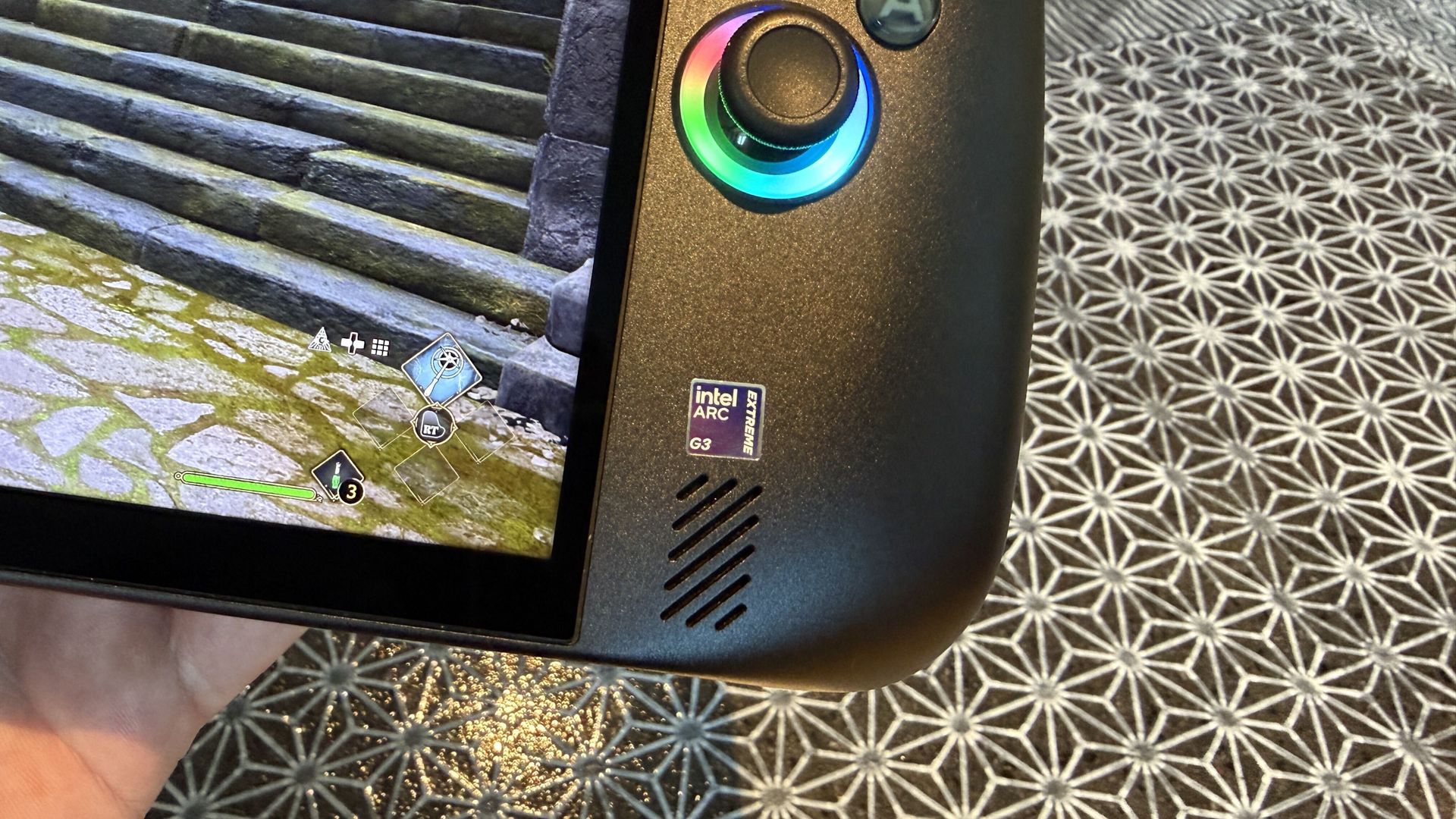
The Arc B390 GPU — with 12 Xe cores, a 2.3GHz frequency, and full access to the latest XeSS 3 upscaling suite with multi-frame generation — is where Intel's dominance becomes obvious.
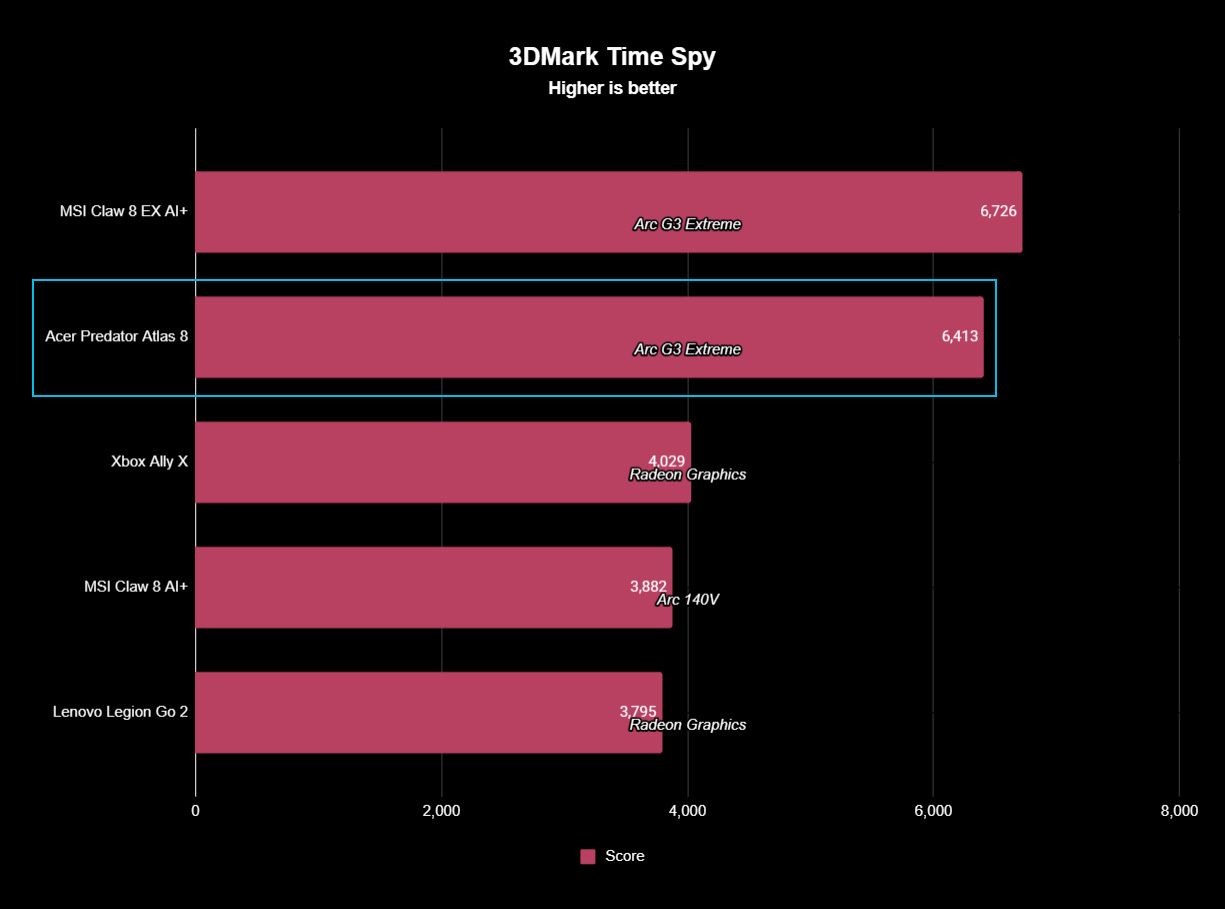
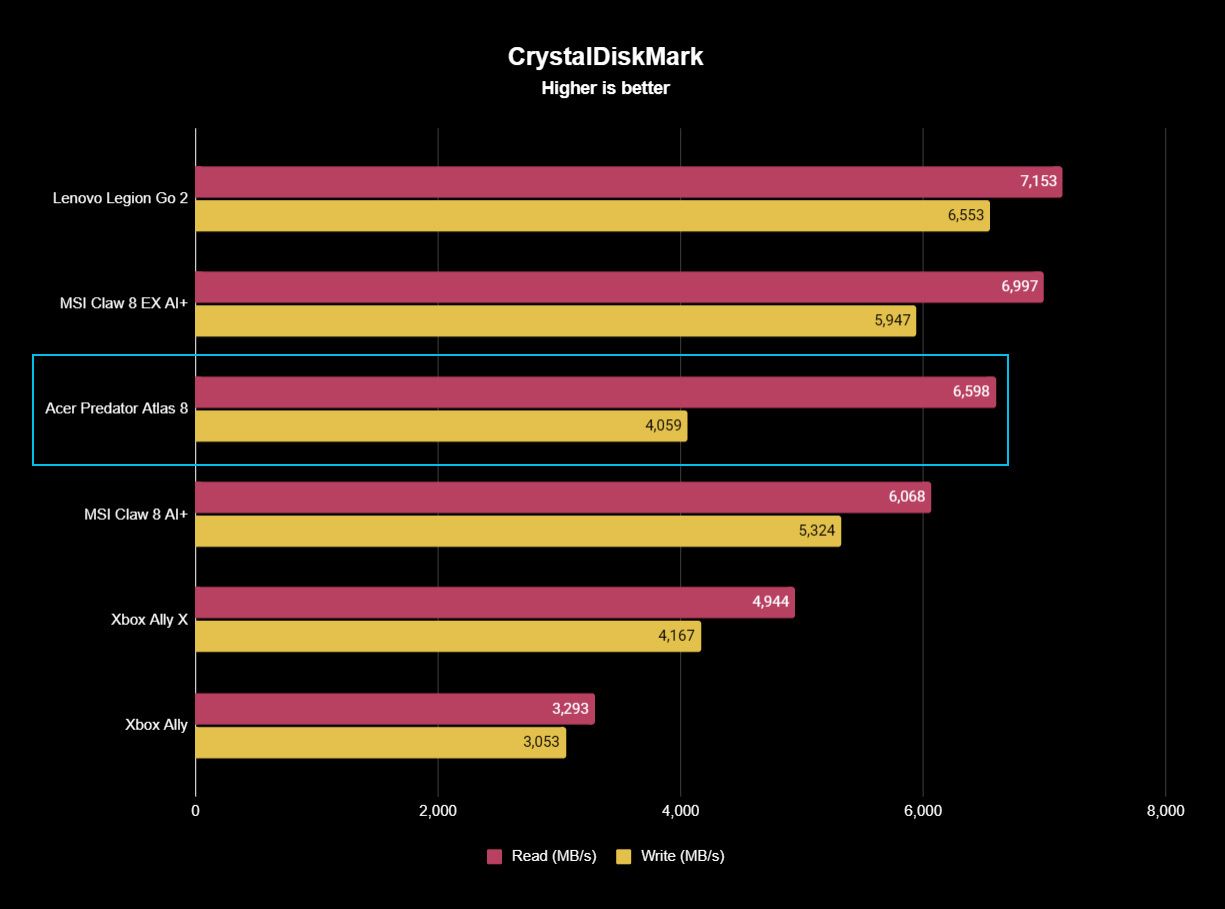
As you can see in the graphs below, the Arc G3 Extreme inside the Predator Atlas 8 easily beats the Ryzen Z2 Extreme in the synthetic 3DMarkTime Spy benchmark. It's not even close. The SSD is also nice and speedy.
FutureFuture
MSI's Claw 8 EX AI+ is still in the lead in these tests, but the Atlas 8 is close enough that you won't likely notice much difference in everyday play. Here's a quick rundown of how the Atlas 8 stacks up to the MSI handheld.
Acer Predator Atlas 8
MSI Claw 8 EX AI+
3DMark Fire Strike
12,935
13,340 ^
3DMark Time Spy
6,413
6,726 ^
CrystalDiskMark (Read)
6,598 MB/s
6,997 MB/s ^
3DMark Gaming Battery
2:00 (Quiet 25W)
3:23 (Endurance 15W)
For actual games, I spent a lot of time in Cyberpunk 2077, WoW: Forever, and a handful of lighter indie titles.
Cyberpunk 2077 was certainly the most impressive run. With basic ray tracing and native XeSS 2 frame generation enabled, the in-game benchmark spit out a 99.4 FPS average result while running on battery power and in balanced power mode.
The handheld itself remains at a comfortable temperature, hot air is exhausted away from you, and the dual fans don't get too loud even under full load.
That's extremely promising, though battery life slips quickly when you have settings cranked up (more on that below).
Testing again on AC power with the Turbo performance mode, the in-game benchmark hit a 105 FPS average. Again, a very good result in a notoriously demanding game, and it shows how well the system runs on battery.
Acer's PredatorSense app lets you manually use up to 4x XeSS multi frame generation. (Image credit: Future)
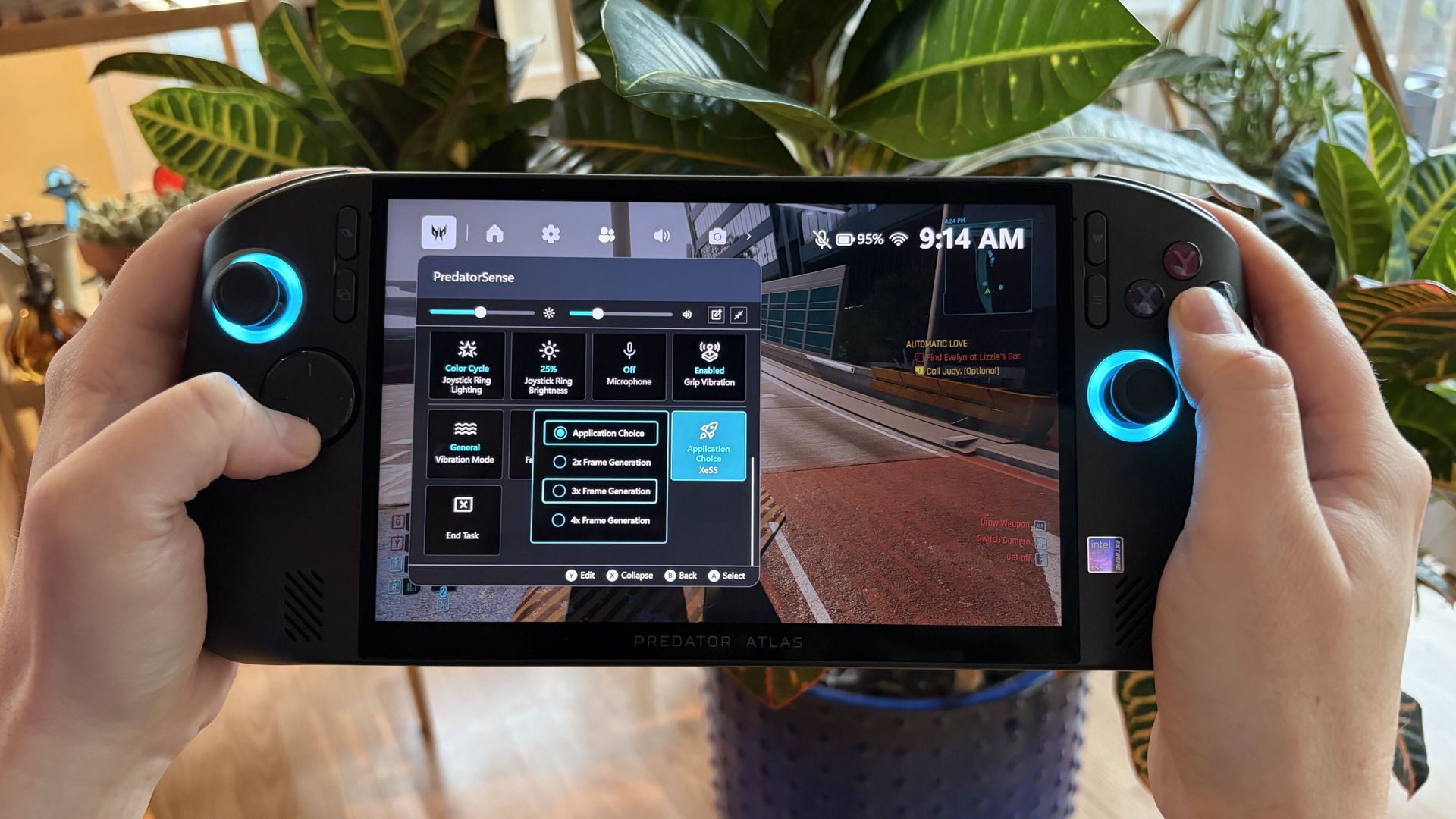
In Acer's PredatorSense software, there's an option to force the latest XeSS 3 multi-frame gen (up to 4x) despite games not having official support. You can bet I cranked it up to the max for Cyberpunk, which hit 167 FPS.
Native XeSS 3.0 multi-frame gen (and other) improvements are seen in games like LEGO Batman: The Legacy of the Dark Knight, which the Atlas 8 can reliably push into high triple-digit frame rates without forcing anything.
Does the Acer Predator Atlas 8 overheat?
(Image credit: Future)
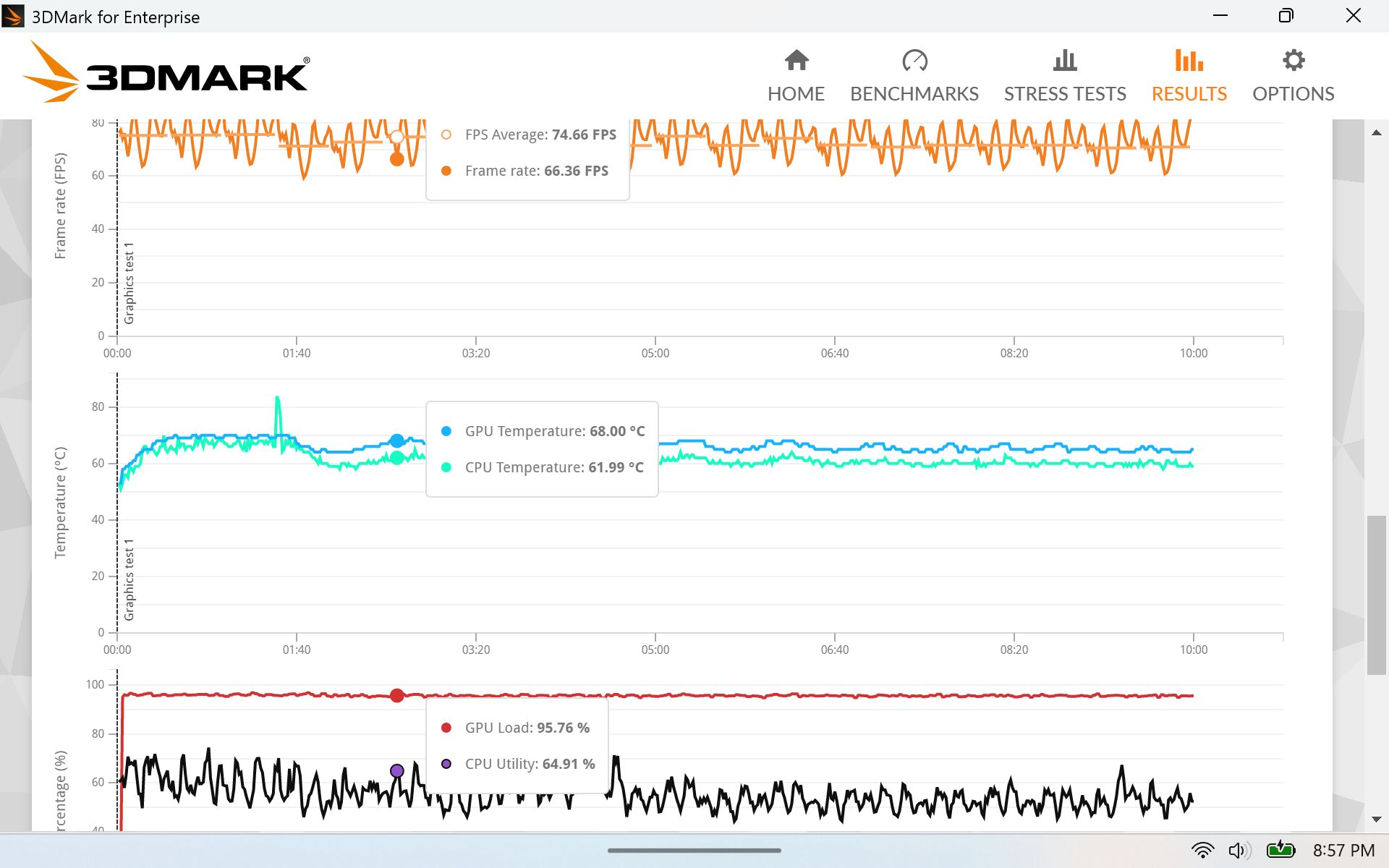
I ran a stress test on the system to see if I could make it overheat. It didn't come close. CPU and GPU temperatures leveled off right around 62°C and 68°C, respectively, for the duration of the test, without making the fans go crazy.
Acer did a great job on the thermals. The handheld itself remains at a comfortable temperature, hot air is exhausted away from you, and the dual fans don't get too loud even under full load.
My FLIR camera is out of order, but there wouldn't be any egregious hot spots to see, anyway.
Acer's software and Windows sometimes gets in the way
Acer's onboard software has a ton of options, but it's not always ready to go. (Image credit: Future)
The overall Predator Atlas 8 experience is positive, but as you'll find with most handhelds running Windows 11 and custom software, there are some quirks.
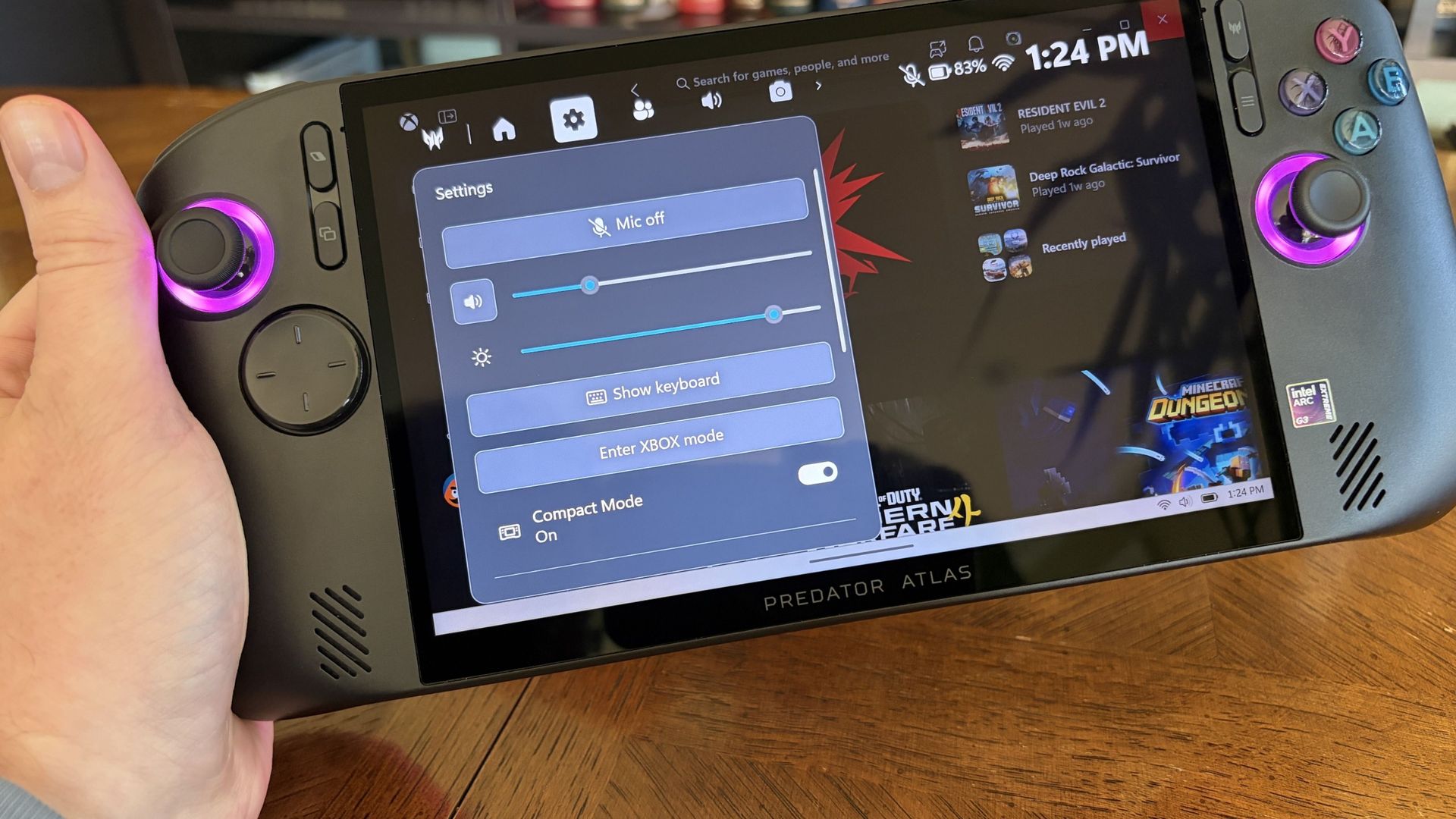
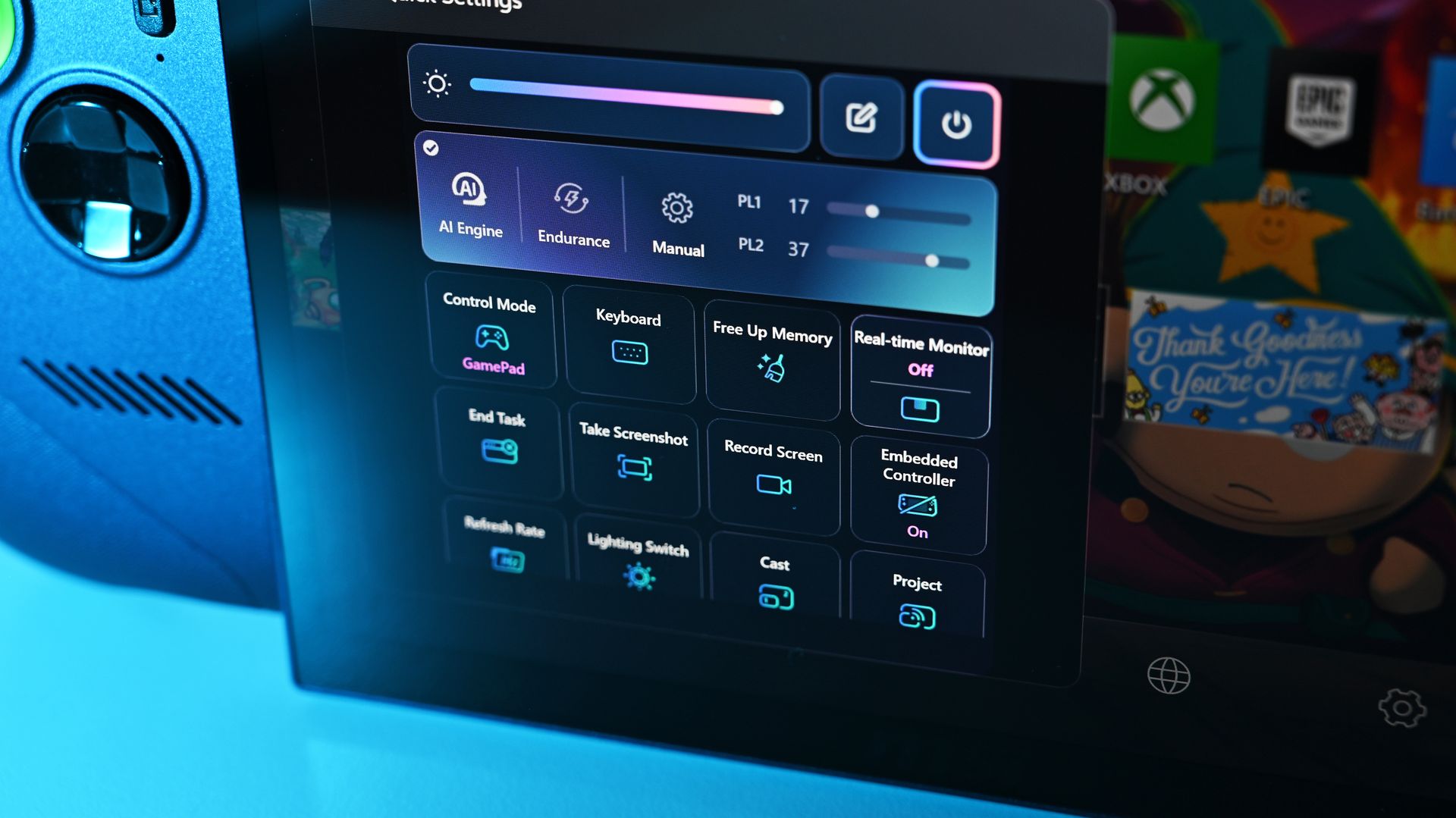
PredatorSense is the main Acer app underpinning the handheld. With one click of a button, it opens with a wide range of settings for performance, audio, cooling, battery life; basically, all you need to tweak your handheld to your liking.
Is it perfect? Absolutely not. Sometimes the app refused to open, barring a restart. Other times the RGB lighting around the joysticks would turn off when other settings were adjusted.
I'm really hoping some of these bugs get ironed out by Acer
Other times, the settings sliders would interfere with Windows, and I couldn't make the adjustments I wanted. I'm really hoping some of these bugs get ironed out by Acer, and of course, Windows 11 could always be better for gamers.
What I can say is that I'm really enjoying Xbox mode. It's super smooth and makes getting around your libraries a breeze. Is it as good as the overall experience with SteamOS? No, at least not yet.
Should you skip the Predator Atlas 8 because of these bugs? Absolutely not; I think the benefits outweigh the downsides.
Battery life gets better when you adjust manually
The Atlas 8's battery life is respectable, especially if you manage settings manually. (Image credit: Future)
I'm attacking this section as if I just bought my first handheld and don't know anything about PL1 and PL2 system power. If that's you, this section is extra important.
Battery life is fairly consistent, if not exactly lengthy, when using Acer's presets. In the most efficient Quiet mode, it managed 2 hours in PCMark 10's Gaming rundown, which is rather demanding.
It's not a perfect way of measuring what you'll actually get in real-world usage, but it's a good way to compare systems. The Claw 8 EX AI+ hit 3 hours and 23 minutes in the same test with its Endurance preset mode.
I can get an hour and change of Cyberpunk 2077 with ray tracing enabled, or somewhere around four to five hours of indie gaming on a charge.
Considering both devices use an 80Wh battery and the same chip, I'm pointing at how the TDP is handled. MSI's Endurance mode drops to 15W, whereas Acer's Quiet mode drops to 25W. That's a 10W difference, and it no doubt accounts for the difference in runtimes.
The good news is that Acer's manual mode lets you set PL1 and PL2 limits. PL1 runs between 10W and 40W, PL2 between 15W and 60W. The downside is that many gamers might not realize they're losing out on battery life by using the presets.
Battery life overall is perfectly fine. I can get an hour and change of Cyberpunk 2077 with ray tracing enabled, or somewhere around four to five hours of indie gaming on a charge. Setting up lower manual power limits only improves those numbers.
Should you buy Acer's Predator Atlas 8?
Acer's Predator Atlas 8, despite its flaws, is one of the top PC gaming handhelds you can buy right now. (Image credit: Future)
You should buy it if ...
✅ You want top-tier gaming handheld performance from Intel Arc G3 Extreme.
✅ You want to spend less for similar performance (compared to MSI's Claw 8 EX AI+).
You should not buy it if ...
❌ You prefer an OLED display no matter what.
❌ You have deeper pockets and like what MSI's Claw 8 EX AI+ has to offer.
The big story here is that Intel's Arc G3 Extreme chip is the real deal. If you want the best gaming handheld performance out there right now, it really is the only option.
I know which one I'm buying in this memory-strapped economy: the most affordable. That's the Atlas 8 by a significant margin, even with its recent price hike.
No, Acer's handheld isn't perfect. But its blemishes are not enough to stop me from having fun. It's fast, it's quiet, and it's cool. I was able to play everything I wanted to at a higher quality than expected, and isn't that what really matters?
Are there any other tests you'd like me to run on the Predator Atlas 8? Let me know in the comments section below! And keep an eye out for a separate Predator Atlas 8 vs. MSI Claw 8 EX AI+ comparison, in which I delve into the matchup in more detail, coming this week.
Arc G3 Extreme
Acer
Predator Atlas 8
Acer's Predator Atlas 8 undercuts the other Intel Arc G3 Extreme handhelds by a fair margin, making it an attractive choice for PC gamers who want industry-leading performance for less. It's not a perfect device, but its strengths far outweigh its weaknesses.
Join us on Reddit at r/WindowsCentral to share your insights and discuss our latest news, reviews, and more.
It's official: NVIDIA's co-founderJensen Huanghas resigned as CEO this morning in the wake of personal scandals involving adultery and alleged espionage. Huang was NVIDIA's only CEO in the company's history, which began in 1993.
NVIDIA CFO Colette Kress is taking over the company as interim CEO while the board searches for a full-time replacement.
Yes, it's an interim position, but seeing a finance executive come in at a time when NVIDIA is already edging out its GeForce consumers is a tad worrisome.
The gaming share of NVIDIA's revenue has been on the decline for years, and data centers now make up the bulk. For example, NVIDIA's latest Q2 results showed $89 billion from data centers and just $7.2 billion from edge computing. That's not even close.
Will an interim CEO change anything? Probably not. Kress, after all, has been with NVIDIA since 2013, before any of the major AI rush came about. But what comes next after Huang and his interim replacement? Someone else who cares less about GeForce and more about AI?
This will not make GPUs any cheaper
Kremsi2711, r/pcmasterrace
It's hard to say. Plenty of people are already wondering the same thing: "Jensen was one of three of Nvidia's founders. Him leaving is kind of catastrophic for the leadership structure, since he never had an heir apparent for the position (allegedly intentional on his part)."
While we're all waiting to see what NVIDIA does next — New CEO? Canceled CES 2027 keynote? — I want to know how my Windows Central readers are feeling about the situation.
Do you think NVIDIA's consumer focus will narrow even more without Huang at the helm? What about the opposite? Do you think there's a lot more to this story that we're not yet hearing?
Let me know in the comments section below!
Join us on Reddit at r/WindowsCentral to share your insights and discuss our latest news, reviews, and more.
If one thing has become clear to me over the years, it's that most PC gamers are not using the latest hardware. Steam's most recent monthly hardware survey, for example, has NVIDIA's RTX 3060 as the most popular option, with the RTX 3050 only four places behind.
Heck, even 2019's GTX 1650 is still holding strong in the top ten most used cards, despite it not supporting the industry-leading DLSS upscaling. For those who (understandably) haven't upgraded to the latest hardware, there's a new hope on the horizon.
Apex Compute recently took to X to show off its Apex Neural Rendering (ANR) tech, which the company promises can deliver "up to 2.4x faster performance and higher quality rendering than NVIDIA DLSS."
Introducing Apex Neural Rendering (ANR), our cross-platform Super Resolution, Ray Reconstruction, and Frame Generation technology, delivering up to 2.4× faster performance and higher quality rendering than NVIDIA DLSS.ANR rebuilds neural rendering around a new architecture that outperforms current state of the art models.Works on all GPU vendors.- NVIDIA: GeForce RTX 20, 30, 40, and 50 series, plus GTX 16 series- AMD: Radeon RX 5000, 6000, 7000, and 9000 series, plus Steam Deck- Intel: Arc A and B seriesFrame Generation available now:https://t.co/kMGkNJzG6XOur Super Resolution and Ray Reconstruction models are currently in training. Coming soon!November 11, 2026
That's a massive claim, and I'll get to it in a moment.
What's most exciting is that Apex has designed ANR to be practically GPU-agnostic. Apex says ANR runs on the NVIDIA RTX 20, 30, 40, and 50 series, with the added bonus of GTX 16-series cards.
Support for AMD Radeon cards includes RX 5000, 6000, 7000, and 9000, plus it works on the Steam Deck's custom AMD chip. And even Intel hasn't been left behind, with support for Arc A- and B-series cards.
Digging into Apex Compute's Apex Neural Rendering tech
A quick rundown of ANR's performance and compatibility. (Image credit: Apex Compute)
ANR is being billed as a three-pronged approach to upscaling, including frame generation, super resolution, and ray reconstruction. It's a project that's still in progress, and only frame generation is currently available. The other two features are "coming soon."
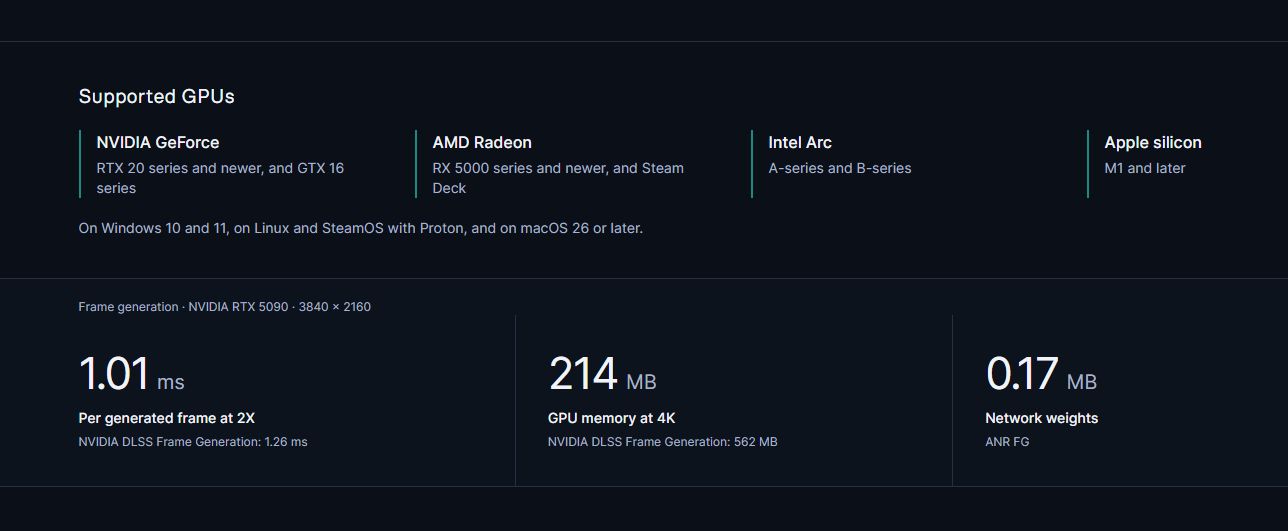
What we have so far from Apex indeed looks very promising. It claims that, when tested on an RTX 5090 at a 4K resolution, ANR can deliver frames faster and use less memory than DLSS.
According to Apex's testing, at 2X frame gen, ANR can pump out extra frames at 1.01ms, while DLSS takes 1.26ms. At 4X frame gen, ANR takes 0.61ms while DLSS takes 0.82ms. Overall memory usage falls from 562MB in DLSS to 214MB in ANR.
Why I'm a bit skeptical about ANR's abilities
ANR's testing was performed on an RTX 5090. I want to see results from a GTX 1650. (Image credit: Windows Central | Ben Wilson)
I'm not entirely sure if Apex's claims of 2.4x faster performance compared to DLSS actually line up.
I haven't tested it yet on my own gaming PC, and Apex Compute's own data on its site doesn't quite line up. Perhaps the 2.4x claim is for one of the features arriving later.
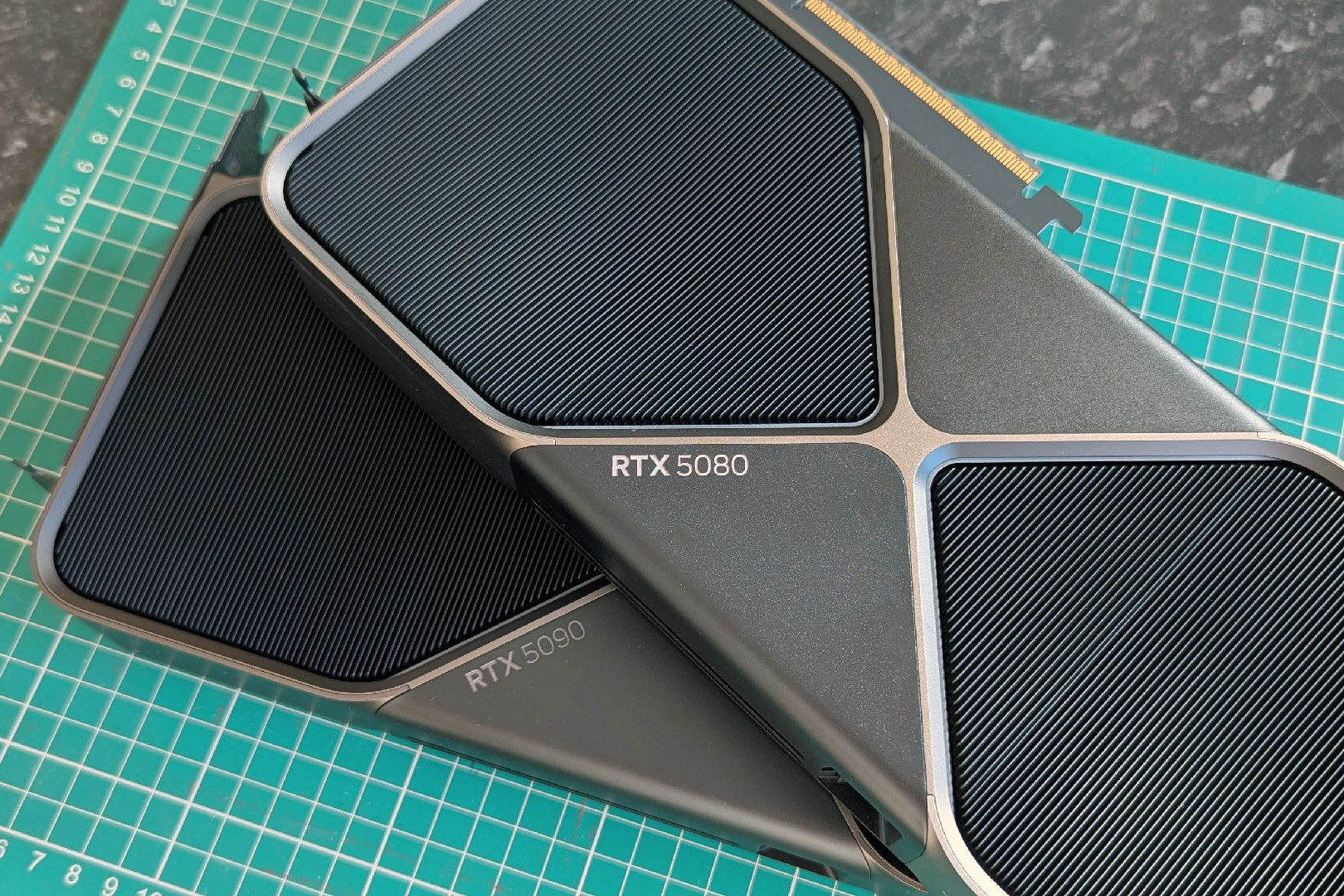
There's also the matter of the NVIDIA tests being performed on an RTX 5090, a GPU that you can't buy anymore and that is reserved for a small group of enthusiasts and specialists. It would be a lot more impressive to see how ANR runs on, say, an RTX 3060.
What I can say is that the comparison samples for ANR vs. DLSS available on Apex Compute's site are impressive.
Sure, there might be some cherry-picking going on to create the sliding comparisons, but what's shown certainly suggests that ANR is delivering higher-quality results than DLSS. I see less ghosting, added sharpness, and overall more clarity.
Competition from Apex Compute's ANR is only a good thing
Apex Compute's ANR is available to download for free from GitHub. That means we'll probably soon see a lot of third-party tests of its actual abilities.
I'll be keeping an eye on how ANR performs on older hardware, how well it works with a wider range of games, and whether the upcoming ray reconstruction and super resolution features actually work as intended.
In any case, competition for the industry-leading DLSS is always nice to have, especially considering how NVIDIA likes to keep it walled off for its own hardware. The fact that it's coming to old GPUs at a time when no one wants to buy new hardware is also huge.
ANR looks very promising. Is it a DLSS killer? Maybe not, especially with how quickly NVIDIA is evolving the tech. But if you're still using an older GPU that doesn't natively get these features, ANR is definitely worth a look.
Join us on Reddit at r/WindowsCentral to share your insights and discuss our latest news, reviews, and more.
Dataminers have been busy at work snooping through the Xbox's Grand Theft Auto 6 preload files, and two recent discoveries are grounds for a bit of performance optimism.
Library files named amd_fidelityfx_loader_xbox.dll and amd_fidelityfx_upscaler_xbox.dll are both present in the package snooped by Tex2, who posted their findings on X.
These names match the terms found in Microsoft's FSR 4.1 GDK sample that was published last week, as pointed out by blue nugroho and Y1ng.
thanks to @Y1ng5dvv that find the equivalent dll on FSR 4.12 doc, possibly hinted that GTA VI indeed already ready with FSR 4.12 👀👀👀👀 https://t.co/Xo9sgMTltbNovember 10, 2026
While this certainly doesn't mean that AMD's FSR 4.1 is a lock for GTA 6 when it launches — or thereafter — it's good to know that there's at least the possibility of having the latest upscaling tech on board.
What is AMD FSR 4.1?
FSR 4 was a major update that moved AMD's upscaling tech from manual to machine learning. Instead of using spatial and temporal algorithms, it now uses neural networks.
The results? A clearer image with less ghosting, shimmering, and artifacts at the cost of a small amount of GPU overhead.
Compared to competing methods like NVIDIA DLSS and Intel XeSS, AMD FSR is quickly catching up. I think most people hold DLSS as the benchmark for what can be done with AI upscaling, but AMD's broad compatibility can't be forgotten.
And for consoles, FSR is the only option there is, with the 4.1 version representing a significant upgrade over the FSR predecessors.
Why FSR 4.1 might not be in Xbox's GTA VI at launch
FSR 4.1 probably won't be in GTA VI at launch ... but there's always a chance. (Image credit: Windows Central)
I won't be so bold as to claim that FSR 4.1 will be in GTA 6 at launch. The datamined FSR 4.1 files make it a possibility, but their inclusion doesn't guarantee implementation.
Developer Rockstar has not said anything about it. And you'd think that Xbox would be quick to make an announcement to counter the recent PS5's PSSR upscaling news.
Timing is the biggest issue. Unless Rockstar had advance access to FSR 4.1 during development, configuring the upscaler for a game that's days away from a November 19 launch just doesn't seem realistic.
Will FSR 4.1 come to Grand Theft Auto 6 after launch?
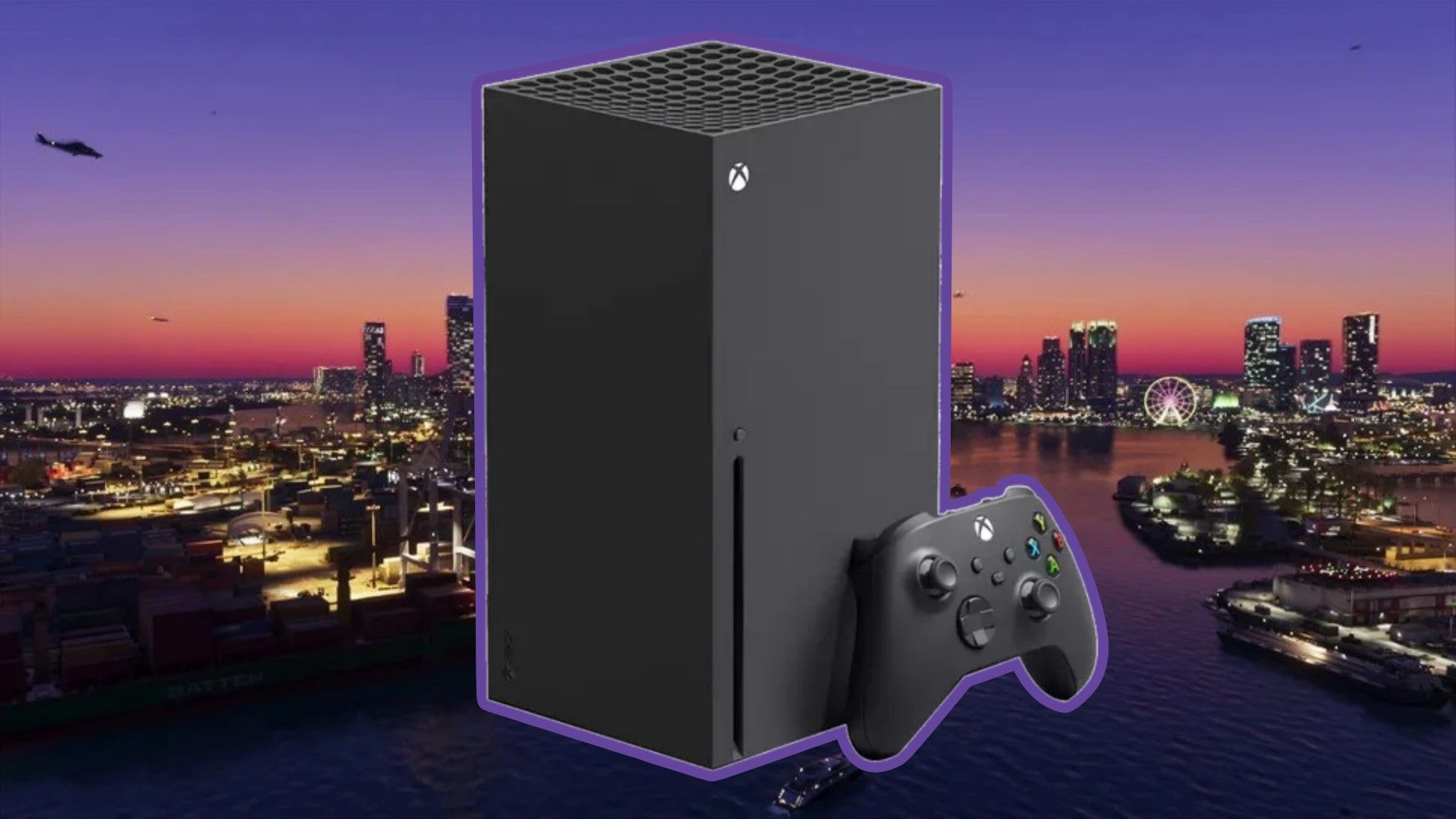
There's no proof that FSR 4.1 will work in GTA VI at launch. (Image credit: Rockstar Games | Edit by: Windows Central)
I'm leaning more towards a post-launch FSR 4.1 integration for GTA 6 on Xbox. The groundwork seems to already be in place, and Rockstar surely has a strong incentive to make the game as playable as possible on aging hardware.
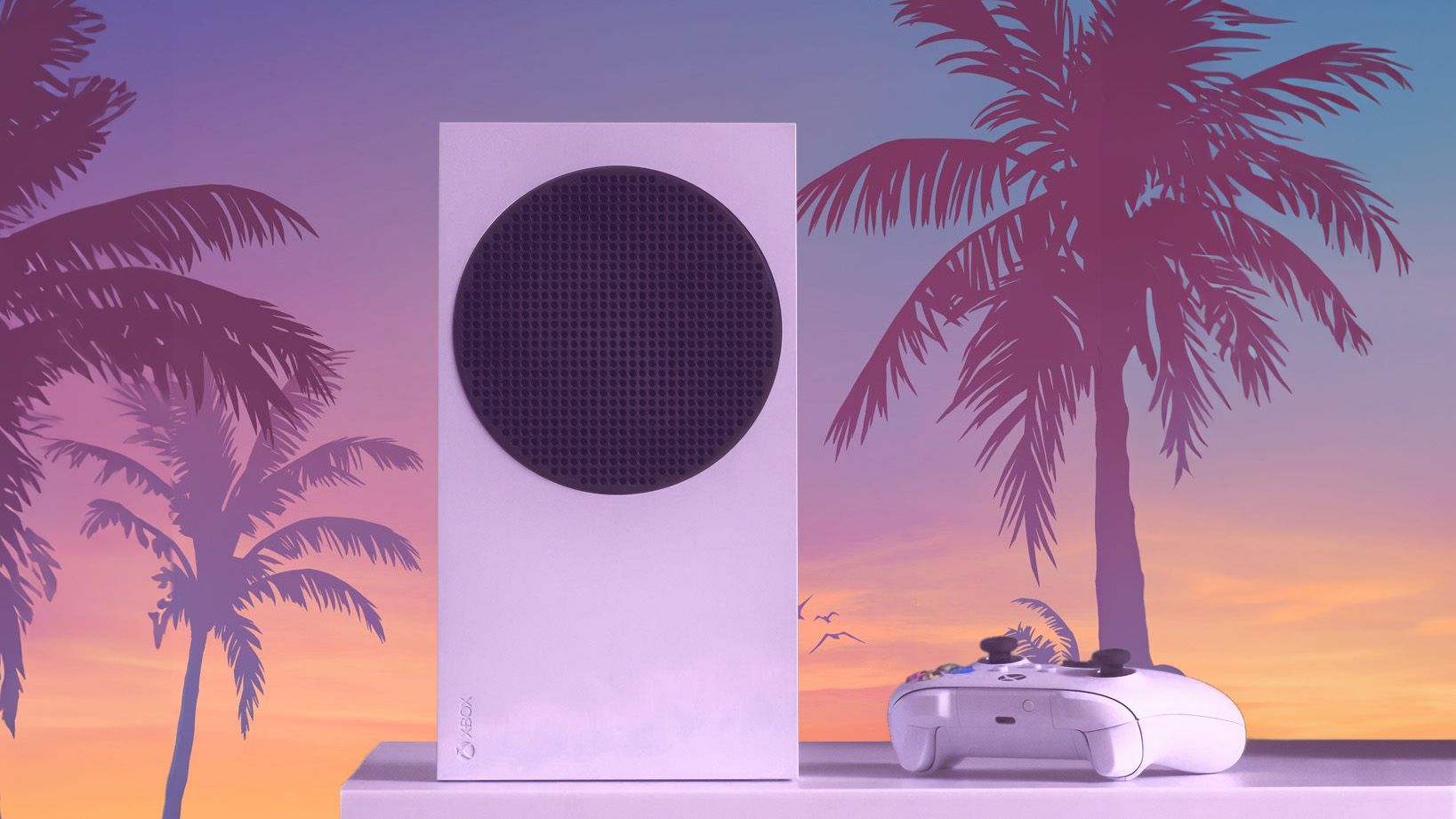
That's especially true for the Xbox Series S, where any help with rendering will go a long way. Waiting until after launch would mean less risk to the release build, and in this case, late is certainly better than never.
Bottom line? Don't panic if GTA 6 on Xbox doesn't get FSR 4.1 at launch. It was never a guarantee. It'll likely be a post-launch addition. After all, it's hard to imagine that a generational game like this wouldn't be the best place to show off the tech.
I'll be playing the game through Xbox Cloud Gaming and a dusty Xbox One at launch, and I'll make the switch to PC as soon as it arrives. Let me know in the comments below how you plan to play!
Join us on Reddit at r/WindowsCentral to share your insights and discuss our latest news, reviews, and more.
There's always been a significant gap between how Valve advertises Steam Deck compatibility and how games actually run on the hardware.
A certain title might have a Verified badge because everything works properly on the Deck, but when you start playing, you find that framerates really aren't what you imagined.
This gives potential buyers a lot more data to work with, and it arrives for all games that have gone through the verification process (whether they come out the other side as Supported, Playable, or Unsupported).
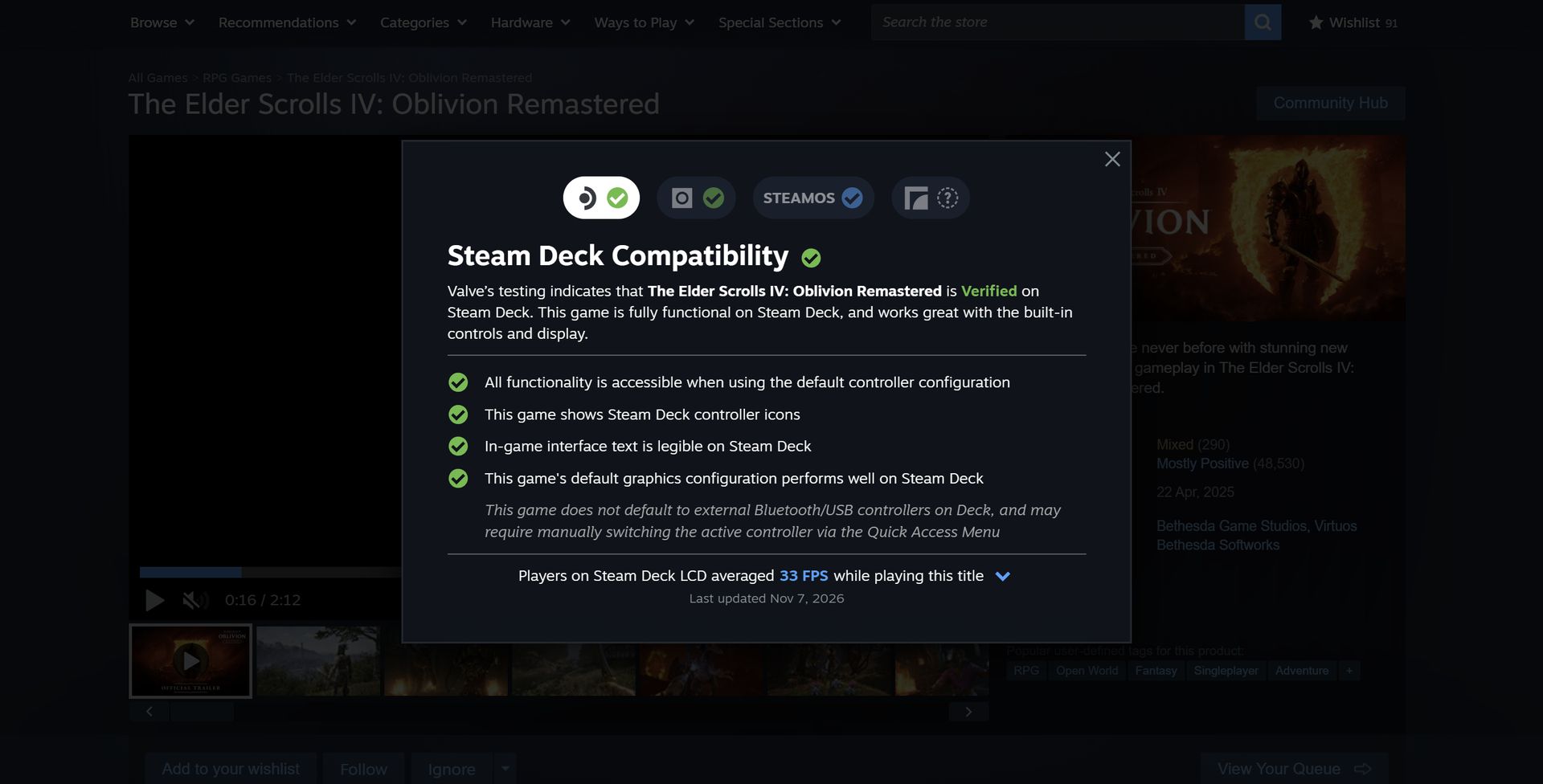
Valve is getting its data from its own massive pool of users; don't worry, it's opt-in only. Not only does the new data give you a quick tally of the average FPS on the Steam Deck, but it also opens into a detailed chart with more info about averages.
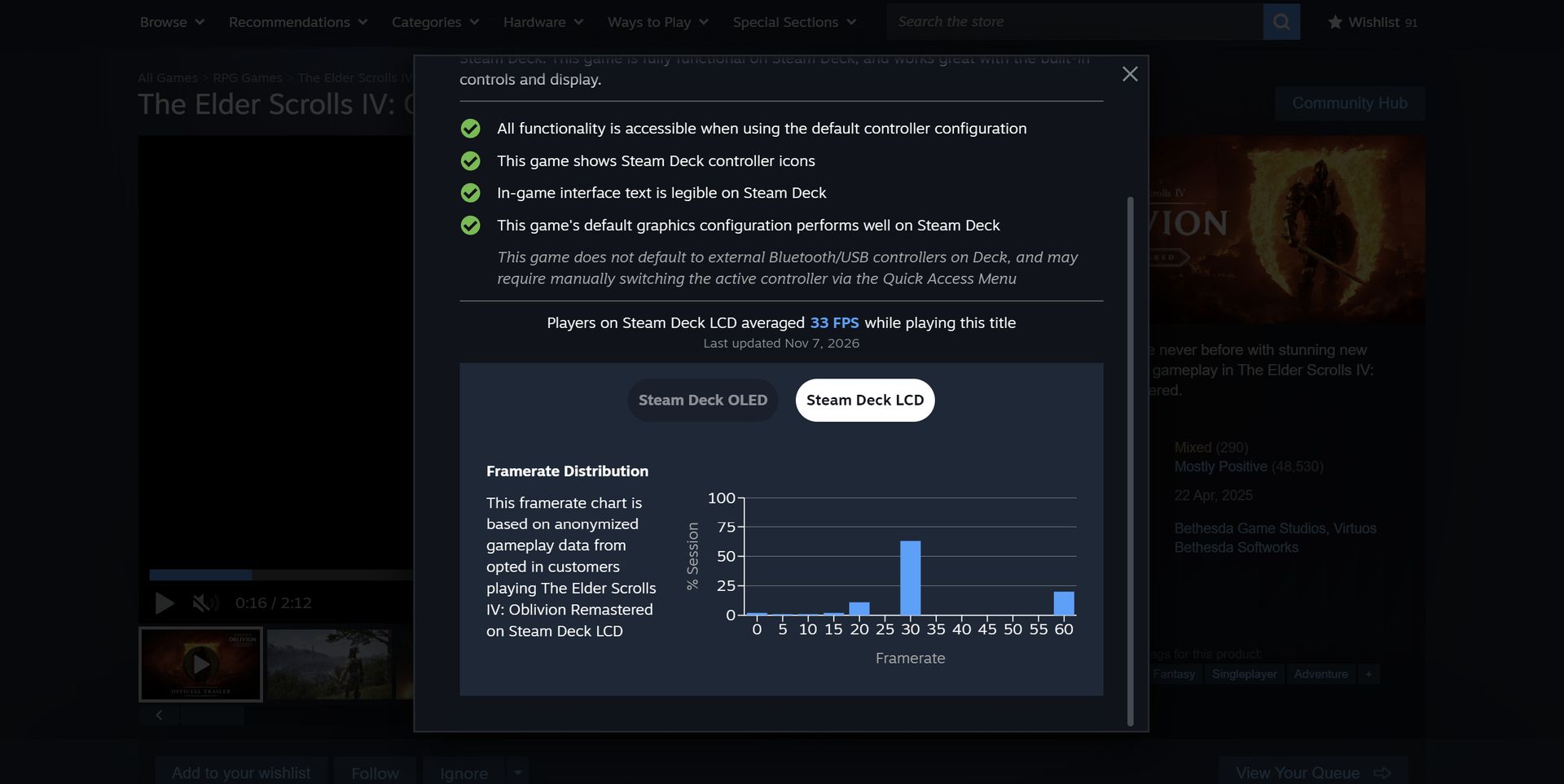
The Elder Scrolls IV: Oblivion Remastered shows a 33FPS average on the Steam Deck LCD.ValveA chart provides extra data in terms of where framerates are landing.Valve
These graphs do a good job of relaying the highs and lows while gaming. If you see framerate distribution weighted heavily at, say, 90FPS with just a few blips on the lower framerates, it's safe to assume you'll mostly be playing at 90FPS.
But there is some nuance. As Valve points out, some graphs will show large gaps between weighted framerates. In The Elder Scrolls IV: Oblivion Remastered, for example, the chart falls heavily on 30FPS with a decent spike at 60FPS.
This is evident in many other games. Here's how Valve explains it:
These gaps are a consequence of VSync. When a game is not making framerate, VSync will synchronize the game's framerate to the display's refresh rate in order to avoid image tearing. This means that on a 90Hz display, if a game has a framerate of 75fps, VSync will force the game to present as many frames as it can at 90fps, and when it can't make that target it will drop to 45fps, and then recover to 90fps for the next frame. This produces a pattern that averages 75fps, e.g. 90 90 45 90 90 45. Another example would be some games set an internal frame limit to 60, so on Steam Deck OLED set to default (90) it will bounce between 90 and 45 to hit 60 FPS.
Valve
Valve also notes that the averages shown in this new info panel are derived only from data on Steam Decks set to their standard FPS limit. That's 60FPS for the original Steam Deck and 90FPS for the Steam Deck OLED.
Valve also does not account for tweaked in-game settings, as it thinks that "the framerate data consolidates around relatively narrow ranges."
Why only Steam Deck data when there are so many other gaming handhelds?
MSI's Claw 8 EX AI+ delivers shockingly good performance compared to the Steam Deck. (Image credit: Daniel Rubino)
On the note of the growing selection of gaming handhelds on the market, there's a big gap left to fill. Valve's new performance chart only accounts for Steam Deck users, leaving plenty of other handheld devices behind.
It makes sense that Valve is piloting the changes with its own Steam Deck, "because every device has the same hardware configuration." But Valve states that it's "starting with the Steam Deck," suggesting that there will be a larger initiative to rope in other handhelds at some point.
Valve's new performance chart exposes the Steam Deck's weaknesses
The Steam Deck is getting old, and performance might not be where you think it is. (Image credit: Jennifer Young - Windows Central)
I've been a Steam Deck owner for a few years, and although it'll always have a special place in my heart, it's certainly showing its age.
Compared to the latest handhelds, like the MSI Claw 8 EX AI+ and Acer Predator Atlas 8, the Steam Deck just doesn't have the same performance. I've been testing the latter for the past week, and it's shocking how much better it performs thanks to the onboard Intel Arc G3 Extreme chip.
As this power gap grows — barring a Steam Deck 2 from Valve — it's getting tougher to determine which games will actually run smoothly on the Deck. I've purchased games in the past that passed Valve's check, only to discover dreadful framerates.
That's the big thing here. My bar for "good framerates" is probably not the same as yours, and until now, you had to search third-party reviews and tests to see how a game was actually running on the Deck. Now, it's all available right on the store page.
No matter your opinion of Valve, this change is all about benefiting the consumer. That's becoming increasingly rare these days.
Join us on Reddit at r/WindowsCentral to share your insights and discuss our latest news, reviews, and more.
I'm currently in the process of testing and reviewing the Acer Predator Atlas 8 gaming handheld, and when I checked the pricing this morning, I was surprised to see that it has left its initial $1,299.99 tag behind.
At Best Buy (the only major retailer I can see that's offering the hardware), the price jumped to $1,449.99 overnight. That's more than a 10% hike for a gaming handheld that's only been on the market for about 10 days.
It's back to being listed as Unavailable at Best Buy, and it doesn't look like you can buy one directly from Acer, either. This price hike might not stick. It could be an error on Best Buy's page.
I've reached out to Acer to clarify the situation, and I'll update this article with any new information I can glean.
Why did Acer just raise the price of its Predator Atlas 8?
Best Buy now lists the Predator Atlas 8 at $1,449.99. (Image credit: Best Buy)
Keep in mind that on October 28, a few days before the US launch, Best Buy pulled down the Atlas 8's preorder page. I surmised that there might be a price hike coming at launch, but Acer assured me that the handheld would be returning on November 1 at its initial $1,299.99 price.
It did indeed return at the promised price, but it seems like it didn't stick around too long.
Assuming the worst, the Predator Atlas 8's $150 jump in price puts it closer to the competing MSI Claw 8 EX AI+, which lands at $1,799.99.
This makes the comparison a lot muddier, for the Atlas 8 and the Claw 8 EX AI+ share a lot of similarities.
They have the same Intel Arc G3 Extreme chip inside. They both have an 8-inch IPS display with 1920x1200 resolution, 120Hz variable refresh rate, and 500 nits brightness. They both have Hall Effect triggers and sticks, and both use an 80Wh battery.
The Predator Atlas 8 (left) and the MSI Claw 8 EX AI+ (right). (Image credit: Future)
The difference that makes the most impact on pricing, especially in today's constrained markets, is RAM and storage. The Claw 8 EX AI+ comes with 32GB of RAM and a 1TB SSD to hit that $1,799.99 tag, while the Atlas 8 has 24GB of RAM and a 512GB SSD.
Is $350 still a discount worth considering when you get half as much storage and three-quarters of the RAM? That's up to you to decide. I'd certainly still lean towards the Atlas 8 — it's been nothing but fun to use so far — but for those with a bigger budget, the Claw 8 EX AI+ just became a lot more attractive.
The more affordable Predator Atlas 8 is out there ... somewhere
Acer has a Predator Atlas 8 with Arc G3 chip inside. It's just not yet available in the US. (Image credit: Future)
The Acer Predator Atlas 8 configuration with the baseline Intel Arc G3 (non-Extreme) chip inside still doesn't appear to have launched in the US.
When it does (if it does), it will cost less than the G3 Extreme version. In the UK right now, for example, the G3 model with 16GB RAM and 512GB SSD costs about £999, climbing to £1,099.99 for 24GB of RAM.
Although I haven't tested the standard Arc G3 chip myself, an early report on Reddit seems to suggest that it's not a big downgrade over the Extreme version.
In games like Forza Horizon 6, Gears 5, and Hogwarts Legacy, there was only about a 5-10% difference between the G3 and G3 Extreme. This is good news, especially as prices continue to climb.
Windows Central's take
We've come a long way from the early days of the $399 Steam Deck. More power, more features, and more hardware are going into these devices, inflating prices along the way. But it's really the ongoing RAM and storage crisis that's wreaking the most havoc.
Unfortunately, the recent price change for the Atlas 8, whether it sticks or not, leaves buyers with limited options: buy at the new price, wait for the cheaper model, or find an alternative.
One of the Atlas 8's biggest strengths was its price, so it will be interesting to see how public opinion changes in the coming days.
Join us on Reddit at r/WindowsCentral to share your insights and discuss our latest news, reviews, and more.
HP's OmniBook Ultra 16 is an outstanding laptop with fast storage and better battery life, but its size and weight must be considered. Regardless, at the end of the day, this is the laptop I'd buy if I could save a few hundred dollars.
Pros
A lot more RAM and storage in the baseline model
5.1MP webcam with human presence detection
A more natural OLED appearance
Slightly better battery life
Faster PCIe 5.0 storage
Cons
About a pound heavier
Not as many ports
No ambient light sensor, two-stage backlight, no Haptic Signals
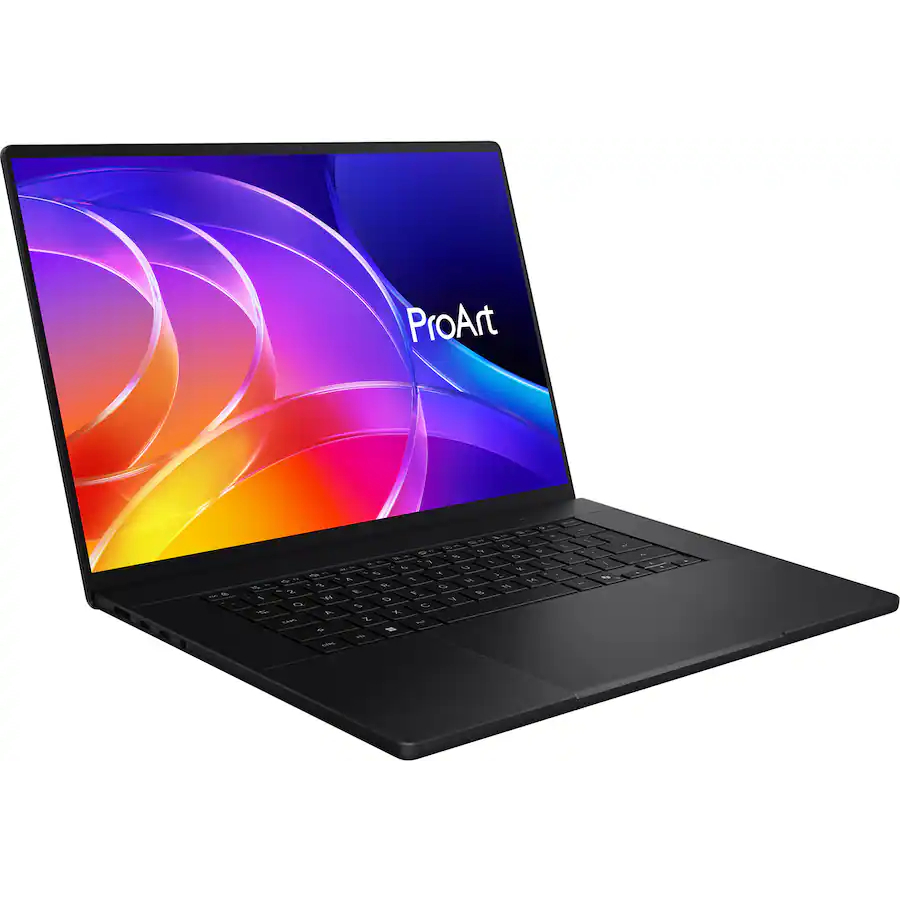
ASUS's ProArt P16 is the more complete RTX Spark laptop, though it does fall behind the OmniBook Ultra 16 in areas like storage and battery life. If pricing is similar, this is the laptop I recommend to most people.
The Windows Central team has now added a new HP OmniBook Ultra 16 with RTX Spark laptop review to the collection, giving me the details I need to put together an in-depth comparison.
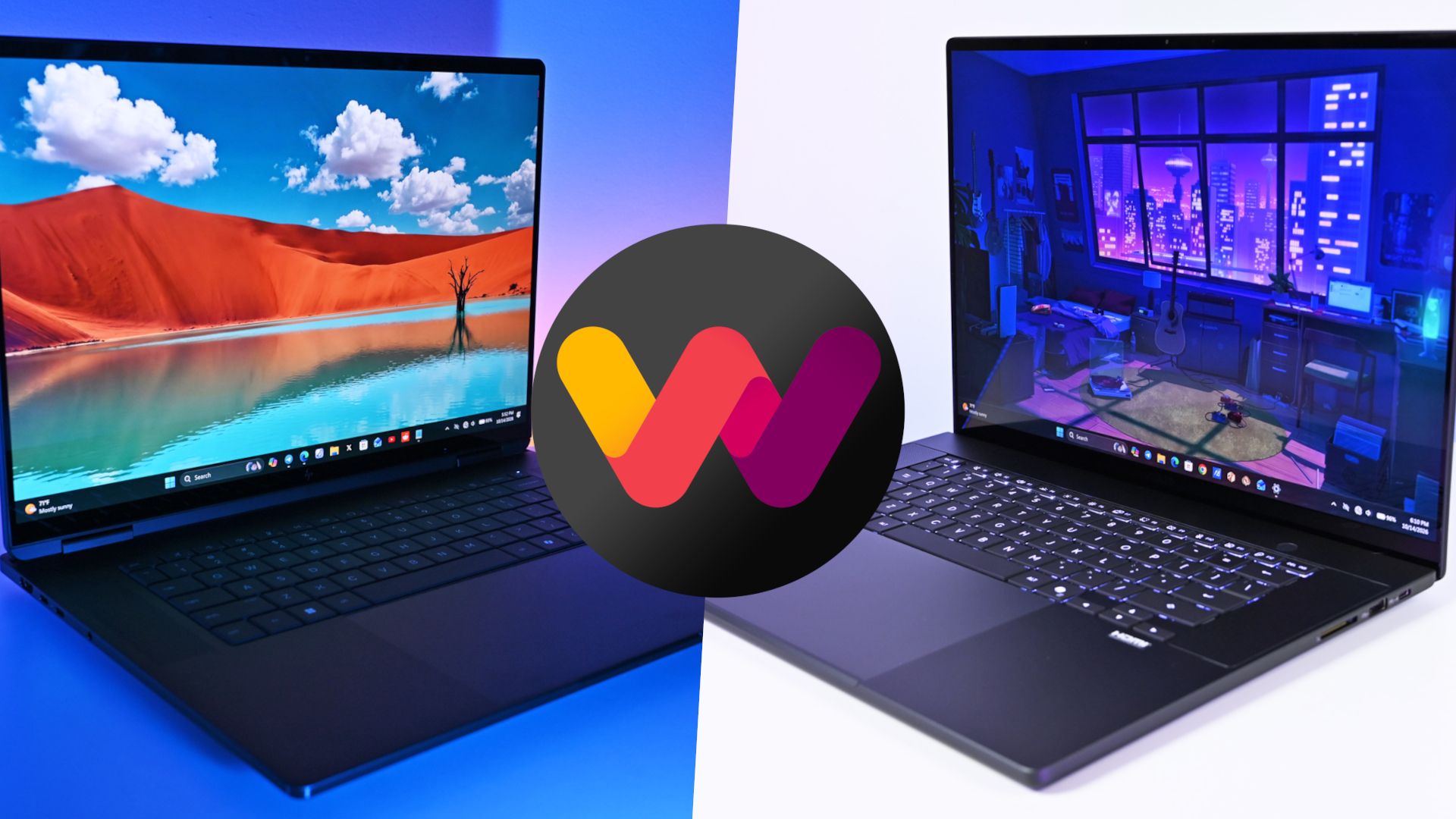
HP's laptop is going up against the ASUS ProArt P16, which at first glance is thinner and lighter despite its similar display size. This comparison goes much deeper than surface level, however, and it should help you make the right laptop decision.
ASUS ProArt P16 vs. HP OmniBook Ultra 16: Specifications and price
Before I go into more depth below, here's a quick-reference table of the specs that make up the ASUS ProArt P16 and HP OmniBook Ultra 16 with NVIDIA RTX Spark chips inside.
13.94 x 9.57 x 0.51-0.63 inches (354.1mm x 243mm x 12.9-15.9mm)
14.01 x 10.1 x 0.62 inches (355.8mm x 256.5mm x 15.7mm)
Weight
3.9 pounds (1.77kg)
4.89 pounds (2.22kg)
Colors
Nano Black, Neo White
Eclipse Gray
The ASUS ProArt P16 starts at $2,799.99. This model has the 18-core CPU, 5120-core GPU, 24GB of RAM, a 512GB M.2 PCIe 4.0 NVMe SSD, and a 4K OLED touchscreen.
HP's OmniBook Ultra 16 starts at $3,199.99. This model has the same 18-core CPU and 5120-core GPU, but it bumps RAM up to 32GB and includes a faster (and roomier) 1TB M.2 PCIe 5.0 NVMe SSD. Its OLED touchscreen tops out at a 2.8K resolution.
HP's laptop has been discounted nearly the entire time it's been on sale, and at the time of writing, it's $500 off the regular price. That brings it down to $2,699.99, or $100 cheaper for twice as much storage and 8GB of extra RAM.
Looking at high-end models, you can outfit an ASUS ProArt P16 with the 20-core/6144-core RTX Spark chip, 128GB of RAM, and 2TB PCIe 4.0 SSD for about $6,999.99.
An HP OmniBook Ultra 16 with the same RTX Spark chip, 128GB of RAM, and 2TB PCIe 5.0 SSD comes out to $6,159.99 before any discounts, ultimately making it the cheaper option for workstation diehards.
Does the OmniBook Ultra 16's extra weight pay off?
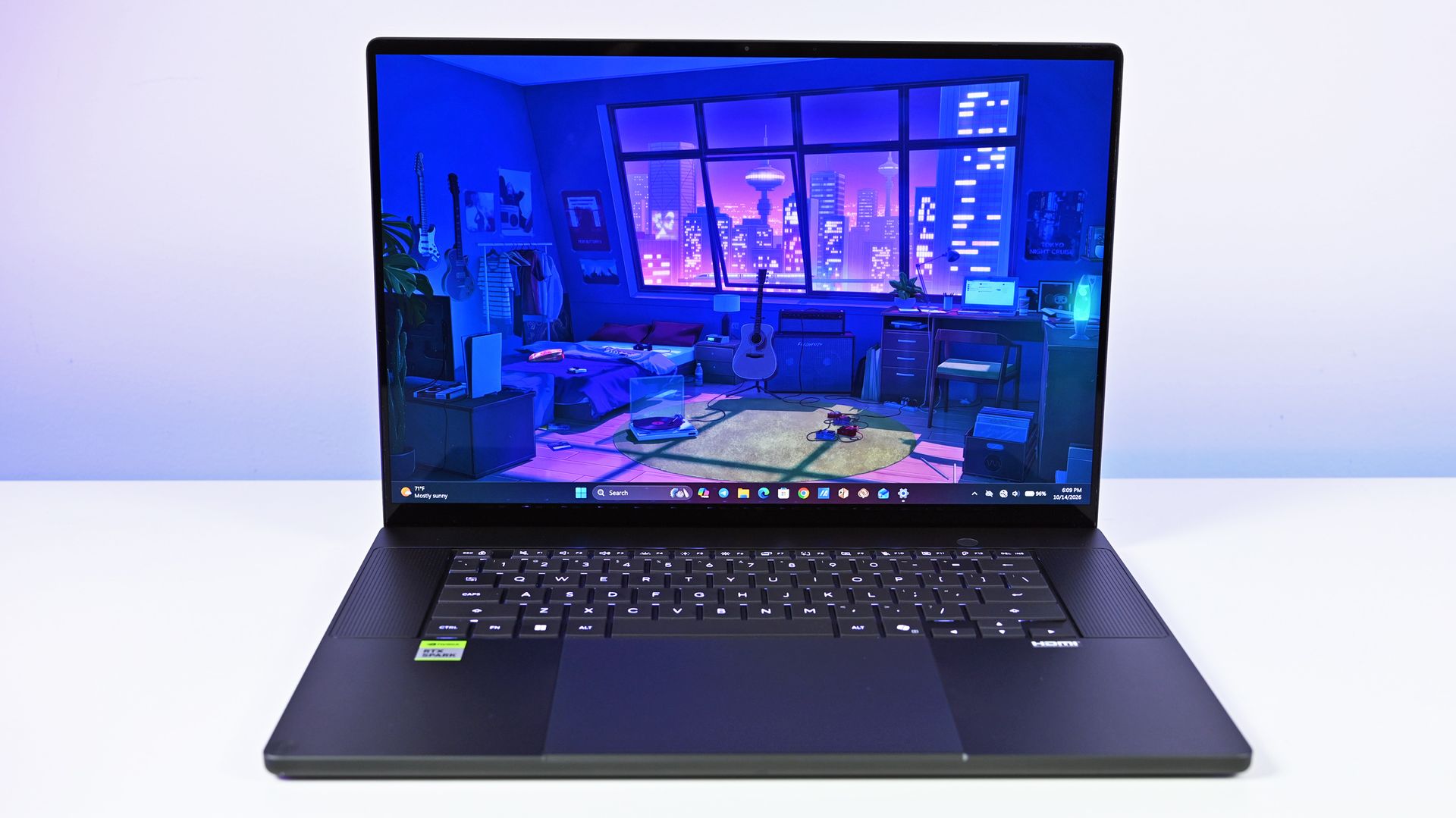
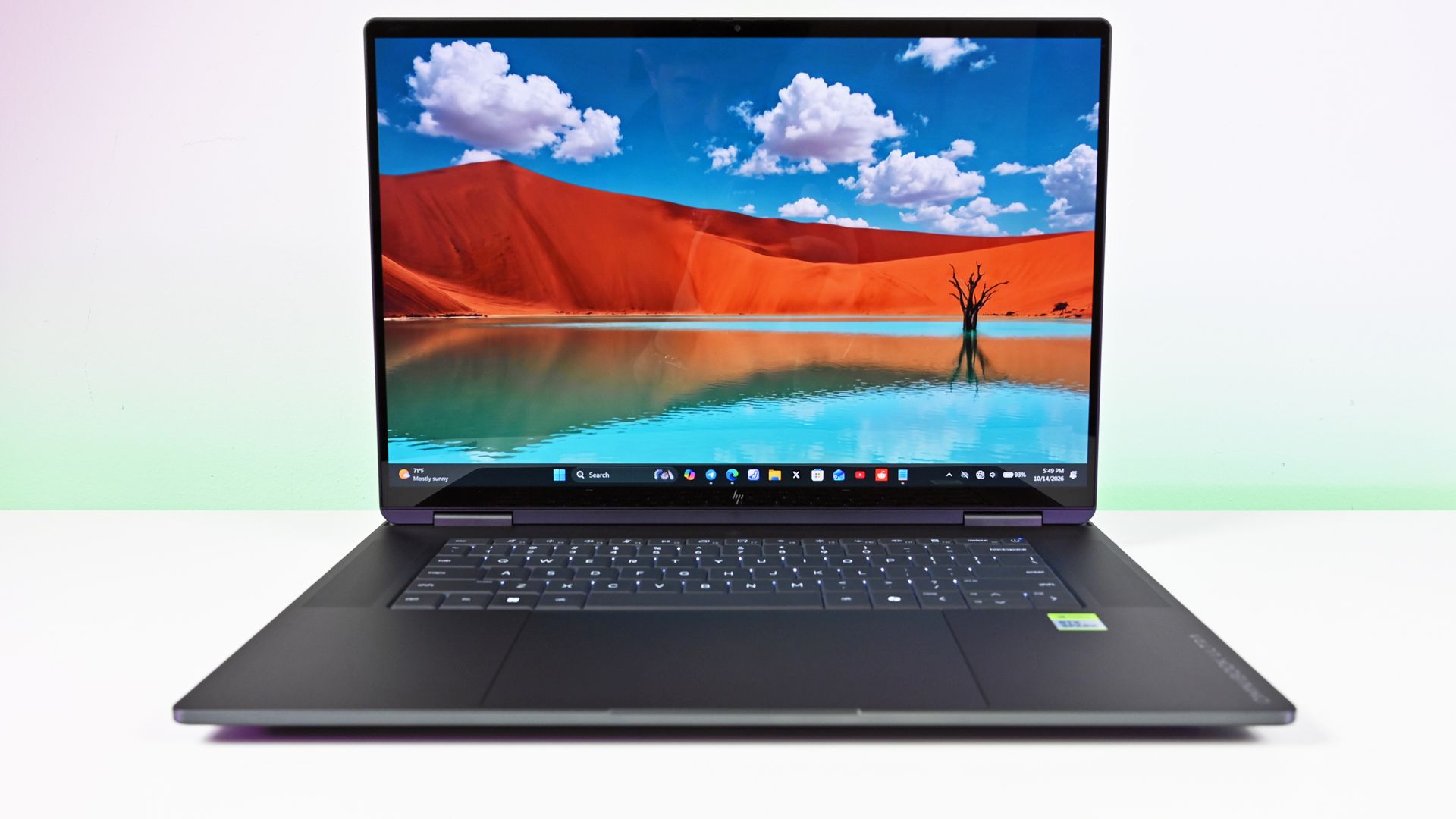
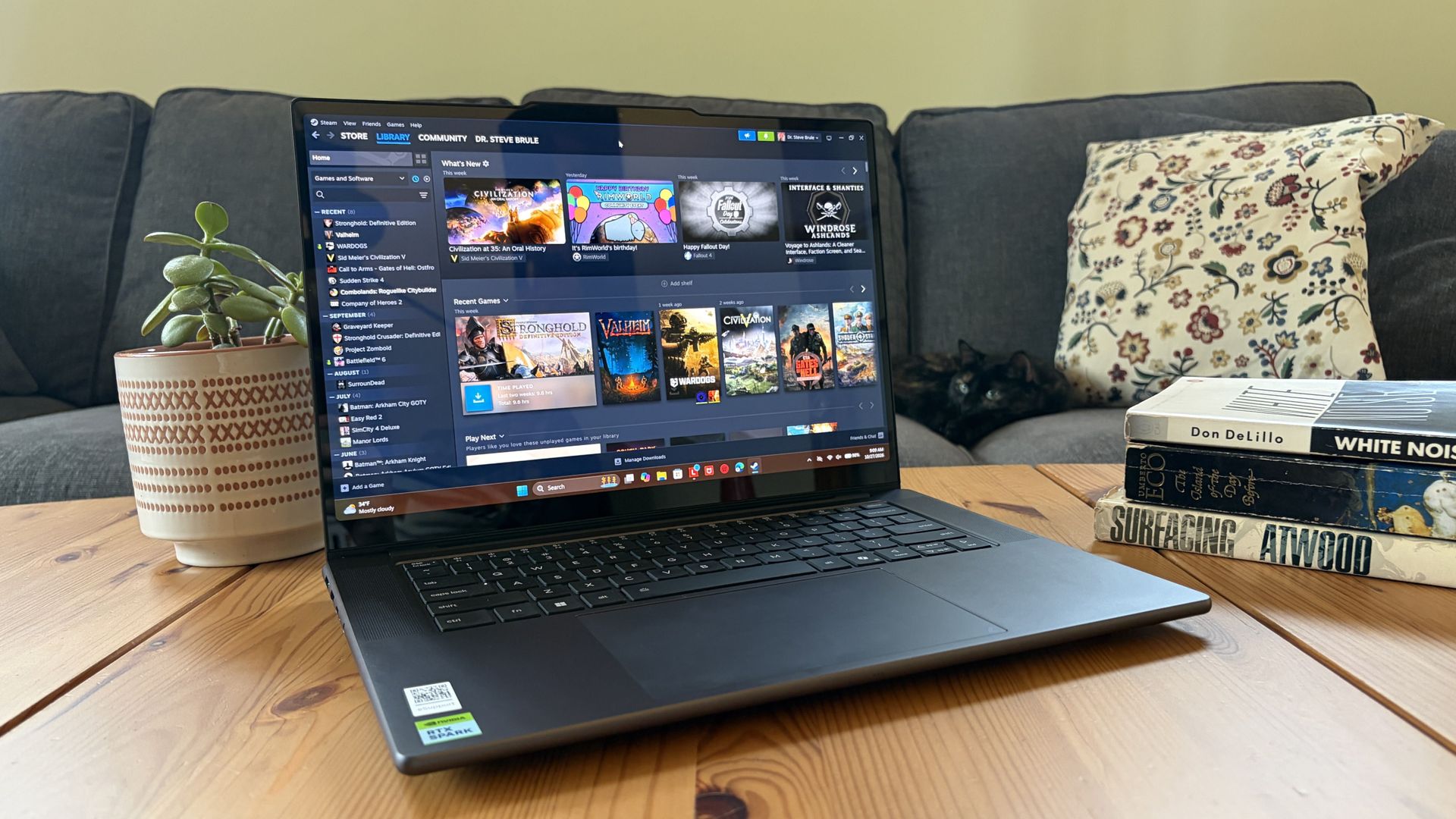
HP's OmniBook Ultra 16 with RTX Spark looks sleek, but it weighs more than you might think. (Image credit: Daniel Rubino)
HP and ASUS have both been creating some killer laptops lately, and in terms of high-end Windows hardware, both of the new RTX Spark laptops comfortably find a spot.
The biggest difference between the two PCs in terms of design? Weight and size. The OmniBook Ultra 16 has a slightly larger footprint, and it's just a bit thicker. Not a big deal unless you're aiming to buy as compact as possible (which might warrant a look at the ASUS ProArt P14 with RTX Spark).
What really stands out is the weight. The OmniBook Ultra 16 weighs a pound more than the ProArt P16, and when performance is so similar (as you'll see below), I know I'd be more inclined to grab the more mobile PC.
Counterpoint: Windows Central Editor-in-Chief Daniel Rubino reviewed both the HP and ASUS laptops, and he thinks "the OmniBook Ultra 16's overall build quality is a smidge better than the ASUS ProArt P16."
The three-piece CNC-machined aluminum chassis feels exceptionally solid. Eclipse Gray looks fantastic and has a lovely texture that also does an unusually good job resisting fingerprints.
Daniel Rubino, Windows Central Editor-in-Chief
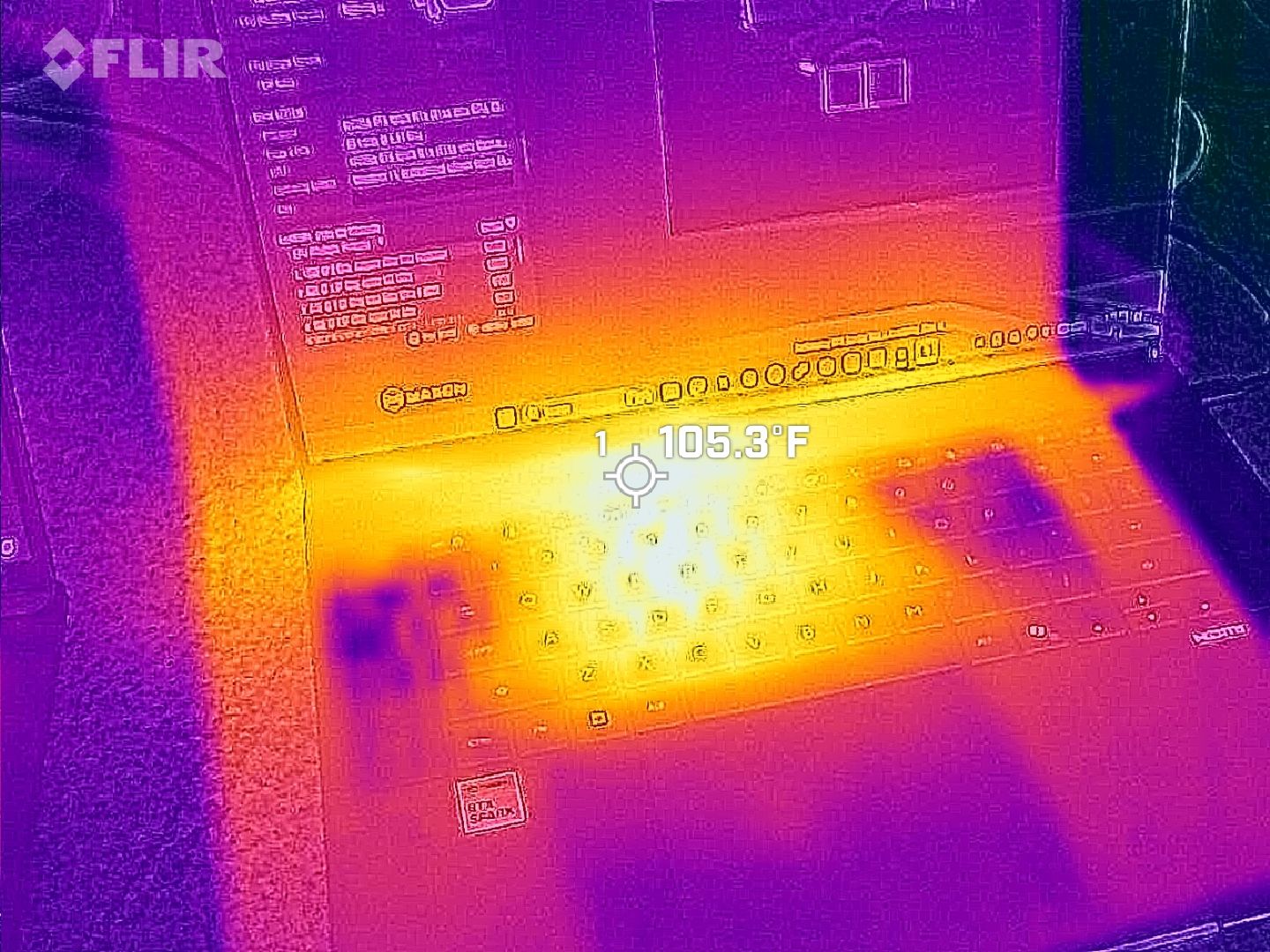
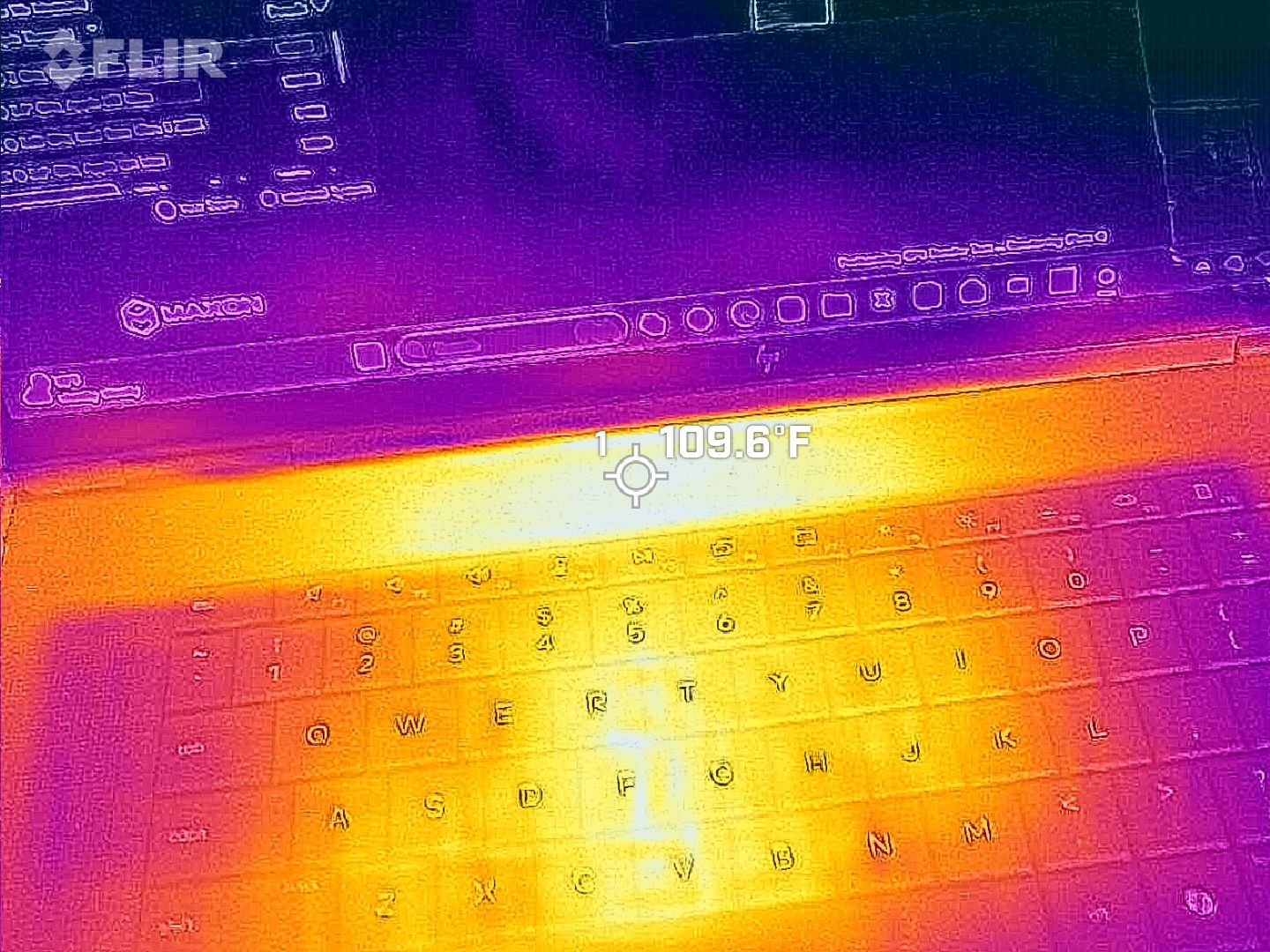
Despite the additional bulk, HP's OmniBook Ultra 16 couldn't prove that it was more thermally efficient. In fact, in our tests, ASUS's laptop actually ran a few degrees cooler under load than the OmniBook.
The ASUS ProArt P16's keyboard deck heat.Daniel RubinoThe HP OmniBook Ultra 16 generally runs hotter under load than the ProArt P16.Daniel Rubino
The difference isn't one you'd notice in day-to-day life, especially because the fans generally remain below 50dB.
Which laptop has more ports?
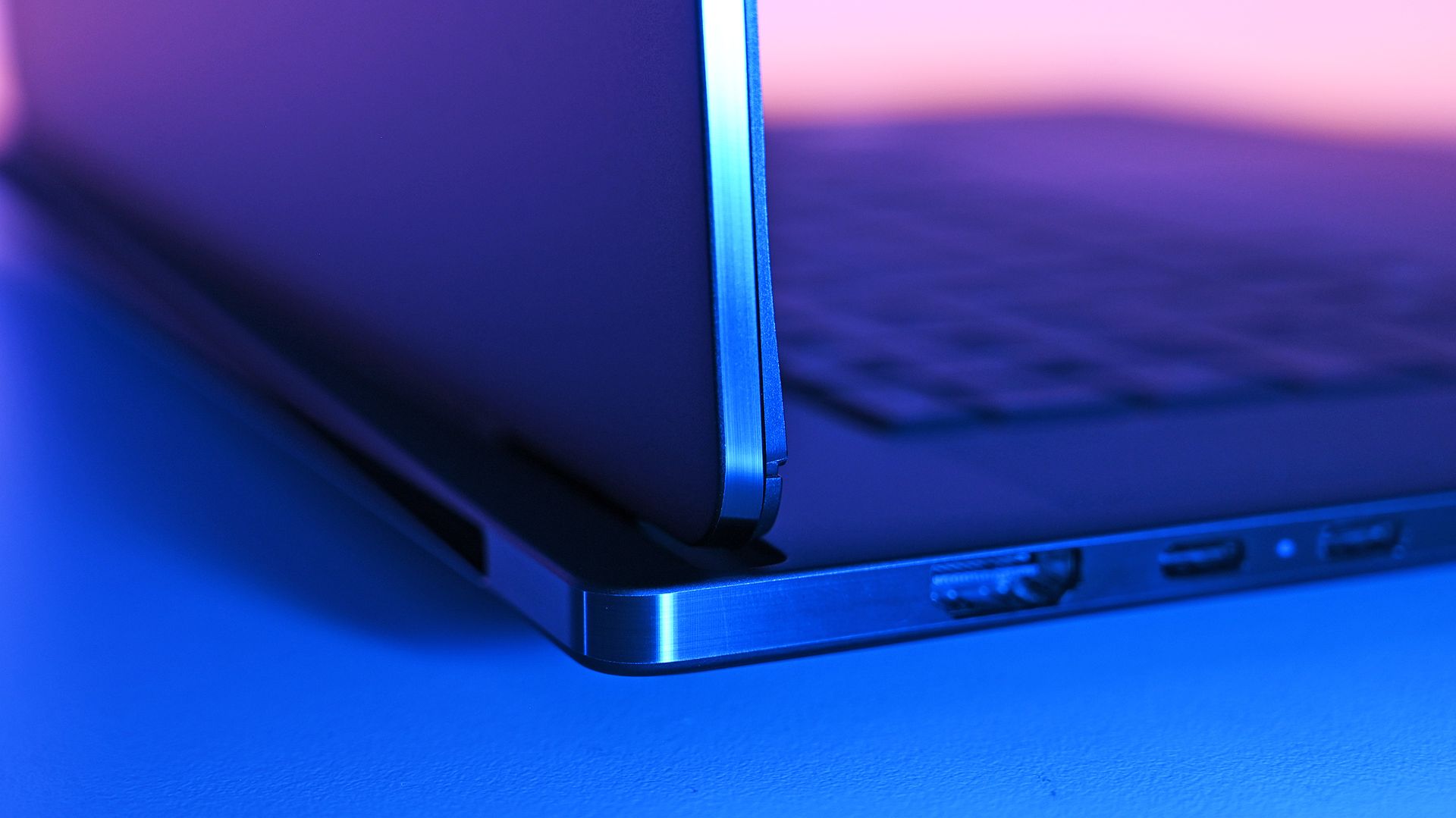
A look at ports on the left side of the ProArt P16. (Image credit: Daniel Rubino)
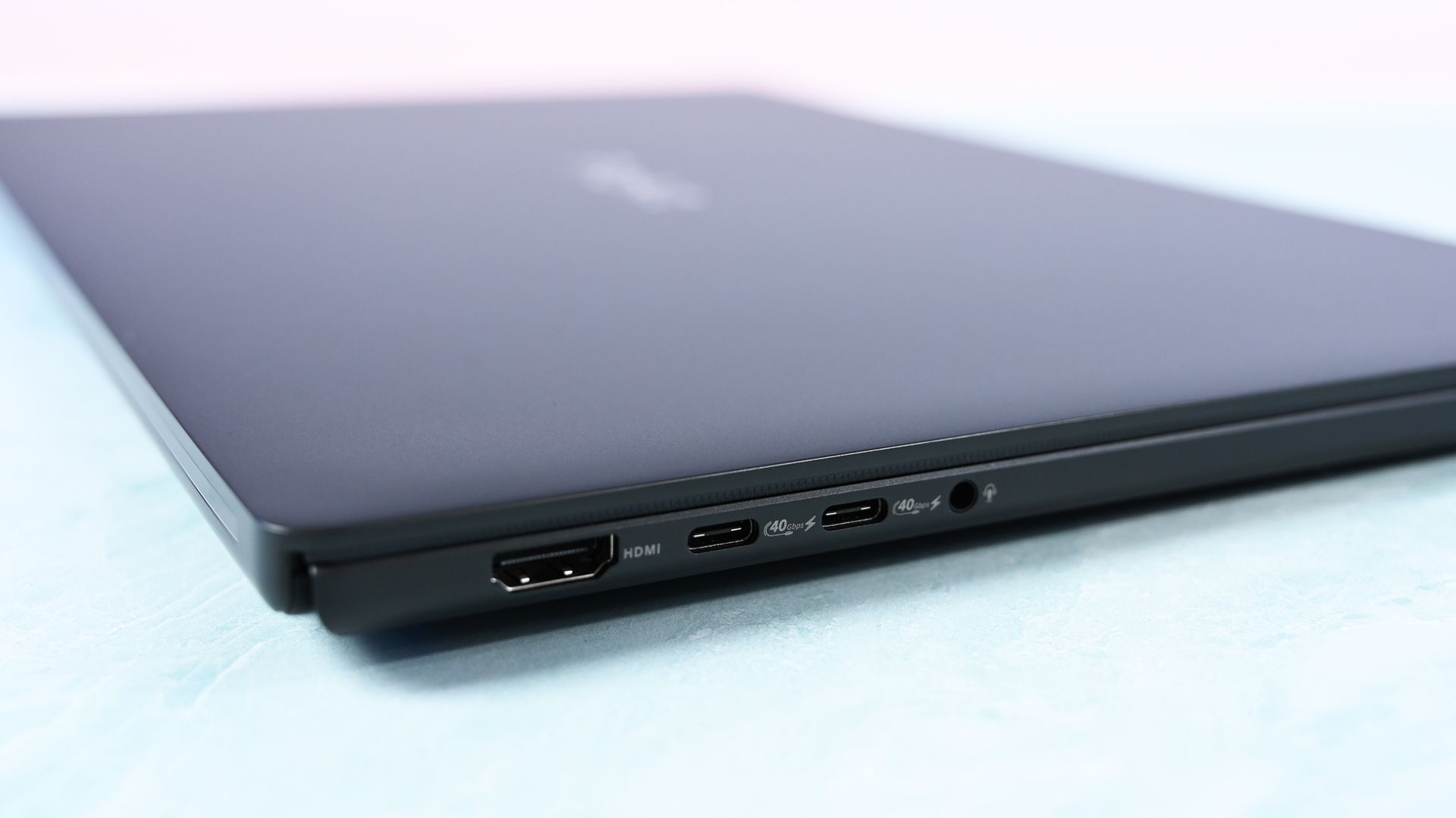
The ProArt P16 comes with three USB4 ports, an SD card reader, HDMI 2.1, dual USB-A 3.2 (10Gbps), and a 3.5mm audio jack.
ASUS configures the laptop to have two USB4 ports on the left side and one on the right, giving you some additional flexibility with charging and accessories.
The OmniBook Ultra 16 has just two USB4 ports, and both are on the left side. HP also drops the full-size SD card reader down to microSD. It otherwise has similar dual USB-A (10Gbps) ports, HDMI 2.1, and a 3.5mm audio jack.
I'm in favor of the way ASUS laid out its ports, and the additional USB4 hookup for charging or data is always nice to have.
Which keyboard and touchpad do we like best?
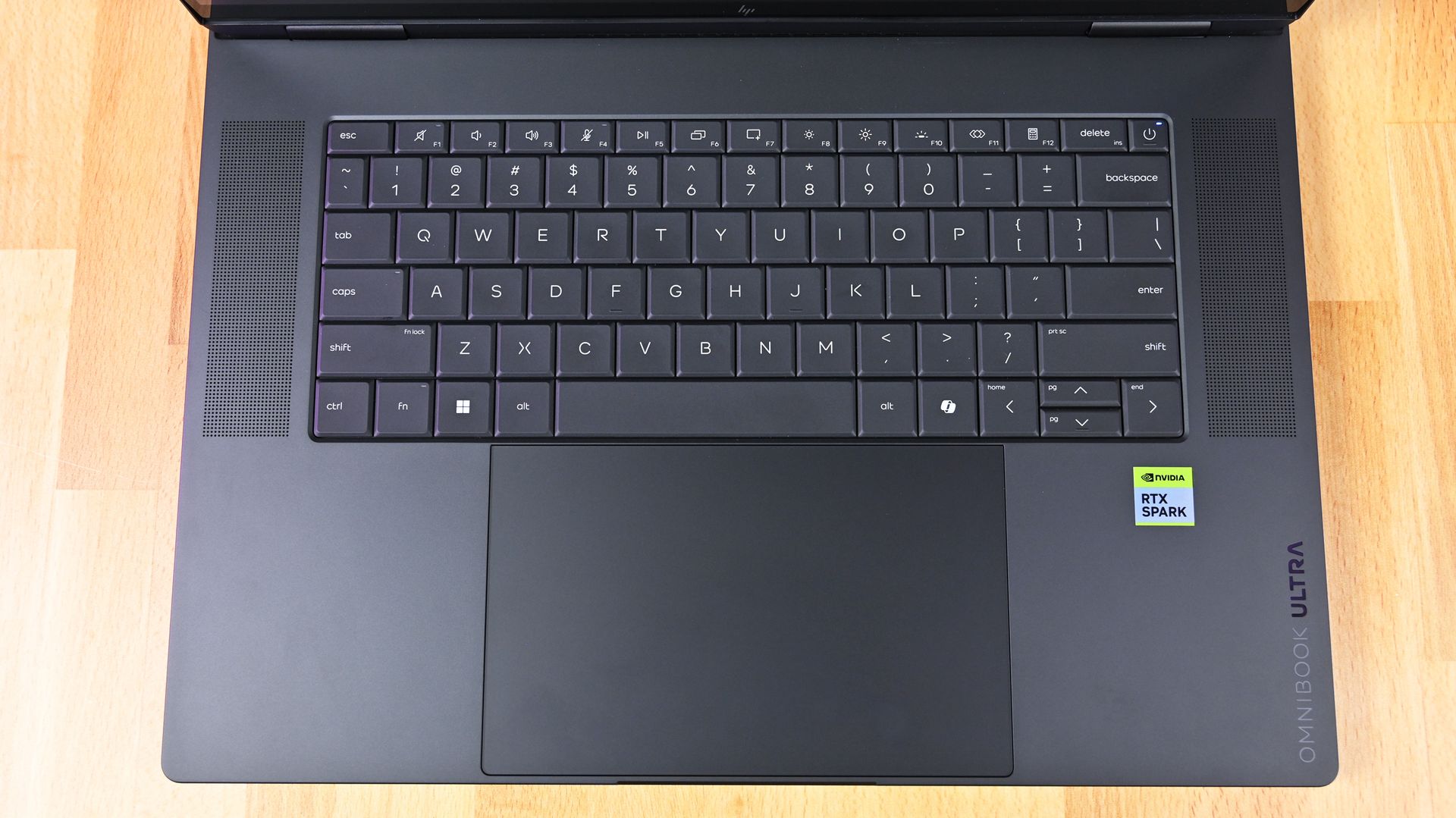
HP's OmniBook Ultra 16 has a lattice-free keyboard and massive haptic touchpad. (Image credit: Daniel Rubino)
The ProArt P16 arrives with a chiclet-style keyboard with deep 1.7mm key travel, three-stage backlighting, and an ambient sensor for automatic adjustments. Below, a massive haptic touchpad makes good use of space and is compatible with Windows 11 Haptic Signals.
HP's OmniBook Ultra 16 arrives with a lattice-free setup, with minimal gaps between keys. As Rubino put it in his review, "It looks great, feels precise, and is genuinely fun to type on."
It only sports a two-stage backlight, unfortunately, and there's no ambient light sensor like on the ProArt P16. HP's haptic touchpad also doesn't support Windows 11 Haptic Signals, which means you won't feel Windows 11's nifty haptic system.
Audio and cameras
(Image credit: Daniel Rubino)
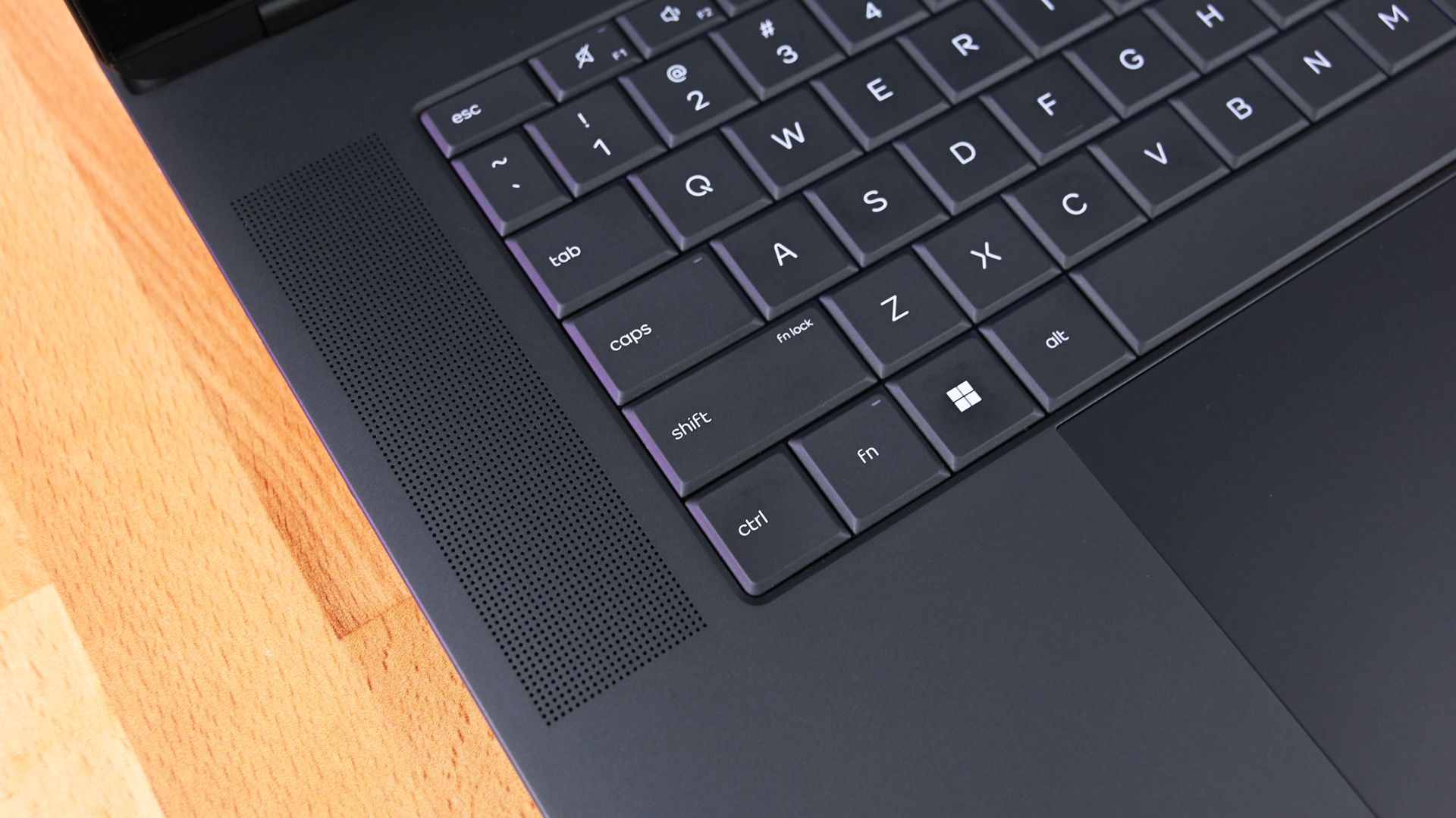
ASUS's ProArt P16 has a six-speaker setup, including two tweeters and four woofers. They're split between down-firing cutouts on the bottom of the PC and top-firing cutouts flanking the keyboard.
Audio is some of the best we've ever heard from a Windows laptop, and Dolby Atmos compatibility takes tuning one step further.
The OmniBook Ultra 16 comes with four speakers, again split between top- and bottom-firing designs. Rubino called HP's audio "roughly comparable to ASUS," and says that DTS:X tuning is a decent alternative to Dolby Atmos.
A look at a top-firing speaker in the OmniBook Ultra 16. (Image credit: Daniel Rubino)
As for the cameras, the conclusion is that neither is very remarkable. ASUS immediately falls behind with a 2.1MP sensor compared to HP's 5MP camera, meaning less resolution in general use.
The ASUS ProArt P16's OLED display (Image credit: Daniel Rubino)
ASUS offers two 16-inch OLED display options (3K and 4K), although it seems like the higher-res version is the one that's most often for sale. That's where I'll focus.
The 4K panel hits about 1600 nits of peak HDR brightness, falling back to 700 nits for SDR. It has a 16:10 aspect ratio, 0.2ms response time, 120Hz variable refresh rate, 100% DCI-P3 color, touch, and stylus support for inking.
HP's lone 16-inch OLED screen has a lower 2880x1800 resolution, though it hits the same 120Hz refresh rate and includes touch. It hits 500 nits SDR and up to 1,100 nits in HDR content, also with 100% DCI-P3 color.
In reviewer Daniel Rubino's opinion, "HP's [display] looks slightly more natural" compared to ASUS's display, while "colors appear clean and balanced without becoming excessively saturated."
HP's laptop skips auto-brightness and adaptive color, two features in the ASUS PC that can keep your screen looking as good as possible no matter the ambient conditions.
NVIDIA's RTX Spark platform doesn't differ much
NVIDIA's RTX Spark chip doesn't differ much between ASUS and HP laptops. (Image credit: Daniel Rubino)
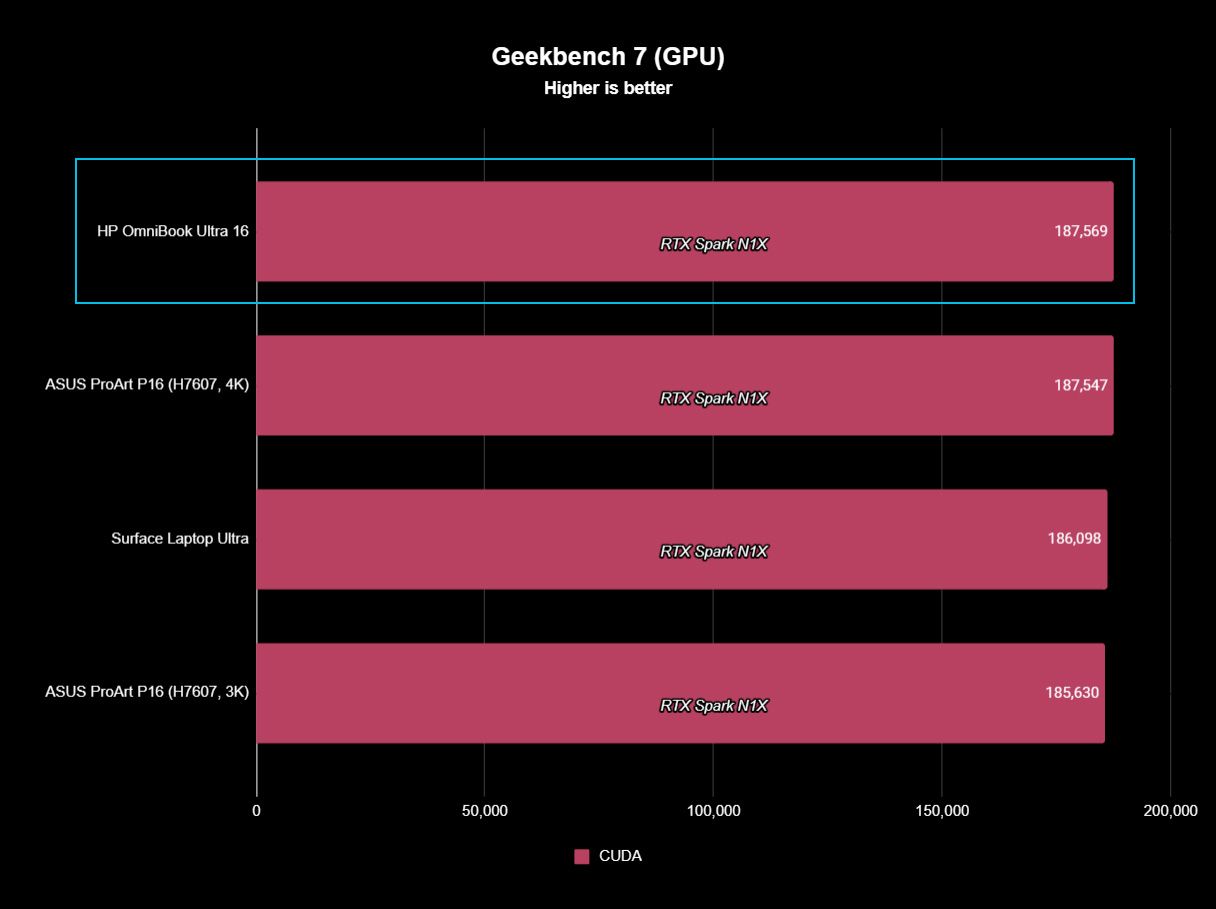
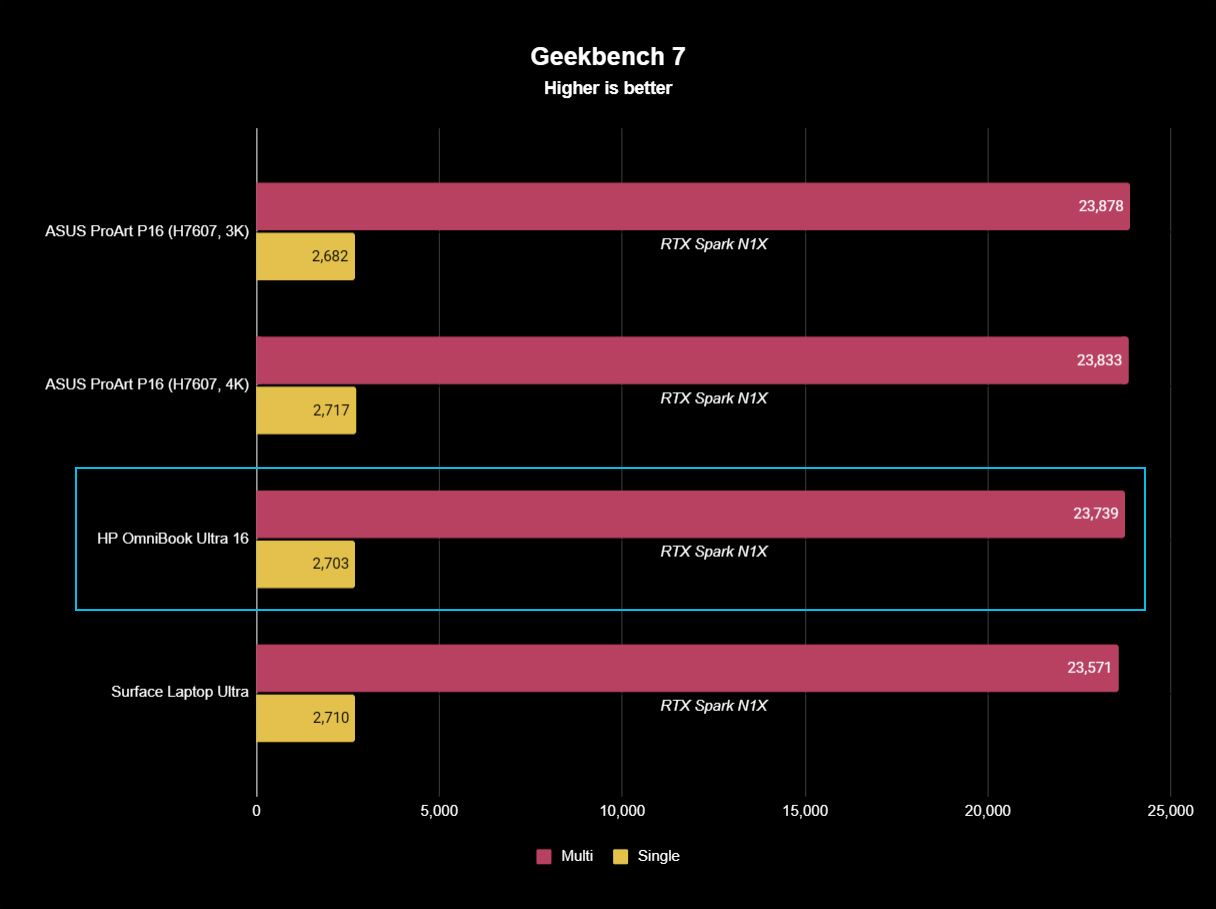
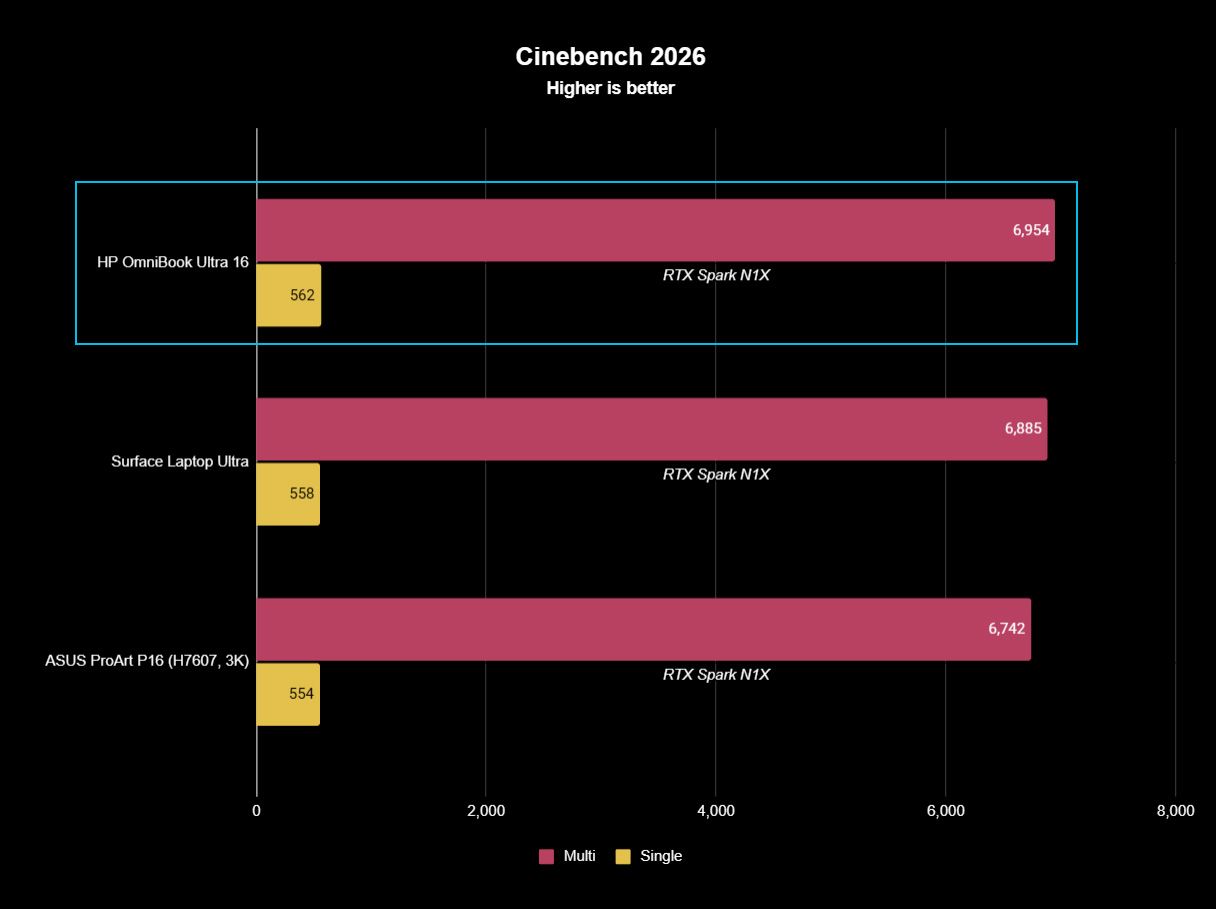
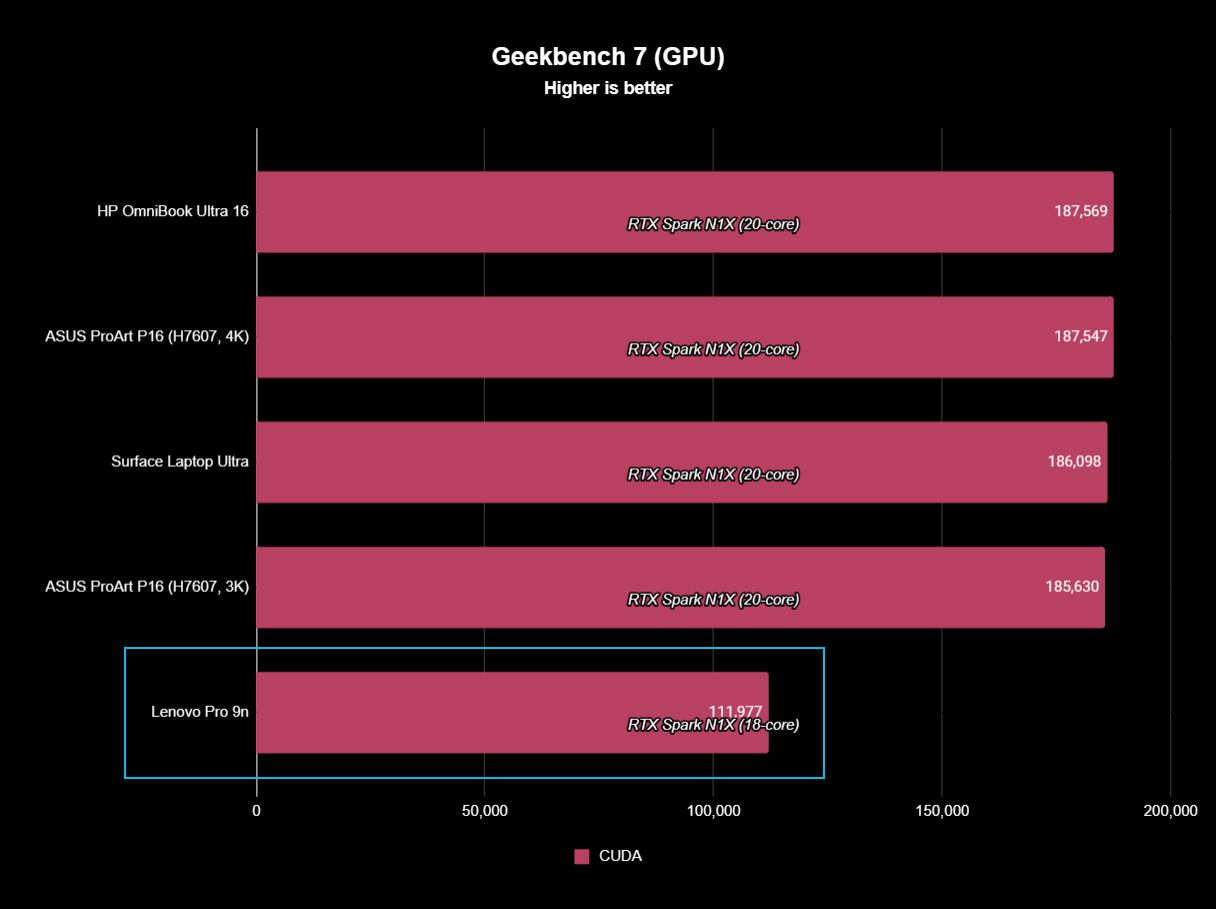
The thing about this first generation of RTX Spark PCs is that performance really doesn't differ much as long as you have the same tier of chip, whether that's the 18-core or 20-core CPU.
We've tested a bunch of these laptops from different brands, and I don't recommend buying one or the other based on small benchmark differences. You'll get the same tier of performance no matter what.
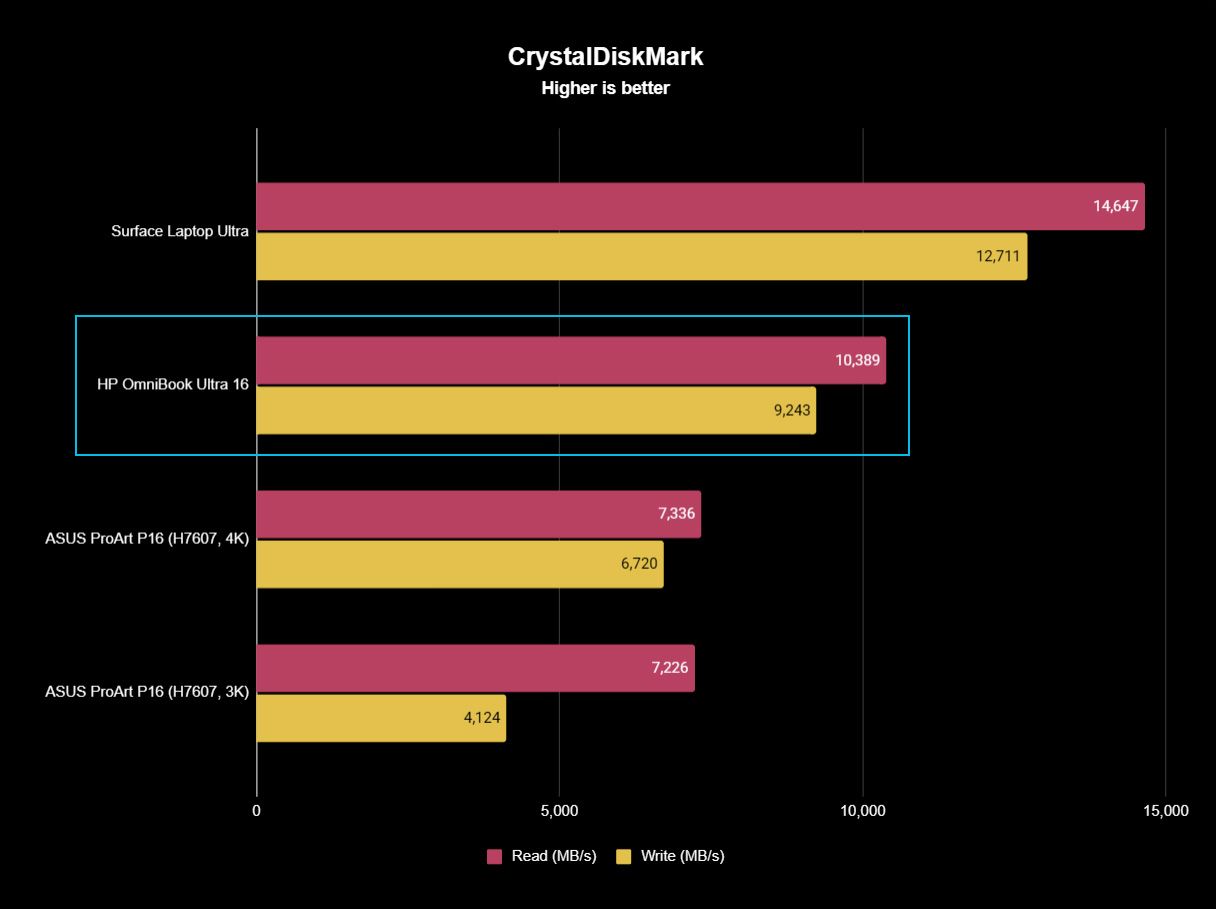
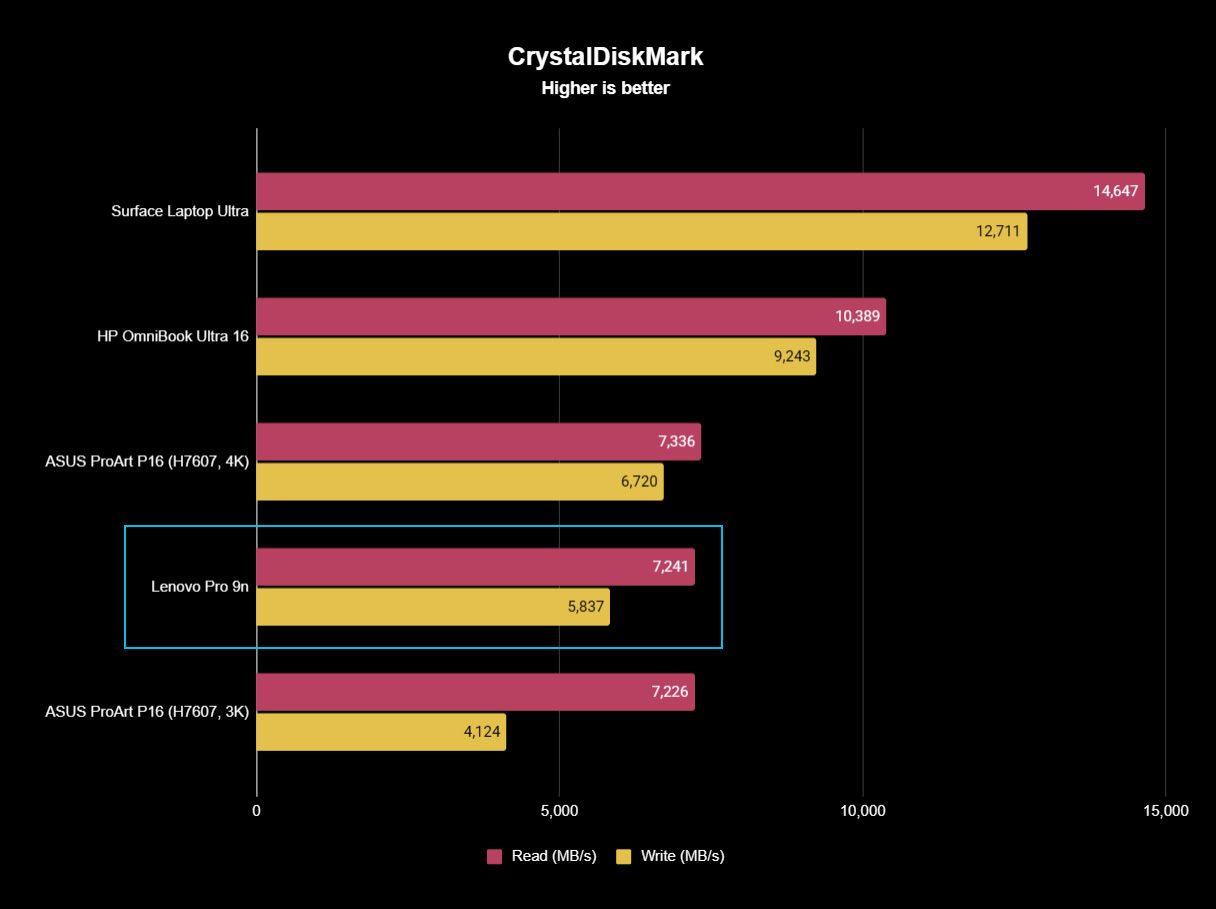
The one exception is storage. All of HP's laptops come with faster PCIe 5.0 drives, whereas the ProArt P16 sticks with slower PCIe 4.0 hardware. This difference is significant, as you can see in the charts below.
FutureFutureFutureFuture
Battery life is also quite similar across the HP and ASUS laptops. Windows Battery Report showed the OmniBook Ultra 16 as hitting roughly 11 hours and 18 minutes of real-world usage, like web browsing, email, messaging, writing, etc.
The ASUS ProArt P16 hit 9 hours and 58 minutes in the same report. It does seem like HP's laptop can last a bit longer, but it really depends on your habits.
Where ASUS has HP beat is with standby efficiency. The ProArt P16 "resumes almost instantly and loses very little battery while sleeping," according to Rubino, whereas HP's laptop takes a bit longer to wake up.
ASUS ProArt P16 vs. HP OmniBook Ultra 16: Which RTX Spark laptop should you buy?
HP's OmniBook Ultra 16 offers more value for its starting price than the ProArt P16. (Image credit: Daniel Rubino)
I'd say that HP's OmniBook Ultra 16 is the better value overall once you get past the introductory pricing (which ASUS keeps down with less/slower hardware).
HP also offers a great webcam, a more natural OLED appearance, and what seems like longer runtimes for general use. These are all good reasons to buy the HP laptop.
But ASUS brings a better selection of ports, a brighter display, deeper key travel, and, most importantly, a lighter and more compact design. It weighs about a pound less than the OmniBook Ultra, making it much easier to carry around. Best part? It doesn't harm performance.
The bottom line? ASUS has the more complete package, but HP's OmniBook Ultra 16 isn't far behind. And considering HP's laptop has been on sale practically since it launched, saving several hundred dollars should easily make up the difference.
Up to 2.8K
HP
OmniBook Ultra 16
HP's OmniBook Ultra 16 is an outstanding laptop with fast storage and better battery life, but its size and weight must be considered. Regardless, at the end of the day, this is the laptop I'd buy if I could save a few hundred dollars.
Up to 4K
Asus
Asus ProArt P16
ASUS's ProArt P16 is the more complete RTX Spark laptop, though it does fall behind the OmniBook Ultra 16 in areas like storage and battery life. If pricing is similar, this is the laptop I recommend to most people.
Join us on Reddit at r/WindowsCentral to share your insights and discuss our latest news, reviews, and more.
It's a rough time to be shopping for PC hardware and laptops. Believe me, as a PC gamer, I know the struggle. Prices are incredibly high because of AI-driven component shortages, and some relief can go a long way.
That's why I'm happy to share some exclusive discount codes redeemable at Newegg. All codes offer an additional discount on top of any sales that Newegg already has running, so you can absolutely stack sales.
These exclusive deals cover everything from PC components to accessories to pre-built PCs and monitors, giving you plenty of variety. I've rounded up some eye-catching deals below, and I've also made this quick-hit list of discounts with links to Newegg for each broader category.
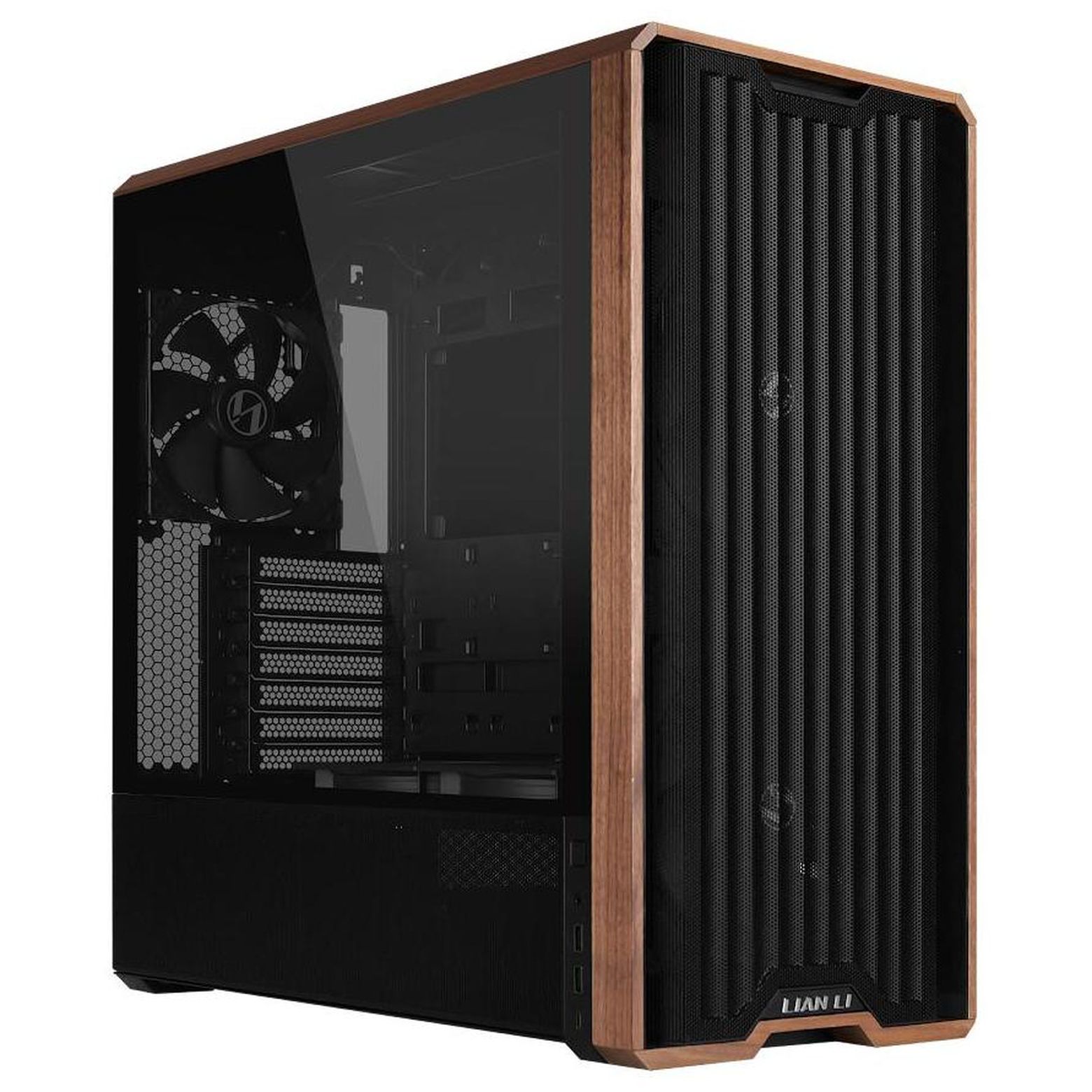
Lian Li's LANCOOL 217 ATX PC case has a slick walnut finish on the front and outstanding air flow throughout. It comes with five pre-installed fans. It's currently on sale for $119.99, and you can get an extra 3% off with exclusive code FUTURECASE3 at checkout.View Deal
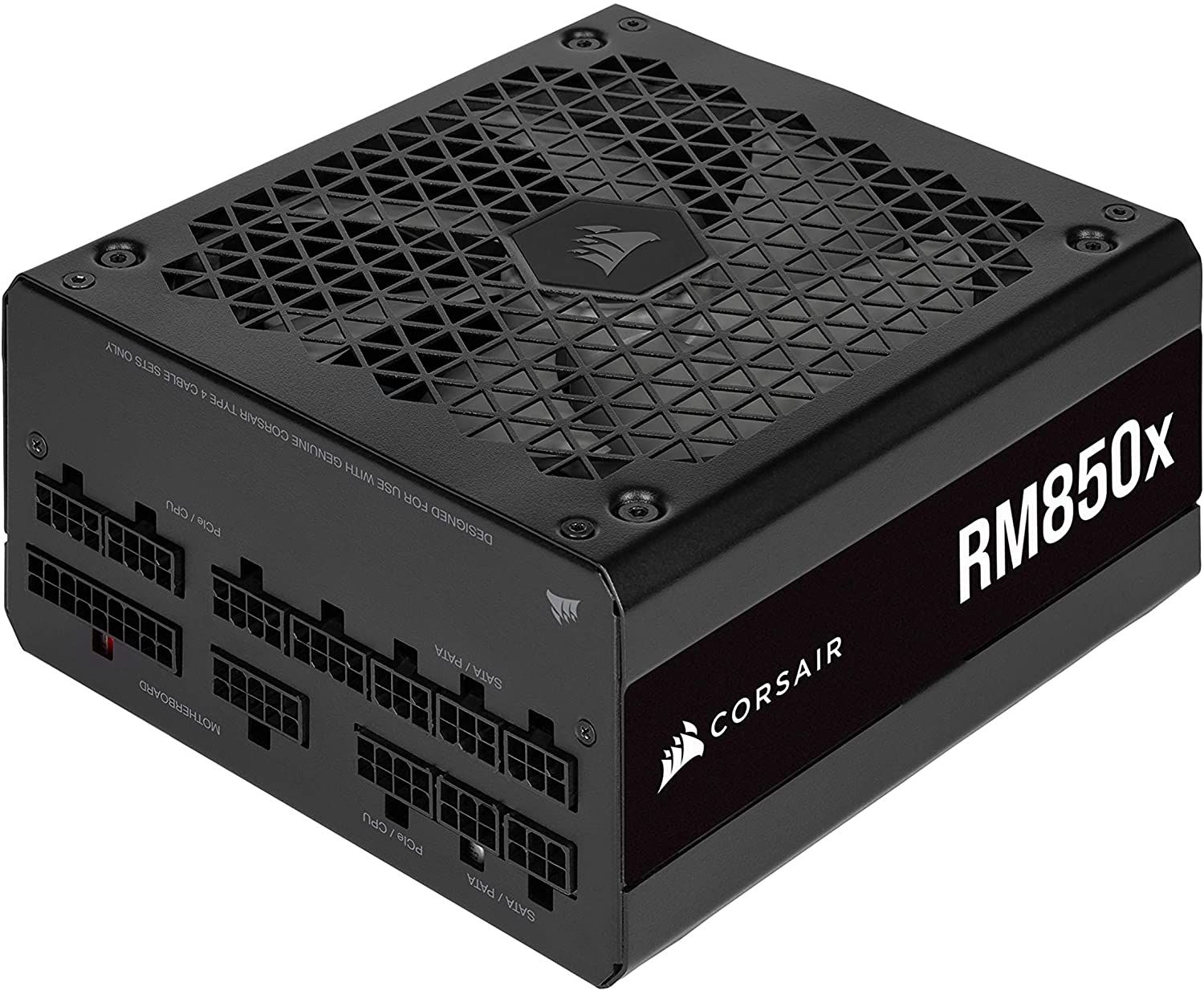
Corsair's highly-rated 850W fully modular PSU is ideal for most gamers with mid-range systems, and it's currently on sale for $139.99. Get an extra 3% off with exclusive code FUTURECASE3 at checkout.View Deal
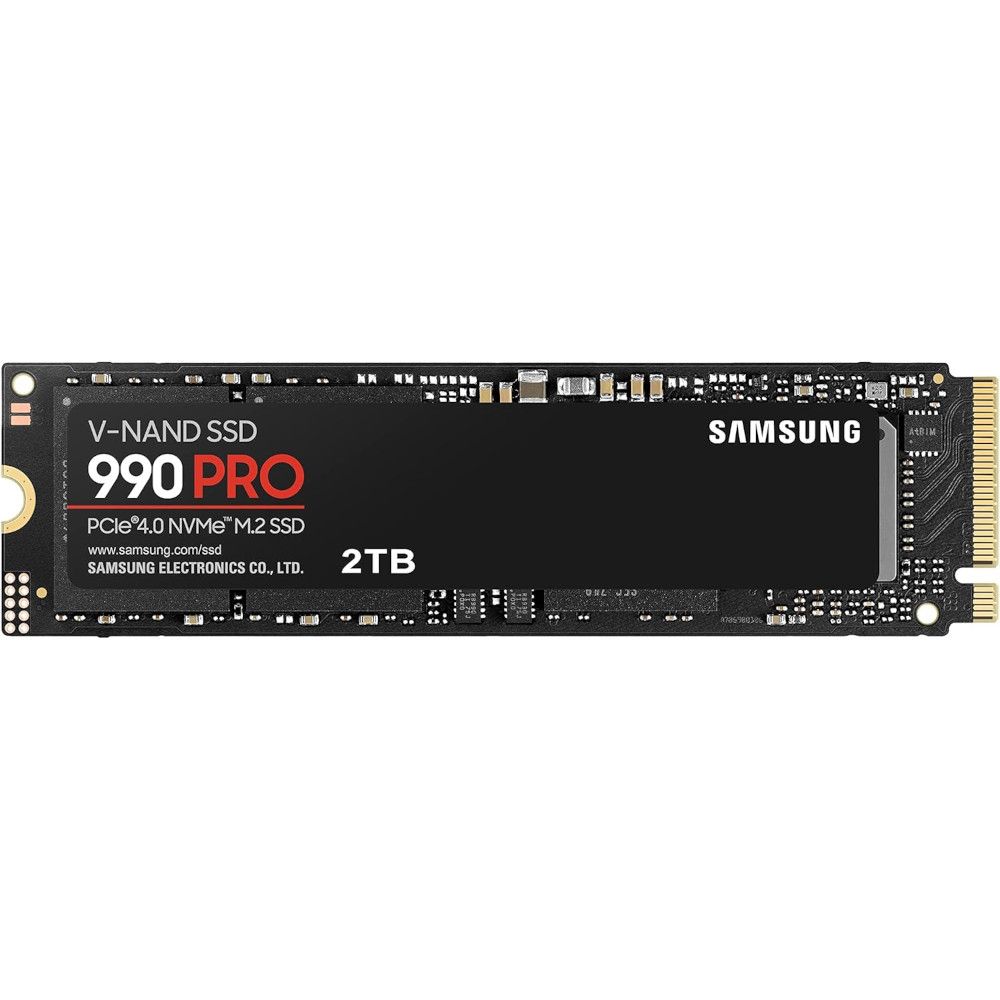
Storage is crazy expensive these days, so this discount on one of the best SSDs on the market is a nice change. It's currently $250 off at Newegg, and you can save another 3% by using exclusive code FUTURESSSD3 at checkout.View Deal
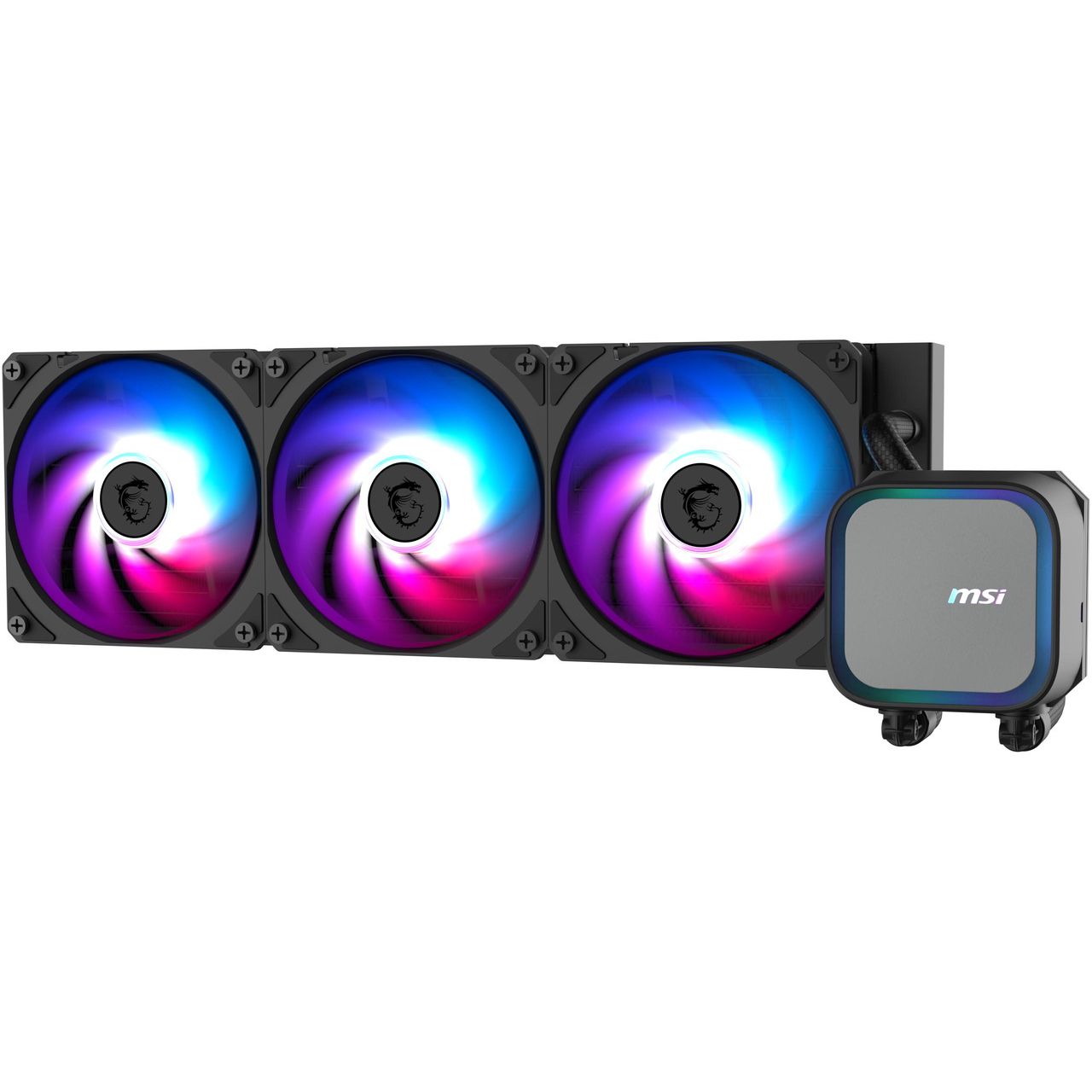
A 360mm AiO liquid CPU cooler is what you want in your high-performance PC, and the best part is that you don't have to spend more than you would on an air cooler. MSI's MAG Coreliquid A13 is already down to $64.99 at Newegg, and you can save another 5% with code FUTUREACPC3 at checkout.View Deal
Save more on Windows PCs and monitors with our special discounts
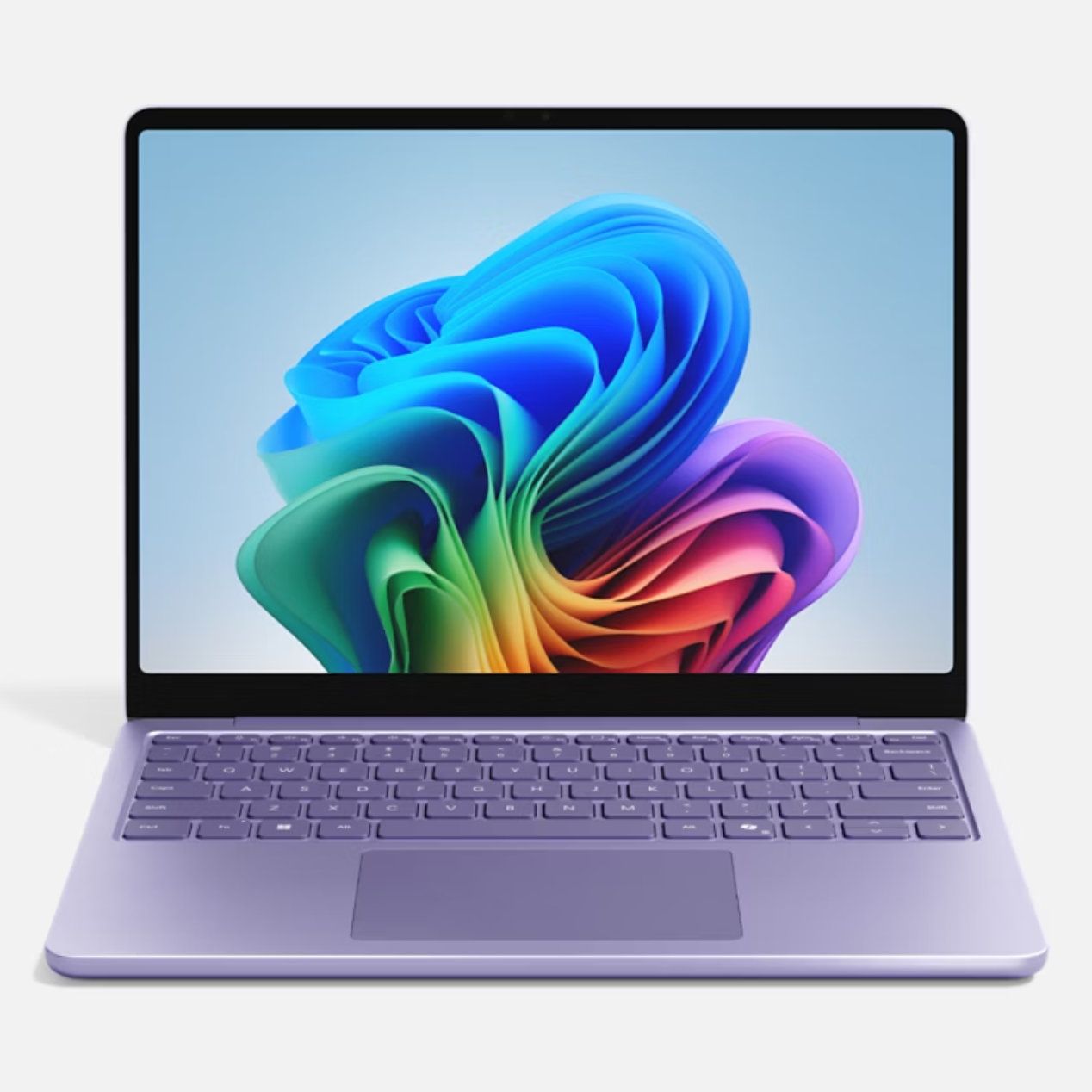
Microsoft's 13-inch Surface Laptop has a Snapdragon X Plus chip, 16GB of RAM, 256GB SSD, and an FHD+ touch display, altogether making it an outstanding portable option for students, home, or general use. It's now down to $979.99, and you can save 3% more when you use code FUTURENB3 at checkout.View Deal
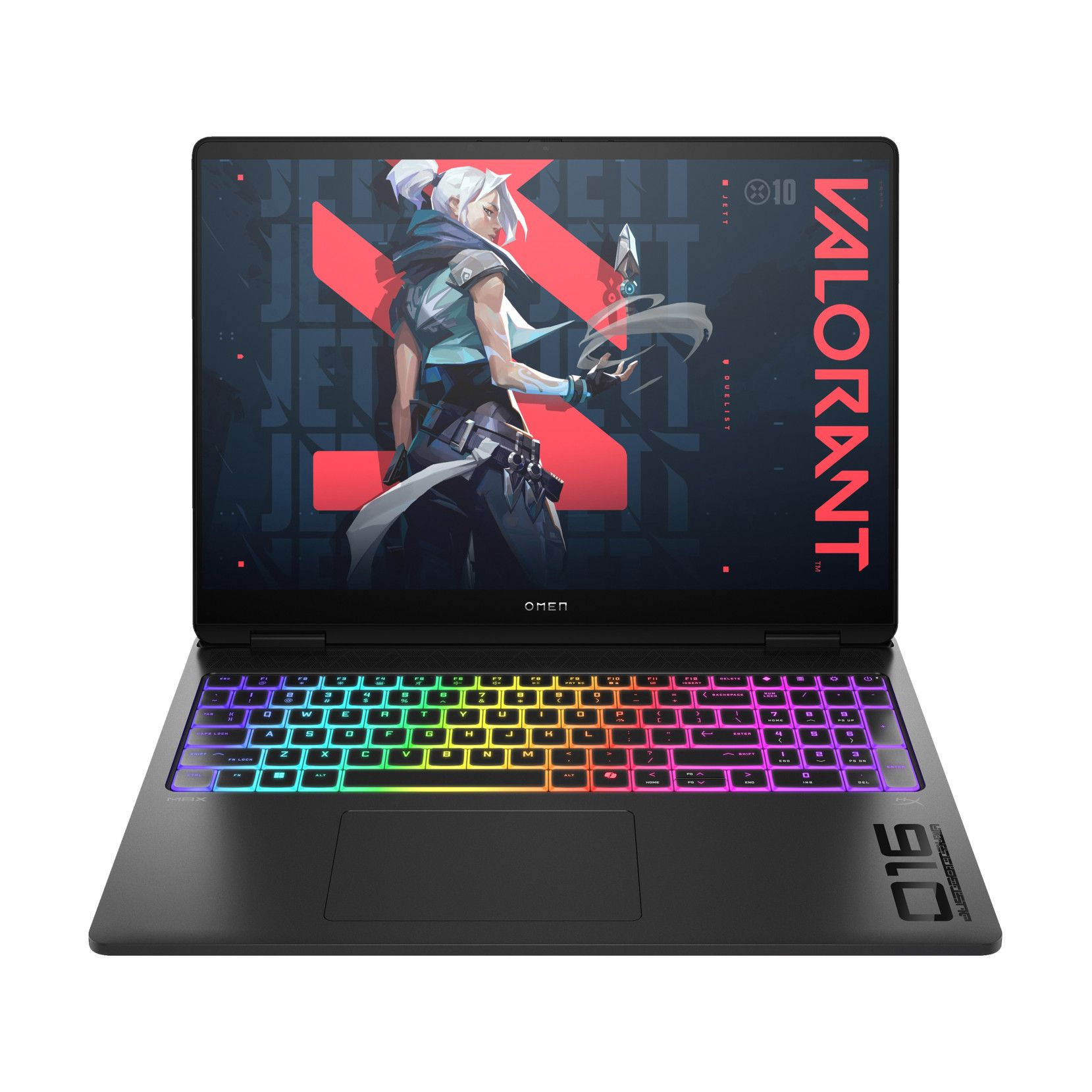
With a Core Ultra 7 255HX CPU, NVIDIA RTX 5070 mobile GPU, 16GB of DDR5 RAM, 1TB SSD, and 15.6-inch FHD+ display at 165Hz, this HP gaming laptop will handle anything you throw its way. It's down to $1,749.99 right now, and you can take off an extra 3% with code FUTURENB3.View Deal
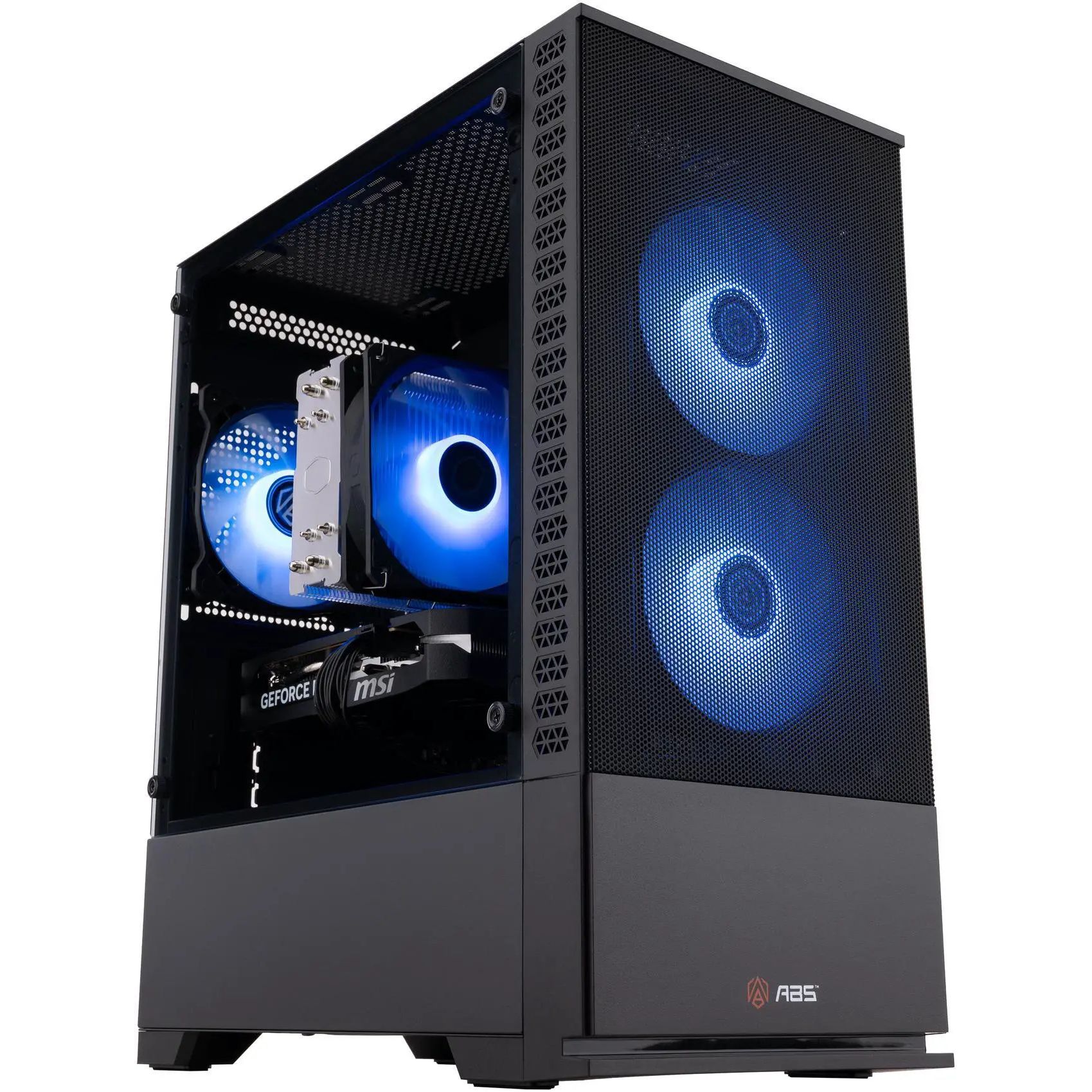
Newegg's ABS pre-built brand is one I can recommend after testing, and this model has a Core i7-14700F CPU, RTX 5060 Ti GPU with 16GB RAM, a 1TB SSD, and 16GB of DDR5 memory. It's $100 cheaper already, and you can shave off another 3% with code FUTUREDPC3.View Deal
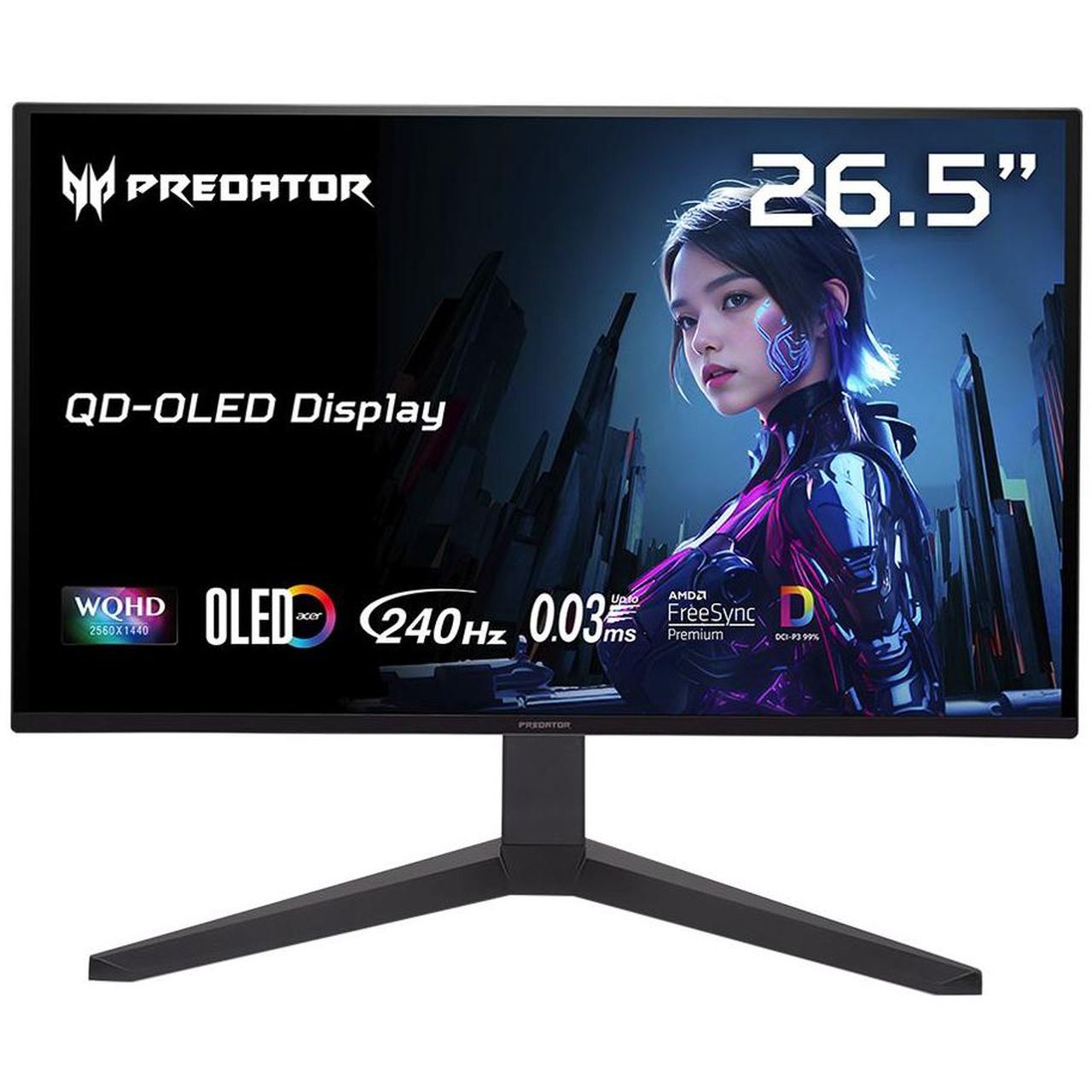
Acer's Predator X27U delivers a 26.6-inch QD-OLED panel with incredible color and contrast. It hits 1440p with a 240Hz refresh rate, and it comes with AMD FreeSync Premium support. It's down to $319.99 right now, but you'll save an extra 3% with code FUTUREMN3.View Deal
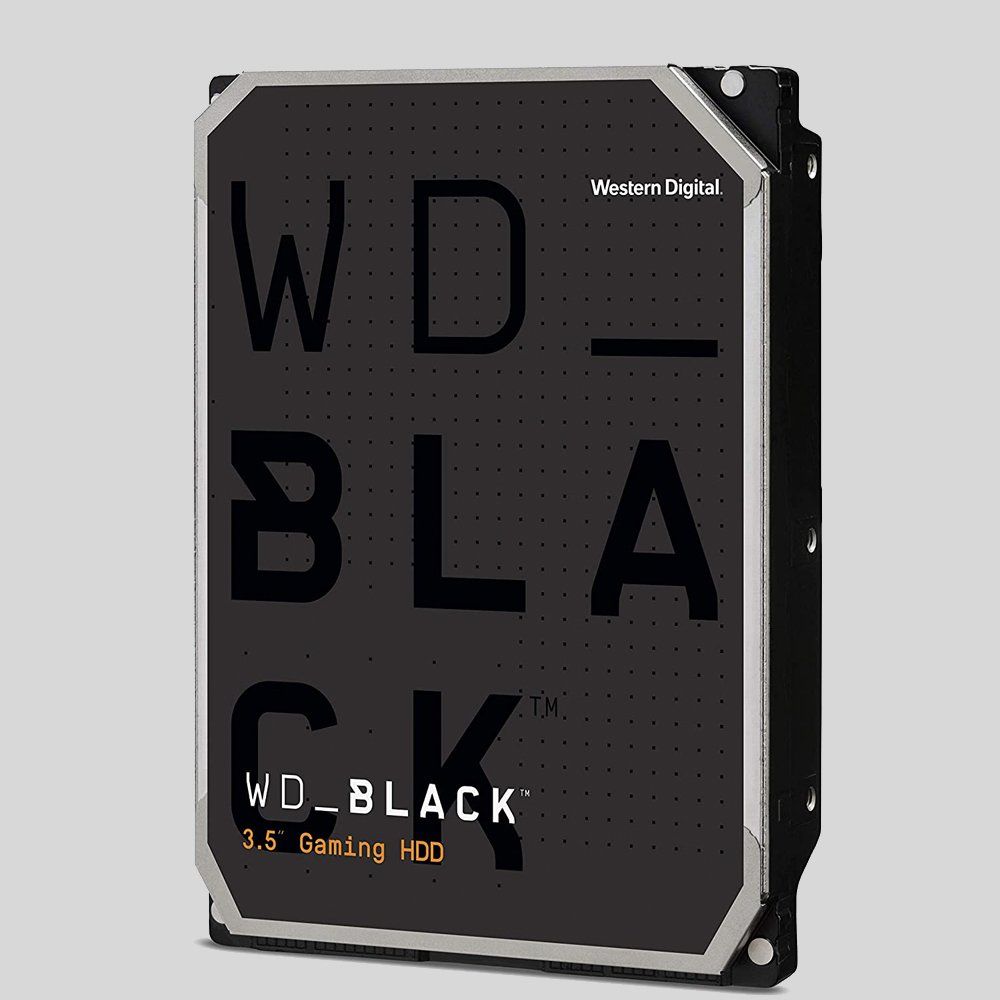
A wide range of WD hard-disk drives for internal and external use are already discounted at Newegg, and you can save a further 3% when you use code FUTUREHD3 at checkout. Check out this Newegg page for eligible drives.View Deal
FAQ
How do I redeem these exclusive codes at Newegg?
To redeem a special discount code, add the item you want to buy to your Newegg cart. Then navigate to the cart, click "Add Promo Code" on the right side of the windows, and add the code.
Do these exclusive discounts only apply to items already on sale?
No. The codes I've listed here can be used on any products within their appropriate segments. A device doesn't have to be on sale to be eligible for the additional discount.
When do these exclusive Future discounts stop working?
These additional discounts are live now and are expected to run until November 30. That gives you plenty of time to line up a strong Newegg discount for a bit of extra savings.
Join us on Reddit at r/WindowsCentral to share your insights and discuss our latest news, reviews, and more.
AMD CEO Lisa Su, in an interview with Yahoo Finance, said yesterday that AMD is "a data center first company." Somewhere, a gamer clutched their Radeon GPU like it's a priceless heirloom.
This quote from Su seems to have made waves in the tech world. I get it. Nobody wants to hear that another company we're used to seeing sell consumer tech to us gamers and enthusiasts is going a different way.
But before we start singing hymns, let's see what Su actually meant with her data center tidbit.
People have a right to be worried, especially these days
AMD CEO Lisa Su's recent data center comments are making waves. (Image credit: Getty Images | Chip Somodevilla)
I don't think there's anyone who follows tech markets, even from a distance, who doesn't know that there's an AI-driven memory and RAM shortage forcing consumer prices through the roof.
We are a data center-first company. That is our profile. People need more computing to power all these applications.
AMD CEO Lisa Su, speaking with Yahoo Finance
Not just that, but companies that were once focused on consumer products have been flipping over to the AI side, where there's a lot more money to be made. Micron did just that in late 2025, when it killed off its consumer Crucial brand to focus entirely on data center supply.
People have every right to be worried when a company like AMD, which makes consumer products, begins spewing data center rhetoric.
Hasn't AMD always been a data center company?
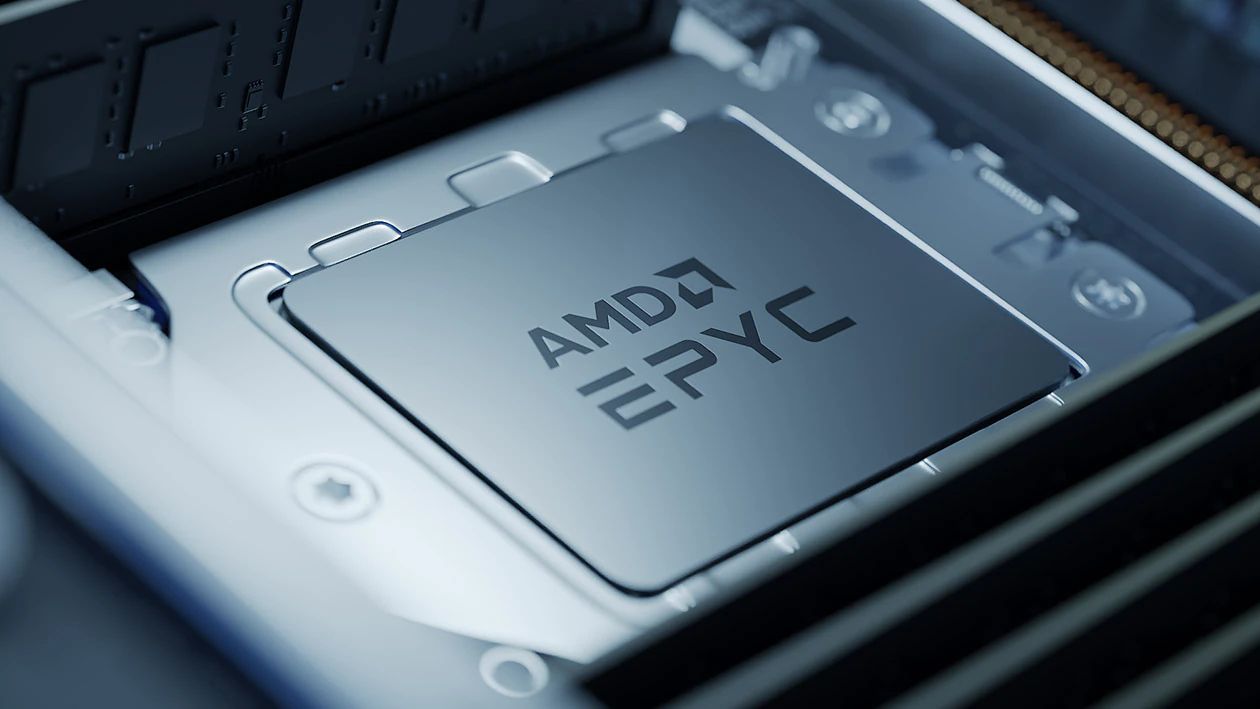
AMD's Epyc and Instinct AI accelerators are not new products. (Image credit: AMD)
Some of you might be asking why this is big news. I get it. AMD has, after all, been a data center company for ages, selling its EPYC and Instinct AI accelerators for big money.
But that was before AMD's data center revenue surpassed consumer and client revenue in 2026. Before we saw other big tech companies, like Micron, make massive pivots that left consumers without anything to buy.
I get why consumers are nervous, especially when AMD offers the best CPUs for PC gaming and is really the only counterpoint to NVIDIA's GPU dominance.
But why would Su go on Yahoo Finance and talk about anything else but where AMD gets most of its money?
Fears that AMD is abandoning gamers are unfounded ... so far
AMD still makes the best CPUs for gaming, and it's not even close. (Image credit: Harish Jonnalagadda / Windows Central)
As I said, I get why consumers are upset over the data center rhetoric coming from Team Red. Thankfully, AMD's moves lately seem like anything but abandonment.
This doesn't seem to me like the actions of a company that's already checked out of the consumer stack. Will that hold? I can't answer that, but the idea of AMD pulling up its consumer stakes seems too far-fetched to believe.
Treat your old GPU with care
Keep your old GPU in top shape. You never know how long it'll need to last. (Image credit: Future)
AMD's data center revenue only surpassed consumer and client revenue in Q2 2026, and it's worth pointing out that its Ryzen and Radeon consumer lines still rake in billions of dollars in revenue.
That could change over time, especially as consumers deal with years of hardship and PC sales plummet, but we'll cross that bridge when we come up to it.
What I'm more concerned with right now is not a complete halt to consumer production, but instead how AMD will be using its resources going forward. Shareholders always need more money, and right now, data centers are the easiest way to earn it.
For now, I don't think fans of Team Red need to panic.
If data center demand continues to explode, does AMD eventually pull all of its best into that division? Do the gaming and consumer teams get the leftover scraps?
For now, I don't think fans of Team Red need to panic. Lisa Su's recent comments, taken in context, are not shocking. They're not even new.
Still, some skepticism never really hurt anyone. Neither does keeping your aging GPU in tip-top shape as markets face continued uncertainty.
Do you agree with my take? Are Su's words as big a deal as many are making them? Where do you see AMD in 5 years? 10 years? Let me know in the comments section below!
Join us on Reddit at r/WindowsCentral to share your insights and discuss our latest news, reviews, and more.
The Surface Laptop Ultra starts at a more affordable price, but evens out as you add hardware. It lacks pen support, its mini-LED display isn't as impressive, plus it's overall thicker and heavier.
Lenovo's Pro 9n starts at a higher price, but actually gets cheaper than Surface as you add hardware. Its OLED display, top-firing speakers, haptic touchpad with inking, and 9.1MP webcam are all benefits you won't get from Surface.
Pros
Superior webcam and top-firing speakers
OLED display delivers better contrast and no blooming
Thinner and lighter
165Hz refresh rate and NVIDIA G-Sync are good for gaming
Although we reviewed both laptops favorably, there are some major differences beyond the new NVIDIA chip that you'll certainly want to know about before buying.
Surface Laptop Ultra vs. Lenovo Pro 9n: Specifications and price
There are plenty of similar specs across these laptops, and I know it's handy to have a quick reference table to compare.
12.95 x 9.40 x 0.71-0.75 inches (328.8mm x 238.7mm x 17.99-19.16mm)
13.66 x 9.53 x 0.66 inches (347mm x 242mm x 16.7mm)
Weight
4.41 pounds (2kg)
3.64 pounds (1.65kg)
Colors
Platinum, Nightfall
Thunder Grey
The Surface Laptop Ultra starts at $2,599.99 for a model with the 18-core CPU, 5120-core GPU, 24GB of RAM, and 512GB SSD.
Lenovo's Pro 9n with the 18-core CPU, 5120-core GPU, 32GB of RAM, and 512GB SSD starts at 2,999.99. I imagine a lot of that price difference comes from the extra RAM, but as you'll see below, Lenovo's laptop also has some concrete benefits over the Surface.
Surface Laptop Ultra models with upgraded 20-core CPU, 6144-core GPU, 32GB of RAM, and 1TB SSD start at $3,699.99.
Lenovo's Pro 9n jumps to a 20-core CPU, 6144-core GPU, 64GB of RAM, and 1TB SSD for the higher-end config, starting at $4,249.99. If I compare a similar Surface Laptop Ultra config with these specs, it comes out to 4,299.99.
Basically, the Surface Laptop Ultra starts at a more affordable price thanks to more config options, but once you make the performance hardware comparable, Lenovo's PC actually becomes more affordable.
Lenovo's laptop is thinner and lighter than the Surface Laptop Ultra
The Surface Laptop Ultra is rather sleek, but it's not as thin and light as the Lenovo Pro 9n. (Image credit: Zac Bowden / Windows Central)
Microsoft's new Surface Laptop Ultra has a slightly smaller footprint than the Lenovo Pro 9n, but I don't think it's enough to make a difference in your bag. The real story is the Pro 9n's 0.66-inch chassis that's noticeably thinner than the Laptop Ultra's 0.71-0.75-inch measurement.
Lenovo's laptop is also lighter, starting at 3.64 pounds compared to the Surface Ultra's 4.41 pounds. That's a considerable difference that you'll notice each time you use the PC, and if you're always on the move, this should be a win for Lenovo.
Lenovo's Pro 9n is thinner and lighter than the Surface Laptop Ultra. (Image credit: Future)
Both laptops are built into a sleek aluminum chassis that doesn't get much more premium. Windows Central Senior Editor Zac Bowden commented in his Surface Laptop Ultra review:
Yes, Surface Laptop Ultra looks an awful lot like a MacBook Pro. [...[...] But I'm not here to tell you that's a bad thing. The MacBook Pro is a beautiful device, which is to say Surface Laptop Ultra is also very beautiful. In fact, I think it even improves upon the MacBook Pro's design in subtle ways.
Lenovo's Pro 9n takes a slightly different approach, often seen in its Yoga series, with rounded edges, top-firing speakers flanking the keyboard, and a raised comms bar above the display to fit a superior webcam.
The raised comms bar on the Lenovo Pro 9n leaves more space for a superior webcam. (Image credit: Future)
On that note, anyone who's often taking video calls, Teams meetings, etc. should consider Lenovo's 9.2MP webcam over the Surface Laptop Ultra's rather standard 1080p camera.
Both will get the job done, sure, but Lenovo's camera offers more clarity. I also found it quite good at dealing with low light. At least both laptops come with an IR sensor for facial recognition through Windows Hello.
Which laptop has better ports?
A look at the Surface Laptop Ultra's magnetic USB-C adapter. (Image credit: Zac Bowden / Windows Central)
Ports across both laptops are the same except for one major standout. I'm talking about the Surface Laptop Ultra's additional magnetic USB-C connector that's designed to pull away from the PC when it gets snagged or tripped over.
It's a lot like Apple's MagSafe tech, and I'm all about it; I hope it comes to more Windows PCs soon.
Other than the extra USB-C port, the Surface Laptop Ultra and Lenovo Pro 9n have the same selection of ports, including dual USB4, dual USB-A at 10Gbps each, HDMI 2.1, UHS-II SD card reader, and 3.5mm audio jack.
Is there a superior keyboard or touchpad?
Lenovo's Pro 9n includes a Yoga Pen 2 that writes directly on the haptic touchpad. (Image credit: Future)
Windows Central Senior Editor Zac Bowden said, "This isprobably the best keyboard and trackpad experience I've ever had on a Windows laptop to date" in his review. I'd wager that the Yoga Pro 9n takes things one step further.
Whereas the Surface Laptop Ultra has 1.4mm key travel, Lenovo pushes it to 1.5mm. Lenovo's touchpad is also slightly larger than the one on the Surface, giving you more space to point.
Both use haptic touchpads, meaning there aren't any moving parts. Clicks and feedback are simulated with small haptic motors below the surface. There are fewer mechanical parts to break down, and generally, you get a smoother experience.
But Lenovo goes one step further with inking compatibility on its touchpad. Each Pro 9n comes with a Yoga Pen 2, and I found it to be quite handy when jotting down notes or sketching ideas.
Does one laptop have better speakers?
A look at the speakers flanking the Pro 9n's keyboard (Image credit: Future)
Having checked out both laptops, I'd say that audio quality is a wash unless you care about placement.
Both laptops have four speakers, and both produce some of the best audio we've ever heard in a Windows laptop. No matter what, you get deep bass, clear highs, and loud volume.
The big difference is that the Pro 9n has two of its speakers flanking the keyboard for unmuffled audio. The Surface Laptop Ultra keeps all four of its speakers on the underside of the chassis.
Microphones are also excellent across both laptops. You won't need to worry at all about adding a microphone for calls and video chats.
Do you value brightness or color in your display?
A look at the Lenovo Pro 9n's OLED display. (Image credit: Future)
Display preferences could make or break your decision here. The Surface Laptop Ultra has a 15-inch mini-LED screen with a 3270x2180 resolution, 3:2 aspect ratio, 120Hz variable refresh rate, and Dolby Vision IQ support.
Its mini-LED panel has 1,344 dimming zones, and it manages to climb to about 2,000 nits brightness with HDR enabled. Otherwise, it tops out at about 1,000 nits.
This is great if you're often working in brightly lit areas, as you'll have much less trouble there than with the Pro 9n's maximum of 1,100 nits. However, as Zac Bowden notes, the mini-LED panel can show "a bit of blooming around bright elements on a dark background."
That's not the case with the OLED panel in the Lenovo Pro 9n. It offers perfect contrast and deep color, so there's no blooming or backlighting issues whatsoever.
Lenovo's laptop also offers a higher 165Hz variable refresh rate, and it's able to cover all color gamuts for specialized work. That higher refresh rate can help with gaming, as can the display's NVIDIA G-Sync compatibility.
The big downside is that it doesn't have as many pixels with a 2560x1600 resolution.
Is there a difference in RTX Spark performance?
The Surface Laptop Ultra has the same NVIDIA RTX Spark chip options as the Lenovo Pro 9n.
What's probably not a surprise for many is that NVIDIA's RTX Spark system-on-chip (SoC) performs similarly across laptop brands.
In this case, Zac Bowden tested the Surface Laptop Ultra with the 20-core CPU and 6144-core GPU, while I tested the 18-core CPU and 5120-core GPU in the Lenovo Pro 9n.
Unsurprisingly, the more expensive chip in the Surface Laptop Ultra comes out ahead in all relevant tests we performed. The gap isn't huge, and, of course, you can always add the 20-core chip to the Pro 9n to make up the difference.
FutureFutureFutureFuture
The Pro 9n model I tested arrived with an M.2 PCIe 4.0 NVMe SSD, which is a generation behind the M.2 PCIe 5.0 NVME SSD in the Surface Laptop Ultra model we tested.
It's no surprise that the newer SSD is faster, and keep in mind that both laptops have the option for the upgraded PCIe 5.0 drive.
Which laptop has better battery life?
The Surface Laptop Ultra's battery is rated for 0.5Wh more than the Pro 9n. (Image credit: Zac Bowden / Windows Central)
Battery capacity across laptops only differs by 0.5Wh, and in our experience, both laptops were able to hit around 10 hours of real-world usage before needing a charge.
I'm talking about lighter fare for that 10-hour runtime, like web browsing, Excel, Word, email, streaming, etc.
Once you start adding demanding tasks that press the GPU — especially AI-related work — you'll see battery life falling quite a bit faster.
For reference, when I gamed on the Lenovo Pro 9n, The Witcher 3: Wild Hunt Remastered with settings cranked up and ray tracing enabled was only seeing about 10 minutes of playtime for each 10% of battery life.
Surface Laptop Ultra vs. Lenovo Pro 9n
I'm taking the Lenovo Pro 9n over the Surface Laptop Ultra, but your decision might be different. (Image credit: Future)
Microsoft's Surface Laptop Ultra starts at a more affordable price, and that will resonate with a lot of people despite it coming with less powerful hardware. If you're just looking for a more affordable RTX Spark system, Surface is the way to go.
However, once you start adding similar hardware tiers, Lenovo's PC becomes more affordable. With the price in mind alongside the host of benefits from the Pro 9n that I've laid out above, I'm leaning towards Lenovo.
Mini-LED
Microsoft
Surface Laptop Ultra
The Surface Laptop Ultra starts at a more affordable price, but evens out as you add hardware. It lacks pen support, its mini-LED display isn't as impressive, plus it's overall thicker and heavier.
OLED
Lenovo
Pro 9n
Lenovo's Pro 9n starts at a higher price, but actually gets cheaper than Surface as you add hardware. Its OLED display, top-firing speakers, haptic touchpad with inking, and 9.1MP webcam are all benefits you won't get from Surface.
Join us on Reddit at r/WindowsCentral to share your insights and discuss our latest news, reviews, and more.
What do these stories have in common? To me, they're evidence that the standard tech market model is breaking down in the face of unprecedented hardware shortages.
Laptops and desktop PCs keep rising in price, even as they're stripped of memory and storage. Xbox consoles have never been pricier. The latest gaming handhelds, including the MSI Claw 8 EX AI+, are ballooning in price, to the point that they cost as much as a high-end gaming laptop from just a few years ago.
Consumer hardware that used to brute-force its way to acceptable performance in Windows, games, and beyond is no longer on the table for a lot of people because of AI-inflated prices.
What's left? Microsoft, despite its major role in the AI race, can't directly make hardware cheaper. It can, however, make it last longer by focusing on optimizations and innovations that offset the current economic reality that's keeping old hardware in our hands.
Windows 11 running better on 8GB PCs is part of a bigger picture
The Acer Swift Air 14 with 8GB RAM, on which I tested RAM usage in Windows 11 26H2. (Image credit: Future)
The bigger story surrounding Windows 11's 8GB improvements is that Microsoft is putting significant engineering efforts into improving the OS for low-end hardware. And it's not afraid to show it off.
To me, this is a reversal of tradition. For what feels like all my life until recently, the answer to a sluggish PC was to upgrade the hardware. Microsoft and its OEMs loved this tradition, of course, because it let them sell more products.
The Copilot+ PC initiative only lasted for a couple of years.
Now, the focus is shifting to making the hardware we have feel like it can indeed last until an upgrade becomes affordable.
This shift comes a couple of years after Microsoft's massive Copilot+ PC initiative, which I'm sure was conceived as an ultimate ploy to get users to buy new hardware.
That didn't turn out so well for Microsoft. The AI tools built into the OS failed to capture the whimsy of the average user. Adoption was slow, no doubt largely because of rising prices. The Copilot+ PC badge was eventually phased out in September 2026.
Microsoft must have realized at some point during this transition that the millions of Windows users still running old hardware are not going to upgrade any time soon.
Optimization used to be a nice bonus when it arrived, but it's now becoming a major pillar in Microsoft's consumer strategy.
AMD's FSR 4.1 will held extend the life of consoles and handhelds
AMD FSR 4.1 running on the ROG Xbox Ally. (Image credit: AMD)
It won't turn your Xbox into a supercomputer, but it is the next best thing to buying an entirely new device with more power. This is particularly important as rumors of the next-gen Xbox Helix's $1200-$1800 price begin to swirl.
Helix is so far expected to cost somewhere between $1200-$1800 when it launches. (Image credit: Microsoft | XBOX)
If Helix indeed launches at that price, Microsoft has to know that adoption won't be fast. But the company also knows it can't afford to lose those Xbox gamers.
Keeping the Series X|S relevant longer into the future ensures that gamers keep buying Game Pass subscriptions, keep buying new games, and, ultimately, remain inside the ecosystem.
Microsoft doesn't really need people to buy new PCs
PC sales are no longer such a big part of Microsoft's business model. (Image credit: Windows Central | Zachary Boddy)
Microsoft used to make ungodly amounts of money from licensing Windows on PCs. However, it's arrived at a point where licenses are a tiny fraction of revenue. It's all about the subscriptions now, including Game Pass, Microsoft 365, OneDrive, Copilot, Azure, and many more.
Don't get me wrong; I'm sure Microsoft would still love to be selling a ton of PCs. That's just good for business. That's not what's happening these days. PC sales are on a steep decline because of rising prices.
But as long as people are still using some sort of Windows PC that doesn't frustrate them with sluggish performance, there's a good chance that Microsoft will receive at least one monthly payment and remain within the ecosystem.
The current upgrade cycle is stuck in place
Unbelievably high RAM and storage prices have halted the tech upgrade cycle for a lot of people. (Image credit: Windows Central | Jez Corden)
Microsoft realized at some point that the upgrade cycle we're currently in is going to last for a lot longer than usual, especially as prices keep climbing.
And although I'm sure there were external circumstances playing a role in these recent optimizations I laid out, the big story is that Microsoft knows software is the answer to unaffordable hardware.
Do you agree with my opinions above? Do you think we'll be seeing a lot more software optimization in the years to come if PC prices don't drop? Do you think this is all just a small bandage on a seeping wound? Let me know in the comments section below!
Join us on Reddit at r/WindowsCentral to share your insights and discuss our latest news, reviews, and more.
That appears to have been true. The 32GB tier took a massive 5.16% dive in October, falling back to 37.06%.
At the same time, the 16GB tier moved back into top position with a 3.60% increase to arrive at 41.42%. Users polled with Simplified Chinese as their main language dropped 9.41%.
The bigger news for many of our readers is the jump in Windows 11 adoption, which continues at a fairly steady pace.
Steam's share of Windows 11 users continues to rise
Windows 11 jumped 1.17% overall in Steam's October 2026 hardware survey. (Image credit: Future)
In October, Windows 11 users on Steam climbed by a respectable 1.17% to 72.51% overall. This caused Windows 10's share to drop 2.5%, hitting 21.11%.
About Steam's survey...
Steam's hardware survey is not mandatory, and results depend on who decides to opt in. This can skew results from month to month, as we saw in September 2026.
This is a better improvement than September, which saw just a 0.37% rise for Windows 11. In the same month, Windows 10 also rose by 0.71%.
Are gamers suddenly abandoning Windows 10 at a faster pace? Probably not. What's more likely is another correction to do with the polled sample. Windows 10 is still holding onto just more than a fifth of the overall OS share among Windows, Linux, and macOS.
NVIDIA's RTX 3060 reclaims the top spot
The NVIDIA RTX 3060 just won't quit, especially with current GPU prices. (Image credit: Windows Central)
Another interesting tidbit from the October survey lands in the GPU section. Whereas last month the RTX 5070 took top place with a significant 5.86% share, it fell by 2.3% in October to land at 3.56%.
The GPU to replace it as the most common amongst polled Steam users? The legendary NVIDIA RTX 3060, jumping 0.08% to hit 3.62% overall.
Looking at the overall results, 8GB GPUs (especially the RTX 3060) are back in top spots alongside 1920x1080 monitors, which now make up 50.23% (a 2.32% improvement since last month).
If RAM and storage prices were indeed driving users to upgrade, last month's 32GB RAM and RTX 5070 anomalies wouldn't have been crushed out so quickly or so drastically.
To me, as I mentioned, this seems to be more of a correction for September's skewed survey than large moves by consumers as they deal with the ongoing RAM and storage crisis.
Windows Central's take
Windows 11 adoption keeps climbing amongst Steam users.
It seems to me, based on Steam's October survey, that PC gamers are continuing to update their software while holding onto their hardware.
This could be bad news for game developers, as many rely increasingly on hardware that's priced out of the average gamer's reality.
For next month, I'm keeping an eye on whether or not Windows 11 keeps rising and if RTX 50-series GPUs get another boost in shares against older cards.
Join us on Reddit at r/WindowsCentral to share your insights and discuss our latest news, reviews, and more.
Microsoft has claimed before that things "seem faster," but is there any juice behind this new claim? I decided to find out myself by running some tests on an 8GB laptop in my office.
The results will likely be surprising to some, especially once we get into the heavier workloads below.
How I tested Windows 11's responsiveness on an 8GB laptop
Dell's XPS 13 and Acer's Swift Air 14 are both from a new group of 8GB laptops running on Intel Core Series 3 chips. (Image credit: Future)
I installed a barebones version of Windows 11 25H2 (262000.7019) from about a year ago on an Acer Swift Air 14 with an Intel Core 5 320 CPU, 8GB of LPDDR5x RAM, and a 512GB M.2 PCIe 3.0 NVMe SSD.
I didn't touch the page file (4524MB), and I only installed the necessary drivers before beginning my tests. I used the Best Performance power profile for all tests.
Once I'd completed all tests on 25H2, I upgraded to Windows 11 26H2 (26300.9711), which was released in October. Same system, same drivers, same programs.
Microsoft used telemetry data from things like Search, Settings, File Explorer, and Snipping Tool to measure responsiveness. I took a look at RAM usage instead; lower usage generally means fewer hiccups and interruptions, leading to an overall better experience.
Testing Windows 11's fresh-boot memory footprint with 8GB of RAM
Windows 11 25H2's baseline memory usage after a fresh boot.FutureWindows 11 26H2's baseline memory usage after a fresh boot.Future
For this test, I checked both new and old versions of Windows 11 about 10 minutes after booting the PC. This gives me a baseline to work with. I opened no additional apps and just let the system idle.
Windows 11 25H2 (262000.7019)
Windows 11 26H2(26300.9711)
Total RAM Usage
5.3GB
4.1GB ^
Available RAM
2.3GB
3.5GB ^
Paged / Non-Paged Pool
351MB / 257MB
275MB / 300MB ^
Cached
2.2GB
2.3GB ^
Committed
4.7GB/9.5GB
4.4GB/9.5GB ^
The older Windows 11 25H2 version was eating up 5.3GB of RAM in this scenario, leaving 2.3GB free. Windows 11 26H2 dropped RAM usage to 4.1GB, leaving 3.5GB free. That's a big drop.
Although both commits are the same at 9.5GB, Windows 11 26H2 uses slightly less at 4.4GB compared to 4.7GB.
TL;DR: Windows 11 26H2 is well ahead in the boot test where no additional apps are running, using significantly less RAM than 25H2.
Testing common workloads in Windows 11 with 8GB of RAM
Windows 11 25H2 memory usage in a common workload.FutureWindows 11 26H2 memory usage in a common workload.Future
Now that I've established a baseline, I put together a test to see how each PC handles an average user's daily workload.
I opened 10 tabs in Edge with a mix of Windows Central, Reddit, YouTube, Gmail, X, Amazon, etc. I also opened a Word document, Slack messenger, and the Spotify app.
Windows 11 25H2 (262000.7019)
Windows 11 26H2(26300.9711)
Total RAM Usage
7.0GB
6.6GB ^
Available RAM
563MB
1018MB ^
Paged / Non-Paged Pool
332MB/397MB
300MB/345MB ^
Cached
580MB
738MB ^
Committed
11.5GB/12.2GB
9.1GB/10.4GB ^
Windows 11 25H2 climbed to 7.0GB RAM usage, while 26H2 hit just 6.6GB. That's about a 0.4GB improvement. Windows 11 26H2 was able to keep its cache larger while also committing less RAM at 10.4GB compared to 12.2GB.
For reference, committed memory indicates how much RAM the PC is setting aside for operations. In this case, 12.2GB of RAM committed includes physical system RAM and virtual memory (set by the page file). Committing less RAM keeps your system from clogging up, so this is good news.
TL;DR: Windows 11 26H2 keeps its lead under load, actively using less RAM and allocating less RAM overall.
Testing heavy workloads in Windows 11 with 8GB of RAM
Windows 11 26H2 memory usage in an extreme workload.FutureWindows 11 25H2 memory usage in an extreme workload.Future
I opened Edge (with 20 tabs), a Word document, an Excel spreadsheet, Spotify, Slack, Microsoft Store, the Photos app, File Explorer, and GIMP simultaneously for this test.
Windows 11 25H2 (262000.7019)
Windows 11 26H2(26300.9711)
Total RAM Usage
7.3GB
6.8GB ^
Available RAM
352MB
764MB ^
Paged / Non-Paged Pool
355MB/434MB
318MB/357MB ^
Cached
383MB
638MB ^
Committed
14.7GB/15.2GB
9.8GB/10.4GB ^
You can see the 7.3GB total RAM usage on 25H2 and just 6.8GB on 26H2. That's a good sign, but there's some nuance.
Windows 11 25H2 began requiring more RAM than the system could provide, which led to paging and swapping, which led to disk usage spikes as the PC moved increasingly to virtual RAM.
Windows 11 26H2 also saw some disk usage spikes, especially when jumping around between apps and tabs, but not quite as severe.
The big number that stands out is committed RAM. 25H2 has 15.2GB allocated, while 26H2 has just 10.4GB allocated. Overall, the system is still using less RAM.
TL;DR: Heavy workloads bog down any 8GB system, but Windows 11 26H2 puts up a much more responsive fight than 25H2 from a year ago.
Windows Central's take
Acer's Swift Air 14 that I used for testing (pictured here at Computex). (Image credit: Zac Bowden / Windows Central)
The shortage is also forcing PC brands to raise prices. To offset costs, these brands are also reintroducing 8GB RAM models. This has led to plenty of discourse as to whether or not that's enough memory for modern Windows 11, which I explored in June.
In my opinion, Microsoft is A) listening to its user base that has been asking for a more streamlined Windows 11, and B) making it easier for OEMs to sell 8GB laptops to a wider range of people.
I'm here for it. There's no reason Windows 11 should be bogging down a system with 8GB of RAM, especially if it's just being used for common tasks. Compared to almost exactly one year ago, it definitely appears that the work was well worth the time.
Join us on Reddit at r/WindowsCentral to share your insights and discuss our latest news, reviews, and more.
As it turns out, the company has already been quietly shipping performance improvements in the latest Windows 11 updates, focusing on making systems with 8GB of RAM feel a lot more responsive.
The result? Microsoft says Windows 11 is now about 20% more responsive on 8GB PCs compared to before this work started. The work also applies to systems with 4GB, 16GB, and beyond, with specific tuning for each amount.
This couldn't come at a better time. RAM and storage shortages (explained below) are driving up the cost of all PCs, and models with 8GB of RAM are being revived to lessen the burden on consumers.
Our favorite 8GB Windows laptops in November 2026
Dell's thinner XPS 13 (2026) on the right, Apple's thicker MacBook Neo on the left. (Image credit: Zac Bowden / Windows Central)
Companies like Dell, Acer, and HP have all recently launched 8GB laptops that cost somewhere around $699, with student and regular discounts frequently dropping those numbers lower.
If you were hesitant to shop for an 8GB laptop before, the recent Windows 11 updates should have you reconsidering, especially when prices are this reasonable. Here are my three favorite 8GB laptops right now.
Dell's awesome XPS 13 starts at $699.99 (or $599.99 if you're a student) and includes an Intel Core 5 320 CPU, 8GB of LPDDR5x RAM, a 256GB M.2 PCIe 4.0 NVMe SSD, and a 13.4-inch touch display with 2560x1600 resolution
It's a laptop with many premium features despite its price, including a higher-res 2560x1600 (QHD+) display with a 120Hz refresh rate, an IR camera for Windows Hello facial recognition, capable speakers, and a comfortable keyboard/touchpad combo.
It does not, however, offer USB-A or 3.5mm audio ports. Its display does not use an OLED panel; it uses IPS instead. And the $599 price is only available for students.
Still, $699 for everyone else is not bad at all in this economy, and most users should have no issues with the XPS 13.
HP's 14-inch OmniBook 5 is currently on sale for $599.99. It has an Intel Core 5 320 CPU, 8GB of LPDDR5x RAM, a 256GB M.2 PCIe 4.0 NVMe SSD, and a 14-inch OLED touch display with 1920x1200 resolution.
HP's OmniBook 5 14 comes with the same Intel Core 5 320 CPU as the other laptops in this roundup, so don't expect any major performance changes.
The OmniBook 5 includes an OLED panel for deeper contrast and more vivid color than IPS. The tradeoff is a lower 1920x1200 resolution and lower 60Hz refresh rate compared to the XPS 13.
HP's laptop also includes HDMI and 3.5mm audio ports alongside dual USB-C at 10Gbps. It's nice to have native video, but the lack of Thunderbolt is a letdown.
Acer's Swift Air 14 costs $699.99 and comes with an Intel Core 5 320 CPU, 8GB of LPDDR5x RAM, a 512GB M.2 PCIe 4.0 NVMe SSD, and a 14-inch non-touch display at 1920x1200.
Acer's Swift Air 14 immediately makes an argument for itself with twice as much storage (512GB) as the Dell and HP laptops. For those who prefer to store locally, this could be the deciding factor. However, it does drop down to PCIe 3.0 speeds.
Performance is largely the same thanks to it having the Intel Core 5 320 chip inside, with 8GB of LPDDR5x RAM.
The display hits a 1920x1200 resolution; it doesn't have touch, but it does hit a smoother 120Hz refresh rate. You're definitely giving up some screen quality to land that extra storage.
While the keyboard is great, the touchpad leaves something to be desired. Your experience may vary.
Why is Microsoft concerned with reducing Windows 11 RAM usage?
Acer's new Swift Air 14 is available in four different colors. (Image credit: Zac Bowden / Windows Central)
Sure, Windows 11 could always be more streamlined, but this big push for more RAM efficiency is also a result of the ongoing memory and storage crisis.
See, AI data centers are eating up many of the foundational components of PCs, making the consumer side far more expensive.
RAM in particular has exploded in price; the same 32GB kit of DDR5 I bought for my gaming PC a few years ago, for example, is roughly 600% more expensive today. Storage isn't much better.
This is forcing PC makers to reevaluate their product lineups, as many consumers can no longer afford PCs with 16GB or more of RAM.
Cutting RAM in half is a huge cost saver and won't likely stop anytime soon (the RAM crisis could last for years to come), so it's great to see Microsoft taking user complaints about Windows 11's responsiveness (or lack thereof) seriously.
Join us on Reddit at r/WindowsCentral to share your insights and discuss our latest news, reviews, and more.
I've spent more than a decade testing gaming PCs, and even the best pre-builts usually have cables you simply can't hide. That made my first look inside Maingear's new Zero genuinely surprising, even after my previous Maingear MG-1 review.
There's almost nothing there. Power connections have been moved behind the motherboard, the panoramic glass is uninterrupted, and the components that normally compete with bundles of cabling finally get the spotlight. It's one of the cleanest pre-built PCs I've tested.
Clean doesn't necessarily mean better, though. After a few weeks of gaming, benchmarking, stress testing, and poking around inside, I wanted to know whether Maingear's cable-free approach actually improves the PC or simply makes for prettier photos.
Maingear sent Windows Central a review unit on loan for testing. It had no input, nor saw the contents of this review, prior to publication.
How much does the Maingear Zero cost?
The RTX 5090 has the only visible power connector in the Maingear Zero. (Image credit: Future)
My review unit is an extreme $8,676 configuration built around AMD's Ryzen 7 9850X3D and NVIDIA's RTX 5090 Founders Edition. Don't let that price scare you away from the Zero entirely, though. Here's what Maingear packed into my high-end loaner:
AMD Ryzen 7 9850X3D CPU
NVIDIA RTX 5090 Founder's Edition (FE) GPU
32GB DDR5-6000MHz RAM
2TB M.2 PCIe 4.0 NVMe SSD
TRYX Panorama SE AiO
MSI Pro B850M-A WIFI PZ motherboard
1,250W MSI MAG A1250GL PSU
Zero MK.II case
But you don't need to spend anywhere near $8,676 to get the Zero's signature design. Models start at $2,799, with the baseline configuration landing you the same Zero MK.II case, an Intel Core Ultra 5 250K Plus CPU, NVIDIA RTX 5070 FE GPU, 32GB DDR5-6000 RAM, 2TB SSD, and a 360mm AiO.
That starting price is more competitive than I expected. A comparable DIY build came to roughly $2,850 when I priced it out, putting it remarkably close to Maingear's $2,799 starting price. Component prices fluctuate, of course, but Maingear isn't asking for an enormous boutique-PC premium just to get the Zero's distinctive design and professional assembly.
Why is this Maingear PC called Zero?
The Maingear Zero keeps cables out of sight thanks to MG-RC motherboard connectors. (Image credit: Future)
Maingear's Zero steps away from the MG-1 with a more compact case. Rather than the MG-1's interchangeable front faceplate, panoramic glass extends from back to opposite front.
It's an immaculate look emphasized by customizable internal RGB lighting. I hate the look of exposed case LEDs, and this has none.
The motherboard hosts the majority of ports, and there's space for expansion inside the case. (Image credit: Future)
The case's foundational layout isn't too different from the average PC. Five slots on the back for expansion, dedicated spot for the PSU, side intake with three fans, AiO CPU cooler installed on top, and exhaust on the back.
You can use either the LEGO stand or a figure stand inside the Zero's case. (Image credit: Future)
Maingear makes good use of extra internal space towards the front. Leaving this open will interfere less with airflow, but it's designed to hold either a figurine stand or a "studded brick stand" for your custom LEGO creations.
I already use LEGO in my own PC to hold up my GPU, and I love this little Maingear addition.
For anyone who appreciates a minimalist approach, this is the ultimate design.
At the front of the case, dual USB-A (5Gbps) ports, one USB-C (10Gbps), and a 3.5mm audio combo are present for quick hookups. I'd like to see faster connections here, but they ultimately get the job done as is.
The MSI motherboard in use offers much better I/O. There's USB4, tons of USB-A, and audio connections. The PC also has cutting-edge Wi-Fi 7 and Bluetooth 5.4; no worries about future-proofing there.
Front ports on the Maingear Zero are pretty average. (Image credit: Future)
I also appreciate the way the case comes apart. The side and top panels are held in place with pressure points; you can pull them away without using any tools.
These panels have rather fine pinhole venting in all the right areas, and they seem to be doing a decent job of keeping out dust.
The panoramic glass panel is different. It's held in place with two screws, but once removed, you just grab two fabric pull tags to safely carry the glass. No more fingerprint smudges.
Yes, it requires a screwdriver to get into, but because of the reverse connectors, you should be spending a lot less time inside the front of the case.
The panoramic glass panel comes away as one piece. Pull tabs along the top make it easy to move without smudging. (Image credit: Future)
One other thing I want to call out is the massive bottom air intake covering practically the entire case, PSU included.
Best part? It has a removable dust screen that makes cleaning a breeze. If you live with cats like me, this is a nice addition.
Exploring the Maingear Zero's pristine internal layout
The Maingear Zero puts your hardware into the spotlight. (Image credit: Future)
Inside the Zero is where things really get interesting.
The only visible cabling runs to the RTX 5090 GPU, and that runs tight to the card. Exchange hoses run from the CPU to AiO cooler. That's it. For anyone who appreciates a minimalist approach, this is the ultimate design.
This rear connector fad hitting motherboards and cases lately was first patented as "MG-RC" by Maingear itself in 2011. It has taken a long time to get the recognition I think it deserves, but the industry seems to finally be coming around.
As far as I'm concerned, this is the best direction to take PC building. As you'll see below, this setup not only looks clean but also leaves air free to flow through the PC.
How is Maingear Zero's hidden cable management?
A look at the back side of the Maingear Zero and the rear motherboard hookups. (Image credit: Future)
Upon removing the steel side panel, I'm greeted by just about the cleanest cable management I've seen in a prebuilt PC.
Because the cables plug straight into the back of the motherboard, they can all be channeled together much more tightly.
Like the MG-1, the Zero uses plastic zip ties to hold the majority in place. Maingear has designed a PC around accessibility and cleaner cable routing, but then uses disposable cable ties that make servicing those hidden cables less convenient.
Velcro/reusable straps would fit the philosophy of the Zero better.
I clipped a couple of zip ties to check fan connections. I'll have to replace the ties with Velcro. (Image credit: Future)
The case has a second, lower compartment that hides the modular PSU. I've seen some real cable messes jammed into this space in some PCs; Maingear keeps everything clean and tidy.
Does Maingear's MG-1 keep cool with good airflow?
The Maingear Zero's Ryzen 7 9850X3D CPU and NVIDIA RTX 5090 GPU speak for themselves. This combination will run any game you want at high, smooth frame rates.
I grabbed some results from synthetic benchmarking software to help compare against other PCs we've tested.
FutureFutureFutureFutureFutureFuture
There are no surprises in these results. The CPU and GPU are performing as expected, right out of the box, with no additional steps required. I just unpacked, plugged in, and turned on.
What I'm more interested in is how this PC handles heat from the high-end components. If it keeps cool with this level of hardware, there should not be any issues with the more affordable configurations.
No big drops or spikes, which means you can game without worrying about what the system is doing.
I ran a 20-minute full-system stress test on the PC in a 21°C room. I made no changes to the stock fan curve that Maingear set up.
The PC got as loud as 50.5 decibels from about a foot away, and there was some coil whine to be heard, likely from the GPU. This is a common issue with NVIDIA's high-end GPUs.
Altogether, though, it runs fairly quietly, and there's lots of space for improvement if you don't mind adjusting fan curves.
The top and bottom of the case have plenty of cutouts for airflow. (Image credit: Future)
The RTX 5090 never went above 80°C, remaining steady throughout the stress test. The CPU remained at a cool 62.5°C for most of the test, but I was less concerned thanks to the beefy AiO liquid cooler.
Best part? Performance was super steady over the course of the stress test. No big drops or spikes, which means you can game without worrying about what the system is doing.
That was ultimately my experience with the Maingear Zero. It's all set up when it arrives, sans any bloatware, and it games like it should right out of the box.
Should you buy the Maingear Zero?
The Maingear Zero's panoramic glass provides an uninterrupted look inside the PC. (Image credit: Future)
You should buy this if ...
✅ You love a gaming PC with minimal visible cabling.
✅ You don't want to build your own rig and are OK with spending a bit more for the convenience.
✅ You want to be able to configure everything about your PC, right down to the cabling.
You should not buy this if ...
❌ You're looking for the most affordable gaming PC out there.
❌ You don't care about showcase aesthetics enough to pay for them.
The Zero feels like the clearest expression yet of what Maingear has been working toward with the MG-RC design (and I still recommend the MG-1). Moving the connections behind the motherboard doesn't just produce better photos; it makes the PC easier to admire, keeps the main chamber remarkably uncluttered, and does it without creating the thermal problems I was worried about.
Sure, there's room for improvement. The front I/O should be better at this price, and reusable cable straps would make servicing the beautifully hidden wiring less frustrating. My review unit also arrived with a loose fan connector that required some troubleshooting.
None of that changes my larger takeaway after living with the Zero. I've spent years looking through glass panels at increasingly powerful PC hardware surrounded by cables. After seeing how clean Maingear can make a high-end gaming PC without sacrificing cooling, performance, or practical access, I don't particularly want to go back.
No cables
Maingear
Zero
Aside from a couple of minor inconveniences, the Maingear Zero is an impressive PC with great airflow, strong performance, and an impeccable design that shows off your hardware (and more). I still like Maingear's MG-1, but the reverse connectors in use here are the future of PC building.
This week, the popular gaming chat platform Discord sailed back into the bad books of many users after it announced official plans to make what you say in discoverable servers searchable on Google.
The age verification situation was finally cemented in September when Discord made it official. There wasn't a ton of outcry, whether because users accepted their fate or already ditched Discord for an alternative.
Is it time to raise the pitchforks again? Not quite. Let me explain.
Is Discord's Google search move really that bad?
Discord will soon make content from discoverable servers indexable by Google. (Image credit: Future | Discord | Google | Edited with Gemini)
Discord's planned change begins rolling out on November 16, when every discoverable server will receive a server web page. This page is expected to be populated with AI summaries of what users are talking about.
Privacy?
Usernames and avatars will not be included with any text pulled by Google from Discord's discoverable servers.
Discord plans to drop the full change, where your publicly posted words will be discoverable by Google, in mid-December.
This isn't as bad as you think, but it's certainly still invasive. Discord's discoverable servers are not the same as private servers you and your friends use. They're not the DMs you send to other Discord users.
They are the Discord servers that don't require an invite to join and that must have at least 1,000 members. Discord says there are about 63,000 of these servers currently on the go.
Messages you've sent in these servers before the mid-December switch flip won't appear in Google. However, anything sent after the deadline will indeed be searchable.
If you frequent these types of servers and don't want your words appearing in the world's most popular search engine, you can opt out.
How to opt out of Discord's discoverable server Google search changes
Users can hit this one toggle to negate the changes. (Image credit: Future)
Don't want what you type in certain Discord servers to show up in Google? Here's how to opt out.
Click the User Settings button in the Discord app. It's a gear located in the bottom-left corner.
Click Data and Privacy.
Ensure the toggle next to "Show my message content from Discoverable channels on web pages" is turned off.
As far as I can tell, that should do the trick. Keep in mind that your messages from before the switch won't be indexed, so there's not much reason to go back and delete posts you've made in the past.
If you run a server and are not sure if it's discoverable, Discord has a full guide on how to enable, disable, and configure the setting.
Windows Central's take
Is Discord's upcoming change really that bad? No. (Image credit: Windows Central)
Discord's angle here is that it wants valuable content created in discoverable servers to be found by a much larger audience.
It imagines a richer collection of game guides, tips, and tricks in Google now that it's opening up its content, and for that I don't blame the company.
The fact that this change comes with so much heads-up time, as well as easy-to-find toggles to disable, makes it easy to negate. Just be sure to hit the right toggles before Discord makes the switch mid-December.
Join us on Reddit at r/WindowsCentral to share your insights and discuss our latest news, reviews, and more.
The new Acer Predator Atlas 8 gaming handheld, featuring Intel's latest G Series chips, finally went up for pre-sale in the US on October 23, with full launch slated for November 1.
Here's where Acer's new handheld packing the same Intel G3 Extreme chip offers a big surprise for shoppers. It's priced at $1,299.99 at Best Buy. Or at least it was, for the Best Buy page preorder has since been removed. I'm not exactly sure why — maybe Acer is reconsidering the post-launch price now that preorders are in.
In any case, seeing a handheld with the same powerful mobile chip inside as the MSI Claw 8 EX AI+ launch for $500 less should be on every gamer's radar. But how is Acer undercutting the competition by so much?
How does Acer charge $500 less for its Intel Arc G3 Extreme gaming handheld?
Intel's new mobile chips are designed specifically for handhelds, delivering considerably improved performance and efficiency compared to the AMD Ryzen Z2 Extreme chips so common to the form factor.
On paper, the Acer and MSI devices are quite similar. Both feature the flagship Intel Arc G3 Extreme chip, with 14 cores, a 4.7GHz top clock speed, and a faster Arc B390 integrated GPU compared to the standard Arc G3 chip.
Both devices use an 8-inch IPS display with 1920x1200 resolution, 120Hz variable refresh rate, 500 nits brightness, and 100% sRGB color reproduction.
Both have Thunderbolt 4 ports and Wi-Fi 7. Both have Hall Effect triggers and joysticks. Both use an 80Wh battery. So what's the deal?
Based on my (limited) time with the Predator Atlas 8, it looks like the big price difference comes down to build quality and configuration specs.
Let me get the biggest difference out of the way first: the $1,799.99 MSI Claw 8 EX AI+ ships with 32GB of RAM and a 1TB SSD. The Acer Predator Atlas 8 pares that back to 24GB of RAM and a 512GB SSD.
Considering the price of storage and memory these days, this difference likely helps make up a huge chunk of the difference.
Otherwise, as I noted in my Intel Arc G3 Extreme hands-on piece, Acer's device has triggers that don't feel quite as snappy as MSI. The reverse can be said for the joysticks, where I believe Acer has MSI beat.
Audio from both devices was good, and although Acer's Predator Atlas 8 is smaller and ultimately more portable, I found both handhelds to be comfortable to hold.
In terms of performance, the Predator Atlas 8 was running demanding games like Hogwarts Legacy and LEGO Batman: Legacy of the Dark Knight at a cool, smooth clip.
I'll have to do more testing once Acer's handheld actually arrives here for testing, but I don't expect it to perform any worse than MSI's new Claw.
Bottom line? It's the disparity in RAM and SSD configurations at launch that's helping keep Acer's gaming handheld at a much more reasonable price.
Is Acer's $1,299.99 Predator Atlas 8 actually cheap?
The Predator Atlas 8 feels good to hold and features many similar high-end features as the MSI Claw 8 EX AI+. (Image credit: Future)
That's not quite the case for Acer's Predator Atlas 8, especially with console prices on the rise, but that doesn't make it affordable.
Keep in mind that the Steam Deck, which kicked off the gaming handheld craze, launched at just $399 in 2022.
No, the Steam Deck isn't nearly as powerful as the new Arc G3 devices, but it was priced to sell. Is Acer's Predator Atlas 8 affordable relative to today's overall market? Absolutely.
As mentioned, the Predator Atlas 8 Best Buy preorder page is down at the time of writing this piece. Check back soon, especially after November 1, when the handheld actually launches, to see if prices have changed.
Join us on Reddit at r/WindowsCentral to share your insights and discuss our latest news, reviews, and more.

 Connexion