Vue lecture

I never knew I needed this Windows 11 keyboard shortcut until Microsoft started testing it with Insiders

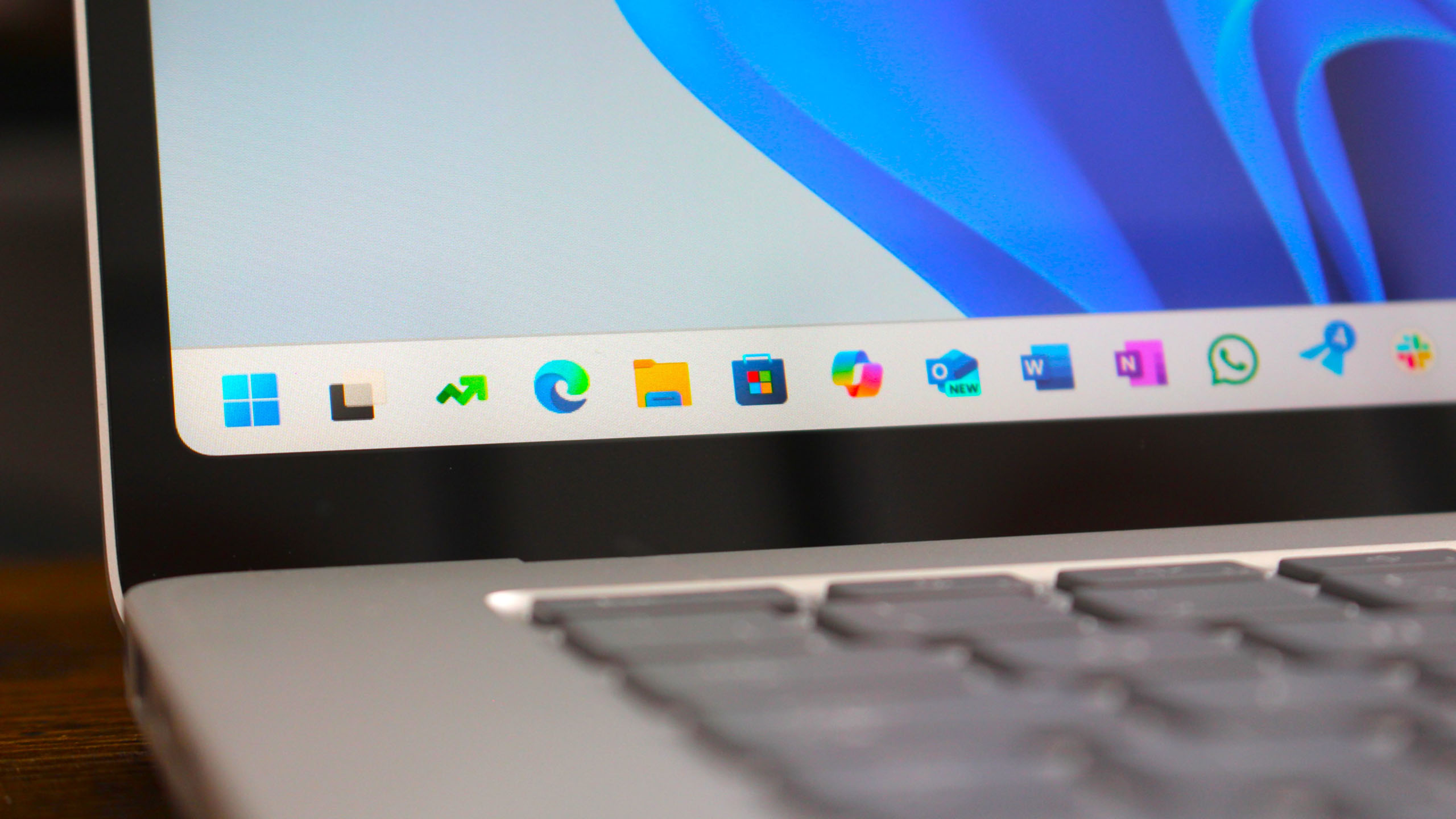
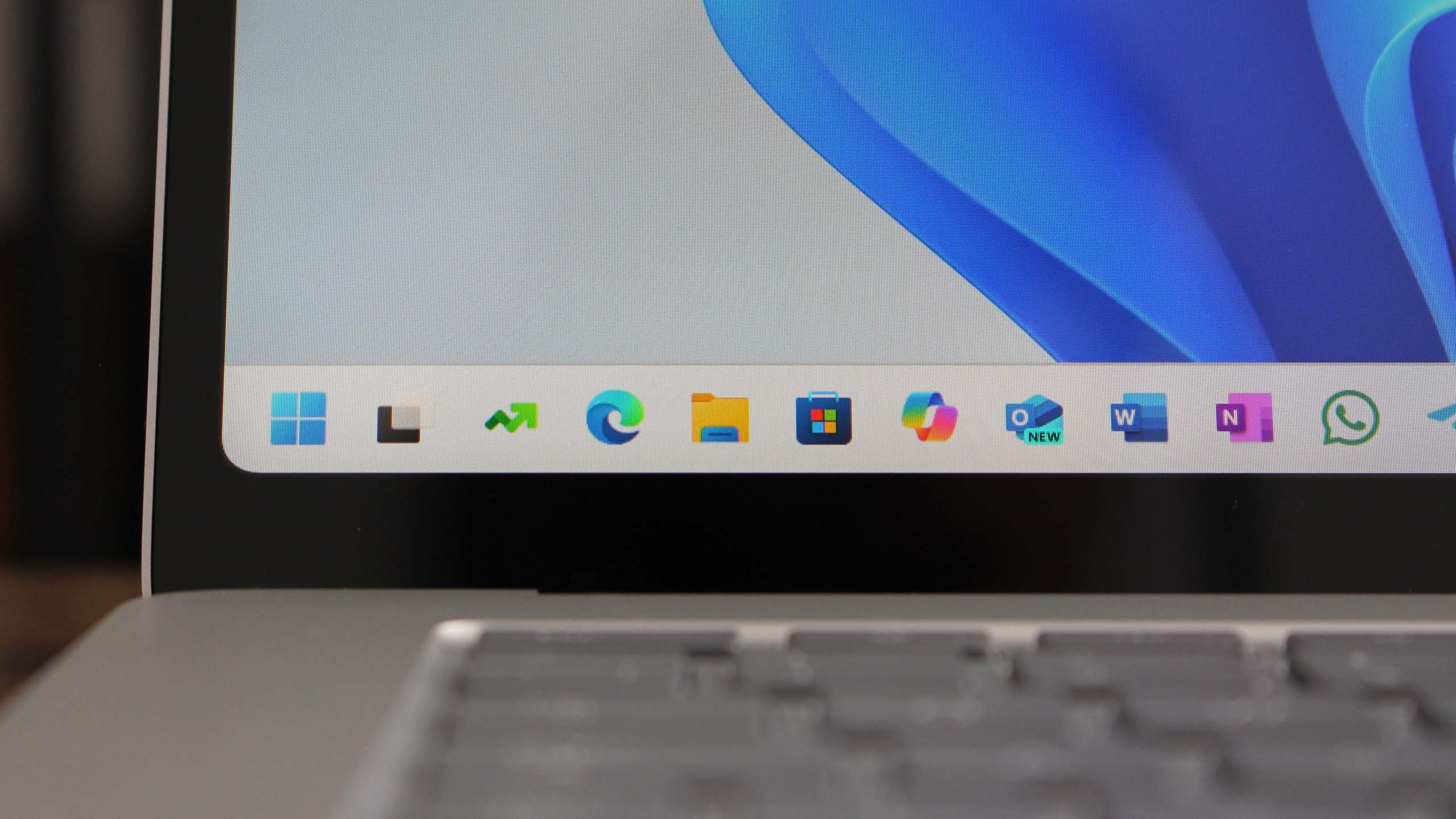
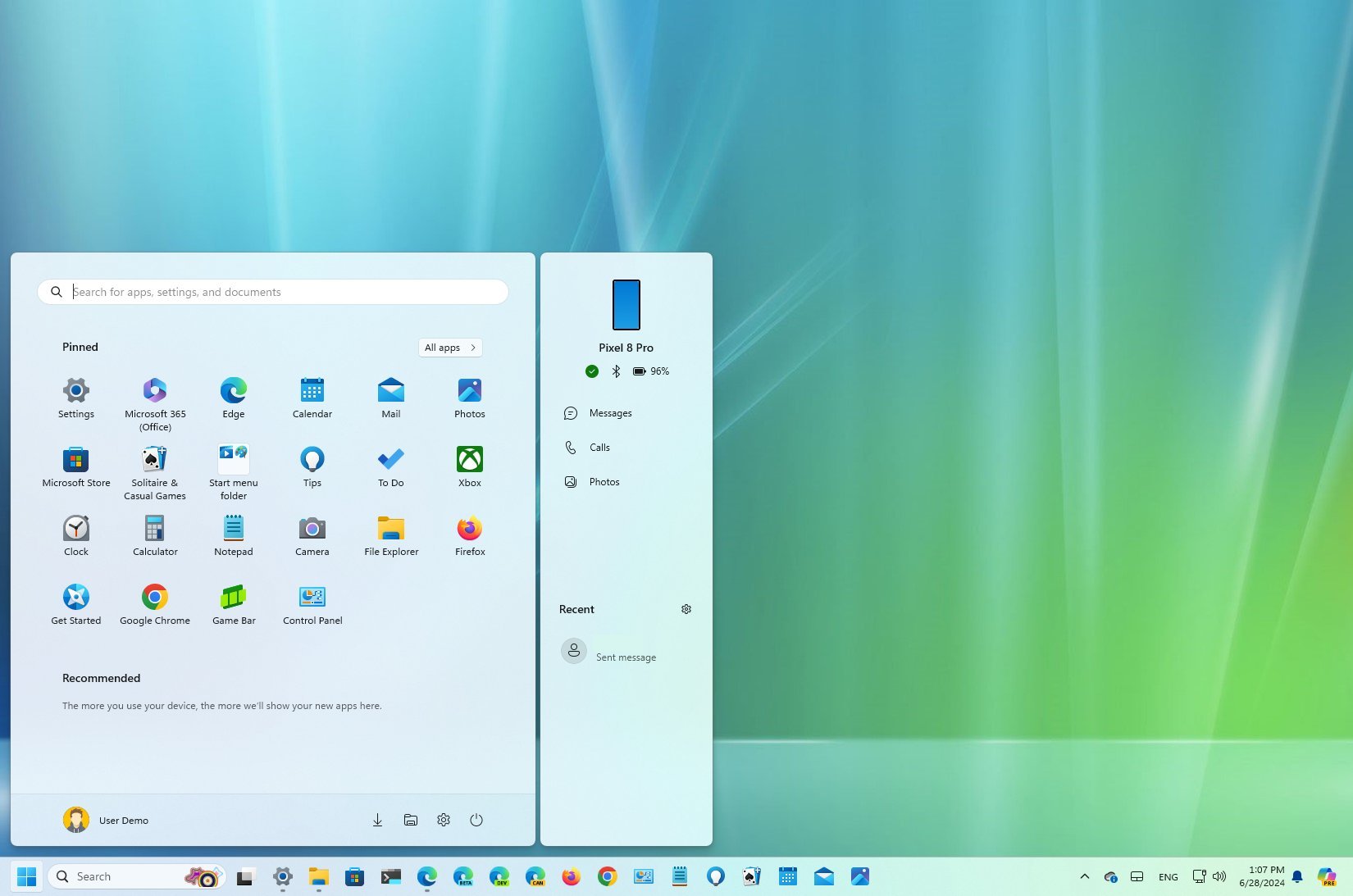
The latest Insider build of Windows 11 adds a new position for the entry point to Widgets if your taskbar is left-aligned. The update also tests a new feature that lets you jump to an app within the taskbar by pressing a key on your keyboard.

Windows 11 Start Logo

  •  

Microsoft seals a TPM 2.0 loophole, once again preventing users from installing Windows 11 on unsupported devices

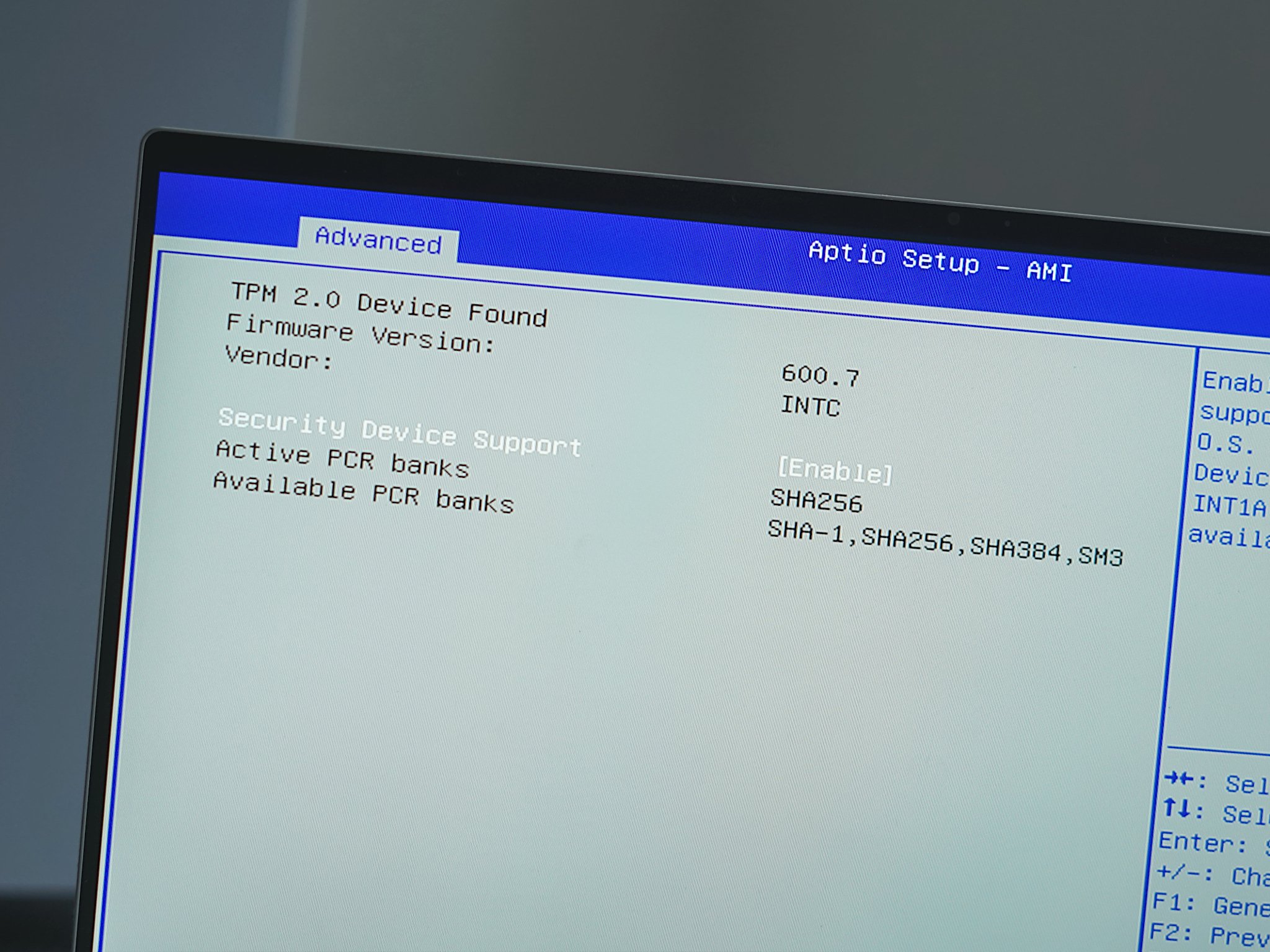
Microsoft might have hit pause on its fullscreen multi-page popup ads in Windows 10 but recently patched the TPM 2.0 trick. It allowed users to bypass the hardware requirement verification process when activating Windows 11 on unsupported devices.

TPM 2.0

  •  

Gamers rejoice! Windows 11 will soon let you keep HDR off for games, but have it enabled for streaming videos.

Microsoft is putting the final touches on a new option for Windows 11 that gives you more control of when HDR is used. The feature lets you keep HDR on for video streaming even if HDR is disabled for other types of content.

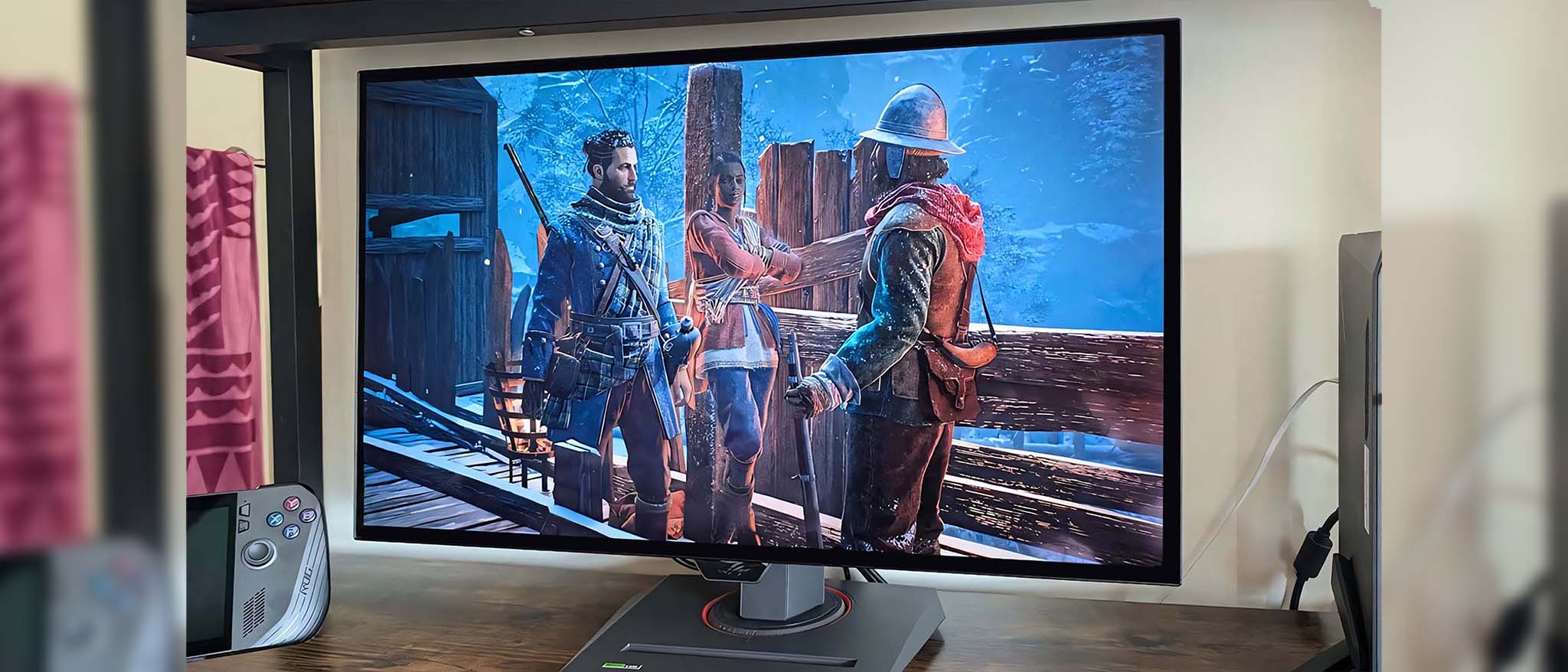
ASUS ROG Strix OLED 27-inch XG27AQDMG Banishers hero.

  •  

Surface Pro 11 with 5G and Surface Laptop 7 is now available for pre-order via Microsoft's "for business" store

If you've been waiting to buy the new Surface Pro 11 with 5G, or waiting for the device to be made available via Microsoft's commercial channels, the wait is finally over.

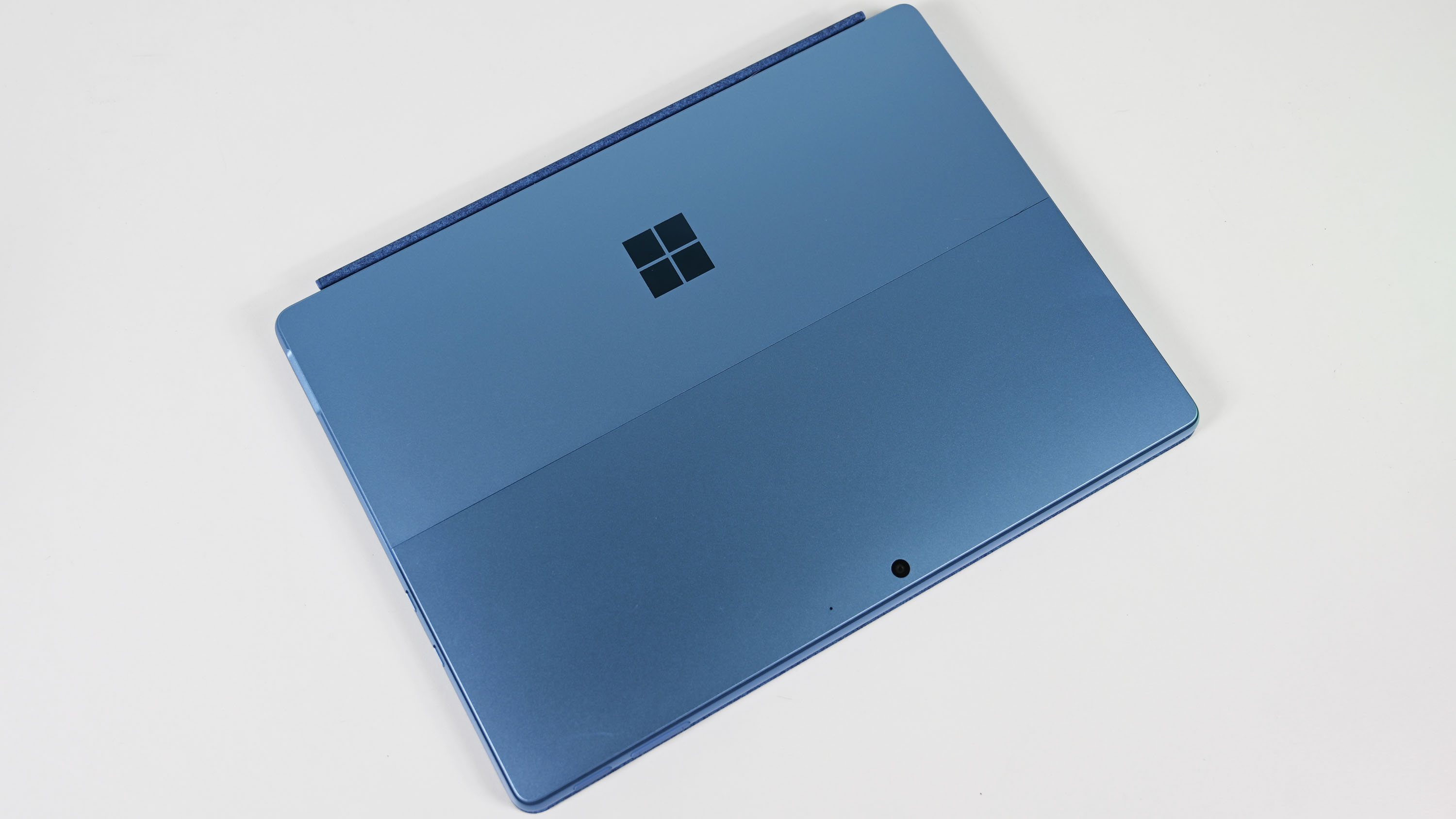
Microsoft Surface Pro 11 with Qualcomm Snapdragon X Elite

  •  

Microsoft puts final touches on its new ad within Windows 11, rolls it out to Canary Channel Insiders

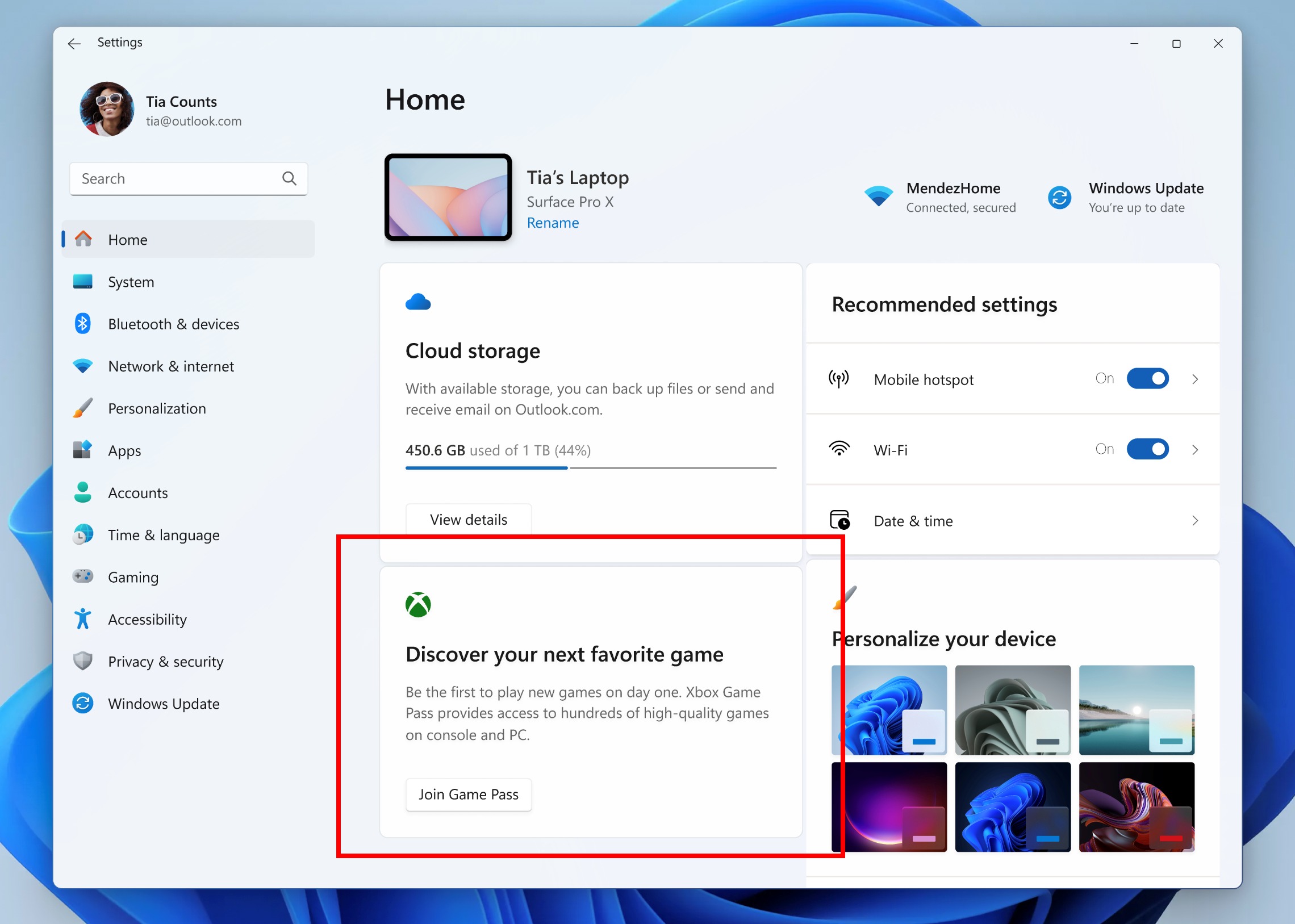
Windows Insiders in the Canary and Beta Channels have new builds of Windows 11 to test. The Canary Channel build includes a controversial advertisement for Game Pass within the Settings app.

Windows 11 Settings app showing ad for Game Pass

  •  

Windows 11 : Activer les thèmes d’éducation

Imagine-toi que tu peux activer les thèmes d’éducation avec une version 22H2 de Windows 11.
Ces thèmes sont conçus pour les étudiants mais rien ne vous empêche de les activer.
1 clic droit sur le bouton démarrer puis “Exécuter”. Tapez regedit puis “Ok” ou rechercher “Éditeur de registre” depuis votre menu démarrer.
Naviguer dans HKEY_LOCAL_MACHINE\SOFTWARE\Microsoft\PolicyManager\current\device puis créer la clé “Education”.
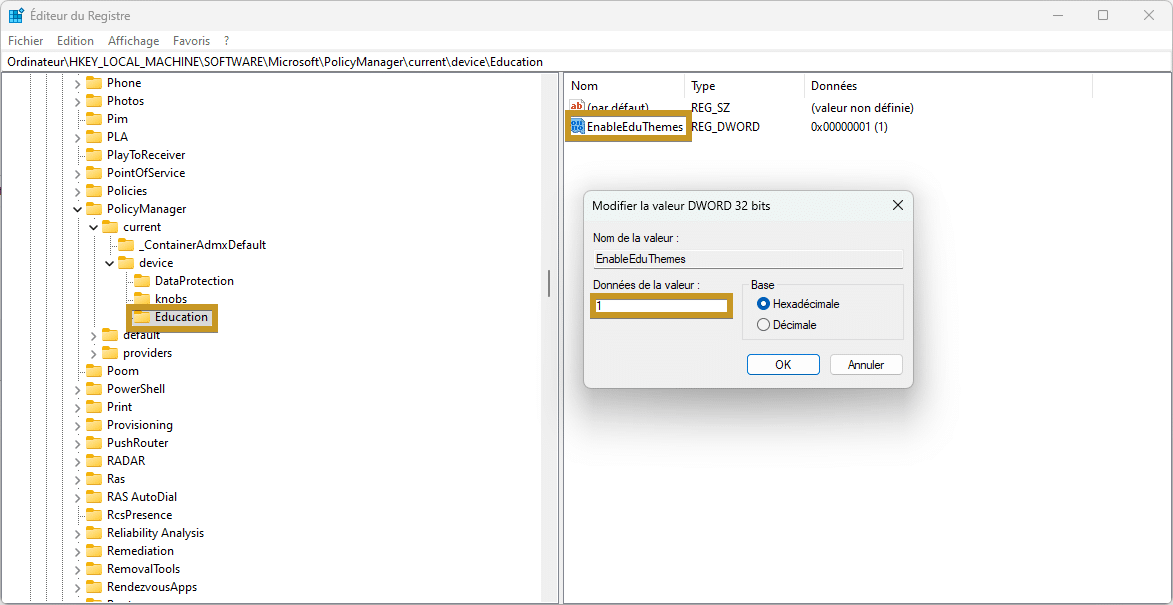
Dans ce dossier “Education”, ajoutez la valeur DWORD 32 Bits “EnableEduThemes” avec 1 comme donnée de valeur :

Clé Education

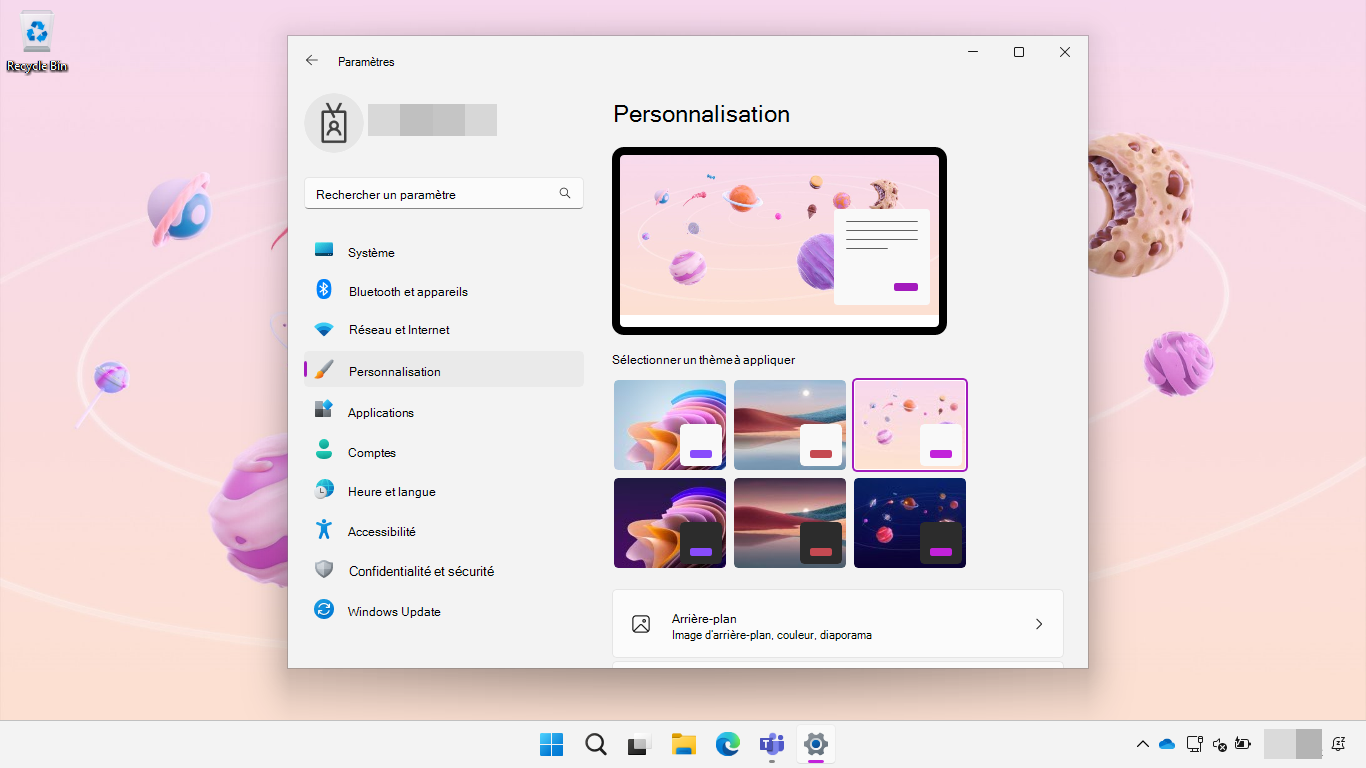
Redémarrer votre ordinateur et vous pourrez appliquer ces thèmes :

Windows 11 sélection des thèmes d’éducation


Bravo : Vous avez réussi ! Vous avez de nouveaux thèmes

À voir également : Régedix : Le regedit des gaulois

Source : https://learn.microsoft.com/fr-fr/education/windows/edu-themes?tabs=intune

L’article Windows 11 : Activer les thèmes d’éducation est apparu en premier sur Le Blog du Wis.

  •  

Régedix : Le regedit des gaulois

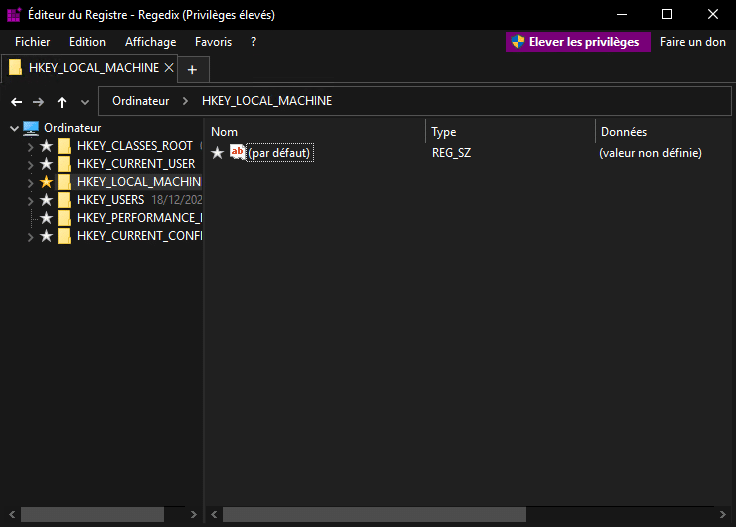
Imagine-toi que tu peux avoir un Éditeur de registre plus stylé, plus pratique, moins angoissant, bref, plus complet.
Régedix est un programme libre sous licence GNU, développé par @poppyto téléchargeable en cliquant ici.

Attention : Votre antivirus pourrait voir Régedix comme une menace, mais pas d’inquiétude, il n’en ait pas une ! Ne modifiez pas votre registre si vous n’en avez pas un minimum de connaissance.

1 clic sur le lien télécharger, l’installation de .NET 7 Desktop runtime pour les versions portables de Régedix et le tour est joué !

theme somble régedit

Pour connaitre toutes les fonctionnalités, visite ce siteweb.

Bravo : Vous avez réussi !

À voir également : ITQ01 – chemin d’accès en 2 clics

Autres : Réaligner le menu démarrer a gauche

L’article Régedix : Le regedit des gaulois est apparu en premier sur Le Blog du Wis.

  •  
❌