Connexion
Windows 11’s October Insider update brings 9 features worth trying
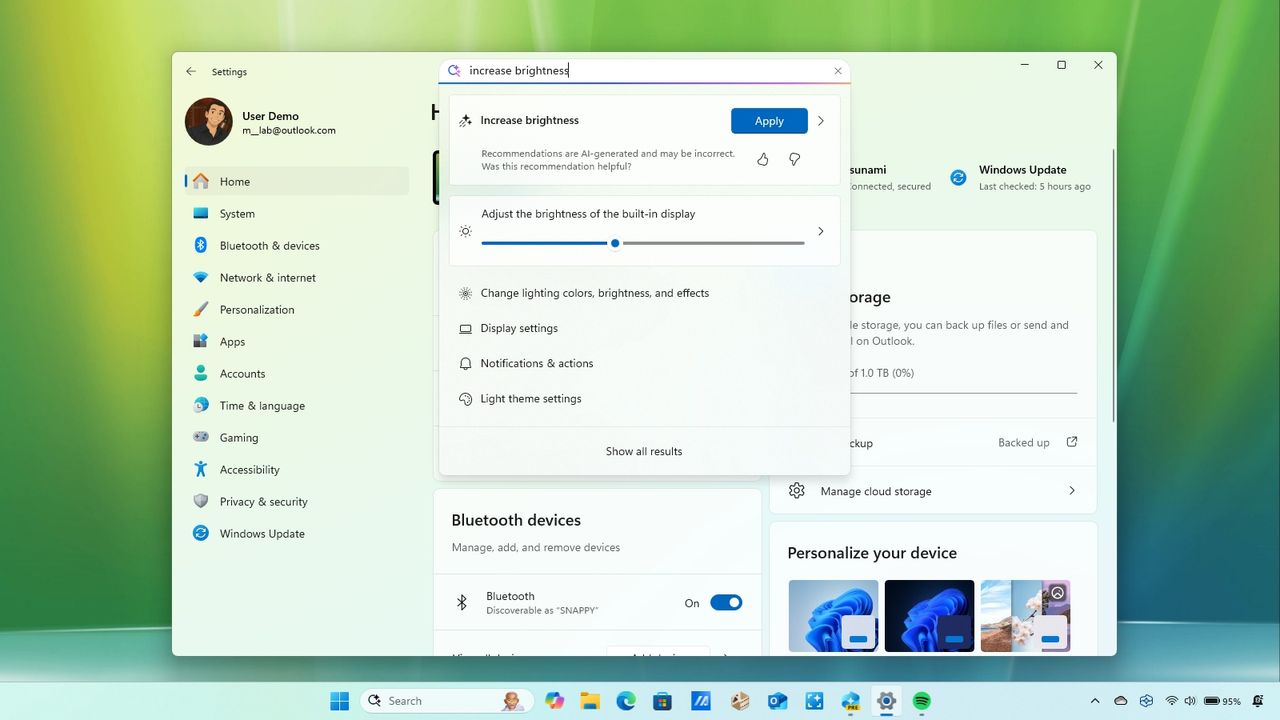
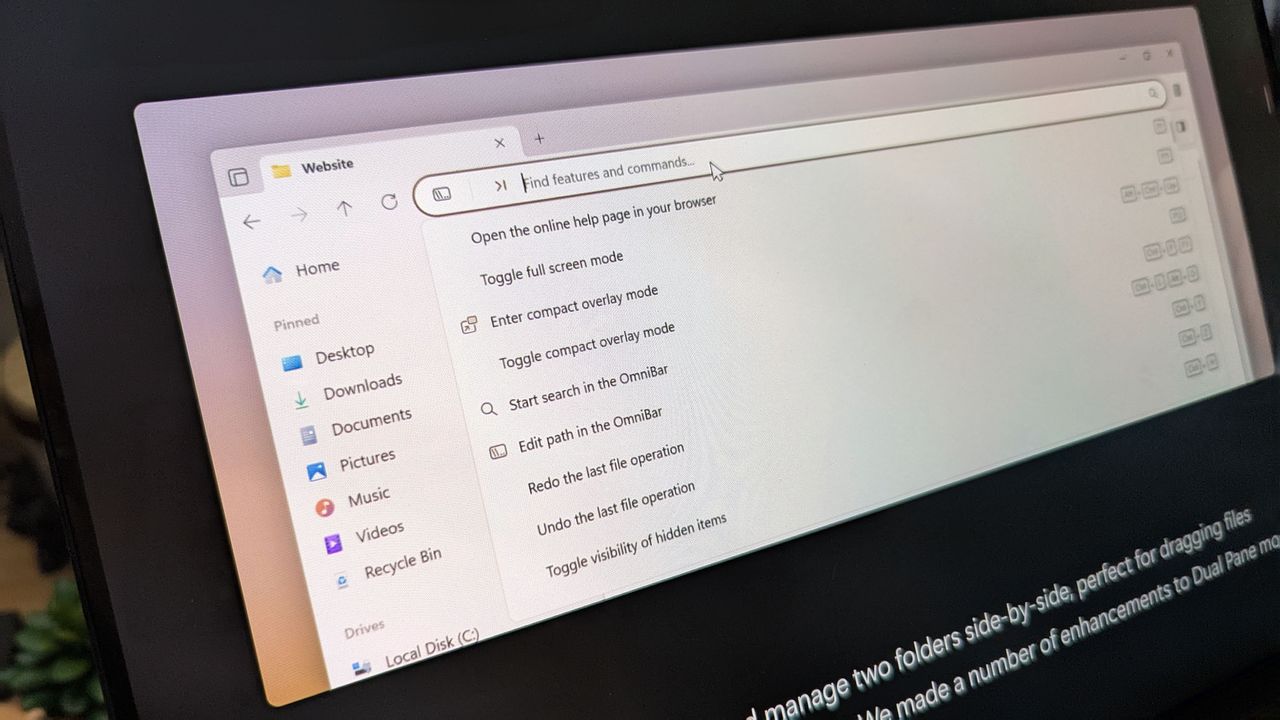
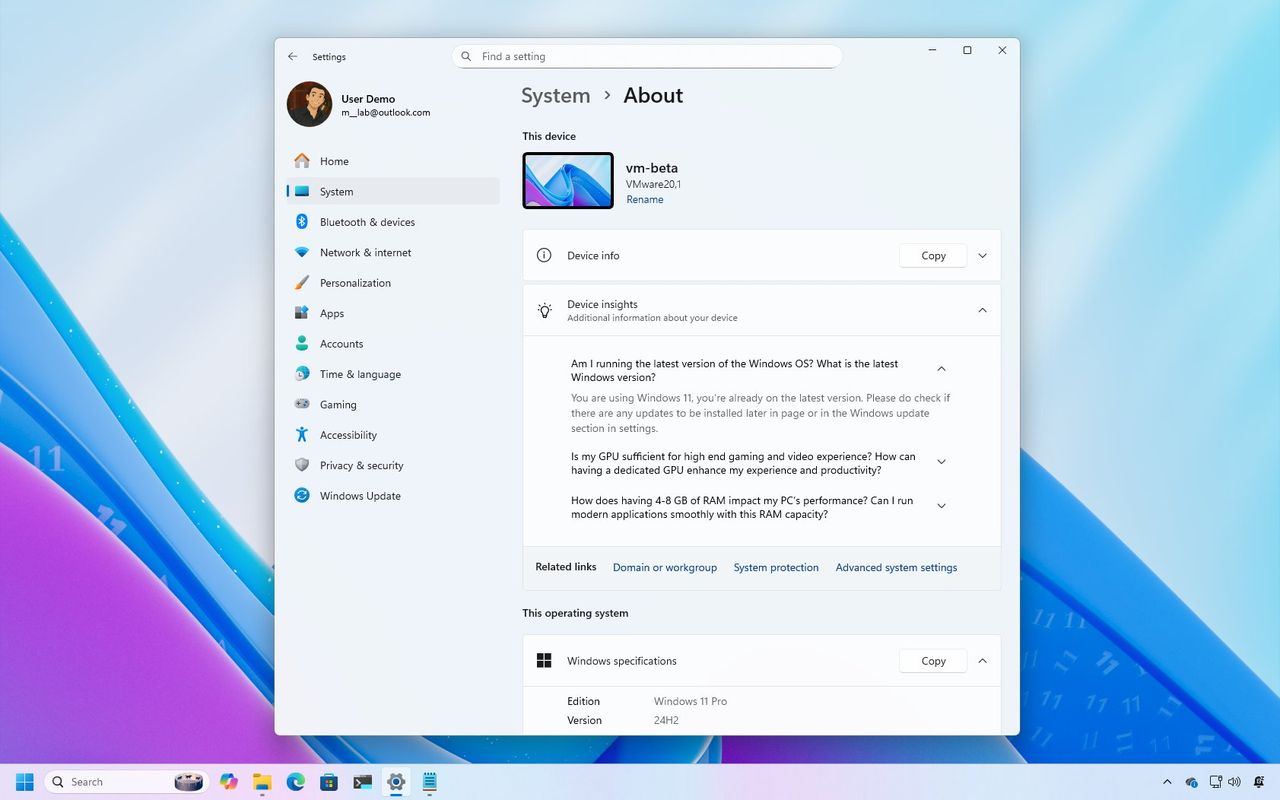
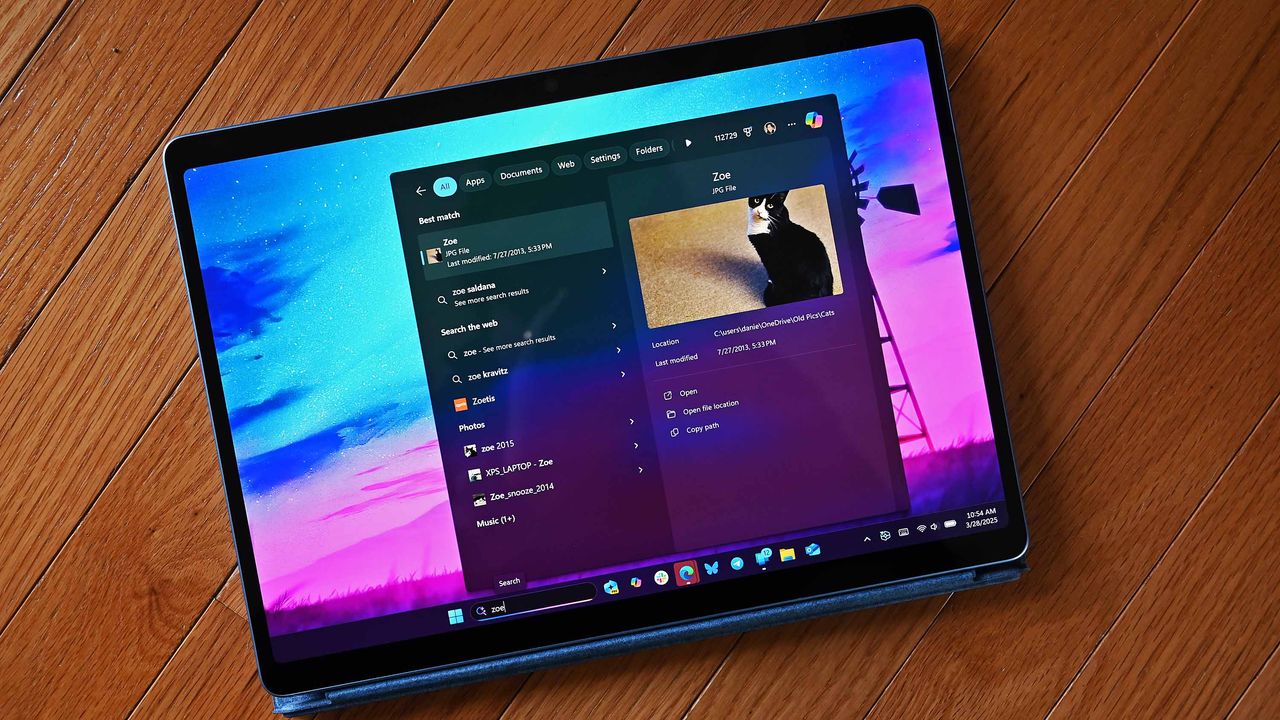
In the last two weeks of October 2025, Microsoft released several Insider builds for Windows 11 versions 25H2 and 24H2 with various visual changes and improvements, including a redesigned About page, the Copy & Search feature, proactive memory diagnostics, and more dark mode improvements for File Explorer.
Windows 11 last features in October

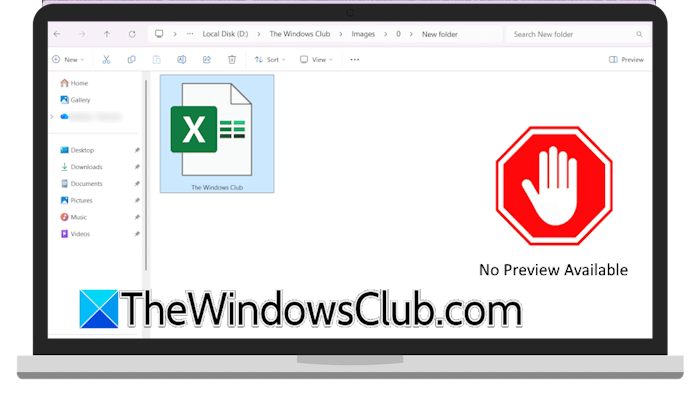 Microsoft has recently announced that File Explorer will now automatically disable the Preview feature for all files downloaded from the internet. This change will apply to the computer systems that have installed Windows security updates released this month. This will enhance the security of users’ computers. File Explorer will now automatically disable the Preview feature […]
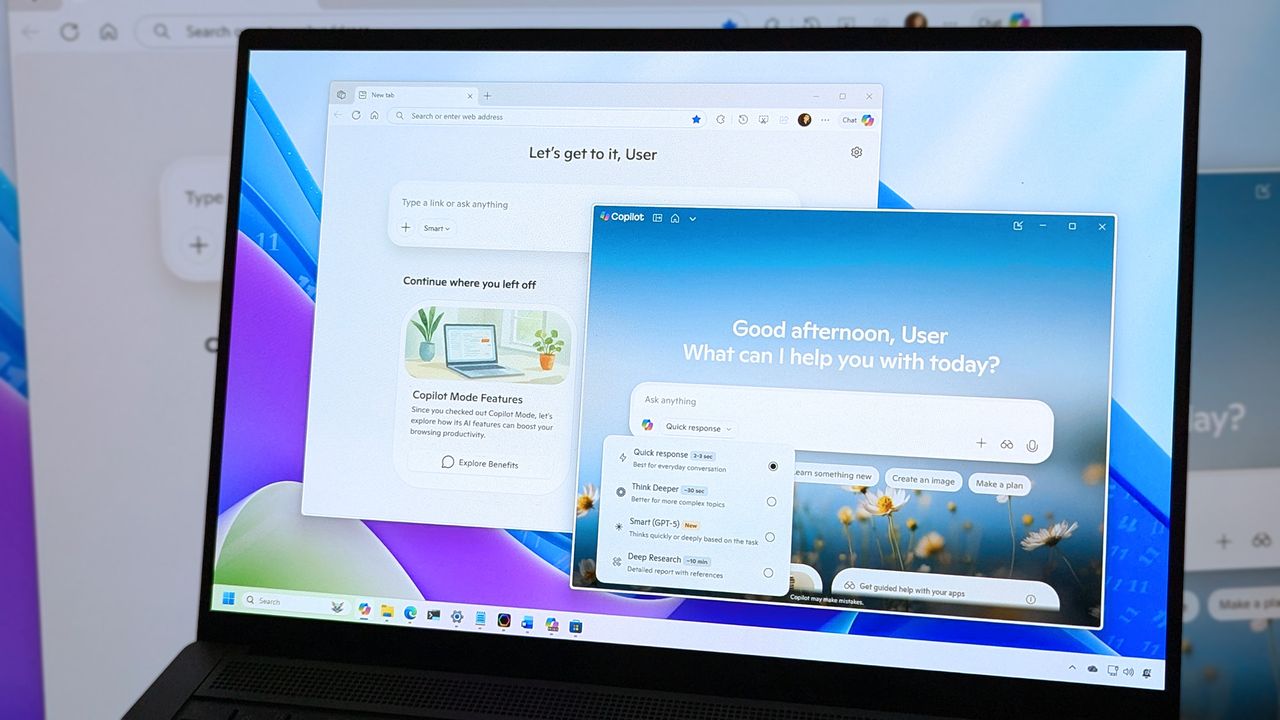
 Microsoft announced a major update to all Windows 11 PCs, transforming them into AI-powered assistants. Copilot will be the center of this transformation and deeply integrated into the Windows 11 operating system. This move by Microsoft will show a significant shift in users’ behavior when interacting with their Windows 11 PCs. Microsoft is transforming every […]
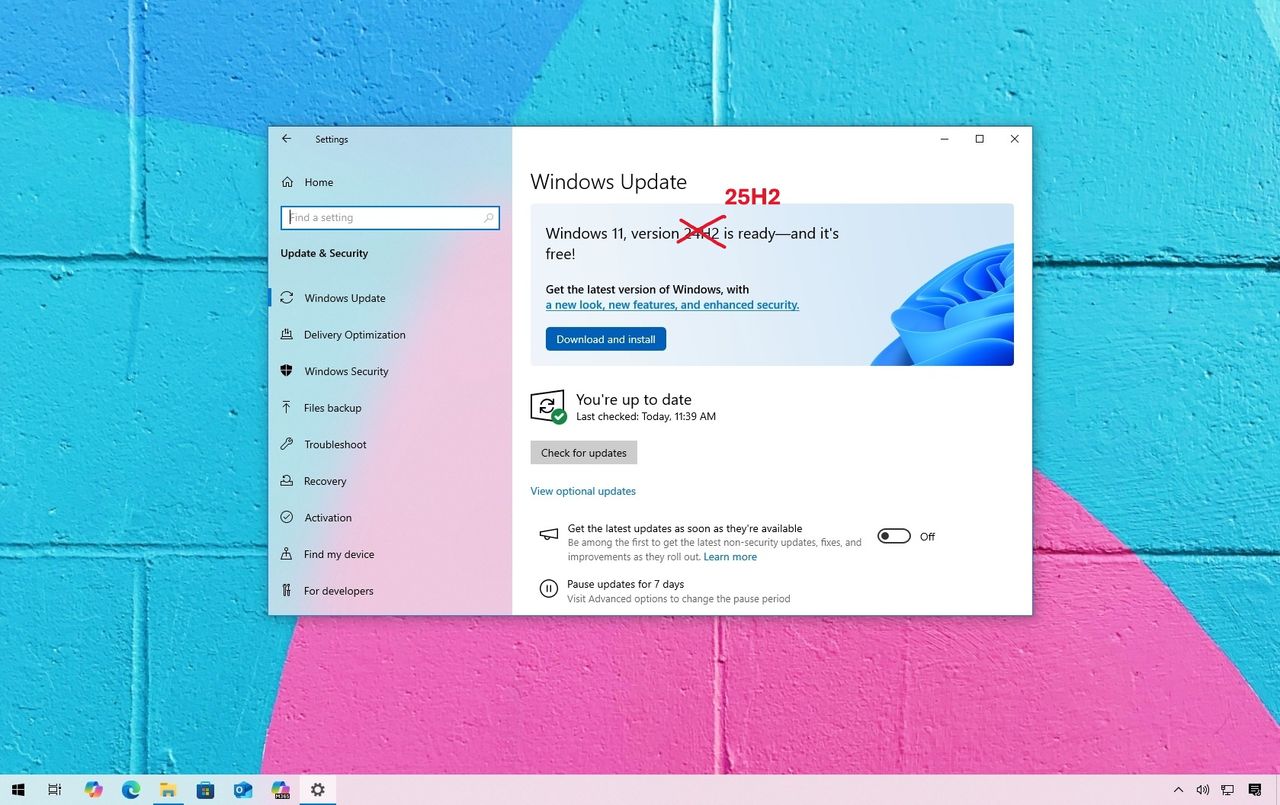
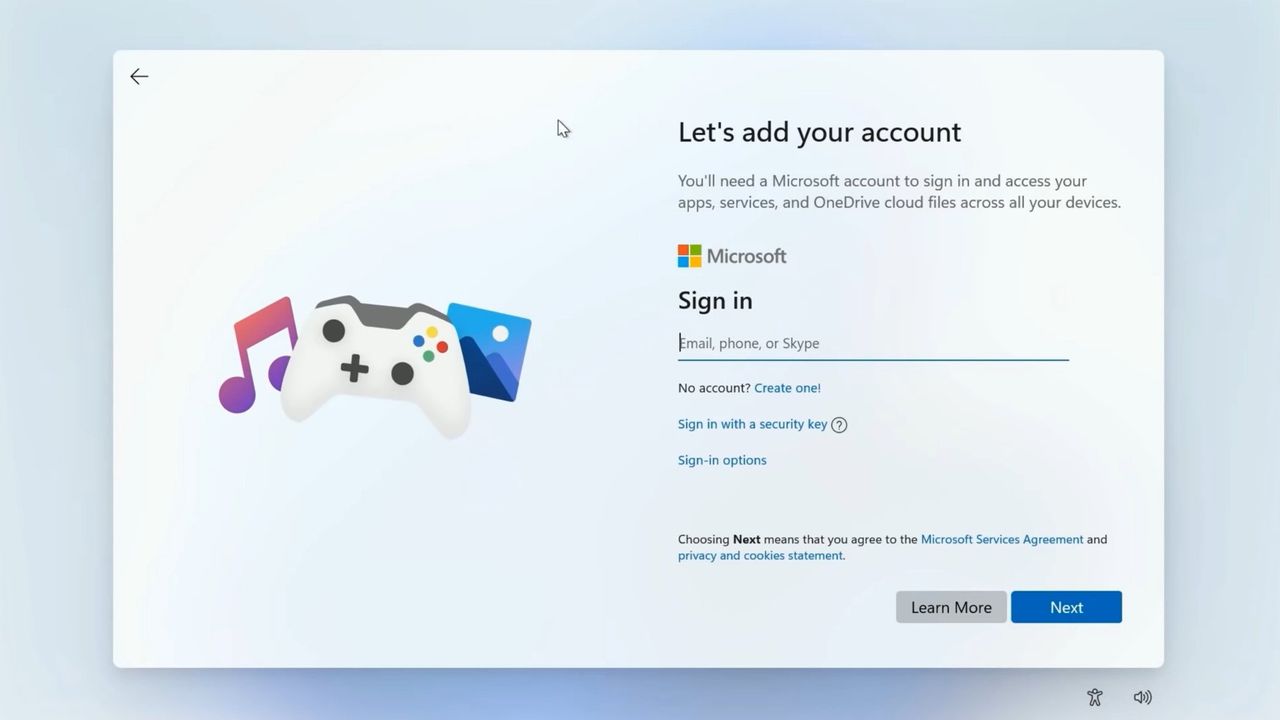
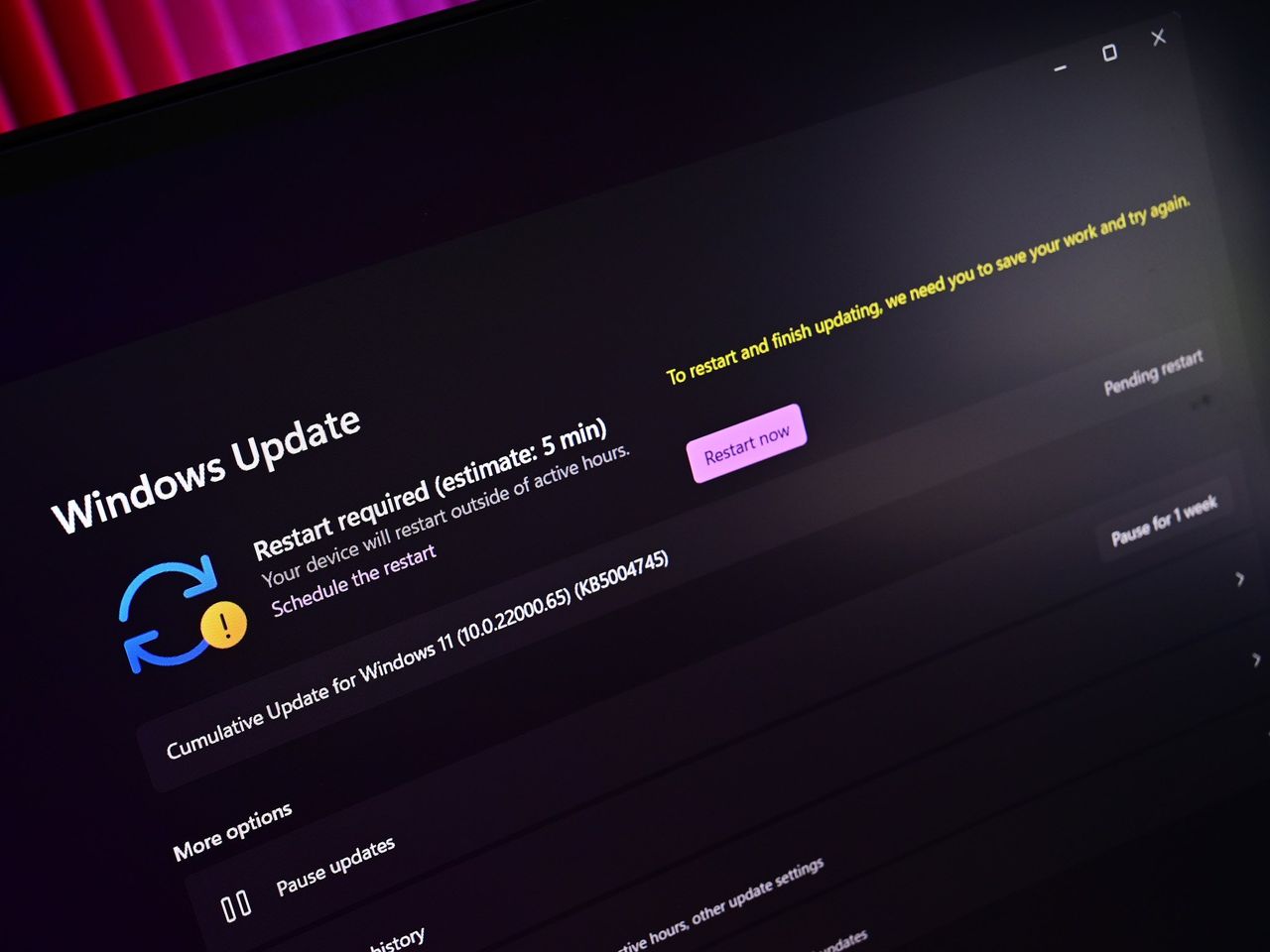
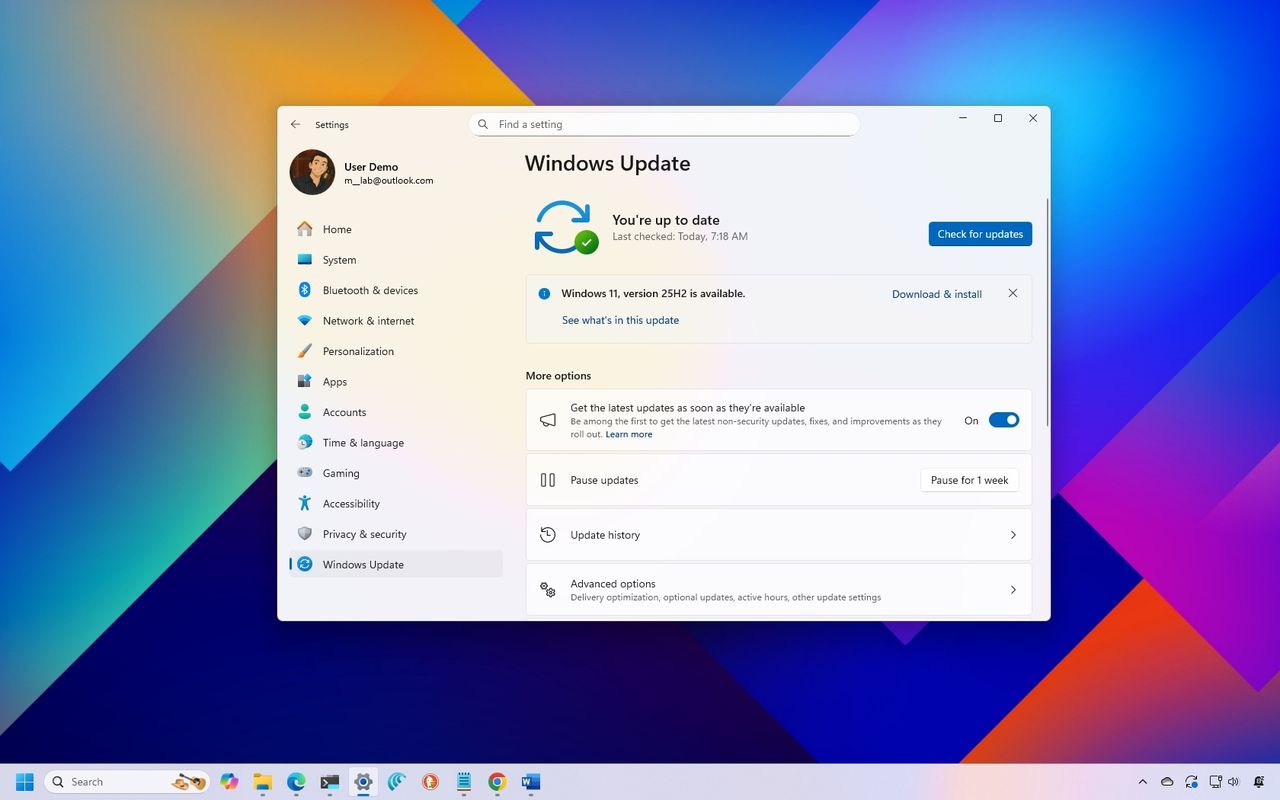
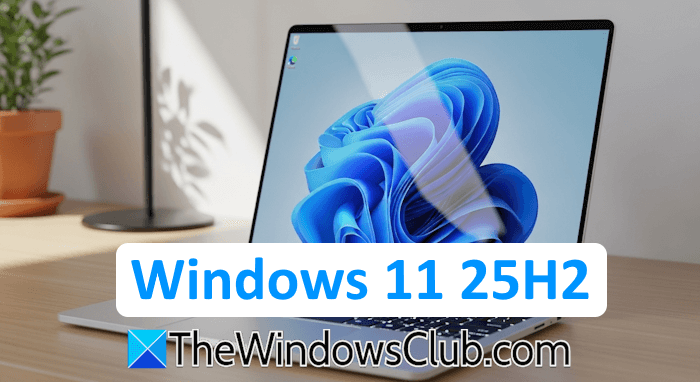 The annual feature update for Windows 11, version 25H2, is now available to all users. This is the major update of 2025, which focuses on delivering a more robust user experience. The update includes performance enhancements, new features, and improved security. Windows 11 25H2 is now available to all users Windows 11, version 25H2, is […]