Vue lecture

Windows 11’s October Insider update brings 9 features worth trying

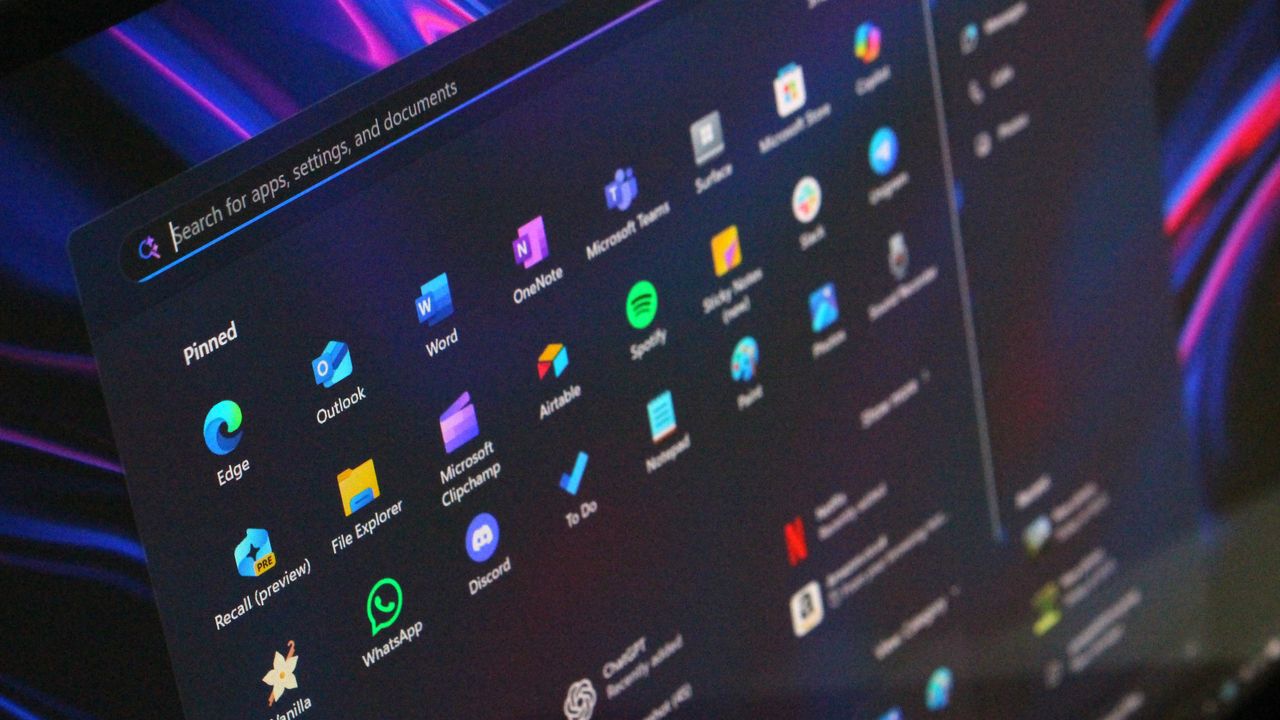
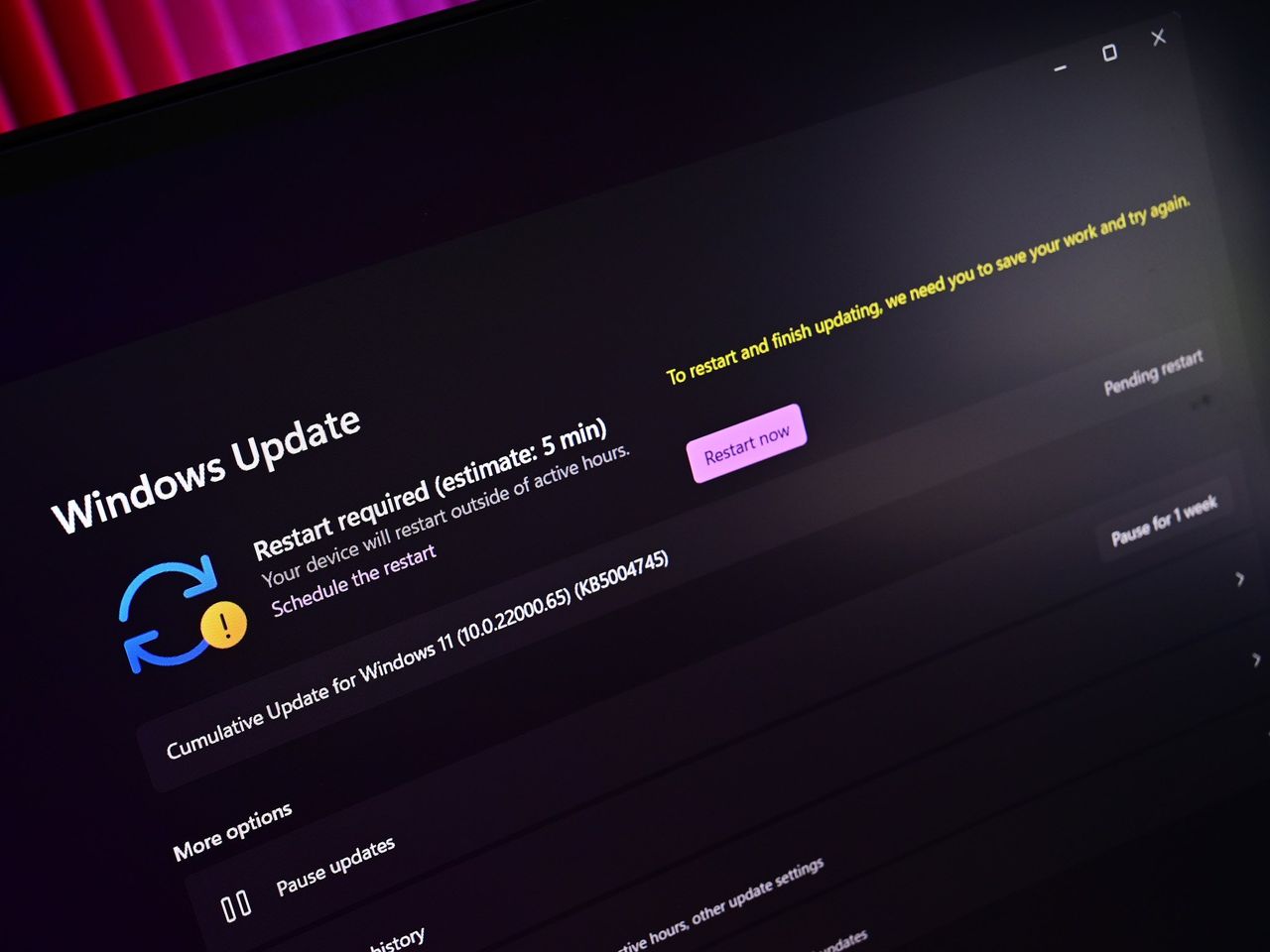
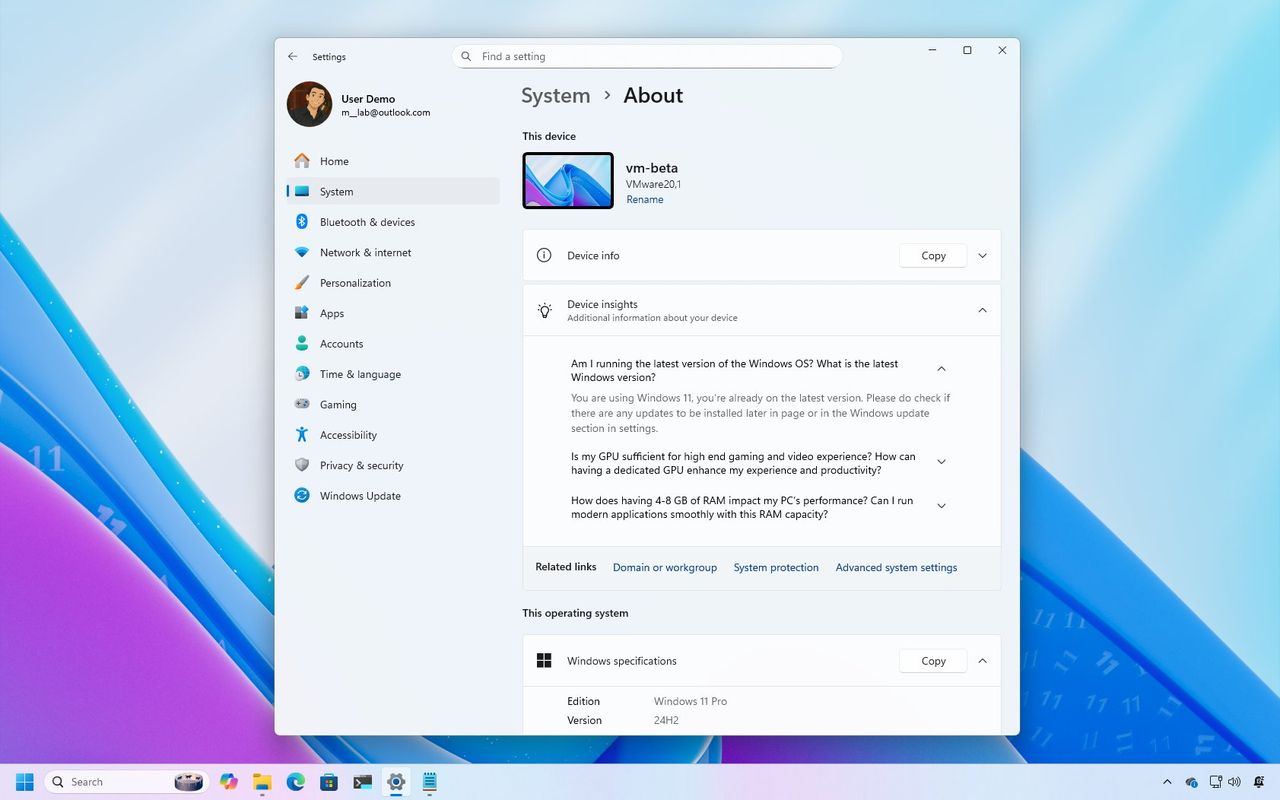
In the last two weeks of October 2025, Microsoft released several Insider builds for Windows 11 versions 25H2 and 24H2 with various visual changes and improvements, including a redesigned About page, the Copy & Search feature, proactive memory diagnostics, and more dark mode improvements for File Explorer.

Windows 11 last features in October
  •  

How to get started with Microsoft Copilot on Windows 11 — A beginner's guide to the AI chatbot and its many integrations

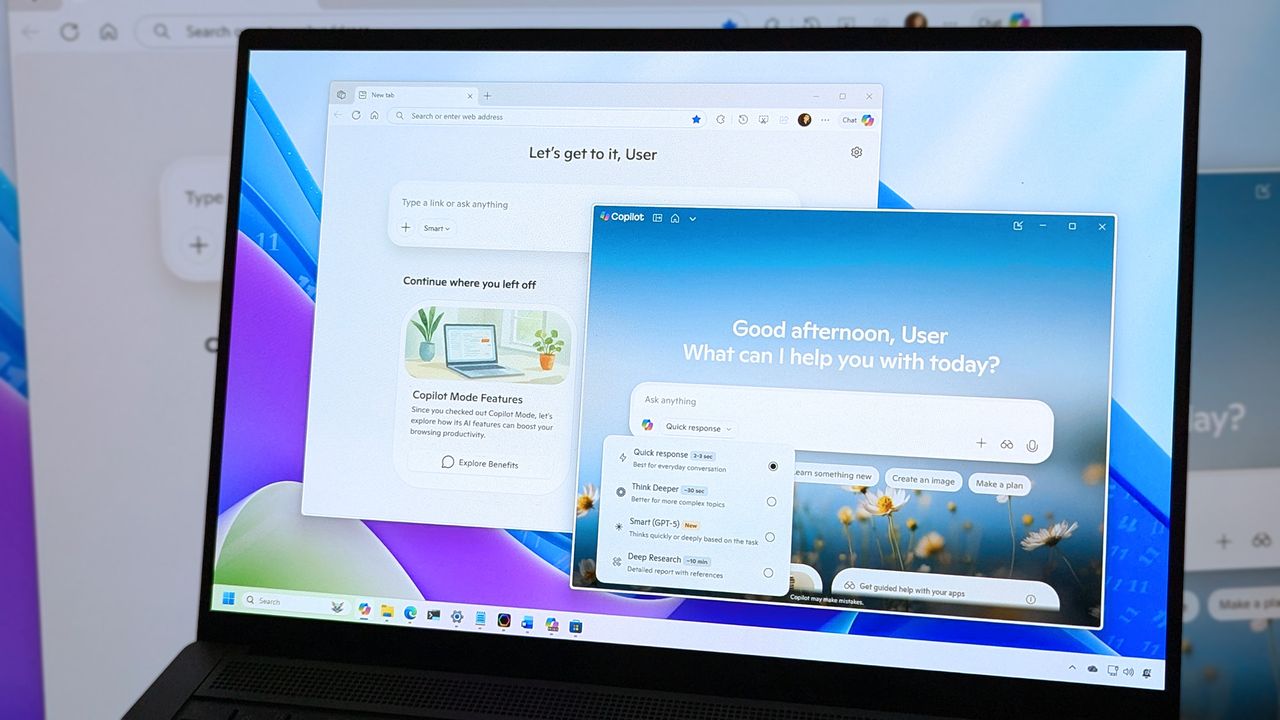
Copilot is more than just an app on Windows 11, and in this guide, I'll outline the steps to get started with the AI chatbot and actions with the app and the integration across the desktop.

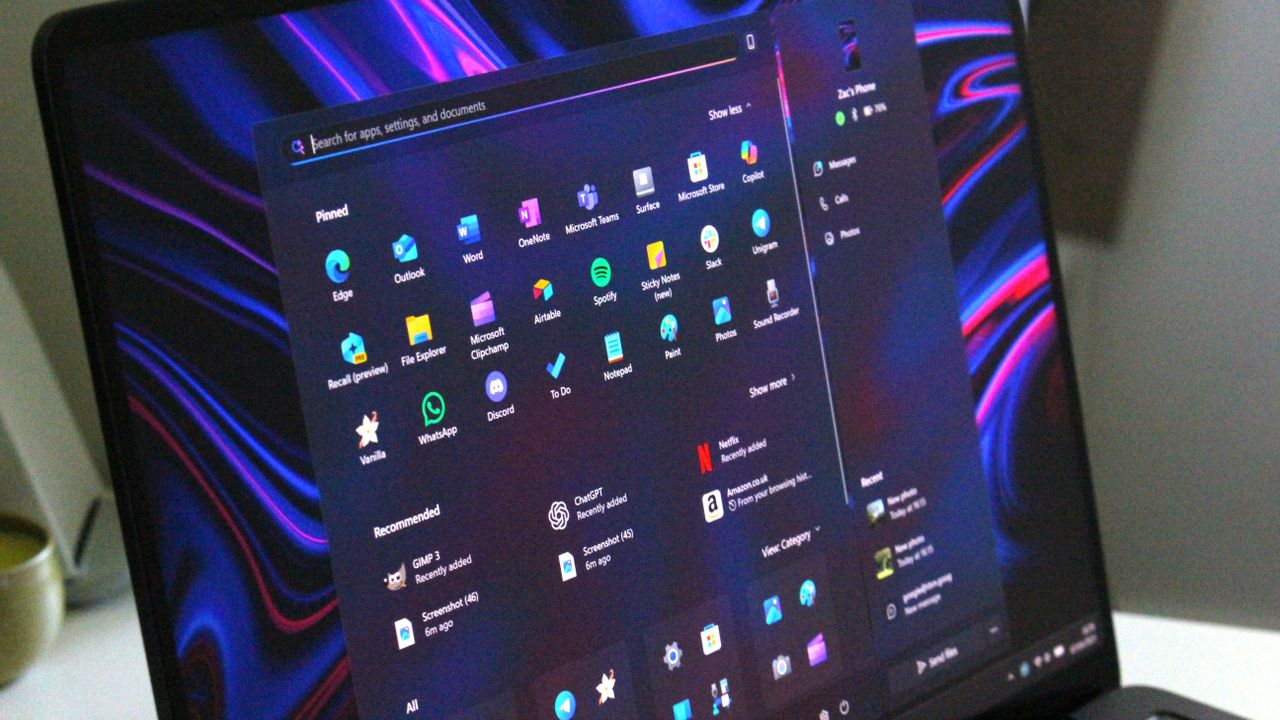
Using Copilot on Windows 11 with a laptop

  •  

Stop using your laptop's low-quality webcam! Here's how to use your Android phone as a camera on Windows 11 instead

You can use your Android smartphone as a webcam in Windows 11 with a few steps, and some are even easier to set up than others. Here's how it works.

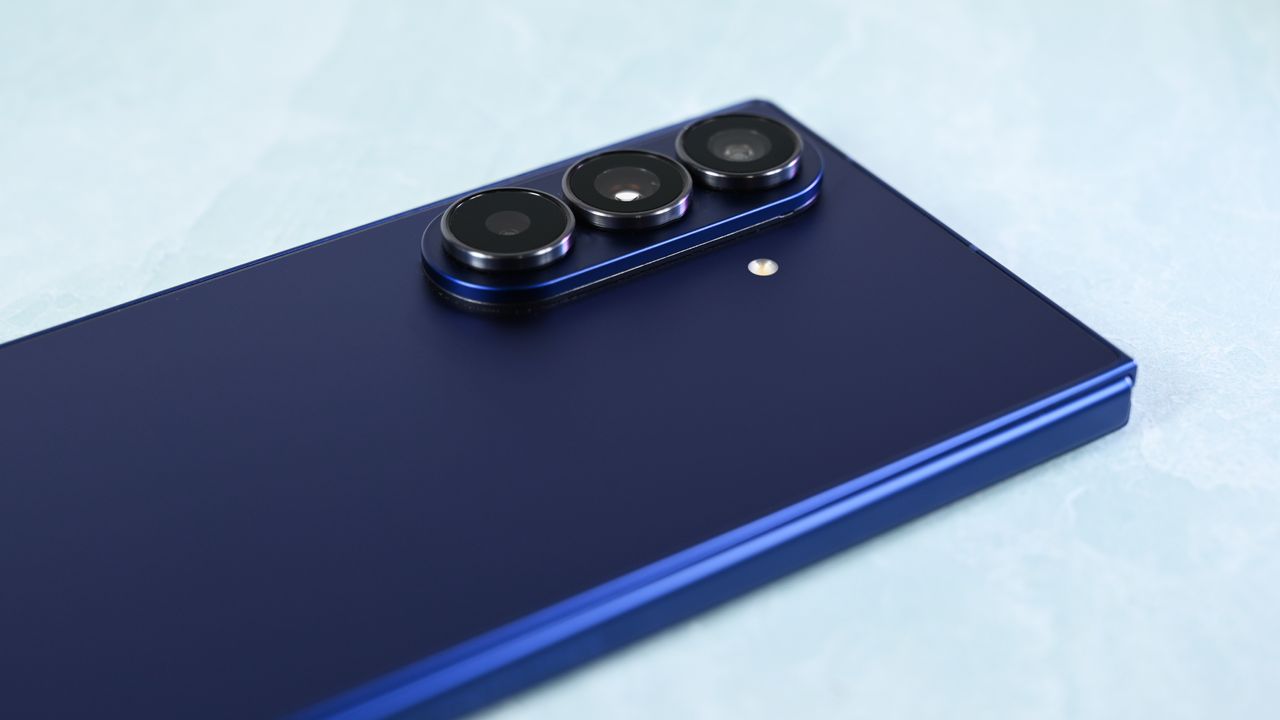
The 2025 Samsung Galaxy Z Fold 7 pictured in a hands-on review and comparison to other Samsung phones.

  •  

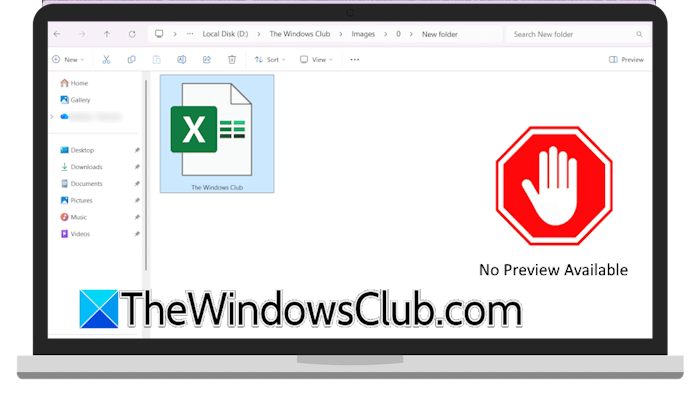
File Explorer will now automatically disable the Preview feature

File Explorer automatically disable preview featureMicrosoft has recently announced that File Explorer will now automatically disable the Preview feature for all files downloaded from the internet. This change will apply to the computer systems that have installed Windows security updates released this month. This will enhance the security of users’ computers. File Explorer will now automatically disable the Preview feature […]
The post File Explorer will now automatically disable the Preview feature appeared first on TheWindowsClub News.

  •  

Microsoft is transforming every Windows 11 PC into an AI PC

Microsoft transforming Windows PC into AI PCMicrosoft announced a major update to all Windows 11 PCs, transforming them into AI-powered assistants. Copilot will be the center of this transformation and deeply integrated into the Windows 11 operating system. This move by Microsoft will show a significant shift in users’ behavior when interacting with their Windows 11 PCs. Microsoft is transforming every […]
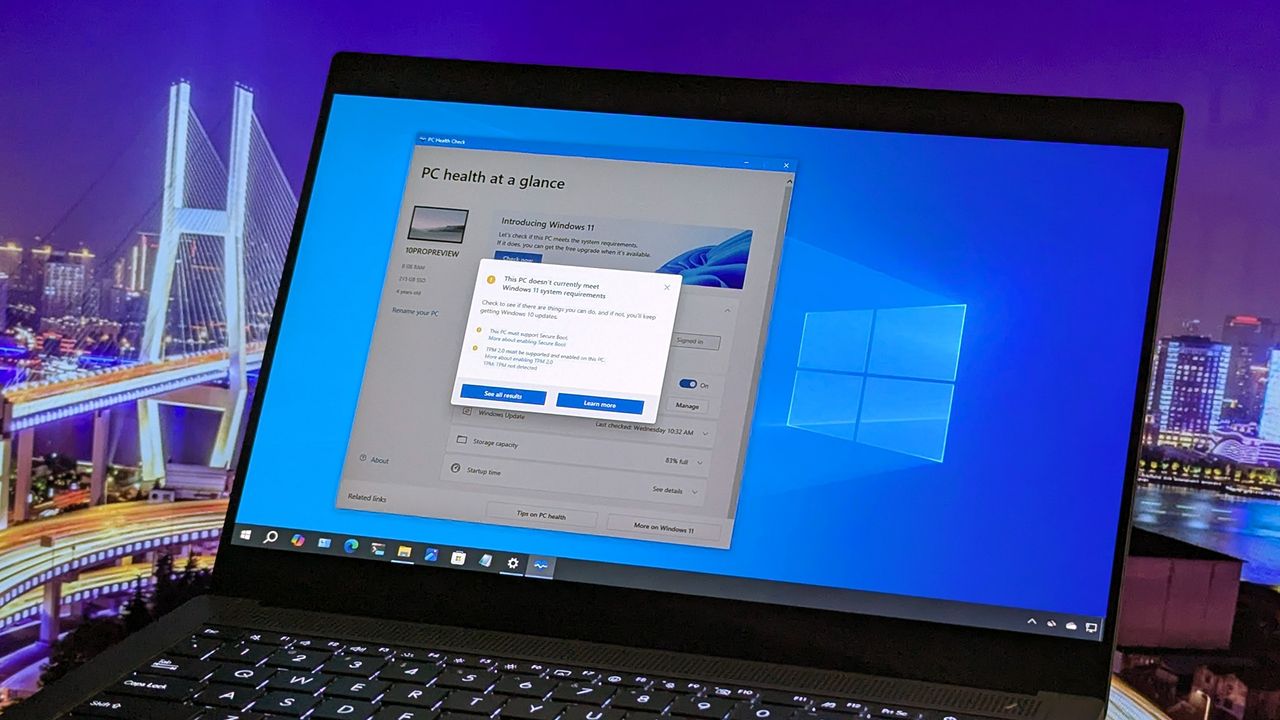
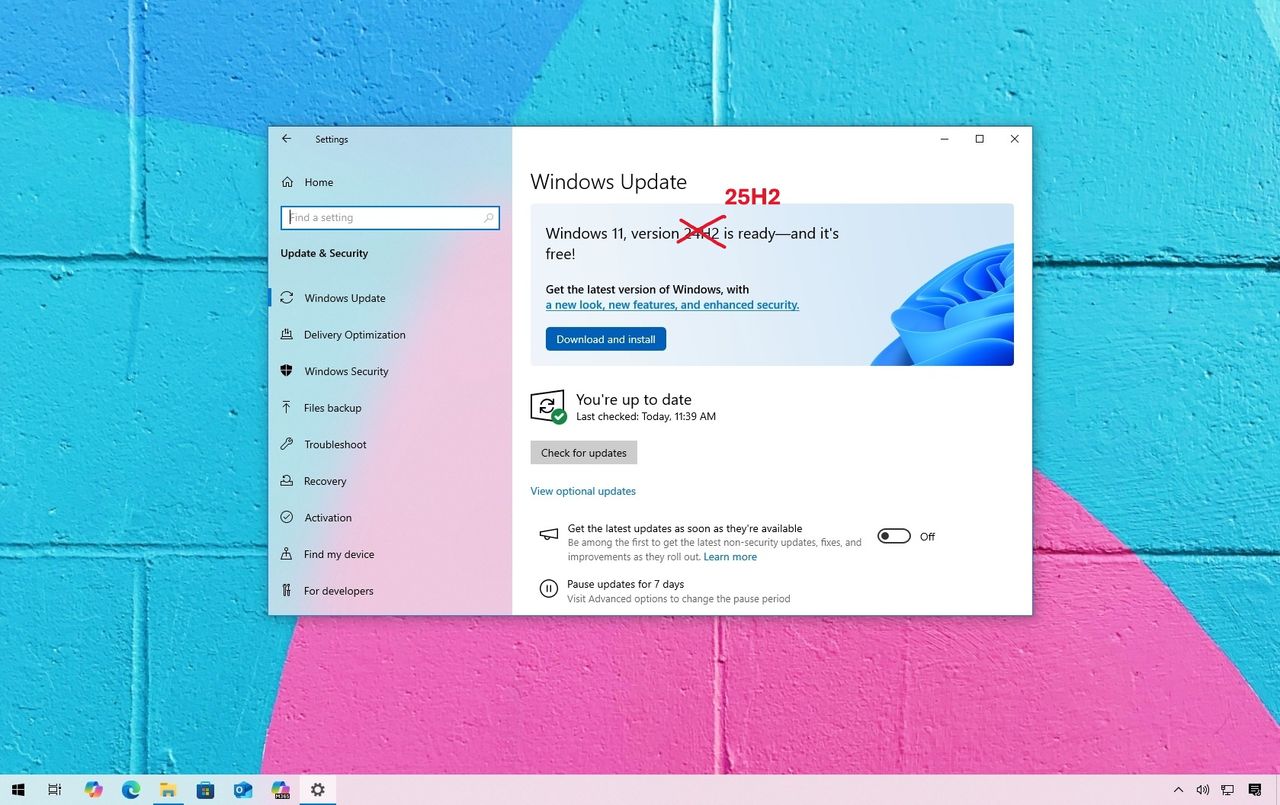
The post Microsoft is transforming every Windows 11 PC into an AI PC appeared first on TheWindowsClub News.

  •  

Microsoft's end of Windows 10 support sparks "programmed obsolescence" concerns — widening the digital divide for 400 million PCs

Microsoft pulling the plug on Windows 10 is poised to widen the digital divide gap with a huge spike in electronic waste and increased cybersecurity threats. This is despite being fully functional.

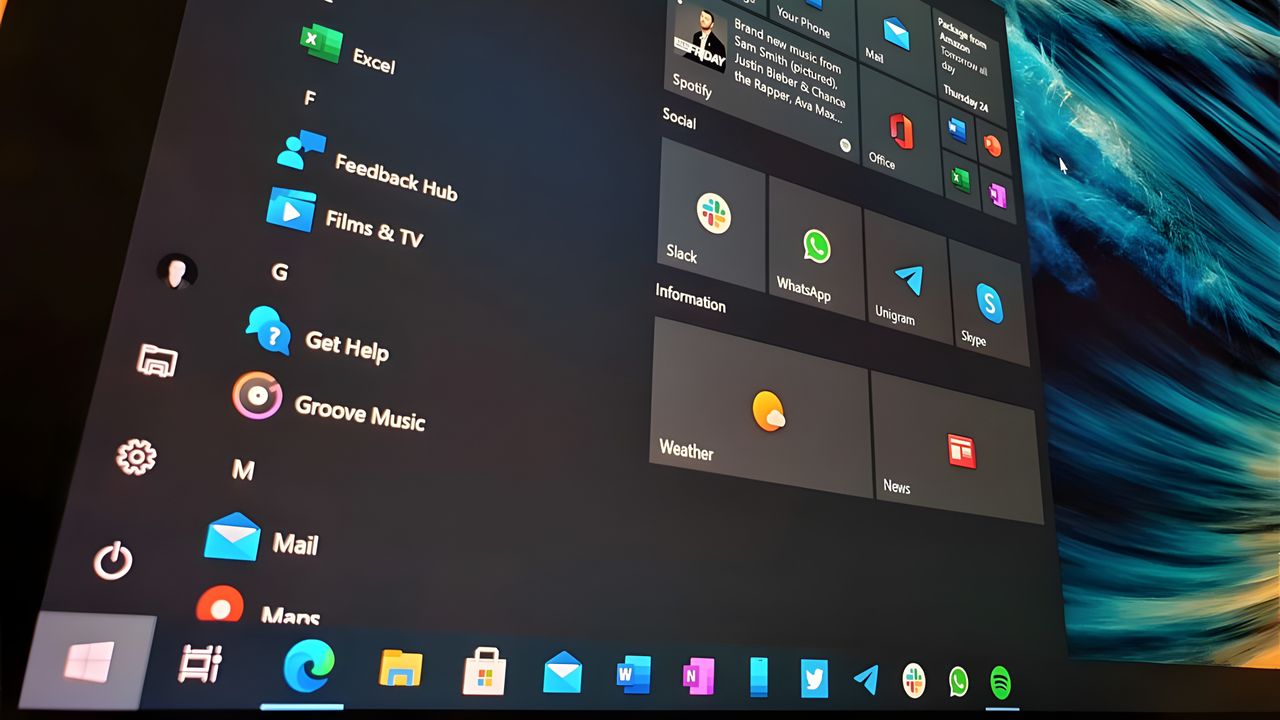
The Windows 10 Start Menu

  •  

Windows 11 Settings app gets major upgrades in 25H2

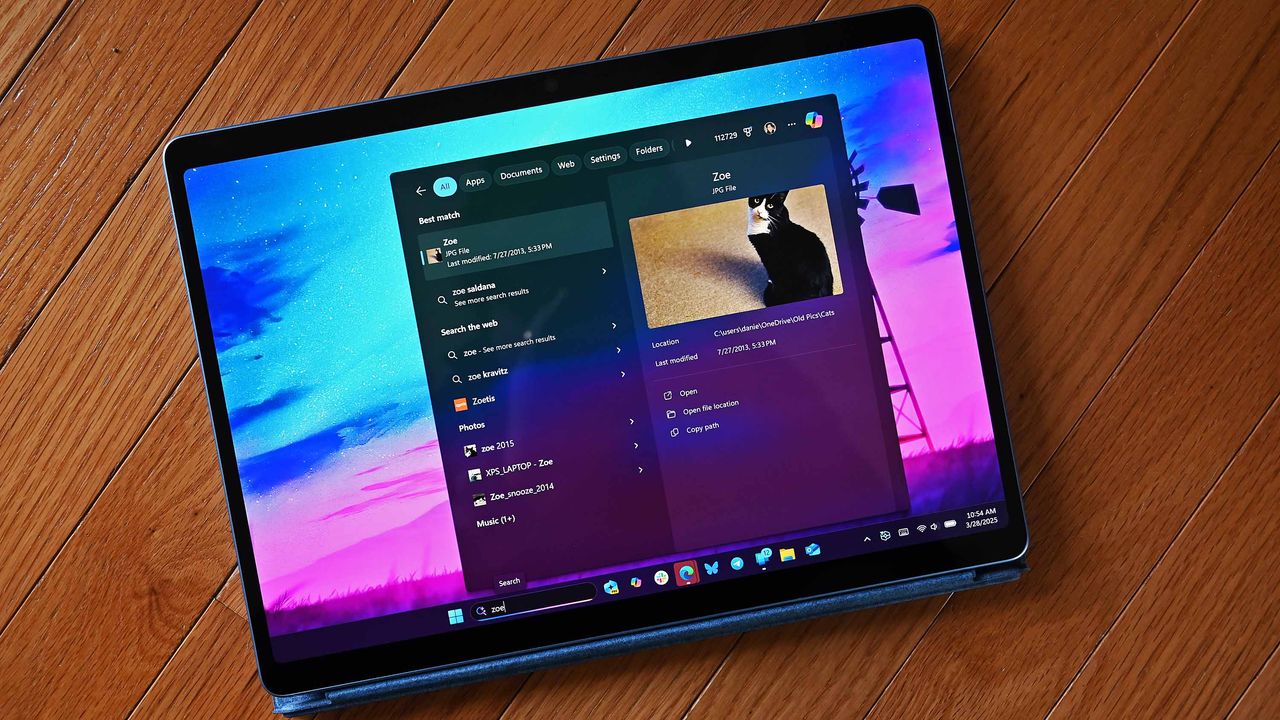
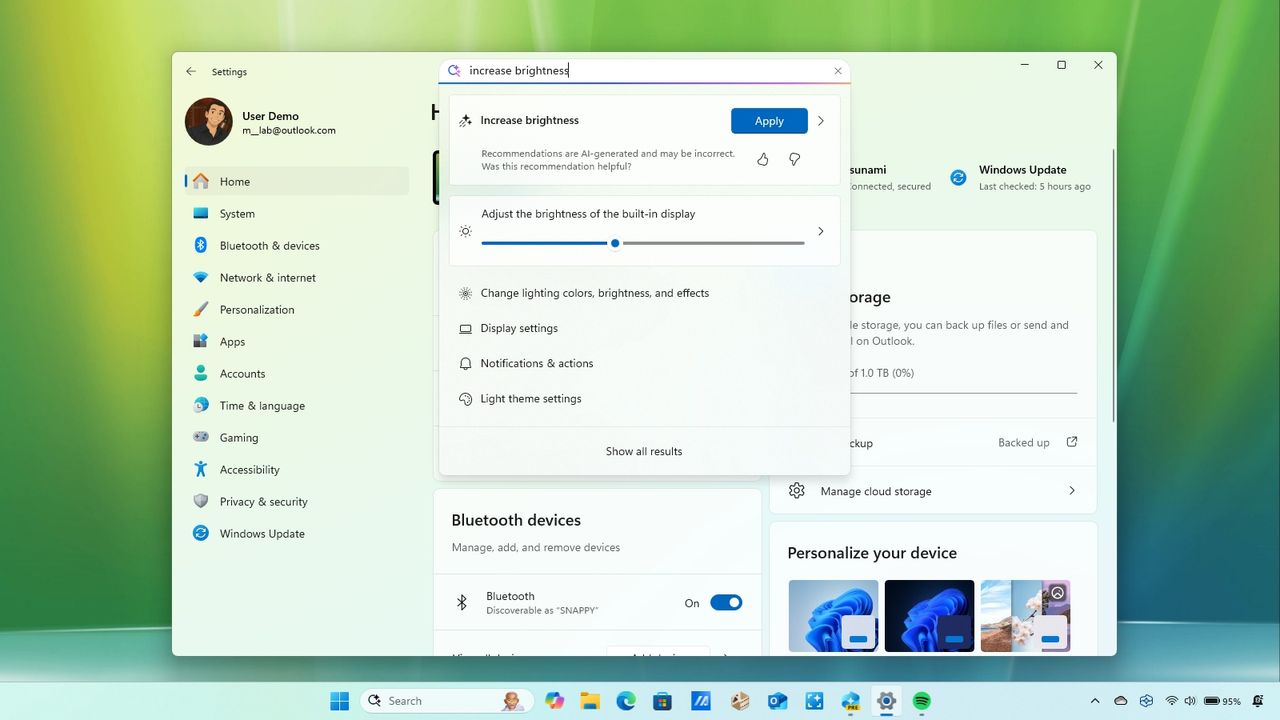
Windows 11's Settings app in 2025 introduced a slew of changes, including a new "Advanced" page and an AI agent for search. Key additions include Quick Machine Recovery, the ability to show the clock in the Notification Center, more Recall controls, and more.

Windows 11 Settings changes for 2025

  •  

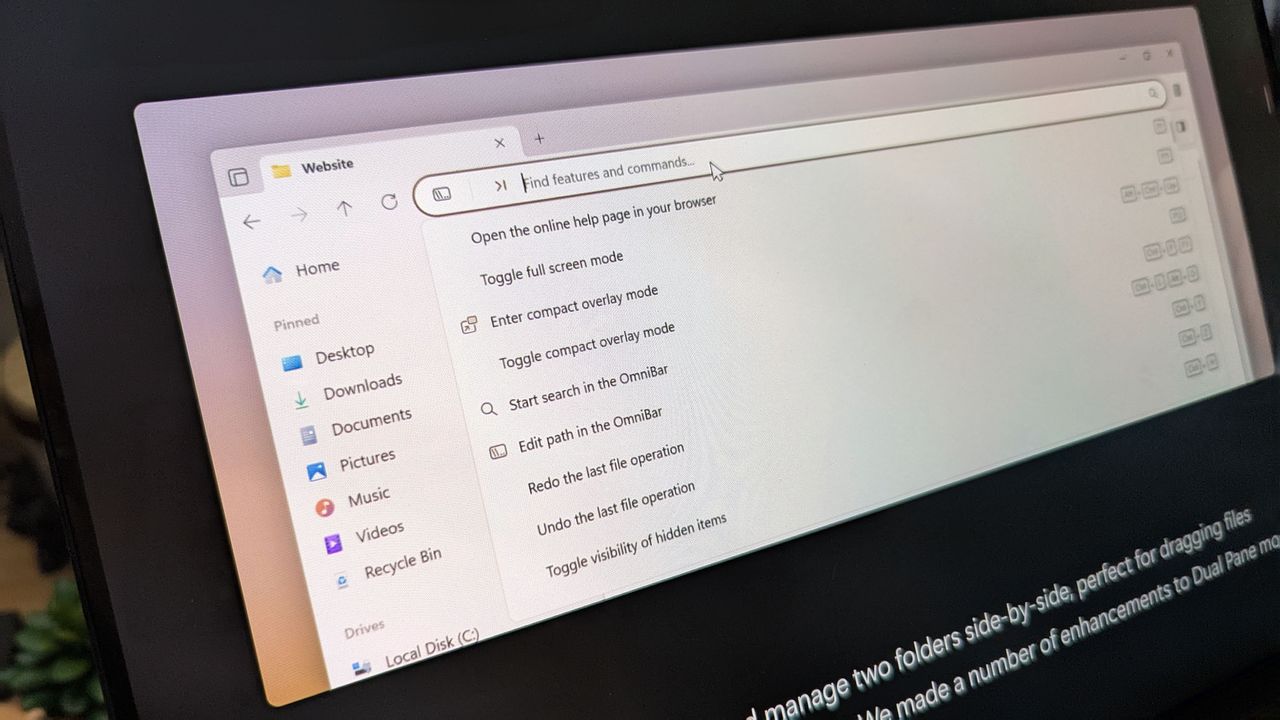
Microsoft’s Windows 11 File Explorer still clunky? My favorite alternative just got a slick upgrade — with real‑time visual feedback on file operations

Windows 11's File Explorer app alternative, Files App, got a neat update in preview, adding new features, including a new "Discovering" Phase and improved "Cancel" button placement in the Status Center.

Files 4.0 app promotional images on an ASUS Zenbook laptop screen.

  •  

You have just ONE week remaining before your Windows 10 PC runs out of support — here's what you need to know

Windows 10 support ends October 14. That means you have just one week remaining before your PC becomes unsupported. Here's what that means and how you can ensure your PC remains secure.

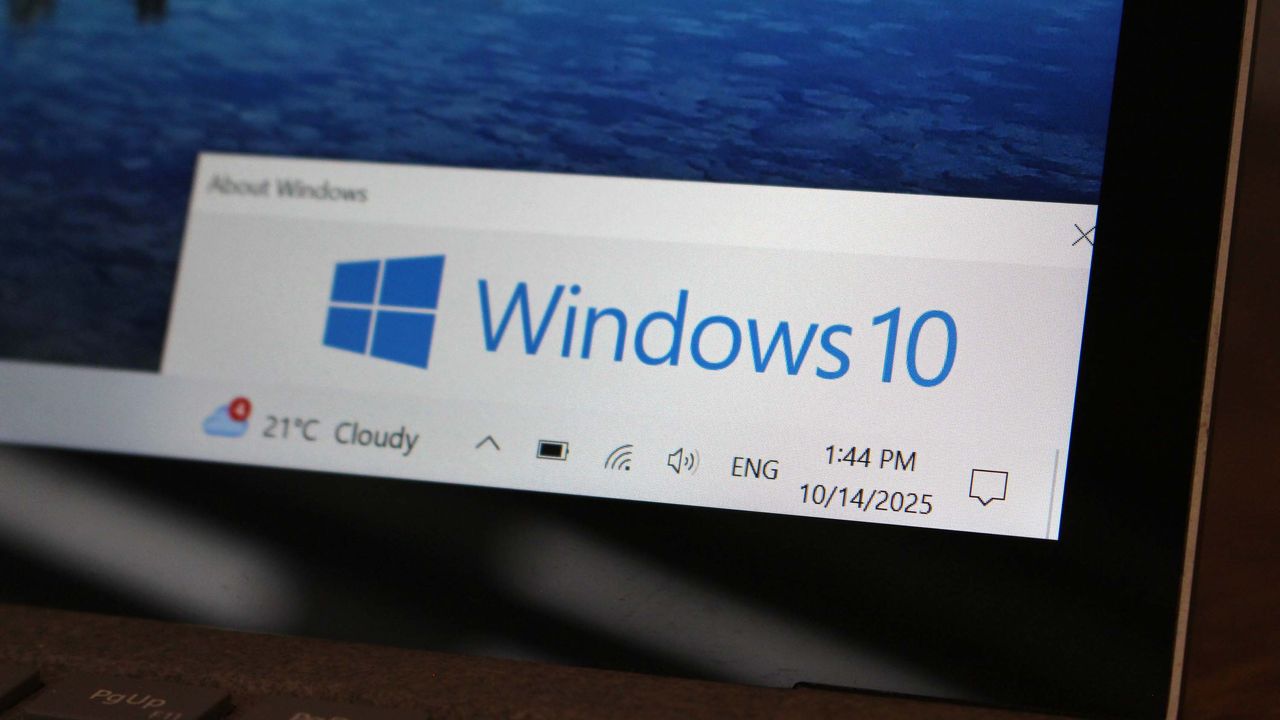
Windows 10 running on a laptop with desktop elements displayed on its screen

  •  
❌