If your Xbox or ROG Ally is running hot or stuttering, disabling CPU boost is an easy fix that can make games feel noticeably better — here’s how to do it
An Xbox Ally X with cartoon arms drawn flexing behind it.

An Xbox Ally X with cartoon arms drawn flexing behind it.
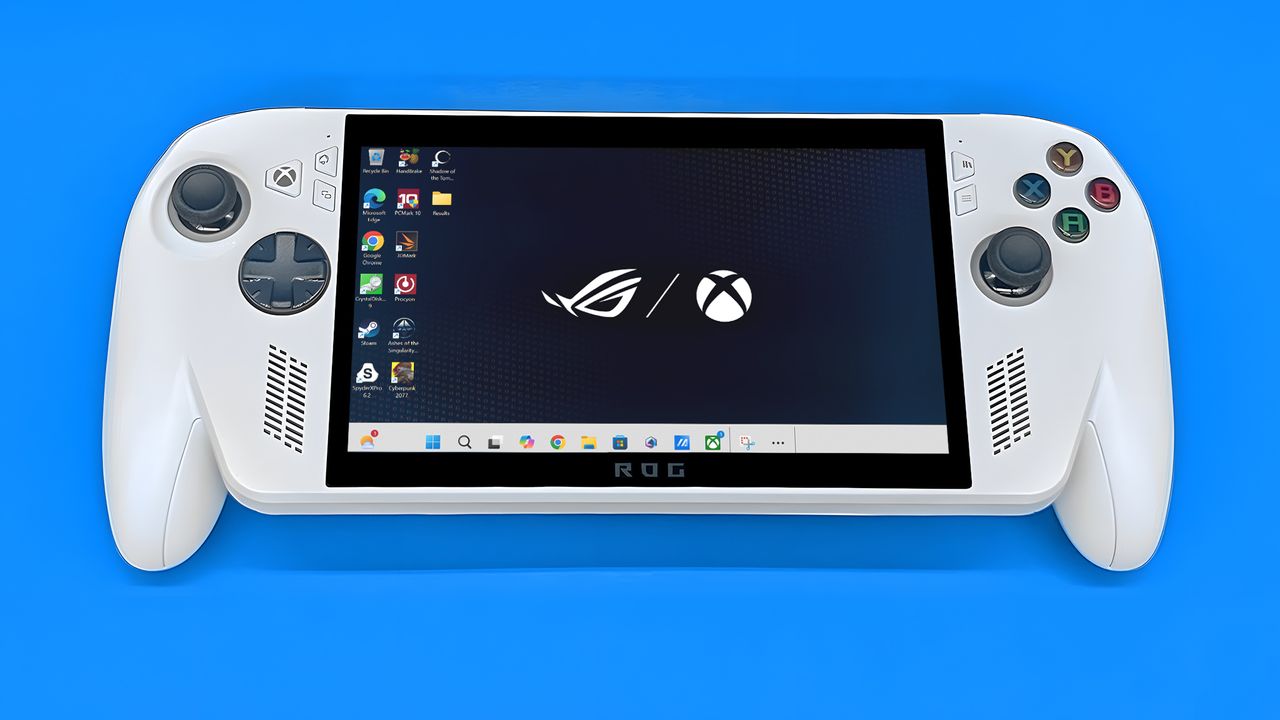
Xbox Ally on its back with the default Windows background showing the ASUS ROG logo and the Xbox logo.

A Steam Deck displaying a red screen with two X-ed out eyes and a frown.

Various video game characters coming out from an Xbox Ally X that is floating on a colorful background.

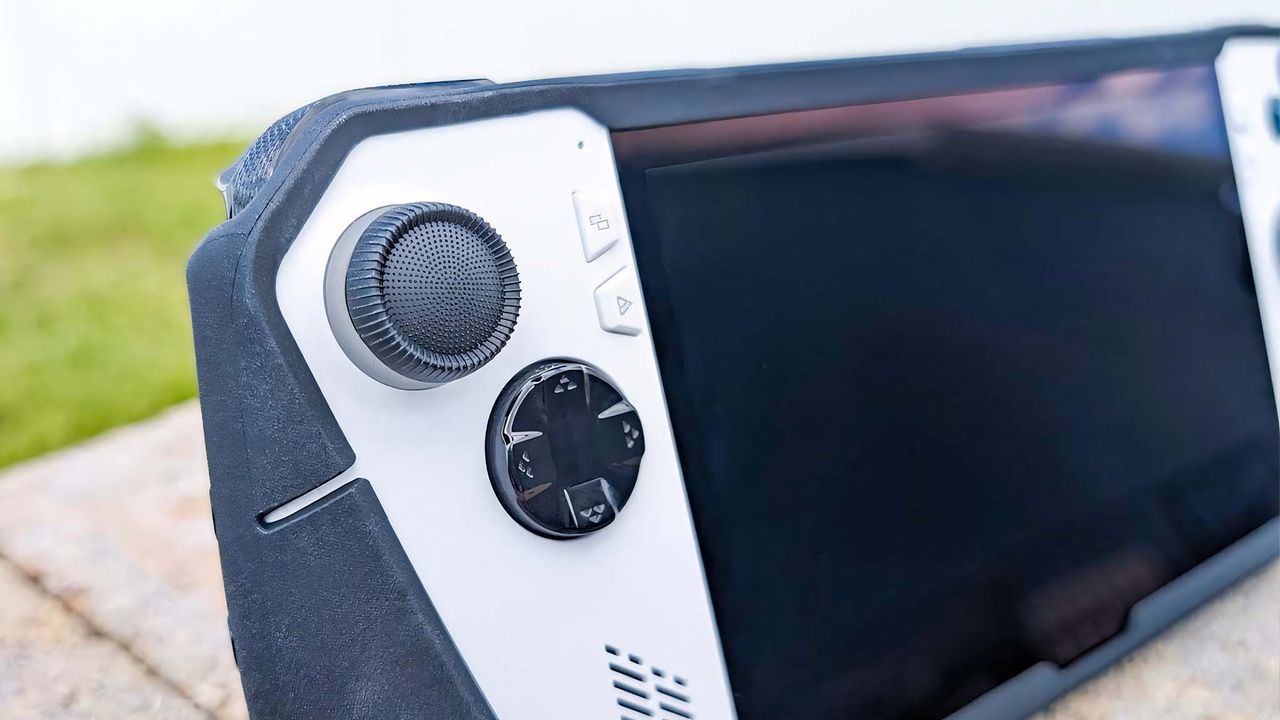
A closeup of the ROG Xbox Ally X's D-Pad, Xbox button, and joystick.

AYANEO Pocket Play gaming smartphone

An ROG Ally with a winking face and a finger pointing to it and a Legion Go with a winking face and a finger pointing to it. Behind them is a wooden table with pine needles, pine cones, holly berries, and holiday lights.

dBrand ROG Ally Killswitch Thmbgrip

Xbox Ally

Lenovo Legion Go 2 and original Legion Go lying on their backs with their screens off.

Xbox Ally

A closeup of the left controller while connected to the Lenovo Legion Go 2.

ASUS ROG Xbox Ally X (black) and ROG Xbox Ally (white) in a glass display case at Gamescom in August, 2025.

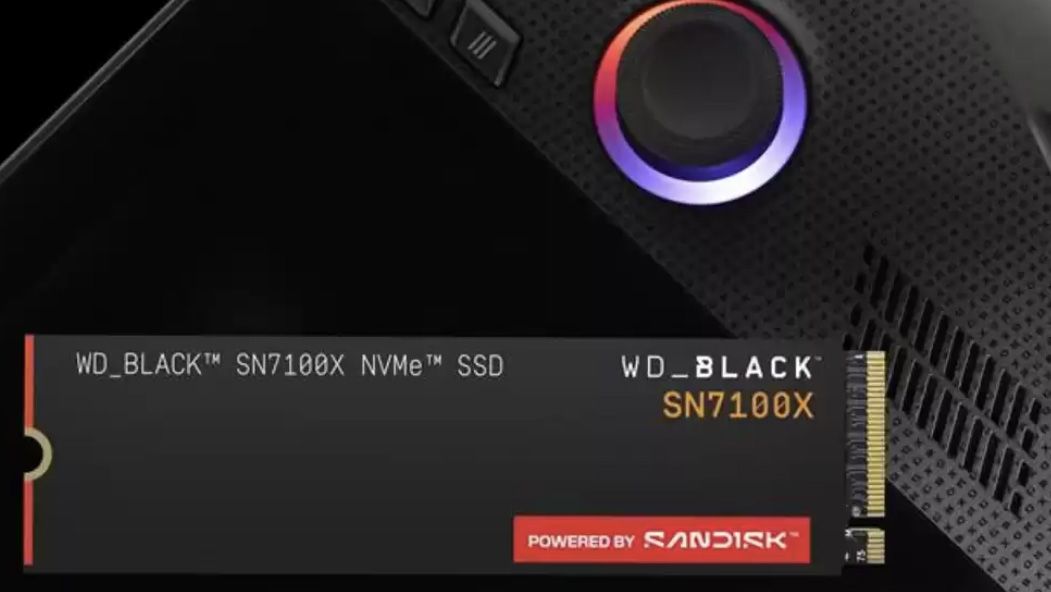
Sandisk exclusive, officially licensed storage drive with Xbox Ally X

Xbox Ally X (front) and Xbox Ally (back) in a display case

MSI Claw 8 AI+ handheld with a red background, behind 'Notify Me' and 'Sold Out' banners.

ASUS ROG Bulwark Dock (2025) on a pink card background

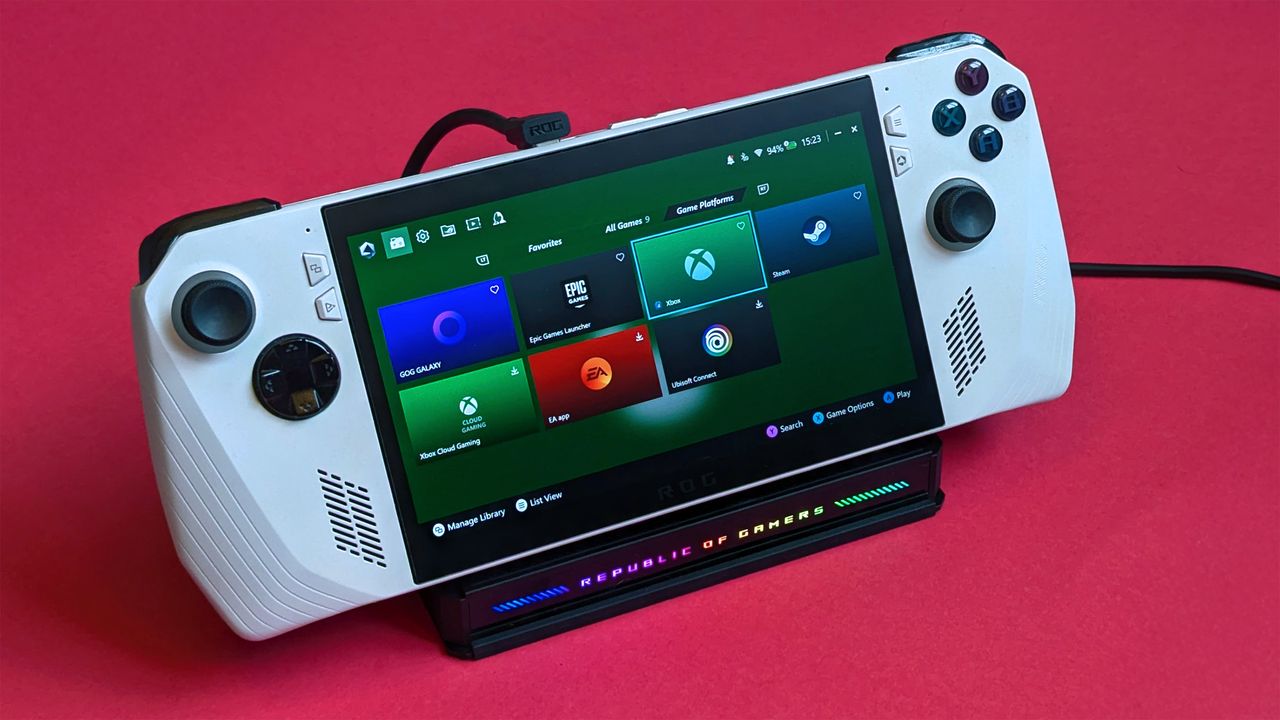
The Xbox Ally in use

ROG Ally standing up and Steam Deck lying down.

ROG Ally X vs ROG Ally displays.