Microsoft will hold a Windows and Surface event on October 7, 2026. We've known about the event for weeks, but Microsoft has now shared details about how to watch it live.
Microsoft has been tight-lipped about the event. We weren't even sure if it would be live-streamed until recently. The description of the live stream is similarly scarce on details:
"Join us live October 7th at 10:00 am PT for a look at what's next from Windows, Surface, and NVIDIA. See the latest, including RTX Spark and new experiences designed to unlock more possibilities for developers and builders."
Microsoft teased the event with a post on X (shown above). That post includes several images of the Surface Laptop Ultra. Normally, I'd have to put my detective hat on and study the photos to determine the hardware, but Microsoft did the hard work for us.
The alt text for the image on X states:
"Close-up of two Surface Laptop Ultra edges showing slim ports and keyboard keys, reflected on a glossy black surface."
That should come as no surprise. We already suspected the Surface Laptop Ultra would be a focus of the event.
Microsoft already announced the Surface Laptop Ultra and discussed RTX Spark, so seeing those on stage would hardly be shocking. Windows 11 just received an update, so there are few surprises about what's shipping to PCs this year. But Microsoft's description talks about "what's next," so the tech giant could tease future updates or discuss changes to how it makes its flagship software or hardware.
Based on our recent poll, Windows Central readers are excited about the Surface Laptop Ultra. So even if the device has already been announced, many people will appreciate details about the laptop.
Join us on Reddit at r/WindowsCentral to share your insights and discuss our latest news, reviews, and more.
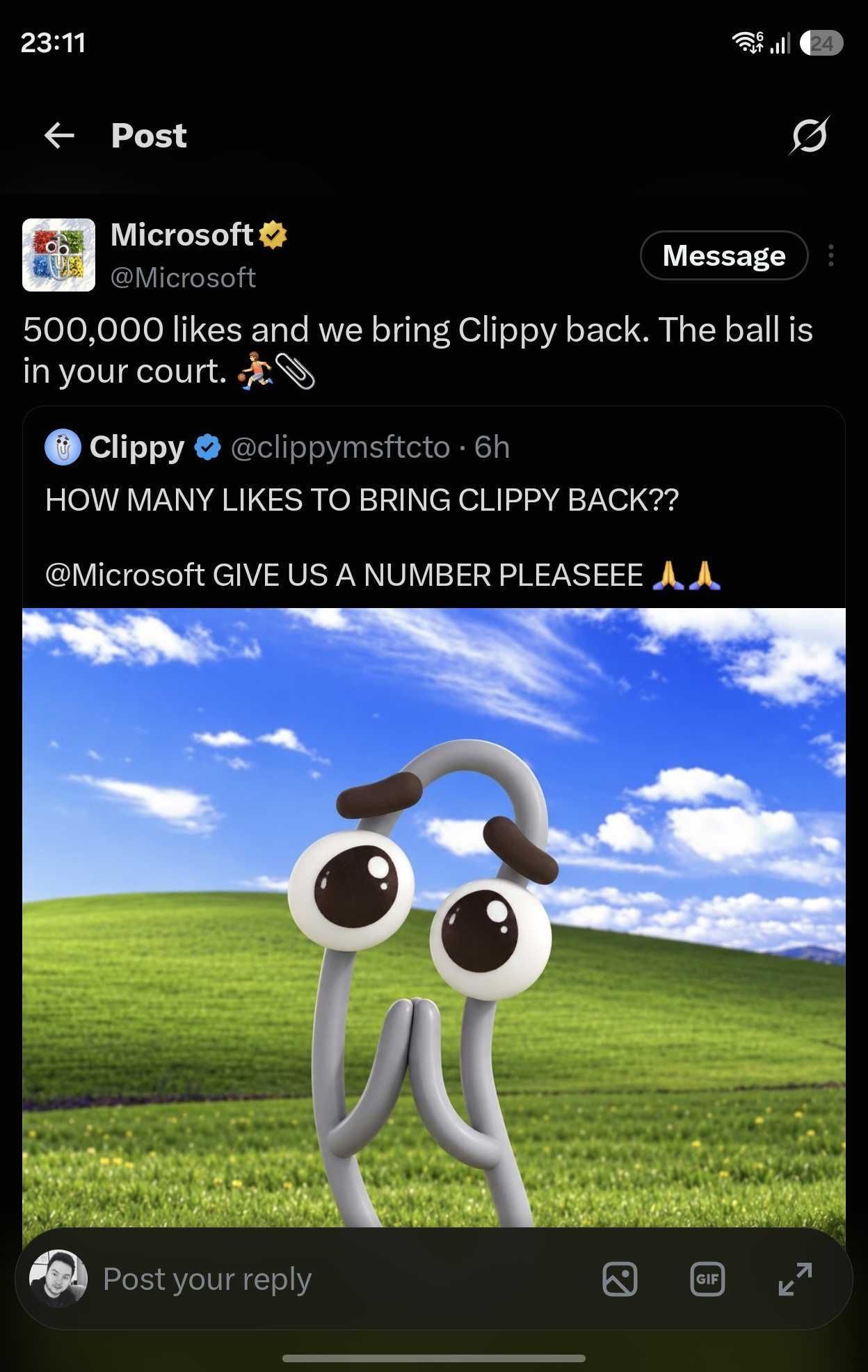
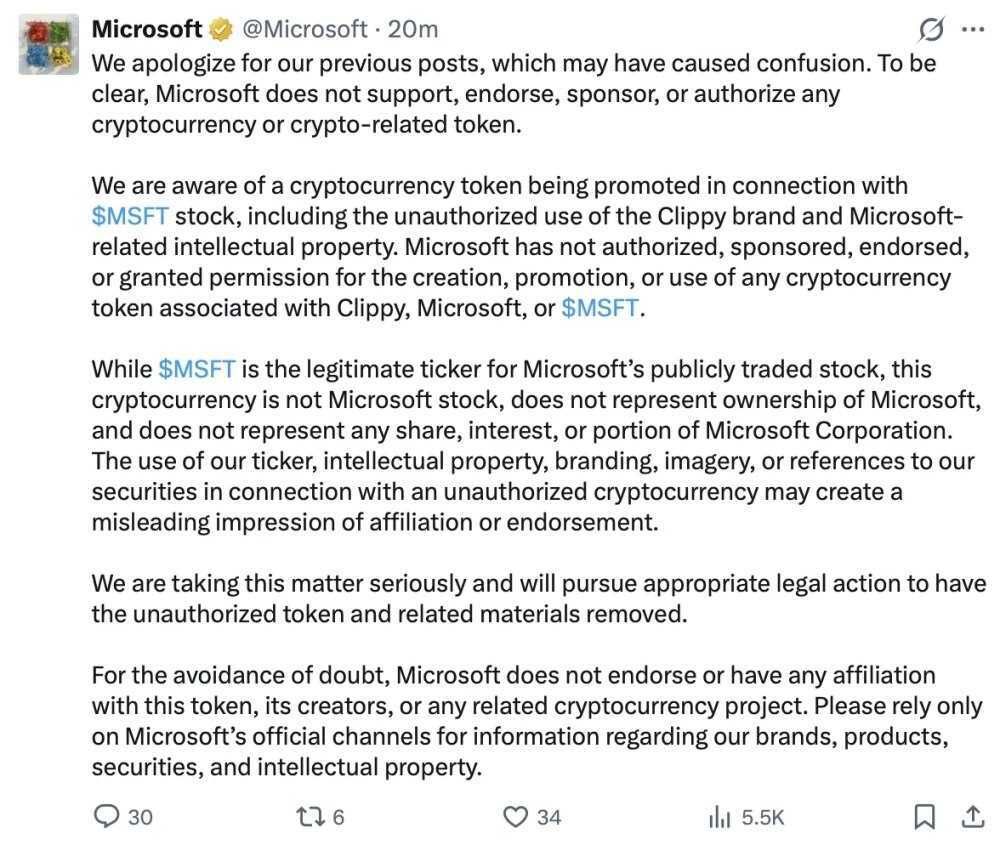
Microsoft's official X account was compromised this week in what appears to have been an attempt to promote a cryptocurrency token. The account followed another account and reposted a message asking how many likes would be needed to bring back Clippy.
An emphatic request to bring back Clippy is nothing new on social media, but the post by the since-suspended @clippymsftcto account was not a genuine plea to bring back the iconic assistant.
(Image credit: Future (original post by Microsoft))
Normally, a story involving Clippy is lighthearted. Microsoft has playfully referenced the mascot over the years. Sadly, that's not the case here. On top of Microsoft being hacked, which is an issue in itself, the hack was apparently used to promote cryptocurrency.
Microsoft has since deleted its post on the situation, but the company apologized for the post about bringing Clippy back and emphasized that it does not endorse cryptocurrency. The Verge captured a screenshot of the post before it was removed.
(Image credit: Microsoft post on X (screenshot via The Verge))
The deleted post concludes with a somewhat ironic piece of advice to "rely only on Microsoft's official channels for information regarding our brands, products, securities, and intellectual properties."
Microsoft has deleted its post about the situation, but the tech giant confirmed that its account had been compromised. "We have confirmed unauthorized access to our account on X including posts that did not come from Microsoft," said a Microsoft spokesperson to The Verge. "The account has been secured and the unauthorized posts have been removed, and we are continuing to investigate the circumstances."
Microsoft should bring back Clippy
Obviously a hack done to promote a cryptocurrency scam is an issue. Microsoft's first priority should be to secure its accounts. Somewhere down the line, the company's leaders should ask if bringing back Clippy is a good idea.
Clippy has an interesting history, but people's views about the assistant have trended positively over the years. The favorable view of Clippy is likely due to a combination of irony and nostalgia, but people often are excited to see official mentions of the paperclip.
Microsoft's public perception has taken a hit, and having a bit of fun with Clippy could lighten the mood. Imagine Microsoft teasing major news about Windows on stage at its event next month and then revealing Clippy Copilot.
Join us on Reddit at r/WindowsCentral to share your insights and discuss our latest news, reviews, and more.
Microsoft is yet to confirm plans for Windows 11 version 27H2, but that doesn't mean we don't yet know anything about it. Thanks to information supplied by Microsoft about Windows 11 version 26H1 and 26H2, we can read the tea leaves and begin to decipher what Microsoft's plans are for its OS in 2027.
First up, we must set the stage for Windows 11 currently. For the first time ever, Microsoft has split the Windows userbase in two. Most Windows 11 users will continue to receive OS updates that are based on the Germanium platform release, which powers version 24H2, version 25H2, and the new version 26H2.
Germanium has been in the market since 2024, and is what the majority of Windows 11 users are running today. That will no longer be the case with version 26H1, which is the first version of Windows 11 since 2024 to ship on a new version of the Windows platform. This new version is codenamed Bromine, and exists exclusively for Snapdragon X2 and RTX Spark devices.
That means version 26H1 and the newer Bromine platform release will not be made available to the existing Windows 11 userbase this year. Microsoft doesn't say why, but my sources tell me this is because Bromine only really exists because of timing convenience. These new Arm chips required extra kernel level work, and it was easier for Microsoft to build those into a new platform release than it was to retroactively fit the Germanium platform release with these additions.
Because of this, Microsoft hasn't made any optimizations to the Bromine platform release for existing PCs. While you can run Bromine on existing hardware if you want, there is no benefit in doing so. As a result, Microsoft chose to keep the majority of Windows users in the platform release that has been shipping since 2024, and split off the new Snapdragon X2 and RTX Spark PCs with their own platform release.
That does mean there's going to be some awkward fragmentation between version 26H1 and version 26H2 throughout 2026 and into 2027, however. Microsoft has confirmed that because version 26H1 is based on a newer platform release than version 26H2, those running 26H1 are not eligible for the version 26H2 release.
The company does say that this won't be the case forever, and that Windows 11 users running version 26H1 will be updated to something newer in the future. According to my sources, that will be version 27H2 in 2027, which will be the first platform release since 25H2 to be offered to the entire Windows 11 userbase.
Release date
As is almost always the case, Microsoft tends to ship new versions of Windows in the second half of the year. I anticipate this will remain the case for version 27H2, which will likely target a September or October release window.
Because version 27H2 is likely to introduce a new platform release, Microsoft will use a measured and phased rollout approach to its general availability. That means not all users will see the update right away once it's made available, as Microsoft will choose to roll it out in waves to ensure the update is installing as intended.
It will also be a full blown OS upgrade release, and not just an enablement package. That means it will replace the entire OS with a new version, while maintaining all your apps, files and settings. This takes a little longer than an enablement package release, which only updates a few OS files to enable the new version.
Windows 11 version 22H2 was a fill blown OS upgrade release over 21H2, as was version 24H2 over 23H2. So this wouldn't be the first time this has happened.
Platform changes
We know that the version 27H2 release will need to be based on a newer platform release than Germanium to support upgrading both 26H2 and 26H1 users. What we don't yet know is what platform release this will be. It's possible that Microsoft could use the Bromine platform release for 27H2, though I think this is unlikely.
I think Microsoft will issue a platform release that's newer than Bromine. Given the timing, I suspect it may be the Windows Strontium platform release, which is expected to be finalized sometime in the first half of 2027. This would align with Microsoft's previous development schedules.
For example, Germanium was finalized in the first half of 2024, and ended up shipping as version 24H2 in the second half of that year. With Strontium expected to be finalized in the first half of 2027, I would wager the same will happen then for version 27H2.
Microsoft has announced that the next version of Windows will drop support for the Snapdragon 850 SoC. While not confirmation on its own, it's a strong hint that version 27H2 will be powered by a newer platform release than Bromine, given the Snapdragon 850 can still run Bromine-based builds.
New features?
(Image credit: Microsoft)
Because of Microsoft's "Continuous Innovation" effort, the company no longer ties new features to version updates. These days, Windows 11 receives new features whenever the company deems them ready to ship, meaning there's no features in active development that are expected to be exclusive to version 27H2 currently, though that could change in the future.
In fact, most mainline feature development still takes places on the Germanium codebase, then is forward integrated into newer codebases when ready. This is why new features often arrive on version 25H2 and 26H2 first, and then come to 26H1 later, as 26H1 is built on a newer Windows platform.
Windows 12?
(Image credit: Screenshot: Windows Central / Device: Edited with Gemini)
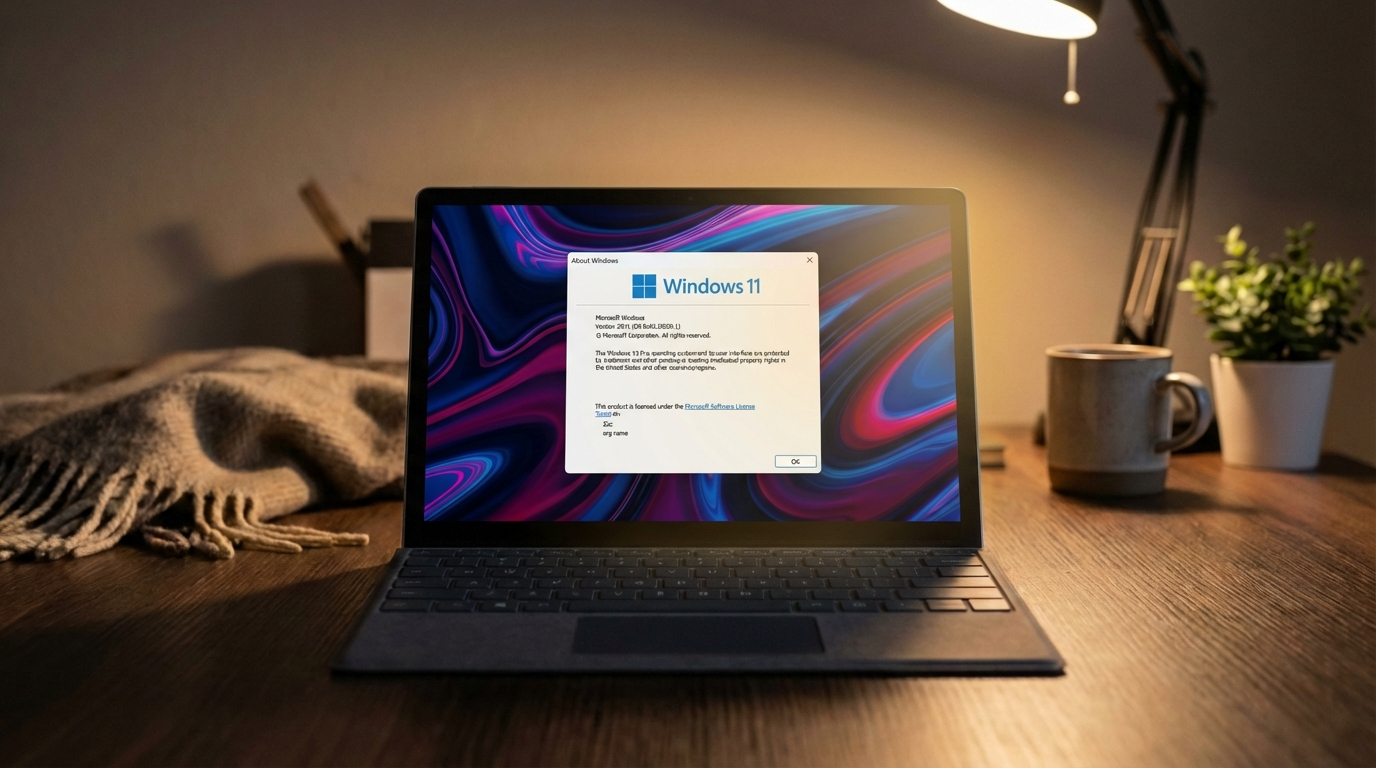
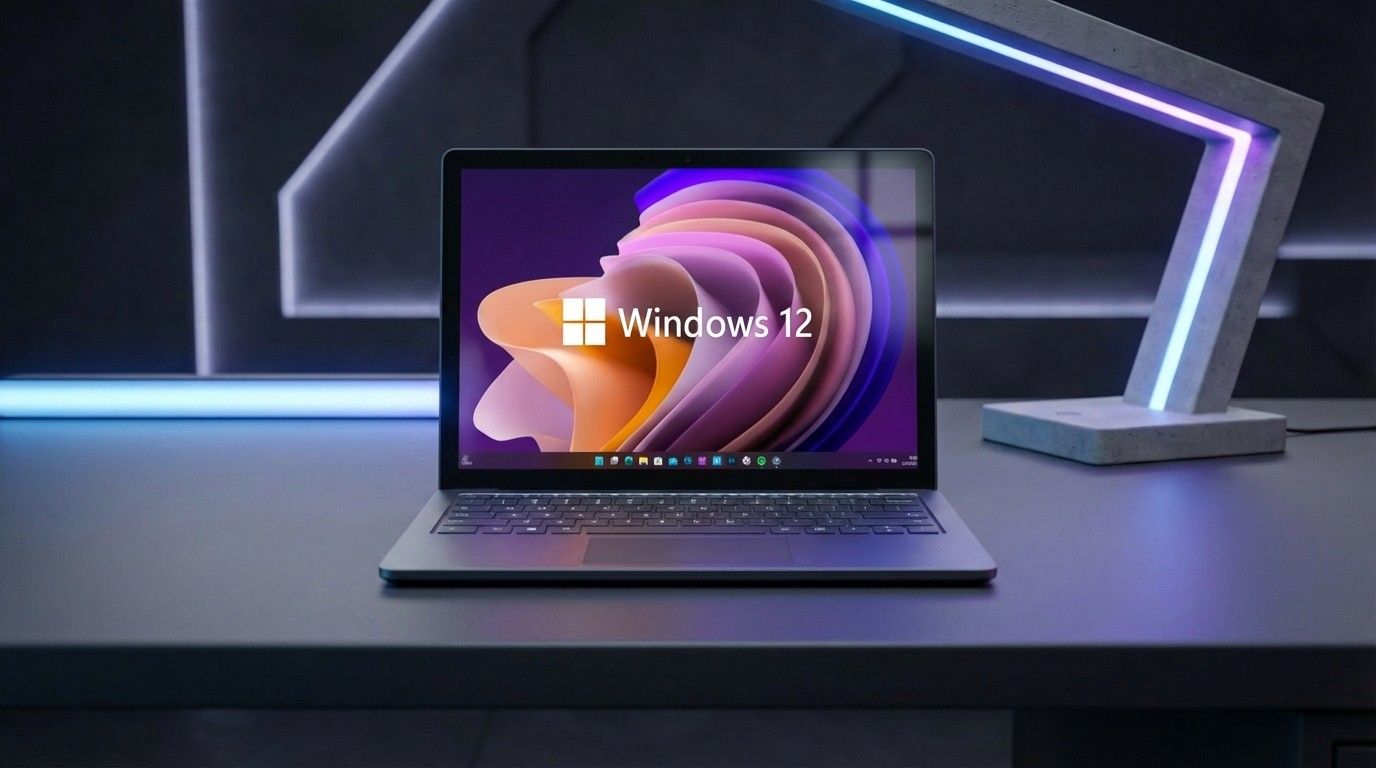
Of course, the age old question is whether or not the next version of Windows will be dubbed Windows 12. The answer is we don't know, and likely won't know until much closer to the time.
Even if Microsoft does debut Windows 12 next year, that doesn't mean Windows 11 version 27H2 wouldn't also exist. When Windows 11 version 21H2 debuted, Windows 10 still received its own 21H2 version that same year.
With all that in mind, I don't think we're going to see Windows 12 in 2026. Given the current versions of Windows 11 are split between two platform releases, it would be irresponsible and complex from a support perspective to leave the userbase in that state.
It would make the upgrade path from Windows 11 to Windows 12 more complex, and Microsoft would need to account for multiple in-market platform releases and versions. I would think it's better to get everyone back onto the same platform version under Windows 11 first, before trying to push forward with Windows 12.
Join us on Reddit at r/WindowsCentral to share your insights and discuss our latest news, reviews, and more.
Microsoft has announced that the just released Windows 11 version 26H2 will be the last version to support Qualcomm's second-generation Windows 10 on Arm SoC, the Snapdragon 850 from 2018.
The news was published on the Windows 11 Lifecycle Policy page, where a notice now says "Windows 11, version 26H2 is the last version that will support devices with Snapdragon 850 processors."
The Snapdragon 850 is notable as being the first "built-for-Windows" chip from Qualcomm. The Snapdragon 835 that powered Windows PCs first was a recycled smartphone chip.
Windows 11 had already dropped support for the Snapdragon 835 a while ago, and now it seems the Snapdragon 850 is next on the chopping block. Windows PCs with the Snapdragon 850 under the hood are eligible to install the latest version update, but will not get version 27H2 next year.
Windows 11 version 26H2 will be supported for 24 months, meaning devices with the Snapdragon 850 inside have two years of security updates remaining before they'll be left behind in an insecure state.
It's unclear why Microsoft is dropping support for this SoC. This likely implies that the 27H2 release next fall will be based on a new version of the Windows platform, and not an enablement-package like 26H2 is.
It's also unclear whether or not this limitation will be artificial in nature. Just because an SoC is no longer supported doesn't mean it can't run newer versions by bypassing system requirements. Many people have enjoyed running Windows 11 on unsupported chips for many years.
Either way, we know that officially, the Snapdragon 850 will no longer be supported on future versions of Windows. Windows 11 version 26H2 is the last version that is officially supported.
Join us on Reddit at r/WindowsCentral to share your insights and discuss our latest news, reviews, and more.
Developers can now jump into their workflows faster on Windows 11. Microsoft has made WSL Containers generally available, reducing the setup and management required to run Linux containers through the Windows Subsystem for Linux (WSL).
Containers are packages that include an application and the dependencies required to run it. Developers use them to ensure software behaves consistently across different systems.
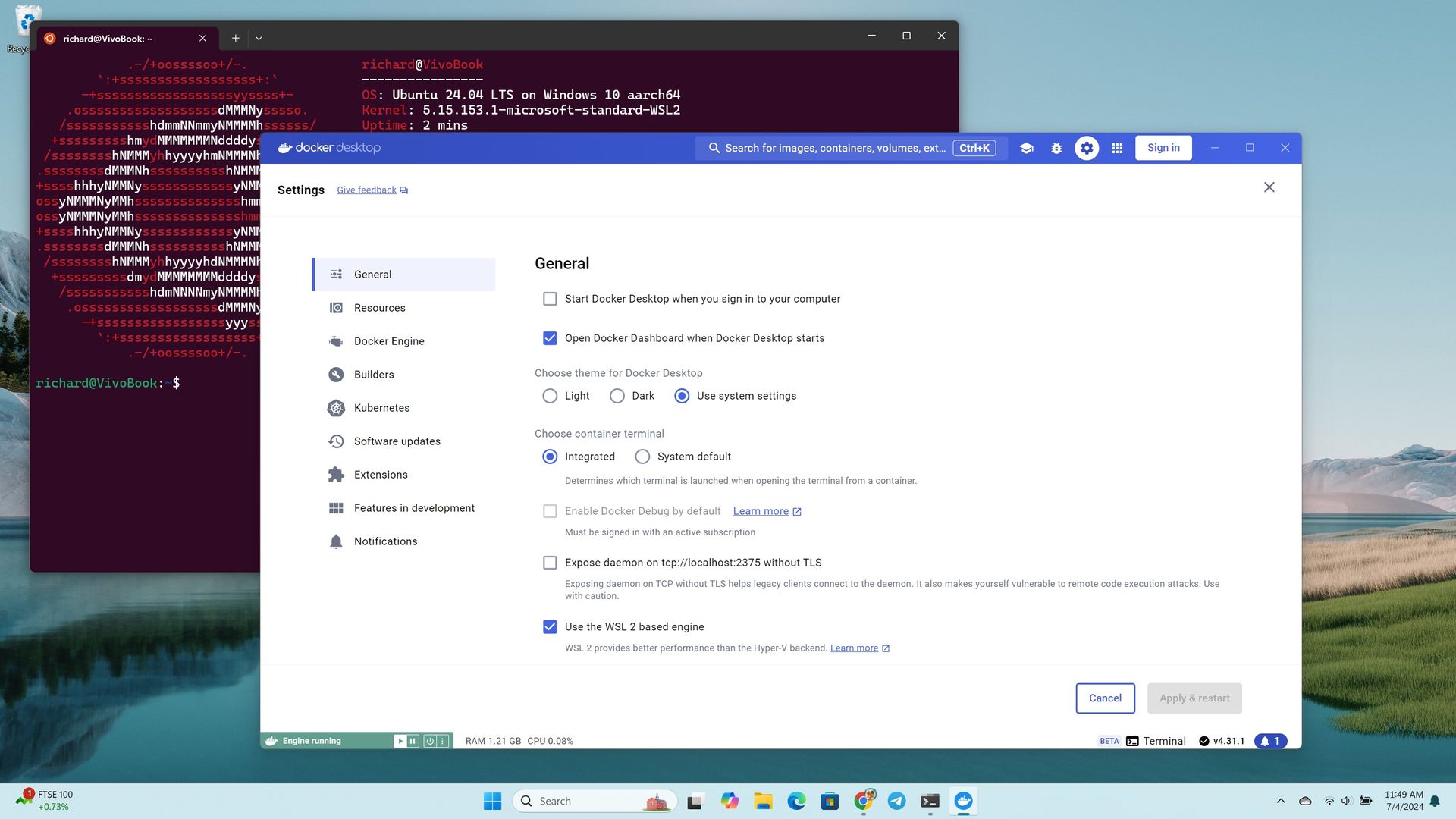
WSL Containers brings built-in Linux container support to Windows through WSL. Until now, developers typically relied on third-party tools such as Docker Desktop to run Linux containers on Windows. With WSL Containers, Microsoft is providing a built-in alternative through WSL.
Microsoft announced WSL Containers at Build 2026 and has tested the feature since then. The platform is now generally available.
Microsoft has also added new features to WSL containers since testing began, including support for container health checks, real-time event streaming, expanded networking controls, configurable storage locations, and several new container management commands.
Microsoft is also adding more enterprise controls to WSL Containers, including Intune policies and Microsoft Defender for Endpoint support.
Tools such as Docker Desktop continue to be an option for developers, but WSL Containers requires less software to install and manage.
Microsoft's new wslc command-line tool uses commands that will feel familiar to developers who already work with containers, making the transition relatively seamless.
WSL Containers won't replace tools such as Docker Desktop for everyone, but they do give developers one less app to install. For many Windows 11 users, running Linux containers just became a built-in feature rather than something that requires extra software.
Most Windows 11 users will never run a container, so this update won't change their day-to-day experience. But making container support a built-in part of Windows removes a barrier for developers, which can speed up app development and testing.
Join us on Reddit at r/WindowsCentral to share your insights and discuss our latest news, reviews, and more.
The Windows 11 version 26H2 release builds upon the same platform release that powers Windows 11 version 25H2 and version 24H2. This means the update includes no new features on the surface that aren't also rolling out to those older releases, but it does act as a checkpoint that enables all the new features rolled out over the last 12 months.
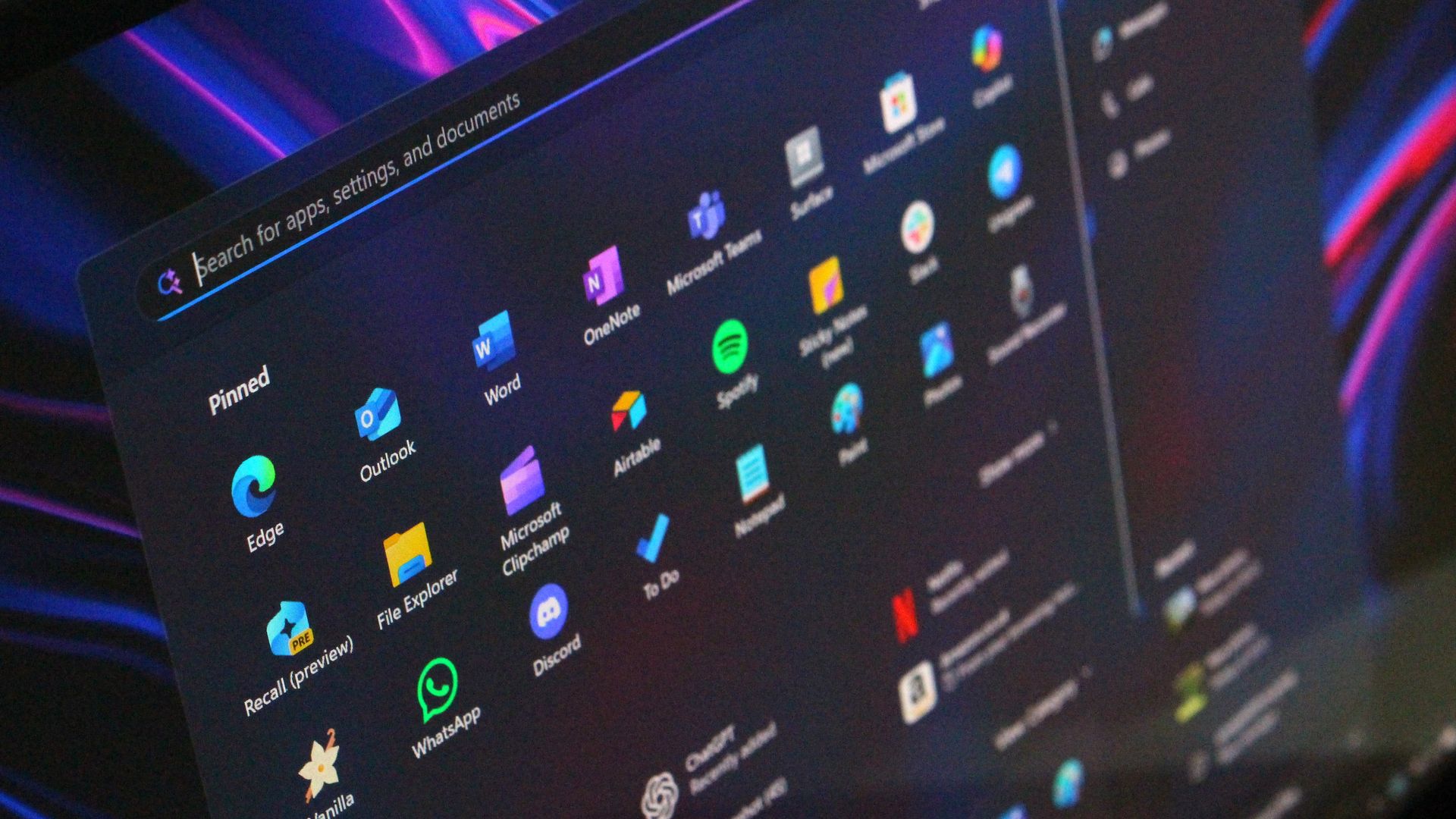
So if you are still missing new features like the new Start menu or File Explorer improvements, updating to version 26H2 should enable them. "Windows 11, version 26H2 brings together all the Windows innovations, security improvements, and enhancements delivered over the past year to version 25H2," Microsoft says.
Additionally, Microsoft explains that version 26H2 is an enablement package update, which "is a lightweight update that activates new features already included in the operating system through previous monthly servicing updates. Because versions 26H2, 25H2, and 24H2 share a common servicing branch and underlying codebase, many of the components required for version 26H2 are already present on devices before the feature update becomes available."
That means the update will only take a few minutes to download and install, and is low-disruption and safe with no compatibility concerns or bugs to be aware of.
The 26H2 update also resets the support lifecycle clock, meaning users that install it will enjoy 24 months of security and feature updates on Home and Pro edition from today. Commercial editions will receive 36 months of support.
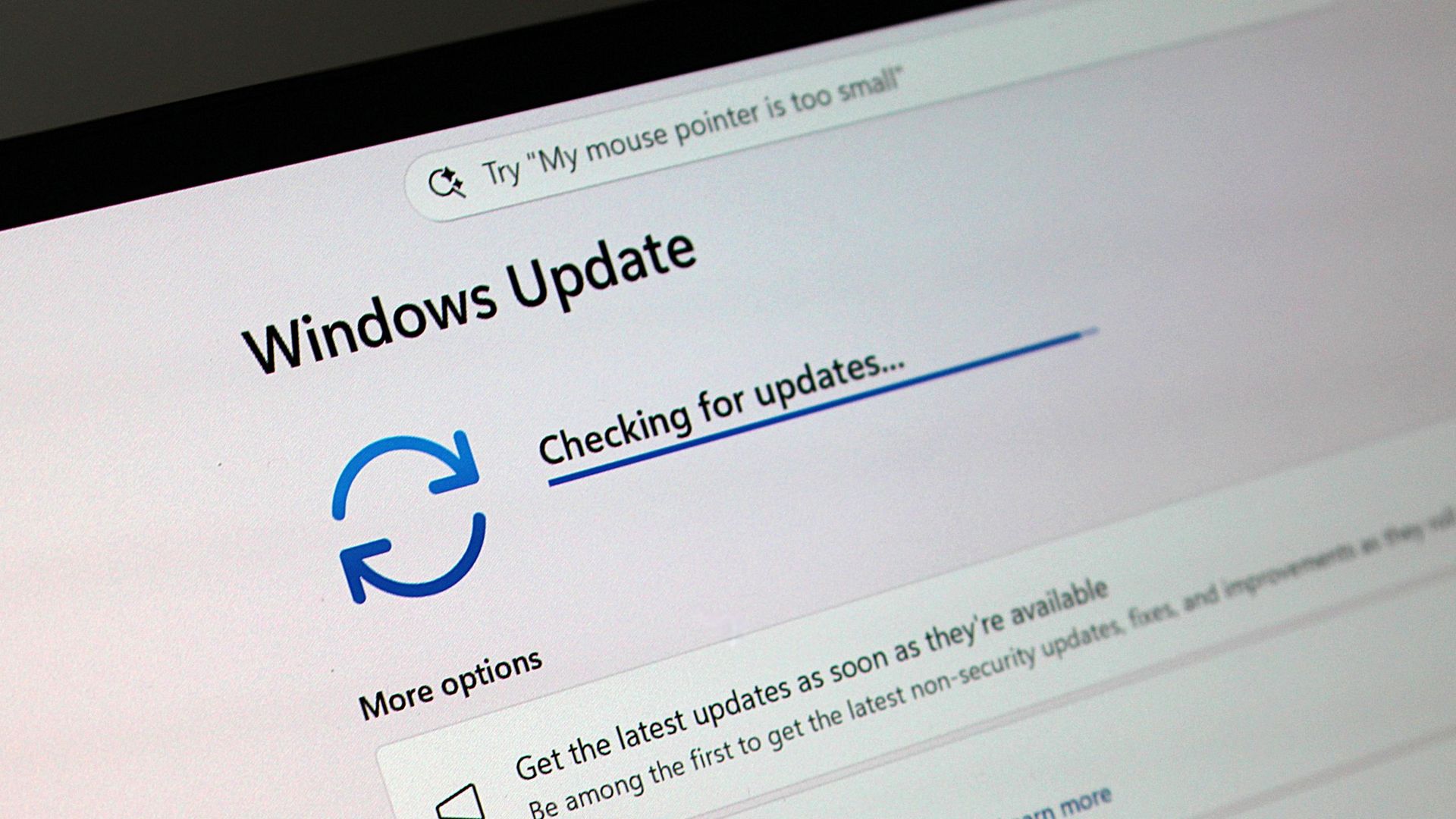
Microsoft is rolling Windows 11 version 26H2 out in waves, but users can get it sooner by ensuring the "Get the latest Windows updates when they're available" option is toggled in Windows Settings.
If you're running Windows 11 version 26H1, you will not be eligible to install Windows 11 version 26H2. Version 26H1 is based on a newer version of the Windows platform compared to version 26H2, and so there's no direct upgrade path currently.
Join us on Reddit at r/WindowsCentral to share your insights and discuss our latest news, reviews, and more.
On Thursday, unknown attackers hijacked the official Microsoft account on X, which has over 13 million followers, in what appeared to be a pump-and-dump scheme promoting a crypto token. [...]
Microsoft announced that Windows settings backup and restore is now enabled by default on all Microsoft Entra-joined or Microsoft Entra hybrid-joined enterprise systems upgraded to Windows 11 26H2. [...]
If you recently tried saving or exporting a Microsoft Word document as a PDF—only to find it completely vanished from your intended folder—you aren’t alone. Microsoft has officially confirmed a widespread and frustrating bug in Microsoft Word. When users attempt to save a document hosted on a network share or mapped network drive as a […]
Windows users are reporting a frustrating issue in which their PCs completely freeze shortly after connecting to the internet. While the exact cause remains unconfirmed, a built-in Windows task responsible for updating Secure Boot certificates has emerged as a possible culprit. The problem appears to affect some older PCs running outdated UEFI firmware. Microsoft has […]
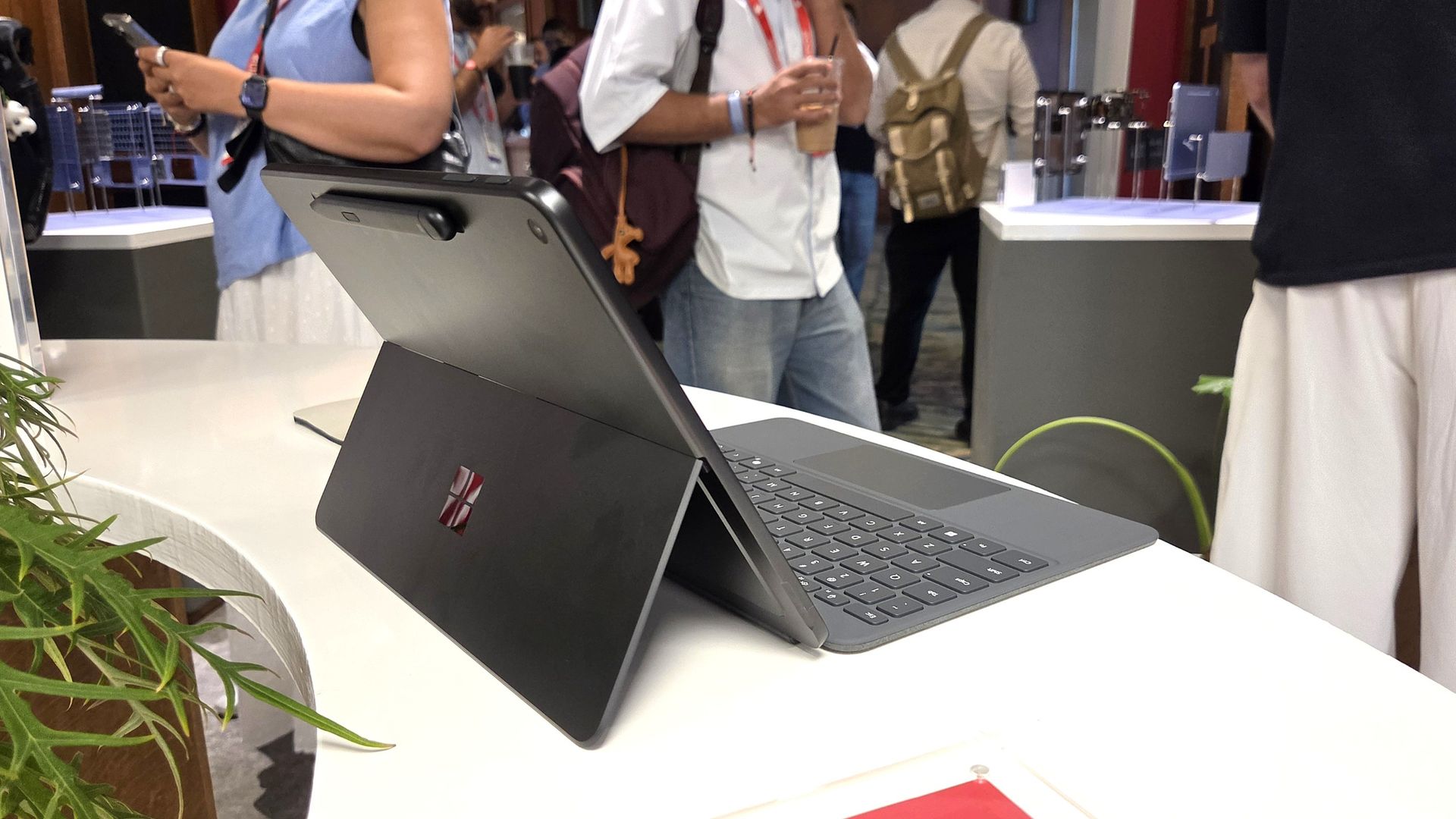
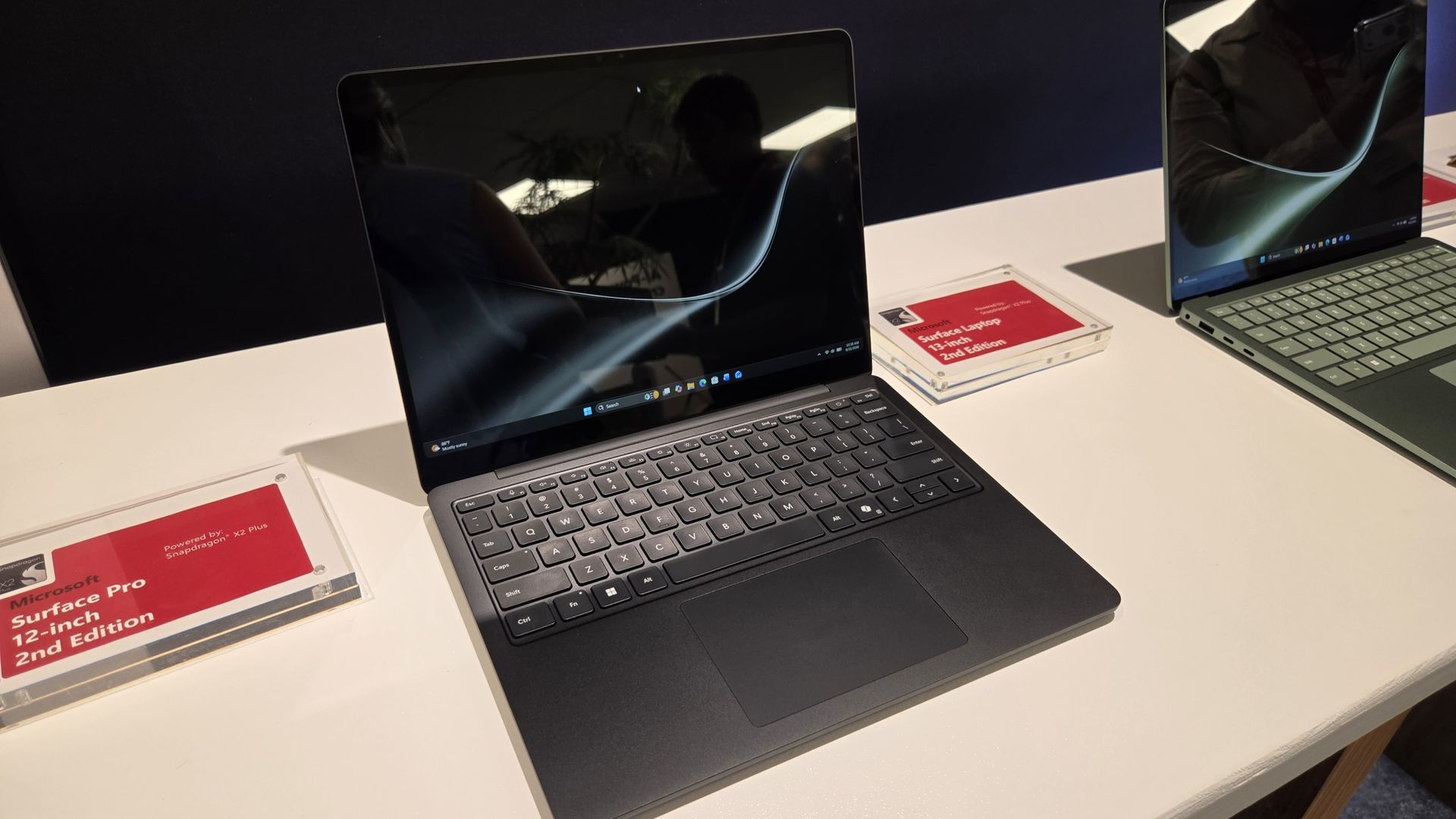
Microsoft’s Surface Pro 12-inch and Laptop 13-inch add Snapdragon X2 Plus chips. Compare pricing, battery life, AI features, and key checks for IT buyers.
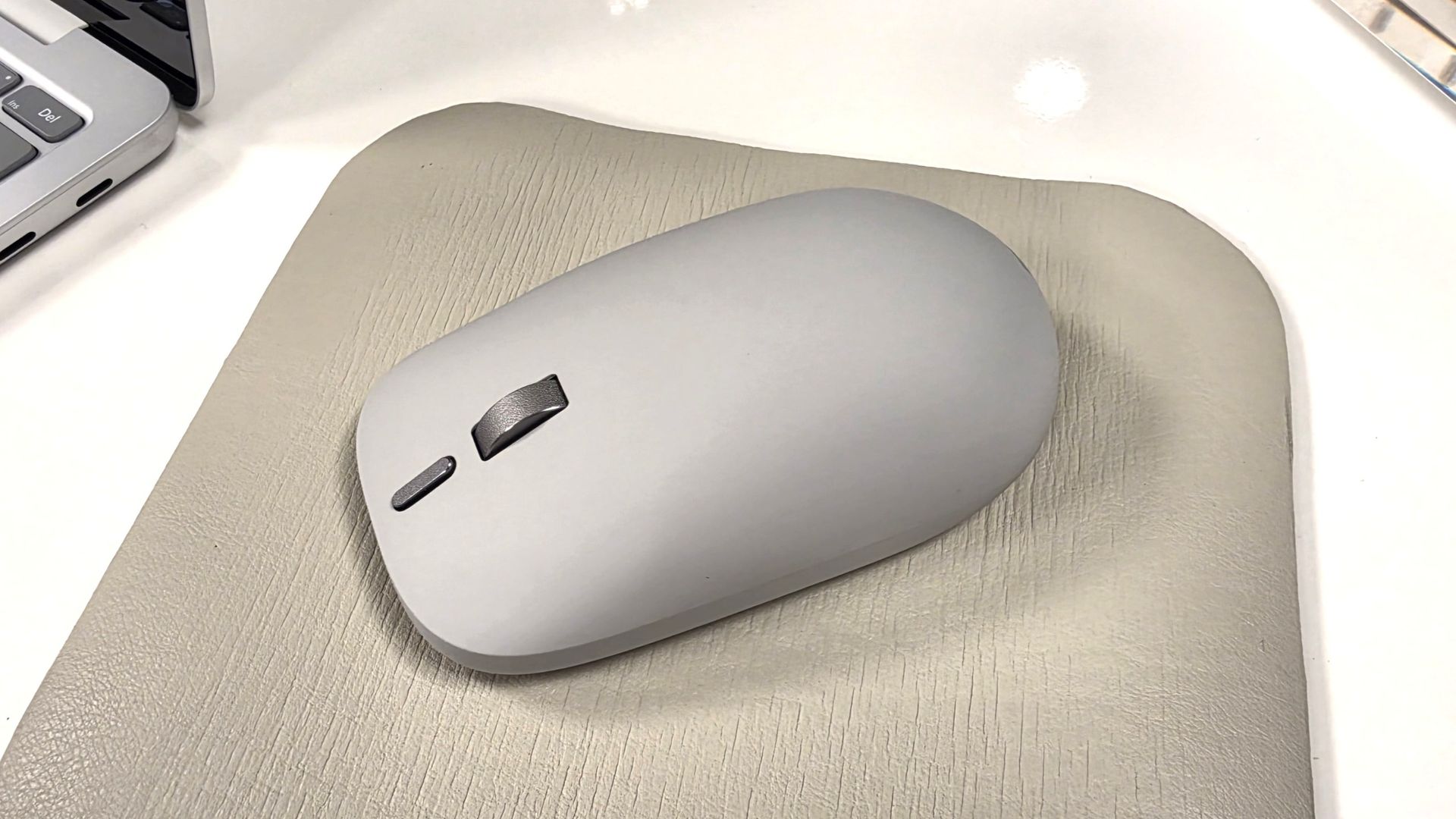
It's been a busy week for Microsoft. Despite having a Windows and Surface event scheduled two weeks from now, the company announced two new Surface PCs and revived the Surface Mouse. Microsoft also effectively cut the legs out from under the Copilot+ PC brand by confirming the new Surface Pro 12-inch and Surface Laptop 13-inch are not Copilot+ PCs.
Biggest News of the Week
Microsoft confirmed that its new Surface Pro 12-inch and Surface Laptop 13-inch will not be called Copilot+ PCs. Not because they fail to meet the requirements — both PCs have the specs to otherwise qualify — but because Microsoft is going in a different direction.
I think we may hear more about Microsoft’s plans and rebranding at the Windows and Surface event next month, but for now we just have confirmation the new Surface devices are not called Copilot+ PCs.
The Copilot+ PC brand was doomed to fail. Microsoft failed to make it clear to customers what made Copilot+ PCs special, and the flagship Recall was a disaster.
Many people were confused about the difference between a Copilot+ PC and an AI PC. And several major manufacturers made it clear that labeling a device as a Copilot+ PC was not a priority.
Too many Copilots
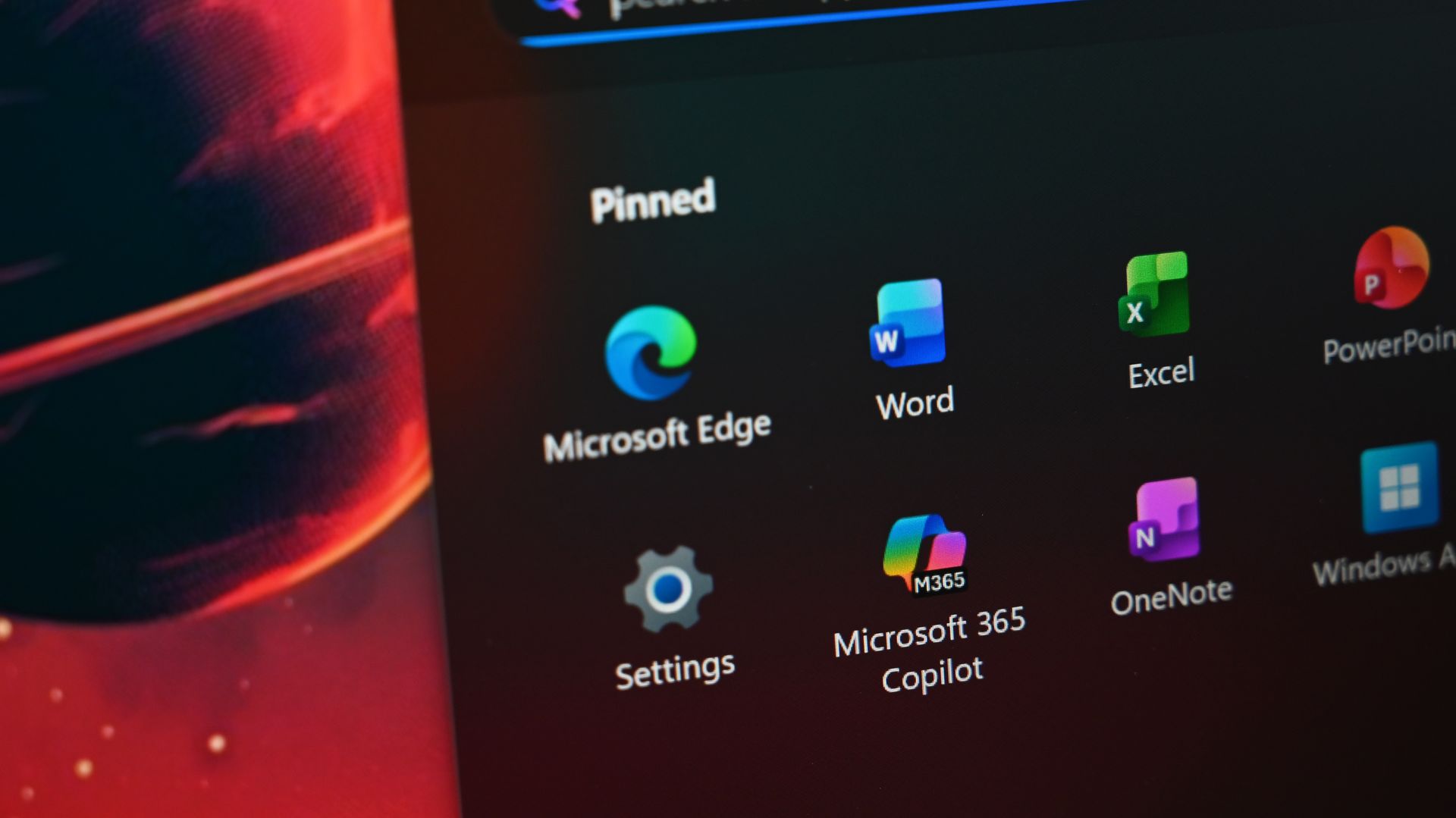
Microsoft put too many eggs in the same basket with Copilot. The company has dozens of products with Copilot in their names. Even the Microsoft 365 app had Copilot forced into its name.
By bundling so many different products and services under the Copilot name, Microsoft tied the success (or failure) of a large part of its portfolio together.
Look online for reactions to the Copilot+ PC brand being phased out and you’ll see people discussing the Copilot app, the Copilot key, Microsoft 365 Copilot, and other Copilot-branded products. And who can blame them? It’s natural to assume the end of Copilot+ PCs means the end of at least some parts of Copilot.
But the opposite is true. In the same week it confirmed its Surface PCs are not Copilot+ PCs, Microsoft announced a massive overhaul of the Copilot platform. Microsoft CEO Satya Nadella called it a new OS, though I’m not sure what that really means in this case.
Ultimately, Microsoft fell in love with the term Copilot and tried to attach it to too many products and services. We’ve seen similar mistakes, such as Facebook going all in on the Metaverse.
Copilot+ PCs are gone or being phased out, but Copilot as an “OS” is just beginning. Microsoft will need to do some damage control and get a marketing message out to make it clear those facts aren’t in opposition.
Join us on Reddit at r/WindowsCentral to share your insights and discuss our latest news, reviews, and more.
Microsoft has paused the rollout of the KB5002907 Microsoft 365 update after users report that it deactivated, or in some cases completely removed, perpetual Office 2016 and Office 2019 installations. [...]
Microsoft introduced a major Copilot redesign with new capabilities, including Home, Code, and Autopilot, an autonomous AI agent that can handle tasks on its own. With this step, Microsoft is taking Copilot beyond the conversational chat assistant. Now, Copilot can build solutions, work with code, and handle longer tasks. This article covers all the important […]
Your next Microsoft Teams meeting may be a little more secure. Microsoft has added a new option that allows administrators to automatically block identified external bots from joining meetings.
Microsoft detailed the update in its release notes:
Automatically block identified external bots: Administrators can now automatically block identified external bots from joining meetings through Teams meeting policies.
Unified app and agent installation management across Microsoft 365 and Teams: Administrators can now manage app and agent installations from either the Microsoft 365 admin center or Teams admin center, with installation changes automatically synchronized across Teams, Outlook, and Microsoft 365 Copilot.
Bots are commonplace in Teams meetings and meetings on other platforms. Most of the meetings I attend have some sort of notification about transcription or recording. But unwanted bots can pose a security risk, especially if they go unnoticed. Considering how many meetings include notifications about bots, it would be easy to brush off a malicious bot as another routine attendee notification.
When the feature is enabled, organizations will see a representation of external bots in the meeting lobby. This gives organizers more control over attendees and helps prevent someone from admitting a bot that shouldn't be there.
The same update to Teams gives admins the ability to manage app and agent installation through the Microsoft 365 admin center or Teams admin center. Any changes made then sync across Teams, Outlook, and Microsoft 365 Copilot.
Have you ever seen someone accidentally admitted to a meeting? Do you let people into meetings without checking? Let us know in the comments!
Join us on Reddit at r/WindowsCentral to share your insights and discuss our latest news, reviews, and more.
Microsoft appears to be moving away from one of the biggest branding terms it introduced for its AI-powered Windows PCs. The company is no longer emphasizing the “Copilot+ PC” name with its newly refreshed Surface Pro and Surface Laptop models, even though the devices continue to support the same class of Windows AI features associated […]
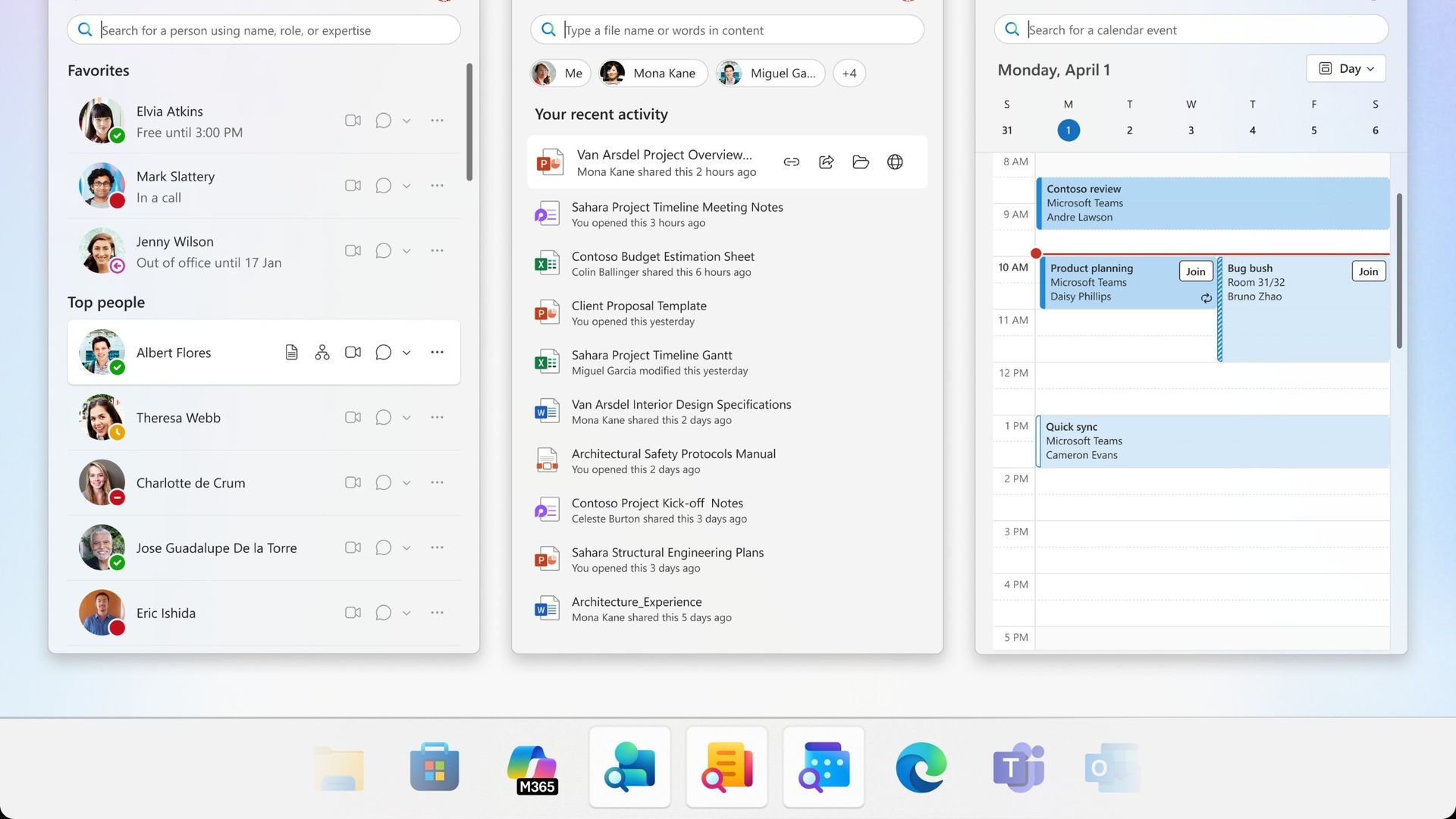
Microsoft plans to get rid of three Microsoft 365 companion apps before the end of the year. Calendar, People, and Files are all on the chopping block and set to be retired on December 16, 2026.
Calendar, People, and Files are apps that integrate with the taskbar on Windows 11 to allow quick access to certain tasks and pieces of information.
I'd forgive you for not knowing about the companion apps since they only shipped last year.
Microsoft outlined the three companion apps at the time and highlighted how the apps "enhance productivity" by providing quick access to information. Now, one year later, that productivity boost is going away.
It's interesting to compare the language Microsoft used to describe the apps when they were new and now as the apps approach retirement.
"Microsoft 365 companions are a suite of apps designed to enhance productivity by providing quick access to people, files, and calendar- powered by the Microsoft Graph, directly from the Windows 11 taskbar."
"The companion apps were an additional way to find calendar information, people, and files. Removing them doesn't delete or affect any existing capabilities or Microsoft 365 data. You can continue finding the same information by using existing Microsoft 365 and Windows experiences."
It appears sometime over the last year the apps devolved from being ways to enhance productivity to additional ways to find information you can get elsewhere.
Microsoft recommends a mix of Outlook, Teams, Windows Search, File Explorer, SharePoint, OneDrive, Word, Excel, PowerPoint, and other Microsoft tools to replace the three companion apps.
The three companion apps will stop working on or before December 16, 2026, so even if you have them installed on your PC, they will not work after the cutoff.
Join us on Reddit at r/WindowsCentral to share your insights and discuss our latest news, reviews, and more.
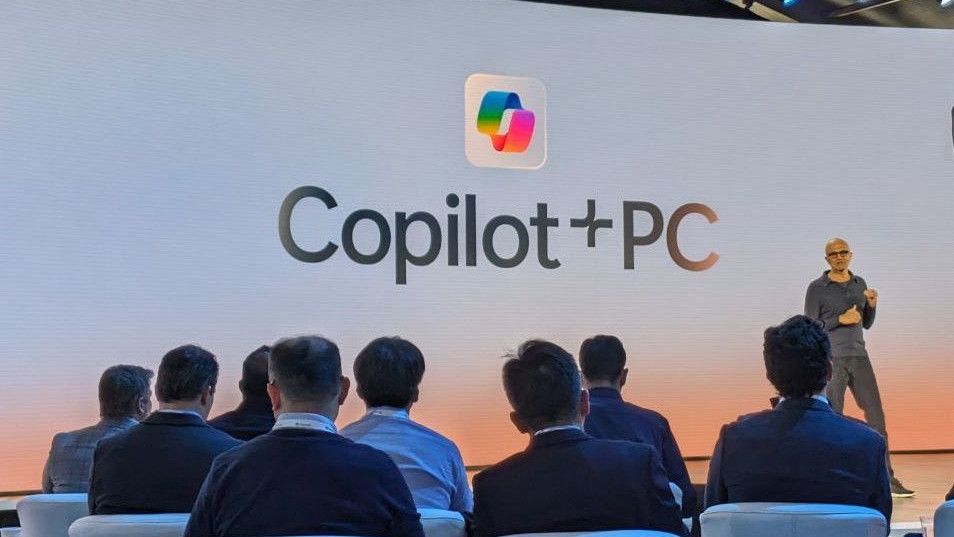
In 2024, Microsoft and Qualcomm kicked off a new category of Windows hardware it called "Copilot+ PCs" that set the baseline for a new wave of AI-first computers, and launched with exclusive features that would not be made available on PCs that didn't meet a new set of system requirements.
This pretty much tarnished the Copilot+ PC brand, and over the last two years more and more OEMs have dropped the moniker from marketing materials and product names. In fact, even Microsoft has seemingly stopped mentioning it.
I've noticed that none of the Surface PCs launched in 2026 include the Copilot+ PC moniker in their product names, unlike the Surface PCs that launched in 2025 and before. Now, you have to go digging to find any mention of Copilot+ compatibility in specification sheets.
Surface CVP Brett Ostrum announcing Surface PCs in 2024 at Copilot+ event. (Image credit: Microsoft)
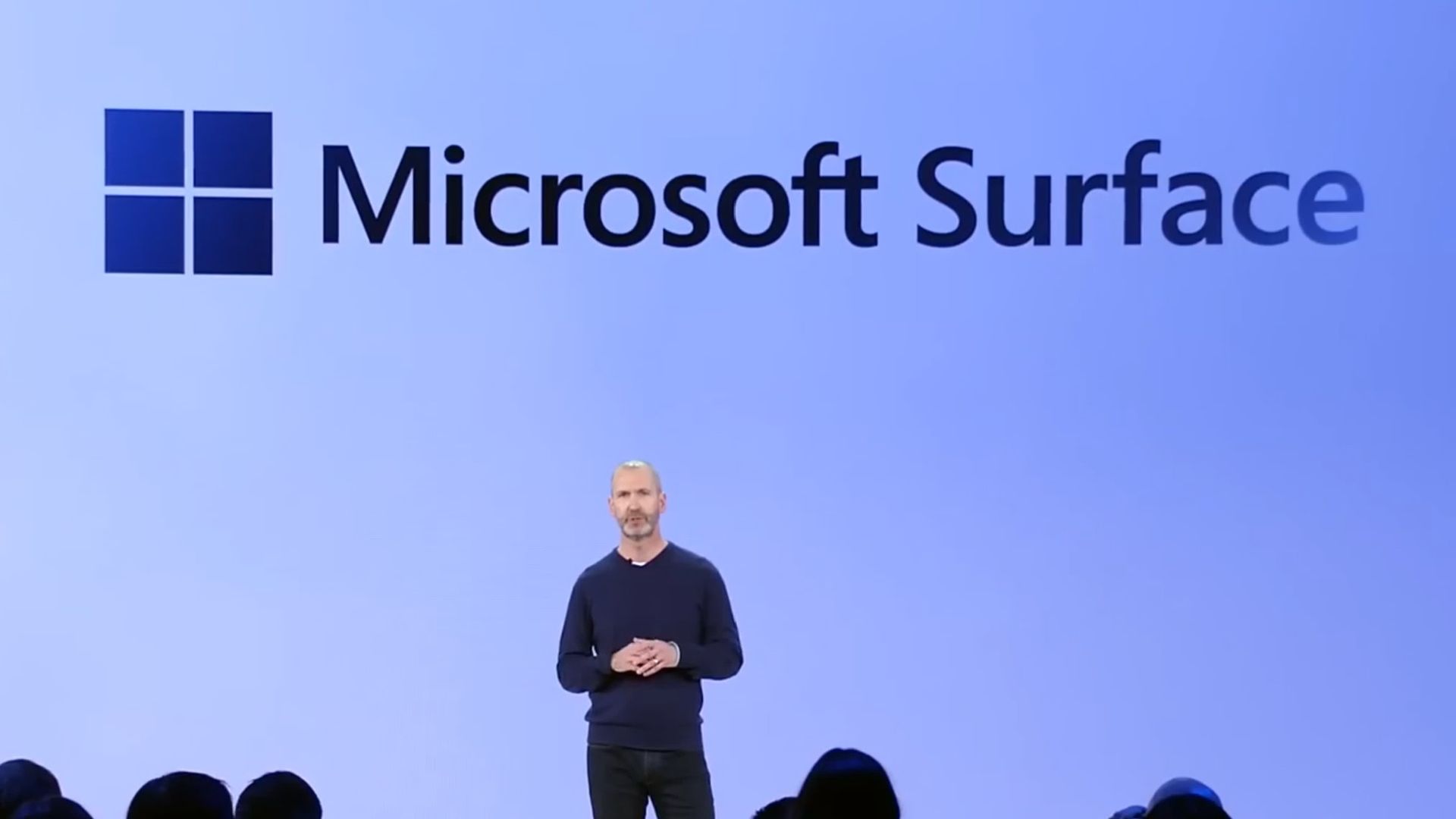
At this year's Snapdragon Summit, I had the chance to ask Surface CVP Brett Ostrum about the lack of Copilot+ PC branding on its recent Surface PCs, and he confirmed that "these are not called Copilot+ PCs. They do meet all the requirements of our previous bar for what Copilot+ devices are. We still lean into the narrative around AI on the edge and being able to have a hybrid solution out there."
I've also asked Qualcomm's SVP of compute, Kedar Kondap, about his thoughts on the usage of the Copilot+ PC branding. He told me that "the purpose for Copilot+ PCs was to be able to deliver [NPU] experiences. So it was to define a certain category of devices with a certain bar and metric, like for example, a 45 TOPS NPU ... So from that perspective, it's more offering the same experiences, probably without just using [Copilot+ PC] terminology now."
It's also worth mentioning that NVIDIA hasn't gone anywhere near the Copilot+ PC brand for its upcoming RTX Spark platform, even though all RTX Spark PCs meet the Copilot+ PC specification bar. I suspect that's a deliberate decision.
It seems pretty obvious that the Copilot+ PC brand hasn't resonated with the market, and OEMs and Microsoft itself are now quietly pulling back on that branding. The specification baseline for Copilot+ PC experiences still exists, it just no longer has a pretty marketing name tied to it.
The rough launch of Copilot+ PCs, paired with the fact that Microsoft Copilot itself doesn't have a very strong reputation these days, likely contributed to the decision to slowly retire the Copilot+ PC branding. The brand never made sense to me anyway... these PCs have nothing to do with Copilot.
Join us on Reddit at r/WindowsCentral to share your insights and discuss our latest news, reviews, and more.

 Connexion





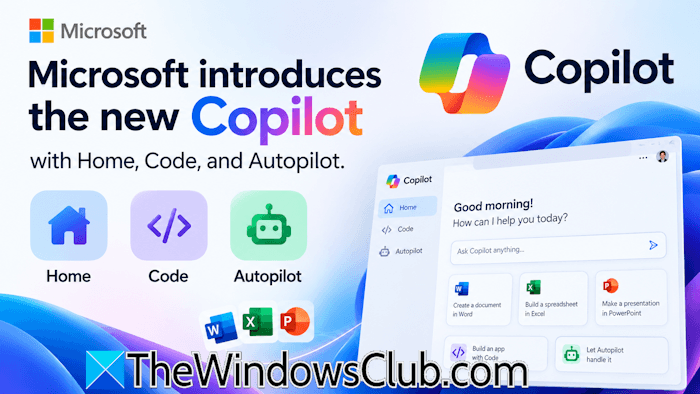 Microsoft introduced a major Copilot redesign with new capabilities, including Home, Code, and Autopilot, an autonomous AI agent that can handle tasks on its own. With this step, Microsoft is taking Copilot beyond the conversational chat assistant. Now, Copilot can build solutions, work with code, and handle longer tasks. This article covers all the important […]