Apple Watch Ultra 4 and Garmin Fenix 9 Pro offer phone-free connectivity, but subscription fees, satellite coverage, and battery life change the equation.
Get the key details on Apple Watch Series 12, including health features, AI tools, battery life, pricing, compatibility, and which model may suit you best.
We all love gaming, but like all pleasures in life, excessive indulgence can lead to damaging your health. For instance, staring too long at computer or TV screens that project blue HEV light can strain your eyes or even ruin your sleep cycle by disrupting your brain.
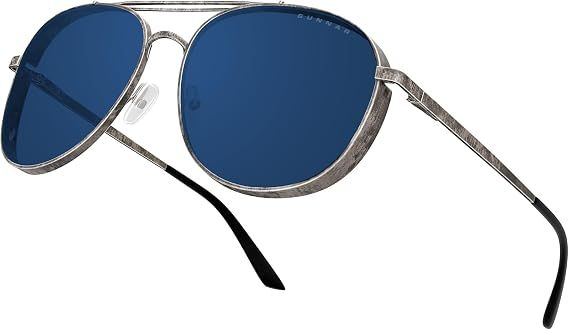
Fortunately, apparel brand GUNNAR is here to save your eyes with its Fallout-themed Vault 33 Glasses, which are now on sale for $62.99 at Amazon (was $99.00) courtesy of Amazon Prime Big Deal Days.
Other Fallout Gunnar Glasses are also on sale on GUNNAR's website (discounts are applied during checkout).
The Gunnar Fallout Vault 33 Gaming Glasses with its carrier bag and case. (Image credit: Gunnar)
These gaming glasses are more than novelty items meant to cater to Fallout fans; they're all useful for protecting the wearer's eyes during long hours of gaming or work staring at computer screens that project blue light all day.
For those unaware, prolonged exposure to blue light (which can be emitted from modern monitors and phone screens) can cause annoying eye strain, headaches, migraines, and even disrupt your sleep pattern. This is because blue light can trick the brain into stopping the production of melatonin, a crucial hormone that helps regulate your sleep cycle.
With GUNNAR's Fallout Gaming glasses, you won't have to worry about that anymore, as they can block blue light from monitors. Additionally, they're also equipped with 100% UV protection, so they can double as stylish sunglasses.
I wear Gunnar glasses every day
Gunnar's amber-tinted lenses help reduce glare whether I'm working at my desk or spending time outside. (Image credit: Future)
I saw Alex covering these Gunnar glasses and knew I had to jump in. I wear a pair of Gunnar glasses every day at my desk, and I often wear them outside as well.
I was sent a pair of Gunnar Novata Onyx glasses to try out and was surprised by how much of a difference they made. They reduce glare and adjust the contrast of what I see, which helps my eyes feel less strained throughout the day.
I've used screen filters and built-in device settings in the past, but they weren't as effective because they only changed the output of a specific display. Gunnar glasses, by contrast, affect everything I'm looking at and help reduce the impact of harsh ambient light as well.
As someone who spends most of the day staring at monitors, I've found the glasses help reduce the tired, dry-eye feeling I sometimes get after long work sessions. — Sean Endicott
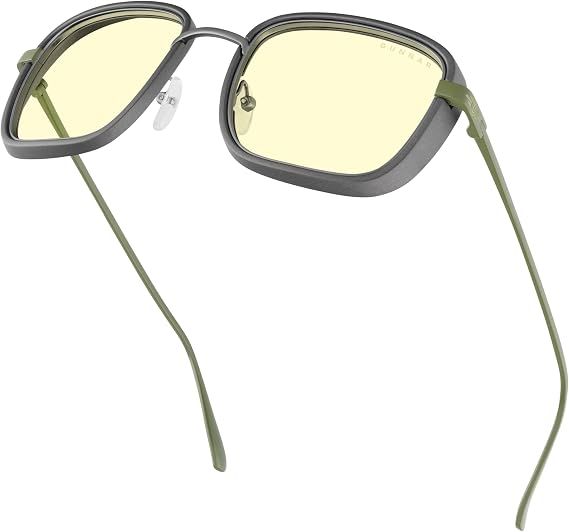
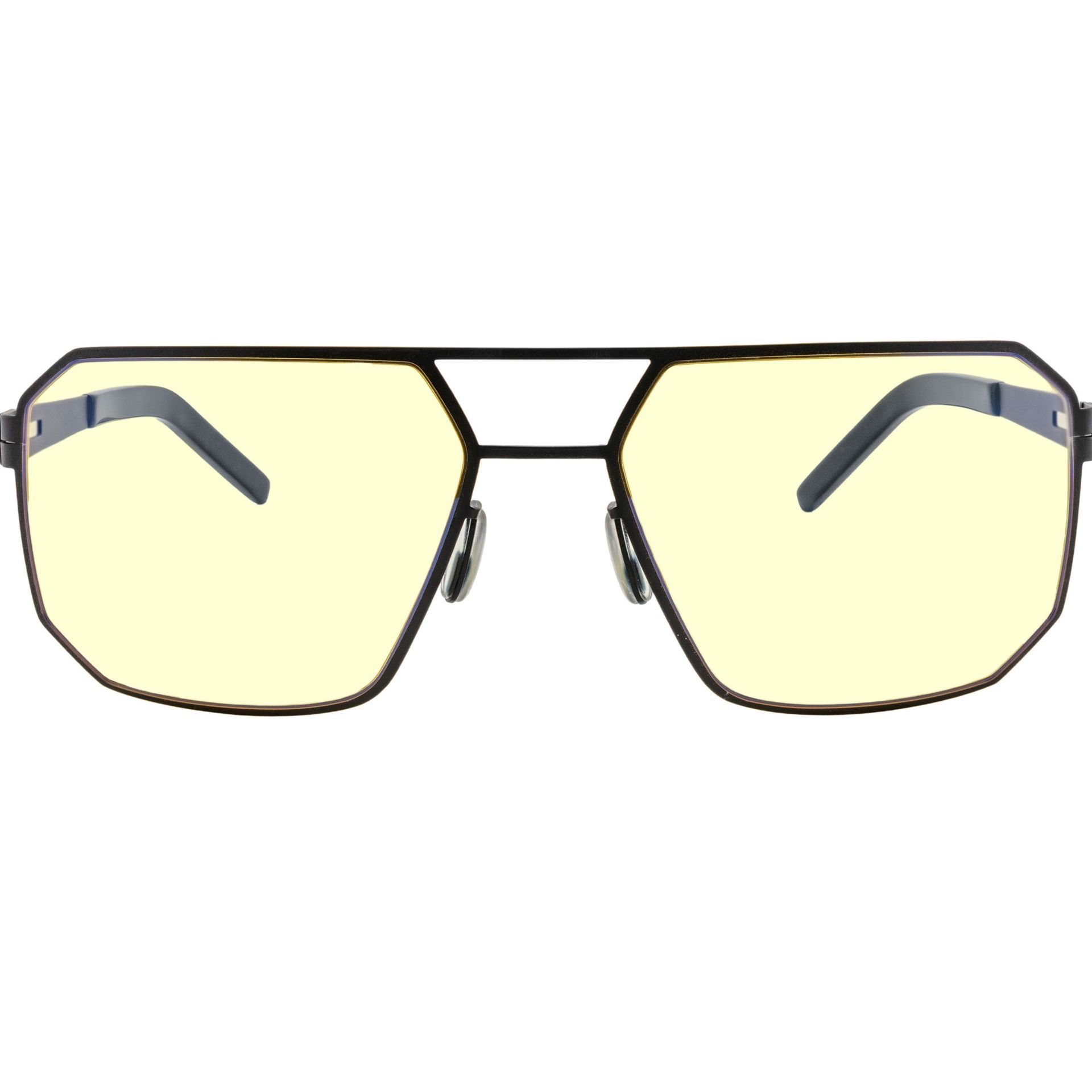
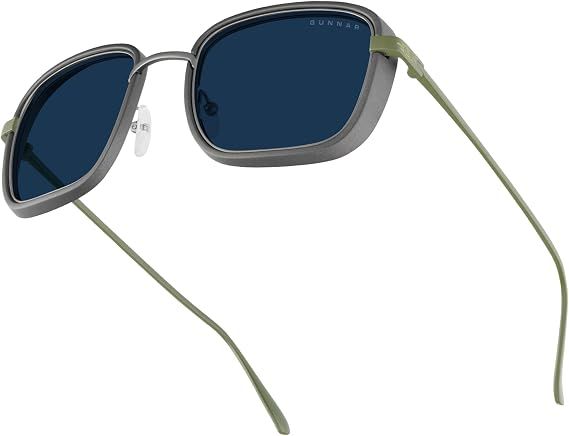
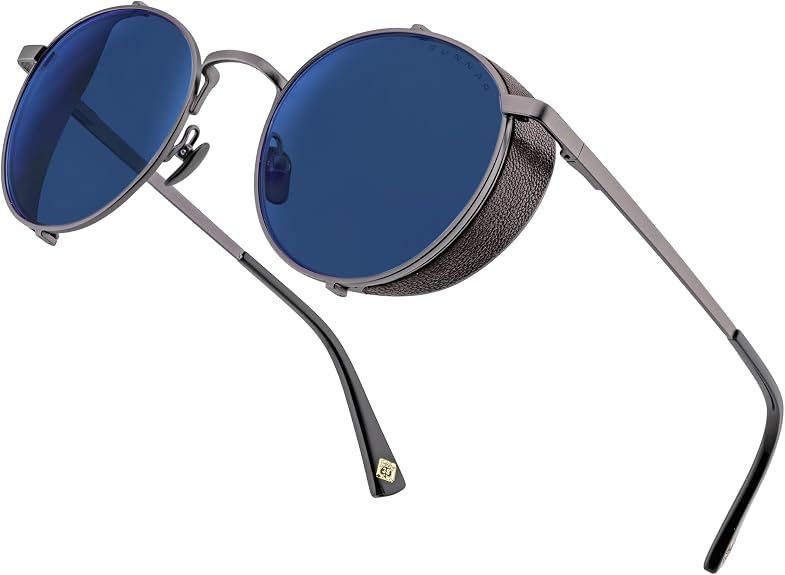
These glasses filter out blue light to reduce eye strain caused by staring at a screen. They're made with a lightweight titanium frame and have anti-reflective coating.View Deal
Walk the street like a high-rolling gambler from the Lucky 38 with these Fallout: New Vegas-inspired gaming glasses. They feature a stylish look, UV & blue light protection, and removable leather side shields to give the glasses a vintage look.View Deal
This variant of the GUNNAR Fallout Gaming Glasses is modeled after the Brotherhood of Steel faction, complete with a durable yet lightweight gunmetal aviator frame and protection against blue & UV light. View Deal
Do I need a Prime membership for Big Deal Days?
If you're shopping at Amazon this week, you will need a Prime membership in order to access most of the Big Deal Days promotions.
If you haven't registered before, you can grab a 30-day free trial and just cancel after you've shopped for deals.
New members can enjoy exclusive Prime Day discounts for free and cancel anytime. After the trial, membership is $14.99/month plus tax. Includes access to games via Prime Gaming alongside Prime Video and Prime Music.
Will I need prescription for these gaming glasses?
No. You can buy non-prescription versions of GUNNAR's Fallout Gaming Glasses or order customized prescription versions on the official GUNNAR Store so they are tailored to your vision.
How long will these deals last?
GUNNAR's Fallout Gaming Glasses will be on sale from October 6, 2026 to October 22, 2026.
What is GUNNAR?
GUNNAR is an online storefront that specializes in selling computer and gaming eyewear designed to protect the wearer's eyes from eye-straining, headache-inducing blue light and more severe, harmful UV light radiation.
Join us on Reddit at r/WindowsCentral to share your insights and discuss our latest news, reviews, and more.
Huawei Watch D3 reaches the UK and Europe with an inflatable wrist cuff for blood pressure checks, a slimmer design, and guidance on who could benefit.
Bose's new open-ear earbuds cost $199 and $299. The extra $100 buys longer single-charge battery life and more audio features, but not better durability.
Apple Watch Series 12 adds a new health sensing system, Audio Intelligence, faster charging, longer workout battery life, and ceramic case options too.
Australia plans to let social media users choose algorithmic or follow-only feeds under new digital safety rules targeting platform design and control.
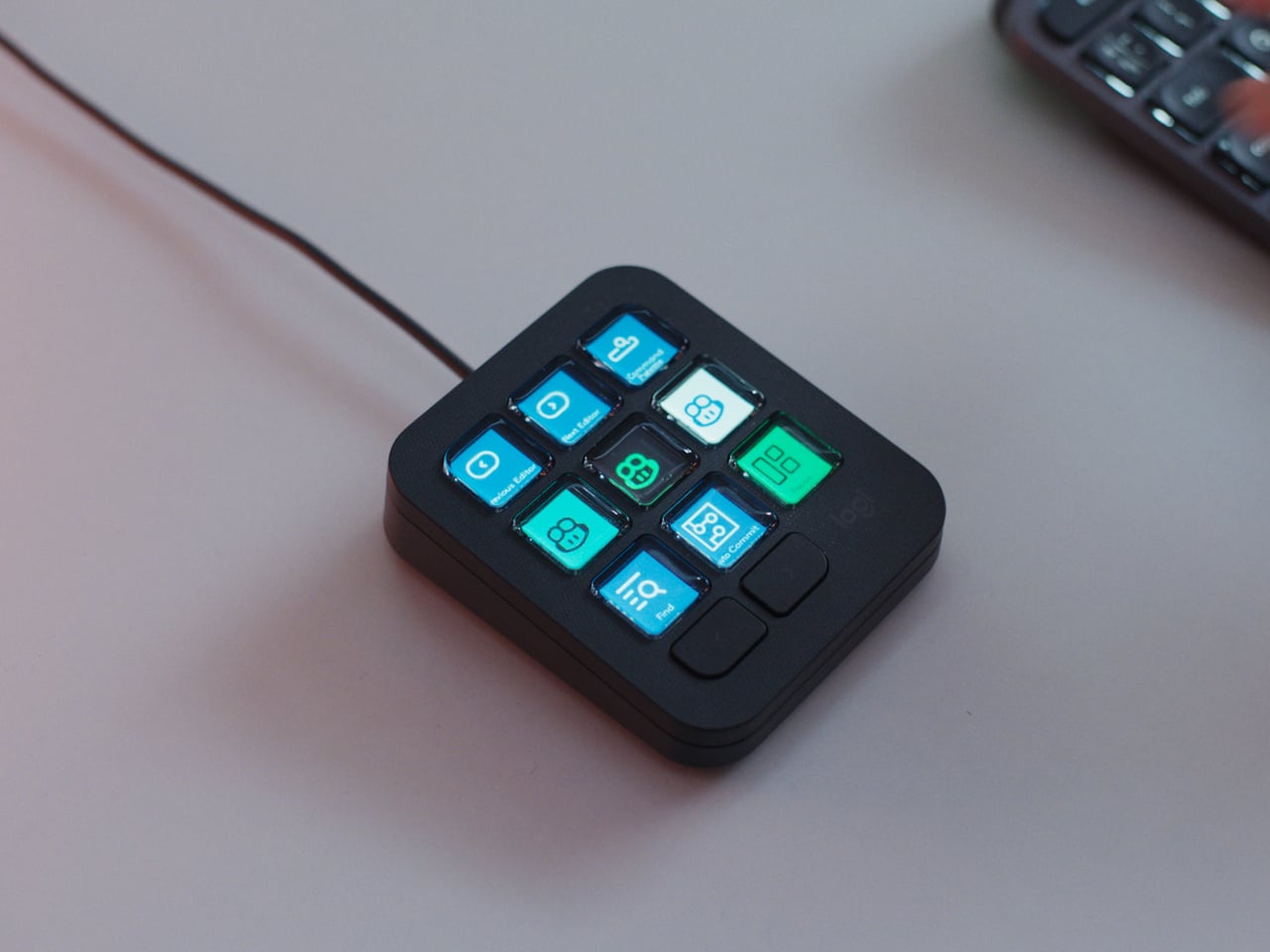
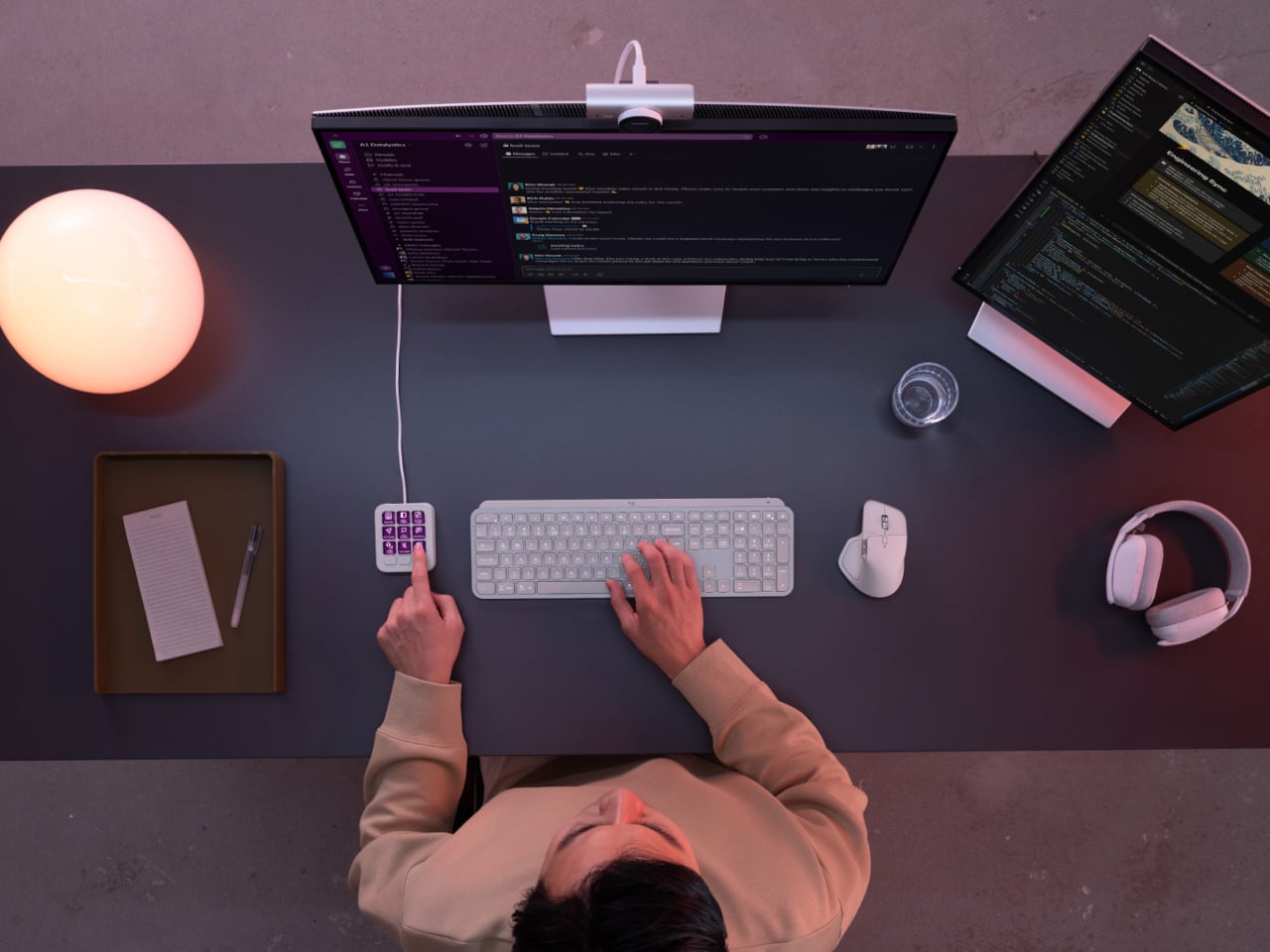
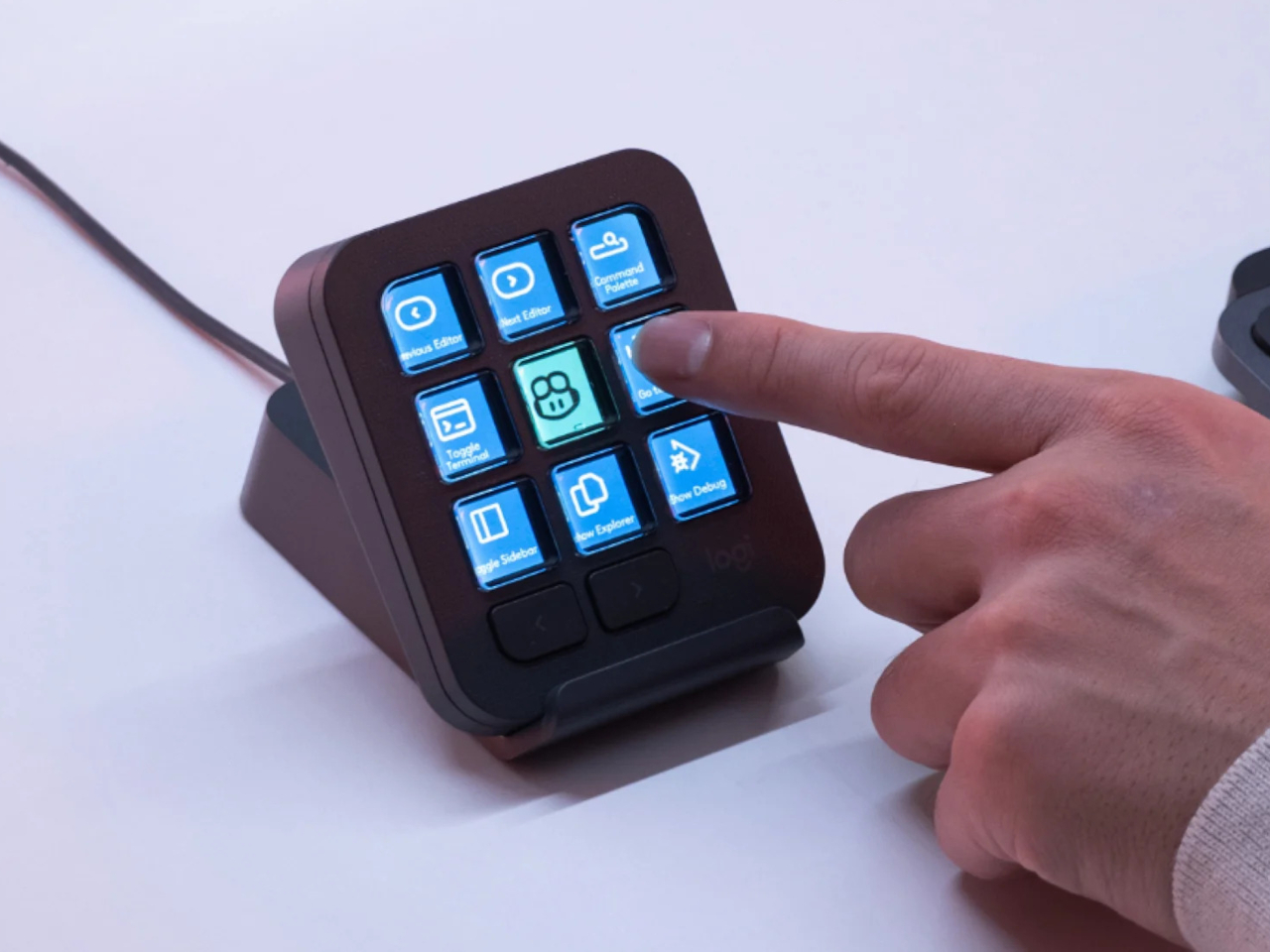
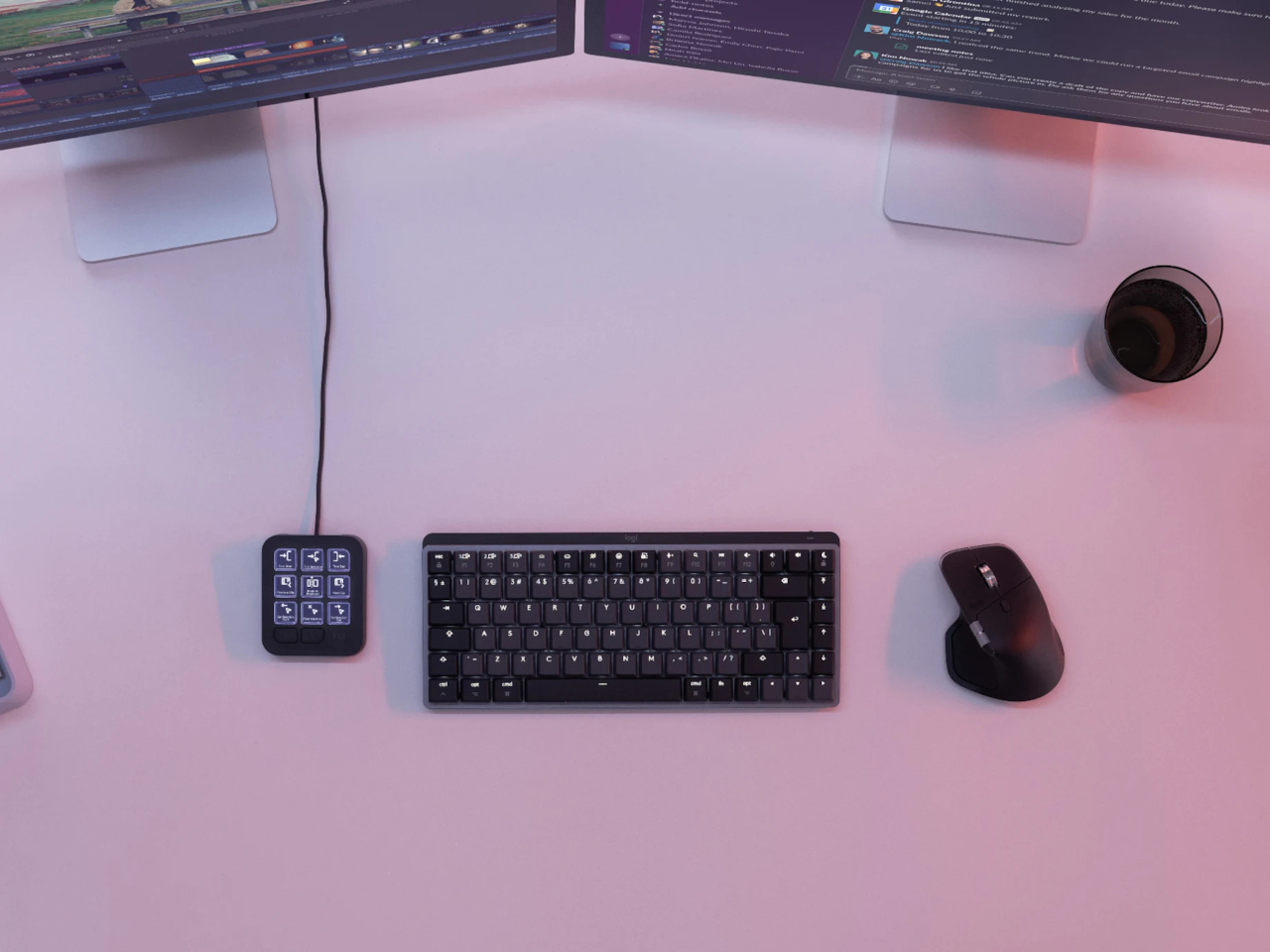
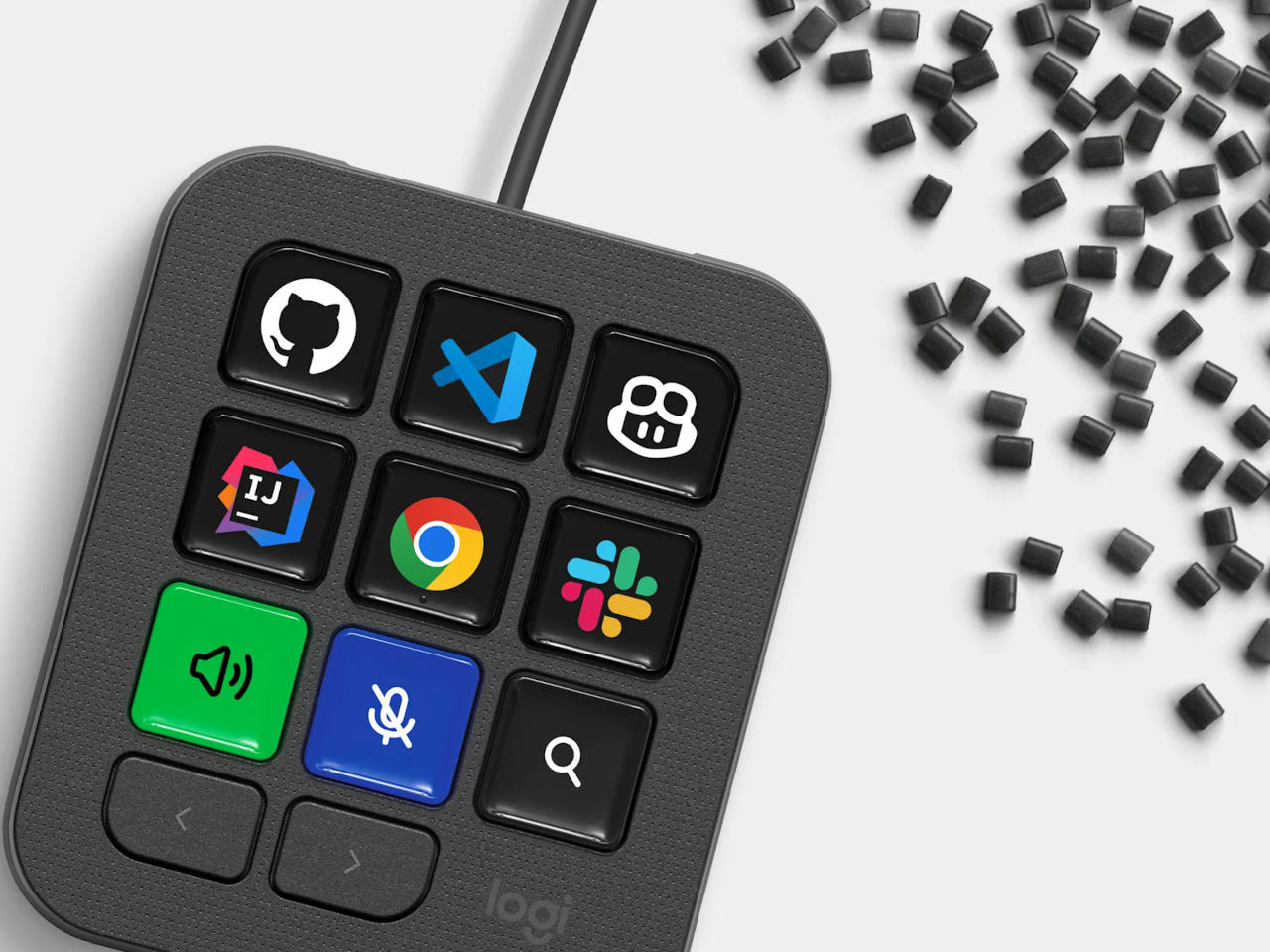
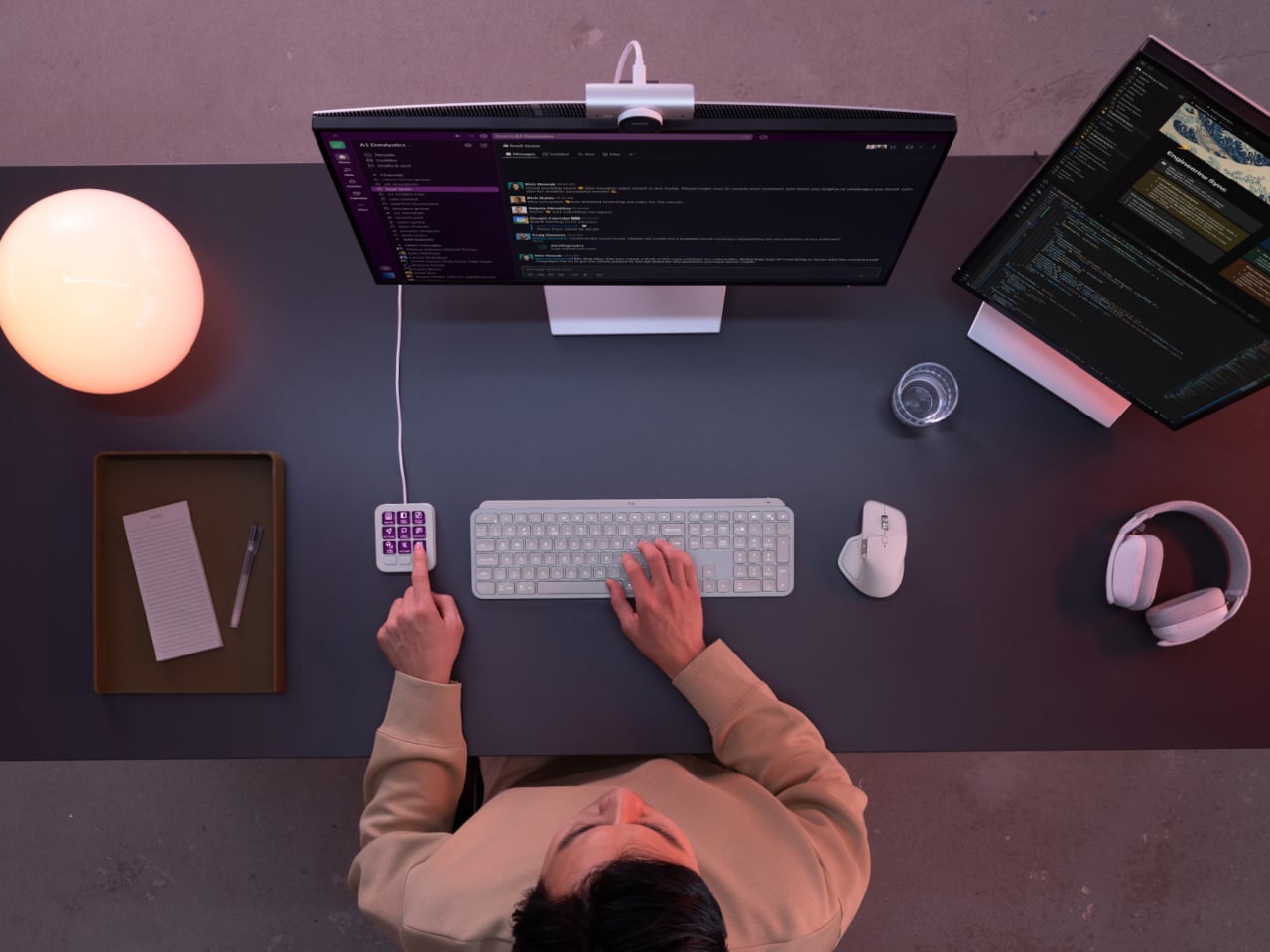
Every developer juggling AI agents right now knows the feeling of context switching until the whole workflow blurs together. Copilot suggests something in one window, Claude Code runs a task in another, and a dozen prompts live scattered across notes and muscle memory. The Logitech MX Keypad exists to collapse all of that into nine small screens sitting next to the keyboard, each one a physical shortcut into a specific piece of that chaos.
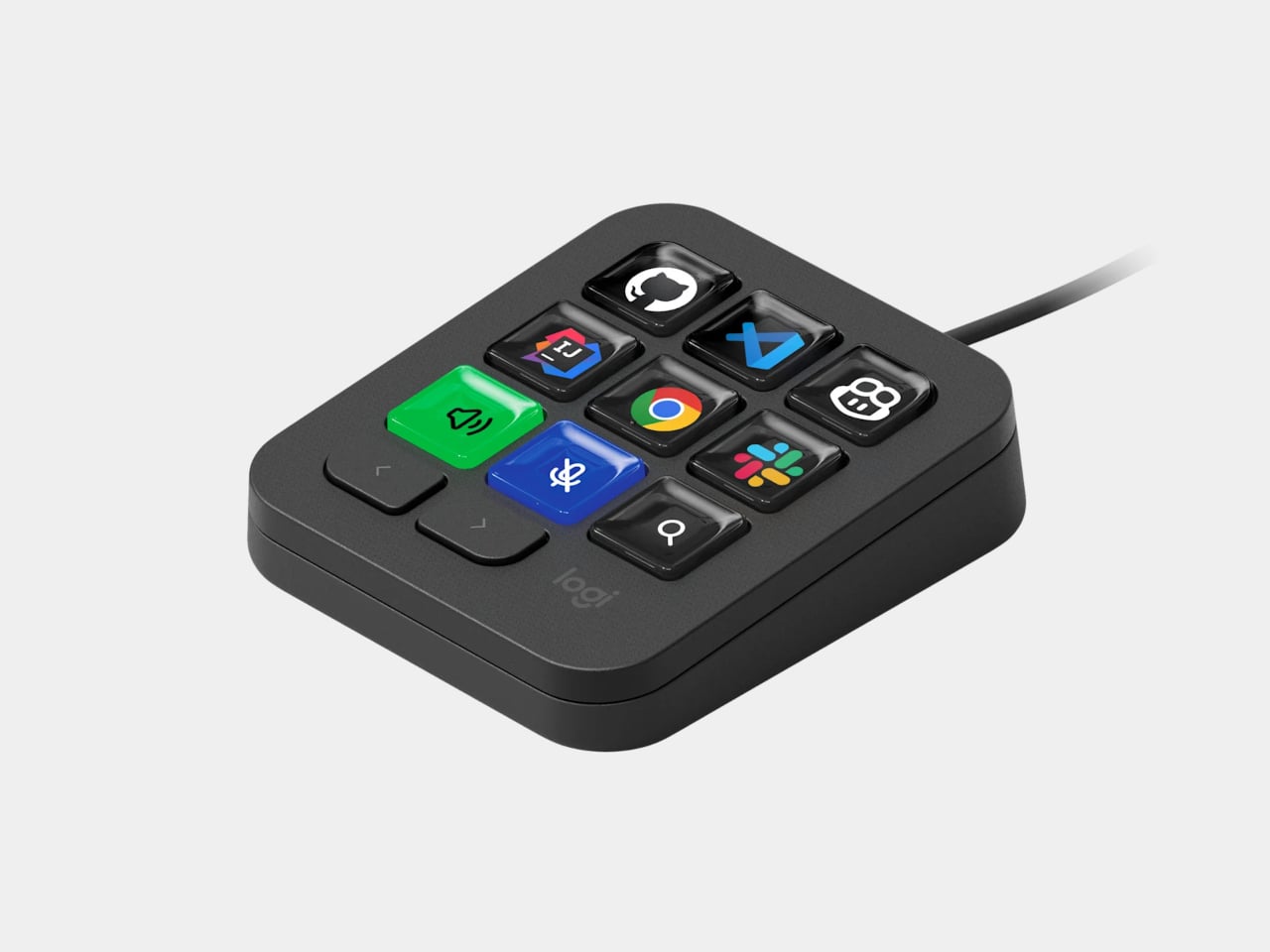
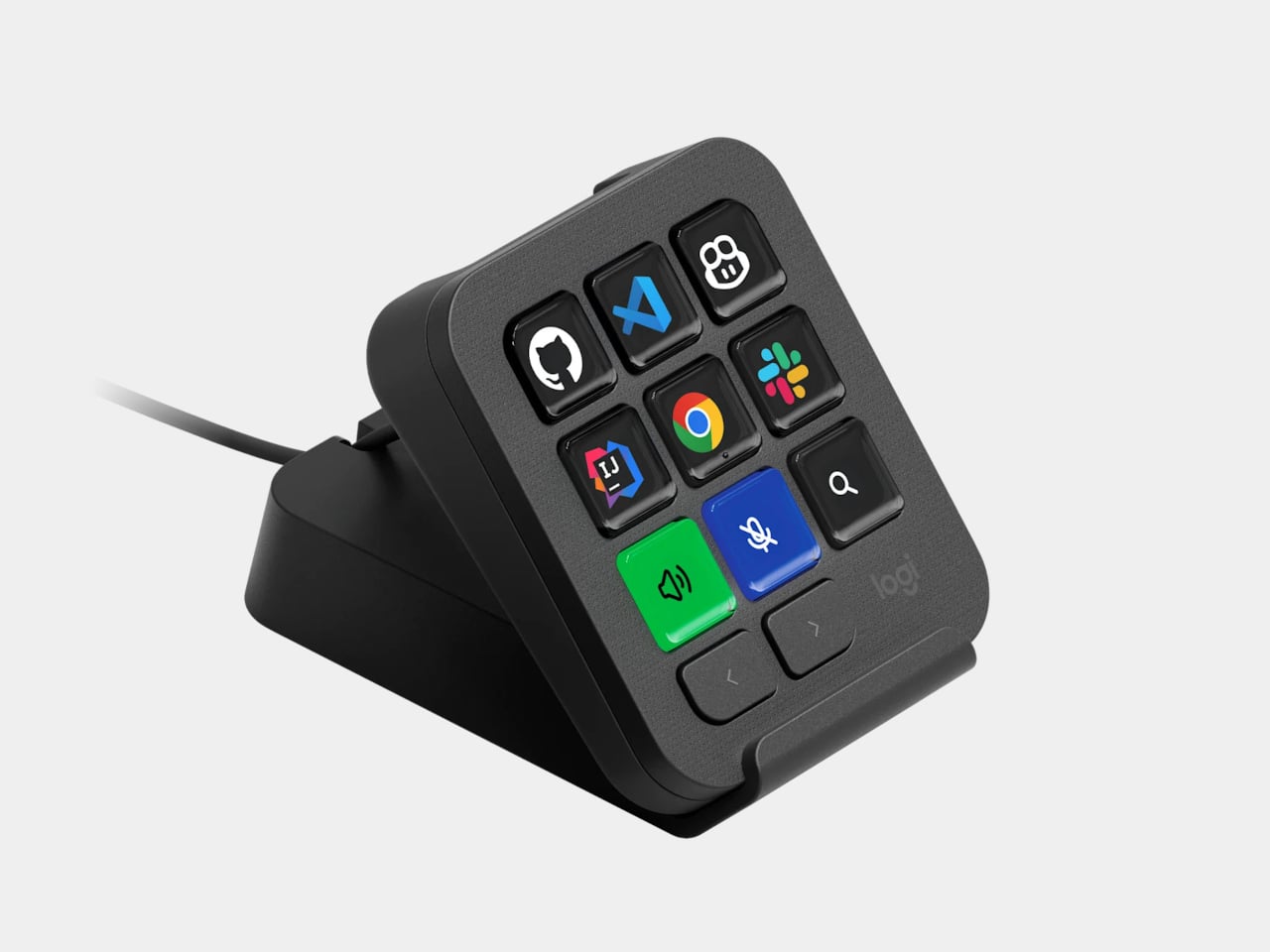
Every key on the keypad carries its own full-color LCD display, so instead of memorizing which function key does what, you glance down and see an icon that actually represents the command underneath it. Press one, and it can refactor a function, trigger a prompt macro, or hand off a task to an AI agent entirely. That small visual feedback loop turns an abstract keyboard shortcut into something closer to a labeled button on a control panel.
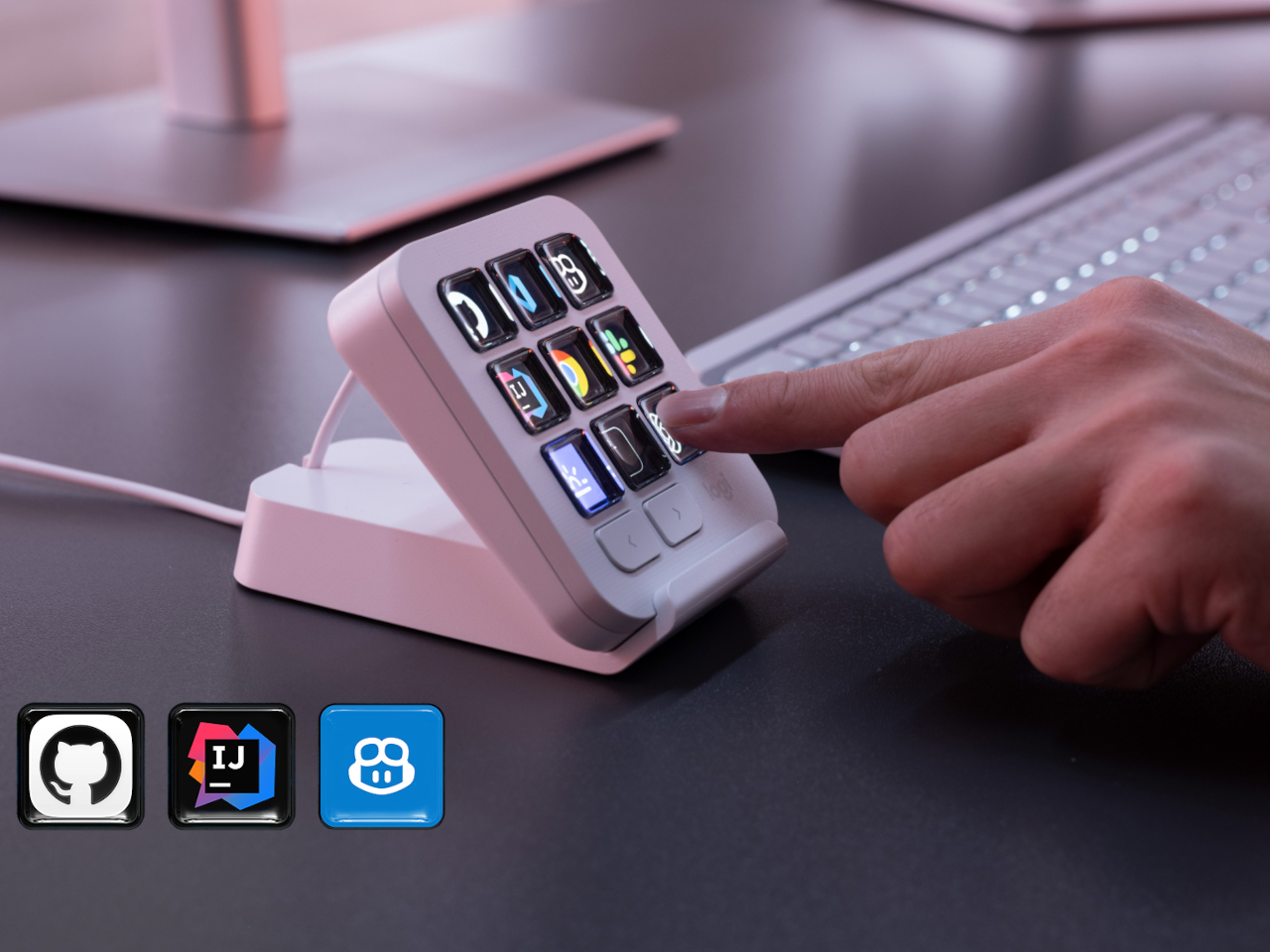
What makes the hardware worth paying attention to is where Logitech chose to draw the compatibility line. Instead of building this around one coding environment, the MX Keypad works across GitHub Copilot, Claude Code, VS Code, and IntelliJ IDEA at once. A developer bouncing between an IDE and a terminal-based AI agent doesn’t need separate tools for each, just a different page of keys pulled up on the same nine buttons.
That pattern of paging matters more than it sounds. The keypad can hold multiple profiles, so switching from a Python project running through Copilot to a JavaScript refactor handled by Claude Code becomes a single tap rather than a mental reset. Anyone who has lost a train of thought hunting through browser tabs for the right prompt will recognize the value in never breaking eye contact with the code itself.
Underneath the surface, the MX Keypad ships with prebuilt plugins that Logitech had developers test directly against real coding platforms, rather than shipping generic templates and hoping they fit. An SDK opens the door further, letting teams build their own tools around internal workflows, while a community marketplace means the plugin library keeps growing without waiting on Logitech’s own release schedule.
None of that ambition comes wrapped in bulky, wasteful materials either. The body is made with recycled plastics, keeping the hardware in line with the sustainability commitments Logitech has built into its broader MX ecosystem. It is a small detail, but for a device meant to live permanently on a desk, it matters that the object itself doesn’t feel disposable.
At $99.99, the MX Keypad occupies a strange but clarifying position in a developer’s setup. It doesn’t replace a keyboard, and it doesn’t try to be an AI tool in its own right. Instead, it works like a translator between fast-moving human intent and the growing swarm of coding agents developers now manage daily, one labeled key at a time.
UK fintech investment dropped 64% to £1.8bn in the first half of 2026, marking a decade low. Discover how economic instability and AI affect the sector.

 Connexion