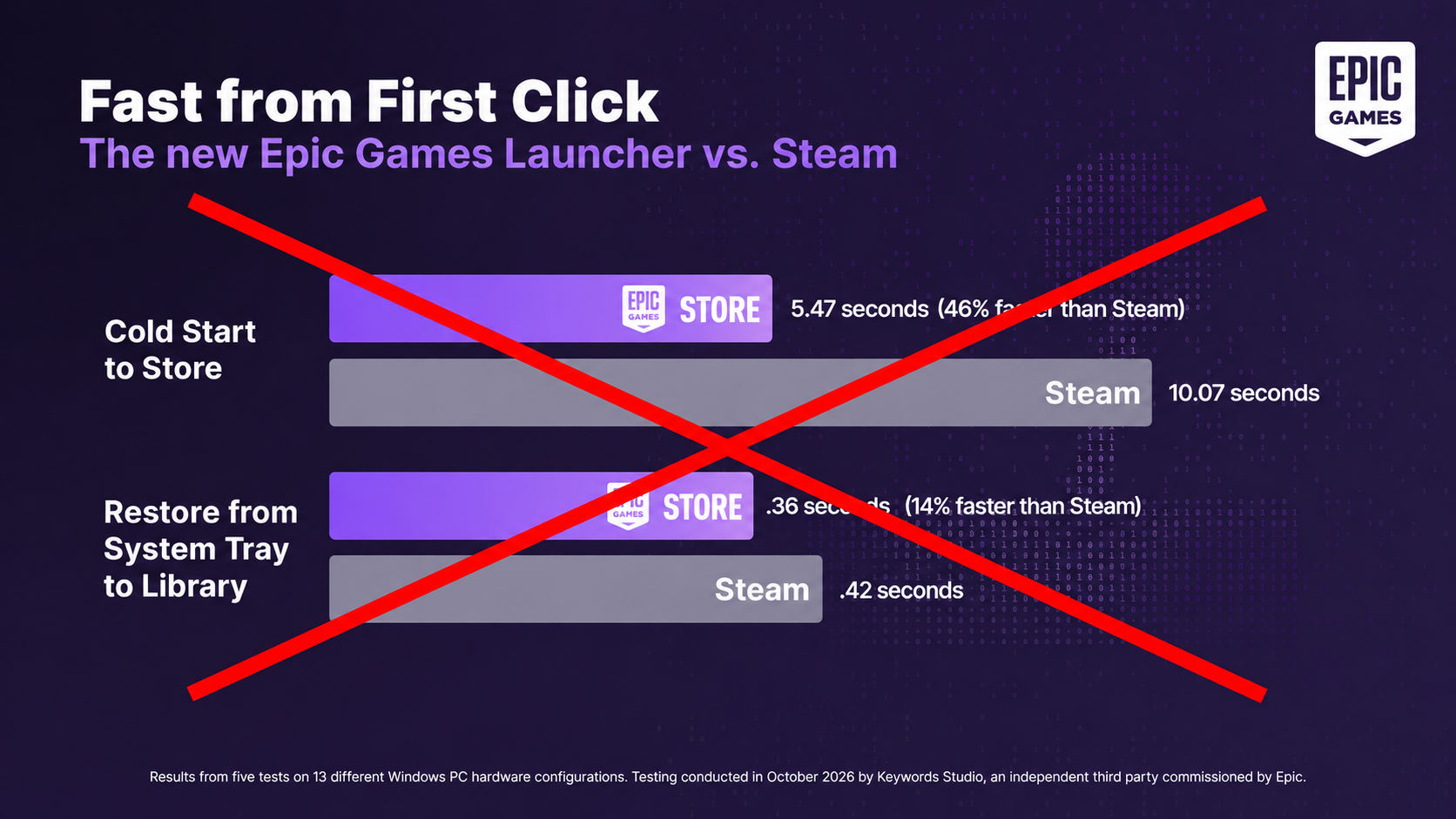
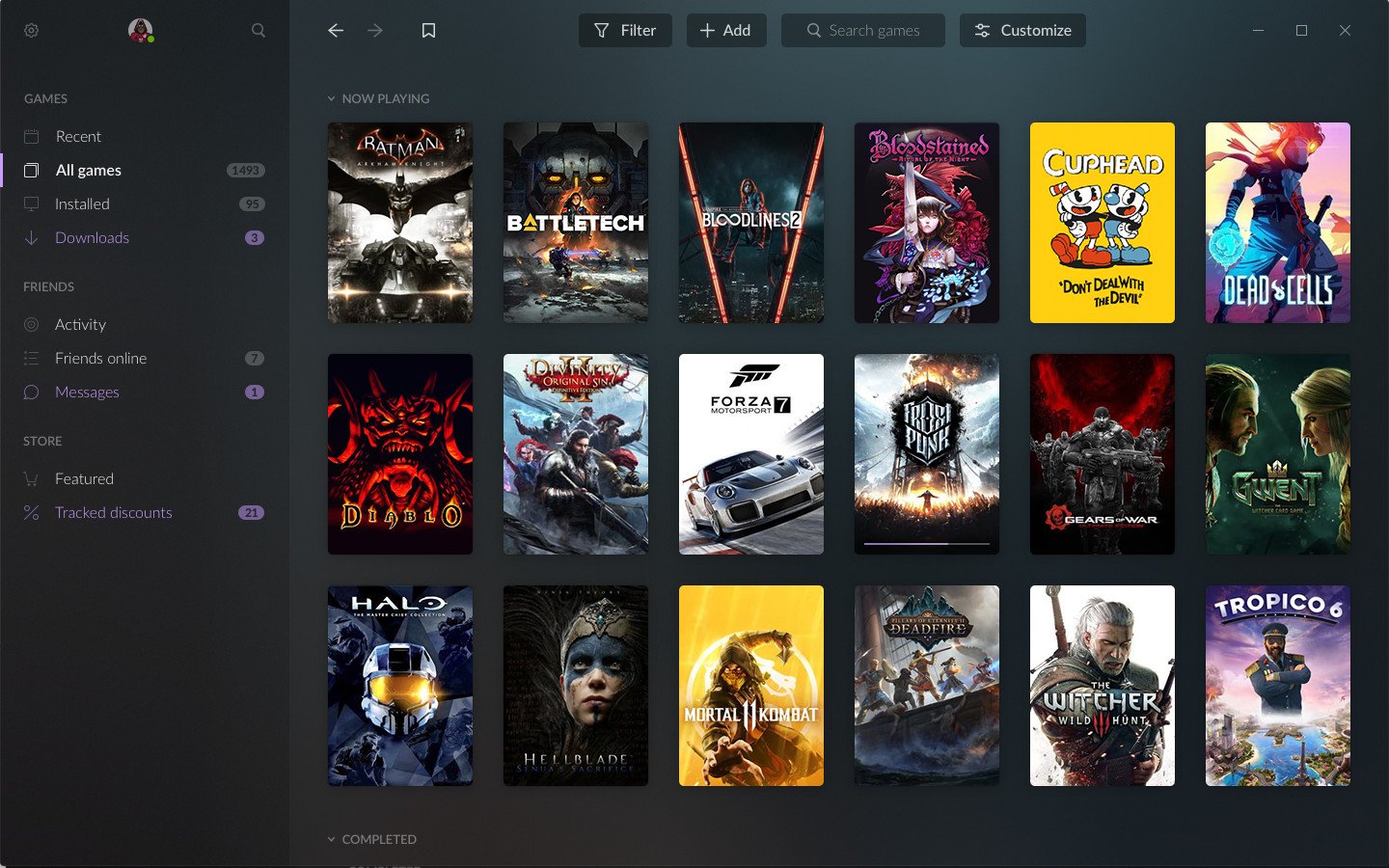
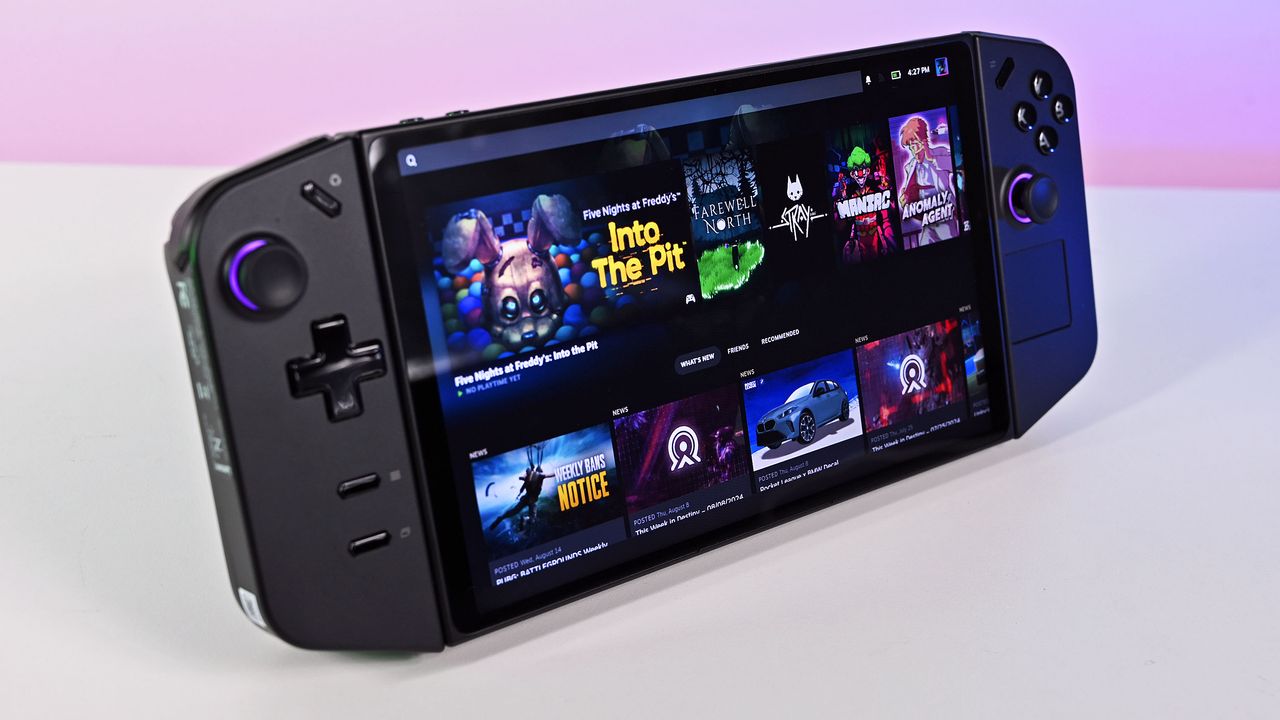
I will admit that it is impressive on paper. Steam takes roughly 10 seconds to boot, while Epic’s new launcher clocks in at around five seconds. At least, that’s what Epic says, and that was likely true 48 hours ago. But on the same day Epic decided to vibe code their way to success, Valve had already decided to update Steam.
As for Epic’s launcher itself, it does look rather buggy, though it is still a work in progress. I don’t have the technical know-how to know or understand what they’re cooking under the hood, and I imagine neither do the people making it, since the code is written by AI.
I'm joking, of course, but as silly as people make vibe coding seem, I do wish Epic the best in making a better launcher. At the end of the day, all we can hope is that it will push Steam to be better too, because competition is good for the industry.
I would love to see a battle of the launchers, including Xbox, which is in the middle of releasing a new and improved launcher. My colleague Jez Corden recently broke news about it, and I must admit that launcher is looking better than what we have had to put up with from the current Xbox PC app, which by all accounts is awful.
Do let me know your thoughts on the battle of the launchers. Do you appreciate Epic’s vibe-coded efforts, or will you be sticking to another launcher? Let me know in the comments and be sure to take part in our poll!
Join us on Reddit at r/WindowsCentral to share your insights and discuss our latest news, reviews, and more.
The original game launched in 2011, and after some 15 years of availability, it sits at a Very Positive rating on Steam with more than 22,000 user reviews. The game's new "Complete Edition," which launched on October 13, 2026, has already received more than 1,850 user reviews.
The problem? The enhanced version has fallen to an Overwhelmingly Negative rating on Steam, which is often a death blow from which a game never recovers.
Digging into the sea of red reviews, it appears that plenty of gamers were already disappointed in the remake's quality before anyone looked closely enough at player cards to notice some undisclosed use of AI.
Plenty of reviewers have called out the game-breaking bugs, the poor performance, and the "countless graphical issues," including dreadful lighting and HDR. I could go on.
You be the judge — does the Complete Edition screenshot look like it was upscaled using AI? Why does it suddenly look like the front of a Mercedes rather than a mustachioed soldier? Let me know what you think in the comments section below.
Gamers are used to slop ... just not AI slop
Total War: SHOGUN 2 Complete Edition sits at an Overwhelmingly Negative rating on Steam. (Image credit: Valve)
What's really sticking with me is how gamers have approached the relaunch of SHOGUN 2. At this point, I think many of us have been around long enough to not be surprised when a remake gets botched.
I was there for Warcraft 3: Reforged tragedy. I remember when the Grand Theft Auto: The Trilogy remake launched to backlash. AI had nothing to do with these games.
This time, though, the Total War and Shogun 2 subreddits are flooded with posts focusing on the poor quality of AI upscaling. It extends well beyond the one Mercedes-face soldier, with gamers posting images of six-fingered characters, wonky hands, odd faces, and more.
I don't think saying there's more focus on the AI aspect than the actual bugs and glitches is too far out there. And I'm definitely not saying that fans of the series have their gripes in the wrong place; I'd be upset too if one of my favorite games was given this treatment. It's just interesting to see how the outcry falls into place.
Remasters don't have to be low-quality cash grabs
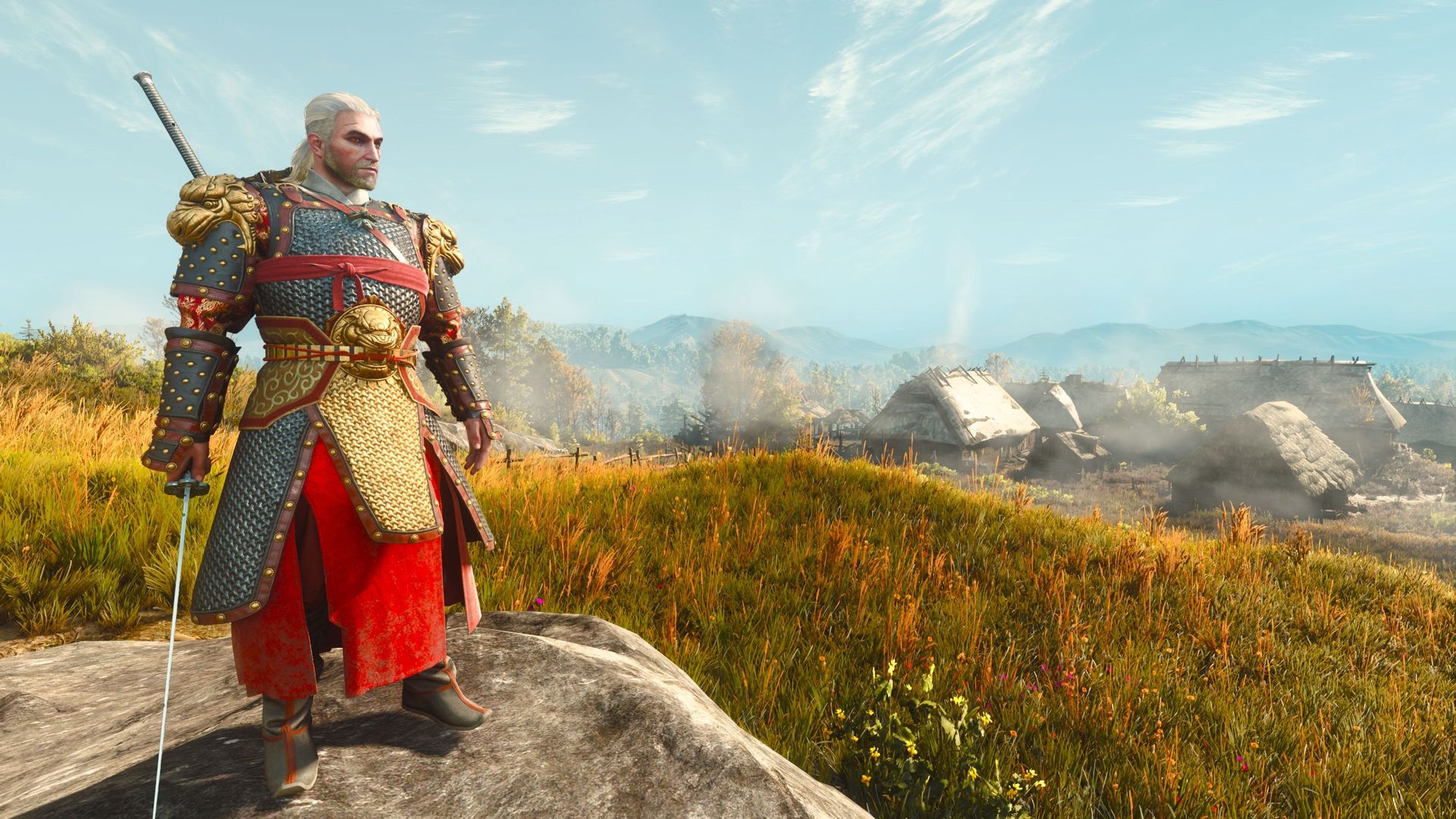
The Witcher 3 remastered is a glorious upgrade, free for any owners of the original game. (Image credit: Jennifer Young - Windows Central)
What makes it so great? Well, it's completely free for anyone who already owns The Witcher 3. It doesn't overwrite the original game (great news for people like me who still game on a Steam Deck). And it comes with a host of quality-of-life fixes, upgraded graphics, and more.
It's about as good a remake as you'll find, and a far cry from the $40 Total War: SHOGUN 2 entry from this week.
For those who have played the game, is it really as bad as the reviews are making it out to be? Would it not have such an aggressively bad rating if not for the alleged undisclosed AI upscaling? Let me know in the comments section below!
Join us on Reddit at r/WindowsCentral to share your insights and discuss our latest news, reviews, and more.
I had no idea that Ben Affleck is such an avid PC gamer. The mega-star from countless Hollywood hits recently appeared on the Happy Sad Confused podcast hosted by Josh Horowitz, where he revealed that he spent years doing nothing but playing PC games shortly after becoming famous.
Affleck says, "There was a game called StarCraft that probably took the most life out of me. [...] I had just gotten famous, and all I did was stay home for three years and play StarCraft." Yeah, I'd say we have a gamer on our hands here.
Good Will Hunting, the movie that Affleck co-wrote and starred in alongside Matt Damon, won two Oscars at the 1998 Academy Awards, propelling him into stardom. Just a couple of months later, the real-time strategy gem StarCraft launched in March 1998.
Other long-time PC gamers no doubt recall StarCraft's intense launch, which saw about 1.5 million copies ship in the first nine months. It was the best-selling game of the year, and I can recall that it was practically the only game my friends and I could talk about for months after its release.
We have a PC gamer here, and his name is Ben Affleck
Affleck's video game history didn't quite start with StarCraft, although it might have been the most affecting in the young actor's life.
He states that he was playing DOOM "endlessly, for hours," before and while he was working on Good Will Hunting. Maybe that's where some of the jokes about Damon and Affleck's shared (but skewed) workload on writing the movie originated.
I remember writing and taking these long breaks to play DOOM. I can't believe it's been out that long.
Ben Affleck (Happy Sad Confused podcast)
Going back even further, Affleck says he played Donkey Kong, Tetris, and Ms. Pac-Man for "tens of millions of hours" in arcades and at home. He still has a Ms. Pac-Man arcade cabinet at home.
Affleck admits that he still enjoys PC games today, albeit from a slightly different angle than all those years ago. He enjoys 2K and Madden titles for a sports fix, which he plays with his son. He calls Valorant "a great game" that has one major problem: "I just get f***in' rocked."
As an adult who has attempted these types of competitive shooters, I can relate to him accusing young gamers with incredible reflexes of being cheaters. Hearing Affleck's imitation of getting cussed out by online squeakers is hilarious. The video game question comes up at about the 54-minute mark of the podcast.
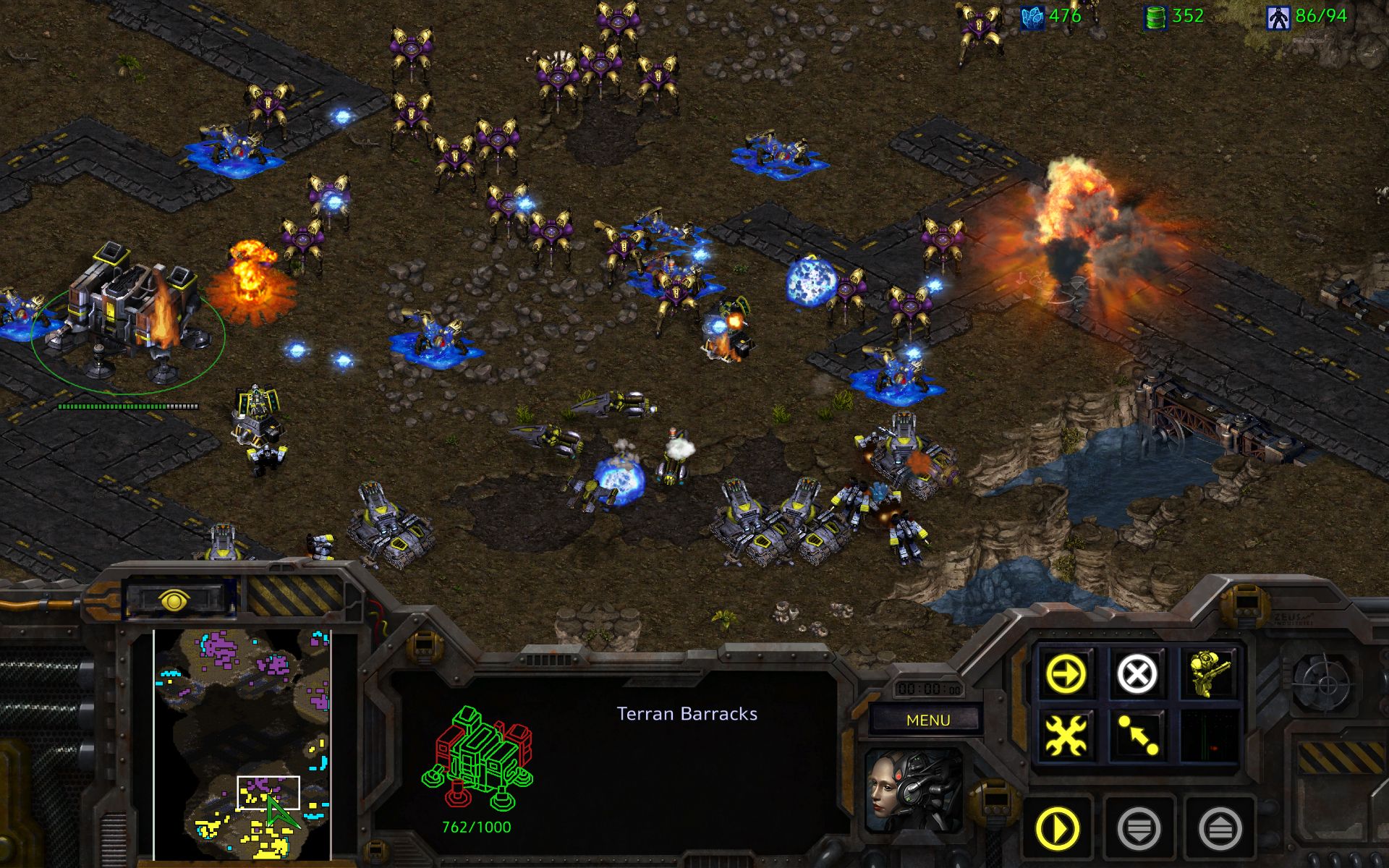
An official screenshot grabbed from StarCraft Remastered. I think I might have to give it a shot. (Image credit: Blizzard)
Affleck also comments on how real-time strategy PC games have regressed in popularity over the years.
"I like those real-time strategy and civilization-building styles, which have sort of gone out of style."
All this talk about StarCraft has me thinking it's time to install it once again. I've yet to give the remastered version a try, and the game's voice lines are bouncing around in my head. Anyone up for a quick match?
Join us on Reddit at r/WindowsCentral to share your insights and discuss our latest news, reviews, and more.
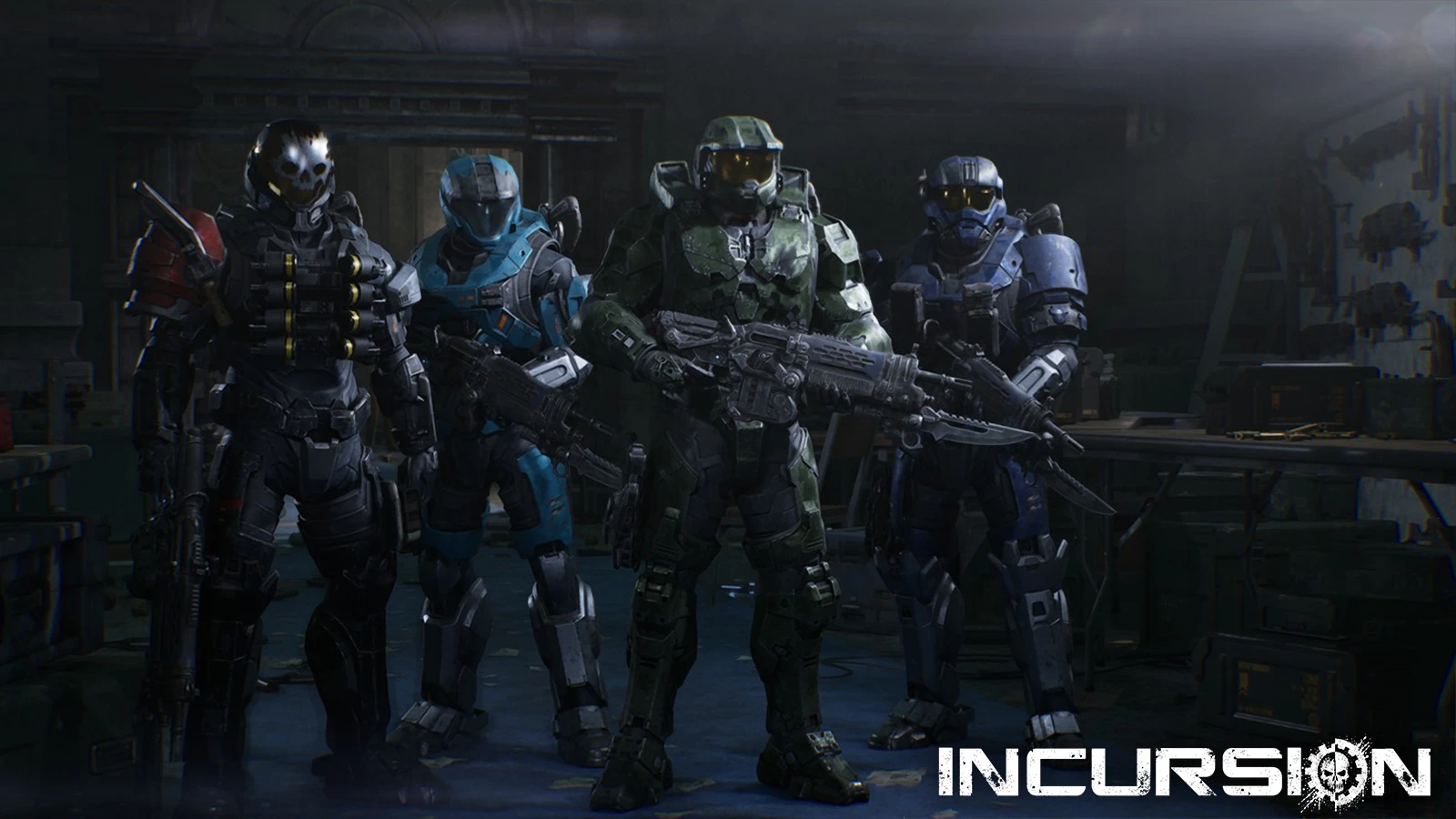
Gears of War: E-Day modding is here, and as a Halo fan, I’m quite pleased with what’s already on display. It hasn’t even been a week since the game’s full release, but creator @WH40kWorkshop, who is known for mods for Warhammer 40,000: Space Marine 2, has turned their eyes to Gears of War. Their first mod, Incursion (PC Only), replaces the character models for the main cast.
Of course, if you’re a Warhammer fan, you can swap Marcus, Dom, Lucas, and Mags for Space Marine characters. But what excites me more is that you can replace the entire cast with the Noble Team from Halo: Reach. The only exception is Noble 6, who is instead replaced by Master Chief.
It doesn’t stop at Warhammer and Halo, either. You can also become a Stormtrooper from Star Wars, or what seems to be (I haven't tested it myself just yet) any other character from E-Day’s campaign, including Tai, and more.
For now, other mods don’t do much. You can find improvements to the HUDs and several mods that claim to improve performance, though I haven’t tested those either.
If you want to install the mod, follow these instructions:
Navigate to Gears of War: E-Day’s installation directory (this will vary depending on whether you’re using Steam or Xbox PC).
Copy the contents of the mod folder directly into the game’s installation directory and click Merge if prompted.
The mod should work when you next load up the game.
Gears of War: E-Day is a great game. I actually managed to finish it on Insane with a friend and even got all the collectibles, which just shows how much I enjoyed it. For little mods like this, I think they’re great, and I do hope we get official skins at some point in the future. Whilst mods like this aren't essential, it’s just good fun to see Master Chief killing hordes of Locust.
In any case, let me know your thoughts on E-Day and this mod in the comments, and don’t forget to take part in our poll!
Join us on Reddit at r/WindowsCentral to share your insights and discuss our latest news, reviews, and more.
PC gaming has become an expensive hobby; I'm experiencing that firsthand. Still, hardware occasionally drops to a more sensible price, and it can happen where you least expect it. Walmart's 'Deals & More' event is still live, running until October 11, and I spotted some tempting discounts for gamers.
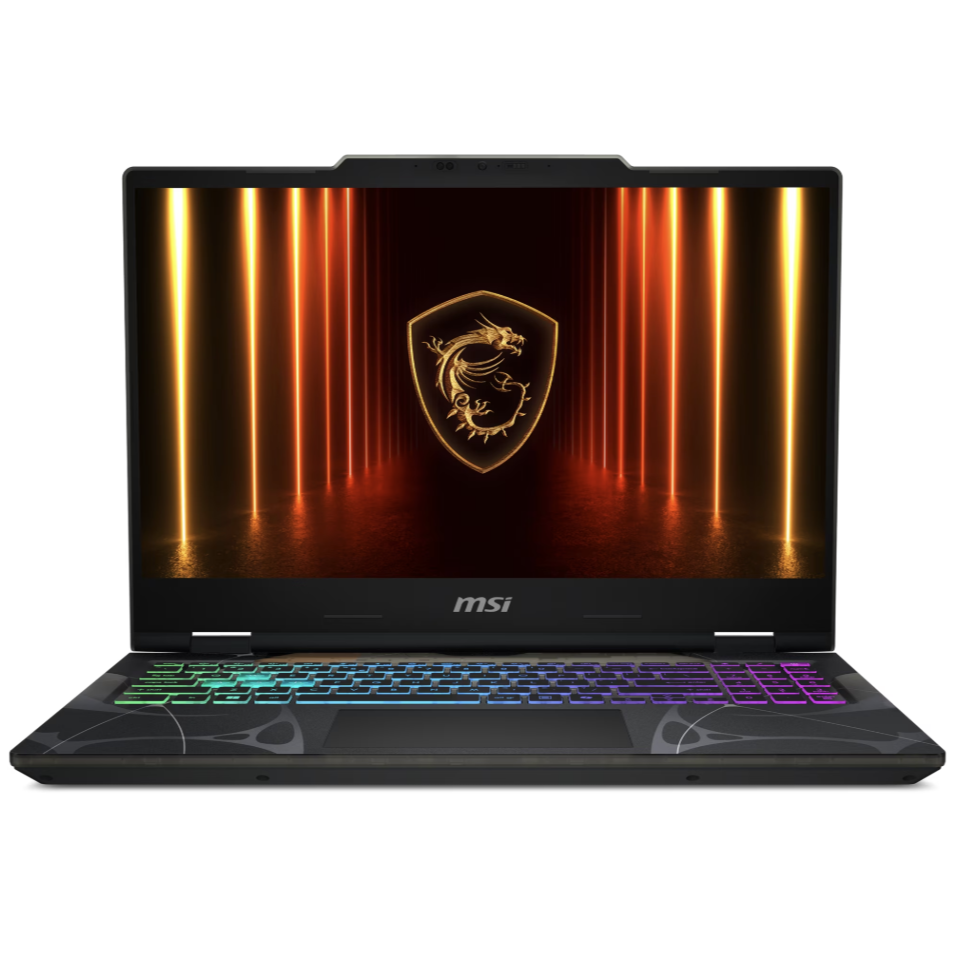
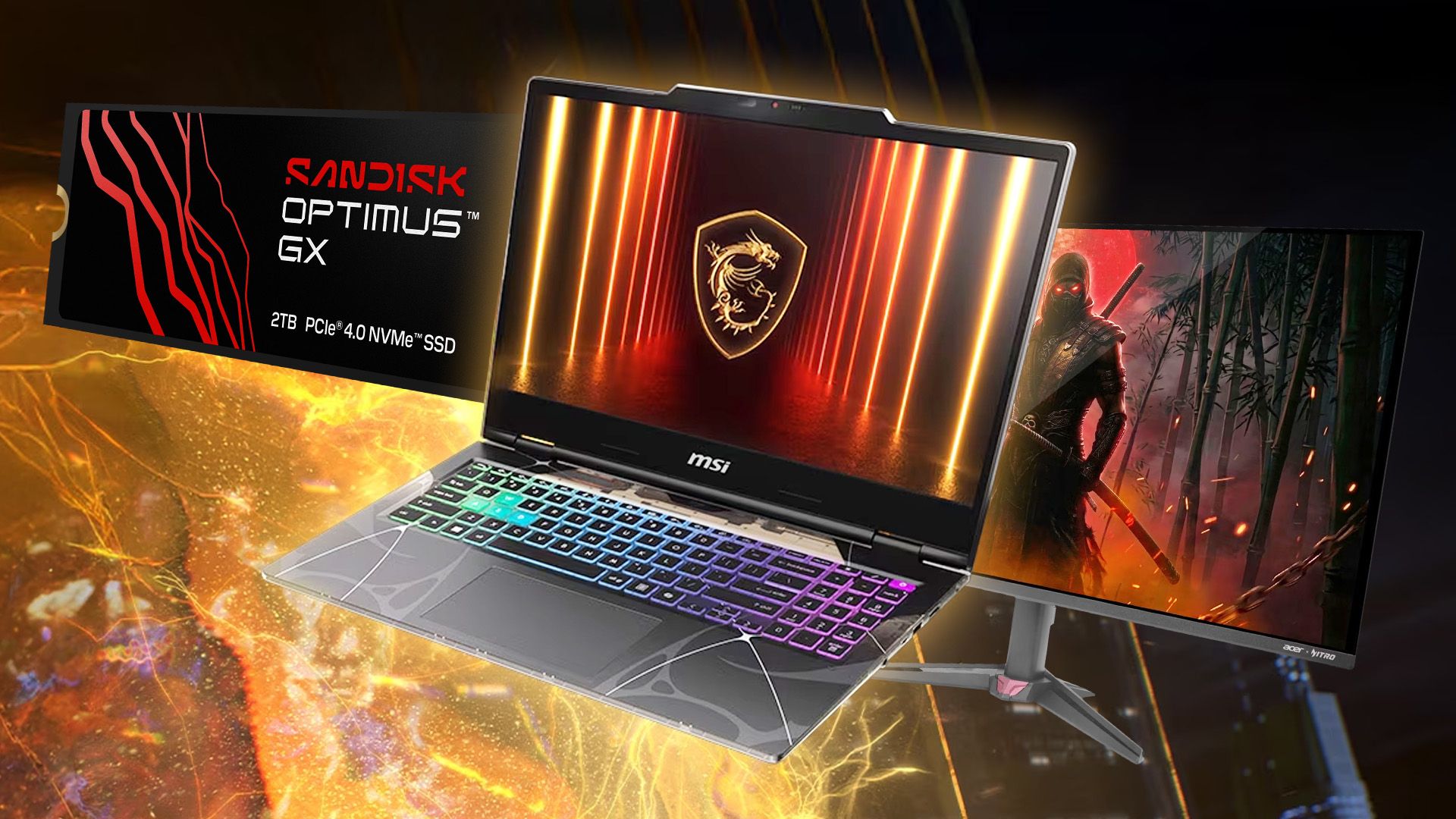
Indeed, we already passed the cutoff for Amazon's 'Big Deal Days' pseudo-Prime Day tease, but Walmart constantly surprises me with how much PC hardware it stocks. If you're looking for a new portable rig or just an upgrade to your existing desktop, I've hand-picked a few obvious winners, like MSI's RTX 5070 gaming laptop for $1,349.00, down from $2,099.00.
"Capture every movement with the sharp and smooth 144Hz IPS-Level display."View Deal
MSI is synonymous with these kinds of events, almost always appearing with more affordable gaming laptops. The 15.6-inch Cyborg AI gets its name from the AMD Ryzen 7 260 processor, which includes an NPU for local AI tasks, though its other hardware is far more interesting.
You'll get an FHD (1080p) display that supports up to a 144Hz refresh rate, backed up by NVIDIA's GeForce RTX 5070 mobile GPU and the DLSS upscaling technology that helps it reach those kinds of matching frame rates. Essentially, it's a mid-range gaming laptop that's fallen below its typical price range.
Its 1TB SSD has plenty of space for games, and 16GB of DDR5 RAM is a good match for its components, all packaged in an RGB-laden chassis. Wi-Fi 6E means fast wireless networking, though you can always rely on the included Ethernet LAN port for the fastest possible wired speeds.
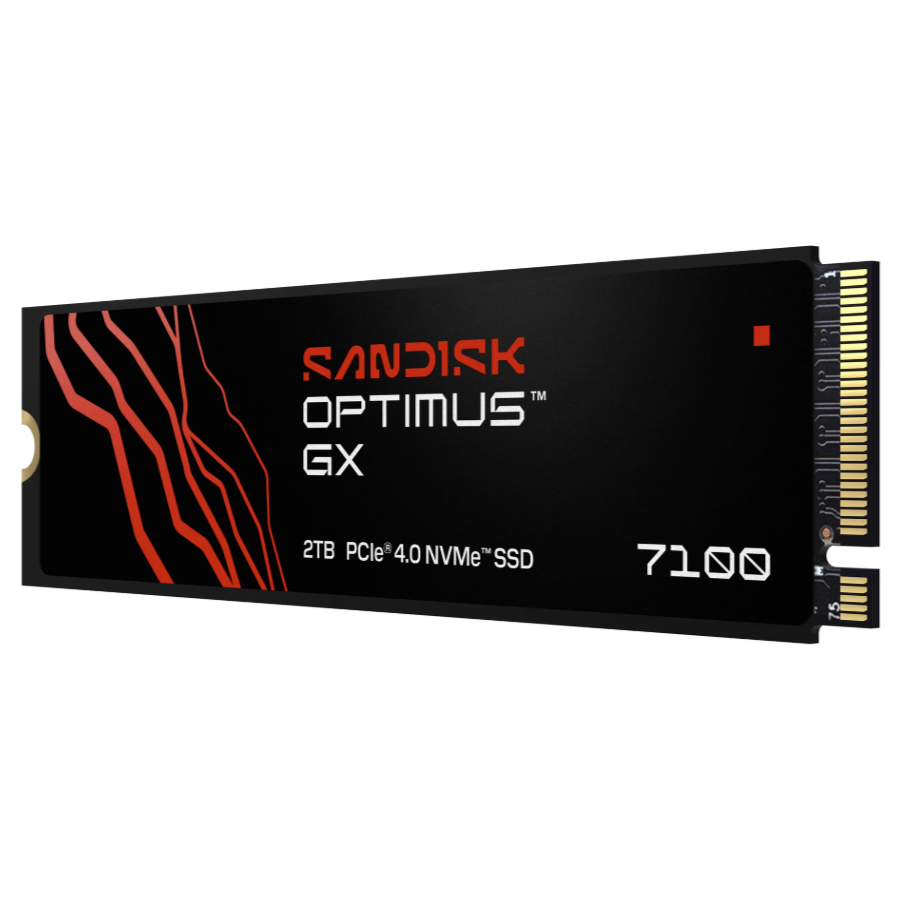
"Game even faster with the SANDISK Optimus GX 7100 NVMe SSDs with PCIe 4.0 boasting Sequential Read/Write speeds up to 7,250/6,900 MB/s."View Deal
If you already have a gaming laptop or a desktop PC with limited storage space, you could always upgrade it to a hefty 2TB with the Optimus GX 7100 for $399.00. It's a PCIe Gen 4 drive, which is about as common as it gets, though it'll still work in a PCIe 5.0 socket if you don't need anything faster — and frankly, most of us don't.
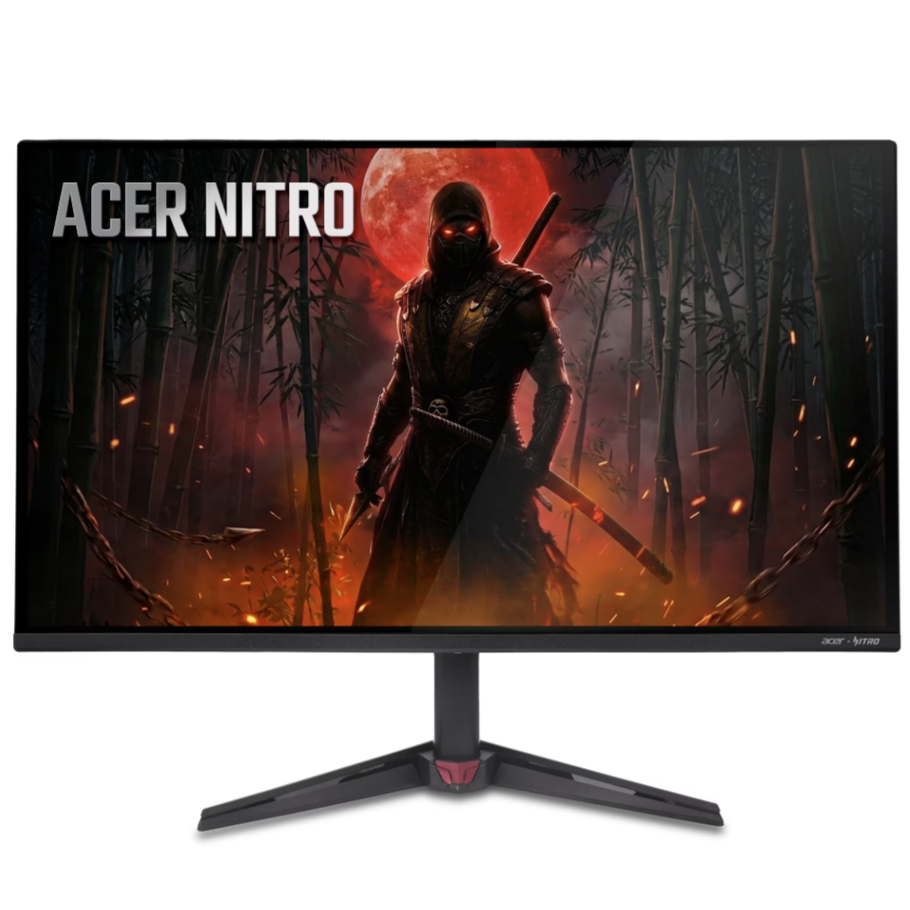
"This 27-inch (2560 x 1440) monitor combines jaw dropping specs including an QD-OLED panel that supports blazing-fast 240Hz refresh rate."View Deal
And, once again, I'm advocating for 1440p monitors as the best balance of clarity and value. At 27 inches, this $269.00 Acer Nitro QD-OLED display offers up to a 240Hz refresh rate, which is arguably more beneficial than pushing higher resolutions. I've seen enough QD-OLED panels to know that the increase in contrast is totally worth it over IPS LCD, if you can stretch your budget for it.
Peripherals make for the best value upgrades
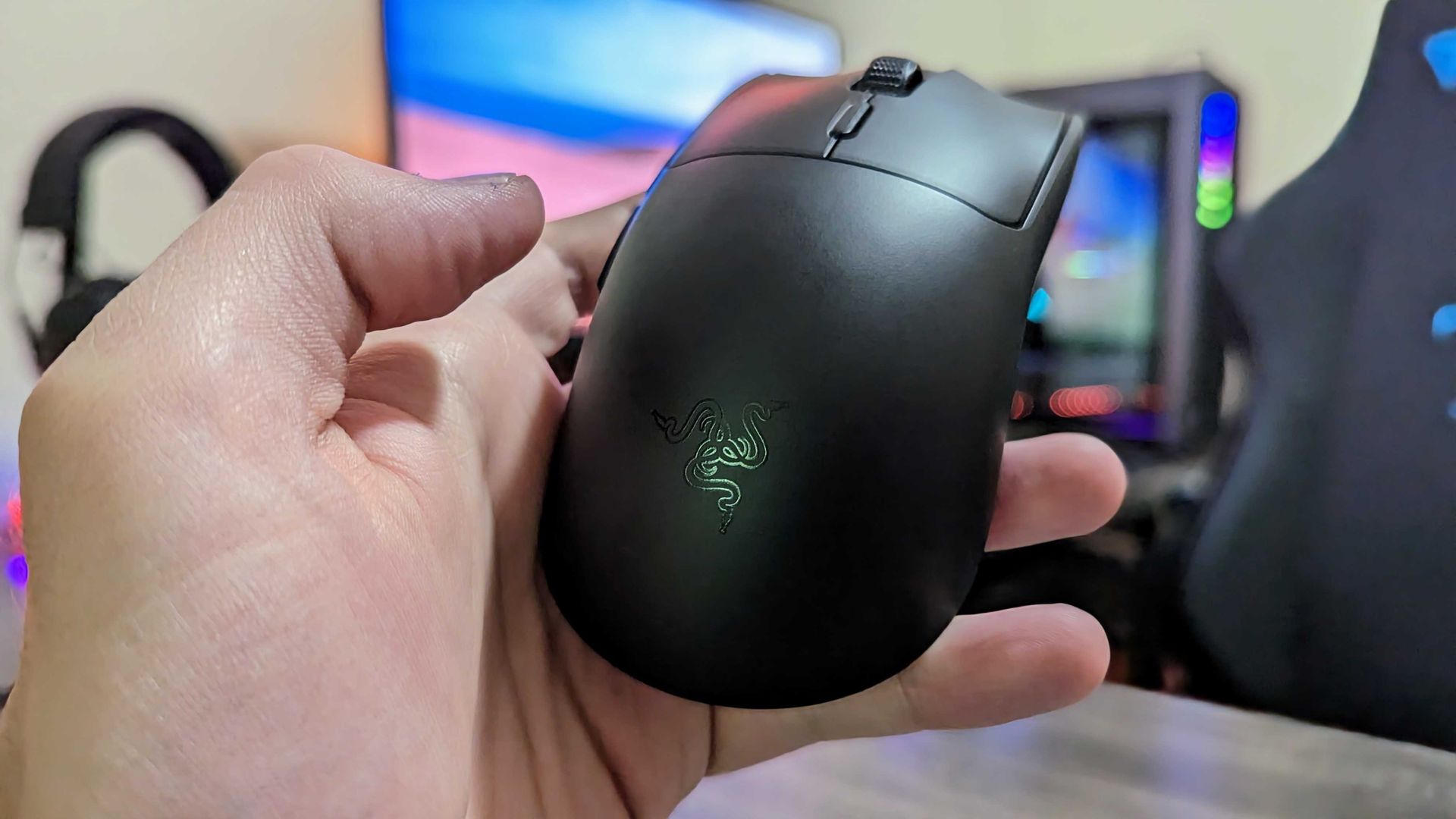
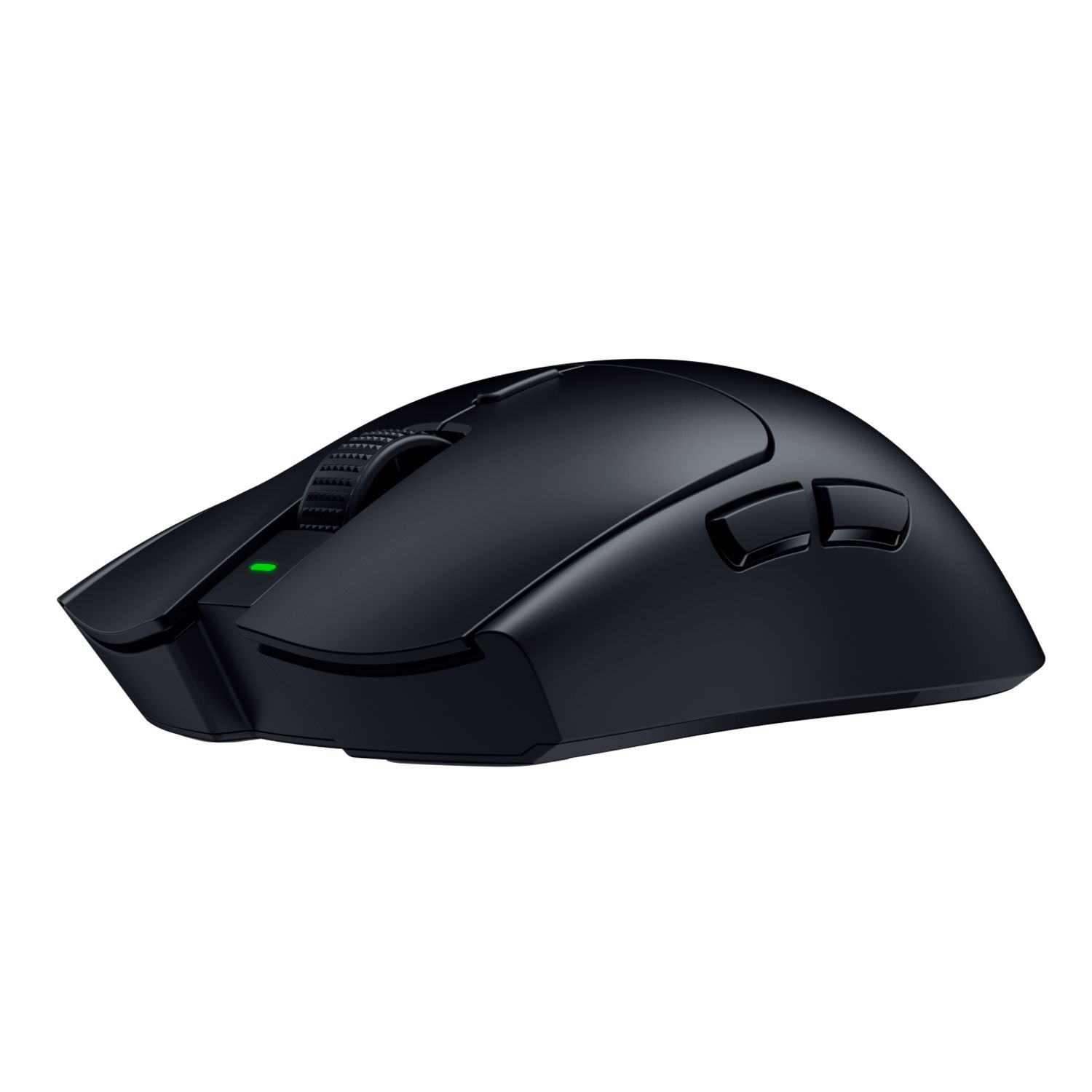
Razer's Viper V3 HyperSpeed wireless gaming mouse. (Image credit: Windows Central | Zachary Boddy)
"Delivers up to 280 hours of high-performance gaming battery life on a single AA battery, supporting intense scrimming and tournament schedules."View Deal
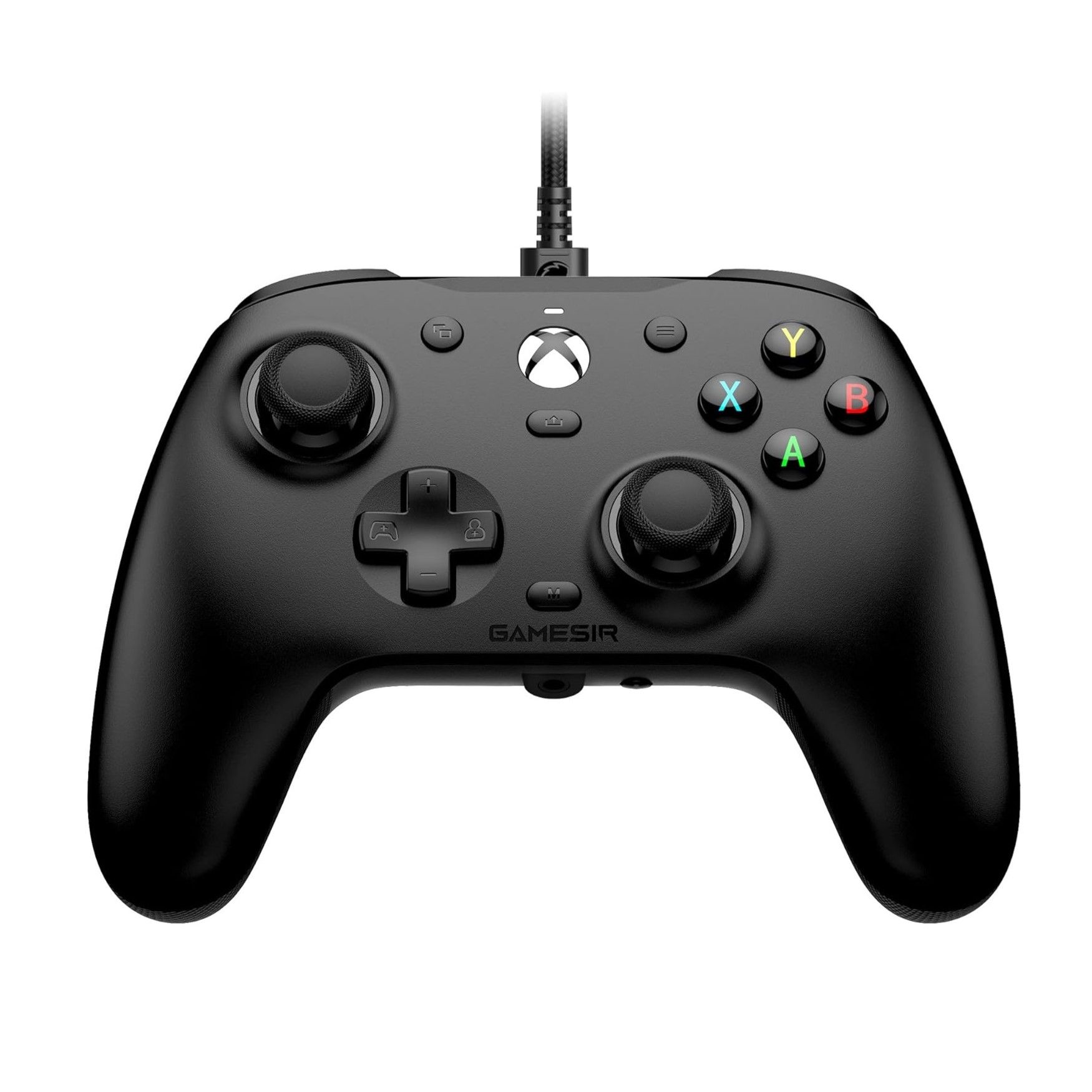
"Equipped with Hall Effect sensing sticks, offering a lifespan of up to 5 million cycles, precise feedback, and wear-resistant rings to prevent drift."View Deal
Sure enough, sometimes all you need is a new mouse or a controller. It depends on how you play; if you're mostly sticking to cloud gaming, then the $39.99 GameSir G7 HE joypad is a wired option with drift-proof Hall-Effect sticks that should last for years and years.
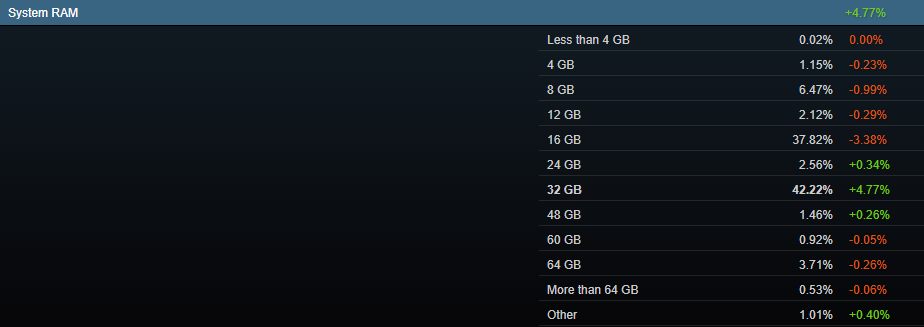
In the System RAM section, which covers the spread of how many gigabytes are in use in a single PC, the three segments directly above 16GB grew. While 24GB and 48GB only climbed by 0.34% and 0.26% respectively, systems with 32GB of RAM jumped significantly, up 4.77%in September to hit a total of 42.22% of all polled Steam users.
The rise of 32GB systems had a direct impact on the 16GB section, which actually fell by 3.38% to land at 37.82% overall. This swing has placed the 32GB segment well in the lead.
Why are there now fewer PCs with 16GB of RAM than 32GB of RAM?
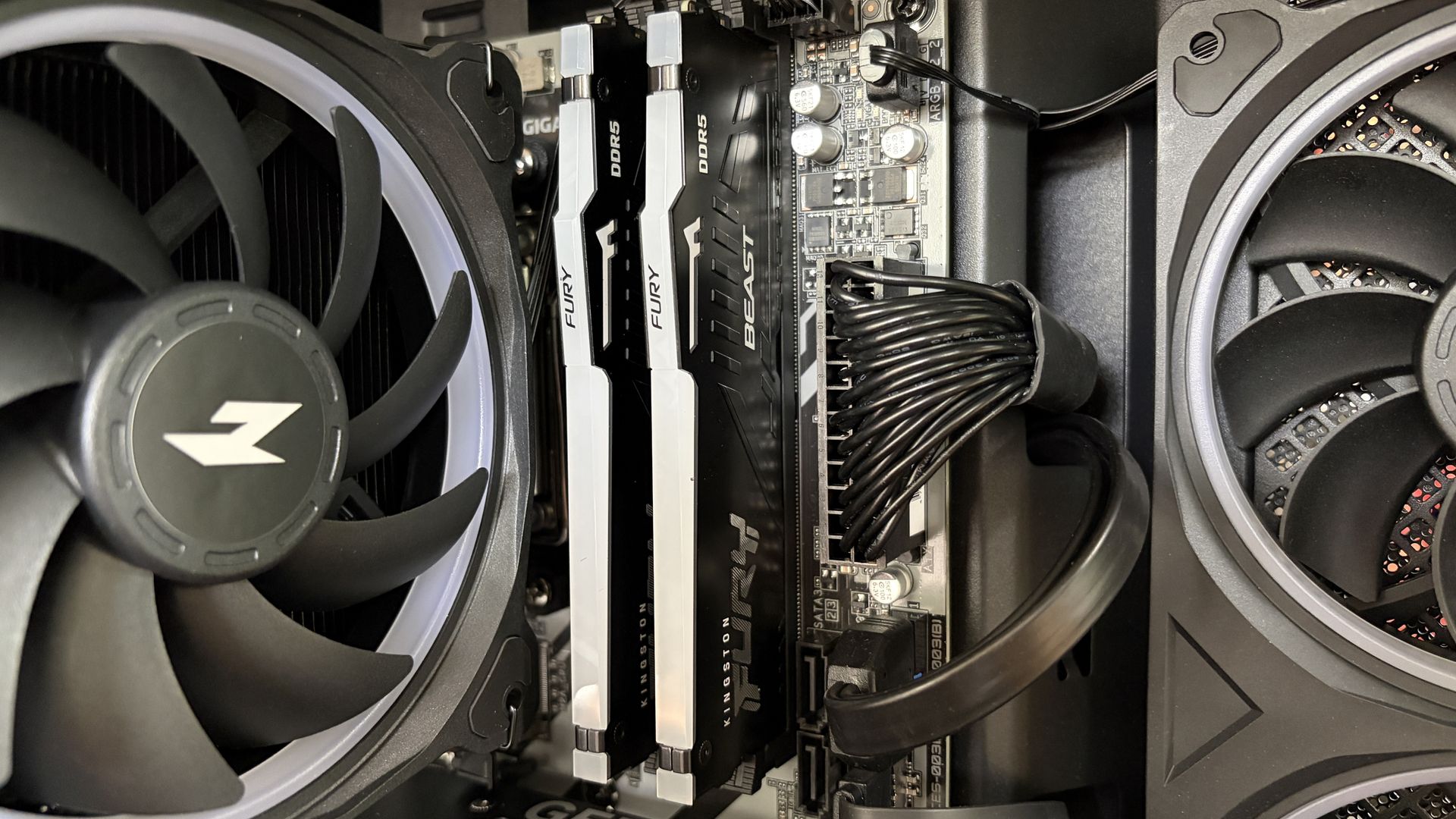
A look at Kingston Fury RAM installed in a desktop PC. (Image credit: Future)
What's going on here? Shouldn't the segment of gaming PCs with less RAM be growing? You'd think so, but that's not the case at all. Systems with 8GB of RAM fell by 0.99% (despite the host of new Windows laptops shipping with that exact amount), while 12GB PCs also fell by 0.29%.
Looking at other sections of the Steam hardware survey, there were some other significant jumps in September. NVIDIA RTX 5060 Ti adoption rose by 1.46% to hit 3.87% overall, with the RTX 5060 pulling in another 1.22% to hit 4.20% overall. The RTX 5070 saw the biggest climb at 2.30% to hit 5.86% overall.
Elsewhere, total hard drive space above 1TB rose by 3.79%, and 1440p displays also climbed by 5.18%.
These are larger swings across segments than I'm traditionally used to seeing, which generally means that something is going on behind the scenes. Checking out the Language section of Steam's survey, the share of Simplified Chinese users indeed grew by 7.42% in the same month.
If I were a betting man, that's where I'd put my money. An influx of new Chinese players with rather high-end systems could have skewed Steam's numbers. I'm not saying this accounts for all of the changes, but it certainly aligns with the major swings.
It wouldn't be the first time the Steam survey has had some noisy elements that stand out.
No, I don't think these swings are natural at all. (Image credit: Valve)
That's exactly what I'm expecting to happen with next month's Steam hardware survey, at least unless users are actually gobbling up expensive 32GB RAM kits and RTX 5070s at a far healthier pace than I imagined.
I've been keeping an eye on memory prices this week as it collides with Amazon's Prime Big Deal Days, and there's honestly not much to talk about. RAM is still stupid expensive, even with "discounts," and I don't expect anything much to change despite the promos happening at major retailers.
Do you agree that the major swings in Steam's September hardware survey are likely caused by an influx of Chinese players? Or do you think there's something else going on in the world of PC building? Let me know in the comments section below!
Join us on Reddit at r/WindowsCentral to share your insights and discuss our latest news, reviews, and more.
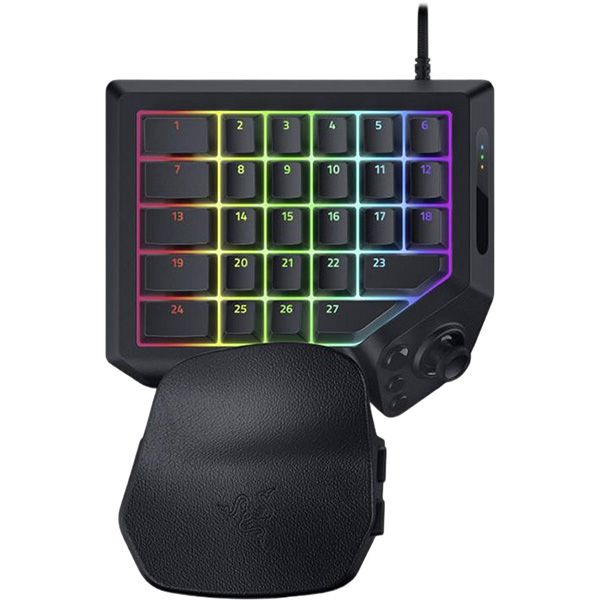
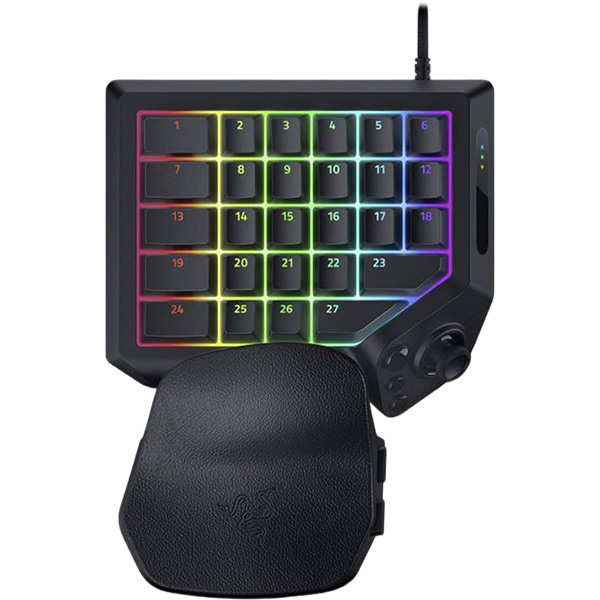
Razer's Tartarus is one of the weirdest 'keyboards' I've ever seen, yet I can't help being drawn to its strangely alluring ergonomic design. I remember seeing the Nostromo and Orbweaver come and go over the years, acting as similarly odd keypads with a niche appeal I assumed only benefited MMORPG nuts. I don't play World of Warcraft. At best, I dip my toes into RuneScape.
So, why did I want to try the Tartarus V2 Pro after its surprise announcement earlier this September? There's just something about its wrist rest, combined with the curved shape, that appeals to my wrists, which spend most of the day attached to a low-profile productivity keyboard. If I'm playing half of my games on a keyboard, I might as well be as comfortable as possible.
Razer provided a sample but did not see, nor did it have any input on, the contents of my article before publishing.
How much does the Tartarus V2 Pro cost?
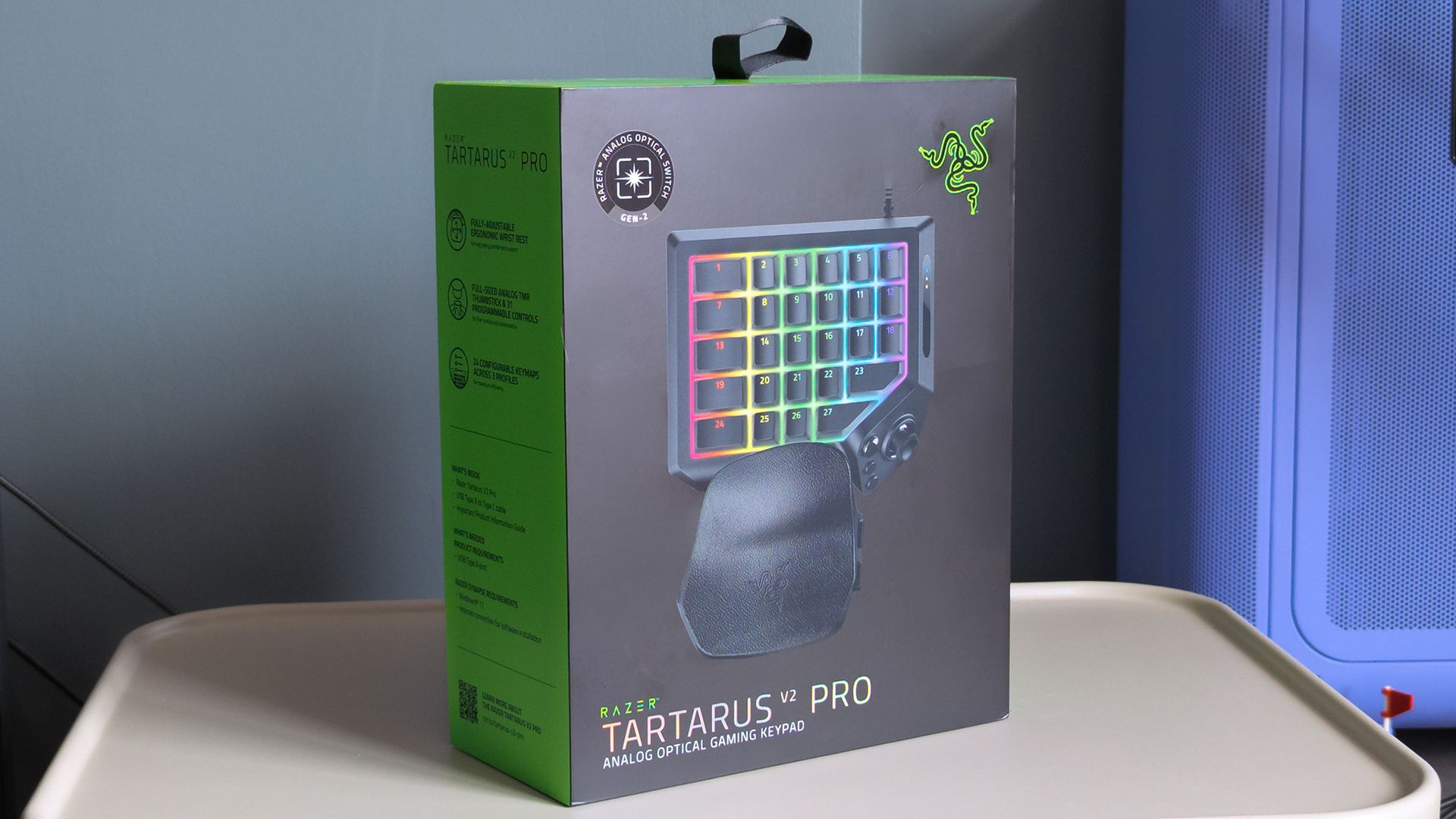
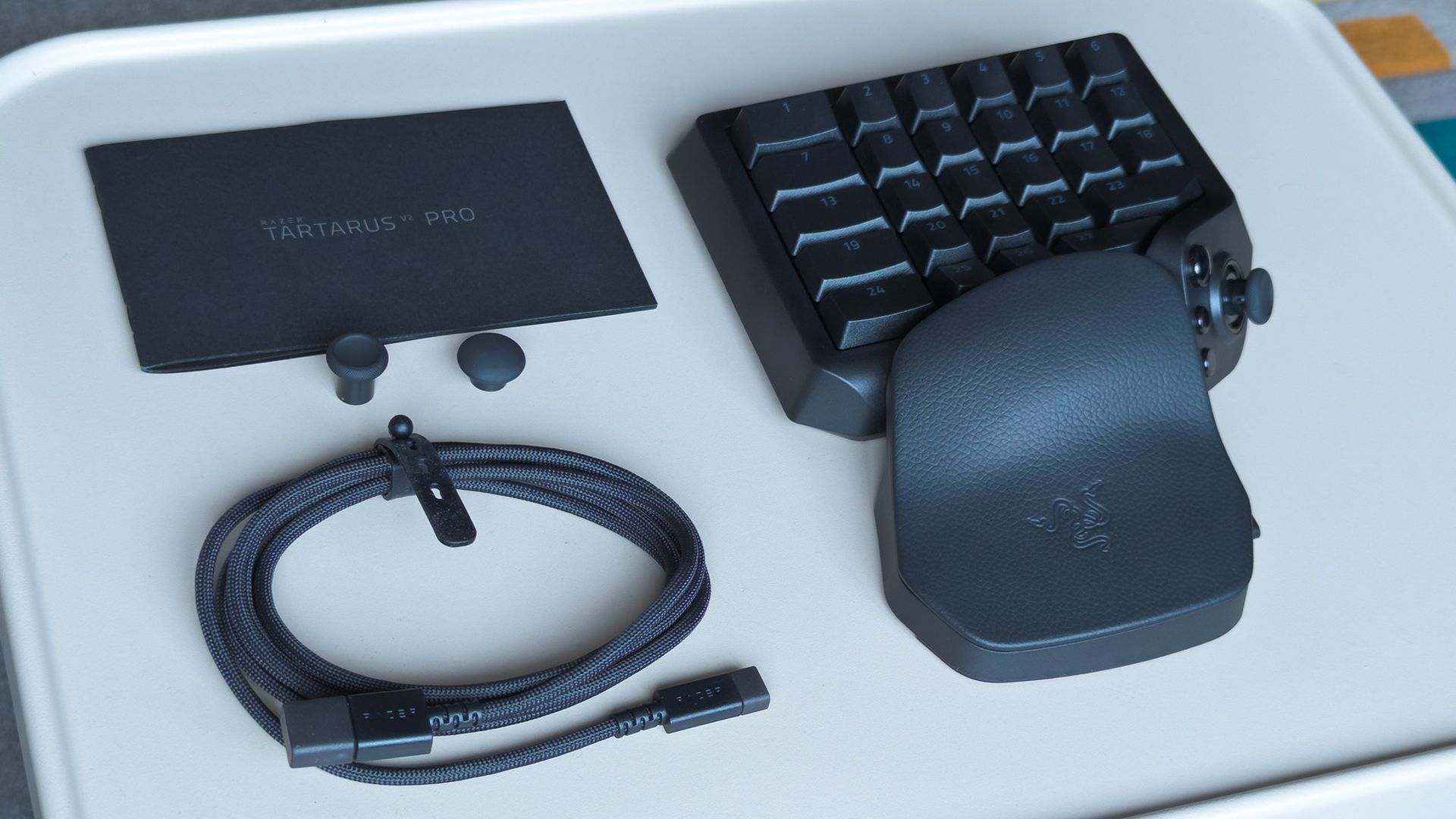
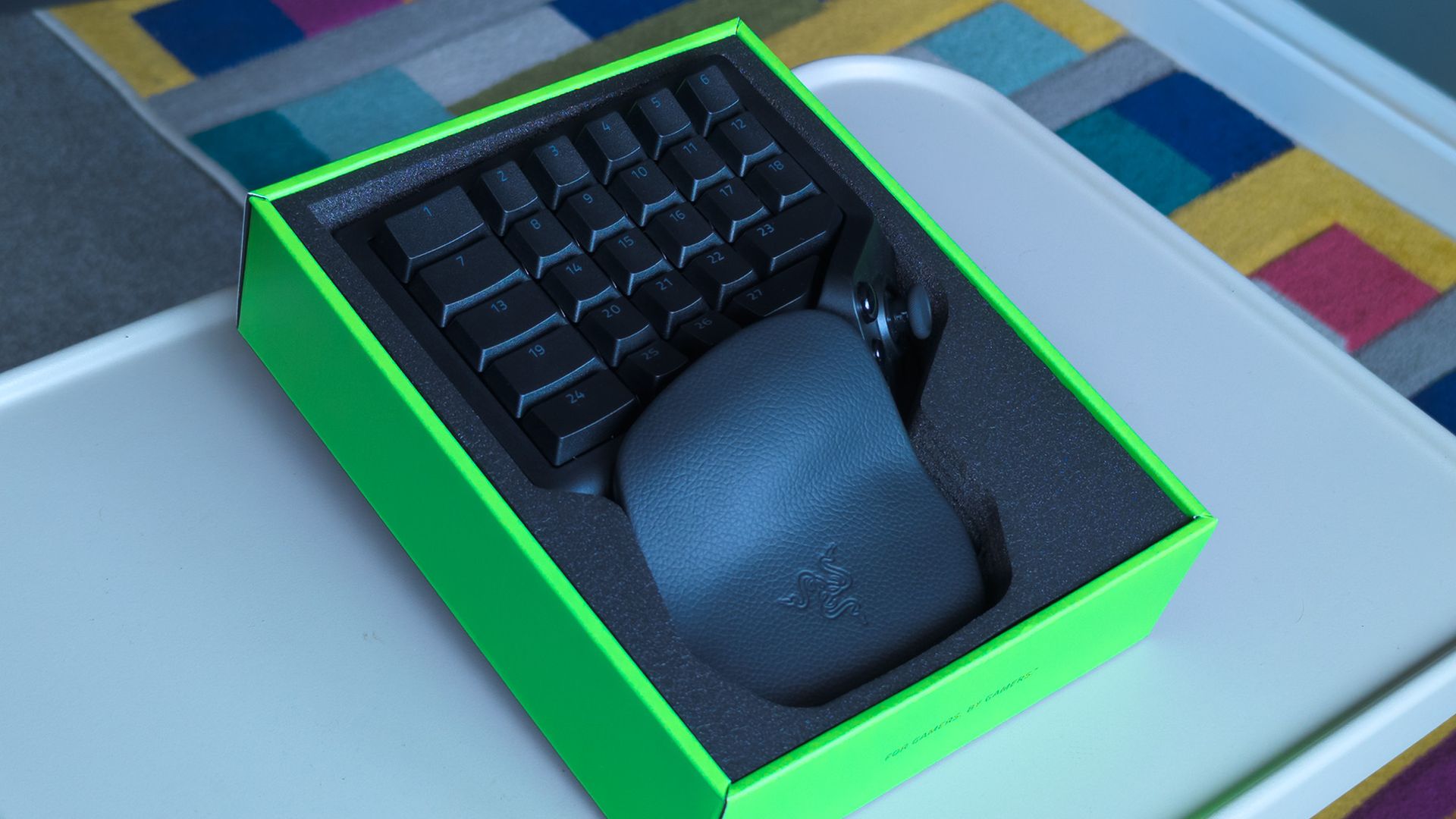
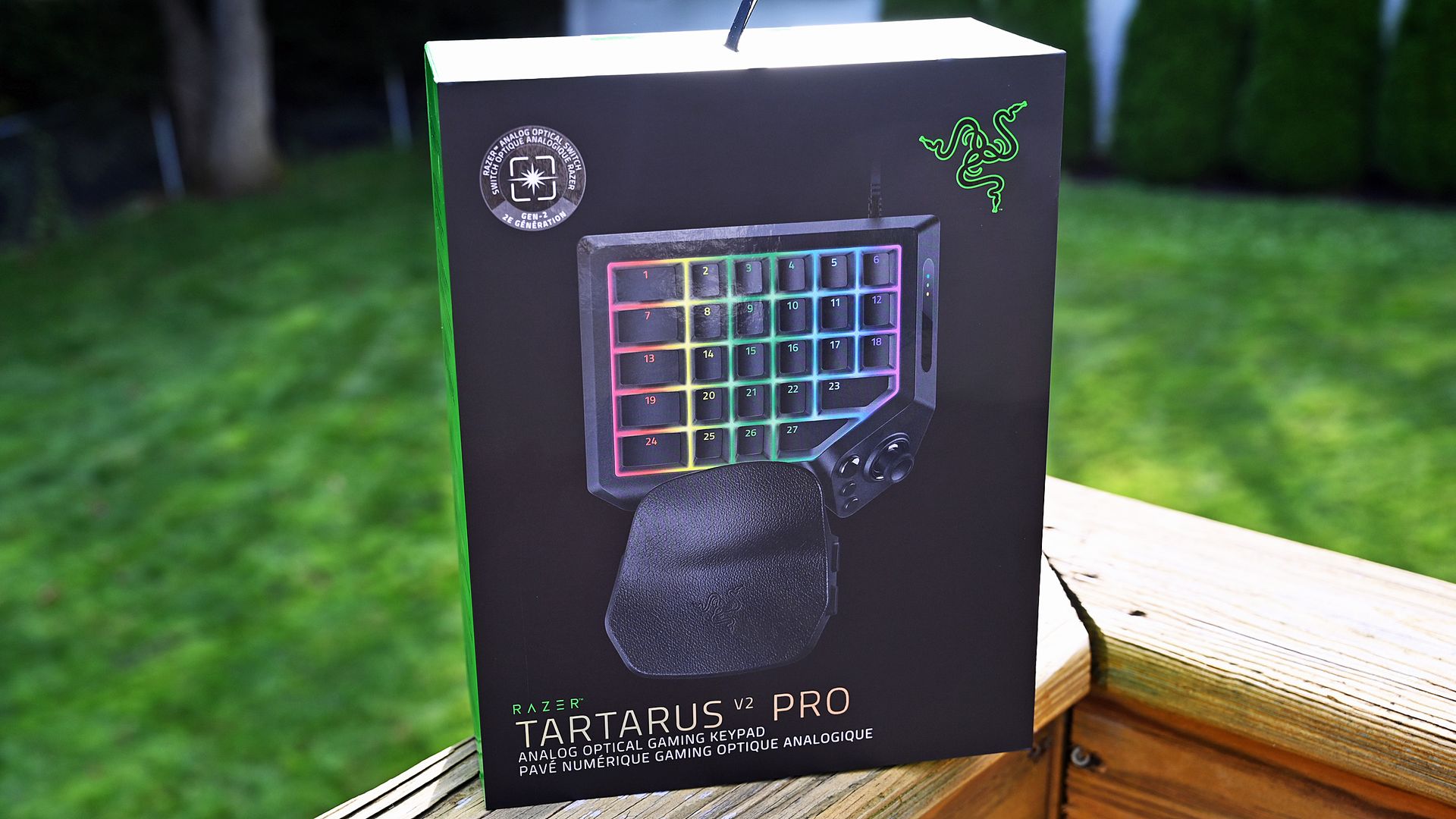
Look out for the boxed Tartarus V2 Pro in physical stores. (Image credit: Ben Wilson | Windows Central)
Razer sells the Tartarus V2 Pro for $199.99 MSRP at its official storefront, with a functionally identical variant available for £199.00 at Razer UK. Regional keyboard layouts don't apply to this unique keypad without traditional lettering glyphs, so US imports should work if you can't find one in your country.
As usual, Razer also lists the Tartarus V2 Pro for $199.99 on Amazon, and again, a model for Brits appears for some extra pennies at £199.99 on Amazon UK. At launch, availability seems better if you order directly from Razer itself or head to a physical RazerStore, should you have one nearby.
For comparison, the original Razer Tartarus launched in 2013 for $79.99, followed by the Chroma in 2015 for the same $79.99, then the V2 in 2017 for $99.99, and the Pro in 2019 for $129.99. Years later, we now have the V2 Pro in 2026 for $199.99, or you can still pick up the first Pro for $129.99 on Amazon.
Razer Tartarus V2 Pro specifications
Component
Spec
Switch
Razer Analog Optical Switch Gen-2 (Linear)
Lighting
Razer Chroma RGB
Memory
Hybrid on-board storage for up to 3 profiles
Connectivity
Detachable Type‑C cable
Extras
Fully-adjustable ergonomic wrist rest
"Grasp the true meaning of command with the Razer Tartarus V2 Pro — our most advanced analog optical gaming keypad."View Deal
What I like about the Tartarus V2 Pro
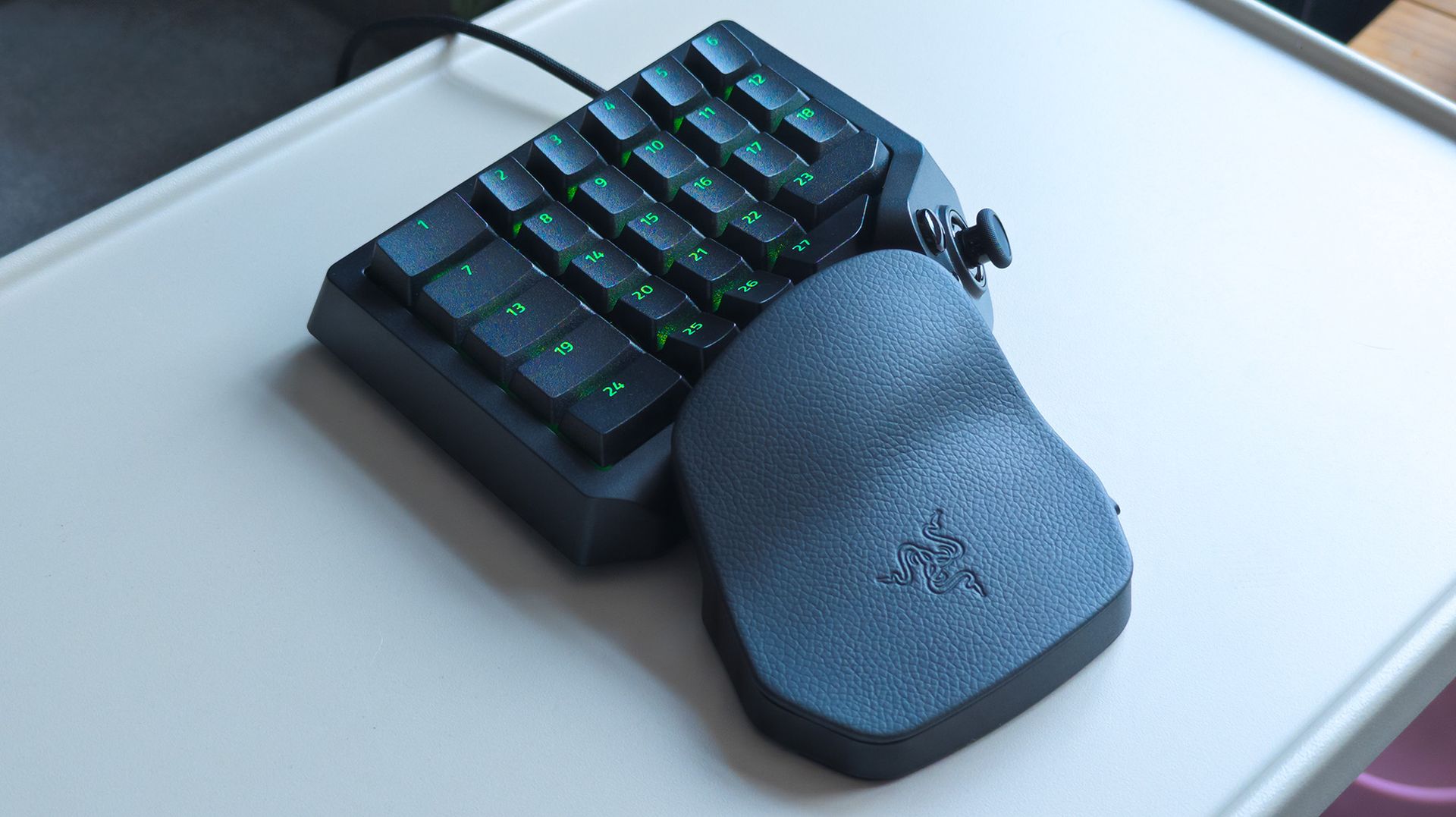
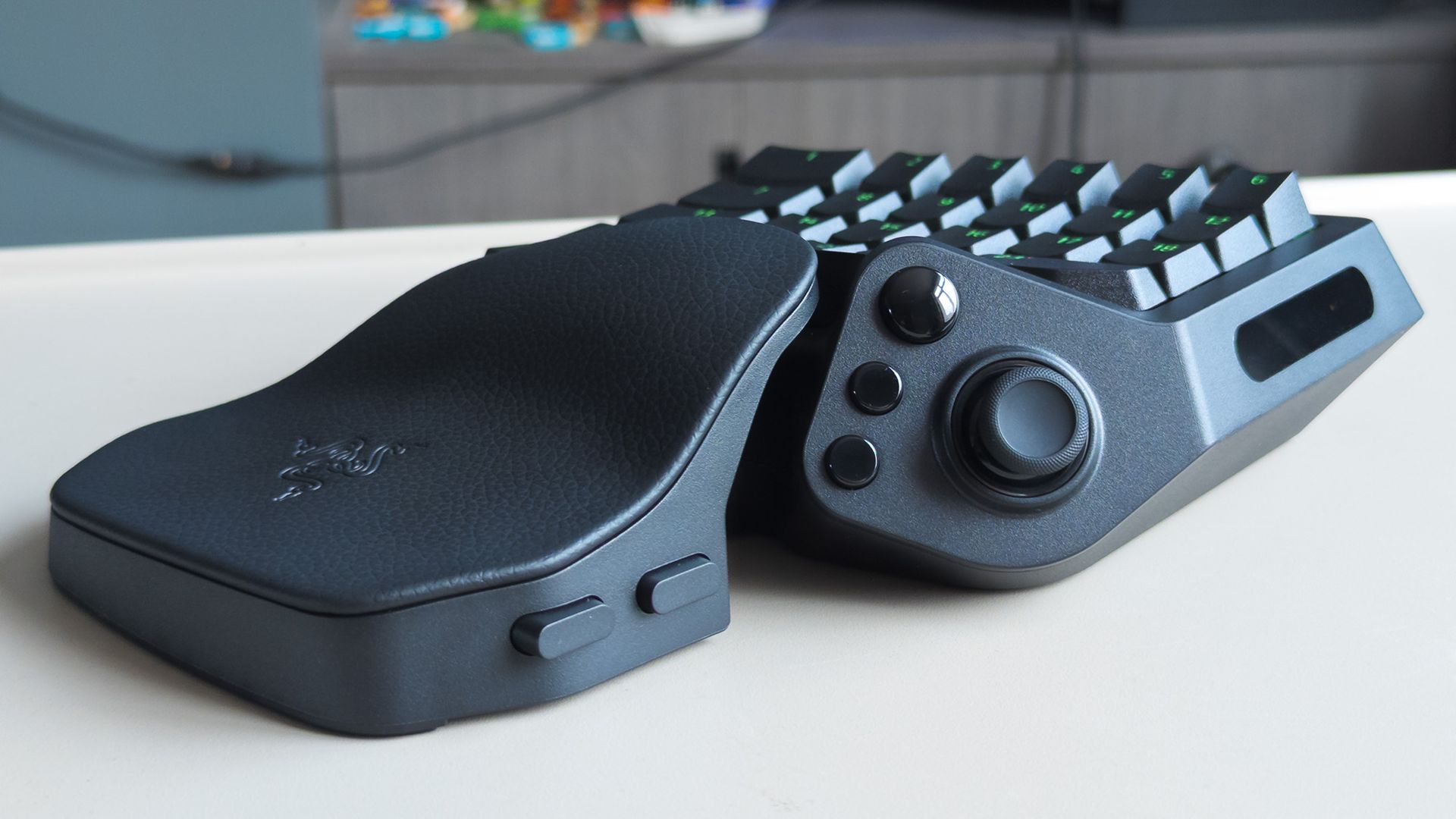
It's definitely faux leather, but the wrist rest feels great. (Image credit: Ben Wilson | Windows Central)
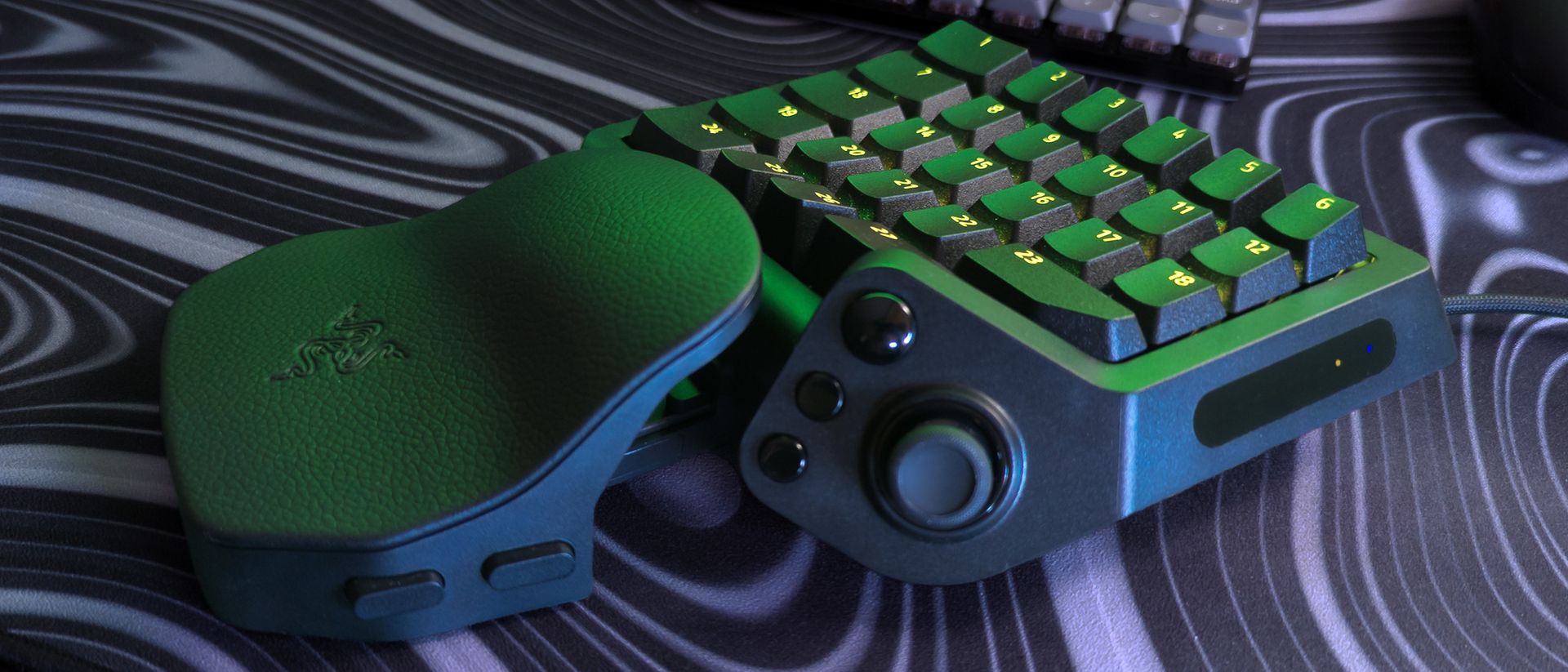
The Tartarus V2 Pro feels like Razer's high-end gaming keyboards, with each linear keypress matching the response of the analog optical switches I've seen in similarly premium examples like the Razer Huntsman V3 TKL 8KHz. That big cluster of 27 keys exhibits smooth travel and defaults to a traditional 'WASD' layout that mostly fits my muscle memory.
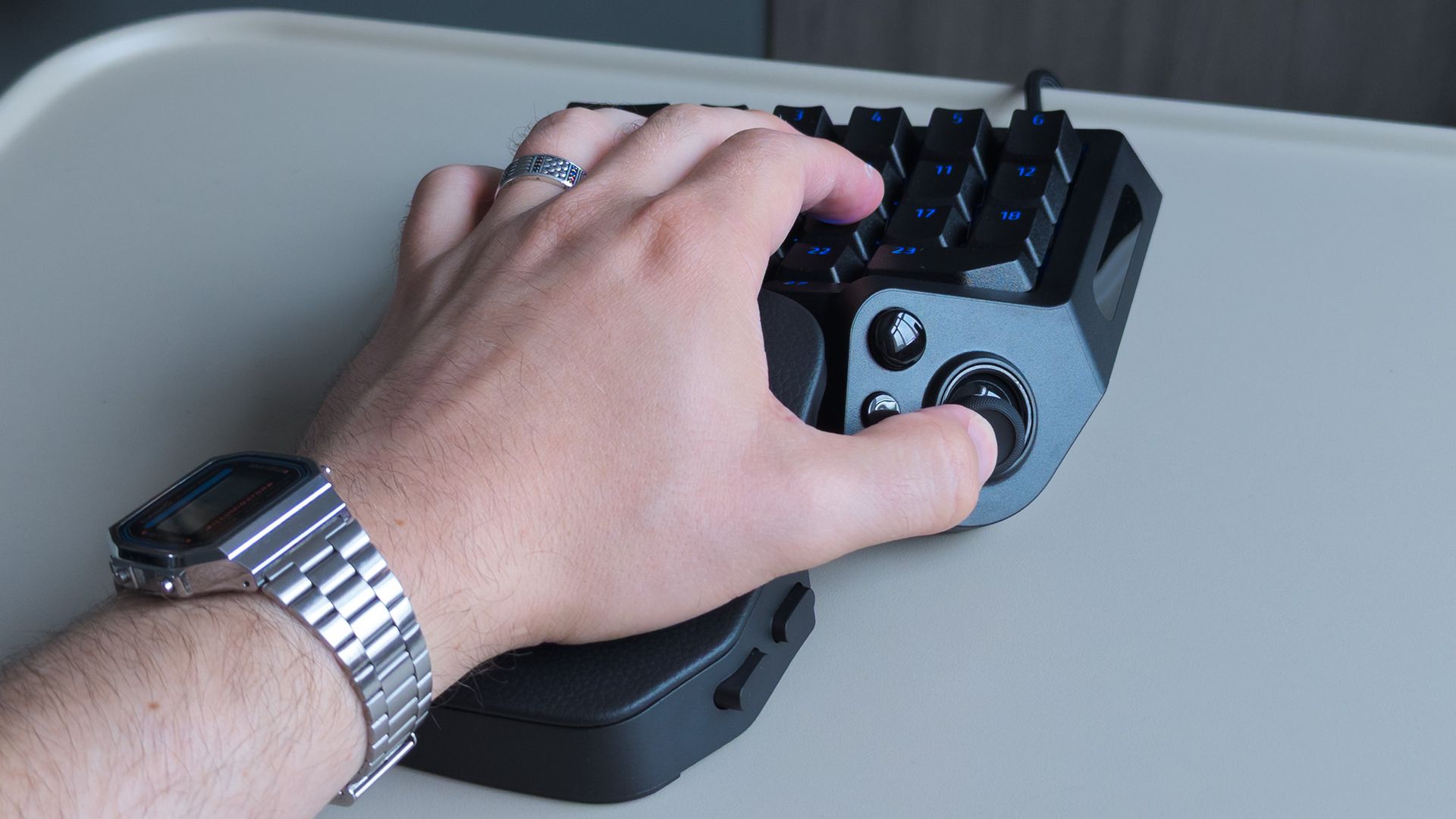
Two buttons on the wrist rest let me adjust its distance and angle, though I immediately felt quite comfortable with it at its default, shortest setup. It's significantly more comfortable than any other keyboard-and-wrist-rest arrangement I've used to date, and my fingers fall quite naturally on the textured, double-shot PBT keycaps (they'll never fade).
Similarly, decades of PC gaming mean my thumb naturally rests between the big, shiny 'HyperShift' button — which can trigger a second layer of commands, like a regular keyboard shift key — and the new, drift-proof TMR thumbstick. I can rebind that HyperShift button to any other command I like, and I'm already considering using it as a spacebar replacement. So far, so good.
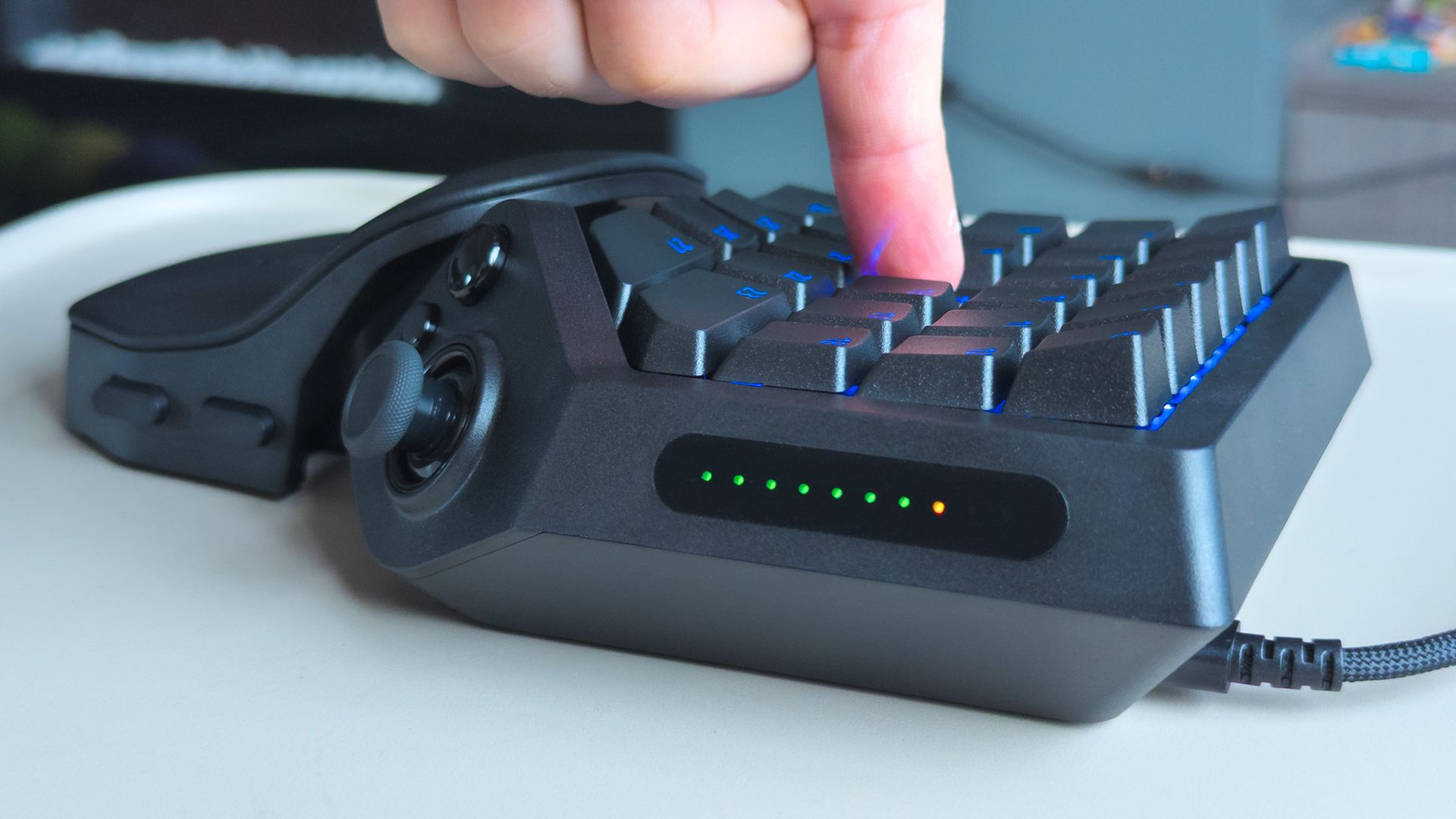
Key press depth is displayed on the right side.Ben Wilson | Windows CentralRazer includes two interchangeable thumbstick caps.Ben Wilson | Windows Central
On the right, a strip of LEDs lights up in sequence to show how far I've pressed a key, including its initial actuation point and maximum depth. That adjustable actuation is part of Razer's whole pitch for the Tartarus V2 Pro, meaning I can dictate exactly how sensitive the keys are. Beyond that, 'Snap Flex' lets me bind other inputs to trigger when I release specific keys.
(In Euro Truck Simulator 2) I can bind the W key to an analog accelerator pedal and press it lightly to creep through low-speed areas. Clever.
Indeed, while it's obvious at first glance that this thing offers a lot of keys, it's not quite accurate. In reality, you get a sh—load of keys. Maybe more theoretical keys than I could ever use. Nevertheless, the first hours were quite exciting as I pondered potential keymap layouts for specific games, with space for 24 configurable keymaps across 3 profiles inside Razer's Synapse app.
The more I learned about analog optical switches, the more I like them, particularly because I can bind a controller trigger to a key for a gradual response. Yes, I know the Tartarus was made for MMORPGs first, but there's more fun to be had. For example, building a profile for Euro Truck Simulator 2 means I can bind the W key to an analog accelerator pedal and press it lightly to creep through low-speed areas. Clever.
Does the Tartarus V2 Pro have any issues?
The TMR thumbstick is technically great, but I'd have preferred an analog optical key for my thumb to use. (Image credit: Ben Wilson | Windows Central)
The meat of my grievances relates more to Razer's Synapse software than to the Tartarus V2 Pro's design, but there are a couple of physical oddities worth noting as a first-time user who only saw photographs of its predecessors with a single key under their thumbstick. For most of my testing, it felt like there was nothing for my thumb to do.
Of course, Razer intends to match its high-end keyboard switches by offering the TMR thumbstick, but that doesn't gel with decades of spacebar-mashing habits that my thumb muscles expect. So, even though I mapped the big, round HyperSpeed button to the spacebar for that very reason, it still doesn't feel quite right during gameplay.
It's the clicky response of that HyperSpeed button — which feels more like the shoulder bumpers of your average Xbox controller — that clashes with the ultra-smooth linear action of the keypad. There's a tactile mismatch, and on top of that, I can't stop the Tartarus V2 Pro from switching off the RGB key lights when I press the HyperSpeed button, no matter what it's bound to.
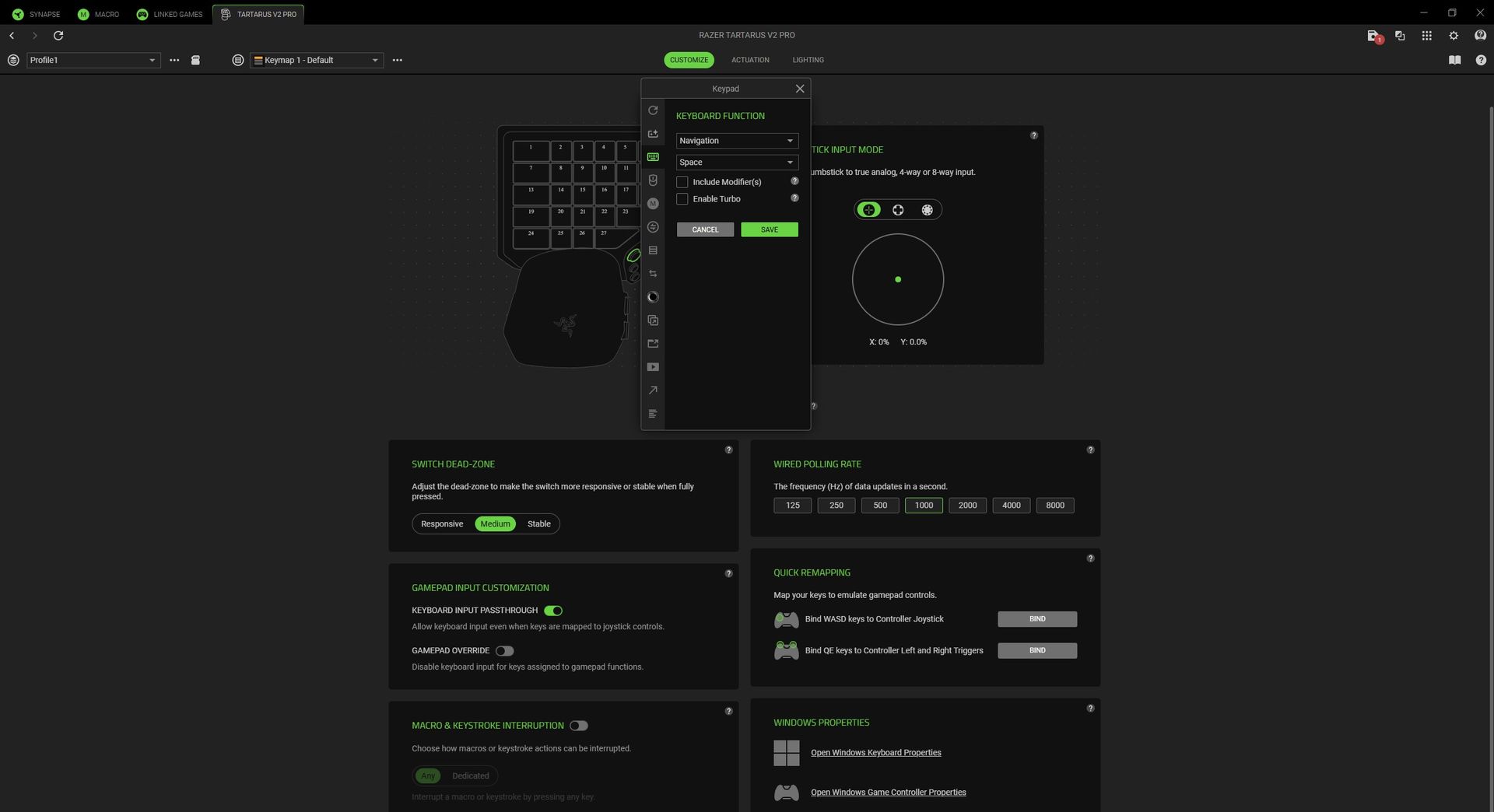
Synapse is good for the most part, but I'm eagerly awaiting a thumbstick orientation update. (Image credit: Razer | Windows Central)
The rest of my concerns with the V2 Pro are solvable through firmware updates and tweaks in Razer Synapse. Easier fixes would include a patch for a bugged 'switch off lighting' timeout function that leaves the keypad illuminated as long as I'm using my PC, because it still detects my primary keyboard in use. Unruly backlighting should be an easy thing to fix.
If I stretch my thumb toward my monitor to mean 'forward,' the Tartarus V2 Pro thinks I'm moving right, so I have to move it literally, vertically upward.
Most egregious of all, and one I hope Razer fixes as quickly as possible, is that I can't realign the inputs for the TMR thumbstick. Right now, if I stretch my thumb toward my monitor to mean 'forward,' the Tartarus V2 Pro thinks I'm moving right, so I have to move it literally, vertically upward to gesture 'forward.' It's bizarre, and something Valve's Steam Input can already solve.
Similarly, the thumbstick is strangely mapped to a controller's right stick by default. Since the Tartarus is built so purposefully around the left hand, traditionally reserved for in-game movement, it feels like a similarly odd decision. I found little use for the thumbstick unless a game offered a 'southpaw' option to switch the left and right sticks. Razer is working on it.
Is the Tartarus V2 Pro good for accessible gaming?
Razer's ergonomic Tartarus design appeals to more gamers than it might have expected. (Image credit: Ben Wilson | Windows Central)
It wouldn't surprise anyone to hear that this alien-looking keypad, polling at 8KHz with custom-designed switches, was built first for hardcore PC gamers. However, the benefits of Razer's esports-centric tech, like Rapid Trigger and Snap Flex, coincidentally appeal to those with accessibility needs, including my wife and her overextendable joints.
She's a newfound World of Warcraft fan who mostly relied on the Xbox Adaptive Joystick for over a year, until Blizzard started improving controller support for WoW. That hasn't stopped her from eyeing up the Tartarus over the years, and after testing how adjustable the smooth analog optical switches are on the V2 Pro, I'm certain she'll find it comfortable.
On top of that, Rapid Trigger means she doesn't have to lift her finger entirely off a key in order to activate it again, and can reset an input with the slightest upward movement. Pair that with Snap Flex to bind commands at the point of a key release, and she'll barely have to move her hand at all. Snap Tap is useful, too, but mostly for me and my love/hate relationship with Counter-Strike 2.
Should you buy the Tartarus V2 Pro?
It's a long-awaited update, but anyone who owns the V2 will likely be satisfied already. (Image credit: Ben Wilson | Windows Central)
You should buy this if ...
✅ You play MMORPGs/MOBAs like World of Warcraft/League of Legends
✅ You want a combination joypad/keyboard gaming solution
You should not buy this if ...
❌ You already own a previous model of the Tartarus
My interpretation of the Tartarus V2 Pro is that it's almost immaculate, dulled only slightly by software-centric gripes that can be fixed with app patches, along with relatively small design changes that make me compare it so closely to its predecessors. If you're into games with a huge number of abilities and the rotation orders around them, you'll likely love it.
At launch, I'm puzzled by Razer's choice to make the TMR thumbstick default to acting as a right-side thumbstick for looking around in games, and its insistence on pointing the stick up to the sky to move forward is equally strange. Again, both should be solved with Synapse software updates, and by then I'd be more tempted to incorporate the otherwise excellent thumbstick into my own flow.
Ultimately, the analog optical switches powering the 27 keys are legitimately brilliant, and probably the first time I've genuinely cared about adjustable actuation in a keyboard. Basing it around a command center for your left hand makes the whole prospect far more appealing, though you might miss the lone key that used to sit below your thumb. Still, plenty of other keys remain.
Razer
Tartarus V2 Pro
"From its TMR thumbstick and adjustable wrist rest, to Rapid Trigger and adjustable actuation, wield true control and customization over MMOs, FPS, and more."
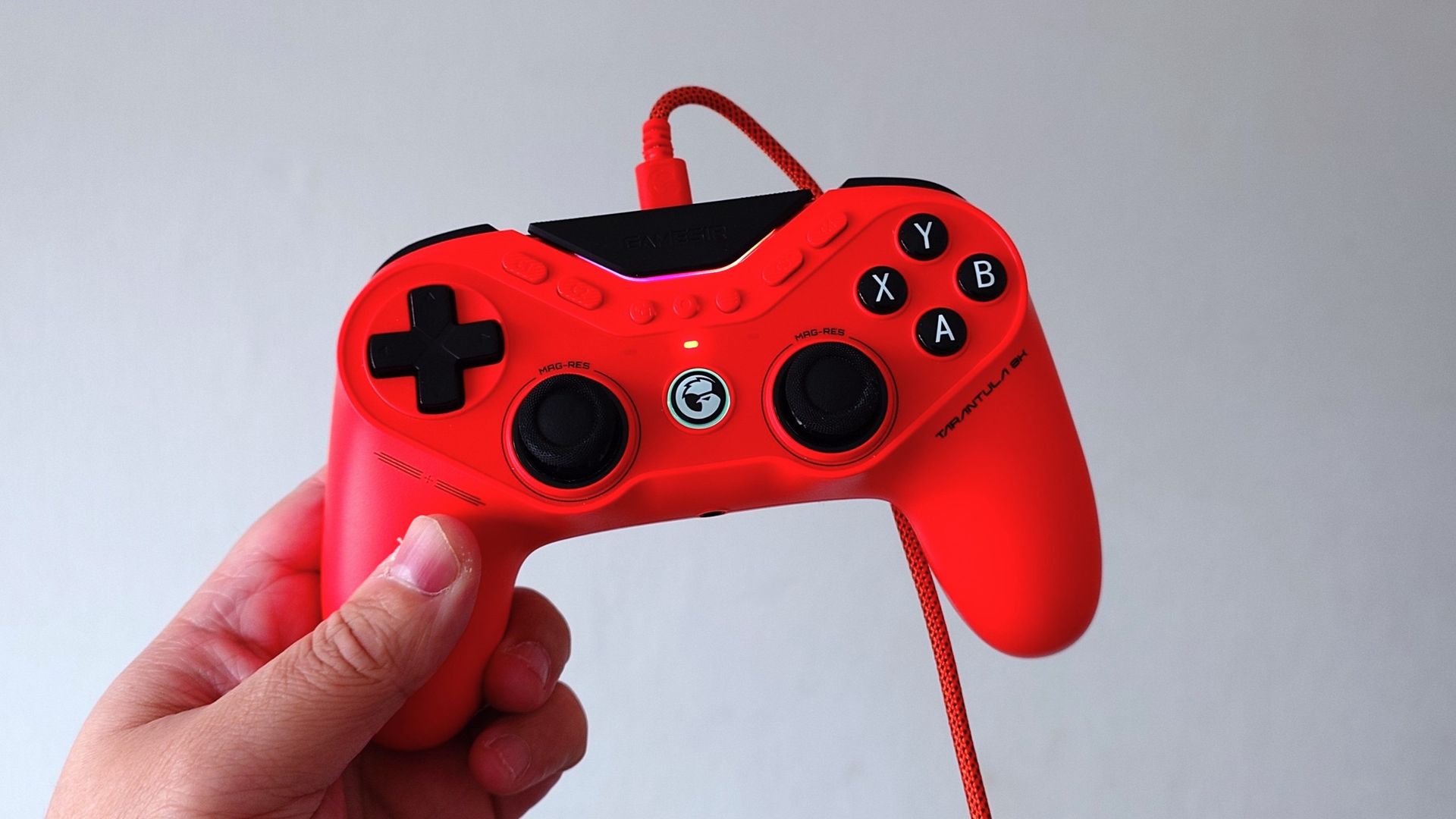
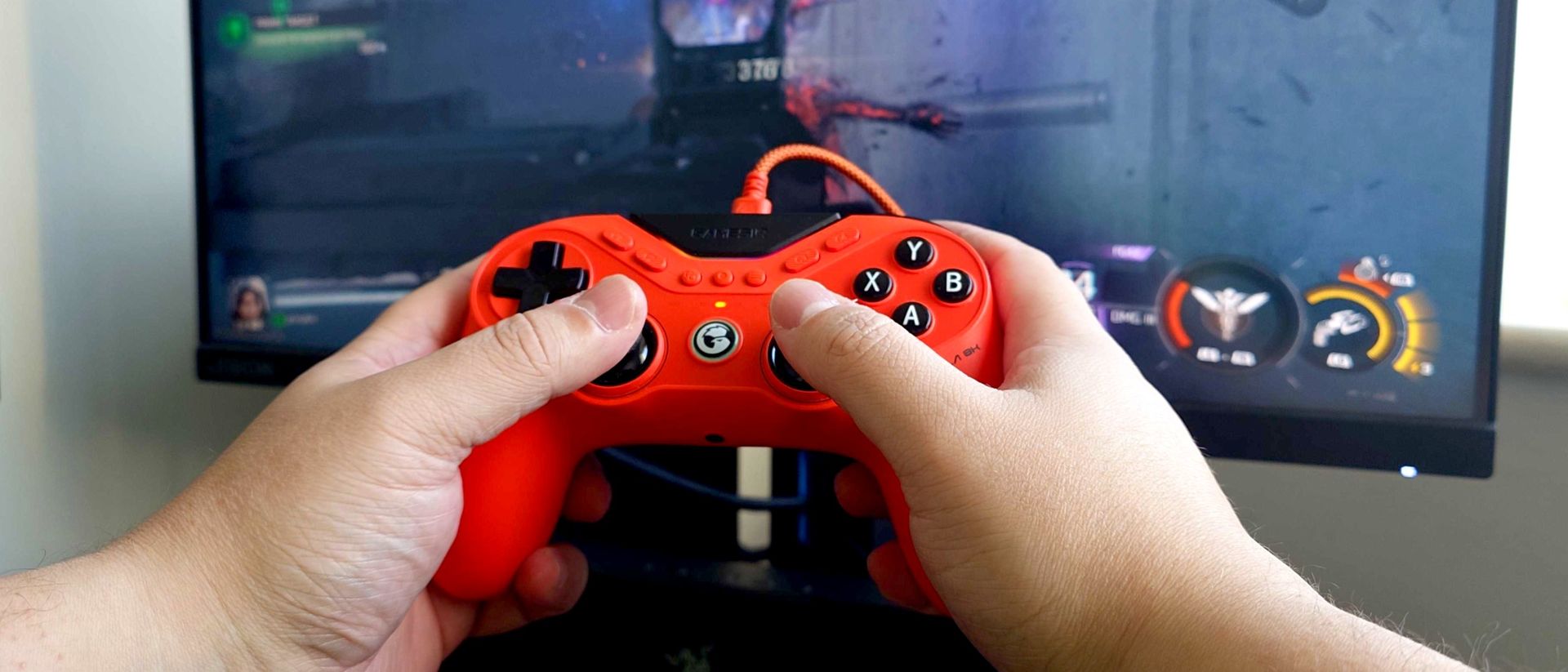
GameSir controllers have been getting quite a bit of attention of late, including the Tarantula 8K. Much of it is unfounded claims of "cheating" when, in truth, a GameSir controller can be customized in much the same way as many competing pro-grade controllers.
But that's not the topic of discussion for today. The focus is firmly on the GameSir Tarantula 8K, a controller that packs the same sort of spec sheet as more established brands with a far more attractive price.
That's not an exaggeration, either. At $70 right now, the GameSir Tarantula 8K is priced in the same ballpark as Microsoft's limited-edition Xbox 25 controller and runs rings around it. There are caveats; for one, this isn't for console, it's a PC controller, and it's wired. But honestly, I opened the box not knowing what to expect, and it didn't take long to be impressed. The GameSir Tarantula 8K is one of the best controllers I've ever used.
GameSir Tarantula 8K specs
Specification
Details
Connectivity
Wired (USB-C)
Polling Rate
Up to 8,000 Hz
Compatibility
PC (Windows 10/11)
Thumbsticks
GameSir Mag-Res TMR sticks Gen 2
Triggers
Dual-mode: Hall Effect analog triggers & hair-trigger micro switches
Face Buttons
Mechanical micro-switch ABXY
D-Pad
Tactile mechanical D-pad
Back & Extra Buttons
9 remappable buttons
Gyroscope
6-axis
Lighting
Customizable RGB strip
Weight
180g
Software Support
GameSir Connect
A PlayStation-esque design packed with the latest tech
Don't necessarily be put off by the side-by-side sticks. (Image credit: Windows Central)
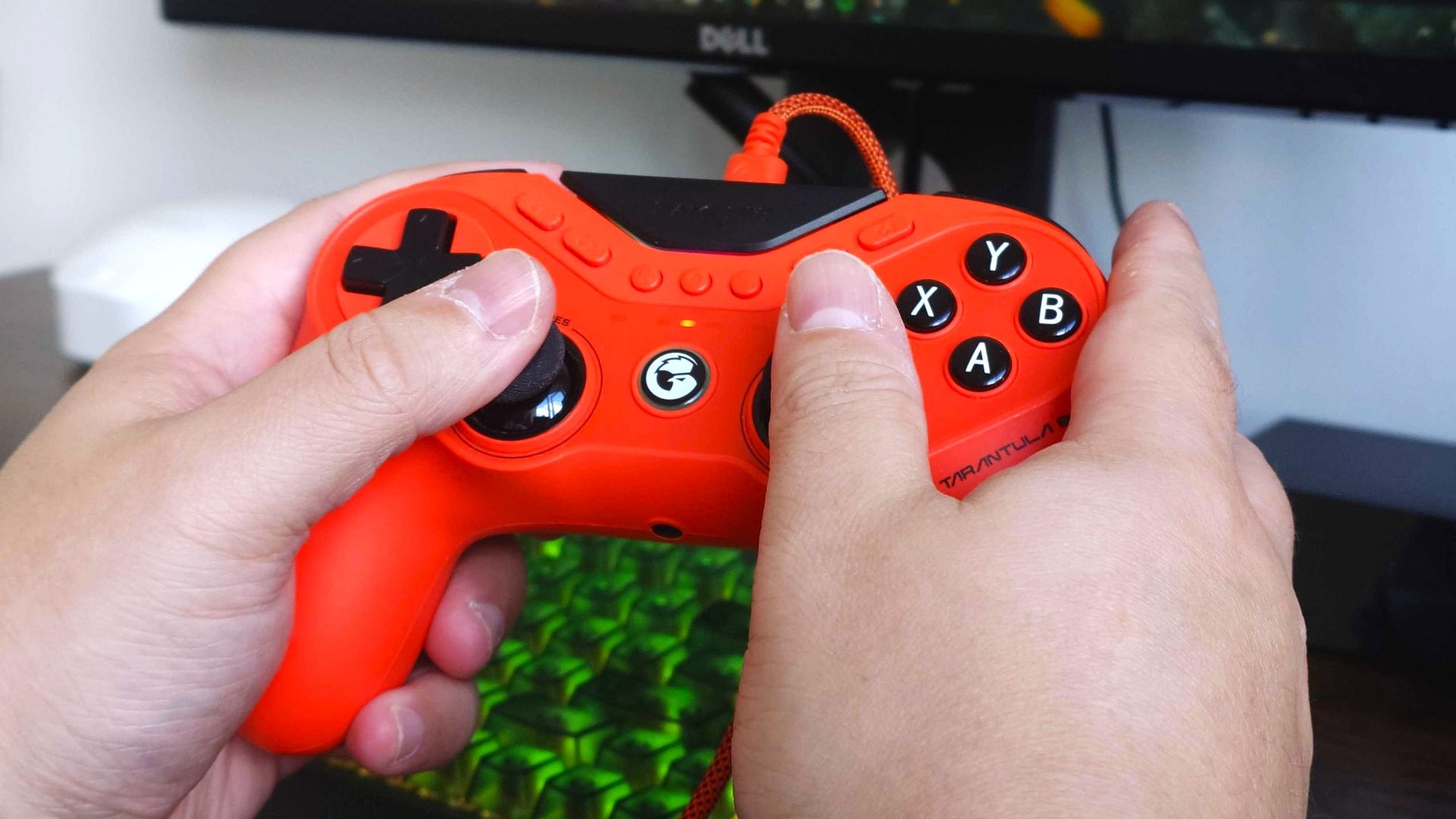
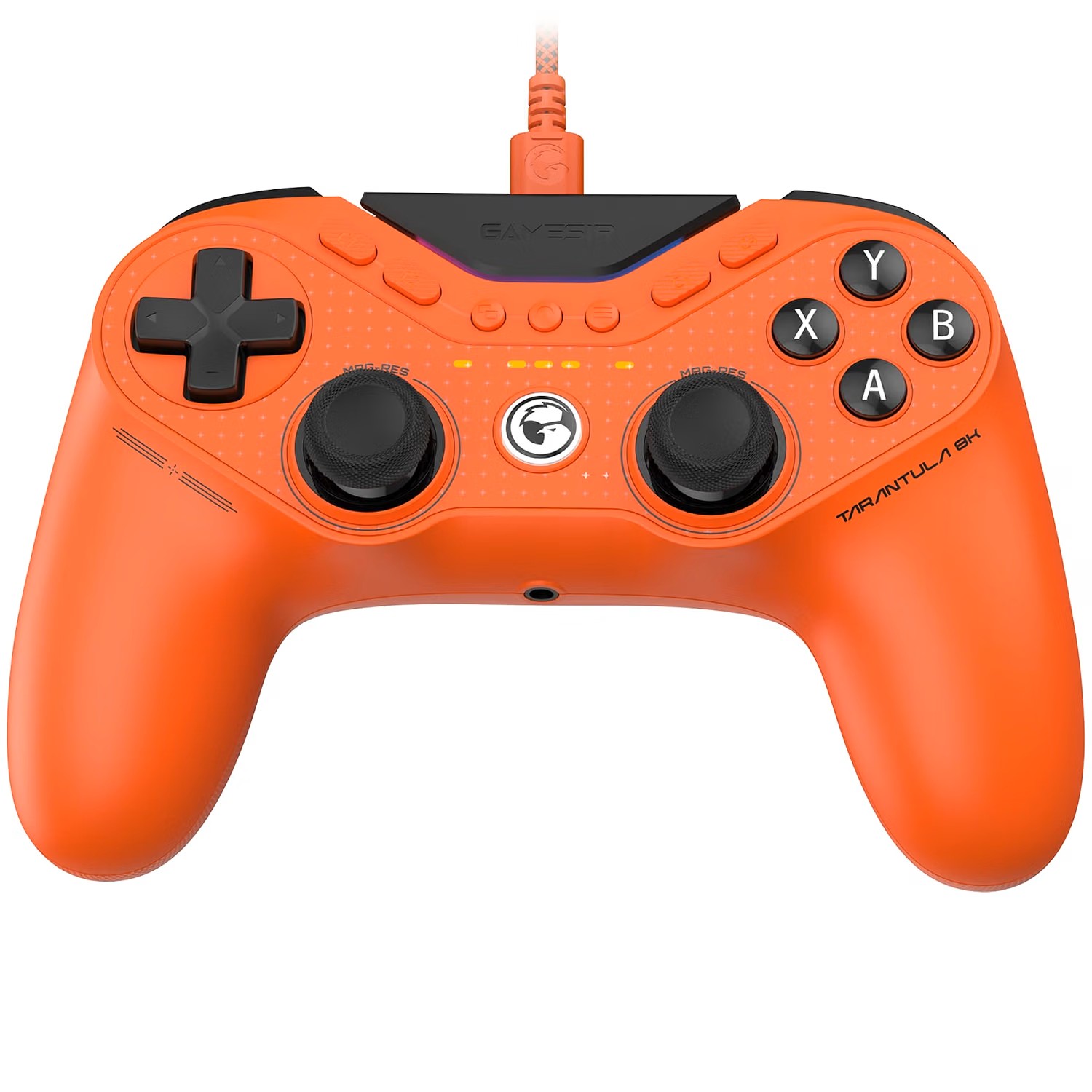
Gamers who outright don't like the side-by-side analog stick design will for sure be disappointed to see it here. But try to look beyond that, because it's not the defining feature. The overall form factor is very reminiscent of a Sony DualShock, but I think it works well. Especially for smaller hands such as my own.
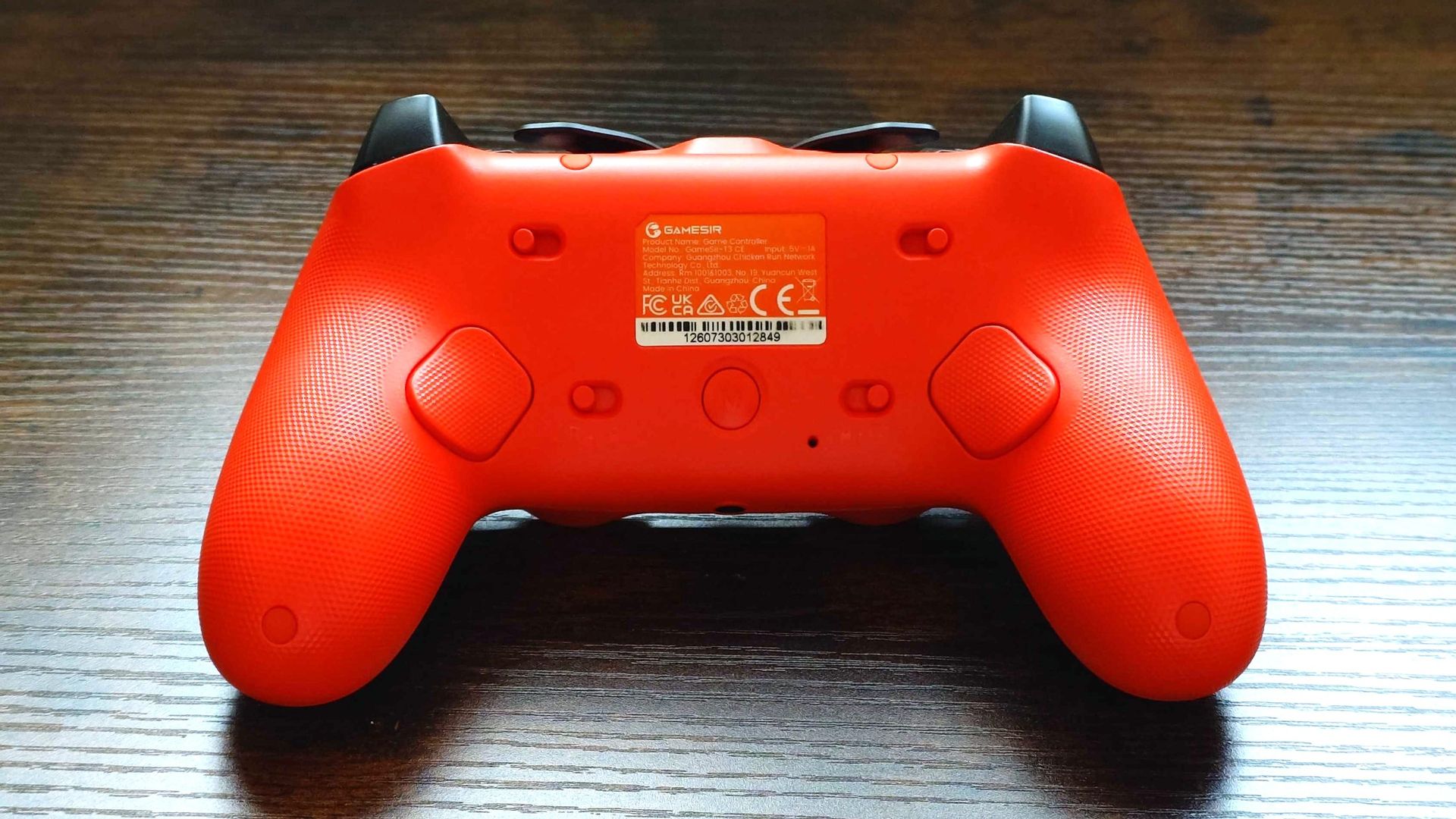
For the basics, it ticks all the right boxes. The rear buttons are exactly in the right spot, everything is reachable without ever feeling like you're stretching, and all the main controls feel glorious. I also love that those rear buttons can be locked, so if you physically don't want them to press, they won't. You have support for multiple profiles on the controller, but if you quickly want to disable the rear buttons, you can.
The face buttons have mouse switches beneath them so you get a positive response and a satisfying click. The triggers, too, when the stops are engaged, are also mouse switches. This type of tech isn't new to me; I've been using Razer's controllers that take a similar approach. But, again, this is an affordable controller.
There are also a frankly absurd number of customizable buttons on the Tarantula 8K. Besides the two on the back, there are four on the face of the controller and an additional two extra bumper controls, as well as the black part that says "GameSir".
These are in addition to the dedicated start, menu, and capture buttons and the GameSir logo button, which will launch the Xbox Game Bar quick switcher to jump in and out of games and launchers quickly.
Then we get to the sticks (there's no time to catch your breath). As you'd hope on a pro-grade controller, the sticks are TMR, so stick drift is no concern, and they're good. They're smooth, and the stock thumbcaps are nice. I typically go for a concave design, which these are not, but they feel like a hybrid. The edges are textured and raised above a convex surface, and I think it's my new favorite design.
No vibration hardware makes the Tarantula 8K lightweight and very comfortable to use for long periods. (Image credit: Windows Central)
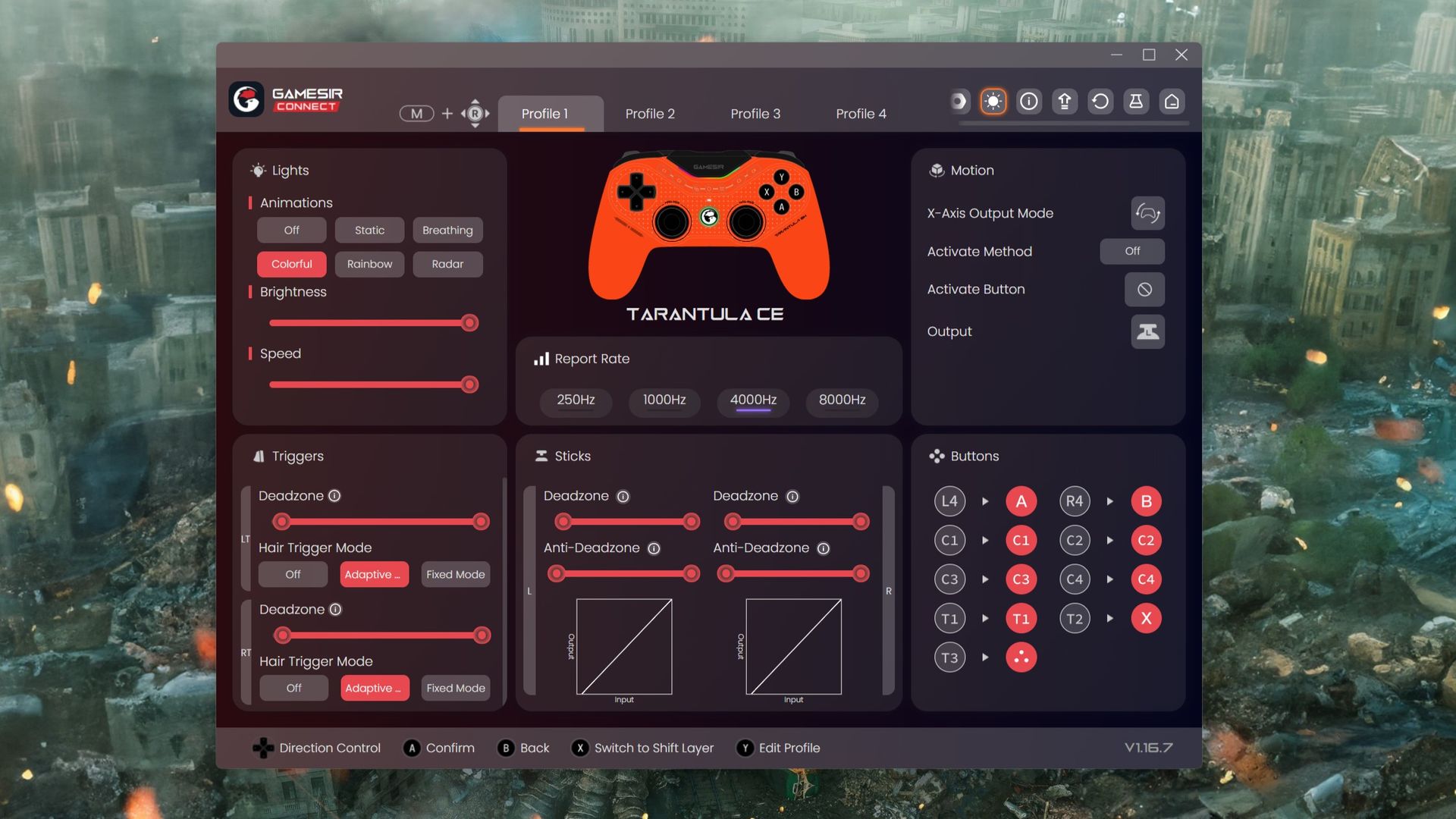
As the name implies, too, the Tarantula 8K supports 8,000 Hz polling, with options to restrict it to 250 Hz, 1,000 Hz, and 4,000 Hz. An 8,000 Hz polling rate is still overkill (at least I think), but it's there. Generally I'm running at 4,000 Hz in Call of Duty (which still seems to be all I play), and overall I've not noticed any difference. But importantly, it feels every bit as fast and responsive as my Razer Wolverine V3 Pro 8K, which is about the best controller I've ever used. High praise for the Tarantula 8K.
Testing that 8,000 Hz claim also bears fruit using the Gamepadla Polling tool to test. It has no problem hitting or getting very close to that magic number connected to a USB 3.2 port on my motherboard.
As when I tested the Razer Wolverine V3 Pro 8K, it's advisable if you have a desktop PC to connect it directly to the motherboard if you're chasing the highest performance. The USB ports on the front of my PC case may say they're USB 3.2, but once again, the controller doesn't report quite the same polling rates connected to these.
A word on the weight, too. It's very light at just 180 g, and that's largely down to an absence of any haptics or rumble motors. If you want vibrations, you have no option at all, but the benefit is that it's an extremely lightweight controller.
As it's targeted at competitive players that typically won't have vibration turned on anyway, I don't see this as a drawback, but if you also dabble in, say, racing games, be aware you won't have any feedback.
Plenty of customization through an easy-to-use app
The GameSir Connect app is simple to use, and once you're done it gets right out of the way. (Image credit: Windows Central)
The software is where the recent talk of "built-in cheats" started coming from, and I've addressed that already in a post. There was a feature originally that interfered with rotational aim assist in Apex Legends, and that has since been removed. And yes, you can get really in the weeds, customize your curves, and extract every last drop of performance from this controller.
But for us average players, it's just nice to have these features, to have customizable profiles, and things we can tweak in an app that doesn't take a degree in computing to understand.
The app is where you set up your customized keybindings; you can tweak how you want the triggers to respond, the lighting, all that jazz. Additionally, if, somehow, there aren't enough buttons on the Tarantula 8K for you, you can use the Shift Layer to add even more.
Importantly, you don't need the app. Once you've set everything up, you can save it to the controller and then use the M button on the rear in conjunction with a direction on the right stick to cycle between your profiles. If you don't want to change anything, you don't ever have to open it once; it'll work right out of the box.
But without using the app, you'll be locked to a 250 Hz polling rate, and you won't be able to update the firmware. So it's worth getting, but it doesn't sit there running in the background or anything. Open it up, make your changes, close it, and go play your games. That simple.
Is there anything not to like about the GameSir Tarantula 8K
The grip is barely there, barely grippy, but it certainly gets grubby. (Image credit: Windows Central)
The Tarantula 8K is worthy of high praise, but there are still a couple of bits that I'm not so keen on. The first is the grip, because it's not very grippy. It's ever so slightly textured plastic, and it's just enough to get grubby the more you use it, but it doesn't actually feel like it really helps me grip the controller better.
The same applies to the triggers and bumpers. There's the slightest texture, and I don't dislike it, but it also seems like it just gets grubby over providing any real benefit in use.
The extra bumper buttons are also very close to the traditional bumpers. As in close enough to just avoid touching. If you don't want to use these, then you won't see a problem, but for the purposes of testing, I remapped the X button (reload in Call of Duty).
It's a button I typically map to the rear, but since there are only two buttons to use here, I tried the extra right-hand bumper instead. And when I tell you that I've accidentally thrown a grenade instead of reloading my weapon on several occasions, you'll understand why I think they're a little close together.
It's just too easy to press one over the other in the heat of gameplay. Likewise, when I want to throw a grenade, I have on occasion reloaded my weapon instead.
I'd also like an option that isn't orange to choose from for the color. But that's just personal preference.
The GameSir Tarantula 8K puts the industry on notice
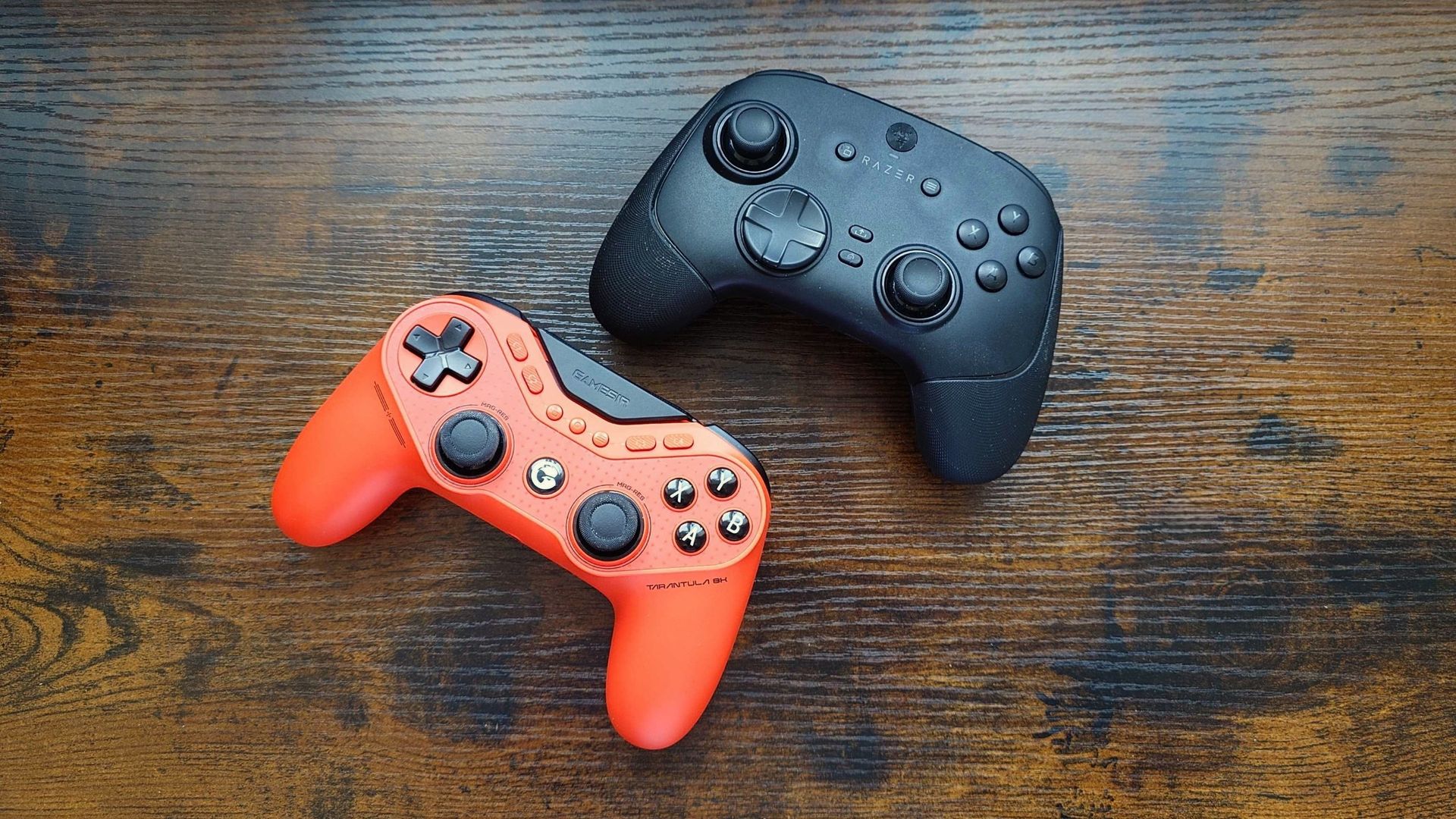
One of these costs a lot less than the other while offering similar performance. (Image credit: Windows Central)
When you look at the package GameSir has put together here for $70 it's pretty mindblowing and should put the industry on notice. I'm particularly looking at Xbox here, too, because the standard Xbox controller still sells for a price that is now no longer acceptable for the hardware inside it.
It's inexcusable in 2026 not to at least have Hall Effect sticks in a time when a company like GameSir is pushing out a fully capable professional-grade controller with 8,000 Hz, TMR sticks, mouse switches, and all this goodness, and Xbox is still phoning it in with ancient tech.
I've used GameSir controllers over the years, and the G7 SE was my most recent, and I very much enjoyed it. Once again it was a budget price controller with not-budget specs. The Tarantula 8K is the same story. Right now, there's really nothing more I could expect inside a high-end controller, yet this one is priced like a budget model.
If you're on Xbox, there is a dedicated version of the Tarantula, albeit not exactly the same, and it tops out at 1,000 Hz on PC. Additionally, if you prefer the Xbox-style layout but still want an 8K-capable controller, GameSir has the G7 Pro for you.
GameSir deserves a seat at the table with the likes of Razer and Scuf. The Tarantula 8K is that good, and you should absolutely buy one if you're looking for a competitive controller for PC.
I've been an advocate for Microsoft Flight Simulator for a while now, encouraging more newcomers to take to the skies. However, the game's casual collection of fighter jets doesn't dabble in all-out dogfights, so there's a separate desire for more military-centric flight sticks and HOTAS sim bundles.
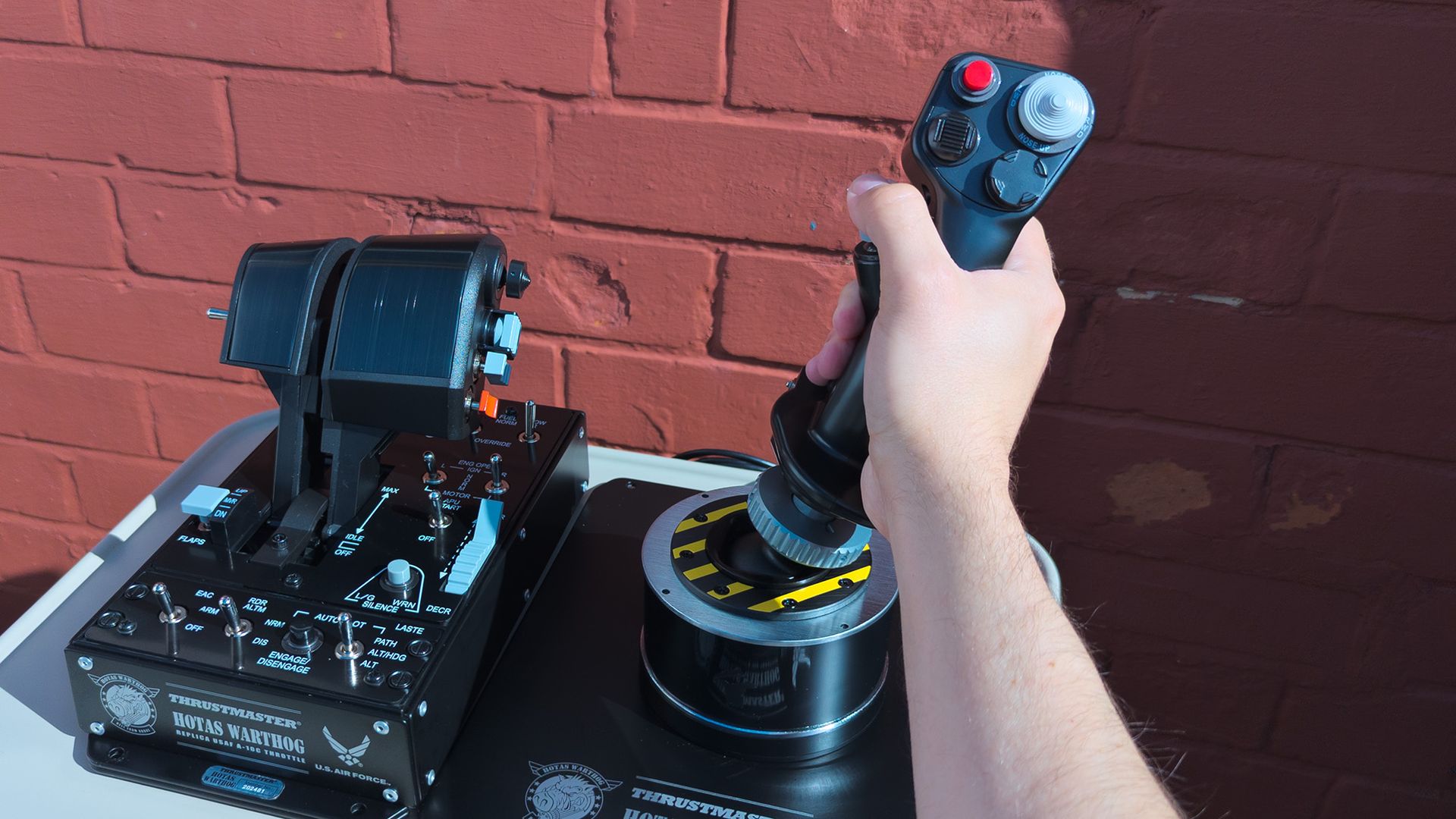
Whenever I'd dip my toes into aerial combat hardware, one name would consistently appear: Thrustmaster's Warthog, and now it's upgrading itself with a previously announced Mk. II model of the A-10C's flight stick and throttle, still carrying that genuine U.S. Air Force licensing and a 16+ lbs heft. I had to try it.
Thrustmaster provided a sample but did not see, nor did it have any input on, the contents of my article before publishing.
How much does the WARTHOG MKII cost?
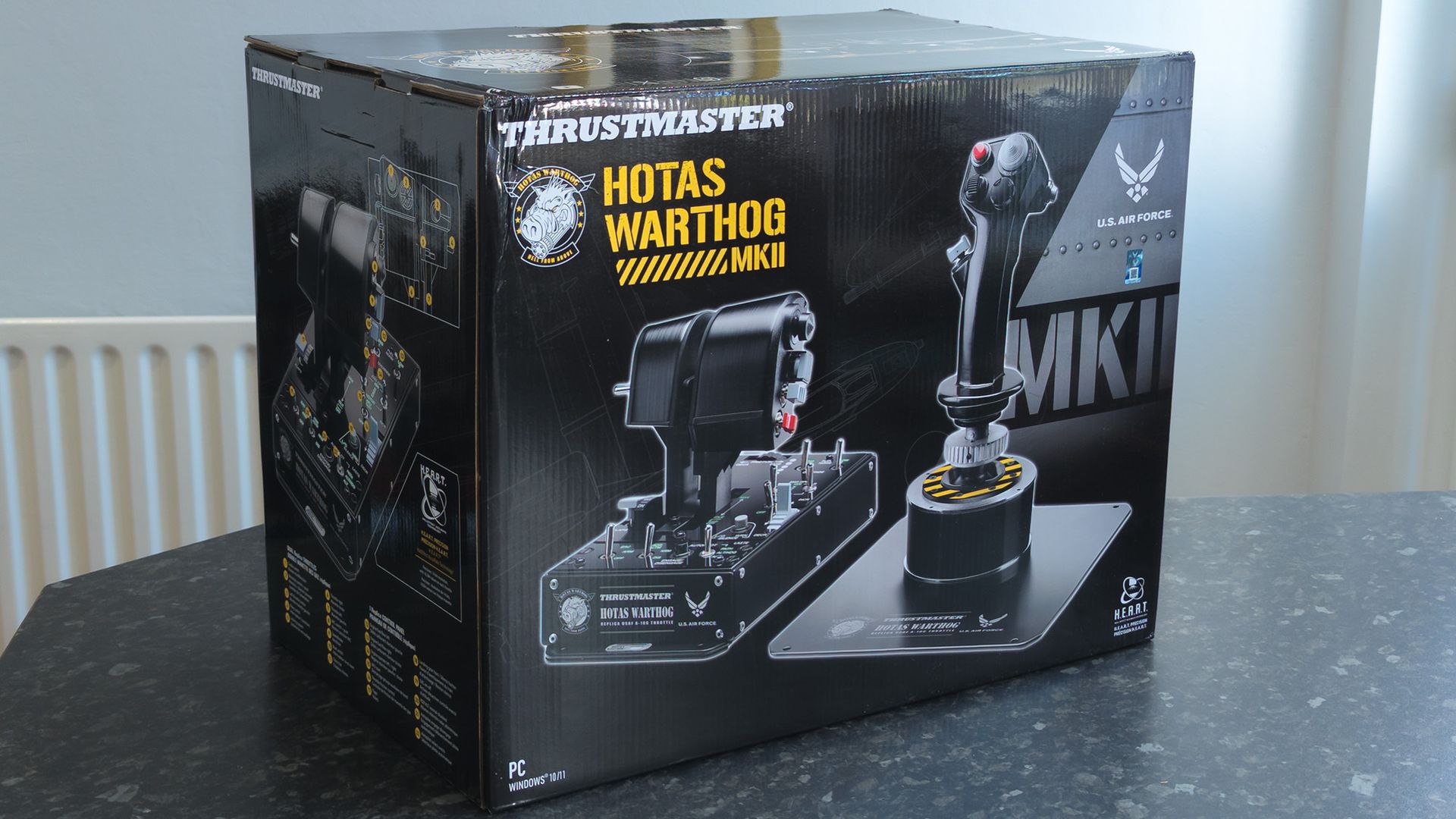
Its shipping box is even bigger than it looks. Heavier, too. (Image credit: Ben Wilson | Windows Central)
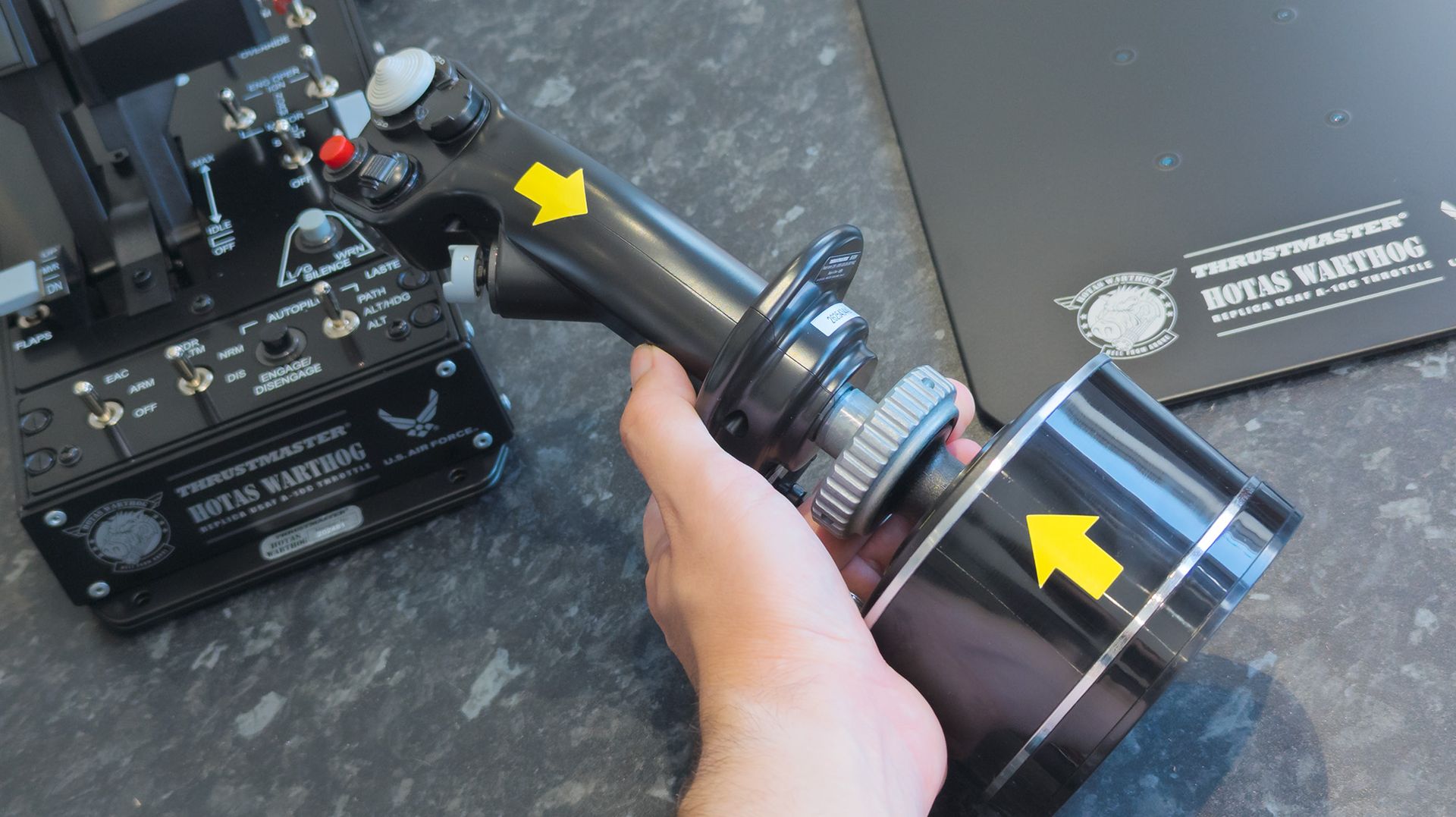
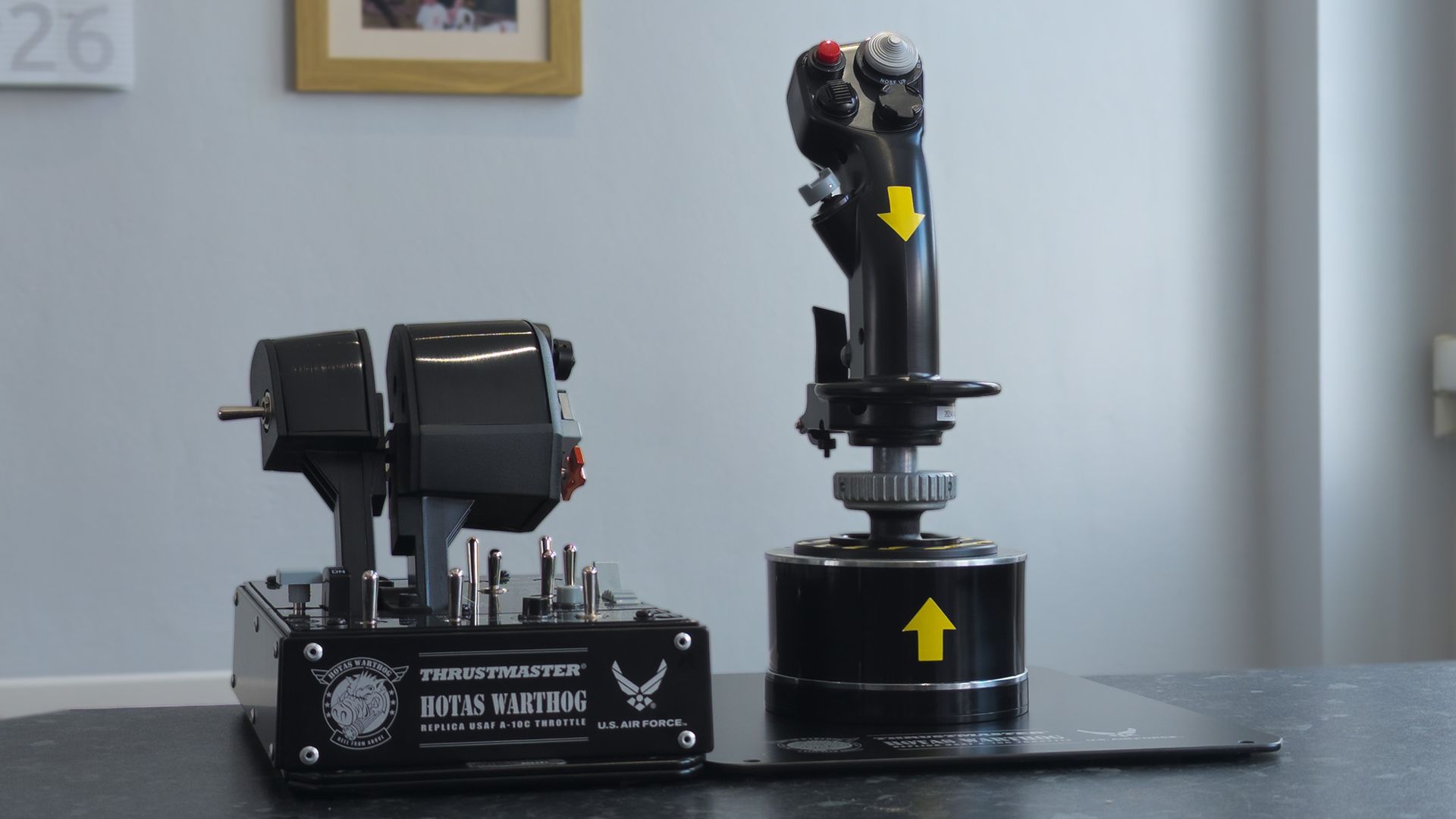
The stick is easy to align, thanks to the huge yellow guide arrow stickers.Ben Wilson | Windows CentralAttaching the stick to the metal plate is a little trickier, given the weight.Ben Wilson | Windows Central
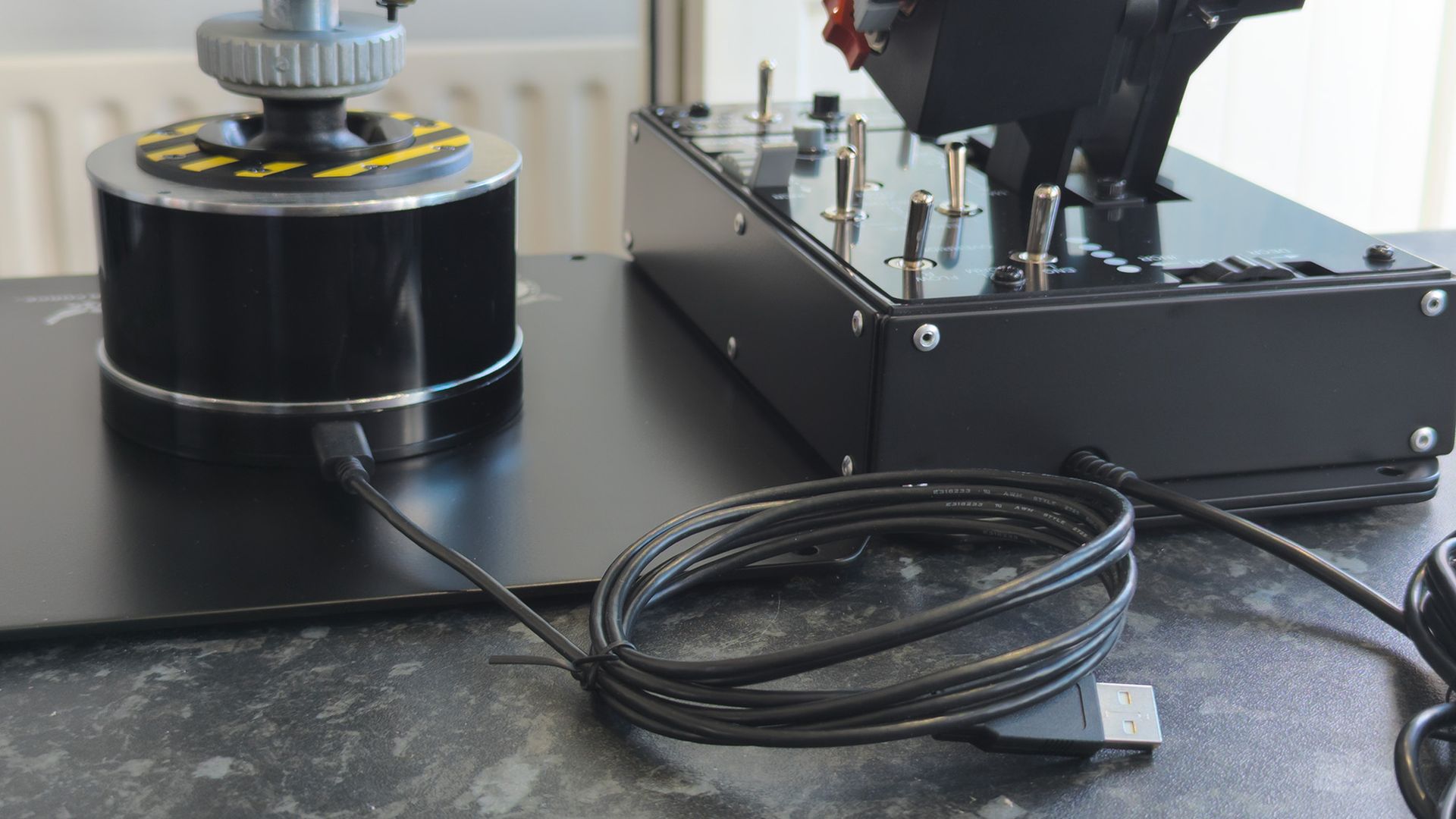
It's immediately obvious the Warthog Mk II is legit, given its sheer heft when I unboxed the all-metal behemoth. The throttle unit alone is 9.4 lbs (4.3 kg), which makes up much of its overall ~16.5 lbs (~7.5 kg) weight that sits on my nervous desk. Now I understand firsthand why hardcore flight sim fans opt for separate mounts, though it still feels incredibly sturdy with the metal plate.
I understand firsthand why hardcore flight sim fans opt for separate mounts, though it still feels incredibly sturdy with the metal plate.
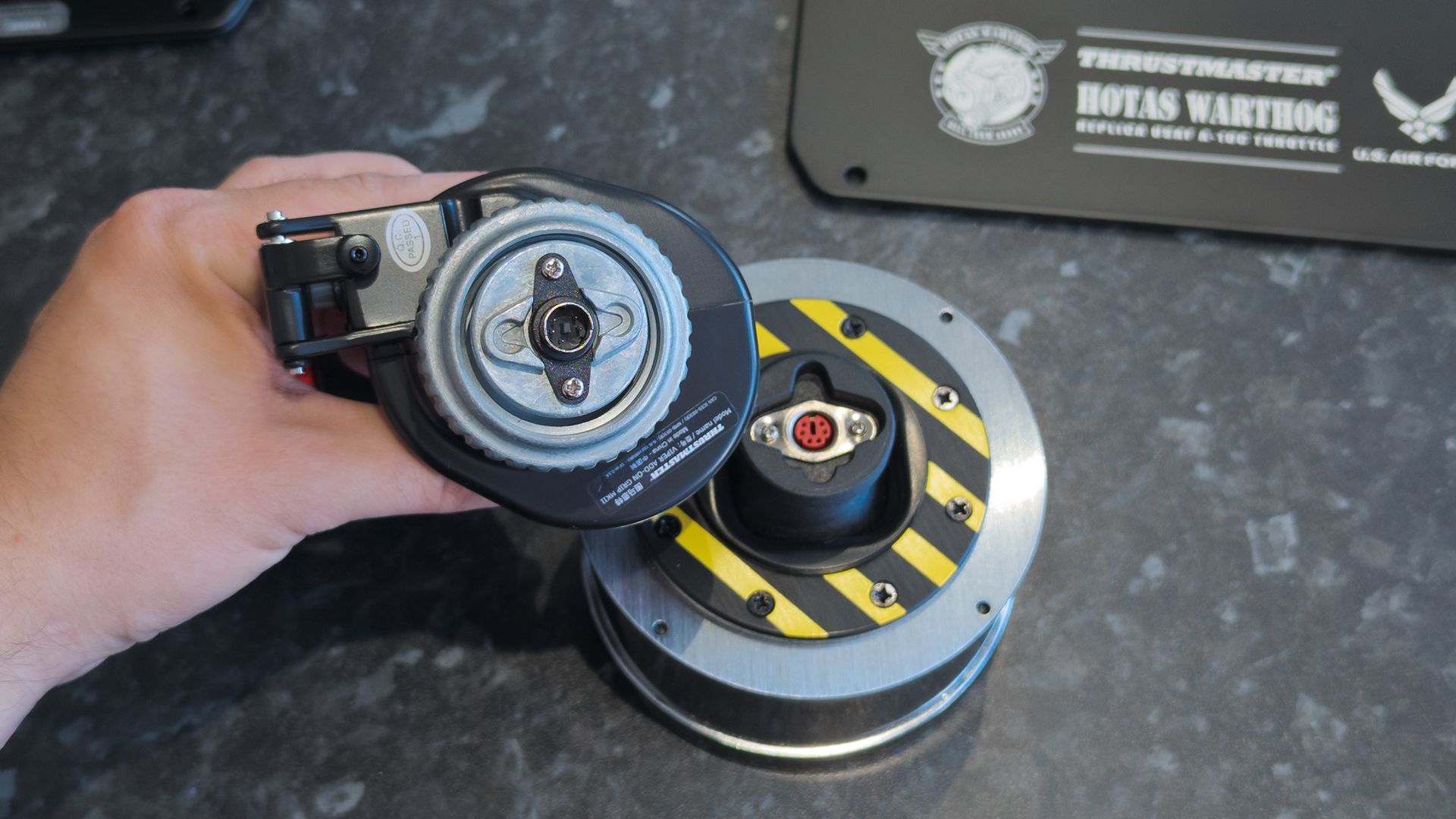
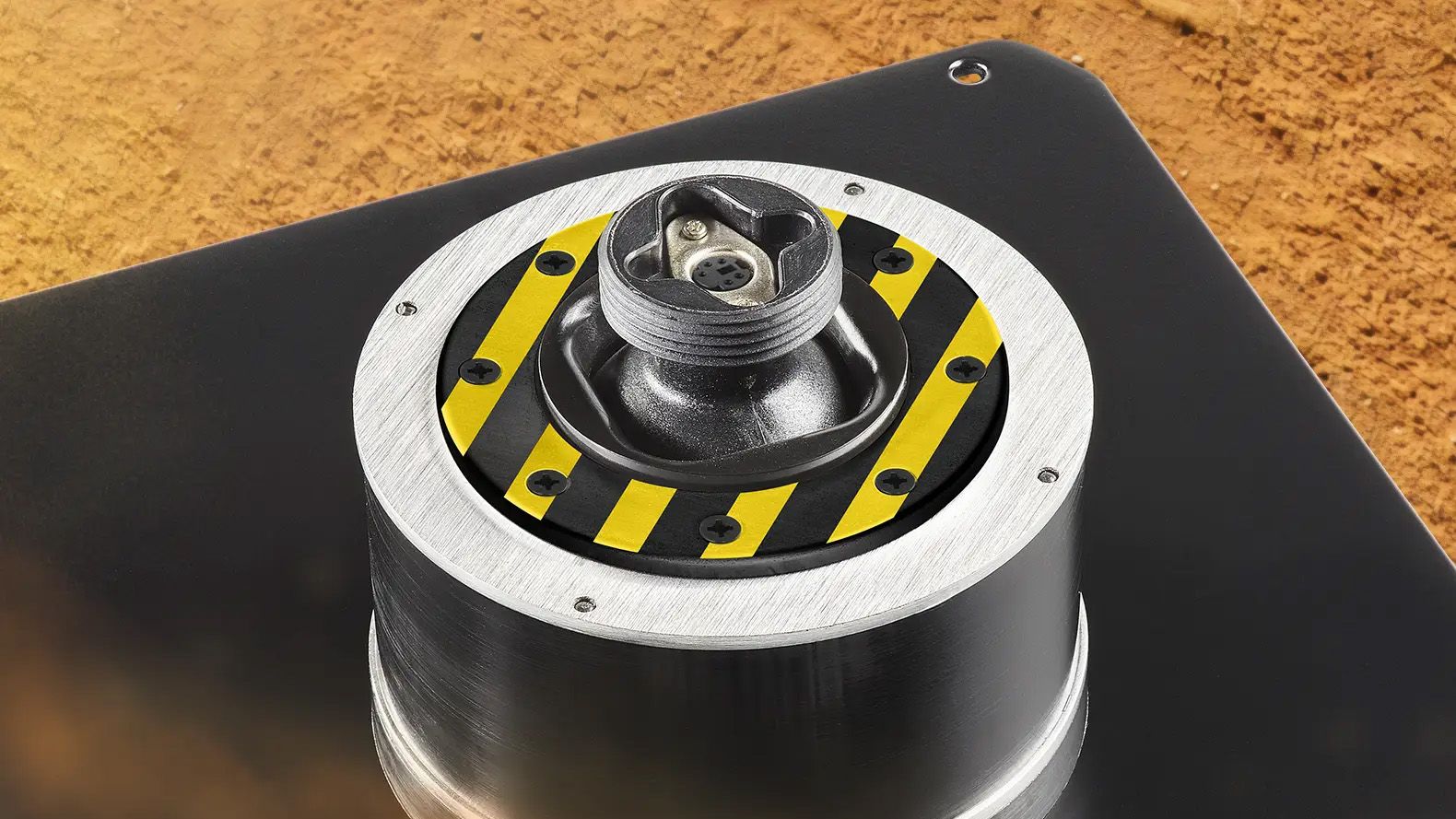
First up, Thrustmaster has switched from a 5-pin flight stick connector to an upgraded 6-pin replacement on the Warthog Mk II, giving it backward compatibility with branded grips, like the F/A-18C Hornet for more dogfights, SOL-R 3 for spacefaring, or Airbus for some overengineered passenger flights. It's up to you, though I imagine many would stick with the (included) Viper.
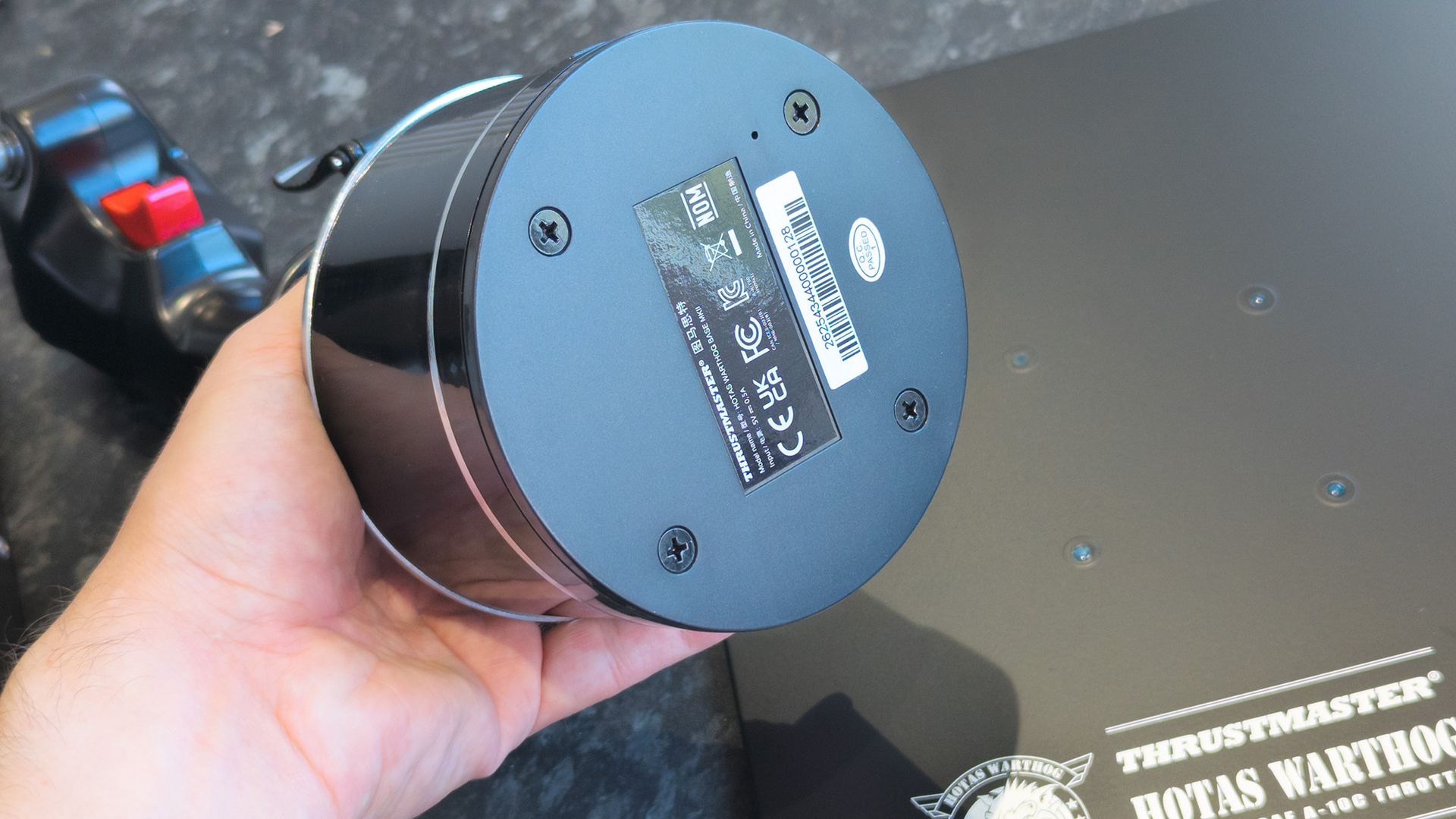
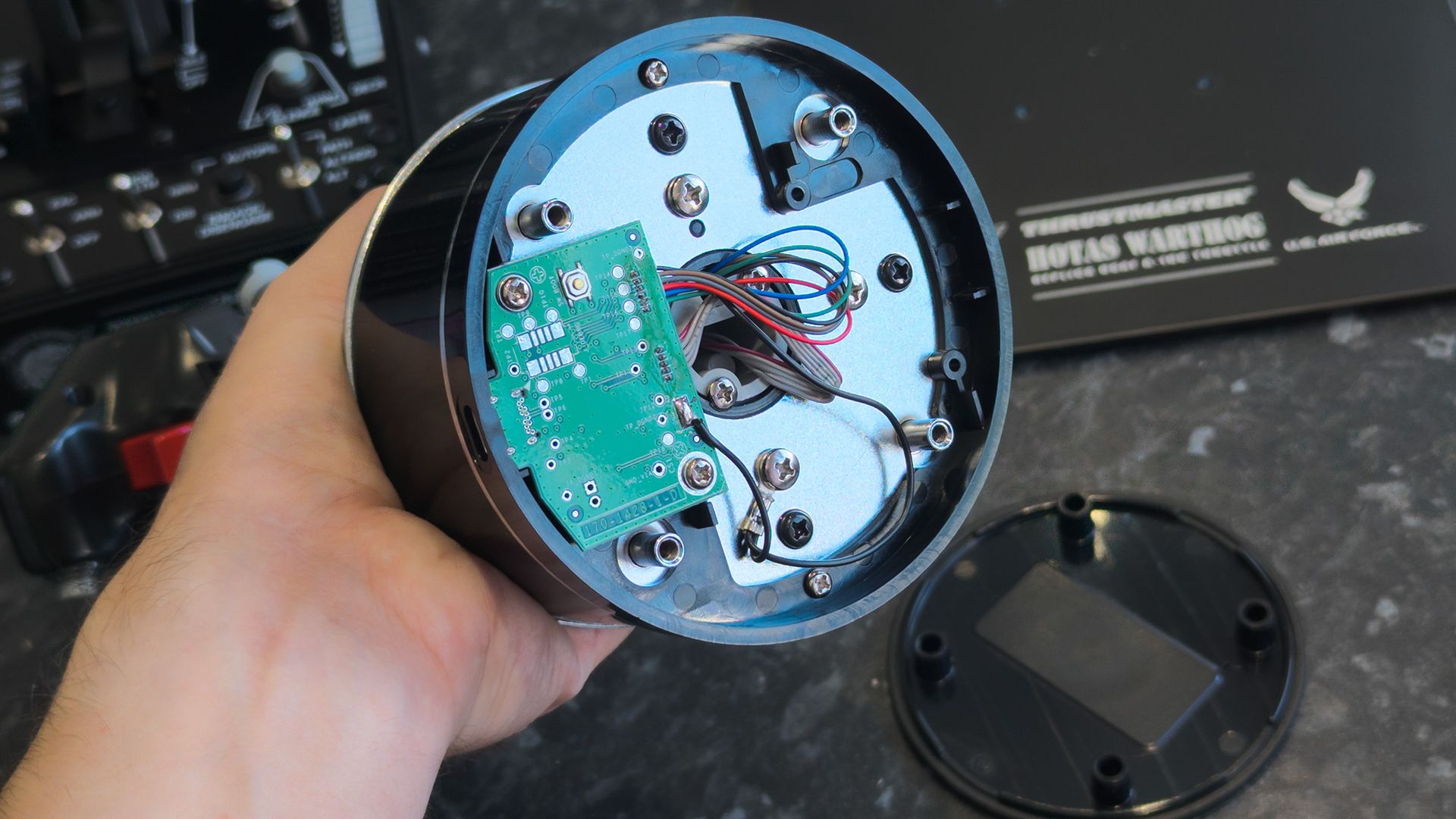
The updated 6-pin connector supports a wider range of Thrustmaster grips.Ben Wilson | Windows CentralOnly four simple screws hold the base in place.Ben Wilson | Windows CentralAnd it's pretty easy for it to pop off without them, so be careful.Ben Wilson | Windows Central
Assembly is fine, though aligning the base with the metal plate is a little awkward; a simple cushion lifted the grip up safely and got the job done. Again, the Warthog Mk II isn't fragile, but at almost $600, I'm still careful with it. Thrustmaster included a single hex key in the box, but it was no good for the Phillips screws on the underside, so consider having a screwdriver ready.
Stickers on the base and grip feature bold yellow arrows that make it as clear as possible how to safely attach them without risking damage to the pins inside, and the grip still uses a metallic screw thread to hold everything in place. It's as easy as it can be, at least for a lifelike flight stick, and the throttle unit needs no physical setup beyond putting the switches in place.
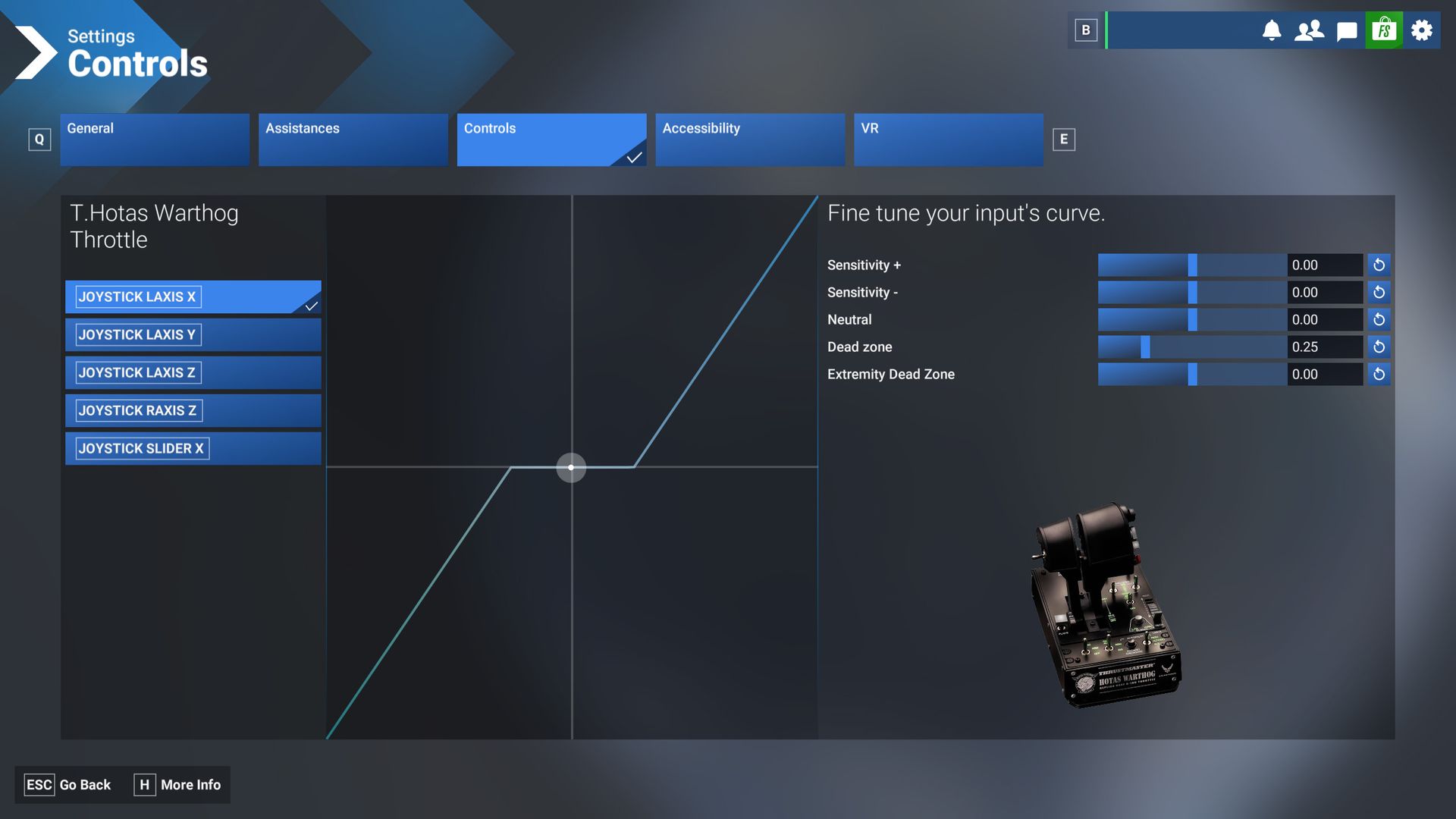
I had heard complaints about the slew stick in older versions of the HOTAS Warthog's throttle unit, but it only needed around a 25% dead zone to keep the axes moving where they were supposed to. Without that, it is a little erratic around the center point, but it certainly doesn't feel stiff or problematic after a small amount of tweaking in the setup phase.
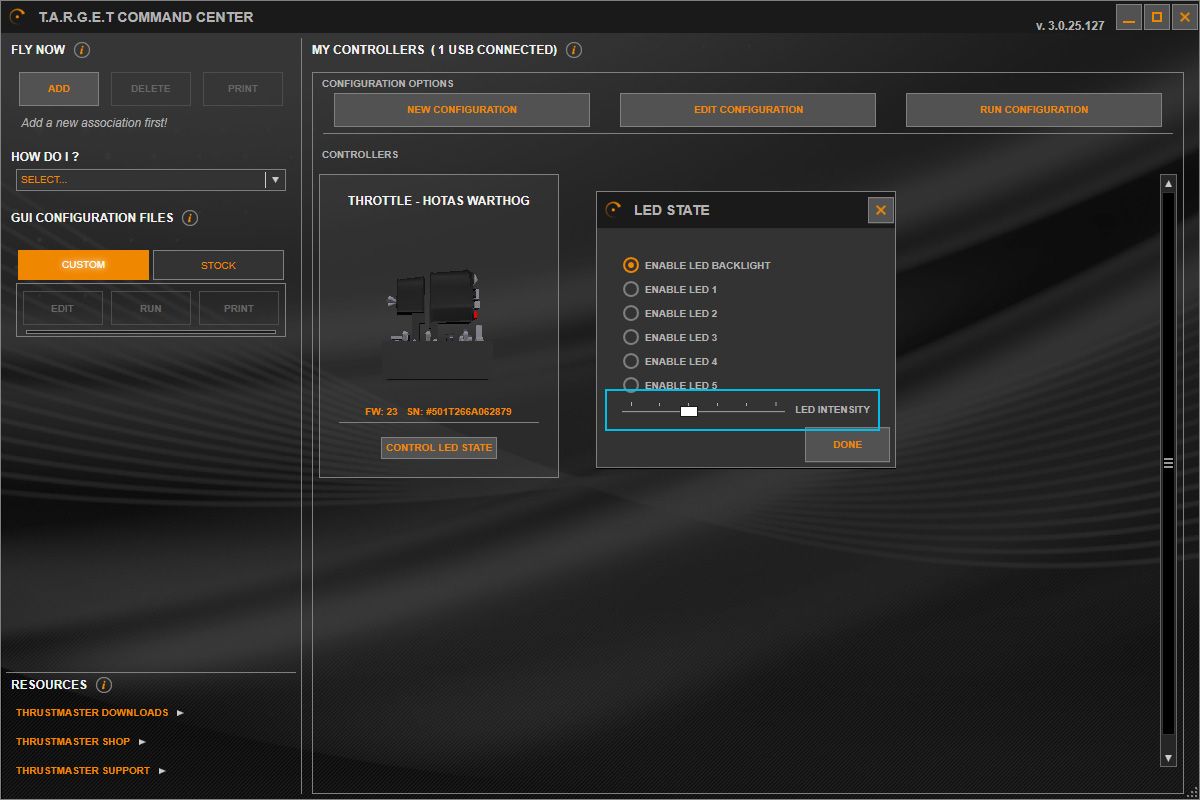
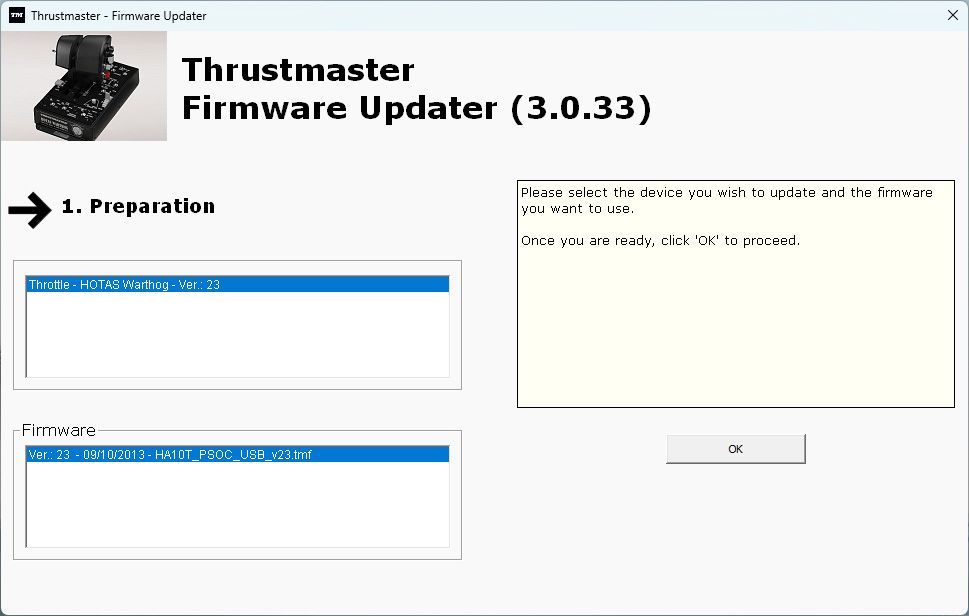
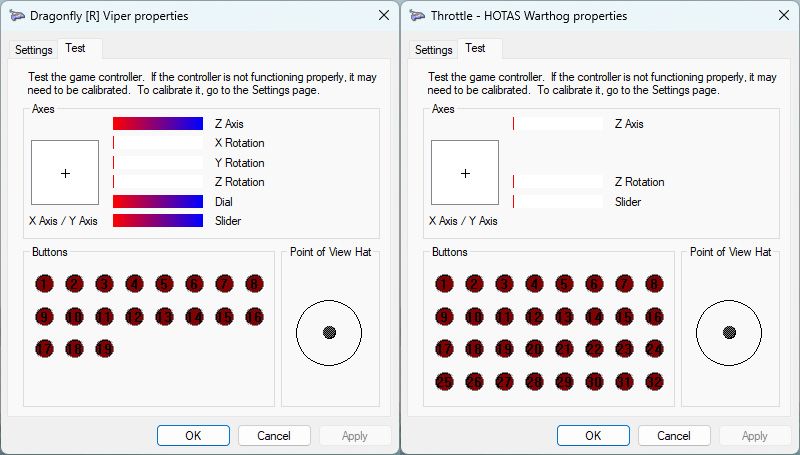
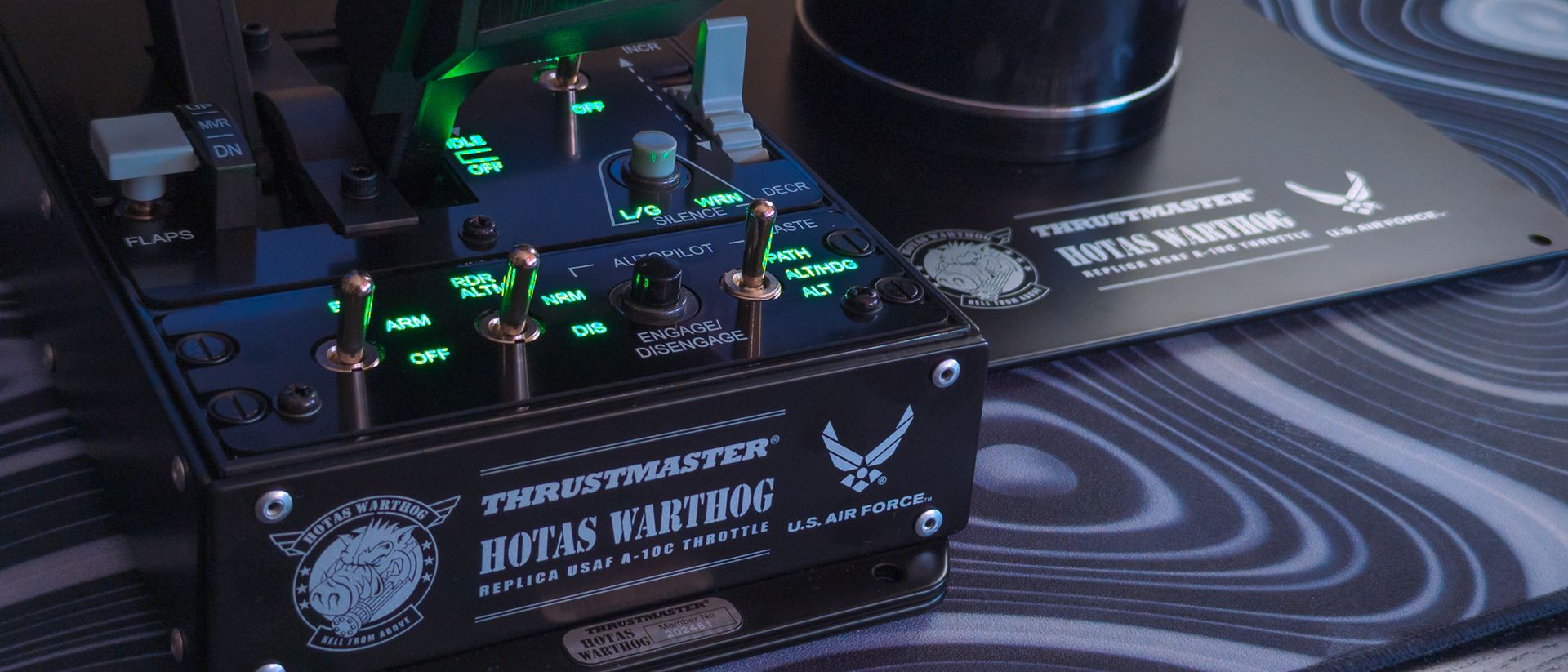
Microsoft Flight Simulator 2024 detects everything as it should, with in-game dead zone tweaks.Windows Central | Microsoft, ThrustmasterTo adjust the throttle unit's LED backlighting, I needed the T.A.R.G.E.T. app.Windows Central | ThrustmasterUpdating the firmware is as easy as ever, with a dedicated app.Windows Central | ThrustmasterFinally, testing all the inputs in a basic driver test window is just as simple.Windows Central | Thrustmaster
Otherwise, a metallic mechanism locks the two engine levers together, with a strong switch on the rear side that feels impossible to dislodge by accident. I can also use the included hex key to access an afterburner stopper, reversing its direction so it stops the throttles before physically lifting past the max point; the opposite works for moving down past idle and switching the engines off.
It's a mind-boggling experience, (but) the end result is always the same: the Warthog Mk II is fun as hell.
It's mind-boggling to move from the realism-centric hardware I'm used to, like Thrustmaster's TCA X Airbus Edition, to going hands-on with an intimidating HOTAS unit like the Warthog Mk II. However, it followed the same themes as other sticks; I spent time experimenting, practicing, and figuring it all out. The end result is always the same: the Warthog Mk II is fun as hell.
Does the WARTHOG MKII have any issues?
Because the included grip has no Z-axis twist, you'll need to control your rudders elsewhere. (Image credit: Ben Wilson | Windows Central)
Any downsides I found with the Warthog Mk II were generally offset by the same argument: it's a faithful, realistic recreation of the Fairchild Republic A-10C Thunderbolt II's controls; most notably, the grip lacks a Z-axis twist, just like the real thing. If I absolutely needed analog rudder controls, I'd have to buy a different grip or some pedals, like Thrustmaster's $129.99 T.Flight set.
Alternatively, I can re-bind one of the digital buttons or switches on the grip or throttle to act as a rudder, or set up a yaw-into-roll function within a particular game. Beyond that, I could script a solution within Thrustmaster's T.A.R.G.E.T. Command Center app if my particular favorite game doesn't offer it by default, but T.A.R.G.E.T. comes with its own steep learning curve.
It's a faithful, realistic recreation of the Fairchild Republic A-10C Thunderbolt II's controls; most notably, the grip lacks a Z-axis twist, just like the real thing.
In that, any point of contention will be argued among the most seasoned, die-hard flight simulator fans with the strongest opinions, shaped by literal decades of gameplay. The Mk II is still functionally compatible with ready-made profiles, but I know many enthusiasts will opt to create their own anyway, with bindings they trust only themselves to build (or ones they built years ago).
Unless I wanted to play a much older game that didn't recognize separate input devices and had to combine them in the T.A.R.G.E.T. app, I would use it as little as possible (after I'd chosen my preferred throttle backlight brightness level). Instead, I'd find the strange enjoyment of spending my first evening testing a game's settings and matching each switch, button, and axis individually.
Should you buy the WARTHOG MKII?
The Warthog Mk II takes over from its predecessor with a study design while retaining its authenticity. (Image credit: Ben Wilson | Windows Central)
You should buy this if ...
✅ You're a serious combat sim enthusiast craving an ultra-authentic experience
✅ You have the patience to bind, check, and test each input
You should not buy this if ...
❌ You already own the original (or AVA Edition) HOTAS Warthog
I don't think there's any danger of a novice accidentally buying the Warthog Mk II and becoming overwhelmed by its wealth of metal switches and realistic design, especially since Thrustmaster markets the package to experts. For the same reason, it'll be scrutinized at every inch because of its price point, fighting against long-term rivals for a place among the best flight sticks.
Still, it feels as sturdy and smooth as Thrustmaster claims, with a lifelike feel (presumably, I'm not a fighter pilot) in its flight stick and heavy-duty throttle unit. You'll spend hours fine-tuning its axes and assigning switches in your games, unless you opt for community-made profiles for specific titles; but frankly, that's all part of the fun for some of us.
Thrustmaster
HOTAS WARTHOG MKII
"Enjoy a redesigned base that's smoother and sturdier, for a military simulation experience worthy of Thrustmaster's famous HOTAS WARTHOG."
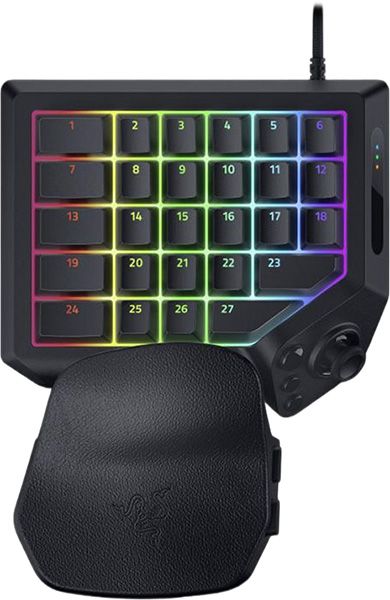
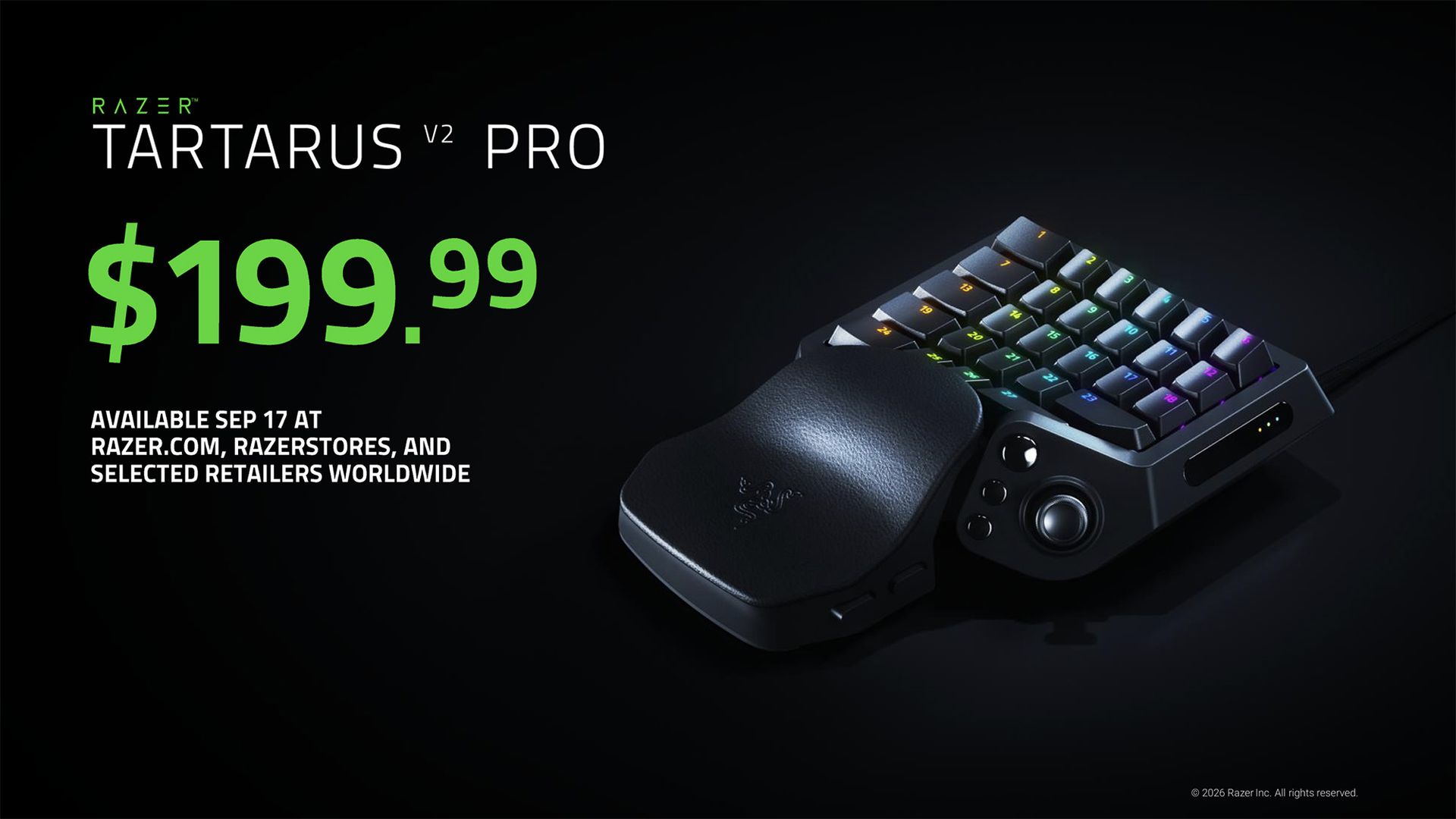
Today, Razer announced the Tartarus V2 Pro, an ergonomic gaming "keypad" with 31 total programmable inputs, priced at $199.99 (and £199.99 in the United Kingdom) at its online store, physical stores, and partner retailers. It follows the first Tartarus Pro, itself a successor to the original — and its own V2 variant — all built for personalization with a particular audience in mind.
To provide a more personalized fit, the Tartarus V2 Pro features an adjustable wrist rest that can be tailored to different hand sizes and desk setups.
Razer
Fans of MMORPGs such as World of Warcraft (and its many variants, like the anticipated WoW Forever) may recognize the Tartarus and possibly its origins in the Nostromo and Orbweaver. Now, the Tartarus V2 Pro features Razer's analog optical key switches with support for accurate, rapid input and adjustable actuation (multiple inputs on a single key), plus a drift-proof TMR thumbstick.
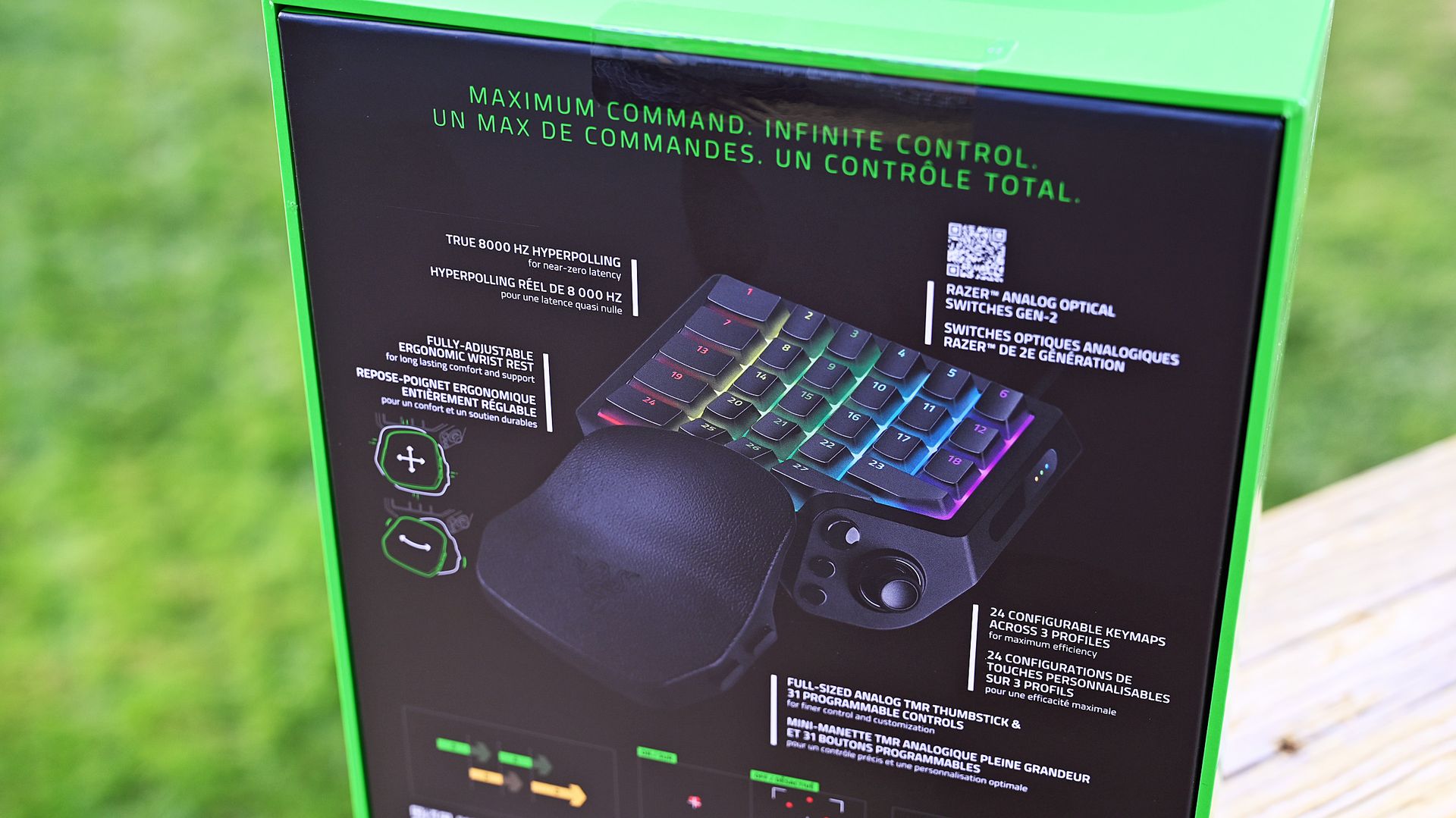
Offering the same Snap Tap and Rapid Trigger tech we saw in its excellent Huntsman V3 Pro keyboard, the Tartarus V2 Pro also appeals as an ergonomic option for competitive FPS players with its 8,000Hz 'HyperPolling' rate and adjustable wrist rest. Either way, gamers can store up to 24 configurable keymaps in the Razer Synapse companion app to match most genres.
"Grasp the true meaning of command with the Razer Tartarus V2 Pro — our most advanced analog optical gaming keypad."View Deal
Bizarre, niche, and totally fascinating
(Image credit: Razer)
I've glanced at the Tartarus a few times over the years, intrigued by its weirdness. Then again, most ergonomic hardware looks a little strange at first, but you'll probably only understand what it's trying to do once you use it. Sure enough, Razer offered a sample, and I couldn't resist, so keep your eyes peeled for my Tartarus V2 Pro review coming soon.
Frankly, I also have an ulterior motive for wanting to go hands-on with this unusual keypad. My wife is an avid World of Warcraft enjoyer, but she also suffers from chronic joint pain that led her to use the Xbox Adaptive Joystick for over a year. It certainly impressed, and I share the same praise for that joystick today as I did in my initial Adaptive Joystick review.
(Image credit: Daniel Rubino)
However, you'll notice the glaring difference between Microsoft's and Razer's offerings in button count alone. The Tartarus V2 Pro is borderline hilarious in that regard, wrapping 27 keys around your fingertips in a comfortable fashion, with a TMR joystick to boot. In theory, this could be the next step in accessible gaming for her, since she'll barely need to move her hand.
I want it for Counter-Strike 2, but she wants it for WoW. No prizes for guessing which one of us will get more use out of it. Ultimately, I'm craving something more gaming-centric after switching to a low-profile office keyboard and realizing how much that nerfed my experience. The Tartarus V2 Pro might be overkill, or it might be absolutely perfect. I'm excited to find out which.
Join us on Reddit at r/WindowsCentral to share your insights and discuss our latest news, reviews, and more.
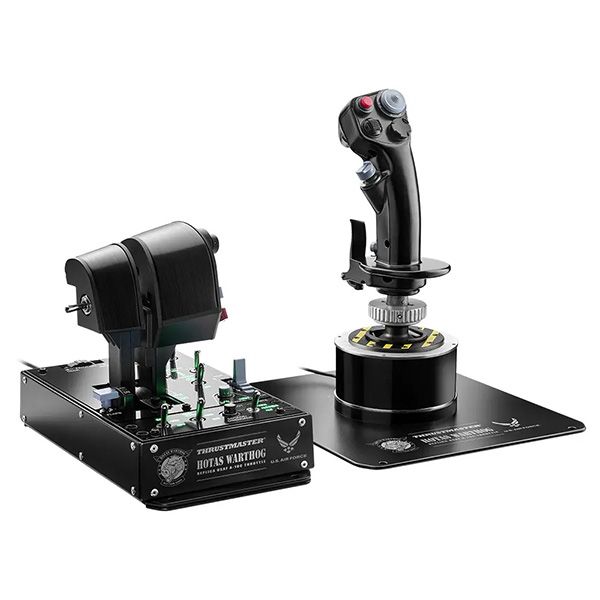
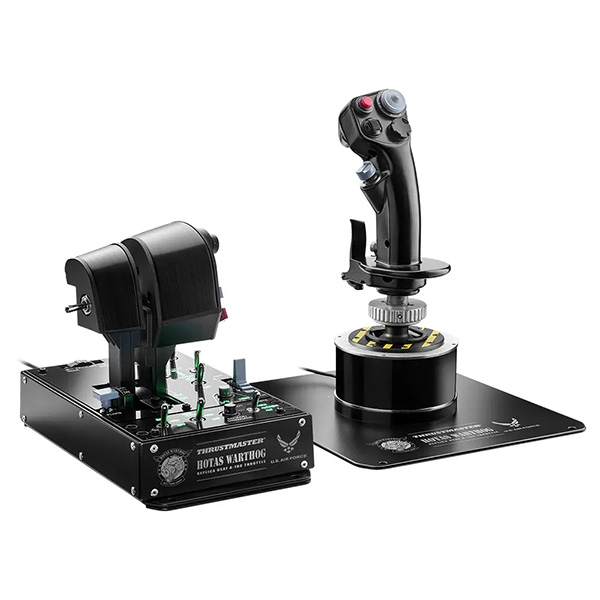
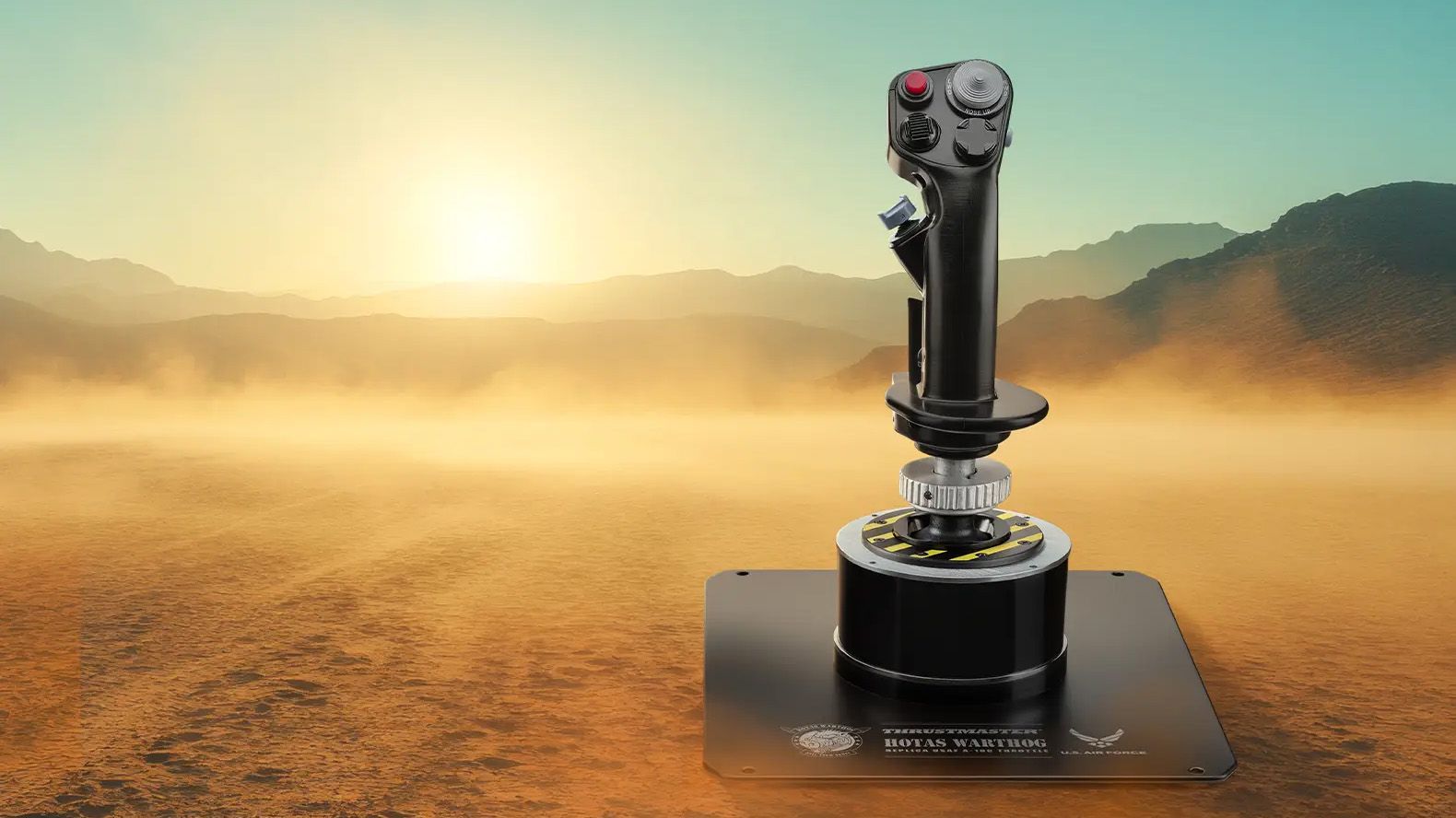
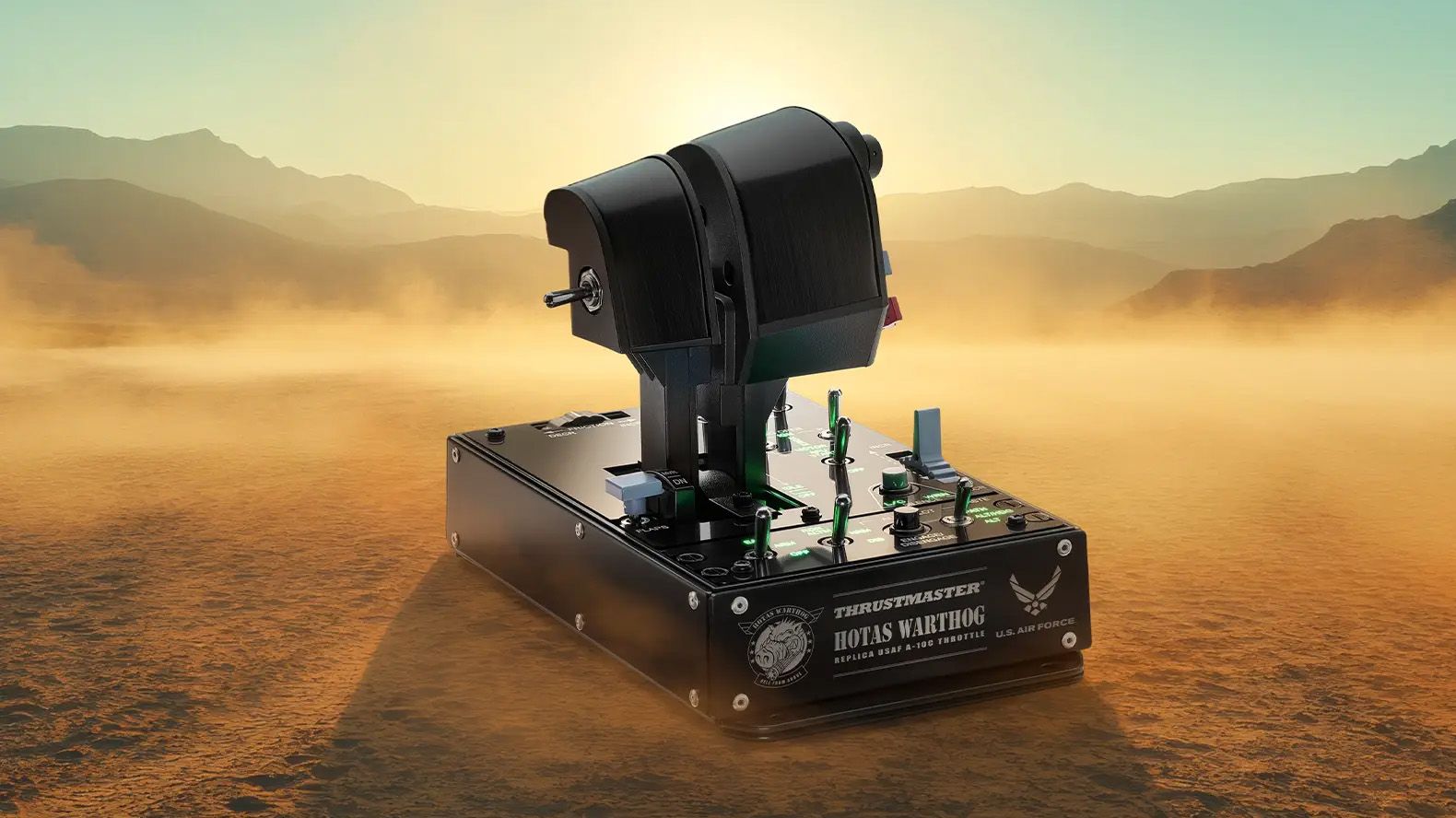
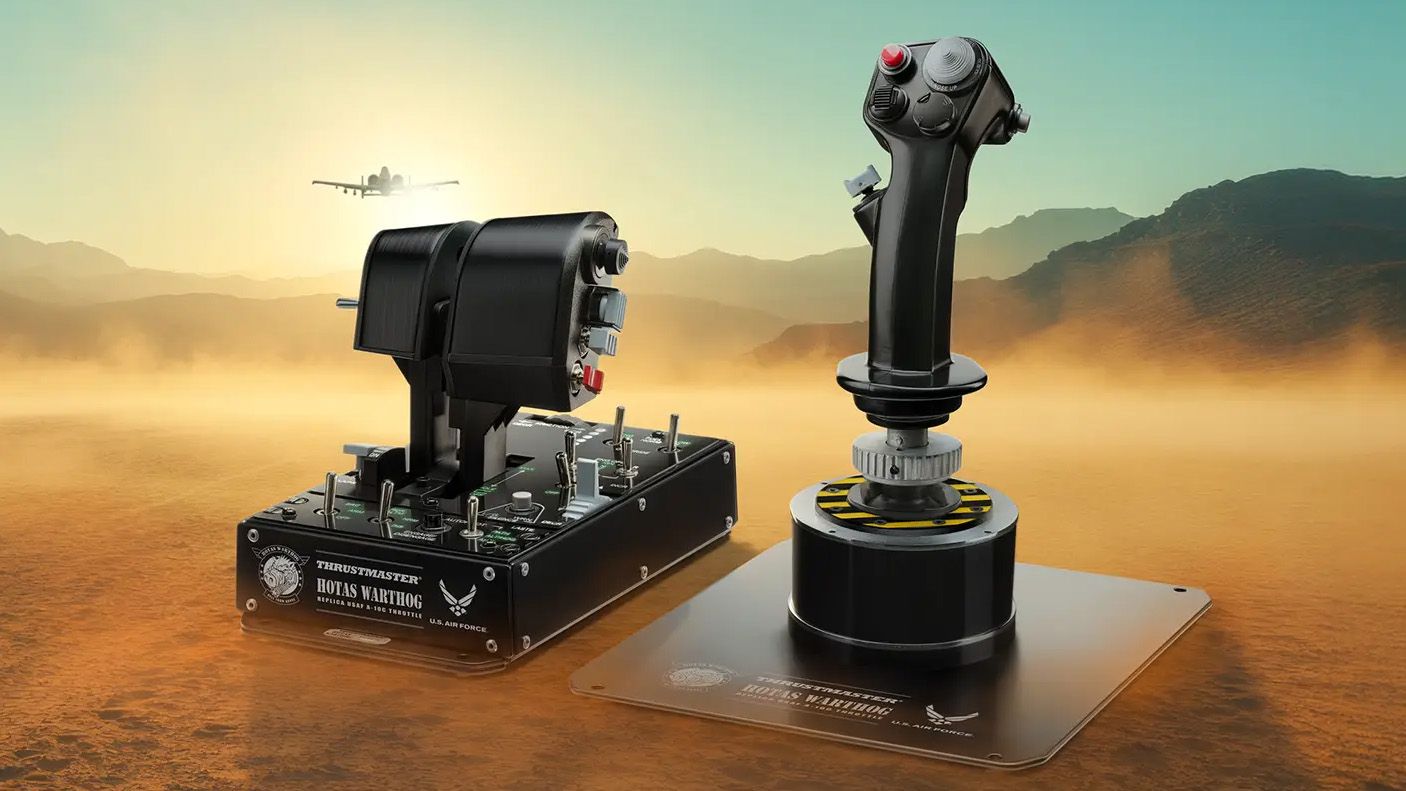
Already synonymous with flight simulation hardware, Thrustmaster is expanding its sim gaming range again with the HOTAS Warthog Mk. II, an "enhanced" variant of its popular, military-themed stick and throttle bundle for PC. Previously announced at Flight Sim Expo, it's releasing today, September 16, 2026, at an MSRP of $599.99, it's available from the official eStore and Amazon.
Indeed, the Warthog Mk. II features the same official U.S. Air Force licensing as its predecessor, with a design that seems almost indistinguishable from the Mk. I at a glance. In reality, Thrustmaster has focused mostly on the internals, redesigning its "H.E.A.R.T." Hall-Effect sensor mechanism "to offer enhanced smoothness and durability".
On the outside, it's still a 1:1-scale recreation of a Viper stick grip and the Warthog A-10C throttle with separate controls for both simulated engines (plus a locking system). Despite a few visual tweaks, the Mk. II supports full compatibility "with all Thrustmaster grips", which is great news for any sim enthusiasts who already adopted the brand's ecosystem on Windows PCs.
Thrustmaster's VIPER flight stick.ThrustmasterAnd its companion, the WARTHOG throttle unit.ThrustmasterThe refined MK II flight stick base.ThrustmasterAnd Thrustmaster's Hall-Effect sensors visualized.Thrustmaster
I've tested a huge number of flight sticks for games like Microsoft Flight Simulator, but I haven't strayed too far into military sims, or even further out to space-faring dogfights in titles like Elite Dangerous. However, I've always seen the Thrustmaster Warthog Mk. I appearing among some of the top-rated HOTAS sets in my adventures, so I definitely knew about it.
This release came with a chance to test the Warthog Mk. II for myself, so of course I said yes to a sample. Imagine my surprise when Thrustmaster's shipping confirmation included the 6.56 kg heft of this dense, 100% metal monster listed in its specs, with some extra weight on top for packaging. My word, what am I getting myself into?
The Viper flight stick grip provides a flight experience that's as close as possible to a real fighter pilot's.
Thrustmaster
Don't get me wrong, it's not like I've never, ever tried a flight stick in a combat game, but a HOTAS set of this intensity needs to be paired with something that fits better than a Cessna in Microsoft Flight Simulator. I'm looking forward to seeing how the first Warthog version built such a reputation, and whether its accolades carry over to the "sturdier" Mk. II.
That, and I need to figure out bindings for the stick's 19 buttons and the 8-way hat switch, even if the latter is usually quite obvious, before moving on to the Warthog control panel and its wealth of chunky levers, switches, and dials. That's up to 128 total buttons — should be fun! Stay tuned for my HOTAS Warthog Mk. II review going live before the end of the month.
Join us on Reddit at r/WindowsCentral to share your insights and discuss our latest news, reviews, and more.
Ubisoft is starting to test a change to how its PC games work on Steam, removing its own game launcher from games bought in Valve's storefront app, according to a patch note shared on Reddit. Previously, launching a Ubisoft-made game would require gamers to first install the Ubisoft Connect PC launcher to support cross-progression and other stat tracking.
[The new tool] keeps Ubisoft game features (..) without requiring the Ubisoft Connect PC launcher to be installed or launched.
Ubisoft
The change will first apply to 2024's 2D platformer Prince of Persia: The Lost Crown and, presuming this test proves to be successful, will "progressively evolve and roll out to more Ubisoft games on Steam in the future". Crucially, there's no definite confirmation that this will retroactively apply to even older Ubisoft games on Steam, but it's a reasonable assumption.
This is fantastic news for PC gamers, if it works as expected. Connecting my Steam and Ubisoft accounts should, in theory, be as much effort as I need to play these games from my library, skipping the frustrating process of navigating (and quickly closing) Ubisoft's launcher. I'm crossing all my fingers that this soon applies to my entire catalog, so I can stop neglecting Watch_Dogs 2.
Having to re-enter my password every time I boot up Assassin's Creed unity or whatever is painful. Hopefully this will help
u/mango__moose, Reddit
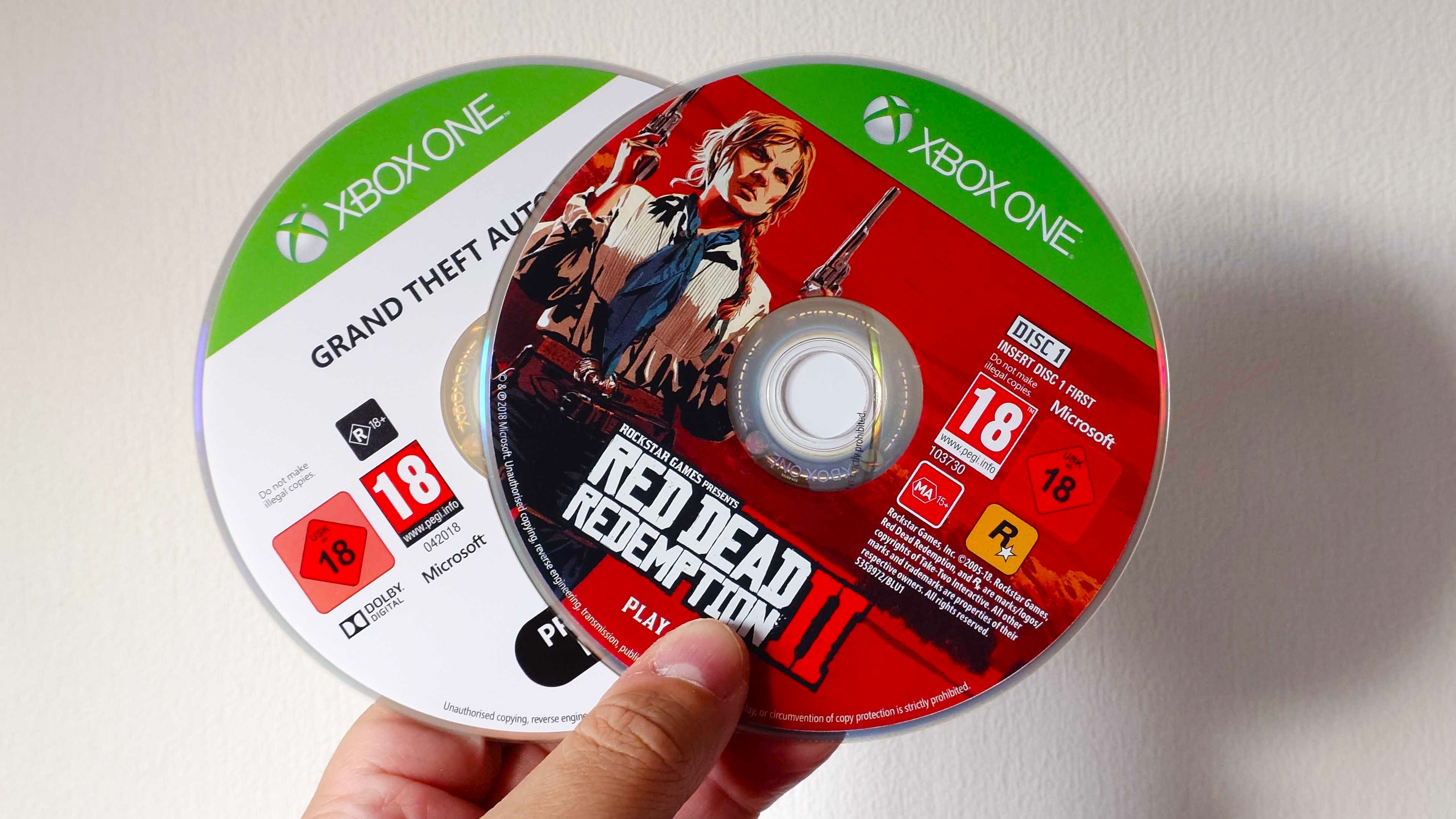
Sentiments are fairly unanimous across the r/Steam thread on Reddit, with most agreeing that the Ubisoft Connect launcher has never been a positive feature in games they've bought on Steam. Ditto for other companies, as launching Grand Theft Auto IV or Red Dead Redemption 2 on my Steam Deck still tediously forces me through Rockstar Games' own launcher variant.
Curiously, this announcement is currently restricted to the Steam-hosted patch note, which can't be viewed outside a library that already owns the relevant game, so Ubisoft is seemingly keeping this test on the downlow for now. Maybe they're trying to save face after pushing Ubisoft Connect for so long, but frankly, this is a step in the right direction to celebrate — if it passes testing.
Join us on Reddit at r/WindowsCentral to share your insights and discuss our latest news, reviews, and more.
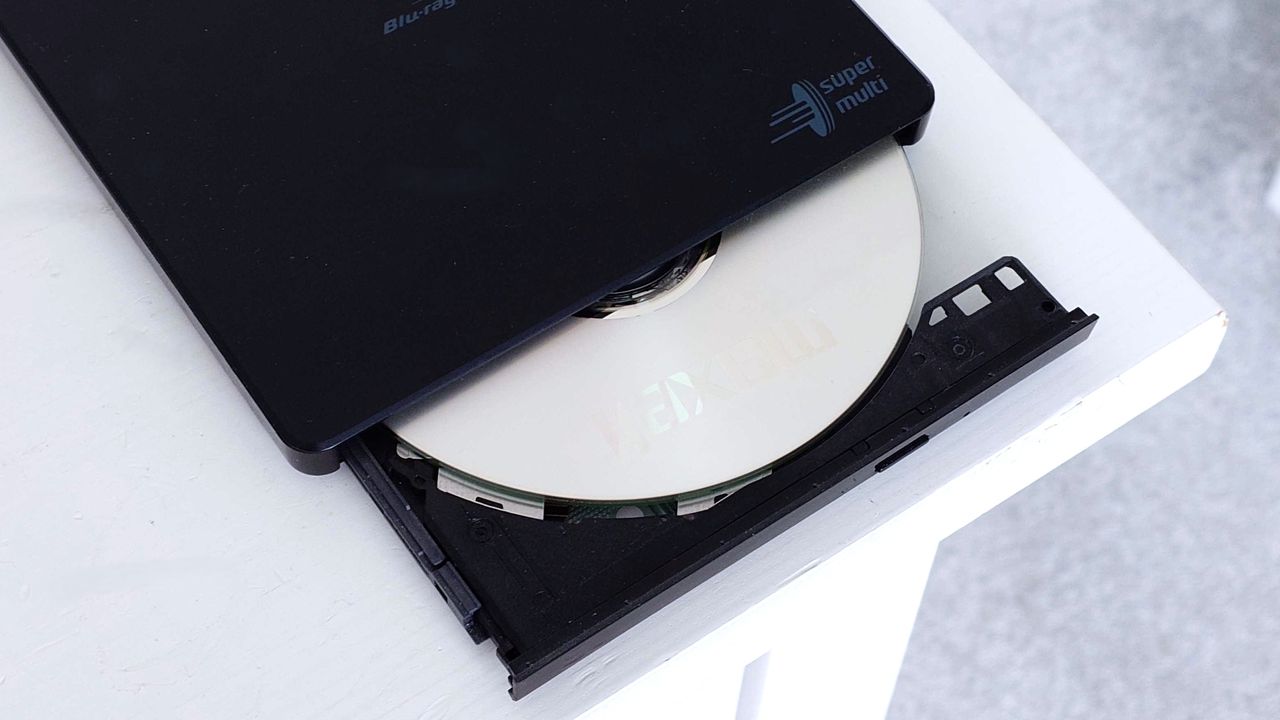
The move to all-digital has been on the cards for some time, and PC gamers have already long embraced that future. But in a bizarre twist of fate, it seems some are reversing this process and actually starting to make their own physical copies of digital PC games.
I stumbled across a YouTube video by Archades Games (which is embedded below) that's been up for many months, but nevertheless, its subject matter made me click. On PC there's quite often a way where there's a will, and with GOG especially, it's actually pretty easy to create your own physical installer for your game library.
Of course, it requires having the necessary hardware to do it, and Blu-ray drives (like everything else) have been getting more expensive in recent years. But if you have a drive and some discs, there's little else to stop you.
There's a wider discussion that is ongoing regarding game preservation and generally good data backup habits. But in this specific instance, GOG will offer DRM-free offline installers, and the right Blu-ray discs can last at least your own lifetime, and potentially many more besides.
The process itself seems pretty straightforward, though the video and a follow-up, which goes into more depth, including multi-disc scenarios, walk you through every step. Multi-disc is certainly something you'd need for Cyberpunk 2077.
Archades Games goes one step further and even creates a nice-looking label for the discs, just to add a finishing touch. Though that's entirely optional.
Xbox is now going to offer digital entitlements to compatible discs. (Image credit: Windows Central)
You can also write your own autorun file to add to the disc so that when you insert it into a PC, it will immediately open up the installer. Just like in the old days when you'd buy a big box PC game.
I haven't tried this yet, and I'm not necessarily sure I will. But recent events have certainly made me start to think about "ownership." I don't own anything in my Steam library; I don't own any of the digital movies I've bought over the years from Apple, Google, and Amazon. Long-term rentals are only fine as long as the rights holders say so.
I've been buying up physical copies of movies I only have digitally on Blu-ray and creating a digital copy of those Blu-rays to store on my NAS. I'm not suggesting it's practical to create a full library of PC games on disc, and in many cases, you can't get new releases on GOG or anywhere else with an offline installer.
But preservation is something we should all care about. I've thought more and more about it as my children are growing up and I'm able to enjoy content with them. My son is absolutely loving being able to play games on Xbox from before he was born, and much of that is thanks to backwards compatibility.
But we also have an Xbox 360 running every day right now, with physical copies of games that we can use for as long as the disc lasts.
The idea of "cold storing" important data on Blu-ray discs is something I've been toying with, too. With the right discs, such as M-Discs designed for archiving, that data can be preserved for centuries. So long as you have a way in the future of actually reading them, of course.
It might be a fun project for game installers, but for treasured memories, photo libraries, and things that are irreplaceable, having a copy that could stand the test of time is looking more important. Good backup processes are something we should all be doing.
Join us on Reddit at r/WindowsCentral to share your insights and discuss our latest news, reviews, and more.
A photo of an LG-Hitachi Blu-ray drive open with a blank disc in the tray
If you have the right hardware, you can make your own game discs to keep offline forever, because why not?
Grand Theft Auto VI has been hogging the limelight lately, and for all the wrong reasons. Hackers have been leaking bits of gameplay and other info online, and gamers are gobbling it up ahead of the expected November 19, 2026, release date.
I'm trying to avoid as many spoilers as possible by not viewing the leaks, and besides, I have something better to keep me busy until GTA VI's official launch.
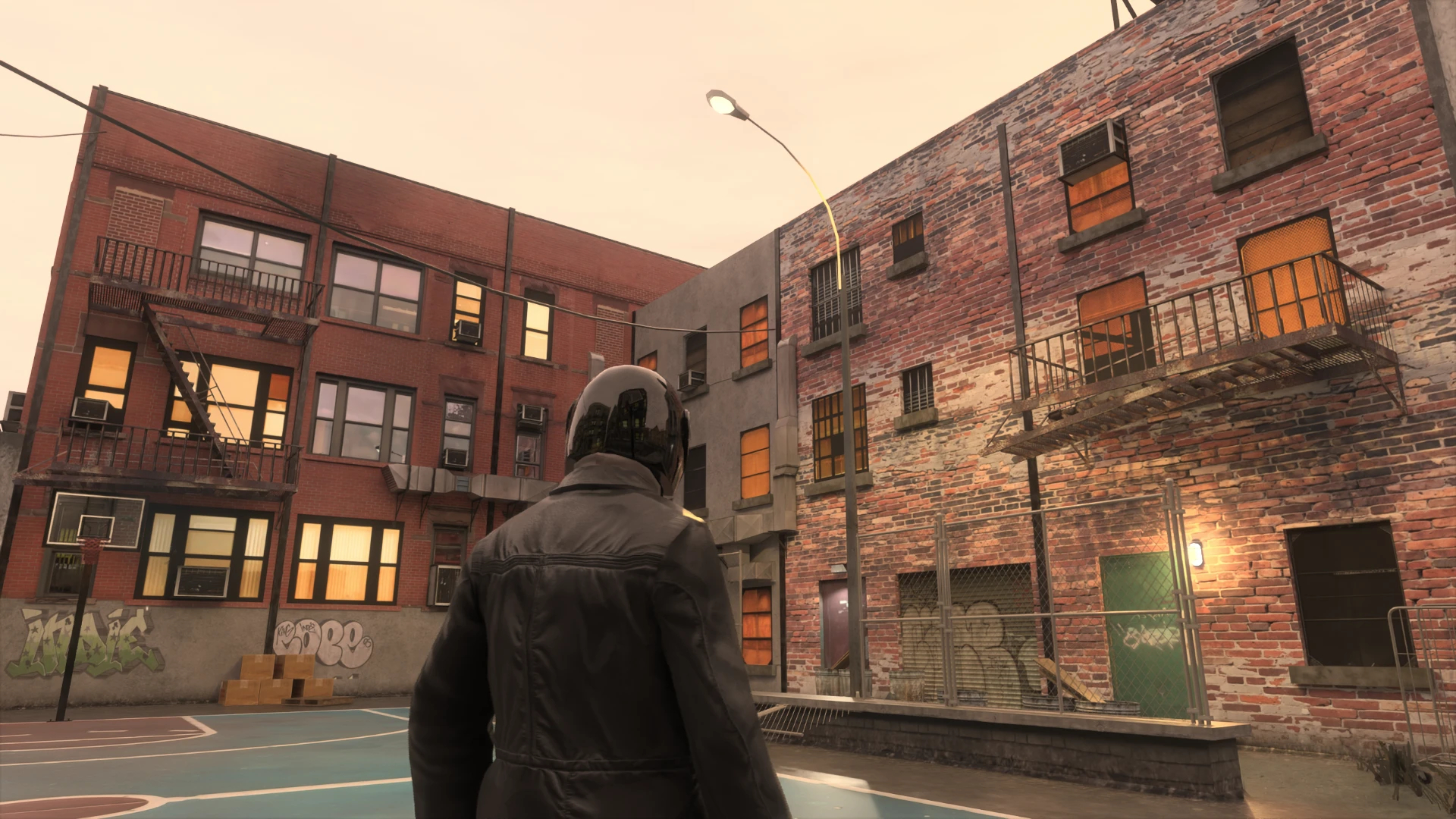
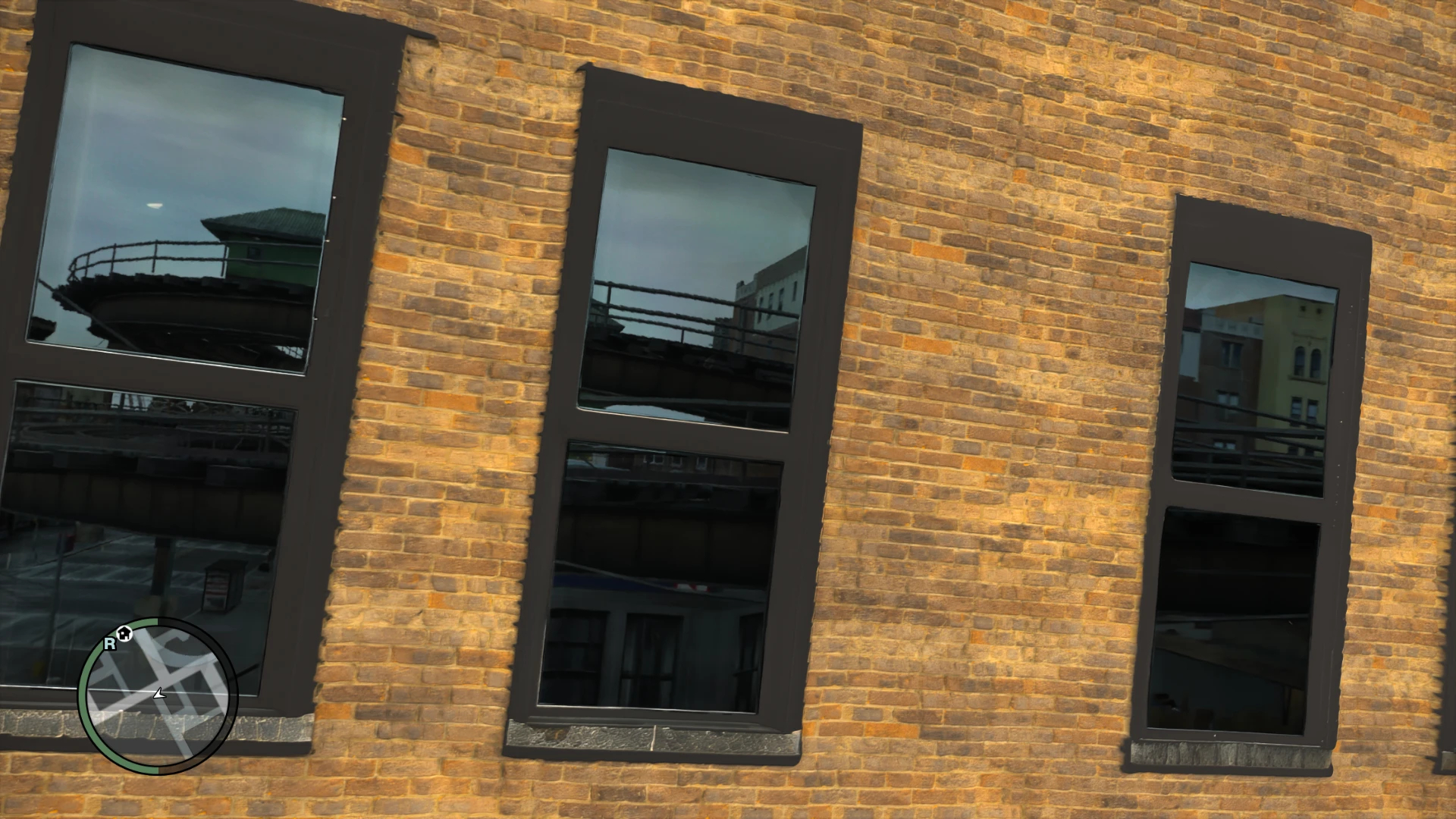
I'm talking about the Grand Theft Auto IV RTX Remix mod that adds Path Tracing to the 18-year-old game.
It's the work of a modder known as xoxor4d, who last week released version 1.4.2 of the mod on GitHub. The mod is compatible with GTA IV: The Complete Edition version 1.2.0.59, and it truly makes the 2008 car-jacking hit feel like it was released in 2026.
What does the RTX Remix mod do to Grand Theft Auto IV?
I know that the GTA IV Remix mod has been out for a while now, but I hadn't been following it that closely. Oh boy, it has come a long way since launch, and it's great to see the project's creator is keeping up with maintenance and new features.
There are certainly some other mods at play here, which I dig into a bit deeper below, but one thing is for sure: this is an incredible mod that changes the whole grimy, gray feel of the original game.
GTA IV arrived all those years ago with graphics that seemed mind-blowingly good, as is usually the case with Rockstar titles. Looking at the game's stock graphics now, well, you can tell that they're from a bygone era.
The RTX Remix mod drastically changes the appearance. The game's default static lighting has been replaced entirely with full path tracing, making rays jump and bounce off of surfaces quite realistically. Dynamic shadows look better than ever. It really is the best I've ever seen Liberty City look.
Here are some screenshots from the texture mod that I know will make you want to play GTA IV again, too.
A Grand Theft Auto IV screenshot from Warcaco's 4K texture mod.Warcaco (Nexus Mods)A Grand Theft Auto IV screenshot from Warcaco's 4K texture mod.Warcaco (Nexus Mods)
To say that this combination makes GTA IV look like a completely different game is an understatement. However, you're going to need a beast of a PC if you want to run this combination with any sort of playable success.
The demo video I provided above has the modded game dropping as low as about 60 FPS in some areas, and the GitHub project page notes that your CPU will likely be a bottleneck due to "the amount of detailed meshes the game is rendering."
Be that as it may, I definitely think any fans of GTA should give this one a shot just to see how it performs on their hardware.
NVIDIA's RTX Remix is a big deal, and not just because of one mod
I know, I know, more AI from NVIDIA's RTX division. Some of you might not want to hear of it, but I'm convinced that Remix is the real deal.
Remix arrived in January 2024 as an open-source and free tool, and it's been under development since. It's a clever way to inject path tracing, upscaling, and other materials into old favorites without needing any source code access.
Anyone with the right ambition can give Remix a shot, and there are some other projects I recommend checking out. Portal with RTX and Half-Life 2 RTXare probably the best examples, but they were spearheaded by NVIDIA. It's great to see lone developers jumping into the tool to create their own works.
Considering GTA VI isn't expected to launch with path tracing, and the fact that GTA V only supports ray tracing, this might be the best way to play Grand Theft Auto until the next installment arrives.
Join us on Reddit at r/WindowsCentral to share your insights and discuss our latest news, reviews, and more.
A GTA IV character in a dark jacket and motorcycle helmet standing in front of cars, with a roller coaster in the background.
A GTA IV character in a dark jacket and motorcycle helmet standing in front of cars, with a roller coaster in the background.
GOG (formerly known as Good Old Games) is one of the most popular spots to buy, download, and curate PC game collections. It competes directly against the behemoth Steam, the oft-maligned Epic Games, and plenty of other PC game storefronts, and over the years it has garnered quite a positive reputation among gamers.
GOG's games don't come with DRM. Older titles are often fixed, patched, and updated to run on new hardware. There's a rather generous 30-day return policy, and there are frequent sales with massive discounts.
Yeah, it all looks great, and I'm a huge fan of GOG.
So where is this going? I recently came across a user-maintained catalog of "Games that treat GOG customers as 2nd Class." It was just updated on August 11, 2026, and I'm shocked at how many titles are listed as having some sort of disparity compared to other digital storefronts.
GOG's game version disparity is a lot worse than I ever expected
There are 1,140 games that have at least one issue on GOG compared to other storefronts. (Image credit: GOG)
I was aware that some GOG games weren't the same as the versions found in other stores, but I never knew the problem was this widespread.
This effort to track issues with GOG versions of games actually got started in 2018 in a GOG forum thread that's still alive today, now reaching 400+ pages with thousands of replies.
The spreadsheet catalog contains a list of 1,140 games with at least one issue. There are 1,531 issues in total. Those numbers are not typos. Sure, some of the issues are less severe than others, but that doesn't mean GOG customers should receive an inferior product.
The catalog tracks the following issues:
Missing updates (308 total issues)
Missing languages (100 total issues)
Missing free DLC (51 total issues)
Missing paid DLC (200 total issues)
Missing features (111 total issues)
Missing soundtrack (439 total issues)
Missing builds (278 total issues)
Region locking (12 total issues)
Sources are provided for many of the games listed as having issues, and others are sourced directly from first-hand experiences.
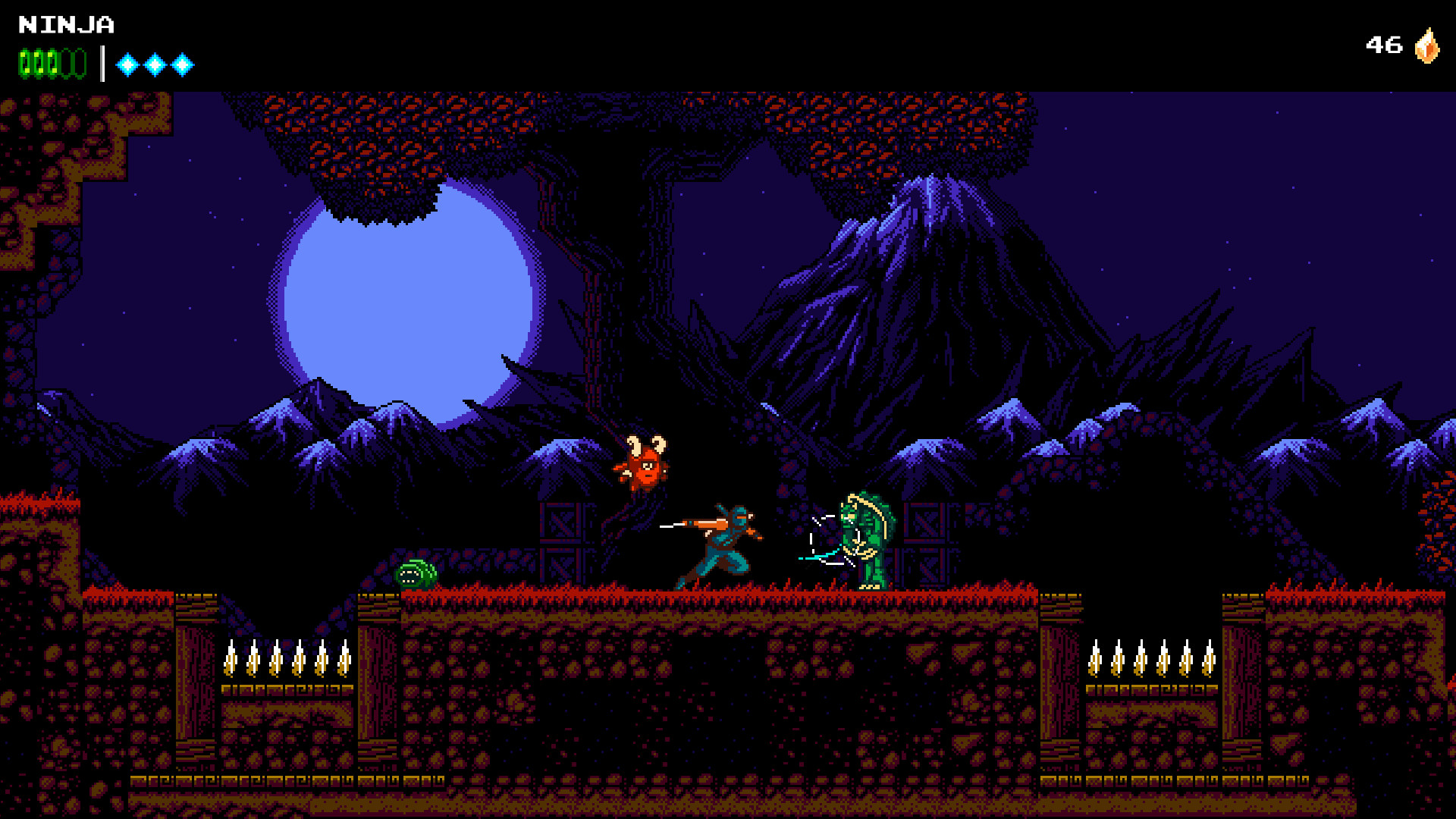
Out of all the 1,140 games on the list, there are 17 special mentions. The game The Messengerfrom Devolver Digital, one of my favorite publishers, is flagged as special. Why? The GOG version is missing a Unity security update, and the soundtrack files are of a "lower quality than on Steam."
Devolver Digital's The Messenger is on of the games that received a special mention for missing features and issues. (Image credit: Devolver Digital | Sabotage)
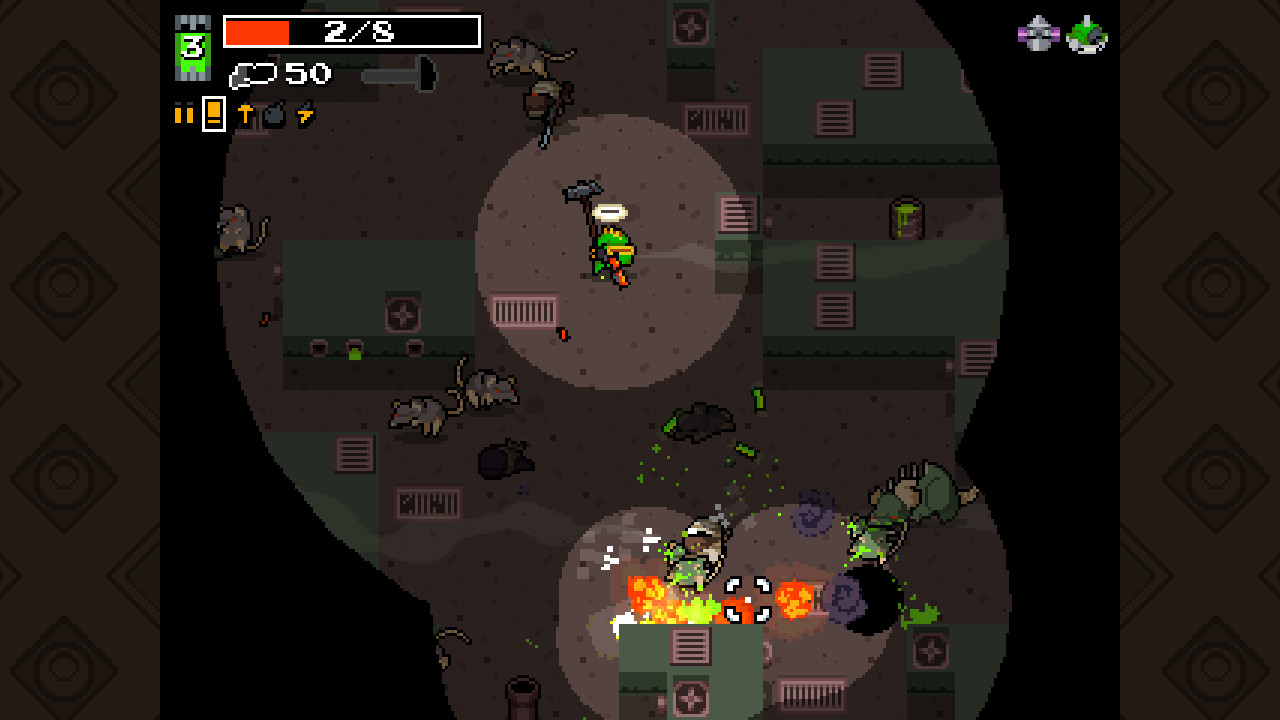
Another special mention is given to the game Nuclear Thronefor its five issues, including a missing 10-year anniversary update, missing languages, missing challenges, missing soundtrack, and missing Linux version.
I could go on with plenty more examples, but I'm sure you get the idea. Missing soundtracks seem to be the most frequent offender with 439 total issues, while missing updates place second with 308 total issues.
Why do some developers seem to give GOG less attention?
Nuclear Throne is one of the games flagged as having the most issues on GOG. (Image credit: Vlambeer)
GOG's disparity with other storefronts isn't really GOG's fault. It's ultimately up to the developers and publishers what to include in their games when they're sent to GOG, and what to update thereafter.
Devolver Digital and THQ Nordic GmbH are both at the top of the list with 29 issues each in total across their published games.
Correct me in the comments section below if I'm wrong, but Steam's far larger user base and its savvy workshop integration make it the go-to spot for most game companies. Much more attention is paid to Steam, and GOG seems often to be treated as "we'll get to it when we can."
And because GOG requires games to be DRM-free, there's definitely extra work to be done in many scenarios. For older games that may or may not have a dedicated development team, this is especially painful.
GOG is a great place to shop if you care about game preservation and proper functioning of classic titles, but you're still paying for the games. There's a certain irony here in buying a game to preserve it properly, only to find out that it's missing one or several features that you could have received if you'd purchased it, say, on Steam.
My advice for the next time you're buying a game on GOG
Like I said, I support GOG and its mission to deliver DRM-free games. However, I was not aware of how many titles have issues.
From now on, I'll be checking the spreadsheet carefully any time I head over to GOG and pick up a new game. I suggest you do the same, lest you end up with a DRM-free version that's missing the content you bought it for in the first place.
Were you aware of how many games on GOG have missing content and issues compared to other storefronts? Has it tainted your opinion of GOG? Is there any hope to solve the major issues that some of these games have? Let me know in the comments section below!
Join us on Reddit at r/WindowsCentral to share your insights and discuss our latest news, reviews, and more.
GOG.com logo next to a Steam logo on a purple starry background, with a red equals sign separating them.
GOG.com logo next to a Steam logo on a purple starry background, with a red equals sign separating them.
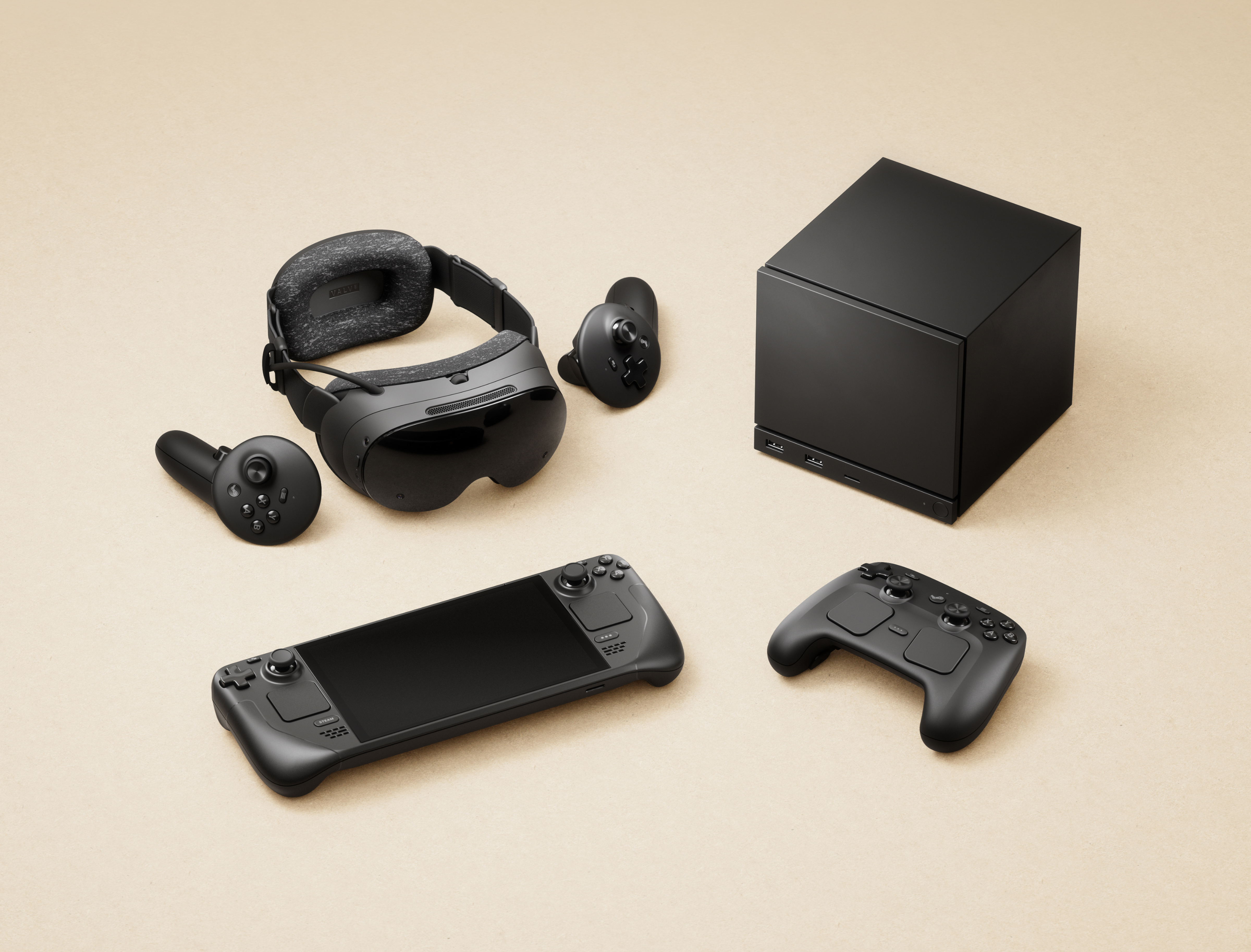
If you ordered any of Valve's products within Europe, such as its Steam Machine gaming PC or the modern Steam Controller, there's a chance your private information may have been compromised. This morning, an email detailed "a note about a security incident at our shipping partner in Europe" involving a cyberattack on Valve's EU shipping partner, CEVA Logistics, on August 7.
Expect fake messages - email, SMS or phone - that mention your hardware order and appear to come from Steam, Valve or a delivery company.
Valve
I bought the Steam Controller in May, though I skipped the Steam Machine pre-order queue, and still received the notice as a customer in the United Kingdom. Crucially, Valve clarifies that this attack on CEVA and its subsequent data breach does not affect "your payment information, passwords, Steam Guard codes or other information."
Your Steam account should remain safe, and right now, there's no reason to change your password or change any account settings. However, Valve warns that customers could "expect fake messages" from bad actors asking for money or other information. Personal details that "may have been compromised" include:
Your name
Your street address, postal code and city
Your country
Your phone number
Your email address — the same one your Steam account uses
The type and price of the ordered product
How did the CEVA Logistics breach happen?
Steam Machine buyers report receiving the same email, presumably affecting all European hardware shipments. (Image credit: Valve)
Valve says that it is "pressing CEVA for the full scope of what was taken and how, and we are in the process of notifying the data protection authorities in the countries affected", and clarifies that the affected system has been taken offline and isolated from further leaks, but there is currently no confirmation on which customers have been affected or exactly how this happened.
For now, Valve invites anyone with concerns or questions to reach out to its support team at help.steampowered.com or to write to its contact point at Artana Digital GmbH, Alstertwiete 3, 20099 Hamburg, Germany.
Fake messages from convincing impersonators are unfortunately common, and bad actors will go through extreme lengths to make their text messages, emails, and phone calls appear genuine. If you're new to Steam, remain vigilant but remember that Valve only handles account issues via its dedicated support site, and "never by email, Steam Chat, or Discord — Anyone who contacts you elsewhere claiming to be Steam Support is not."
I'd also caution anyone who might be at risk that, while Valve implies that your credit card information is safe, bad actors can use other personal information to attempt various identity fraud and access accounts elsewhere. It's important to stay vigilant as data breaches like this happen, and scrutinize every message you receive from delivery companies asking for money: "Treat all of them as fake", Valve says.
Customers based in the United States and, in turn, anywhere outside CEVA Logistics' operating area in Europe shouldn't be affected by this breach. Nevertheless, it should come as an important lesson in customer privacy and data security. Keep using strong passwords that are unique to each platform, and protect yourself as much as possible.
Join us on Reddit at r/WindowsCentral to share your insights and discuss our latest news, reviews, and more.
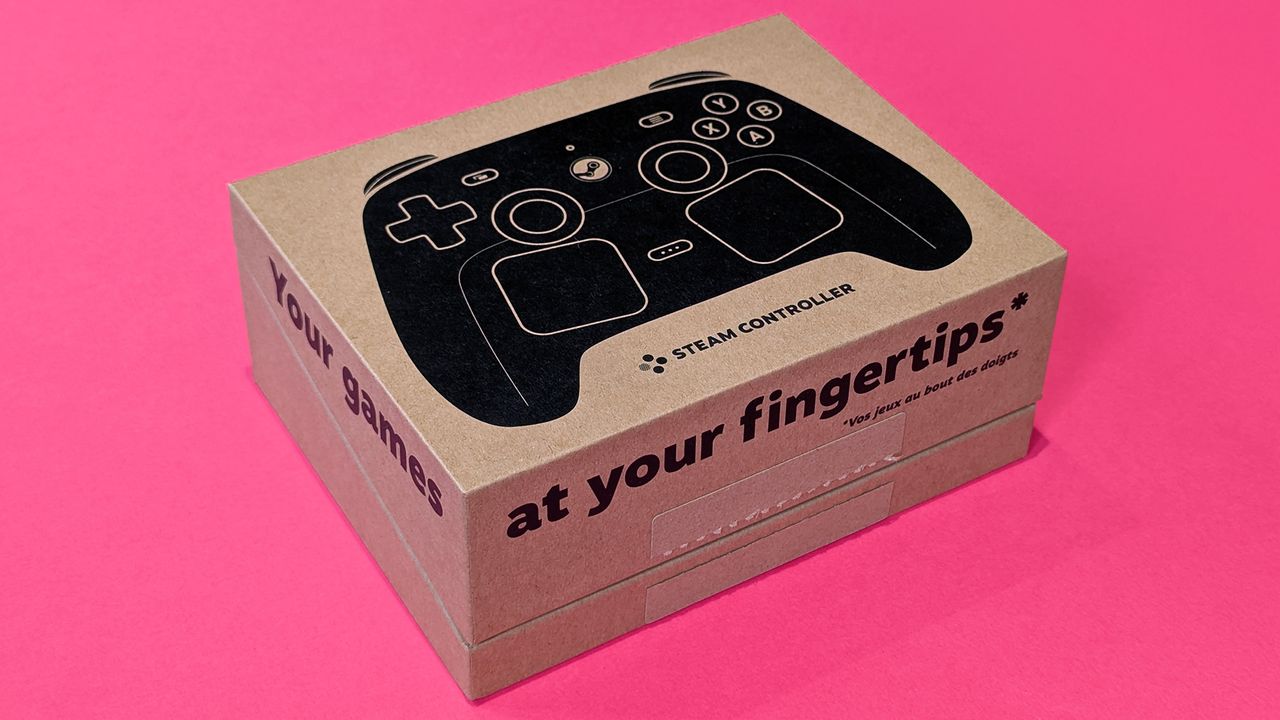
Valve Steam Controller (2026) in its retail box, displayed on a magenta card background
Bought a Steam Controller recently? Time to check your inbox.
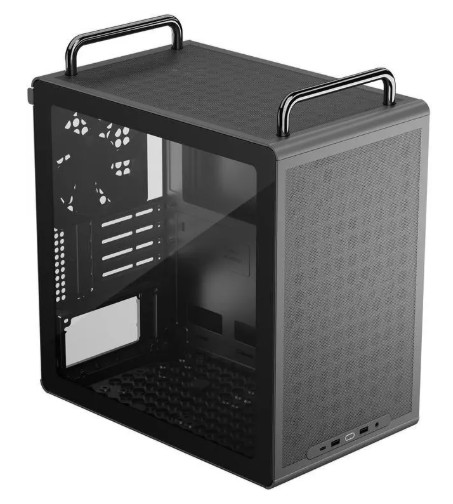
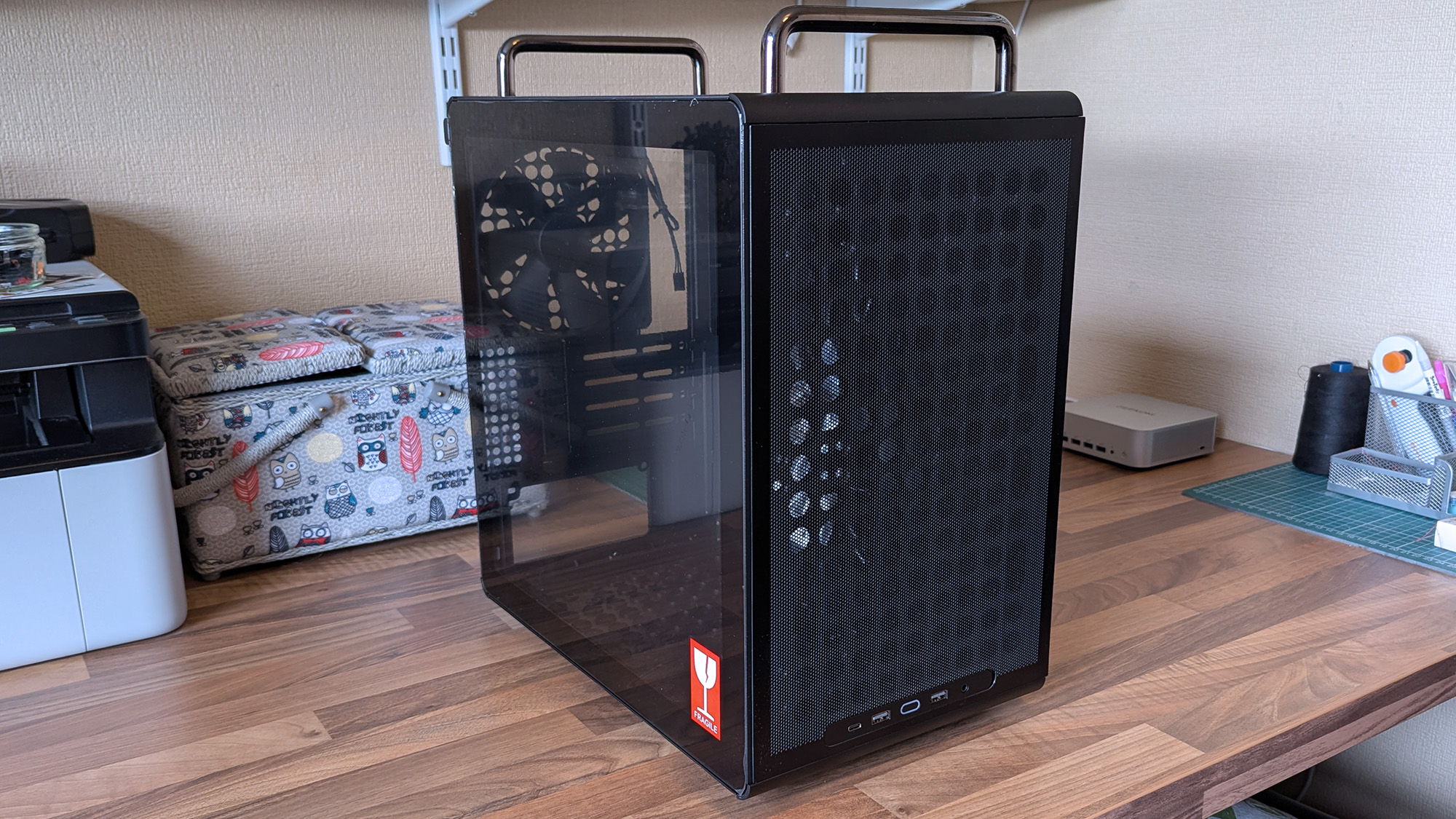
Desktop gaming PCs have a reputation for being huge, and, to be honest, a lot of them are. However, if you're confident enough to dive into the twisted world of cable management, then a compact build could be a fantastic challenge that pays off as a space-saving monster rig. When the Cooler Master Qube 340 case appeared at Computex earlier this year, I was immediately intrigued, even if I can't afford the full gamut of parts to build inside of it just yet.
Cooler Master provided a sample but did not see the contents of my article before publishing. I'm also refraining from assigning a traditional review score to this case until I can complete a build with a full set of components.
How much does the Qube 340 cost?
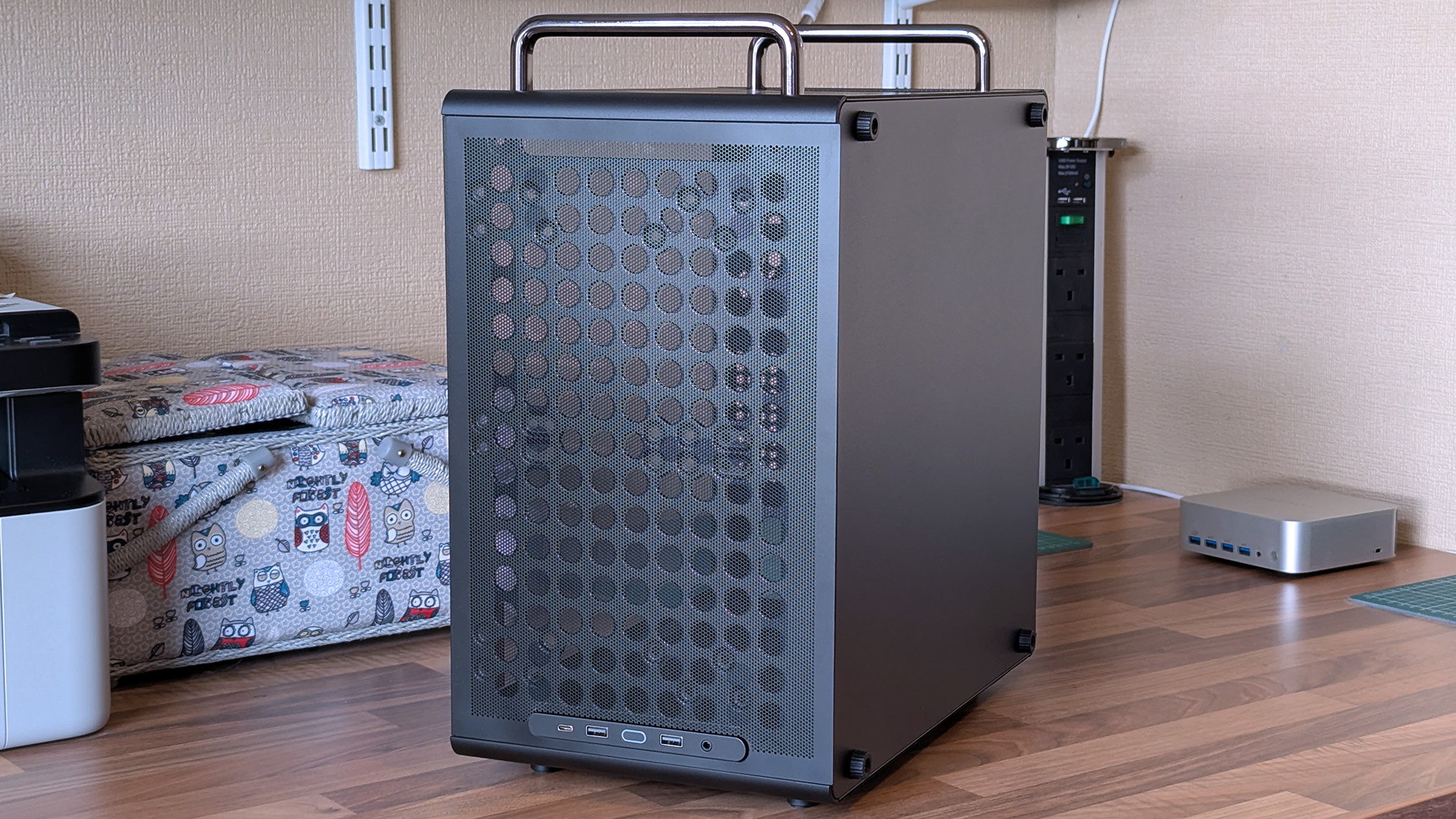
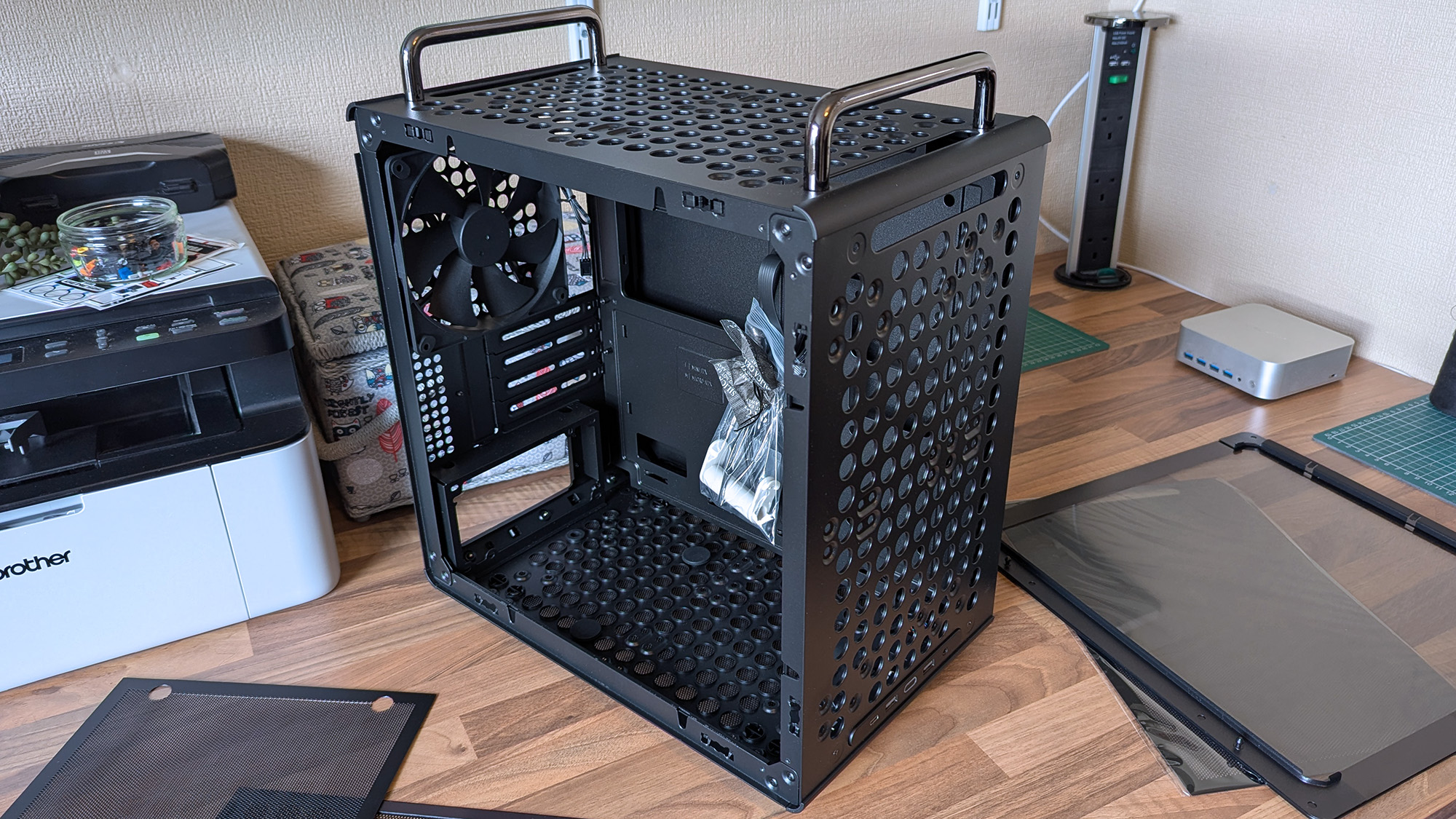
I wouldn't say it looks exactly like that infamous Apple Mac Pro, but there's definitely a resemblance. (Image credit: Ben Wilson | Windows Central)
For now, the best place to buy the Cooler Master Qube 340 is Newegg at $54.99. It's currently listed by Newegg itself, rather than any third-party sellers, and is in stock at the time of writing. A listing for the Qube 340 in black on Amazon US lists "Newegg Business" as a reseller at $59.49, which isn't worth the extra money. At the time of writing, the white variant of this case is "currently unavailable" on Amazon and is outright missing from Newegg.
CPU cooler: 178mm GPU: 365mm (without front fan) PSU: 200mm/100mm (with/without bottom fan)
Dimensions
386.1 x 230 x 429.4 mm (including handles, feet)
The exact model I tested is available on Newegg at its intended price, with good availability and options for free shipping, depending on your location.View Deal
What I like about the Qube 340
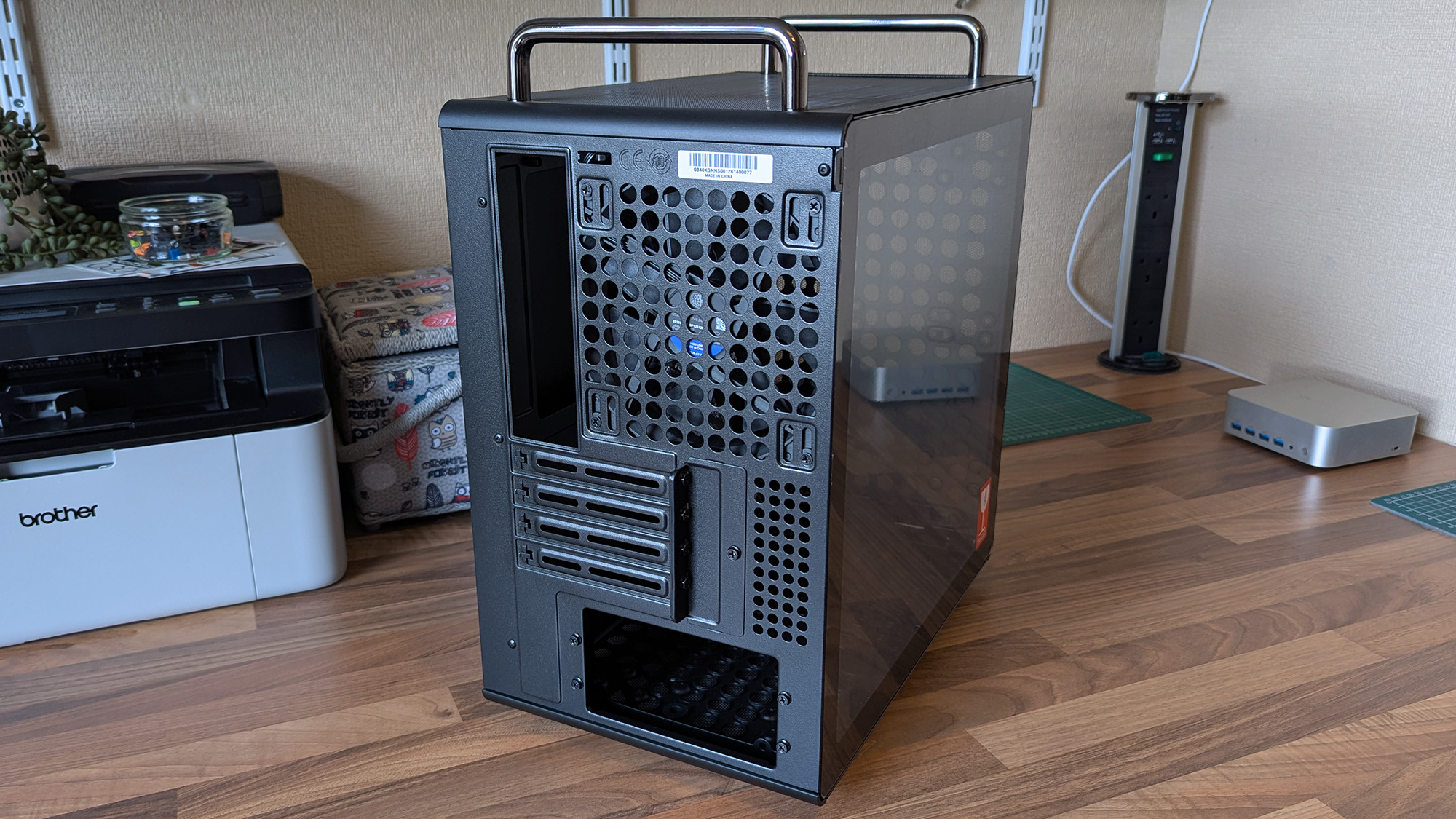
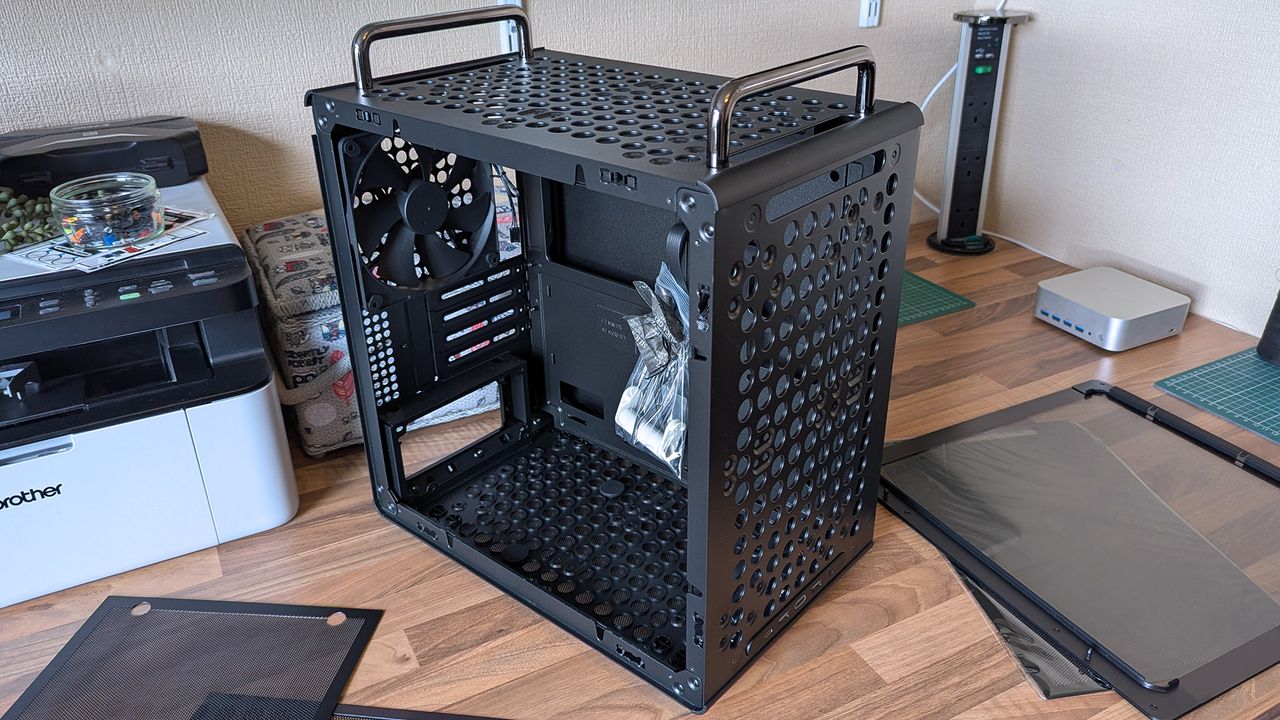
Compact and portable, the Qube 340 instantly had me planning a build.Ben Wilson | Windows CentralMicro ATX or Mini ITX, you have enough expansion slots to choose from.Ben Wilson | Windows CentralDust shields cover the whole case, but they can all be removed easily.Ben Wilson | Windows Central
Ever since the RAM crisis ruined any prospect of affording Valve's Steam Machine gaming PC, I've thought about how I could repurpose some of the spare components I have in storage — and even then, it isn't a huge pile. Still, I knew I'd never manage anything quite as purposefully tiny, but I could come close with a mini ITX build, and the Qube 340 looked perfect on paper.
The removable handles (are) ideal for what I've planned: A desktop that I can set up and take away at a moment's notice.
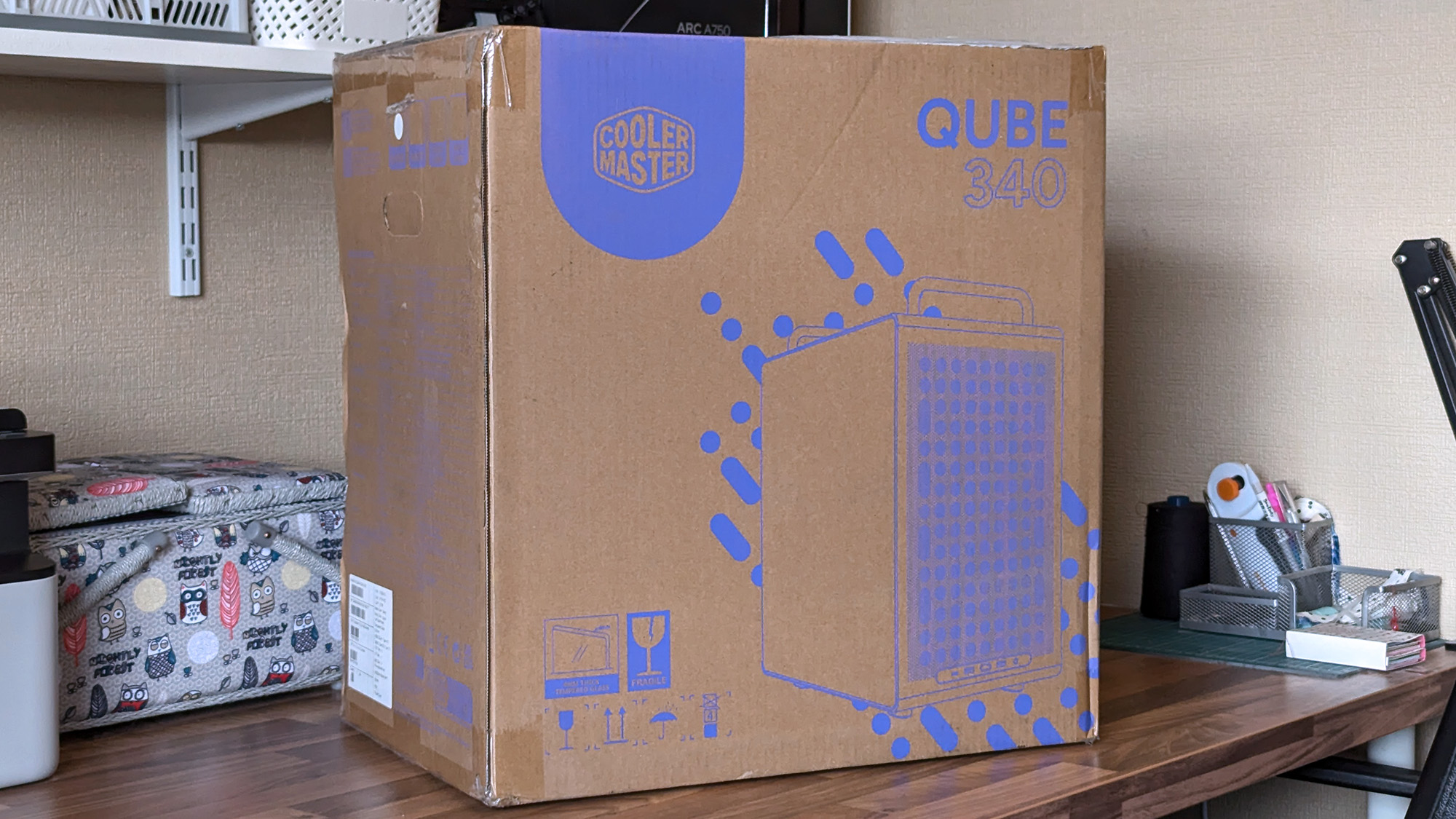
It came in a huge box, but it feels as compact in person as I'd hoped. The removable handles are also ideal for what I've planned: A desktop that I can set up and take away at a moment's notice, rather than leaving something permanently underneath our TV. Sure, I'll need to buy some more niche parts, like a compatible motherboard, but Cooler Master impressed me out of the box.
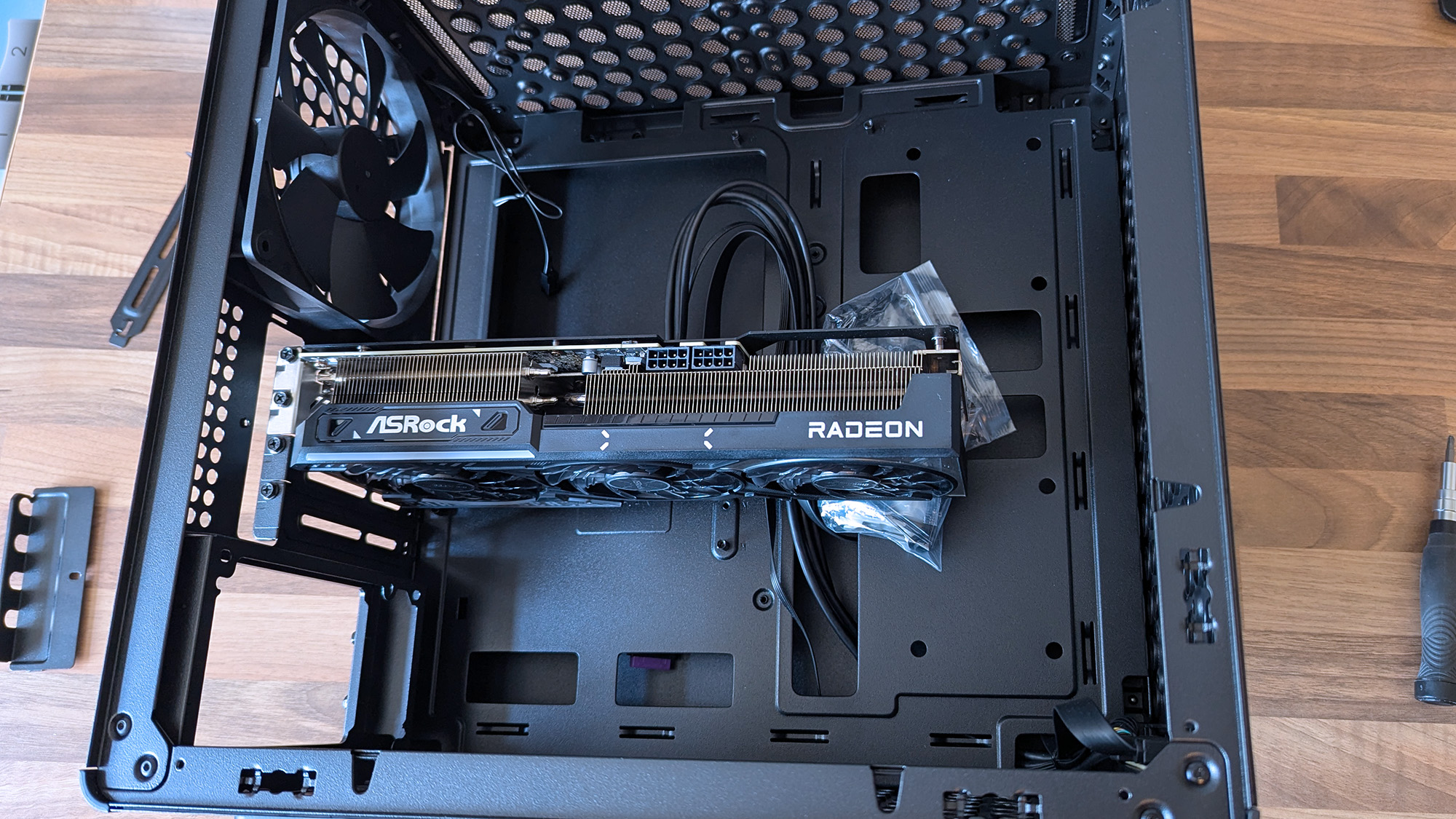
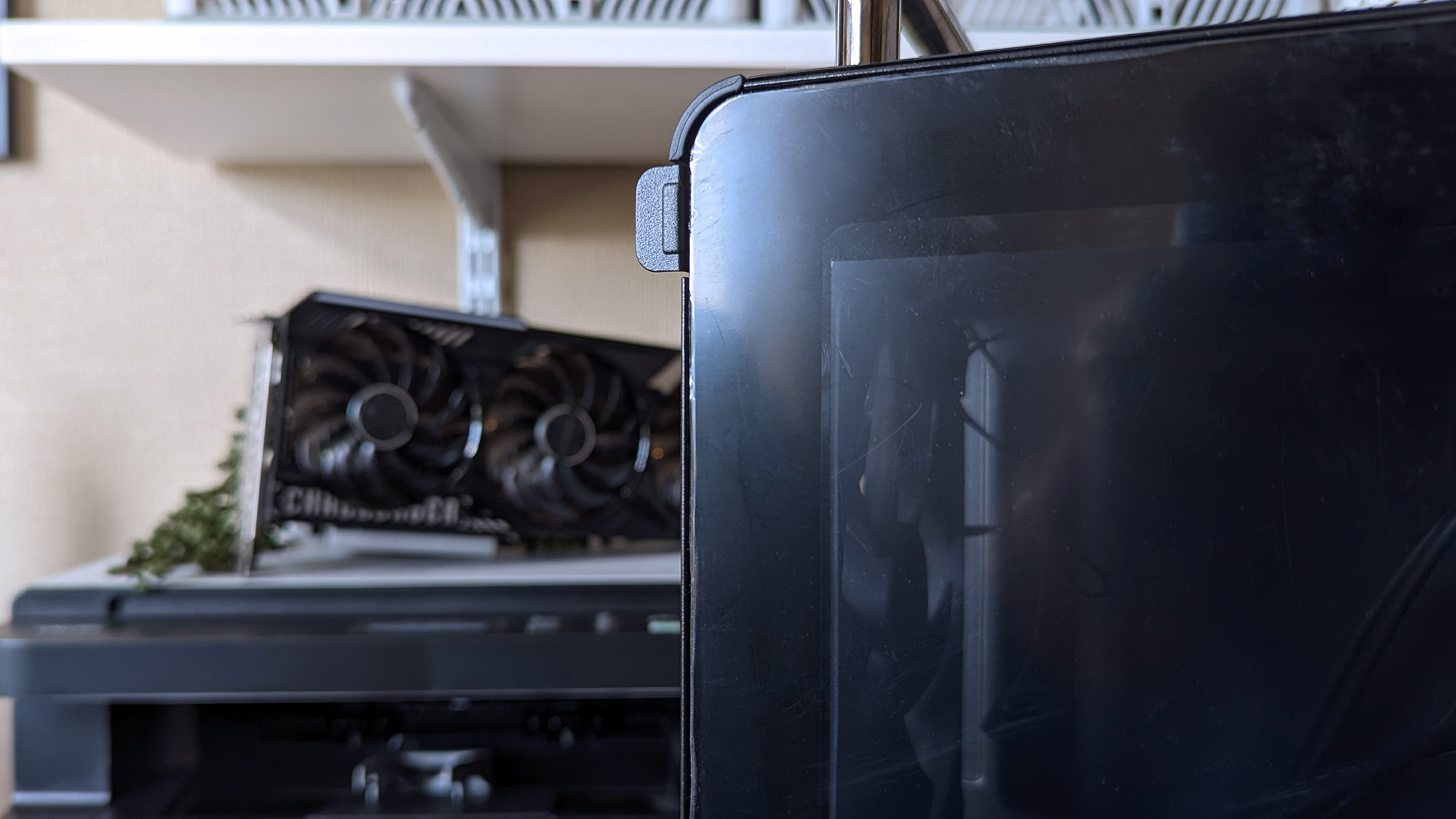
A 290mm ASRock Challenger Radeon RX 9070 XT GPU fits with room to spare for front-mounted fans. (Image credit: Ben Wilson | Windows Central)
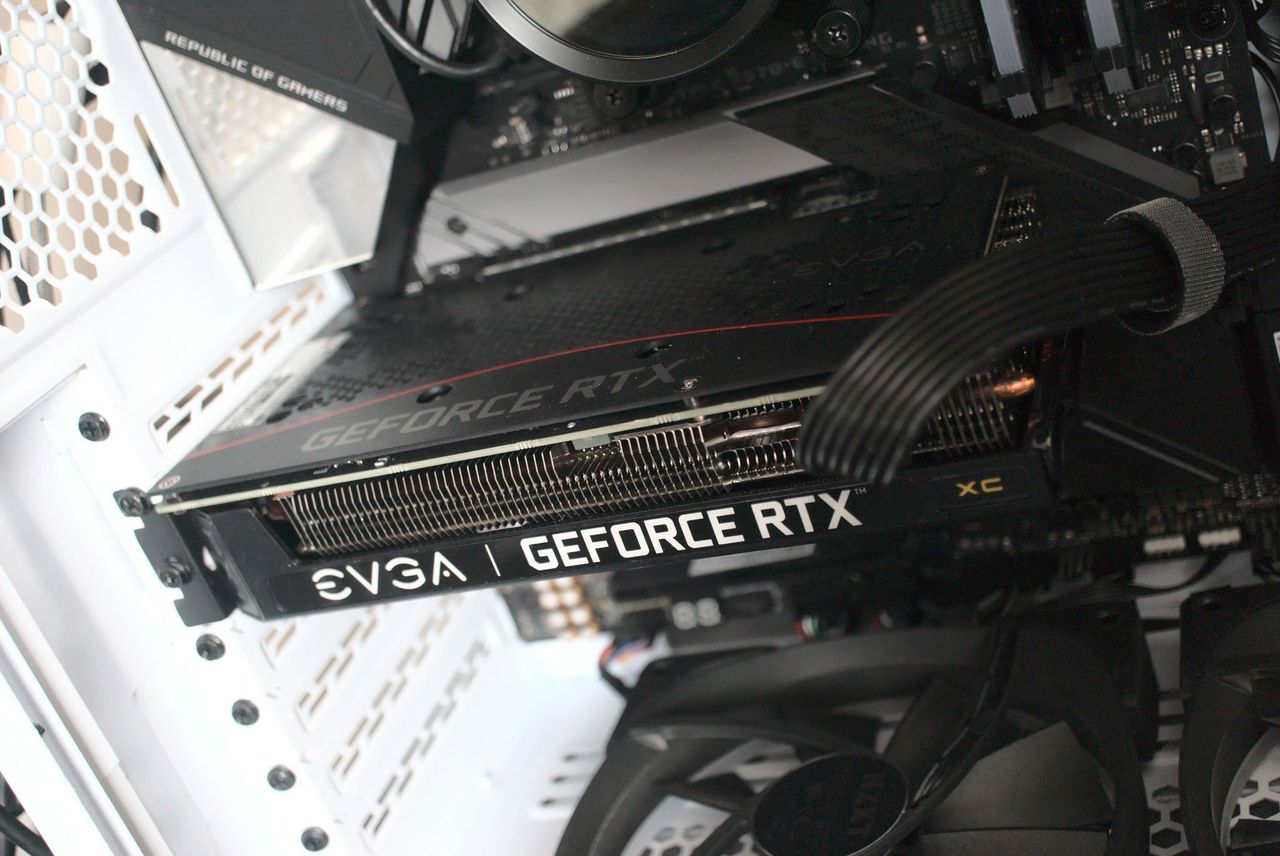
My most important consideration was whether the ASRock Challenger Radeon RX 9070 XT graphics card I have would fit, depending on my front-fan decisions. I could also use an AIO radiator, but the cheesegrater-esque design of the Qube 340 feels better suited to a traditional air cooler — even if only in aesthetics — plus there's a 140mm 'DF1402512RFLN' fan pre-installed at the rear.
At a glance, there's nothing to worry about, as the 290mm GPU fits with around 78mm to spare. My immediate idea is to have a single 140mm intake fan mounted at the top, pulling cool air into the case and pushing it through a CPU air cooler before exhausting it out the back. Still, I have options, including adding an even longer card, as long as everything is measured correctly.
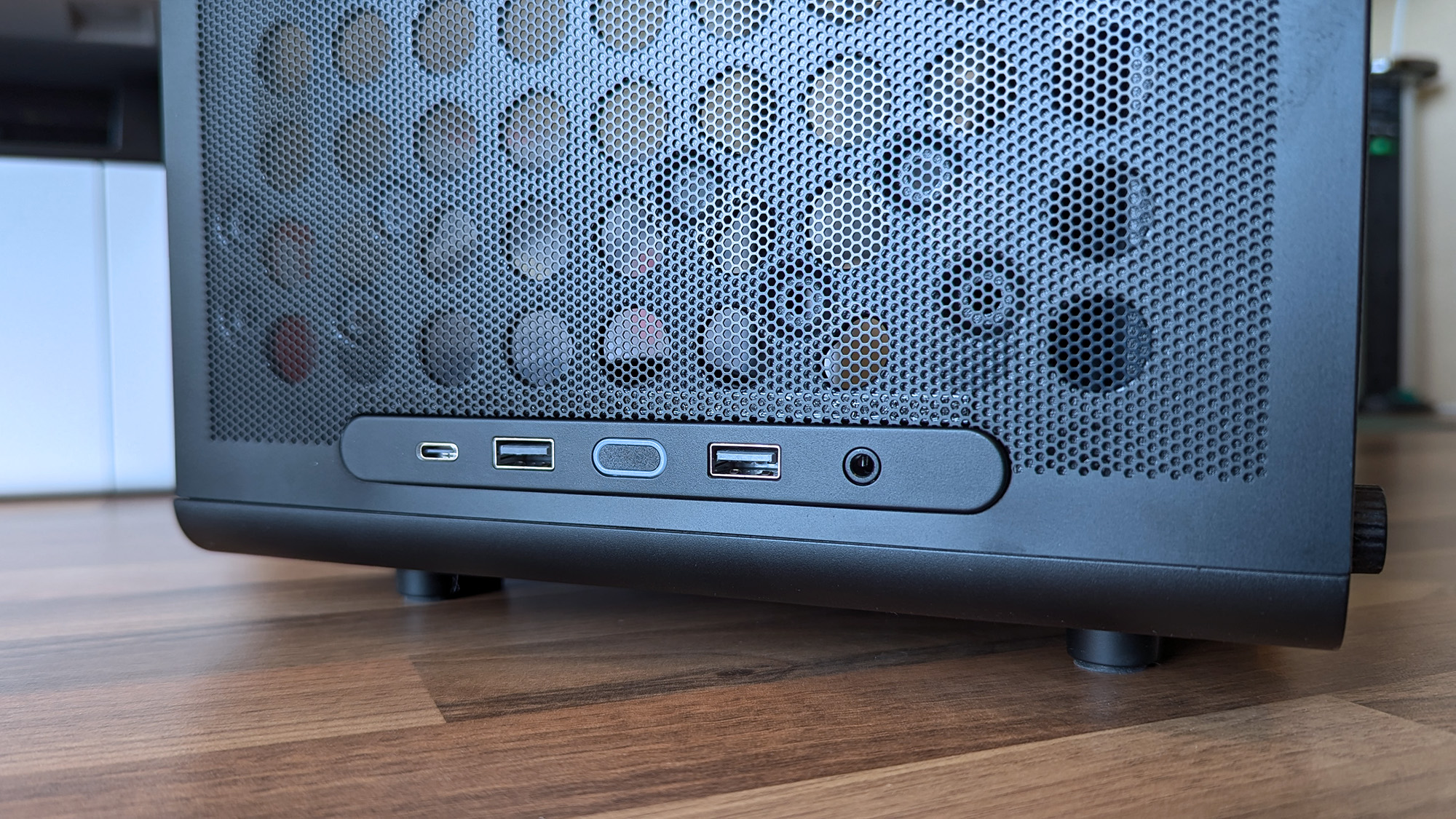
Undoubtedly geared towards airflow, the Qube 340 is absolutely covered in holes.Ben Wilson | Windows CentralThe front I/O panel can be moved, which is ideal because I prefer a top-mounted power button.Ben Wilson | Windows Central
Next up are cable management and routing options. Like most hobbyists, I prefer to take my time with my own builds and get everything as clean as possible, which is more of a mandatory requirement in a compact case than a preference. While there aren't any dedicated trunking channels, there are a few mounting points for zip ties, so I just need to plan everything carefully.
The front-mounted I/O plate is also removable, so I can move it to the top of the case for easier access and re-route the attached cables from the start. It all depends on my motherboard of choice and how it determines the shortest route for each component, but it's fantastic to have the option. I'll always prefer my power button and front ports to be at the top of the case.
What I don't like about the Qube 340
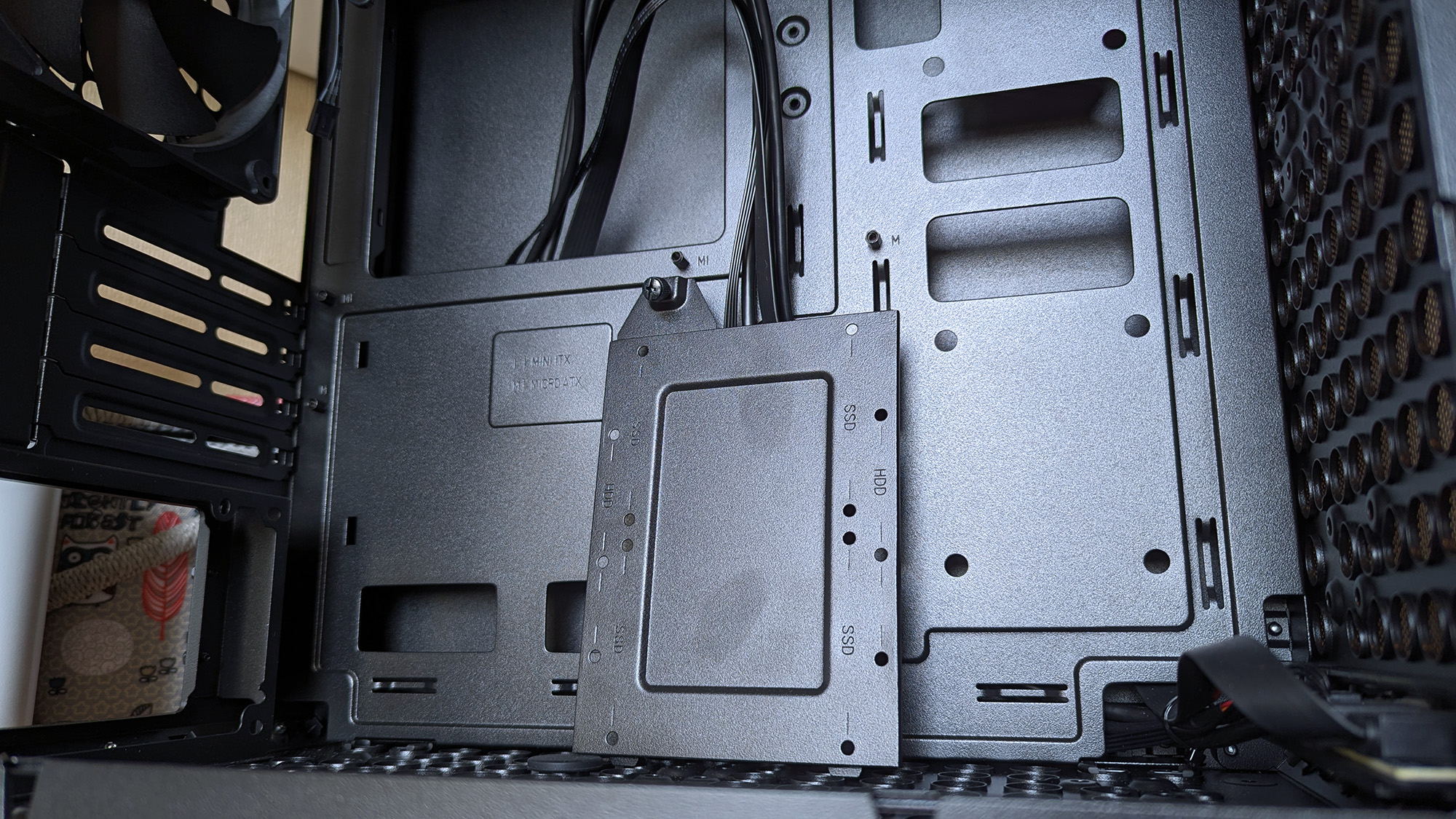
Internally, some of the metal is thin and somewhat flexible.Ben Wilson | Windows CentralThe glass side panel is held in place by a protruding tab, which could pose an issue during transit if it were accidentally released.Ben Wilson | Windows Central
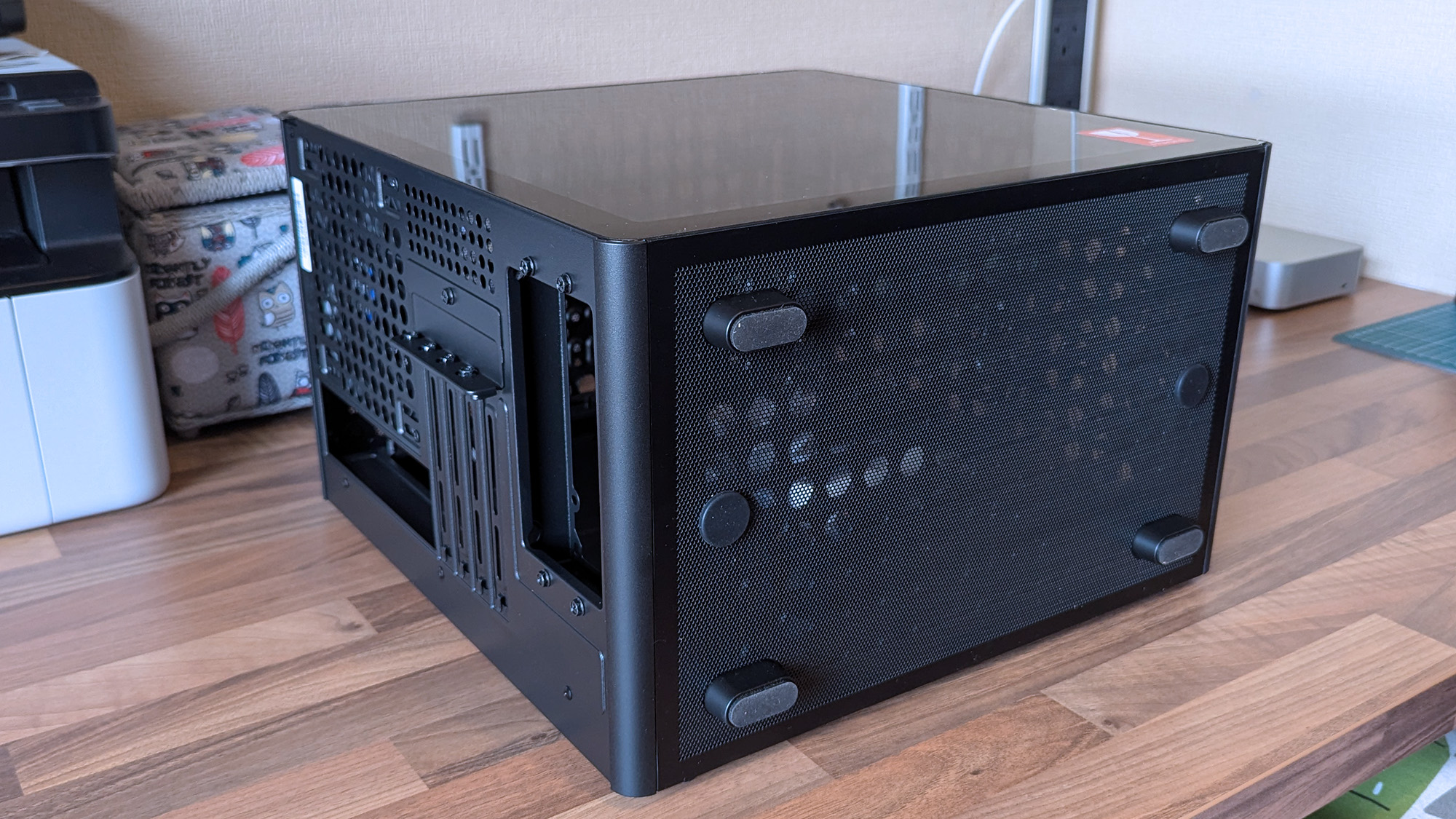
The build quality is generally great on the outside, with those sturdy carry handles and rubberized feet keeping it steady in a vertical position and similarly when laid flat for construction and upgrades. However, the metal on the inside — particularly around the motherboard tray — is quite thin with some flex, but I doubt I'd ever accidentally bend it in any permanent way.
Being mostly toolless also raises some concern about the glass side panel, which holds well but is secured only by a single protruding tab.
I found the removable 2.5/3.5-inch drive tray similarly skinny and flexible, but it hardly has to do anything beyond holding my storage in place, and it at least removes with a single thumbscrew. It would likely take a heavy dent from an accidental drop to twist this case out of shape, and though it's well padded in its box, it's still worth checking everything over as soon as you buy one.
Concerns about missing rubber grommets are tempered by the fact that this is a $55 PC case. Not to excuse any internal mishaps that might happen, but again, it feels unlikely given how solid the outer shell is overall. Otherwise, being mostly toolless also raises some concern about the glass side panel, which holds well but is secured only by a single protruding tab.
Should you buy the Qube 340?
Thankfully, the shipping box for the Qube 340 is so huge, it helps protects it against concerns of bent metal. (Image credit: Ben Wilson | Windows Central)
You should buy this if ...
✅ You want to build a portable mini ITX gaming PC
✅ You're prioritizing airflow with dust protection
You should not buy this if ...
❌ This is your first-ever rig; compact builds are tricky
You can go smaller, but for my first planned adventure into a mini-ITX build, the Qube 340 is exactly what I wanted it to be. If, like me, you're toying with the idea of a compact gaming PC that's easier to move around than a full-sized desktop, I think you'll be quite happy with this incredibly affordable case. Some of my opinions might change once I have enough parts to build inside it, but that won't affect the overall praise I have for Cooler Master on this occasion.
Cooler Master
Qube 340
Compact and cool with a design built entirely around airflow, this portable case is a bargain.
A Cooler Master Qube 340 case sits on a desk with its side panels removed, showing the empty interior, rear fan, and a small bag of screws inside the chassis.
A Cooler Master Qube 340 case sits on a desk with its side panels removed, showing the empty interior, rear fan, and a small bag of screws inside the chassis.
As price rises hit everything thanks to the RAMpocalypse, with SSDs, memory, graphics cards, PCs, handhelds, consoles, and literally everything getting more expensive, let's celebrate when someone beats the system.
Sure, it's only one person, but at this point, I'm so utterly depressed with the state of things that I'm ready to buy this person a beer and shake their hand.
Is it the greatest deal of all time? Honestly, even before the price rises, I'd have grabbed this, thrown down a $5 bill, and run out of the store before anyone realized what they'd done putting that price tag on it.
Is the RTX 3050 a particularly good graphics card? I mean, it depends what you want to do with it. It'd be pretty good as a budget video encoding card for streaming; it'll play games at 1080p fairly well, too. Hell, I'd have absolutely put it into a machine and given it to my son.
For five bucks I would have found something to use it for. Maybe slap it inside the home server I've been wanting to build again for years to handle video transcoding. I don't care; I'd have found something to do with it.
That's assuming it works properly, of course. The post does show a Windows boot screen, so it would appear it at least gives video output, so that's a start. With a used, mystery GPU like this, you'd have to test it properly, and most definitely you'd want to strip it down, clean it up, and give it some new thermal paste.
But for $5, who cares? Worth a go, right? It's just nice to see someone have a win right now. If you were to buy a brand new RTX 3050 right now, you're looking at paying at least $250 if you went to somewhere like Best Buy. Nobody should pay $250 for a two-generation-old budget graphics card.
It also gets me thinking: What's the absolute craziest deal you've ever found on a piece of hardware? I think I've only ever been so lucky once, managing to get a Surface Go 2 LTE with a price mistake once and securing it for essentially free with an inexpensive data SIM contract.
It should have been a couple of hundred British pounds, and I got it for £8. And even though it was a mistake, it was still honored, and I got my Surface Go 2.
So jump into the comments below and let me know your personal craziest deal. Meanwhile, I'm definitely raising a glass to this person. Hopefully it all works well, and if so, you've definitely beaten the system right now.
Join us on Reddit at r/WindowsCentral to share your insights and discuss our latest news, reviews, and more.
NVIDIA GeForce RTX 3060
This isn't the same graphics card that was bought, BTW.
Lenovo Legion Gogaming handhelds are reportedly being bricked by a BIOS update. According to reports, installing the N3CN42WW update results in a black screen and systems not booting correctly.
It's not clear how widespread this issue is, but I suggest holding off on installing a BIOS update on your Legion Go until Lenovo has clarified the situation.
The problem affects the original Legion Go (often called the Legion Go 1 by fans), including both the Z1 and Z1 Extreme models.
In some cases, the Legion Go failed to boot immediately after the BIOS update was installed. In other cases, the failure occurred later.
Several Legion Go owners have reported issues on Reddit. The mods at the LegionGo subreddit shared the following:
"It has come to our attention that some of the Z1E and Z1 versions are being bricked when updating to the latest BIOS that was released on June 17th, 2026.
Please do not update your devices unless you are willing to assume all risks. We the mod team are trying our best to understand and get help on this."
They also asked people to share if they've run into the same issue.
Reddit user mherold11said they reached out to Lenovo support to have their Legion Go repaired. They were told that fixing the gaming handheld would be a chargeable repair since the device was out of warranty. The quote for repair was €237.16 (roughly $273.81).
Other people in that same Reddit thread said their Legion Go gaming handhelds were repaired at no cost when still in warranty.
One Reddit user had luck performing their own repair, but that fix was complicated and is not recommended for general users.
This is a developing story and we do not know the extent of the issue. If you have a Legion Go and have been affected by the issue (or have upgraded and not run into the problem), please share with us through the comments below and reach out to Lenovo and the mods of the LegionGo subreddit.
Join us on Reddit at r/WindowsCentral to share your insights and discuss our latest news, reviews, and more.

 Connexion