❌

Vue lecture

RTX Spark tested: Strong GPU, just okay CPU

RTX Spark is finally here. After years of rumors, NVIDIA has re-entered the Windows silicon game with the MediaTek N1X, a tailor-made 18/20-core SoC with 5,120 or 6,144 GPU cores, up to 128GB of unified memory, and a heck of a lot of power for apps, games, and AI experiences under the hood.

It's not every day that Windows gains a new silicon partner, which is why everyone seems to be involved with ensuring this launch goes as smoothly as possible. Microsoft has worked closely with NVIDIA on optimizing the Windows platform, especially for RTX Spark, and third-party app vendors like Adobe, Blender, anti-cheat software, and more have mobilized to optimize their products and frameworks for the new chipset.

But the big play with RTX Spark is on-device AI. LLMs and agentic workflows have become all the craze over the last year, and NVIDIA believes the RTX Spark is the first chipset for Windows that has been designed from the ground up for running local AI experiences locally and securely, without sacrificing performance.

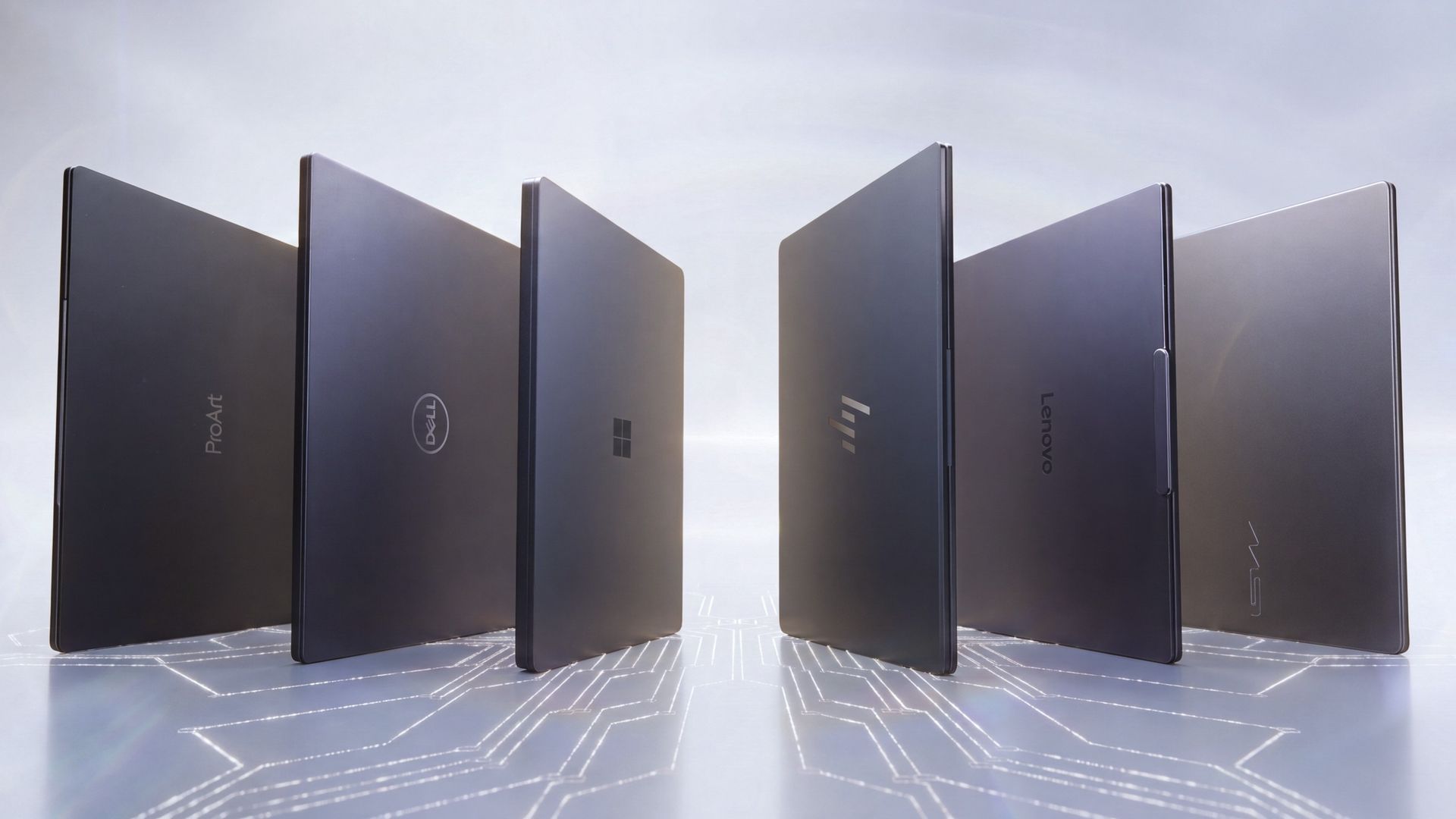
NVIDIA has 6 hardware partners lined up to ship RTX Spark hardware starting this week, and all of them are aimed at the high-end content creator or developer crowd. NVIDIA has set its sights on competing head-to-head with the MacBook Pro, and is eager to win over AI developers who flocked to that platform thanks to Apple Silicon.

I've been testing out the top configuration of RTX Spark over the last week on a Surface Laptop Ultra, and here's what I discovered it's good at, and what it's not so good at. FYI, today's embargo only allows us to detail the RTX Spark's performance and benchmarks, not the Surface Laptop Ultra itself. So battery life, thermal performance, and laptop-specific variables are not included in this piece. That information will be shared in the full laptop review, coming soon.

NVIDIA RTX Spark Overview
NVIDIA RTX Spark

(Image credit: NVIDIA)

If you're looking for a quick rundown of what RTX Spark is and how it compares, here's what you need to know:

RTX Spark is a powerful SoC with good CPU performance and great GPU performance. Its CPU is comparable to the Apple M4 Pro and Qualcomm's Snapdragon X2 Elite, with multi-thread performance being its stronger asset in the CPU department, though it trails behind the Apple M4 Max and Snapdragon X2 Elite Extreme.

The GPU is the star of the show, with great performance thanks to its 6,144 GPU cores that deliver smooth framerates (with help from DLSS and framegen), faster rendering times, and very capable AI performance. Its quantized INT8 tensor execution, unified memory sharing, and computer vision acceleration easily leapfrog mobile discrete GPUs in its power class for AI workflows, which it excels at.

I don't believe RTX Spark is for everyone. It's very good at key things, and shines primarily for those who are knee-deep in local AI workflows and experiences. If you're not a mobile content creator, software developer, or utilize local LLMs often, RTX Spark probably isn't for you.

Mobile efficiency varies depending on power profile. The GPU is hungry and will drain power fast when at full pelt, but in day-to-day usage that only occasionally leans on the GPU, it should last the workday. The good news is, you should see the same performance regardless of plugged-in state.

Compared with most integrated Snapdragon, Intel, and AMD systems, RTX Spark is substantially faster in AI image generation and local inference, while matching or approaching dedicated RTX 4070/5060/5070 class GPU performance in most workloads outside of AI.

The latest generation of high-end Apple Silicon retains an advantage in peak single-thread CPU performance, but RTX Spark’s strength is its GPU, with TensorRT execution and high-speed memory providing advantages in diffusion, quantized models, and sequential data access.

RTX Spark configurations

Specification

RTX Spark N1X (5120-core GPU)

RTX Spark N1X (6144-core GPU)

CPU Configuration

18 cores (9x Cortex-X925 + 9x Cortex-A725)

20 cores (10x Cortex-X925 + 10x Cortex-A725)

Max Performance Core Clock

3.9 GHz

4.0–4.1 GHz

Max Efficiency Core Clock

2.8 GHz

2.8 GHz

GPU Architecture

Blackwell RTX

Blackwell RTX

CUDA Cores

5,120

6,144

Streaming Multiprocessors (SMs)

40

48

RT Cores

4th Generation

4th Generation

Tensor Cores

5th Generation

5th Generation

Unified Memory Type

LPDDR5X

LPDDR5X

Memory Interface

256-bit / 16-channel

256-bit / 16-channel

Memory Speed

Up to 9,400 Mbps

Up to 9,400 Mbps

Peak Memory Bandwidth

Up to 300 GB/s

Up to 300 GB/s

NVLink-C2C Bandwidth

600 GB/s bidirectional

600 GB/s bidirectional

Display Support

HDMI 2.1a, DisplayPort 2.0 over USB4

HDMI 2.1a, DisplayPort 2.0 over USB4

Process Technology

TSMC 3nm (CPU & GPU dies)

TSMC 3nm (CPU & GPU dies)

Configurable SoC TDP

45–80W

45–140W

NVIDIA RTX Spark CPU Performance

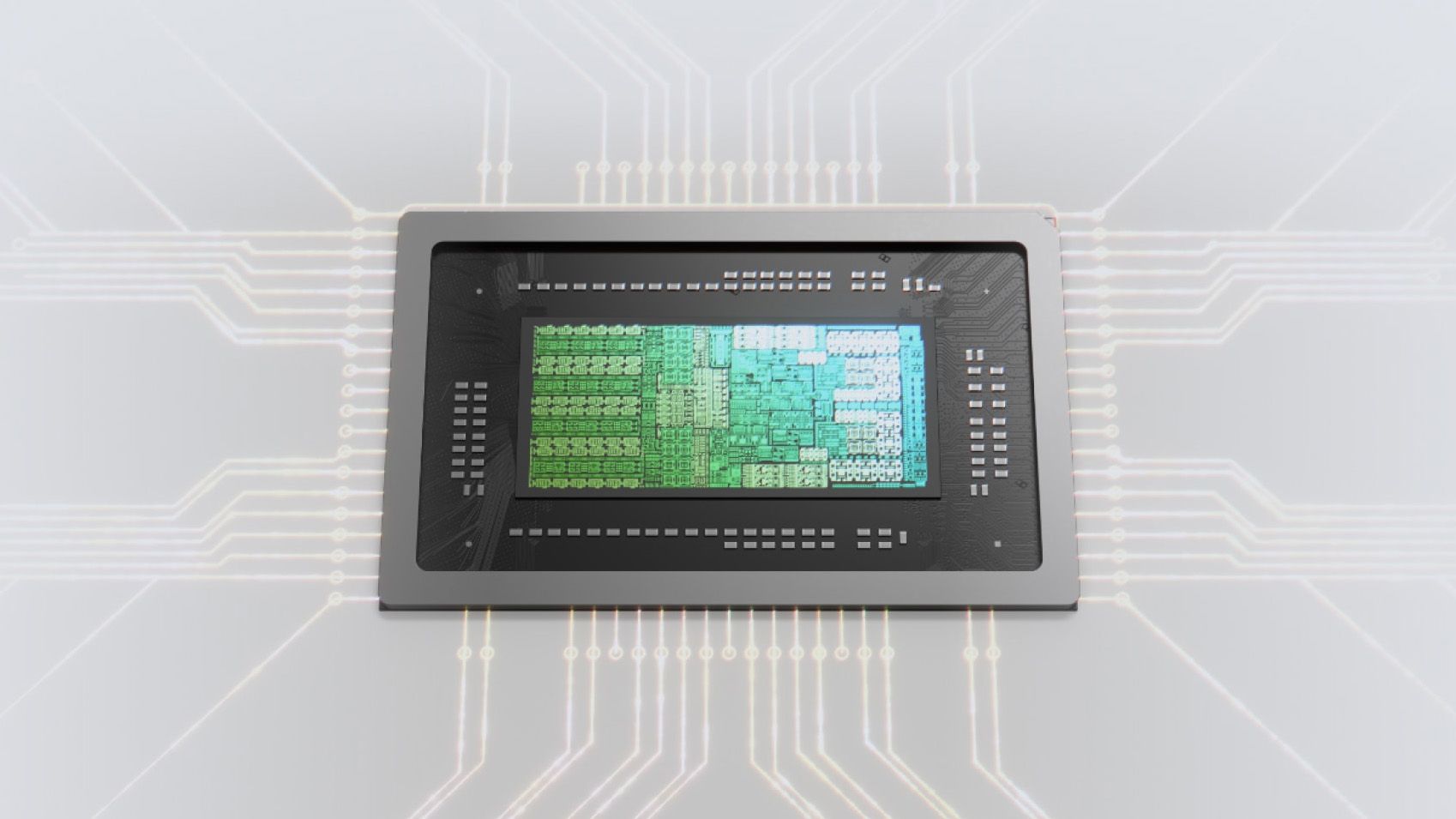
NVIDIA Spark processor render highlighting a computer chip

(Image credit: NVIDIA)

The RTX Spark CPU was co-designed by NVIDIA and MediaTek. The N1X, as it's known, comes in either 18- or 20-core configurations and is relatively efficient while delivering good performance. With that said, it's not leading in its class, leaving something to be desired when it comes to raw benchmarks.

In Cinebench 2026, the 20-core N1X achieved a single-core score of 558 and a multi-core score of 6,885. To put that into perspective, its single-core score beats the first-gen Snapdragon X Elite X1E-80-100 at 519, but falls short compared to Qualcomm's Snapdragon X2 Elite Extreme, which achieves a score of 662 for single-core. Multi-core fares better, with a score of 6,885, which is only just behind the X2 Elite Extreme and Apple M4 Max.

Cinebench Scores (Best Performance)

Cinebench 2026 Test

Plugged In Result

Unplugged Result

CPU (Multi Core)

6,885 pts

6,844 pts

CPU (Single Core)

558 pts

554 pts

MP Ratio

12.33 x

12.35 x

These scores do place it ahead of Intel's and AMD's latest flagship mobile workstation chips, but the chipset simply doesn't compete with Apple's latest Max chips, consistently trailing behind the Apple M4 Max and the M3 Ultra. This is a little disappointing given that the RTX Spark is directly targeting Apple Silicon.

It's a similar story with our Geekbench 7 results, achieving a single-core score of 2,718 and a multi-core score of 23,571. It's clear that multi-core performance is the N1X's stronger asset, competing with the likes of the Apple M4 Pro or Intel Core Ultra 9 285K, and is well ahead of the last-gen Snapdragon X Elite and Intel Lunar Lake, as it should be.

Geekbench Scores (Best Performance)

Geekbench 7.1

Plugged In Result

Unplugged Result

CPU (Multi Core)

23,571

23,879

CPU (Single Core)

2,710

2024

Outside of benchmarks, in day-to-day use the N1X feels fine. This isn't a slow CPU by any means, and will chew through even complex workflows with no sweat. Most day-to -day apps are Arm native these days, but for the few that do require Microsoft's Prism emulation layer, you won't even notice it. RTX Spark makes it so emulated apps feel just like native ones.

All our benchmarks were run with the Best Performance setting enabled, and in our tests we ran them a number of times in both plugged-in and unplugged states to see if there's any performance drop when away from a wall outlet. The good news is the RTX Spark delivers pretty much the same power regardless of plugged-in state, which mimics Apple Silicon.

NVIDIA RTX Spark GPU Performance
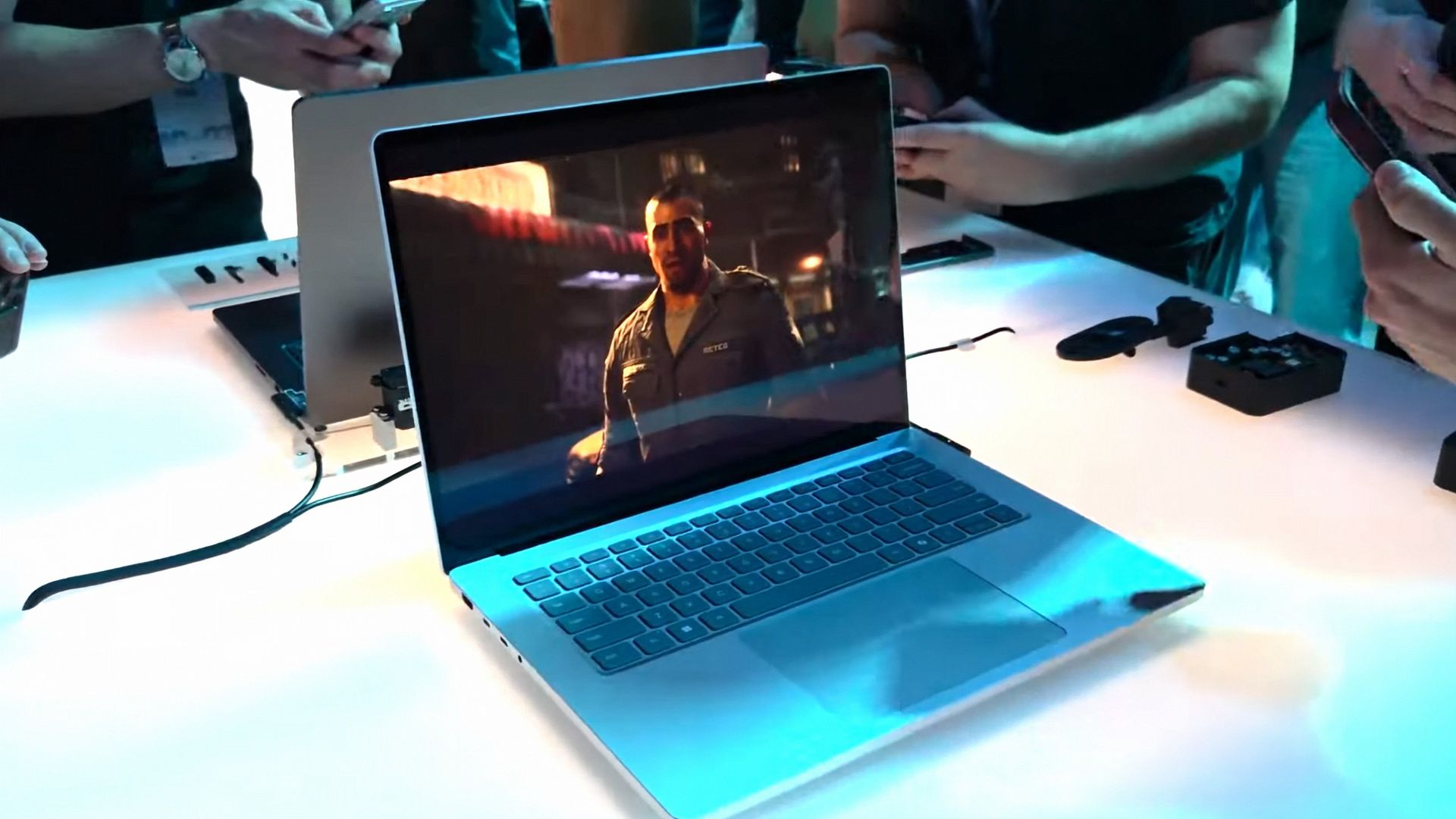
RTX Spark running Gears of War E Day

Gears of War E-Day running on RTX Spark (Image credit: Zac Bowden / Windows Central)

The star of the show with RTX Spark is the Blackwell RTX GPU with either 5,120 or 6,144 cores. We benchmarked the top-end, 6,144-core configuration for these benchmarks, and it does impress, outputting performance in workflows like video editing, model rendering, and gaming similar to an RTX 4070 or 5060, but in an efficient package with all-day battery life.

For what is essentially an integrated GPU, it outputs dedicated GPU performance in pretty much all workflows. But it really excels at AI workflows, especially when optimized for tensor and CUDA.

The 128GB configuration is set to split that memory evenly between system RAM and the GPU, meaning in our default configuration and for how we ran most of our benchmarks, the GPU had 64GB of video RAM to make use of. In this configuration, it's more than capable for most tasks, with the only exception being running AI models that surpass this size. In that situation, you can allocate more memory to the GPU so that it will fit.

In our 3DMark tests, we found that the RTX Spark performs similarly to an RTX 4070. It's very capable at 1440p gaming with high settings in most titles, though more demanding games will need to lean on DLSS and frame generation for smooth 60+ FPS gaming. In most titles we benchmarked, games ran without a hitch and looked great.

Benchmark

Target Resolution & API

Overall Score

Graphics Score

CPU Score

Test Framerates

3DMark Time Spy

1440p (DirectX 12)

12,771

12,368

15,669

GT1: 81.68 FPS, GT2: 70.11 FPS, CPU: 52.64 FPS

3DMark Time Spy Extreme

4K UHD (DirectX 12)

5,857

5,972

5,281

GT1: 37.77 FPS, GT2: 35.19 FPS, CPU: 66.30 FPS

3DMark Steel Nomad

4K UHD (DirectX 12 Heavy)

3,064

3,064

N/A

Graphics Test: 30.65 FPS

3DMark Speed Way (Run 1)

1440p (DirectX 12 Ultimate / DXR)

3,011

3,011

N/A

Graphics Test: 30.12 FPS

3DMark Speed Way (Run 2)

1440p (DirectX 12 Ultimate / DXR)

2,985

2,985

N/A

Graphics Test: 29.85 FPS

Gaming is not the main reason to buy an RTX Spark laptop, but it is an additional benefit. It's the first Windows on Arm platform that does gaming relatively well, supporting the usual breadth of gaming technologies and frameworks such as:

  • Ray tracing
  • DLSS 5
  • Multi Frame Generation
  • Neural Rendering
  • Reflex
  • G-SYNC
  • RTX Remix

Most games run under emulation on RTX Spark, as the platform is Arm64, and most games are compiled for x86. However, in most titles, this isn't a problem. Most mainstream anti-cheat software is now compatible with Windows on Arm, and the Prism emulation layer has been tuned specifically for RTX Spark to ensure most games run without a hitch, though there are exceptions.

Some games, such as Red Dead Redemption 2, will require you to change settings to get them to run successfully. For example, by default Red Dead Redemption 2 was set to run with Vulkan, which caused it to crash at launch. Switching it to DirectX12 fixed this for me. Most games run without needing to change any settings first, however.
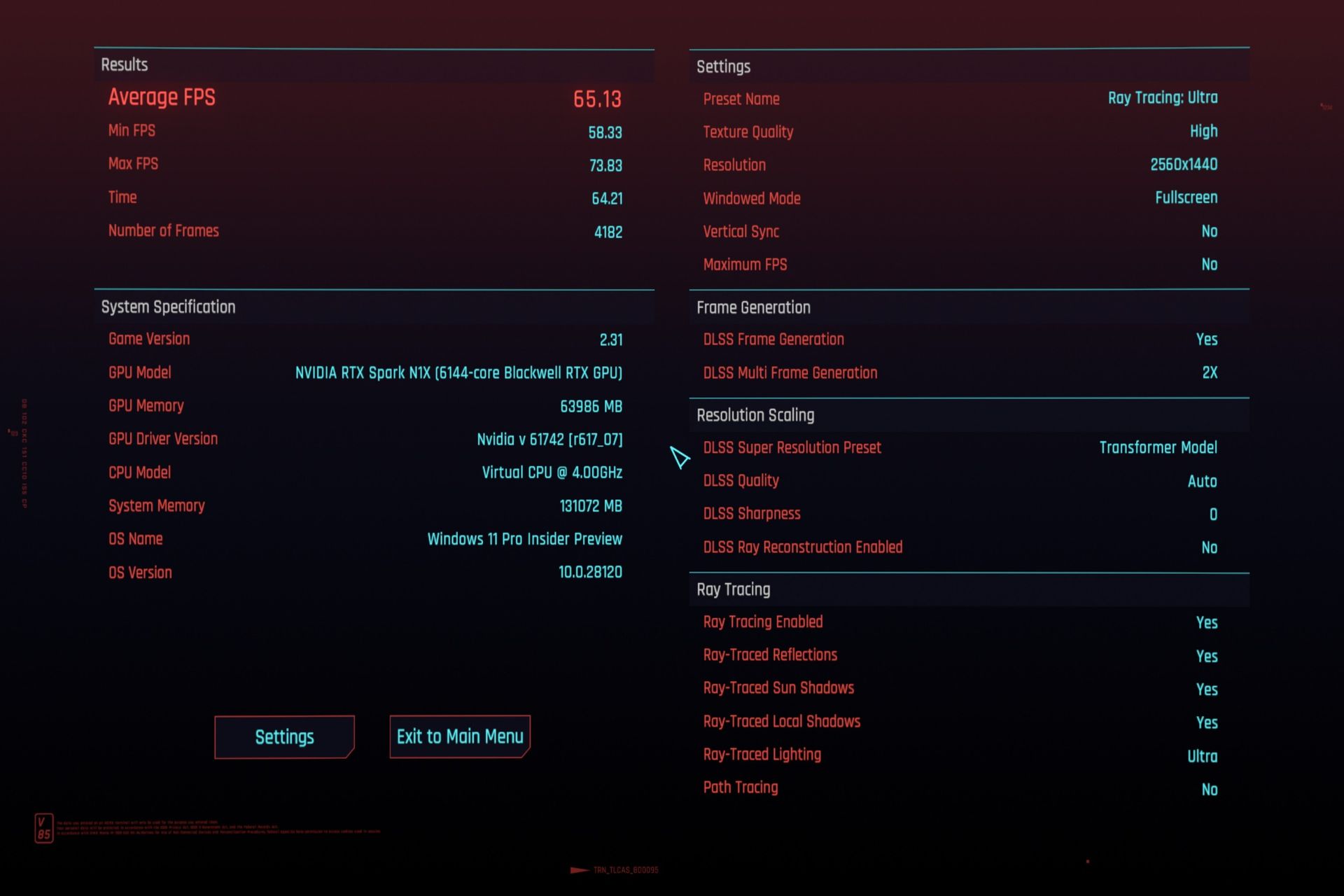
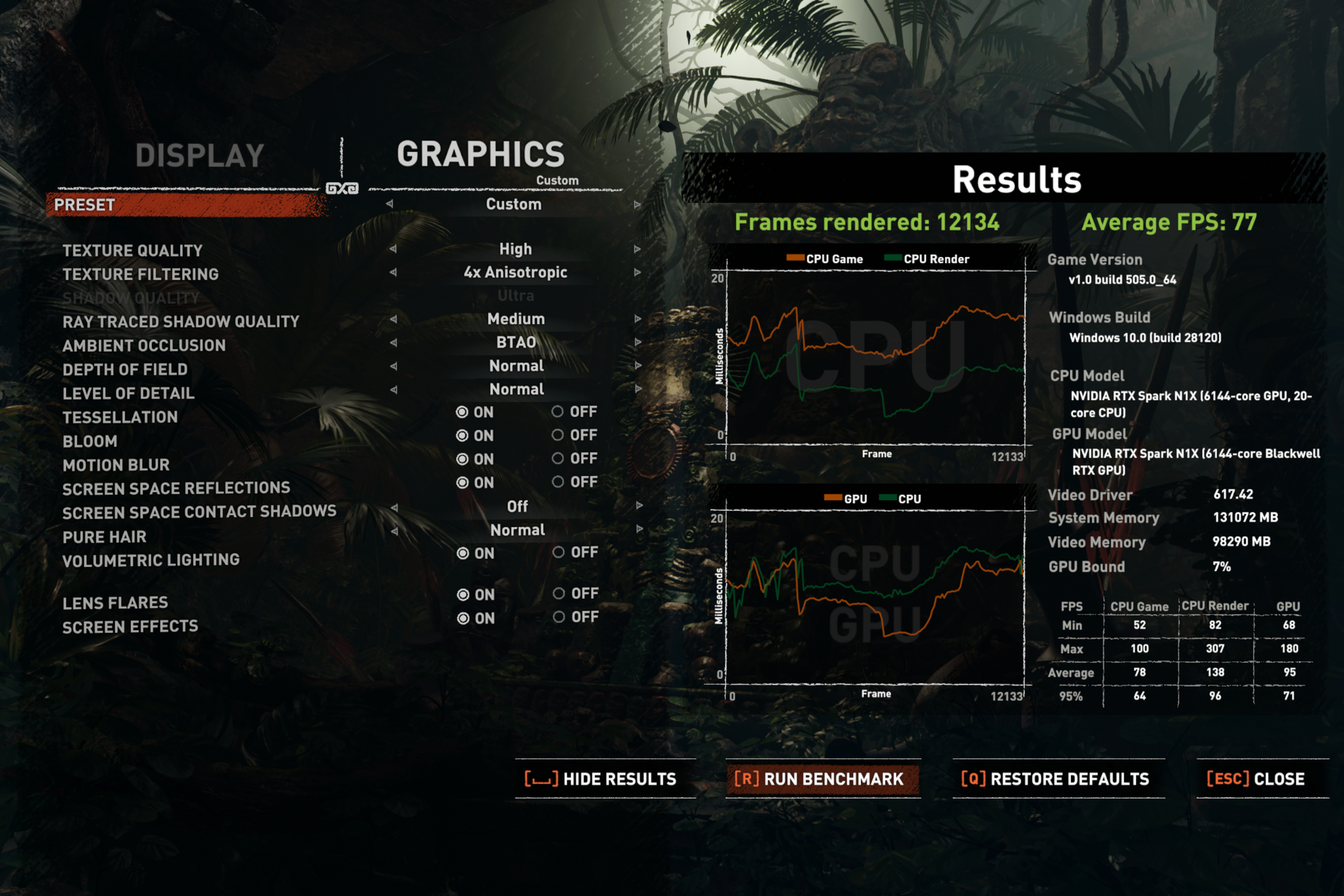
Cyberpunk 2077 benchmark
Zac Bowden / Windows Central
Game running on at high settings on RTX Spark
Zac Bowden / Windows Central
Game running on at high settings on RTX Spark
Zac Bowden / Windows Central
Game running on at high settings on RTX Spark
Zac Bowden / Windows Central

I tried Cyberpunk 2077, which runs pretty well right out of the box. The game analyzed my system and decided that Ray Traced Ultra settings were a perfect fit for the RTX Spark. Running at 1440p with frame gen enabled, the game was easily able to maintain 60fps while looking good doing it with these graphics settings enabled.

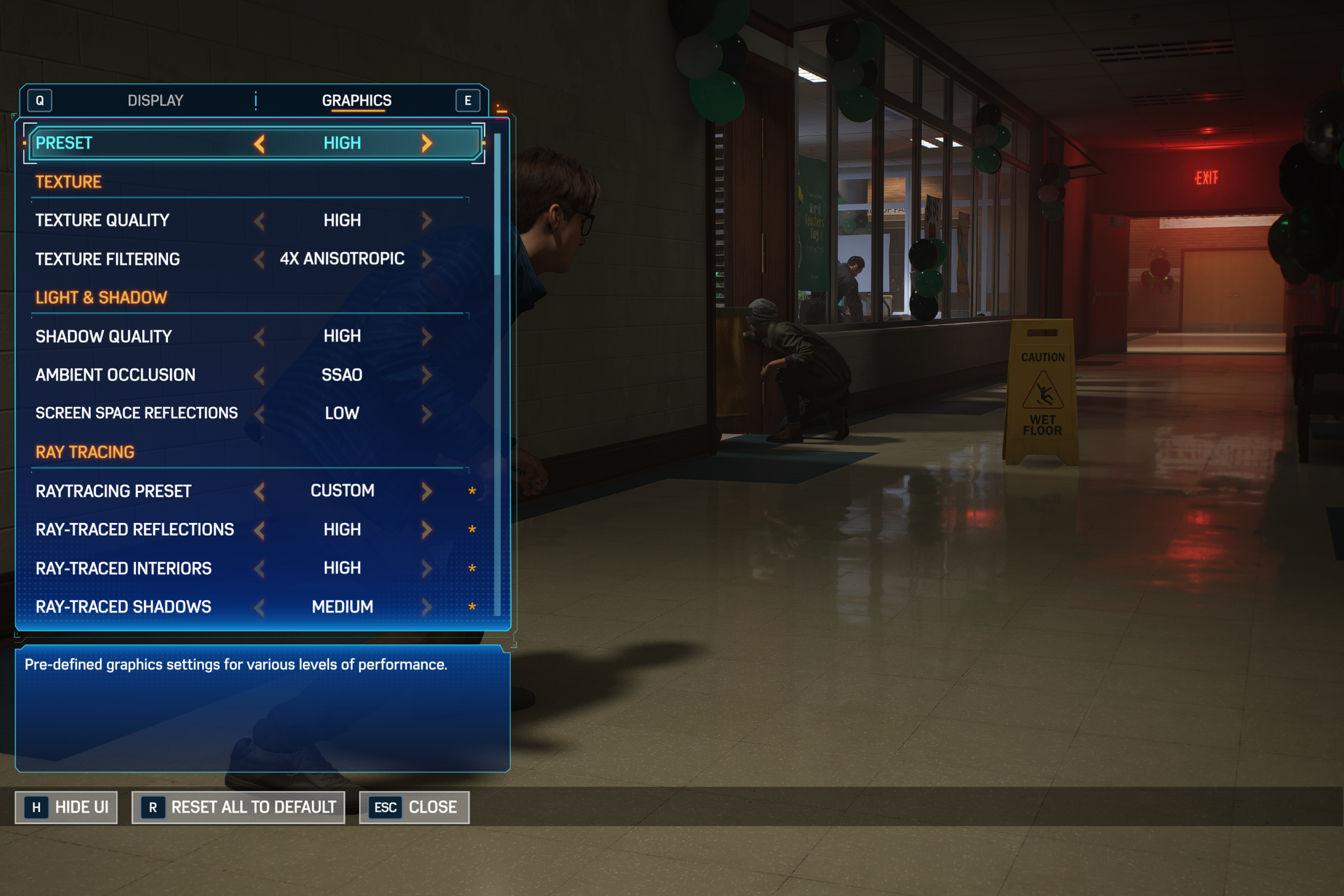
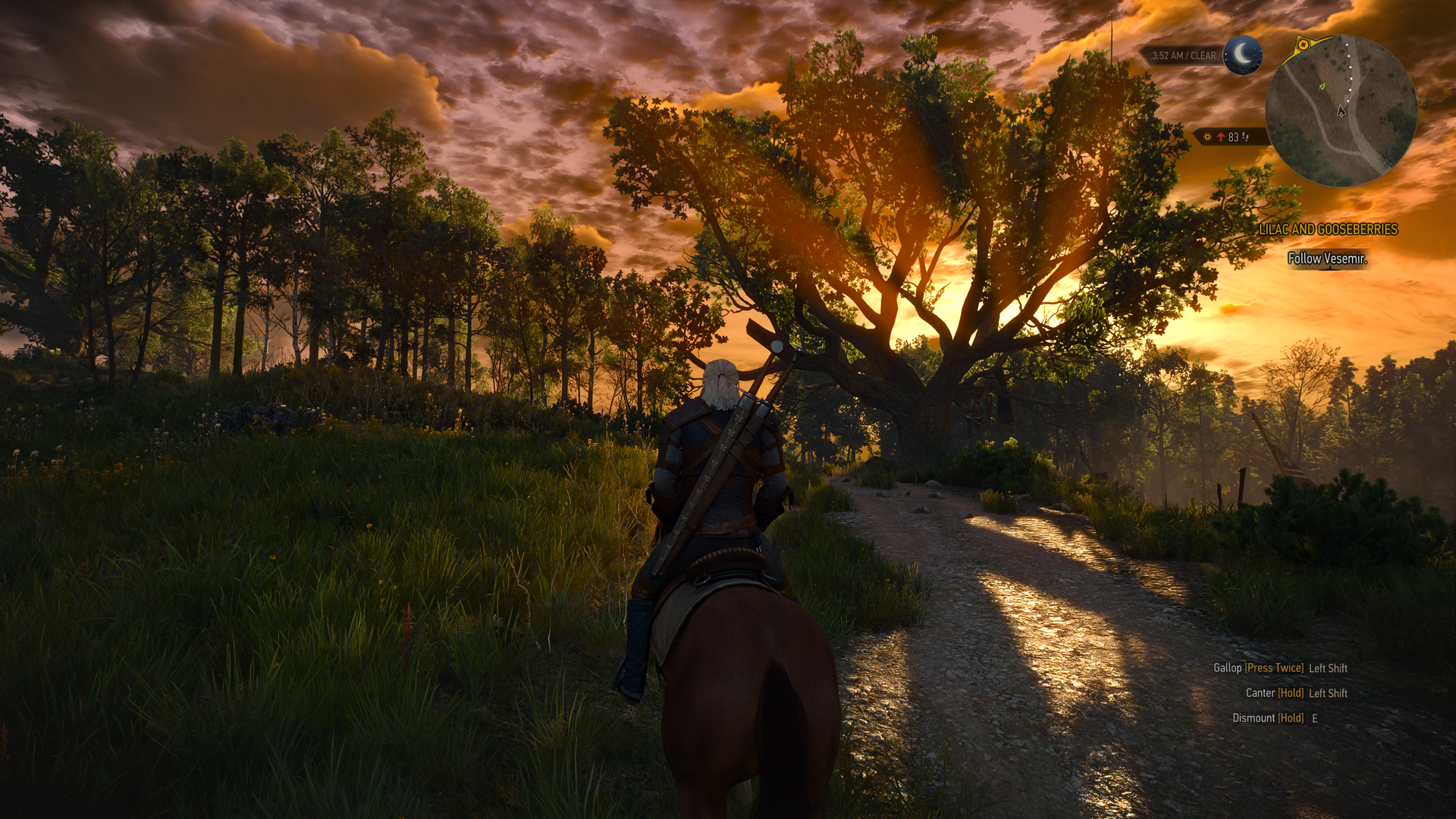
Shadow of the Tomb Raider also works great, but it takes quite a while to actually load up. But once the game is running and you're in-game, it looks great and runs well above 60fps at high settings at 1440p. Marvel's Spider-Man 2 and The Witcher 3 Remastered ran without a hitch, reaching close to 90fps in high settings at 1440p.

For content creators, RTX Spark is a great choice. Whether you are editing photos or rendering videos using apps like Adobe Photoshop and Premiere Pro, or rendering 3D environments in Blender, the RTX Spark is well suited for those tasks.
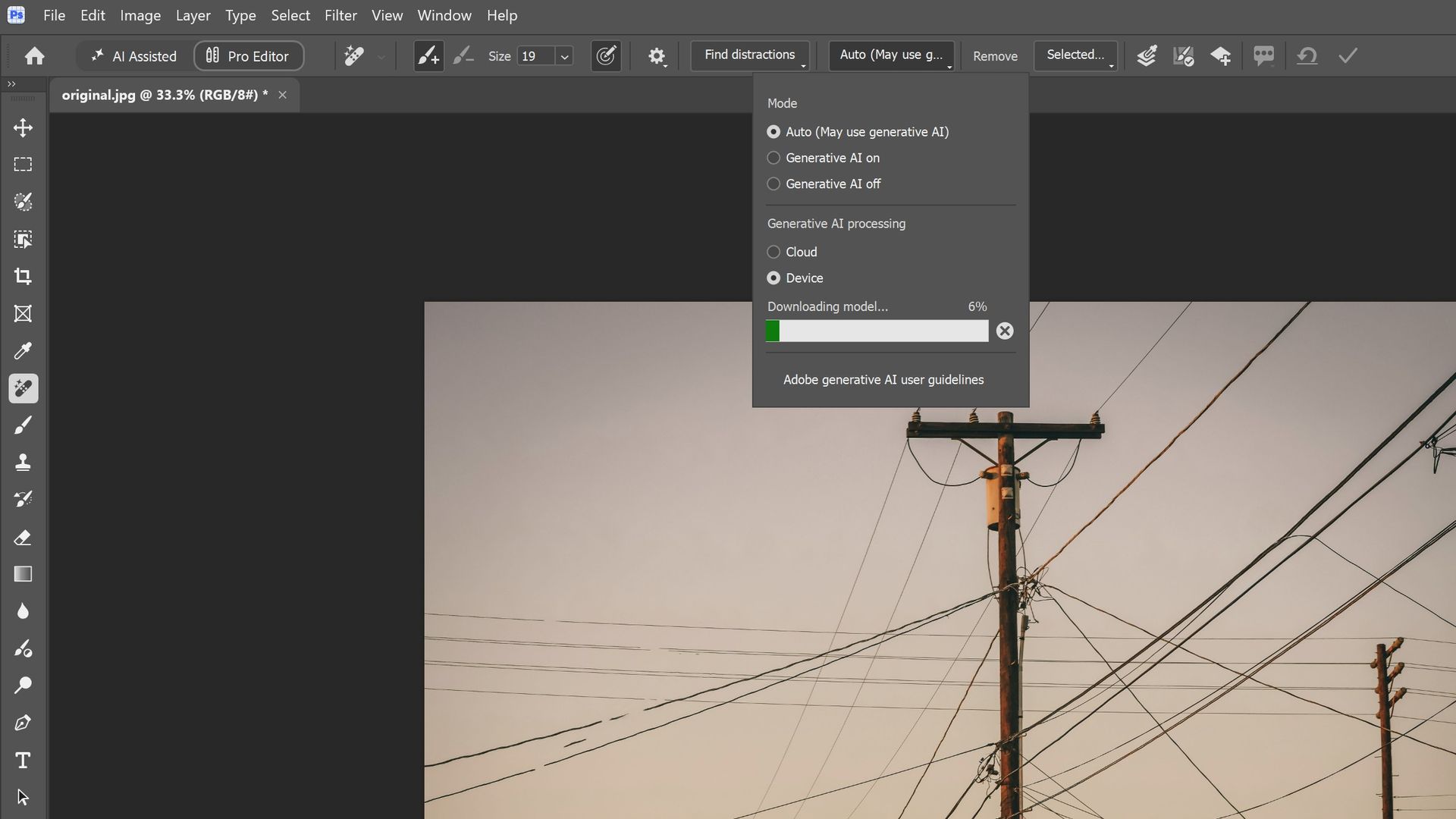
RTX Spark

Photoshop supports on-device AI models on RTX Spark (Image credit: Zac Bowden / Windows Central)

Adobe and NVIDIA say the Adobe Creative Cloud Suite has been optimized specifically for RTX Spark. These optimizations include:

  • Photoshop on-device AI object removal
  • Premiere Pro TensorRT acceleration
  • Blender support for DLSS 4.5 Ray Reconstruction

When it comes to video rendering times, the RTX Spark trails the current-gen RTX 50 series GPUs. We benchmarked it against three other laptops with an RTX 5060, 5070 Ti, and 5080, in which it trailed the RTX 5060 in video rendering performance, finishing a few seconds later in most instances. In this benchmark, we ran Premiere Pro Beta, as that version includes necessary optimizations for RTX Spark.

Premiere Pro Export Times

Export Profile (Seconds ↓)

Surface Laptop Ultra
(RTX Spark)

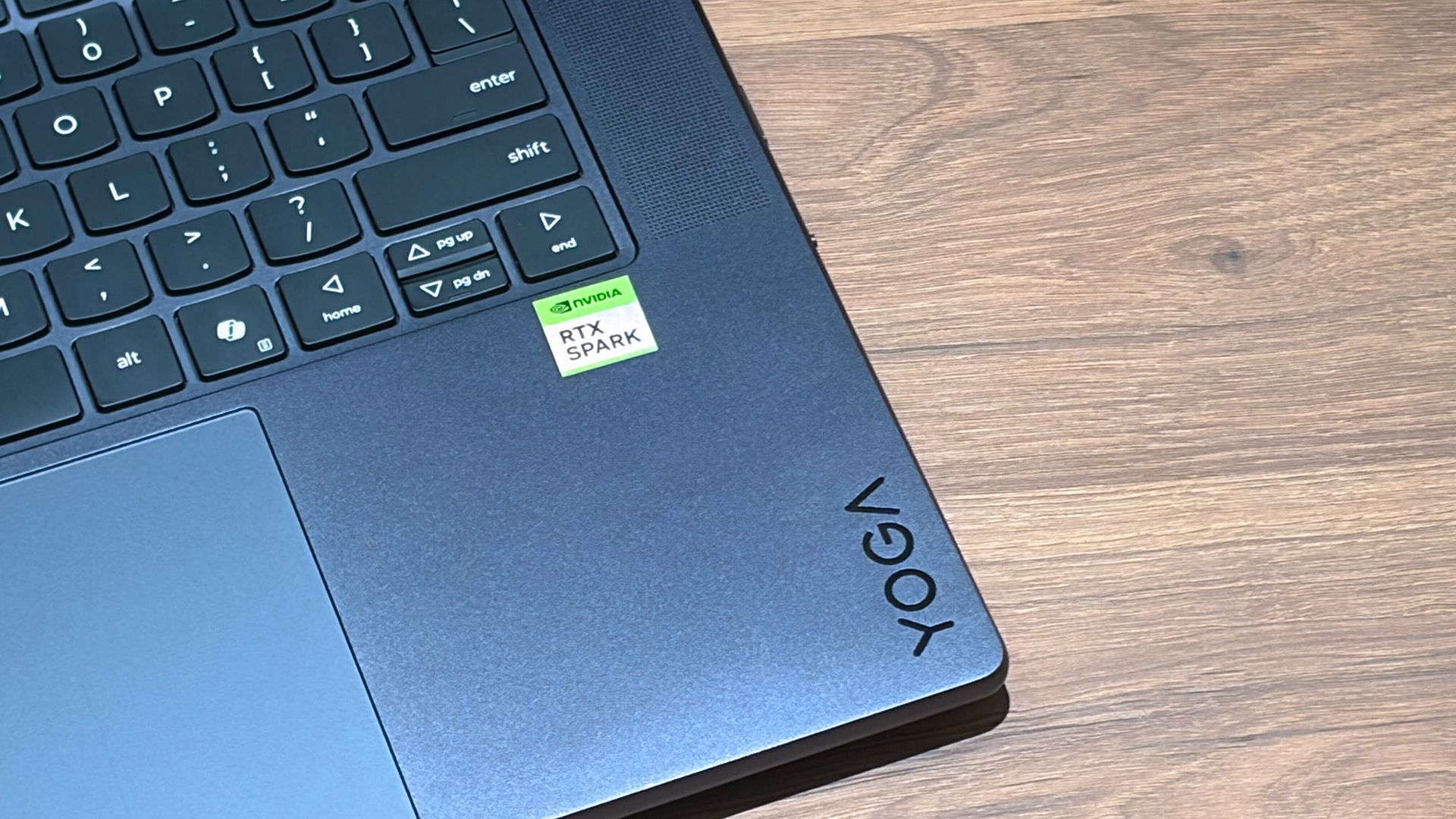
Lenovo Yoga Pro 9
(RTX 5060 8GB)

ASUS Zephyrus G14
(RTX 5070 Ti 12GB)

Lenovo LEGION 9
(RTX 5080 16GB)

H.264 Export (1 GPU)

42.002 s

32.111 s

39.403 s

20.218 s

H.264 Export (Pass 2)

34.415 s

26.003 s

33.532 s

18.401 s

H.264 UHD Export (1 GPU)

81.419 s

64.140 s

71.918 s

40.235 s

H.264 UHD Export (Pass 2)

66.496 s

52.301 s

59.536 s

34.253 s

Dedicated GPU performance can vary depending on laptop chassis size, cooling solution, and thermal envelope, which is why the 5070 Ti frequently trailed the 5060 in our testing.

The RTX Spark GPU is very performant and is capable of pretty much handling anything you'd want to throw at it on a mobile workstation. Where it really shines, however, is running local AI models directly on it. It's the reason NVIDIA built this platform to begin with, and it does this very well.

We ran several Procyon AI benchmarks to see how well the GPU performs when running on-device AI workflows. Text generation LLMs ran very fast, with Spark delivering responsive time-to-first-token results, including 0.27 seconds on Phi and 0.39 seconds on LLaMA3, but its sustained decoding rates trail higher-wattage discrete GPUs.

On-device text generation benchmarks

Model

Overall Score

Tokens / Second

Time to First Token (s)

Model Load Time (s)

Phi-3.5-mini

2,615

72.21

0.27

0.66

Mistral 7B

2,276

53.07]

0.47

0.96

Llama 3.1 8B

2,251

49.44

0.40

1.50

Llama 2 13B

2,108

27.44

0.84

1.69

But quantized AI performance is where RTX Spark truly leads. In Stable Diffusion 1.5 INT8, the RTX Spark scored 11,294 and generated images in 2.77 seconds, substantially outperforming the tested RTX 5080, RTX 5070 Ti, and RTX 5060, on which we ran the same tests.

Stable Diffusion Benchmarks

Model Profile & Metric

Surface Laptop Ultra
(RTX Spark)

Lenovo Yoga Pro 9
(RTX 5060 8GB)

ASUS Zephyrus G14
(RTX 5070 Ti 12GB)

Lenovo LEGION 9
(RTX 5080 16GB)

SD 1.5 FP16 - Total Duration

67.55 s

69.70 s

107.73 s

44.59 s

SD 1.5 FP16 - Speed

4.222 img/s

4.356 img/s

6.733 img/s

2.787 img/s

SD 1.5 FP16 - Average UNet

23.986 it/s

23.265 it/s

15.070 it/s

36.426 it/s

SD 1.5 INT8 - Total Duration

22.14 s

138.74 s

101.83 s

440.19 s

SD 1.5 INT8 - Speed

2.767 img/s

17.342 s/img

12.729 img/s

55.024 s/img

SD 1.5 INT8 - Average UNet

19.158 it/s

2.949 it/s

4.043 it/s

0.927 it/s

SDXL FP16 - Total Duration

400.82 s

499.37 s

735.47 s

303.68 s

SDXL FP16 - Speed

25.051 s/img

31.211 s/img

45.967 s/img

18.980 s/img

SDXL FP16 - Average UNet

4.028 it/s

3.331 it/s

2.196 it/s

5.321 it/s

AI Workflows

The GPU is best suited for running large on-device AI models such as Qwen 3.8 27B, Gemma 4 31B, or even 120B-parameter models such as Nemotron or GPT-OSS.

NVIDIA is touting local agentic capabilities with this GPU, leaning on apps like Hermes Agent and OpenClaw to achieve this. We tested Hermes Agent, as OpenClaw failed to connect to the gateway once setup was complete.

The selling point of running LLMs and agents locally is that you are no longer constrained by usage limits or the amount of tokens you have available. When the AI runs locally, it's yours. You can run it for as long and as hard as you like.
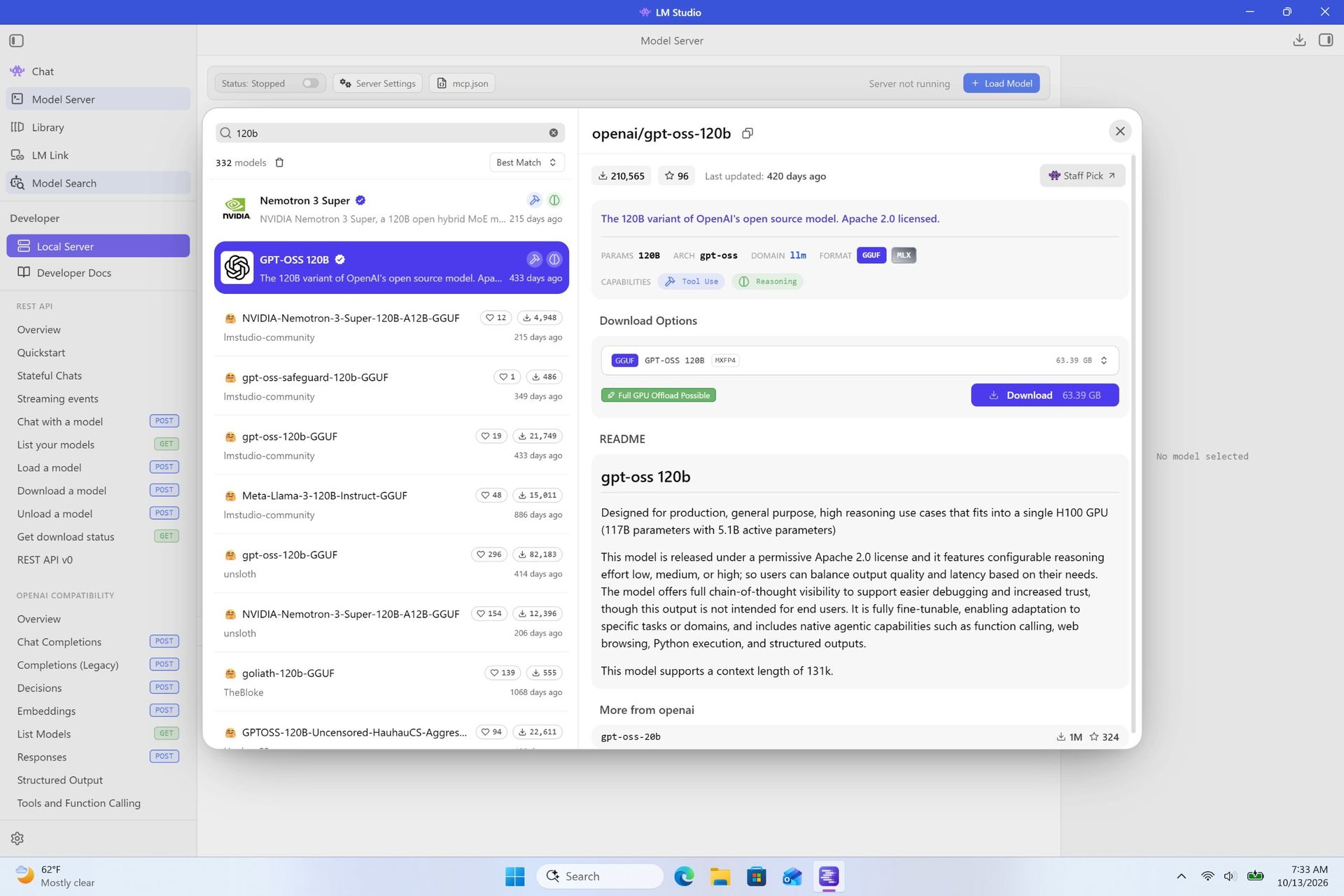
RTX Spark

120B parameter models can fit entirely on the RTX Spark's GPU, significantly speeding up LLM performance. (Image credit: Zac Bowden / Windows Central)

It's also good for security and privacy reasons. You may have confidential documents, audio recordings, intellectual property that you need summarized or explained to you, and feeding that data to a cloud-based LLM or agent is giving that data away to the host.

With RTX Spark, you can feed whatever data or task you want to your local AI running off the GPU, and that data will never leave the device. You can build up your own personal agent that is capable of managing your local files, creating documents, making edits, and in some cases even controlling your PC.

Hermes Agent is a great tool for beginners, as it offers local AI compute experiences and makes setting it up a breeze. You open the app, choose to run AI locally, and it recommends the best model for the specs you have. Once downloaded, you're good to start chatting with your own AI locally.
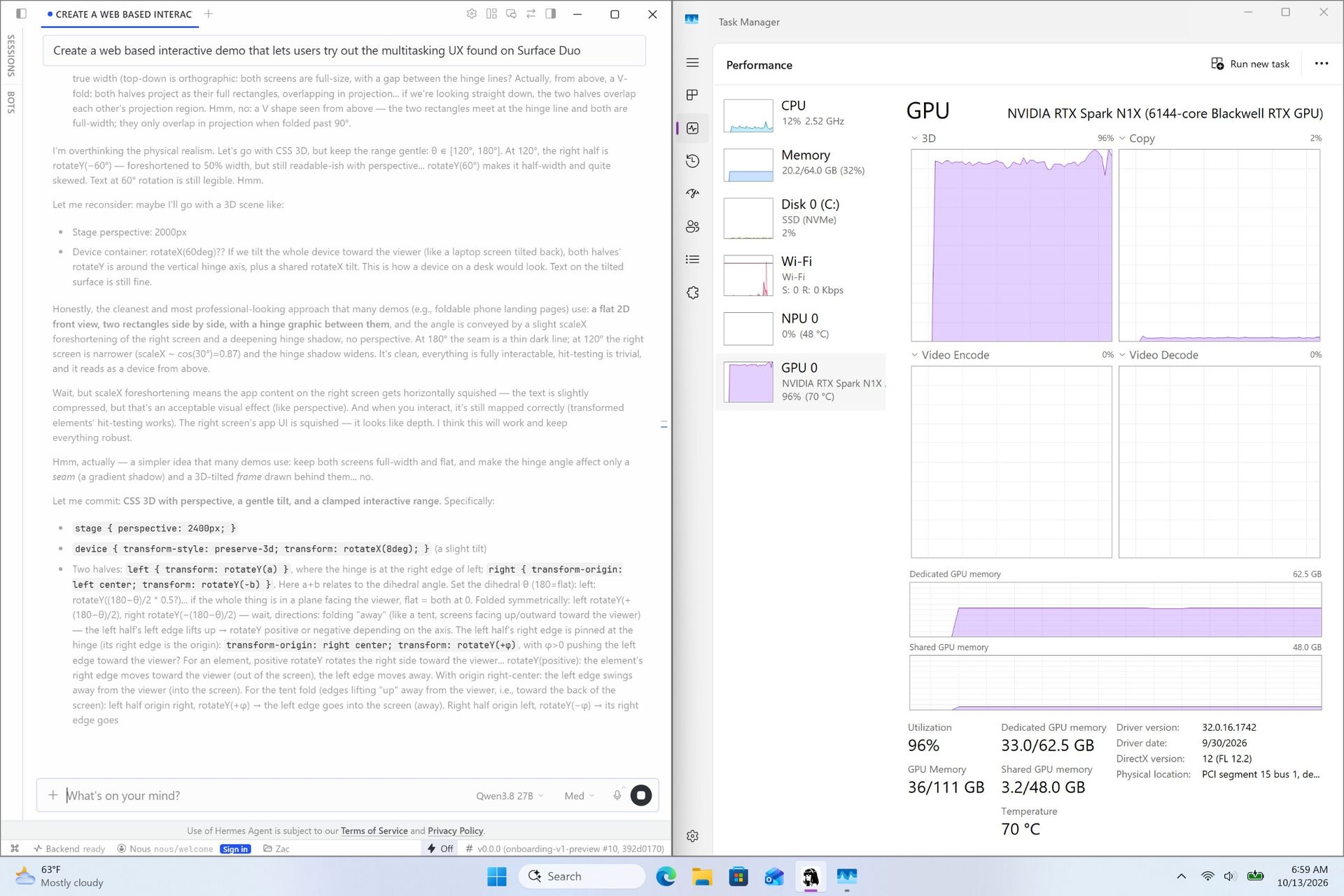
RTX Spark

Instead of using up tokens in the cloud, local AI leans on the GPU for processing. Unlimited power! (Image credit: Zac Bowden / Windows Central)

Hermes Agent is particularly good at automating tasks. The first thing I did was tell it to clean up and organize my large, cluttered downloads folder. It moved images to my photos library, deleting any old executables, and organizing and categorizing PDFs and Word documents appropriately. It did all this without sending any of my data to the cloud, all processed by the GPU.

I also asked it to build me a basic website that included all my benchmark results so that I could refer back to them more easily. It ran that process entirely off my GPU, and came up with a pretty nice looking webpage design in the process. Zero cloud-based tokens used:
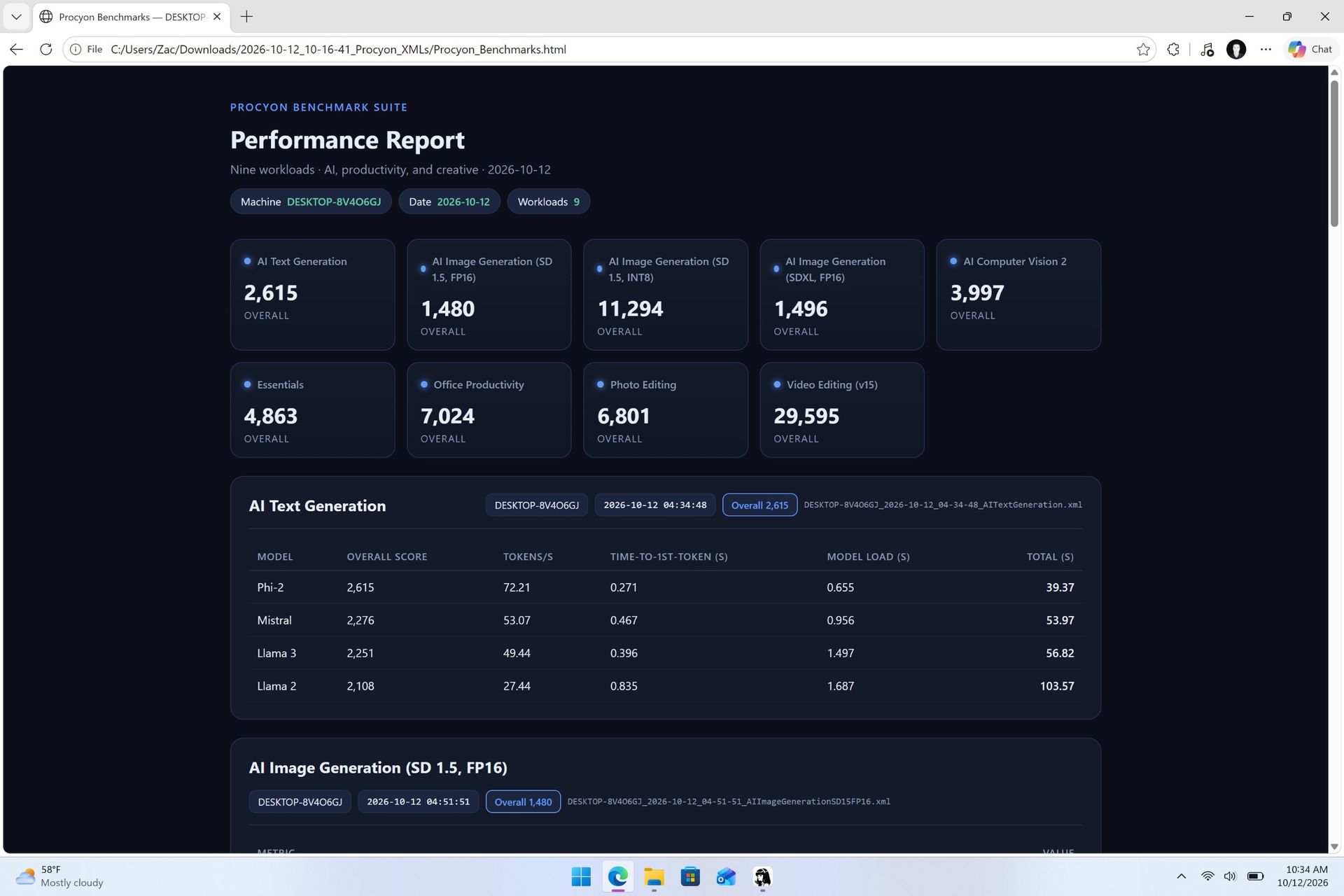
Webpage generated on RTX Spark

The webpage that the Qwen 3.8 27B parameter model created using Hermes Agent. (Image credit: Zac Bowden / Windows Central)

NVIDIA has even built MCP support into NVIDIA Broadcast and NVIDIA Control Panel, allowing you to hook it up to your local LLM and issue commands that allow it to configure your NVIDIA PC's settings.

Windows and RTX Spark
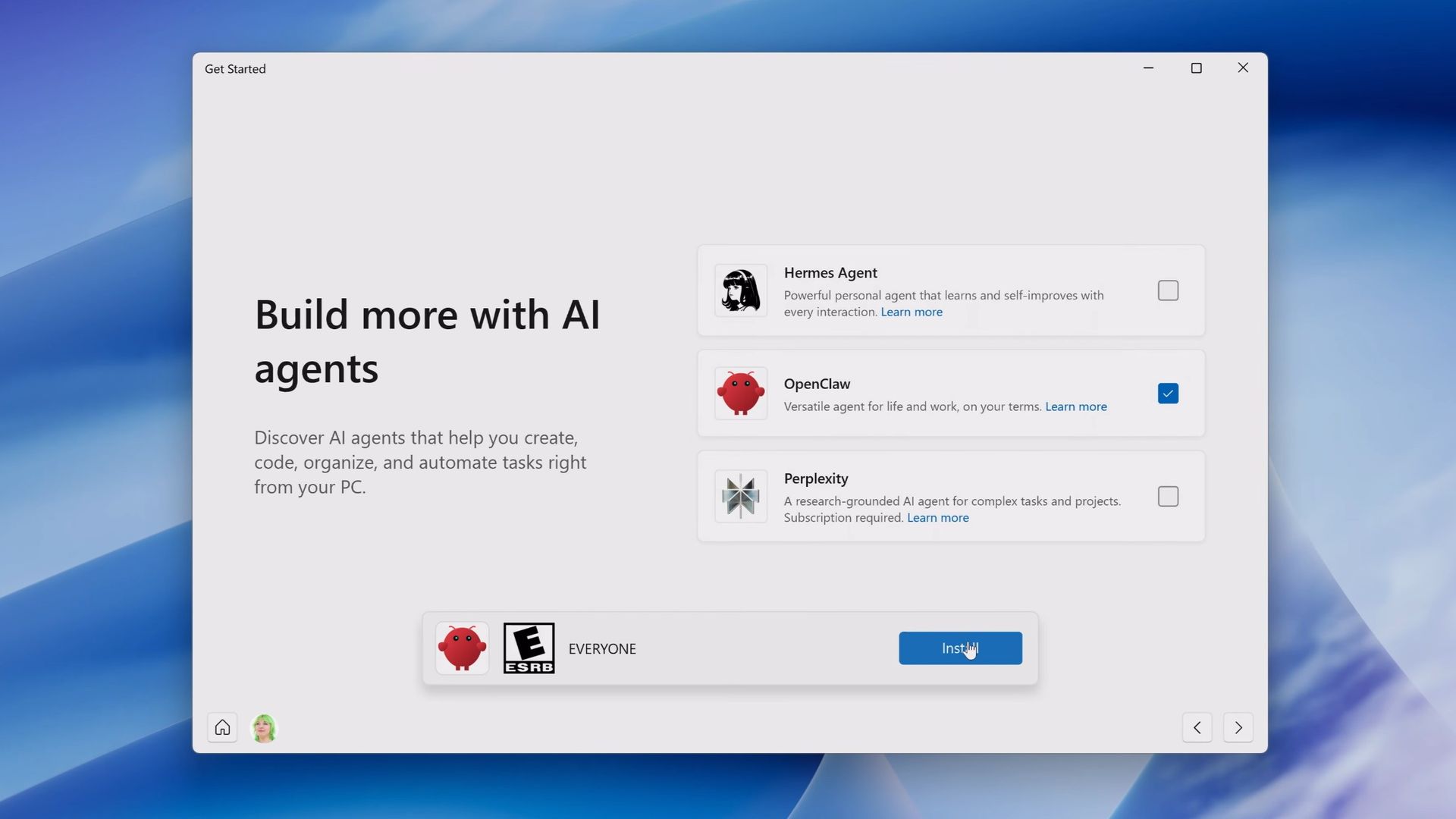
Get Started app offering AI agent apps

The Get Started app on RTX Spark includes a step to automate installing agent apps. (Image credit: Microsoft)

In addition to raw CPU and GPU performance, Microsoft has worked closely with NVIDIA to optimize RTX Spark for Windows 11. This partnership runs deep, and there are a lot of things going on behind the scenes that will aid the performance of Windows and support for apps on RTX Spark over the coming months and years.

For those unboxing a new RTX Spark laptop this fall, the Get Started app on Windows 11 will present a step that makes downloading and installing apps that can handle AI agents super easy. Hermes Agent will even go a step further and recommend a suitable model to download once up and running, meaning the user has to do zero research to get started.

With that said, I still find these recommended apps quite complex and convoluted. Many beginners will feel overwhelmed by these apps, especially OpenClaw, which I could not get working properly after it failed to open a gateway to allow the AI model to communicate with the OpenClaw chat interface.
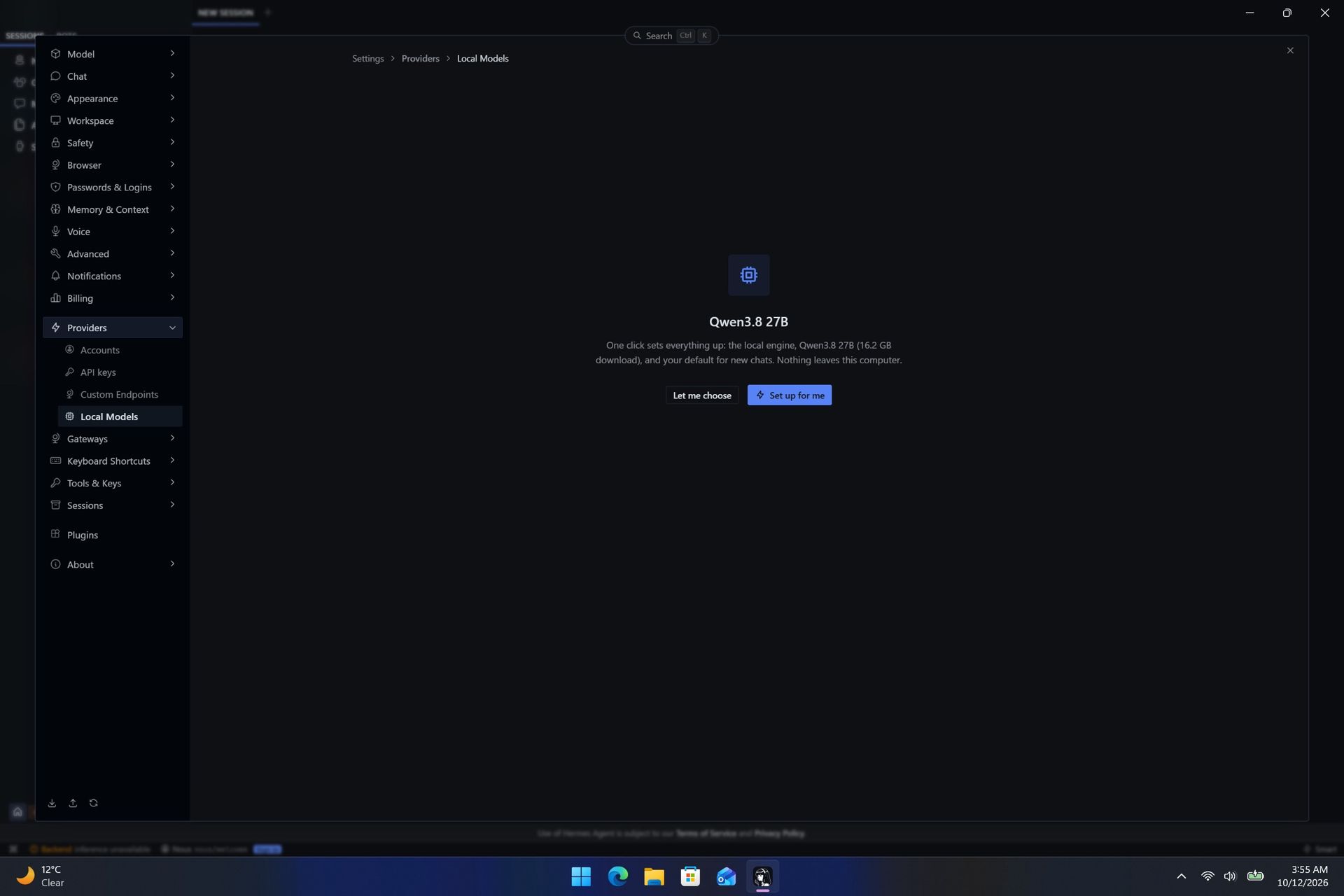
Hermes Agent does automate setting up your first local agent.

Hermes Agent does automate setting up your first local agent. (Image credit: Zac Bowden / Windows Central)

Microsoft has optimized the system scheduler specifically for RTX Spark to squeeze out as much performance across Windows, menu flyouts, app launches, and more as possible. It has also made changes and enhancements to how Windows handles unified memory so that it's faster and more reliable at feeding that memory to where you need it.

TensorRT is now supported by Windows ML, and DirectX 12 has neural rendering support. The Prism emulation layer has also been tuned for RTX Spark, which results in emulated apps that simply do not feel like they are being emulated.

Microsoft is also keen to position Windows as the platform for local AI and agentic workflows. It has built safeguards and security into the Windows platform to ensure the local agents you run on Windows aren't capable of making severe changes or causing damage to your files, apps, and more.

This is a direct attempt at combating the sudden rise in local AI developers flocking to the Mac. Apple has made little optimizations to macOS to adopt and safeguard local AI and agentic workflows on that platform, whereas Microsoft is moving to make agents a native extension of the Windows platform.

RTX Spark is a Copilot+ PC certified chip, but you won't find any Copilot+ PC features at launch. Microsoft says it's working with NVIDIA to bring features like Windows Recall, Click To Do, and on-device Semantic Search to the RTX Spark platform in the coming months, which will run off the RTX Spark's 50 TOPS NPU.

Conclusion
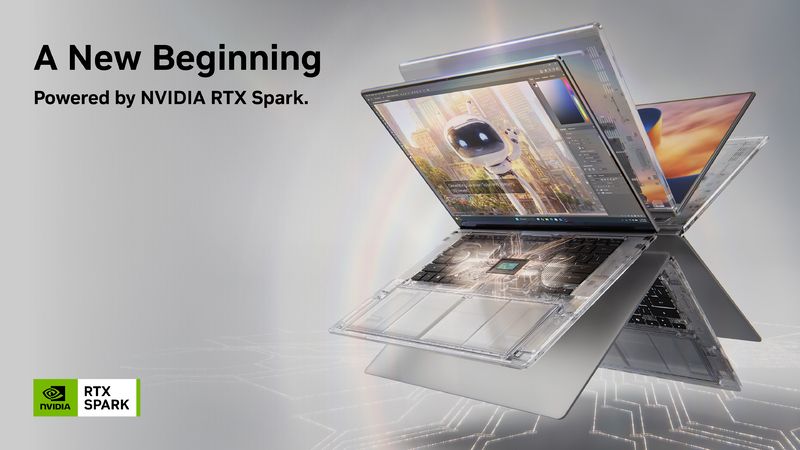
NVIDIA RTX Spark

(Image credit: NVIDIA)

RTX Spark is a super interesting chipset. It's forward leaning in a lot of ways, built on the Arm64 architecture that delivers serious performance and great efficiency. While its N1X CPU is just okay, its Blackwell RTX GPU really shines.

This is the first time we've seen RTX 4070-5070 level performance in an SoC that is this small and efficient. It's optimized for AI workloads, which is its strongest workflow by far. Quantized AI models run great, and with up to 128GB of unified memory, most mainstream models will fit entirely on the GPU without a hitch.

It's also great for content creators, and is very capable at gaming also. But at the prices that these devices are launching at, I think most people would be better served getting an Intel or AMD laptop with a dedicated NVIDIA GPU instead, as these often cost less than the cheapest RTX Spark laptops right now.

But if your workflow involves running AI models locally all day, software development, or complex data crunching and source code management, the RTX Spark is one of the better choices in the Windows space right now, especially for laptops that are thin-ish and (relatively) lightweight.

These RTX Spark laptops are more efficient and portable than typical laptops with a dedicated NVIDIA GPU, which is one of the key benefits of an SoC like this. The power this GPU outputs, for what is essentially integrated graphics, should not be understated.

Of course, just how efficient RTX Spark is will depend entirely on the hardware you choose to buy, as OEMs are free to feed the GPU more or less power depending on the chassis and thermal envelope. Keep that in mind.

Benchmarks

All benchmarks ran on RTX Spark 20-core CPU configuration with 128GB RAM and 6,144 GPU cores. All tests ran connected to power with Best Performance profile enabled, unless stated otherwise. We are still running benchmarks and new tests, and will update accordingly.

Geekbench 7 CPU

Geekbench 7.1.0 Pro (AArch64) Workload

Surface Laptop Ultra Score

ASUS ProArt P16

Single-Core Score

2,710

2,717

Multi-Core Score

23,571

23,833

Geekbench 7 GPU

Geekbench 7.1 GPU

CUDA Score

Surface Laptop Ultra

186098

ASUS ProArt P16

187547

Cinebench 2026

Cinebench 2026 Test

Surface Laptop Ultra

ASUS ProArt P16

CPU (Multi Core)

6,885 pts

6,742 pts

CPU (Single Core)

558 pts

554 pts

Procyon Office

Procyon Office Productivity Application

Score

Office Productivity Overall Score

7,024

Microsoft Word Score

7,160

Microsoft Excel Score

7,440

Microsoft PowerPoint Score

7,904

Microsoft Outlook Score

4,761

Procyon Essentials

Procyon Essentials Workload

Score

Essentials Overall Score

4,863

App Startup Score

5,382

Web Browsing Score

4,346

Browser Tabs Score

6,130

File Operations Score

5,013

Video Conferencing Score

5,015

Procyon Photo Editing

Procyon Photo Editing Subtest

Score

Photo Editing Overall Score

6,801

Image Retouching Score

9,398

Batch Processing Score

4,922

Procyon Video Rendering

Procyon Video Editing v1.5 Export Test

Time / Score

Video Editing Overall Score

29,595

Export H.264 Full HD (Test 1 - GPU Effects)

42.00 s

Export H.264 Full HD (Test 2)

34.42 s

Export H.264 UHD 4K (Test 1 - GPU Effects)

81.42 s

Export H.264 UHD 4K (Test 2)

66.50 s

Procyon Text Generation

Model

Overall Score

Tokens / Second

Time to First Token (s)

Model Load Time (s)

Phi-3.5-mini

2,615

72.21

0.27

0.66

Mistral 7B

2,276

53.07

0.47

0.96

Llama 3.1 8B

2,251

49.44

0.40

1.50

Llama 2 13B

2,108

27.44

0.84

1.69

Procyon Image Generation

Model & Precision

Score

Speed (s / image)

Total Time Taken (s)

Stable Diffusion 1.5 (FP16)

1,480

4.22

67.55

Stable Diffusion 1.5 (INT8)

11,294

2.77

22.14

Stable Diffusion XL (FP16)

1,496

25.05

400.82

Procyon Vision Benchmark

Vision Model Workload

Throughput / Inferences per Second

Overall Score

3,997

ConvNeXt Overall Throughput

1,901.71 inf/s

Segment Anything 2.1 Decoder

806.86 inf/s

Segment Anything 2.1 Encoder

58.90 inf/s

BLIP Encoder

421.58 inf/s

BLIP Decoder

409.50 inf/s

DETR

225.04 inf/s

Real-ESRGAN

16.58 inf/s

Procyon Benchmark Compiarons

Benchmark Suite / Test

Surface Laptop Ultra
(RTX Spark)

Lenovo Yoga Pro 9
(RTX 5060)

ASUS Zephyrus G14
(RTX 5070 Ti)

Lenovo LEGION 9
(RTX 5080)

Video Editing (v15 Score)

29,595

38,262

32,096

58,497

AI Computer Vision 2 Overall

3,997

2,690

2,578

4,946

AI Image Gen: SD 1.5 FP16

1,480

1,434

928

2,242

AI Image Gen: SD 1.5 INT8

11,294

1,801

2,454

567

AI Image Gen: SDXL FP16

1,496

1,201

815

1,975

AI Text Gen: Phi

2,615

2,759

1,783

4,005

AI Text Gen: Mistral

2,276

2,482

1,516

3,498

AI Text Gen: LLaMA 3

2,251

2,407

1,457

3,472

AI Text Gen: LLaMA 2

2,108

249

1,350

3,360

Essentials (Overall Score)

4,863

4,931

4,128

4,754

  •  

HP EliteBoard G2a Hides a Windows PC in an Ordinary-Looking Keyboard

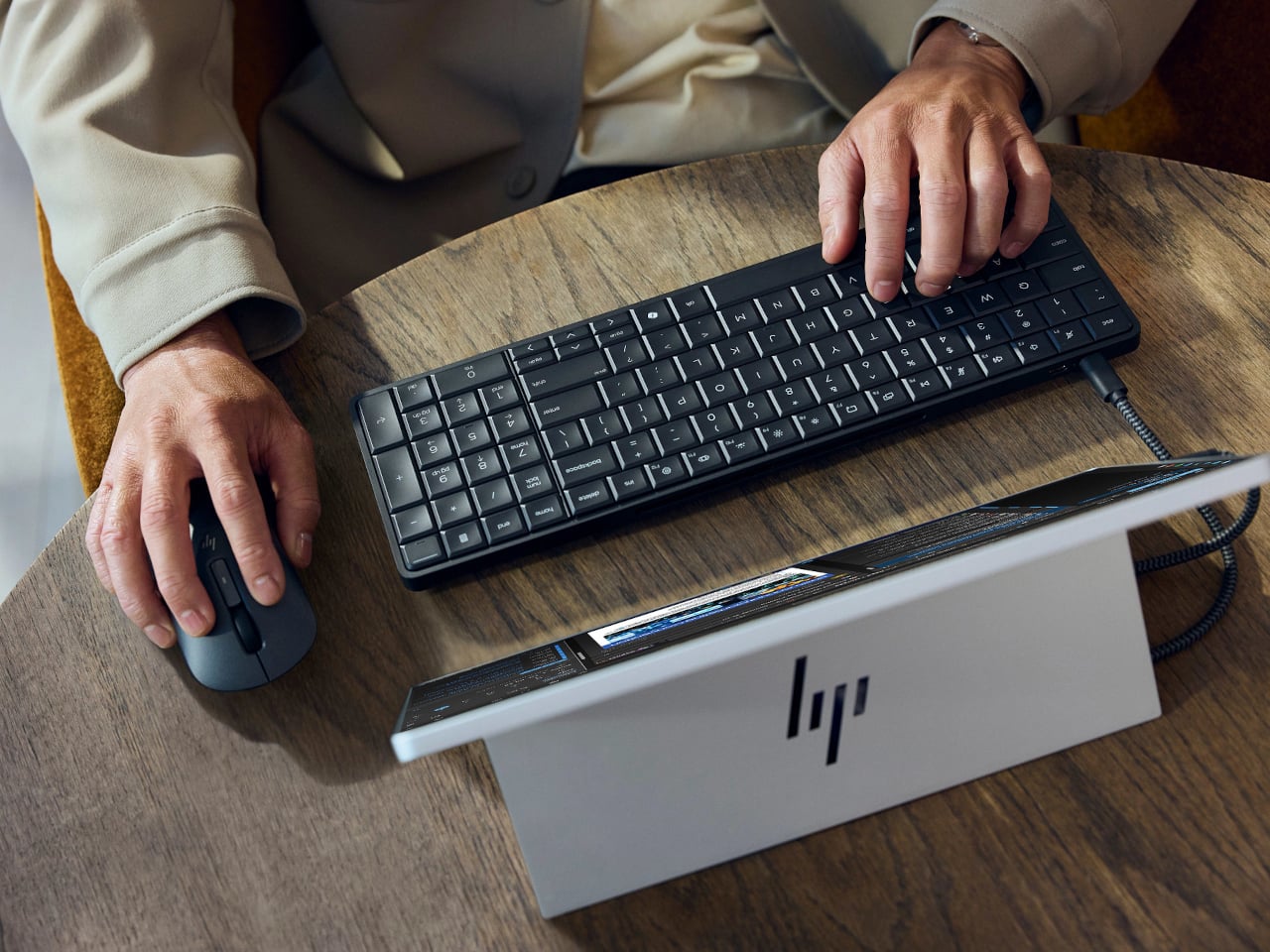
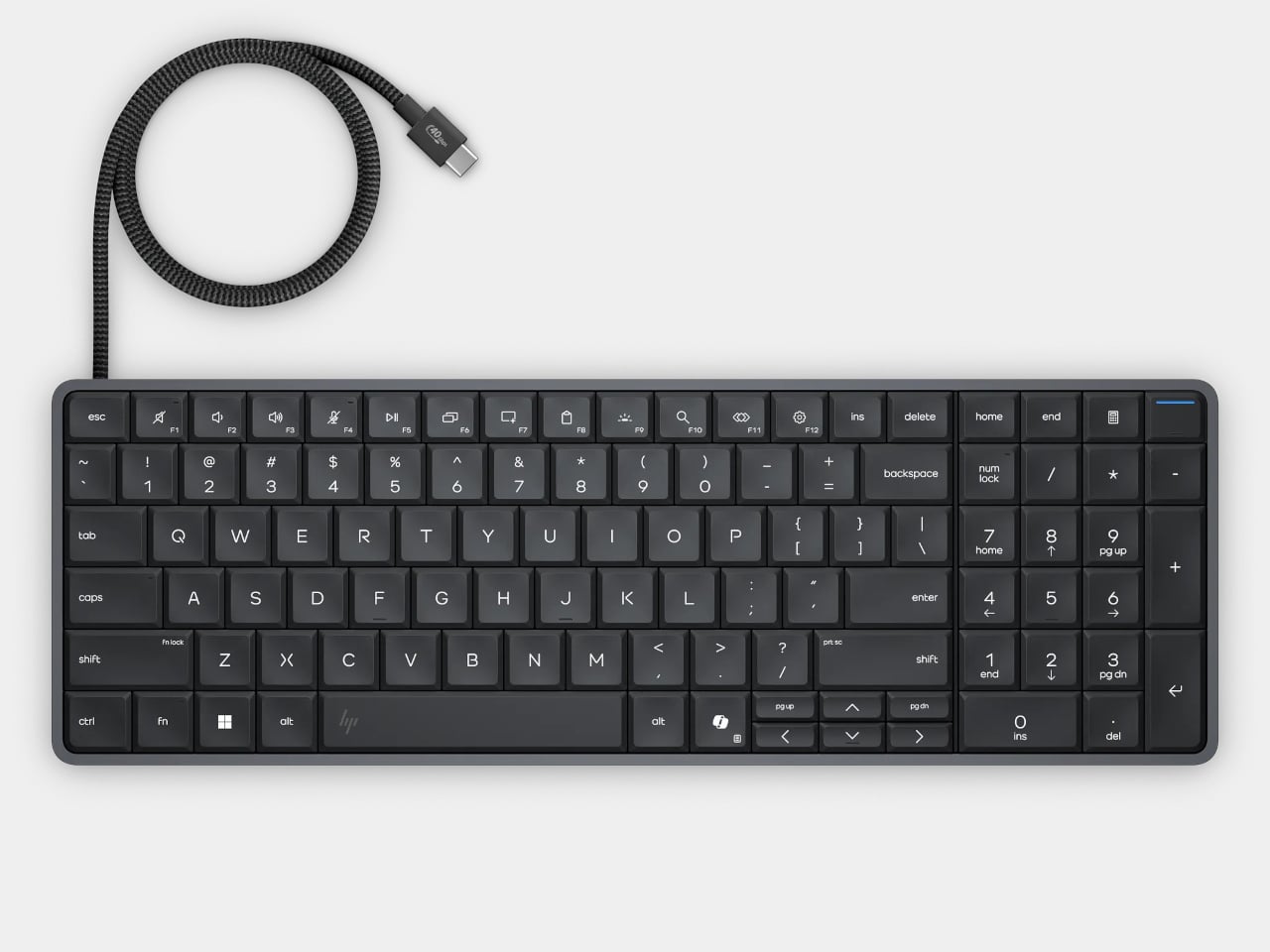
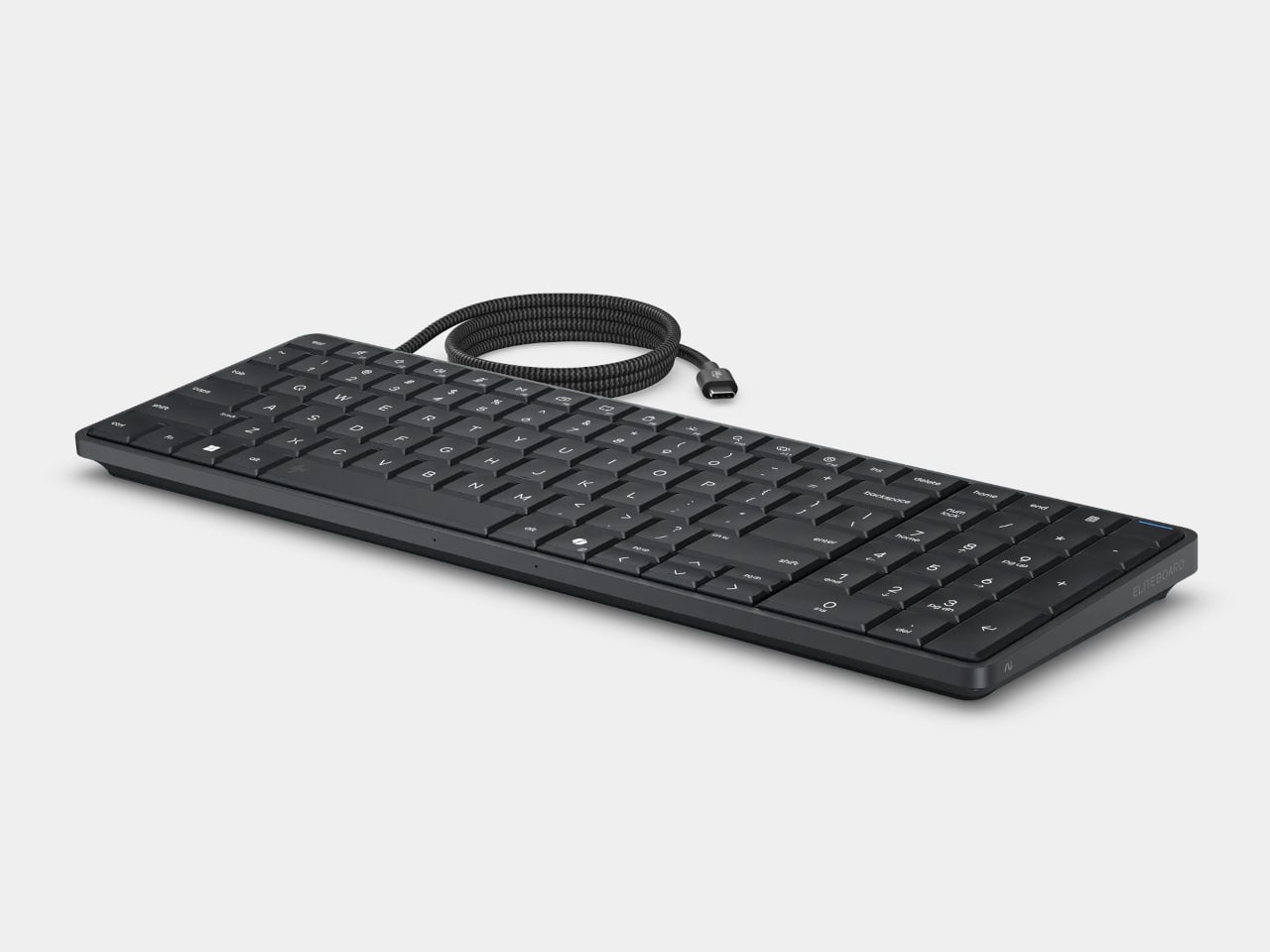
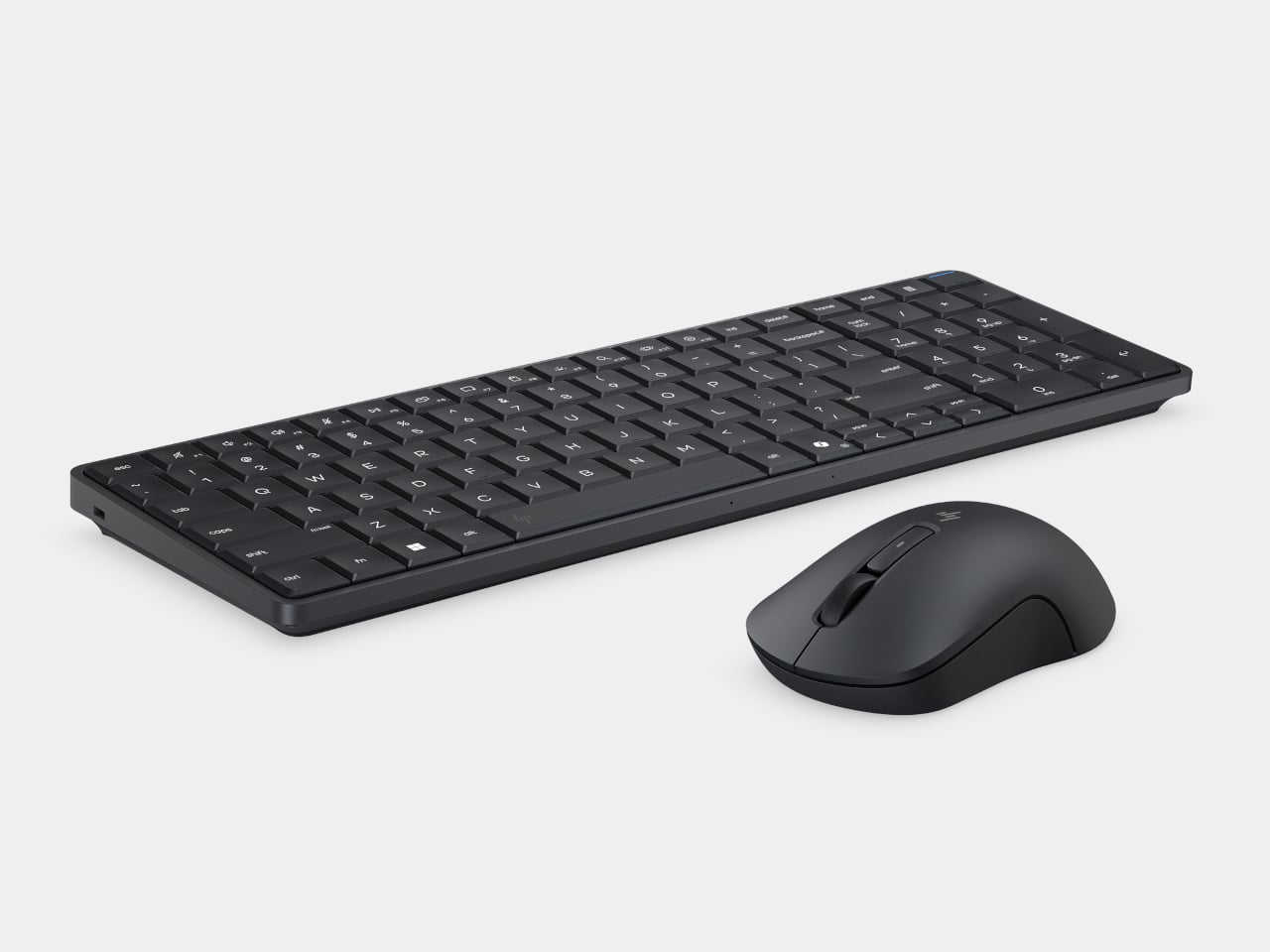
Desktop computers have become smaller, but even a little box needs somewhere to sit and cables to connect it. HP’s EliteBoard G2a removes that separate enclosure by putting the computer inside a full-size keyboard. This Windows PC keeps the surface you already type on and gives it another job, making a compact workstation easier to carry between home and office.

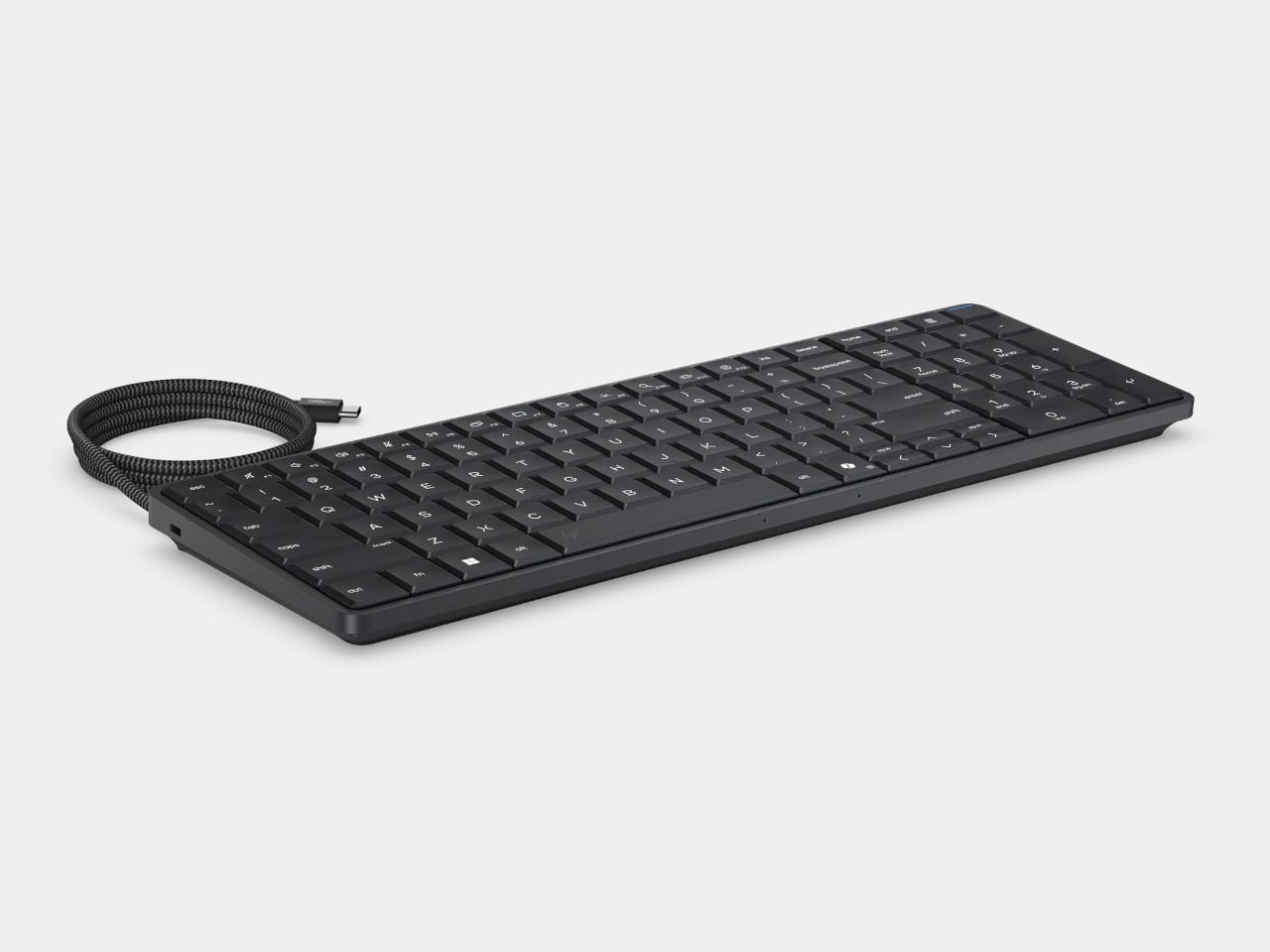
The gray body measures 14.1 by 4.7 by 0.7 inches and weighs about 1.49 pounds, depending on configuration. Low-profile keys, a numeric keypad, and backlighting preserve the familiar business-keyboard layout rather than shrinking everything into a travel accessory. That makes the design’s restraint rather convincing: there’s no separate machine competing for attention, although you’re still setting aside space for a full keyboard.

Designer: HP

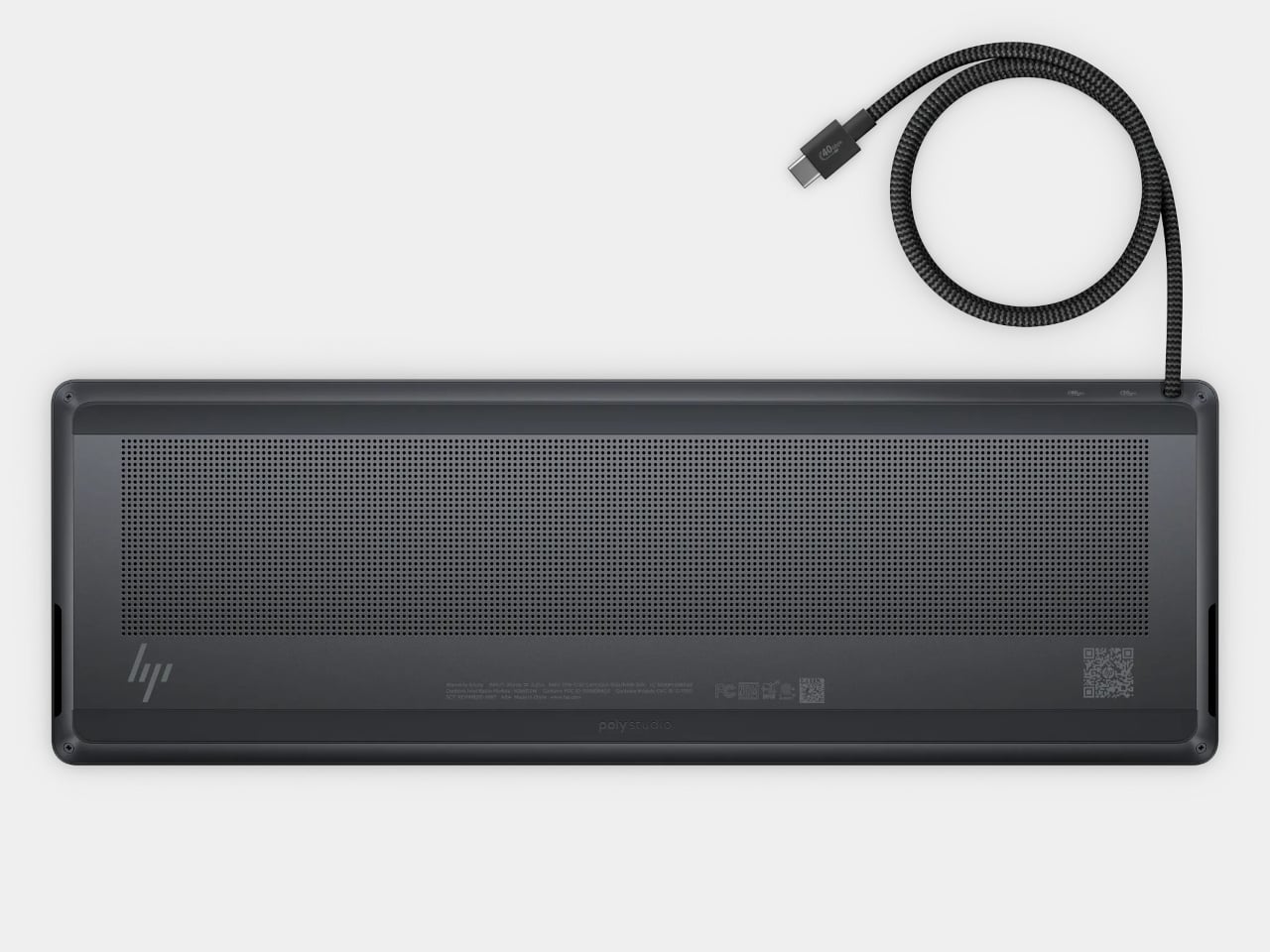
Of course, the missing piece is a screen. Connect the G2a to a compatible USB-C monitor and you can bring your computer to a desk where the display already lives. A single cable can carry video, data, and power, provided the monitor supplies the required 65W. Otherwise, the included power adapter is still needed. A USB-C socket alone doesn’t guarantee that tidy arrangement.

The cable itself comes in attached and detachable versions, a small choice with consequences when packing up. An attached lead stays with the machine, so there’s one less item to leave behind. A detachable cable separates from the keyboard for storage or replacement. The second USB-C connection handles accessories, but USB-A devices and wired Ethernet require adapters, adding clutter to the setup.

Underneath, AMD Ryzen AI 5 PRO 435 or Ryzen AI 7 PRO 450 processors distinguish this G2a from the older G1a. Both include a 50-TOPS neural processing unit for compatible local AI software. The listed configurations pair 16GB or 32GB of RAM with a 512GB SSD. These prove the existence of a powerful computer beneath the keys, not a keyboard controlling something hidden behind your monitor.

An optional 32Wh battery gives the arrangement another advantage when you’re changing desks: the computer can stay running while disconnected. That doesn’t turn it into a laptop, since you’ll still need a display when you arrive. Integrated speakers and microphones reduce the peripherals needed for audio calls, and a prepaired wireless mouse completes the controls. Video calls still need a separate camera, of course.

Putting everything beneath the keys could make a damaged keyboard an expensive problem, which is why serviceability matters here. HP makes the top-mounted keyboard replaceable, alongside the RAM, SSD, and optional battery. Two accessible memory slots support upgrades to 64GB. You don’t have to treat the computer as disposable because its most frequently touched part wears out, although repairs still require appropriate skills.

That said, the price is harder to hide than the computer. Listed US configurations start at $3,028, while the attached-cable version with 32GB of RAM is priced at $3,846. A compatible monitor remains a separate purchase. For someone moving between equipped workspaces, carrying a keyboard instead of a desktop makes sense. Paying that much to avoid a separate box, however, is a considerably bigger decision.

The post HP EliteBoard G2a Hides a Windows PC in an Ordinary-Looking Keyboard first appeared on Yanko Design.

  •  

Samsung's fastest PCIe 5.0 SSD dropped below $199 for 1TB, with more sizes on sale

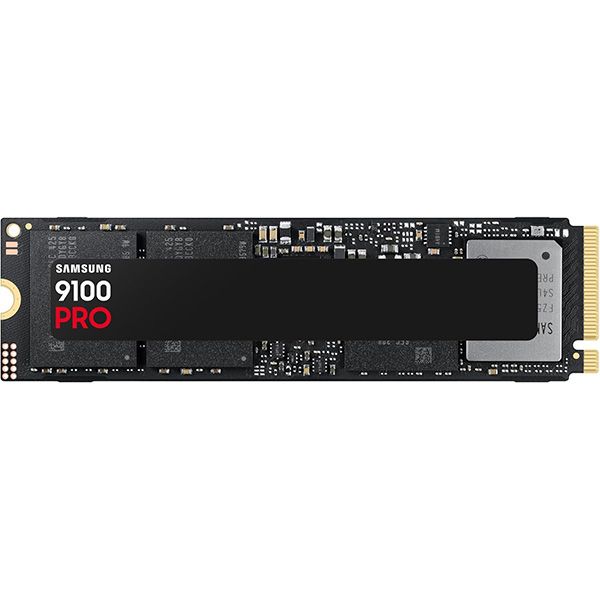
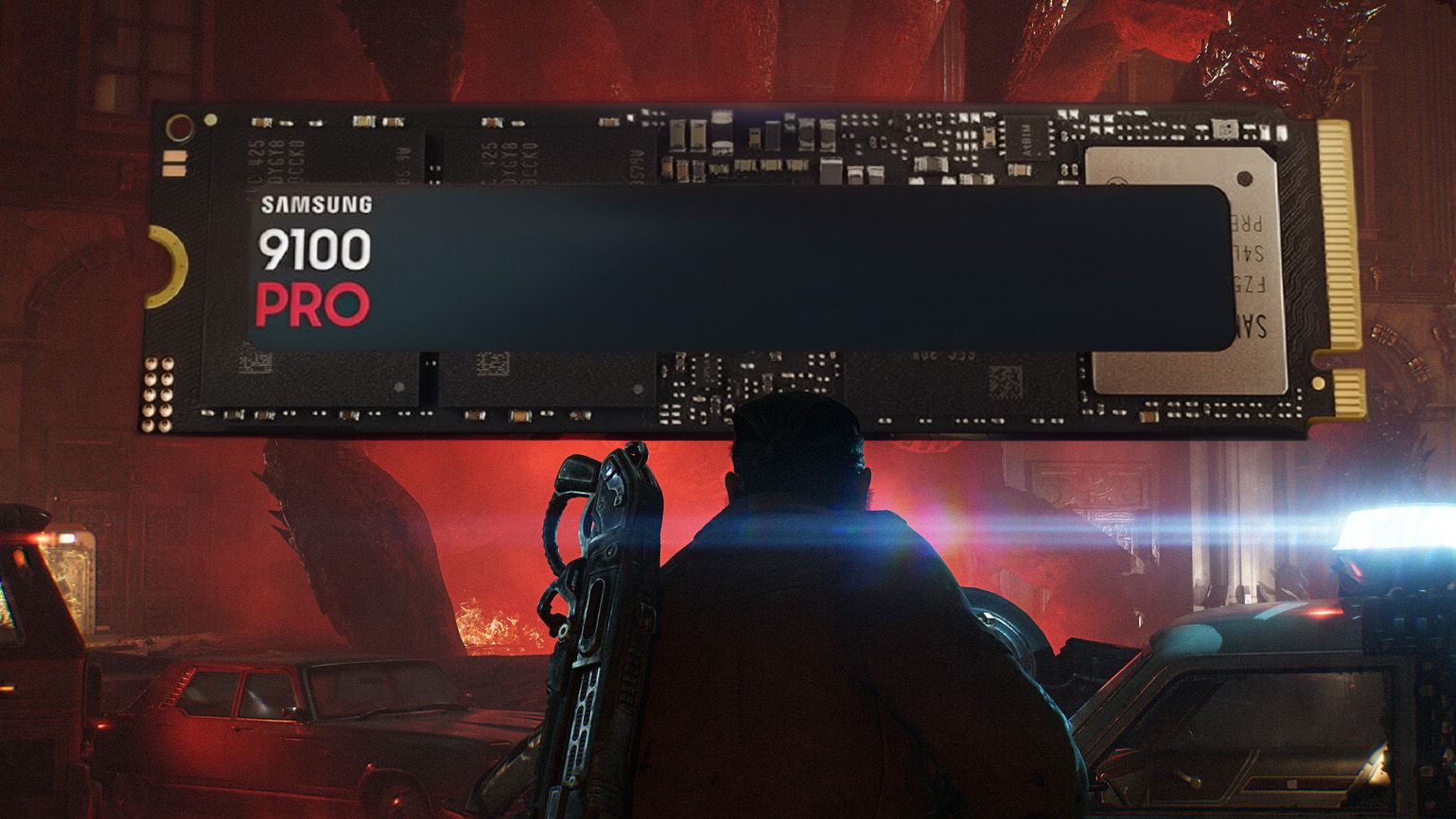
For 48 hours during Amazon's Big Deal Days event (don't call it Prime Day), Samsung's fastest-ever (up to 14,700MB/s) 9100 PRO M.2 solid-state storage drives had dropped in price twice. The 1TB 9100 PRO was down to $196.64 $243.27, edging somewhat closer to the lower prices I preferred before the memory crisis, so it was actually a great time to buy.

These are PCIe Gen 5 drives, which provide the fastest read and write speeds for commercial storage drives, as long as you have a compatible motherboard. If not, they'll fall back to PCIe 4.0 and can be transplanted into an upgraded rig later. Similarly, the 2TB 9100 PRO (had) dropped to $334.99 $399.99, which seems like it would sting, but was a relatively decent price for double the space.

9100 PRO 1TB M.2 2280: was $339.99 now $243.27

"Tackle massive files and power up your gaming with Gen5 — twice as fast as the 990 PRO SSD."View Deal

9100 PRO 1TB M.2 2280: was $339.99 now $196.64

"Tackle massive files and power up your gaming with Gen5 — twice as fast as the 990 PRO SSD."View Deal

9100 PRO 2TB M.2 2280: was $679.97 now $399

"With random read/write speeds up to 1,850K/2,600K IOPS, enjoy fast game loads, seamless AI apps, and efficient multitasking."View Deal

9100 PRO 2TB M.2 2280: was $679.97 now $334.99

"With random read/write speeds up to 1,850K/2,600K IOPS, enjoy fast game loads, seamless AI apps, and efficient multitasking."View Deal

For those with more of a stretchy budget, you could have also sprung for more space, since the 4TB 9100 PRO was 'down' to $734.99 (now, even further to $712.49). You can see where the value multiplier starts to slip, but it's still slightly better than it has been in the past. If you're lucky enough to own one of the rarer motherboards with two PCIe 5.0 slots, you'd perhaps consider picking up two 2TB drives instead.

On the other hand, you could go completely overboard and grab the 8TB 9100 PRO for.. $2,279.50. That's not a typo. It might be listed as a deal, but that's still within the realms of fantasy for most, especially when the dollars-per-gigabyte metric falls off so hard.

Then again, I know people with these kinds of drives. They're usually in massive home server units, powering self-made servers, but these things do sell. Either way, I have a couple of the 1TB 9100 PRO drives in mine and my wife's desktop PCs, and they've been running strong since day one. It was an expensive adoption, but I've had no regrets. This price was much more like it.

9100 PRO 4TB M.2 2280: $712.49

"Perfect for video editing, gaming, and creative tasks, with the compatibility to match your device."View Deal

9100 PRO 4TB M.2 2280: was $1359.99 now $734.99

"Perfect for video editing, gaming, and creative tasks, with the compatibility to match your device."View Deal

9100 PRO 8TB M.2 2280: was $2719.99 now $2279.5

"Enjoy vast space to grow your game library, save every title, and keep all your favorites without compromise."View Deal

9100 PRO 8TB M.2 2280: was $2719.99 now $2279.5

"Enjoy vast space to grow your game library, save every title, and keep all your favorites without compromise."View Deal

Do I need Prime membership for Big Deal Days?

Amazon Prime: Free 30-day trial

New members can enjoy exclusive Prime Day discounts for free and cancel anytime. After the trial, membership is $14.99/month plus tax. Includes access to games via Prime Gaming alongside Prime Video and Prime Music.

How long does Amazon Prime Big Deal Days last?

Amazon has launched this year's Prime Big Deal Days event with 48 hours of more exclusive deals, which started on Tuesday, October 6, and ran until Wednesday, October 7, 2026

Click to join us on r/WindowsCentral

Join us on Reddit at r/WindowsCentral to share your insights and discuss our latest news, reviews, and more.

  •  

These 9 PC component deals are the best in Amazon's Big Deal Days

Amazon's Prime Big Deal Days event has officially kicked off, and as usual for these types of events, I've been scouring the web for the best deals on PC components.

I'm not talking about fake deals where the original price is inflated just to make it seem like a discount is larger than reality. I've been using CamelCamelCamel to verify pricing history and axing any deals that are only designed to steal your dough.

With all that in mind, I've collected 9 great PC component deals ranging from processors and graphics cards to SSD storage, motherboards, and power supplies. If you're building or upgrading a PC in the near future, you don't want to miss these discounts.

Best Prime Day PC Component Deals

Ideal for gaming

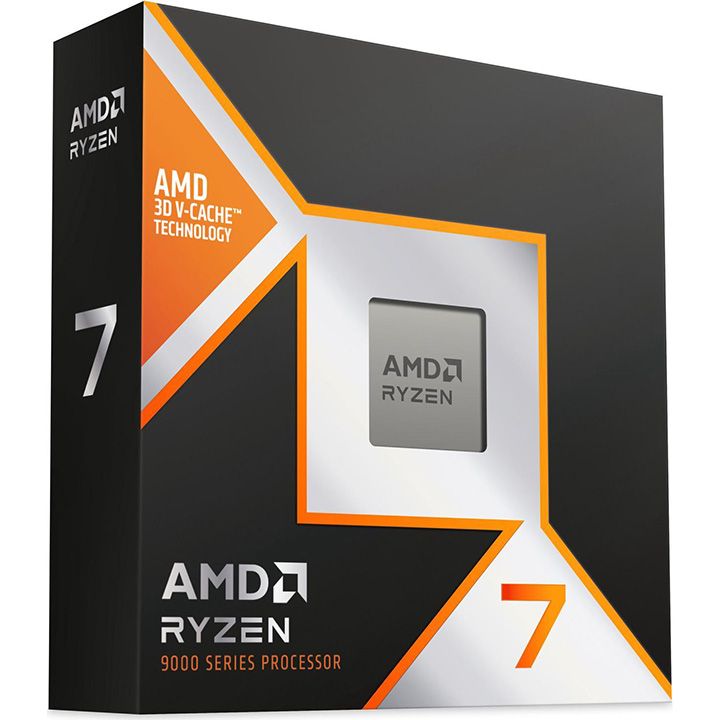
Ryzen 7 9800X3D: was $479 now $411

It's not called the best gaming CPU in the world for no reason. If you have the dough, you won't be disappointed.

Windows Central review: ⭐⭐⭐⭐½

Price check: $429 at Newegg.com (use code FTTF7668)View Deal

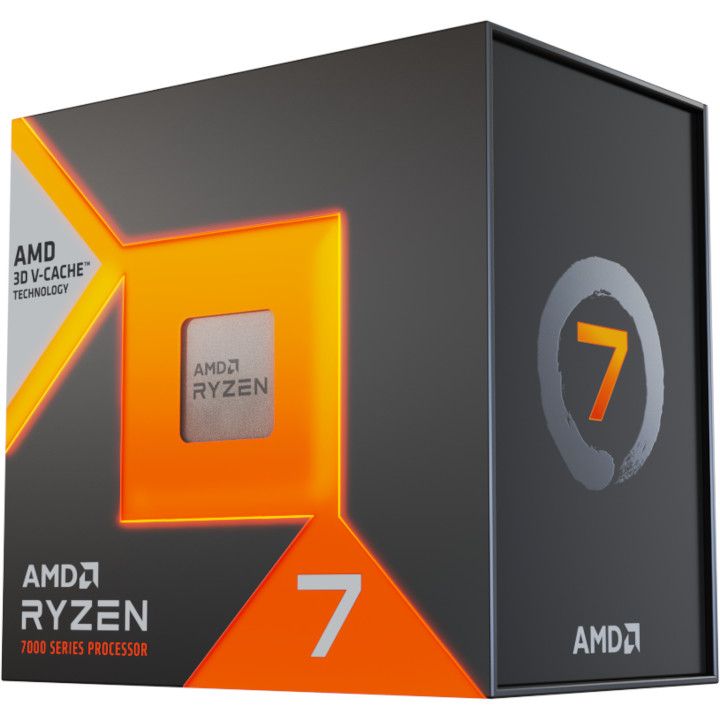
Ryzen 7 7800X3D: was $449 now $348

The best CPU before the 9800X3D arrived, the 7800X3D is still an awesome chip for anyone who wants AM5 without overspending.

Windows Central review: ⭐⭐⭐⭐½

Price check: $348 at Newegg.com (use code FTTF7664)View Deal


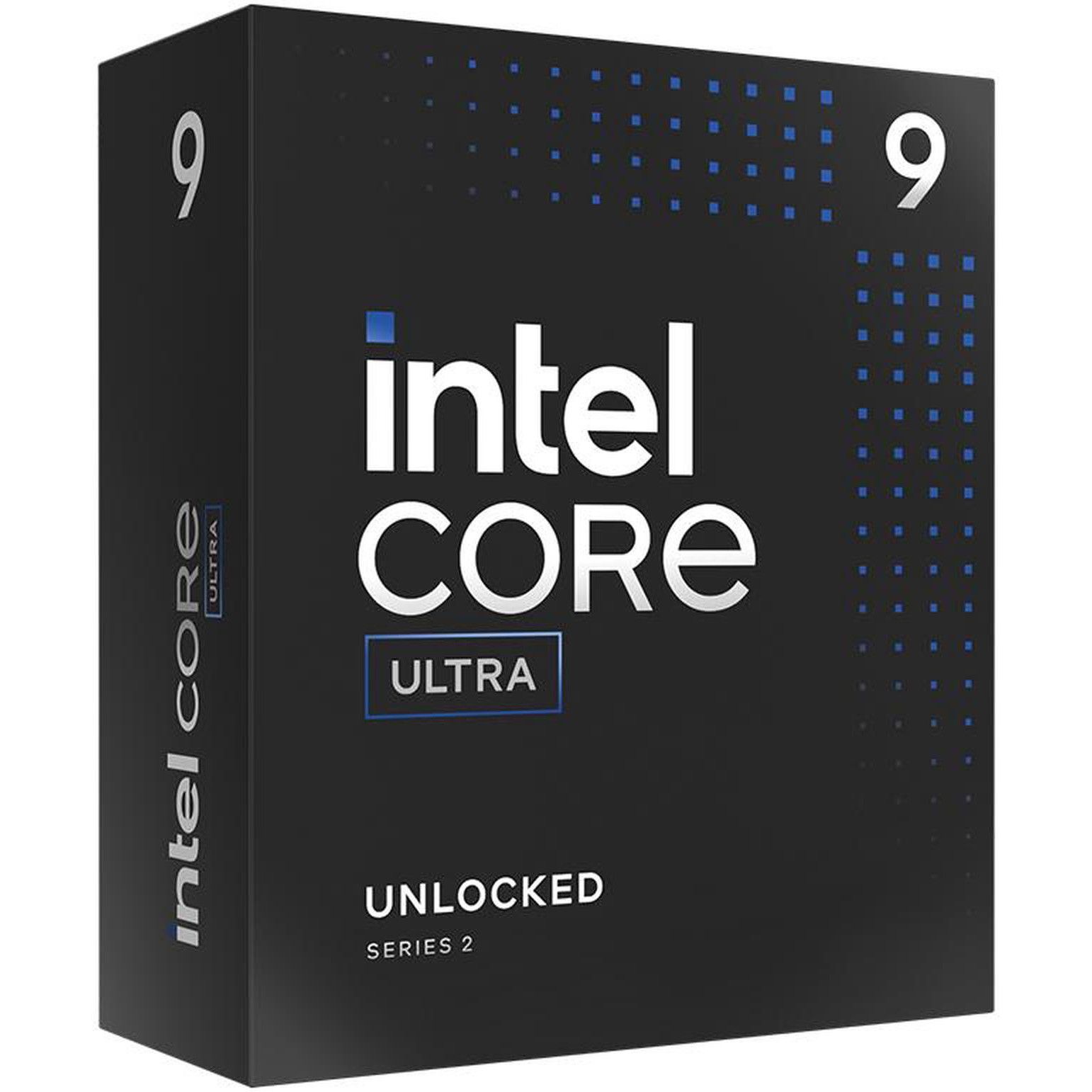
The Core Ultra 9 285K is one of Intel's newest chips, delivering superb productivity performance and capable gaming chops.

Windows Central review: ⭐⭐⭐⭐½

Price check: $479 at Newegg.com (use code FTTF7726)View Deal


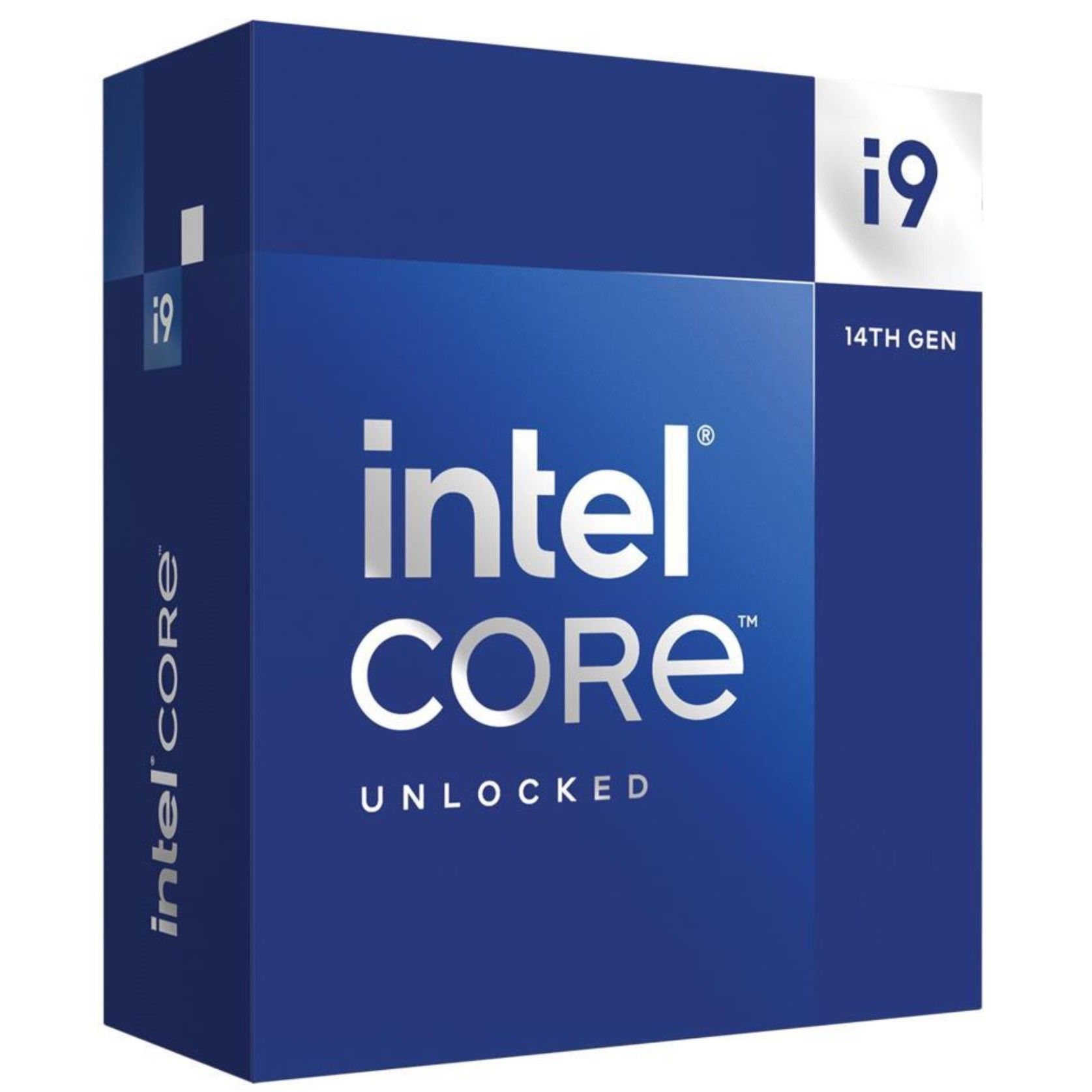
It's starting to show its age, but Intel's Core i9-14900K is still a great centerpiece for a new build or an upgrade on the LGA1700 socket.

TechRadar review: ⭐⭐⭐½

Price check: $399 at Newegg.com (use code FTTF7675)View Deal

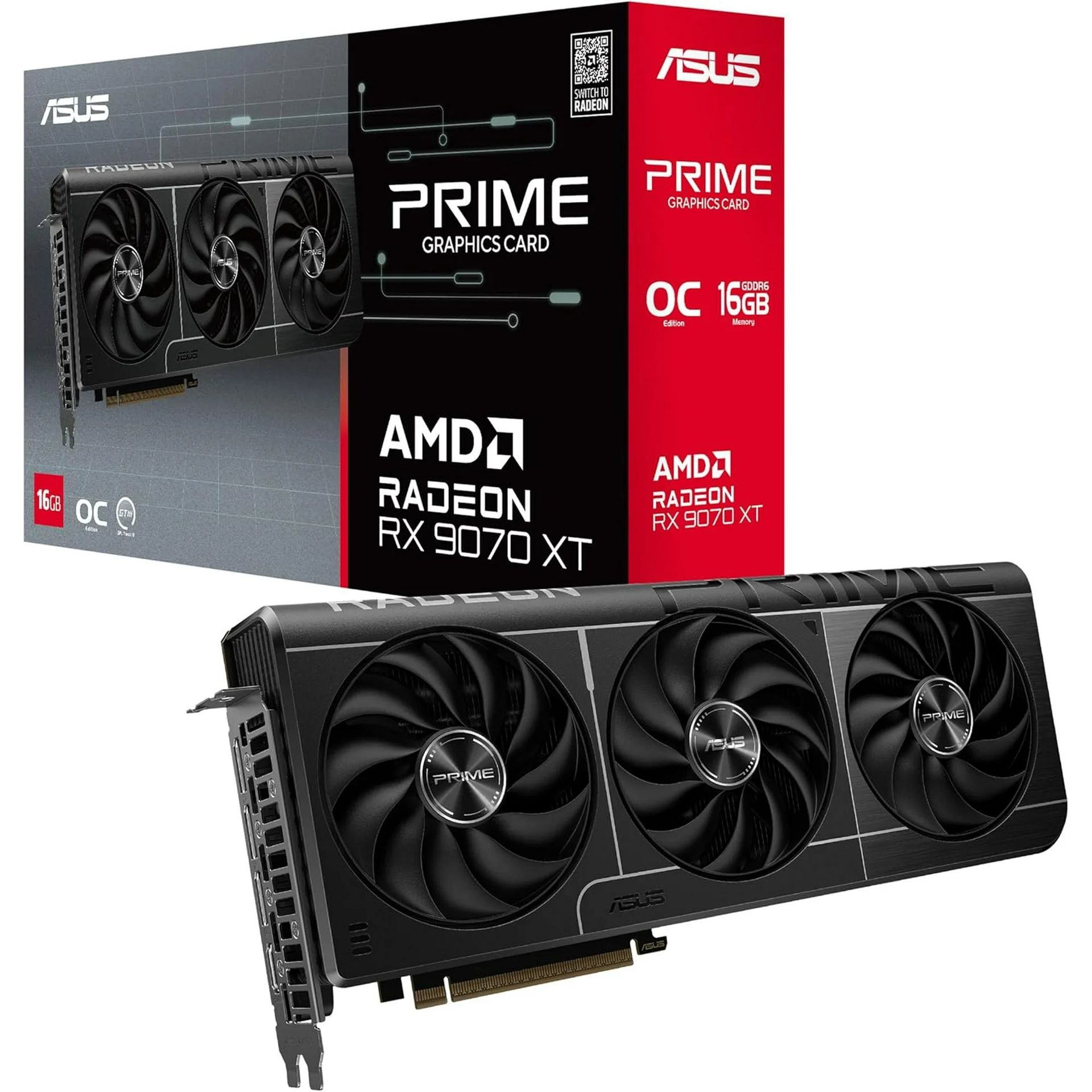
PRIME RX 9070 EVO 16GB: was $789 now $629.99

This gaming GPU fell to this price a couple of months ago, and it's now back to the same low, making me feel like it's 2025 all over again.

TechRadar review: ⭐⭐⭐⭐½

Price check: $829 at Newegg.comView Deal


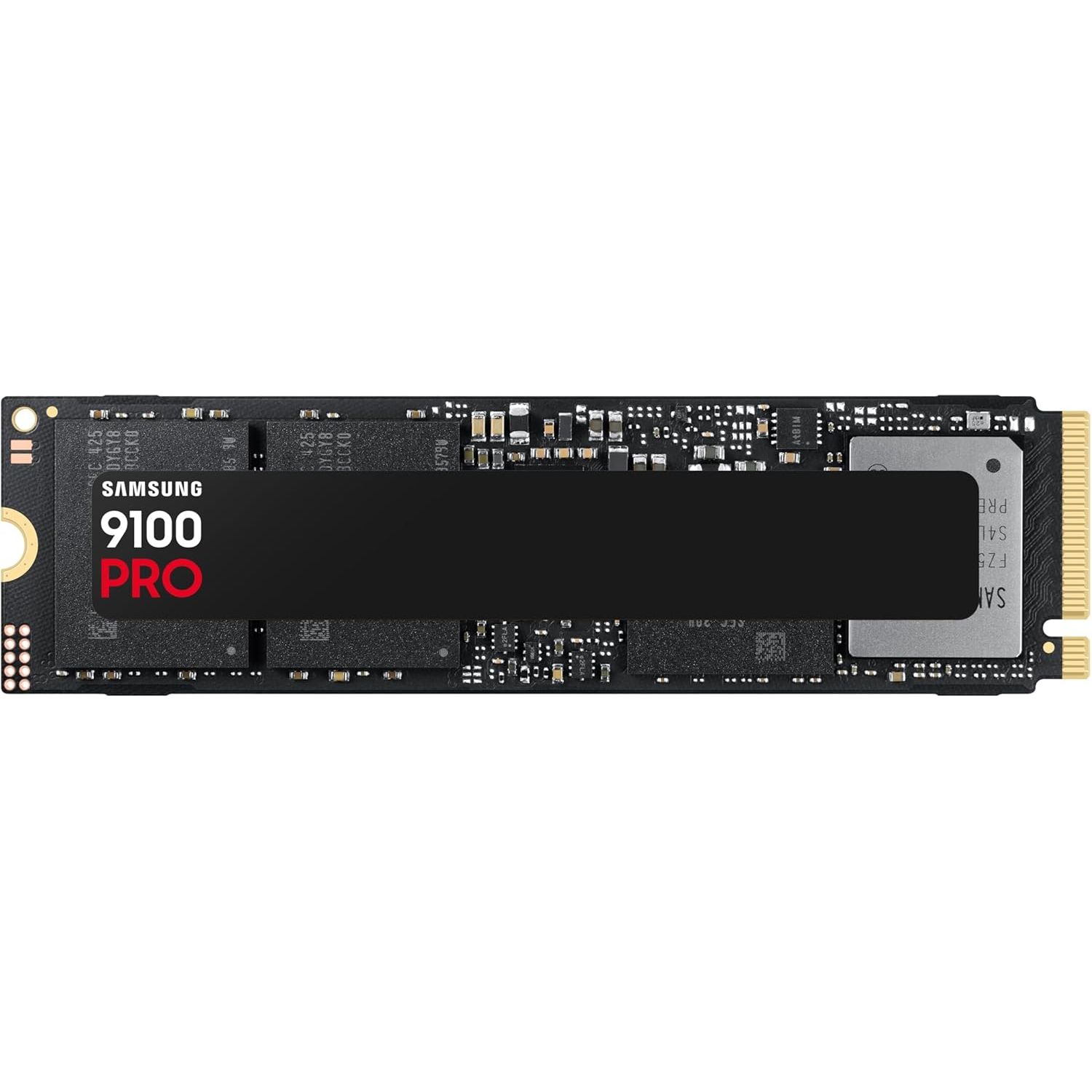
Samsung's 9100 PRO 2TB SSD is a super choice for gamers and professionals who need speedy bulk storage.

TechRadar Review: ⭐⭐⭐⭐½

Price check: $399.99 at BestBuy.comView Deal

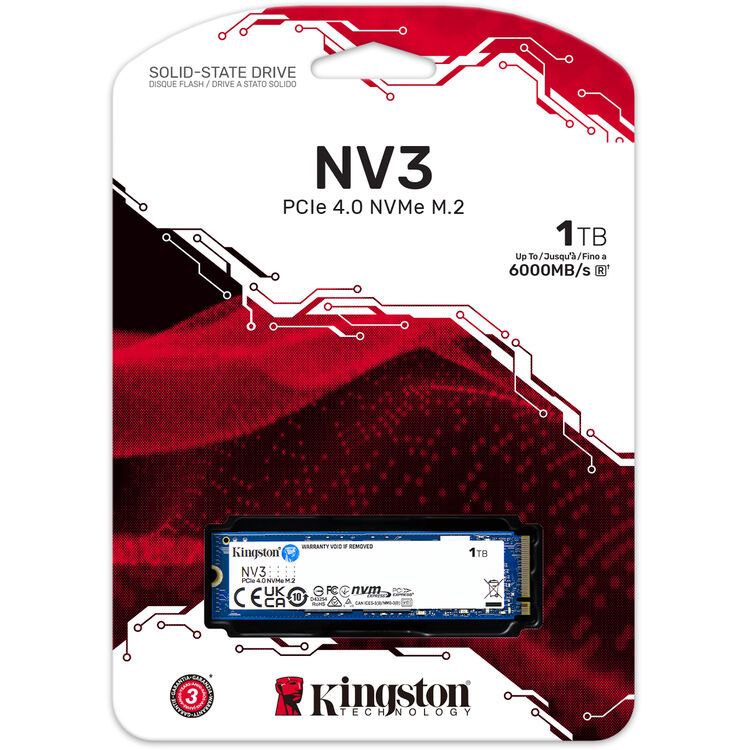
NV3 1TB SSD: was $215.99 now $156.99

Storage doesn't come cheap these days, so a huge 27% off a 1TB Kingston drive shouldn't be ignored. It's not the fastest, but it'll do a great job in a gaming PC.

Tom's Hardware review: ⭐⭐⭐

Price check: $156.99 at Newegg.comView Deal

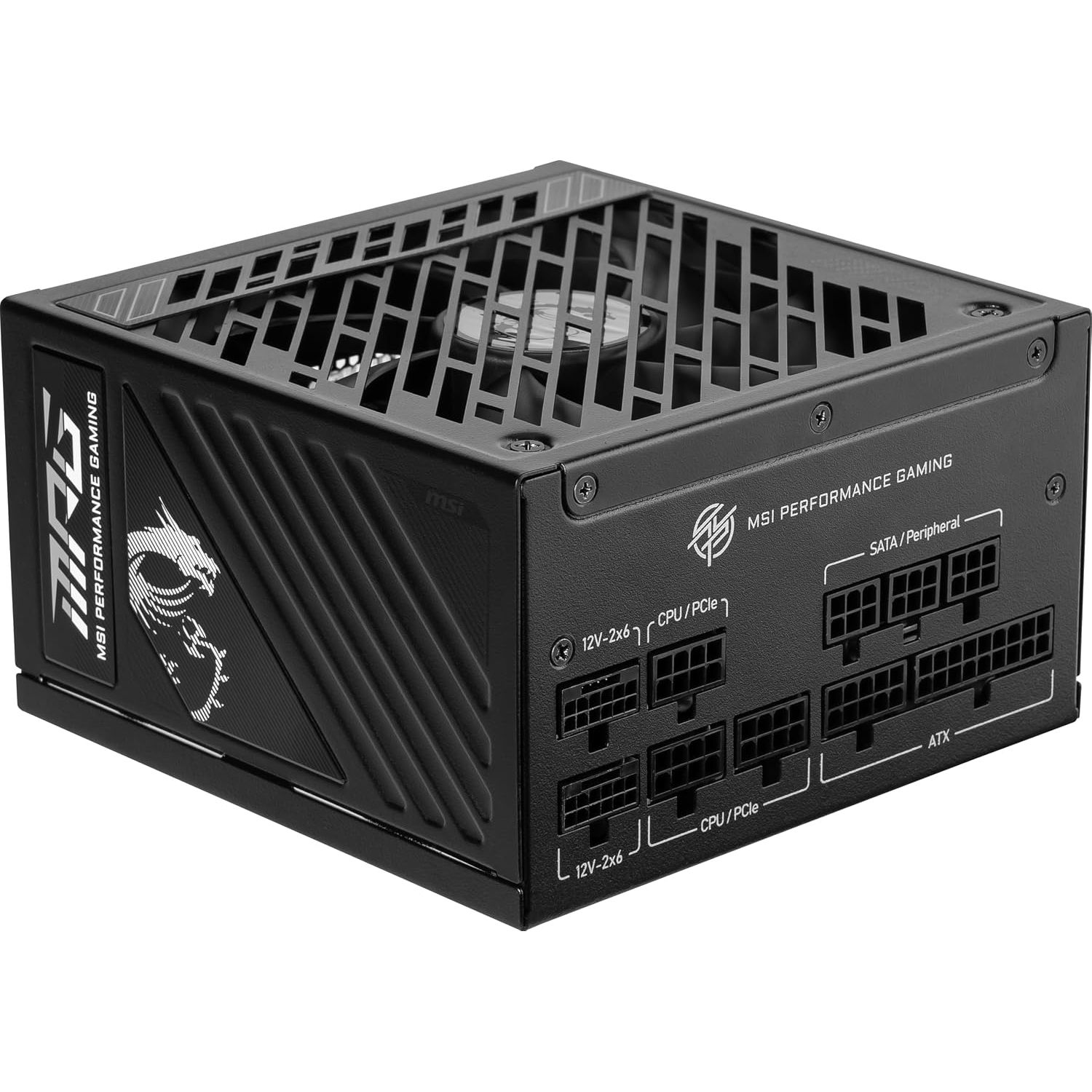
MPG A1000GS 1000W PSU: was $169.99 now $84.99

With 1000W of power, proven durability, and a fully modular design, MSI's A100GS PSU is the right choice for enthusiast PC gamers with a serious rig.

Price check: $108.16 at Amazon.comView Deal

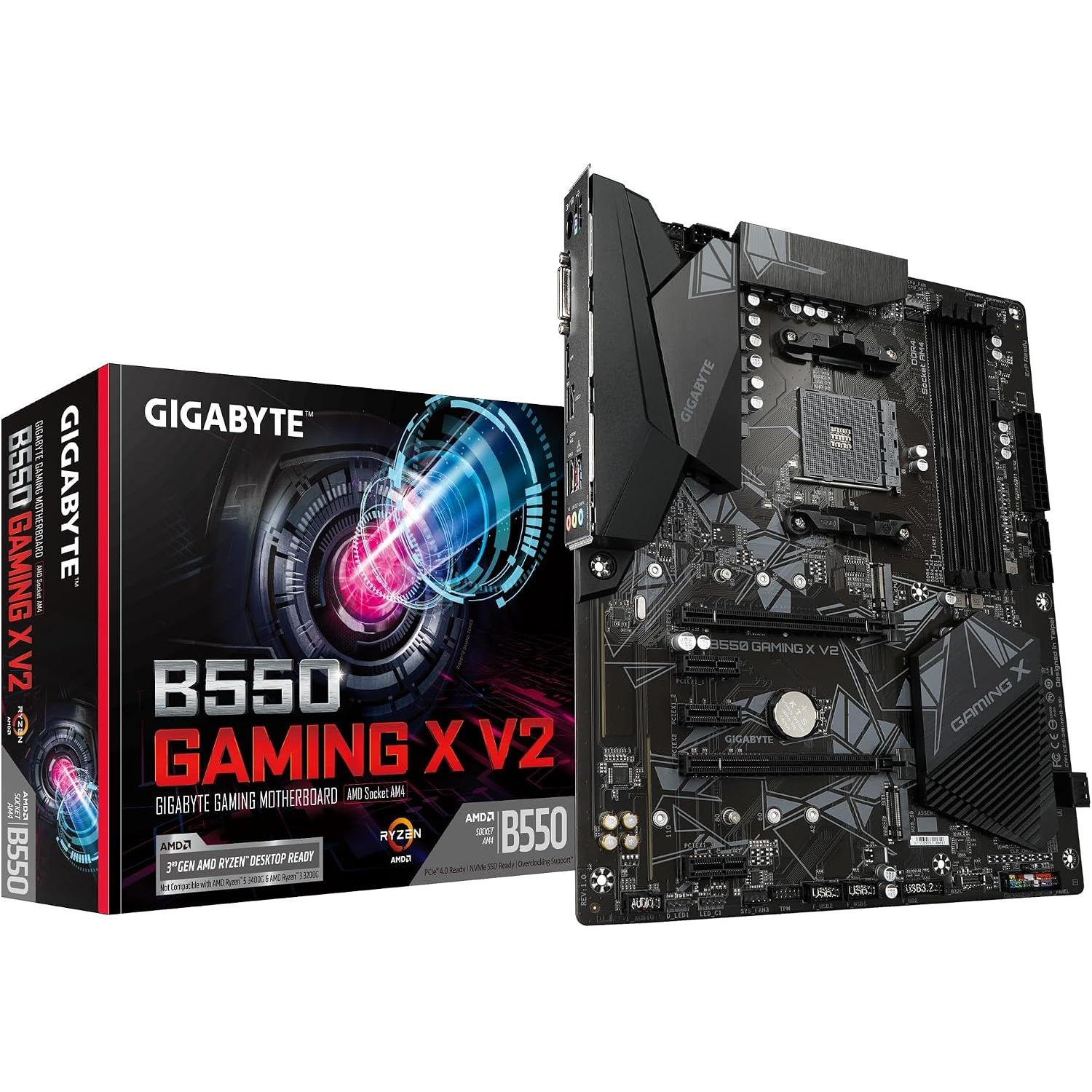
B550 Gaming X V2: was $129.99 now $84.99

This AM4 motherboard is back down to its lowest price since the same time last year. Great deal for those building on the older socket.

Price check: $84.99 at Newegg.comView Deal

FAQ

Are deals this week only available at Amazon?

No. Although Amazon is spearheading the week's deals with its Prime Big Deal Days event, other major retailers like Best Buy and Newegg are also hosting simultaneous sales events.

I've been sure to check all competing retailers for better prices, and I've included price checks to ensure you're not spending more at the store I'm highlighting.

When does Amazon Prime Big Deal Days end?

Amazon's Prime Big Deal Days runs from October 6 until October 7, 2026.

How do I avoid fake deals where the retail price is jacked up before the event?

I recommend using CamelCamelCamel to verify Amazon pricing history. This free tool provides a clear look at how pricing for the item in question has changed, providing pertinent information immediately. It's the tool I used to check all of the highlighted deals above.

Do I need a Prime membership for Big Deal Days?

If you're shopping at Amazon this week, you will need a Prime membership in order to access most of the Big Deal Days promotions.

If you haven't registered before, you can grab a 30-day free trial and just cancel after you've shopped for deals.

Amazon Prime: Free 30-day trial

New members can enjoy exclusive Prime Day discounts for free and cancel anytime. After the trial, membership is $14.99/month plus tax. Includes access to games via Prime Gaming alongside Prime Video and Prime Music.

Click to join us on r/WindowsCentral

Join us on Reddit at r/WindowsCentral to share your insights and discuss our latest news, reviews, and more.

  •  

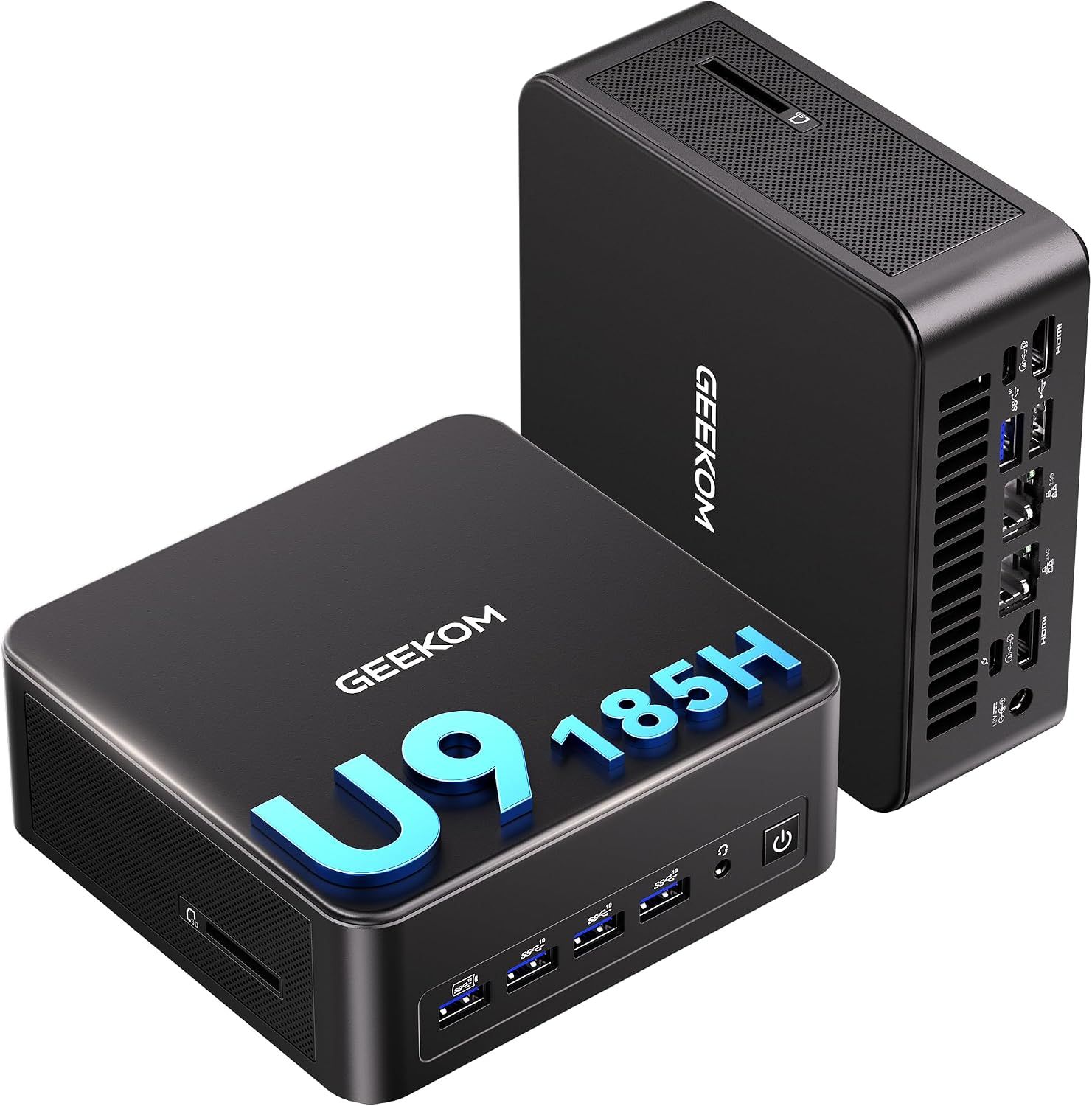
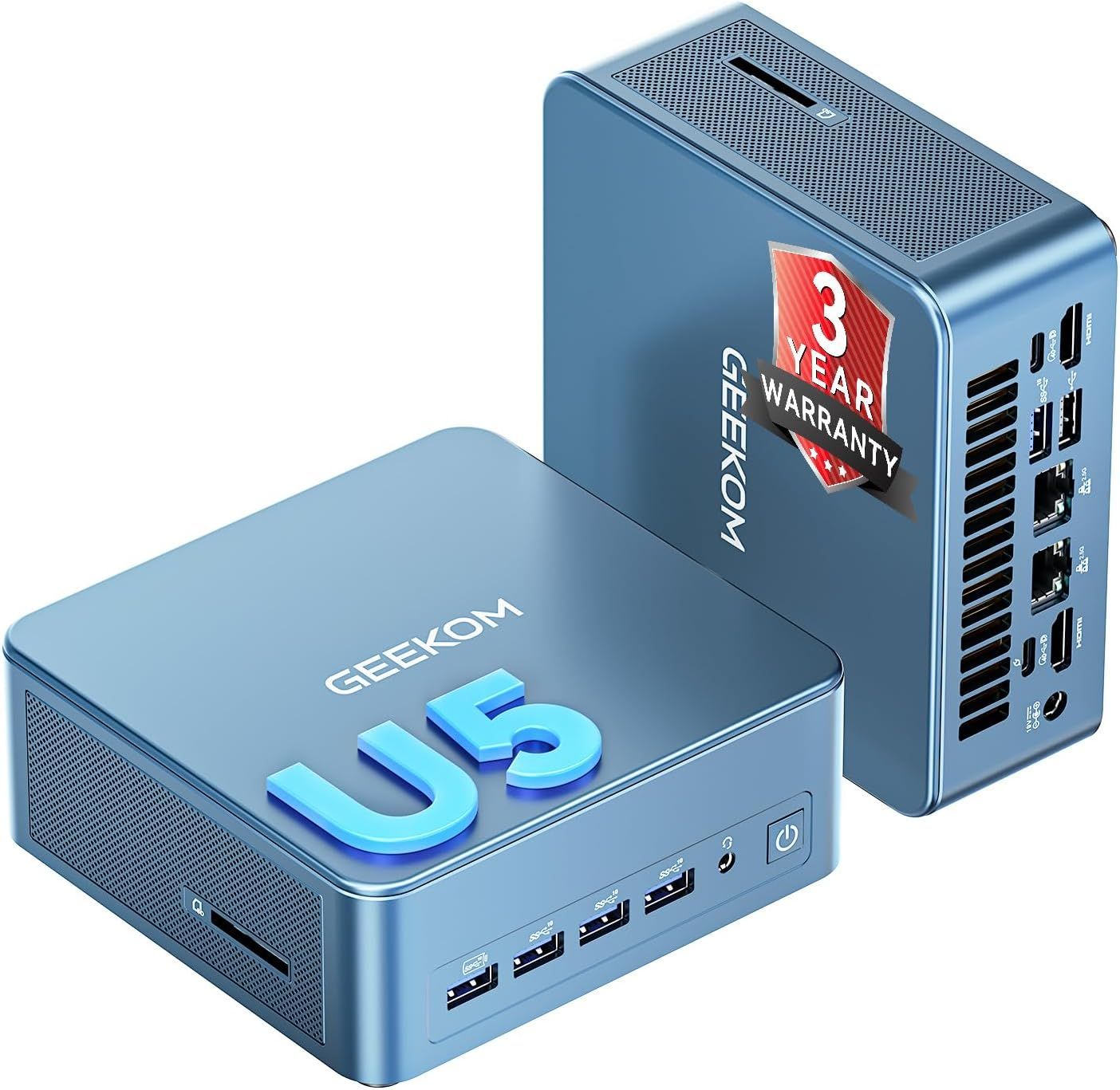
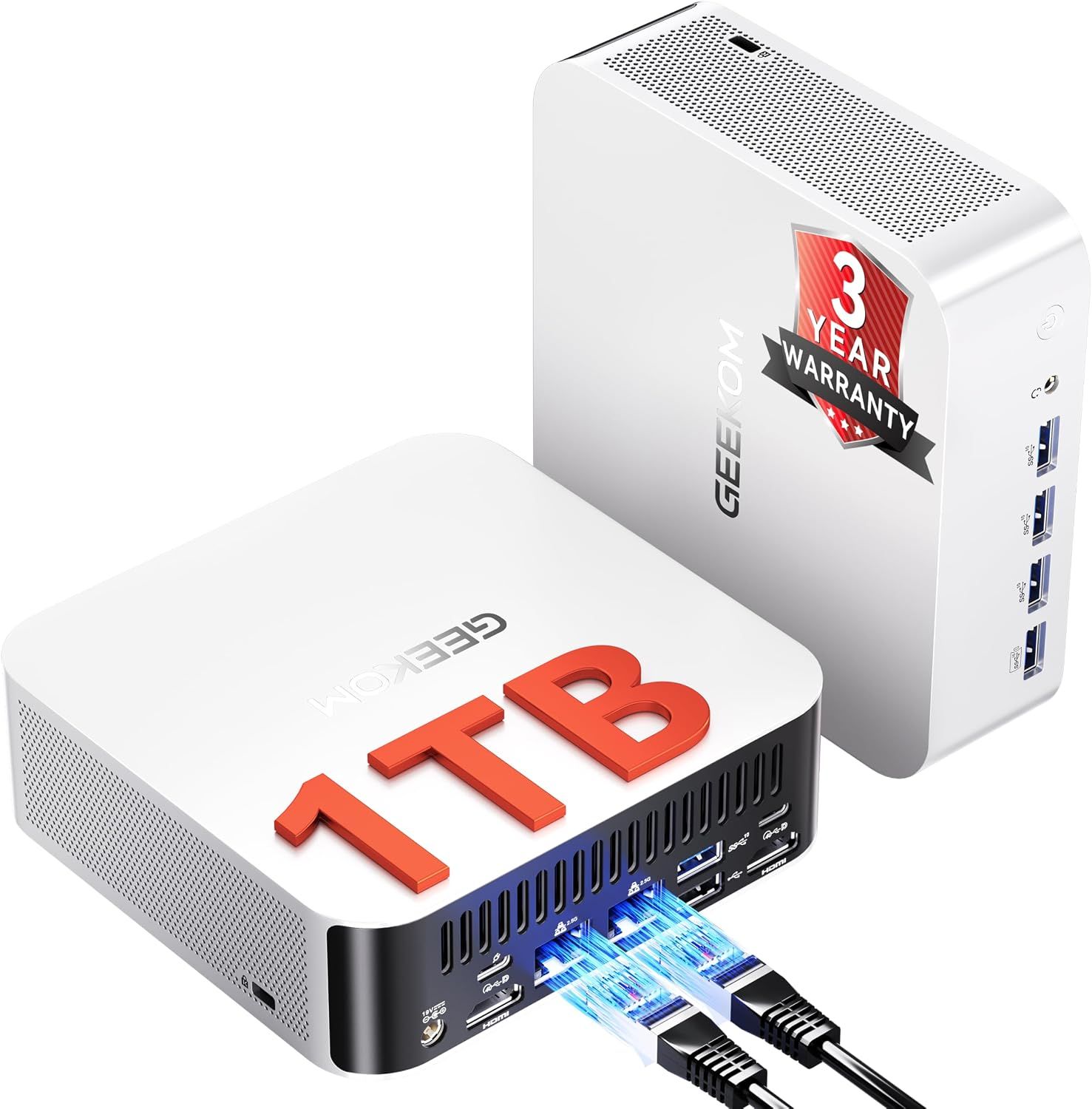
Grab one of Geekom's reliable mini Windows PCs during Prime sales

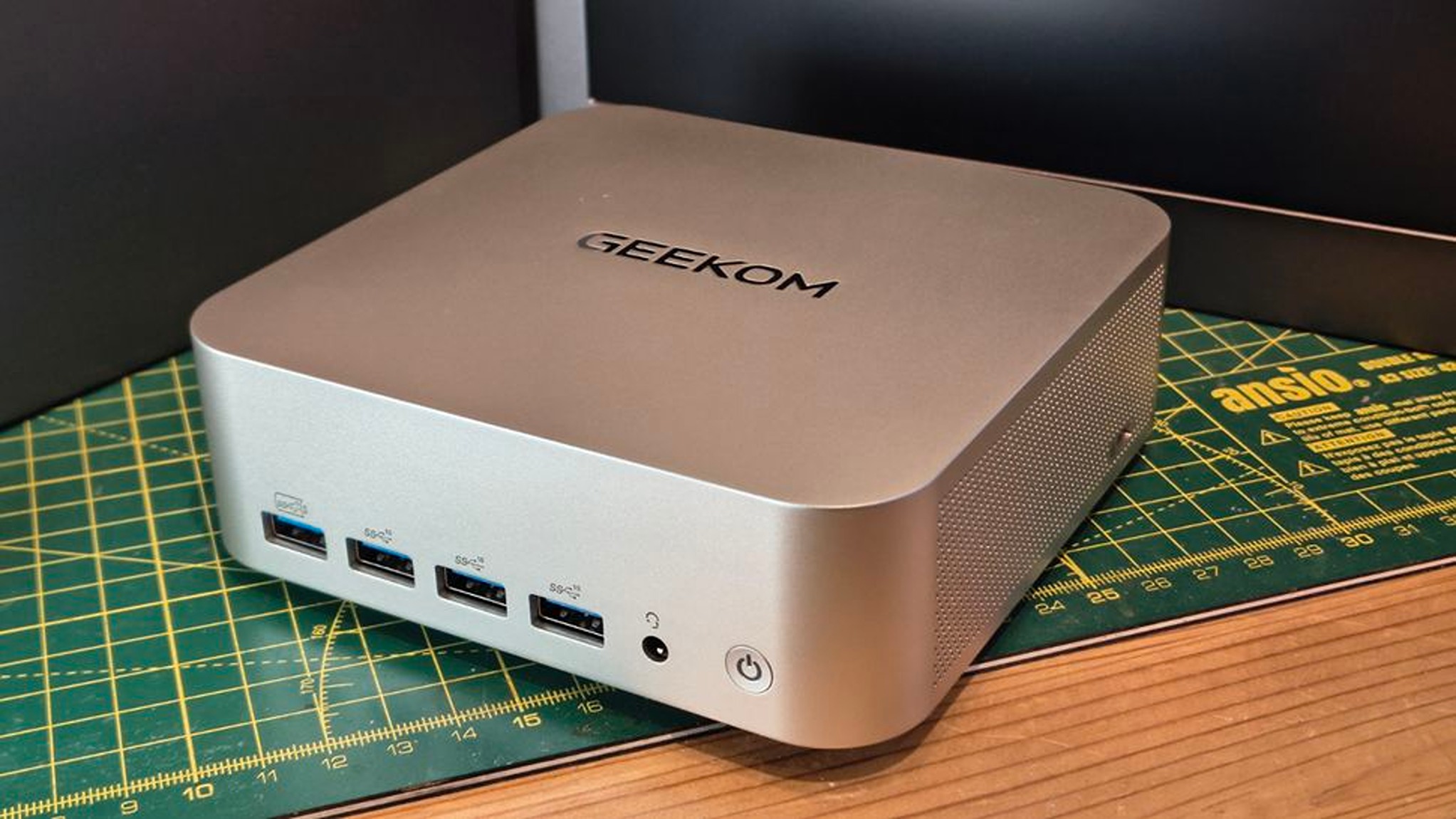
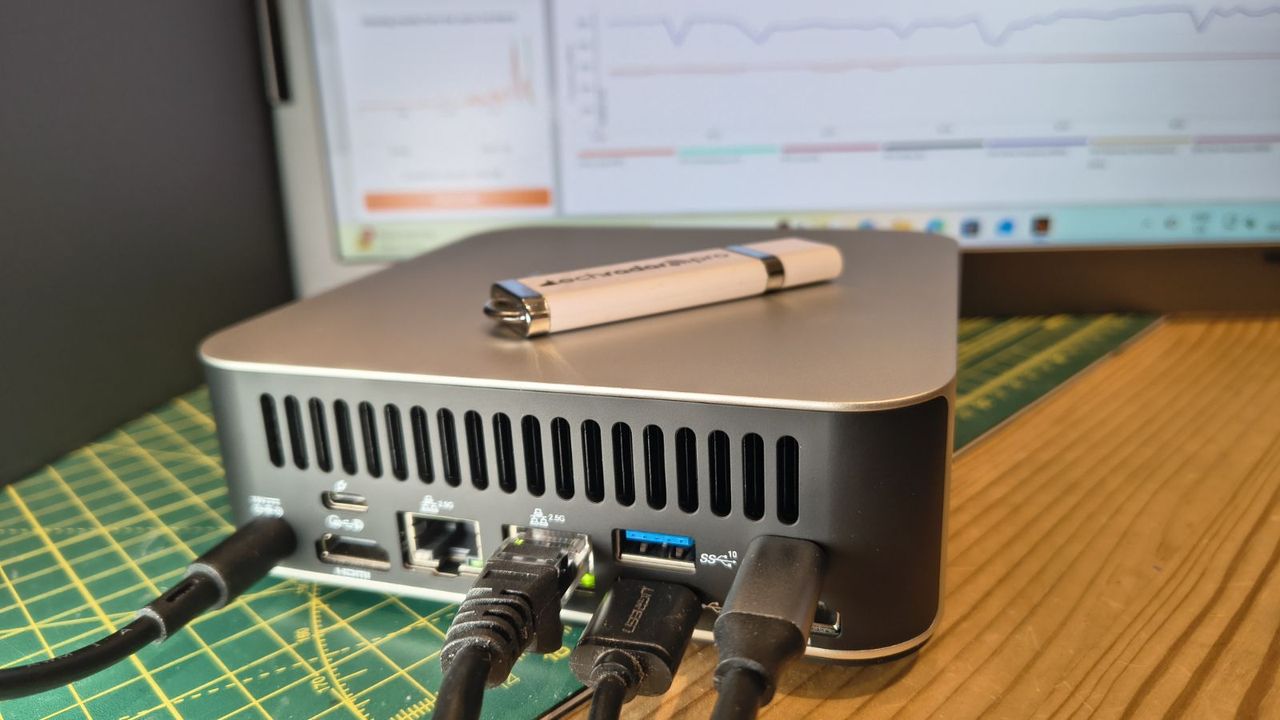
Geekom is serving up a bountiful buffet of its reliable mini PCs for Amazon Prime's Big Deal Days for hardworking keyboard warriors looking to get work done efficiently while saving desk space at lower prices.

Some of these mini PCs are on sale at Amazon itself, while others are being discounted on Geekom's own store to give PC users a wide variety of options depending on their budget and needs.

Do note that some of these deals will require entering discount codes during checkout to apply the price drop, as provided below. The codes are valid from October 1, to October 7, 2026.

Amazon deals

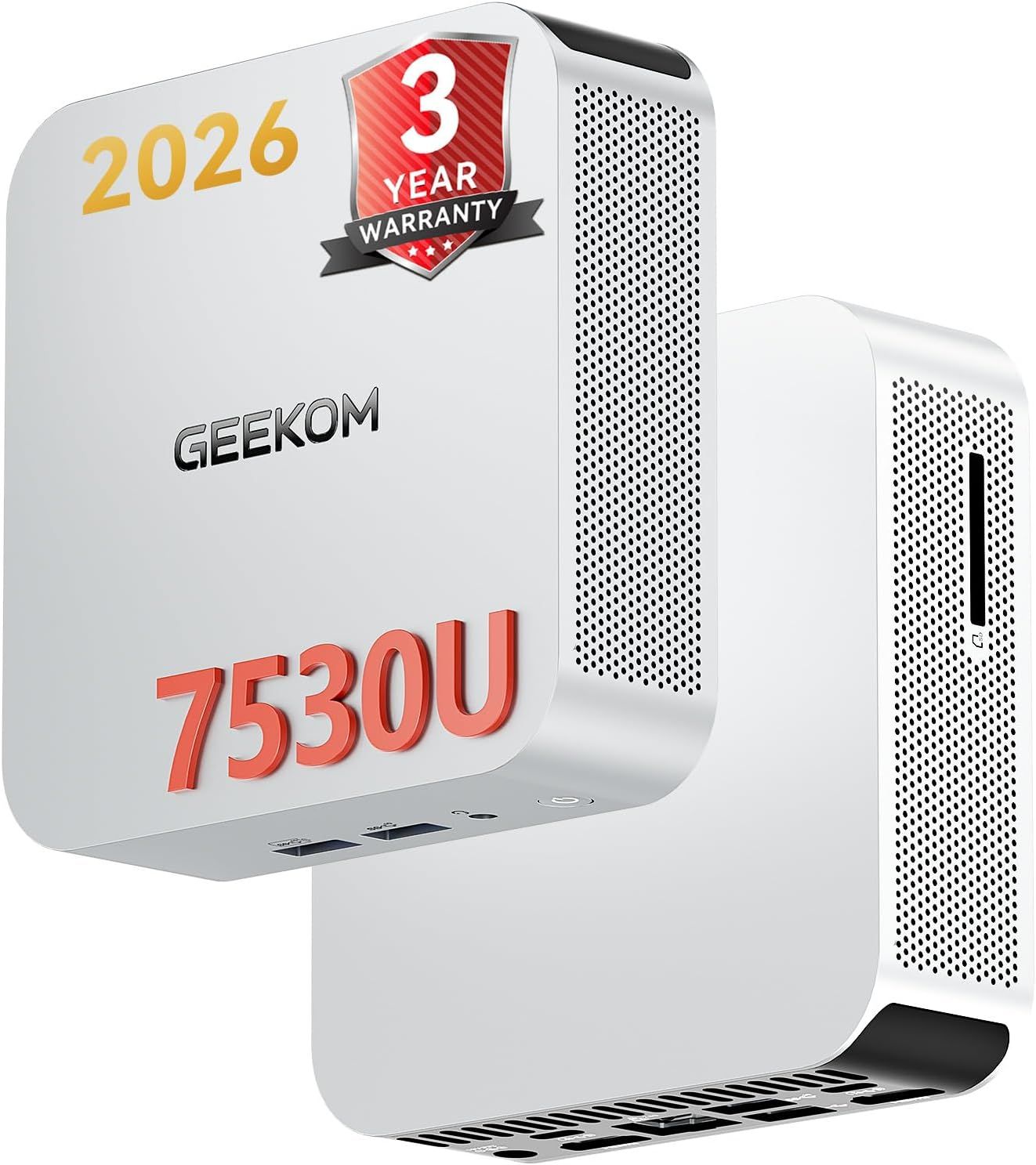
A5 Pro (AMD Ryzen 5 7530U, 16GB RAM, 1TB SSD): was $569.00 now $540 at Amazon with code WCA5PDFB

Use the code "TYA5PDFB" or "WCA5PDFB" during checkout to reduce its price from $569.00 to $540.00.

—

"The A5 Pro's all-aluminium build, dual-channel RAM, 2.5GbE networking, and SD card reader make it one of the most practical machines at this size. The 20W Ryzen 5 handles office work and light creative tasks quietly and capably, just don't expect it to tackle 4K video or any real gaming." ~ Alaistair Jennings, writer at TechRadar

TechRadar review: ⭐⭐⭐⭐ View Deal

IT13 MAX AI (Intel Ultra 9 185H, 24GB LPDDR5, 500GB SSD): was $799.00 now $674.00

"This is a very capable and solidly built mini PC, with a processor that offers the might and AI potential but lacks any serious support from the rest of the components. The Ultra 9 185H performs as expected, and for office and light creative work the IT13 Max is an excellent option." ~ Alaistair Jennings, writer at TechRadar

TechRadar review: ⭐⭐⭐⭐ View Deal

IT12 MAX (Intel Ultra 5 125U, 16GB RAM, 500GB SSD): was $649.00 now $597 at Amazon with code WCT22DFB

Use the code "TYT22DFB" or "WCT22DFB" during checkout to reduce its price from $649.00 to $597.00.

—

The Geekom IT12 MAX offers robust workflow performance rates thanks to its Intel Ultra 5 125U CPU and 16GB RAM, sturdy Wi-Fi 7 & Bluetooth 5.4 wireless connectivity, an efficient GEEKOM 3.0 Cooling energy saving system, and a 500GB SSD that can be upgraded up to 2TB for extra storage.View Deal

A8 Max (Ryzen 7 8745HS, 16GB DDR5 RAM, 1TB SSD): was $799.00 now $719 at Amazon with code WCA8XDFB

Use the code "TYA8XDFB" or "WCA8XDFB" during checkout to reduce its price from $799.00 to $719.00.

—

Power through productivity tasks and take breaks with light 1080p PC games with little to no performance drops using the A8 Max Gaming Mini PC and it's upgraded 16GB RAM (up to 128GB) and 1TB SSD (up to 4TB).View Deal

Geekom deals

A5 Pro (AMD Ryzen 5 7530U, 16GB RAM, 1TB SSD): was $569 now $499 at Geekom with code WCA5PDFB

Use the code "TYA5PDFB" or "WCA5PDFB" during checkout to reduce its price at Geekom further from $569.00 to $499.00.

—

"The A5 Pro's all-aluminium build, dual-channel RAM, 2.5GbE networking, and SD card reader make it one of the most practical machines at this size. The 20W Ryzen 5 handles office work and light creative tasks quietly and capably, just don't expect it to tackle 4K video or any real gaming." ~ Alaistair Jennings, writer at TechRadar

TechRadar review: ⭐⭐⭐⭐ View Deal

IT13 MAX AI (Intel Ultra 9 185H, 24GB LPDDR5, 500GB SSD): was $799 now $659 at Geekom with code WCT3XDFB

Use the code "TYT3XDFB" or "WCT3XDFB" during checkout to reduce its price at Geekom further from $799.00 to $659.00.

—

"This is a very capable and solidly built mini PC, with a processor that offers the might and AI potential but lacks any serious support from the rest of the components. The Ultra 9 185H performs as expected, and for office and light creative work the IT13 Max is an excellent option." ~ Alaistair Jennings, writer at TechRadar

TechRadar review: ⭐⭐⭐⭐ View Deal

Which of these deals are worth your money?

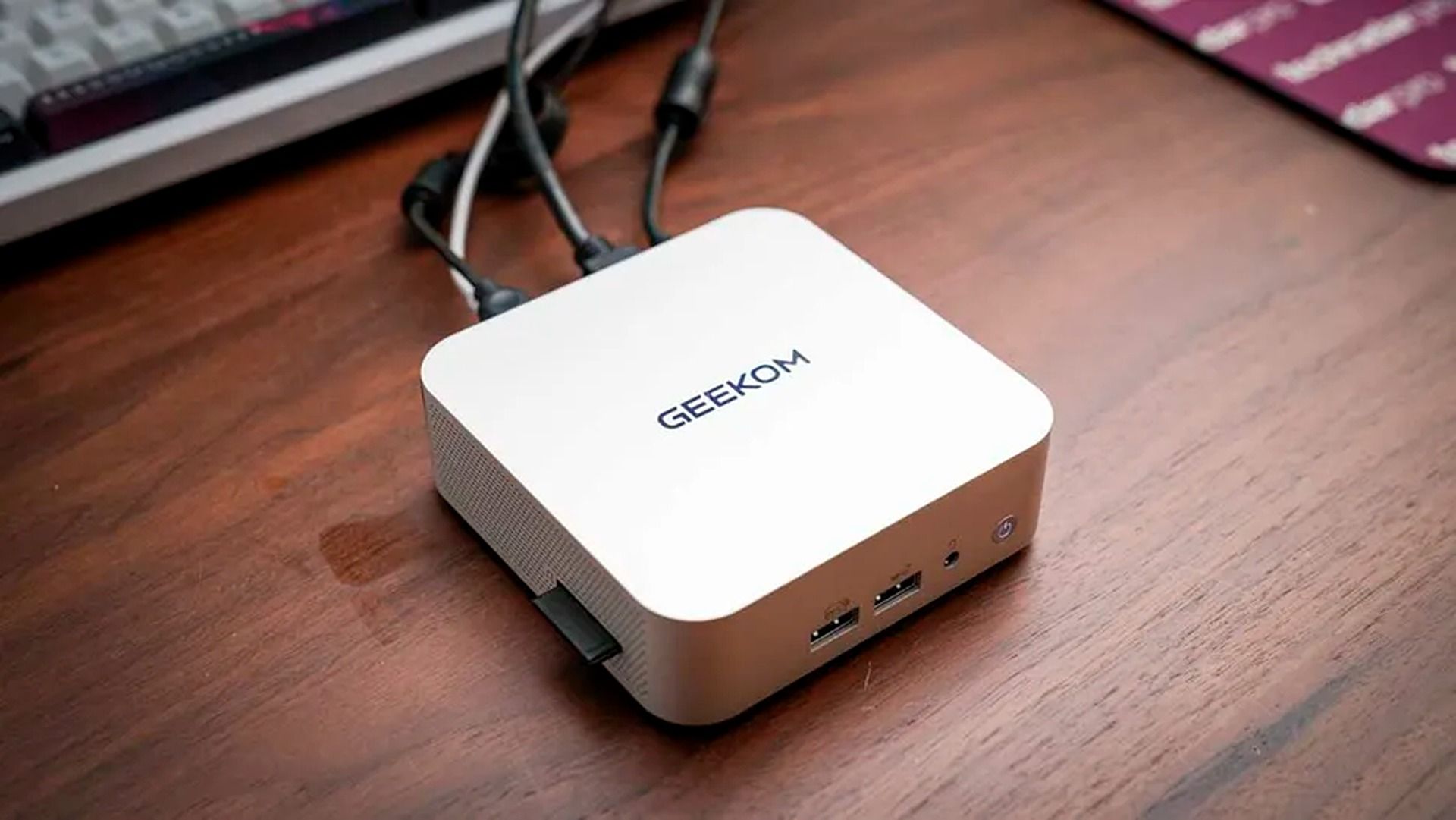
A compact white GEEKOM mini PC sits on a wooden desk, with cables connected and keyboard edge visible, creating a tidy, practical workspace.

The Geekom A5 Pro Office Mini PC in action. (Image credit: TechRadar (Alaistair Jennings) | Geekom)
With the RAM crisis driving the prices of regular PCs and laptops to cost hundreds or thousands of dollars even with discounts, mini PCs have become a hot commodity for folks looking to get work done without breaking the bank.

These Geekom deals are fine examples of mini PCs, and the best value for money among them is the Geekom A5 Pro, which is available for $499.00 at Geekom when bought with the discount codes "TYT3XDFB" or "WCT3XDFB".

Our sister site TechRadar gave it a glowing 4/5 review, praising its performance thanks to its AMD Ryzen 5 7430U CPU and 16GB of DDR4 RAM, its versatile range of USB, HDMI, and LAN ports, and 'IceBlast 2.0' cooling system to keep it from overheating during extensive workflow tasks. It's all the same kind of quality we look for when we test Geekom mini PCs ourselves.

On top of that, it has a compact yet durable aluminum build, an SD card reader that can download images and videos reasonably fast, and a three-year warranty so you can replace it if it suffers any accidental damage.

What is the benefit of owning a mini PC compared to a regular laptop or PC?

While mini PCs are often not as powerful as dedicated laptops and PCs, they are far cheaper, energy-efficient alternatives that come in extremely small, compact designs that will save up precious space on your work desk.

How long will Amazon's Prime Big Deal Days sale last?

Amazon's Prime Big Deal Days sale will last from October 6, 2026 to October 7, 2026.

Click to join us on r/WindowsCentral

Join us on Reddit at r/WindowsCentral to share your insights and discuss our latest news, reviews, and more.

  •  

I'd buy this ultra-fast 2TB SSD for Gears of War: E-Day while its price falls

After much waiting, Gears of War: E-Day has fully launched for all players to enjoy on Xbox and PC, yet its base game's 115GB install requirement is going to take a big chunk out of your preferred platform's storage.

Fortunately for PC players, Prime Big Deal Days has cut down the insufferably inflated price of the Samsung 9100 Pro 2TB SSD from "$679.97" to $349.99 at Amazon, so they can more easily fit Gears of War: E-Day and other games into their gaming PCs.

While it's still higher than its original launch MSRP of $299.99, it's still a relatively decent price, considering the current state of tech thanks to the ongoing RAM crisis — just take that previous '$600+' listing with a pinch of salt. $349.99 for 2TB is more like the new normal these days.

9100 PRO 2TB SSD: was $679.97 now $349.99

"The Samsung 9100 Pro is Samsung's first 'true' PCIe 5.0 SSD, and it definitely delivers fantastic performance with the fastest write speeds I've ever tested." ~ John Loeffler

TechRadar Review: ⭐⭐⭐⭐½View Deal

Why buy the Samsung 9100 SSD?

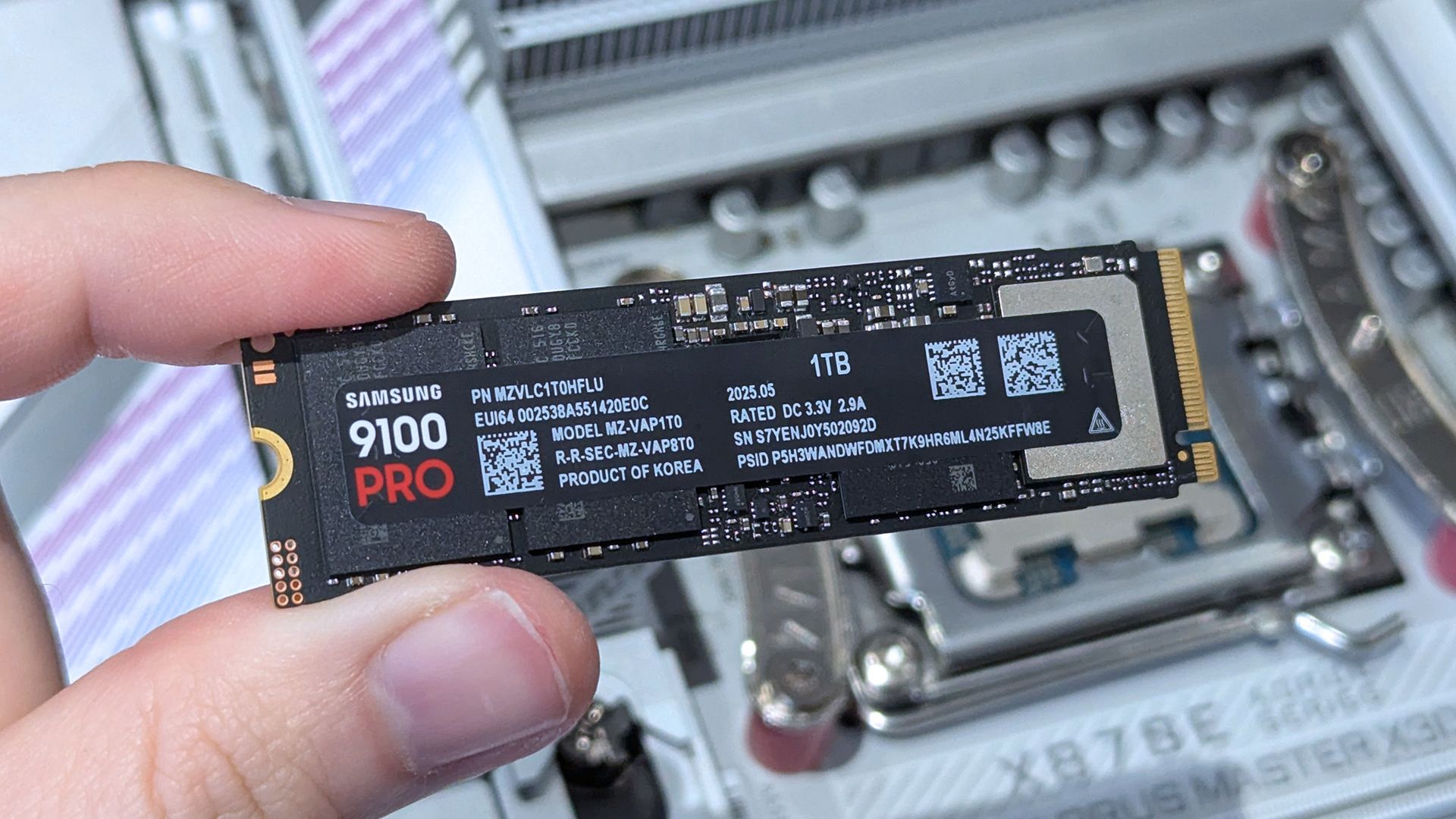
A hand holds a Samsung 9100 PRO M.2 SSD above an open computer motherboard, highlighting the storage upgrade in a clean, technical setting.

The 1TB configuration of the Samsung 9100 Pro SSD in hand. (Image credit: Ben Wilson | Windows Central)
The Samsung 9100 Pro comes in multiple storage sizes, including 1TB, 2TB, 4TB, and 8TB. It also features 14,700/13,400 MB/s sequential read/write speeds, and random read/write speeds of up to 1,850K/2,600K IOPS.

With these advanced technological features combined, you have a powerful PC storage hard drive capable of storing tons of important work files, 4K videos and images, and video games while being able to transfer data with blazing speeds.

The only major criticism of this SSD is that its current MSRP on Amazon is a whopping $679.97 (while the highest detected price on Amazon was $505.46 according to CamelCamelCamel), which is ridiculous considering it originally launched with an MSRP of $299.99.

However, this isn't necessarily this SSD's fault because this price hike was mainly caused by the ongoing RAM crisis this year, driving the market price of all tech-related products to unaffordable levels every single day to offset the memory demands of AI.

An armored soldier swings a weapon at a bloodied creature in a wrecked industrial yard, amid flames and metal debris; the scene feels violent and chaotic.

Gears of War: E-Day's 115GB install requirement can be mitigated with the Samsung 9100 Pro 2TB SSD. (Image credit: Xbox Game Studios)

Frankly, I'm surprised we're seeing a price drop on the Samsung 9100 Pro or any SSD at all during this crisis, as the way things are going, I fear there may come a point where we might never see a decent price drop on ANY SSD or any tech product ever again.

So, if you're looking for a long-term solution for your gaming PC's storage woes before its MSRP gets permanently untenable, then Amazon's Big Deal Days discount on the 2TB variant of the Samsung 9100 Pro SSD couldn't have come at a better time because it's now on sale at the same time as Gears of War: E-Day's public launch.

This long-awaited prequel to Xbox's iconic Gears of War franchise has a huge 115GB install requirement for the base game alone, a number that will no doubt grow with post-launch updates.

With this discounted 2TB SSD, you will be able to more easily fit Gears of War: E-Day and prep your PC for all its future updates and other upcoming games like Call of Duty: Modern Warfare 4.

Alternative models and SSDs

Additionally, the 1TB model of the Samsung 9100 Pro is also on sale for $206.99 at Amazon (MSRP is currently $339.99) if you just want its solid performance at a lower price. Plus, the 4TB model of the Samsung 9100 Pro is on sale for $699.00 at Amazon (MSRP is currently $1,359.99) if you're willing to break the bank for the most storage possible.

However, if you're looking for an even cheaper SSD on the Samsung Pro line, the Samsung 990 1TB SSD with 7,150/6,450 MB/s sequential read/write speeds (which we gave a glowing 4.5/5 review to) is also on sale right now for $189.99 at Amazon (MSRP is currently $228.95).

Do I need Prime membership for Big Deal Days?

Amazon Prime: Free 30-day trial

New members can enjoy exclusive Prime Day discounts for free and cancel anytime. After the trial, membership is $14.99/month plus tax. Includes access to games via Prime Gaming alongside Prime Video and Prime Music.

What laptops and PC motherboards are compatible with it?

The Samsung 9100 Pro SSDs are compatible with any devices that uses M.2 2280 NVMe slots. However, if you want to take full advantage of its' performance, make sure whatever device the Samsung 9100 Pro SSD is installed into has PCIe 5.0 support.

How long will Amazon's Prime Big Deal Days sale last?

Amazon's Prime Big Deal Days sale will last from October 6, 2026 to October 7, 2026.

Should I buy it now or wait until Black Friday next month?

It ultimately depends on your current wants and needs. If you're desperate to upgrade your PC's storage now, then Amazon's Big Deals Day discount on the Samsung 9100 Pro 2TB is a good time to buy one.

However, there is a chance it may get an even greater price drop during Black Friday, as that's usually when tech products get their biggest discounts of the year. So, if you're willing to wait, it may be best to hold off on buying the Samsung 9100 Pro 2TB SSD until Black Friday starts on November 27, 2026.

Click to join us on r/WindowsCentral

Join us on Reddit at r/WindowsCentral to share your insights and discuss our latest news, reviews, and more.

  •  

Gears of War: E-Day's install size is huge: These are the best ways to upgrade your Xbox's storage

Get ready, players, because Gears of War: E-Day is nearly here, and it’s shaping up to be one of the best games in the Gears of War franchise and the biggest gaming blockbuster of the year, second only to Grand Theft Auto VI.

However, there is one caveat Xbox players must be aware of before buying it on October 6 (or October 1, if they've secured early access via pre-ordering the game), and that is its required install space of 115GB (as confirmed on its Steam page).

That’s about one-tenth of a standard Xbox Series X’s 1TB storage space, and that’s just for the base game alone without any DLC. Plus, the developers plan (confirmed by GameSpot) to update Gears of War: E-Day’s Horde Mode with new classes, missions, modifiers, and seasonal content, along with adding other in-game items like gun cosmetics and character skins, so that 115GB install requirement is going to bloat fast.

So, we have sought out the best Xbox Series X|S storage expansion devices, from external SSDs to plug-and-play SSD cards, to help you fit in Gears of War: E-Day while having tons to spare for its post-launch updates and other awesome Xbox Series X|S titles for your Xbox.

External hard drives

Now, granted, finding Xbox external storage upgrades is a lot harder these days thanks to the ongoing RAM crisis, jacking up the prices of all things tech-related while making their availability scarcer.

One of the more affordable and available options is external hard drives, which can offer tons of storage space ranging from 512GB, 1TB, 2TB, and even 4TB. In addition, they can be formatted to store all kinds of media, not just Xbox games, depending on what platform you intend to use it for.

The drawback is that you can’t play Xbox games directly from an external hard drive, you have to manually transfer them from the hard drive onto your Xbox’s internal hard drive if you wish to play them.

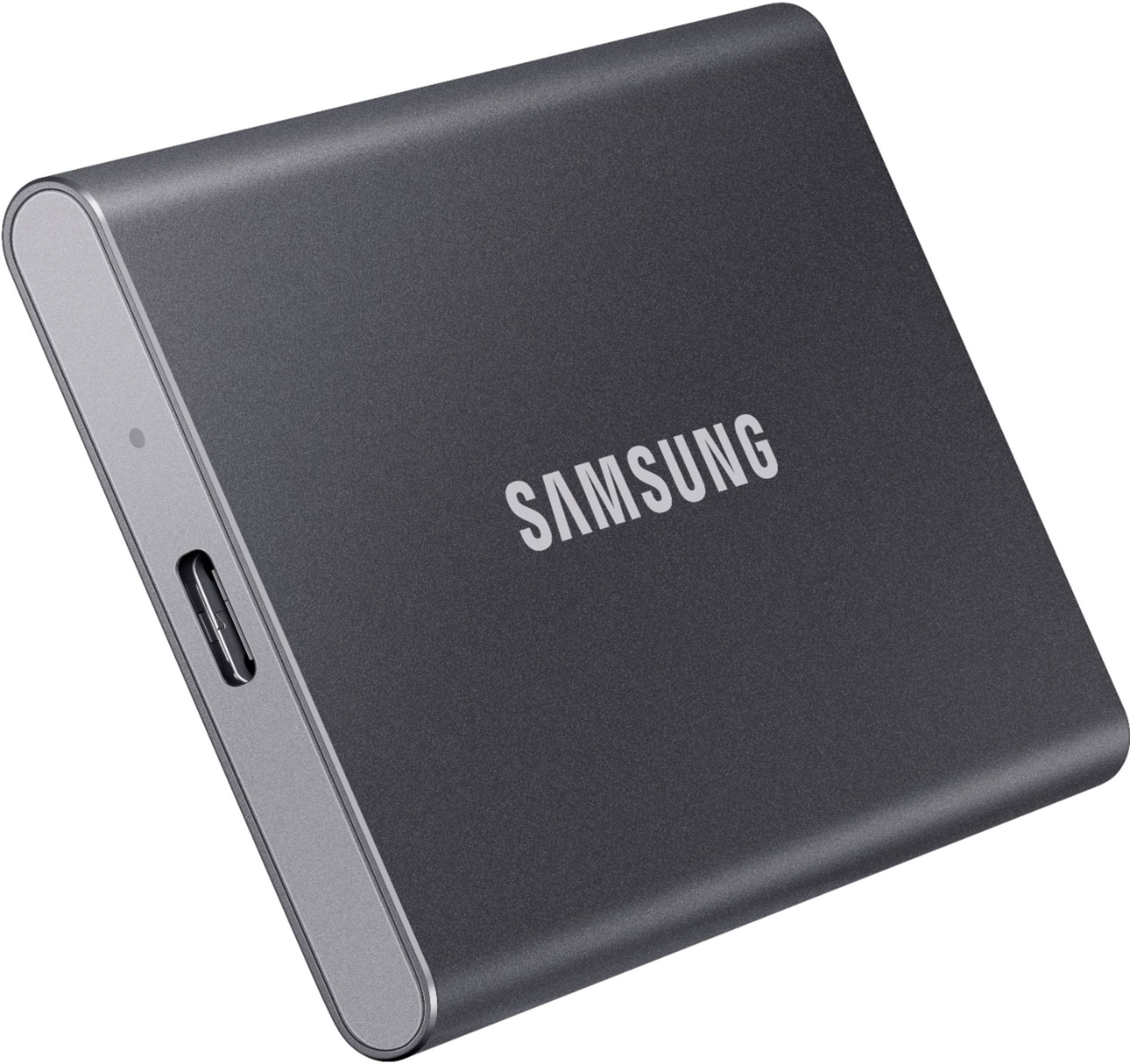
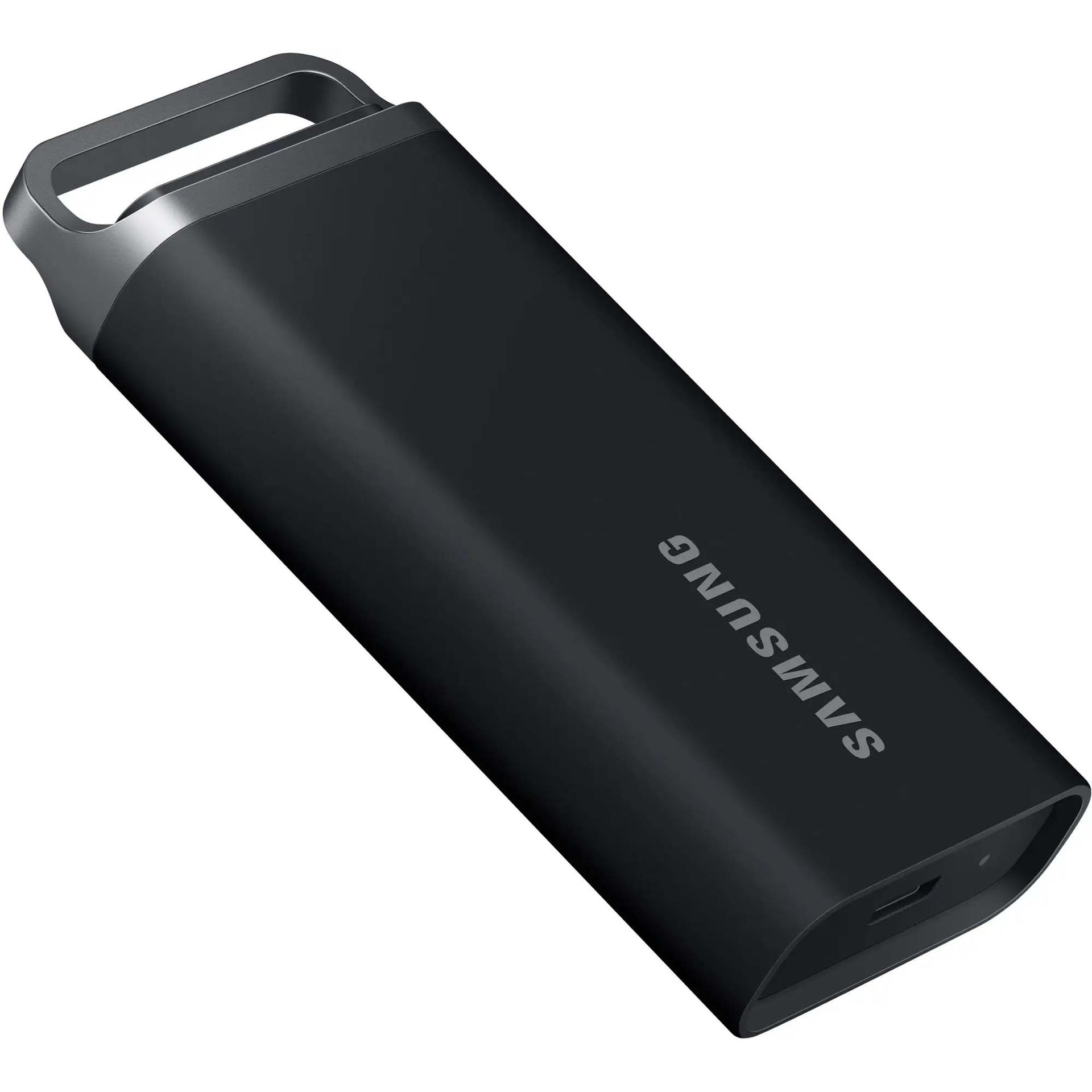
T7 Portable SSD 1TB Titan Gray: was $274.99 now $229.99

“The Samsung T7 portable SSD is every bit as good as the T7 Touch but at a lower price. It makes it a brilliant all-purpose portable SSD that can be used for both computers and the latest Xbox consoles.” ~ Richard Devine, Managing Editor, Windows Central

Windows Central review: ⭐⭐⭐⭐½View Deal

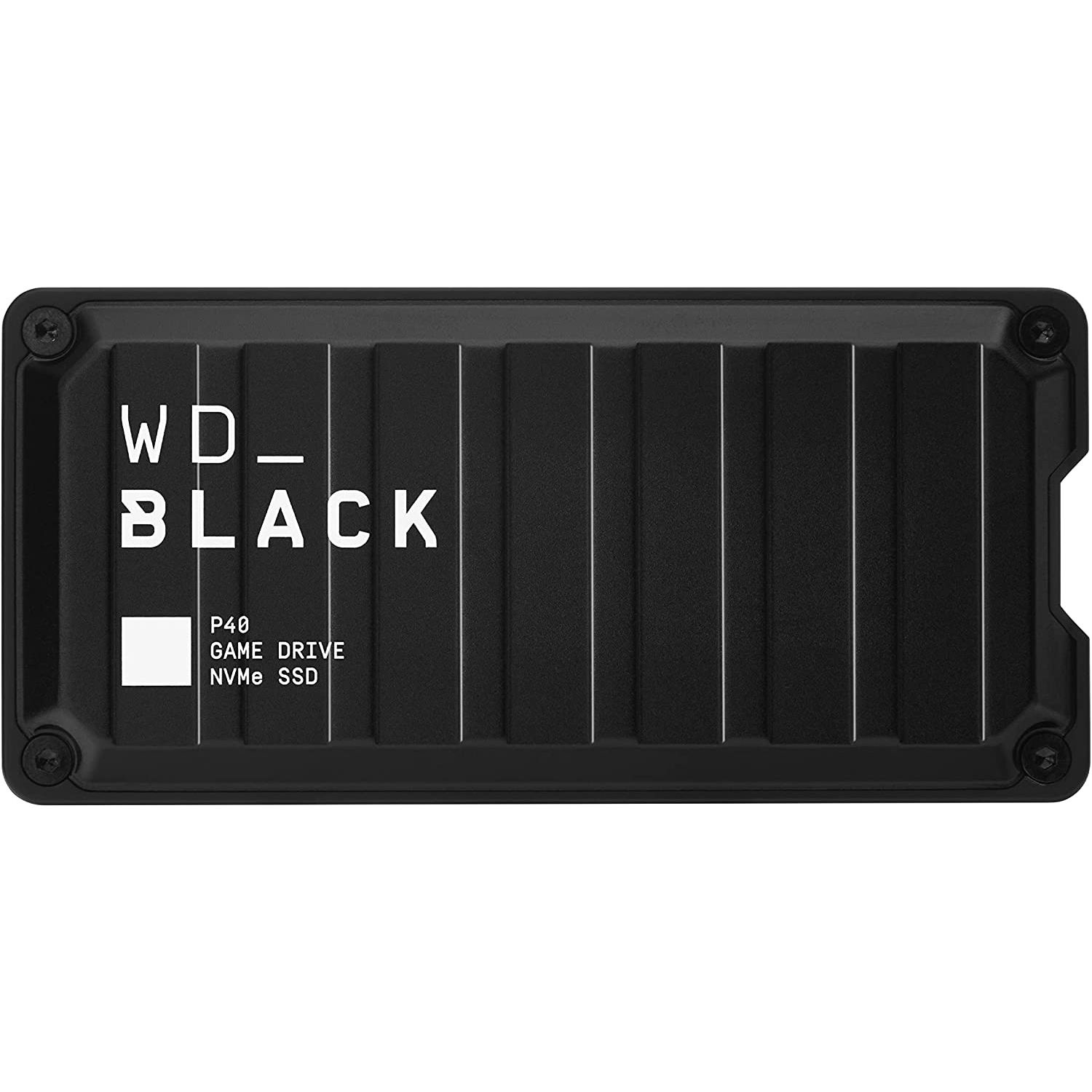
1TB P40 Game Drive SSD: $209.00

“Western Digital's P40 Game Drive SSD is a stellar external storage upgrade for Xbox Series X|S consoles, and is even better on PC with RGB customization and faster speeds. If you're only getting this for Xbox, though, there may be more affordable options.” ~ Zachary Boddy, former Staff Writer, Windows Central

Windows Central review: ⭐⭐⭐⭐View Deal

T5 EVO Portable SSD 4TB Black: $559.00

“If you specifically need a super portable external SSD for playing your classic Xbox games and storing Series X|S games, then the Samsung T5 EVO is a fantastic pick. It has a slim form factor that can easily fit in your pocket or in a bag. Plus, it's drop-resistant to better withstand jostling on the go.” ~ Rebecca Spear, former gaming staff writer, Windows Central

Best Premium USB from our best Xbox SSDs in 2025 listView Deal

Plug & Play expansion cards

Plug & Play expansion cards are scarcer and more expensive, but more convenient Xbox storage expansion units compared to external hard drives.

They fit easily into an Xbox’s dedicated expansion card slot, so they don’t take up desk space, and they let players play games installed on the cards directly without needing to shuffle them into the Xbox’s internal SSD, saving you from tedious file management.

However, you can’t reformat these Plug & Play Xbox expansion cards for other devices, as they were purely designed for Xbox consoles.

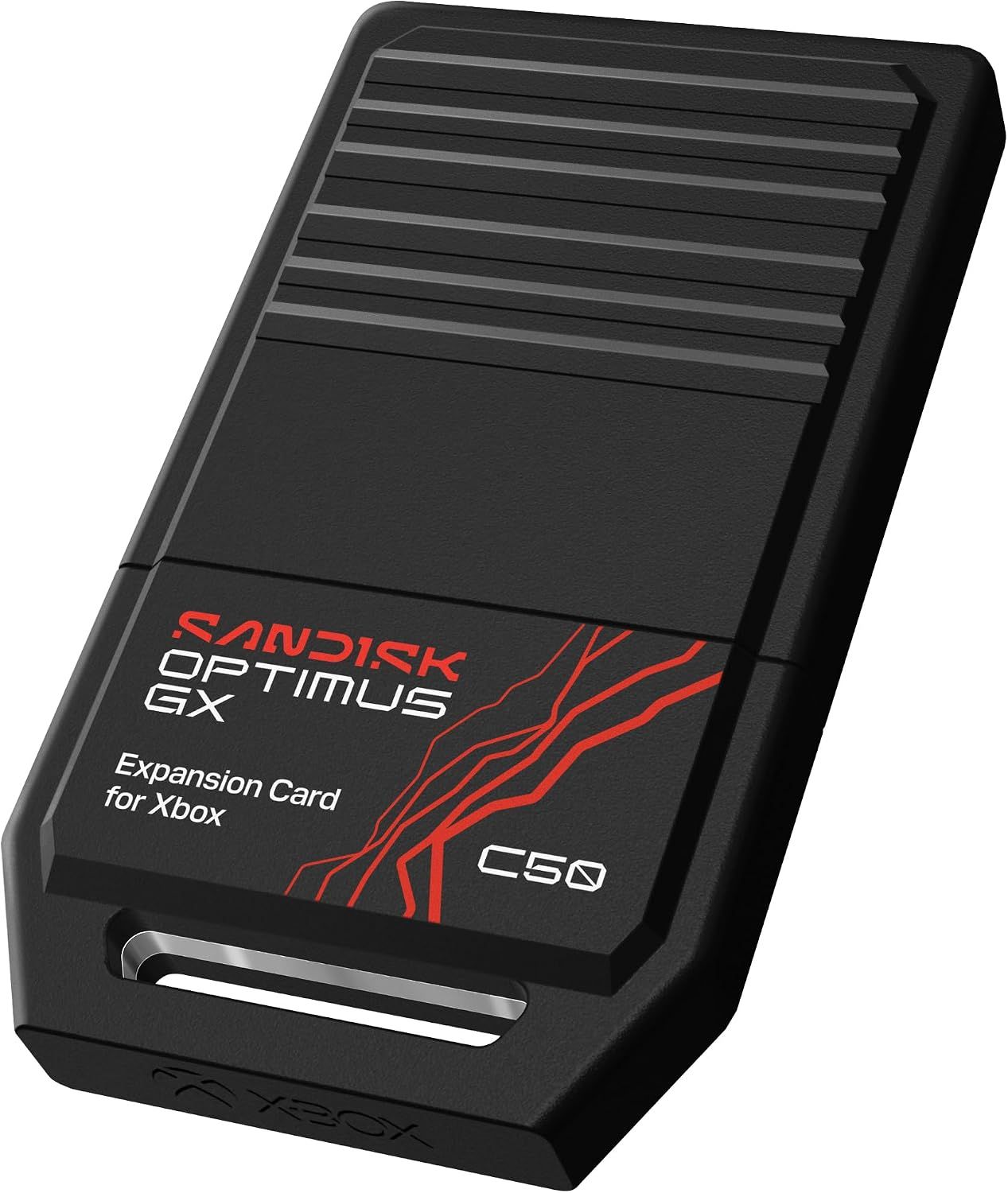
1TB Optimus GX C50 Storage Expansion Card for Xbox: $239.00

The SanDisk Optimus GX C50 is the newest Xbox storage Expansion Card line on the block.

It comes in multiple storage models from 512GB to 2TB, with low-latency performance that matches Xbox Velocity Architecture, so games can be played directly from it. Plus, it’s compatible with Xbox’s Quick Resume feature, so players can swap between multiple games without losing progress.

Plus, it has a free one-month trial membership for Xbox Game Pass Ultimate.View Deal

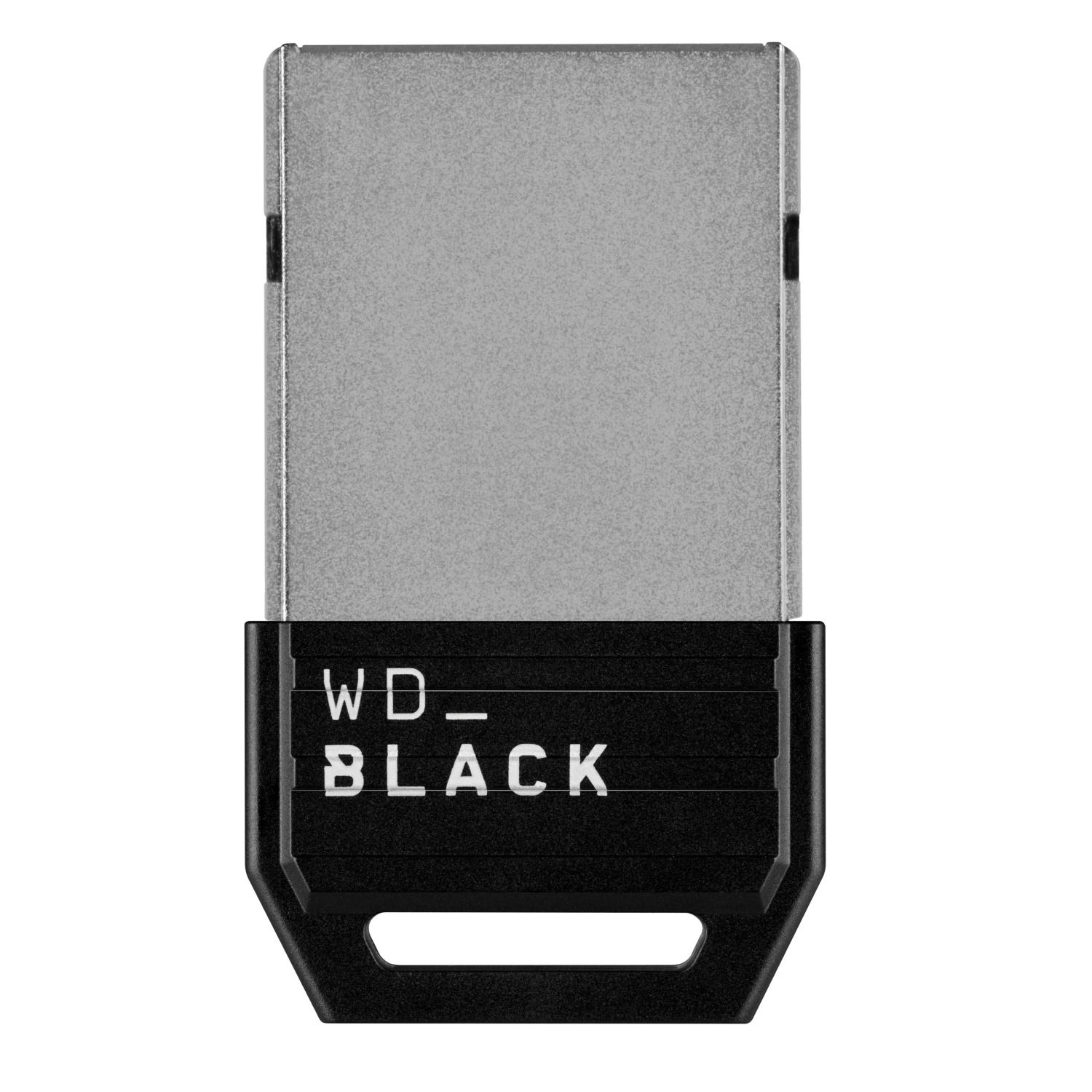
1TB C50 Expansion Card for Xbox: $269.00

“Western Digital's long-awaited competitor to the exorbitant Seagate Expansion Card for Xbox Series X|S is functionally and practically great, and it has lowered prices.” ~ Zachary Boddy, former Staff Writer, Windows Central

Windows Central review: ⭐⭐⭐⭐View Deal

Storage Expansion Card 2TB Solid State Drive: $279.99

"Microsoft and Seagate partnered up on a slick memory card-style SSD expansion for Xbox Series X and Xbox Series S, filling demand where standard hard drives simply don't cut it.” Matt Brown, former Staff Writer, Windows Central

Windows Central review: ⭐⭐⭐⭐View Deal

Should I wait for Big Deal Days/Black Friday before buying these expansion devices?

If you don’t mind waiting for discounts, it may be wise to wait until these external hard drives and plug-and-play cards go on sale, as many of them have retail prices that cost hundreds of dollars as of this writing.

However, the RAM crisis is stirring extreme levels of FOMO (Fear of Missing Out) behavior in consumers, driving them to buy popular Seagate and WD_Black Xbox expansion cards online until they run out of stock, even at full price.

With this in mind, it may also be a risky but good idea to grab one of these devices quickly because they may sell out before they even get a chance to be discounted during sales events like Amazon's Big Deal Days in October or Black Friday in November.

Are you ready for Gears of War: E-Day?

And there you have all the best options to upgrade your Xbox’s Storage size in time for Gears of War: E-Day. Are you looking forward to playing Gears of War: E-Day? Will you be sticking around to play its Horde Siege mode months after launch to see its post-game updates?

If you have any thoughts on the matter, please send them to the comments section below, or our Discord, Reddit, or cast a vote in the poll above.

Gears of War: E-Day is scheduled to launch on Xbox Series X|S (with Xbox Play Anywhere support), Xbox Game Pass, and PC via Windows and Steam on October 1, 2026, for early-access players who pre-ordered the game, and then October 6, 2026, for everyone else.

Gears of War: E-Day (Xbox): $69.00

Relive the tragic day that started the long, grueling war between the COGs and the Locust horde in the highly anticipated prequel of the Gears of War franchise, Gears of War: E-Day.

• Xbox Store
• SteamView Deal

Click to join us on r/WindowsCentral

Join us on Reddit at r/WindowsCentral to share your insights and discuss our latest news, reviews, and more.

  •  

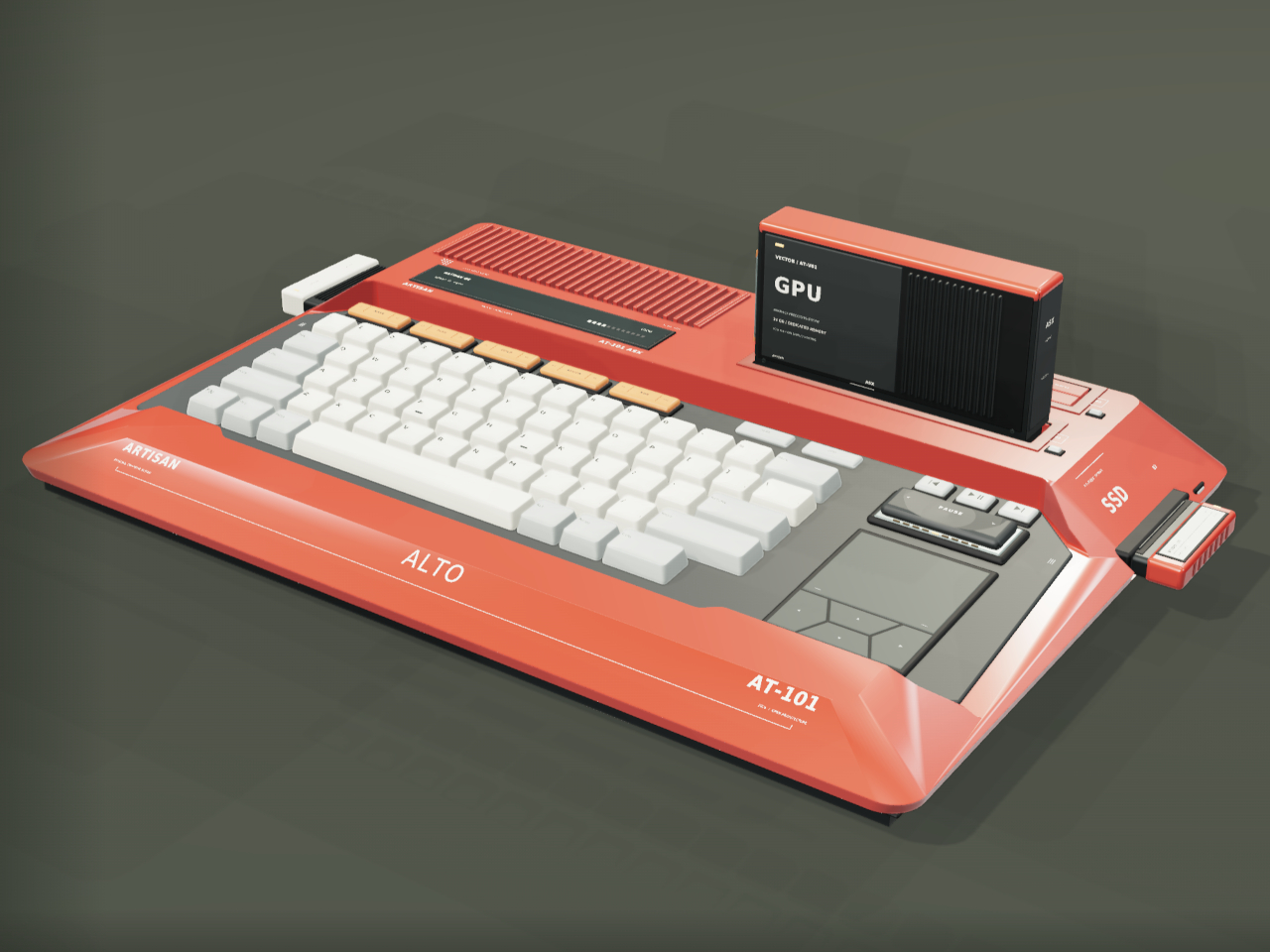
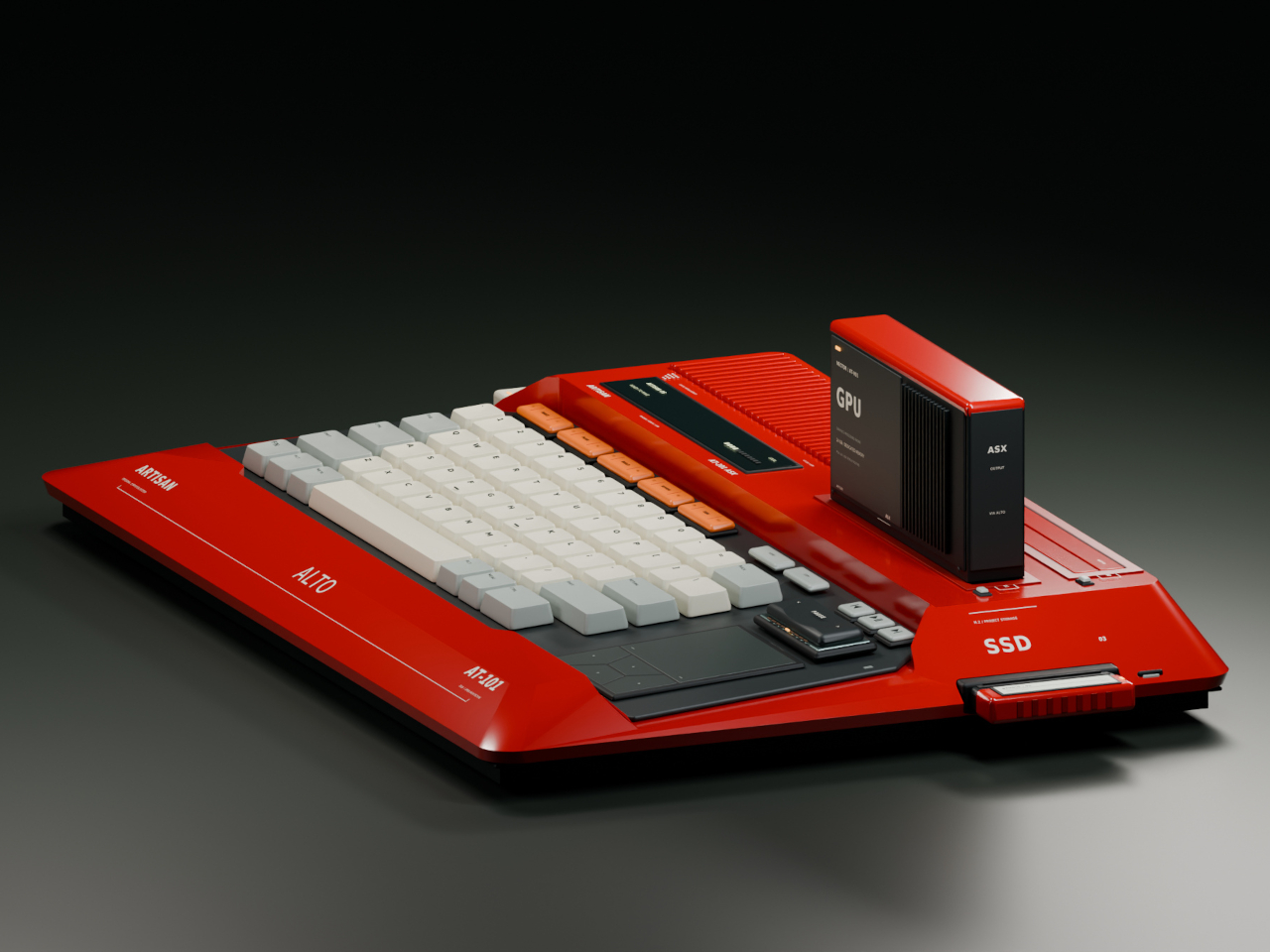
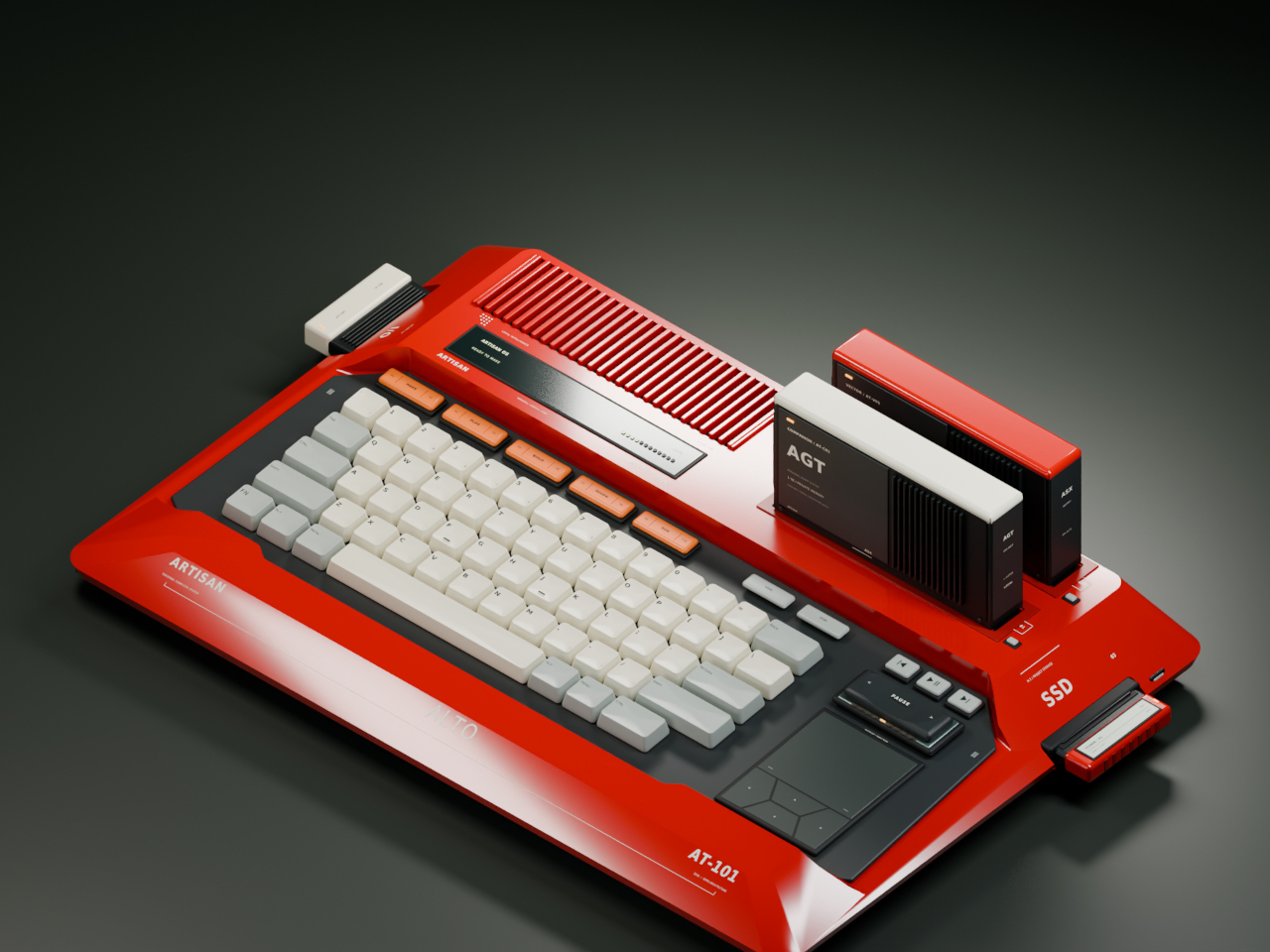
Laptops Sealed Computers Shut, ARTISAN ALTO Snaps Them Back Open

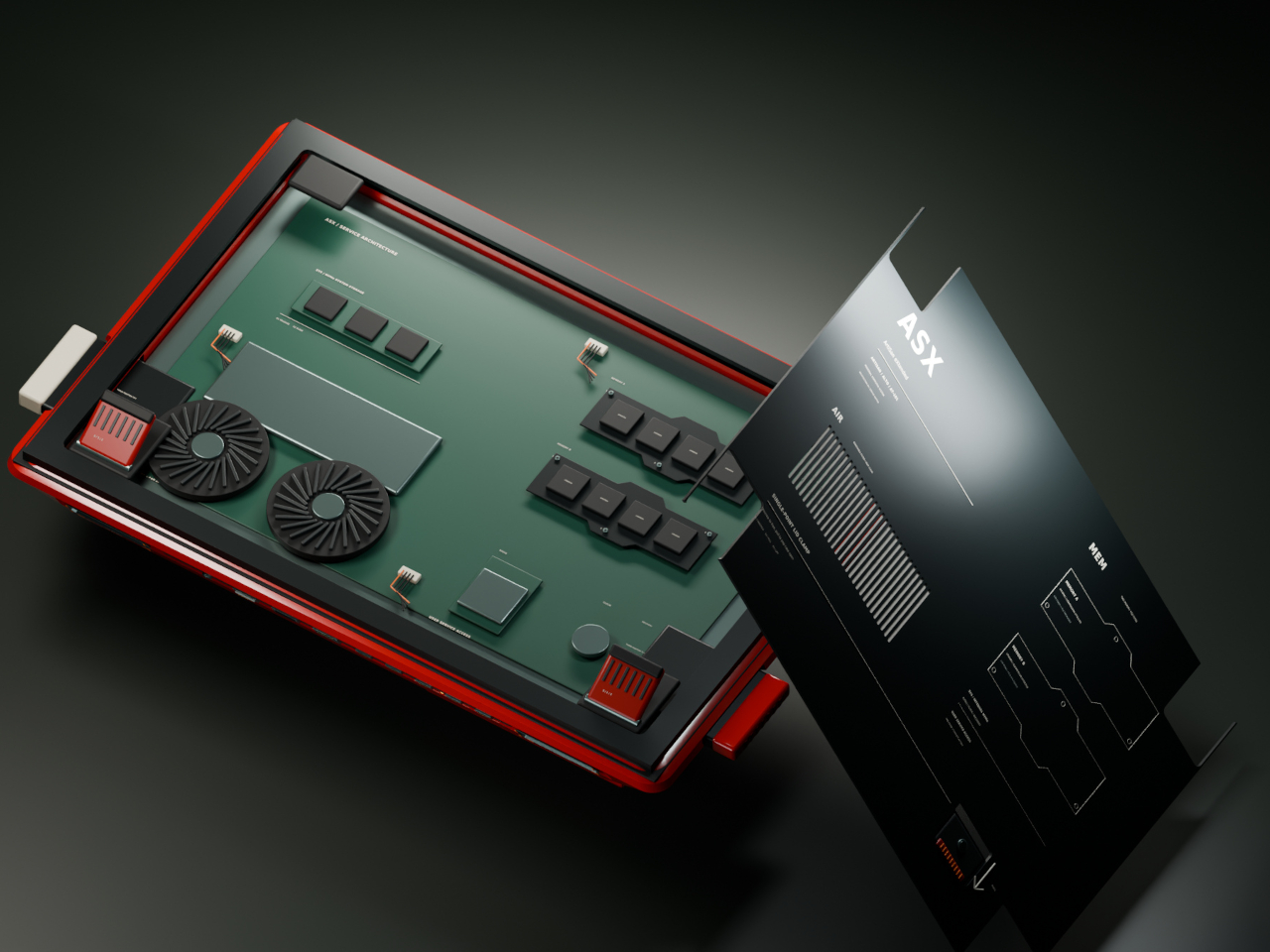
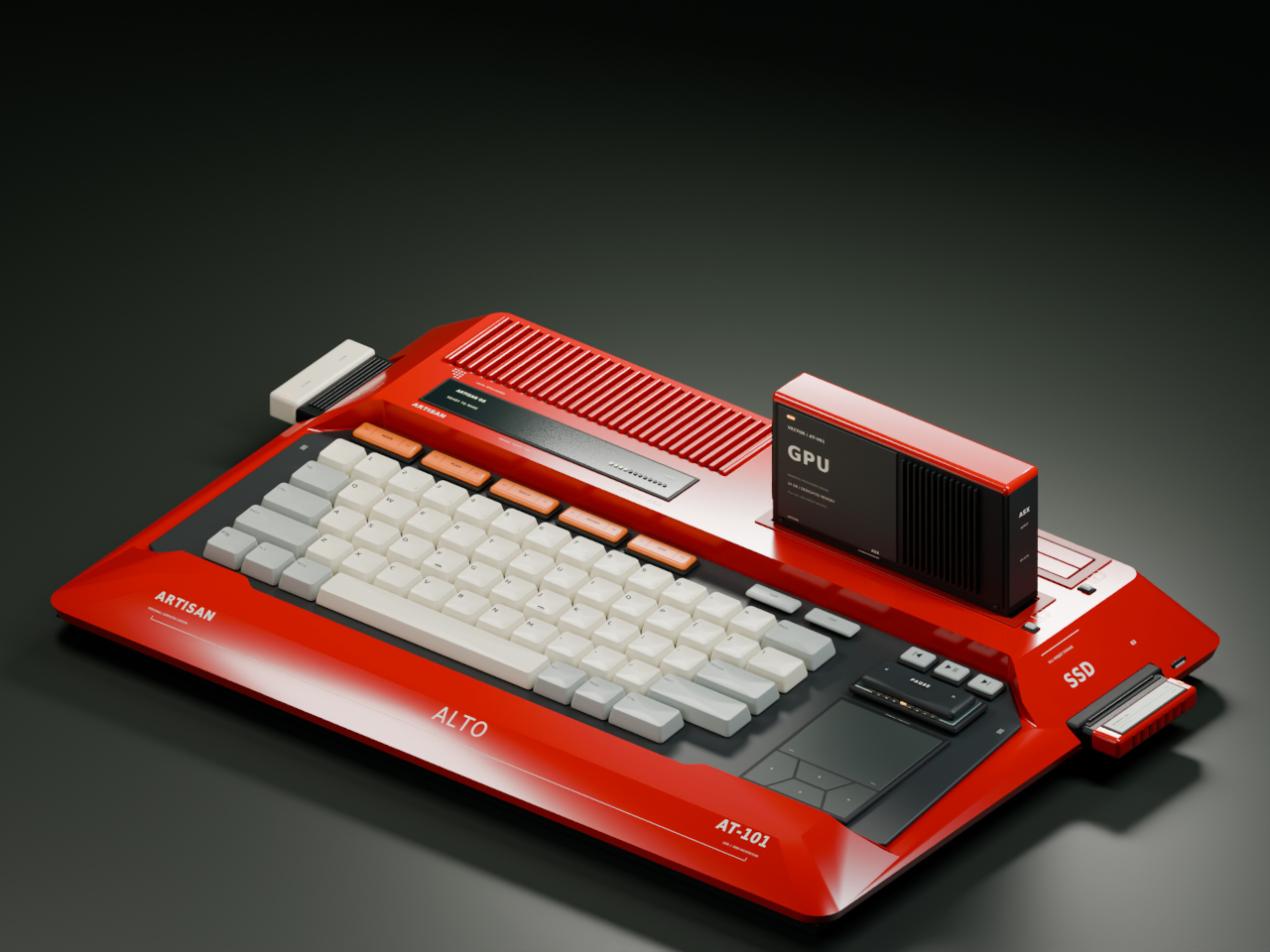
Home computers used to snap open like toolboxes, cartridges sliding in for a new game or a new skill. That idea mostly disappeared once sealed laptops took over, but the ARTISAN ALTO AT-101 brings it back with a vermilion shell that looks like it walked straight out of 1984 and a system built for how people actually tinker today. It’s a machine designed to grow alongside whatever you’re currently obsessed with.

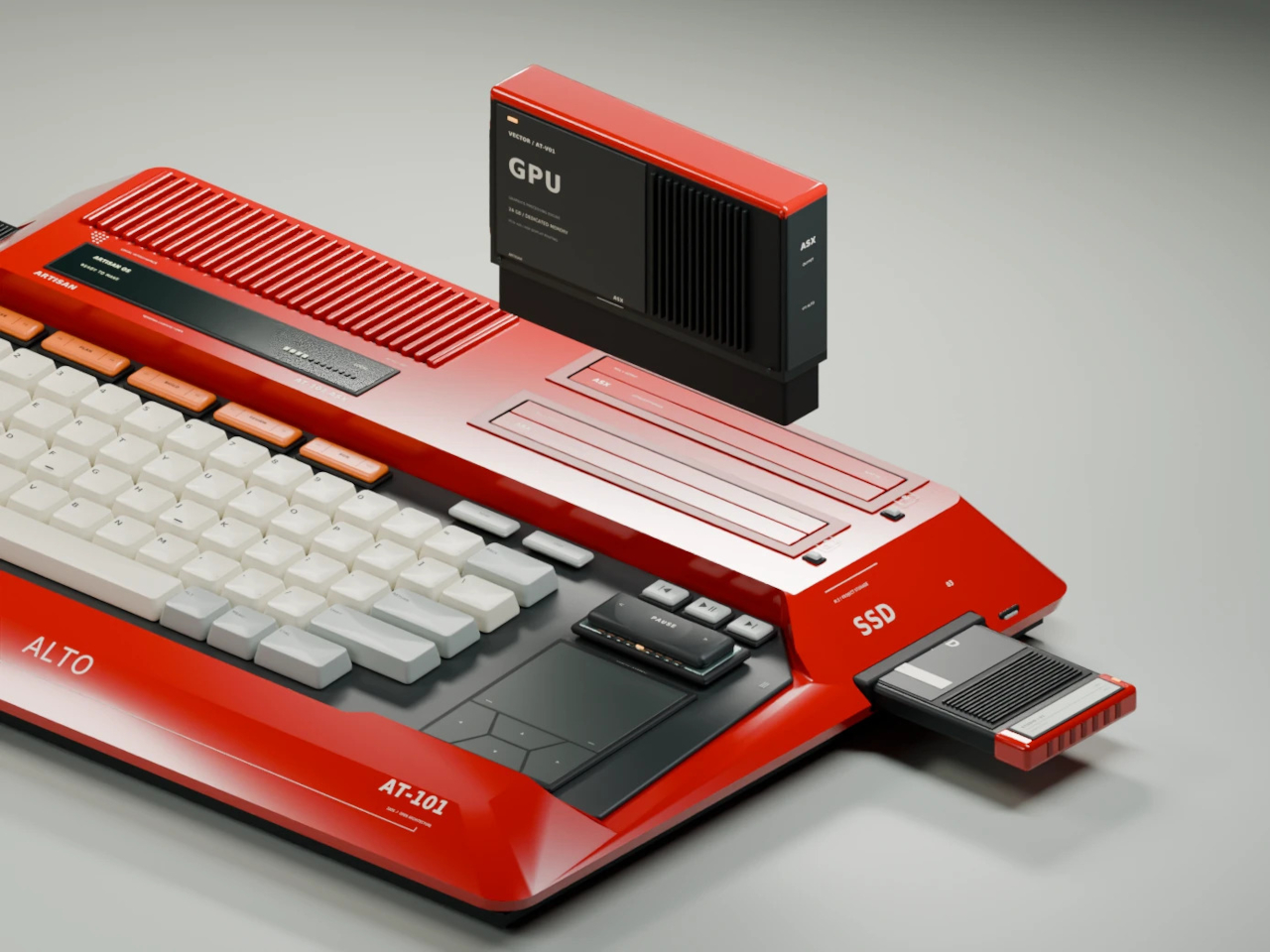
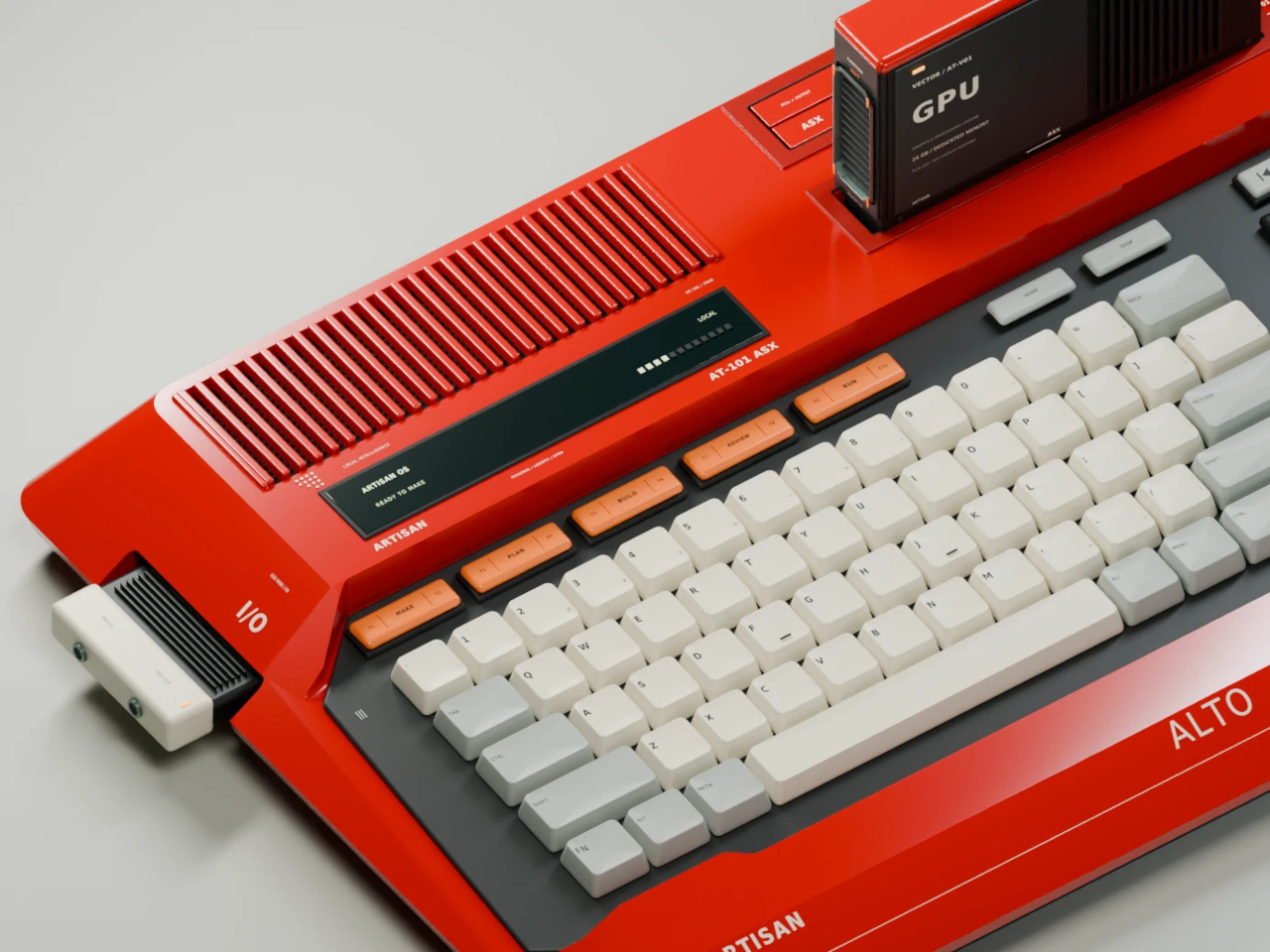
The trapezoidal red housing wastes no time signaling its intentions. Sculpted, concave ivory keycaps sit beside red cooling louvres, and a keyboard opening cuts diagonally through the sloping side, turning what could’ve been a flat slab into something with genuine presence on a desk. This is a machine built to be looked at, not tucked behind a monitor.

Designer: Leo Botinelly

That vintage-inspired shell hides a distinctly modern expansion idea. Upright cartridges slot into place to add graphics power, sound capability, retrocomputing modes, or an AI companion, while smaller side modules handle specialist interfaces and individual projects. Recording a demo, building out a more ambitious scene, or reviving an old favorite game all become a matter of swapping in the right module rather than replacing the whole machine.

The standout pairing puts VECTOR, a compute cartridge, alongside COMPANION, an AI agent module with its own ivory-crowned housing. Together they form what the concept calls a personal cyberdeck, one where your context and your processing power both live in the same two bays. Everything from your conversation history to your working files stays local, an intentional counterpoint to how most AI tools currently function.

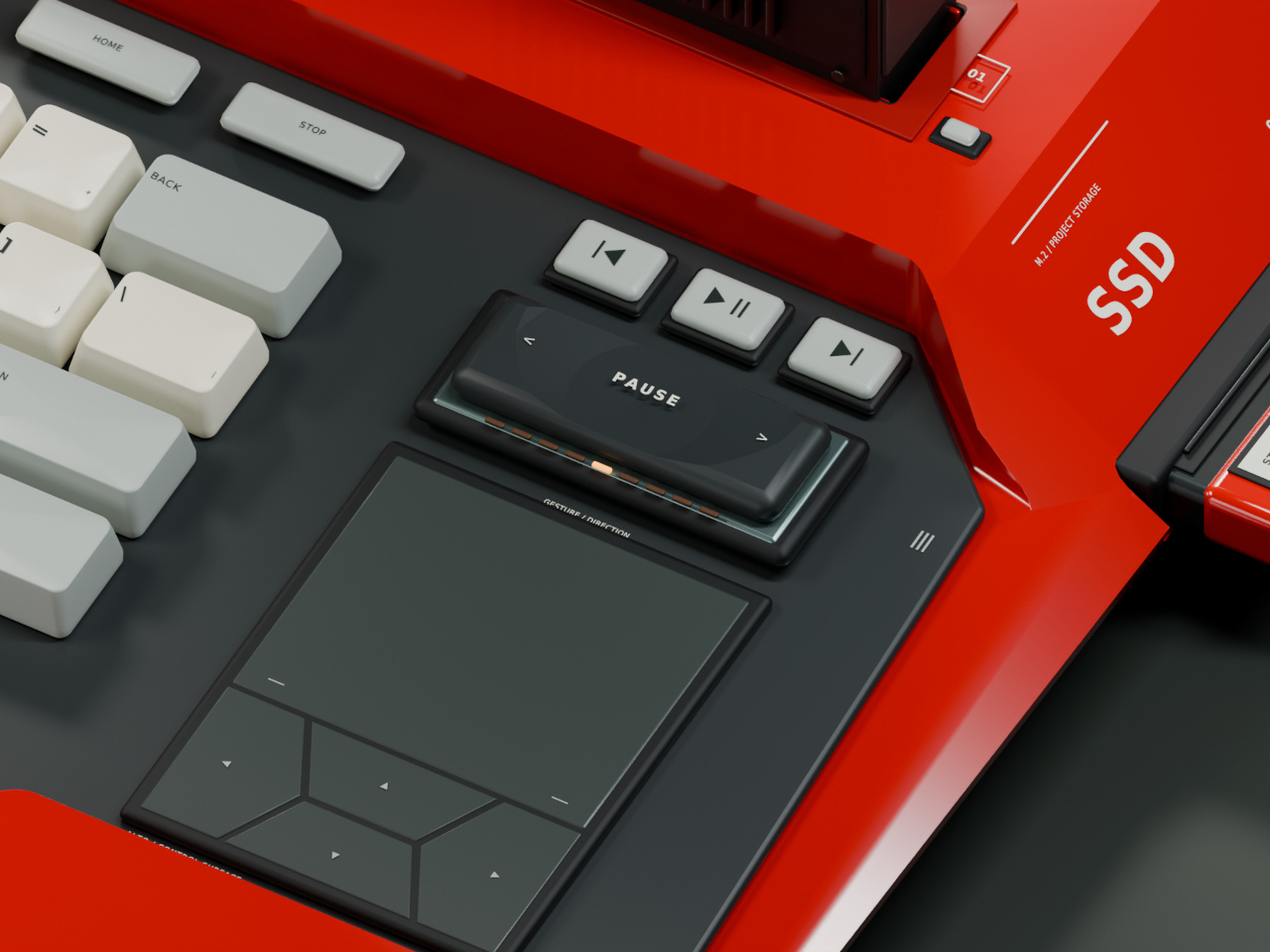
Five multifunction keys handle creative shortcuts without forcing a trip through a menu, while a dedicated PAUSE rocker lets you freeze, rewind, or speed through whatever’s running, treating time itself as something you can grab and adjust mid-task. A touchpad and four flush cursor keys merge into a single continuous surface on the right side, keeping navigation under the same hand that’s already resting there.

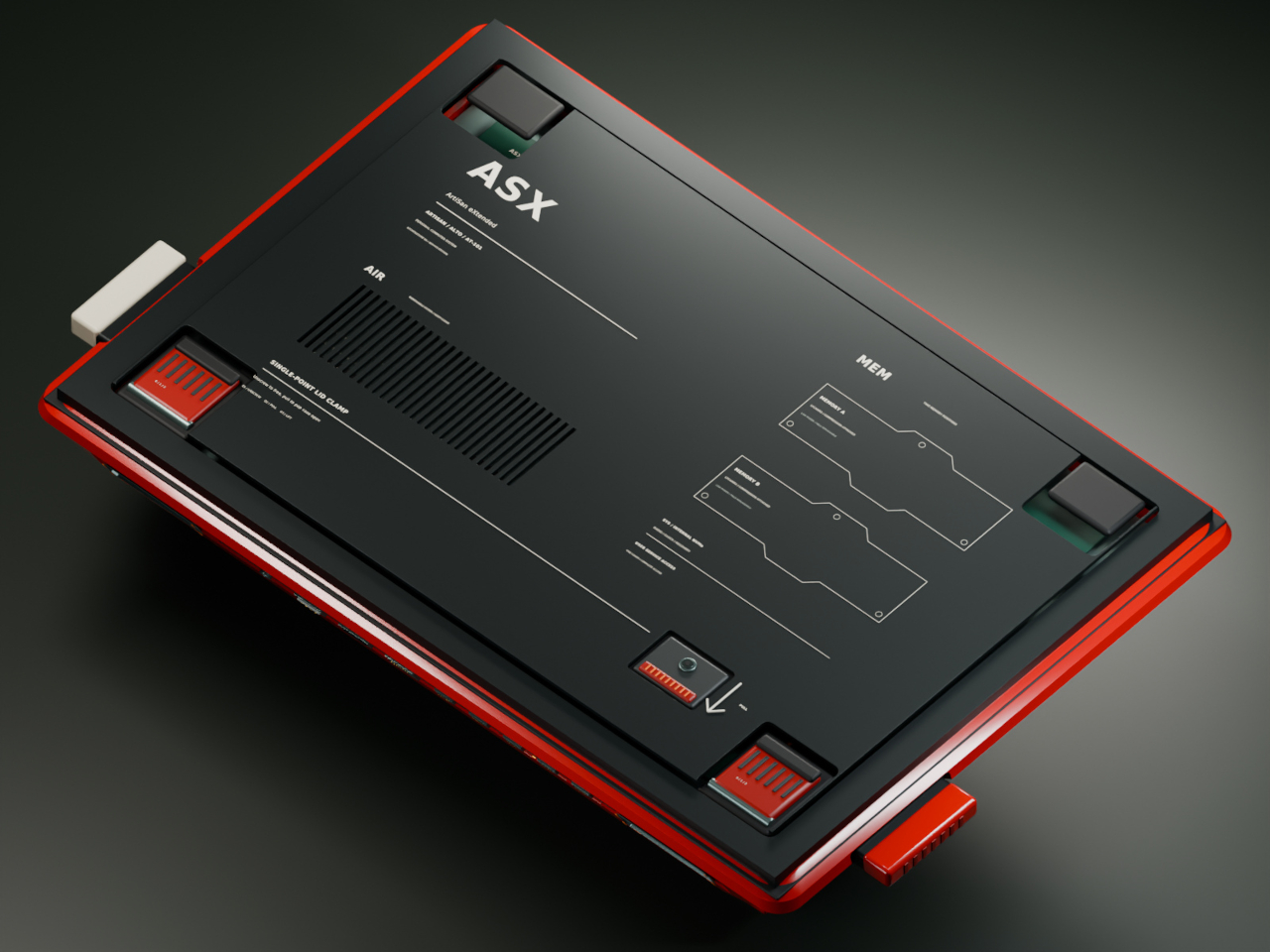
Flip the machine over and the same philosophy continues. Memory access sits in the open rather than buried under layers of casing, rear supports adjust to match your desk setup, and a single screw releases the service clamp entirely. Every one of these choices treats a computer’s insides as something worth respecting, not hiding behind warranty stickers and proprietary screws.

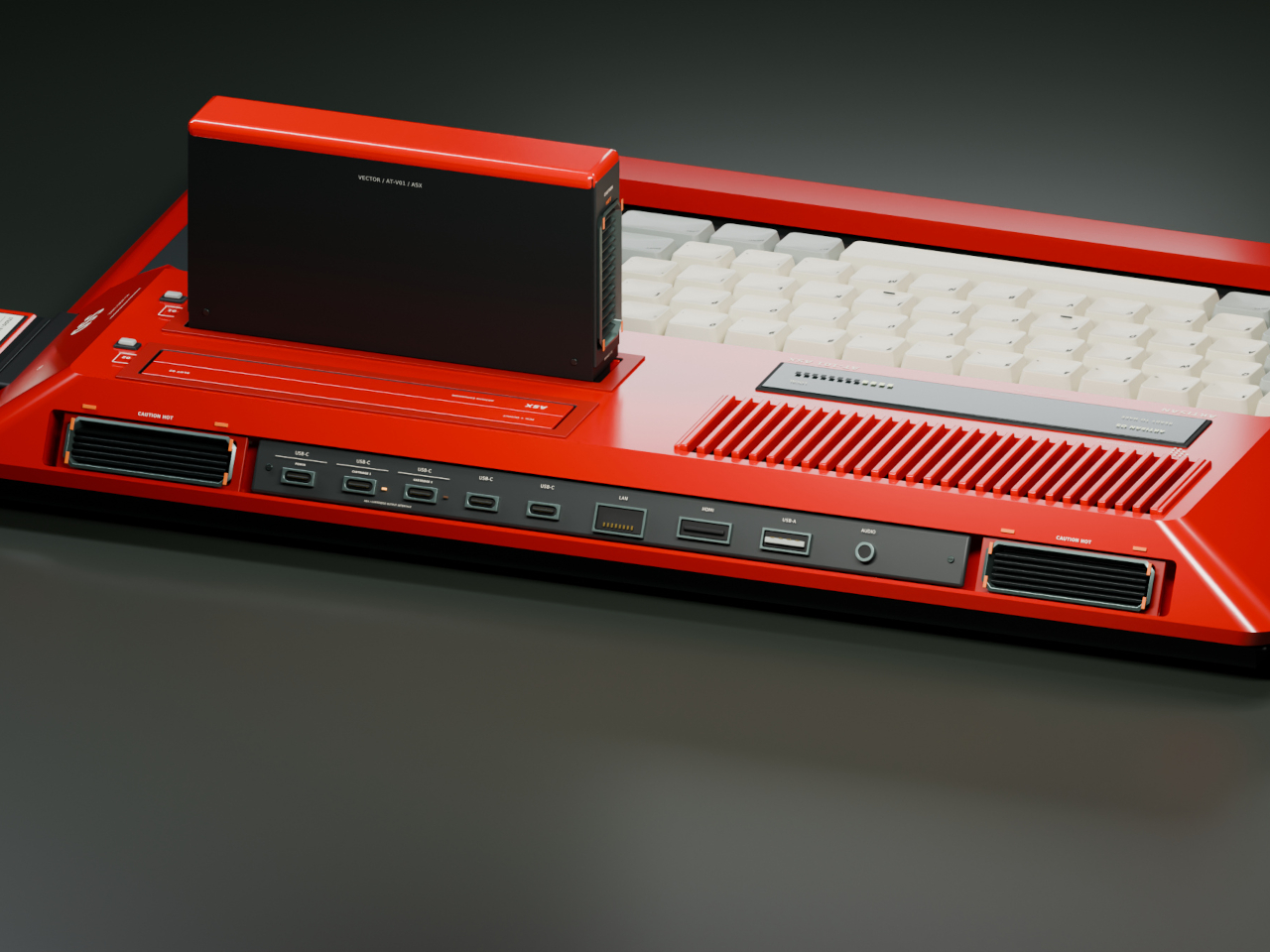
Around back, a compact connector panel handles the practical side of daily use. USB-C power sits alongside labeled ports for two cartridges, additional USB-C connections, LAN, HDMI, USB-A, and audio, all routed cleanly to keep cables from tangling across the front of a desk. Even the exhaust vents get a considered shape, flanking the connector panel like a pair of small turbines venting heat from all that cartridge-driven ambition.

The post Laptops Sealed Computers Shut, ARTISAN ALTO Snaps Them Back Open first appeared on Yanko Design.

  •  

Cloud AI Means Someone Else Has Your Data, MINISFORUM Fixes That

Running a serious AI model at home usually means renting someone else’s cloud server and hoping your data stays private along the way. MINISFORUM built its newest pairing to remove that trade-off entirely. The AI Agent NAS N5 MAX-P495 and AI Mini Workstation MS-S1 MAX-P495 combine for up to 131 TOPS of AI compute performance, 192GB of memory at 8533 MT/s, and up to 160GB of graphics memory, enough headroom to keep the heavy lifting on a desk instead of in a data center.

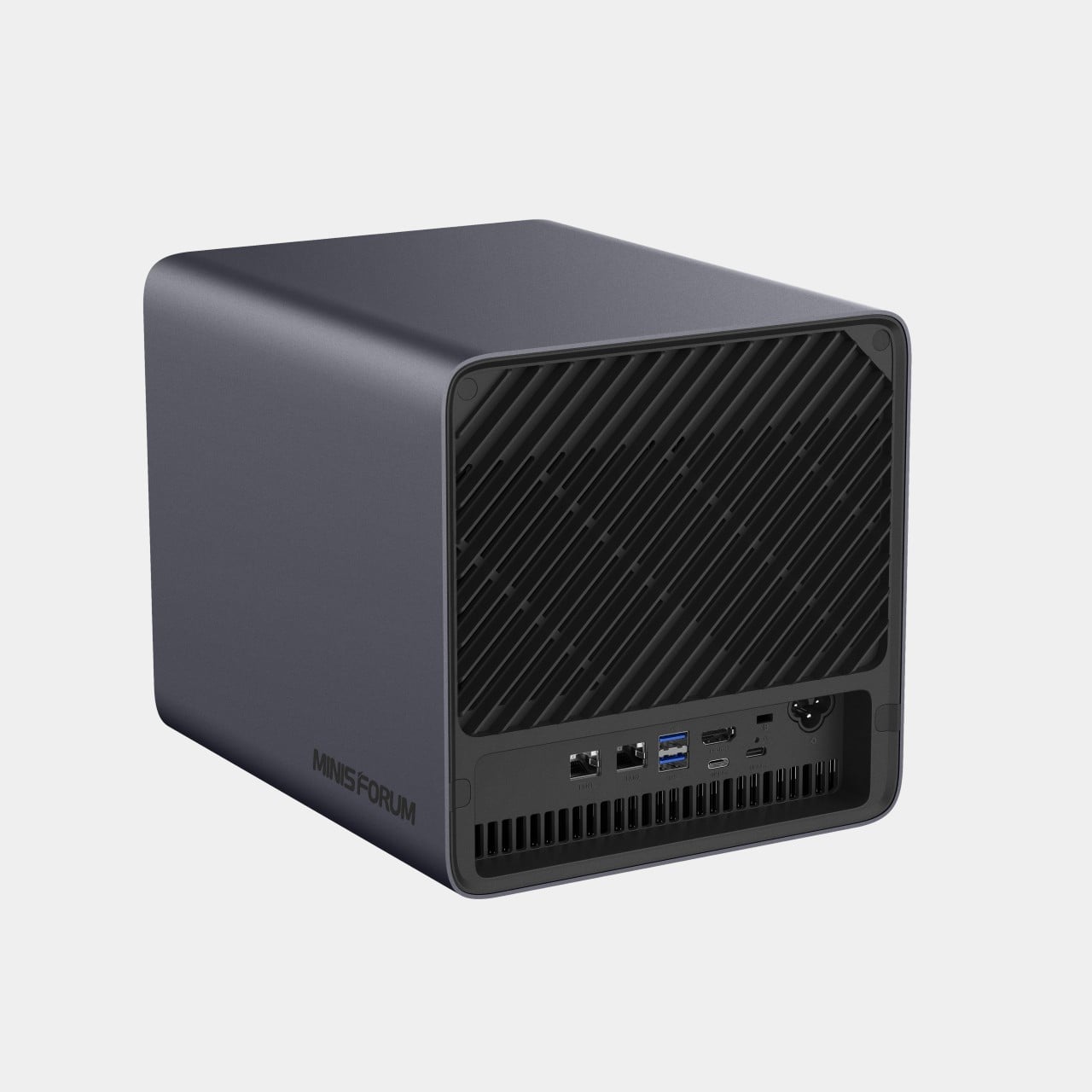
The N5 MAX-P495 takes the shape of a compact black cube, but what it holds inside matters more than how it looks sitting on a shelf. It combines powerful AI computing with up to 200TB of local storage, enabling users to store, manage, and process large volumes of data within a single AI platform. That capacity turns a spare corner of an office into a private archive large enough to hold years of project files, footage, or research without ever touching a third-party server.

Designer: MINISFORUM

Storage alone doesn’t make an AI system useful, so MINISFORUM built the N5 to run the AI itself. From RAG knowledge bases and AI models to embeddings, databases, and AI agents such as OpenClaw and Hermes, N5 MAX-P495 keeps data and AI workloads local, enabling continuous and private AI operations. A small business could lean on that setup to run its own customer-support agent without routing conversations through an outside company’s servers.

That local-first approach extends to how the N5 fits into a larger setup. Designed to work alongside AI computing devices, N5 MAX-P495 serves as a centralized backend for data, models, knowledge, and long-running AI workloads, bringing storage and computing together at the edge. It’s less a standalone gadget and more a quiet engine room, built to keep working in the background while something faster handles the parts people actually interact with.

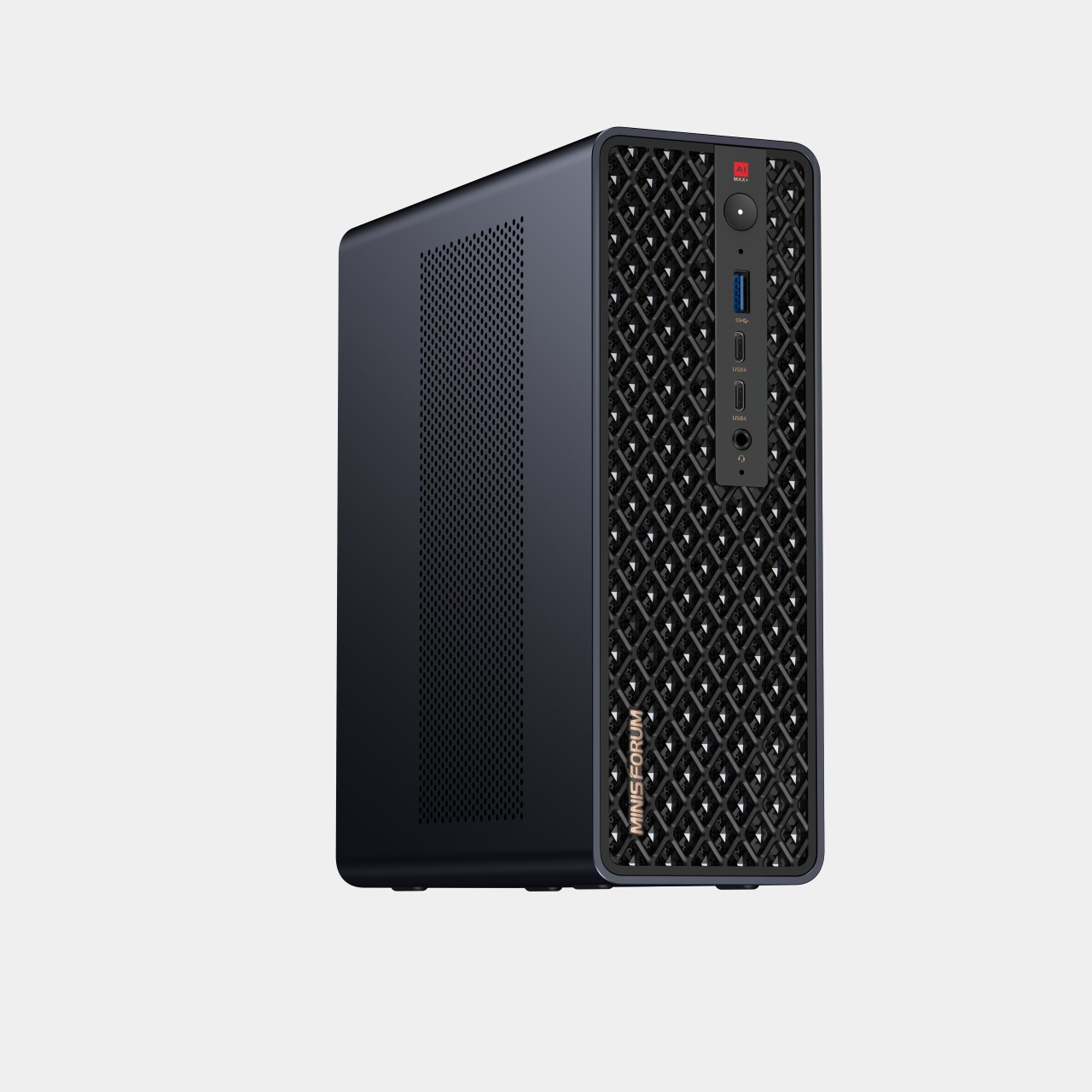
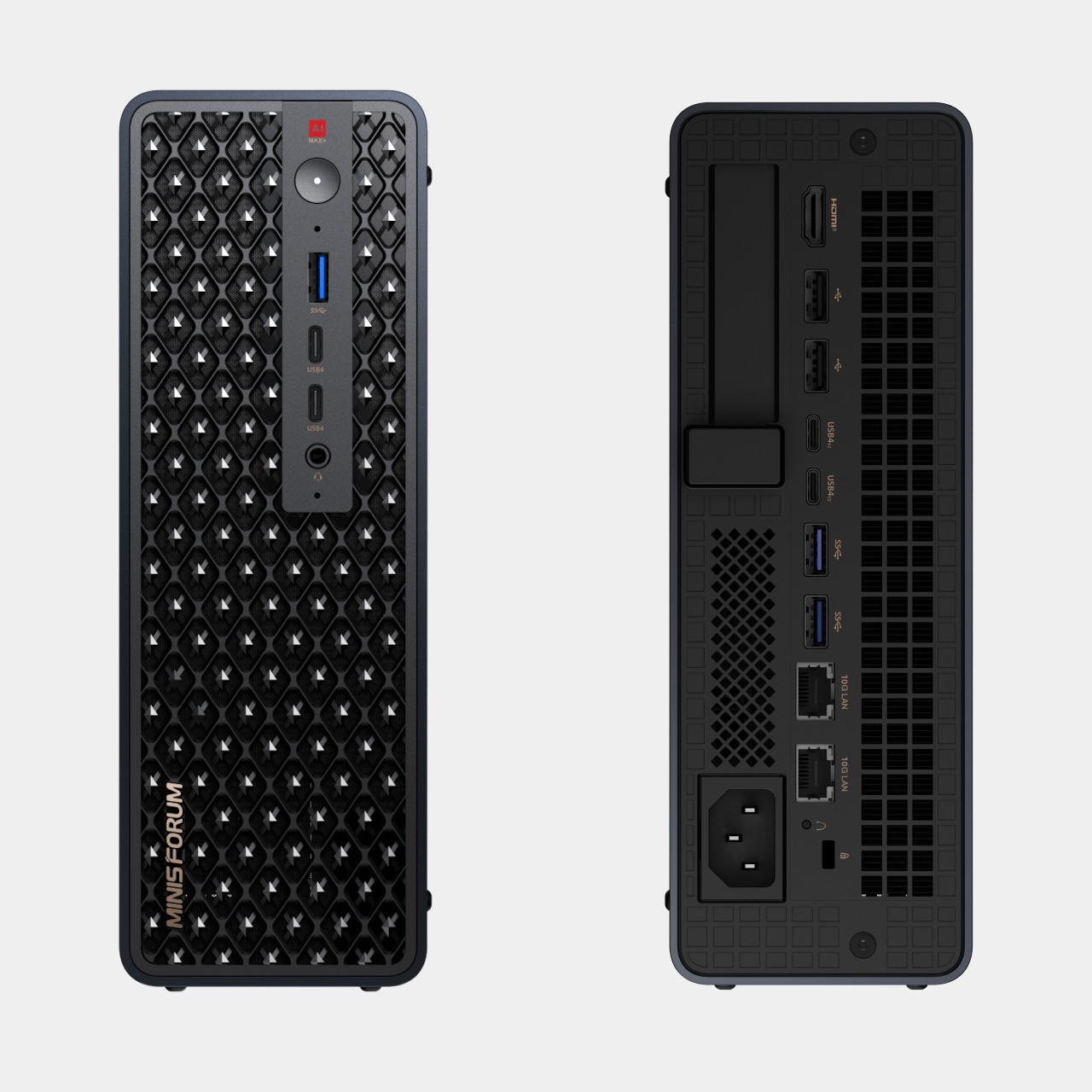
That faster half of the pairing is the MS-S1 MAX-P495, a compact tower wrapped in a ventilated, diamond-textured front panel that looks more like a piece of desk sculpture than a workstation. It delivers powerful local AI computing for demanding model inference, AI development, and computationally intensive workloads, built for intensive local AI tasks, engineering, and workflows in an ultra-compact footprint. Developers get workstation-class muscle without giving up desk space to a full tower case.

Speed matters just as much as raw power for certain jobs, and MINISFORUM designed the MS-S1 with that in mind. Designed for low-latency AI workloads, MS-S1 MAX-P495 enables responsive local inference for AI agents, computer vision, generative AI, and other real-time applications. A security camera system or a live creative tool built on generative AI benefits directly from that kind of immediate response instead of waiting on a round trip to the cloud.

Connectivity rounds out the workstation’s role in a larger setup. With extensive connectivity and expansion capabilities, MS-S1 MAX-P495 serves as a powerful AI compute frontend, supporting models, applications, and connected devices across flexible edge AI environments. That flexibility means the same box can sit at the center of a home lab or plug into a small studio’s existing hardware without forcing a rebuild.

Paired together, the two devices split the work the way a good team would. The MS-S1 MAX-P495 and N5 MAX-P495 form a complete edge AI computing system, delivering high-performance AI compute at the frontend while integrating compute, massive storage, data, and AI knowledge at the backend, providing a powerful foundation for real-time inference, persistent AI workloads, and scalable local AI applications. It’s a compact answer to a question more households and small teams are starting to ask: whether AI still needs to live somewhere else at all.

The post Cloud AI Means Someone Else Has Your Data, MINISFORUM Fixes That first appeared on Yanko Design.

  •  

NVIDIA confirms RTX Spark configurations and availability: First devices expected to begin shipping as soon as next month, with two N1X configs on offer

NVIDIA has confirmed new details and availability info about its upcoming RTX Spark SoC for Windows 11 devices. At IFA 2026, the company announced that it expects the first RTX Spark laptops to begin shipping as soon as next month, sometime in October depending on the OEM. Additionally, two new devices are joining the launch lineup; the Lenovo Yoga 9n laptop and Acer SFF desktop PC.

Alongside availability news, NVIDIA has also confirmed configuration details for the upcoming RTX Spark chips. There will be two different configurations of the RTX Spark N1X, with configurable RAM and storage based on what OEMs wish to offer. The high-end RTX Spark will be targeted at desktops and laptops, with support for up to 128GB unified memory, 20 CPU cores, and 6144 Blackwell RTX cores.

There will also be a less powerful RTX Spark configuration exclusively for laptops, which can only be configured with 24GB or 32GB unified memory, a 5120-Core Blackwell RTX GPU, and an 18-core CPU. While still a high-end chip, this should allow RTX Spark to ship in laptops that cost closer to $2,000, significantly lower priced than the high-end SoC.

Category

Specification 1

Specification 2

GPU Cores

6144-core Blackwell RTX GPU

5120-core Blackwell RTX GPU

CPU Cores

20-core Grace CPU

18-core Grace CPU

Memory

24-128 GB Unified Memory

24-32 GB Unified Memory

Form Factors

Laptops and Compact Desktops

Laptops

NVIDIA is touting RTX Spark as the best SoC for AI development on Windows. It supports NVIDIAs full AI stack, as well as the Windows Agent Framework and 120B parameter agents. It also supports hardware accelerated 4:2:2 video for video editing professionals.

It's also good for gaming, with expected 100 frames per second in many games at 1440p with RT and DLSS. In fact, NVIDIA has announced that many popular and mainstream gaming developers have committed to supporting RTX Spark with native games and frameworks so that there are no compatibility issues with the RTX Spark's Arm architecture.

While the first RTX Spark devices are expected to begin shipping in October, it's not yet clear which OEMs will be first out the gate. All major Windows hardware makers, including Dell, Lenovo, HP, ASUS, and Microsoft have all announced RTX Spark devices that are expected to ship by the end of this year. Devices like the Surface Laptop Ultra have not yet been given a release date, though Microsoft typically does aim to ship new Surface PCs in October.

We'll be sure to keep you updated on all the RTX Spark device availability as more information is revealed by OEMs. In the meantime, are you considering an RTX Spark device as your next Windows PC? Let us know in the comments!

Click to join us on r/WindowsCentral

Join us on Reddit at r/WindowsCentral to share your insights and discuss our latest news, reviews, and more.

  •  

NVIDIA reinforces itself as an AI-first company nowadays with an almost $13 billion acquisition of Hugging Face

If you're not a keen follower of the AI space, then the name Hugging Face may not mean anything to you. But the company has just been acquired by NVIDIA, which continues to reinforce its new identity as an AI company.

Announced today by NVIDIA CEO Jensen Huang, Hugging Face will be joining the company in an acquisition priced at just under $13 billion.

Hugging Face is an open platform that has been likened to GitHub, except for local, open AI models that anyone can use. NVIDIA's plans are to keep Hugging Face the same as it is today but to scale. Because if you're not scaling AI these days, what are you even doing?

"Hugging Face will remain an open platform for the entire AI ecosystem. Developers will choose the models they want, the frameworks they want, the clouds and inference service providers they want and the computing platforms they want. NVIDIA compute will not be required to build on or deploy through Hugging Face.

Hugging Face will continue to support open source and open weight models from across the ecosystem, from every model builder. It will continue to support multi-cloud and multi-accelerator development and deployment, so builders can use the hardware and infrastructure that best fit their work."

Keeping personal opinions about AI aside, I'm certainly more in favor of real people being able to use AI models without having to rely on massive, un-evironmentally friendly data centers from the likes of Microsoft and OpenAI.

AI is very much here to stay, whether we choose to embrace it or not. But I'm definitely on the side of being able to use it however you want to use it and without feeding all your data to companies that don't necessarily deserve it.

NVIDIA is very much AI-first these days, though. Gone are the days we'd all look at its shiny new GPUs, and our only thoughts would be about gaming. It does make you ponder what the future holds for gamers, though.

I've got an RTX 5090, for example, and it's still overkill for gaming. But with 32GB of VRAM and a ton of compute horsepower, it's pretty damn good for local AI use. But is this where future products will be aligned first? Everything's getting more expensive, and AI is definitely to blame for a good chunk of it.

Alas, here we are. If you use Hugging Face currently, it doesn't sound like anything's going to change. But if you're a gaming customer of the company, as I am, I am starting to wonder how important we're going to be in the future.

Click to join us on r/WindowsCentral

Join us on Reddit at r/WindowsCentral to share your insights and discuss our latest news, reviews, and more.

  •  

I tried GeForce NOW on Firefox as NVIDIA and Mozilla team up for 1440p at 120 FPS — Yeah, it's still the best for cloud gaming.

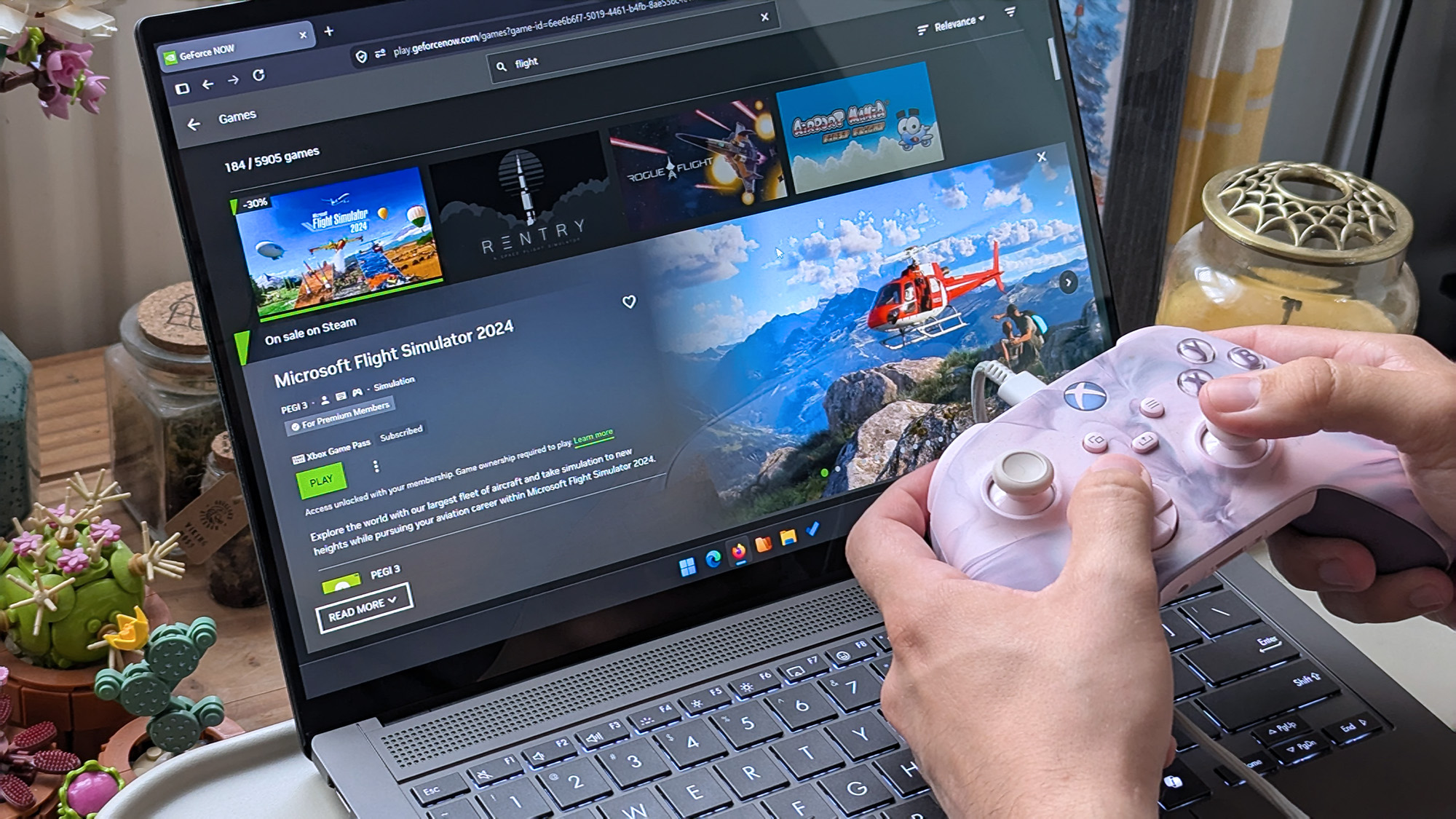
NVIDIA's self-made cloud gaming platform, GeForce NOW, has added official support for Mozilla's Firefox web browser. Firefox users with a paid subscription to NVIDIA's service can now play supported PC titles from their Steam, PC Game Pass, GOG, Epic Games Store, or Ubisoft Connect libraries at up to 1440p and 120 FPS by navigating to play.geforcenow.com.

Firefox earned its place on our list of supported browsers by delivering the first-class experience GeForce NOW players expect.

Andrew Fear, NVIDIA GeForce NOW Director

GeForce NOW has an ad-supported free 'Basic Rig' tier that's limited to 1-hour sessions at 1080p, while paid 'Performance' and 'Ultimate' tiers offer 6 hours at up to 1440p and 8 hours at up to 5K, respectively. The GeForce NOW update is already playable with the latest version of Firefox, though Mozilla says it will share "what this partnership means for gamers" at Gamescom on August 25.

Is NVIDIA GeForce NOW worth it?

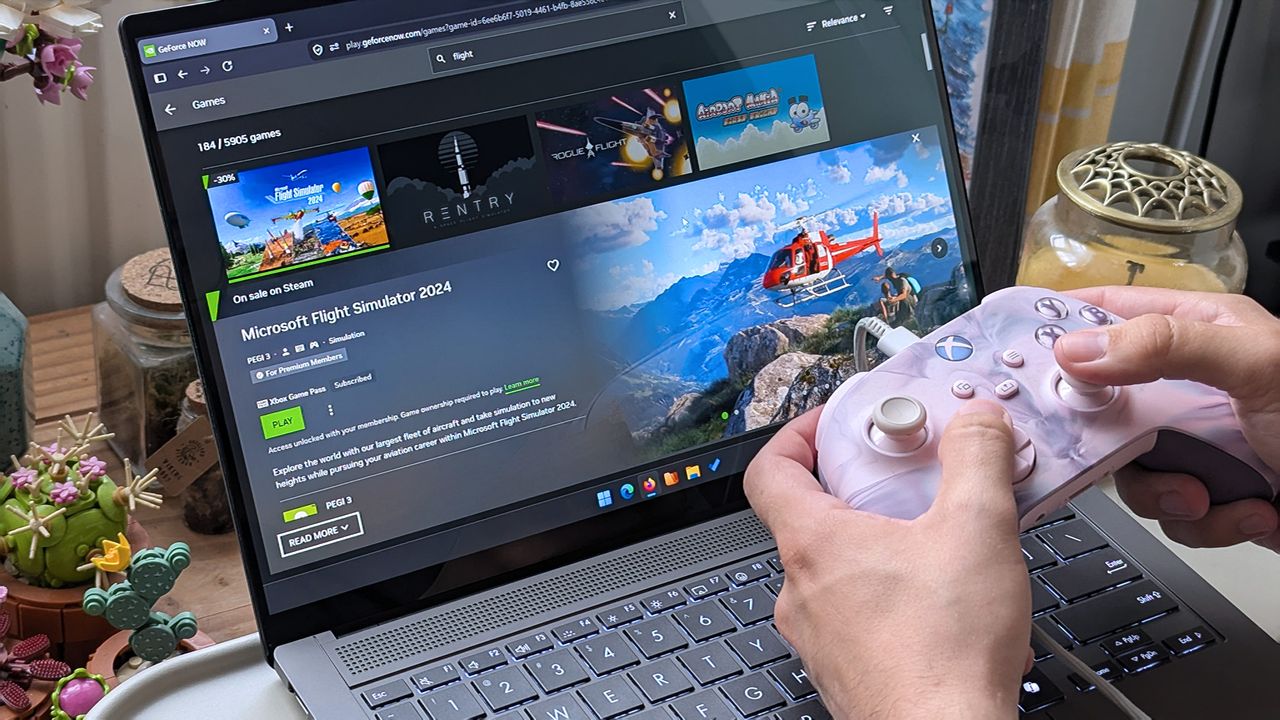
Hands holding a pink‑and‑white Xbox controller in front of an ASUS laptop displaying the GeForce NOW page for Microsoft Flight Simulator 2024, showing a green “Play” button.

GeForce NOW comes in handy for playing bigger PC games that usually take a long time to install. (Image credit: Ben Wilson | Windows Central)
GeForce NOW cloud streaming saw updates and new games unveiled at GDC earlier this year, which piqued my interest as someone who generally sticks with Xbox Cloud Gaming — something I can access with my Game Pass Ultimate subscription. It's a clever option for high-end titles that are too demanding for my beloved Steam Deck, but I have a somewhat unusual setup.

I'm lucky enough to have a Gigabit internet connection with relatively low latency, powered by TP-Link's Deco XE75 Pro mesh setup on Wi-Fi 6E, which keeps my wireless devices running at their fastest. When I tell you that I happily enjoy a wealth of slower-paced games on GeForce NOW with insignificant latency, that's with a privilege delivered by my home network.

Nevertheless, I've always had a generally positive experience with GeForce NOW, because I've already built a gigantic Steam library, and my Epic Games Store isn't too far behind (mostly made up of freely claimed titles). There is absolutely unavoidable input delay with cloud gaming, and pretending it doesn't exist is disingenuous, but I've never been interested in streaming fast-action games.

As for Firefox, I tested it out and sure enough, the experience is great. It'll probably come as good news to anyone who jumped ship after losing their favorite ad blocker in Chromium browsers, but Mozilla still holds only around 2.45% browser share with Firefox, and it hasn't tempted me away from Microsoft Edge to date. Still, it's good news for cloud gaming fans.

Click to join us on r/WindowsCentral

Join us on Reddit at r/WindowsCentral to share your insights and discuss our latest news, reviews, and more.

Hands holding a pink‑and‑white Xbox controller in front of an ASUS laptop displaying the GeForce NOW page for Microsoft Flight Simulator 2024, showing a green “Play” button.

GeForce NOW adds official Firefox support, with up to 1440p/120 FPS cloud gaming available to anyone who subscribes to NVIDIA's paid tiers.

  •  

Standalone RTX 5090s now cost at least $4,800, more than entire pre-built PCs with the same GPU inside — Who's buying anything when the market is this chaotic?

I haven't seen a sane GPU price in what feels like almost a year, and the landscape isn't getting any better for gamers.

The NVIDIA RTX 5090, which arrived at a $1,999 MSRP in 2025, is now listed at Newegg starting at $4,799.99. The MSI Ventus 3X OC is indeed the lowest price I could find, and there are other options that push well beyond $5,000.

Bad luck if you're shopping for a new RTX 5090 alone. The high-end of NVIDIA's consumer GPU stack has become inaccessible for the average gamer, and there's no real alternative in sight.

Well, that's sort of true. While perusing various storefronts this morning, it quickly became evident that I can buy an entire pre-built gaming PC with an RTX 5090 inside for less than the card alone.

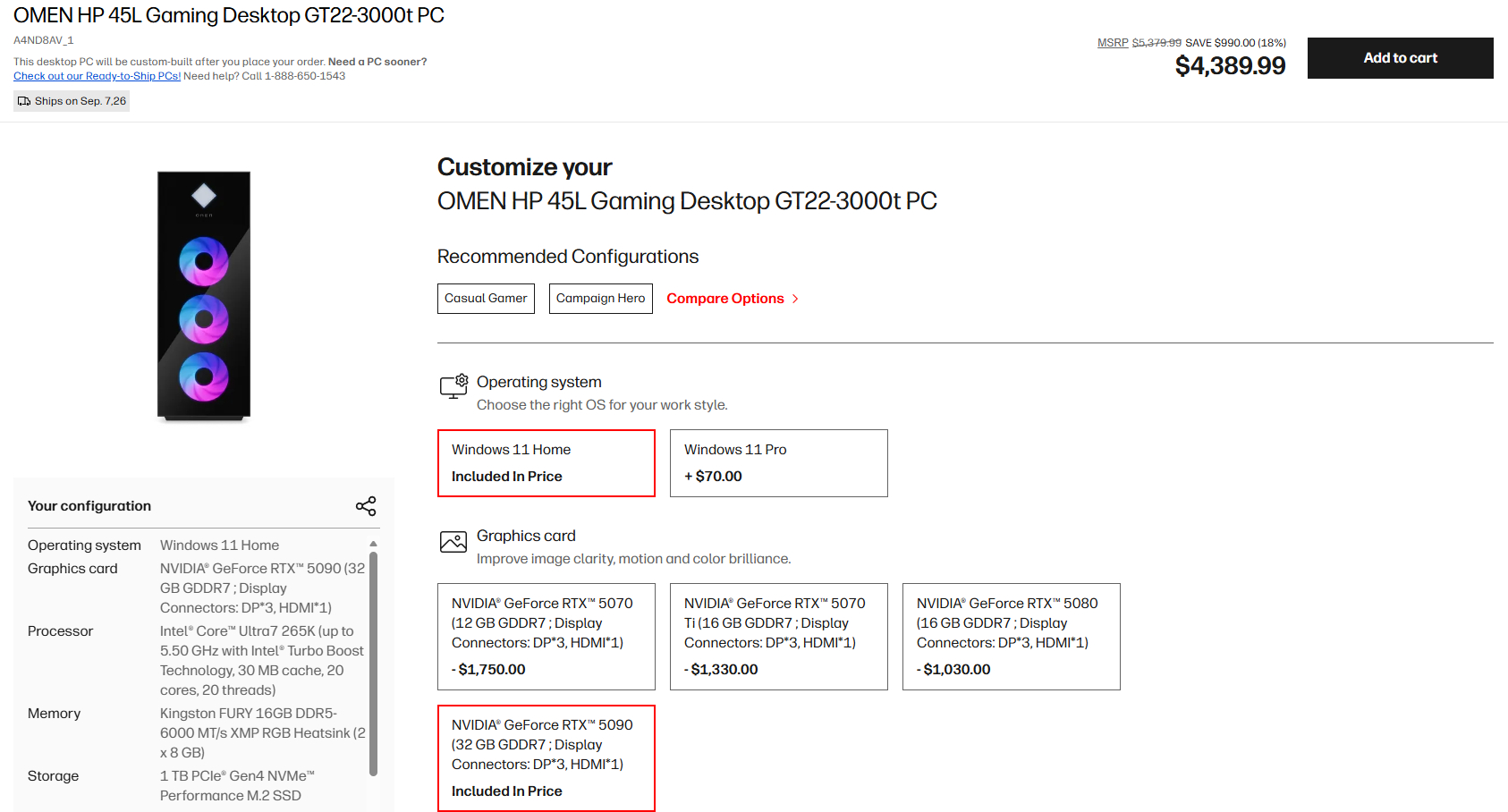
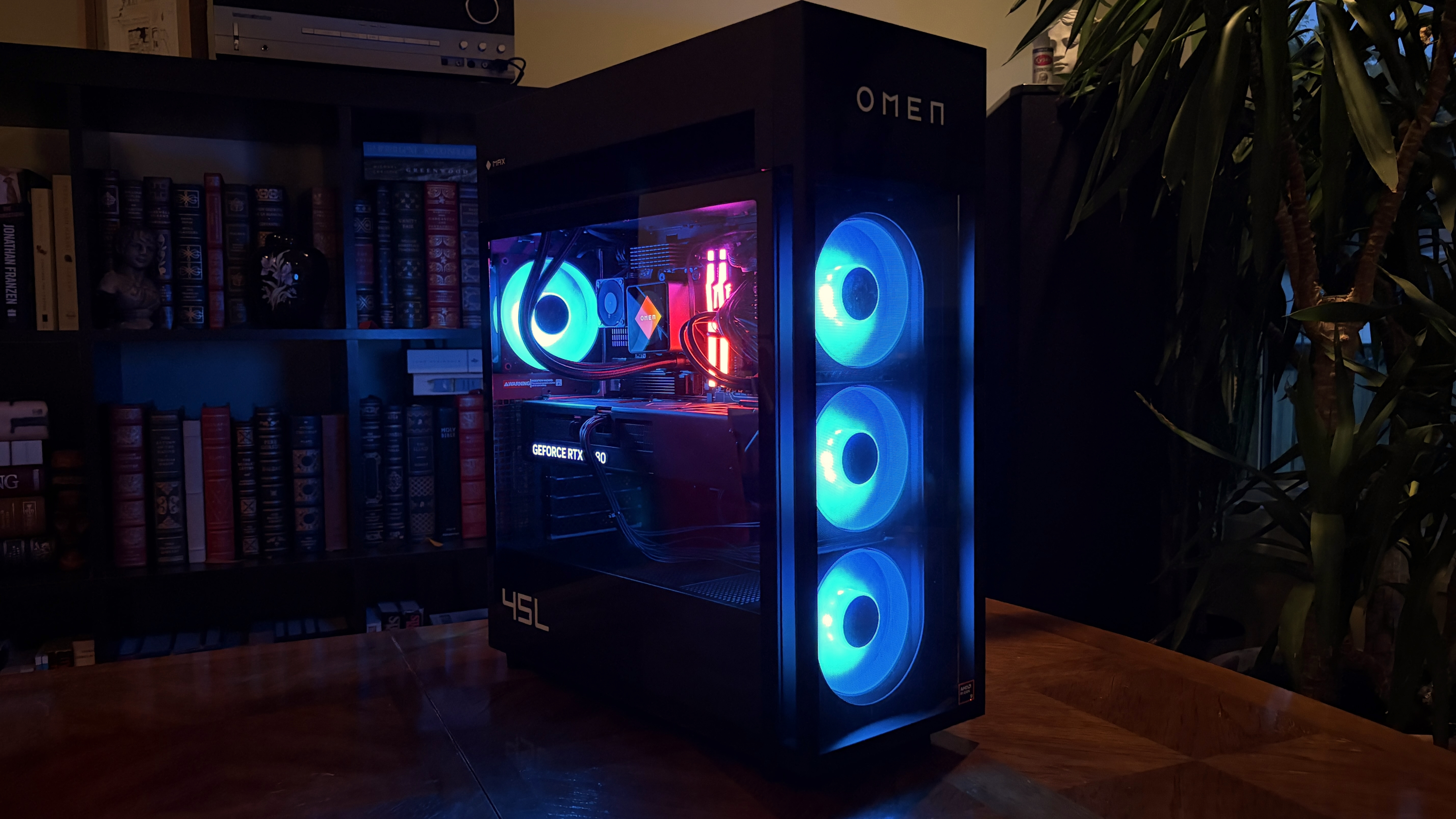
Configuration page for OMEN HP 45L Gaming Desktop GT22-3000t PC, featuring a sleek black desktop with illuminated circular vents and options for operating system and graphics card.

A look at the current promo pricing on a full gaming PC with RTX 5090. (Image credit: HP)

HP's Omen 45L desktop is my prime example. It has an NVIDIA RTX 5090 GPU, an Intel Core Ultra 7 265K CPU, 16GB of DDR5-6000 RAM, a 1TB M.2 PCIe 4.0 NVMe SSD, and everything else you need for a full build.

At the time of writing, this Omen 45L model costs $4,389.99. That's $410 less than the cheapest RTX 5090 listed on Newegg. Of course, the Omen 45L is on sale, with a regular price of $5,379.99. That's still less than the ASUS TUF Gaming RTX 5090 model, which sits at $5,429 on Newegg.

Buy a pre-built gaming PC for the card and sell the rest?

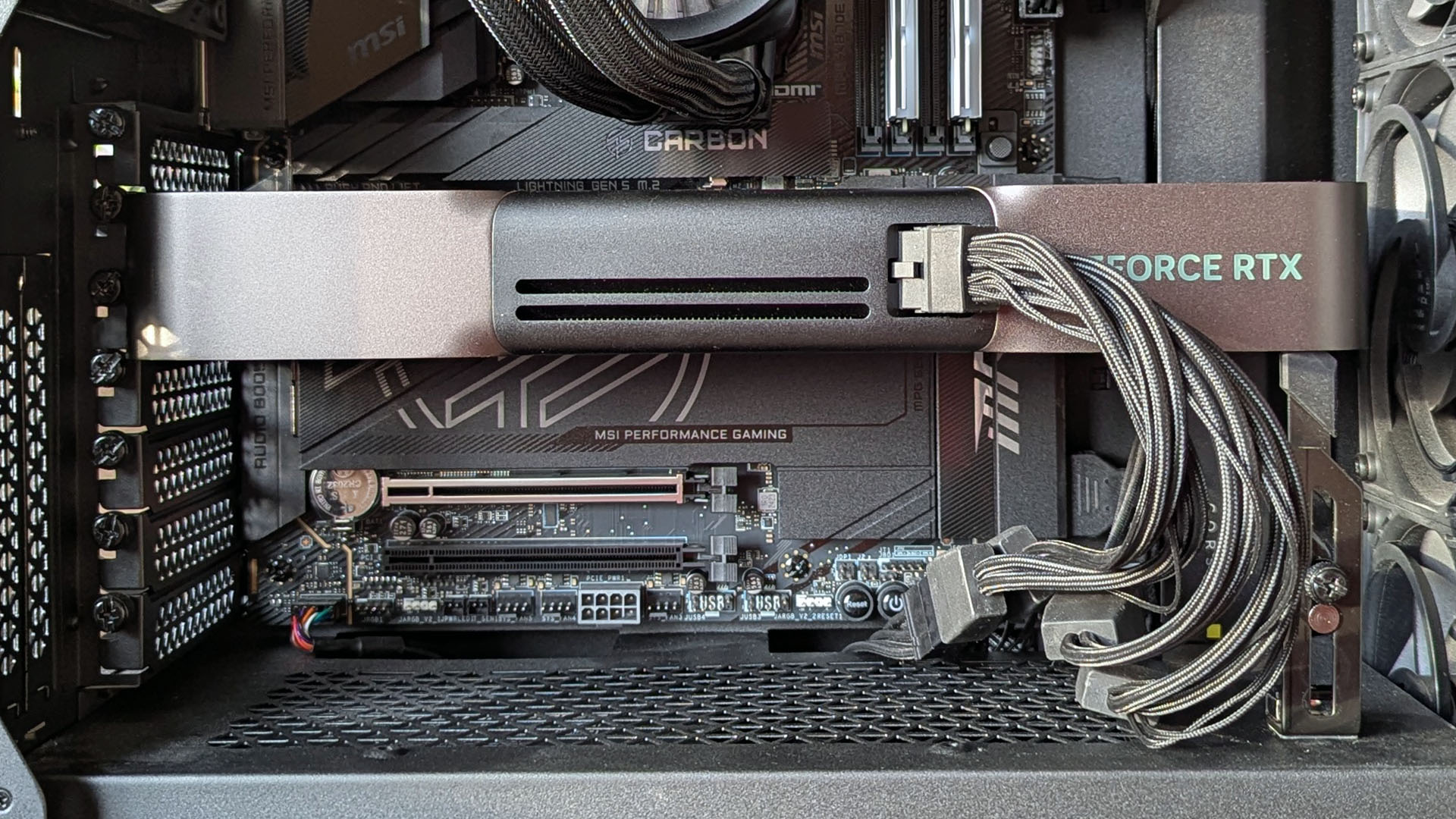
NVIDIA GeForce RTX 5090 Founders Edition installed in a PC with a 600W adapter

NVIDIA's RTX 5090 has hit costs I never imagined, but there are some alternative options. (Image credit: Windows Central | Ben Wilson)
The math gets more upside down when you factor in all the extra hardware you get with a pre-built PC.

The Omen 45L's CPU adds about $300, the 16GB of Kingston Fury DDR5-6000 RAM adds about $330, and the 1TB M.2 PCIe 4.0 NVMe SSD adds roughly $200. That's about $800 worth of extra components before even considering the 1200W PSU, motherboard, cooling, and case.

I can imagine a lot of readers will see this and wonder why they don't just buy a pre-built, remove the RTX 5090, and sell the rest of the components. I'm wondering the same thing.

HP isn't the only place that I'm seeing this pricing deficit in effect. Over at iBuyPower, I put together a system with an Intel Core i5-14400F CPU, 32GB of DDR5 RAM, a 1TB M.2 PCIe 4.0 NVMe SSD, a 1000W PSU, and an NVIDIA RTX 5090 that costs $5,596.

With the right initiative to sell the extra components, you could definitely end up paying less or the same for a standalone card and still end up with some extra hardware for future upgrades.

Omen 45L: was $5379.99 now $4389.99

HP's pre-built desktop equipped with an RTX 5090 is now considerably more affordable than buying an RTX 5090 GPU alone.

👉 See at HP.com

Why are GPU prices so high in 2026?

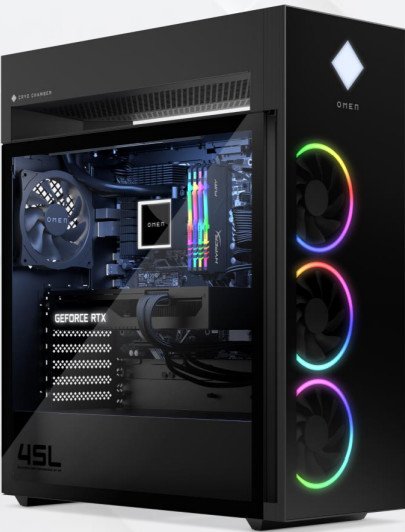
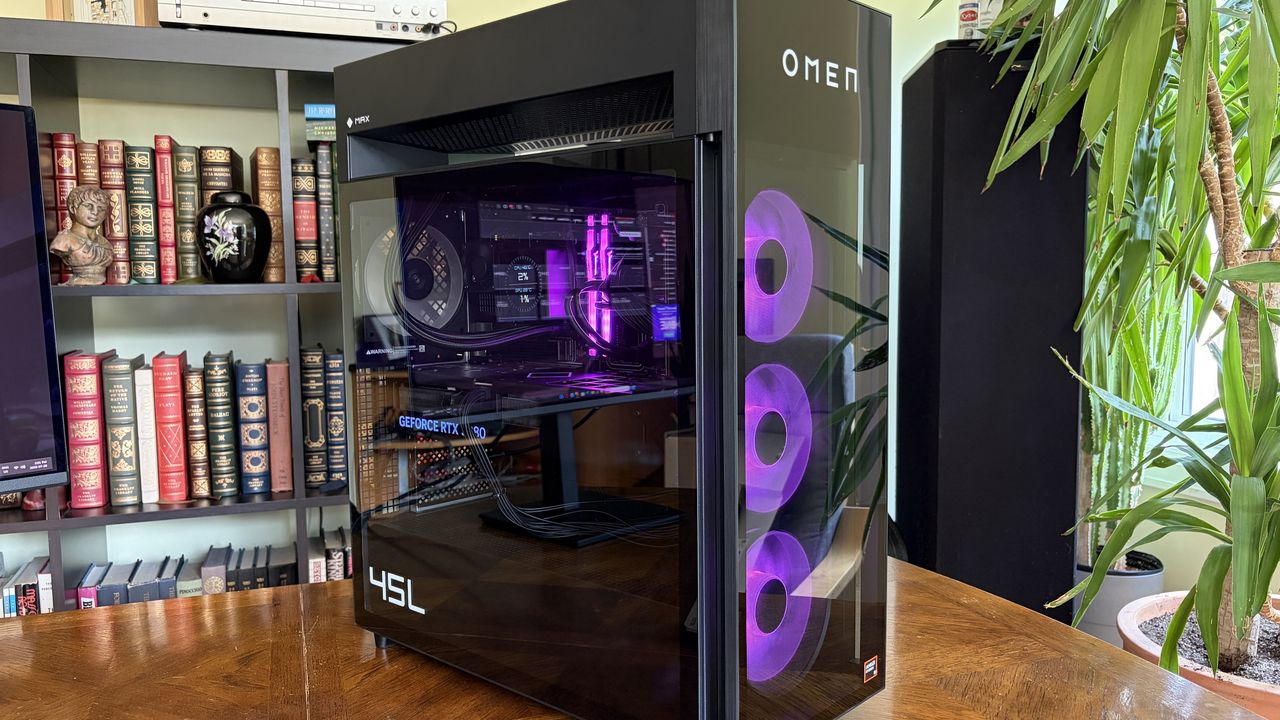
A black HP Omen Max 45L gaming computer tower with blue LED lights and visible internal components, displayed on a wooden table against a bookshelf backdrop.

The HP Omen Max 45L I reviewed isn't perfect, but if it's cheaper than a lone GPU, it's hard to fault. (Image credit: Future)

The current state of GPU prices is due to the ongoing RAM and storage crisis that's sending NAND, DRAM, and other PC component prices into deep space.

As a result of the VRAM that goes into these cards hitting such high costs, NVIDIA jacked up the prices of GPU kits for its board partners (companies like ASUS, MSI, Gigabyte, and Zotac that build full GPUs using NVIDIA's kit) in July. Shortly after, it was reported that the hike could go as high as 30%.

We're now starting to feel those price hikes at retailers, as evidenced above. I suspect that HP's prices will also eventually be on the rise, but there are different market factors at play.

OEM builders can lock in large supplies of parts at a lower cost, so prices often don't catch up until after regular consumers begin to see them. I saw the same thing happen with Windows laptops this year. Components eventually run out, companies have to buy more, and those new costs are then passed down to consumers.

There's one caveat: when I reviewed the Omen Max 45L, I noticed that the RTX 5080 is a custom unit designed by HP. The same applies to the RTX 5090. Does that really matter? Not really. It's still NVIDIA's GPU inside, and my testing showed no difference compared to standalone cards.

Whatever happens to HP's pre-built PC pricing, there's no denying that the entire PC market is in chaos. You might not love the idea of a pre-built PC, but I definitely recommend seeing what's out there before you buy a standalone RTX GPU. You might just end up with a whole lot more than you expected for a lower price.

Click to join us on r/WindowsCentral

Join us on Reddit at r/WindowsCentral to share your insights and discuss our latest news, reviews, and more.

An Omen Max 45L with a transparent side panel displays its internal components, including a GeForce RTX 508 graphics card, against a backdrop of a bookshelf.

An Omen Max 45L with a transparent side panel displays its internal components, including a GeForce RTX 508 graphics card, against a backdrop of a bookshelf.

  •  

I tested a CPU cooler that looks like a V8 engine — and this air-powered monster performs like one, too

I've generally leaned towards all-in-one (AIO) liquid cooling for my own custom PC builds for the past decade or so, but air cooling is practically forcing its way back into my habits because it keeps proving its worth via reviews like these. The Cooler Master V8 ACE 3DHP caught my eye mostly because of its "V8 engine" throwback gimmick, but there's a clever secret hiding inside its fins — something that Hyper 212 3DHP cooler owners will recognize.

Cooler Master provided a sample but did not see, nor did it have any input on, the contents of my article before publishing.

How much does the V8 ACE 3DHP cost?

The Cooler Master V8 ACE 3DHP Black CPU cooler box sits on a wooden desk, showing the product image, branding, and specifications. Other PC components are visible in the background.

Built separately for AMD and Intel, each base plate has a specific design, but brackets are included for both. (Image credit: Ben Wilson | Windows Central)

At the time of writing, the best place to buy the Cooler Master V8 ACE 3DHP designed for AMD (AM4/AM5) processors is Newegg at $119.99, or Amazon for the same price via Newegg Business. I also found it sold above MSRP by third parties at Best Buy, which could be a last resort.

Otherwise, the Intel (LGA 1851/1700/1200/115X) variant isn't listed on the official Cooler Master US store, Newegg, or other third-party stores. For now, availability is skewed towards the AMD side, and though you do get an Intel bracket inside the box, it isn't perfectly optimized for those chips.

Cooler Master V8 ACE 3DHP (AMD) specifications

Component

Spec

Socket support

AMD AM4/AM5
Intel LGA LGA 1851/1700/1200/115X (with included bracket)

Dimensions

138.95 x 136.47 x 167.3mm

Weight

2.57 lbs (1.17 kg)

Fans

120 x 120 x 30mm, 89.6 CFM (front)
120 x 120 x 30mm, 61.0 CFM (rear)

Thermal paste

Cooler Master CryoFuze

Warranty

6 years

V8 ACE 3DHP: $119.99

Newegg is, so far, the best place to buy.

👉 Also available: £111.59 at Newegg UKView Deal

Is the V8 ACE 3DHP a good CPU cooler?

Close‑up of the Cooler Master V8 ACE 3DHP CPU cooler showing its engine‑inspired top shroud with “V8 3DHP” and “V8 ACE Air Cooler” branding.
Those aren't the heatpipes on top; it's just a plastic cover, but I dig it.Ben Wilson | Windows Central
The Cooler Master V8 ACE 3DHP CPU cooler sits on a wooden desk, displaying its dual‑fan layout, heat pipe array, and black shroud with “V8 3DHP” labeling.
It's tall, wide, and heavy, but surprisingly easy to install.Ben Wilson | Windows Central
The Cooler Master V8 ACE 3DHP CPU cooler stands upright on a desk, displaying its heat pipes. Graphics cards, product boxes, and other hardware fill the background of the workspace.
A glimpse through the dense fins reveals the extra "3D" heatpipes.Ben Wilson | Windows Central
A hand holds a metal CPU cooler mounting bracket labeled for Intel LGA sockets. Screws, cables, a fan, and thermal paste are scattered across the desk behind it.
Despite its AMD-first design, this variant still comes with an Intel bracket.Ben Wilson | Windows Central
A hand holds a Cooler Master CryoFuze thermal paste syringe above a V8 ACE 3DHP Black CPU cooler on a desk.
I'll never turn my nose up at a free tube of thermal paste.Ben Wilson | Windows Central

Before I ever installed this cooler onto a motherboard, I loved the way it looked. It isn't quite as extreme as Cooler Master's V8 GTS from 2013 — which almost resembled an alien motorbike engine — opting for a single-tower setup this time with incredibly dense fins on the heatsink. It's still a chunky air cooler, just like its ancestor, but now it actually looks more like a V8 car engine.

The V8 ACE 3DHP offers separate fine-tuned versions for AMD and Intel, though you still get mounting brackets for both.

Aesthetics aside, the hype centers on the setup of 4x traditional heatpipes plus 2x "3D heatpipes" (3DHP) that run vertically from the base plate through the heatsink. It's all about pulling as much heat away from your chosen CPU as possible, which is why the V8 ACE 3DHP offers separate fine-tuned versions for AMD and Intel, though you still get mounting brackets for both.

Cooler Master V8 ACE 3DHP installed on a test bench with RAM, power supply, and graphics card visible with various motherboard power cables.
Even on an open-air test bench, this is an imposing air cooler.Ben Wilson | Windows Central
Cooler Master V8 ACE 3DHP installed on a test bench with RAM, power supply, and graphics card visible.
Nevertheless, I didn't experience any RAM clearance issues.Ben Wilson | Windows Central
Cooler Master V8 ACE 3DHP CPU cooler installed inside a test bench with running fans above RGB RAM
There's no RGB, and I don't see any reason to raise the cost further by including it.Ben Wilson | Windows Central
Close‑up of the Cooler Master V8 ACE 3DHP CPU cooler installed inside a test bench, showing its engine‑inspired shroud, curved heat pipes, and fin stack.
This is the part you'll want to show off, so make sure your PC case has a clear side panel.Ben Wilson | Windows Central

Installation was a breeze. The V8 ACE 3DHP attaches to the standard AM5 backplate with four thumbscrews, two plates, and four more screws to hold it in place. The fans slide off the heatsink, so I can attach the two threads and tighten everything up. Finally, the fans are reattached and daisy-chained together, connecting to the CPU_FAN header.

Clearance is slim, but it fits cleanly over my RAM and the Gigabyte X870E Aorus Master X3D ICE SSD heatsink, with a slight amount of breathing space over G.Skill Trident Z5 Neo RGB modules. Running an AMD Ryzen 7 9850X3D on my open-air test bench at around 5.2GHz for 15 minutes kept an average temperature of 81.5°C, peaking at 83.5°C.

Unsurprisingly, it maintains a lower temperature on this powerful chip than my ~$35 Thermalright Peerless Assassin 120 SE — and our sister site goes deeper into V8 ACE 3DHP benchmarks over at Tom's Hardware if you're craving more specific test results — while its fans thankfully showed no signs of rattles or other unwanted motor noise.

Does the V8 ACE 3DHP have any issues?

A hand lifts the Cooler Master V8 ACE 3DHP CPU cooler, showing its large heatsink, multiple heat pipes, and mounted fan. Another fan, product box, and PC parts are arranged on the desk below.
They won't slip off without a firm pull, but the heatsink's weight alone can dislodge the fans.Ben Wilson | Windows Central
Handheld sound level meter readings of 44.4 dBA and 55.8 dBA positioned near an open PC test bench, measuring acoustic output from the Cooler Master V8 ACE 3DHP cooler.
It isn't the loudest cooler in the world, but remember, my open setup had plenty of space to breathe.Ben Wilson | Windows Central

Being such a chunky cooler with a performance focus, the V8 ACE 3DHP is heavy — around 2.57 lbs (1.17 kg) — and it'll need plenty of cool, strong intake airflow to feed its thick, 30mm PWM fans, which generate at least 55 dBA of noise under load. PC builders tempted by this cooler will surely take its dimensions and clearance considerations into account, but it's still surprisingly big.

The V8 ACE 3DHP is heavy — around 2.57 lbs (1.17 kg) by my estimate — and it'll need plenty of cool, strong intake airflow to feed its thick, 30mm PWM fans.

Because those fans slide into place on rails, you'll also want to be careful when handling this cooler. Although I'd mostly held it by the center section, I had once shifted my grip to one of its fans, which slipped down before I quickly caught it. I think my heart fell further than the cooler physically did, but it was a lesson learned. Nice feature, but be safe handling those detachable fans.

Should you buy the V8 ACE 3DHP?

The Cooler Master V8 ACE 3DHP Black CPU cooler rests inside its open box, revealing its dual‑fan design and dense fin stack. Surrounding PC parts and tools sit on a desk with a green cutting mat.

If you're going all out on a high-end CPU, then the V8 ACE 3DHP could replace the usual AIO liquid setup. (Image credit: Ben Wilson | Windows Central)

You should buy this if ...

✅ You want to cool a powerful, high-performance CPU

✅ You're building in a PC case with plenty of airflow

You should not buy this if ...

❌ You're planning a compact gaming PC

The V8 Ace 3DHP is an impressive feat, but it demands a constant source of cool air moving through its thick heatsink. As long as you're planning ahead with a PC case that supports healthy airflow with a proper setup of intake and exhaust fans, then this'll be a great pairing for a higher-end, high-TDP processor.

Push it close to a demanding GPU, and there's a chance you'll see less-than-optimal CPU performance if the ambient temperature inside grows unchecked. However, if you're certain you know what you're doing, it wouldn't be impossible to keep this cooler happy in a miniature case with the right airflow setup.

Cooler Master V8 ACE 3DHP CPU cooler render

Cooler Master
V8 Ace 3DHP CPU Air Cooler

Built for AMD AM4/AM5 sockets, Cooler Master includes thermal paste and optional mounting brackets for Intel LGA.

Close‑up of the Cooler Master V8 ACE 3DHP CPU cooler installed inside a test bench, showing its engine‑inspired shroud, curved heat pipes, and fin stack.

Cooler Master's V8 ACE 3DHP CPU is expensive, but I'm impressed nonetheless.

  •  

Quote of the day by NVIDIA CEO Jensen Huang: "Moore's law is dead. It's completely over" — Will GPUs ever be affordable again?

Mourning the concept of affordability in the custom PC-building scene isn't a new trend; on the contrary, the eulogy for "Moore's law" was read years ago, around when hardware like NVIDIA's high-end GeForce RTX 40 Series graphics cards came with astronomical prices, and possibly even earlier than that.

Moore's law is dead [...] the ability for Moore's Law to deliver twice the performance at the same cost, or at the same performance and half the cost, every year and a half is over. It's completely over.

Jensen Huang, NVIDIA CEO, 2022

If you've never heard of the term — named after Intel co-founder Gary Moore — it's a prediction (not really a law) of how computing power increases every few years by doubling transistor counts without a severe cost impact. Anyone who follows graphics card, RAM, or storage prices knows that dream is over.

On a more widely known subject, the demands of generative AI quickly became obvious as more models were widely adopted, and building them on local hardware is how that all gets started. Since then, our sister site, Tom's Hardware, has watched GeForce RTX 50-series GPU prices spike by up to 39%. Sure, MSRP always felt like a suggestion rather than a rule with GPUs, but it's getting worse.

Today's GPU for the price of yesterday's PC

A Newegg product page displaying the GIGABYTE Gaming GeForce RTX 5070 graphics card. The listing is priced at $839.99, alongside ratings, reviews, edition options, and trade‑in credit details.

What should be a mid-range RTX 50 Series GPU now costs hundreds of dollars over its intended MSRP. (Image credit: Newegg)

As it stands, encouraging novices to build their first custom Windows rig is particularly difficult because it usually means settling for the absolute bare-bones, entry-level GPU to stand a chance of keeping your build under $1,500. No matter how many advancements NVIDIA puts into DLSS — which I maintain is still the best graphics upscaler on the scene — it can't solve everything.

The idea that a chip is going to go down in cost over time, unfortunately, is a story of the past.

Jensen Huang, NVIDIA CEO, 2022

Plus, all these GPU headaches come before you start the painful process of finding a storage drive and suitable RAM modules to pair with it. Once you start approaching $2,000, I generally nudge people toward high-end gaming handhelds like the MSI Claw 8 EX AI+ for something more entertaining. Then again, nothing beats the satisfaction of building your own rig from scratch.

Of course, the reality is that Moore's Law has its scientific limits. We can only go so far into microscopic process nodes before manufacturing hits the borders of what's currently possible. That doesn't excuse inflated prices, and a commercial obsession with artificial intelligence still pulls the brunt of that blame, but why isn't there any AI-free hardware for the rest of us?

Would any brand go against the grain?

Lip-Bu Tan, chief executive officer of Intel Corp., during a news conference on the sidelines of the Computex conference in Taipei, Taiwan, on Monday, May 19, 2025.

Could Intel's CEO, Lip-Bu Tan push his company into funding more desktop graphics cards? (Image credit: Getty Images | Bloomberg)

Realistically, practically any functional computer can run a local AI model on its CPU, GPU, NPU, or a combination of the three on a single SoC processor. Much like the crypto-mining fad that saw graphics cards scalped for their usefulness in Bitcoin earnings, modern components are at the mercy of AI, and it's a bubble that shows no signs of bursting (whether I like it or not).

Since the advent of Intel's Arc graphics hardware, particularly the first-generation "Alchemist" A750, which powered my wife's gaming PC for years with gradually improving performance, I've become an advocate for what the brand is trying to do. It's a similar story on AMD's Radeon graphics side, as both have an opportunity to steal the entry-level market away from NVIDIA.

After all, if NVIDIA isn't under enough threat from its competition, why would there be any incentive to lower prices? Intel has made impressive advancements in its own XeSS upscaling tech, which is part of what makes Intel Arc G3-powered handhelds so appealing. If it could commit to more affordable discrete GPUs with its long-awaited "Celestial" range, it could shake up the game.

Then again, Intel's CEO, Lip-Bu Tan, seems more interested in a return to the memory business (via Tom's Hardware), which would push Intel's desktop graphics even further down the list of priorities. It's much the same story as NVIDIA's minuscule — if utterly dominant — consumer GPU business compared to its monstrous data center and artificial intelligence side.

Could gigantic desktop graphics cards even seem ridiculous a decade from now, when NVIDIA's RTX Spark chips become its main priority? Doubtful, but who knows? Either way, Moore's Law is seemingly dead, and regular consumers are eating the costs passed on from major manufacturers as the march towards AI psychosis continues. I'll keep my eyes peeled for any signs of that changing.

Click to join us on r/WindowsCentral

Join us on Reddit at r/WindowsCentral to share your insights and discuss our latest news, reviews, and more.

Jensen Huang, co-founder and chief executive officer of Nvidia Corp., speaks while holding one of the company's new GeForce RTX 50 series graphics cards during the 2025 CES event in Las Vegas, Nevada

NVIDIA's CEO Jensen Huang called it years ago: Chip production costs will never go down.

  •  

We warned you prices would skyrocket; now Seagate Xbox Expansion Cards are out of stock or over $300 — but these ones are still available

The Seagate Xbox Expansion Card is a must-have accessory for the Xbox Series X and Xbox Series S. It's a plug-and-play drive with quick enough speeds to play games right from the card.

But the Seagate Xbox Expansion Card is running out of stock. Scanning the web shows retail listings with warnings of low stock or a lack of stock at all. Other stores have the cards but at inflated prices. If you want to get a Seagate Xbox Expansion Card, you need to act quickly.

Below, I'll list all places I've found the card in stock. It's now difficult to find them at all, let alone at a good price.

This card allows you to expand the storage of your Xbox Series X or Xbox Series S. Stock is extremely limited.

1TB at GameStop for $199.99
2TB at Walmart for $299
2TB at GameStop for $299.99
2TB at Adorama for $349.99
1TB at Newegg for $362.01

Windows Central review:⭐⭐⭐⭐View Deal

Is it a good time to buy a Seagate Expansion Card?

Seagate Expansion Card

You can skip game file management and space issues with the Seagate Storage Expansion Card for Xbox. (Image credit: Windows Central)

Right now is a good time to buy a Seagate Xbox Expansion Card for three reasons. First, the card is below its launch price at certain retailers. Second, the card is running out of stock, so if you want one you need to act quickly. Third, games like GTA 6 and Call of Duty: Black Ops 7 will take up a lot of space, so you'll need more storage.

Gaming prices are out of control right now. RAM and storage seem to get more costly each month. There aren't signs of the market correcting any time soon, either.

The most pressing factor here is that stock of the Seagate Xbox Expansion Card is running out. Literally as I wrote this article, Best Buy marked the card as unavailable. Newegg and Amazon have the card in stock but at wildly inflated prices.

The only Seagate Xbox Expansion Cards I've found in stock are the ones listed above, including the 2TB model at Walmart. If you spot a model in stock, please flag it and I'll update this piece.

Click to join us on r/WindowsCentral

Join us on Reddit at r/WindowsCentral to share your insights and discuss our latest news, reviews, and more.

Photograph of the 1TB Seagate Storage Expansion Card for Xbox Series X|S

Photograph of the 1TB Seagate Storage Expansion Card for Xbox Series X|S

  •  

Newegg offers some of our favorite gaming CPUs bundled with motherboards and precious RAM in a limited summer sale

AI continues to wreak havoc on the tech industry, driving up the prices of processors, RAM, motherboards, and more PC hardware so companies can keep up with its hunger for more power (and RAM).

Fortunately, Newegg is offering a limited sale on several discounted bundles containing AMD processors we've tested and rated highly for their solid performance, alongside compatible motherboards and 16GB RAM modules to help these CPUs reach their full potential.

So, if you're looking to upgrade your PC with some of the best CPUs for gaming or productivity content creation, along with the best motherboards and precious RAM to maintain their stability, this round-up could be your next best solution.


"True to its word, AMD has specifically targeted gamers with this affordable powerhouse, and I expect my upcoming tests only to cement its place in your next rig." — Ben Wilson, Senior Editor

Windows Central review: ⭐⭐⭐⭐½View Deal


"For gamers with a passion for livestreaming, it offers almost max specs for a reasonable price and power draw." — Ben Wilson, Senior Editor

Windows Central review: ⭐⭐⭐⭐½View Deal


"In a masterclass of performance-per-watt efficiency, AMD offers incredible single-core performance scores that beat its intended 14600K rival and even challenge the 14700K." — Ben Wilson, Senior Editor

Windows Central review: ⭐⭐⭐⭐½View Deal


This bundle contains an AMD Ryzen 5 9600X processor along with a compatible MSI B850 GAMING PLUS WIFI6E motherboard with fast WiFi 7 wireless connectivity and two 8GB RAM sticks.View Deal


This gaming-focused bundle contains an AMD Ryzen 7 7800X3D processor, a GIGABYTE B650E EAGLE WF6E motherboard that offers PCIe 5.0 and Wi-Fi 6E, and two 8GB RAM sticksView Deal


This bundle contains an AMD Ryzen 9 9900X processor with an ASUS TUF GAMING X870E-PLUS WIFI7 motherboard that features two onboard PCIe 5.0 M.2 slots with fast Wi-Fi 7 and two 8GB DDR5 RAM sticks.View Deal

FAQ

How long will these discounts last?

These discount deals will last from July 14, 2026 to July 31, 2026.

Are these AMD processors good for gaming?

Indeed, they are. AMD's Ryzen 9 9900X, Ryzen 7 7800X3D, and Ryzen 5 9600X processors all offer good to exceptional performance for boosting frame rates and smoothness, particularly the -X3D chips.

Which of these processors is good for productivity?

The Ryzen 7 7800X3D productivity performance is somewhat underwhelming, while the Ryzen 9600X fares much better with creative apps and solid single-core performance.

Click to join us on r/WindowsCentral

Join us on Reddit at r/WindowsCentral to share your insights and discuss our latest news, reviews, and more.

AMD Ryzen 7 7800X3D in socket

AI-generated image of an AMD processor with an MSI motherboard and Team Group RAM.

  •  

This capable mini-PC for both work and 1080p gaming with increasingly expensive RAM and storage is now on sale just for today [EXPIRED]

This RAMpocalypse is getting worse by the day, making vital components for PCs like SSD units for storage and RAM chips for boosting performance cost hundreds of dollars by themselves.

During such a crisis, it's easier to find essential parts built into pre-made desktops. One such example is the Geekom A7 Max AI Mini-PC, a compact form-factor desktop built for crushing heavy workloads while being capable of light to mid-level gaming thanks to its 1TB SSD and 16GB of RAM.

Fortunately for workers and gamers alike, the Geekom A7 Max AI Mini-PC is now on a limited-time 29% discount for $594.00 at Best Buy (which is nearly half the price of a Steam Machine) just for today.


"The quality of Geekom’s build quality is exceptional, and right from the box the largely metal construction of the A7 Max is a delight." ~ Mark Pickavance, Writer at TechRadar

TechRadar Review: ⭐⭐⭐½View Deal

Why buy the the Geekom A7 MAX AI Mini-PC over the Steam Machine?

A sleek, compact Geekom mini PC with a silver finish sits on a green cutting mat. It features USB ports and a power button, conveying a modern tech vibe.

The Geekom A7 Max AI mini-PC on display. (Image credit: Tech Radar (Mark Pickavance) | Geekom)

The Geekom A7 MAX AI Mini-PC is a handy desktop for work and 1080p gaming on the side. It's equipped with an AMD Ryzen 9 7940HS CPU, an AMD Radeon 780M GPU, 16GB of RAM, and a 1TB SSD (the latter two of which can be upgraded to 64GB RAM and a 2TB SSD, respectively).

With these specs, the Geekom A7 MAX Mini-PC will suffer little to no lag performing productivity duties like typing or opening internet browser tabs while being capable of running light indie games at 60fps and even some AAA games at 1080p resolutions/30fps (with FSR enabled) at medium settings.

Another notable feature of this mini-PC is its large number of USB and HDMI ports, which allow it to connect to four monitors simultaneously, making it incredibly useful for those who want to open multiple programs at once without having to juggle their positioning on a single screen.

So, if you want a compact-sized, desk-space-saving mini-PC to play light games like Minecraft or indie games like Mina the Hollower on the side while tackling never-ending paperwork at the office, the Geekom A7 MAX that's now $594.00 at Best Buy could be your next best workplace buddy.

Just be aware that this deal is only available until July 15, 2026, so think fast if you want to get it.

FAQ

Can it be upgraded?

Yes. The Geekom A7 MAX AI Mini-PC's RAM can be upgraded up to 64GB via two SODIMM slots supporting dual DDR5 RAM and its storage space can be upgraded to 2TB max via inserting SSDs into its M.2 2280 PCIe Gen 4 SSD slot.

Is it good for productivity?

Indeed it is, the Geekom A7 MAX AI Mini-PC was primarily designed as productivity desktop that chew through heavy office workloads like typing reports, creating spreadsheets, editing videos, researching information on the internet.

How many ports does it have?

The Geekom A7 Max AI Mini-PC features 15 ports which includes two USB4 and two HDMI ports so it can support multiple monitors at once, two ethernet ports, six USB-A ports for accessories, an SD carder and a 3.5mm headset audio jack.

Click to join us on r/WindowsCentral

Join us on Reddit at r/WindowsCentral to share your insights and discuss our latest news, reviews, and more.

A Geekom A7 Max mini PC with multiple cables connected sits on a desk, with a USB flash drive on top and a computer monitor displaying graphs in the background.

The Geekom A7 Max mini-PC's collection of ports.

  •  

Stop deleting your favorite games: All three Seagate Xbox Expansion Cards are on sale

If you have an Xbox Series X or Xbox Series S, you probably need more storage. Having to uninstall a game to install a new game or an update to one of your favorite titles is a hassle.

The Seagate Storage Expansion Card for Xbox Series X|S is a plug-and-play solution that lets you expand the storage of your console.

Right now, all sizes of the Seagate Storage Expansion Card for Xbox Series X|S are on sale. The 1TB model costs $189.99 Best Buy (was $249.99), the 2TB version costs $259.99 (was $349.99) at Amazon. Best Buy's deal on the 4TB card drops the price to $549.99 (was $649.99).


"Seagate's Storage Expansion Card is the best way to add more space to the latest Xbox consoles, while avoiding the annoying limitations of USB drives. While it's an expensive investment that might be hard to justify, those who drop the cash won't be disappointed with the returns." — Matt Brown, former Senior Editor

Windows Central review:⭐⭐⭐⭐View Deal

This 2TB model has double the storage of the base expansion card and is a great way to get more space for games on your Xbox Series X|S.View Deal

This massive 4TB expansion card is the largest available for your Xbox Series X|S.View Deal

Why buy the Seagate Expansion Card?

Seagate Expansion Card

You can skip game file management and space issues with the Seagate Storage Expansion Card for Xbox. (Image credit: Windows Central)

The Seagate Expansion Card is the simplest way to expand the storage of your console. There's no setup or configuration required to use the card.

Xbox Series X|S games can be massive. Call of Duty: Black Ops 7 alone is 161GB, and that's without DLC. The Seagate Expansion Card delivers similar speeds to the native storage of the Xbox Series X|S, so you can store games on the card and play them without having to transfer files around.

The Seagate Expansion Card also supports Quick Resume, which is a feature that lets you pause your game and power down your console and then pick up exactly where you left off when you load the game again.

Considering how big games are and how many great games are available on the Xbox Series X|S and on the way to the consoles, an expansion card of some kind is a must have. The Seagate Expansion Card is the easiest to use, quick enough to play games off, and is a great deal during Prime Day.

Alternative discounts

Prime Day discounts and a deal at Best Buy provide the best prices on the Seagate Expansion Card, but if those deals expire, you can check out these alternatives:

1TB

2TB

FAQ

Can I use it on PC?

The Seagate Expansion Card is meant to be used with an Xbox Series X or Xbox Series S, but it can work with a PC if you pair it with the right adapter.

Click to join us on r/WindowsCentral

Join us on Reddit at r/WindowsCentral to share your insights and discuss our latest news, reviews, and more.

Photograph of the 1TB Seagate Storage Expansion Card for Xbox Series X|S

Photograph of the 1TB Seagate Storage Expansion Card for Xbox Series X|S

  •  

AMD's Zen 4 CPUs can still "chomp through even the most demanding workloads" — and the Ryzen 9 7900X remains a smart pick

We have found a limited-time sale on the AMD Ryzen 9 7900X CPU, giving keyboard warriors and gamers a chance to significantly improve their PCs' performance for much less.

Close-up of an AMD Ryzen 7900X processor in clear packaging, showcasing its metallic surface and circuitry details. The tone is high-tech and sleek.

Close-up of an AMD Ryzen 7900X processor in clear packaging, showcasing its metallic surface and circuitry details. The tone is high-tech and sleek.

  •  
❌