Vue lecture

You can enable Windows 11’s experimental features right now and the process is easier than you think

Windows 11 now lets Insider users enable experimental features from Settings without ViveTool. Here's how "Feature flags" works.

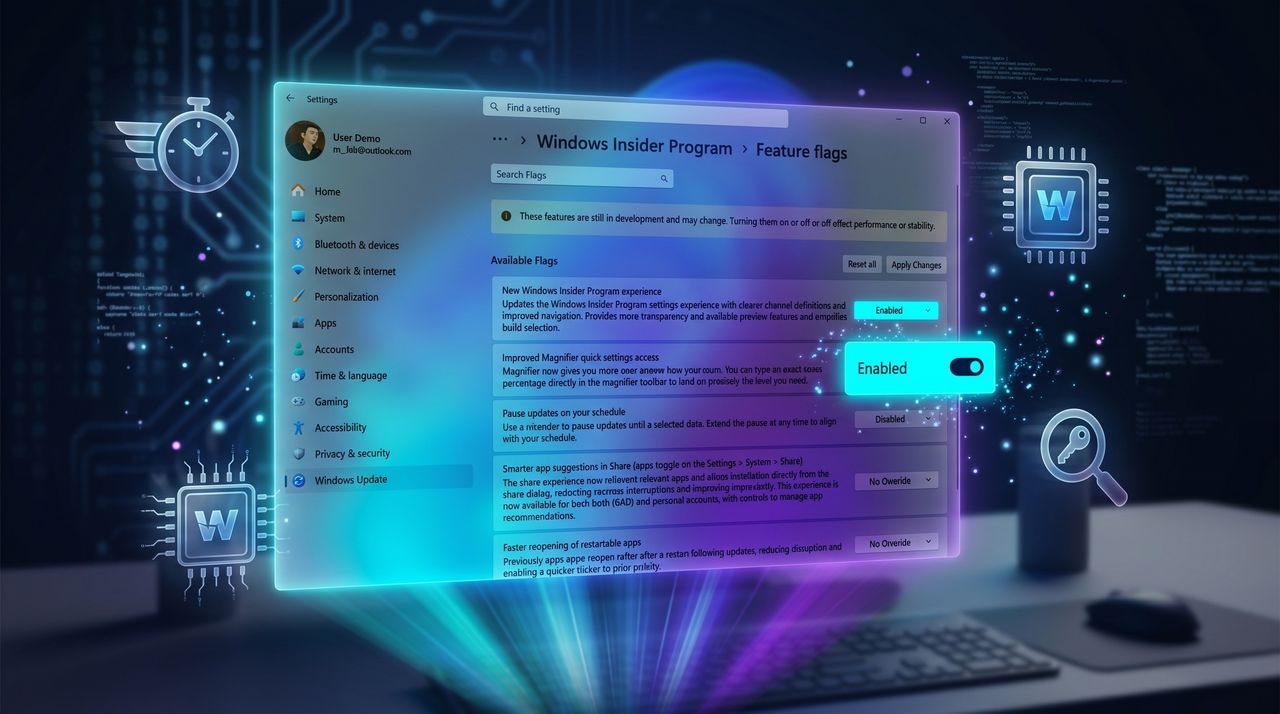
Windows Insider Program settings screen with feature flags. A highlighted toggle labeled 'Pause updates on your schedule' is switched on, set against a blue, futuristic background.

Windows Insider Program settings screen with feature flags. A highlighted toggle labeled 'Pause updates on your schedule' is switched on, set against a blue, futuristic background.

  •  

“I like where the program is going”: Microsoft’s Insider overhaul finally gives us a simpler path, but I had to dig in to understand what really changes next

Microsoft revamps the Windows Insider Program with fewer channels, built-in feature flags, and simpler testing for Windows 11 previews.

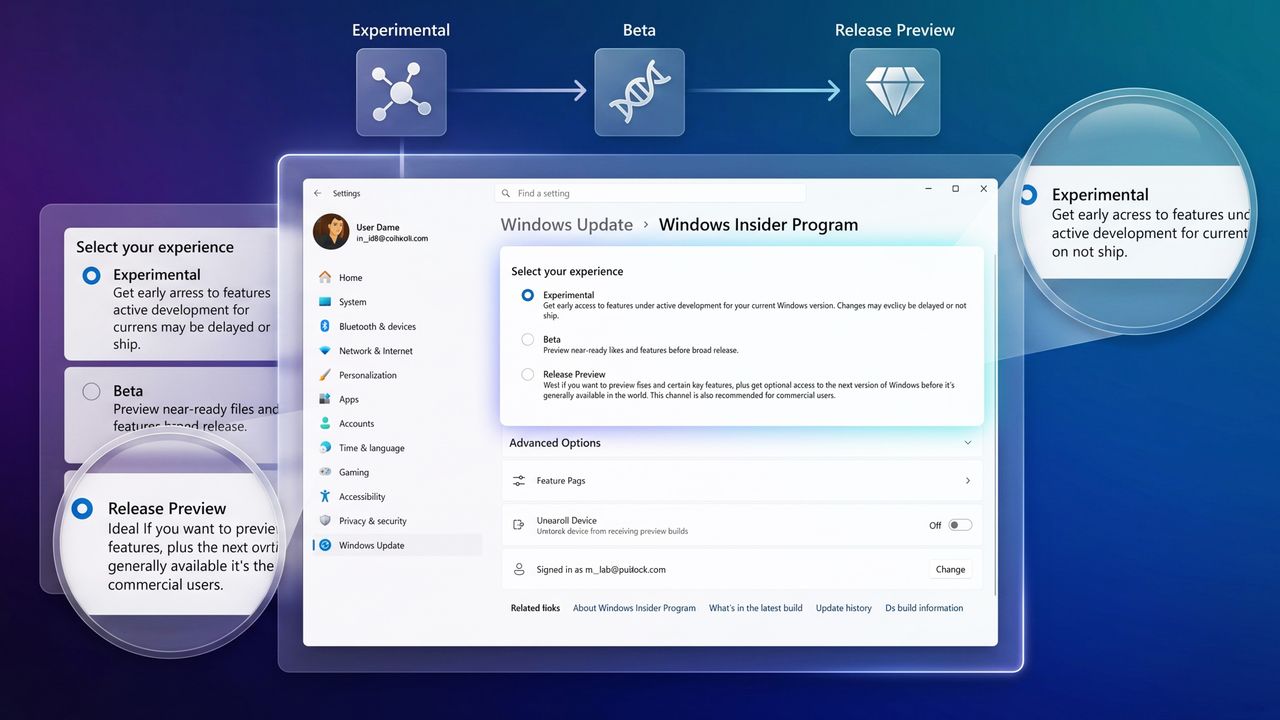
Settings interface for Windows Insider Program, showing options: Experimental, Beta, and Release Preview. Highlighted Experimental option offers early access.

Settings interface for Windows Insider Program, showing options: Experimental, Beta, and Release Preview. Highlighted Experimental option offers early access.

  •  

Microsoft keeps fixing Windows and Xbox, but the community keeps complaining

Microsoft is finally delivering the Windows 11 and Xbox features we’ve asked for, but the community remains hostile. Is it skepticism or just a habit of complaining?

Rage face meme grabbing Surface Laptop with Start menu

Rage face meme grabbing Surface Laptop with Start menu

  •  

I dug into the new Windows Update rules coming to Windows 11, and these are the 5 things you need to know

Windows 11 is getting major Windows Update changes with fewer restarts, better controls, and smarter fixes. Here's what you need to know.

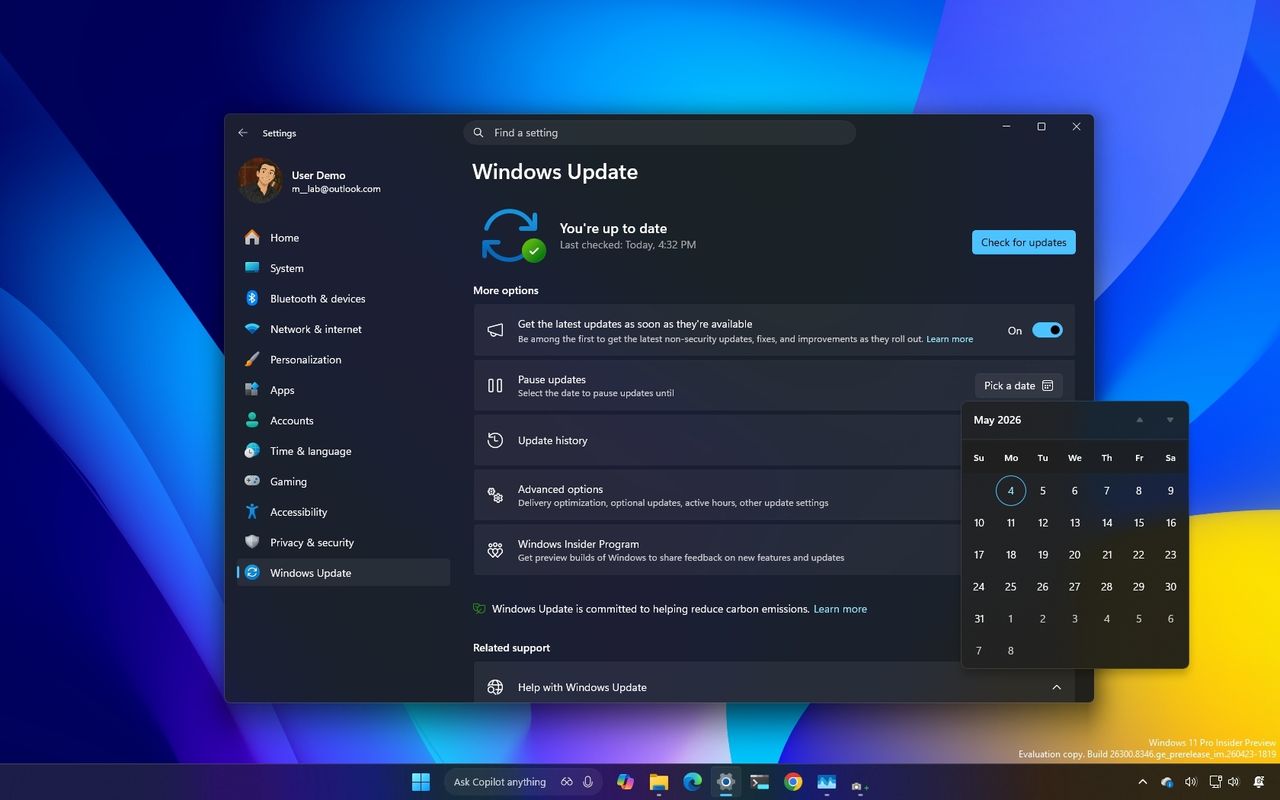
Windows Update settings window on a computer screen with a dark theme. The calendar is open, showing May 2025. The background is a gradient of blue, yellow, and purple.

Windows Update settings window on a computer screen with a dark theme. The calendar is open, showing May 2025. The background is a gradient of blue, yellow, and purple.

  •  

How new Windows 11 Insider builds blend smarter touchpad gestures, cleaner File Explorer, and a free EDU upgrade path

Microsoft rolled out four new Windows Insider builds with upgraded touchpad gestures, clearer File Explorer descriptions, a redesigned voice‑typing UI, and a free K‑12 upgrade path.

A closeup of the Alienware Area-51 laptop's backlit mechanical keyboard and RGB touchpad.

Windows 11 will soon support new gestures that improve scrolling and make it easier to navigate pages.

  •  

Windows 11 can block Google Chrome's 4GB AI model from reinstalling itself on your PC — A simple Registry tweak for "Pro" users

Windows 11 now gives you the power to block Google Chrome and Microsoft Edge from automatically downloading local AI models for on-device generative AI features without explicit user consent.

A laptop on a white desk faces a small sign with the Google Chrome logo, saying "No AI Thanks."

A laptop on a white desk faces a small sign with the Google Chrome logo, saying "No AI Thanks."

  •  

My Windows 11 backup broke after KB5083769 — Microsoft says this simple fix might save your files

Windows 11 update KB5083769 may break backups due to blocked drivers. Microsoft says it's not a bug and recommends updating your backup software.

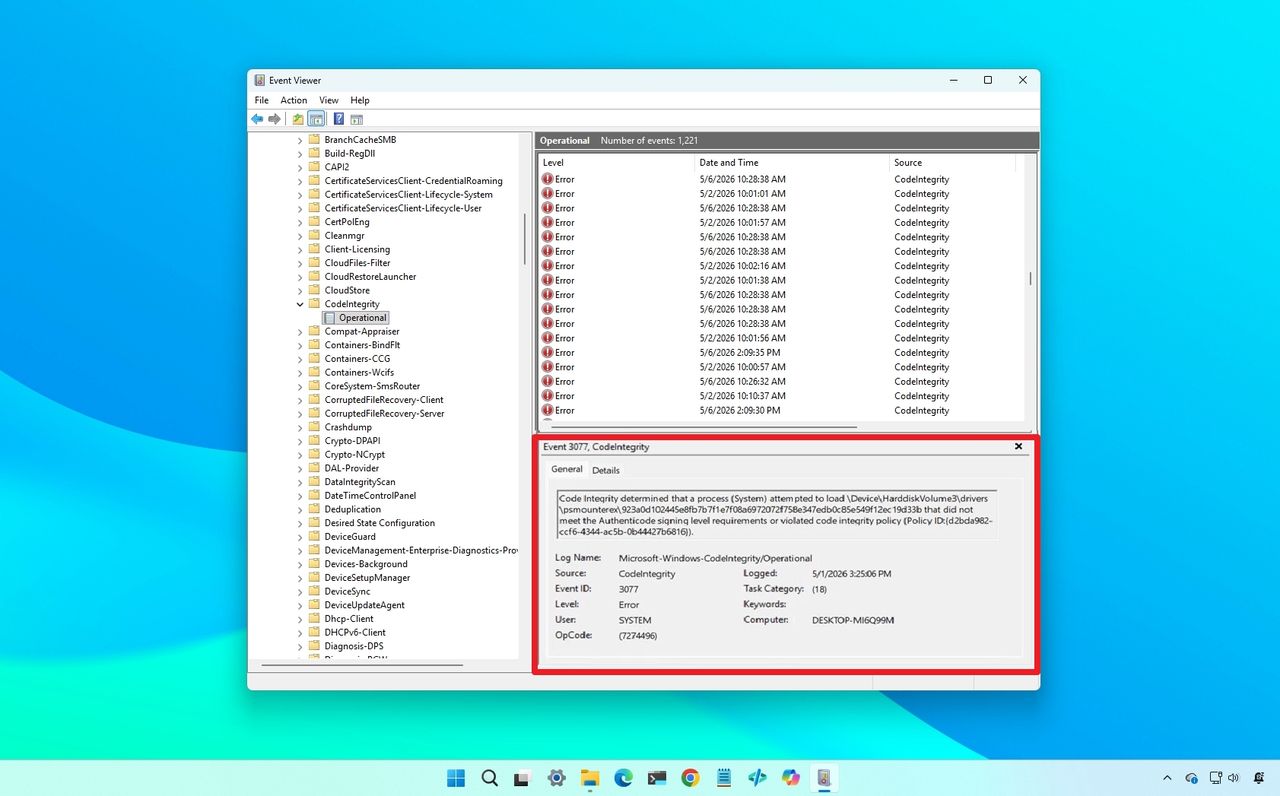
Windows Event Viewer on a blue desktop background, showing a list of "Code Integrity" errors highlighted in red, indicating driver blocked.

Windows Event Viewer on a blue desktop background, showing a list of "Code Integrity" errors highlighted in red, indicating driver blocked.

  •  

We uncovered a major Windows 11 performance upgrade Microsoft is testing, and it could make the OS feel noticeably faster

Windows 11 is set to gain a new feature that will boost CPU frequency in bursts when initiating high-priority tasks to speed up app launches and system responsiveness.

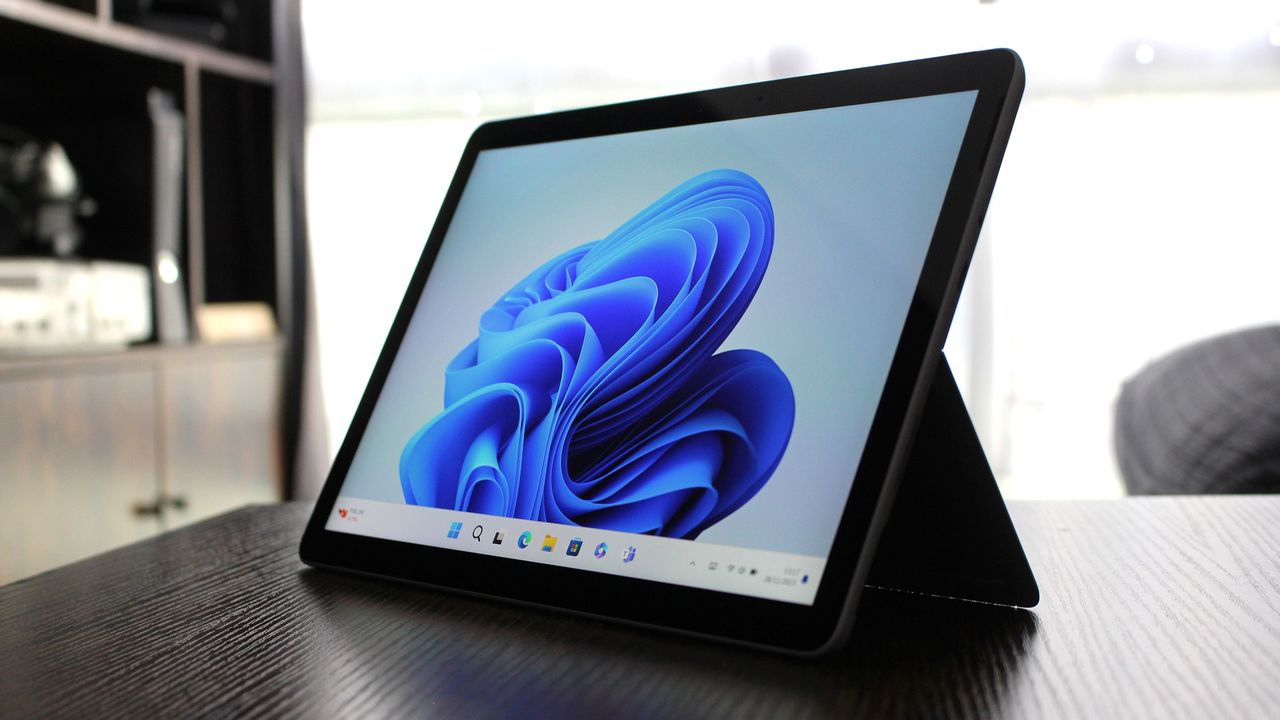
Surface Go 4 with Windows 11

Surface Go 4 with Windows 11

  •  

"Minimize downtime and simplify troubleshooting": Microsoft's powerful new recovery tool is quietly fixing System Restore. Here's how it actually works.

Point-in-Time Restore is a new Windows 11 feature that redefines recovery for the modern PC user. Here's how it differs from the classic System Restore and why you might want to start using it as soon as it's available.

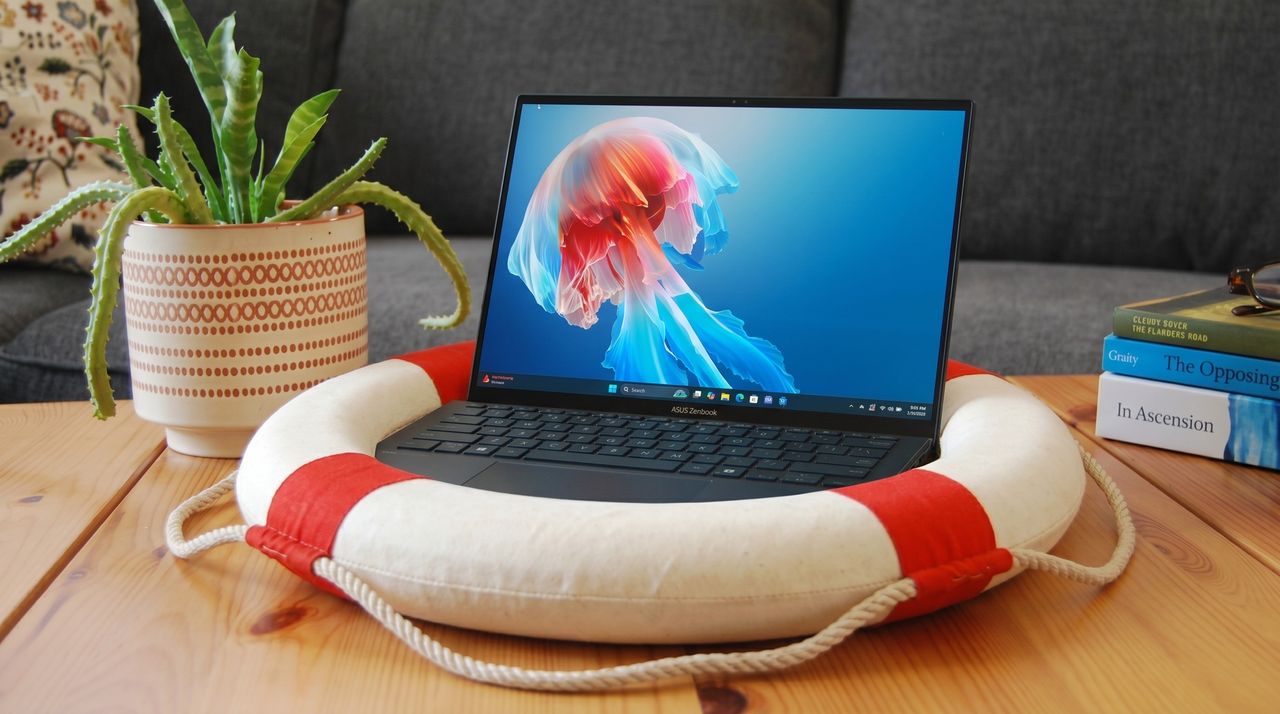
A laptop displaying a colorful jellyfish screensaver rests on a life preserver. A potted plant and stacked books add a cozy feel on the wooden table.

A laptop displaying a colorful jellyfish screensaver rests on a life preserver. A potted plant and stacked books add a cozy feel on the wooden table.

  •  

Windows 11's new Run box is what happens when Microsoft actually cares: Replaces legacy Windows 95-era dialog with something new and better

The new Windows Run box has been officially unveiled, and it's a genuine improvement over the legacy interface with faster launch times and more features. This is what happens when the people working on Windows actually care.

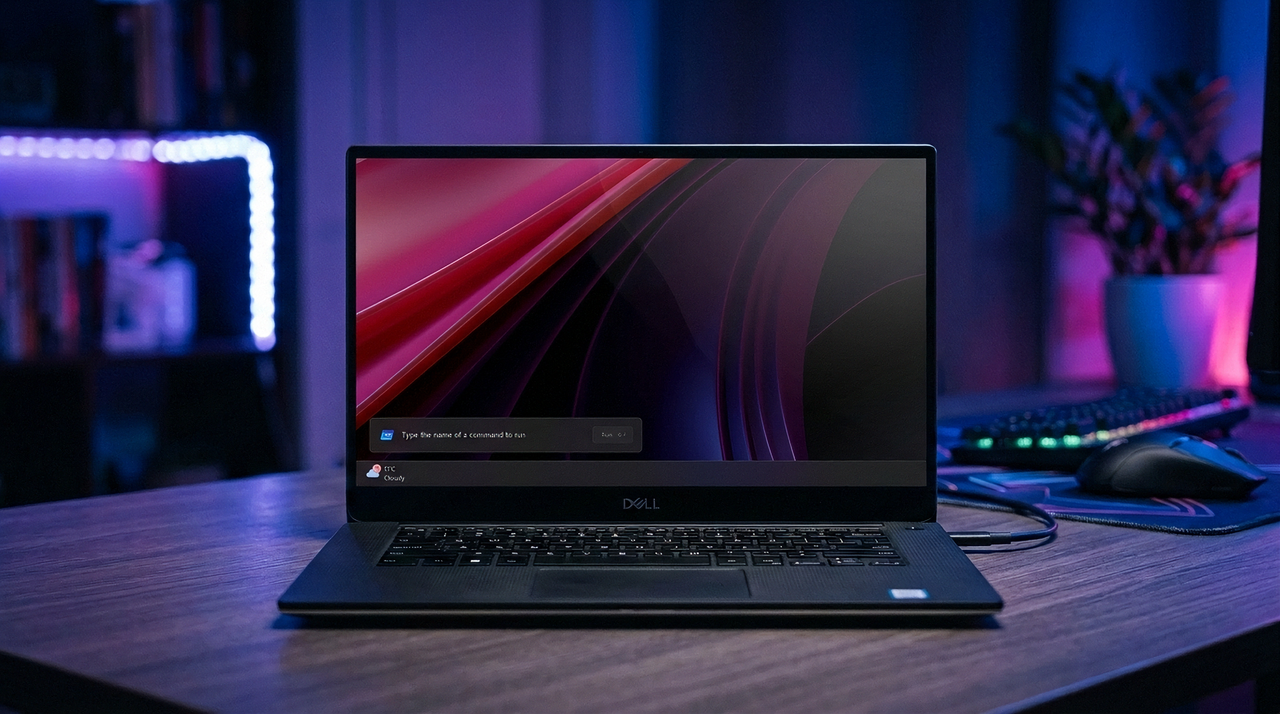
The new Windows Run box on Windows 11

The new Windows Run box on Windows 11

  •  
❌