Vue lecture

UGREEN’s Power Bank Uses Liquid Cooling, and You Can Actually Watch It
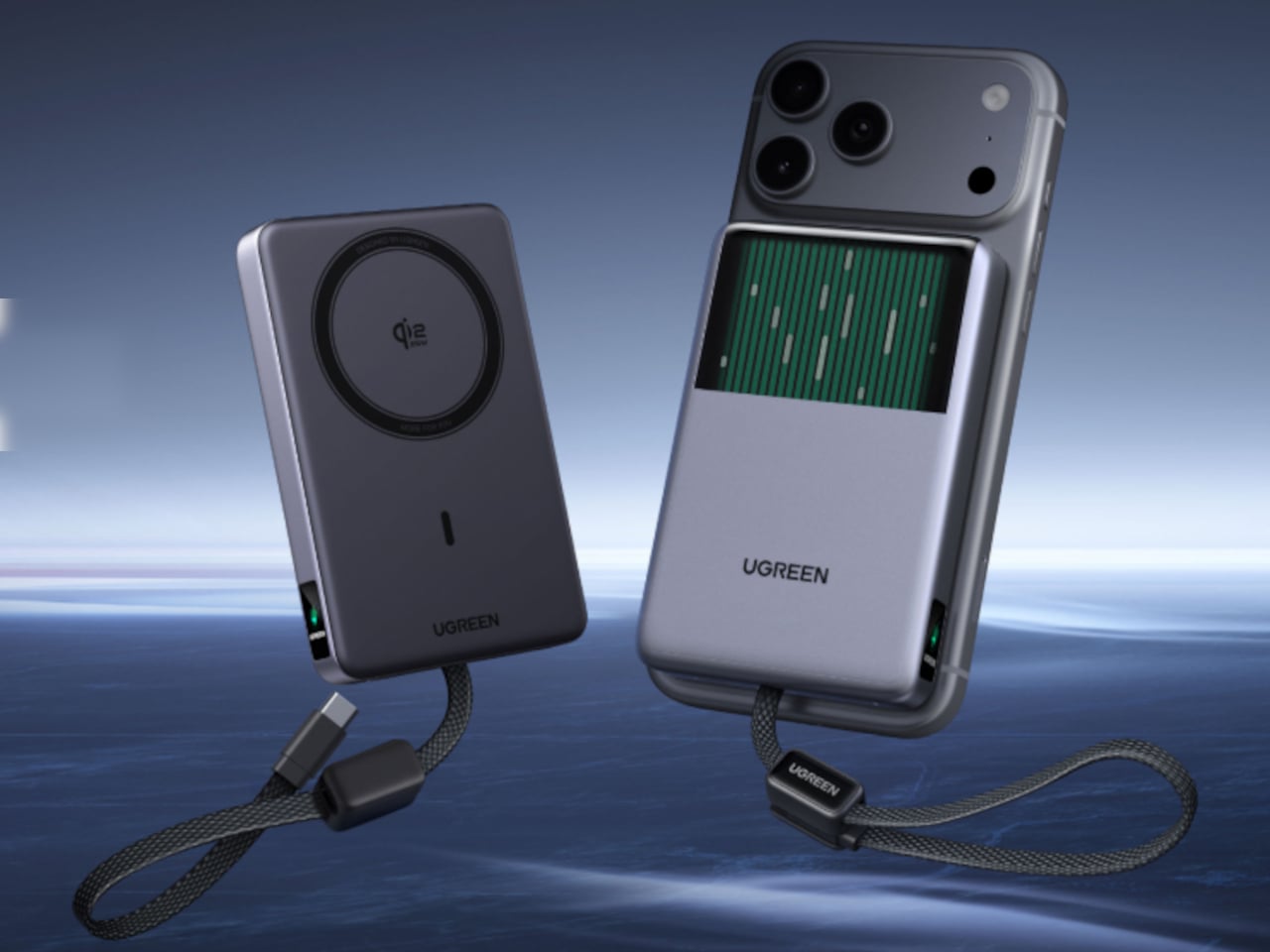
UGREEN’s MagFlow Pro treats overheating as a design problem worth solving with actual engineering, not just a bigger heat sink. This 10,000mAh magnetic power bank borrows liquid cooling from gaming PCs and squeezes it into a pocket-sized charger, aiming to keep wireless charging fast without turning your phone into a hand warmer along the way.

Qi2 charging has always had a dirty secret hiding under its magnetic convenience. Wireless systems lose up to 30% of their power as heat during transfer, which means a phone sitting at 25W often throttles down within minutes to avoid overheating. UGREEN built the MagFlow Pro around fixing that exact bottleneck rather than just chasing a bigger battery number.

Designer: UGREEN
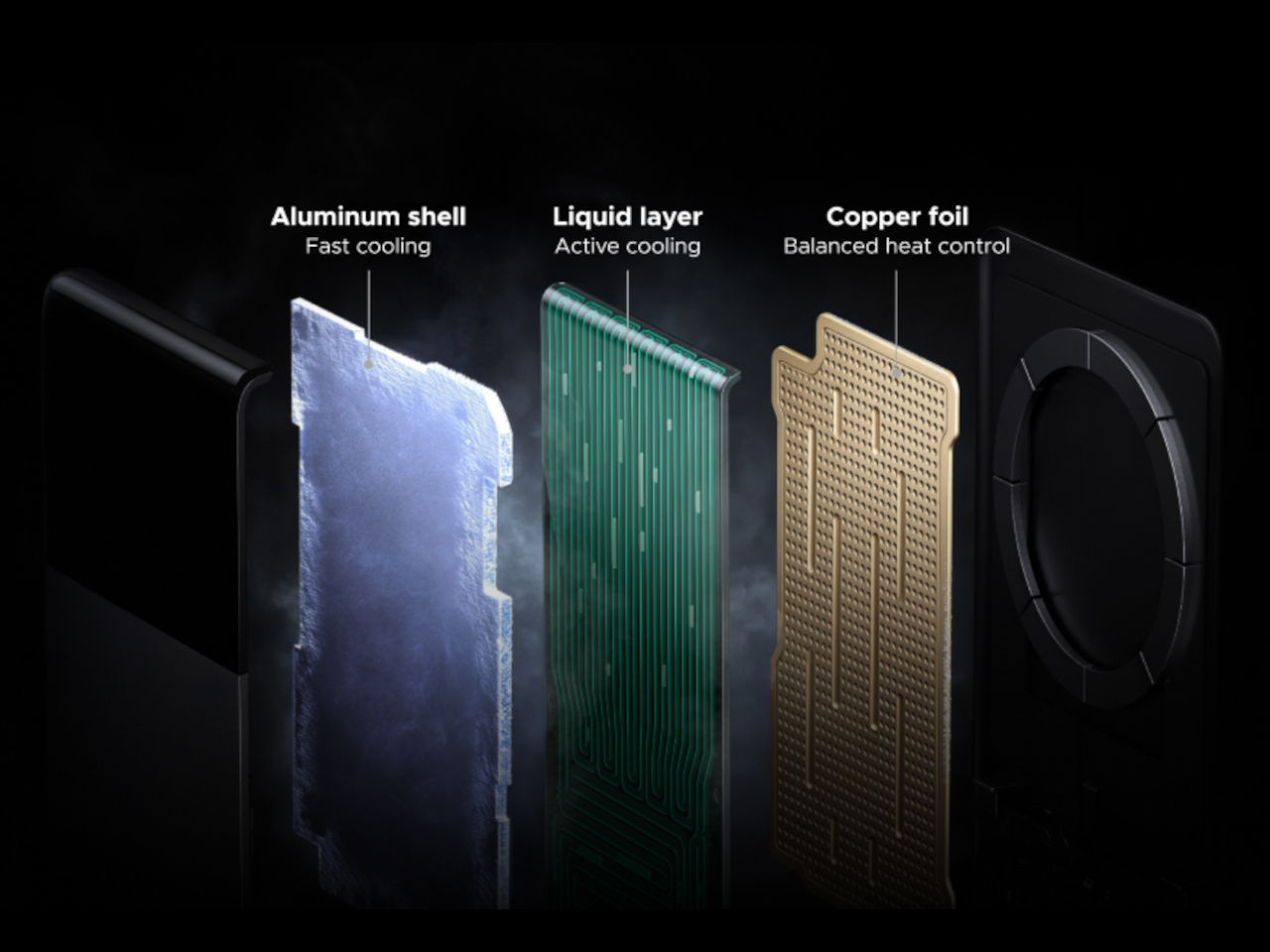
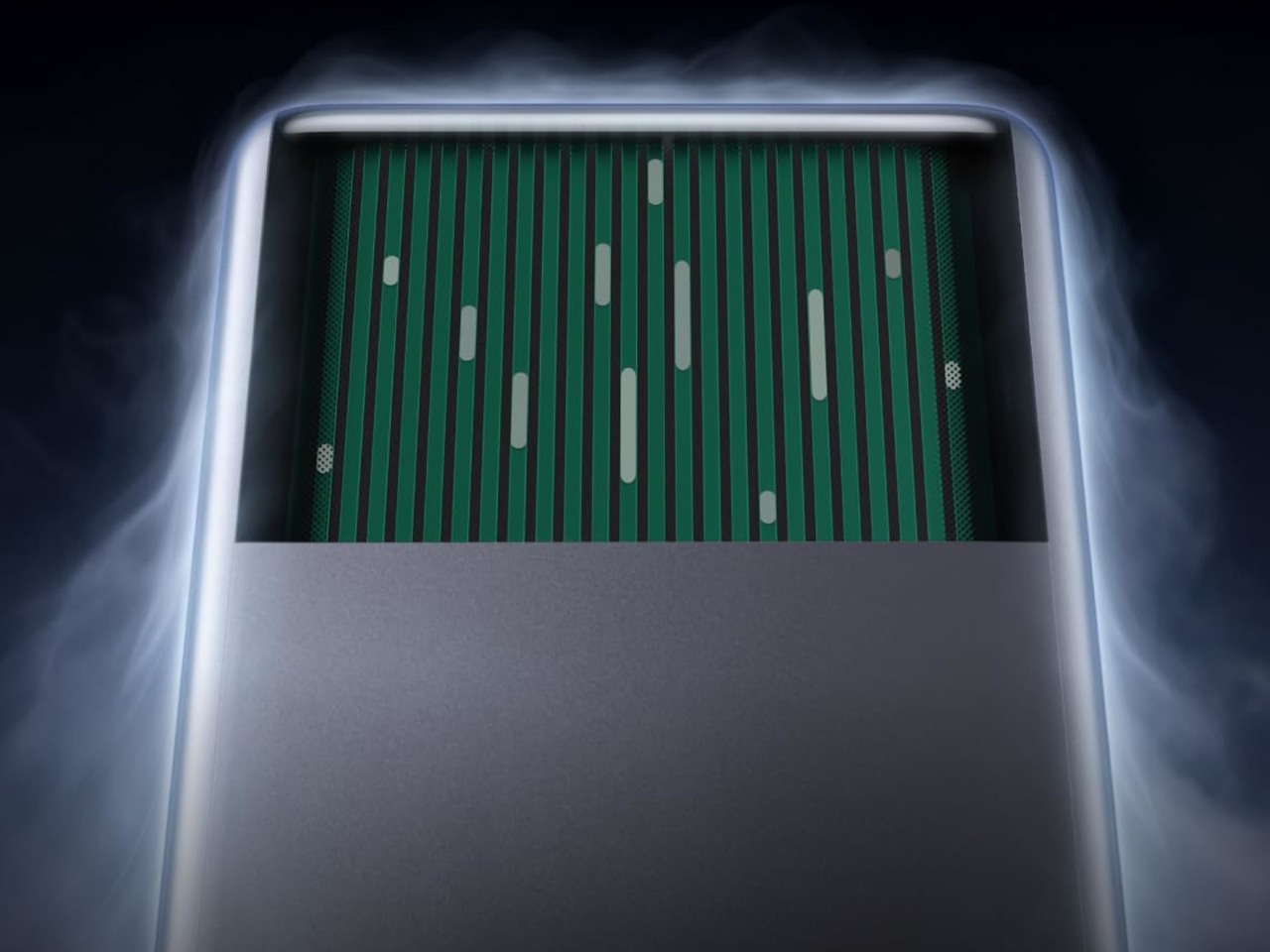
Inside sits CryoPulse, a cooling system built around a micro-pump that circulates liquid coolant past the charging coil and other heat-generating components. Copper foil spreads that heat further, while a layout that physically separates key parts keeps warmth from concentrating in one spot. It is a scaled-down version of what keeps a gaming rig from throttling under load, just built to survive inside a phone charger.
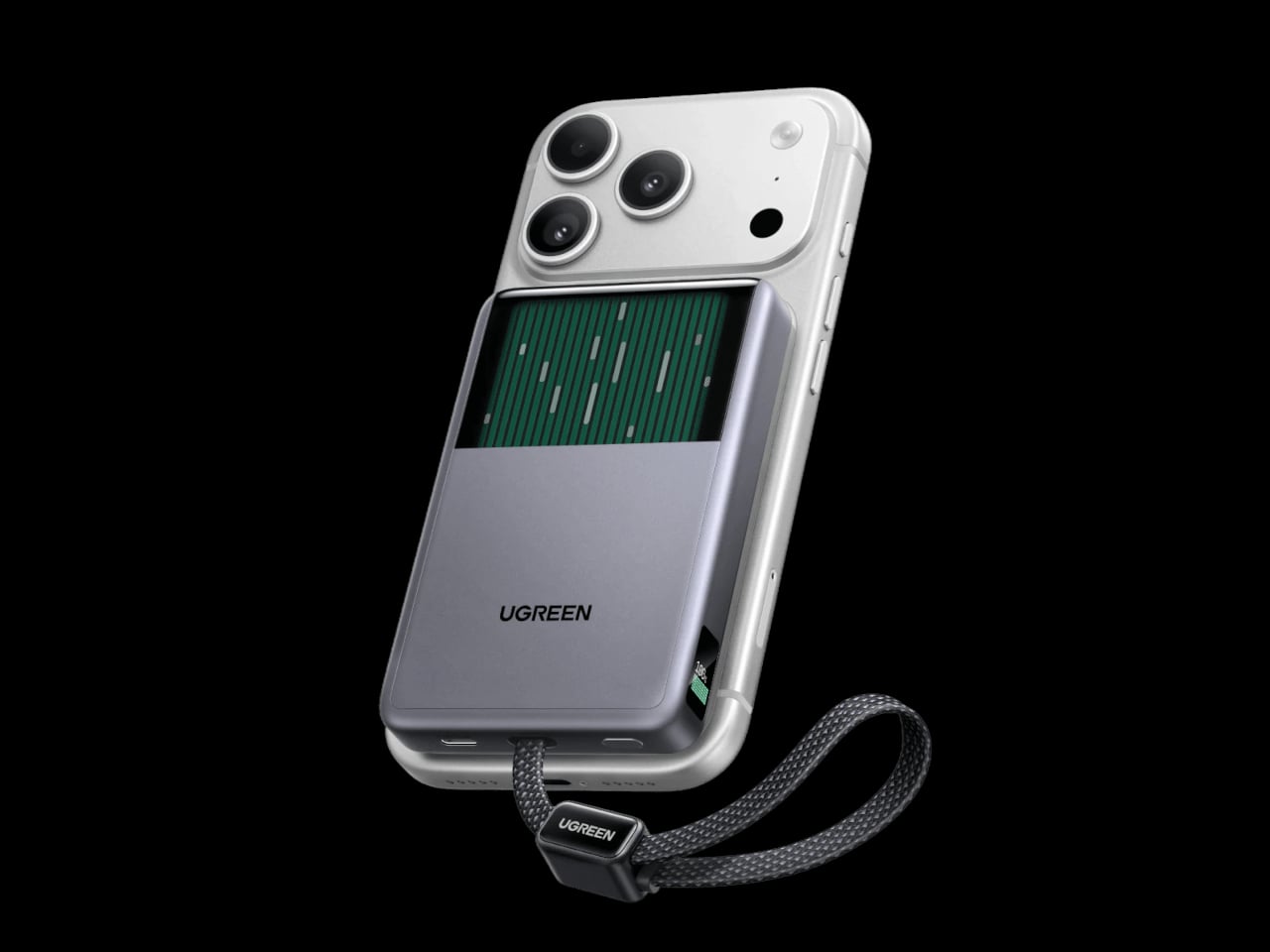
A transparent panel on the front turns that entire process into something you can actually watch, showing coolant moving through the internal channels while your phone charges. It is an odd, almost theatrical touch for a power bank, but it doubles as reassurance that the system is doing its job. UGREEN calls it the Cyber Window, and it is hard to look away from once it is running.
That cooling translates into real numbers, too. UGREEN claims the system keeps peak surface temperatures on a phone up to 18°F below its own reference benchmark, letting a device hold onto higher wattage for longer instead of stepping down early. In practice, that means someone topping up before a flight or during a commute gets closer to advertised charging speeds instead of a slow crawl once things heat up.
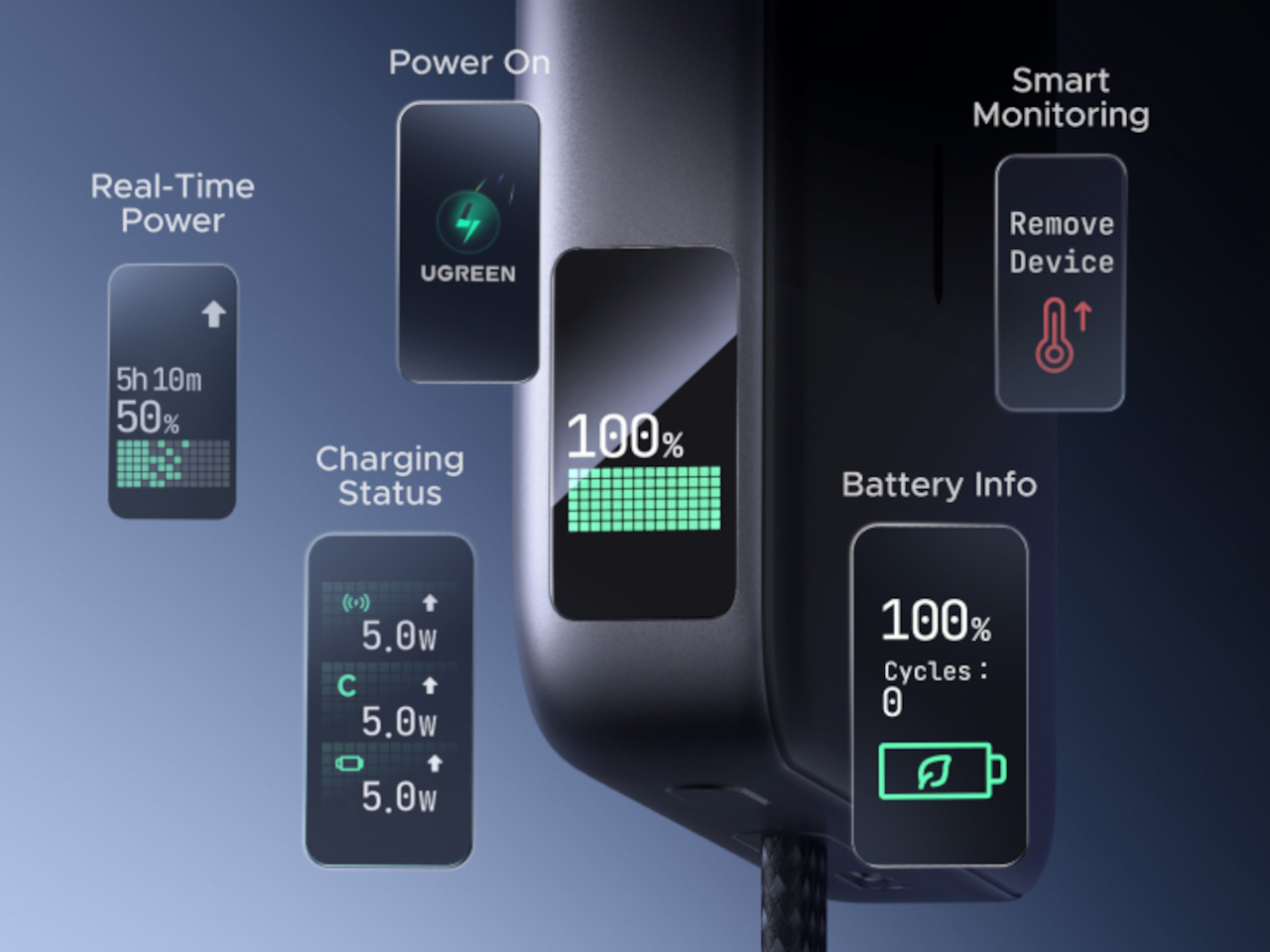
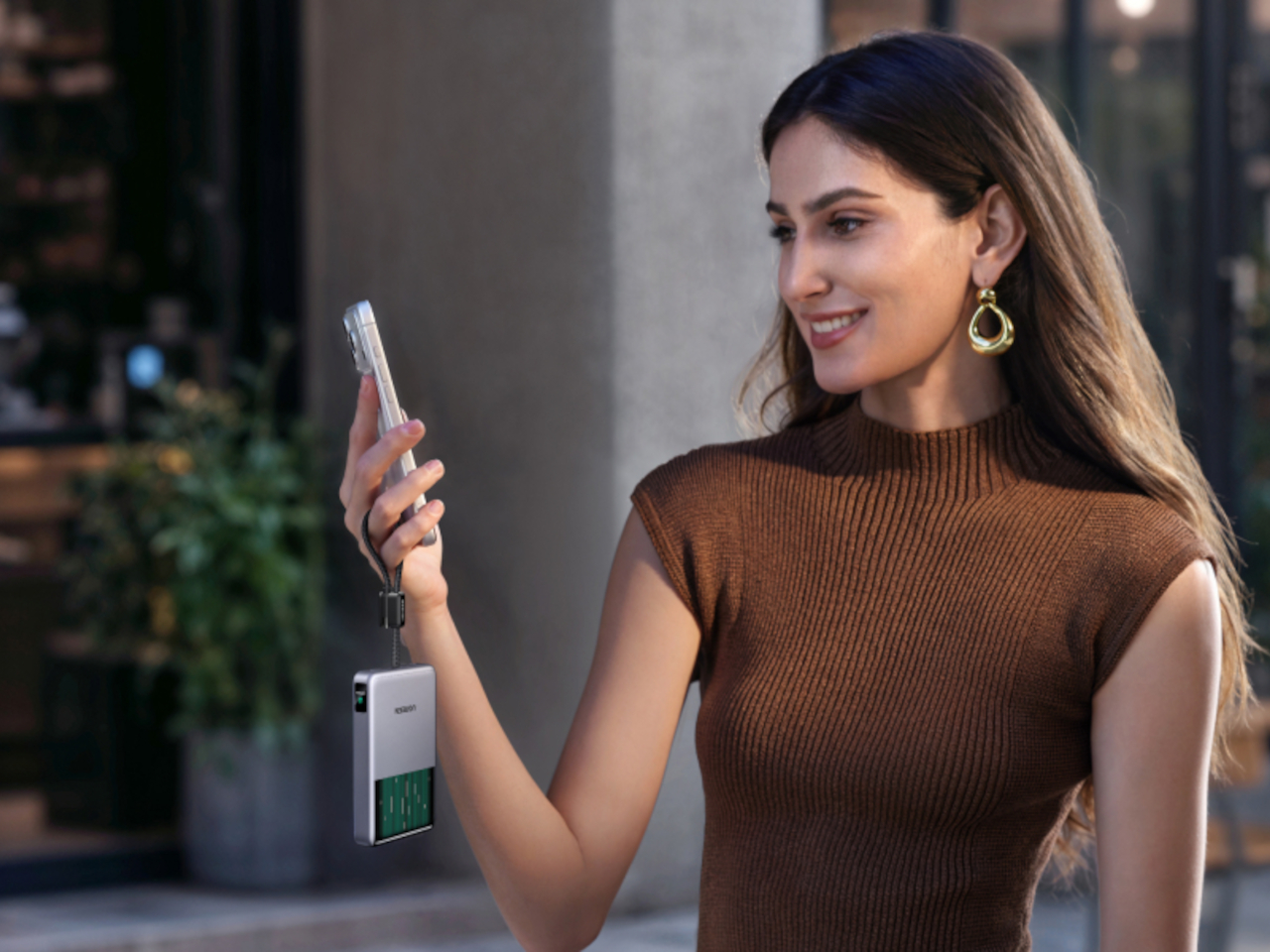
A small display embedded in the shell keeps track of charging wattage, remaining battery percentage, cycle count, and cooling status, turning what used to be a guessing game into actual visible data. Paired with a built-in USB-C cable capable of 30W and a combined output of up to 45W, the MagFlow Pro can charge a phone, tablet, and another accessory simultaneously without demanding a bag full of extra cables.
If the battery degraded quickly, all of those fancy features would be pointless, so UGREEN built the cell around Dymondcell 2.0 protection, retaining more than 80% of its capacity after 800 charge cycles. It also survived seven hours of continuous overcharge testing without failure, a detail aimed squarely at anyone who leaves their charger plugged in overnight out of habit rather than necessity.
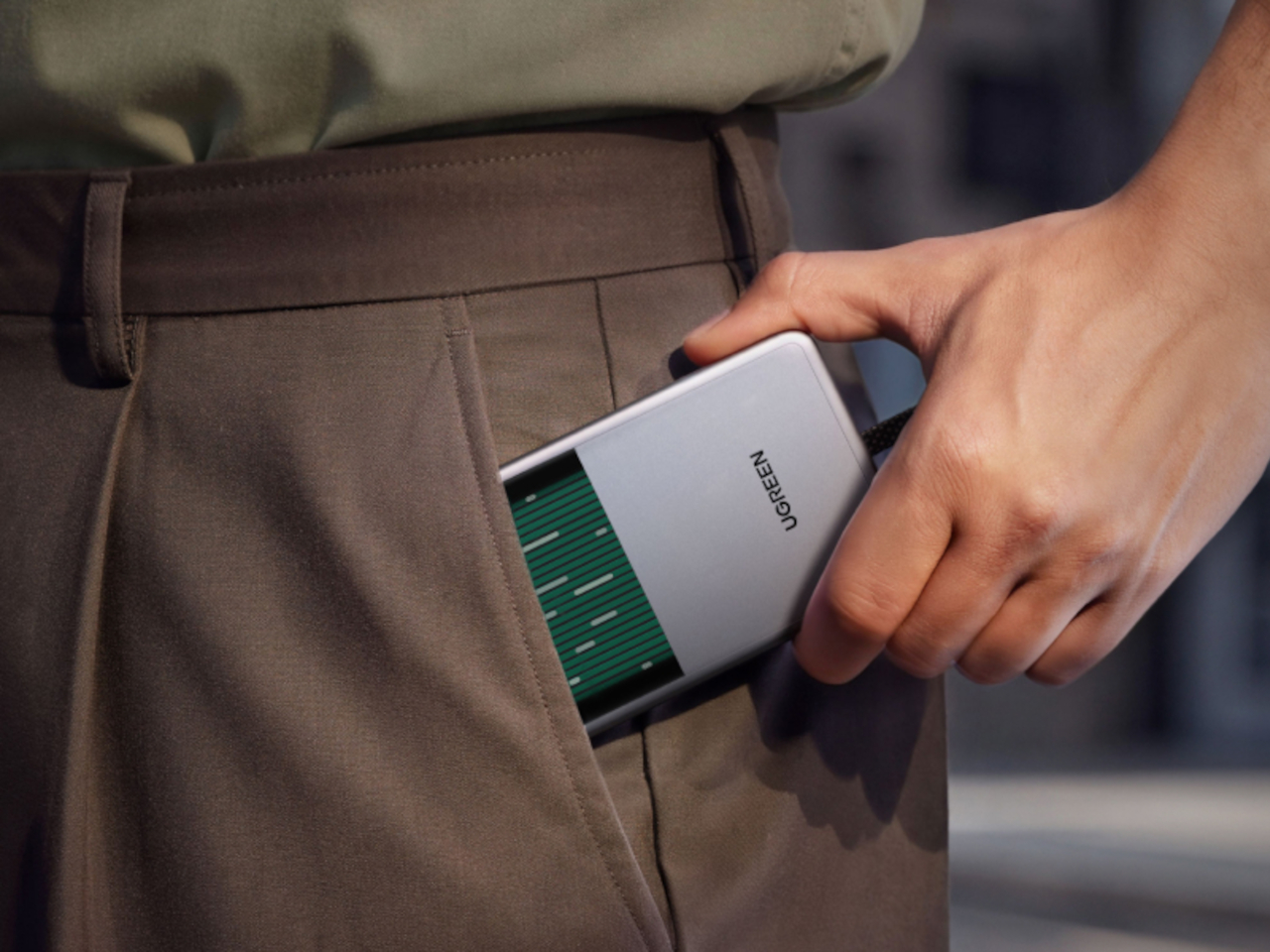
At $149.99, the MagFlow Pro costs considerably more than other 10,000mAh power banks on the market, and that price tag puts real weight behind its cooling claims. It is a bet that people charging phones daily care as much about consistent performance and battery longevity as they do about raw capacity, and that a bit of visible engineering can justify paying extra for it.

The post UGREEN’s Power Bank Uses Liquid Cooling, and You Can Actually Watch It first appeared on Yanko Design.
  •  

TCL’s P80 Pro and Ultra Are the Phones That Replaced Your Kindle Too

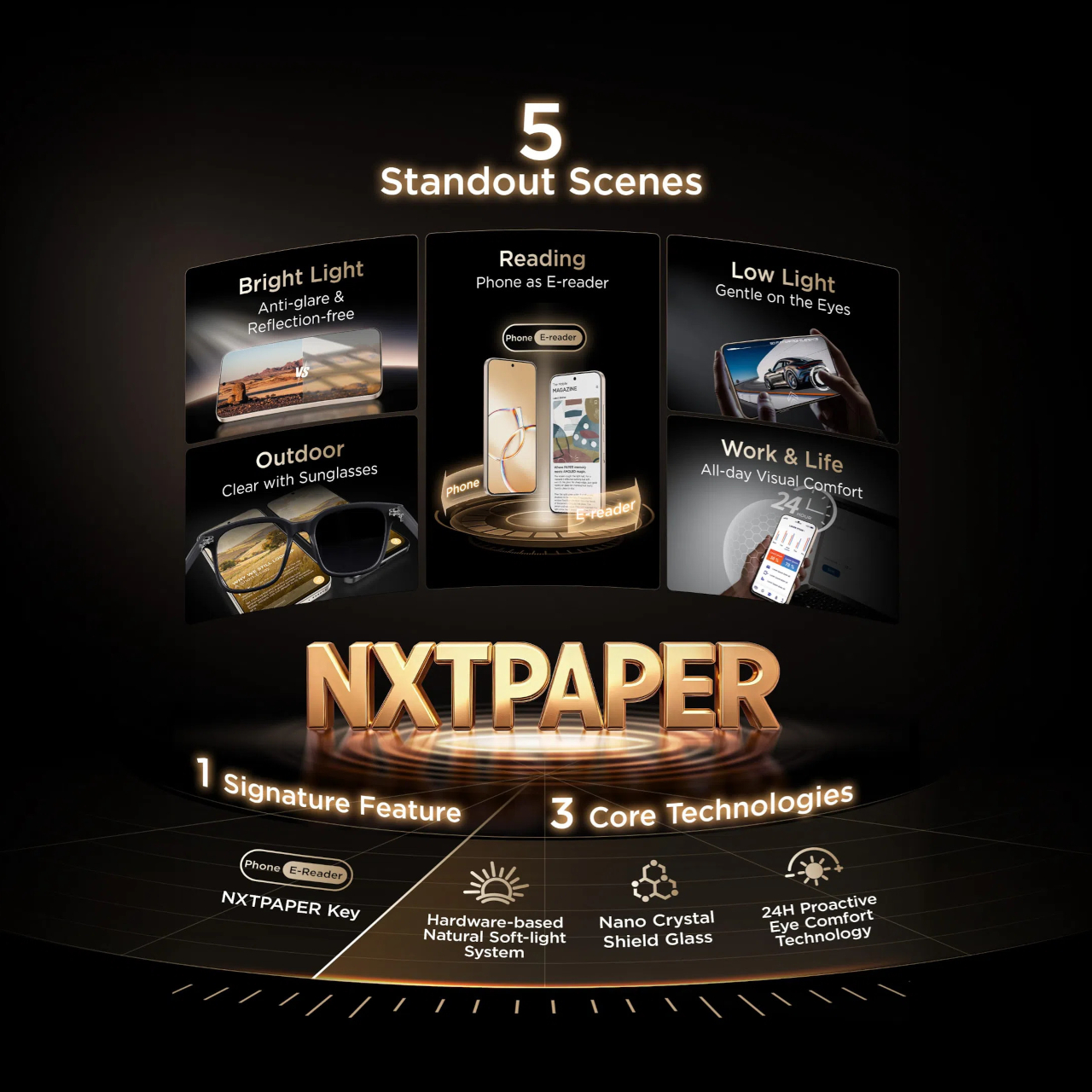
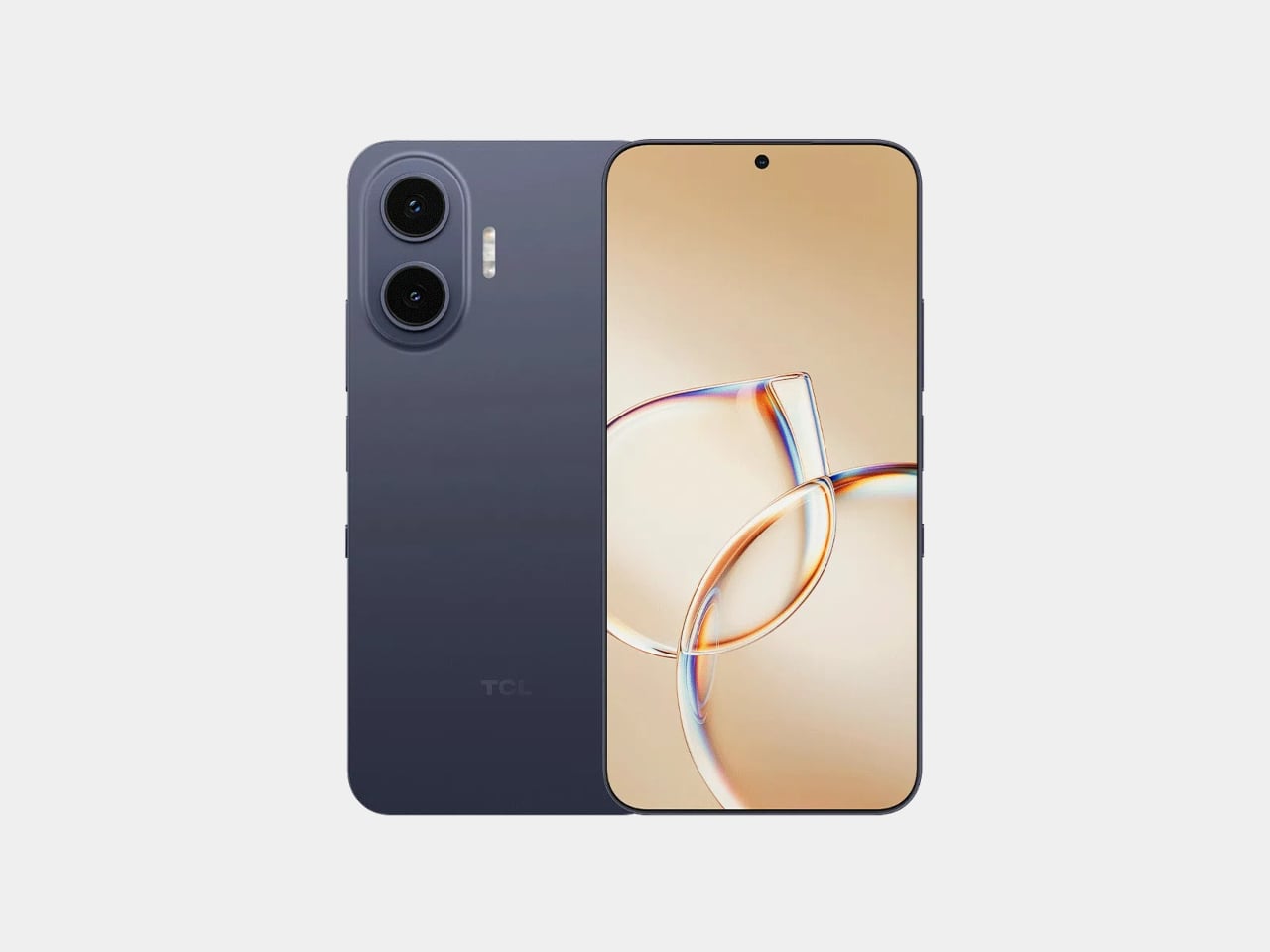
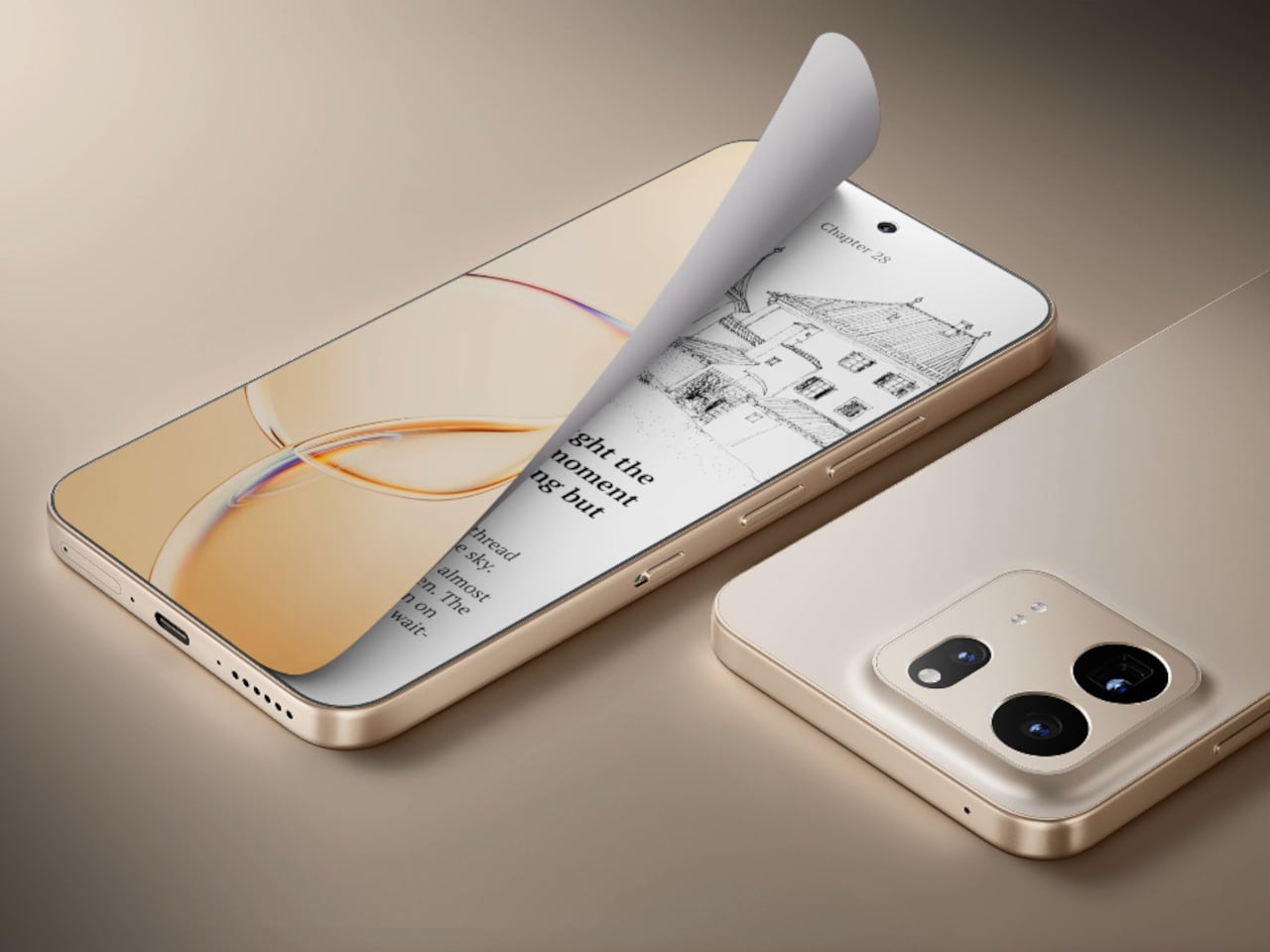
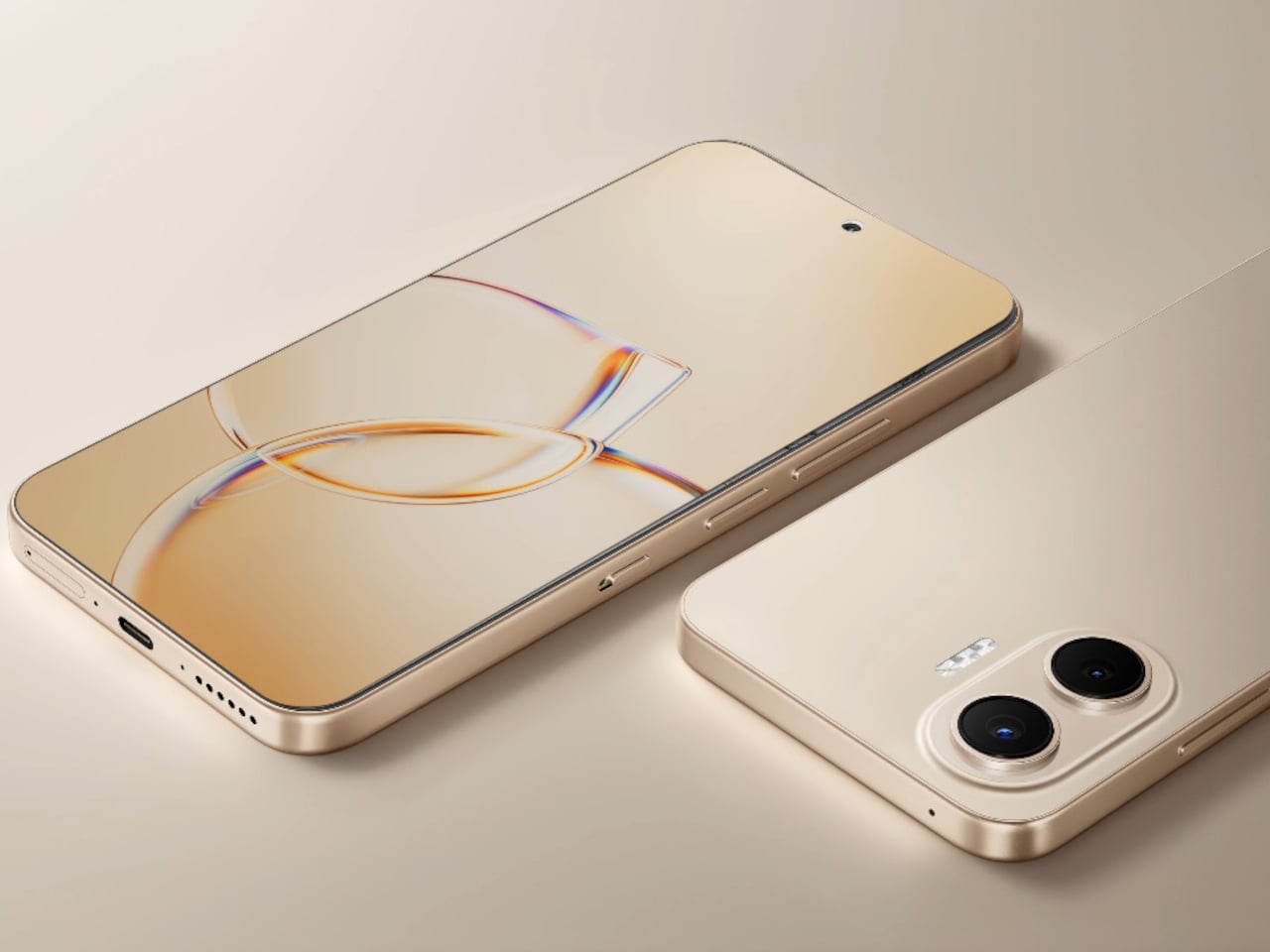
TCL’s P80 Ultra and P80 Pro prove a phone screen doesn’t have to pick one personality and stick with it. Unveiled at IFA 2026 in Berlin, both handsets fold a vivid AMOLED panel and TCL’s paper-like NXTPAPER technology into the same sheet of glass, letting the display shift moods with a flick of a switch instead of forcing a trade-off between color and comfort.

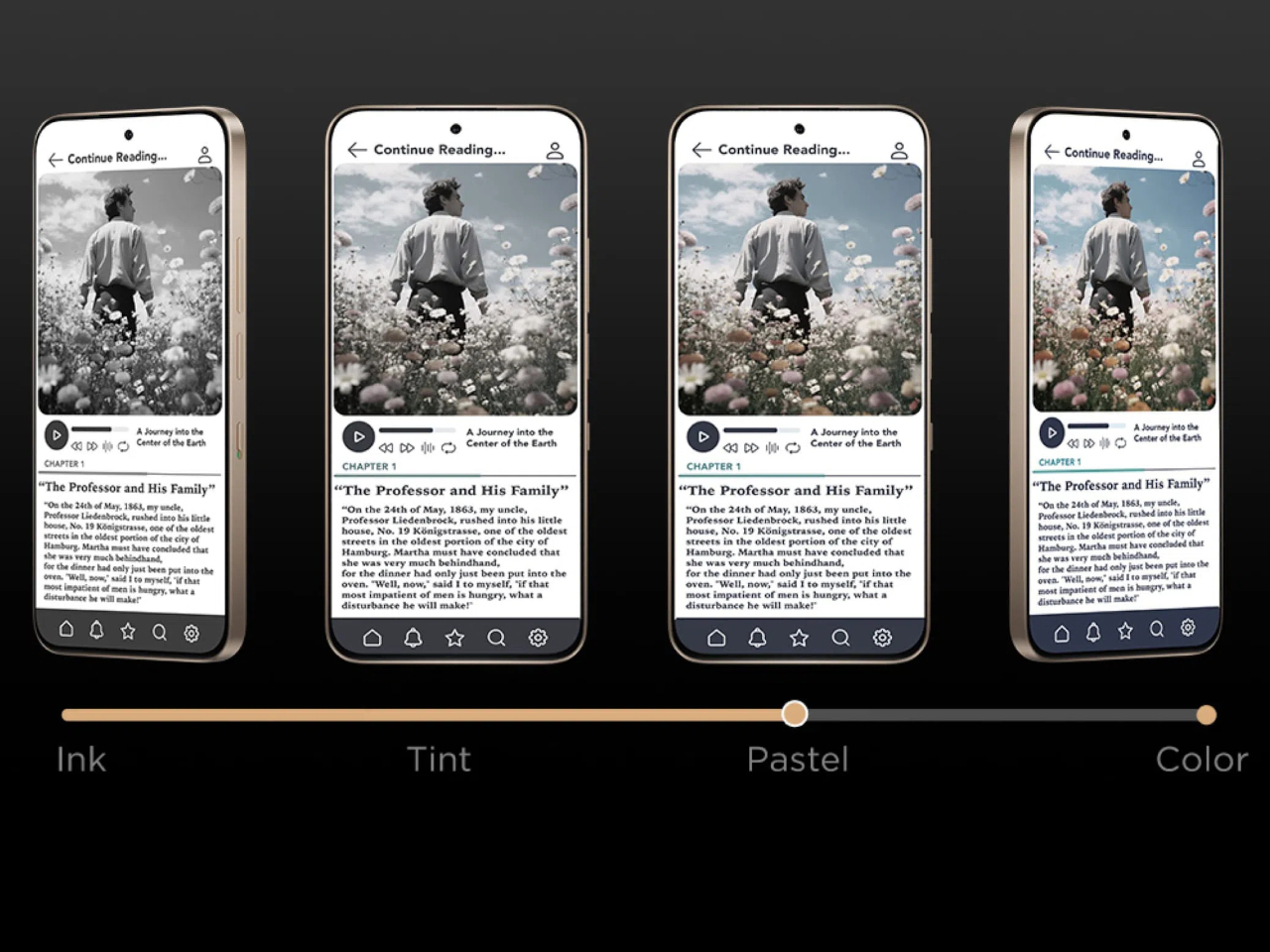
Run a finger along the frame, and you’ll find a thin slider, a small physical detail that carries plenty of weight in daily use. Slide it, and the 6.83-inch panel drops its saturation, taking on a warmer, textured look that mimics a printed page. A commuter buried in a novel or someone proofreading a document late at night gets a screen that behaves like paper, without losing the sharpness underneath.

Designer: TCL

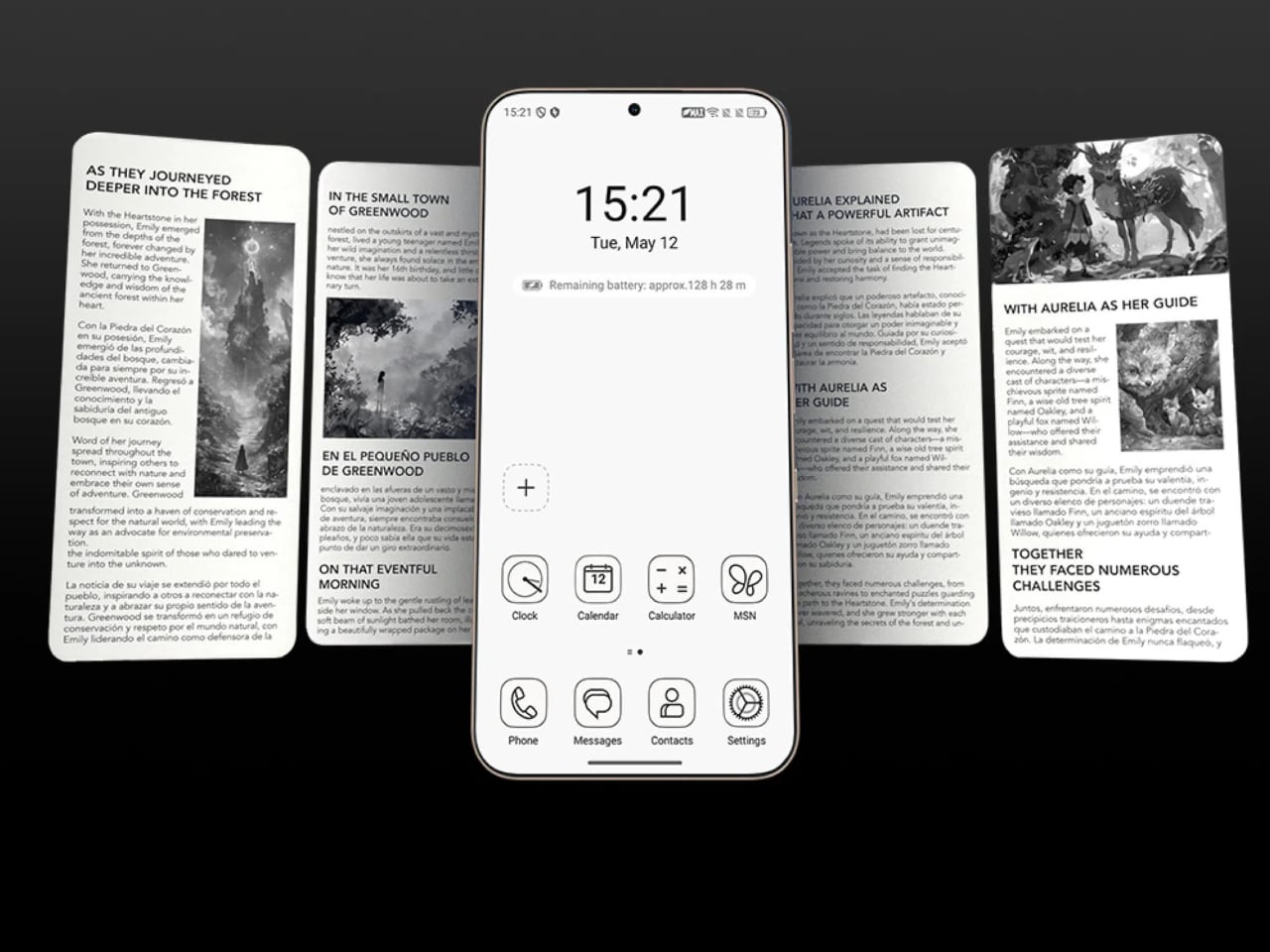
Push that same slider one notch further, and the screen drops color entirely for Max Ink Mode, a stripped layout that silences notifications except for calls and texts. It reads like a design decision as much as a software one, TCL betting people want to quiet their phone rather than mute it completely. The payoff is a battery that can stretch across roughly a week of steady reading.

That reading-first mindset carries into the software too. Both phones can convert e-books into audiobooks or podcast-style narration using on-device AI, giving Max Ink Mode a voice to lean on when eyes need a break instead of ears. It is a small addition, but it treats the slower, paper-like mode as a genuine feature rather than a bolted-on gimmick for a keynote slide.

None of that would matter if the screen looked washed out the rest of the time, so TCL leaned on a 1.5K AMOLED panel that hits 3,200 nits and covers the full DCI-P3 color range. A Nano Crystal Shield coating cuts glare enough to keep the display readable under direct sun, marking TCL’s first pairing of NXTPAPER with OLED rather than the LCD panels it used before.

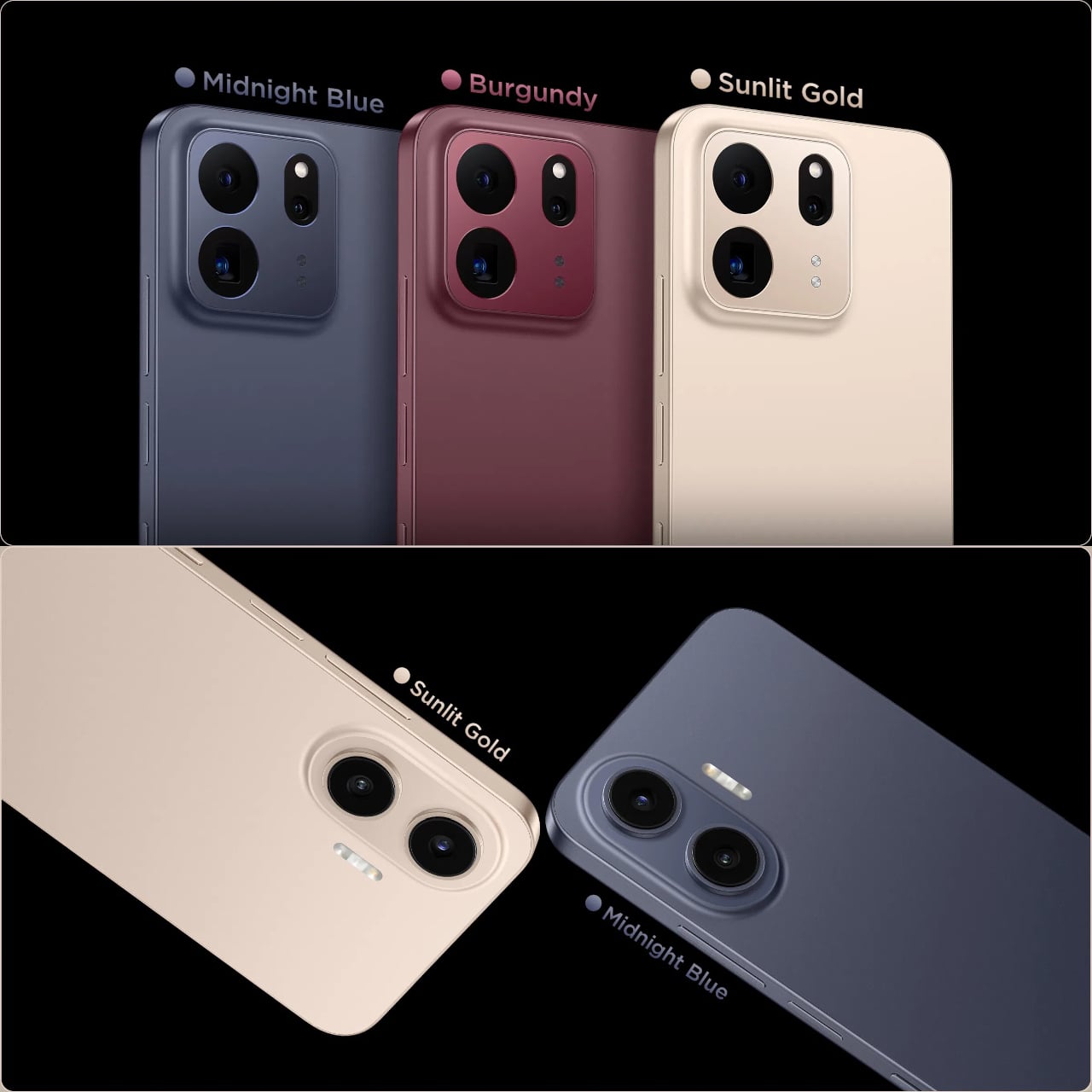
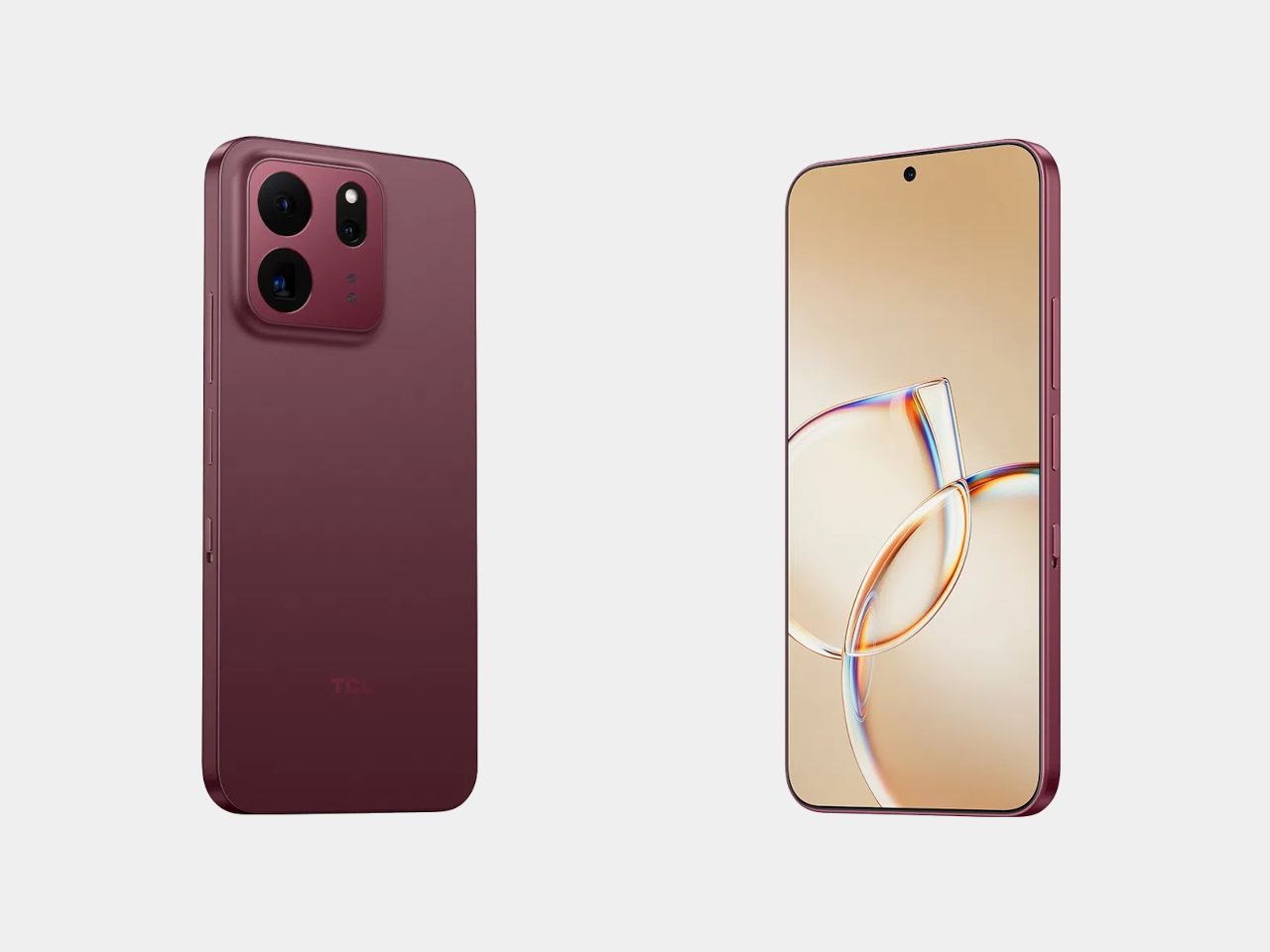
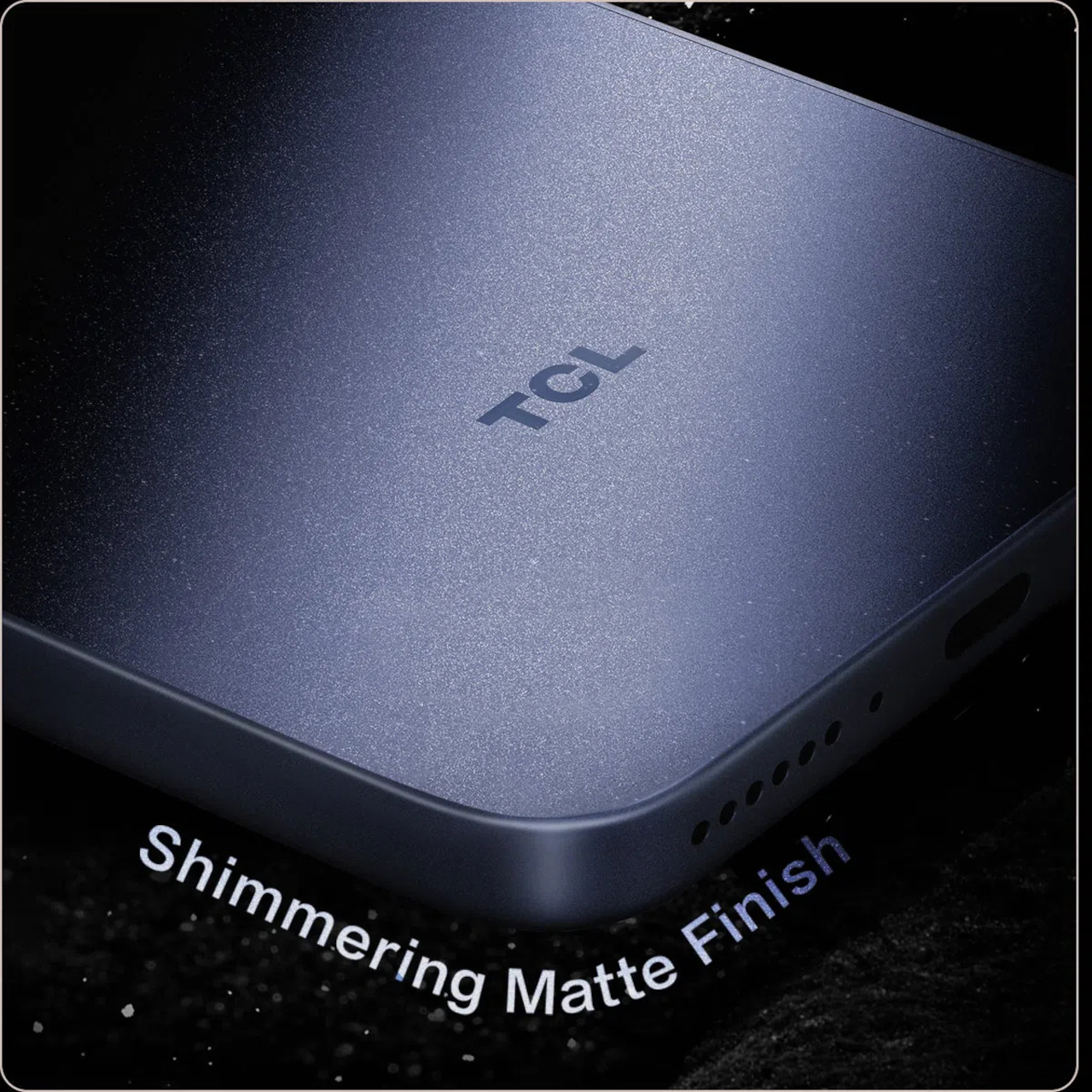
The frame wrapping that screen is aluminum rather than the plastic often found at this price, giving both phones a sturdier grip without piling on bulk. TCL backs that up with an IP68 rating against dust and water, plus MIL-STD-810H certification for the inevitable drop. Buyers get to pick between Sunlit Gold, Burgundy, and Midnight Blue, three finishes that lean more toward jewelry-box color choices than typical slab-of-glass smartphone palettes.

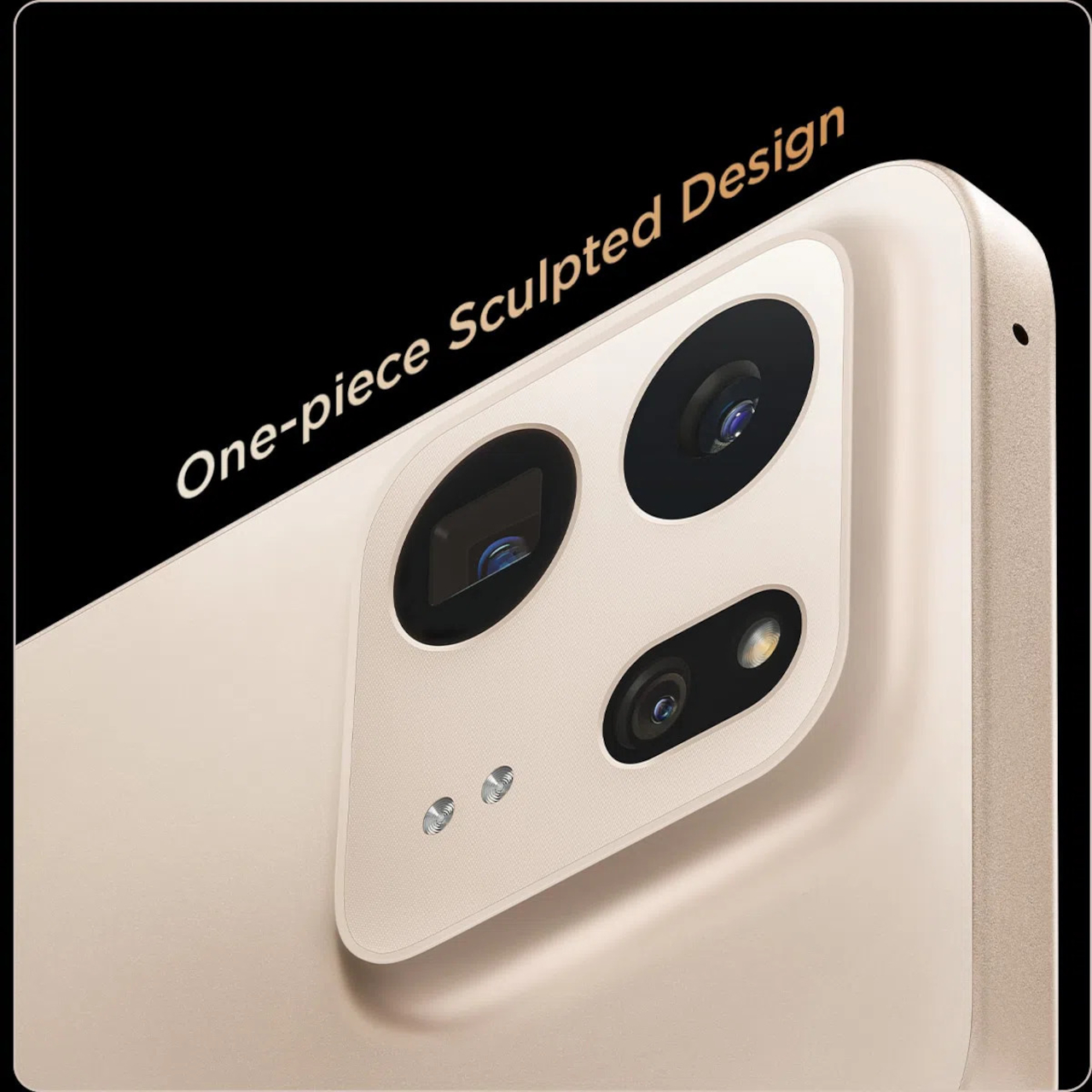
Where the two models part ways is around the back. The P80 Ultra carries a 50-megapixel main camera next to a 50-megapixel periscope lens for 3x optical zoom, tucked into a housing shaped to avoid throwing off the phone’s balance. The P80 Pro drops the periscope for a simpler dual-camera arrangement, trading reach for a slimmer build that still shares the same main sensor and 8-megapixel ultrawide.

TCL is rolling both phones out across Europe first, with the P80 Ultra priced from €549 (around $635) and the P80 Pro starting at €429 (around $500), before a Latin American launch follows in October. A wider release is expected to reach additional regions afterward. In a category full of identical glass rectangles, these two phones actually behave differently depending on what someone needs from them that day.

The post TCL’s P80 Pro and Ultra Are the Phones That Replaced Your Kindle Too first appeared on Yanko Design.

  •  

TECNO and Tonino Lamborghini Prove You Can’t Fake a Real Collab

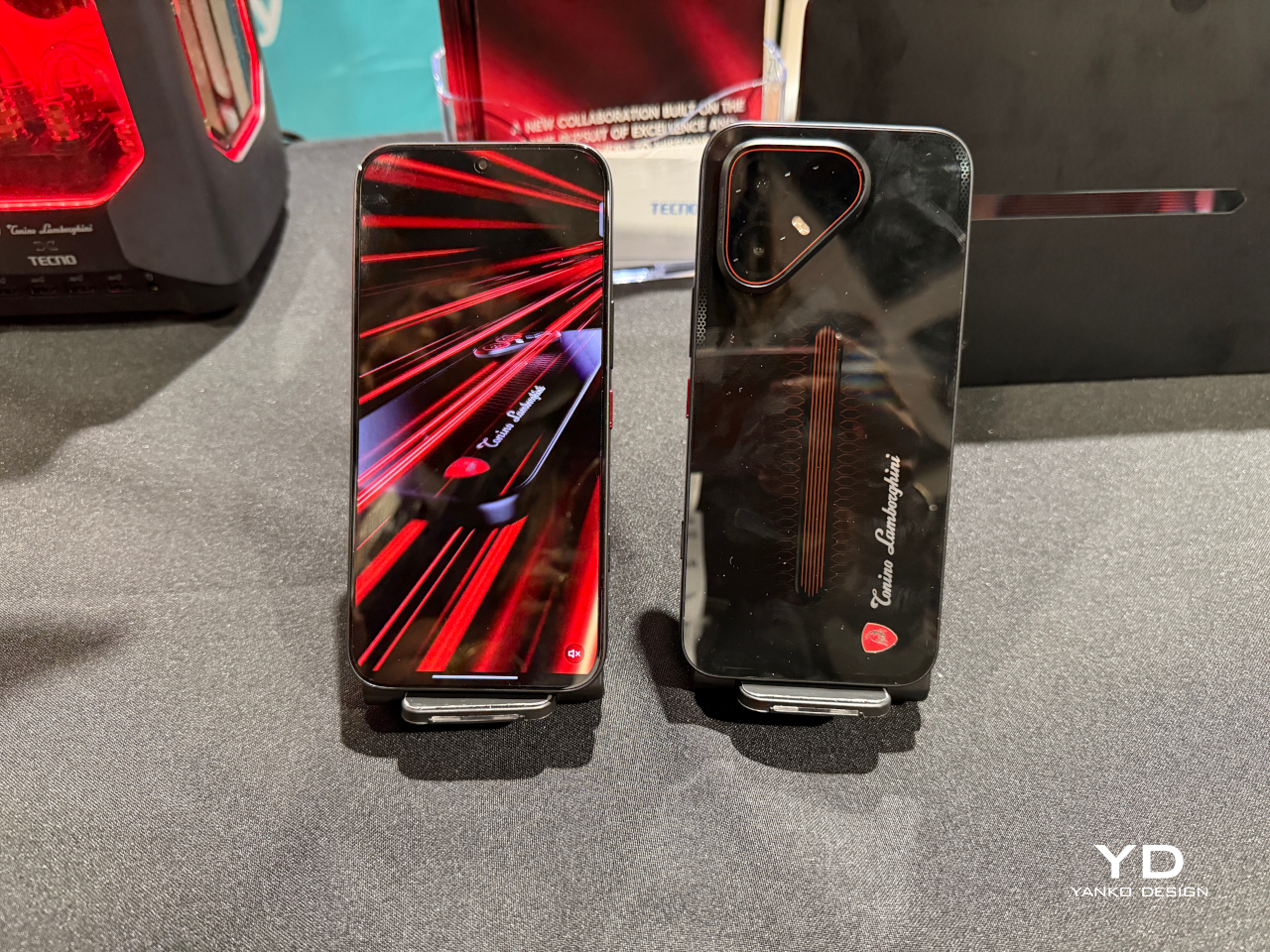
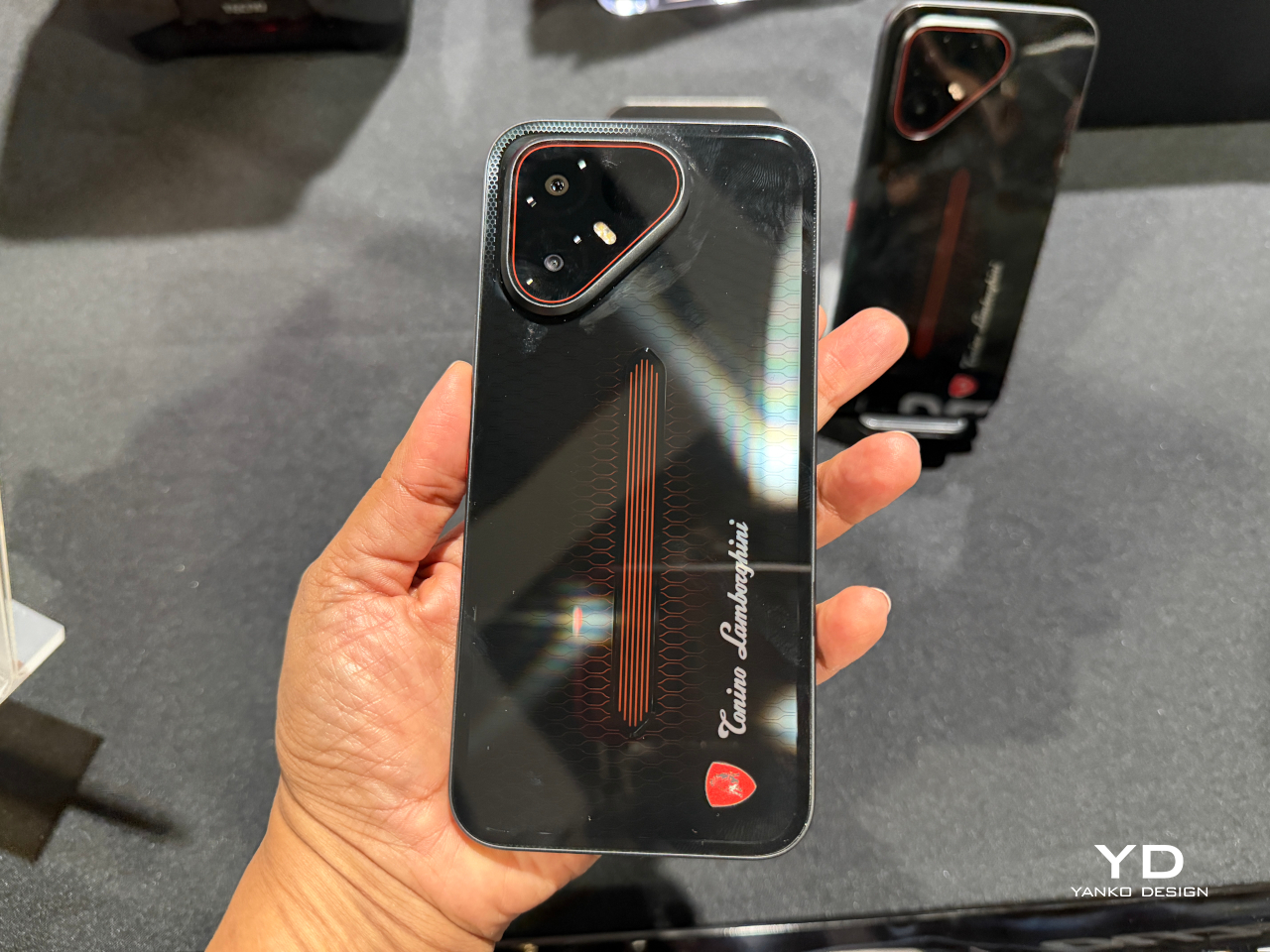
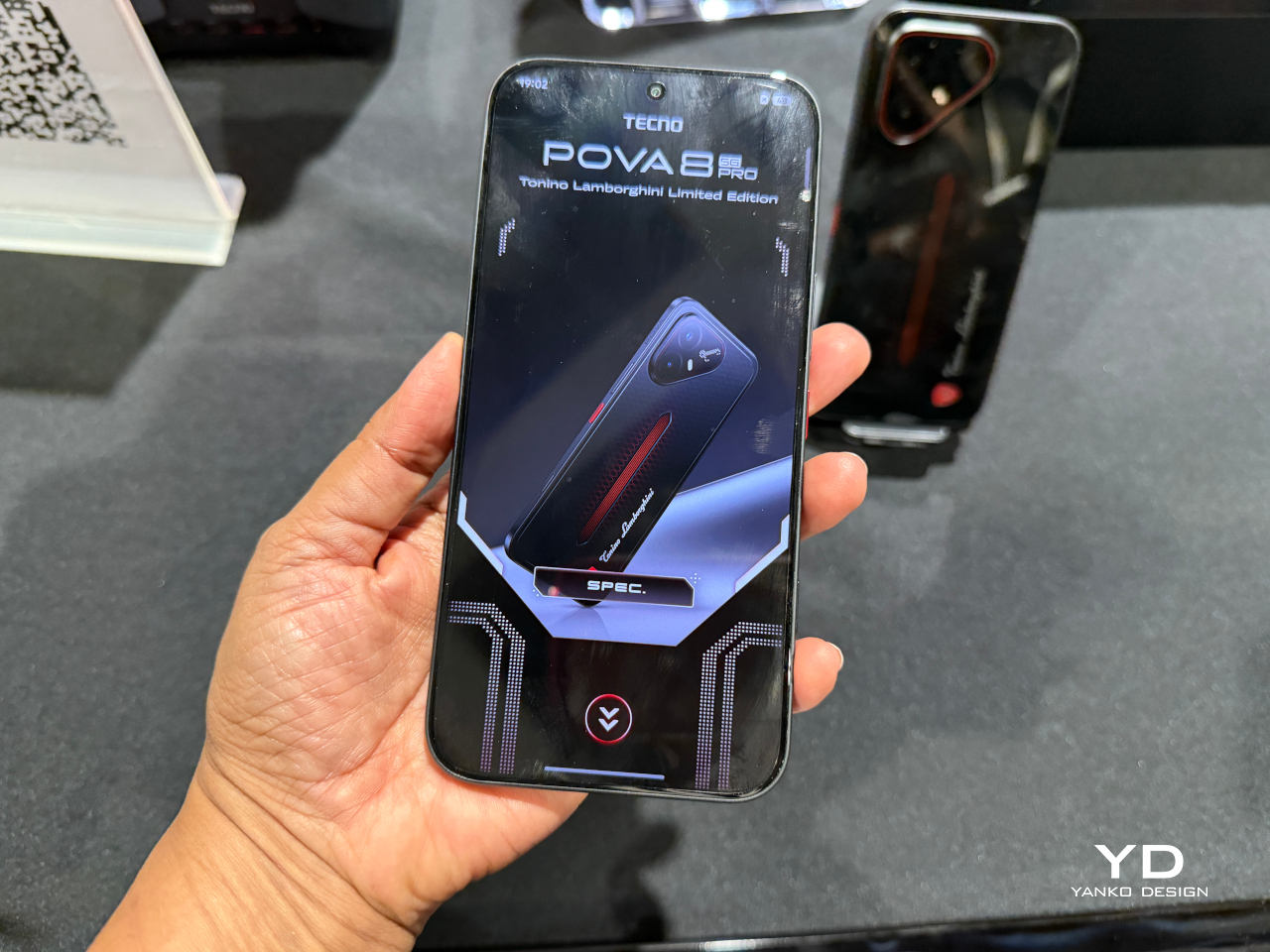
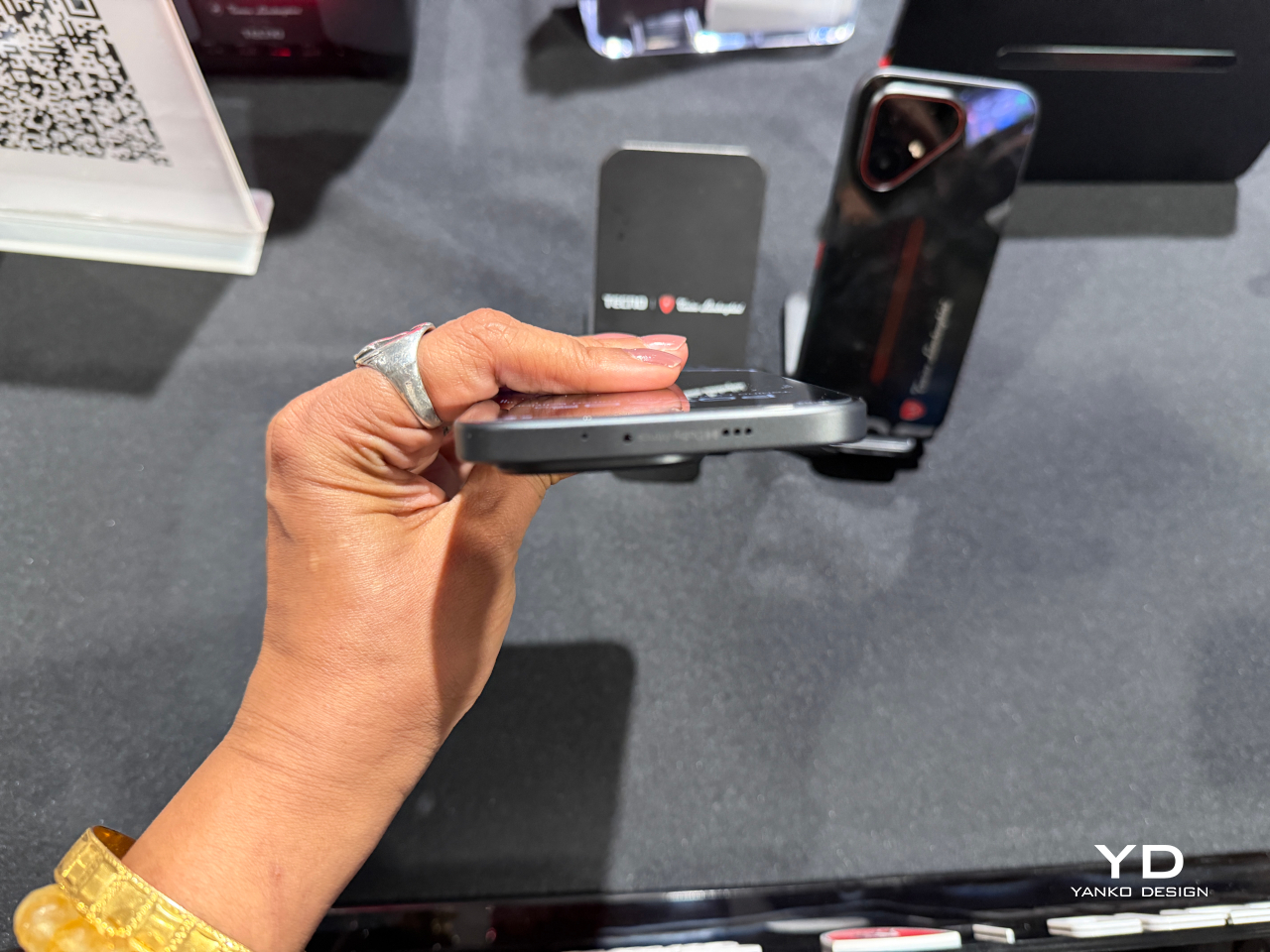
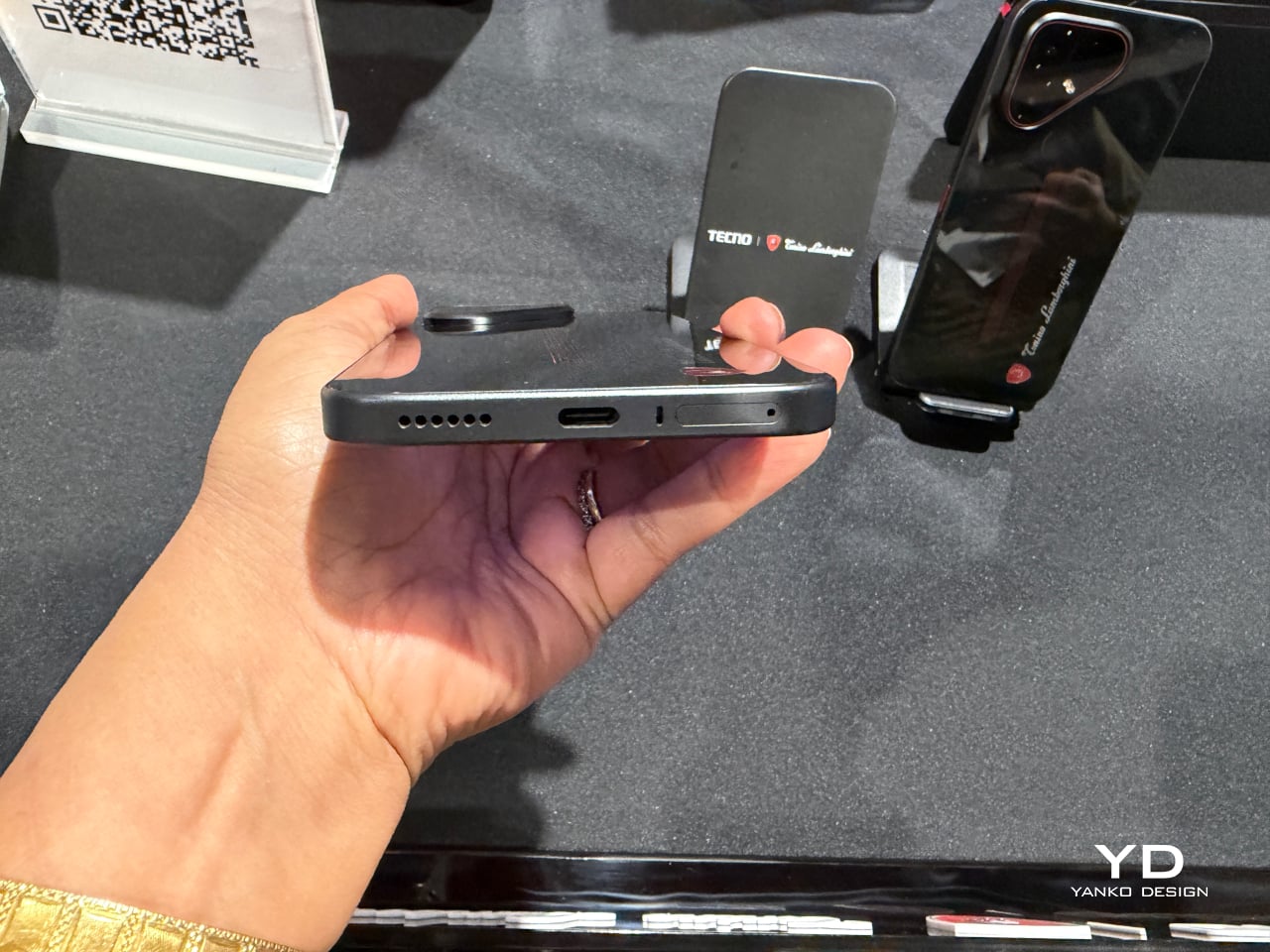
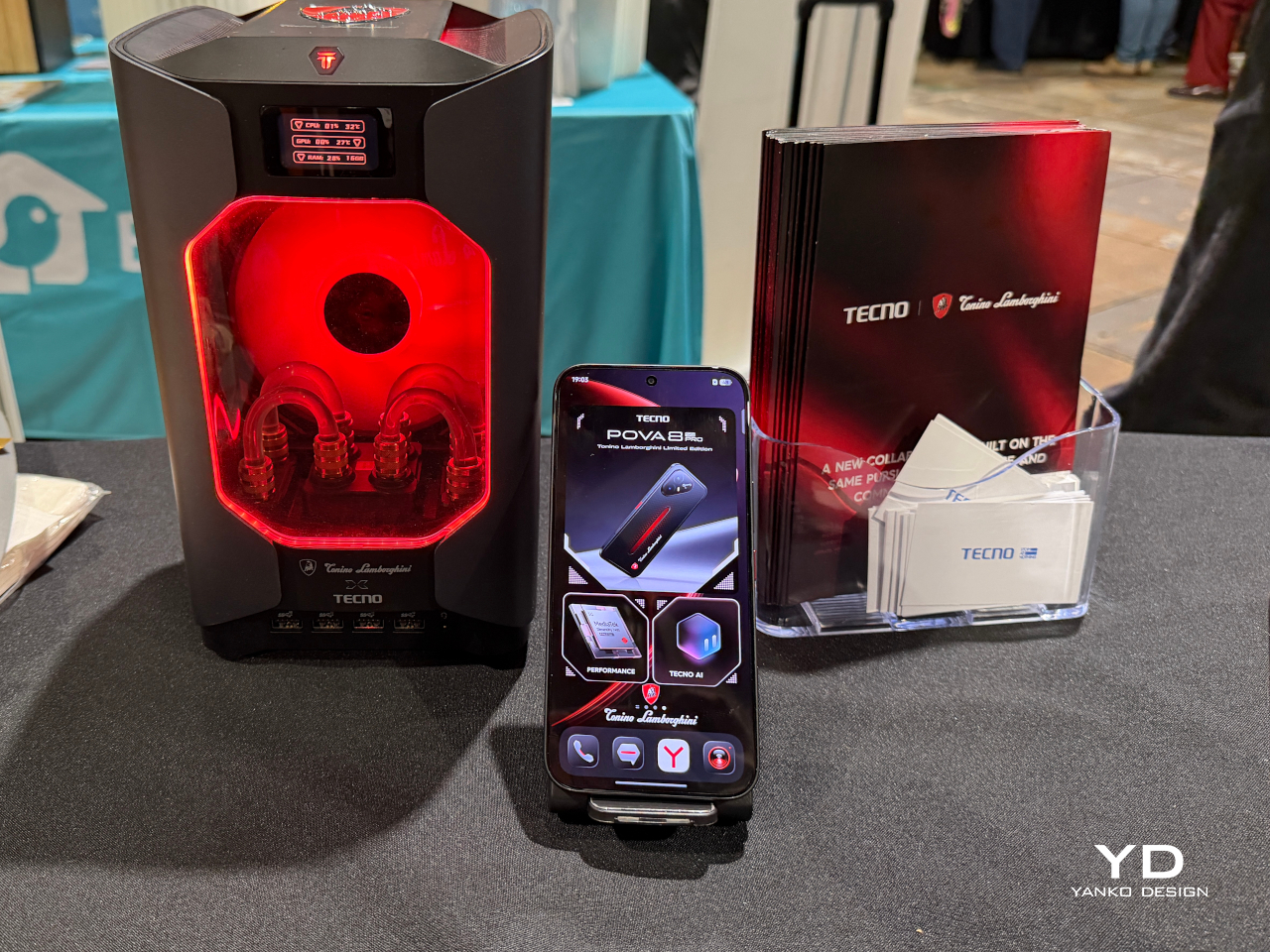
Slapping a famous badge on a phone’s back panel is the easy version of a brand partnership. TECNO and Tonino Lamborghini clearly wanted the harder version instead. The POVA 8 Pro 5G Tonino Lamborghini Limited Edition builds its entire identity around a black-and-red palette and a hexagon pattern lifted straight from Lamborghini’s mechanical heritage, then carries that language past the glass and into the software running underneath.

The rear panel does the heaviest visual lifting. A dual-layer stacking process gives it a reflective quality built from countless internal mirror structures that refract and redirect light, so red accents seem to surface and sink back into shadow as the phone tilts in your hand. A physical height difference between the two layers adds genuine spatial depth, echoing the layered geometry found in actual mechanical engineering rather than faking it with a printed graphic.

Designer: TECNO x Tonino Lamborghini

That commitment doesn’t stop at the hardware. A bespoke interface theme reworks dozens of icons in matching black-and-red tones with glass-like material effects, while a custom boot animation and ringtone carry the same mechanical energy into everyday use. Opening the phone in the morning feels less like waking up a generic Android device and more like starting an engine built around a specific mood.

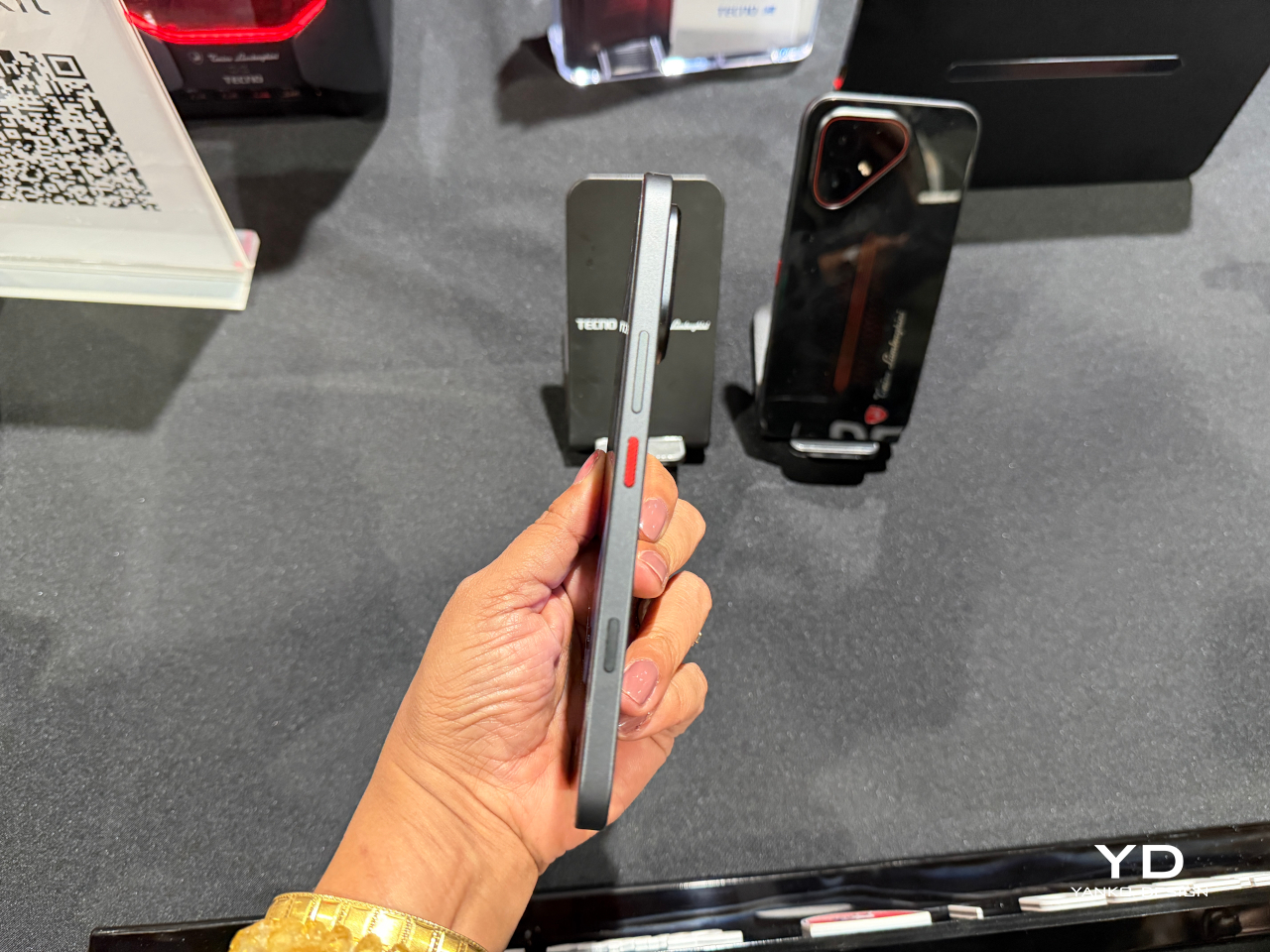
Underneath the styling sits a dual-chipset setup pairing a MediaTek Dimensity 7400 Ultimate platform with a TECNO-built P1 Graphic Chip, backed by a vapor chamber cooling system spanning over 22,000mm² of dissipation area. That combination pushes supported titles as high as 144FPS, turning a commute or a lunch break into legitimate gaming time instead of a compromise. A dedicated one-tap button on the side keeps favorite apps and gaming shortcuts one press away.

Photography leans on a Sony-engineered LYTIA 700C sensor with a larger light-sensitive area, giving low-light shots and handheld video noticeably steadier results thanks to built-in optical stabilization. A 50MP high-pixel mode and 2x lossless zoom cover the detail-obsessed shots, while an 8MP ultra-wide lens handles group photos and landscapes without anyone needing to step backward to fit everyone in frame.

The 6.78-inch AMOLED display pushes brightness to 4,500 nits and refreshes at 144Hz, numbers that matter most outdoors under direct sun or during fast-paced gaming sessions where lag ruins the moment. A touch layer rated for wet and oily fingers keeps the screen responsive through rain, sweat, or sunscreen-covered hands, useful for anyone who refuses to put their phone down just because the weather did.

Durability rounds out the package rather than acting as an afterthought. Corning Gorilla Glass 7i, IP69-rated water and dust resistance, and SGS 5-Star Drop certification mean the phone can survive a dropped call turning into a literal drop without ending the relationship. A 6,500mAh battery retains over 80% of its health after 2,000 charge cycles, translating to roughly six years of daily use before a real decline sets in.

TECNO and Tonino Lamborghini spent more effort here proving that a licensing deal can produce something with actual mechanical thinking behind it, rather than a badge glued onto commodity hardware. The result reads less like a co-branded accessory and more like a phone that happens to share a bloodline with the cars.

The post TECNO and Tonino Lamborghini Prove You Can’t Fake a Real Collab first appeared on Yanko Design.

  •  

Cloud AI Means Someone Else Has Your Data, MINISFORUM Fixes That

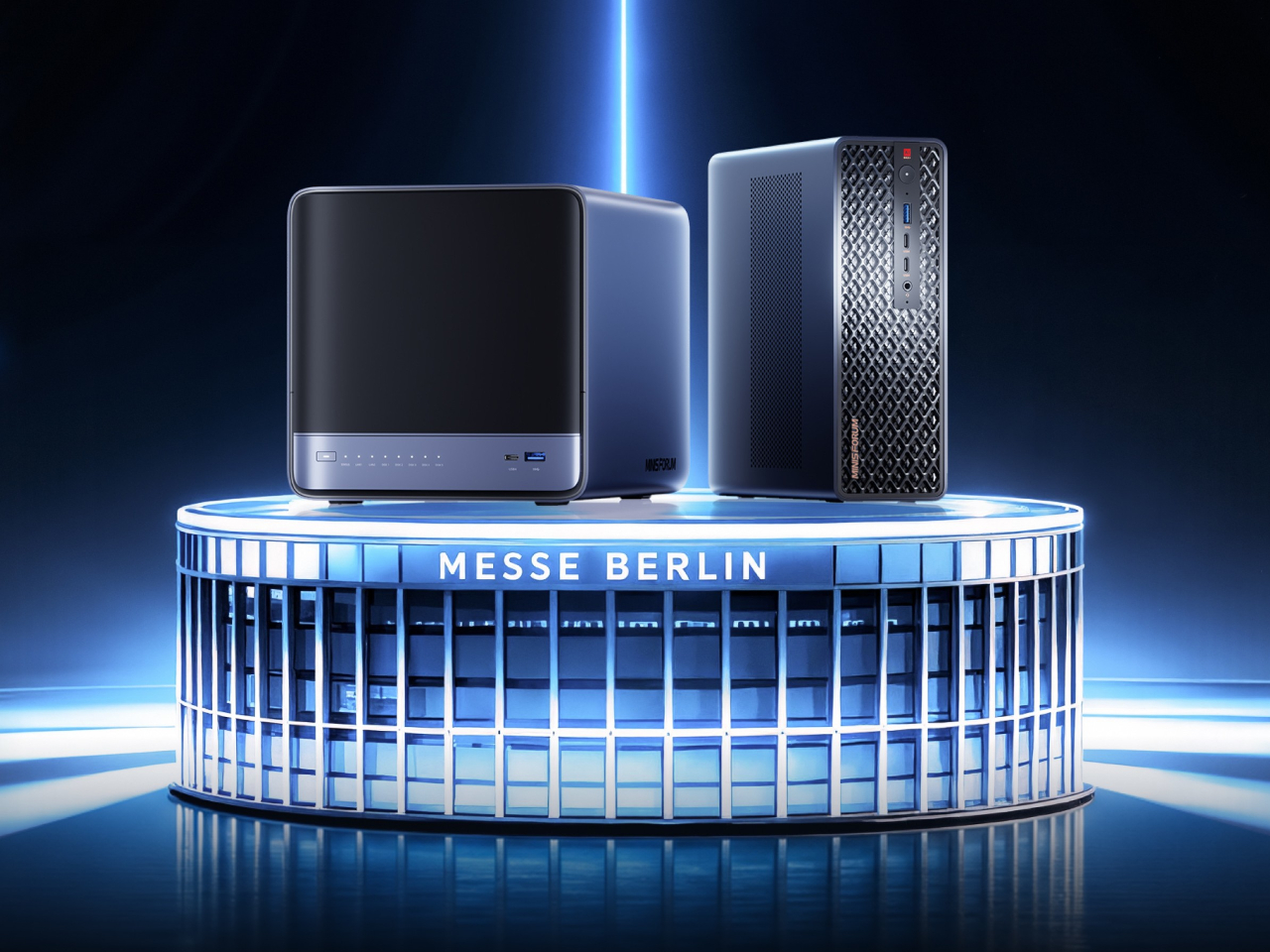
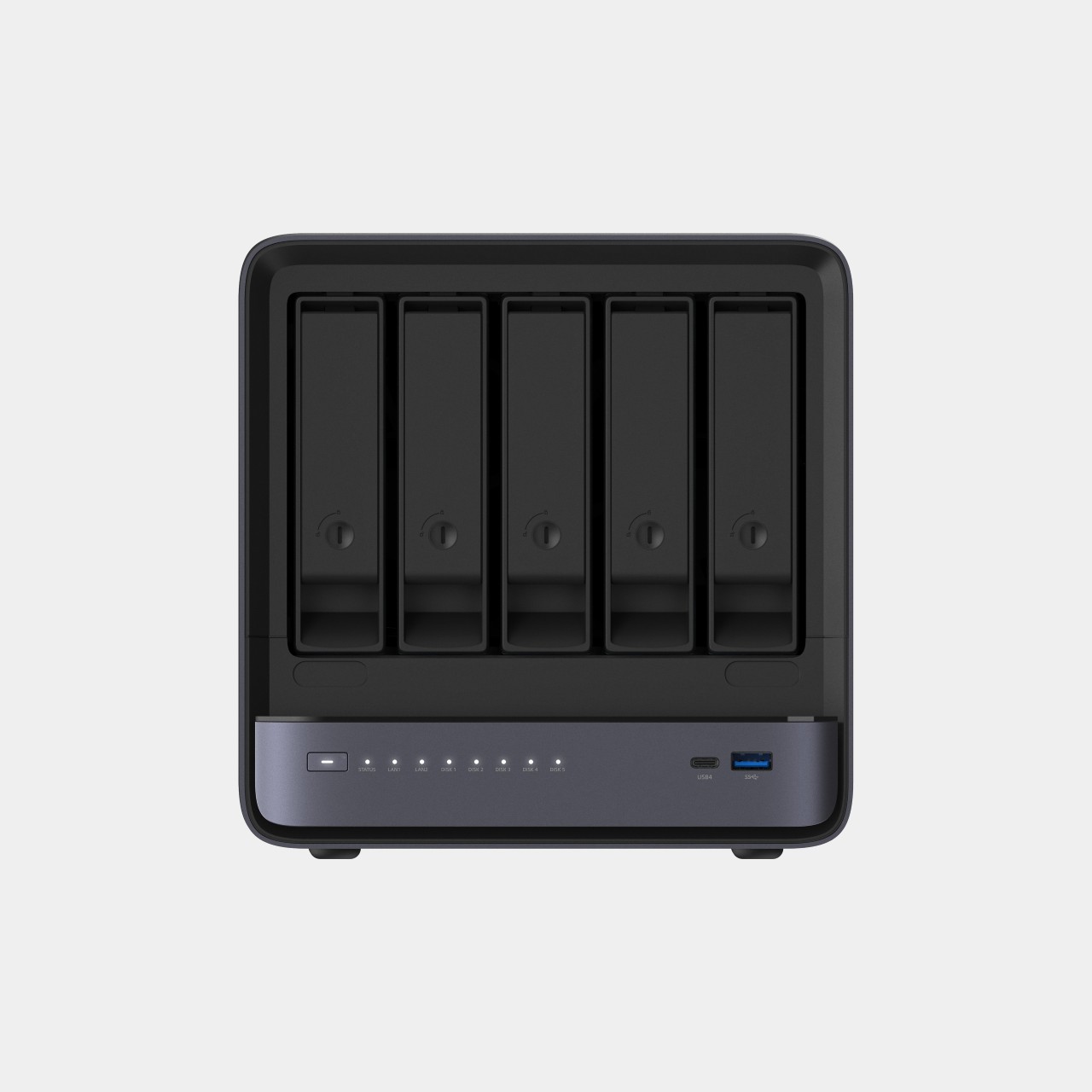
Running a serious AI model at home usually means renting someone else’s cloud server and hoping your data stays private along the way. MINISFORUM built its newest pairing to remove that trade-off entirely. The AI Agent NAS N5 MAX-P495 and AI Mini Workstation MS-S1 MAX-P495 combine for up to 131 TOPS of AI compute performance, 192GB of memory at 8533 MT/s, and up to 160GB of graphics memory, enough headroom to keep the heavy lifting on a desk instead of in a data center.

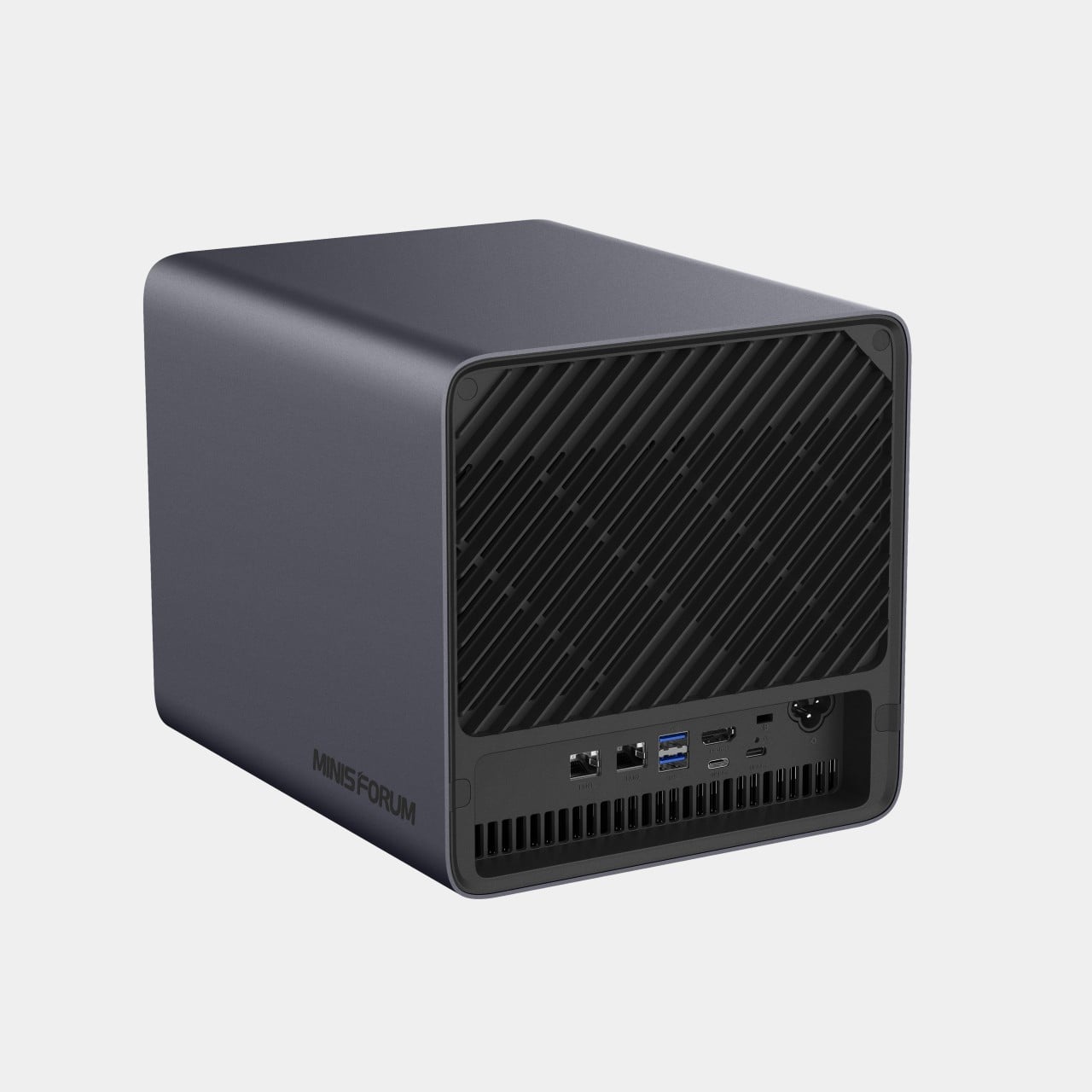
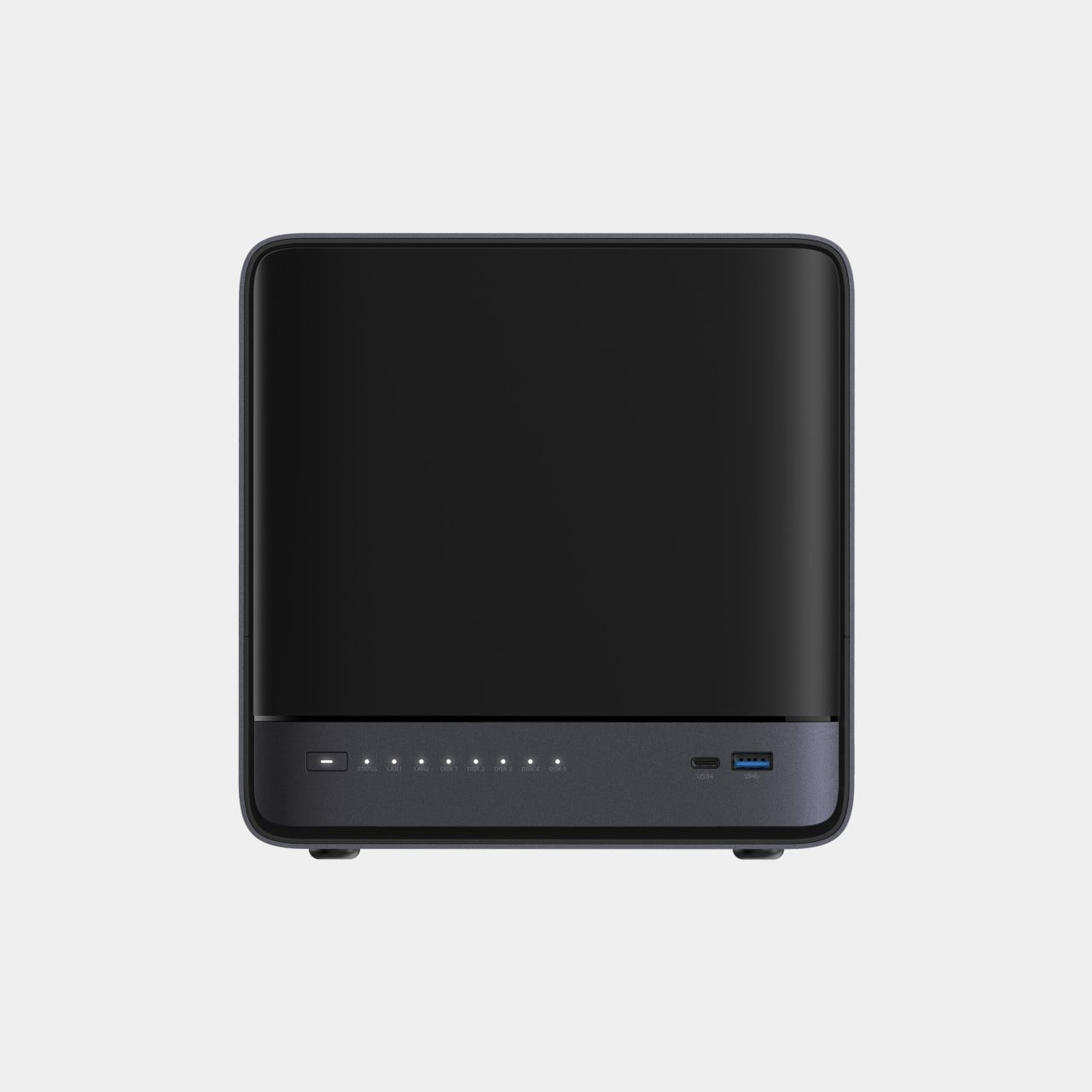
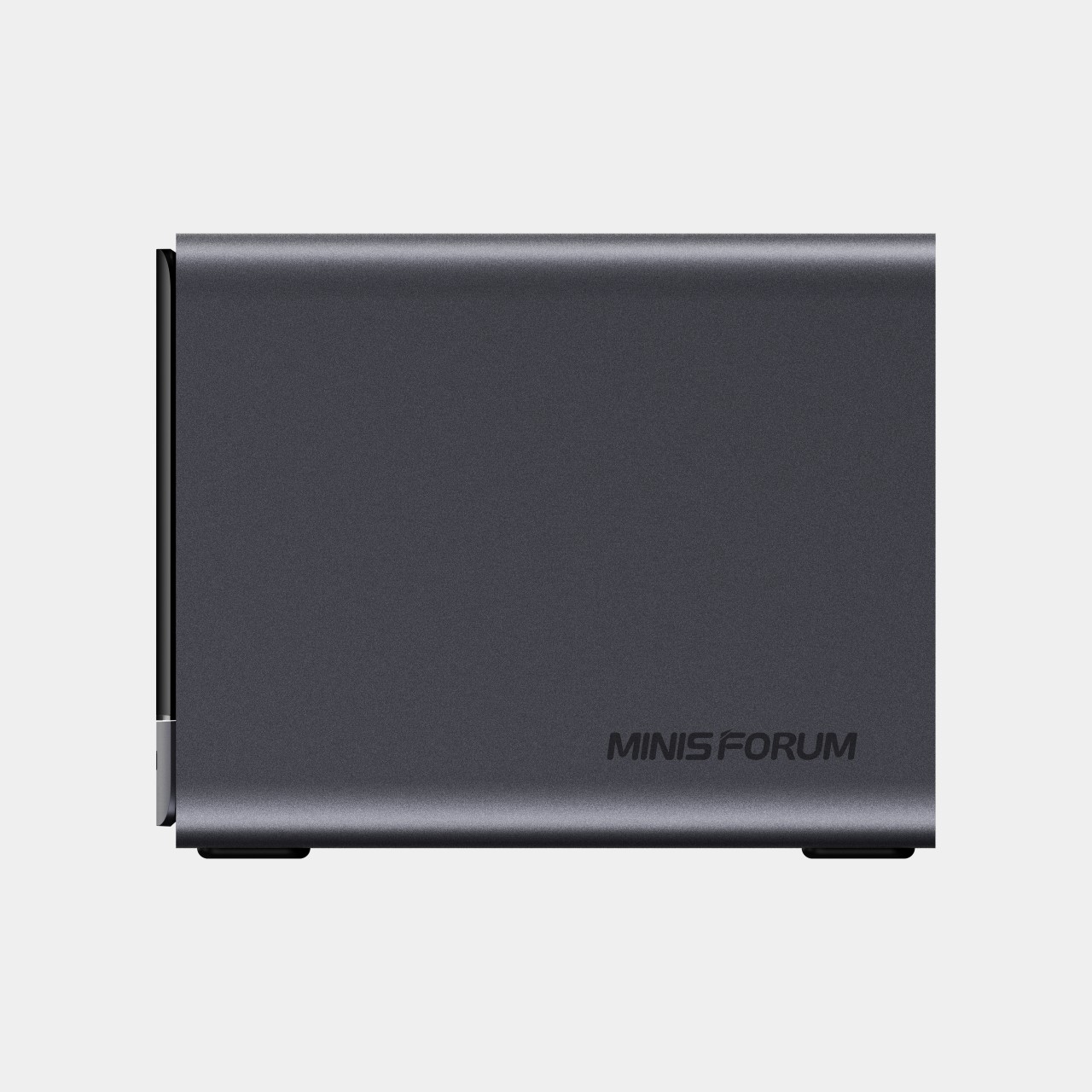
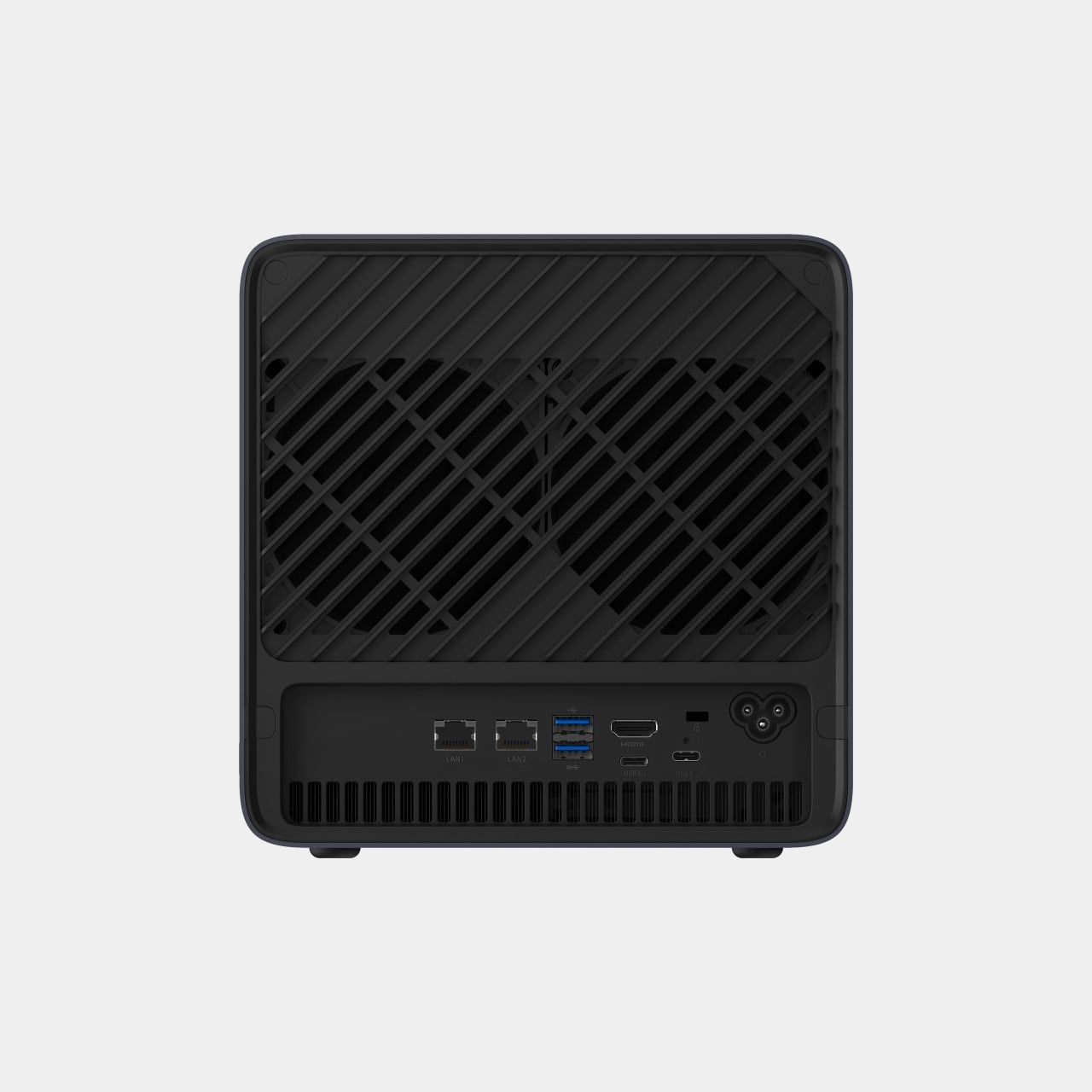
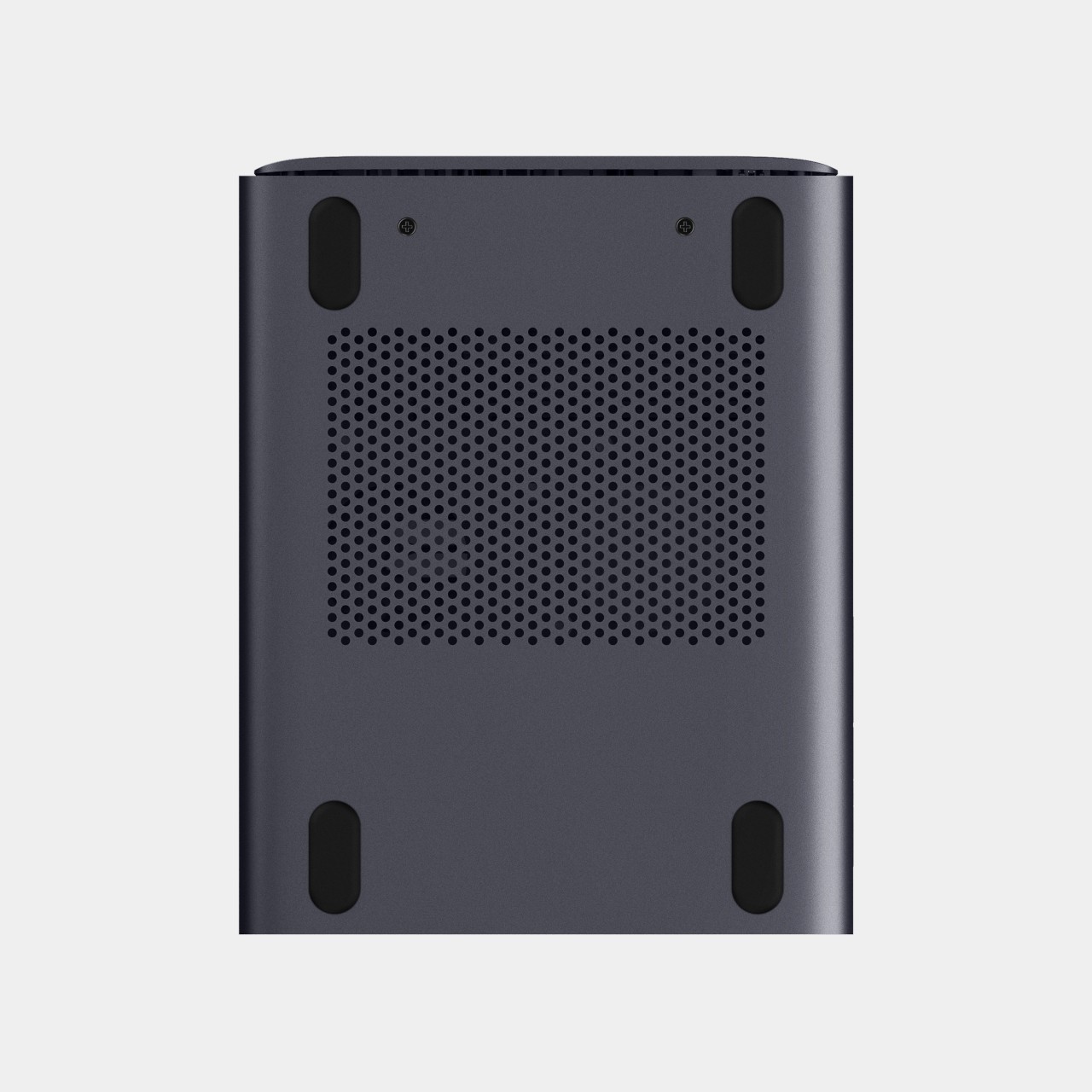
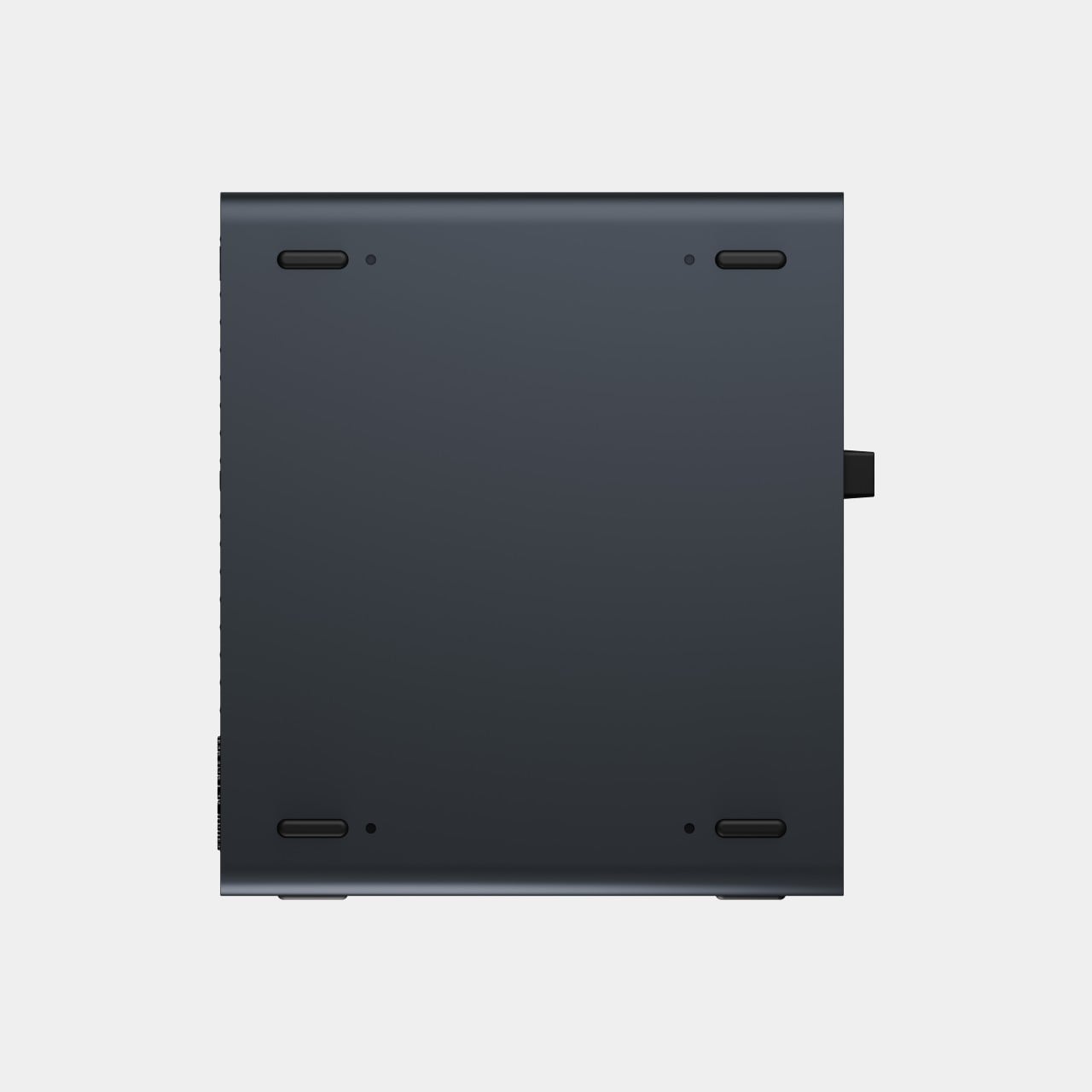
The N5 MAX-P495 takes the shape of a compact black cube, but what it holds inside matters more than how it looks sitting on a shelf. It combines powerful AI computing with up to 200TB of local storage, enabling users to store, manage, and process large volumes of data within a single AI platform. That capacity turns a spare corner of an office into a private archive large enough to hold years of project files, footage, or research without ever touching a third-party server.

Designer: MINISFORUM

Storage alone doesn’t make an AI system useful, so MINISFORUM built the N5 to run the AI itself. From RAG knowledge bases and AI models to embeddings, databases, and AI agents such as OpenClaw and Hermes, N5 MAX-P495 keeps data and AI workloads local, enabling continuous and private AI operations. A small business could lean on that setup to run its own customer-support agent without routing conversations through an outside company’s servers.

That local-first approach extends to how the N5 fits into a larger setup. Designed to work alongside AI computing devices, N5 MAX-P495 serves as a centralized backend for data, models, knowledge, and long-running AI workloads, bringing storage and computing together at the edge. It’s less a standalone gadget and more a quiet engine room, built to keep working in the background while something faster handles the parts people actually interact with.

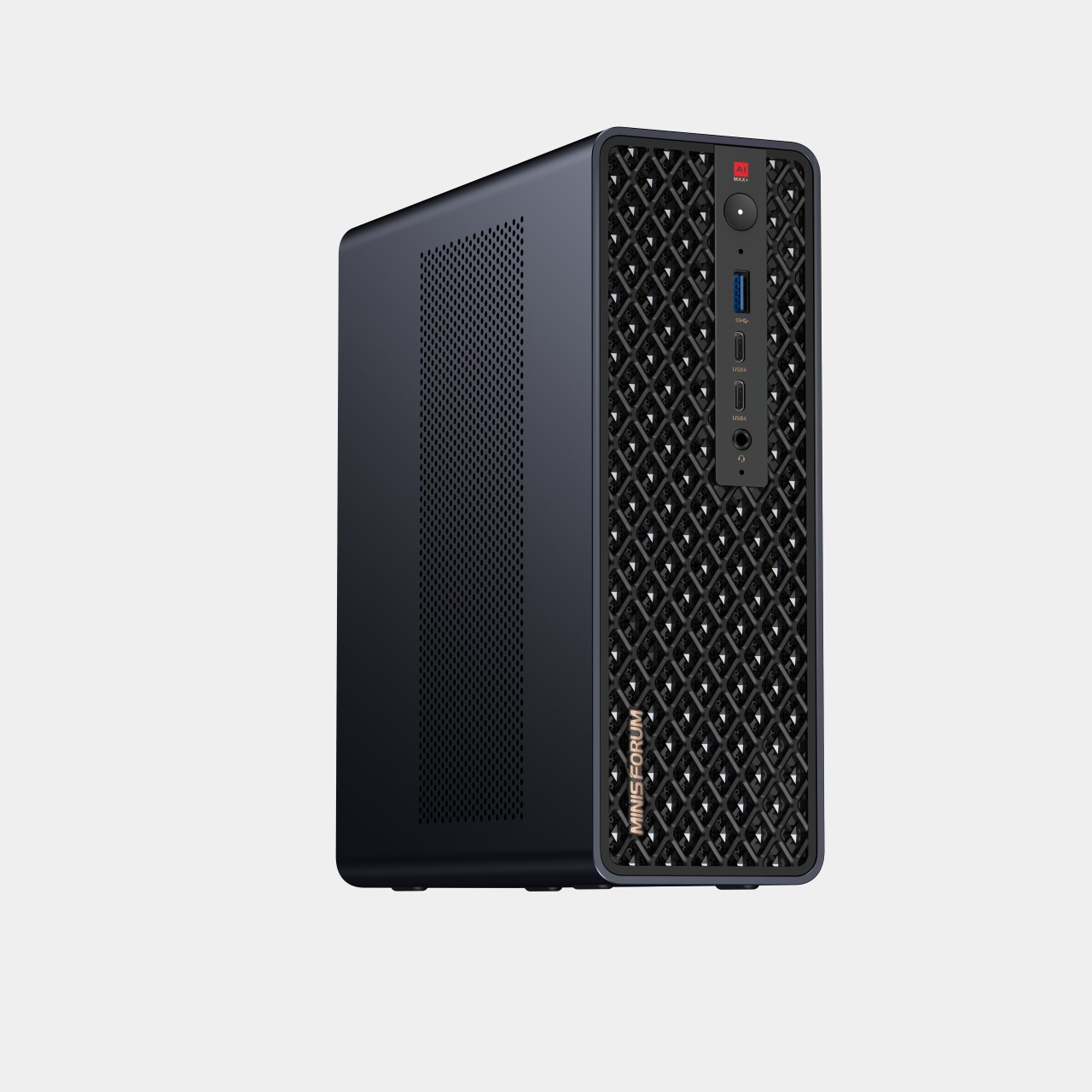
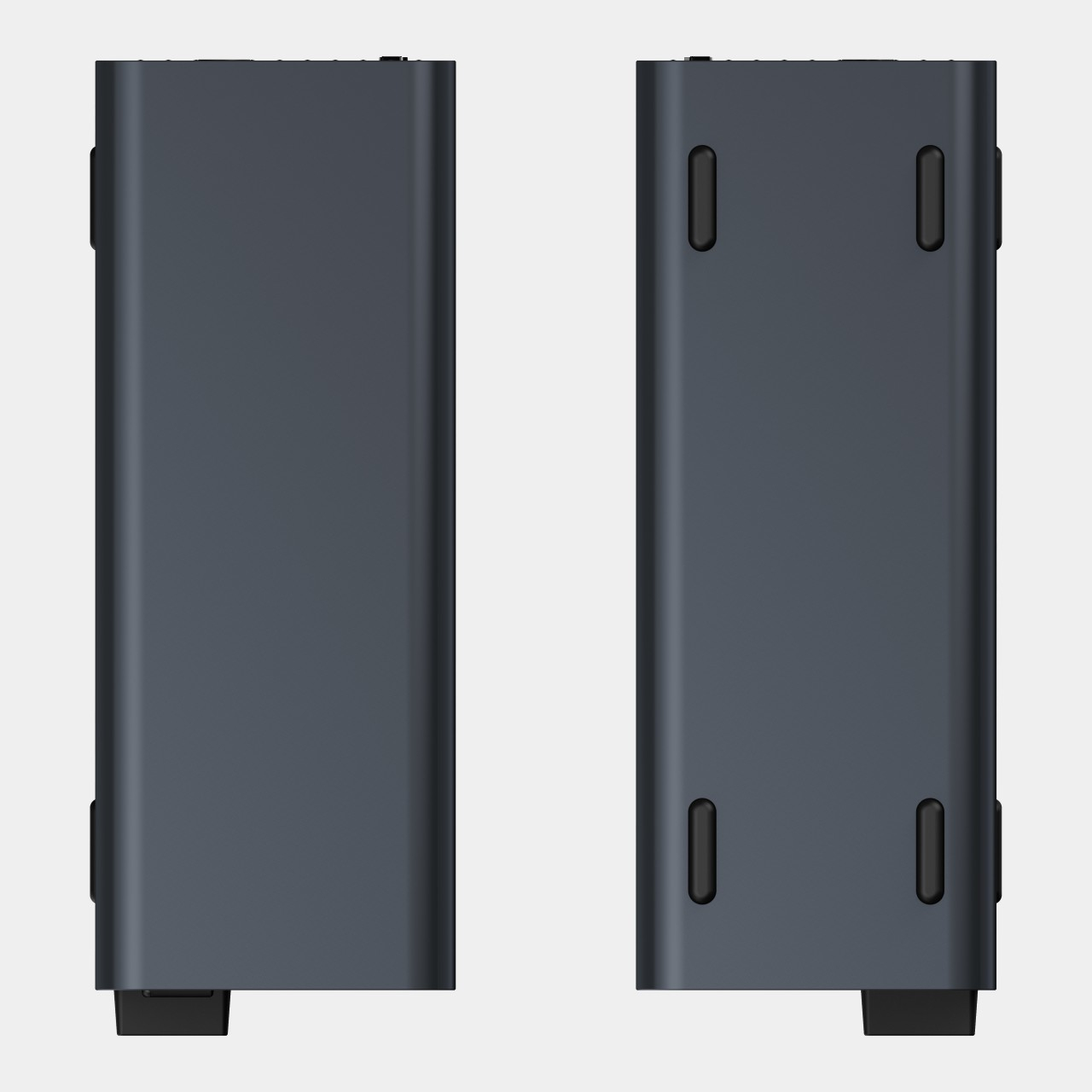
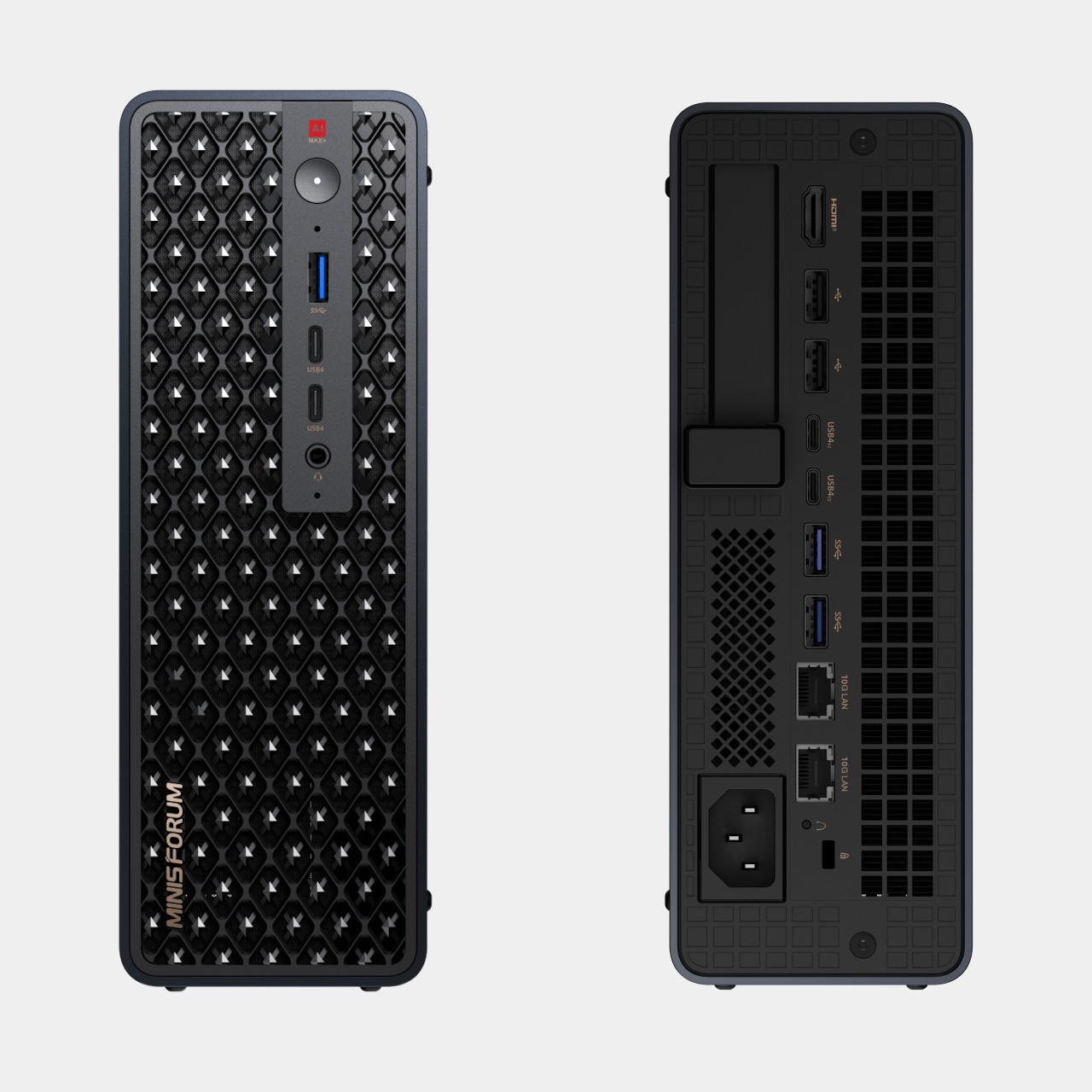
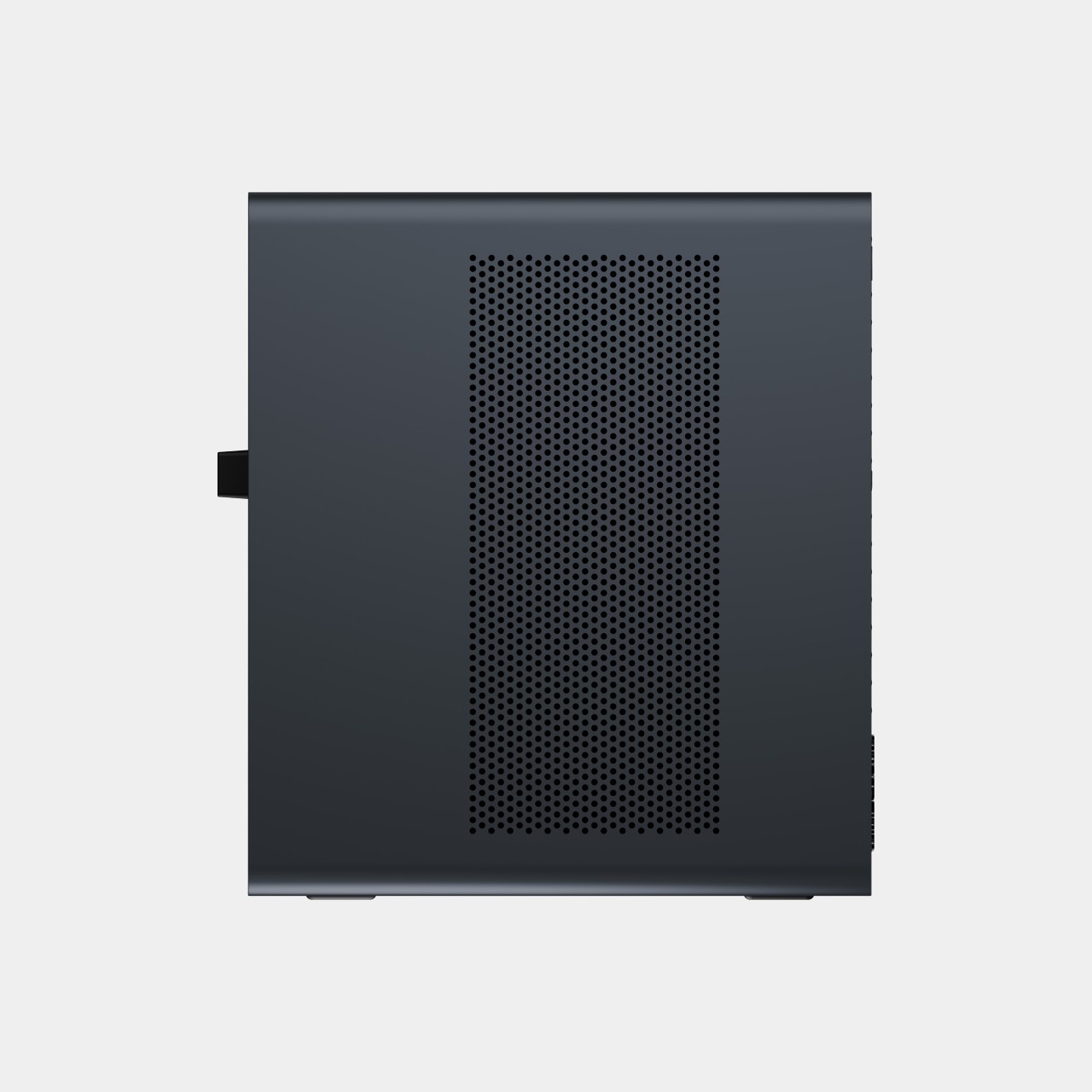
That faster half of the pairing is the MS-S1 MAX-P495, a compact tower wrapped in a ventilated, diamond-textured front panel that looks more like a piece of desk sculpture than a workstation. It delivers powerful local AI computing for demanding model inference, AI development, and computationally intensive workloads, built for intensive local AI tasks, engineering, and workflows in an ultra-compact footprint. Developers get workstation-class muscle without giving up desk space to a full tower case.

Speed matters just as much as raw power for certain jobs, and MINISFORUM designed the MS-S1 with that in mind. Designed for low-latency AI workloads, MS-S1 MAX-P495 enables responsive local inference for AI agents, computer vision, generative AI, and other real-time applications. A security camera system or a live creative tool built on generative AI benefits directly from that kind of immediate response instead of waiting on a round trip to the cloud.

Connectivity rounds out the workstation’s role in a larger setup. With extensive connectivity and expansion capabilities, MS-S1 MAX-P495 serves as a powerful AI compute frontend, supporting models, applications, and connected devices across flexible edge AI environments. That flexibility means the same box can sit at the center of a home lab or plug into a small studio’s existing hardware without forcing a rebuild.

Paired together, the two devices split the work the way a good team would. The MS-S1 MAX-P495 and N5 MAX-P495 form a complete edge AI computing system, delivering high-performance AI compute at the frontend while integrating compute, massive storage, data, and AI knowledge at the backend, providing a powerful foundation for real-time inference, persistent AI workloads, and scalable local AI applications. It’s a compact answer to a question more households and small teams are starting to ask: whether AI still needs to live somewhere else at all.

The post Cloud AI Means Someone Else Has Your Data, MINISFORUM Fixes That first appeared on Yanko Design.
  •  

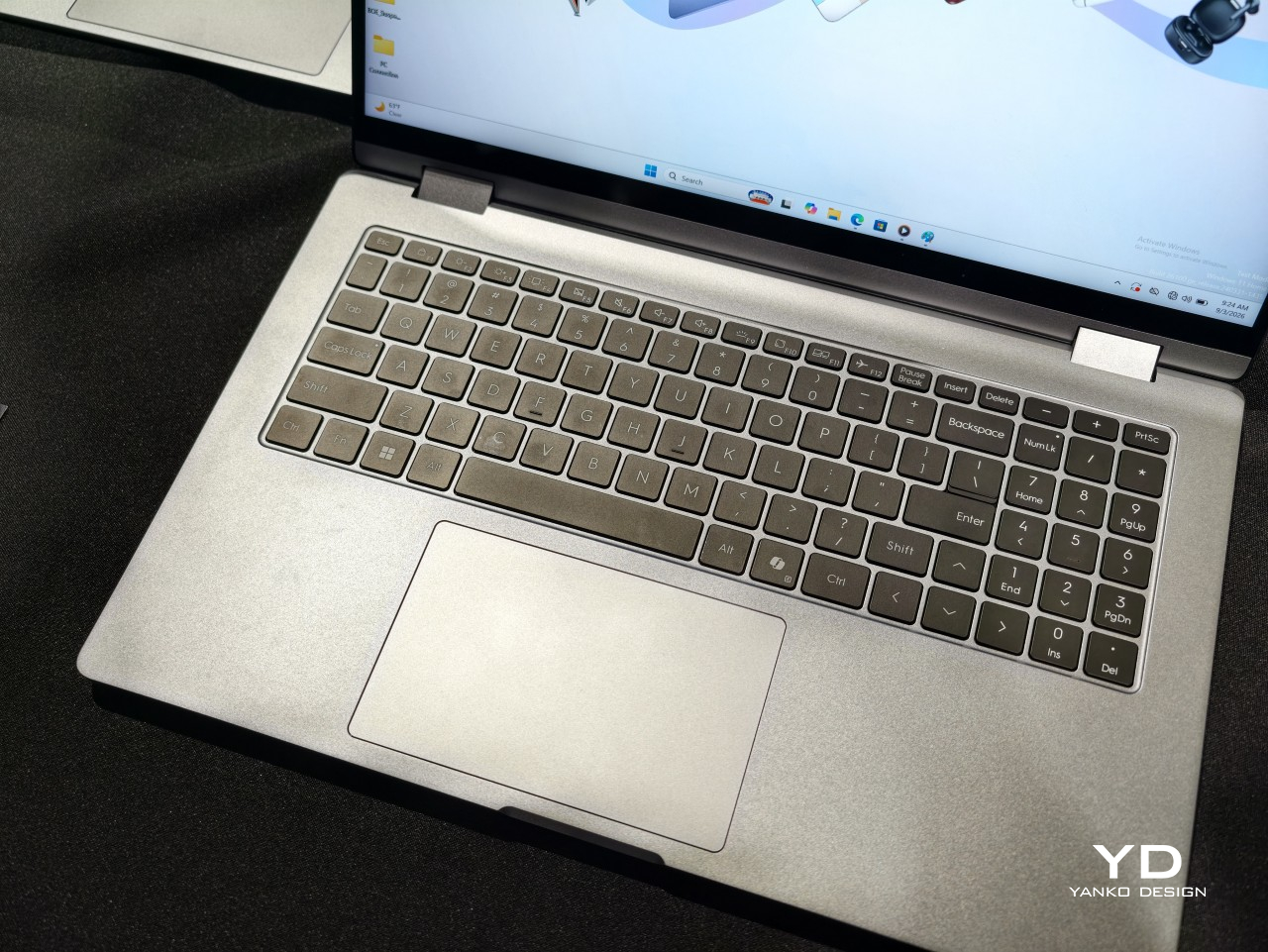
Get a Laptop or Get a Tablet, TECNO MEGABOOK T15 360 Pro Is Already Both

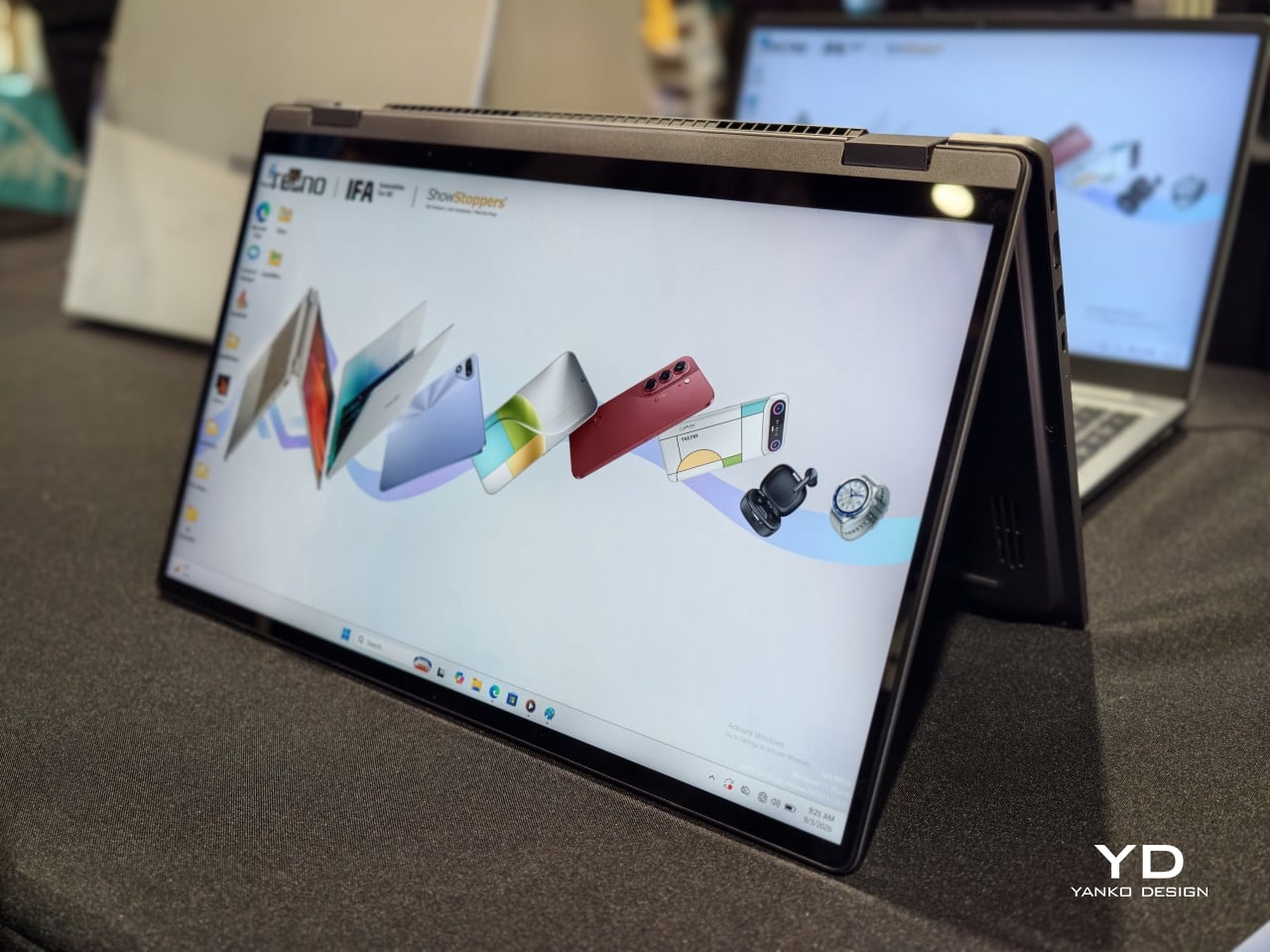
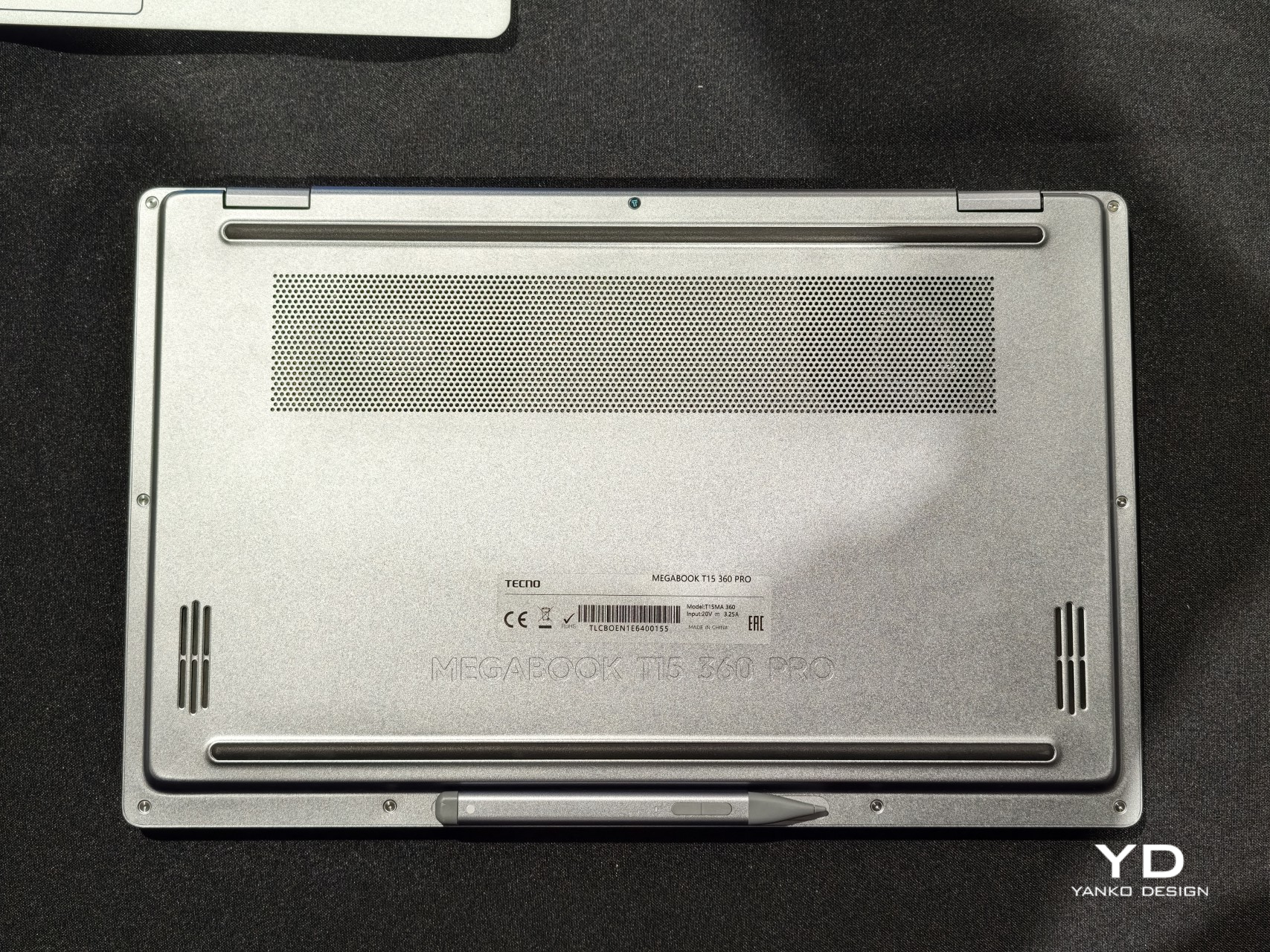
A laptop that only knows one shape stops being useful the moment the day changes its mind. TECNO built the MEGABOOK T15 360 Pro around that exact problem, wrapping a full 360-degree hinge inside an all-metal body machined with precision CNC tooling. The screen folds all the way back, turning one device into four distinct working postures without asking anyone to carry a second gadget.

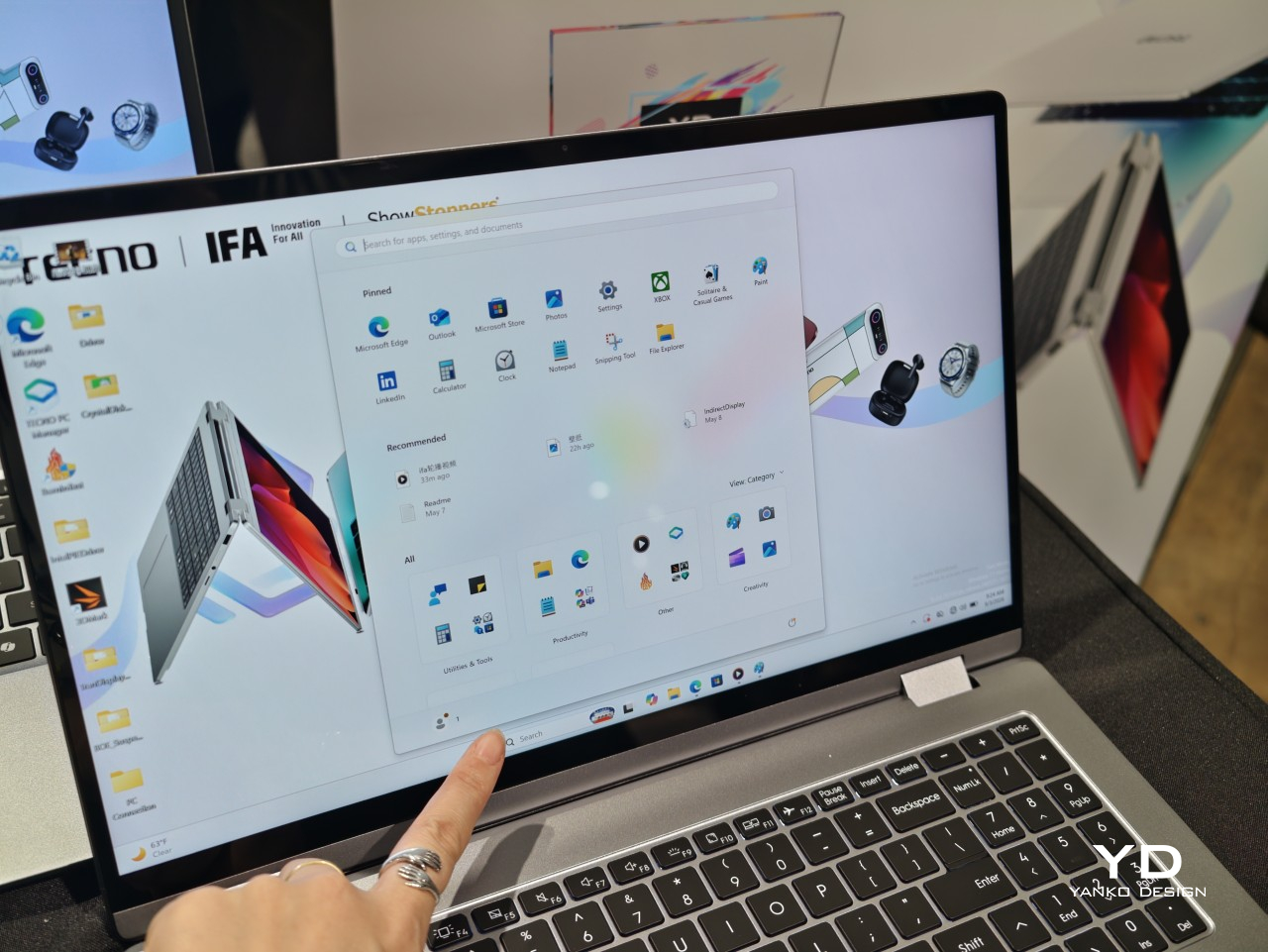
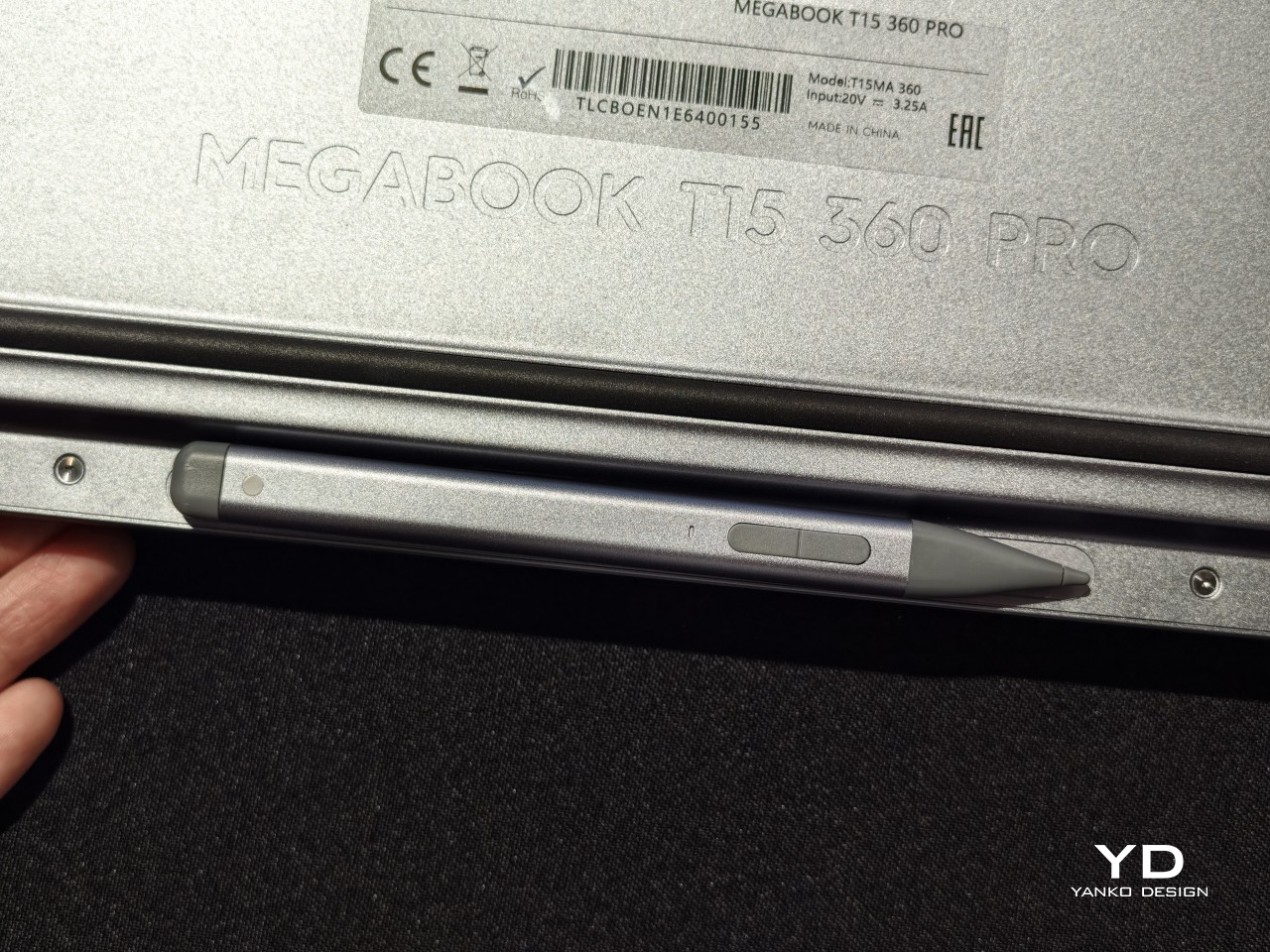
Flip it flat into Laptop mode, and it behaves like any focused productivity machine, keyboard ready and screen upright for spreadsheets or long email threads. Push the display back further and Tablet mode takes over, letting fingers or an optional MPP 2.0 active pen sketch, annotate, and jot notes directly onto the 15.6-inch touchscreen. The same hardware just keeps reshaping itself around whatever task shows up next.

Designer: TECNO

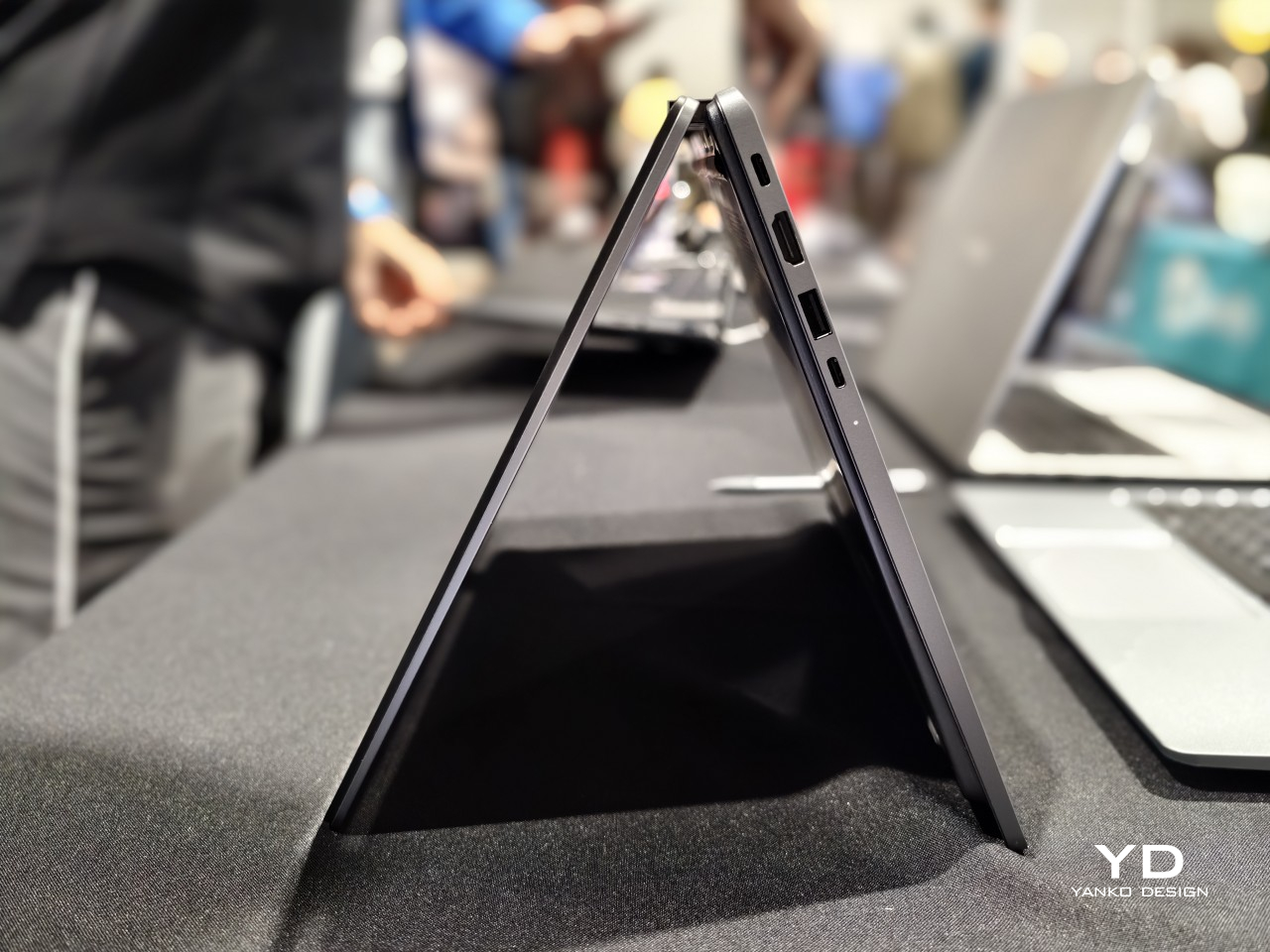
Fold it into a triangle and Tent mode appears, propping the screen up on a cramped tray table or a corner of a crowded desk where a full laptop footprint would not fit. Stand it up the other way and Stand mode turns the same hinge into a presentation tool, angling the display toward a room full of people instead of a single set of eyes typing at a keyboard.

None of those positions would matter much without a screen worth looking at, and TECNO gave the Pro model a 2.5K panel running at 120Hz across 2560 by 1440 pixels, covering 100% of the sRGB color space at 350 nits brightness. Colors hold up during video edits, photo review sits closer to accurate, and scrolling through documents in Tablet mode feels noticeably smoother than on a standard 60Hz screen.

Under the hood, configurations climb as high as an Intel Core Ultra 9 185H processor paired with LPDDR5X memory running at up to 7,467MHz, enough headroom for video exports or a dozen open browser tabs without slowdown. A PCIe M.2 2280 SSD handles storage, and select configurations add a second M.2 slot, giving anyone running out of space room to expand rather than shop for an external drive.

Powering all of that is a 70Wh battery paired with a compact 65W PD GaN charger, a combination built to survive a full workday of meetings, note-taking, and streaming without hunting for an outlet. The included charger sheds the bulk of older power bricks, and the 1.8-meter cable gives enough slack to keep the laptop charging from across a conference table instead of right next to the wall.

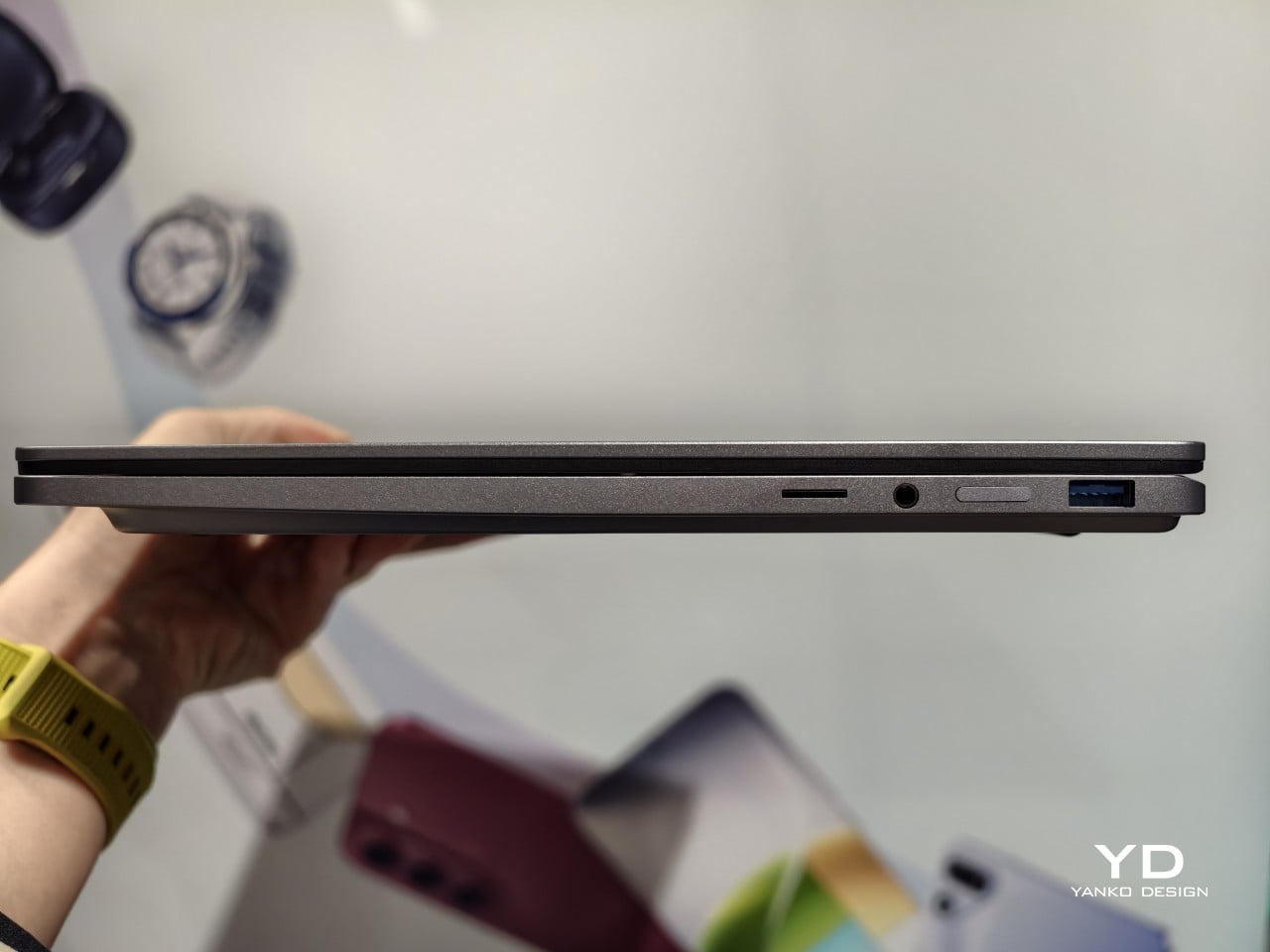
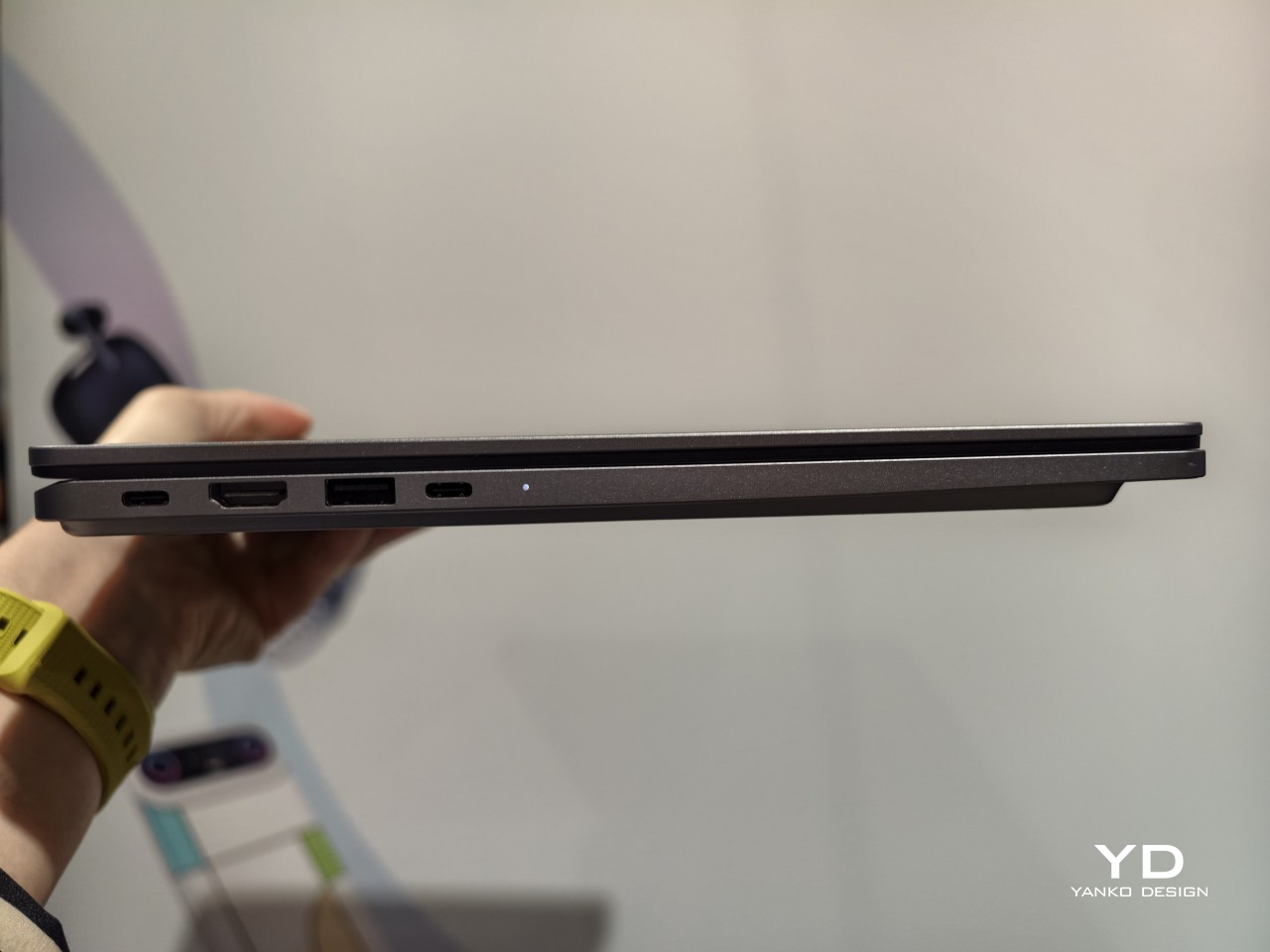
Connectivity keeps pace with the rest of the machine. Wi-Fi 6E and Bluetooth 5.4 handle wireless duties, while seven physical ports, including two Type-C connections rated for 10Gbps data and display output, cover everything from external monitors to storage drives. TECNO OneLeap ties the laptop into phones, tablets, and other PCs, letting files and clipboard content move between devices without emailing anything to yourself first.

Smaller touches round out daily use. A backlit keyboard with its own numeric keypad handles spreadsheet-heavy work, and a fingerprint reader built into the power button skips the password screen entirely with one press. Dual speakers tuned for DTS:X Ultra and a pair of digital microphones back up video calls and casual media playback, so switching between a meeting and a lunchtime show does not require headphones.

TECNO prices the MEGABOOK T15 360 Pro at €1,099 (around $1,280), with European availability starting in the fourth quarter of 2026. That price sits closer to a well-specced conventional laptop than a premium convertible, positioning the T15 360 Pro as the rare 2-in-1 that does not ask for a luxury markup just because the hinge bends further than everyone else’s.

The post Get a Laptop or Get a Tablet, TECNO MEGABOOK T15 360 Pro Is Already Both first appeared on Yanko Design.
  •  

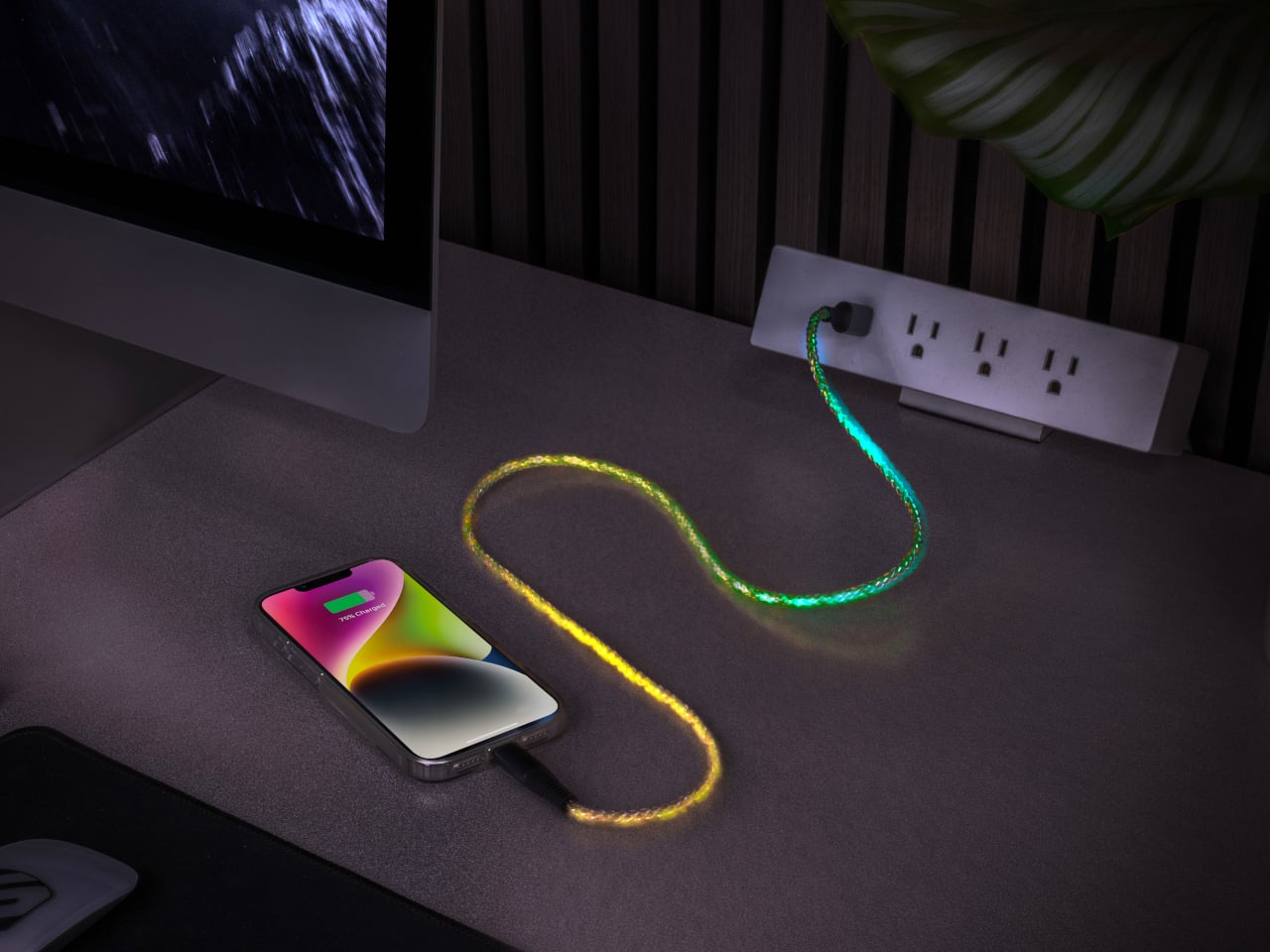
Scosche’s GloBright Is the Lava Lamp That Also Charges Your Phone

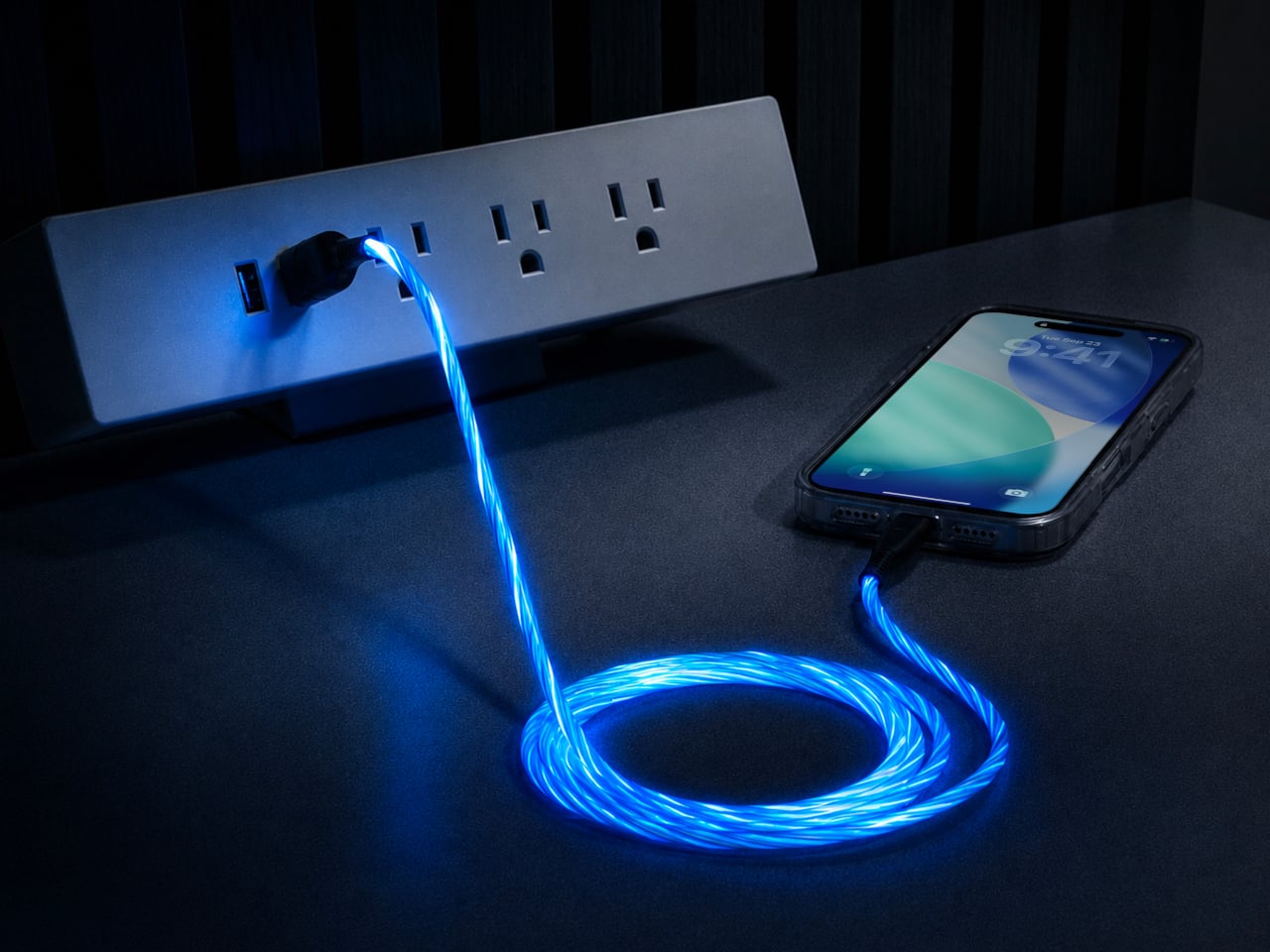
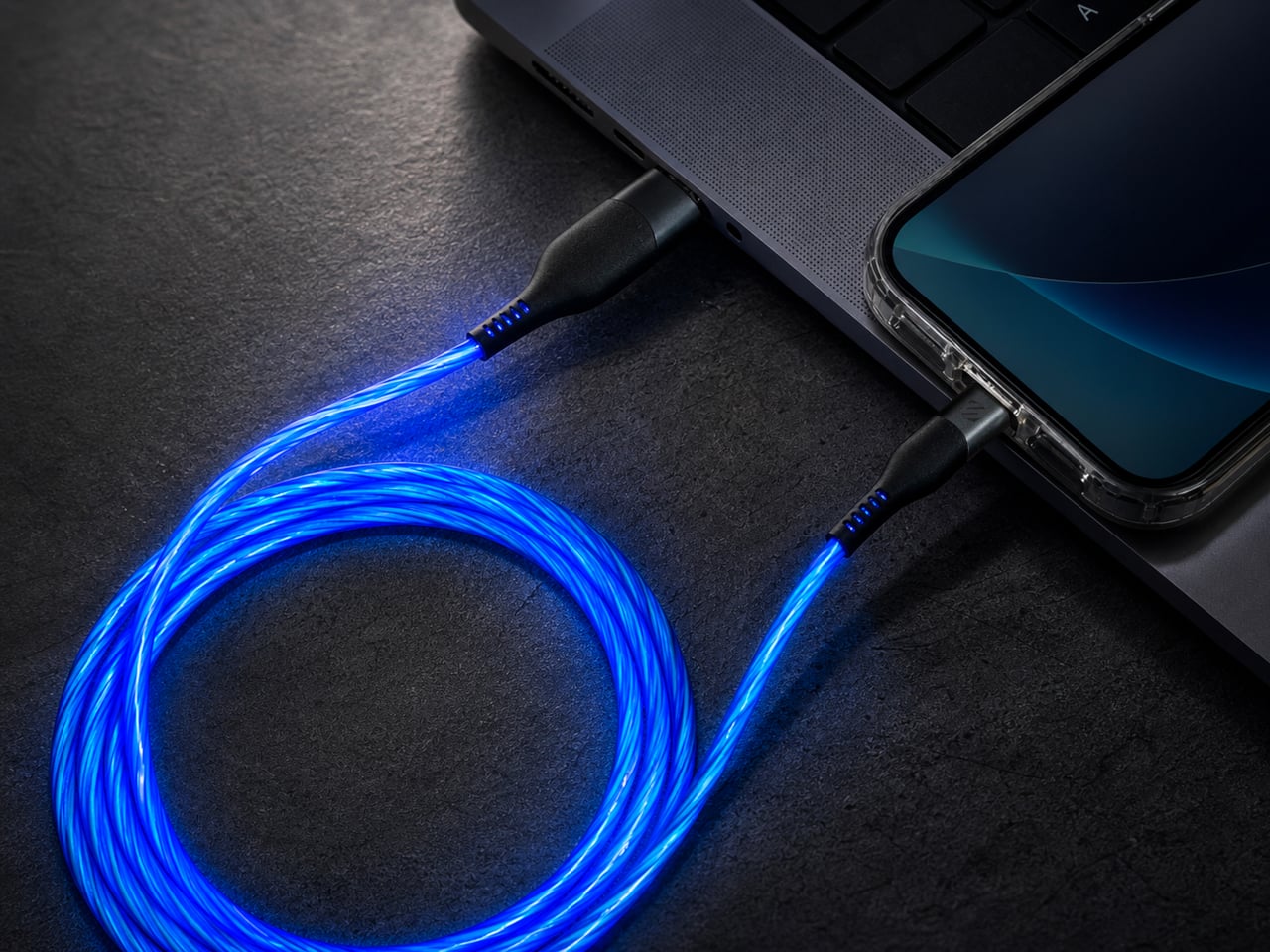
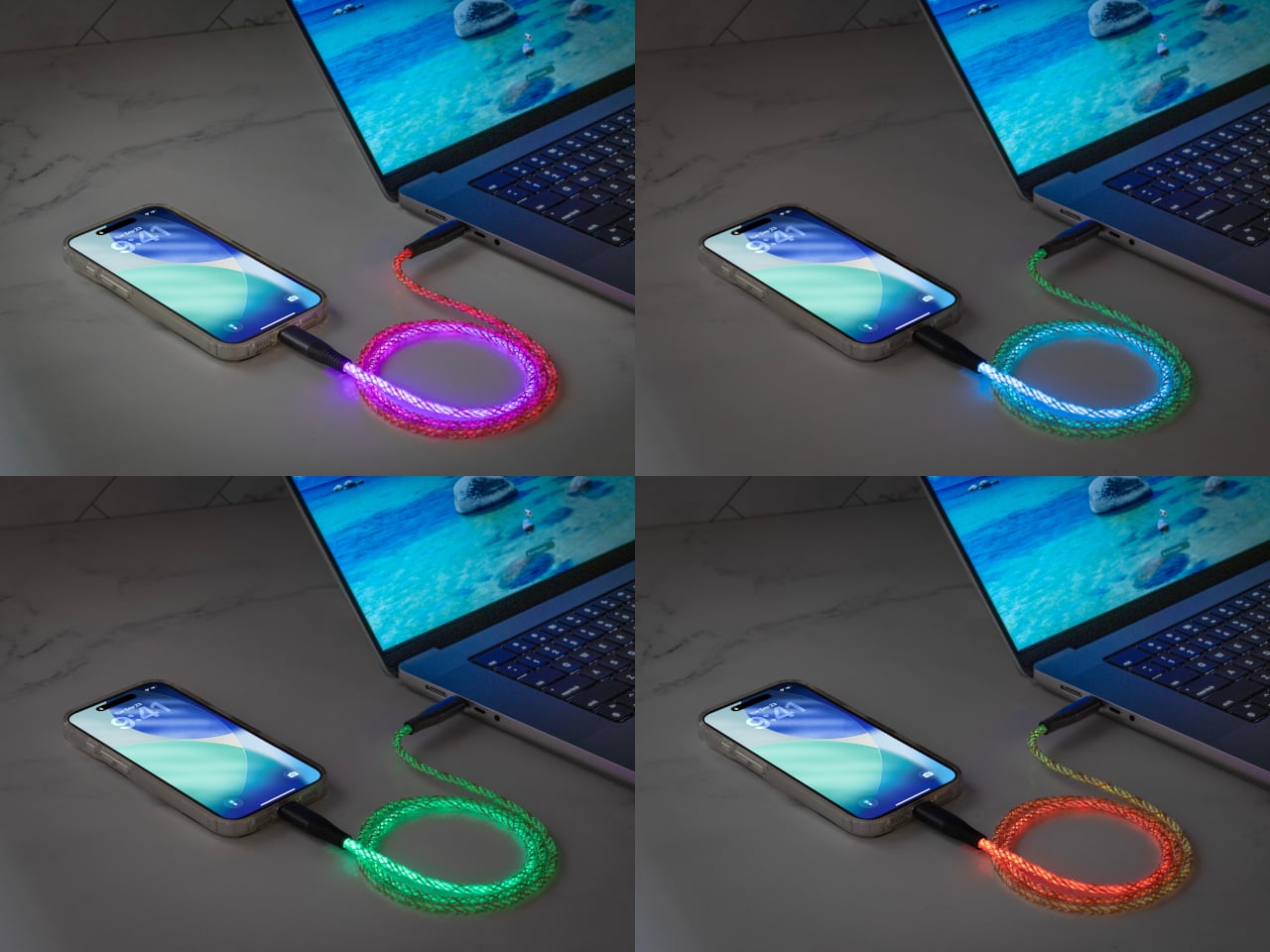
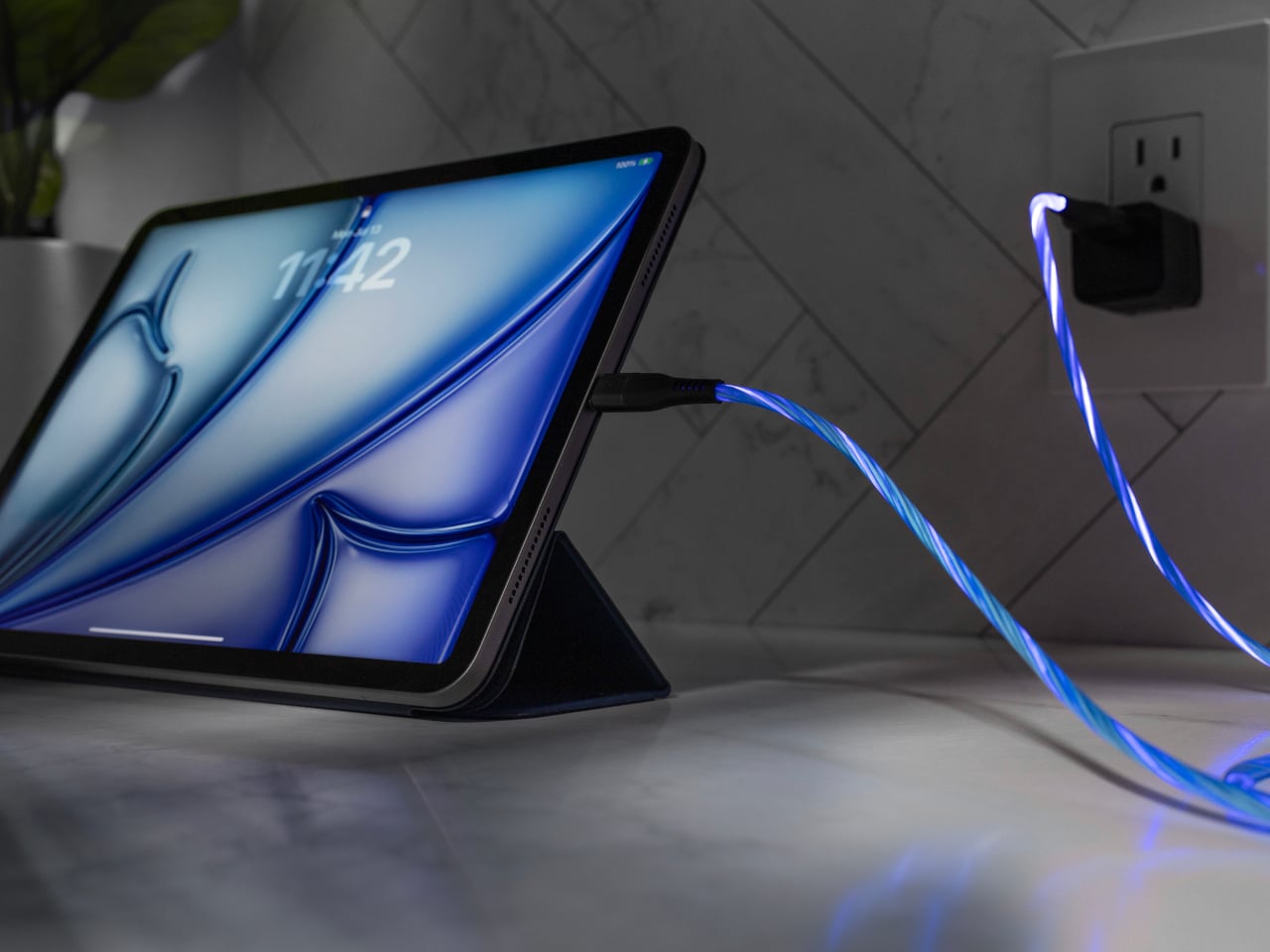
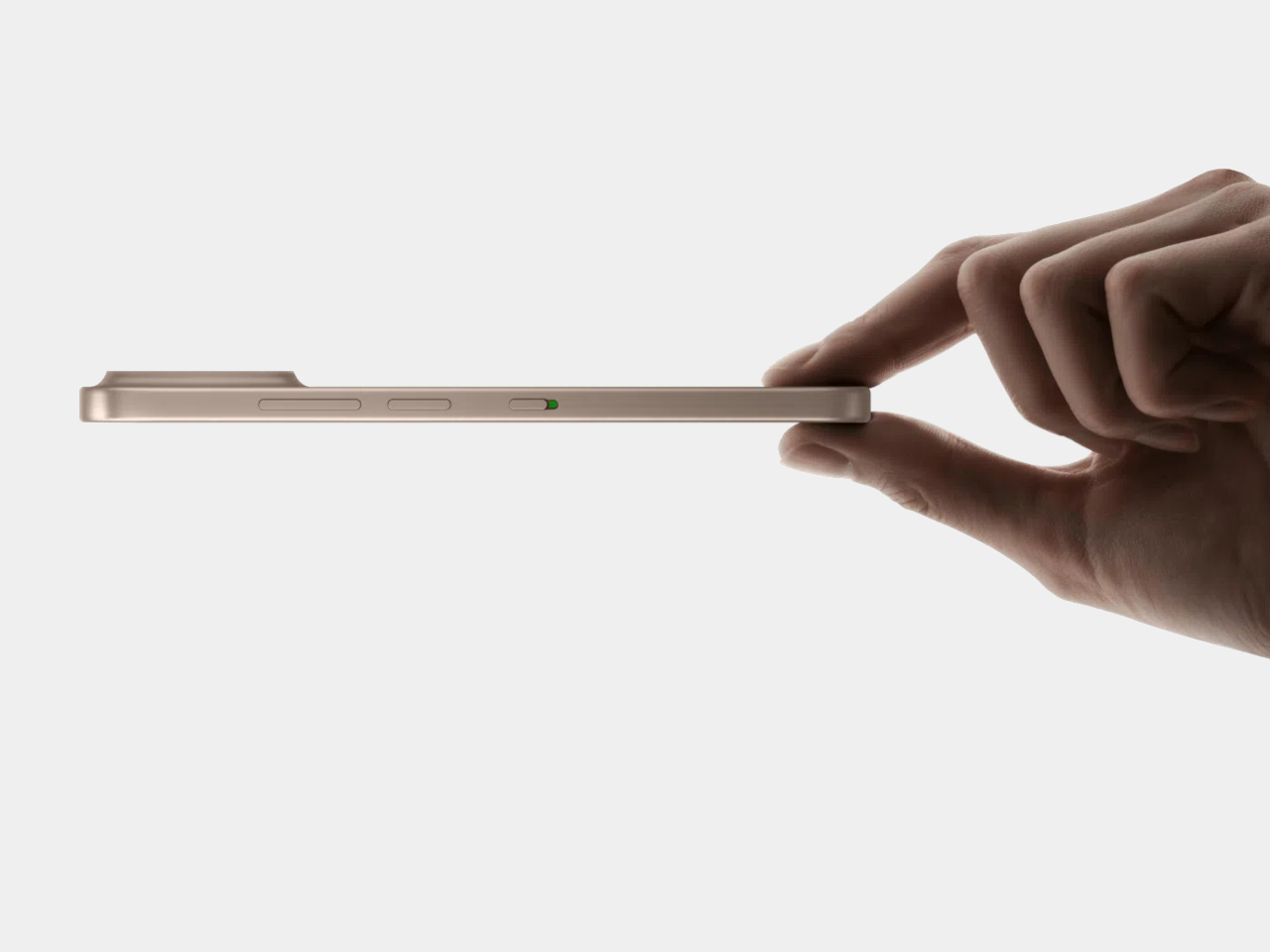
Scosche built a charging cable that refuses to hide once the lights go out. The GloBright MultiColor Glowing LED Charging Cable, developed with Statik and introduced at IFA 2026, takes the most overlooked object on any desk and turns it into something that actually draws the eye. Instead of a black cord disappearing into shadow behind a laptop, this one glows its way across the room.

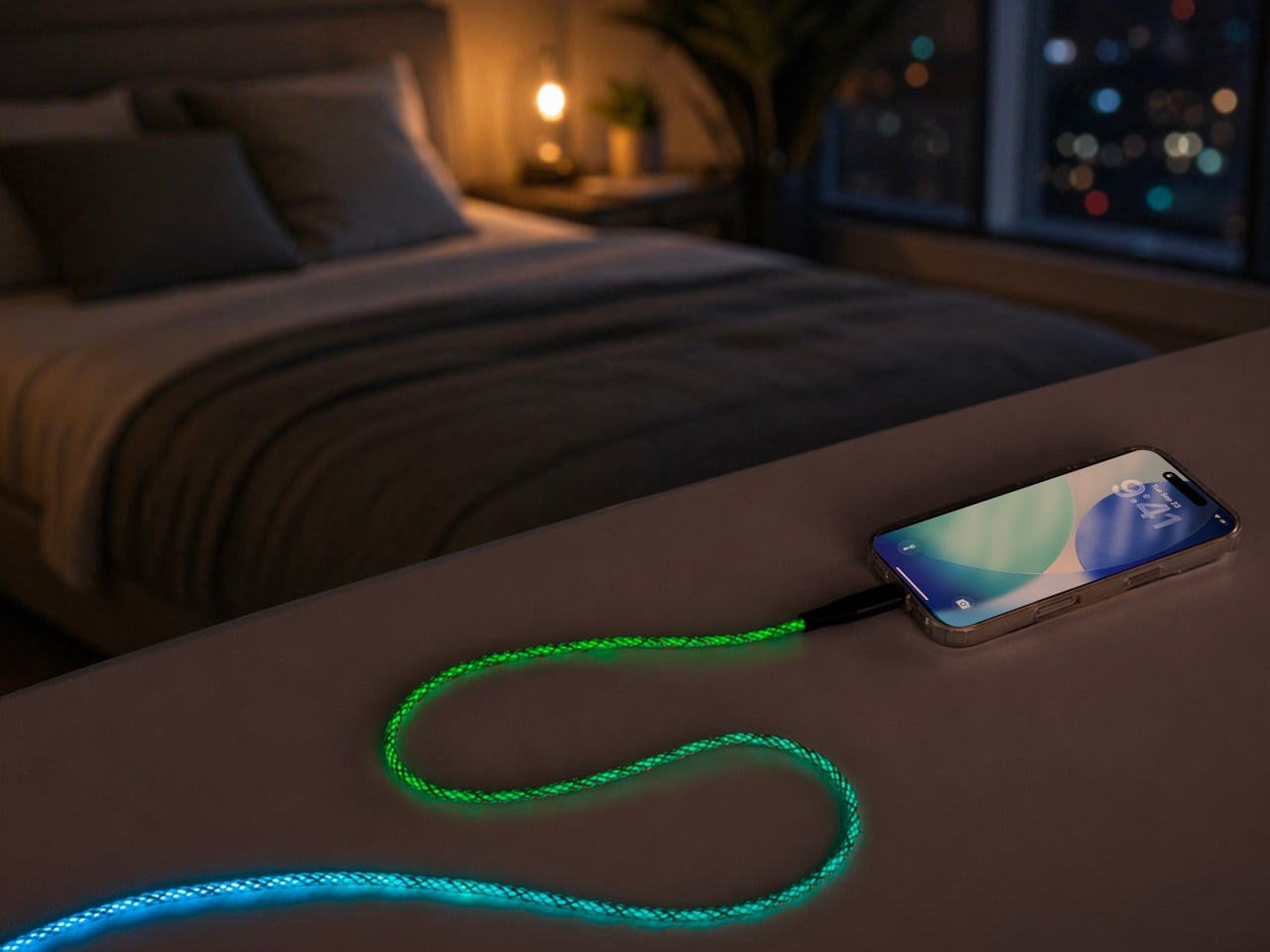
That glow runs through the cable’s full length rather than sitting confined to the connector tips, so a coiled loop on a nightstand reads more like a lit sculpture than a charging accessory. Colors shift gradually along that length too, pink bleeding into purple, blue fading toward teal, giving the cable a slow-motion animation instead of a static single hue that gets boring after the first week of ownership.

Designer: Scosche

None of that visual flair comes at the cost of actual charging performance. Scosche built the GloBright cable to support up to 60W of fast charging for USB-C devices, alongside reliable data transfer, so a phone plugged in overnight wakes up fully charged just like it would with any premium braided cable. The lighting effect runs as a bonus layer on top of specs that already hold up on their own.

Durability gets equal attention. The 3-foot cable relies on premium materials throughout its construction, aiming for a build that survives the daily abuse of getting yanked out of a bag, wound around a charger, or stepped on near a bed frame. Scosche also sells a companion Blue Glowing LED cable in a longer 4-foot option, giving anyone who prefers a single steady color an alternative to the multicolor version’s shifting palette.

Where this cable earns its keep is in the spaces most charging accessories try to disappear from. A gaming setup gets an extra strip of ambient light without needing a separate RGB kit. A bedside table gets a soft, shifting glow that also happens to be topping off a phone overnight. Even a cluttered desk benefits, since a glowing cable is far easier to locate in a tangle of cords than a plain black one ever was.

Scosche prices the GloBright MultiColor cable at $17.99, positioning it well within impulse-purchase territory for anyone shopping for a charging cable anyway. At that price, the lighting effect functions less like a premium upsell and more like a free upgrade bundled into a cable people needed regardless. Buying a charging cable rarely feels like a decision worth thinking about, and Scosche seems to be betting that a little glow is enough to change that.

The post Scosche’s GloBright Is the Lava Lamp That Also Charges Your Phone first appeared on Yanko Design.
  •  

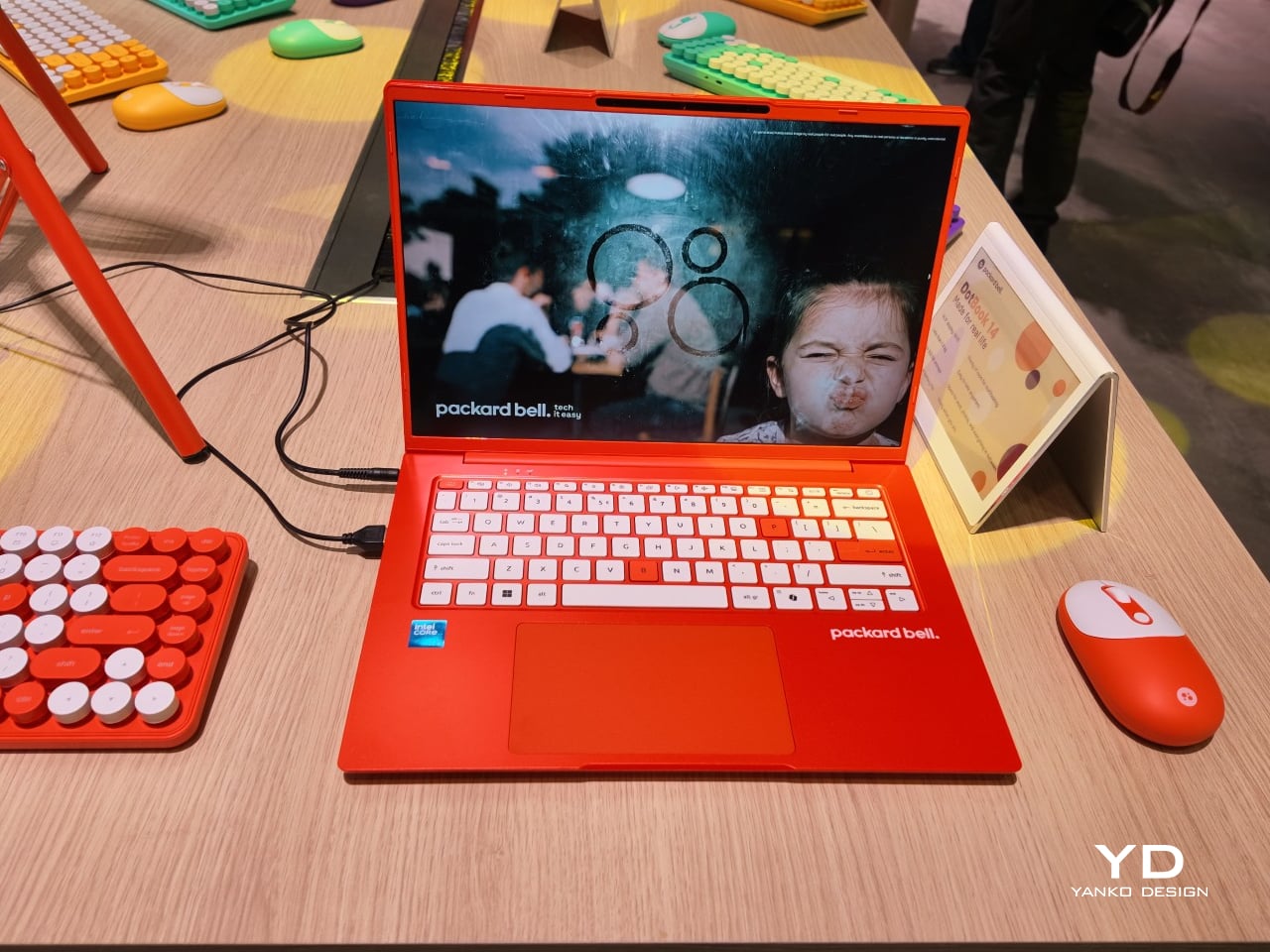
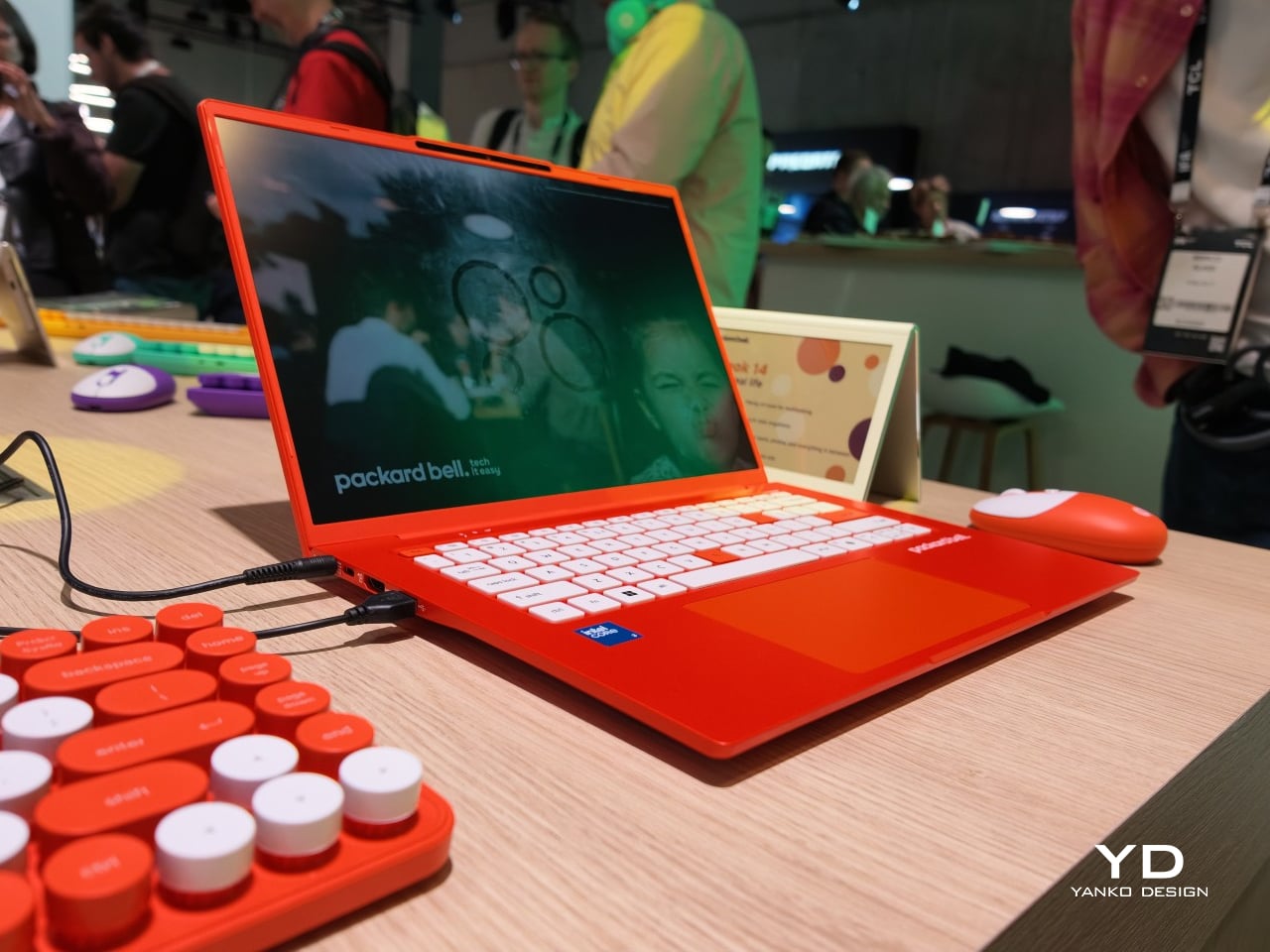
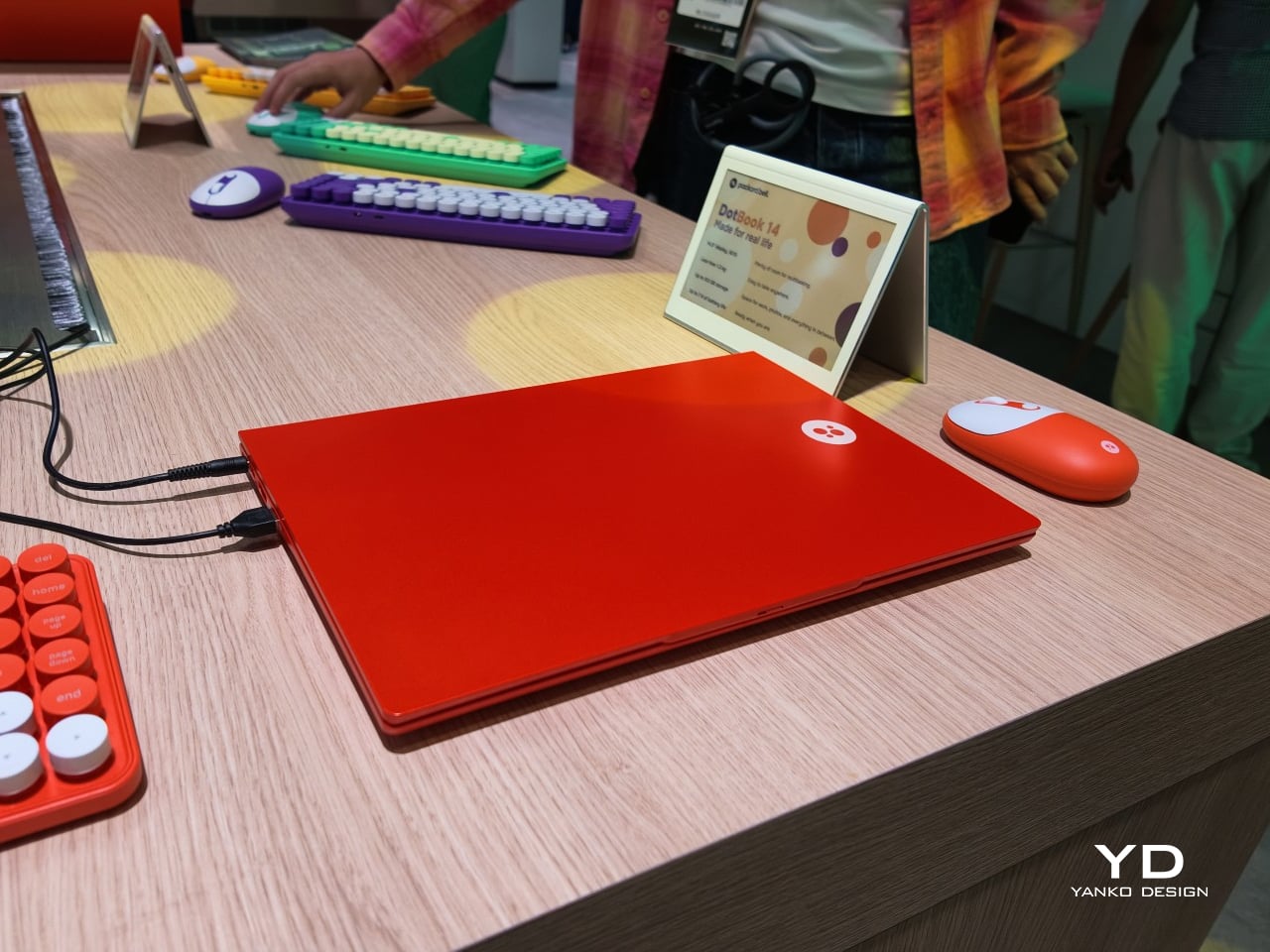
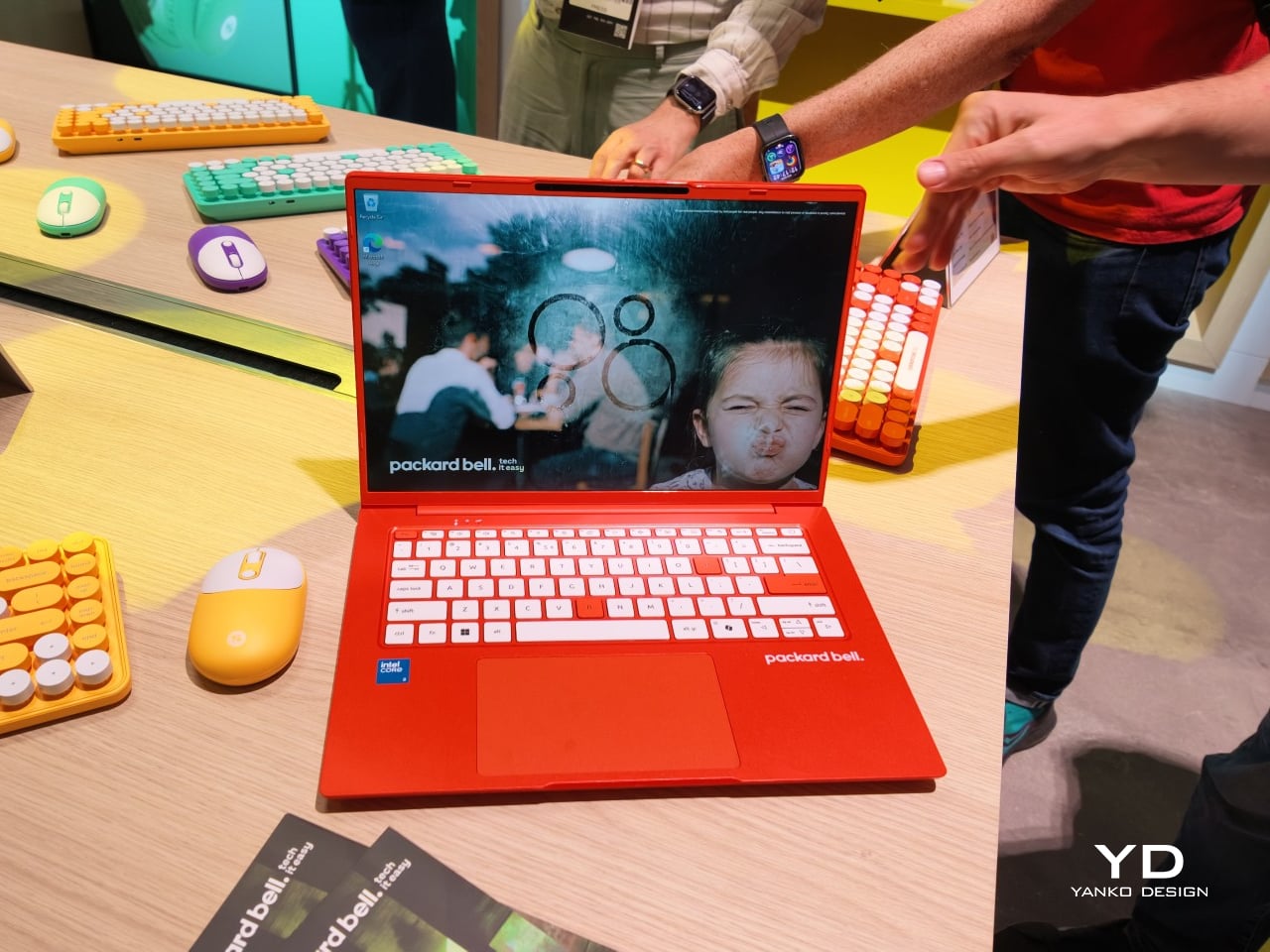
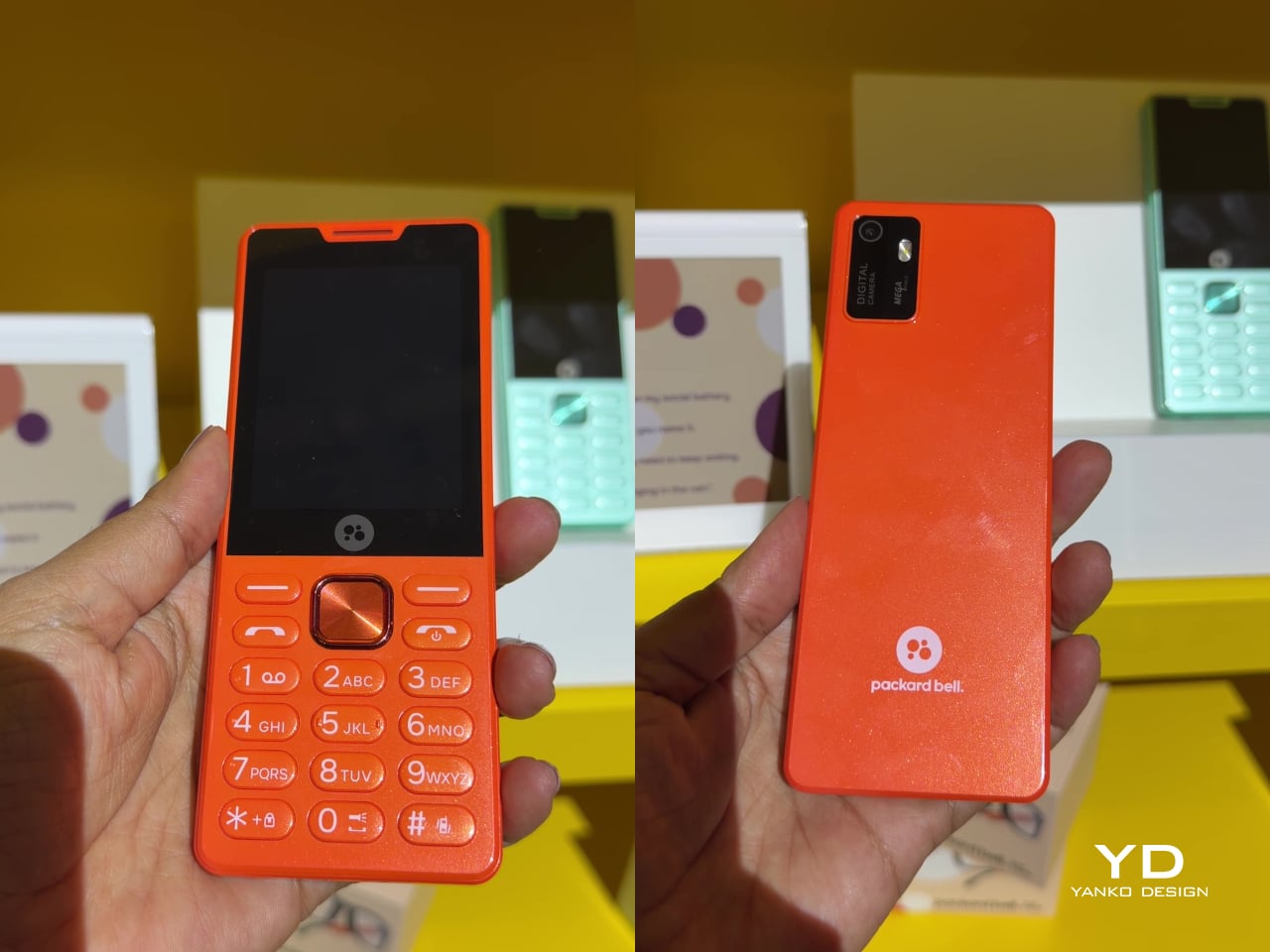
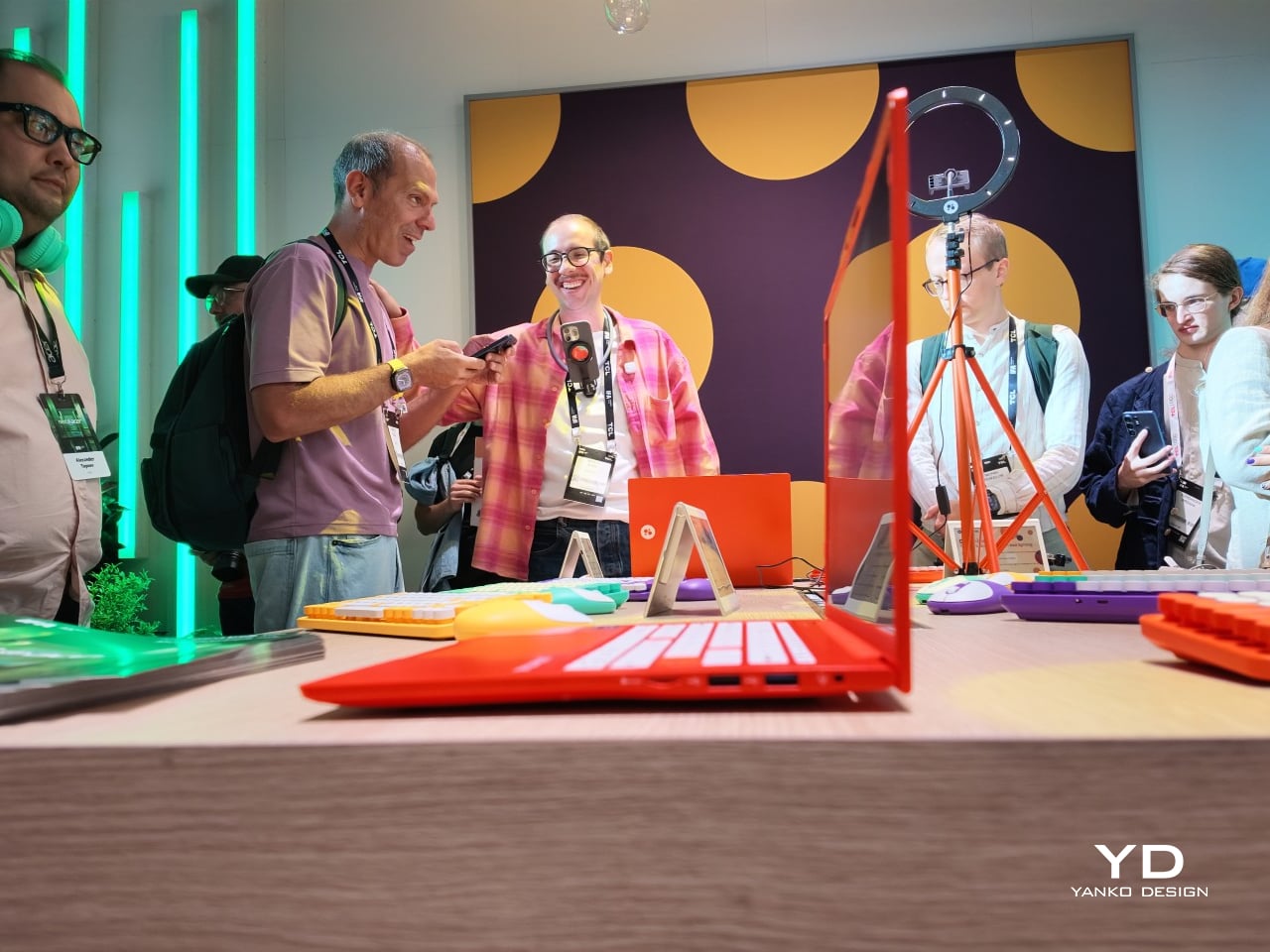
Acer’s Packard Bell Crashed IFA 2026 Like a Box of Crayons

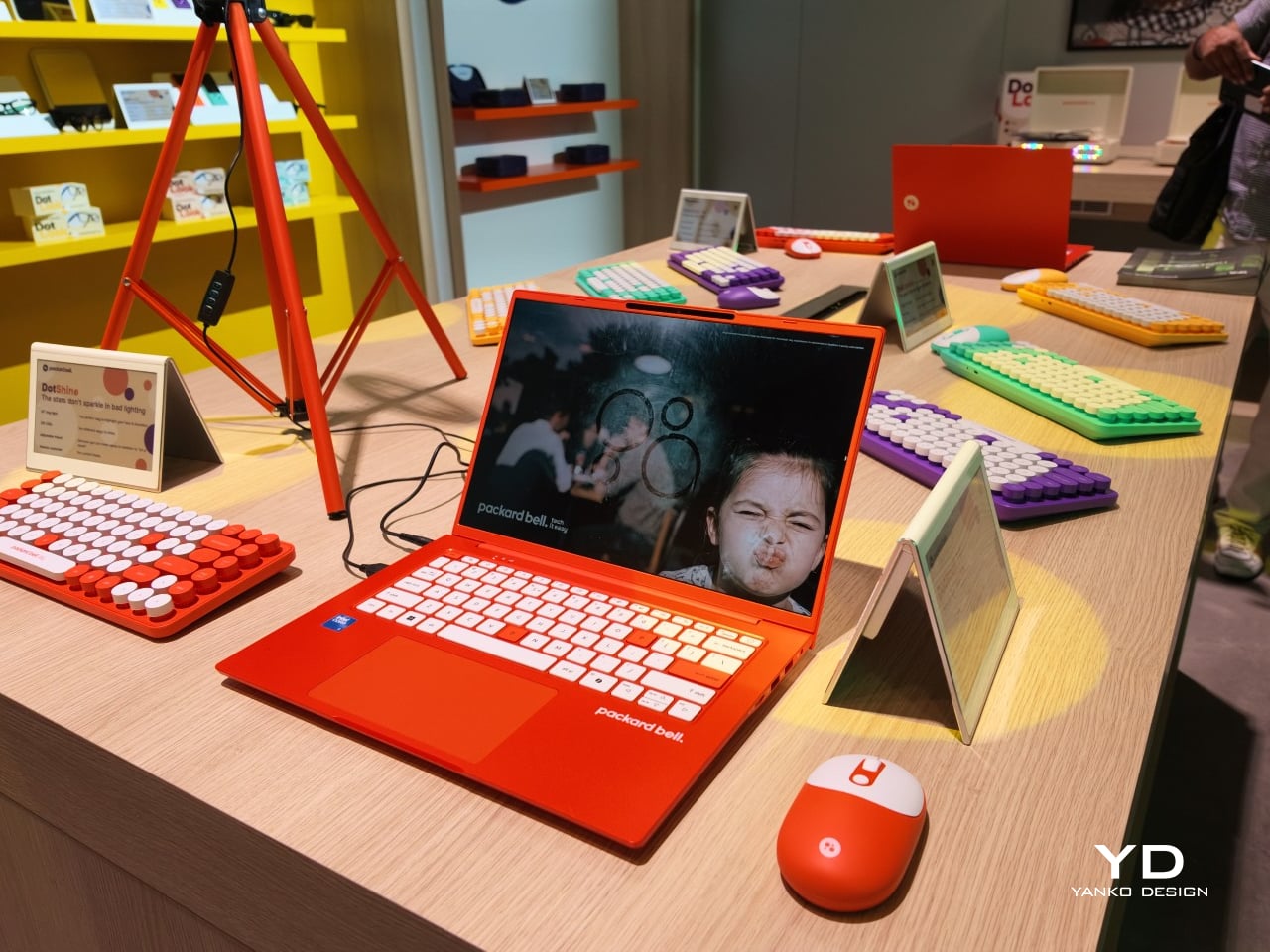
Packard Bell spent a century teaching people that new technology doesn’t have to feel intimidating, and its 100th birthday present to itself leans hard into that idea. Under Acer’s ownership, the brand relaunched at IFA 2026 with a philosophy it calls “Tech it easy,” built around a lineup that trades beige plastic and quiet corporate design for colors loud enough to notice from across a room. Four products anchor that comeback, and each one argues that everyday tech gains something when it stops taking itself so seriously.

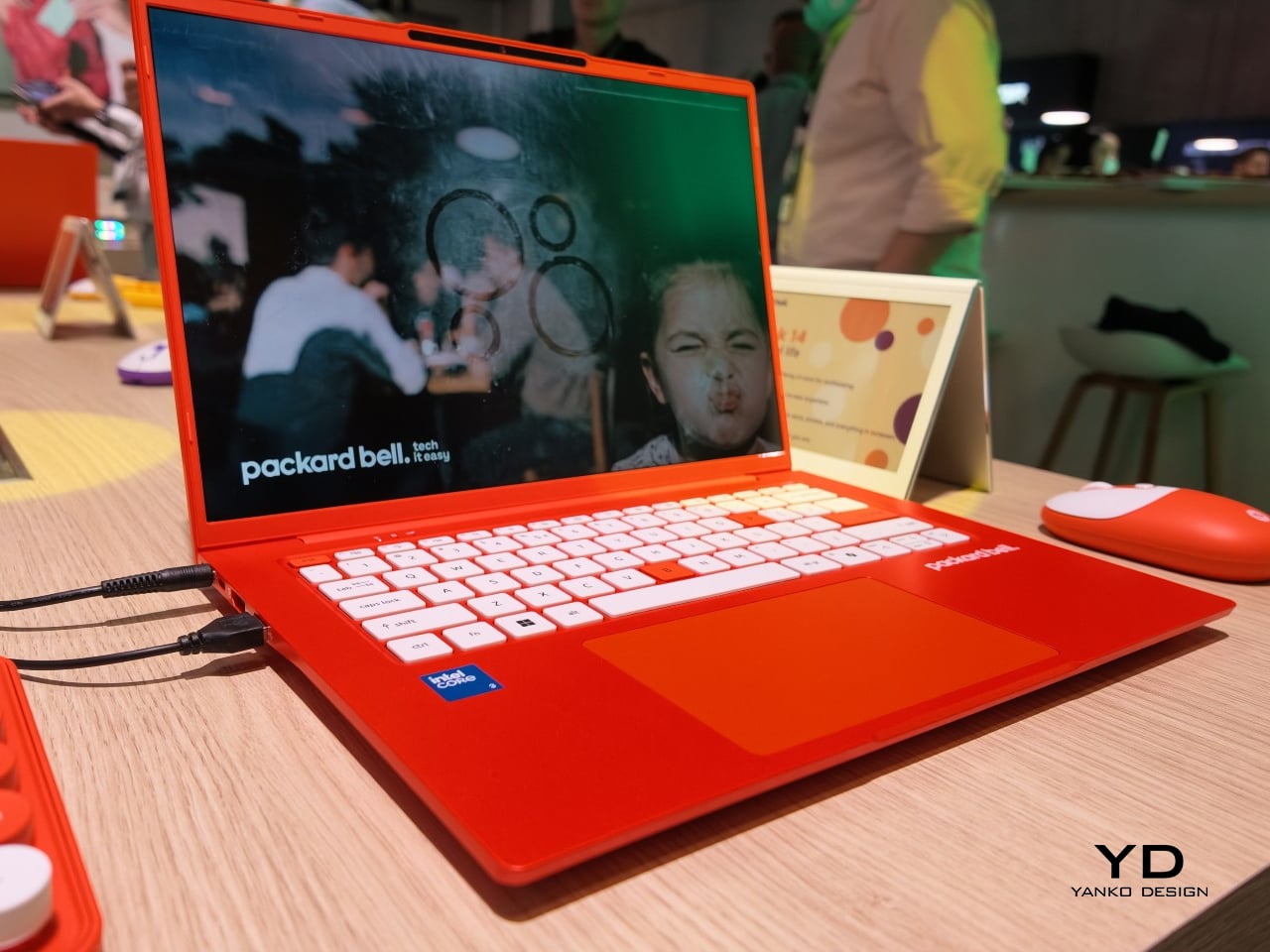
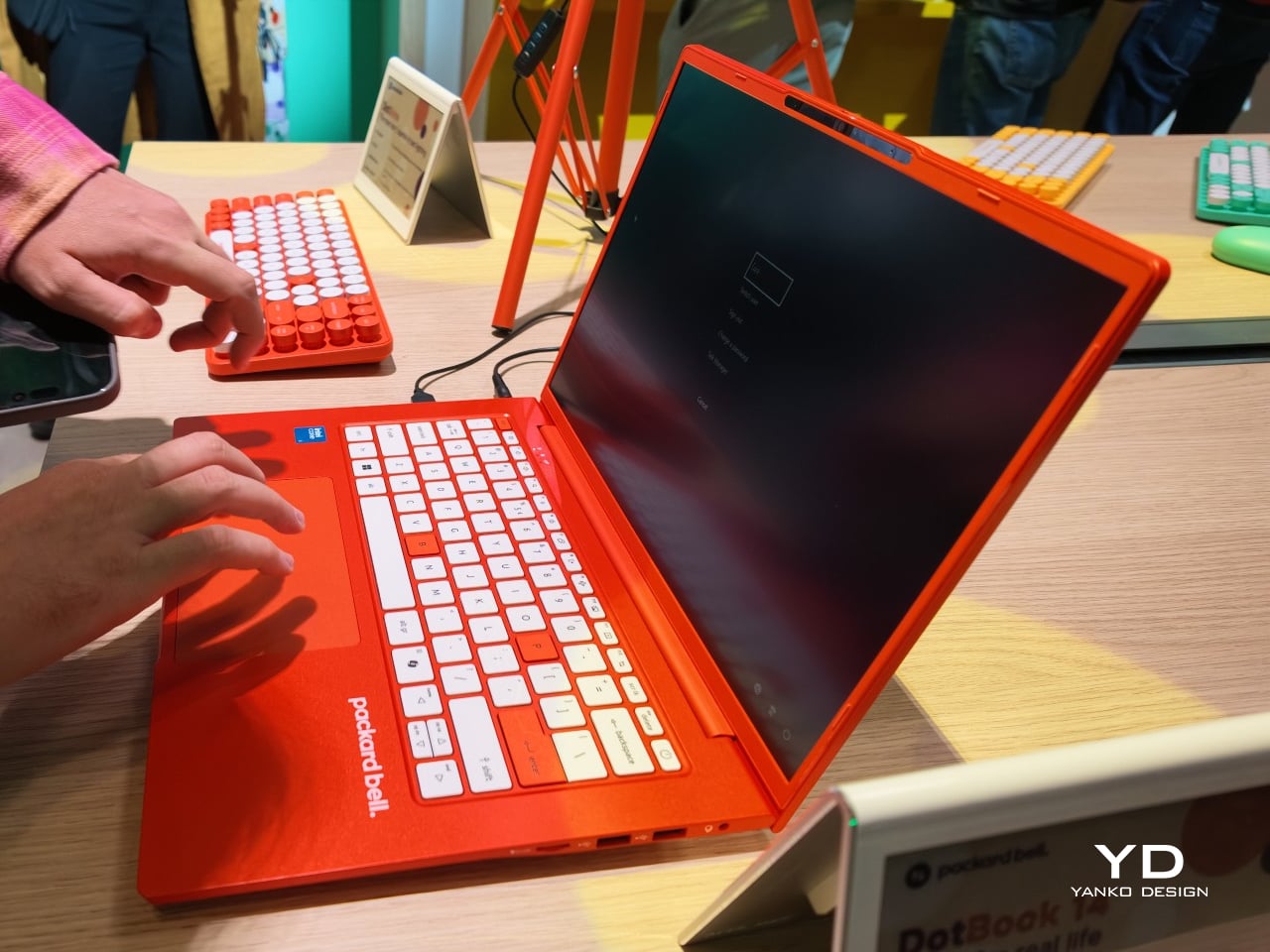
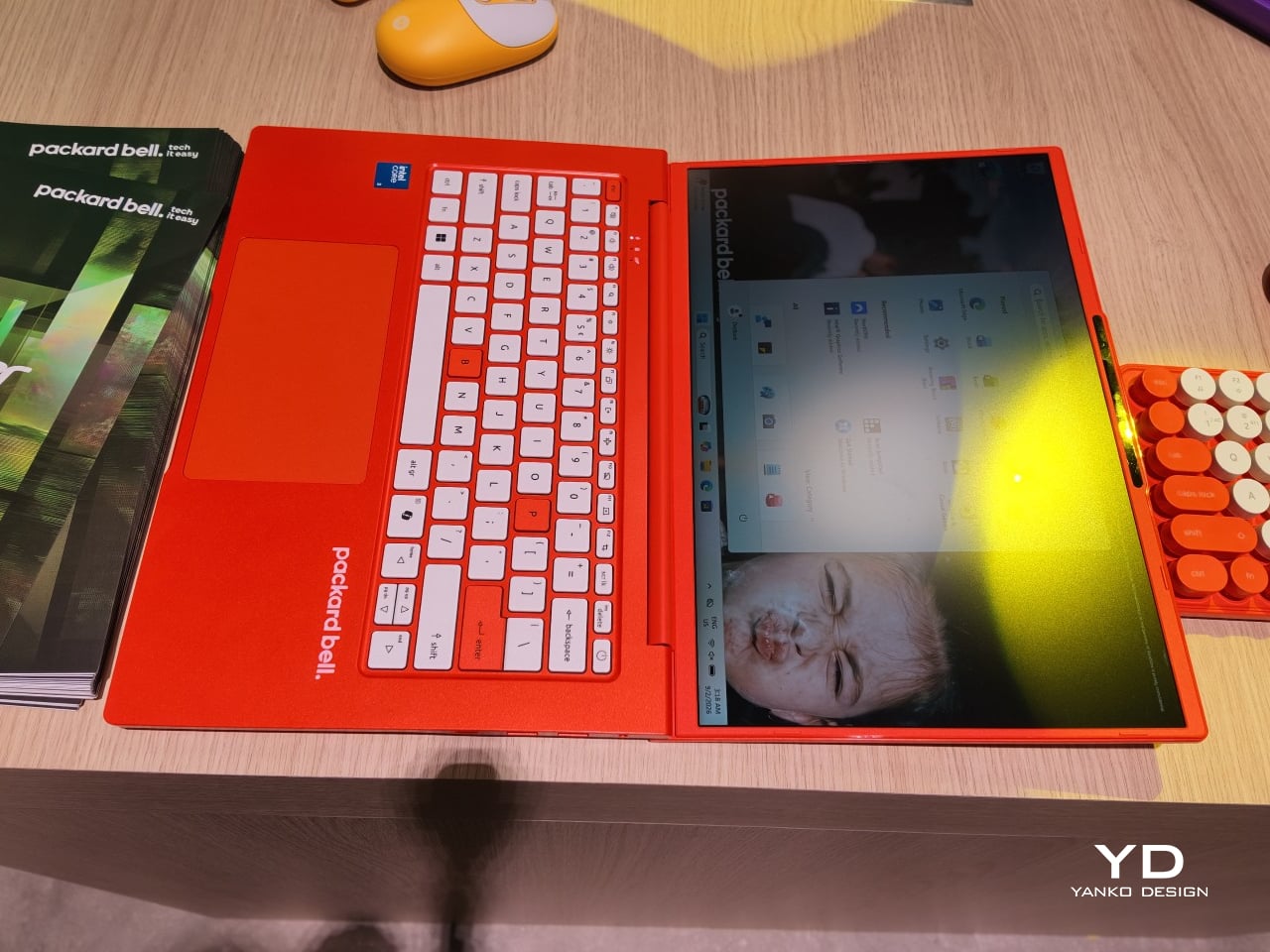
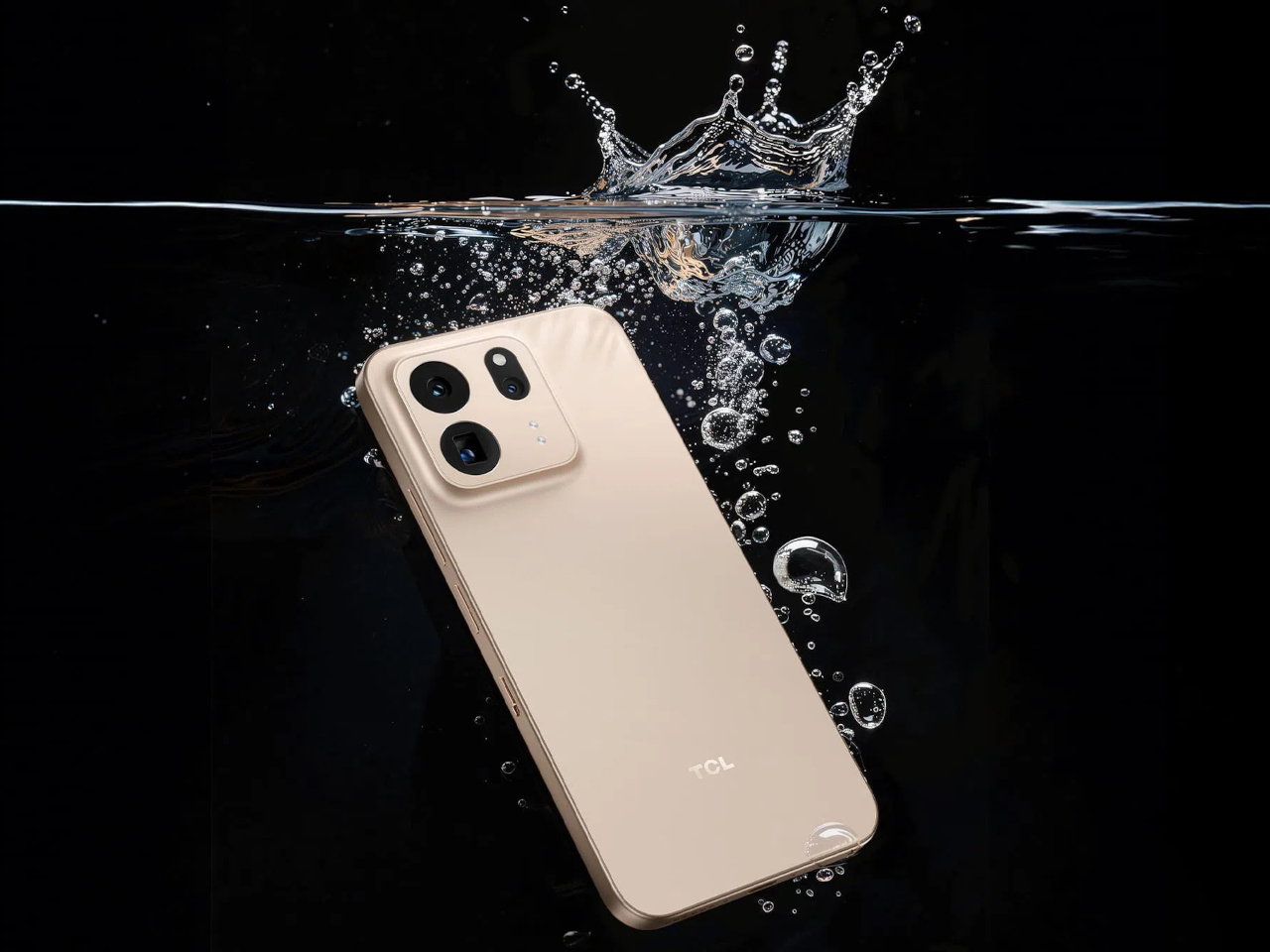
The DotBook carries the heaviest expectations as the collection’s flagship, a 14.5-inch laptop finished in a red-orange shell bright enough to spot on a crowded coffee shop table. Weighing under 1.3 kg and measuring just 17.9mm thin, it’s built for browsing, streaming, and everyday work rather than chasing benchmark scores, backed by up to 512GB of storage and 16GB of memory running quietly under Windows 11. It’s a laptop designed to disappear into a bag, not a spec sheet debate.

Designer: Acer

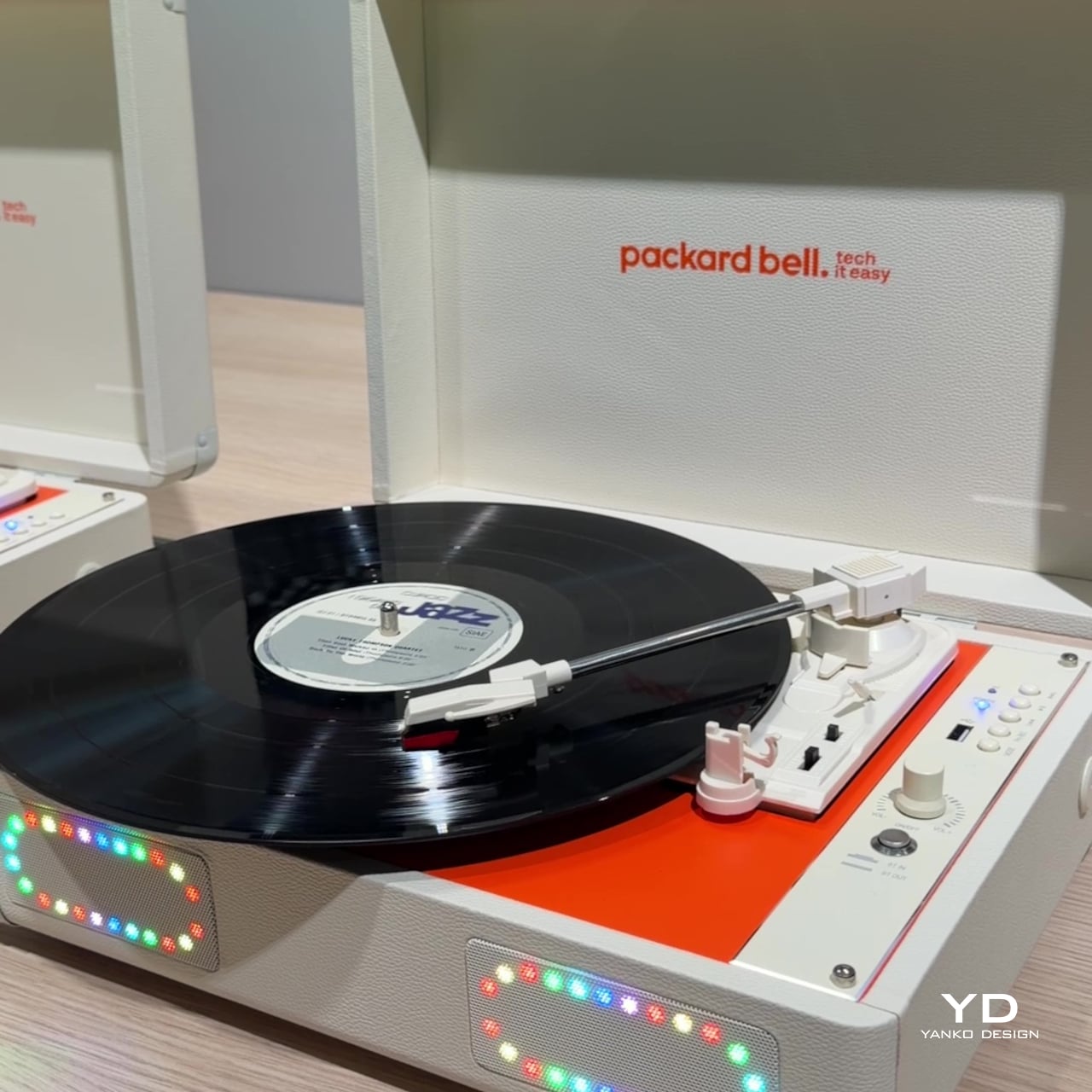
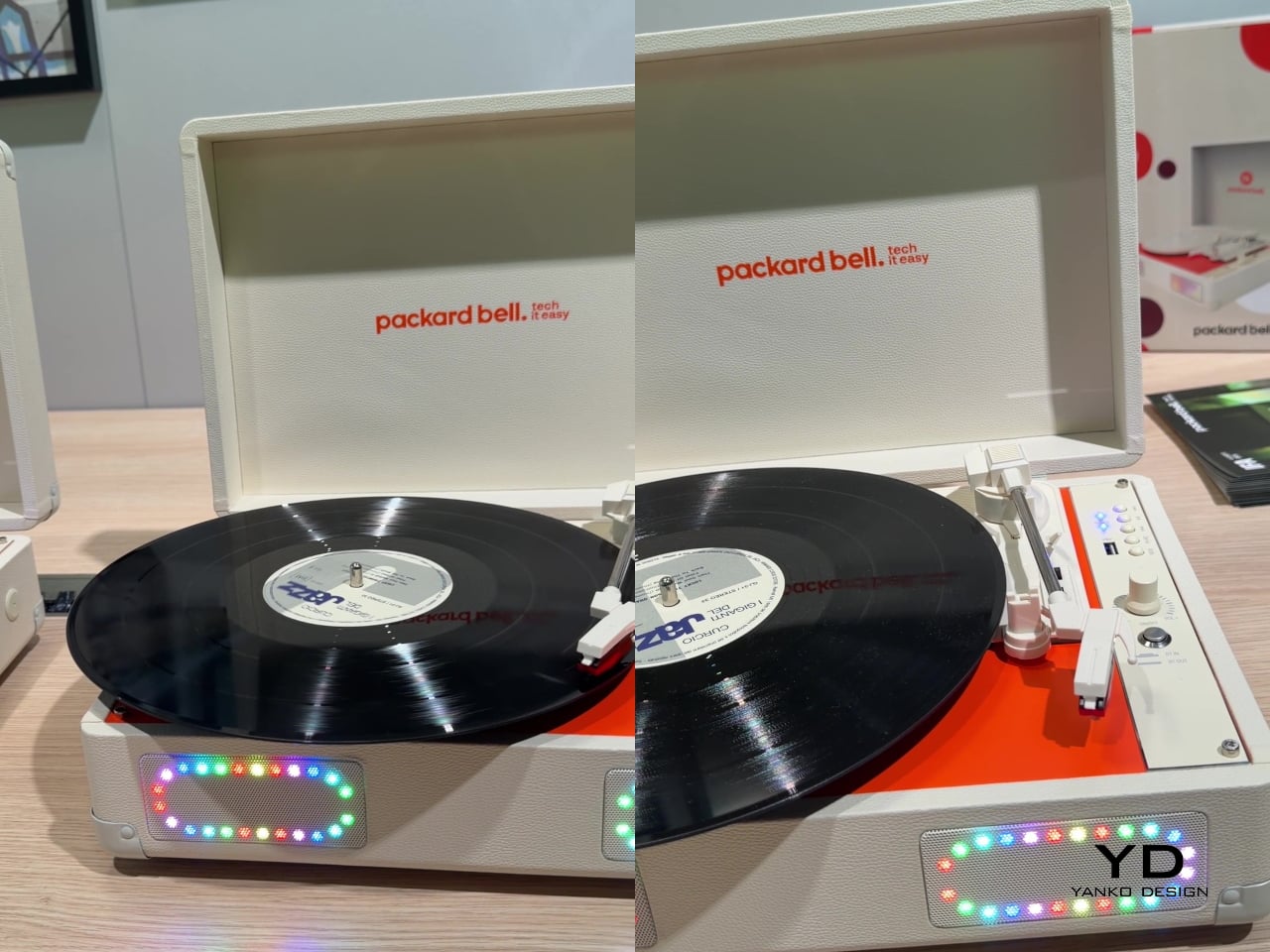
Where the DotBook plays it relatively straight, the DotLoop commits fully to spectacle. Housed inside an actual briefcase shell with a 1970s silhouette, the turntable pops open to reveal a working tonearm flanked by RGB-lit speaker grilles that glow while a record spins. Two built-in 3W speakers handle sound on their own, though Bluetooth and RCA outputs let the DotLoop hand audio off to a proper stereo system whenever the moment calls for something louder.

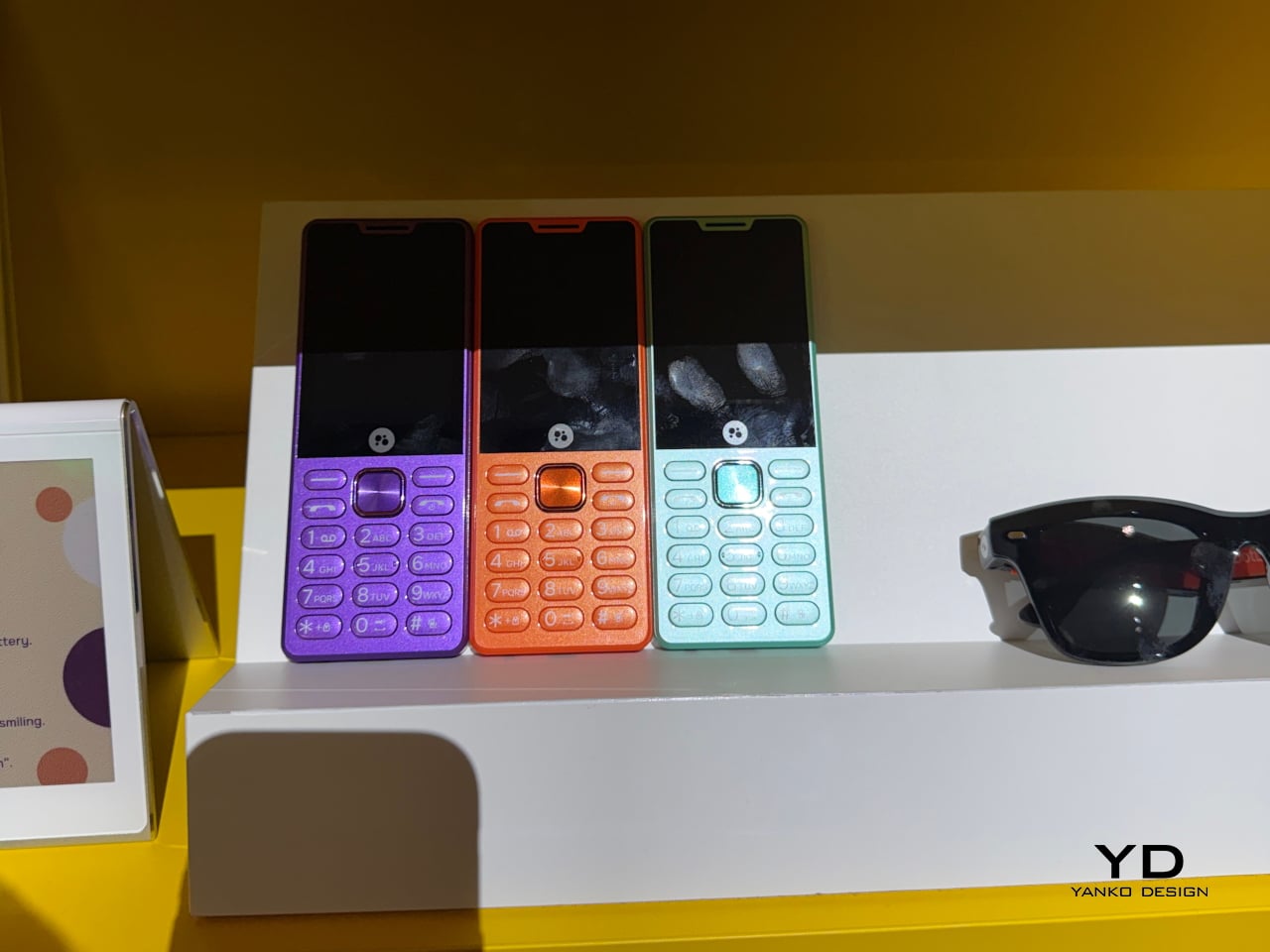
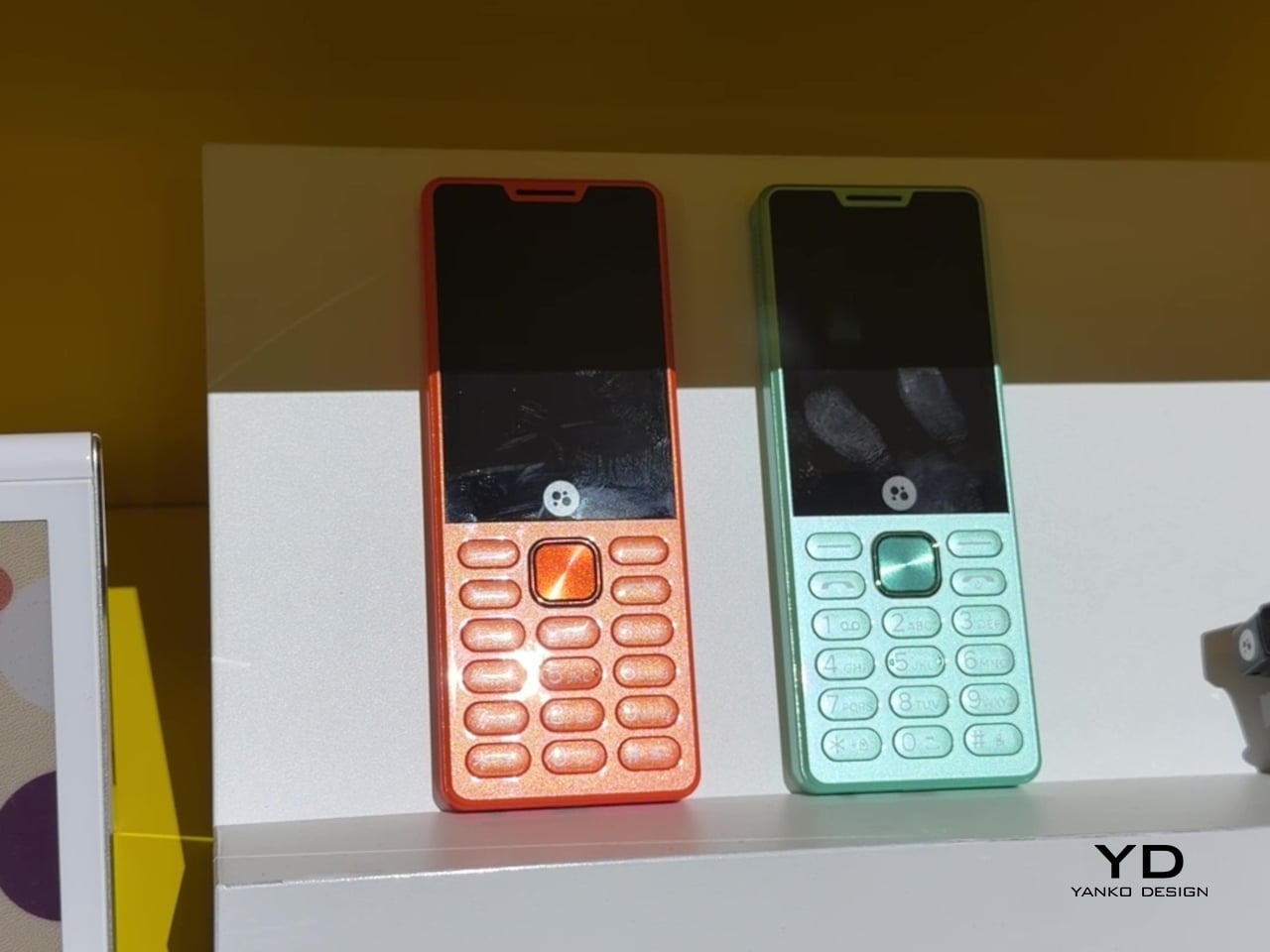
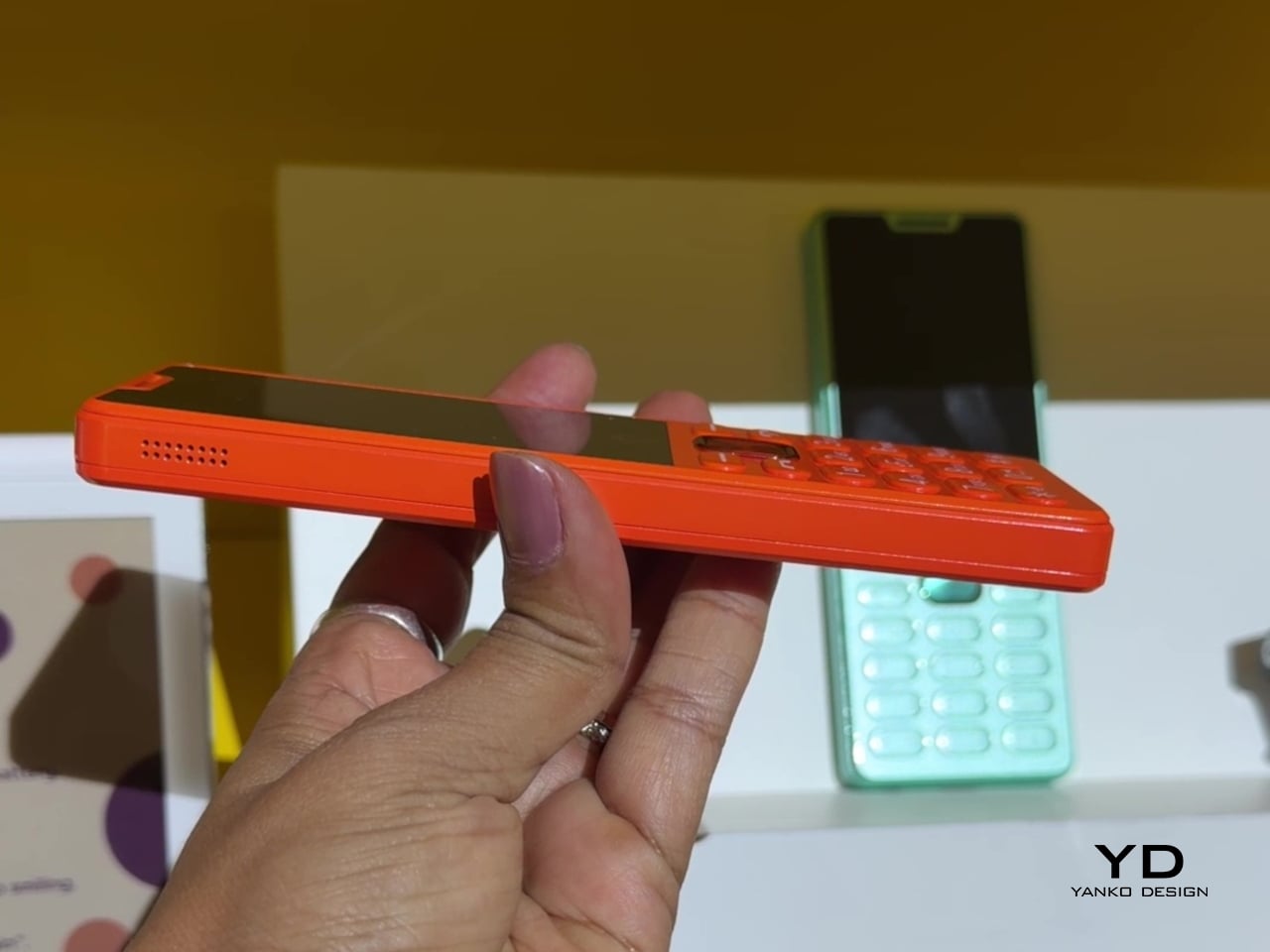
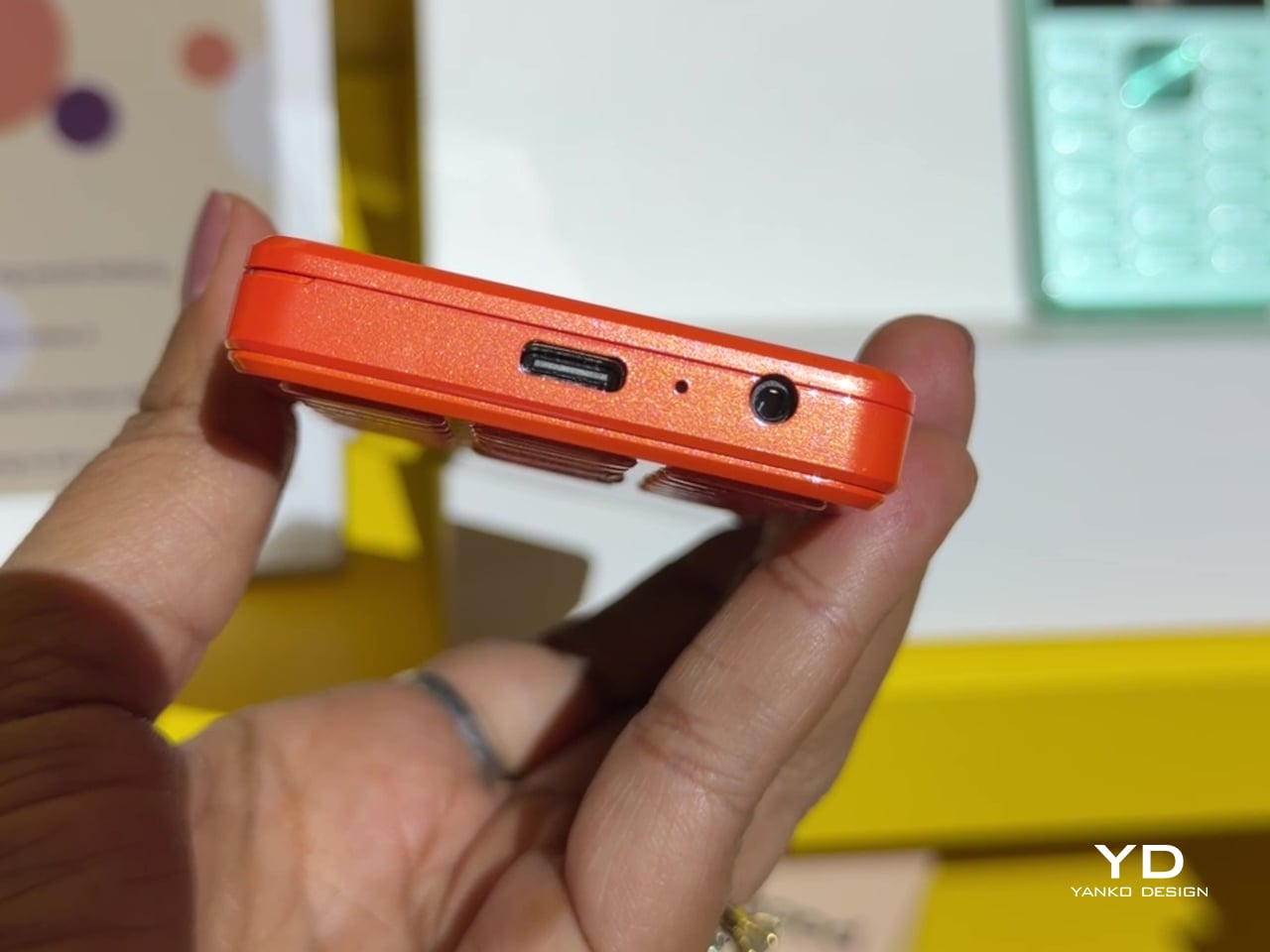
That willingness to have fun with format extends into the DotLine, a feature phone built for anyone tired of feeding a smartphone’s constant appetite for attention. A 2.8-inch display and physical keypad keep the experience deliberately simple, while an 1800mAh battery stretches across roughly two weeks between charges, a number that sounds almost mythical next to a modern flagship’s overnight anxiety. Four color options keep it from feeling like a consolation prize.

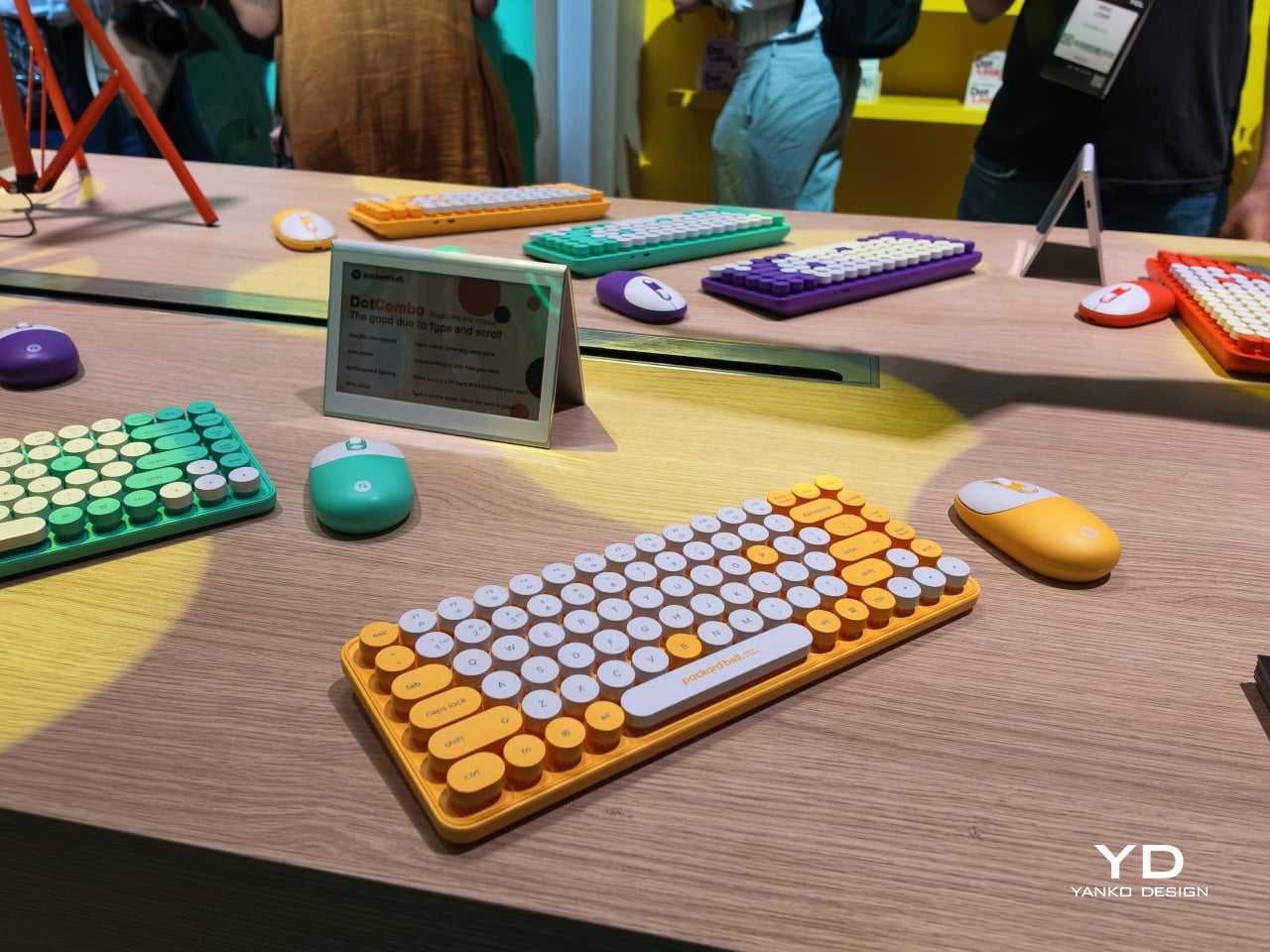
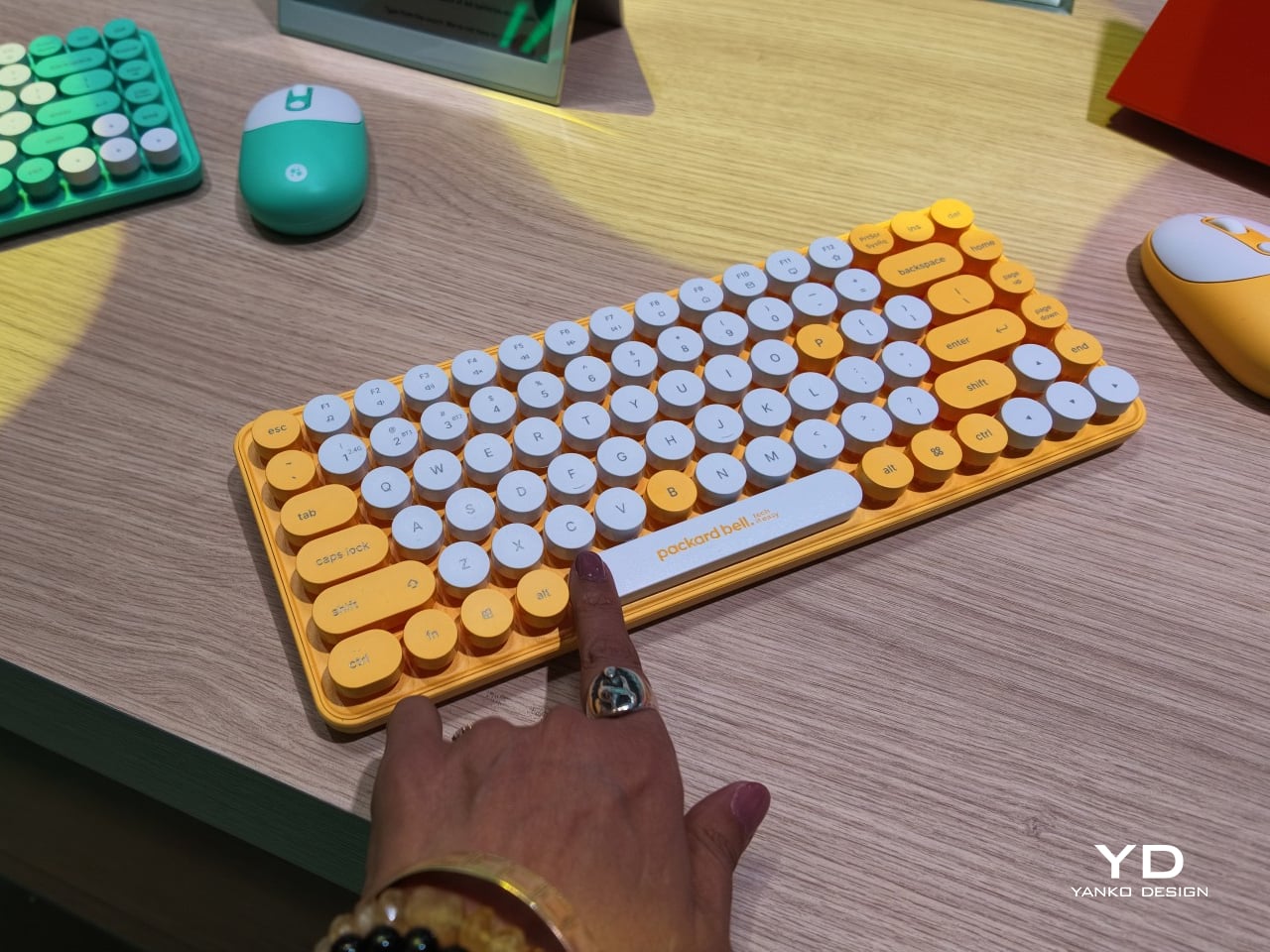
Rounding out the focus lineup, the DotCombo bundles a keyboard and mouse into a single color-matched purchase, eliminating the usual mismatched beige-on-black desk setup that so many peripherals default to. Both pieces run on rechargeable batteries good for hundreds of charge cycles, connecting over Bluetooth or a 2.4GHz receiver without a single AA battery required. Round keycaps borrowed from typewriter design give the whole thing a tactile, almost toy-like presence on a desk.

Beyond these four, Packard Bell rounds out its centennial collection with a portable speaker (DotTune), audio glasses (DotLook), a ring light for creators (DotShine), matching headphones (DotBass), and even a countertop food steamer (Steasy), all sharing the same saturated color palette and straightforward pricing. None of them ask for much attention individually, but together they paint a lineup unwilling to blend into a beige office shelf.

Pricing stays approachable across the board, with the DotBook starting around €499 (around $578), the DotLoop at €149 (around $173), the DotLine at €69 (around $80), and the DotCombo at just €39 (around $45). Packard Bell’s return proves that a century-old brand can still find something new to say, mostly by refusing to whisper it.

The post Acer’s Packard Bell Crashed IFA 2026 Like a Box of Crayons first appeared on Yanko Design.
  •  

Finally, a Smart Home You Can Control Without Your Phone

For some years now, the idea of a smart home has been more than just science fiction. We’ve watched lights, thermostats, speakers, security systems, and countless other devices become “smarter.” One issue with these connected homes, though, is that most of their controls are app-based, meaning you always need your phone handy just to turn something on or off. That’s why a dedicated smart home hub is such a welcome idea: a control center that doesn’t live inside your phone.

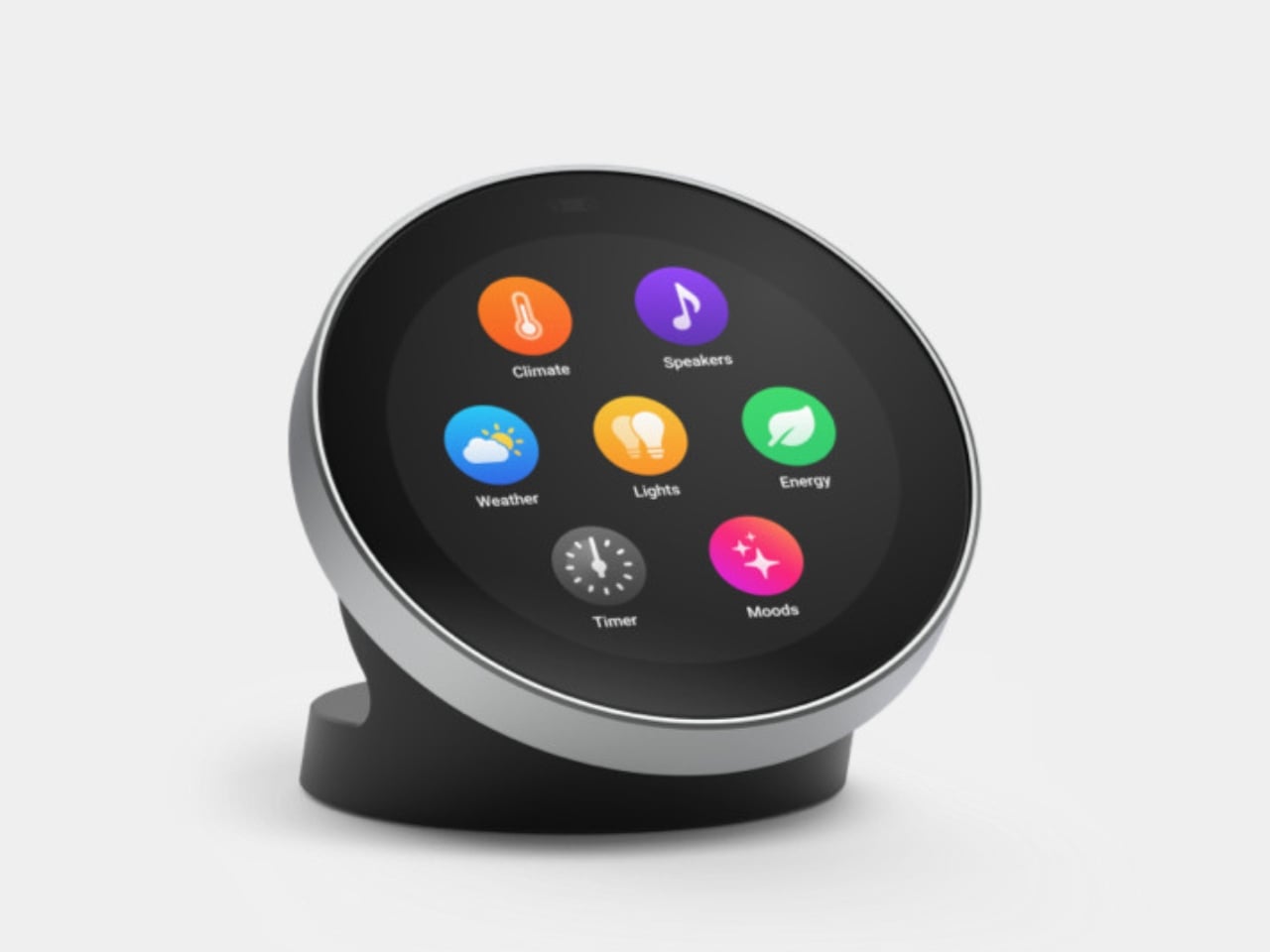
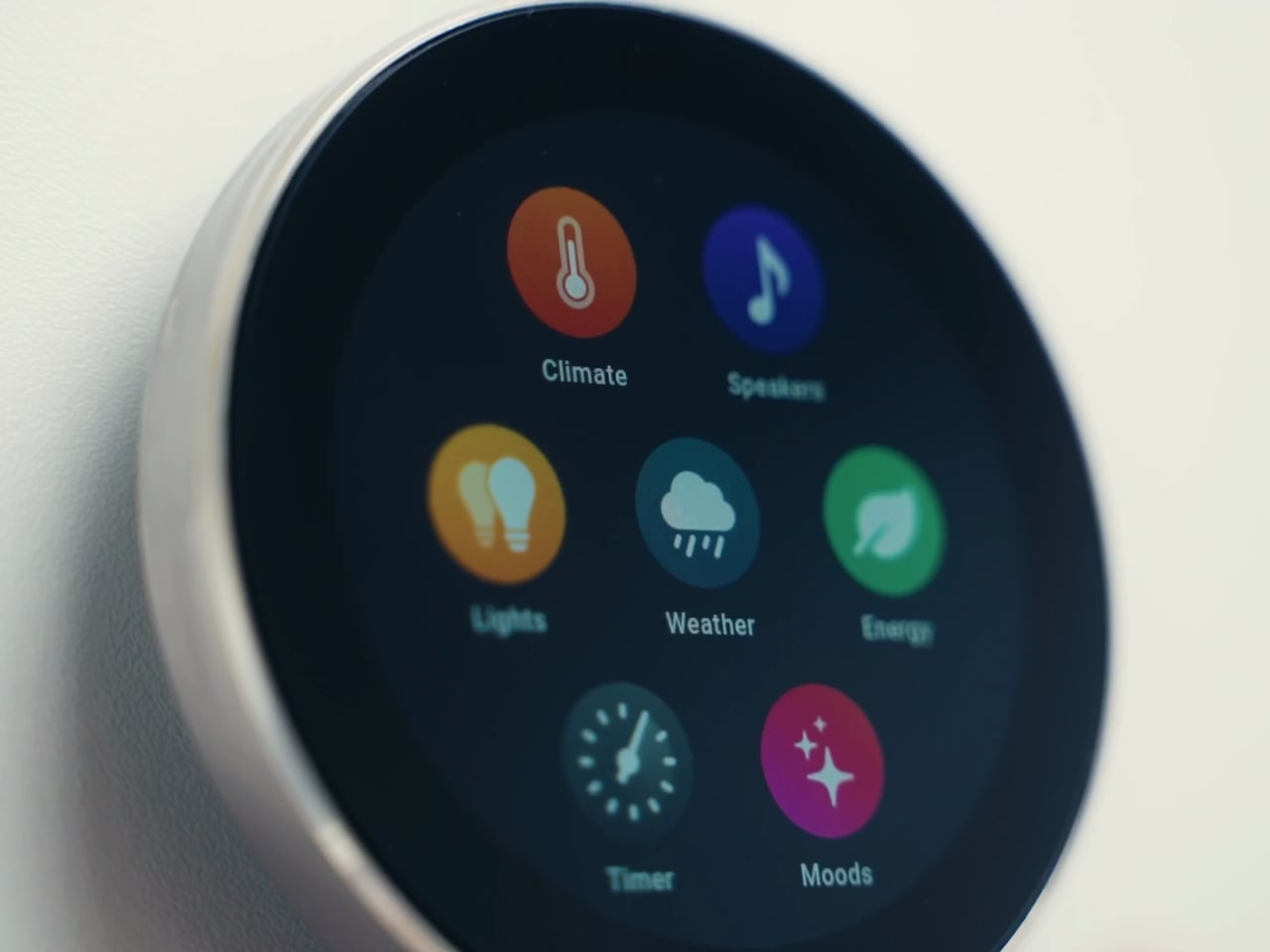
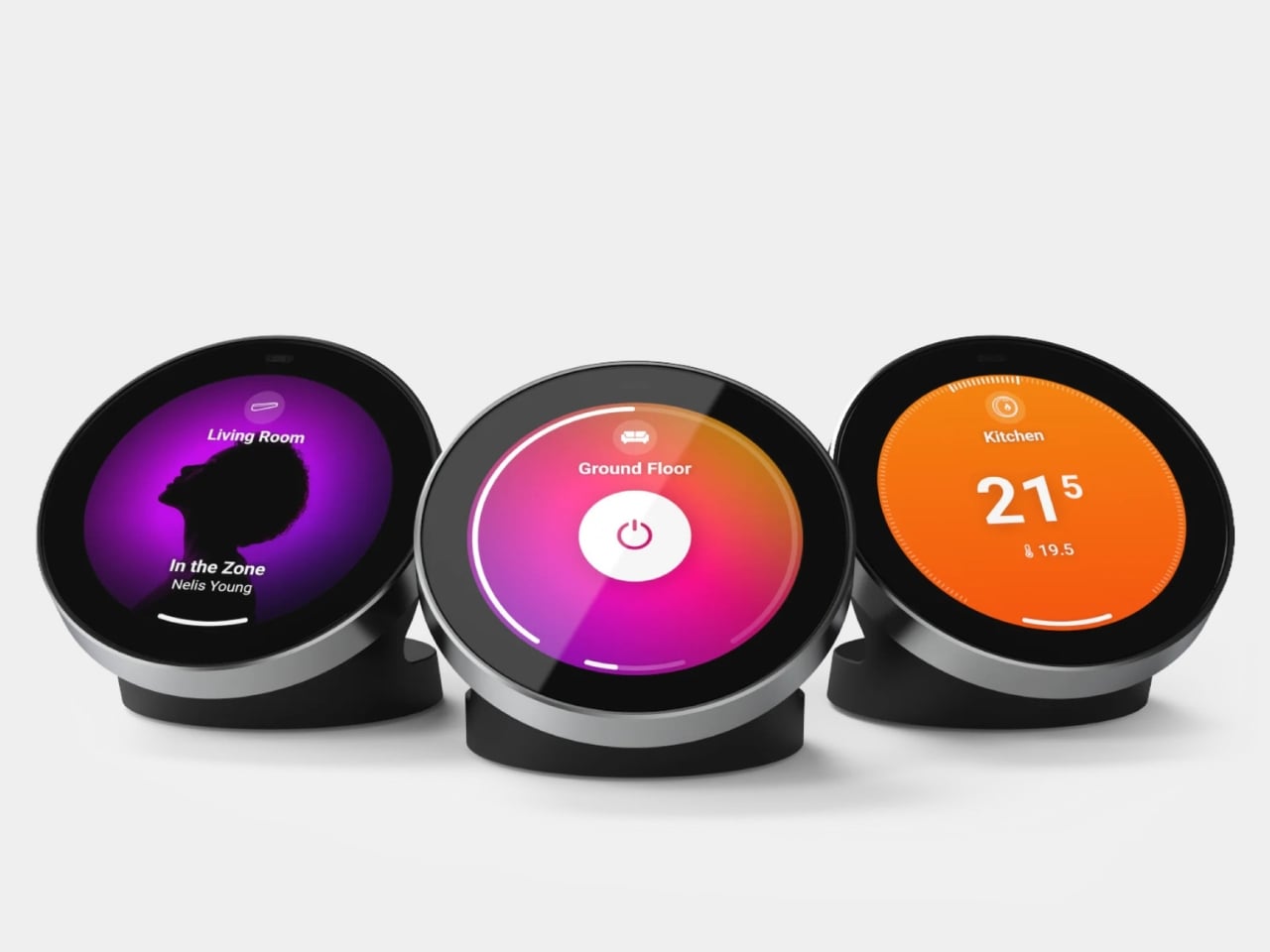
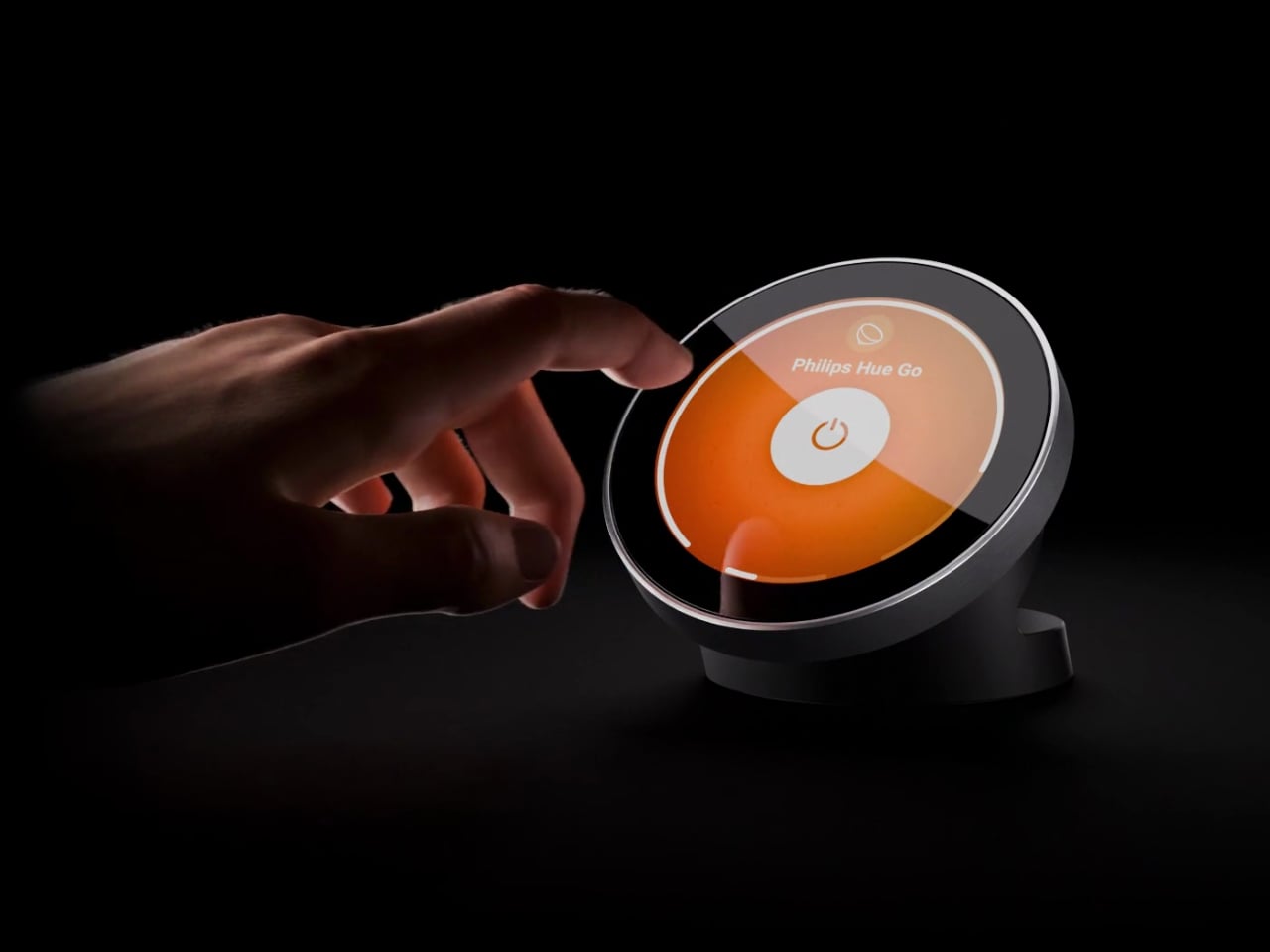
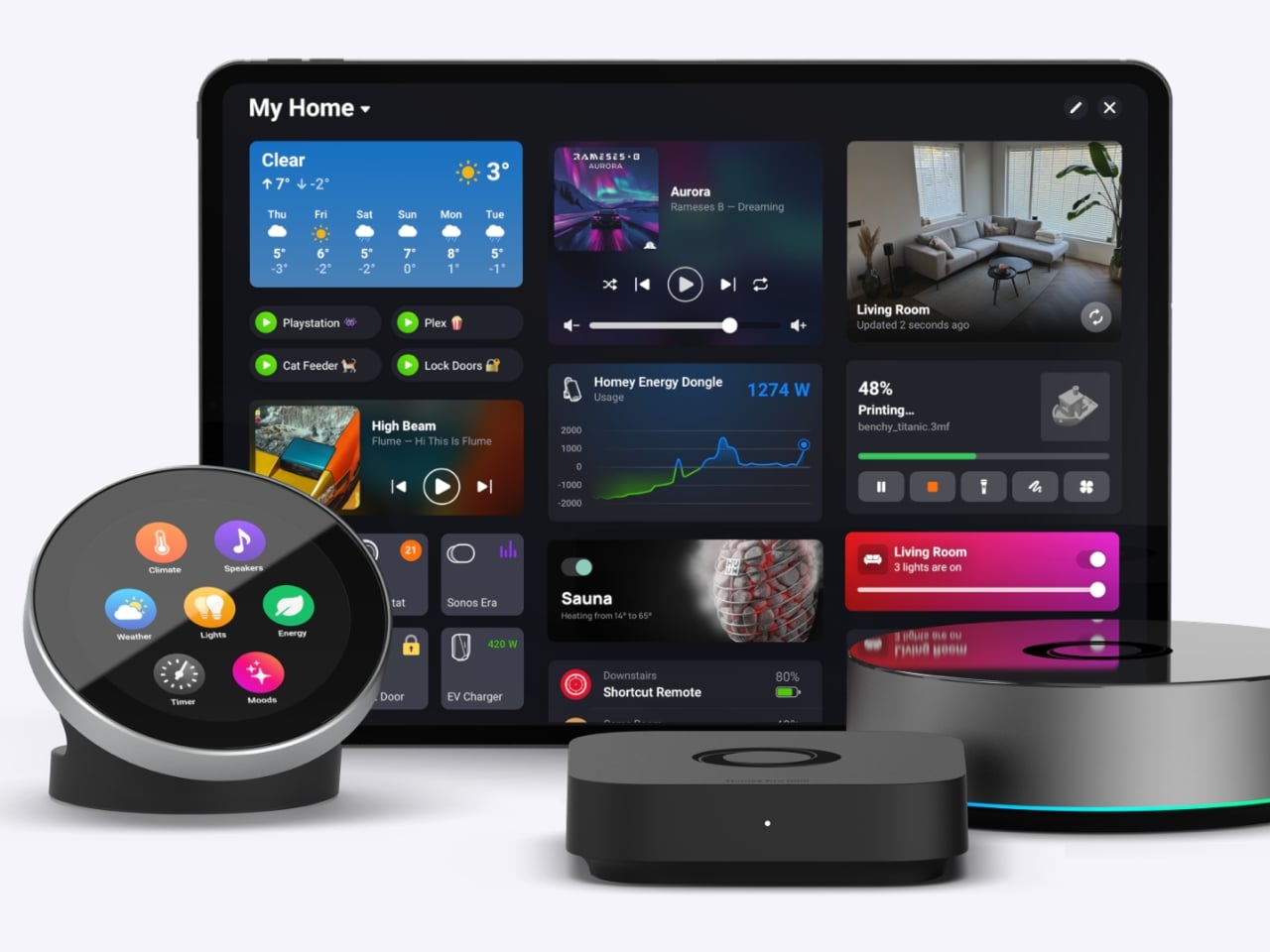
The Homey Portal, created by Dutch company Athom, is a physical smart home controller with a tactile surface that helps you manage all your connected devices. It lets anyone in your household do things like turn the lights on or off, see who’s at the door, check how much energy you’re using, find out what’s playing on your speaker, and trigger various other smart functions you’ve set up.

Designer: Athom

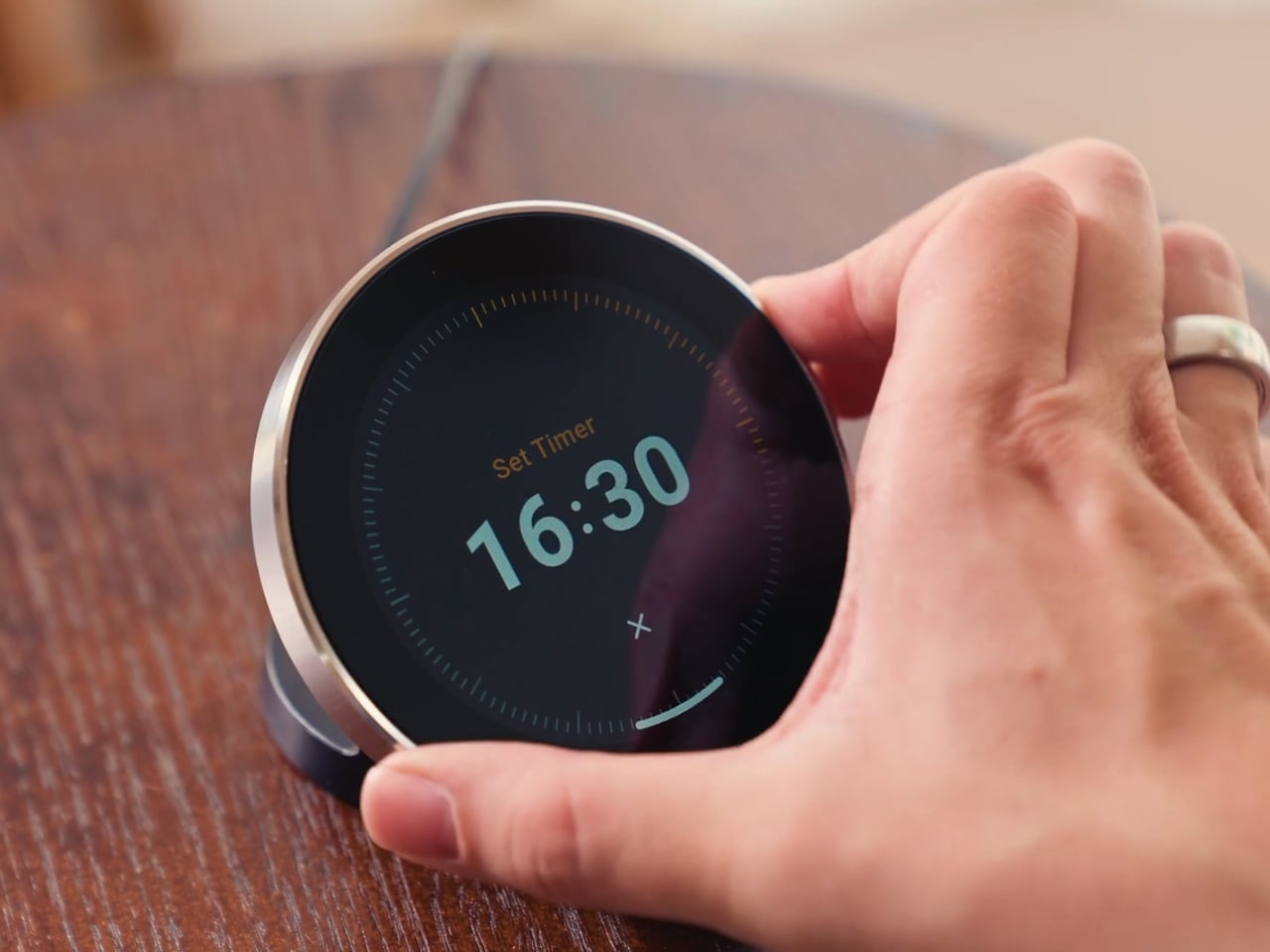
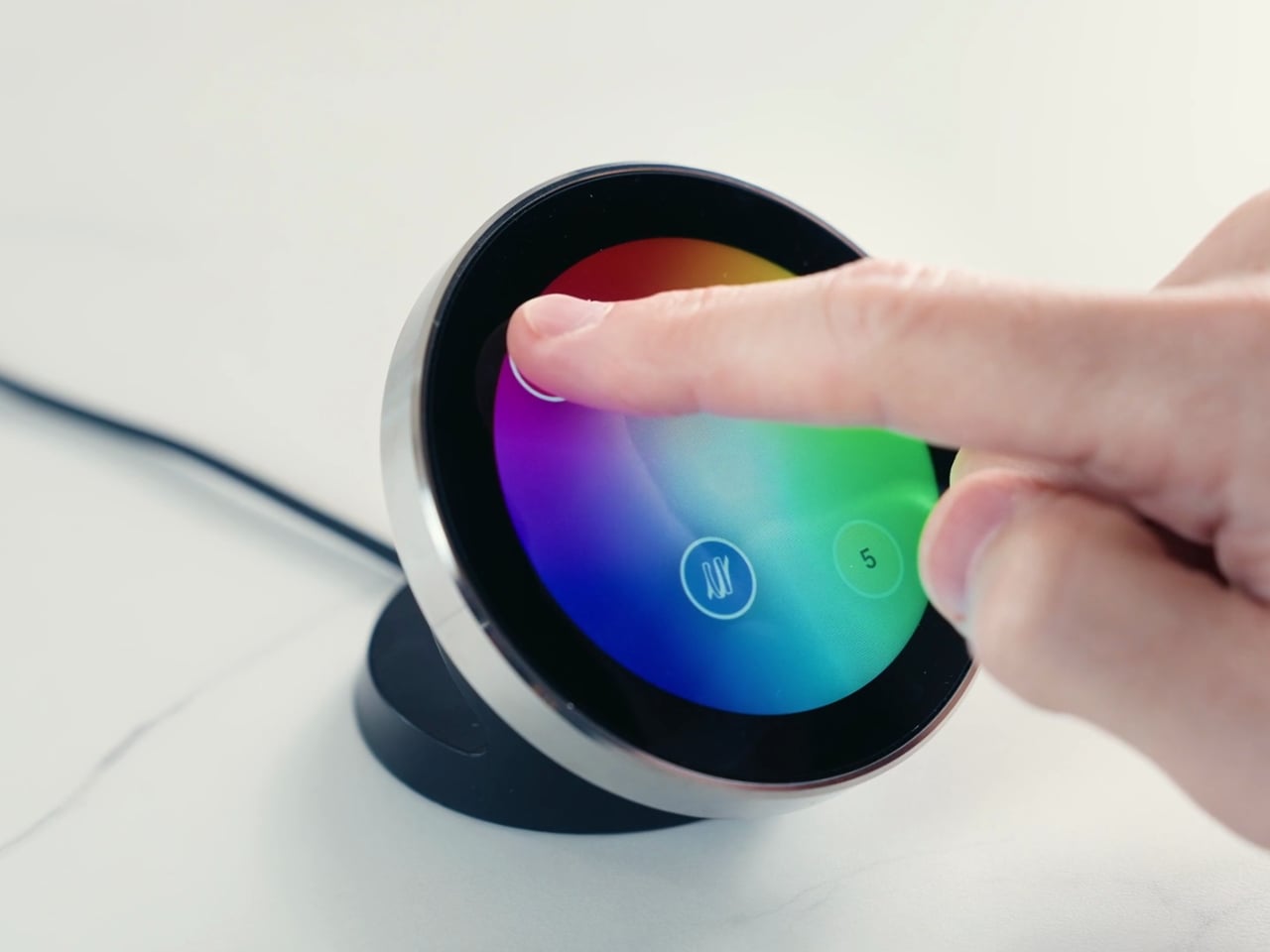
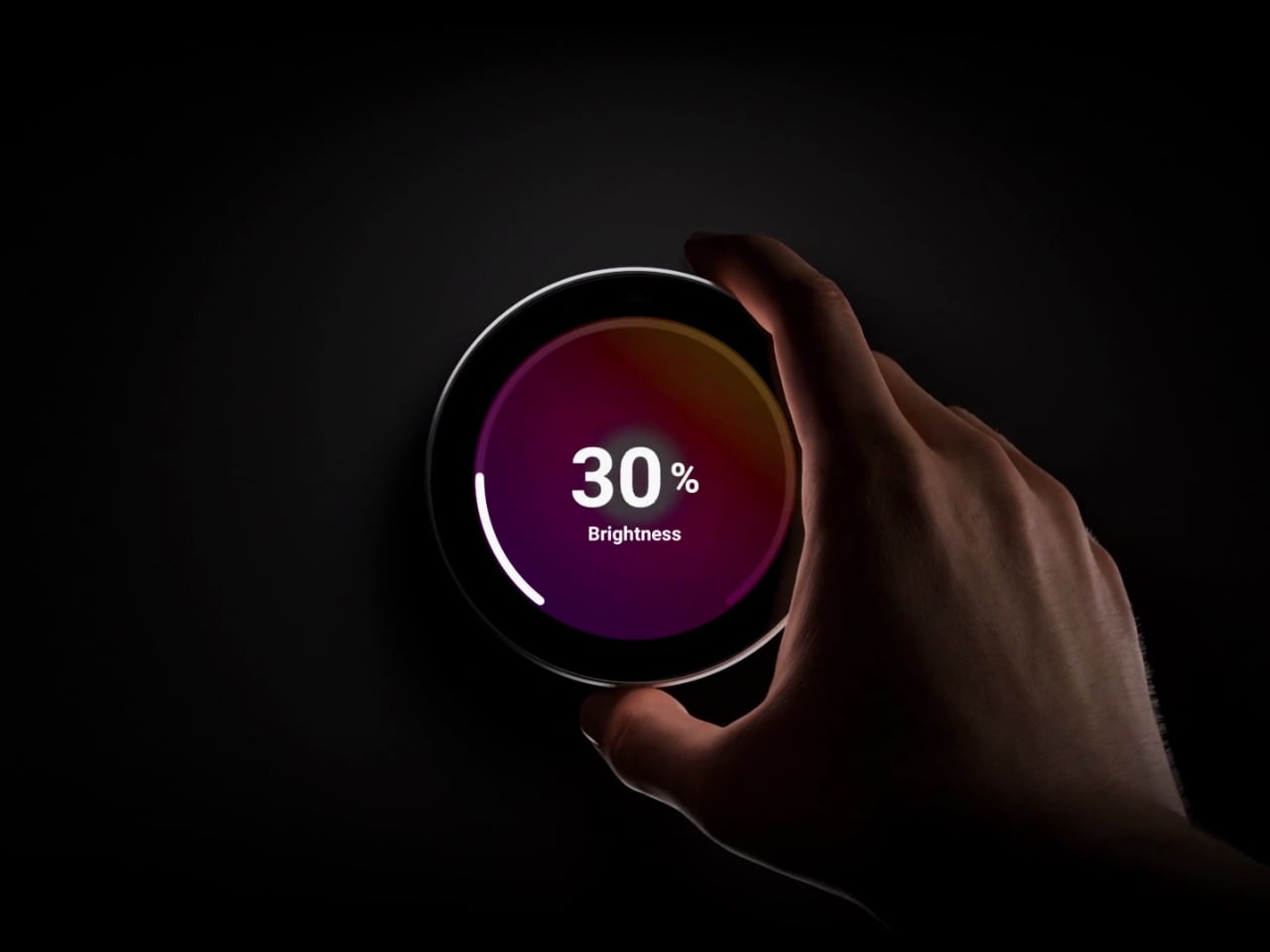
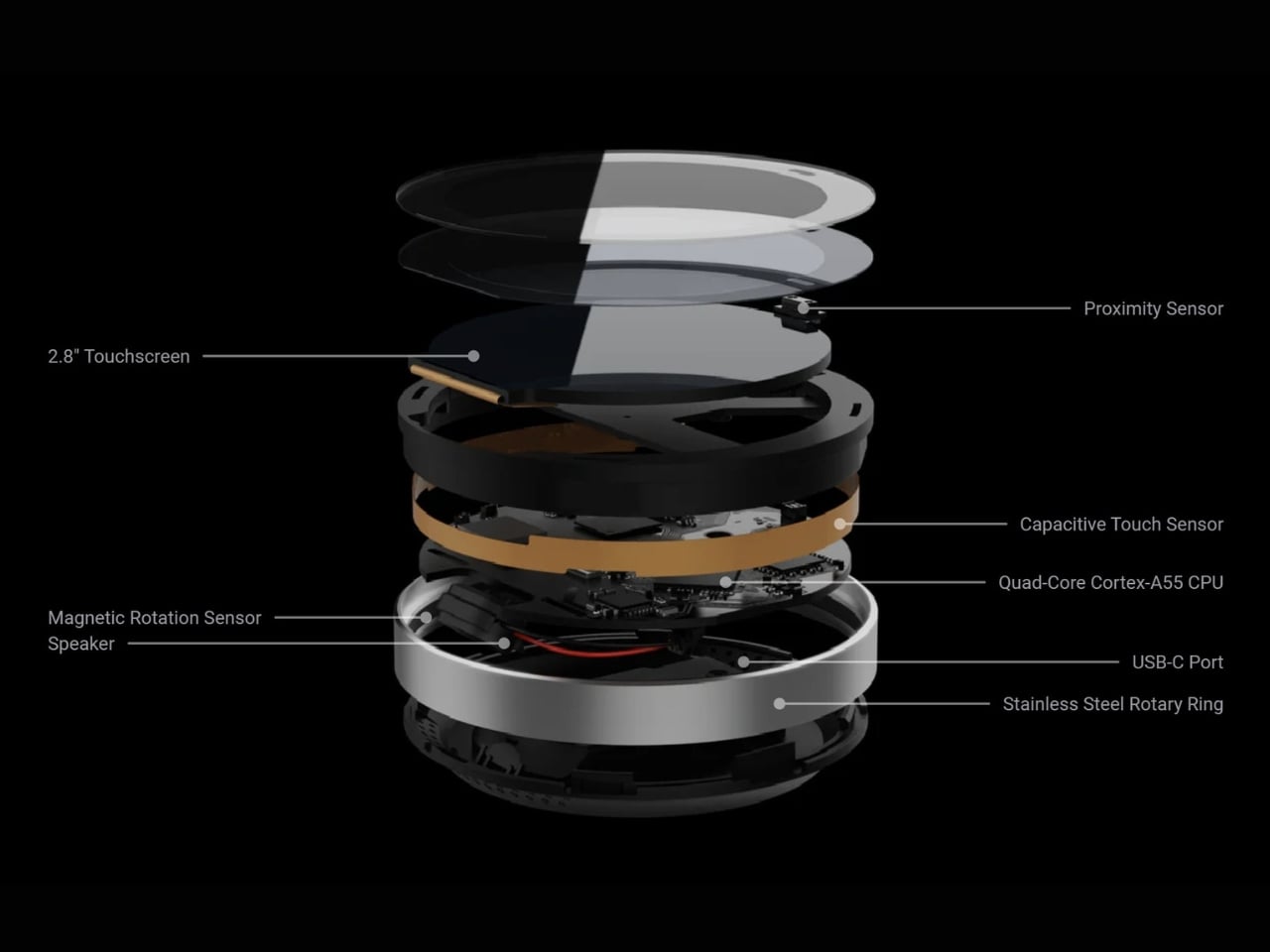
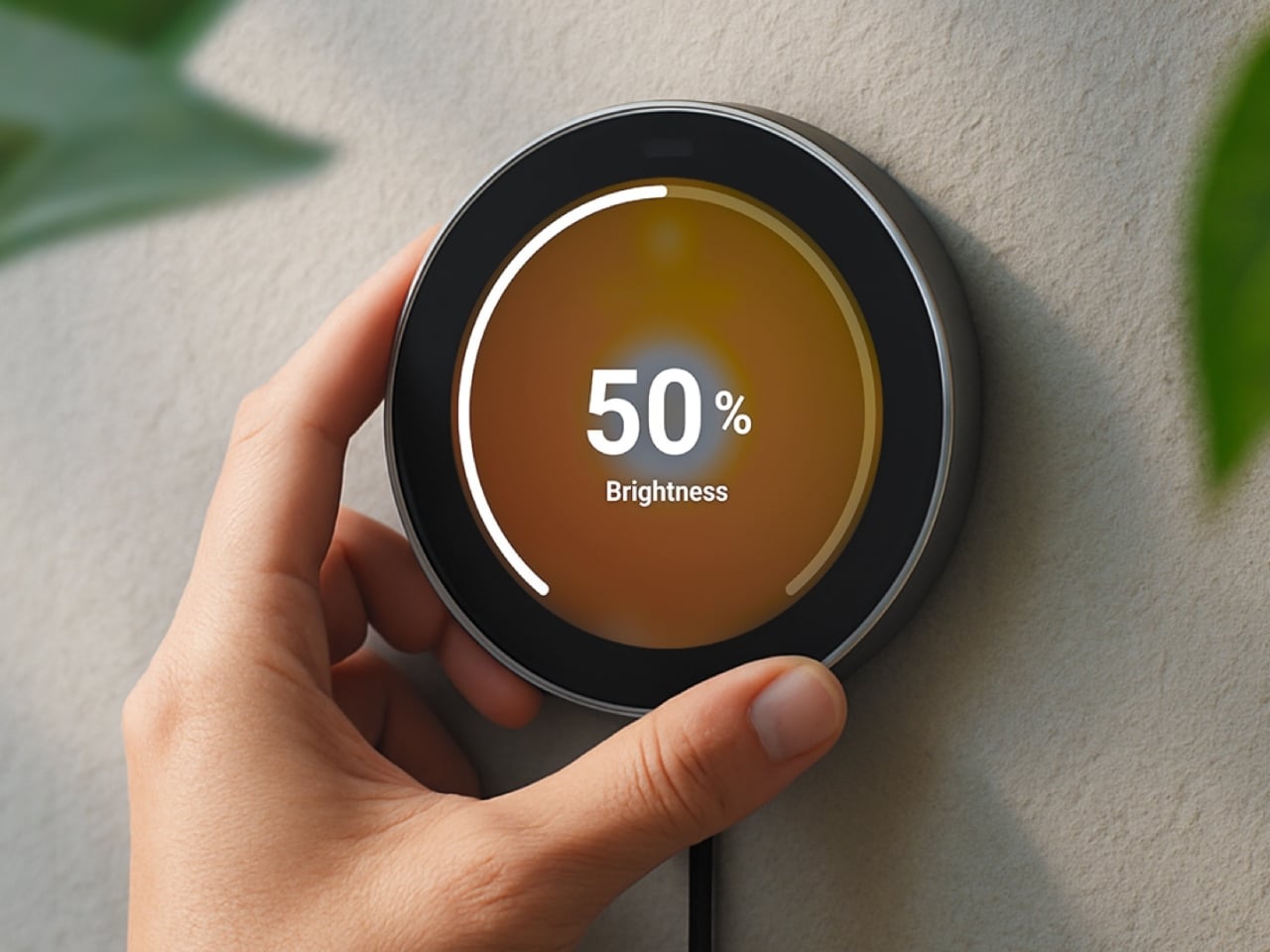
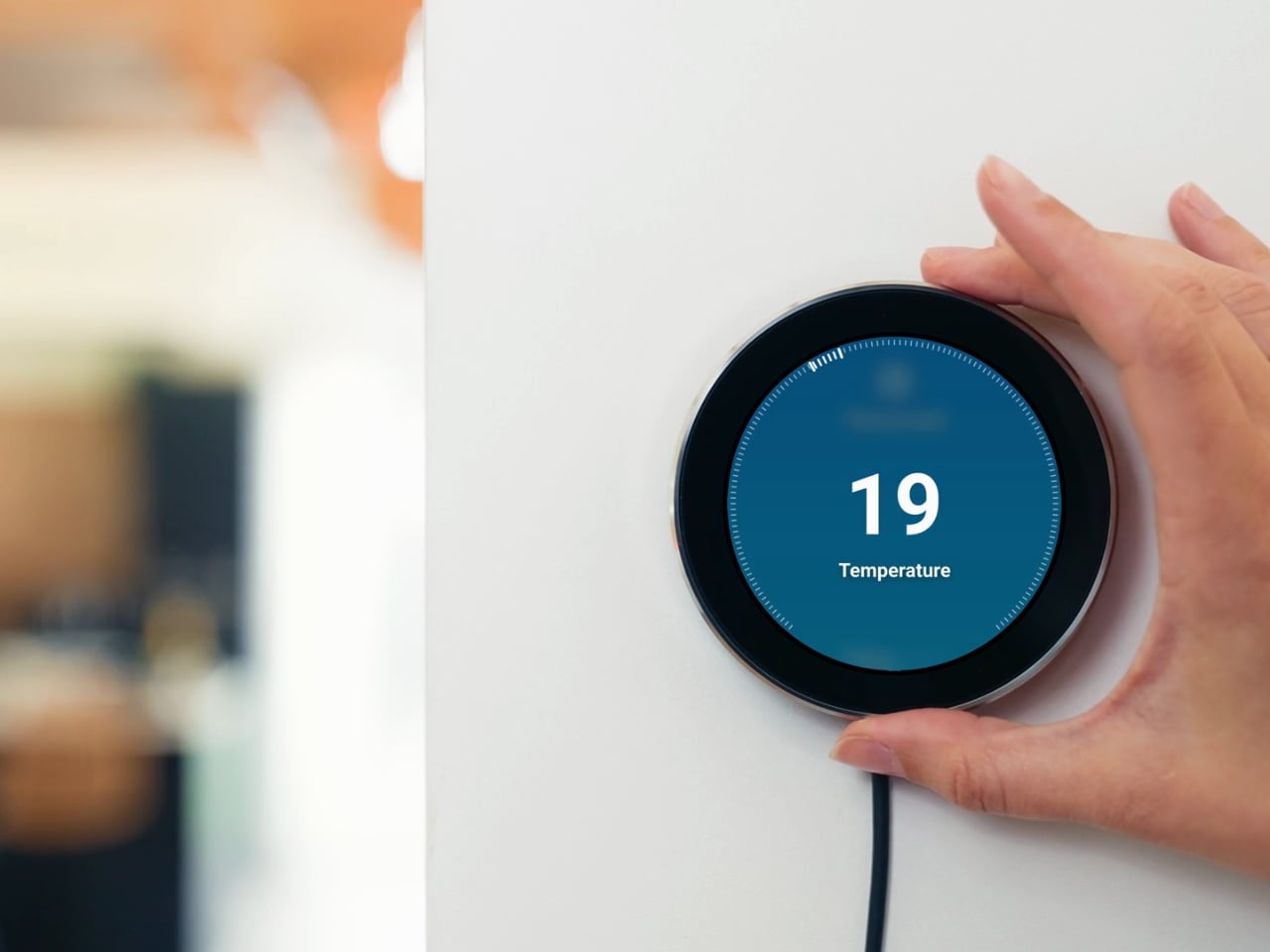
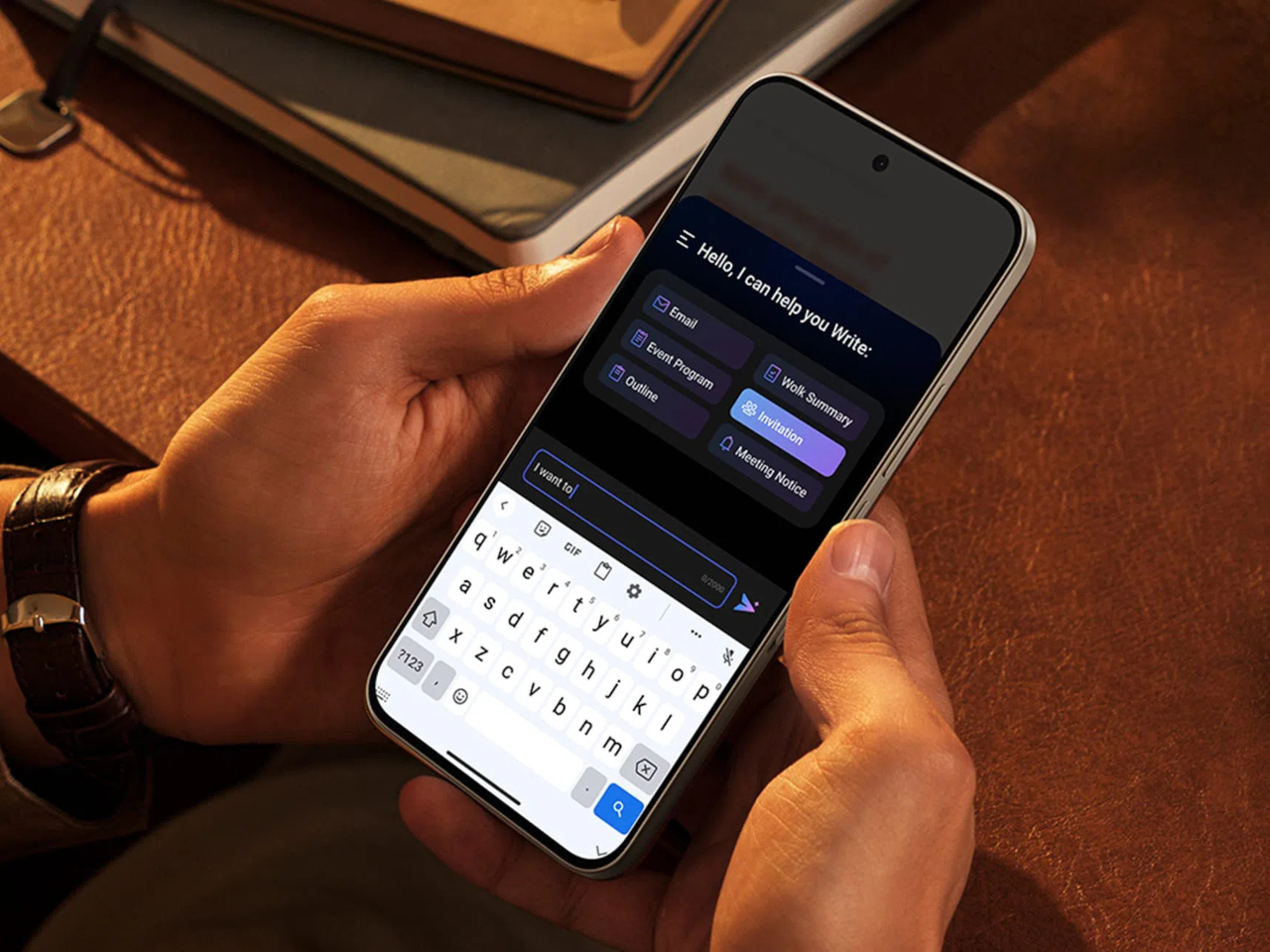
Having a physical smart home controller can be more convenient than relying on a phone-based one, and Homey proves it with this newly launched device. It features a 2.8-inch round touchscreen wrapped in a stainless-steel rotary ring. You can tap the screen to select and toggle your smart devices on or off, then twist the rotary dial to adjust things like brightness, volume, and temperature.

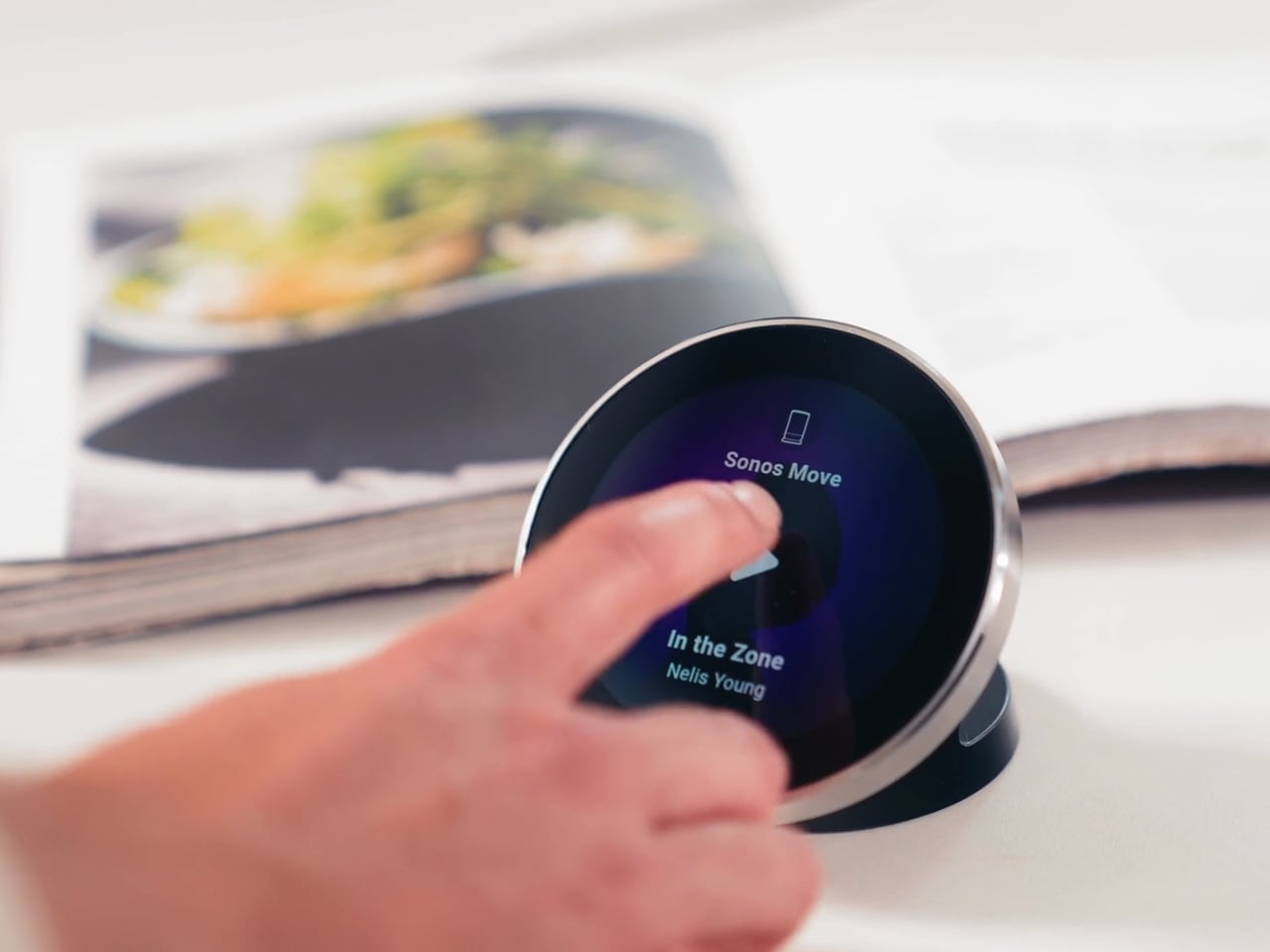
There’s a lot you can do with this little hub. If you have smart lights, you can turn them on and off and then twist the dial to dim or brighten them. It can also show the real-time temperature and humidity of your room, and you can twist the dial to adjust the temperature accordingly. If you’re playing something on your smart speaker, the screen displays the artist, track, and even the album art. From there, you can twist the dial to adjust the volume or swipe on the touchscreen to skip to the next song or go back to the previous one.

You can also set up Flow-based alerts, like a reminder to water your plants or a snapshot from your doorbell camera showing who just rang the bell. If you pair the Portal with a Homey Energy Dongle or another supported energy tracker, you can even check real-time household wattage, solar yield, and the cheapest hours to run your appliances.

The device itself is small enough to mount on a wall or simply place on your desk, side table, or countertop, whichever works best for you and the people you live with. It’s designed to work with the more than 70,000 devices from 2,000-plus brands that Homey already supports, as well as the broader Homey ecosystem, including Homey Pro, Homey Pro Mini, and Homey Cloud. The Homey Portal is available for pre-order now at an introductory price of $249, with the regular price set to rise to $299 once the first batch sells out. Orders are expected to start shipping before the end of the year, and every unit comes with both a desk stand and a wall mount included in the box, so you won’t need to buy any extra accessories to set it up wherever you like.

At its core, the Homey Portal is trying to solve a problem most of us didn’t even realize we’d accepted: that “smart” homes had quietly made simple tasks more complicated. Turning on a light shouldn’t require unlocking a phone, opening an app, and tapping through menus, and the Portal brings back the simplicity of just walking up to a dial and giving it a twist.

It also solves a more personal problem, since not everyone in a household wants to install an app or learn a new system just to turn off a lamp. Because each Portal can be placed in a specific room and used by anyone who walks by, it turns the smart home into something the whole family can actually share, not just the one person who set it all up. Whether it ends up on a kitchen wall, a bedroom nightstand, or a home office desk, it’s a small device aiming to make an increasingly complicated corner of our homes feel simple again.

The post Finally, a Smart Home You Can Control Without Your Phone first appeared on Yanko Design.
  •  
❌