❌

Vue lecture

You can now test Microsoft's new Windows Search experience

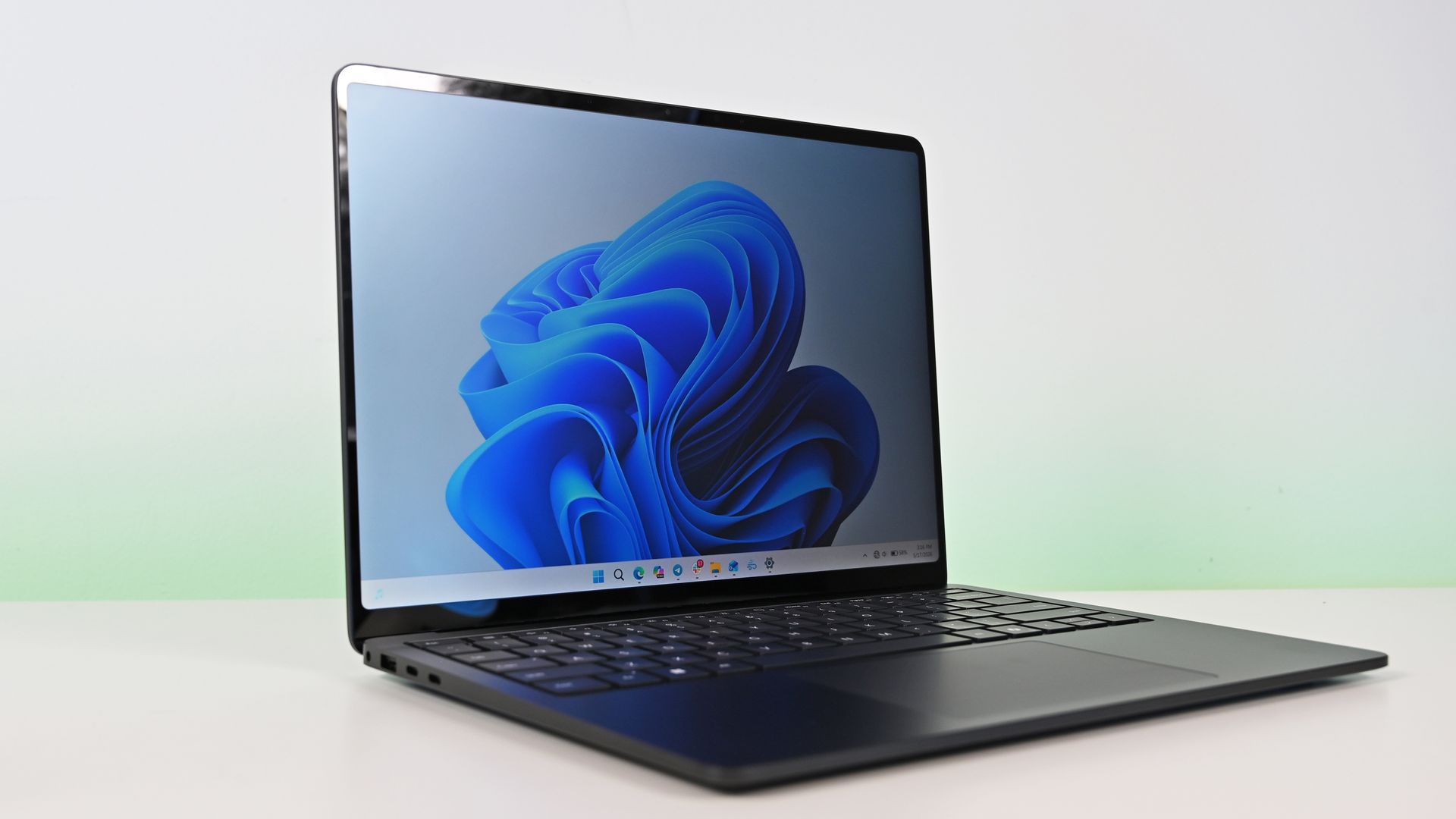
At its Windows 11 and Surface event, Microsoft showed off its improved Search experience. The new Search is faster, more efficient, and has a streamlined design that should be easier to scan.

The streamlined Windows Search is about more than finding files or apps, though it can do that. Search can perform tasks, such as switching your PC to dark mode or changing the volume of your computer.

Whether you're more interested in the performance improvements or the new features, there's reason to install the latest builds of Windows 11 that shipped to the Experimental channel and the Experimental channel (26H1). Insiders in those channels can now test the refreshed Search experience with limited support for inline actions.

Microsoft's engineers must have been excited about Windows after its big event, because five Insider builds were released yesterday. Two of them include the refreshed Windows Search. Here's everything that's new across all of the builds.

Windows Search (Experimental, Experimental (26H1))

  • New Windows Search experience with inline actions: We're beginning to roll out a new Windows Search experience built on WinUI 3 that is faster, more efficient, and features a streamlined design that makes results easier to scan. We're also introducing inline actions, allowing you to quickly complete tasks directly. Turn on dark mode or Bluetooth, adjust your screen brightness, mute your device, or arrange windows from Windows Search.
  • We're improving how Windows Search understands what you're looking for, including better matching for typos and synonyms. We'll continue fine-tuning these improvements over the coming weeks. For more information detailing the new changes, check out the Windows Insider Blog.
  • English is the only supported language for this initial release.
  • After upgrading to this build, restart your device before the New Windows Search Experience feature flag is visible.

Battery status widget (Experimental)

  • As part of our continued commitment to making Widgets more useful for everyday moments, we're introducing the Battery Status widget for Insiders on newer builds. This widget provides a unified view of battery levels for your PC and peripheral devices, helping you quickly assess power status without hunting through multiple UI locations. Add it by going to Widgets board > Add widgets > Battery Status.

Narrator (Experimental (26H1))

  • Read and explore math equations with Narrator (see full description in release notes)

Kerberos enhancements (Experimental)

  • IAKerb is now enabled by default for Windows client. IAKerb is a Kerberos extension that allows Windows authentication to succeed in scenarios where traditional Kerberos can't be used because a direct connection to a domain controller is unavailable. This extension helps reduce reliance on NTLM while improving compatibility for modern authentication scenarios. For additional background, implementation details, and early preview information, see Reducing NTLM Dependency: IAKerb and LocalKDC in Windows Insider Preview.

Task Manager (Experimental)

  • Task Manager is expanding process grouping to allow apps to combine otherwise separate background processes into a single unified category rather than relying solely on traditional parent-child trees. This makes an app's resource usage easier to understand. Microsoft Defender is the first app to use this capability.

Windows Update (Experimental)

  • Fixed the issue causing some Insiders with Windows Sandbox enabled to get error 0x80073712 when attempting to install the latest updates.

Security (Experimental)

  • We've updated the security key PIN entry experience, removing the "other user" icon for a clearer sign-in experience.

Taskbar (Experimental)

  • Fixed an issue impacting some Insiders recently, which was causing the taskbar app window previews to become slower and noticeably lag over time.

Taskbar (Experimental (26H1))

  • Improved underlying state persistence of taskbar settings related to multiple monitors across monitor connections and disconnections.

Settings (Experimental)

  • Removed the backplate from the Settings icon when UAC is invoked from within Settings.

File Explorer (Experimental)

  • Added support for font preview and installation in the File Explorer and desktop context menus.

Other (Experimental)

  • Fixed an issue with msmpeg2ac3dec.dll which was leading to some apps and games crashing recently.

General (Experimental (Future Platforms))

  • Symbols were missing for our previous flight. They should be available for this one.

Widgets (Beta)

  • As part of our continued commitment to making Windows calmer and higher quality, we’re updating the default lock screen widget experience for Insiders on newer builds. With this change, Weather will be the primary widget shown on the lock screen, reducing recommended widget content and making the experience feel more focused. We're also giving users more control of personalizing the widgets on lock, curating the ones they find most useful for them. Users can access these settings by going to Settings > Personalization > Lock screen.

The new Search experience is the biggest change, but I'm also excited about the Battery Status widget that's now available to more Insiders. Microsoft has largely ignored widgets on Windows 11, so it's nice to see a useful one on its way.

Click to join us on r/WindowsCentral

Join us on Reddit at r/WindowsCentral to share your insights and discuss our latest news, reviews, and more.
  •  

Windows 11's new native Search can control your PC

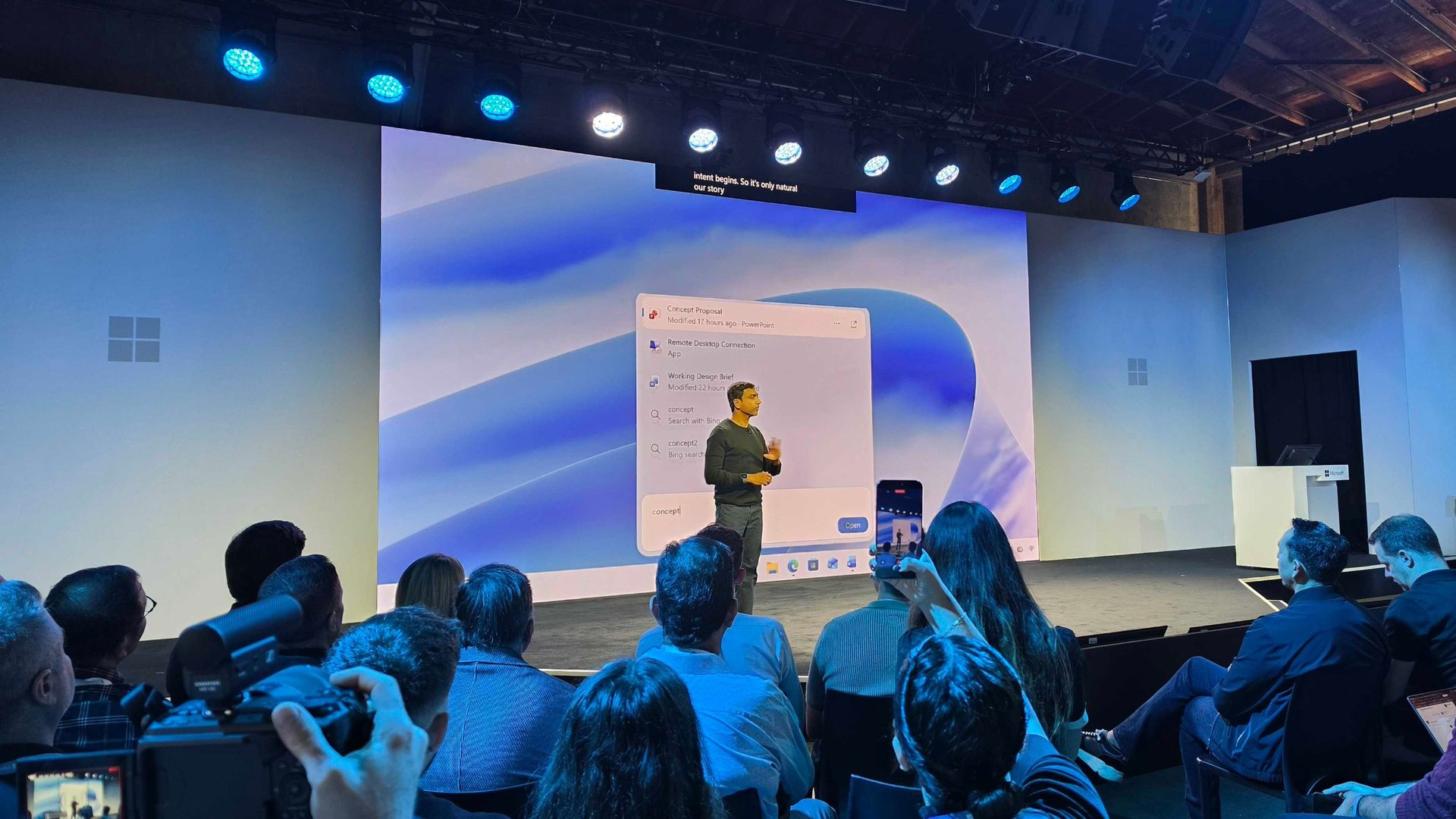
Microsoft just unveiled the new Windows Search experience at its Windows and Surface event. The new Search is more than just a search feature; it's a system composer. That means it can be used to control your PC. Microsoft's Windows lead Pavan Davuluri discussed the new Search experience on stage.

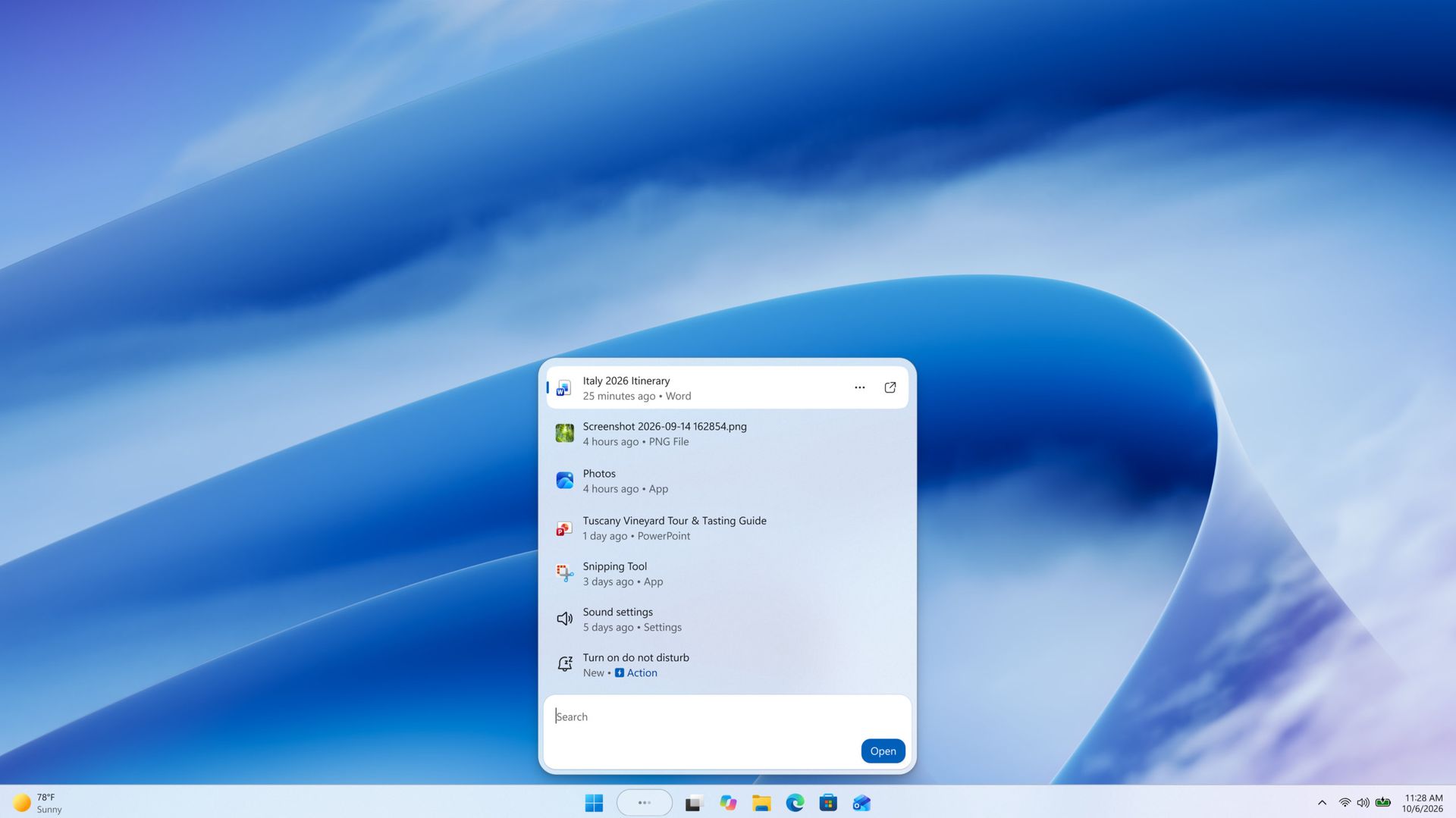
Starting this fall on Windows 11 PCs, users can take thousands of quick actions directly from Search in the Taskbar. For example, you could enable dark mode or switch your PC to Do Not Disturb. You can also adjust your microphone slider through the new Search experience.

You can even use the new Search experience to send a text message through Phone Link.

Microsoft detailed the new Search in a blog post. It also shared some examples of actions you can perform:

  • Turn something on or off. Try phrases such as “switch to dark mode”, “turn on night light,” or “turn on Bluetooth.”
  • Make a quick adjustment. Try “dim my screen” or “mute.”
  • Manage your workspace. Try “minimize all my windows,” or “arrange windows on screen.”

Copilot can be summoned through the new Search as well, showing responses directly within the user interface. You won't have to jump into a separate app to interact with Copilot. If you do want to jump to the full Copilot app, there's a shortcut to do so.

As you'd expect, the new Search experience can also be used to search for things on Windows 11. "At its core, the new Windows search experience is quicker, more efficient, so you can find your files, settings, and apps faster," said Davuluri.

The new Windows Search experience is faster and more efficient with resources because it is built on WinUI 3

Windows 11 desktop showing Microsoft's new Search experience with recent files, apps, settings controls, and quick actions available from a Taskbar search panel.

(Image credit: Microsoft)

Windows Search will better understand what you're searching for. For example, it will still be able to find items even if your input has a typo.

Microsoft will start testing the new Search experience with Windows Insiders today, October 7, 2026. It will appear first through the Experimental channel.

This piece was written during the live stream of the Windows and Surface event. Microsoft is expected to share more details about the new Search experience and other items discussed at the event. We will update this piece with more information as it becomes available.

  •  

These Bose headphones changed how I shop forever

"Babe?... Babe!? Is everything alright?" If you're in my house on a relaxing weekend afternoon, you'll often hear me trying to get a hold of my wife. I have to ask a few times, not because she's ignoring me, but because she has a pair of noise cancelling headphones on.

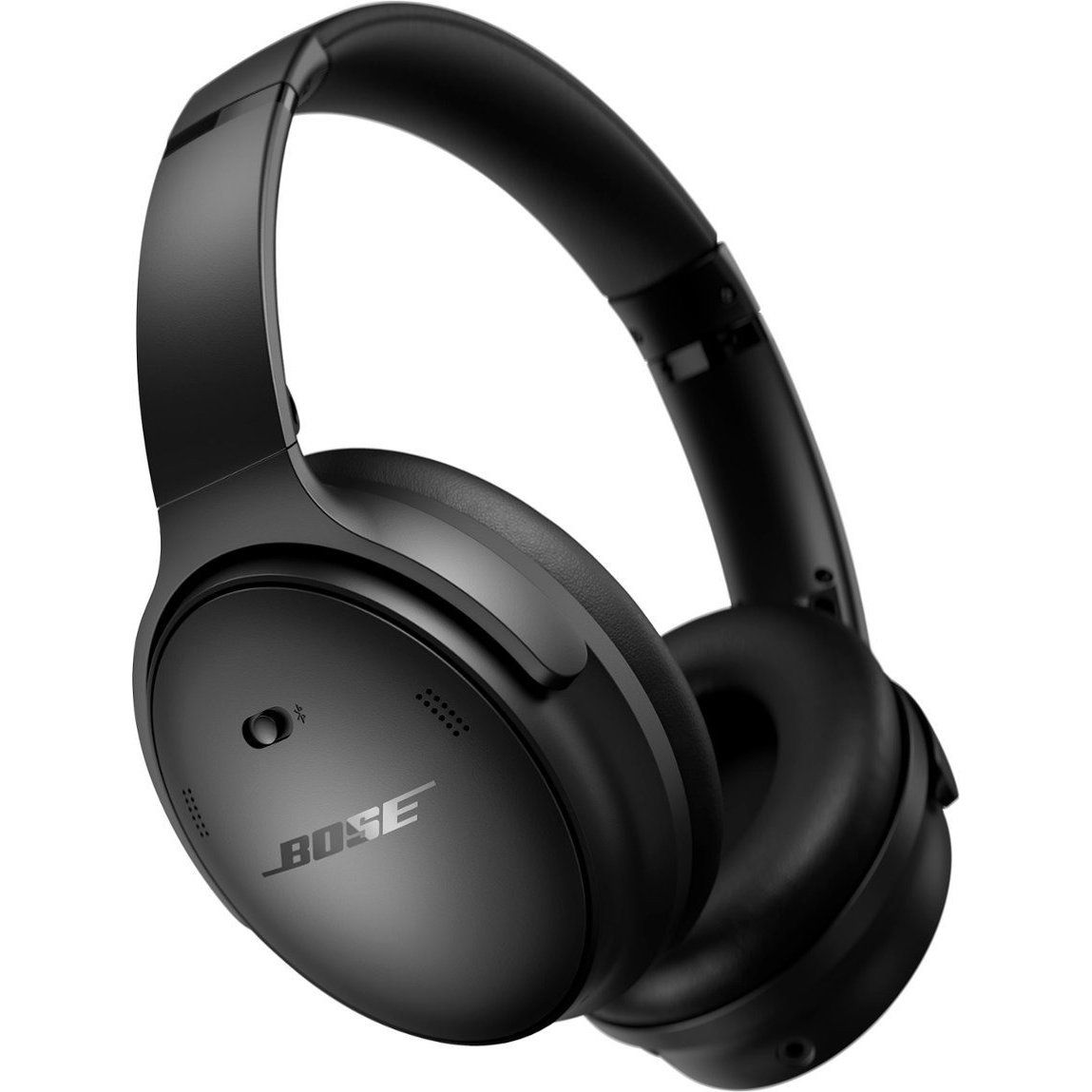
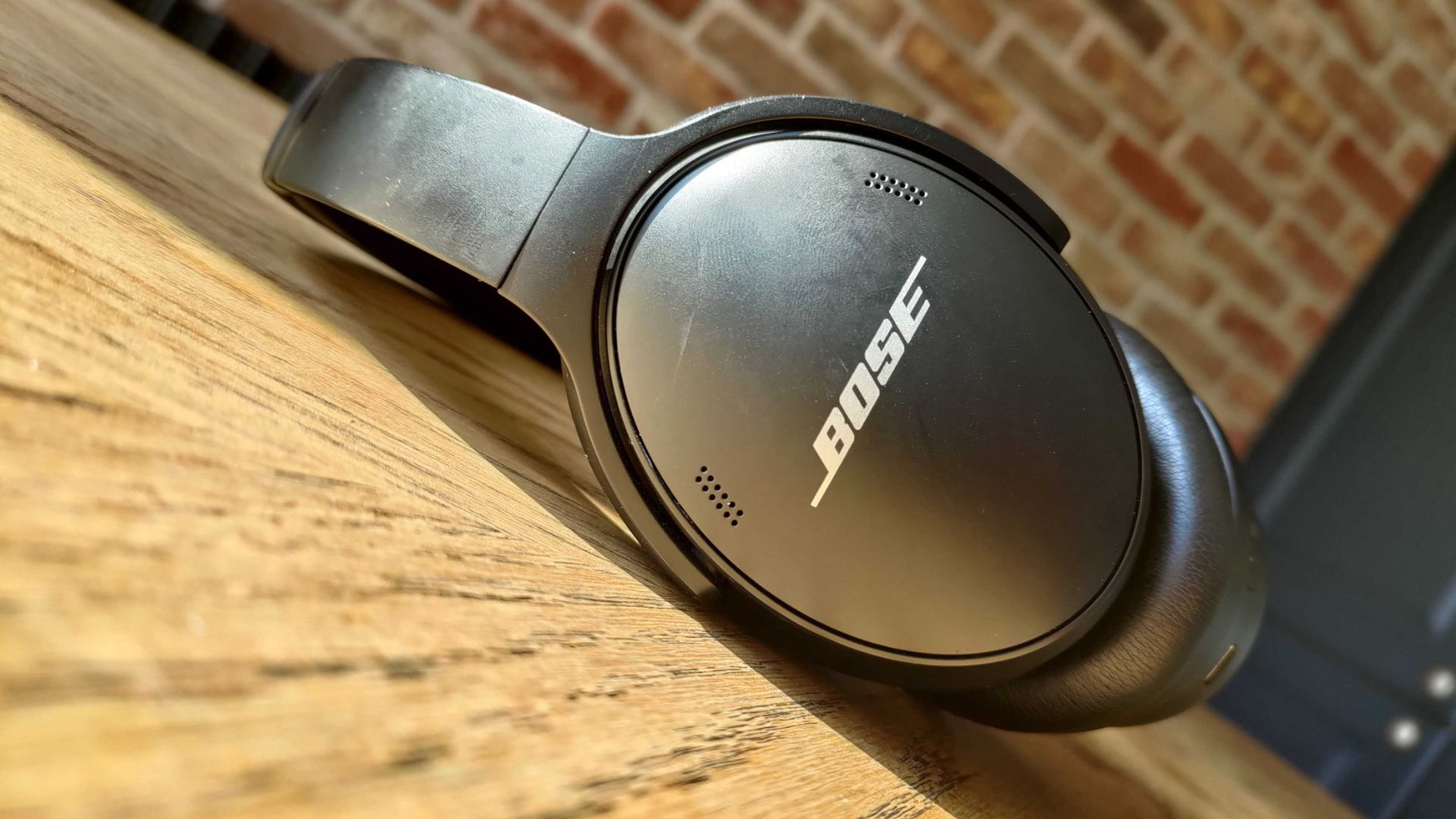
For the last couple of years, my wife has donned a pair of Bose QuietComfort Wireless Noise Cancelling Headphones. They're sleek, comfortable, and do a great job blocking out noise. And right now, they're on sale for $190 off.

QuietComfort Wireless Noise Cancelling Headphones: was $359.00 now $169.00

These noise cancelling headphones are comfortable, sound great, and last all day. They charge through USB-C, so even if they do run out of battery they're easy to top up.View Deal

You may be surprised to hear that I rarely spend a lot of money on gadgets. I love covering tech, but I try to keep my spending down when it comes to laptops, phones, and accessories. That's why it was a major shift when I bought my wife a pair of Bose QuietComfort Wireless Noise Cancelling Headphones. Back then, the headphones were newer and closer to full price.

But I wanted to splurge on a gift for my wife. She loves music, audiobooks, and podcasts, so I knew she needed a pair of headphones that she could wear all day. The headset from Bose delivered. They're comfortable, block out noise with active and passive noise cancellation, and last a long time.

They're mostly my wife's headphones, but I use them at least once a month and am frequently reminded of how much I like them. After years of heavy use they show some wear and tear (I just ordered new ear pads), but they still sound great.

The Bose QuietComfort Wireless Noise Cancelling Headphones are now a bit older, but they still deliver high-quality audio and are comfortable. They lack some of the bells and whistles you'll see in newer headsets, but they've aged well.

The $190 discount on the Bose QuietComfort Wireless Noise Cancelling Headphones makes them easy to recommend.

Do I need Prime membership for Big Deal Days?

Amazon Prime: Free 30-day trial

New members can enjoy exclusive Prime Day discounts for free and cancel anytime. After the trial, membership is $14.99/month plus tax. Includes access to games via Prime Gaming alongside Prime Video and Prime Music.

How long does Amazon Prime Big Deal Days last?

Amazon has launched this year's Prime Big Deal Days event with 48 hours of more exclusive deals, which started on Tuesday, October 6, and runs until Wednesday, October 7, 2026

Click to join us on r/WindowsCentral

Join us on Reddit at r/WindowsCentral to share your insights and discuss our latest news, reviews, and more.
  •  

New Outlook will soon check emails for spelling mistakes before they are sent

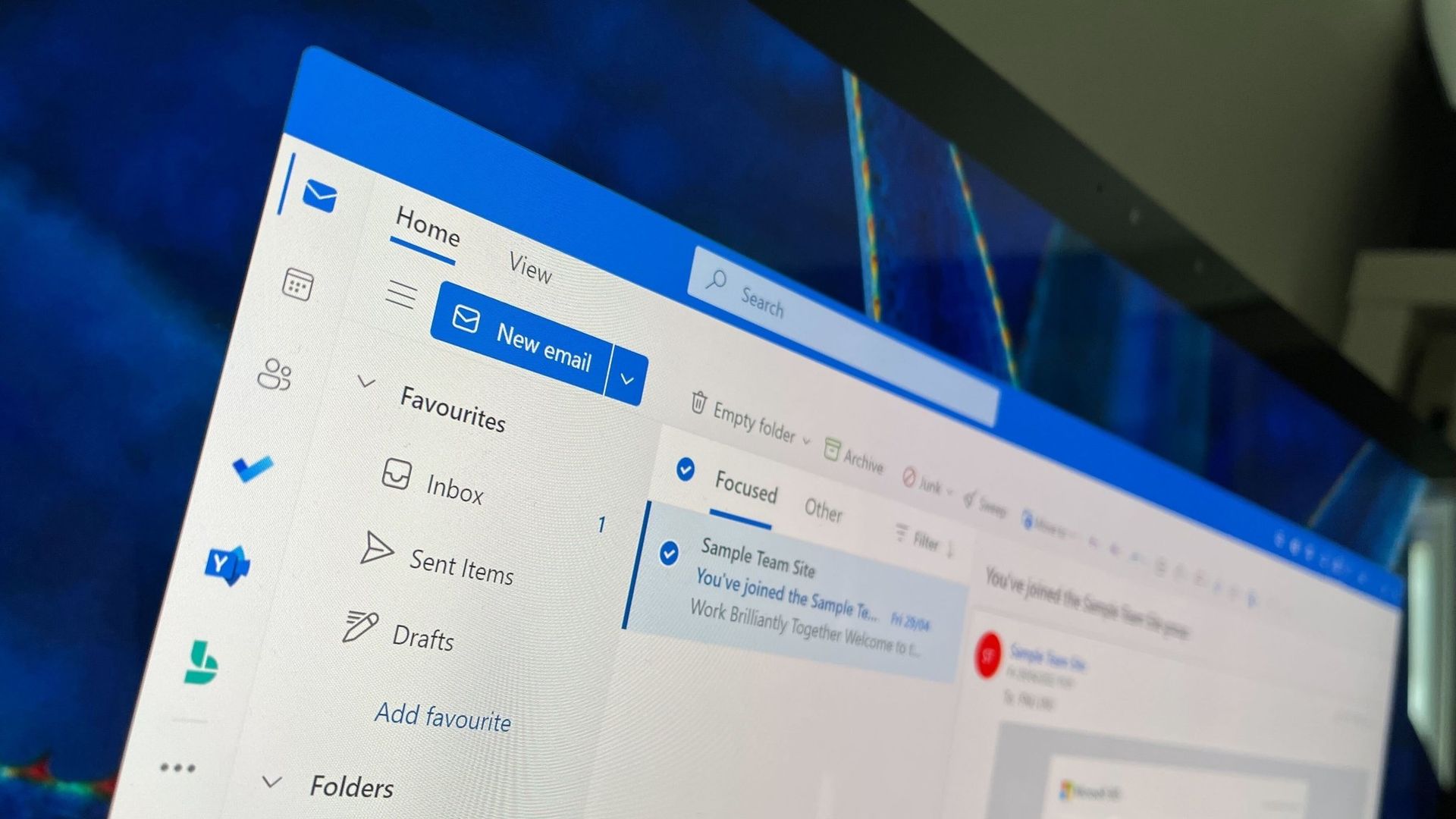
Microsoft Outlook will soon be able to save you from a costly mistake in an email. An upcoming feature will automatically spell check your emails before sending them.

Of course, Outlook already has a built-in spell check feature that highlights misspelled words and other mistakes. The new feature adds another layer of proofing by checking for spelling errors before an email is sent.

While spell check catches many mistakes as you type, it's easy to miss a typo in a long email or make an error when responding to messages. Running a final spell check before sending provides one last opportunity to catch mistakes before an email is delivered.

"If you don’t want to check spelling manually for every message—or you’re worried you might forget!—you can set Outlook to check spelling for you every time before sending emails," explains Microsoft through the Microsoft 365 Message Center (archived here).

When enabled, Outlook will review your message before it is sent and flag spelling issues that should be corrected.

The new spell check feature is expected to start rolling out mid-November, but it won't reach everyone until early December. Users in Targeted Release will be able to use the feature as soon as this month.

The new Outlook feature will sound familiar to those who have used Outlook for a long time. Classic Outlook already has the ability to check spelling before an email is sent through the "Always check spelling before sending" setting. Now, the same functionality is on the way to new Outlook.

Microsoft has spent the last several years bringing features from classic Outlook to new Outlook. Microsoft's latest update is another step toward feature parity between the two versions.

Are there any features you rely on that are still missing from new Outlook? Let us know in the comments.

Click to join us on r/WindowsCentral

Join us on Reddit at r/WindowsCentral to share your insights and discuss our latest news, reviews, and more.

  •  

I ignored the Windows app until Microsoft closed this major feature gap

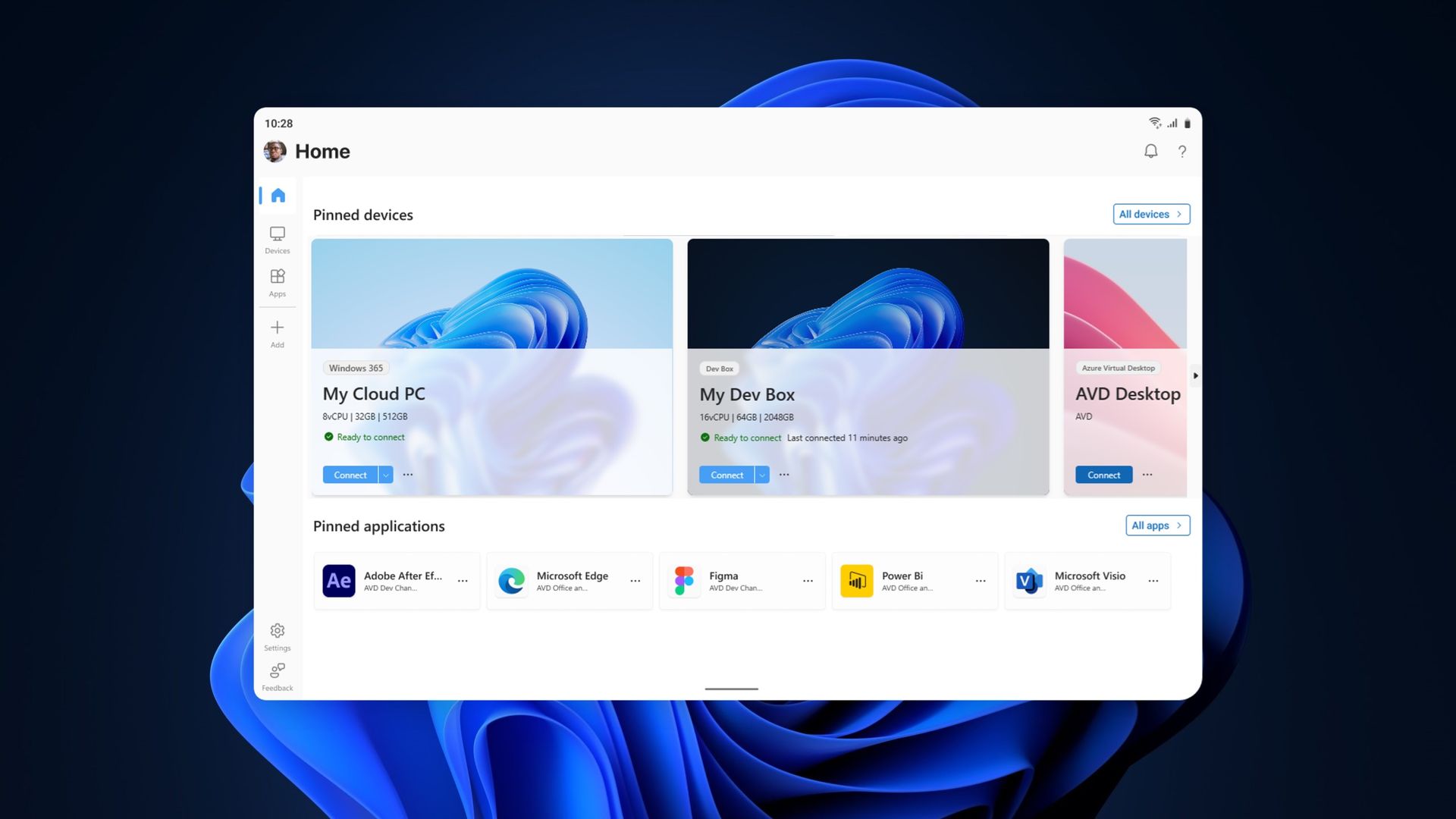
The Windows App on Windows now has a new way to connect to a Windows PC. Remote PC connections are now supported in the app, creating a unified experience for a broad range of connections.

The Windows App already supported Windows 365, Azure Virtual Desktop, and Microsoft Dev Box. Now, it also allows you to connect to a PC remotely.

The ability to connect to a PC remotely arrives in Windows App following the retirement of the Remote Desktop app. The expanded feature set of the Windows App entered testing in March and now remote PC connections are generally available.

This week's news is that remote PC connections are supported in the Windows App on Windows, but it's worth noting that the Windows App is also available on macOS, iPadOS, Android, and web browsers.

Microsoft outlines how to started with remote PC connections in the Windows App:

  1. Make sure Remote Desktop is enabled on the PC you want to connect to.
  2. Install or update Windows App from the Microsoft Store.
  3. Open Windows App and select Add a Remote PC or select the Add button.
  4. Add your remote PC using its PC name or IP address.
  5. Select Add or Add and Connect.

When I covered the migration to Windows App earlier this year, our readers listed Remote Desktop Connection (the classic mstsc.exe tool) as their preferred way to connect to a PC remotely. That method is still supported, as Microsoft retired the Remote Desktop app from the Microsoft Store rather than the built-in Remote Desktop Connection client. It will be interesting to see whether people transition to the unified Windows App.

If you used another method of connecting to a PC remotely and have switched to the Windows App, please share your experience in the comments.

Click to join us on r/WindowsCentral

Join us on Reddit at r/WindowsCentral to share your insights and discuss our latest news, reviews, and more.
  •  

Beat the scalpers by preordering the Xbox Wireless Controller X25 Special Edition

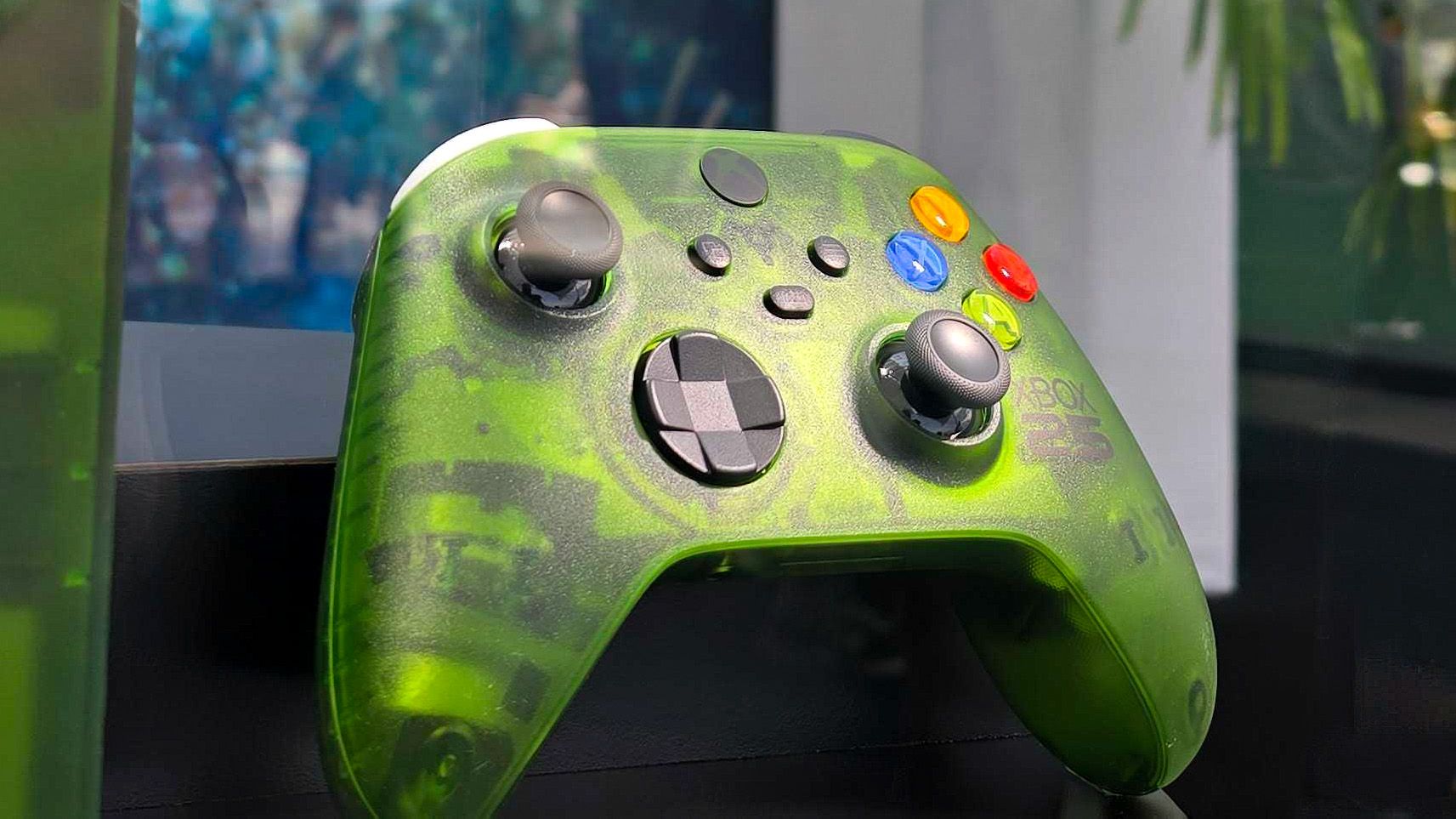
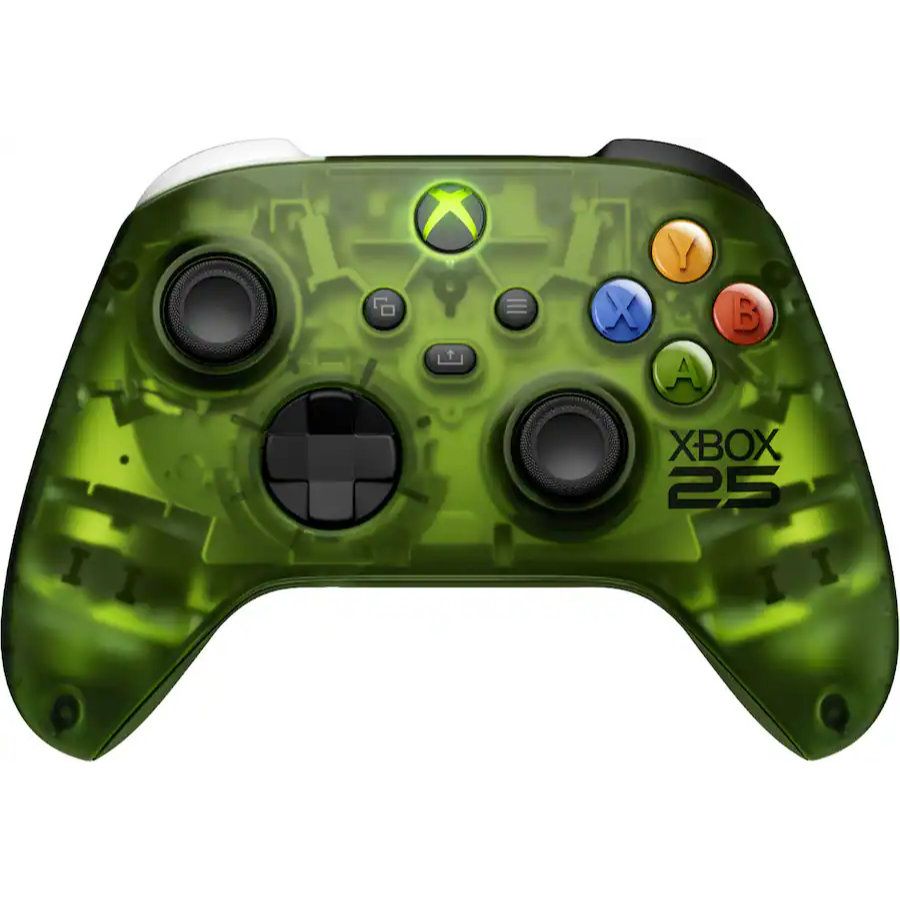
You can now beat the scalpers and ensure that you get what I believe is the most stunning Xbox controller ever made. Pre-orders for the Xbox Wireless Controller X25 Special Edition are live right now!

A translucent green design lets you see the internal components of the controller while also giving you a shot of nostalgia. Fans have wanted a green controller like this for years, and Xbox finally delivered.

X25 Controller: $79.00
This Xbox controller has a translucent "OG Green" shell that lets you see the internal components of the gamepad. It celebrates the 25th anniversary of Xbox with some nice touches, such as its ABXY buttons being the same colors as those on the original Xbox controller.View Deal

An ode to Xbox

Microsoft announced the Xbox Series X25 earlier this year. While that console is gorgeous, those who already have an Xbox Series X may not buy another console just for a refreshed look. But you can celebrate the 25th anniversary of Xbox without spending $899.99.

The Xbox Wireless Controller X25 Special Edition is "OG Green" and has a translucent body. Small touches such as the ABXY buttons matching the original Xbox controller add up to make a stunning controller. The bumpers are even black and white similar to the black and white buttons of the "Duke" controller.

The black Xbox button shines a green light as a throwback to the early days of Xbox. The back of the controller has a see-through panel featuring the classic XBOX logo.

Unfortunately, as with most collectible hardware, scalpers will gobble up a lot of the stock of the Xbox Wireless Controller X25 Special Edition. Locking in a pre-order early is your best bet to avoid inflated resale prices.

Whether you're enjoying the new games that were just announced at the Future Games Show at Gamescom 2026 or playing games you just converted through the Xbox disc-to-digital program, the Xbox Wireless Controller X25 Special Edition will be a gorgeous companion.

Click to join us on r/WindowsCentral

Join us on Reddit at r/WindowsCentral to share your insights and discuss our latest news, reviews, and more.
  •  

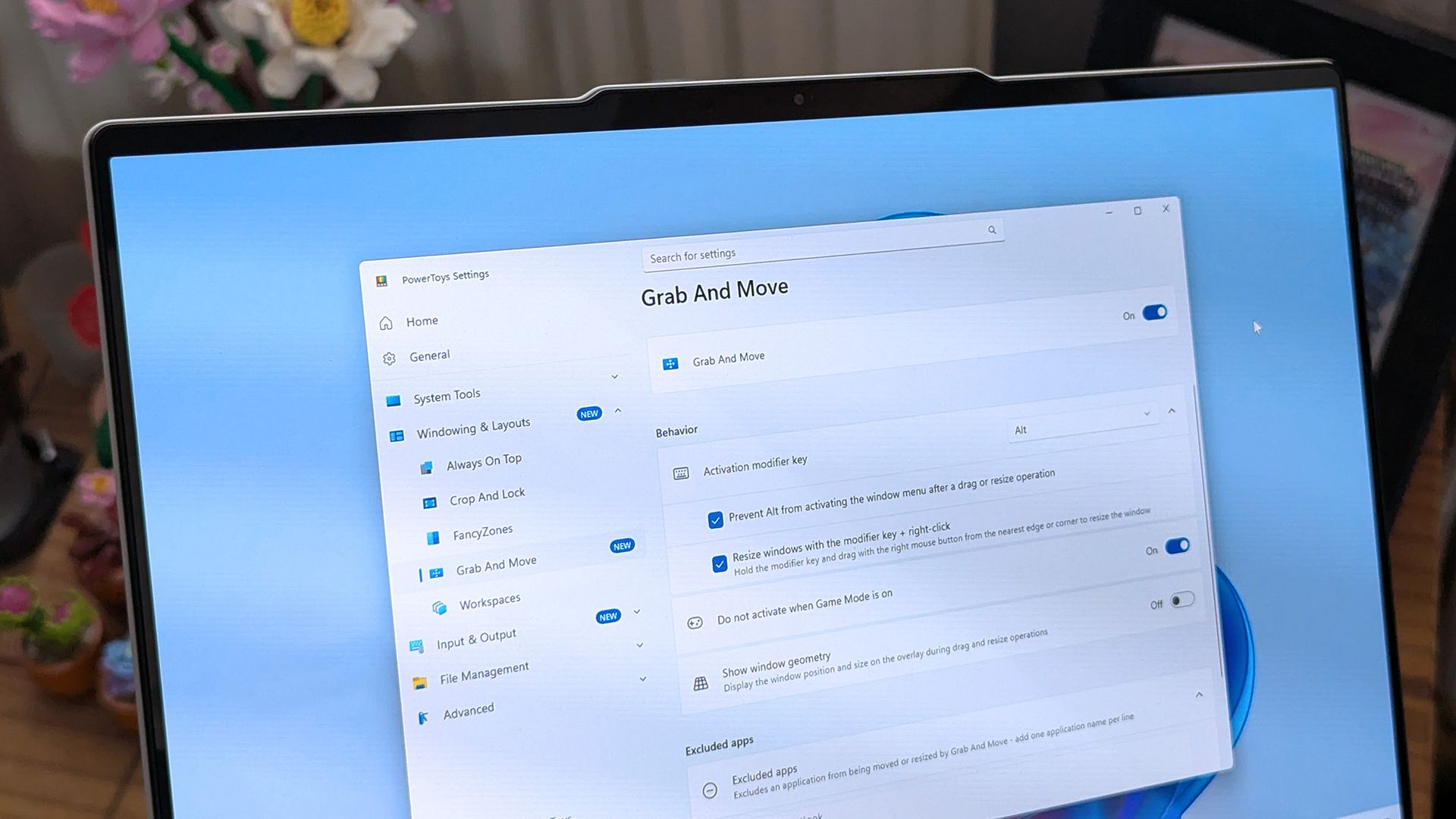
PowerToys gets a gorgeous new welcome screen — other apps should take notes

PowerToys is one of my favorite Windows apps, and the Windows Central team follows the app's development closely. Normally, I highlight new PowerToys utilities or the favorite additions of the main man behind PowerToys. But sometimes the layout of PowerToys deserves a highlight.

A new Welcome screen is on the way to PowerToys, and it's so gorgeous that I'm a bit disappointed that most people will only see it when initially installing the app. The engaging out-of-box-experience (OOBE) uses a Windows feature called Composition, allowing it to render at 60 FPS. The clip shared on X by Niels Laute doesn't quite do the welcome screen justice due to compression, but the animation is still impressive.

Composition 🤤October 5, 2026

This is more than just a fun animation. Creating a usable user interface that also performs well is much more difficult than creating a mockup.

Similarly to how PowerToys acts as a playground for developers to make features that occasionally get integrated into Windows 11, the new welcome screen showcases something WinUI apps can do.

Laute highlighted that the new welcome screen relies on Composition, which sits below WinUI. Developers can use it to render visual effects, and it can also manipulate UI controls because of how performant it is. If you use the Microsoft Store, you've likely seen animations that rely on Composition without realizing it.

A pull request on GitHub discusses the welcome screen in more detail. A Microsoft support document details the layers of Windows 11 and how Composition plays a role.

I admit that swooning over fluid animations and interactive welcome screens is a bit nerdy. Millions of Windows 11 users will never notice what type of animation an app has. But attention to detail adds up and creates a better overall experience.

Earlier this year, I argued that faster performance won't save Windows 11 if Microsoft's apps are laggy web wrappers. The new welcome screen of PowerToys is a small change to users that would go a long way if extended to other Microsoft apps.

PowerToys | Free at GitHub | Free at Microsoft Store

This collection of utilities includes a large library of features to enhance the Windows experience. PowerToys is designed with power users in mind, but it has handy features for people who just use their PC for everyday computing too.

Click to join us on r/WindowsCentral

Join us on Reddit at r/WindowsCentral to share your insights and discuss our latest news, reviews, and more.
  •  

My top Surface deals I’d actually buy during Amazon’s Big Deal Days

Prime Big Deal Days are here, and that means big savings on the hottest tech. Microsoft Surface sales slash hundreds of dollars off the Surface Pro, Surface Laptop, and Surface accessories.

Best Buy and other retailers are running competing sales alongside Prime Big Deal Days, so the best Surface deals are spread across the web. You'll also see prices fluctuate as stock runs out or sits for too long. I've scoured the web for the best Surface deals, and our team at Windows Central will keep this piece up to date with the best discounts.

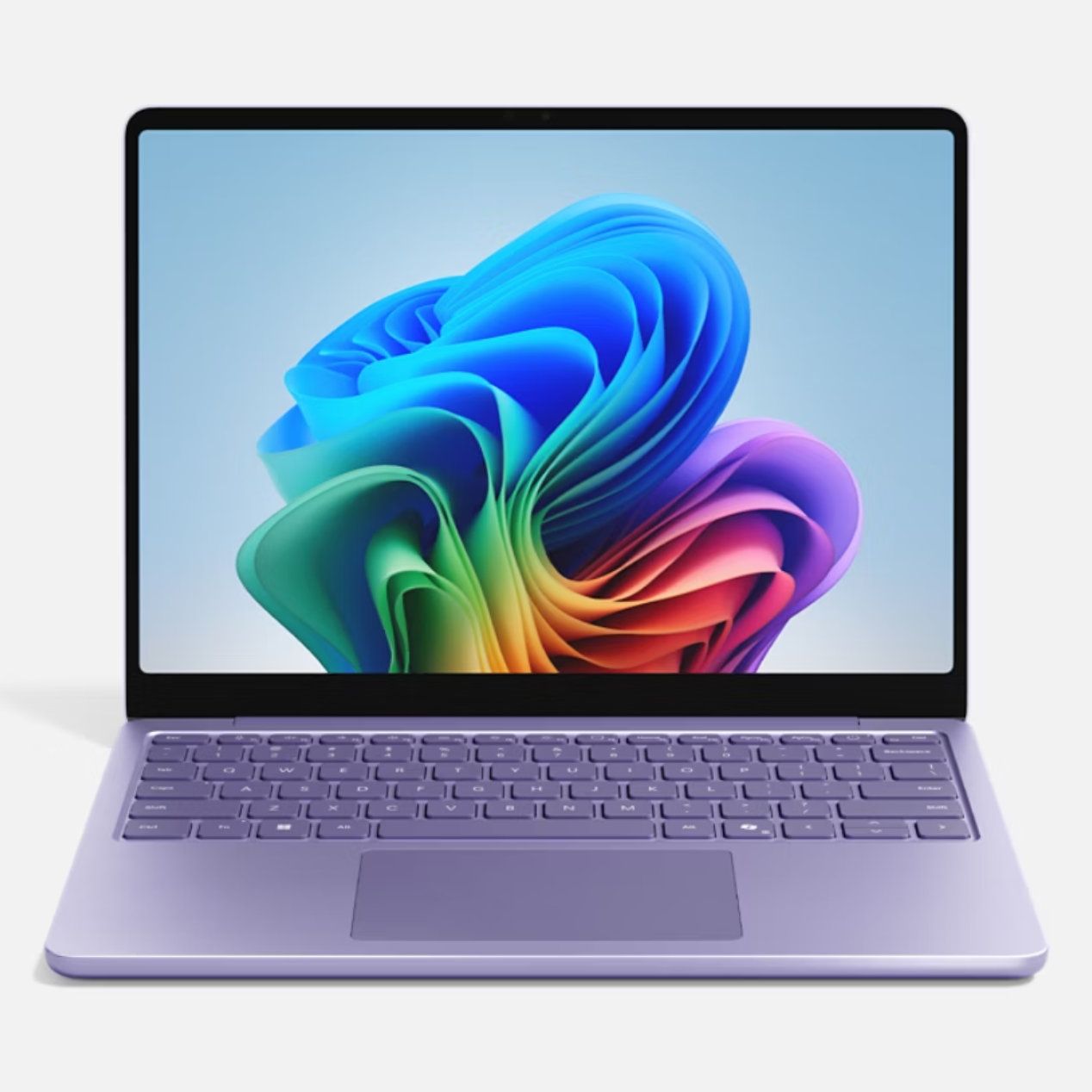
You'll notice that I don't list the Surface Pro 12-inch or Surface Laptop 13-inch below. That's because those PCs have new versions with Snapdragon X2 processors launching next week. You can still buy older models with first-gen Snapdragon X chips, but I'd recommend waiting until the new generation ships to see where prices fall on older devices.


XX

Display: XX. CPU: XX. GPU: XX. NPU: XX. RAM: XX. Storage: XX. AI PC: ✅ Copilot+ PC: ✅

👉 See at: BestBuy.com Amazon.com

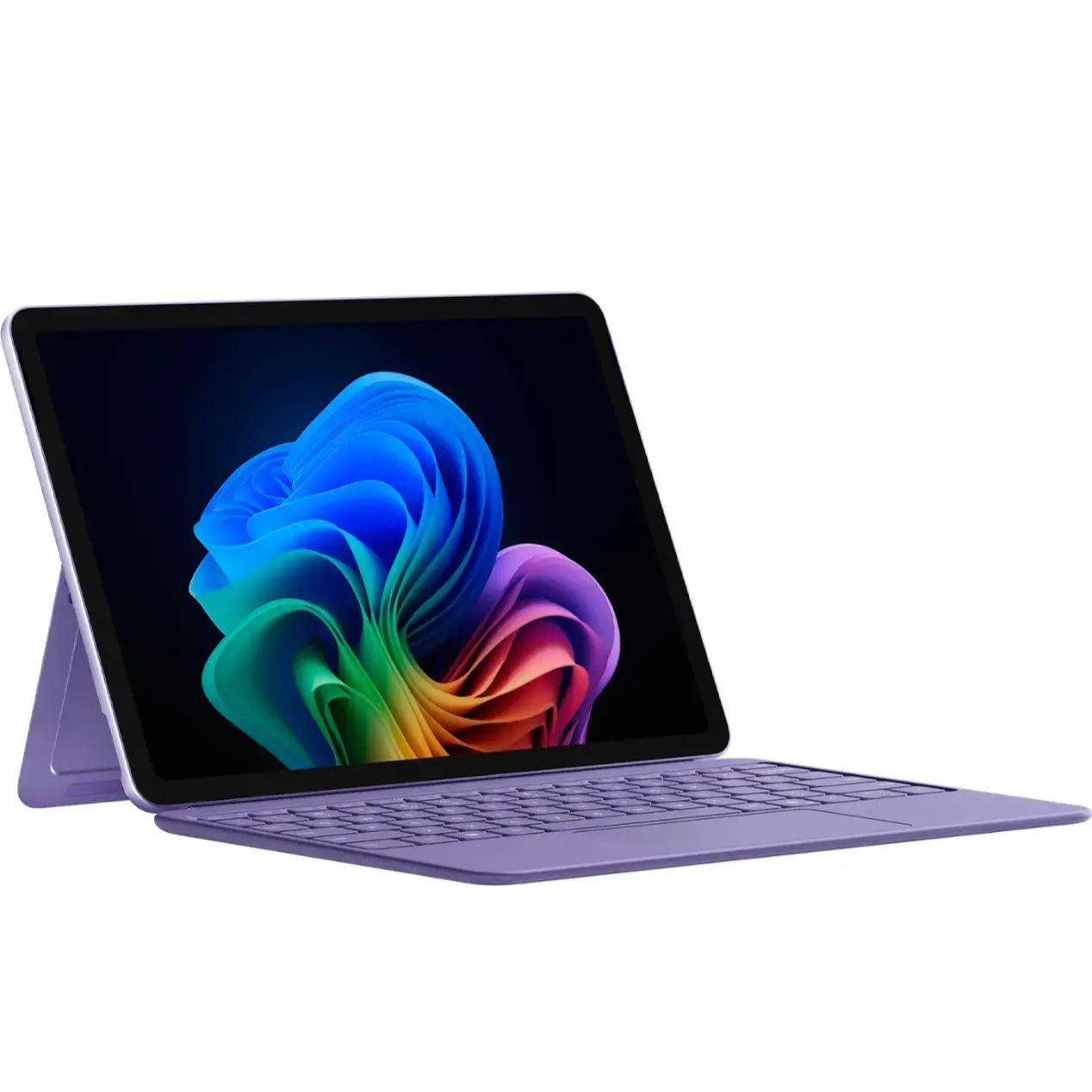
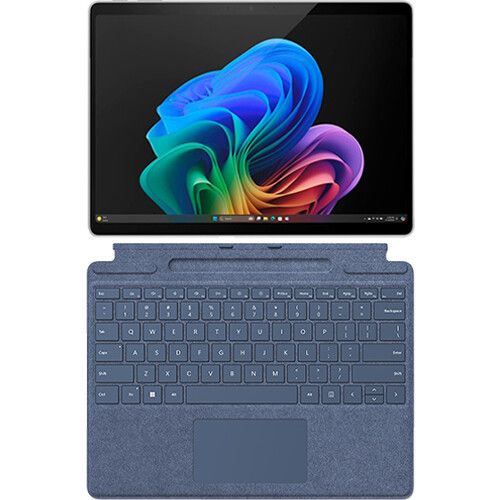
Surface Pro 12-inch + Keyboard Bundle: was $899.99 now $649.99

The Surface Pro 12-inch is a smaller and more affordable alternative to the full-size Surface Pro 11. Battery life is decent, but the PC really shines thanks to the performant Snapdragon X Plus chip inside. If you want a compact and mobile 2-in-1, this is the way to go. This bundle includes a Type Cover.View Deal

Surface Laptop 13-inch: was $899.99 now $699.98

Microsoft's latest Surface Laptop is a portable and lightweight productivity powerhouse with the latest Snapdragon X Plus chip, paired with 16GB RAM, 256GB storage, and the best keyboard and trackpad one the market.View Deal

Surface Pro (13-inch)

Surface Pro + Keyboard & Pen: was $1779.98 now $1299.99

This Surface Pro bundle comes with everything you need to get work done and create on the go, including a keyboard and Surface Slim Pen. The Surface Pro in this bundle is a premium 2-in-1 that can be used as a standalone tablet or like a laptop when the keyboard is attached. This model has 16GB of RAM and 256GB of storage, which should be enough for everyday productivity, though people working with large media files may want additional cloud or external storage.View Deal

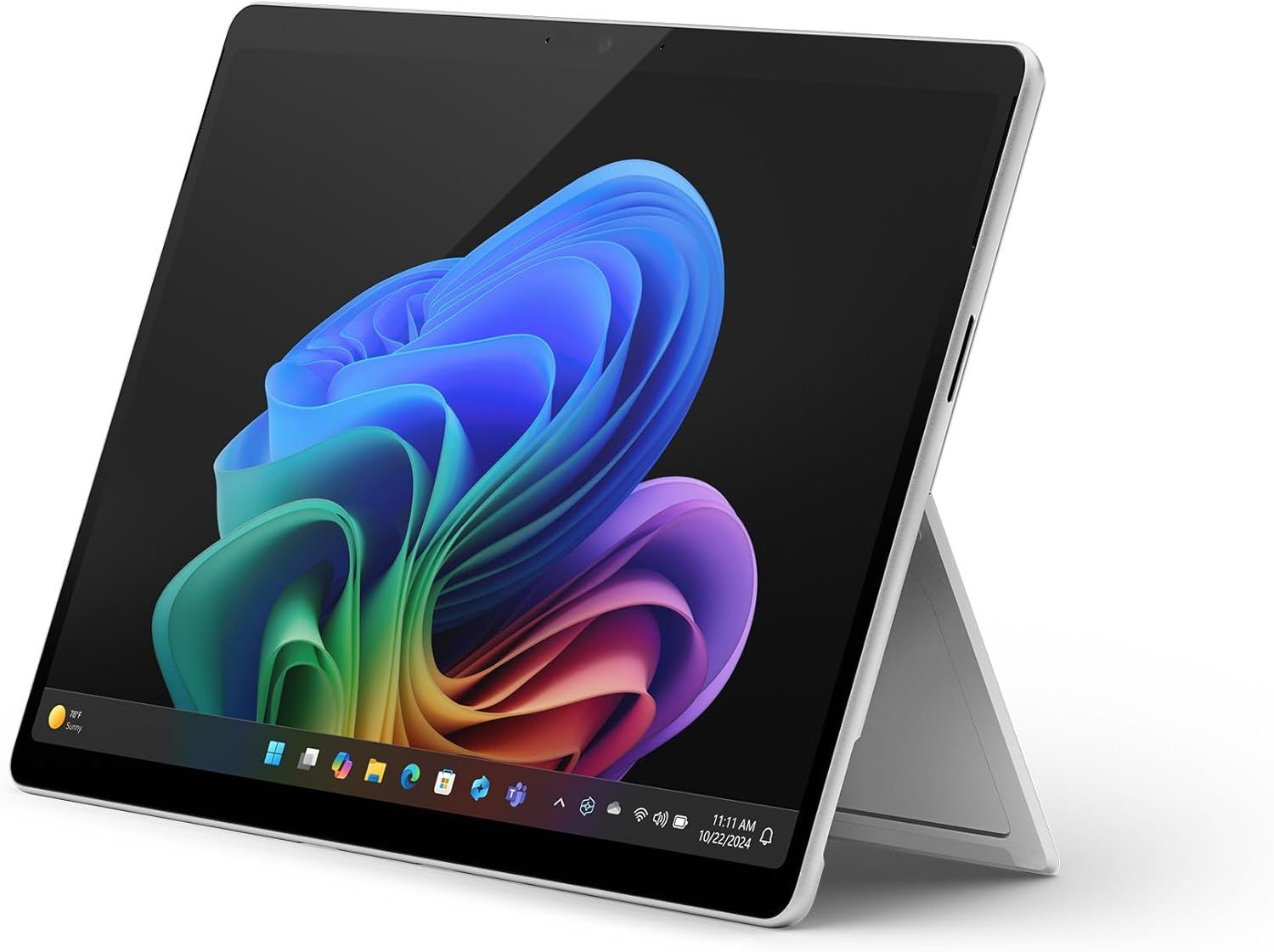
Surface Pro (13-inch): was $1499.99 now $1129.99

If you just want the Surface Pro on its own or already have a keyboard, this is a great option. The Snapdragon X2 Plus processor helps deliver excellent battery life while providing plenty of performance for everyday productivity.View Deal

Surface Laptop 8

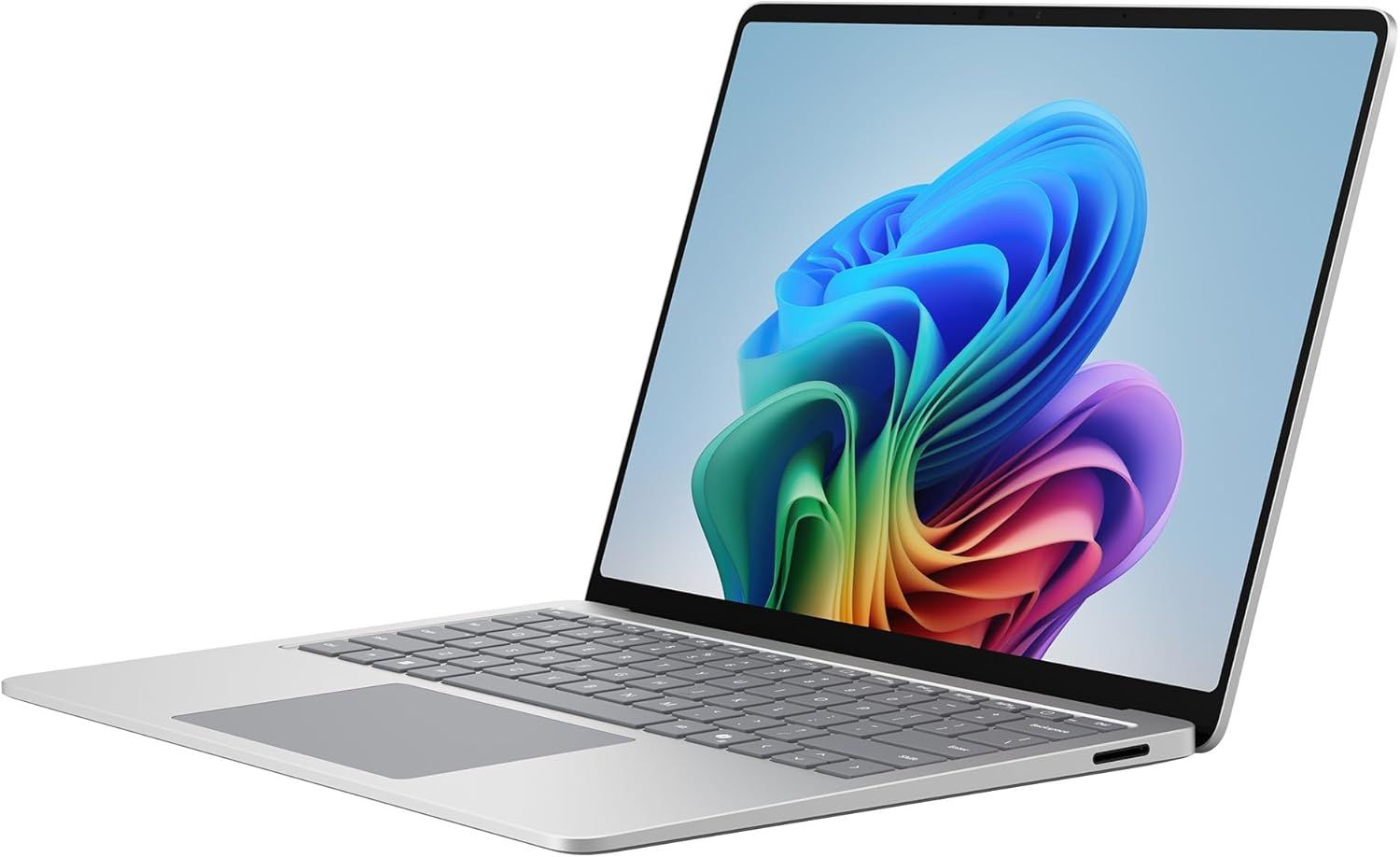
Surface Laptop 8: was $1699.99 now $1279.99

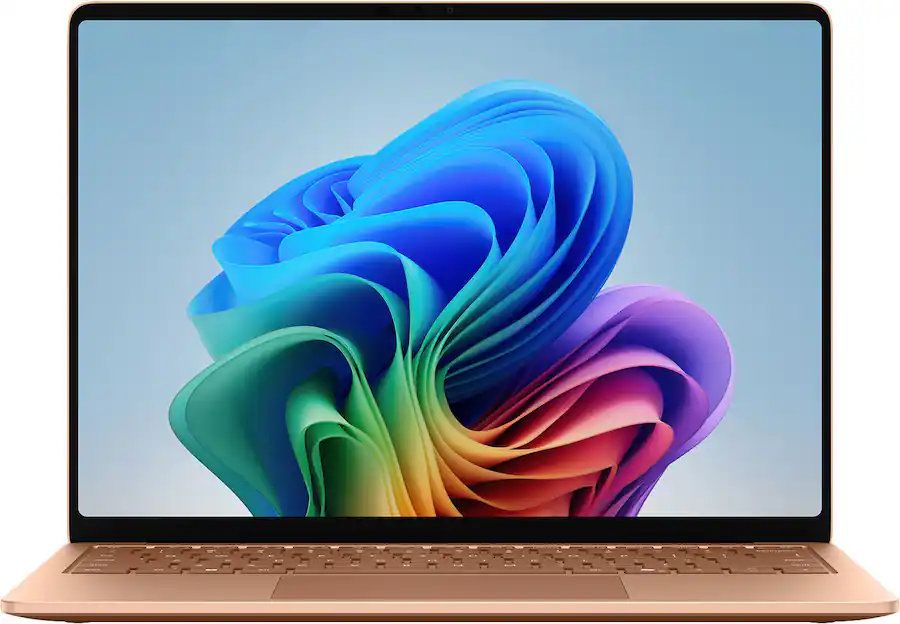
Refreshed with a Snapdragon X2 Elite processor, this Surface Laptop promises faster performance and better graphics than we've ever seen in this lineup. This model comes with 16GB of RAM and 512GB of storage, making it my top pick for everyday productivity and getting work done.View Deal

The Surface Laptop 8 with the biggest discount also happens to be one of the most beautiful models (at least in my opinion). This Surface Laptop with 16GB of RAM and 512GB of storage comes in Dune, making it stand out in a sea of silver and black laptops.View Deal

Accessories

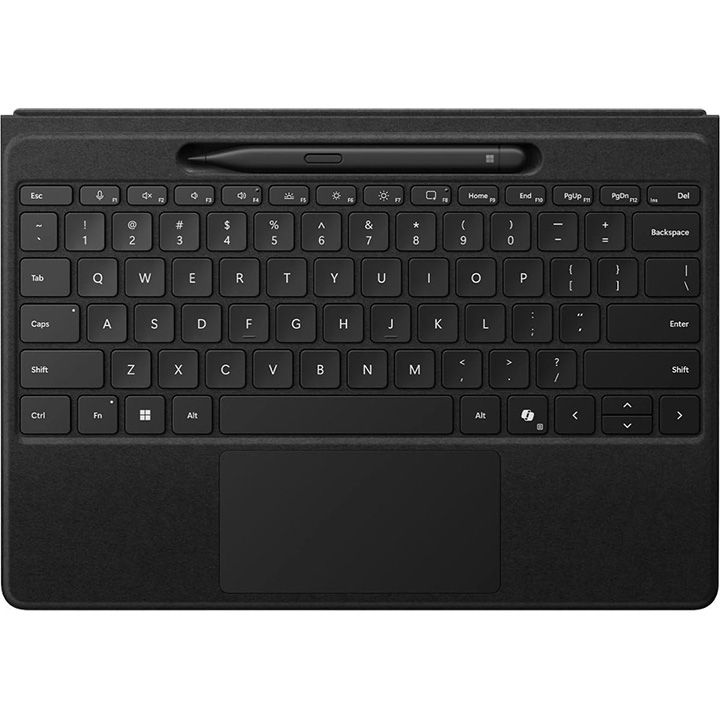
Surface Pro Flex Keyboard + Slim Pen 2: was $499.98 now $439.99

The Surface Pro Flex Keyboard can be used when connected physically to your Surface Pro or wirelessly. It's the most versatile keyboard you can get for the 2-in-1. This bundle also includes a Surface Slim Pen 2.View Deal

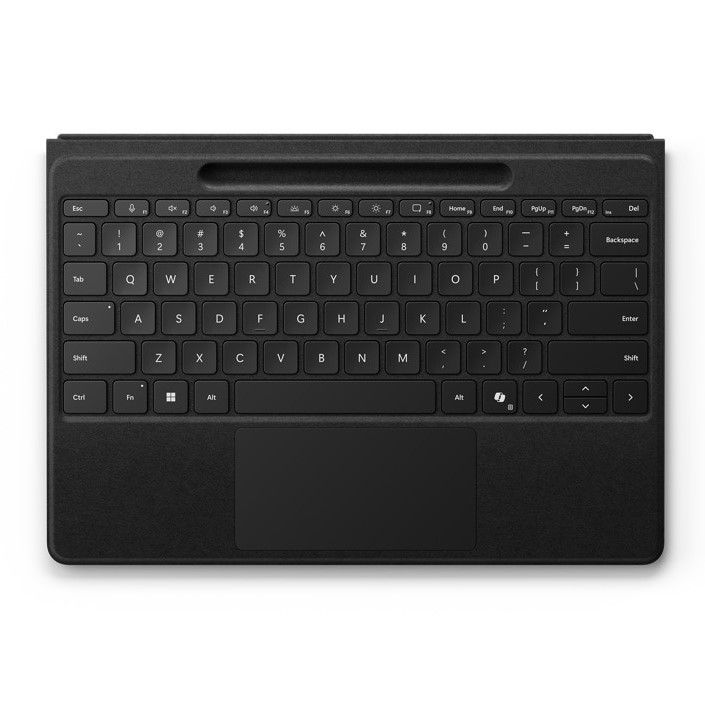
This is the same Surface Pro Flex Keyboard that can be used wirelessly or through a physical connection. This version does not include a Surface Slim Pen, helping keep the price lower.View Deal

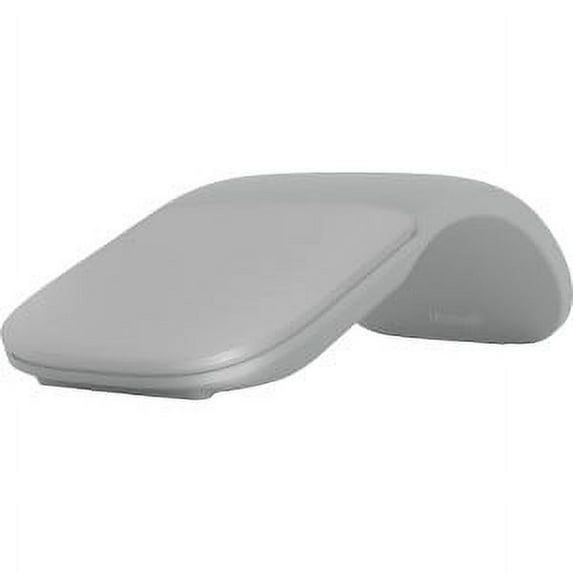
Surface Arc Mouse (Light Grey): $80.99

This mouse can lie flat for easy storage in your bag or pocket.View Deal

Do I need Prime membership for Big Deal Days?

Yes. To get all Prime Big Deal Days discounts, you'll need a paid Prime membership or, if you haven't signed up before, a 30-day free trial. Some deals are available to shoppers without Prime, but many of the event's best discounts are reserved for Prime members.

Amazon Prime: Free 30-day trial

New members can enjoy exclusive Prime Day discounts for free and cancel anytime. After the trial, membership is $14.99/month plus tax. Includes access to games via Prime Gaming alongside Prime Video and Prime Music.

Click to join us on r/WindowsCentral

Join us on Reddit at r/WindowsCentral to share your insights and discuss our latest news, reviews, and more.
  •  
❌