Ukraine says Starlink service has been restored after days of disruption. The incident highlights why enterprises need tested, independent backup systems.
Anthropic moves Agent Skills to the Agentic AI Foundation. Learn what the handover means for IT teams, workflow portability, compatibility, and security.
Microsoft's MAI-DxO AI outperformed generalist doctors on diagnostic benchmarks, but real-world hospital testing is still needed to assess its clinical value.
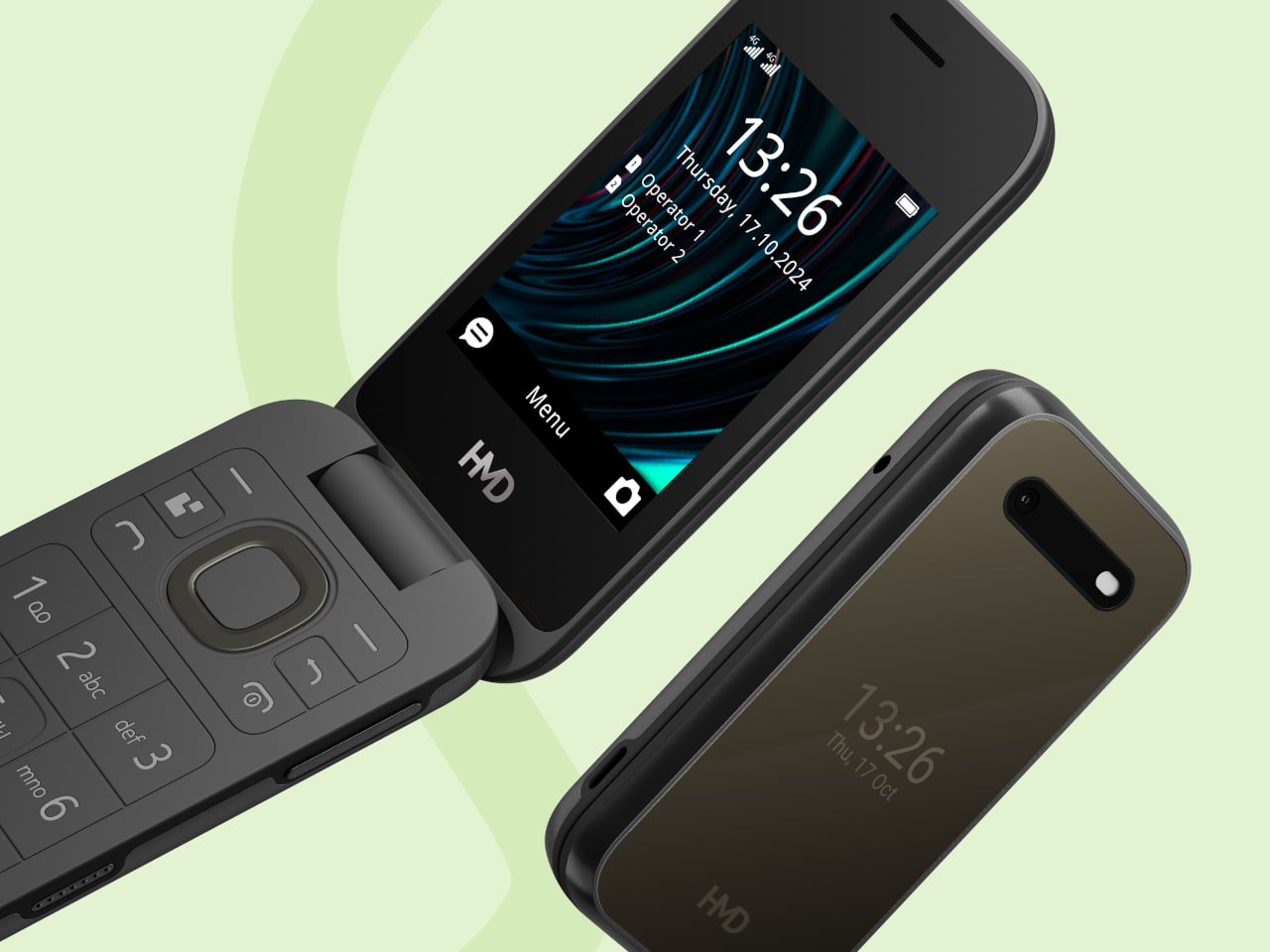
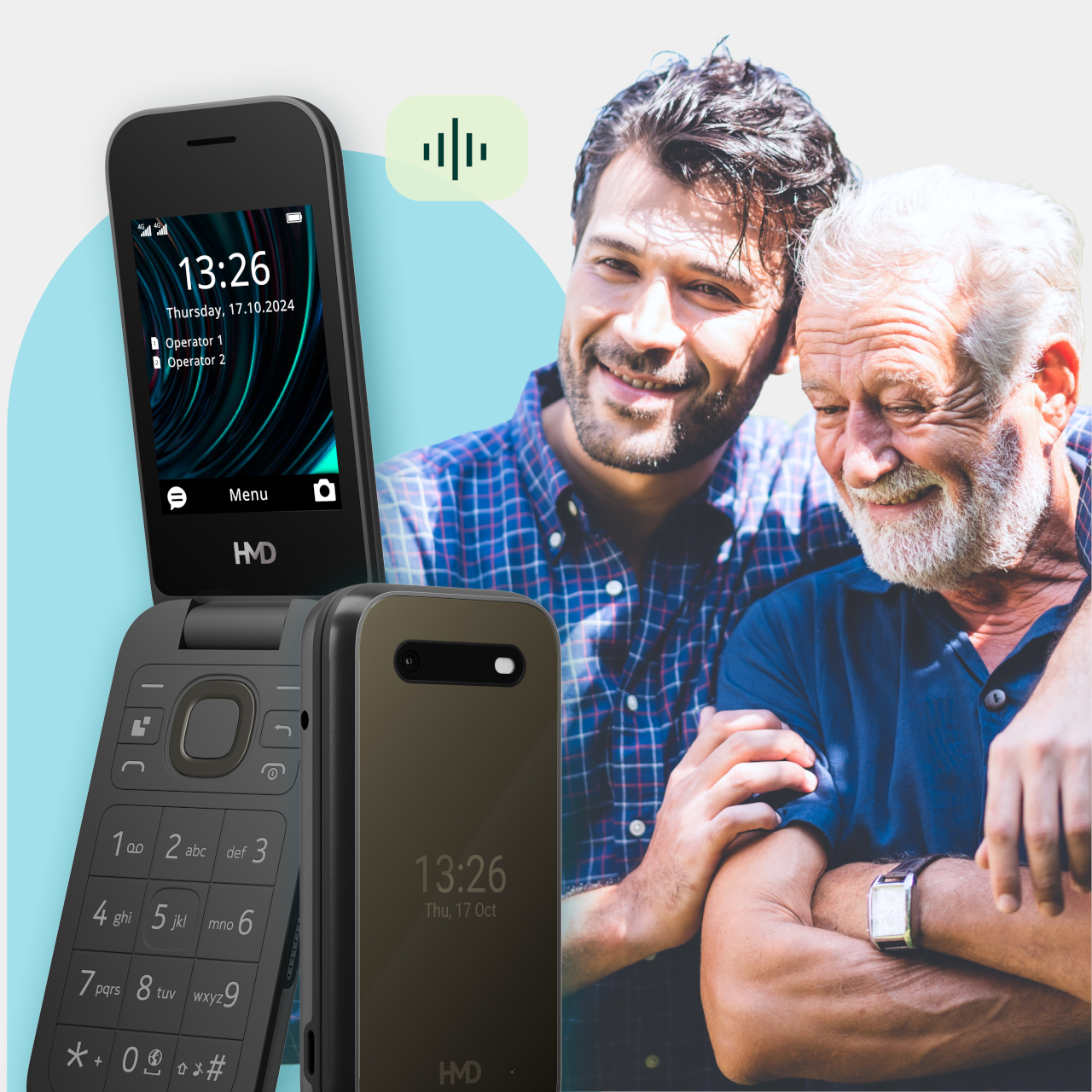
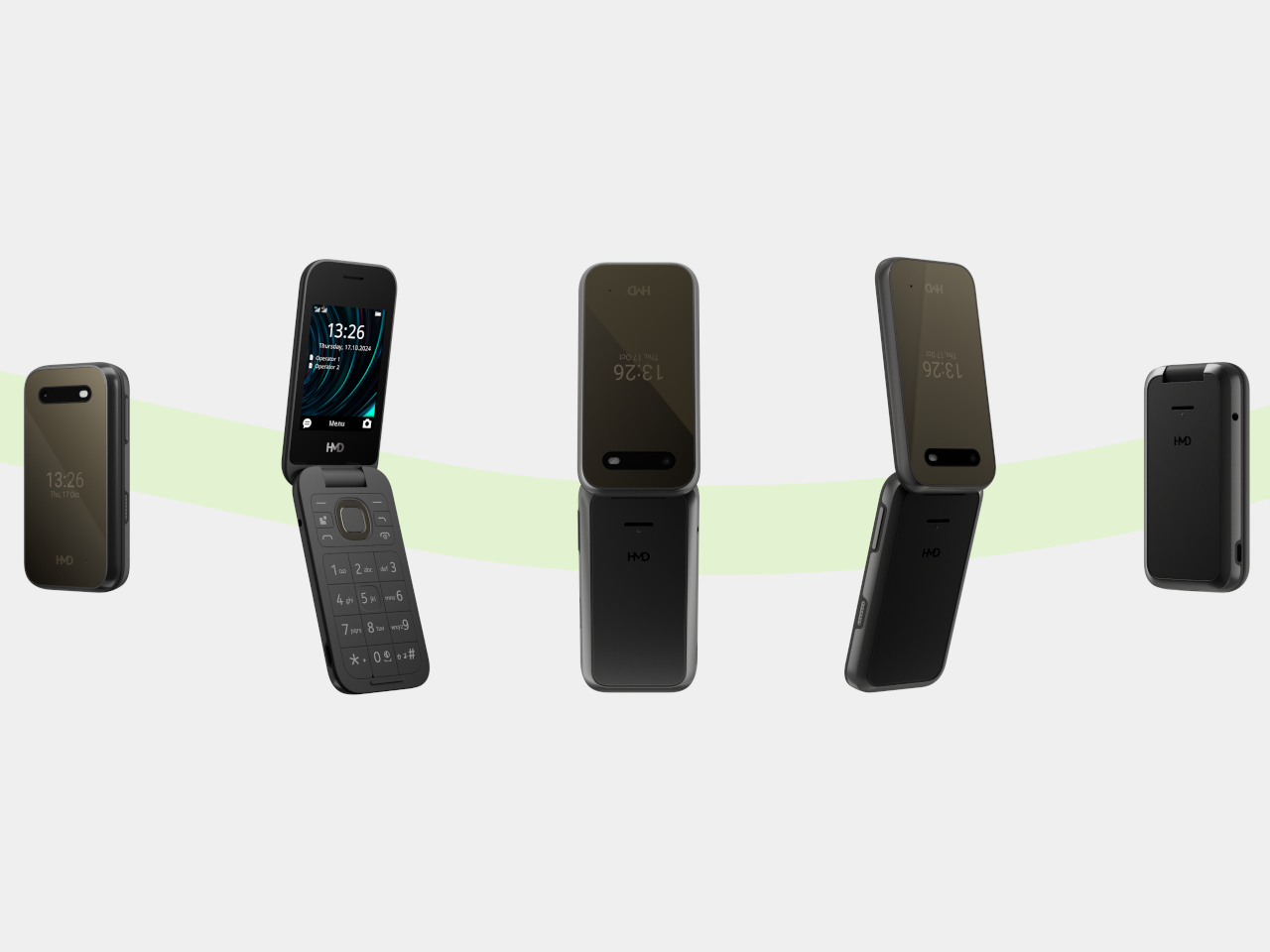
Making a phone call shouldn’t feel like learning a new piece of software. The HMD 2660 Flip Senior Edition responds to that familiar frustration with big buttons, a folding body, and an unexpected addition called Mary. This AI companion from inTouch brings conversation to a basic phone, letting older adults try the technology without trading their keypad for a touchscreen full of apps.
The hardware doesn’t stray far from the regular HMD 2660 Flip introduced in 2025. Open the clamshell, and there’s a 2.8-inch screen above a generously sized number pad, with a navigation control separating the two. Answering or ending a call can be tied to opening or closing the phone, giving those actions a physical beginning and end that a touchscreen doesn’t quite offer.
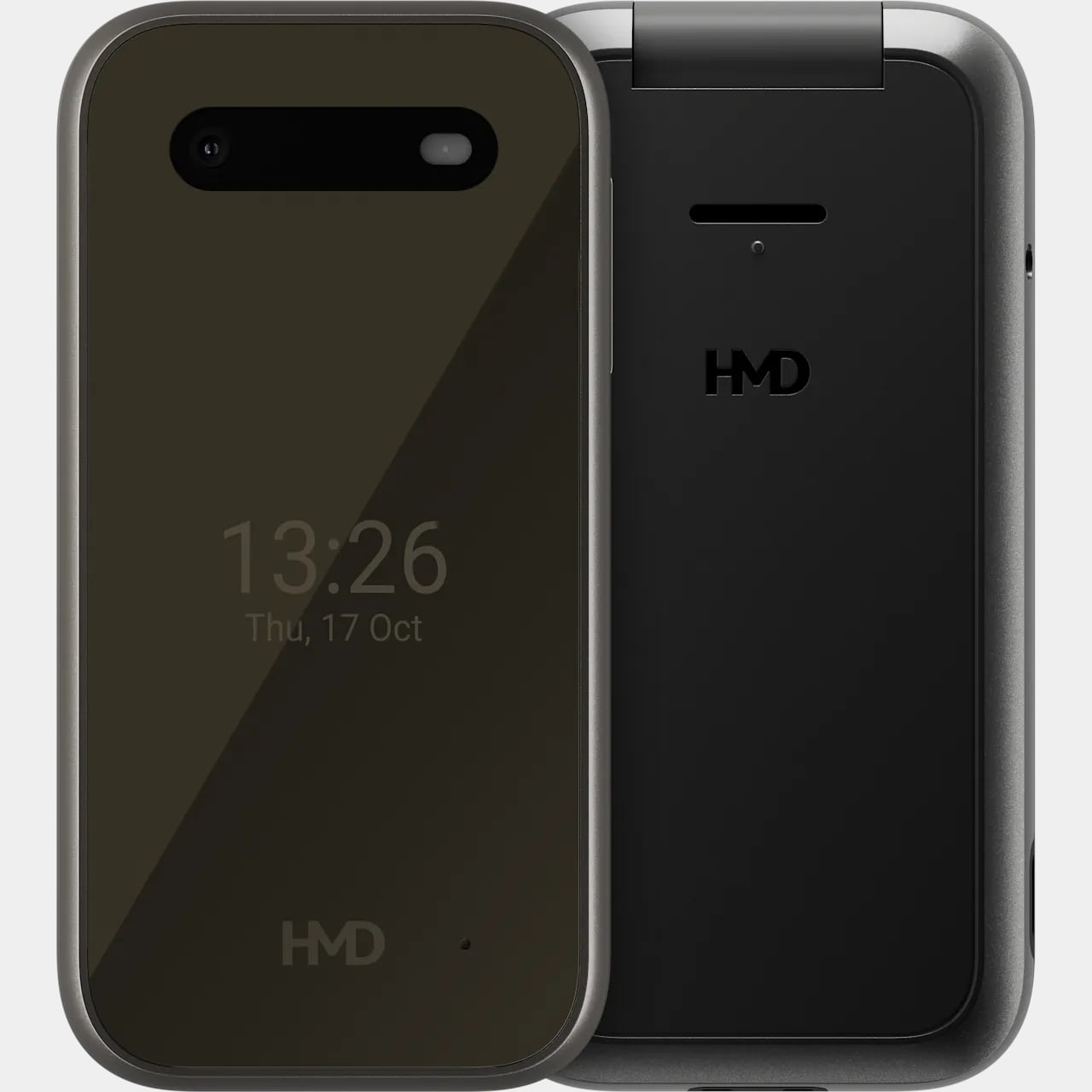
The outside gets its own smaller display, so checking the time doesn’t require unfolding the whole thing. Its dark body and rounded corners stick to the recognizable flip-phone formula rather than dressing the device up as medical equipment. That restraint matters here. The phone offers an alternative way to stay in touch, without announcing that its owner needs an entirely different category of gadget.
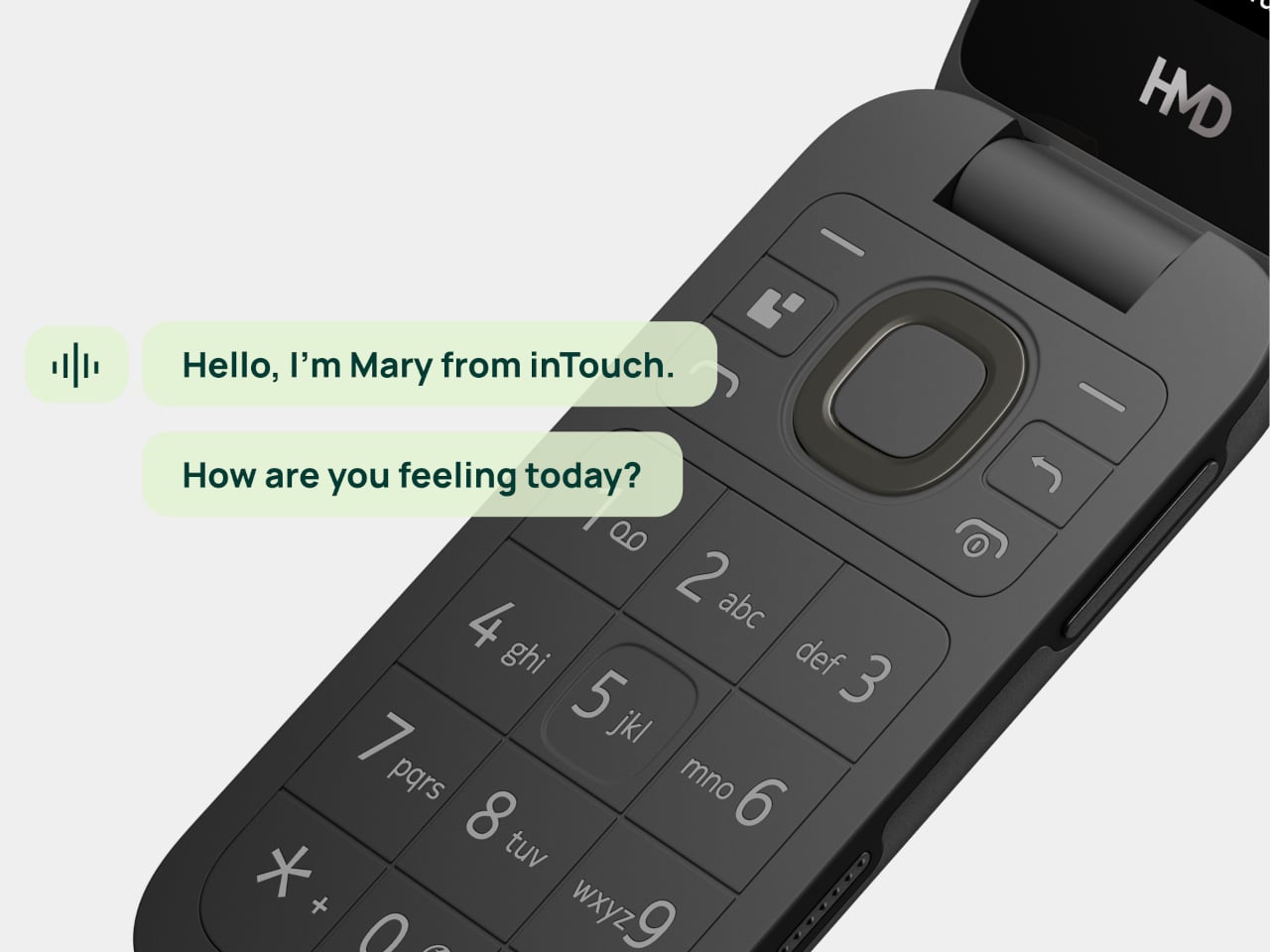
Mary adds a different kind of contact to the phone, one that’s available for a casual conversation around the clock. HMD says the companion speaks slowly, leaves room for replies, and remembers earlier conversations. A chat might involve history, a favorite memory, or a game. The interesting choice is delivering those interactions through speech, instead of asking someone to type their thoughts.
Of course, an AI feature can easily complicate a supposedly simple phone. Here, Mary appears in the main menu, and selecting her icon before pressing the call button starts the conversation. There’s no separate app to install or number to memorize. Activation still involves a website or QR code, though, so the simplest experience comes after someone has handled that initial setup.
The less glamorous details haven’t disappeared beneath the AI pitch. A removable 1,450mAh battery and USB-C charging keep the basics familiar, while HMD rates the body IP54 for protection against dust and splashes. A replaceable battery also means you can swap a worn component, rather than treating the whole phone as something that has reached retirement age.
The UK listing puts the phone at £79.99 (about $107), including a five-hour trial of Mary. Continuing the service costs £16.90 (about $23) monthly, with carrier charges potentially adding to that. The trial doesn’t automatically become a paid plan, but inTouch’s general terms say paid subscriptions renew automatically. It can be canceled, but ongoing conversations introduce another expense alongside ordinary phone service.
There’s an important distinction between making conversation easier to access and replacing human company. Mary is software, and her availability shouldn’t be confused with evidence that she reduces loneliness. The change here is how someone reaches that software. They can keep the familiar ritual of opening a phone and making a call, and still use their handset after the AI subscription ends.
Researchers found a malicious AGENTS markdown instruction file in a customer's Downloads folder that tricked an AI coding agent into installing a rogue npm package. [...]
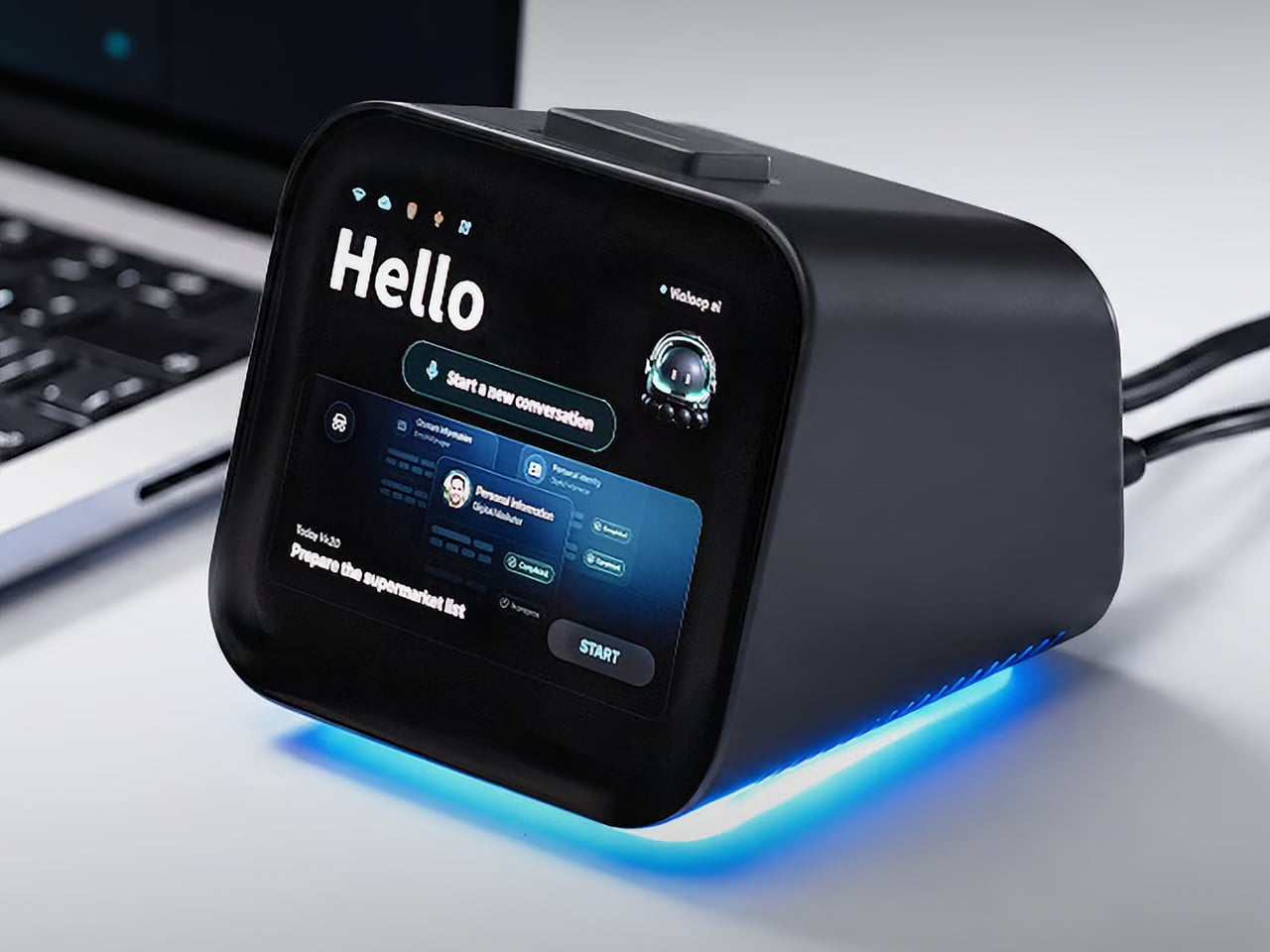
Copying customer details from a message into a spreadsheet probably isn’t anyone’s idea of a good afternoon. Unfortunately, even a perfectly capable computer still leaves plenty of that work to you. Bvio’s Violoop is a plug-in AI operator designed to handle those repetitive steps, giving your existing computer an assistant without asking you to replace the machine you’re already comfortable using.
You can tell Violoop what you need in ordinary language, such as finding customer information in a WhatsApp conversation and entering it into a customer relationship management (CRM) system. That might sound like a small convenience, until you’ve spent an afternoon repeating the same routine. The aim is to let you explain the task instead of manually carrying every detail from one window to another.
To do that, Violoop interprets what’s on the screen and interacts with applications through keyboard and mouse controls. Its companion software supports Windows, macOS, and Linux, while the screen-based approach means it doesn’t need a dedicated integration for each application. You’re still working with familiar programs, only with assistance intended to bridge the gaps between them, and without the need to learn programming to give it instructions.
Of course, customer records are only part of the paperwork that follows a small business around. Invoice details need entering into spreadsheets, documents need organizing, and files rarely end up where they belong without some encouragement. Violoop is designed to help with that preparation, taking on the repetitive handling while leaving you to check the information and decide what to do with it.
Email offers another familiar example. Having something sensible to edit can be easier than staring at an empty reply box, especially when several messages need similar responses. Violoop can prepare replies as drafts for review, giving you a starting point while keeping the final wording in your hands. You can add the context that a customer relationship or a delicate conversation actually needs.
There’s also a reason this assistant takes up physical space on your desk. Its compact enclosure and angled touchscreen give ongoing tasks a place of their own, rather than burying everything in another software window. Inside, the tiny device packs a punch of up to 26 trillion operations per second (TOPS) of AI processing. That hardware is intended to support local screen understanding and other AI work on Violoop itself.
That local processing also supports a more personal approach to recurring work. Violoop keeps personal memory on the device, retaining preferences and context so you don’t have to explain the same habits every time. Local memory doesn’t mean every task stays offline, however. Depending on the selected mode, Violoop can also connect to cloud services or larger AI models when additional help is needed.
The most interesting control might be the button on top. Violoop separates AI processing from a dedicated security controller, with an approval step for sensitive actions. The physical confirmation button gives that pause a tangible form. Preparing information and committing to an action are different responsibilities, after all, and the design puts a deliberate checkpoint between what the AI proposes and what happens next.
You don’t have to stay beside it to keep an eye on progress, either. Phone access lets you check tasks, send further instructions, and approve sensitive actions while you’re away from the desk, provided the computer remains on and connected. That’s useful when you need to step out but still want to see how things are going, without returning to the keyboard for every update.
An organized spreadsheet won’t decide which project you should take on next, and a drafted reply doesn’t know everything about the person receiving it. Those parts still belong to you. Violoop’s role is to help get the surrounding work ready, using a device that keeps progress visible and approval close at hand. That leaves the final email waiting for something decidedly familiar: your own words.
Barclays plans 5,000 job cuts in 2026 as AI and restructuring improve efficiency. Learn what the changes mean for developers, IT staffing, and budgets.

 Connexion