The holiday season approaches quickly, and before you know it, you'll be exchanging gifts with friends and loved ones.
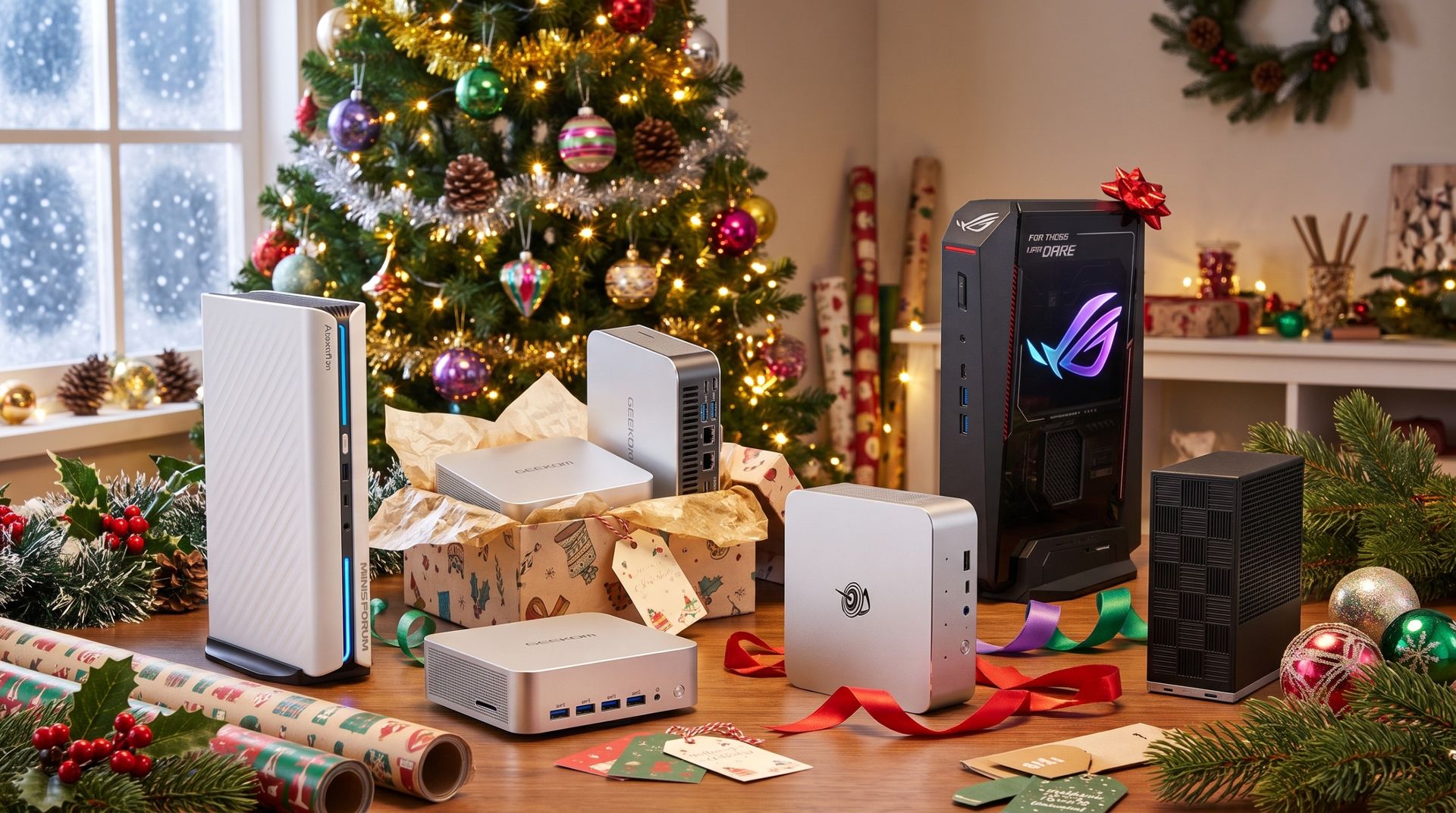
If you really want to make an impression this year, why not wrap up one of the best mini PCs on the market today? Compact and convenient, these PCs deliver desktop-class performance without all the bulk, and they're surprisingly affordable, too.
No matter if you're shopping for the family, your favorite student, a gamer, or a creator, there's a mini PC here that's up to the task.
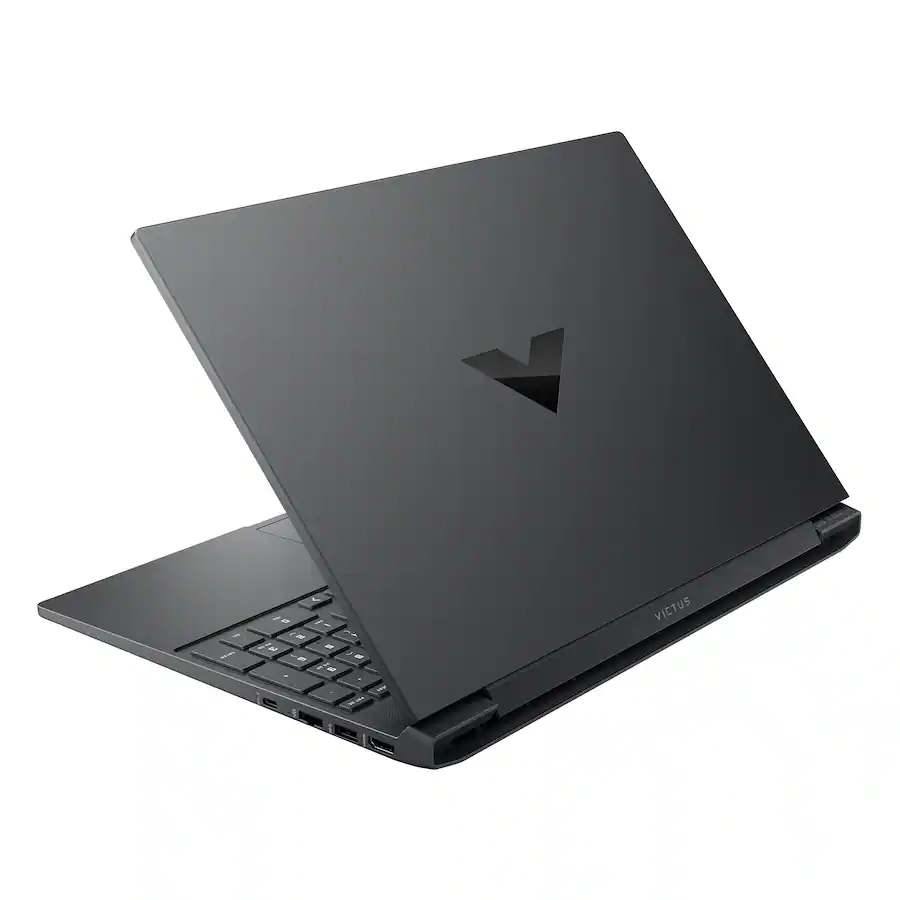
Victus 15.6" 144Hz Full HD Gaming Laptop: Choose to follow your gaming destiny with the powerful Victus Gaming Laptop leading you to immersive, fun-filled experiences. Enjoy playing with great, stable performance with an Intel Core processor and NVIDIA GeForce RTX Laptop GPU. OMEN Gaming Hub's performance toolkit elevates play with software enhancements and personalized hardware control.View Deal
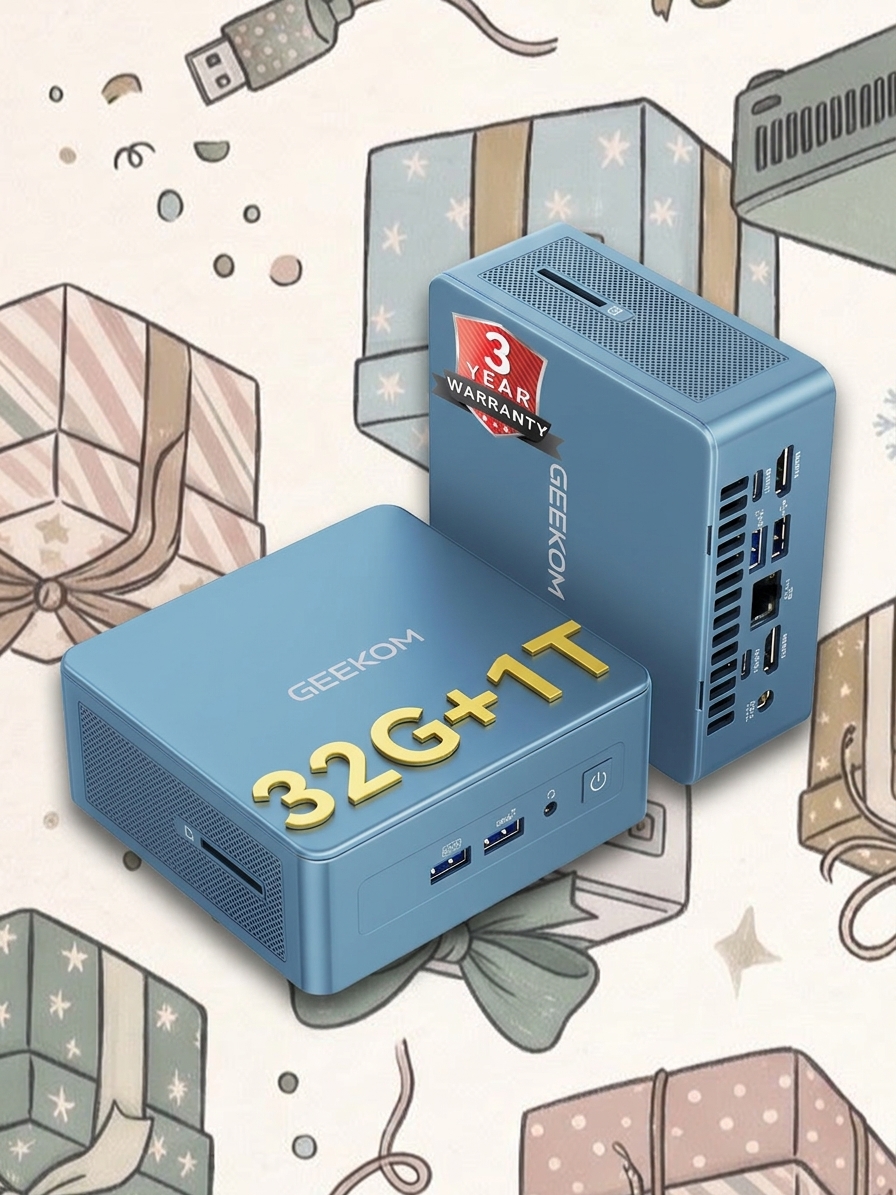
Geekom
A9 Max
ASUS
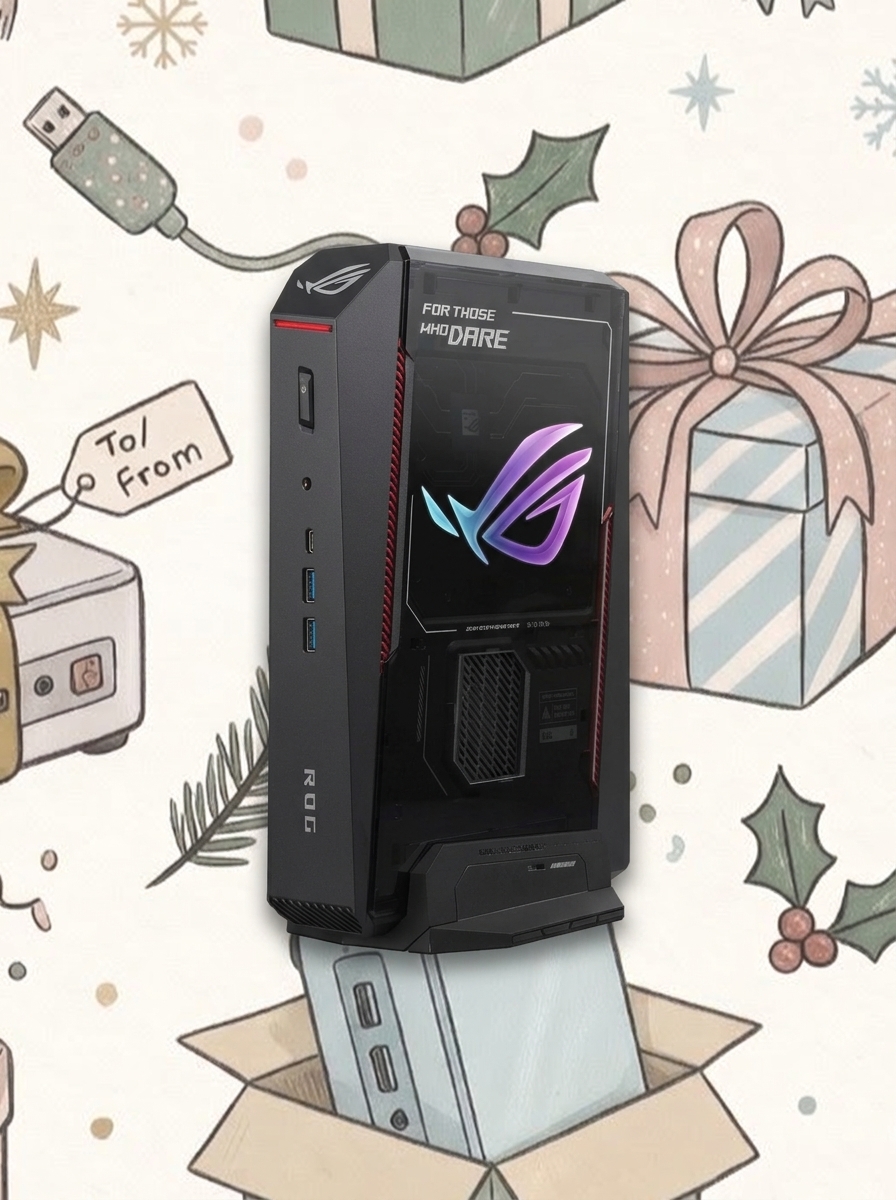
ROG NUC 16
MINISFORUM
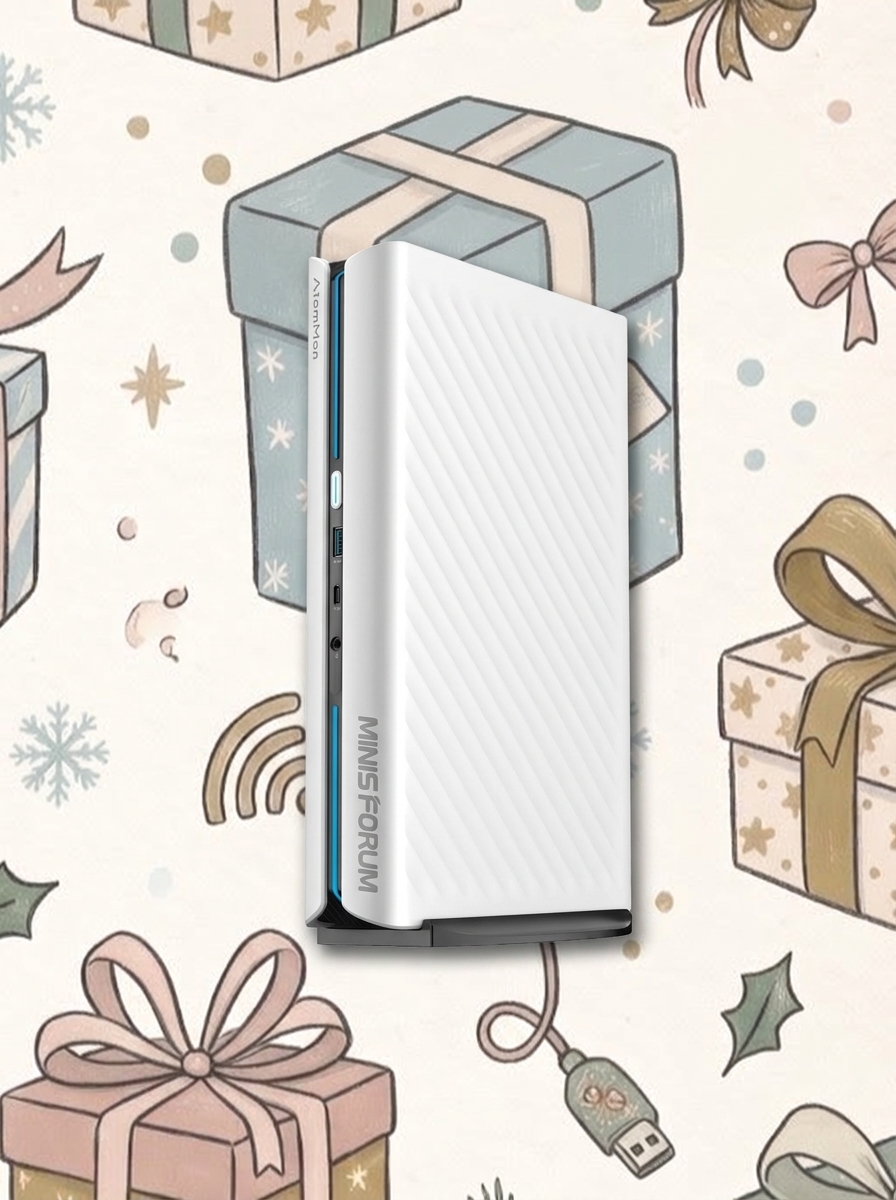
G1 Pro
Beelink
SER5
Lenovo
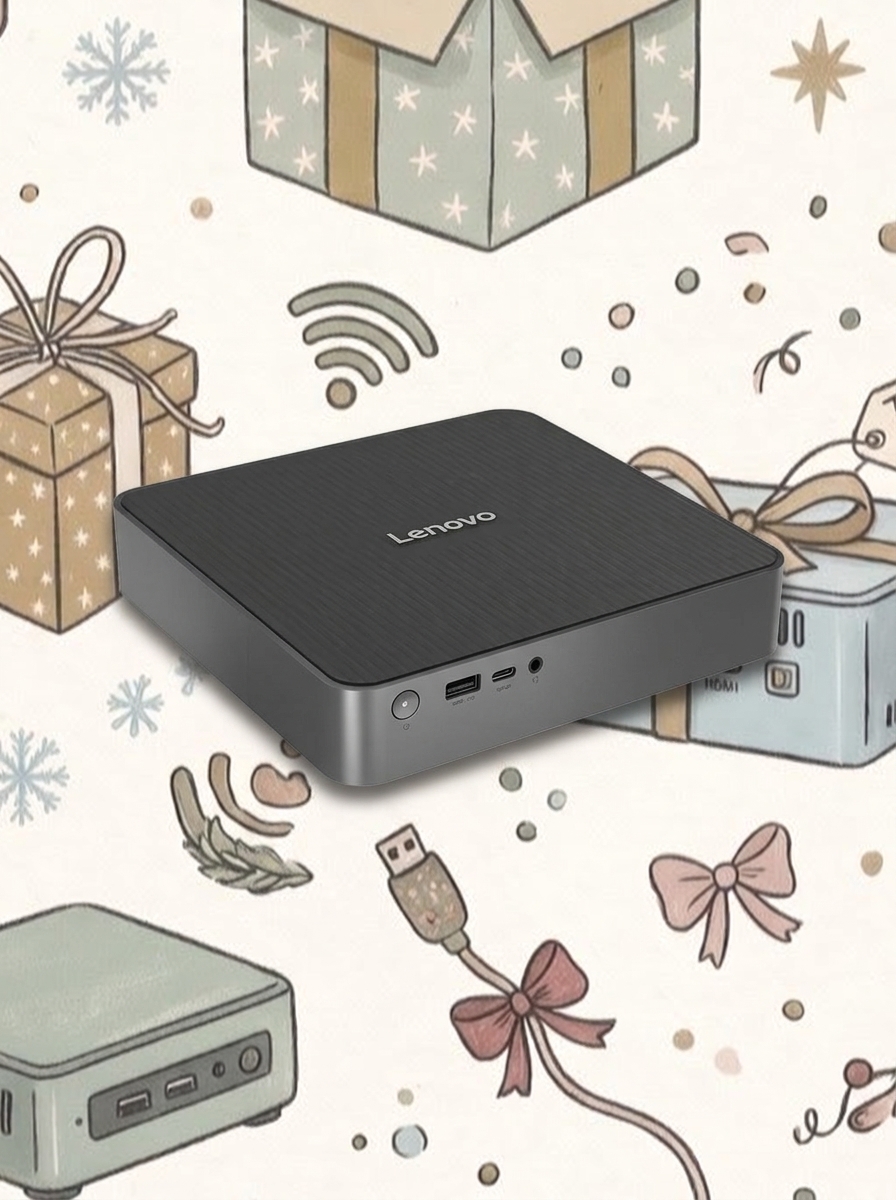
IdeaCentre Mini x
Beelink
SER9 PRO
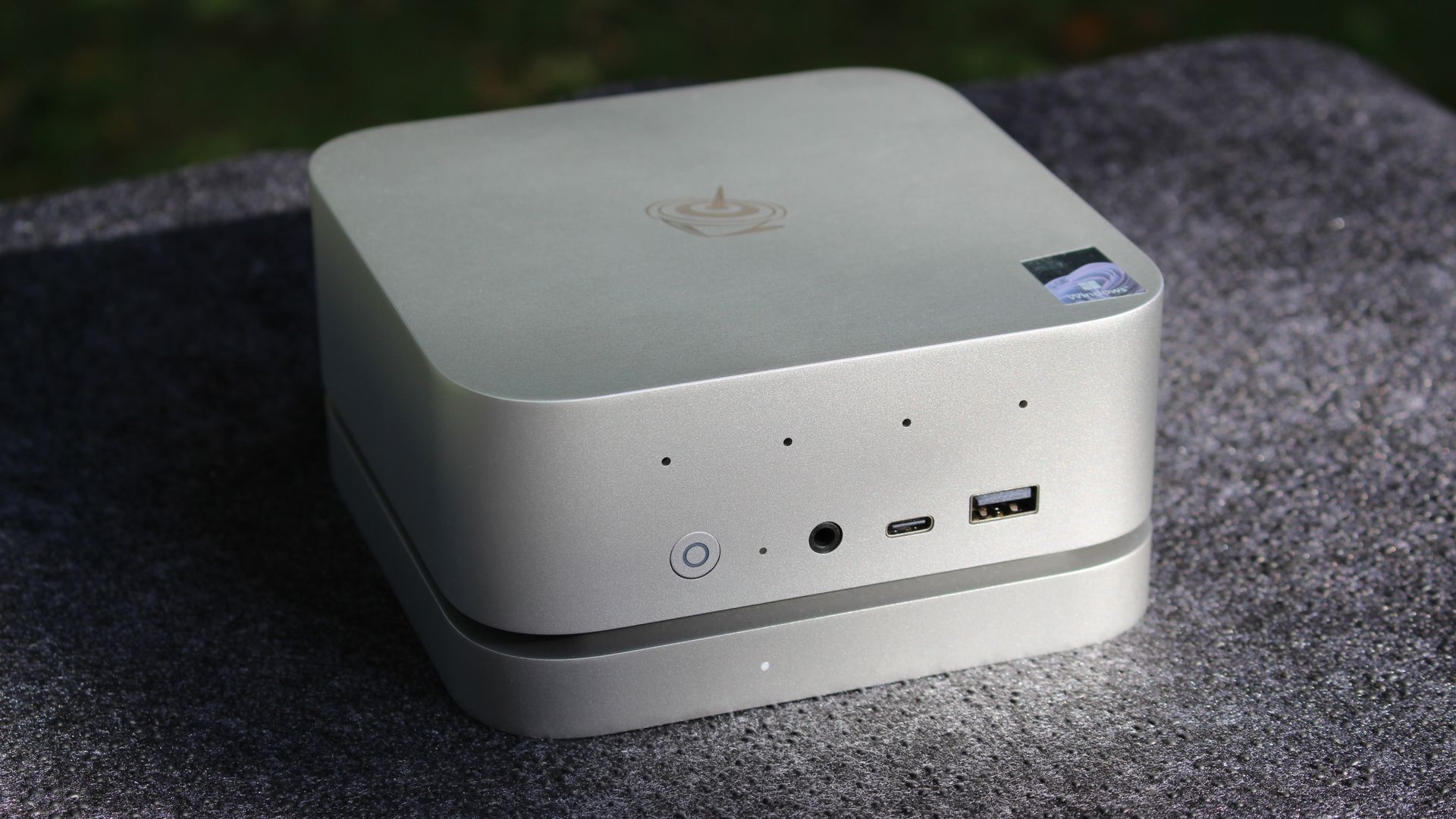
Geekom
IT13
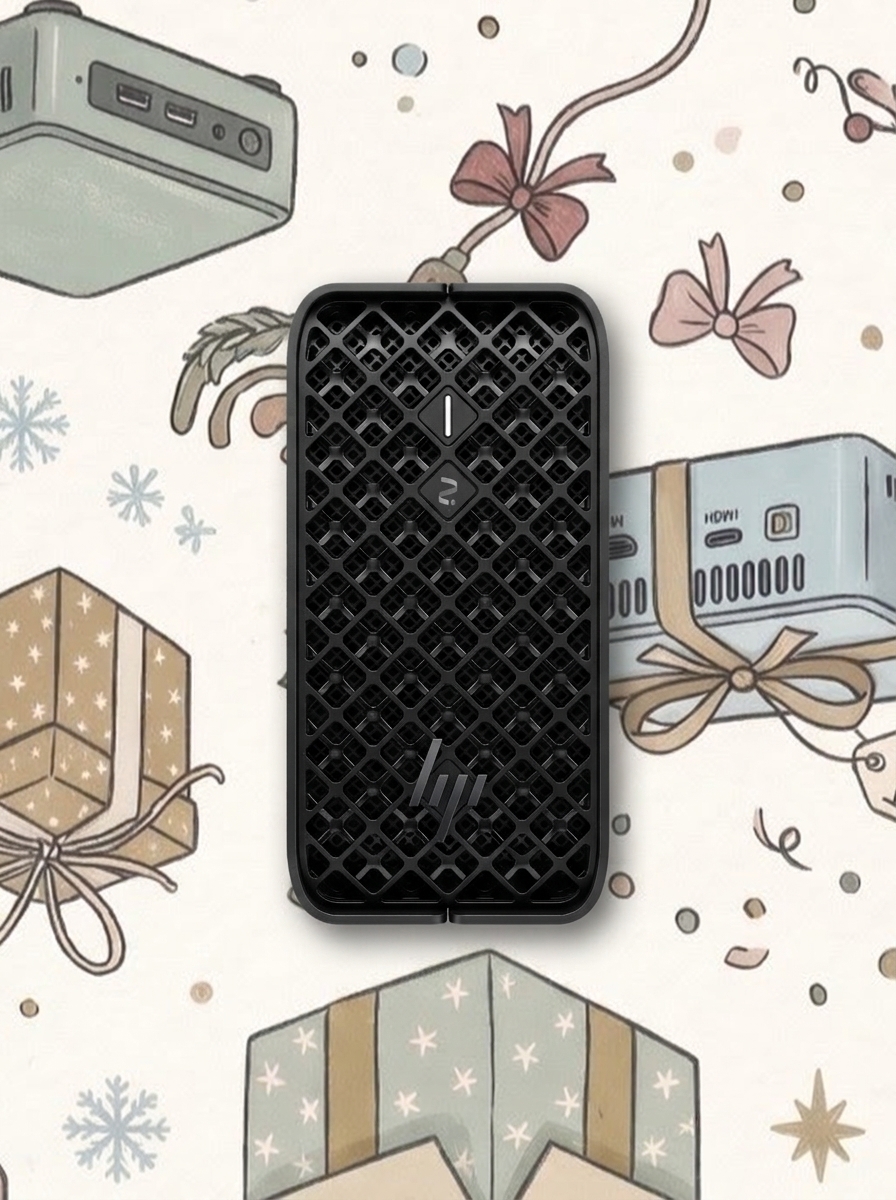
HP
Z2 Mini G1a
Framework
Desktop
Which mini PC makes the best gift?
The mini PCs listed above represent a small slice of the broader market, and that's by design. Although there are plenty of mini PCs out there, only a handful make the cut.
They've been tested by Windows Central and sibling sites to prove that they're worth the money, but there's a bit more nuance to your selection. Let me break down in more detail the best mini PCs for specific users.
Best mini PCs for gamers
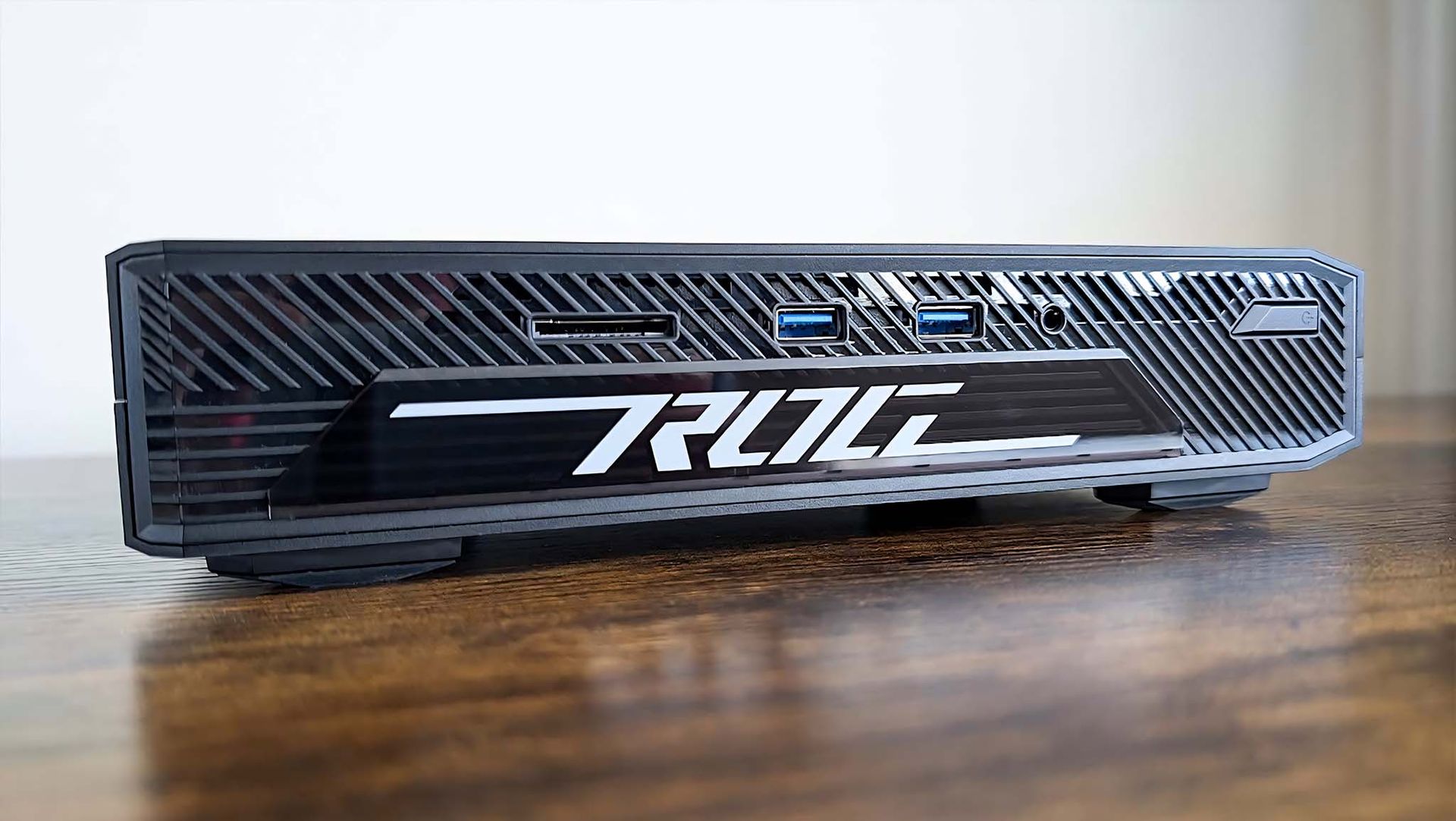
An older version of the ASUS ROG NUC mini gaming PC we tested. (Image credit: Rebecca Spear / Windows Central)
Gamers need a strong CPU, but more importantly, they need a strong GPU in order to run modern, demanding games.
That's why I'm highlighting both the ASUS ROG NUC 16 and MINISFORUM G1 Pro. The ASUS PC arrives with an NVIDIA RTX 5060 mobile GPU and an Intel Core Ultra 7 270HX CPU, making it ideal for mid-range gaming with all of the latest DLSS improvements.
The MINISFORUM PC costs less at $1,759 and also comes with an RTX 5060 mobile GPU inside. Its AMD Ryzen 9 8945HS CPU is plenty potent, and you get twice as much RAM (32GB) as the ASUS PC.
If you'd rather not shell out for dedicated graphics, Geekom's A9 Max with AMD Ryzen AI 9 HX 470 CPU and Radeon 890M integrated GPU is a superb alternative at about $1,599. You'll still be able to play all games, and you'll save hundreds.
Best mini PCs for home, general, and student use
The Beelink SER9 Pro is a great PC that balances performance and price for home and student use. (Image credit: Windows Central / Zac Bowden)
If you're looking for an affordable home PC to handle email, web browsing, streaming, and other productivity tasks, Beelink's SER5 with AMD Ryzen 5 5500U CPU and 16GB of RAM is an easy recommendation at just $399.
Beelink's SER9 Pro is a natural step up for those who need more performance. Its Ryzen 7 H 255 CPU, 24GB of LPDDR5x RAM, and 1TB SSD can together cut through heavier multitasking, making it also a great pick for students at $697.
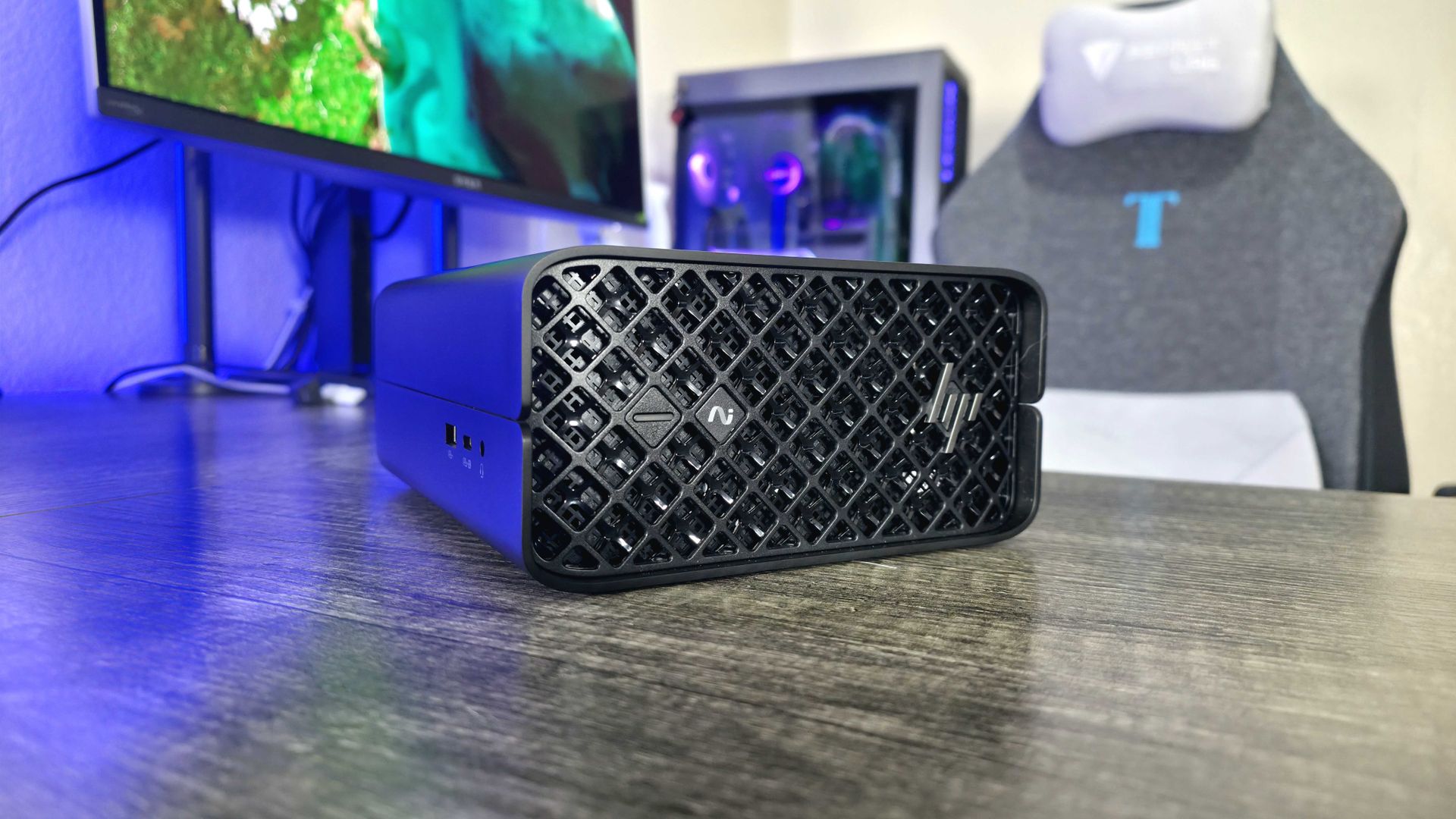
The HP Z2 Mini (G1a) is a great mini PC for creators and AI developers. (Image credit: Windows Central | Zachary Boddy)
We're now getting into the heavy hitters, including mini PCs that are designed for demanding creator workloads.
The Geekom IT13kicks things off with an Intel Core Ultra 7 365H CPU, 32GB of DDR5 RAM, and a 1TB SSD. Thanks to that powerful CPU and accompanying Iris Xe integrated graphics, amateur creators will have lots of headroom to experiment. You can find it for about $1,399.
HP's Z2 Mini G1a takes AI performance to the next level with AMD Ryzen AI Max PRO chips. It sets the bar for powerful mini workstations, and it's a perfect choice if you require a ton of VRAM. Models start at about $1,799 but climb quickly from there.
Last but not least is the Framework Desktop. It's a modular PC that you can continuously update over the years, adding as much or as little hardware as you'd like. Models with AMD Ryzen AI Max 300 chips start at about $1,269, and you can choose everything that goes into the PC.
Join us on Reddit at r/WindowsCentral to share your insights and discuss our latest news, reviews, and more.
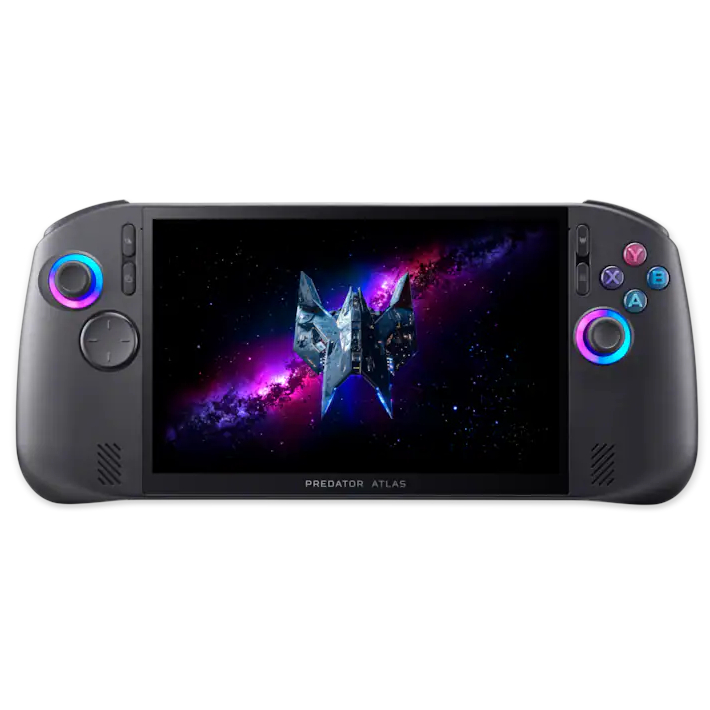
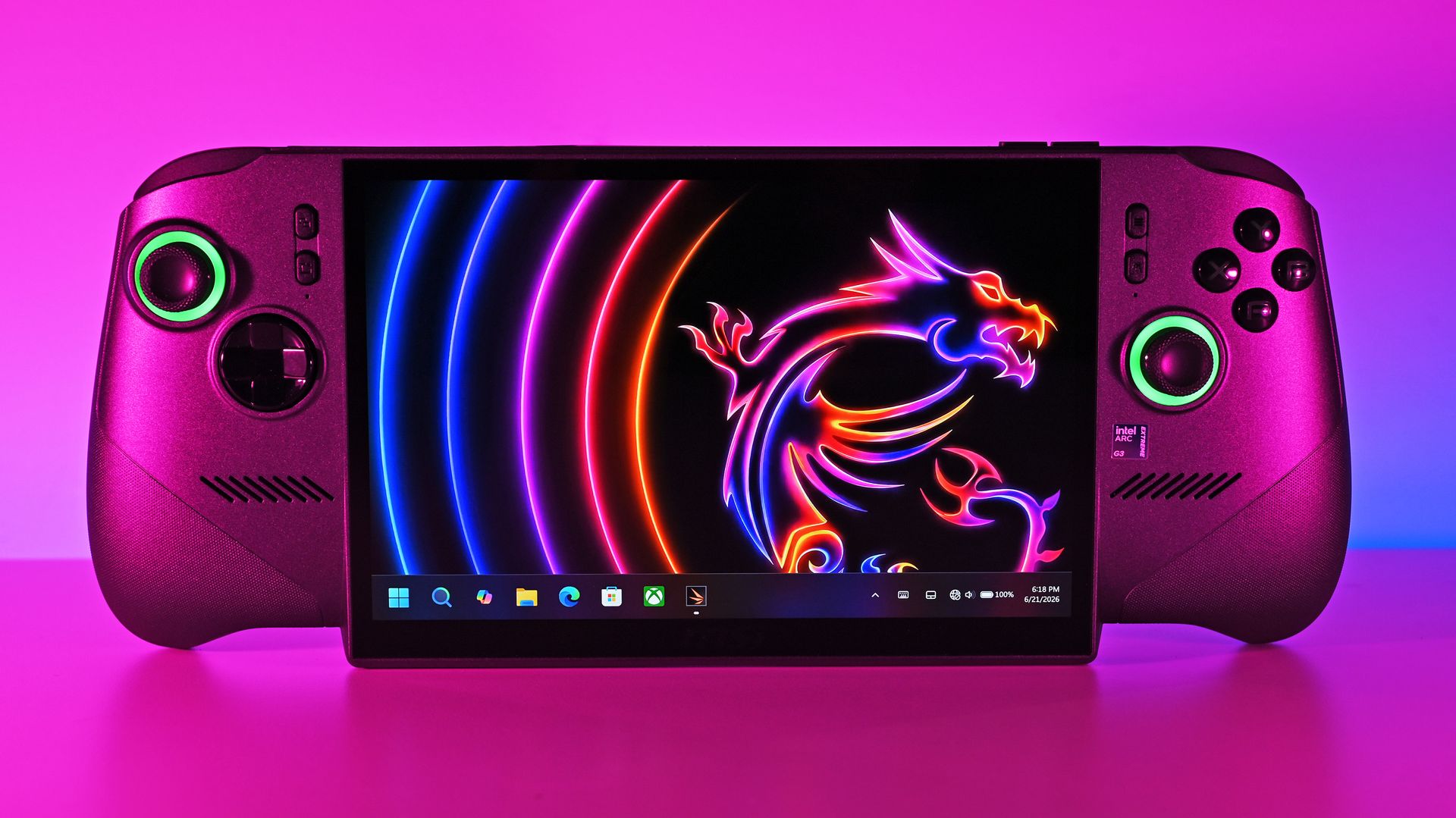
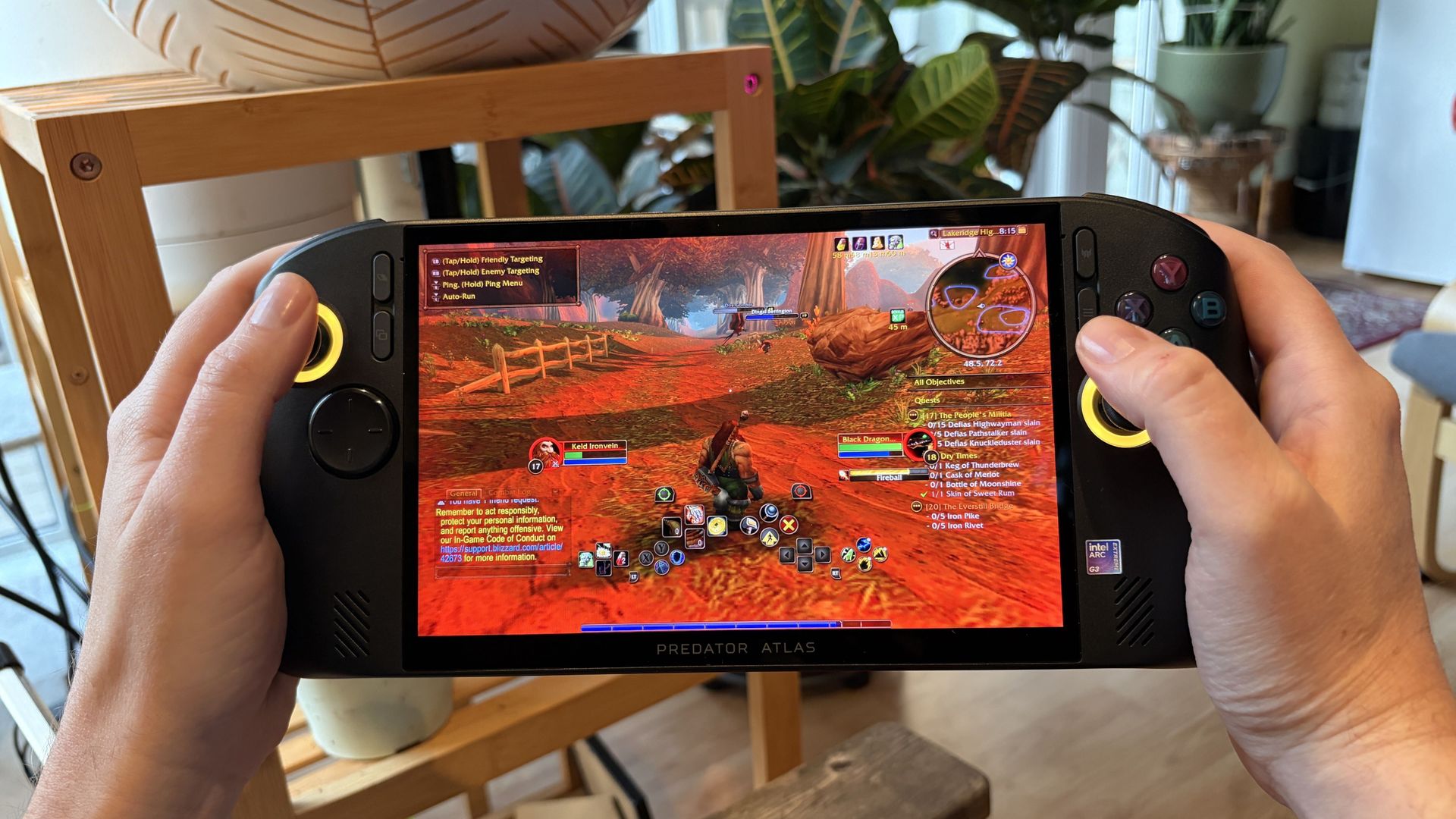
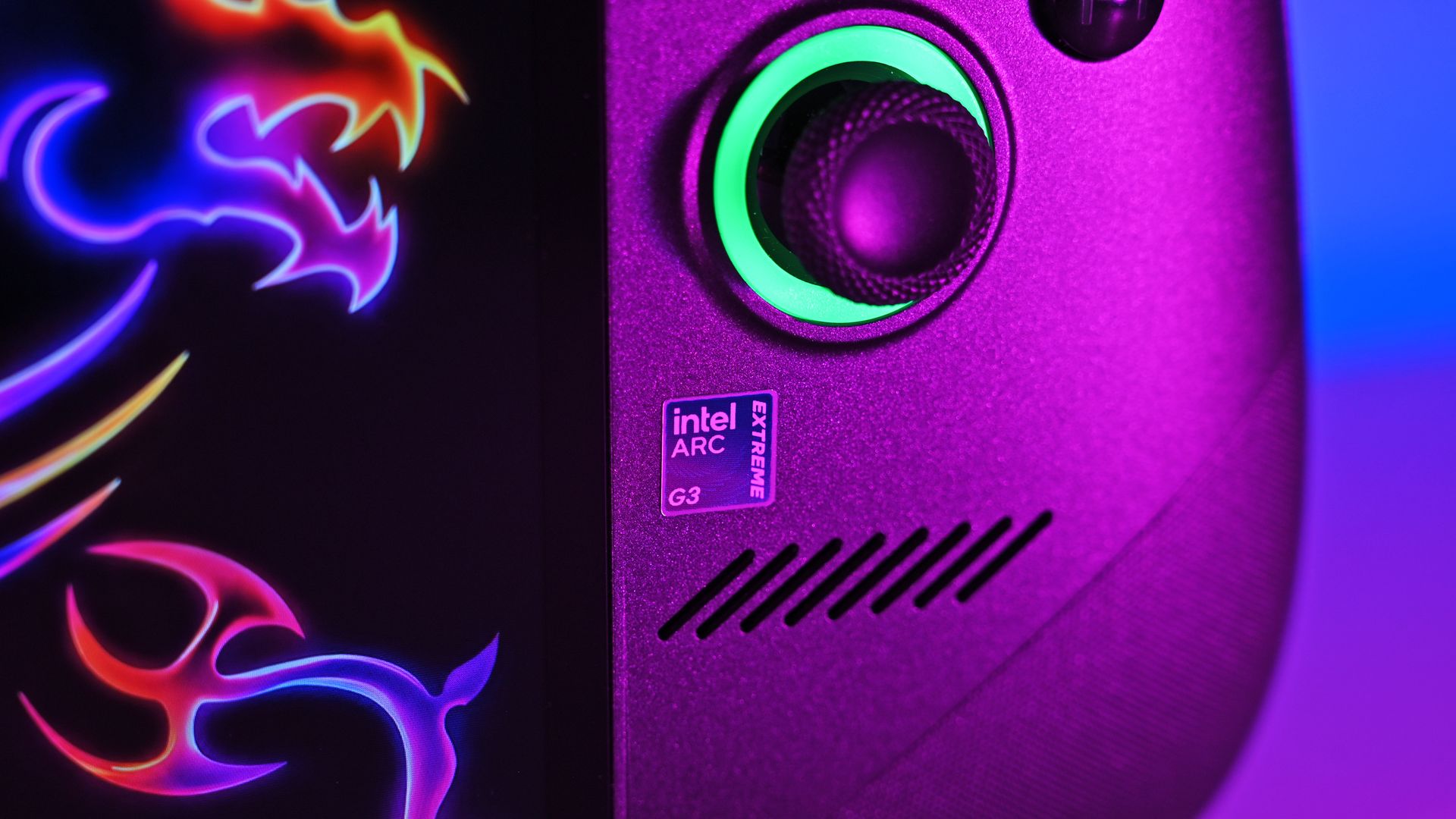
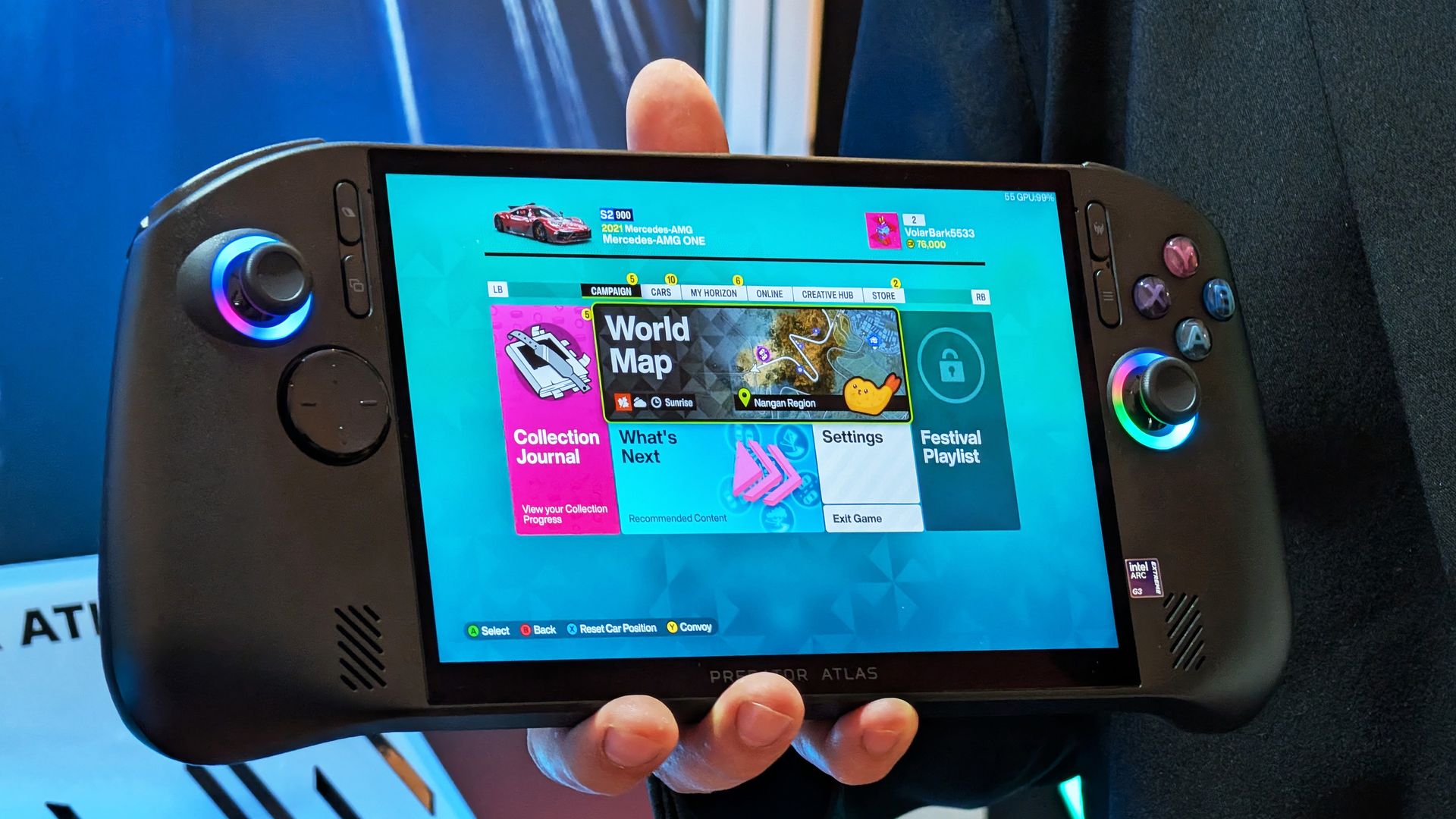
Acer's Predator Atlas 8 costs $350 less than the Claw 8 EX AI+ despite having an identical Arc G3 Extreme chip and 120Hz display. It's the most value-conscious decision, and although it falls behind in some areas, it still delivers industry-leading performance.
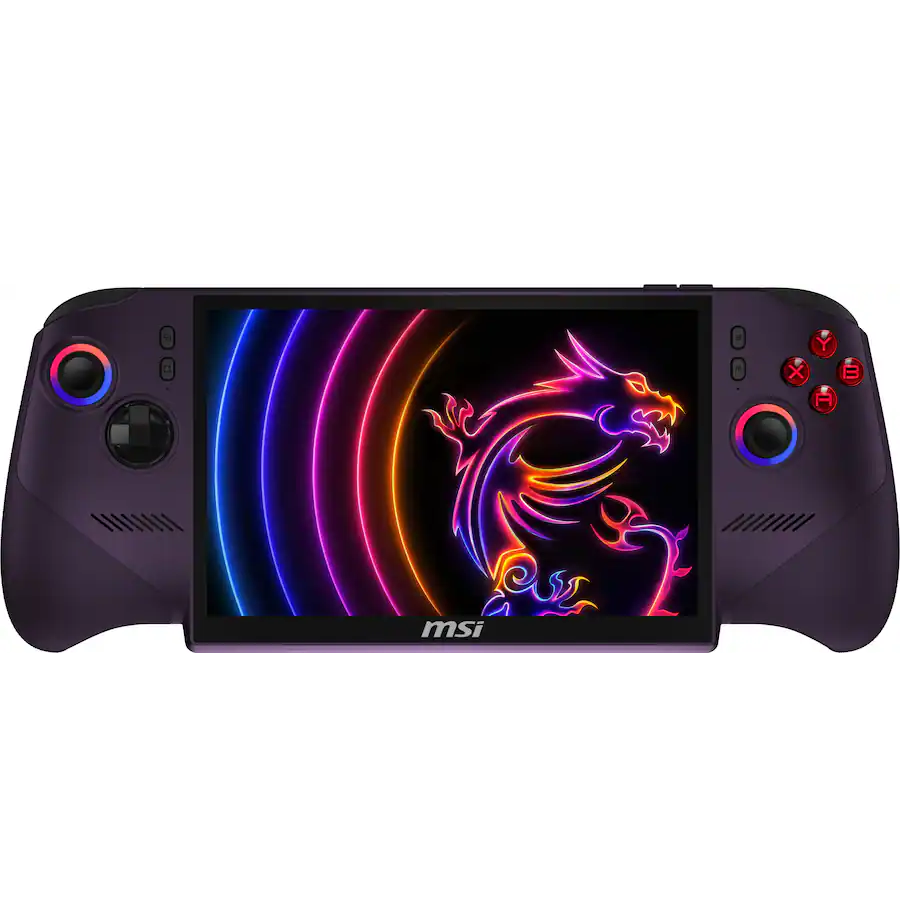
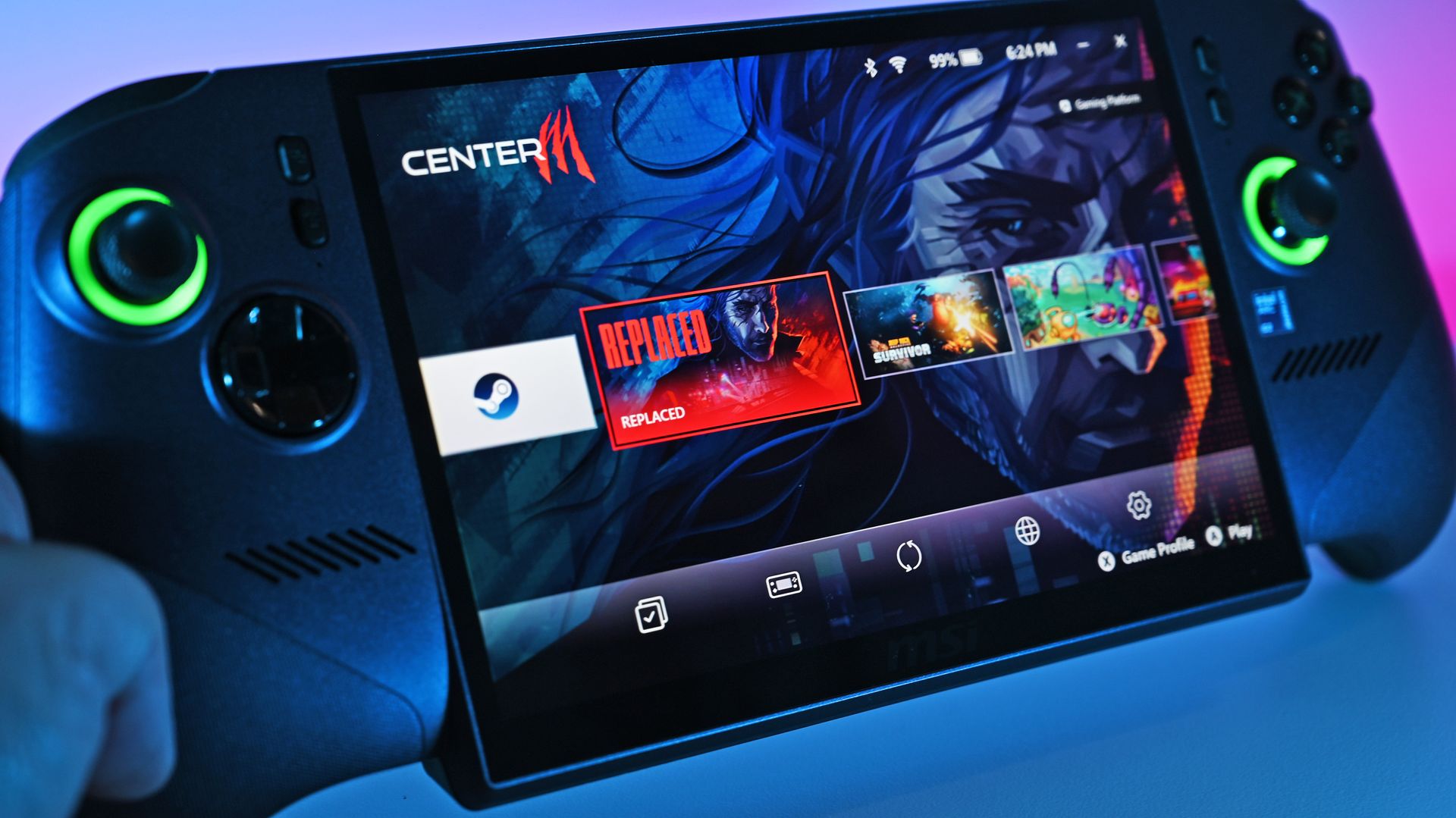
MSI's Claw 8 EX AI+ represents the very best of gaming handhelds in 2026, but at $350 more than Acer's Predator Atlas 8, you'll really need to be in love with the design and controls to make it count.
Pros
Slightly higher performance
Superior D-Pad design
Vivid, bright IPS display
Better battery life out of the box
Weighs less
Cons
Costs $350 more
Some bugs in the software
Might not love the display overhang
The new series of gaming handhelds featuring Intel's Arc G3 Extreme chip has caught the attention of many PC gamers thanks to their outstanding performance, and we've already tested and reviewed the Acer Predator Atlas 8and the MSI Claw 8 EX AI+.
Although they each received the same overall 4.5-star rating here at Windows Central, there's some serious nuance that I think potential buyers should know about.
Is it worth spending hundreds more on the MSI Claw 8 EX AI+? Or can you get a satisfying gaming experience on the more affordable Predator Atlas 8? Let's find out.
Acer Predator Atlas 8 vs. MSI Claw 8 EX AI+ — Specifications and pricing
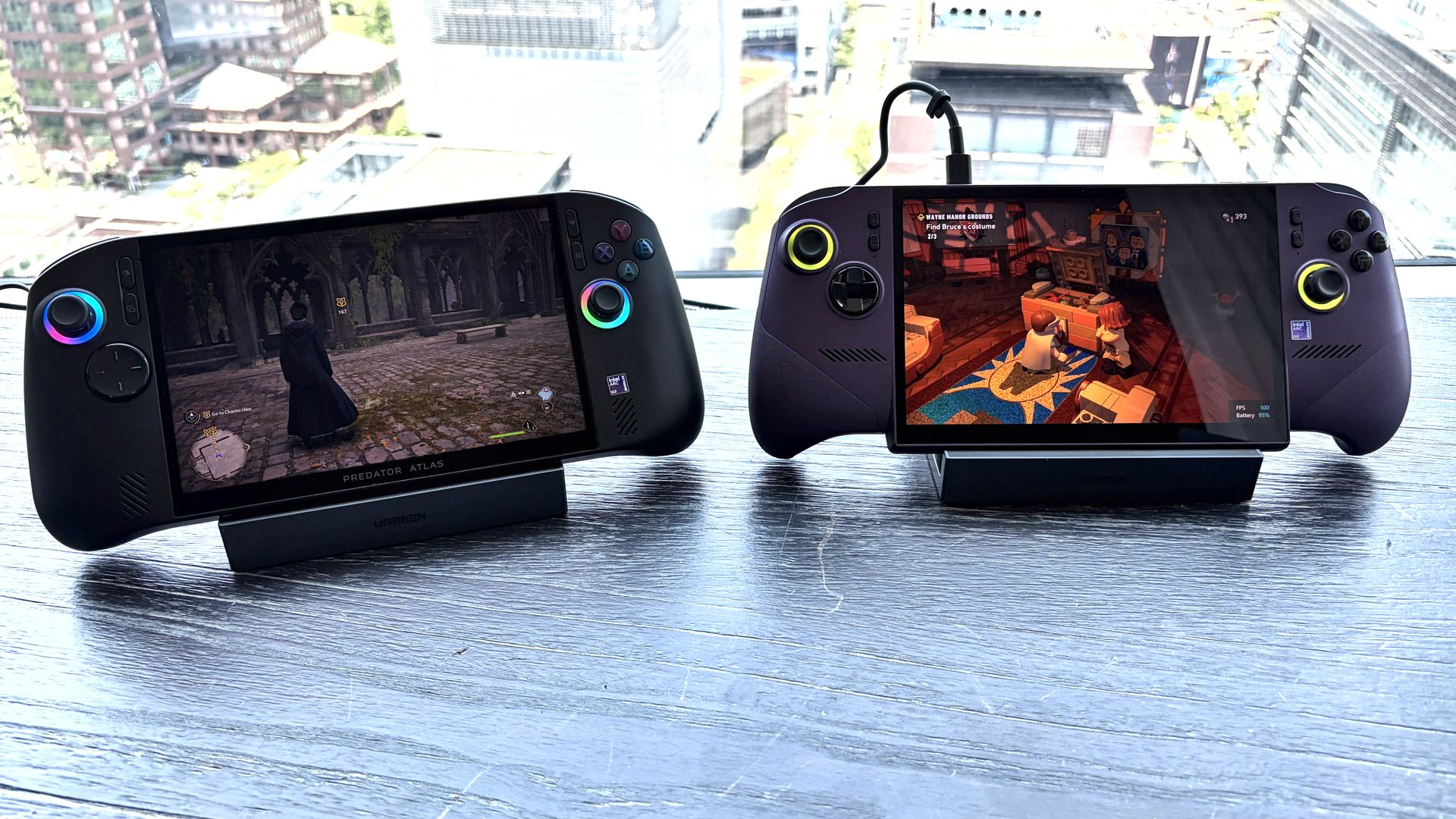
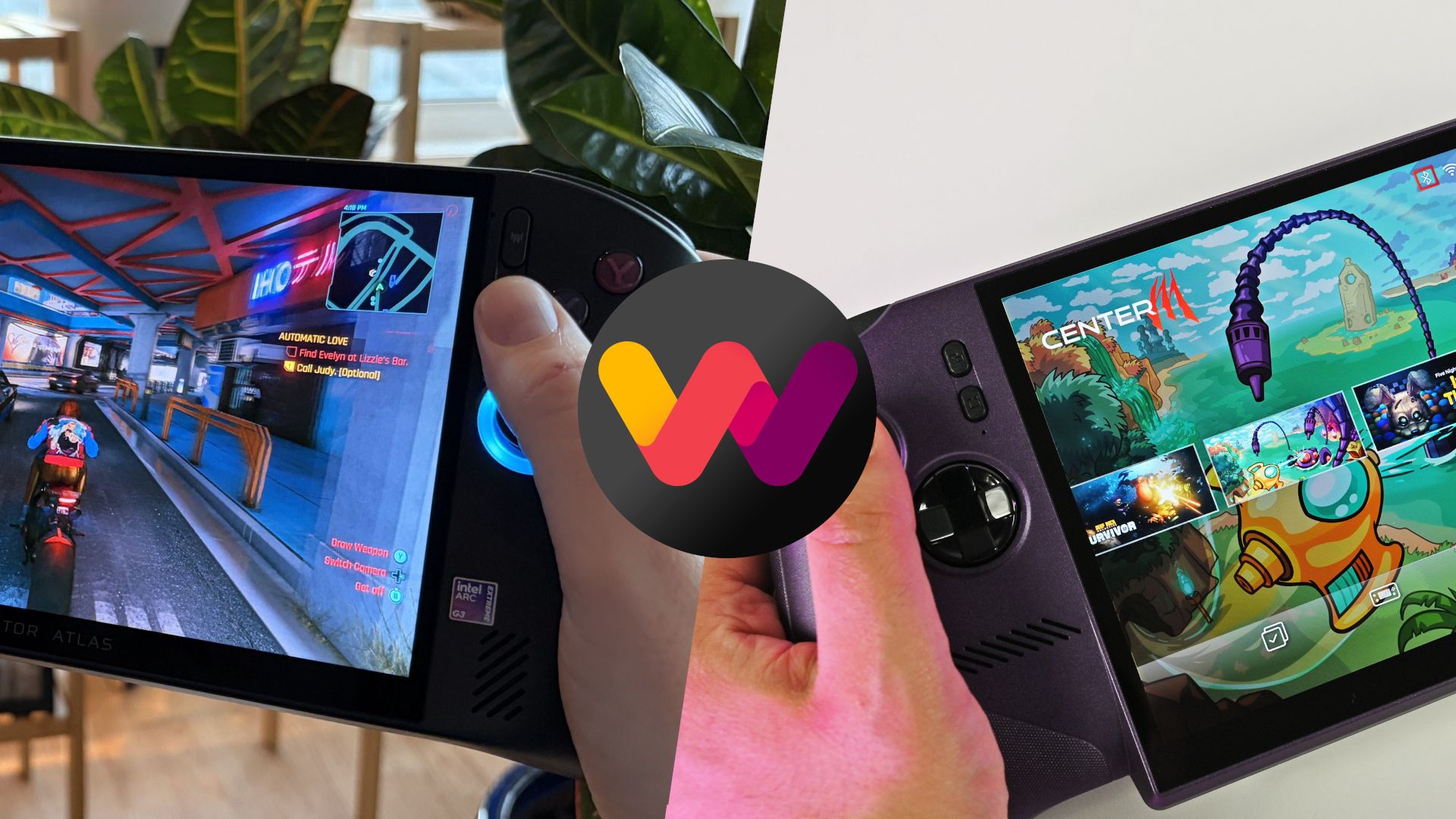
Acer's Predator Atlas 8 (left) and MSI's Claw 8 EX AI+ (right). (Image credit: Future)
MSI's Claw 8 EX AI+ launched in June 2026 at$1,799.99. It remains at that price today, several months after launch. This config has 32GB of RAM and a 1TB SSD.
Acer's Predator Atlas 8 launched at $1,299.99 on November 1, and 10 days later it made the jump to $1,449.99. It's still listed at the higher price at Best Buy. This model includes 24GB of RAM and a 512GB SSD.
As we'll see below, the memory difference doesn't make a huge difference in performance. The real downside is half as much storage, though that can be rectified with removable microSD storage or a full DIY SSD swap.
Here's a deeper breakdown of the Predator Atlas 8 and Claw 8 EX AI+ specifications.
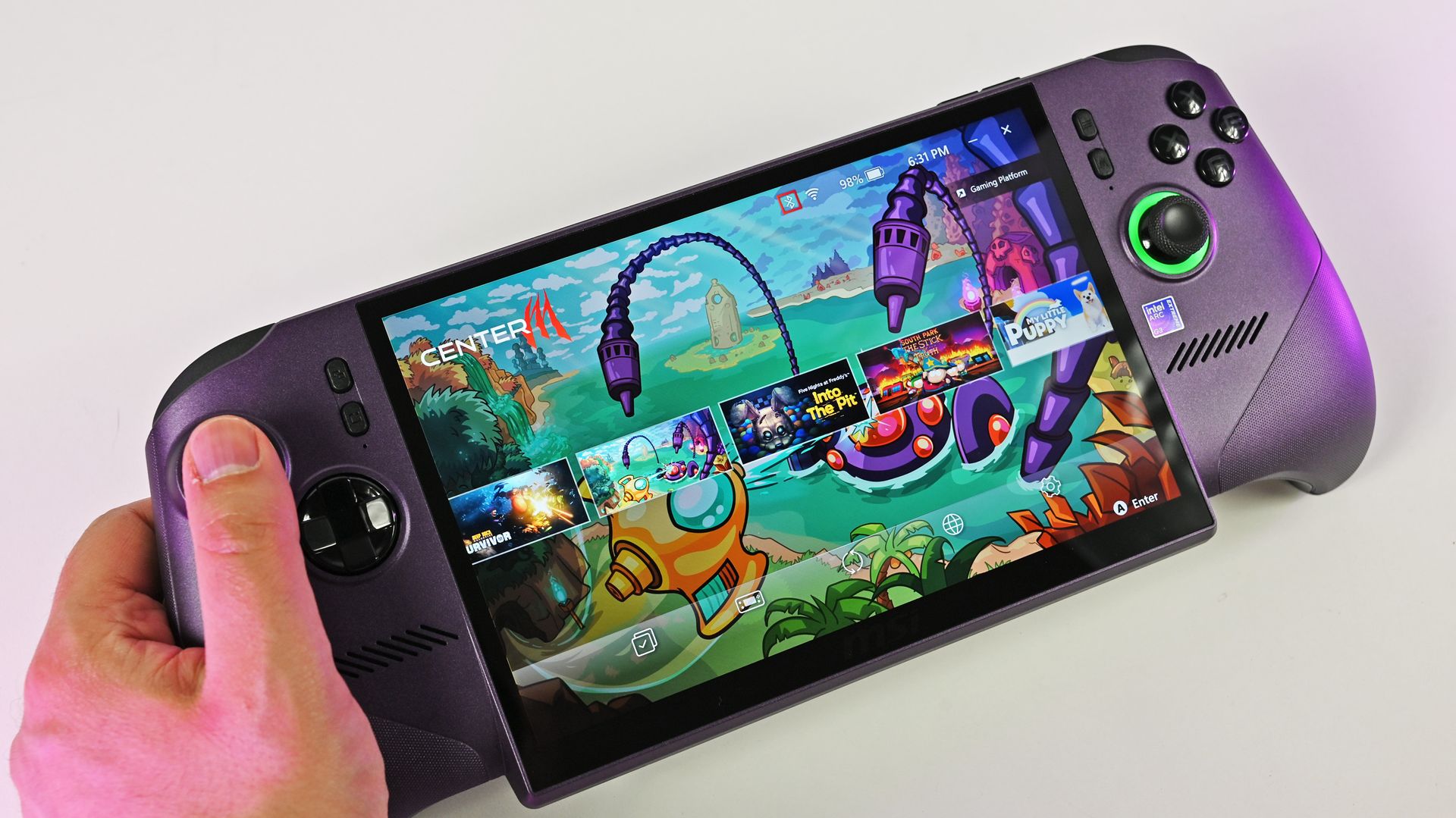
A look at the Xbox controller grip style on the MSI Claw 8 EX AI+. (Image credit: Daniel Rubino)
I'll start by saying that, in our experience, both handhelds are super comfortable. The Claw 8 EX AI+ has a flared Xbox-style grip setup that I know some love, while the Atlas 8 goes for a more fused approach à la Steam Deck.
Although the Claw 8 EX AI+ weighs a bit less than the Atlas 8, I never once found Acer's handheld to be too much. Both have smart weight distribution that makes them feel lighter than they really are.
(Image credit: Future)
The Atlas 8's grips don't quite flare out as much, and it reminds me more of the Steam Deck. This should come down to personal preference.
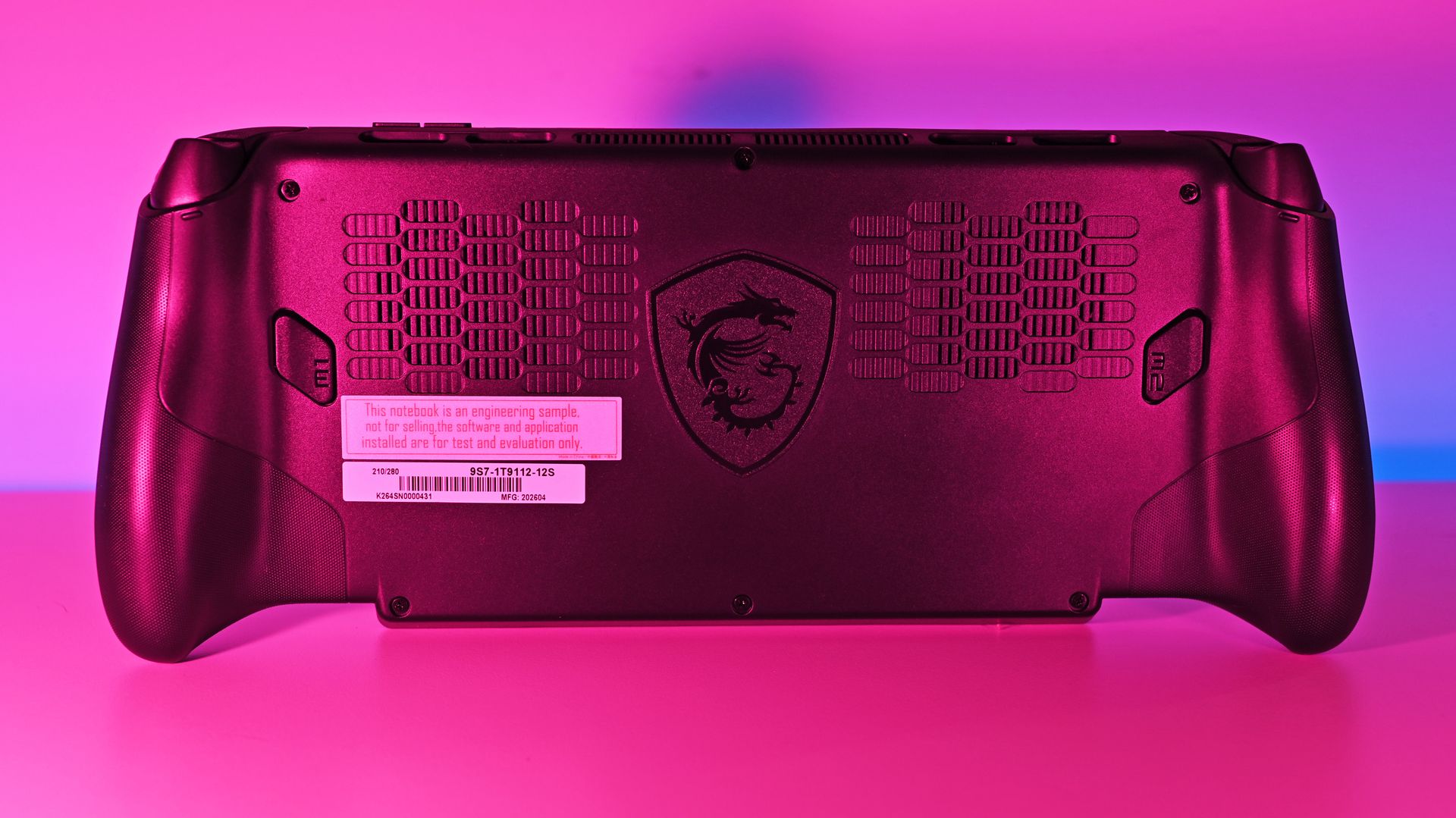
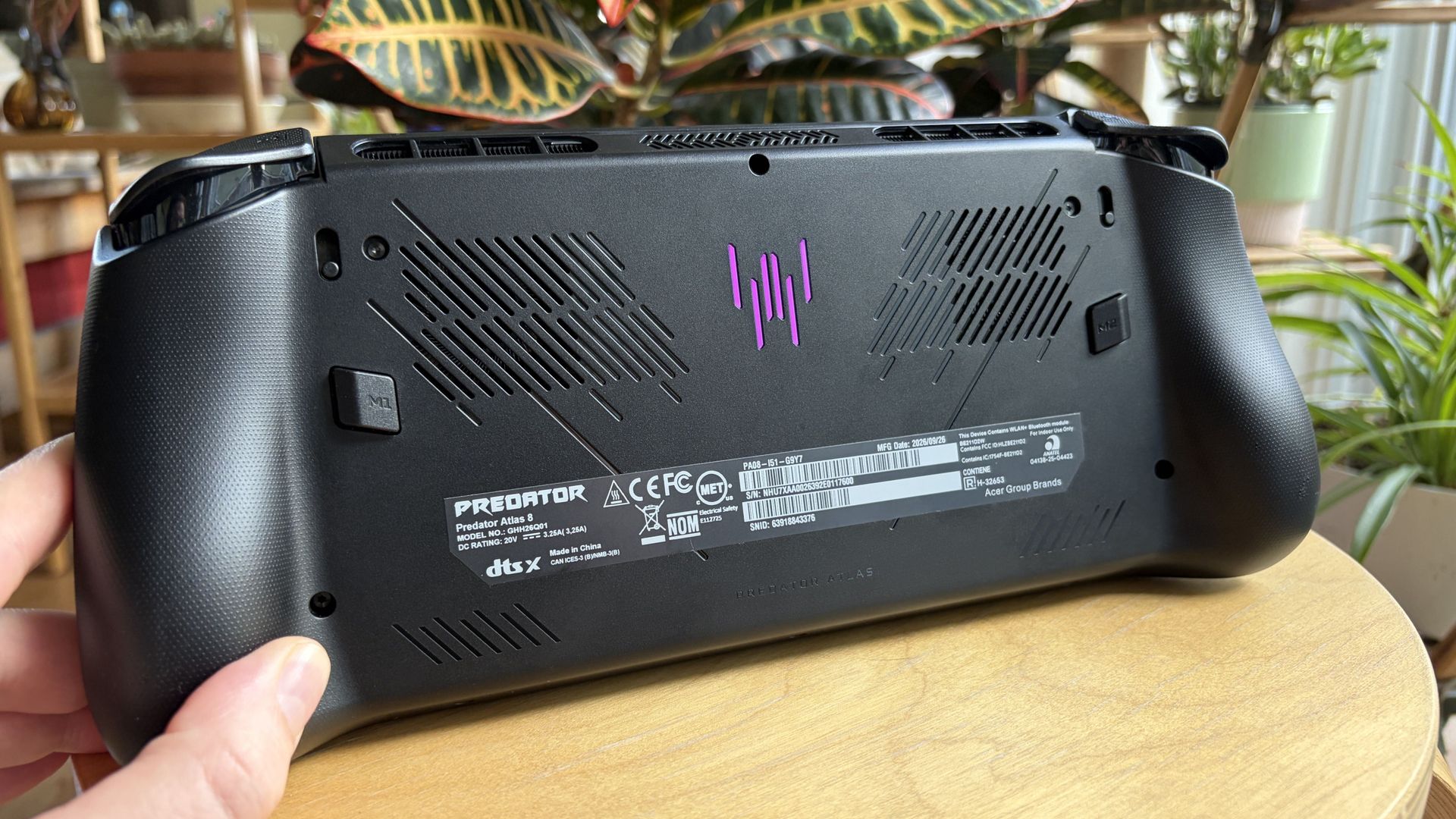
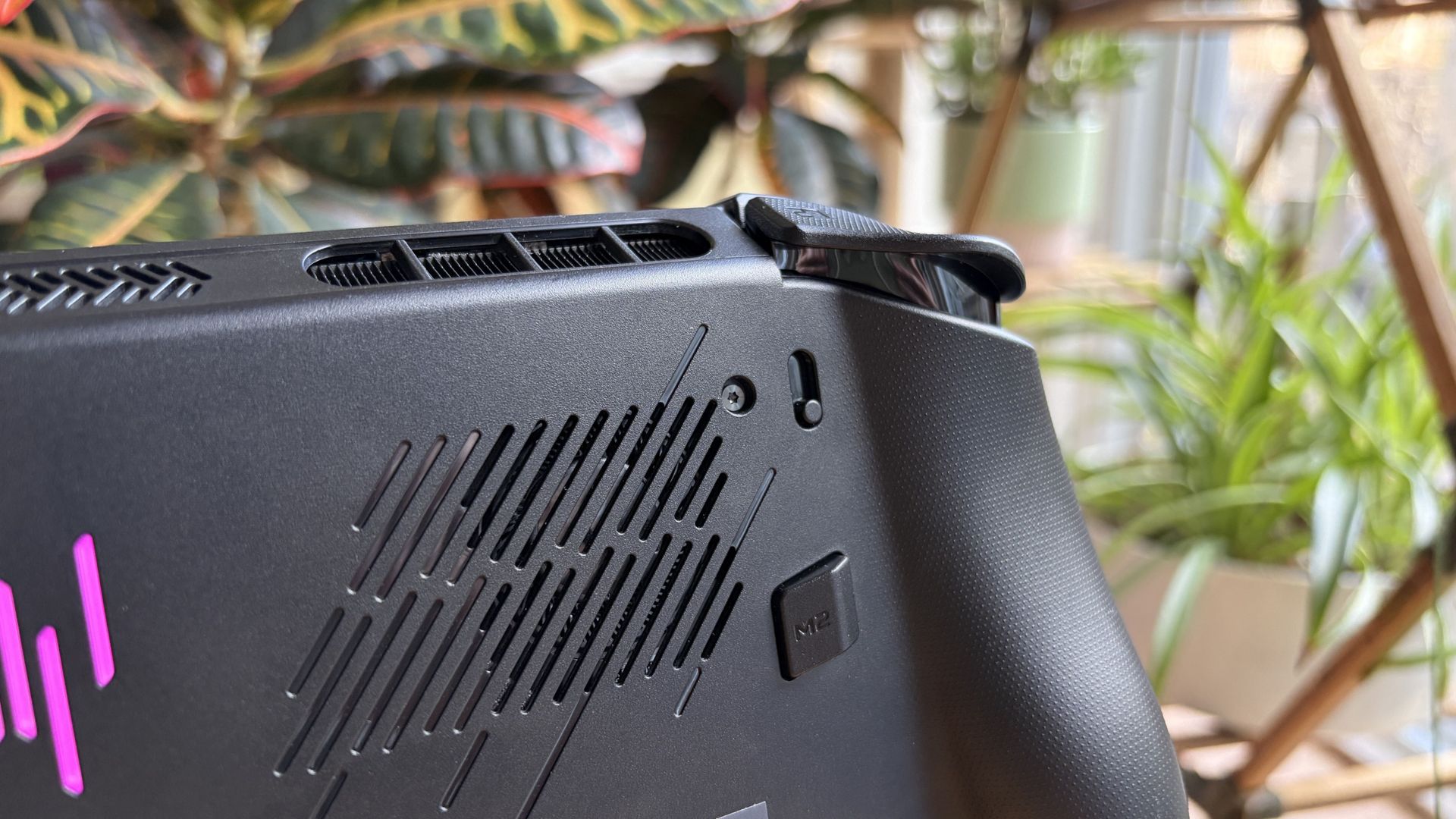
Both handhelds have dual fans inside, and hot air is routed away from your hands and face, as it should be. Inside, you'll find an accessible M.2 SSD slot for DIY upgrades.
For added security, a fingerprint reader for Windows Hello is integrated with the power button in both devices.
A look at how the Claw 8 EX AI+'s display hangs down over the bottom edge. (Image credit: Daniel Rubino)
One last thing: I've noticed that not everyone loves the overhanging display as found on MSI's Claw 8 EX AI+. It helps MSI shave off some weight, no doubt, but some will probably go for the boxier, more standard approach as found in the Atlas 8.
No OLED in either handheld, but does that matter?
The MSI Claw 8 EX AI+ has the same IPS display as the Atlas 8.Daniel RubinoThe Atlas 8's screen is bright and vivid.Future
There's not much to say about the display, at least in terms of differences. The Atlas 8 and Claw 8 EX AI+ use the same 8-inch IPS panel at a 1920x1200 resolution, with a 120Hz variable refresh rate and up to 500 nits of brightness.
If I have to choose between an OLED display and Intel's Arc G3 Extreme performance, I'll take the latter every time.
Acer Predator Atlas 8 review
A lack of OLED is notable across both handhelds, but I don't think it's as big a deal as some assume.
The screens are vivid, bright, and sharp, and I stopped noticing a change from my desktop OLED monitor once I started gaming.
If I dig a bit deeper, I'll say the lack of OLED is a bigger deal in the pricier Claw 8 EX AI+. But I'd take the Arc G3 Extreme's performance any day as compensation.
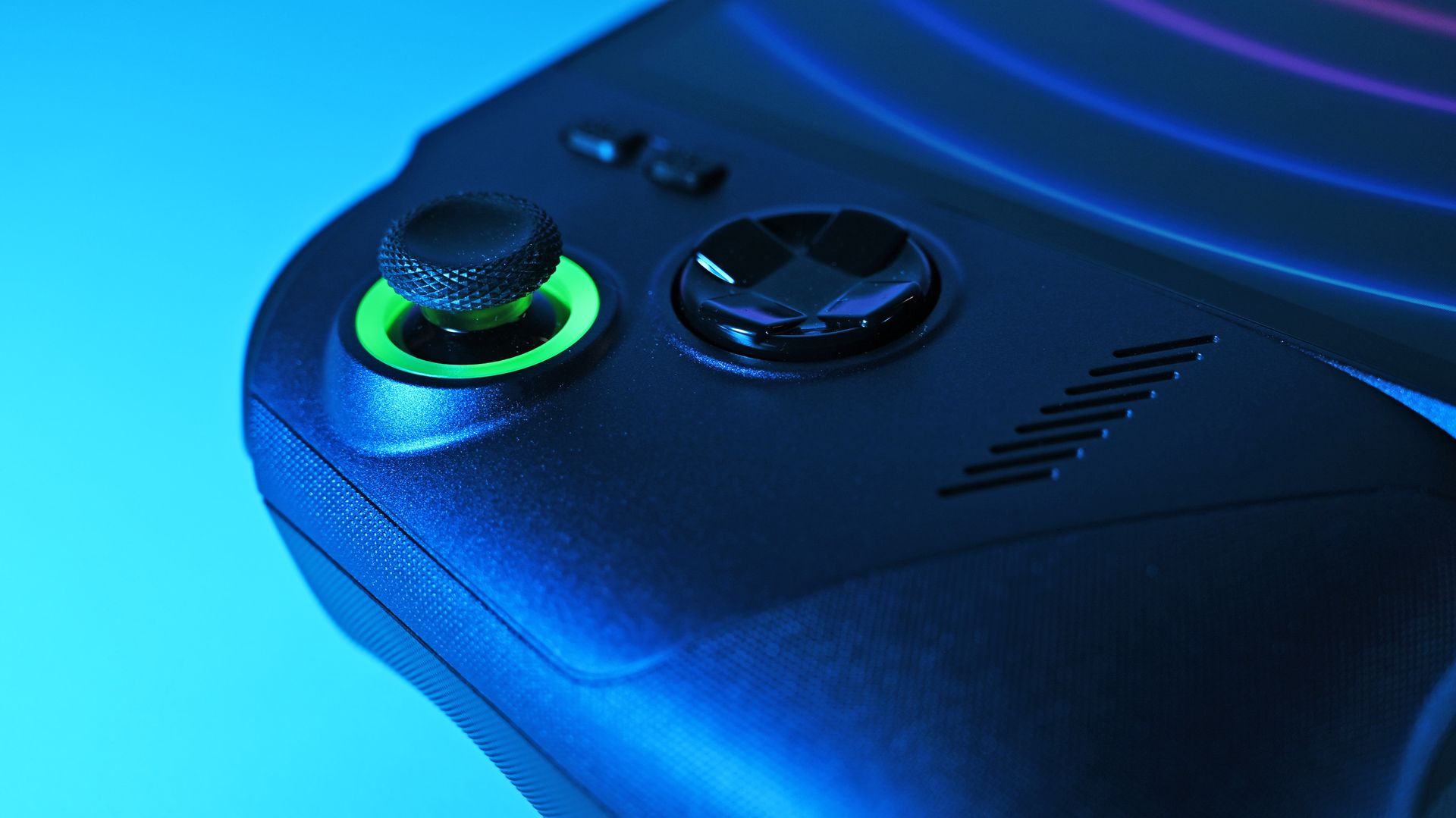
Control quality is equal, except for the D-Pad
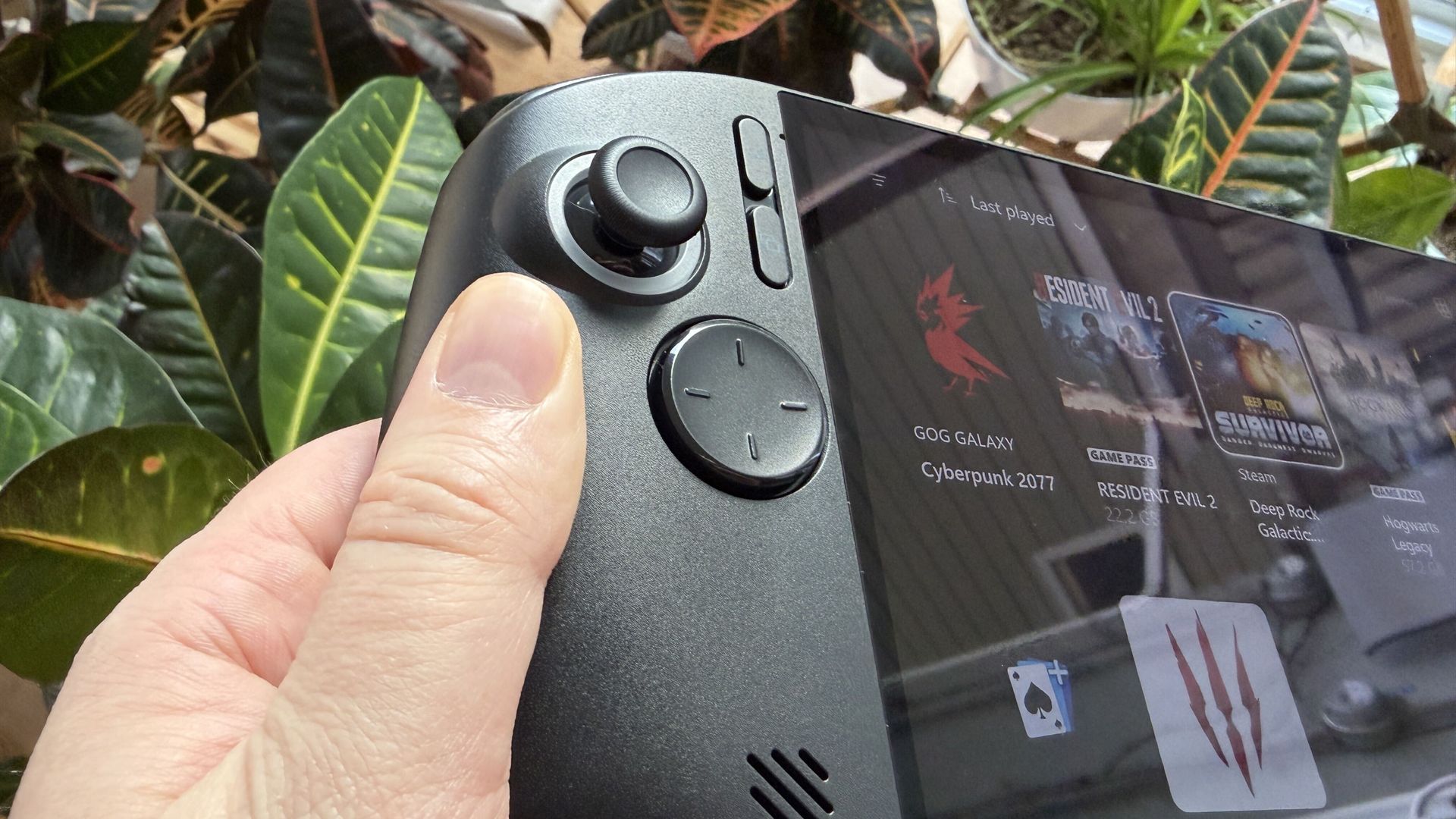
I don't love the Atlas 8's D-Pad design.FutureThe Claw 8 EX AI+ has a D-Pad that's easy to love.Daniel RubinoThe Atlas 8's trigger depth toggles areon the back of the device.Future
Tunnel Magnetoresistance (TMR) is a minor upgrade over Hall Effect, although both use magnets for precision control and added durability.
The Predator Atlas 8 includes TMR joysticks and Hall Effect triggers for snappy, modern control. Analog buttons are crisp, and bumpers have a nice click.
Acer lets you set trigger pull depth with two toggles on the back of the handheld, something MSI doesn't have.
The Claw 8 EX AI+ is in the same general boat as the Atlas 8, with Hall Effect joysticks and triggers. As Editor-in-Chief Daniel Rubino remarked in his review, "The action on the triggers feels smooth and progressively weighted, while the face buttons feature beautifully rounded edge boundaries to keep your thumbs from feeling sore after hammering out combos."
I gamed for countless hours on the Acer handheld, and the only thing I didn't love is the minimalist D-Pad. MSI's clicky version with raised directional headings is much more my style.
MSI's Claw 8 EX AI+ delivers a bit more power
MSI's Claw 8 EX AI+ manages to eke out a bit more performance compared to the Atlas 8. (Image credit: Daniel Rubino)
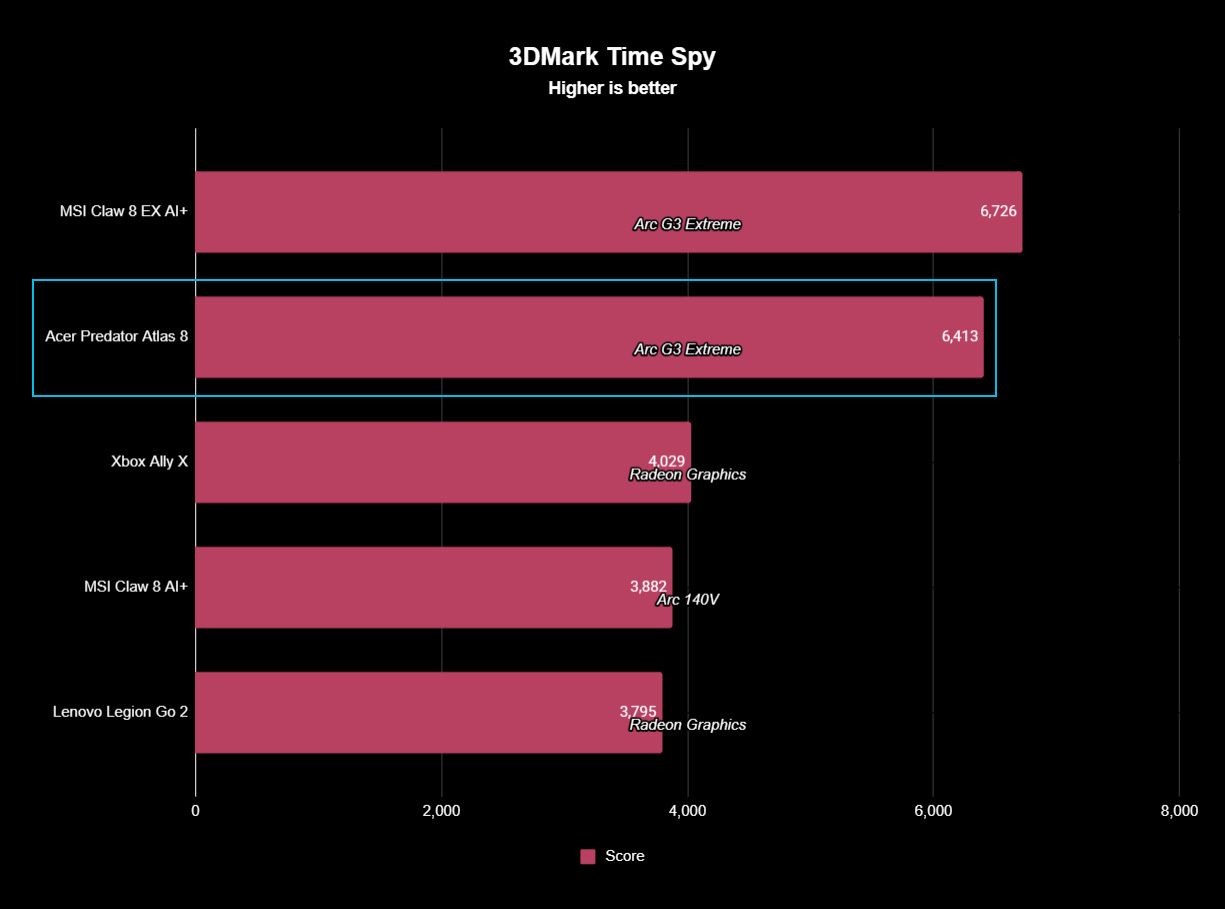
The MSI Claw 8 EX AI+ managed to squeeze a bit more performance out of the Arc G3 Extreme chip and 32GB of RAM than the Atlas 8 with 24GB of RAM in our testing.
However, it's such a small margin that I don't think it's worth putting too much thought into it when buying.
It's not even close in synthetic benchmarks, and the difference is felt every time you play.
You can see how far ahead the Arc G3 Extreme is compared to the Ryzen AI Z2 Extreme. (Image credit: Future)
On both the MSI and Acer handhelds, you can expect high triple-digit frame rates in demanding games like Cyberpunk 2077 with forced multi-frame gen enabled.
It gets better in titles with native XeSS 3 implementation, like LEGO Batman: The Legacy of the Dark Knight. Intel's new chips are easily the best way to maximize handheld performance.
Daniel RubinoDaniel RubinoDaniel RubinoDaniel Rubino
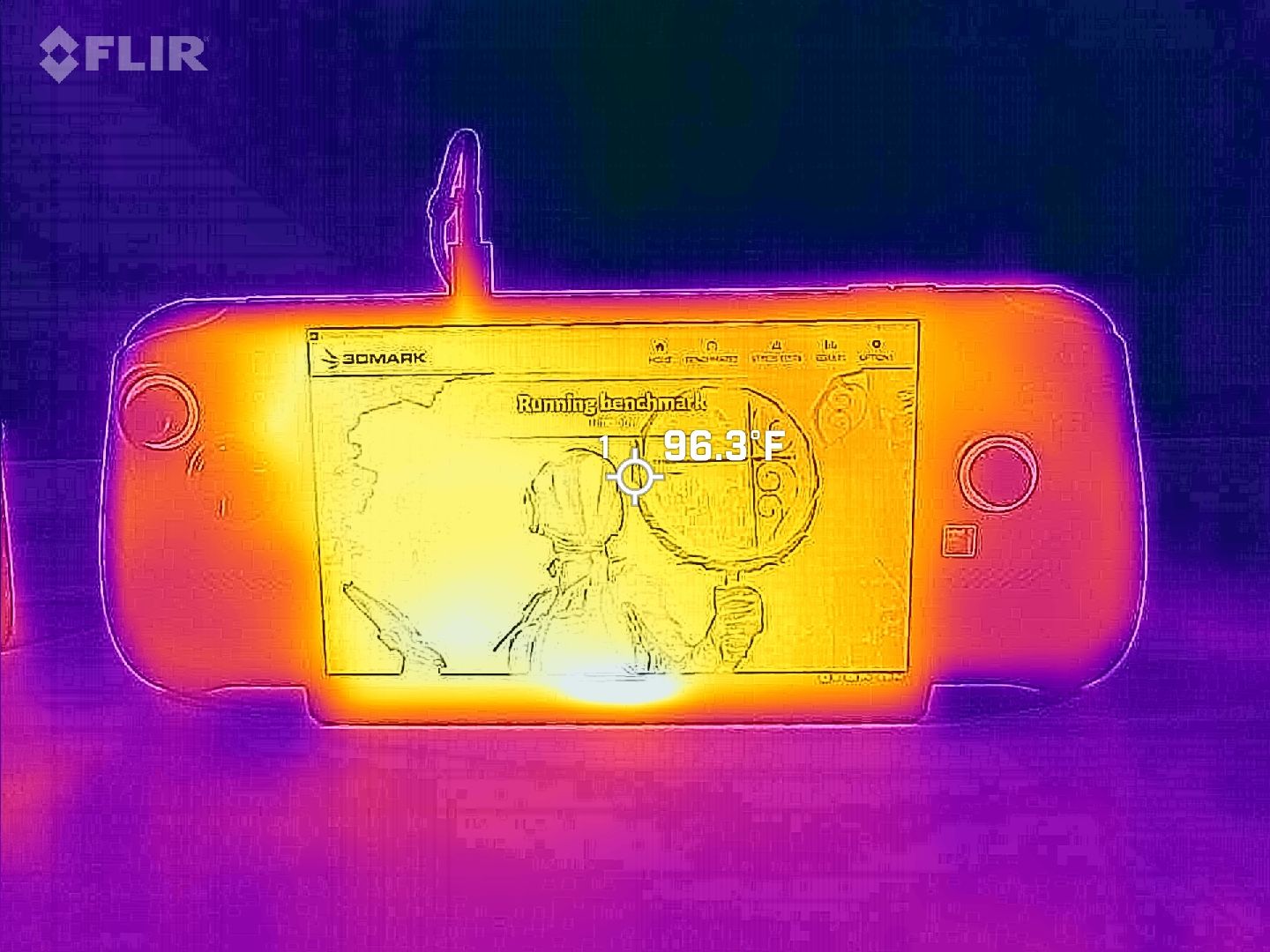
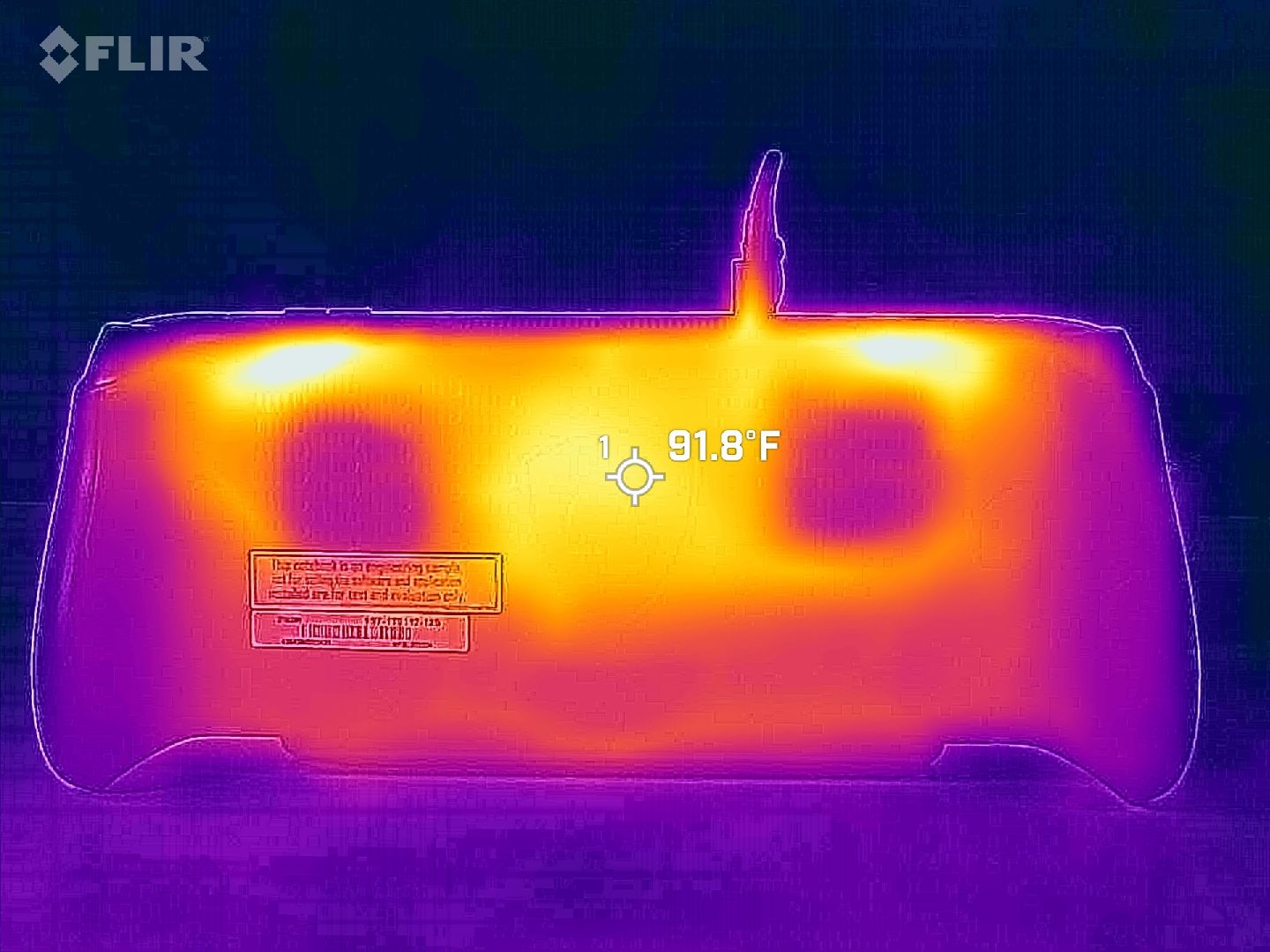
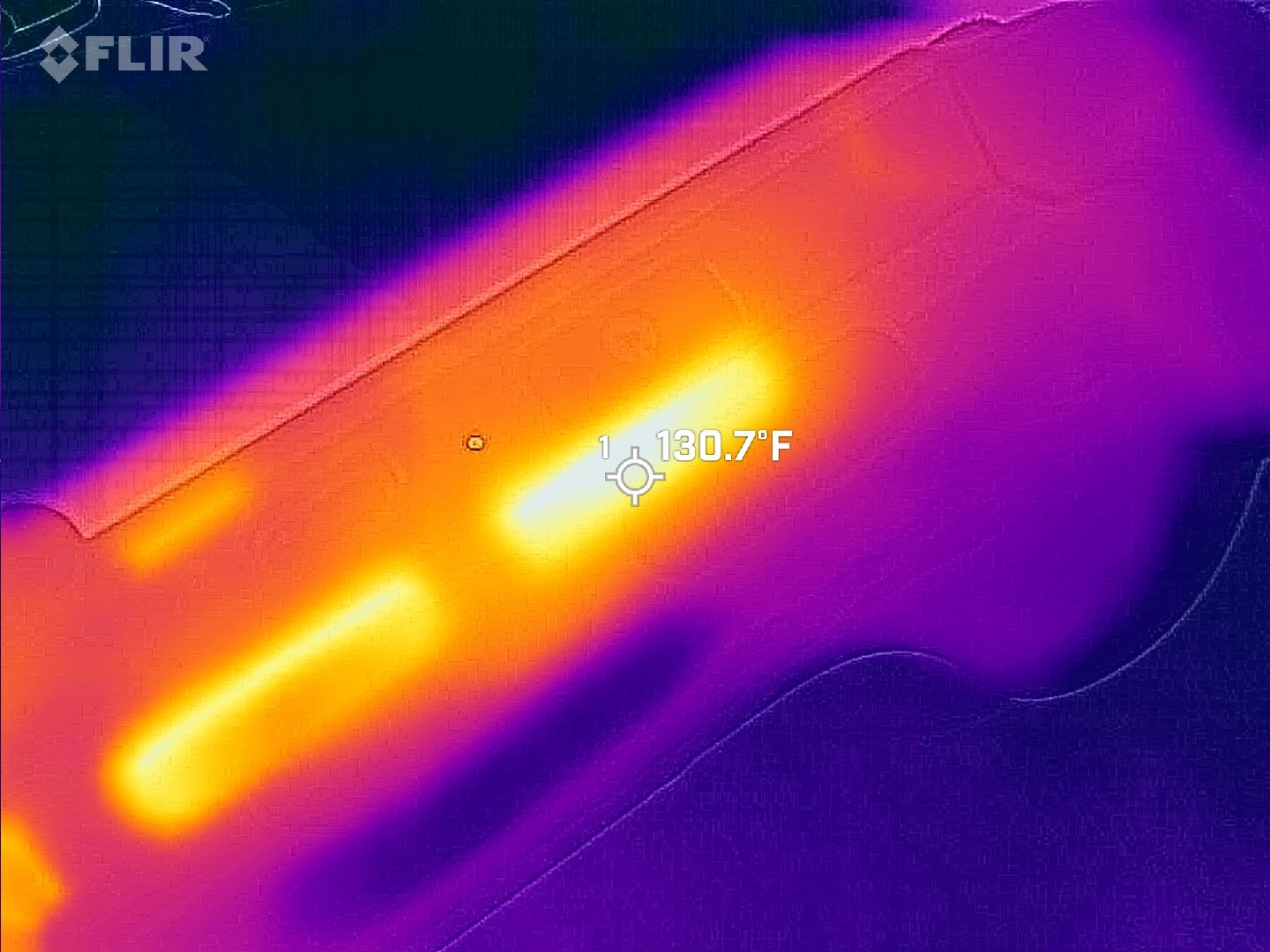
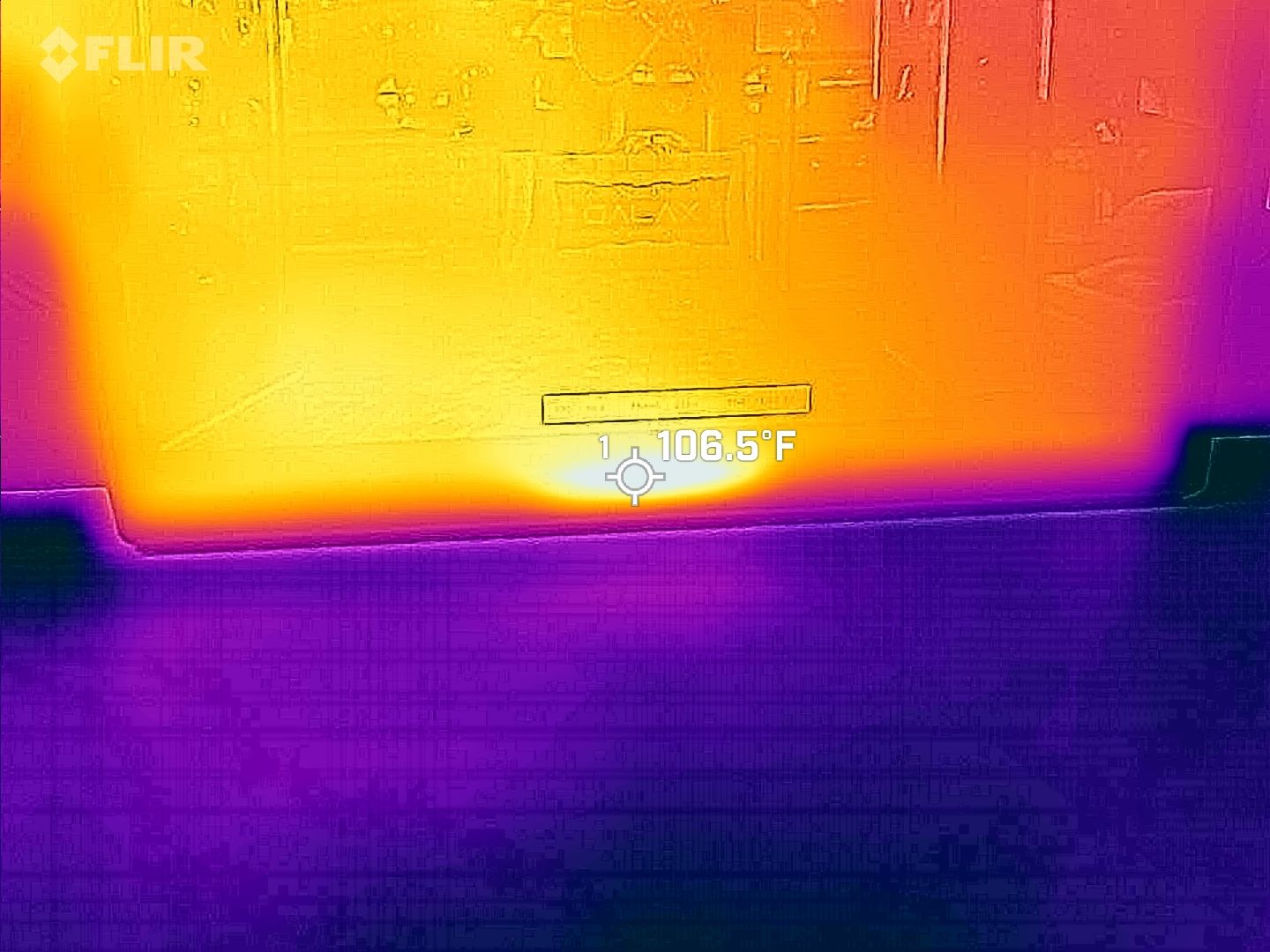
We put both handhelds through a stress test to see how they handle heat. As you can see from the Claw 8 EX AI+ FLIR images above, nothing gets too hot to handle.
I ultimately discovered the same thing with the Predator Atlas 8. No matter how hard I pushed it, it kept running cool and quiet.
Battery life comes down to power profiles
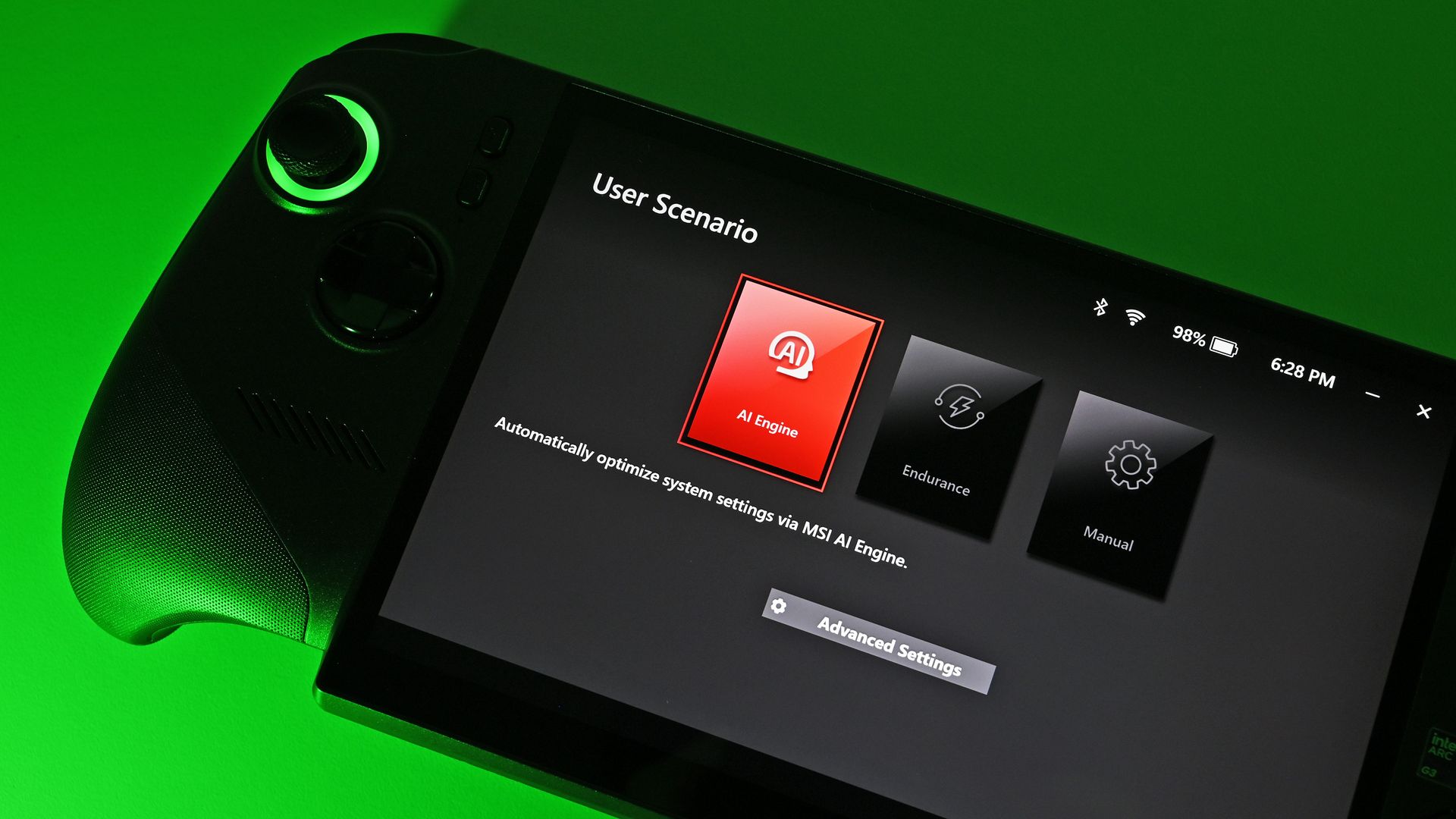
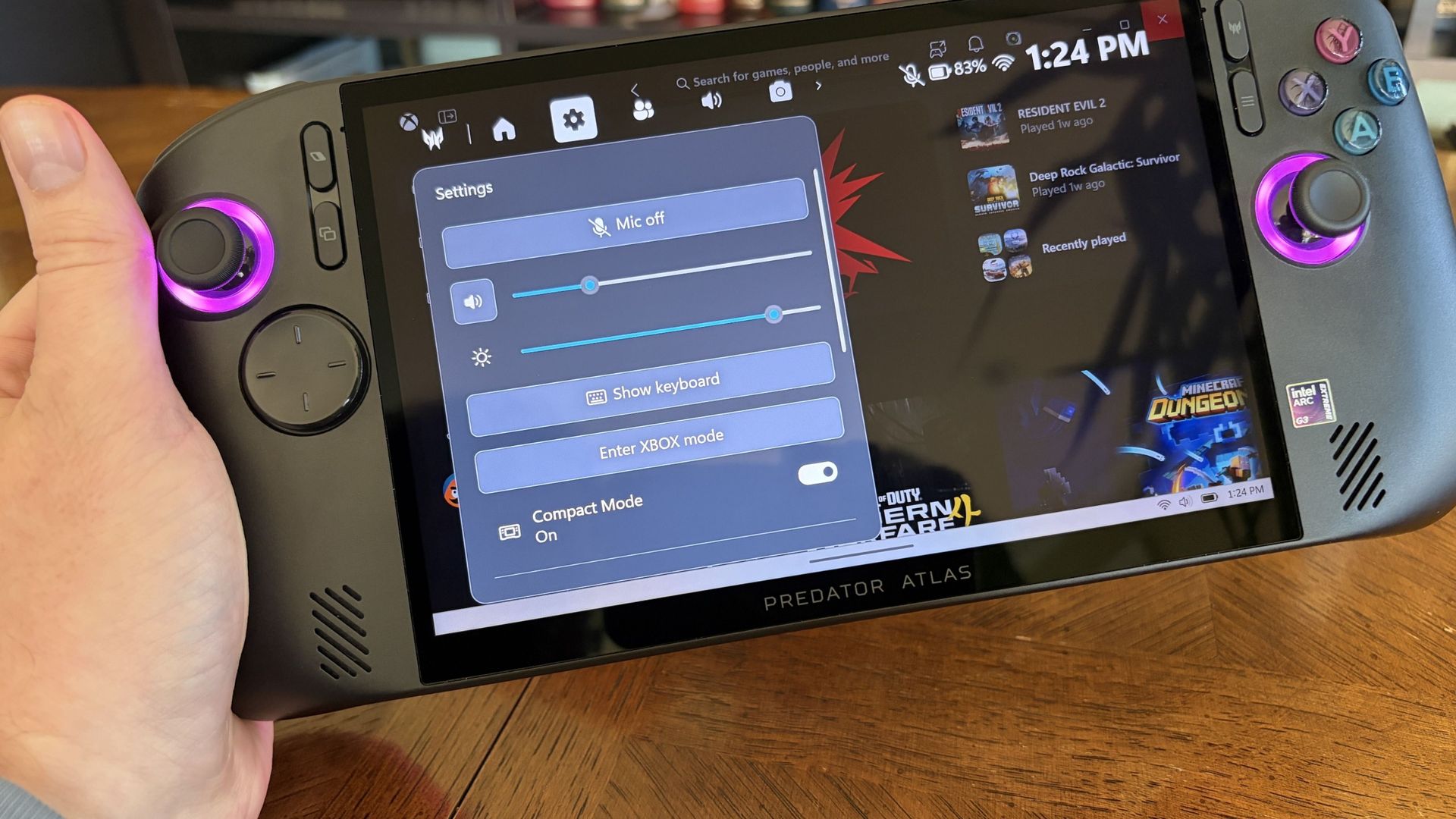
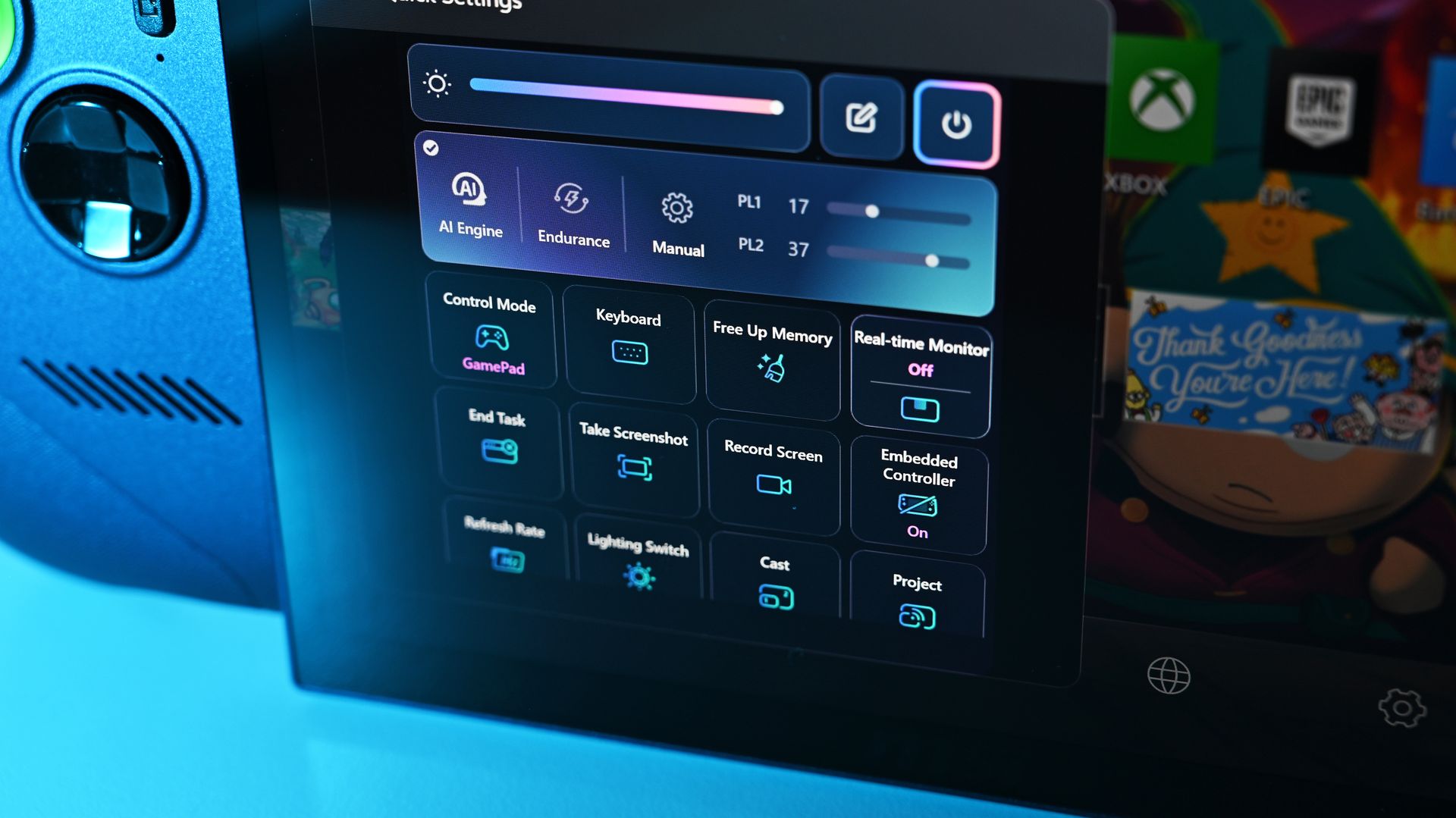
Plenty of settings are on board the handhelds to help boost battery life. (Image credit: Future)
Testing battery life came out a bit skewed, but as I explained in my Atlas 8 review, it's due to how power profiles are configured. Both handhelds have the same 80Wh battery.
The Claw 8 EX AI+'s Endurance mode drops the handheld to 15W, which comes out to about 3 hours and 23 minutes of life in PCMark 10's Gaming rundown test.
The Predator Atlas 8's Quiet mode only drops to 25W. That 10W difference shows up, with the handheld hitting 2 hours in the same rundown.
Intel's Arc G3 Extreme is rather efficient for the performance it delivers. (Image credit: Daniel Rubino)
The good news is that you can manually set the Atlas 8 as low as 10W for more extreme endurance situations. This should help bring it in line with the Claw 8 EX AI+.
Bottom line? Battery life is perfectly fine in both handhelds. Demanding games with ray tracing will sap it faster, just like any PC, while lighter indie games will go for hours more.
Both handhelds have custom software bugs
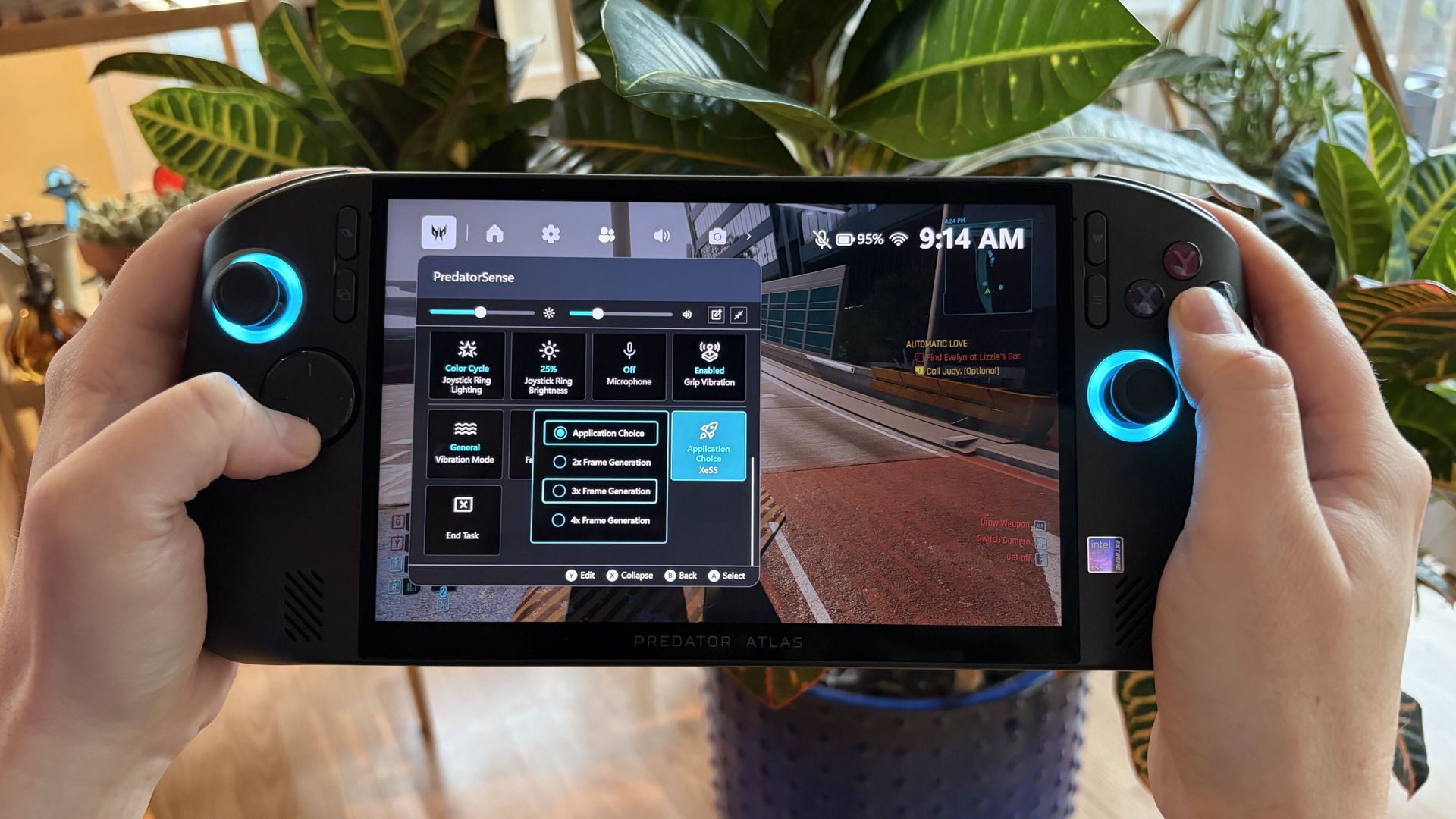
Acer's PredatorSense software has some bugs to contend with. (Image credit: Future)
Both handhelds run Windows 11 and use custom software overlays; both Acer and MSI versions have some bugs.
In the case of the Atlas 8, the PredatorSense overlay sometimes wouldn't appear when I hit the shortcut button. Other times, adjusting one setting would affect something completely unrelated, like RGB lighting turning off.
MSI's custom overlay is not free of bugs, either. (Image credit: Daniel Rubino)
In Rubino's time with MSI's software, he noticed some games weren't showing up properly in the launcher. Neither software is perfect, and in either case, the cons certainly don't outweigh the pros.
Rubino and I plan to load Winhanced onto the Atlas 8 and Claw 8 EX AI+, which would probably solve a lot of the issues that might crop up around Windows 11 and custom software.
Acer Predator Atlas 8 vs. MSI Claw 8 EX AI+ — Which should you buy?
Acer's Predator Atlas 8 can save you money and still land you outstanding performance. (Image credit: Future)
Your final decision between the Predator Atlas 8 and Claw 8 EX AI+ will weigh heavily on personal preferences. You might like the grip, controls, and overall design more on one than the other, and that's perfectly reasonable.
What I can say is that the display is identical and battery life is practically the same; not surprising with the same 80Wh capacity and the same Intel chip inside.
MSI's Claw 8 EX AI+ managed to edge out the Atlas 8 in performance, and some of that probably lies in it having more RAM. Still, the Atlas 8 runs the most demanding games admirably.
Have deeper pockets? You can't go wrong with MSI's Claw 8 EX AI+. (Image credit: Daniel Rubino)
Pricing is the final boss. At the original $1,299.99 price, the Atlas 8 was a no-brainer for anyone hoping to spend less. It's not as notable now that it's been hiked to $1,449.99, but that $350 difference should still weigh heavily.
Bottom line? Stick with MSI's Claw 8 EX AI+ for the defining gaming handheld experience of 2026, money be damned. But if you're searching for the best value right now, it has to be the Acer Predator Atlas 8.
Affordable pick
Acer
Predator Atlas 8
Acer's Predator Atlas 8 costs $350 less than the Claw 8 EX AI+ despite having an identical Arc G3 Extreme chip and 120Hz display. It's the most value-conscious decision, and although it falls behind in some areas, it still delivers industry-leading performance.
Premium pick
MSI
Claw 8 EX AI+
MSI's Claw 8 EX AI+ represents the very best of gaming handhelds in 2026, but at $350 more than Acer's Predator Atlas 8, you'll really need to be in love with the design and controls to make it count.
Join us on Reddit at r/WindowsCentral to share your insights and discuss our latest news, reviews, and more.

 Connexion