Vue normale

  • ✇WinCentral
  • Microsoft’s Project Zenith Turns Windows 11 PCs Into Ready-to-Code Developer Machines
    Microsoft is taking another step toward making Windows 11 a better operating system for developers with Project Zenith, a new ready-to-code Windows experience designed specifically for developer-class PCs. Announced on September 4, Project Zenith is built around a simple idea: developers should not have to spend hours configuring a new Windows machine before they can […]
     

Microsoft’s Project Zenith Turns Windows 11 PCs Into Ready-to-Code Developer Machines

Par : Nayan
4 septembre 2026 à 07:32
Microsoft is taking another step toward making Windows 11 a better operating system for developers with Project Zenith, a new ready-to-code Windows experience designed specifically for developer-class PCs. Announced on September 4, Project Zenith is built around a simple idea: developers should not have to spend hours configuring a new Windows machine before they can […]

Pixel’s New AI Feature Can Now Explain What’s Draining Your Phone

4 septembre 2026 à 07:46

Google is rolling out AI-powered Battery usage summaries to Pixel 10 and Pixel 11 phones to help users understand what may be draining battery life.

The post Pixel’s New AI Feature Can Now Explain What’s Draining Your Phone appeared first on TechRepublic.

Windows 11's Project Zenith cuts clutter for developers and promises a "distraction-free" experience

A "ready-to-code distraction-free Windows experience" is on the way for developers. Microsoft just detailed how Windows 11 will be optimized for people with developer-class devices.

The idea behind Project Zenith is to save developers time by preinstalling apps and having Settings pre-enabled that are optimized for development. For example, File Explorer will show file extensions, hidden files, and the full path in the title bar.

Those options are not new, but they can take a while to set up when you also have to install a bunch of apps and tweak other settings.

We already knew about some of these experiences because of announcements made at Build 2026, but we now know a name for the project and more information about how Windows 11 will be optimized for developer-class devices.

Those devices will be able to run 30B+ parameter models locally and unmetered and use a variety of tools out of the box. Windows Terminal and Visual Studio Code are pinned to the Taskbar by default. GitHub Copilot, PowerToys, WinAppCLI, and Windows Dev Skills will also be preinstalled, according to The Verge.

Project Zenith will launch first on AMD's Ryzen AI Halo devices, but it will make its way to other systems over the coming months.

To classify as a developer-class device, a system will need at least 64 GB of unified memory and at least 250 GB/s memory bandwidth.

Blank Pixel

The best version of Windows 11

A natural response to Microsoft's blog post is to ask, "don't we all want a distraction-free Windows experience?" I don't know anyone clamoring for more distractions on their PC. But I believe Project Zenith is specific to developers for a good reason.

Many developers have a similar workflow or rely on a set of tools. What would be considered a useful preinstalled app for developers would be viewed as bloat for general users.

Similarly, the enabled settings viewed as useful by developers would make Windows 11 feel crowded for everyday computing.

A better approach would be to tailor Windows 11 to different use cases. We're starting to see that with Xbox Mode on Windows 11 and now Project Zenith for developers.

Of course, Project Zenith devices, PCs running Xbox Mode, and all other Windows 11 devices benefit from the general improvements to Windows 11, such as reducing memory usage and improving Search and File Explorer. Many of those changes can be seen in the latest major update to Windows 11.

Click to join us on r/WindowsCentral

Join us on Reddit at r/WindowsCentral to share your insights and discuss our latest news, reviews, and more.

Windows 11 Dan Lowres Iphone

Windows 11 Dan Lowres Iphone

Microsoft promises to make more Windows 11 PCs secure by default next month: Announces automatic memory integrity protection enablement on more devices

In a new blog post, Microsoft has announced that starting in October 2026, "Memory Integrity Protection" will become enabled on more eligible devices. The feature, which is already enabled by default on most modern Windows PCs, is a kernel-level security feature designed to protect PCs from "sophisticated attacks with little or no additional configuration."

"Built on Virtualization-based Security (VBS), memory integrity helps protect critical parts of Windows from tampering," Microsoft says. "It forms a foundation for modern security innovations such as hotpatch updates that improve user experience and productivity, as well as protection."

The company says that memory integrity protection will begin being enabled by default on eligible PCs starting next month, enhancing security with no additional setup required. "Windows quality updates will begin enabling memory integrity protection on eligible devices. If not already enabled, these updates will also enable VBS, helping make additional security capabilities available"

Of course, users still have control over whether they want memory integrity protection enabled. Most Windows PCs today come with it enabled by default already, but the user is able to control whether it is turned on or off. If you've already manually disabled memory integrity protection, it won't be automatically enabled next month.

"To help ensure a reliable device experience, Windows automatically evaluates readiness before enabling memory integrity."

The automatic rollout will only really apply to older PCs that never had it enabled to begin with. For those users, this will be an invisible change that makes your PC more secure. "Memory integrity helps make this possible by allowing only trusted kernel-mode code and drivers to run."

Microsoft has been working to make Windows 11 more secure while also reducing the frequency and annoyances of Windows Update. In recent months, the company has announced a complete overhaul to the Windows Update system, reducing how often it prompts users to restart to just once a month.

With features like hotpatch on commercial editions of Windows, Microsoft is now also able to update the OS on the fly without restarting the OS. While hotpatching isn't yet available on Windows 11 Home or Pro, it's something that we would love to see on consumer editions of Windows in the future too.

Click to join us on r/WindowsCentral

Join us on Reddit at r/WindowsCentral to share your insights and discuss our latest news, reviews, and more.

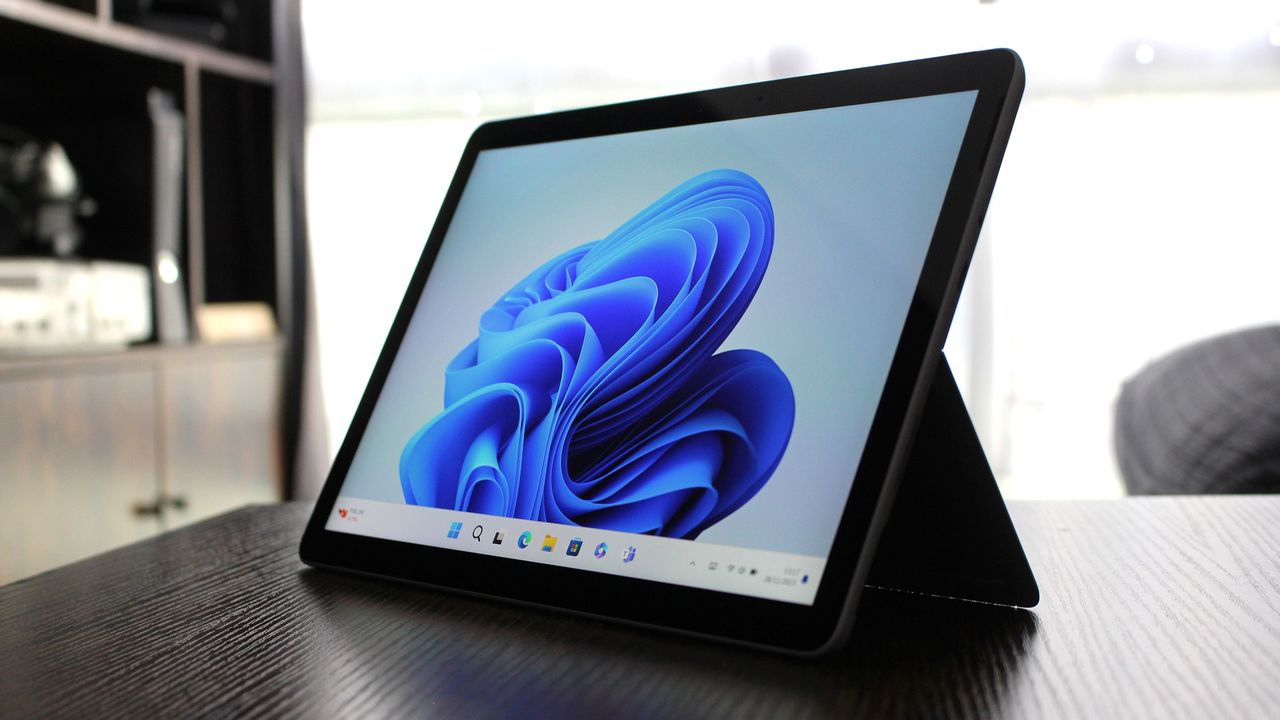
Surface Go 4 with Windows 11

Surface Go 4 with Windows 11

Dear Microsoft, where is the Surface to showcase all these improvements to Windows 11?

Windows Central

A major Windows 11 update is just around the corner. Microsoft just shipped Windows 11 version 26H2 to the Release Preview Channel and general rollout of the update starts in a few weeks.

The upcoming update to Windows 11 includes UI changes such as the ability to move the Taskbar and under-the-hood improvements. It's a more substantial change than we've seen in previous years, which begs the question, "Where is the Surface to showcase all these improvements to Windows 11?"

Microsoft appears serious about its push to improve Windows 11 and listen to feedback about the operating system. The first real wave of improvements is essentially here, so why isn't there someone on stage showing them on a Surface?

Biggest News of the Week

Windows 11 Start button
Snapdragon X Elite logo
A Windows 11 desktop showing the taskbar aligned to the top of the screen with centered app icons and a search bar. The Start menu is open below the top taskbar, displaying pinned apps and category folders over a colorful pink, purple, and green gradient background.
A laptop screen displaying Windows 11, featuring the

Microsoft is a gigantic company and its teams often don’t talk to each other enough to create full unity of design. I talked about this last week in the Windows Wrap when discussing the app situation on Windows 11. While Microsoft is working to fix many of its inbox apps, it's not addressing the same inconsistencies across Microsoft 365, Teams, and other apps.

Microsoft has shuffled things around over the years, combining Surface with Windows and changing how leadership is structured. But right now it feels like Windows and Surface are distant. Microsoft does not have a unified marketing push to highlight all the changes to Windows 11. There isn’t an announced event or upcoming device that would showcase the major Windows 11 improvements that will ship to PCs in only a couple of weeks.

Surface is supposed to show the best of Windows and Microsoft will miss an opportunity unless it has an ace up its sleeve. Microsoft used to announce Surface hardware in April and October. I’d love to see Microsoft surprise us with something that showcases Windows 11.

Windows and Snapdragon

Microsoft Surface Pro 11 with Qualcomm Snapdragon X Elite

The Surface Pro 11 was one of many Surface devices that demonstrated what Snapdragon-powered PCs can do. (Image credit: Daniel Rubino)

Microsoft did a good job pairing Windows 11 and Snapdragon developments. At one point the Surface Pro X showed that a Snapdragon-powered PC can be fanless. Microsoft later shifted away from that, instead emphasizing the power efficiency and unplugged performance offered by Snapdragon PCs.

But the principal remained the same; Microsoft used it’s flagship hardware to highlight improvements to Windows 11 on Arm. Microsoft's faith in Snapdragon also pushed other PC manufacturers to make laptops powered by Qualcomm's chips. Snapdragon PCs are sold side-by-side with laptops powered by Intel or AMD chips.

Of course, it’s easier to use Windows 11 to show hardware improvements when there are concrete examples such as improve battery life or better unplugged performance. Microsoft has more of a mountain to climb when it comes to marketing the ability to move the taskbar and improved start menu. Under the hood improvements are tricky to show off.

That challenge is why I asked earlier this month if the next major Windows 11 update should be Windows 12. But that’s precisely why Microsoft needs to use Surface to highlight the improvements to Windows 11. Without a major marketing push about an OS upgrade, Microsoft needs to use its other resources to make sure shoppers know that this isn’t the same old Windows 11.

Click to join us on r/WindowsCentral

Join us on Reddit at r/WindowsCentral to share your insights and discuss our latest news, reviews, and more.

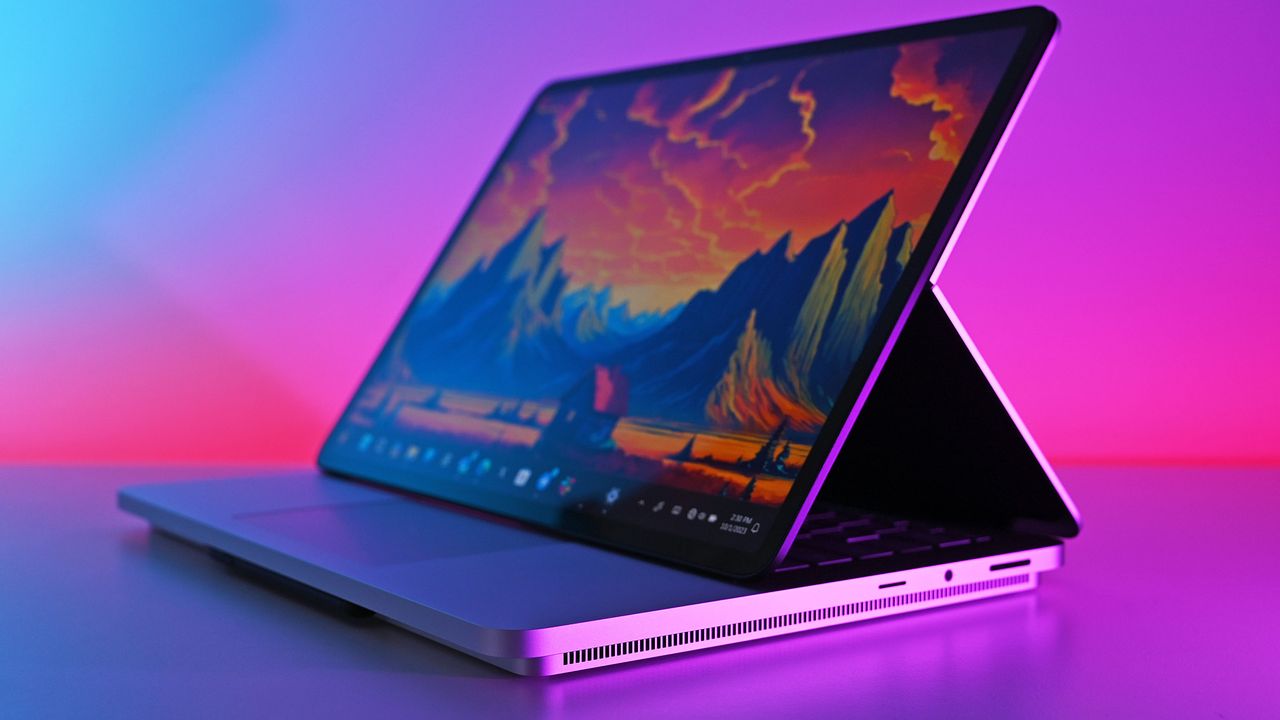
Surface Laptop Studio 2 photos

Surface Laptop Studio 2 photos

Microsoft finalizes Windows 11 version 26H2 for general availability: Next version of Windows 11 enters final preview phase before rollout begins

Microsoft has began rolling out the next version of Windows 11 to testers in the Windows Insider Release Preview Channel, which is the very last phase of testing before general availability begins. With version 26H2 now in the Release PreviewChannel, the company is signalling that this new version is just about done, and testing of the final bits can begin.

Windows 11 version 26H2 is similar to version 25H2 in scope. It's based on the same platform release as both 25H2 and 24H2 before it, which means it's not a major OS upgrade and won't be making major changes to the OS core. Instead, 26H2 serves to reset the support clock for Windows 11 users, with 26H2 offering a refreshed 24 months of support for consumers, and 36 months for commercial customers.

That's good news for users who usually dismiss new versions of Windows 11 for being unstable or buggy. 26H2 shares the same core OS, feature stack, and security updates as 25H2, meaning there are no compatibility or software quality concerns to be worried about. If it works on 25H2, it'll work on 26H2 also.

"As Windows 11, version 26H2 shares the same servicing branch as Windows 11, version 25H2, the update is implemented through an enablement package (eKB). This means your device will be updated to the next version through a single restart – providing a familiar, fast, and reliable update experience."

There may be some instances where 26H2 gets new features first, but for as long as 25H2 (and 24H2) are supported, they should get the same features also. For now, version 26H2 is at feature parity with version 25H2, which is expected to receive the same Windows K2 improvements such as the more customizable Start menu and new Windows Search pane at the same time.

Now that Windows 11 version 26H2 is now in the Release Preview Channel, that typically means we're just a few weeks away from general availability beginning. Bits that are flighted to the Release Preview Channel are production ready, and so now it's just a matter of ensuring the final bits don't have any last minute bugs or issues.

Should everything go according to plan, I expect we'll begin hearing about version 26H2 general availability in the next few weeks. Microsoft usually aims to begin rolling out new versions of Windows 11 towards the end of September and into October, and I expect the same to happen this year.

Click to join us on r/WindowsCentral

Join us on Reddit at r/WindowsCentral to share your insights and discuss our latest news, reviews, and more.

Windows 11 Start button

Windows 11 Start button

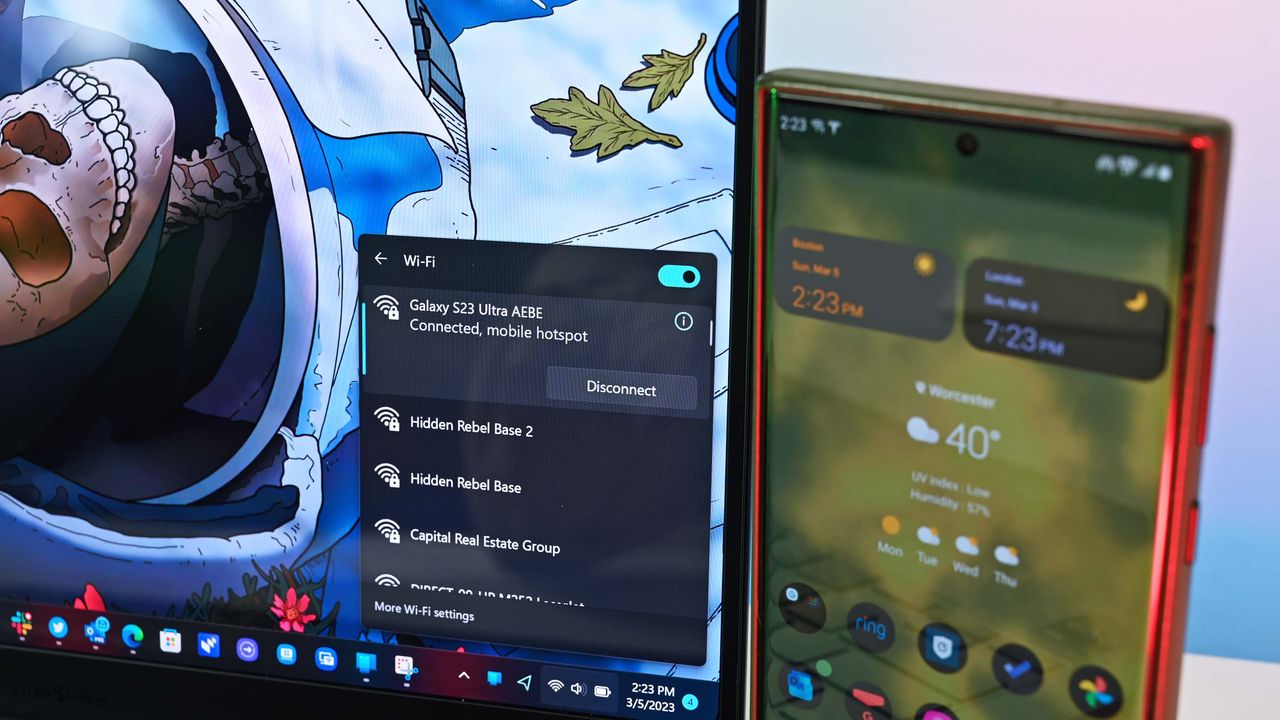
Your phone may soon be able to shut down or restart your PC with just a couple of taps

Microsoft's Link to Windows app for Android may soon support restarting or shutting down a computer or putting a PC to sleep. Code within the app was discovered that suggests the functionality is on the way, but nothing has been confirmed by Microsoft at this time.

Windows Latest found evidence suggesting that a pairing of Link to Windows and Phone Link will soon gain greater control of your PC. It's already possible to lock your PC from your Android phone, but the code suggests support for other actions is on the way.

I occasionally forget to turn off my PC, especially since I work from home and can get distracted after my work day ends. Being able to shut down my PC remotely without having to set up a Remote Desktop would be a nice option.

The feature could also come in handy if you need to leave your PC running unattended for a while. The other day I had to download a bunch of large files and knew my PC had to run for a while. If the new Link to Windows feature had been available, I could have shut down my PC after I knew the files were downloaded.

Putting your PC to sleep through Link to Windows will work a bit differently, according to Windows Latest. A warning message discovered by the outlet states, "After it’s asleep, it will be disconnected from this device. You need to go to your PC to wake it up."

Separate warnings appear when you try to restart or shut down your PC in the middle of an update.

Microsoft continues to work on integrating the smartphone and PC experience. The tech giant expanded the connection between devices by adding a section to the Start menu on Windows 11. Microsoft is also testing several flyouts and menus that will make it easier to connect your phone and your PC.

Blank Pixel

Click to join us on r/WindowsCentral

Join us on Reddit at r/WindowsCentral to share your insights and discuss our latest news, reviews, and more.

Samsung Galaxy Book3 Pro 14-inch laptop (2023)

Microsoft makes it easy to connect your Windows 11 PC and your Android smartphone through Phone Link and Link to Windows.

  • ✇Korben
  • WinBtrfs - Le pilote Windows qui monte vos disques Linux se réveille enfin
    Le 1er septembre, Mark Harmstone a publié WinBtrfs 1.10 , le pilote qui fait lire et écrire des partitions Btrfs à Windows. Et je trouve qu'il était temps, parce que la version précédente datait quand même de mars 2024. Le principe, lui, n'a pas bougé. Vous avez un disque formaté en Btrfs, celui de votre Linux en dual-boot par exemple, et plutôt que Windows l'ignore totalement comme votre date ignore vos textos le lendemain, celui-ci arrive dans l'explorateur de fichiers avec sa p
     

WinBtrfs - Le pilote Windows qui monte vos disques Linux se réveille enfin

3 septembre 2026 à 06:26

Le 1er septembre, Mark Harmstone a publié WinBtrfs 1.10 , le pilote qui fait lire et écrire des partitions Btrfs à Windows. Et je trouve qu'il était temps, parce que la version précédente datait quand même de mars 2024.

Le principe, lui, n'a pas bougé. Vous avez un disque formaté en Btrfs, celui de votre Linux en dual-boot par exemple, et plutôt que Windows l'ignore totalement comme votre date ignore vos textos le lendemain, celui-ci arrive dans l'explorateur de fichiers avec sa petite lettre de lecteur, en lecture comme en écriture. Ce driver pour le système de fichiers Btrfs a été réécrit from scratch, sans reprendre une seule ligne du noyau Linux, et c'est quand même du LGPL.

Alors regardons ce que cette 1.10 répare, parce que la liste vaut le détour. Déplacer un fichier d'un subvolume vers un autre faisait totalement planter le pilote, ce qui fait qu'il était compliqué de mettre un fichier à la corbeille. Laisser Steam créer plein de fichiers d'un coup le faisait aussi planter comme une merde, sans parler du fait qu'écrire sur un snapshot corrompait l'arbre d'extents.

Bref, c'était compliqué jusqu'alors, d'avoir un usage normal d'un disque formaté en Btrfs.

Cette nouvelle version répare aussi la préallocation, ce qui remet rclone d'aplomb, un blocage sur les liens durs, et une corruption mémoire liée à la surveillance du registre. Elle ajoute aussi l'écriture des bitmaps d'espace libre et des fichiers compressés en ligne, deux choses qu'elle savait jusqu'ici seulement lire. En échange, le RAID disparaît sur les périphériques amovibles (si vous en faisiez sur des clés USB, c'est finito pépito).

Reste à savoir comment Harmstone a fait pour nous pondre 370 commits en quatre semaines ? Est-ce la coke ? Est-ce la caféine ? Hé bien non, le README répond à cette question sans détour : C'est Claude d'Anthropic qui l'a, je cite, "grandement aidé" sur la chasse aux bugs et les revues de code. Il ajoute dans la foulée que tout le code a quand même été écrit à la main (wink wink ^^).

Maintenant, est-ce que vous avez besoin de ce driver ?

Chez Paragon, le produit Btrfs dédié est marqué "Legacy" et indisponible depuis octobre 2025, et dans leur suite qui reste vendue, Btrfs est encore en lecture seule. De son côté, WSL 2 sait aussi monter du Btrfs, car son noyau embarque le module, mais la documentation de Microsoft pose ses limites : ni clé USB ni lecteur de cartes, pas de partition du disque de démarrage, et un accès depuis Windows qui passe par un chemin réseau plutôt que par une lettre de lecteur.

Voilà pourquoi ce pilote incroyable n'a pas de réel équivalent.

Côté Windows, il y a quand même des petites surprises. Le pilote est bien signé et s'installe normalement, mais avec Secure Boot activé sur un Windows 10 ou 11, il peut refuser de se charger pour la simple et bonne raison que Microsoft a durci ses exigences de signature d'une façon que les pilotes libres n'ont pas encore réussi à régler. Il faut donc contourner la vérification, ou couper Secure Boot dans le BIOS. Ne vous inquiétez pas, Windows 11 demande en principe Secure Boot pour s'installer, mais tourne ensuite très bien sans. Cependant, je ne suis pas fan d'enlever des contrôles de sécurité sur l'ordinateur, donc, à vous de voir.

Et une fois le disque monté, ne le cherchez pas non plus dans la gestion des disques, car il n'y sera pas. Le pilote passe en fait par un faux périphérique bloc pour que le RAID fonctionne, et diskmgmt ne sait rien de tout ça. C'est donc dans l'explorateur que ça se passe, et nulle part ailleurs.

Et puis 370 commits en quatre semaines sur un pilote de système de fichiers, dont deux chemins d'écriture flambant neufs, ça reste quand même un peu chaud niveau vérification / bugs. Donc pensez bien à faire des backups avant d'installer ça.

Source : Neowin

  • ✇WinCentral
  • Windows 11 Is About to Enable a Security Feature That Gamers May Not Like
    Microsoft is preparing to enable a Windows 11 security feature on more PCs, and while the change is good news for system security, it could come with a downside for some PC gamers. The feature in question is Memory Integrity, also known as Hypervisor-protected Code Integrity (HVCI). Microsoft uses it to protect Windows from malicious […]
     

Windows 11 Is About to Enable a Security Feature That Gamers May Not Like

Par : Nisha
2 septembre 2026 à 07:20
Microsoft is preparing to enable a Windows 11 security feature on more PCs, and while the change is good news for system security, it could come with a downside for some PC gamers. The feature in question is Memory Integrity, also known as Hypervisor-protected Code Integrity (HVCI). Microsoft uses it to protect Windows from malicious […]

Windows 11 Is Getting a Smarter File Explorer, Refreshed Magnifier and a Change to Print Management

Par : Nisha
1 septembre 2026 à 10:52
Microsoft is continuing to refine Windows 11 through its Insider testing program, and the latest experimental update brings a mix of small but noticeable changes to some familiar Windows tools. The update focuses on File Explorer Home, Magnifier, and Print Management. While two of the changes improve the everyday Windows experience, Microsoft is temporarily pulling […]

  • ✇WinCentral
  • Windows 11 Beta Update Adds Better Wallpapers, WinRE Wi-Fi and Emoji 17.0
    Microsoft has released a new Windows 11 Insider Beta (26H1) preview with a collection of improvements aimed at personalization, recovery, accessibility, File Explorer, emojis, and the taskbar. Released on August 31, 2026, the update is primarily focused on polishing existing Windows 11 experiences rather than introducing a major new feature overhaul. Microsoft says the changes […]
     

Windows 11 Beta Update Adds Better Wallpapers, WinRE Wi-Fi and Emoji 17.0

Par : Nisha
1 septembre 2026 à 05:08
Microsoft has released a new Windows 11 Insider Beta (26H1) preview with a collection of improvements aimed at personalization, recovery, accessibility, File Explorer, emojis, and the taskbar. Released on August 31, 2026, the update is primarily focused on polishing existing Windows 11 experiences rather than introducing a major new feature overhaul. Microsoft says the changes […]

  • ✇WinCentral
  • Windows 11 Gets Better Wallpapers and Smarter Recovery Networking in New Insider Preview
    Microsoft is rolling out a new Windows 11 Insider Preview build with several quality-of-life improvements, particularly for desktop personalization and Windows Recovery Environment (WinRE) networking. The update is being released to Windows Insiders in the Experimental 26H1 branch, with changes gradually rolling out to testers. While much of the update focuses on reliability fixes, one […]
     

Windows 11 Gets Better Wallpapers and Smarter Recovery Networking in New Insider Preview

Par : Nisha
1 septembre 2026 à 04:58
Microsoft is rolling out a new Windows 11 Insider Preview build with several quality-of-life improvements, particularly for desktop personalization and Windows Recovery Environment (WinRE) networking. The update is being released to Windows Insiders in the Experimental 26H1 branch, with changes gradually rolling out to testers. While much of the update focuses on reliability fixes, one […]

❌