WhatsApp is testing scheduled messages for Android beta users, allowing texts and media to be delivered later even when the sender's phone is offline.
The post WhatsApp Tests Scheduled Messages That Send Even When You’re Offline appeared first on TechRepublic.
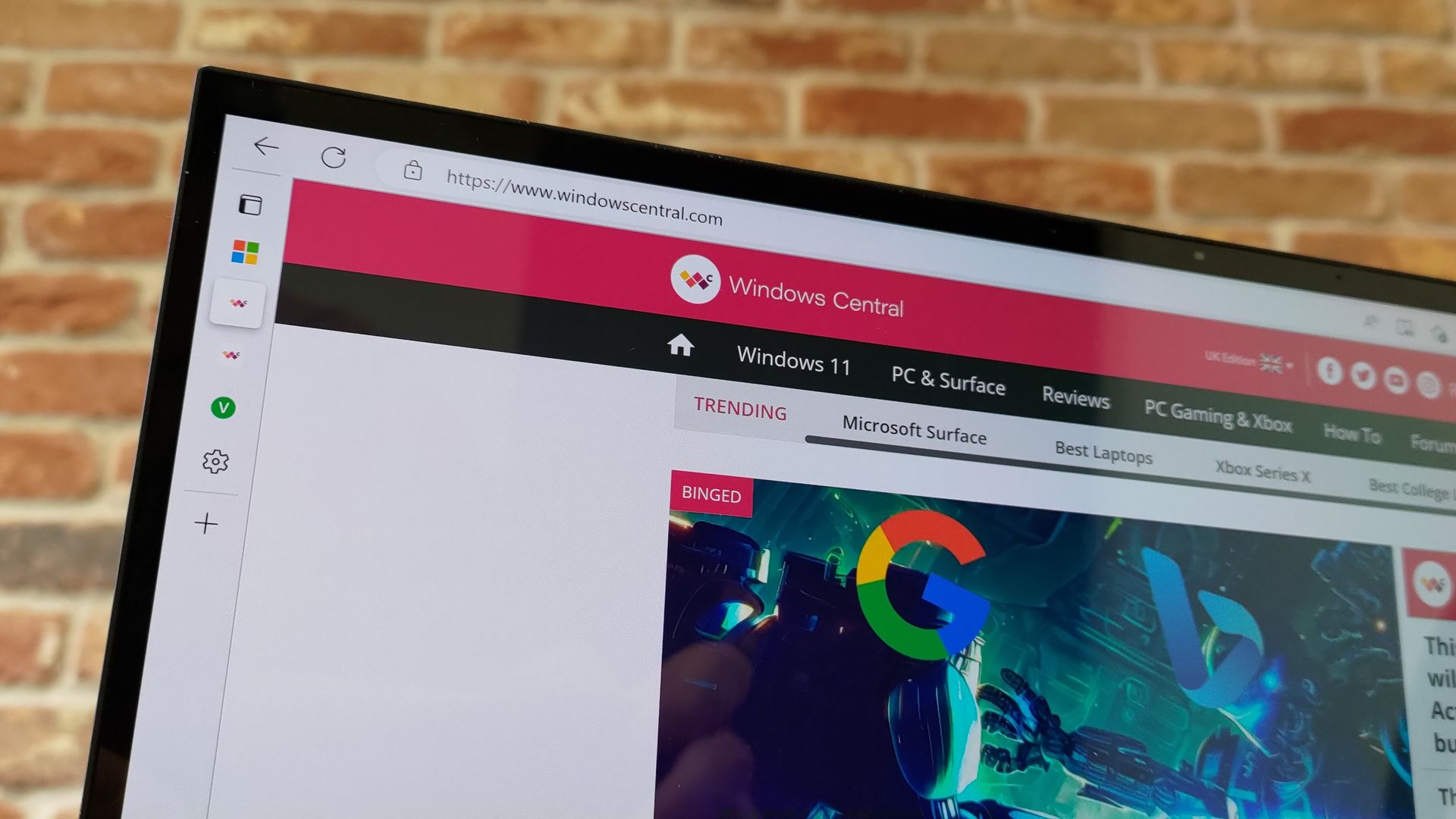
Microsoft Edge appears to have an AI tool on the way that will fix common issues within the browser. A page within the browser's settings app was spotted recently, though only for those using Edge Canary (a preview version of the app).The feature was first spotted by Leo Varela, who keeps track of changes to Edge and Chrome. Varela noted that the icon for "Fix an issue" is a magic wand, which suggests it could be an AI tool. Microsoft often uses a similar icon to
Microsoft Edge appears to have an AI tool on the way that will fix common issues within the browser. A page within the browser's settings app was spotted recently, though only for those using Edge Canary (a preview version of the app).
The feature was first spotted by Leo Varela, who keeps track of changes to Edge and Chrome. Varela noted that the icon for "Fix an issue" is a magic wand, which suggests it could be an AI tool. Microsoft often uses a similar icon to denote AI features.
Early hints of the feature appeared back in May. The latest version of Edge Canary shows a basic interface for the tool, but the feature is not functional yet.
The interface has a text box for describing an issue and also shows a list of four suggestions, such as "Fix videos that won't play" and "Help me sign in."
Edge's new "Fix an issue" settings page now displays a prompt box where you can type what you need help with. There are also four suggestion chips at the top that automatically fill the text field with prewritten prompts. Currently, clicking "Get help" throws an error: https://t.co/DUunhc4FZpSeptember 12, 2026
Earlier this year, Varela discovered the same feature in a different section of Edge's settings. That listing noted that the feature would use AI to analyze relevant diagnostic data to identify an issue and suggest a solution.
It's normal to see features like this bump along through various preview channels, but it's a bit odd that "Fix an issue" does not appear in the AI at Work Roadmap (previously known as the Microsoft 365 Roadmap).
For example, watermarking protection is on the way to Edge and is not expected to ship to the browser for months, but it is already on the AI at Work Roadmap.
Microsoft has a new competitor, and it's not a big name like Google or Apple. A developer named Brandon Thomas has created open-source replications of Microsoft Word, Excel, and PowerPoint using AI. Thomas made headlines recently for using AI to replicate the Adobe suite, and he has now pointed his AI agents at Microsoft 365.GridCraft (Excel clone), DeckCraft (PowerPoint clone), and WordCraft (Word clone) are made using Claude. They're free to download and you ca
Microsoft has a new competitor, and it's not a big name like Google or Apple. A developer named Brandon Thomas has created open-source replications of Microsoft Word, Excel, and PowerPoint using AI. Thomas made headlines recently for using AI to replicate the Adobe suite, and he has now pointed his AI agents at Microsoft 365.
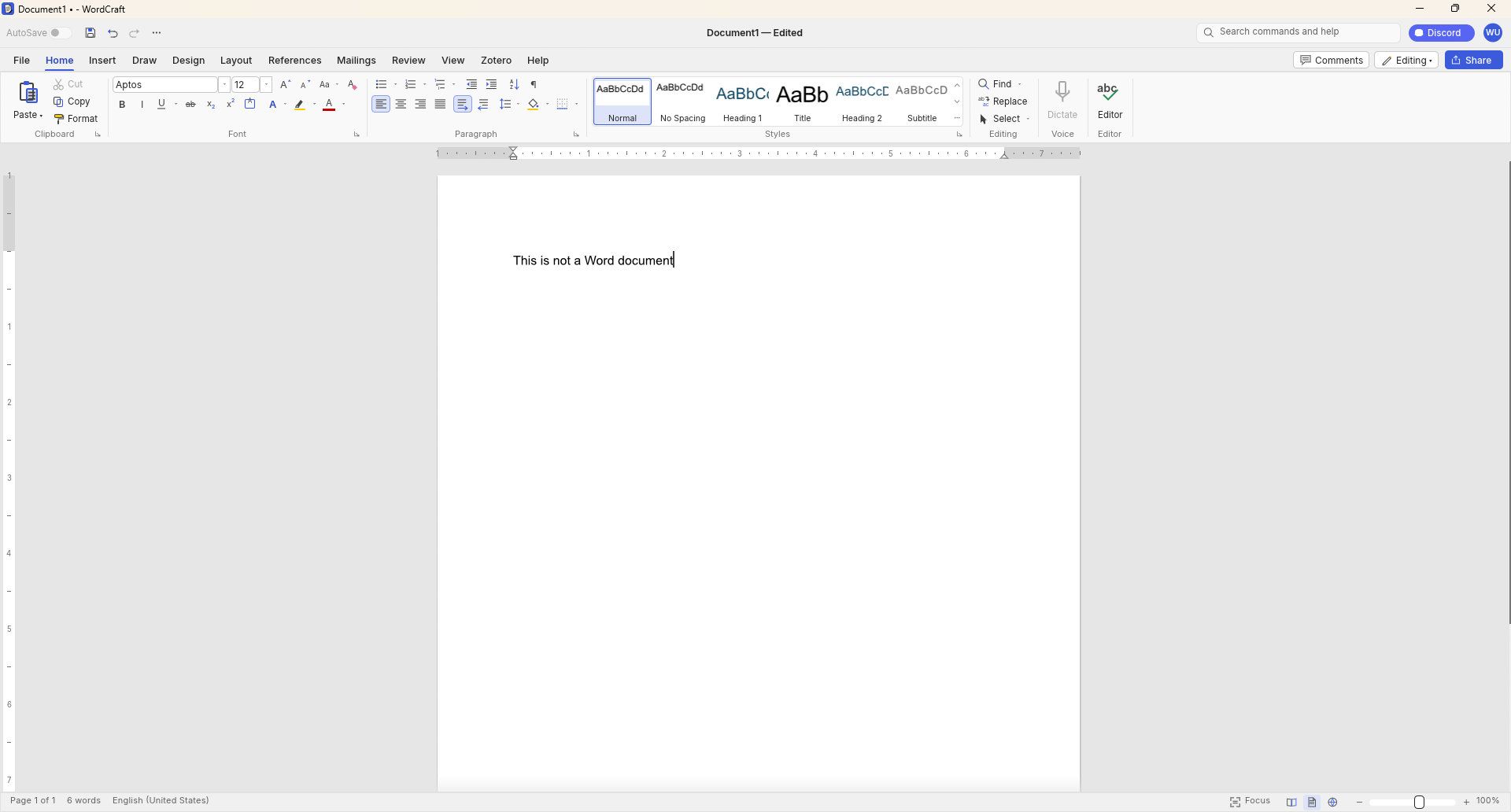
GridCraft (Excel clone), DeckCraft (PowerPoint clone), and WordCraft (Word clone) are made using Claude. They're free to download and you can read more about their development through the ArtCraft GitHub page.
WordCraft uses a familiar ribbon interface and document layout that closely resembles Microsoft Word. (Image credit: Future)
Thomas now has a growing suite of app clones that aim to replicate the functionality and design of the popular suites from Adobe and Microsoft. The situation was summed up brilliantly by Reddit user "EngFL92" who said, "Begun, the clone wars have."
Windows Central take: Proving a point
The concept of replicating apps is nothing new. LibreOffice has been available for years and there are a plethora of apps similar to Word, PowerPoint, Excel, and other Microsoft 365 applications.
WordCraft and other applications made by Thomas are important because they ask the question, "Can AI be used to replace paid industry-leading software suites."
At the moment, I'd say the answer to that question is "no." But the replica Office apps are in the alpha stage of development. We could see the feature gap close and bugs get squashed before general release, assuming Thomas decides to continue the project.
Shut your yap.Open Office / Libre Office sucks.It ate my 40 page essay during finals week.I'm paying back a grudge that has been years in the making.Stop dragging along shitty OSS software and venerating it like it's some holy relic. Let it die.October 13, 2026
Projects like this often gain notoriety quickly as they get shared online. Microsoft and Adobe are tech giants that charge a lot of money to access software. They're easy targets and I believe some of the passion against the companies is justified.
Thomas said on X that they're "paying back a grudge that has been years in the making," so there seems to be some history there.
Quite the media frenzy has formed around these apps. I suppose I'm a part of that, but I think some outlets have gone too far and argued that the AI-coded clones of the Adobe and Microsoft 365 suites are further along than they really are.
I appreciate the dedication to create apps that compete with some of the best-known software around. Projects like this can demonstrate that some people don't need to pay monthly subscriptions for their entire lives to get work done. But I'd suggest pumping the brakes on narratives along the lines of "vibe coding takes down tech giants in a month."
Join us on Reddit at r/WindowsCentral to share your insights and discuss our latest news, reviews, and more.
Microsoft's blueprint for making Windows 11 apps has received an update that allows developers to try more experimental features. WinUI Gallery just received a bump to version 3.0, and with that update comes a new approach to experimental features.WinUI Gallery is Microsoft's sample app for developers, showing how Windows UI components work and helping app makers build software that looks and behaves like a native Windows 11 application. It's available through th
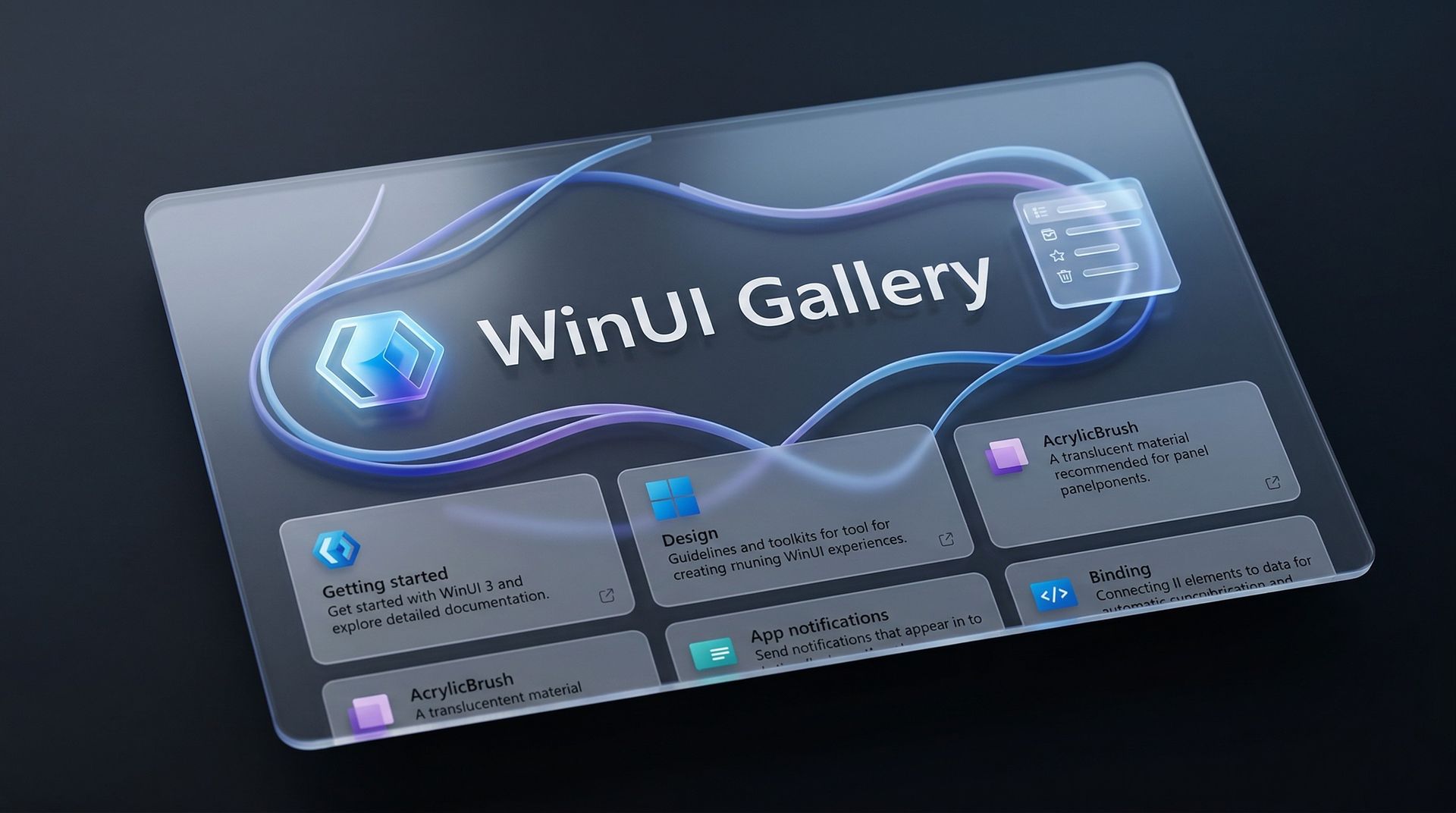
Microsoft's blueprint for making Windows 11 apps has received an update that allows developers to try more experimental features. WinUI Gallery just received a bump to version 3.0, and with that update comes a new approach to experimental features.
WinUI Gallery is Microsoft's sample app for developers, showing how Windows UI components work and helping app makers build software that looks and behaves like a native Windows 11 application. It's available through the Microsoft Store.
WinUI Gallery used to receive new controls after those controls had reached a stable Windows App SDK release. Because of that, Microsoft was limited in how much it could change those controls based on feedback. WinUI Gallery now includes the experimental Windows App SDK so developers can play with new controls earlier and provide feedback to Microsoft in time to drive changes.
🚀 WinUI Gallery 3.0 is here!Starting with this release, we're embracing Experimental versions of the Windows App SDK, giving you earlier access to new control/API samples so you can try them out more easily, share feedback, and help shape what's next!And this release is packed with new controls! 🚀✒️ Inking in WinUI!!📑 TableView📊 Charts🔢 Pagination control🪟 Simpler windowing APIs🎁 WrapPanel and StackLayout✨ And much more!Learn more👇:https://t.co/srgiSPUI29October 13, 2026
WinUI Gallery 3.0 also adds some quality of life changes that are outlined by Niels Laute, a Senior Product Manager at Microsoft:
Mouse back and forward buttons now navigate through the Gallery, just like in your browser (#2195), thanks @hoshiizumiya!
Search finds more. Every control page now has search tags, so searching for terms like “context menu”, “carousel”, or “WCAG” finds the right page even when the query doesn’t match the control’s name (#2185).
No more dead ends. When a search has no results, you now see your query, a few search tips, and a button to view all samples (#2255), thanks @Zakariathr22!
Since experimental controls are now in WinUI Gallery 3.0, there are several new samples available in the app, including TableView, Charts, and Wrap Panel and LayoutPanel. Those controls allow apps to present data in a way that's easier to digest.
WinUI Gallery is an app that everyday PC users will likely never download or even see. But it's an important tool for developers who want to create modern applications. The latest update should lead to more quality apps being available on Windows 11.
What is WinUI Gallery?
WinUI Gallery is a developer tool that acts as a digital showroom for Windows app development. Developers can see what UI elements look like on a PC by using the app and see relevant code samples to help create applications that align with Microsoft's design framework and guidelines.
Microsoft has had some form of a digital showroom since 2018, but the app has gone through a few name changes. Its current name is a bit confusing because of similar terms being used in different settings.
The latest update to WinUI Gallery brings that app to version 3.0, so it's referred to as WinUI Gallery 3.0. But despite the similar name, that is different than WinUI 3, which is the framework developers currently use.
Regardless of its slightly confusing name, WinUI Gallery is a useful tool for app development and helps push developers toward making apps that perform well and appear natural on Windows 11 PCs.
Join us on Reddit at r/WindowsCentral to share your insights and discuss our latest news, reviews, and more.

 Connexion