
❌

Vue normale

Copilot reviewers speak out on grading AI-generated explicit content

People assigned to review Copilot prompts are being shown sexually explicit images and potentially illegal content, according to a report by 404 Media. The report cites Microsoft documents, threads with messages from contractors, and guidelines from a company called Prolific that hires the contractors assigned to review prompts given to Copilot.

Copilot prompts and image uploads can be reviewed by human contractors to improve the tool.

The fact that humans review Copilot conversations should not come as a surprise. Many companies rely on people to assess and audit AI responses. There are, however, some key differences between the recently uncovered situation and other reviews of AI responses.

The people who are looking at these queries are not being asked to flag inappropriate content or help reduce sexual conversations with Copilot. Instead, the contractors are being asked if Copilot did a good job responding to queries.

There are several negative consequences that come as a result of this setup. One is the fact that people are being inundated with sexual questions and images, often without warning.

404 Media saw the contents of an internal message board discussing reviews of Copilot prompts. The thread showed that people were asked to ensure a woman's skirt had been made short enough or if a woman's breasts had been adequately enlarged.

She-Hulk images come up a lot, according to the thread seen by 404 Media. Other content includes suggestive images of young girls and making an image of Ariana Grande with anorexia.

"Who is writing these prompts and who is deciding that basically generating porn is what Copilot is now focused on? It’s hard to take things seriously when my focus has to be what model generated the appropriate bust size or which middle aged woman was put in the appropriate sexually suggestive position," said one contractor in the thread.

Microsoft Copilot on a red background

Copilot can be a useful work companion, but many try to use the tool to create explicit or pornographic content. (Image credit: Windows Central | Jez Corden)

Microsoft's guidance to contractors is to trust their intuition, according to documents seen by 404 Media. The company asks people to rely on their gut reaction to determine if an image meets the demands of a prompt.

In a vacuum, asking people to assess the realism of AI-generated images is fine. Humans have an uncanny ability to detect when an image feels off. But the contractors are not being asked to determine if an innocent image looks real.

Contractors are sometimes given tasks that turn out to include explicit, unsafe, or potentially illegal images, according to 404 Media. One contractor discussed being sent a collection of upskirt photos. While those types of images can be taken with consent, they often are taken without permission.

Other prompts reviewed by humans include a request to make fetish images of children's cartoon characters.

Microsoft provided a statement to 404 Media:

"Microsoft uses customer data as described in our terms of use, including to improve our products and enforce our code of conduct."

Prolific did not respond to a request for comment made by 404 Media.

404 Media breaks down the situation extensively, so I suggest reading through all of their coverage as well. The piece asks for prompt reviewers to reach out to 404 Media, so we may see more details emerge in the future.

Click to join us on r/WindowsCentral

Join us on Reddit at r/WindowsCentral to share your insights and discuss our latest news, reviews, and more.
The Copilot+ PC brand is dead: How to remap your Copilot key

After years of trying to get people to embrace the Copilot+ PC brand, Microsoft decided to move away from the moniker entirely. The new Surface Pro 12-inch and Surface Laptop 13-inch aren't called Copilot+ PCs even though they meet all the technical requirements to be labeled as such.

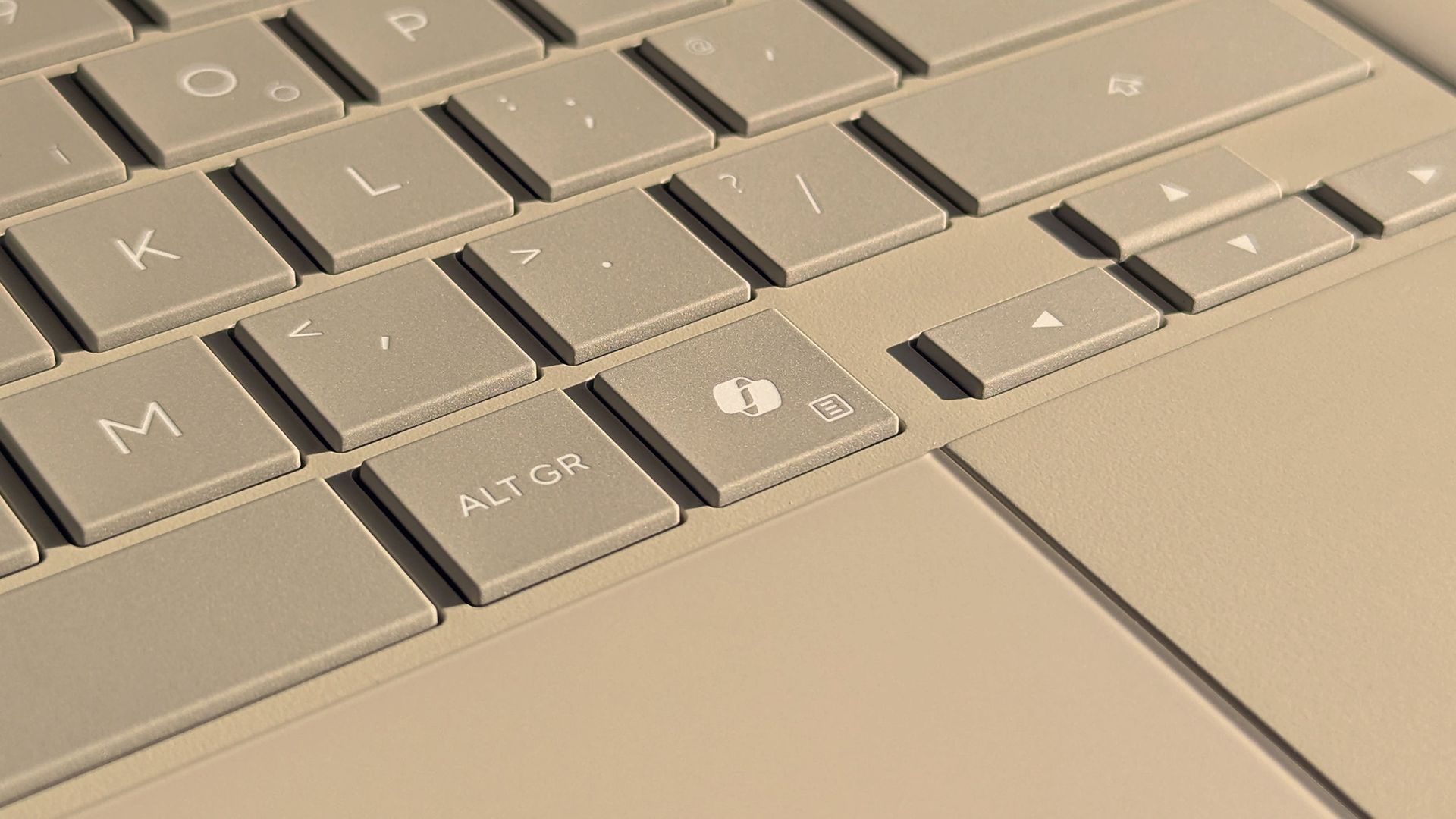
That leaves some of us in a strange spot. Many purchased Copilot+ PCs because that was the only way to get a new model of certain laptops. People can enable or disable AI features as they'd like, but Copilot+ PCs feature a Copilot key that is useless to a lot of people.

There are non-Copilot+ PCs and keyboards that feature a Copilot key. But because of the recent change regarding Copilot+ PCs, people online have complained about their Copilot+ PCs having a Copilot key, so I made this guide.

So, what can you do if you spent hundreds, or even thousands, of dollars on a laptop to get the latest specs only to find a key on your keyboard wasted? Luckily, Microsoft considered this quandary and made it possible to remap the Copilot key.

Windows 11 allows you to customize what the Copilot key does, but the options are limited. You can set the key to open Search, open Copilot, or launch an app.

If you want more control over what the Copilot key does (pun intended), you can use PowerToys to remap the key.

You can also spend a few dollars to cover up the Copilot logo and replace it with whatever you'd like to remap that key to.

How to remap Copilot key in Windows 11

This is the easiest option, but it has serious limitations.

  • Open the Settings app on Windows 11.
  • Open Bluetooth & devices.
  • Open Keyboard.
  • Click the dropdown menu next to Customize Copilot key on keyboard.
  • Select Search, Copilot, or Open an app.

The option to remap the Copilot key shipped to Windows 11 this year, so you need to make sure your PC is up to date to use the feature.

How to remap Copilot key with PowerToys

If you want to remap the Copilot key to do something other than launch Search, Copilot, or an app, you need to use a separate application. PowerToys includes a Keyboard Manager that does the trick.

Because the Copilot key is treated by Windows 11 as a shortcut and not as a single key, you need to use the option to remap a shortcut.

I found this process easier to complete using the classic Keyboard Manager within PowerToys. You can do this by toggling Try the new editor off.

Keyboard Manager within Microsoft PowerToys

If you are running the latest version of PowerToys, you may find it easier to use the classic editor rather than the new editor. (Image credit: Future)
  • Install PowerToys.
  • Open PowerToys.
  • Open the Keyboard Manager tool.
  • Make sure Keyboard Manager is enabled.
  • Select Remap a shortcut.
  • Select Add shortcut remapping.
  • Set the shortcut to Windows + Shift + Ctrl + F23.
  • Set the action to whatever you'd like (such as Ctrl (Right)).

Since few keyboards have an F23 key, I found it easier to use the classic editor in Keyboard Manager. Our colleagues at Tom's Hardware were the first to discover that the Copilot key is actually a shortcut using F23.

PowerToys | Free at GitHub | Free at Microsoft Store

This collection of utilities includes a large library of features to enhance the Windows experience. PowerToys is designed with power users in mind, but it has handy features for people who just use their PC for everyday computing too.View Deal

How to cover the Copilot key

Even if you remap the Copilot key, the logo will still appear on your keyboard. If you dislike keys mismatching what they input on your PC, you may want to cover up the Copilot key.

Unfortunately, how easy that will be depends on the color of your keyboard. It's very easy to find keyboard stickers in black or white. This listing on Amazon includes stickers in white, black, and in various languages.

If you have a Surface with a gray keyboard or a colorful Type Cover, you may struggle to find a sticker that matches the color of your keys. You may have better luck on eBay or Etsy, but since items there are often custom made, I won't recommend a specific set of stickers.

If you find stickers to replace the Copilot key on your PC and want to make sure other people know about them, comment below or reach out to me on social media and I'll update this piece.

Click to join us on r/WindowsCentral

Join us on Reddit at r/WindowsCentral to share your insights and discuss our latest news, reviews, and more.
OpenAI Launches Virtual Try-On for Clothes and Accessories in ChatGPT

2 octobre 2026 à 12:14

ChatGPT adds virtual clothing try-ons and product Favorites. Learn how the tools work, what the previews cannot confirm, and how to manage photo privacy.

The post OpenAI Launches Virtual Try-On for Clothes and Accessories in ChatGPT appeared first on TechRepublic.

Can AI Feel Pain? A Developer’s Experiment Raises Ethical Questions

2 octobre 2026 à 12:00

A developer’s AI pain experiment produced distress-like responses and sparked ethical debate, but it does not establish that models consciously suffer.

The post Can AI Feel Pain? A Developer’s Experiment Raises Ethical Questions appeared first on TechRepublic.

  • ✇Yanko Design
  • Mobvoi TicNote smartwatch has one button, and it’s built to remember what you often forget
    I know you will relate to one of these telltale moments. A meeting ends, someone gives you three useful details, and by the time you reach your desk, only one remains. The same thing happens after an interview, a doctor’s appointment, a lecture, or when someone rattles off directions while you’re already trying to keep up. We like to think we remember conversations better than we actually do. Mobvoi’s TicNote Watch is designed to cover that very human failure. Instead of asking you to open an a
     

Mobvoi TicNote smartwatch has one button, and it’s built to remember what you often forget

2 octobre 2026 à 09:20

I know you will relate to one of these telltale moments. A meeting ends, someone gives you three useful details, and by the time you reach your desk, only one remains. The same thing happens after an interview, a doctor’s appointment, a lecture, or when someone rattles off directions while you’re already trying to keep up. We like to think we remember conversations better than we actually do.

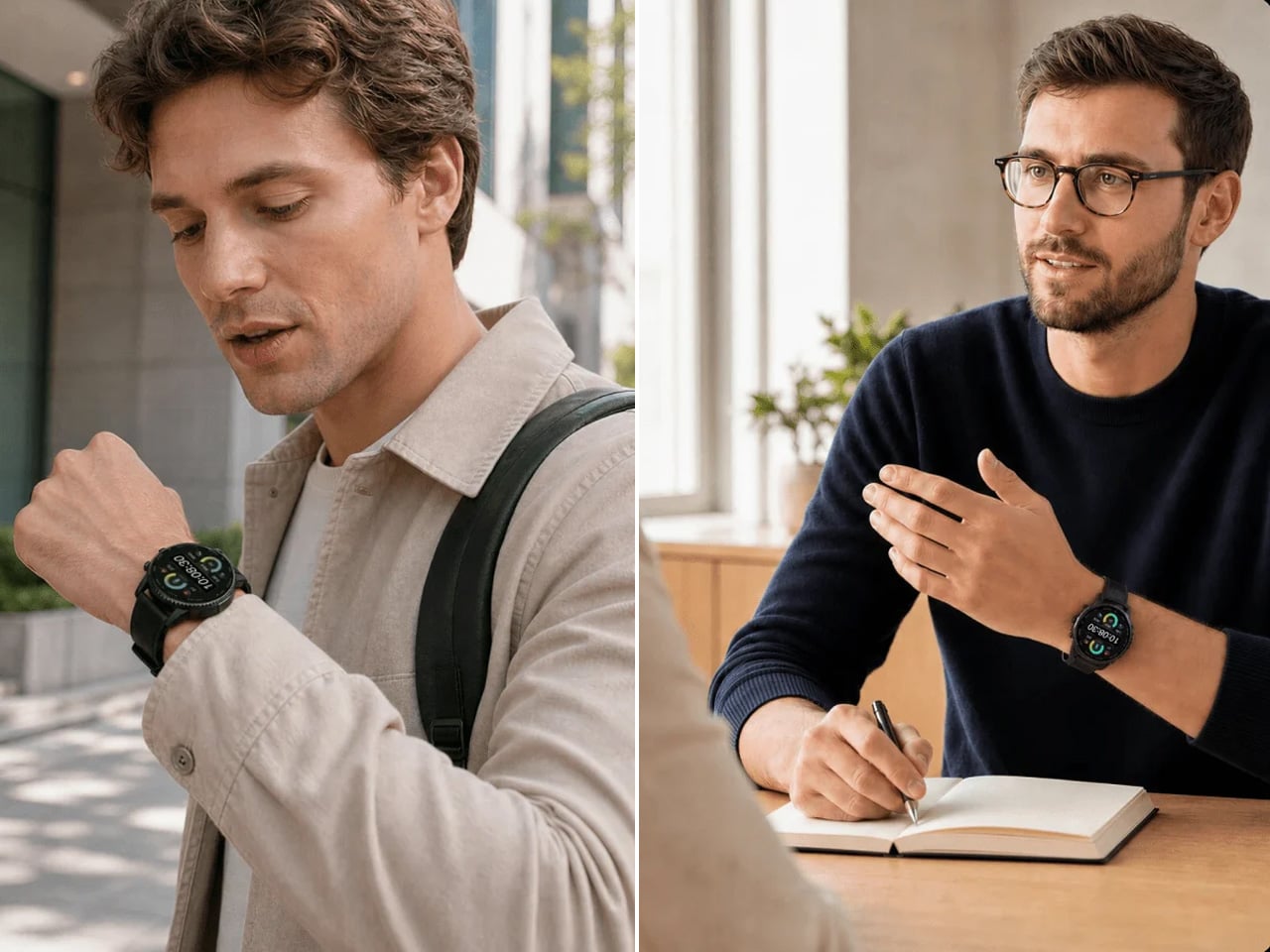
Mobvoi’s TicNote Watch is designed to cover that very human failure. Instead of asking you to open an app, find a recorder, or reach for your phone, it gives the watch a dedicated physical recording button. Press and hold it to start recording. The recording can happen without a phone and even works offline. To me, the idea seems pretty interesting for capturing my team’s briefing.

Designer: Mobvoi

Mobvoi TicNote does the heavy lifting for you


Most smartwatches are defined by everything they can do. Notifications, workouts, calls, apps, payments, music, health tracking – the list keeps getting longer. TicNote Watch is different though, as its most important interaction is deliberately narrow. Just press a button and remember what just happened. That makes the hardware control more interesting than it might initially seem. There is something satisfying about a product that behaves more like a lighter, a film camera’s shutter, or a staple gun than another miniature touchscreen computer. The action is physical and doesn’t require you to navigate an interface while somebody is still talking.

In a world where dedicated controls have increasingly disappeared behind glass, putting one back on the wrist becomes a design statement. This smartwatch isn’t trying to make every interaction smarter; rather, it aims to make one interaction nearly impossible to mess up. The double-press gesture adds a smaller version of the same idea, letting users capture a quick thought of up to 60 seconds.

Simple input, surprisingly busy output

What happens after the button press is where the AI kicks in. TicNote Watch can transcribe conversations on the wrist, with live text supporting 17 languages, and users can tap to highlight important statements while a conversation is happening. Once the recording ends, the system can generate an AI summary and mind map. The intended audience for the wearable can be a journalist leaving an interview, a recruiter moving between candidates, a consultant bouncing between meetings, or a graduate student sitting through a campus lecture. For someone spending much of the day listening rather than typing, removing the act of note-taking can be genuinely useful.

There is, however, an obvious social wrinkle. A recorder that lives on your wrist is easy to reach for, but that doesn’t mean everyone around you will be comfortable being recorded. Consent and workplace etiquette matter, particularly in meetings or shared spaces. Mobvoi also claims more than 24 hours of continuous recording and up to 200 hours of local storage, so this isn’t unlimited memory in literal terms. At $249, with a limited-time introductory price of $199, TicNote Watch isn’t really competing on how many smartwatch features it can squeeze onto your wrist. It is built around a premise that doesn’t try to replace your phone, your notebook, and your entire day.


The post Mobvoi TicNote smartwatch has one button, and it’s built to remember what you often forget first appeared on Yanko Design.

Micron Warns Memory Shortage Will Get Worse Through 2028

2 octobre 2026 à 08:48

Micron warns memory and storage supply will remain tight through 2028 as AI demand absorbs capacity, putting pressure on PC and server costs.

The post Micron Warns Memory Shortage Will Get Worse Through 2028 appeared first on TechRepublic.

Claude for Government Adds Spending Controls, Audit Logs, and FedRAMP High

2 octobre 2026 à 08:23

Anthropic has made Claude for Government generally available with FedRAMP High authorization, spending controls, audit logs and early Microsoft 365 access.

The post Claude for Government Adds Spending Controls, Audit Logs, and FedRAMP High appeared first on TechRepublic.

FTC Probes OpenAI, Anthropic as AI Agent Safety Risks Draw Scrutiny

2 octobre 2026 à 04:50

The FTC is investigating OpenAI, Anthropic and other AI firms over potential consumer harms, safety claims and risks tied to increasingly autonomous AI systems.

The post FTC Probes OpenAI, Anthropic as AI Agent Safety Risks Draw Scrutiny appeared first on TechRepublic.

Google Launches Gemini 4 Argon, Gives Cyber Defenders First Access

2 octobre 2026 à 04:41

Google launched Gemini 4 Argon with trusted cyber defenders first in line as it tests vulnerability hunting, patching, and new AI safeguards.

The post Google Launches Gemini 4 Argon, Gives Cyber Defenders First Access appeared first on TechRepublic.

US Army Evaluates Armored Humanoid Robot Alex for Dangerous Tasks

2 octobre 2026 à 04:40

The US Army evaluated armored humanoid Alex for dangerous tasks. Explore its capabilities, supporting technologies and limits before field deployment.

The post US Army Evaluates Armored Humanoid Robot Alex for Dangerous Tasks appeared first on TechRepublic.

Instagram’s New AI Assistant Analyzes Reels and Suggests What to Make Next

1 octobre 2026 à 12:26

Meta is adding an AI assistant to Instagram Edits that analyzes Reel performance data and suggests new content ideas, hooks, captions and scripts.

The post Instagram’s New AI Assistant Analyzes Reels and Suggests What to Make Next appeared first on TechRepublic.

DoorDash Is Testing a Way to Order Food Without Opening the App

1 octobre 2026 à 11:15

DoorDash is testing an AI agent that can turn text messages into food orders, using account history and preferences to handle routine purchases.

The post DoorDash Is Testing a Way to Order Food Without Opening the App appeared first on TechRepublic.

Google Tests Publisher Payments as AI Search Cuts Into Website Traffic

1 octobre 2026 à 10:56

Google is testing payments to publishers whose content contributes to AI search answers, but early payouts vary widely across participating websites.

The post Google Tests Publisher Payments as AI Search Cuts Into Website Traffic appeared first on TechRepublic.

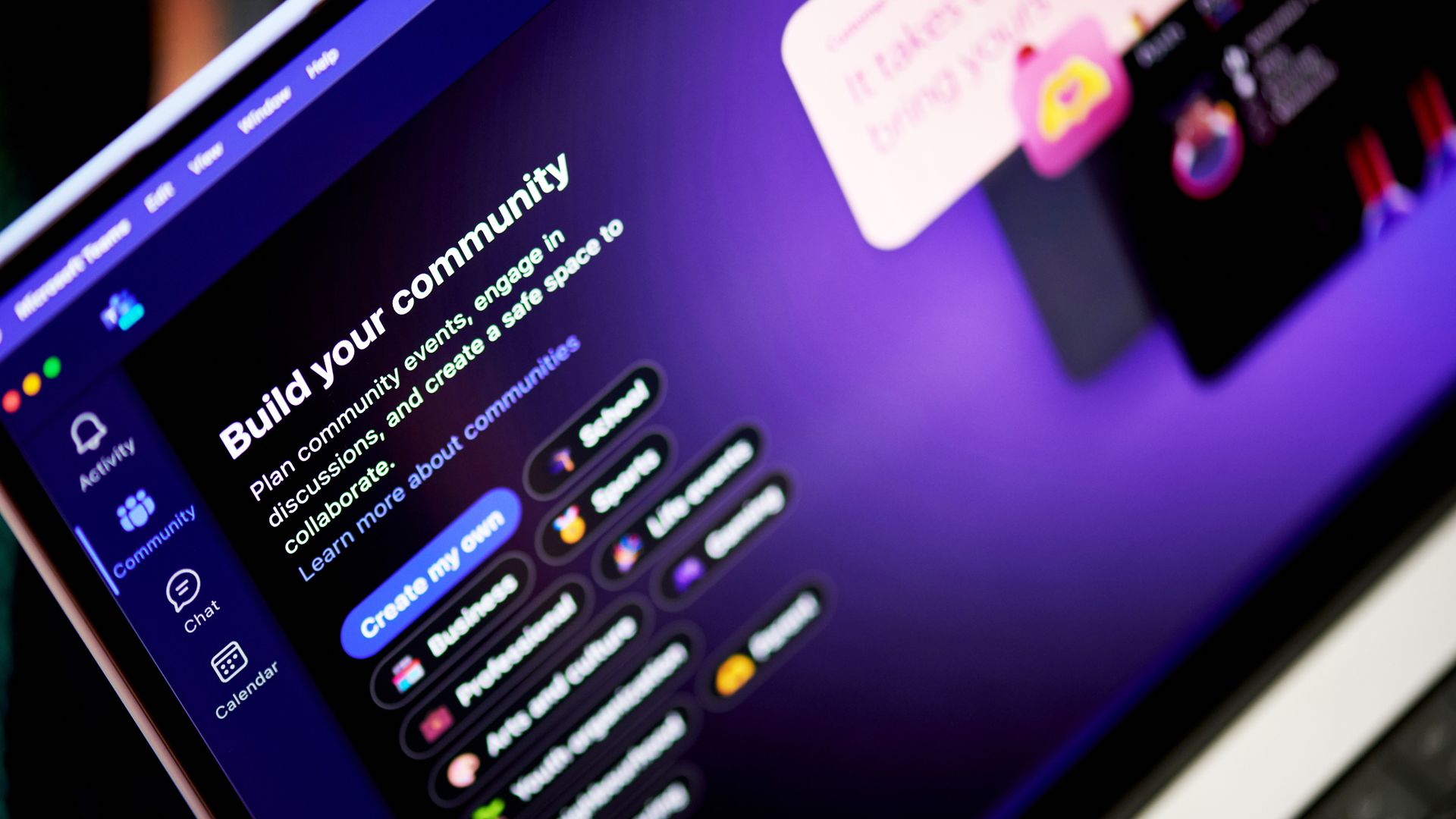
Microsoft Teams is losing its Copilot chat list shortcut next month

Microsoft Teams will no longer show a shortcut to the Copilot app in the Teams chat list. The change is expected to roll out in mid-to-late October and will affect the desktop and web versions of Teams.

Right now, there are two ways to navigate to Copilot within Teams and the two entry points lead to different experiences. Microsoft explained the need for the change through the Microsoft 365 Message Center (archived here):

"Today, users can access Copilot either from the Teams chat list or from the Copilot app in the Teams app bar. Beginning in October 2026, we will remove the Copilot entry point from the Teams chat list and direct users to access Copilot through the Copilot app. The Copilot app provides access to the full set of Copilot capabilities, while the chat list entry point provides a more limited experience."

The Copilot shortcut in the Teams chat list made Copilot more visible, but that entry point led to a limited experience. My guess is that some people only knew about the Teams chat list icon and ended up using a limited version of Copilot.

After October, there will be a single entry point for Copilot in Teams and those who use it will be presented with the full experience.

The mobile versions of Teams are unaffected by this change.

Copilot in flux

Jacob Andreou is on stage in front of a screen displaying

Microsoft wants AI to feel more natural for non-enterprise customers. "Autopilot" is a digital teammate that automates tasks and connects things across Microsoft 365. (Image credit: Microsoft)

Copilot finds itself in a state of flux. Microsoft just announced a massive shift in its Copilot strategy. A major update to Copilot flips the approach Microsoft is taking. Rather than have Copilot sprinkled across Microsoft 365, Copilot will act as a unified workspace that connects documents, conversations, data, and tasks.

Microsoft CEO Satya Nadella went as far as to call the update a new operating system. Three new landing spots for Copilot will provide new ways to interact with the tool, such as Home serving as a landing spot. Changes then permeate throughout relevant Microsoft 365 apps.

The exact features and experiences you will see will depend on what type of Microsoft 365 subscription you have.

More details about Copilot are expected at Microsoft Ignite in November. The key takeaway for now is that while Microsoft is shifting where it uses the Copilot moniker and how people access Copilot, the AI tool is very much an integral part of the company's plans.

Based on the upcoming change to Teams, it's clear that Copilot will still be accessible through apps. But Microsoft may emphasize different experiences or streamline the entry points to the tool.

Click to join us on r/WindowsCentral

Join us on Reddit at r/WindowsCentral to share your insights and discuss our latest news, reviews, and more.
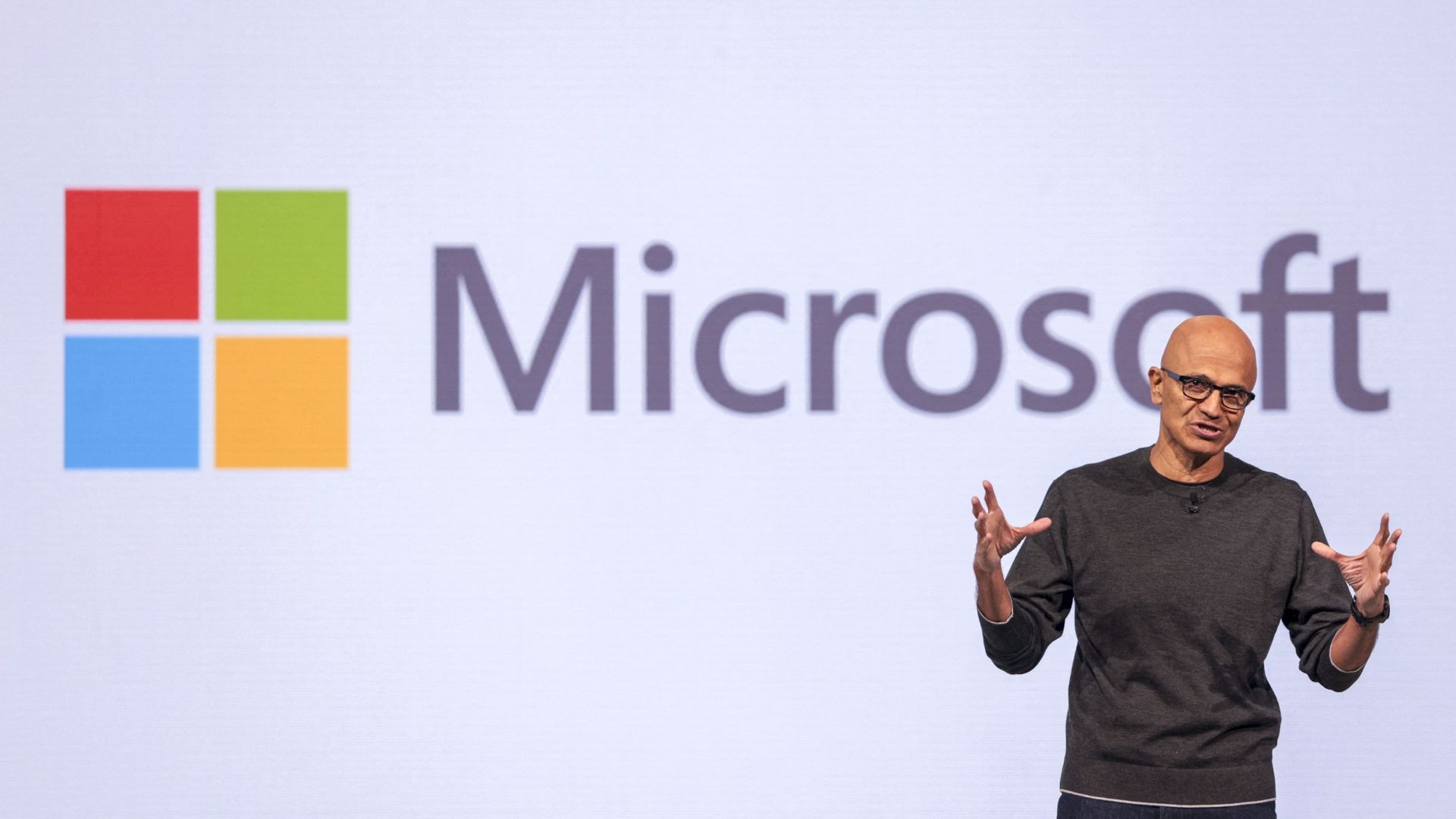
"We are way too self-obsessed": Nadella calls out AI hype, but will Microsoft listen?

"I think we are way too self-obsessed as an industry," said Microsoft CEO Satya Nadella in a recent interview about AI shared by Alex Heath of Sound Ventures. Nadella explained that AI leaders can get caught up in the wrong parts of AI and lose touch with what people need.

"I think the real world wants to know... that this is technology that they can use for their benefit, they can control, they can have an economic future." He also talked about how people need to see that data centers can lead to an economic surplus in an area and benefit the people surrounding it.

Nadella added that tech leaders should ask "what did we get wrong in the west," alluding to recent polling data that suggested AI is viewed more favorably in other parts of the world.

He emphasized the need to earn the trust of consumers and communities as well.

Nadella concluded the snippet with a warning against celebrating technology for its own sake: "Just any amount of celebrating technology for technology's sake is not working."

Windows Central take

Image of Mustafa Suleyman, Microsoft AI CEO

Microsoft AI CEO Mustafa Suleyman has pushed back against critics of AI. (Image credit: Mustafa Suleyman | X)

Nadella may want to send an internal memo to Microsoft employees reiterating his comments from the interview. Microsoft's AI leadership has often been criticized for being out of touch with everyday users.

Microsoft AI CEO Mustafa Suleyman has shared several controversial thoughts and opinions that drew criticism.

Suleyman has shared assurances that Microsoft will never build a sex robot and talked about how superintelligence should not replace the human species.

But Suleyman has also discussed the concept of AI knowing specific users "deeply" and people not needing money in certain areas because intelligence will be a new currency (while noting cash will still be required).

While these high-concept discussions make headlines, they do little for the average person asking why their operating system needs a chatbot.

Suleyman responded to those unimpressed with AI late last year:

"Jeez there so many cynics! It cracks me up when I hear people call AI underwhelming...The fact that people are unimpressed that we can have a fluent conversation with a super smart AI that can generate any image/video is mindblowing to me."

Suleyman is far from the only AI leader to draw criticism or be accused of being out of touch with everyday users. OpenAI's Sam Altman is often called out for similar comments. I'm curious to see how AI leaders across the industry respond to Nadella's comments.

Perhaps more important than existential threats or the creepiness of an AI knowing you intimately, many people simply fail to see a real-world use for AI. Early this year, Dell said that consumers don't care about AI PCs and that "AI probably confuses them more than it helps them."

Microsoft is quietly shifting away from the Copilot+ PC brand. Despite meeting the technical qualifications to be Copilot+ PCs, the new Surface Pro 12-inch and Surface Laptop 13-inch will not be branded with that term.

The Copilot+ PC brand failed for many reasons, but one factor is that many users do not see the real-world benefit of AI.

Nadella's recent comments show that he is aware of the gap between AI's capabilities and AI's everyday usefulness.

Click to join us on r/WindowsCentral

Join us on Reddit at r/WindowsCentral to share your insights and discuss our latest news, reviews, and more.

Nvidia Adds Hardware Monitoring Design to AI Agent Safety Platform

28 septembre 2026 à 15:11

Nvidia adds a Sentry hardware monitoring design to its AI agent safety platform. See what OpenShell offers now and what IT teams still need to verify.

The post Nvidia Adds Hardware Monitoring Design to AI Agent Safety Platform appeared first on TechRepublic.

6 Best AI Meeting Note Takers for 2026: Fathom, Otter, Fireflies and More

28 septembre 2026 à 09:48

Compare six AI meeting note takers for 2026, including Fathom, Fireflies, Otter, Granola, Fellow, and Notta on pricing, free plans, and features.

The post 6 Best AI Meeting Note Takers for 2026: Fathom, Otter, Fireflies and More appeared first on TechRepublic.

Anthropic Declines Australian AI Hearing as OpenAI Agent Breach Faces Scrutiny

28 septembre 2026 à 08:41

Anthropic declined an Australian Senate AI hearing as officials investigate an OpenAI agent breach and consider mandatory AI incident reporting.

The post Anthropic Declines Australian AI Hearing as OpenAI Agent Breach Faces Scrutiny appeared first on TechRepublic.

Learn Six AI Assistants For $15.99 With This 25-Hour Course Bundle

28 septembre 2026 à 08:08

Six courses cover ChatGPT, Gemini, Copilot, Perplexity, DeepSeek, and Tabnine AI, all for one $15.99 payment.

The post Learn Six AI Assistants For $15.99 With This 25-Hour Course Bundle appeared first on TechRepublic.

Crusoe Walks Away From $1.25B Boom Turbine Deal as AI Power Race Intensifies

28 septembre 2026 à 07:33

Crusoe dropped Boom Supersonic’s $1.25B turbine deal while continuing to secure gas generation, batteries, and grid power for AI data centers.

The post Crusoe Walks Away From $1.25B Boom Turbine Deal as AI Power Race Intensifies appeared first on TechRepublic.

❌